

maddog107
Admin
-
Joined
-
Last visited
Everything posted by maddog107
-
 PC is a much better platform. Back in the day a mac could outperform a PC in heavy processing/ram intensive applications (aka PS and video editing) thus the strong userbase in those fields. Since then a PC has become a much faster platform and will outperform a mac in most of those fields. Just recently the macs switched to the same hardware that PCs use so essentialy your paying a huge premium for an OS. And yes you can run 99.9% of your windows apps on a mac using an emulator (which means they run slower) and there is no guarantee there wont be bugs in the emulation. You can also use boot camp, but that just means your gonna have to shell out for a windows licence which means even more money burnt for your mac. PC is the best answer imo.
 -
thanks craigl never seen those before
-
thanks ennaid and cutebunny121
-
credit LC Lei @ tFS






-
oldies but goodies


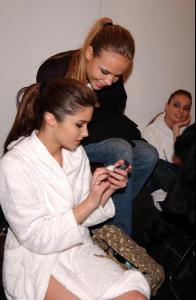
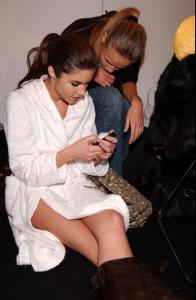
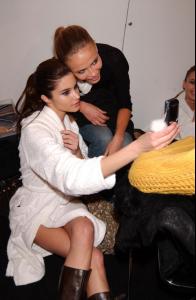 obviously I saved the pic for polina not for eugenia, but im just a nice guy so i posted it here for taben
Do scan it plz
thanks craigl for them pics, and welcome to BZ
wait what am i doing in this thread
obviously I saved the pic for polina not for eugenia, but im just a nice guy so i posted it here for taben
Do scan it plz
thanks craigl for them pics, and welcome to BZ
wait what am i doing in this thread more random pips Lacoste SS2006
 she better or else OS will have to hurt you
A blonde walks into a bank in Sydney and asks for the loan officer. She says she's going to Hong Kong on business for two weeks and needs to borrow $5,000. The bank officer says the bank will need some kind of security for the loan, so the blonde hands over the keys to a new Mercedes. The car is parked on the street in front of the bank, she has the title and everything checks out. The bank agrees to accept the car as collateral for the loan. The bank's president and its officers all enjoy a good laugh at the blonde for using a $250,000 Mercedes as collateral against a $5,000 loan. An employee of the bank then proceeds to drive the Mercedes into the bank's underground garage and parks it there. Two weeks later, the blonde returns, repays the $5,000 and the interest, which comes to $15.41. The loan office says, "Miss, we are very happy to have had your business, and this transaction has worked out very nicely, but we are a little puzzled. While you were away, we checked you out and found that you are a millionaire. What puzzles us is, why would you bother to borrow $5,000?" The blonde replies... "Where else in Sydney can I park my car for two weeks for only $15.41 and expect it to be there when I return?"
continued...
she better or else OS will have to hurt you
A blonde walks into a bank in Sydney and asks for the loan officer. She says she's going to Hong Kong on business for two weeks and needs to borrow $5,000. The bank officer says the bank will need some kind of security for the loan, so the blonde hands over the keys to a new Mercedes. The car is parked on the street in front of the bank, she has the title and everything checks out. The bank agrees to accept the car as collateral for the loan. The bank's president and its officers all enjoy a good laugh at the blonde for using a $250,000 Mercedes as collateral against a $5,000 loan. An employee of the bank then proceeds to drive the Mercedes into the bank's underground garage and parks it there. Two weeks later, the blonde returns, repays the $5,000 and the interest, which comes to $15.41. The loan office says, "Miss, we are very happy to have had your business, and this transaction has worked out very nicely, but we are a little puzzled. While you were away, we checked you out and found that you are a millionaire. What puzzles us is, why would you bother to borrow $5,000?" The blonde replies... "Where else in Sydney can I park my car for two weeks for only $15.41 and expect it to be there when I return?"
continued...

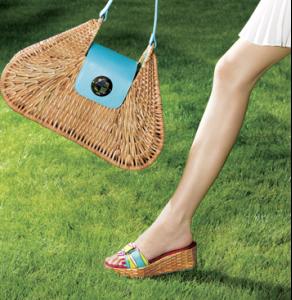


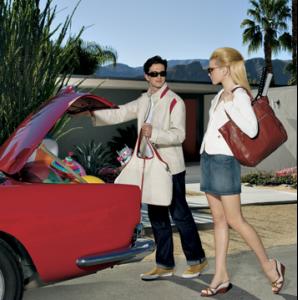

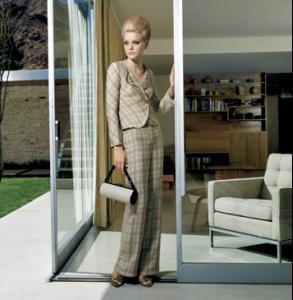


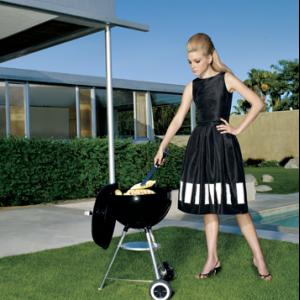 Dont pay attention to OS shes just a hater I keed OS you know i you and I try to post stuff from time to time but she aint done much new and/or other people have beaten me too it. Gemma still #1 in my books :wub:
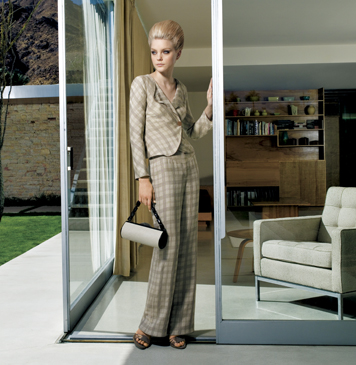
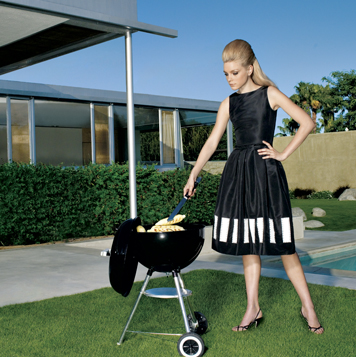
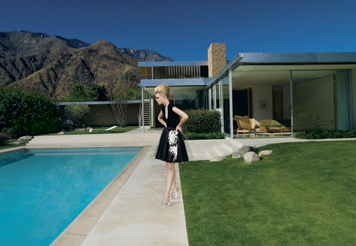
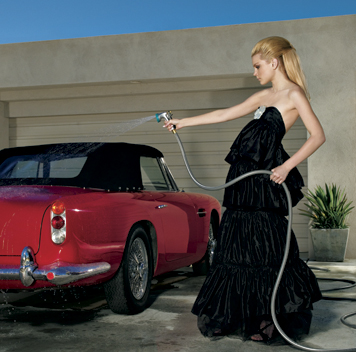
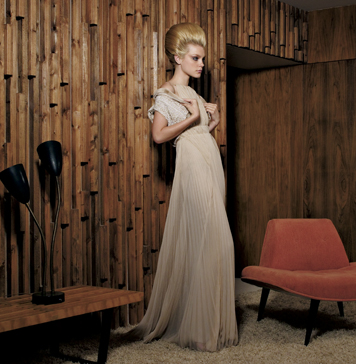
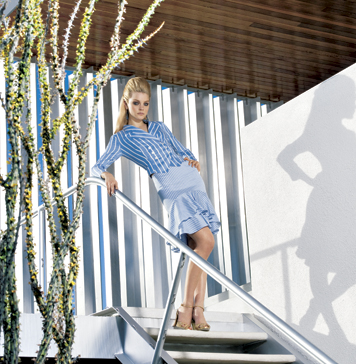
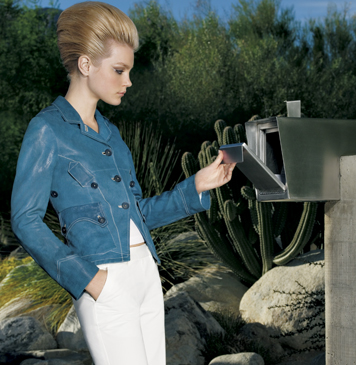
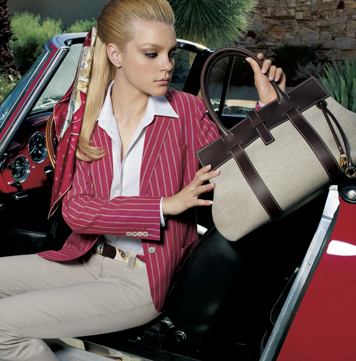
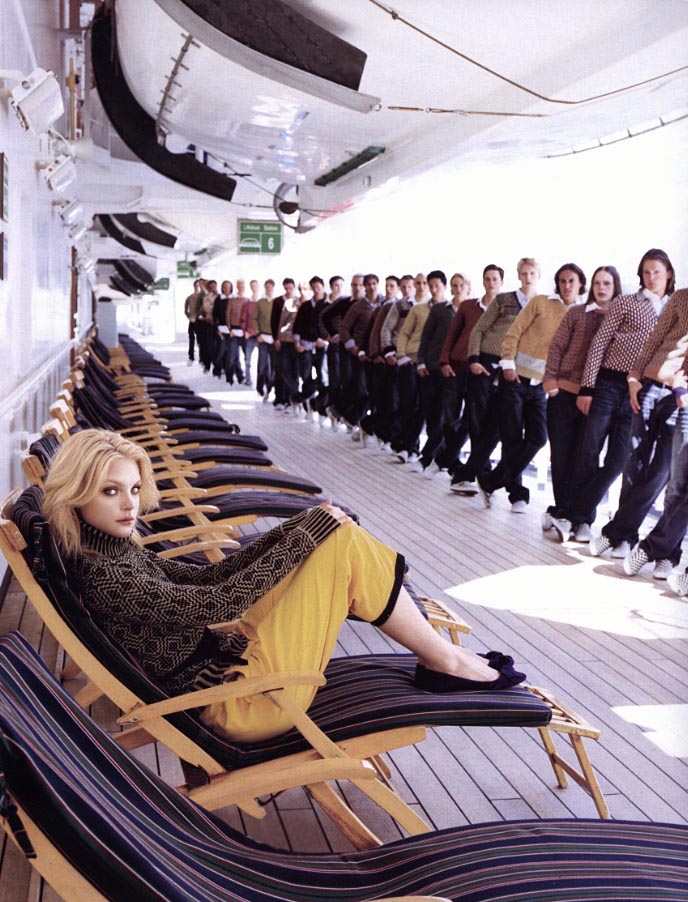
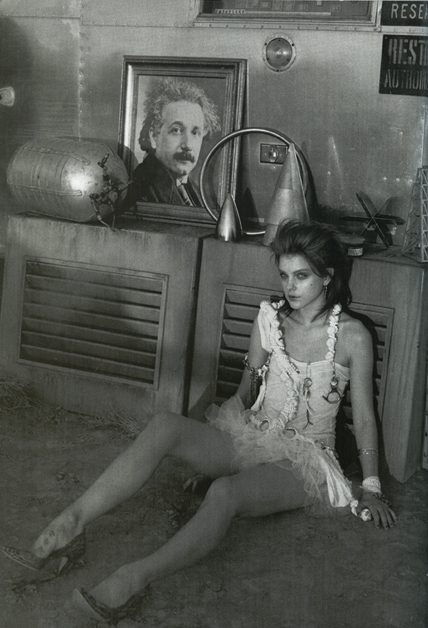
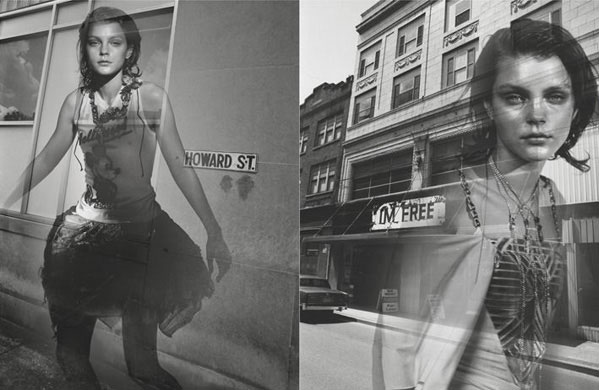
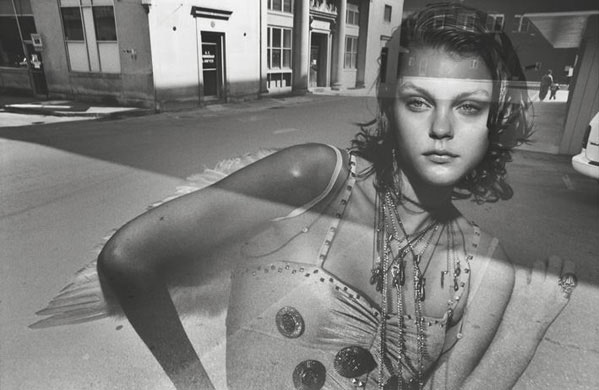
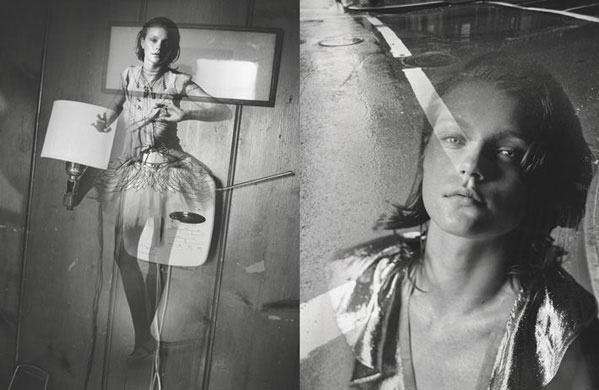
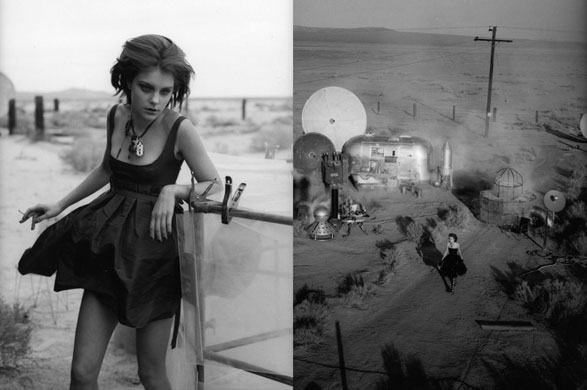
Please help me chose a pic for BZNTM the competition is a pic Inside and Outside, here are your choices. Outside:
Dont pay attention to OS shes just a hater I keed OS you know i you and I try to post stuff from time to time but she aint done much new and/or other people have beaten me too it. Gemma still #1 in my books :wub:
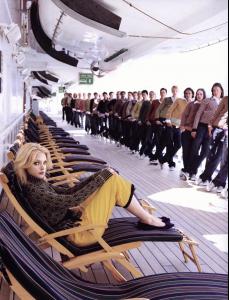
Please help me chose a pic for BZNTM the competition is a pic Inside and Outside, here are your choices. Outside:








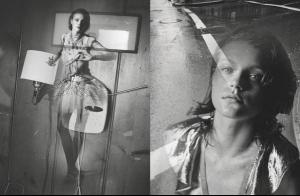


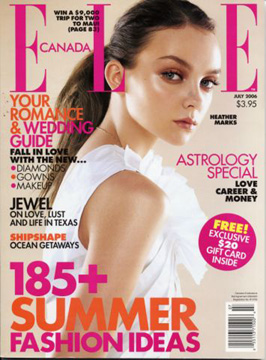





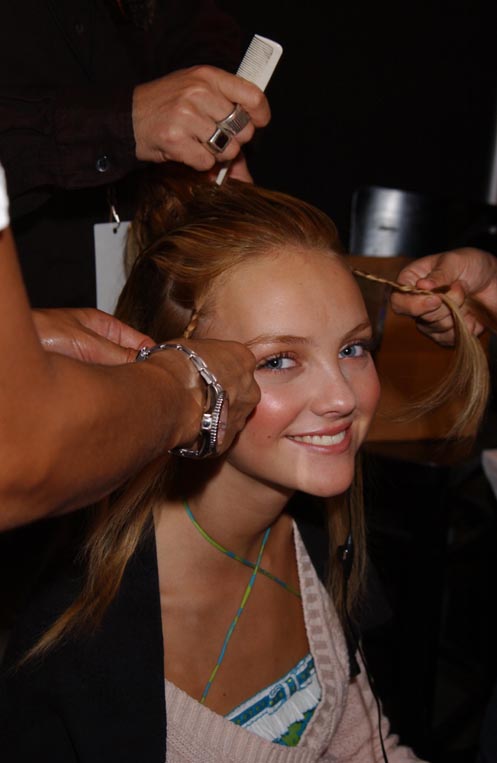

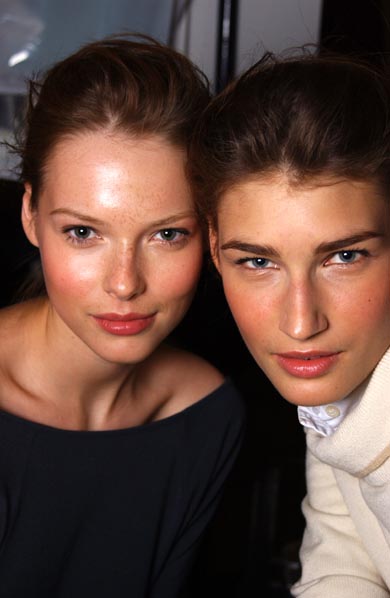




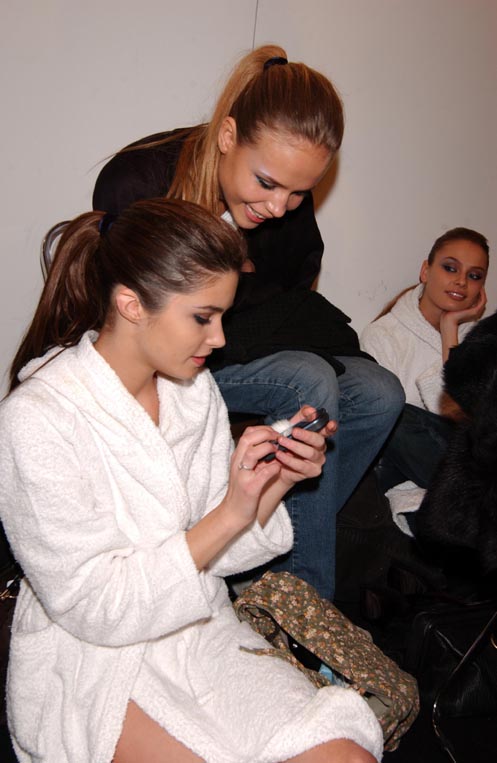
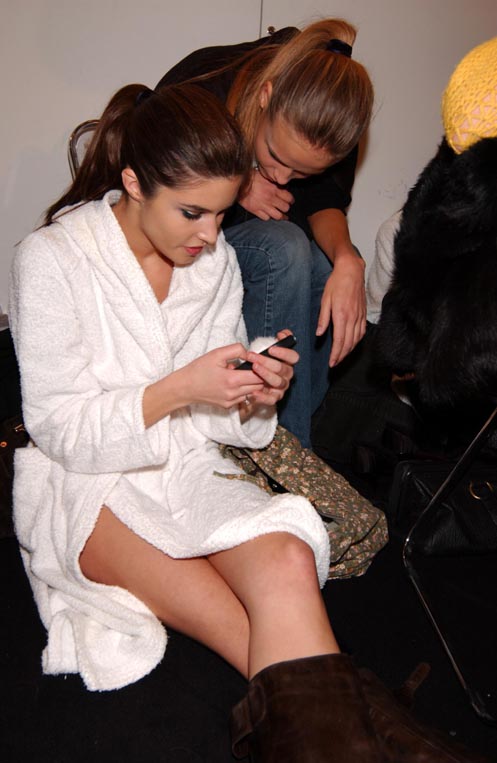
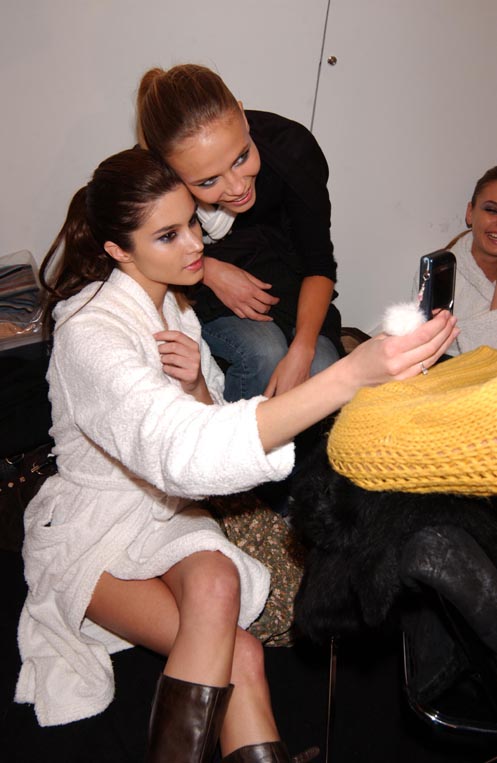

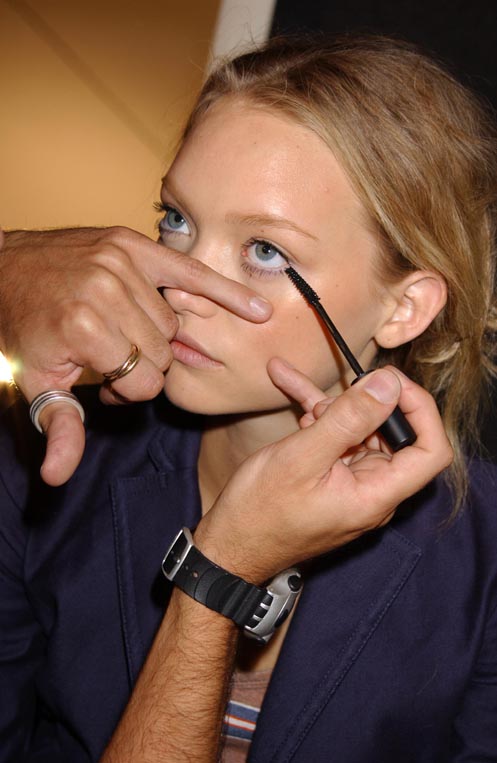
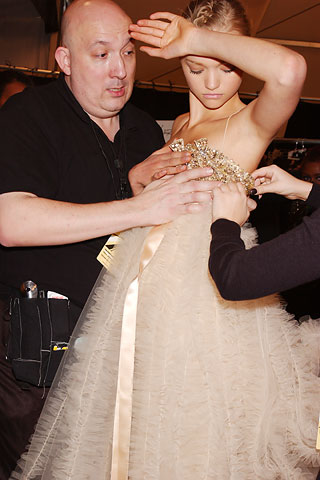
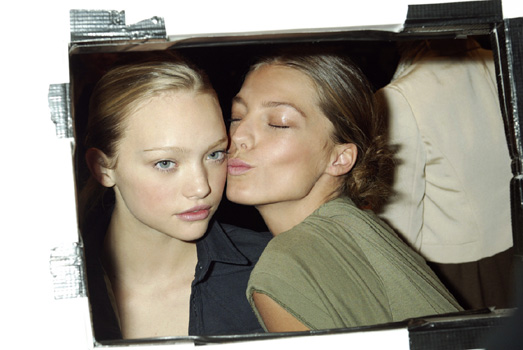





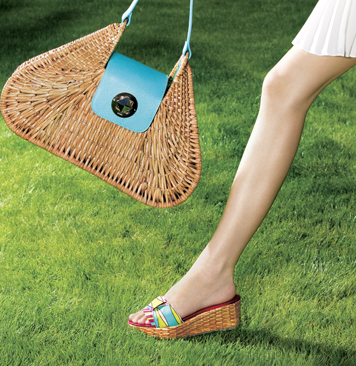


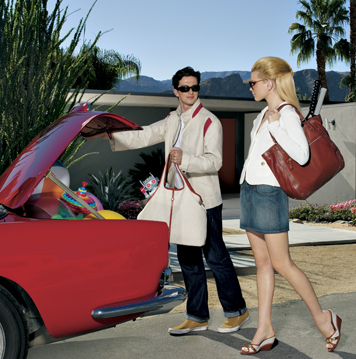



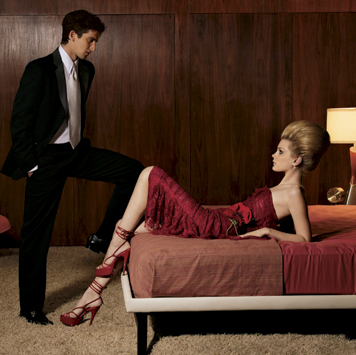


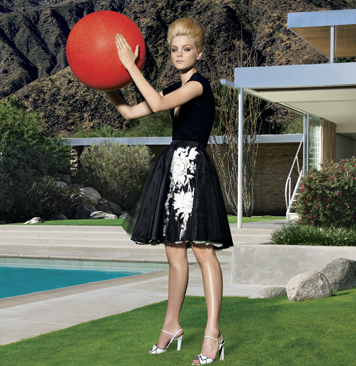
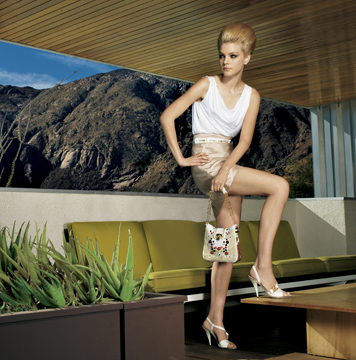
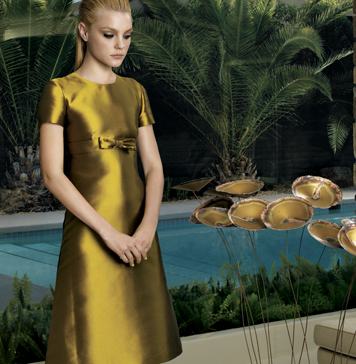
























Account
Navigation
Search
Configure browser push notifications
Chrome (Android)
- Tap the lock icon next to the address bar.
- Tap Permissions → Notifications.
- Adjust your preference.
Chrome (Desktop)
- Click the padlock icon in the address bar.
- Select Site settings.
- Find Notifications and adjust your preference.
Safari (iOS 16.4+)
- Ensure the site is installed via Add to Home Screen.
- Open Settings App → Notifications.
- Find your app name and adjust your preference.
Safari (macOS)
- Go to Safari → Preferences.
- Click the Websites tab.
- Select Notifications in the sidebar.
- Find this website and adjust your preference.
Edge (Android)
- Tap the lock icon next to the address bar.
- Tap Permissions.
- Find Notifications and adjust your preference.
Edge (Desktop)
- Click the padlock icon in the address bar.
- Click Permissions for this site.
- Find Notifications and adjust your preference.
Firefox (Android)
- Go to Settings → Site permissions.
- Tap Notifications.
- Find this site in the list and adjust your preference.
Firefox (Desktop)
- Open Firefox Settings.
- Search for Notifications.
- Find this site in the list and adjust your preference.