

Ingmari
Members
-
Joined
-
Last visited
Everything posted by Ingmari
-

-
-
-
I do not understand .... Some posts of mine keep disappearing. I had replied about the Cosmopolitan cover and it's gone
I think these might be Dawn Gallagher
Many thanks @RocketQueen
A few to be identified. Thanks in advance






.thumb.jpg.c2384a7e363f9b8f747af3af6465054e.jpg)
 Thanks a lot @parisienne
Thanks @parisienne No model, or actress, can escape your sharp eye
Thanks @parisienne I am relieved
I'm pleased to have contributed in a good way. I do agree @Dayrell , these covers look fabulous. Here are a few more: (is the third from left Olivia de Havilland?) Of course I ignore the names of the models. Why can't I reply in the proper post? I'm so sorry I've messed up with the messages
Thanks a lot @parisienne
Thanks @parisienne No model, or actress, can escape your sharp eye
Thanks @parisienne I am relieved
I'm pleased to have contributed in a good way. I do agree @Dayrell , these covers look fabulous. Here are a few more: (is the third from left Olivia de Havilland?) Of course I ignore the names of the models. Why can't I reply in the proper post? I'm so sorry I've messed up with the messages
.thumb.jpg.81f4c6b0fbad54efd8c39abea67ea577.jpg)
.thumb.jpg.bad8ee4e61e7b0f3775a1ac916c752ee.jpg)
.thumb.jpg.175ea54155e53a33c074848894db9cf7.jpg) I'm pleased to have contributed in a good way. I do agree @Dayrell , these covers look fabulous. Here are a few more: (is the third from left Olivia de Havilland?) Of course I ignore the names of the models Why cn't I reply in the proper post? I'm so sorry I've messed up with the messages
Never heard of Diana Varsi before. You really have a huge knowledge @parisienne
Never heard of Diana Varsi before. You really have a huge knowledge @parisienne
Never heard of Diana Varsi before. You really have a huge knowledge @parisienne
Never heard of Diana Varsi before. You really have a huge knowledge @parisienne
Never heard of Diana Varsi before. You really have a huge knowledge @parisienne
And then I suppose these could be Greta Garbo:
I'm pleased to have contributed in a good way. I do agree @Dayrell , these covers look fabulous. Here are a few more: (is the third from left Olivia de Havilland?) Of course I ignore the names of the models Why cn't I reply in the proper post? I'm so sorry I've messed up with the messages
Never heard of Diana Varsi before. You really have a huge knowledge @parisienne
Never heard of Diana Varsi before. You really have a huge knowledge @parisienne
Never heard of Diana Varsi before. You really have a huge knowledge @parisienne
Never heard of Diana Varsi before. You really have a huge knowledge @parisienne
Never heard of Diana Varsi before. You really have a huge knowledge @parisienne
And then I suppose these could be Greta Garbo:
.thumb.jpg.82f2680fca772c3189900d5a49470743.jpg)






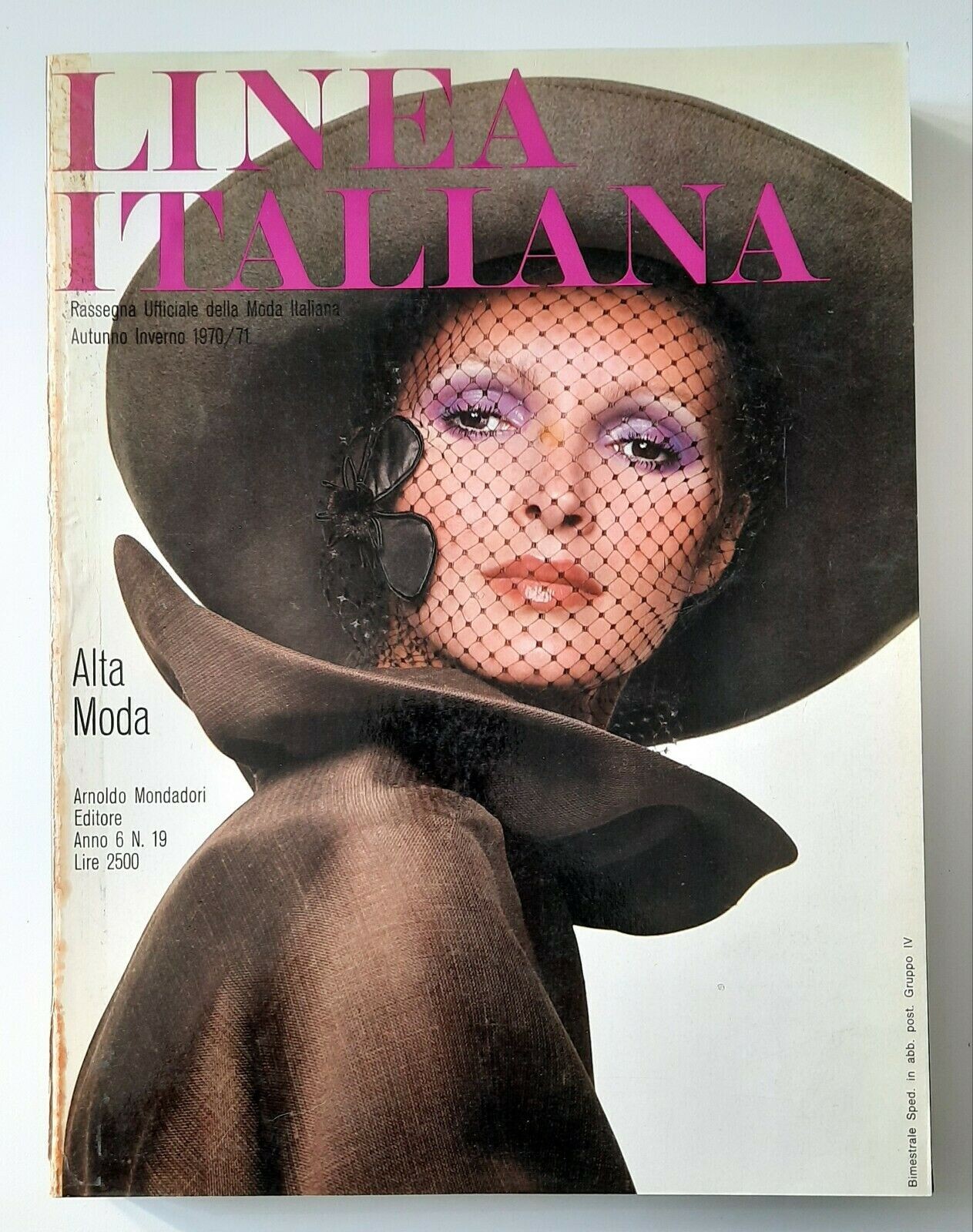




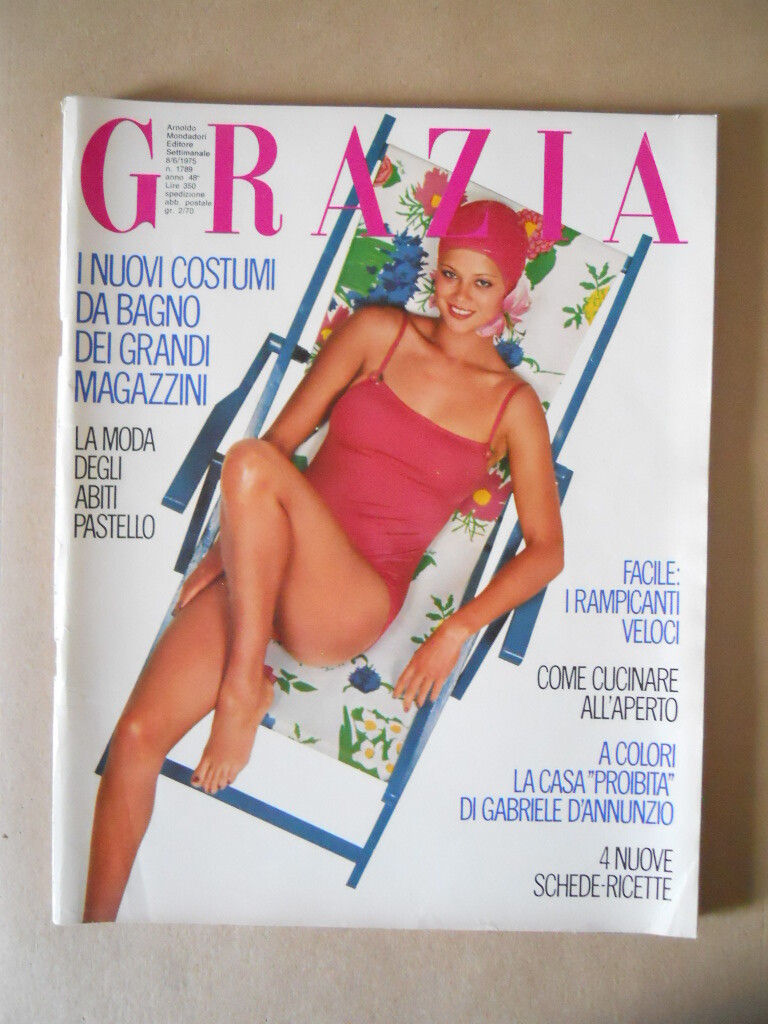



.jpg.59d6502df4efa4e5ee22cf1611c402a8.jpg)


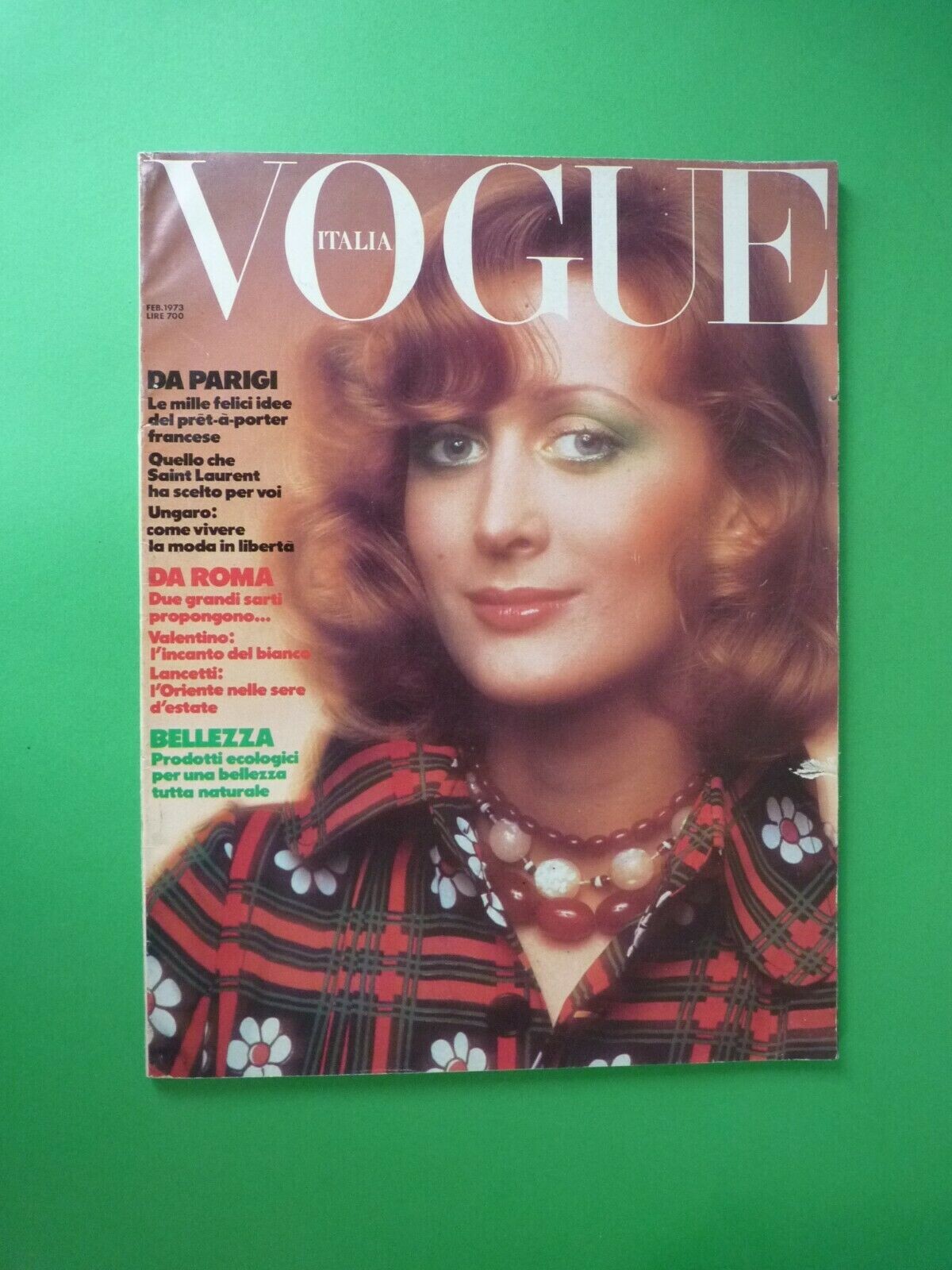
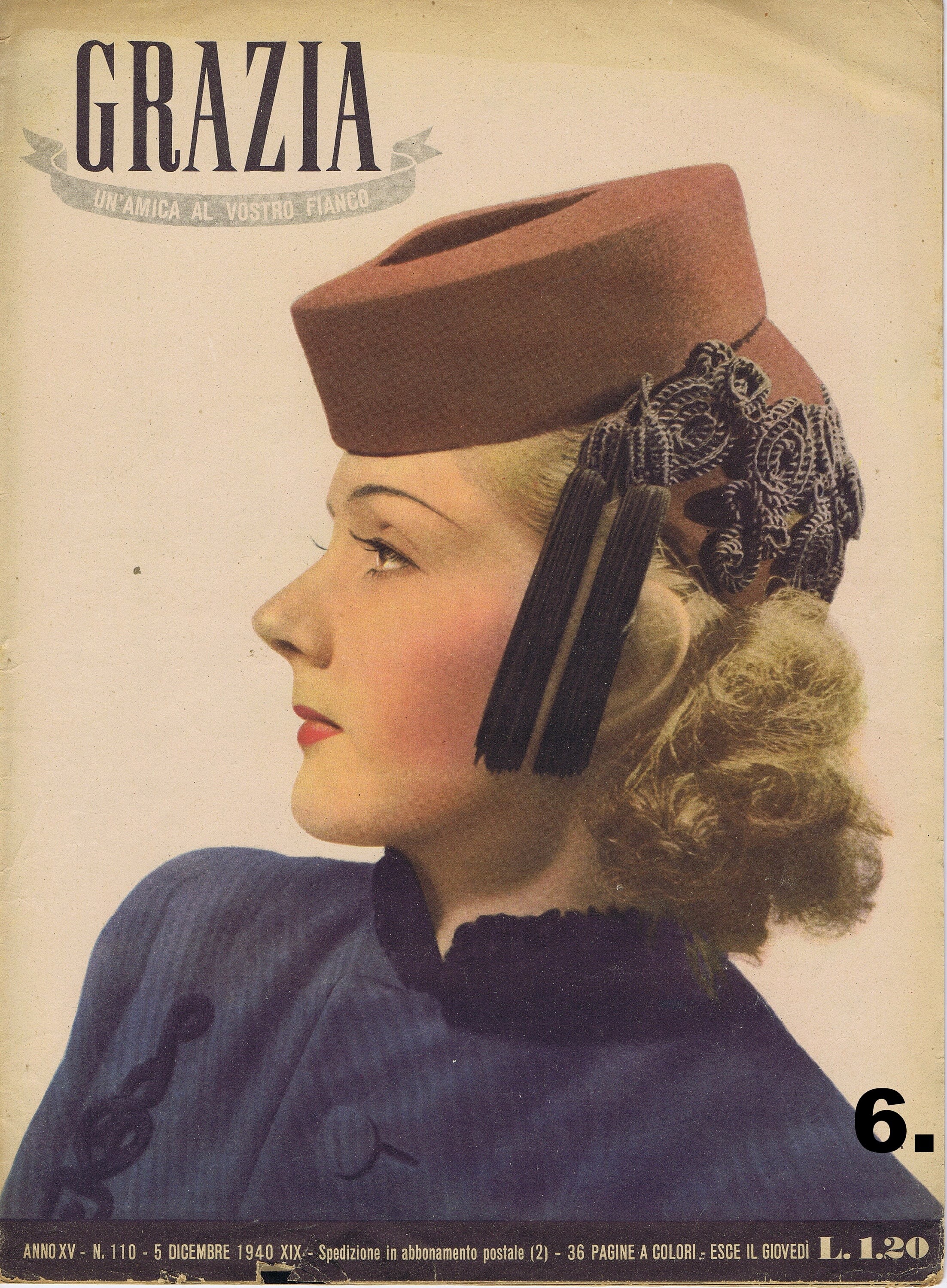
.jpg.93b1e4bc0a938439e24d83a7cb5b65b0.jpg)
.jpg.626c43b614b28843747318cb0d293af4.jpg)
.jpg.99b1d171b1e037183c8c70f61a88ec20.jpg)

.jpg.644b3cb52621302c2eb0fafc58df72b2.jpg)

Account
Navigation
Search
Configure browser push notifications
Chrome (Android)
- Tap the lock icon next to the address bar.
- Tap Permissions → Notifications.
- Adjust your preference.
Chrome (Desktop)
- Click the padlock icon in the address bar.
- Select Site settings.
- Find Notifications and adjust your preference.
Safari (iOS 16.4+)
- Ensure the site is installed via Add to Home Screen.
- Open Settings App → Notifications.
- Find your app name and adjust your preference.
Safari (macOS)
- Go to Safari → Preferences.
- Click the Websites tab.
- Select Notifications in the sidebar.
- Find this website and adjust your preference.
Edge (Android)
- Tap the lock icon next to the address bar.
- Tap Permissions.
- Find Notifications and adjust your preference.
Edge (Desktop)
- Click the padlock icon in the address bar.
- Click Permissions for this site.
- Find Notifications and adjust your preference.
Firefox (Android)
- Go to Settings → Site permissions.
- Tap Notifications.
- Find this site in the list and adjust your preference.
Firefox (Desktop)
- Open Firefox Settings.
- Search for Notifications.
- Find this site in the list and adjust your preference.