
Ingmari
Members
-
Joined
-
Last visited
Everything posted by Ingmari
-

-
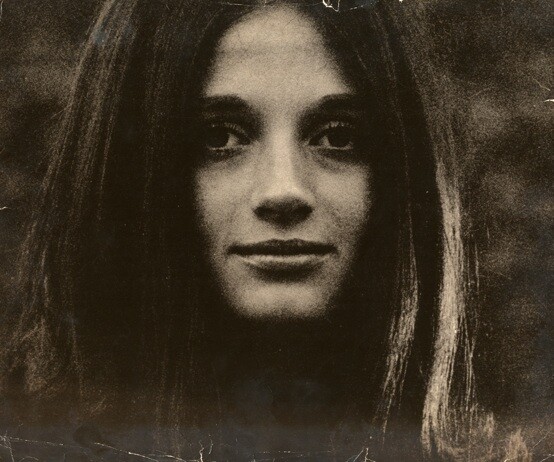
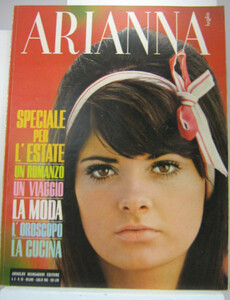
The only identity given in the Arianna magazine is for this model (given in the article). She is Phyllis Major, who besides being a model was Jackson Browne's wife. For those who do not know Arianna was an Italian magazine which was acquired and then turned into Cosmopolitan in 1973. Many thanks
.thumb.jpg.86f1bcae5fae6483ea15a18b4314d077.jpg)
-
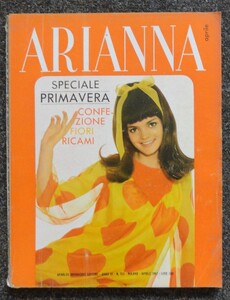
Another mysterious identity. Thanks
-
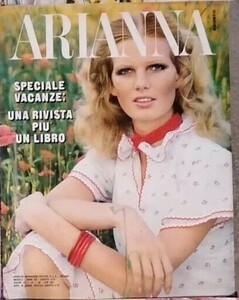
And this blonde model too, I have no idea about her identity. All I can say is that she was very popular on Italian magazines in the '60es and '70es. Thanks
.thumb.jpg.248a8676cfcbfaa9ebcaeeb1ebb43a31.jpg)
.thumb.jpg.577a742535fdbad8397cd4fa04b9c41c.jpg)
.thumb.jpg.a268c51d7cf5c9ab736518b062c5705b.jpg)
-
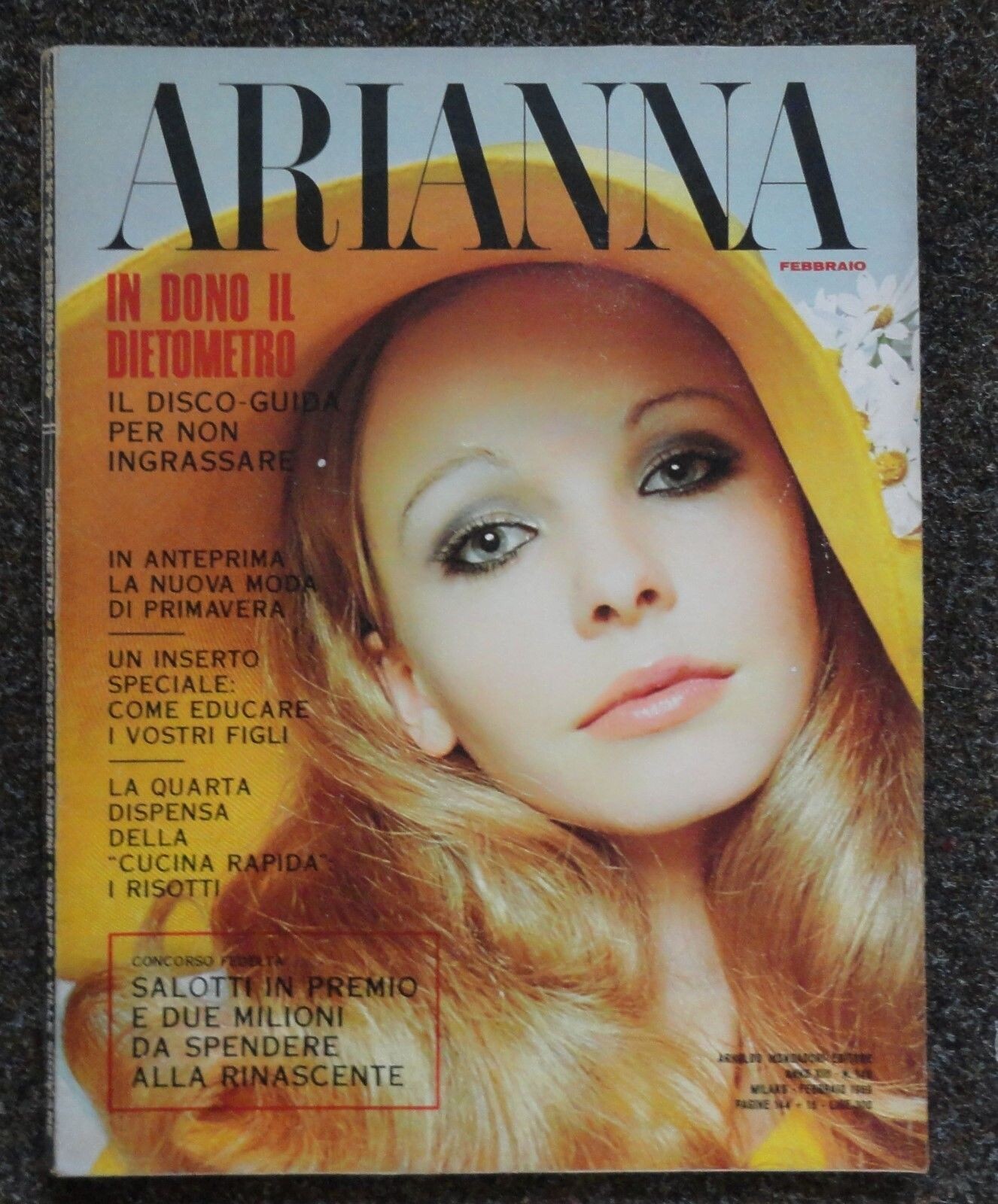
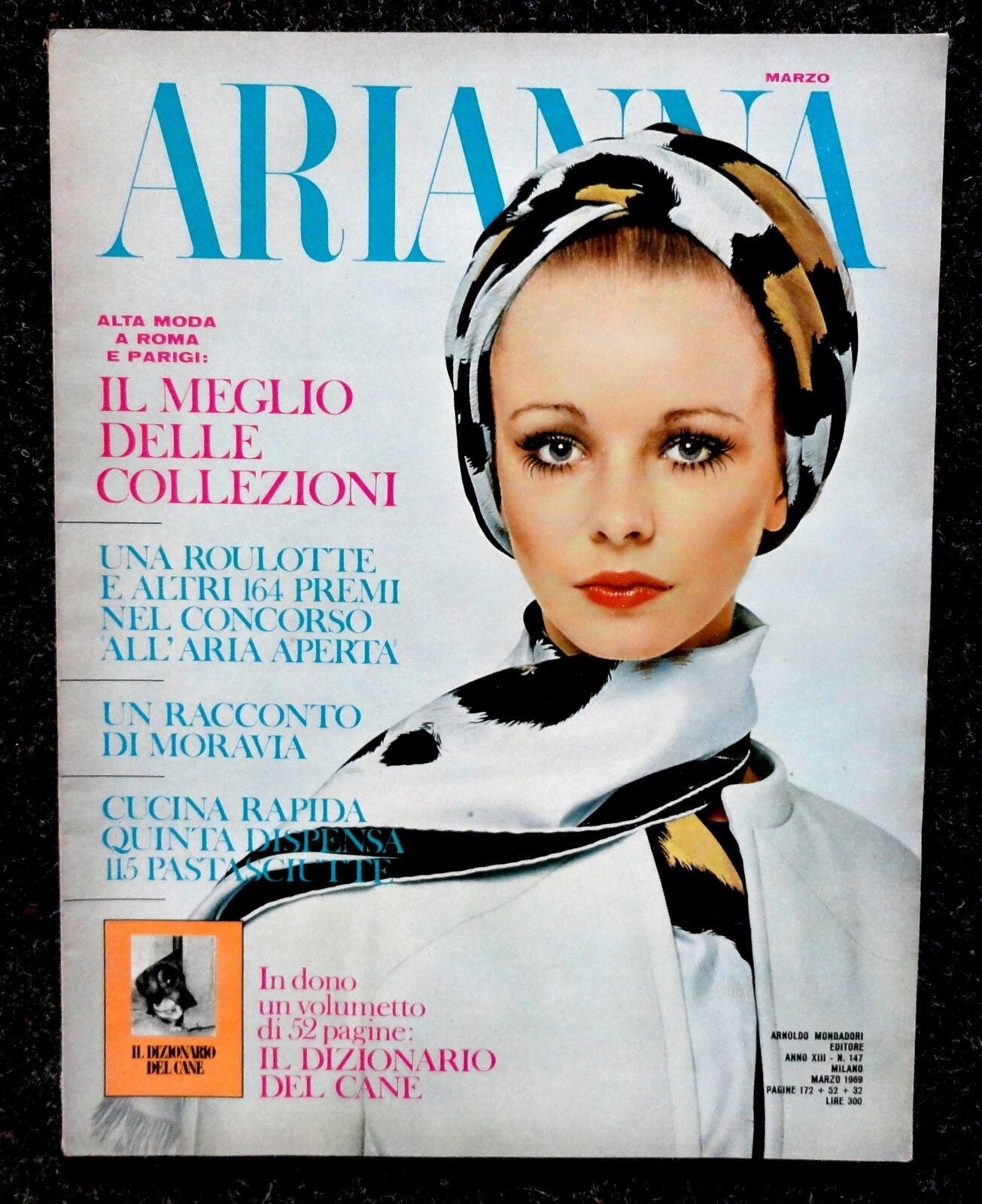
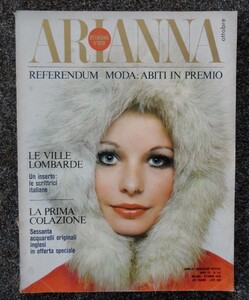
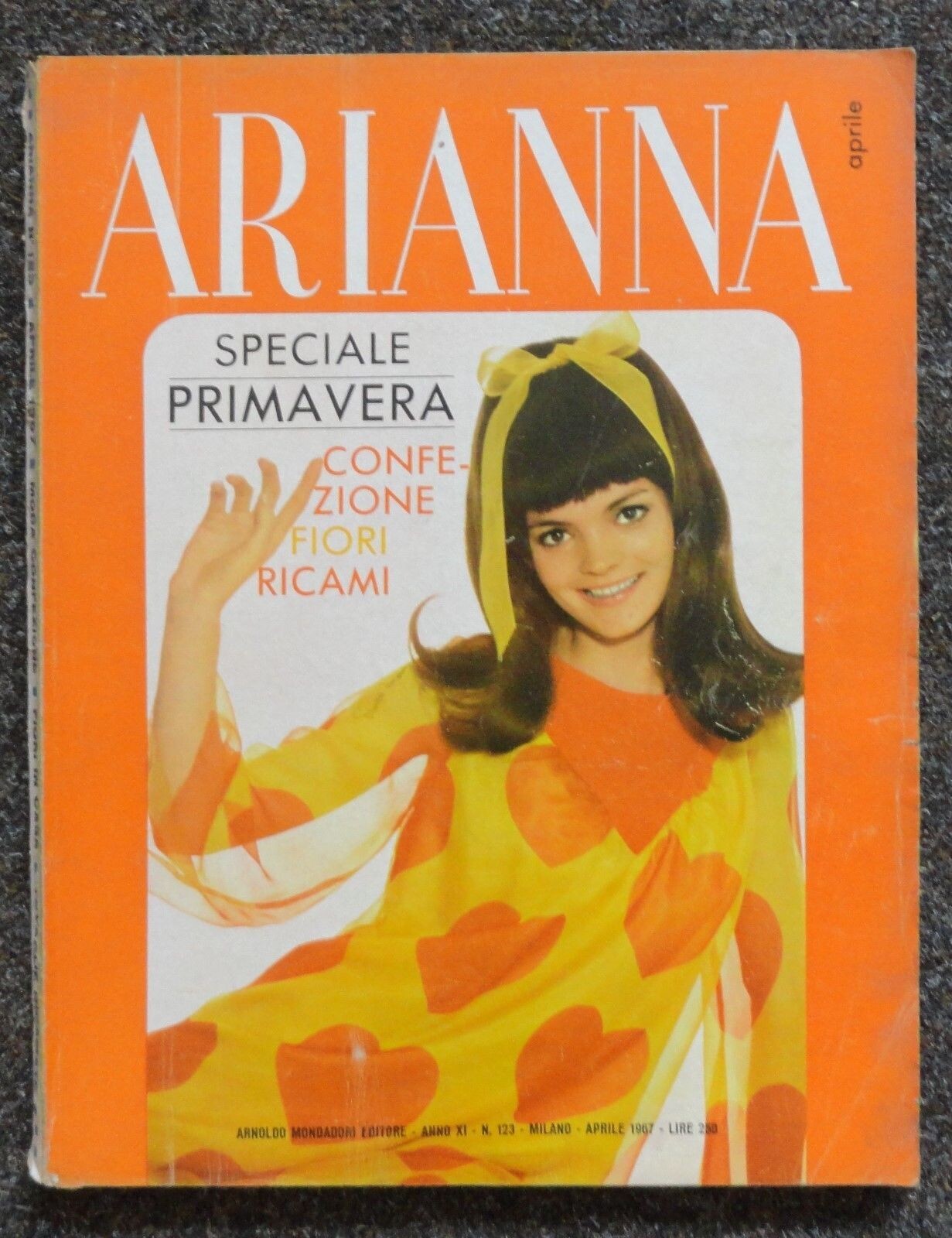
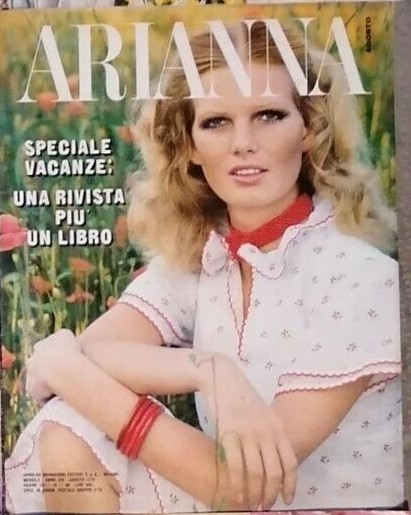
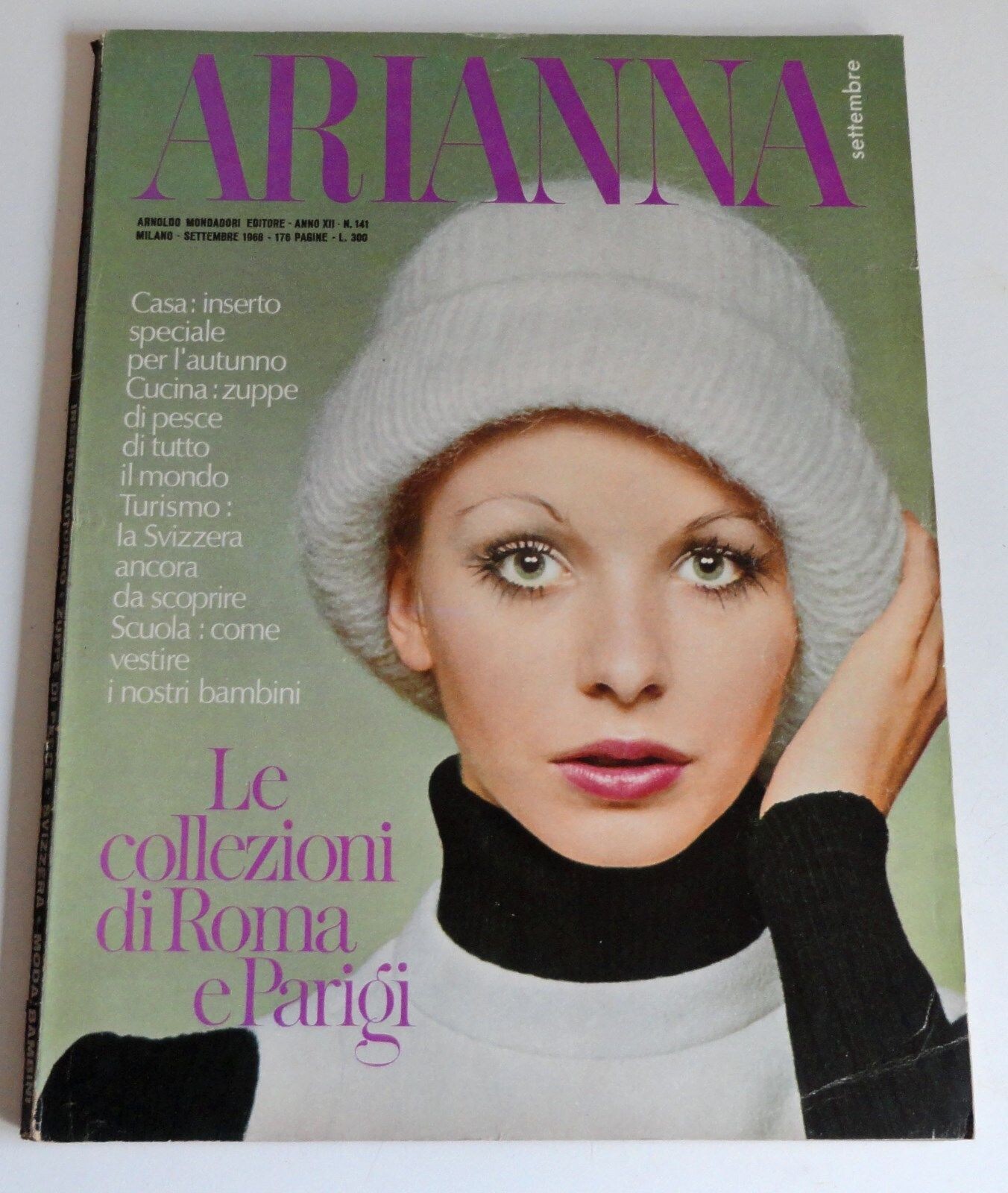
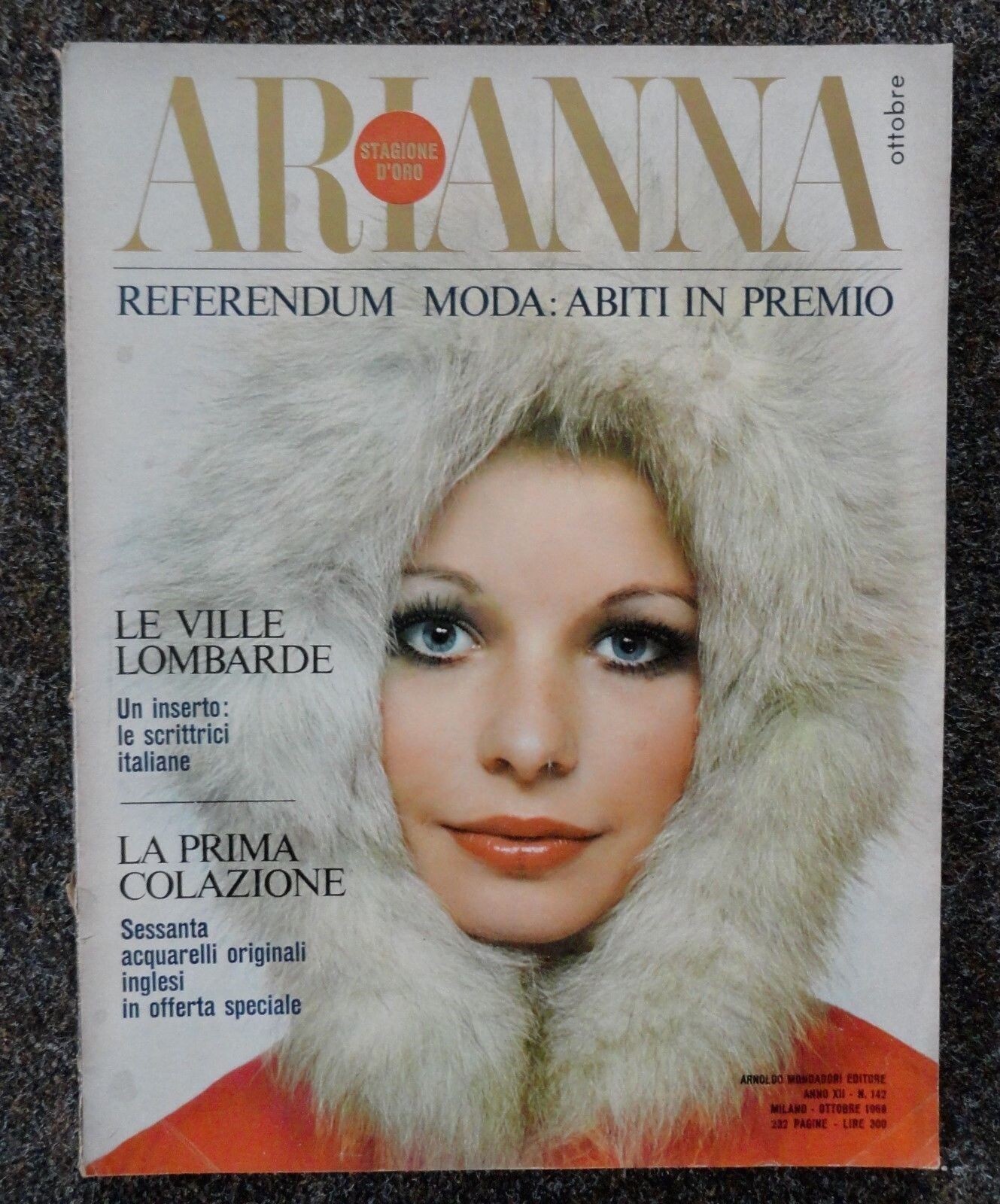
Hello everybody. This is my first post here and I am delighted to be among passionate and truly knowledgeable people. I have been searching for the identity of a few vintage cover model but to no avail. These magazines are from 1968-1969 and I would like to finally find out who this model is. Many thanks

.thumb.jpg.41572a21617d74c56e895d7aee6569e7.jpg)
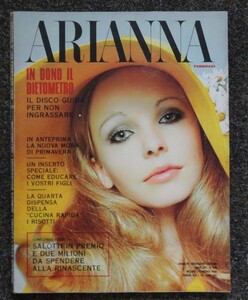
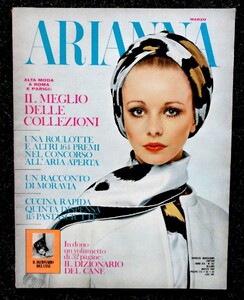
.jpg.605106cbe38a3e86577d7701b89cb36f.jpg)
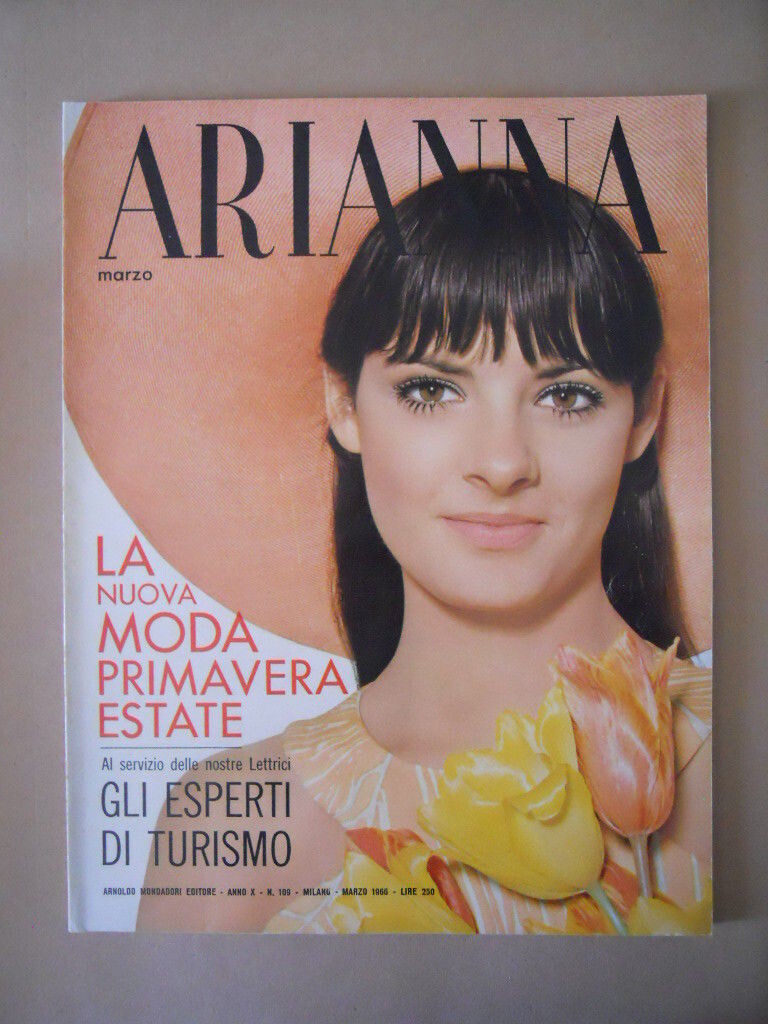
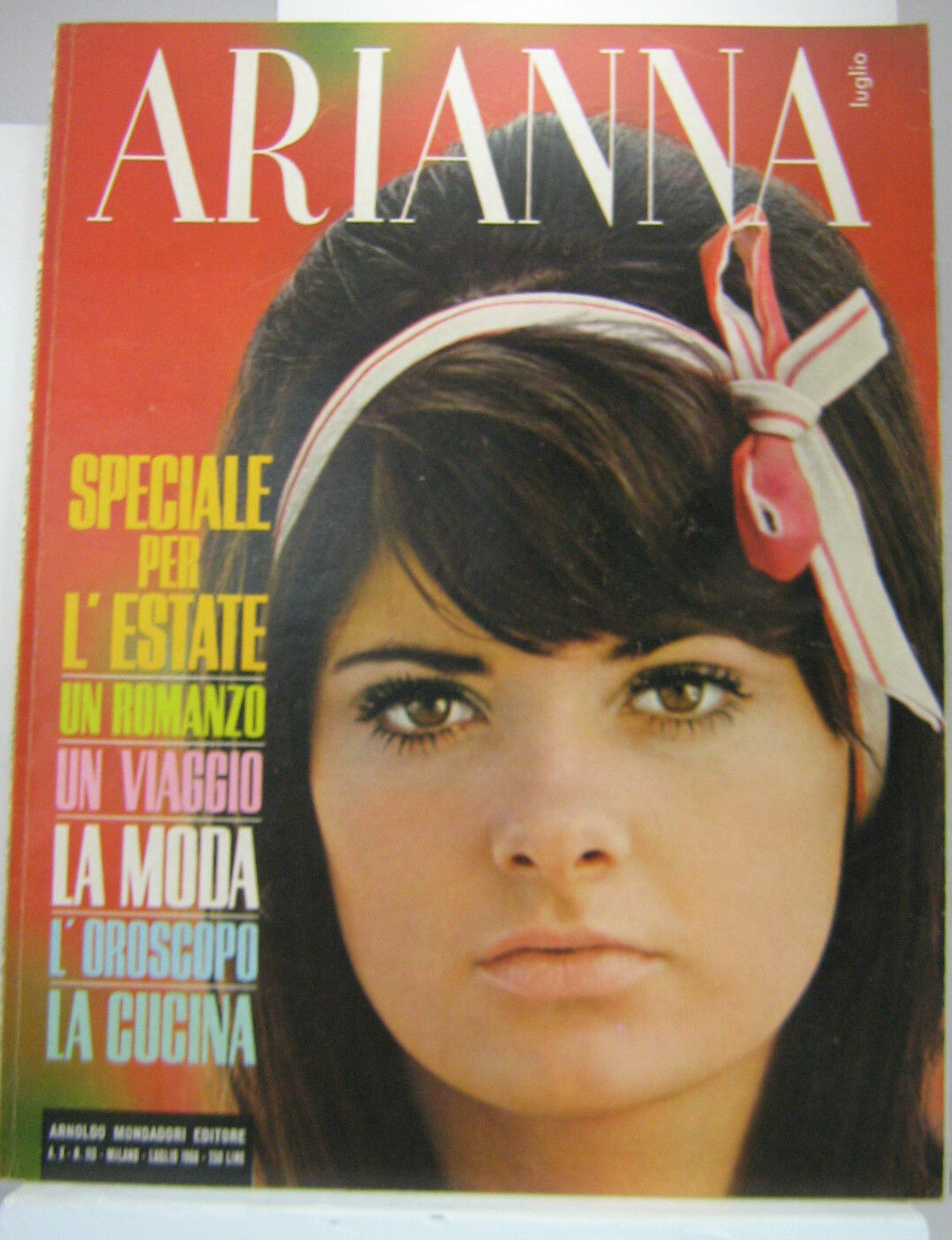
.jpg.9f1b72c920354ae987d052dd3690fecd.jpg)
.jpg.cc2995f3274159aacbd908e489dc6d4e.jpg)
.jpg.b3f84cf312da3931b909e497b49661cc.jpg)
.jpg.5e9c998c94e7fb1f81b8b31815e10abf.jpg)