

Molonlave7
Members
-
Joined
-
Last visited
Everything posted by Molonlave7
-
 Hot diggity! It is her! Thanks!
 -
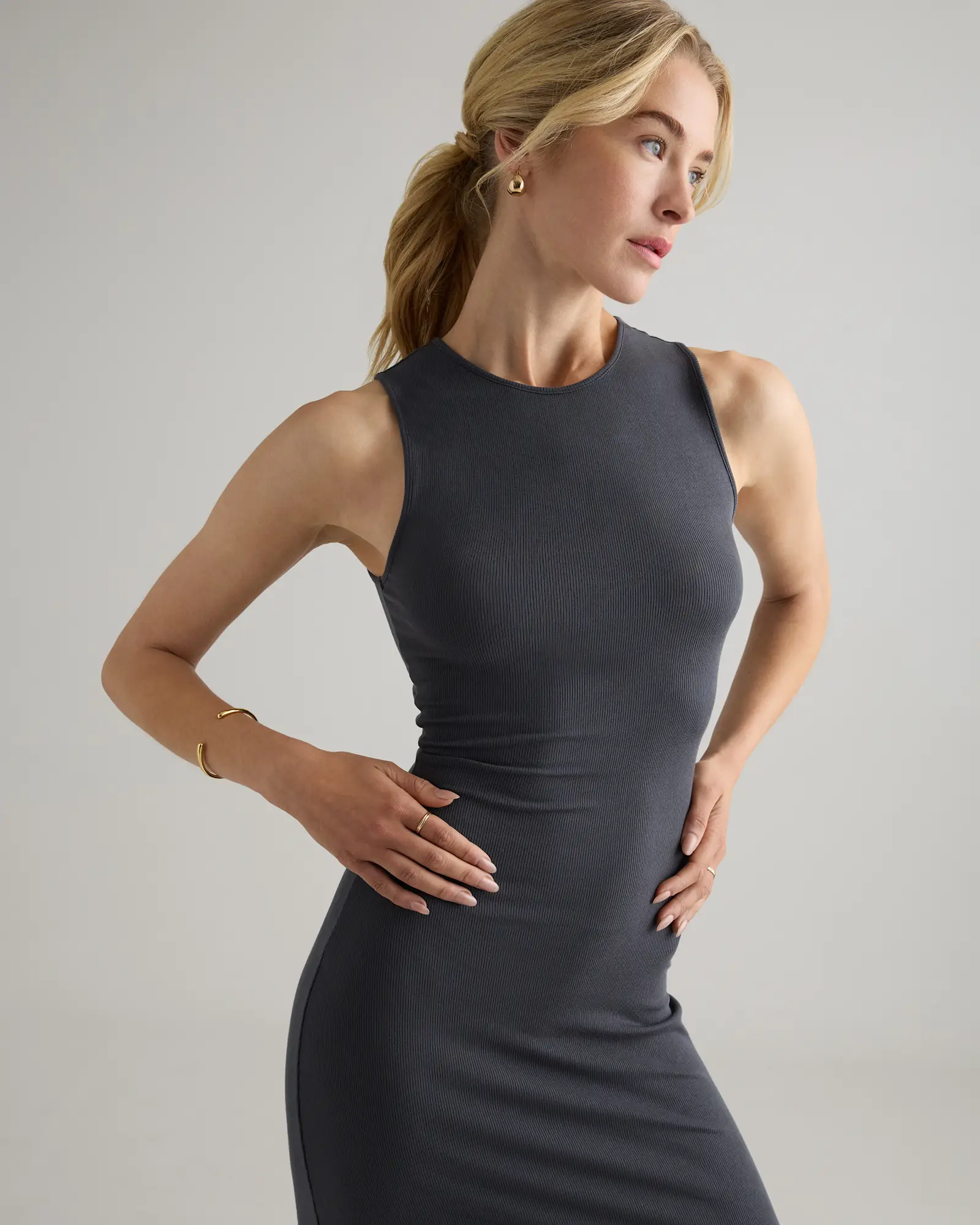
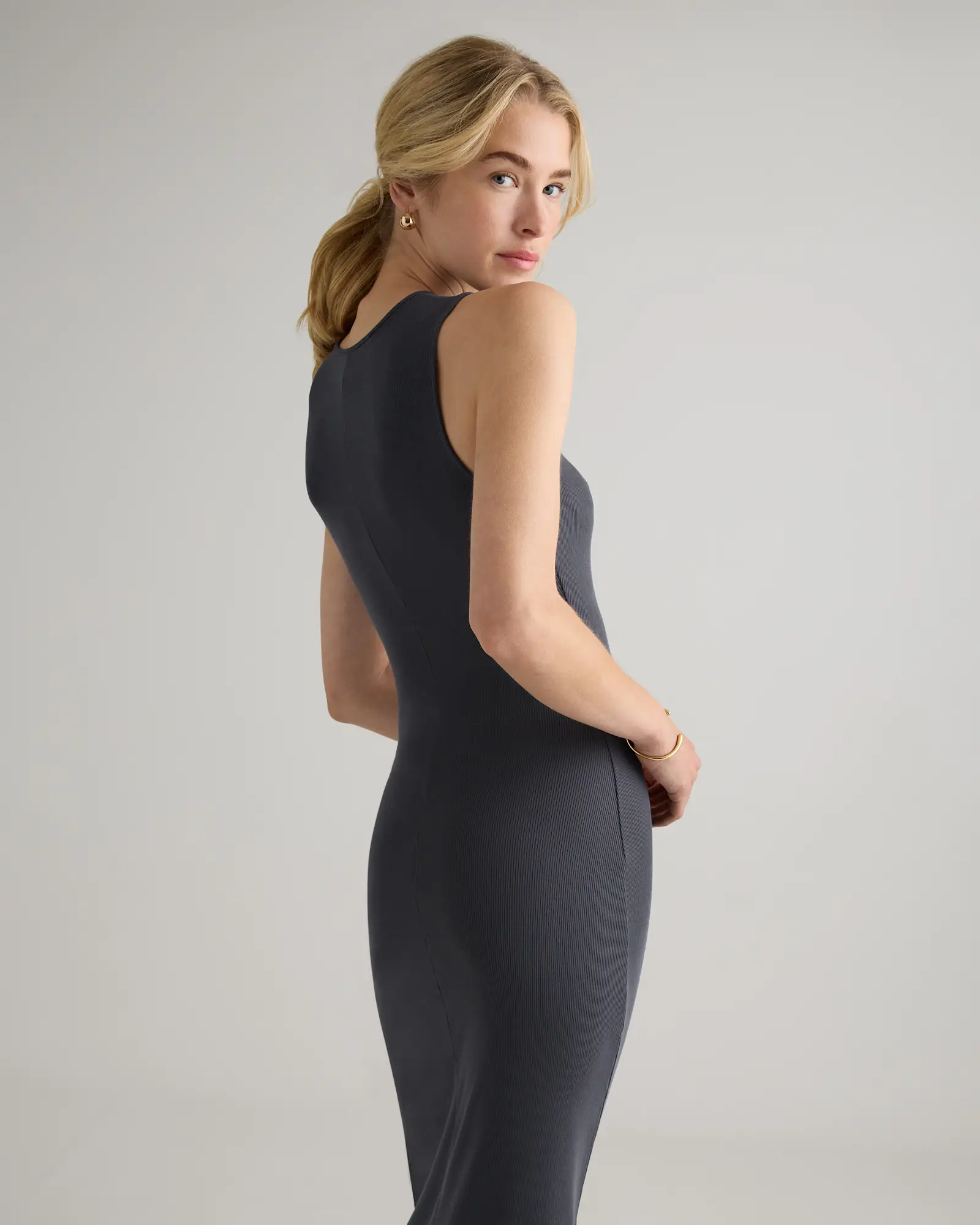
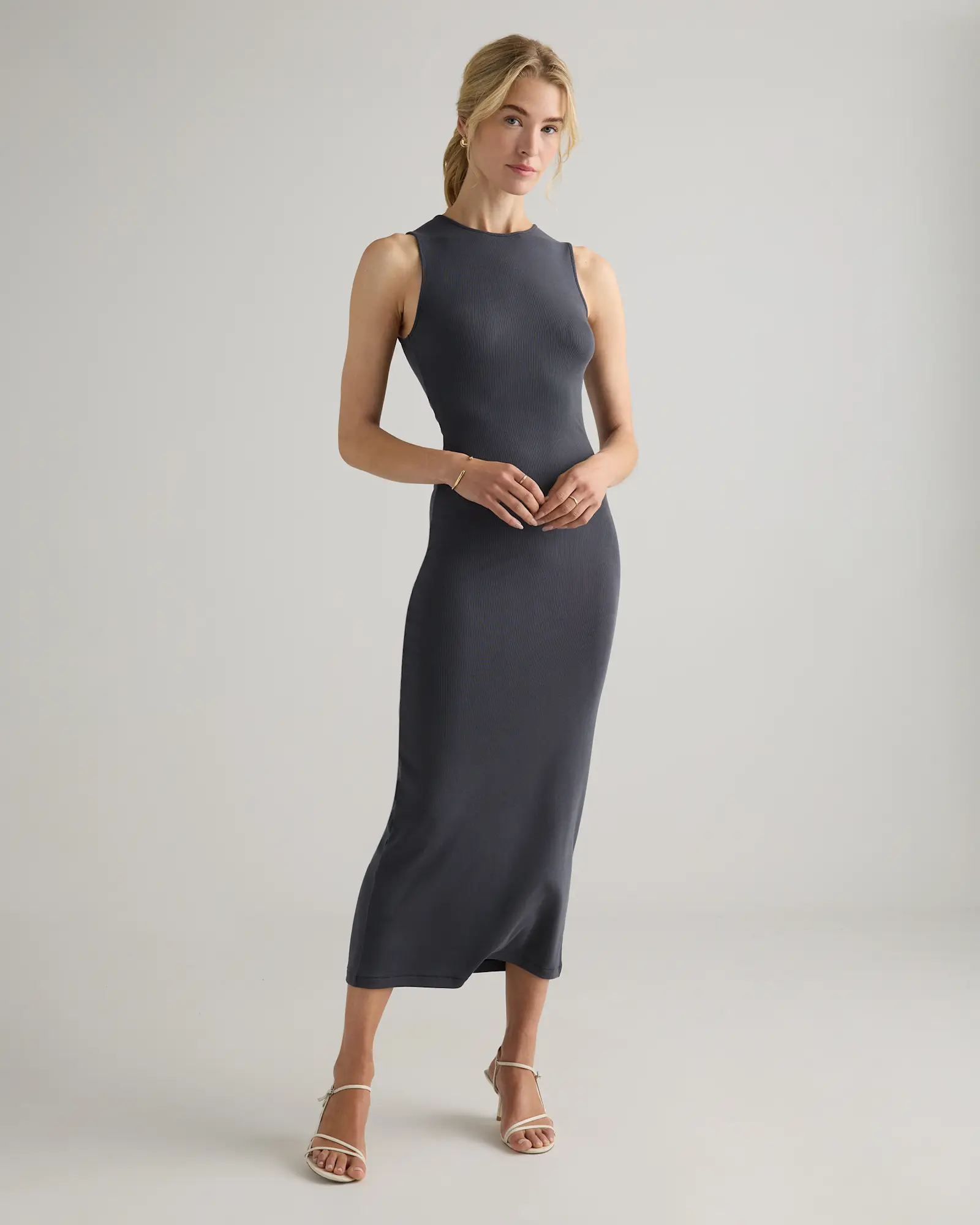
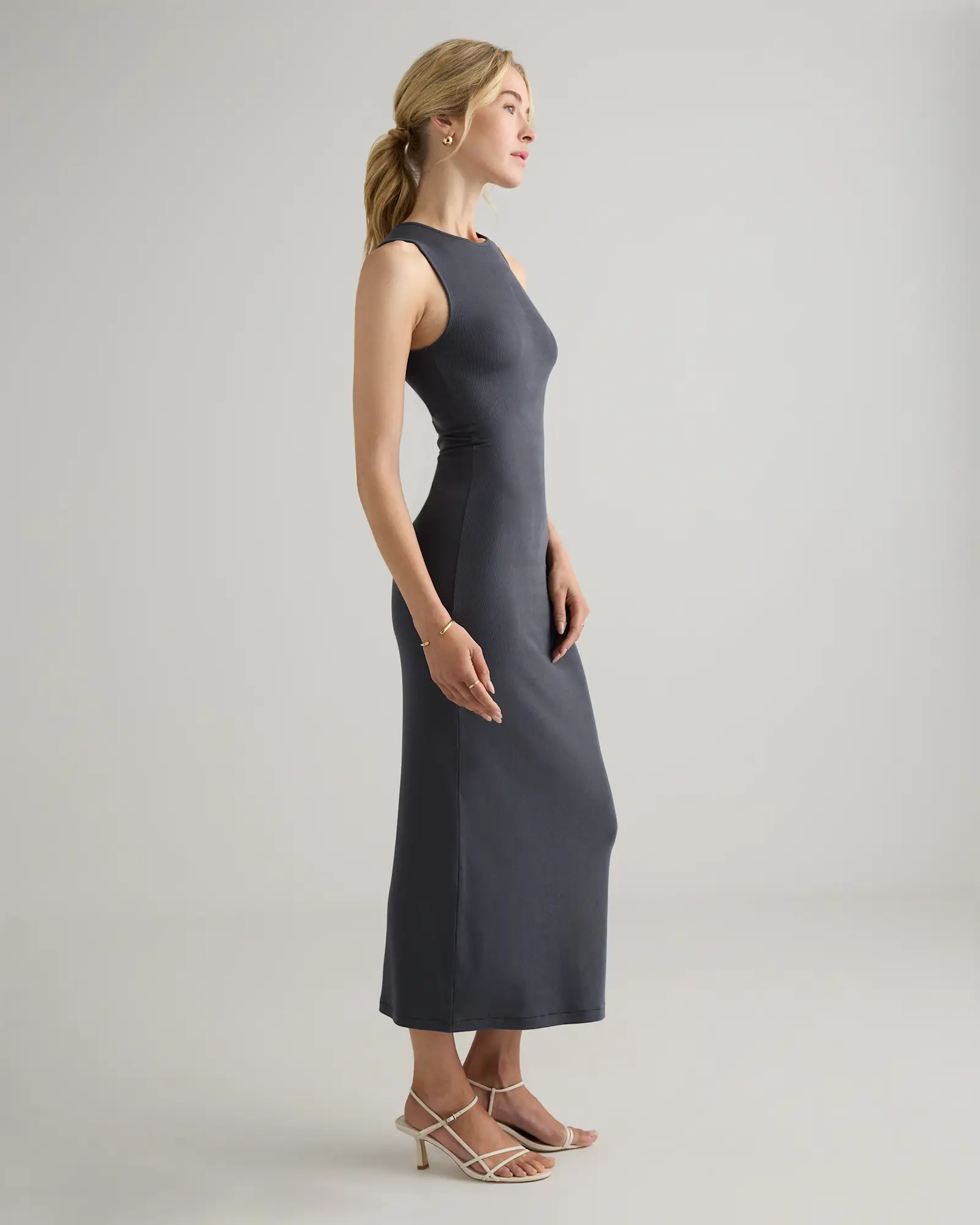
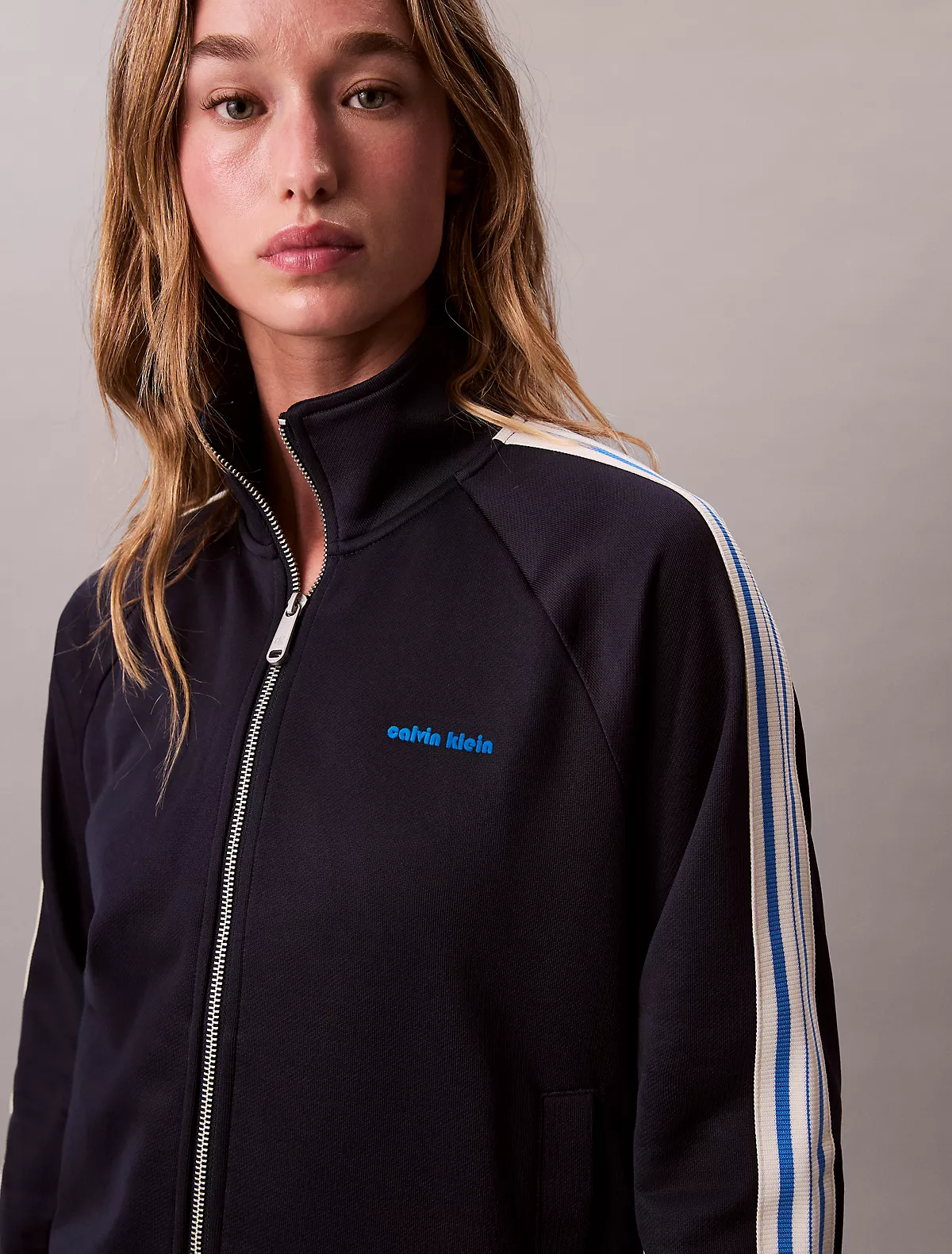
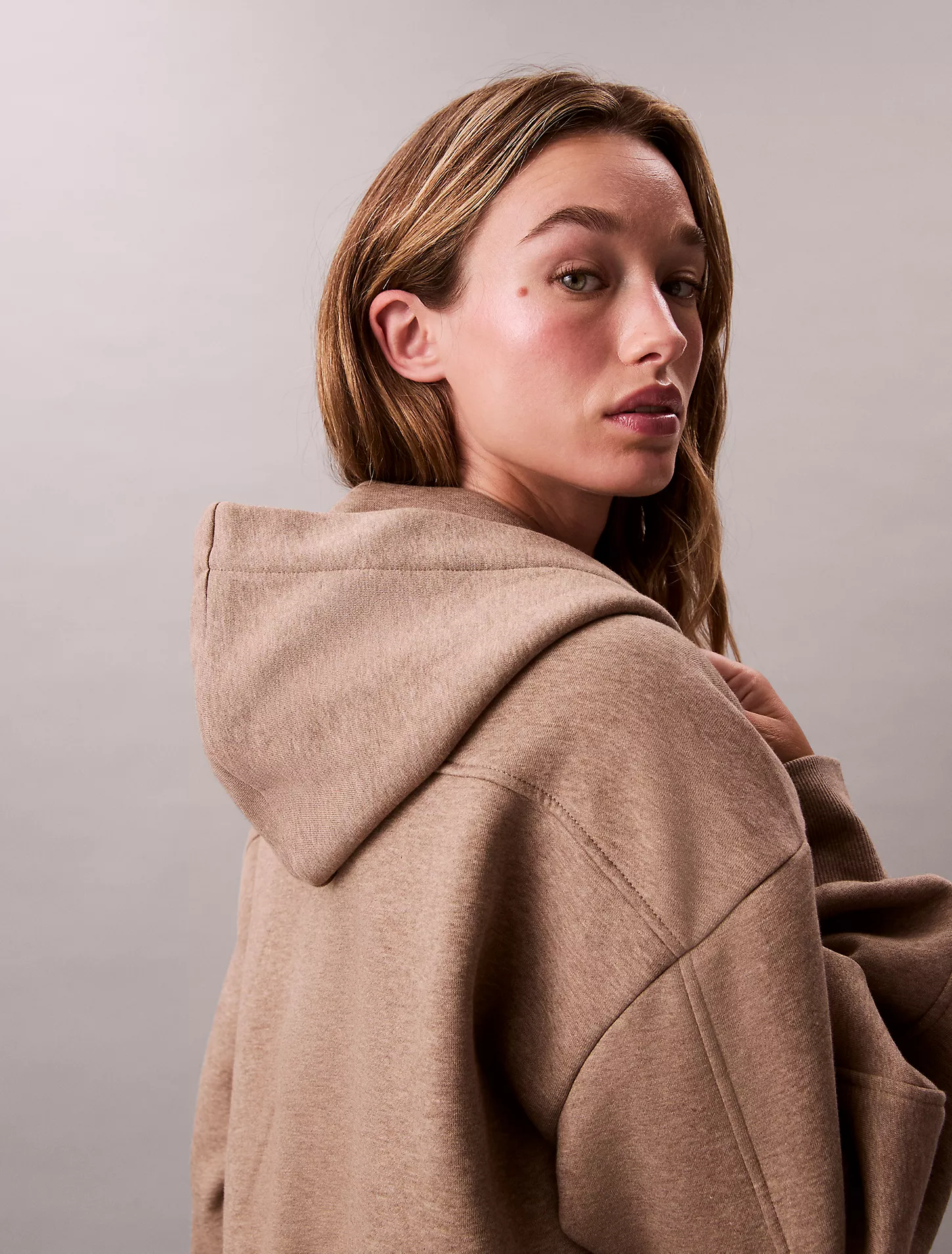
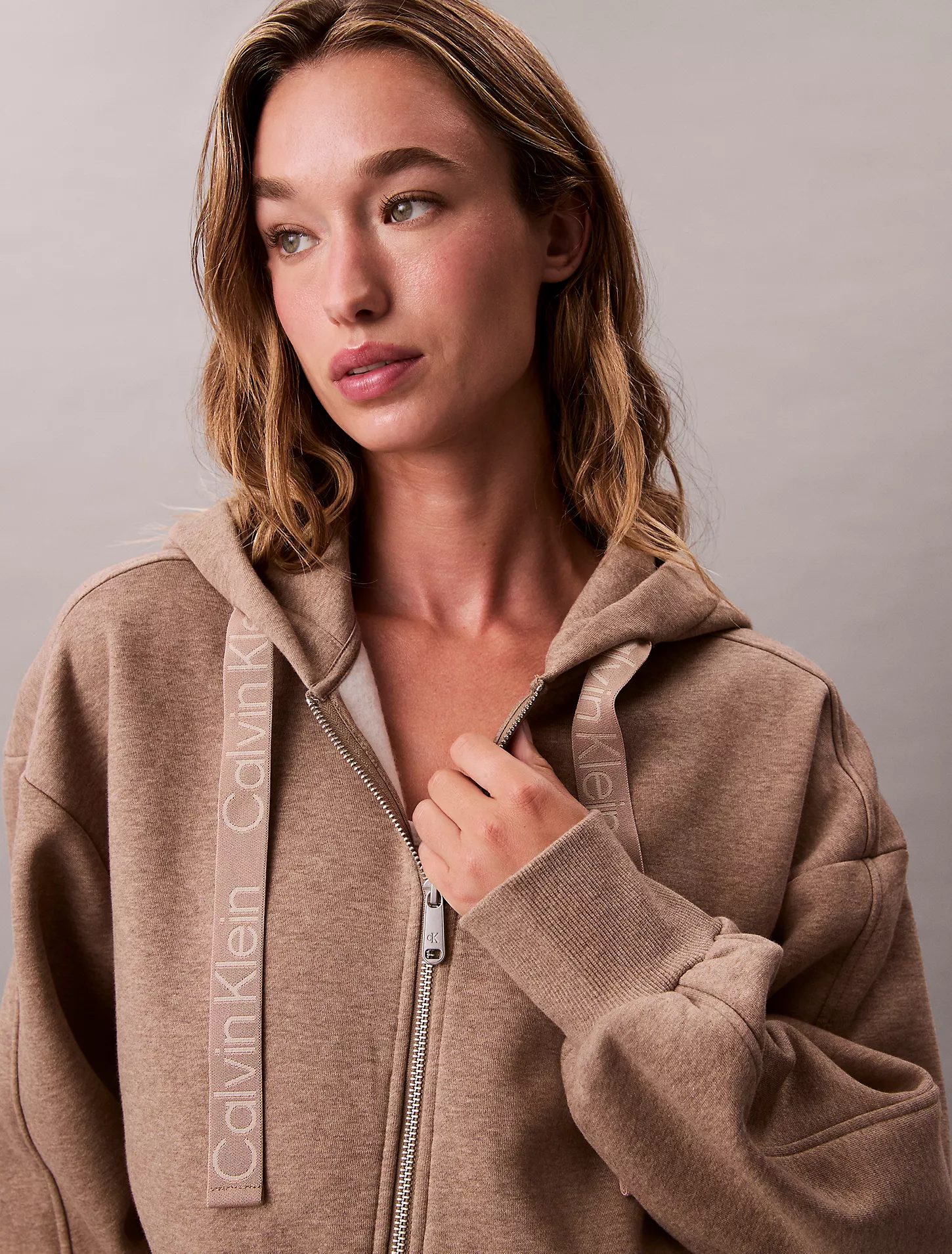
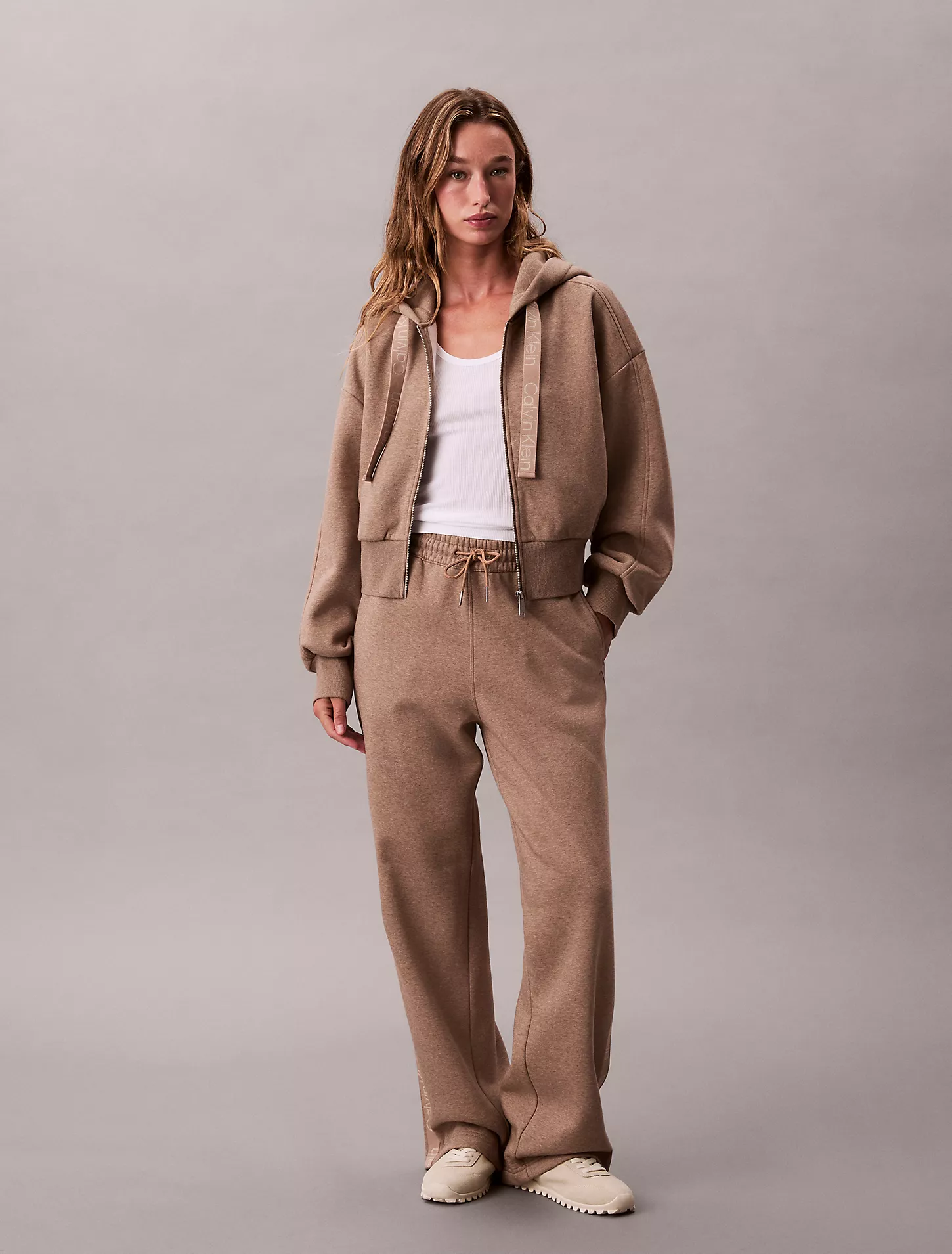
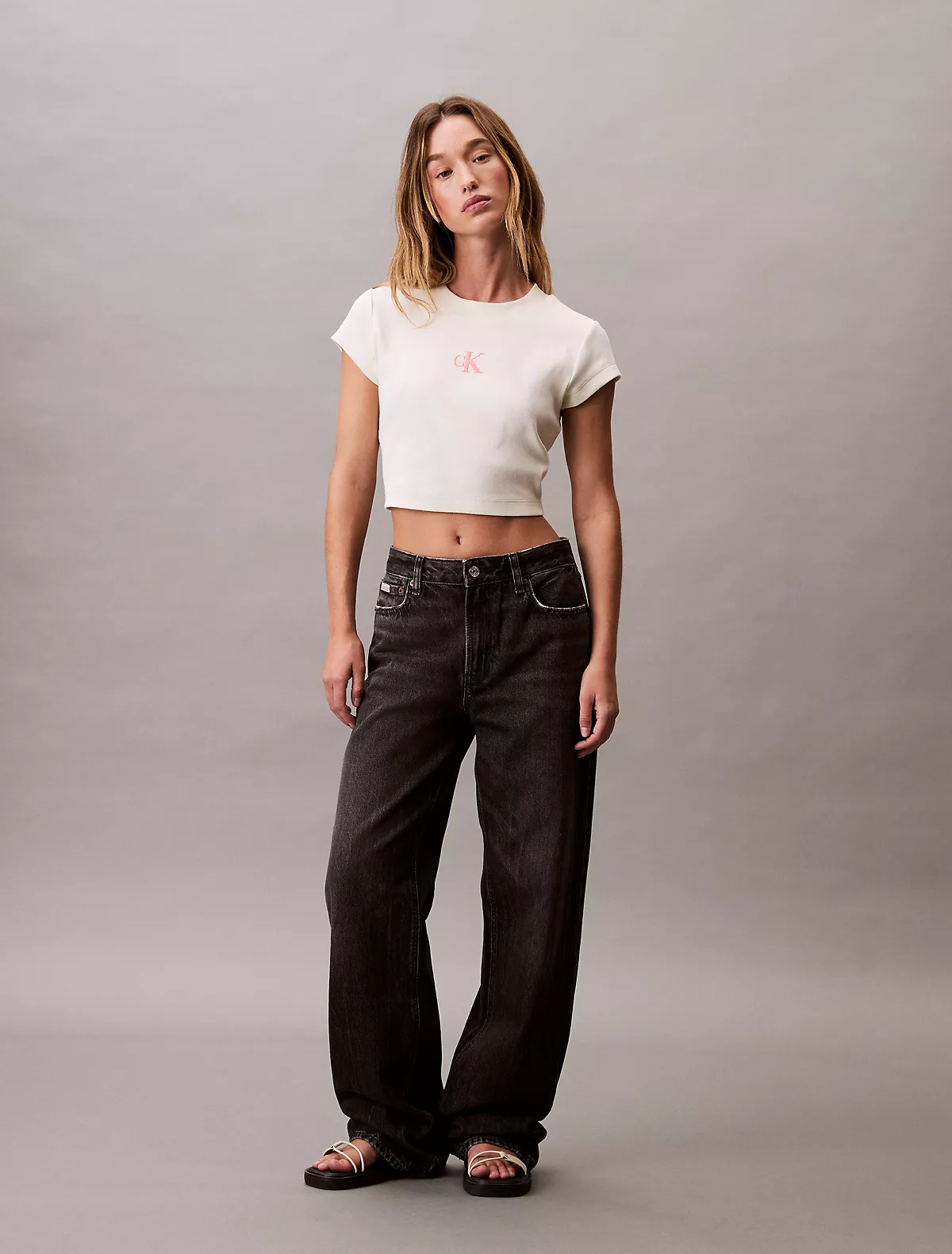
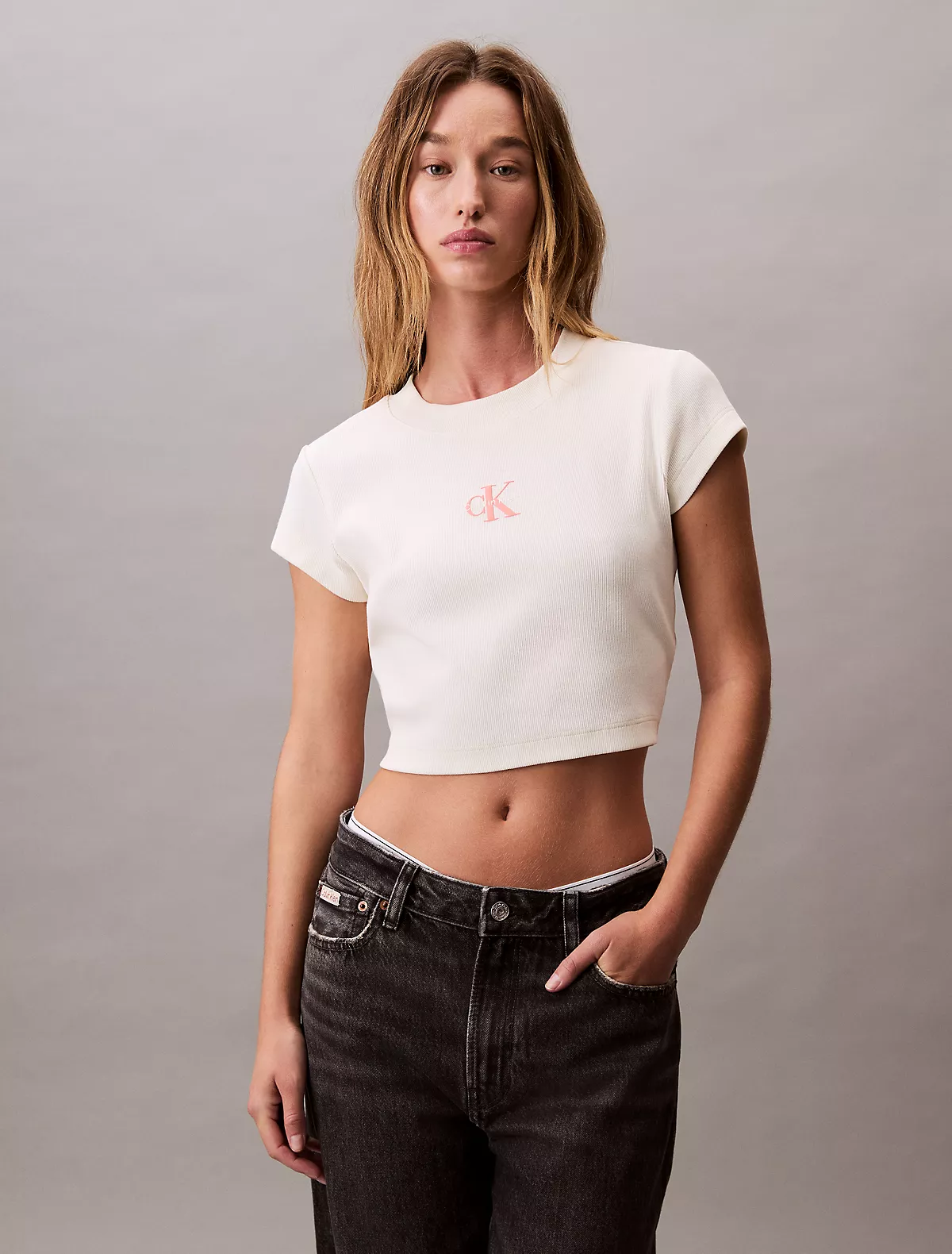
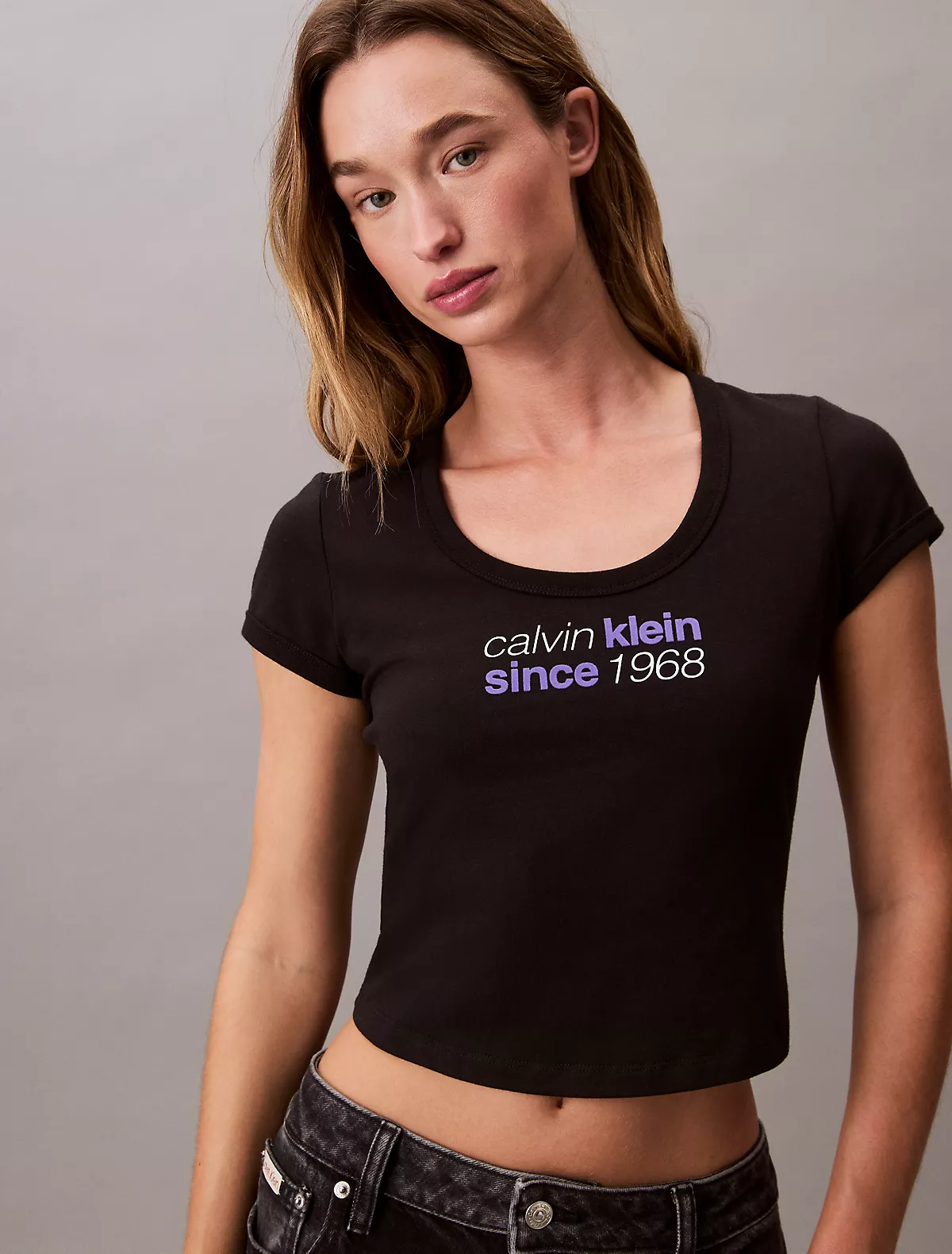
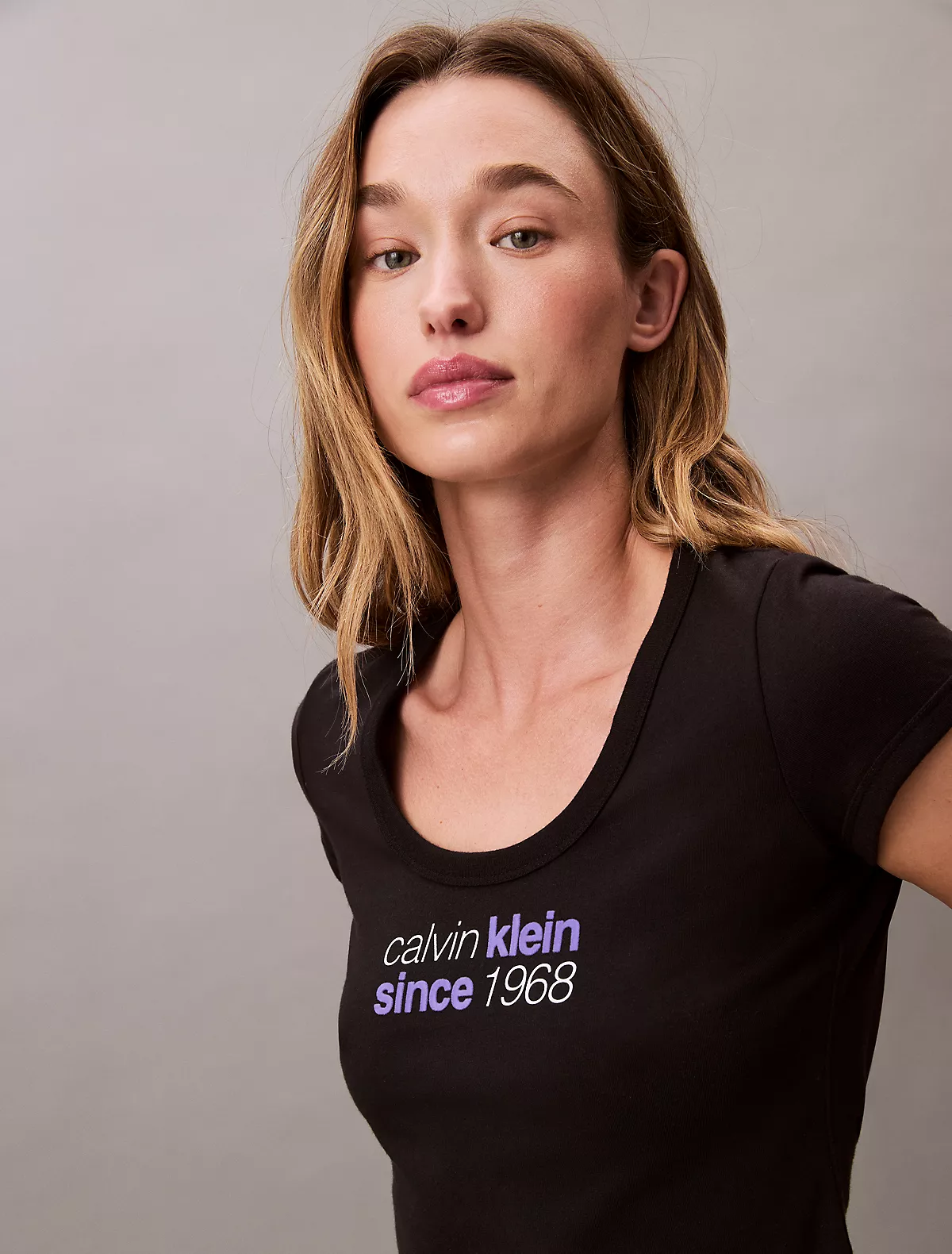
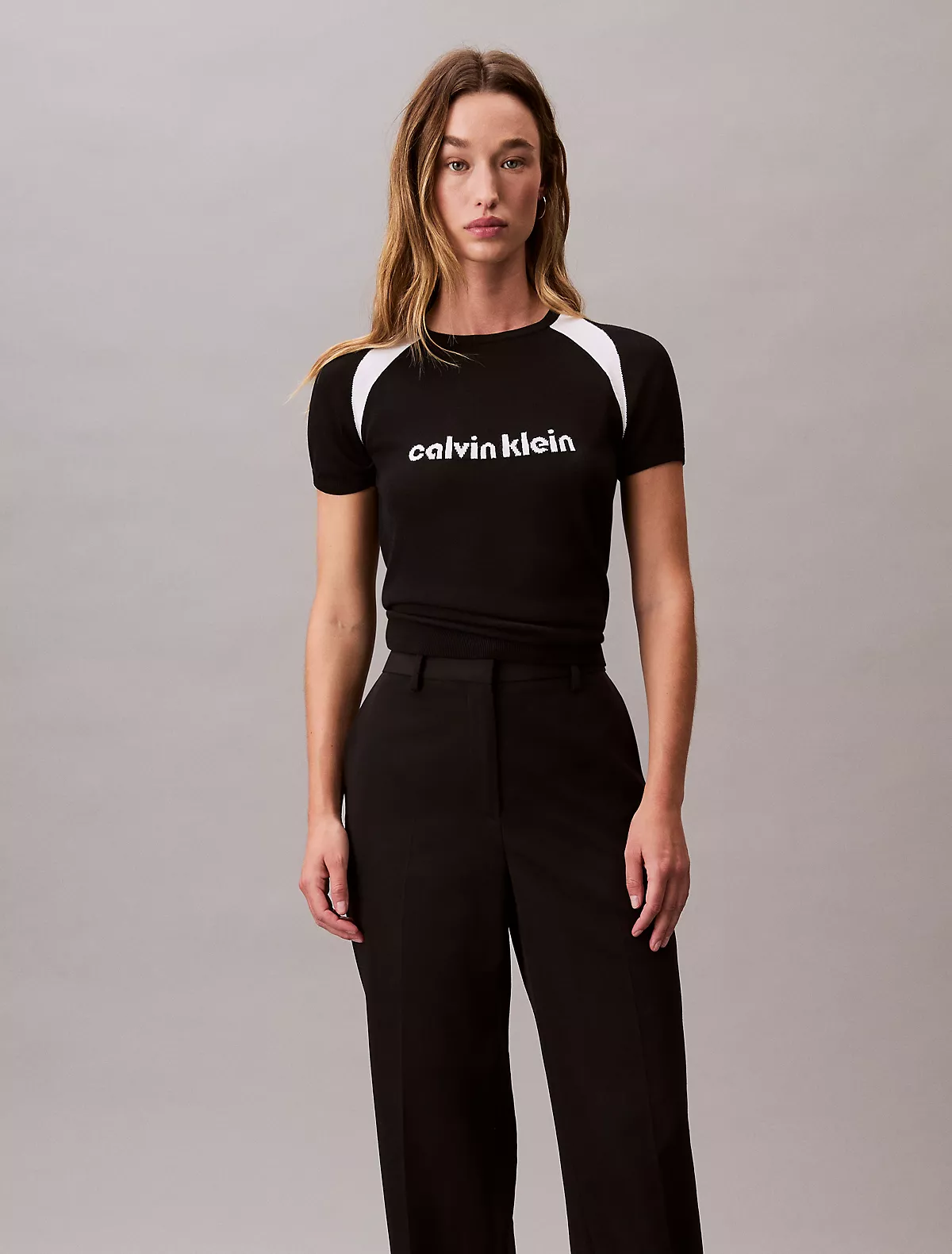
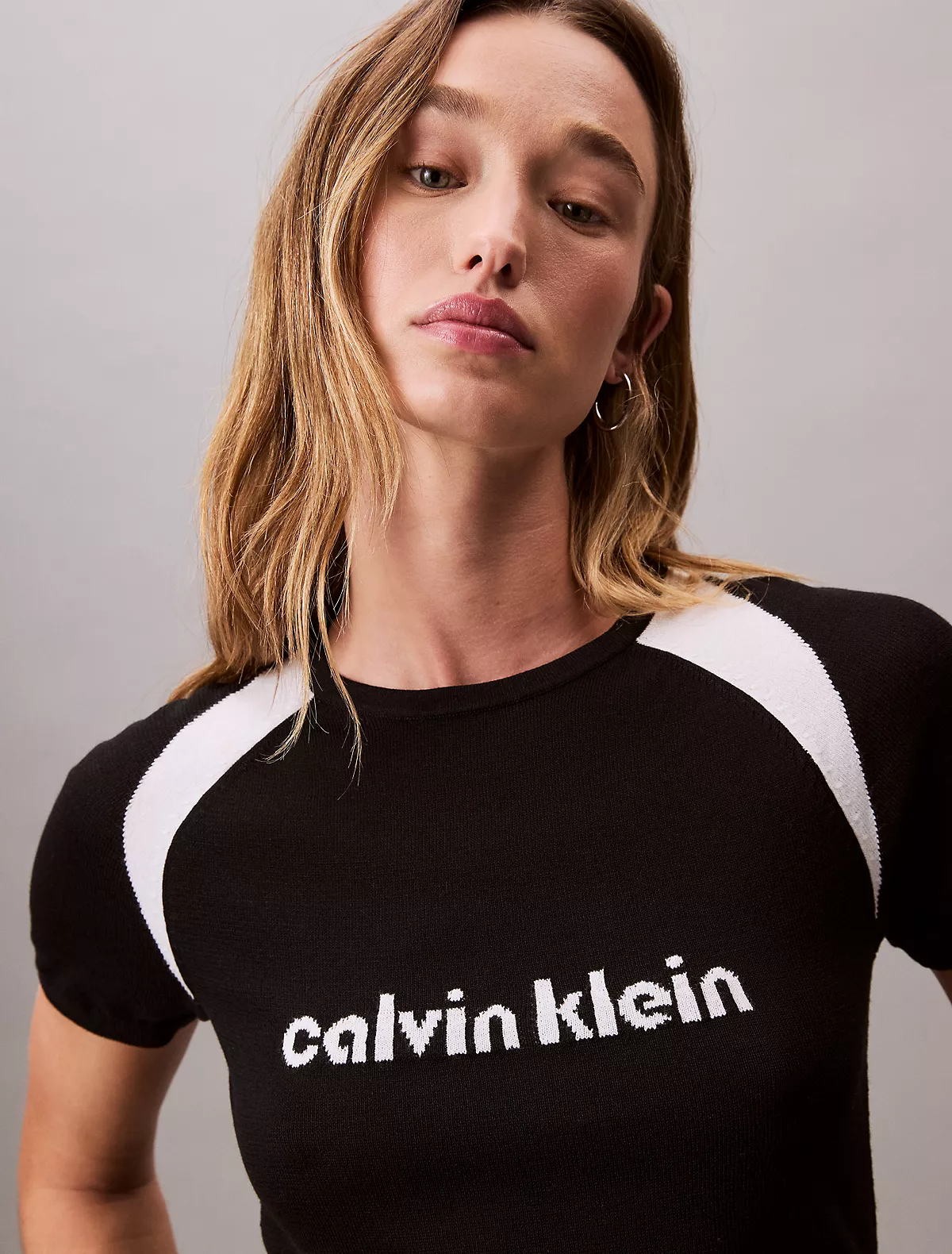
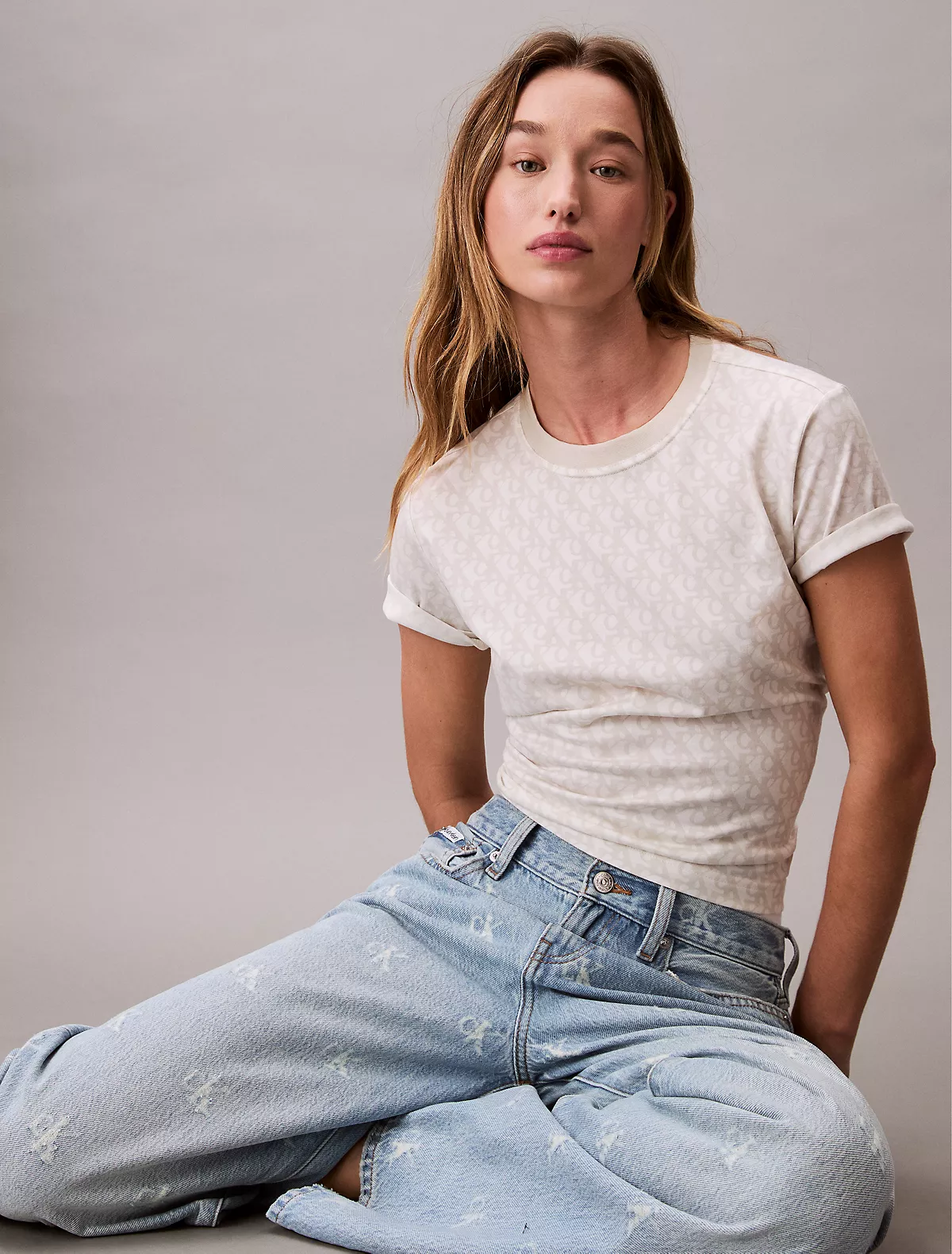
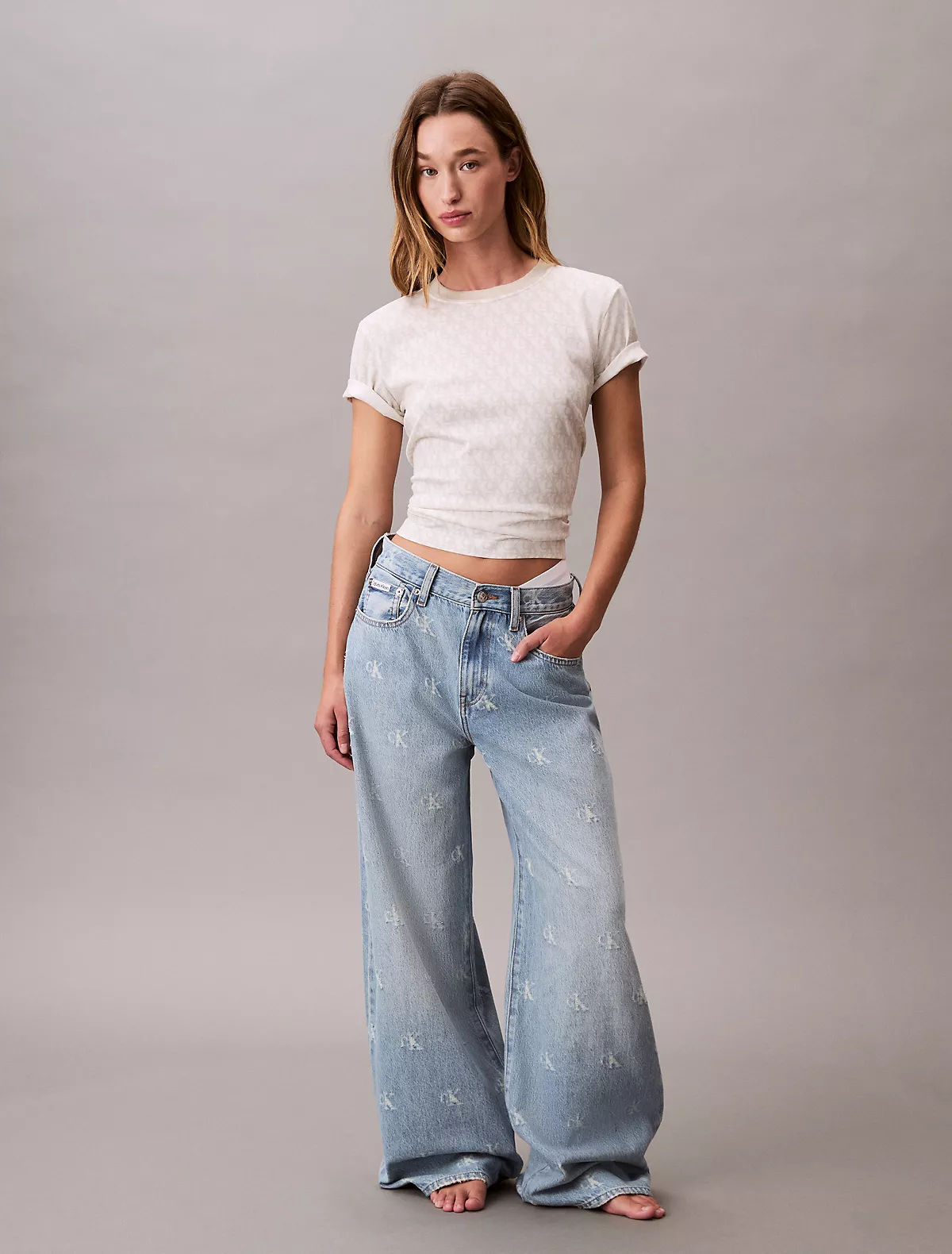
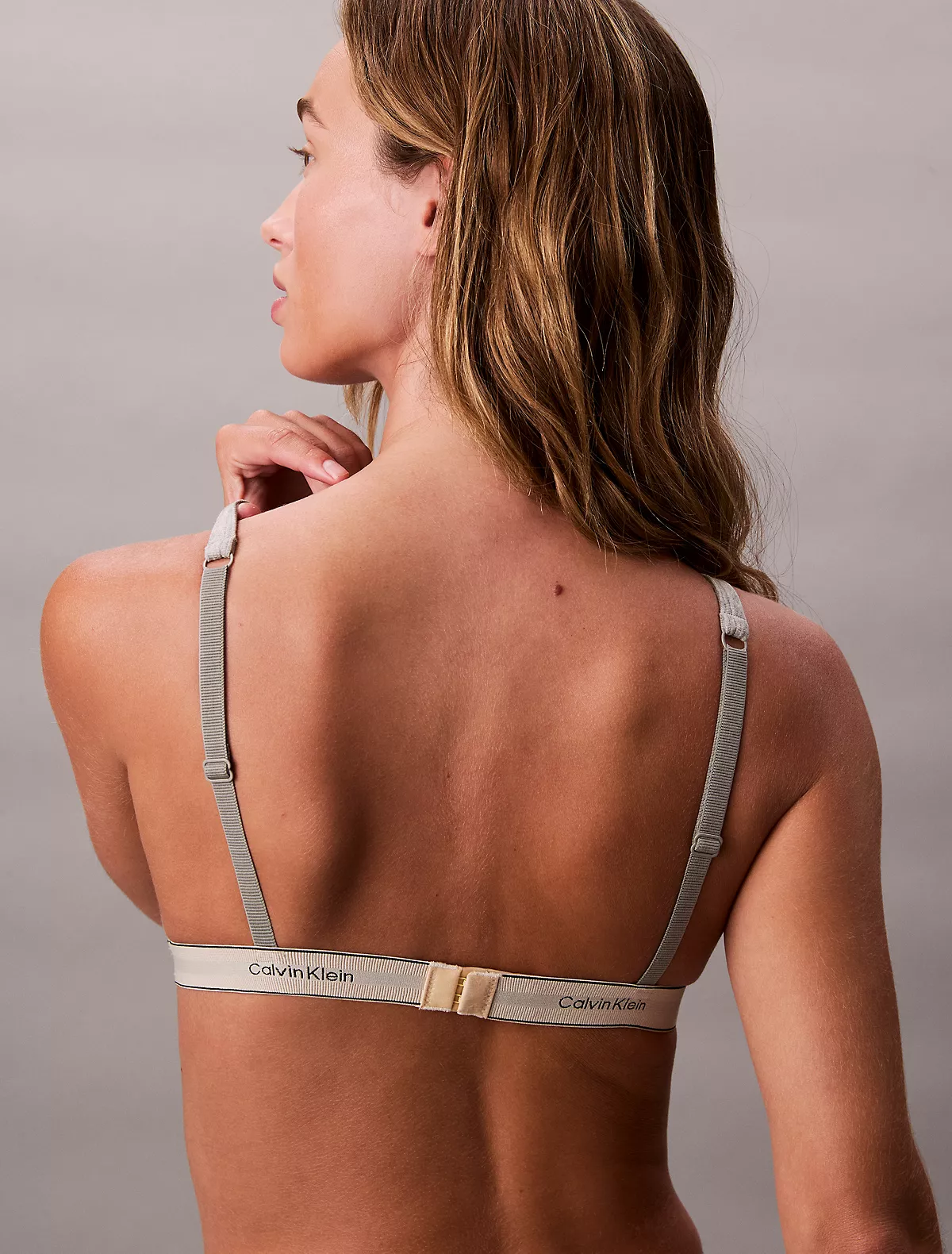
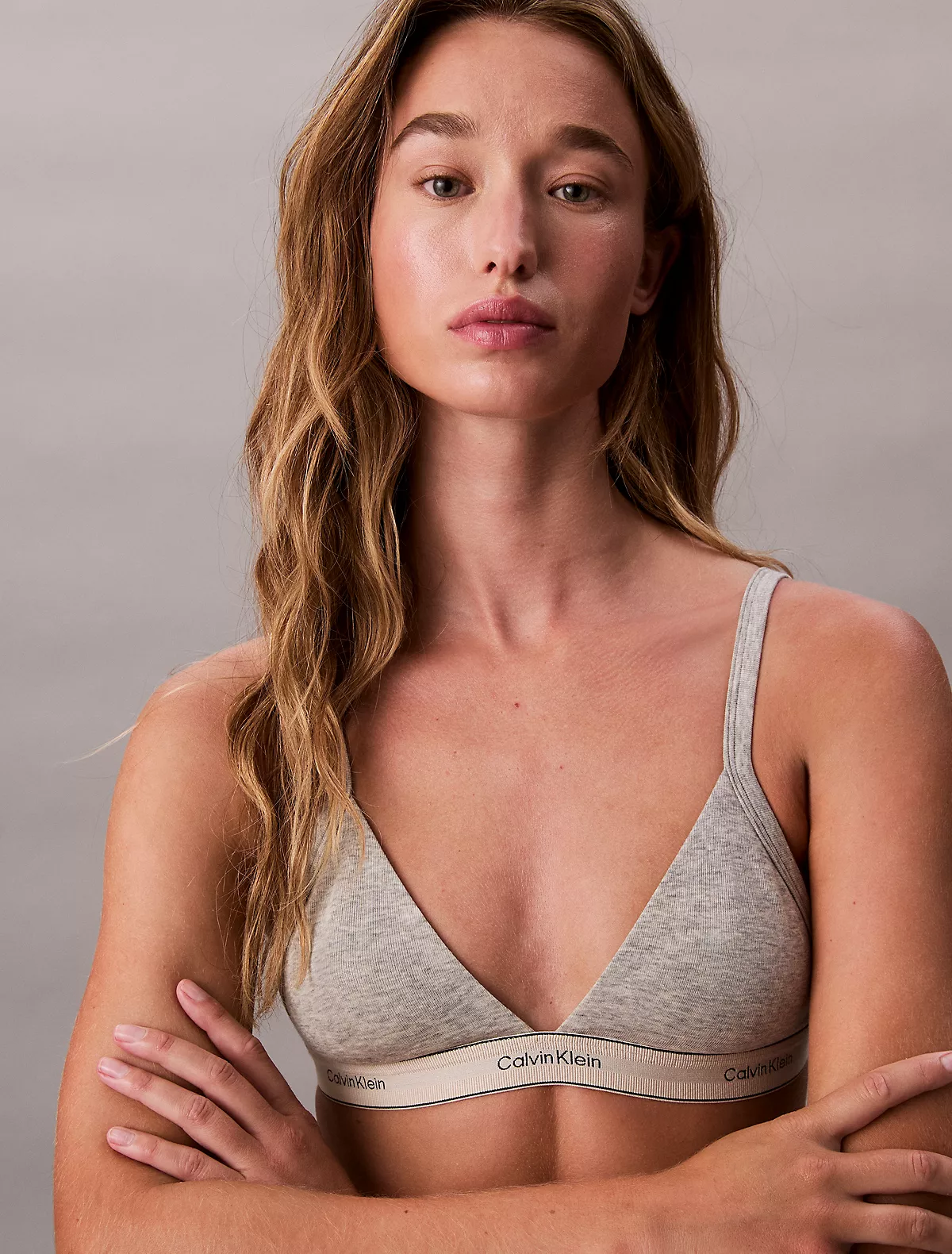
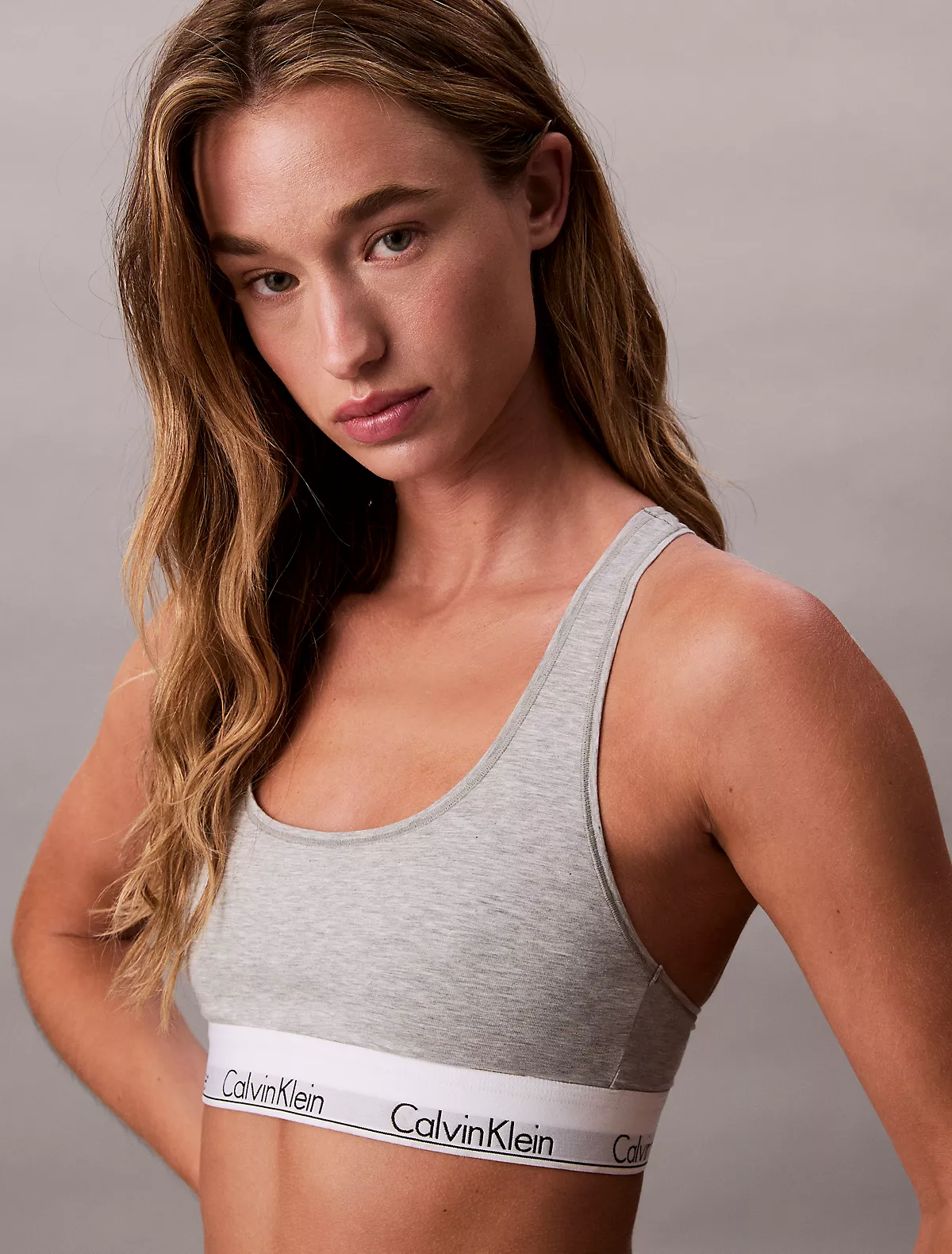
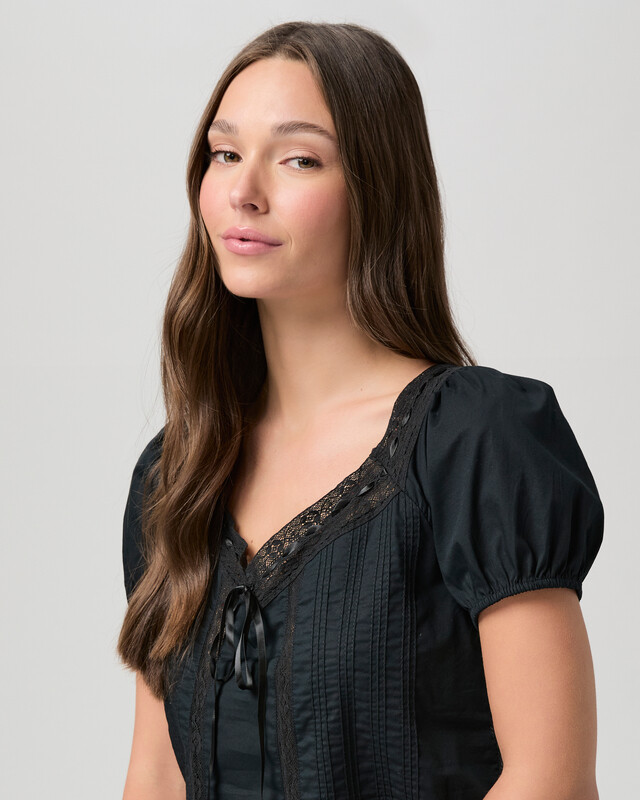
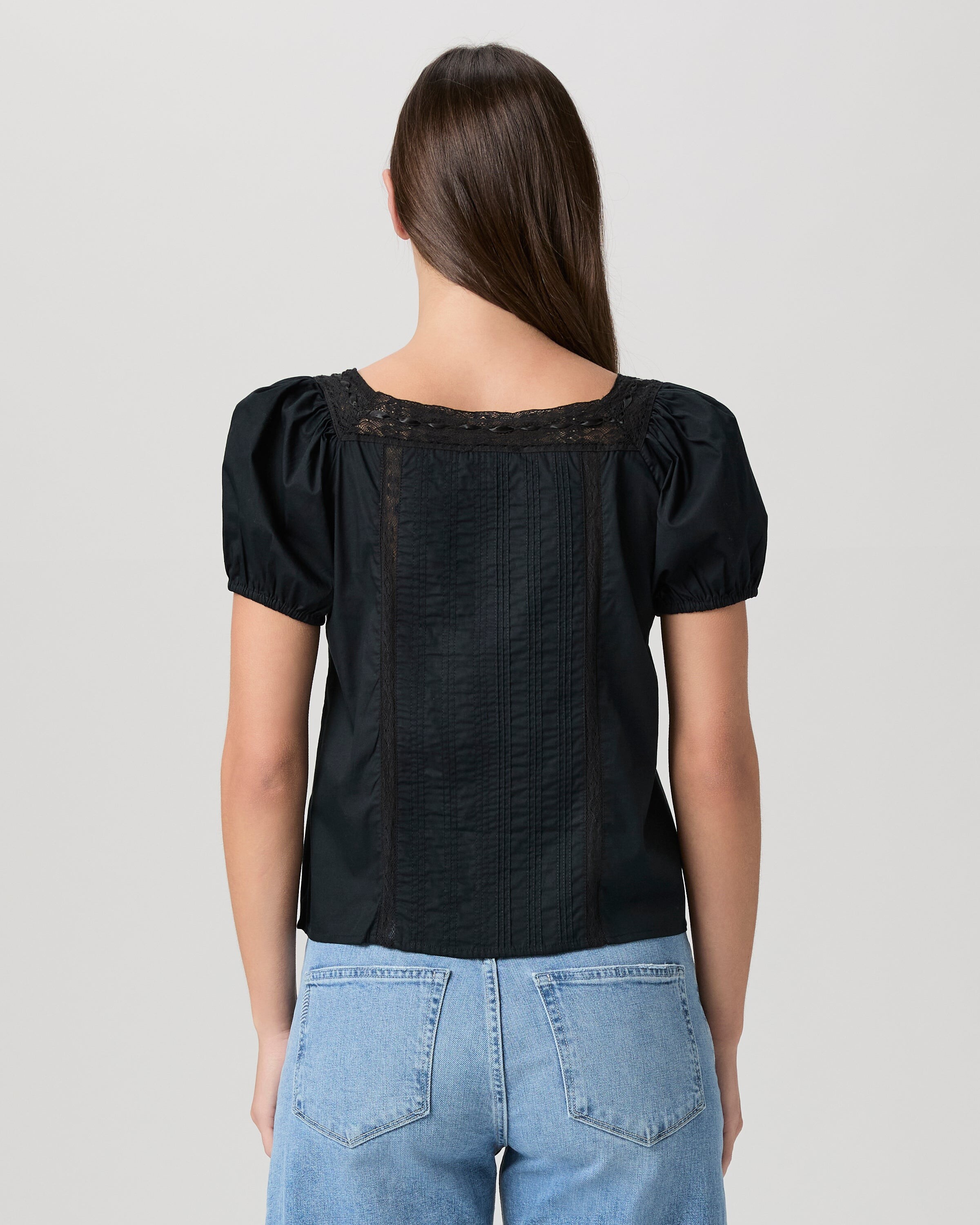
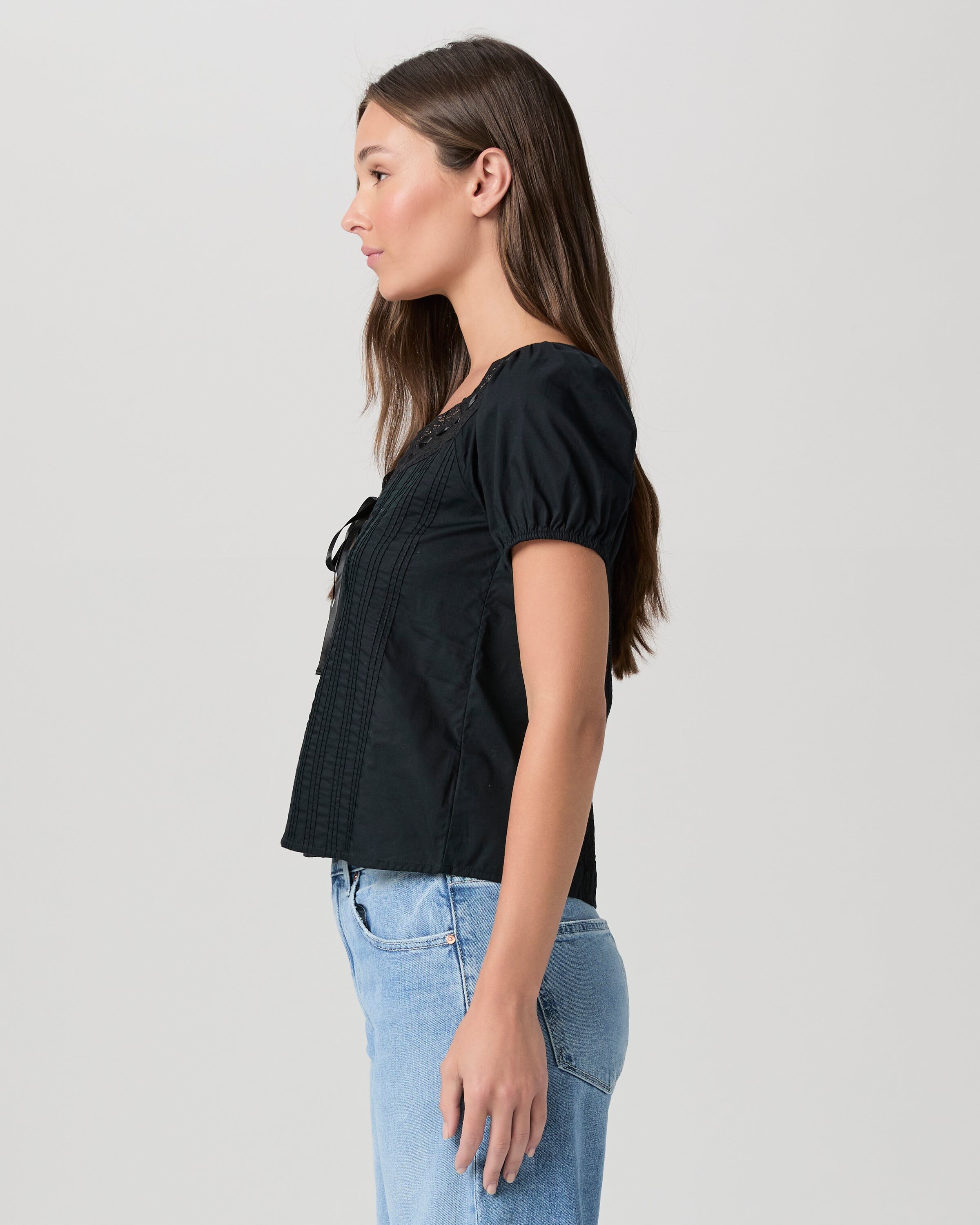
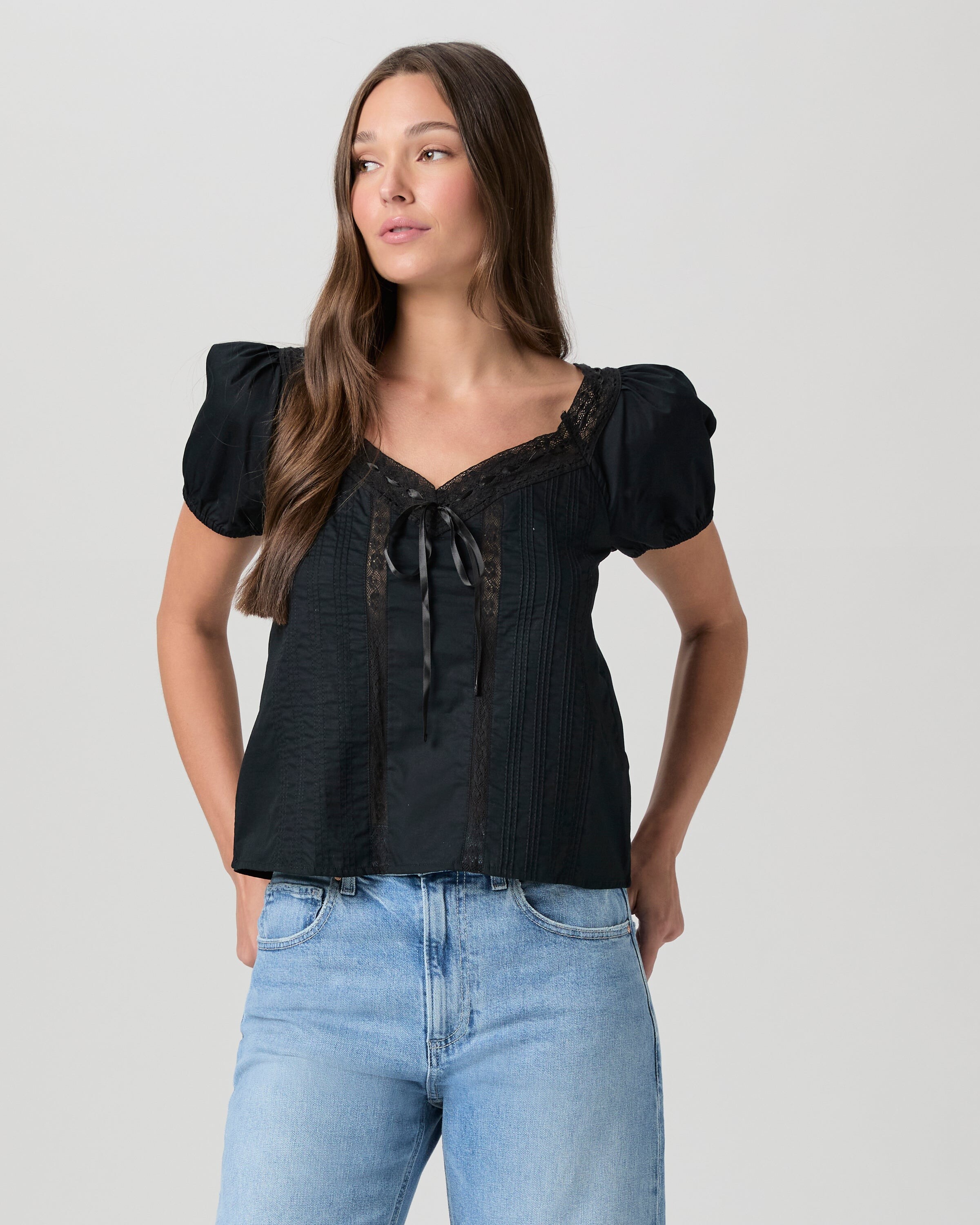
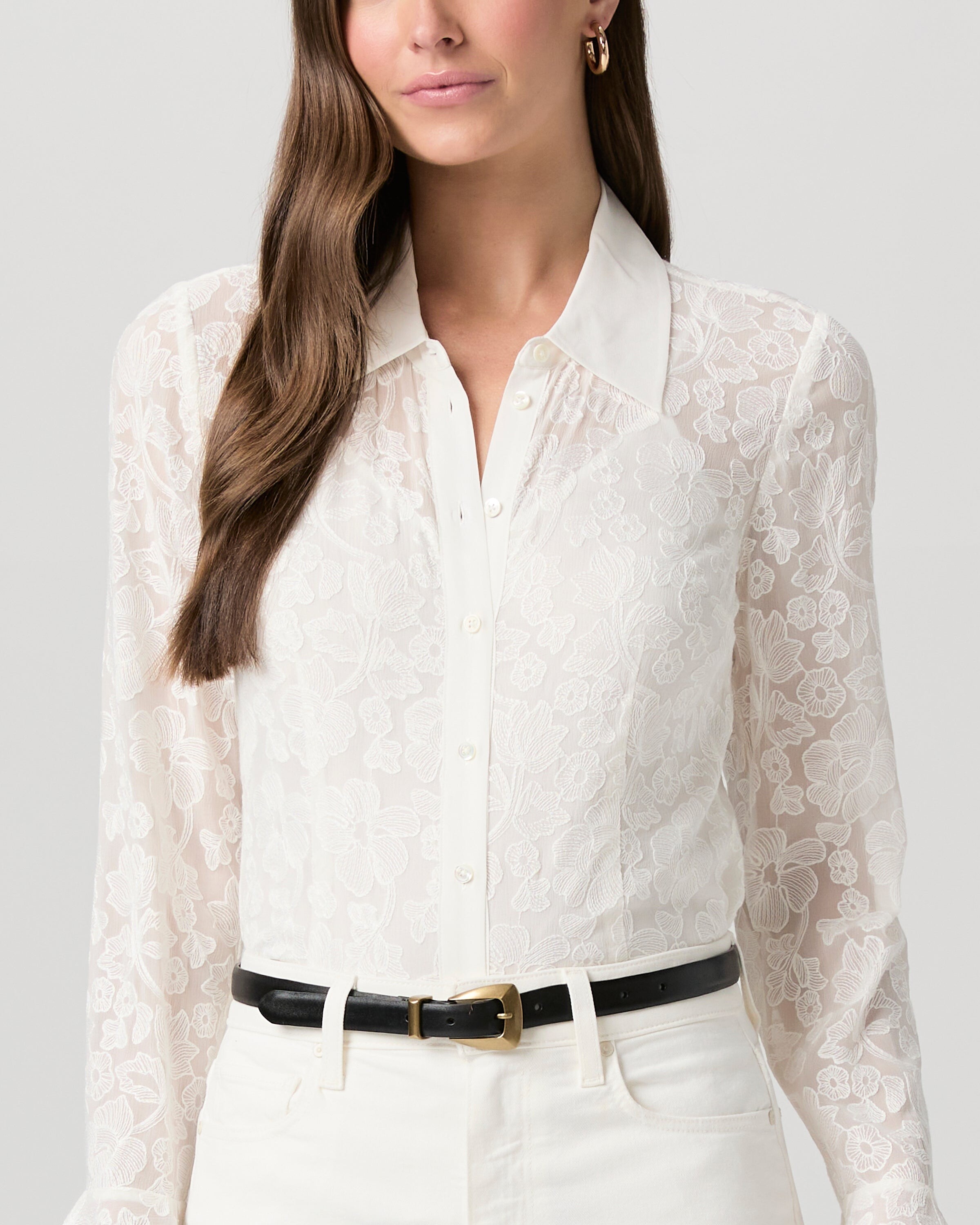
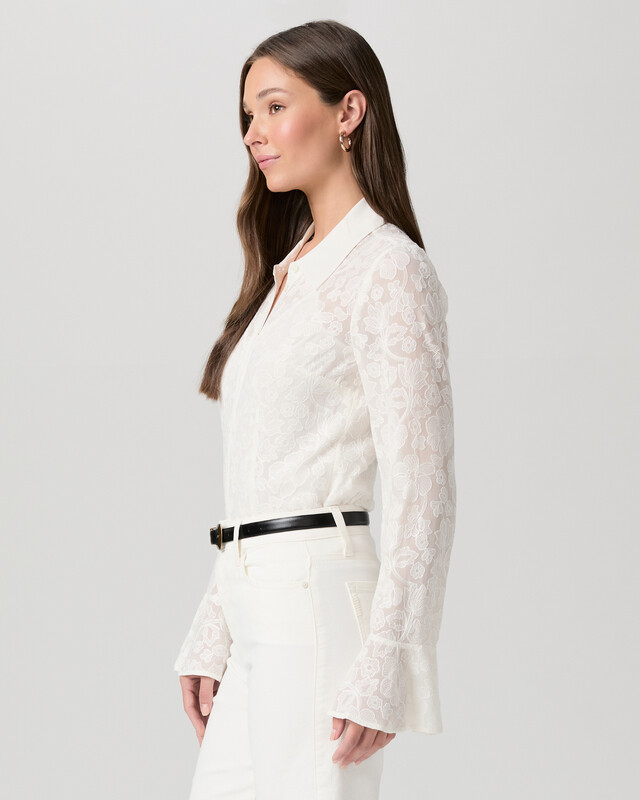
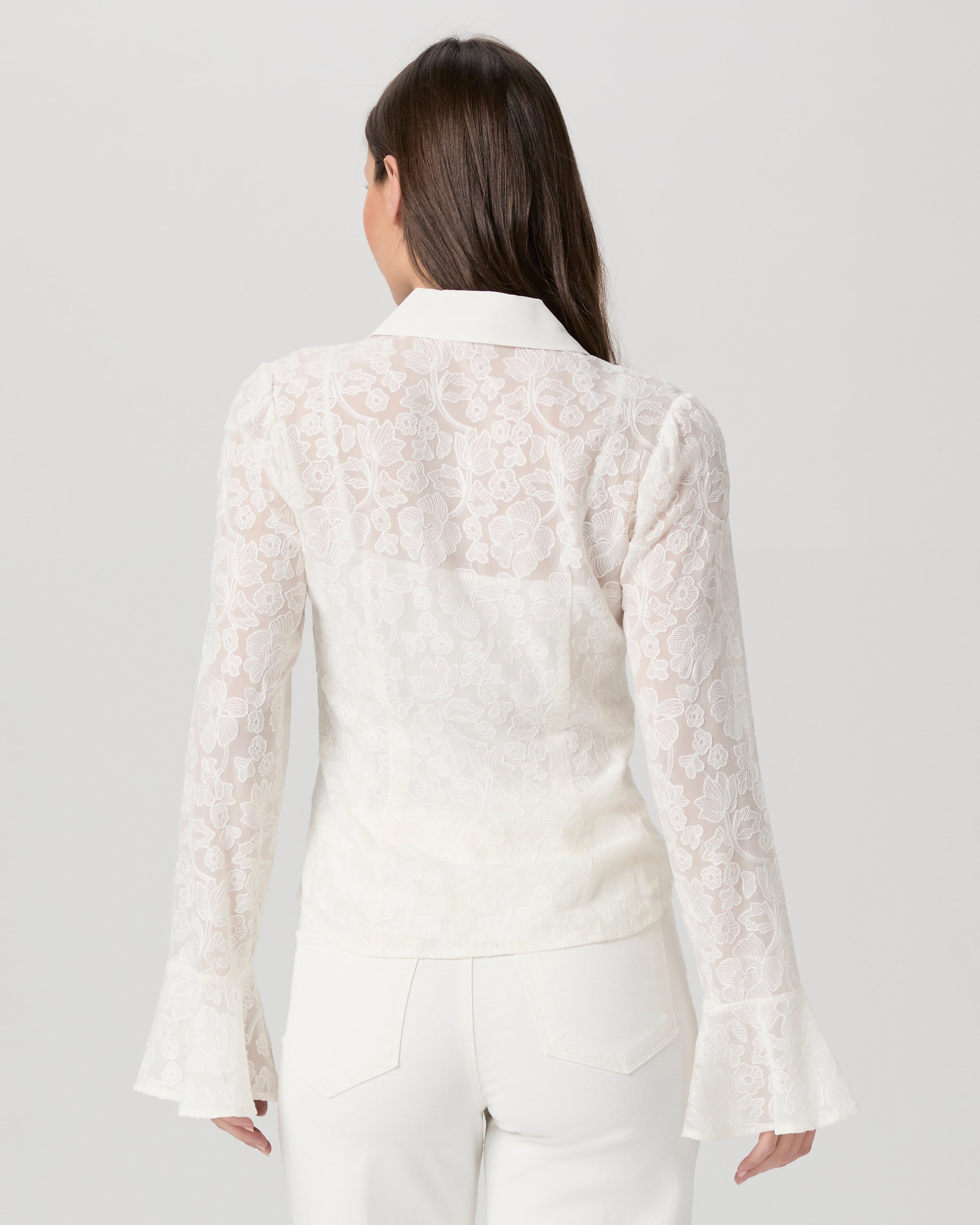
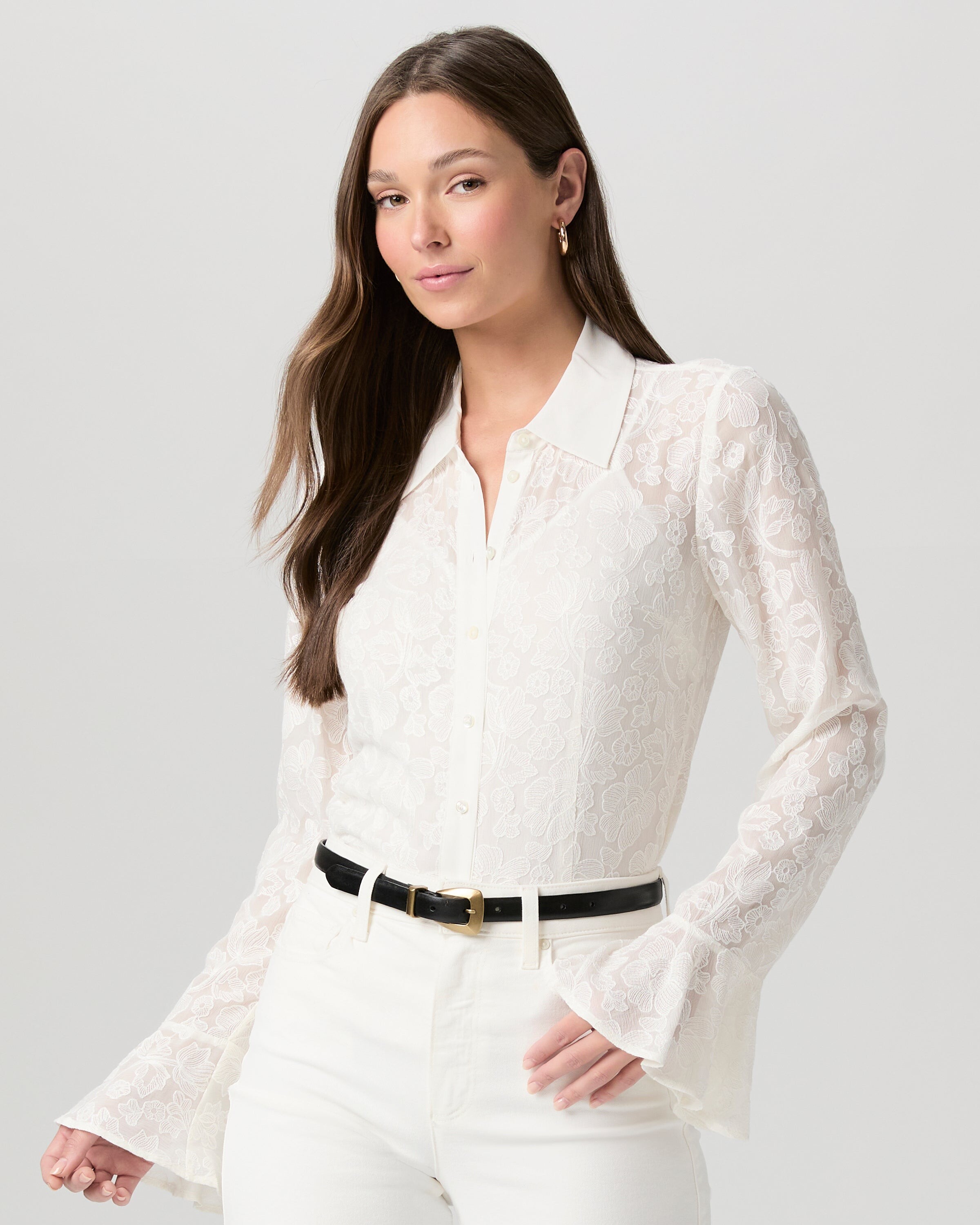
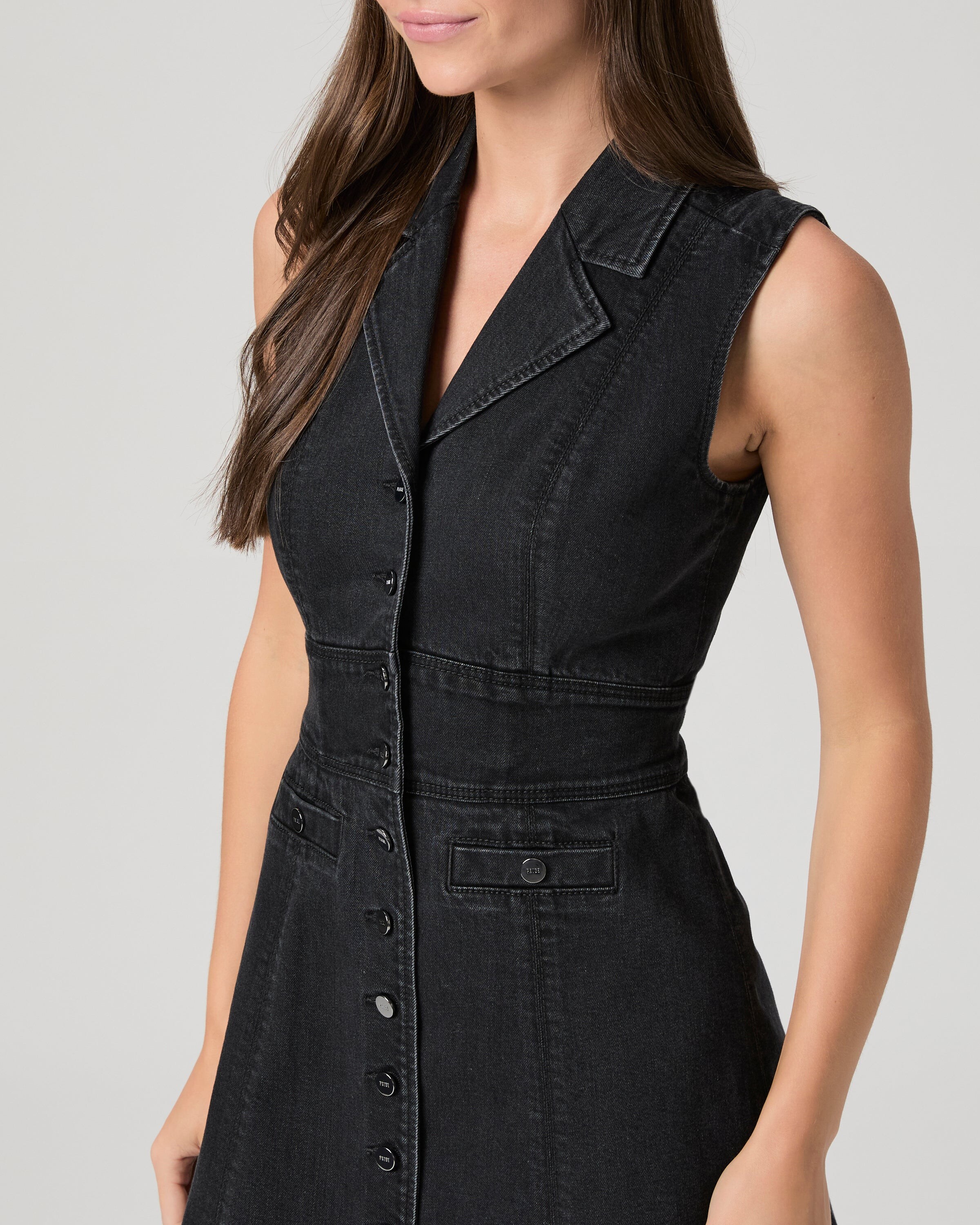
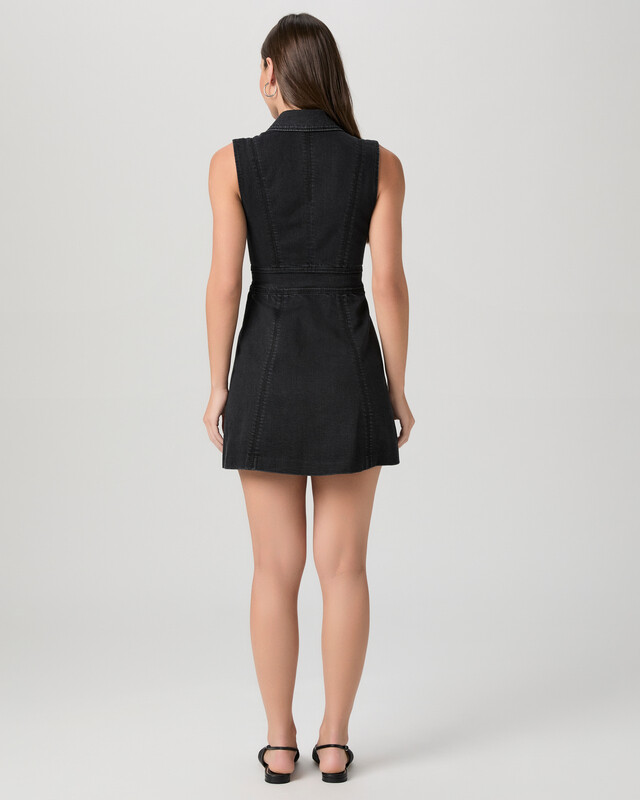
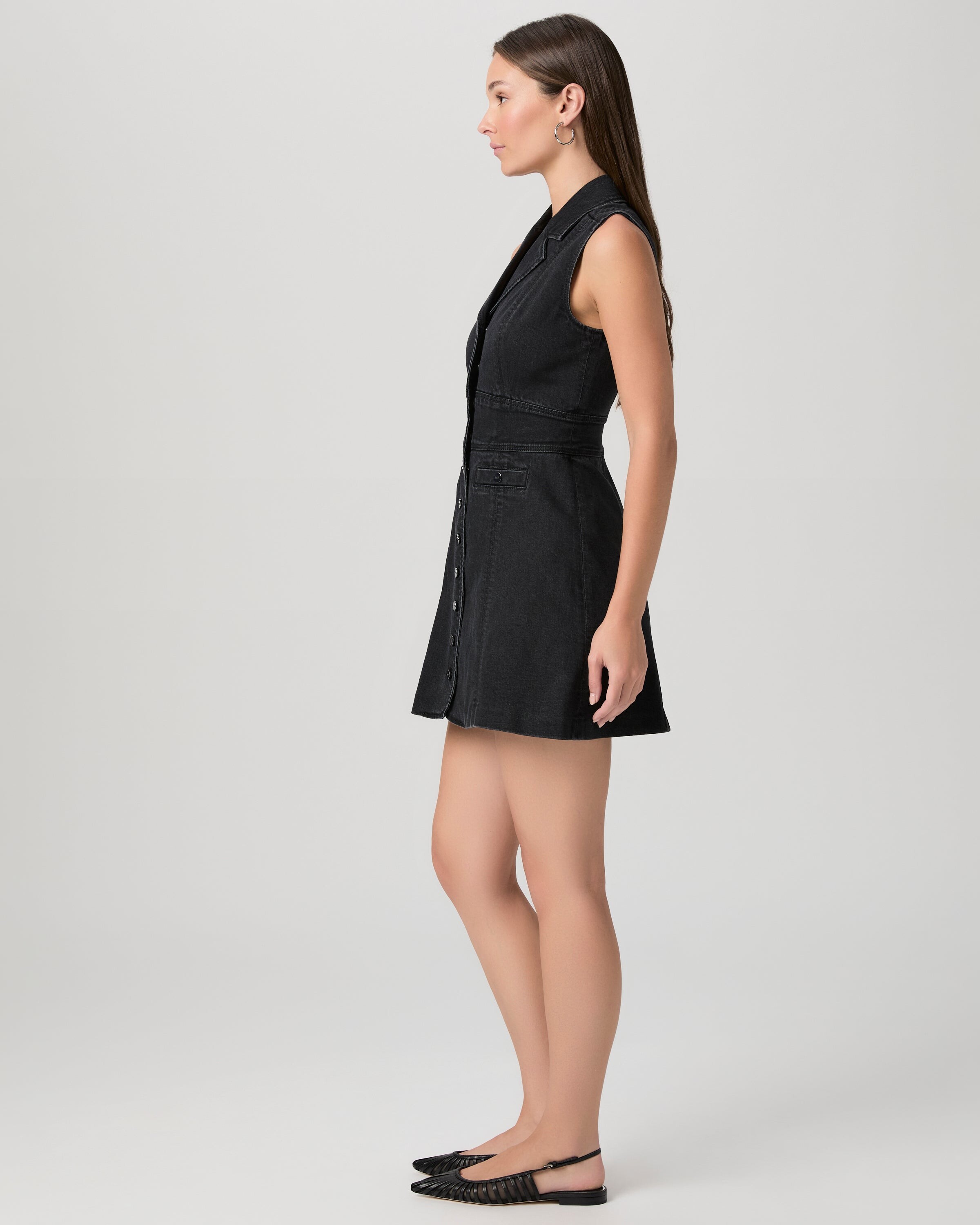
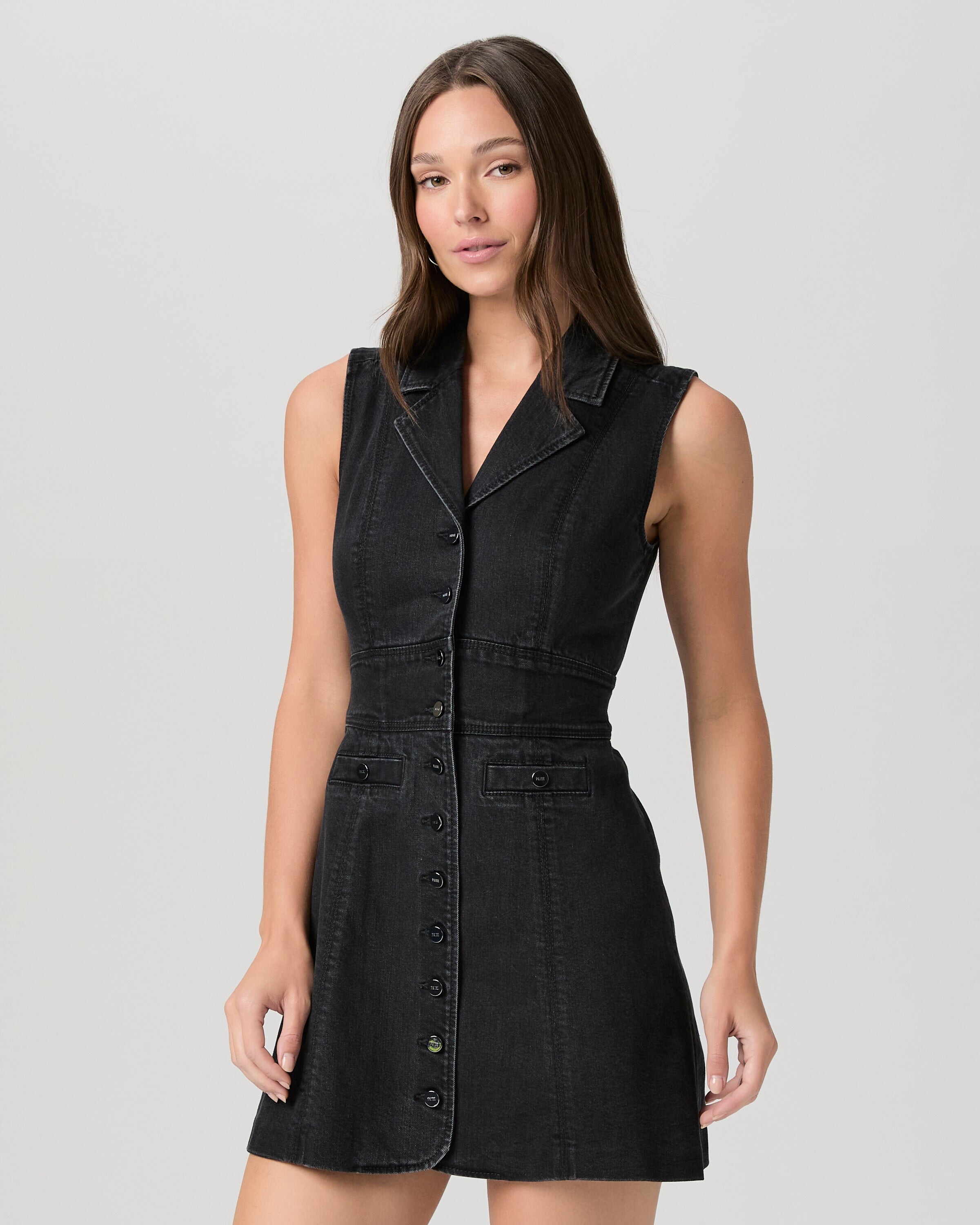
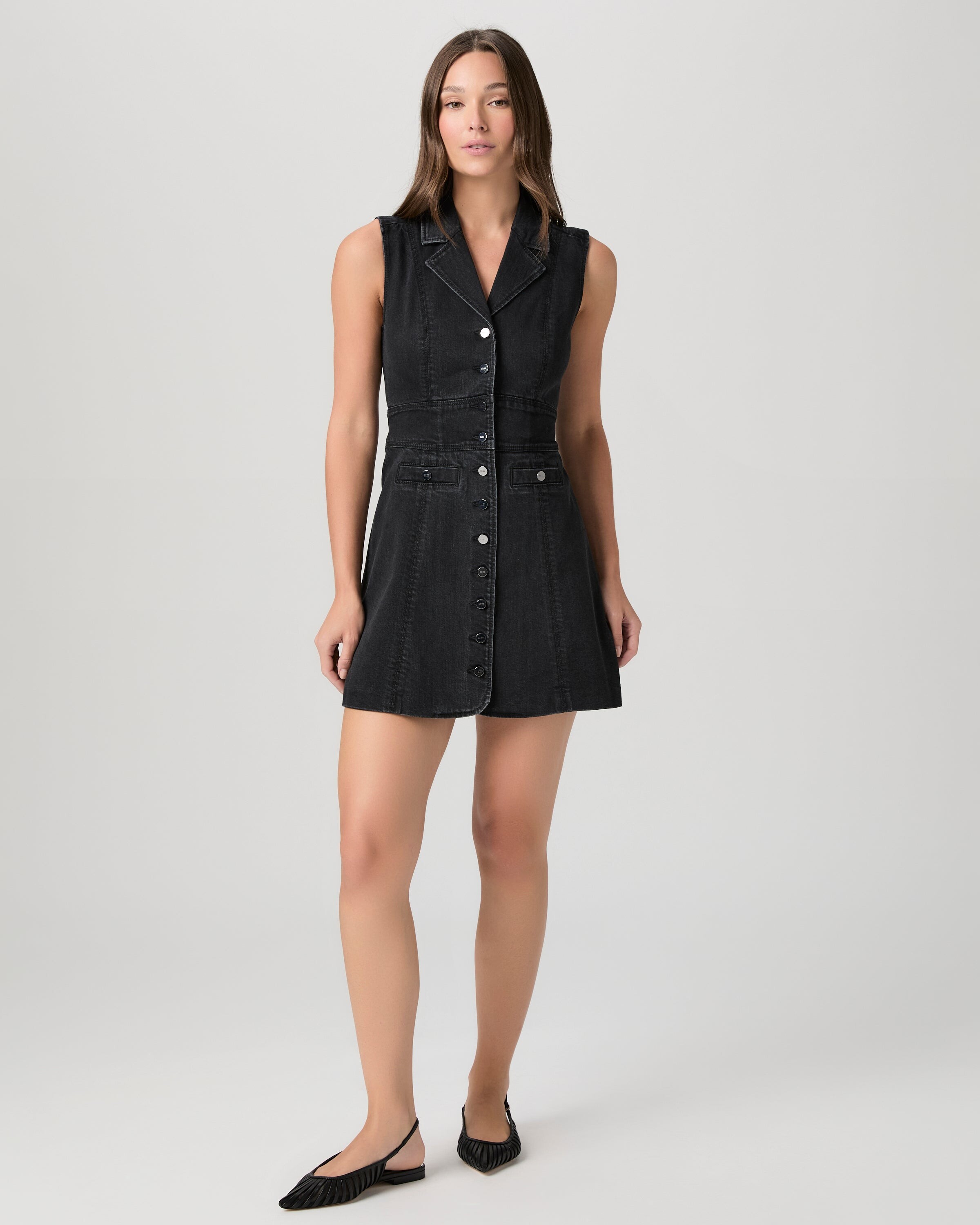
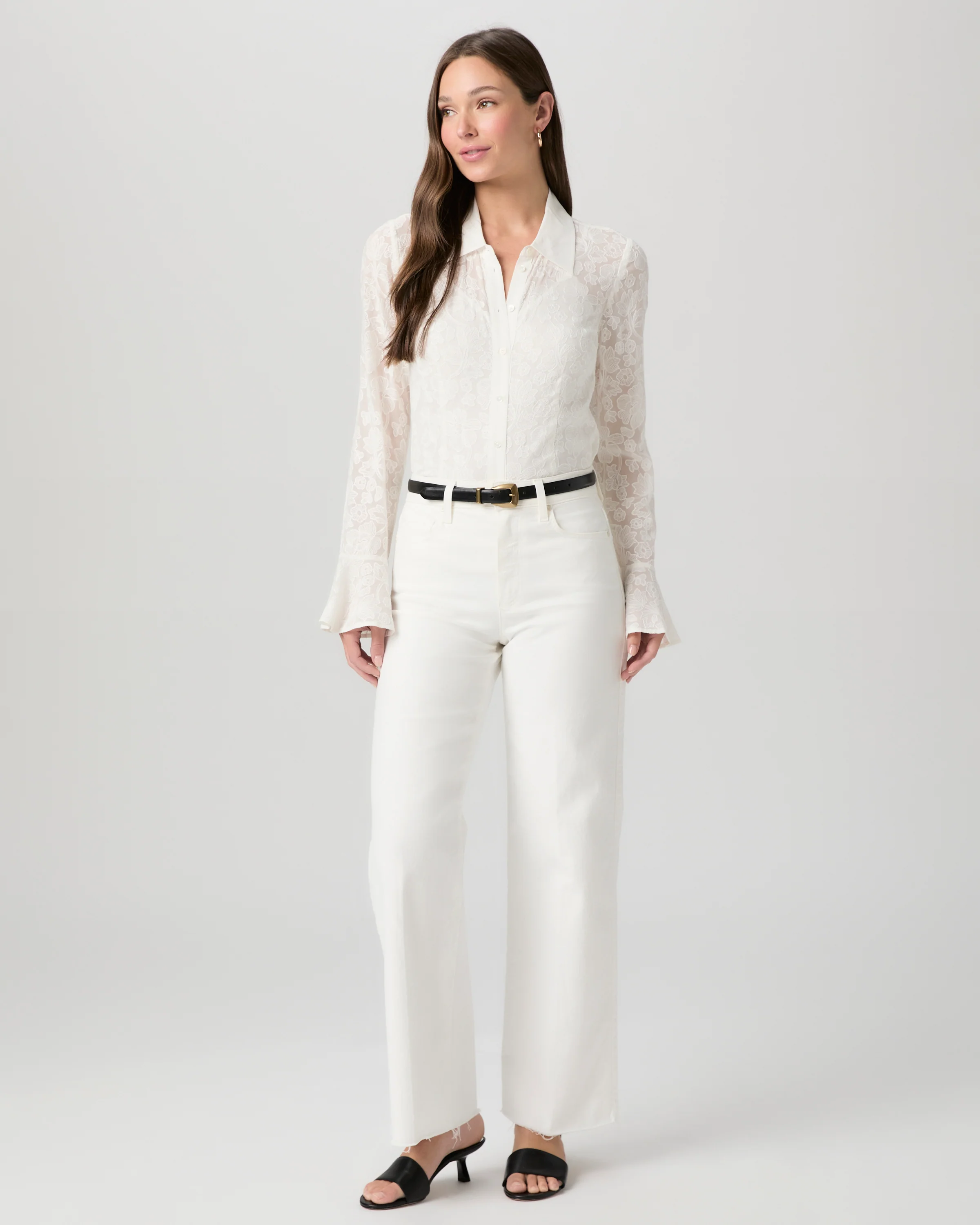
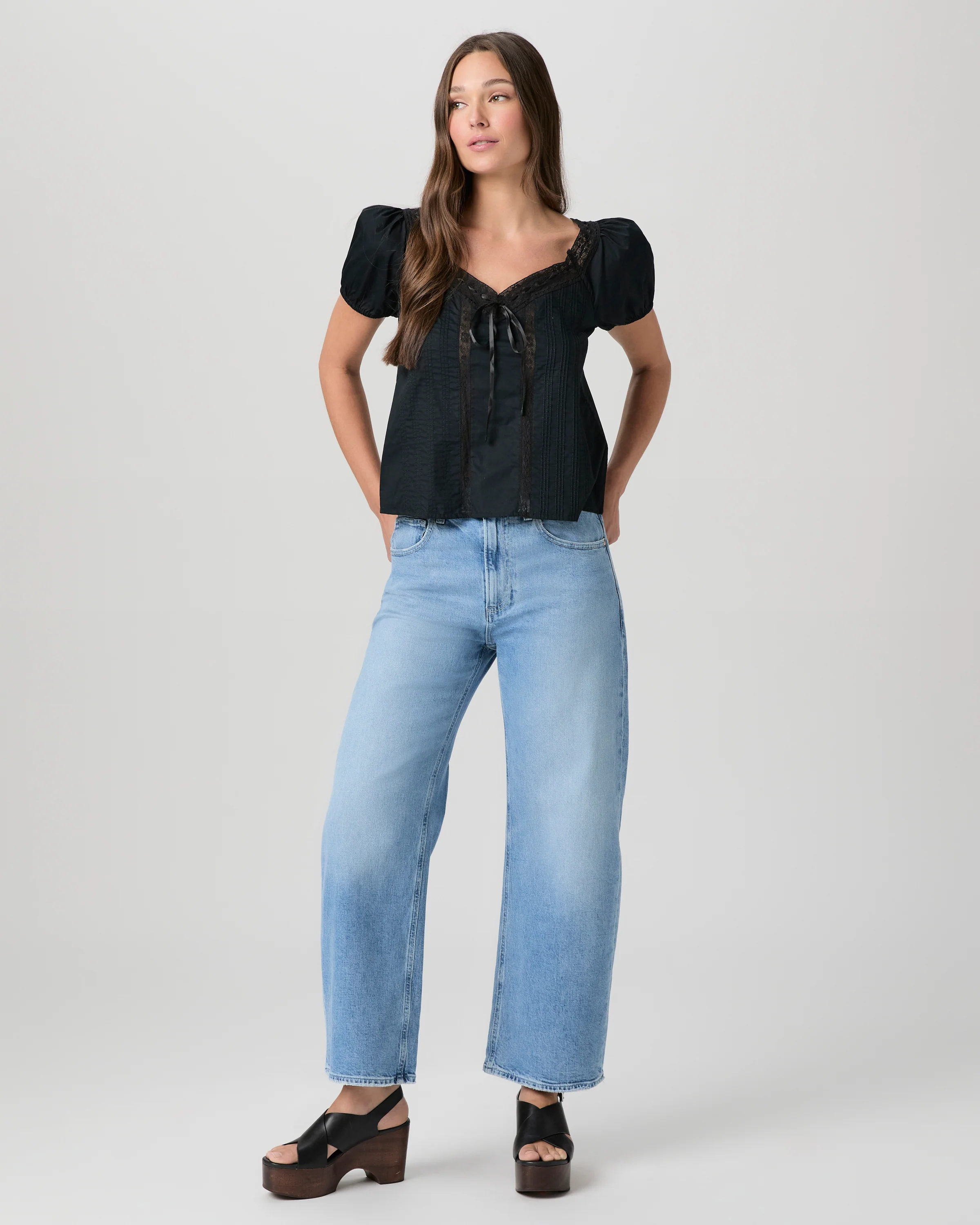
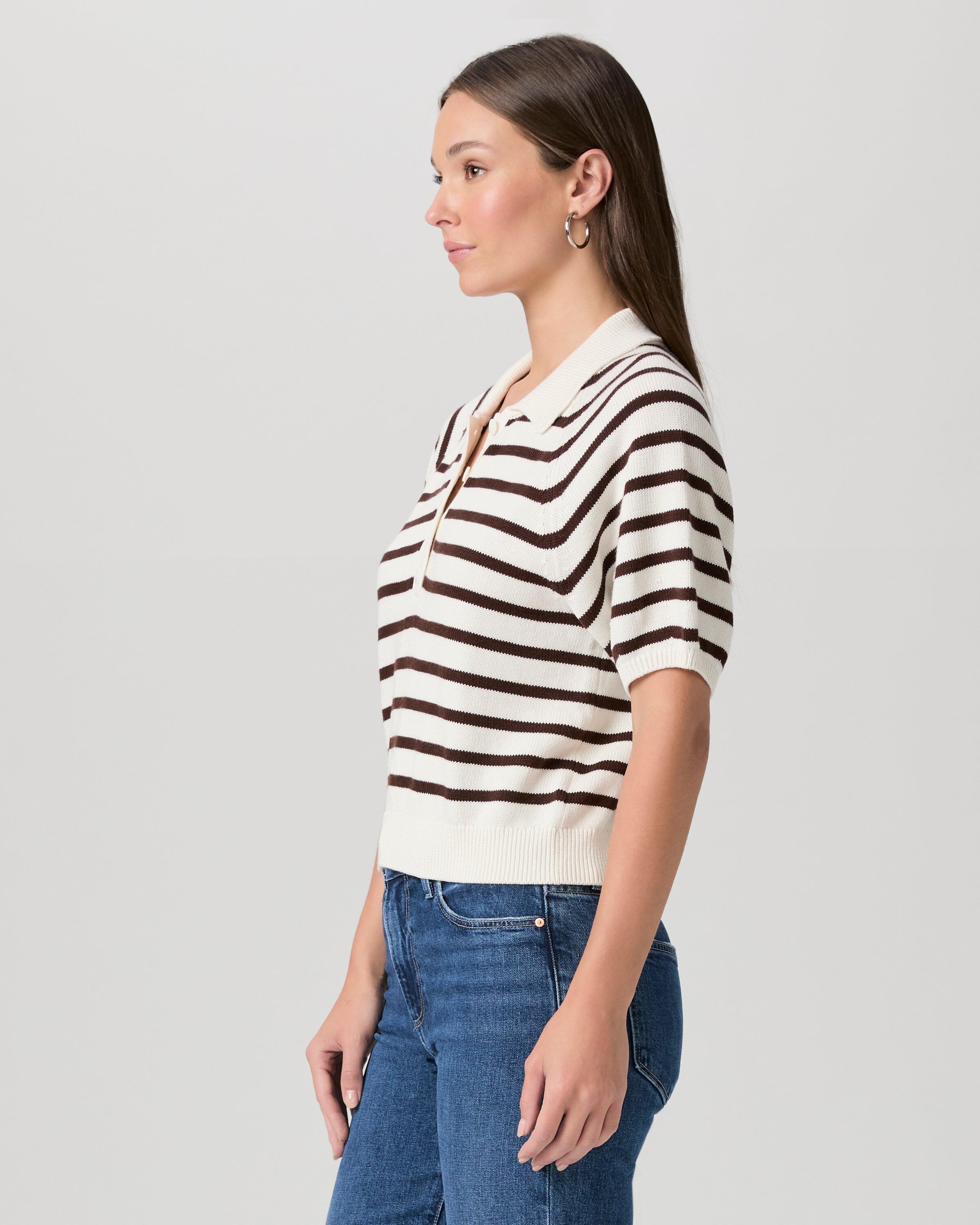
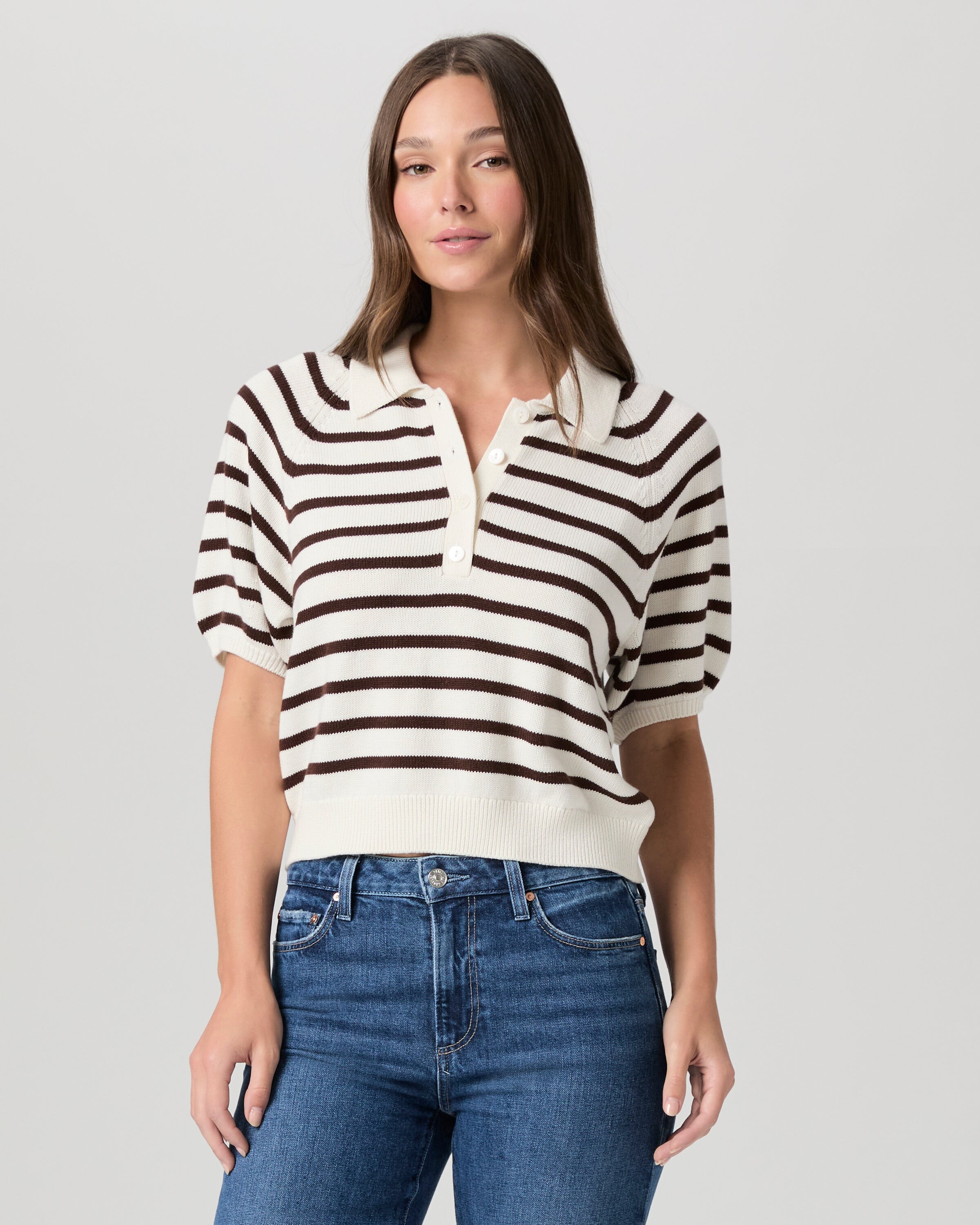
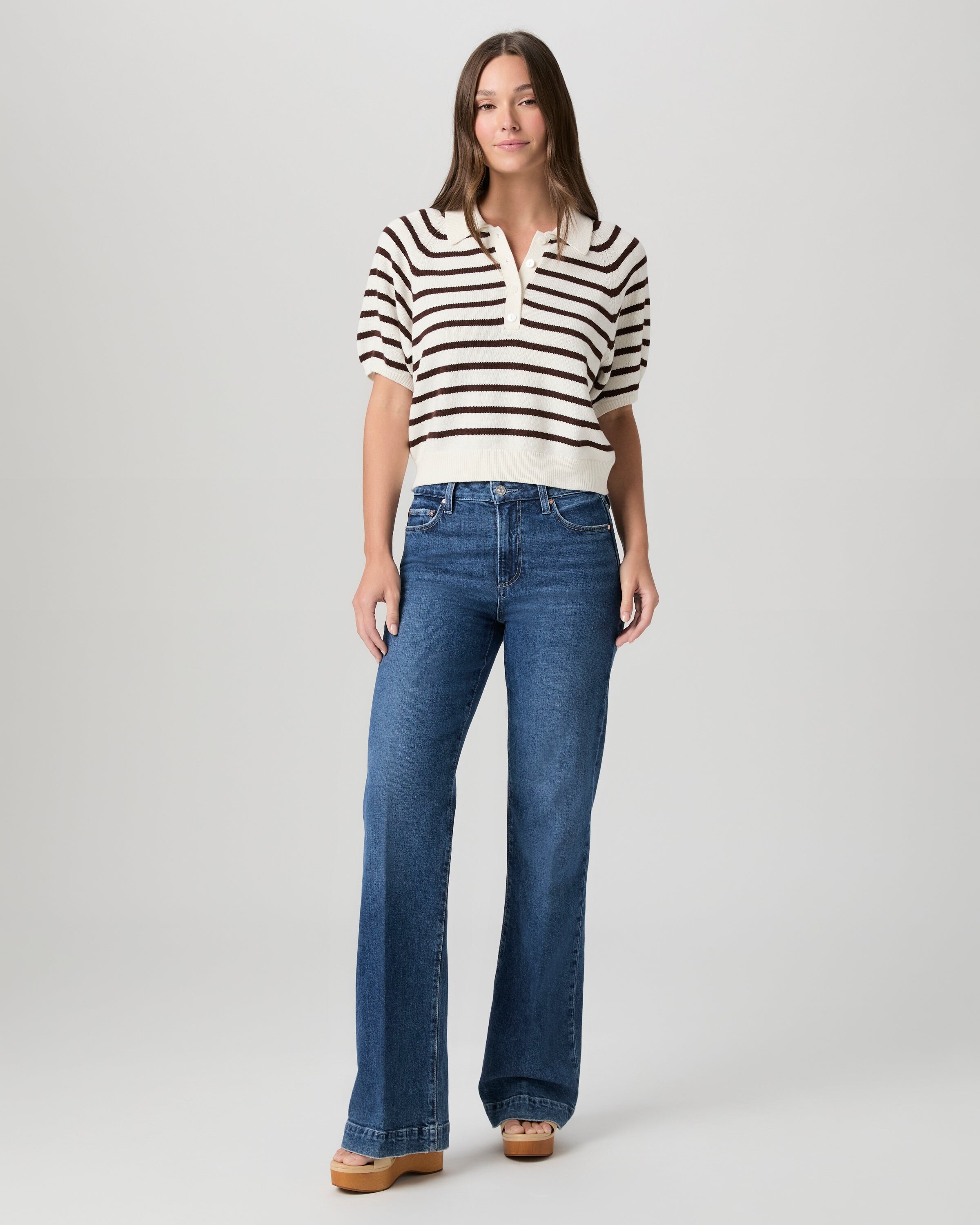
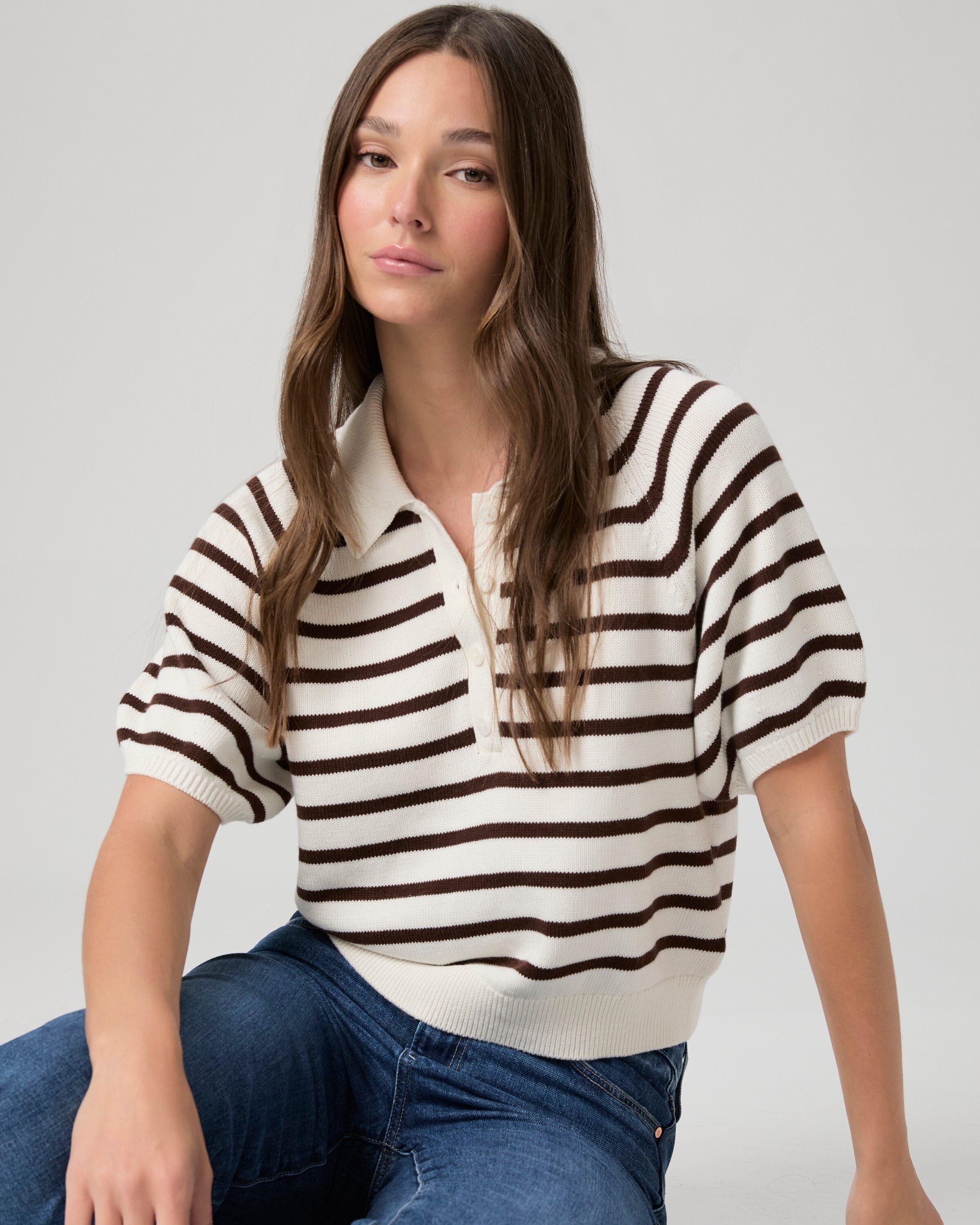
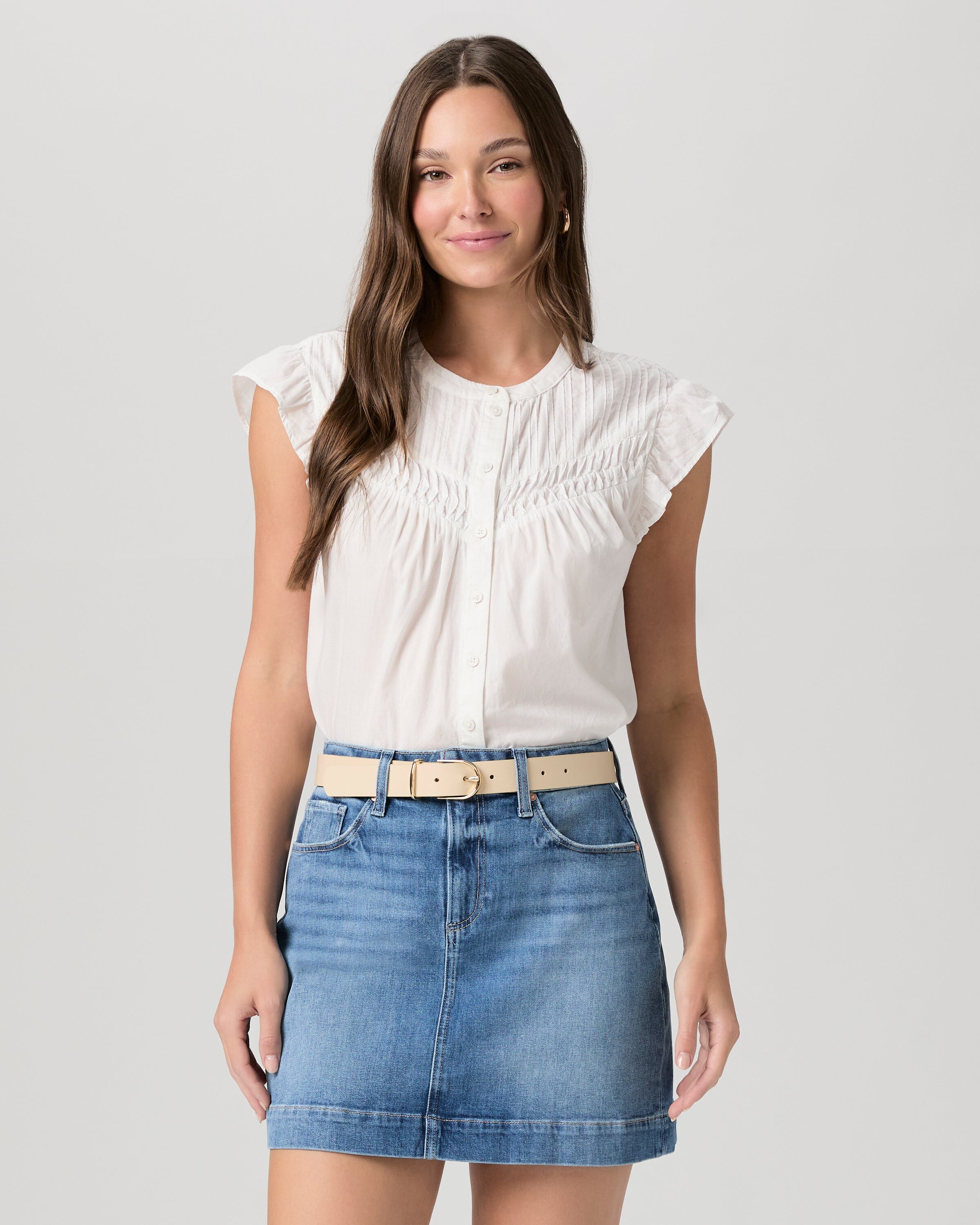
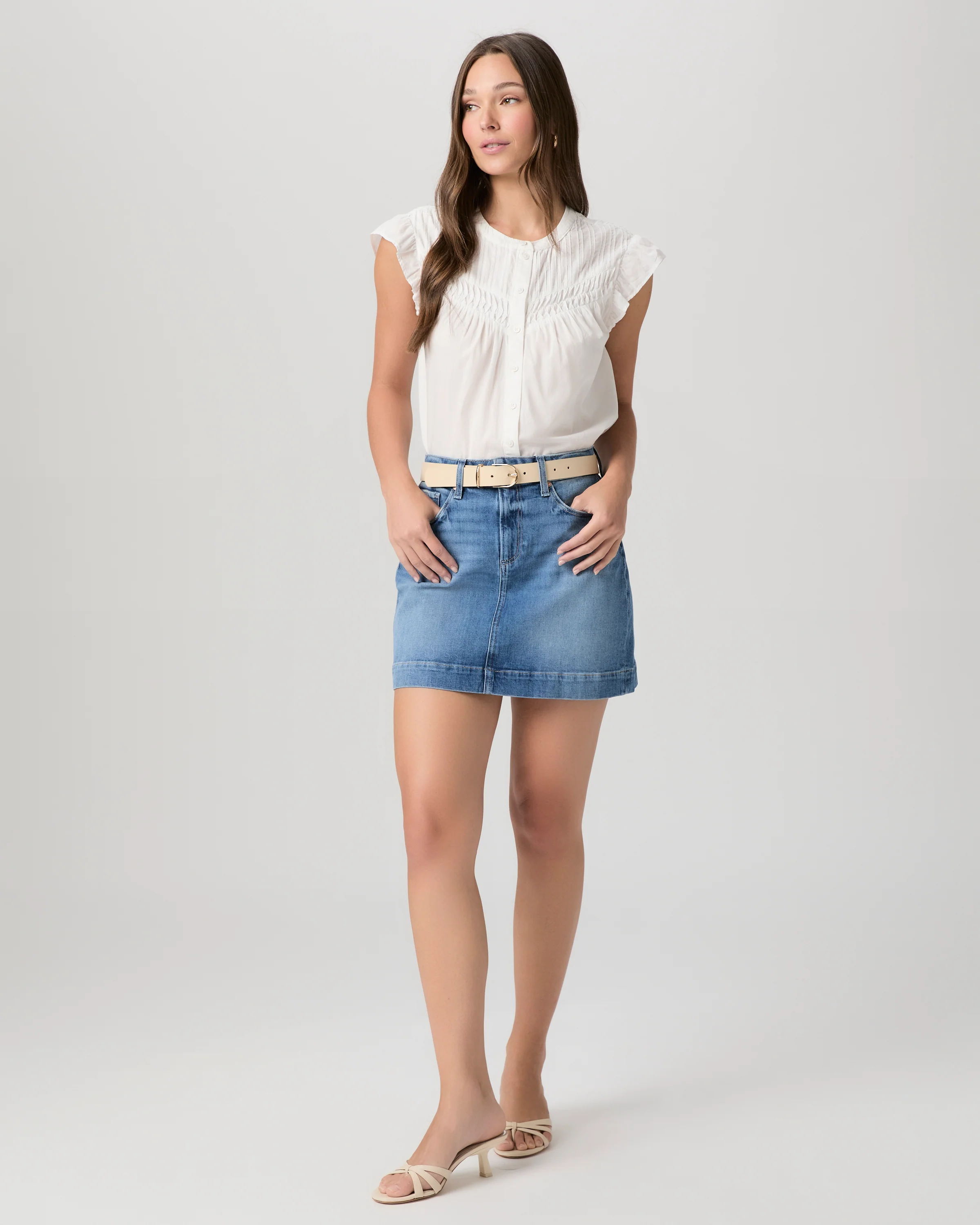
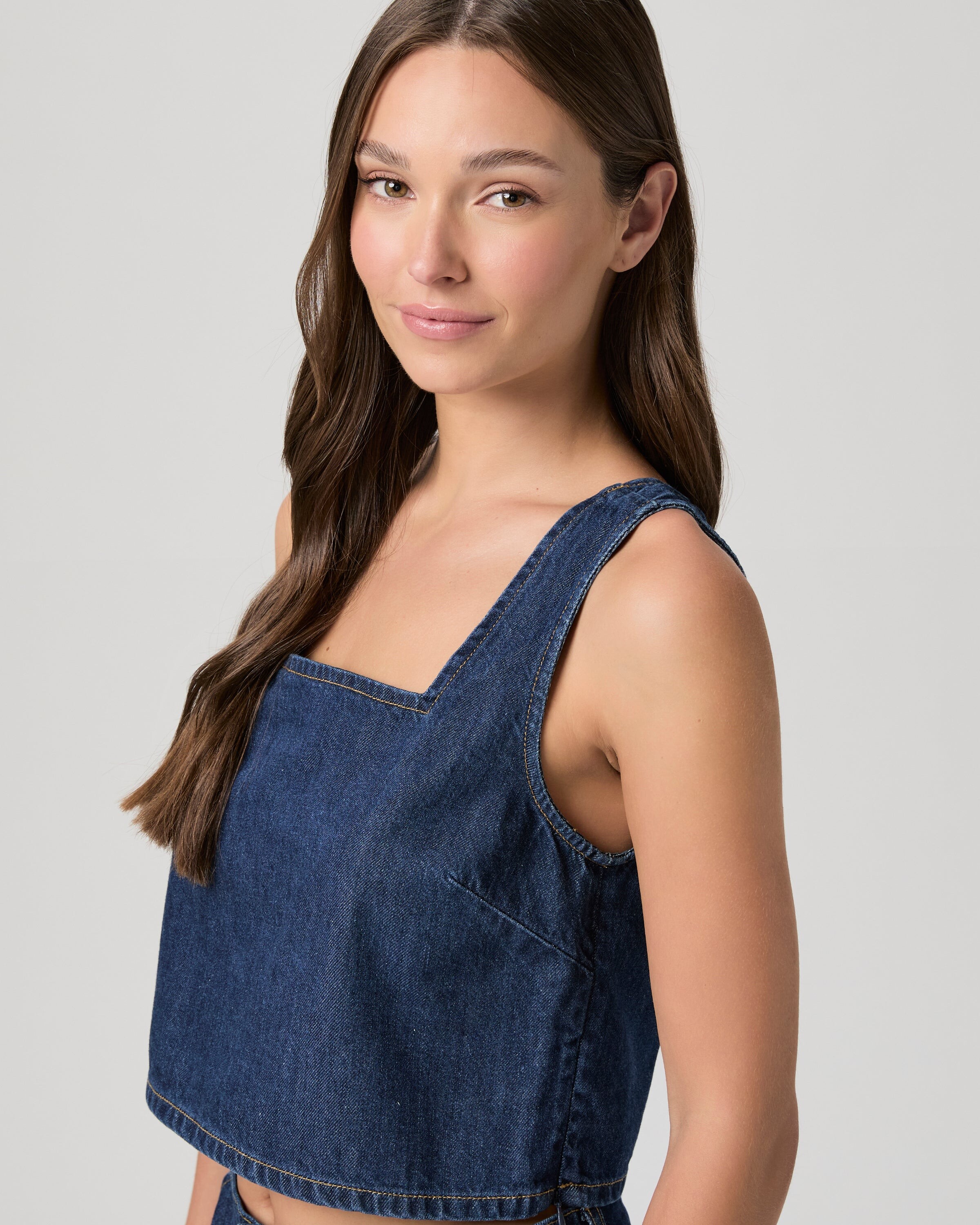
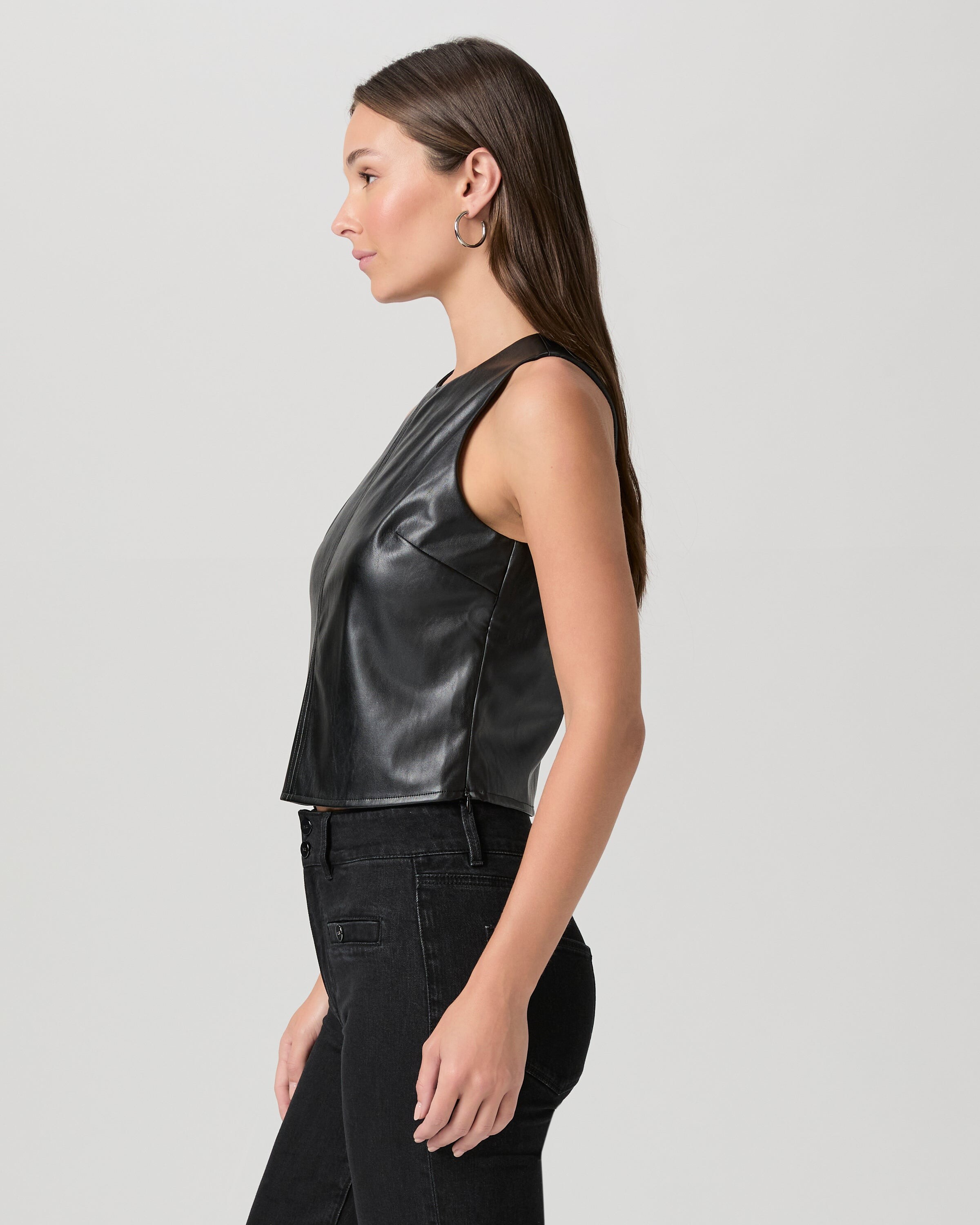
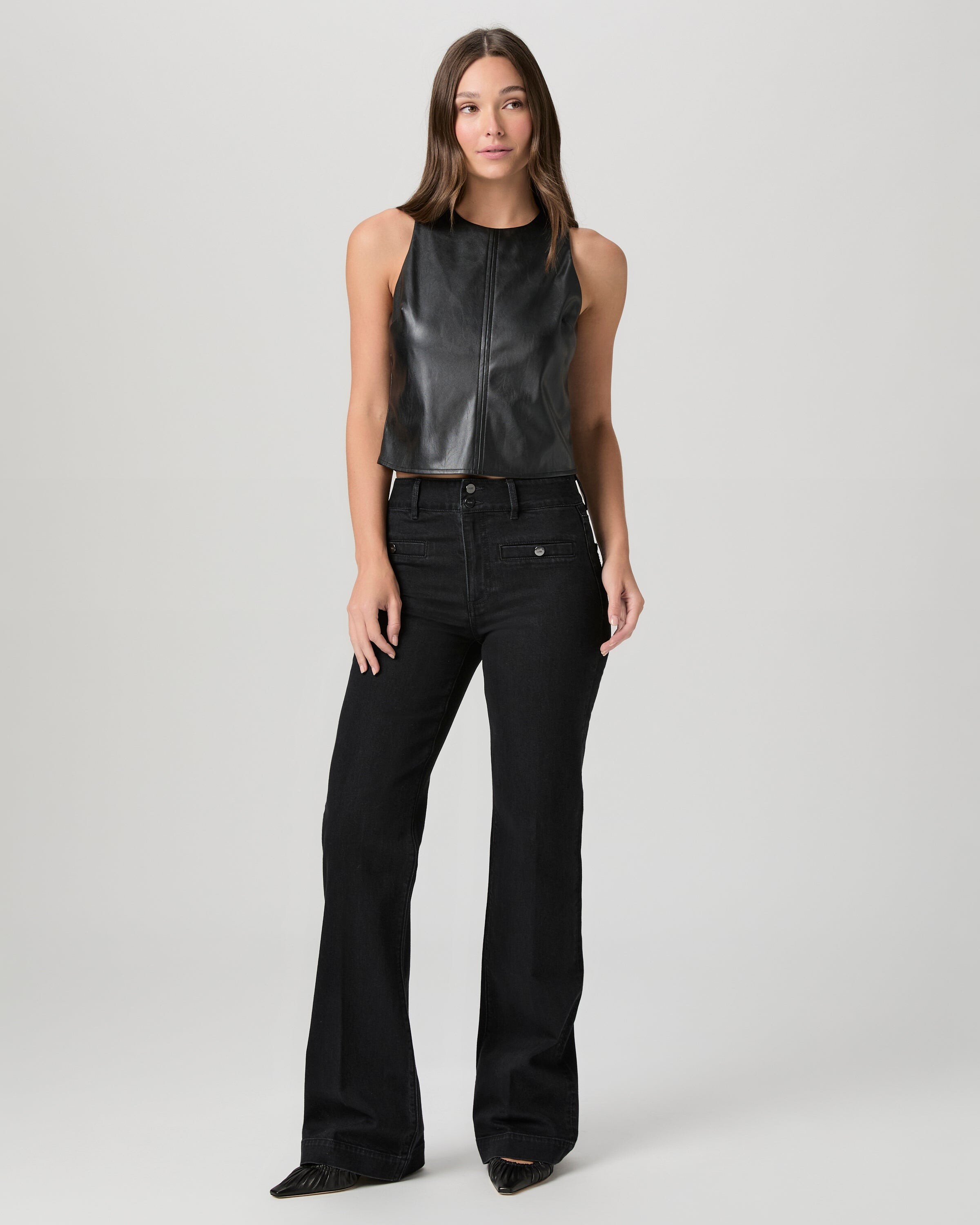
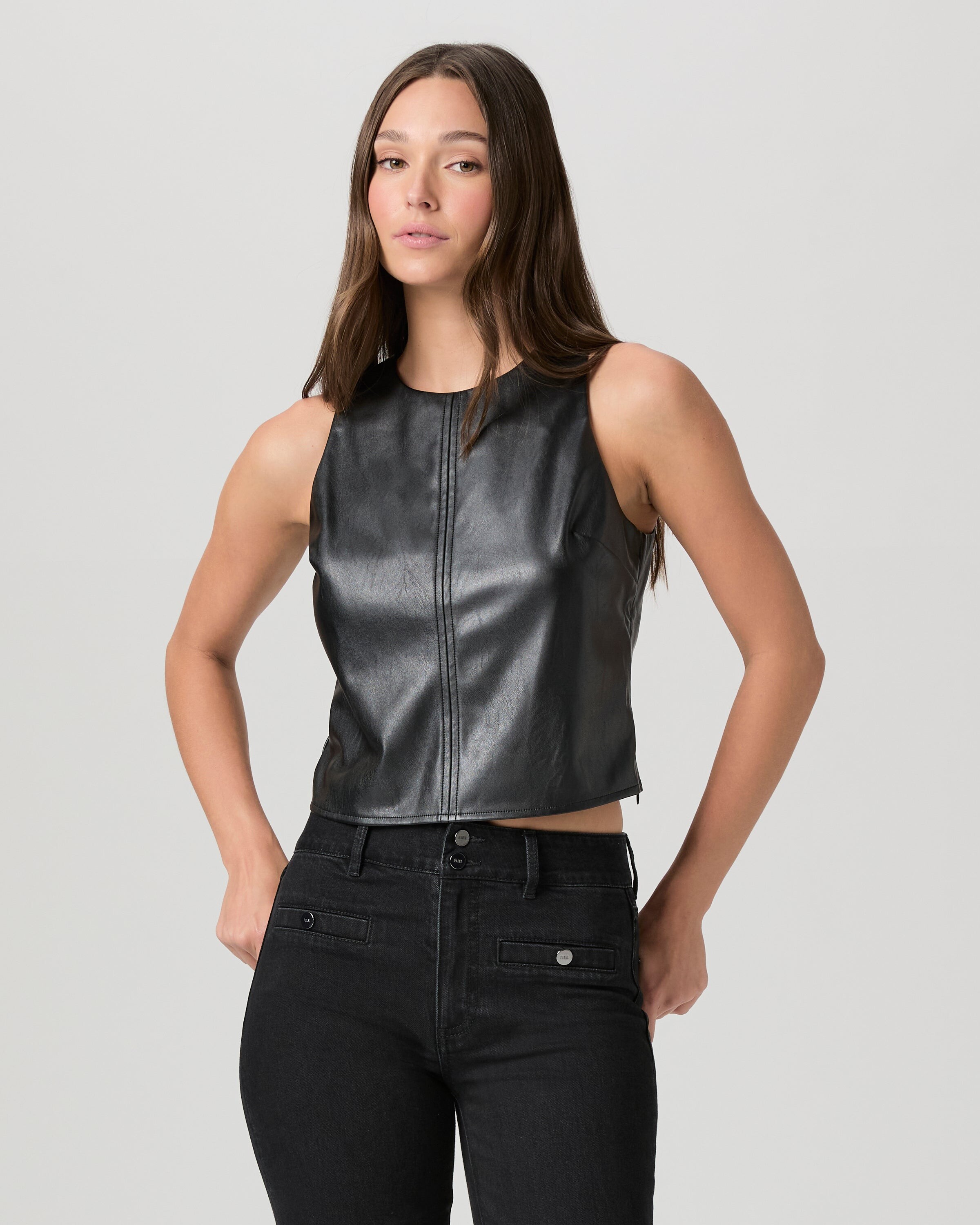
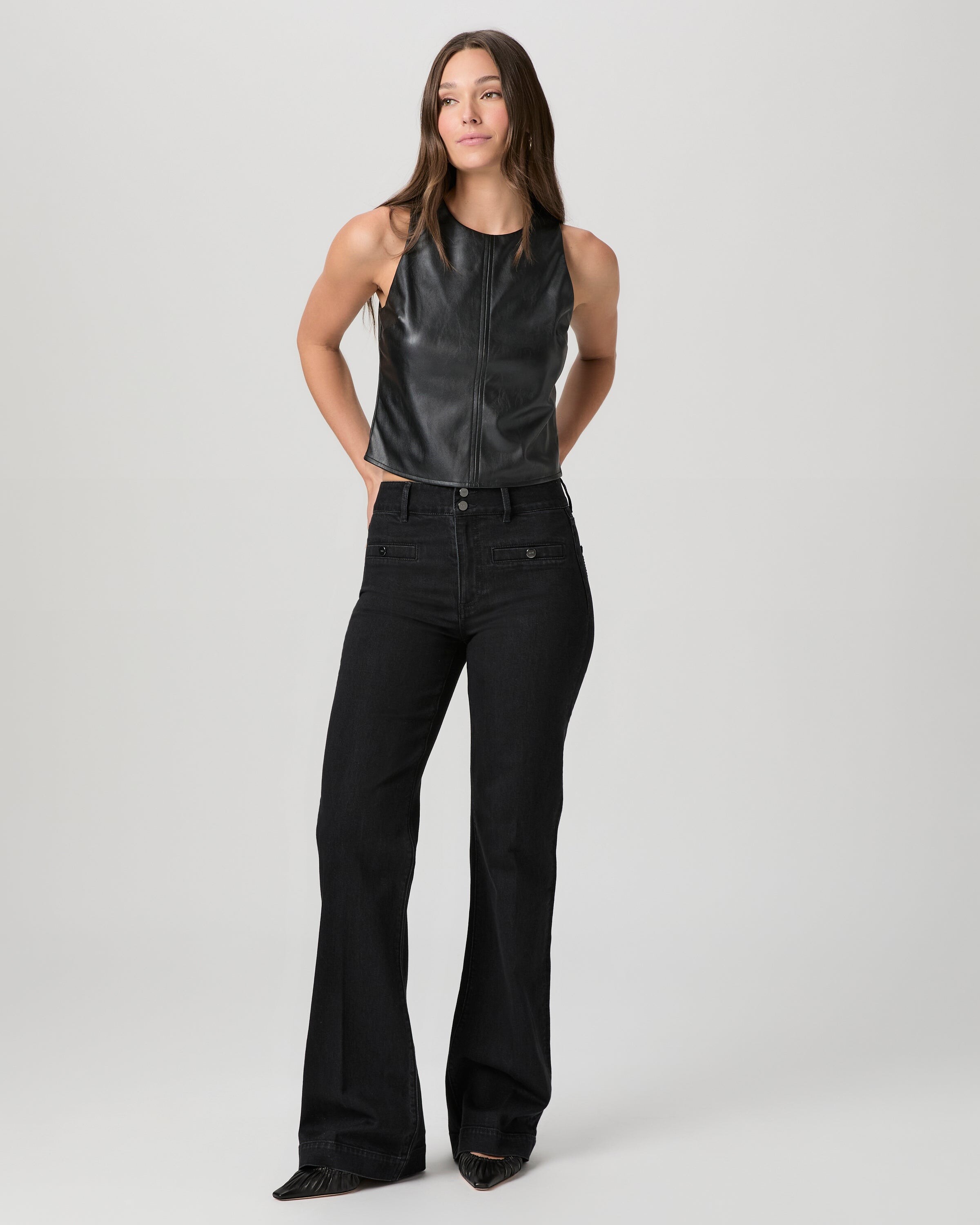
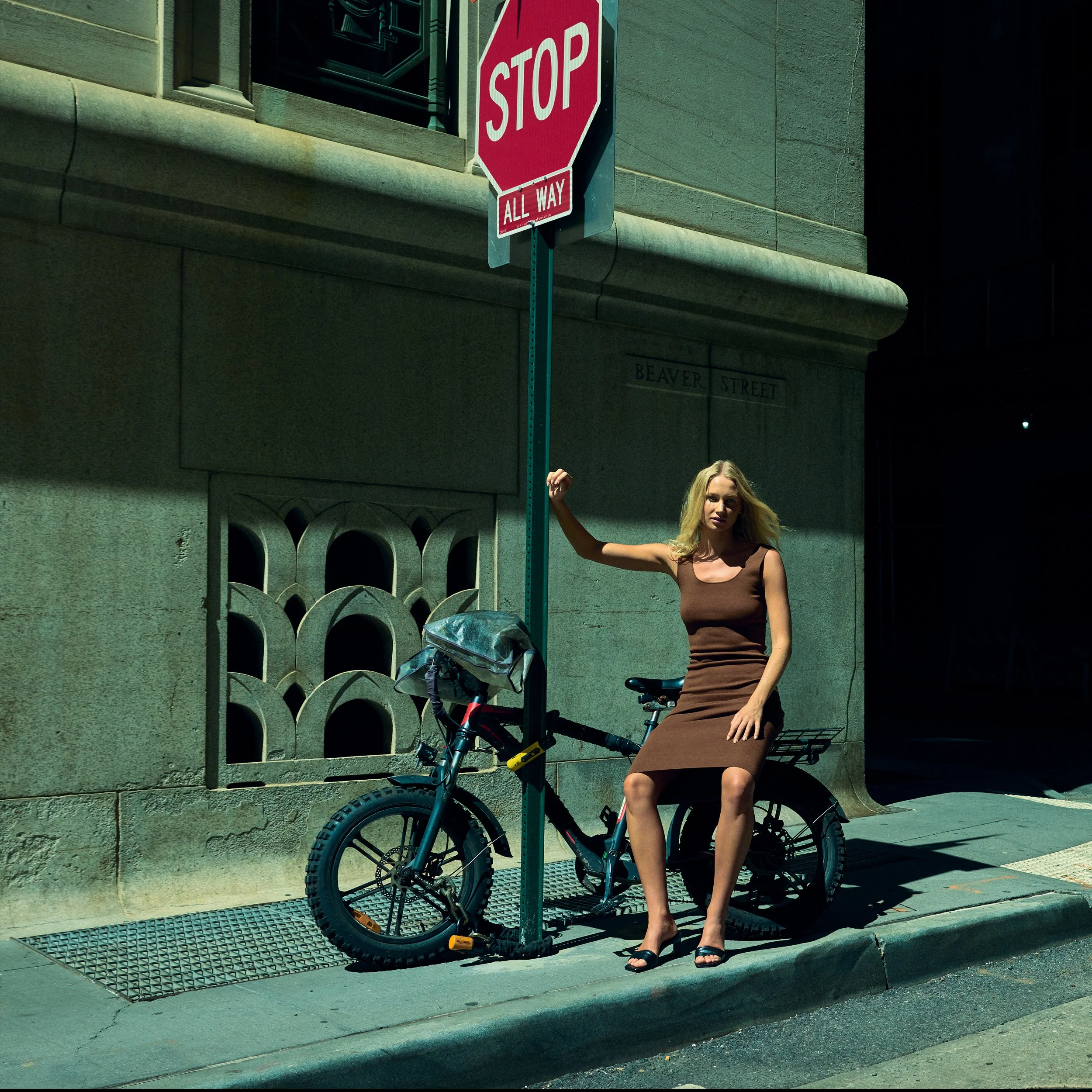
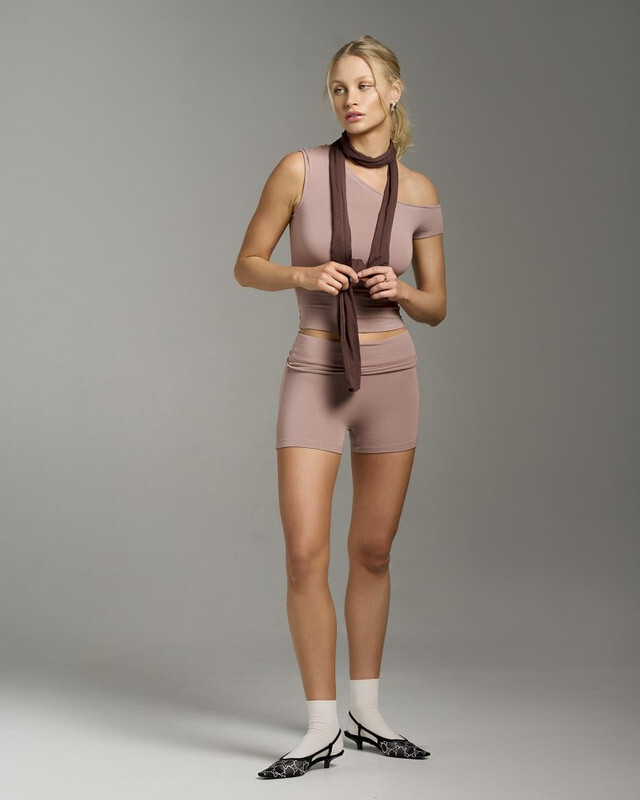
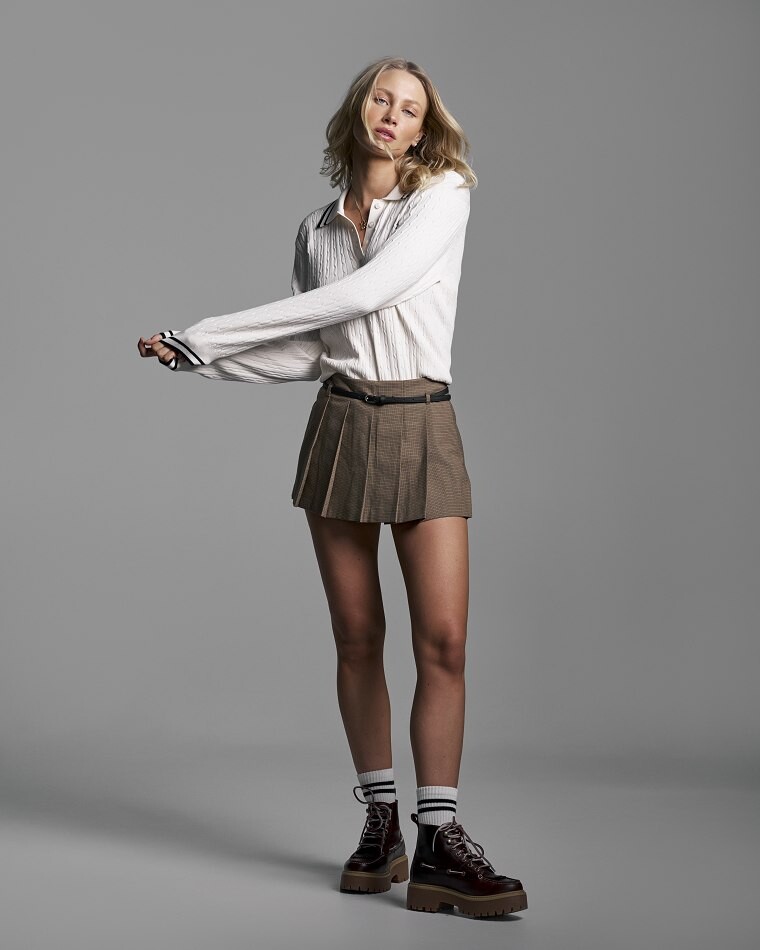
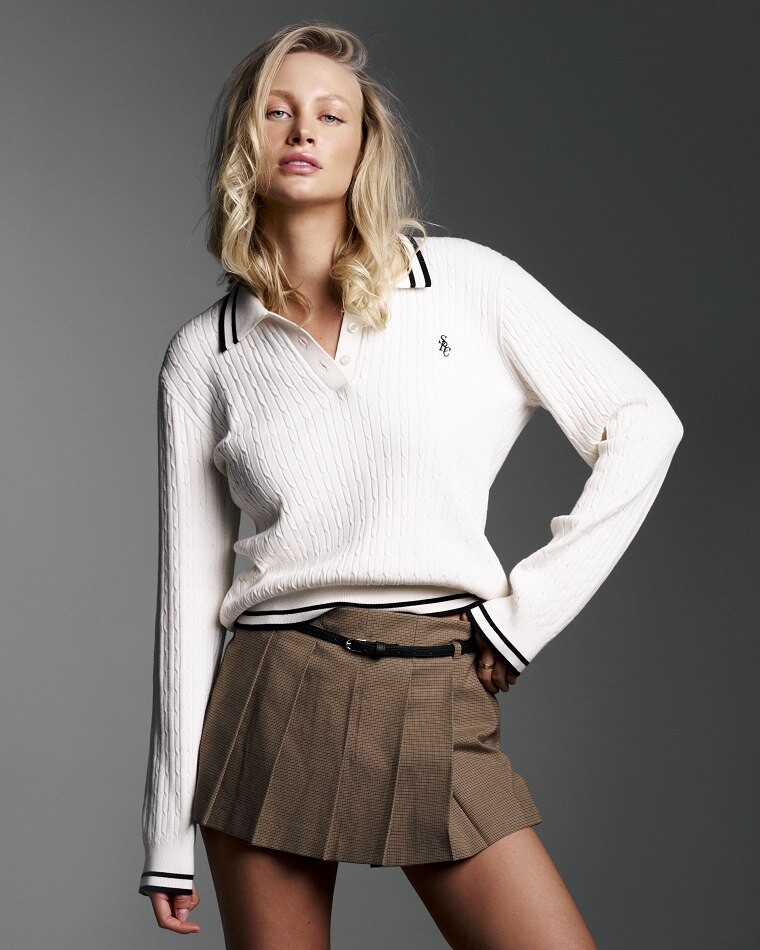
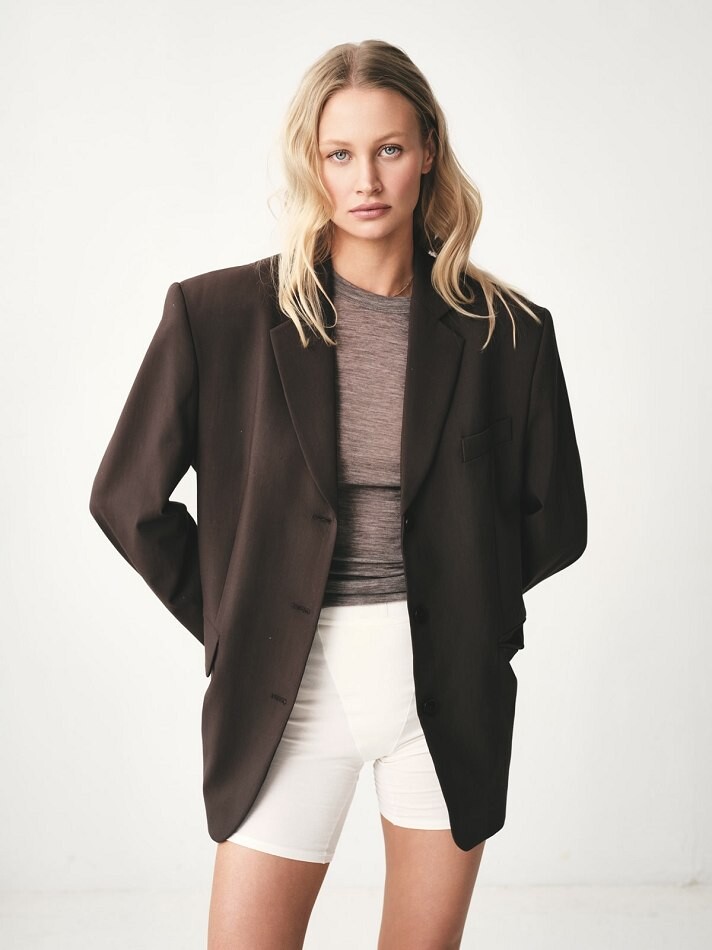
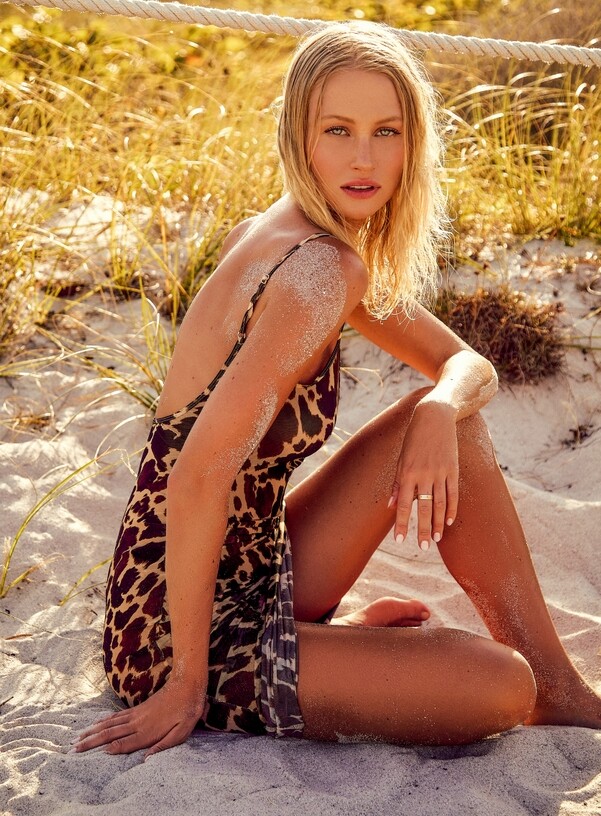
Love to know who this beauty is?




-
Any chance if anybody knows who she is? This is the only image I can find through Google search.

-
-
-
-
-
-
-
-
-
-
-
-
-
-
-
Thank you! She is gorgeous 🥰 First time I found a model from Uruguay. 🇺🇾
-
Hi, I got a request. One models last name changed since she got married to the vice-president of Goldman Sachs. Her name has changed from Heather Parrish to Heather Jandl. DONE! Edited by ALPAT
-
-
-
-
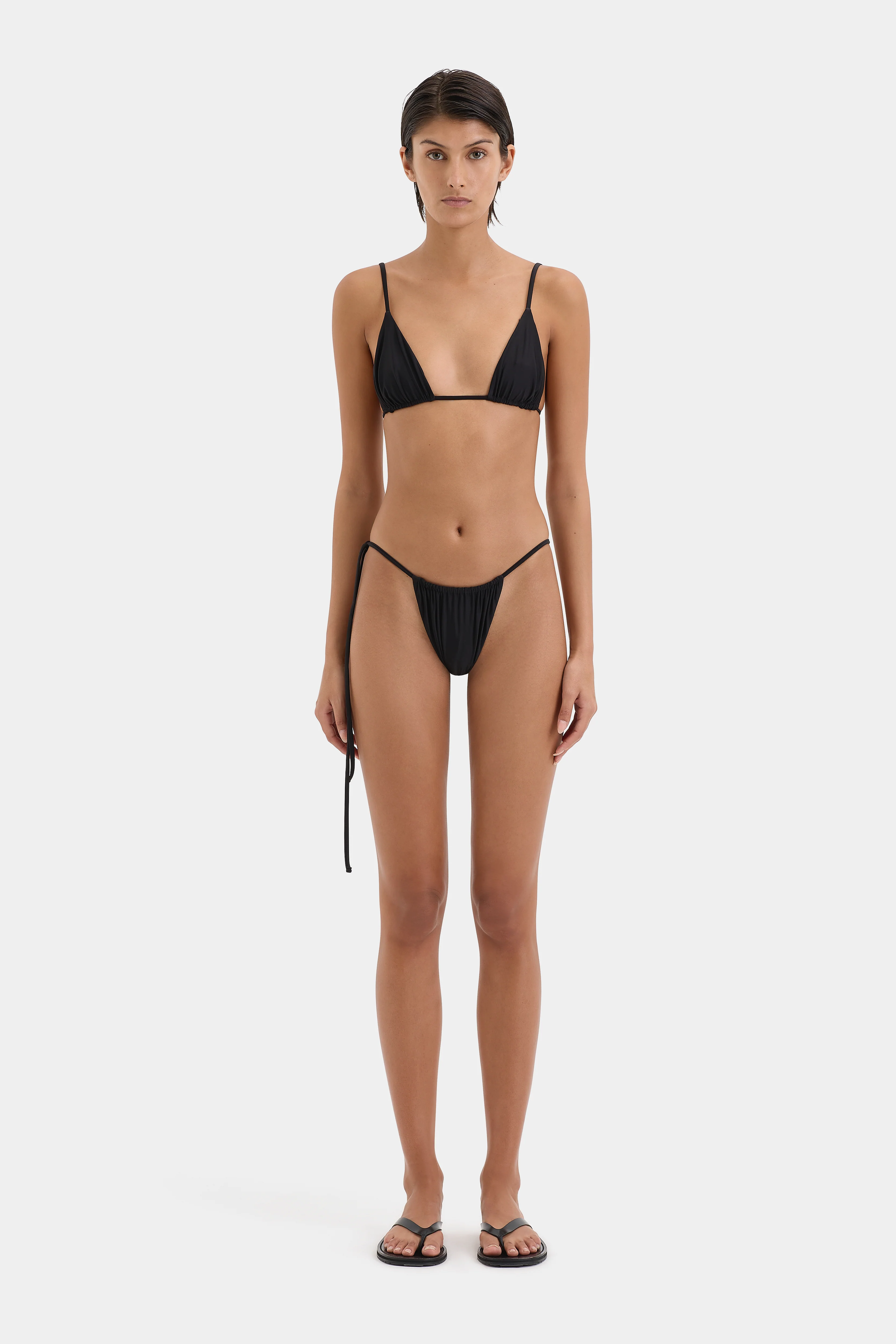
Who is this short-haired model from .SIR?



.thumb.webp.b8ff0a555fb958ddab4c6700f9720690.webp)
-
























































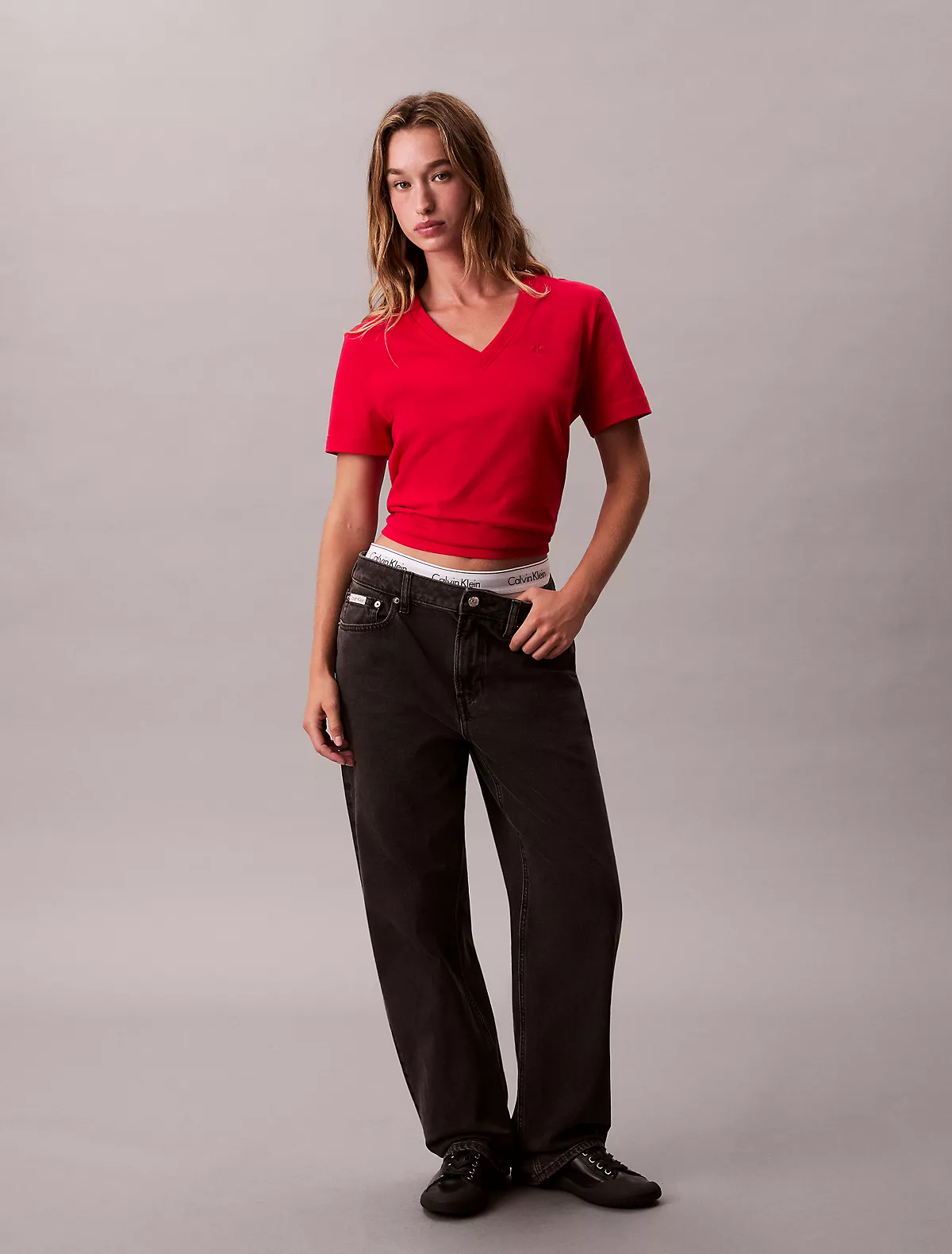
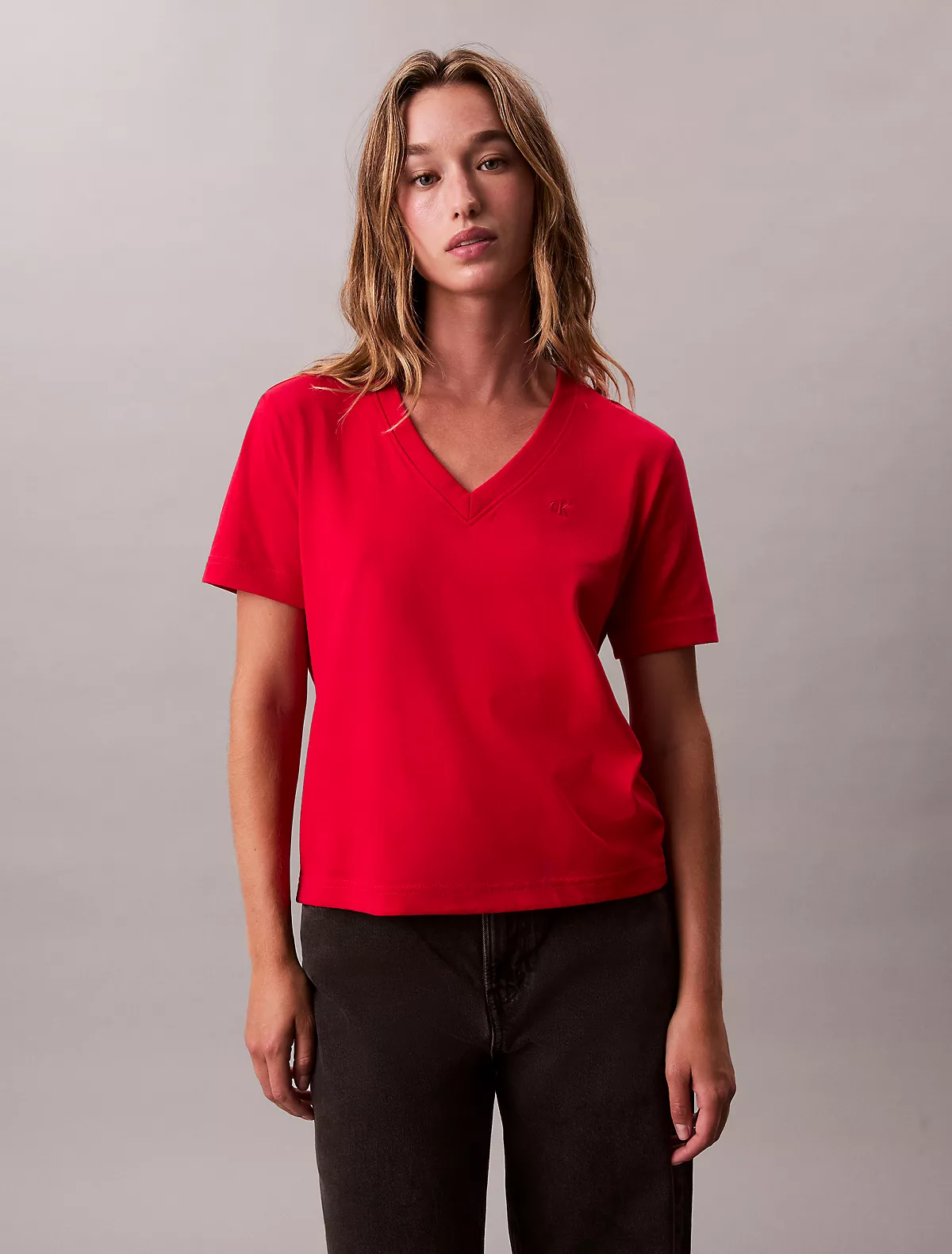
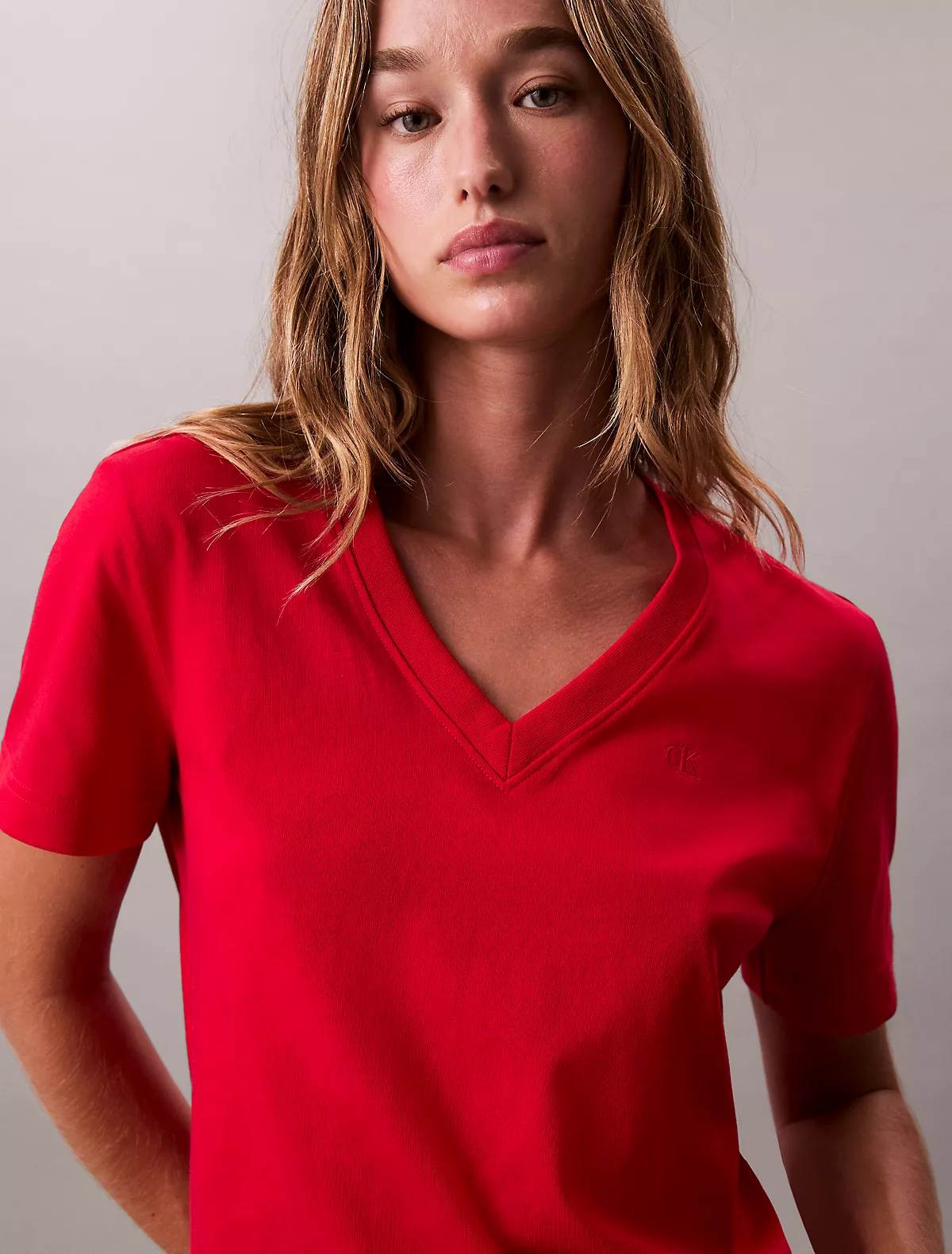
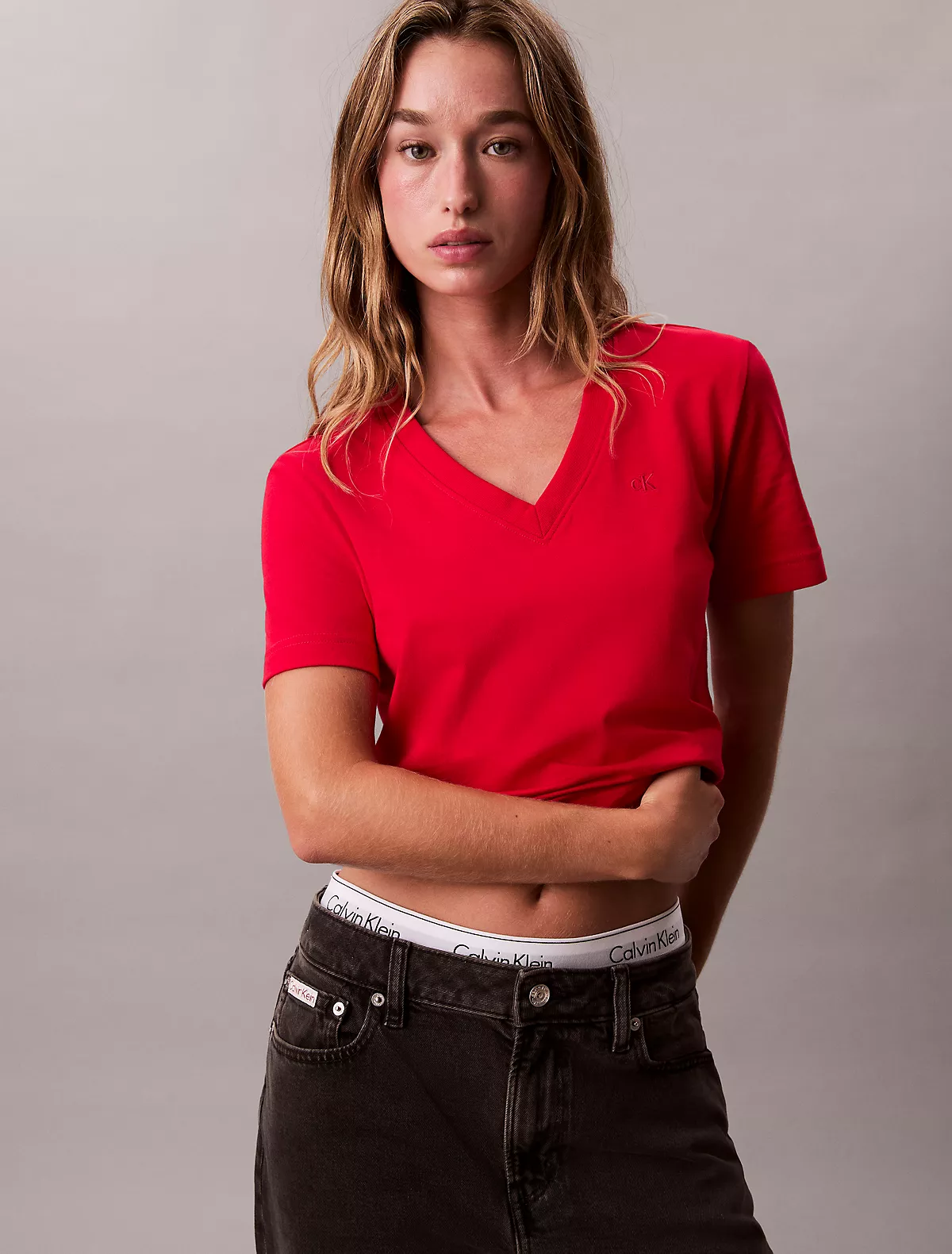
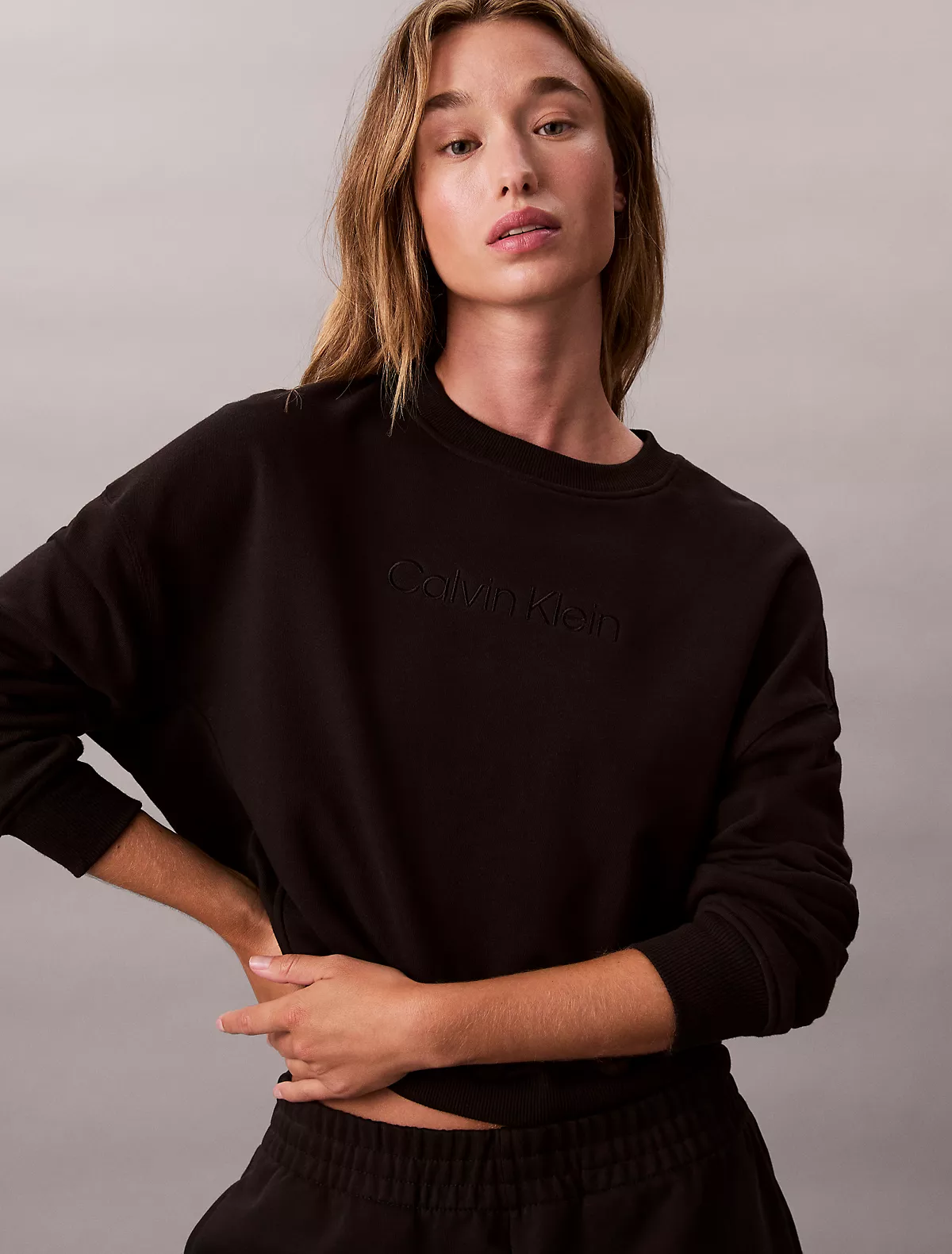
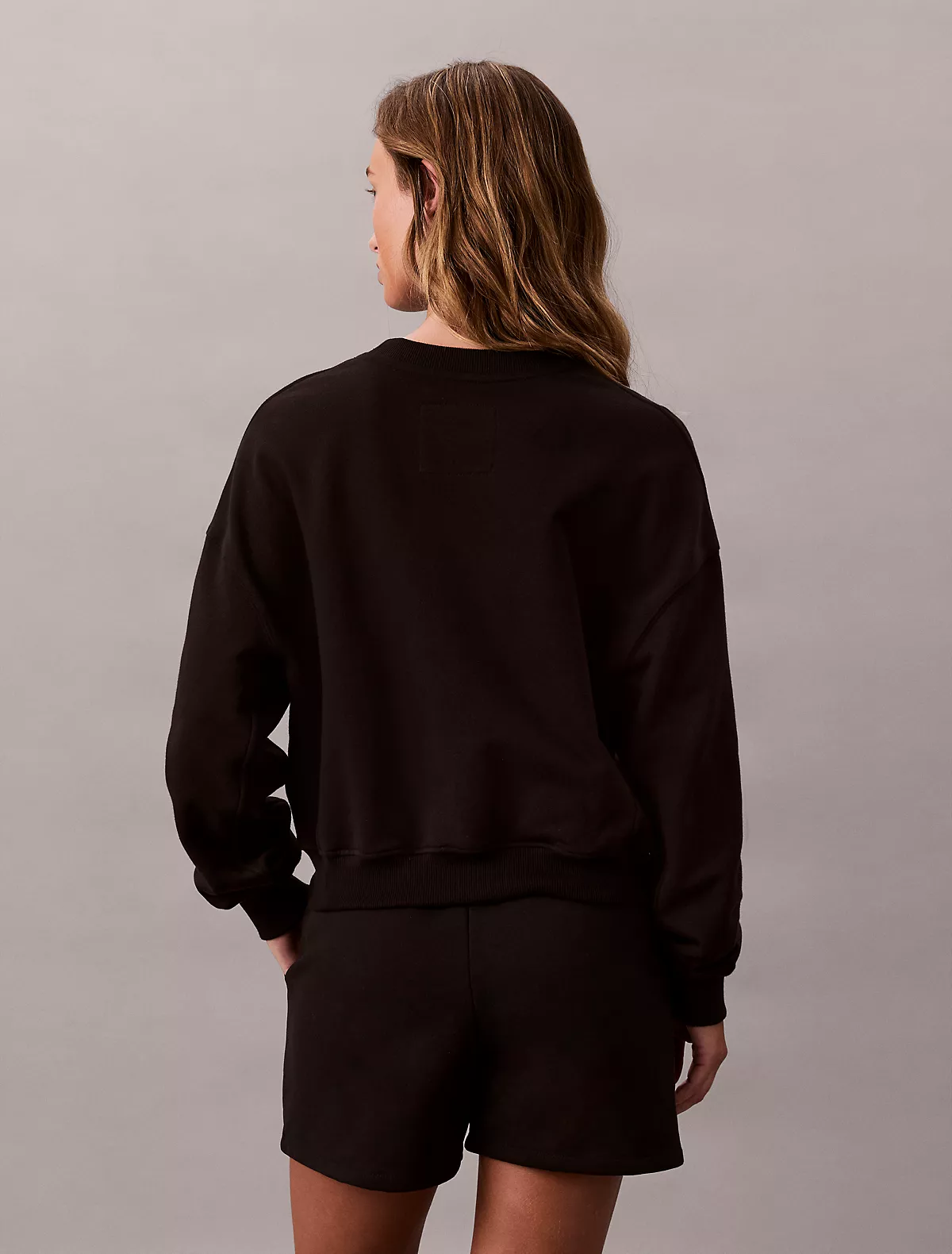
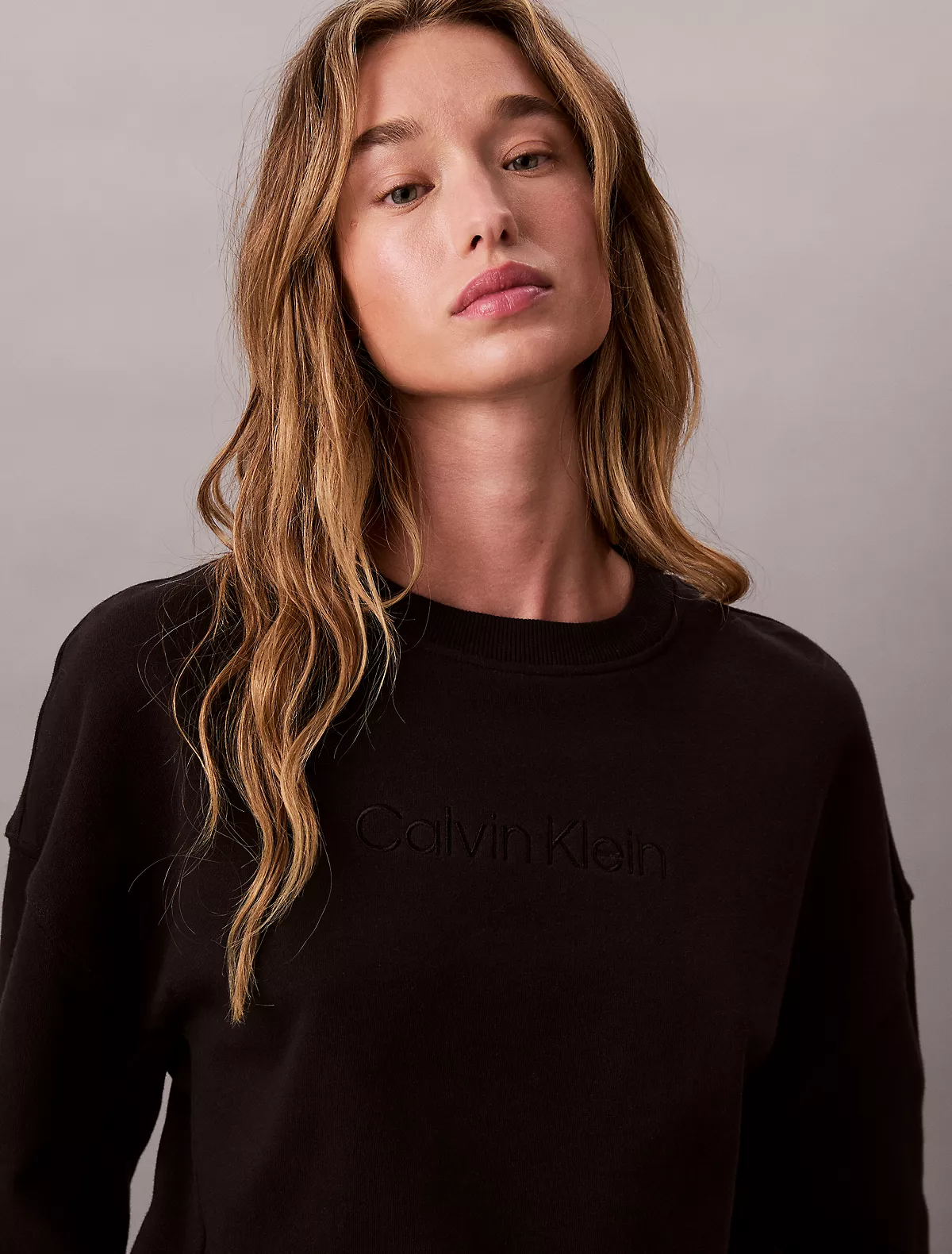
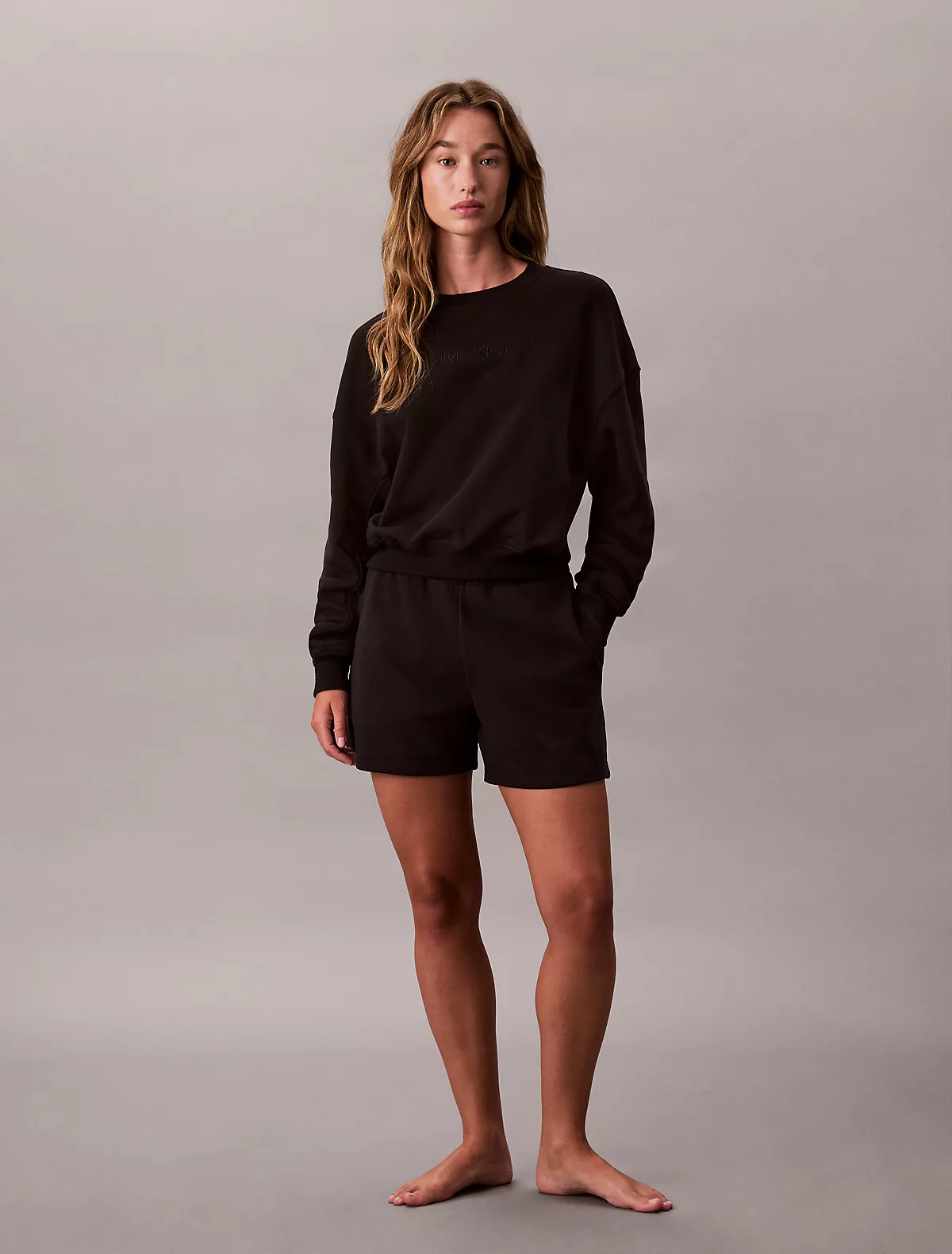
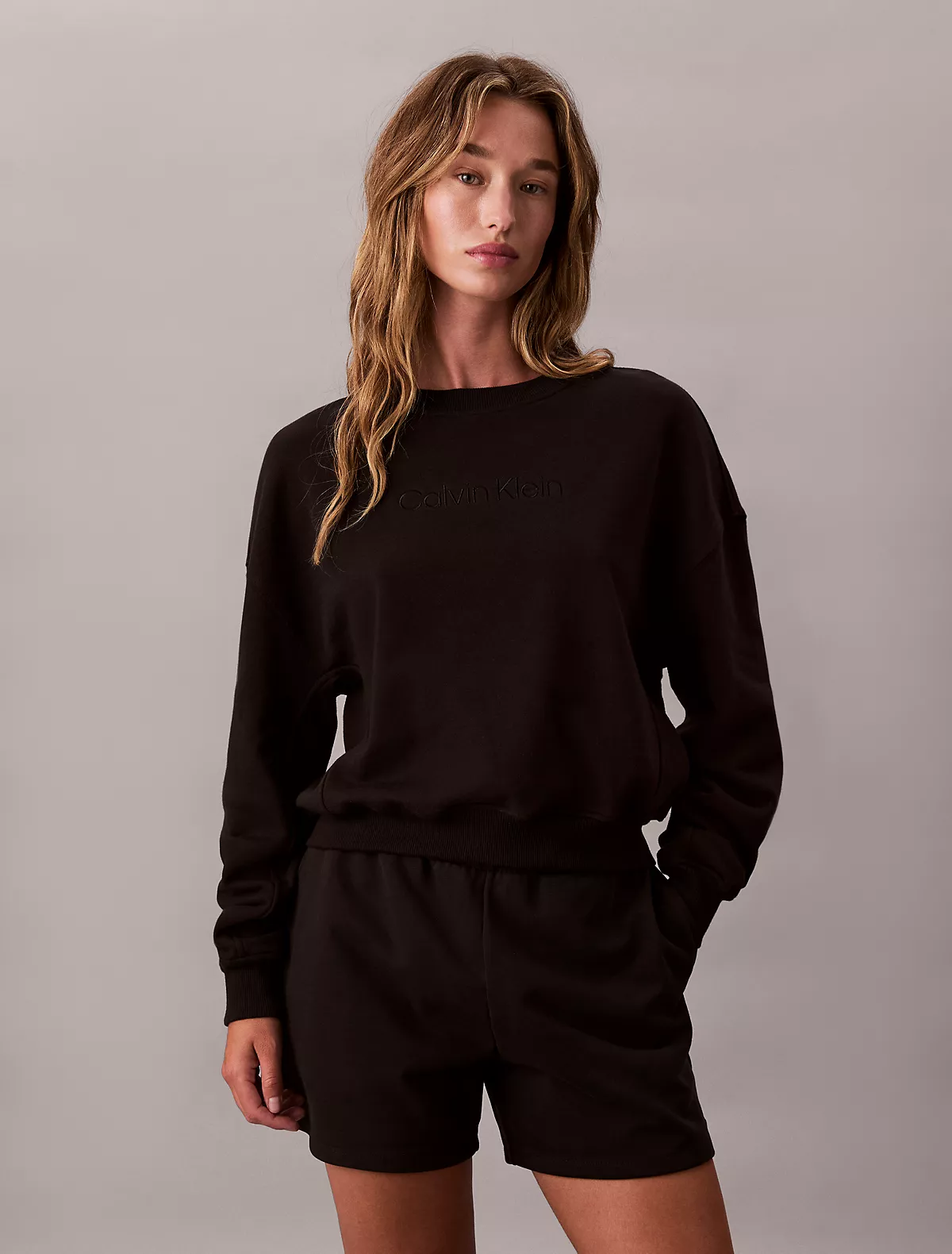






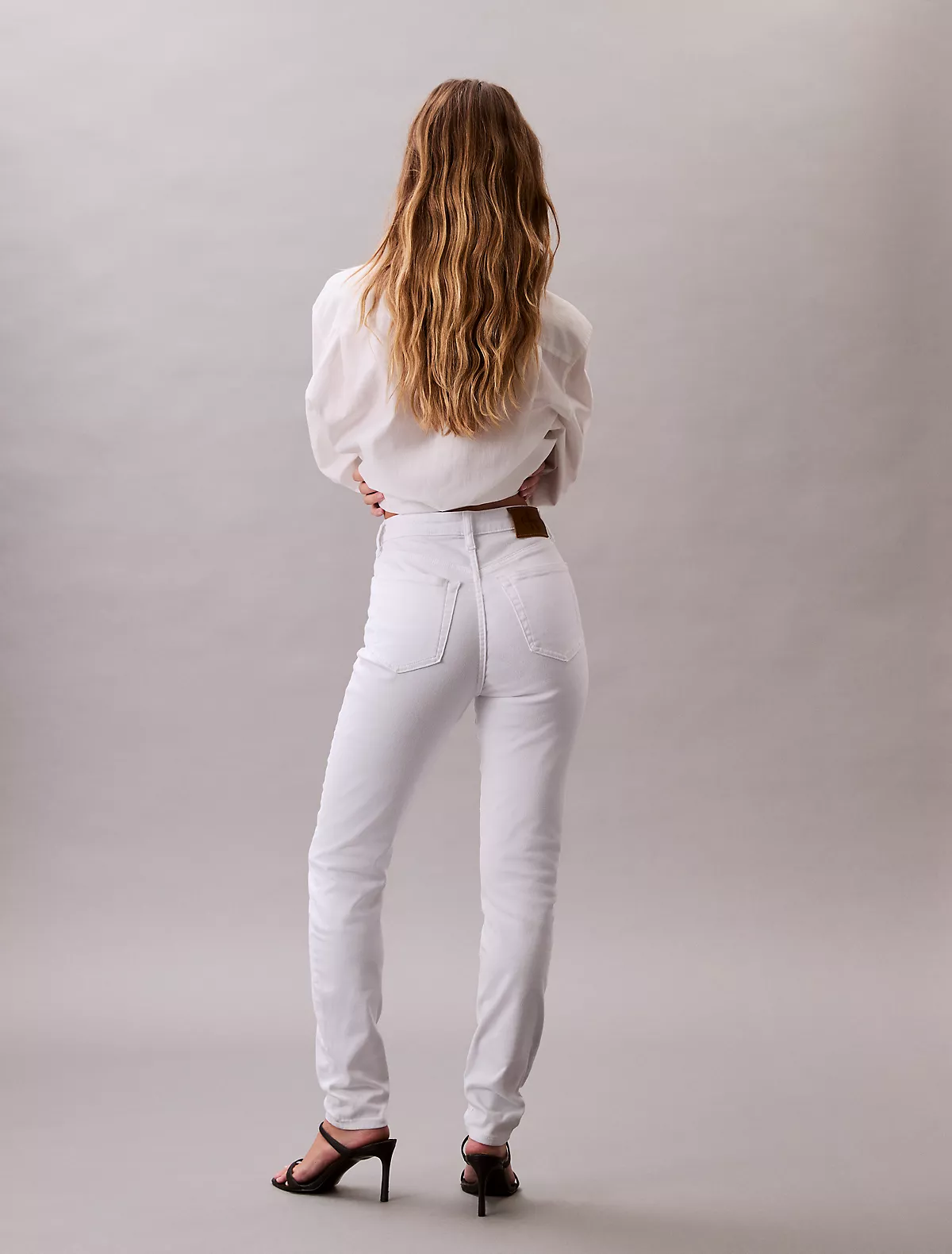


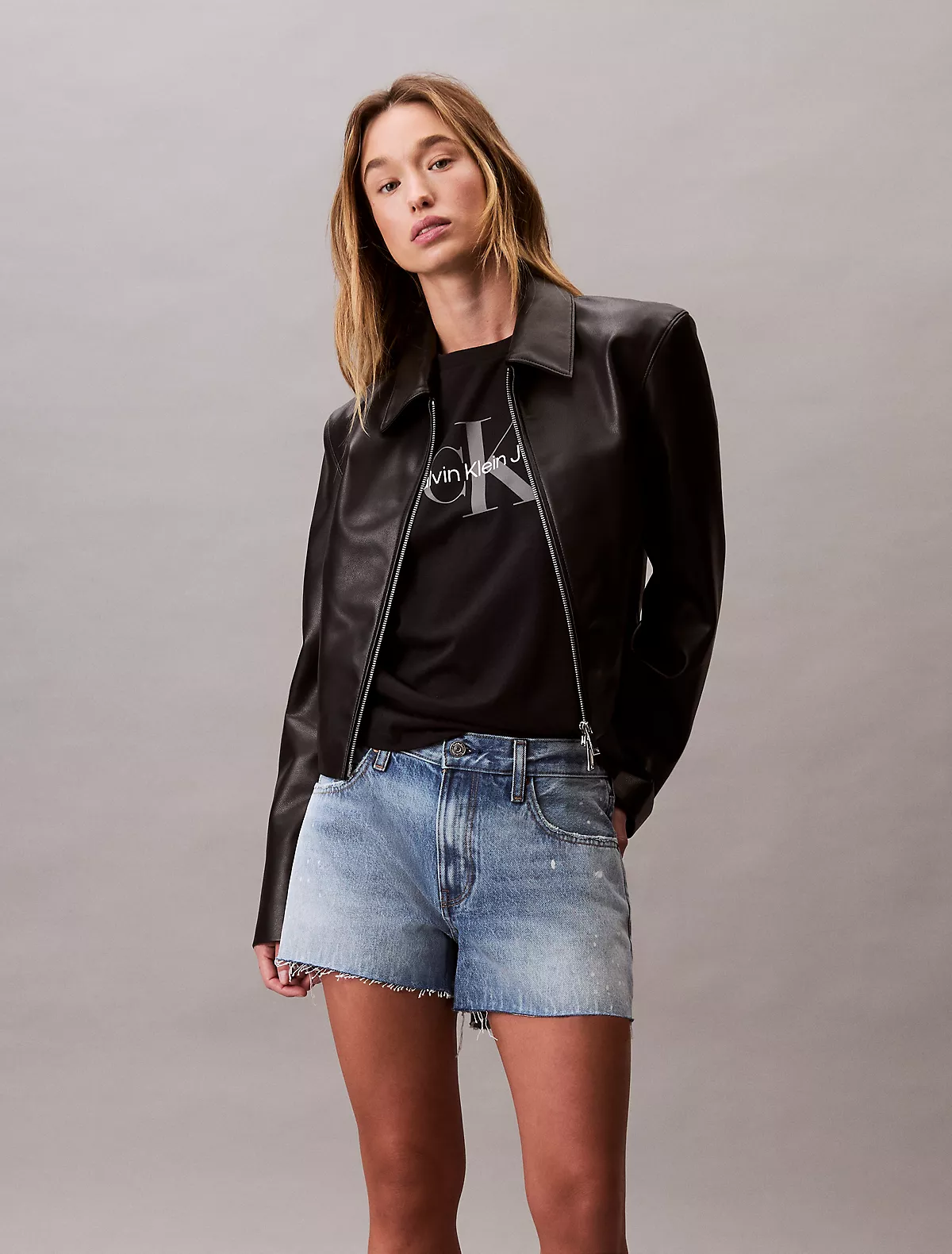
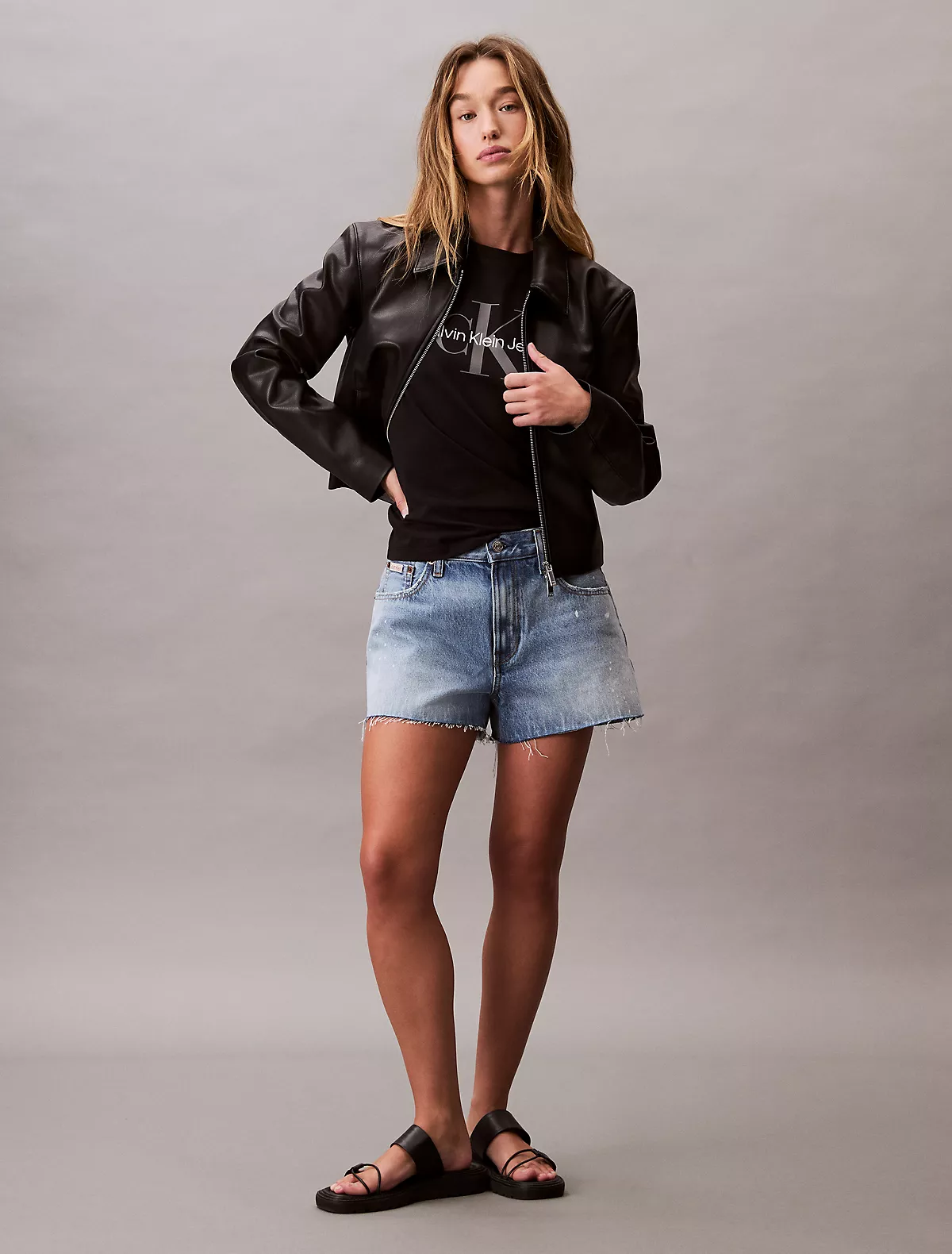
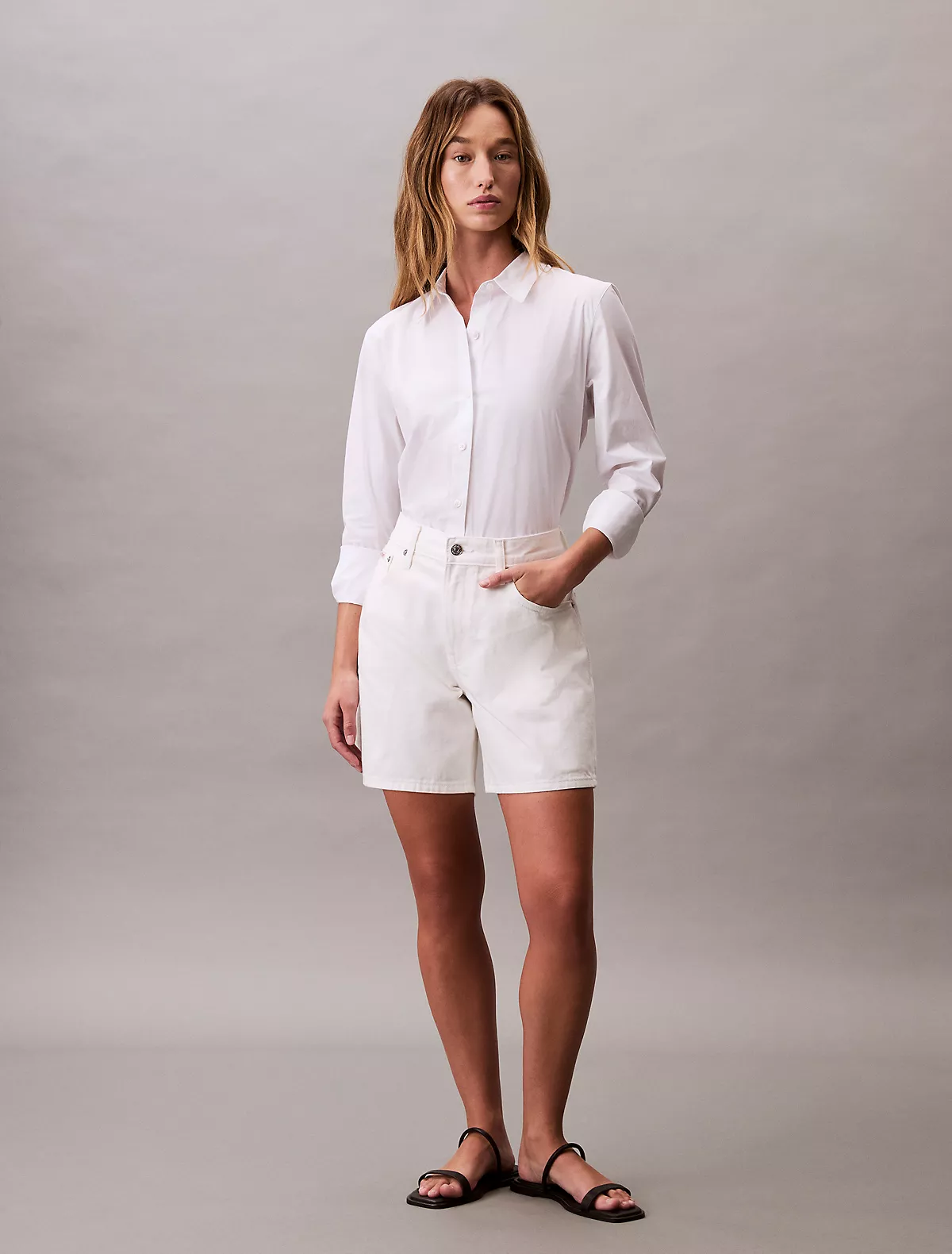









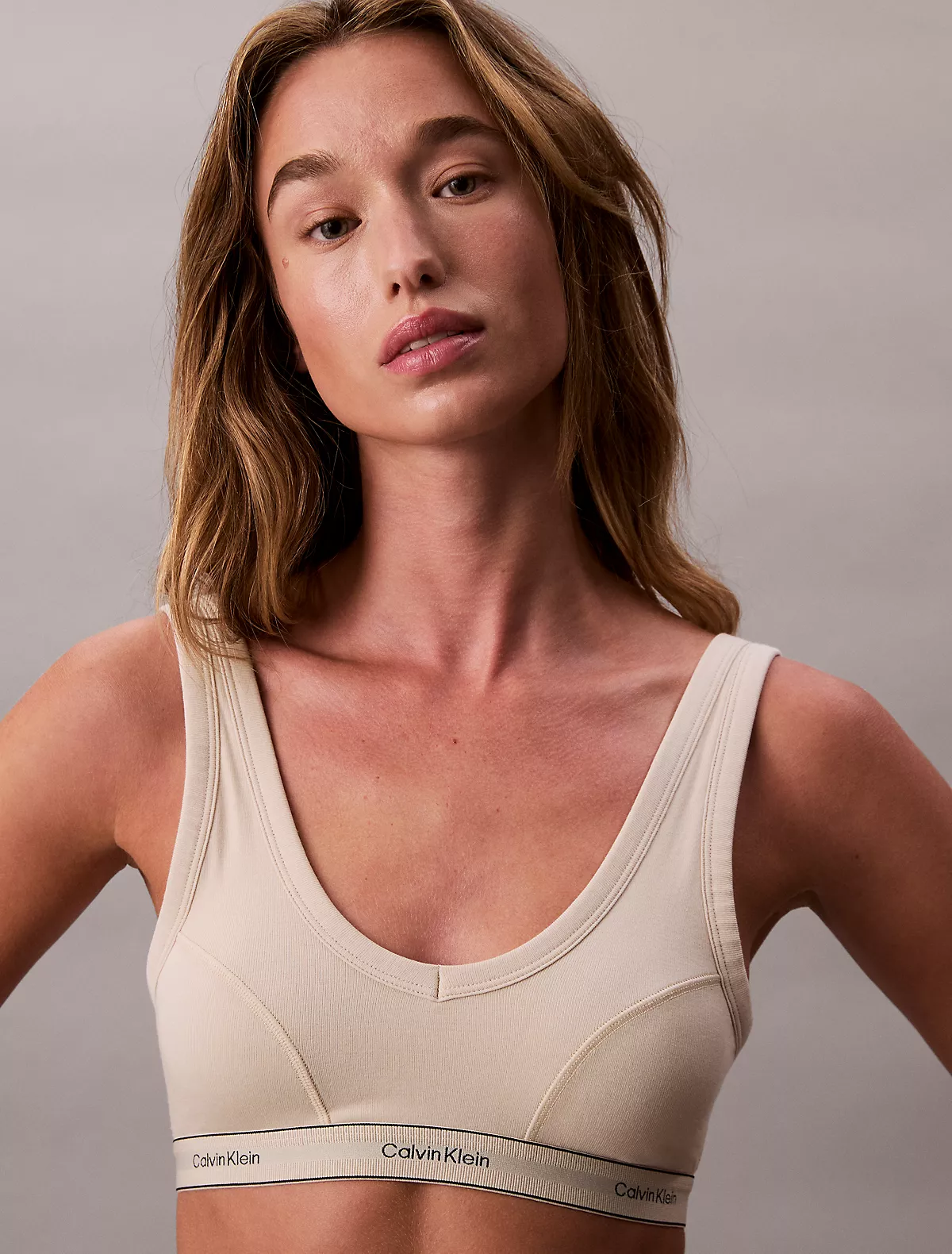



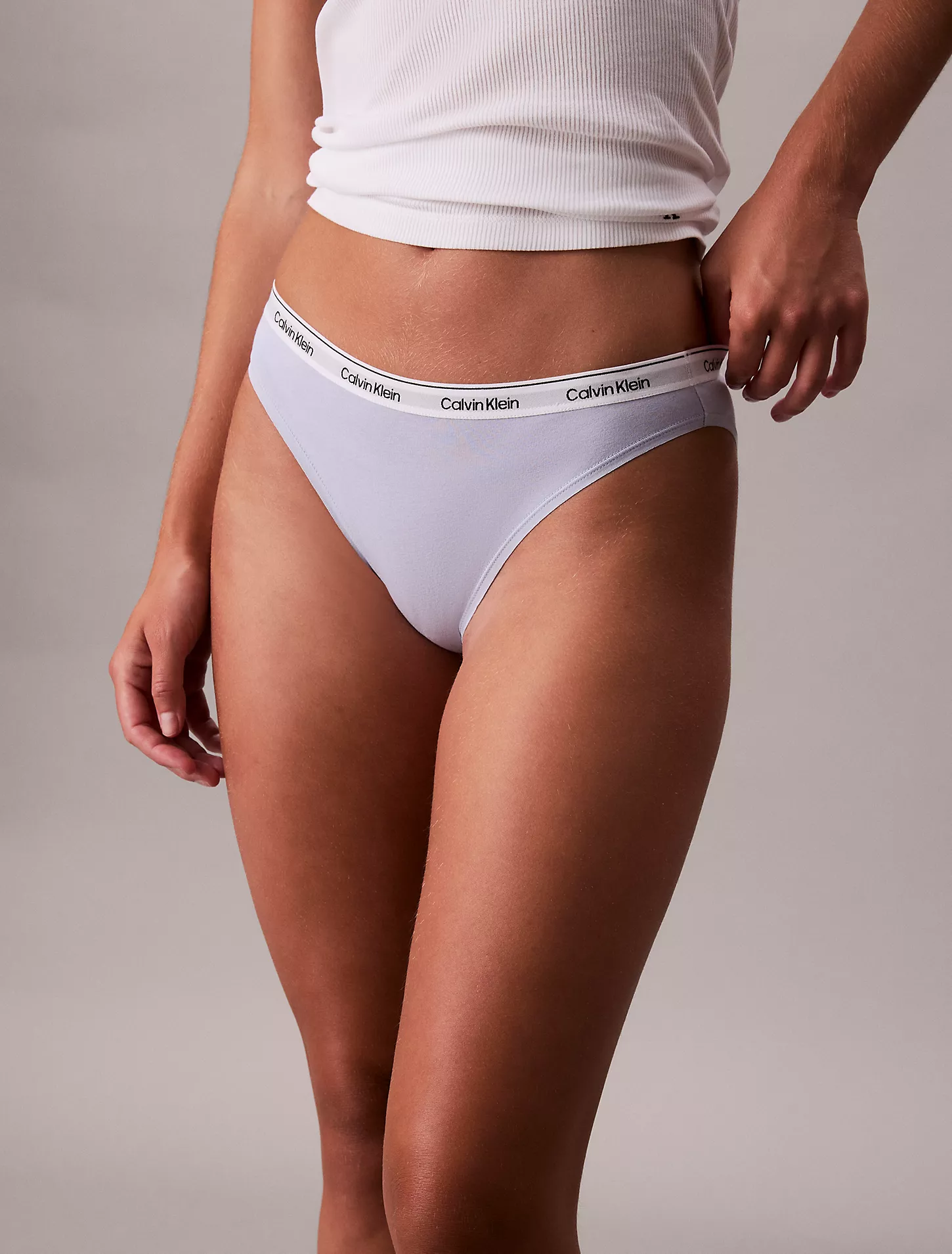









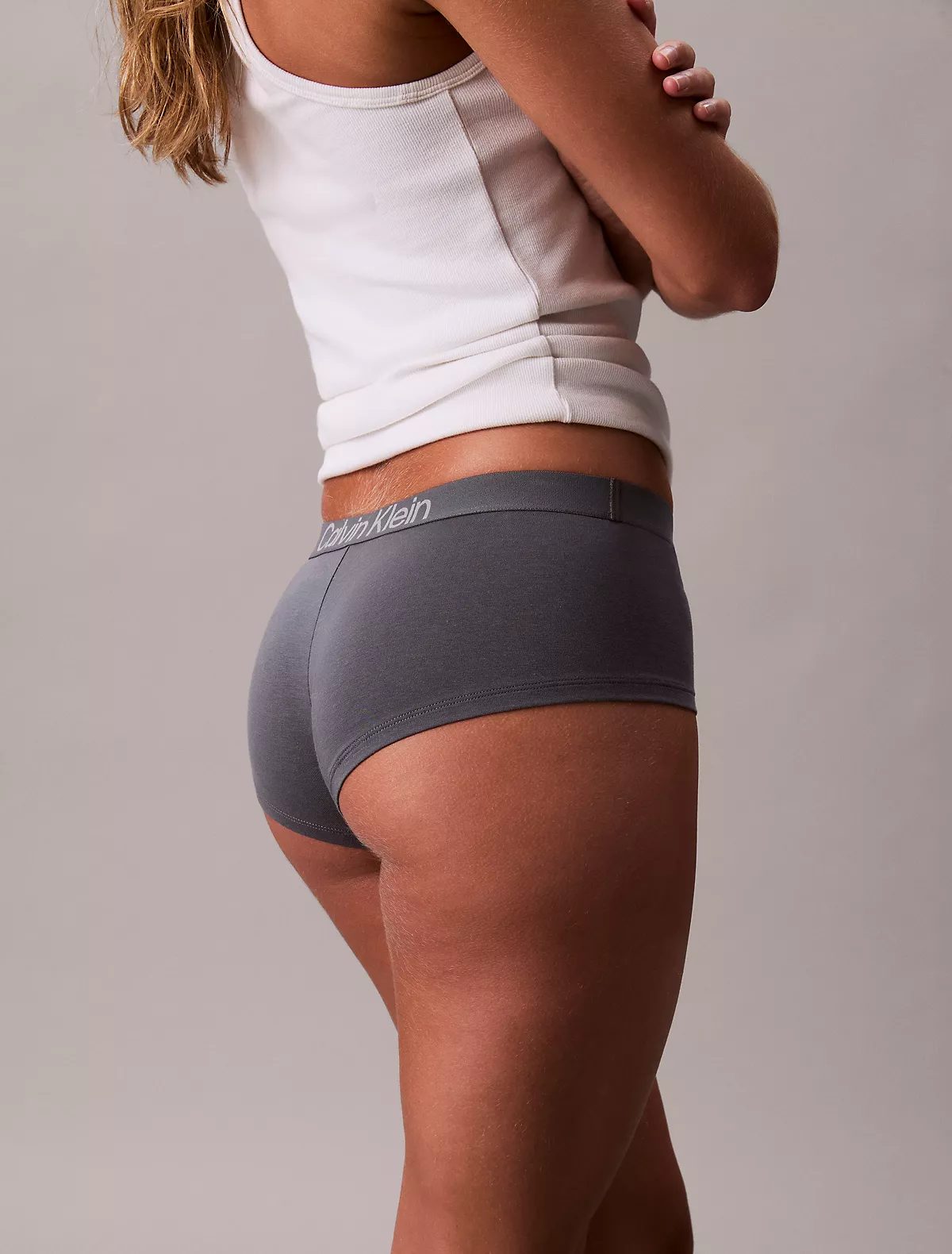
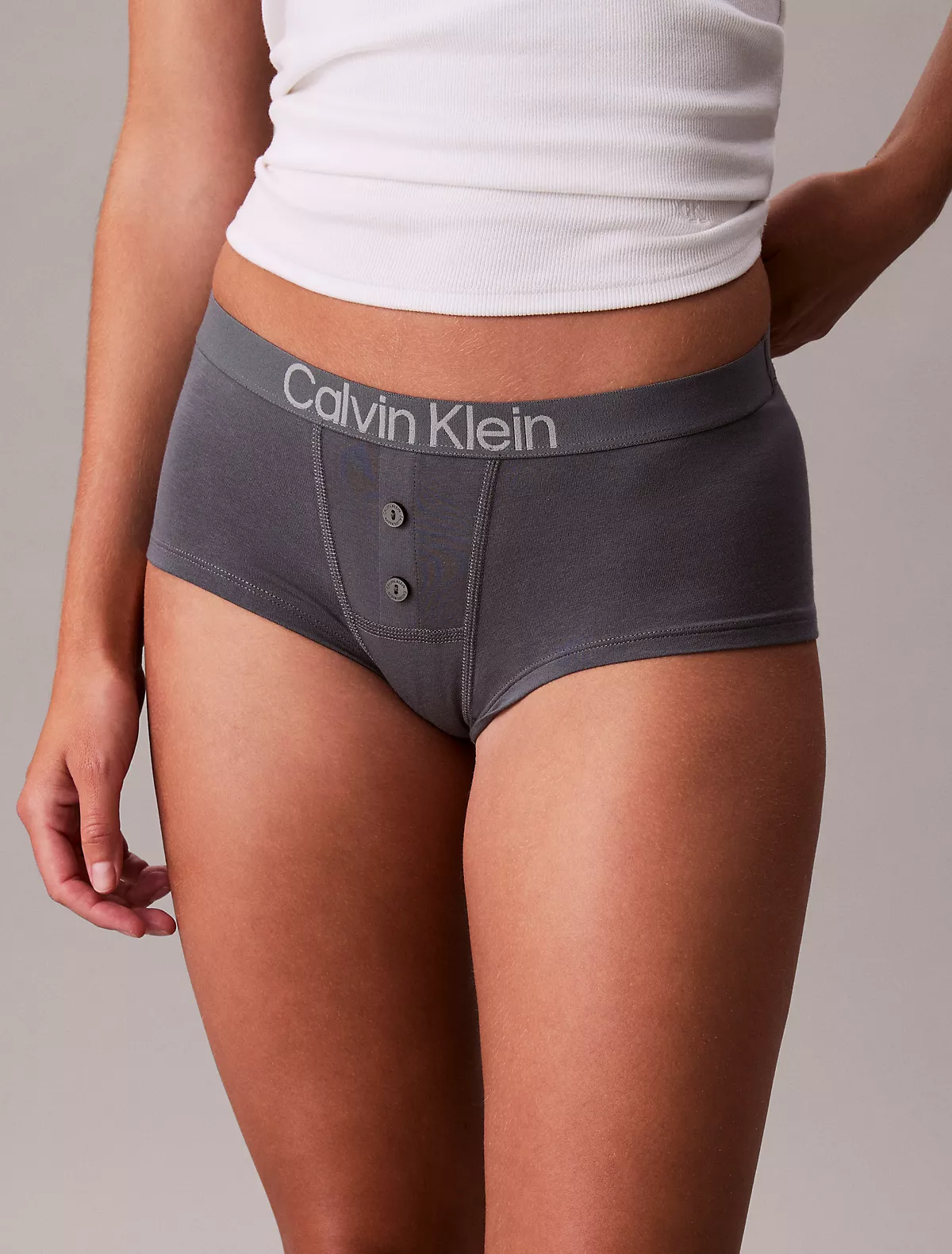


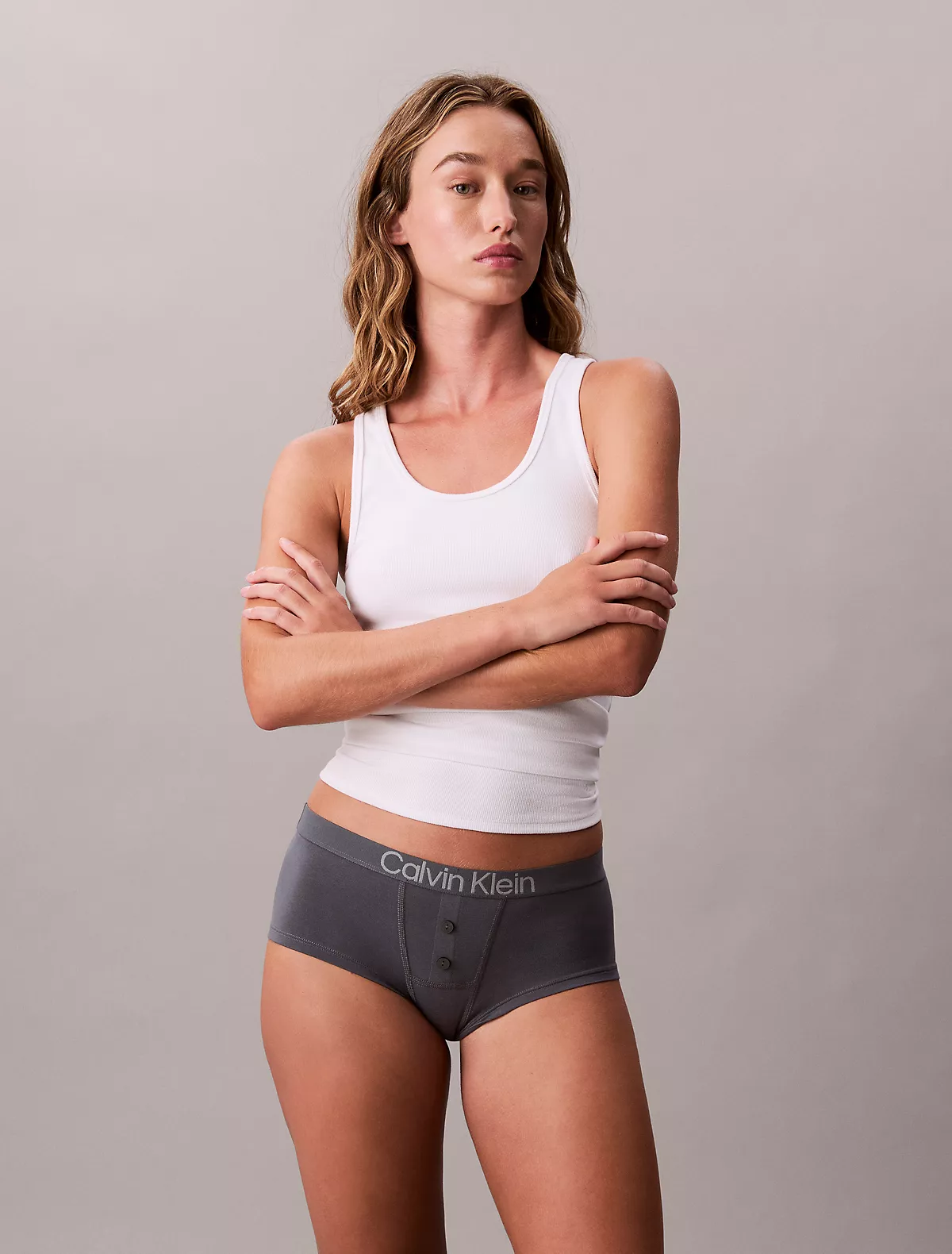
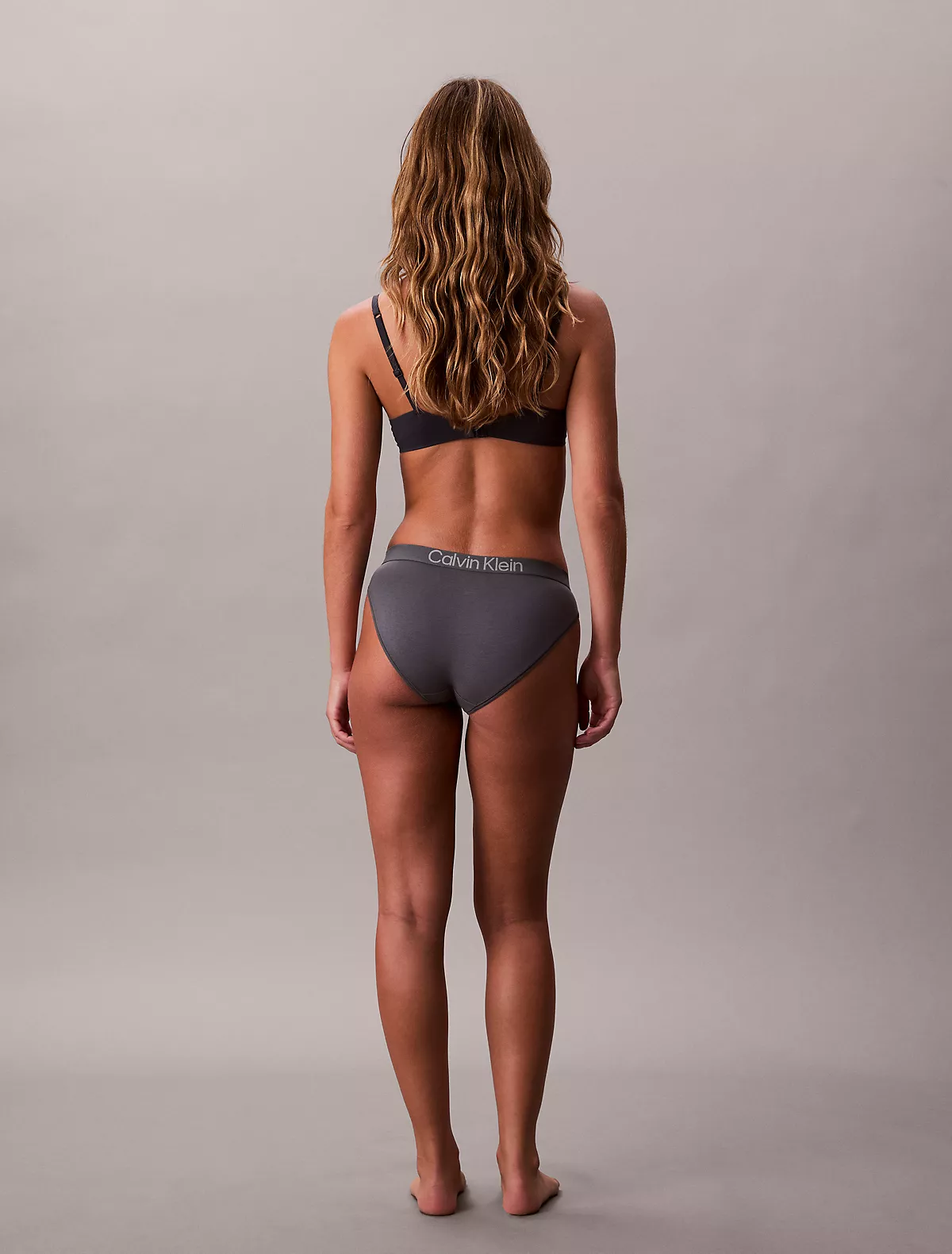
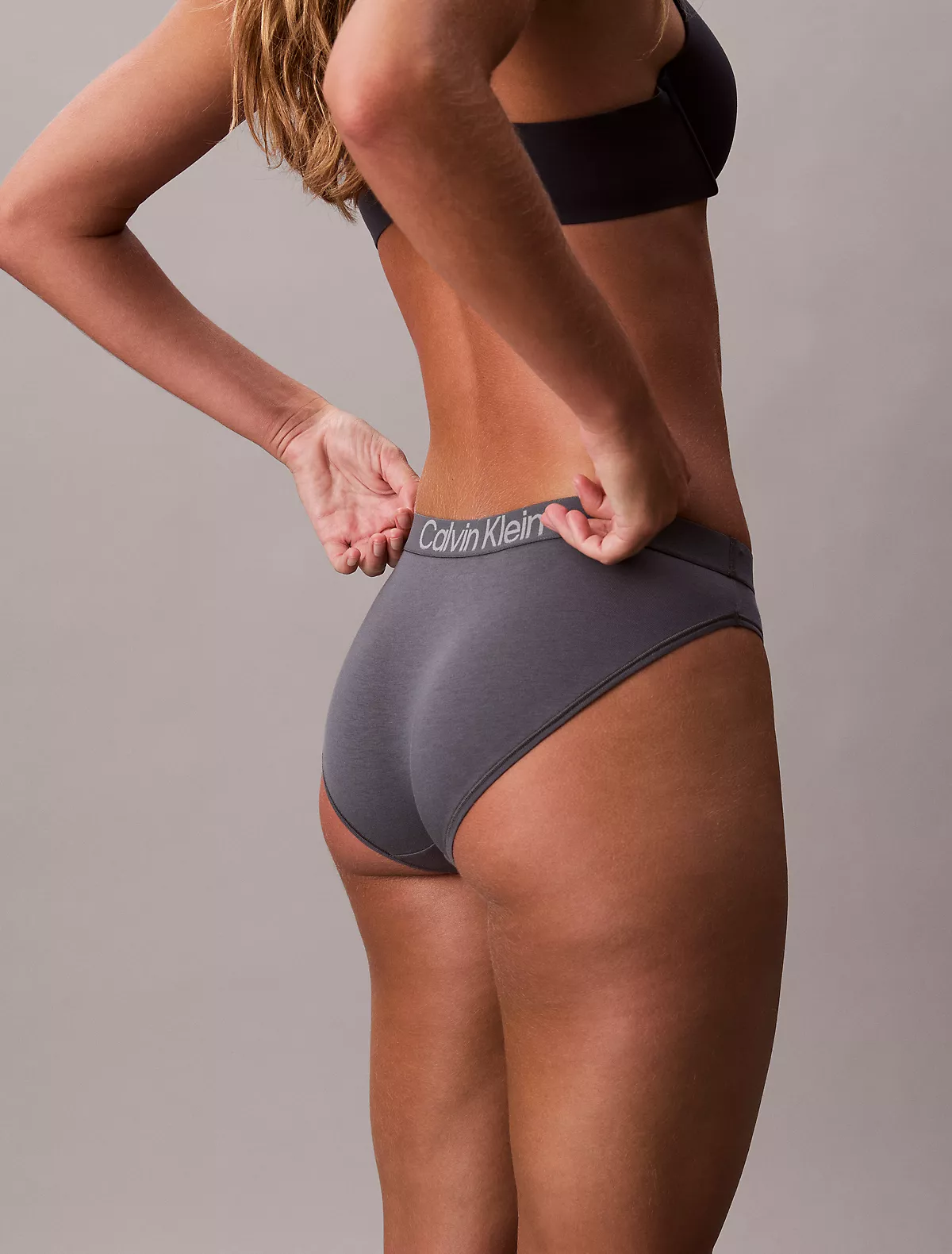

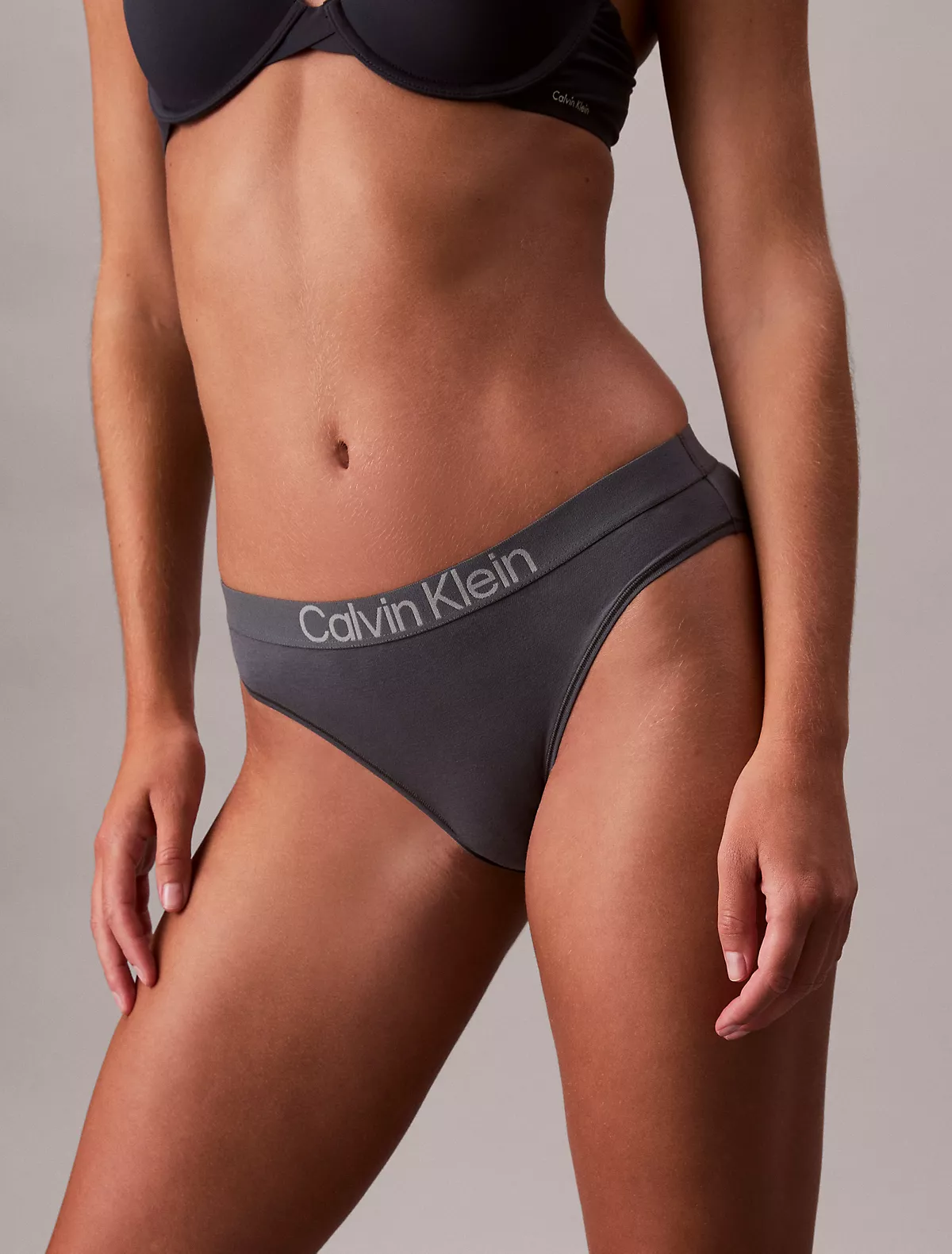








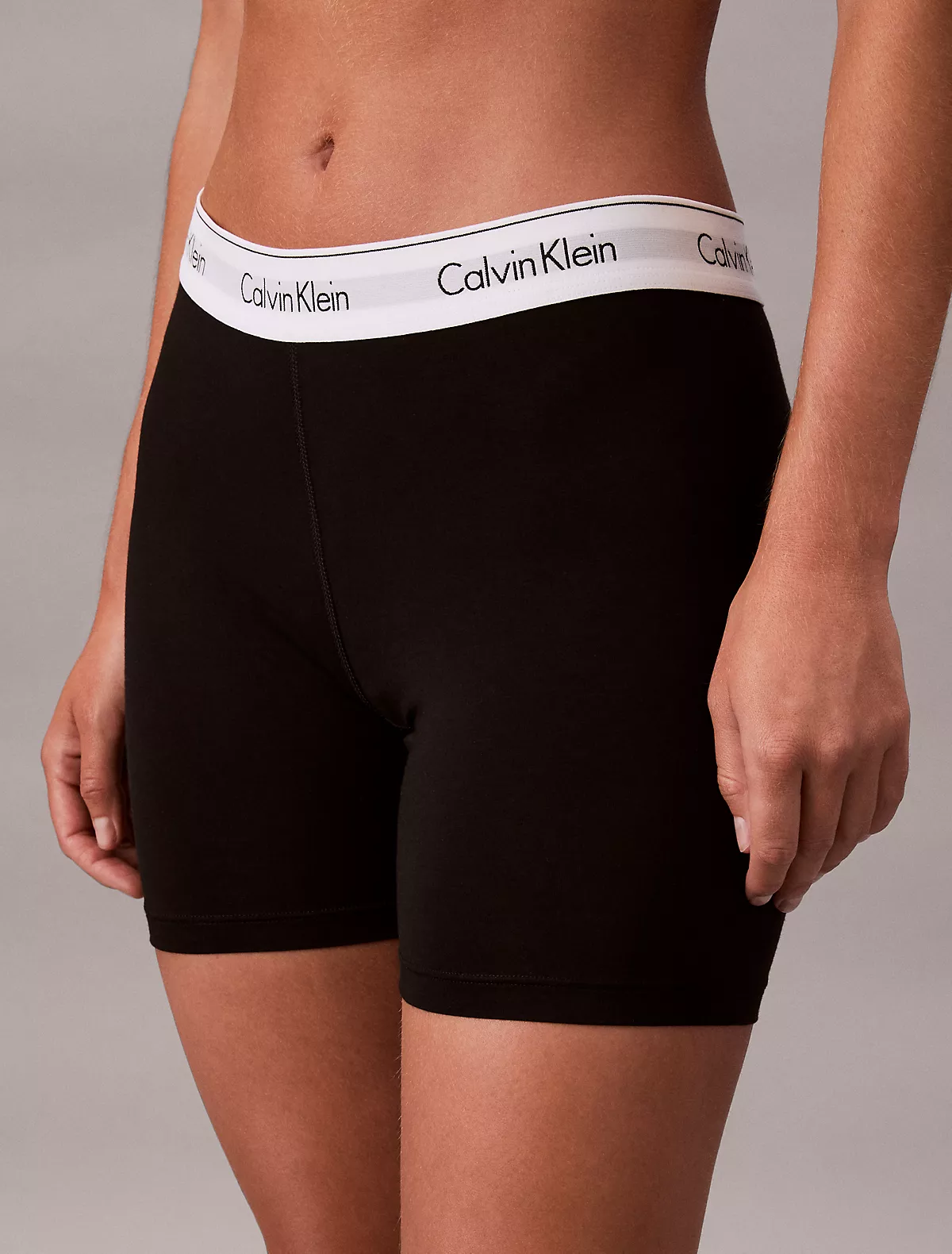
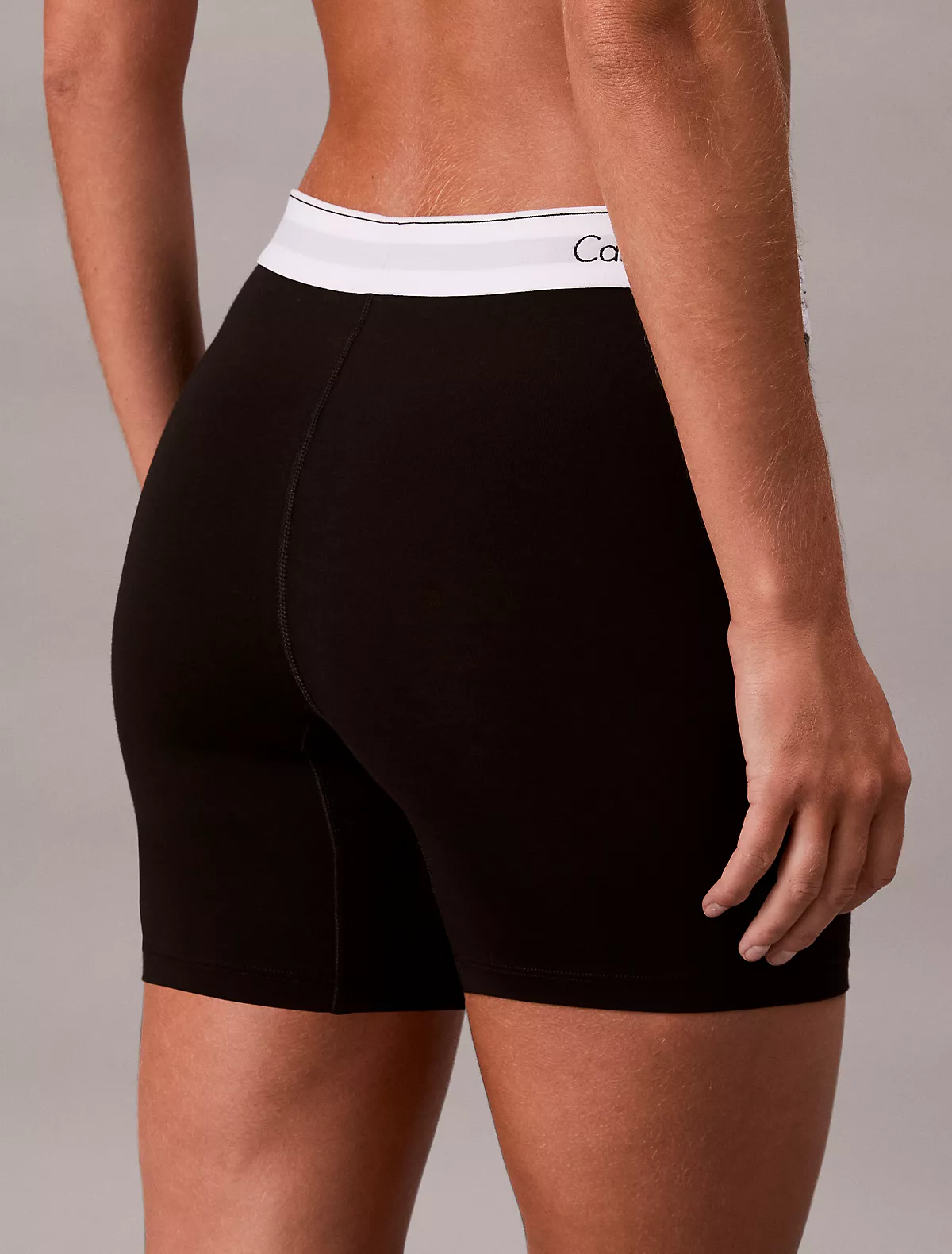





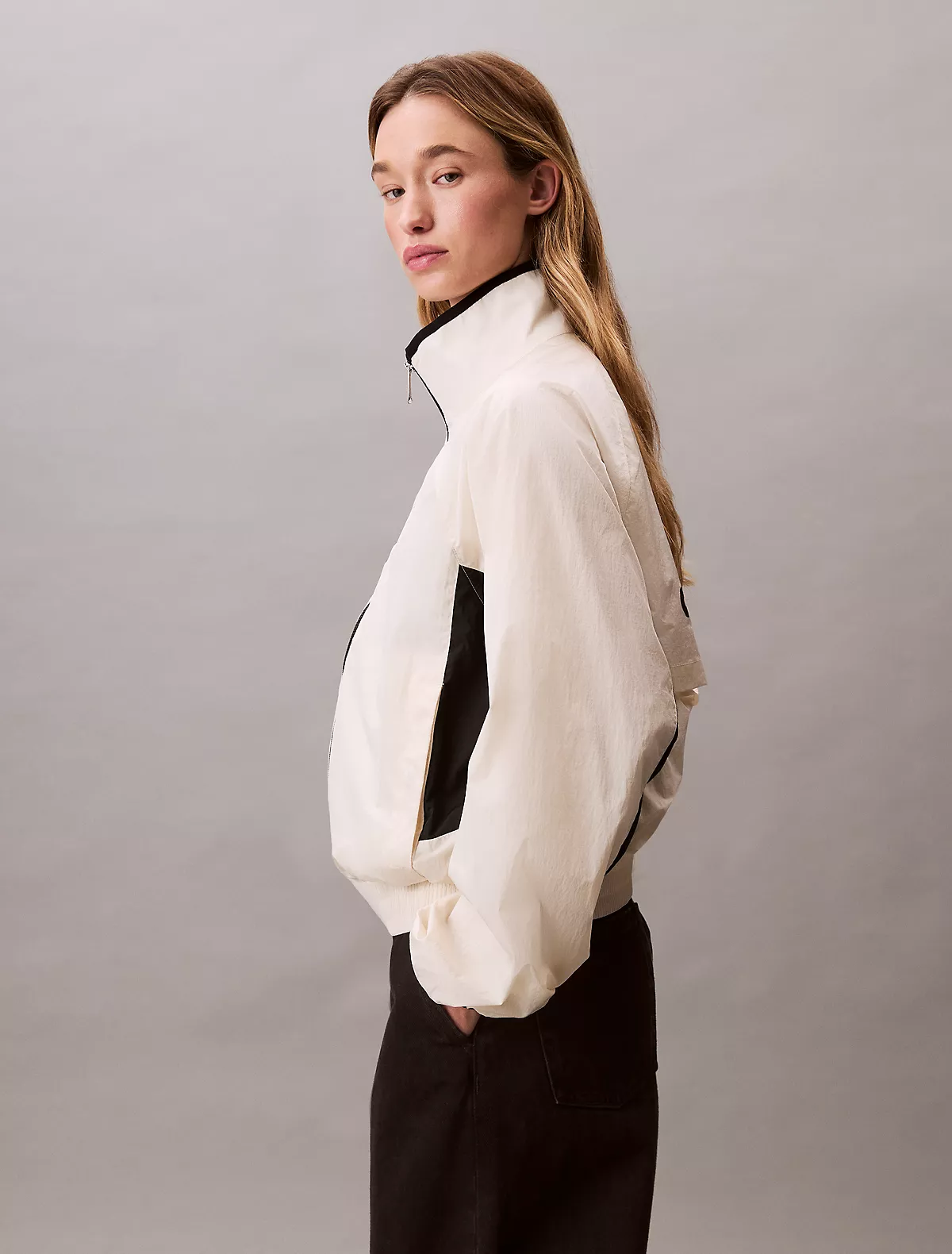
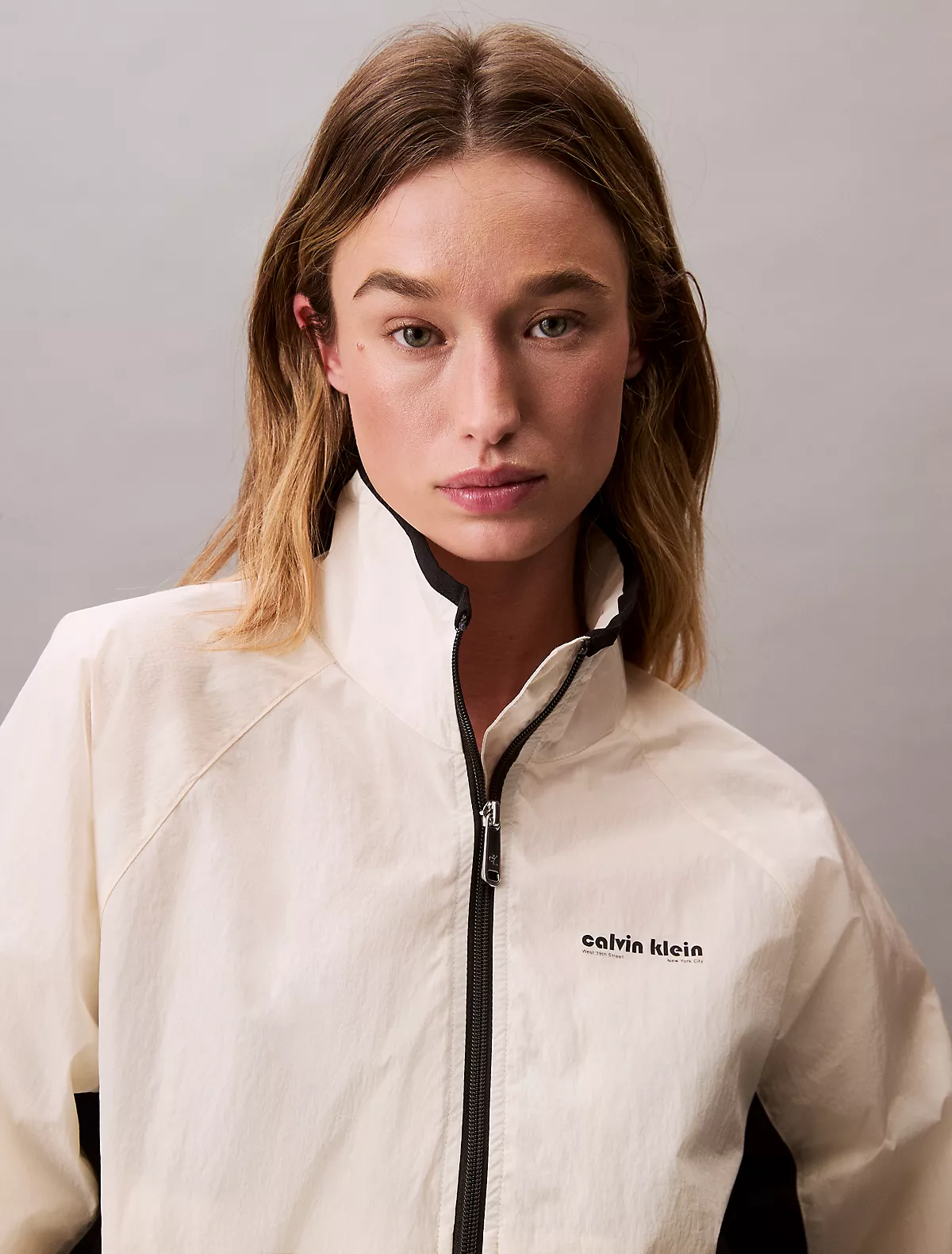
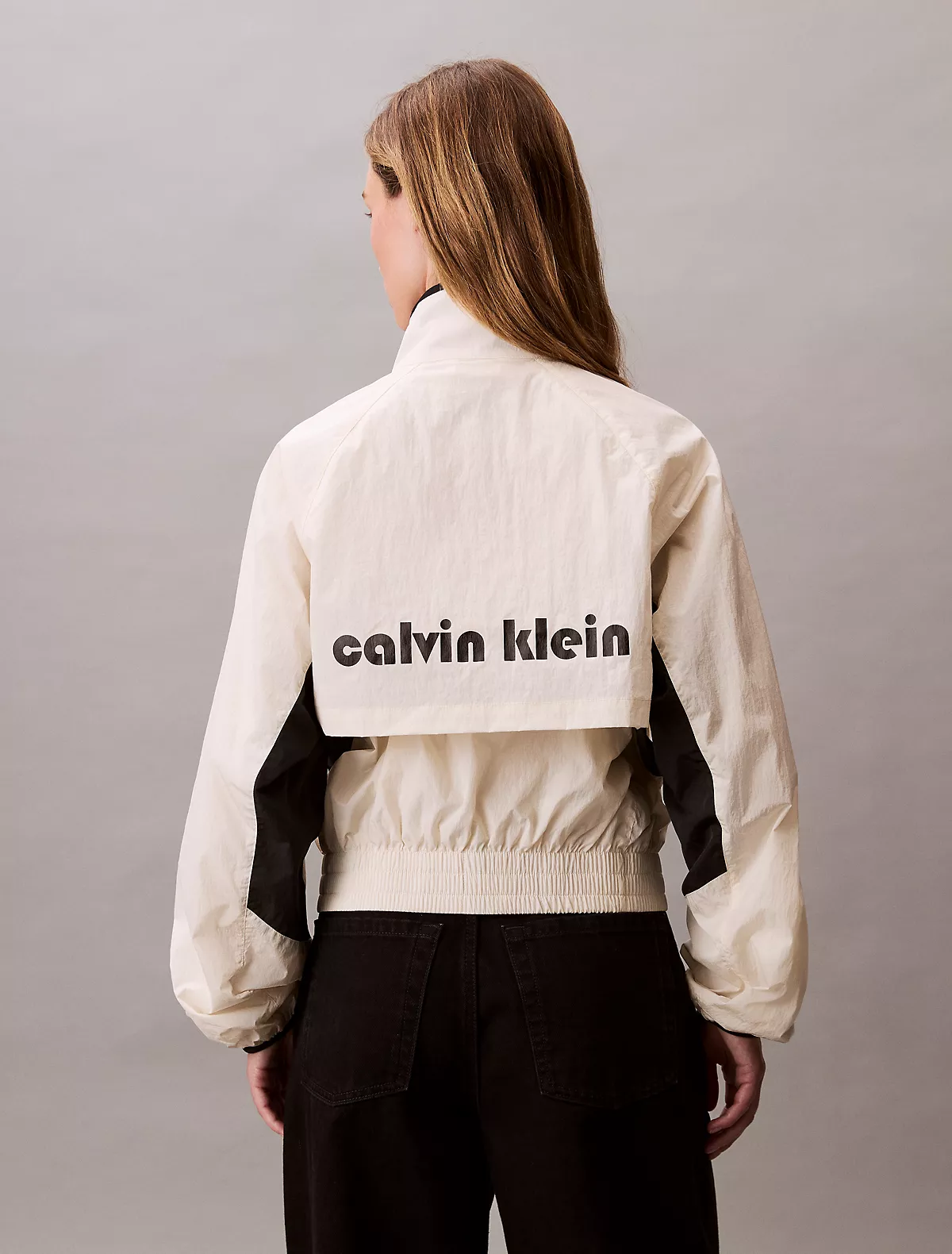
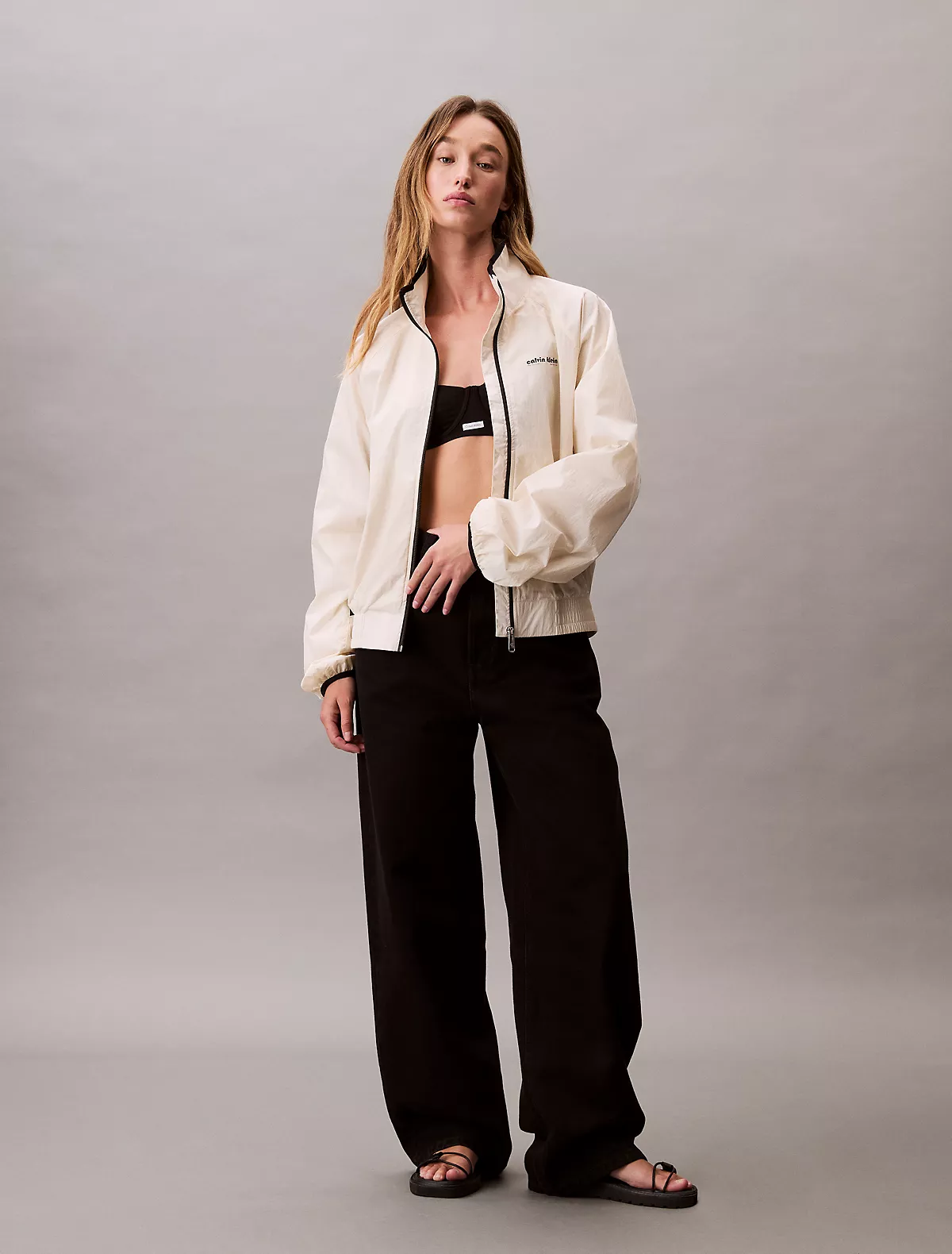
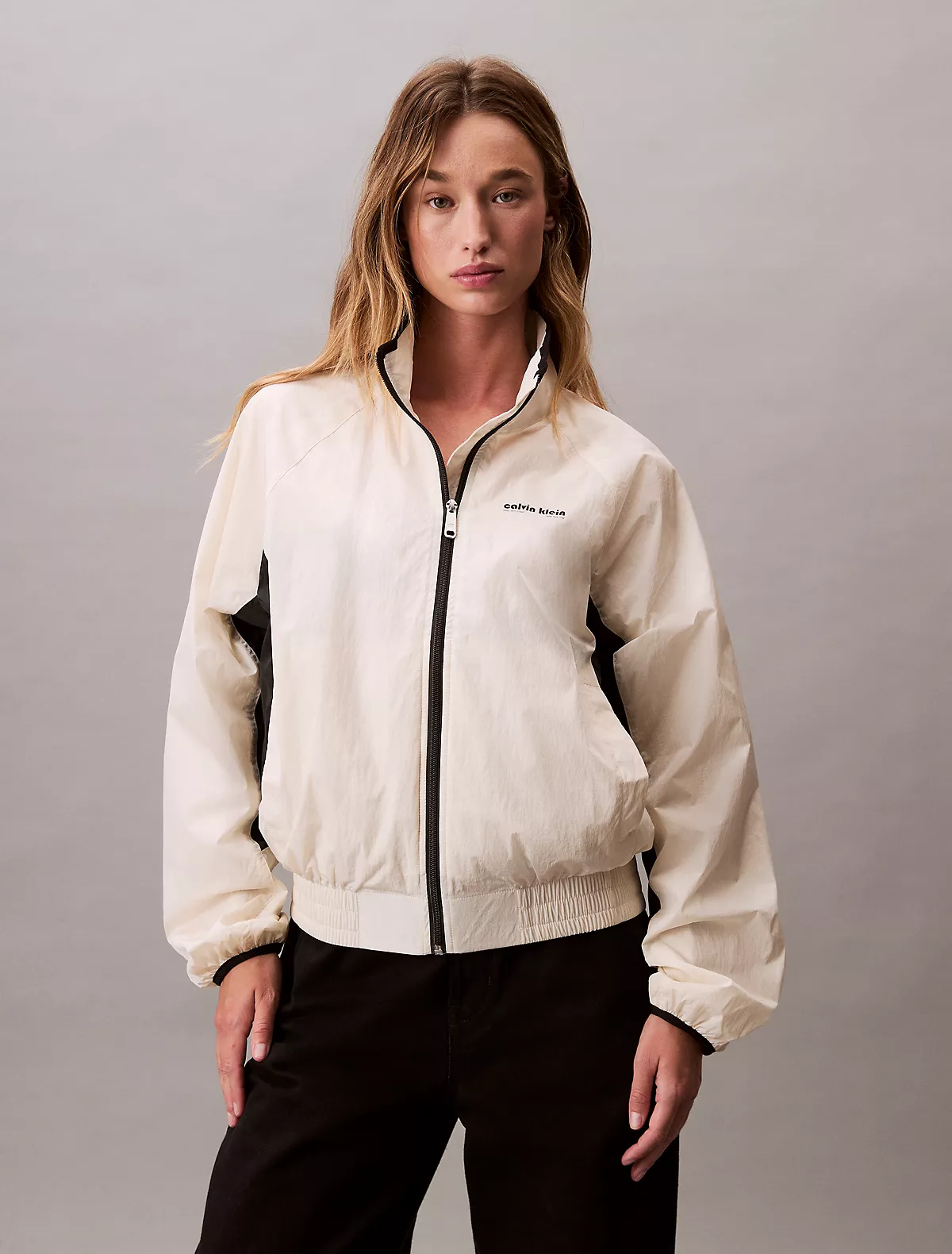
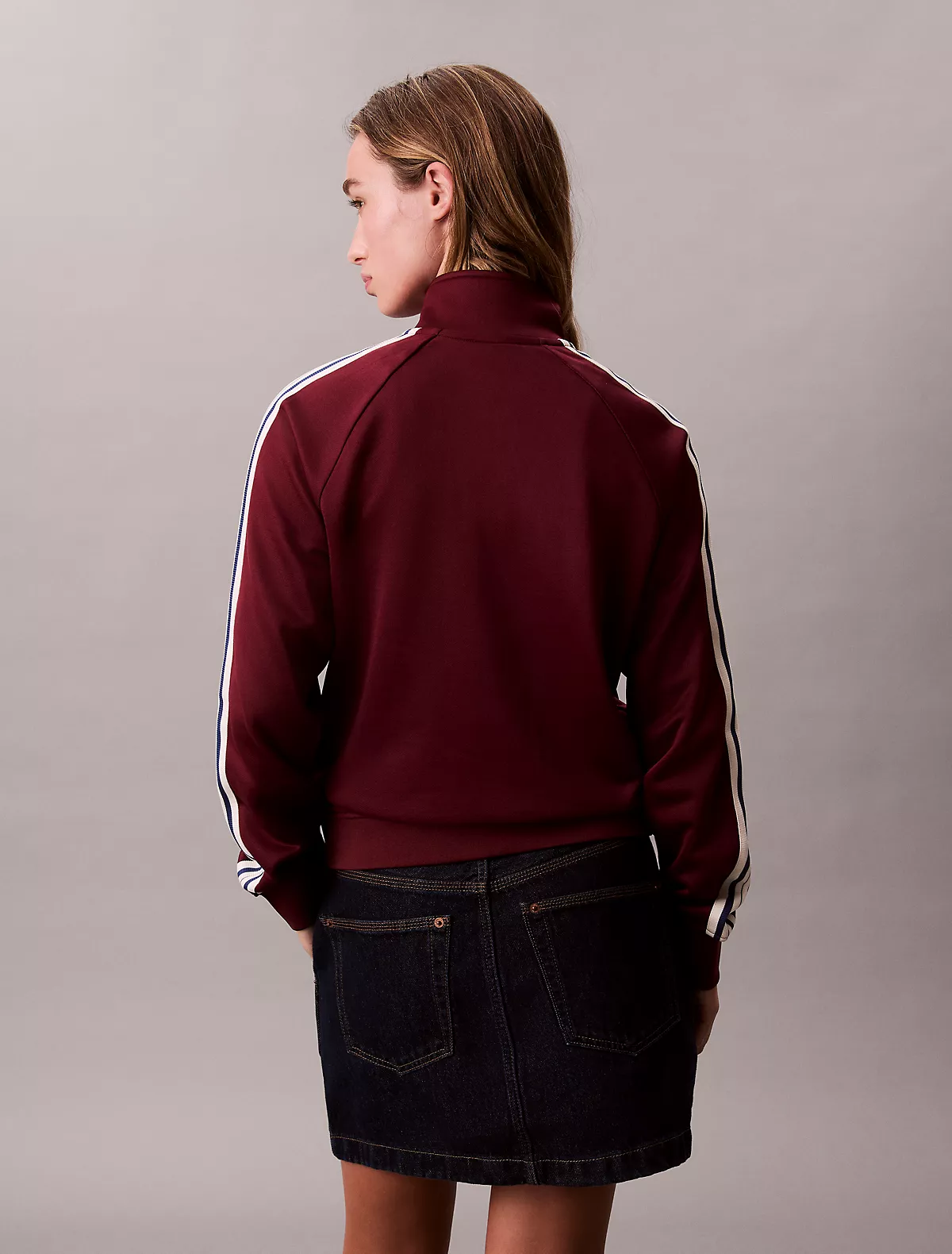
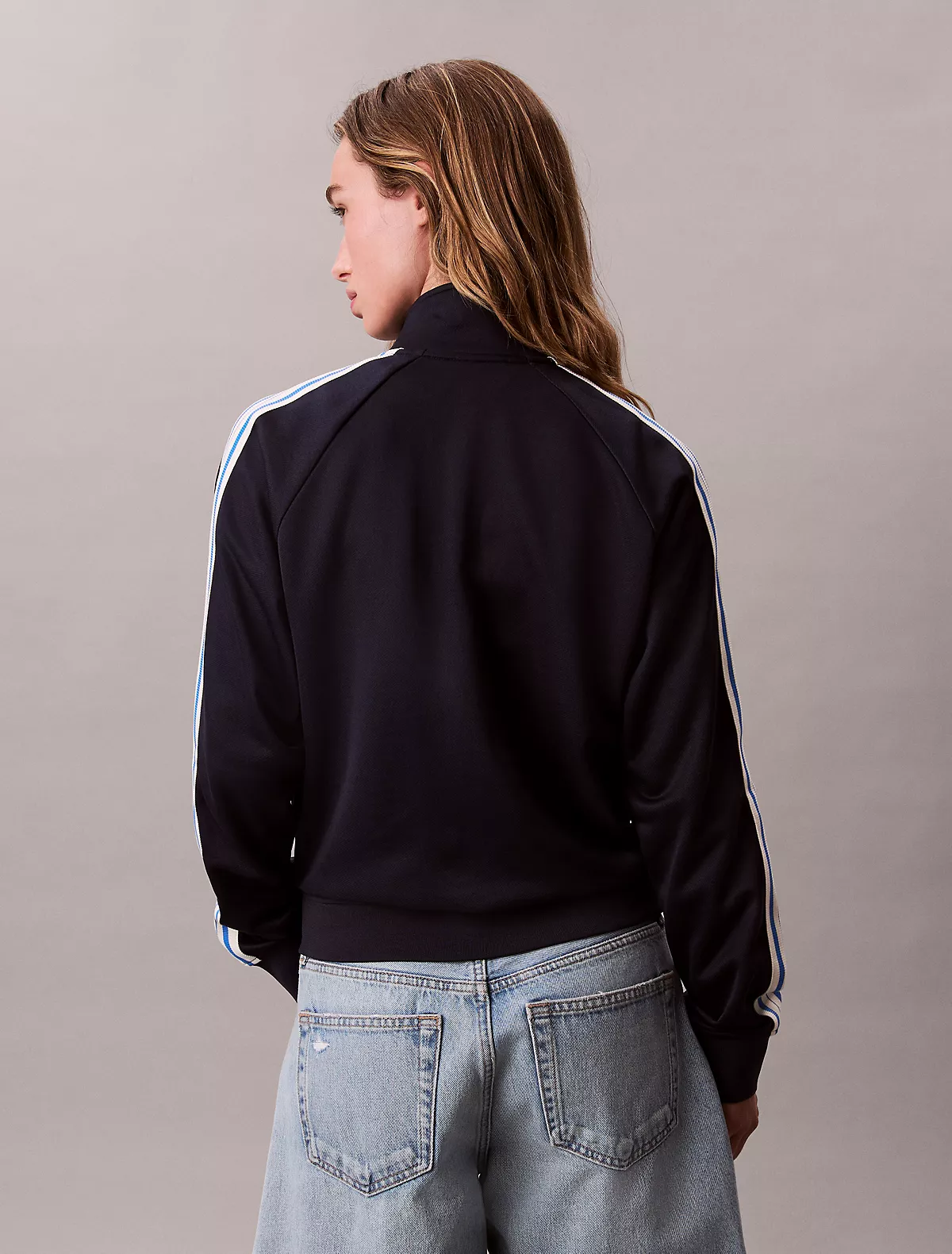
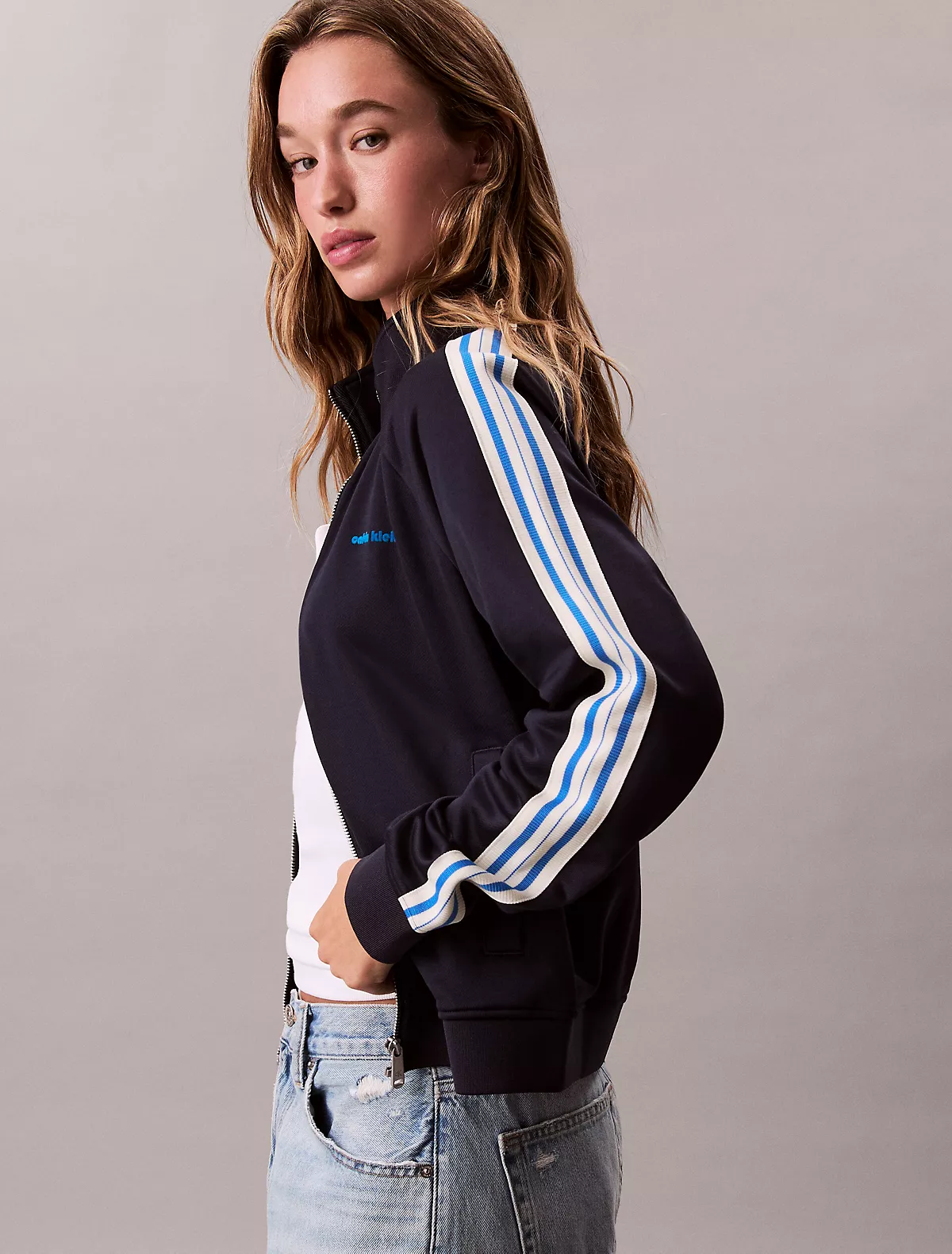
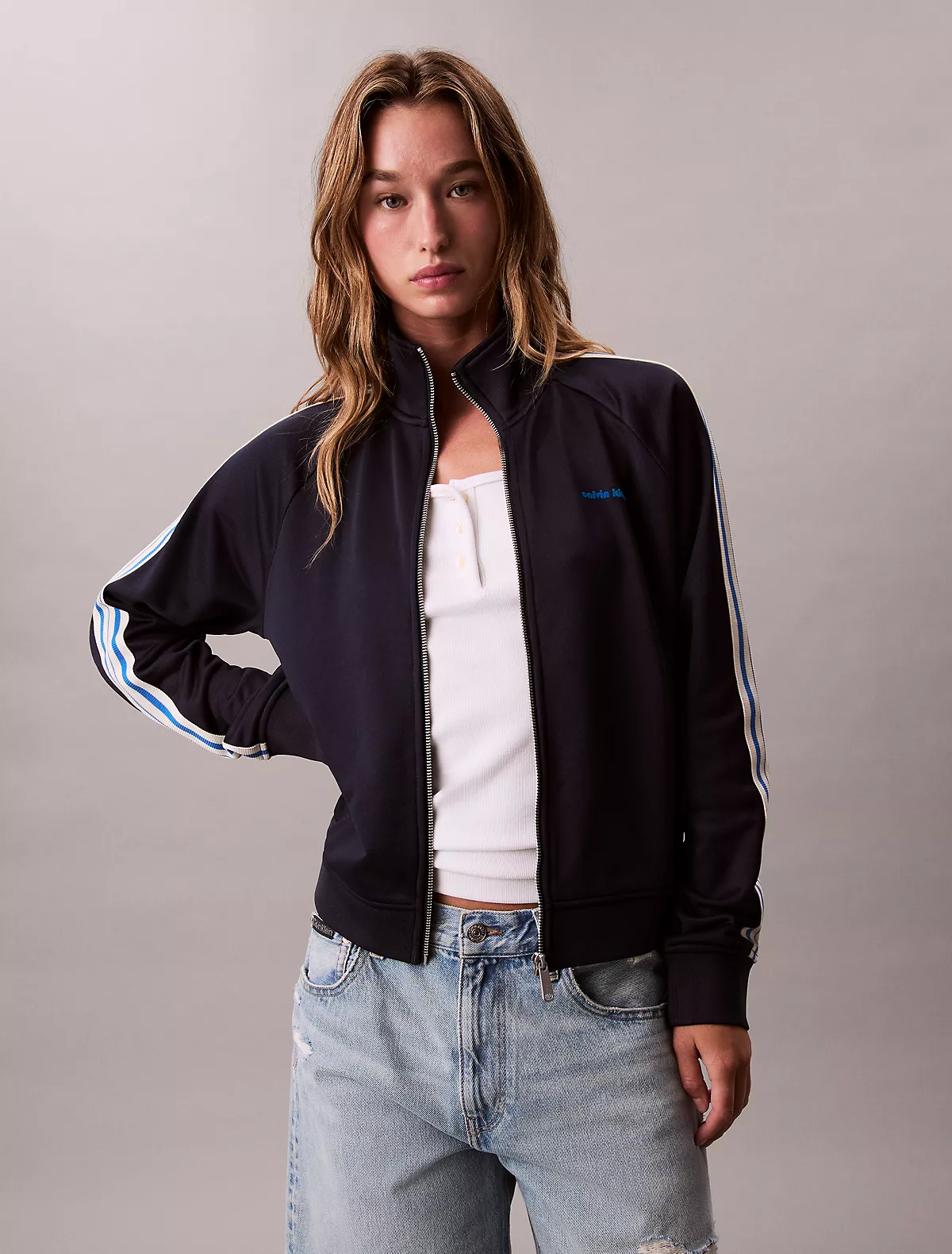
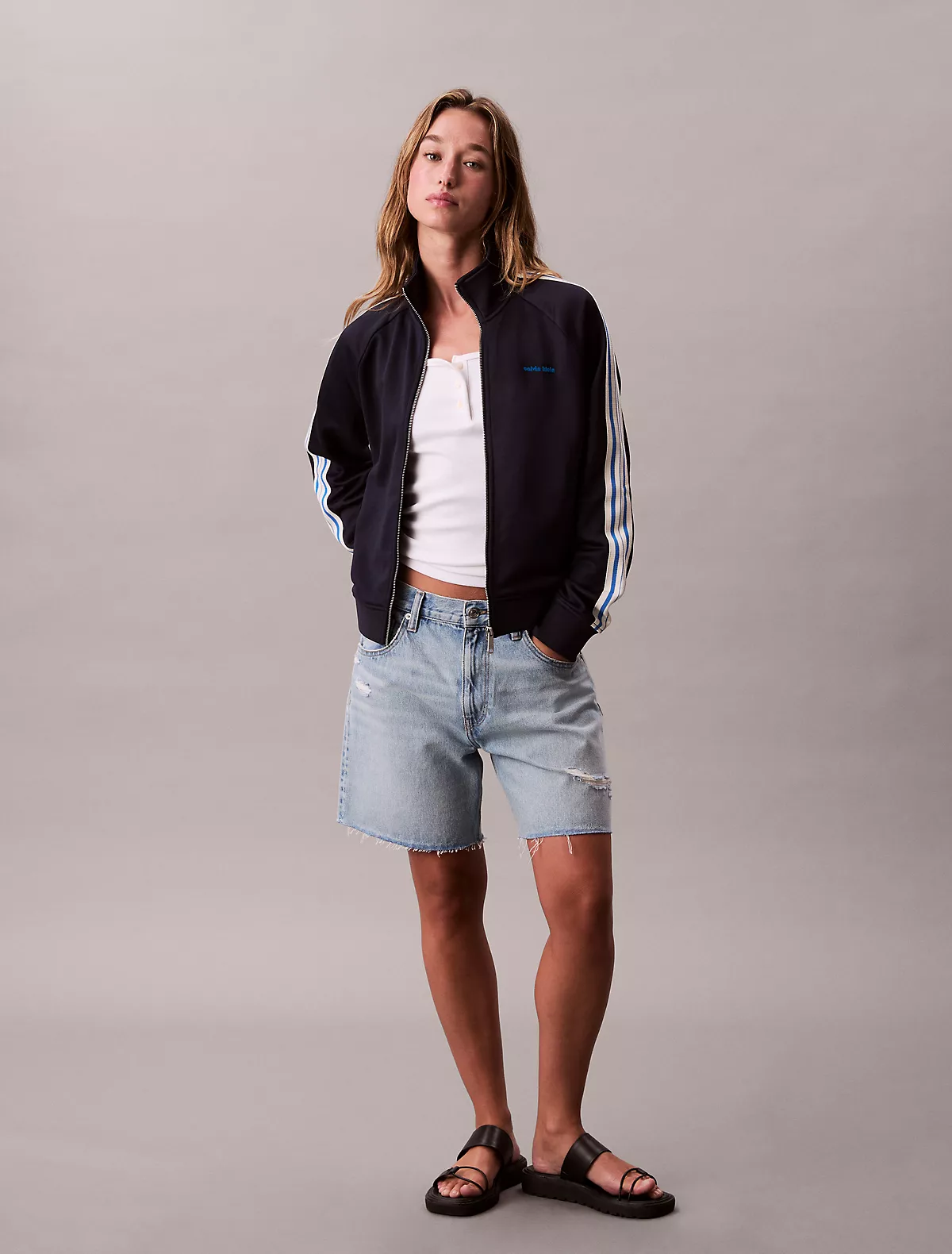


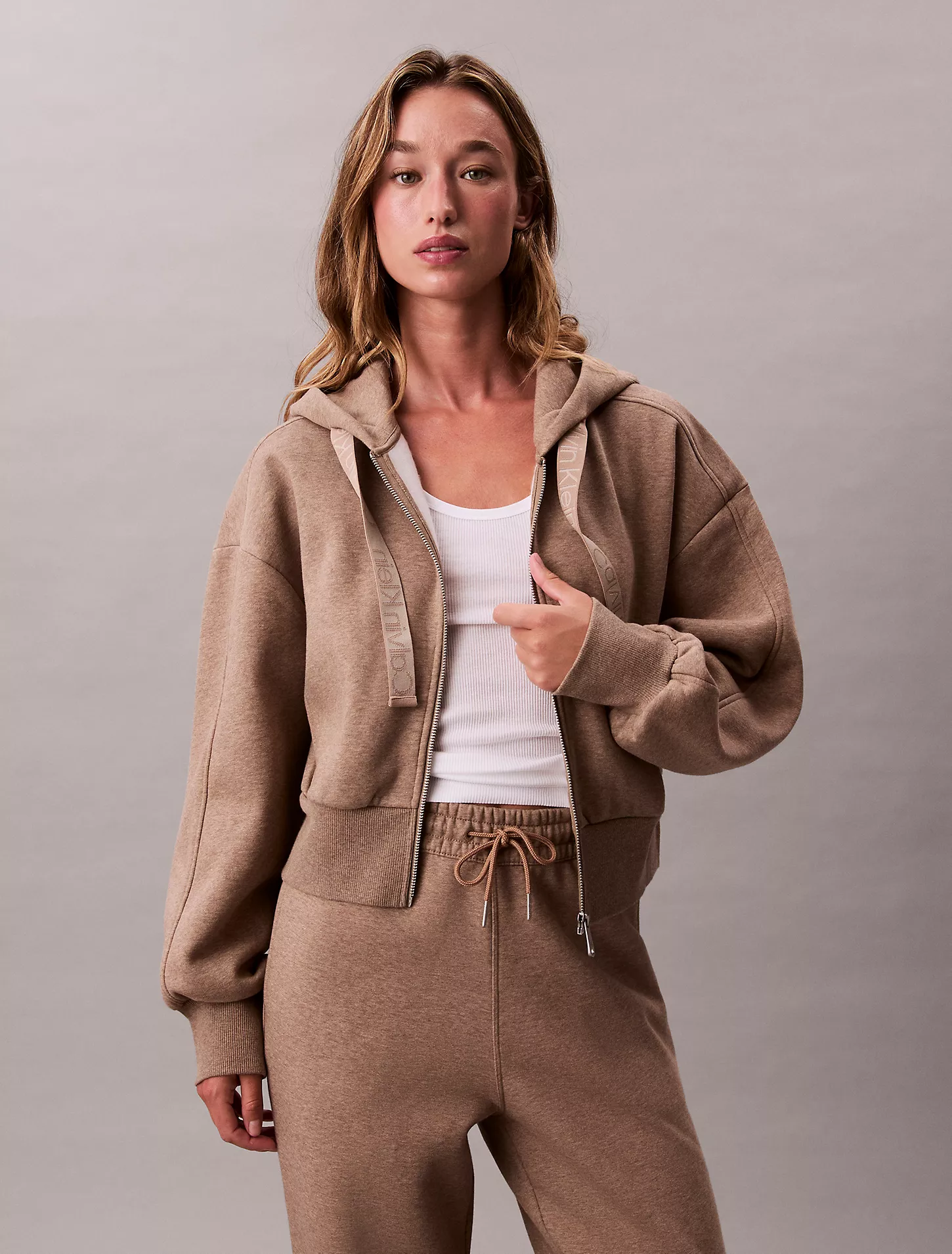








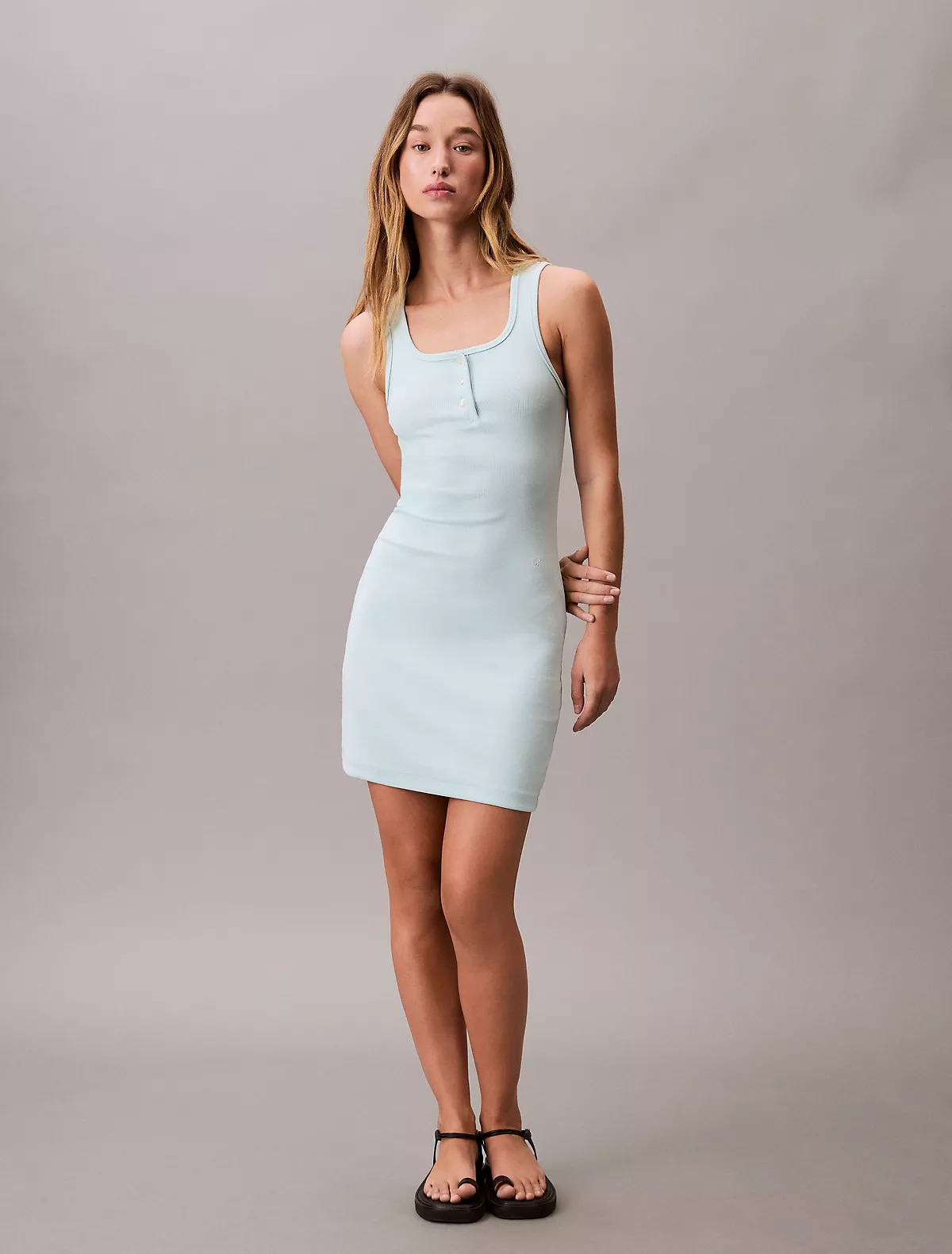
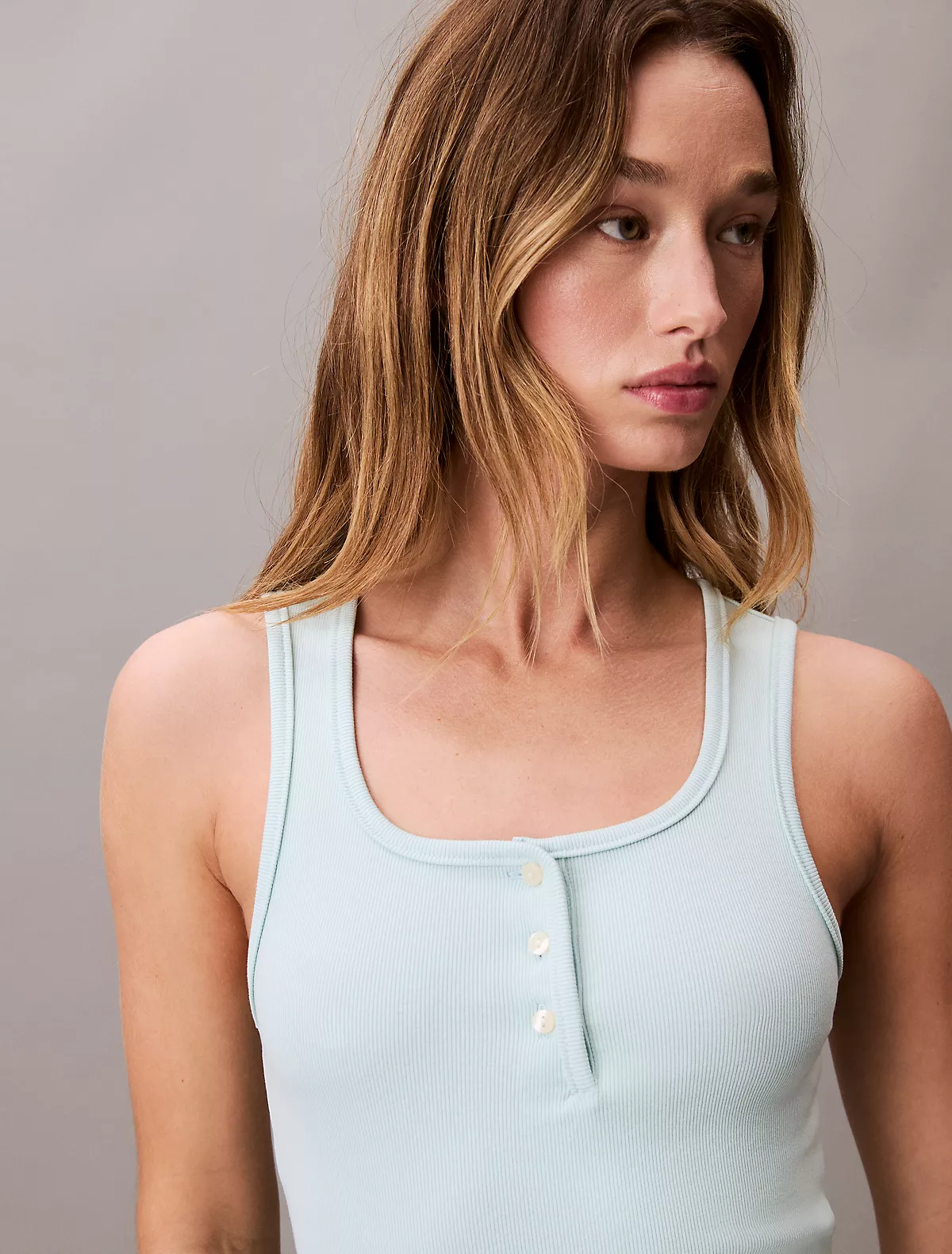



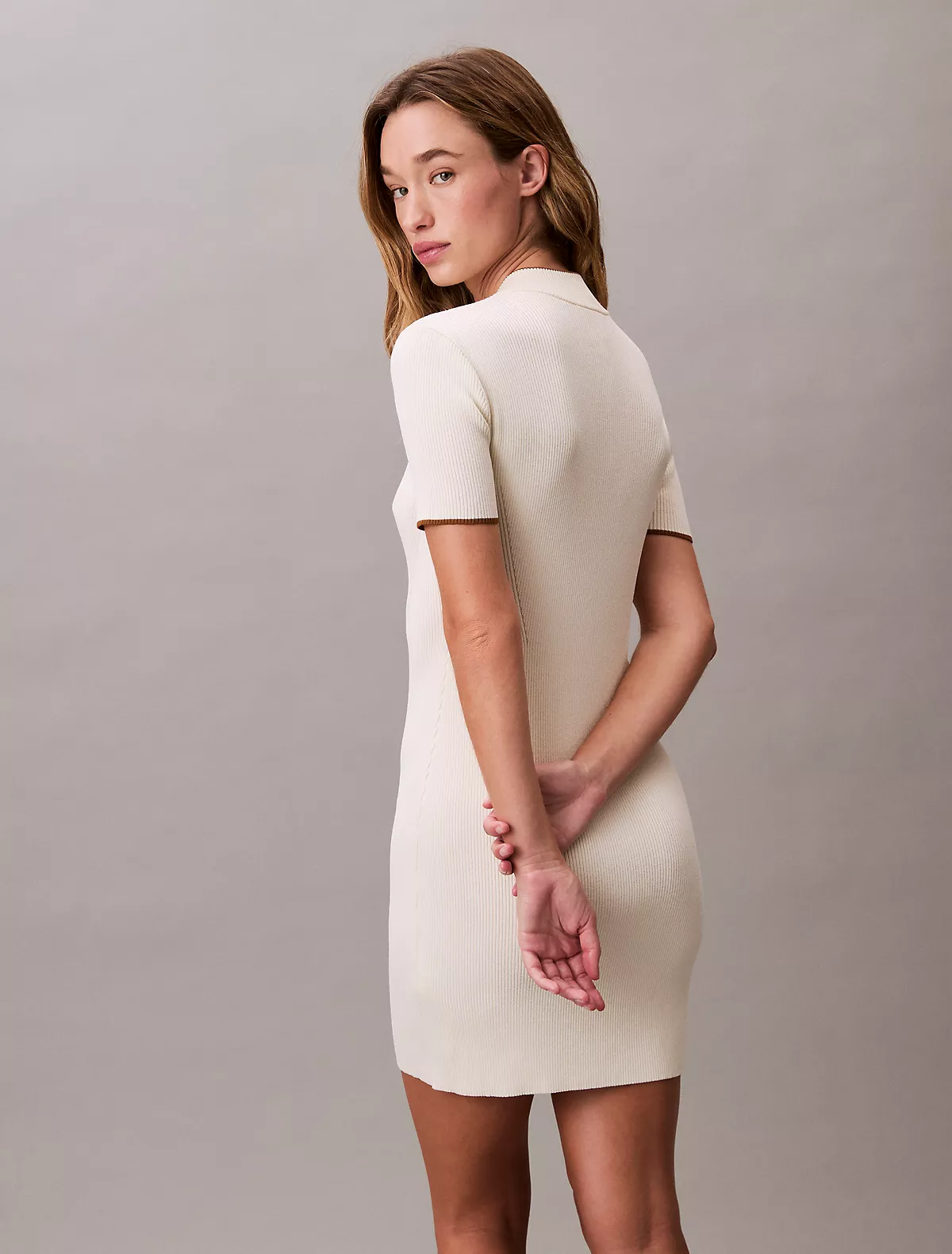
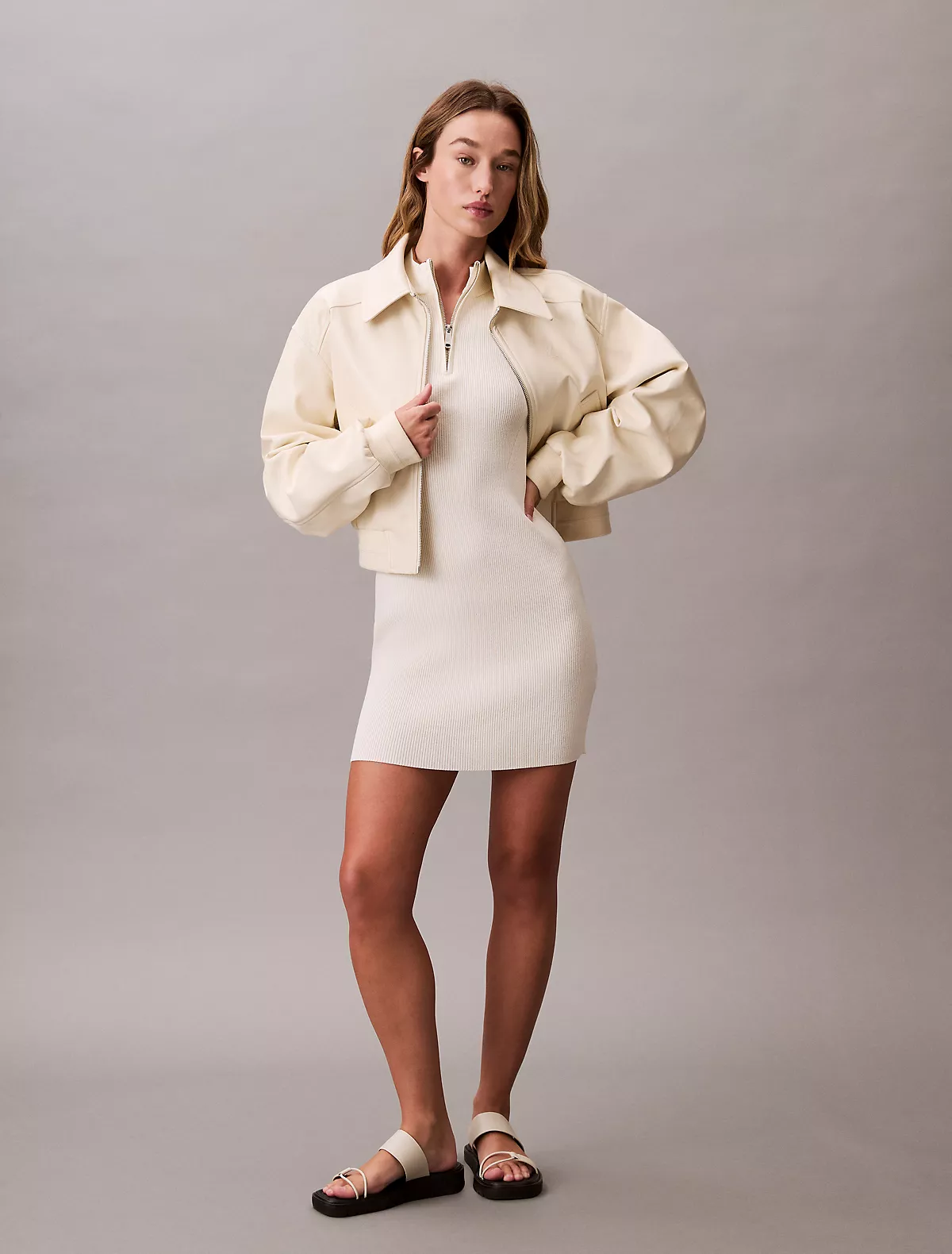
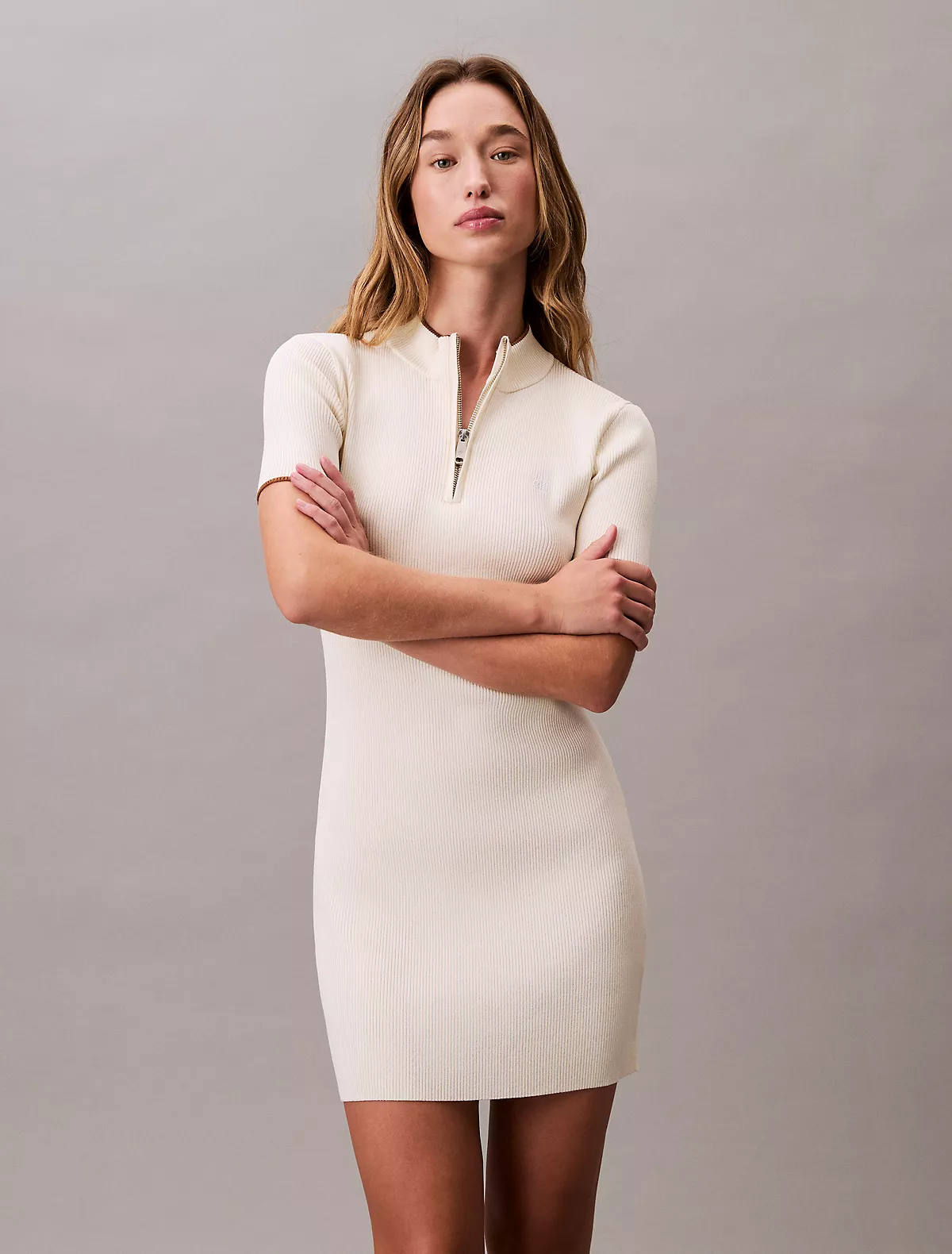
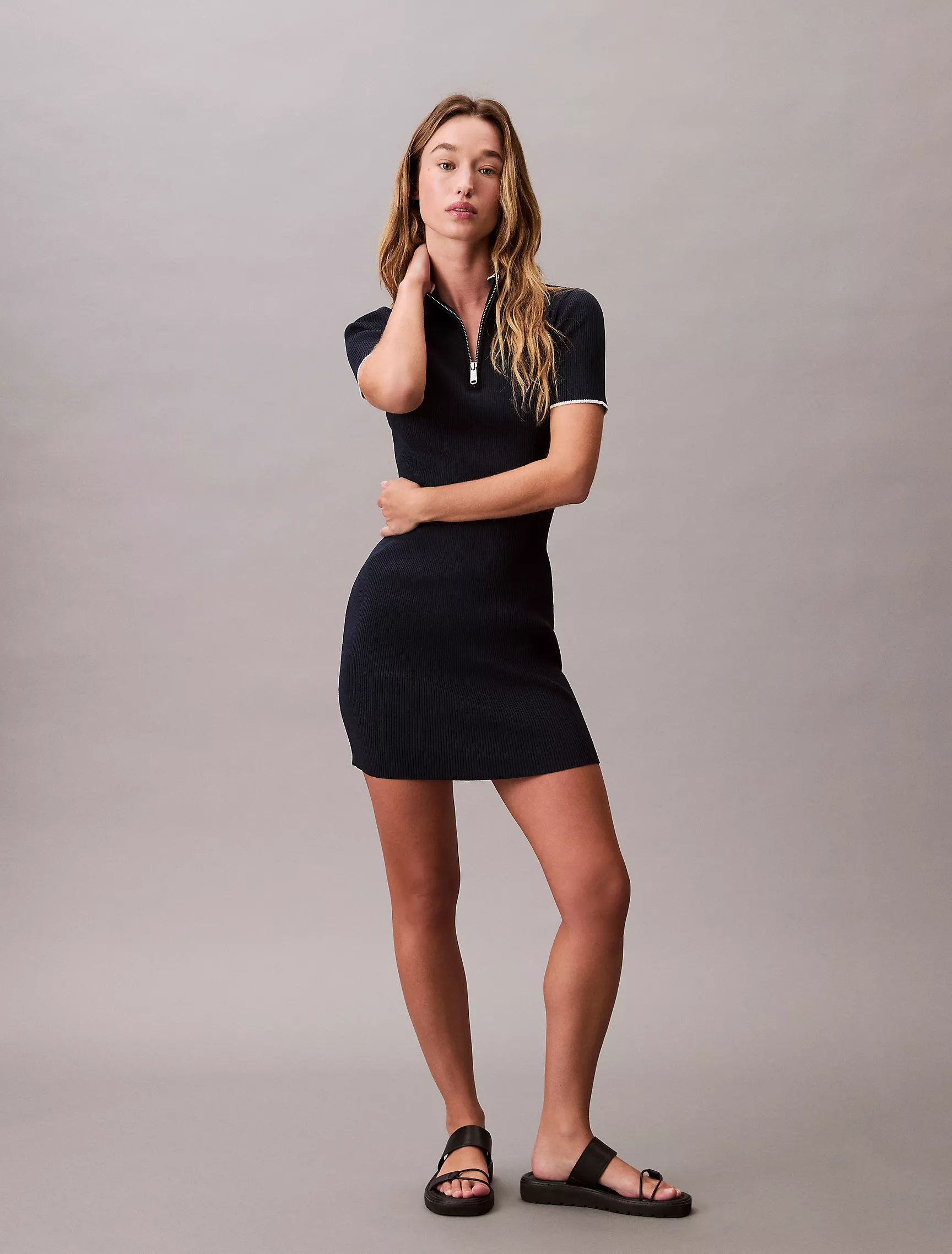
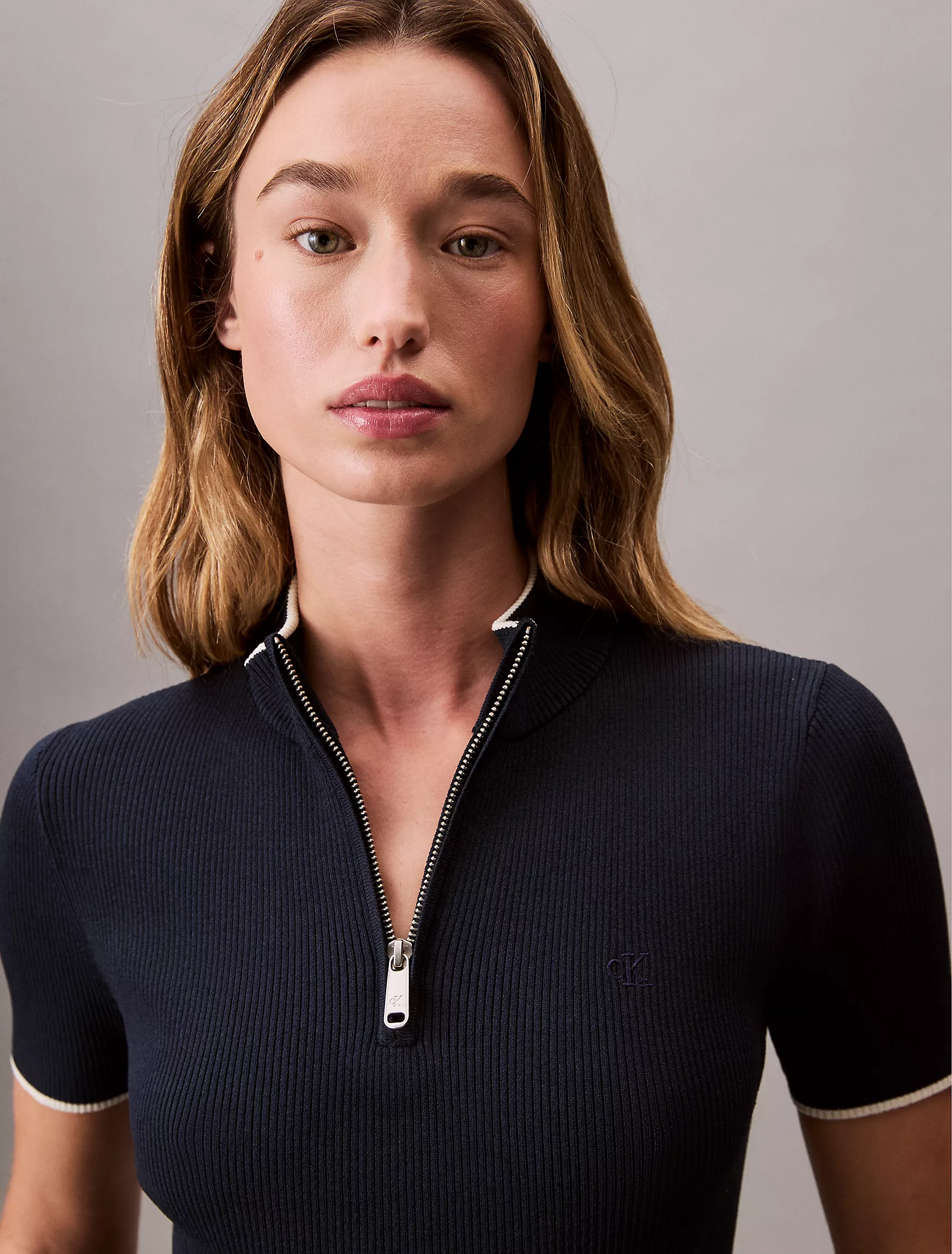
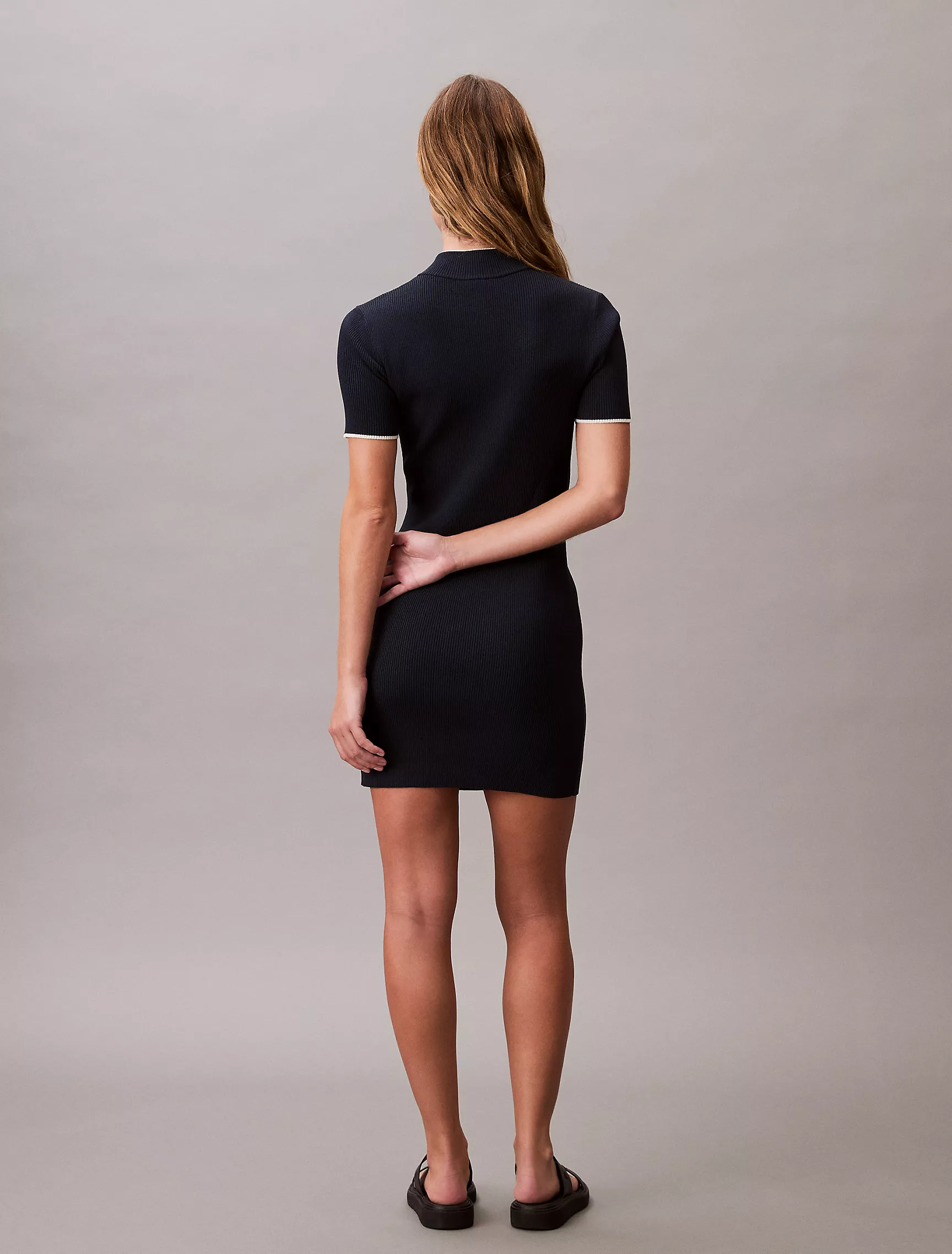
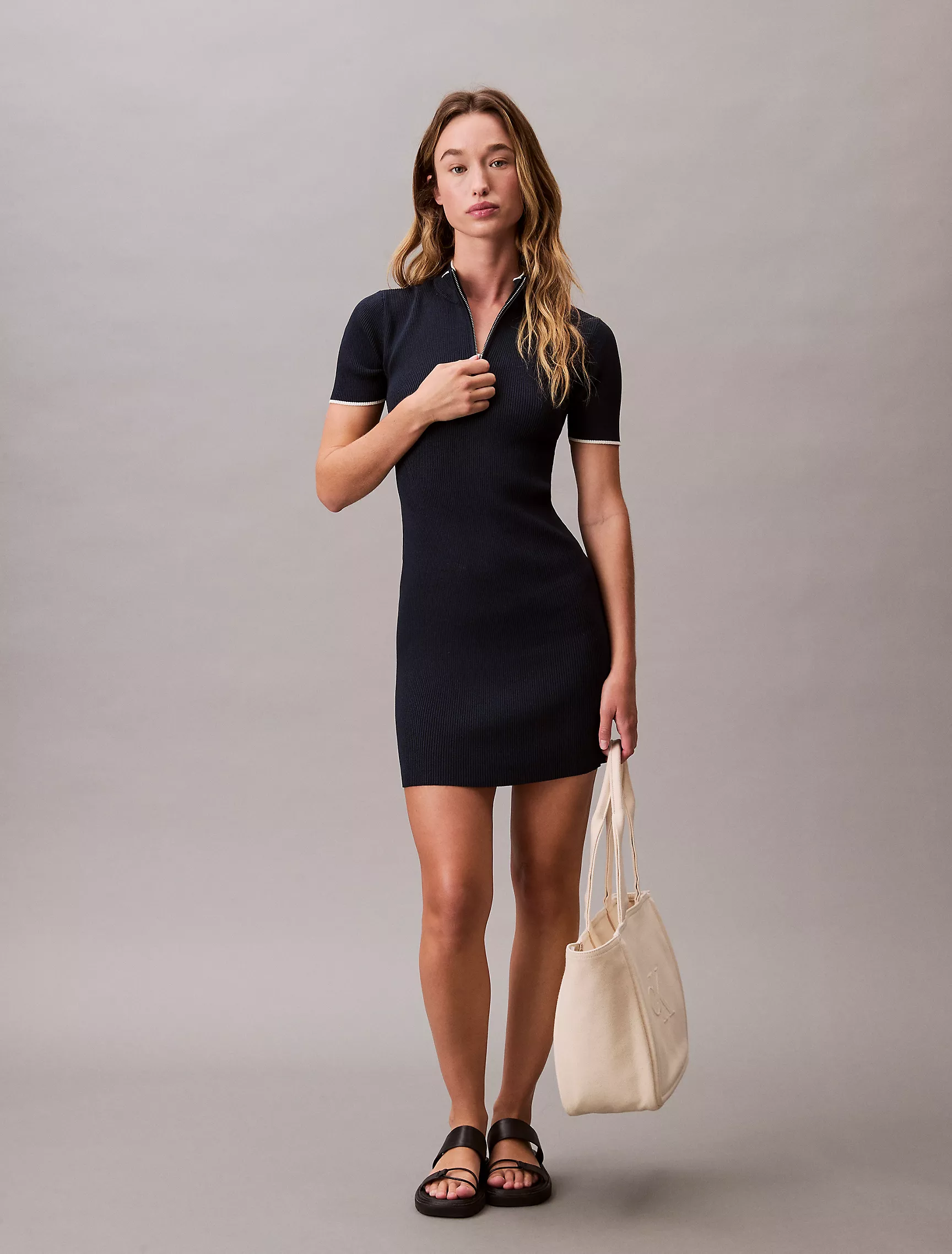
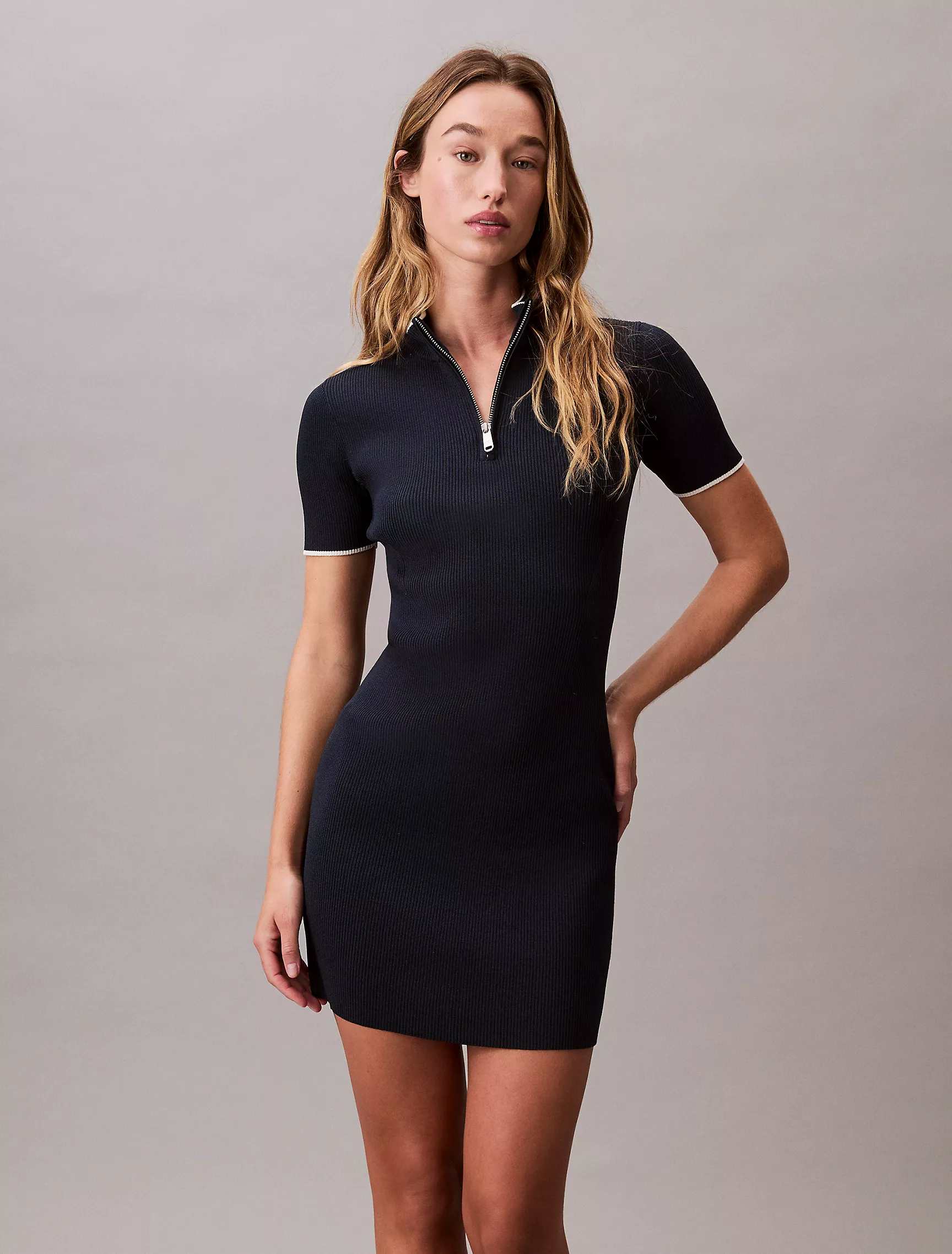
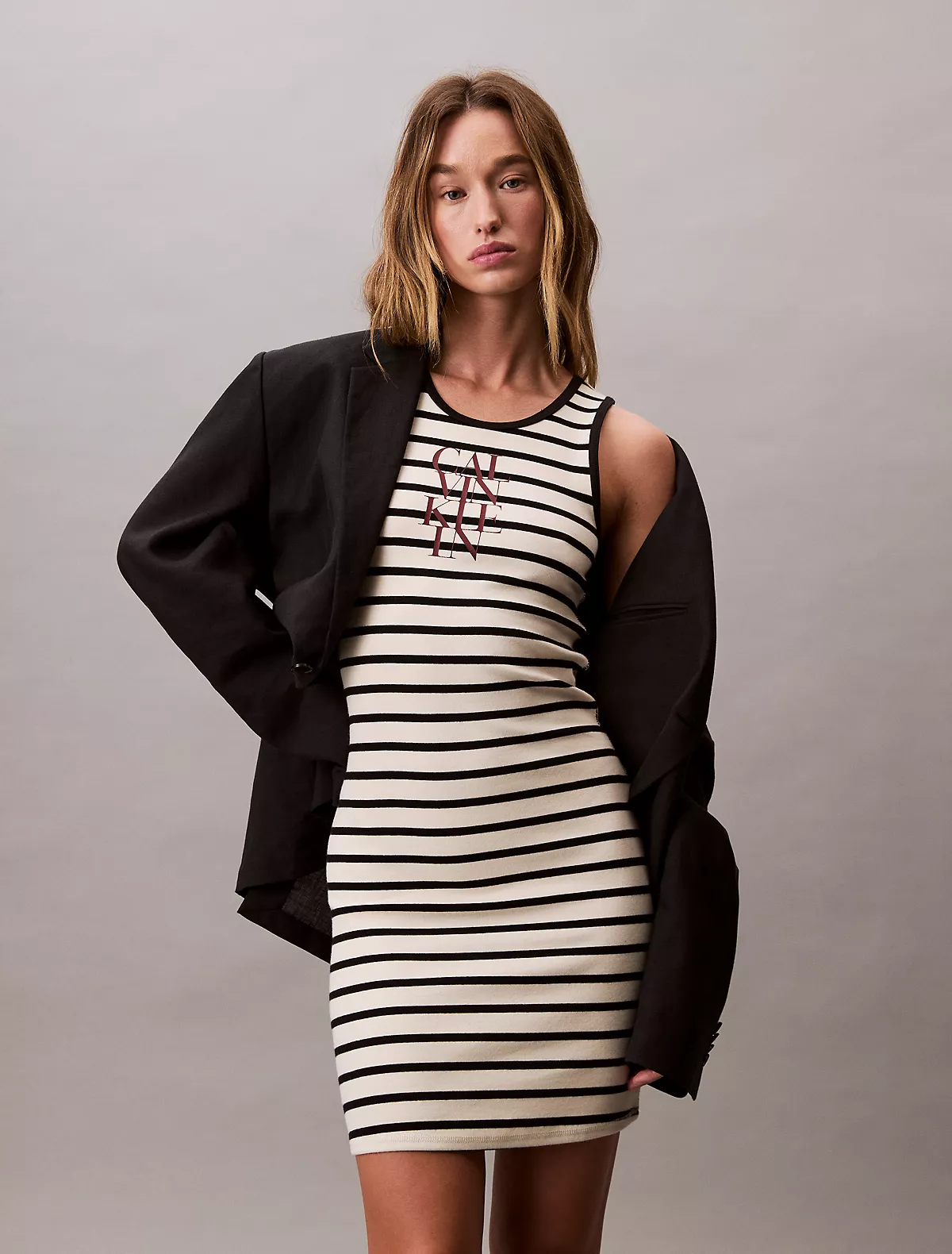
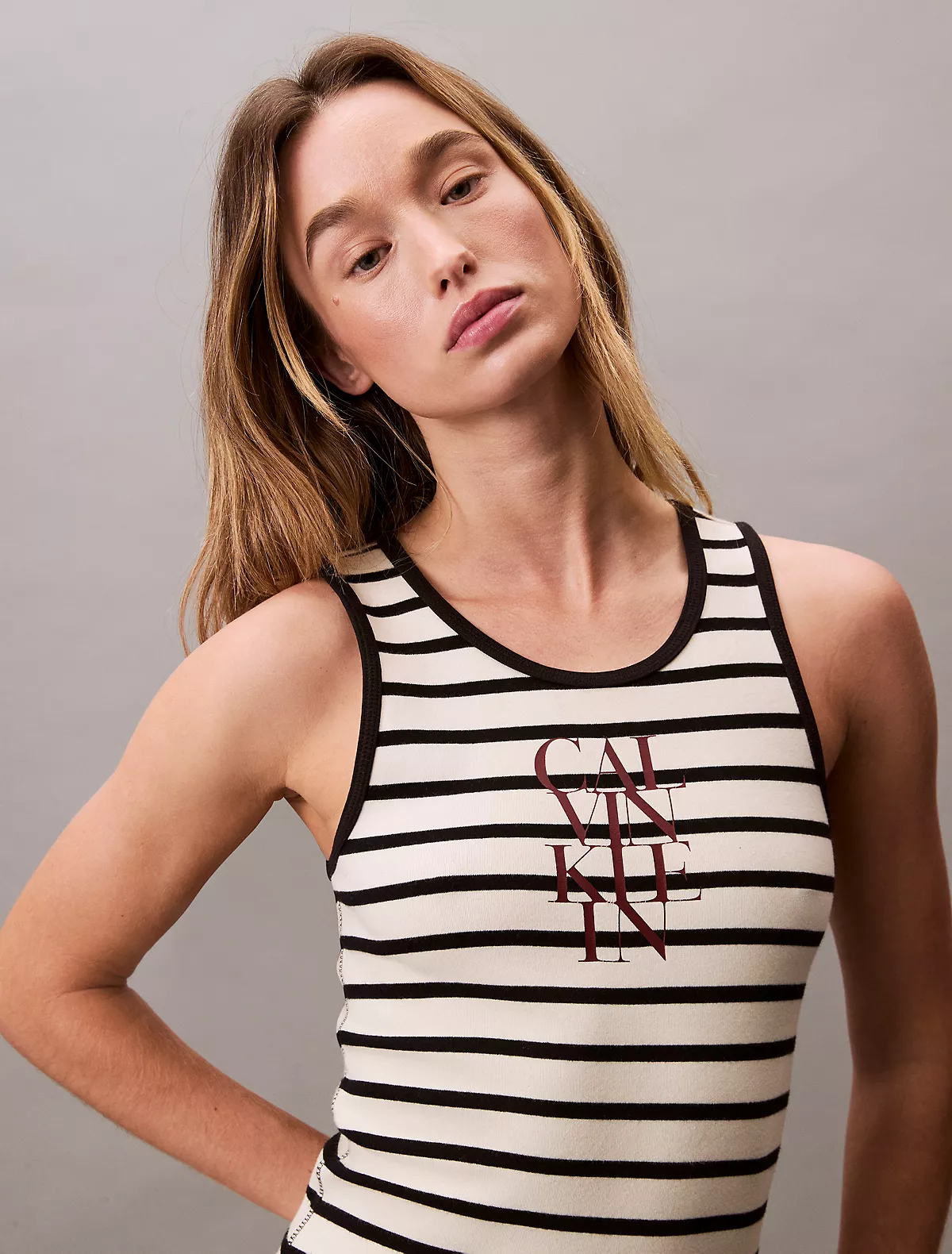
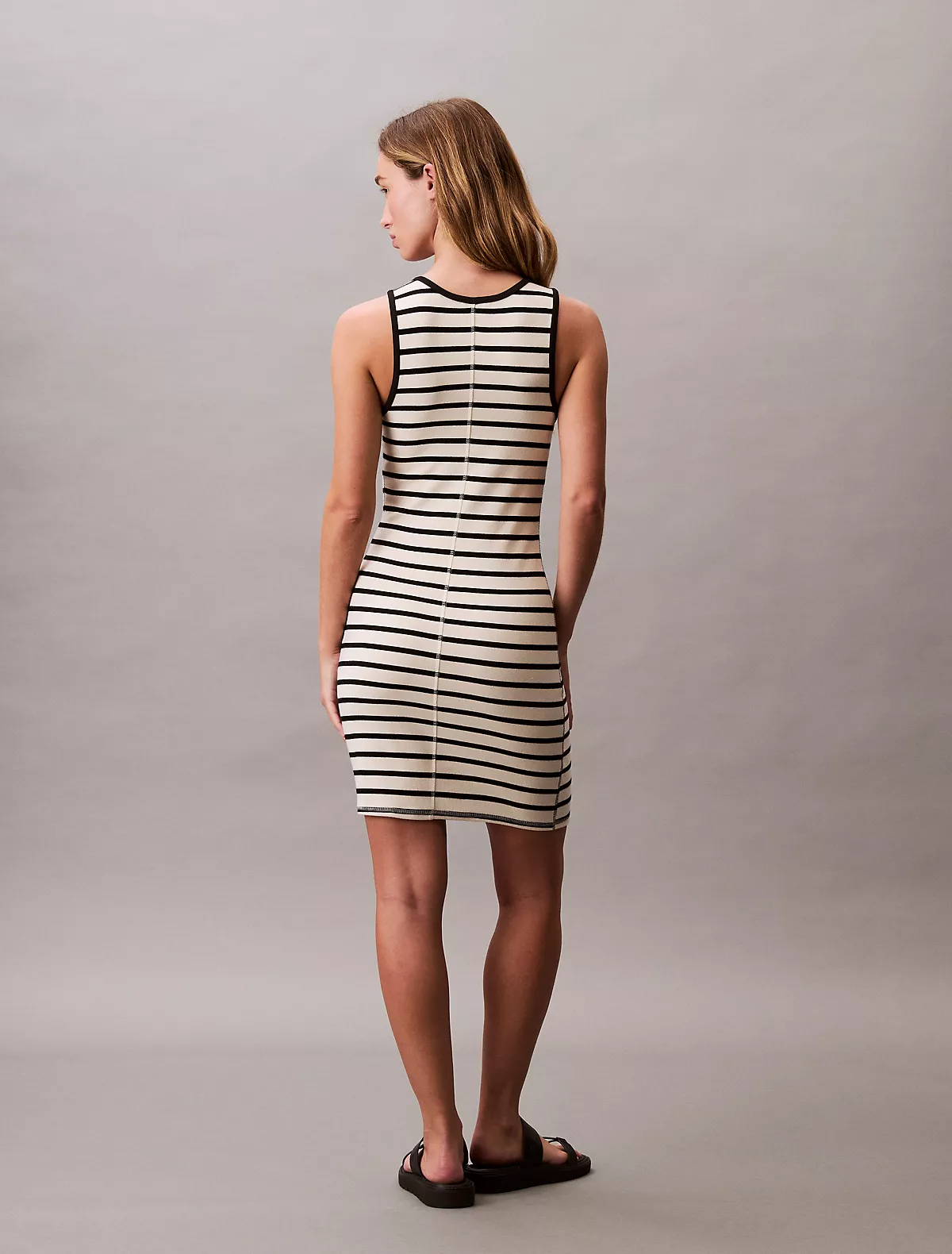
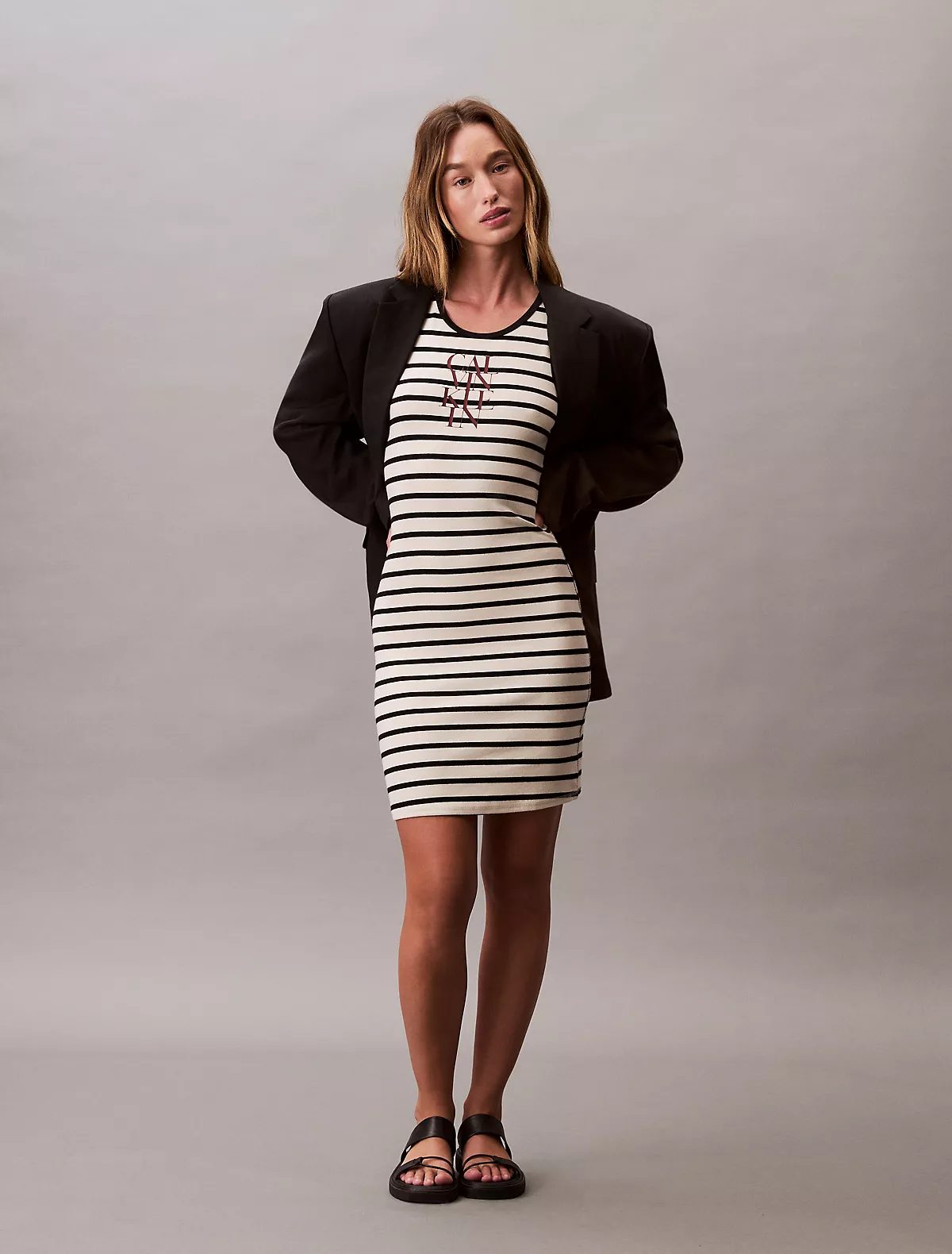

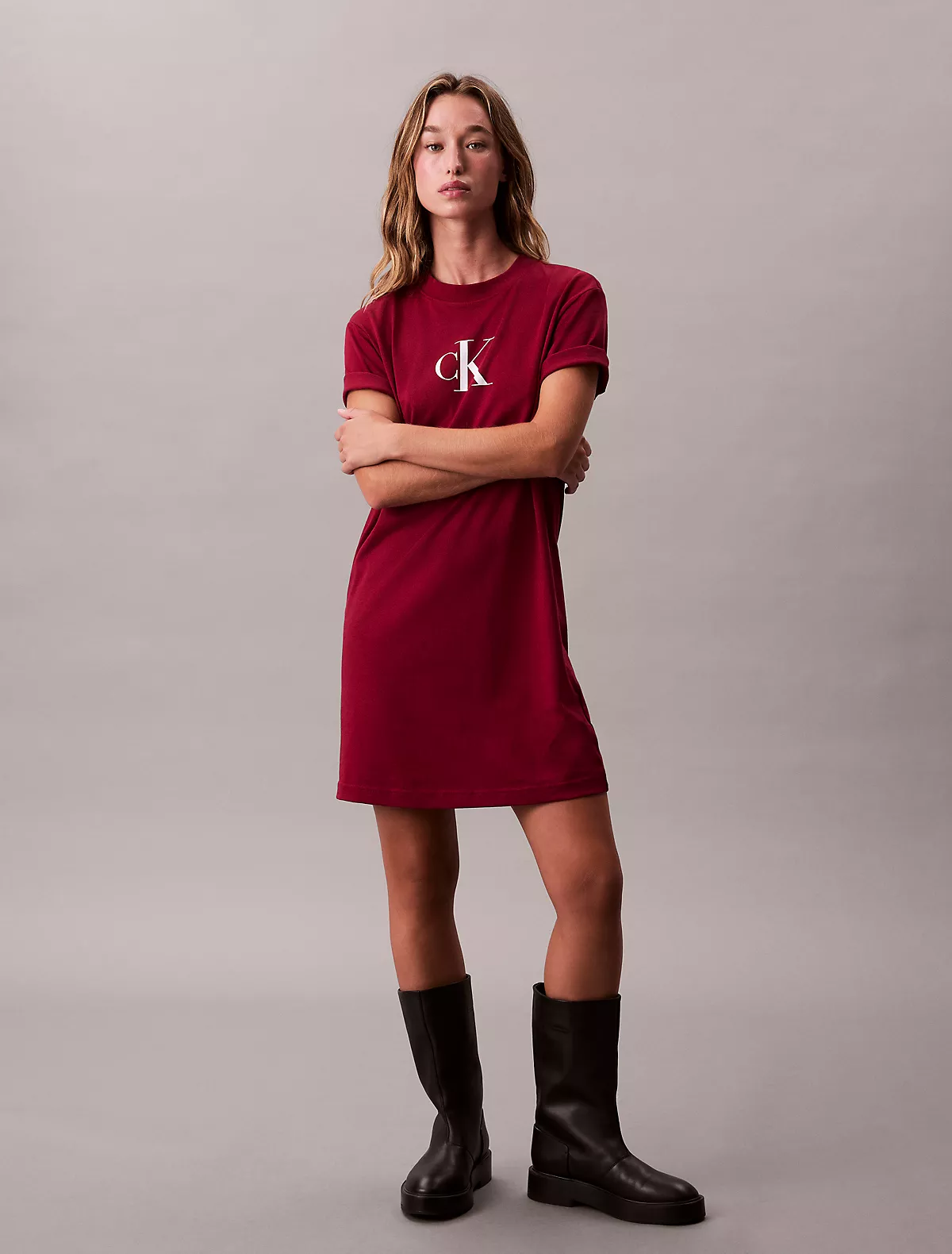
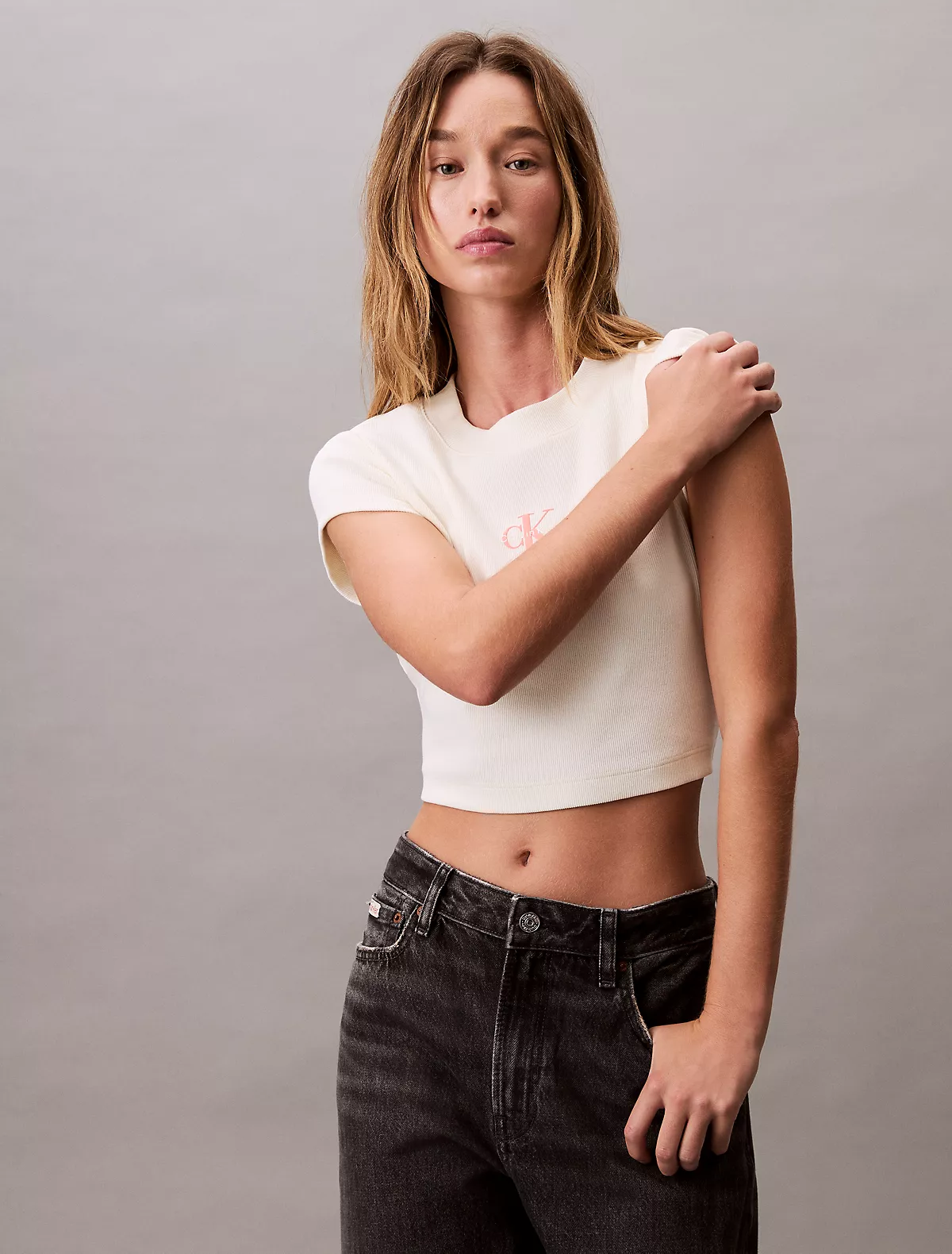
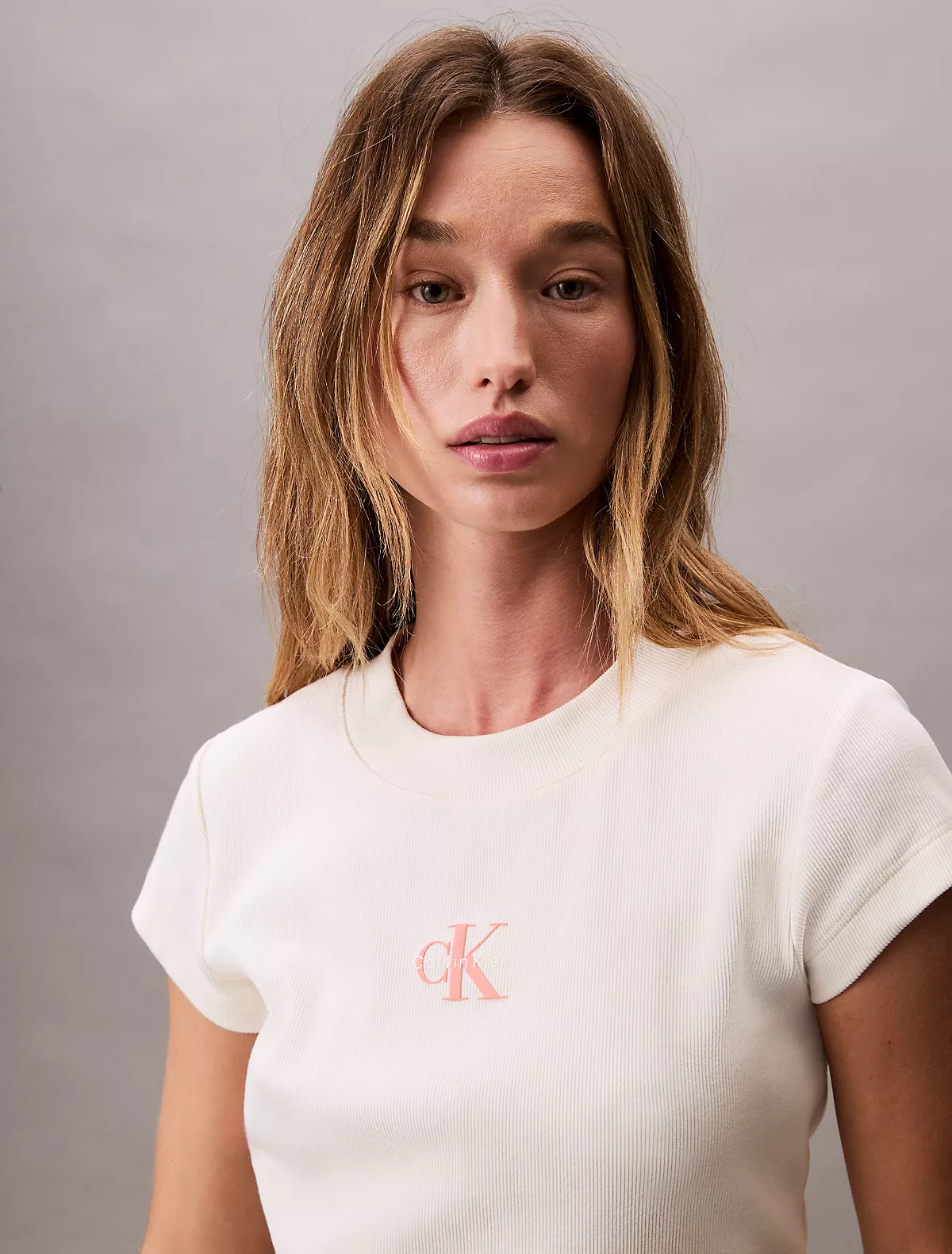
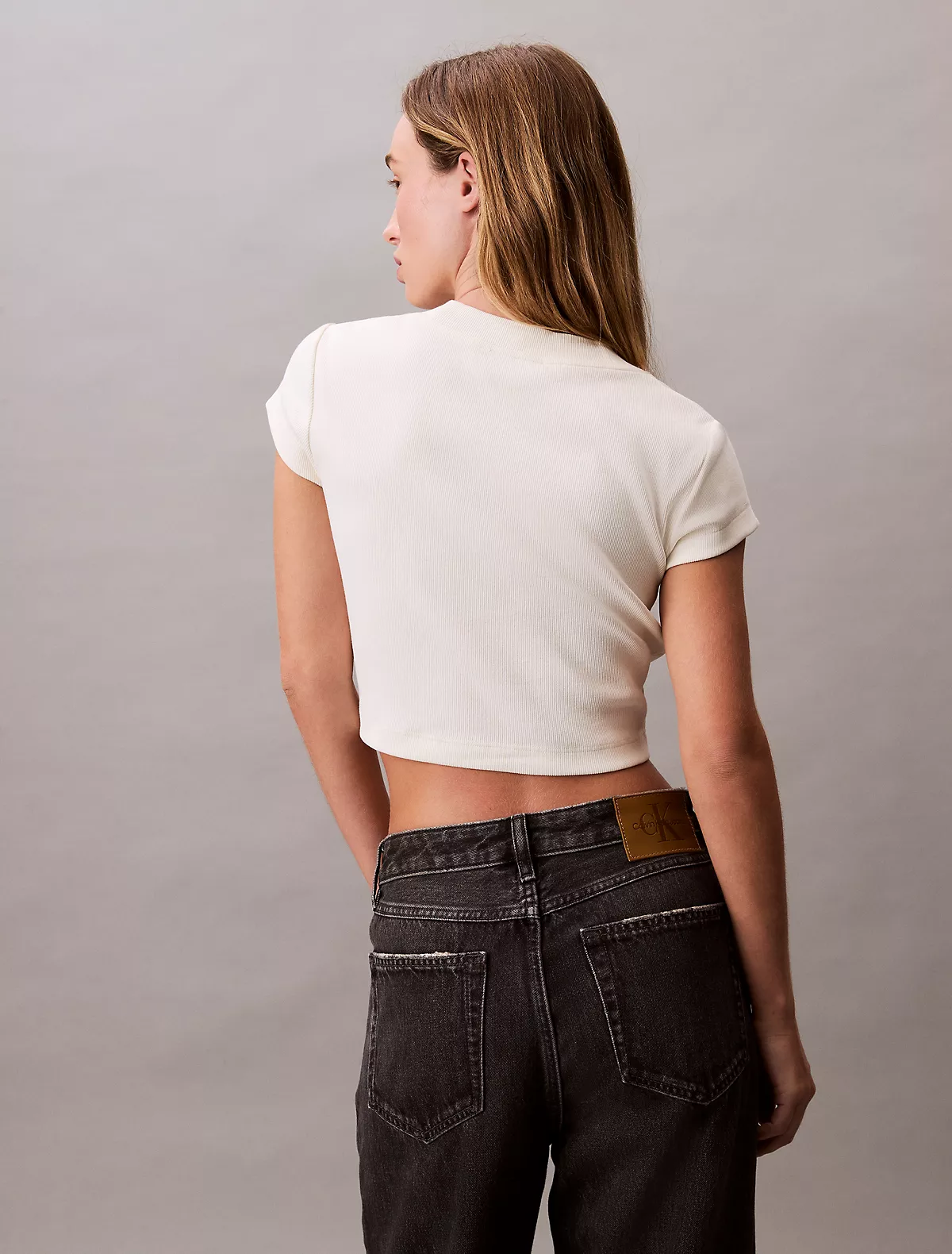


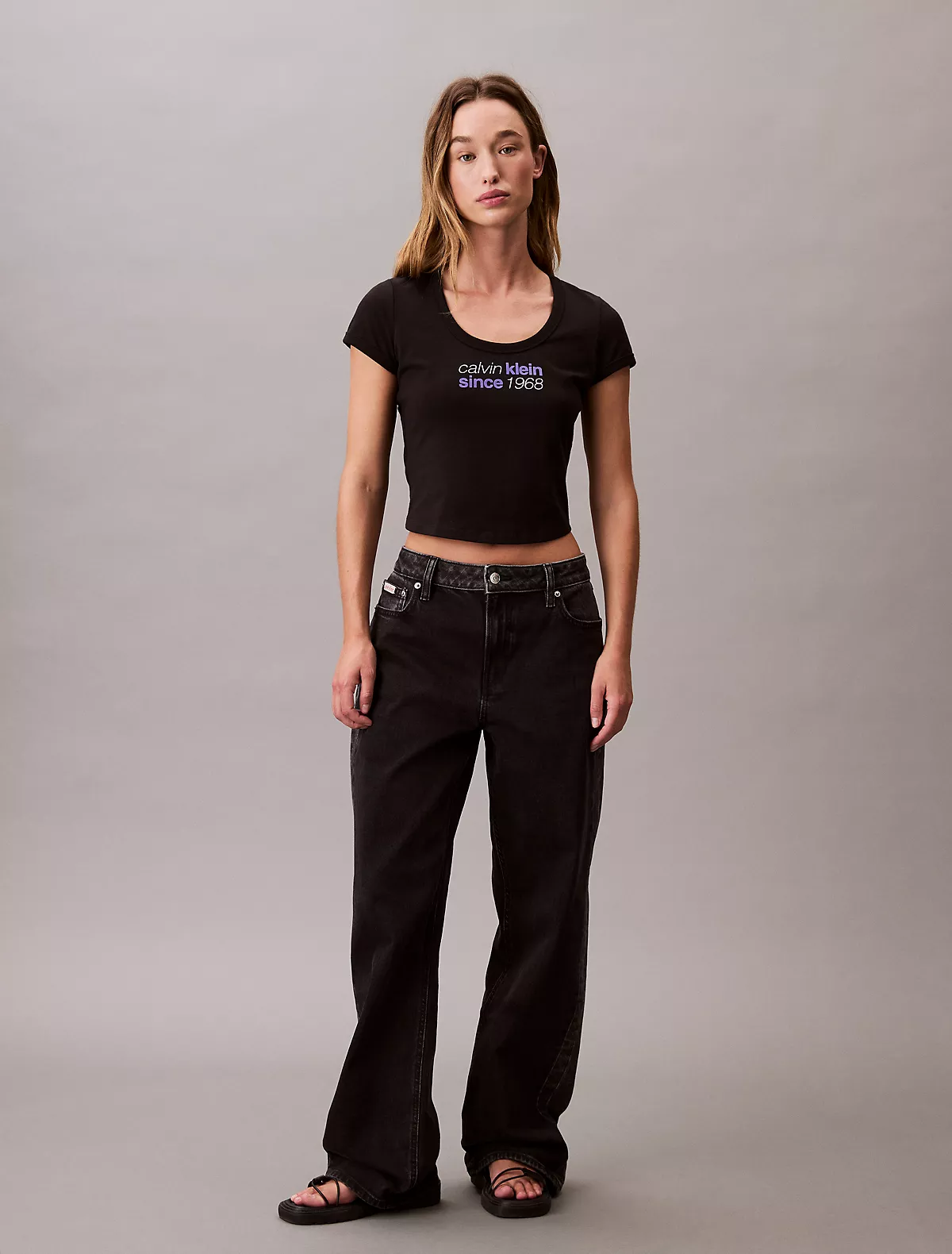

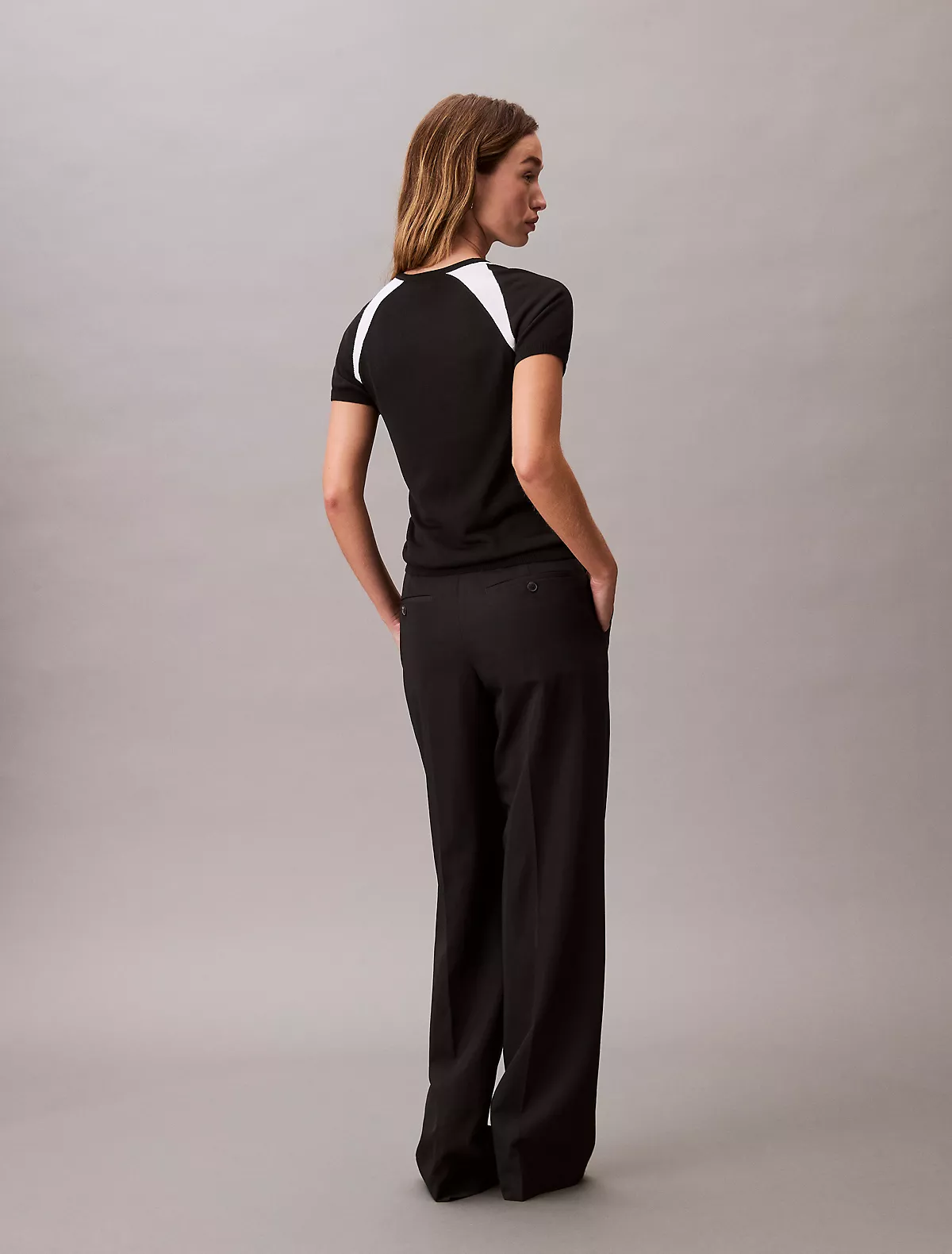
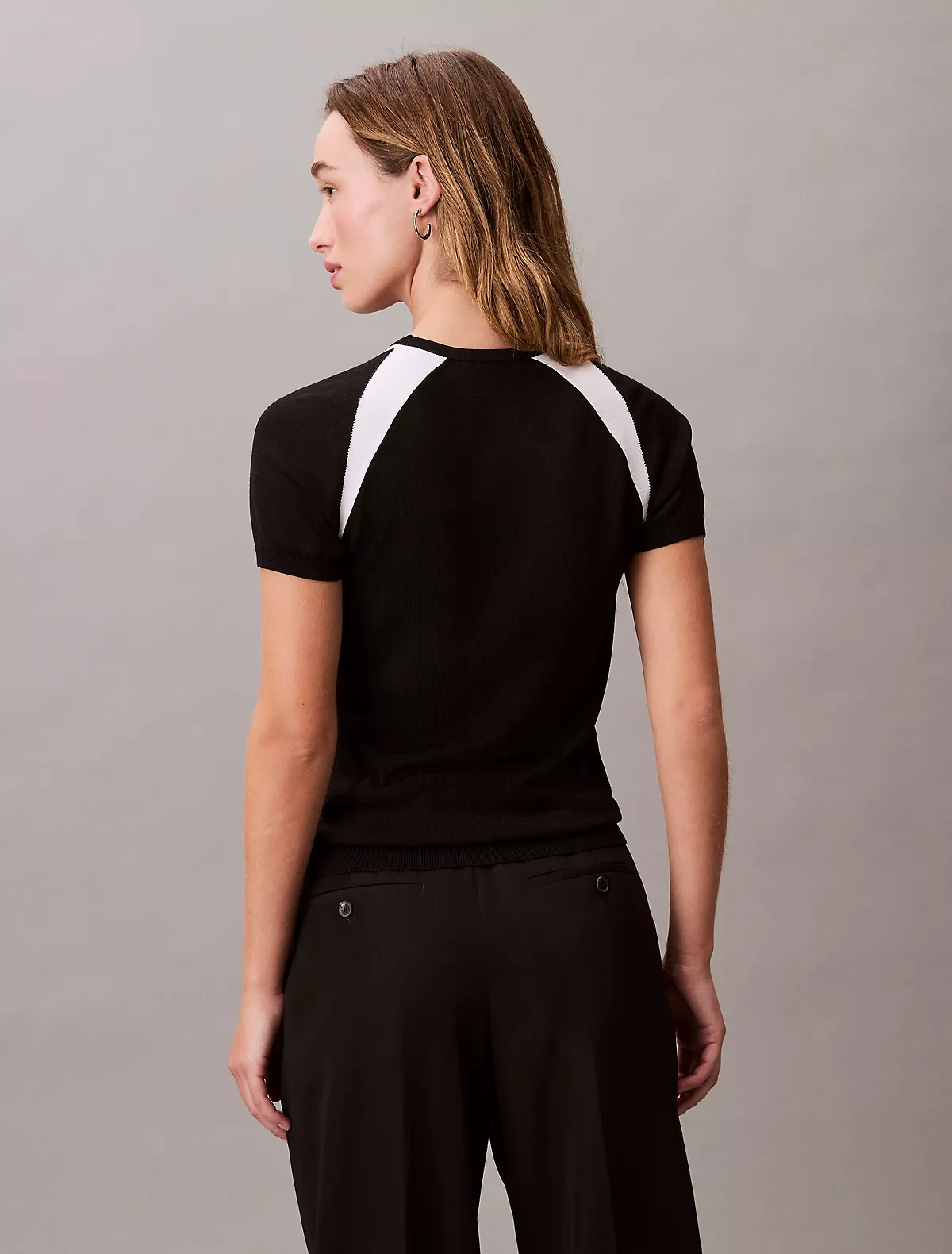

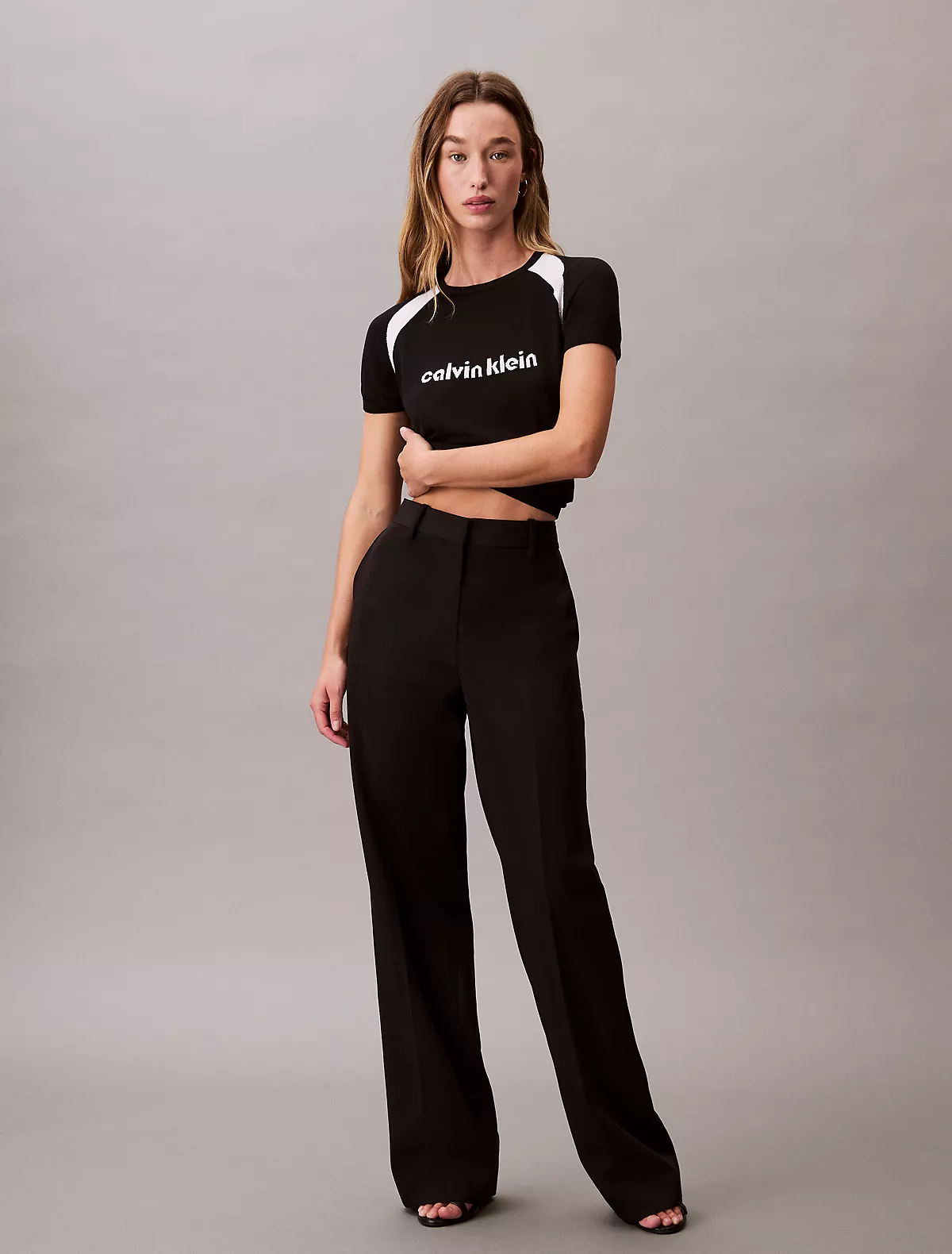
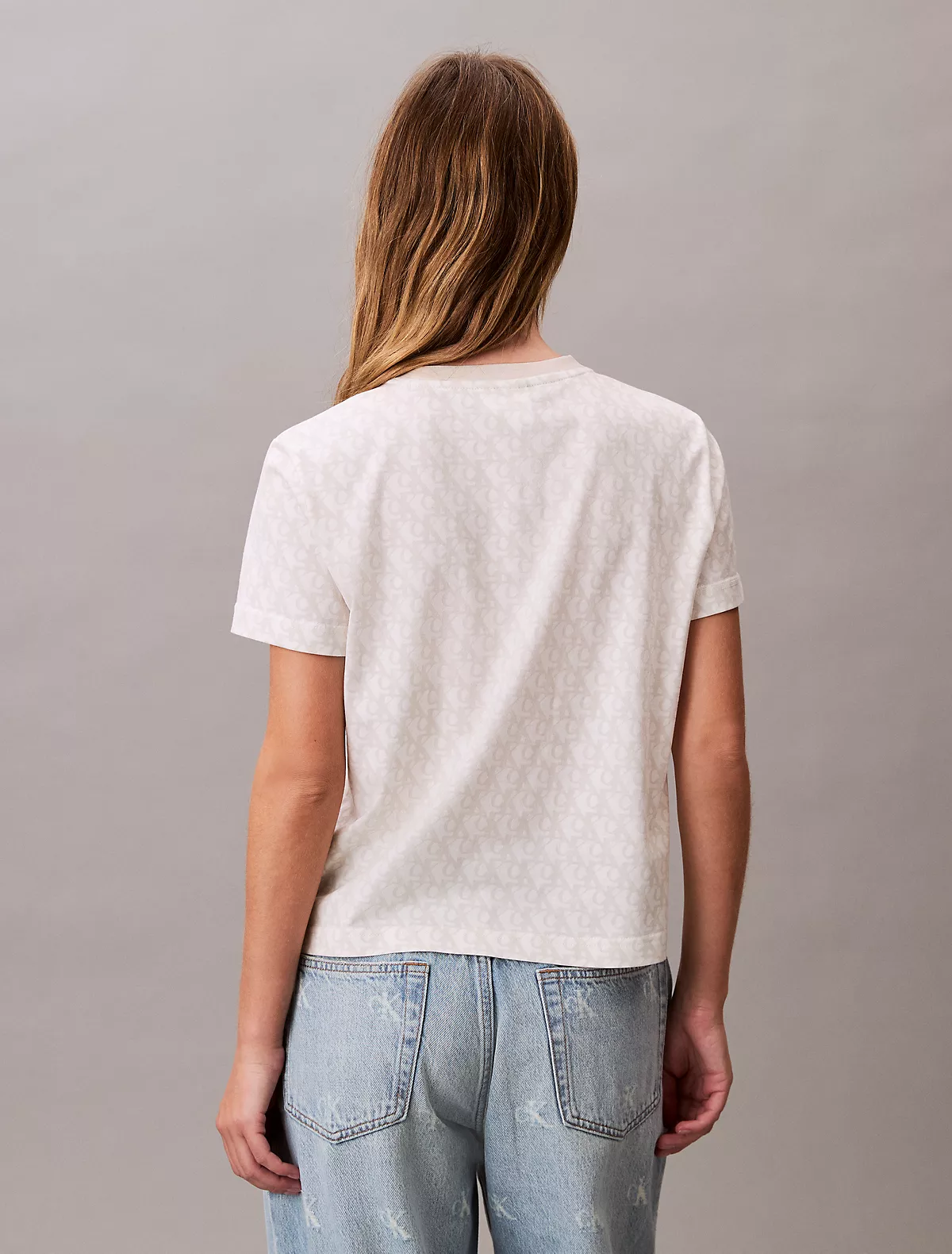

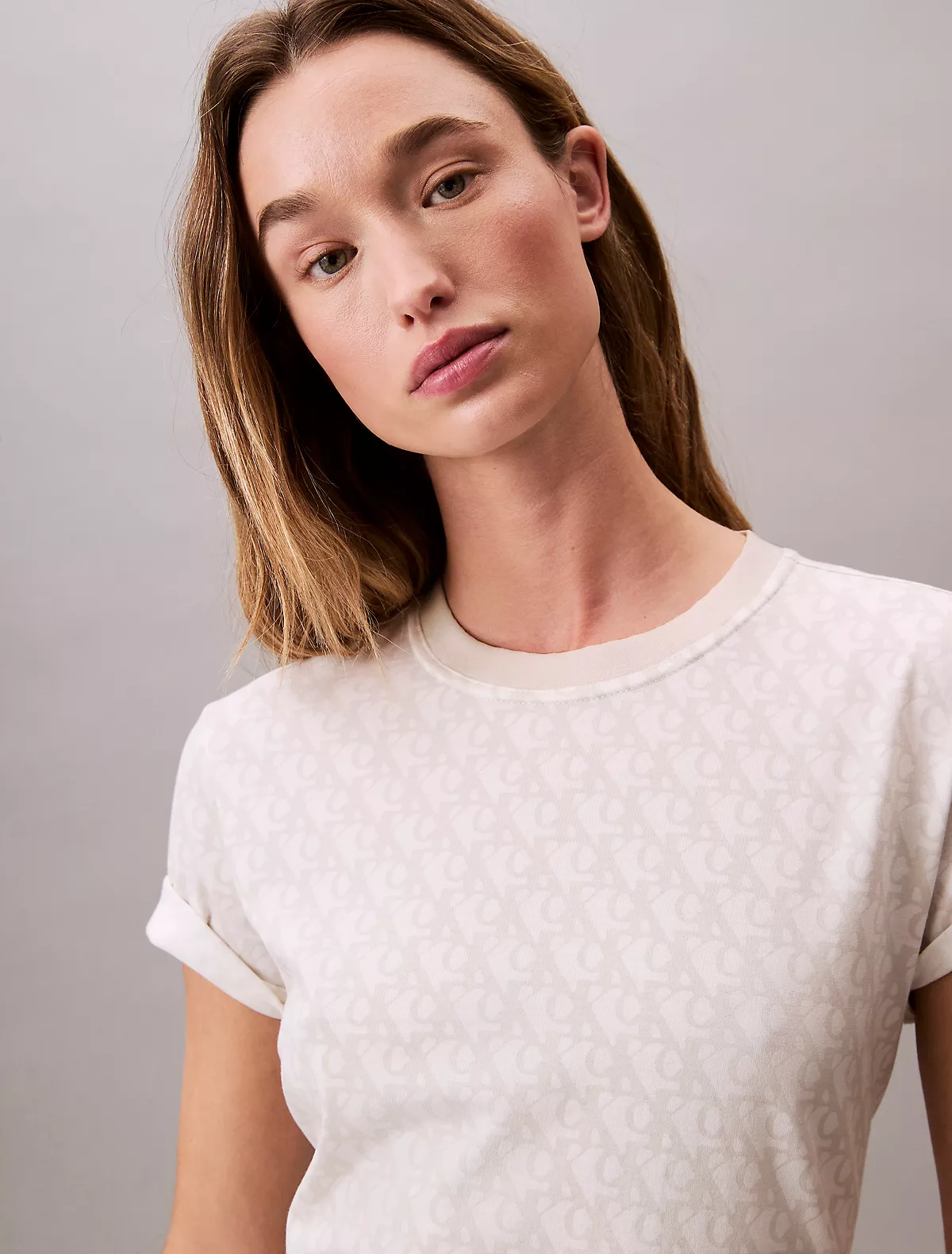
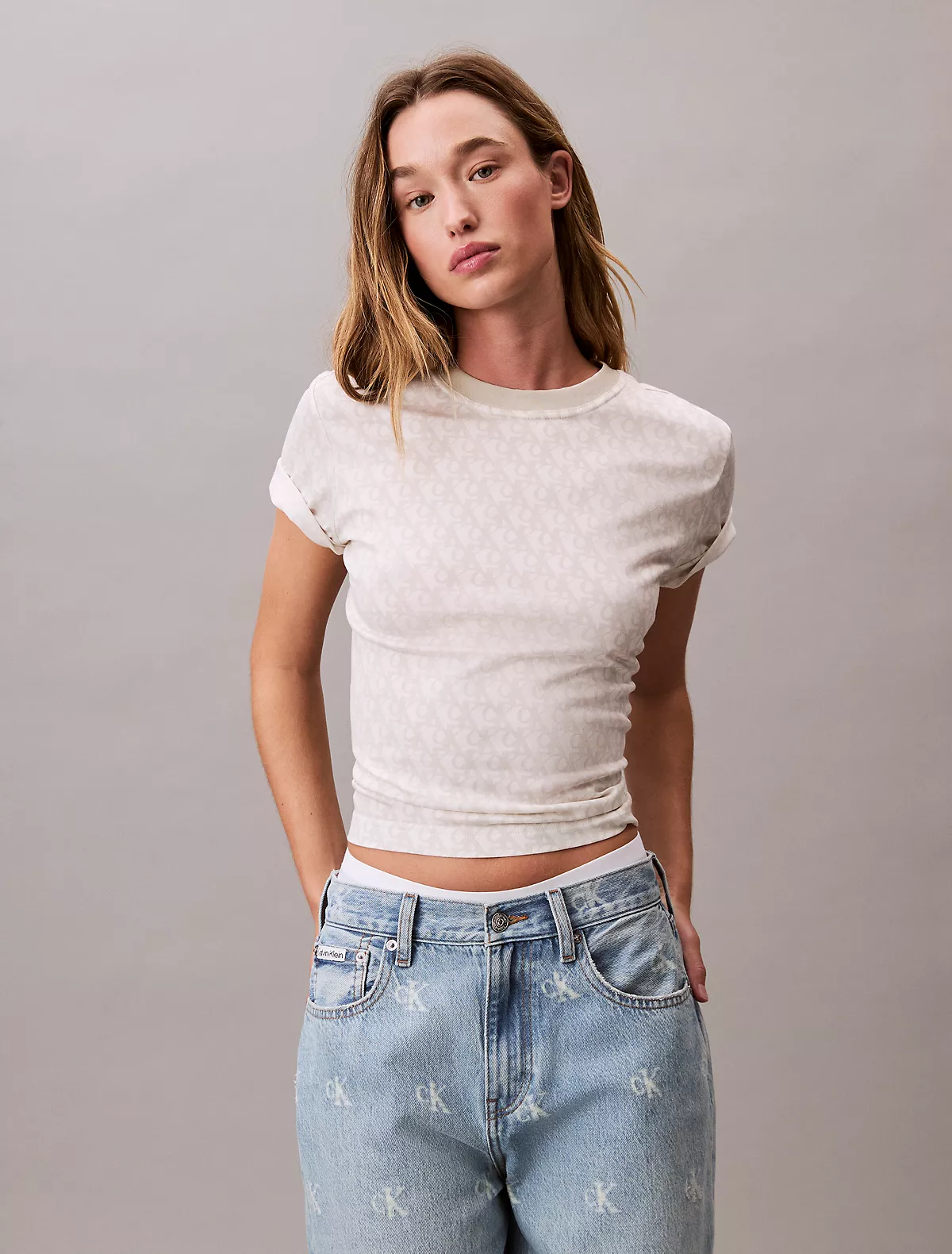






























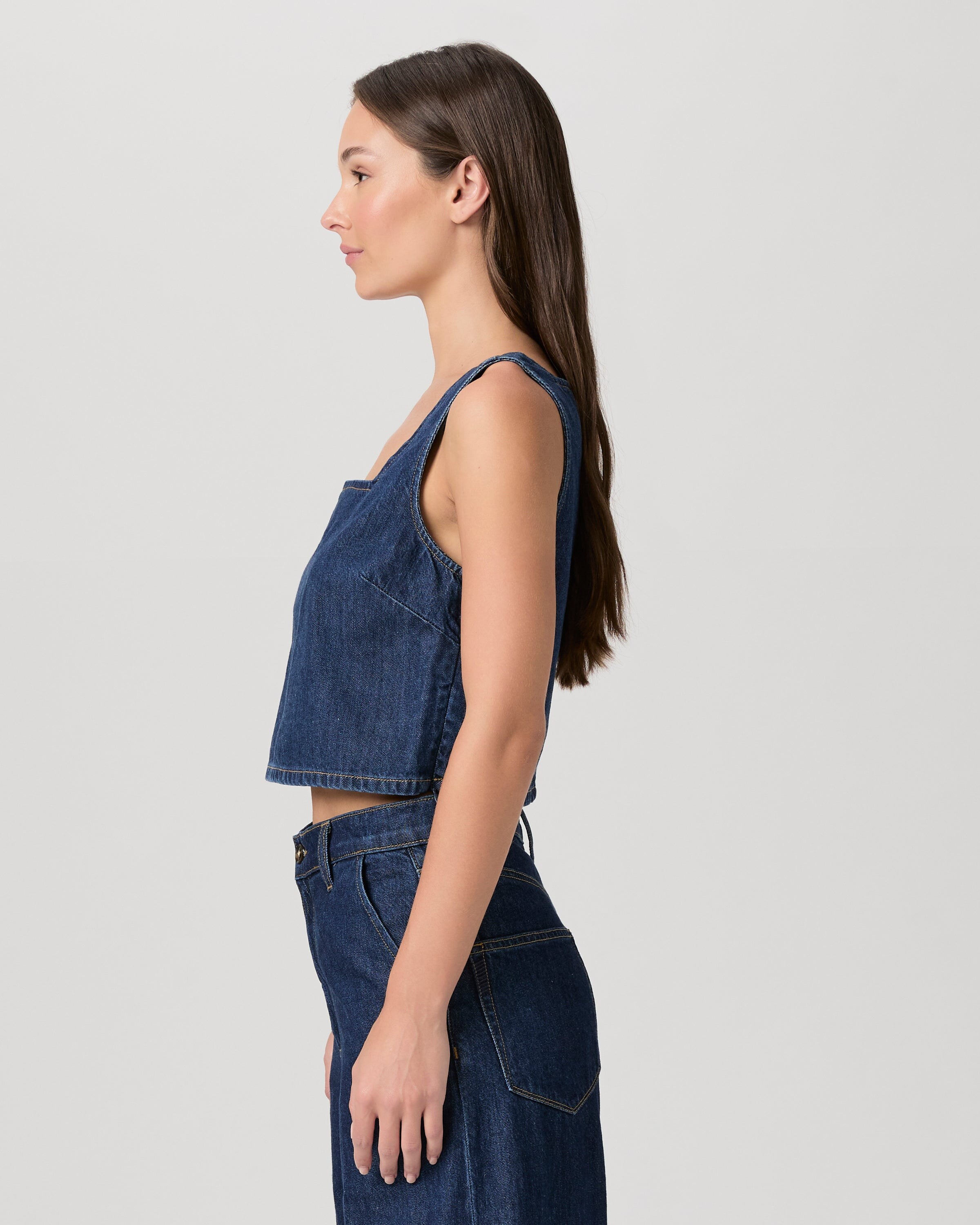
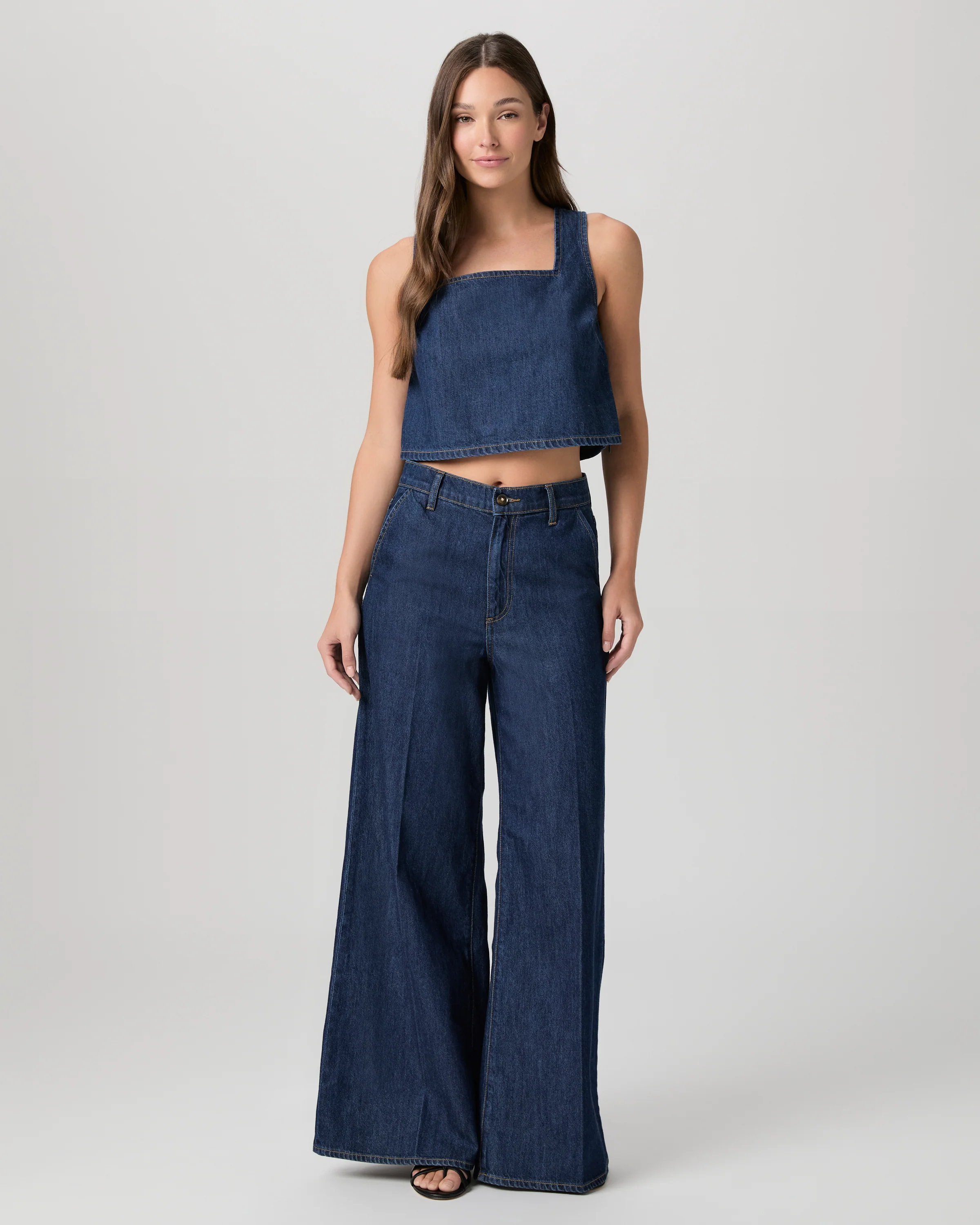
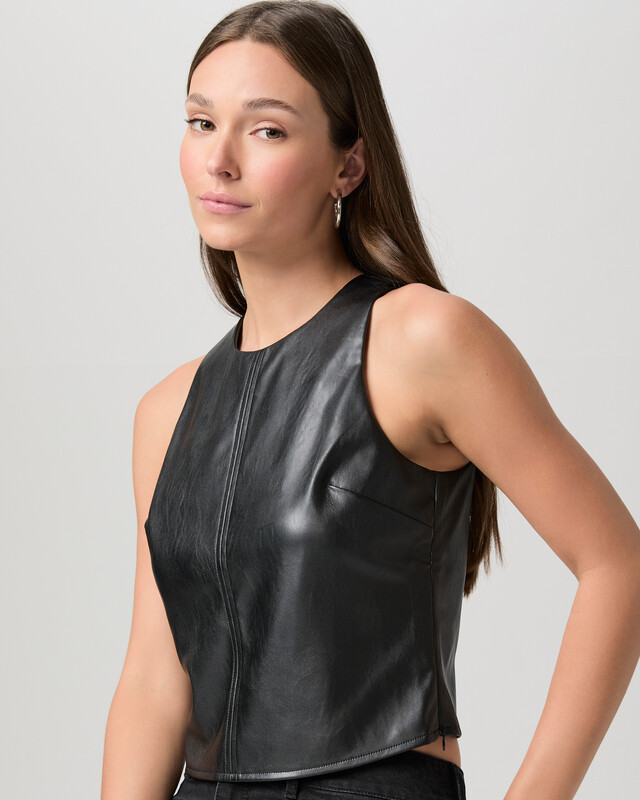
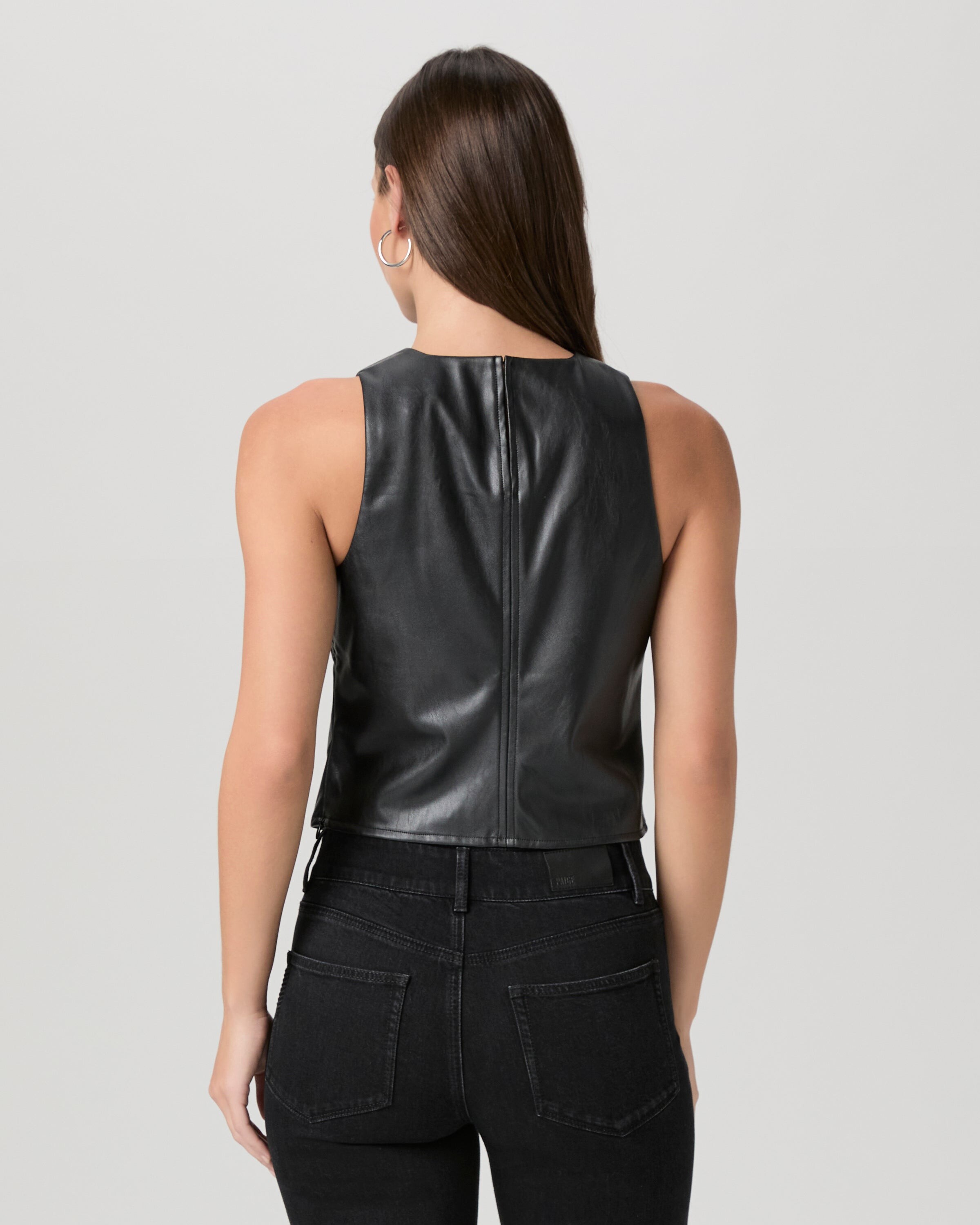























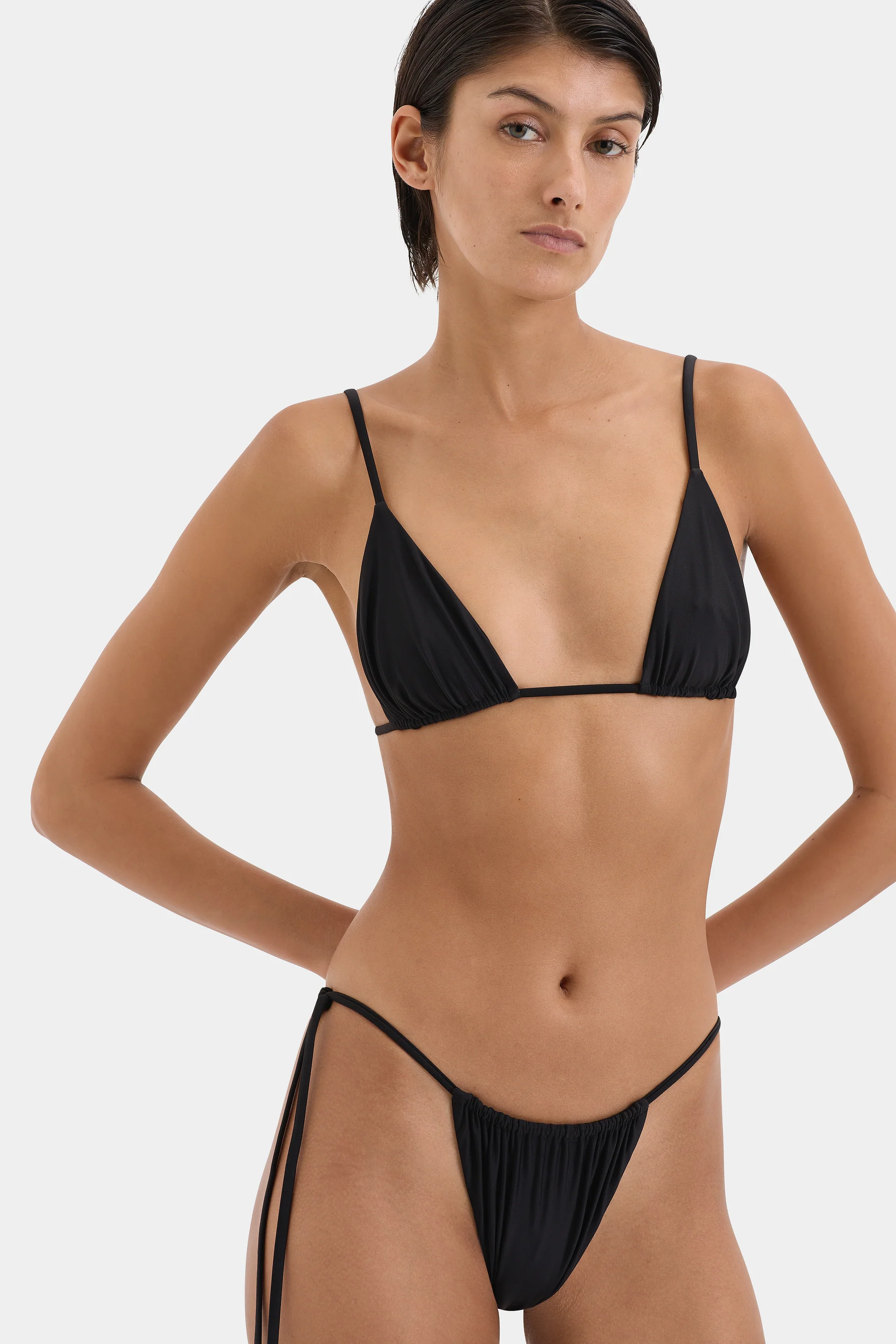
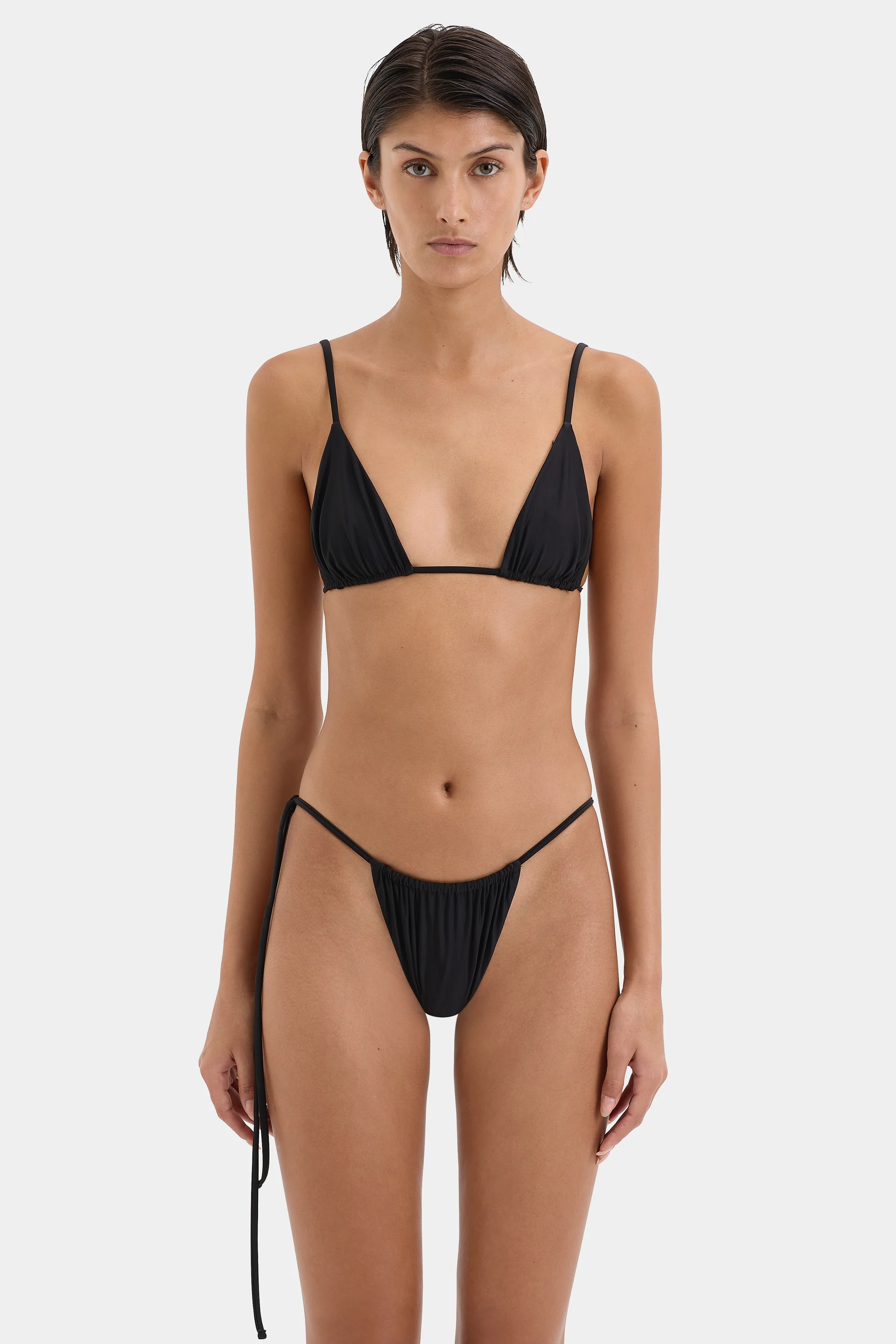
.webp.682e24b59bffc8418b9bc96bb88017ba.webp)
.jpg.1fb4c25bd0f8d400bab23b22857f97f9.jpg)
.jpg.b242cc822522067387c61fbdcae2a793.jpg)
.jpg.a5cfcc36d45e8812fdb17dba04a21c3d.jpg)

.jpg.5c814befb627aa9575060758bc81c284.jpg)
.jpg.8ef4b5833267006ed0a8302d32c644a9.jpg)