Jump to content
View in the app

A better way to browse. Learn more.

Bellazon

A full-screen app on your home screen with push notifications, badges and more.

To install this app on iOS and iPadOS
  1. Tap the Share icon in Safari
  2. Scroll the menu and tap Add to Home Screen.
  3. Tap Add in the top-right corner.
To install this app on Android
  1. Tap the 3-dot menu (⋮) in the top-right corner of the browser.
  2. Tap Add to Home screen or Install app.
  3. Confirm by tapping Install.

fakediorpurse

Members
  • Joined

Everything posted by fakediorpurse

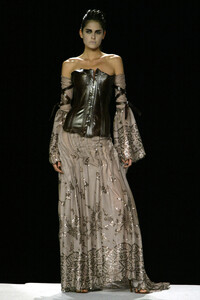
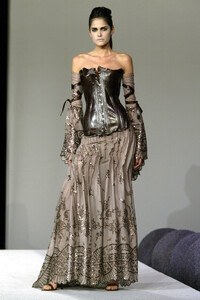
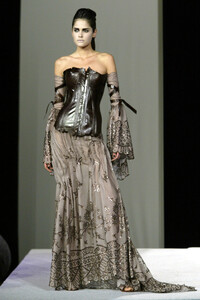
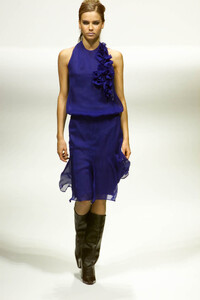
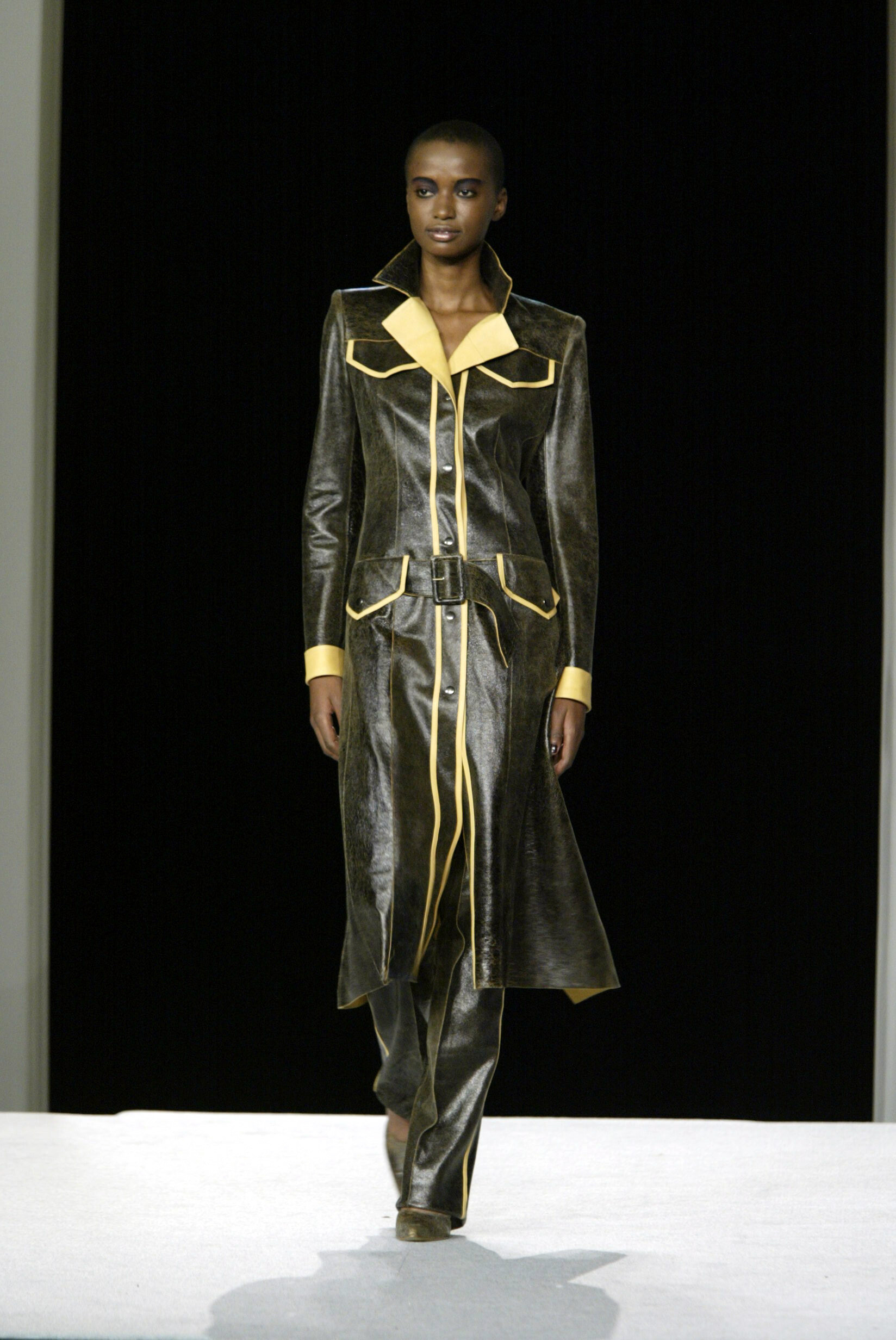
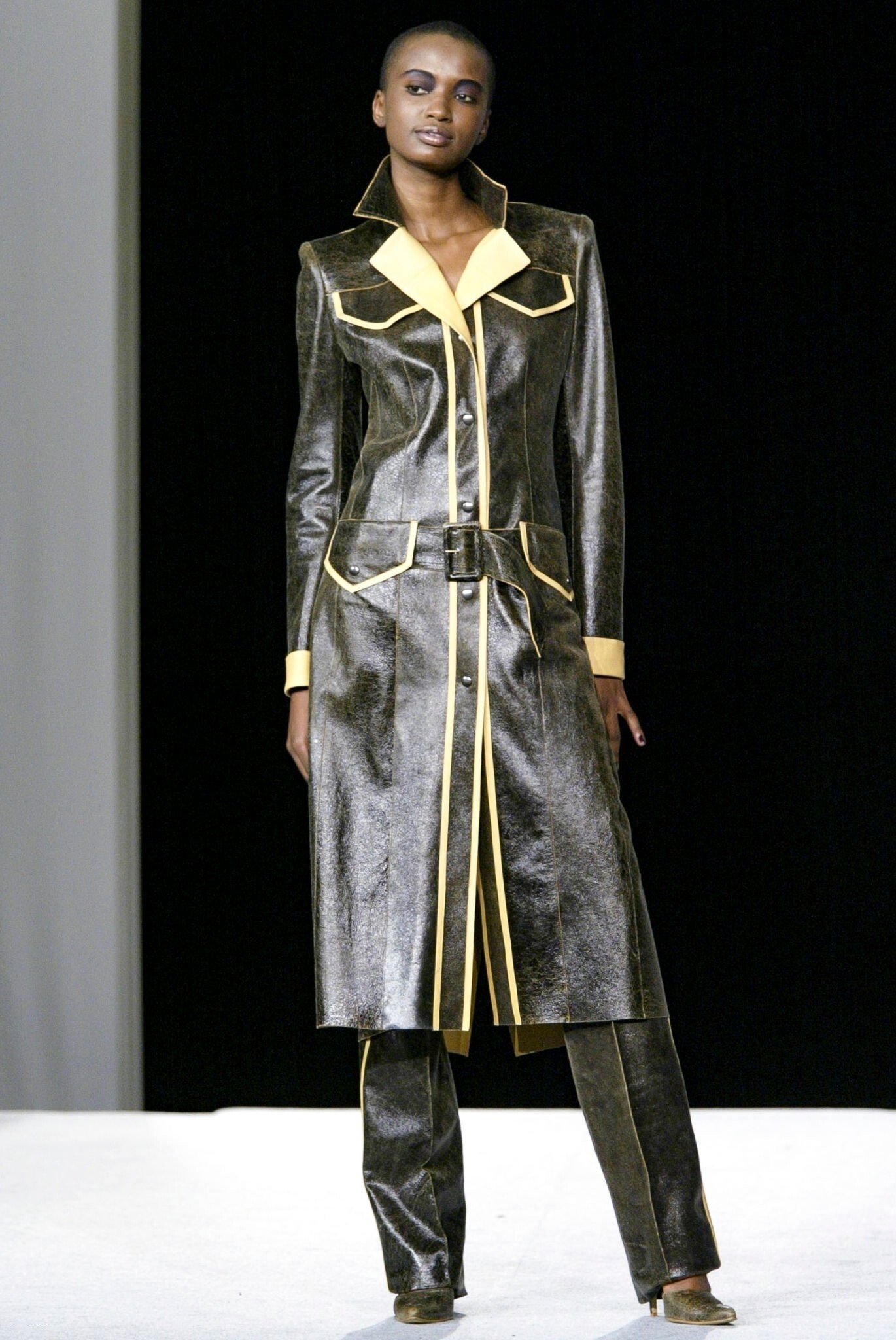
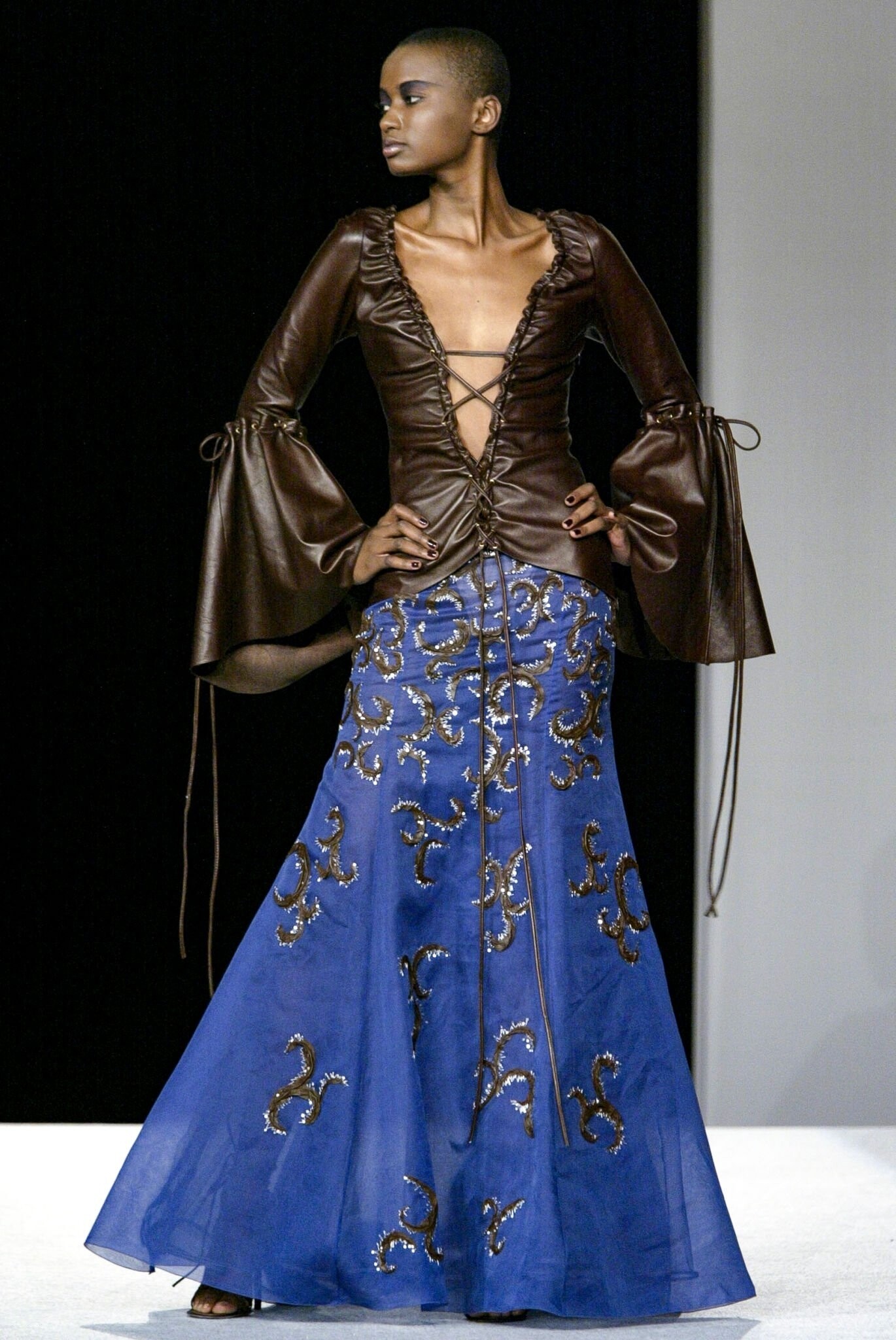
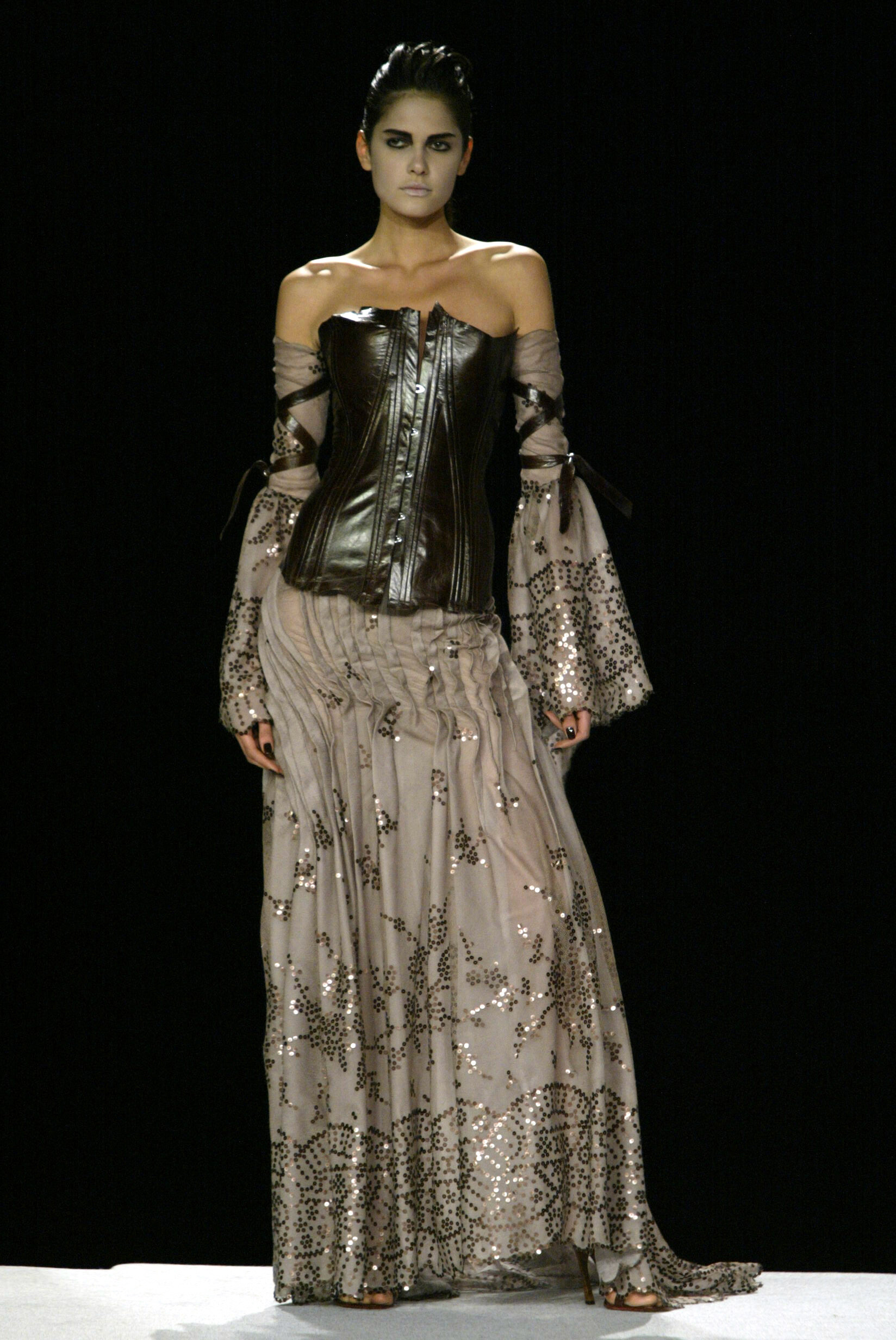
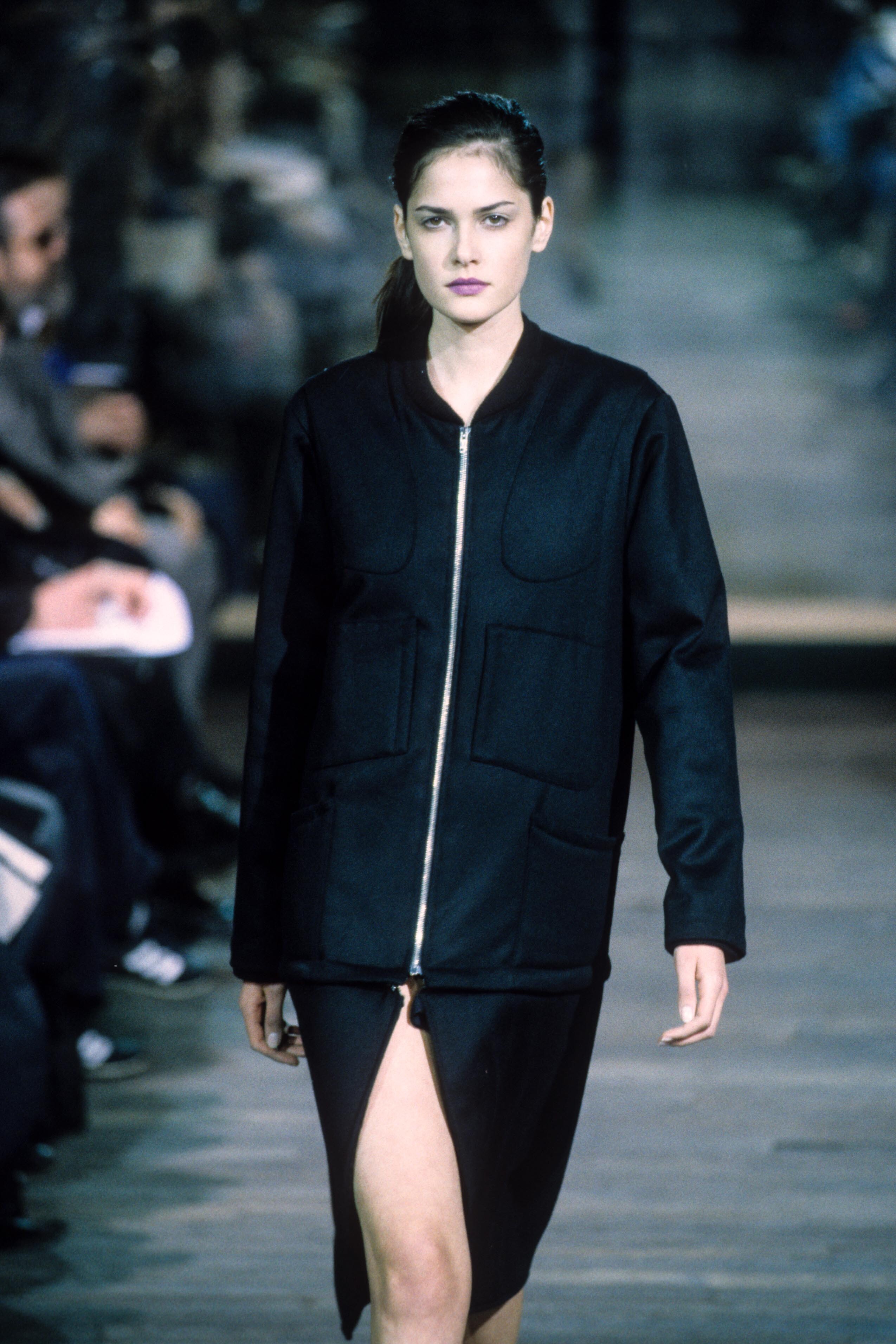
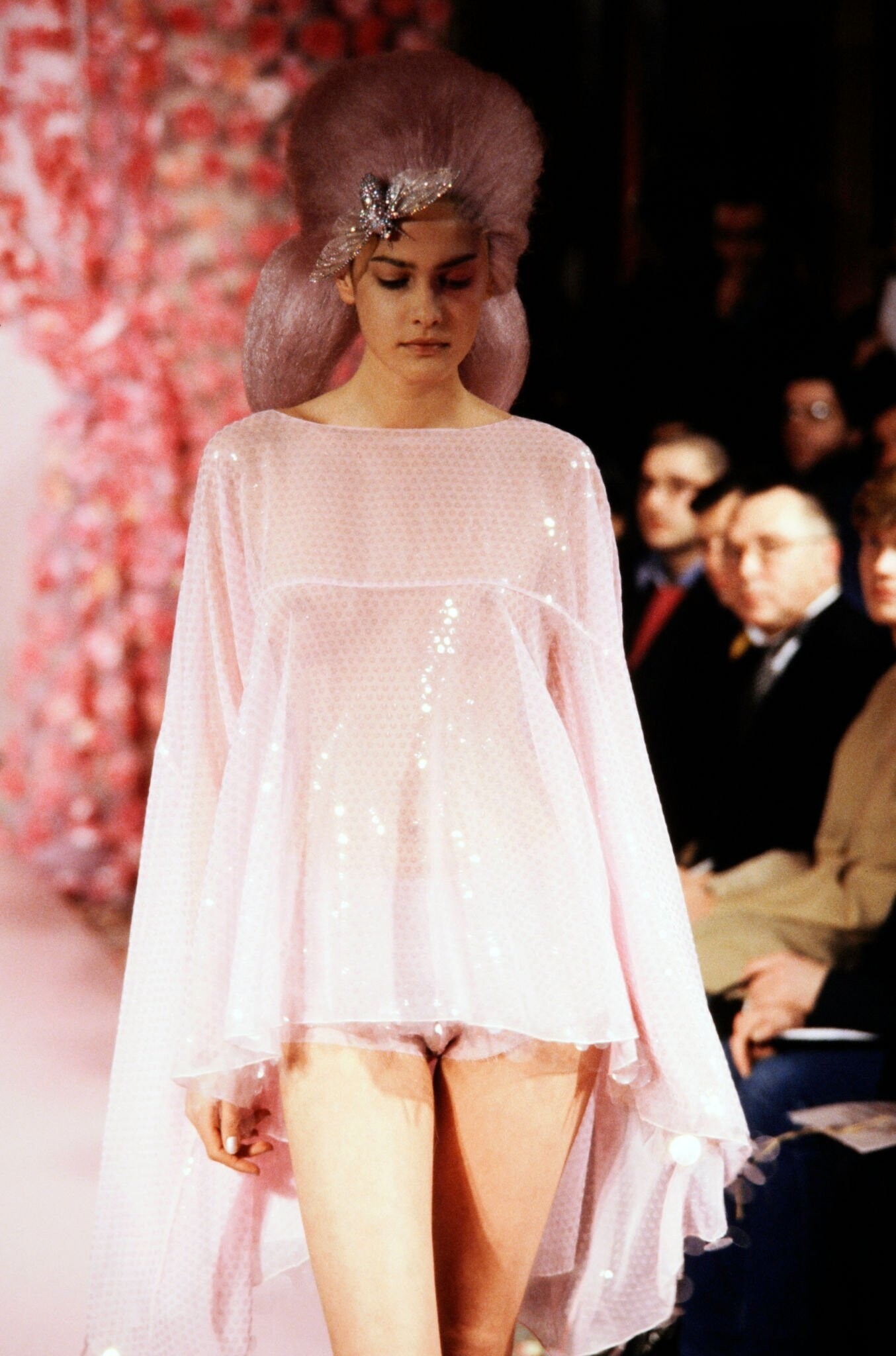
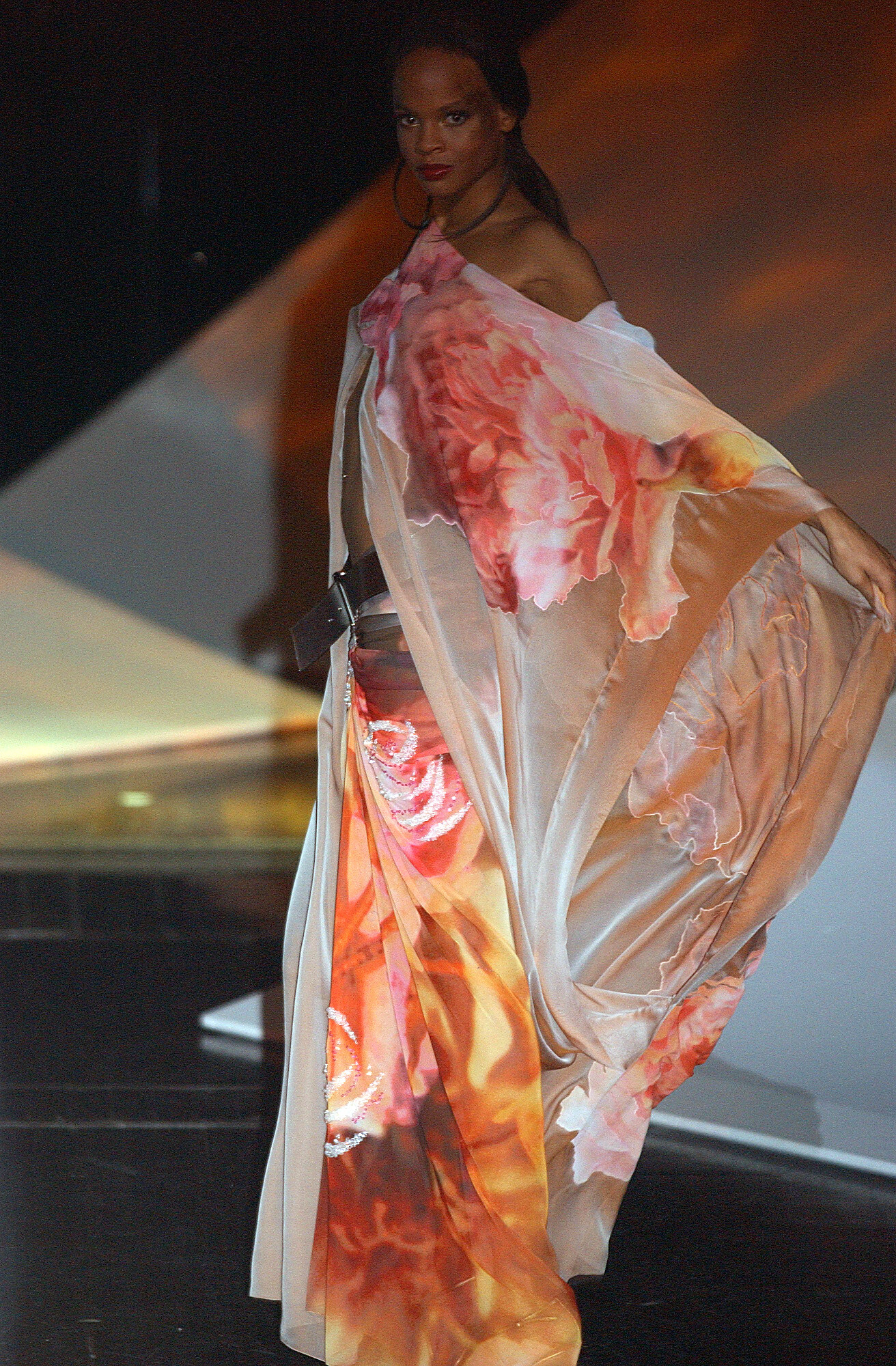
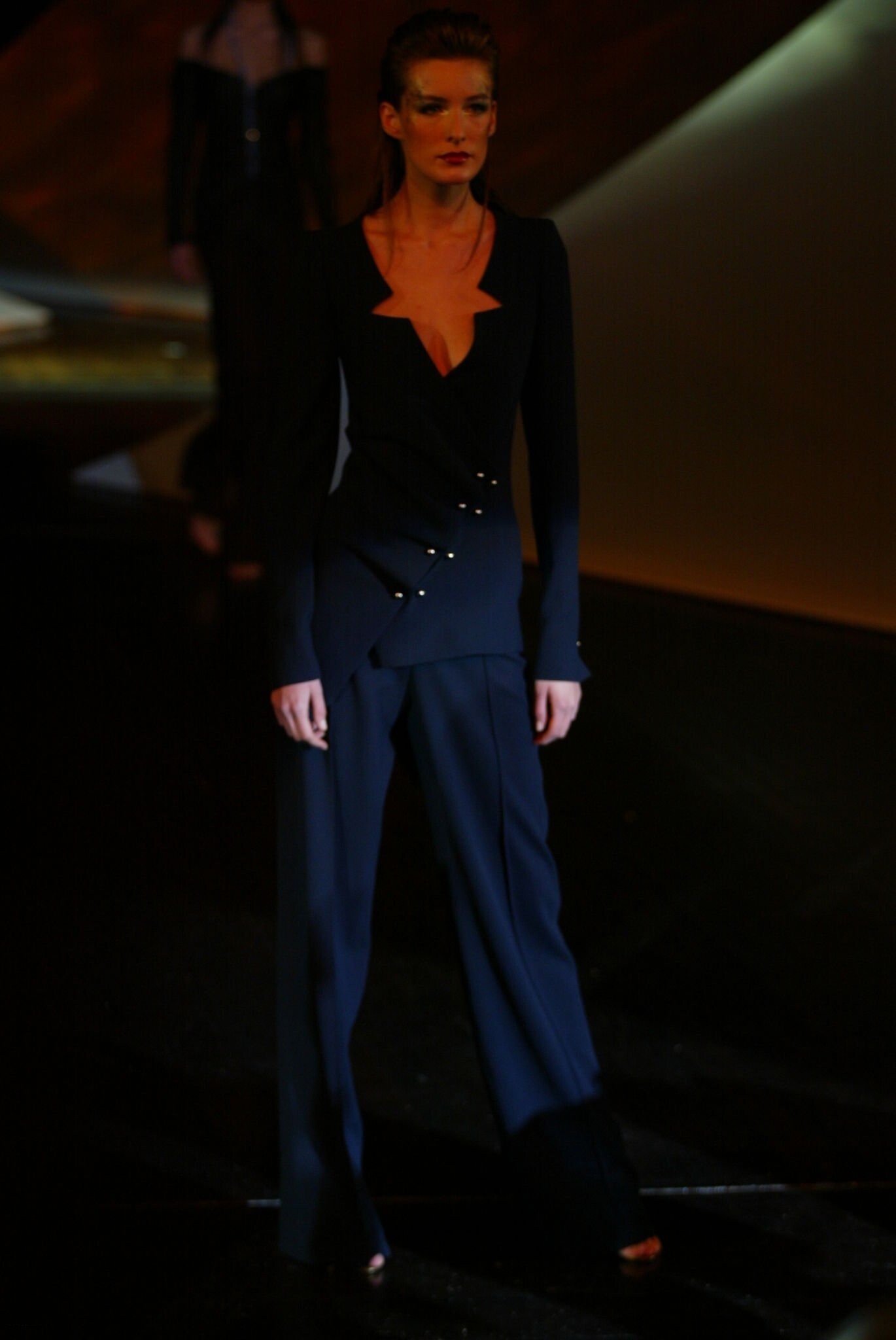
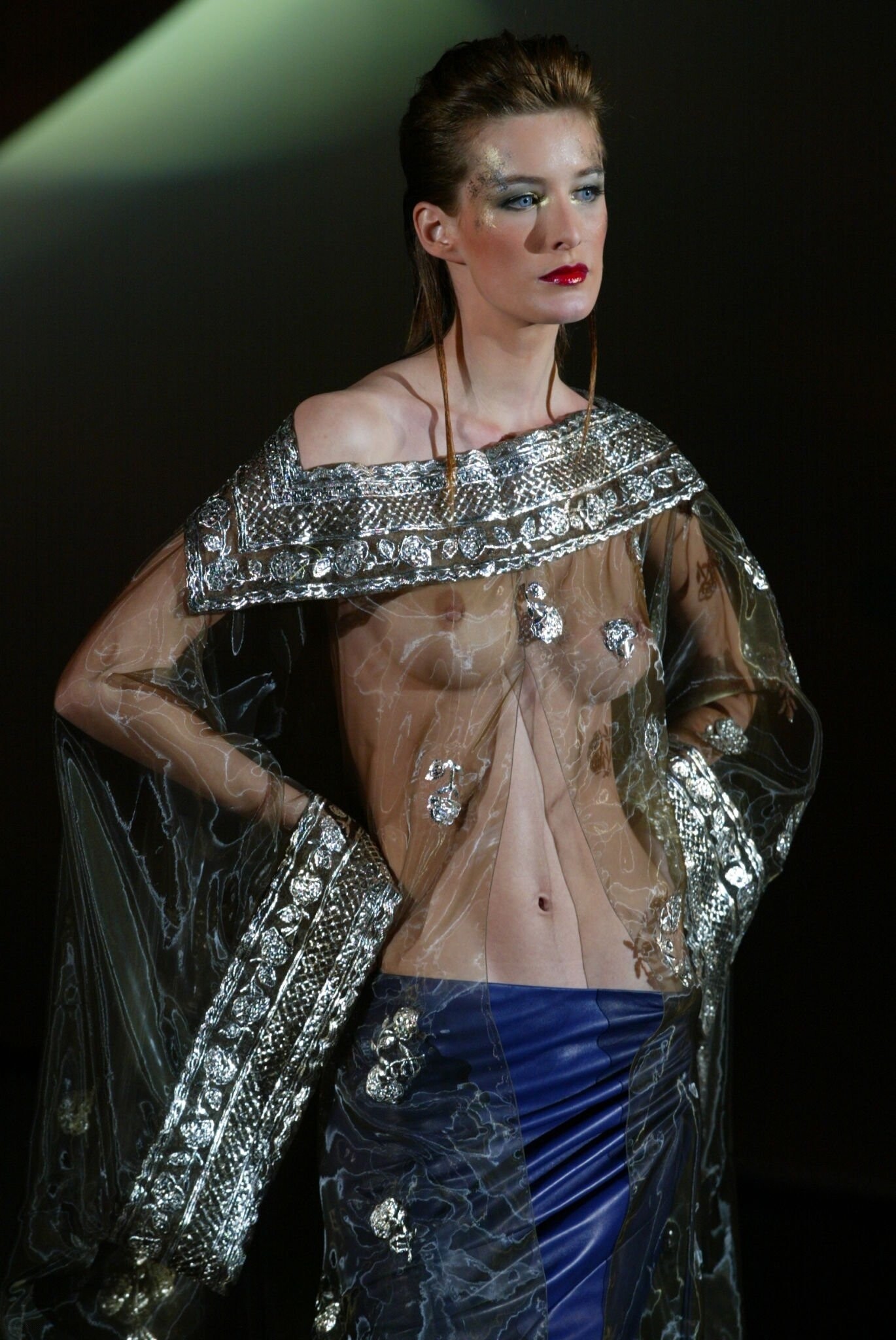
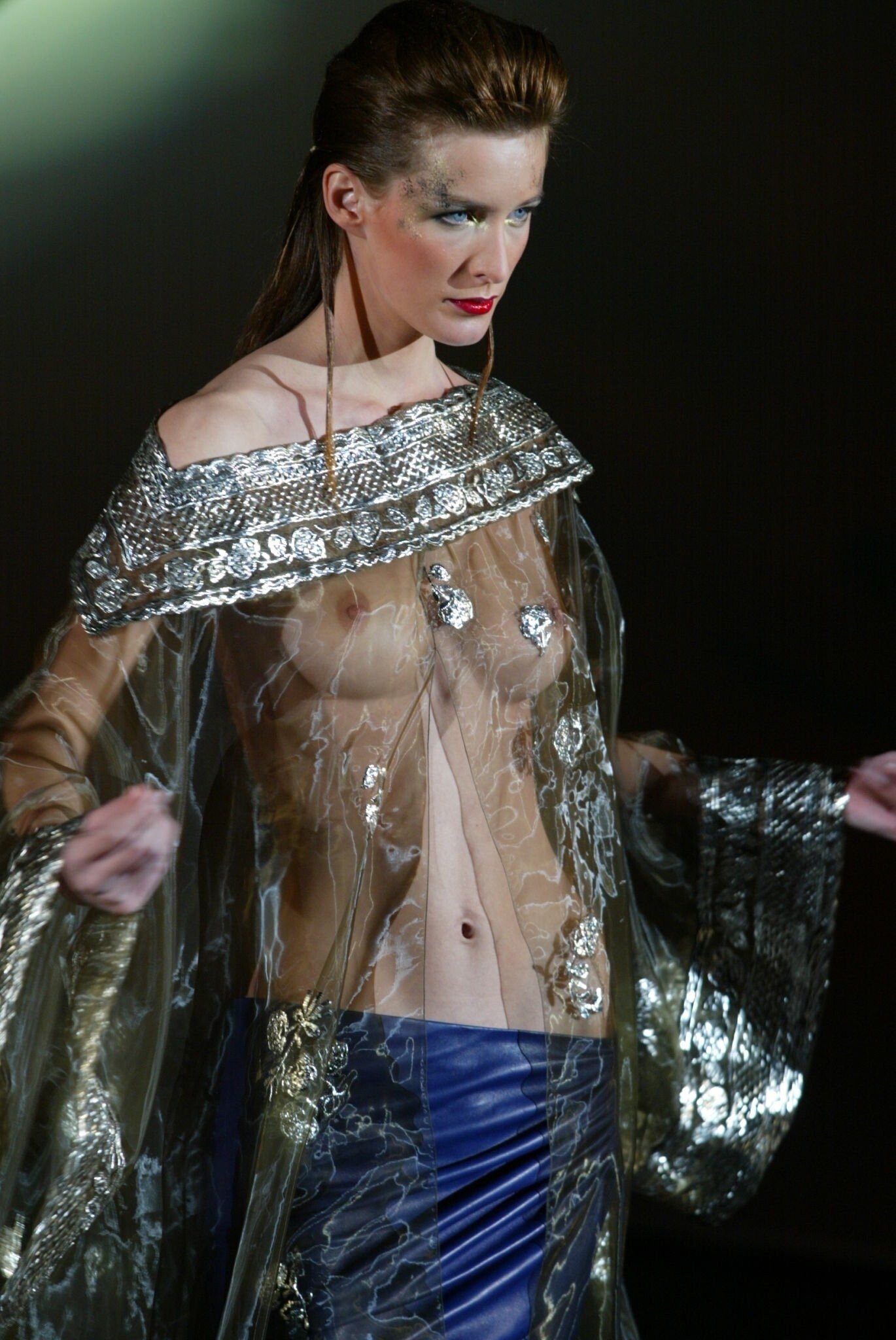
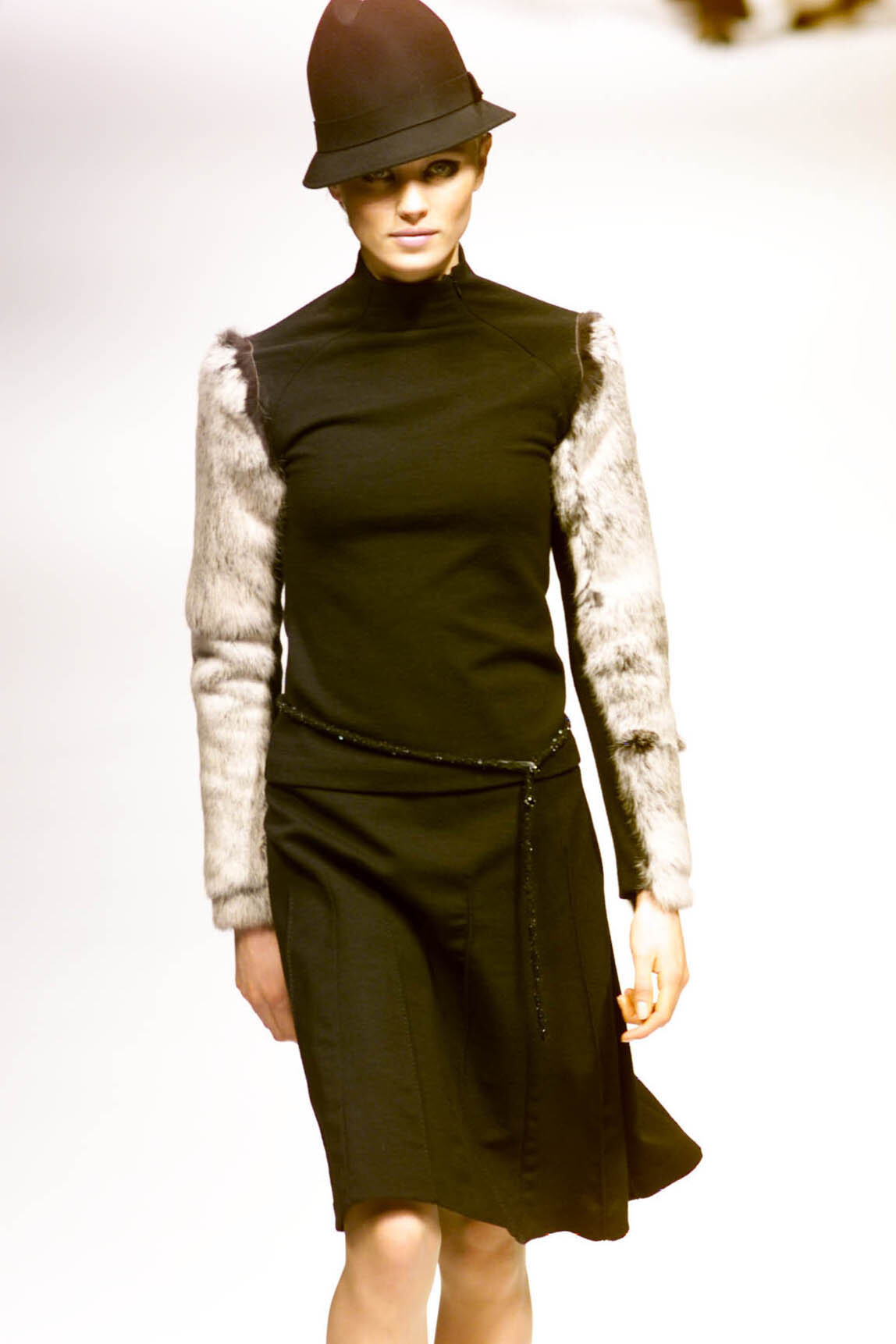
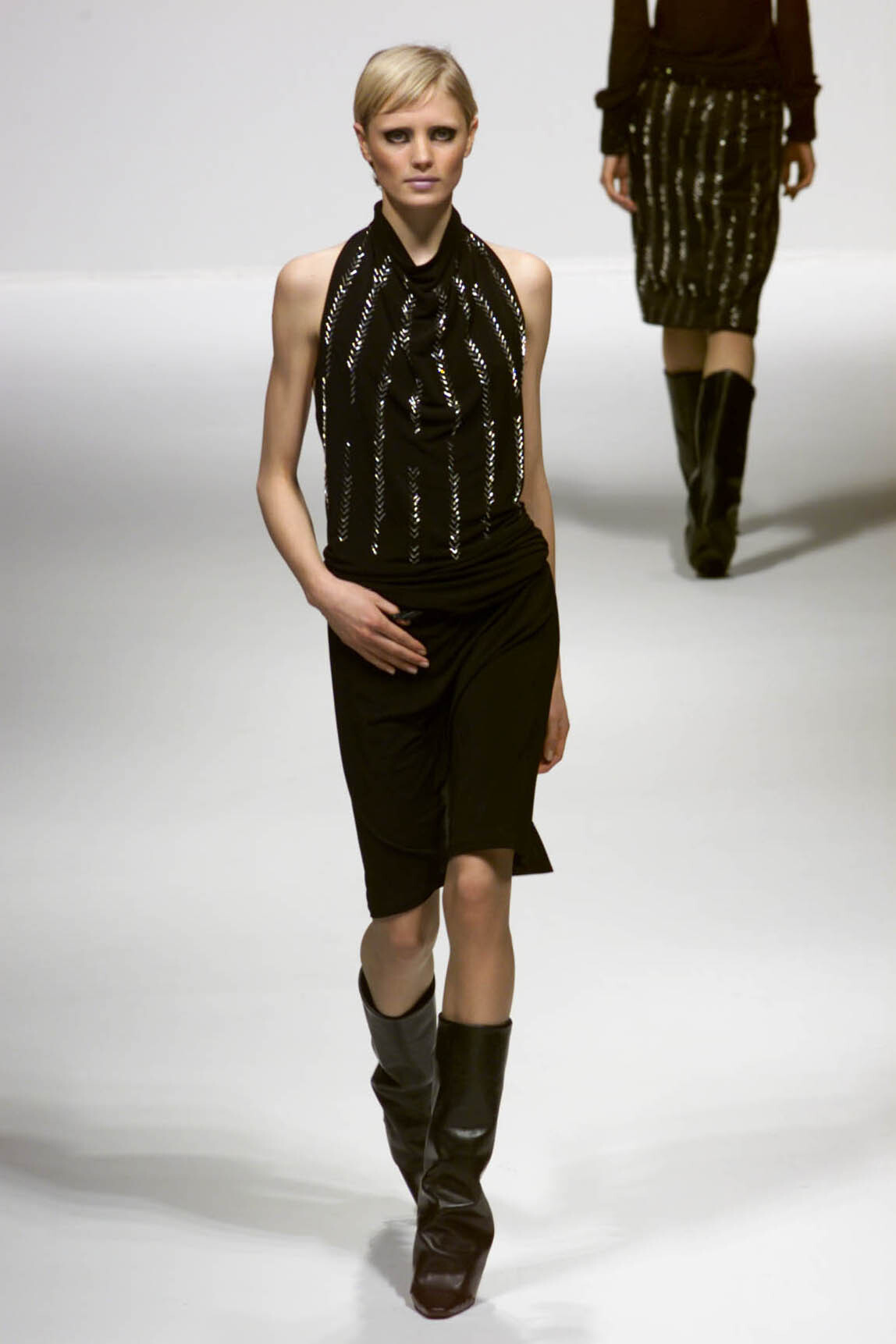
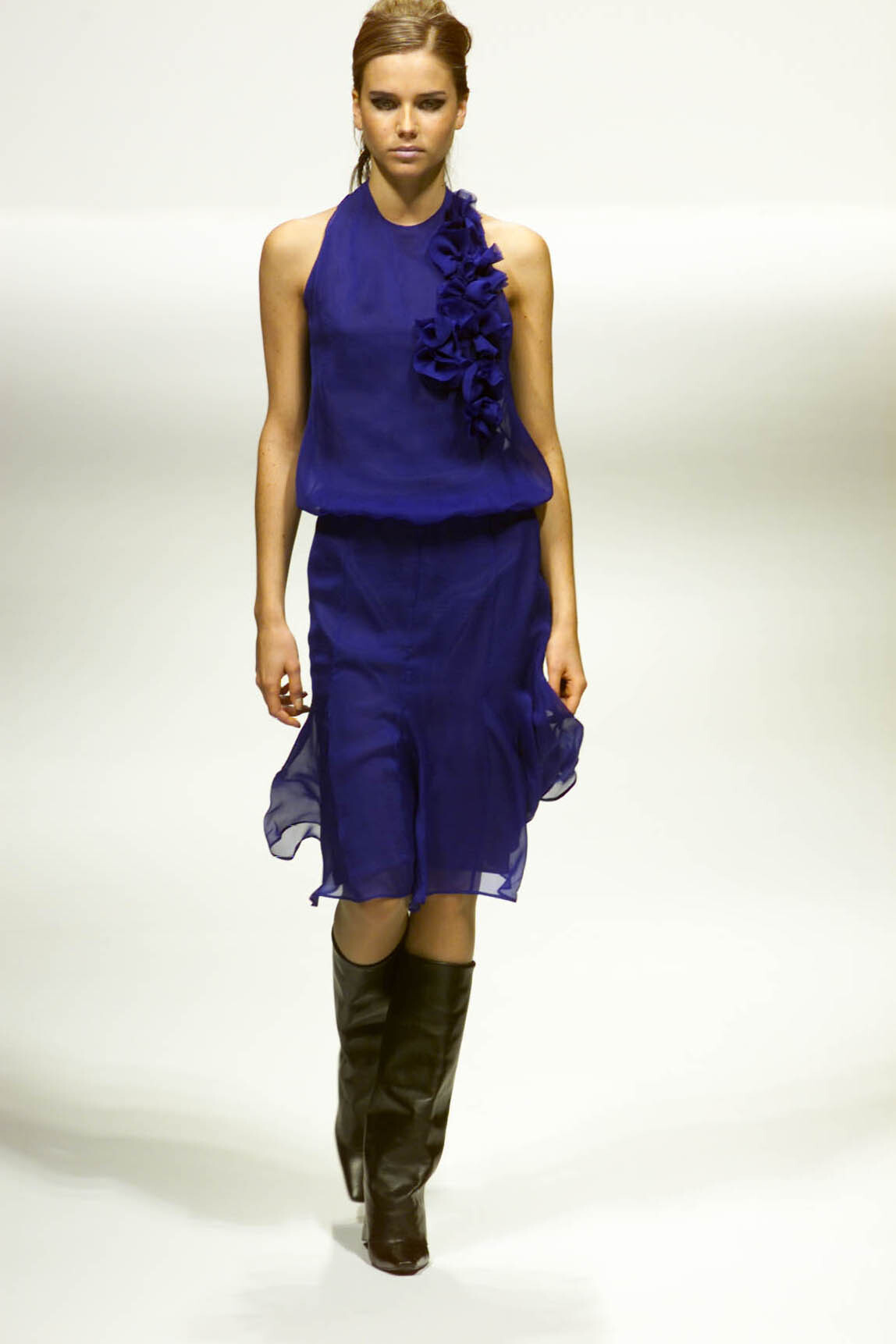
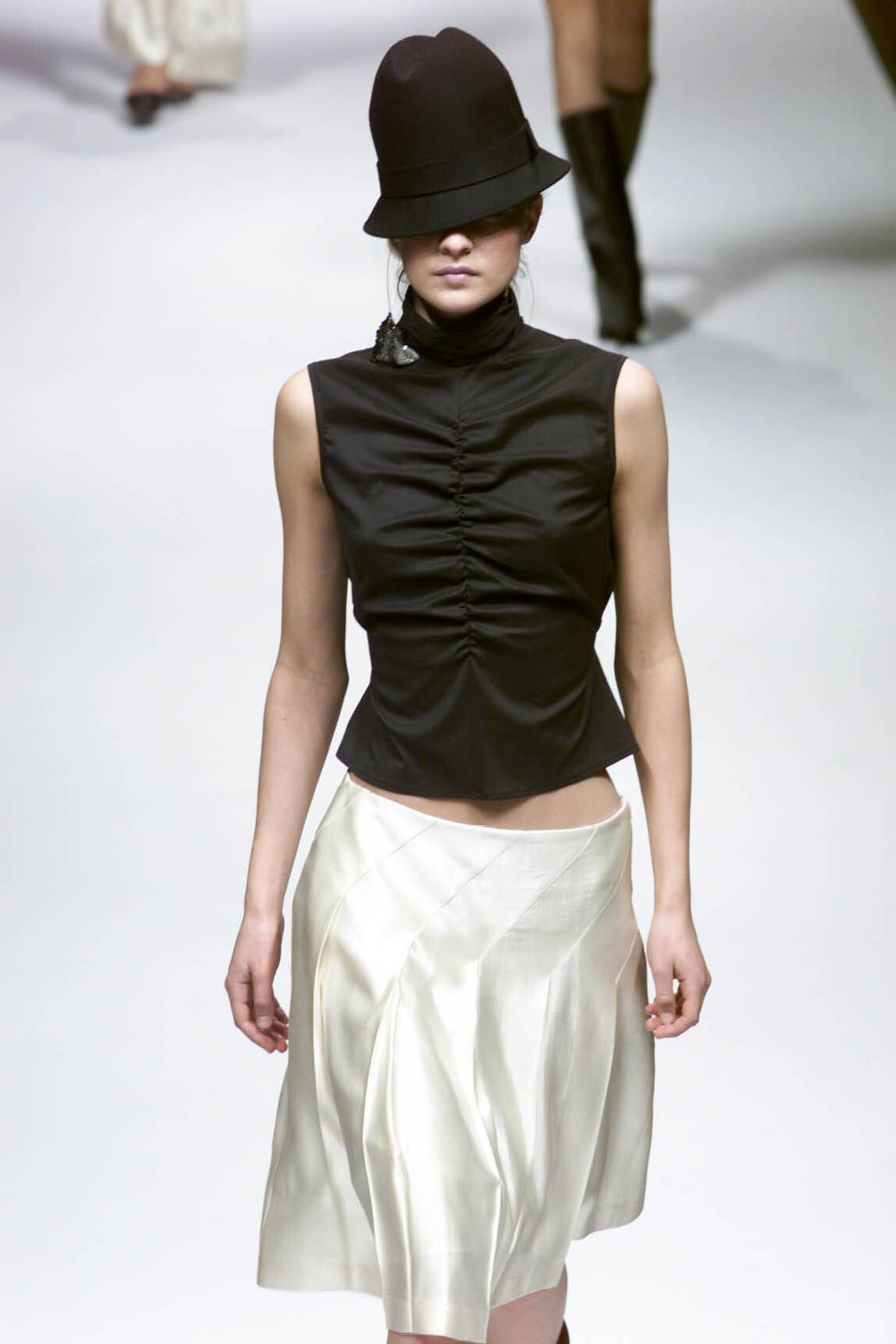
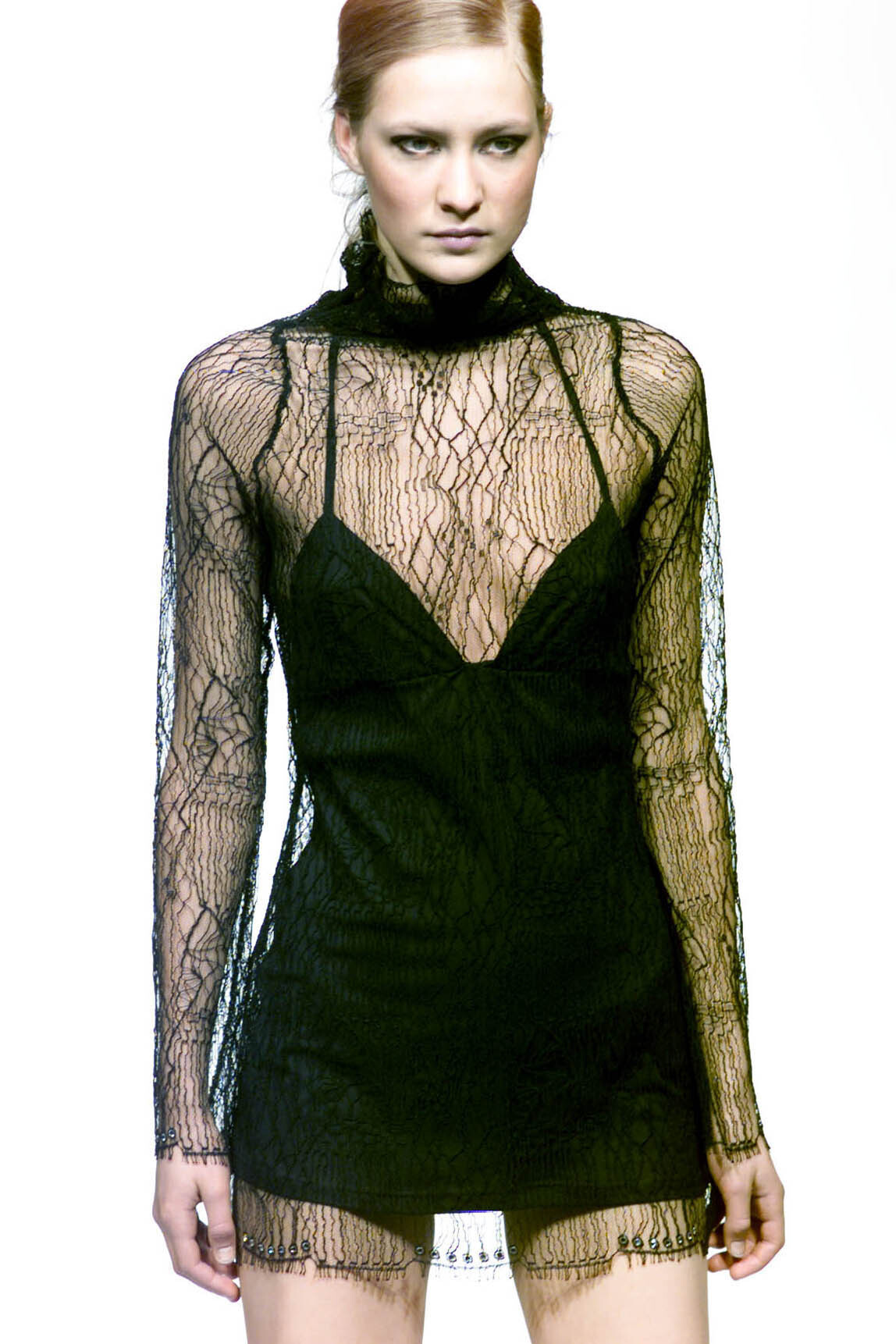
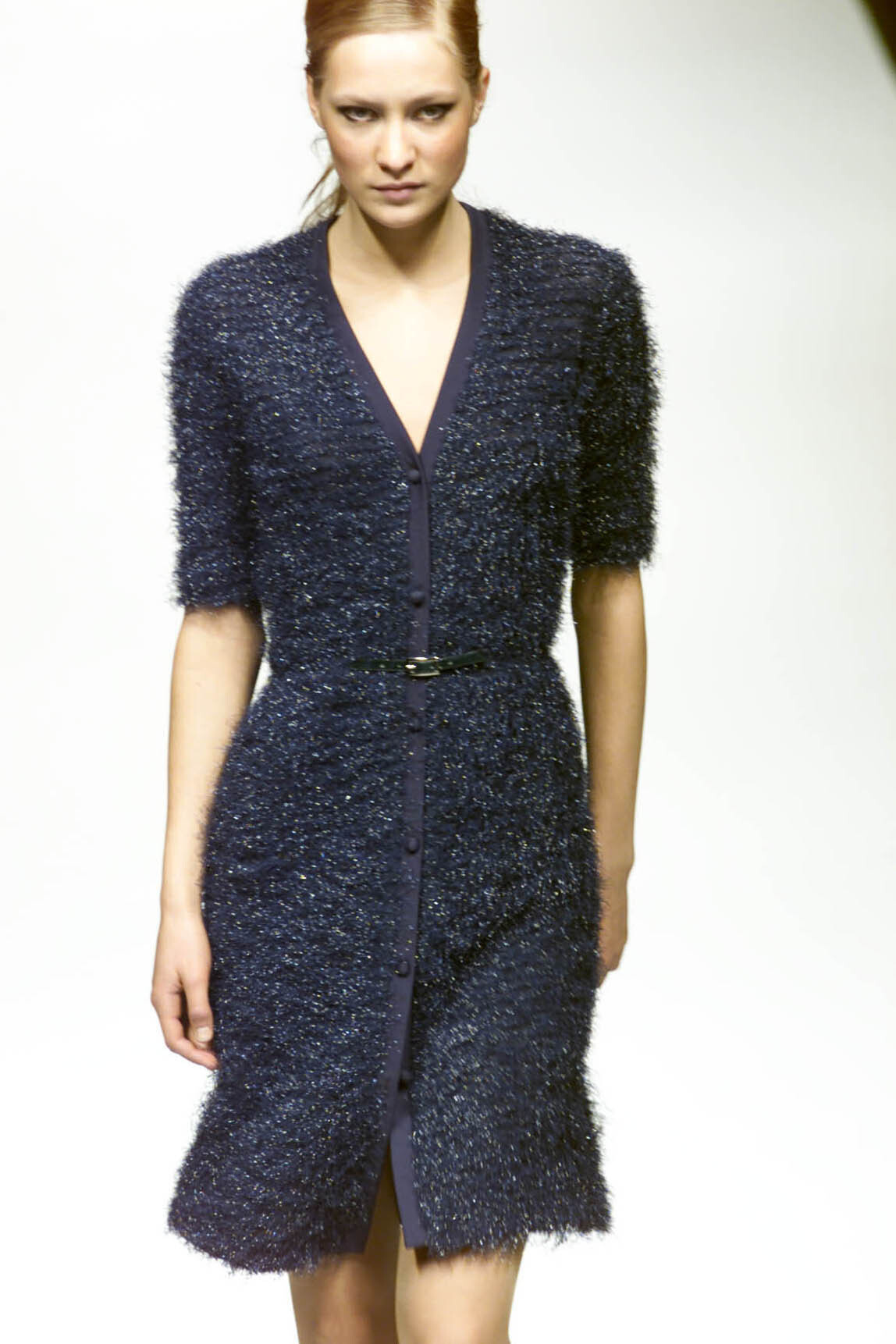
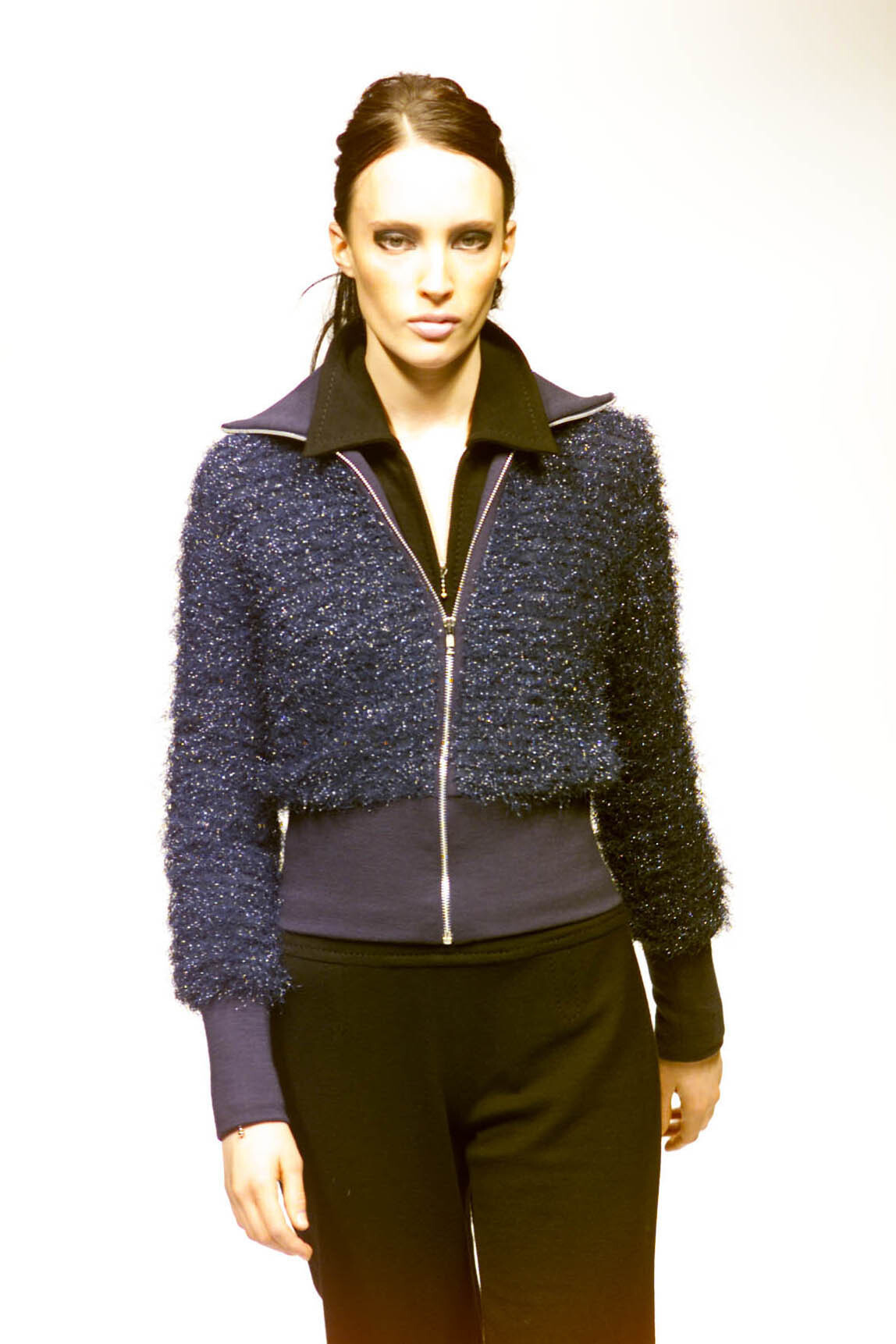
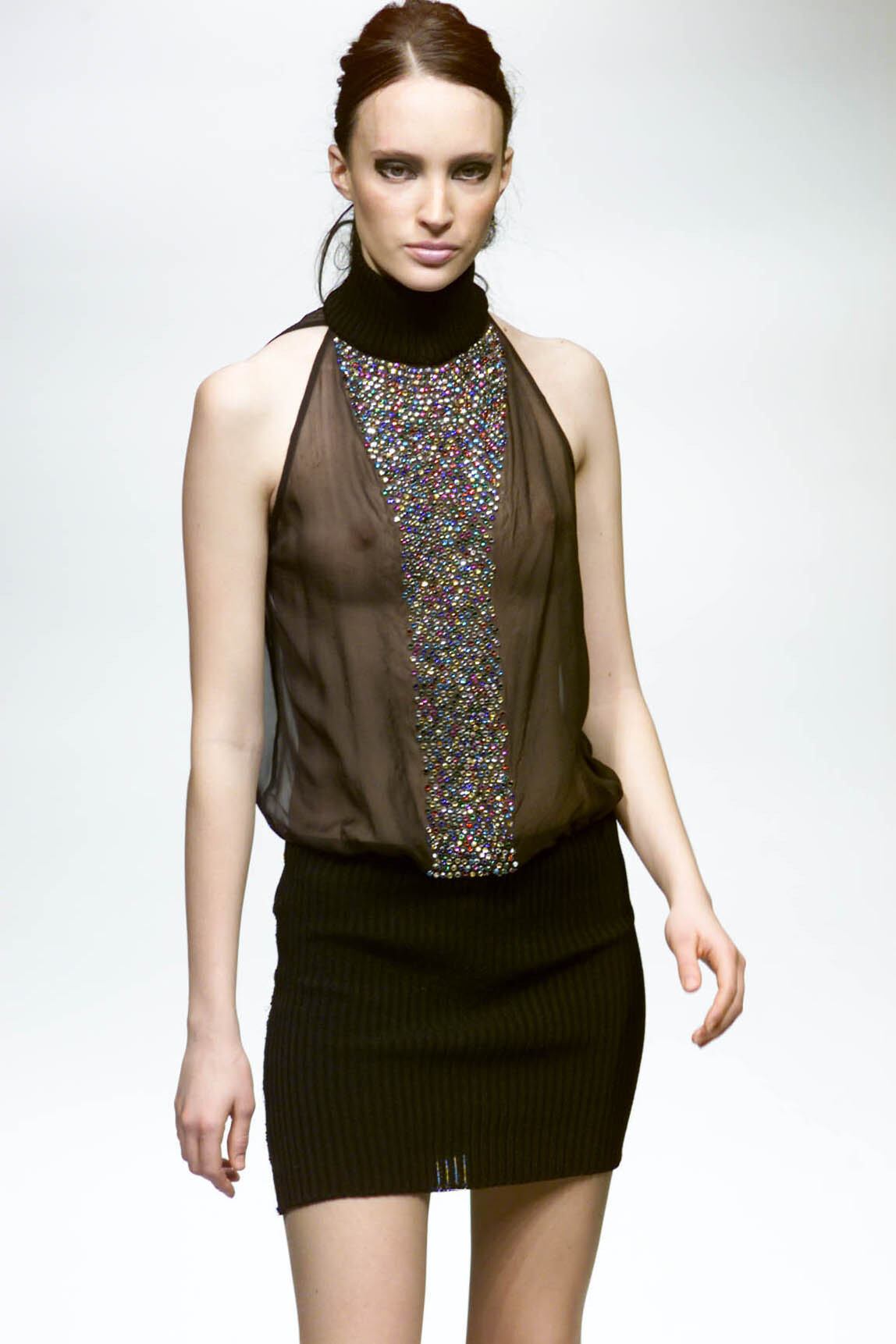
  1. christian dior s/s 2001 rtw warning: nudity
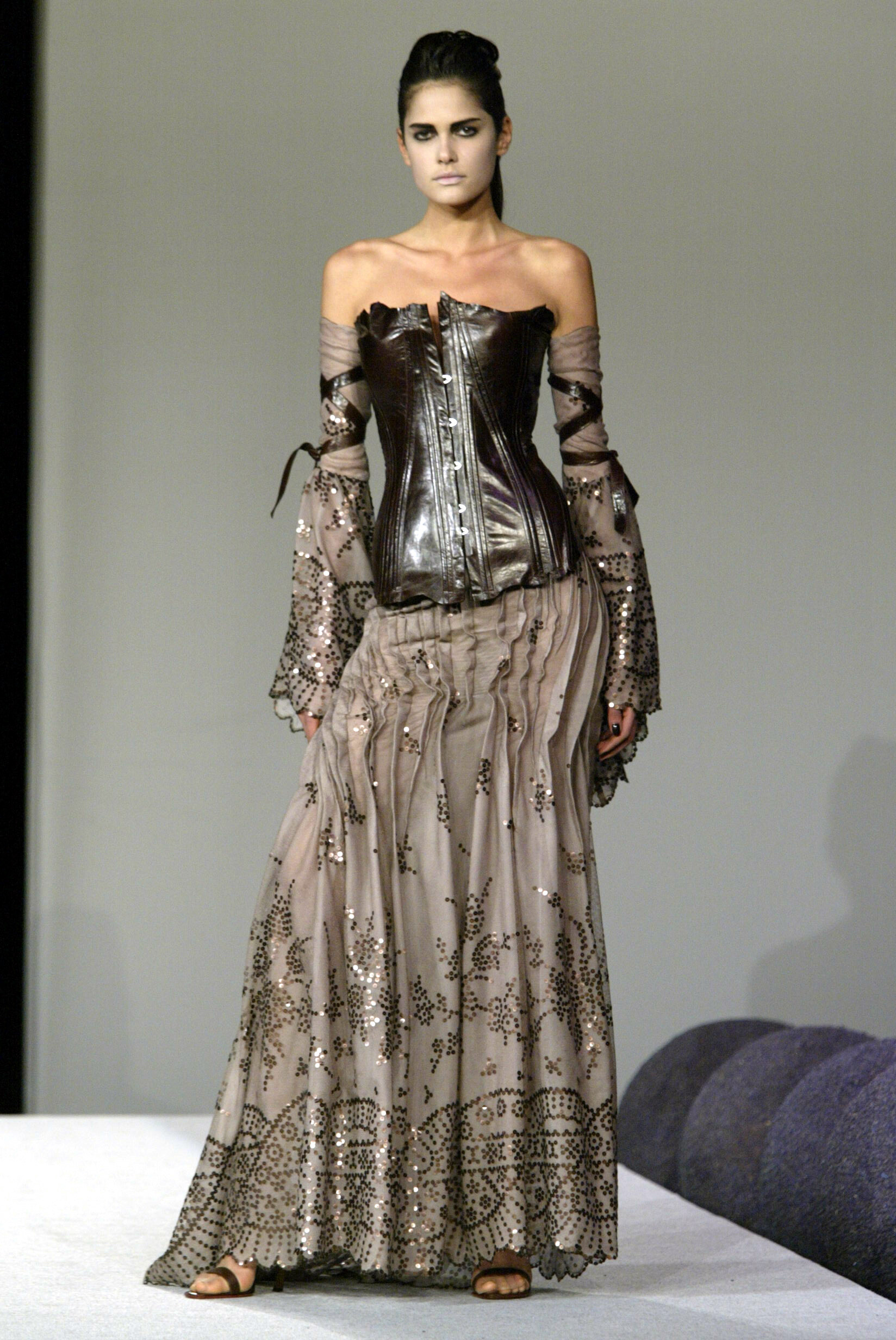
  2. christian dior s/s 2001 rtw warning: nudity

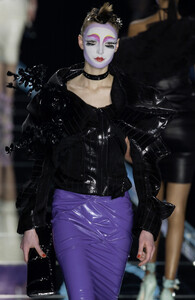
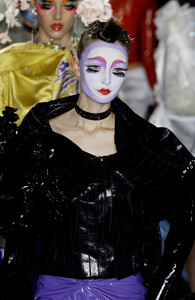
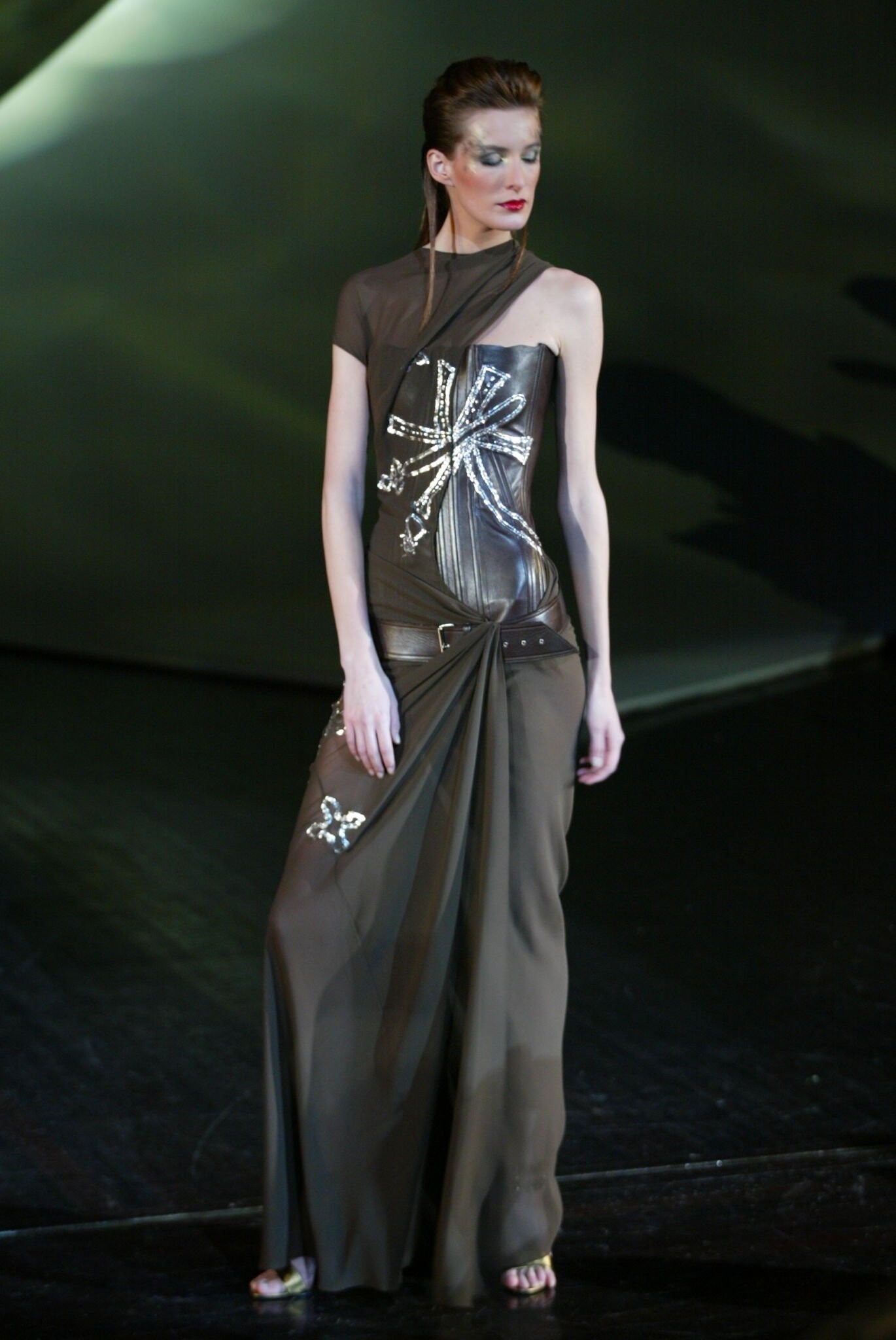
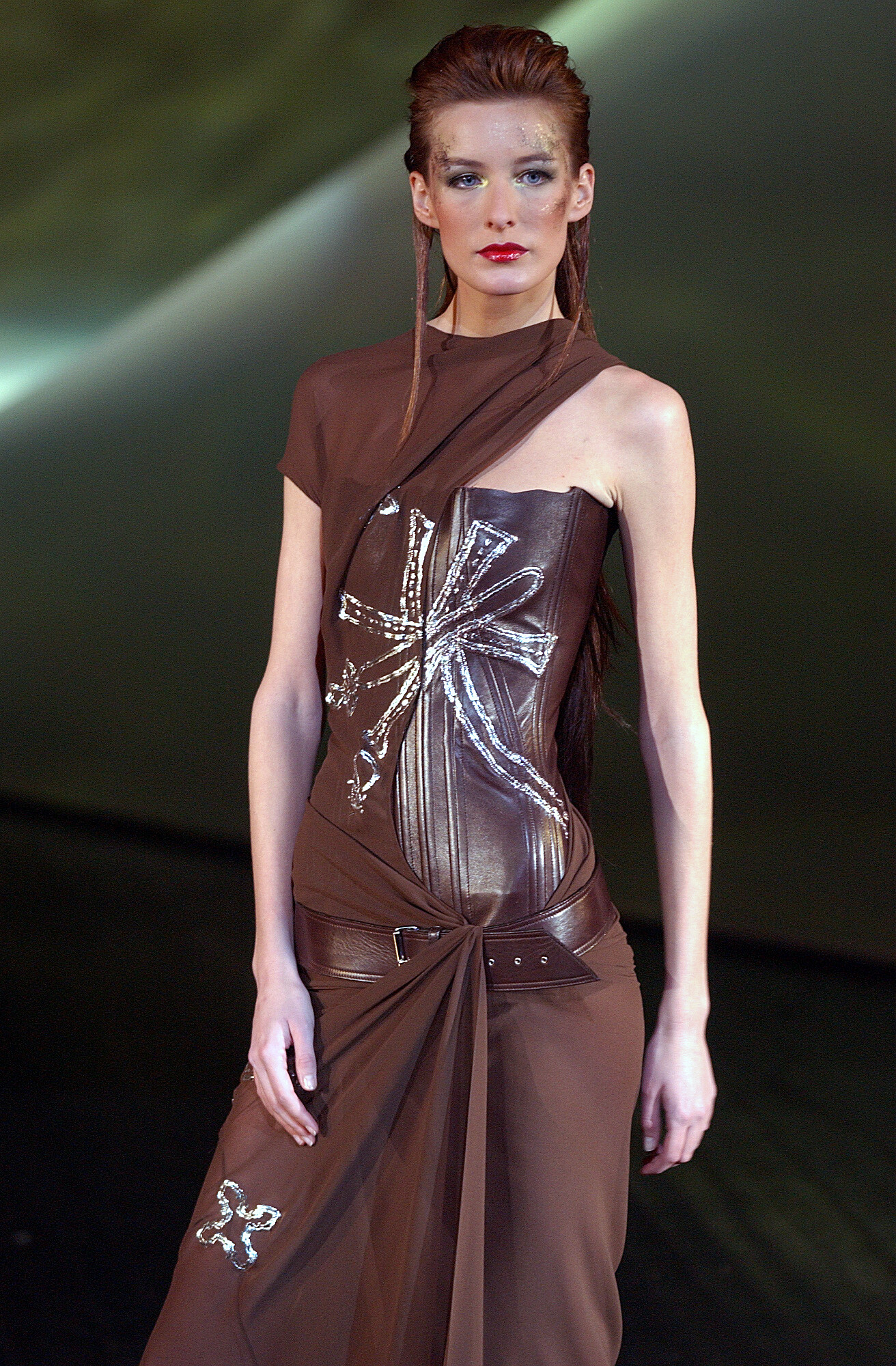
  3. christian dior s/s 2001 rtw

  4. christian dior s/s 2001 rtw
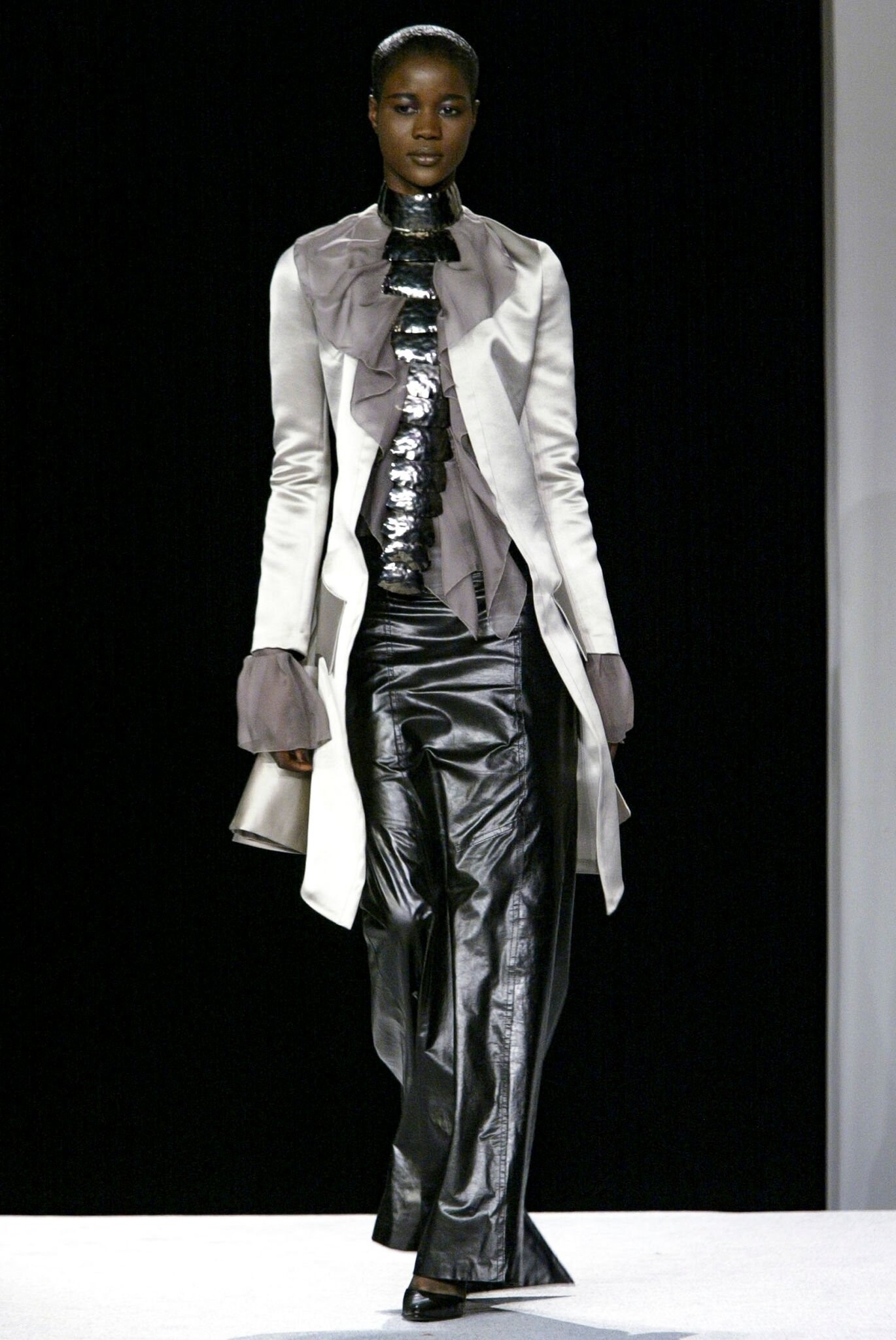
  5. christian dior s/s 2001 rtw

  6. christian dior s/s 2001 rtw
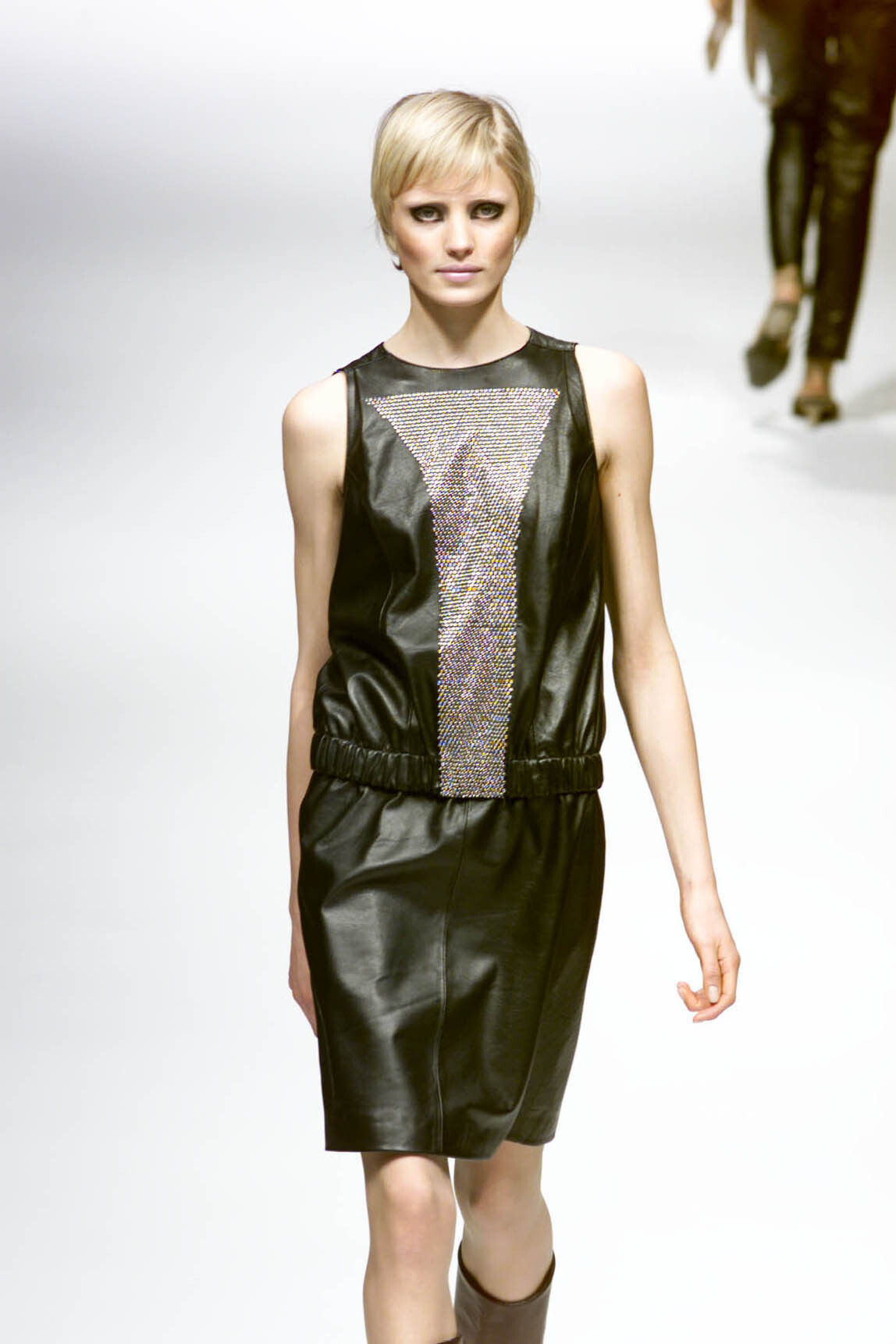
  7. christian dior s/s 2001 rtw
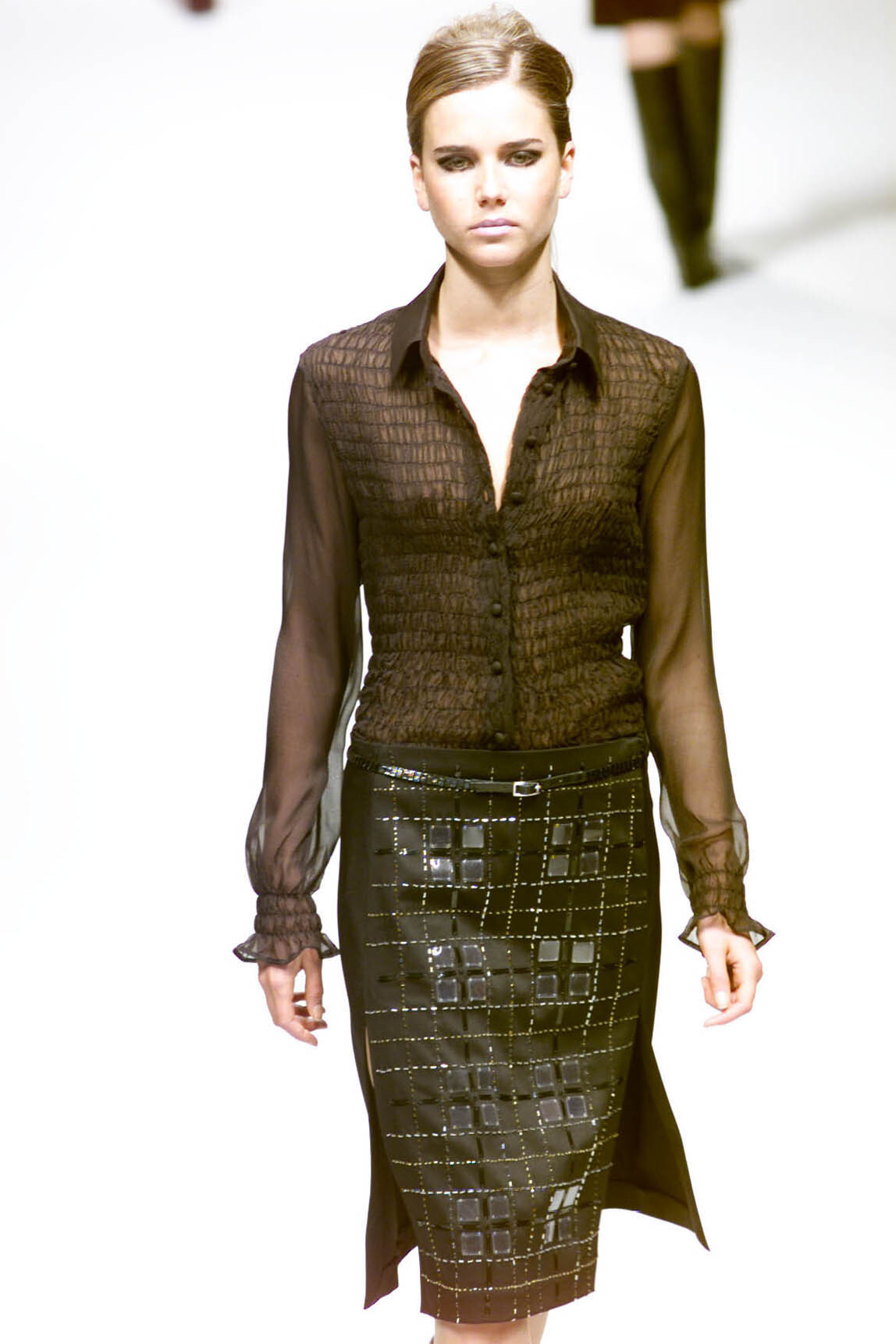
  8. christian dior s/s 2001 rtw
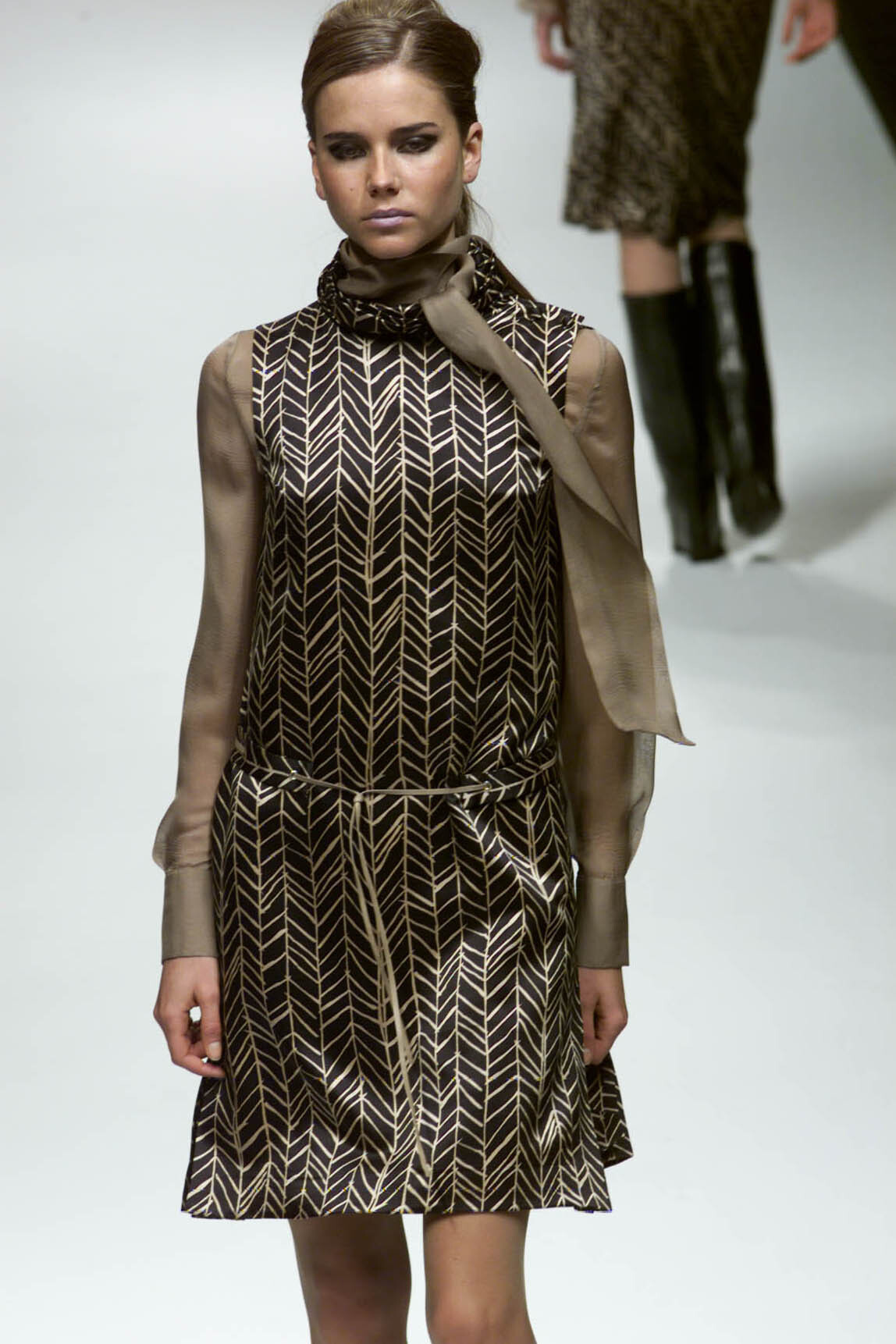
  9. alexander mcqueen s/s 1995 model?
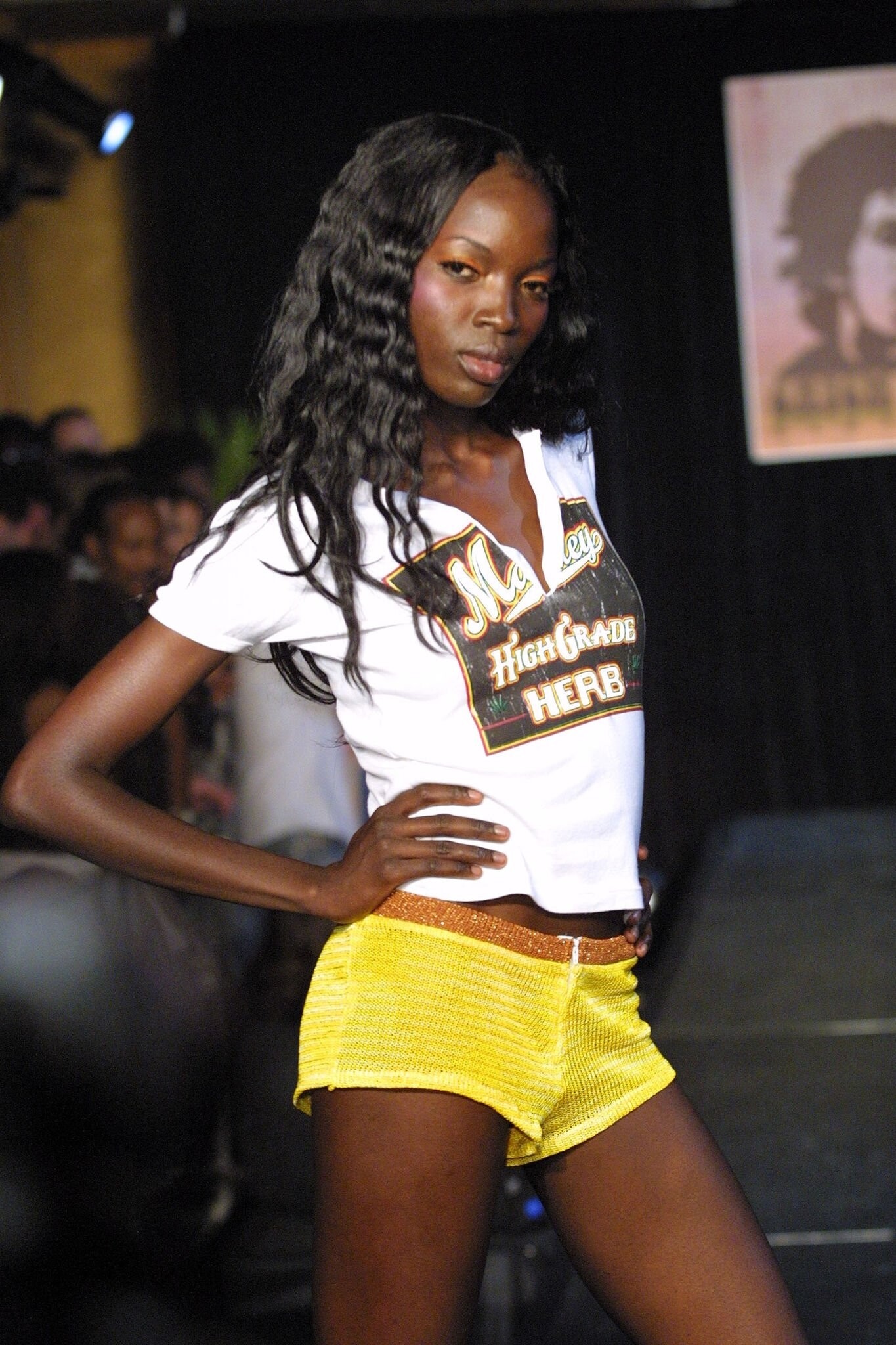
  10. does anyone know this model? ignorantly, i had been incorrectly tagging her as zofia borucka for quite some time
  11. this is perle daquin! you can see her listed on the right side of these show cards, and i know her last name because she also participated in the ysl stade de france show in 1998, and there are showcards out there that have her full name listed😁
  12. im months late but i'll further add to this and say the last girl is susan carman 😁
  13. hello! im not sure if her name is already known but i have found a possible first name for this model! i found a picture backstage from this givenchy f/w 1989 show and it shows dress photos on the wall with the names of the models who are to wear them, and her name is listed as Tina!
  14. 8 super unknown courreges f/w 1995 models? i have never seen any of these girls before but they all look so pretty🥰
  15. jean-louis scherrer s/s 1991 rtw
  16. jean-louis scherrer s/s 1991 rtw
  17. jean-louis scherrer s/s 1991 rtw

Configure browser push notifications

Chrome (Android)
  1. Tap the lock icon next to the address bar.
  2. Tap Permissions → Notifications.
  3. Adjust your preference.
Chrome (Desktop)
  1. Click the padlock icon in the address bar.
  2. Select Site settings.
  3. Find Notifications and adjust your preference.