
Mariana99
Members
-
Joined
-
Last visited
Everything posted by Mariana99
-

-
BTS Anastasia Ray (2023) erikanita_1D434810B5153D02BDEA5687EC5774A2_video_dashinit.mp4
Da Young (2023)







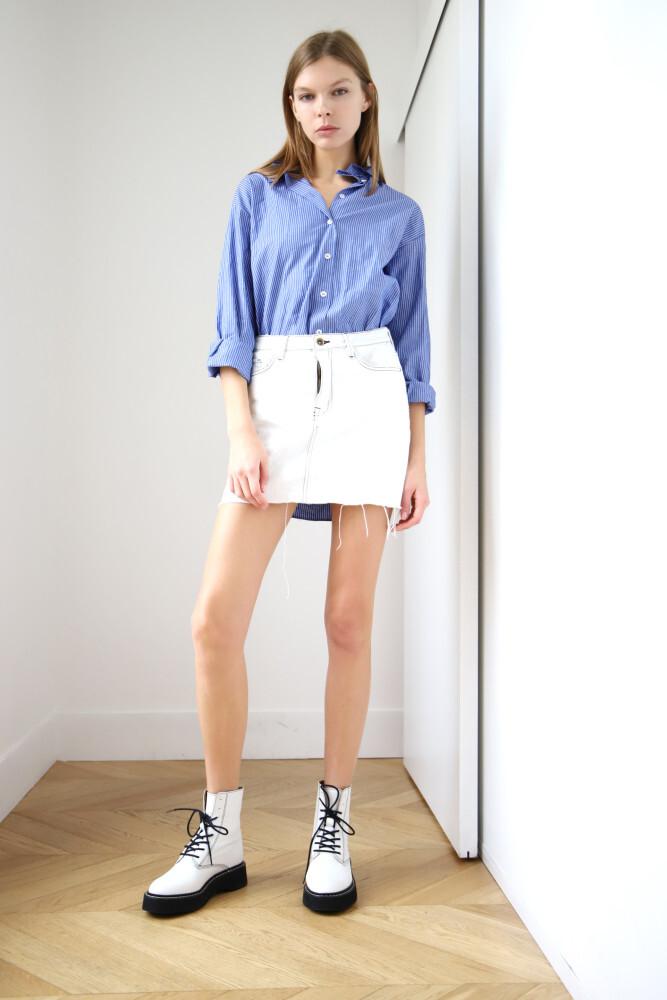
 Polaroids Metro Models Zurich (2023)

 Emanuel Ungaro Paris SS2024
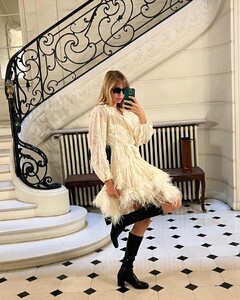


 casting video Tanks management Istanbul (2023) charlotteclaussen_393568516_1024918968561108_8067353907111765871_n.mp4

 Missoni (2023) anna.kedzior__10000000_2575241695967287_926908890388089960_n.mp4









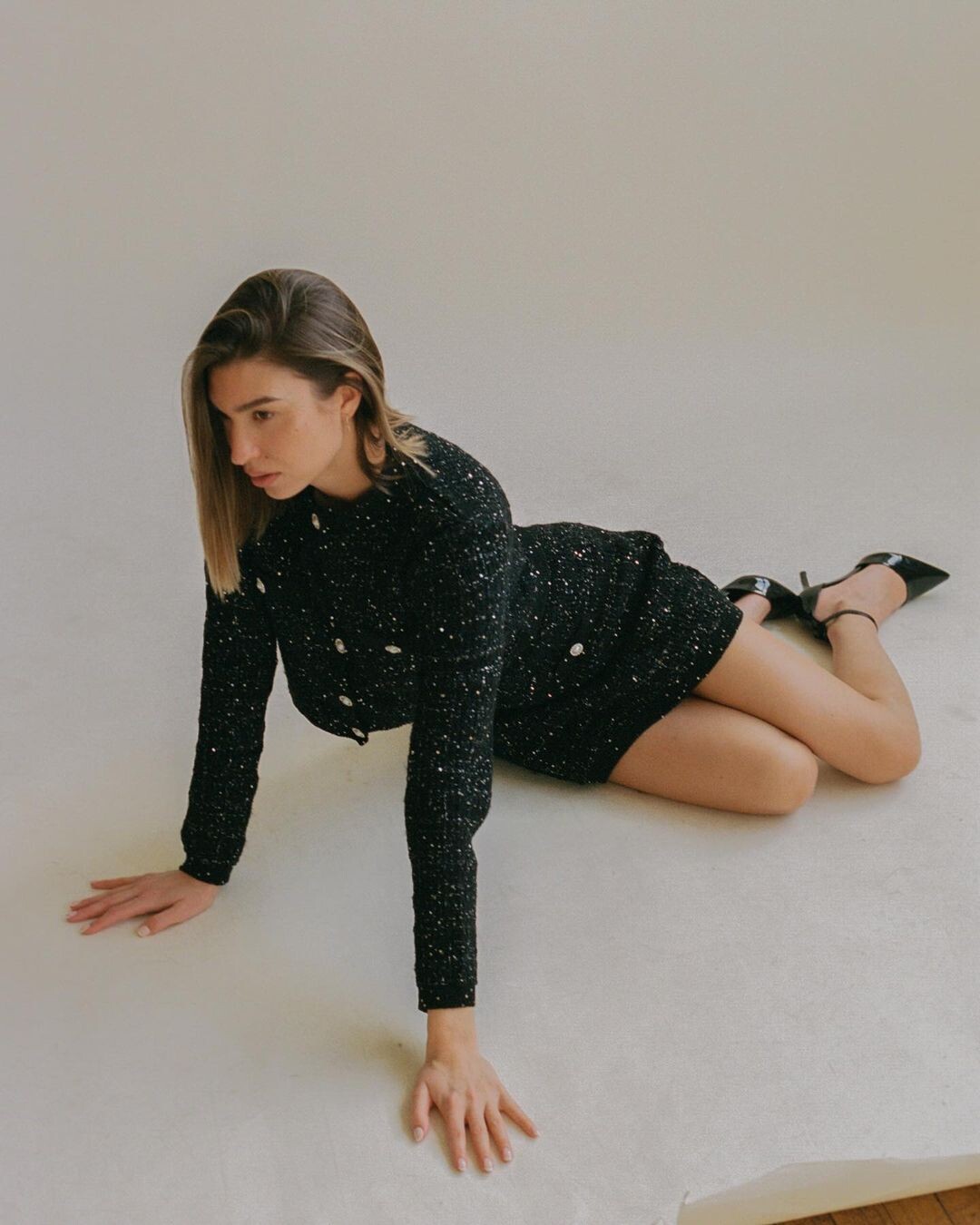












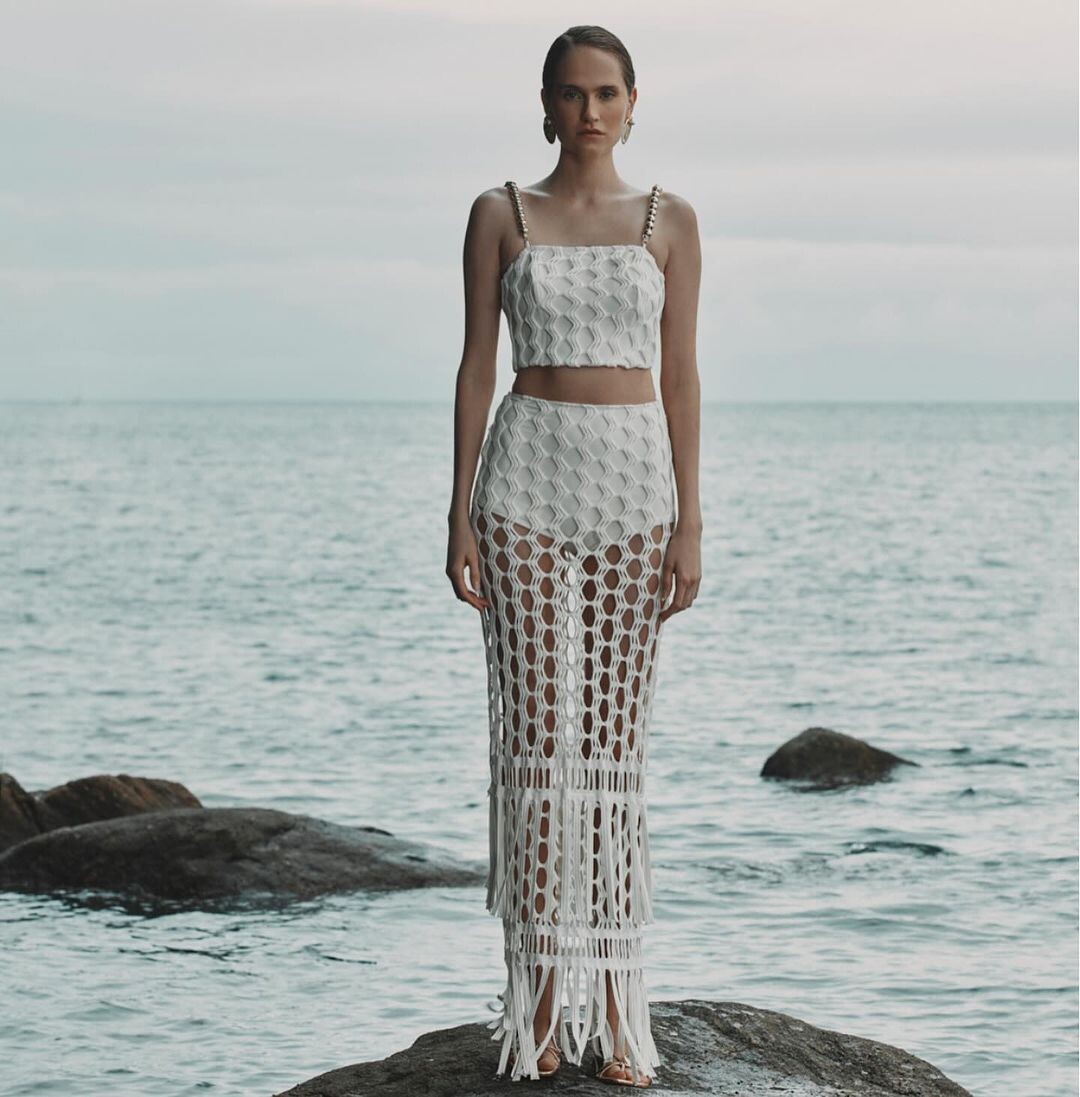












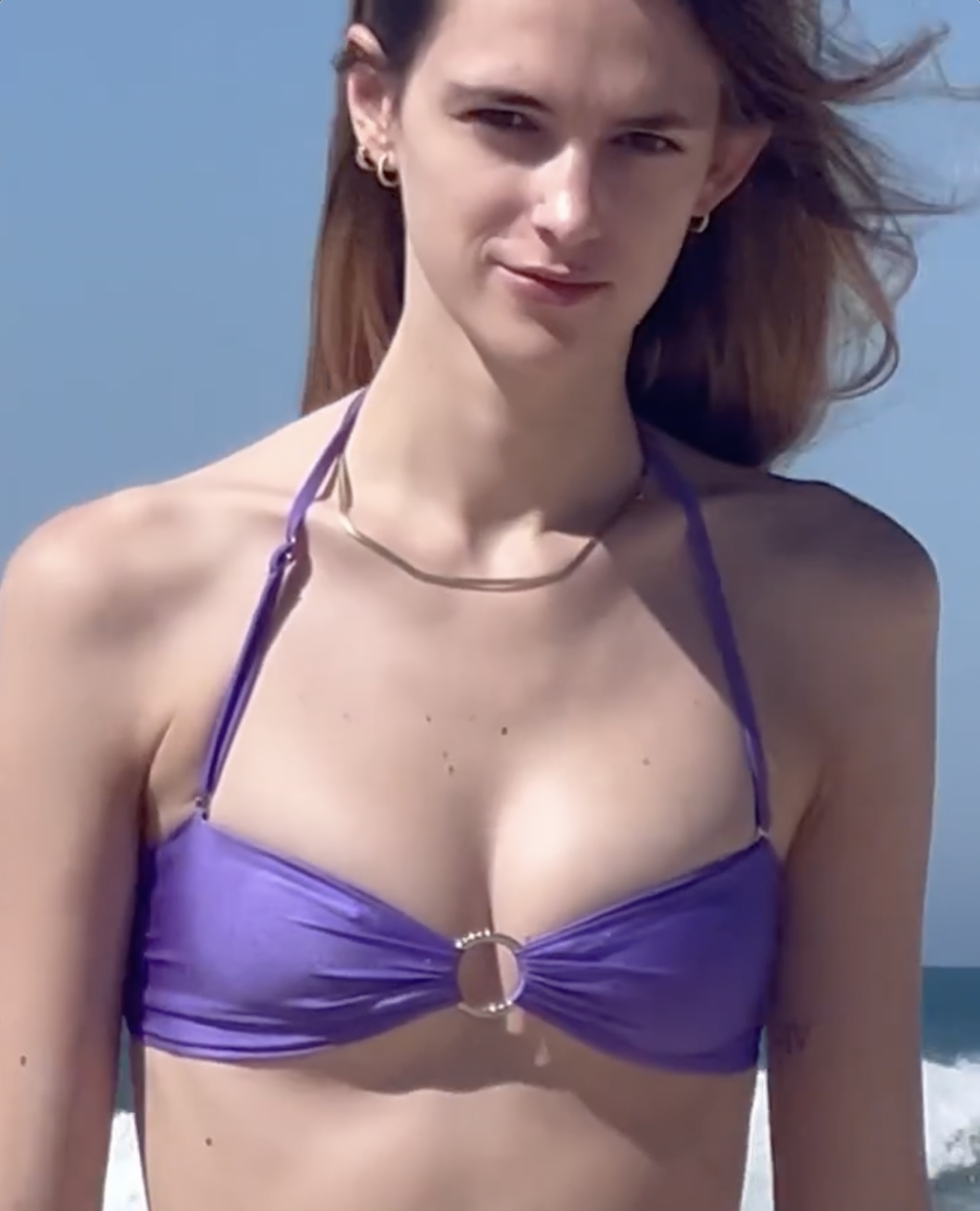





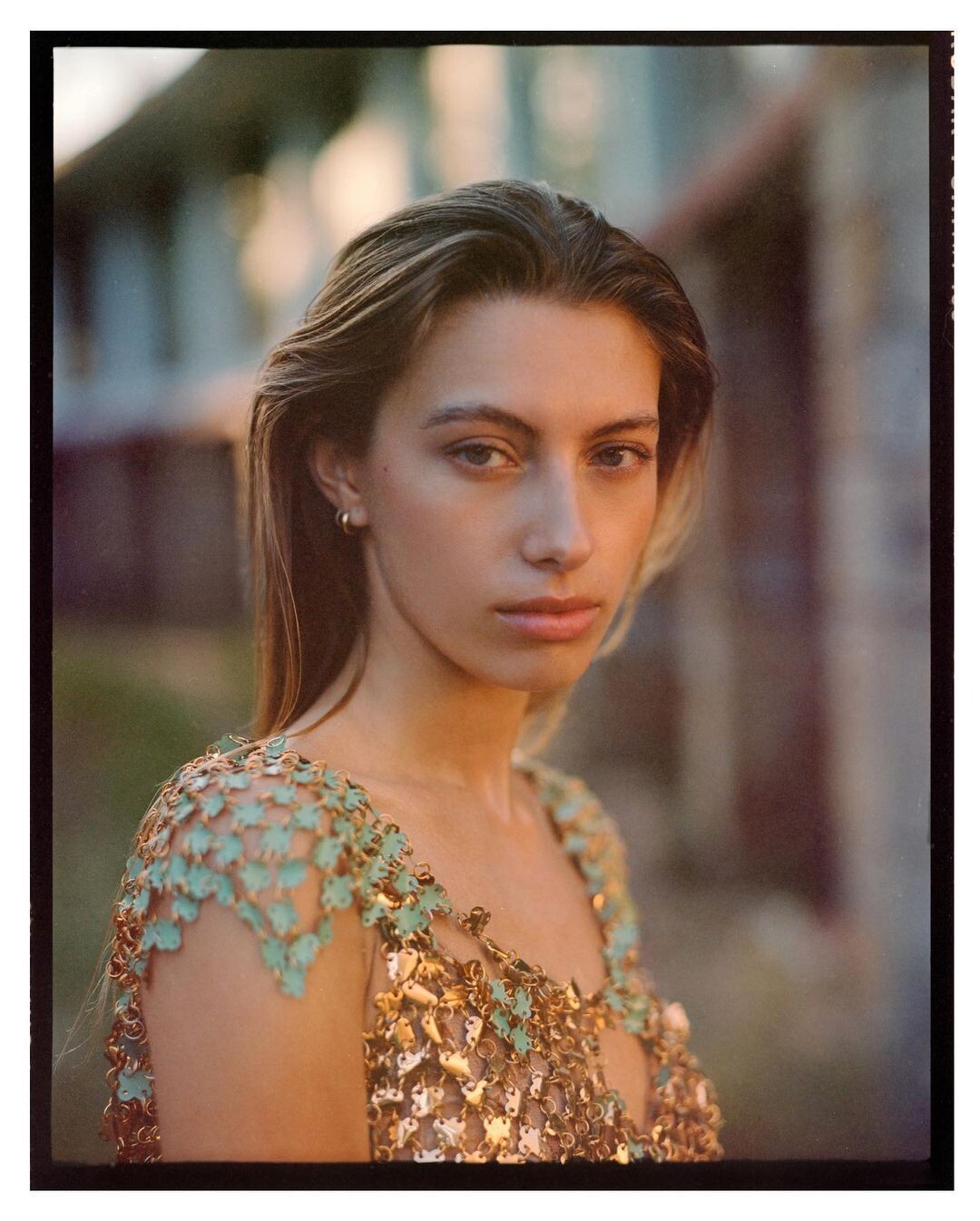












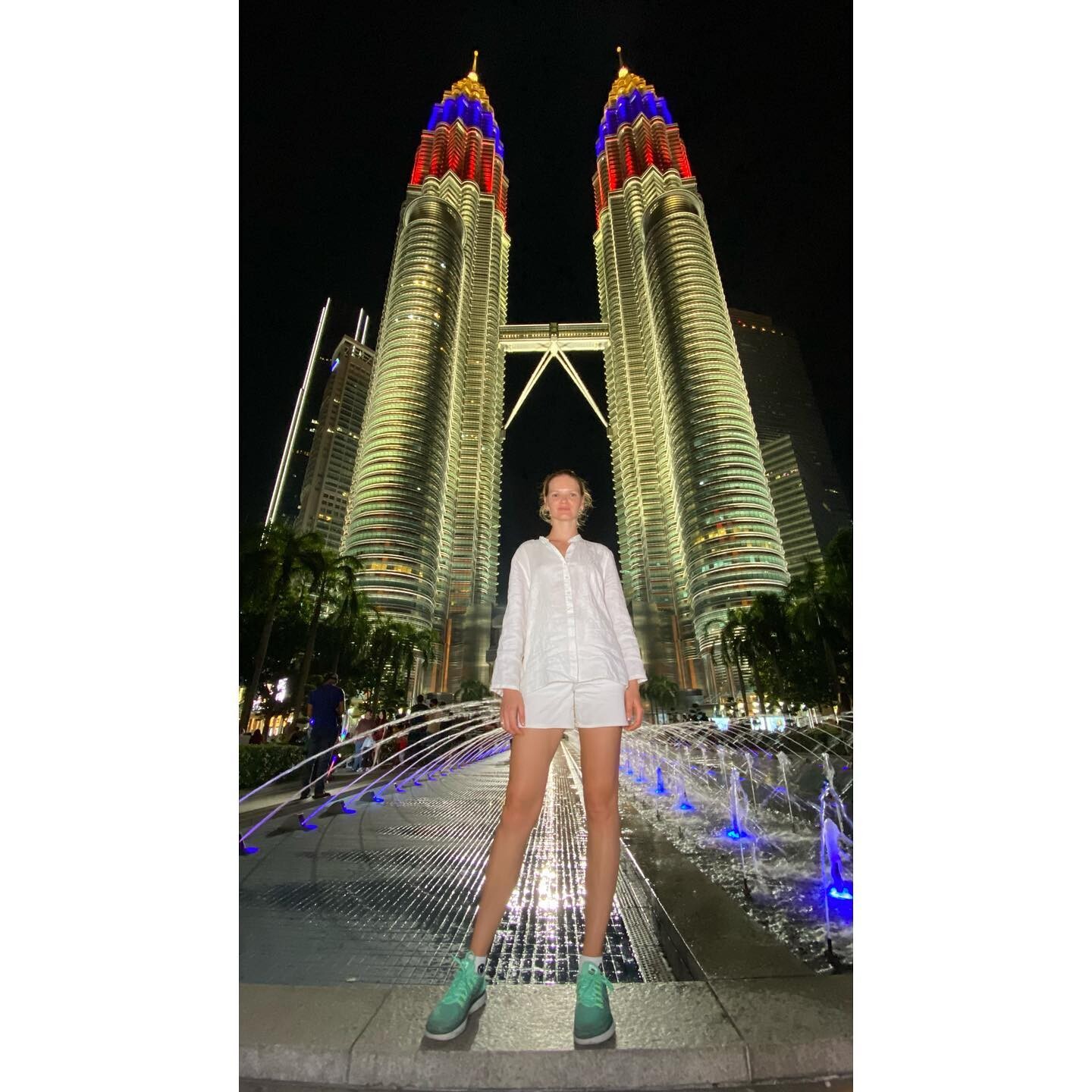



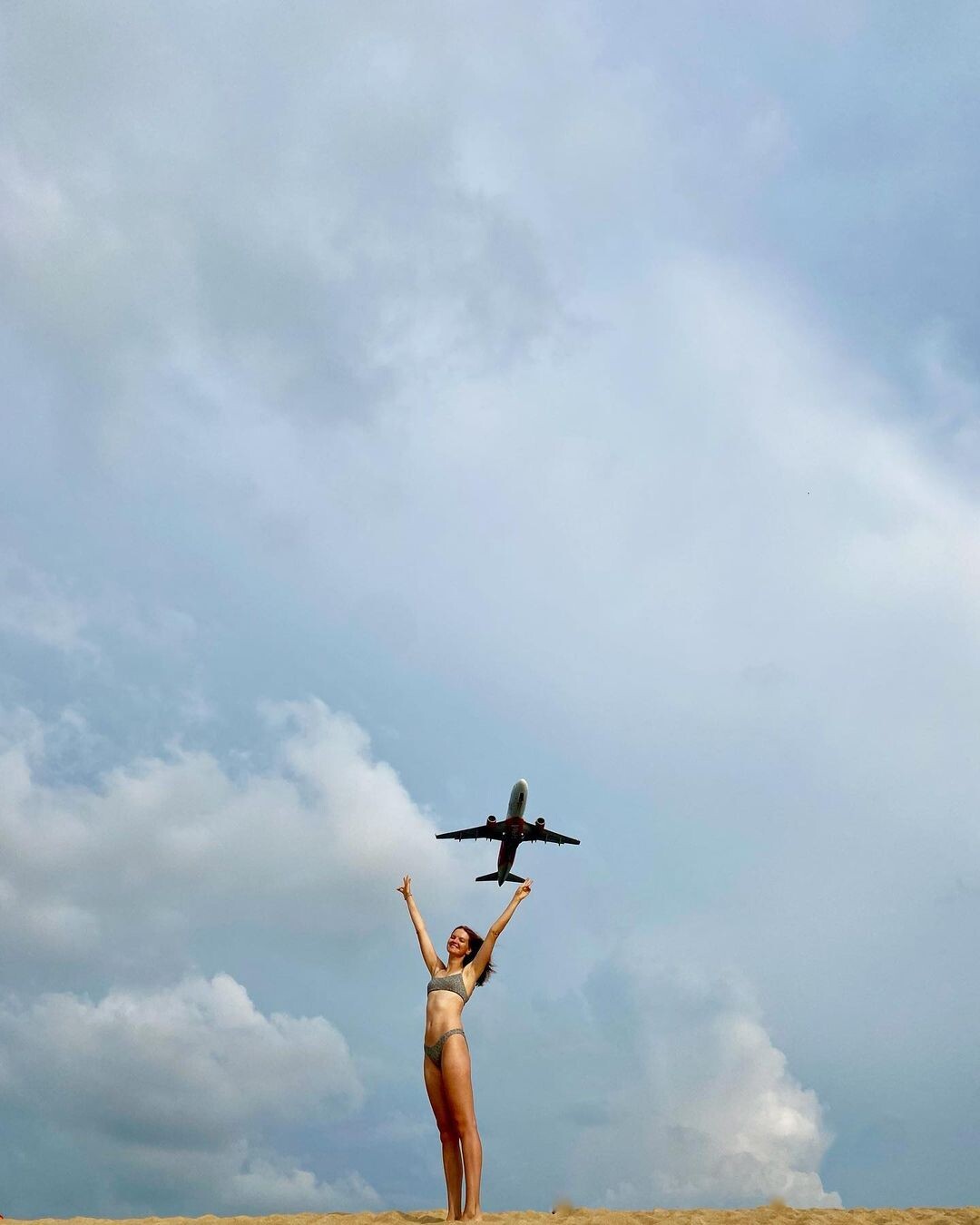
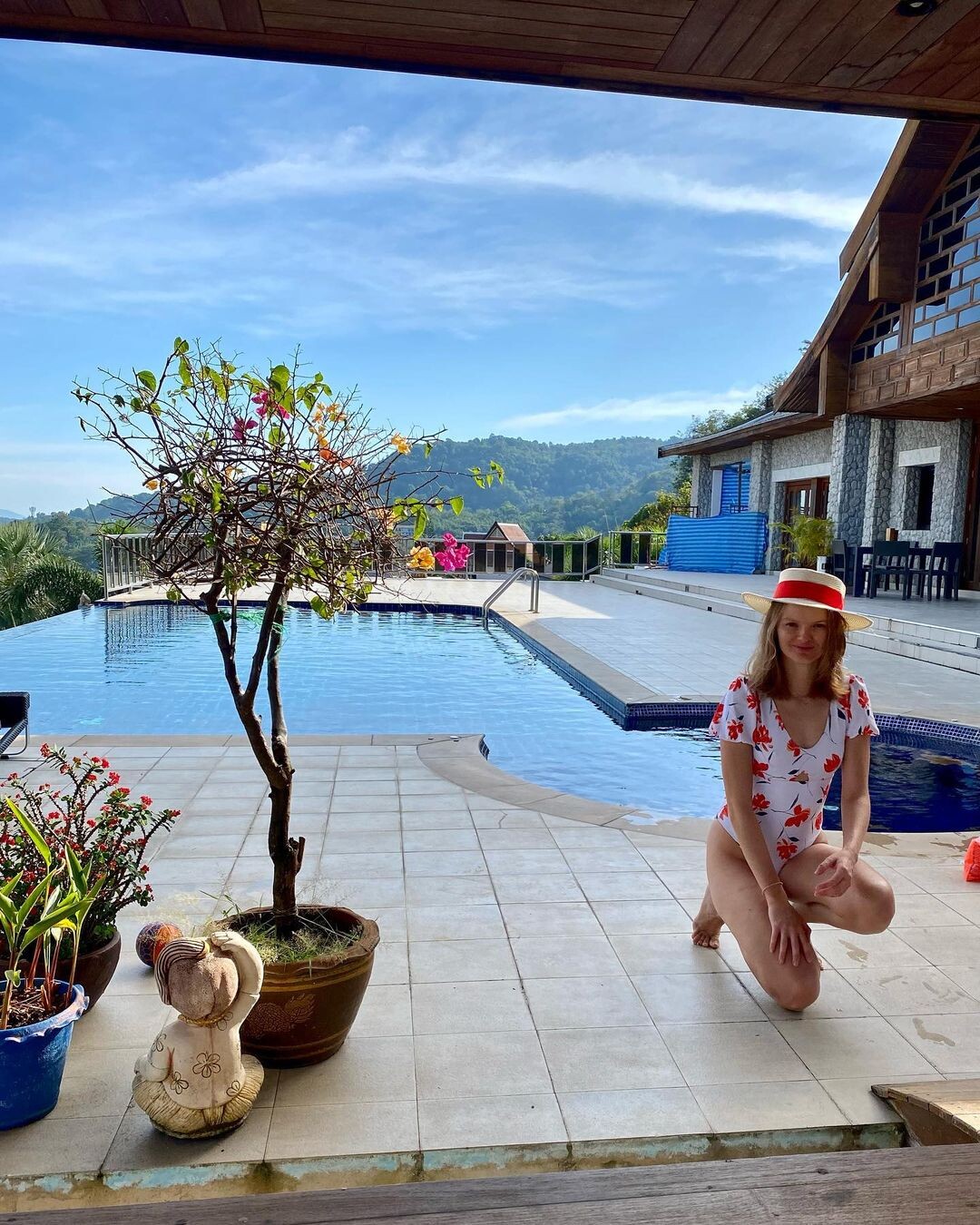

Account
Navigation
Search
Configure browser push notifications
Chrome (Android)
- Tap the lock icon next to the address bar.
- Tap Permissions → Notifications.
- Adjust your preference.
Chrome (Desktop)
- Click the padlock icon in the address bar.
- Select Site settings.
- Find Notifications and adjust your preference.
Safari (iOS 16.4+)
- Ensure the site is installed via Add to Home Screen.
- Open Settings App → Notifications.
- Find your app name and adjust your preference.
Safari (macOS)
- Go to Safari → Preferences.
- Click the Websites tab.
- Select Notifications in the sidebar.
- Find this website and adjust your preference.
Edge (Android)
- Tap the lock icon next to the address bar.
- Tap Permissions.
- Find Notifications and adjust your preference.
Edge (Desktop)
- Click the padlock icon in the address bar.
- Click Permissions for this site.
- Find Notifications and adjust your preference.
Firefox (Android)
- Go to Settings → Site permissions.
- Tap Notifications.
- Find this site in the list and adjust your preference.
Firefox (Desktop)
- Open Firefox Settings.
- Search for Notifications.
- Find this site in the list and adjust your preference.