
Hugo3000
Members
-
Joined
-
Last visited
Everything posted by Hugo3000
-
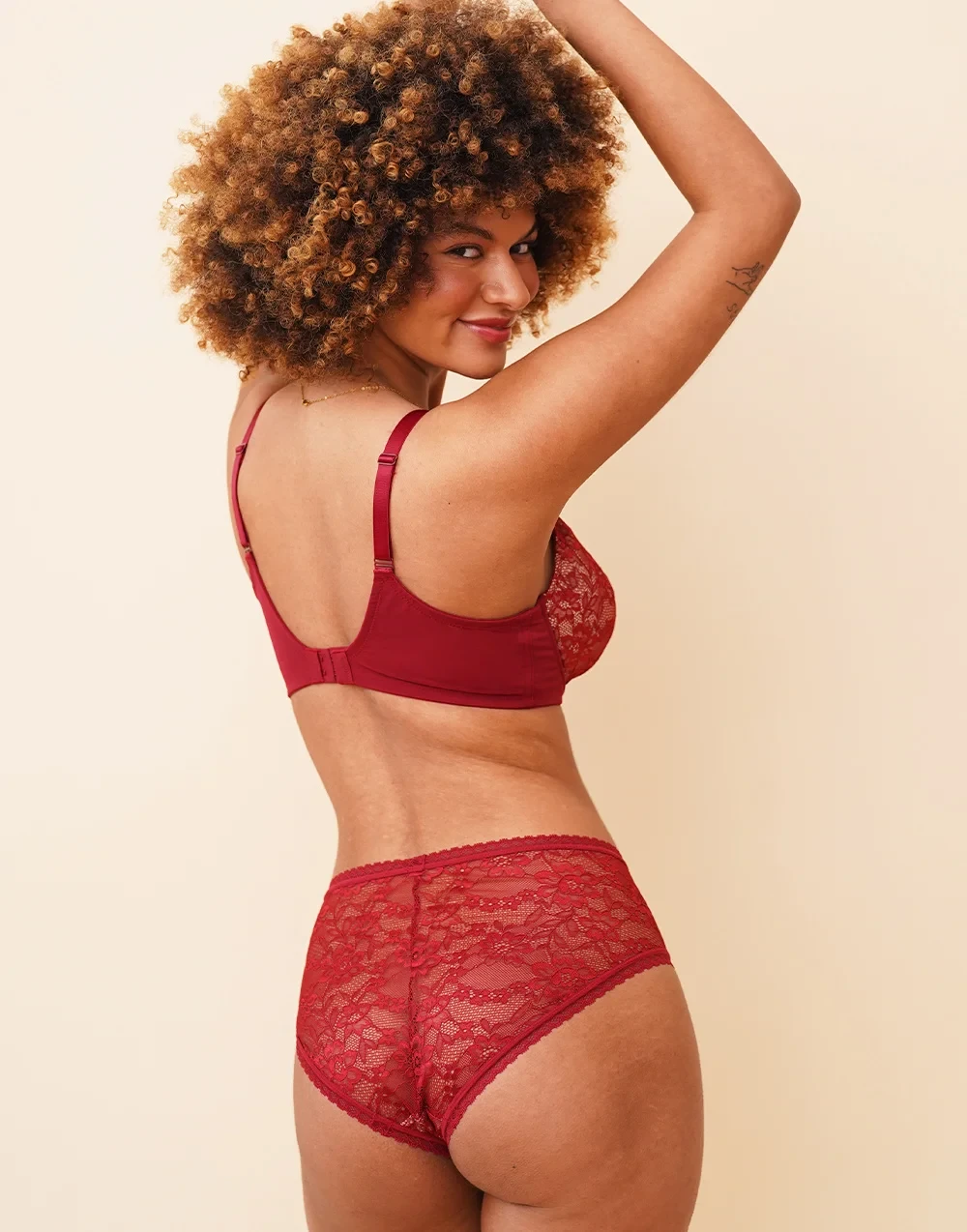
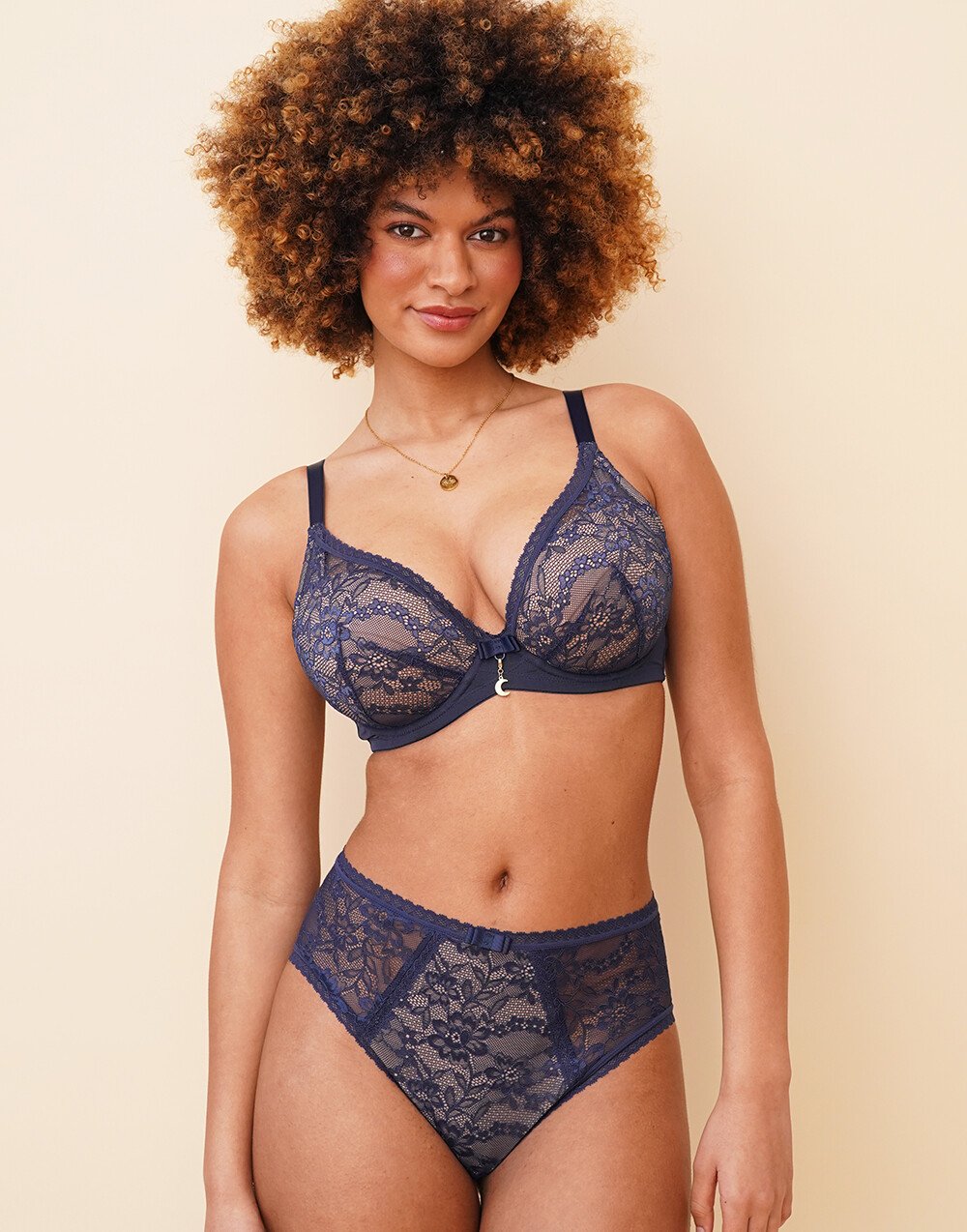
If anyone has new photos from her, please post it!
-
would love to see more from her
-
Yeah, i dont think its her...
-
please, someone has to post new stuff from her!
2500864-72466afeb9f6b8de0604bf28bd06599a.mp4
























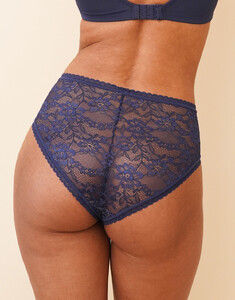 does anyone have more from her?
German Model Ange-Sophie Reich Snapinsta.app_162646808_1349510779214310_9073992675839335753_n.mp4
does anyone have more from her?
German Model Ange-Sophie Reich Snapinsta.app_162646808_1349510779214310_9073992675839335753_n.mp4




 please, more from her!
more from her?
is this Bibi Ingabire?
nothing new from her?
I would love to see her in her current shape in an outfit like that. I think she looks a lot better today as she has put on some weight and her body looks so much better!
Wow! thank you man!
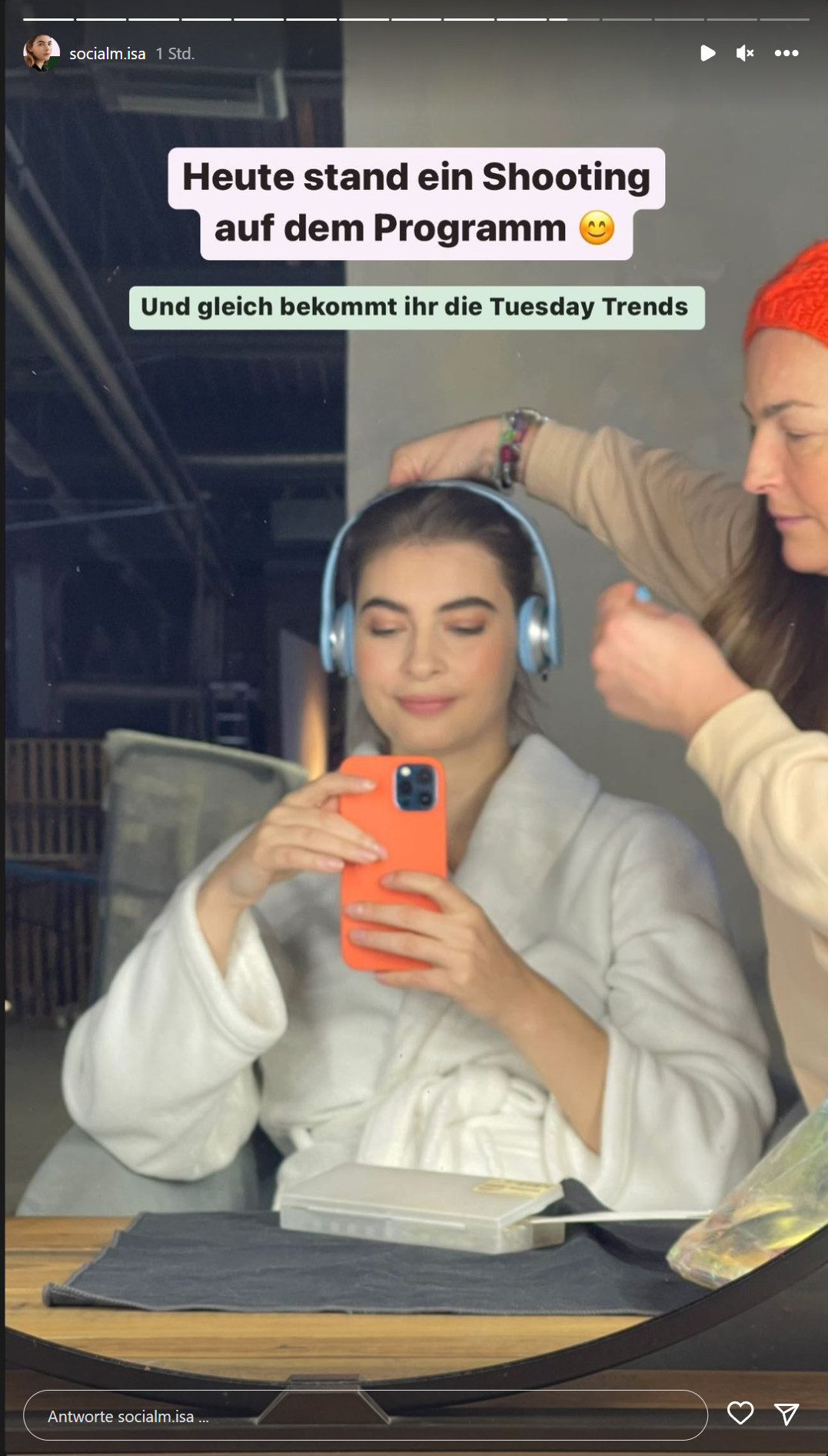
Apparently she had a shooting today. Since she's wearing a robe, hopefully it was a shoot in underwear/lingerie. I'm curious when we can see the pictures
please, more from her!
more from her?
is this Bibi Ingabire?
nothing new from her?
I would love to see her in her current shape in an outfit like that. I think she looks a lot better today as she has put on some weight and her body looks so much better!
Wow! thank you man!
Apparently she had a shooting today. Since she's wearing a robe, hopefully it was a shoot in underwear/lingerie. I'm curious when we can see the pictures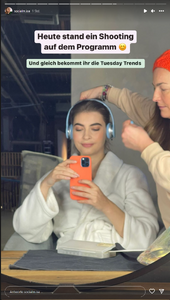 nothing more from her?


































































Account
Search
Configure browser push notifications
Chrome (Android)
- Tap the lock icon next to the address bar.
- Tap Permissions → Notifications.
- Adjust your preference.
Chrome (Desktop)
- Click the padlock icon in the address bar.
- Select Site settings.
- Find Notifications and adjust your preference.
Safari (iOS 16.4+)
- Ensure the site is installed via Add to Home Screen.
- Open Settings App → Notifications.
- Find your app name and adjust your preference.
Safari (macOS)
- Go to Safari → Preferences.
- Click the Websites tab.
- Select Notifications in the sidebar.
- Find this website and adjust your preference.
Edge (Android)
- Tap the lock icon next to the address bar.
- Tap Permissions.
- Find Notifications and adjust your preference.
Edge (Desktop)
- Click the padlock icon in the address bar.
- Click Permissions for this site.
- Find Notifications and adjust your preference.
Firefox (Android)
- Go to Settings → Site permissions.
- Tap Notifications.
- Find this site in the list and adjust your preference.
Firefox (Desktop)
- Open Firefox Settings.
- Search for Notifications.
- Find this site in the list and adjust your preference.