
Hugo3000
Members
-
Joined
-
Last visited
Everything posted by Hugo3000
-
and? this proofs that Bibi and the unknown model are two different persons for me
-
thanks man! i love her so much. Her breasts are so big!
-
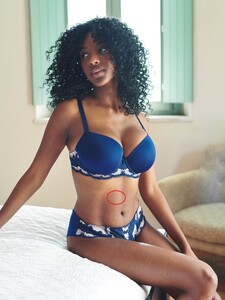
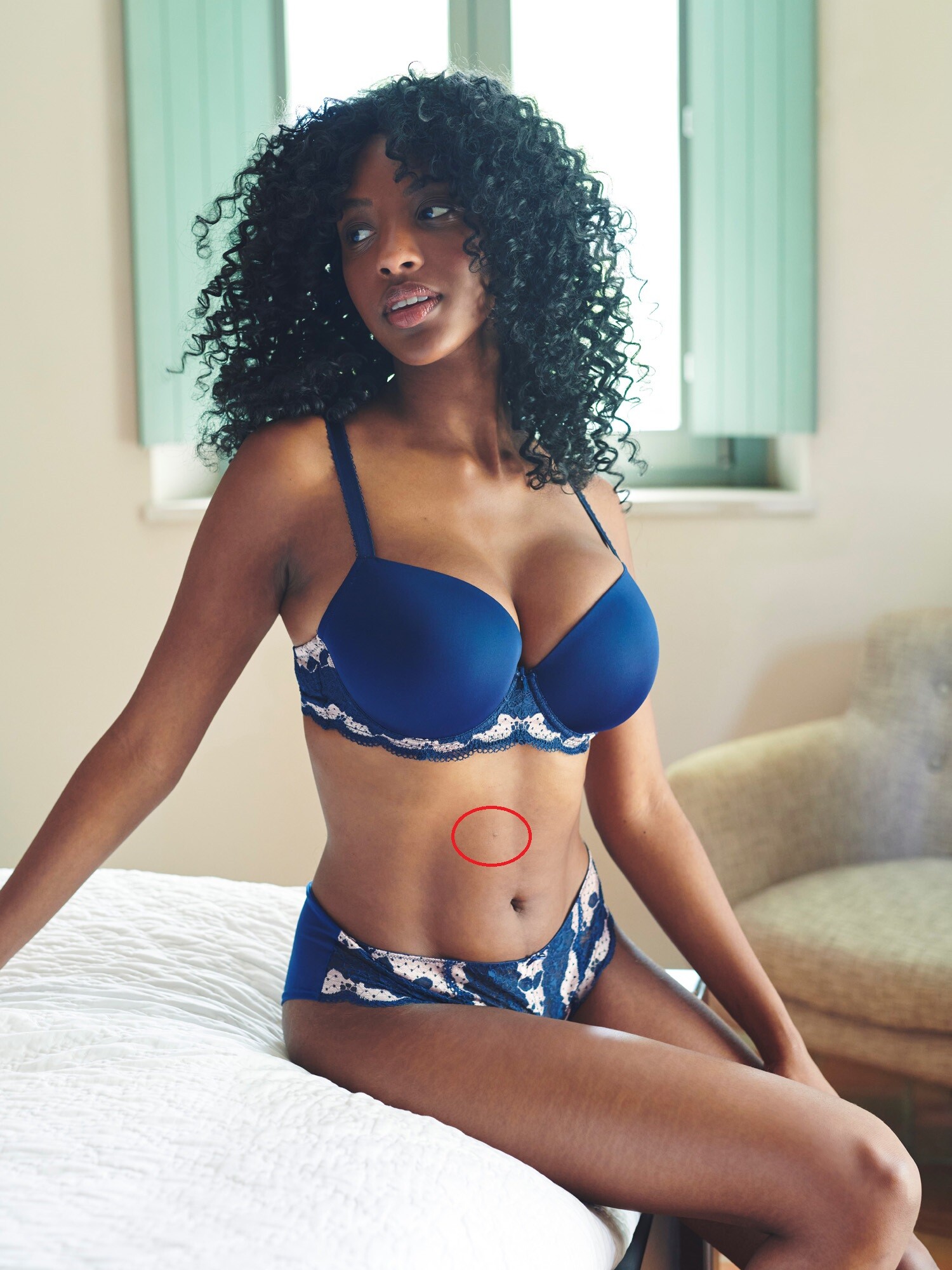
Bibi (on the photo) has this "birthmark" the other unknown model not...
-
Can noone help me?
-
You are welcome!
-
She writes on insta that she has a shotting for several days today. I really hope she lets herself be photographed in lingerie or naked
She writes on insta that she has a shotting for several days today. I really hope she lets herself be photographed in lingerie or naked
What site/service did you used?
What site/service did you used?
Can anyone please help me?
i am pretty sure what these are two different persons...
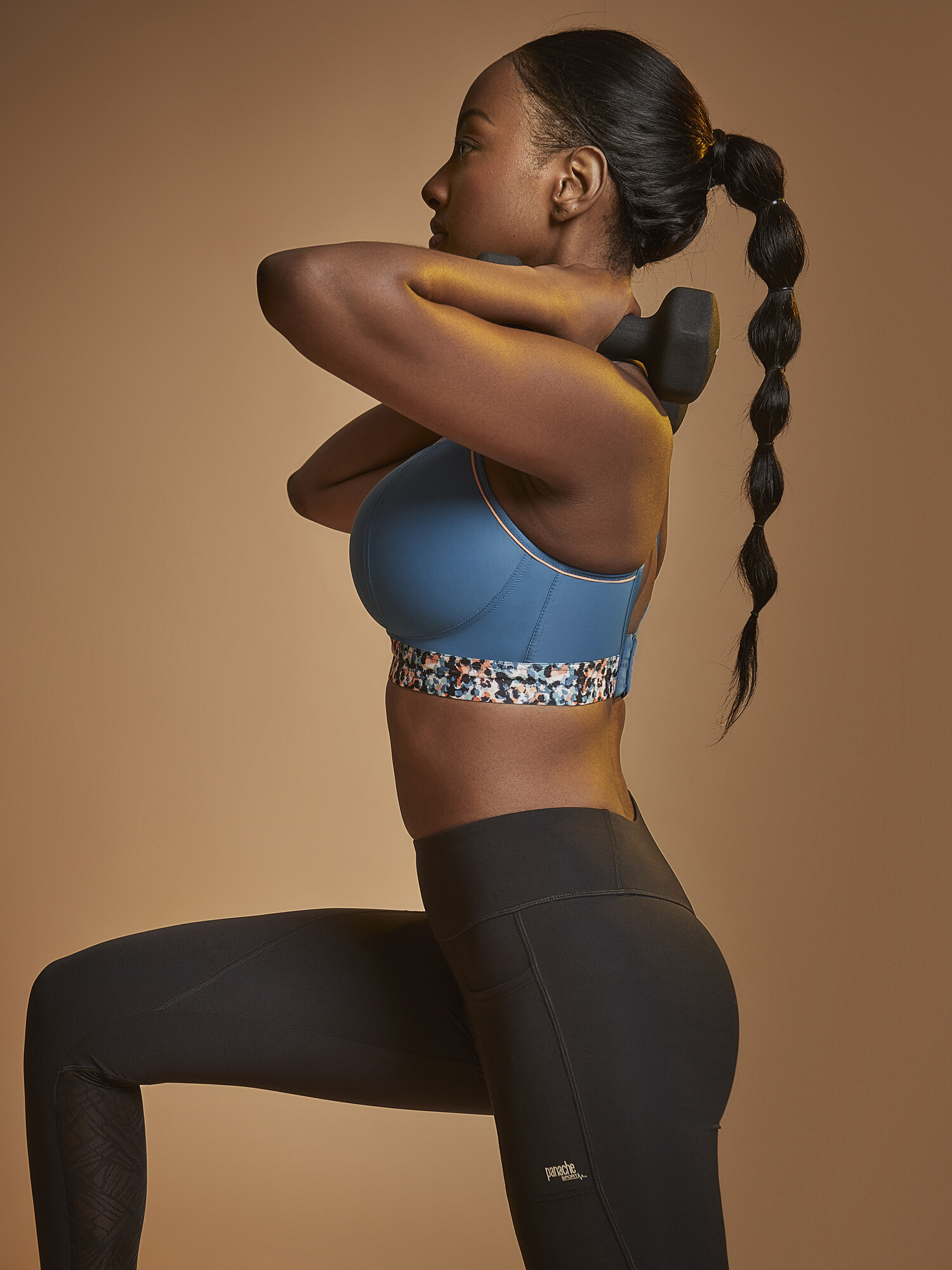
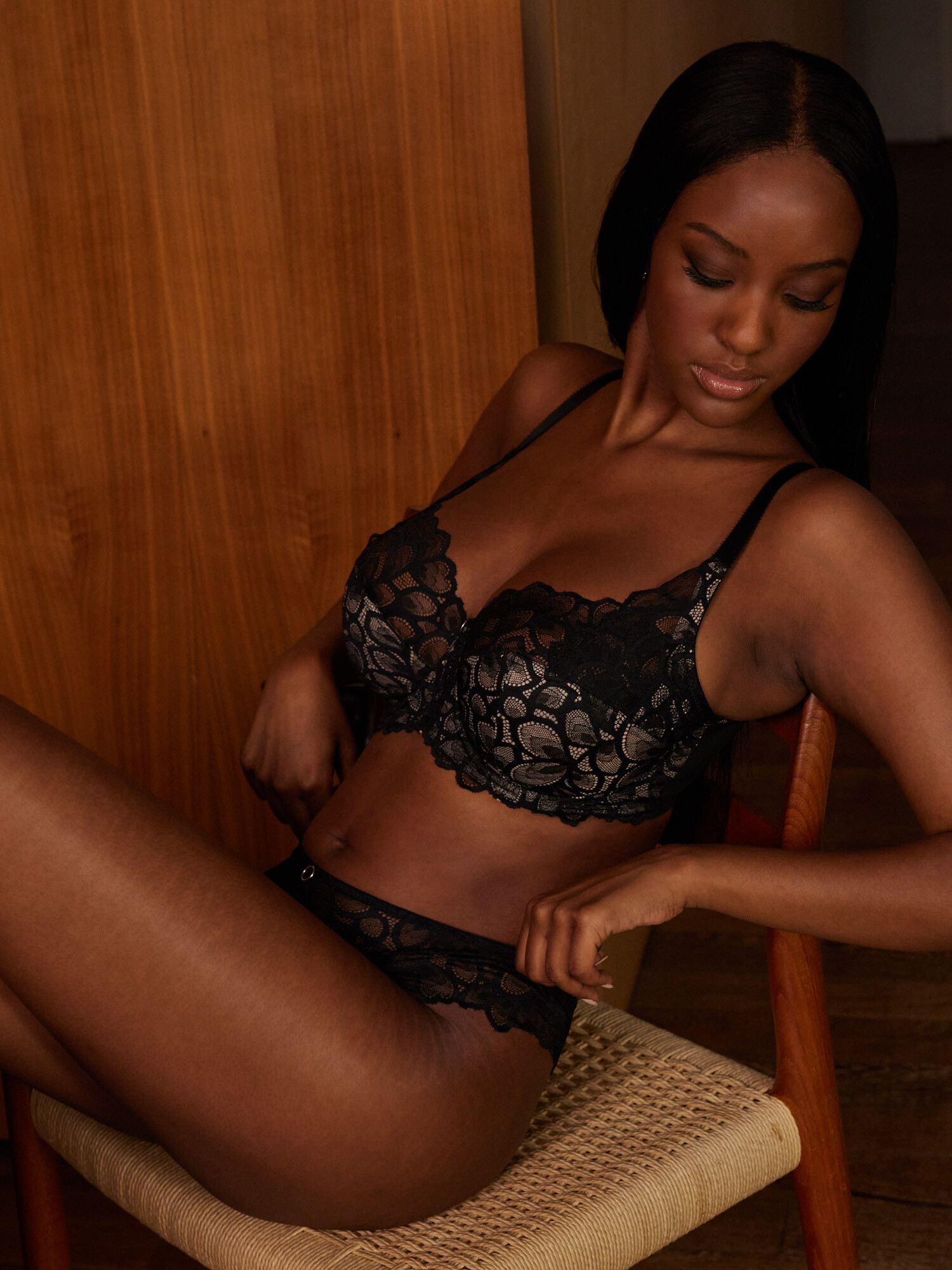
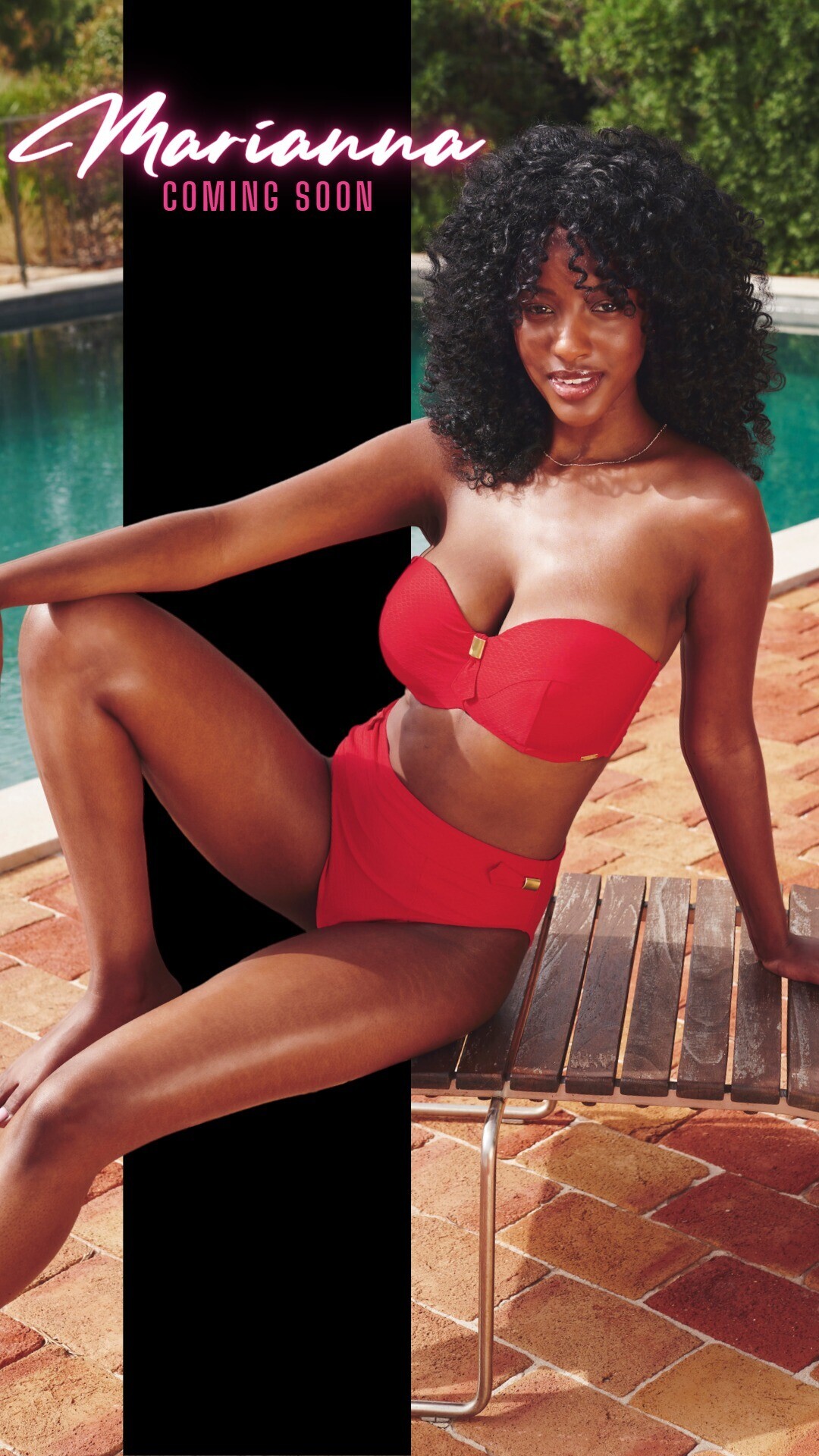
i dont think this is bibi! Bibi is also a panache-model but this is not bibi!
Does anyone know her Name?




 Nothing new?
would love to know her bra size
Nothing new?
would love to know her bra size
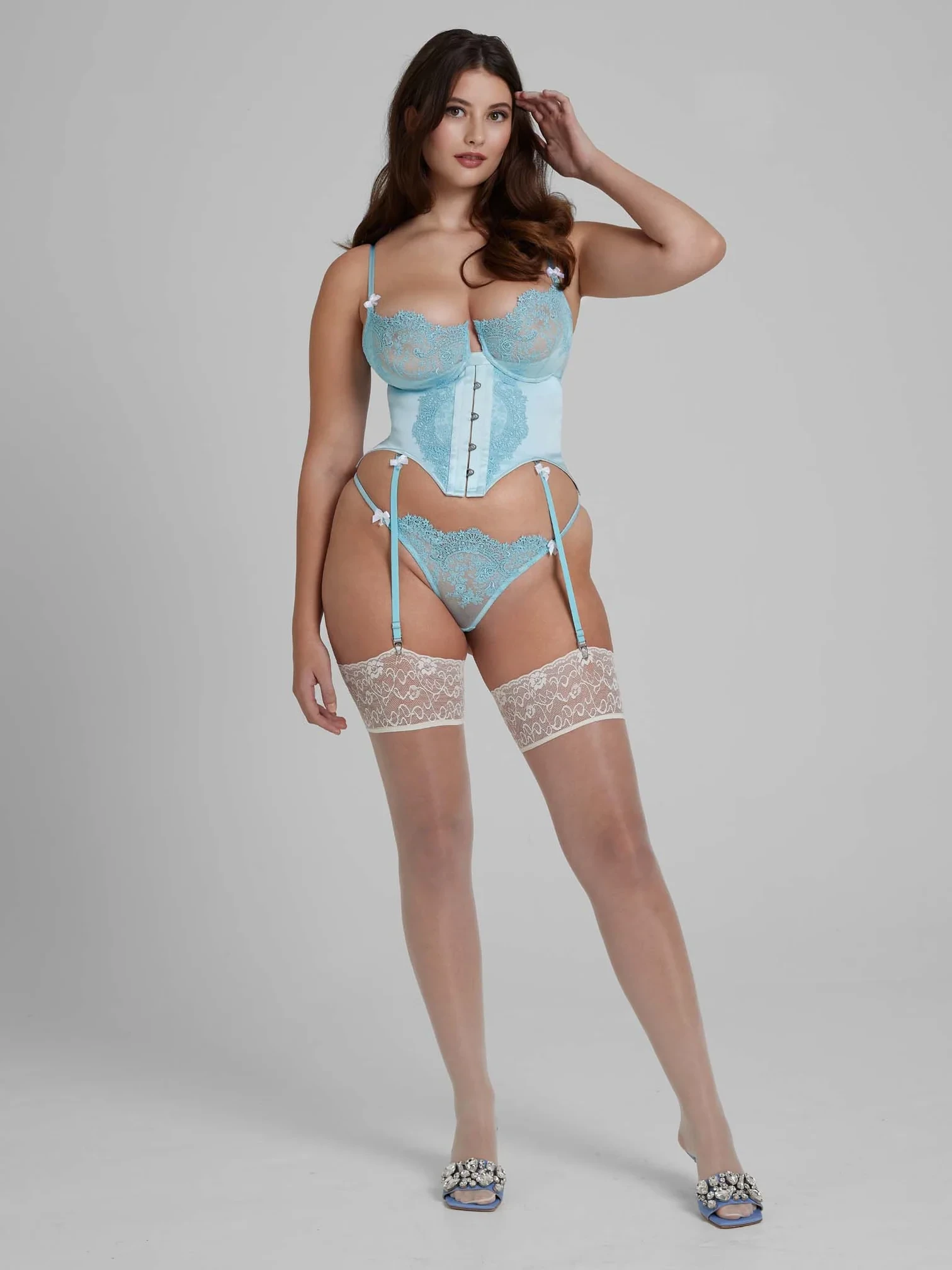
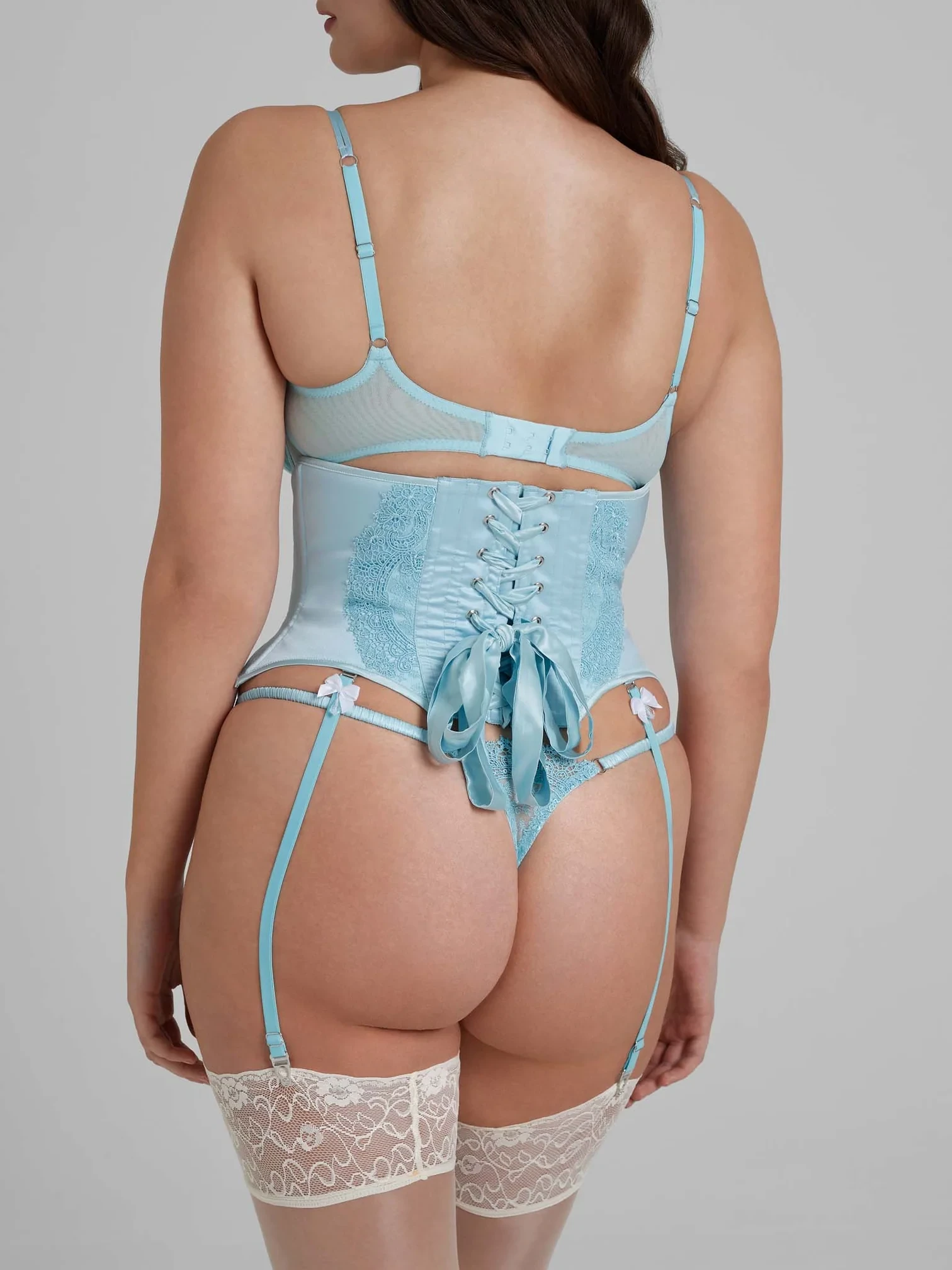




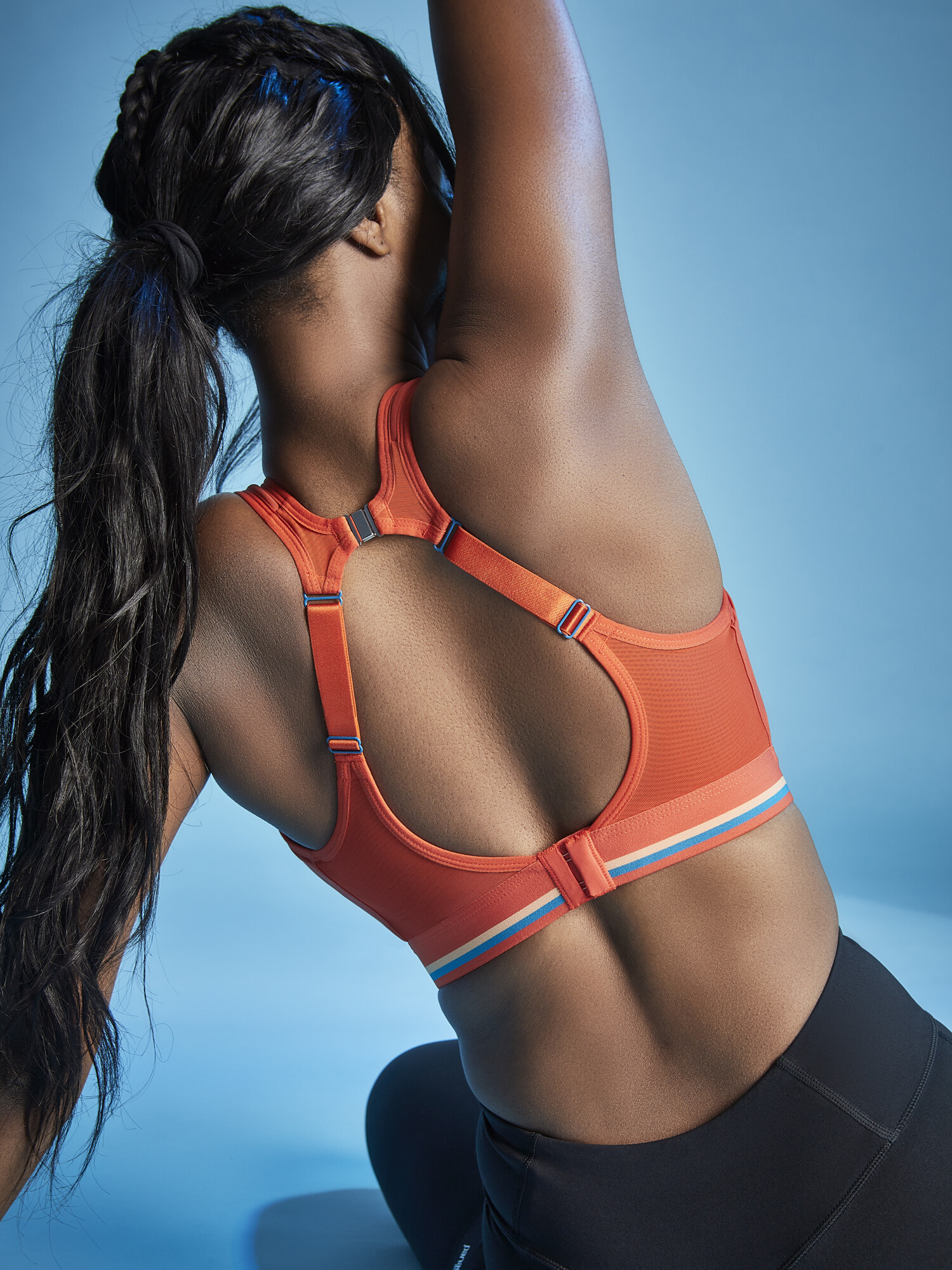

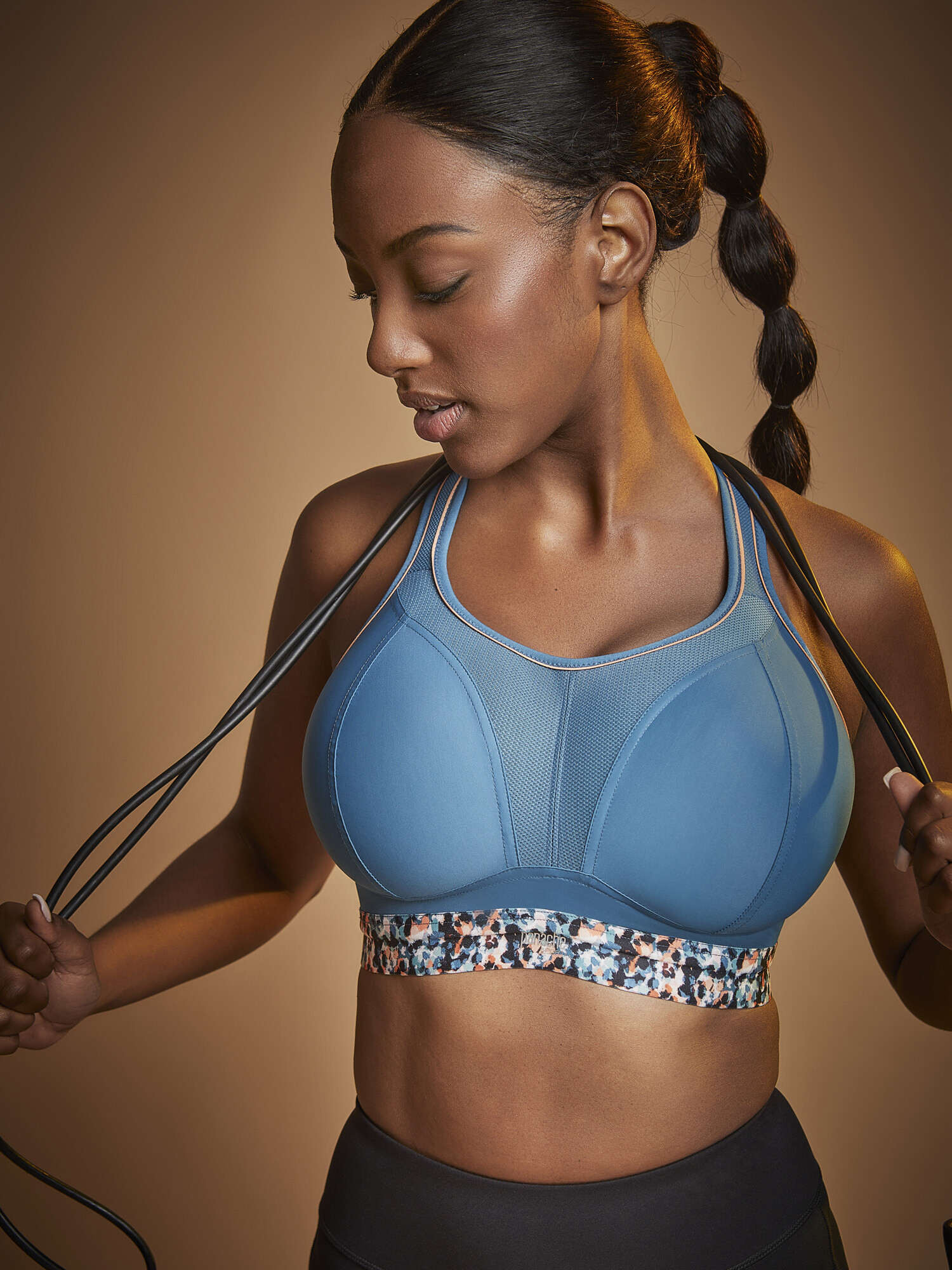










.jpg.40d18574973ce3c9ebbc25ed792670d1.jpg)












Account
Search
Configure browser push notifications
Chrome (Android)
- Tap the lock icon next to the address bar.
- Tap Permissions → Notifications.
- Adjust your preference.
Chrome (Desktop)
- Click the padlock icon in the address bar.
- Select Site settings.
- Find Notifications and adjust your preference.
Safari (iOS 16.4+)
- Ensure the site is installed via Add to Home Screen.
- Open Settings App → Notifications.
- Find your app name and adjust your preference.
Safari (macOS)
- Go to Safari → Preferences.
- Click the Websites tab.
- Select Notifications in the sidebar.
- Find this website and adjust your preference.
Edge (Android)
- Tap the lock icon next to the address bar.
- Tap Permissions.
- Find Notifications and adjust your preference.
Edge (Desktop)
- Click the padlock icon in the address bar.
- Click Permissions for this site.
- Find Notifications and adjust your preference.
Firefox (Android)
- Go to Settings → Site permissions.
- Tap Notifications.
- Find this site in the list and adjust your preference.
Firefox (Desktop)
- Open Firefox Settings.
- Search for Notifications.
- Find this site in the list and adjust your preference.