
Hugo3000
Members
-
Joined
-
Last visited
Everything posted by Hugo3000
-
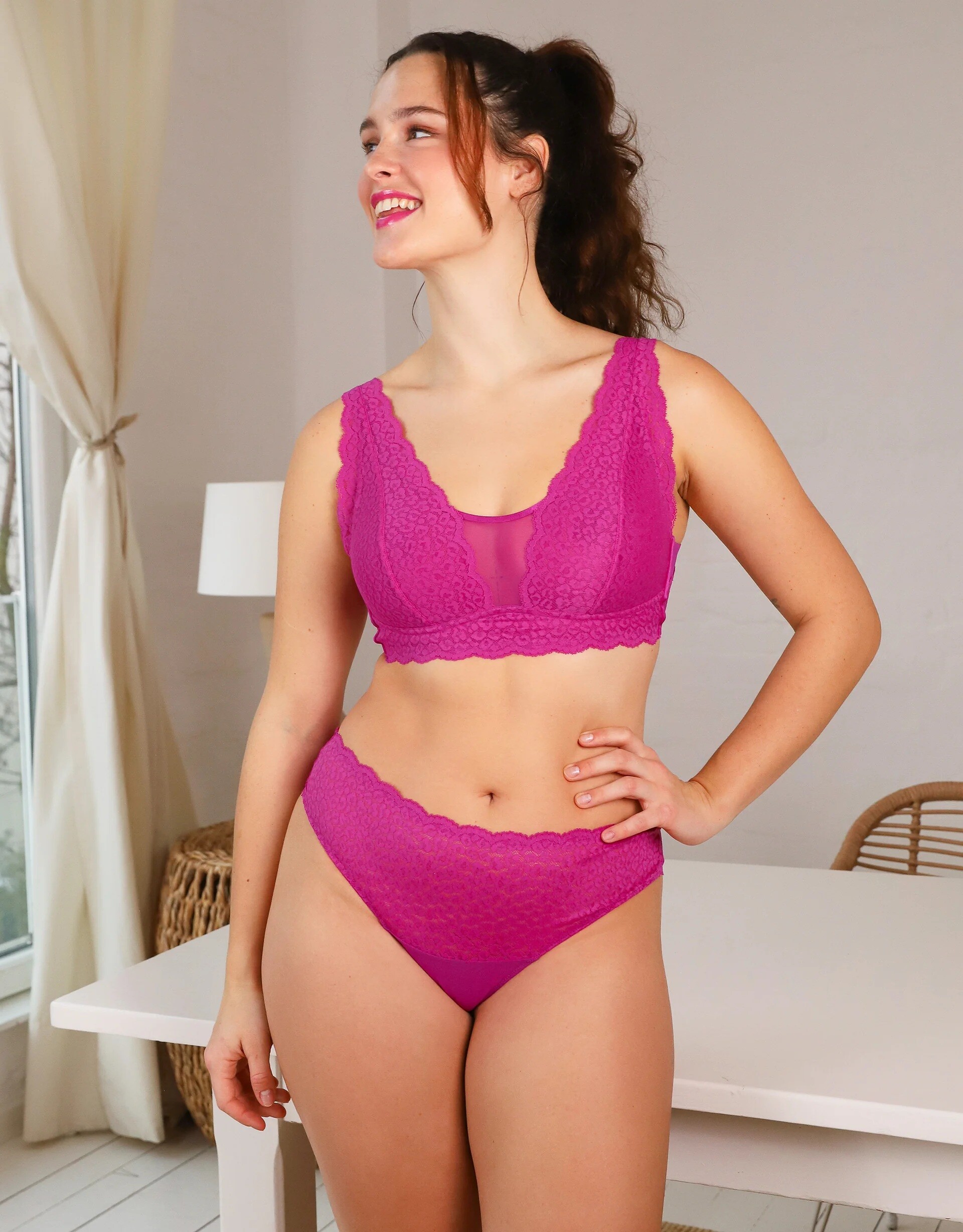
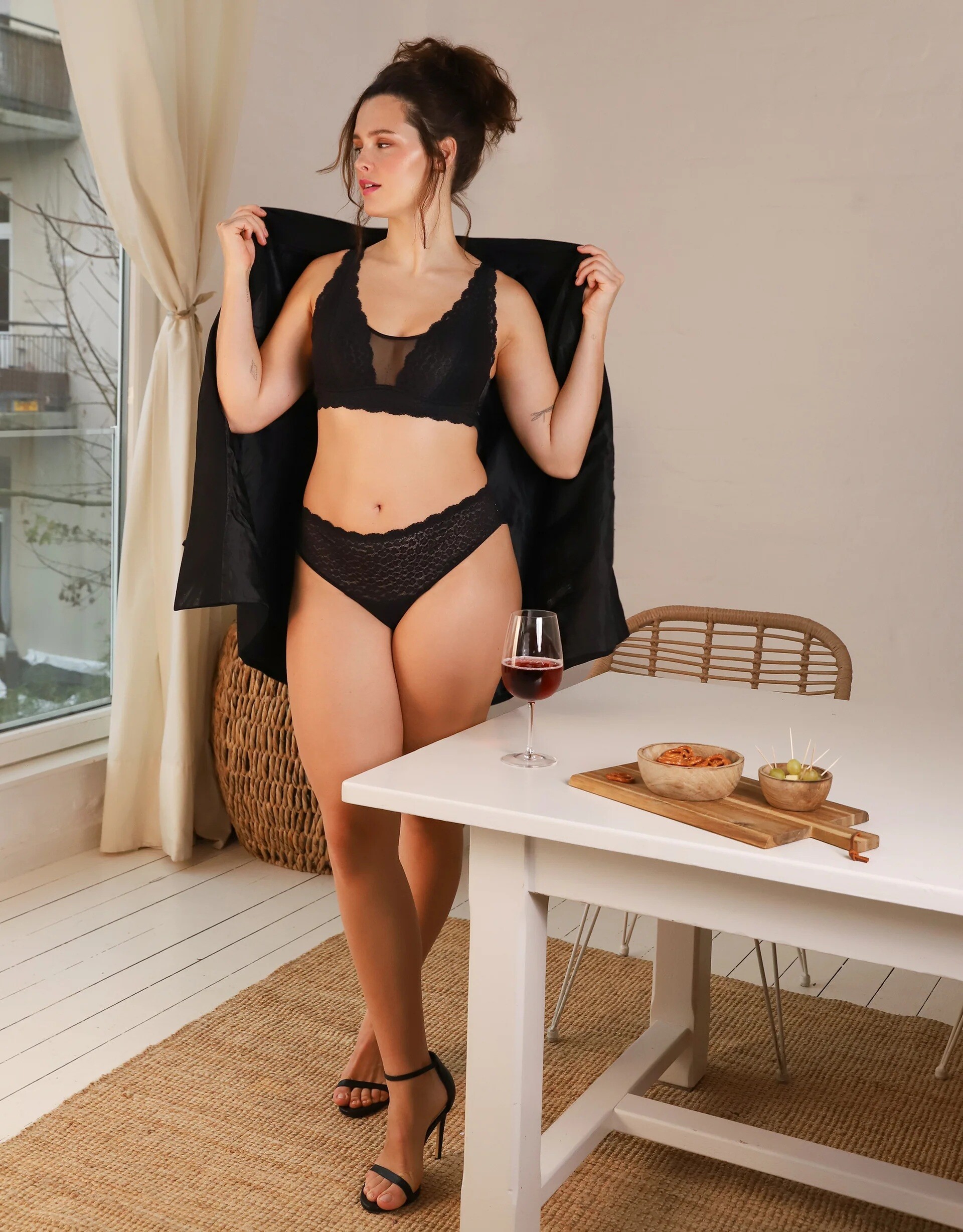
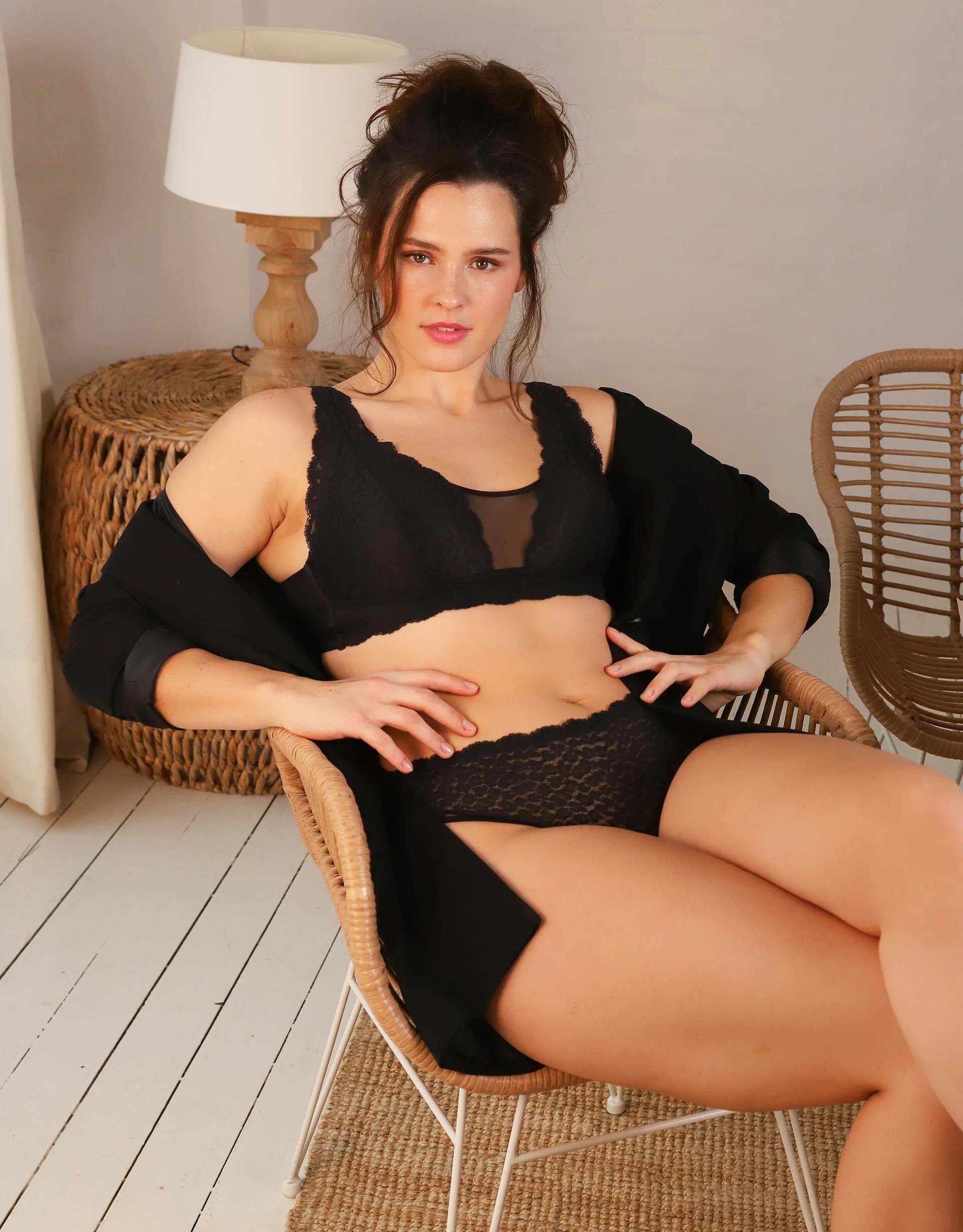
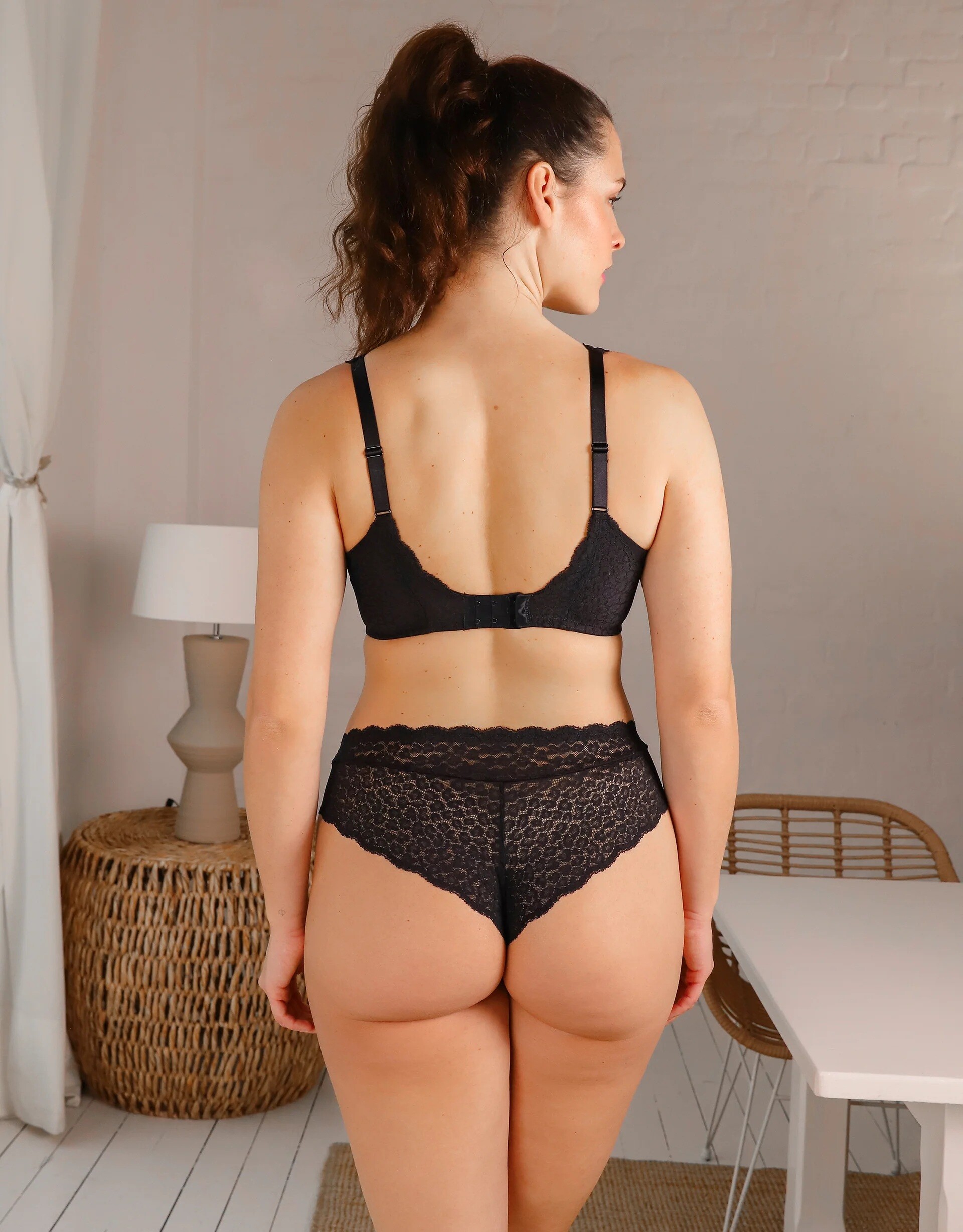
Ulla Popken-Kollektion


-
-
@irinassolo https://www.tiktok.com/@irinasssolo


.thumb.webp.70404b5fd6bf9612d6a30468d4aba770.webp)

-
New Stuff 9na5ekcifkyg1.mp4


-
Sexy! SnapInsta.to_AQN2_yxHePEd_OThu4f5PiULndKLBpS2VrzvXYJGLMYr2wox9WUqZhsVzzeWgpkTq_AHUZZbLYNe_zsCZqfrn8U1.mp4
-
-
More


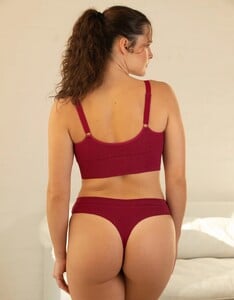





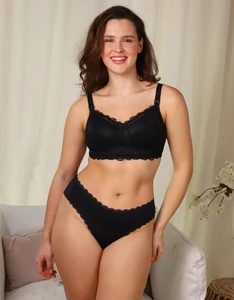



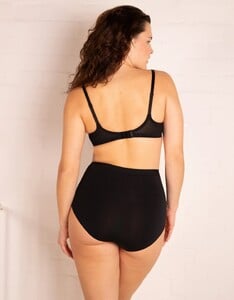








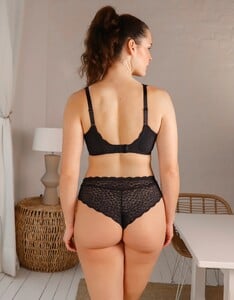




-
-
Fuck off!
-
One more:
-
Who are these girls? Recent sets by Nelb Rodriguez / Nelbstudios


-
Insta SnapInsta.to_AQOGDtfx2dr_qHgsNemxfPPV17QtH5qBlEyI59vS0Twzs7wNapLzP8EVAEvlJeF7iiwZgiYGlx1wa4BRpiy8JOe-K8aBVmbb5z9Zf7c.mp4

 is there anyone who wants to talk about her?https://www.instagram.com/stories/diana.cosplayer/

.thumb.jpg.dd8d6239b35d8ee0a66c58d130f66346.jpg)











 https://www.bellazon.com/main/topic/123312-romi-calypso/SnapInsta.to_AQMRhle-sNe-52UWXR1hiVwfXVN09IXtRR60bhtORQ-OKVKpoaTXj3T1mWw_09tbM2DFujsqnGq0kLDL49b60XDkR-qLuajWkxMWG40.mp4 SnapInsta.to_AQNfNxLzVcoB7082pBVEoEPHrezUqin5wYJue6yLwgml2mf8CAFYSQaHB2CCXrmD5Yc10FCyaIbQfsVwQX3GKeIO1MvC-f6QP6xRaWg.mp4.5a779700c278dd5f7a0e74261e1bccf5.mp4 SnapInsta.to_AQPJXZg4G0AfX9c0yUMSNWFosHNRXvzXv8A-7qBKuumU8Dtv1R_WPksJ7BXGy0iWEZ31kaNFFNNNyBLuQ85J-1GkvOBq3R-89hkUGfg.mp4







 thank you very much man!


.webp.de413c104adb6e4f0ef04f89e17f1e75.webp)



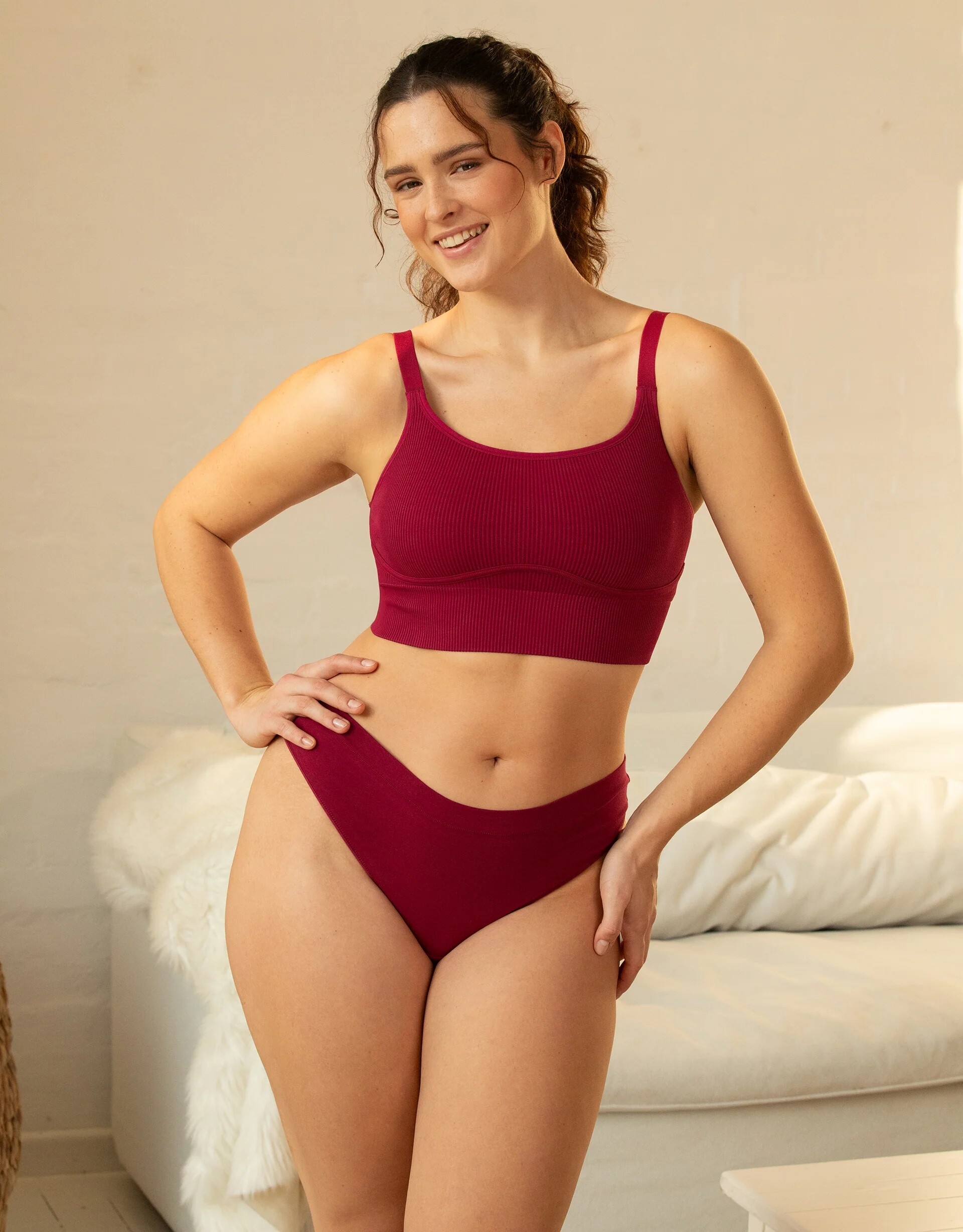
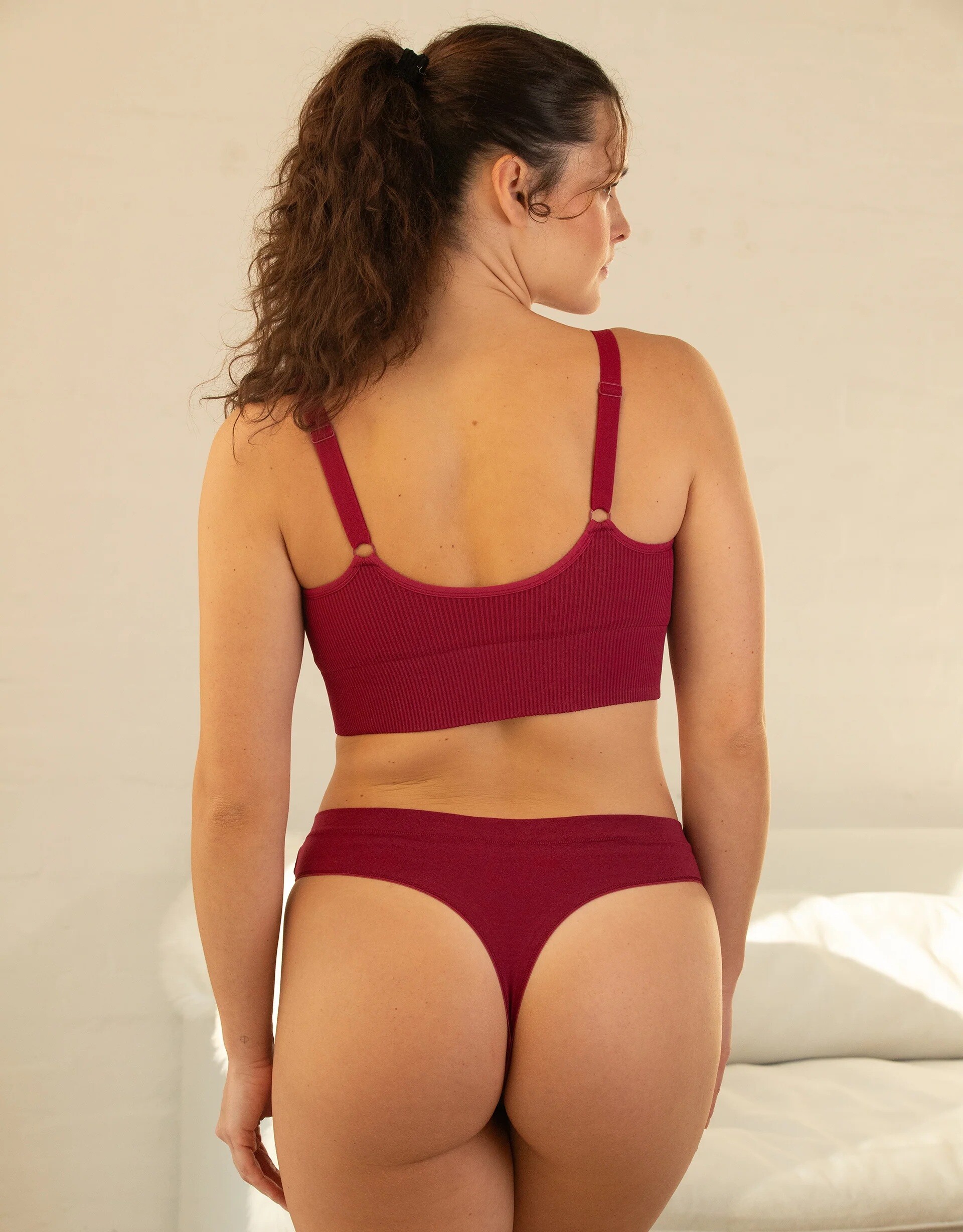



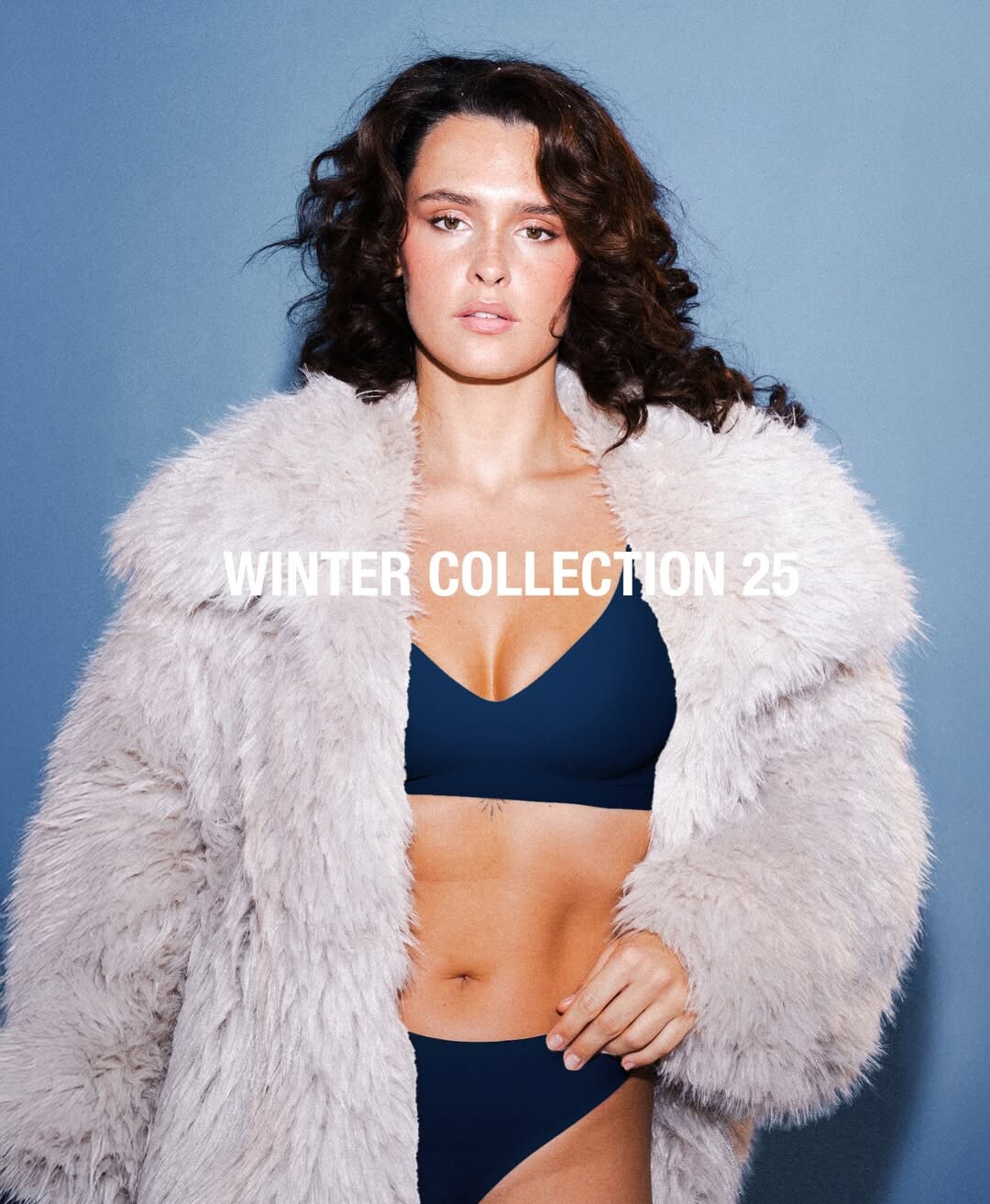



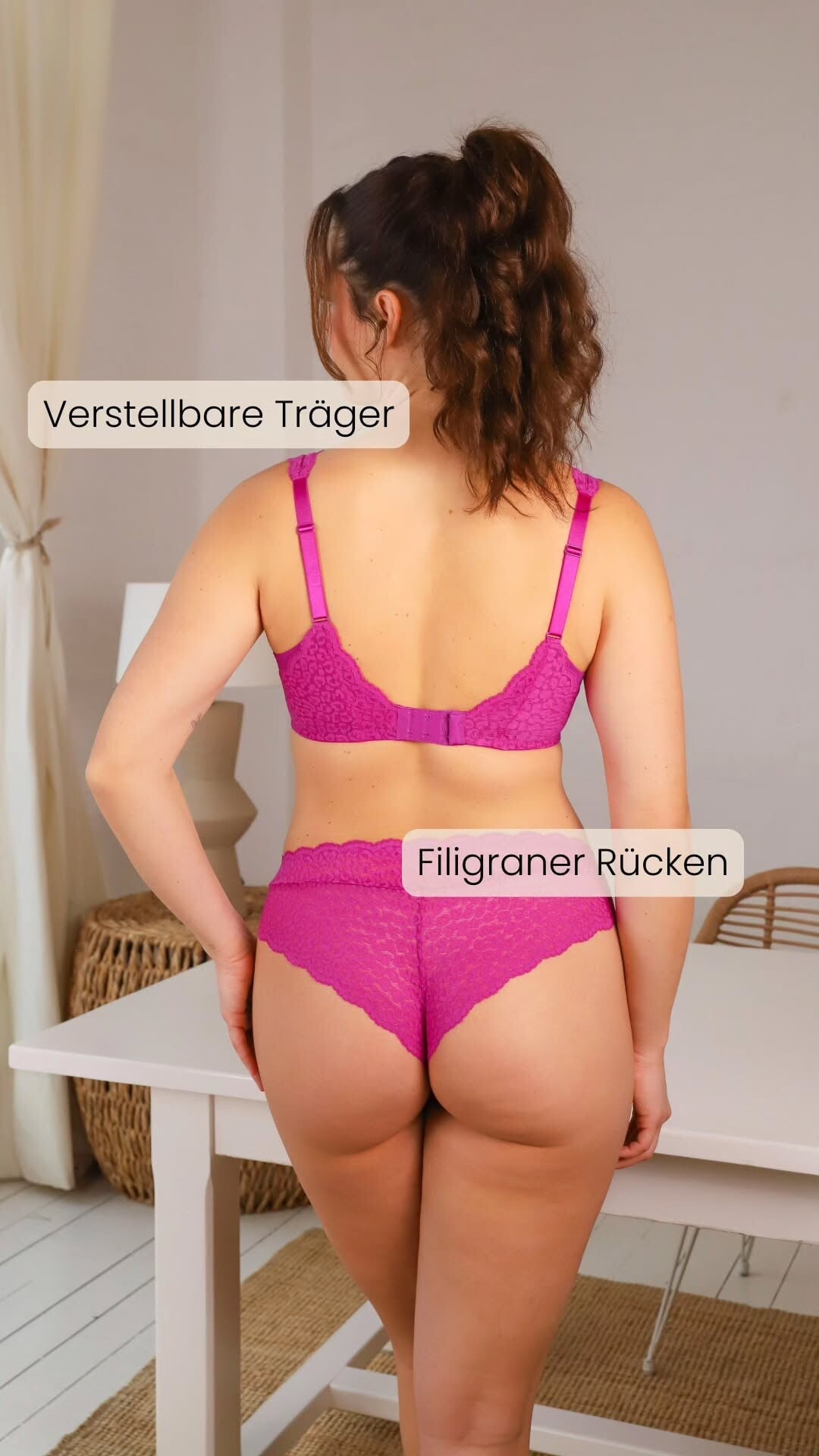



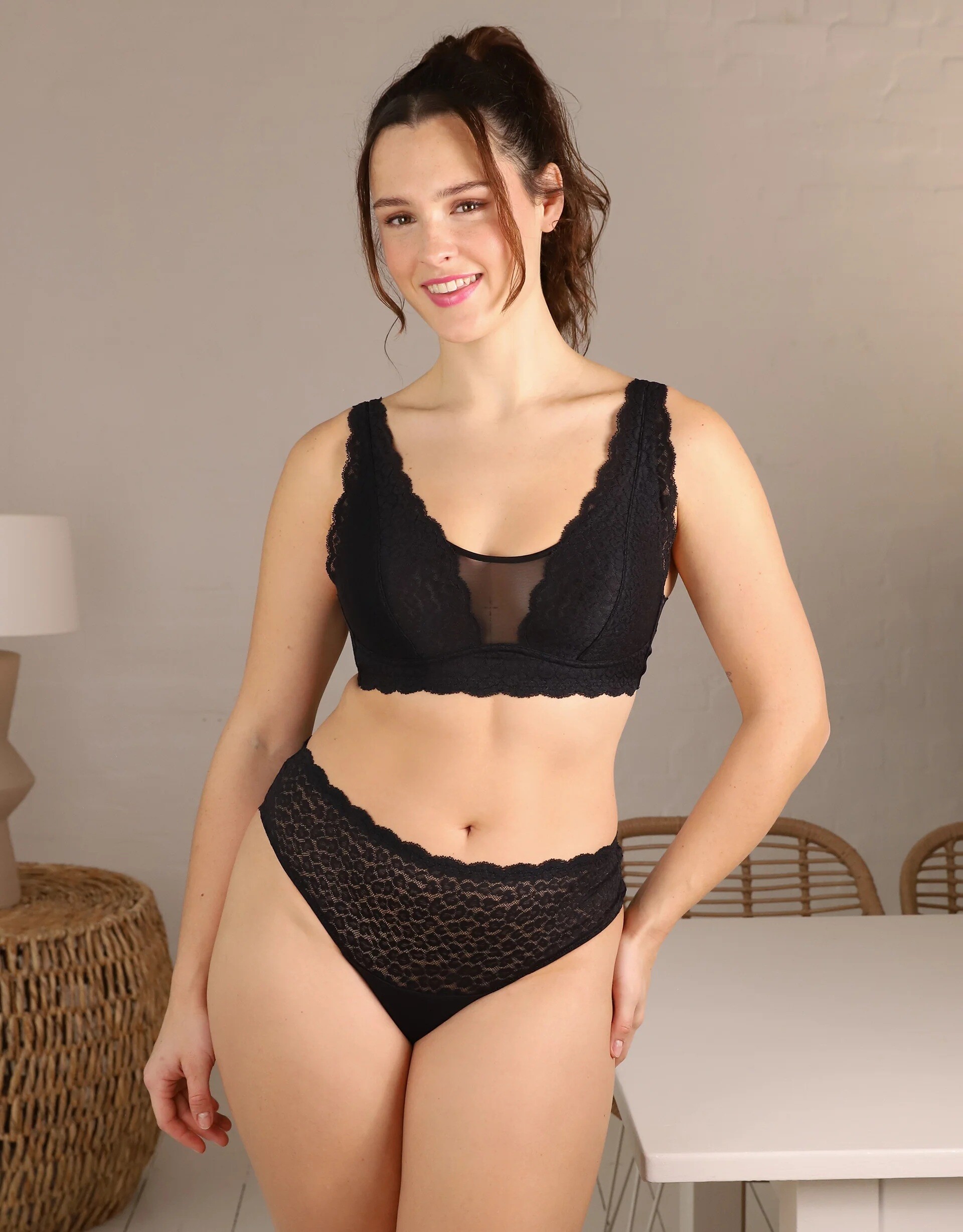
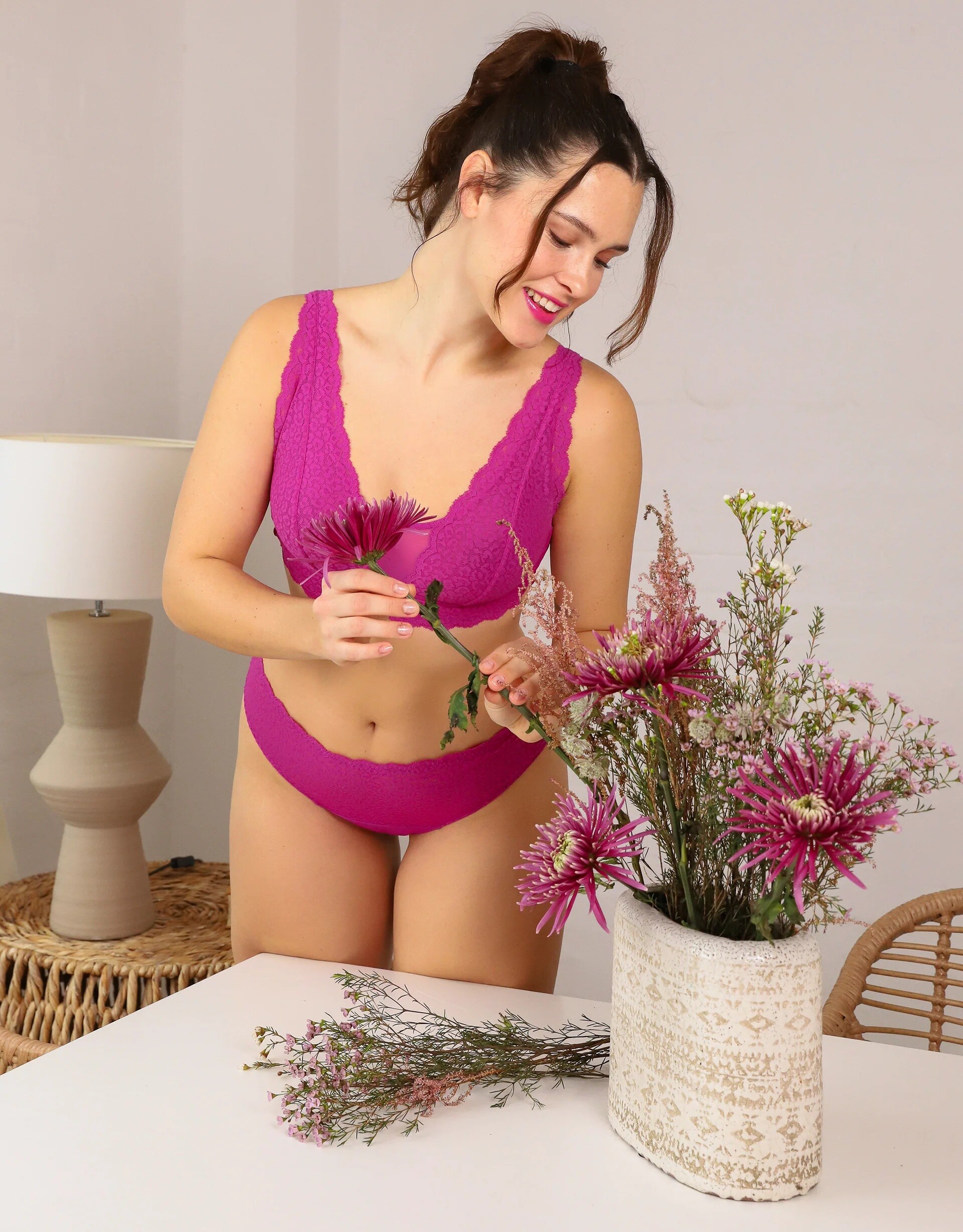
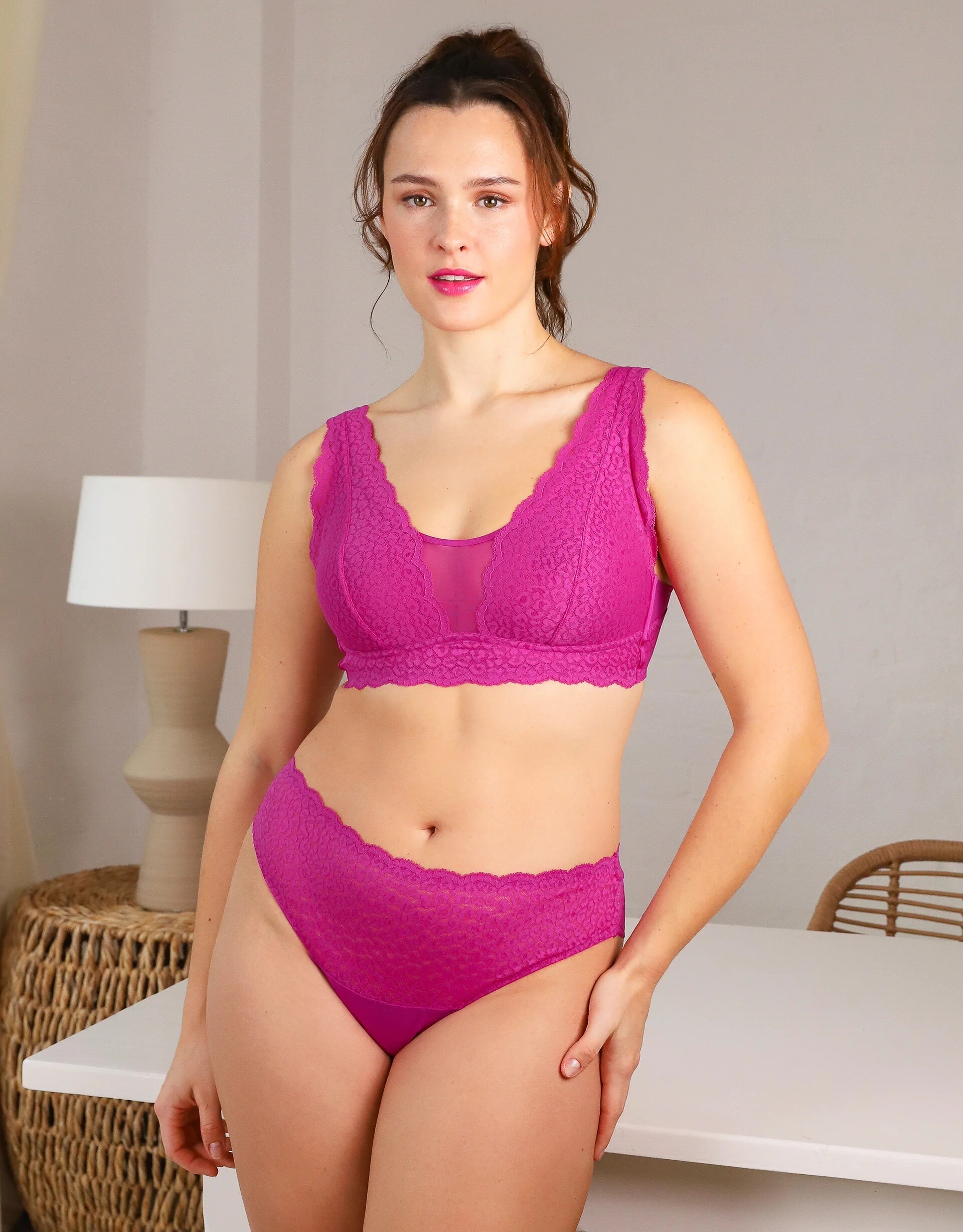
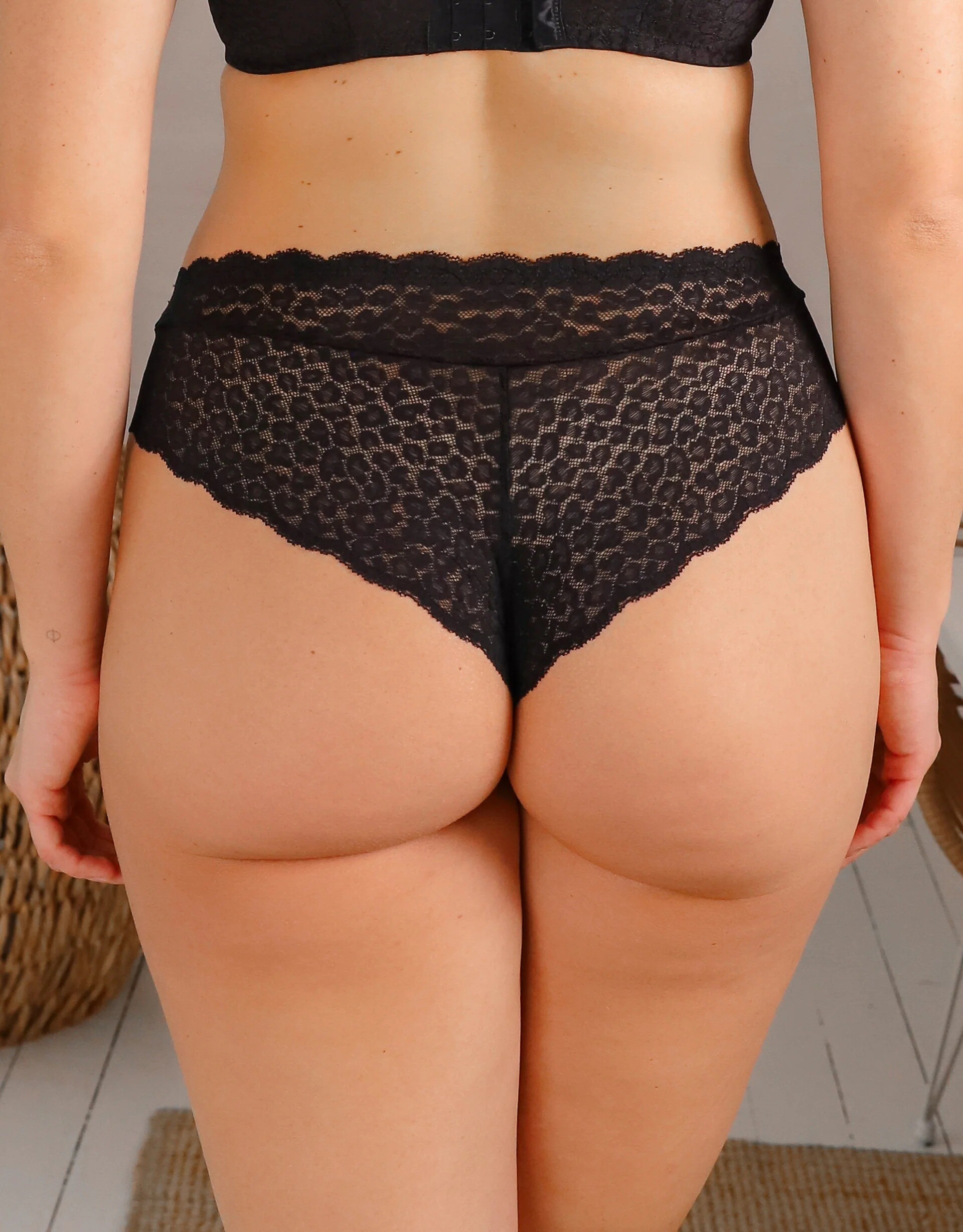






.jpg.1915ded55f87dffcace78f0efb5be607.jpg)












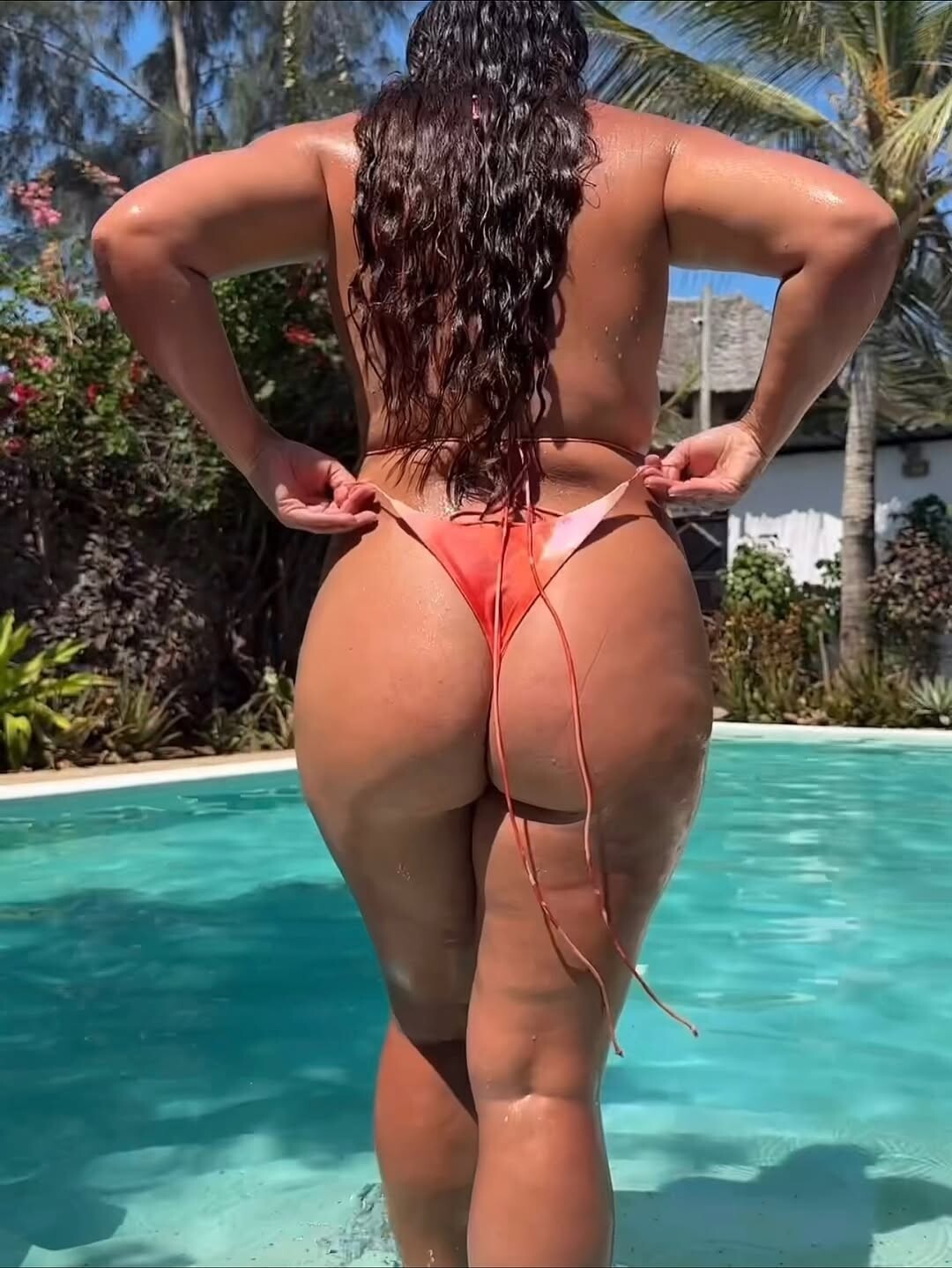

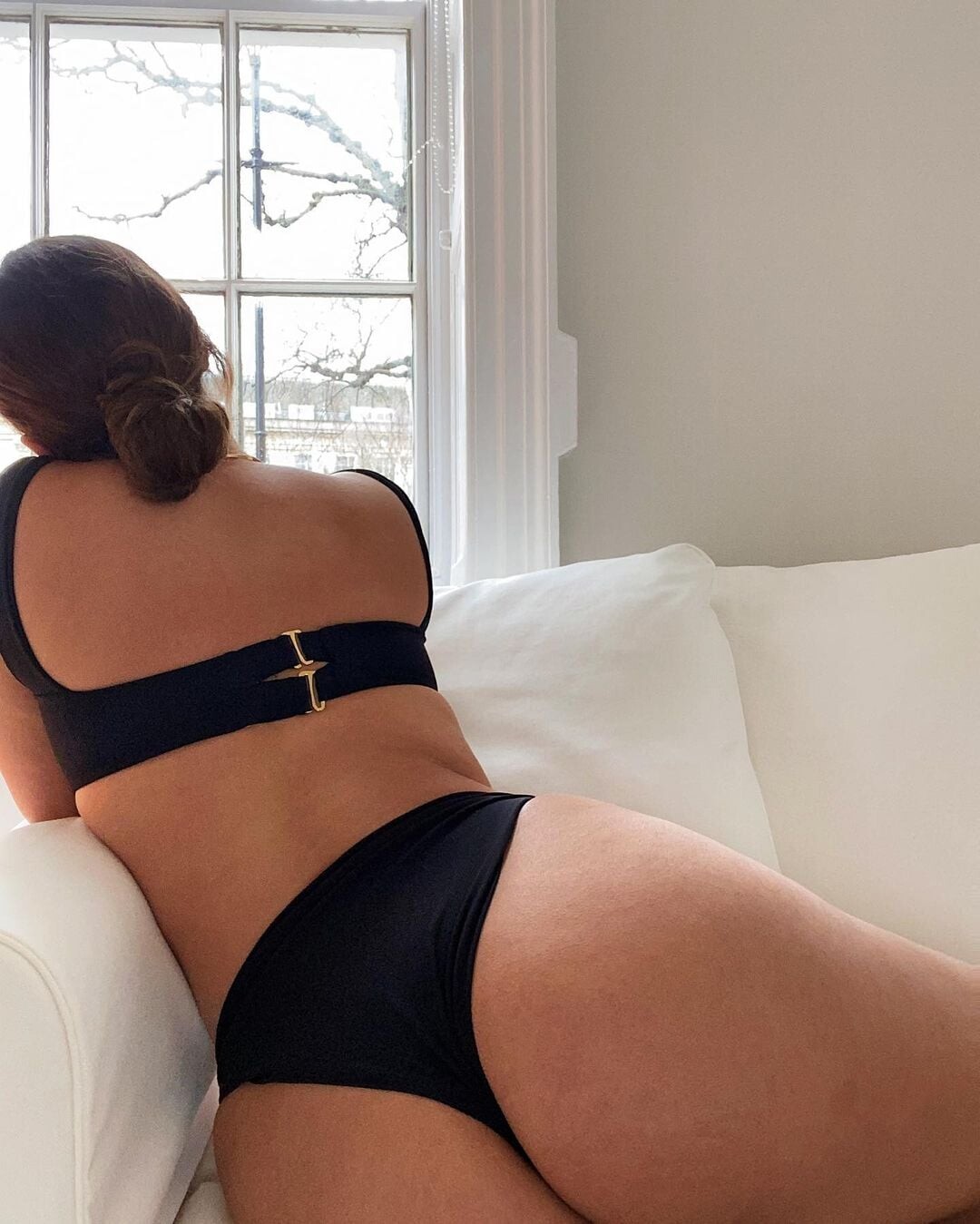

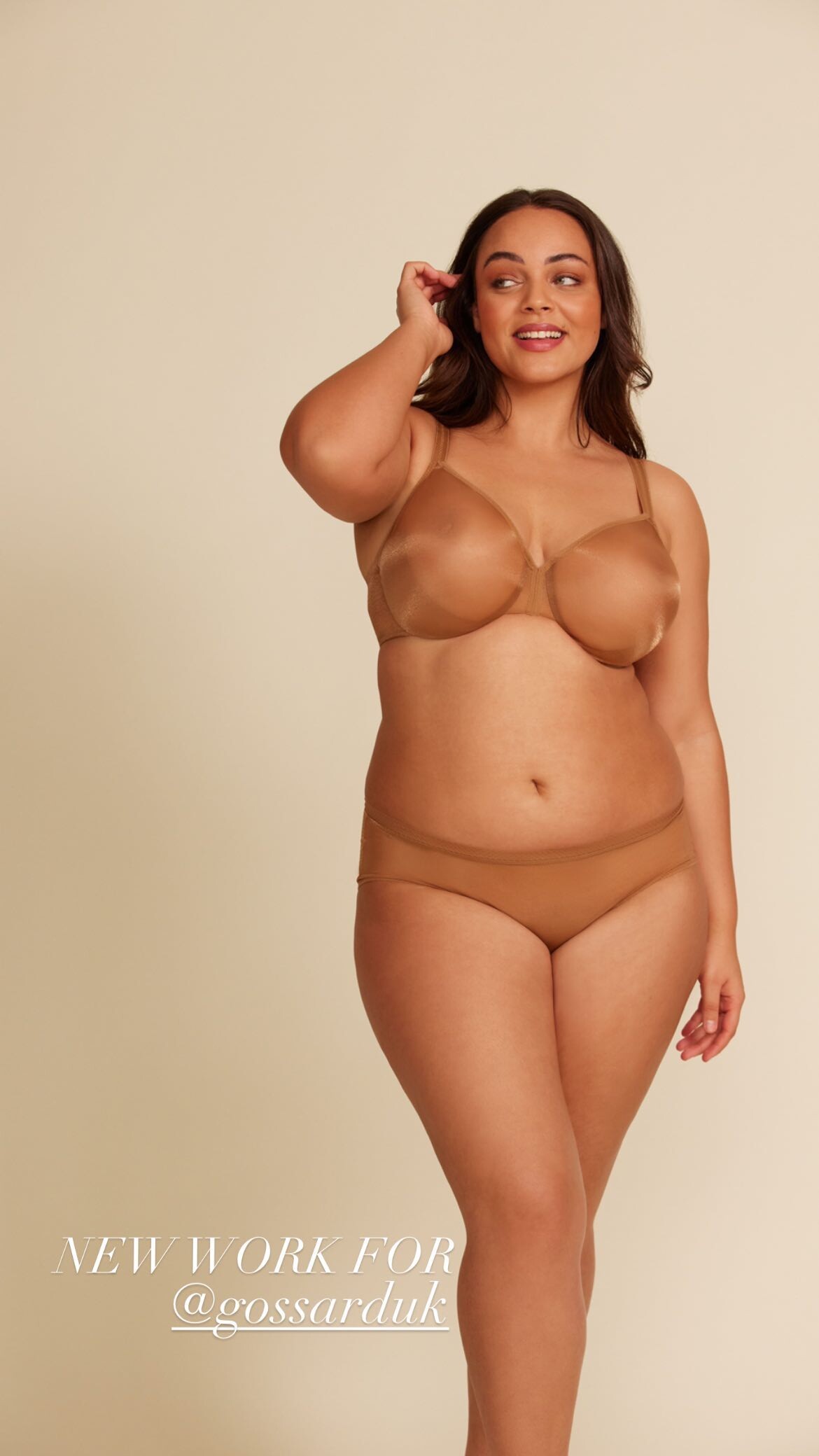



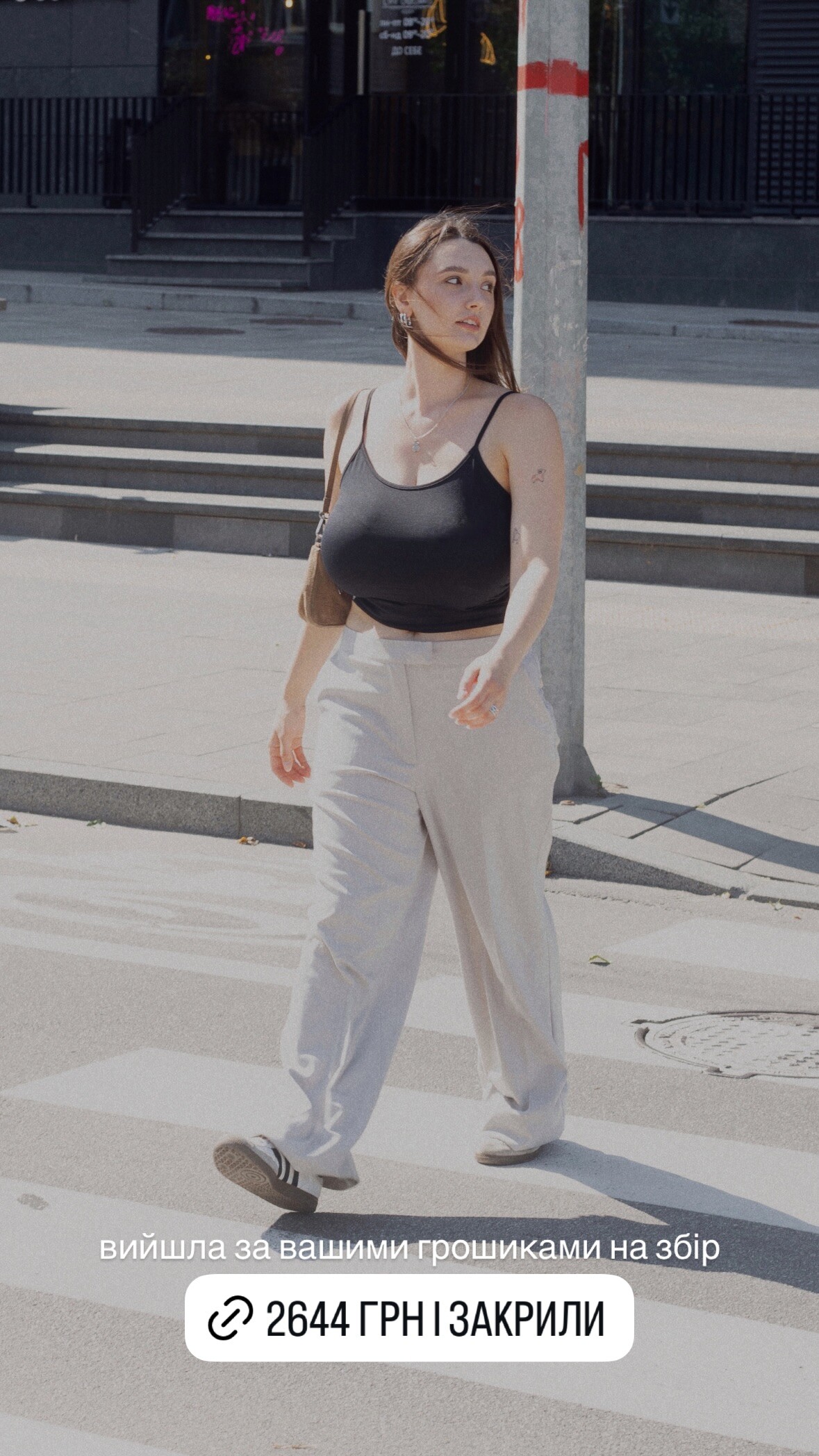












Account
Navigation
Search
Configure browser push notifications
Chrome (Android)
- Tap the lock icon next to the address bar.
- Tap Permissions → Notifications.
- Adjust your preference.
Chrome (Desktop)
- Click the padlock icon in the address bar.
- Select Site settings.
- Find Notifications and adjust your preference.
Safari (iOS 16.4+)
- Ensure the site is installed via Add to Home Screen.
- Open Settings App → Notifications.
- Find your app name and adjust your preference.
Safari (macOS)
- Go to Safari → Preferences.
- Click the Websites tab.
- Select Notifications in the sidebar.
- Find this website and adjust your preference.
Edge (Android)
- Tap the lock icon next to the address bar.
- Tap Permissions.
- Find Notifications and adjust your preference.
Edge (Desktop)
- Click the padlock icon in the address bar.
- Click Permissions for this site.
- Find Notifications and adjust your preference.
Firefox (Android)
- Go to Settings → Site permissions.
- Tap Notifications.
- Find this site in the list and adjust your preference.
Firefox (Desktop)
- Open Firefox Settings.
- Search for Notifications.
- Find this site in the list and adjust your preference.