Jump to content
View in the app

A better way to browse. Learn more.

Bellazon

A full-screen app on your home screen with push notifications, badges and more.

To install this app on iOS and iPadOS
  1. Tap the Share icon in Safari
  2. Scroll the menu and tap Add to Home Screen.
  3. Tap Add in the top-right corner.
To install this app on Android
  1. Tap the 3-dot menu (⋮) in the top-right corner of the browser.
  2. Tap Add to Home screen or Install app.
  3. Confirm by tapping Install.

Dayrell

Members
  • Joined

  • Last visited

Everything posted by Dayrell

  1. italian Madame Class
  2. My pleasure, Barbie!
  3. Thank You !!!!!! I modernized my catalogue with pictures of Miranda and I thought " what a pity that Grazia cover is so small ". And now - her it is Well, I´m realy happy to help you!
  4. french OK
  5. with Estelle in french Glamour
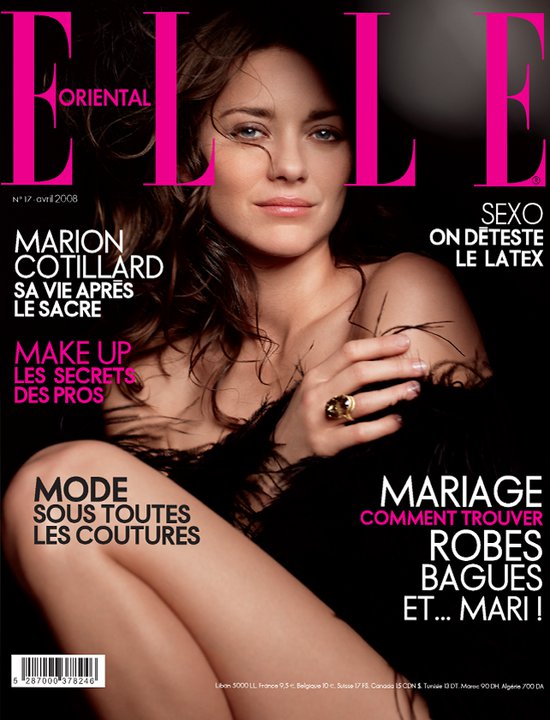
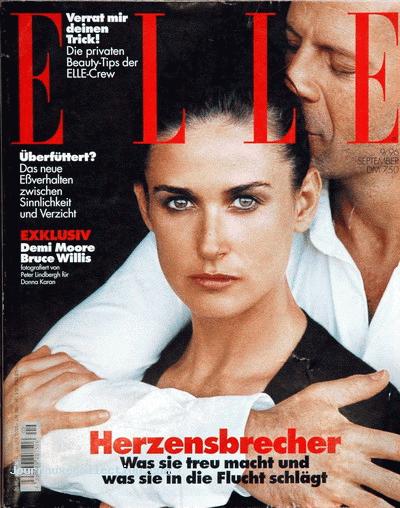
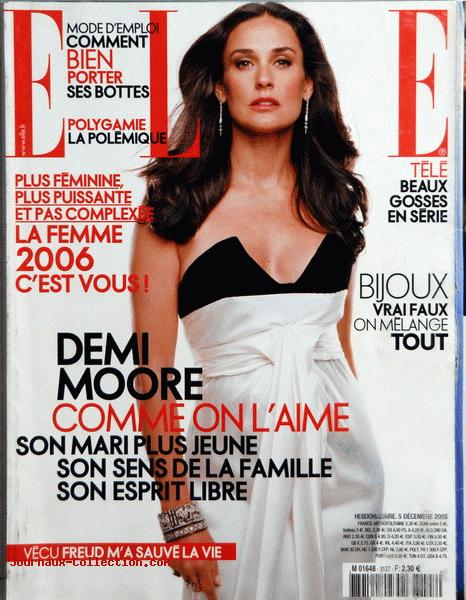
  6. german Elle
  7. german Cosmopolitan
  8. french Cine Tele Revue
  9. french Casting
  10. Vanity Fair
  11. Ebony
  12. Complex
  13. Dayrell replied to Nefertiti's topic in Actresses
    britsh Vogue
  14. Dayrell replied to Nefertiti's topic in Actresses
    american Vogue Patterns
  15. Dayrell replied to Nefertiti's topic in Actresses
    french Lofficiel
  16. Dayrell replied to Nefertiti's topic in Actresses
    Vanessa when she was a model in a Cosmo covers
  17. Dayrell replied to Dayrell's topic in Actresses
    Thanks for starting the thread--I lost a lot of sleep over her after I saw "Gabriela." Yes!!! Sonia is a real Pin up girll!! :drool:
  18. german Petra
  19. new australian Grazia
  20. brasilian Zero magazine
  21. Dayrell replied to rosada's topic in Gisele Bundchen
    Her 10th Elle Brasil cover
  22. Dayrell replied to blurdk's topic in Actresses
    greek K
  23. french Quel Avenir
  24. Dayrell replied to Siren's topic in Actresses
    Fashion India

Configure browser push notifications

Chrome (Android)
  1. Tap the lock icon next to the address bar.
  2. Tap Permissions → Notifications.
  3. Adjust your preference.
Chrome (Desktop)
  1. Click the padlock icon in the address bar.
  2. Select Site settings.
  3. Find Notifications and adjust your preference.