

Dayrell
Members
-
Joined
-
Last visited
Everything posted by Dayrell
-

-
Beauty Launchpad
 Det Nye magazine
 french Photo
 Who is the girl in this catwalk image, guys? Thanks!
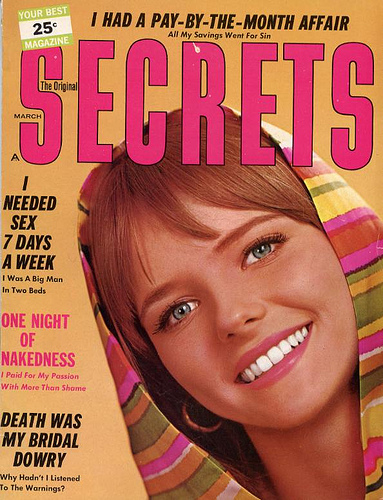
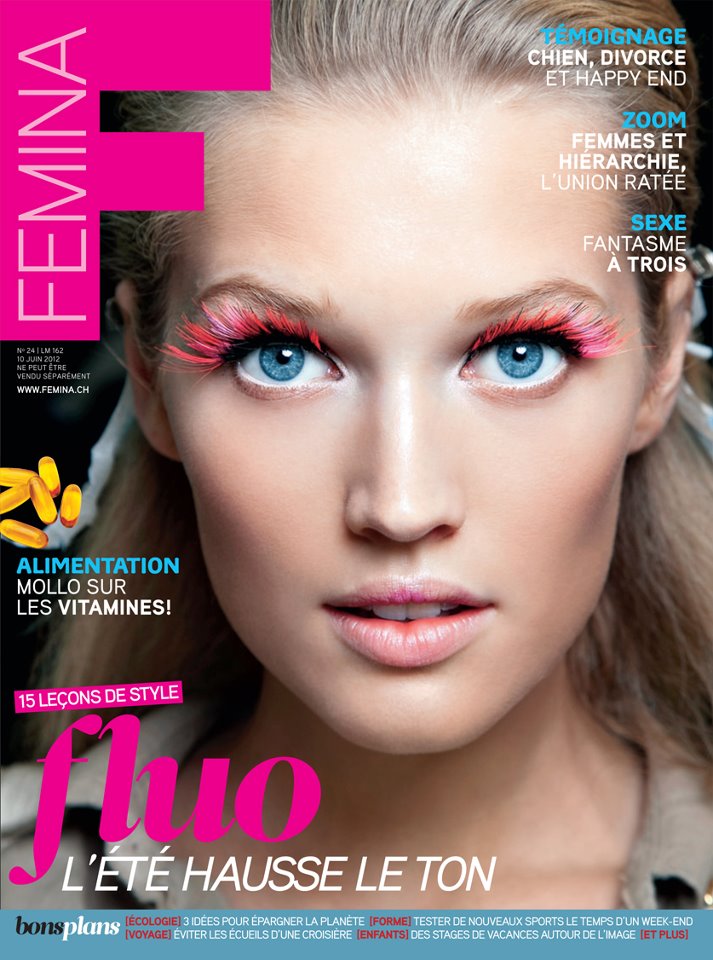
Anyone can ID the girl in PHoto cover? Thanks
four different covers for The Best Shop, Serbia. Any ID for the girl, guys? Thanks for looking!
Who is the girl in this catwalk image, guys? Thanks!
Anyone can ID the girl in PHoto cover? Thanks
four different covers for The Best Shop, Serbia. Any ID for the girl, guys? Thanks for looking!


 Glow (I think this magazine is mexican, but not sure...)
 romenian GQ
 Vanity Fair Italia
 Vanity Fair Italy
Elle Finland
Vanity Fair Italy
Elle Finland Thanks Dayrell! My pleasure, Kelly!
Amazing, thanks!
Thanks Dayrell! My pleasure, Kelly!
Amazing, thanks! Beautiful cover!
 The Madame Figaro 87 is not Cindy, it´s a model called Colleen Kaher!
Great cover, thanks!
Go Where, Brasil
The Madame Figaro 87 is not Cindy, it´s a model called Colleen Kaher!
Great cover, thanks!
Go Where, Brasil















Account
Navigation
Search
Configure browser push notifications
Chrome (Android)
- Tap the lock icon next to the address bar.
- Tap Permissions → Notifications.
- Adjust your preference.
Chrome (Desktop)
- Click the padlock icon in the address bar.
- Select Site settings.
- Find Notifications and adjust your preference.
Safari (iOS 16.4+)
- Ensure the site is installed via Add to Home Screen.
- Open Settings App → Notifications.
- Find your app name and adjust your preference.
Safari (macOS)
- Go to Safari → Preferences.
- Click the Websites tab.
- Select Notifications in the sidebar.
- Find this website and adjust your preference.
Edge (Android)
- Tap the lock icon next to the address bar.
- Tap Permissions.
- Find Notifications and adjust your preference.
Edge (Desktop)
- Click the padlock icon in the address bar.
- Click Permissions for this site.
- Find Notifications and adjust your preference.
Firefox (Android)
- Go to Settings → Site permissions.
- Tap Notifications.
- Find this site in the list and adjust your preference.
Firefox (Desktop)
- Open Firefox Settings.
- Search for Notifications.
- Find this site in the list and adjust your preference.