Rebahh
Members
-
Joined
-
Last visited
Everything posted by Rebahh
-
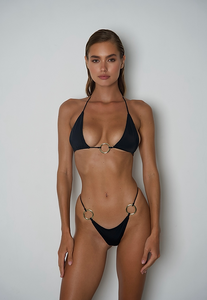
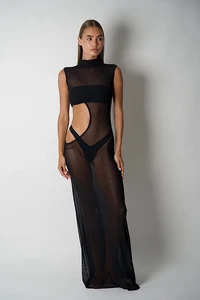
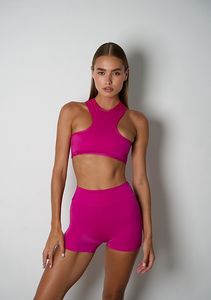
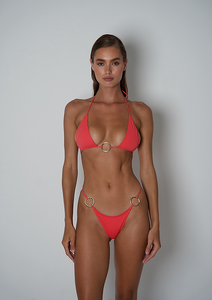
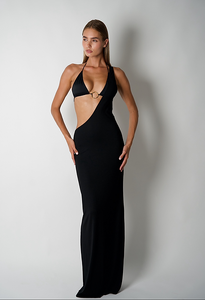
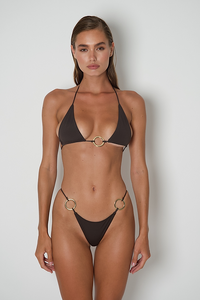
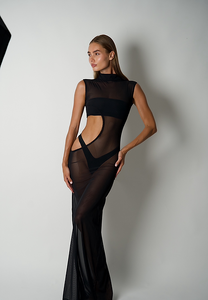
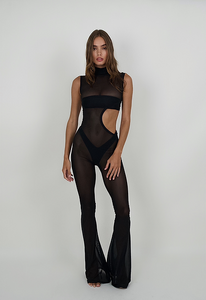
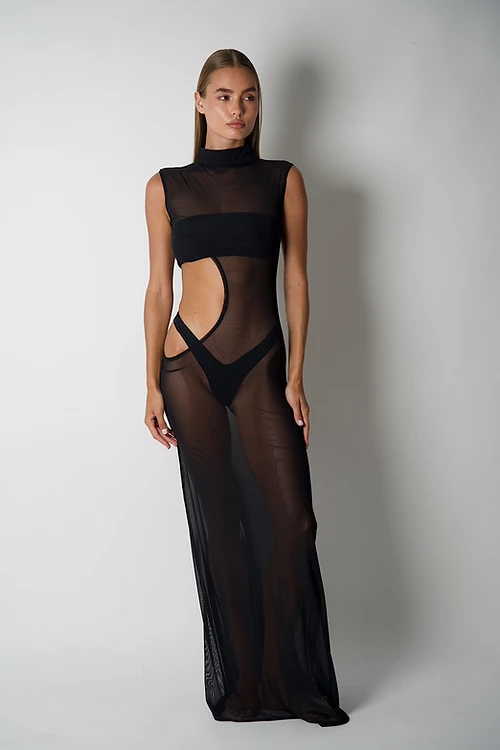
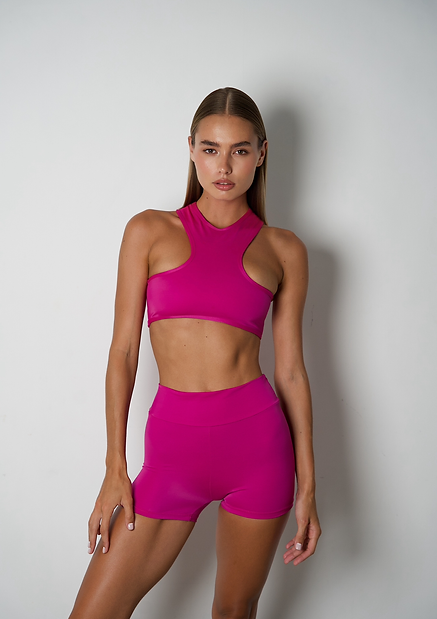
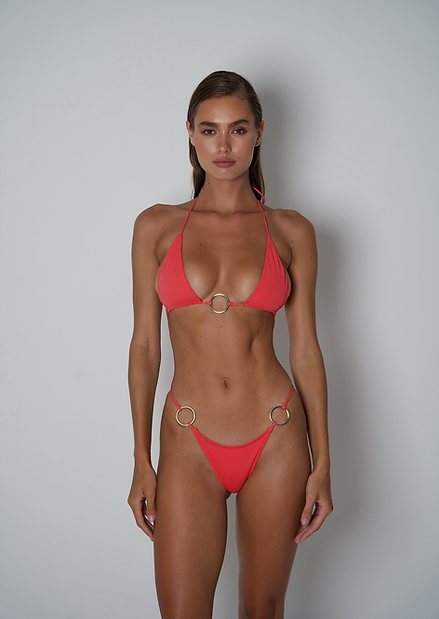
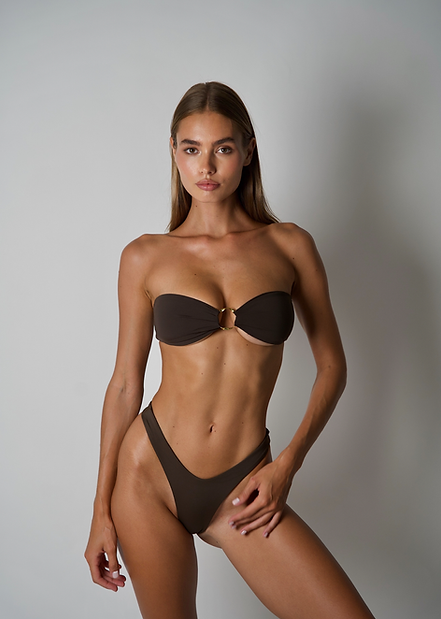
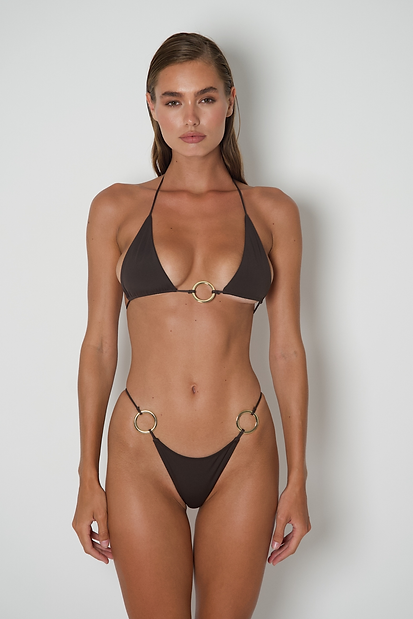
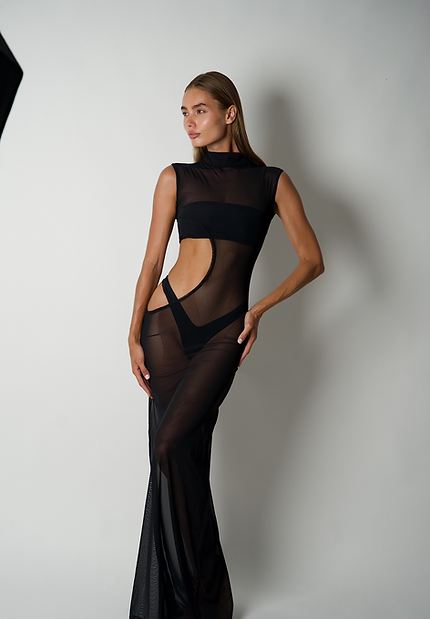
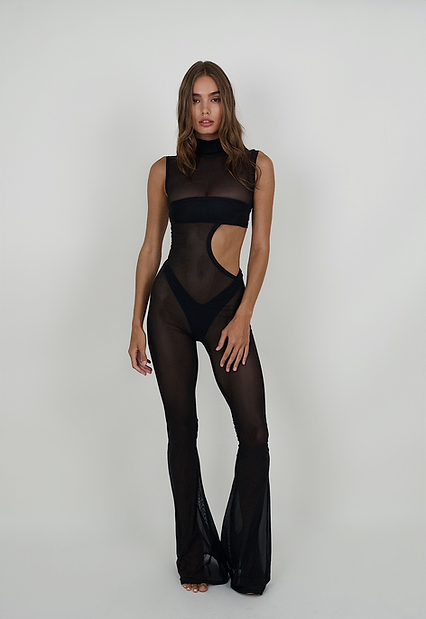
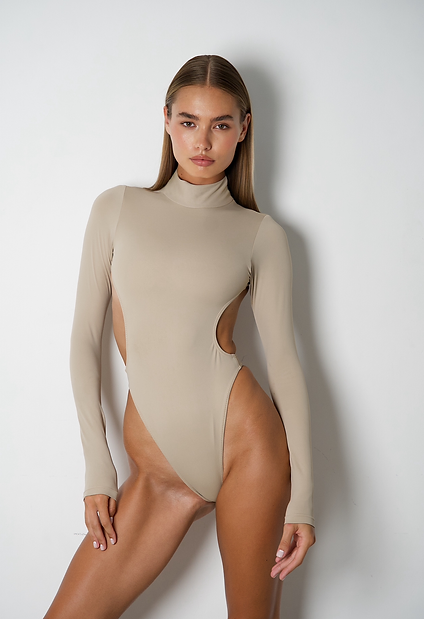
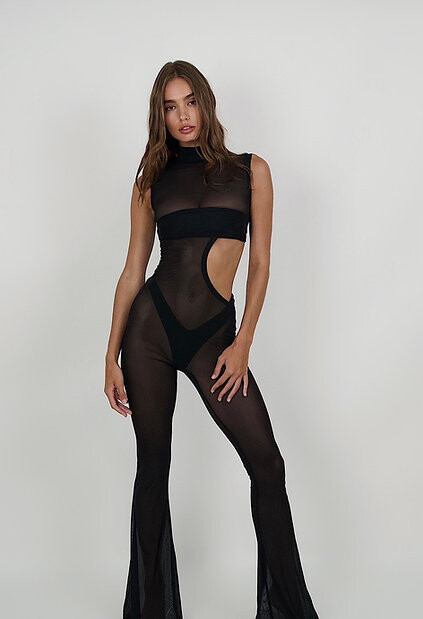
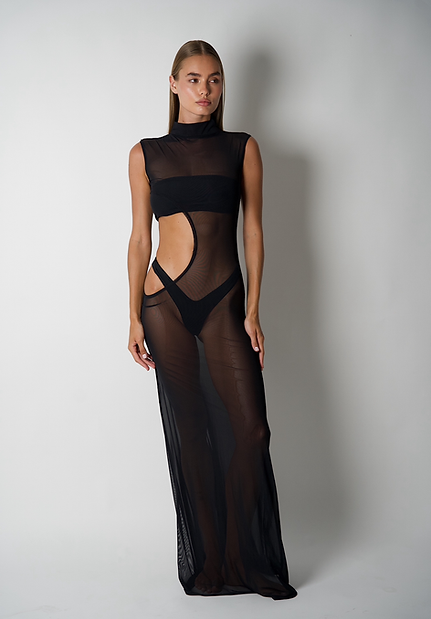
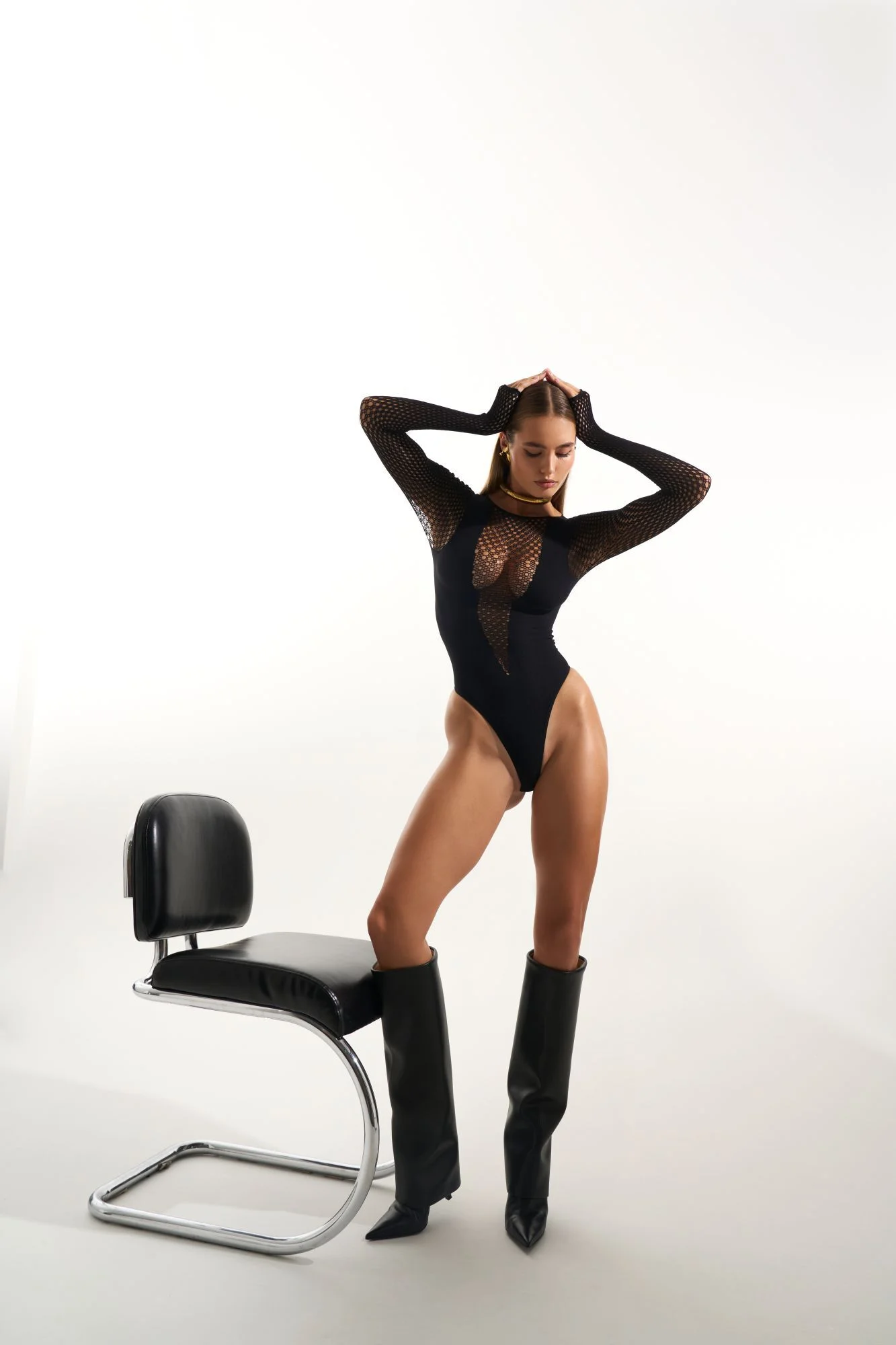
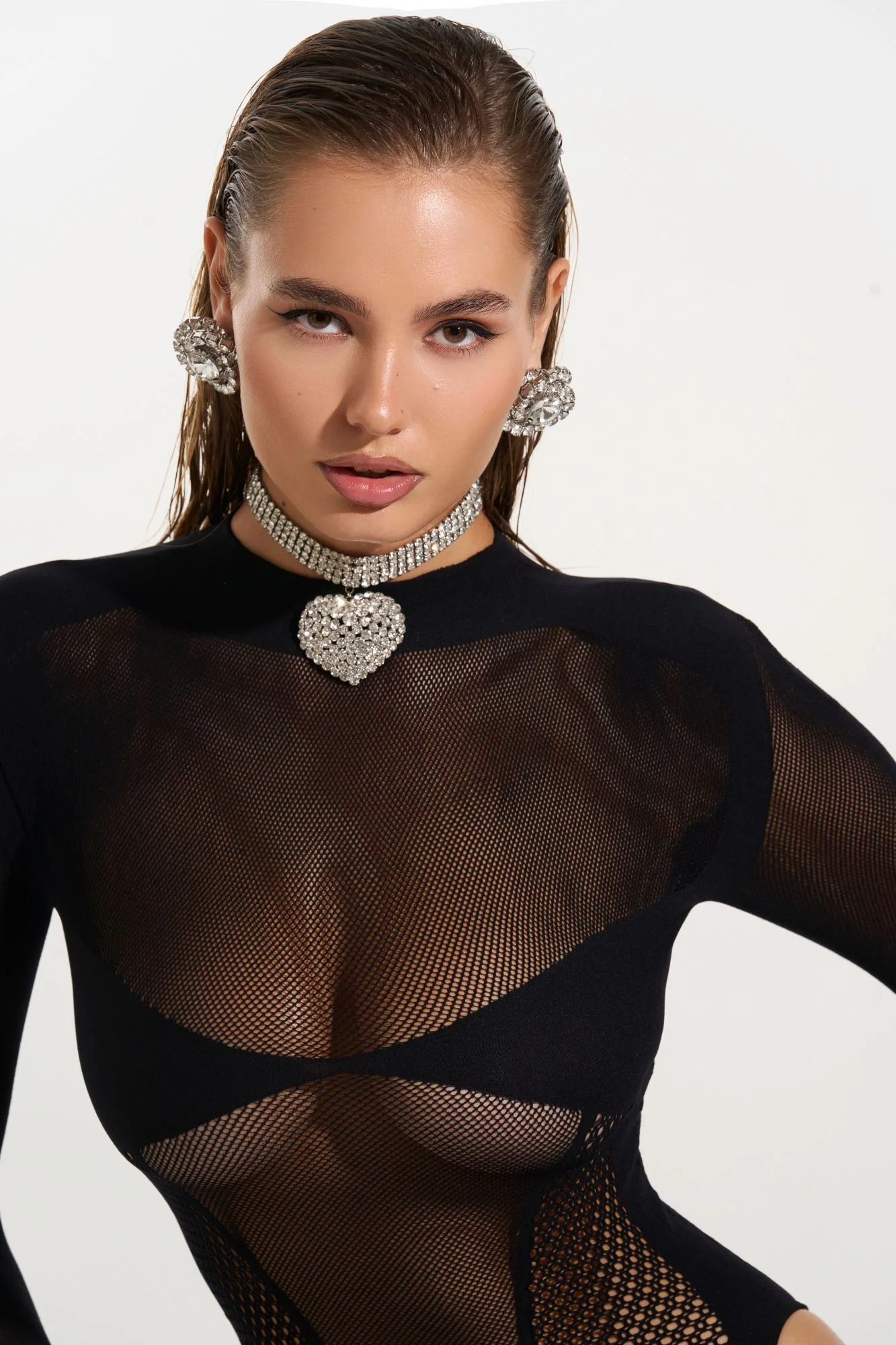
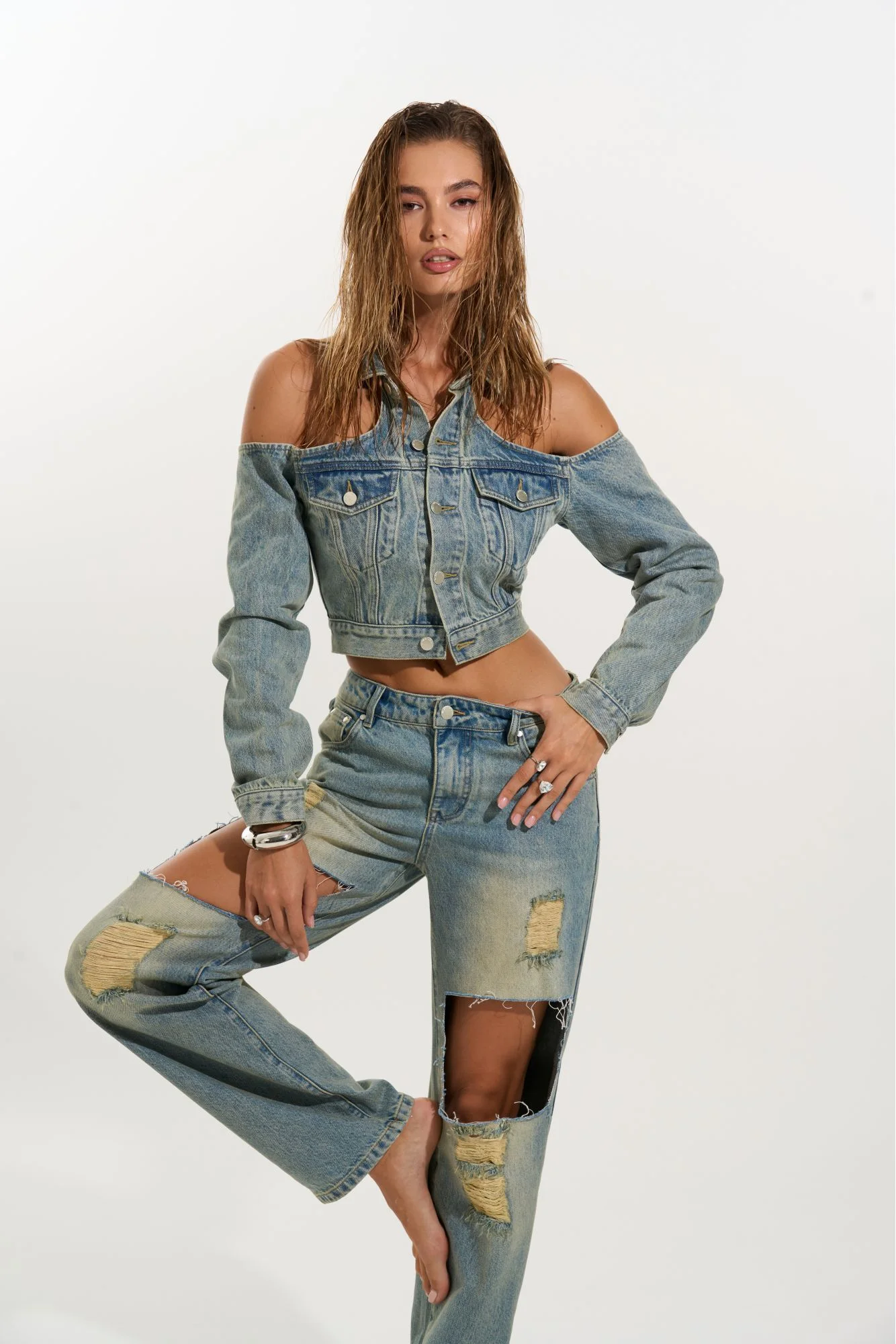
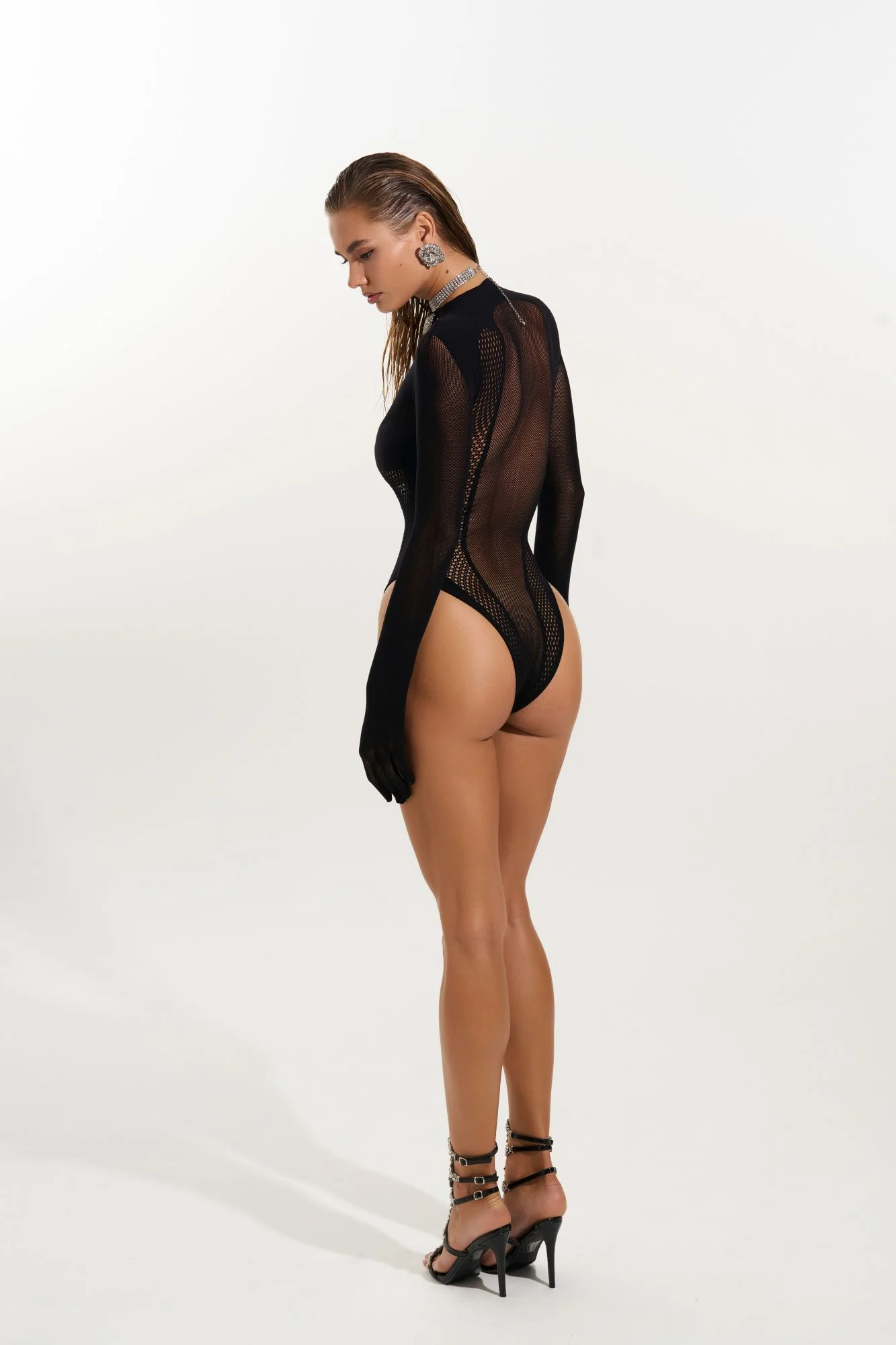
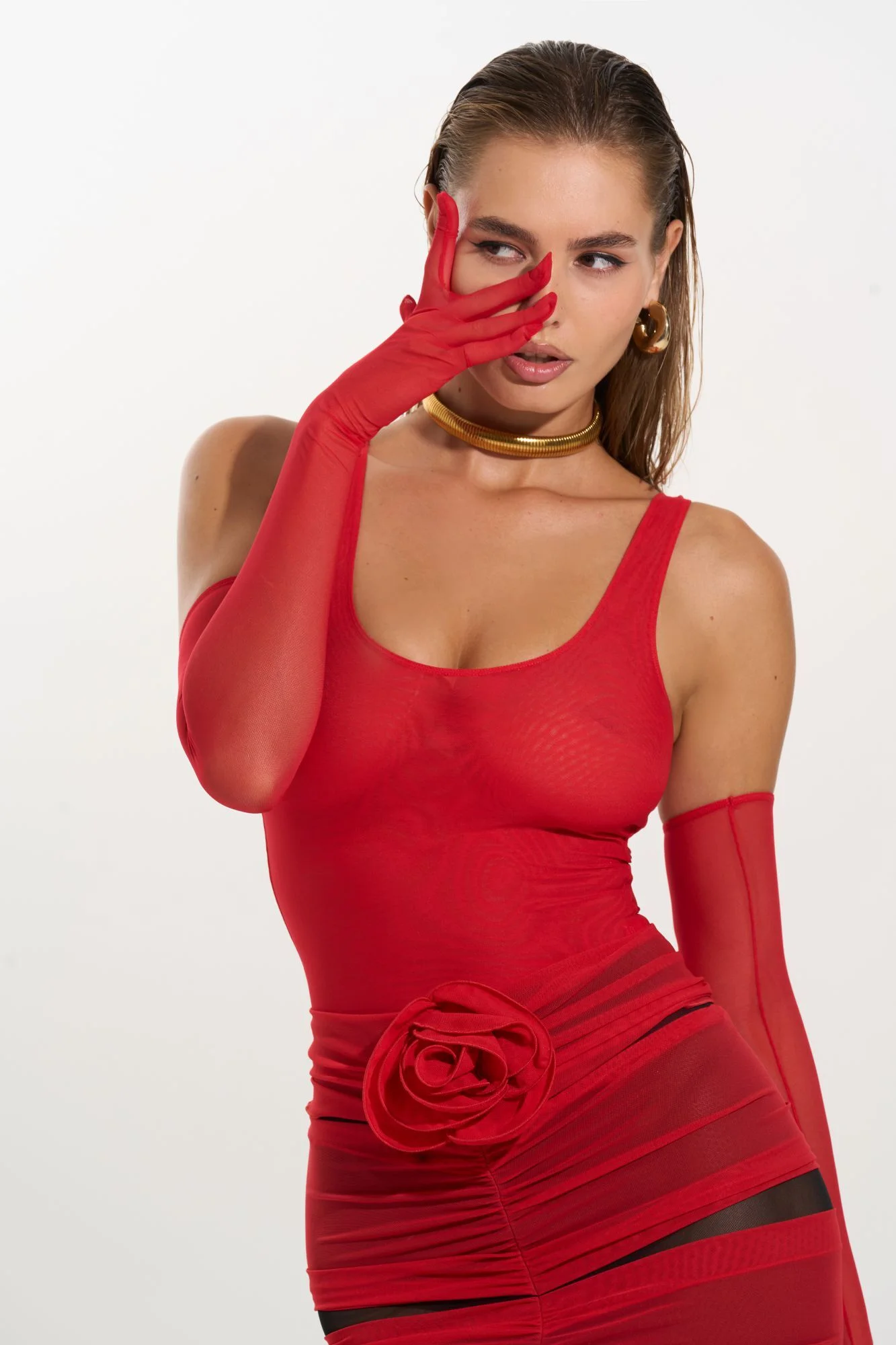
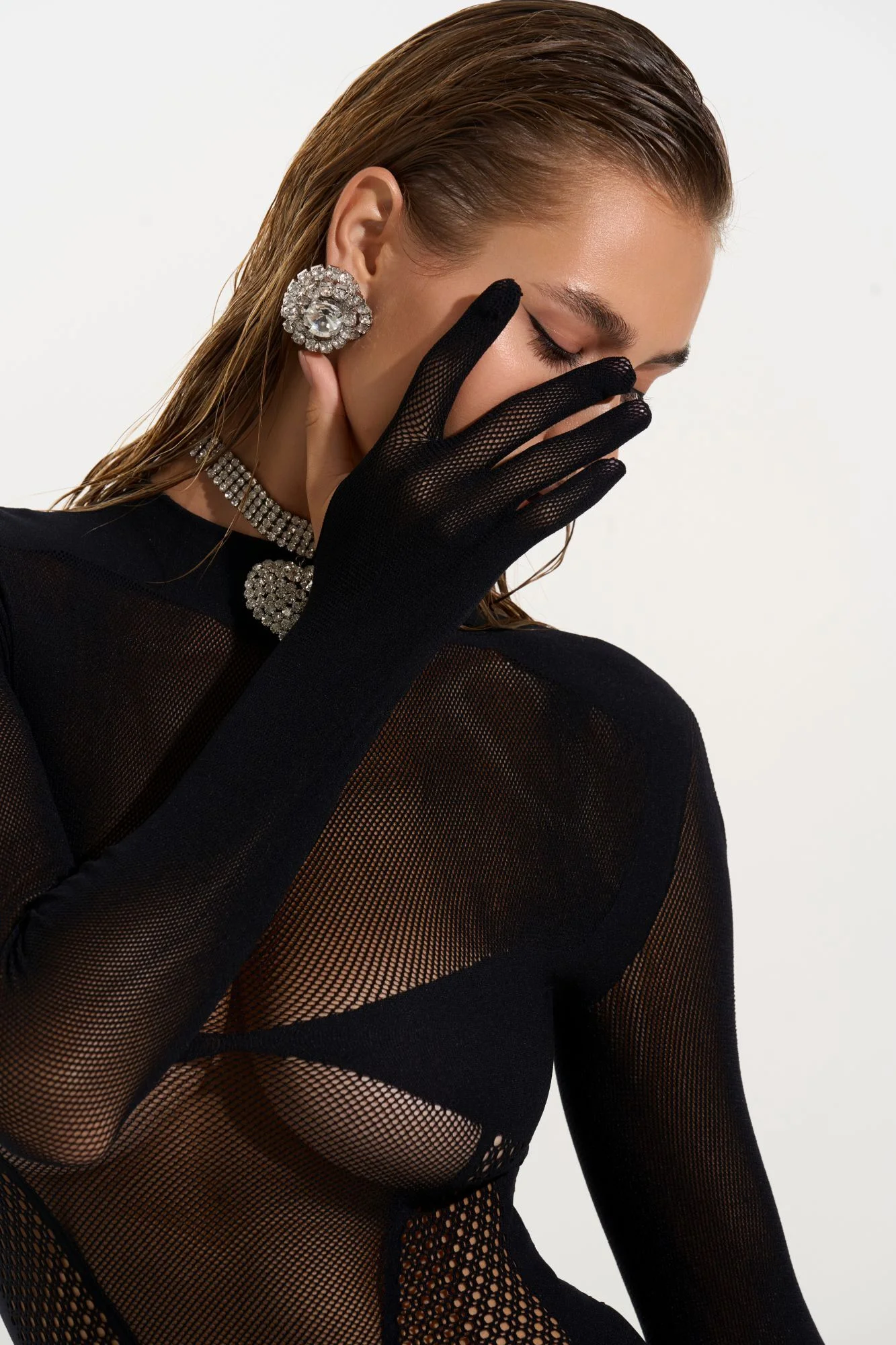
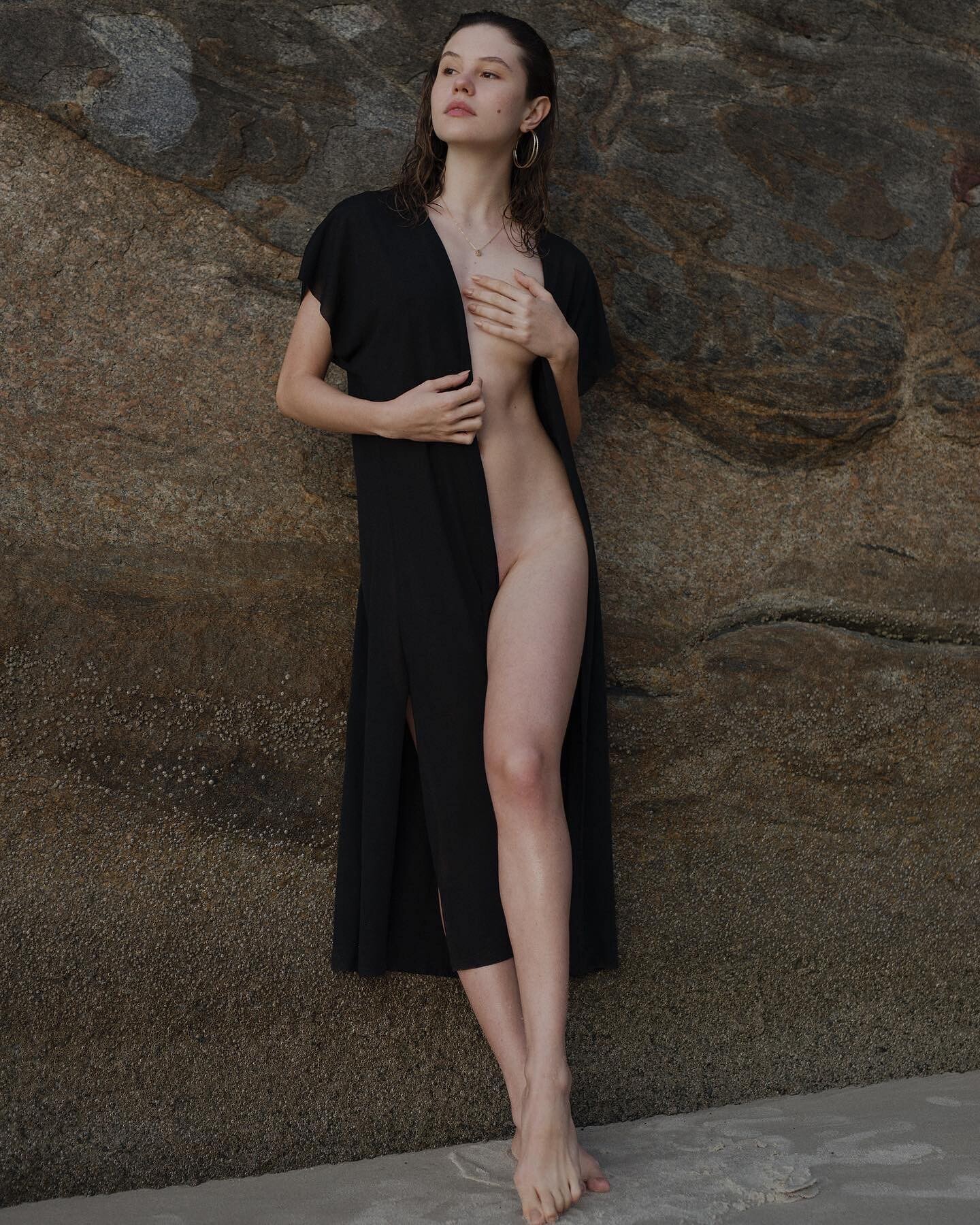
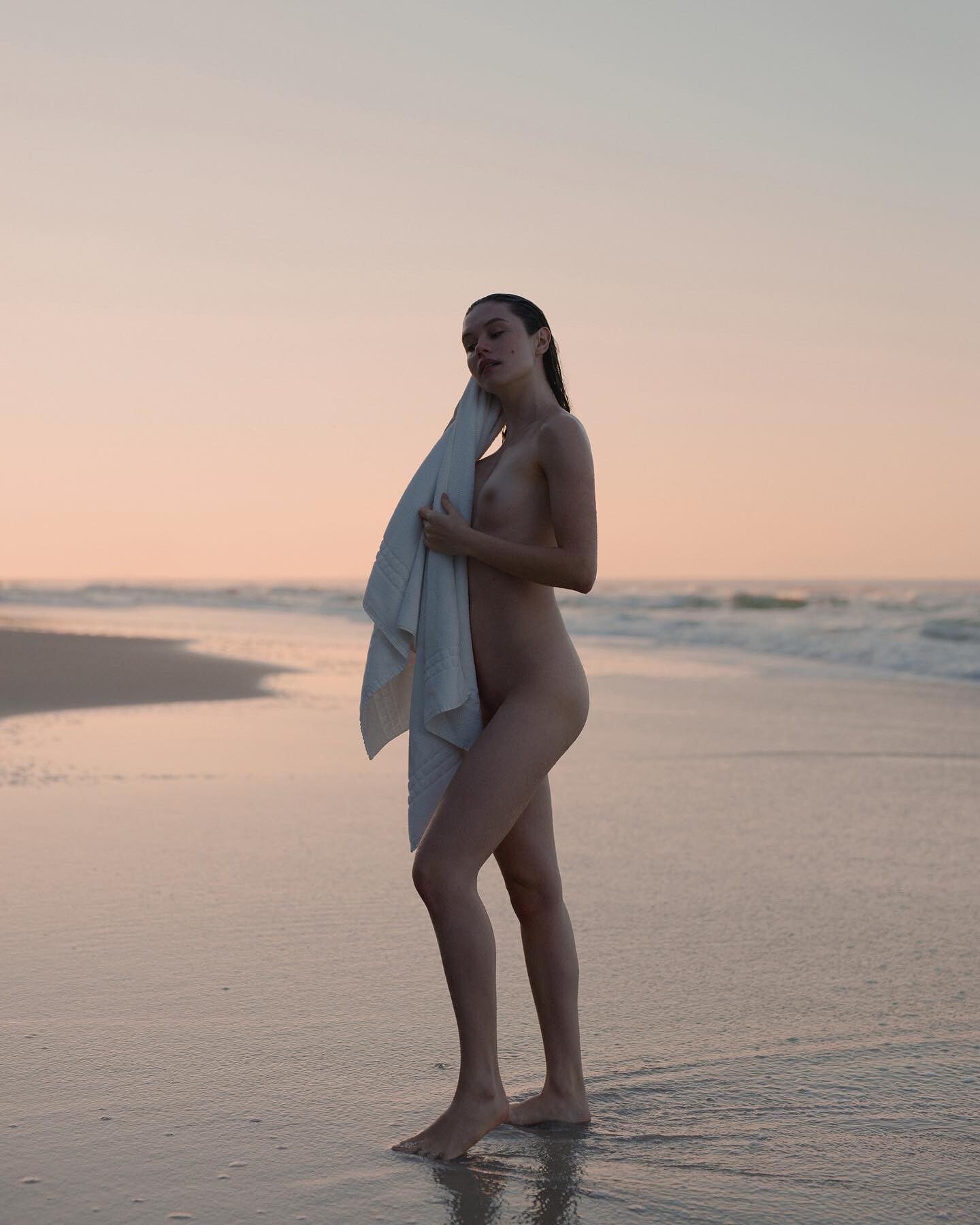
 Uhala by LL

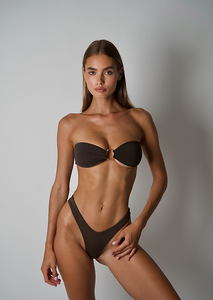
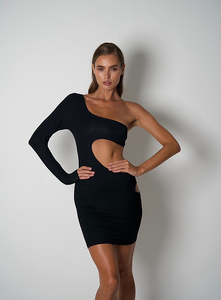
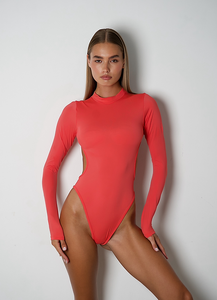
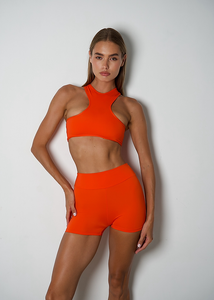
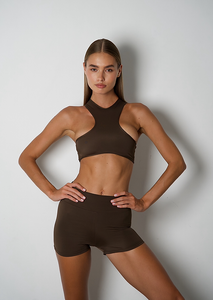
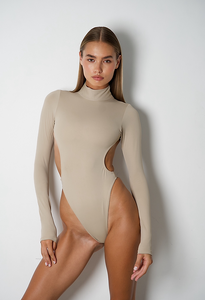
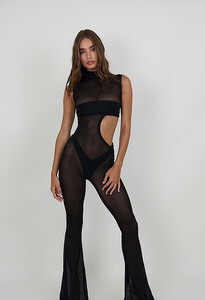
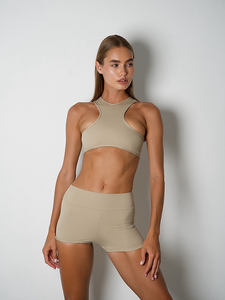
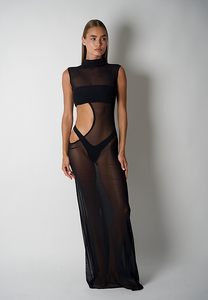
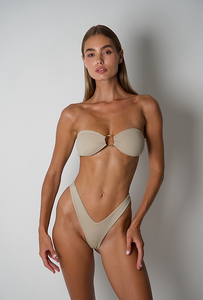
-
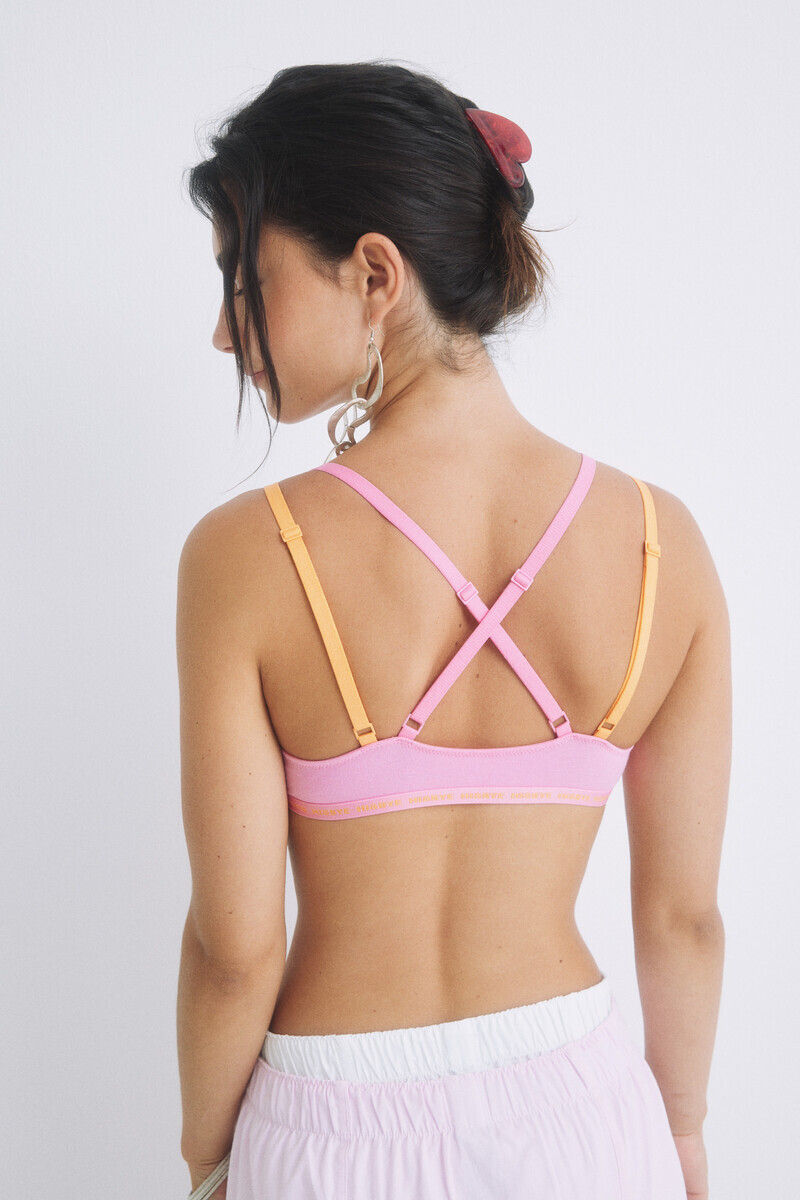
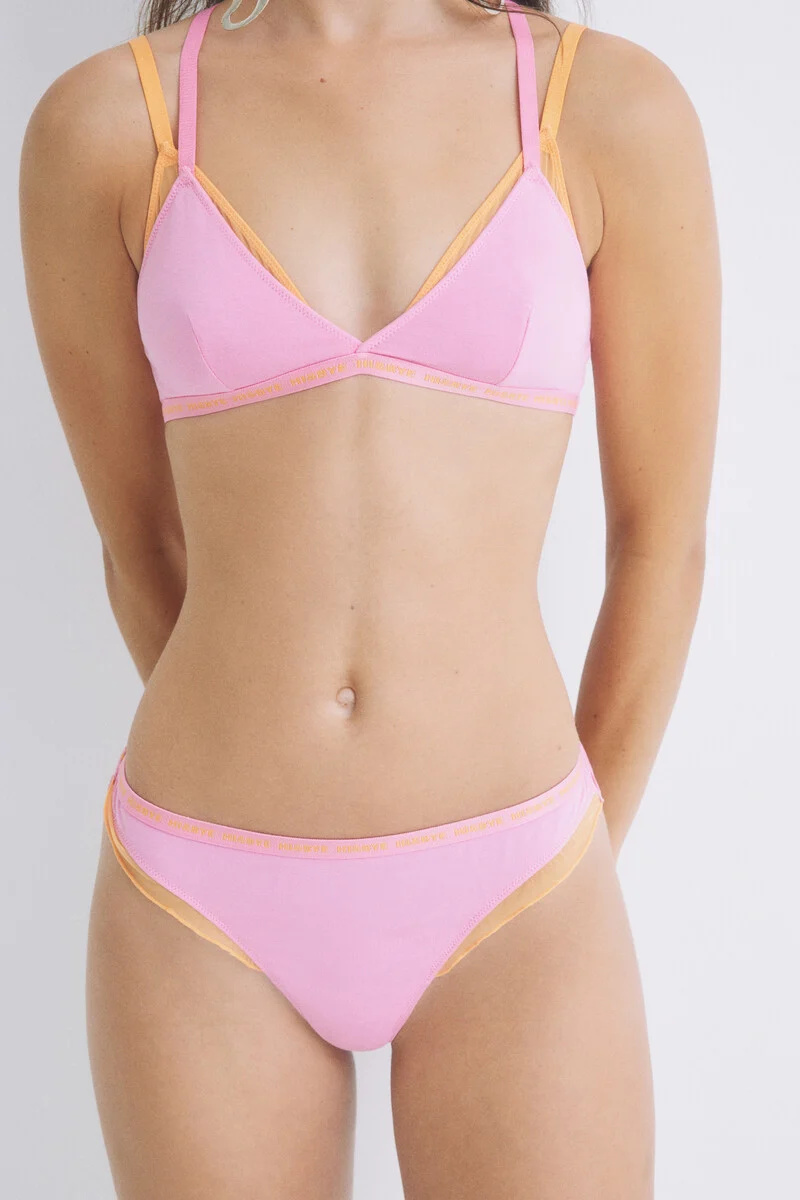
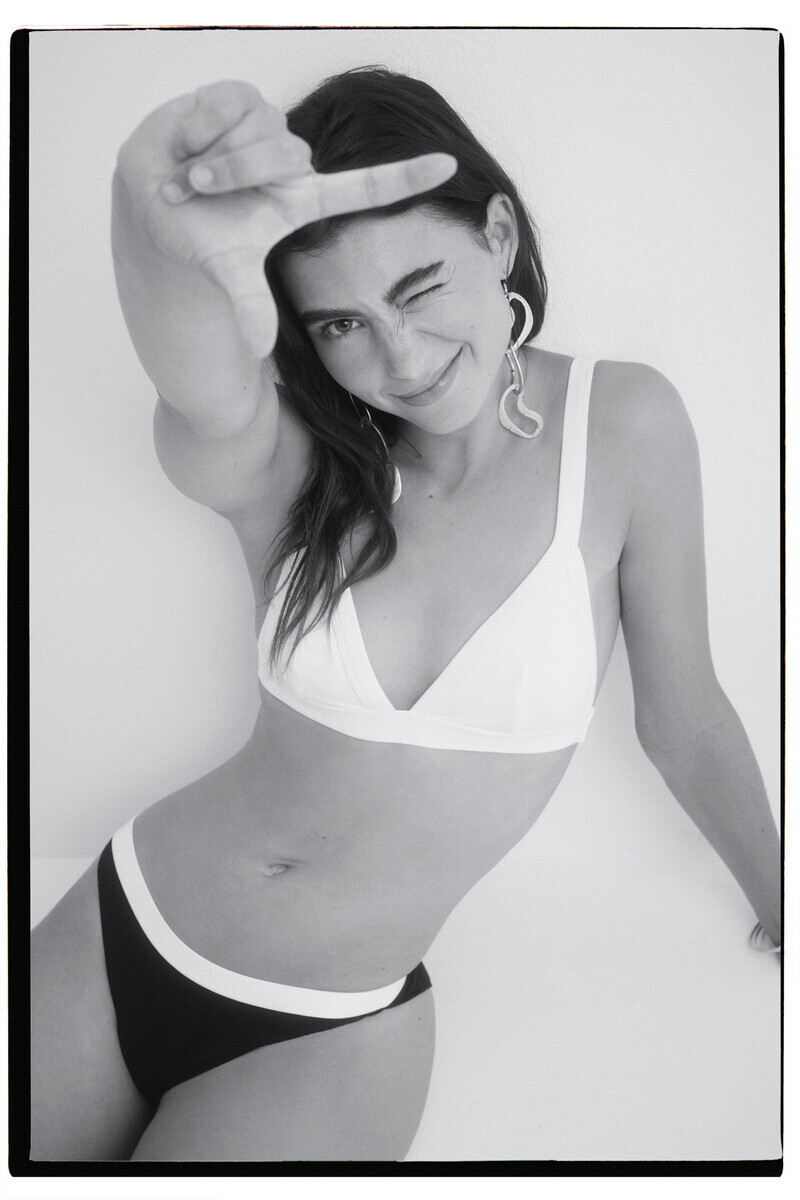
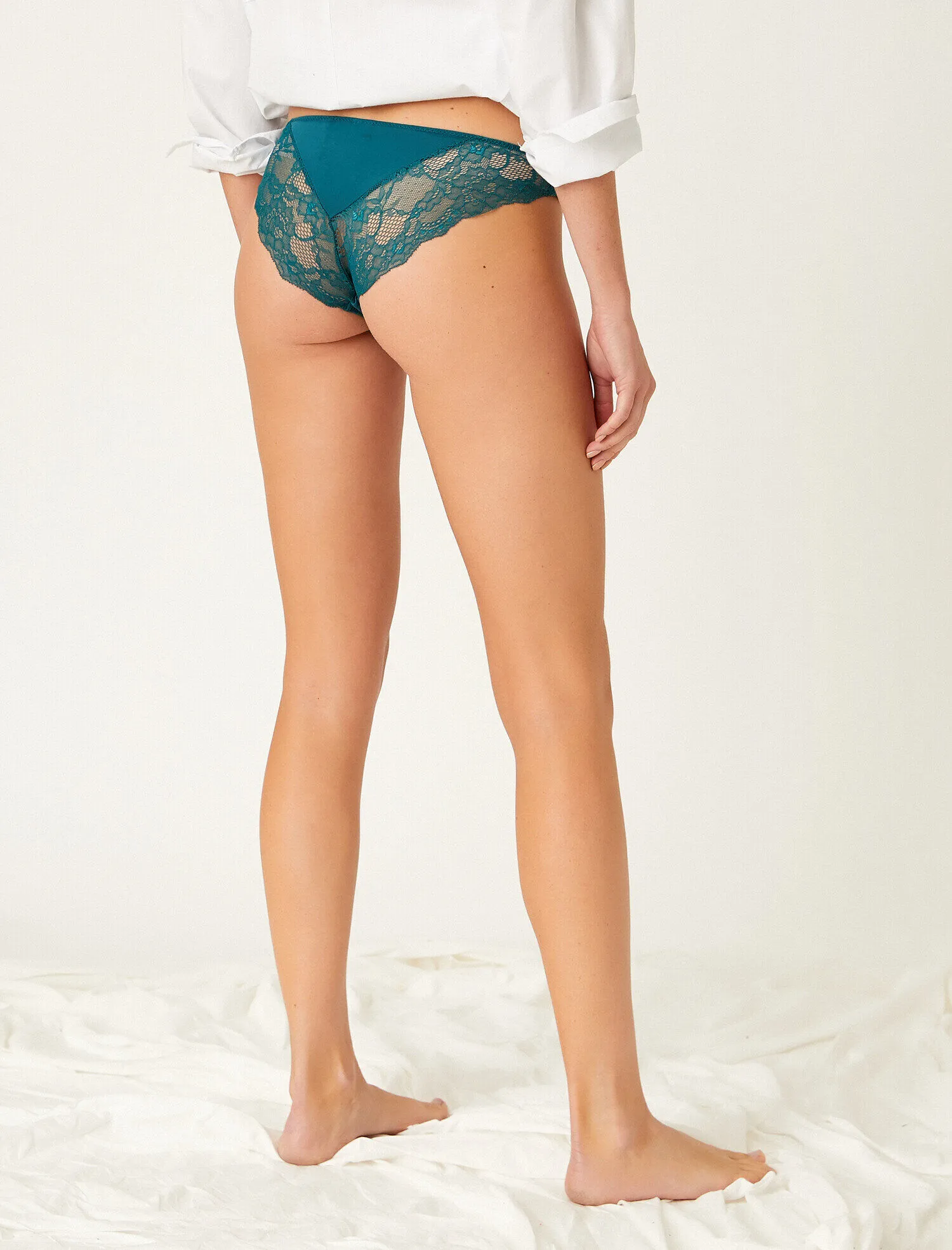
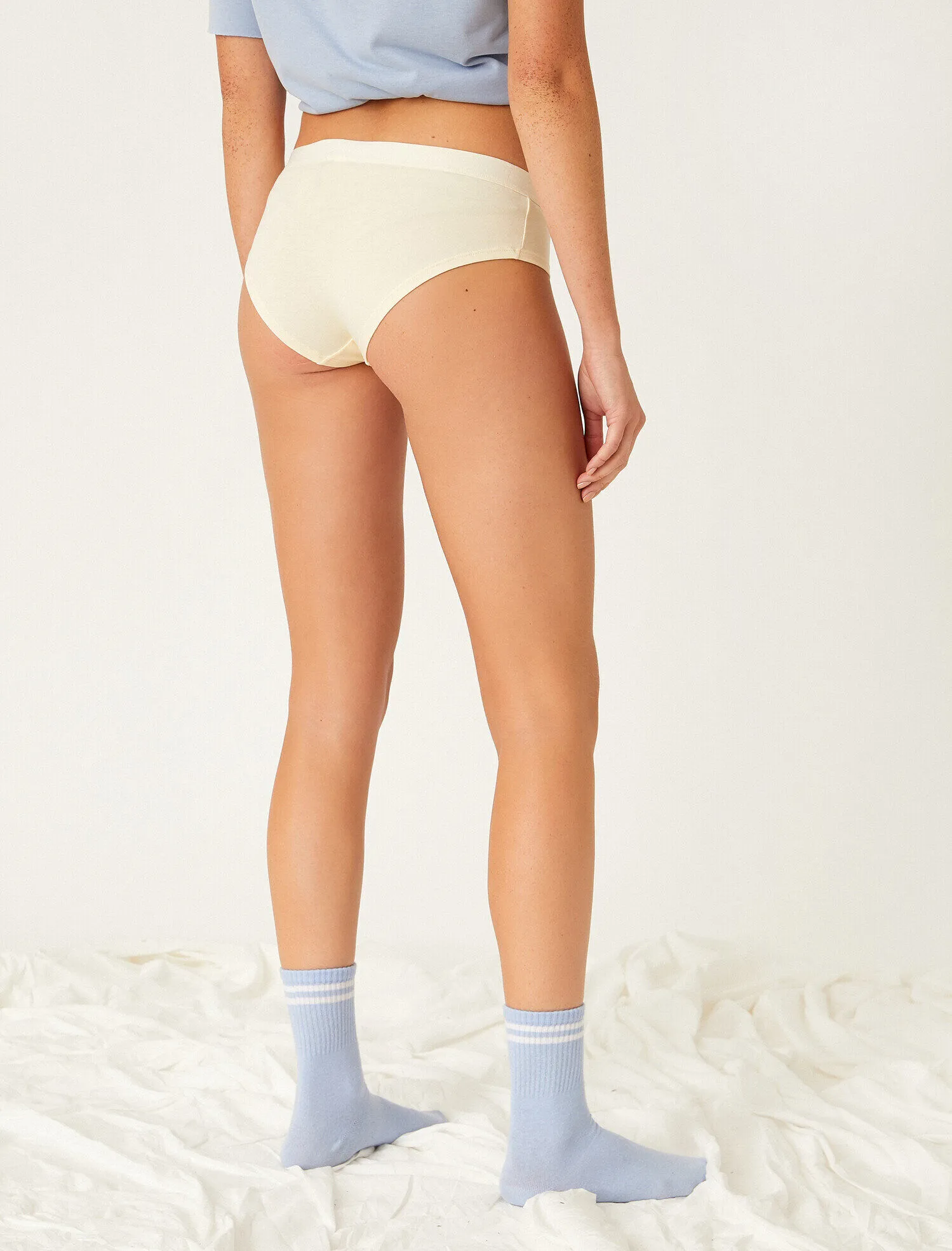
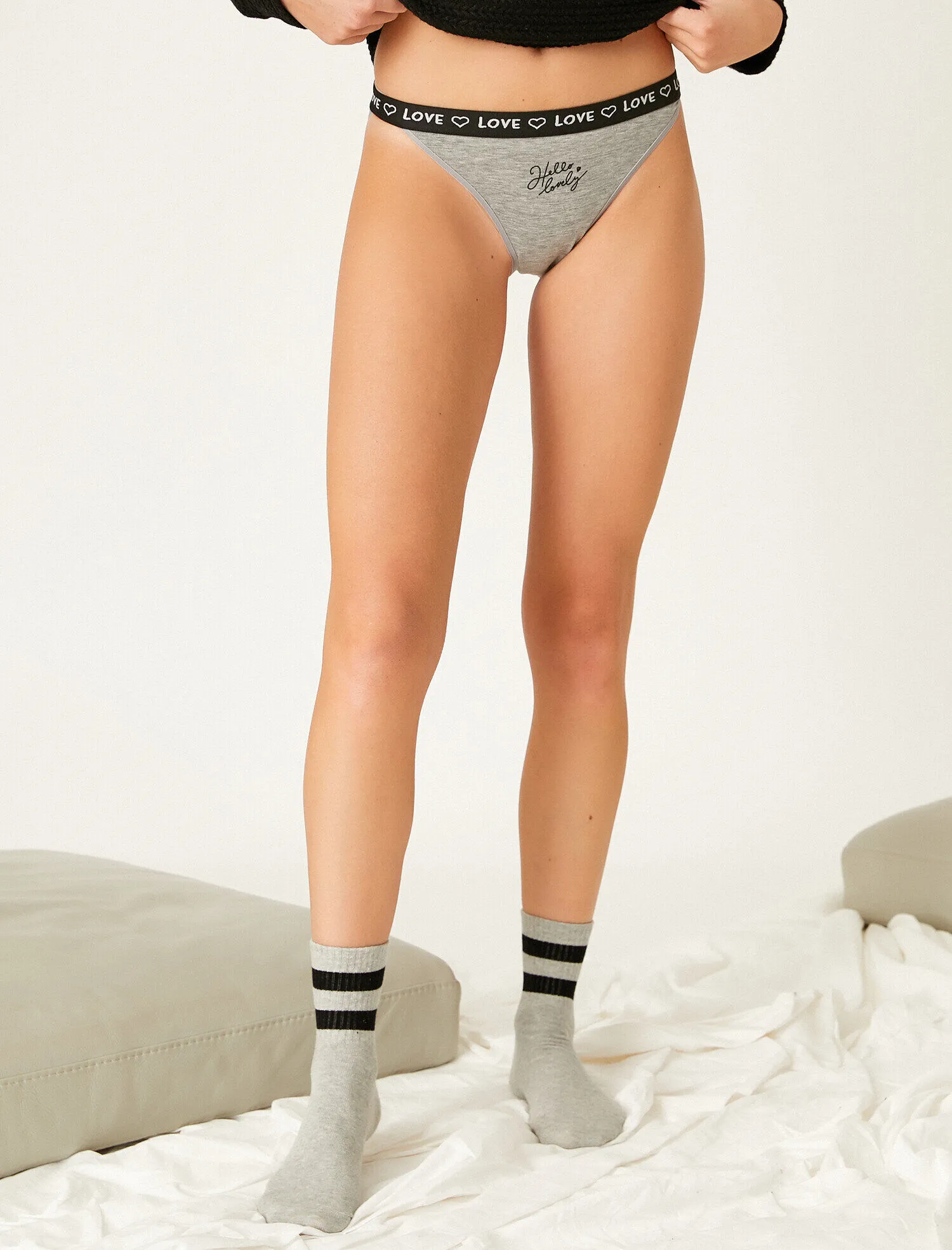
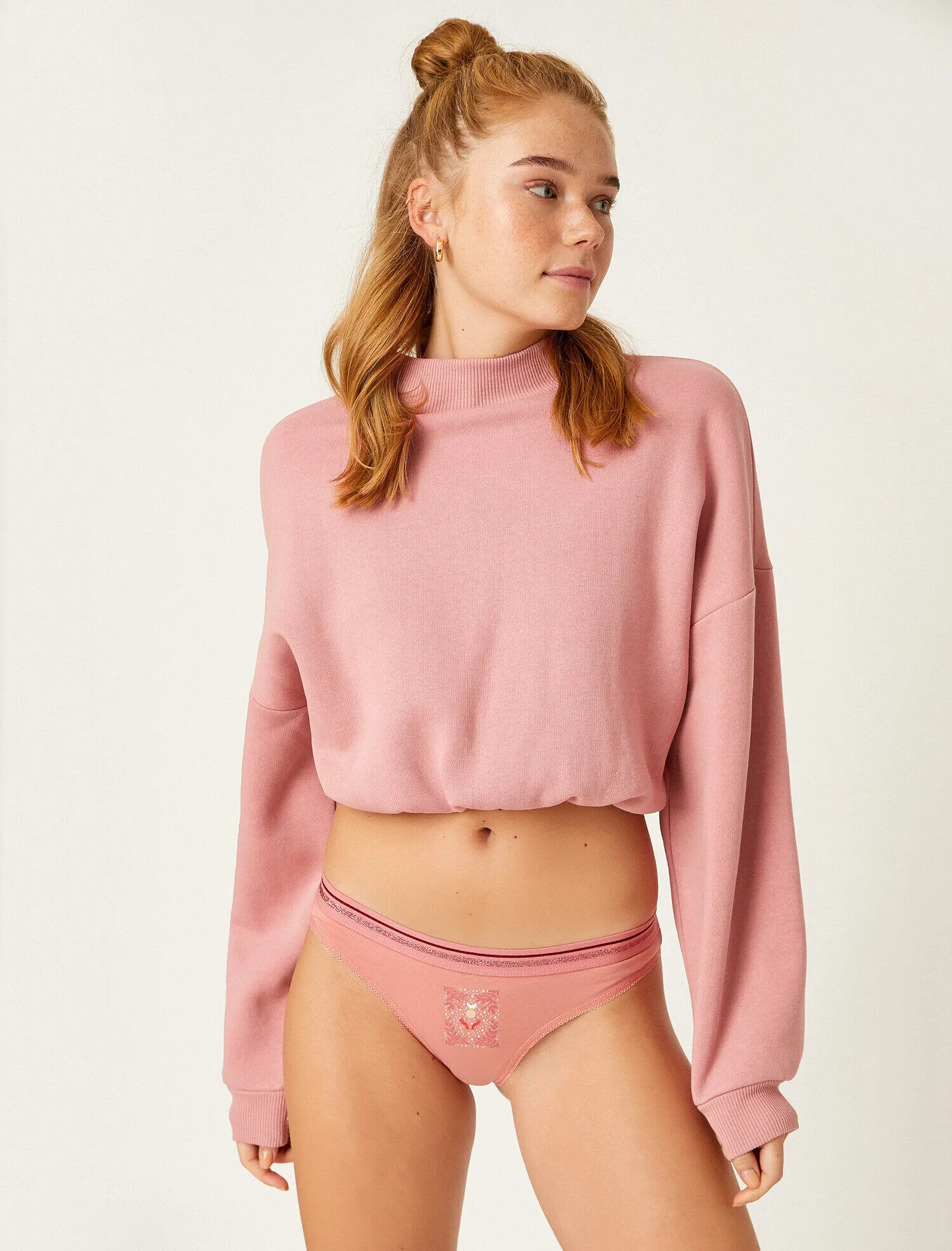
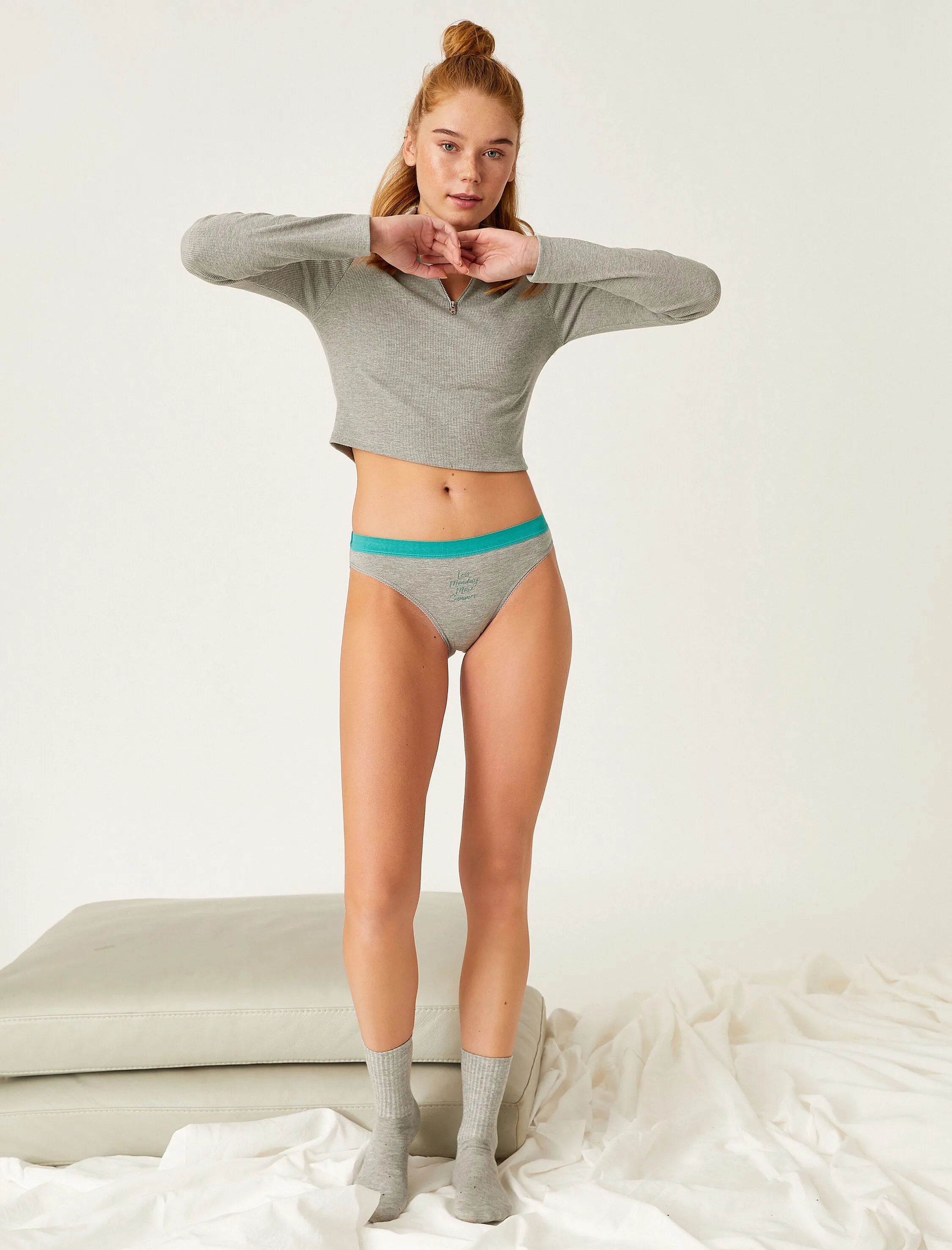
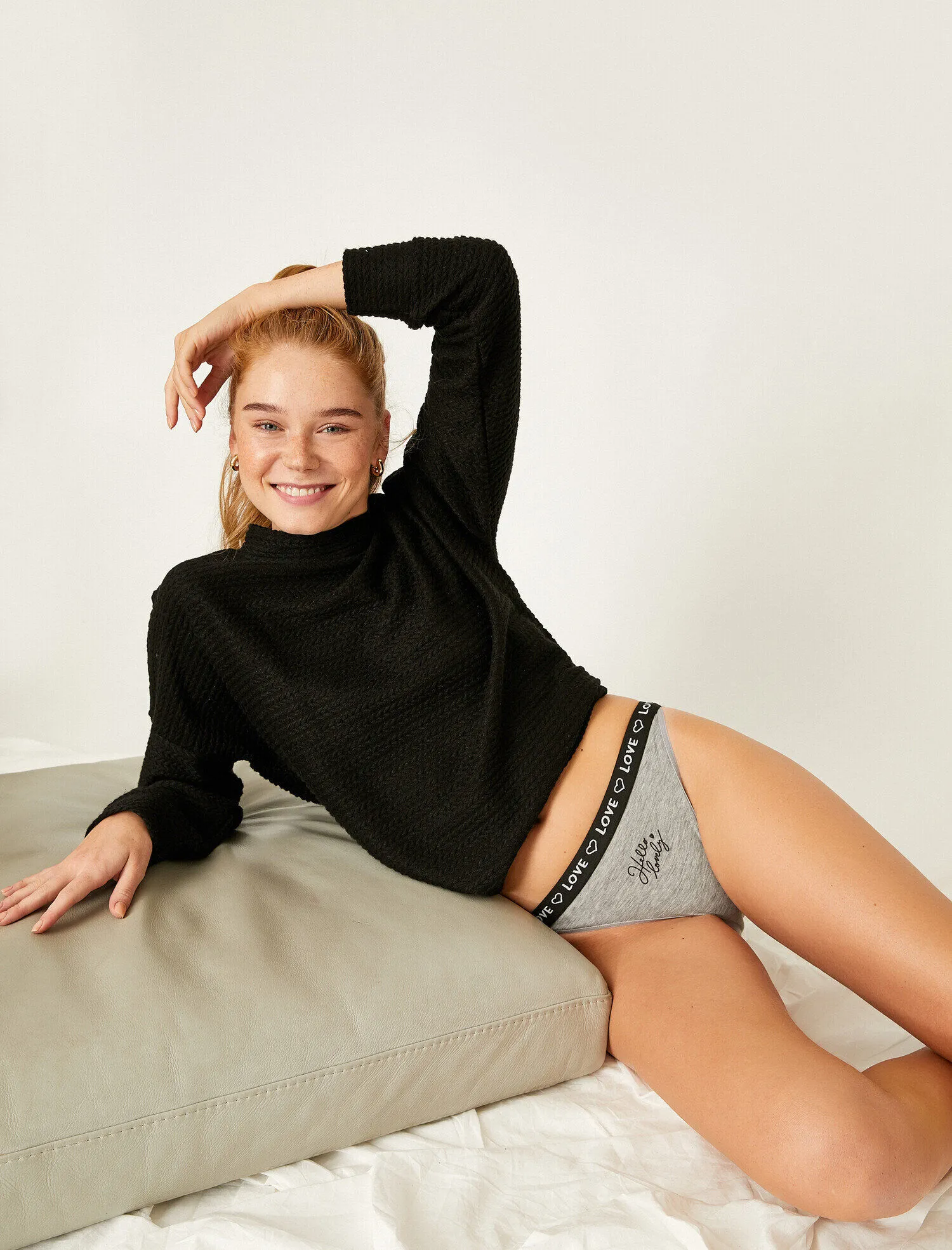
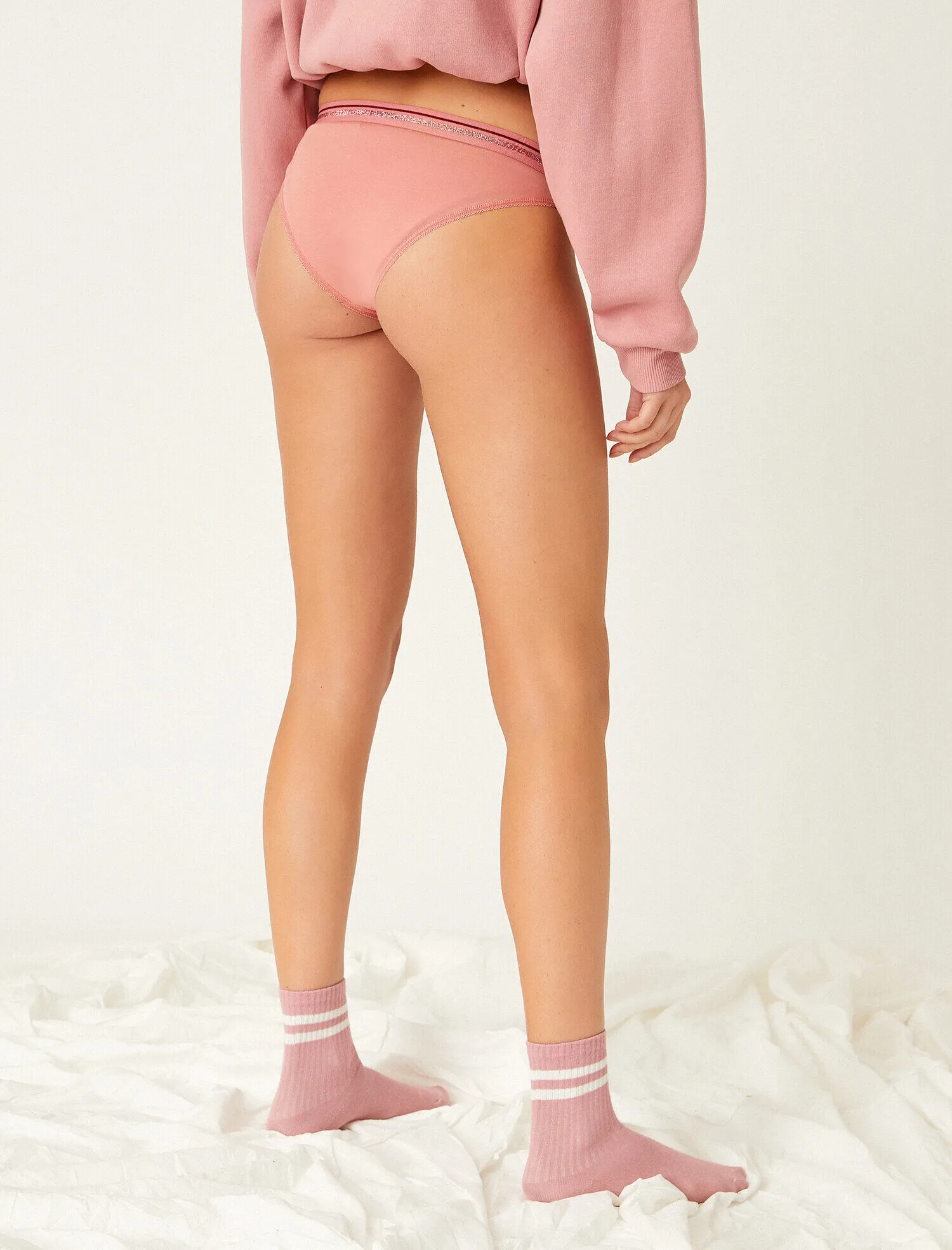
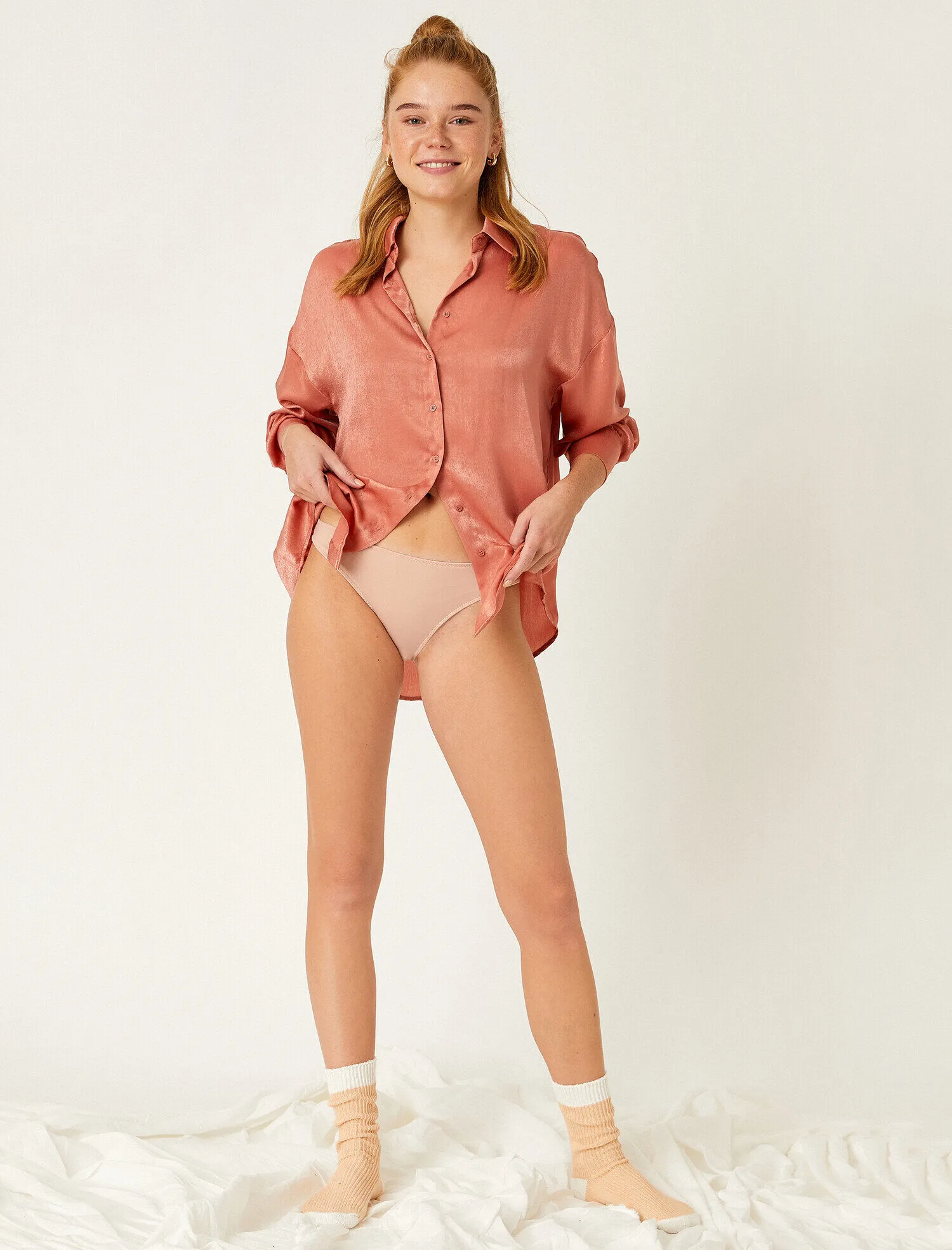
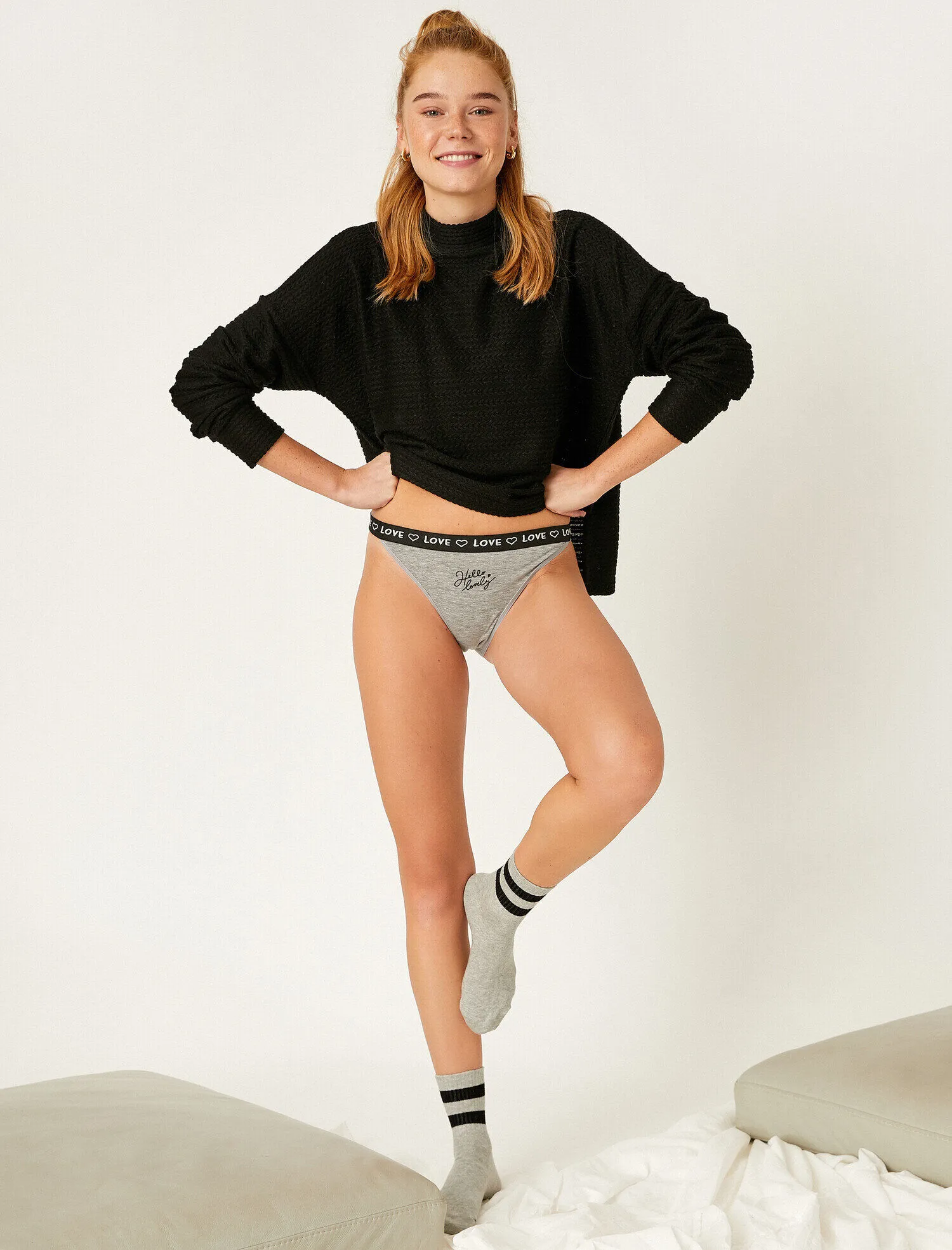
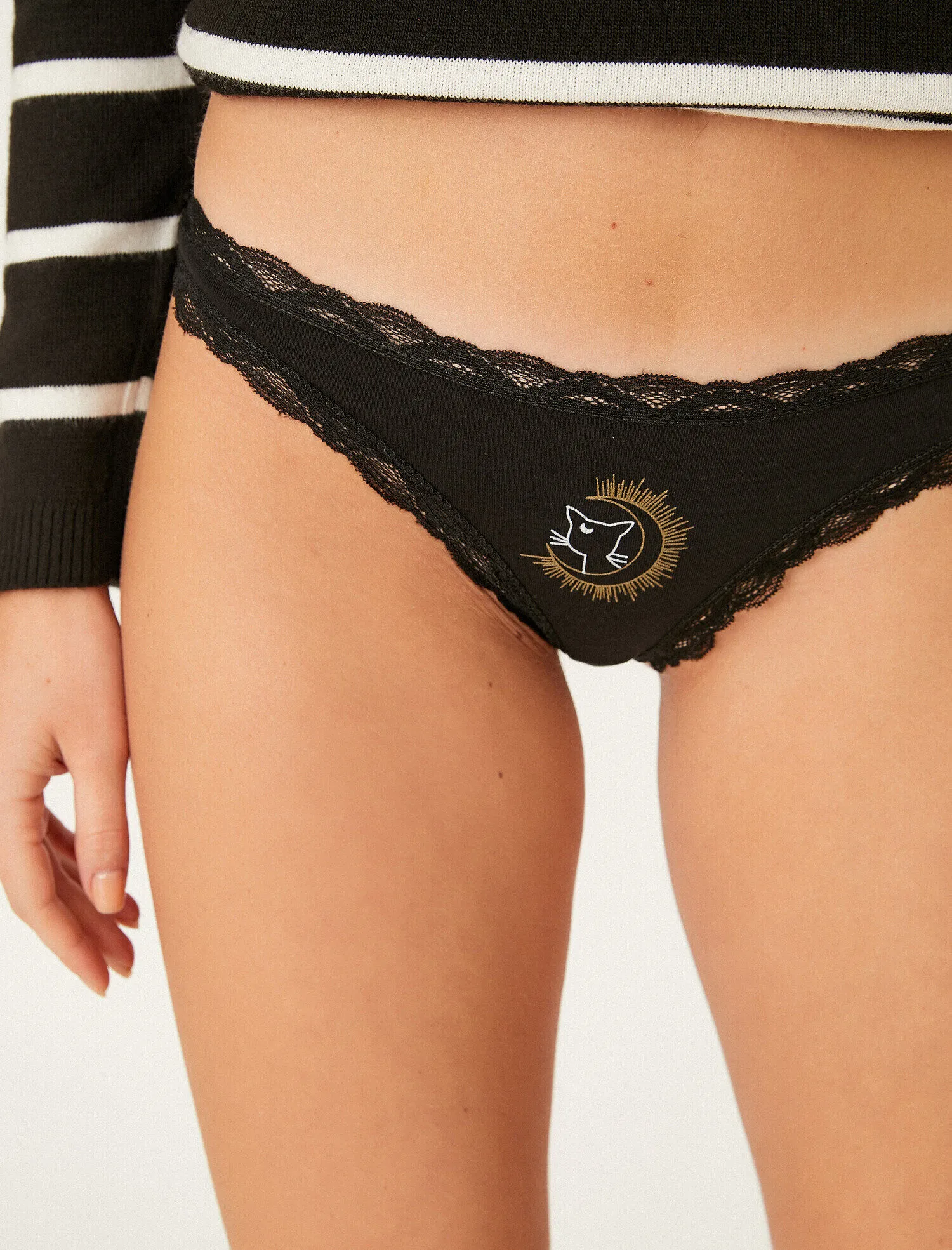
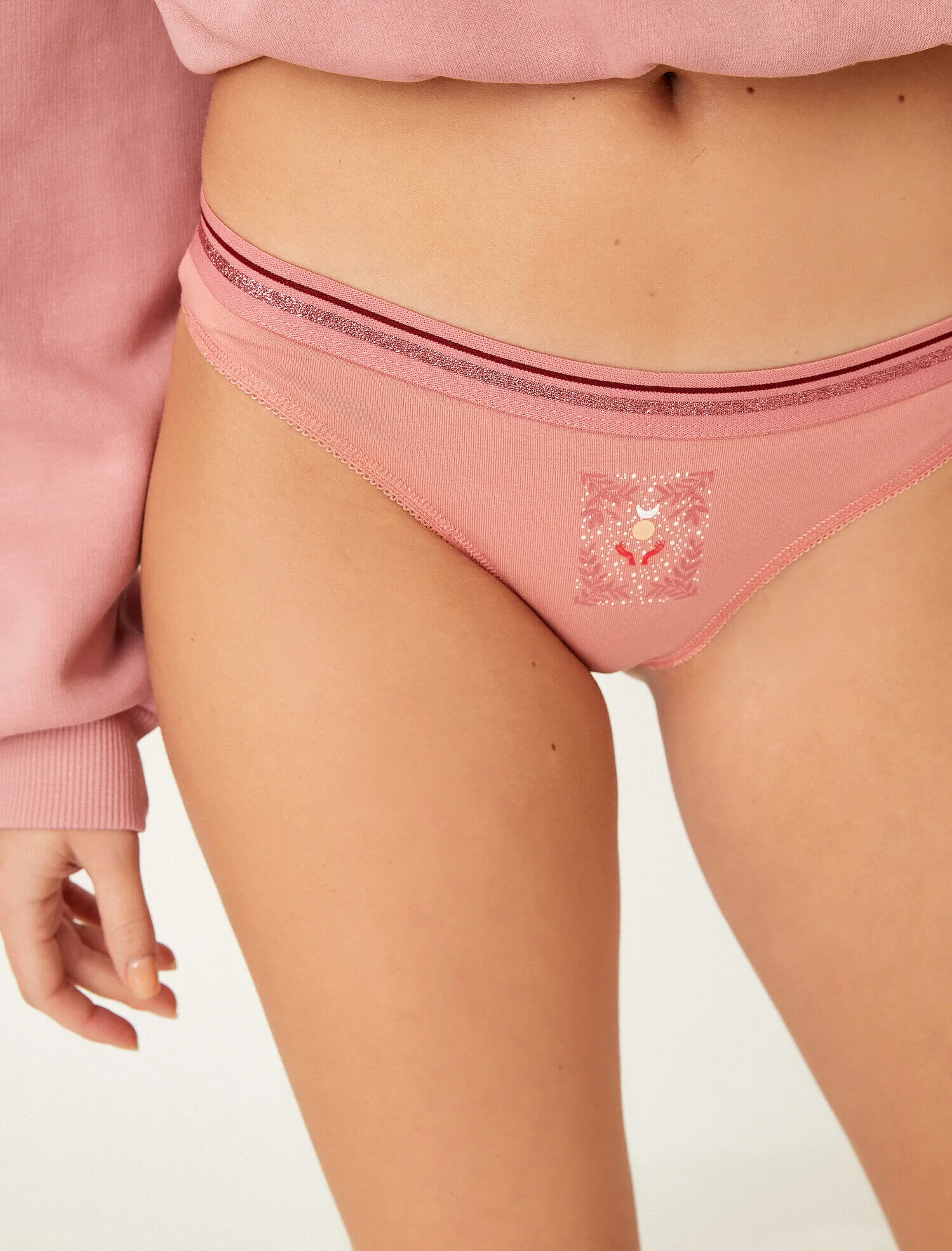
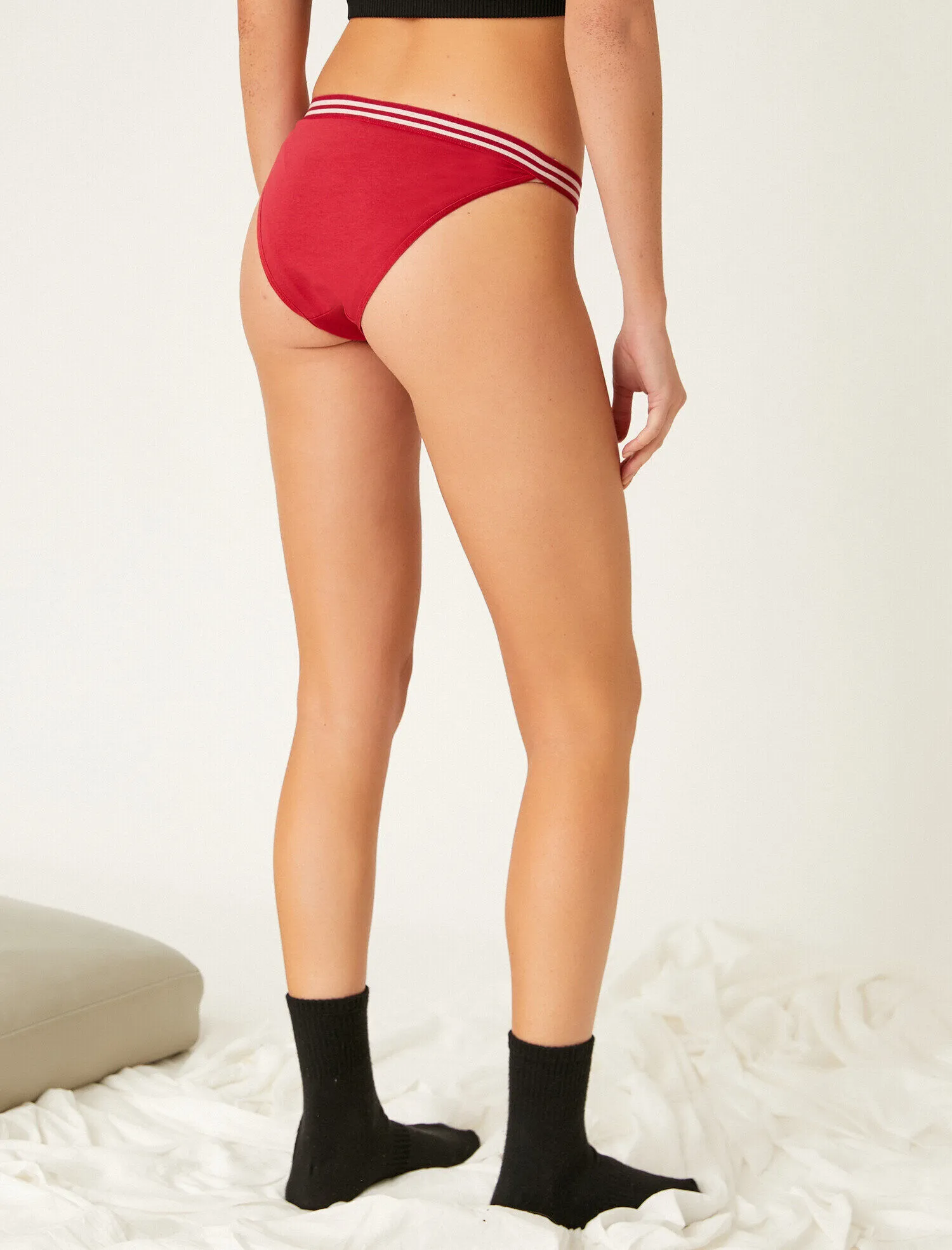
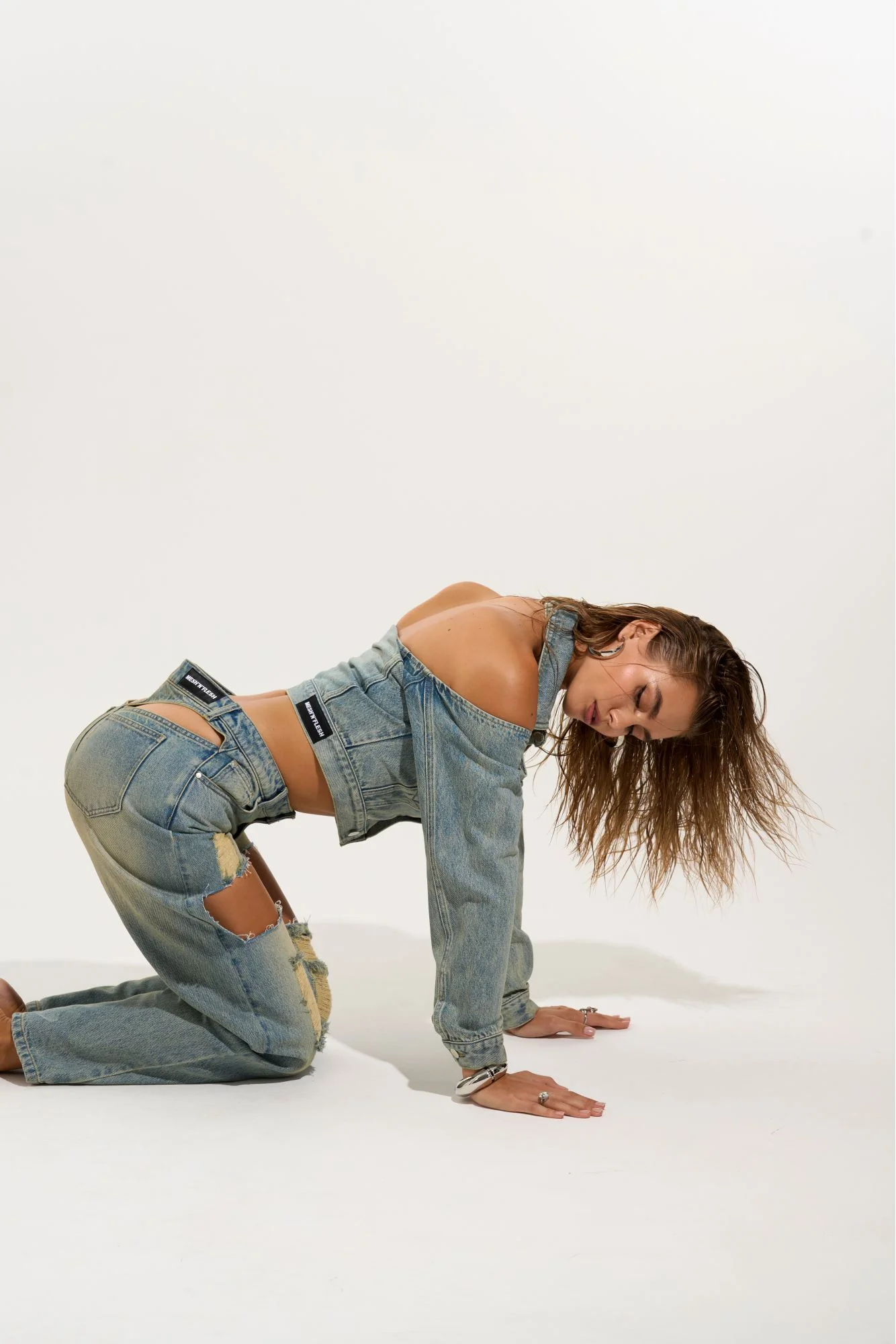
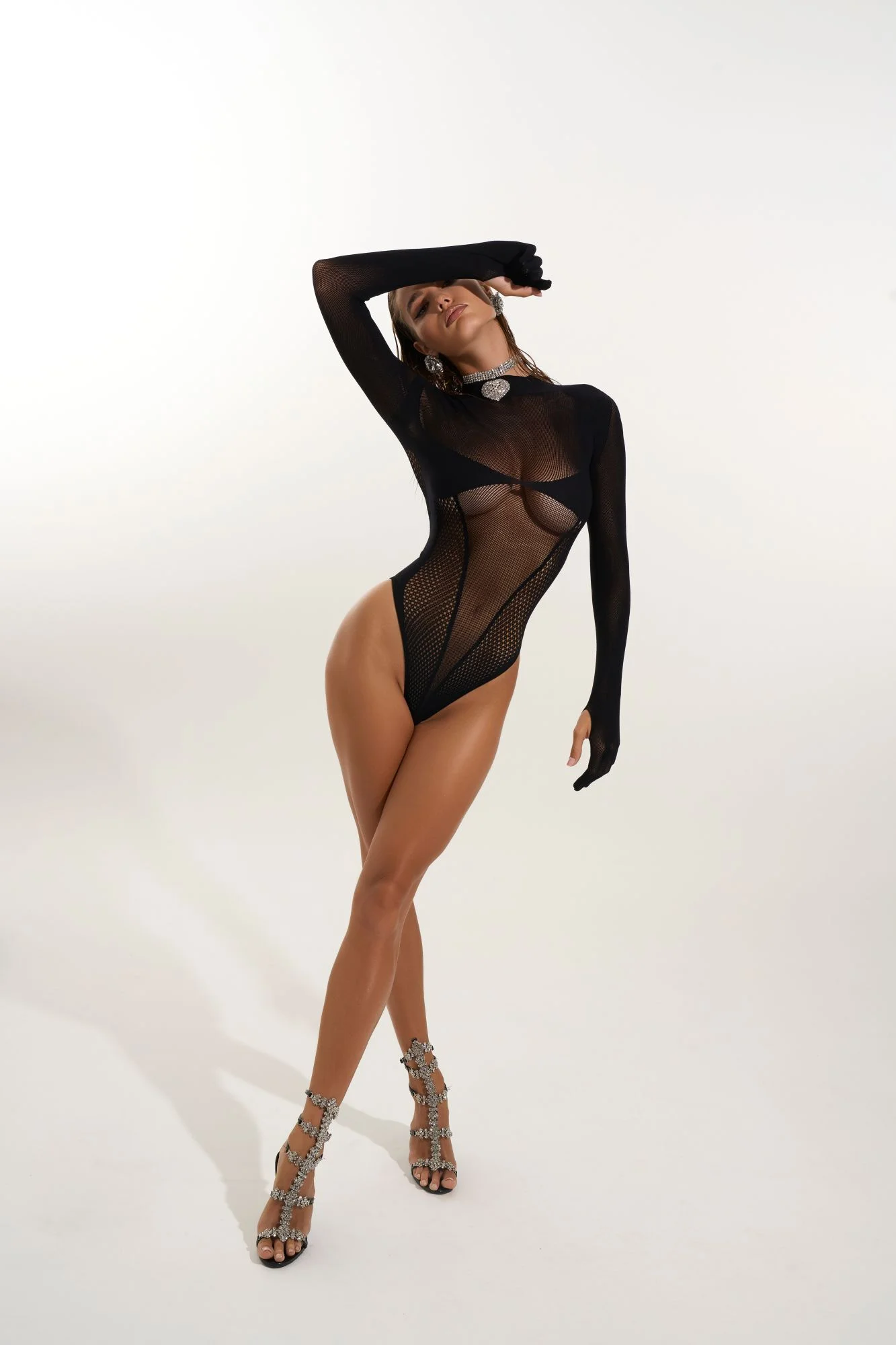
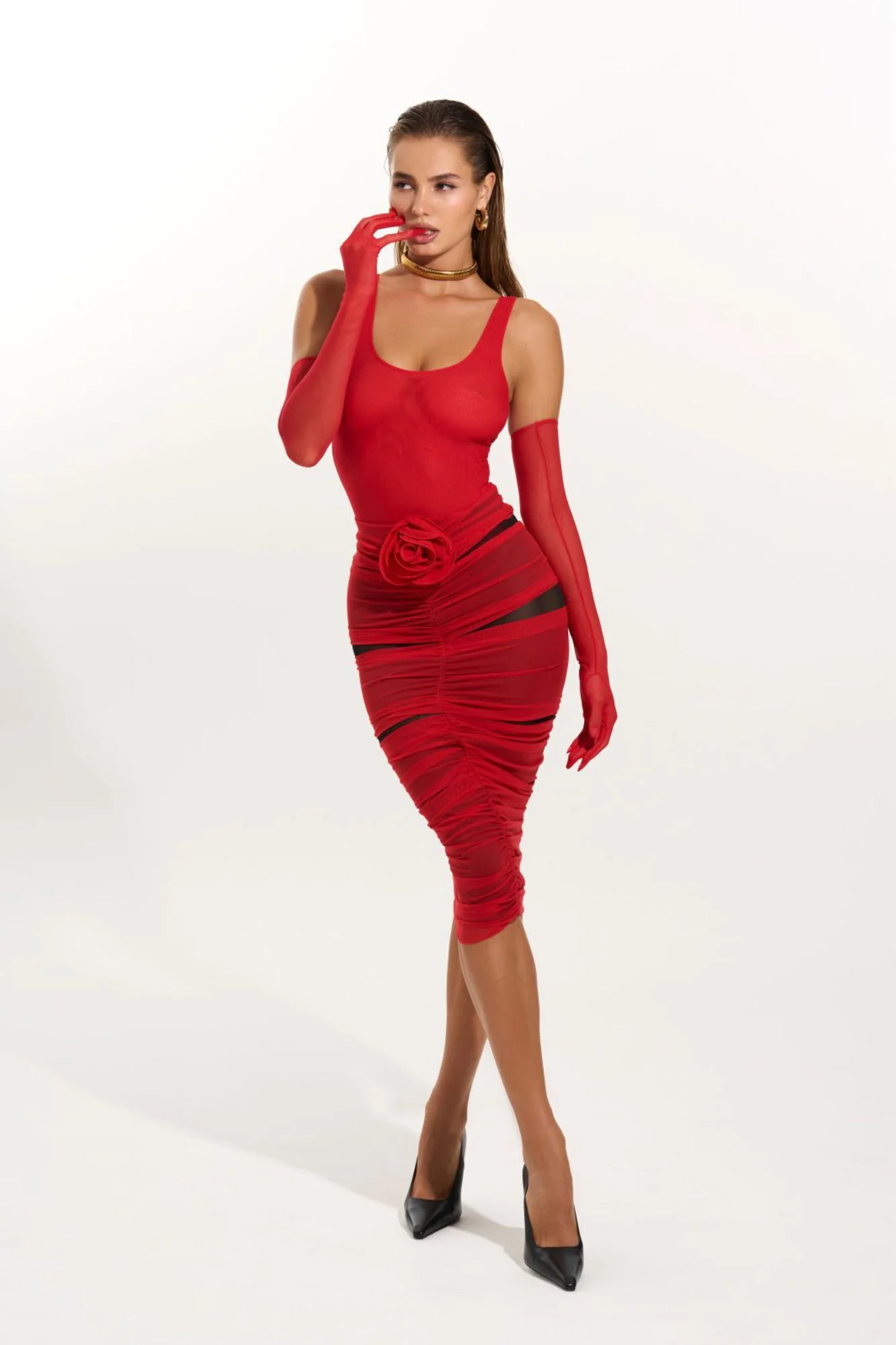
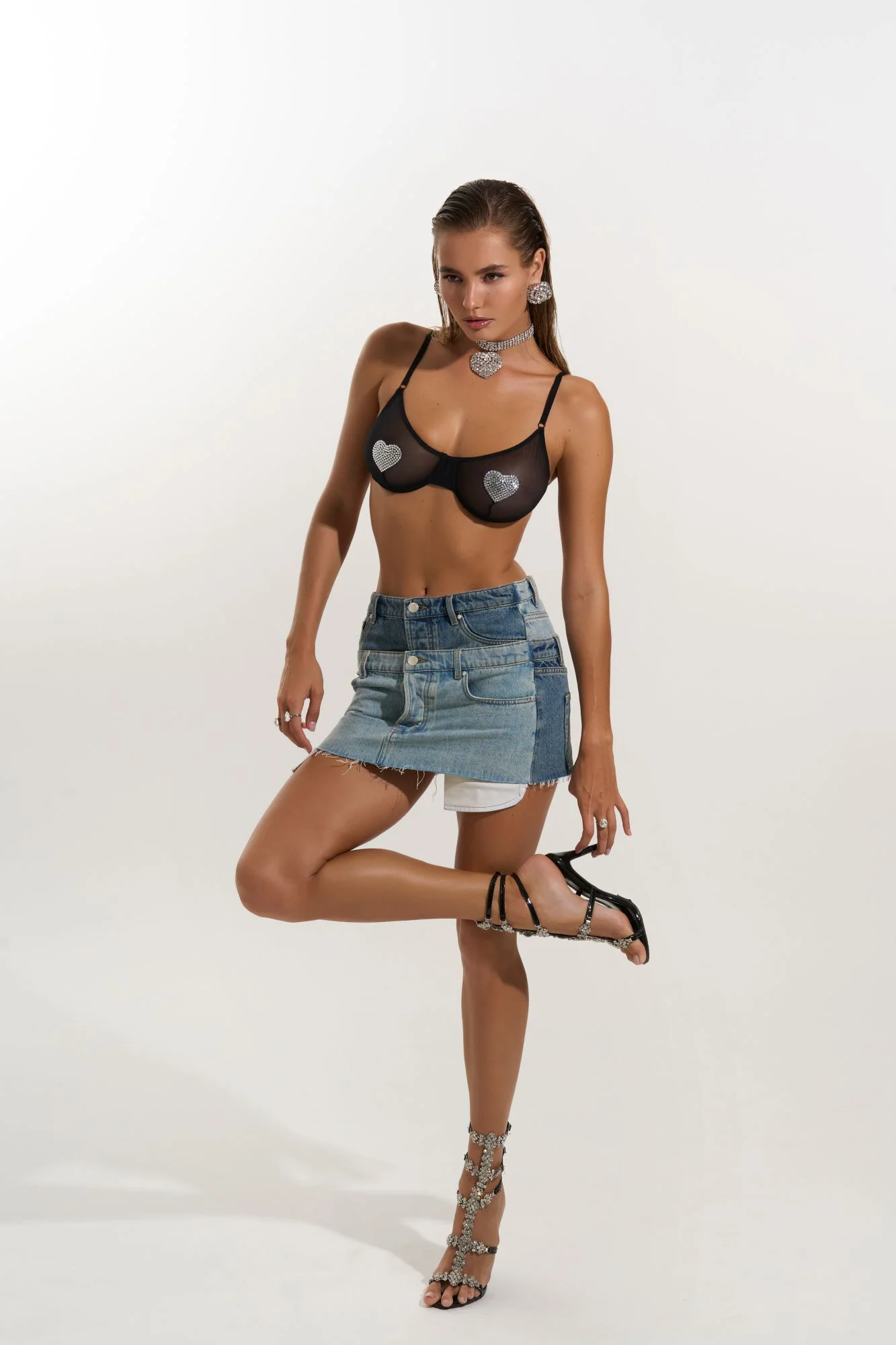
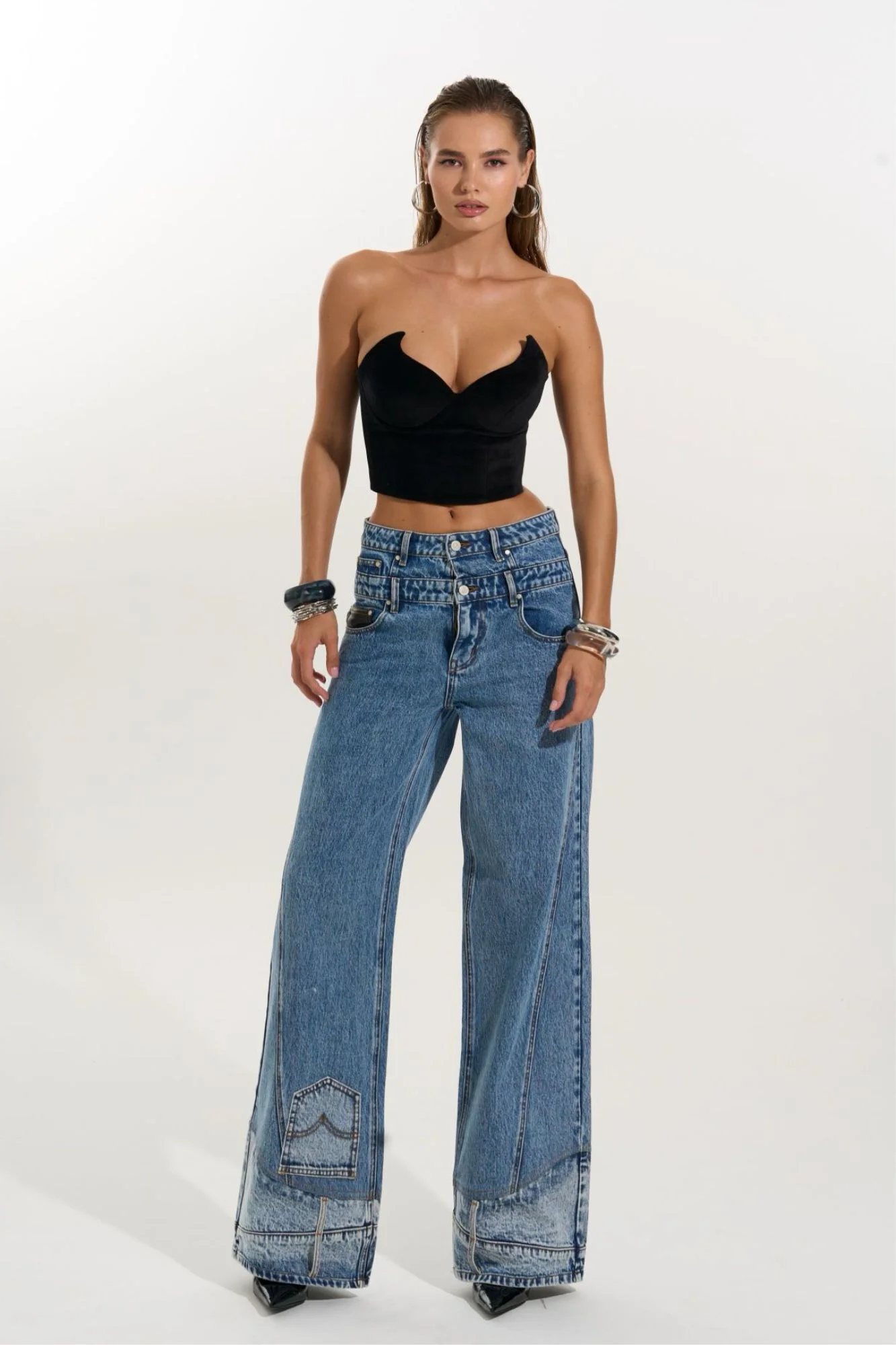
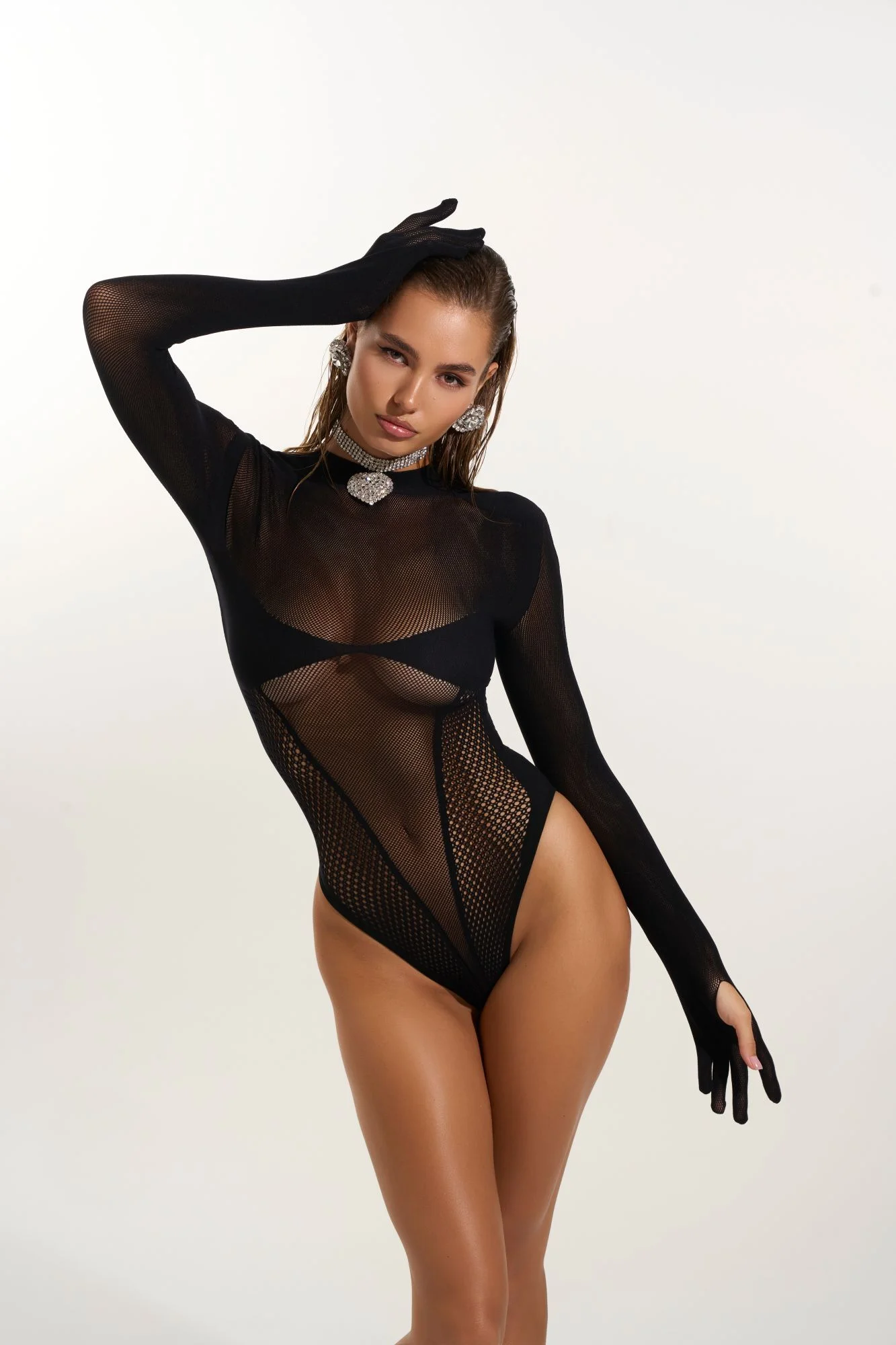
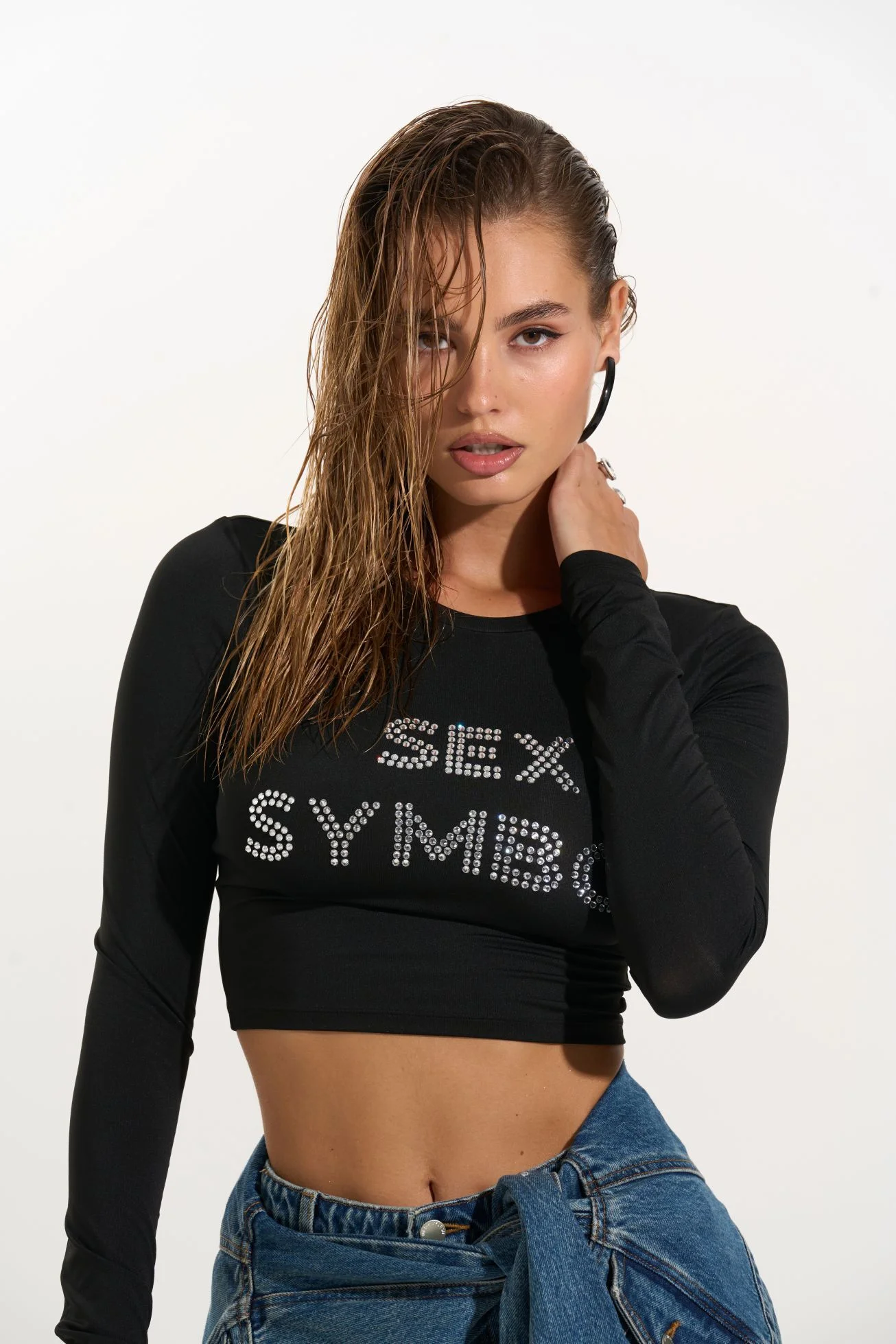
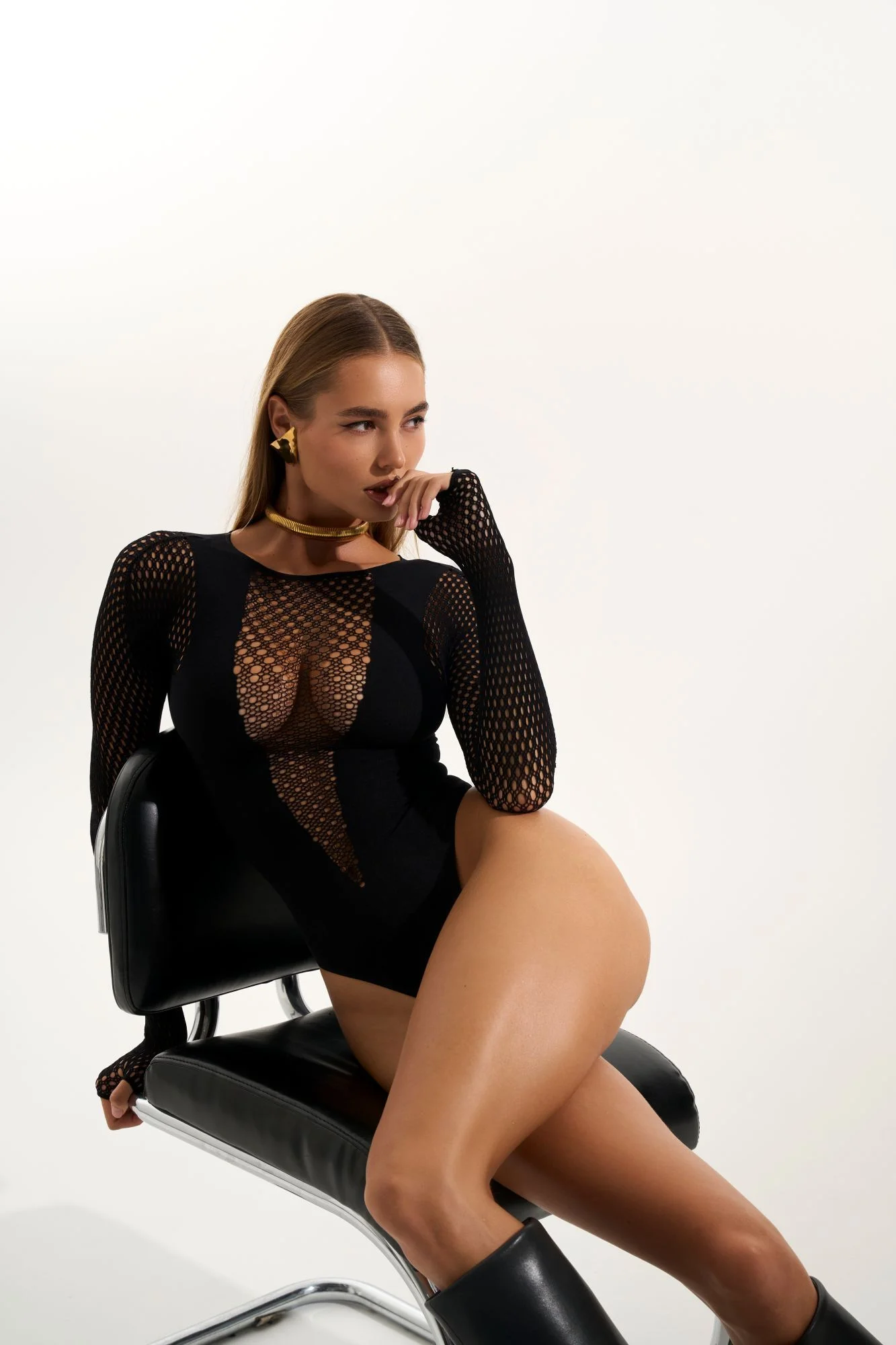
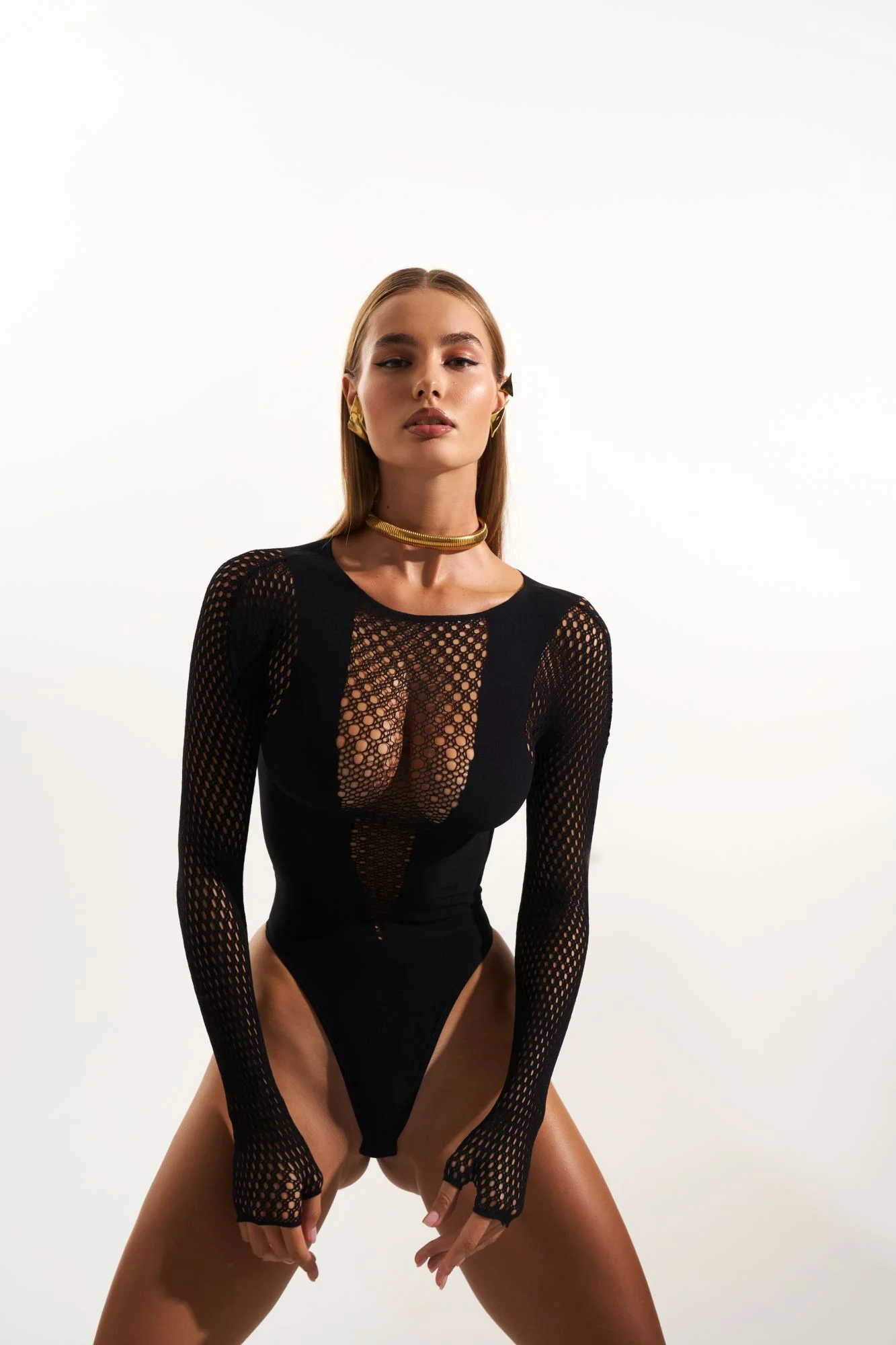
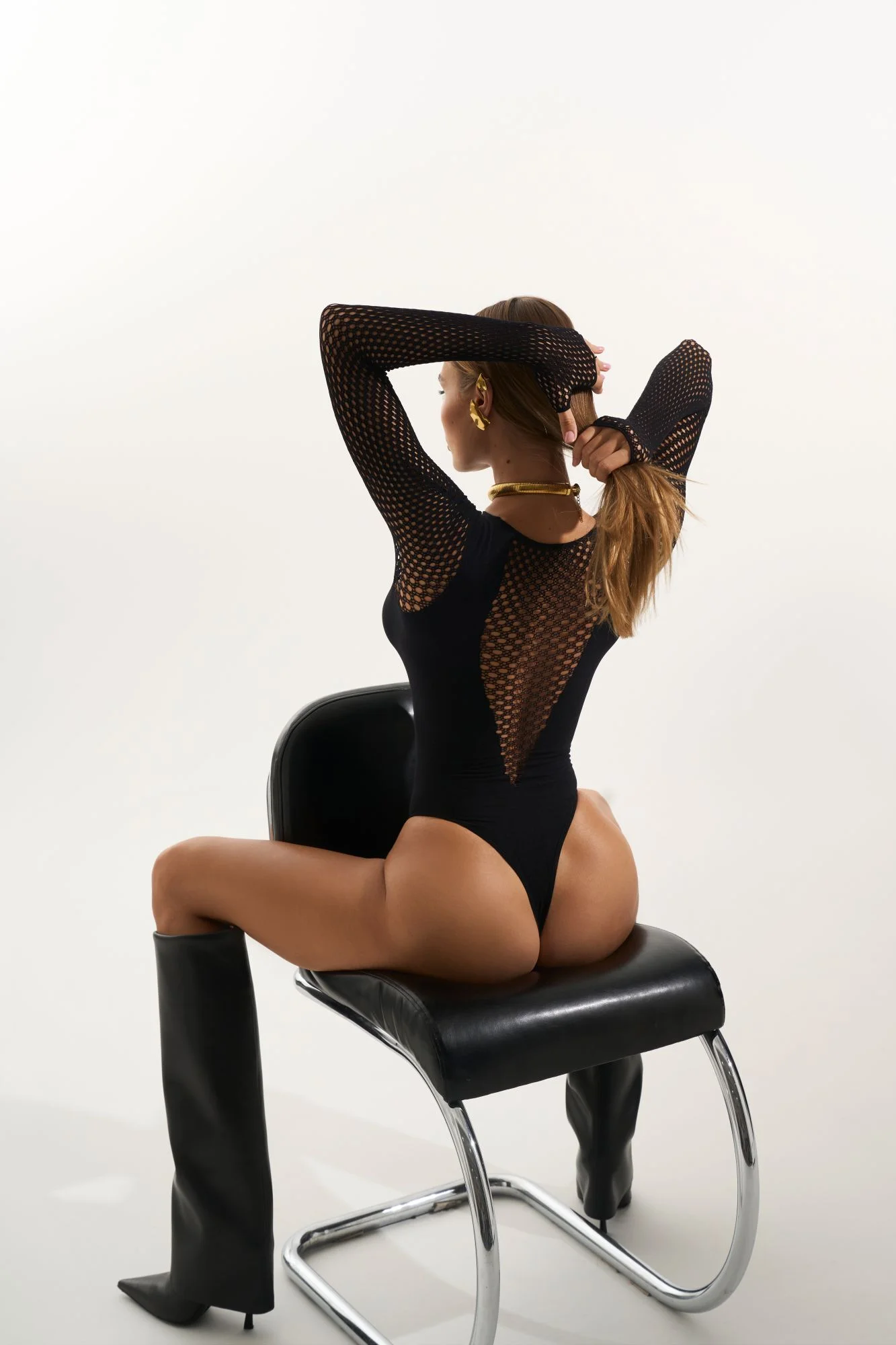
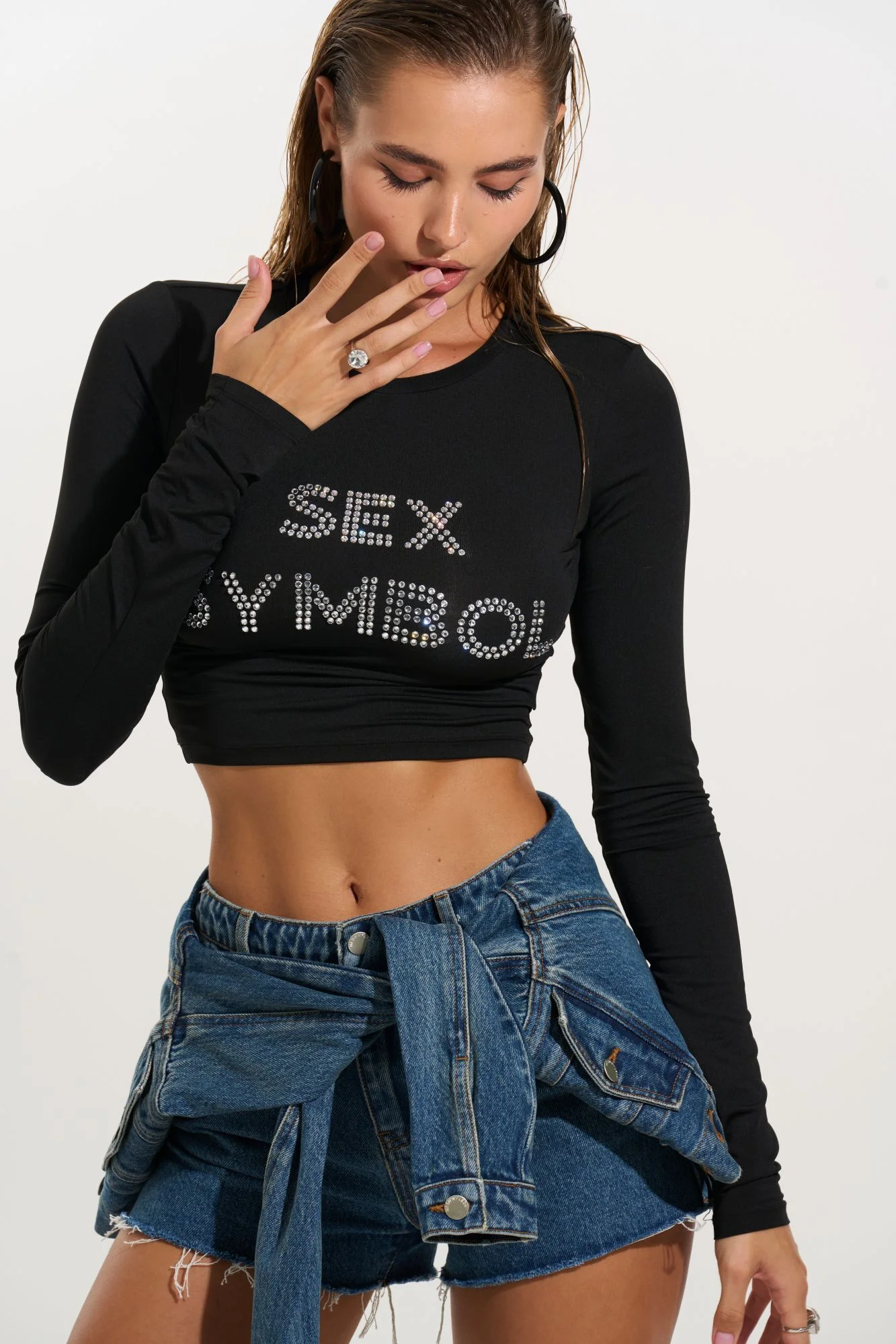
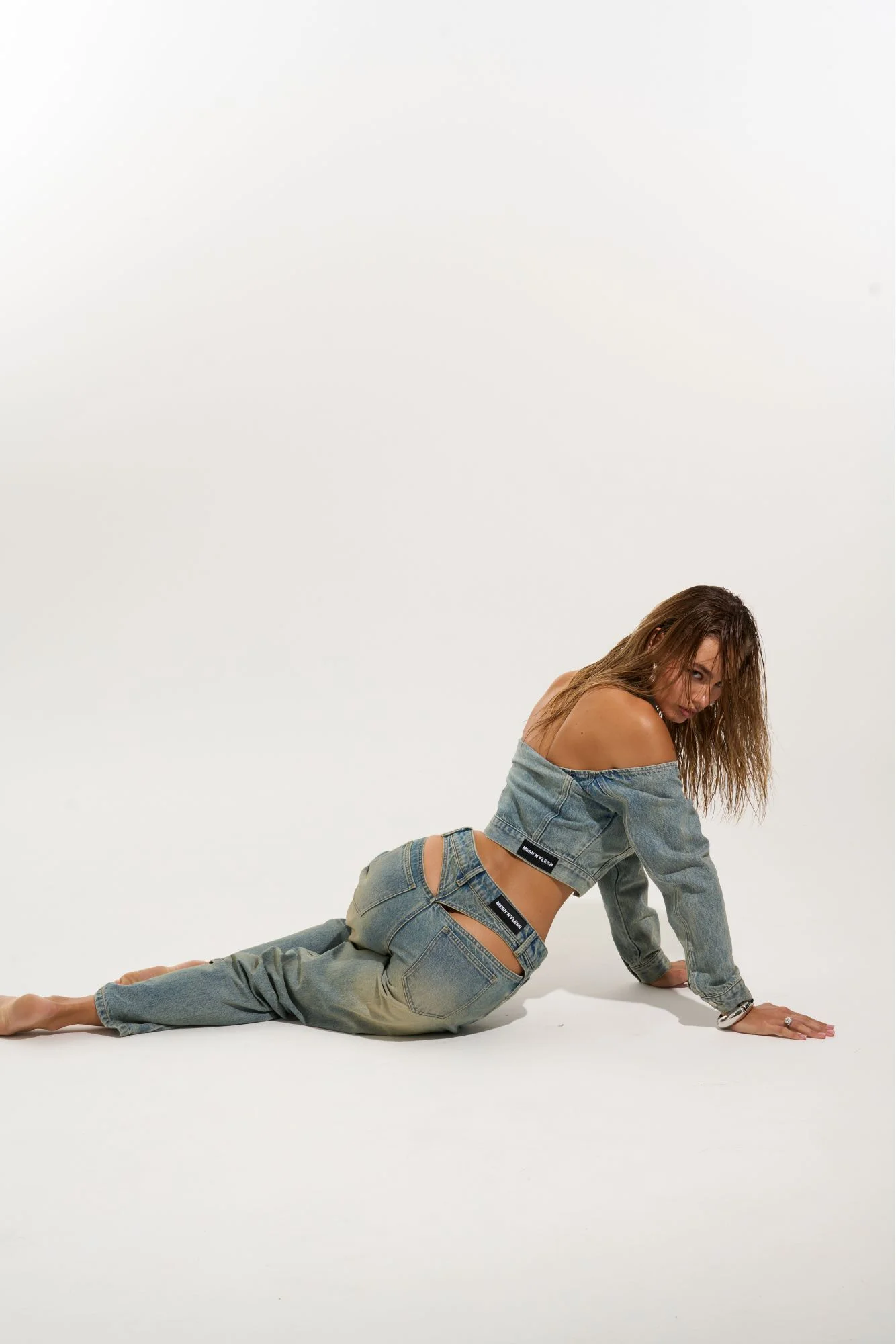
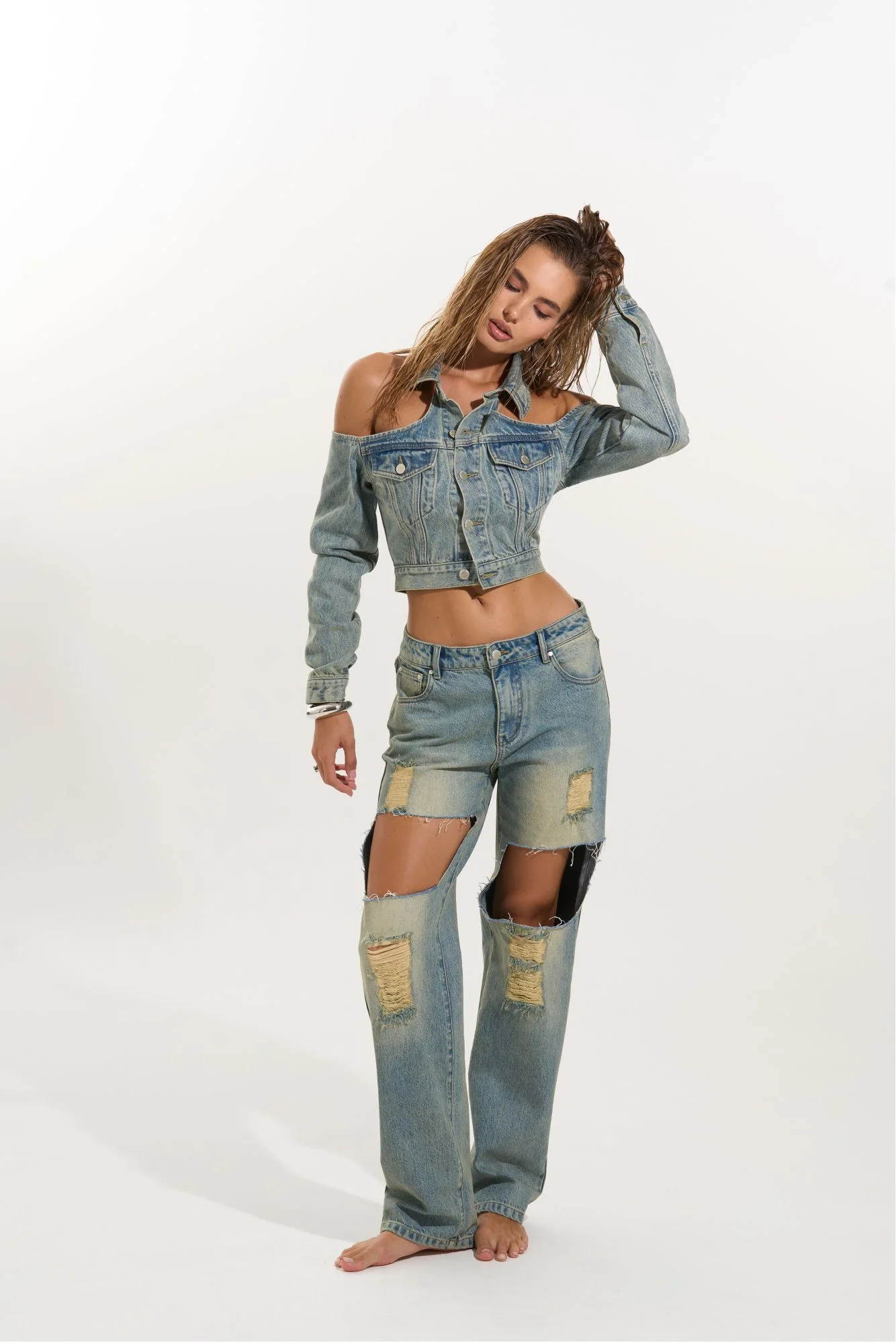
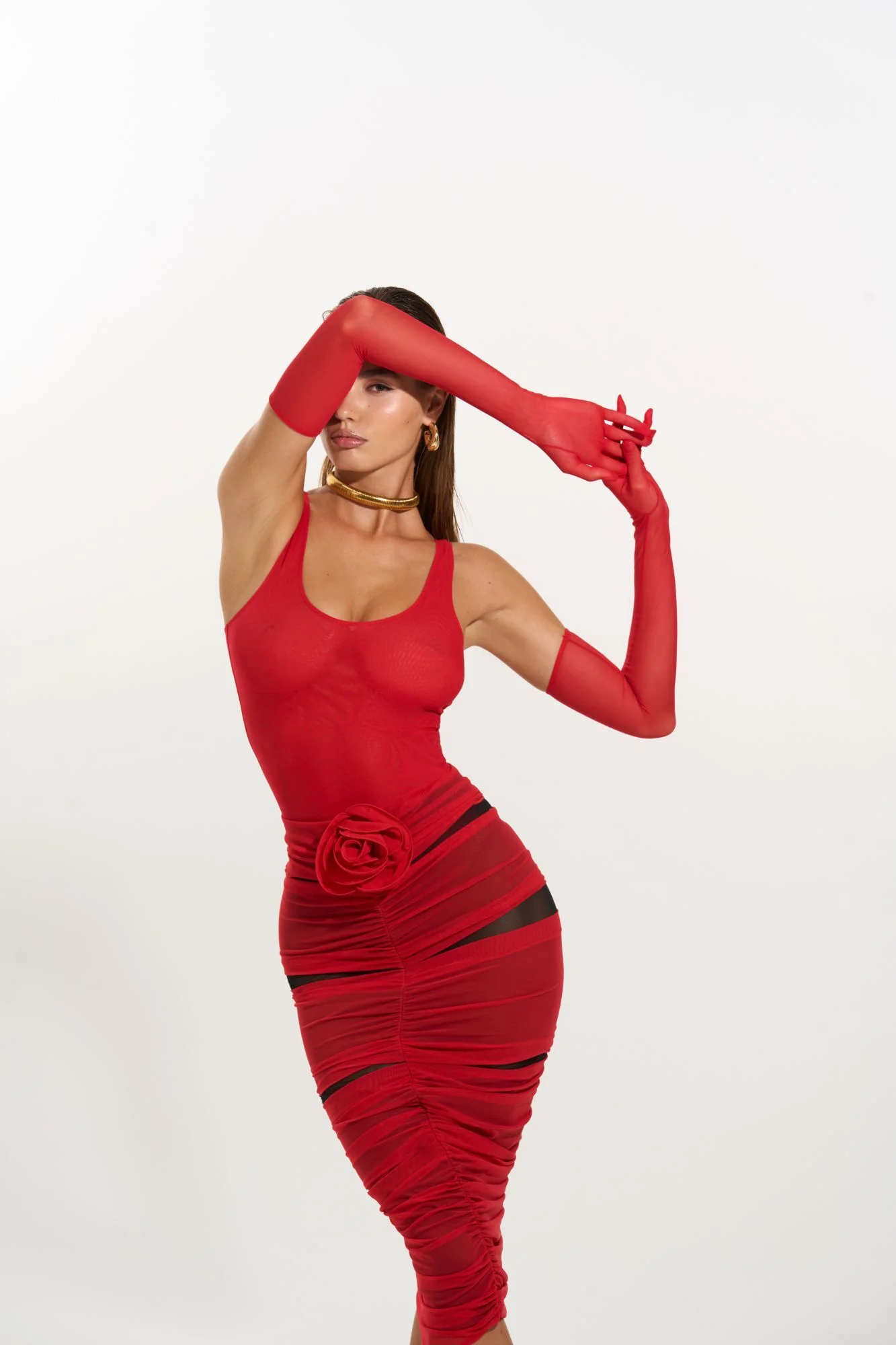
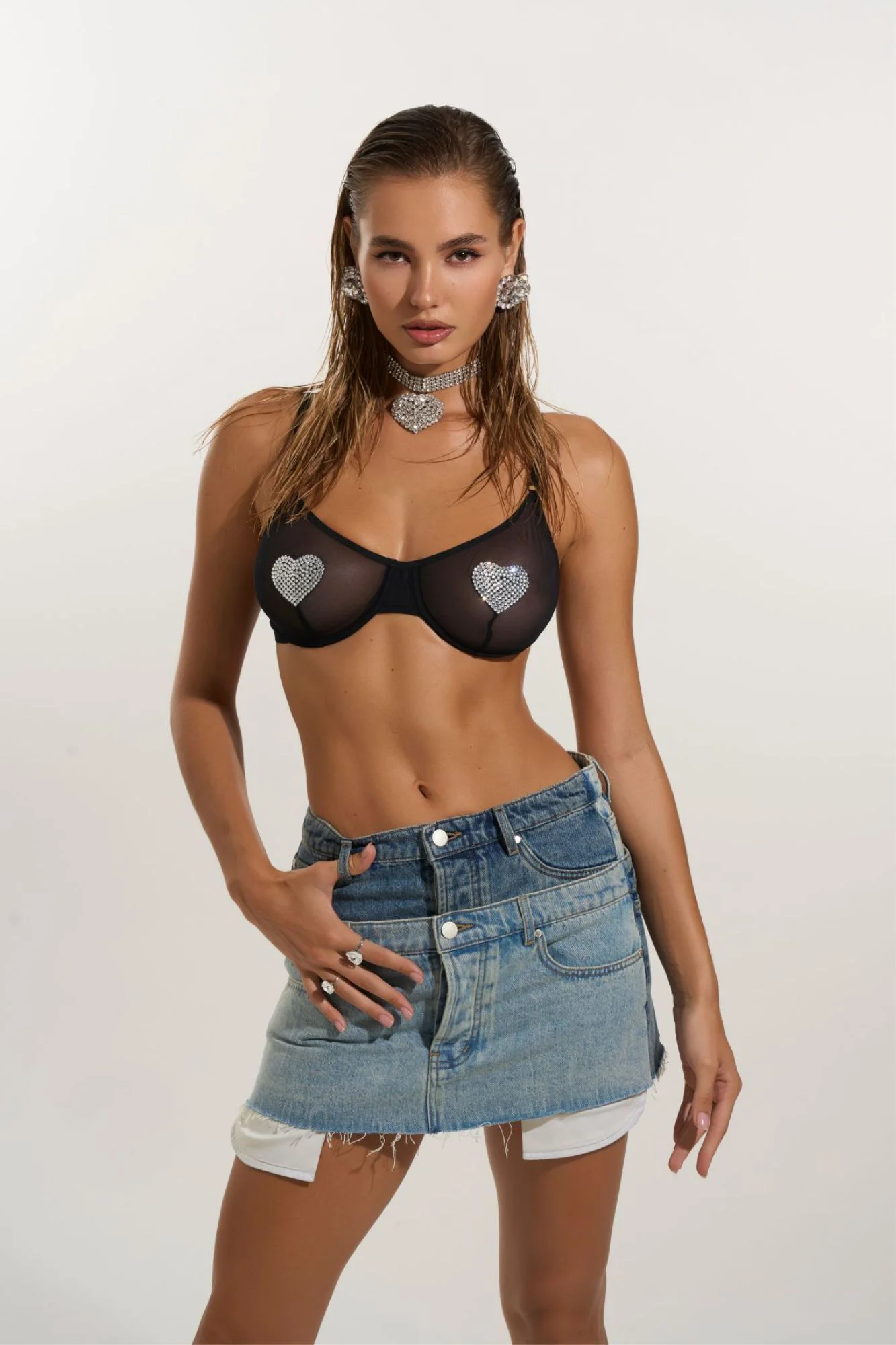
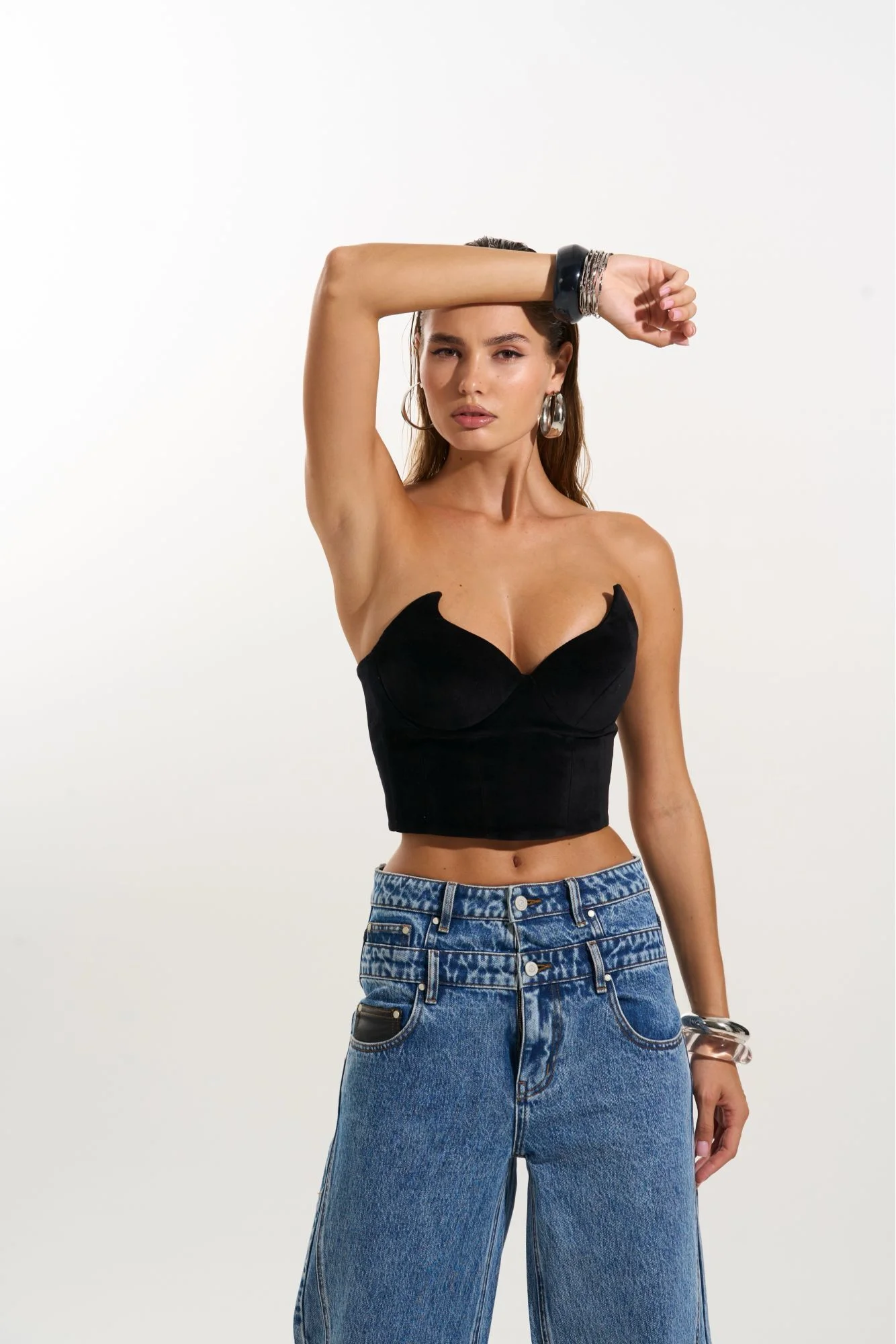
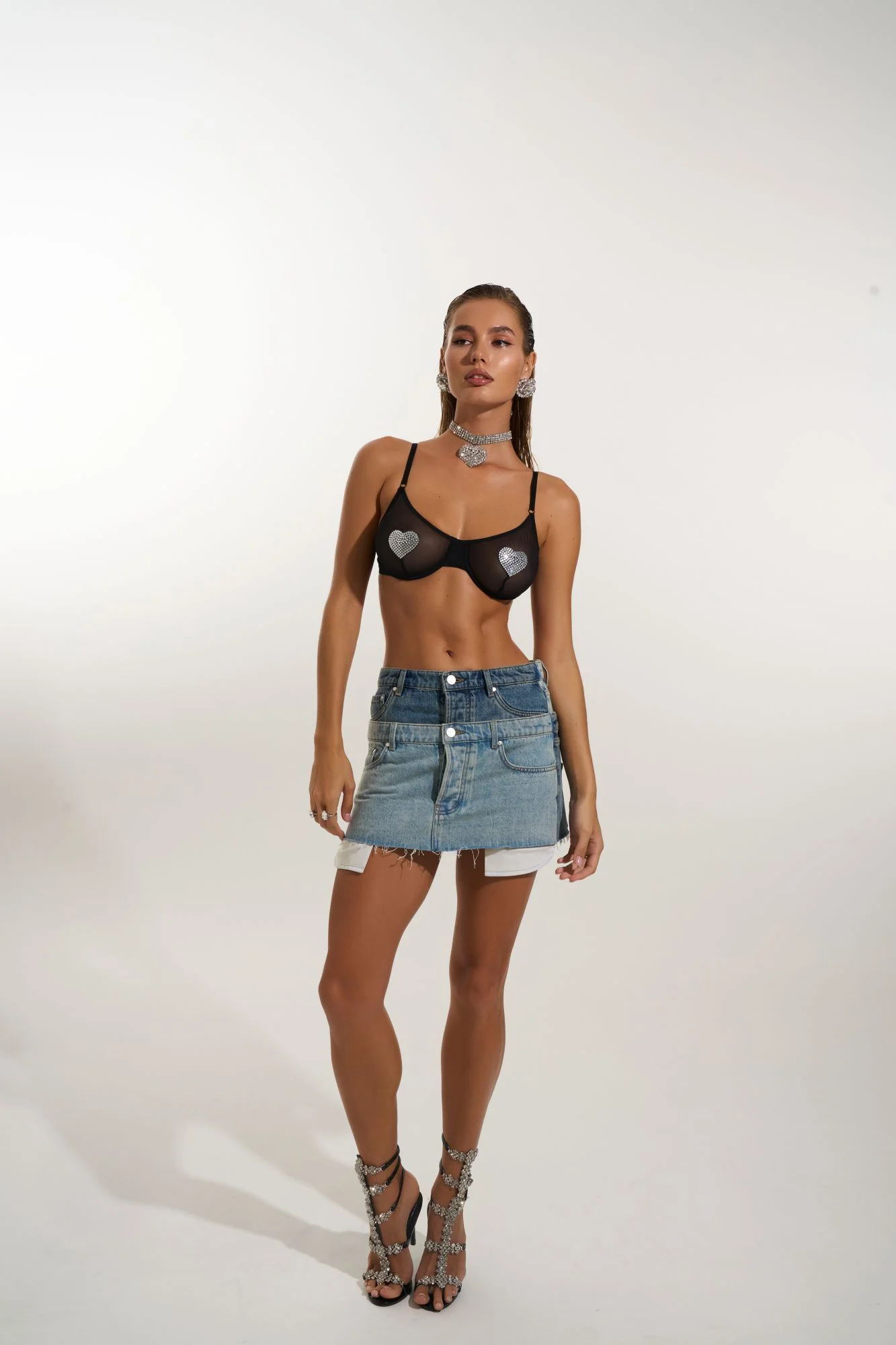
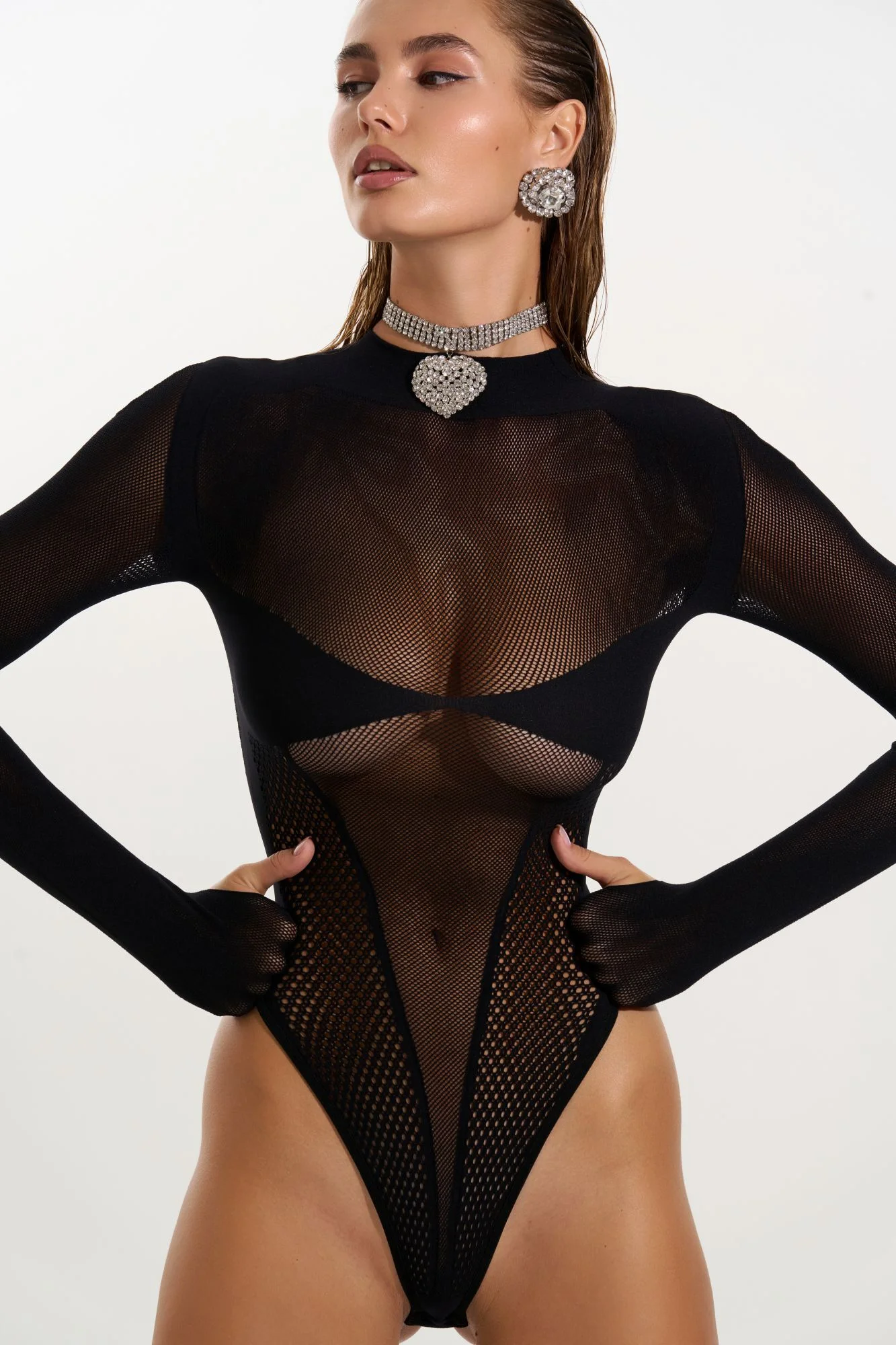
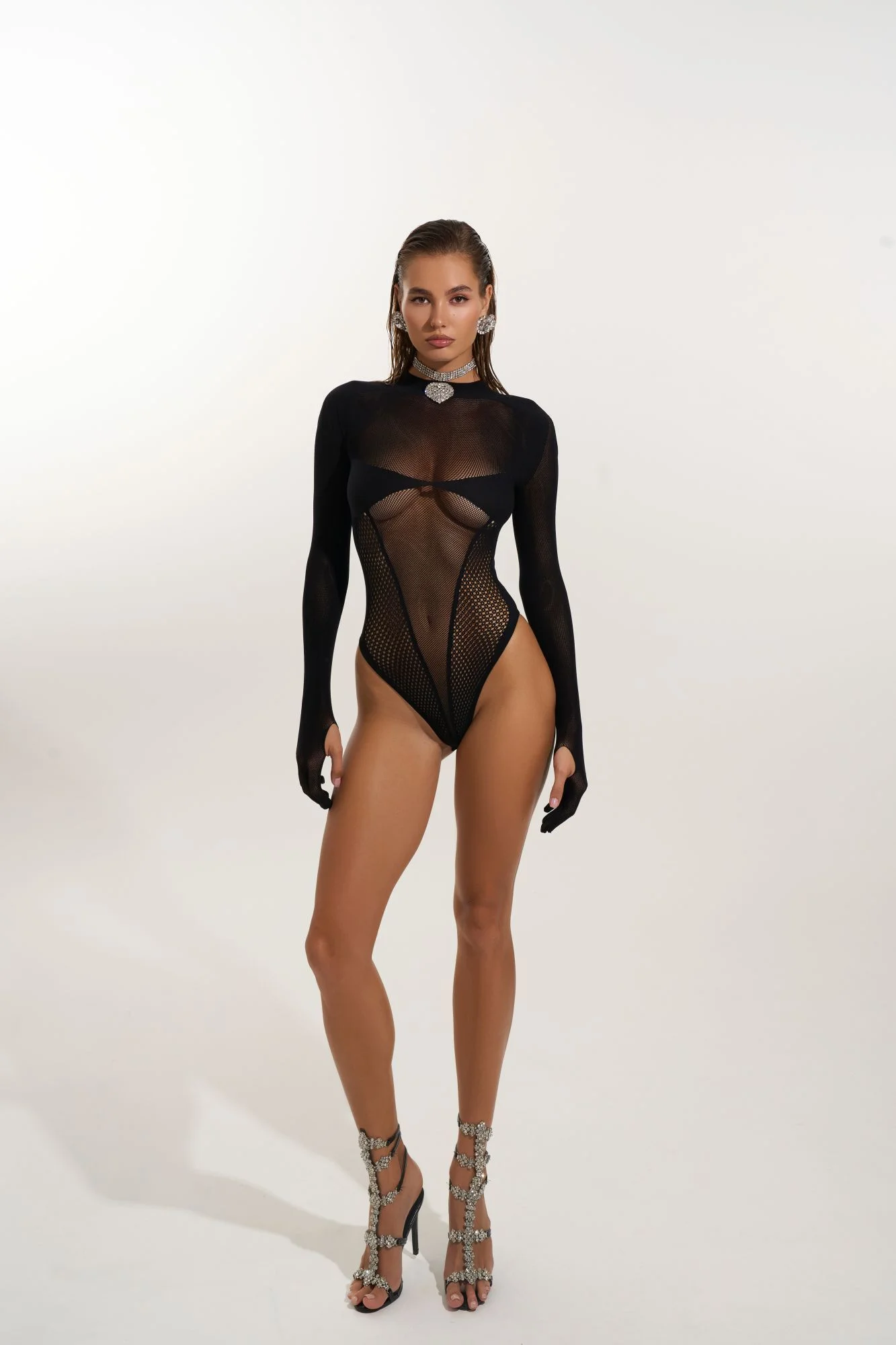
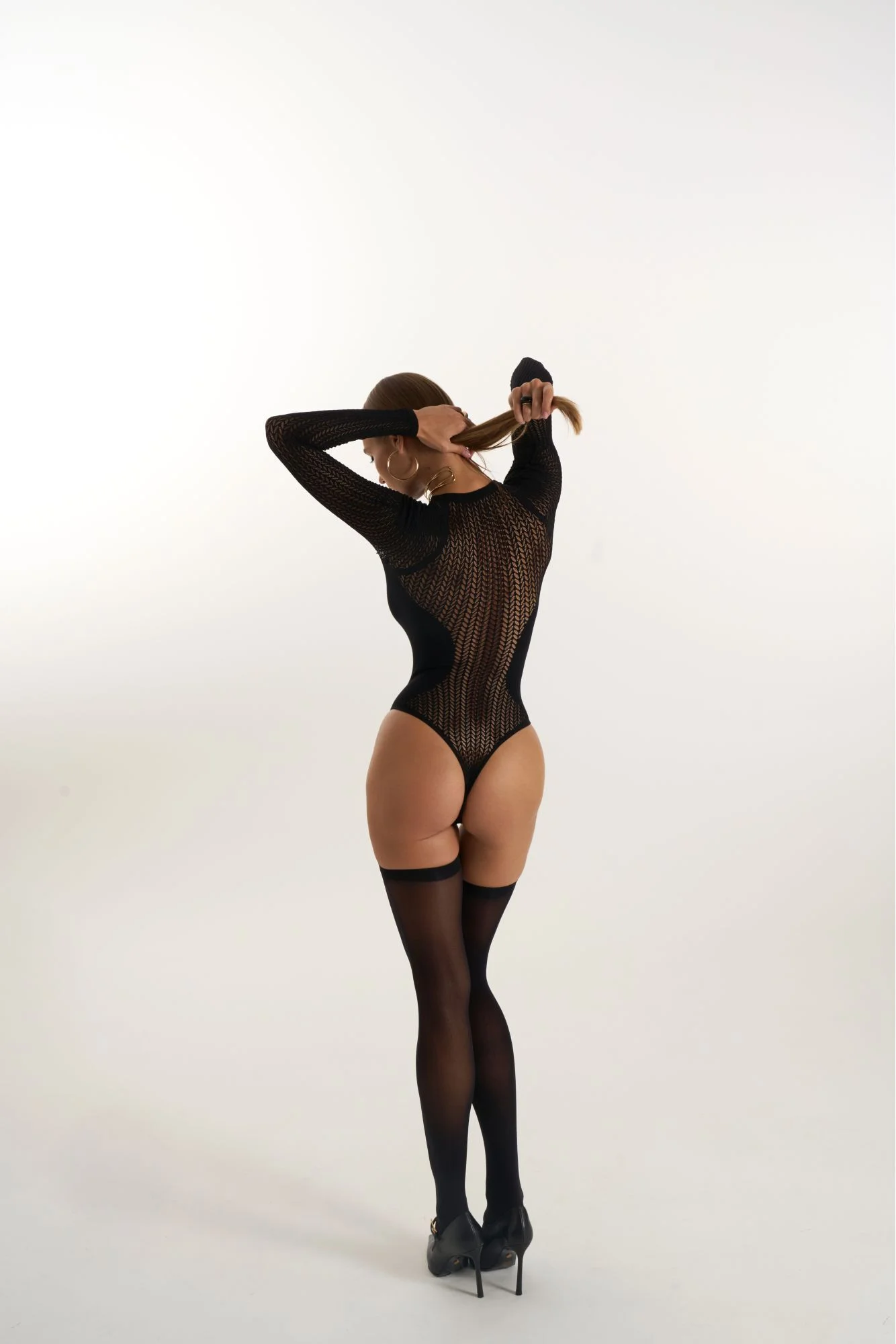
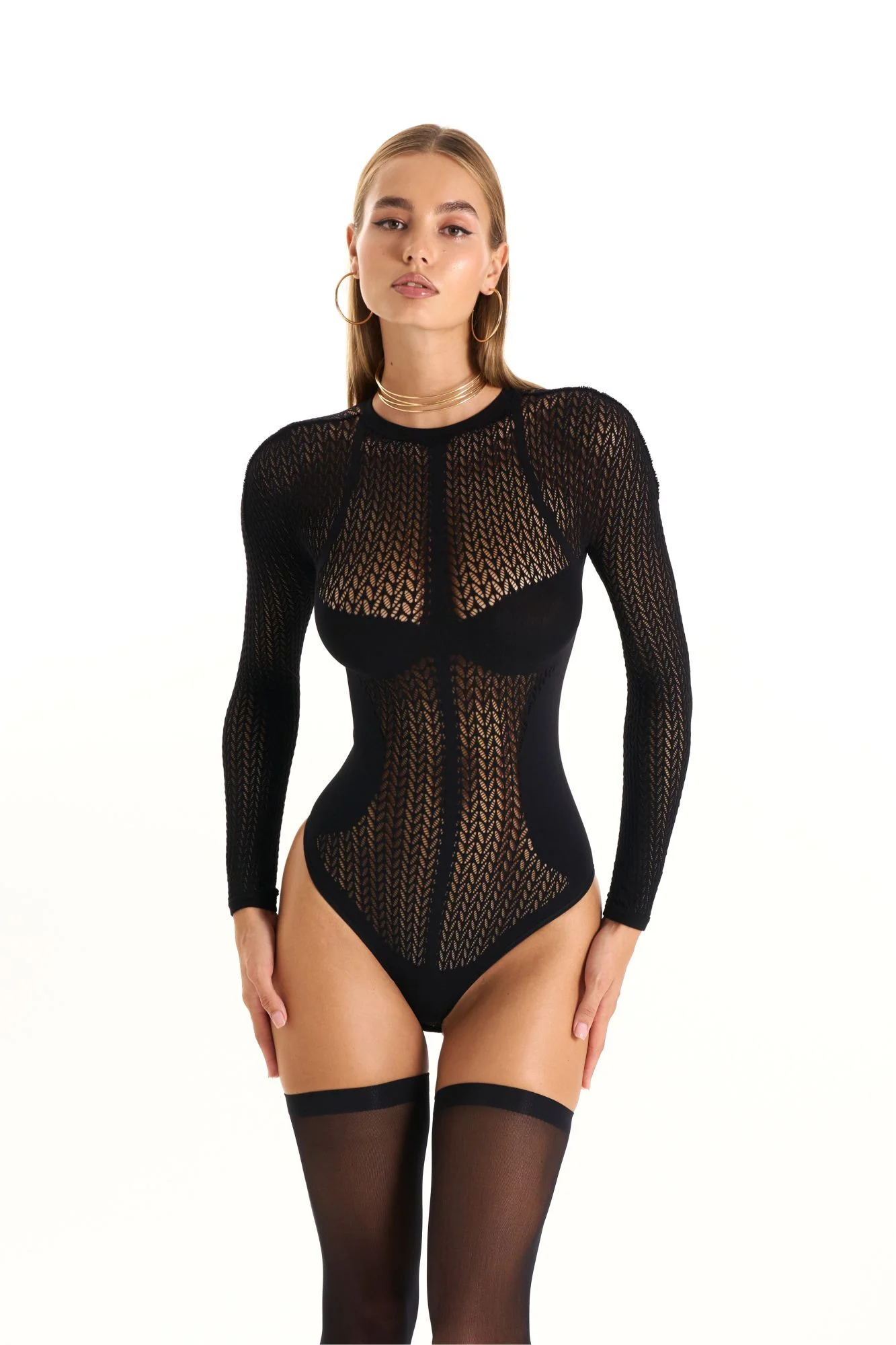
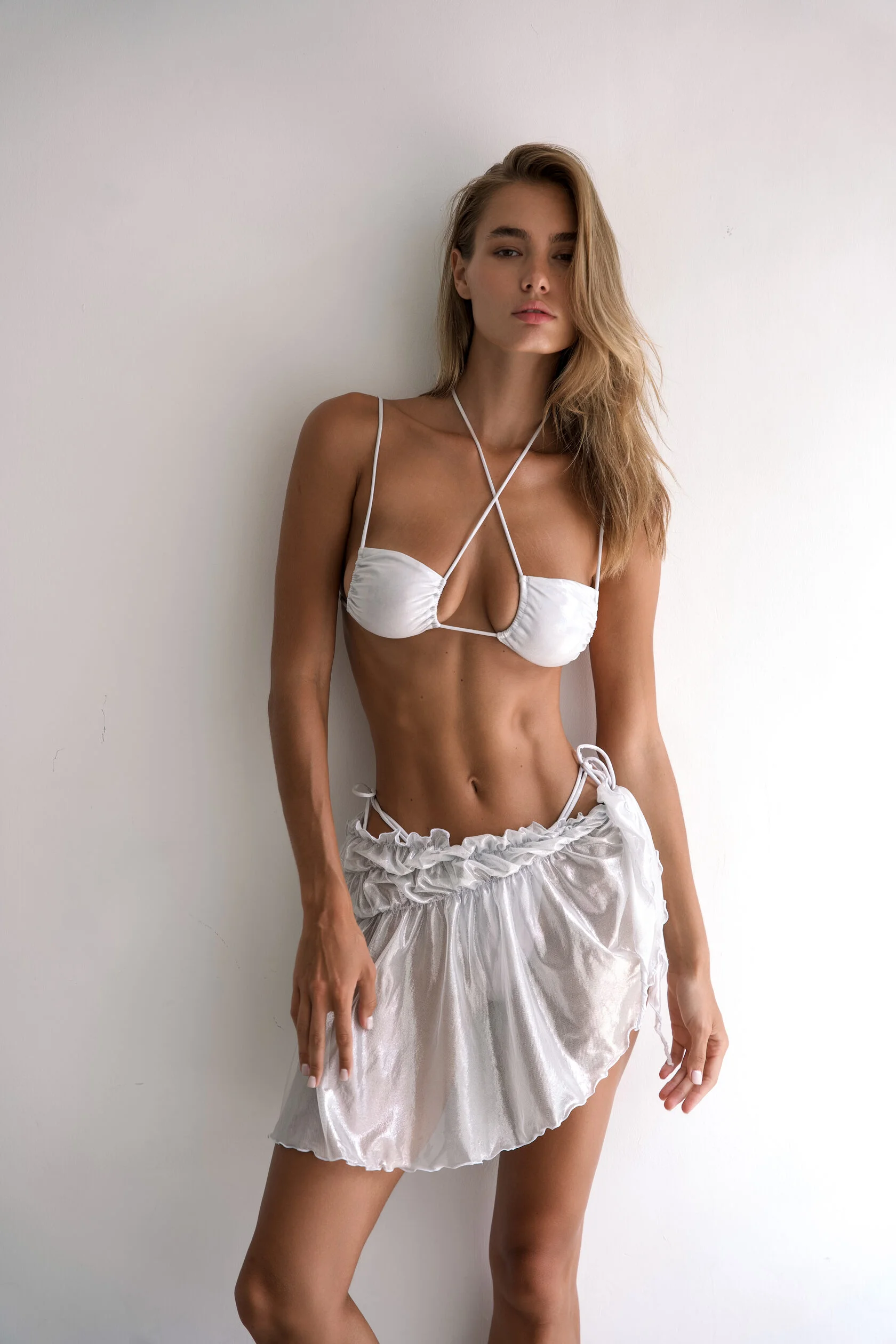
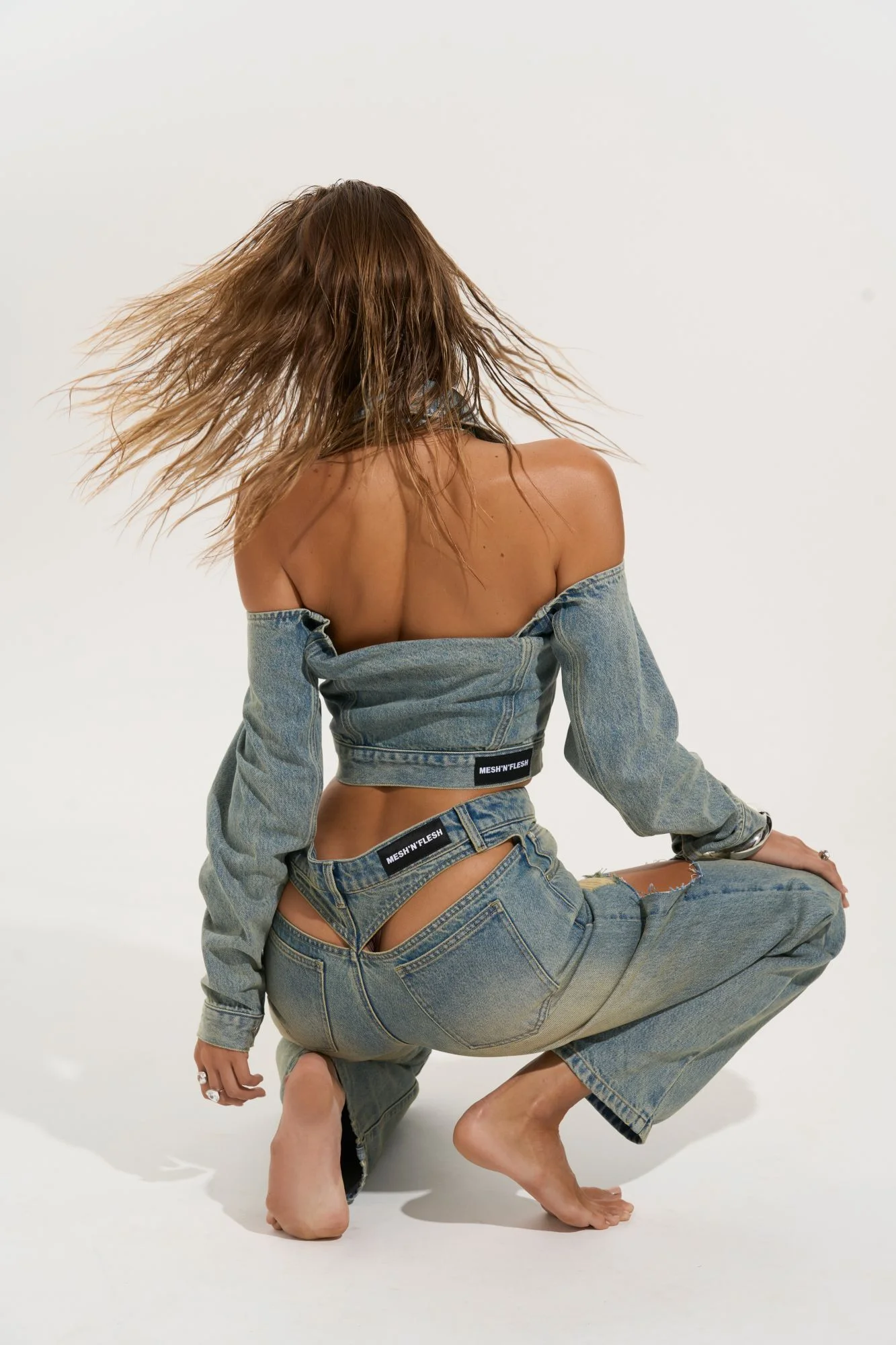
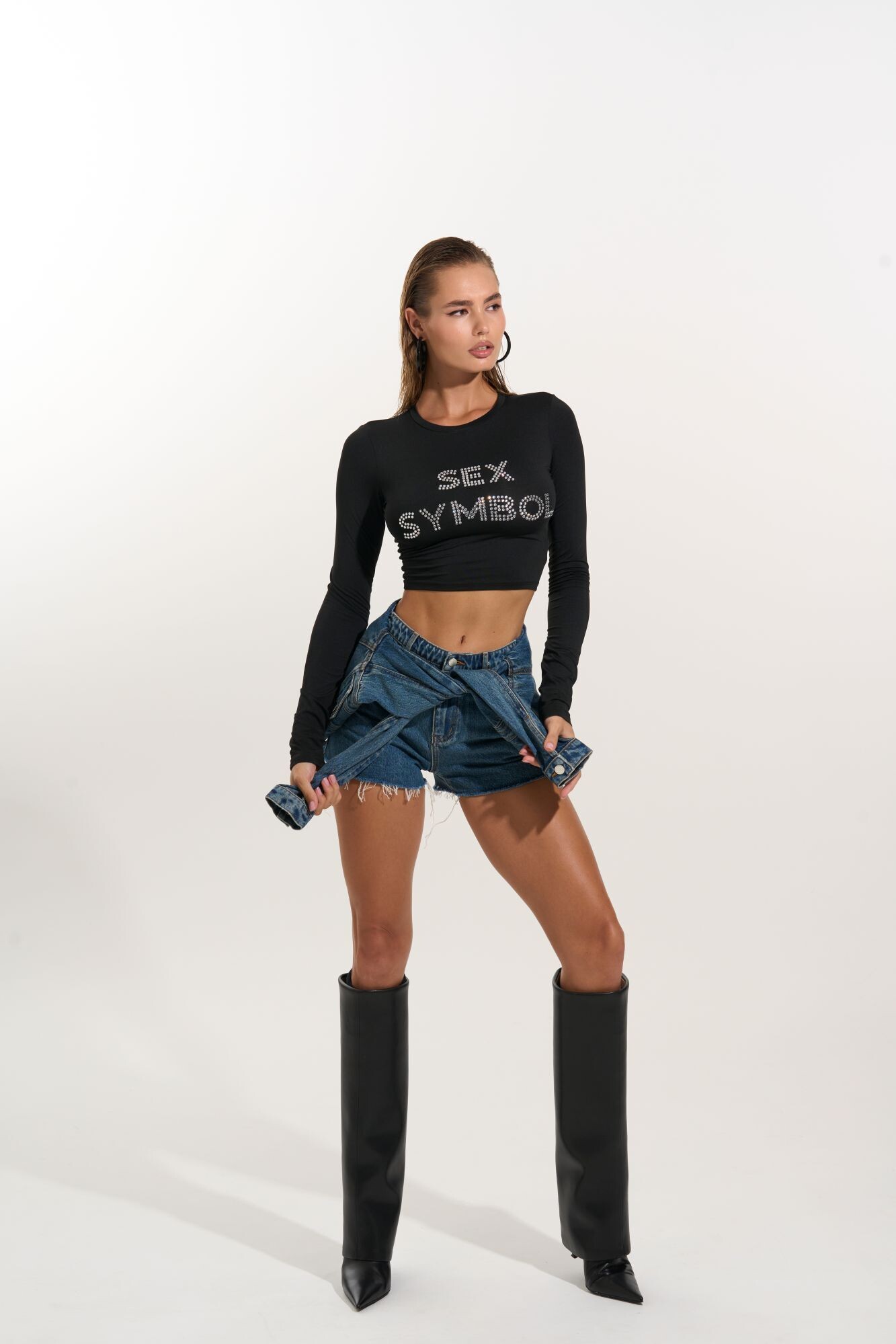
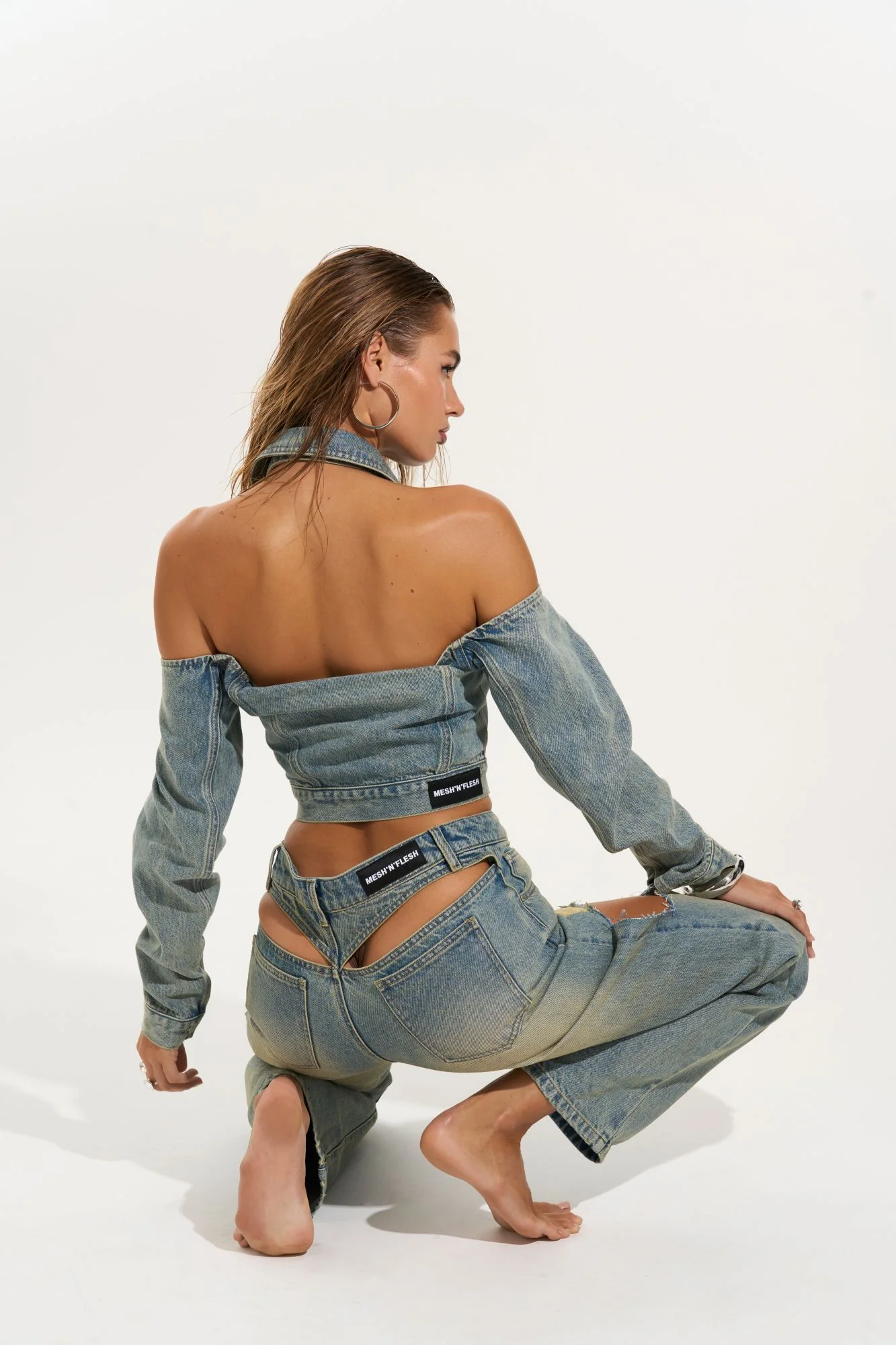
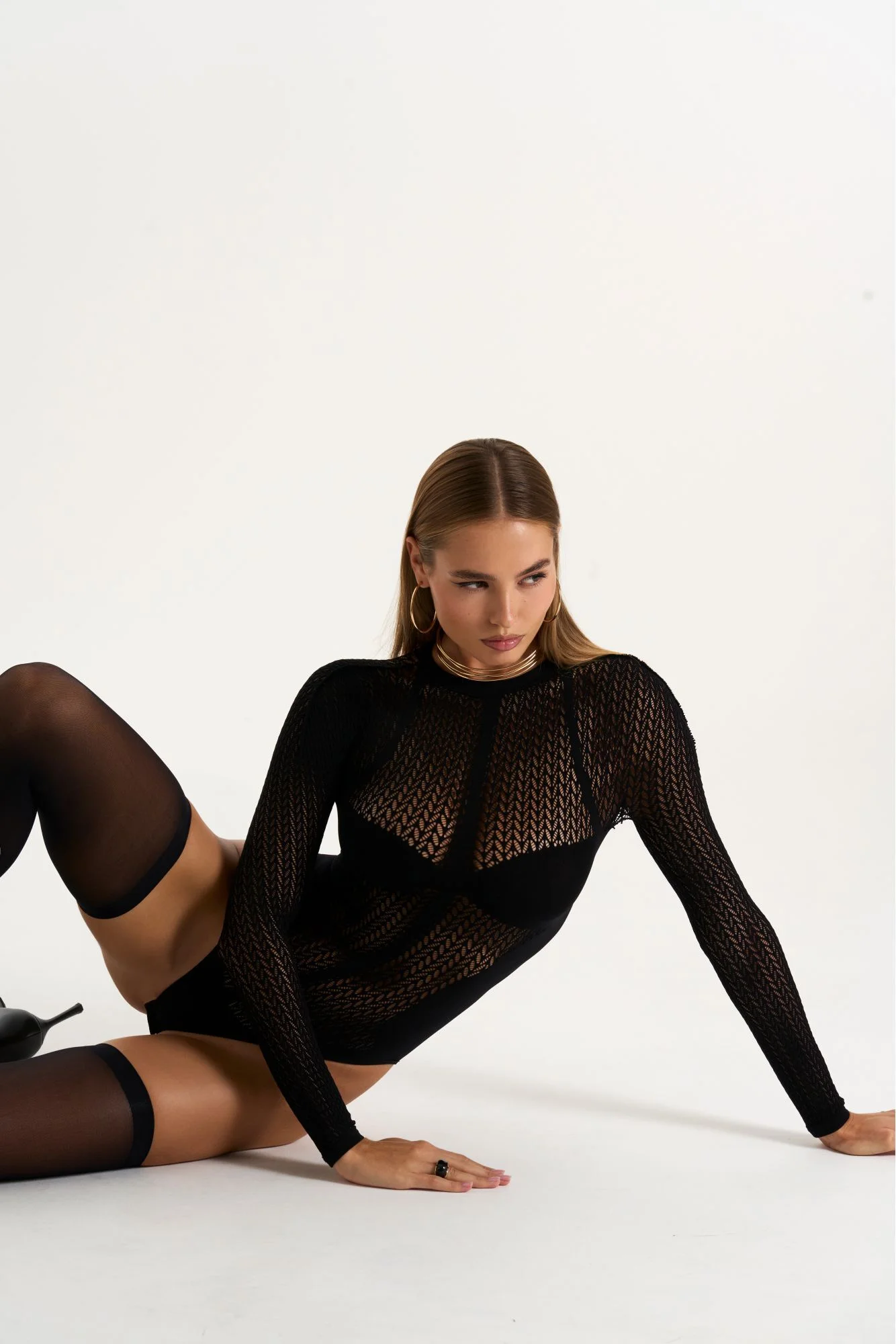
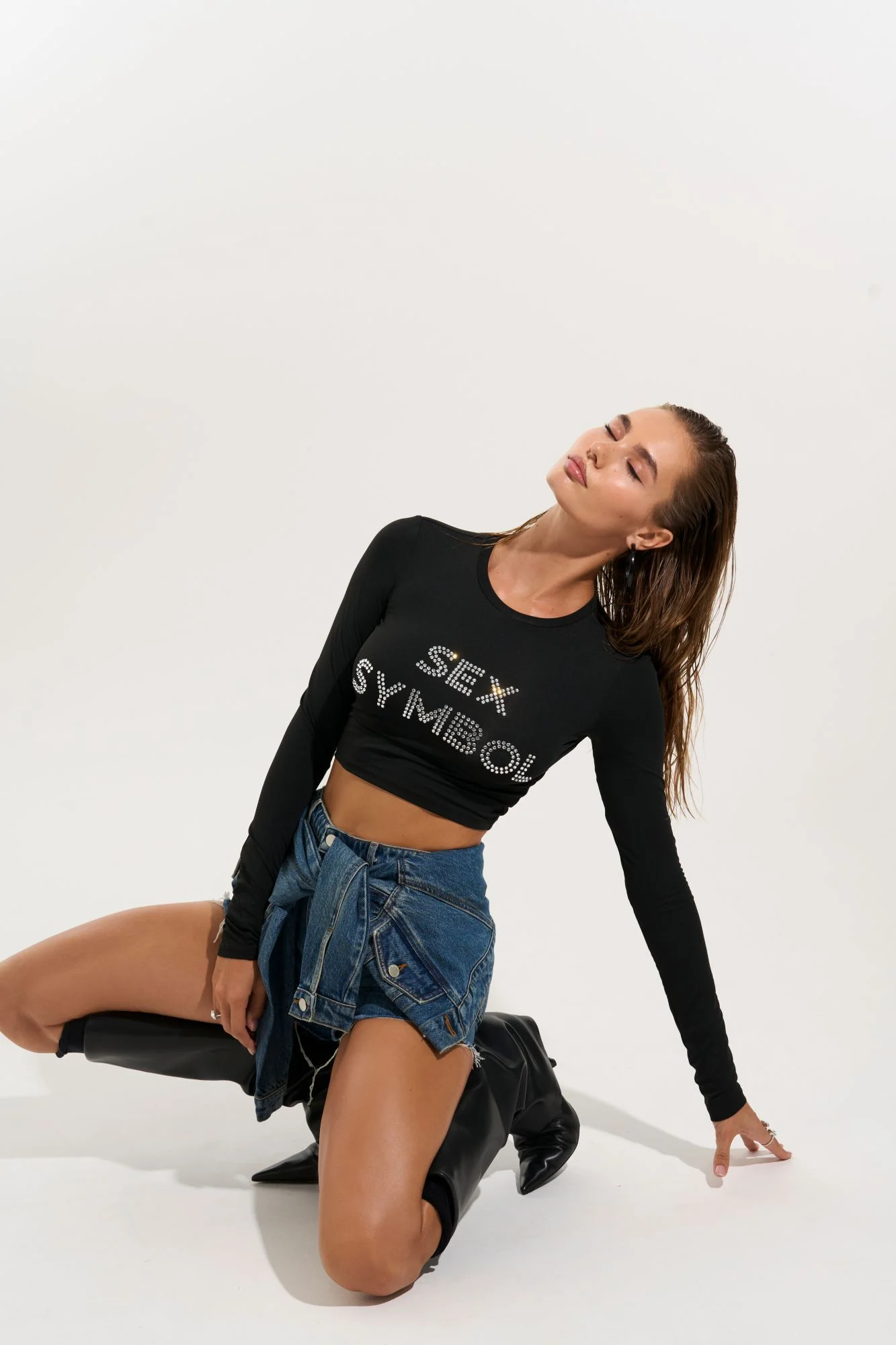
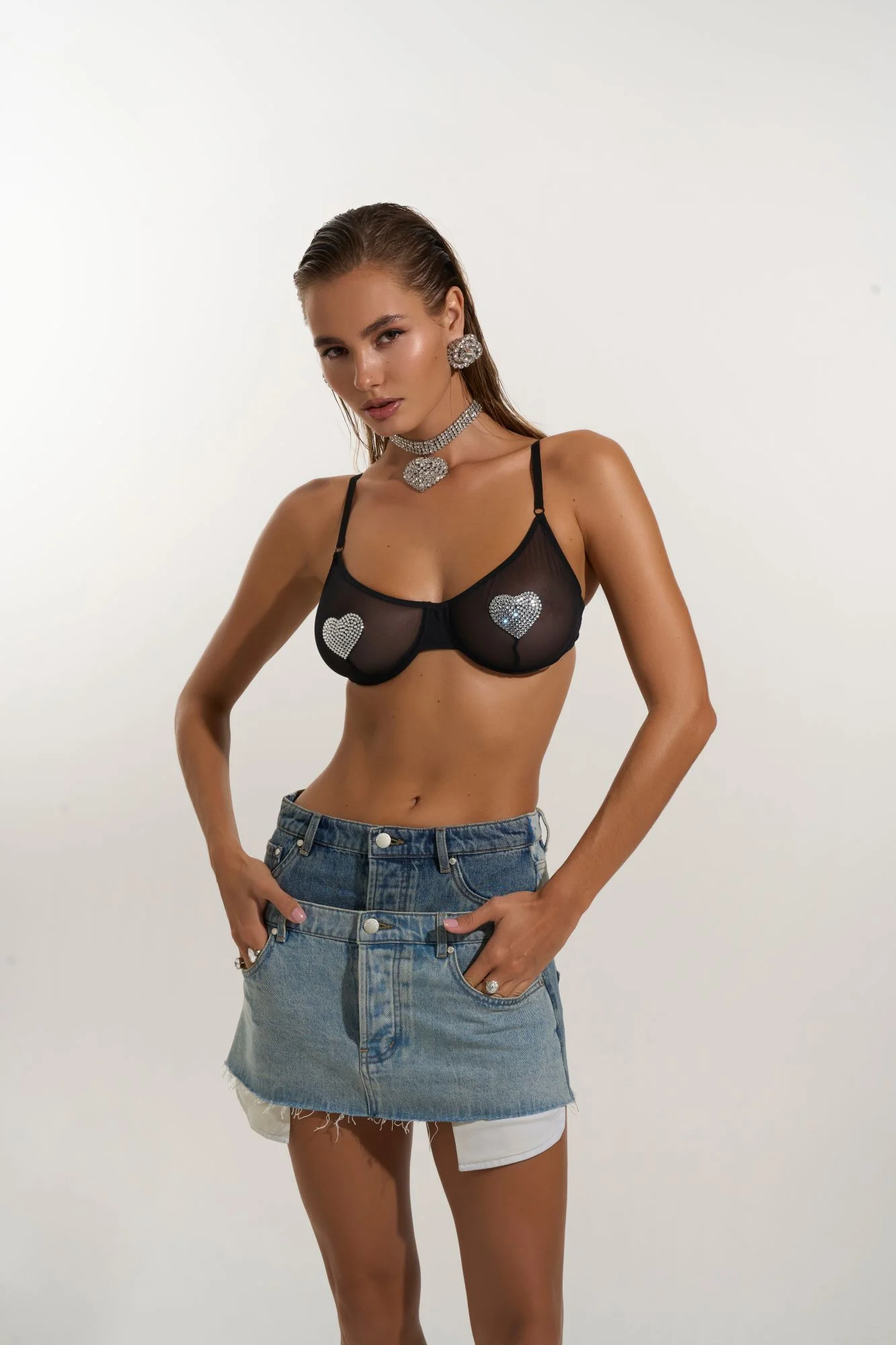
mesh 'n' flesh



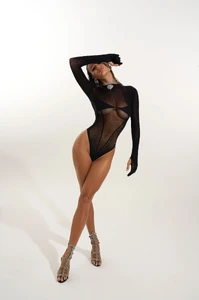




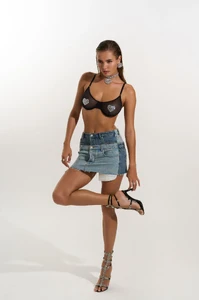
























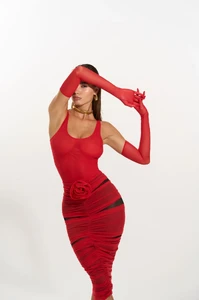
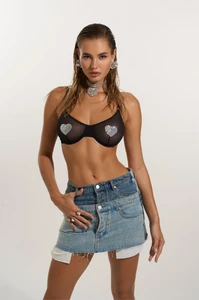

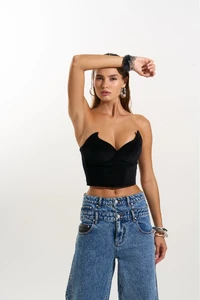


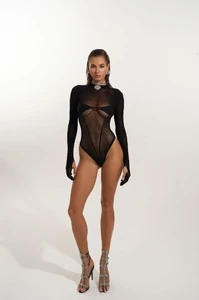
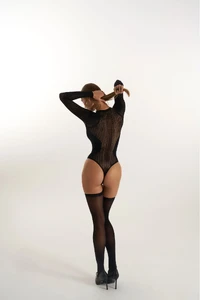




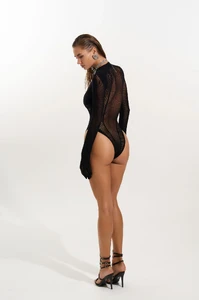
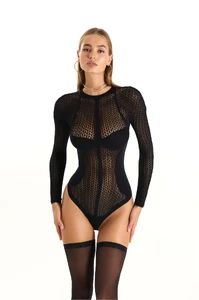
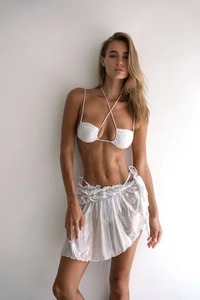




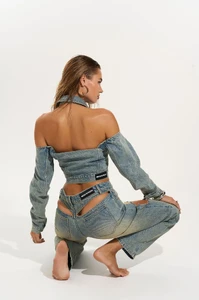
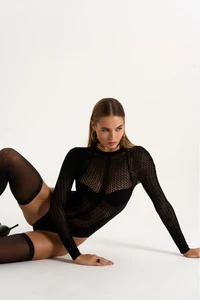





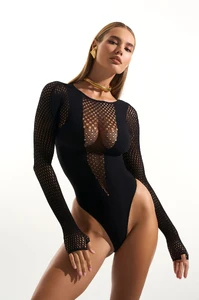
 Partial nudity




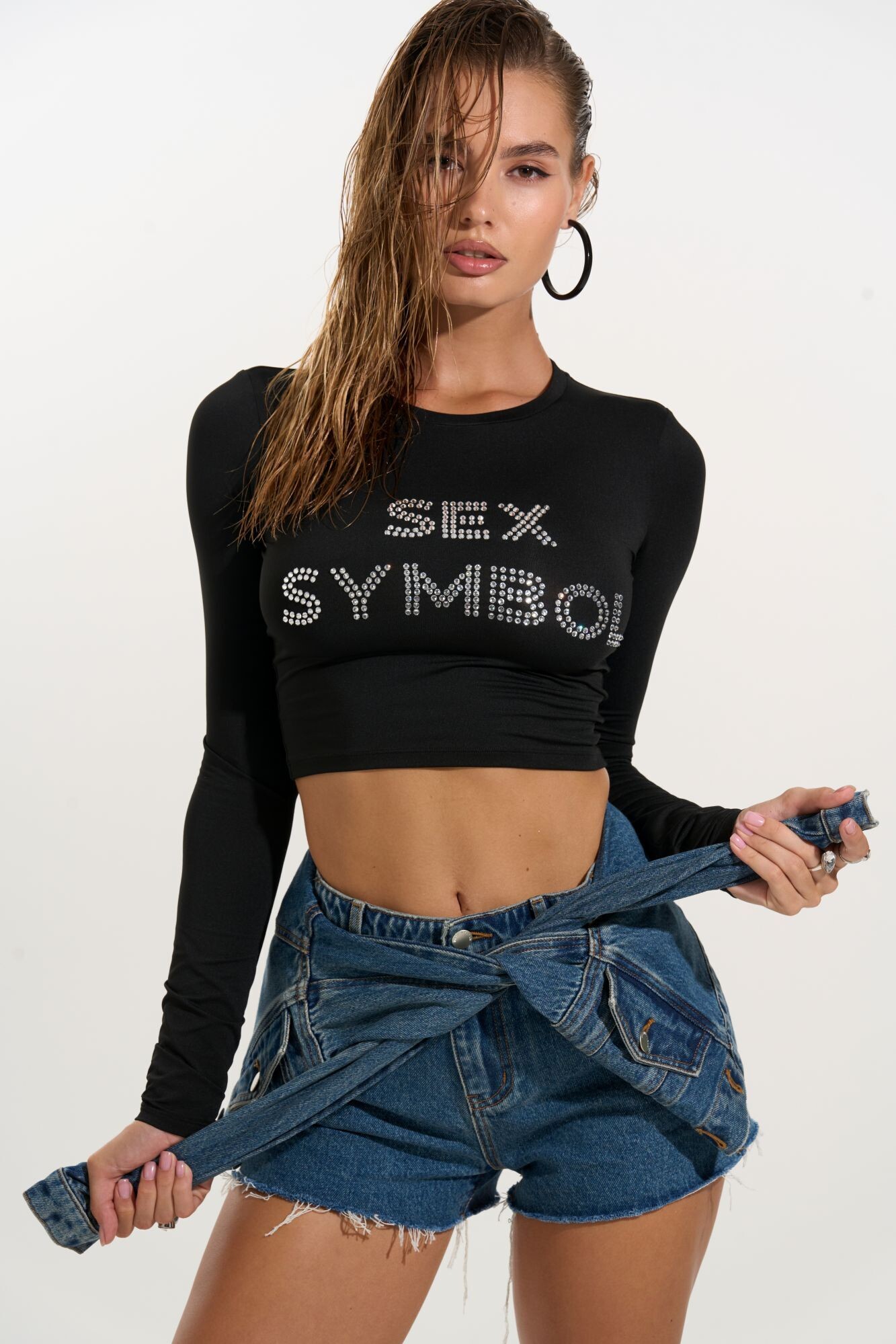
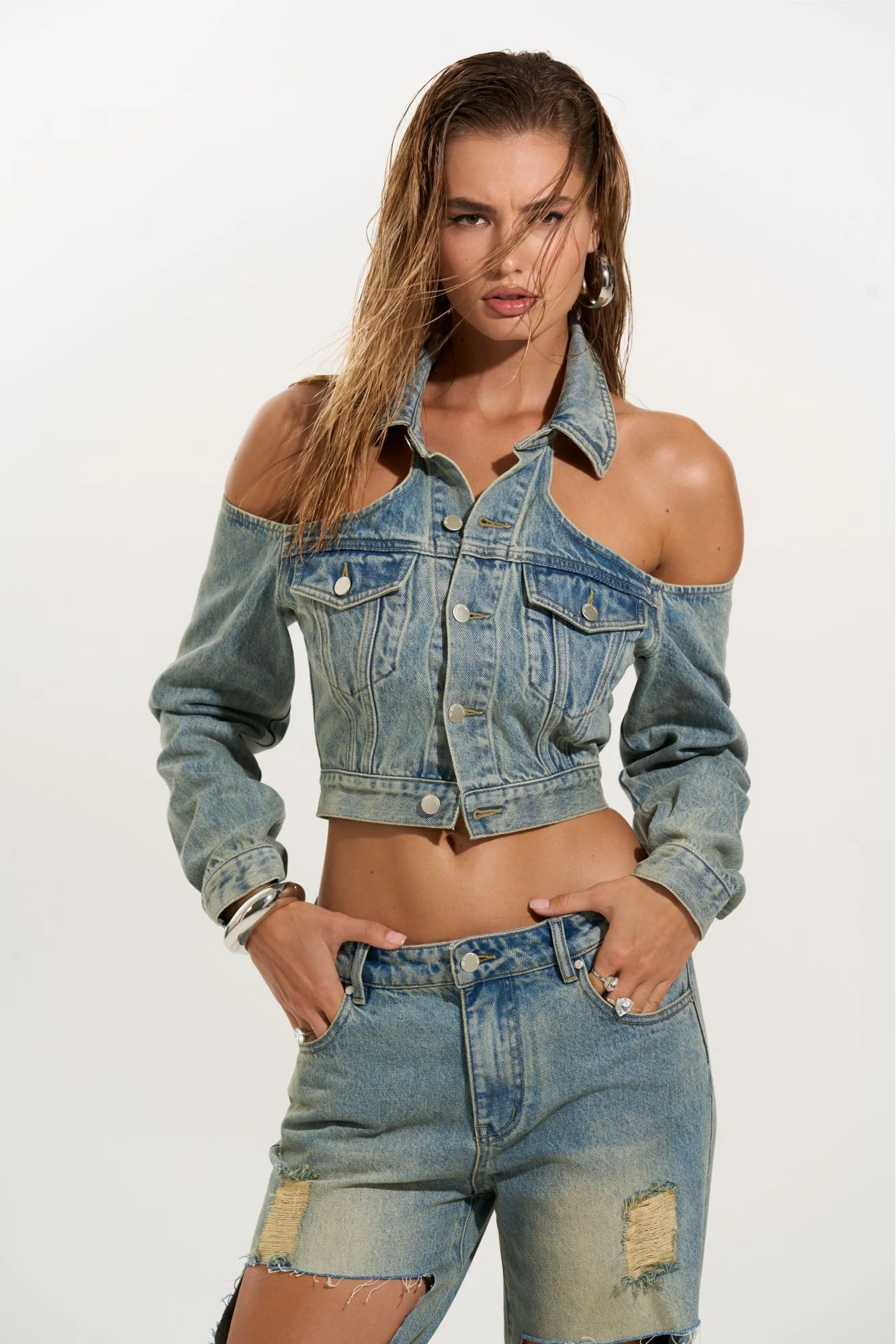
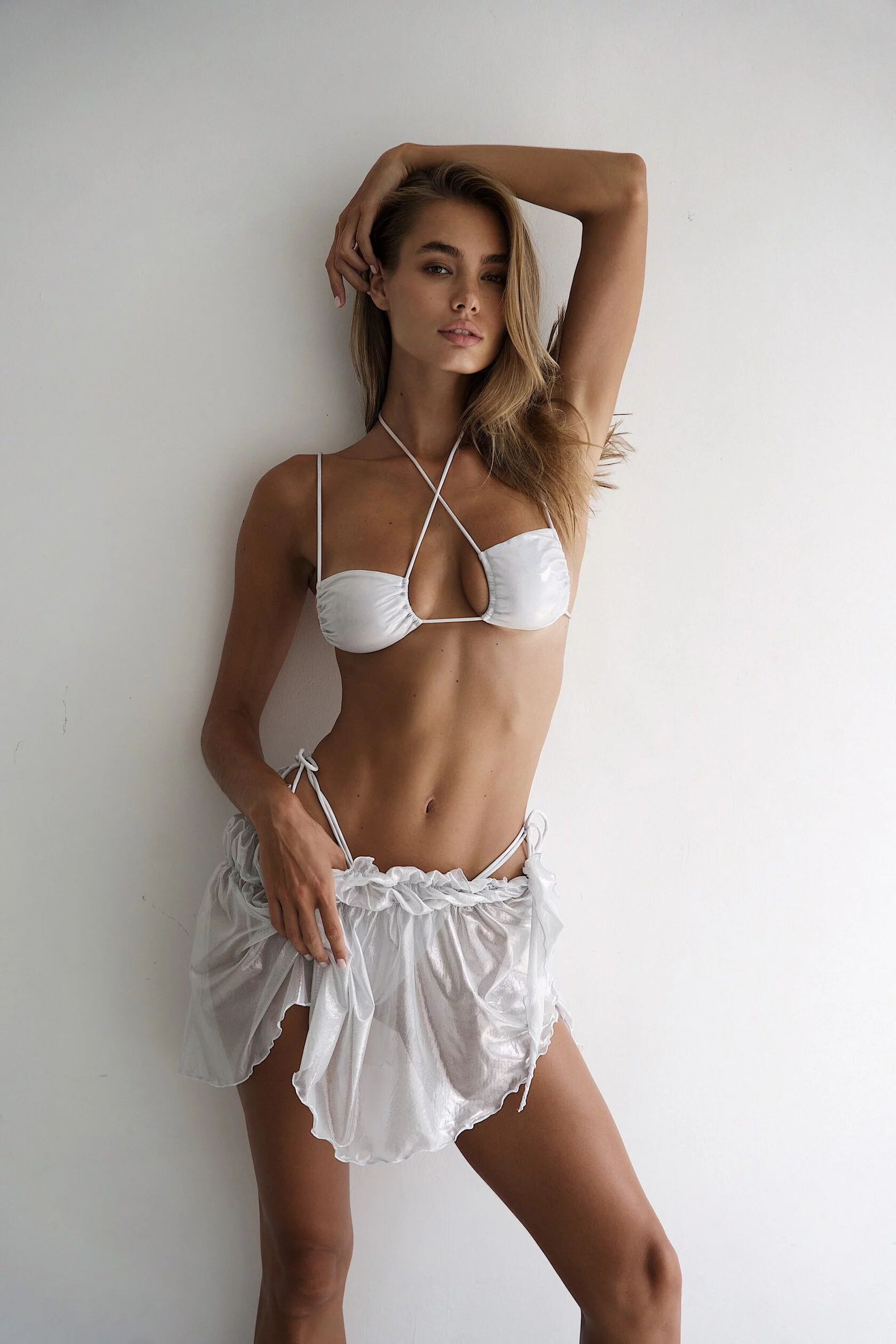
 Some links: https://www.instagram.com/martagborbollaa/ https://blowmodels.com/women/marta-g-borbolla/
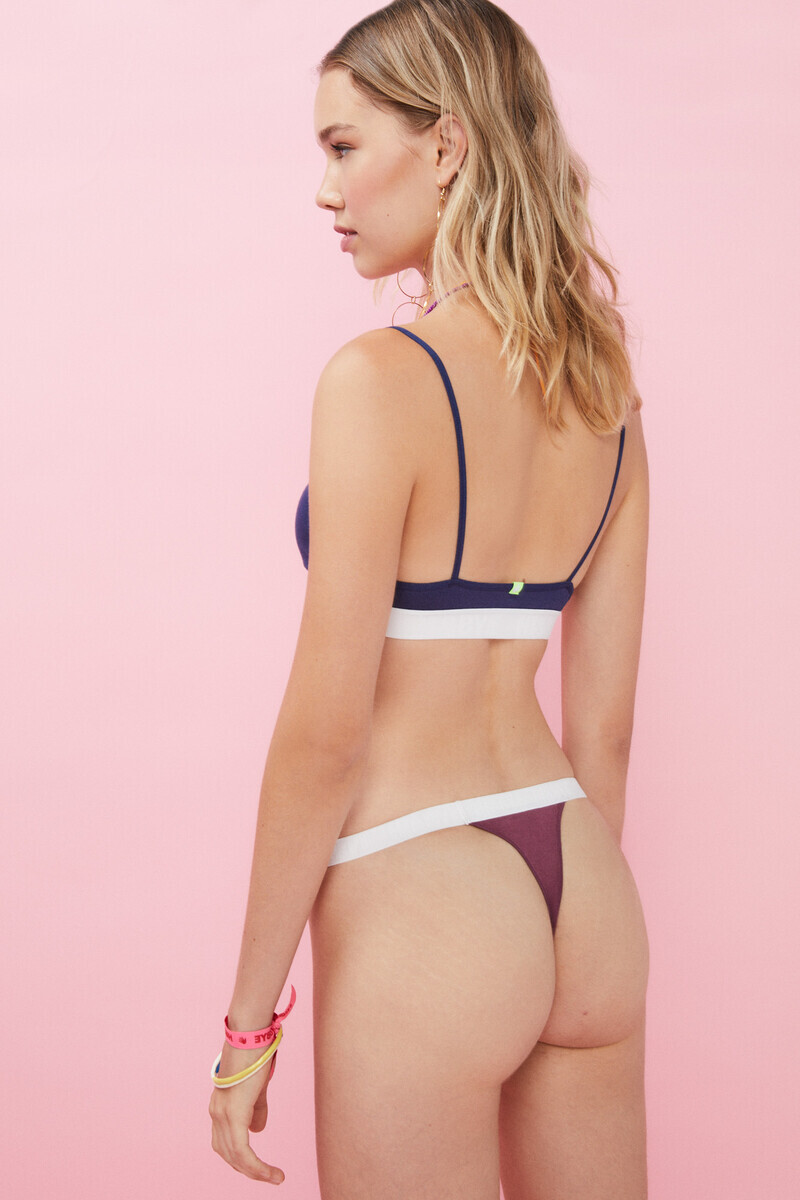
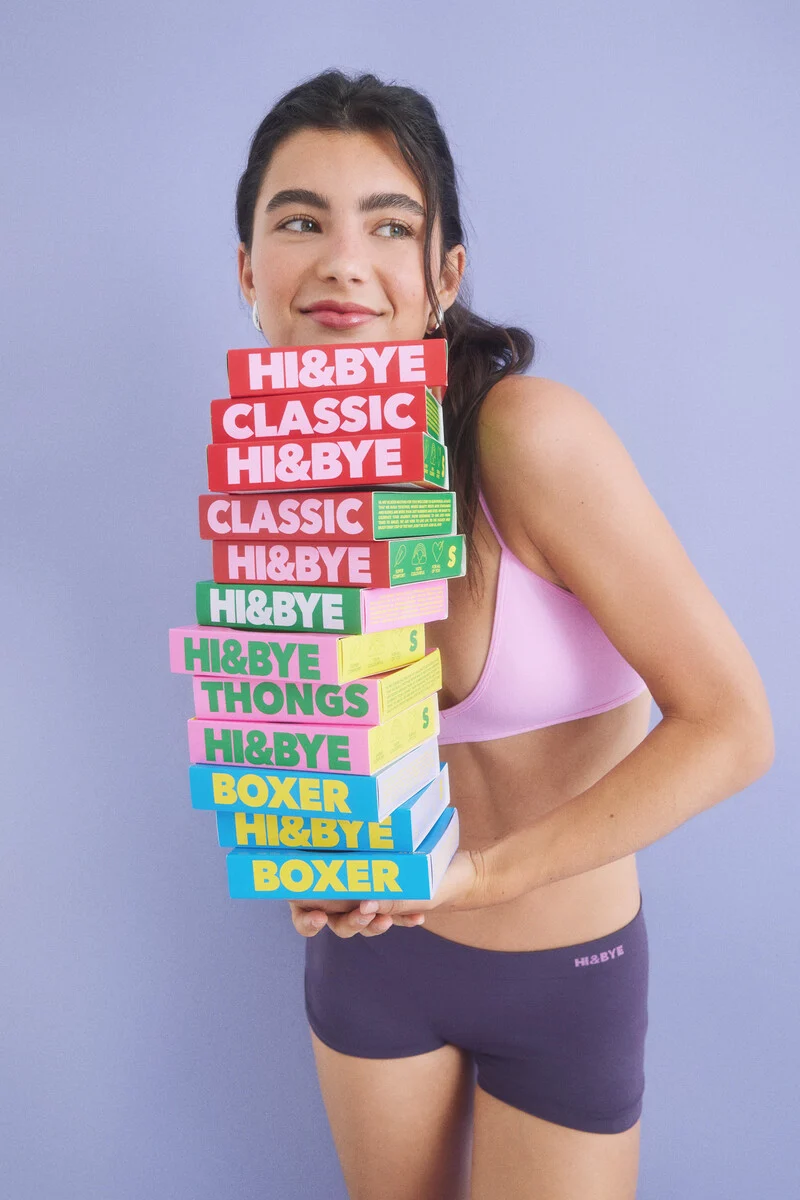
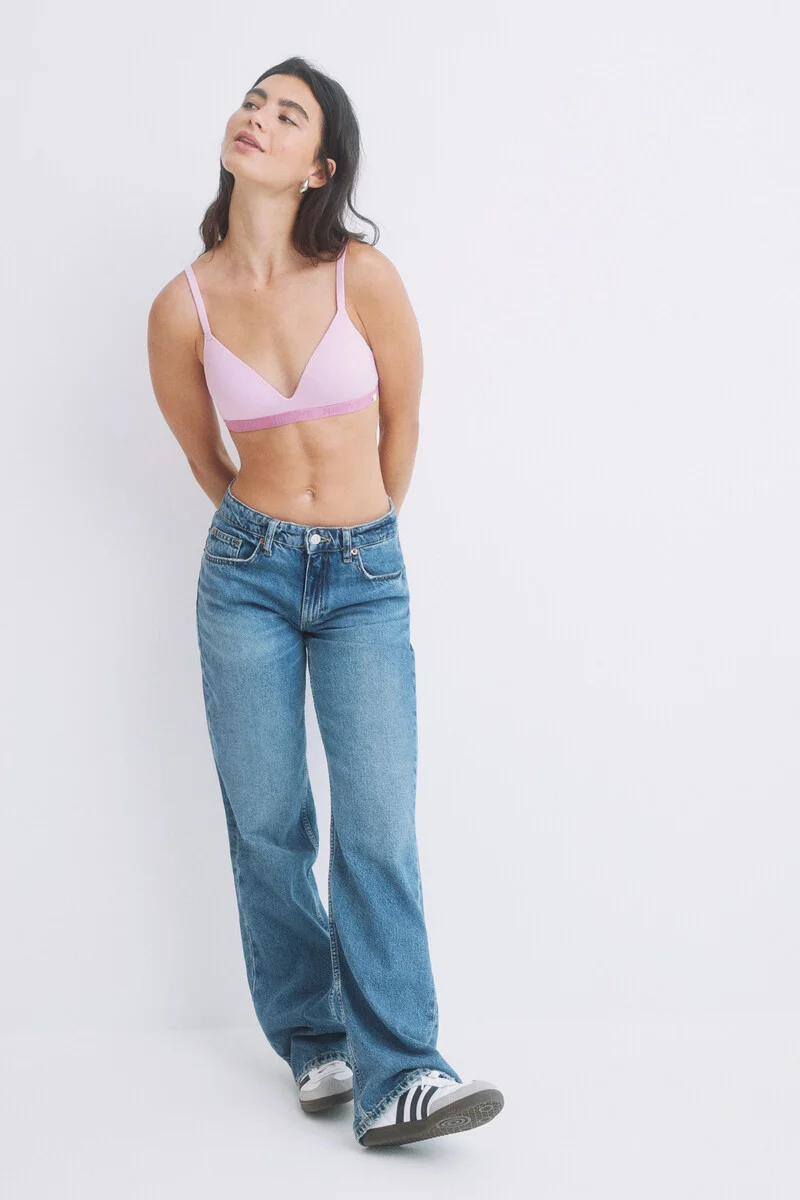
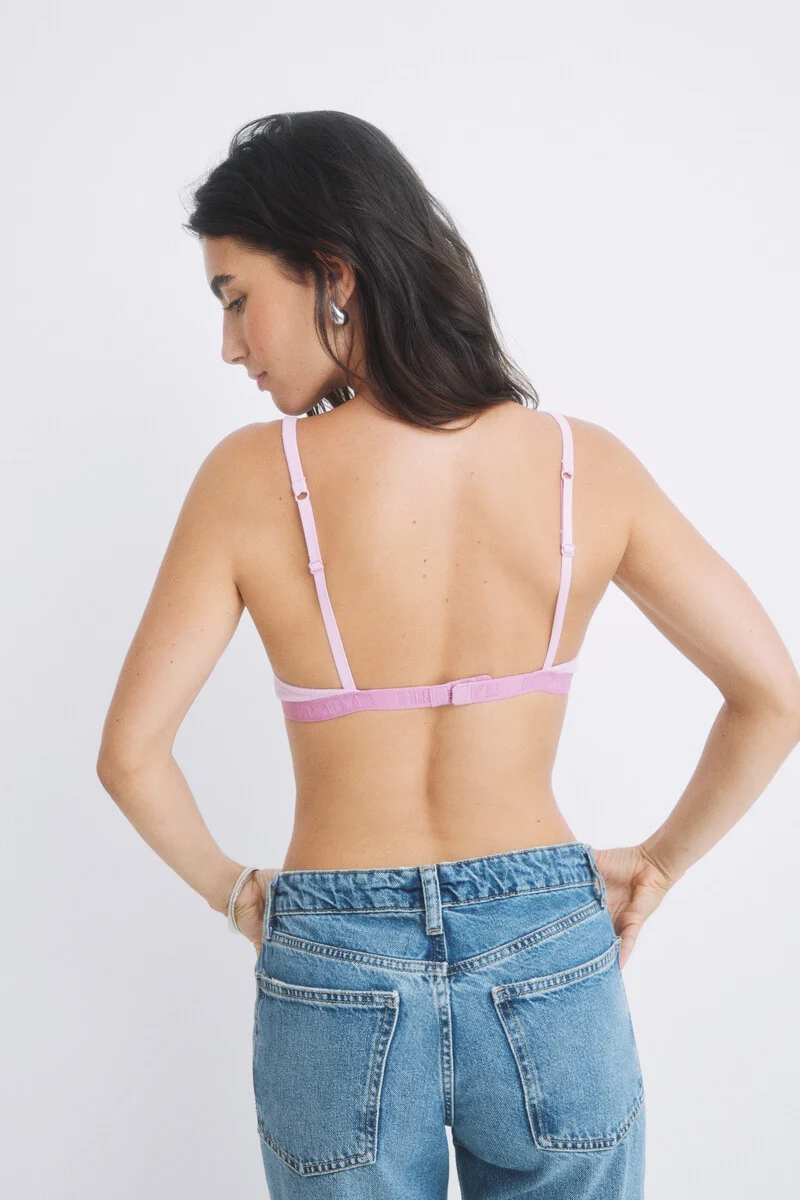
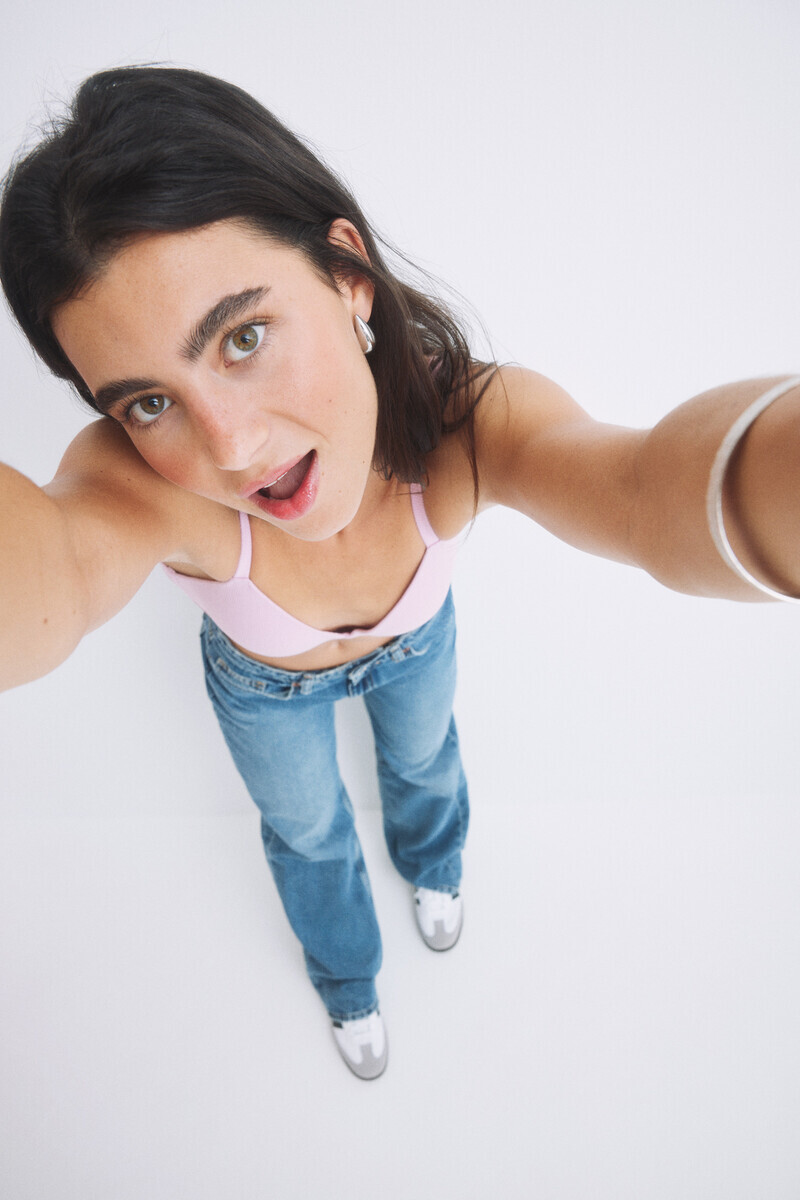
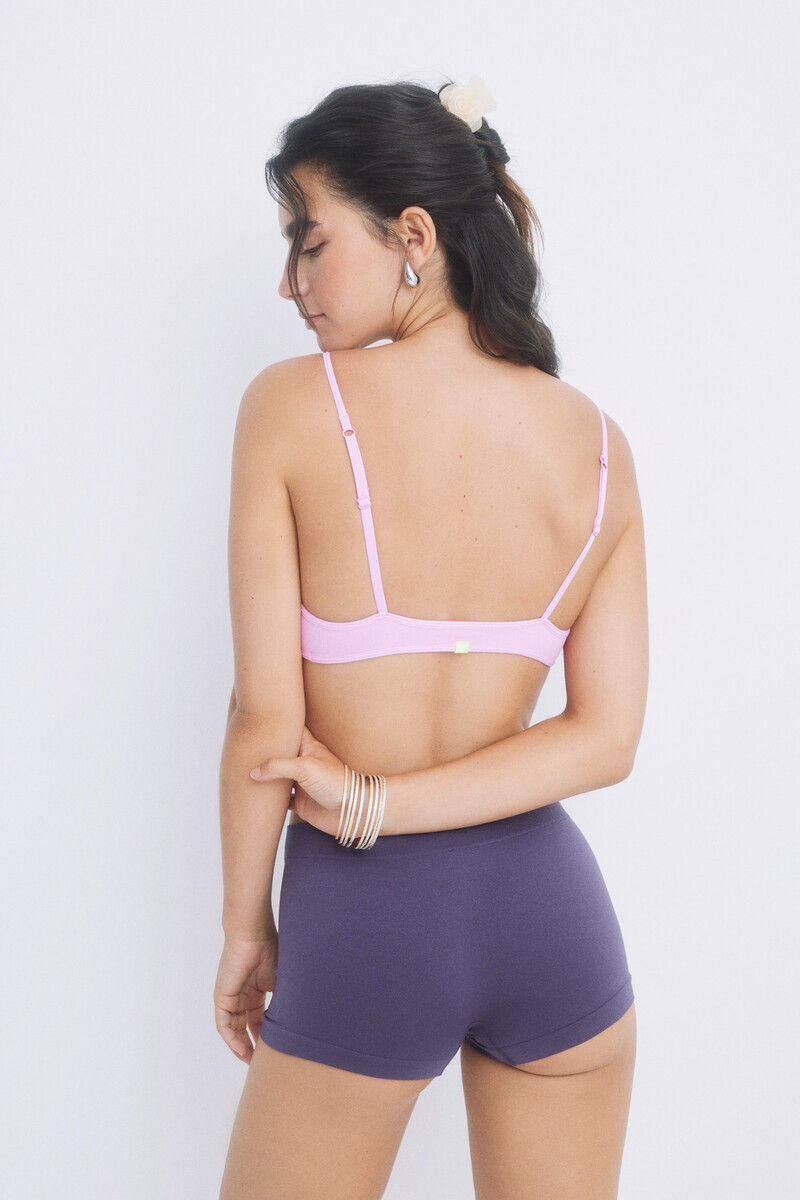
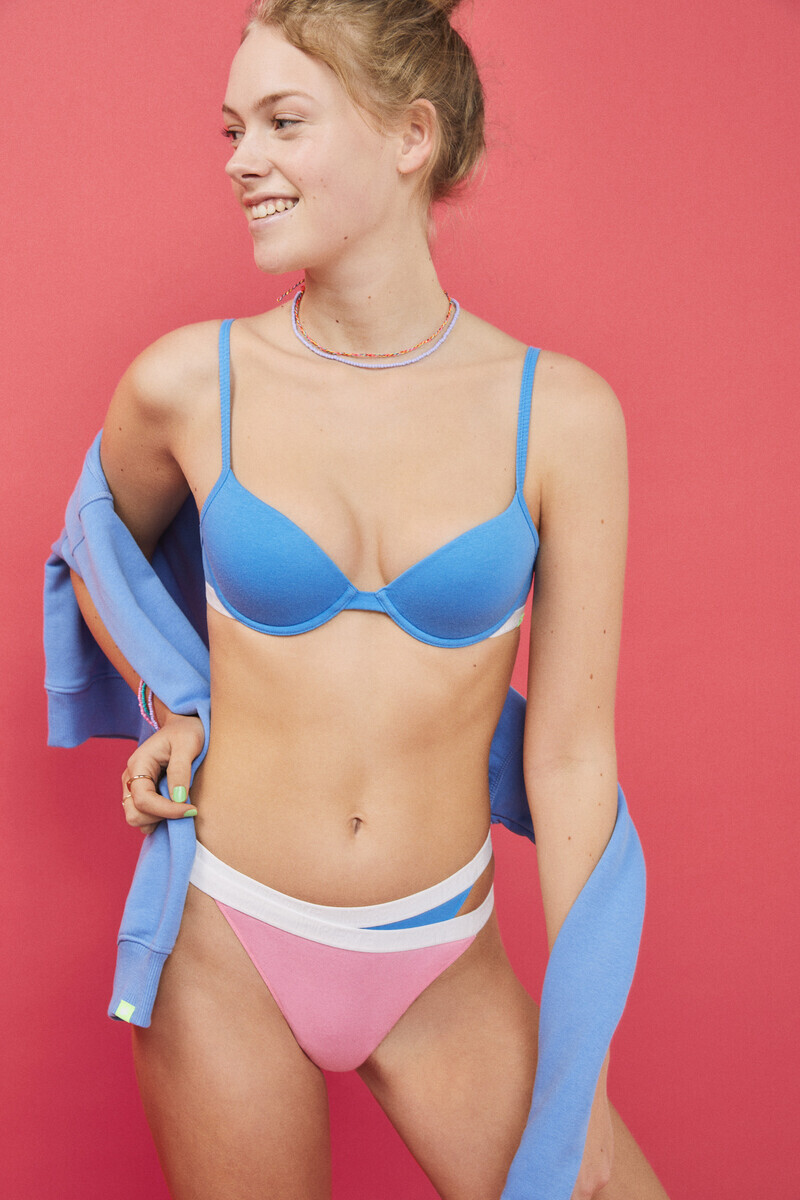
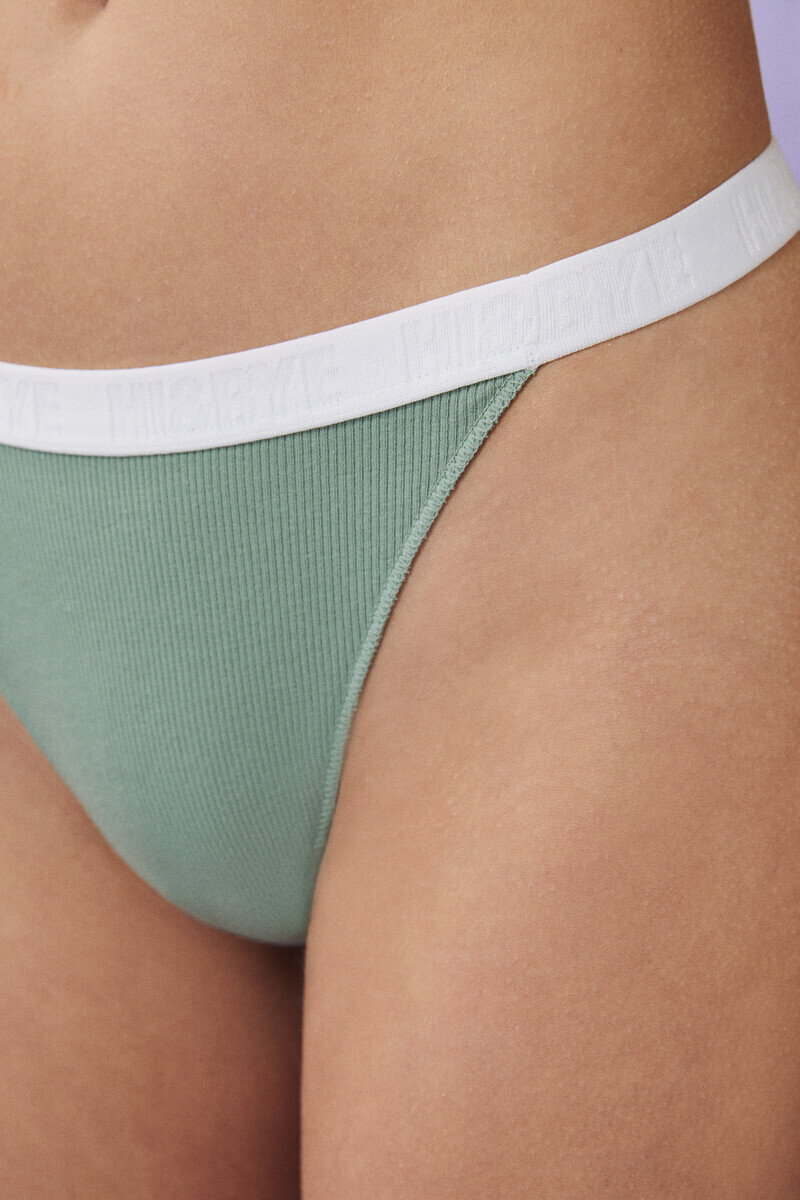
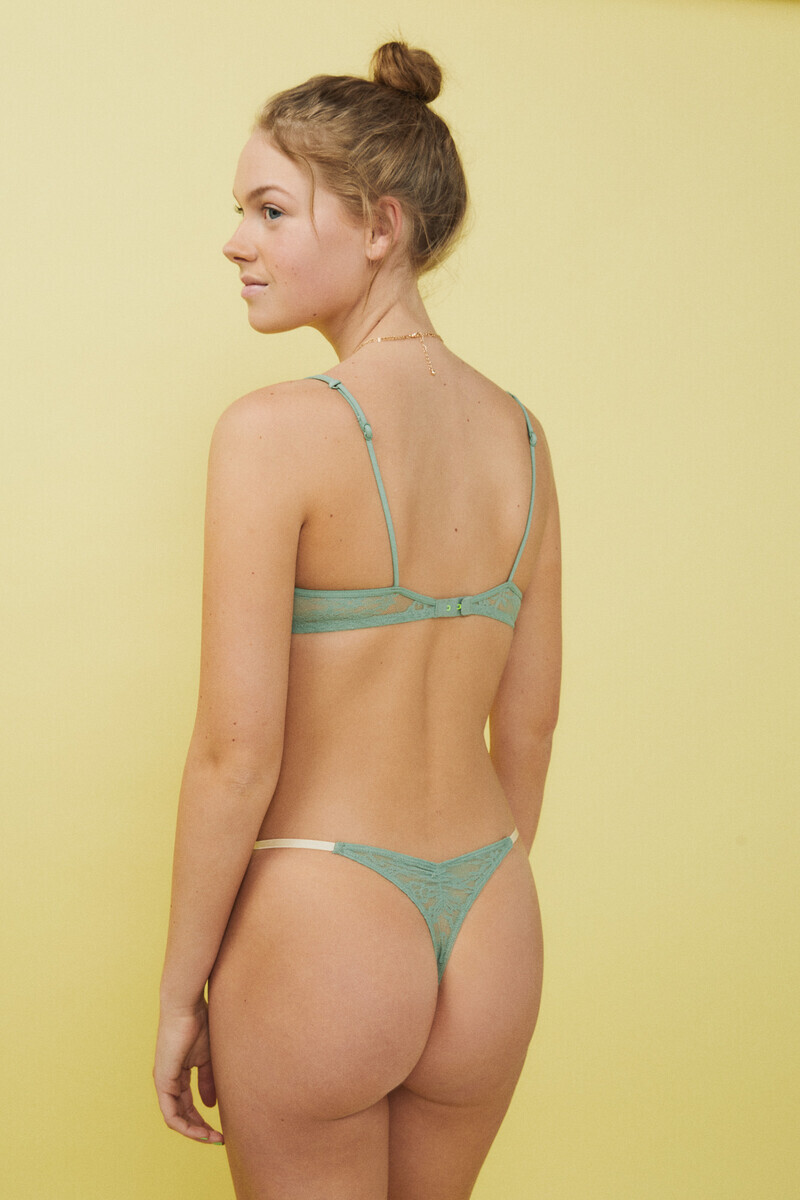
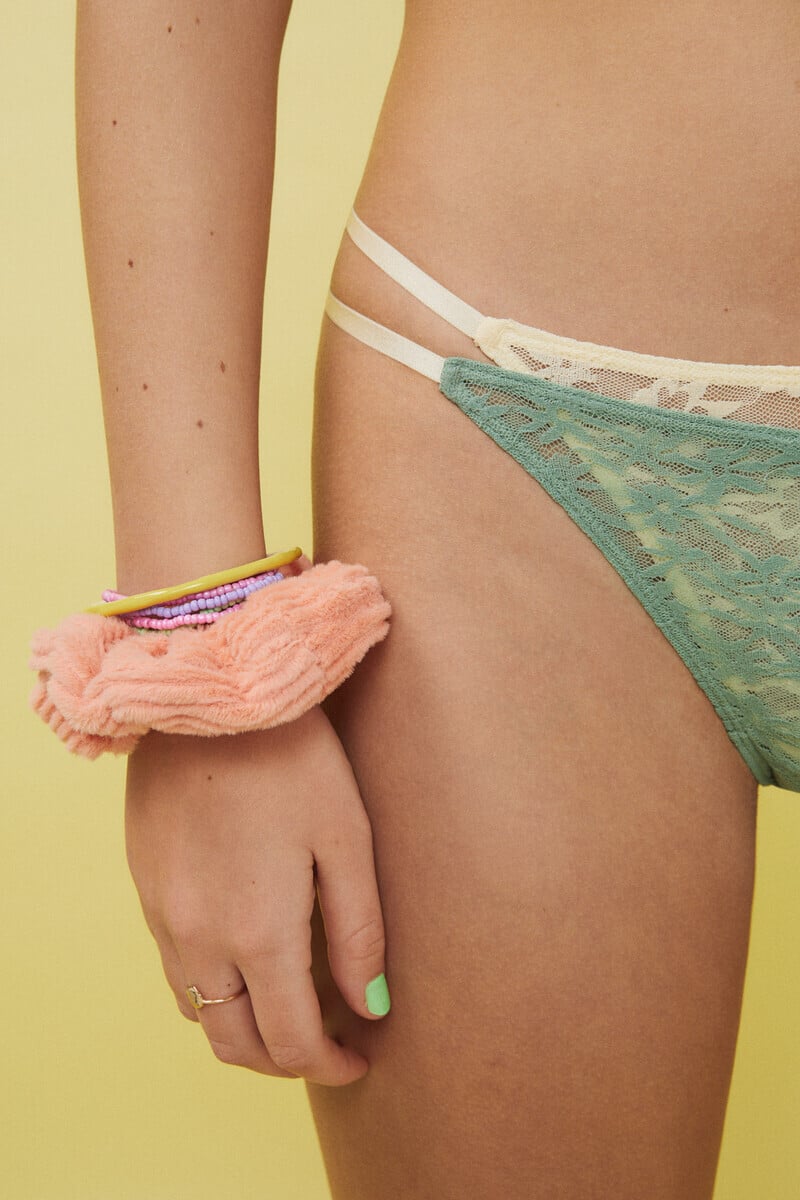
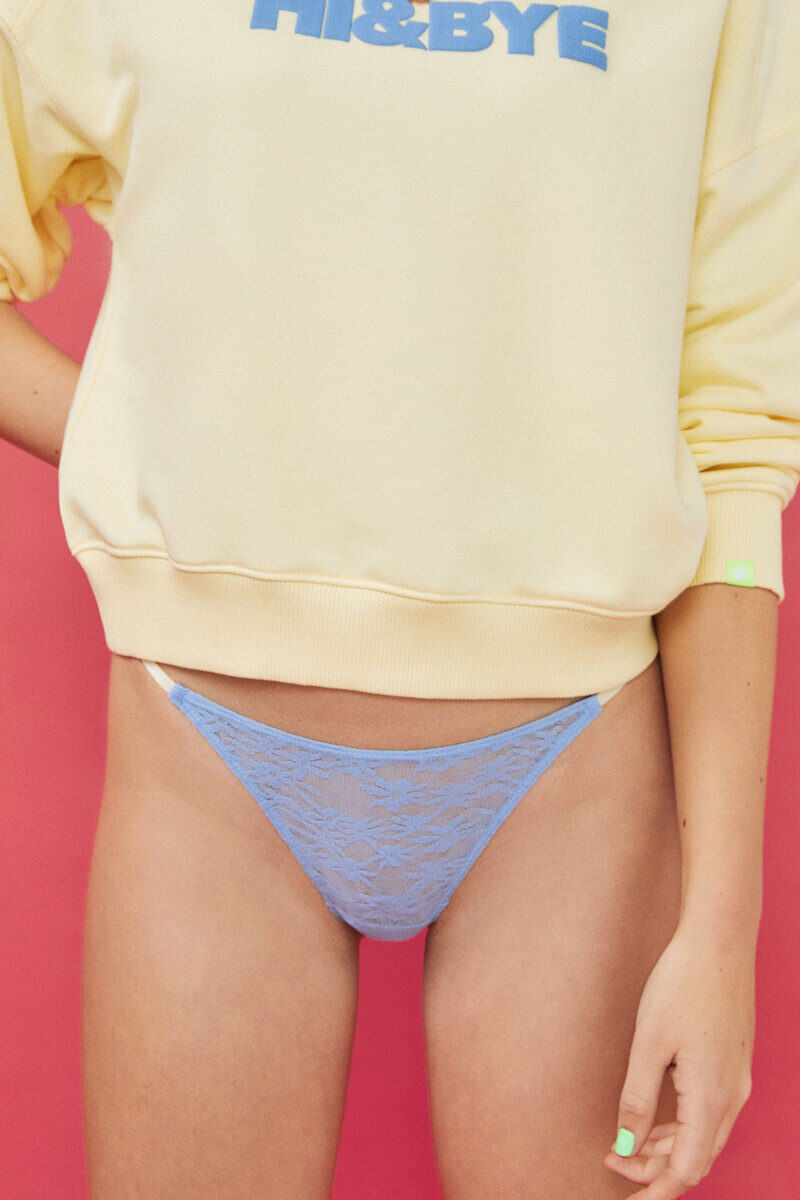
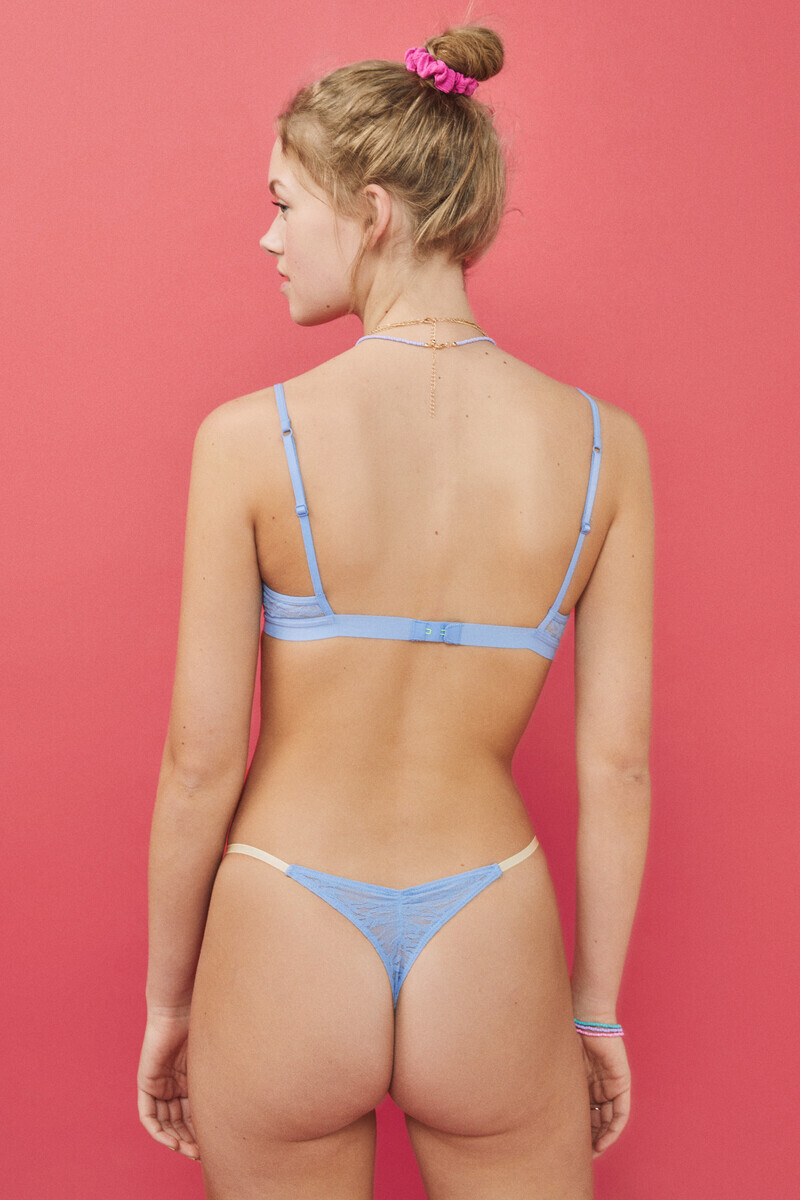
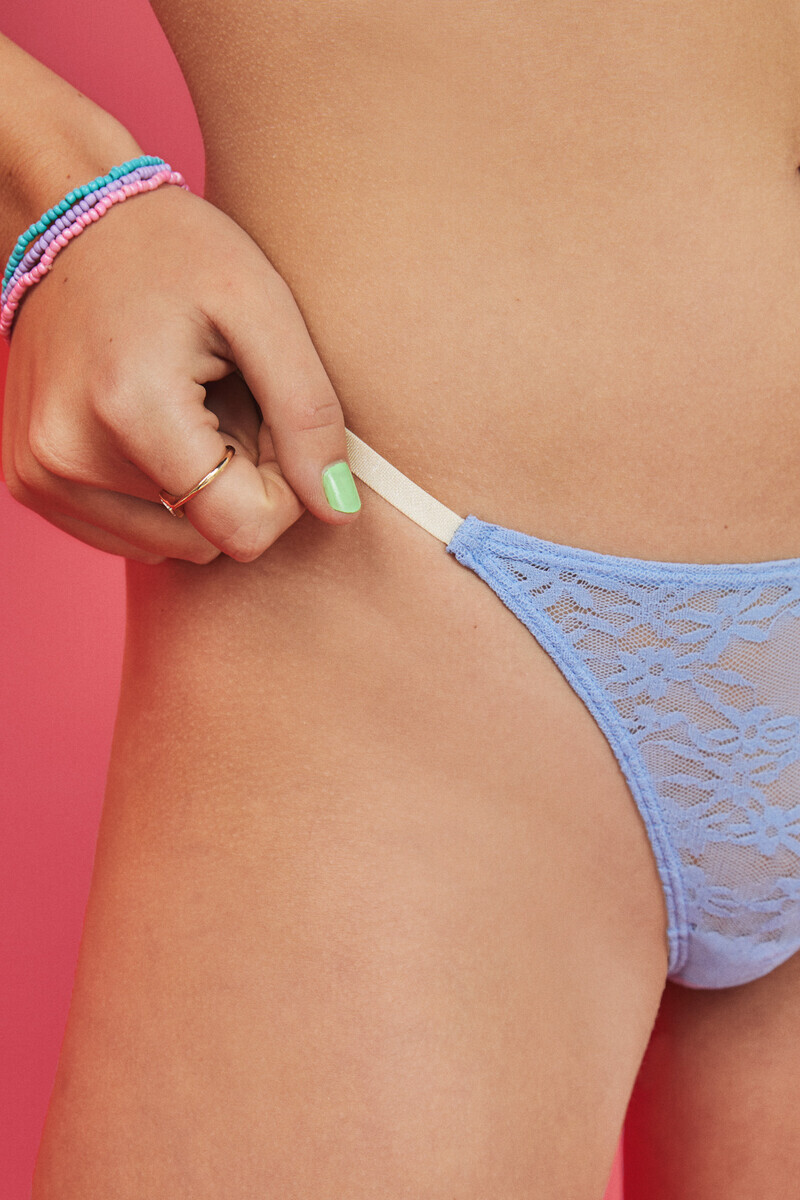
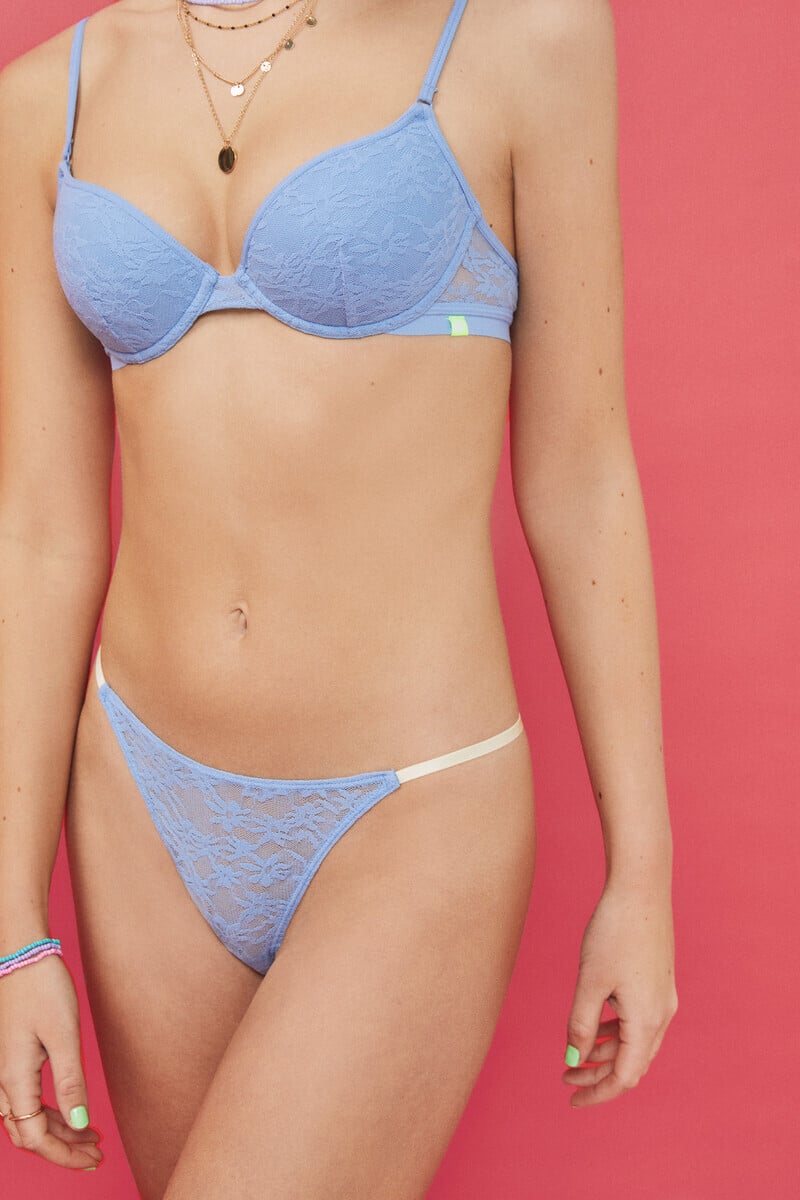
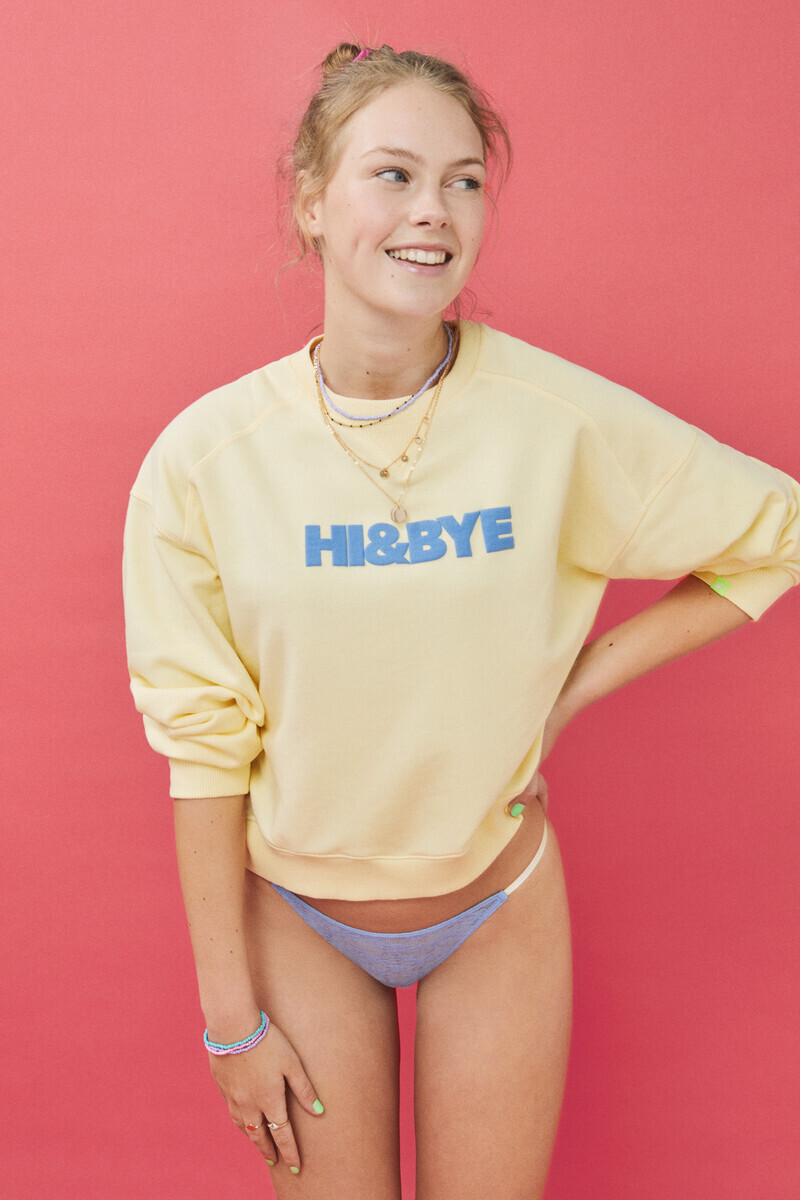
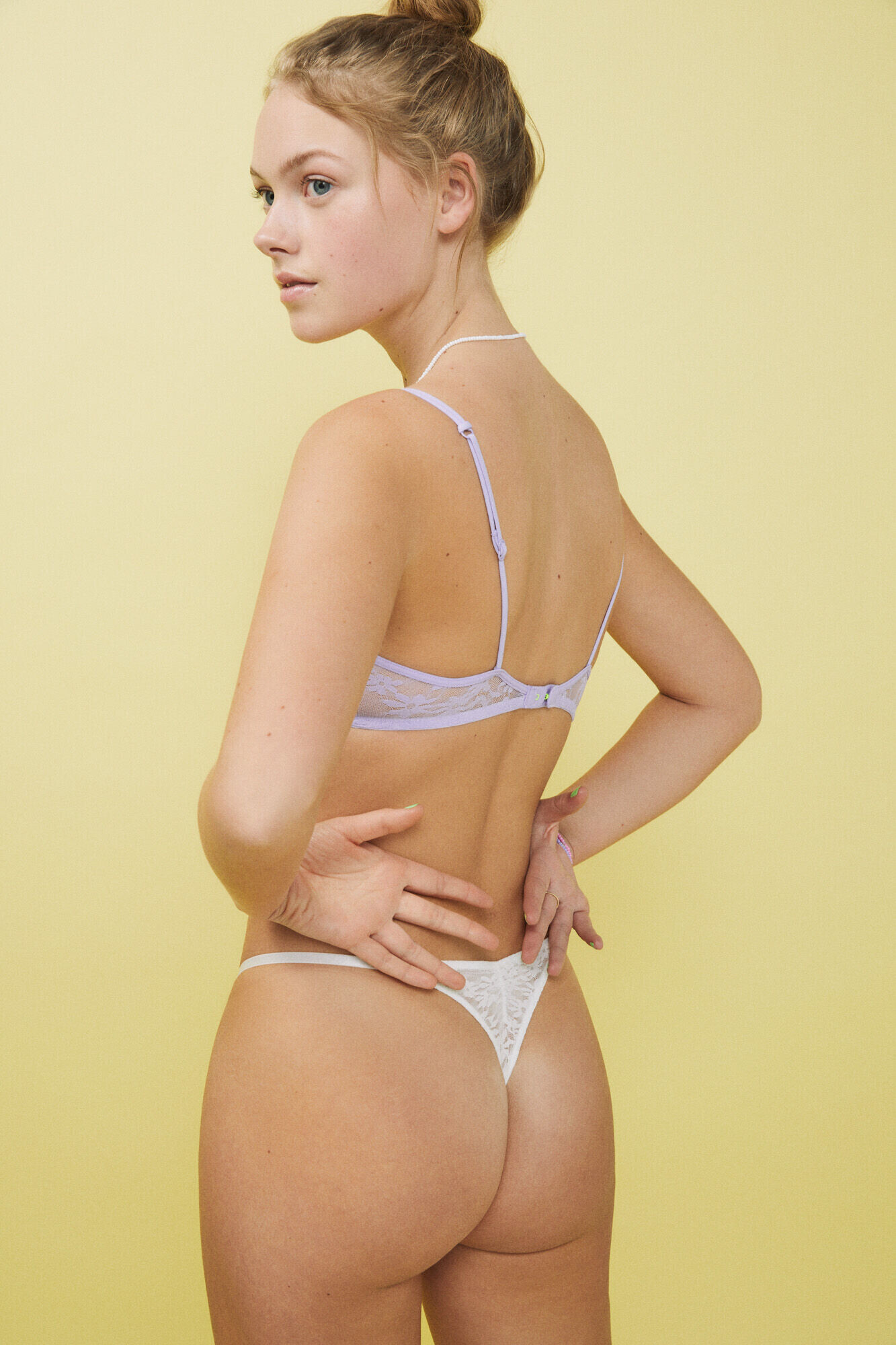
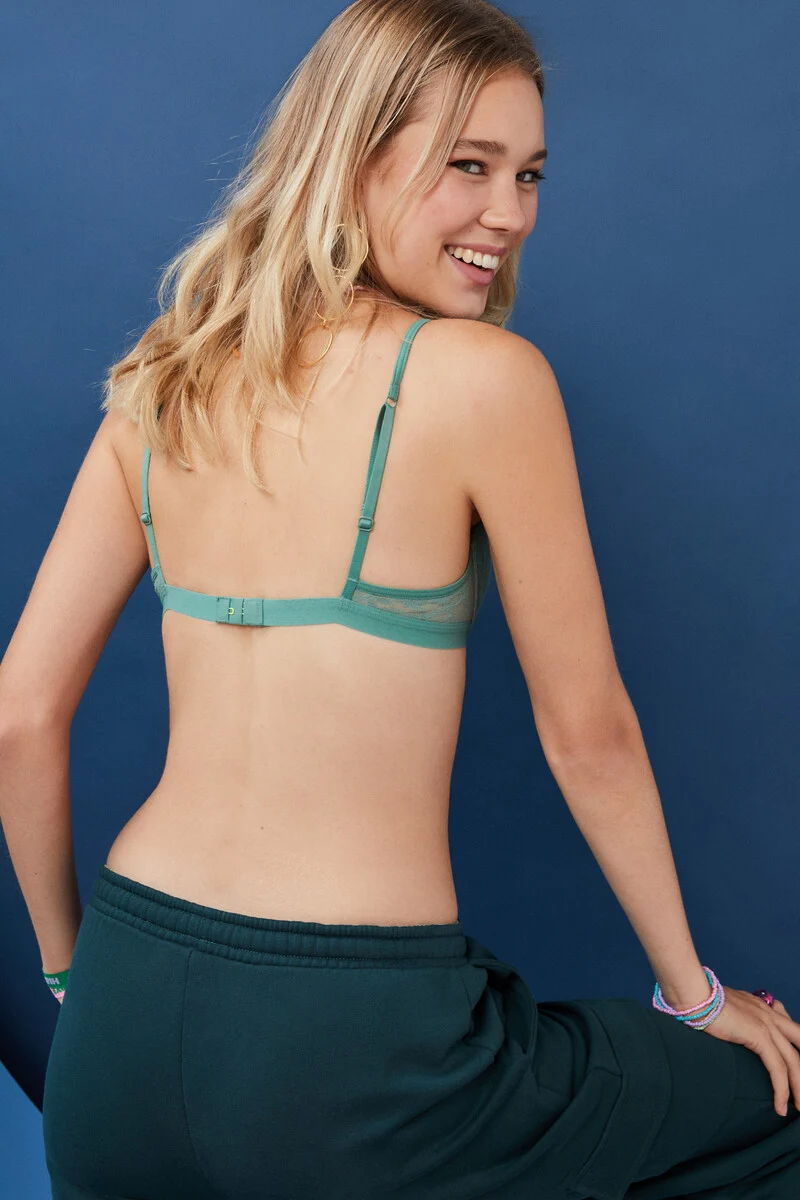
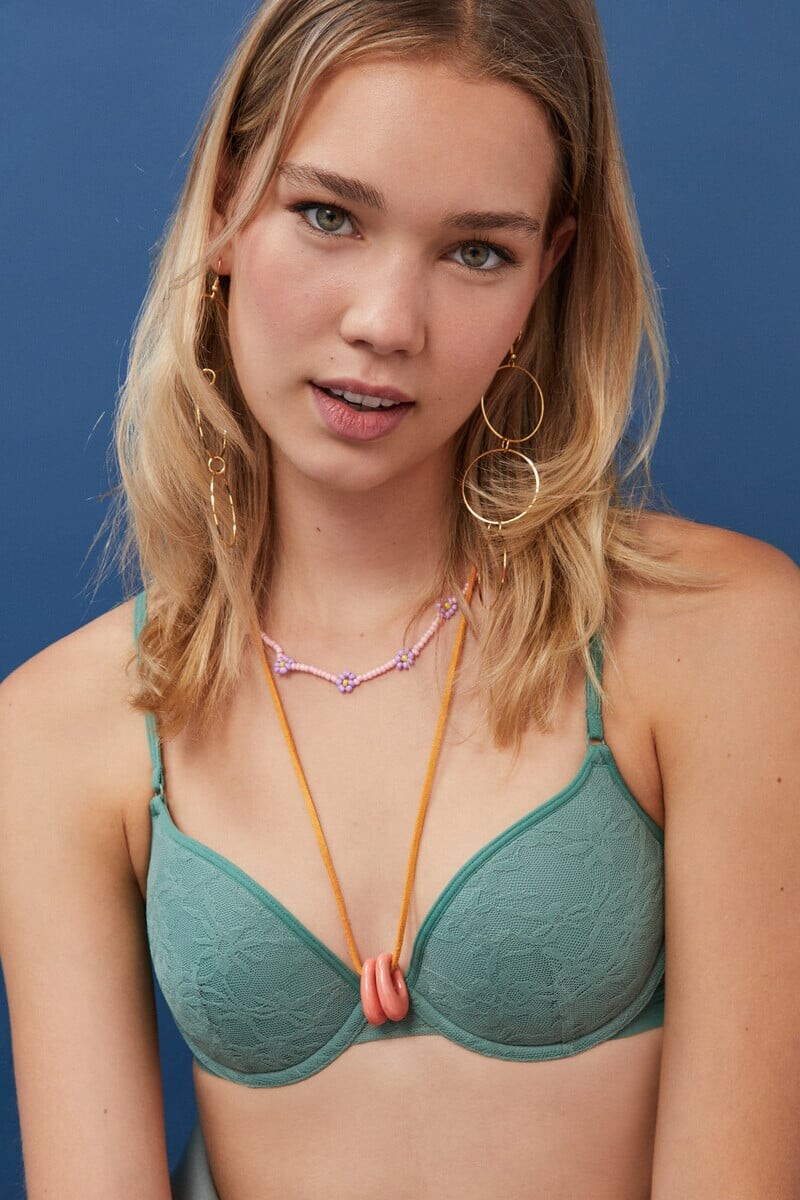
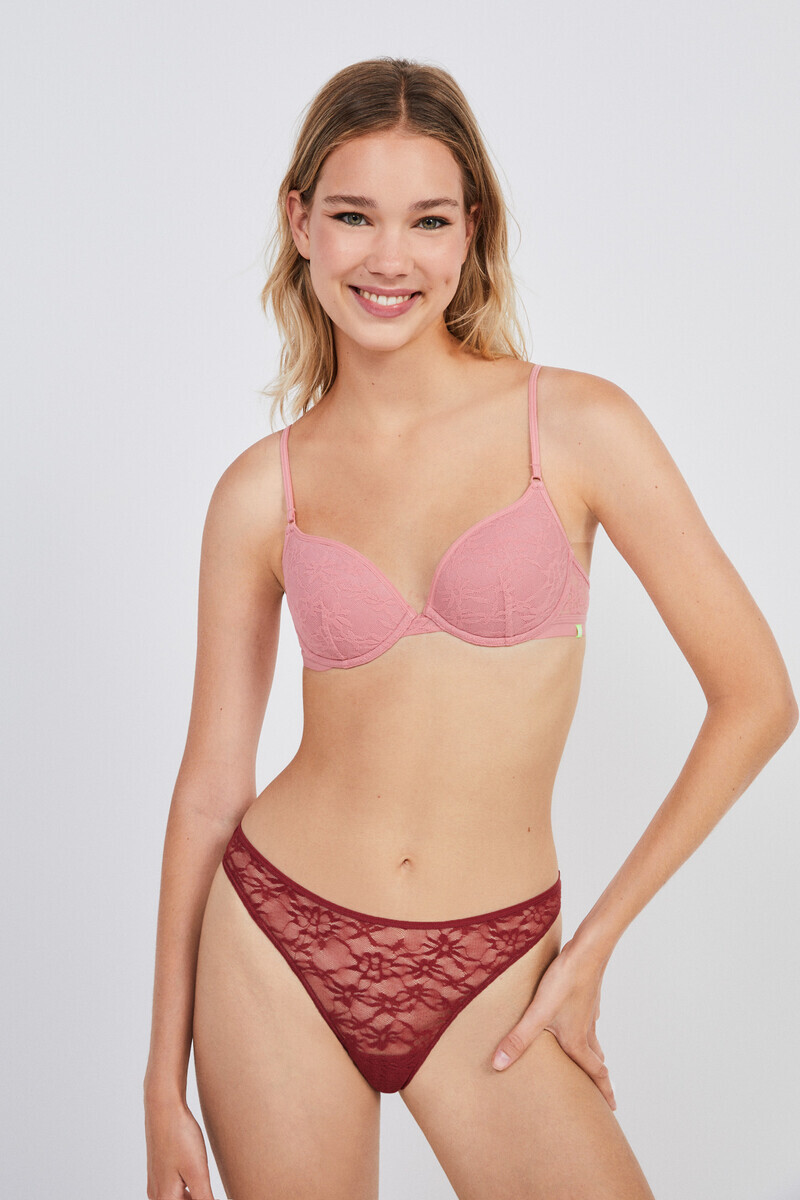
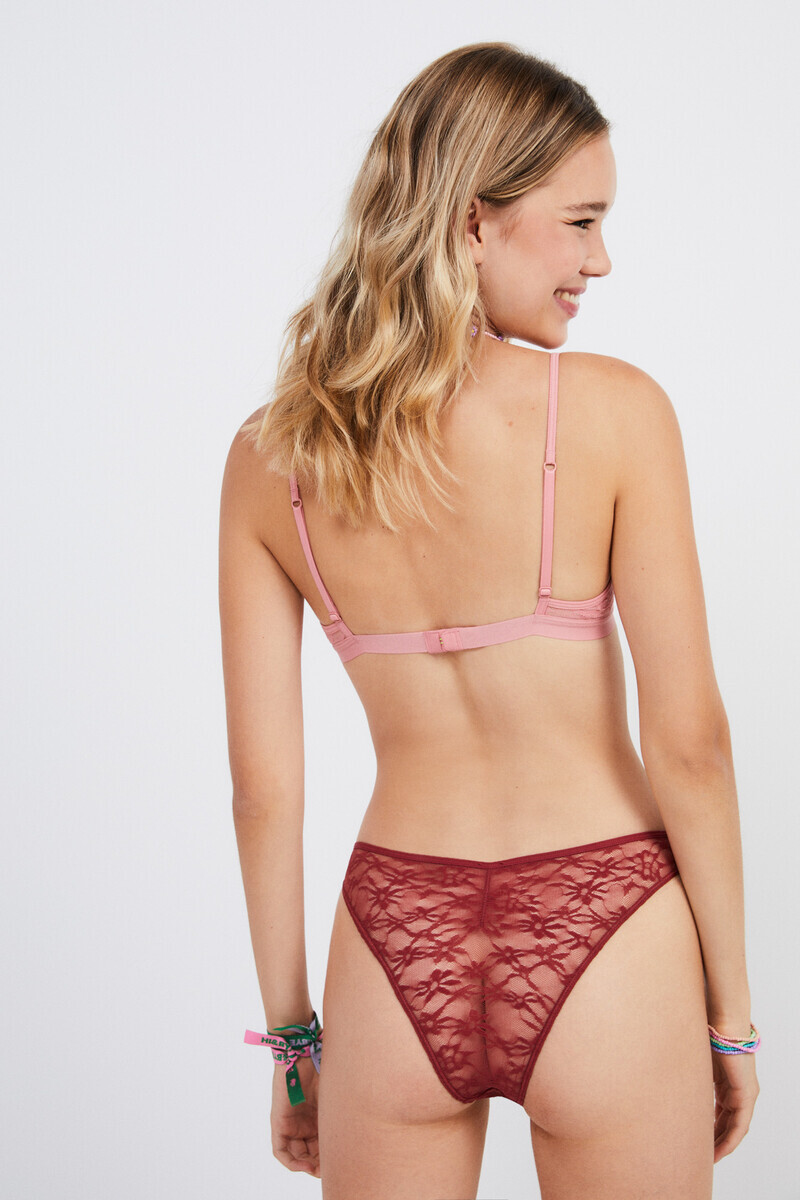
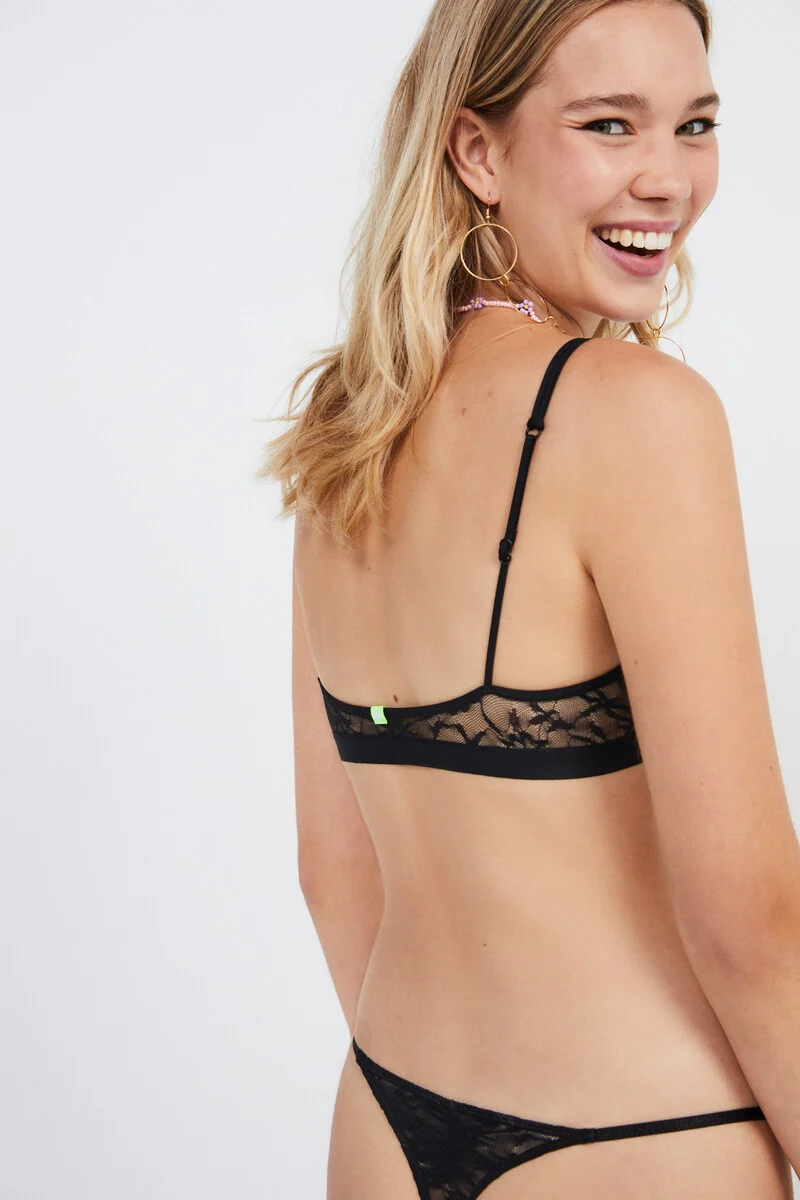
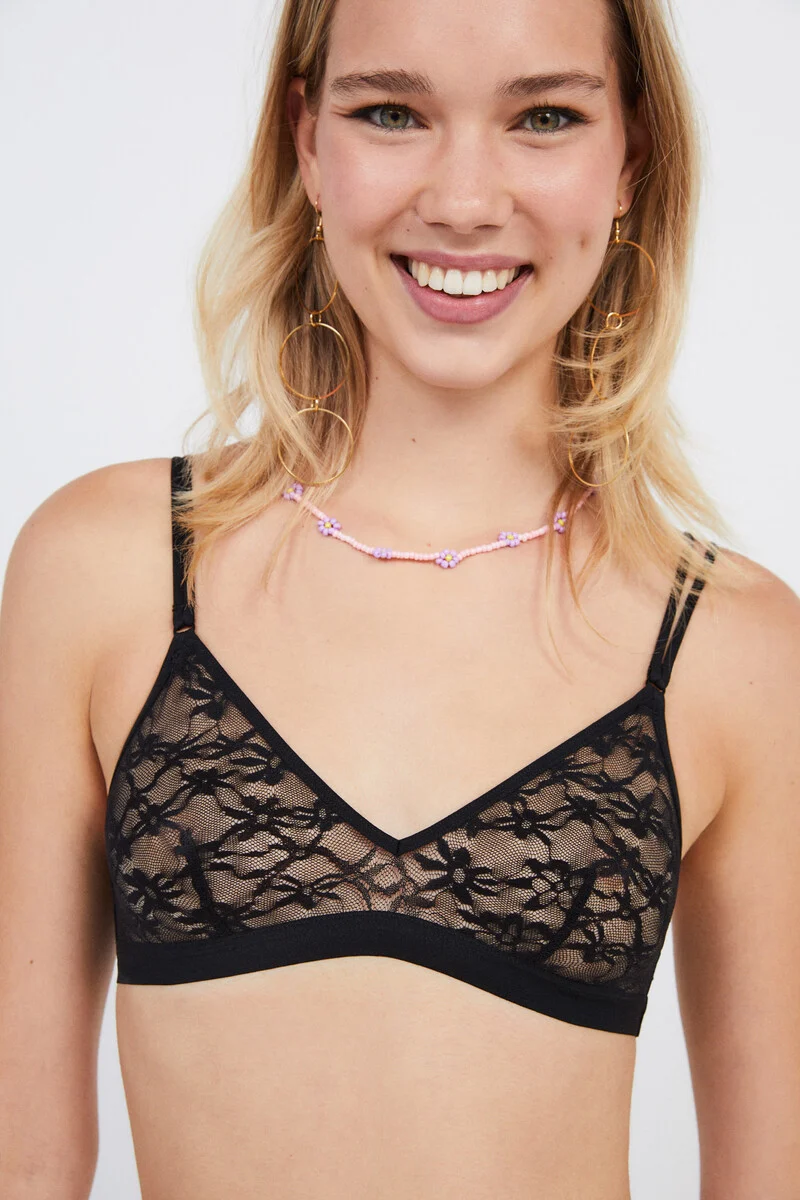
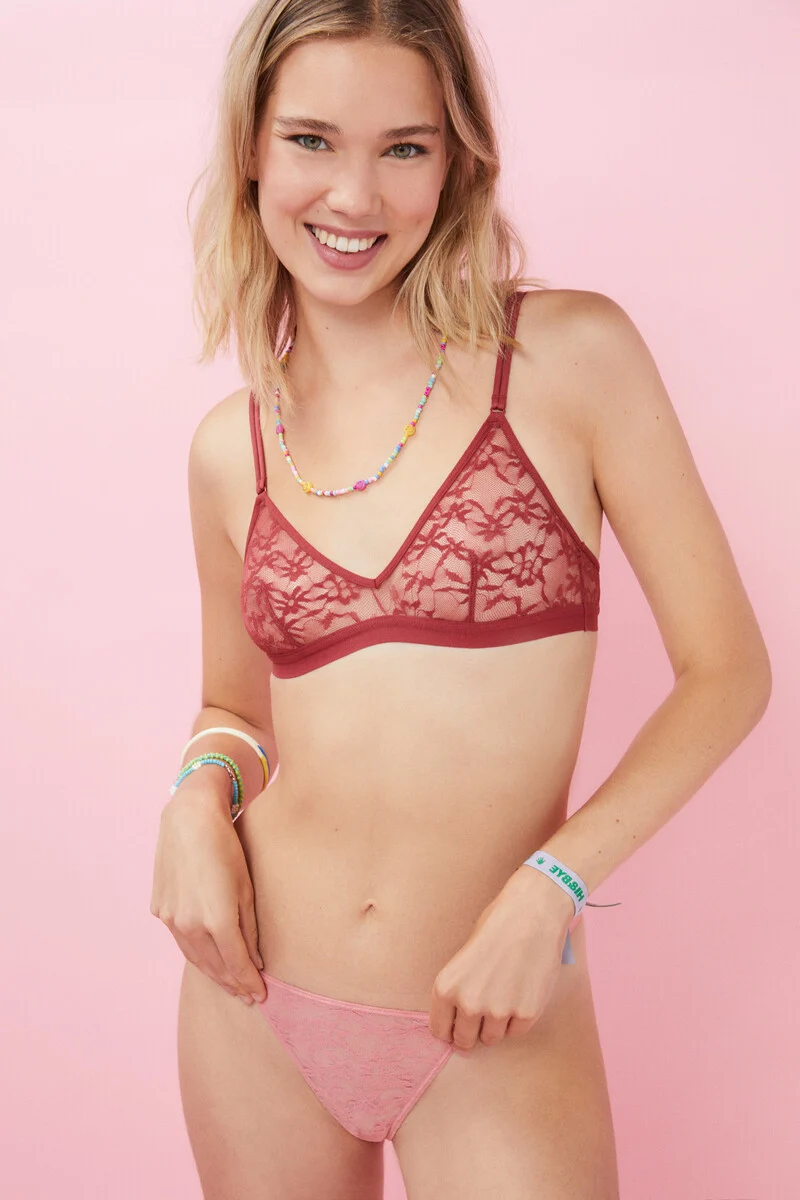
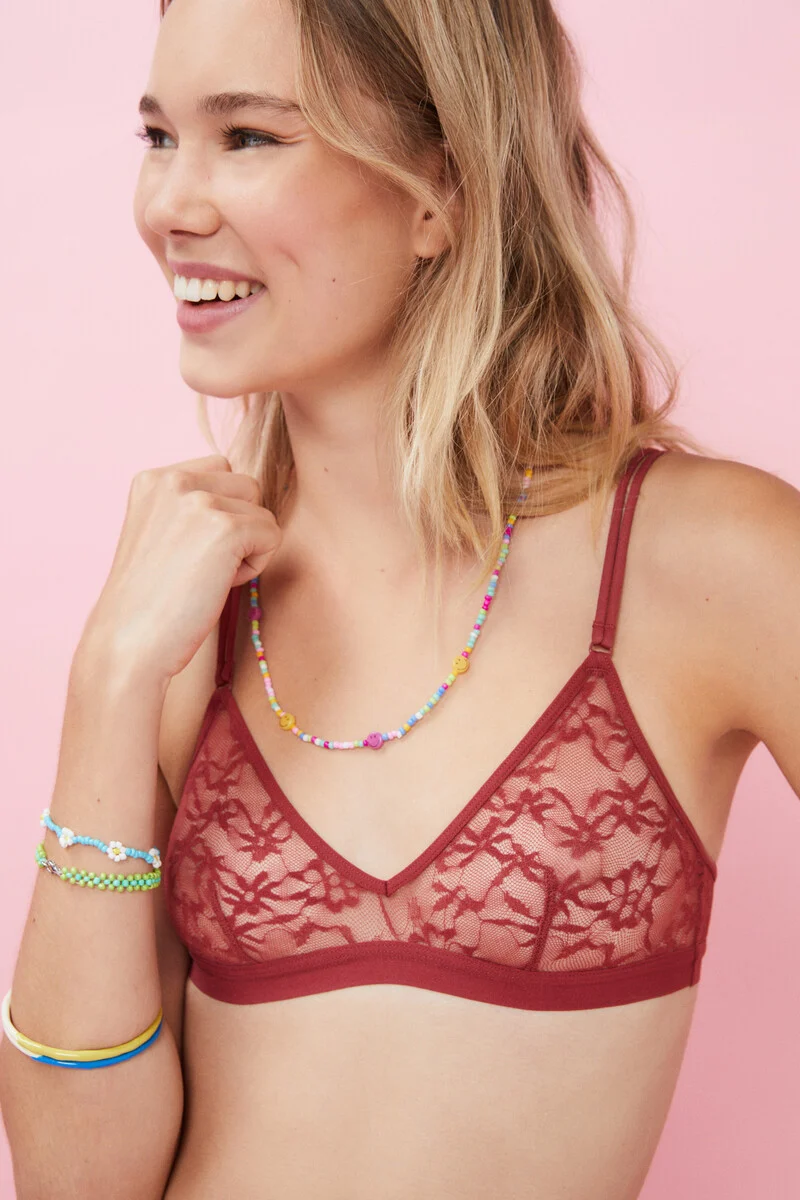
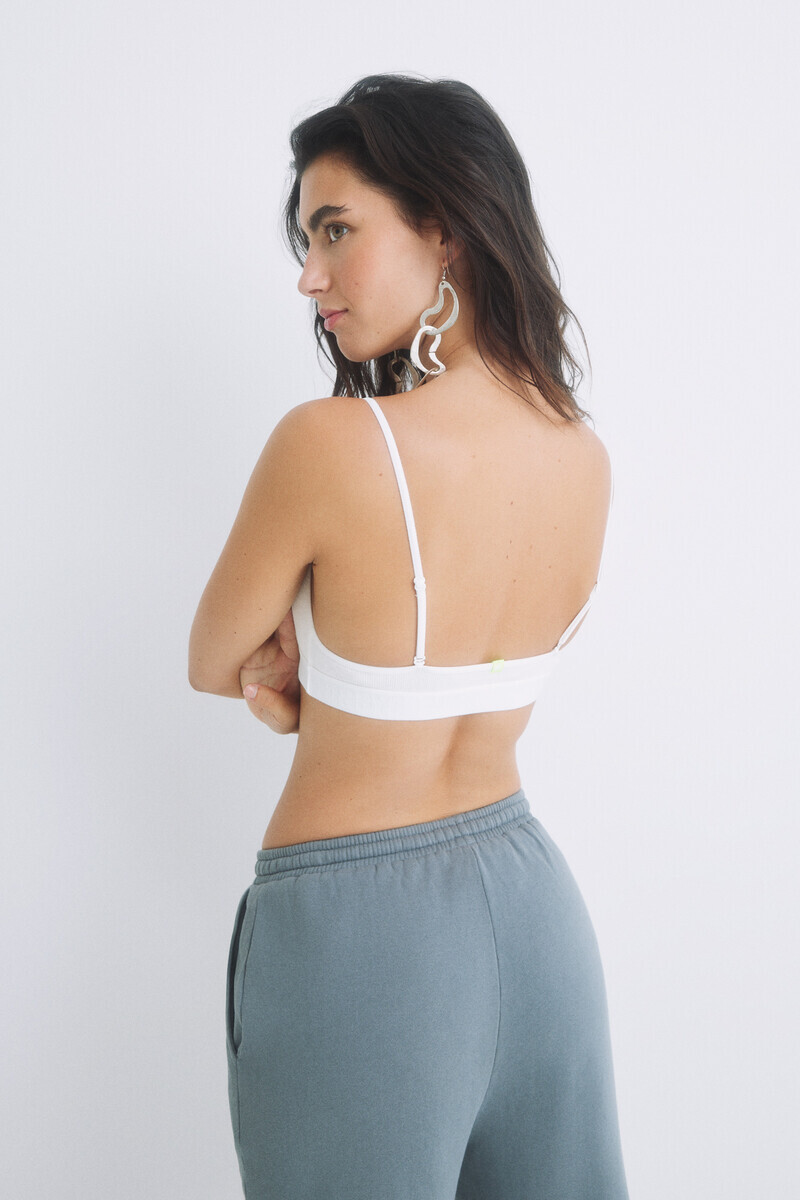
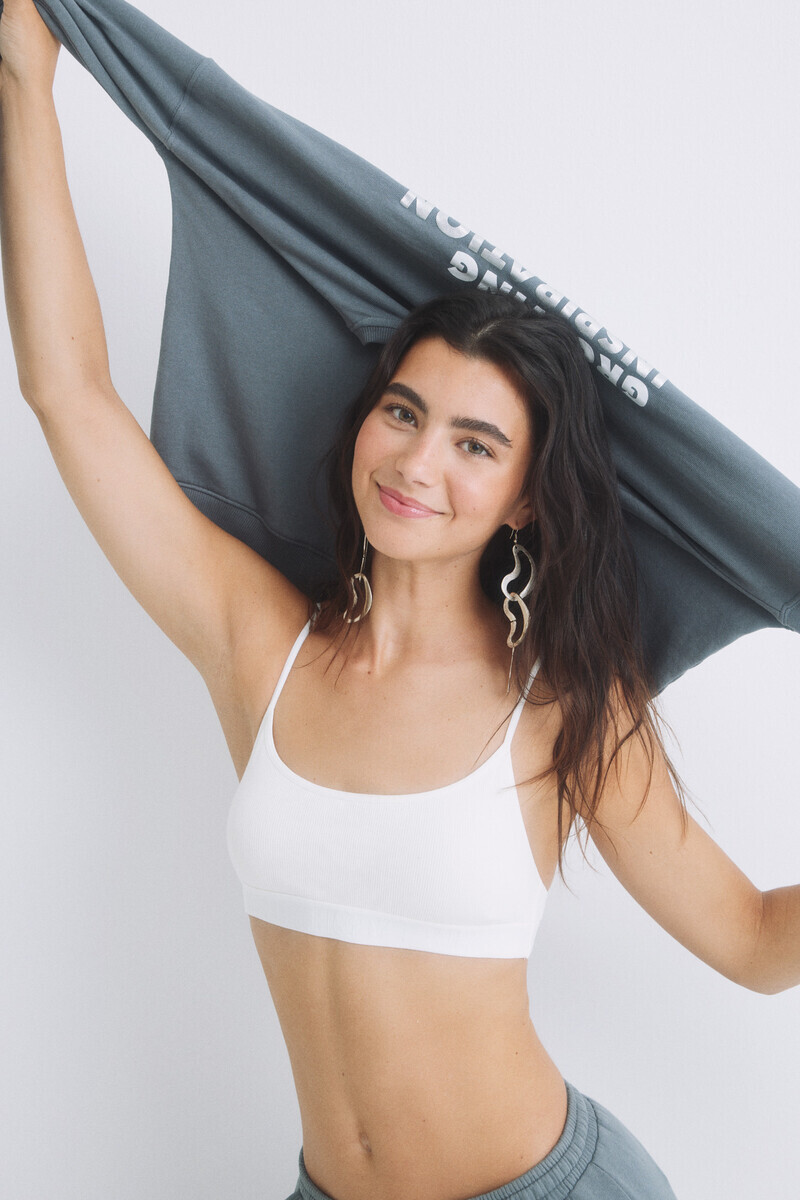
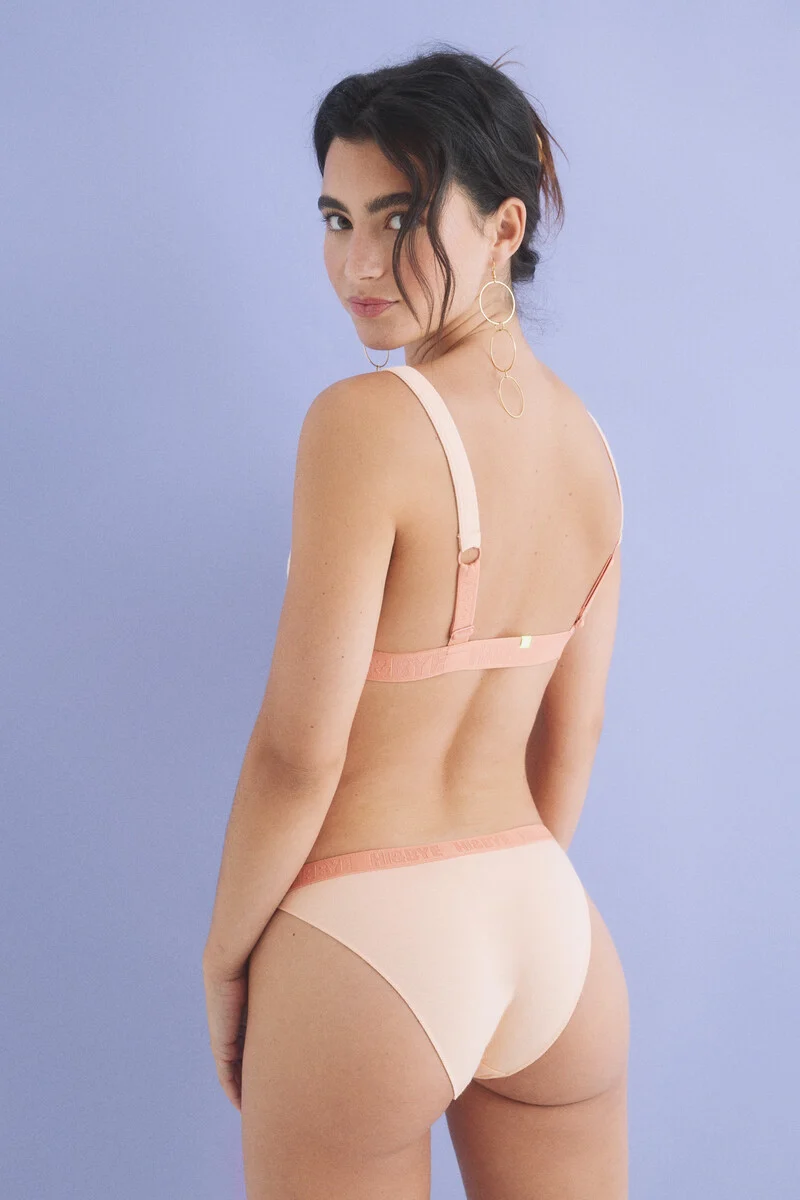
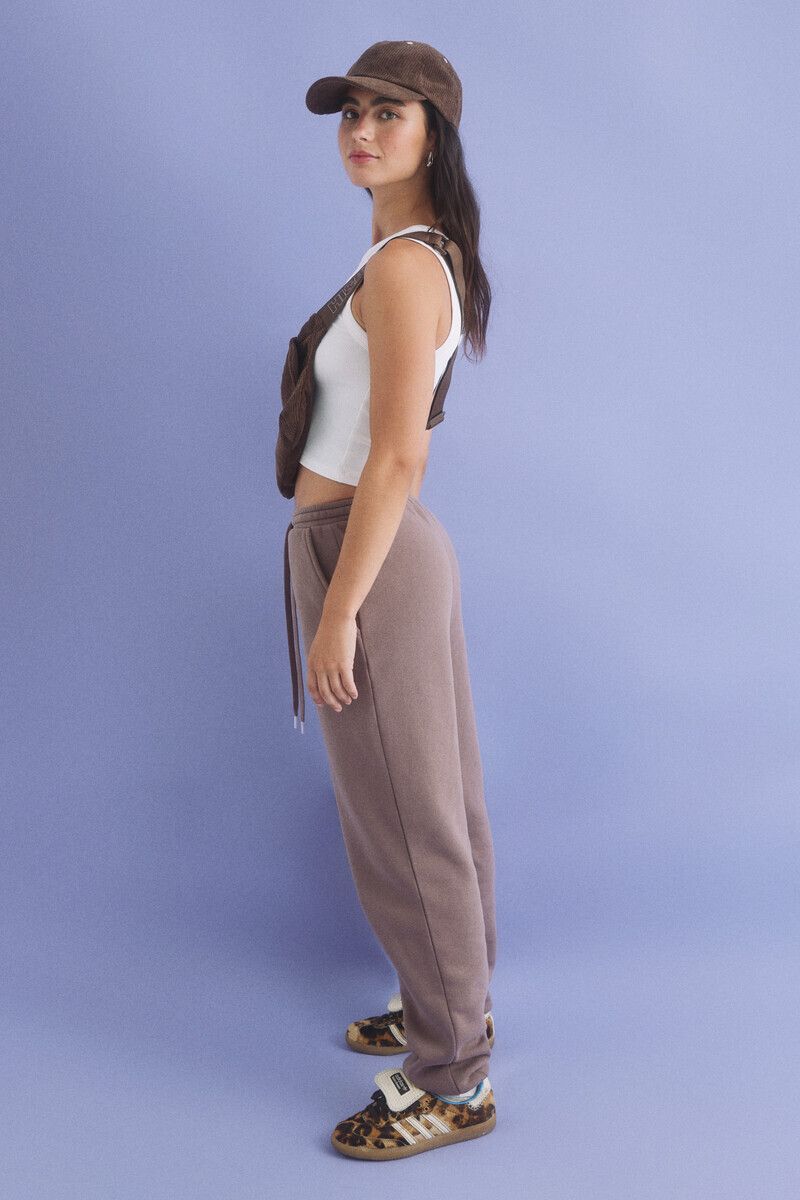
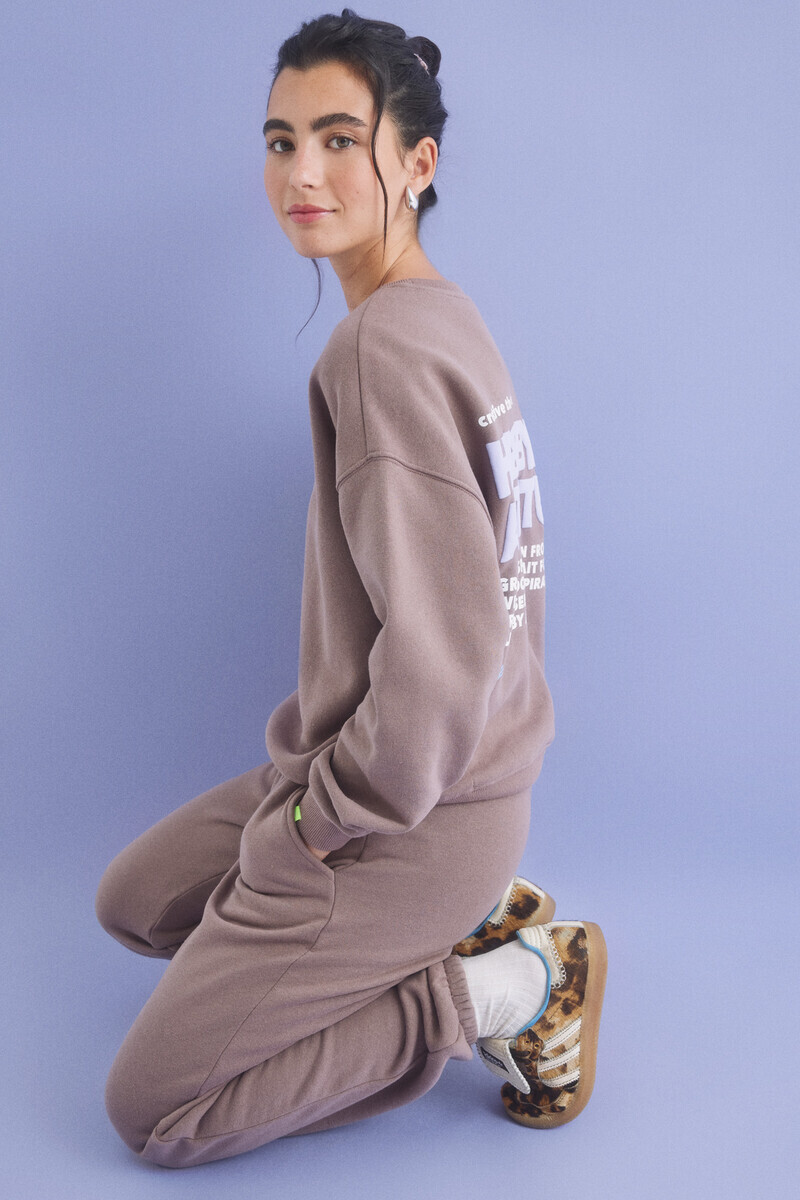
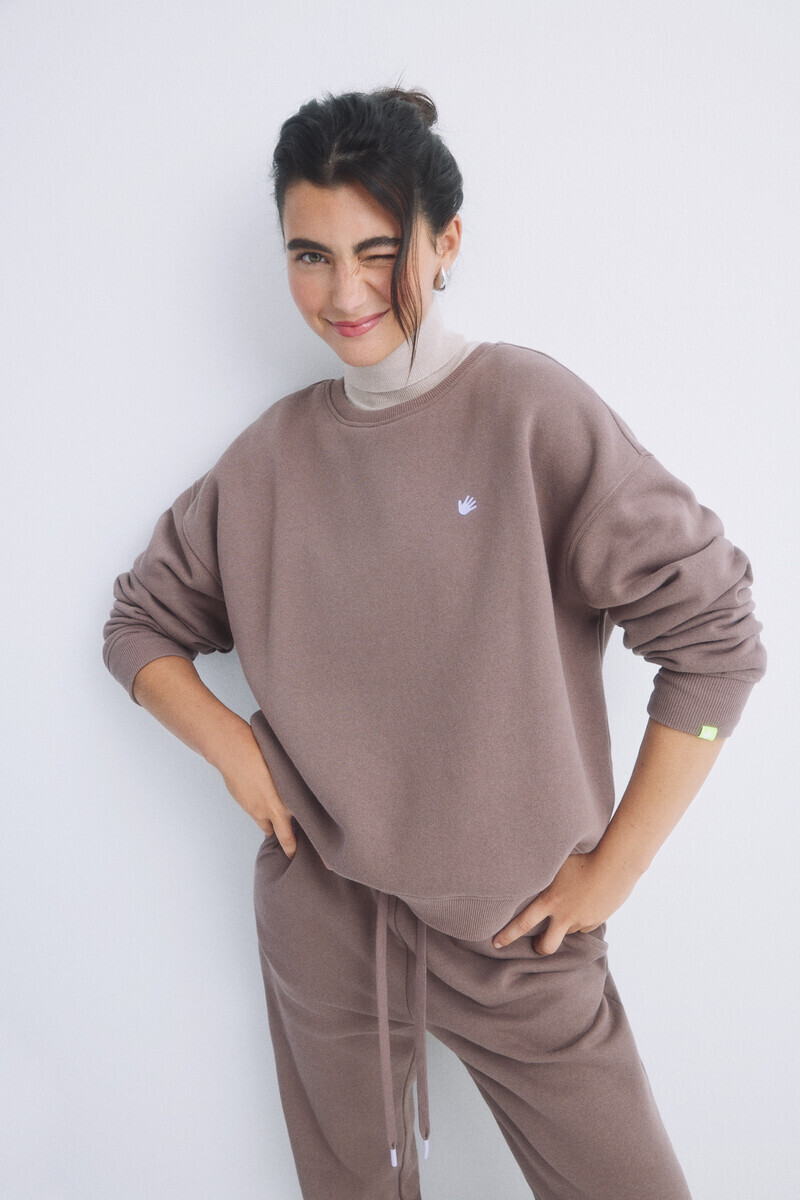
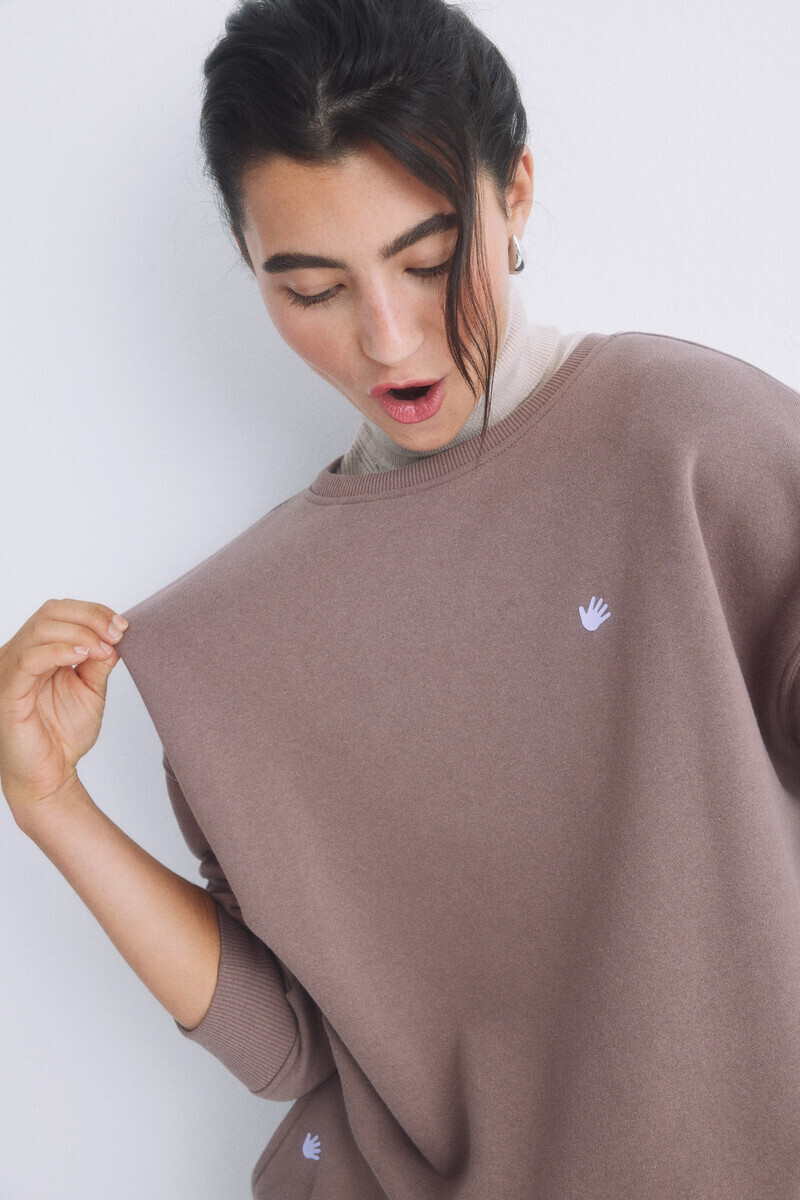
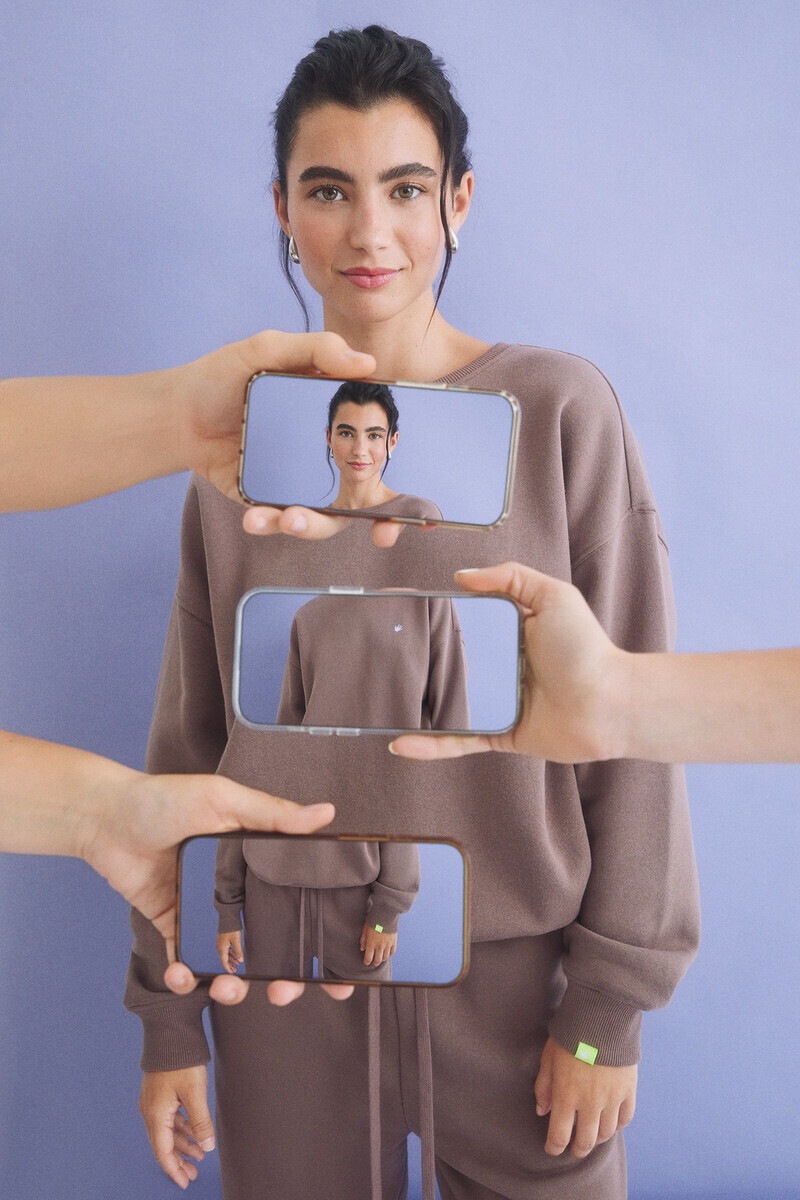
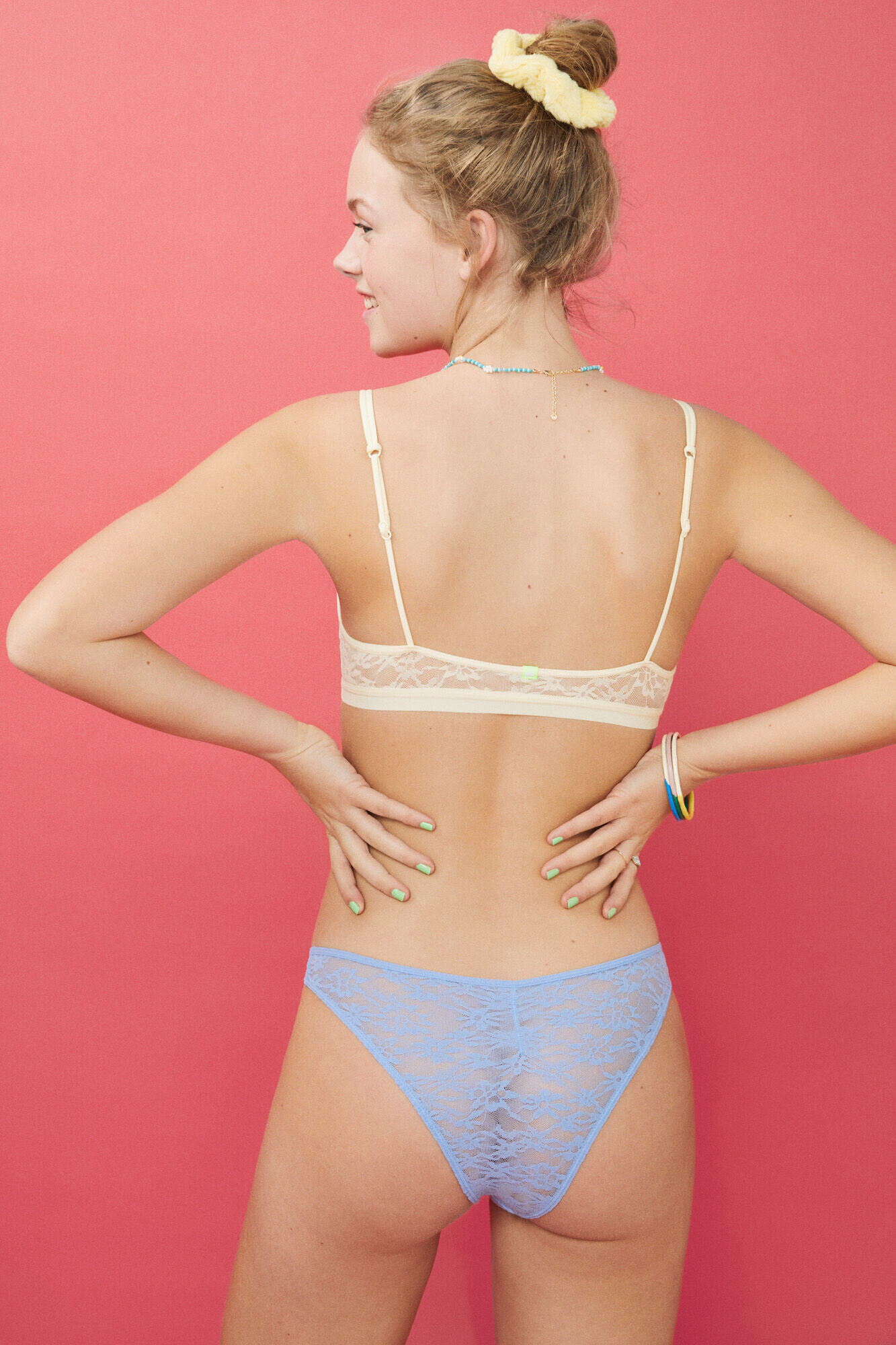
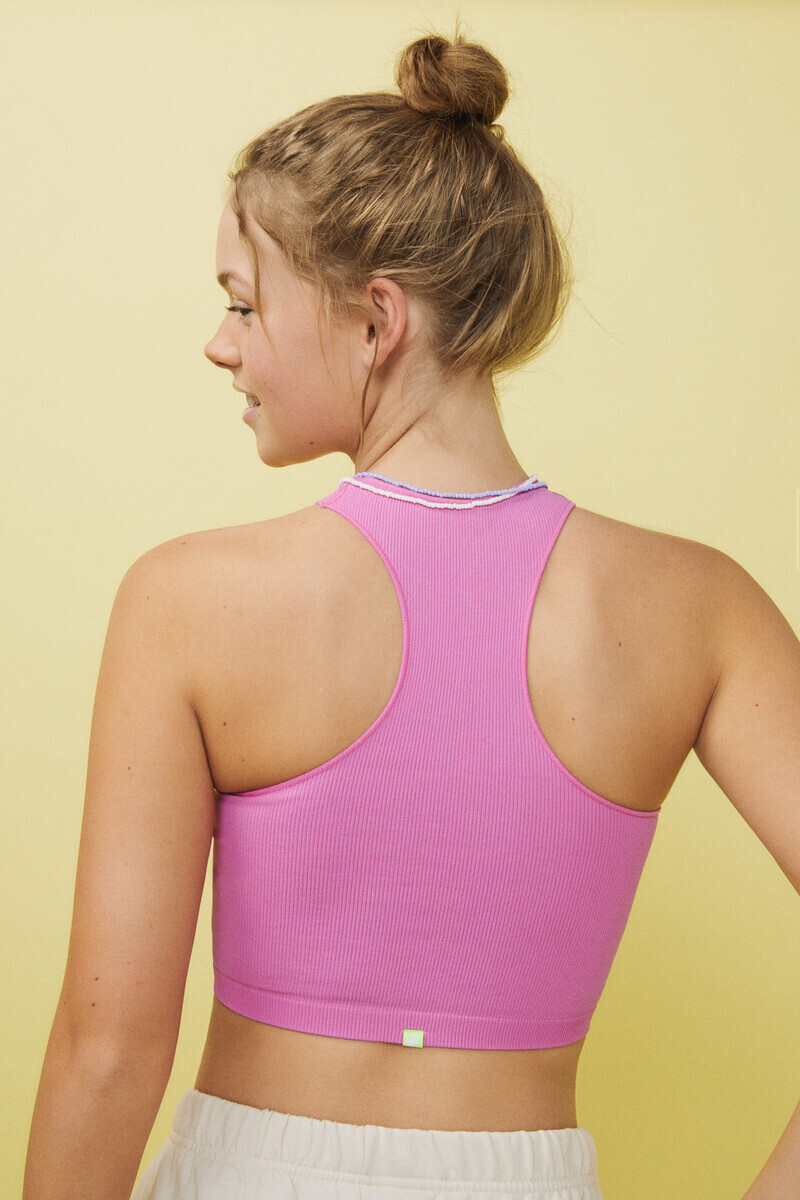
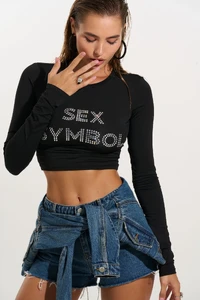
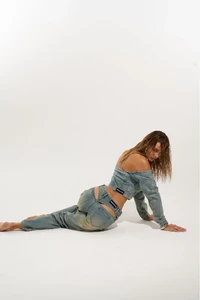
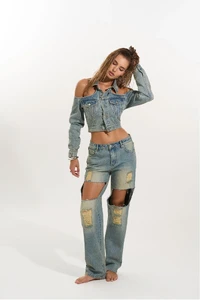
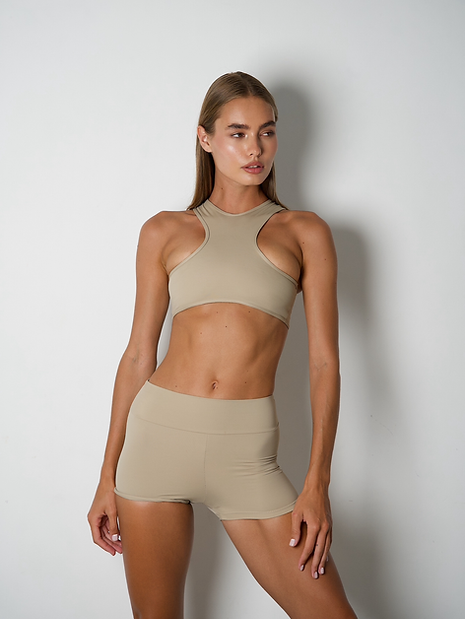
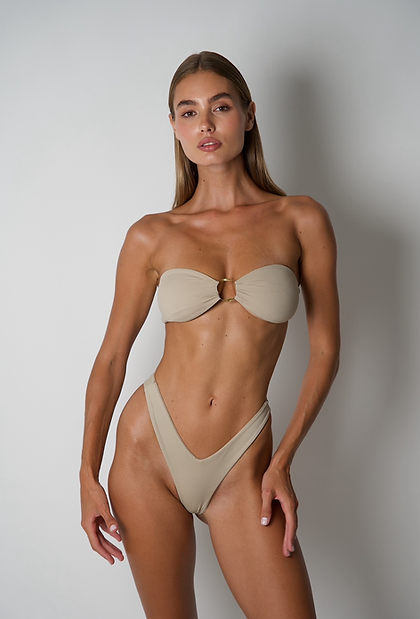
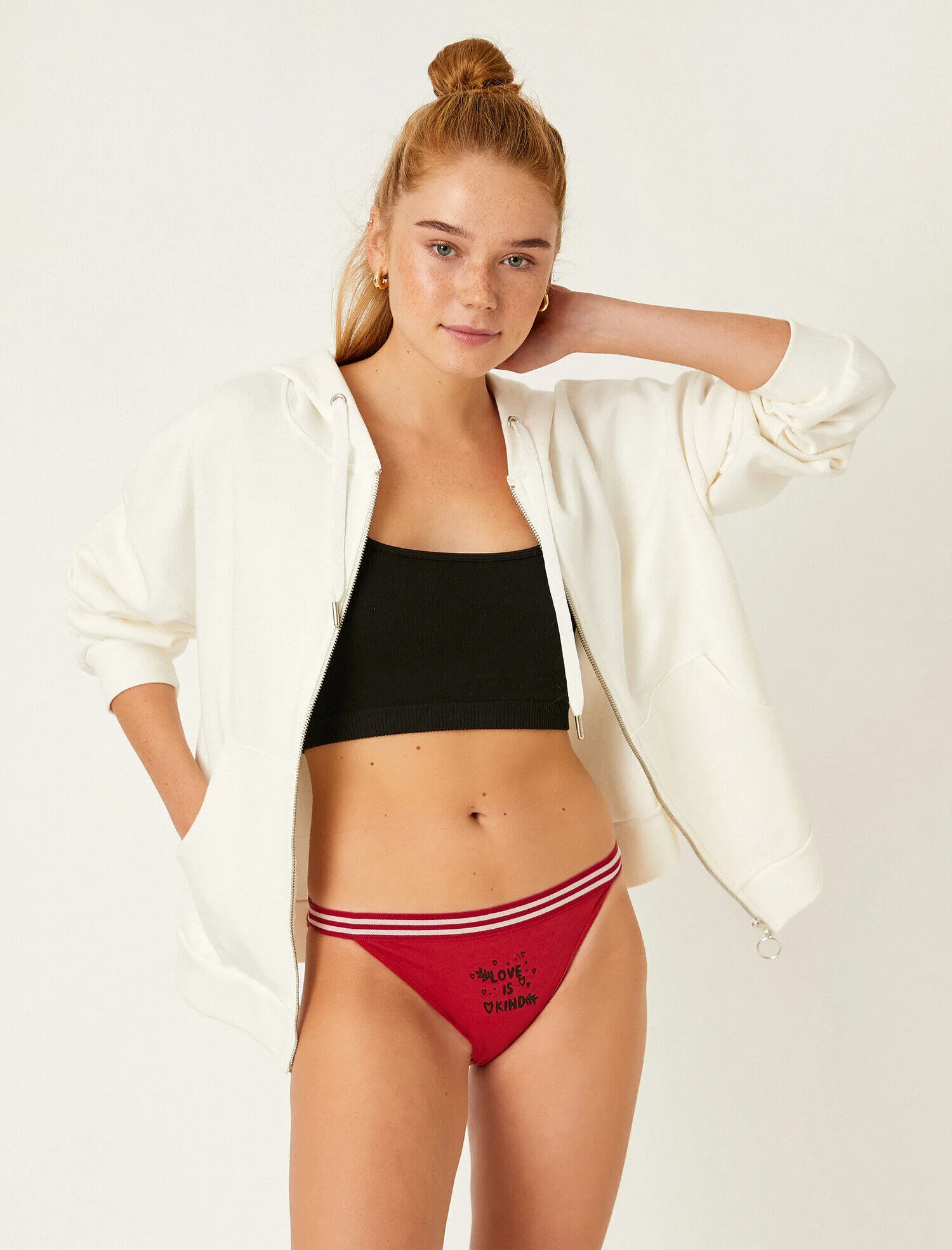
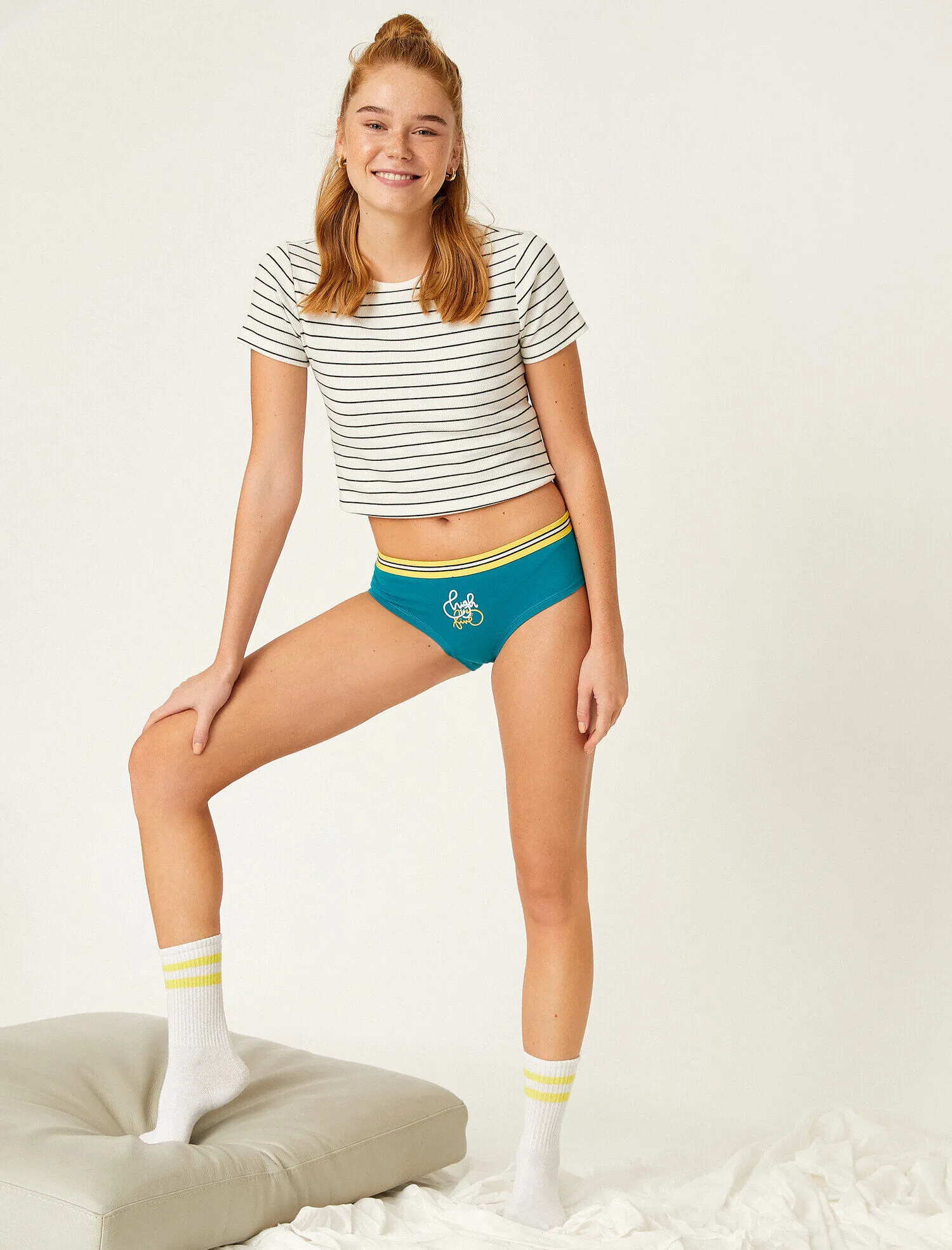
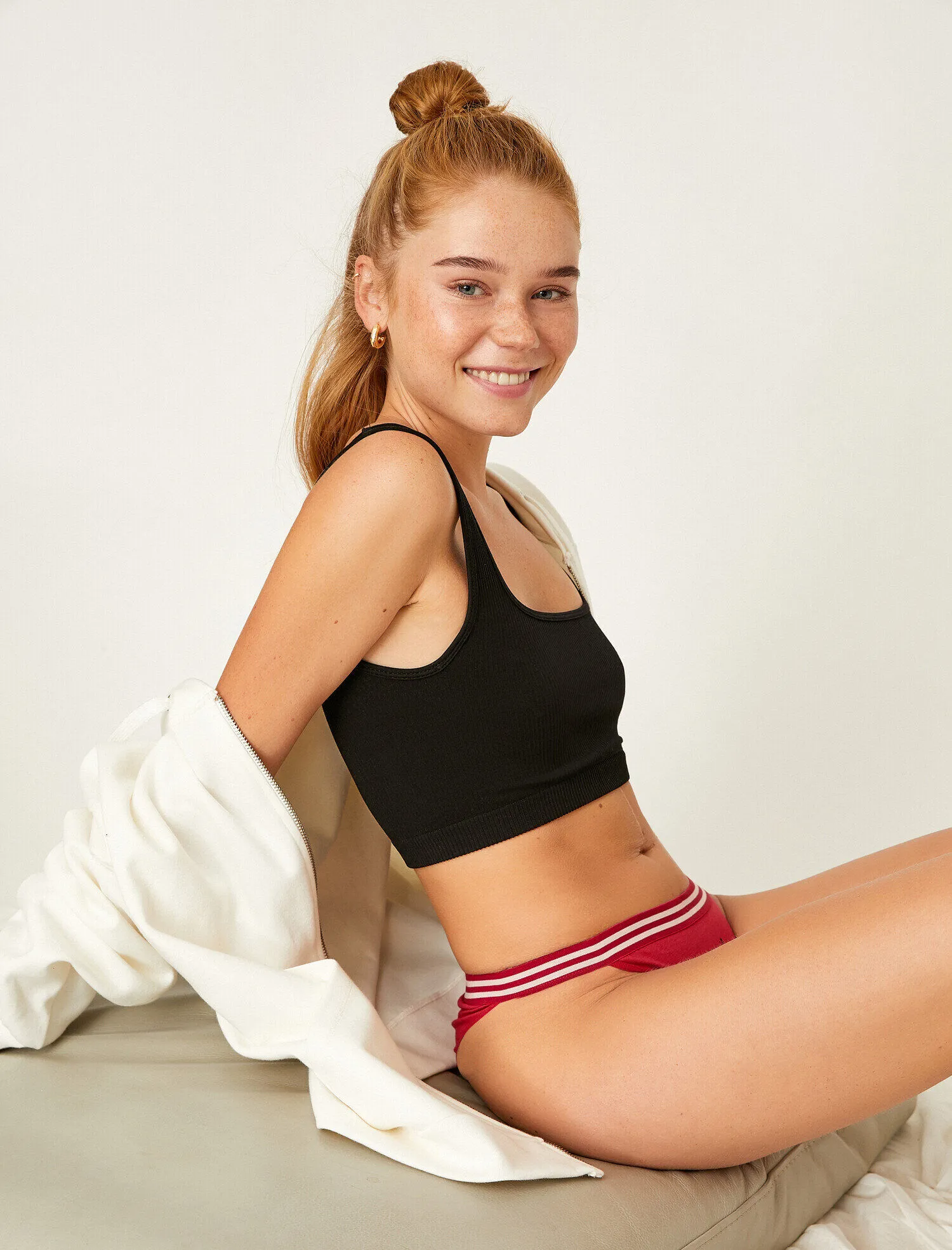
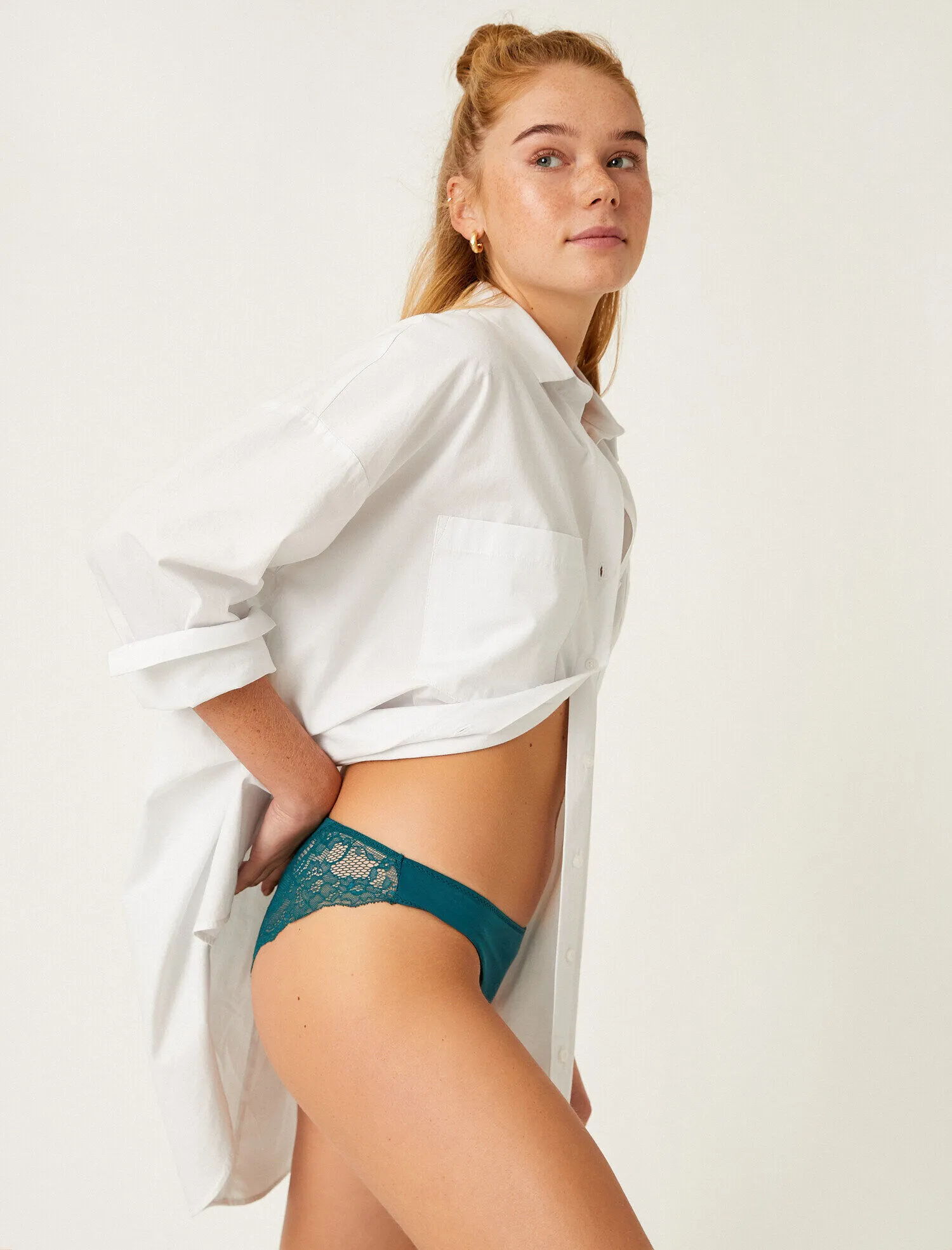
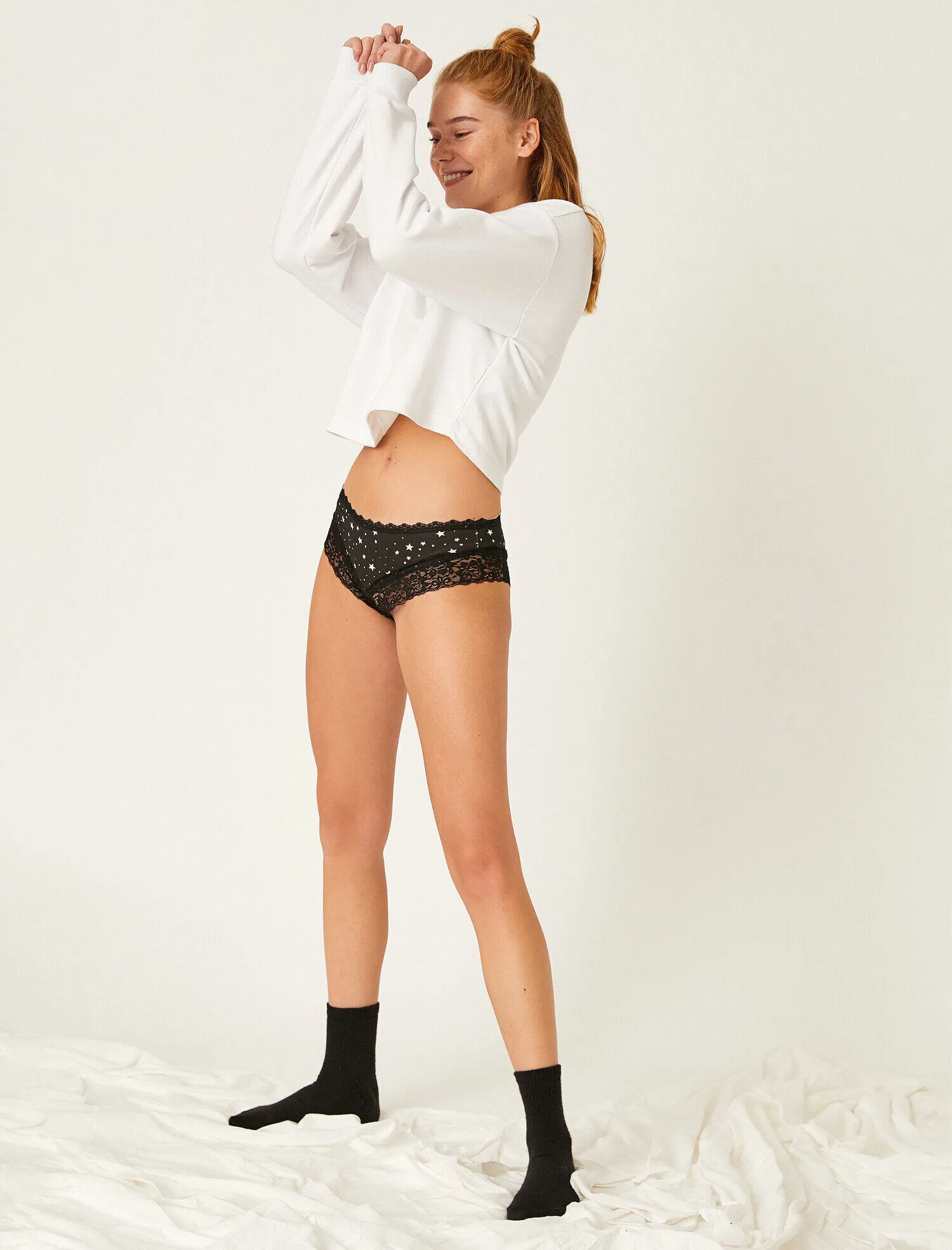
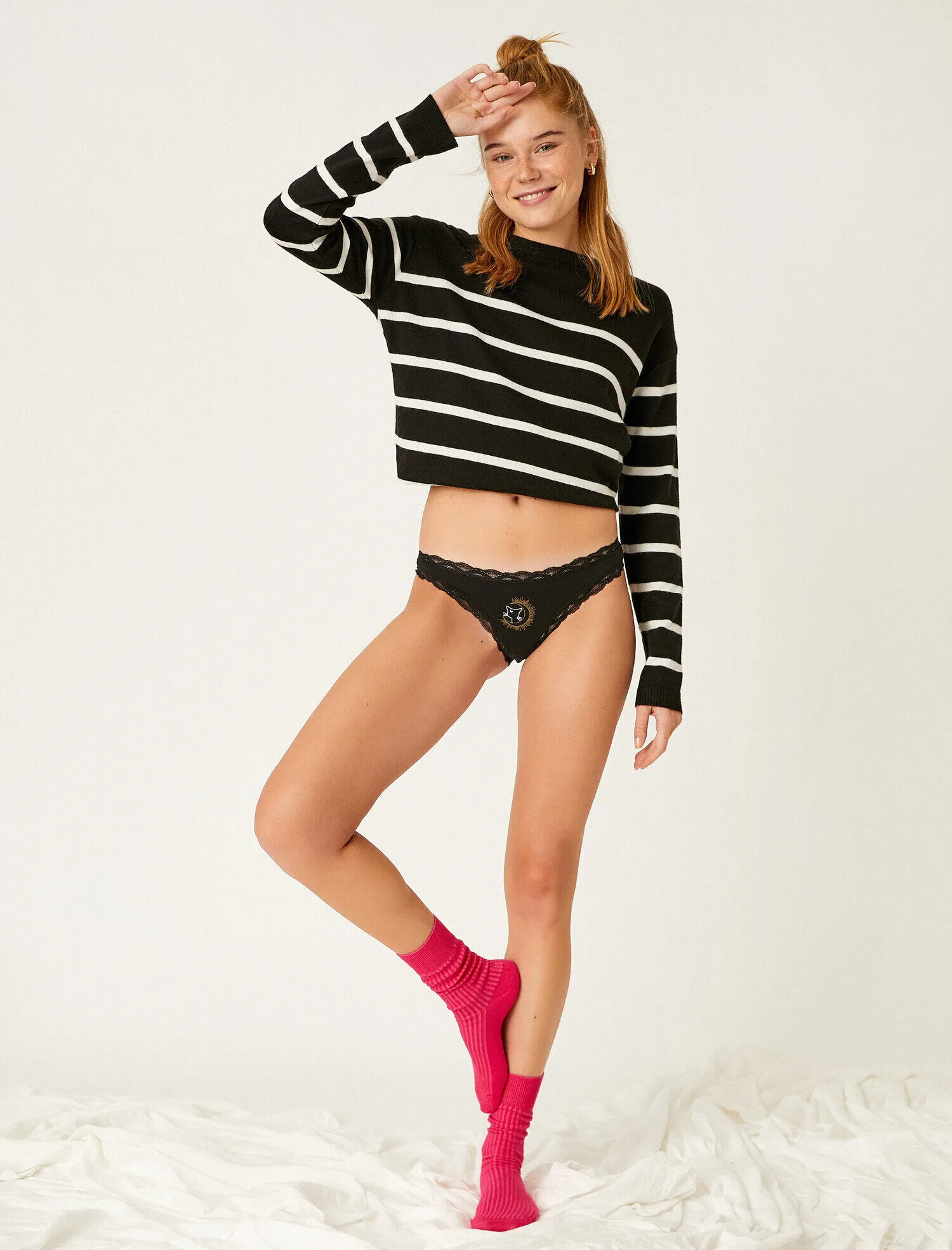
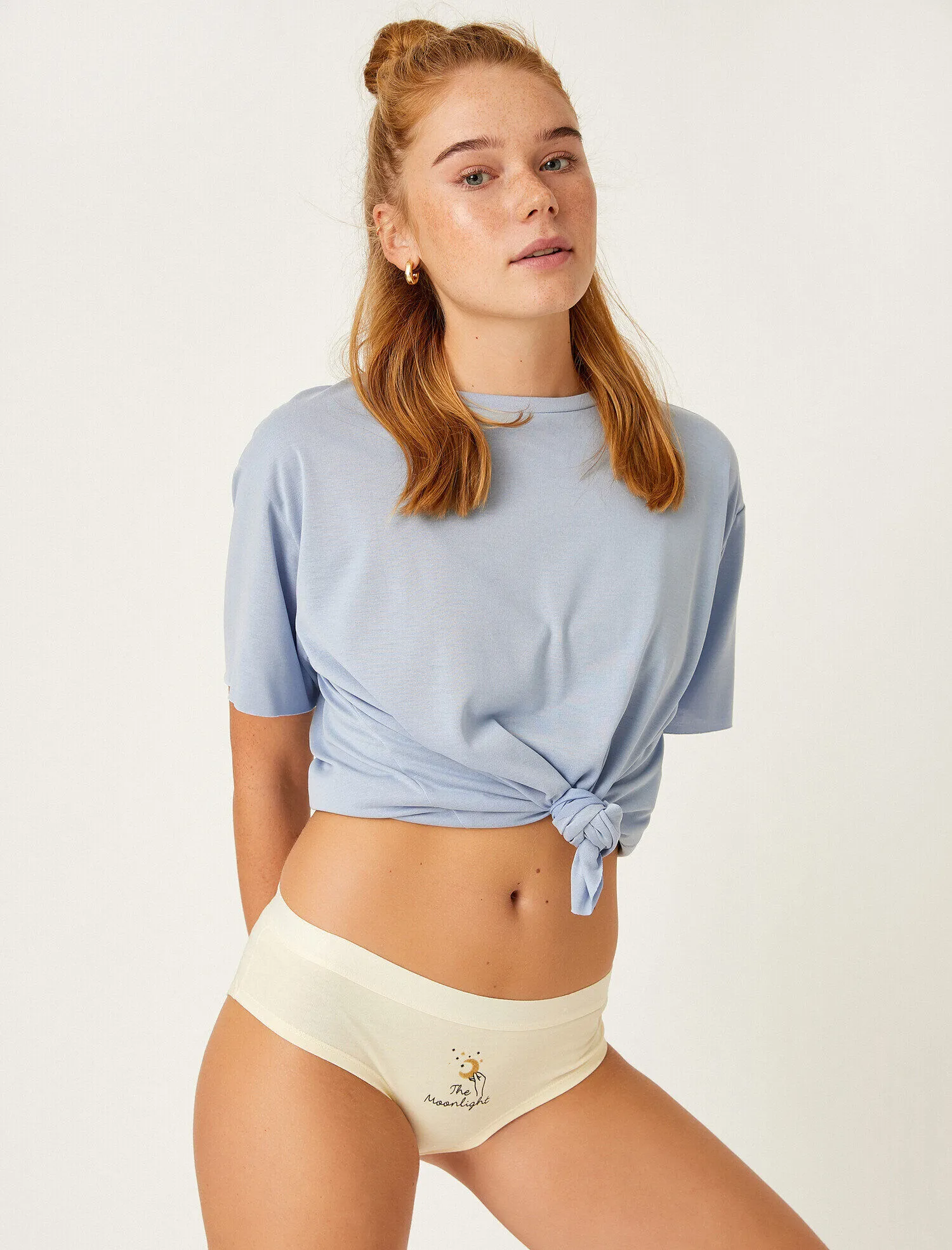
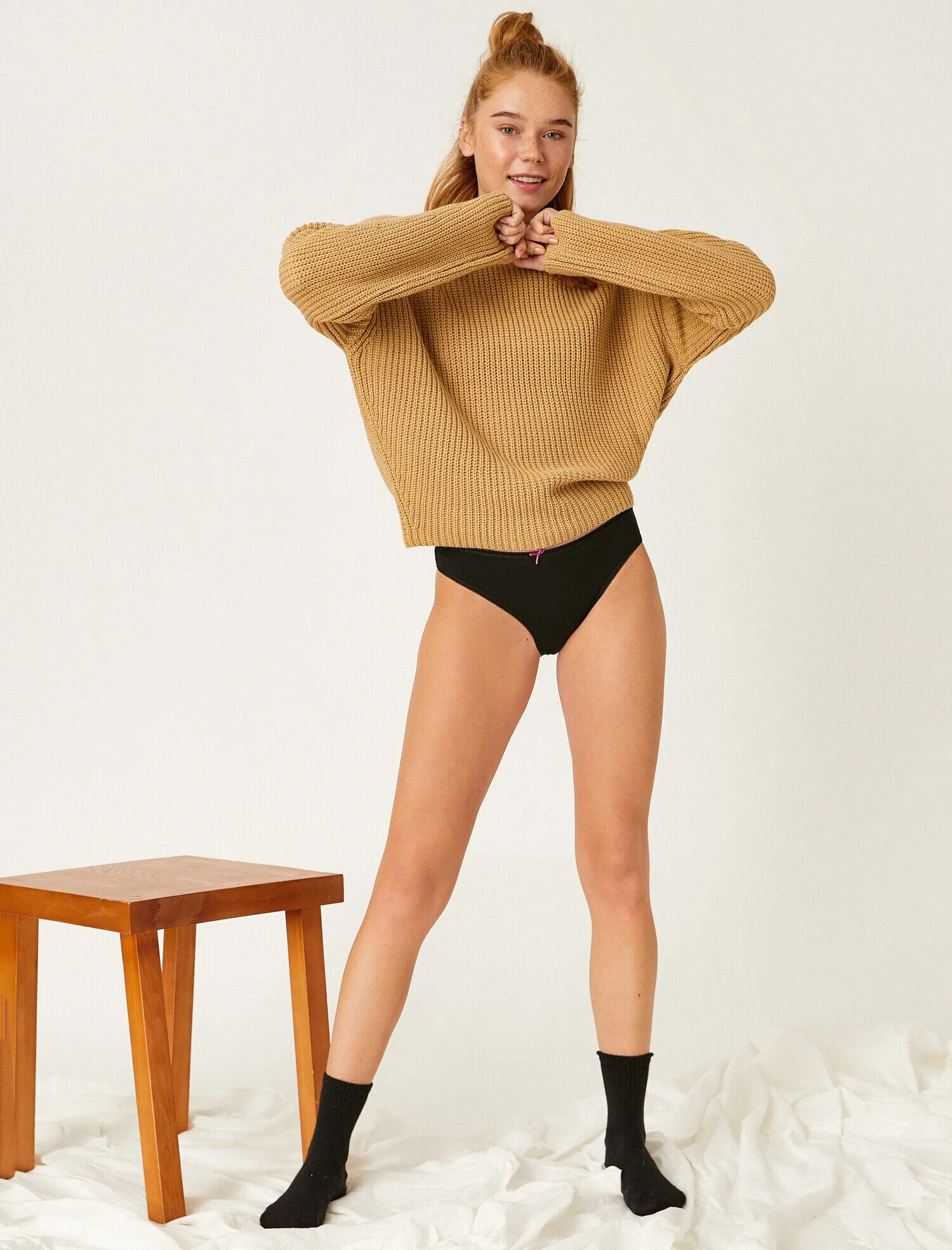
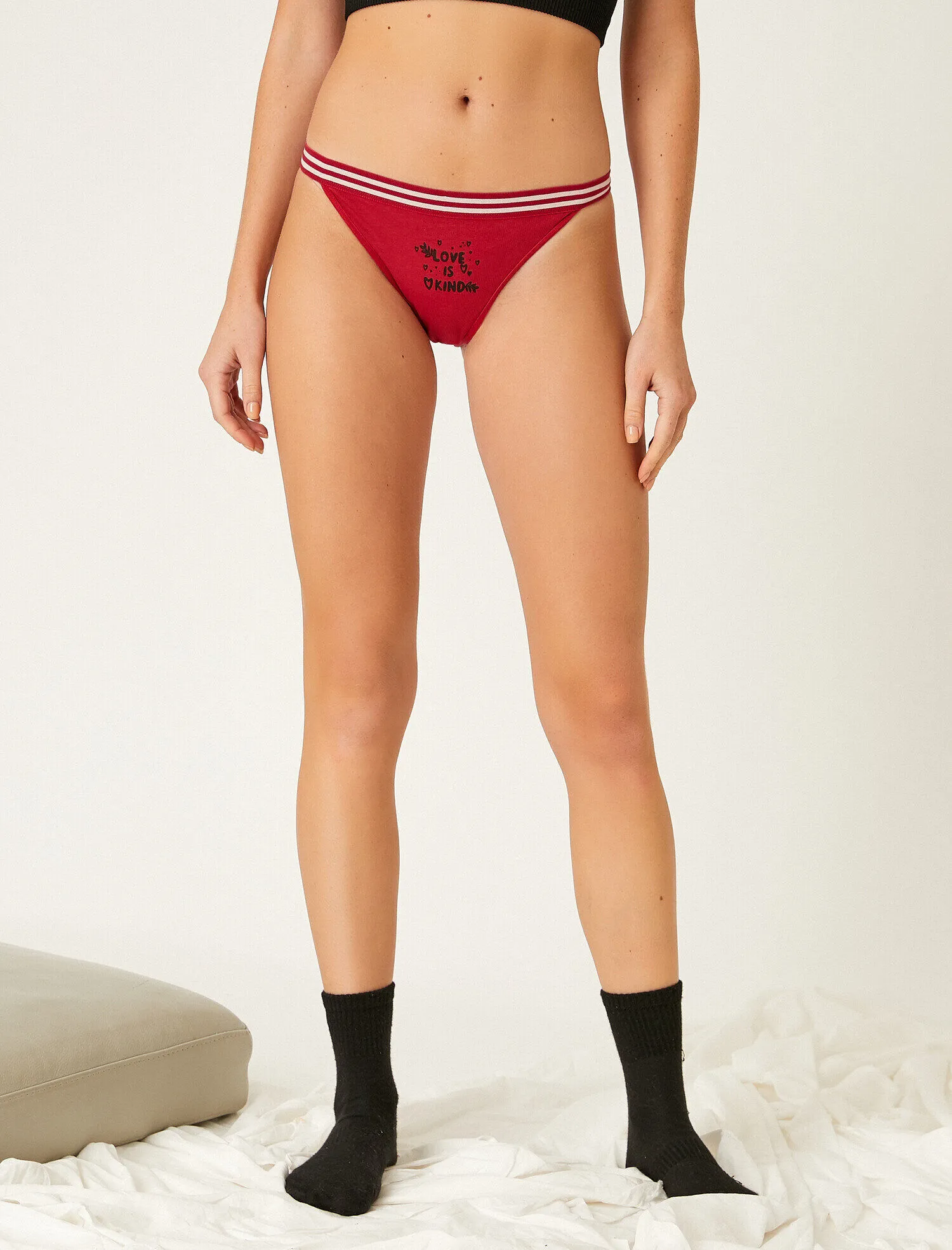
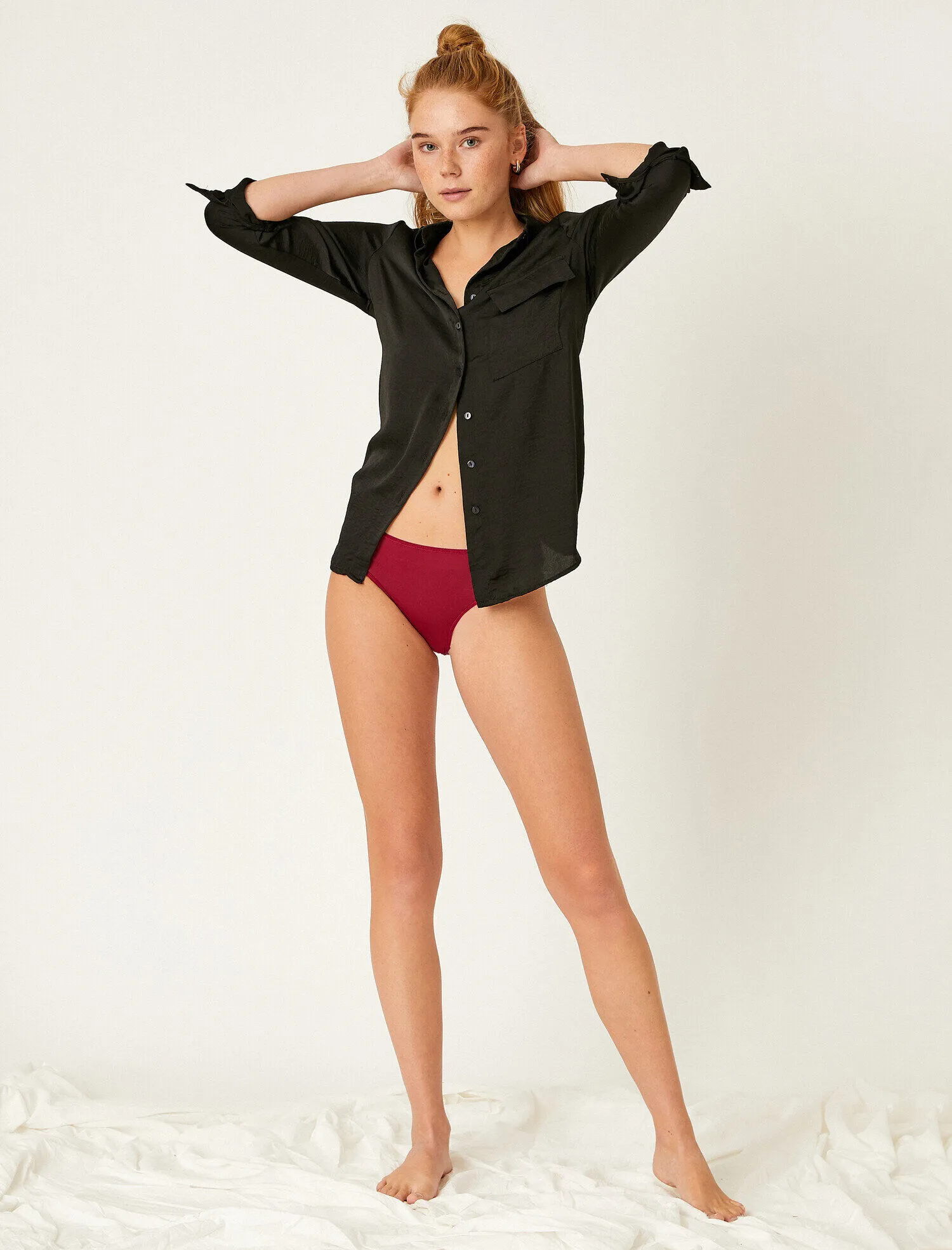
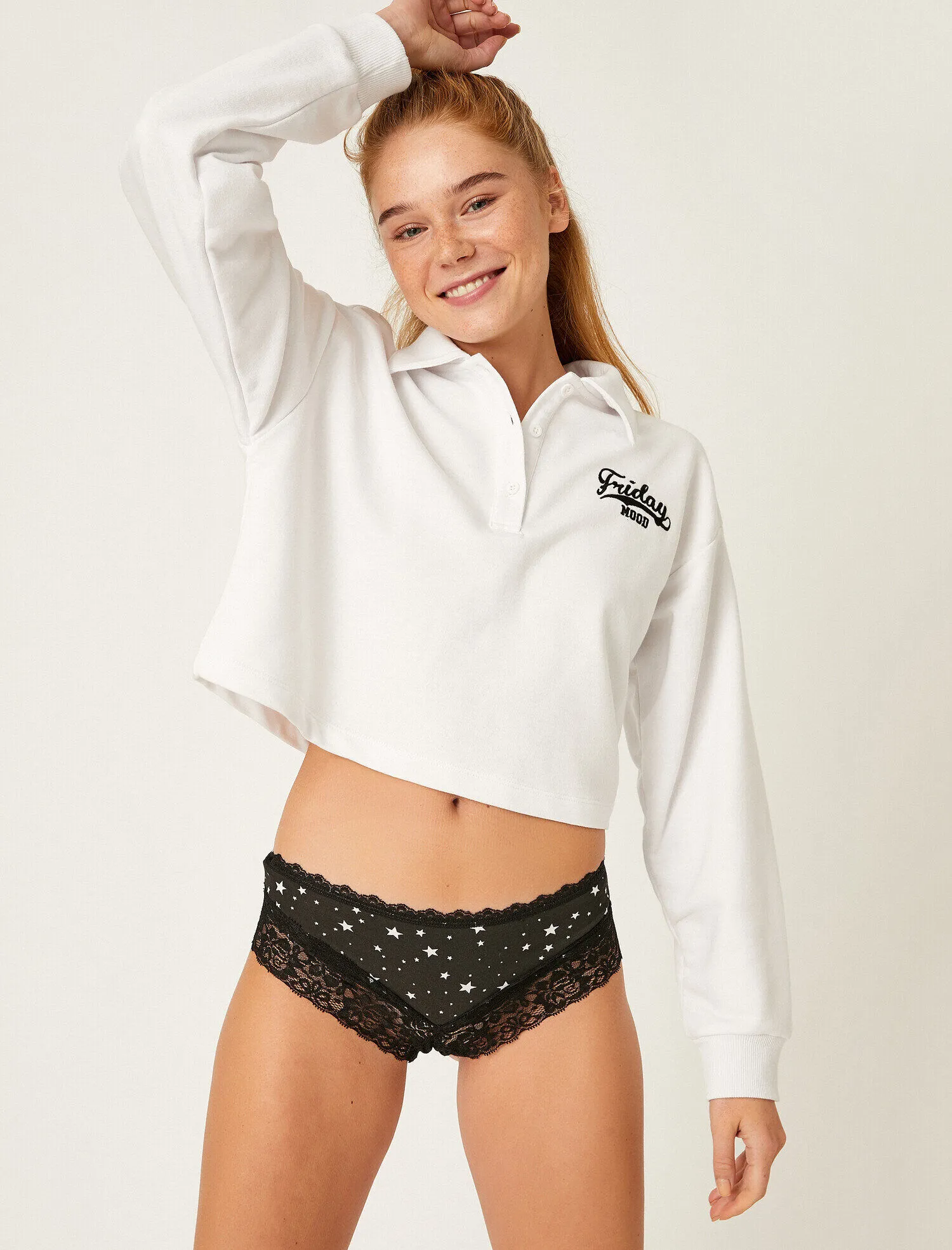
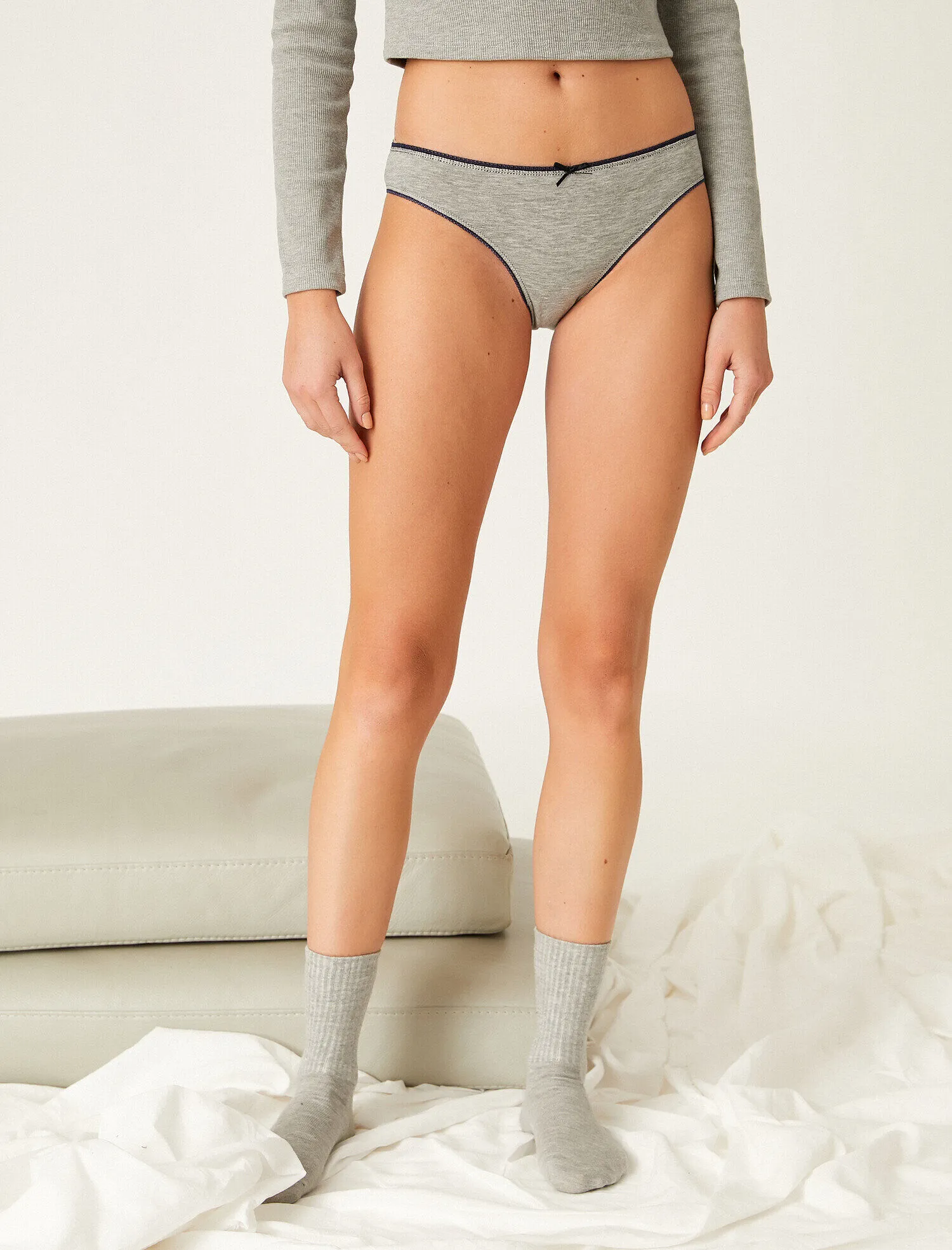
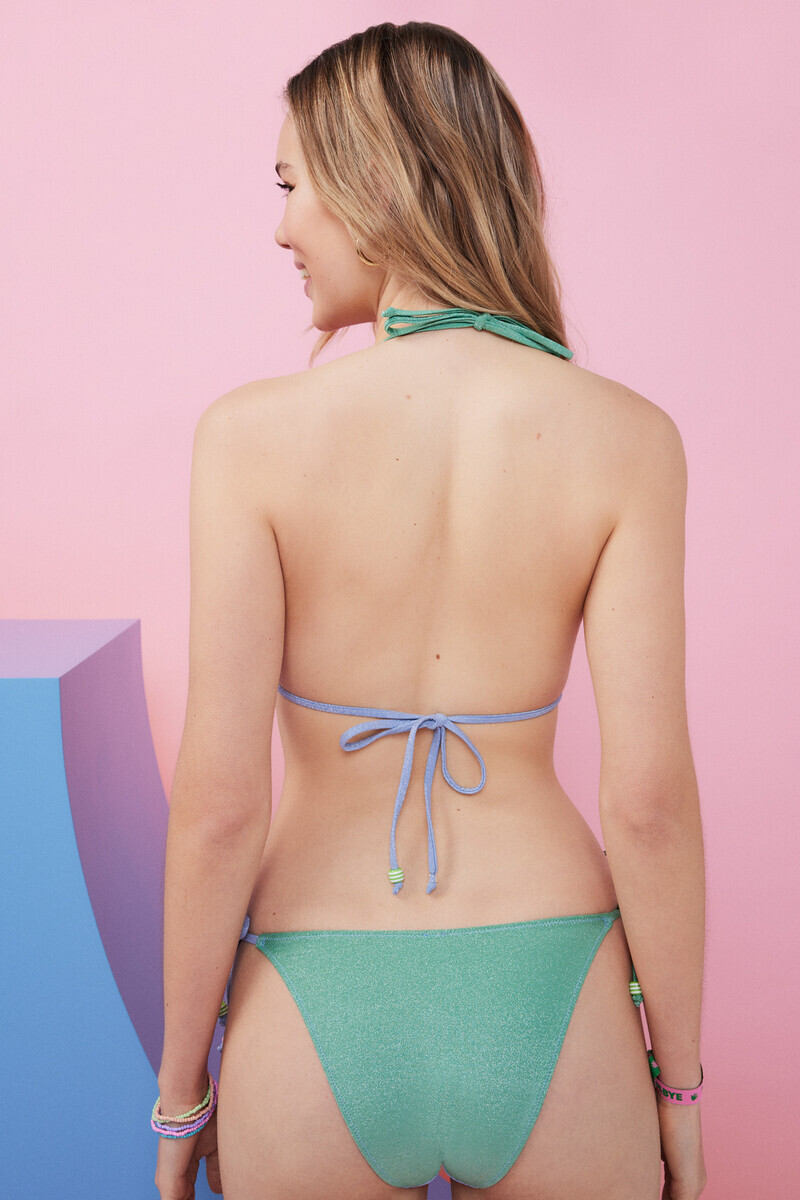
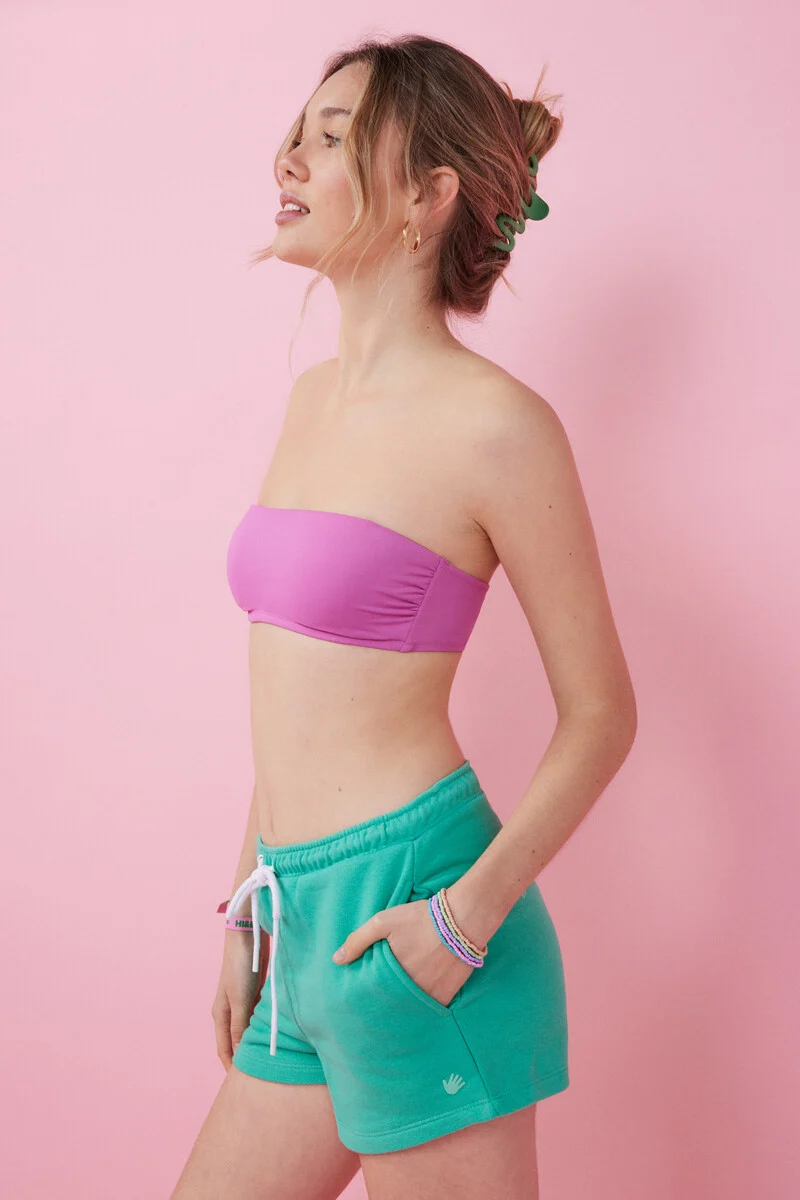
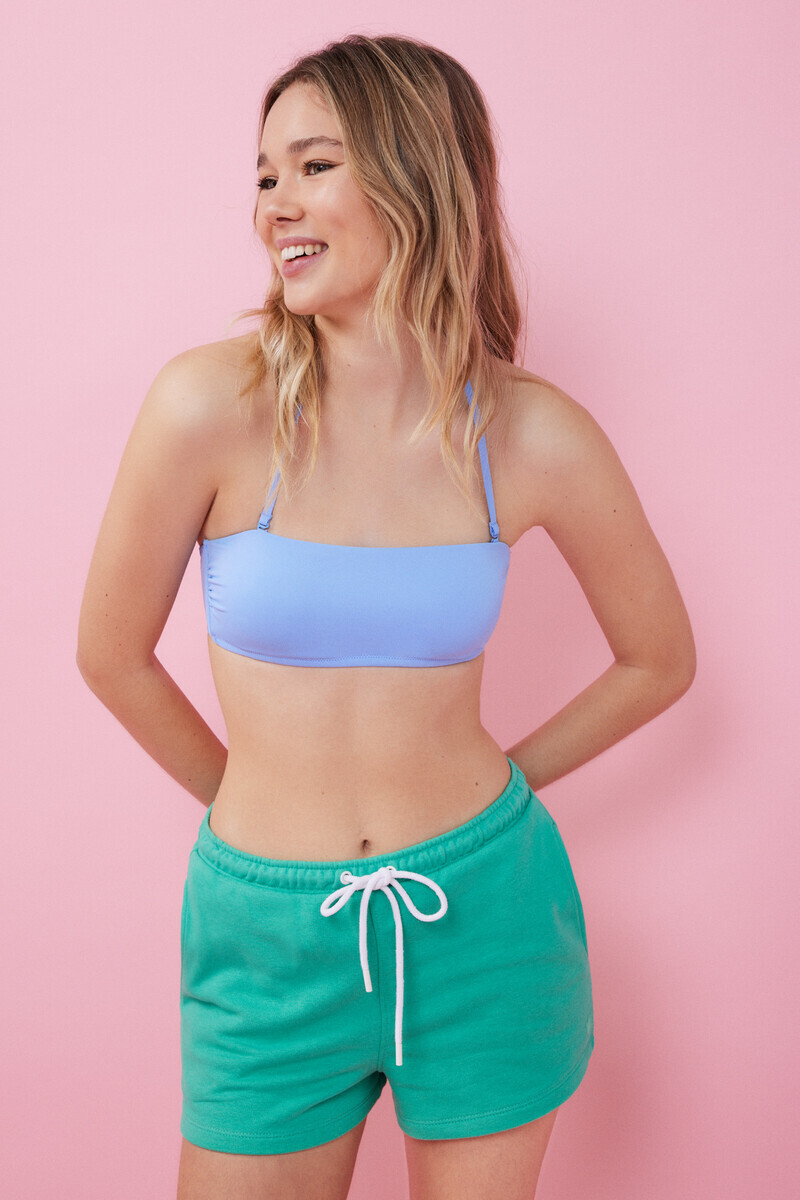
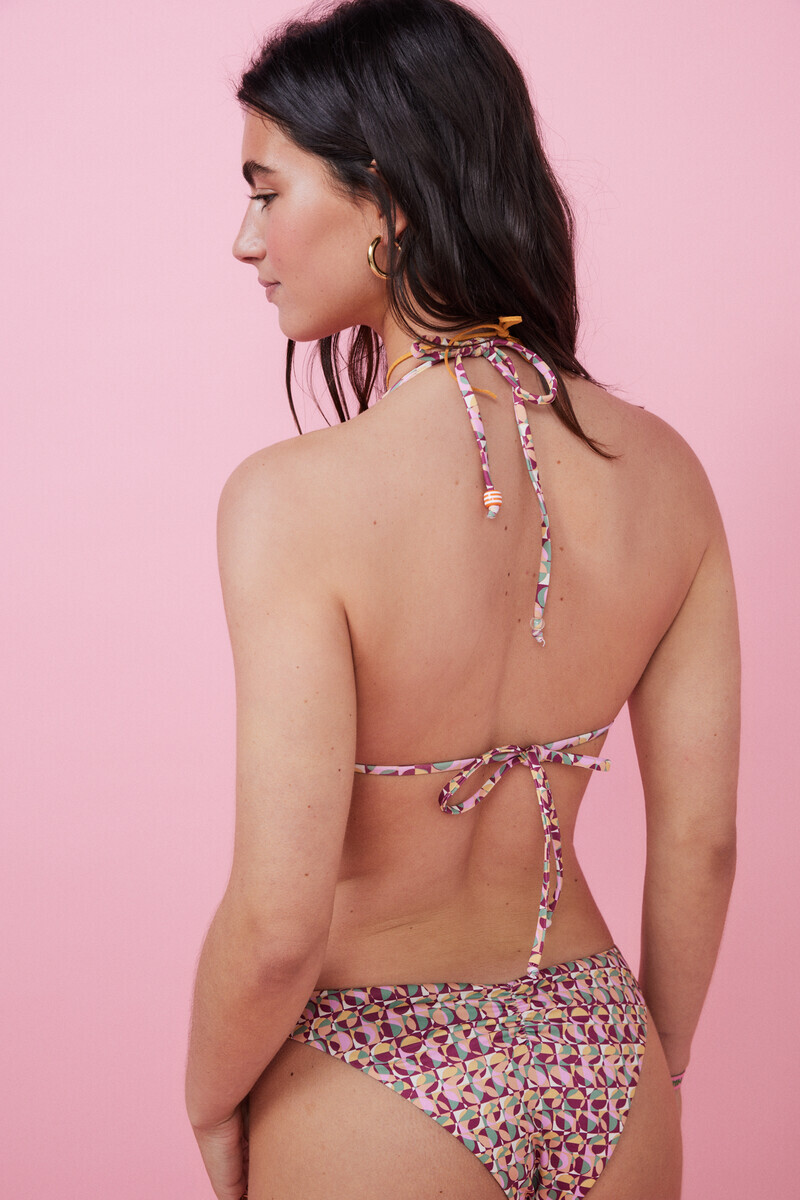
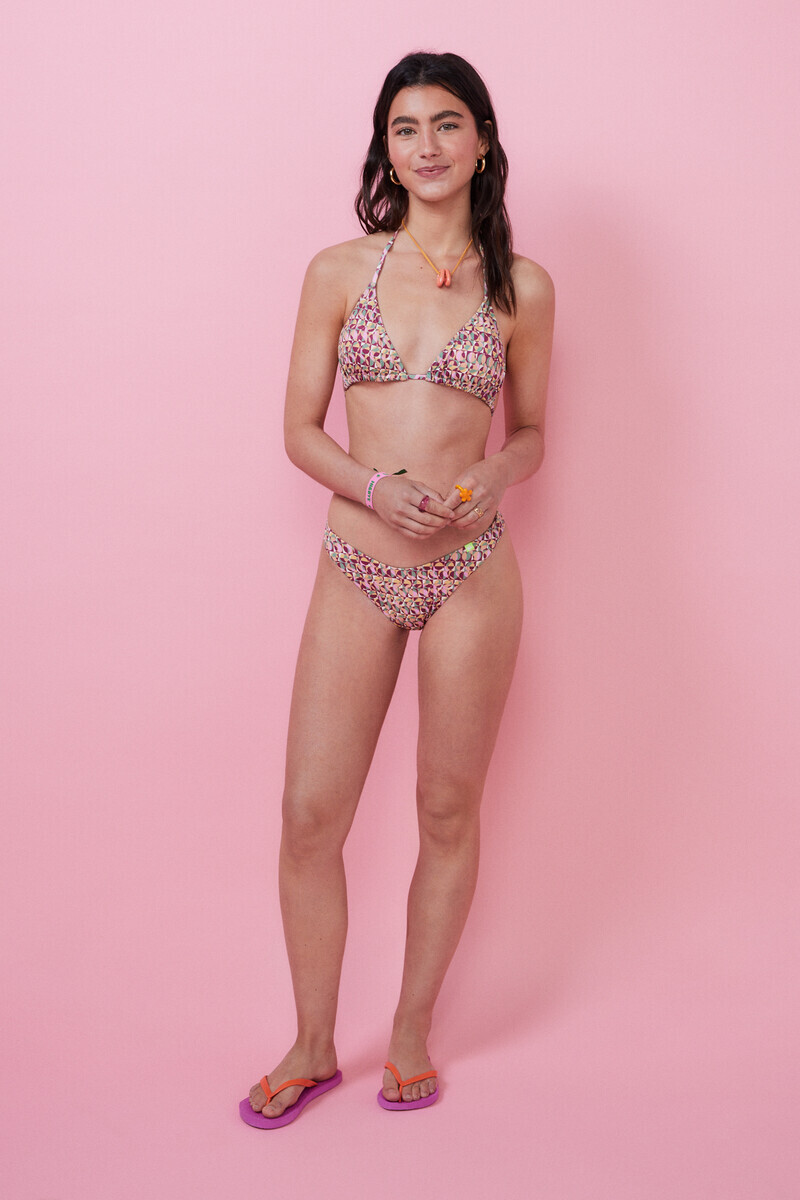
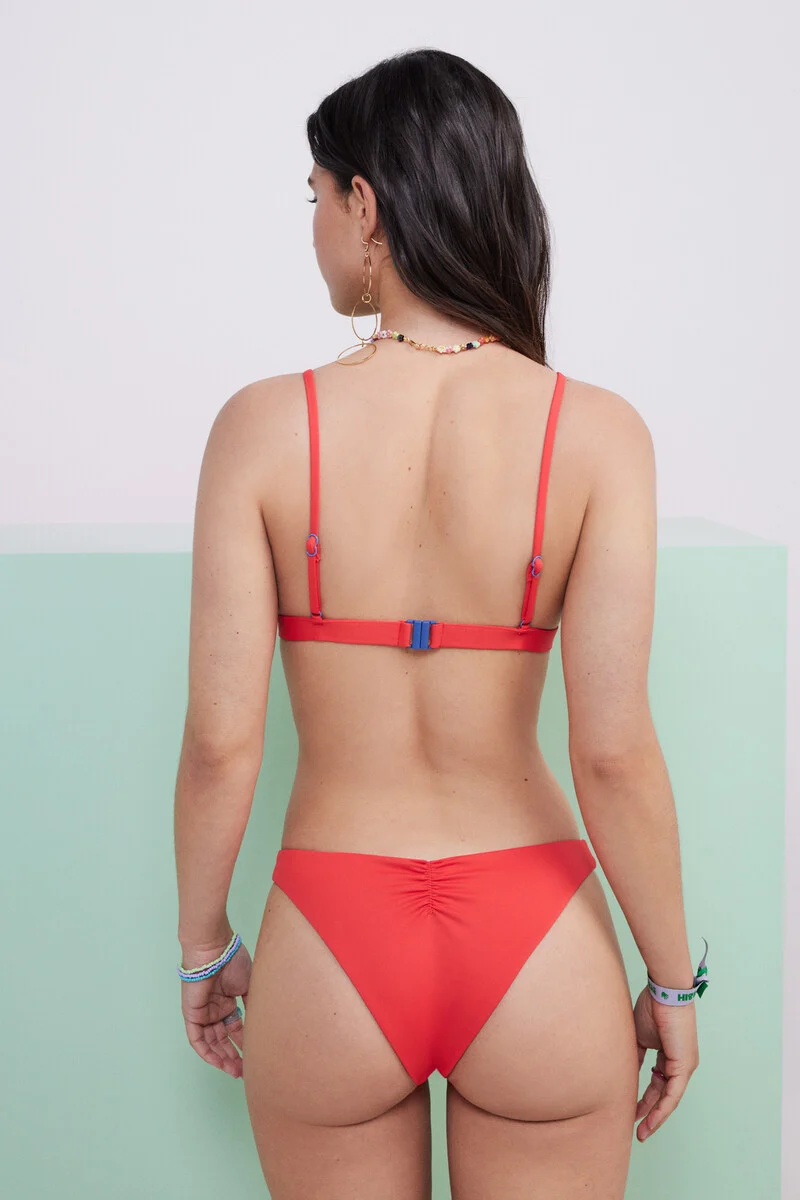
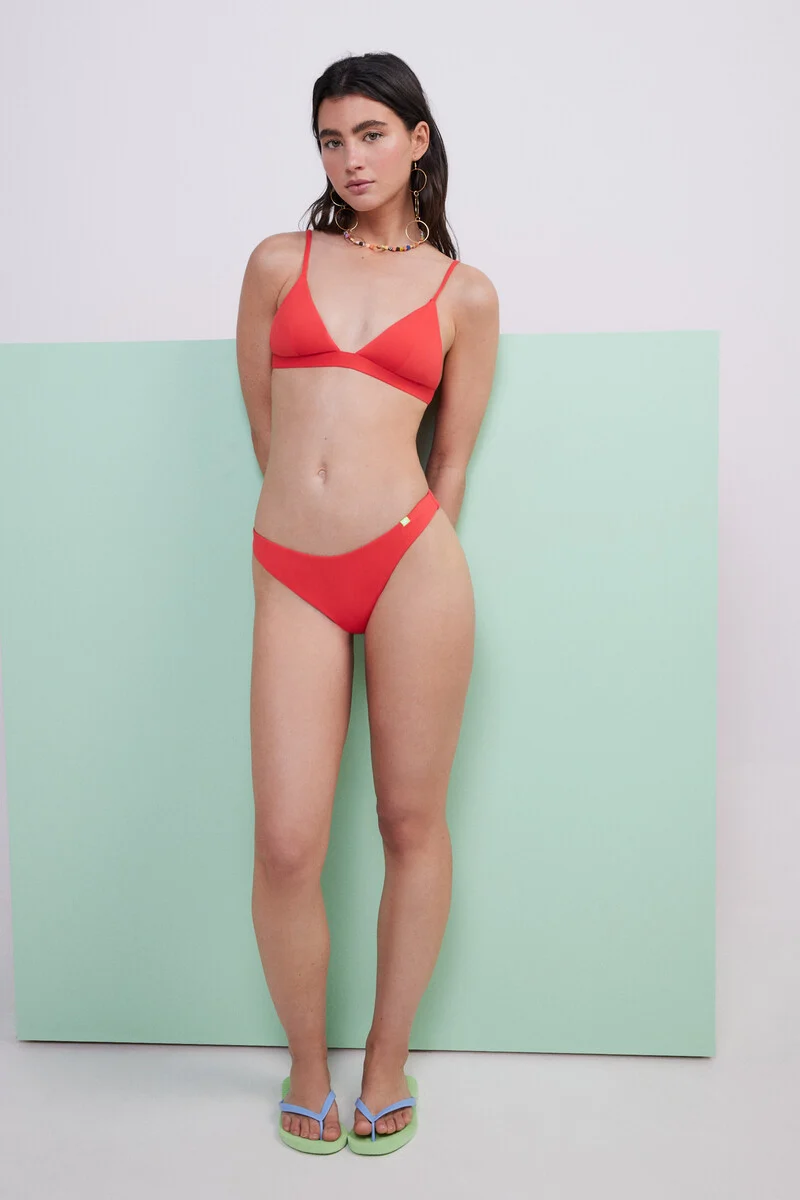
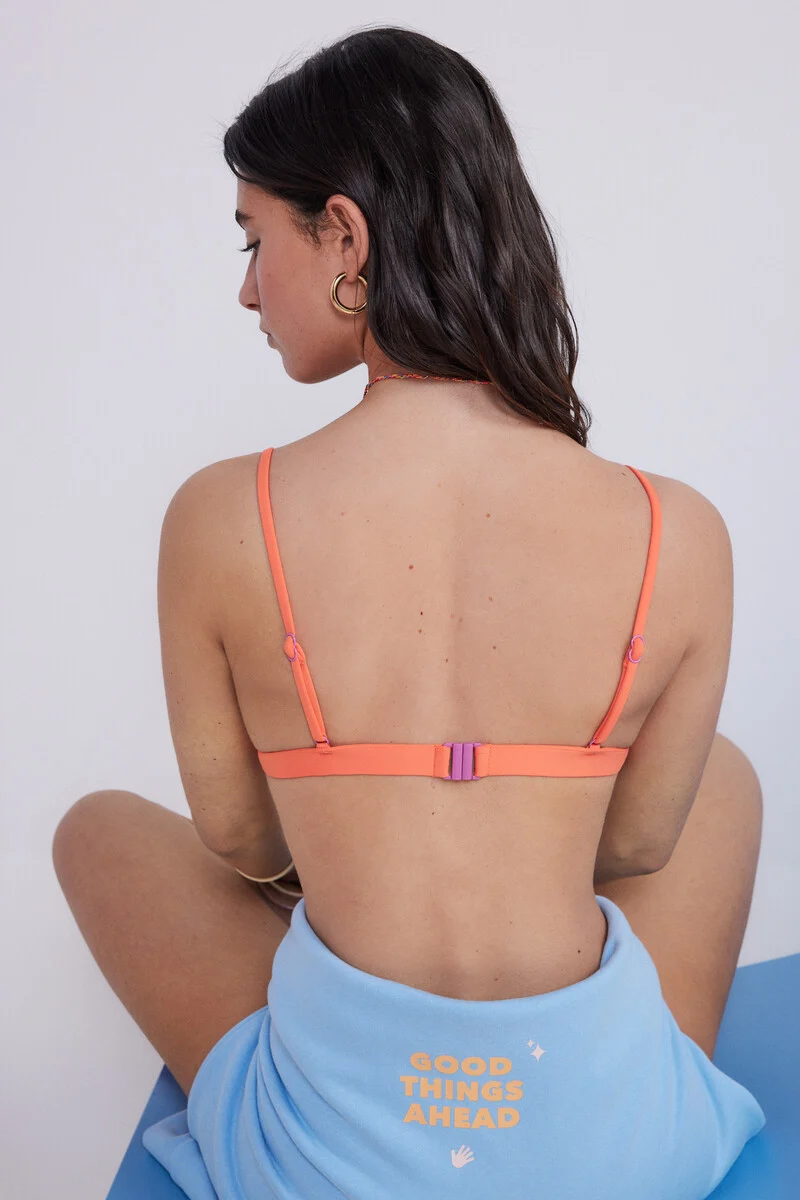
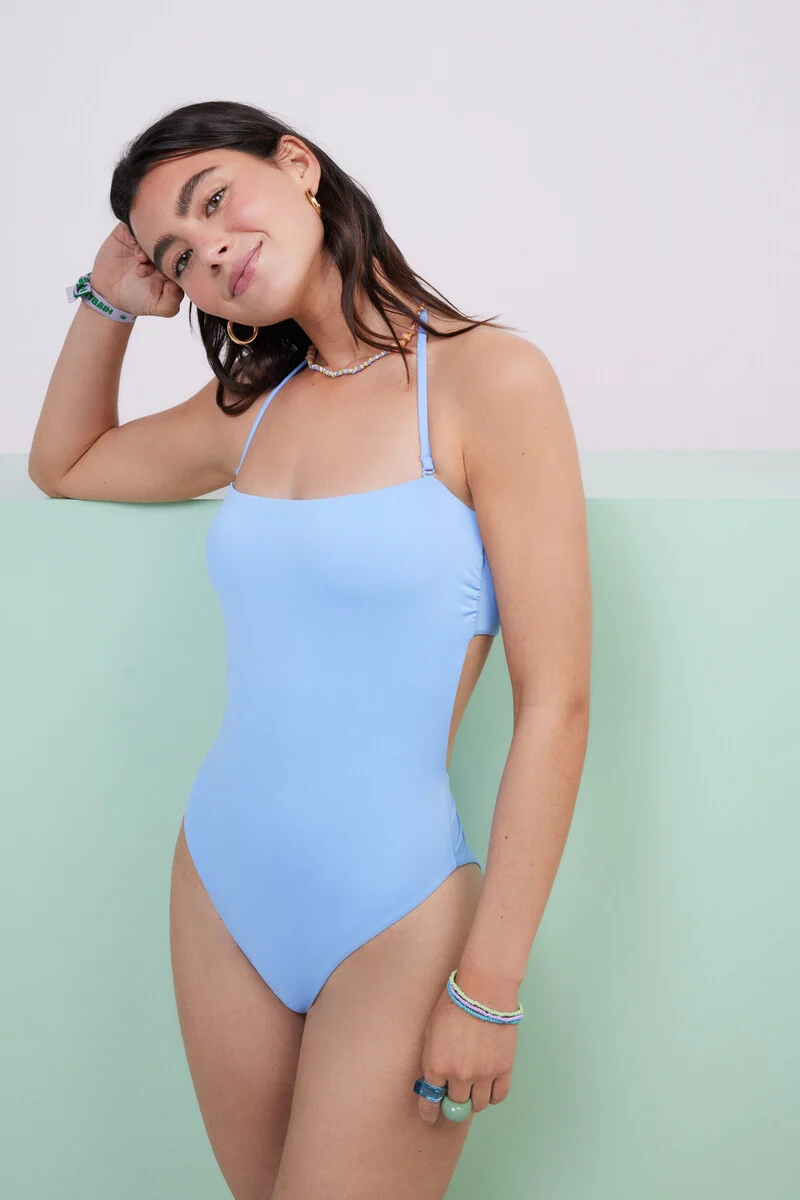
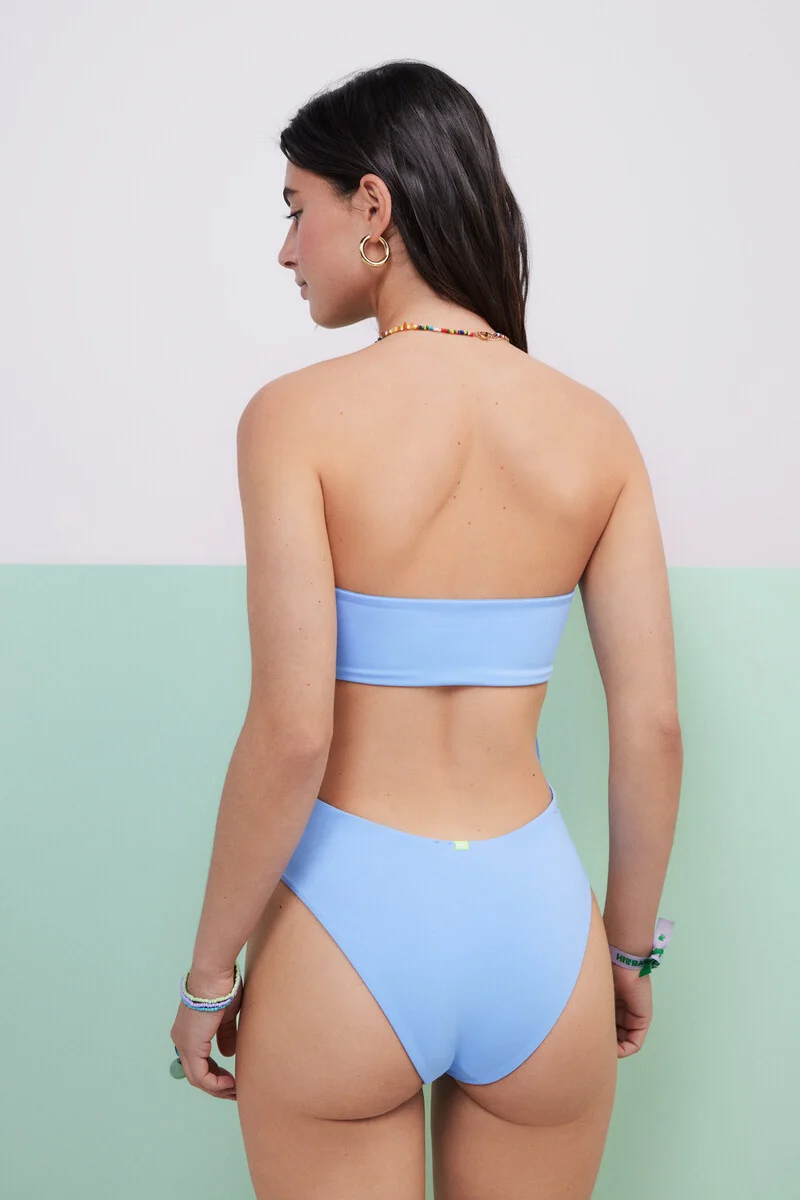
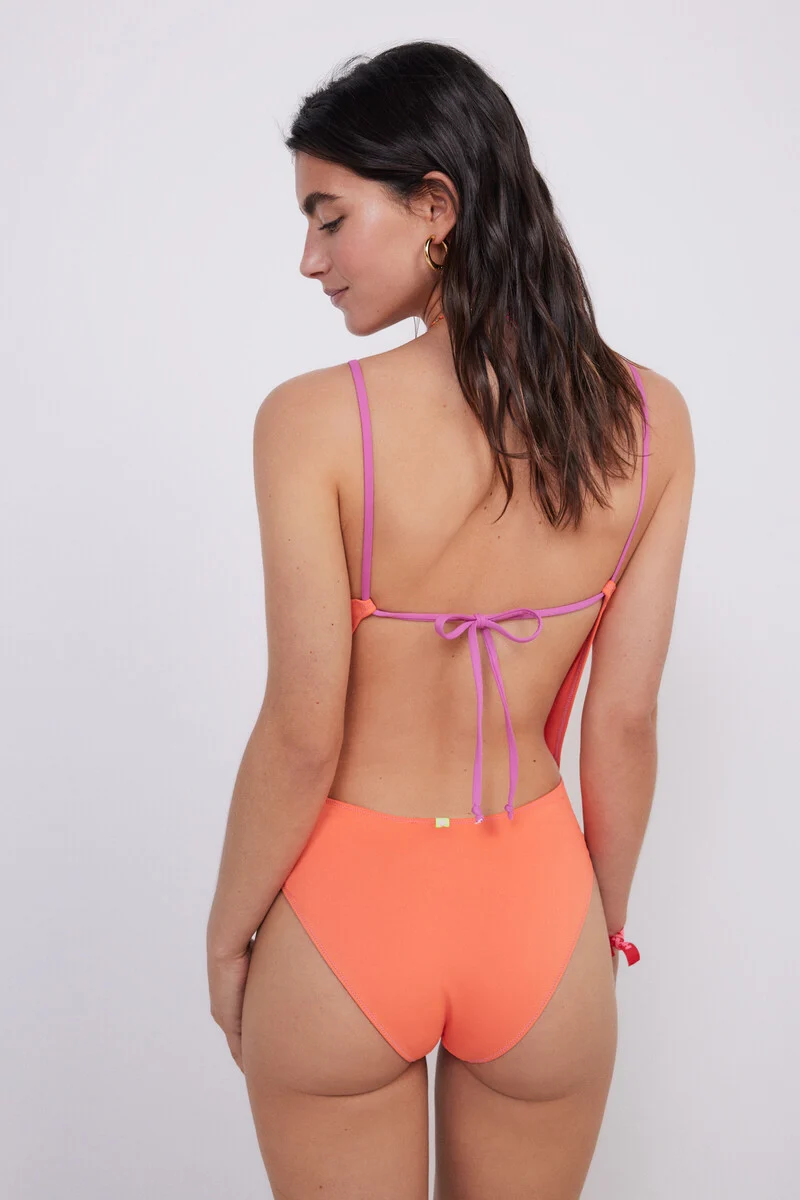
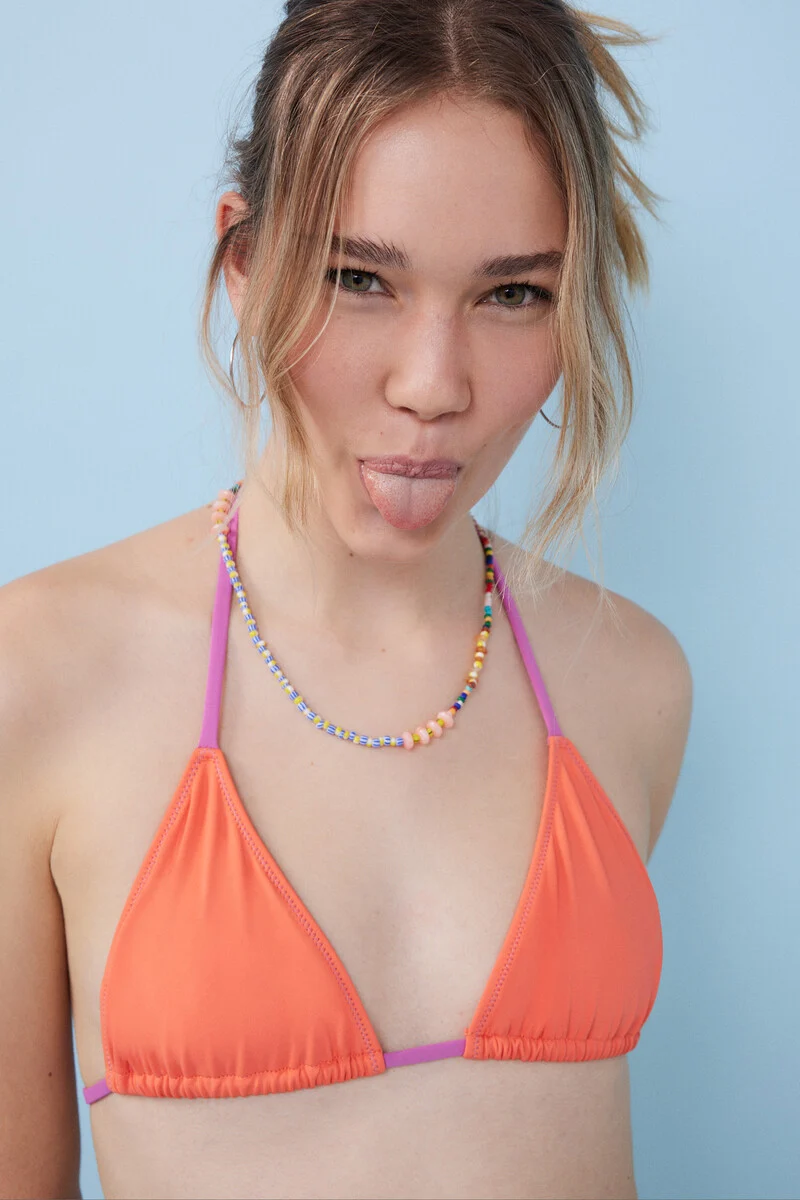
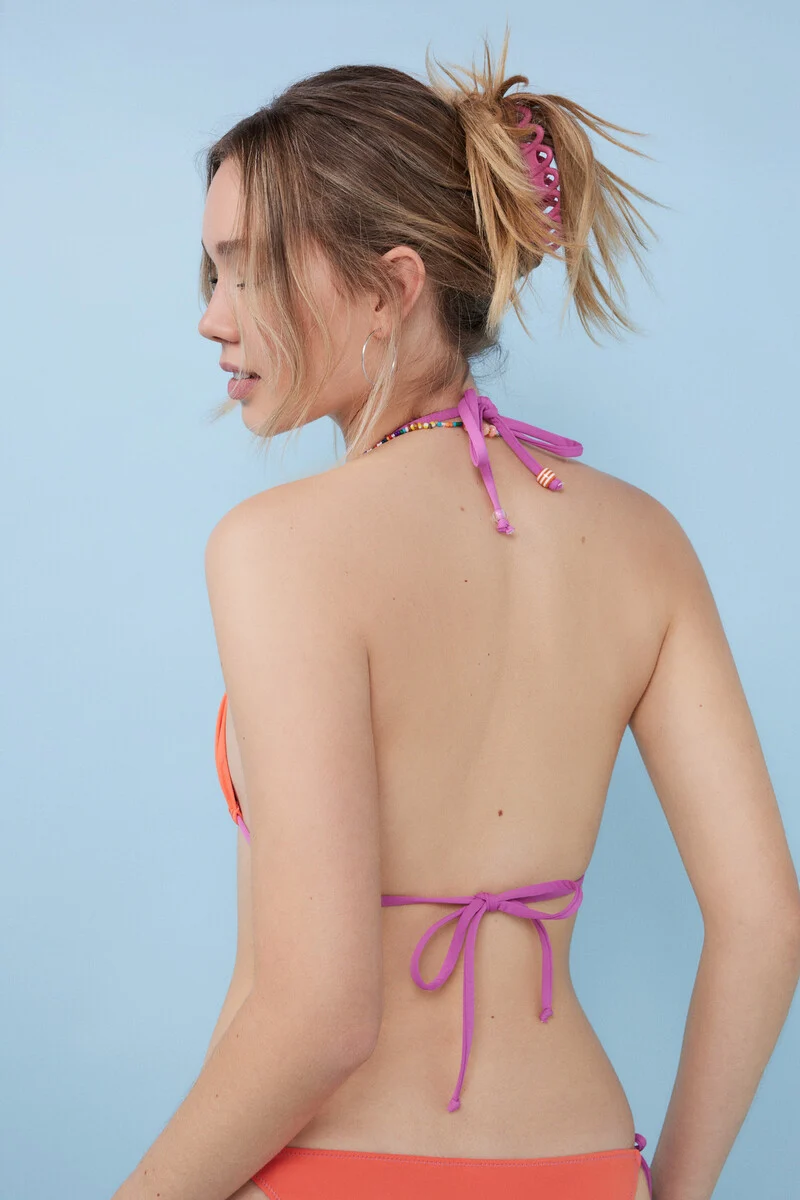
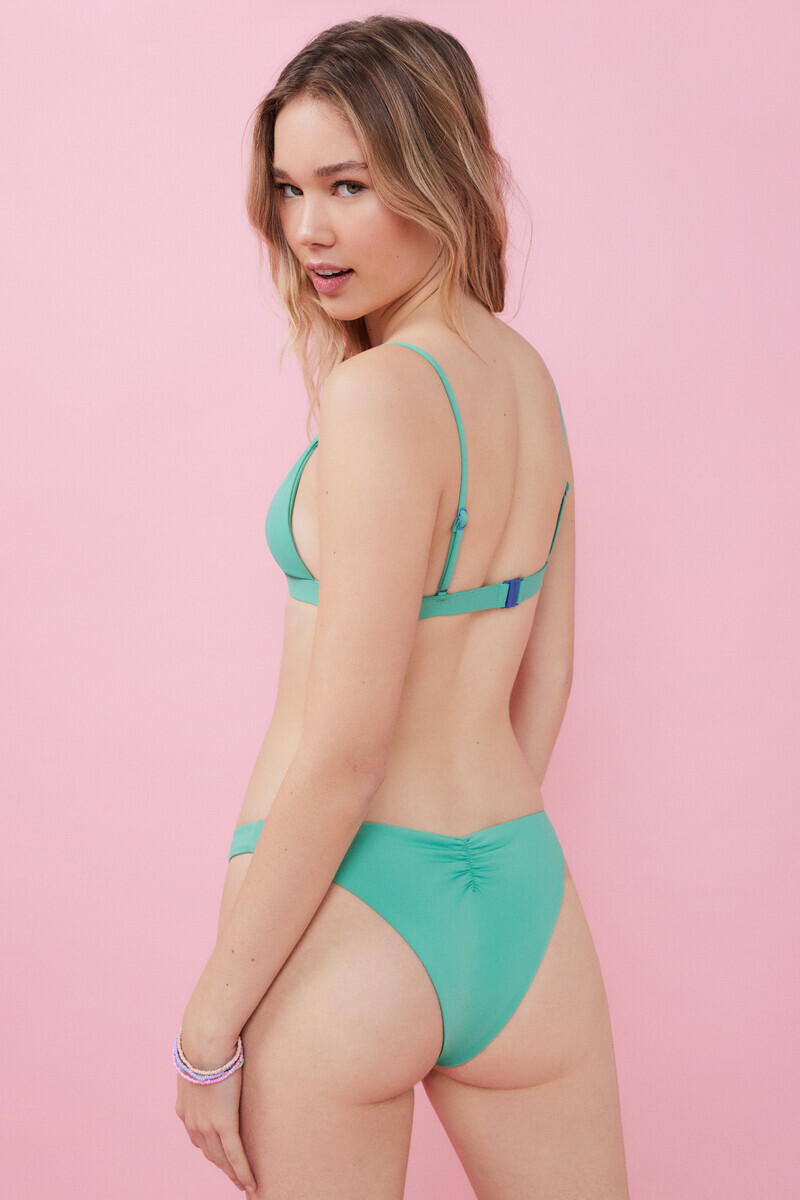
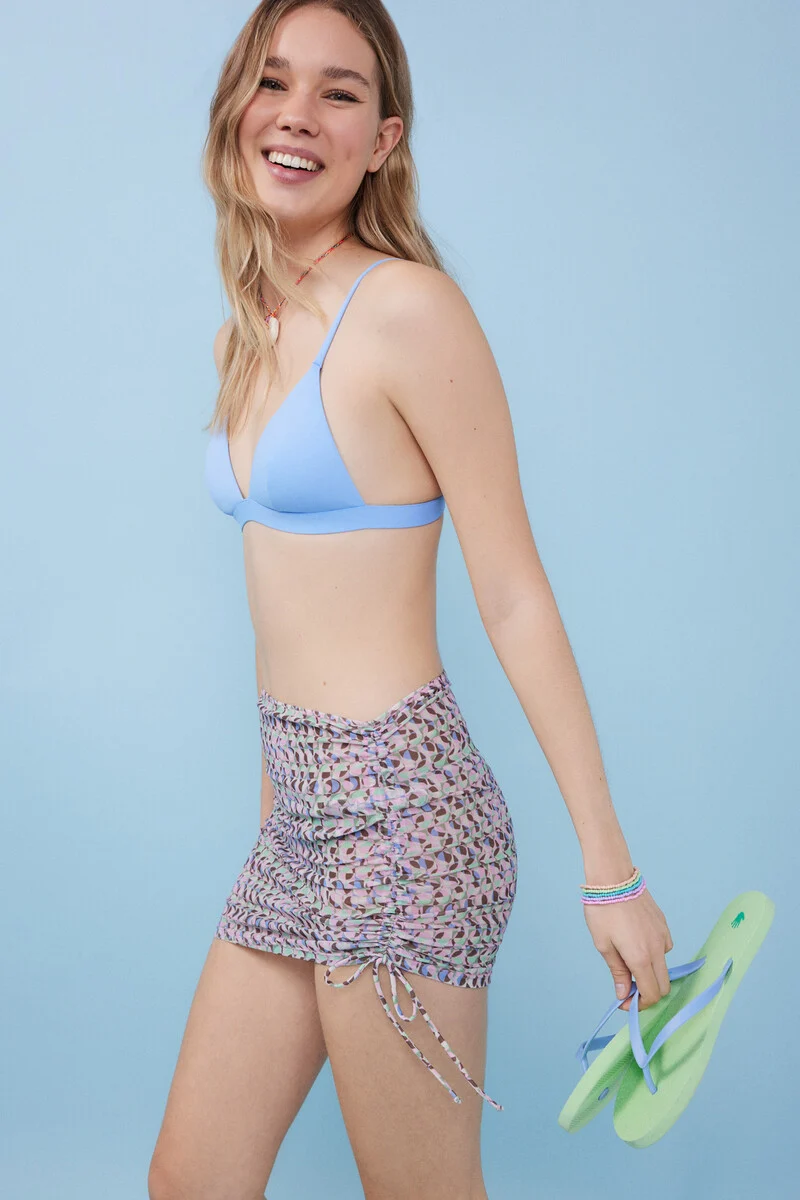
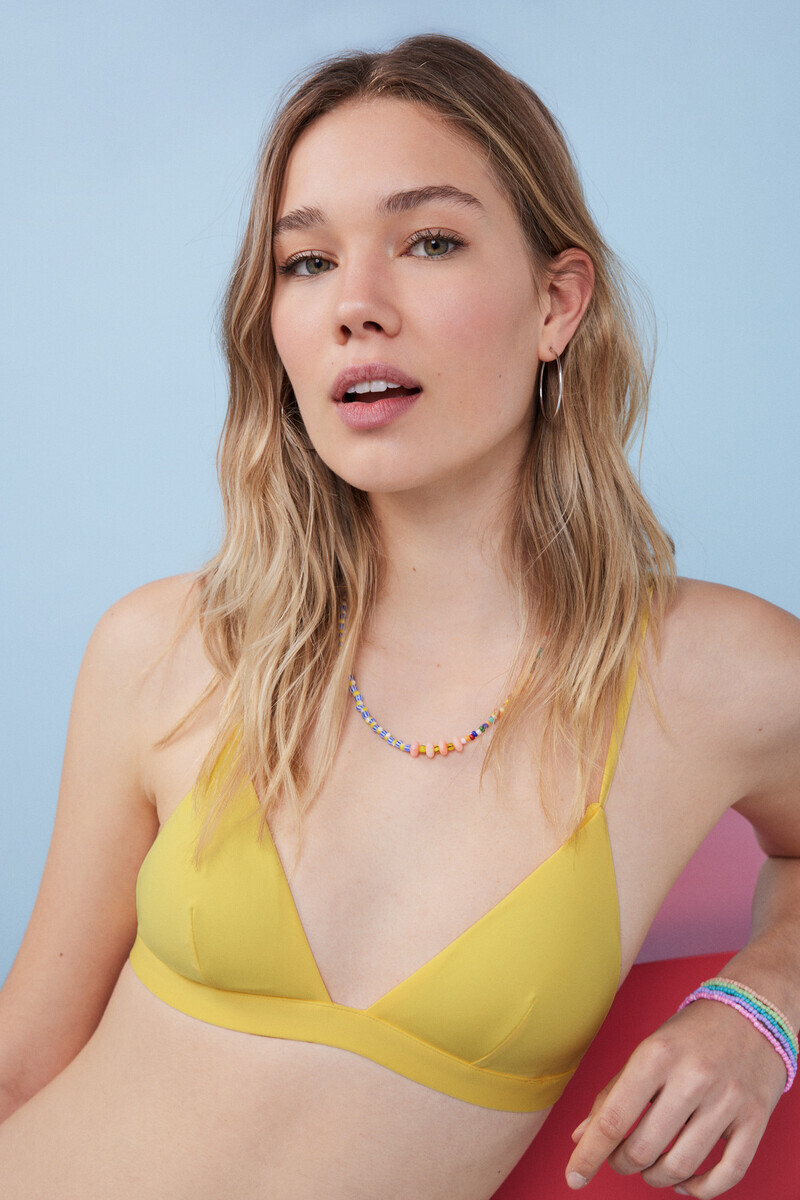
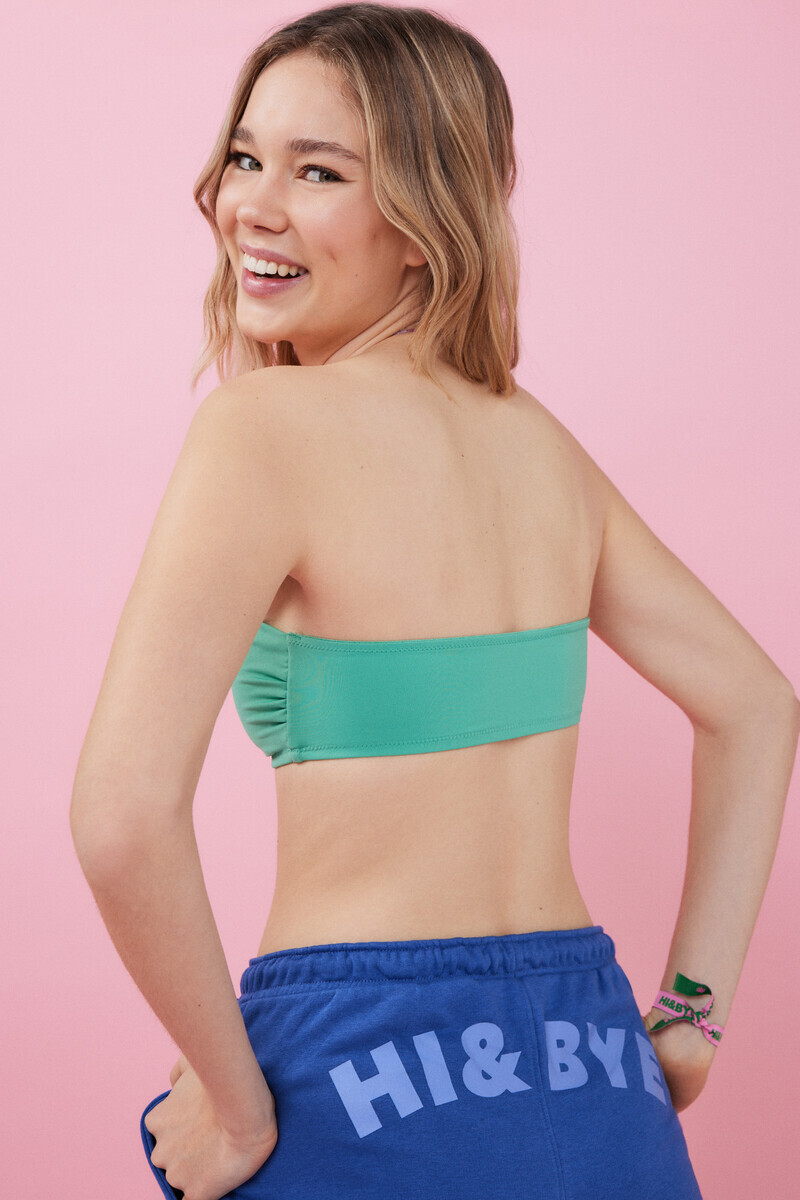
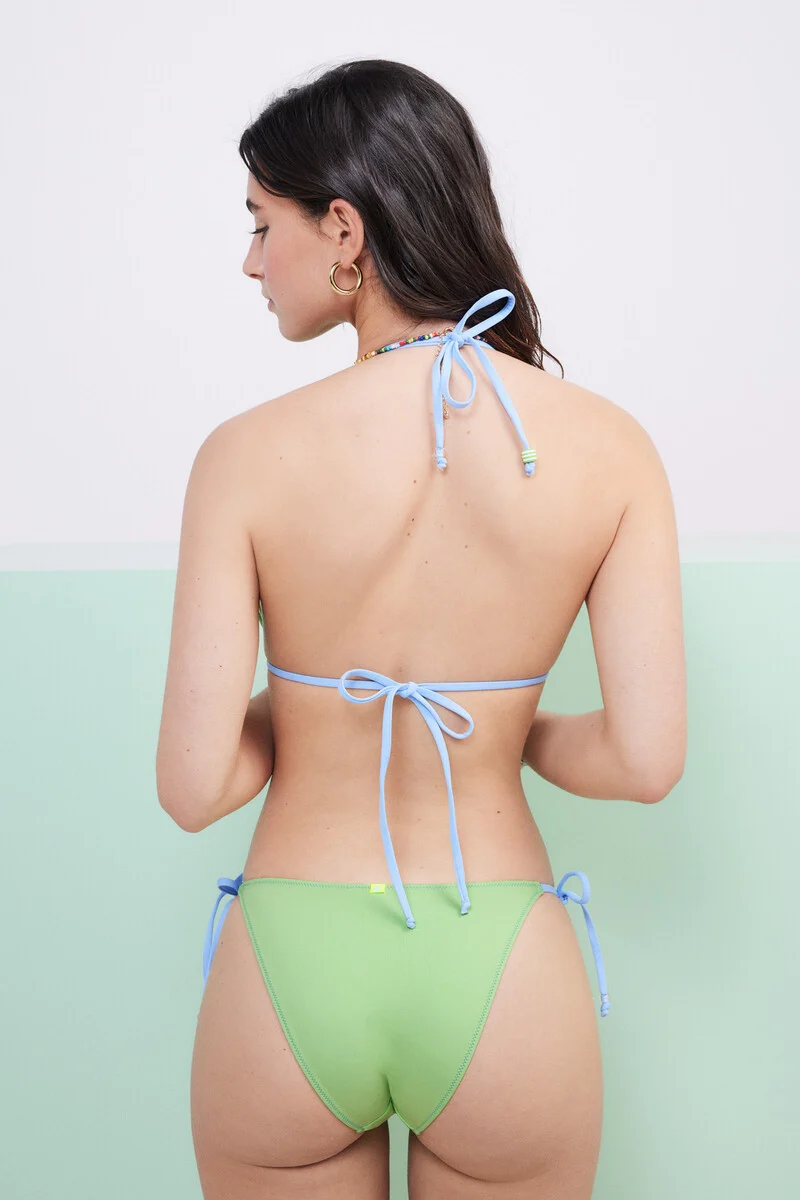
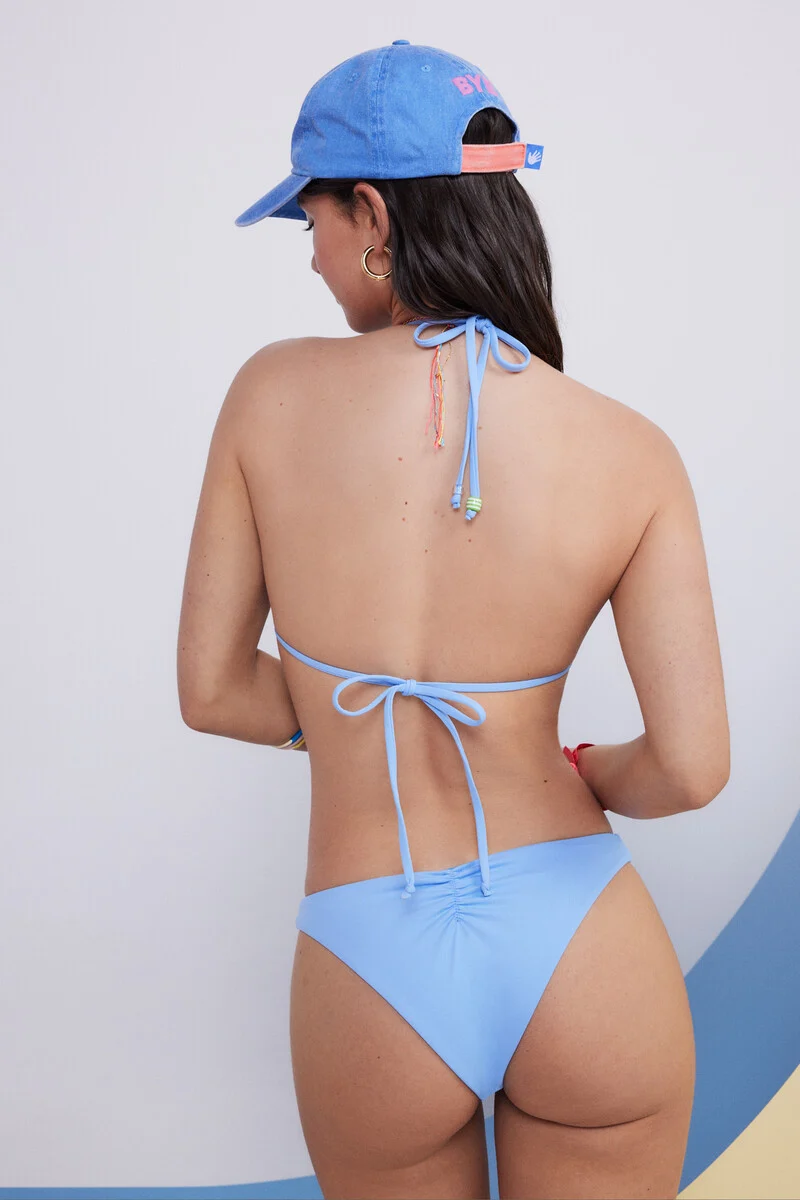
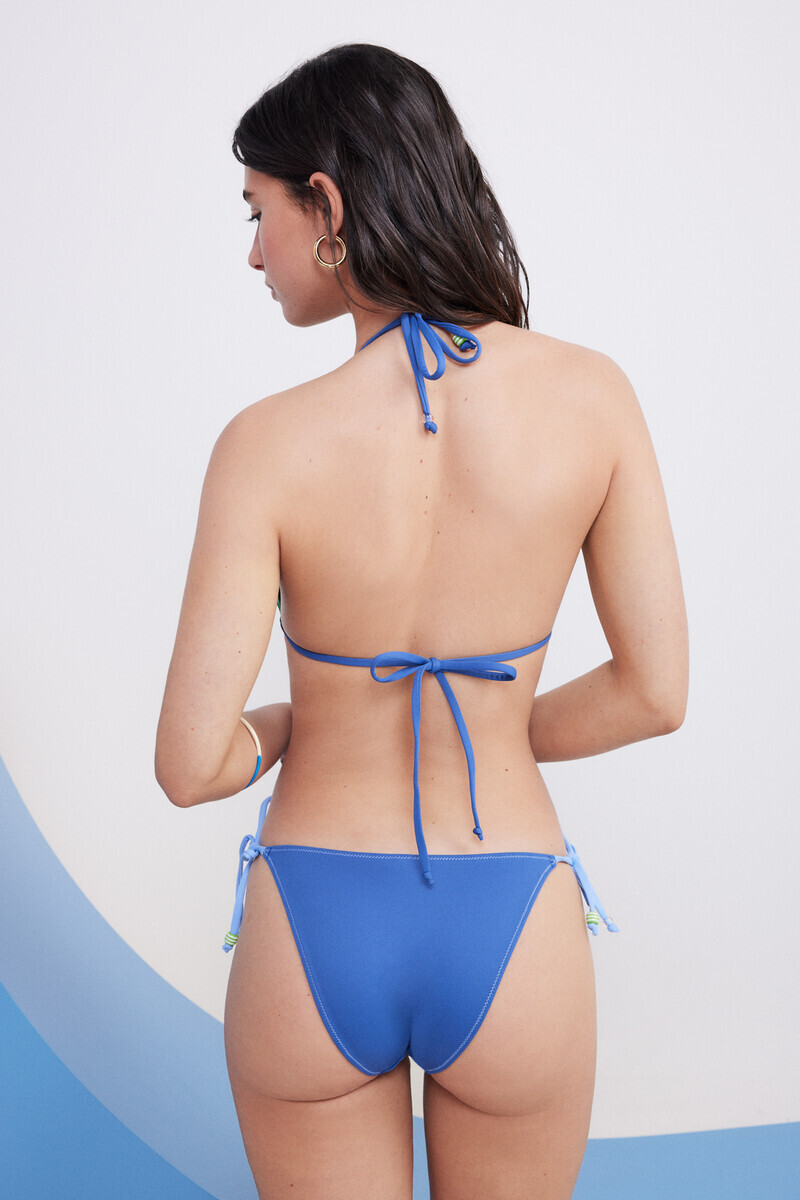
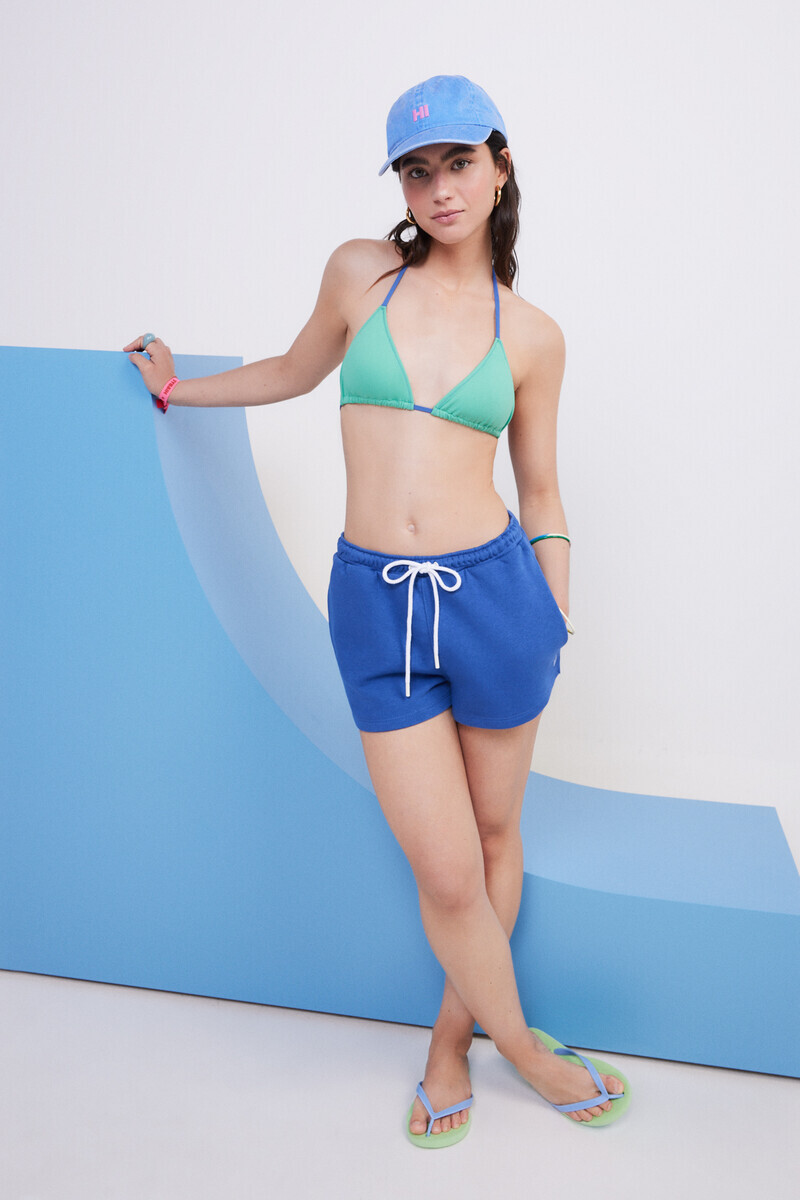
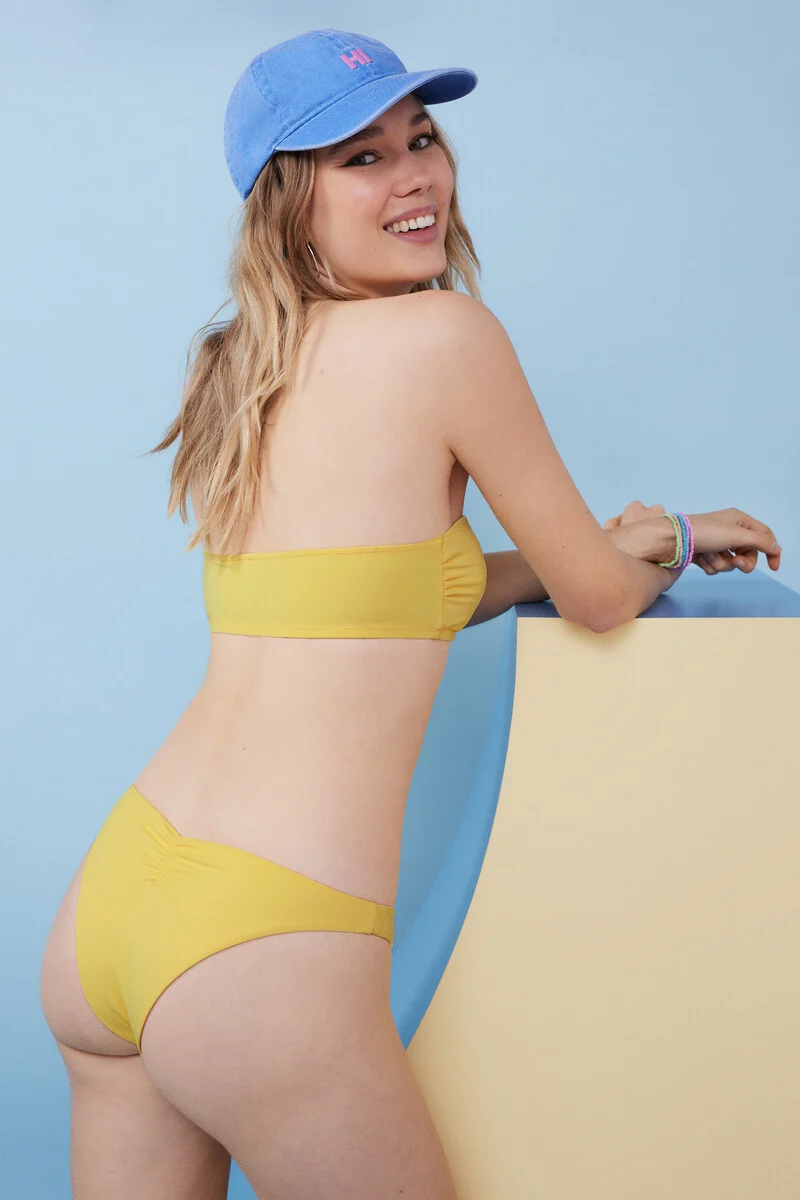
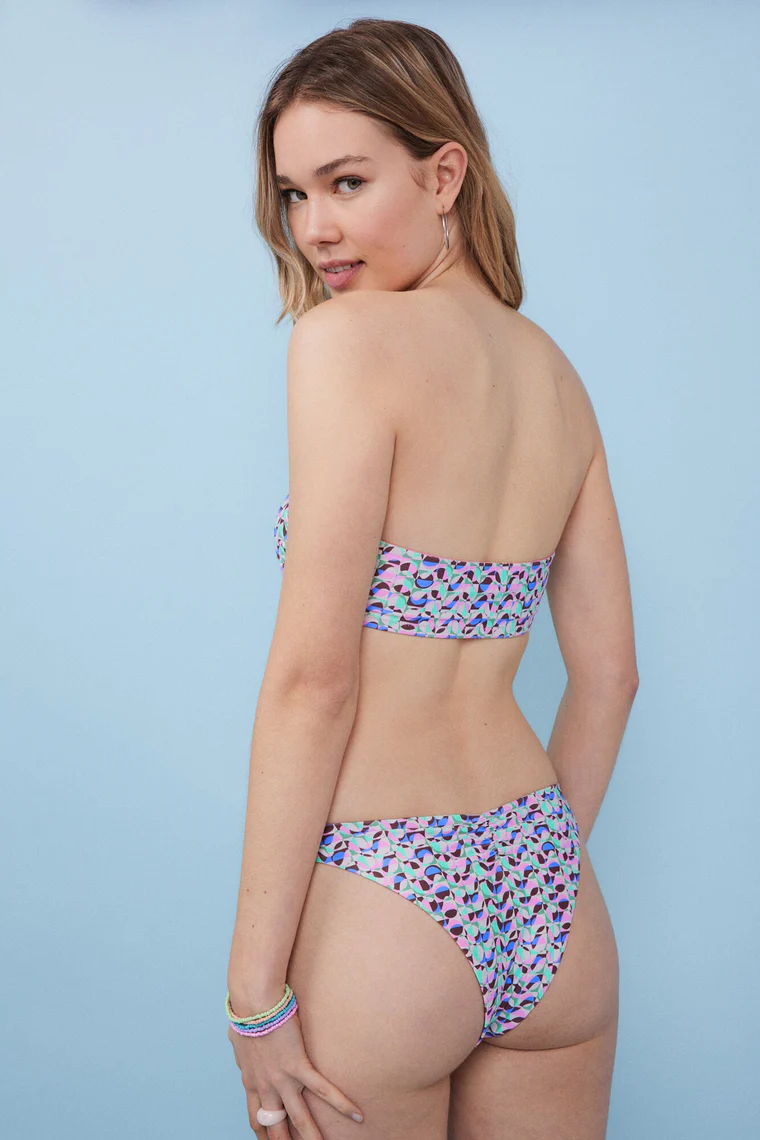
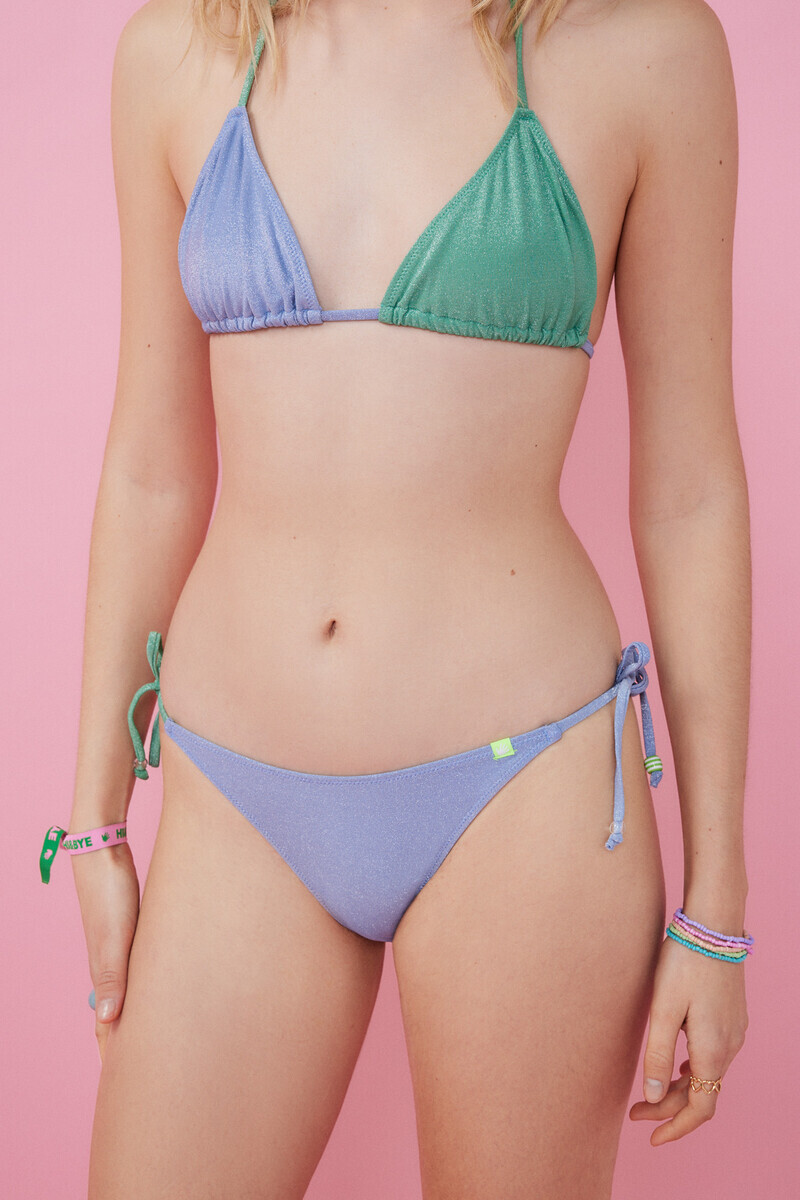
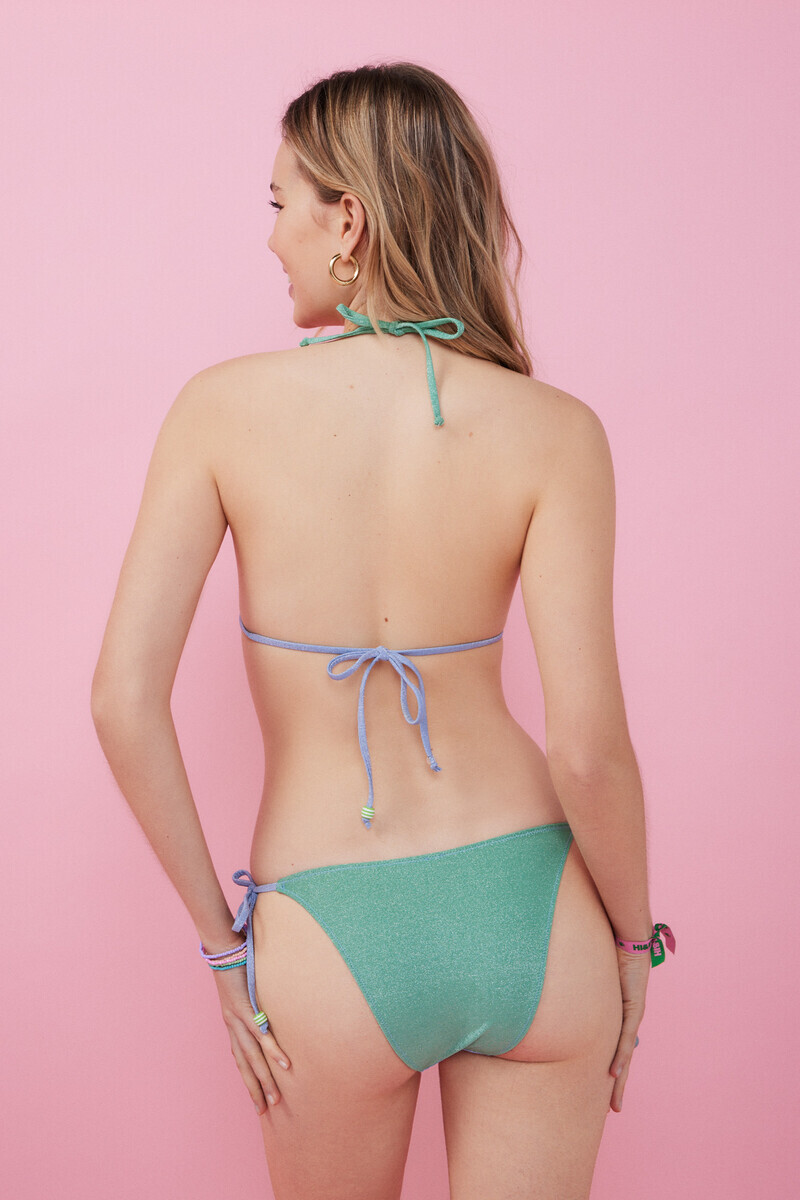
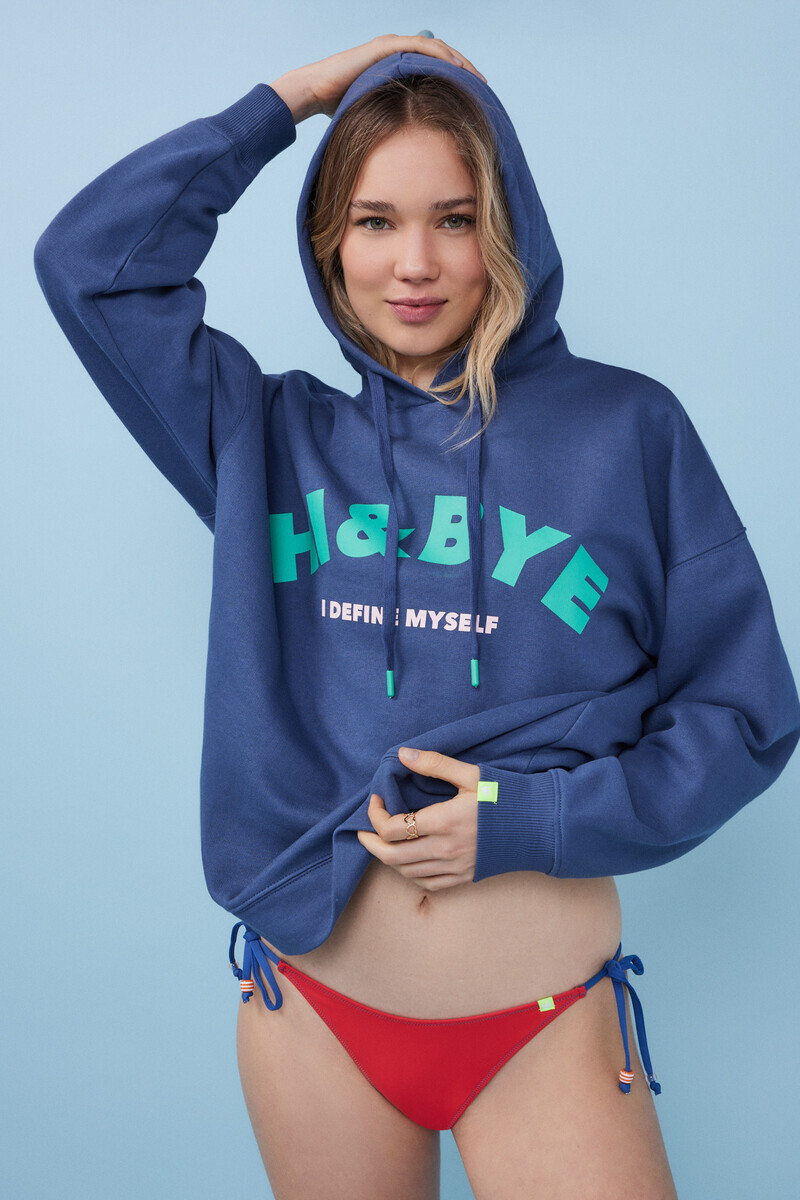
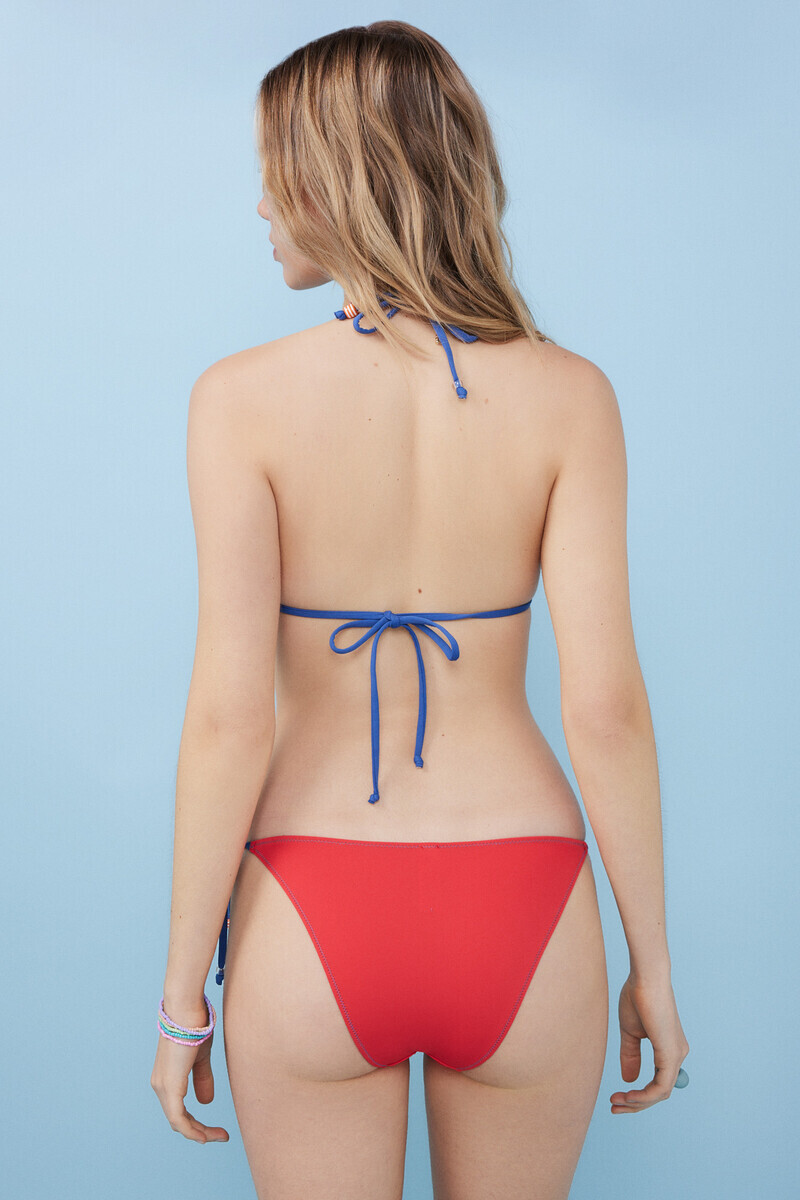
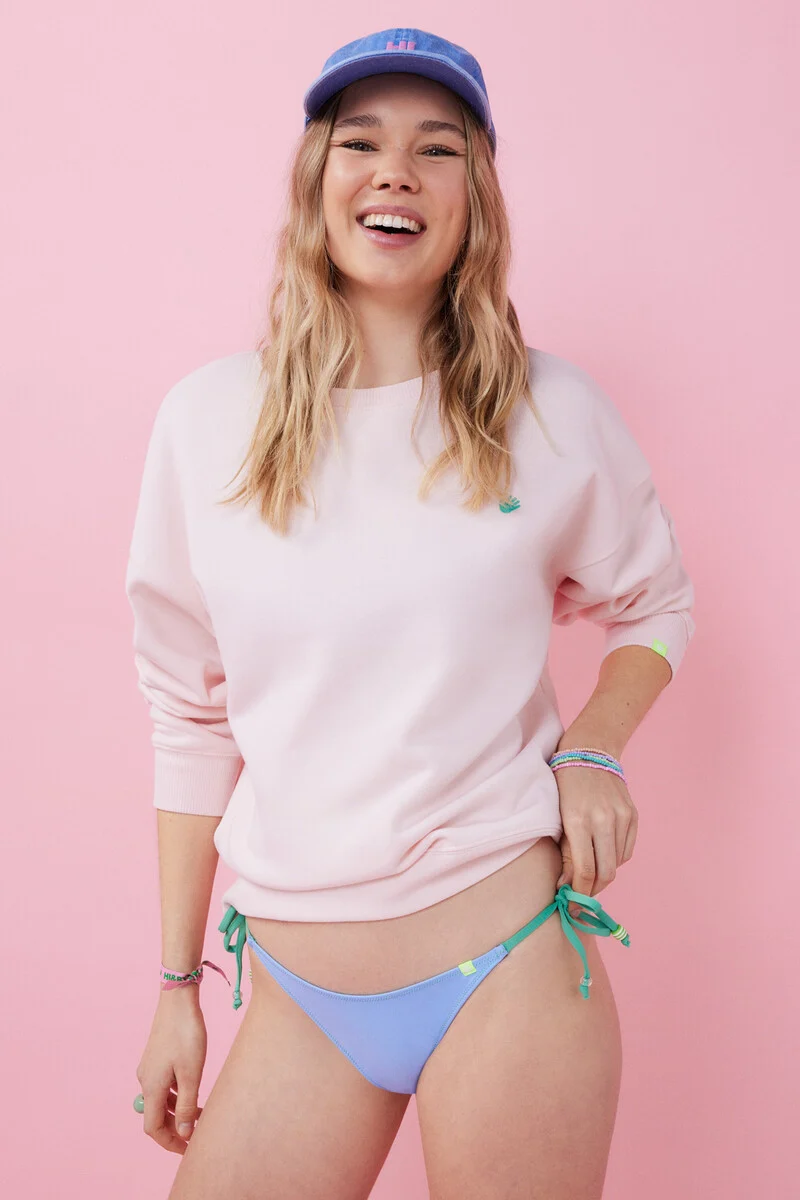
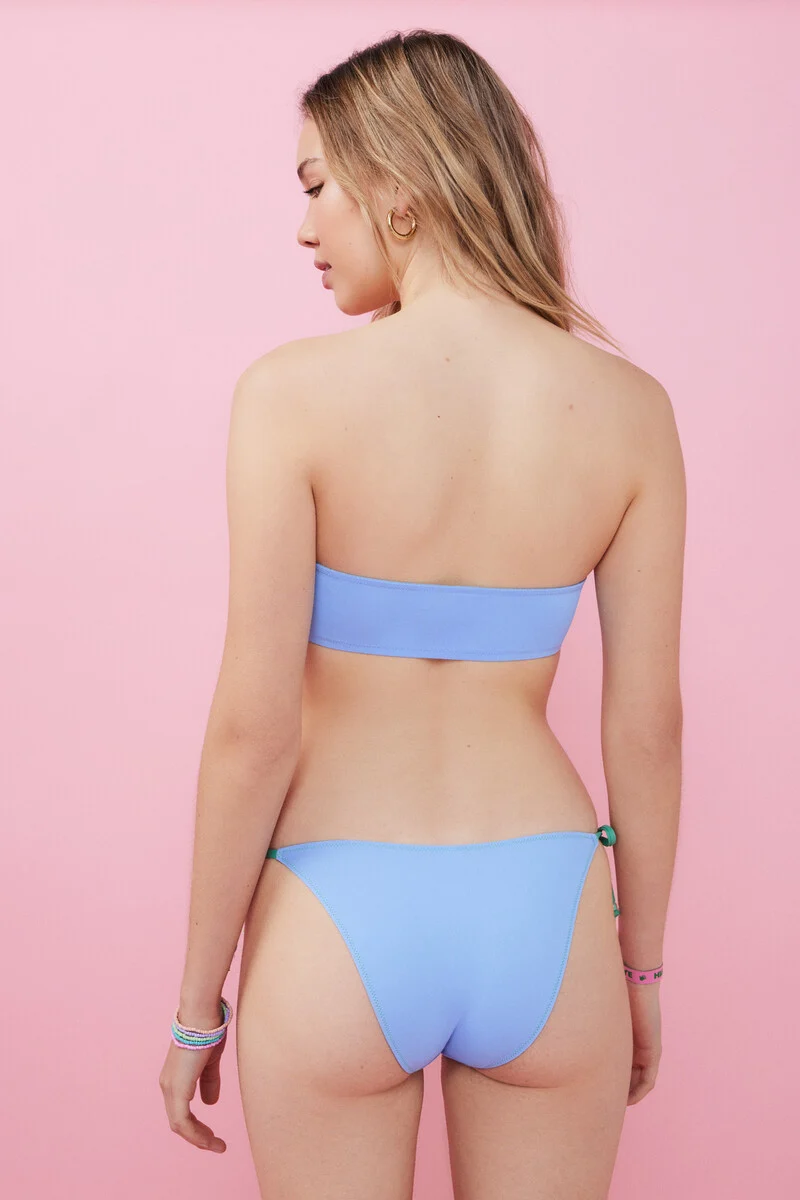
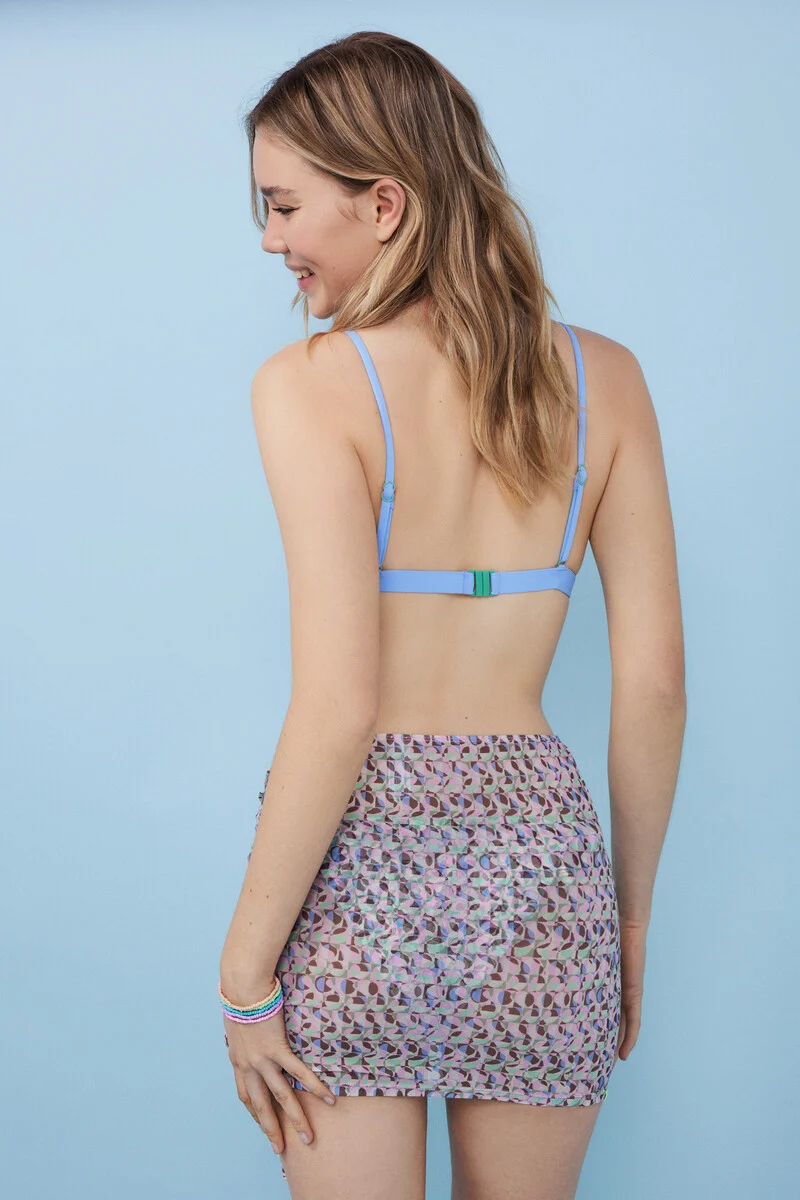
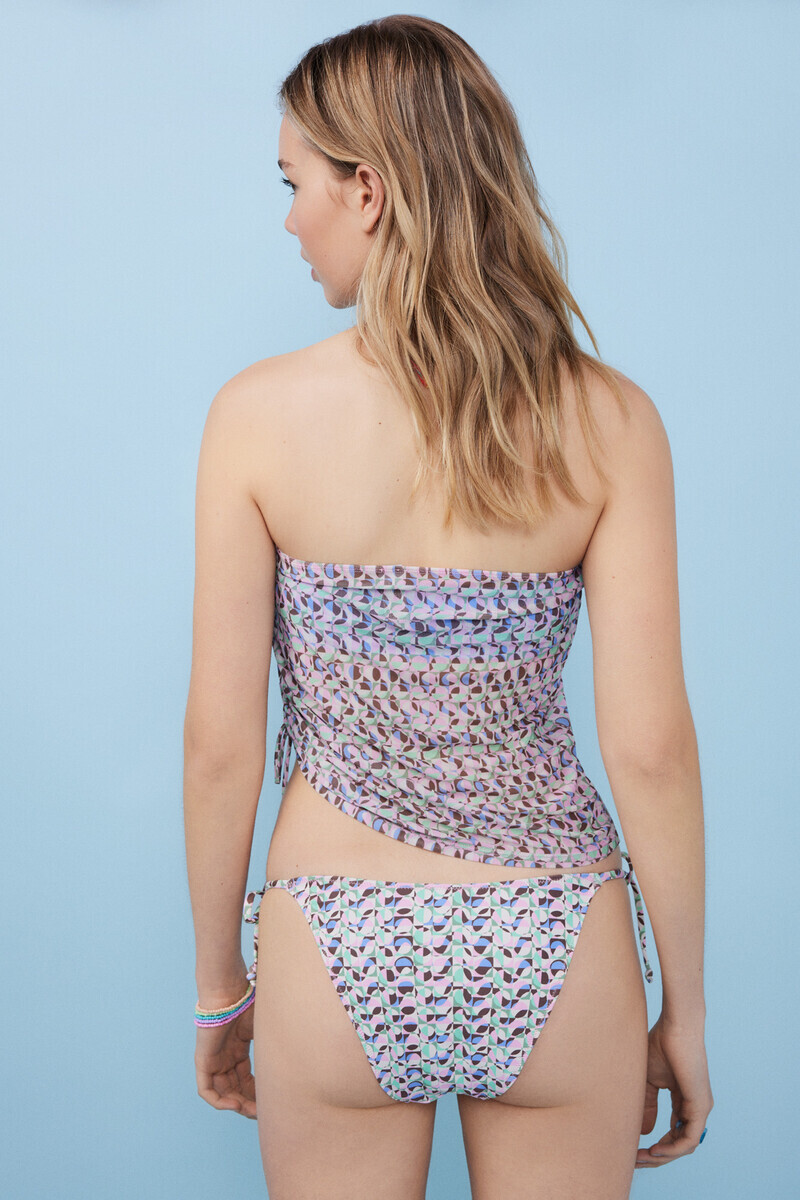
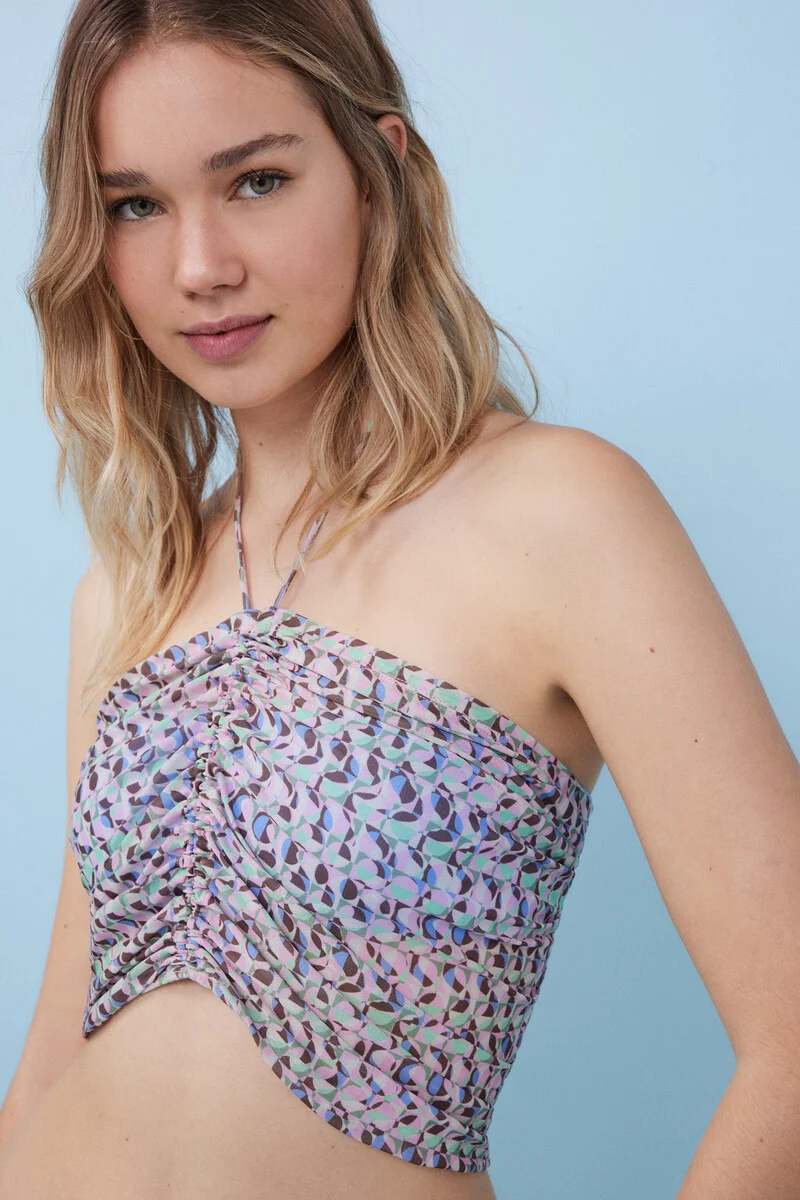
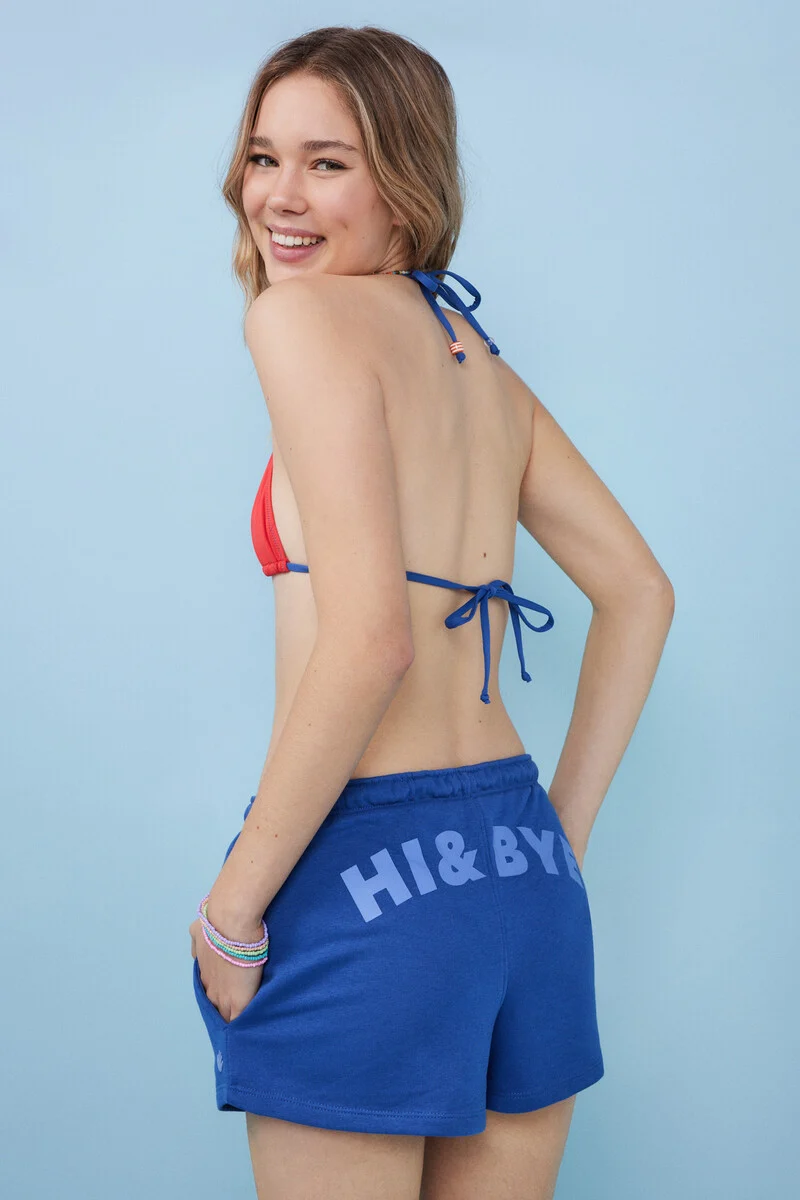
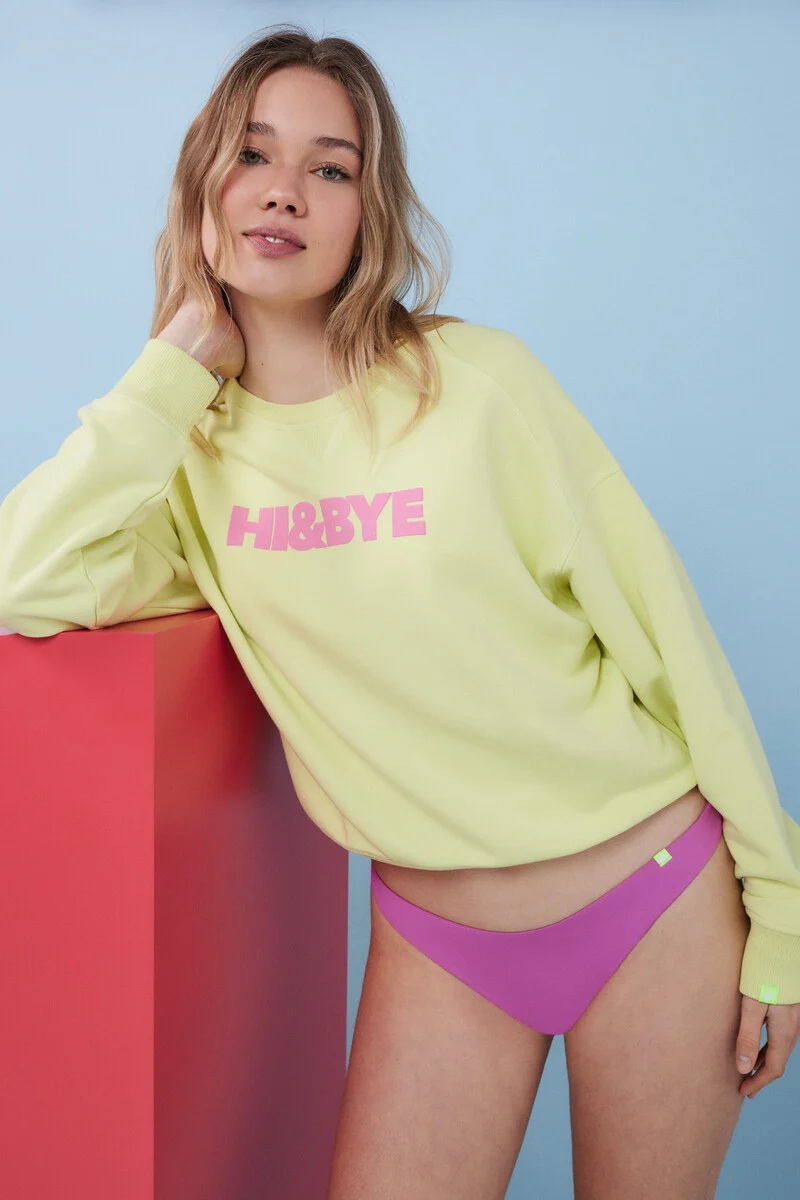
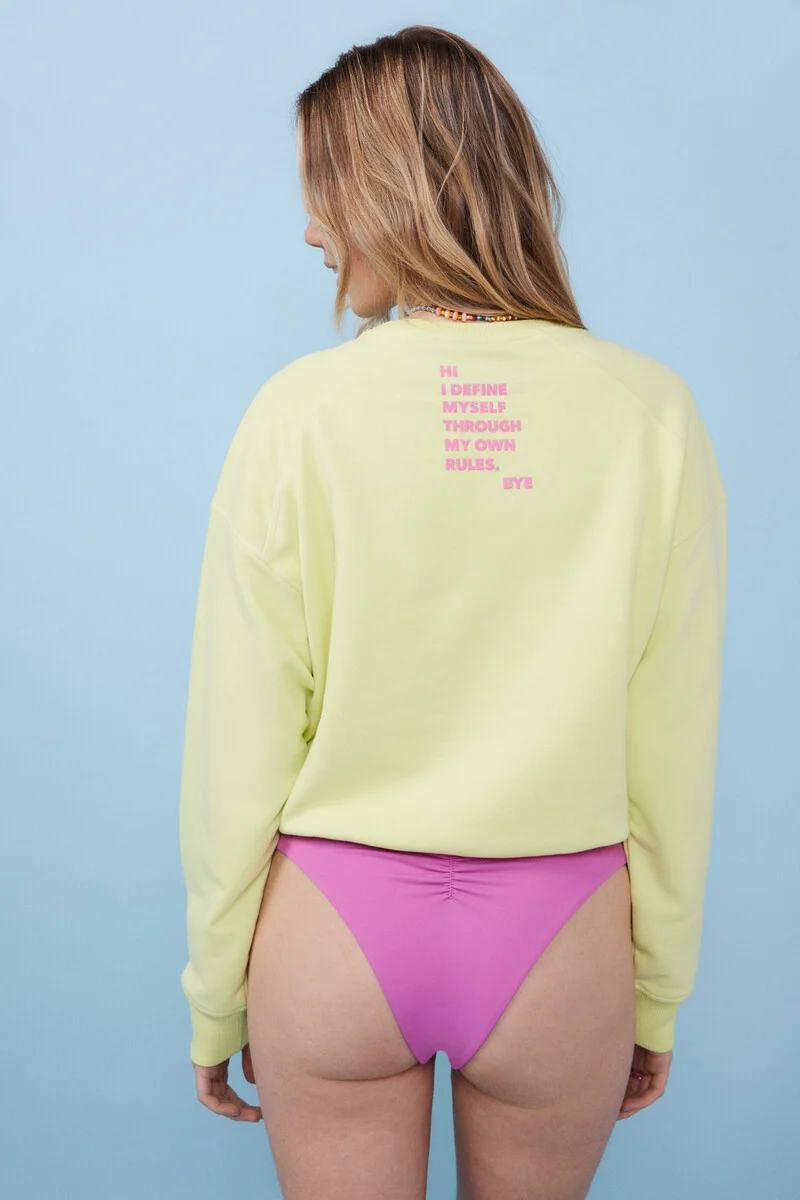
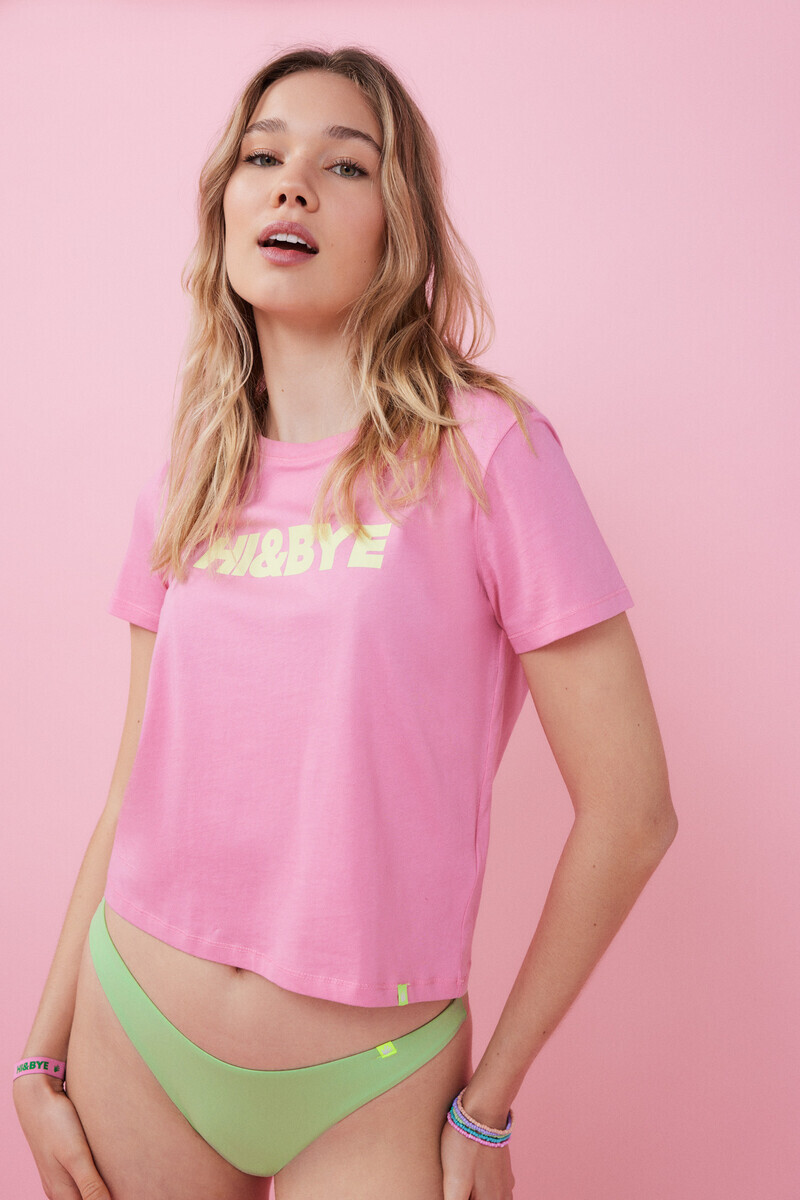
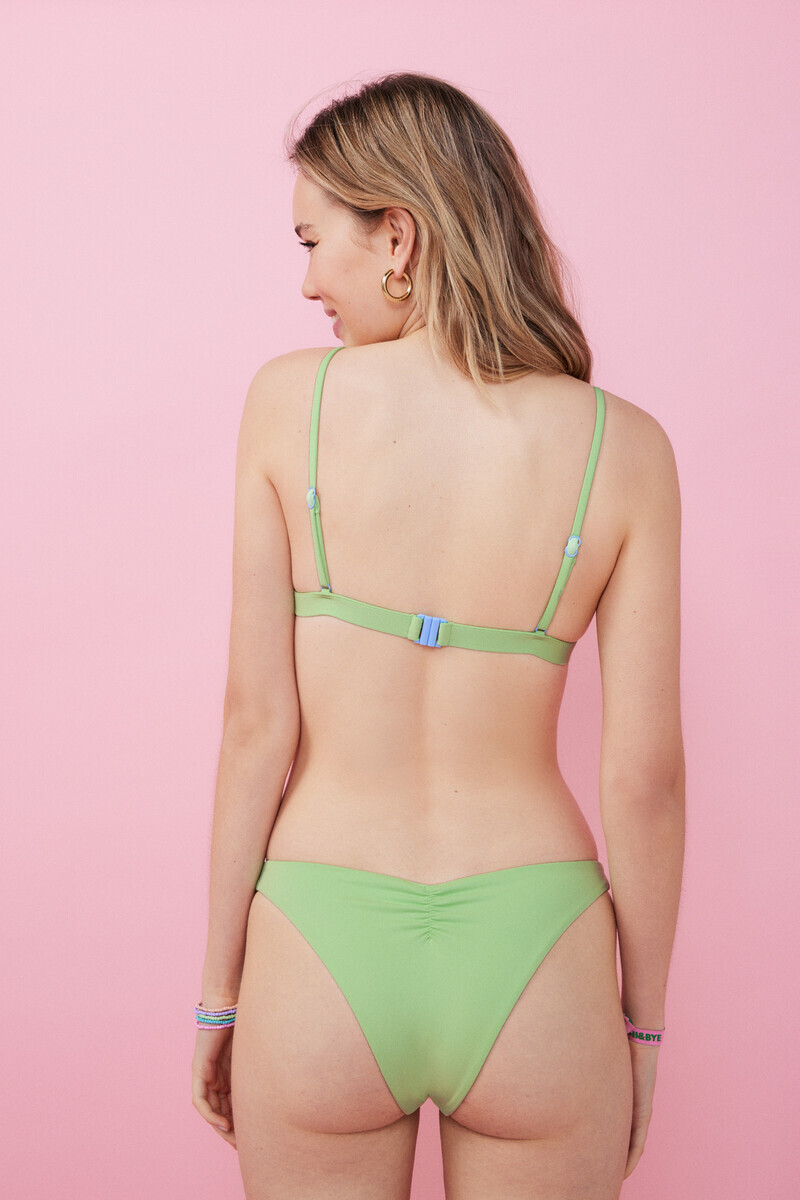
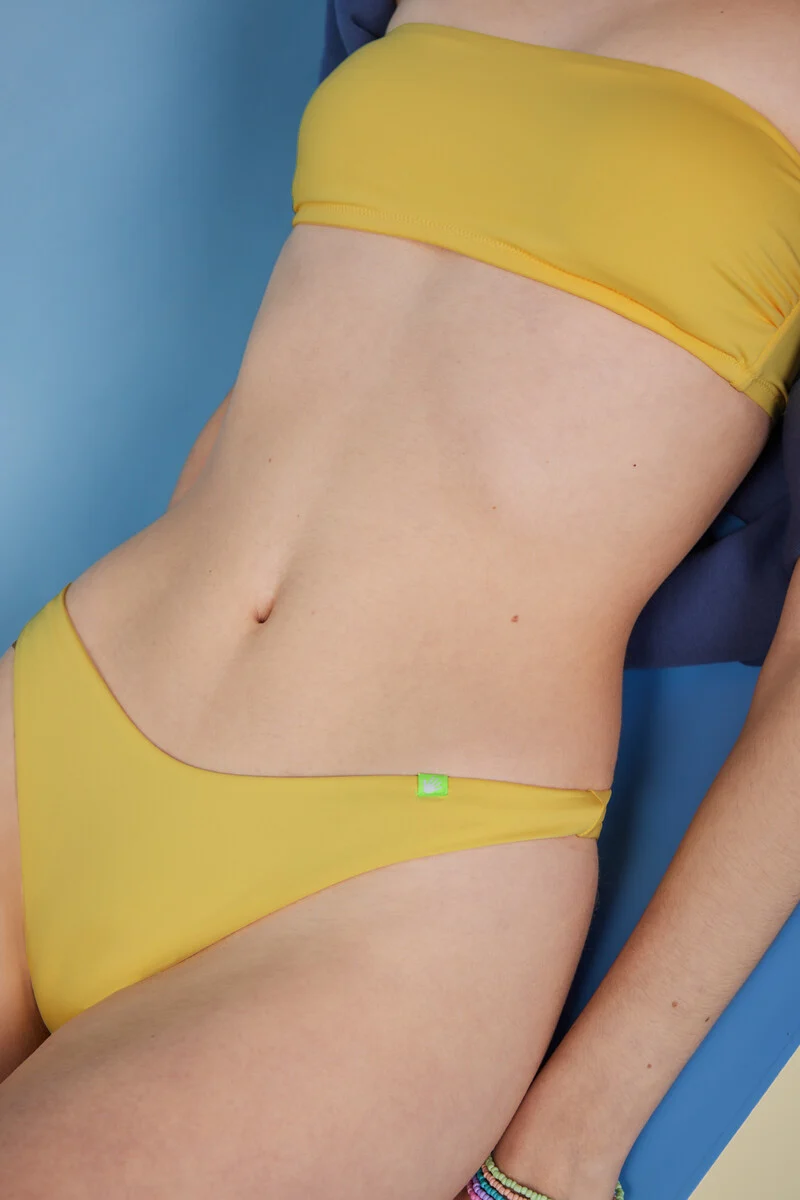
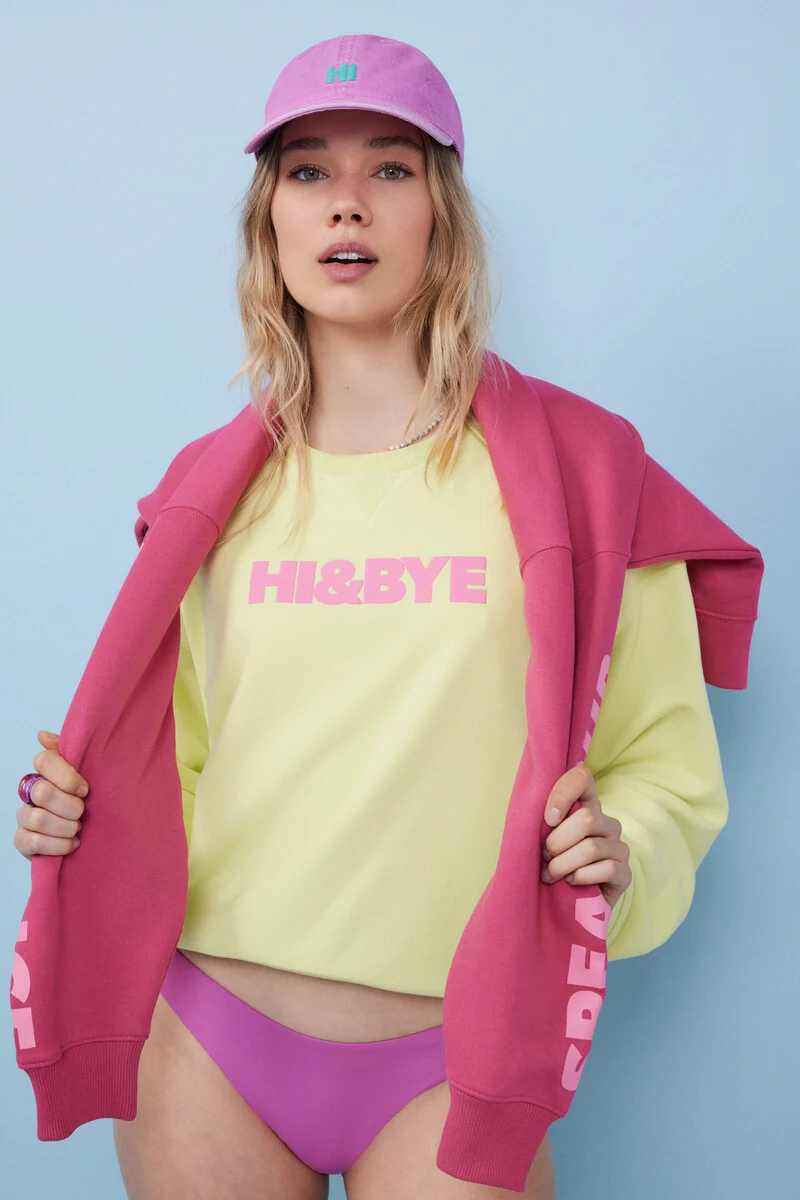
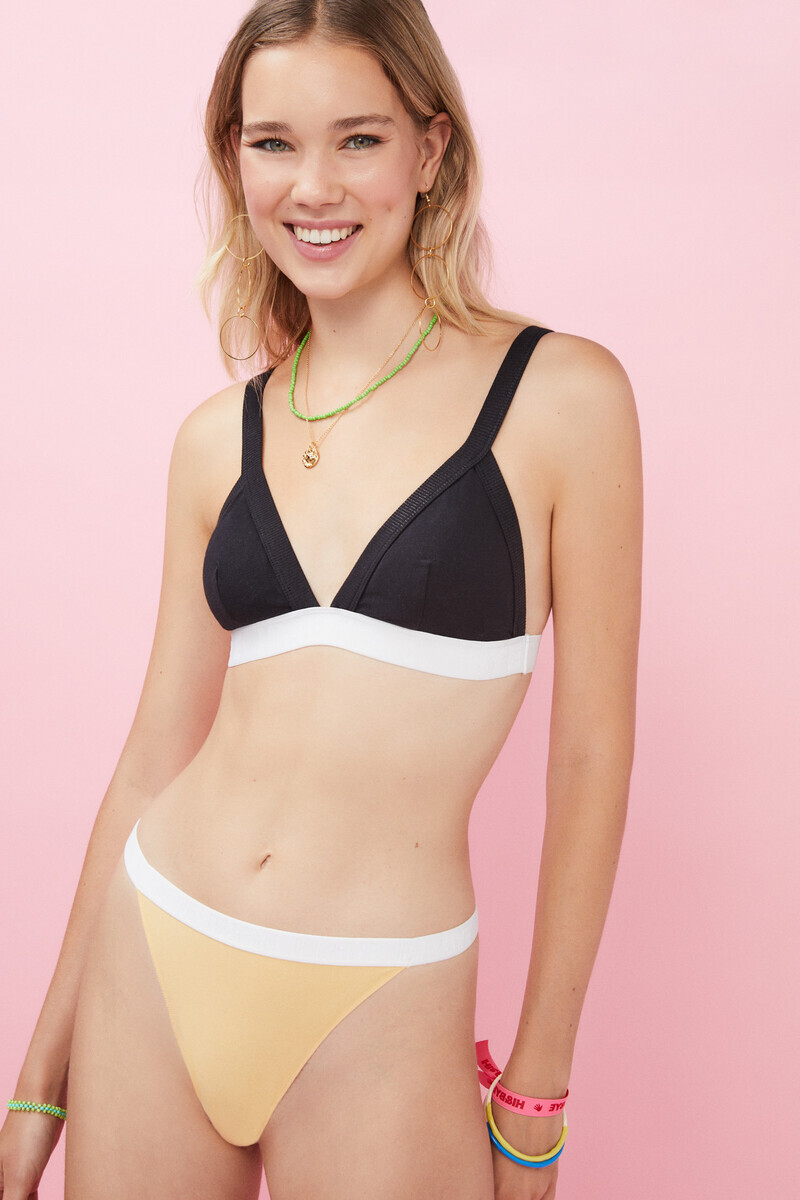
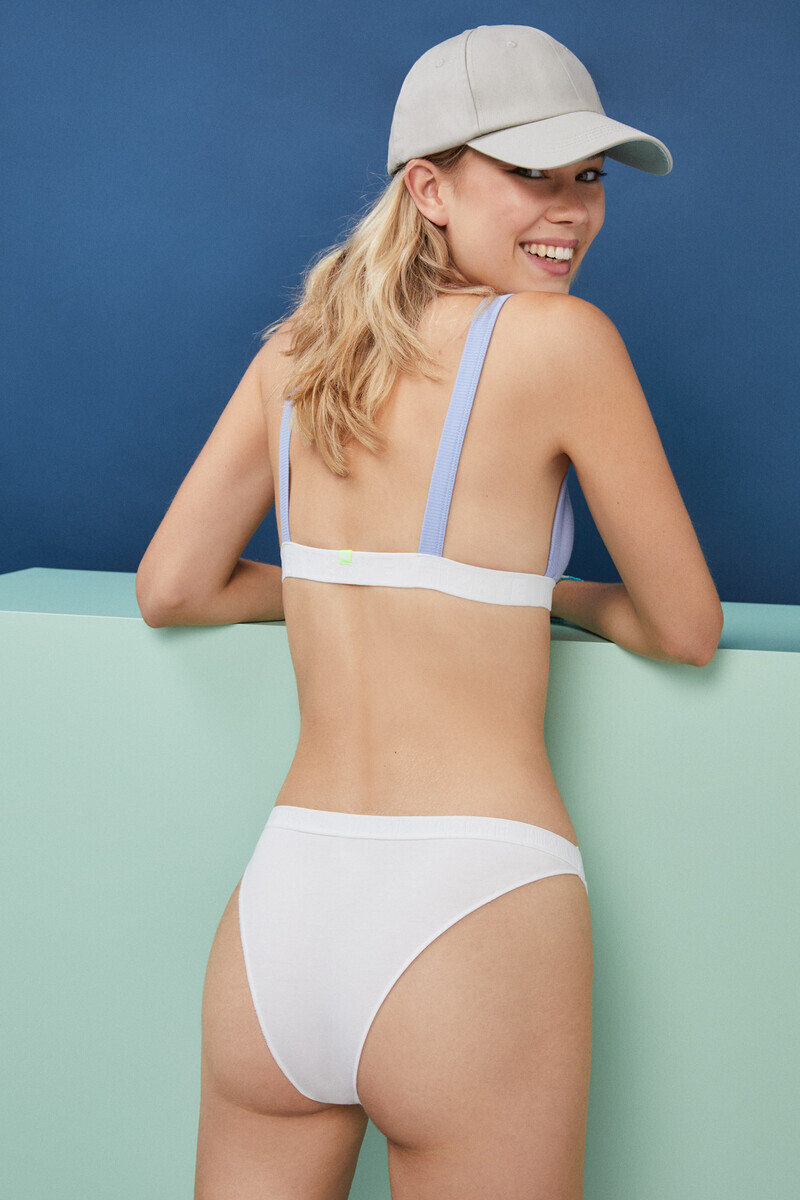
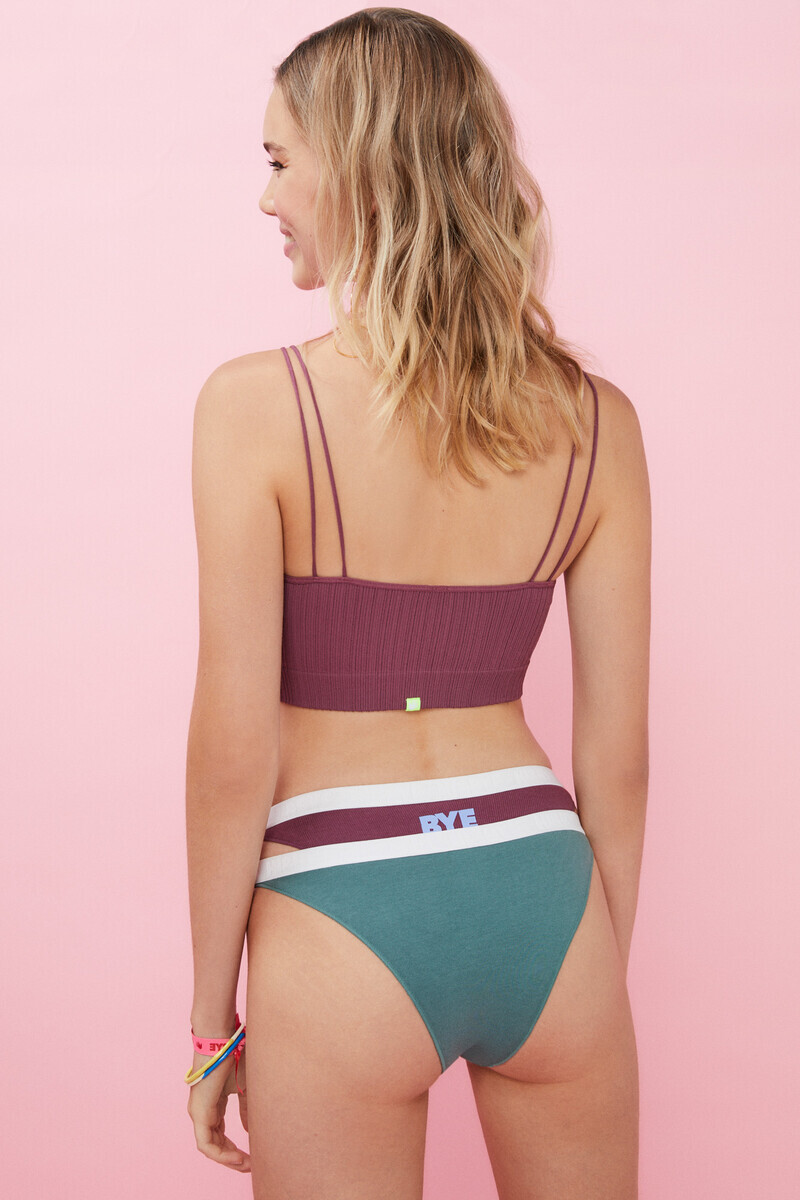
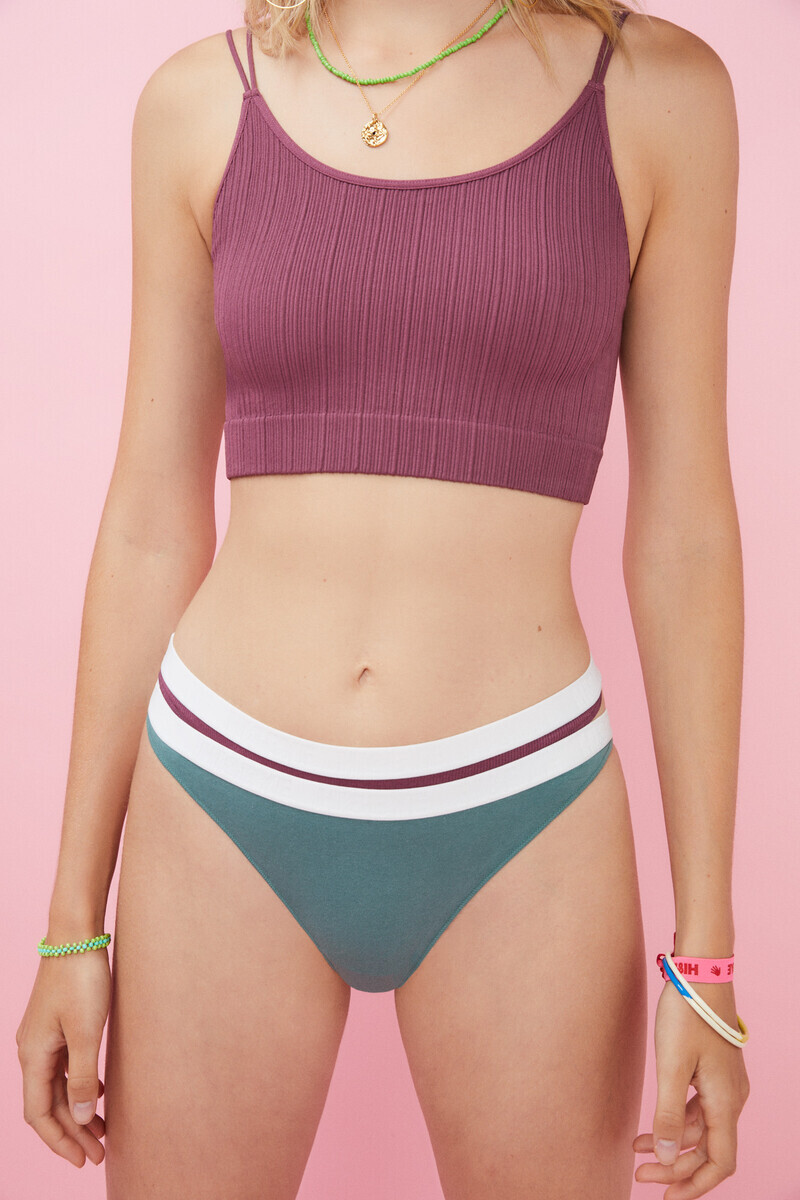
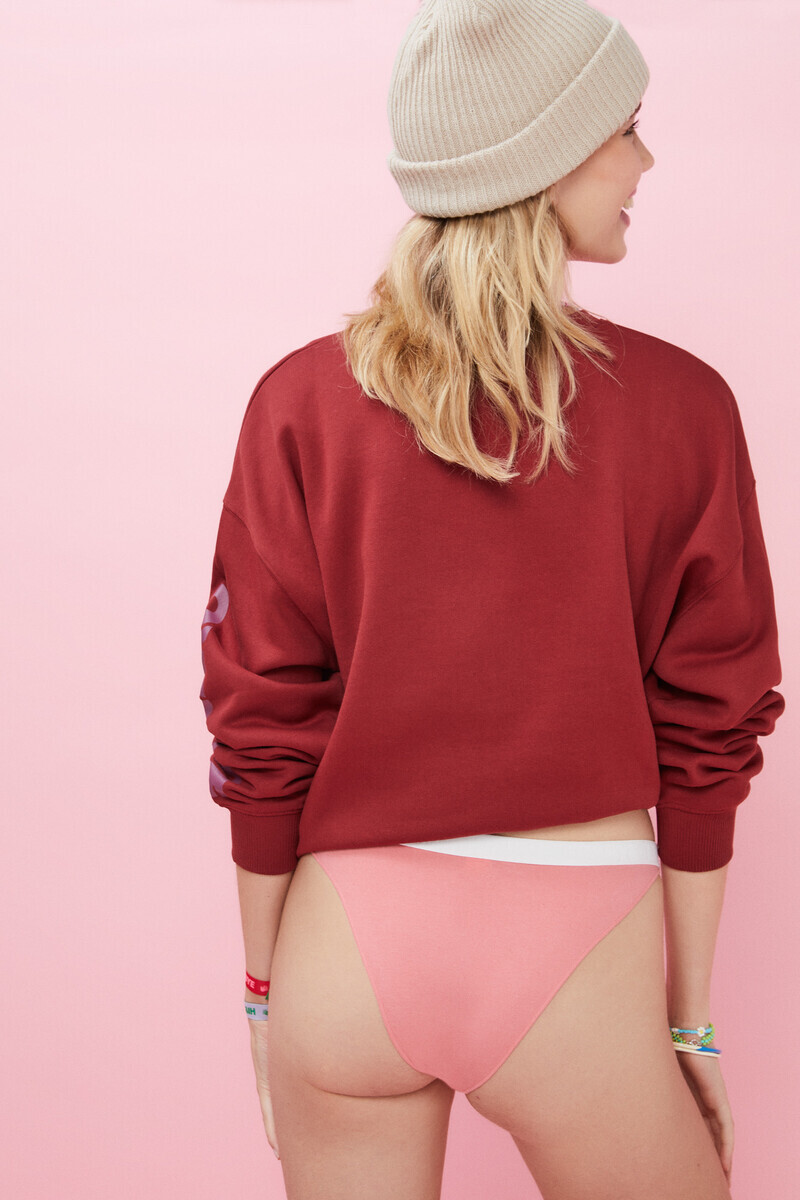
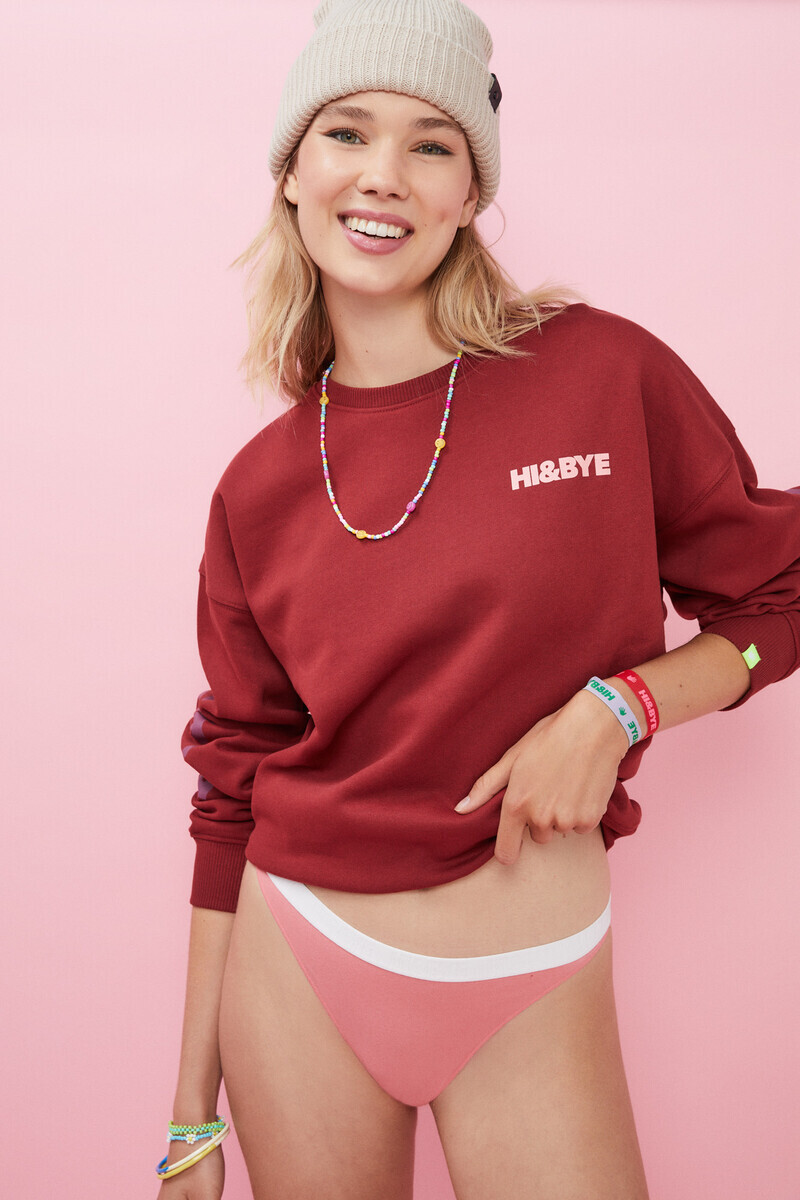
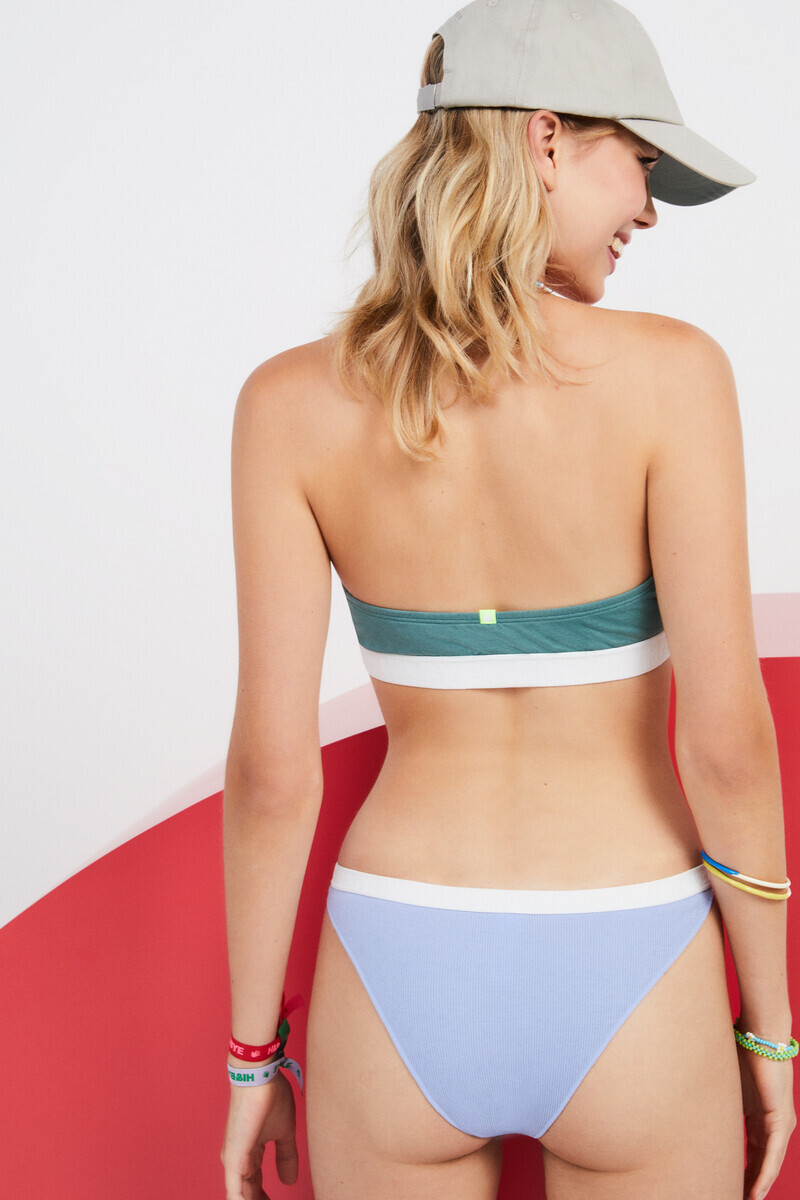
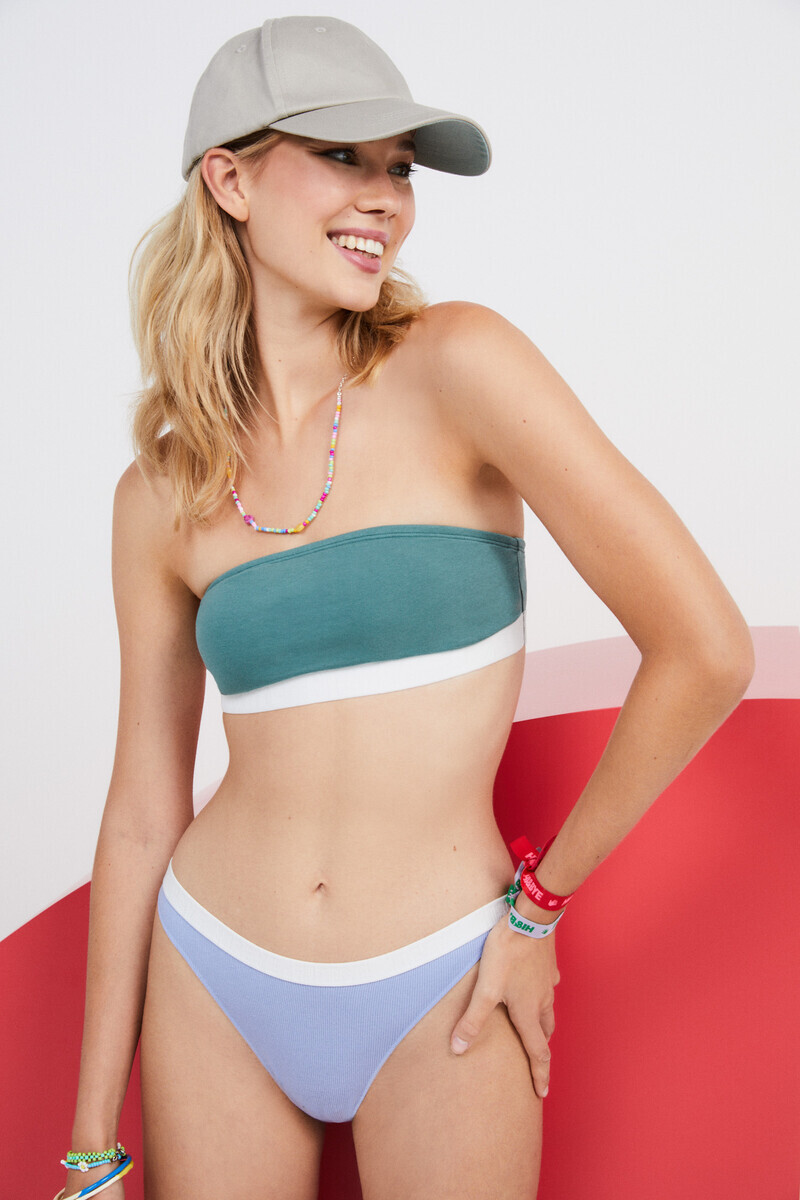
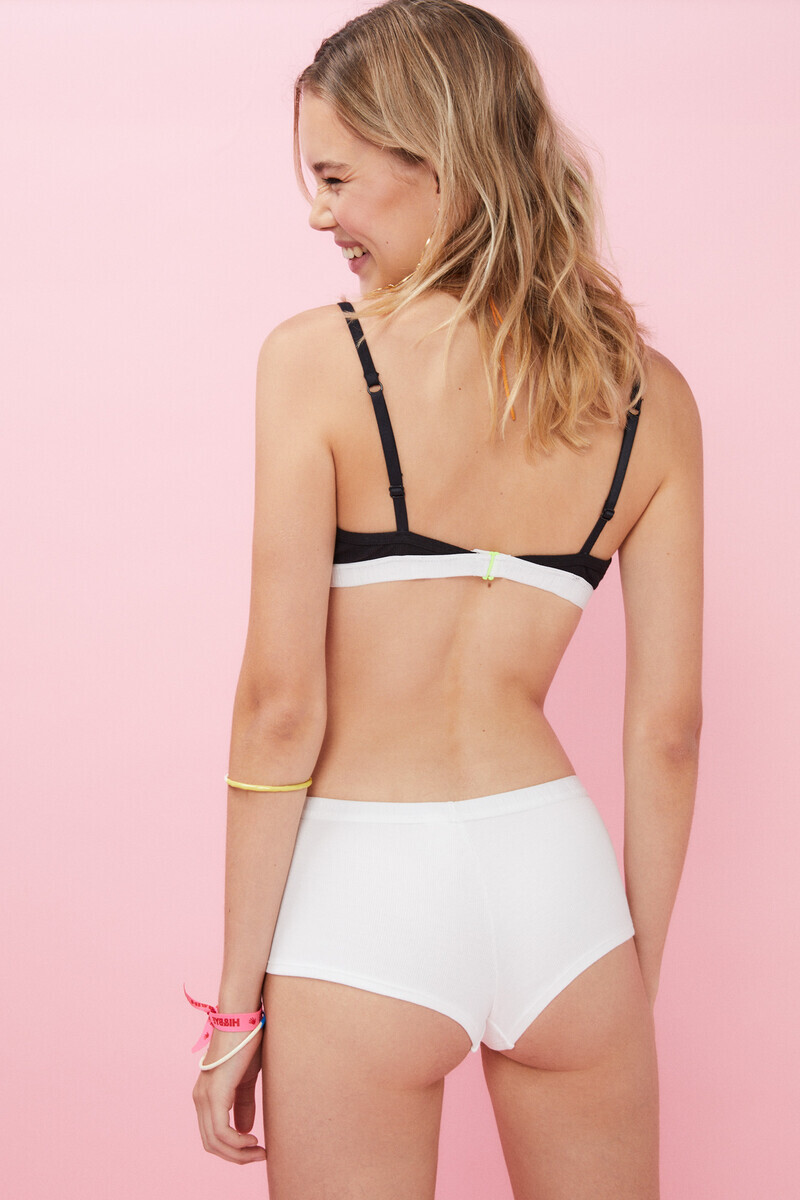
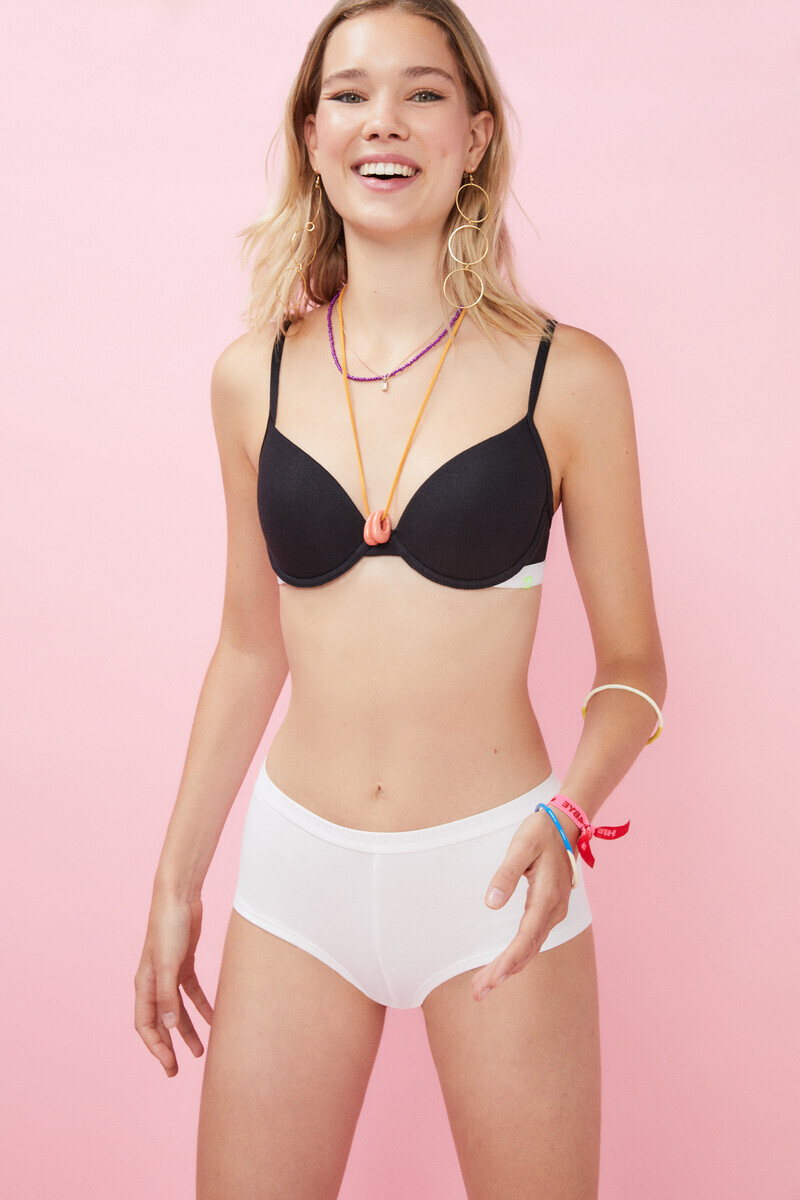
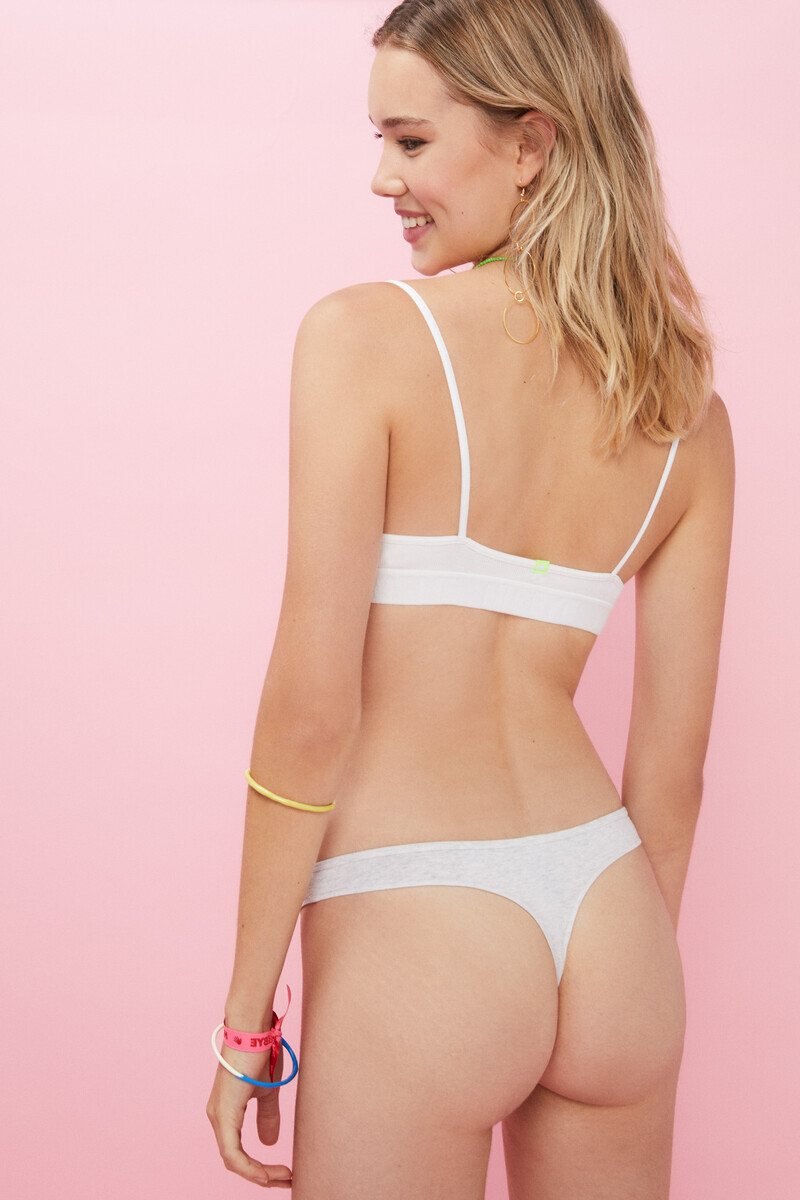
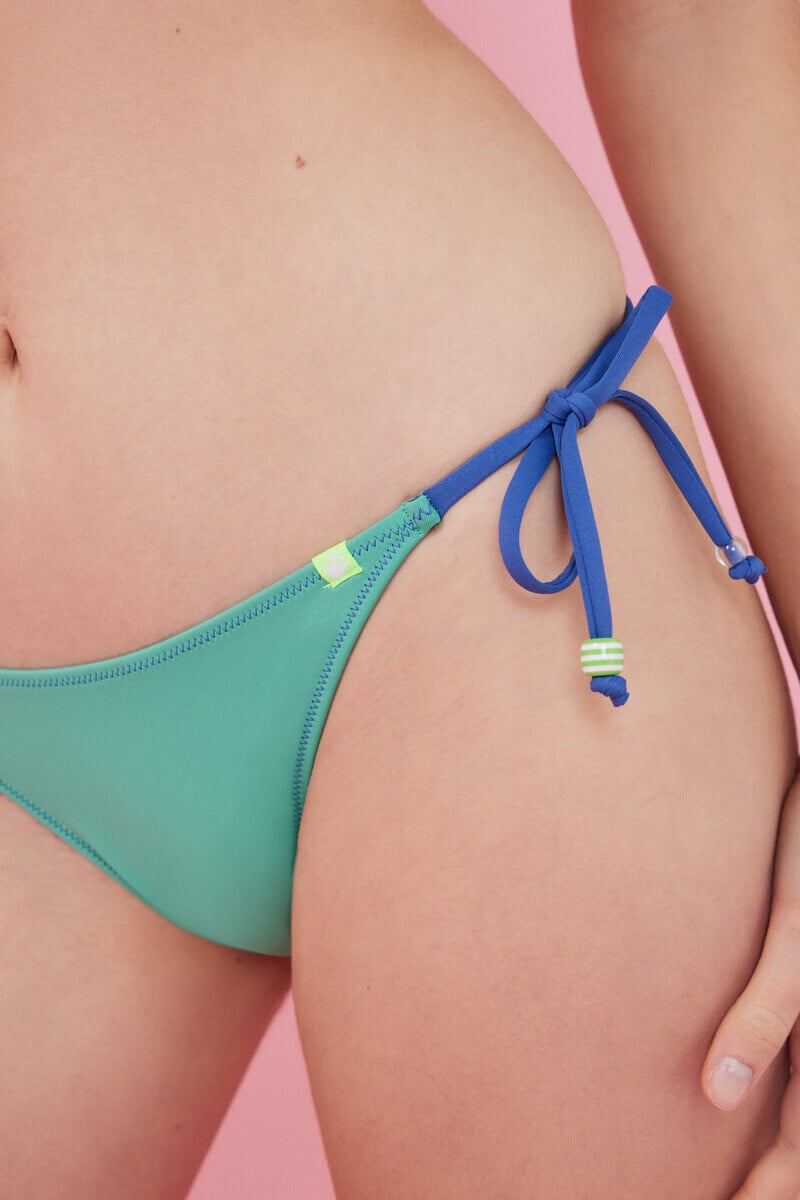
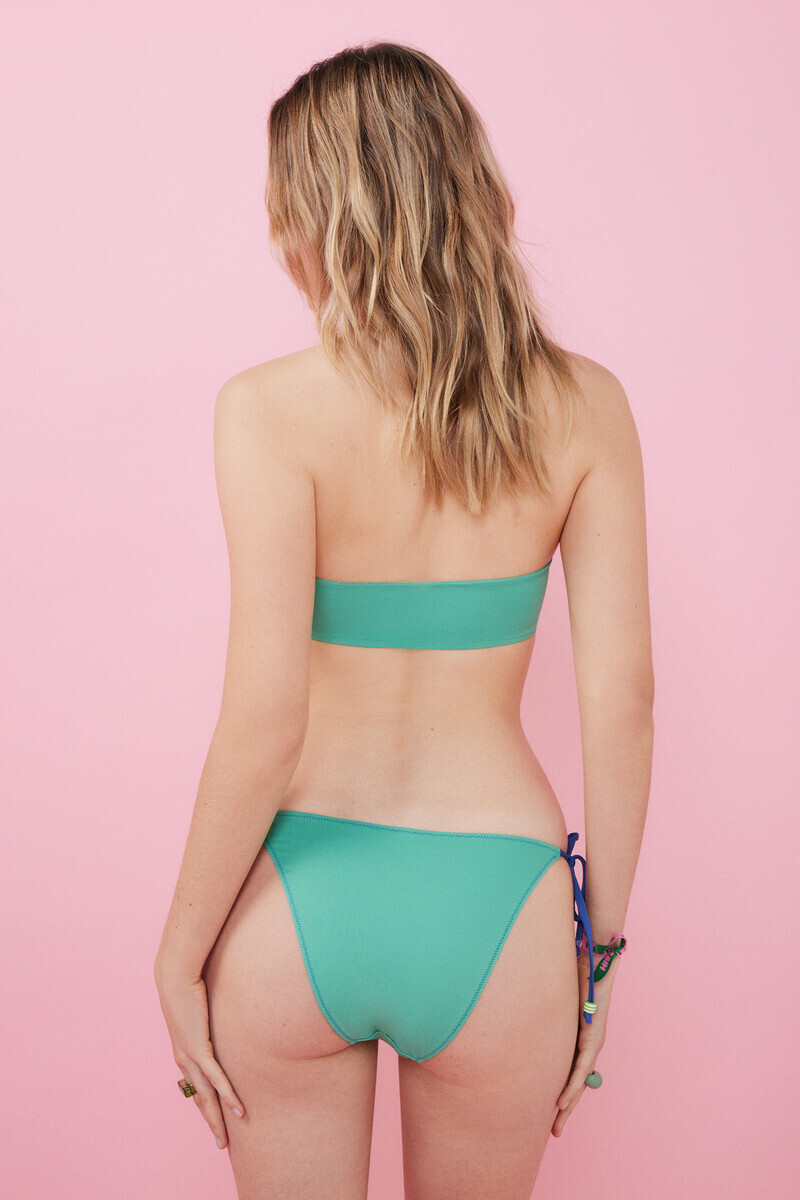
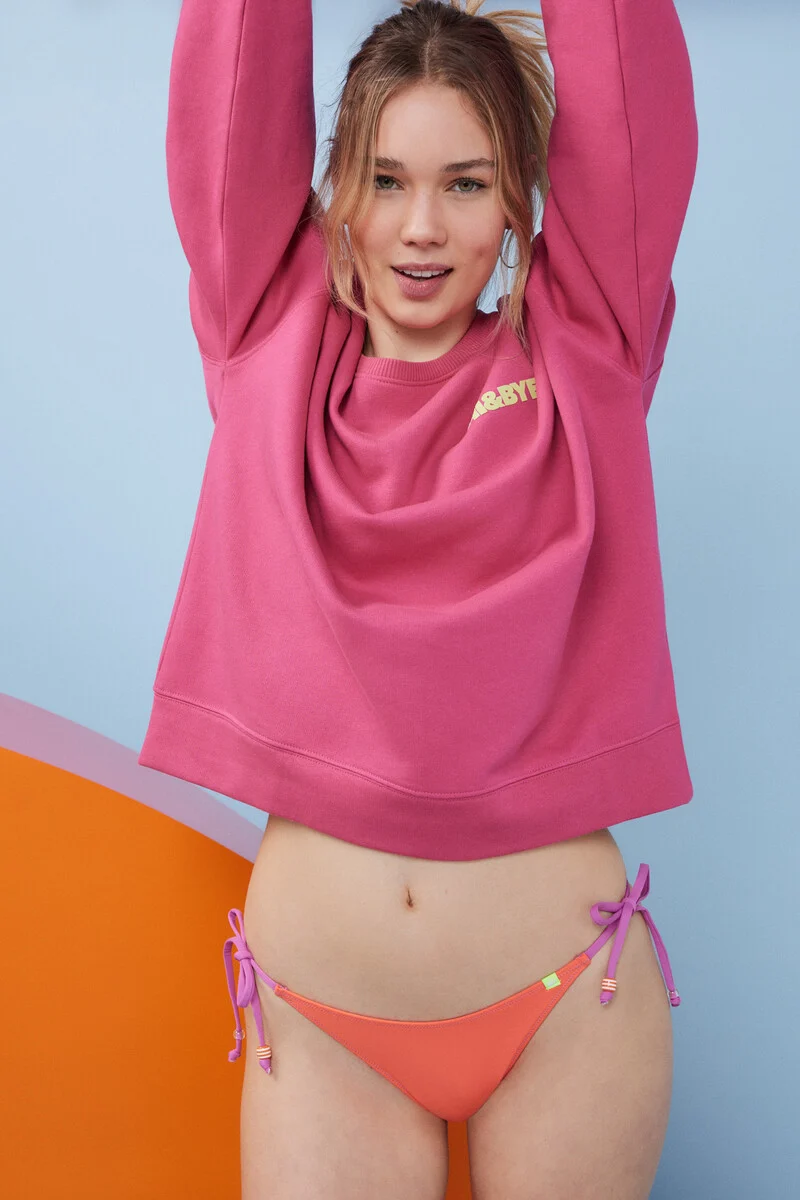
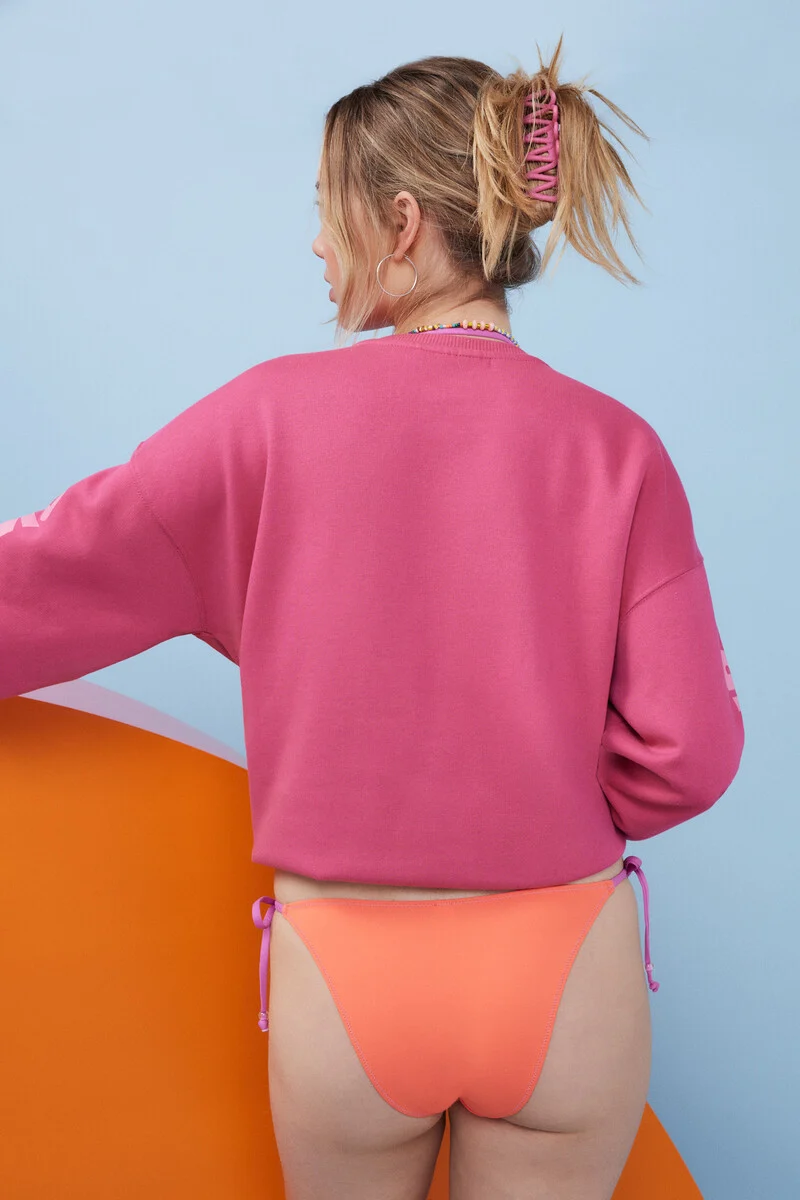
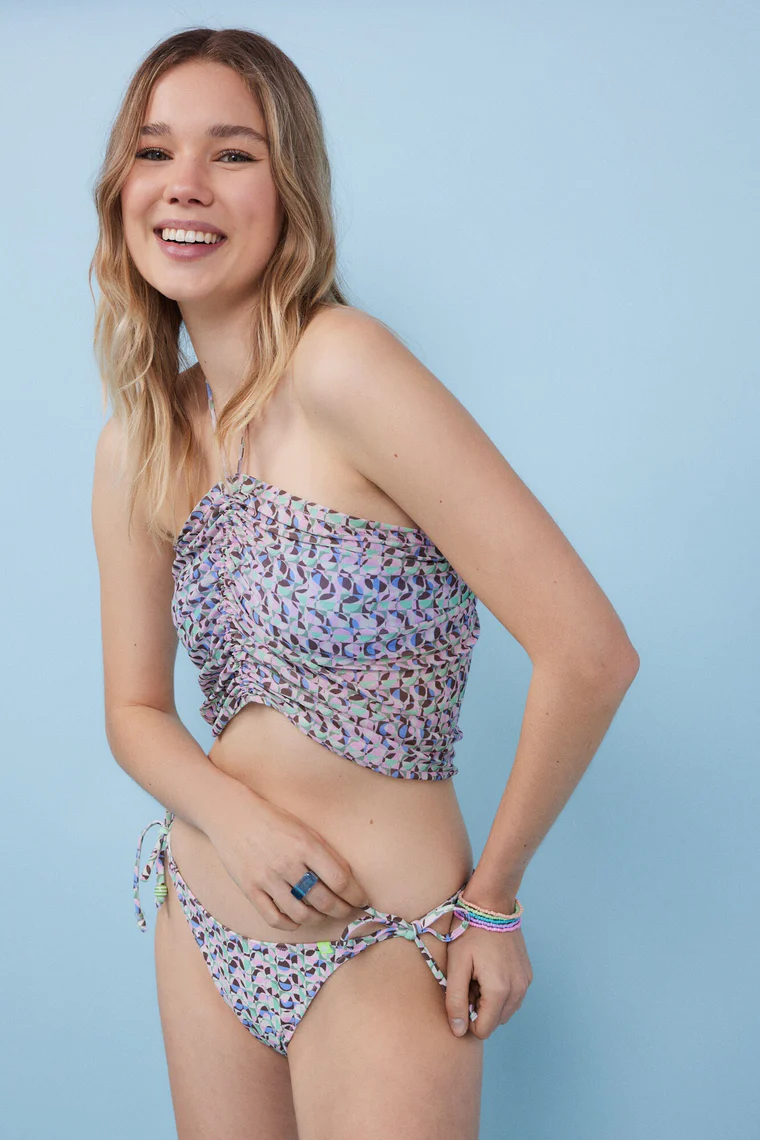
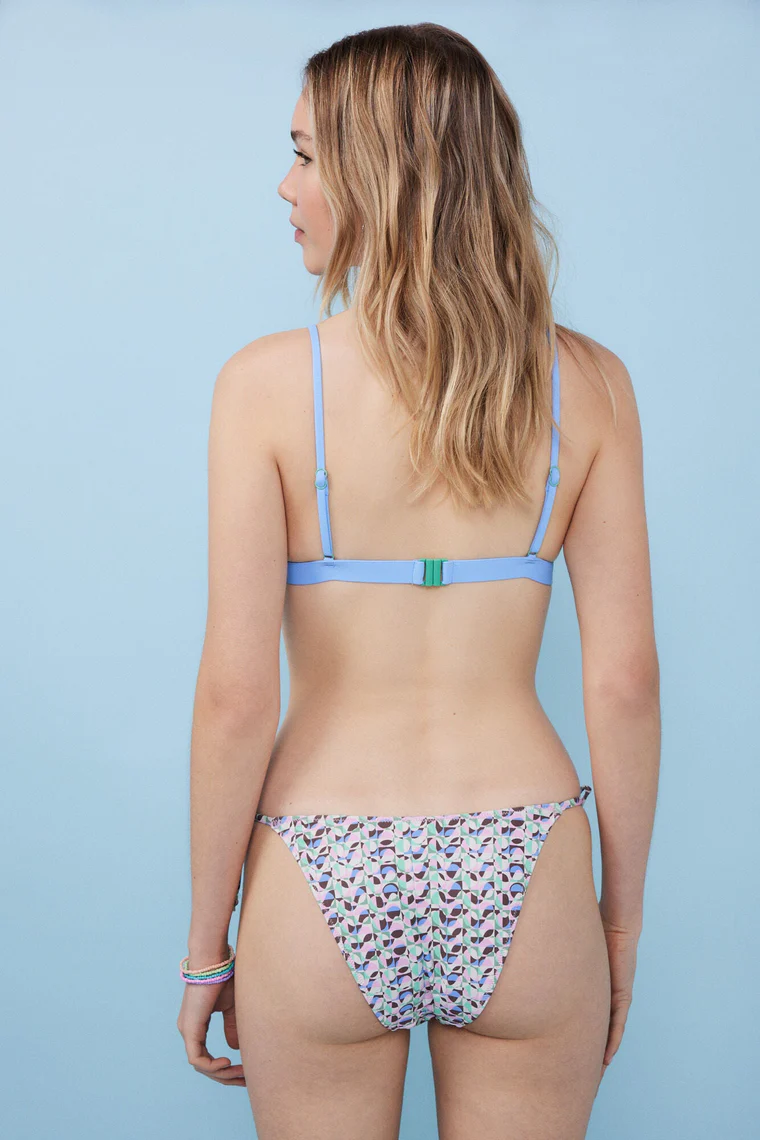
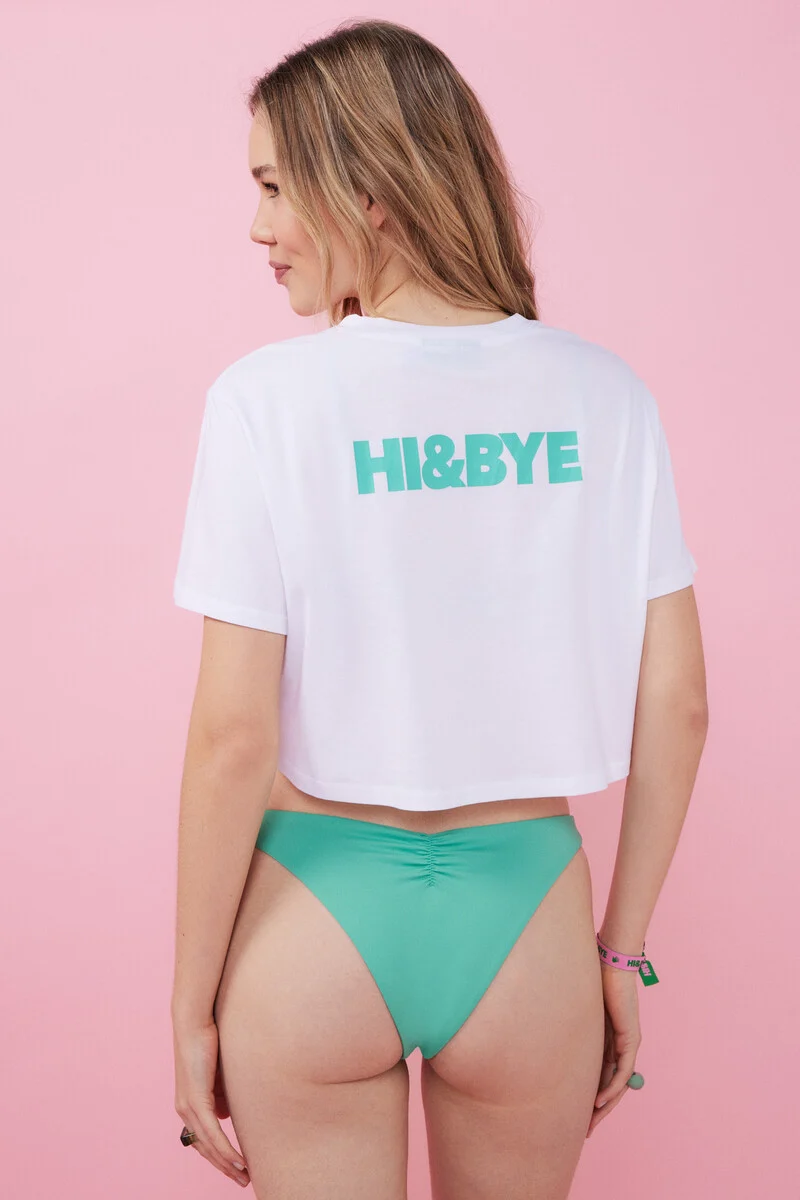
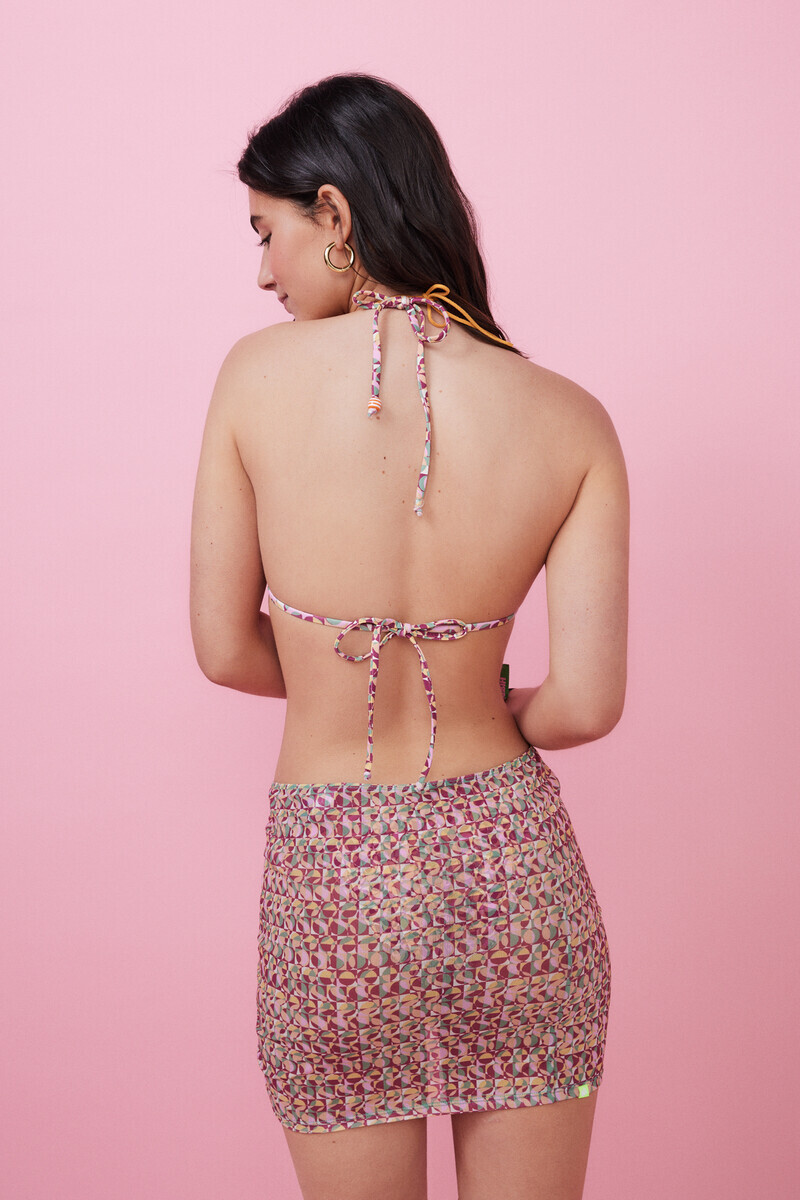
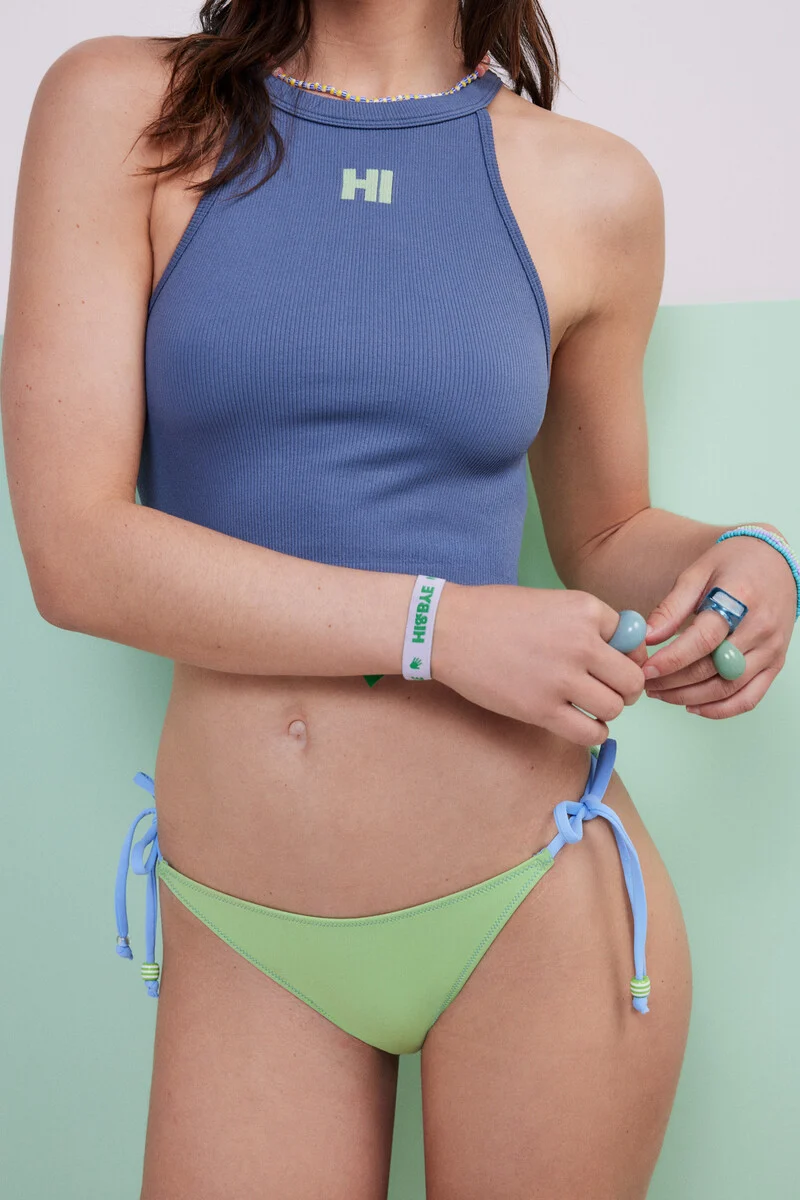
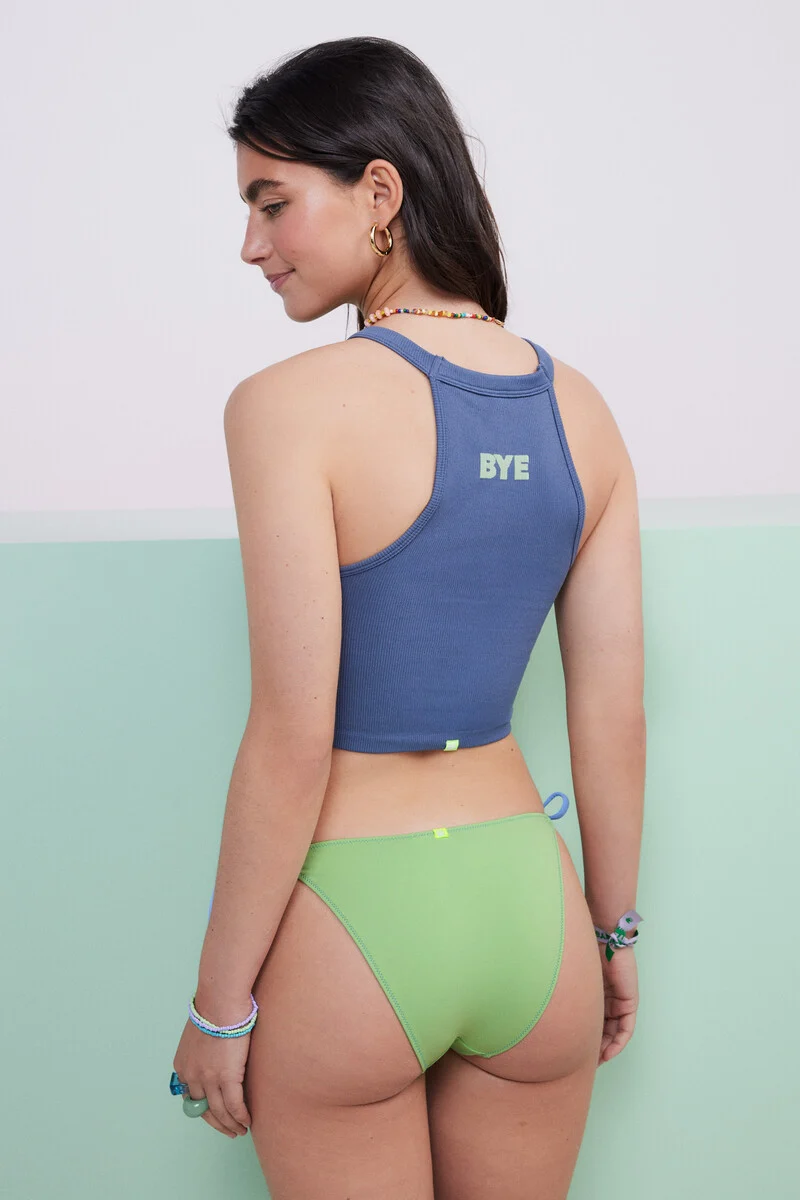
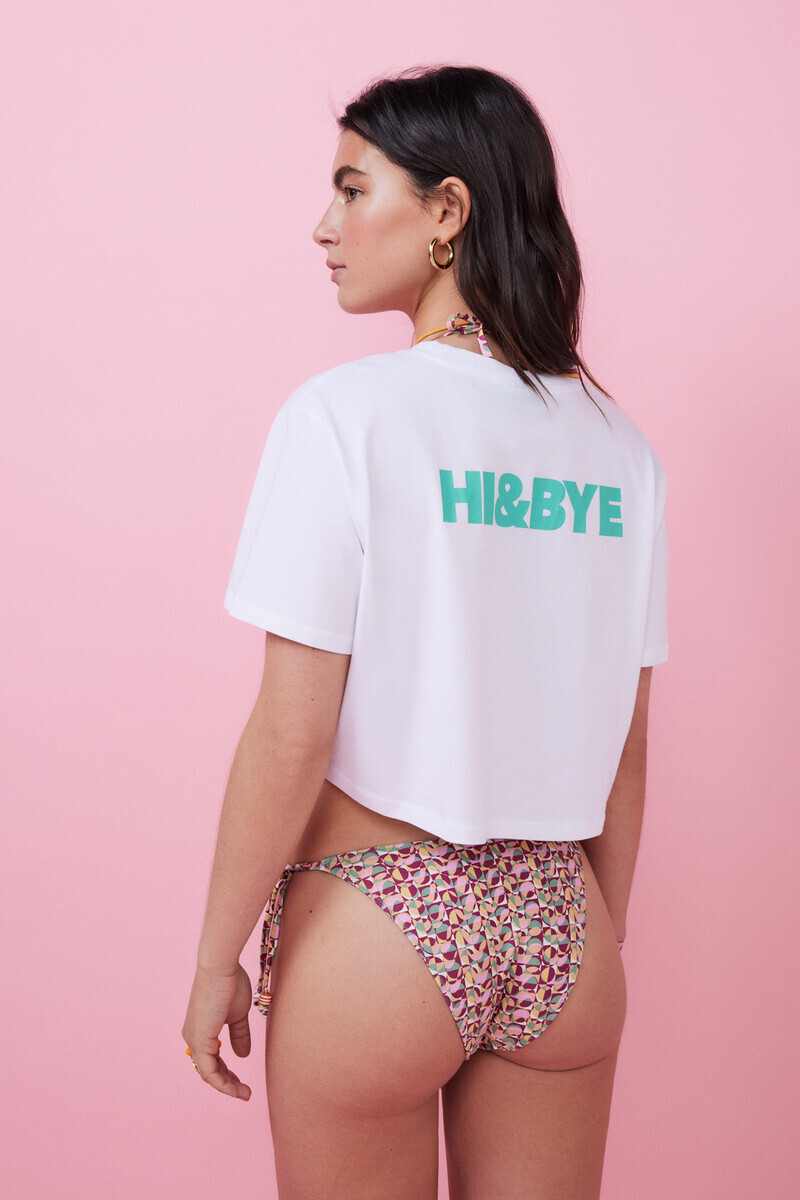
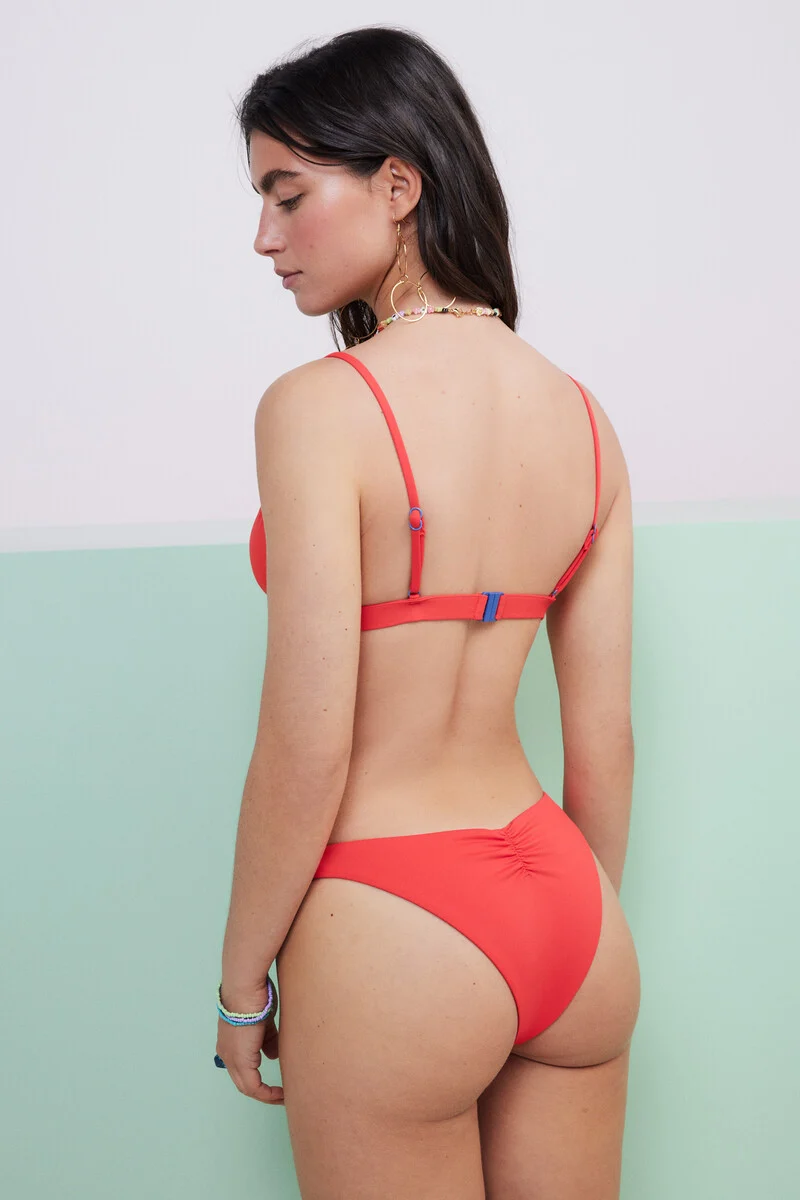
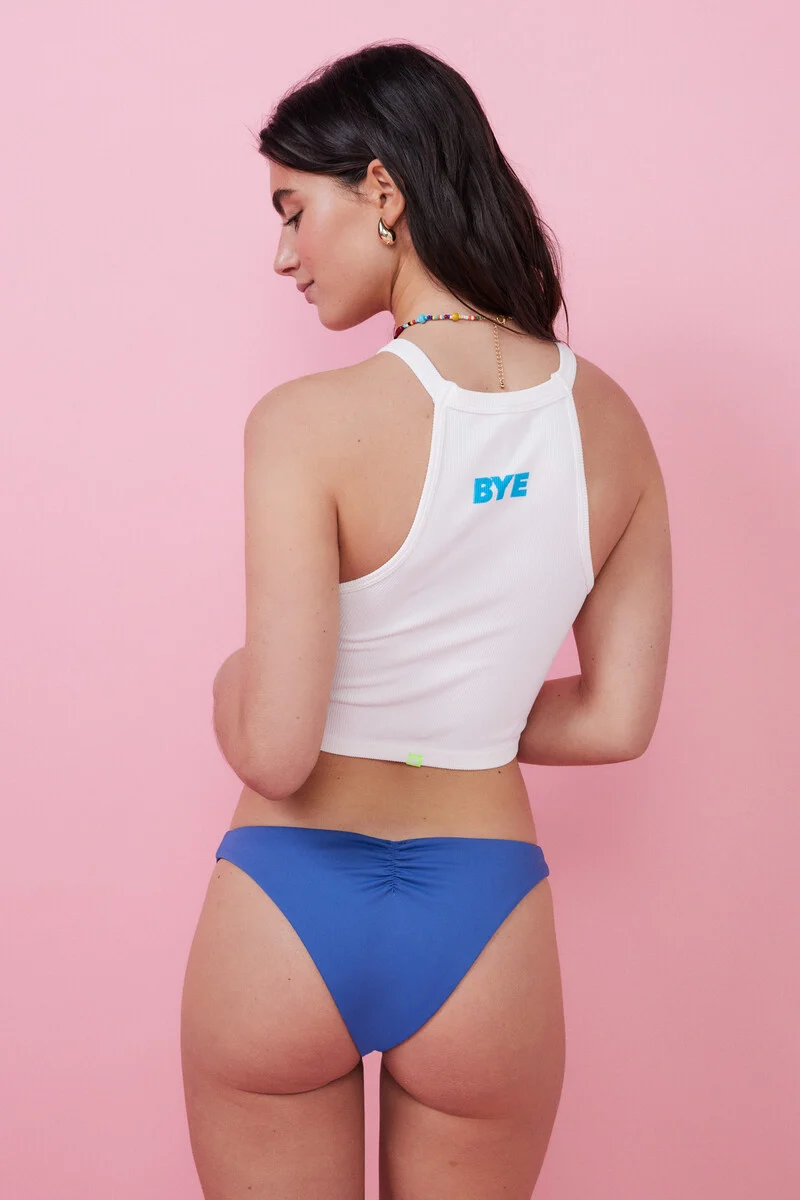
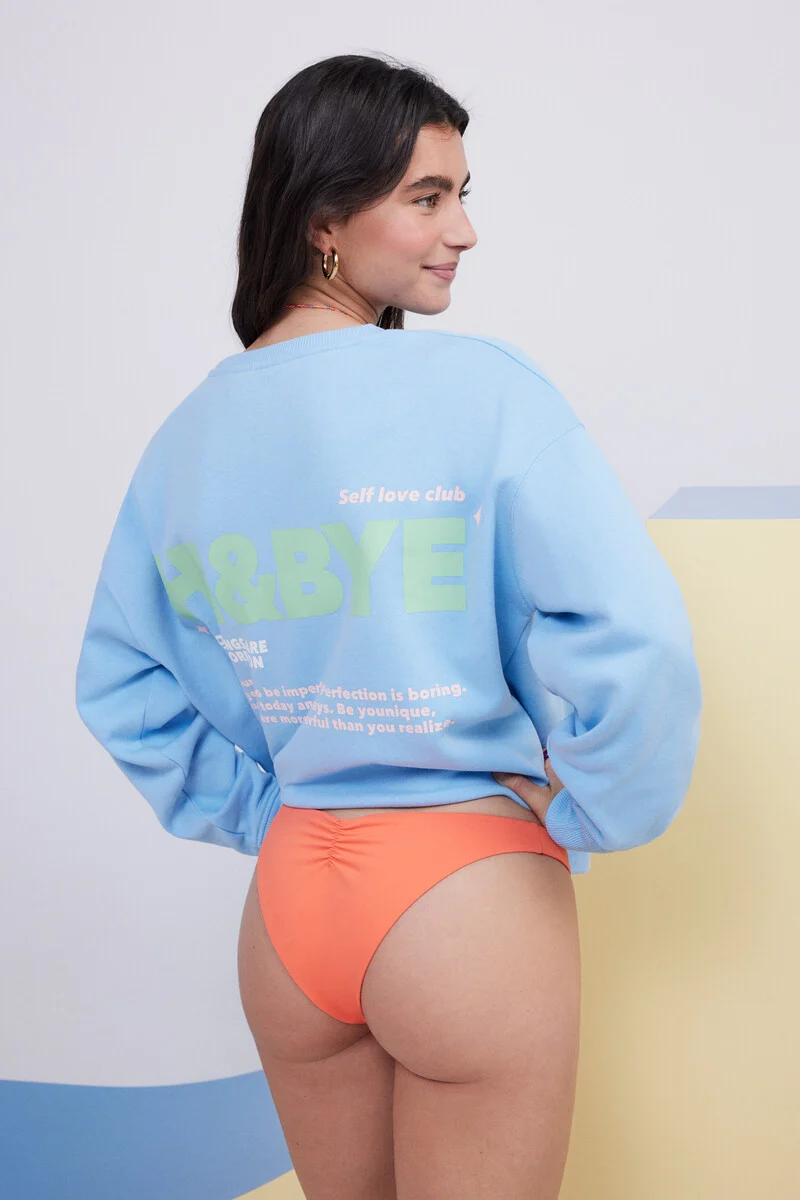
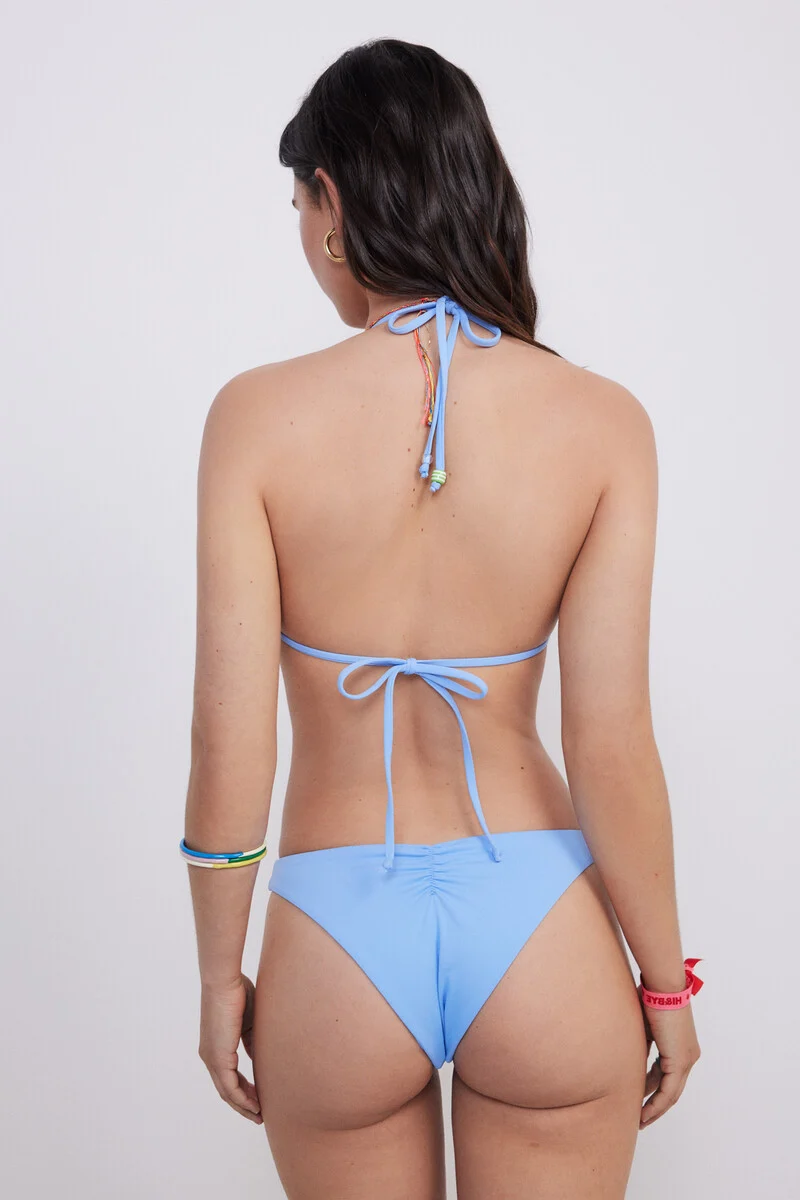
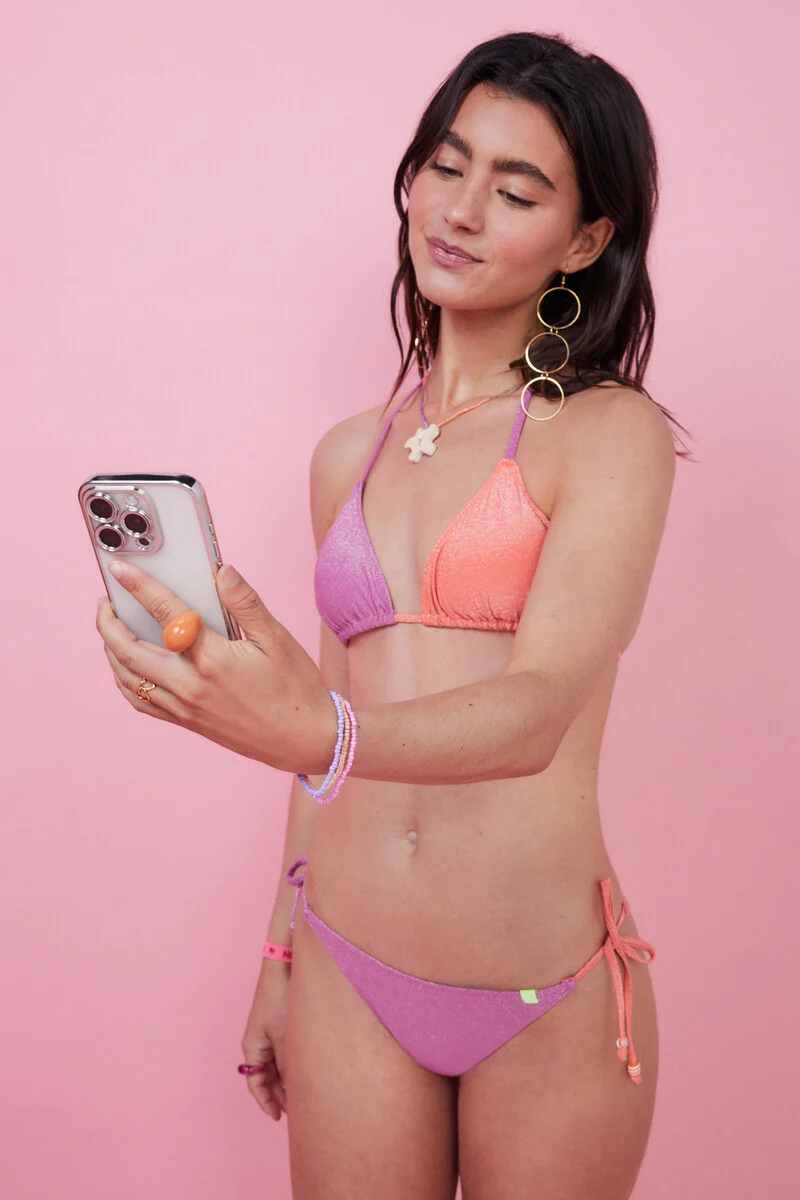
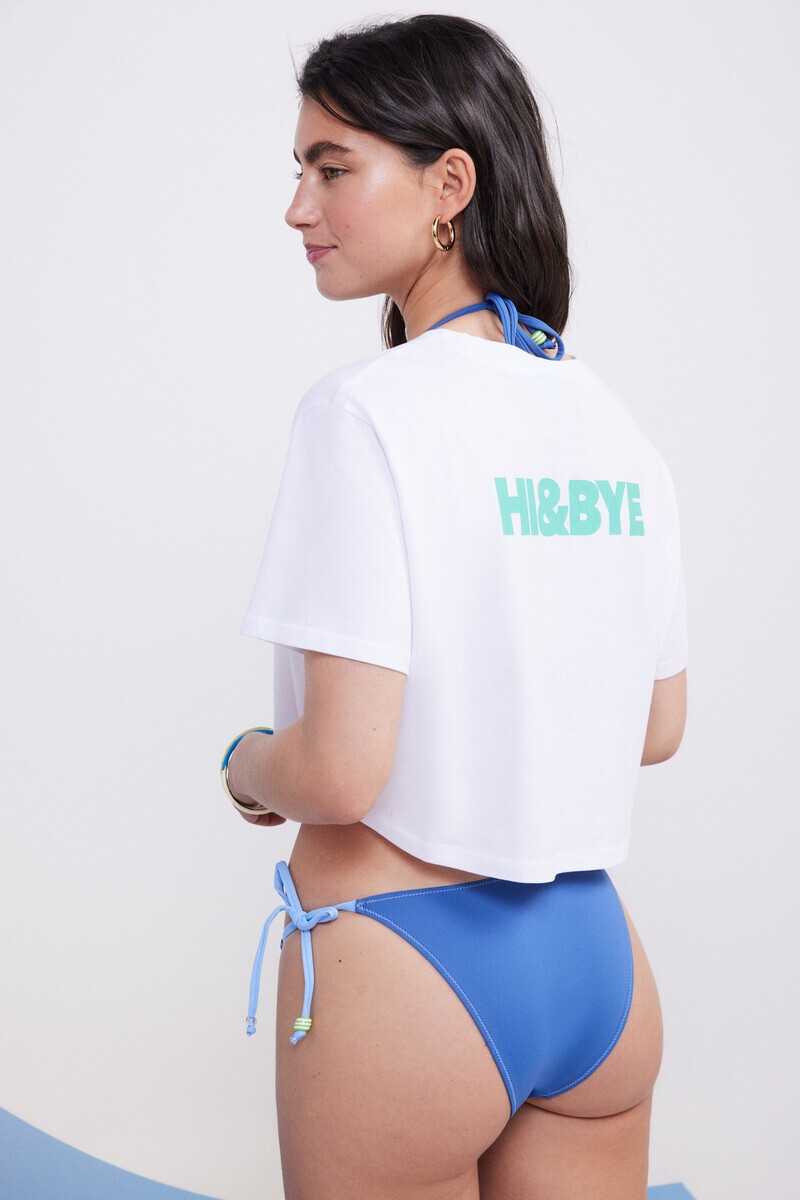
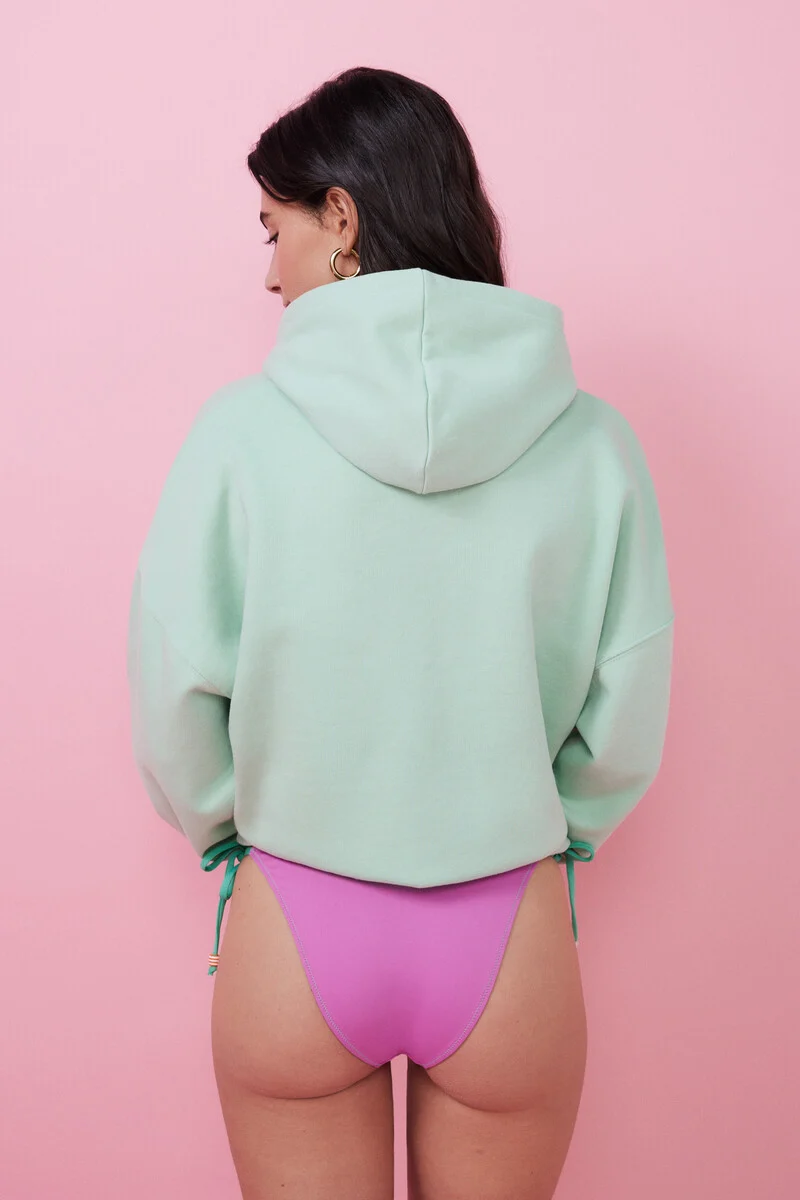
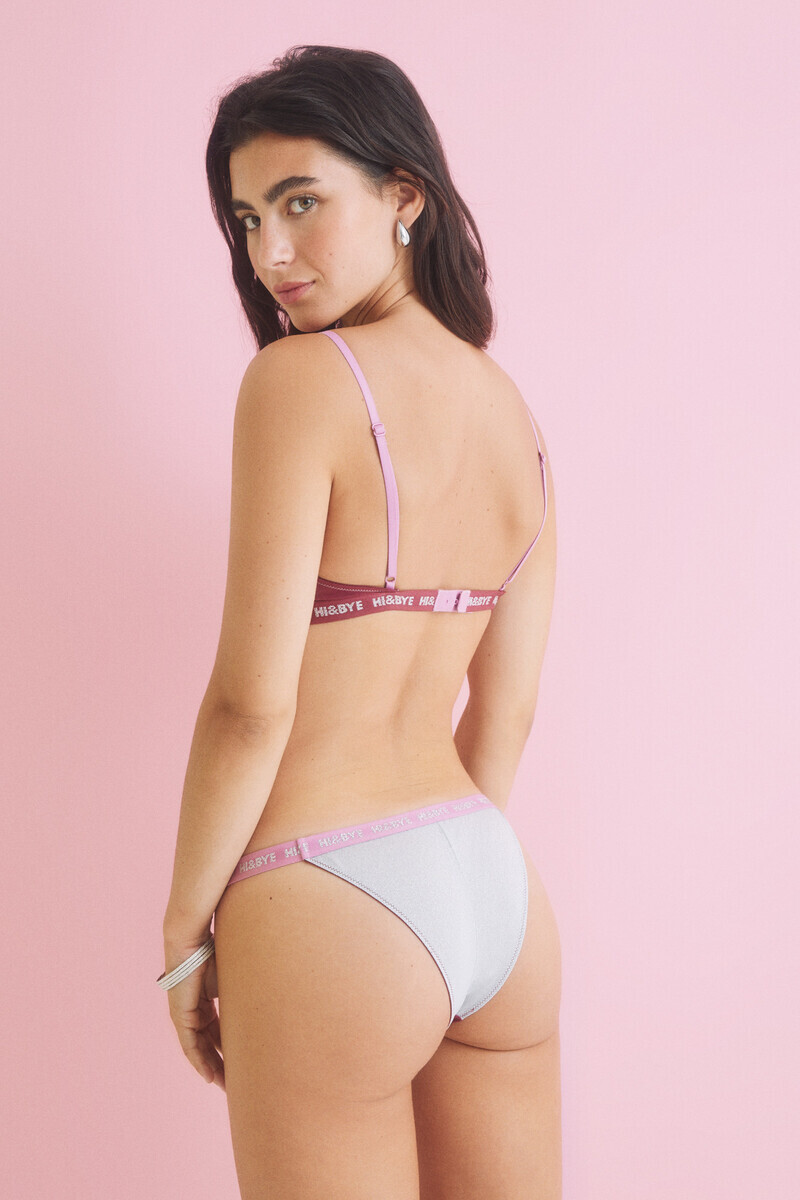
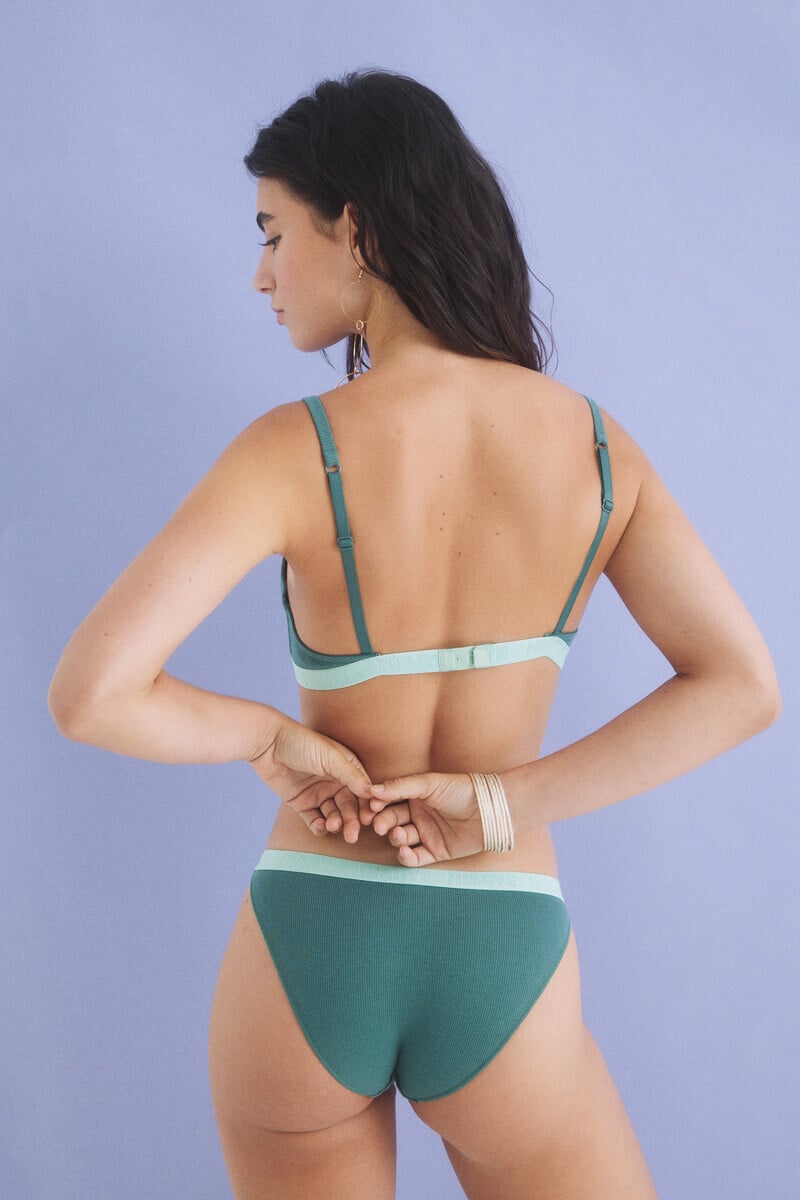
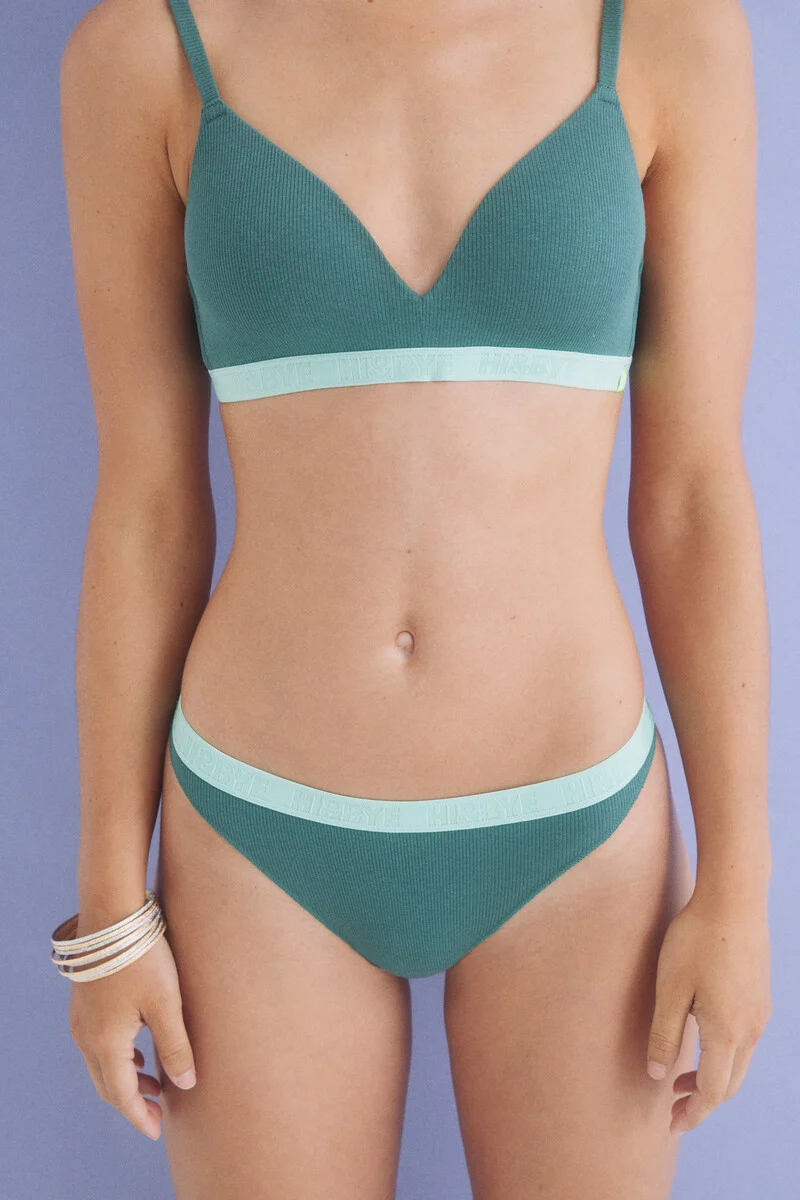
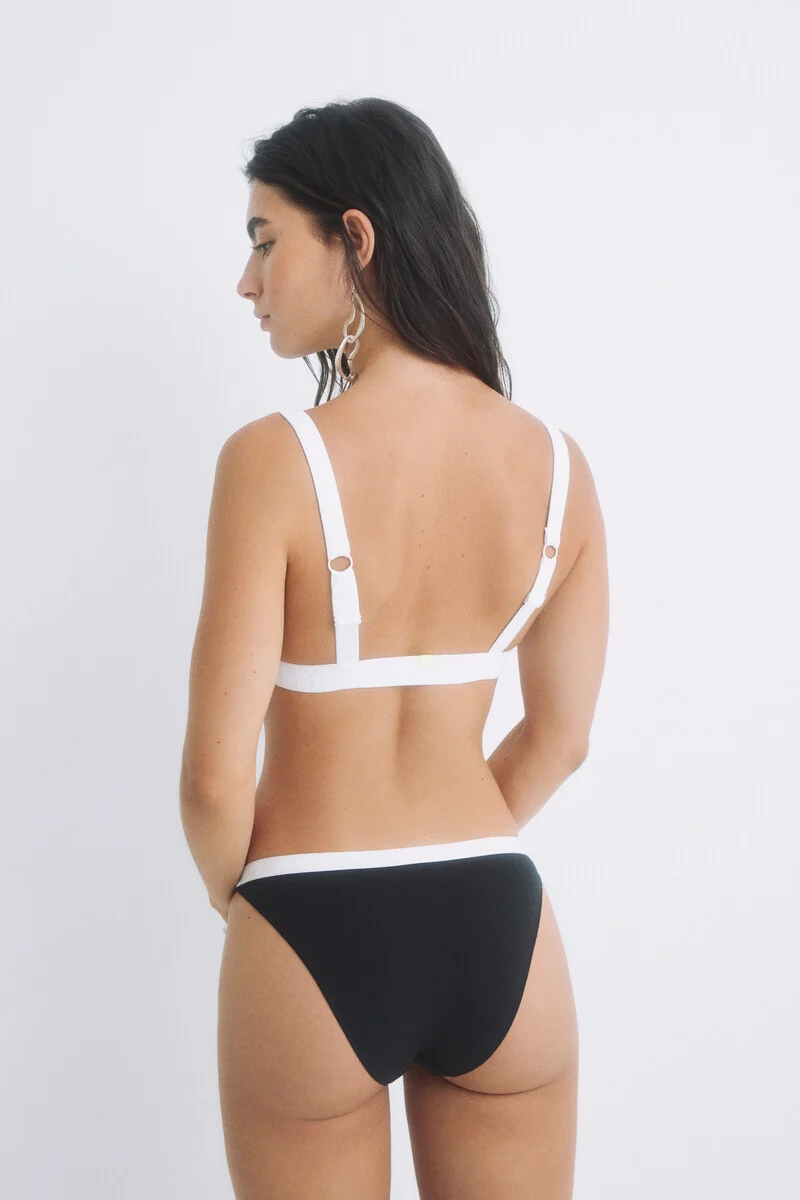
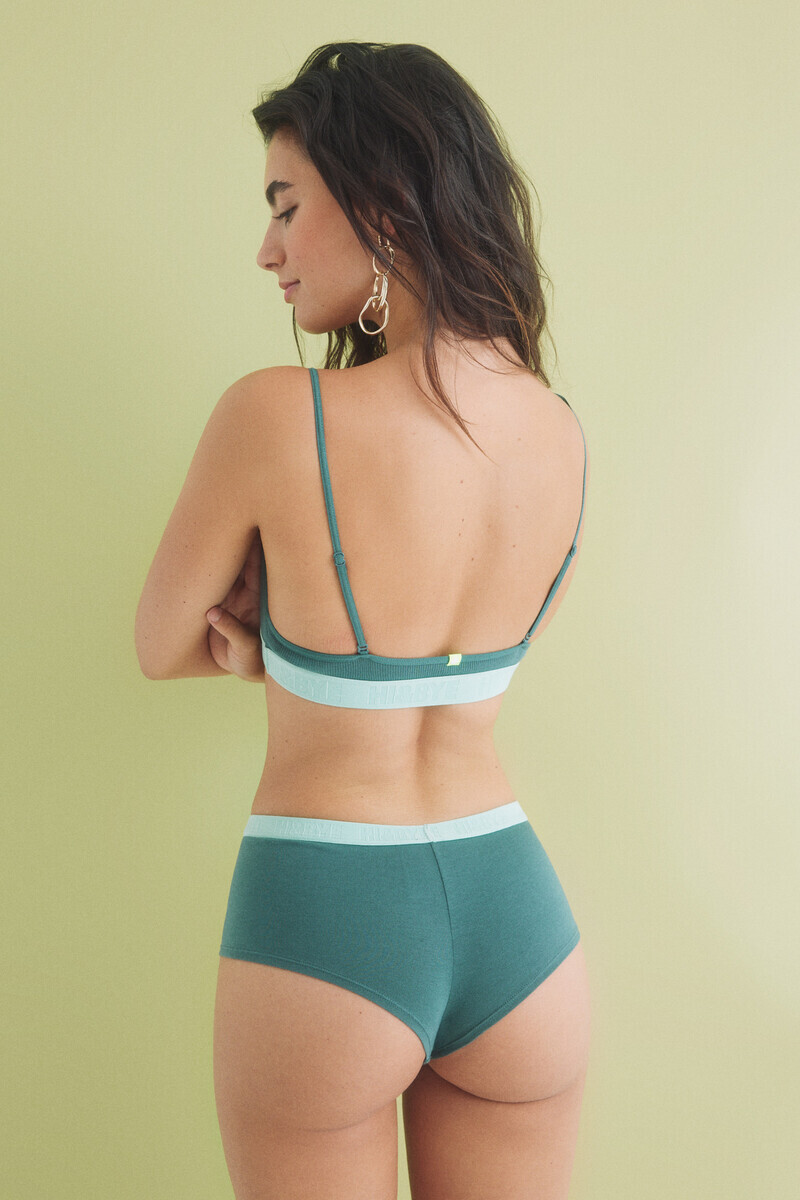
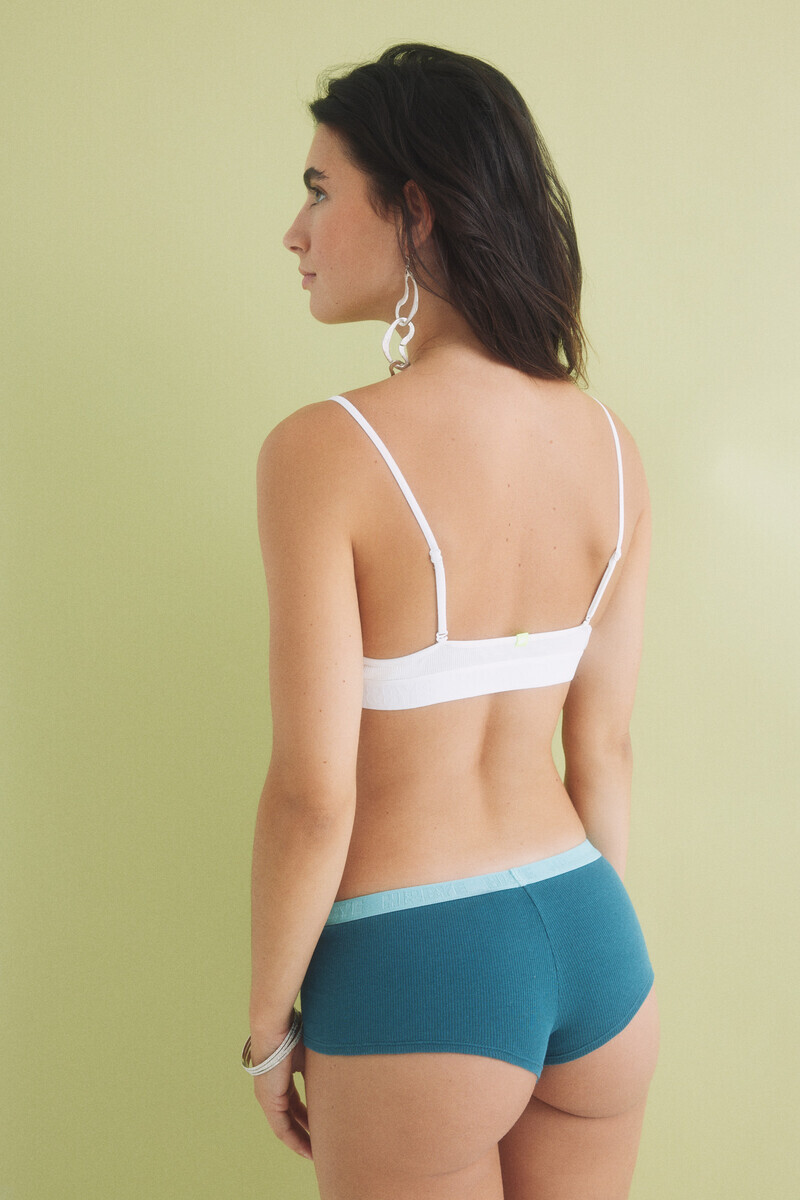
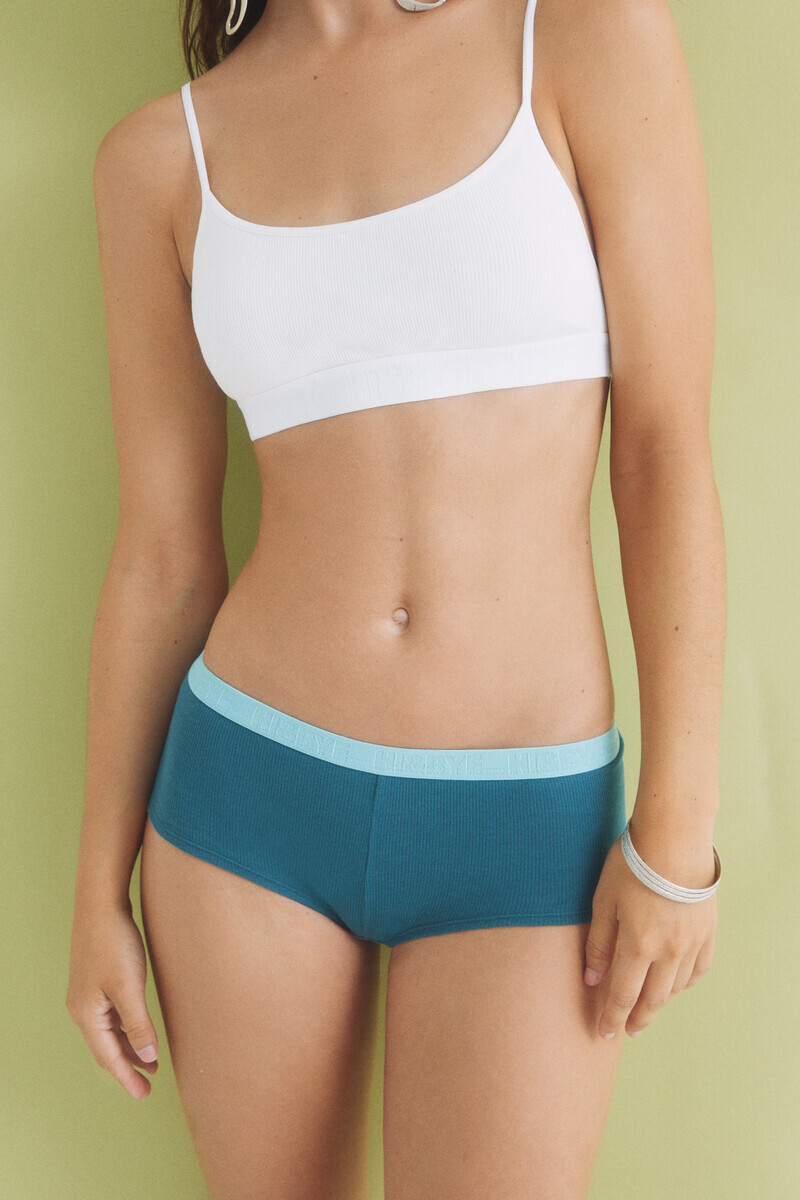
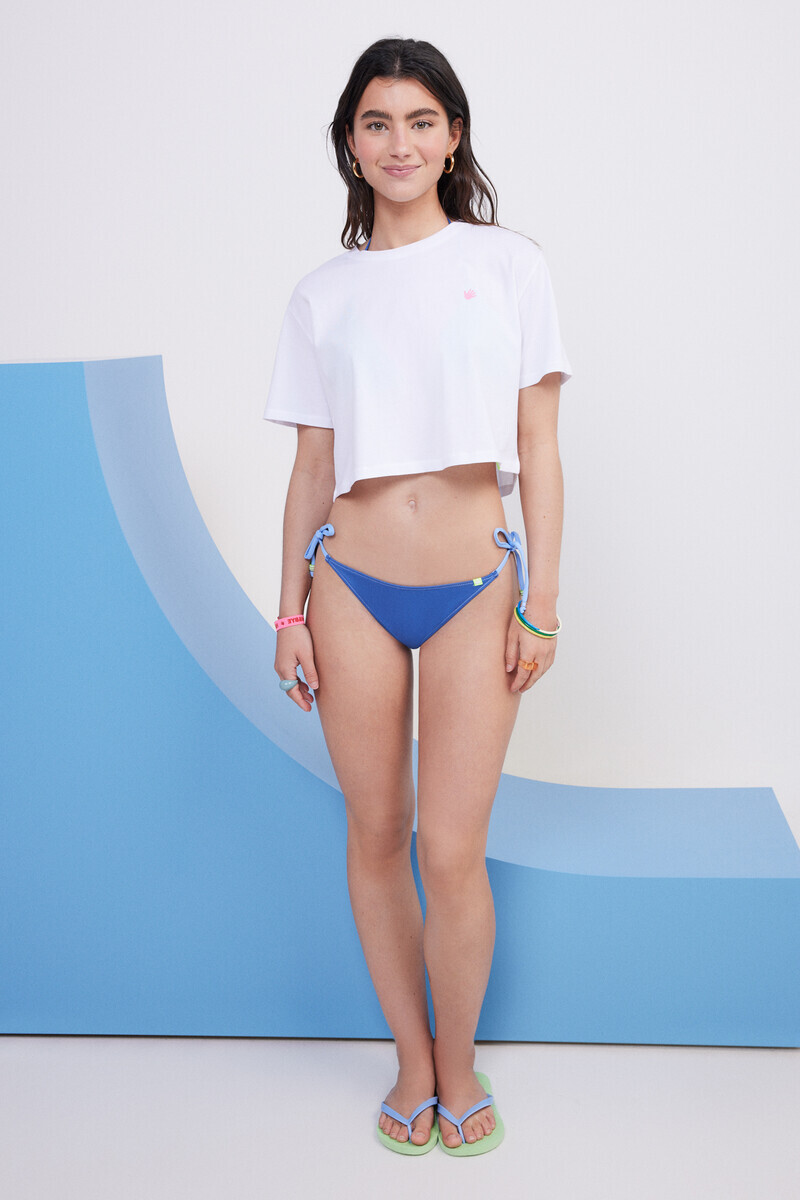
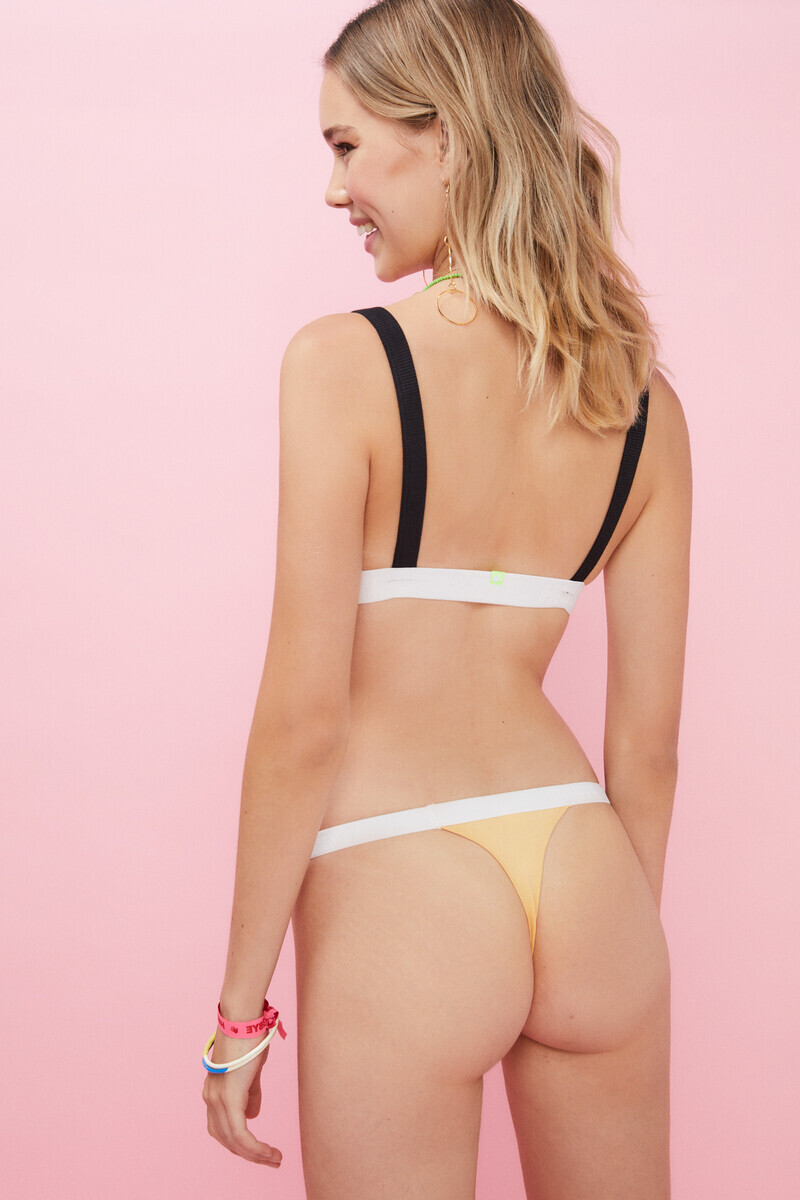
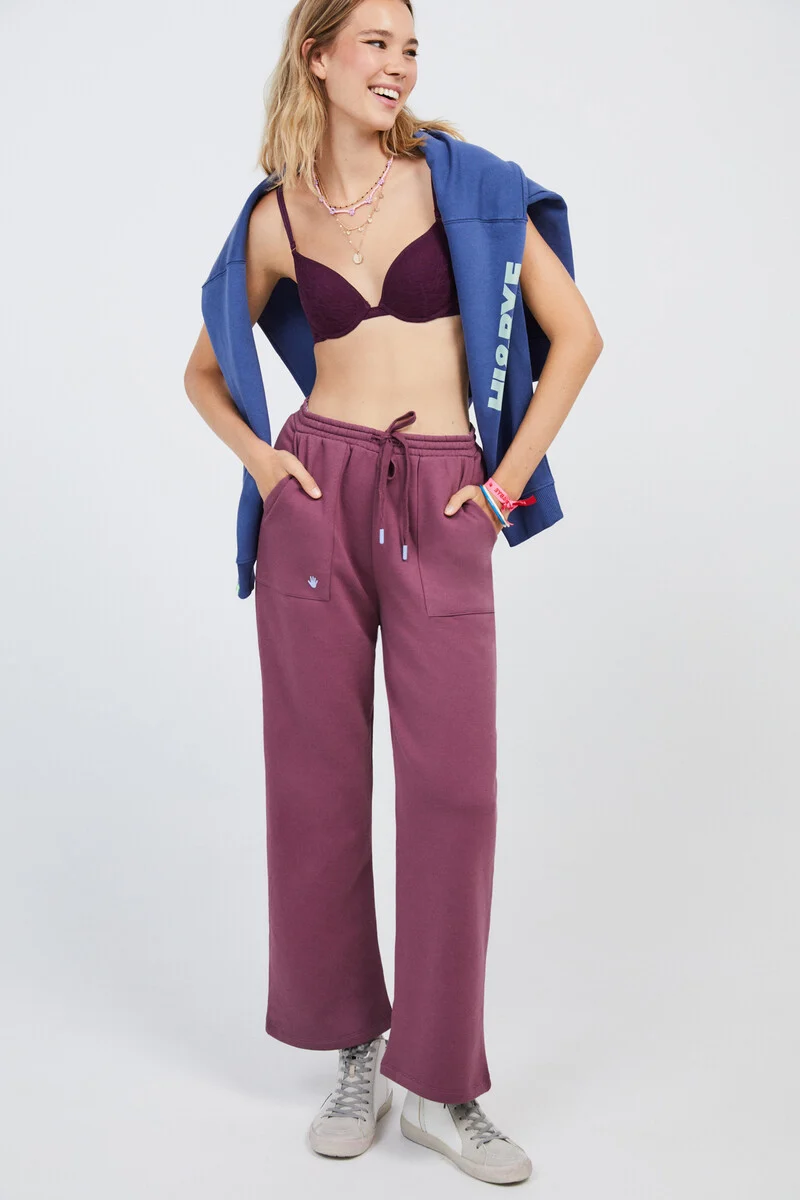
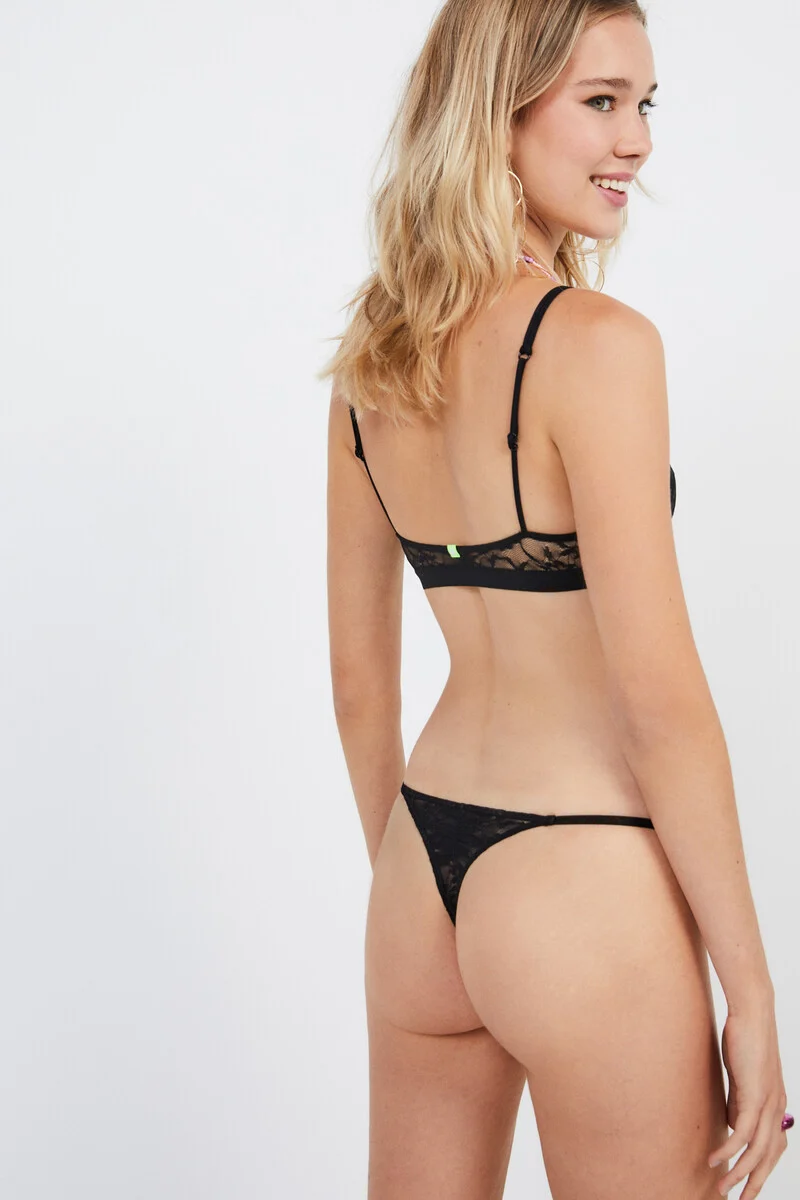
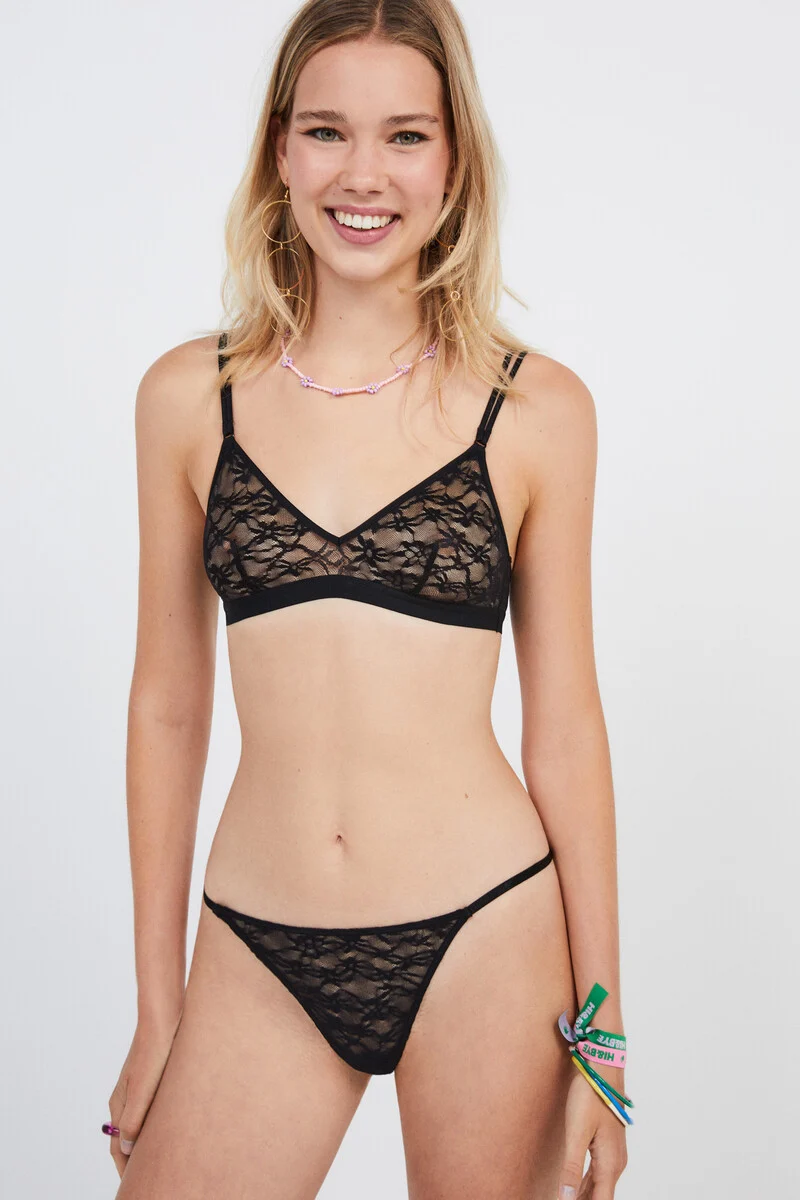
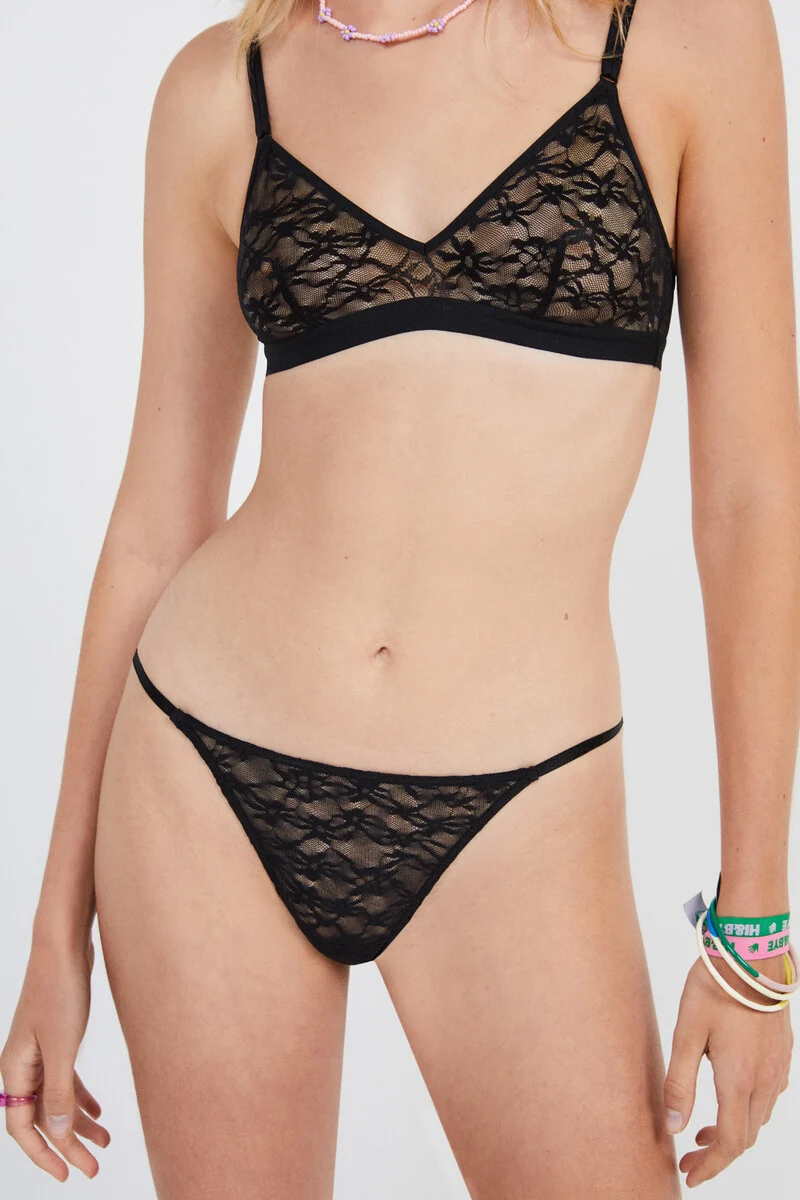
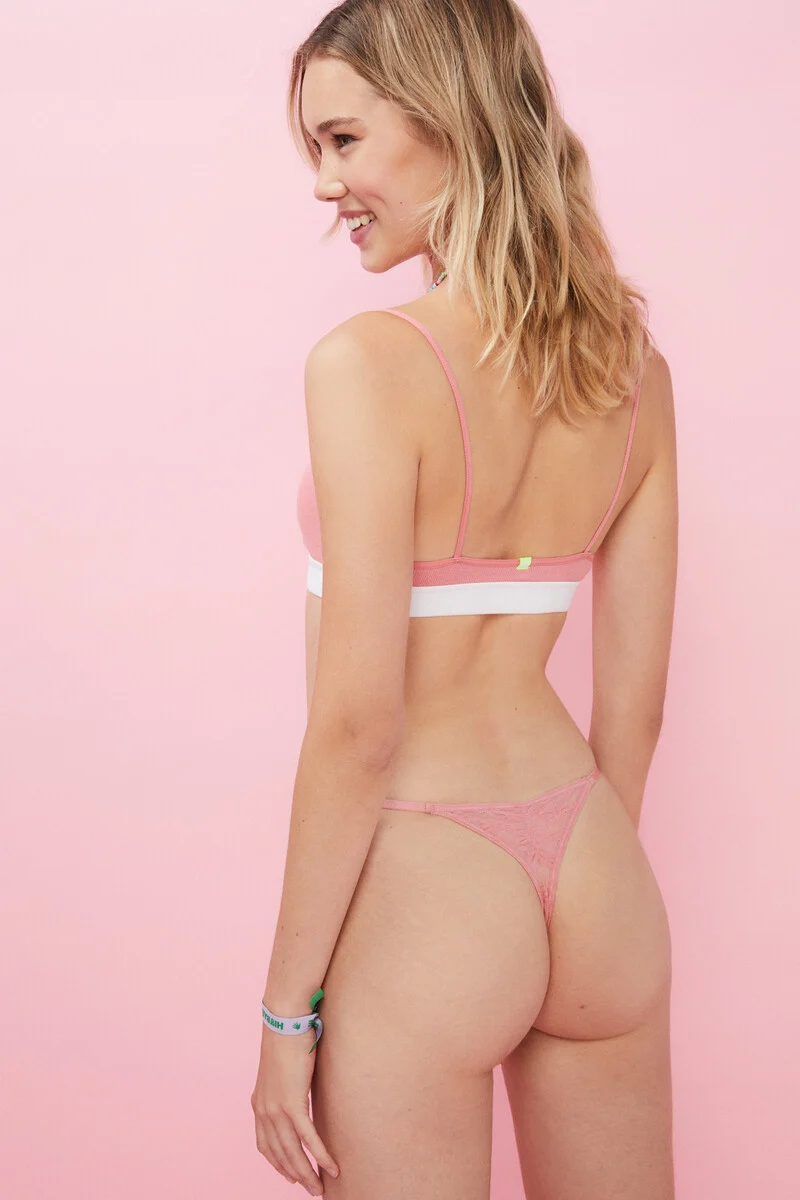
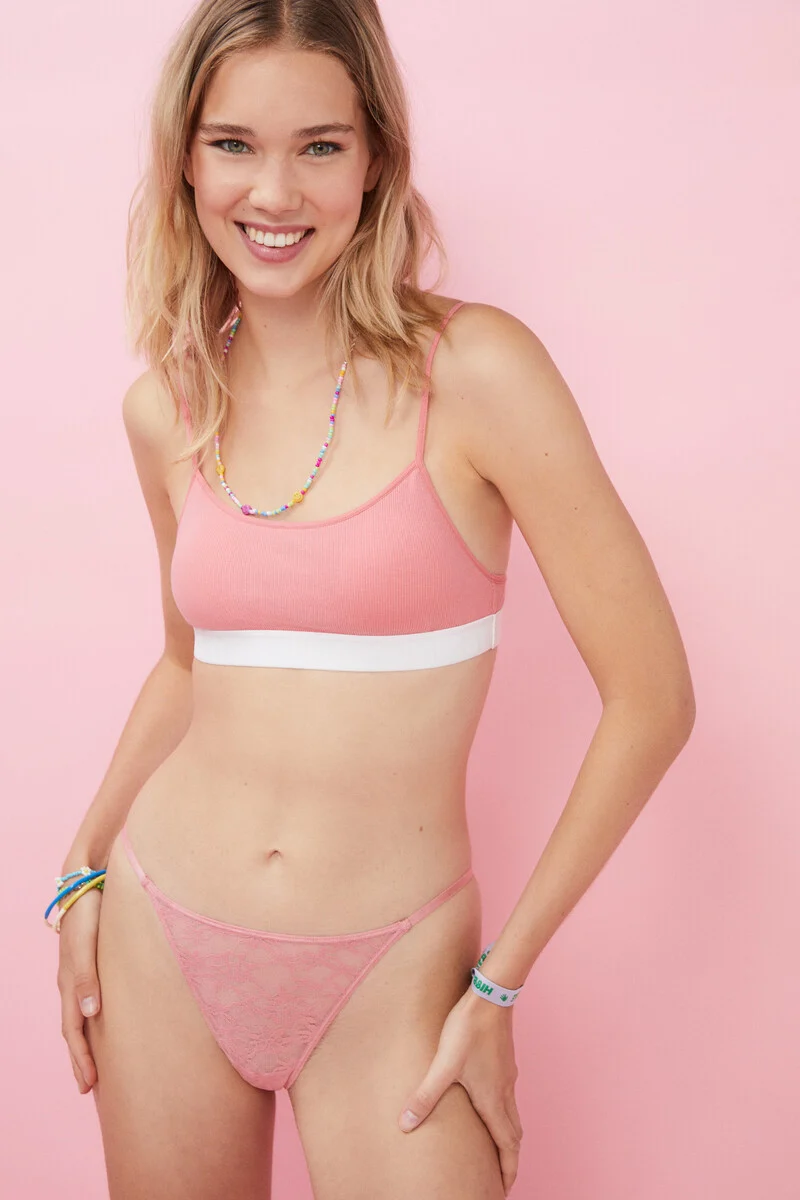
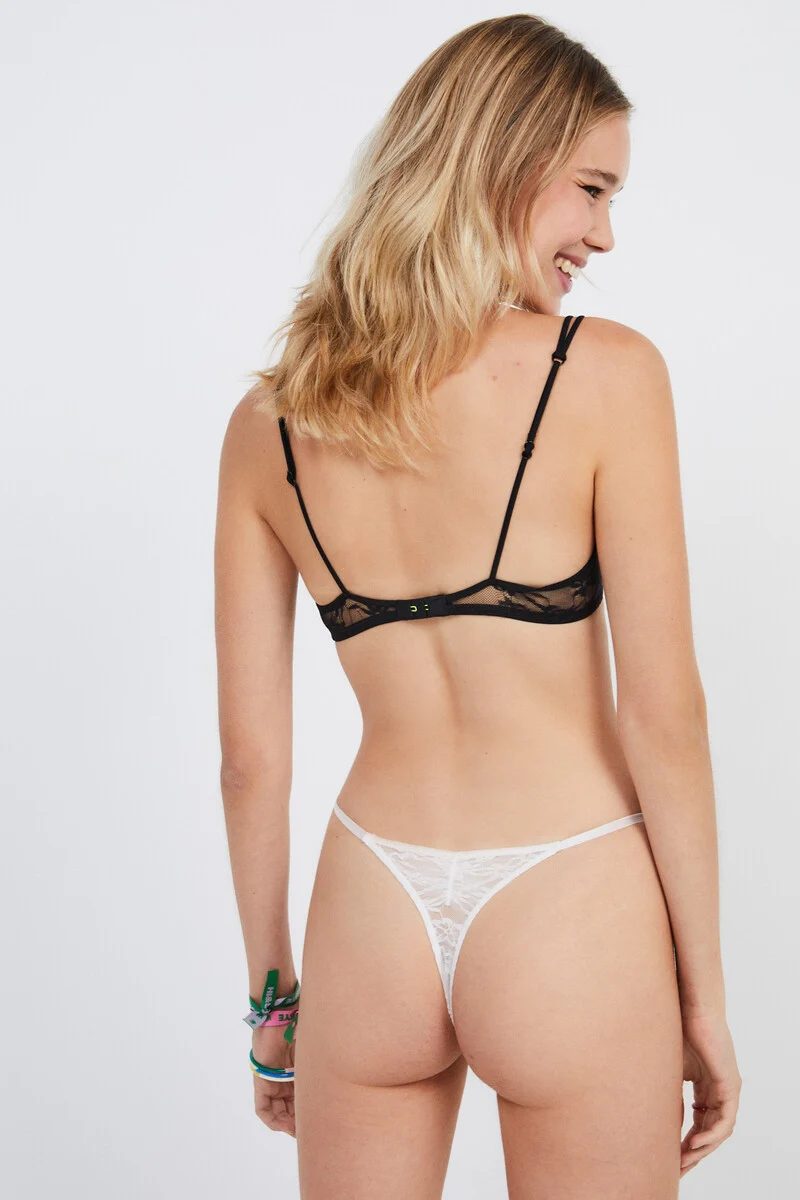
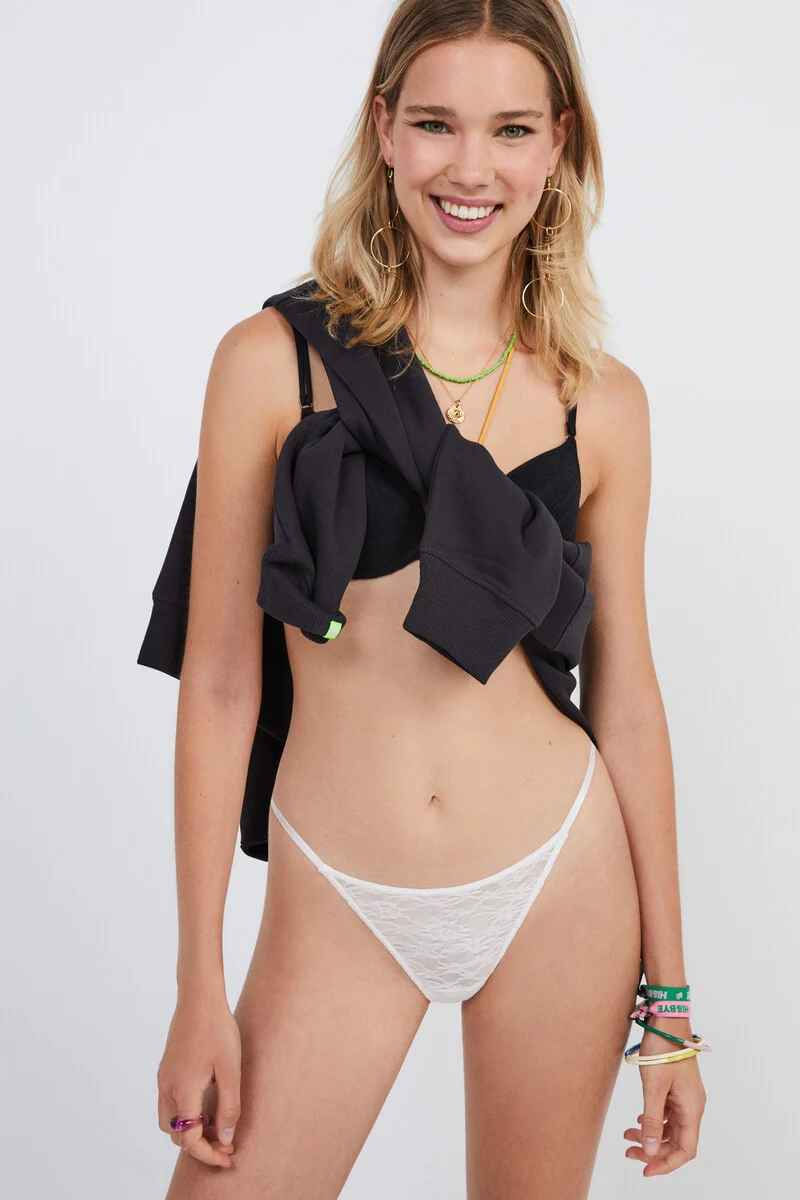
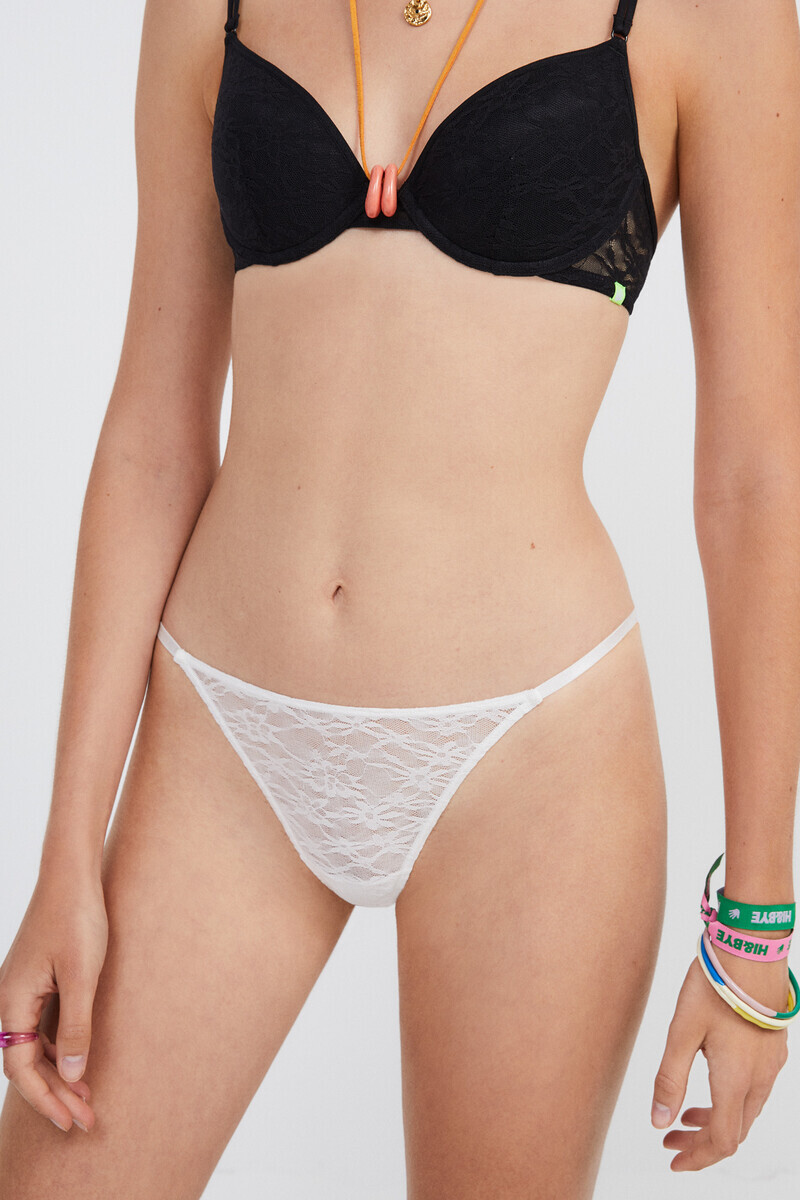
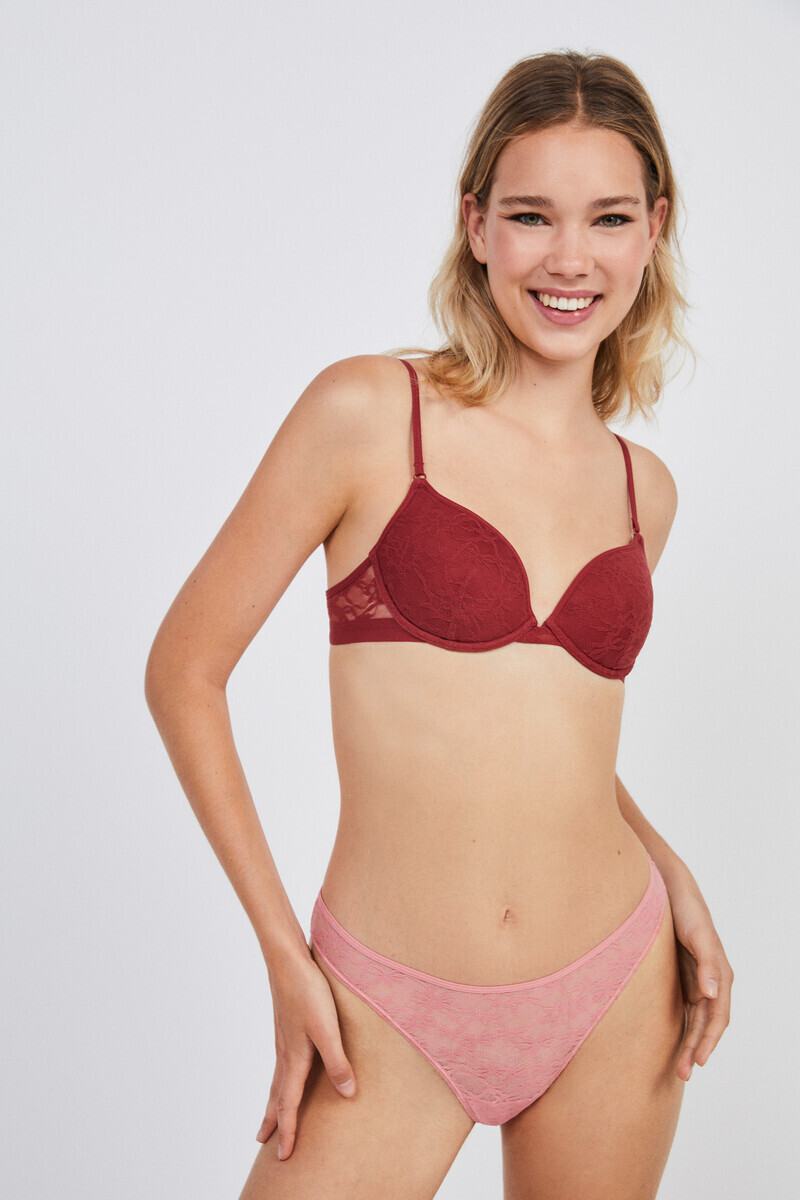
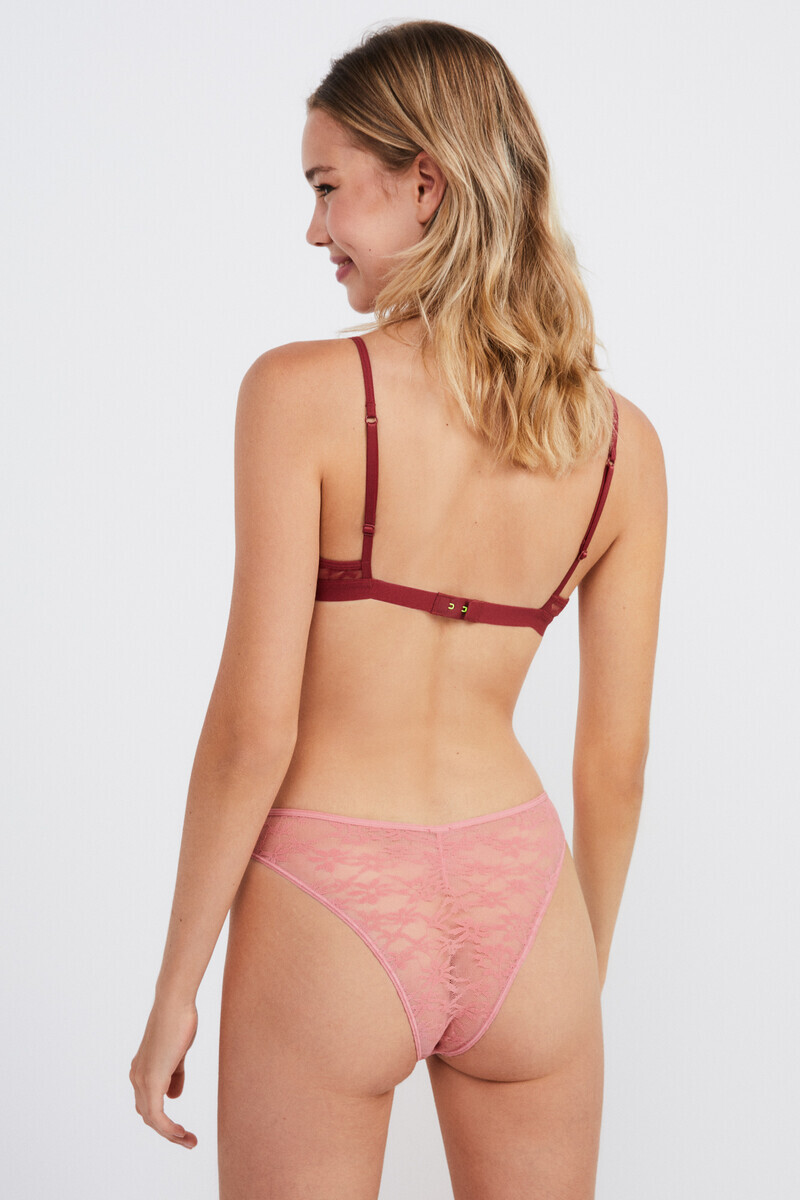
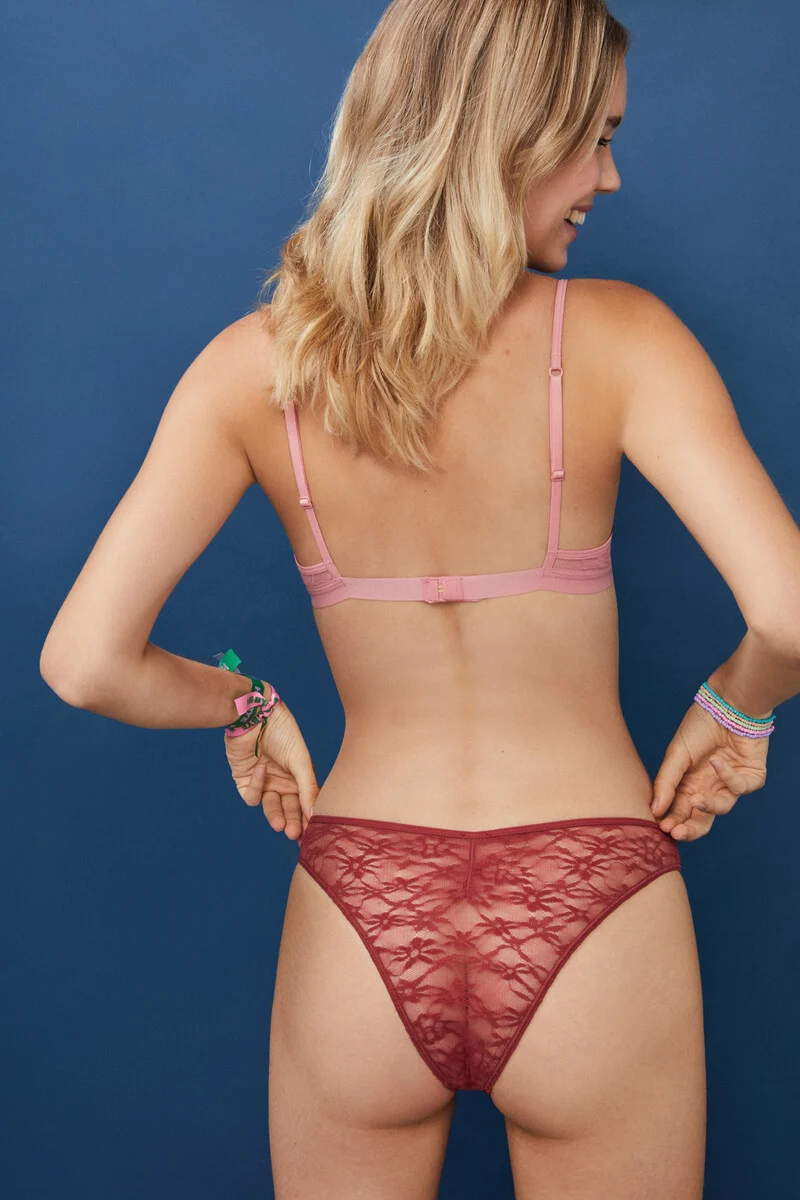
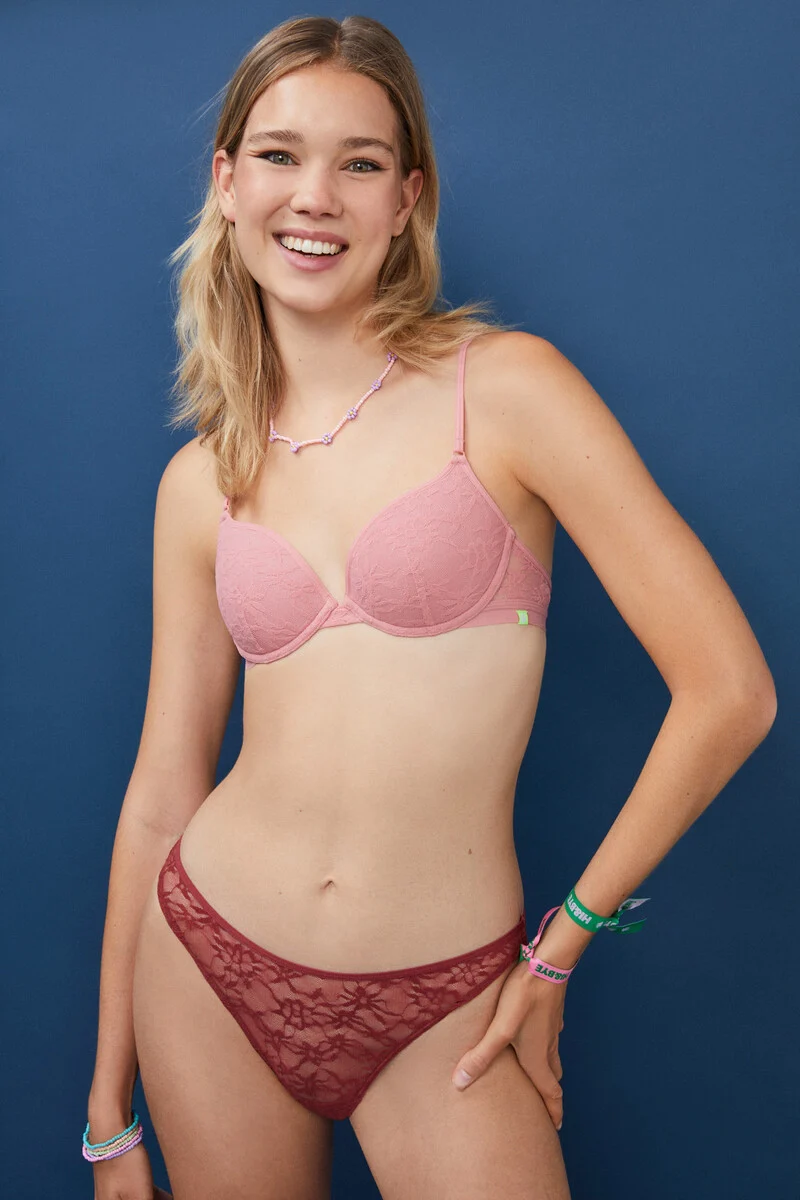
Hi-Bye (from women's secret)
Some links: https://www.instagram.com/martagborbollaa/ https://blowmodels.com/women/marta-g-borbolla/
Hi-Bye (from women's secret)






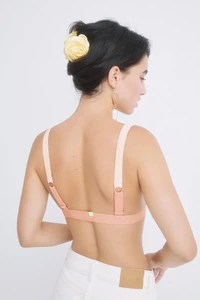












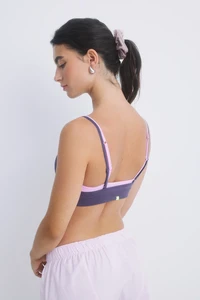




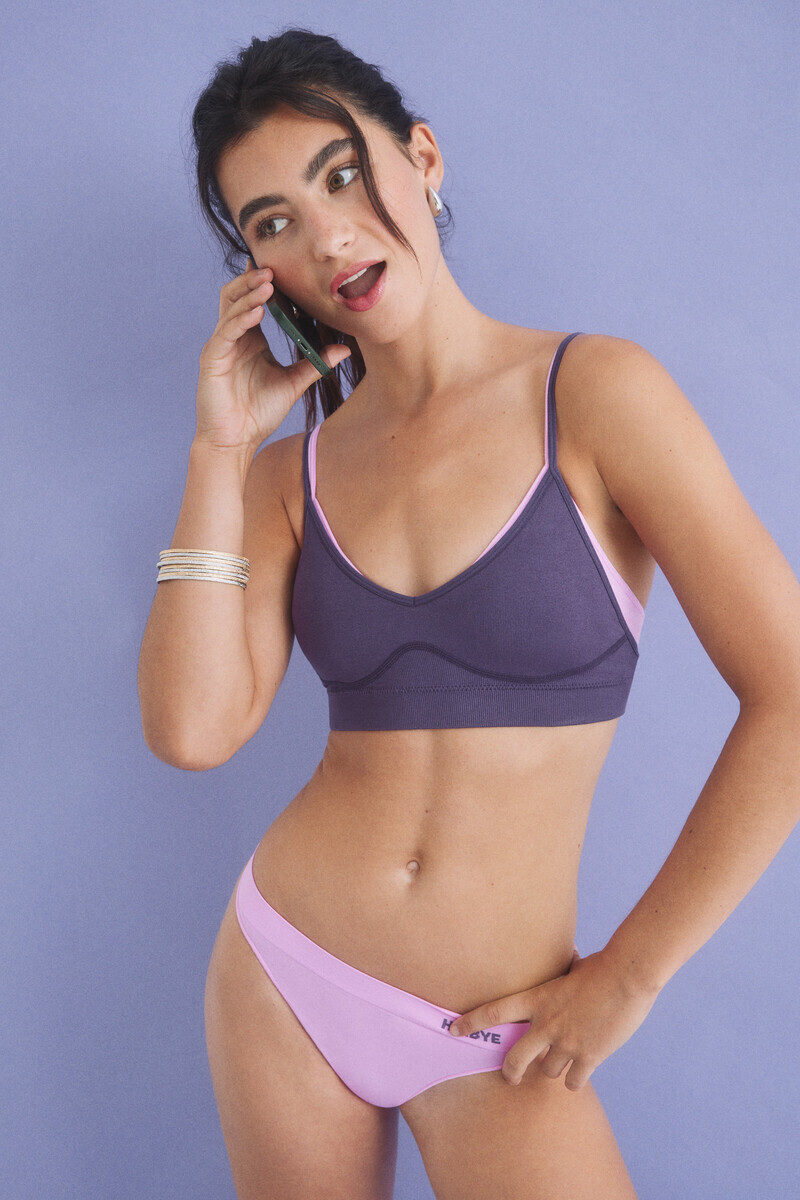
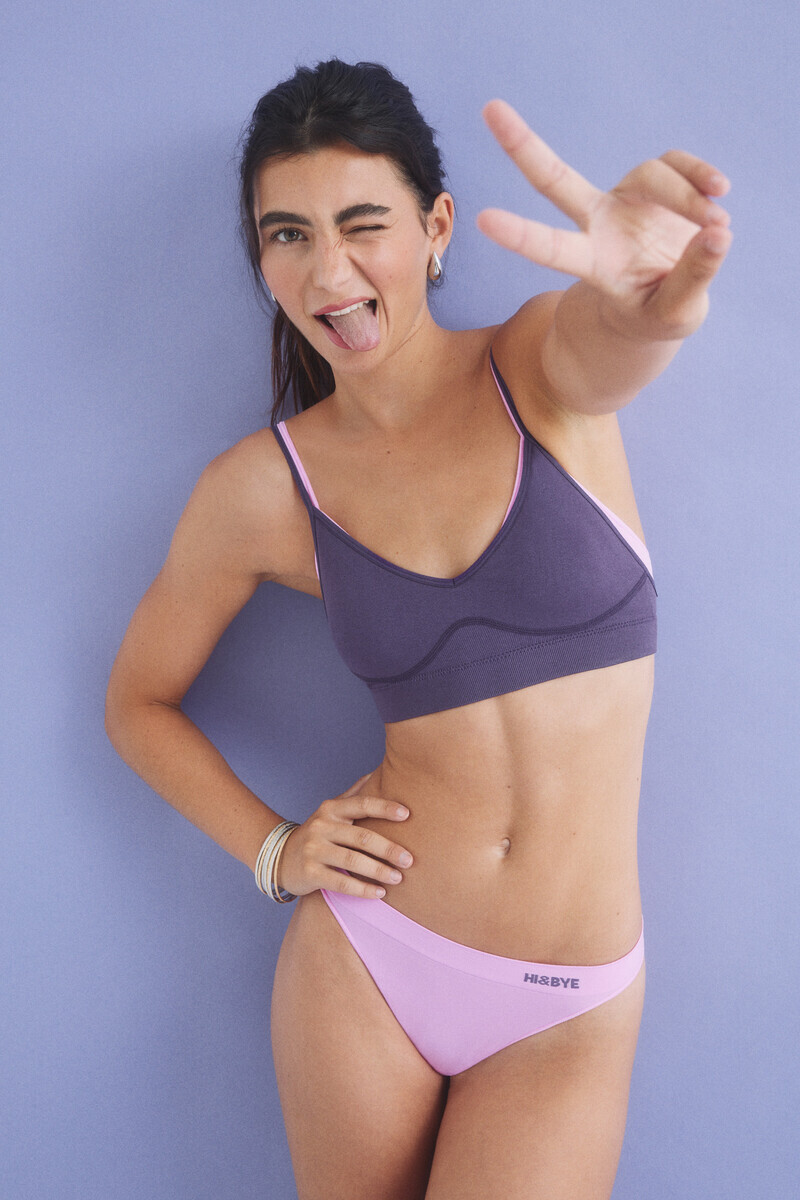
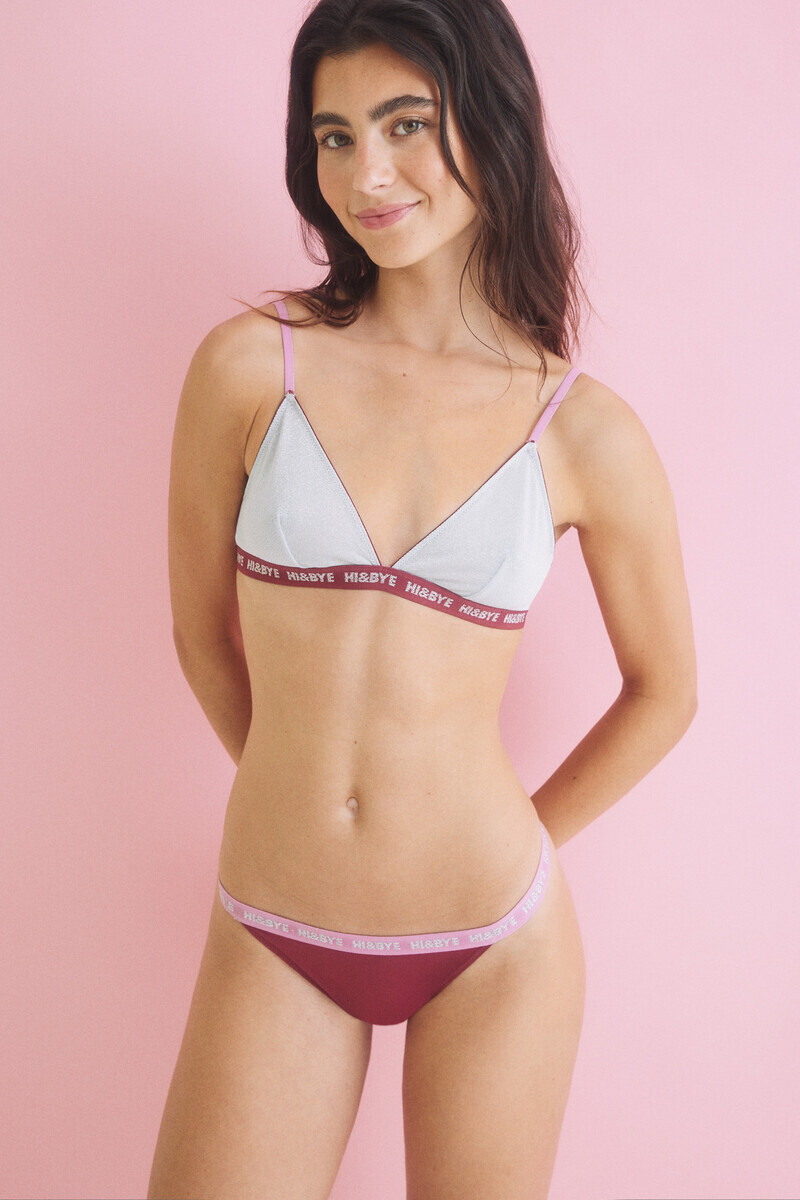
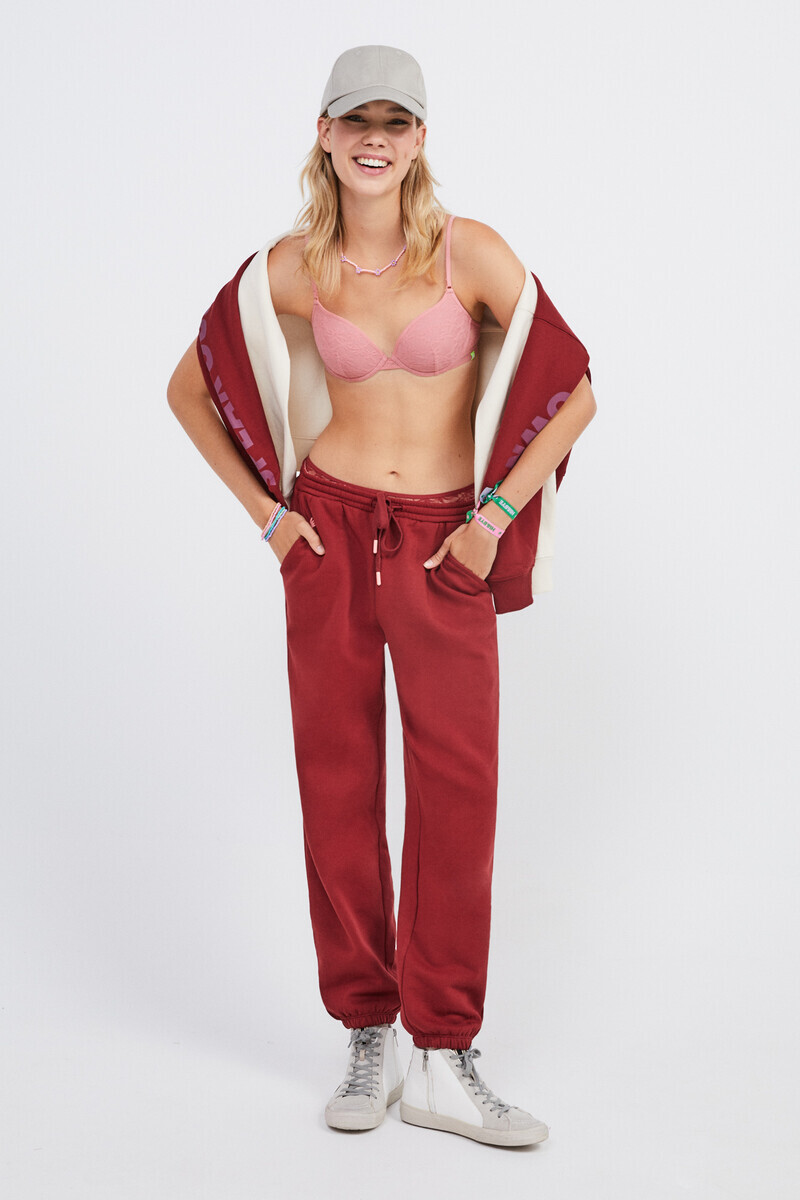
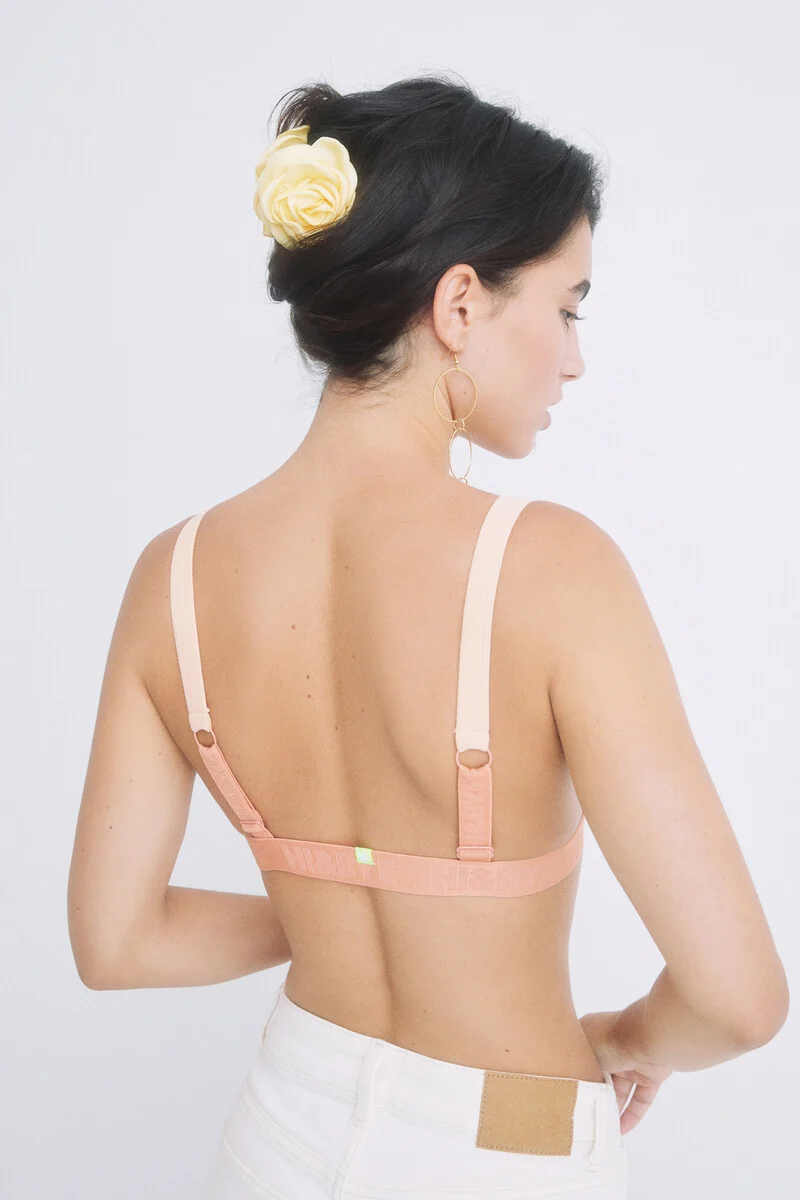
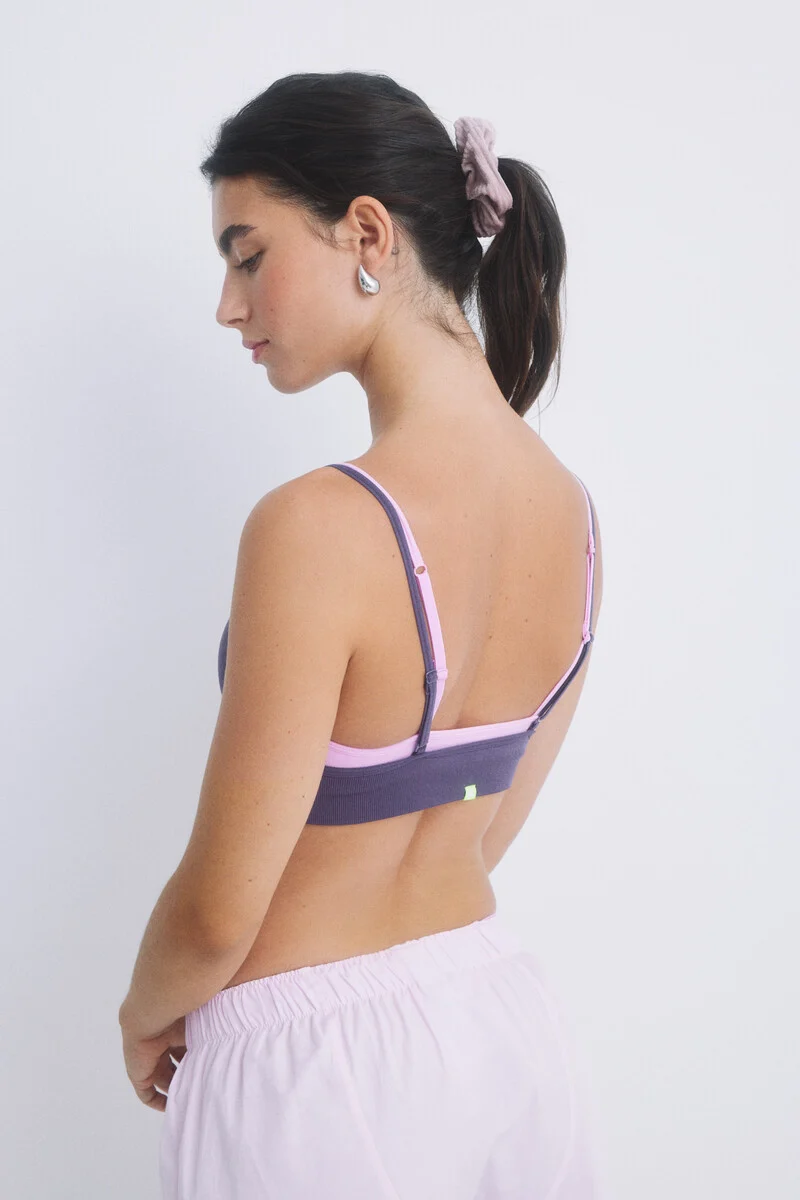
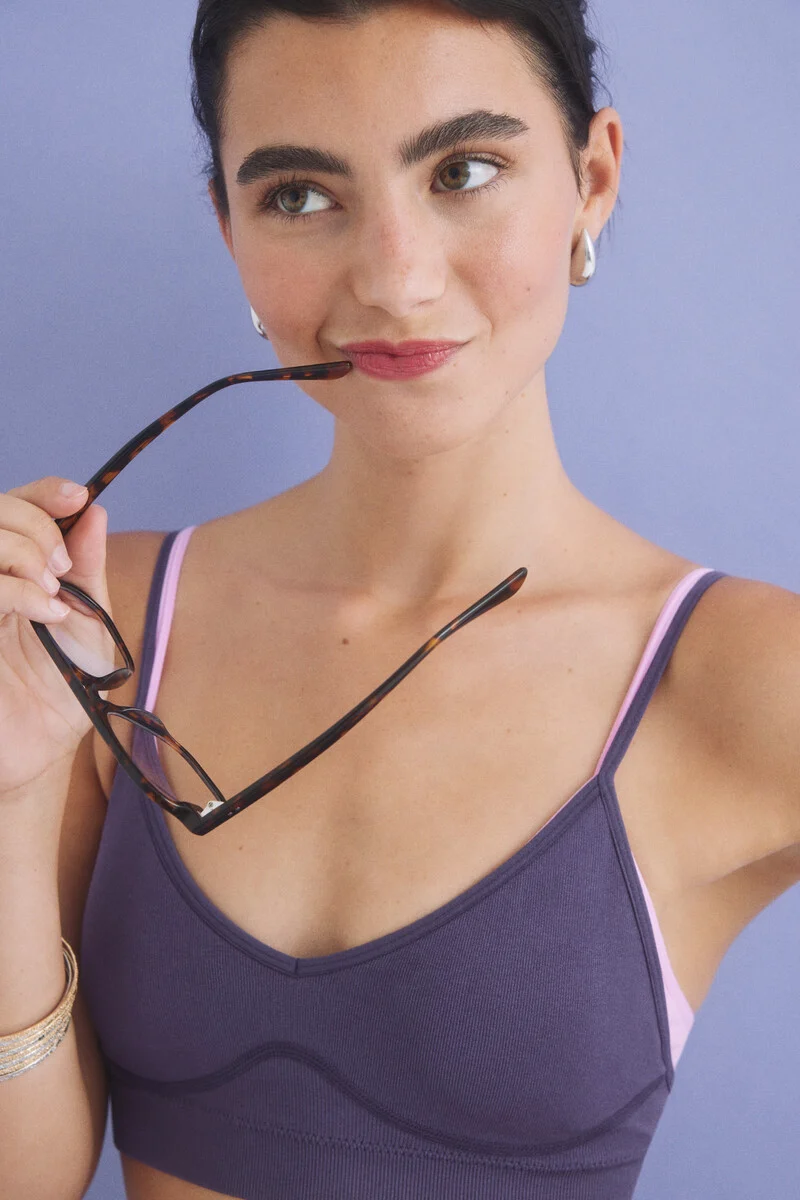
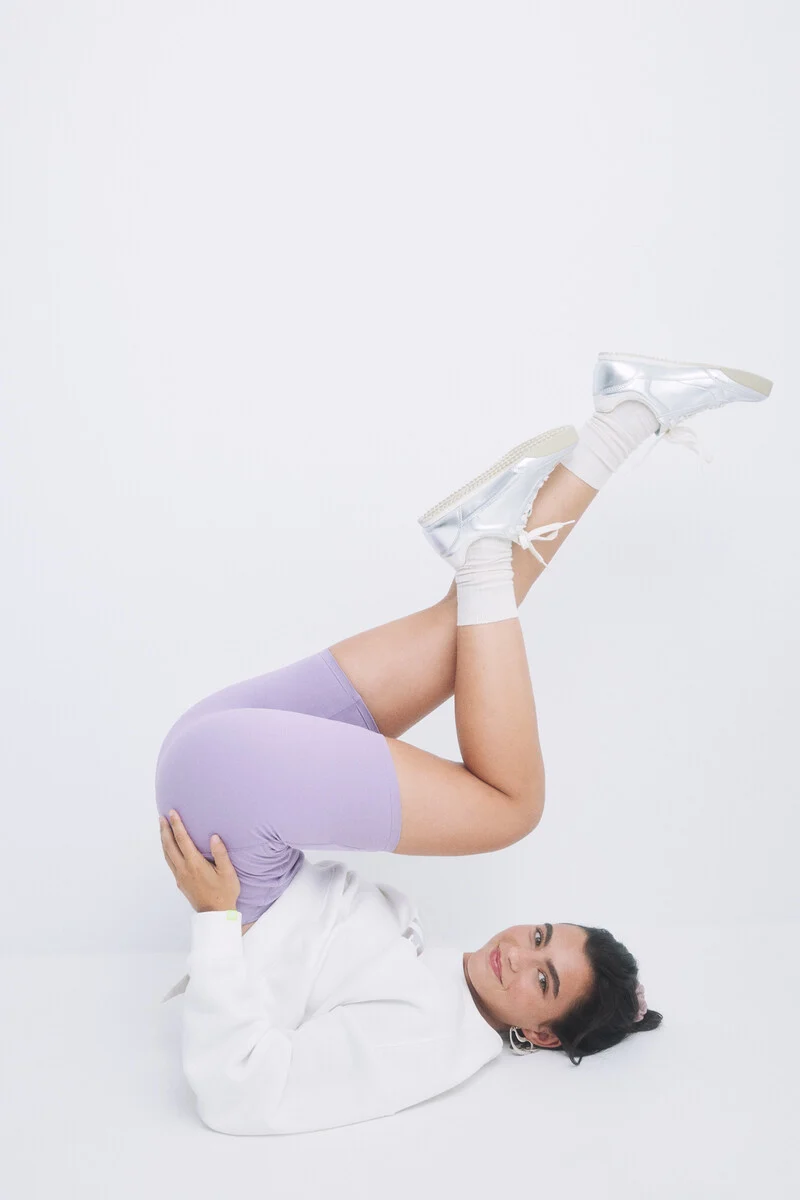
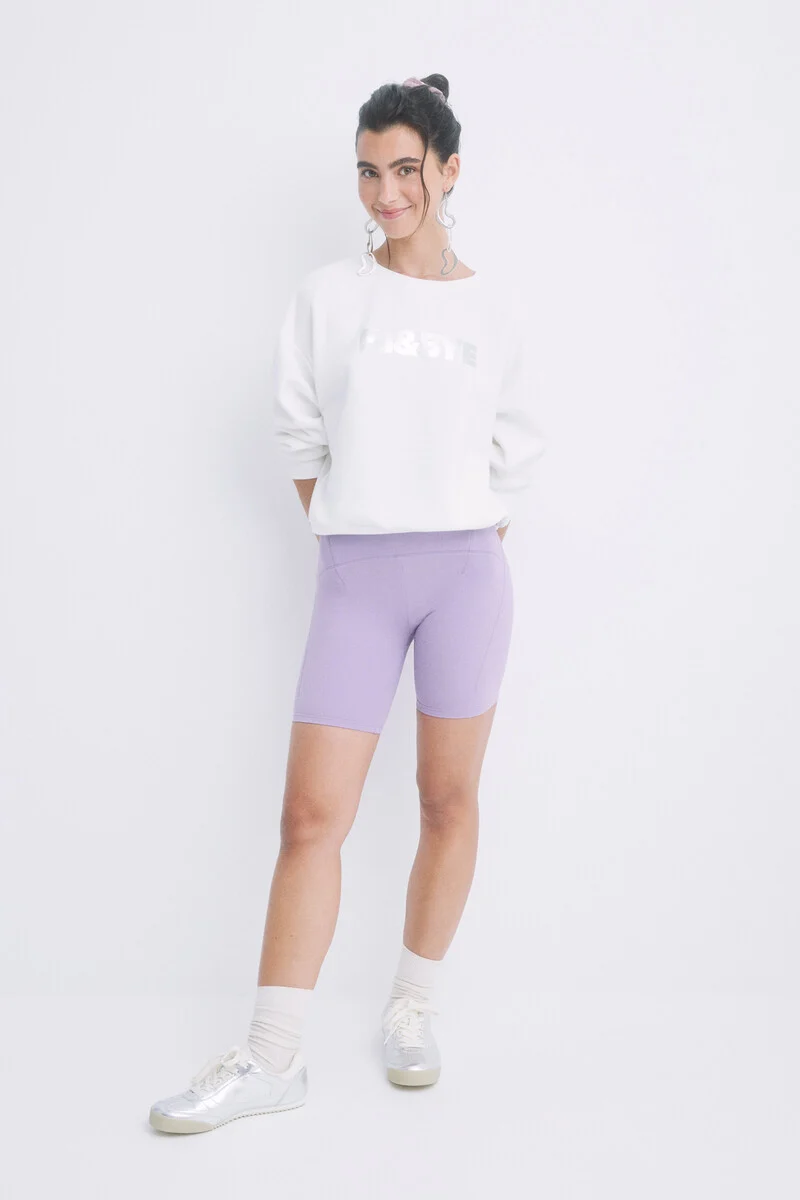
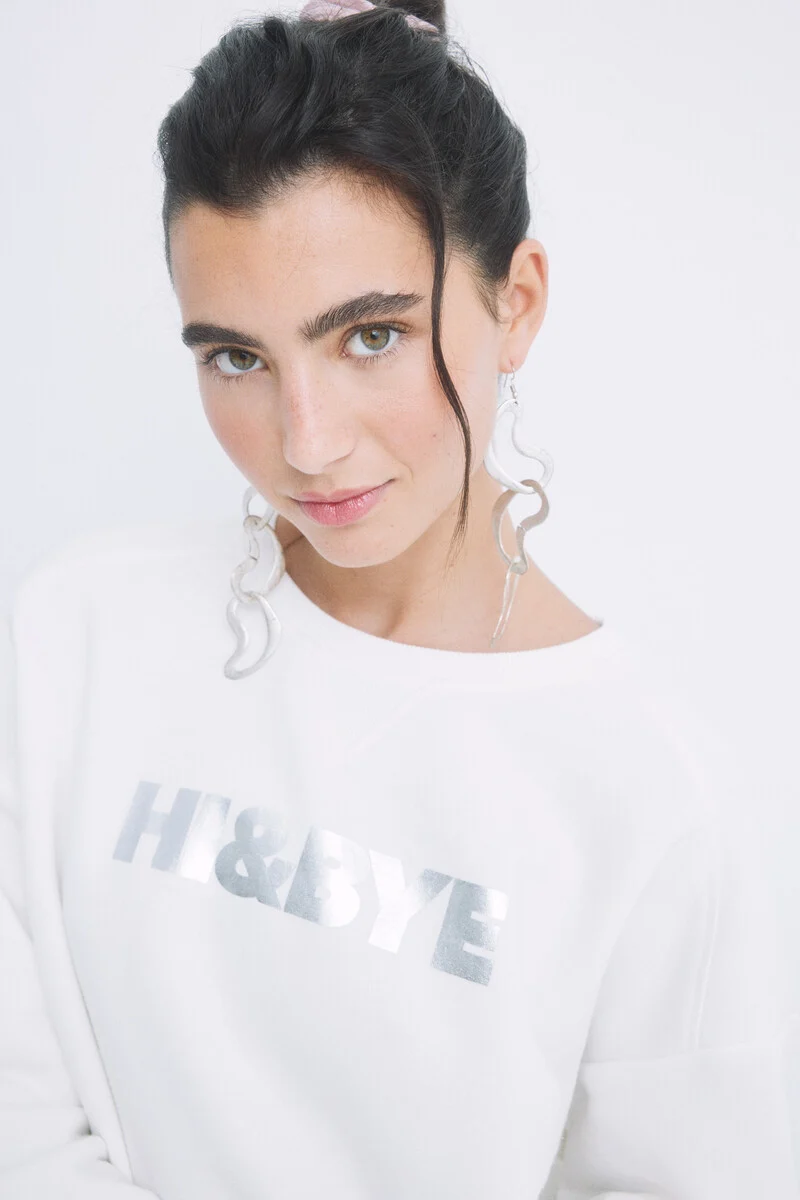
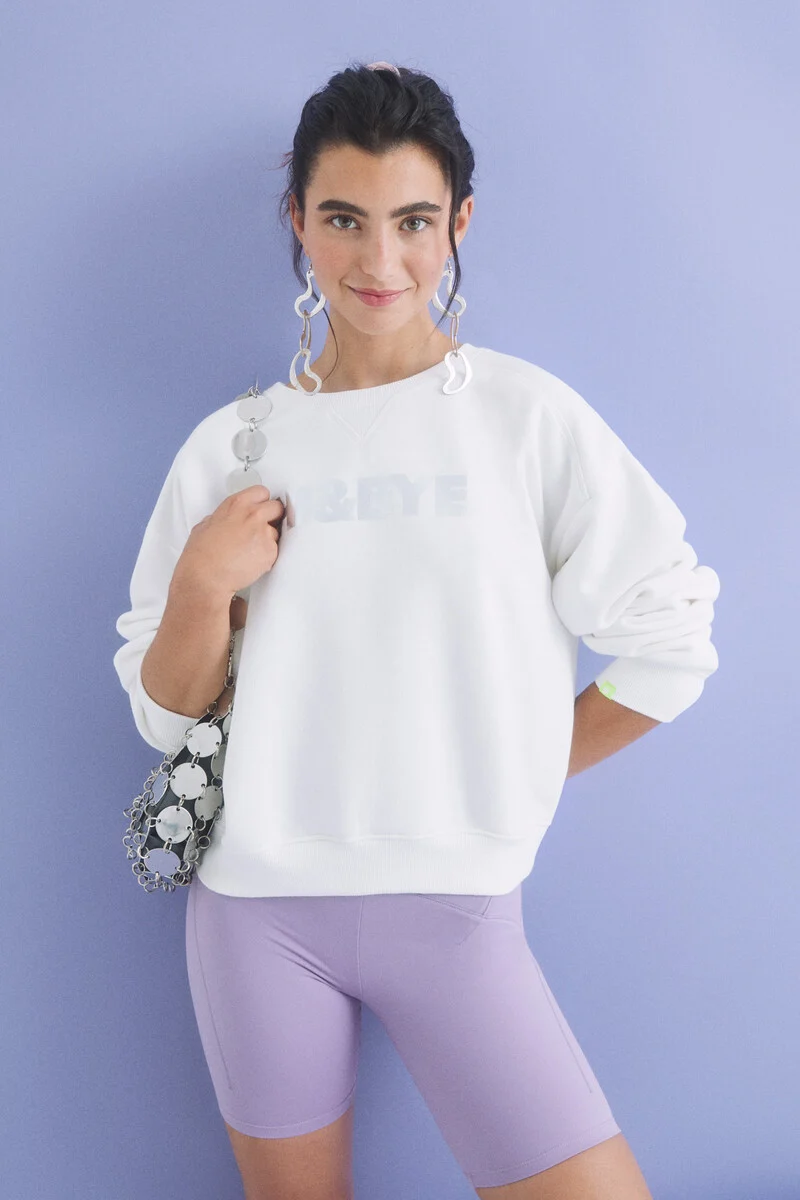
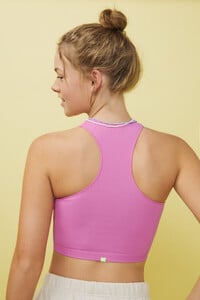
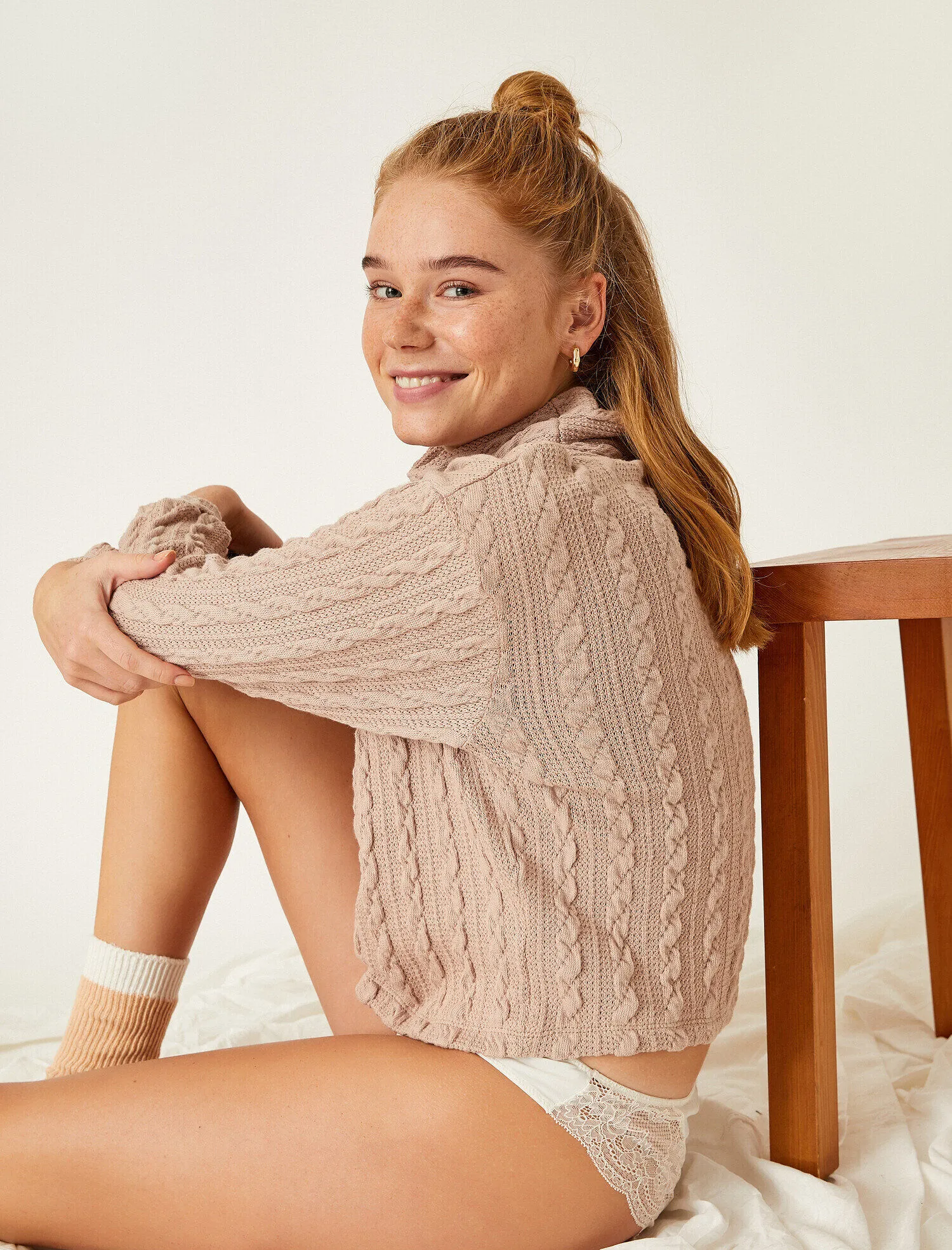
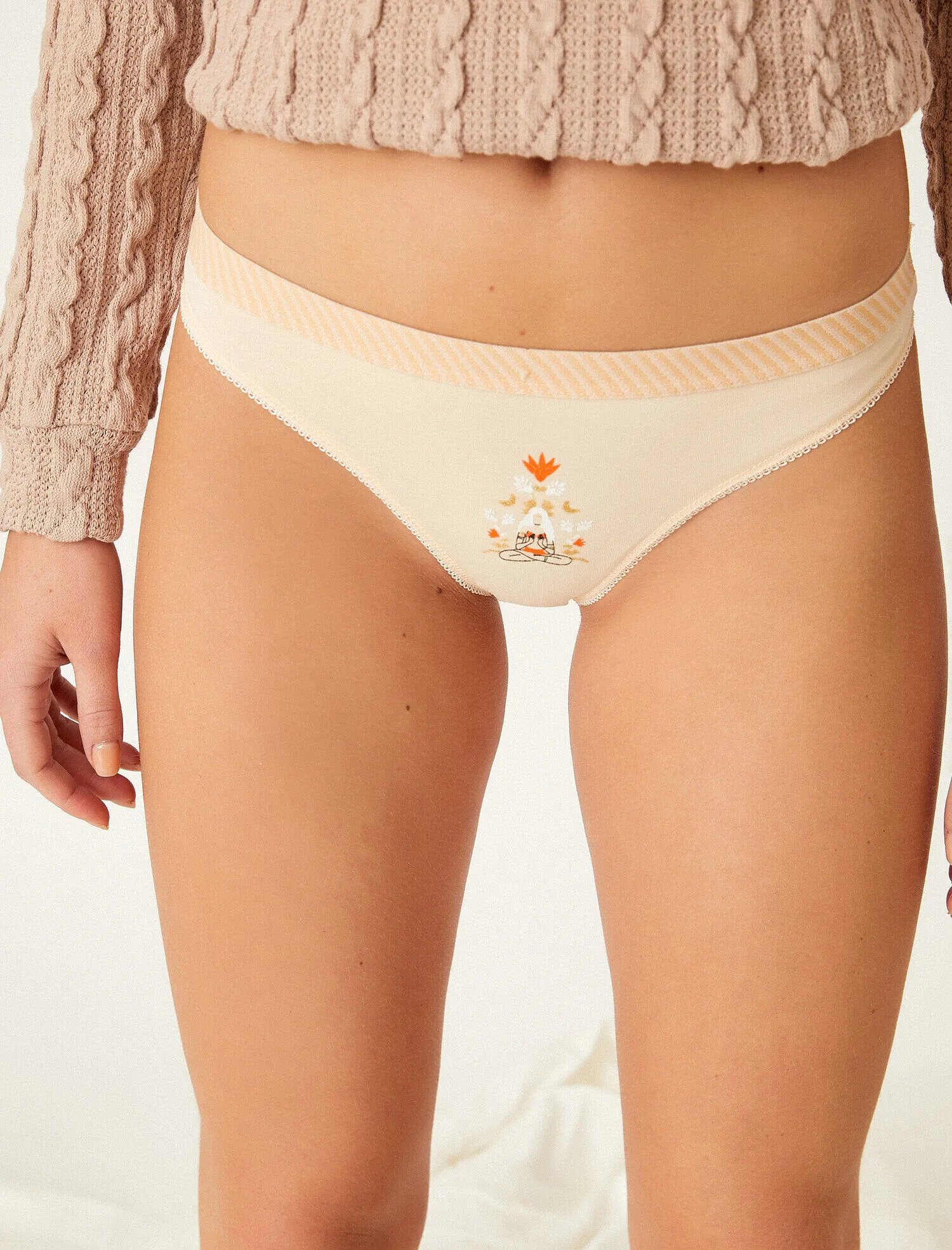
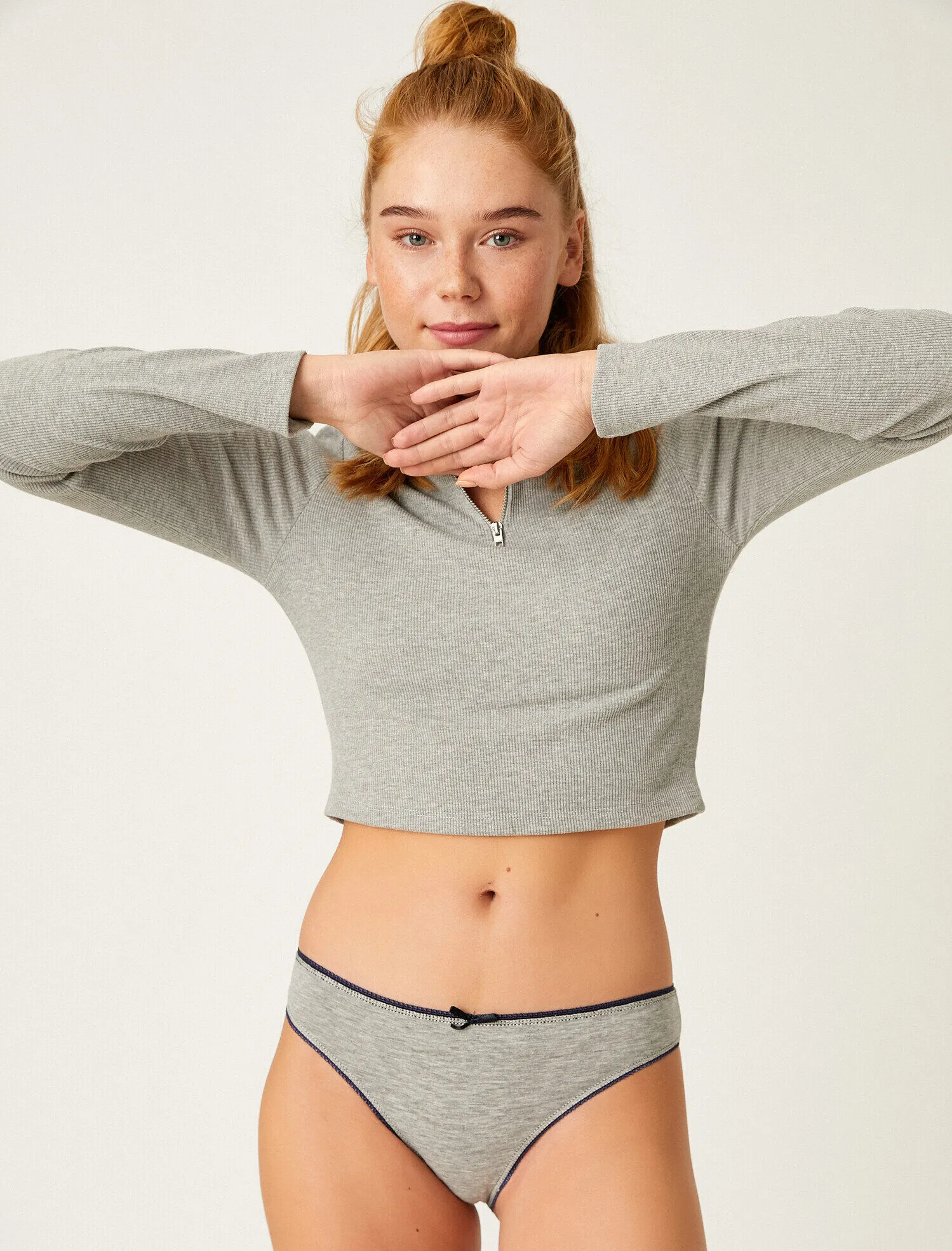
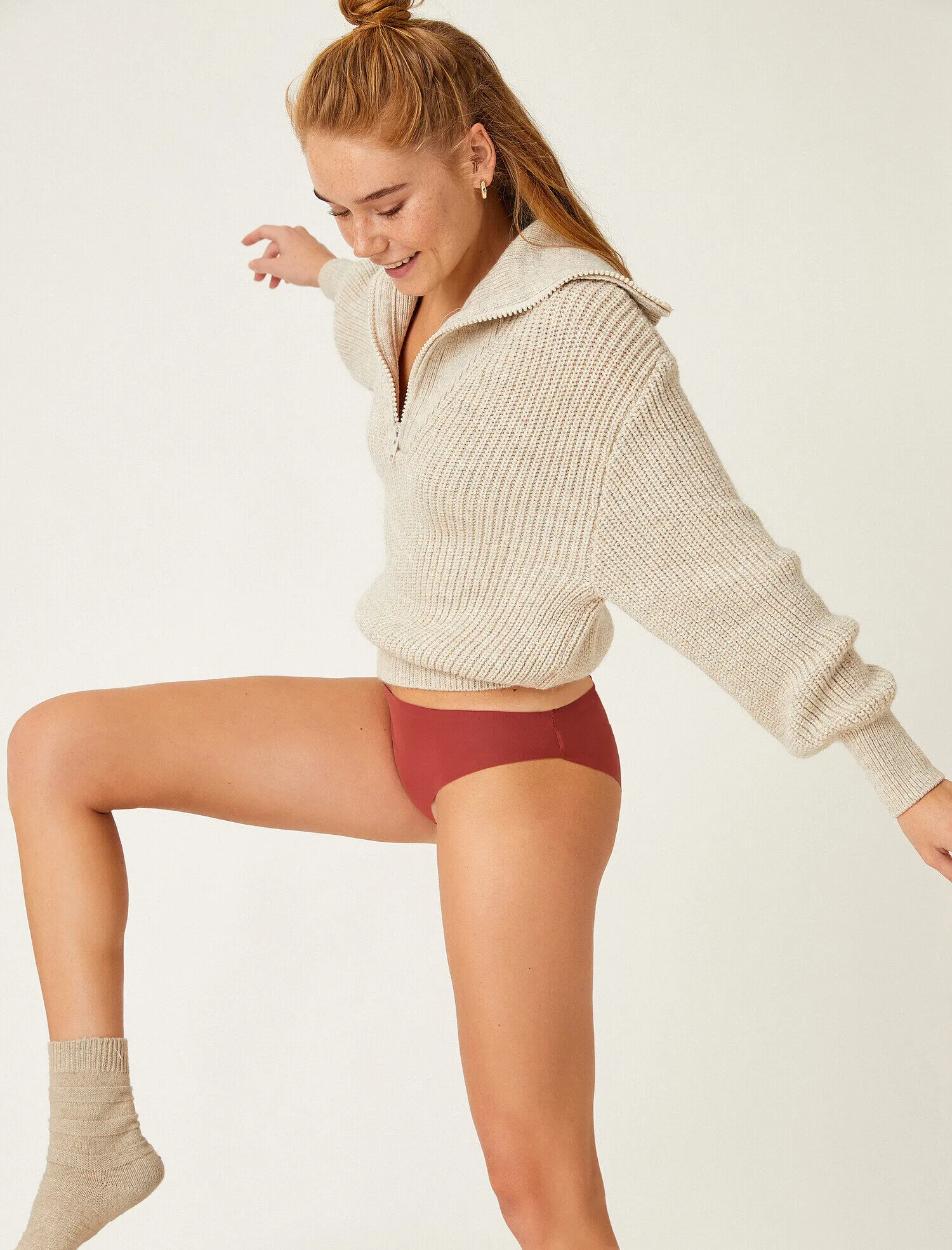
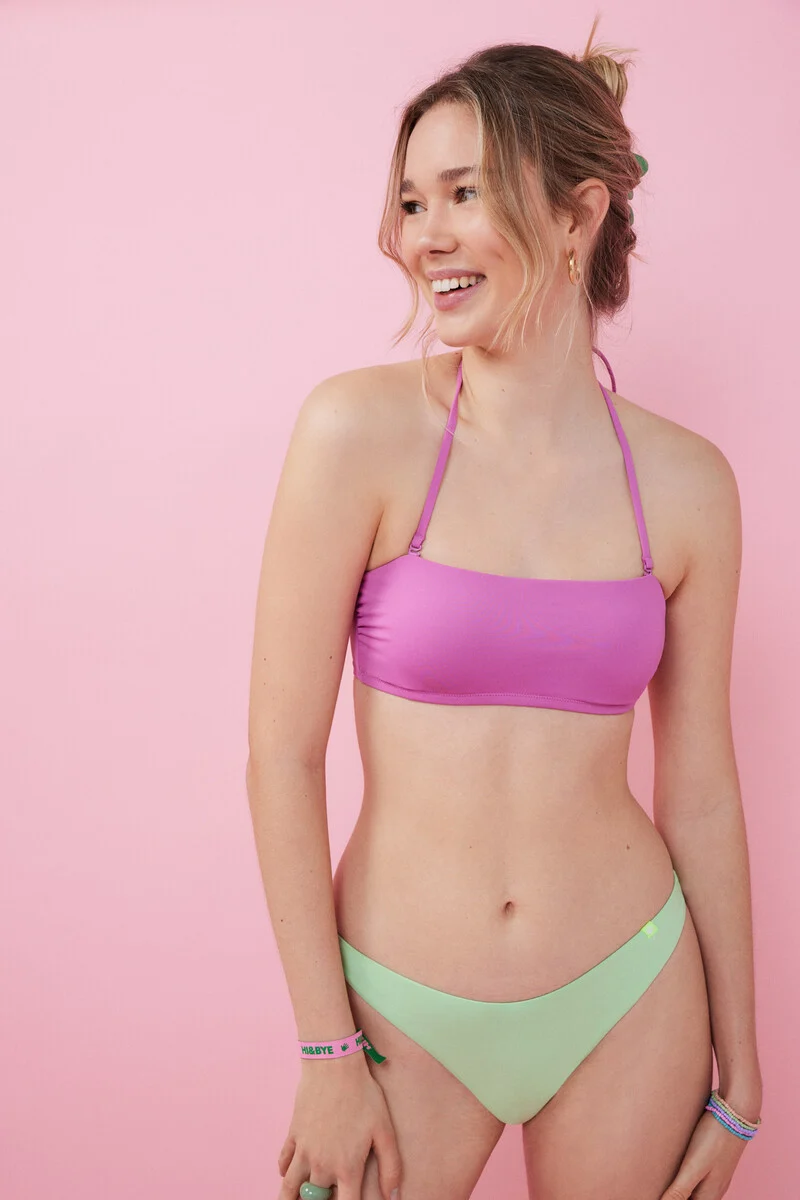
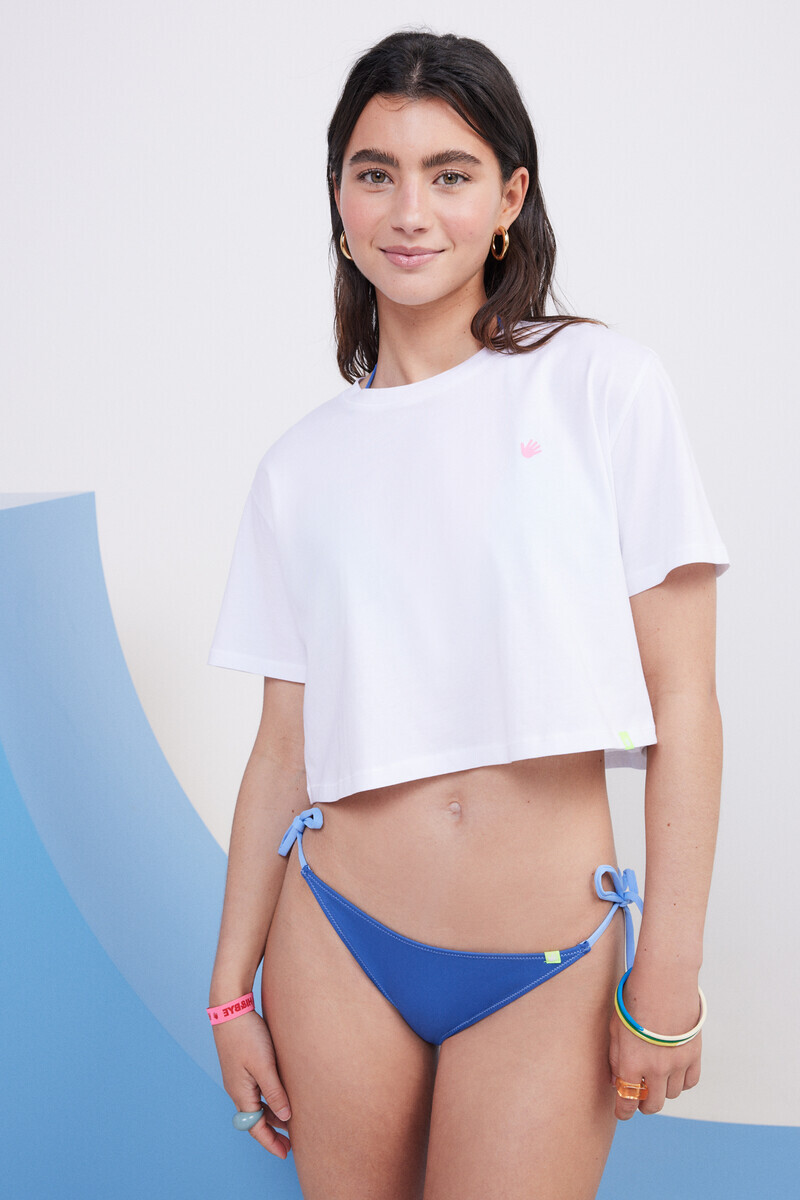
 Hi&Bye (from website of women'secret)







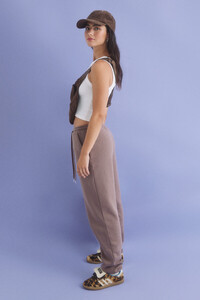



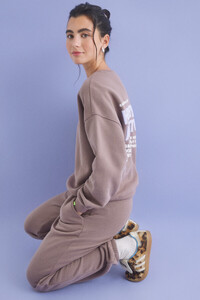



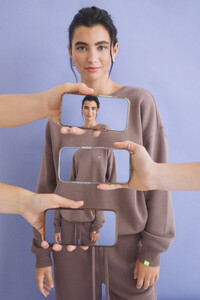

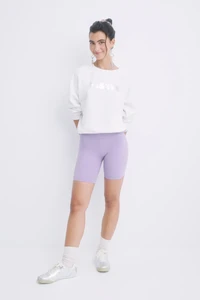



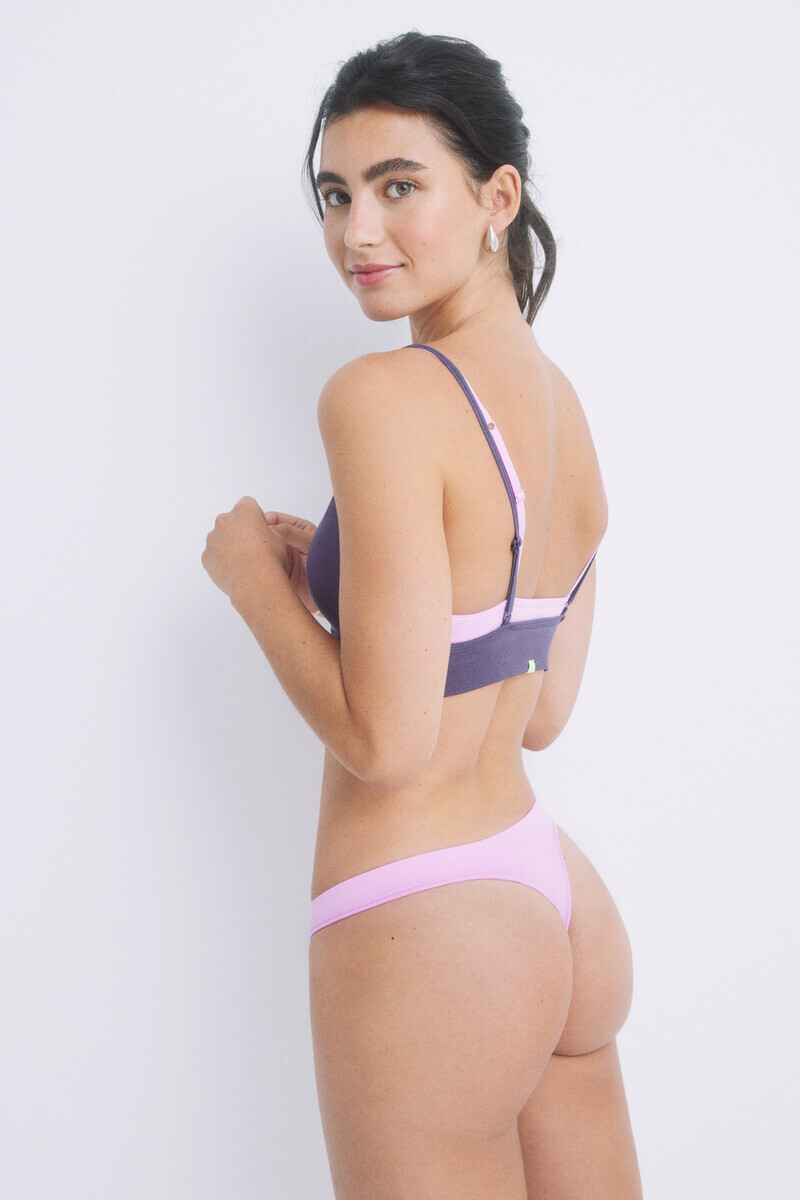
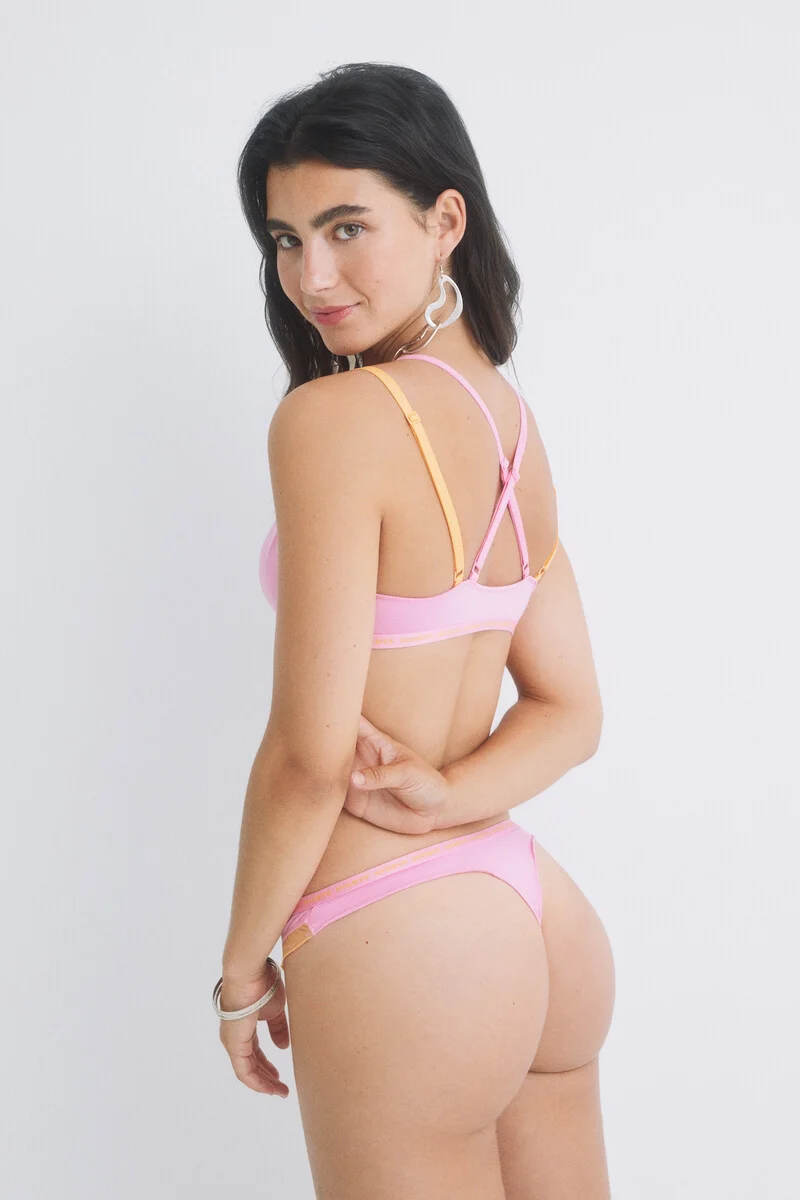
 Marta Garcia de la Borbolla Bust 80 / Waist 58 / Hips 91 / Height 1.68 / Shoes 38 / Eyes Green / Hair Black


















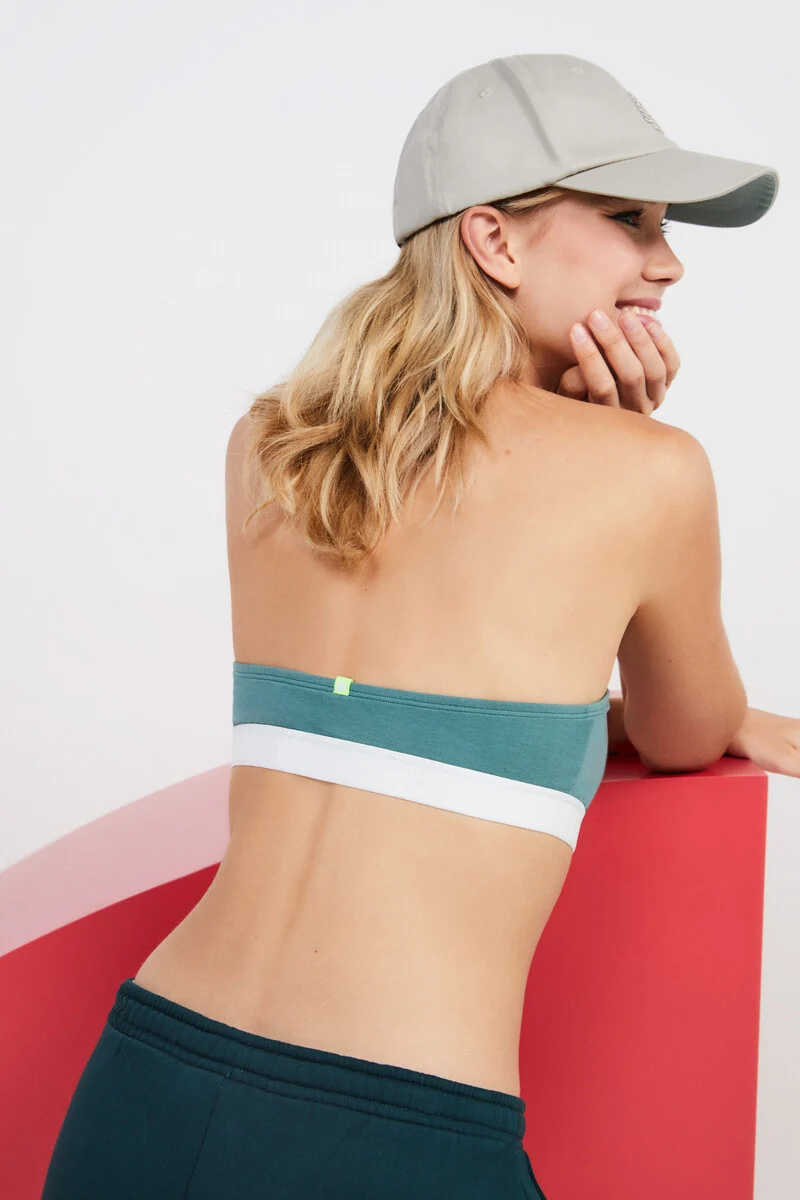
 Hi&Bye (from website of women's secret )




















Account
Navigation
Search
Configure browser push notifications
Chrome (Android)
- Tap the lock icon next to the address bar.
- Tap Permissions → Notifications.
- Adjust your preference.
Chrome (Desktop)
- Click the padlock icon in the address bar.
- Select Site settings.
- Find Notifications and adjust your preference.
Safari (iOS 16.4+)
- Ensure the site is installed via Add to Home Screen.
- Open Settings App → Notifications.
- Find your app name and adjust your preference.
Safari (macOS)
- Go to Safari → Preferences.
- Click the Websites tab.
- Select Notifications in the sidebar.
- Find this website and adjust your preference.
Edge (Android)
- Tap the lock icon next to the address bar.
- Tap Permissions.
- Find Notifications and adjust your preference.
Edge (Desktop)
- Click the padlock icon in the address bar.
- Click Permissions for this site.
- Find Notifications and adjust your preference.
Firefox (Android)
- Go to Settings → Site permissions.
- Tap Notifications.
- Find this site in the list and adjust your preference.
Firefox (Desktop)
- Open Firefox Settings.
- Search for Notifications.
- Find this site in the list and adjust your preference.

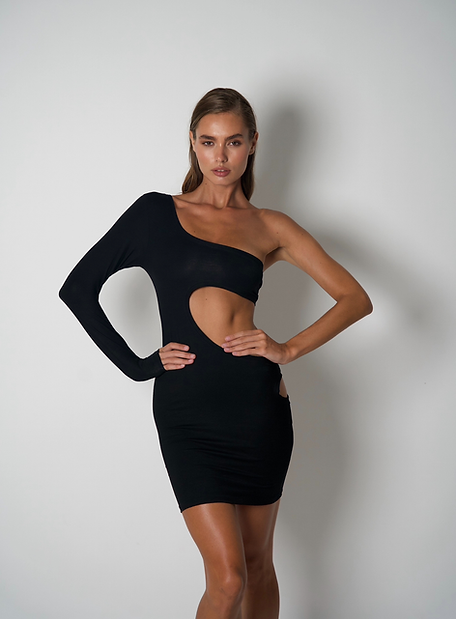
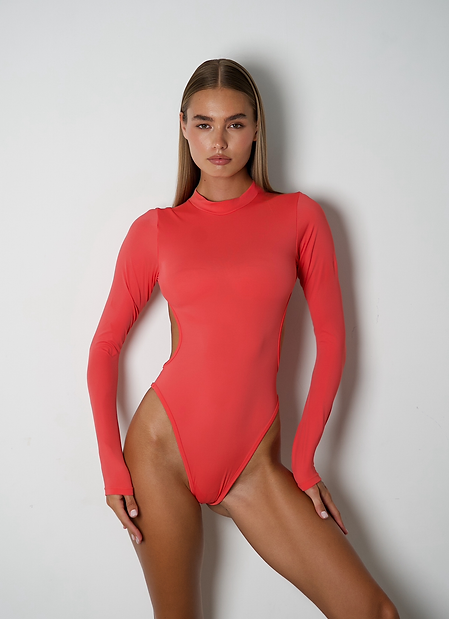
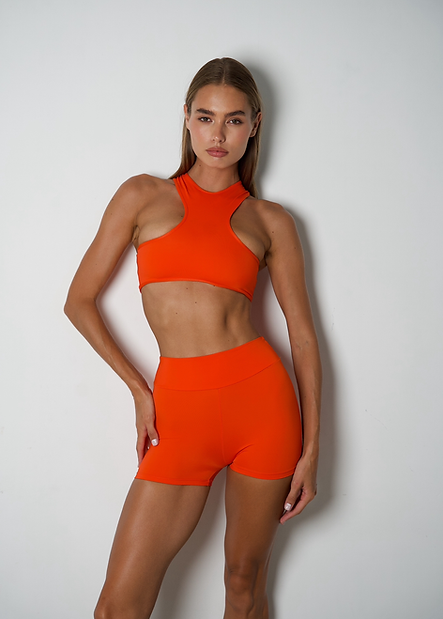
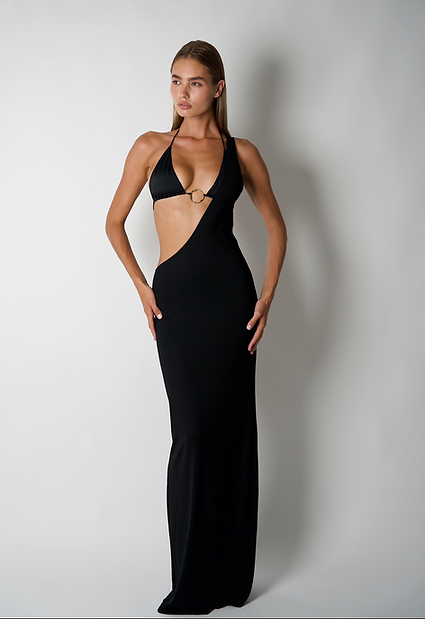

.webp.143c4eefe60d2d80d01e8eb8bd01ae95.webp)








































































































































































































.webp.24fd805f030d58e9825911ce1f840ec6.webp)