Fede35mm
Members
-
Joined
-
Last visited
-
Thank you very much :)
-
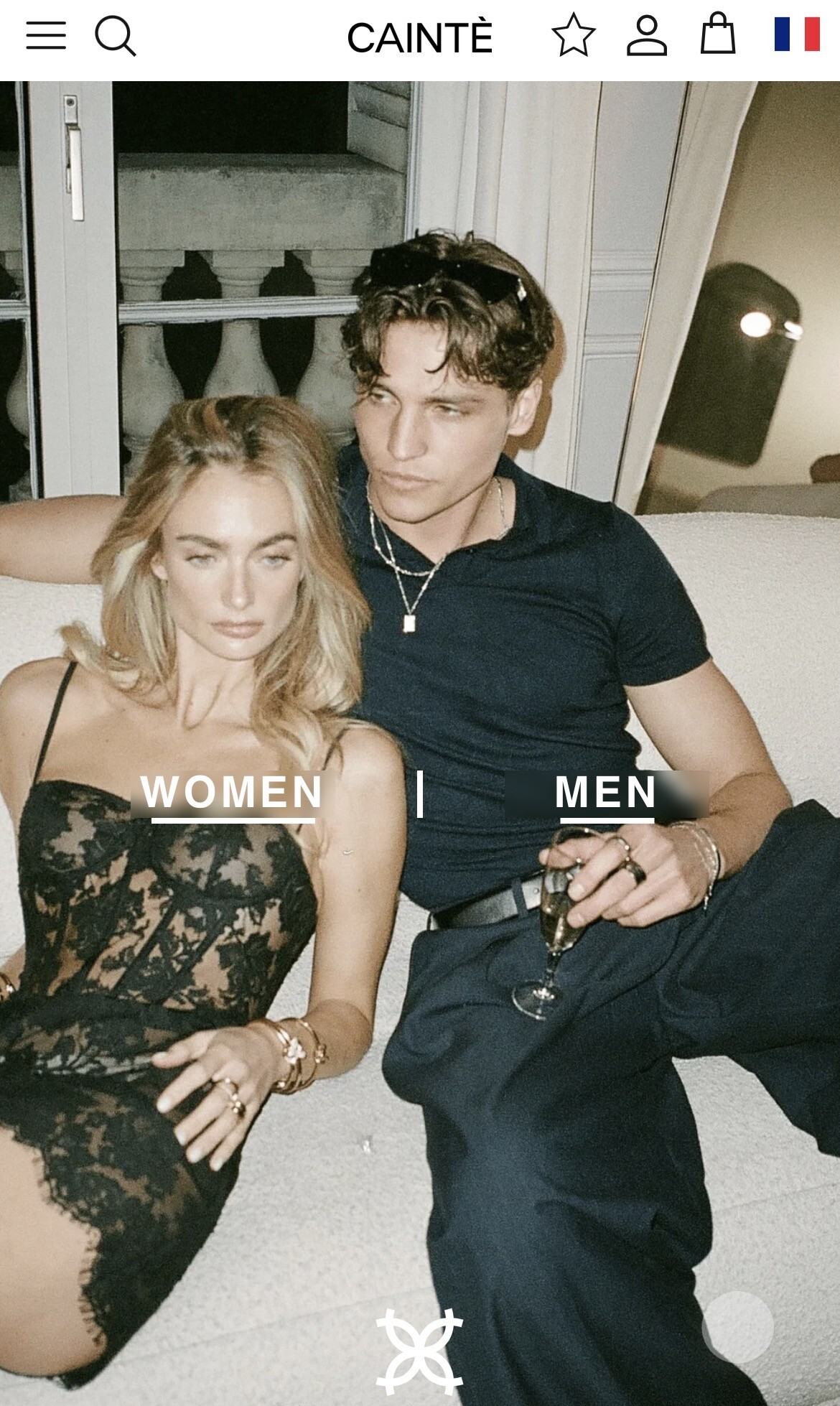
Caintè From the website and ads on social. She’s mostly in a couple of reels.
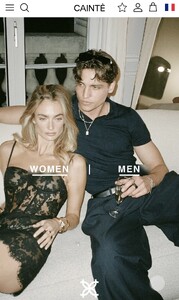 Image hidden for guestsSign in to view
-
@gnajd omg, good find. Seriously, i've been following this model for a couple of years and she's on my wishlist to work with. Glad to see my work crush validated lol
-
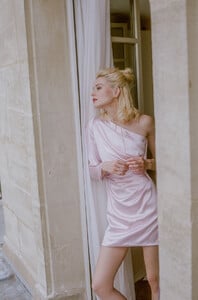
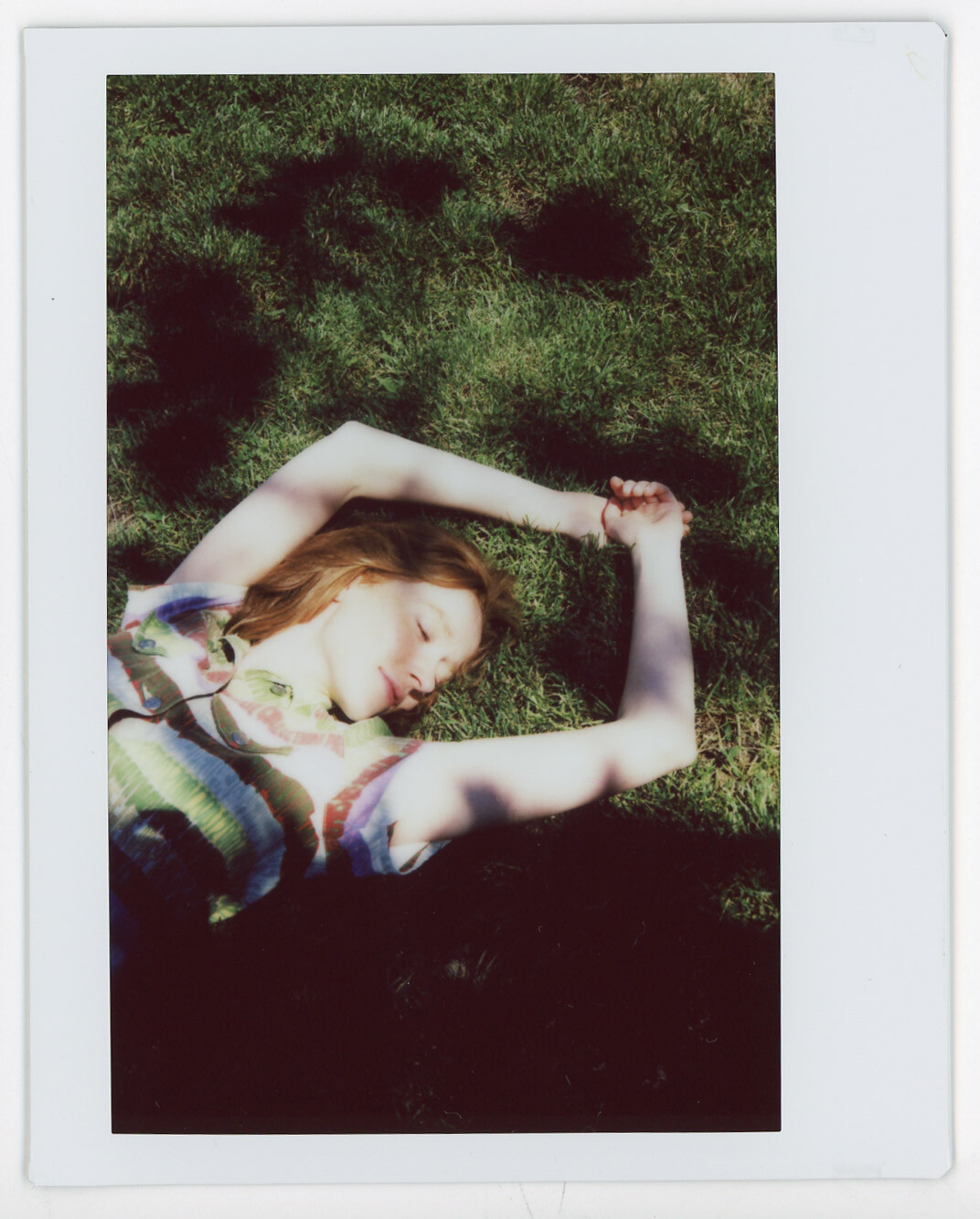
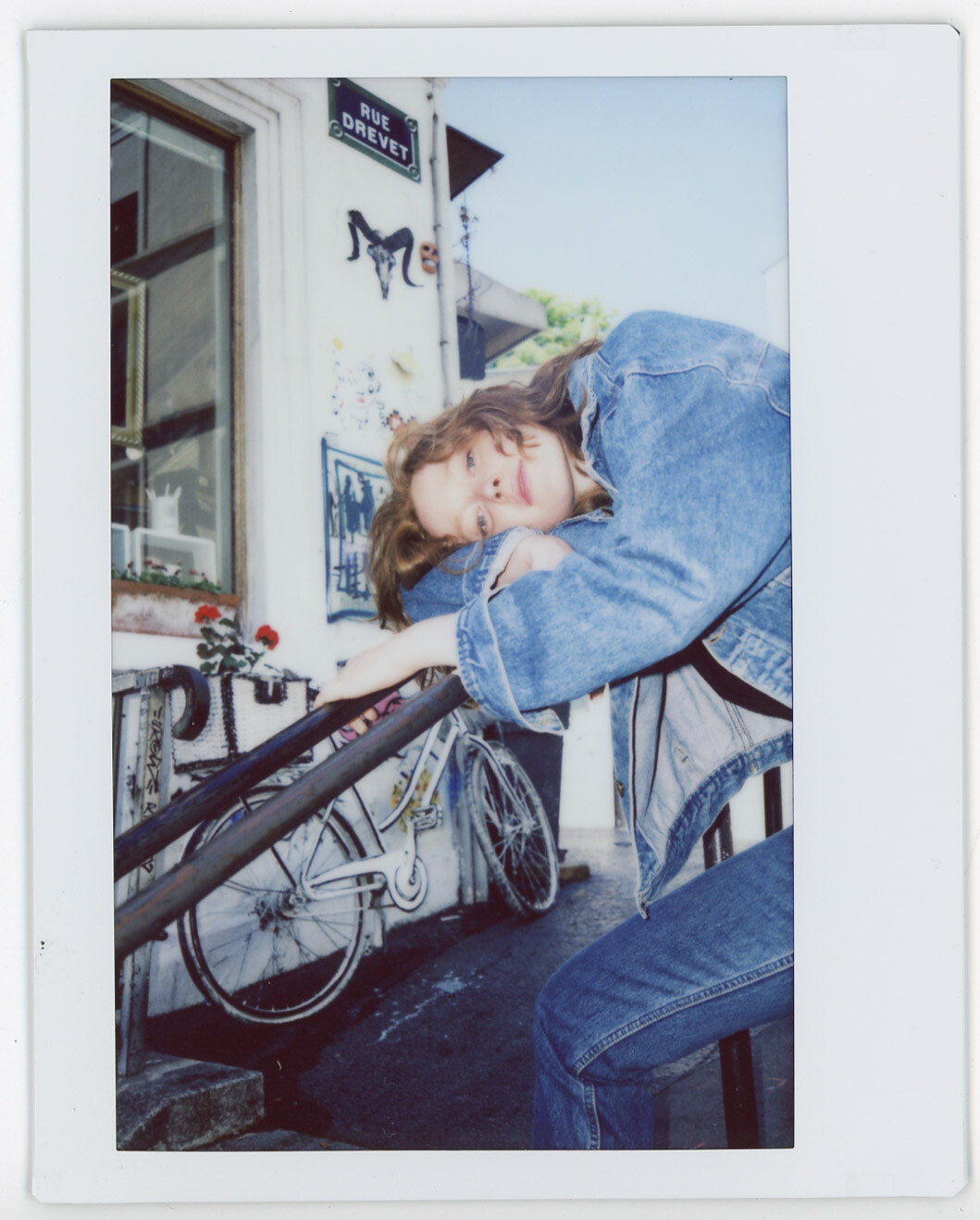
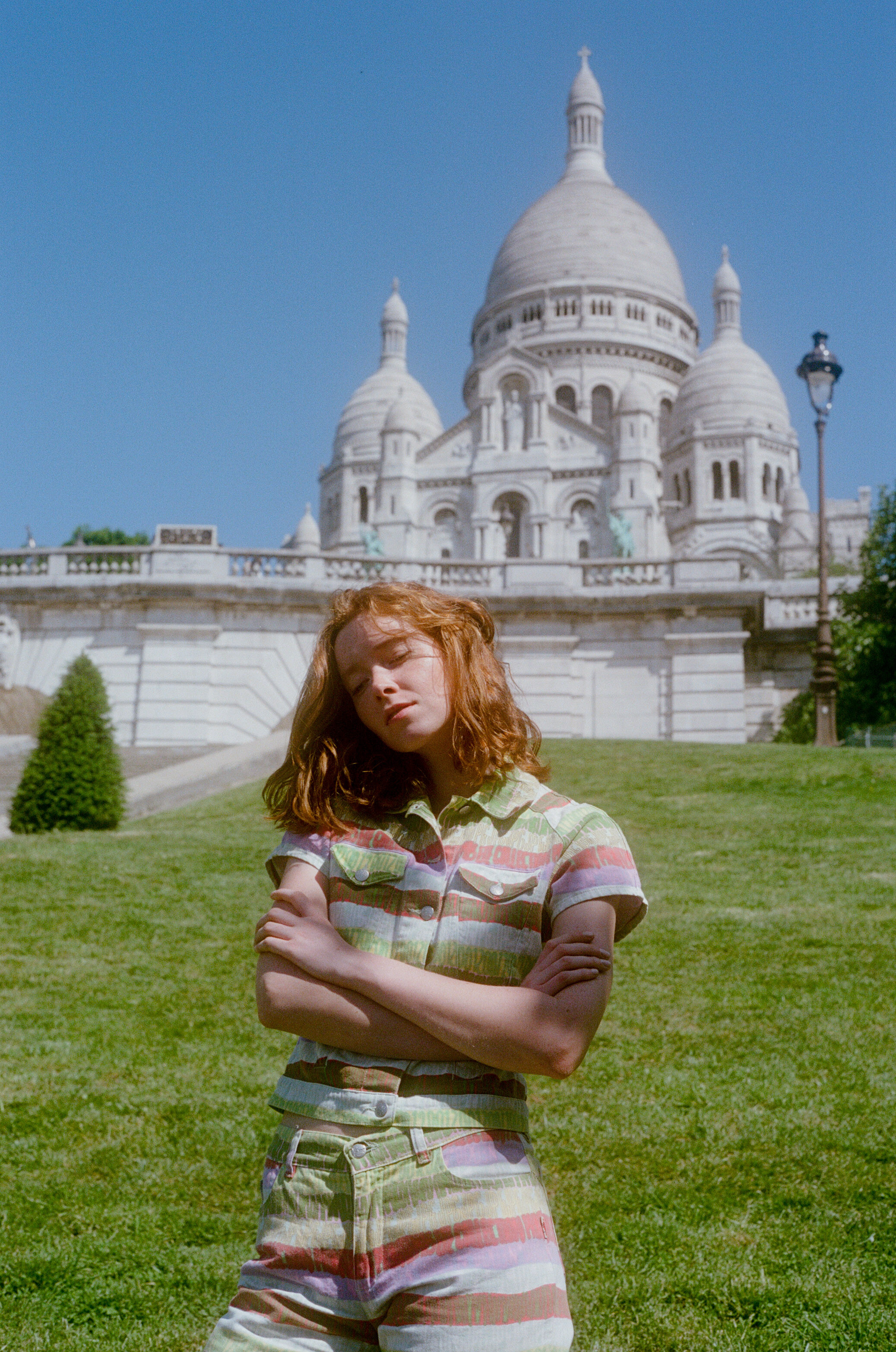
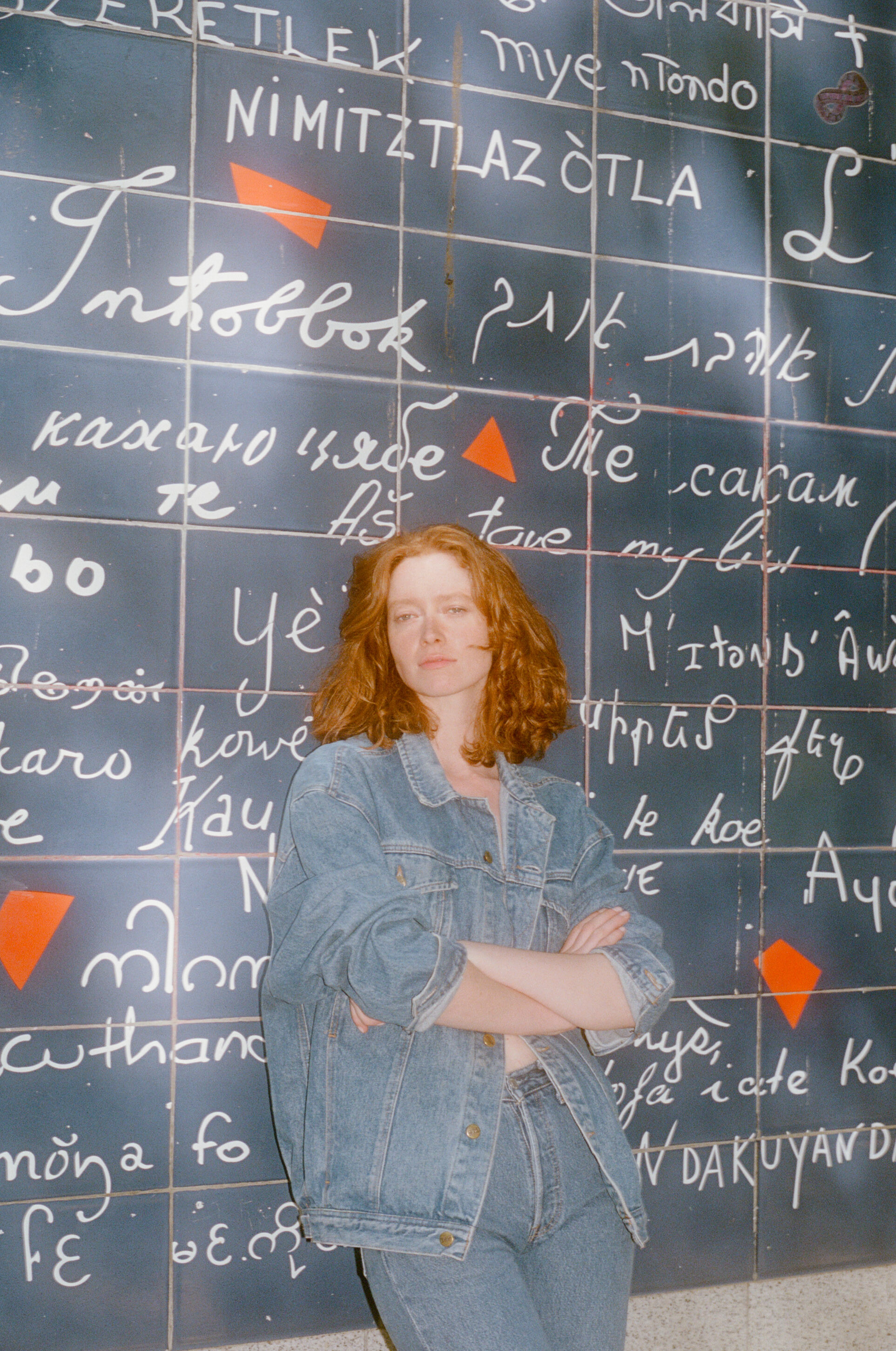
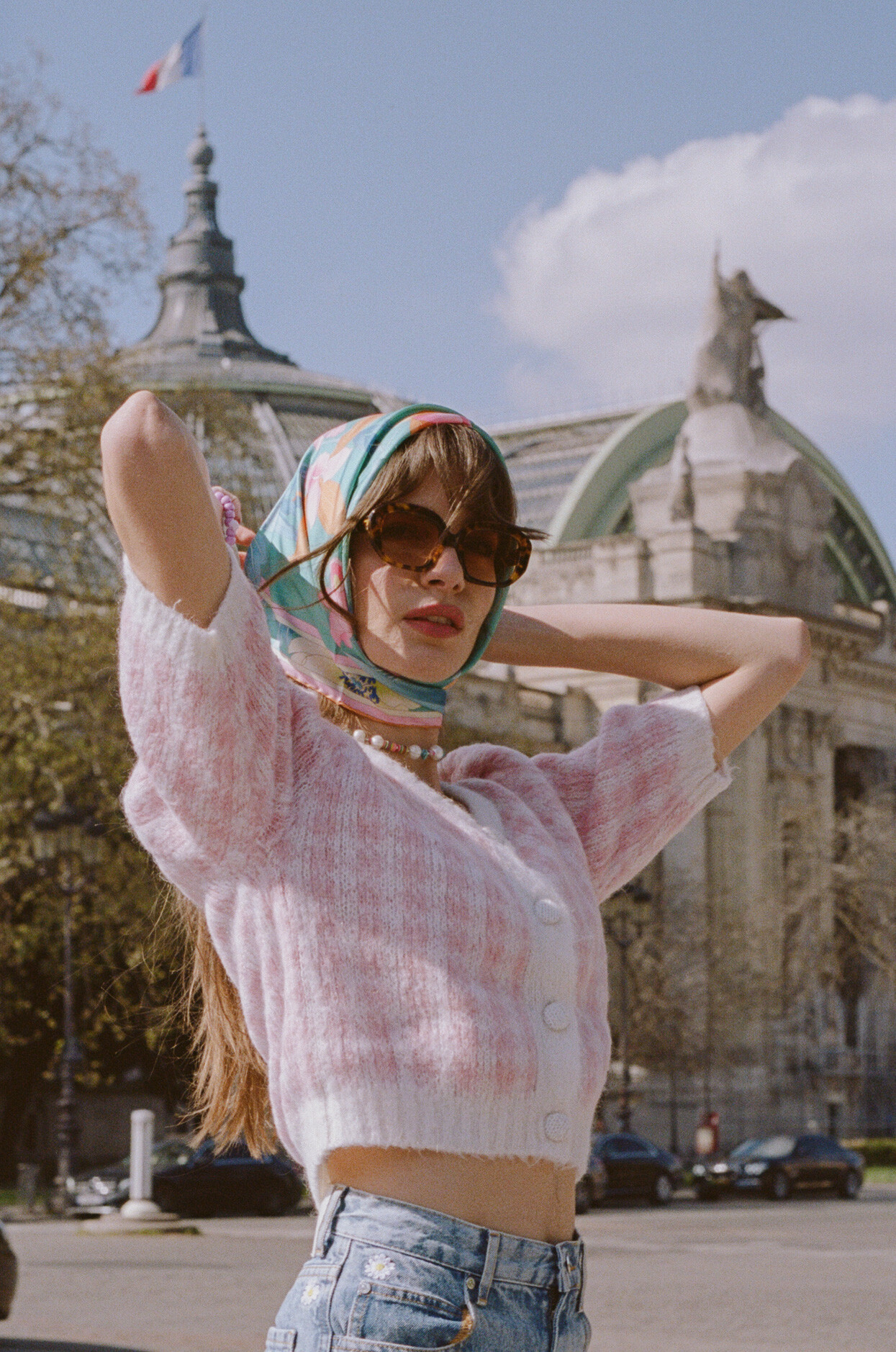
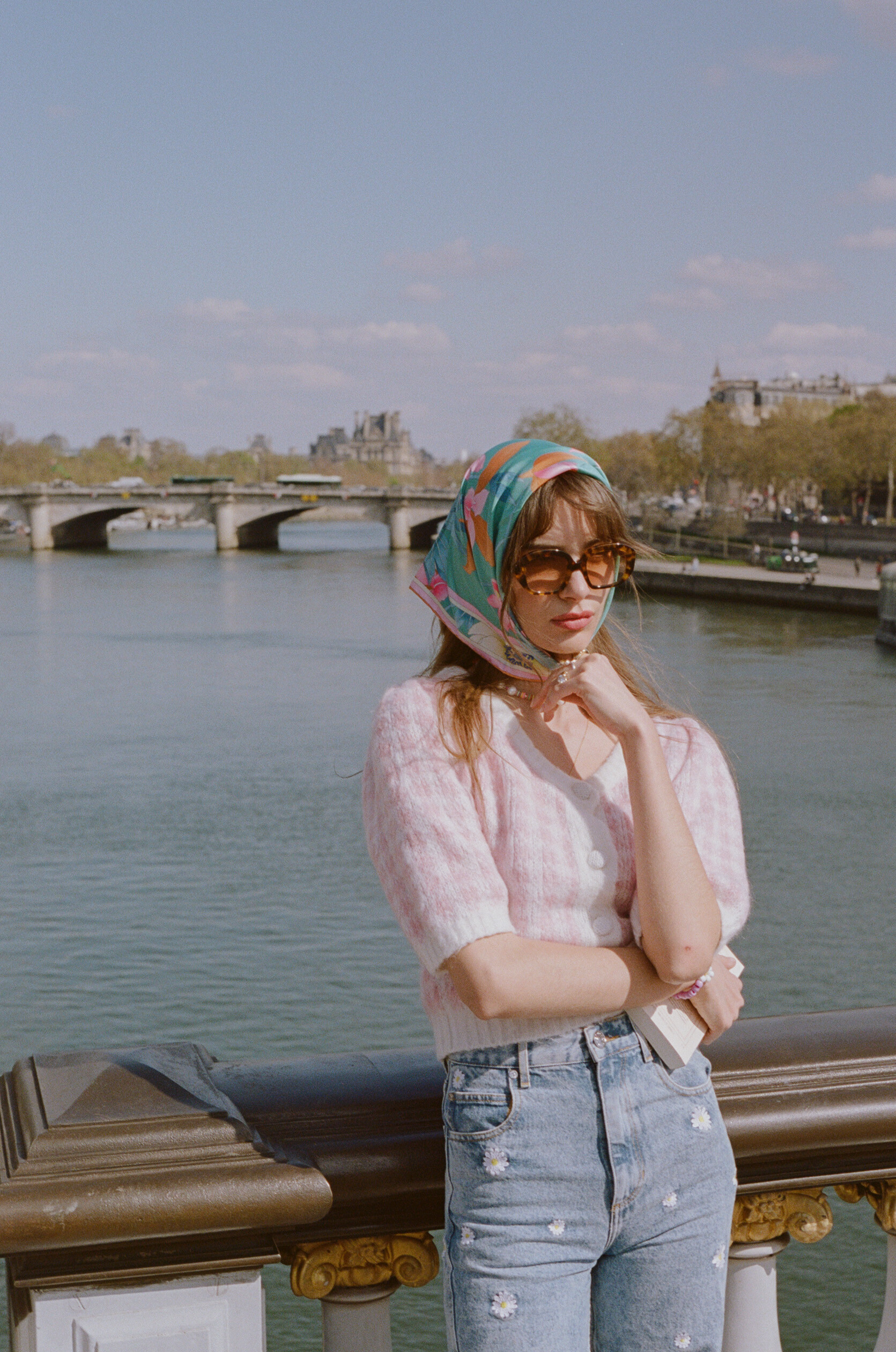
Shots of mine on film with Gabrielle back in May/June https://www.instagram.com/fedeguendel/
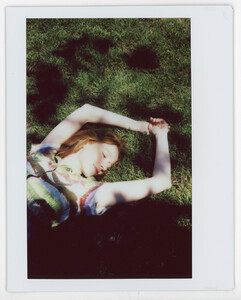
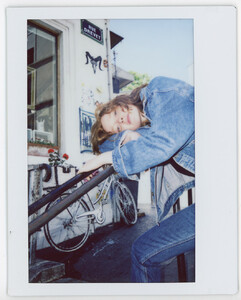
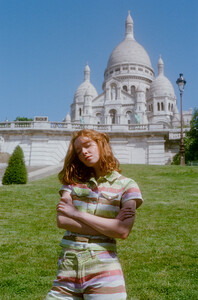
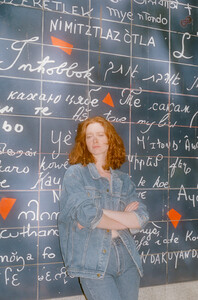
-
Editorial I shot with Eva. Some nudity on the website - https://www.offline35mm.com/eva-biechy-x-offline-by-federico-guendel/ https://www.instagram.com/fedeguendel/
-
Some of the film photos I took of Mara earlier in the year. https://www.instagram.com/fedeguendel/
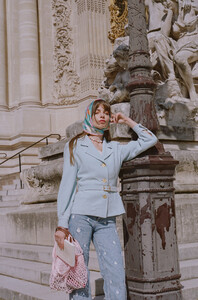
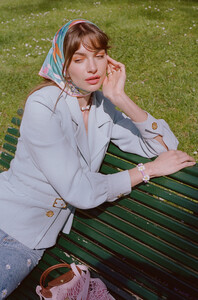
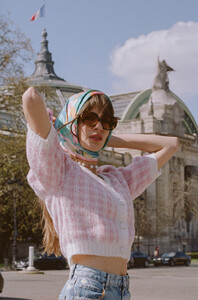
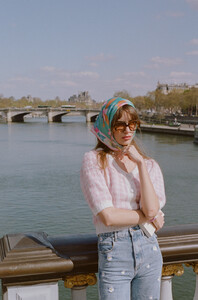
-
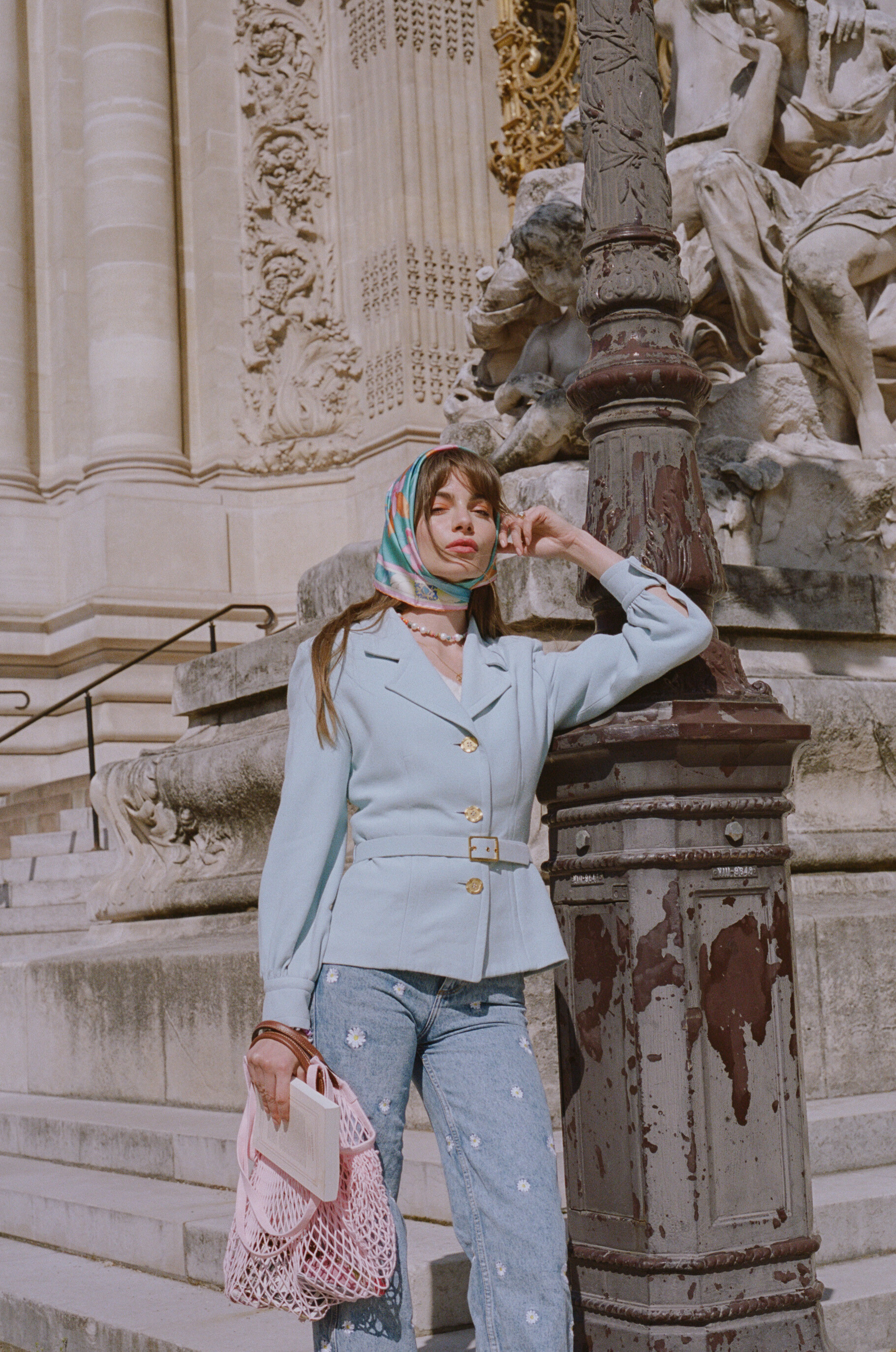
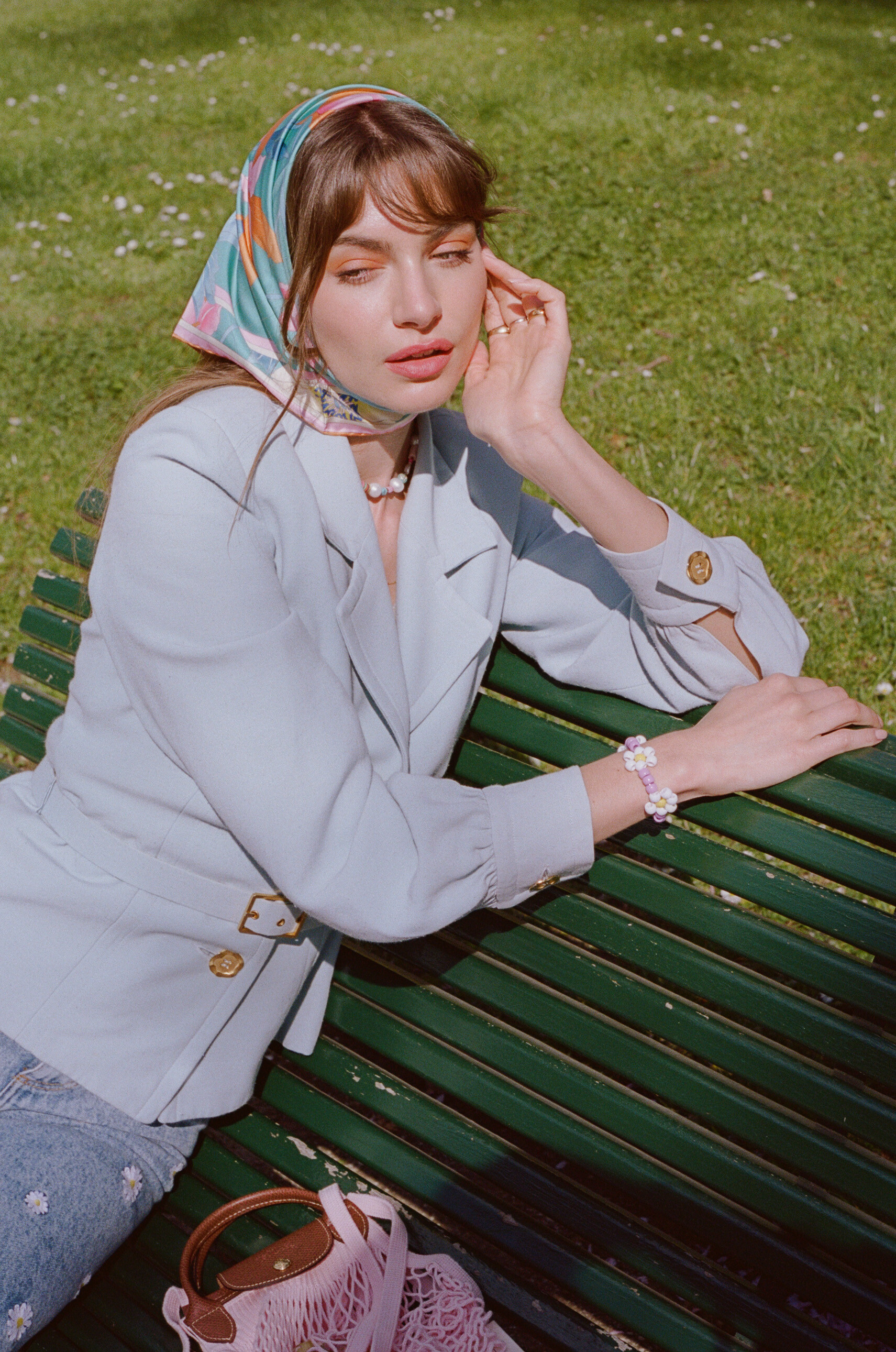
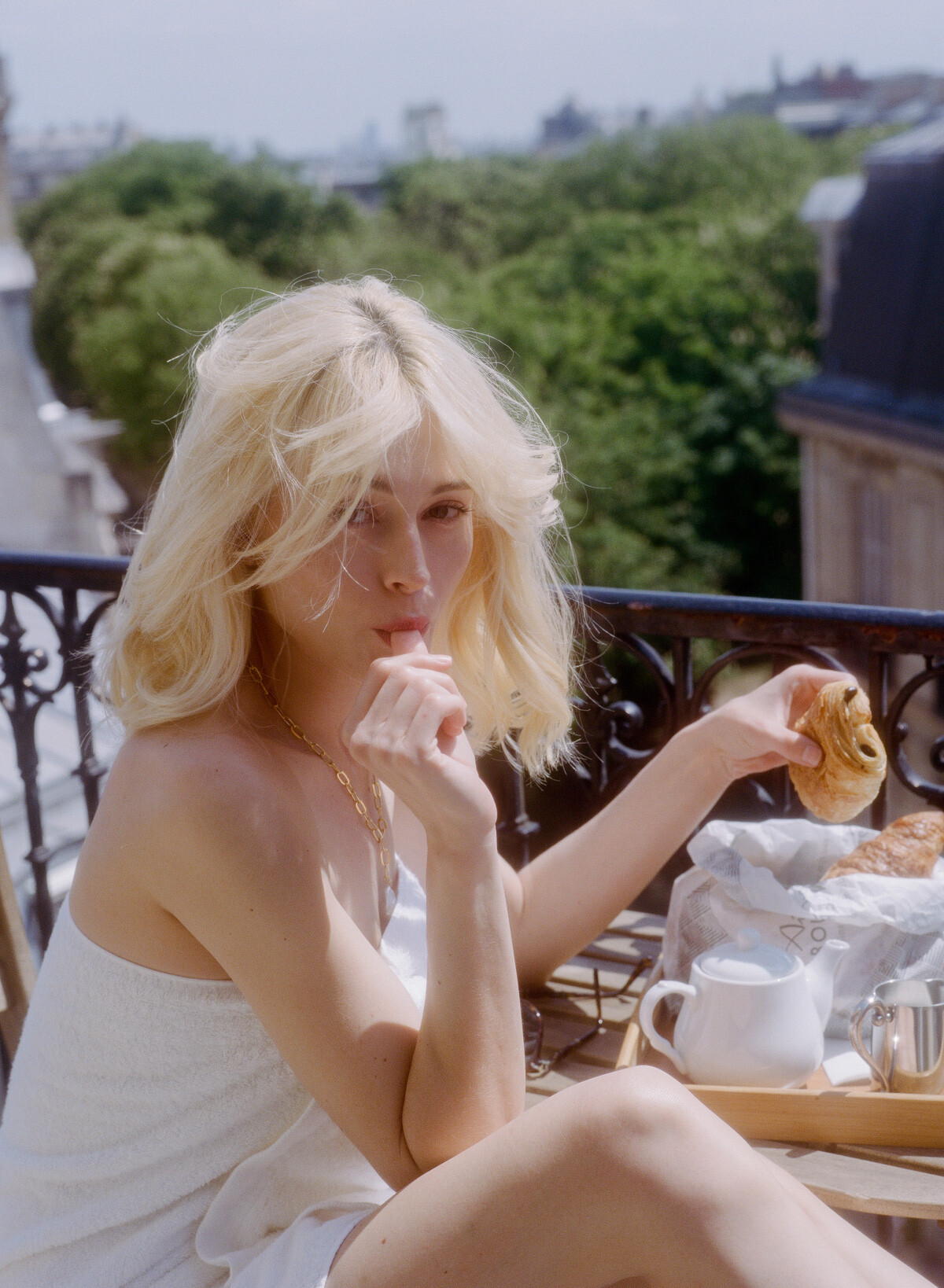
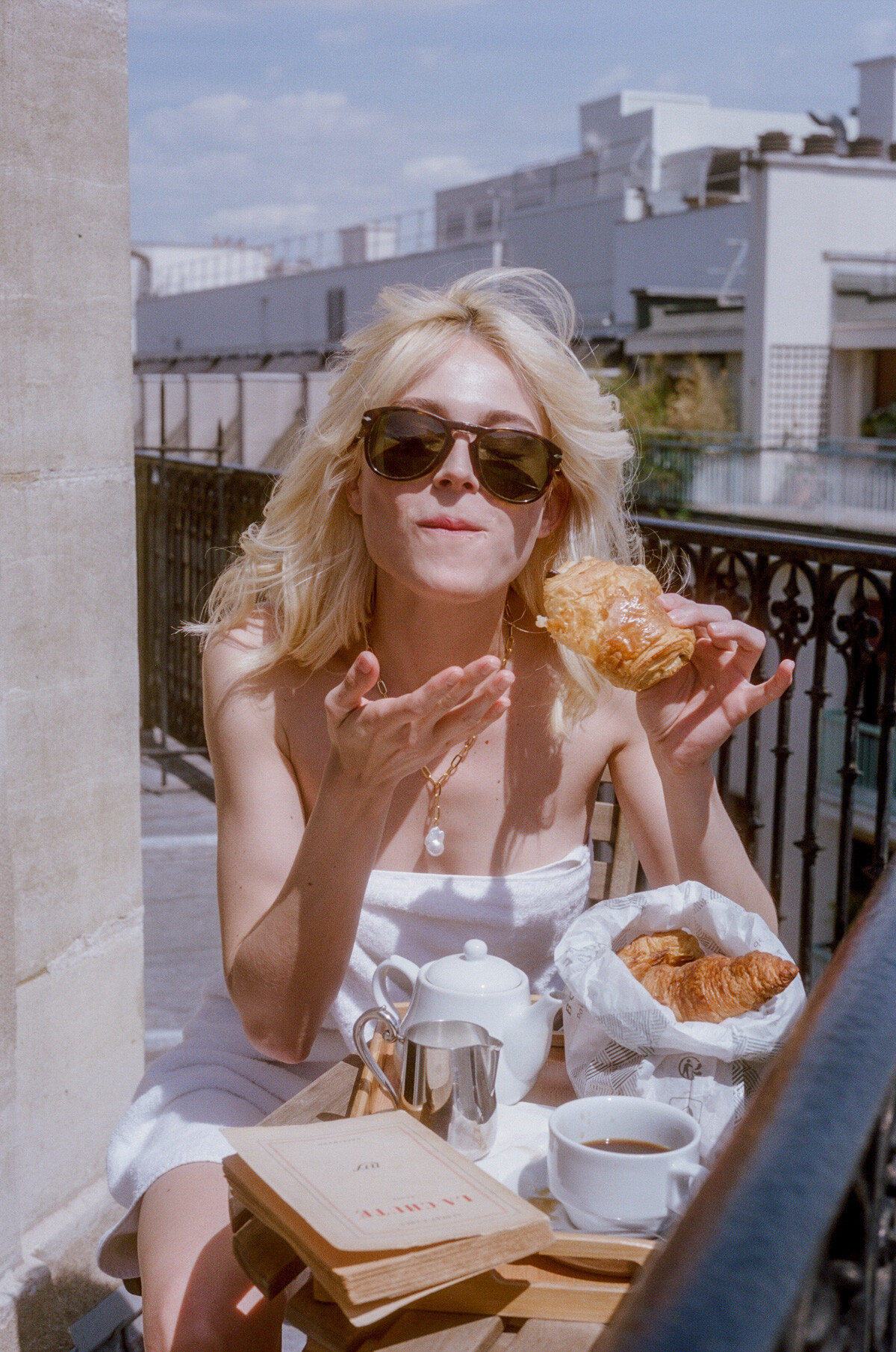
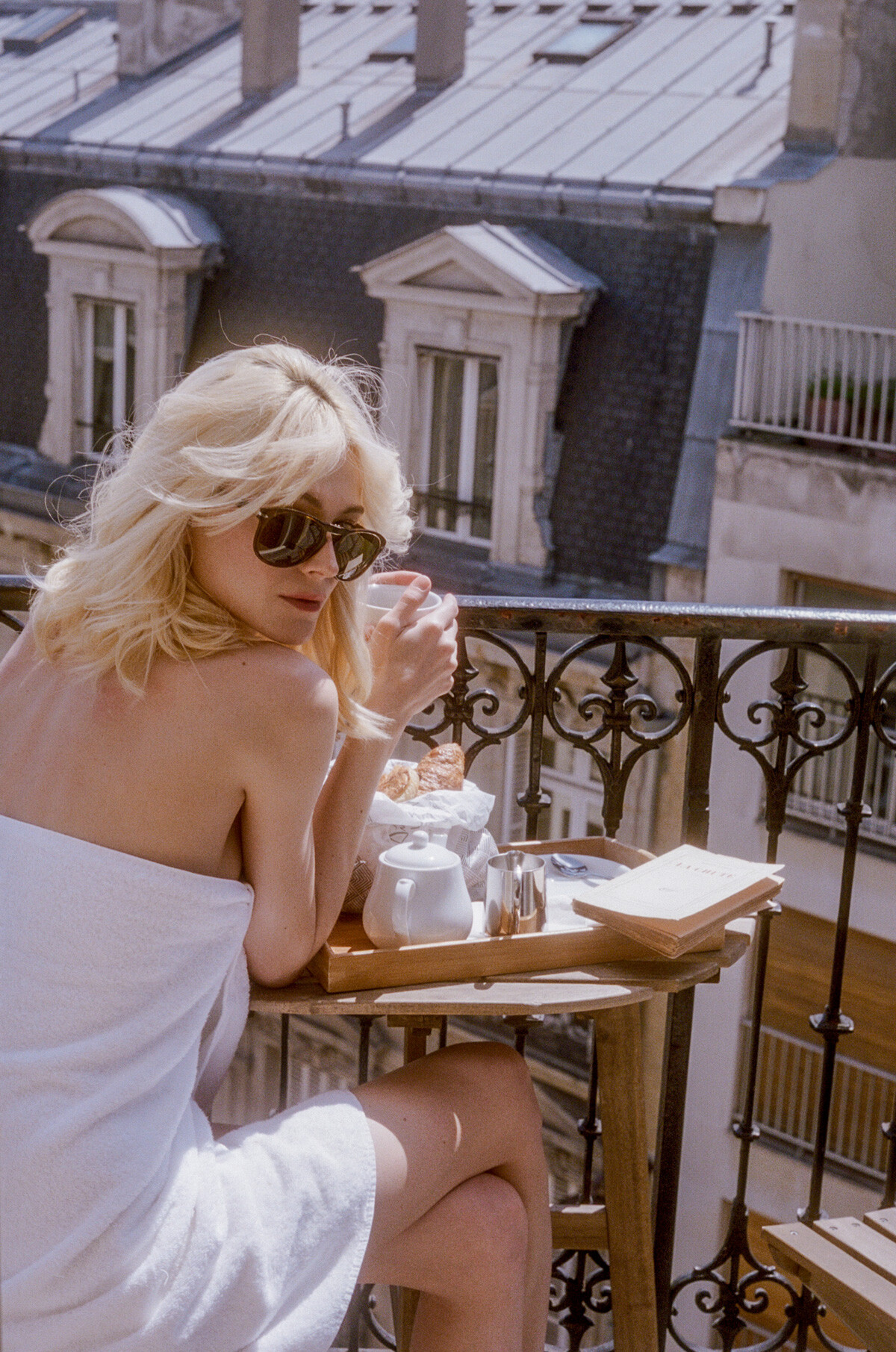
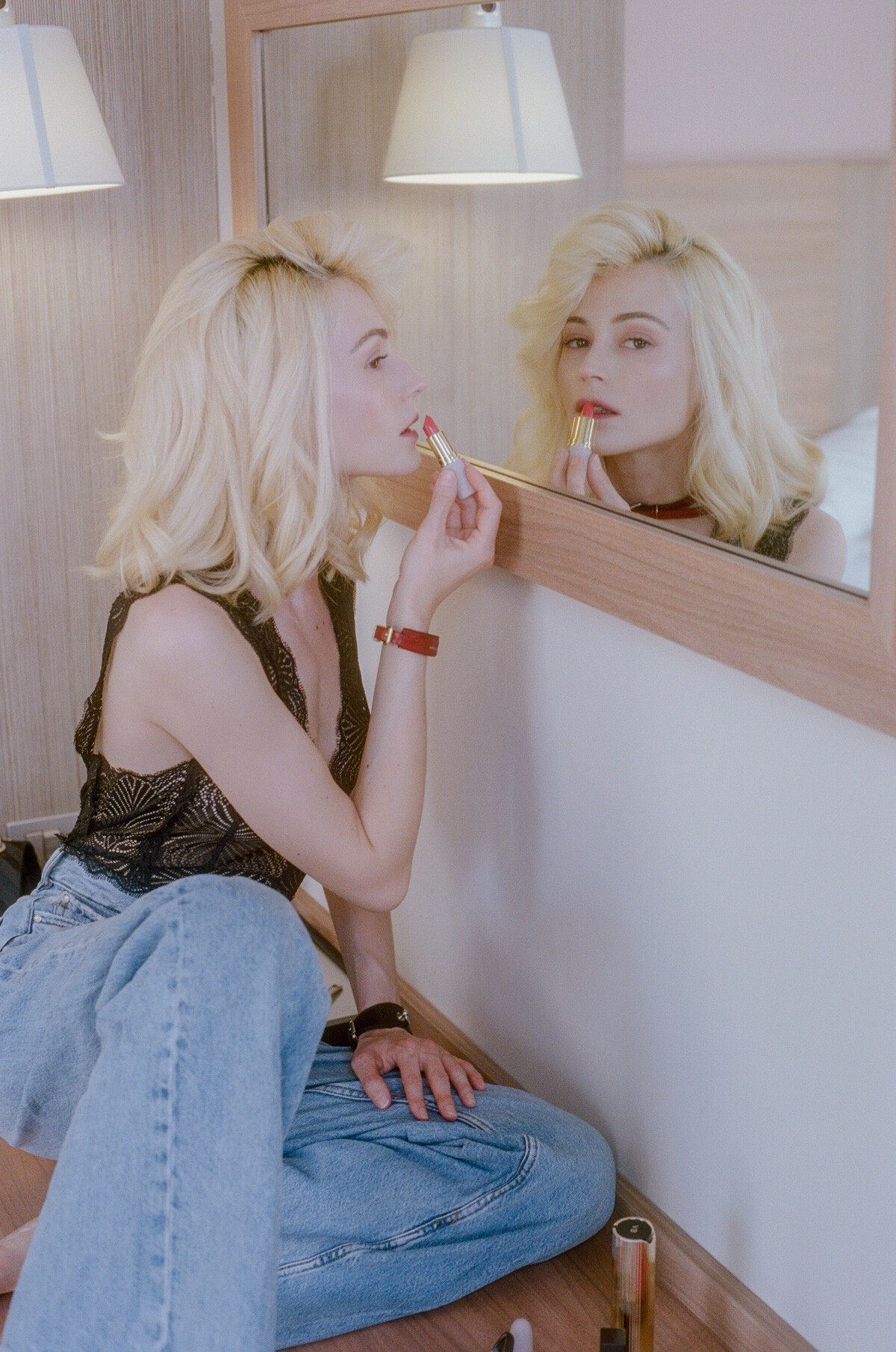
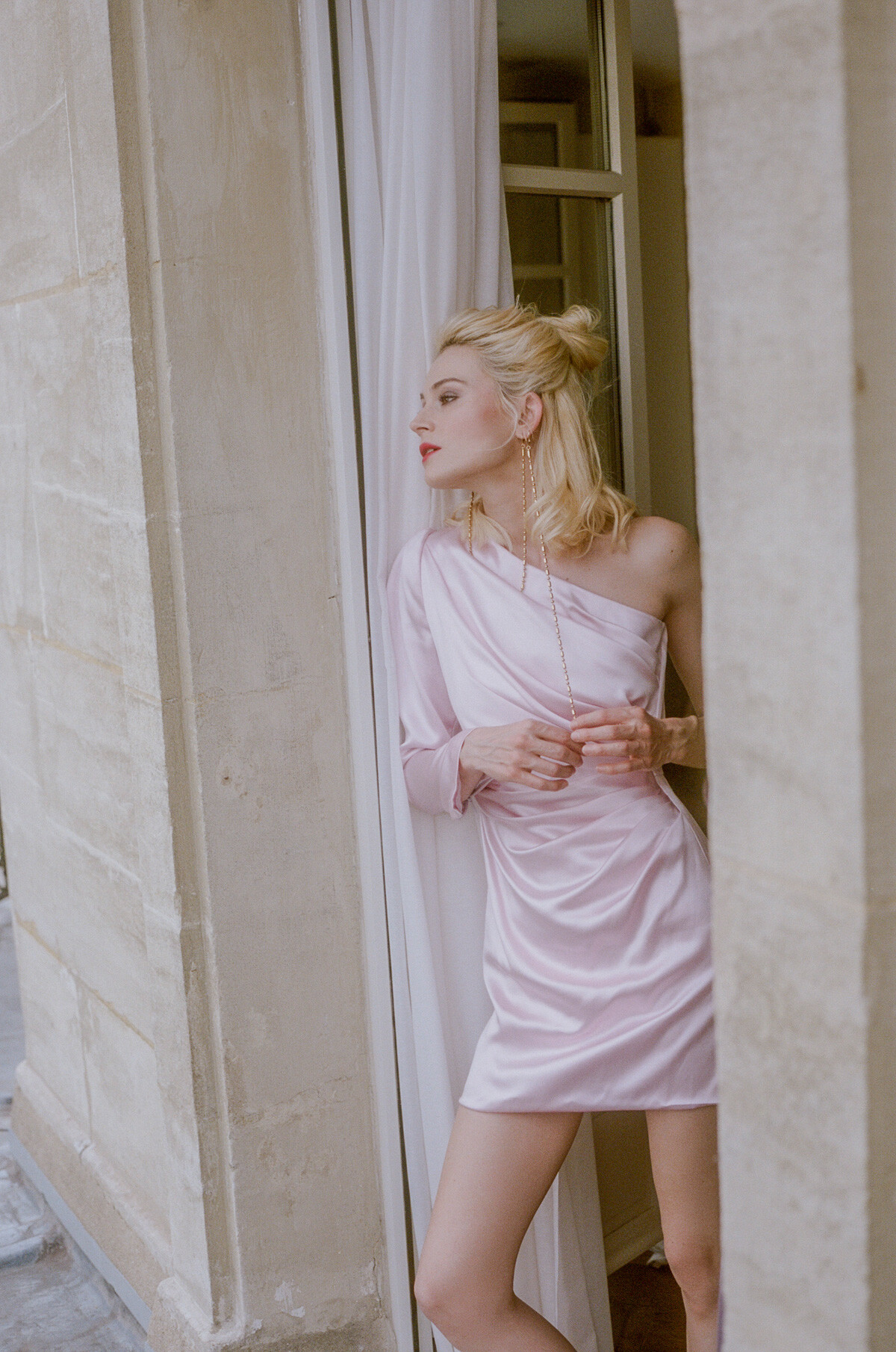
Photos from an editorial I shot with Laurine earlier in May - published on C-Heads Magazine. https://www.c-heads.com/2021/06/10/a-summer-dream-in-paris/ Team - all IG tags: Photography: @fedeguendel (me) Model: @laurinedaboville Styling: @a.la.rousse Makeup: @makeupbyjoleen Location/Hotel: @hoteldesevigne Dev+Scan: @nationphoto Lingerie: @palomacasile Bijoux perles: @bijouxdenatasha Bijoux: @domestique Dress: @bequartii Shoes: @mychalom Gloves: @thomasineglovesImage hidden for guestsSign in to viewImage hidden for guestsSign in to viewImage hidden for guestsSign in to viewImage hidden for guestsSign in to view
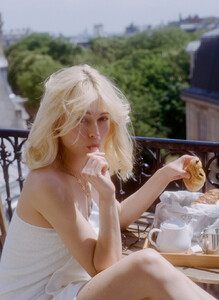
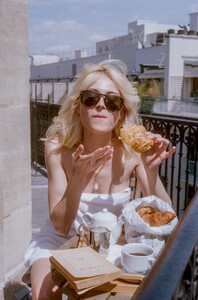 Image hidden for guestsSign in to view
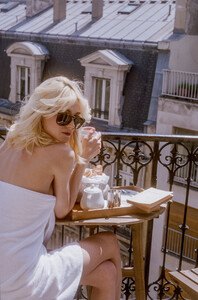 Image hidden for guestsSign in to viewImage hidden for guestsSign in to viewImage hidden for guestsSign in to view
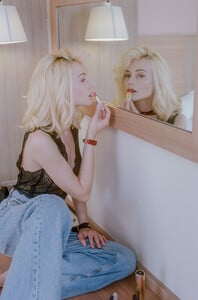 Image hidden for guestsSign in to viewImage hidden for guestsSign in to viewImage hidden for guestsSign in to view