Nefertiti
Members
-
Joined
-
Last visited
Everything posted by Nefertiti
-
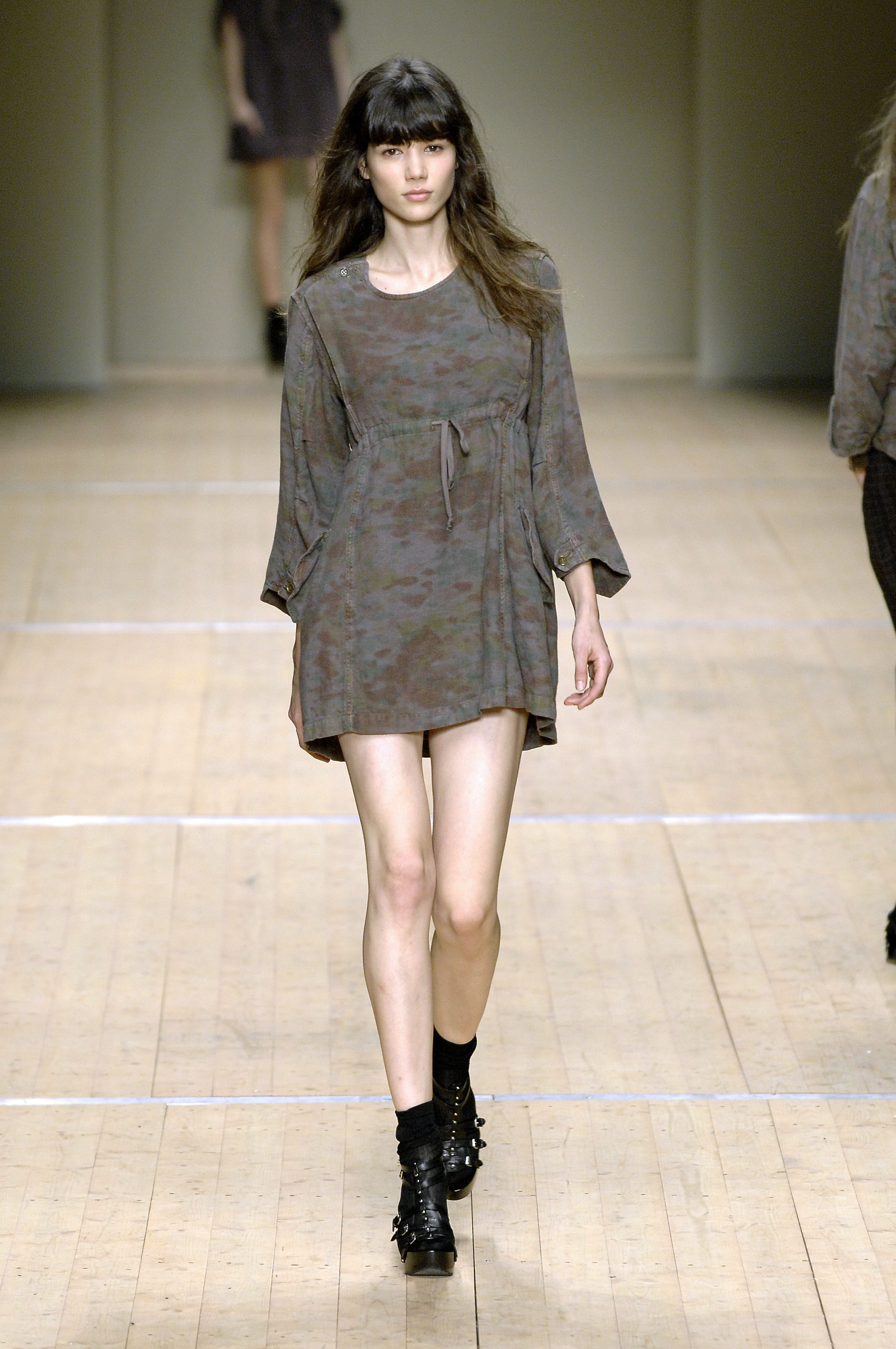
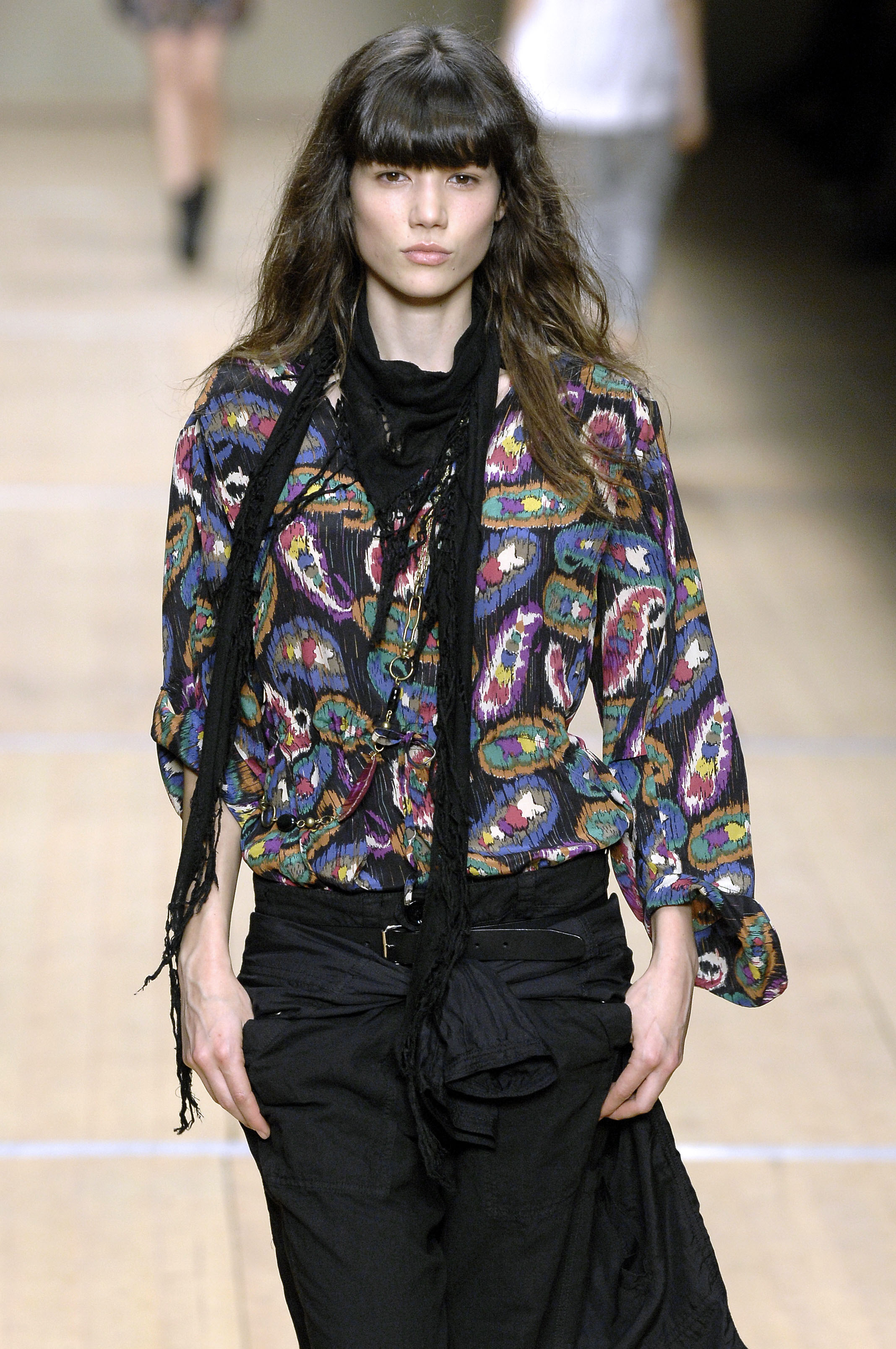
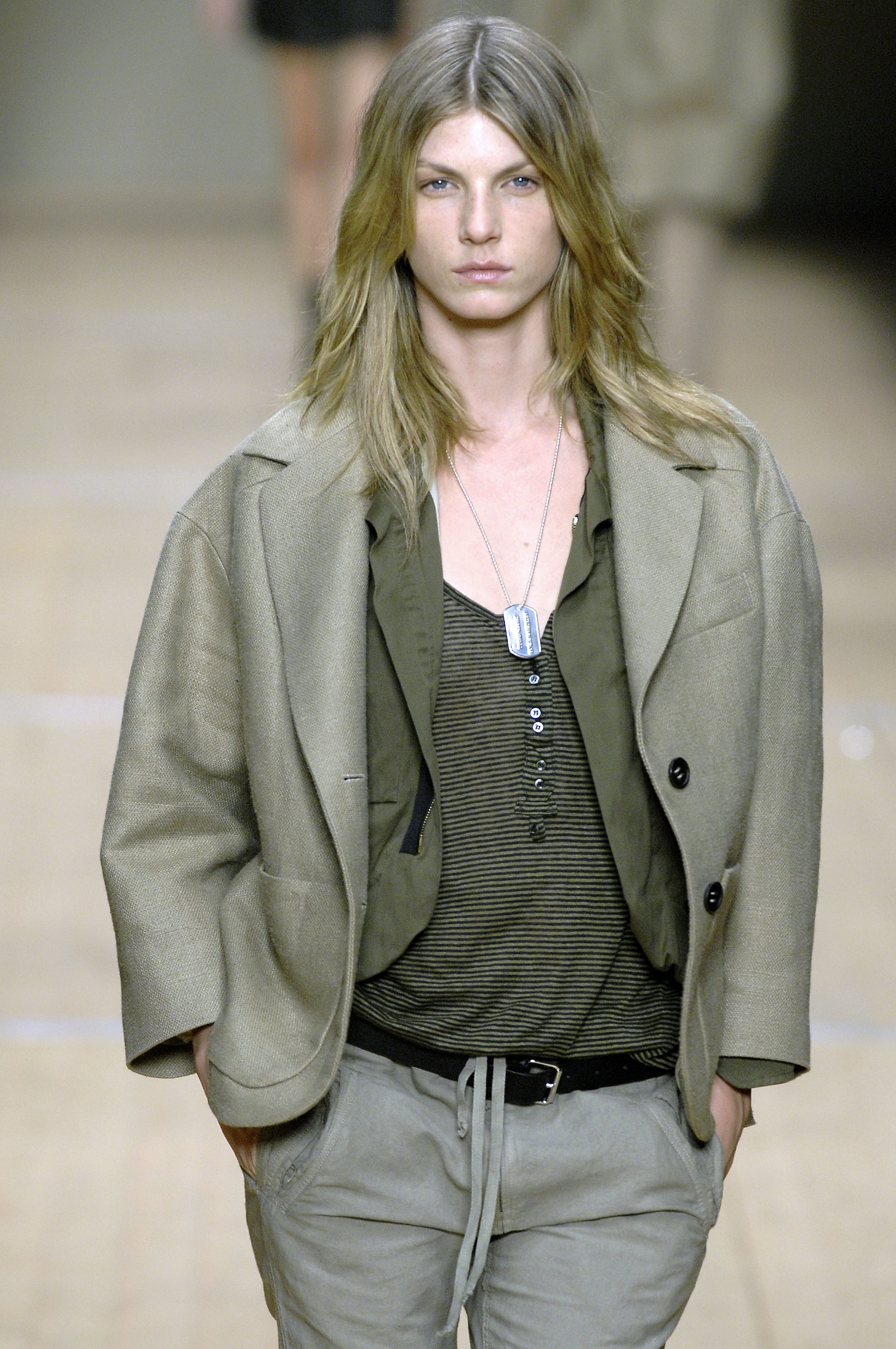
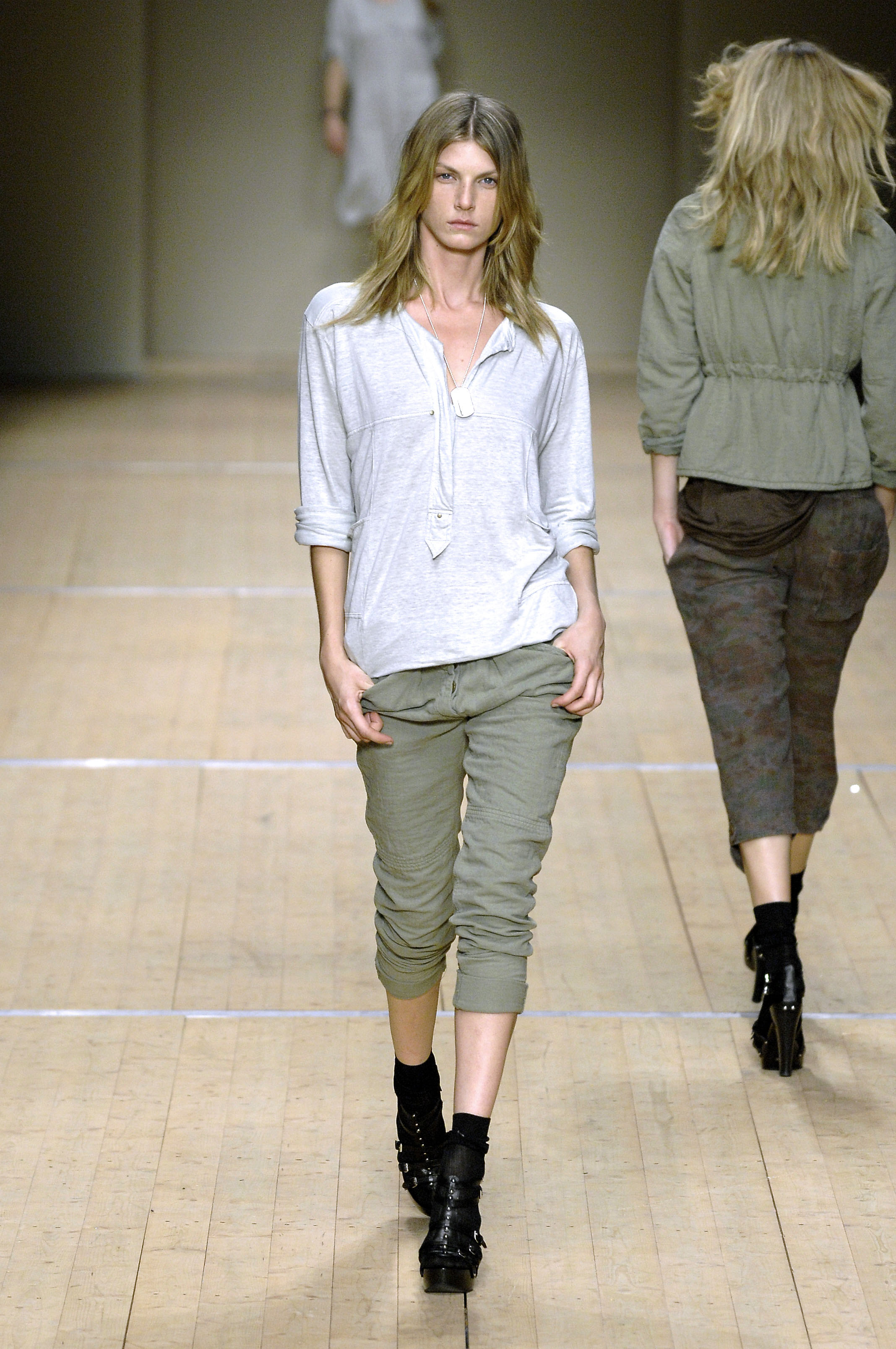
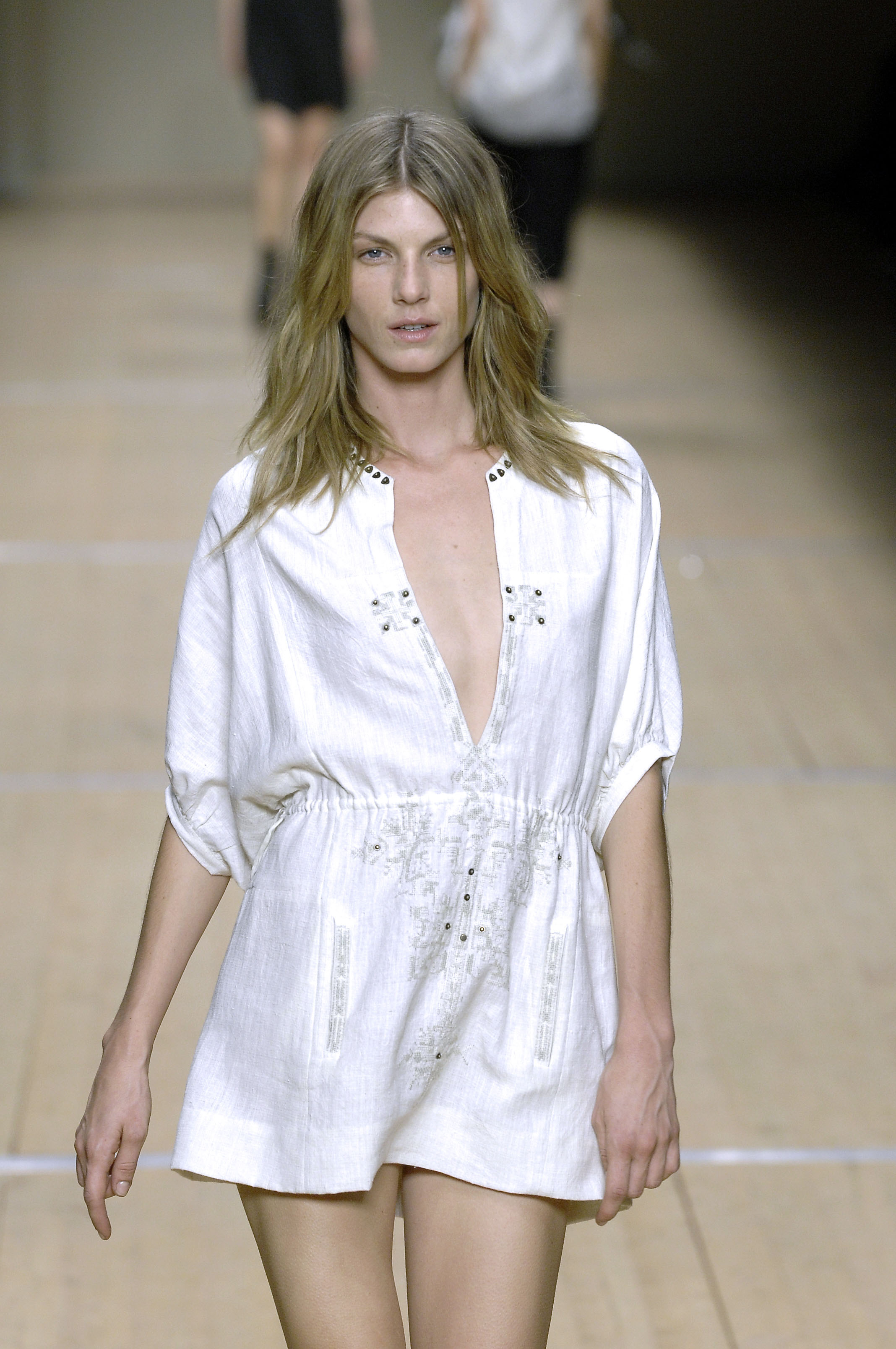
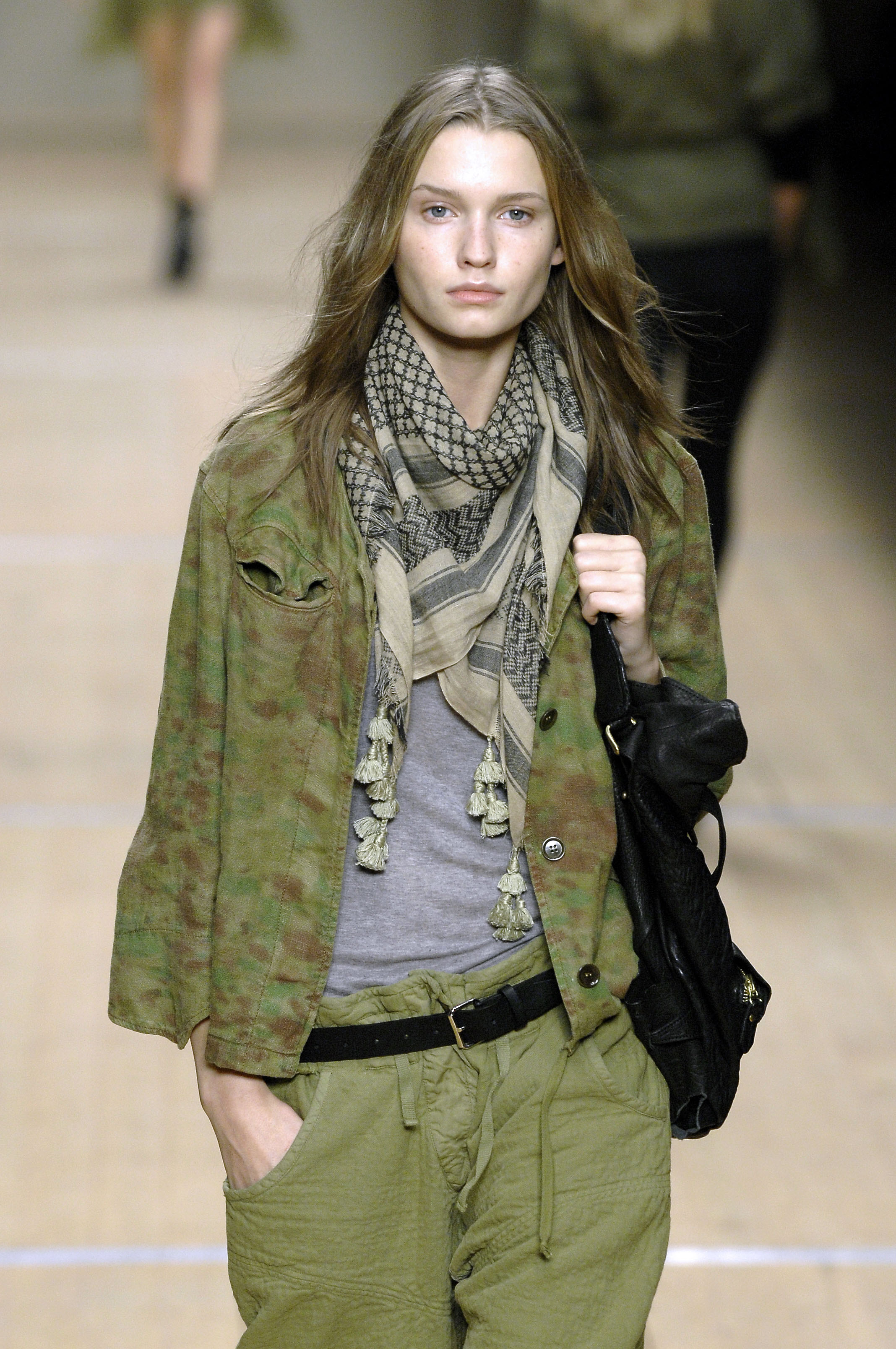
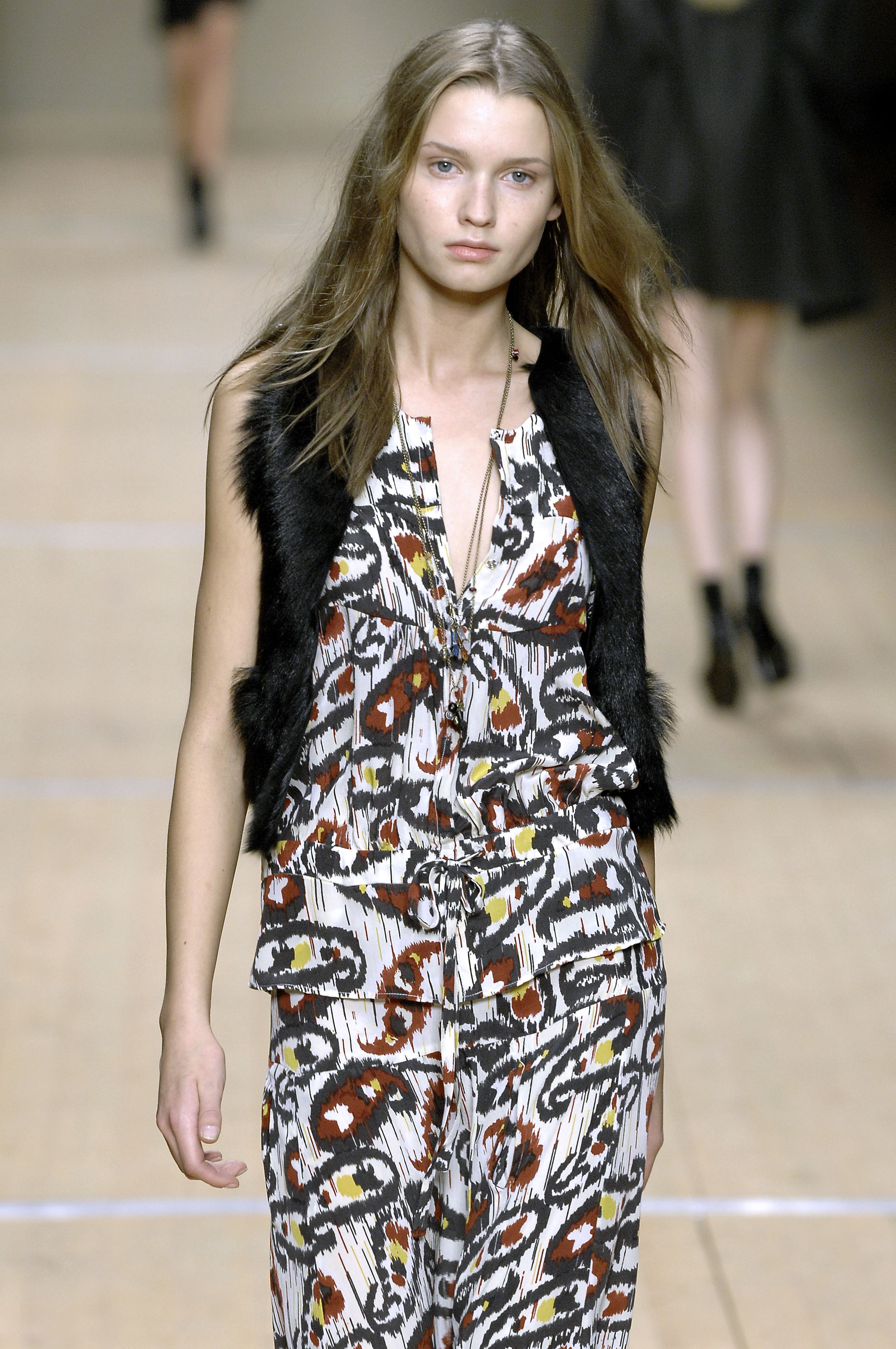
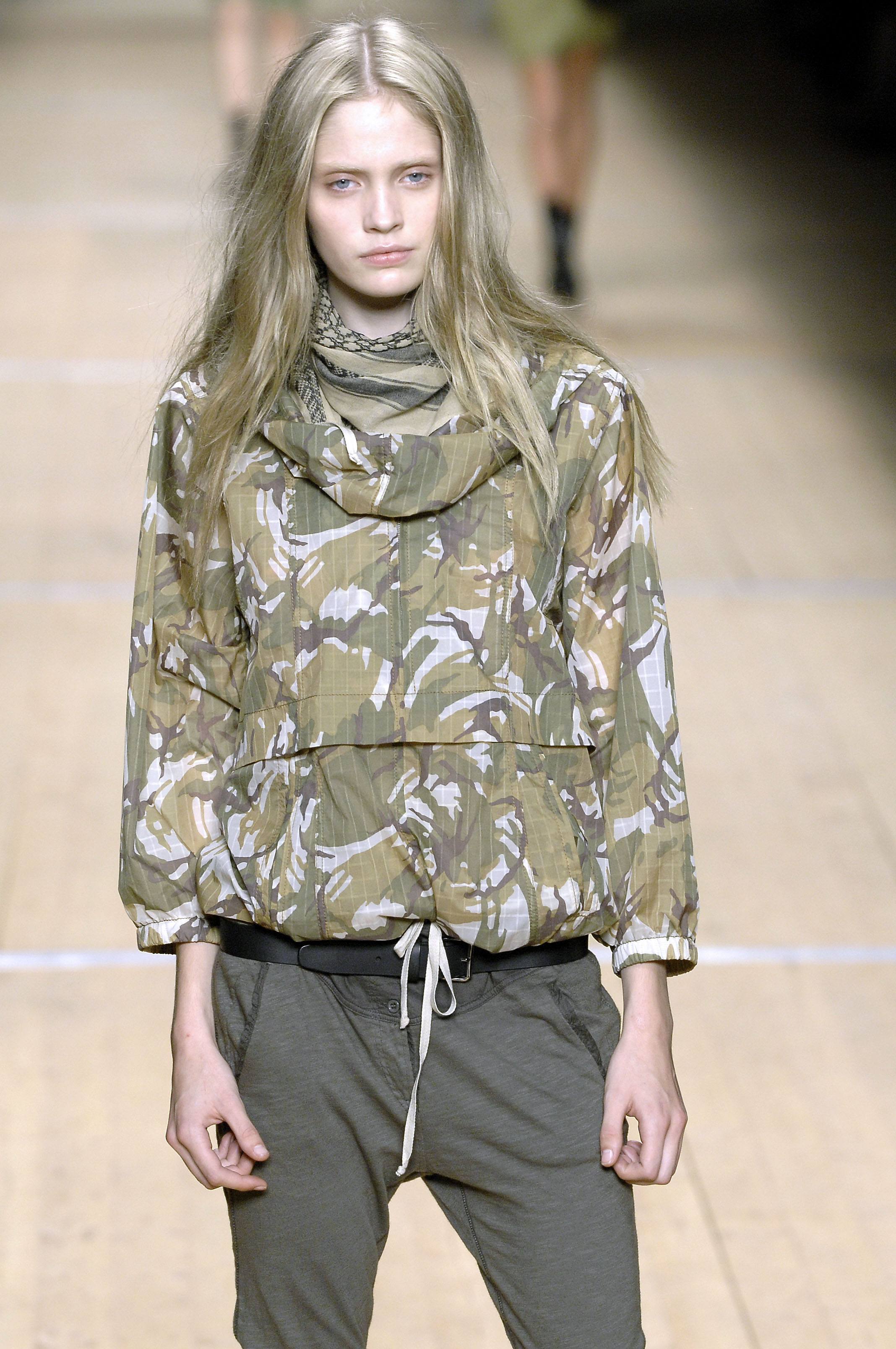
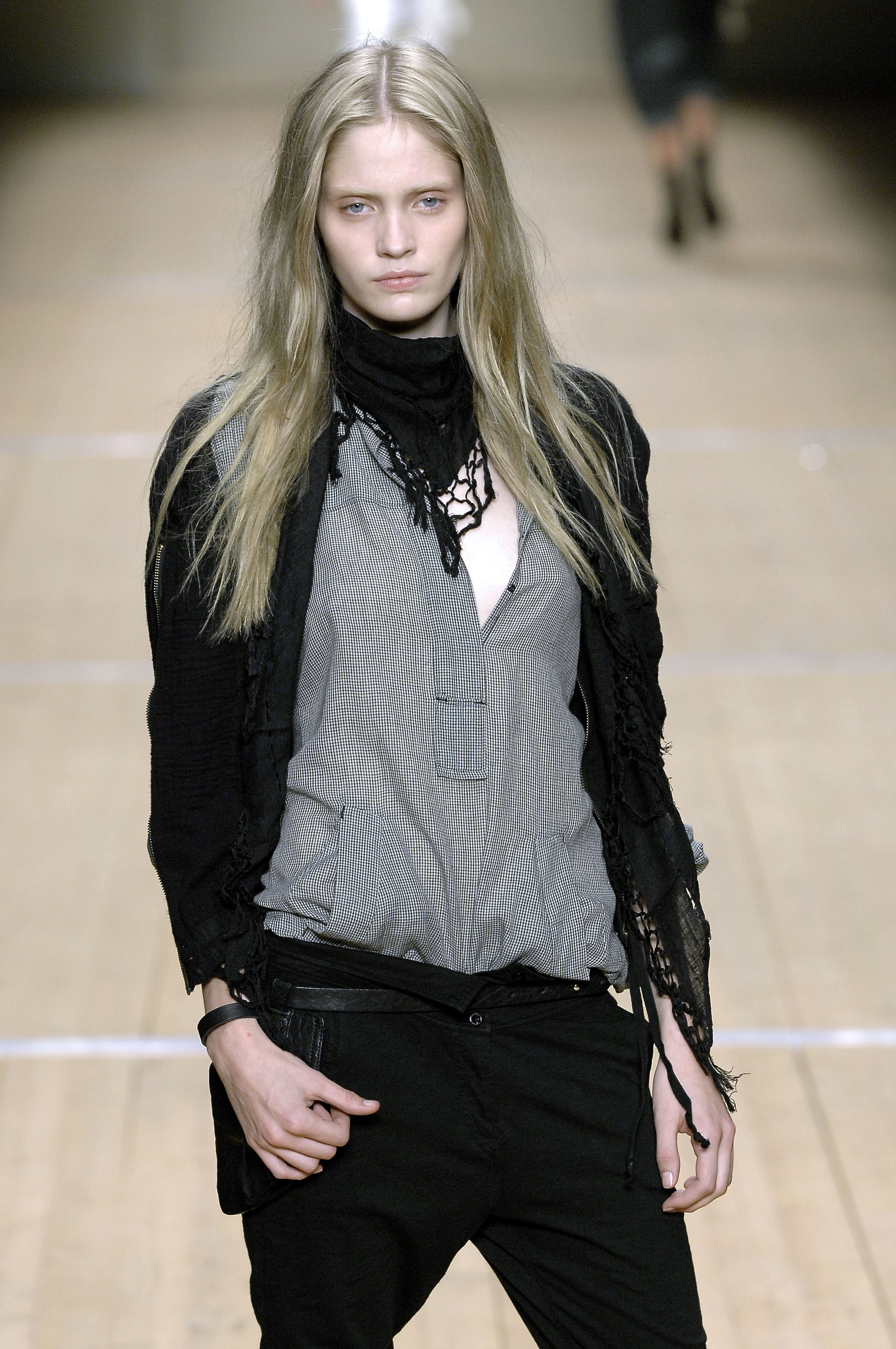
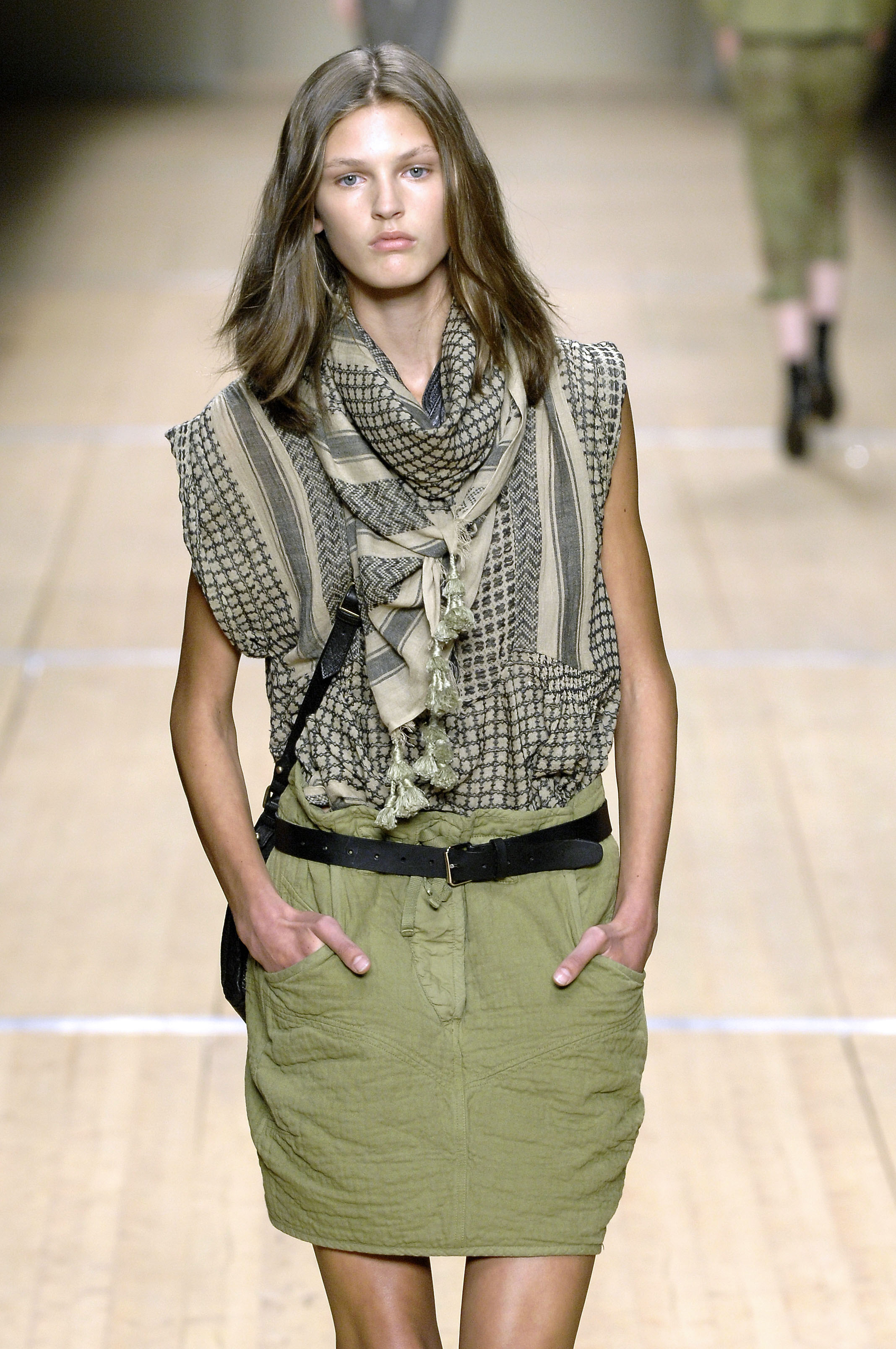
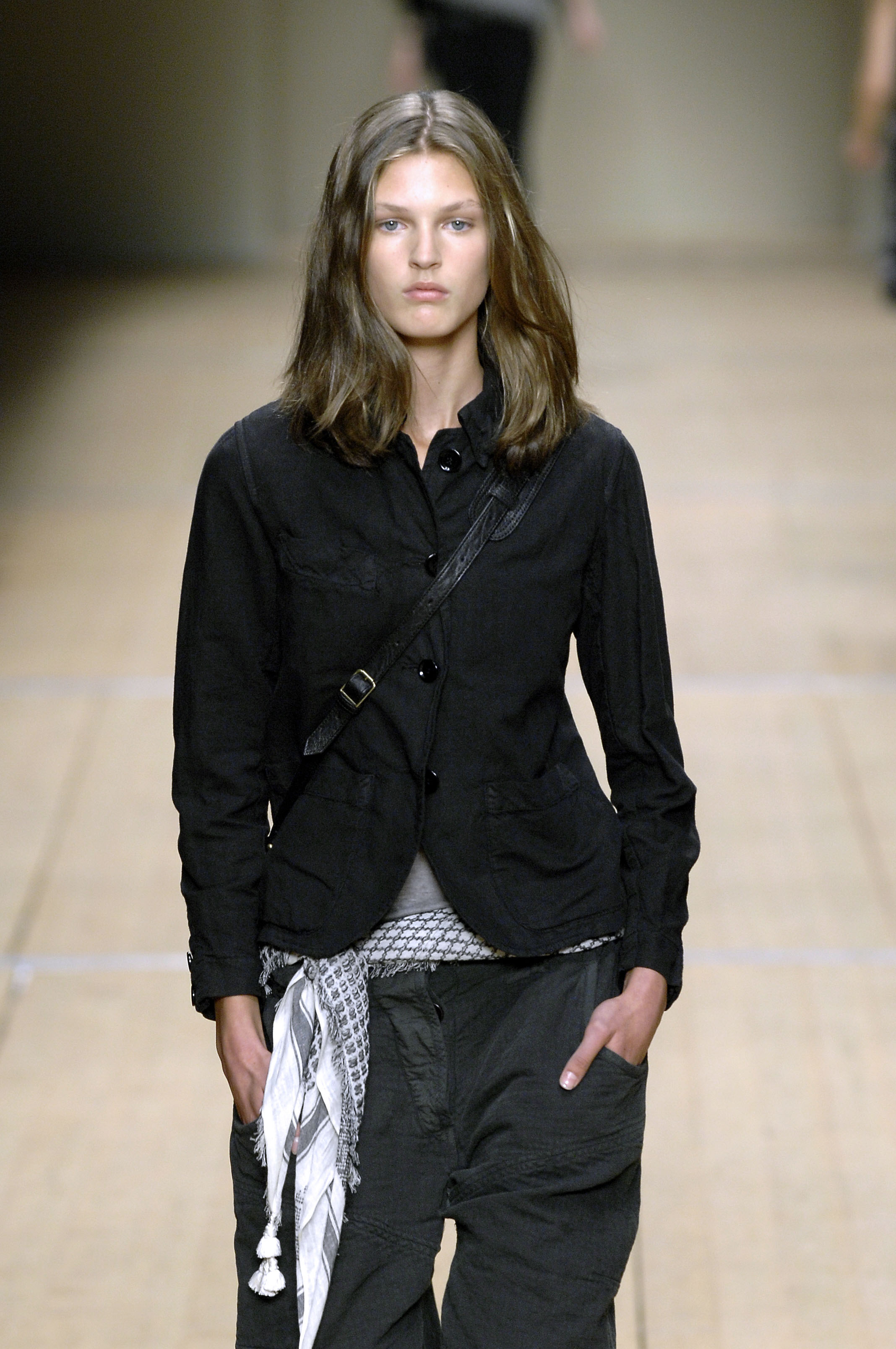
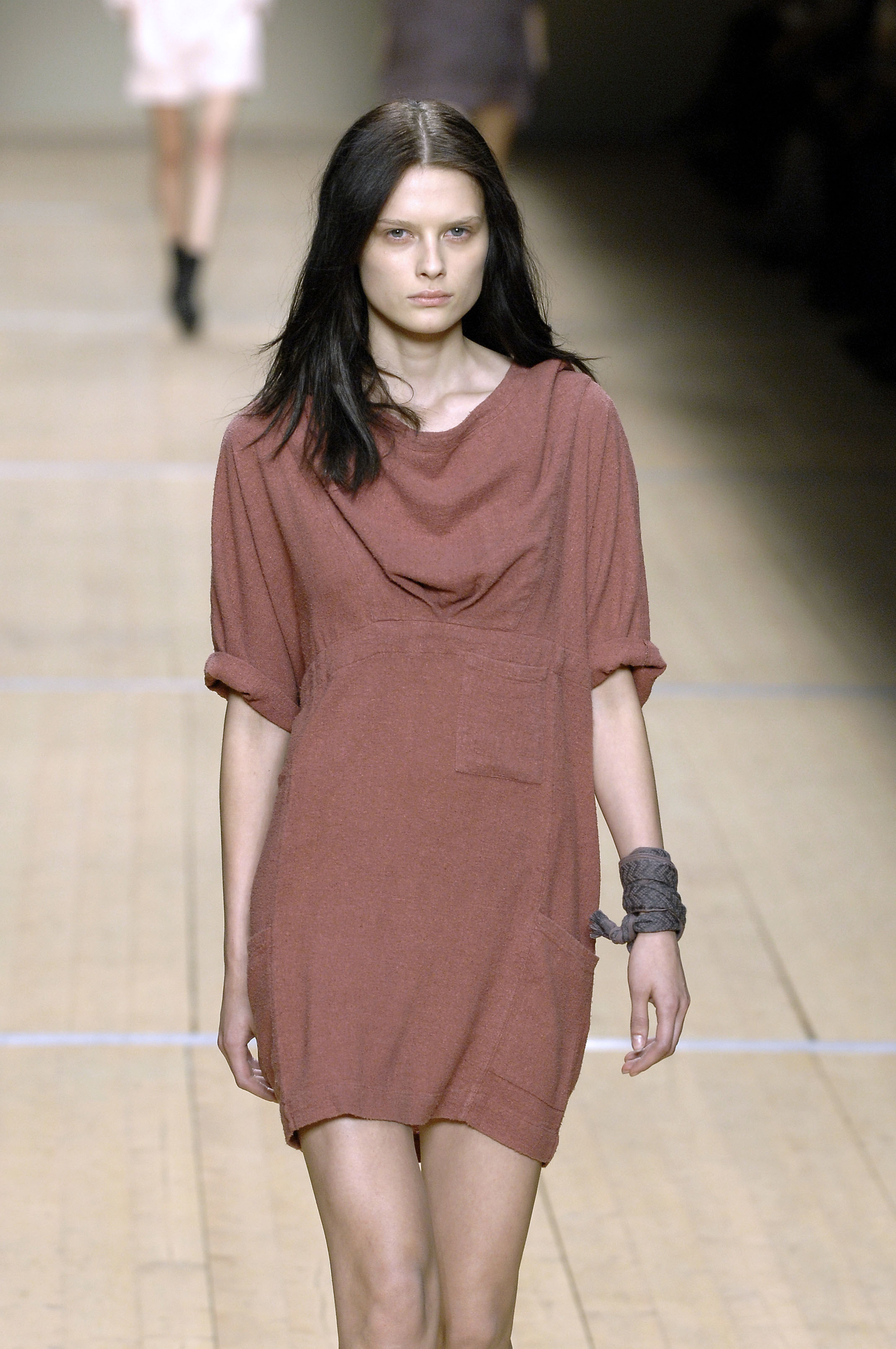
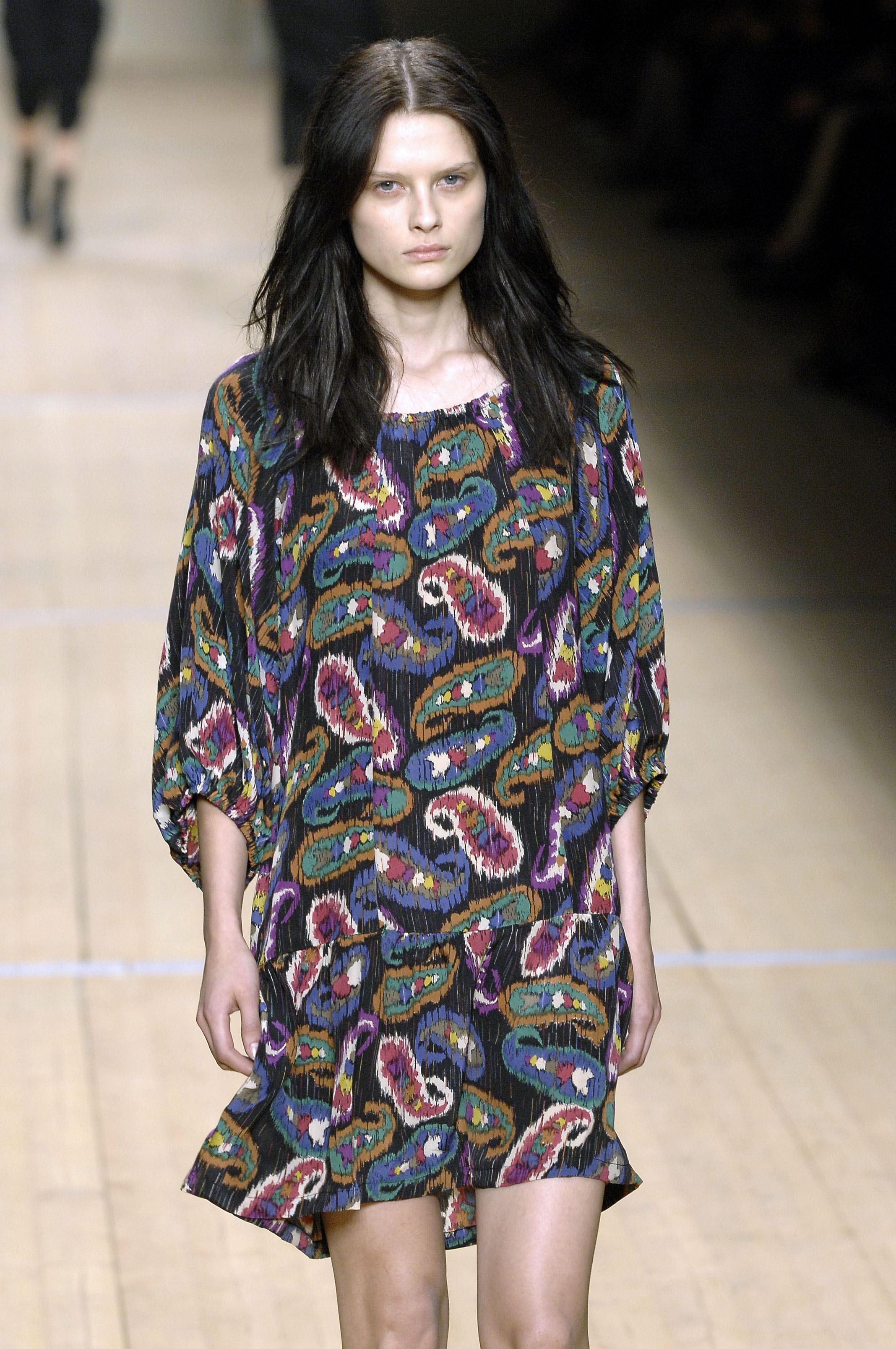
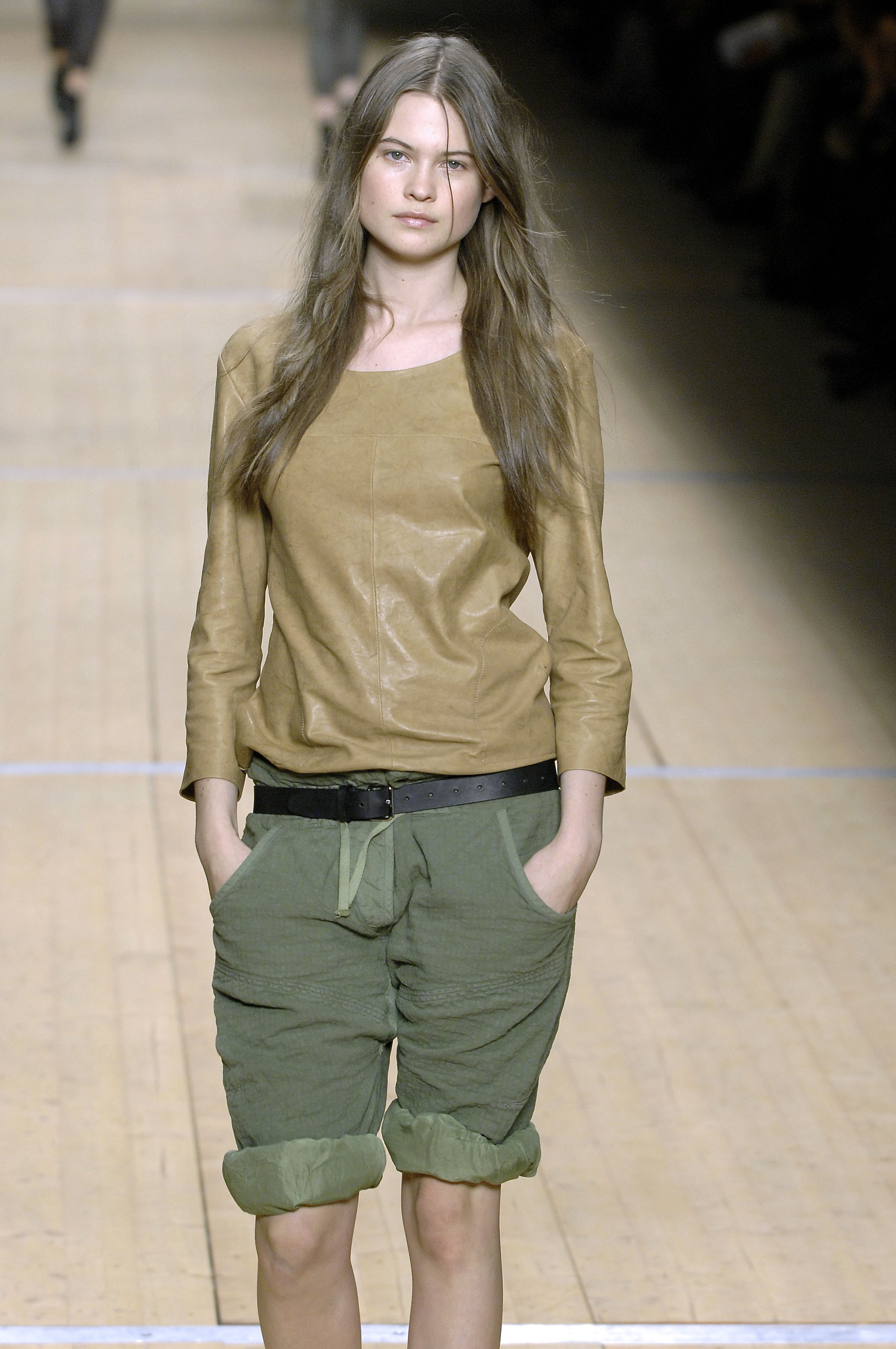
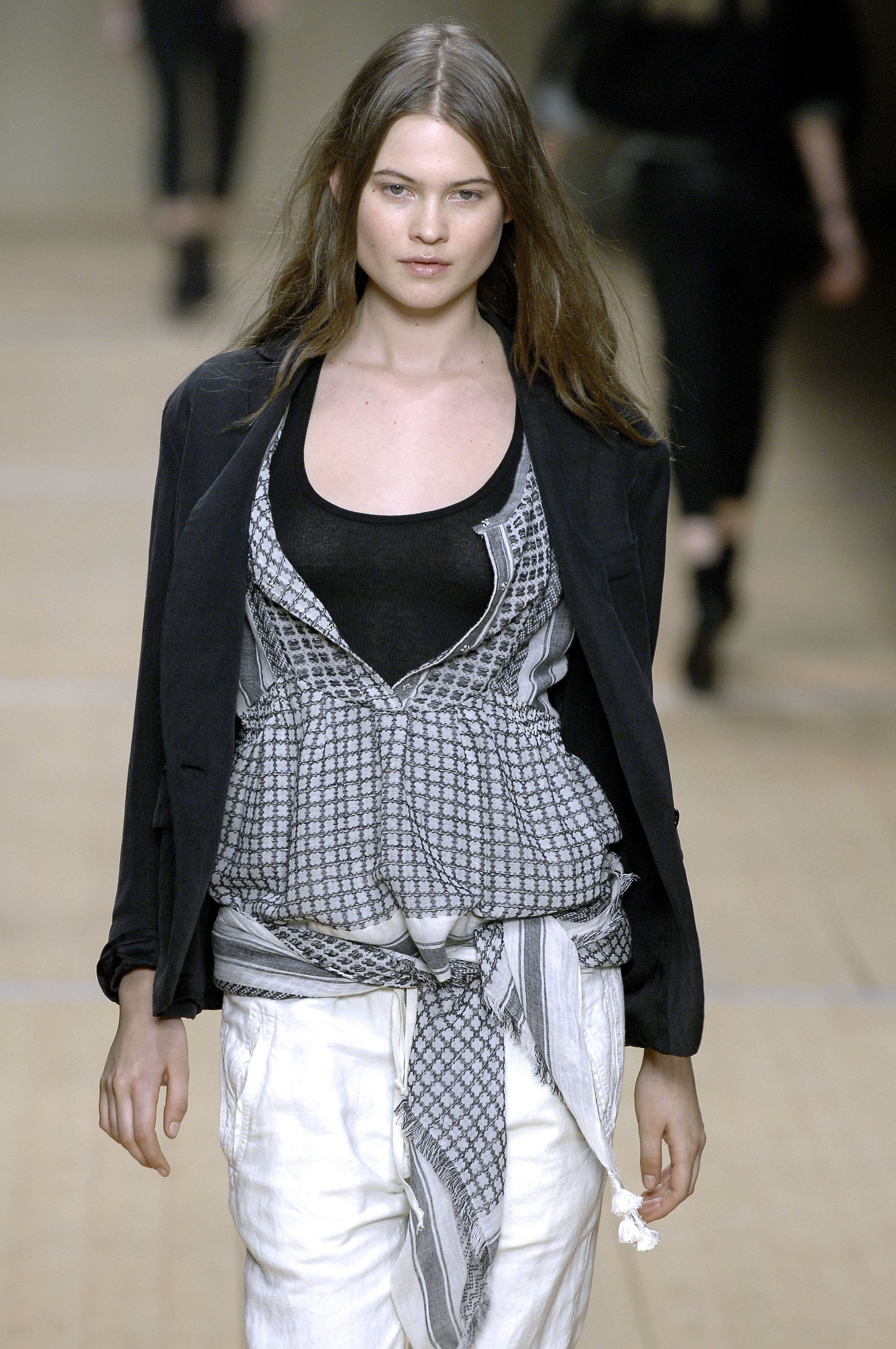
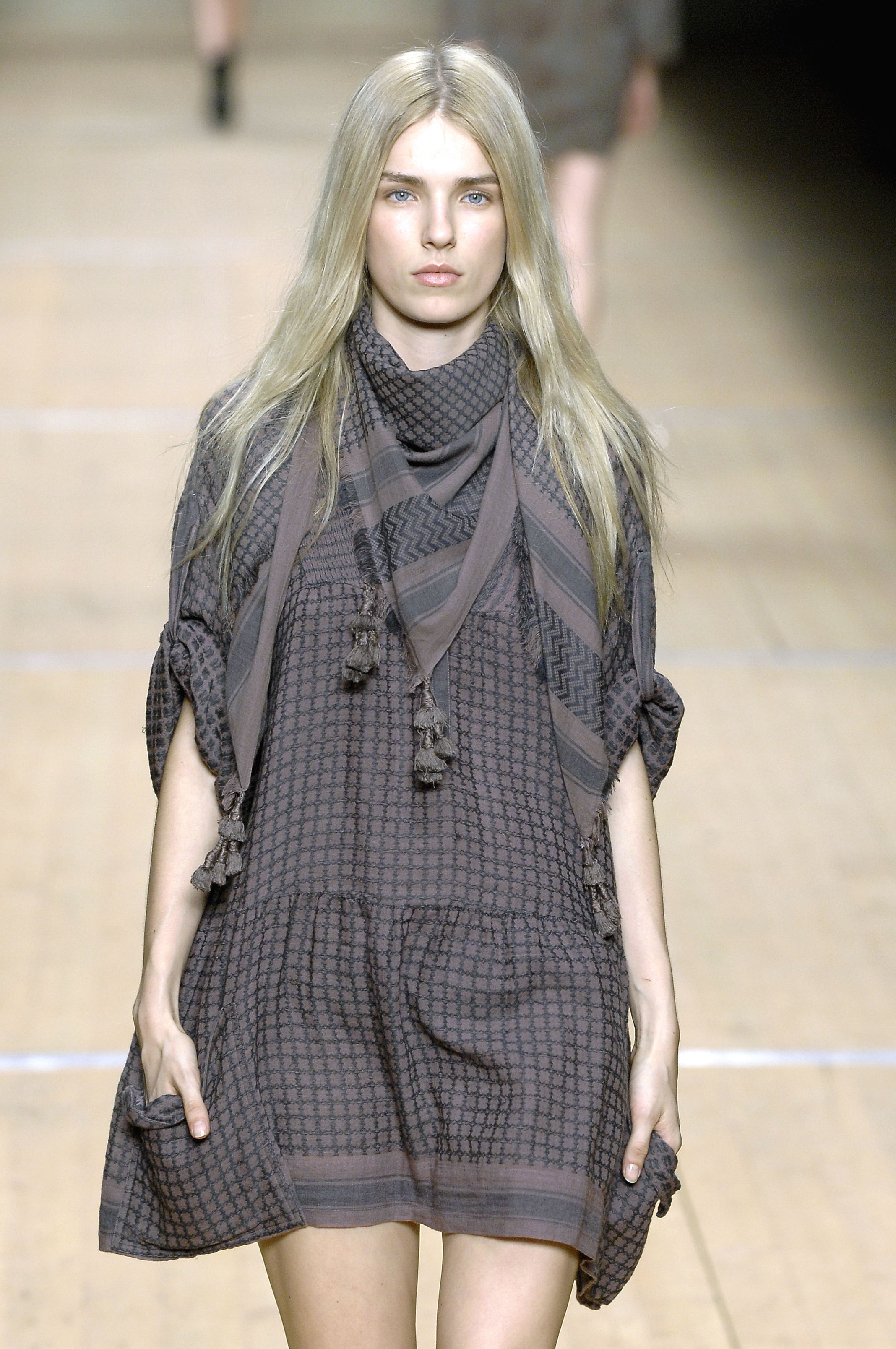
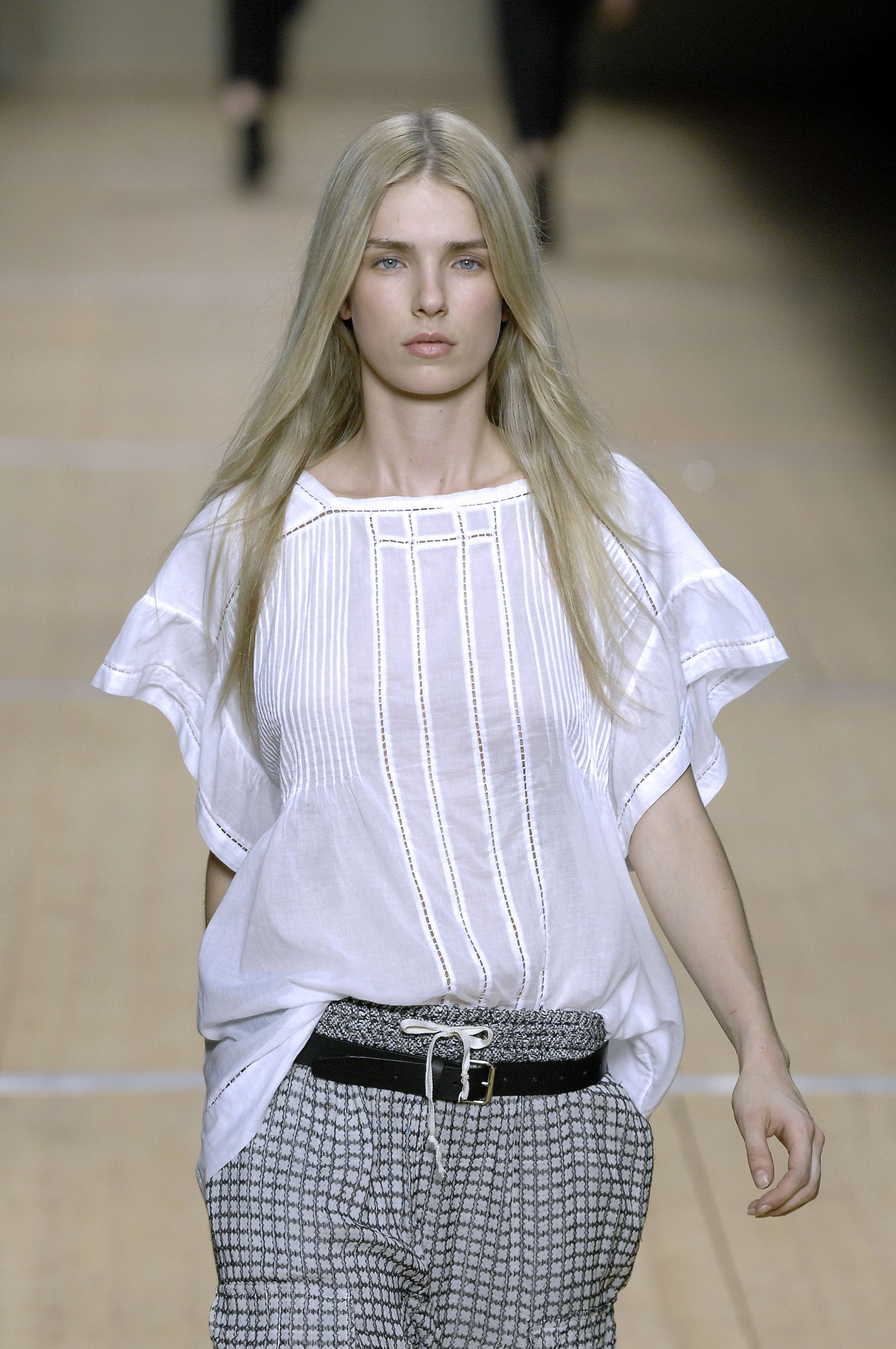
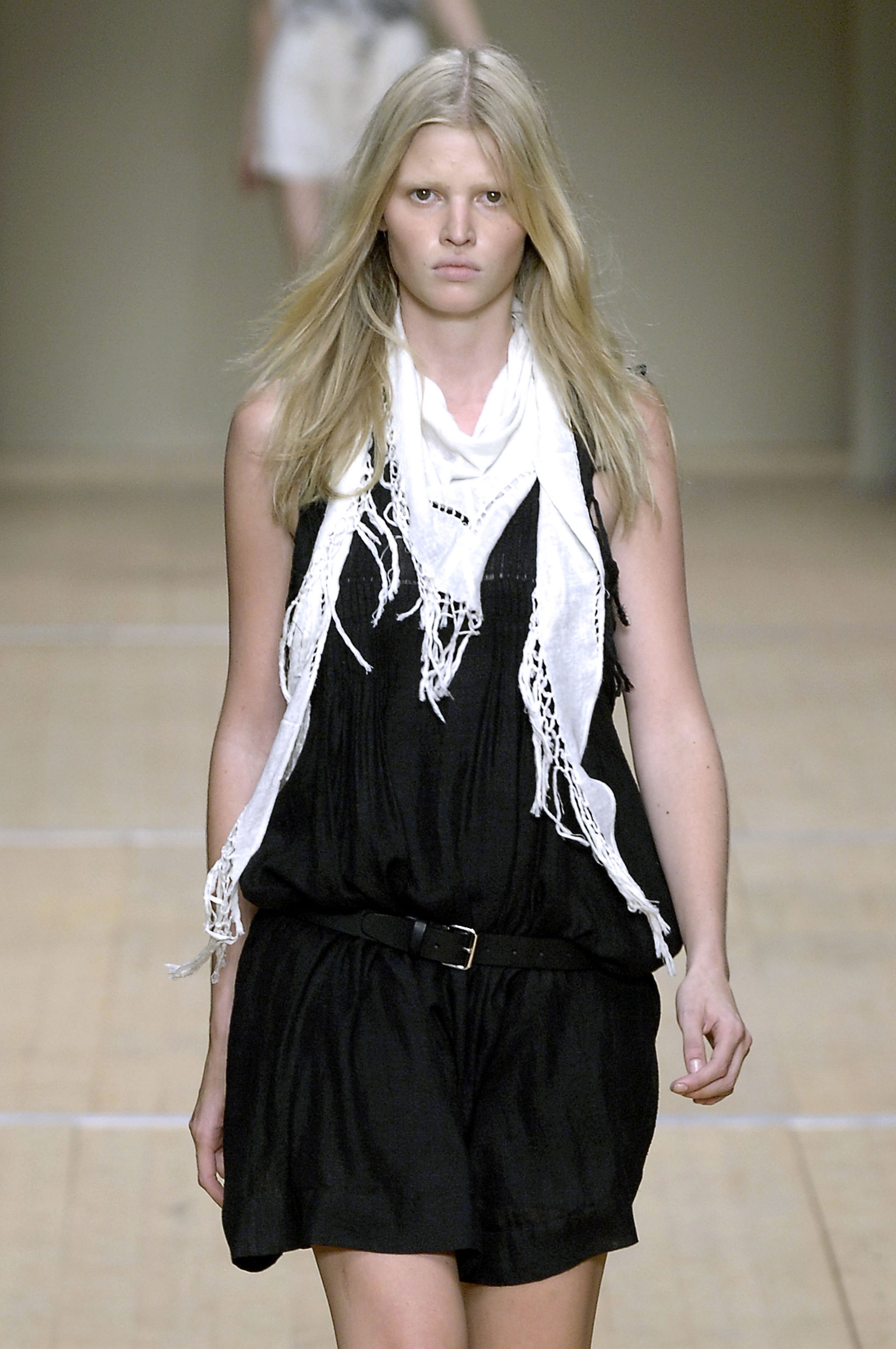
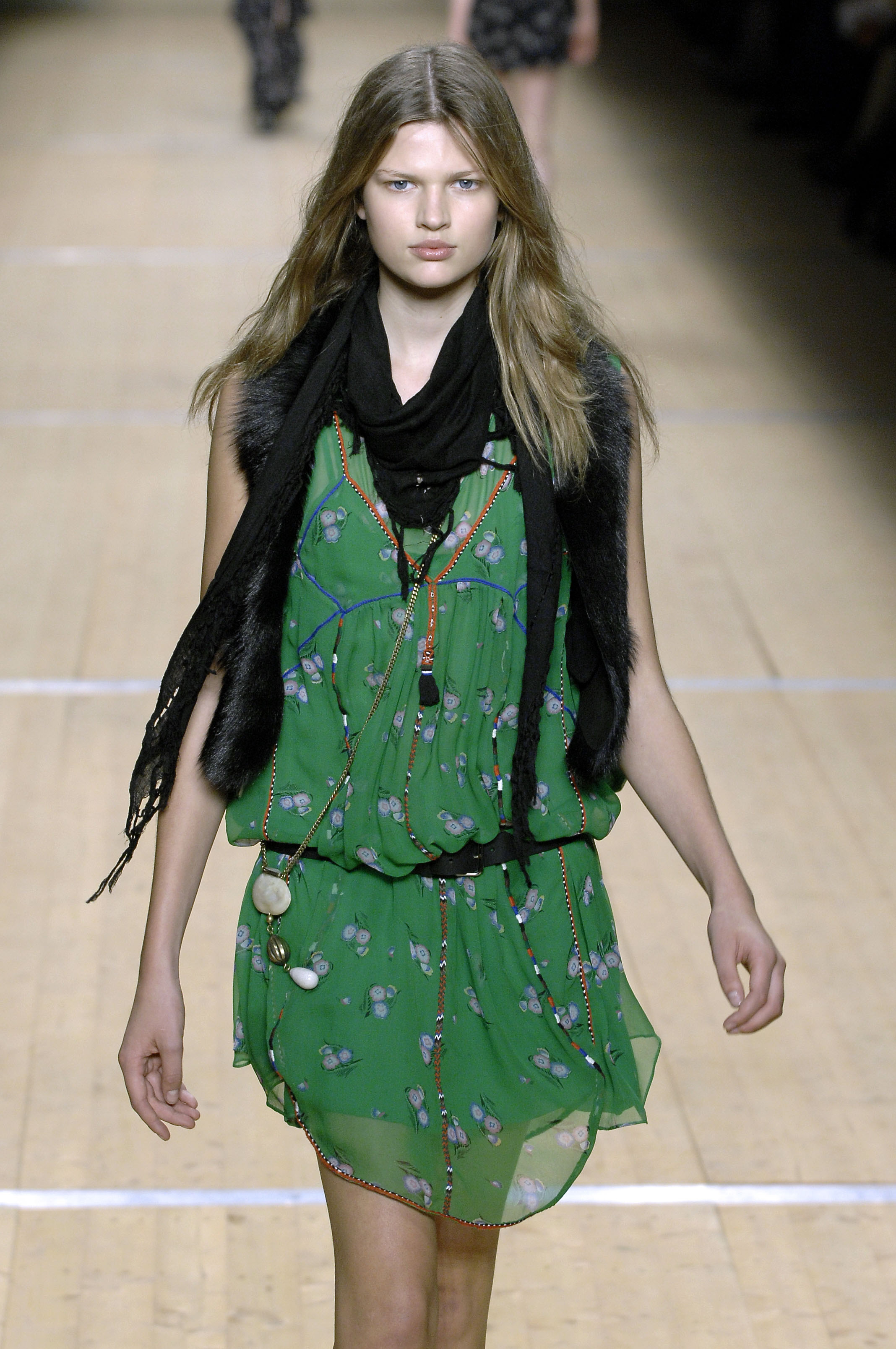
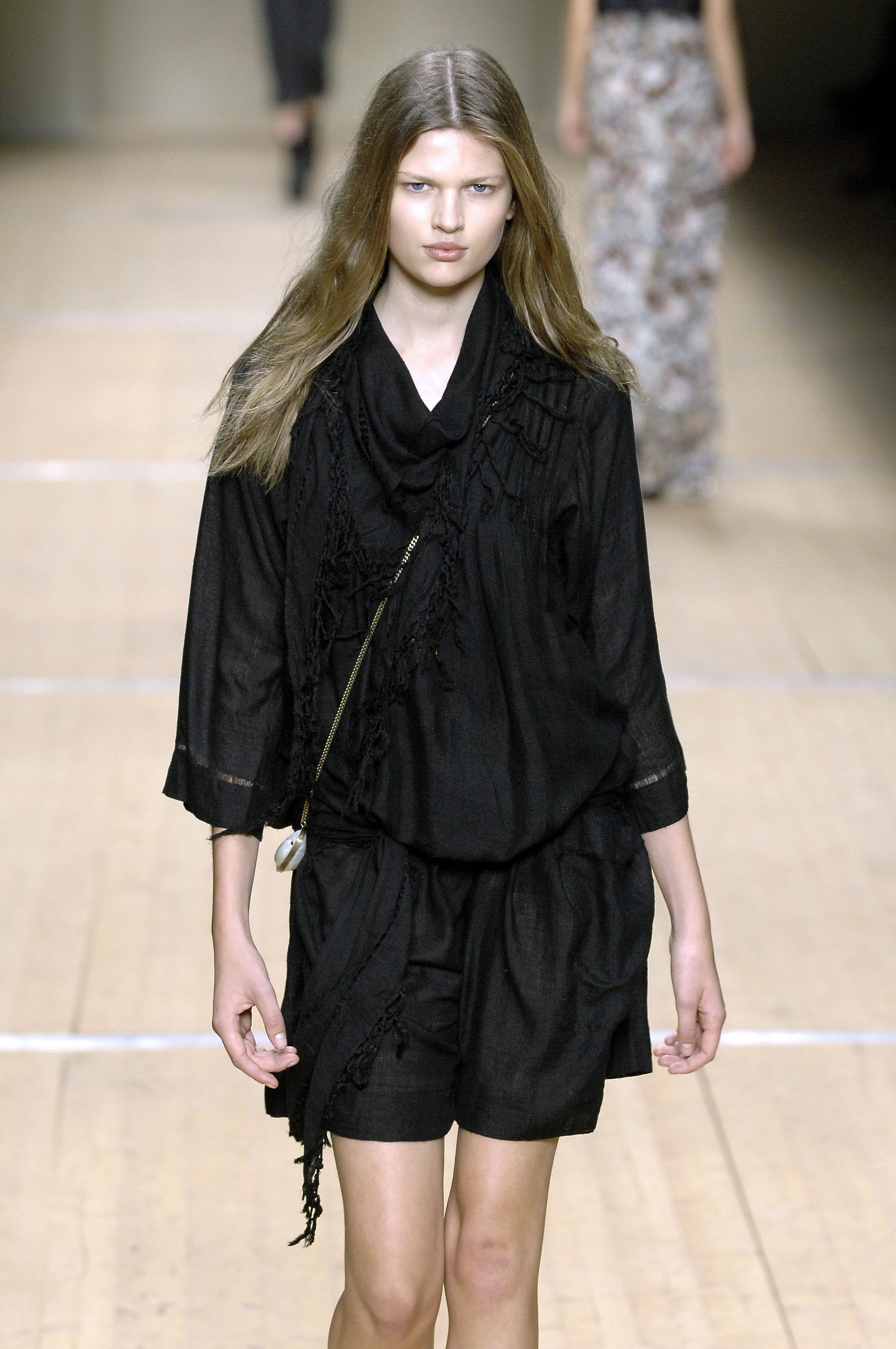
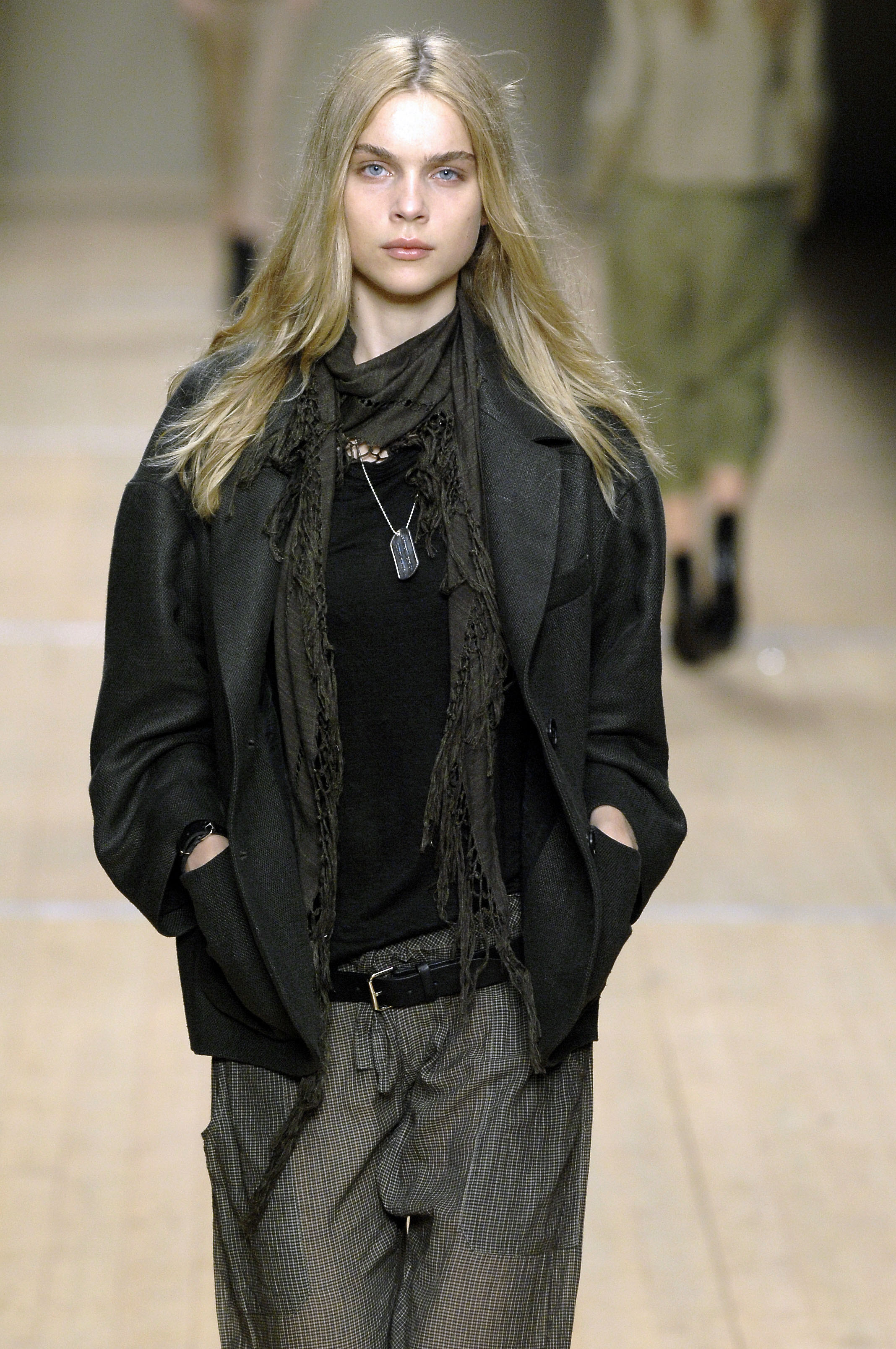
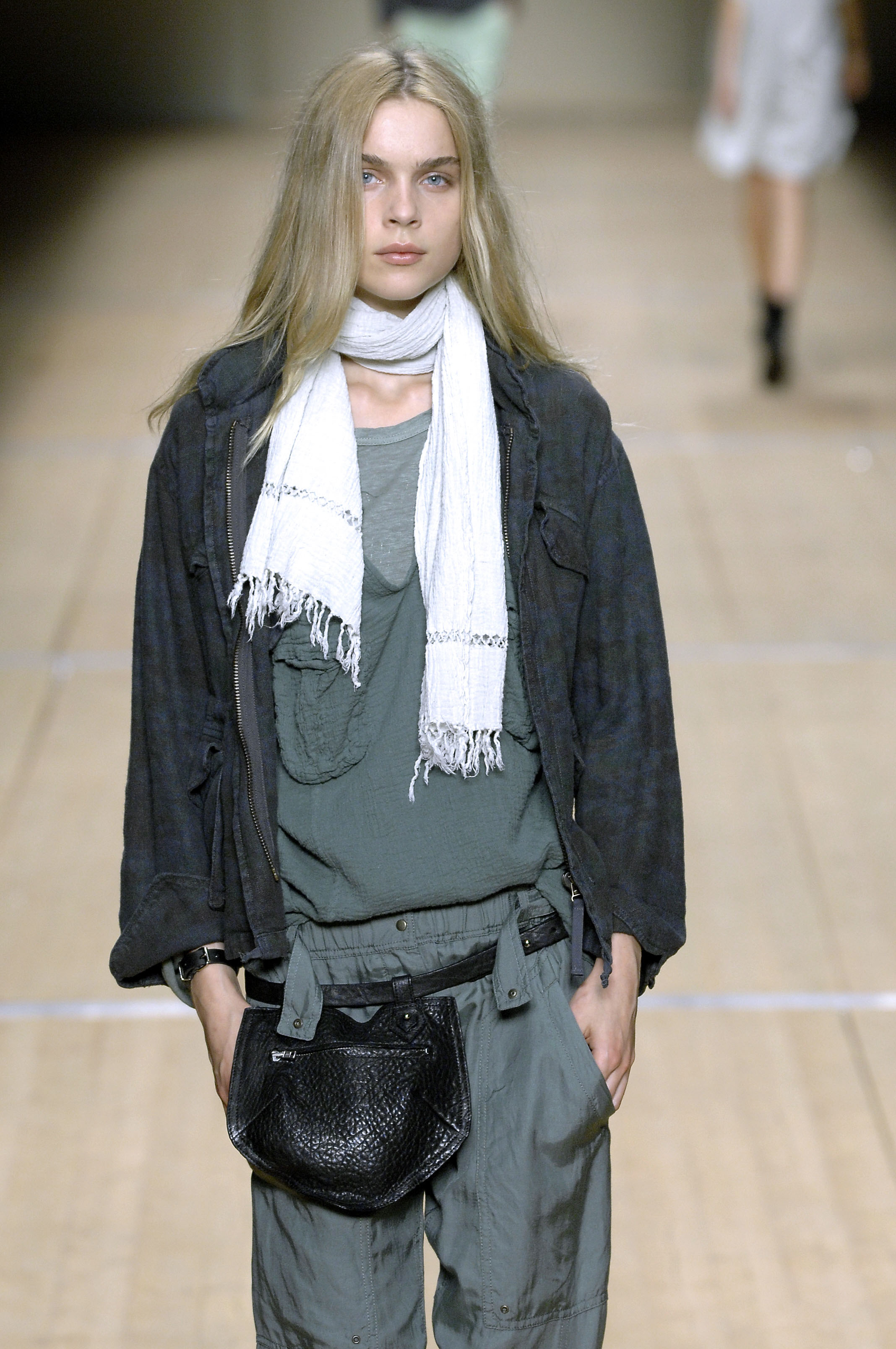
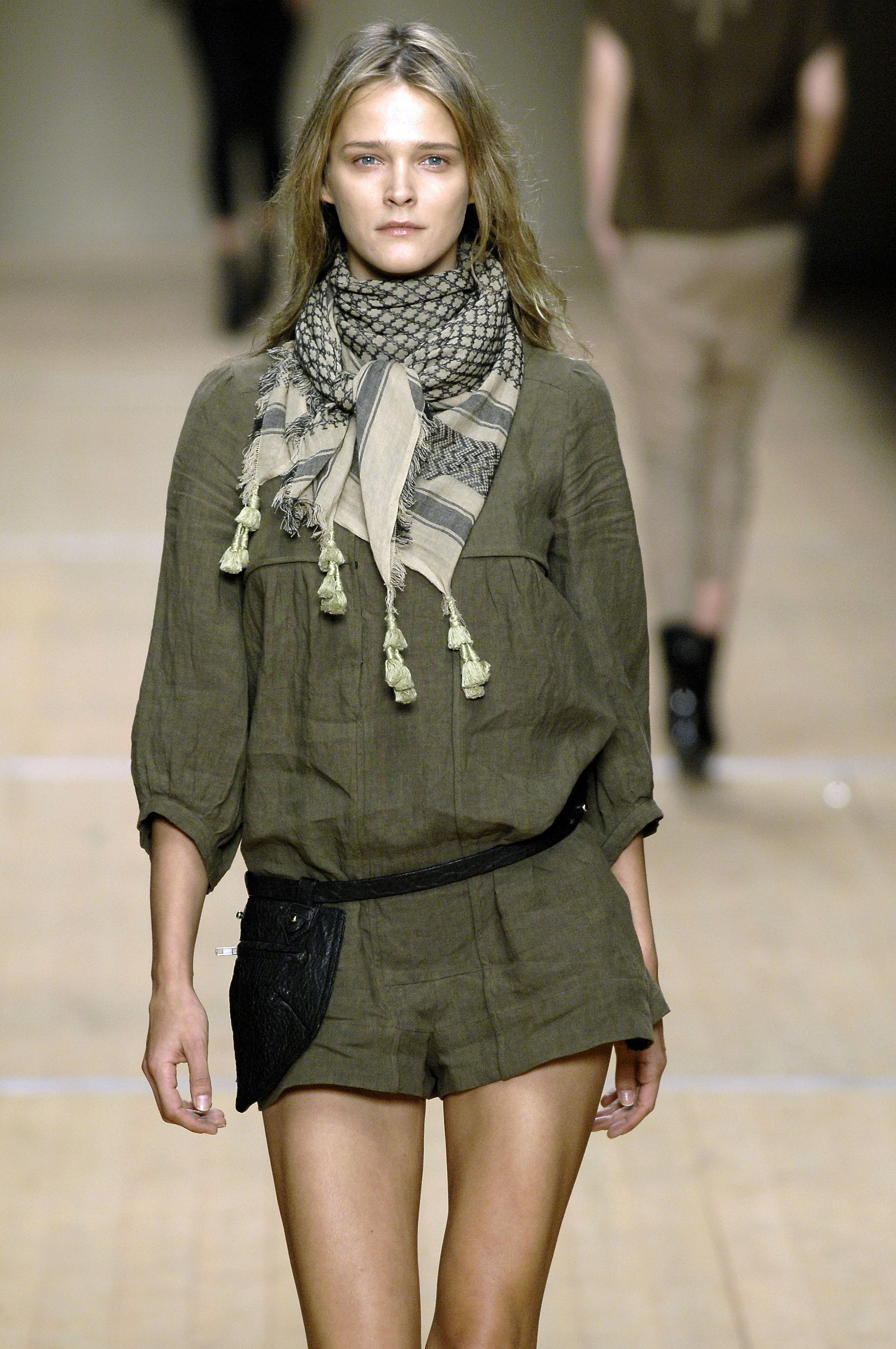
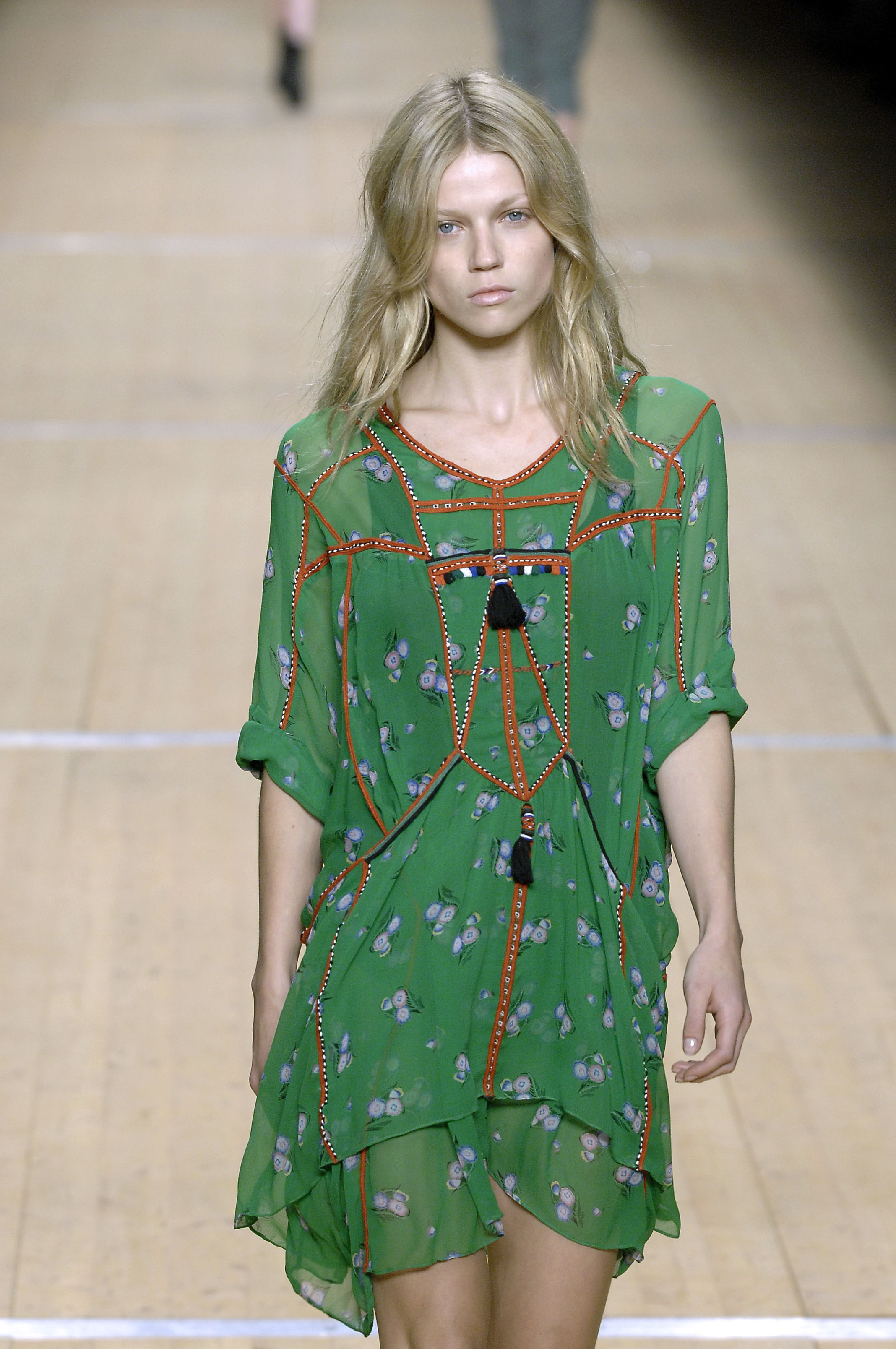
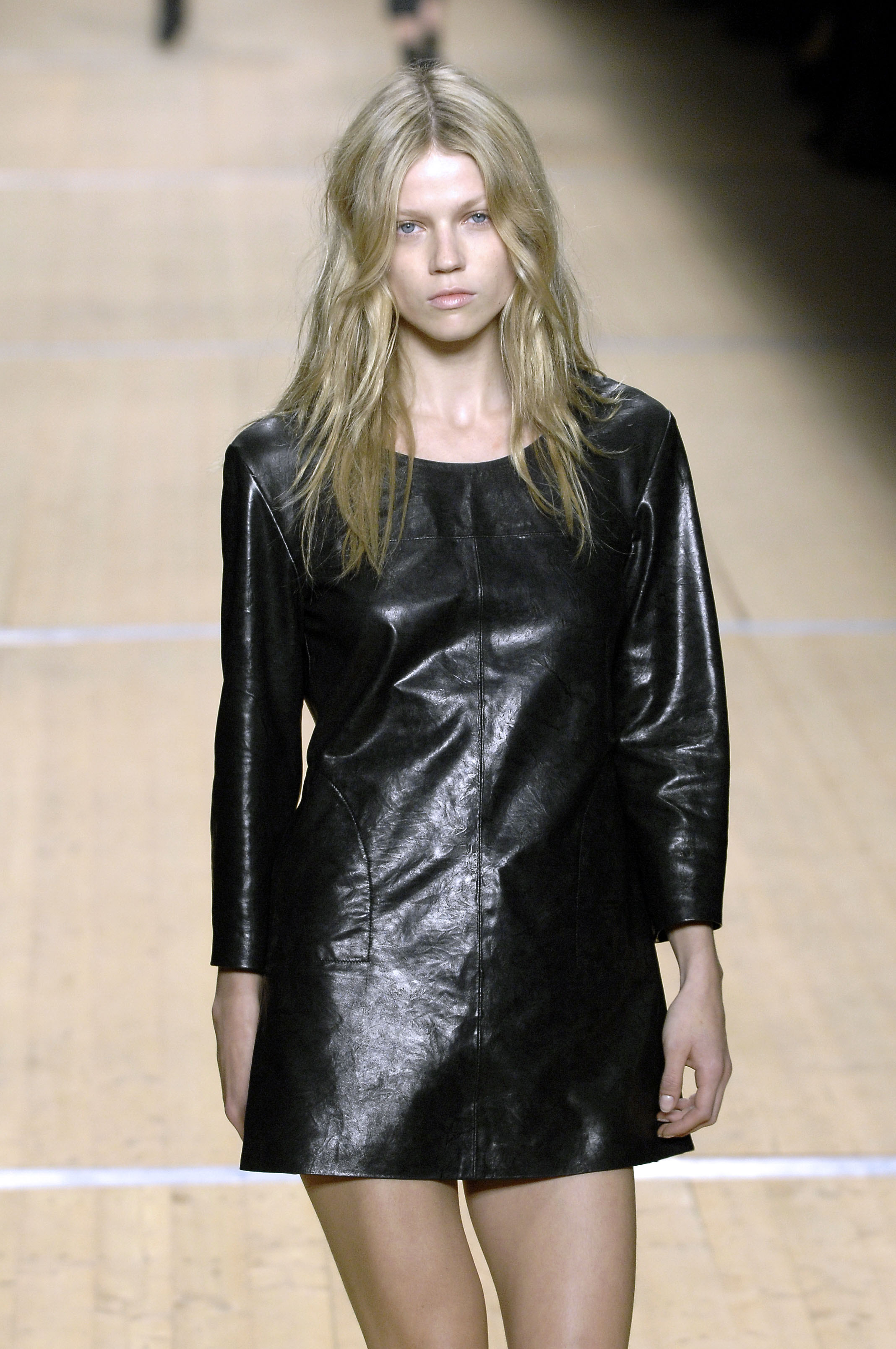
Isabel Marant Paris SS 2008
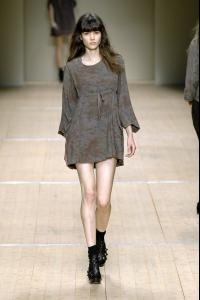
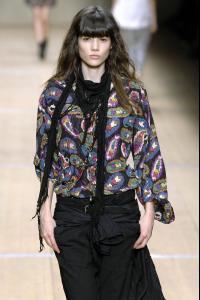
-
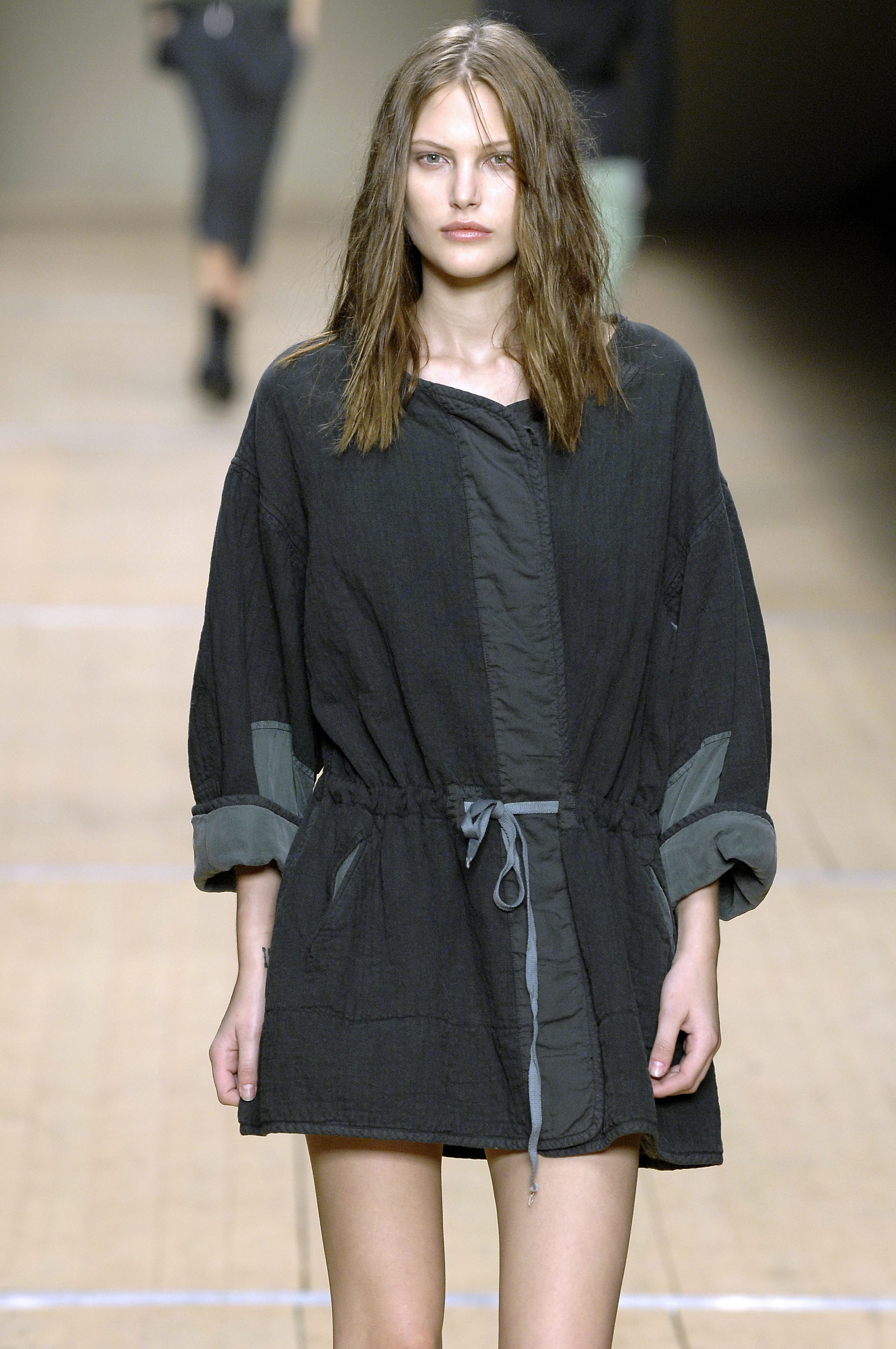
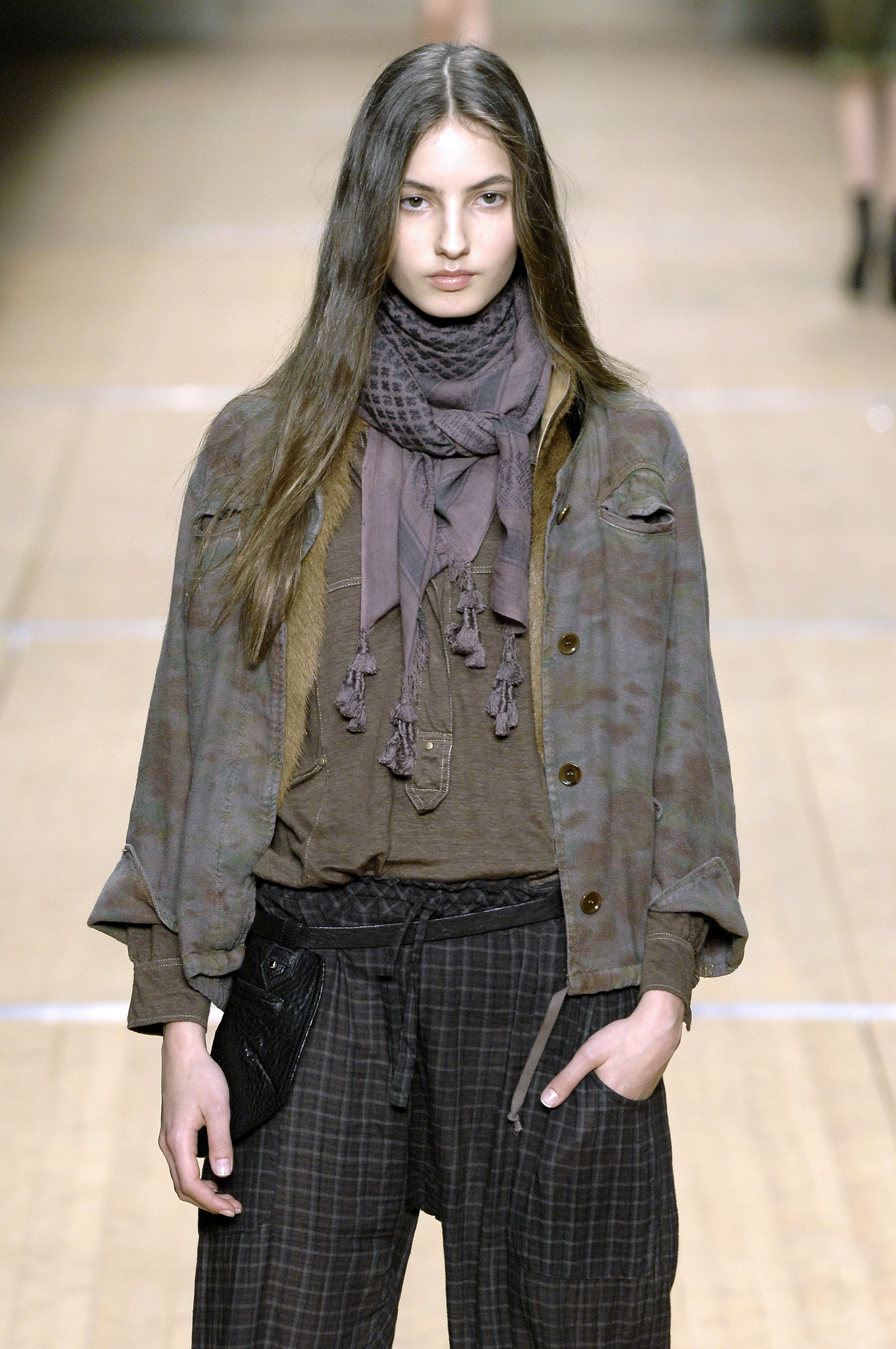
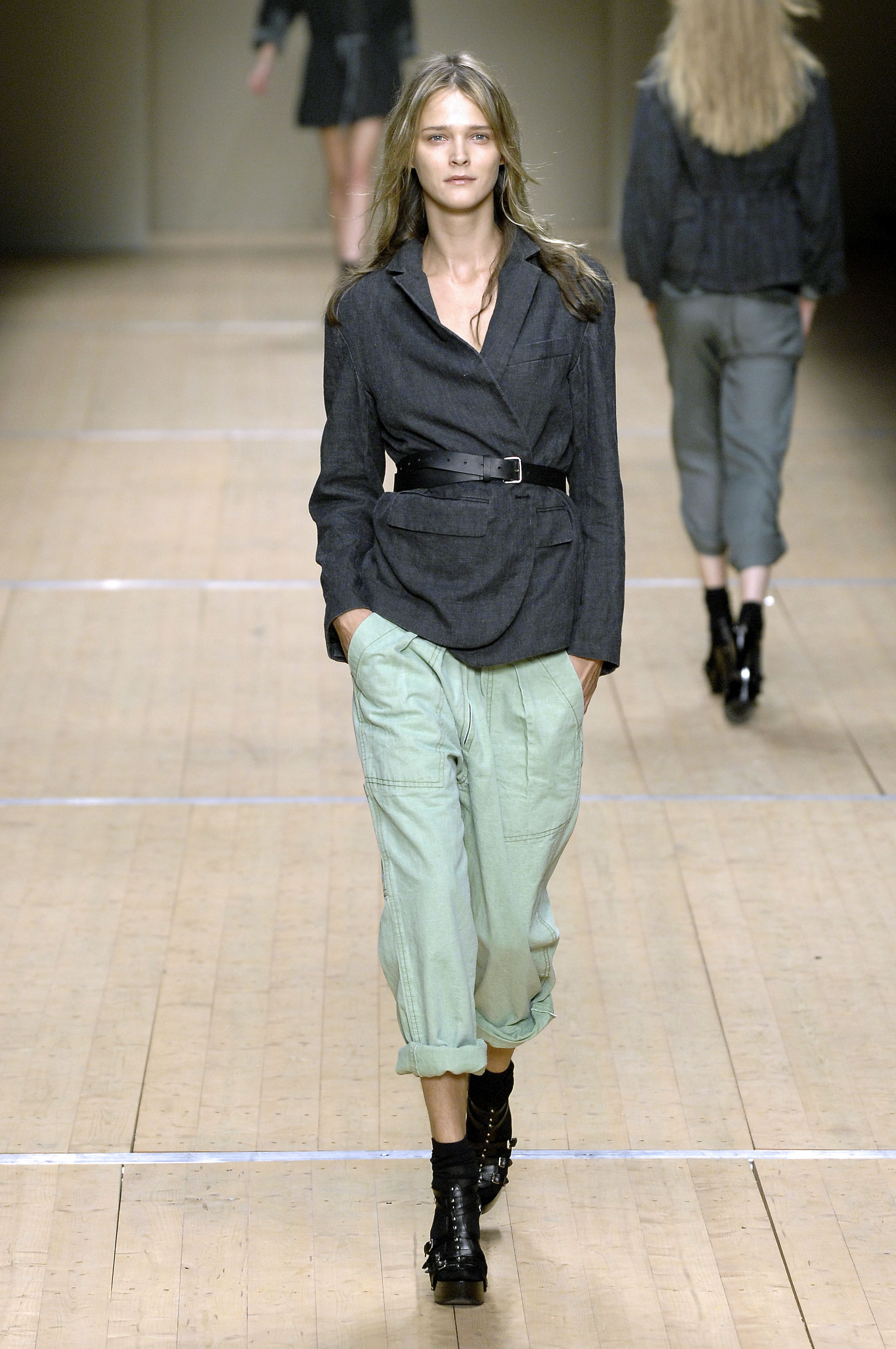
Isabel Marant Paris SS 2008



-
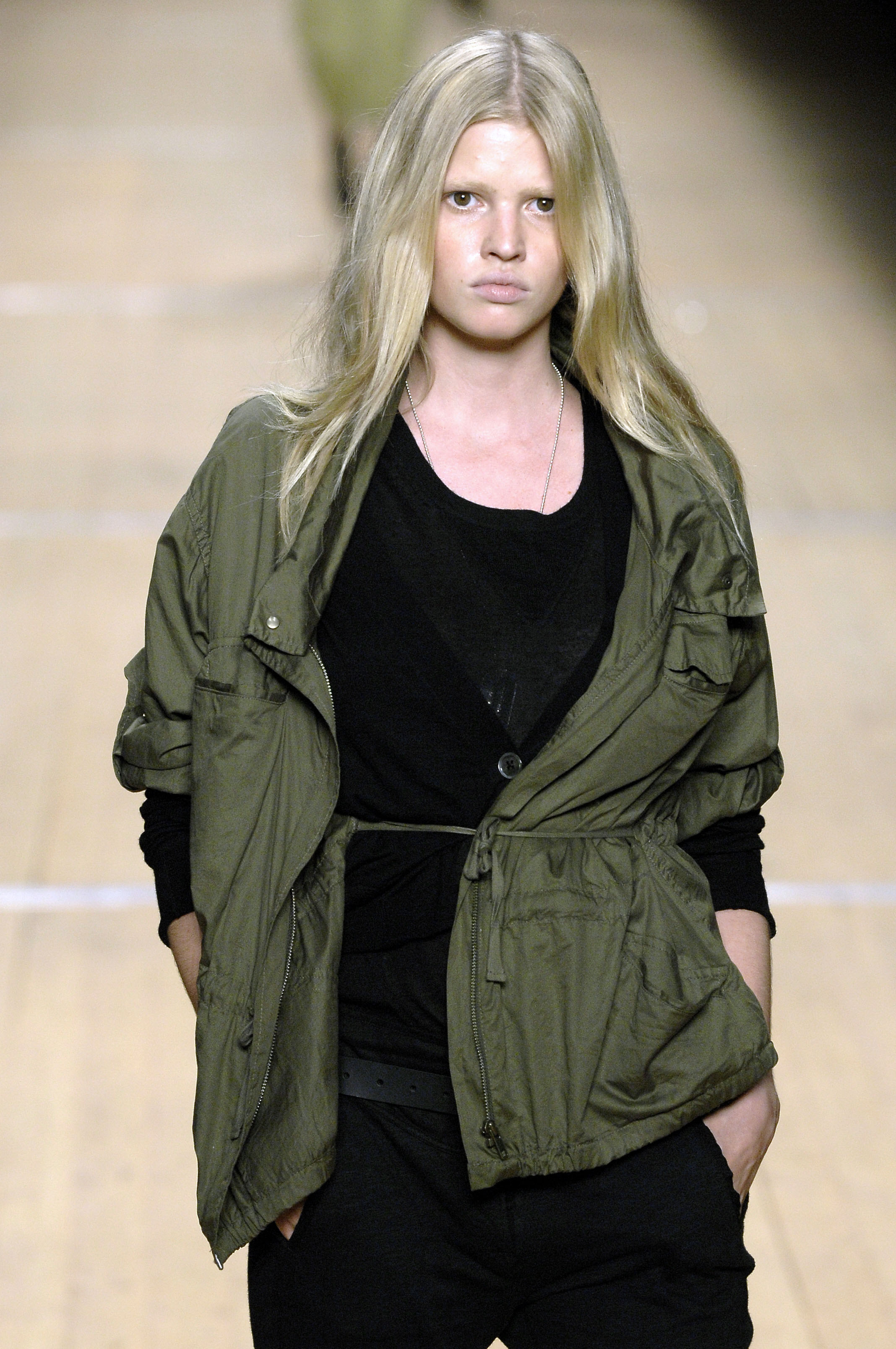
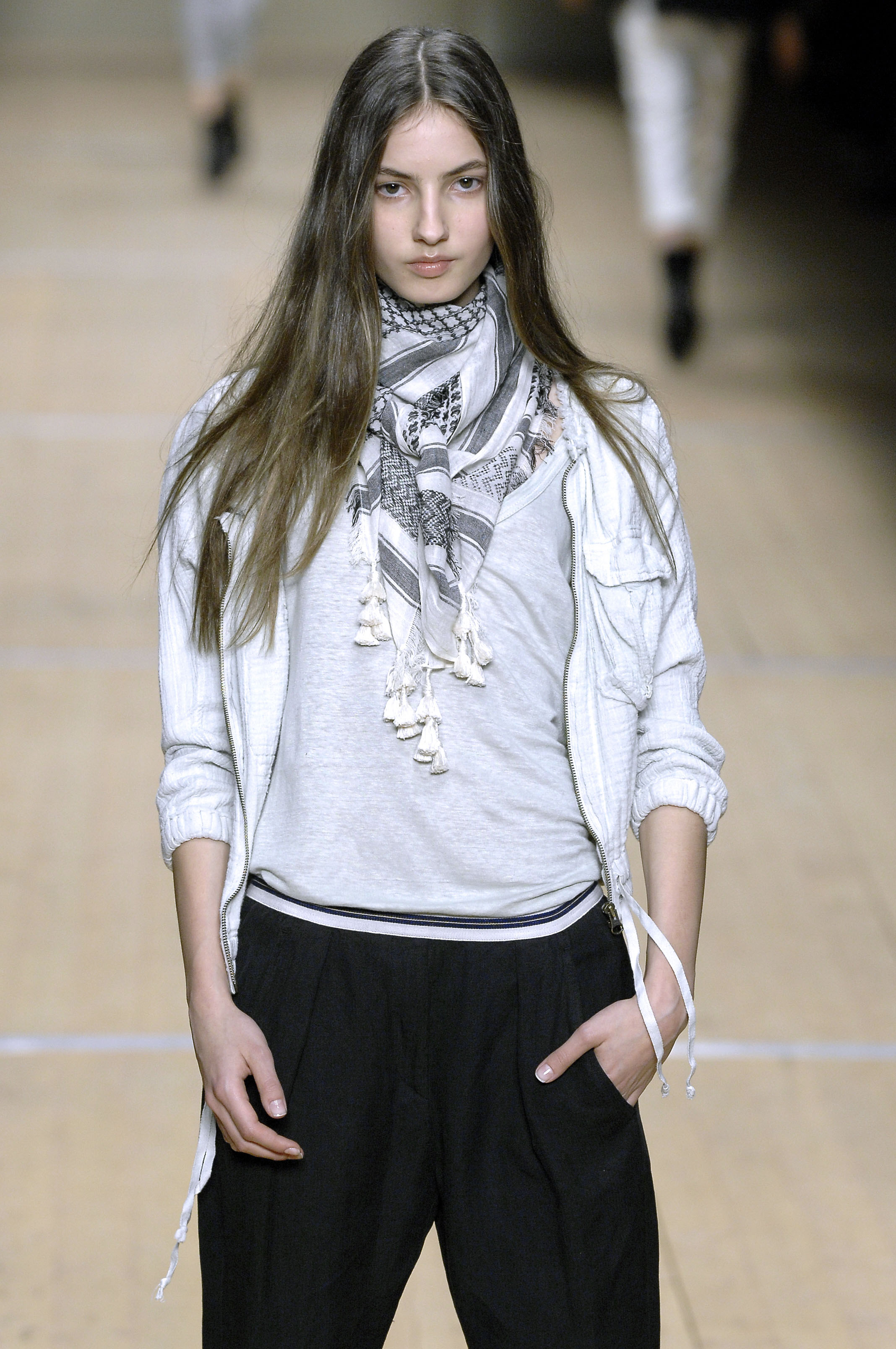
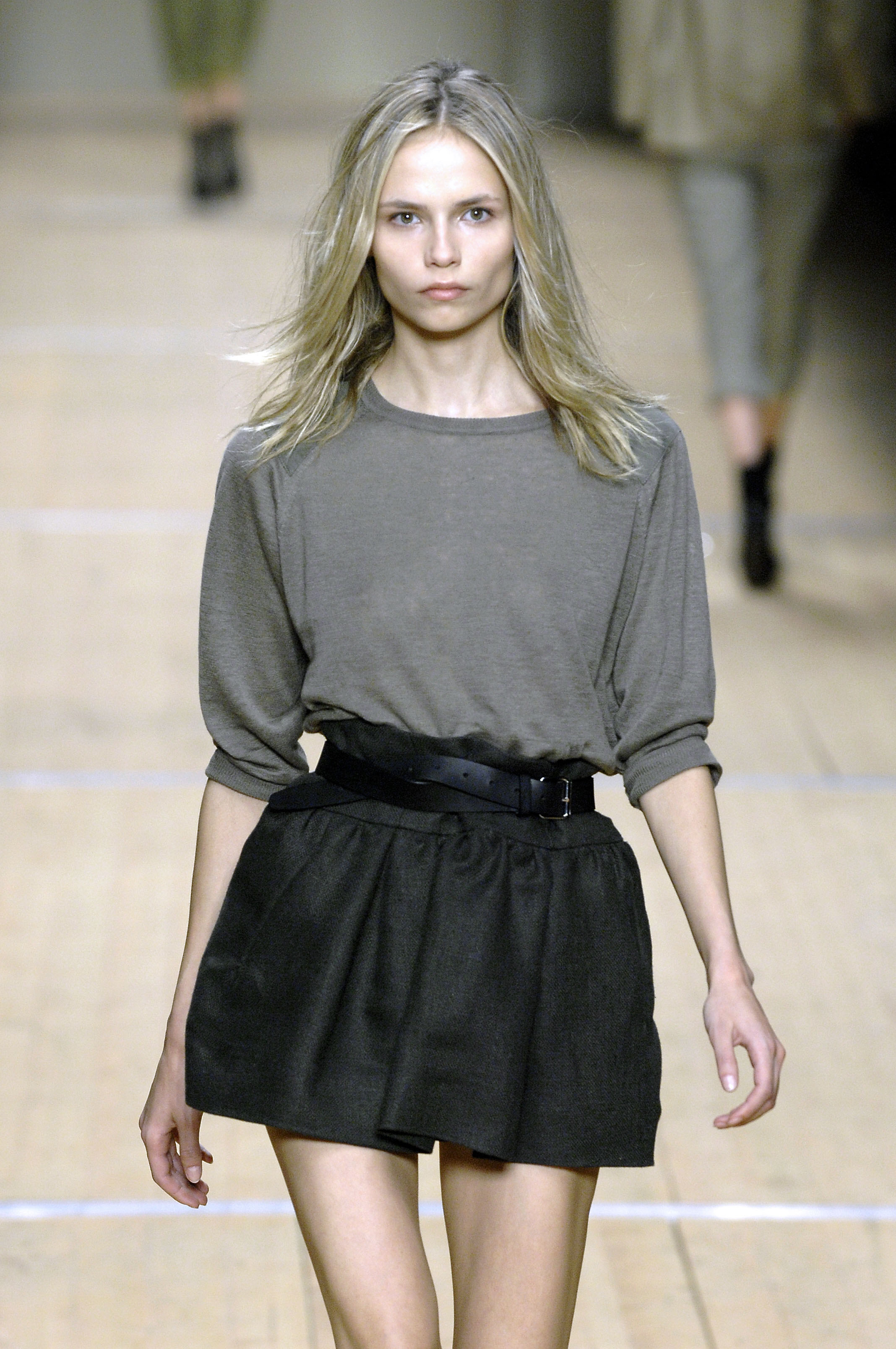
Isabel Marant Paris SS 2008


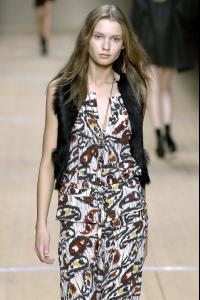
-
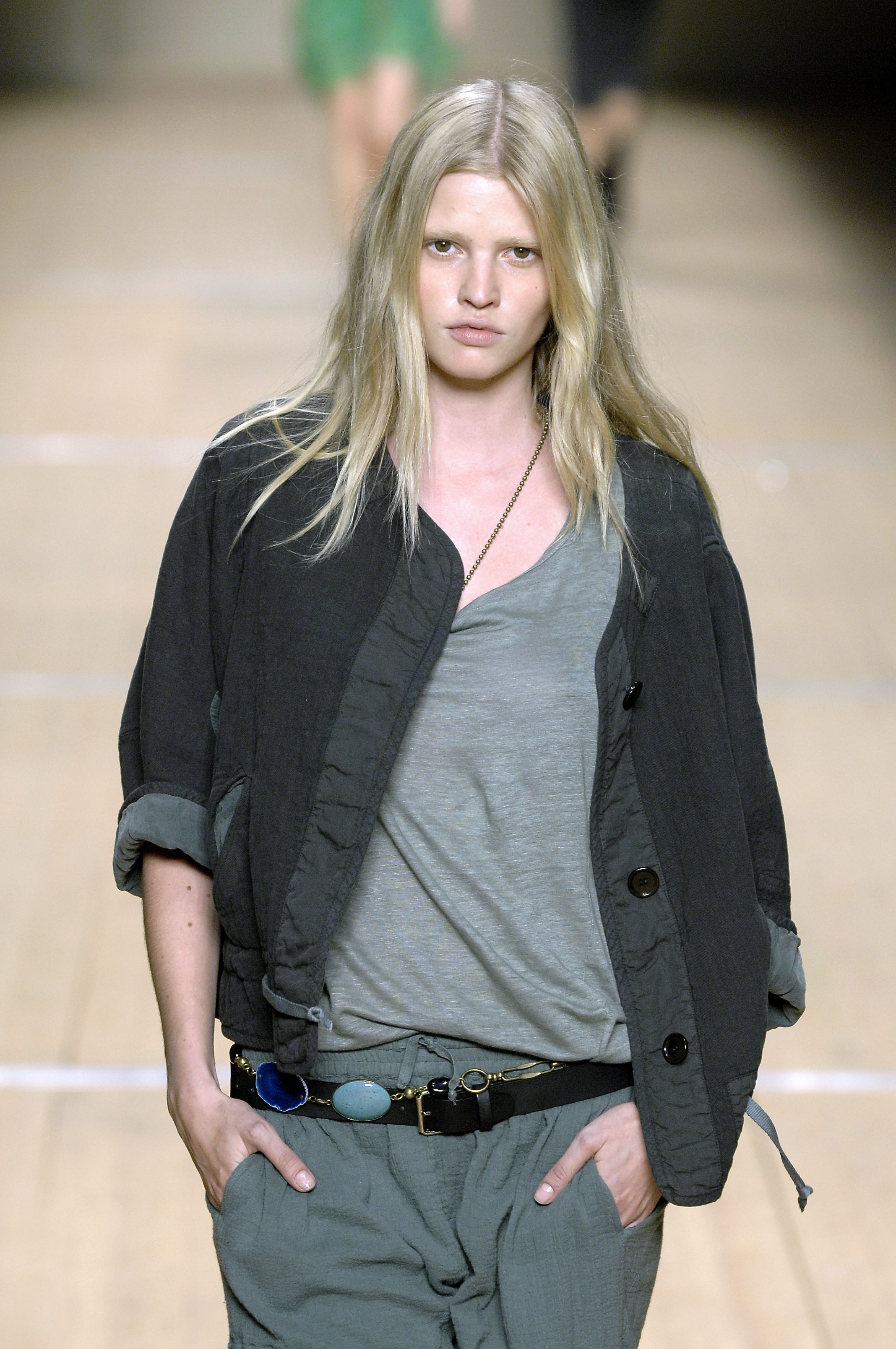
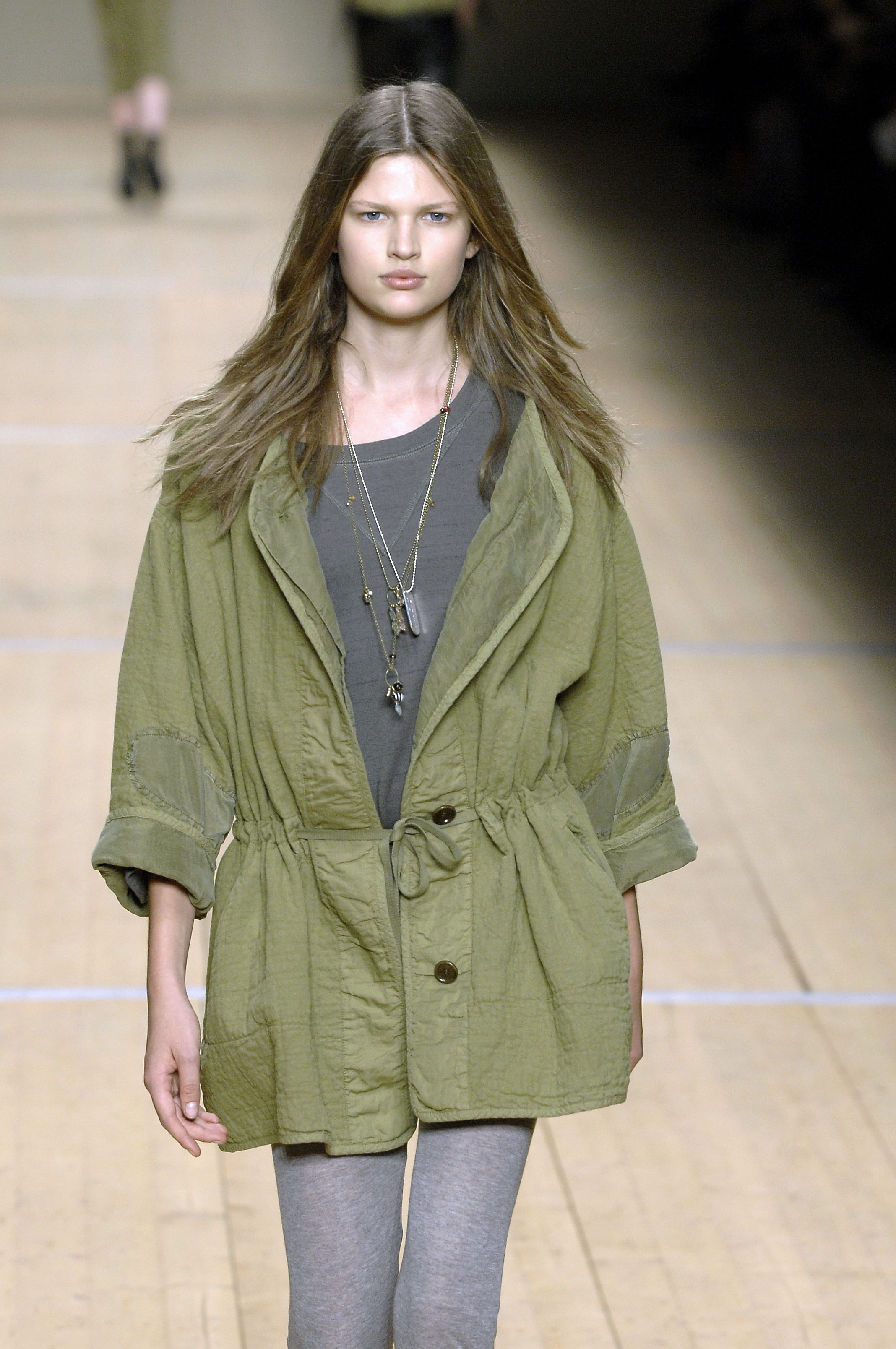
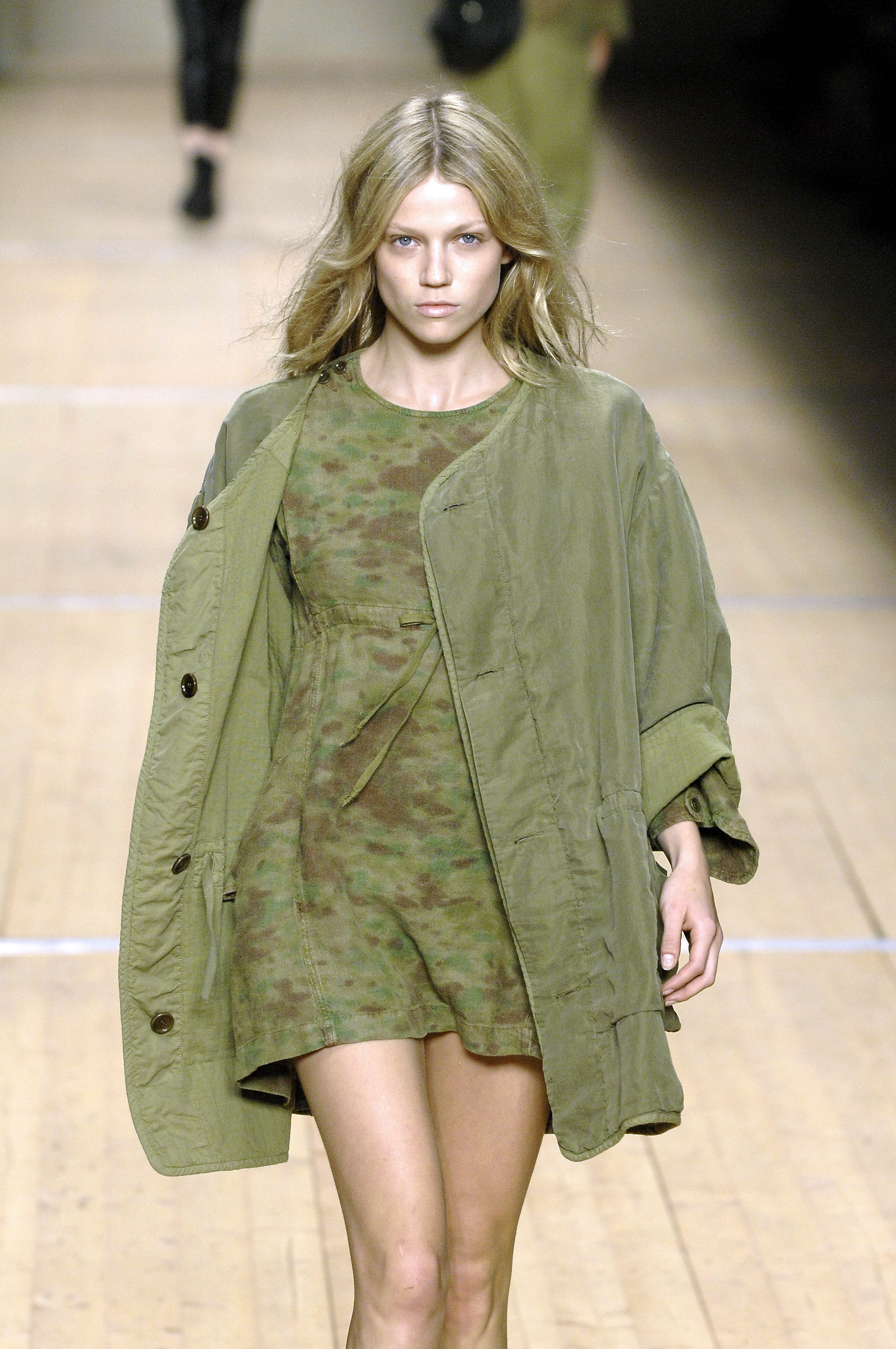
Isabel Marant Paris SS 2008
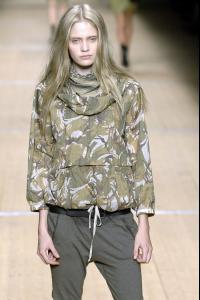

-
Isabel Marant Paris SS 2008
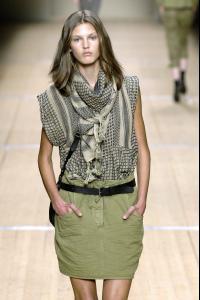
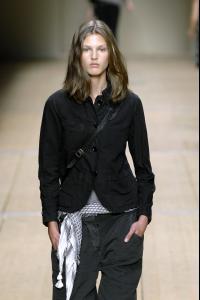
-
Isabel Marant Paris SS 2008
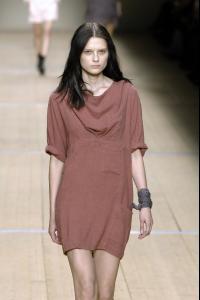
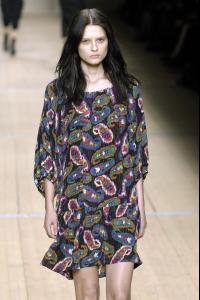
-
Isabel Marant Paris SS 2008
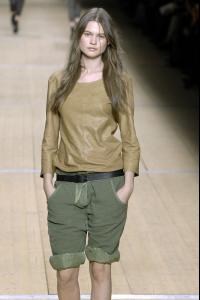

-
Isabel Marant Paris SS 2008
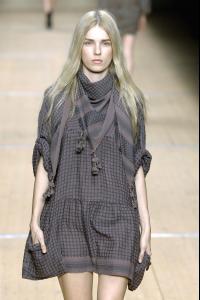

-
Isabel Marant Paris SS 2008
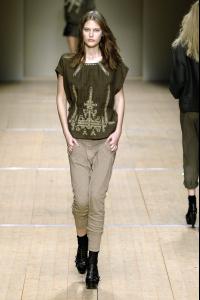

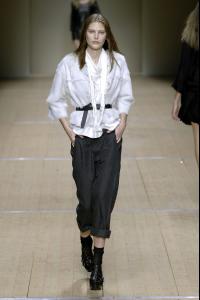
-
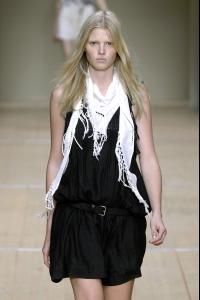
Isabel Marant Paris SS 2008


-
Isabel Marant Paris SS 2008


-
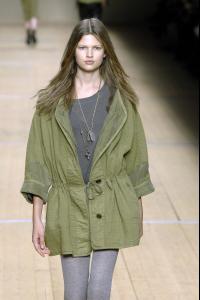
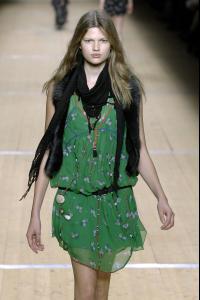
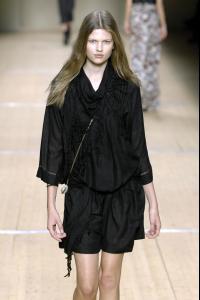
Isabel Marant Paris SS 2008
-
Isabel Marant Paris SS 2008

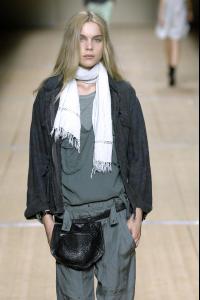
-
Isabel Marant Paris SS 2008
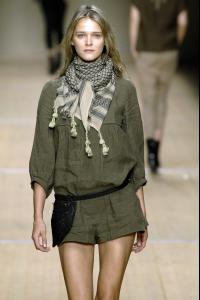

-
Isabel Marant Paris SS 2008


-
Isabel Marant Paris SS 2008
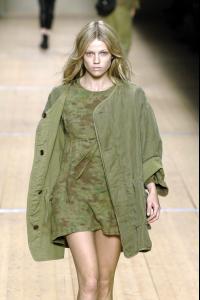
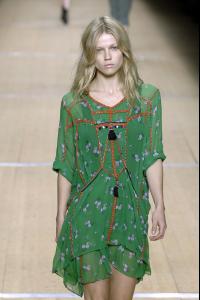

-
Chanel F/W 2012.13 campaign source: models.com

-
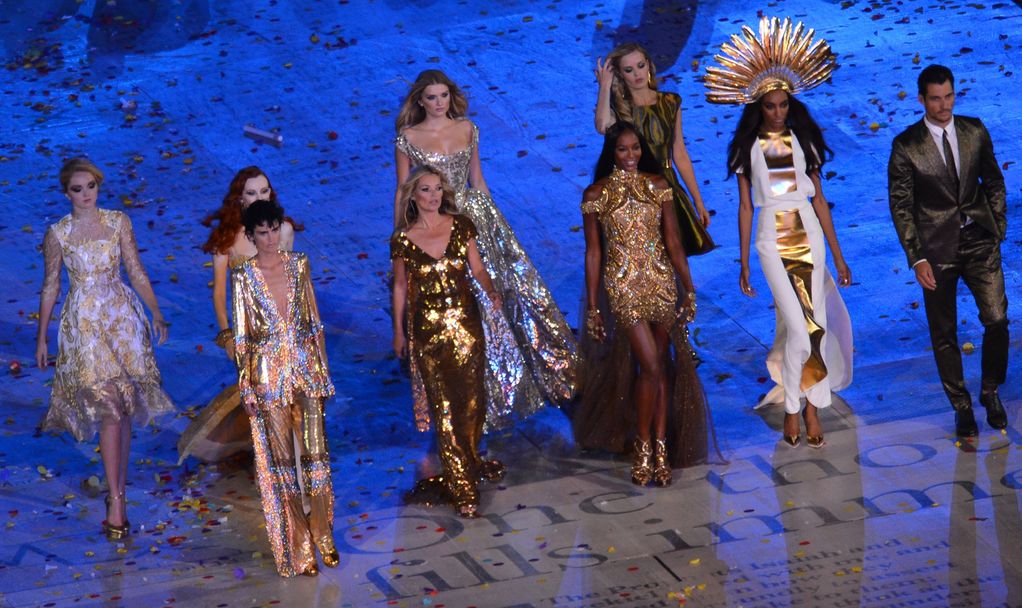
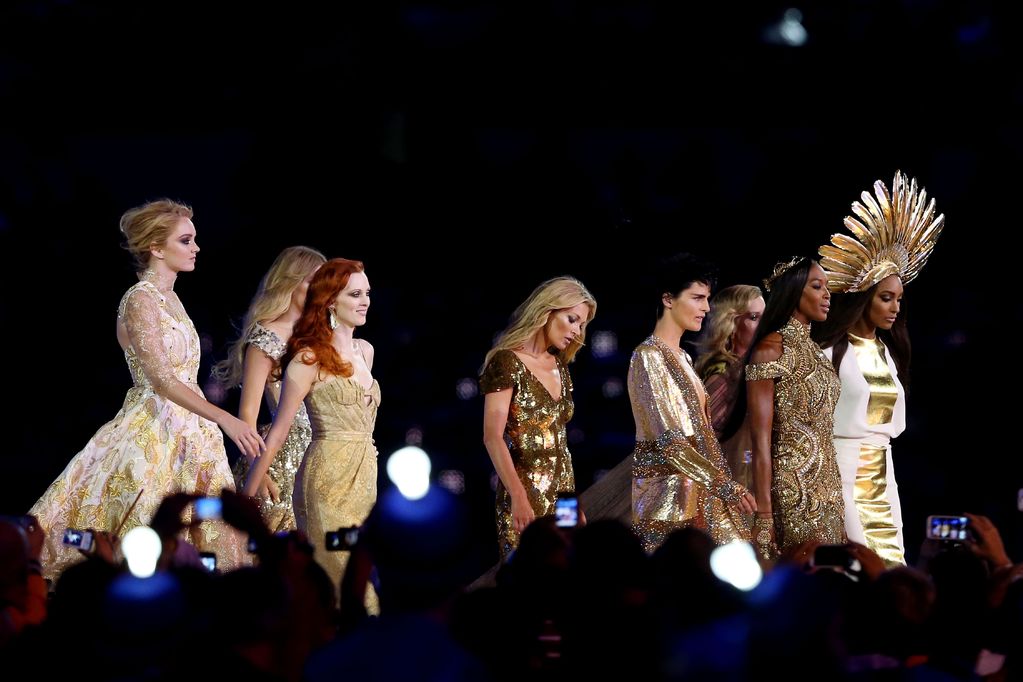
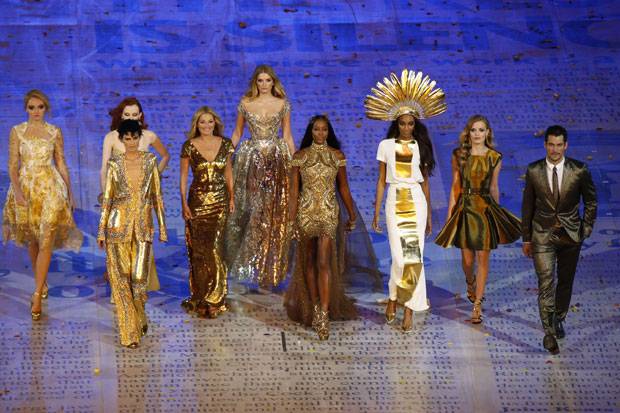
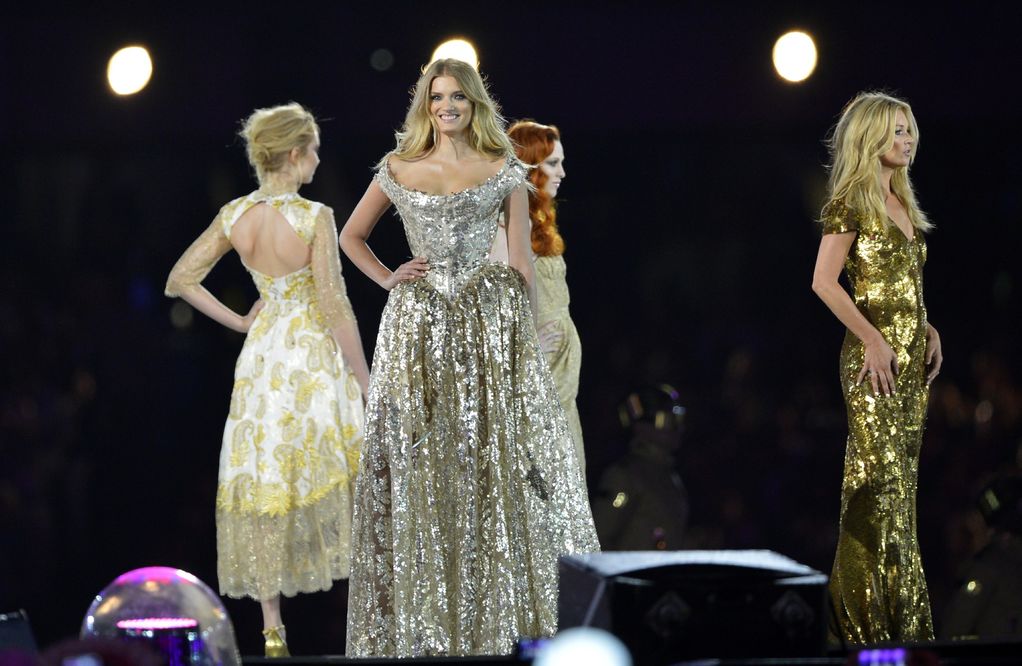
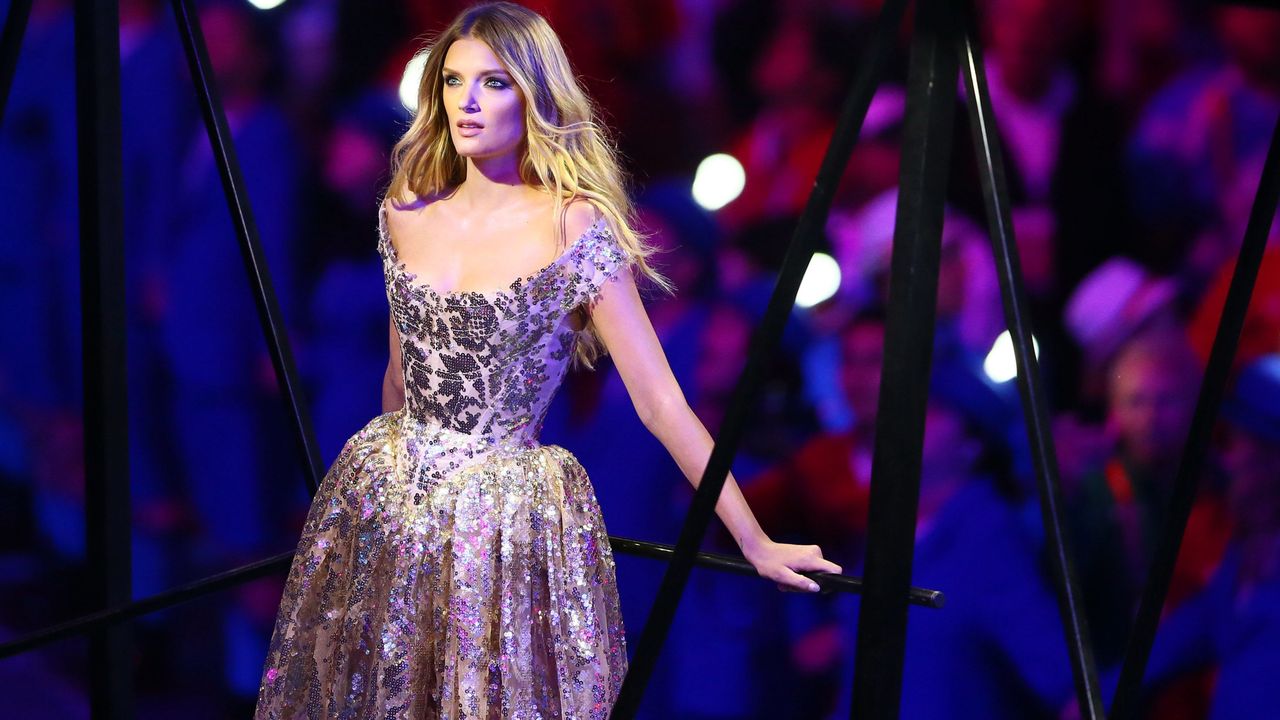
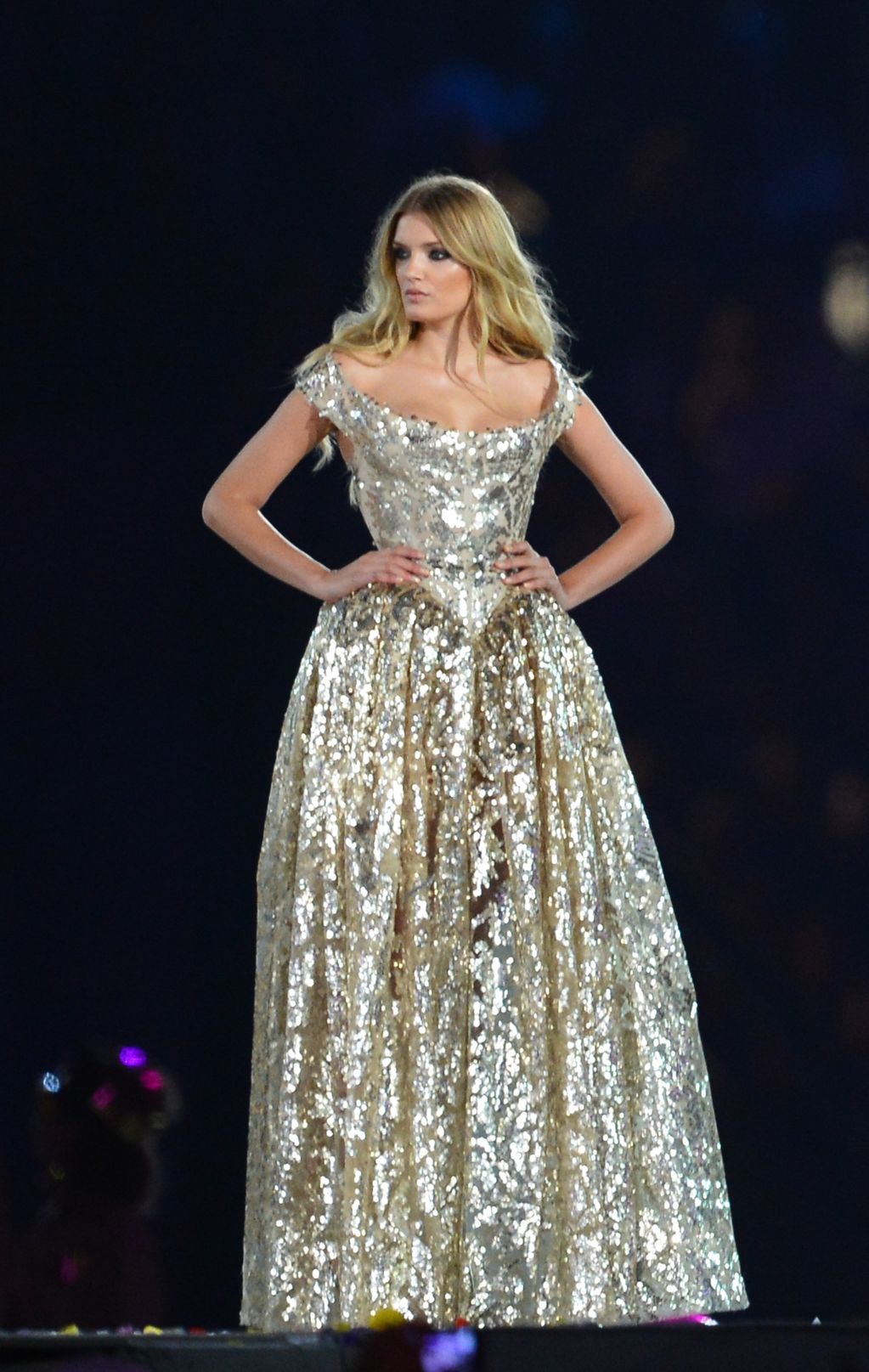
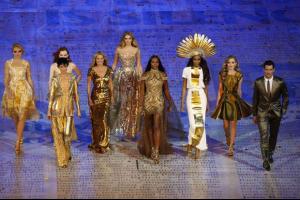
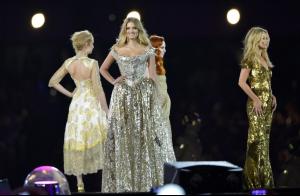
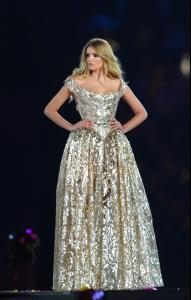
Olympic Games Closing Ceremony in London



-
Olympic Games Closing Ceremony in London
-
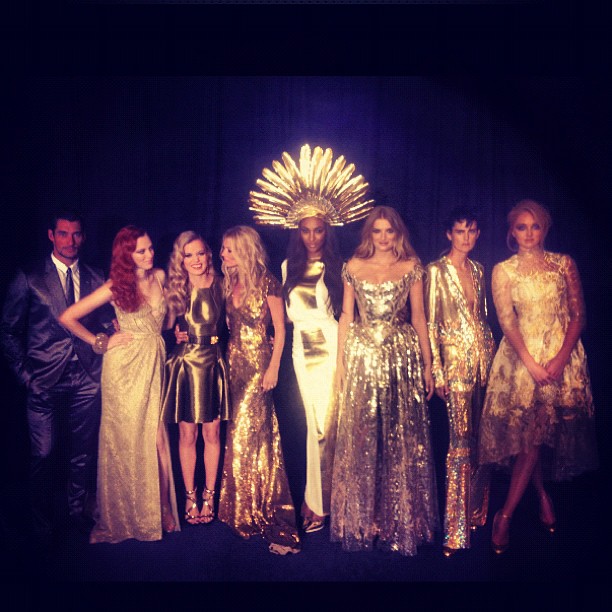
Olympic Games Closing Ceremony in London
-
Olympic Games Closing Ceremony in London

-
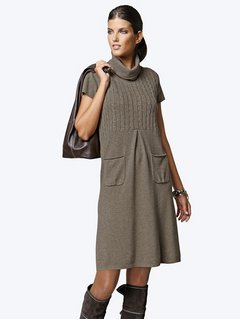
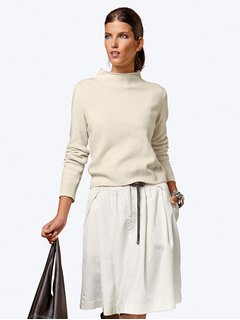
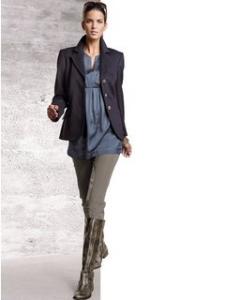
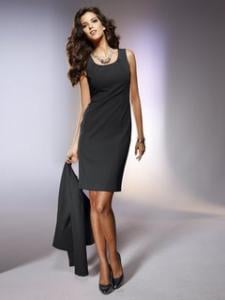
Heine SS & FW 2012


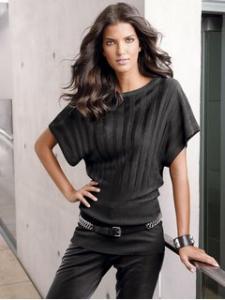


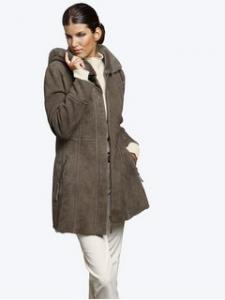
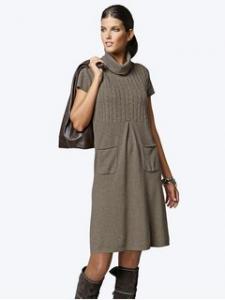

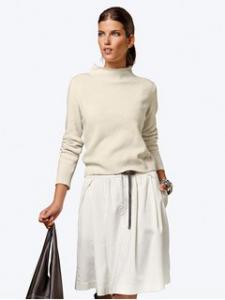
-
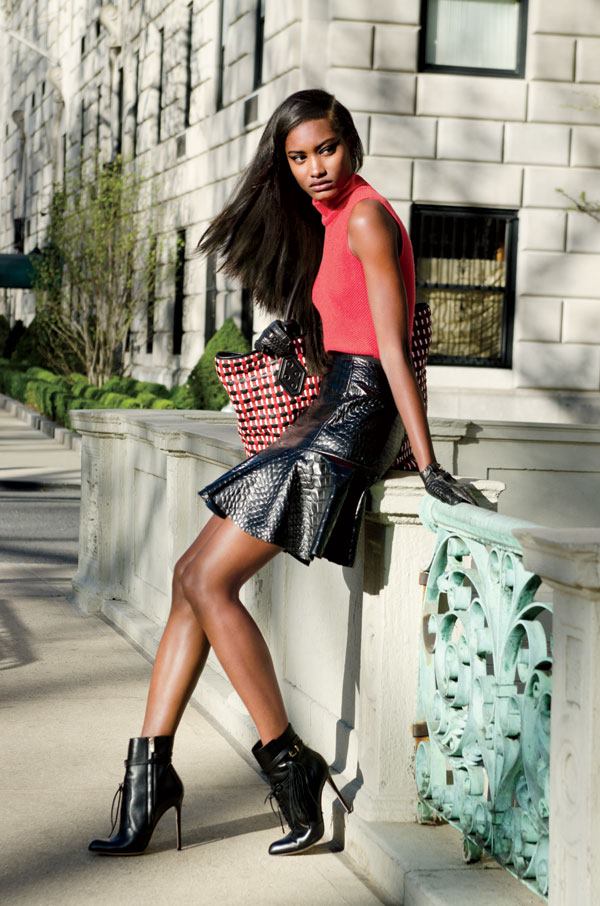
HARPER'S BAZAR - August 2012



-
These are available in much higher resolution. On the page for each item, click on the image to get it to load the zoomed pic, then go to your browser cache and save it. These are available in much higher resolution. On the page for each item, click on the image to get it to load the zoomed pic, then go to your browser cache and save it. Thanks for you advice, But I still don`t know how to do that
-