
Nefertiti
Members
-
Joined
-
Last visited
Everything posted by Nefertiti
-
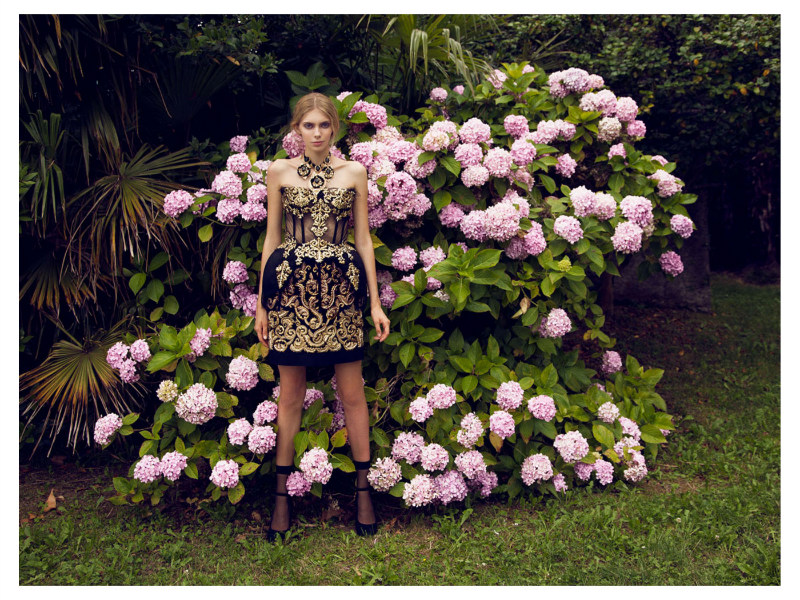
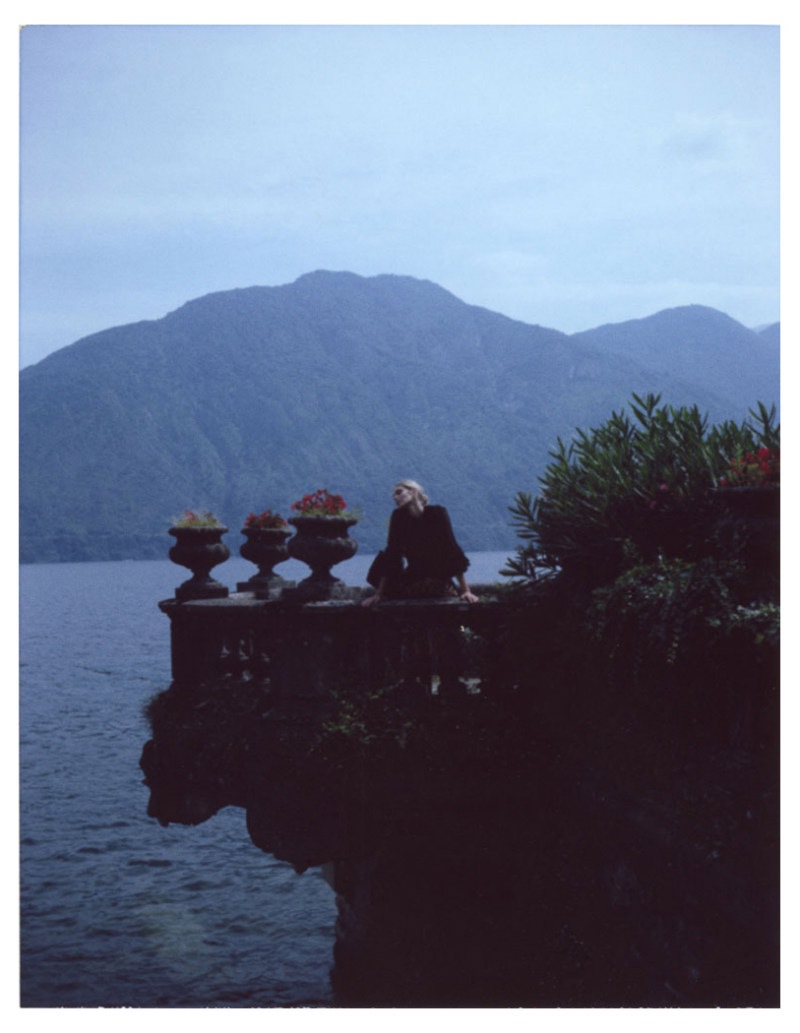
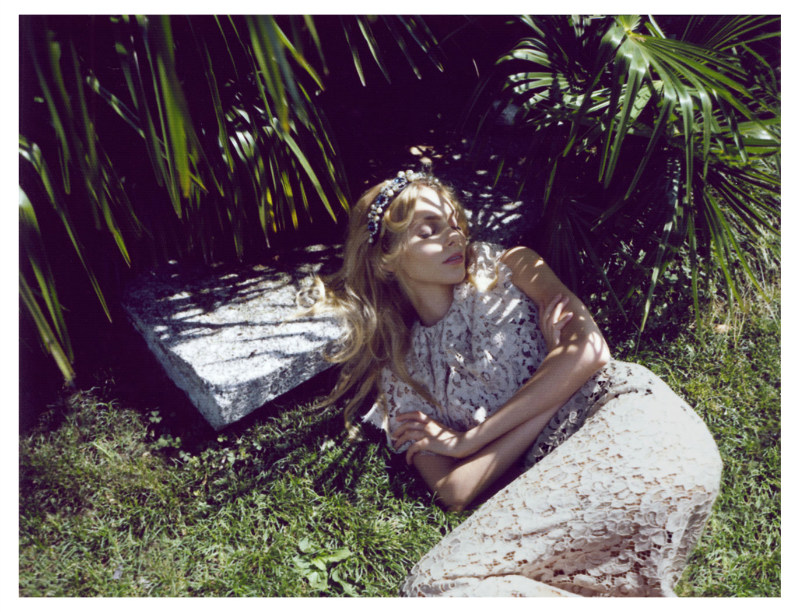
LIFE STYLE MAGAZINE fabfashionfix.com










-
Vogue Japan December 2012 fabfashionfix.com
-
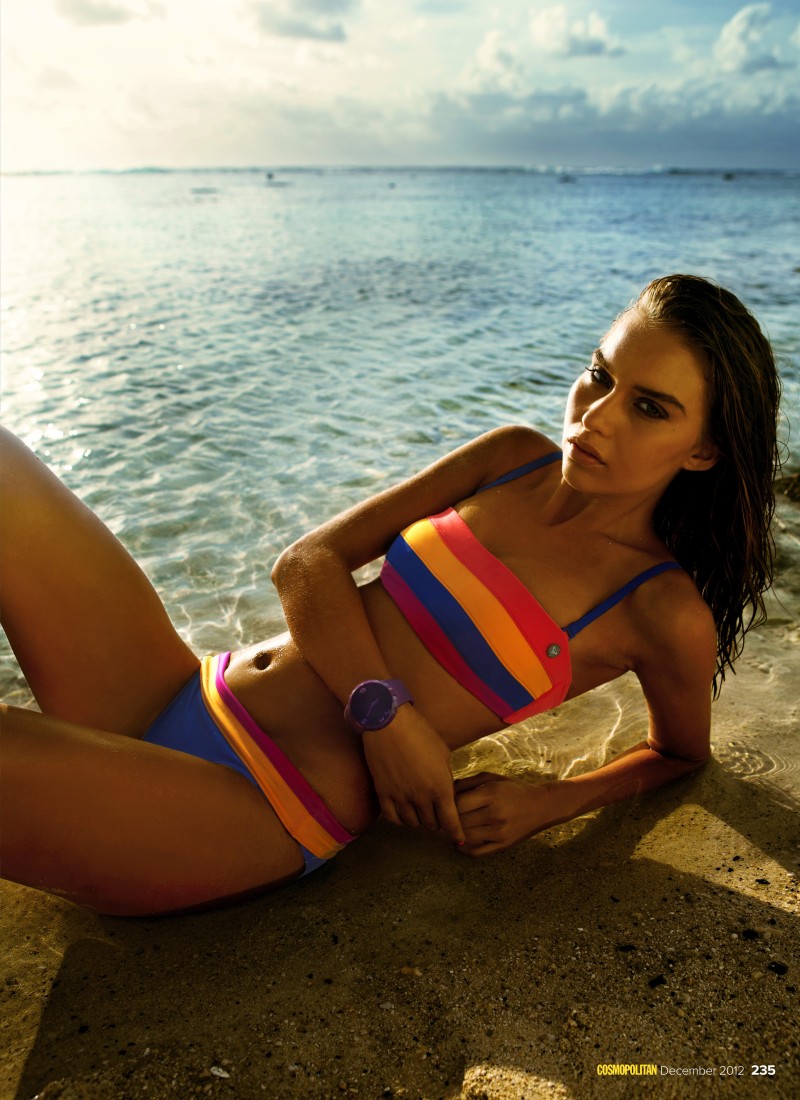
AVRIL ALEXANDER IN COSMOPOLITAN AUSTRALIA, DECEMBER 2012 fabfashionfix.com








-
2012 CFDA/Vogue Fashion Fund Awards


-
Thanks dear
-
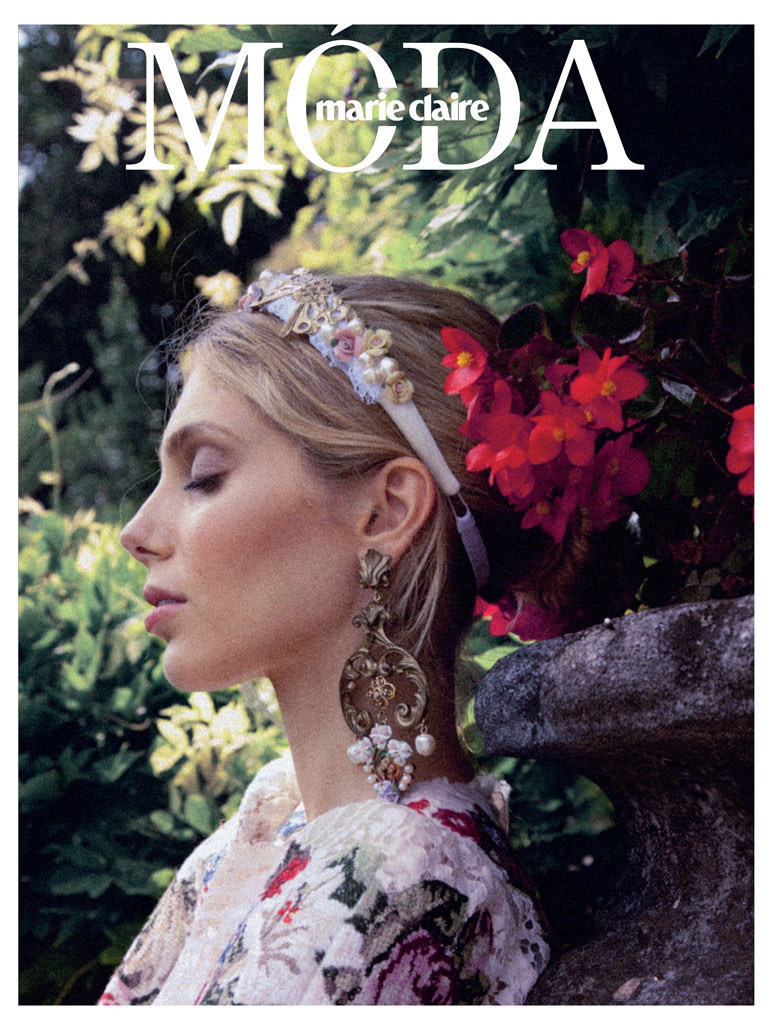
Marie Claire Czech November 2012 fanfashionfix.com









-
Penelope Cruz attended the 2013 Campari Calendar premiere in Milan, Italy on Tuesday (November 13).



 She looked great
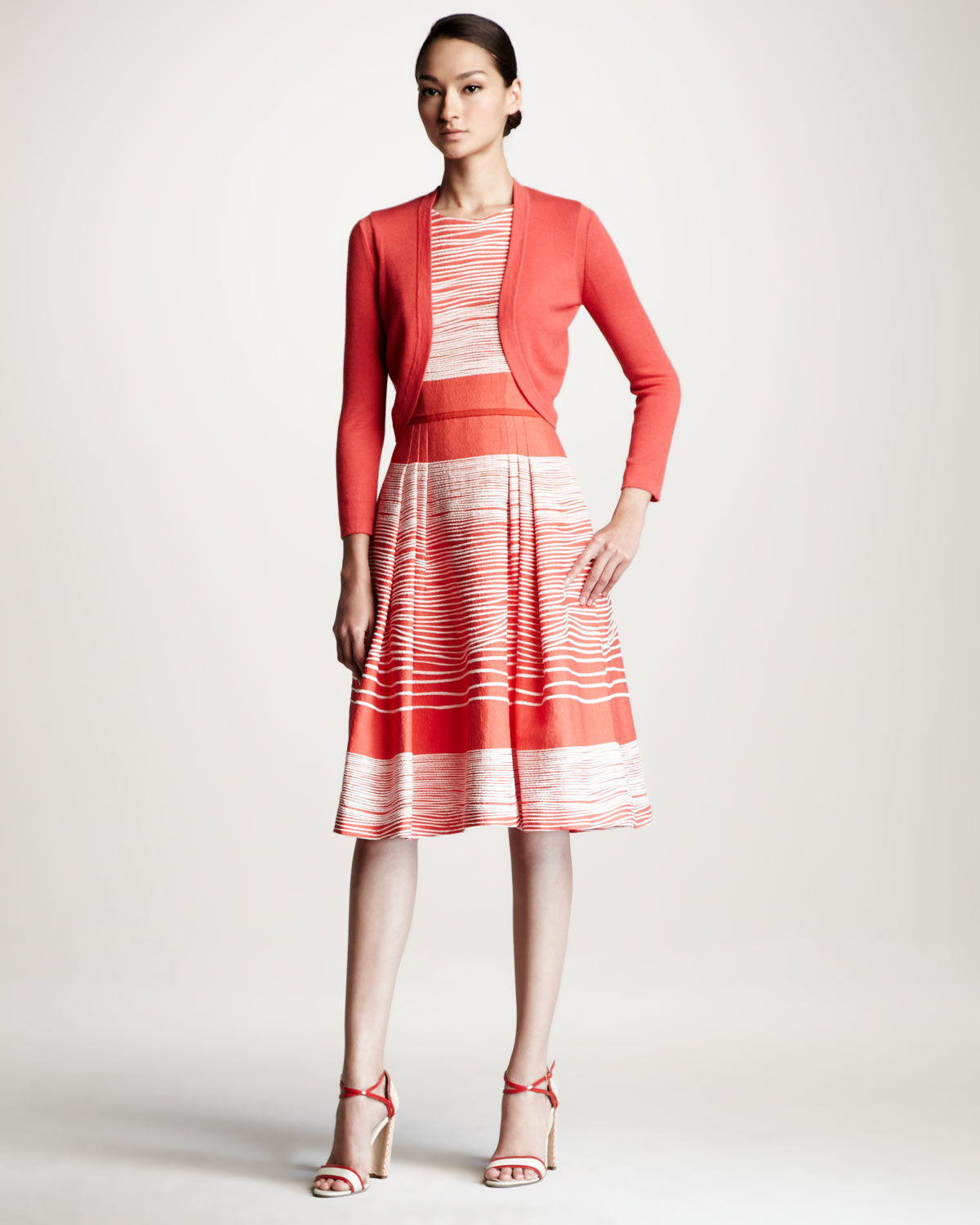
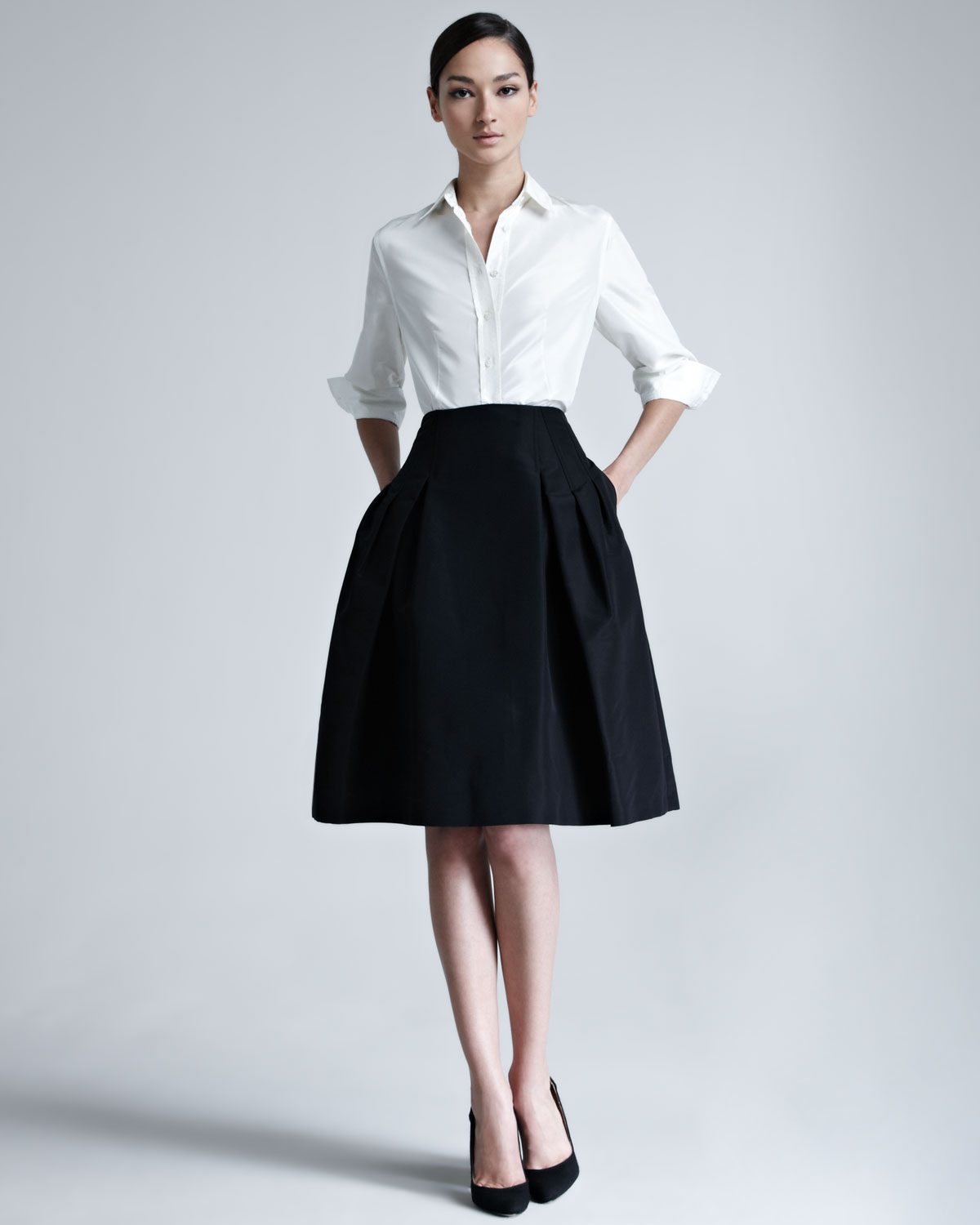
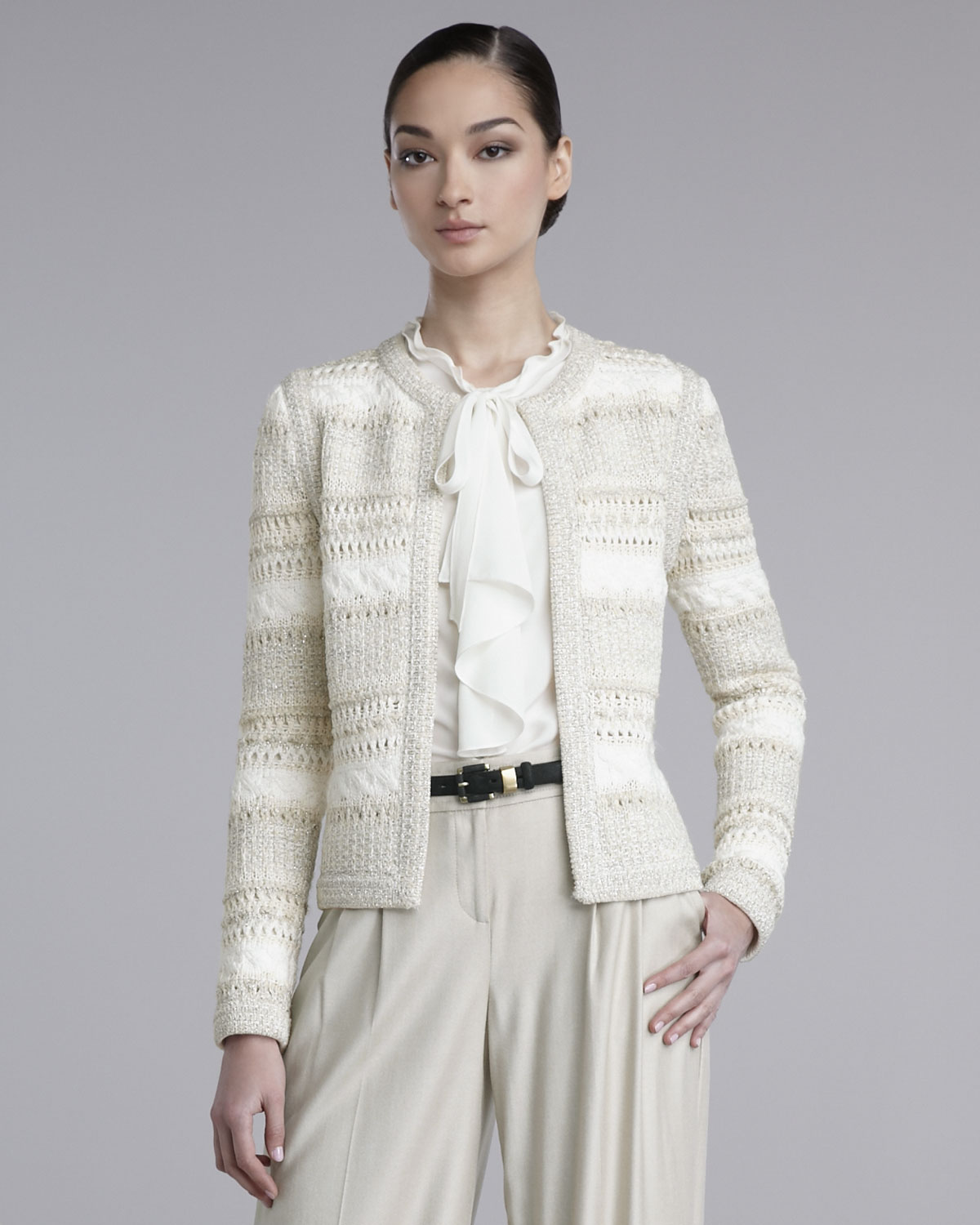
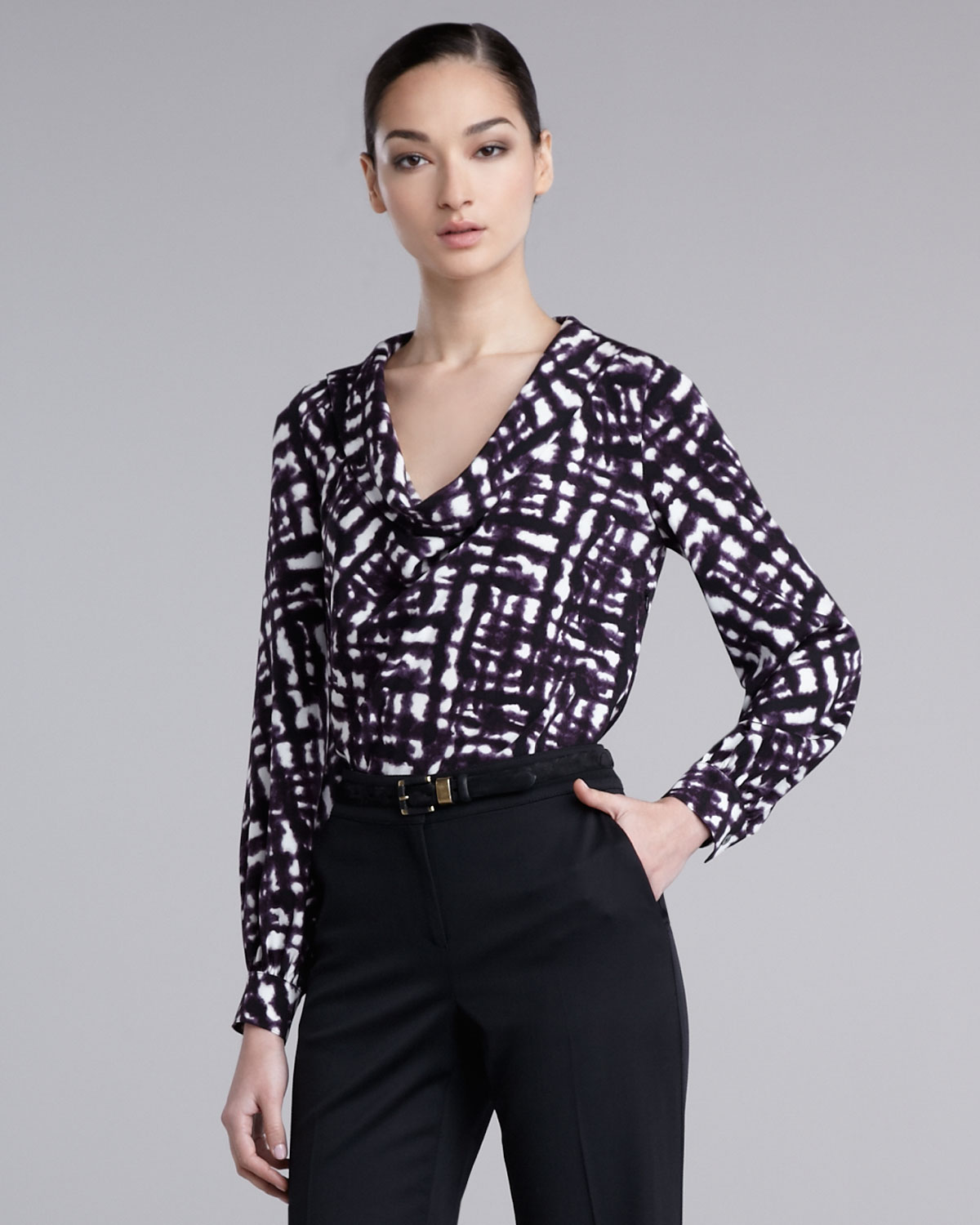
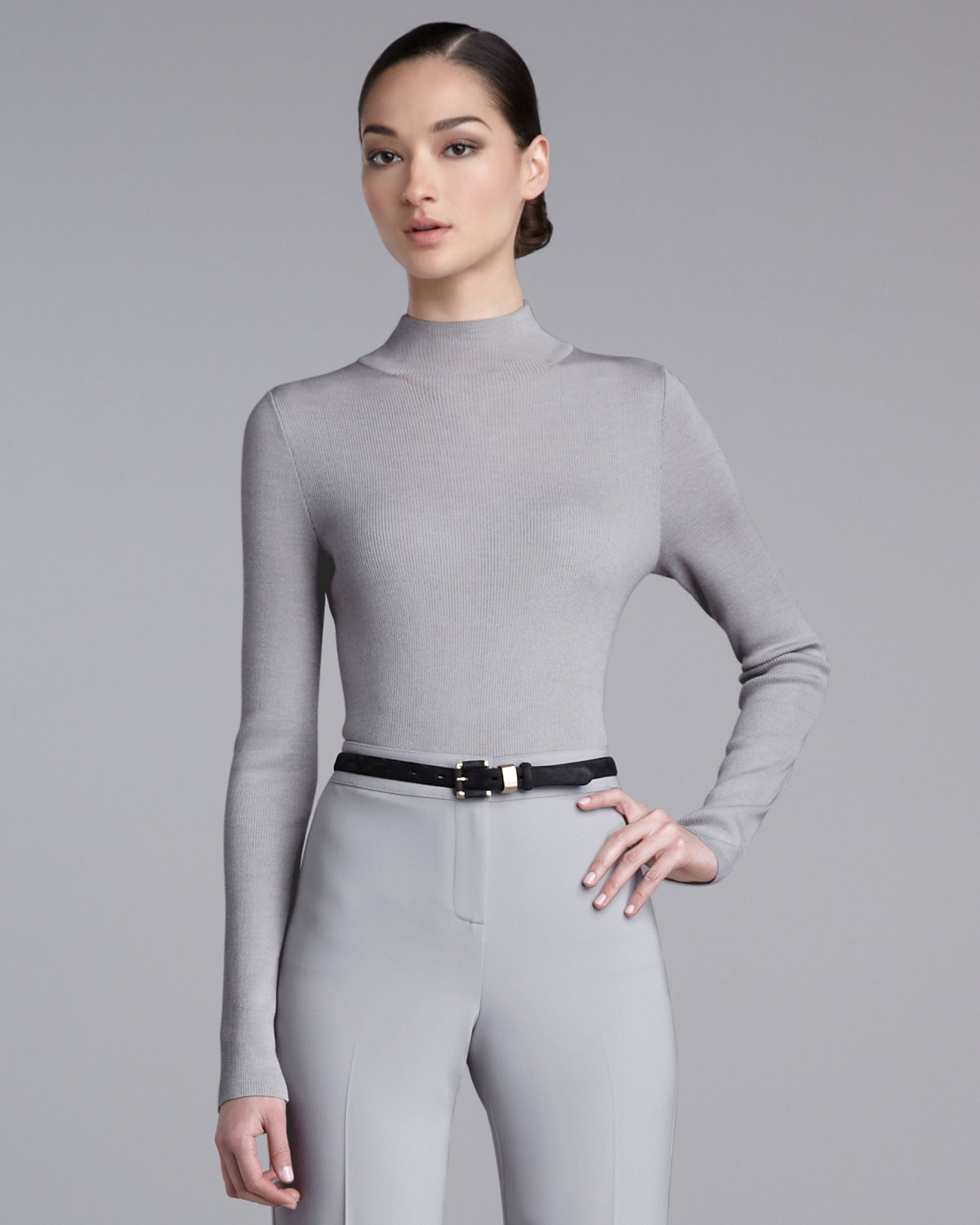
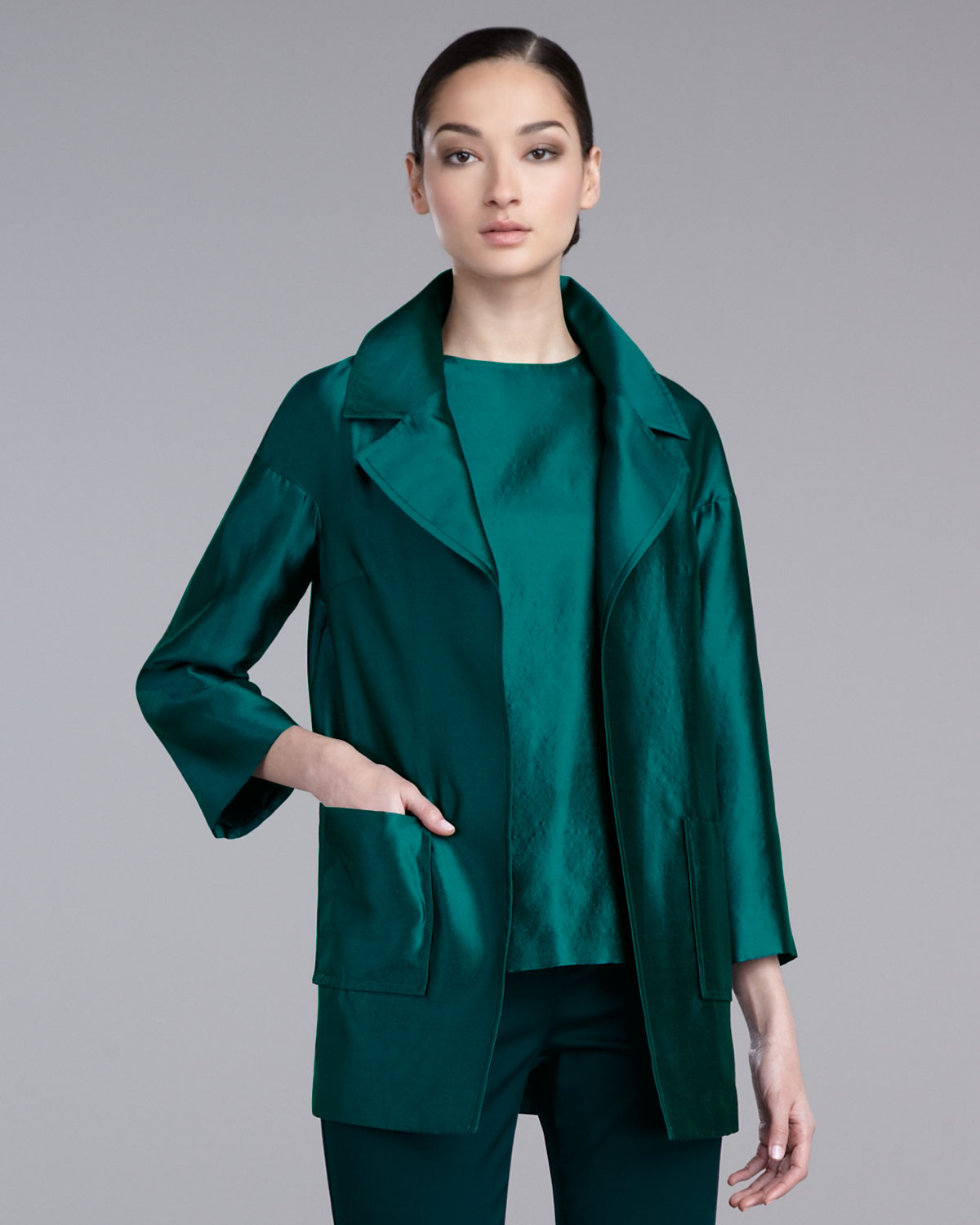
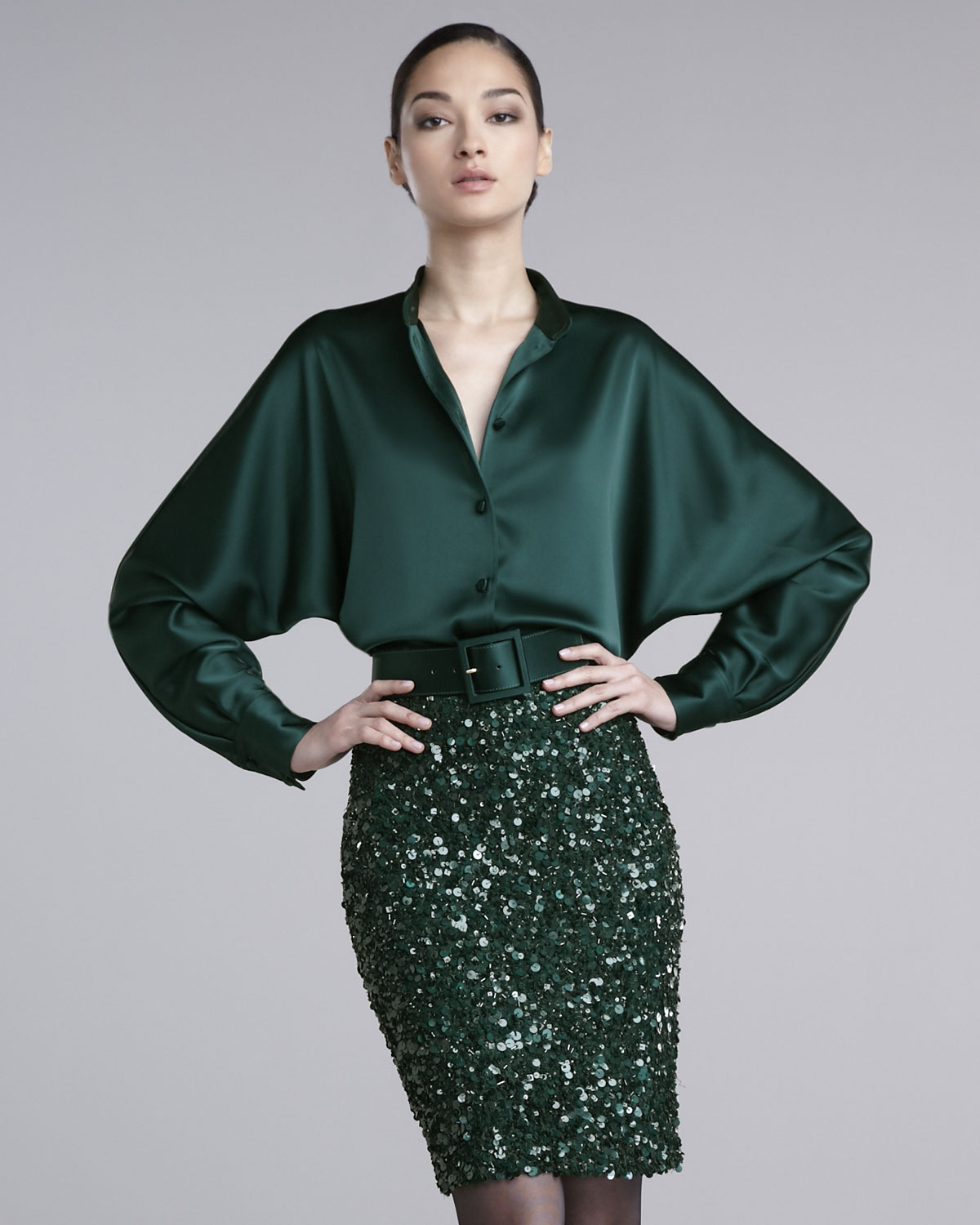
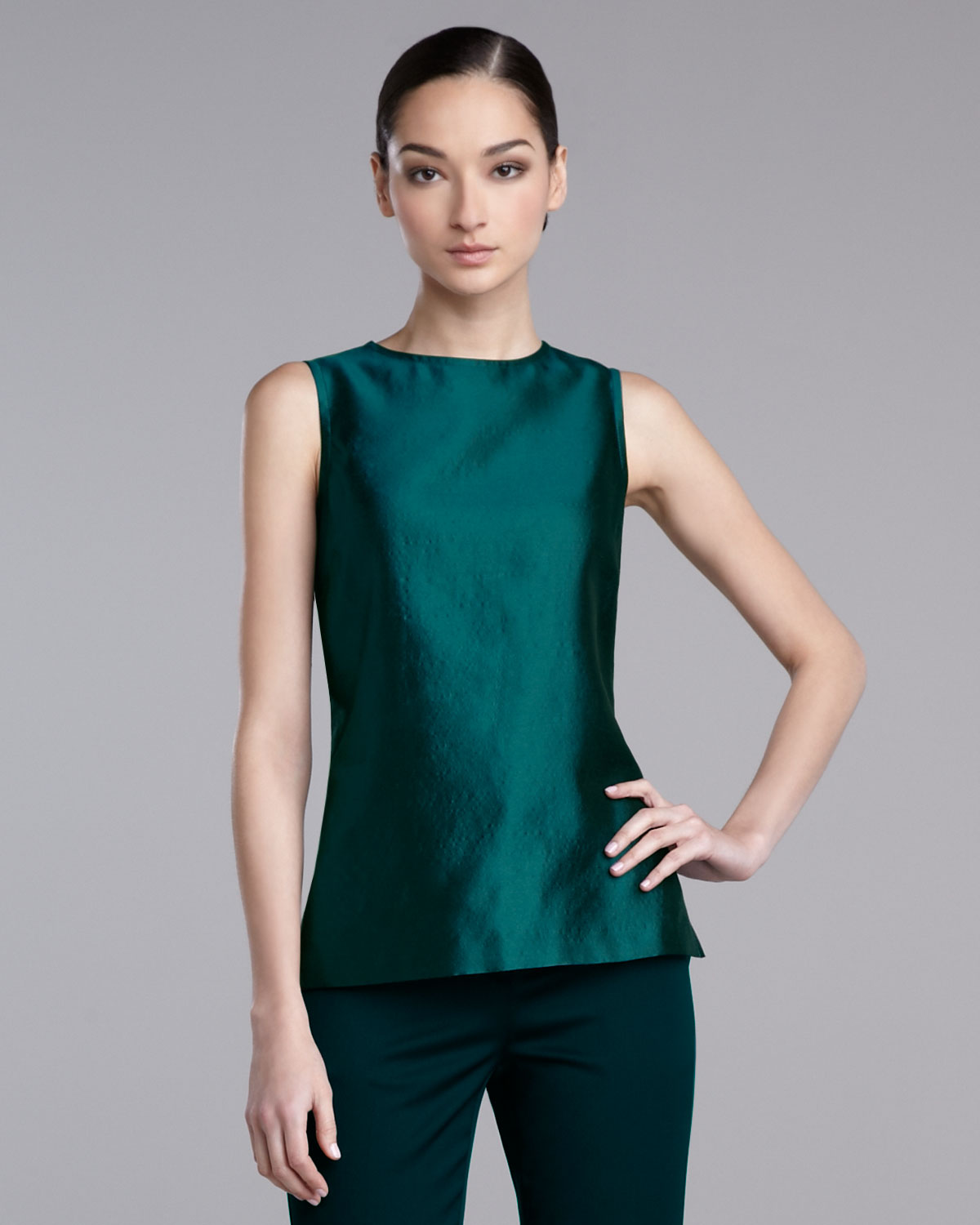
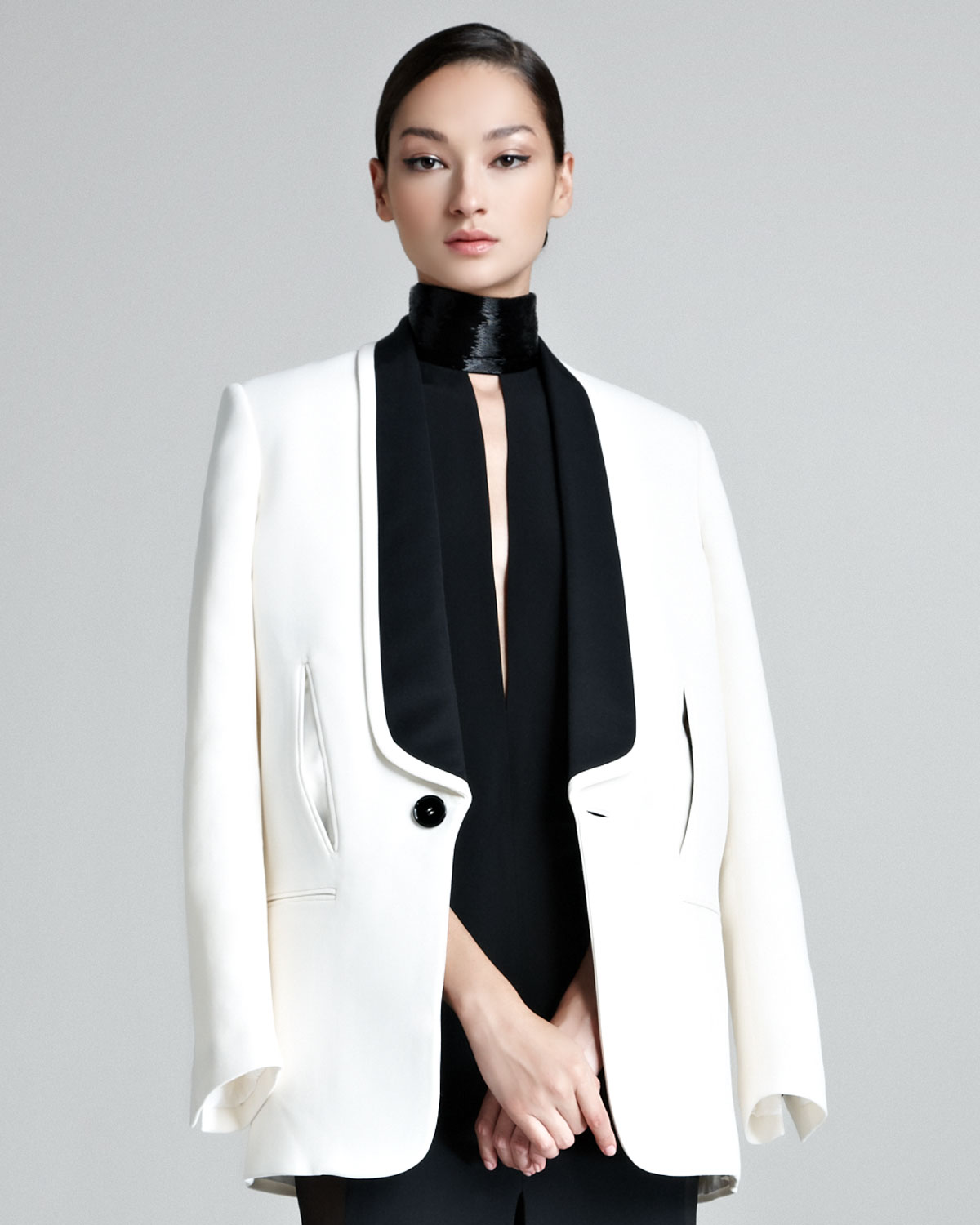
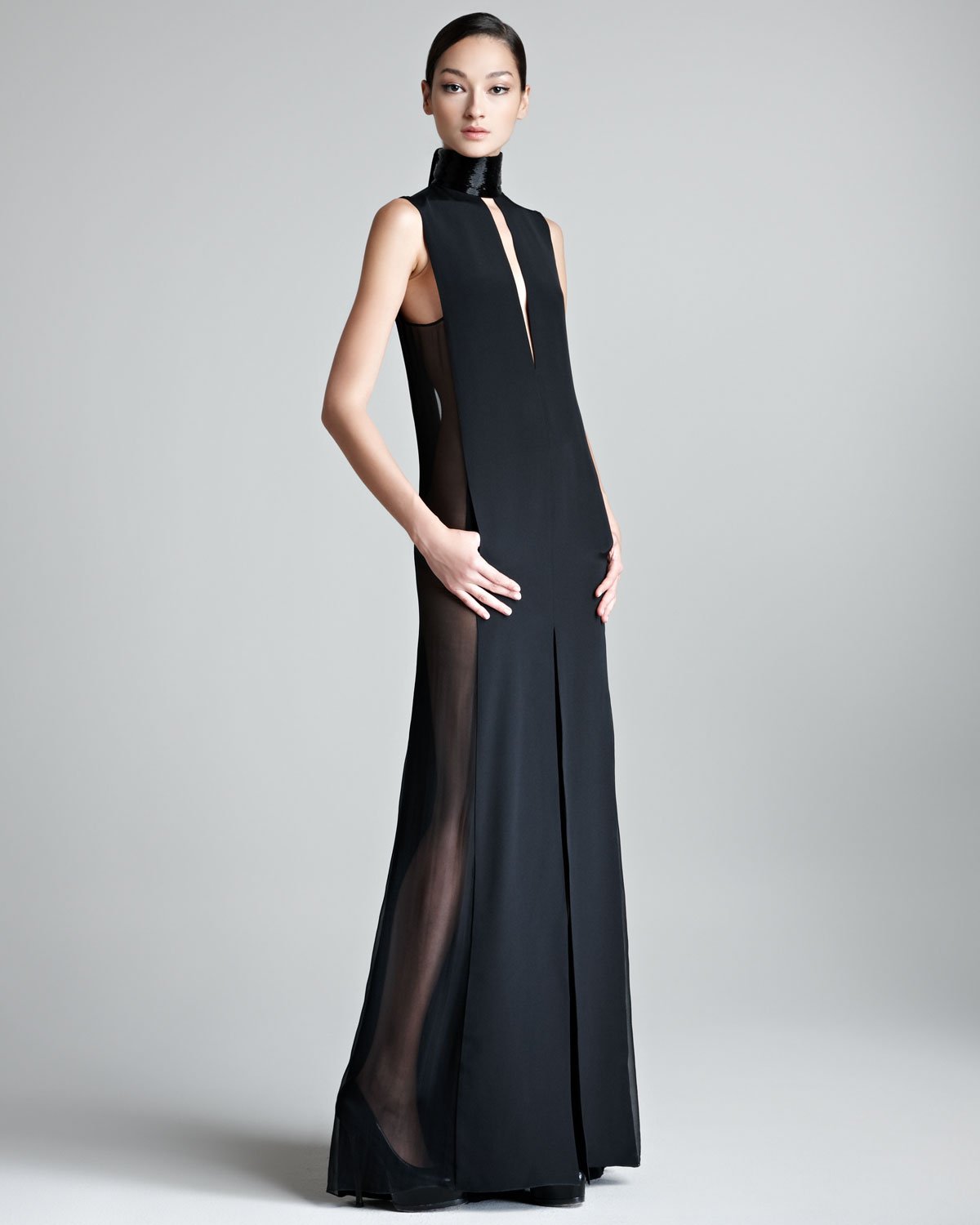
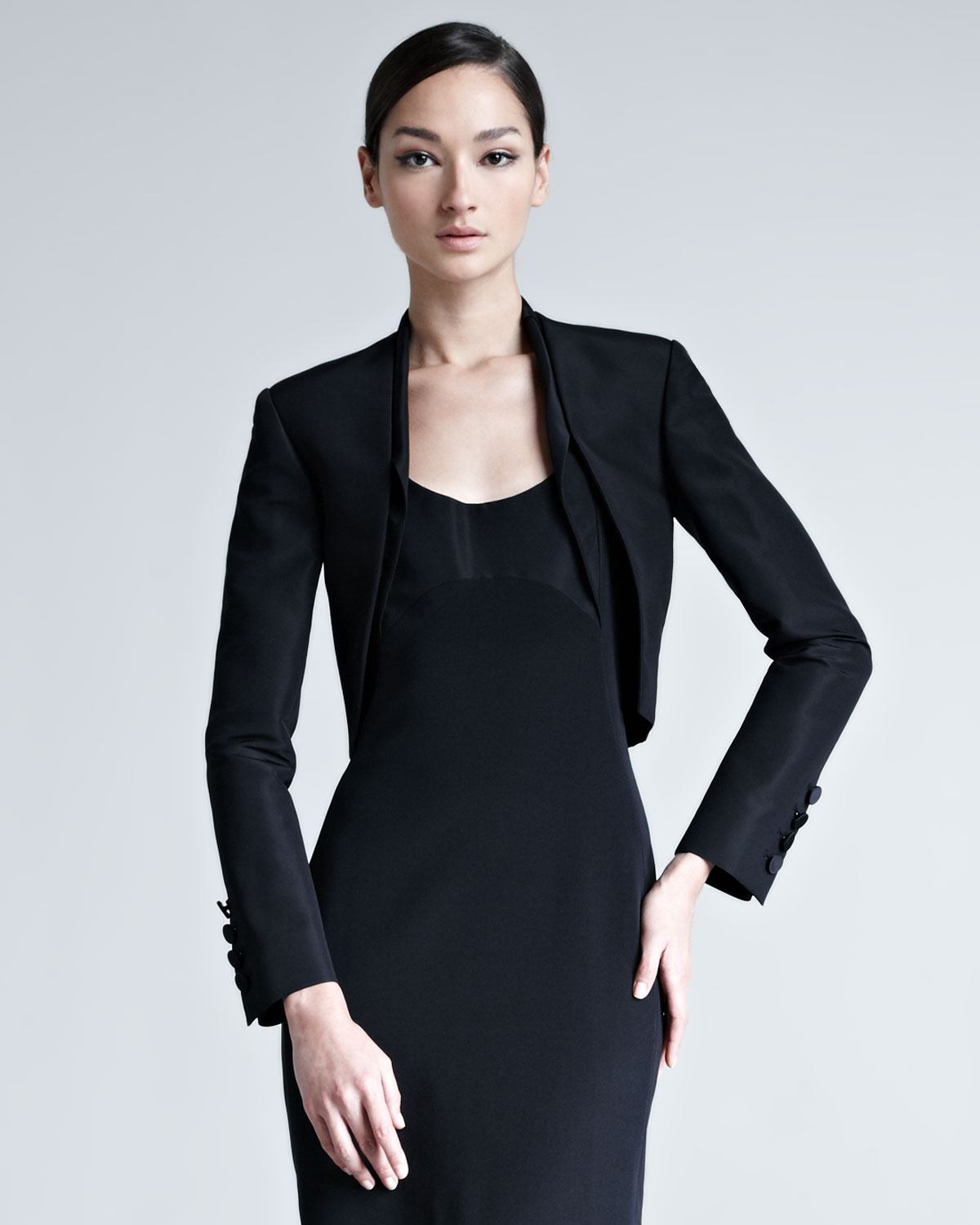
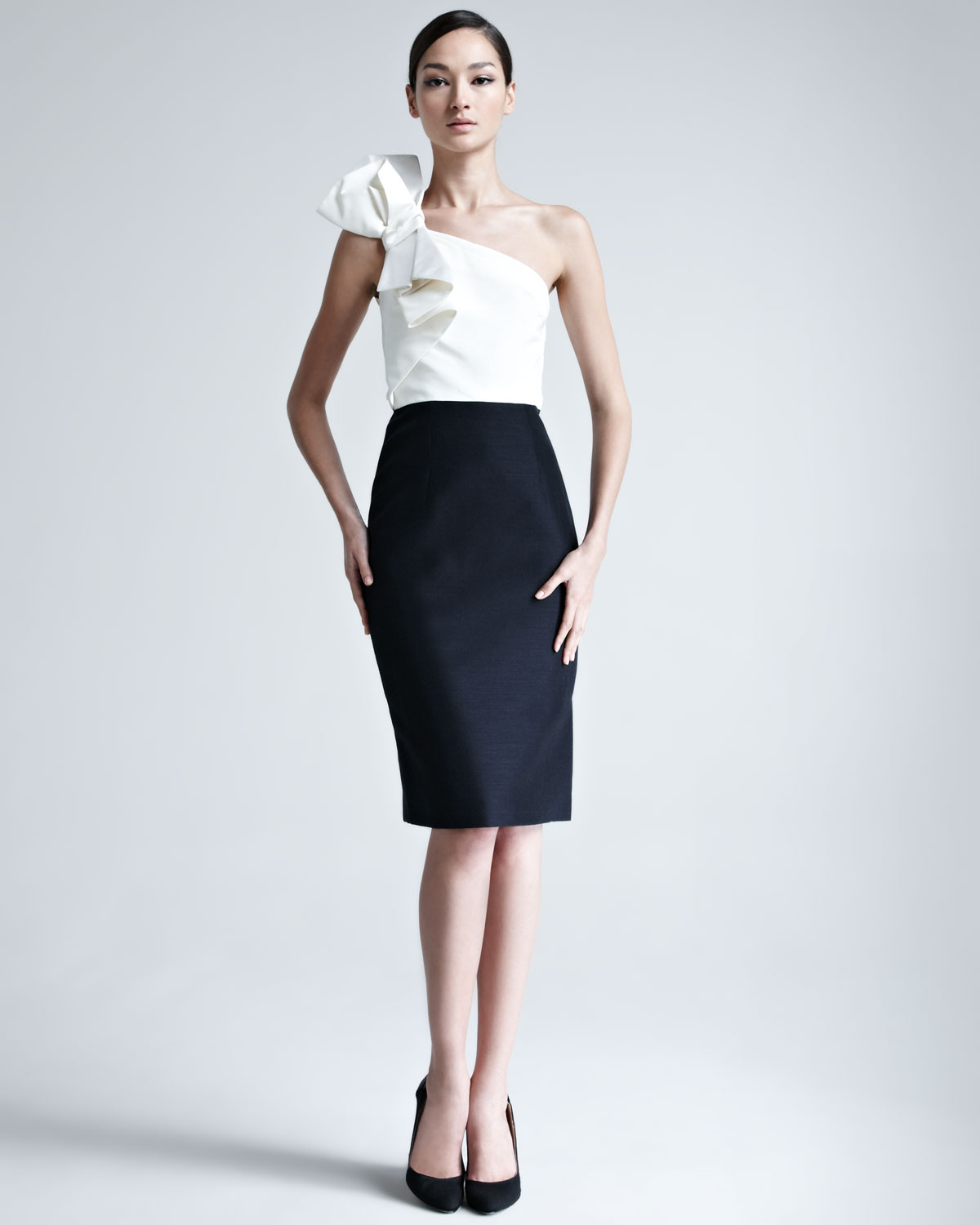
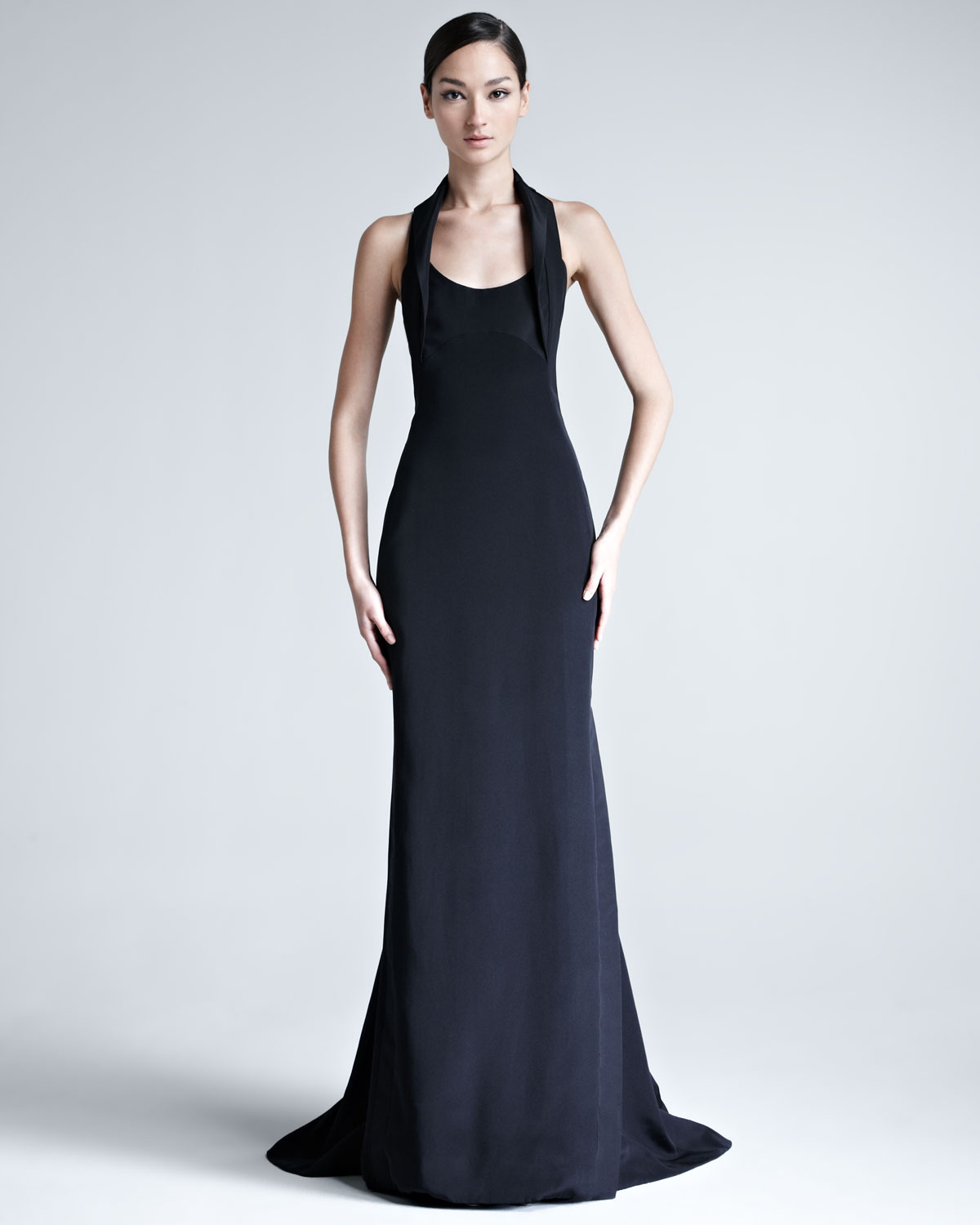
Neiman Marcus
She looked great
Neiman Marcus
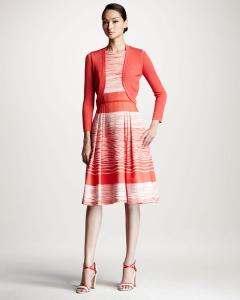





















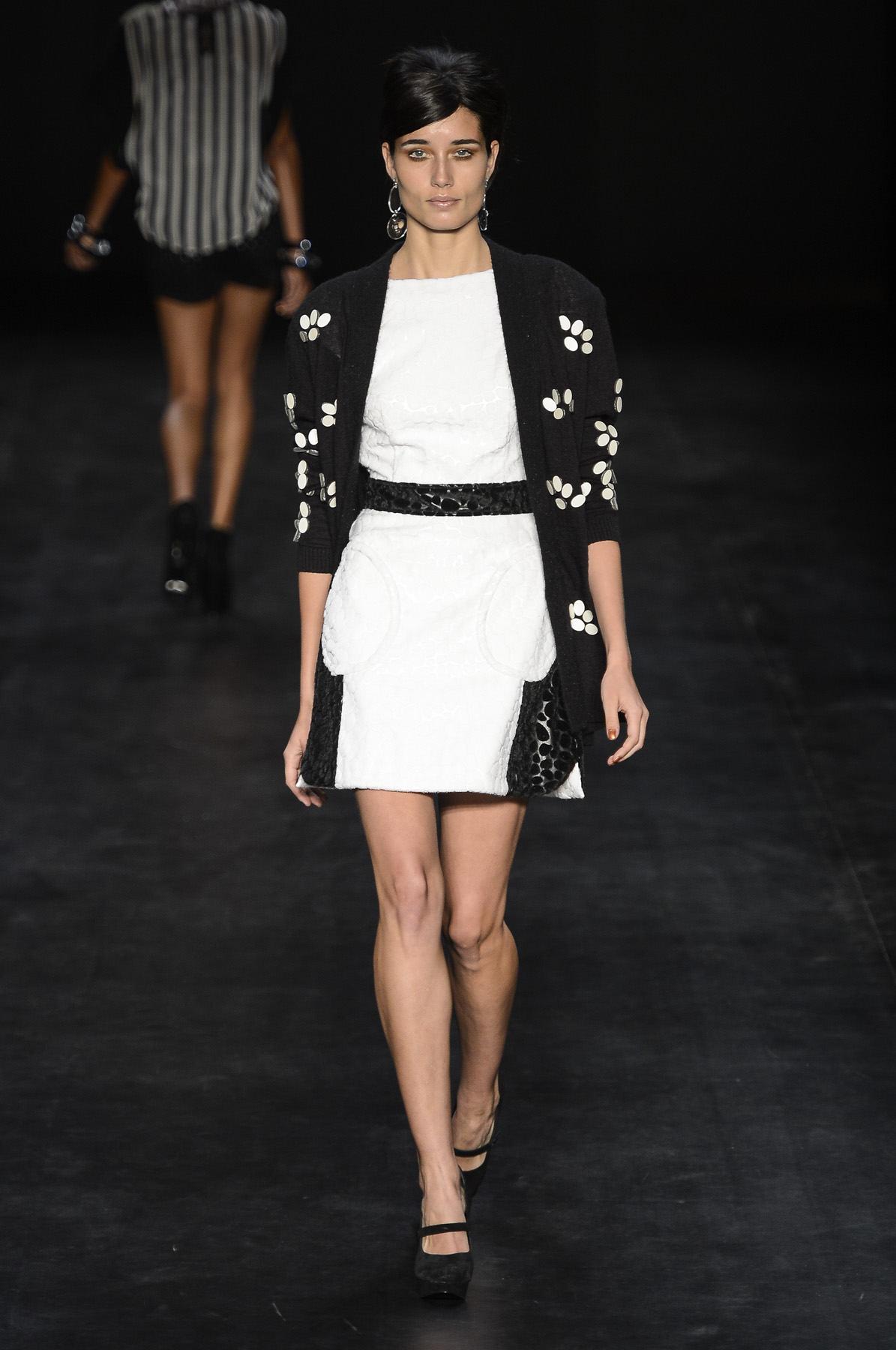
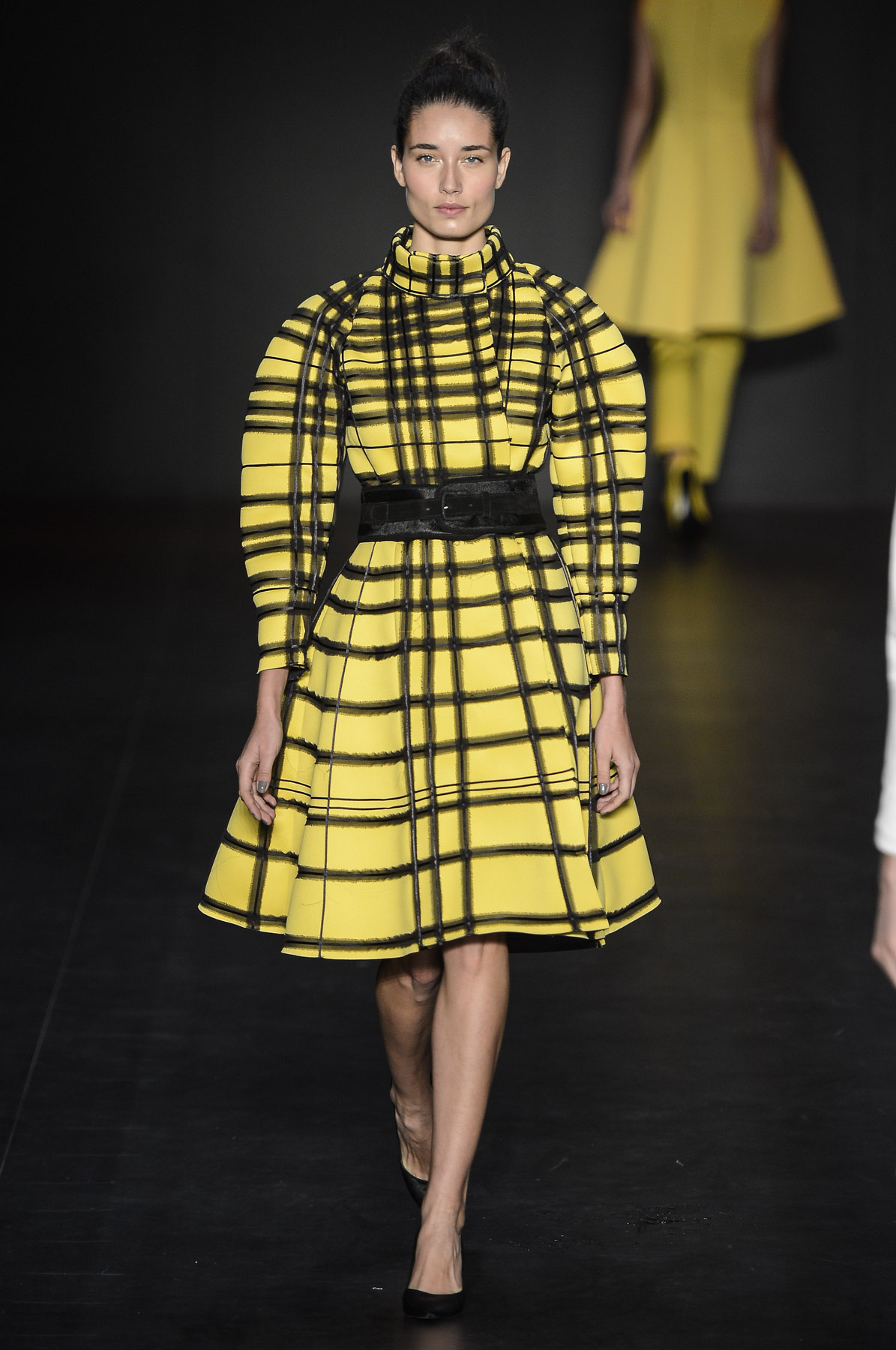
 Nica Kessler fw13 - Rio Patachou fw13 - Rio Coca-Cola Clothing fw13 - Rio


 Oh Boy fw13 - Rio Espaço Fashion fw13 - Rio Sacada fw13 - Rio



 Penelope Cruz is the new face of Loewe
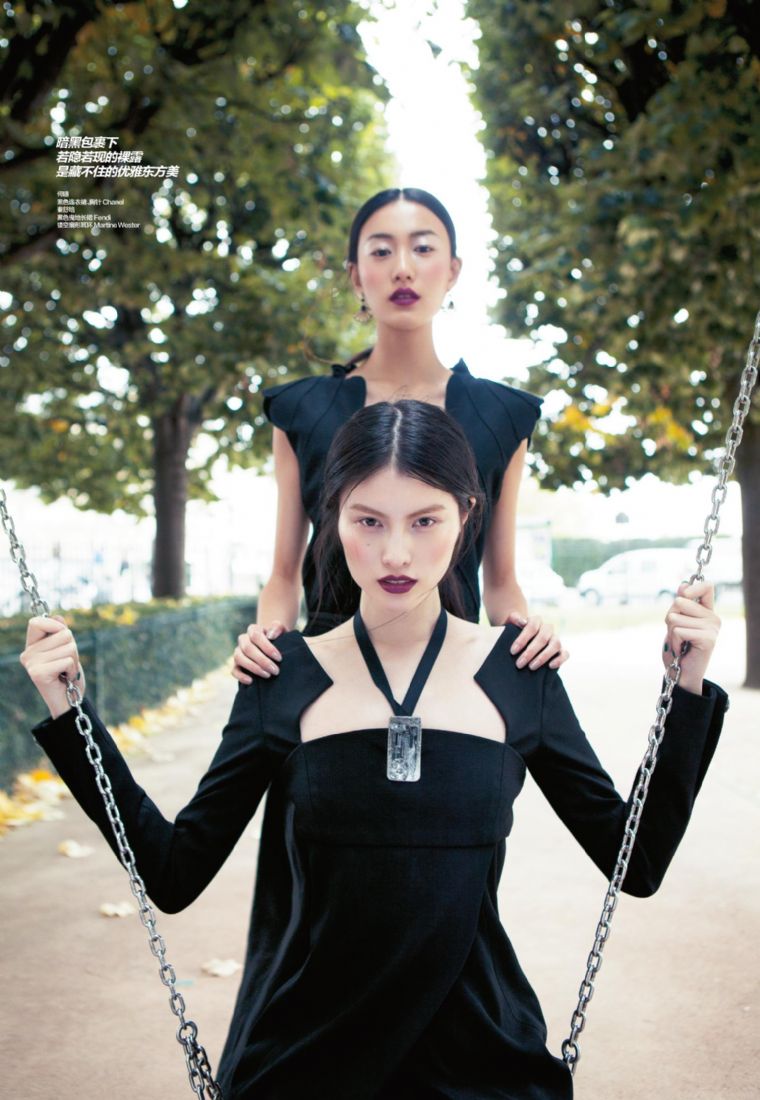
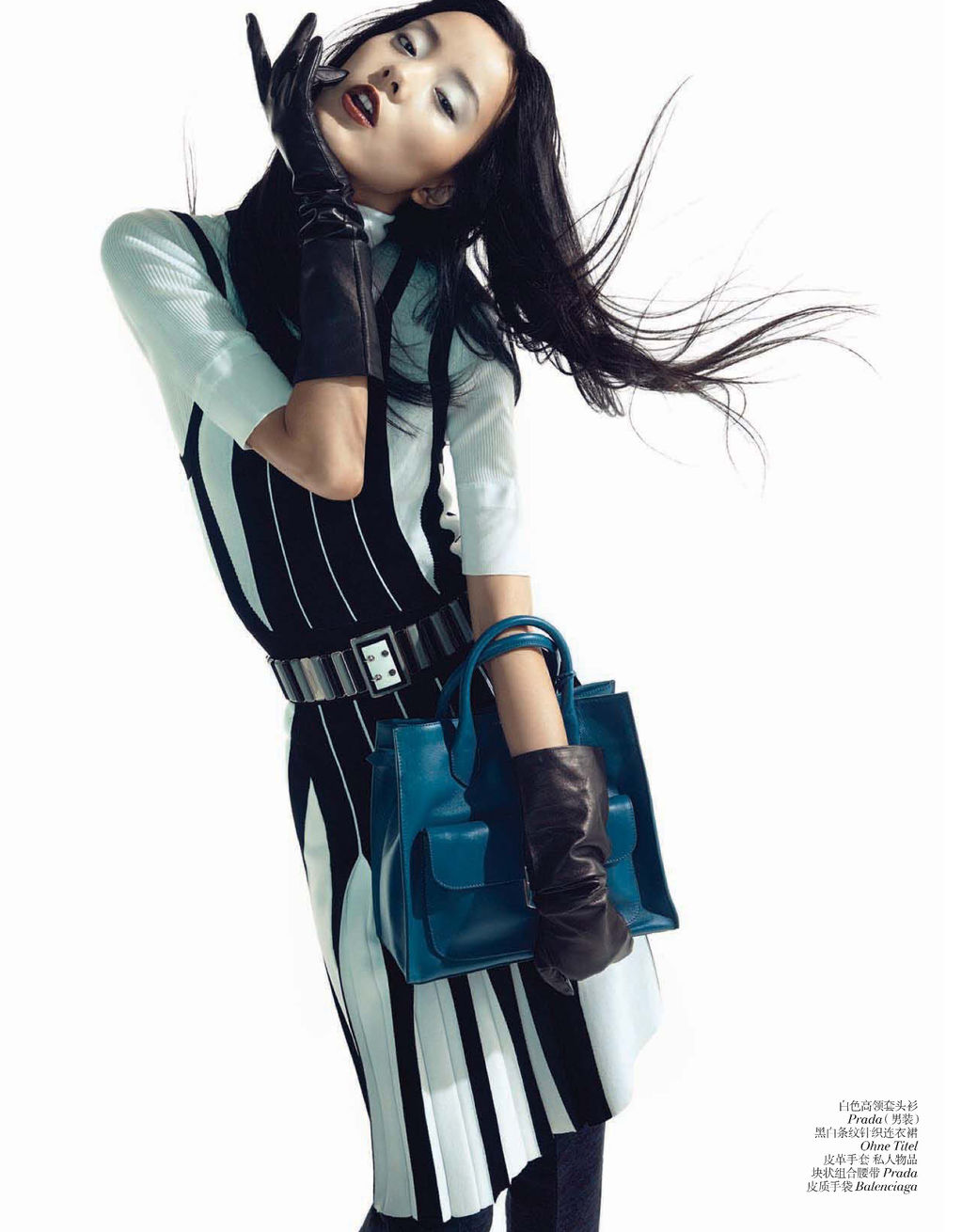
 Vogue China December 2012







 George Hobeika Paris FW 2007-08 Haute Couture
 George Hobeika Paris FW 2007-08 Haute Couture
 George Hobeika Paris FW 2007-08 Haute Couture
 Thanks Minerva
Alberta Ferretti Milan Spring 2001
Thanks Minerva
Alberta Ferretti Milan Spring 2001 Alessandro Dell'Acqua at Milan Fashion Week Spring 2001




























































Account
Navigation
Search
Configure browser push notifications
Chrome (Android)
- Tap the lock icon next to the address bar.
- Tap Permissions → Notifications.
- Adjust your preference.
Chrome (Desktop)
- Click the padlock icon in the address bar.
- Select Site settings.
- Find Notifications and adjust your preference.
Safari (iOS 16.4+)
- Ensure the site is installed via Add to Home Screen.
- Open Settings App → Notifications.
- Find your app name and adjust your preference.
Safari (macOS)
- Go to Safari → Preferences.
- Click the Websites tab.
- Select Notifications in the sidebar.
- Find this website and adjust your preference.
Edge (Android)
- Tap the lock icon next to the address bar.
- Tap Permissions.
- Find Notifications and adjust your preference.
Edge (Desktop)
- Click the padlock icon in the address bar.
- Click Permissions for this site.
- Find Notifications and adjust your preference.
Firefox (Android)
- Go to Settings → Site permissions.
- Tap Notifications.
- Find this site in the list and adjust your preference.
Firefox (Desktop)
- Open Firefox Settings.
- Search for Notifications.
- Find this site in the list and adjust your preference.