Mailman
Members
-
Joined
-
Last visited
-
I wasn't able to see them either, so I scrounged up the pics from my Leelee folder:
-
'Tis a pic from Marisa's SI shoot where she was mimicking famous SI shoots from the past. Specifically, Tyra Banks': And the HQ: And the rest of the shoot, 'cuz I feel like it: (I know they must be reposts, but what the hey) Sort of nudity, but I don't want to get in troubleImage hidden for guestsSign in to viewImage hidden for guestsSign in to viewImage hidden for guestsSign in to viewImage hidden for guestsSign in to viewImage hidden for guestsSign in to viewImage hidden for guestsSign in to viewImage hidden for guestsSign in to viewImage hidden for guestsSign in to view
-
Amanda Tapping
-
Sorry to break it to ya -- That's Courtney Cox.


-
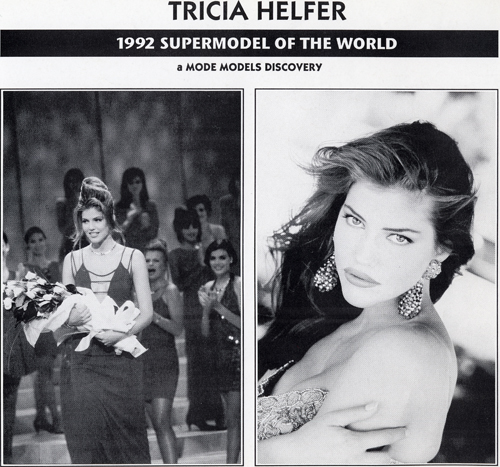
Tricia Helfer won Ford's Supermodel of the Year in 1992: Estella Warren has been in a few movies: As a MST3K fan, I was surprised to see how much acting Kathy Ireland has done (her first movie was a real stinker):
-
-
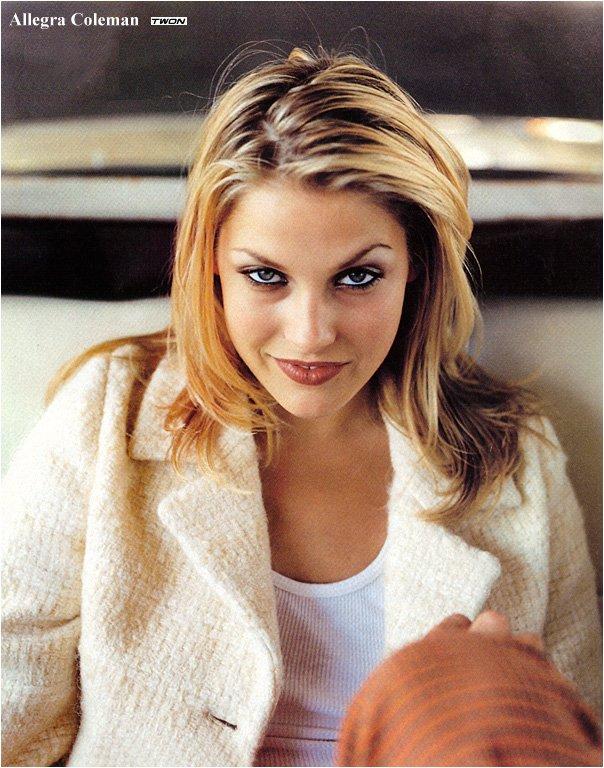
The pics that made her famous, "Allegra Coleman" in Esquire: Some early swimsuit pics: Adds & Higher quality:
-
-
Cast of "Pretty Persuasion" Portrait Session, Sundance Film Festival, January 22, 2005:

-
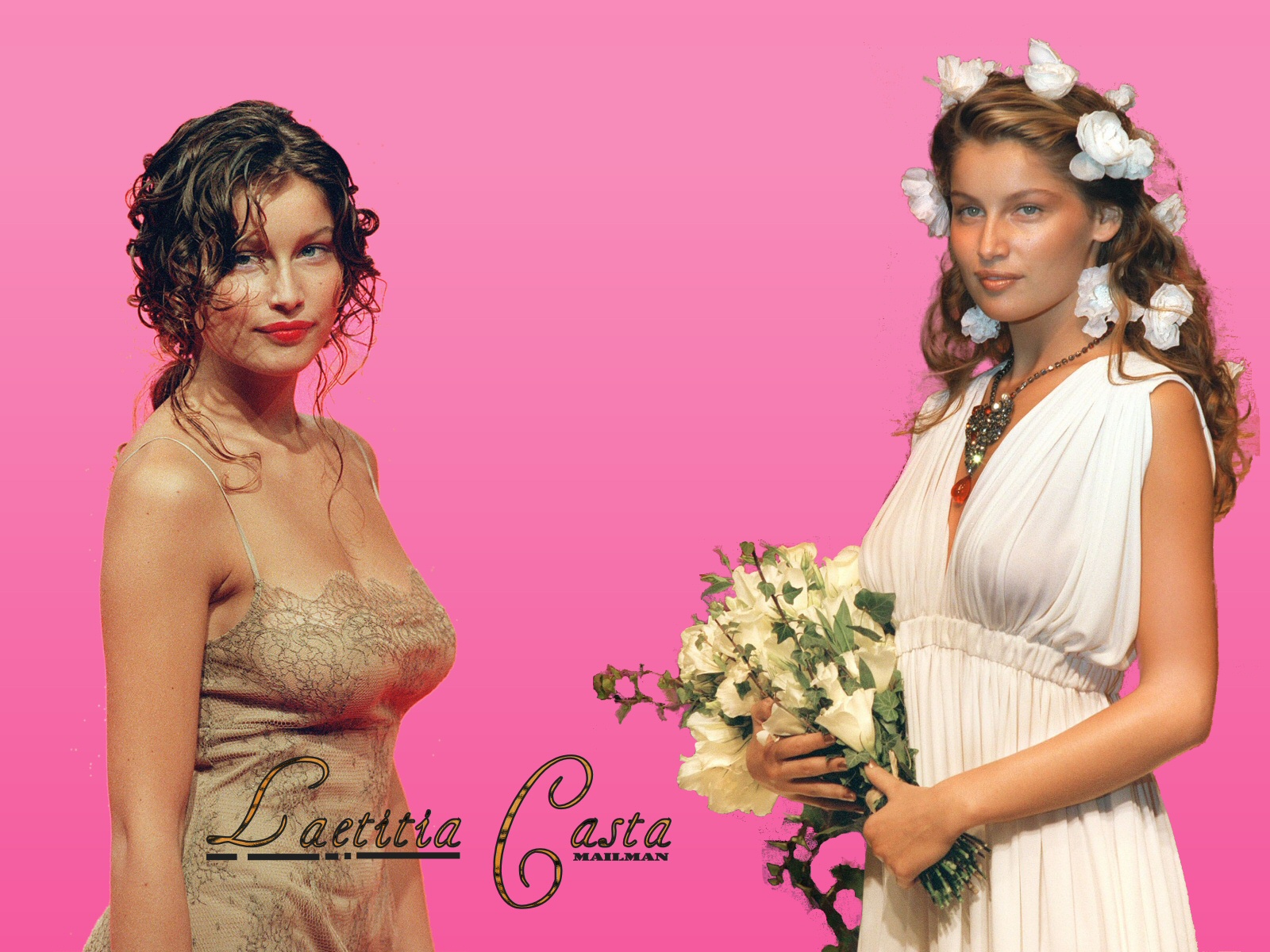
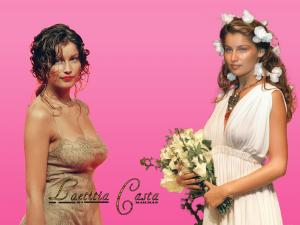
I saw this post and decided to try my hand at wallpapering. Why should you choose which one to use as wallpaper?
-
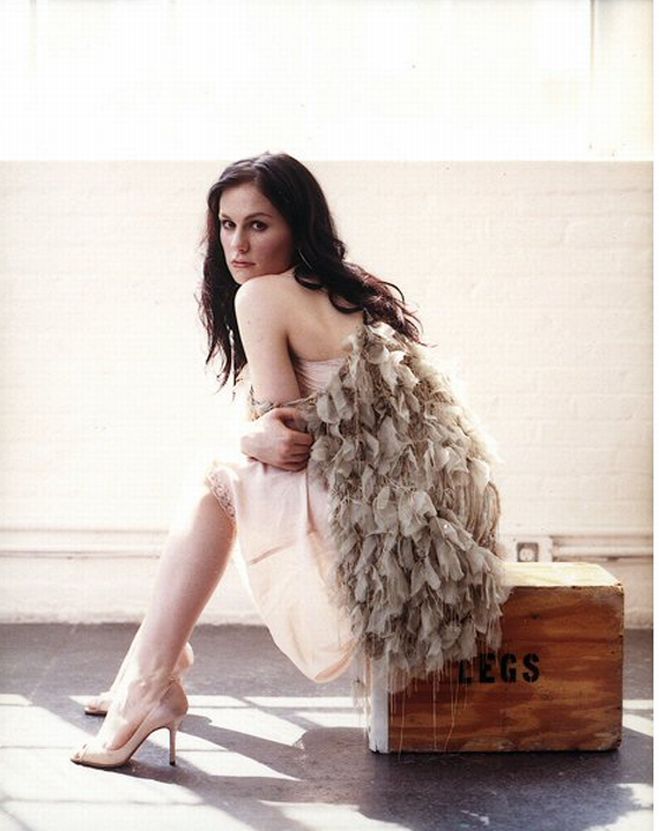
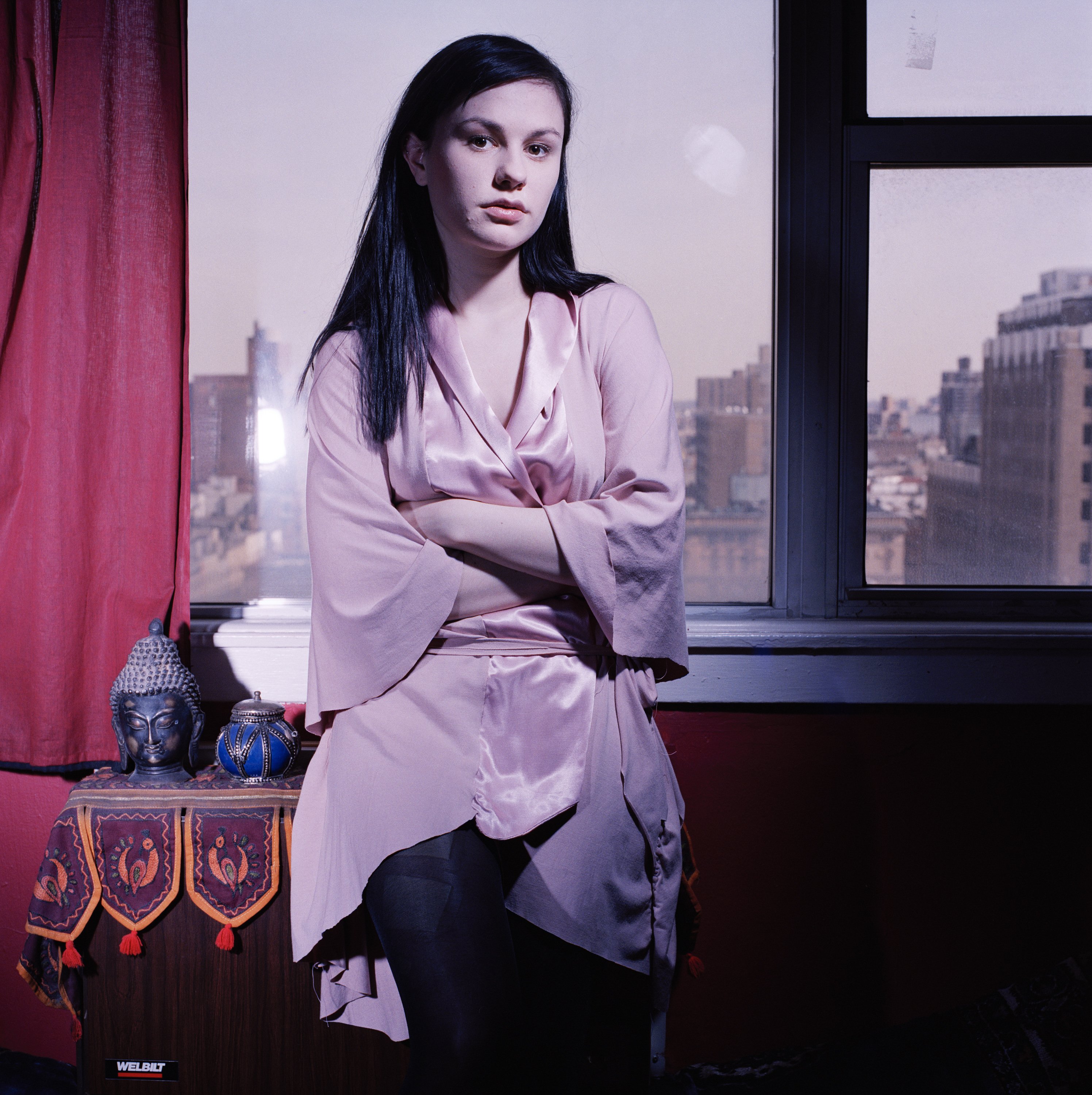
You make me want to post some Anna! Here we go:
-
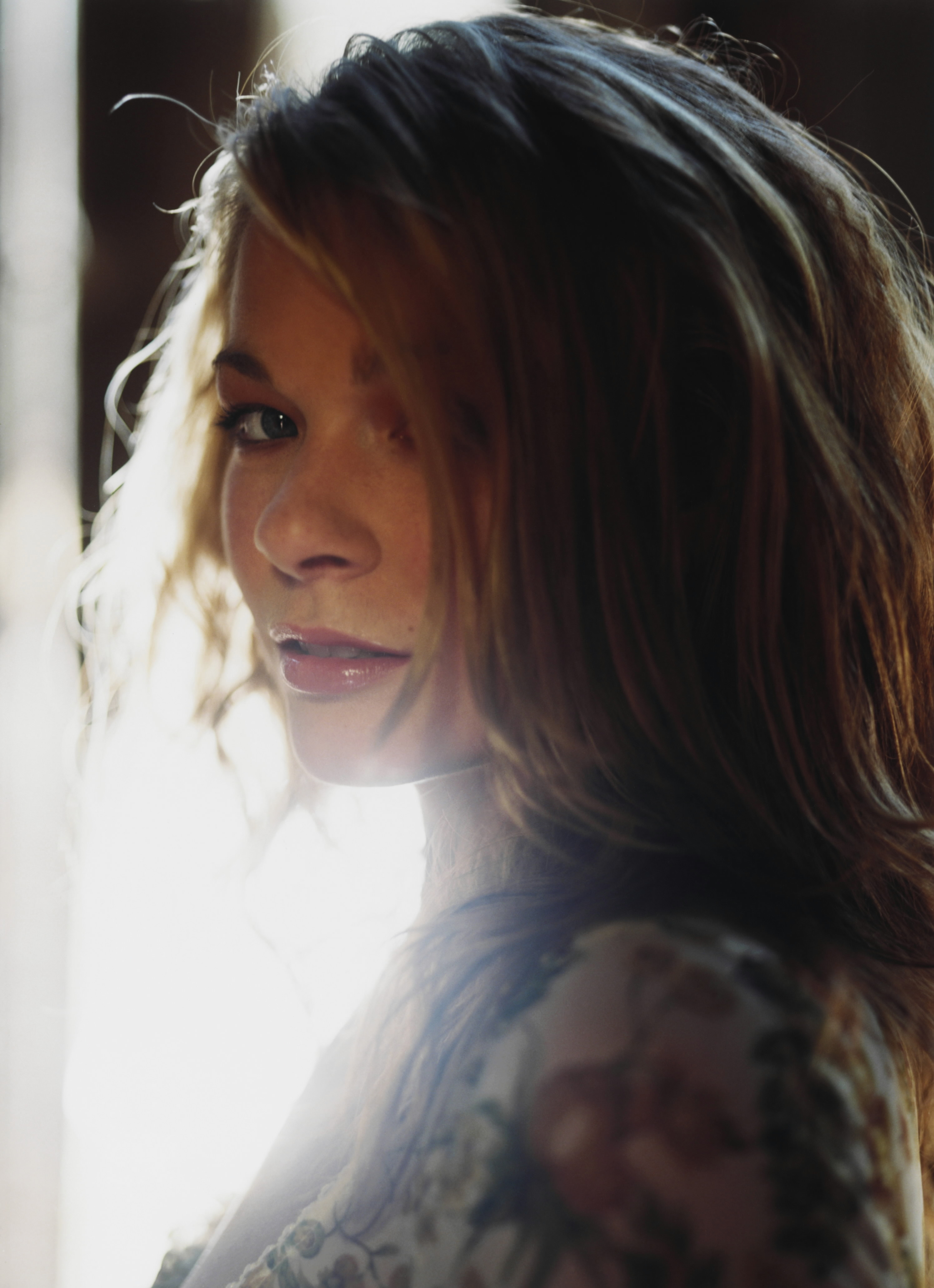
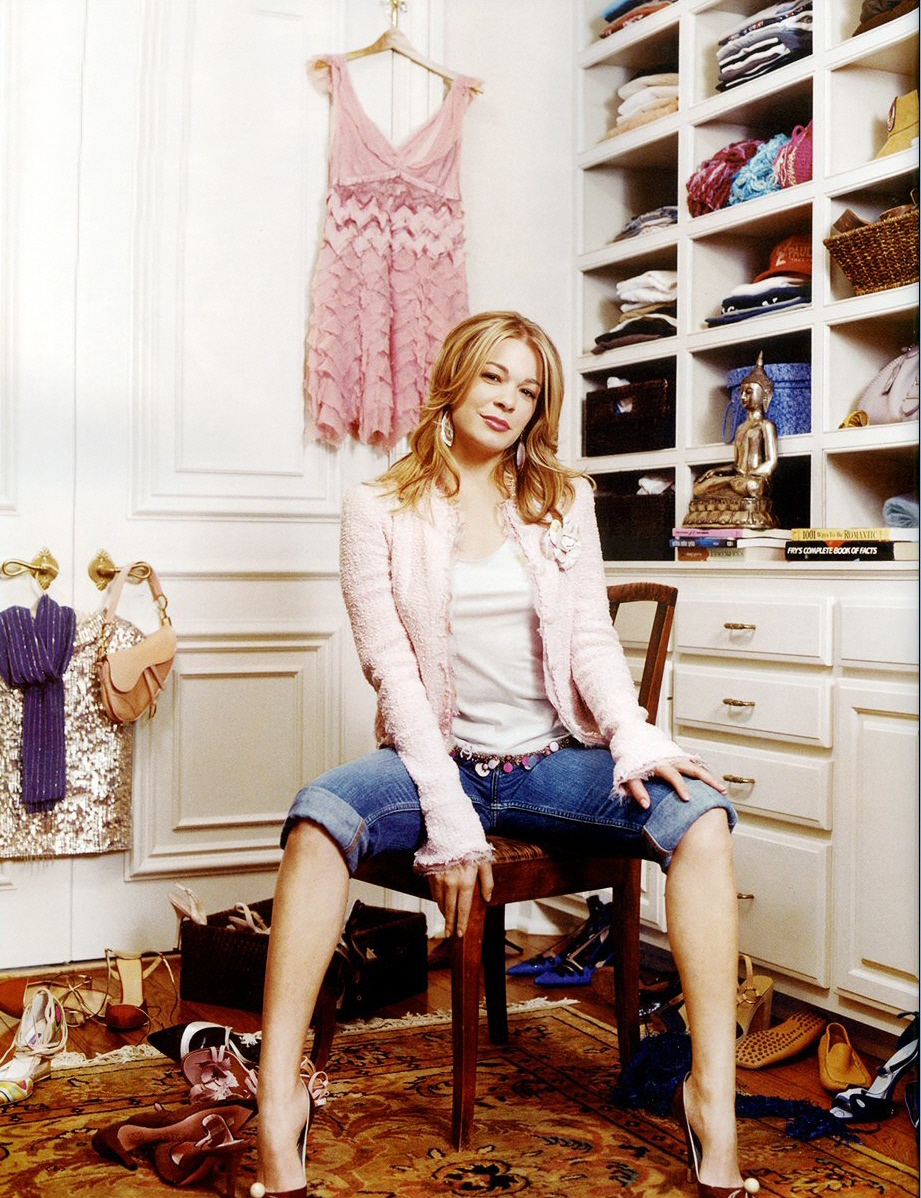
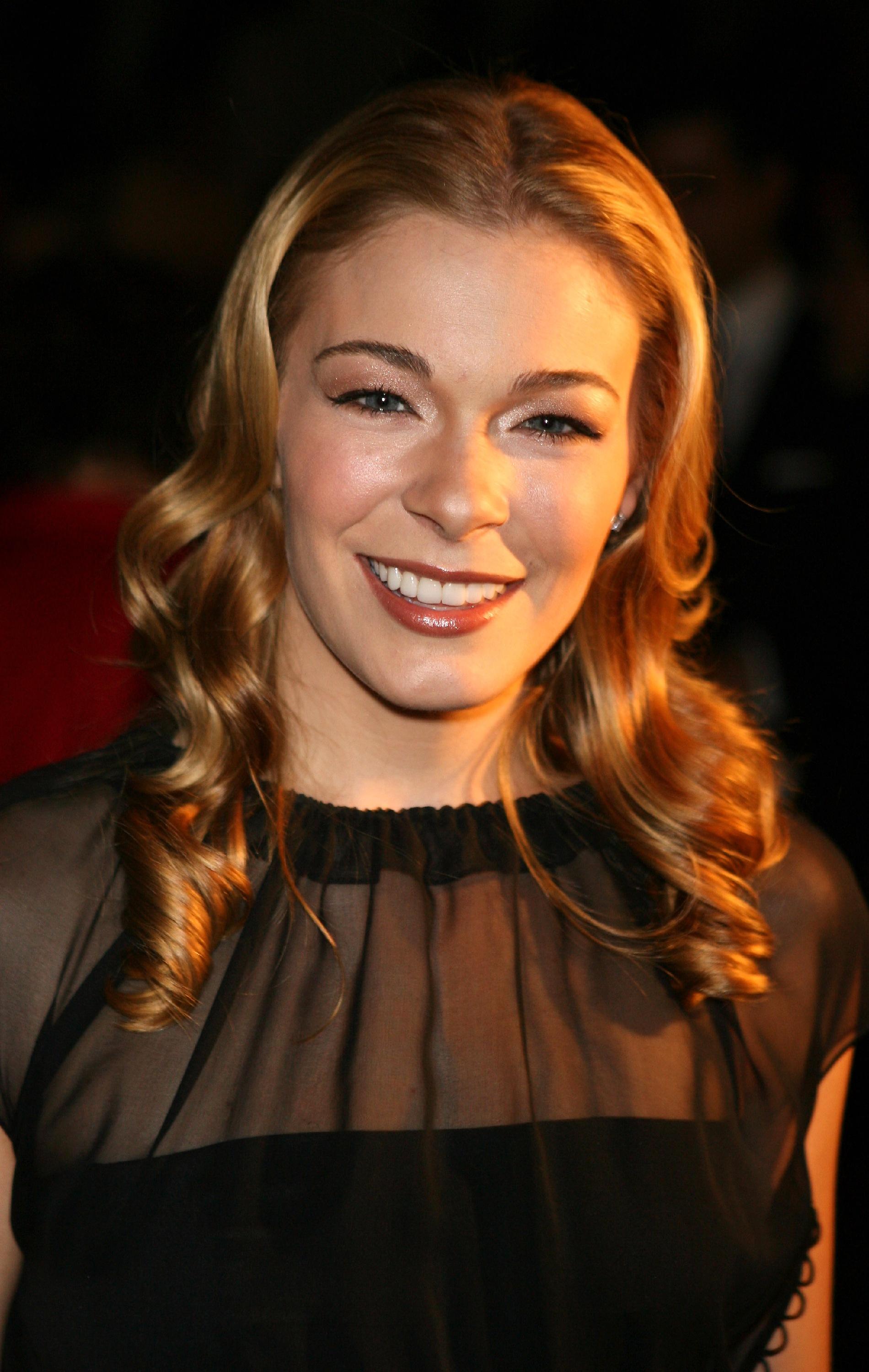
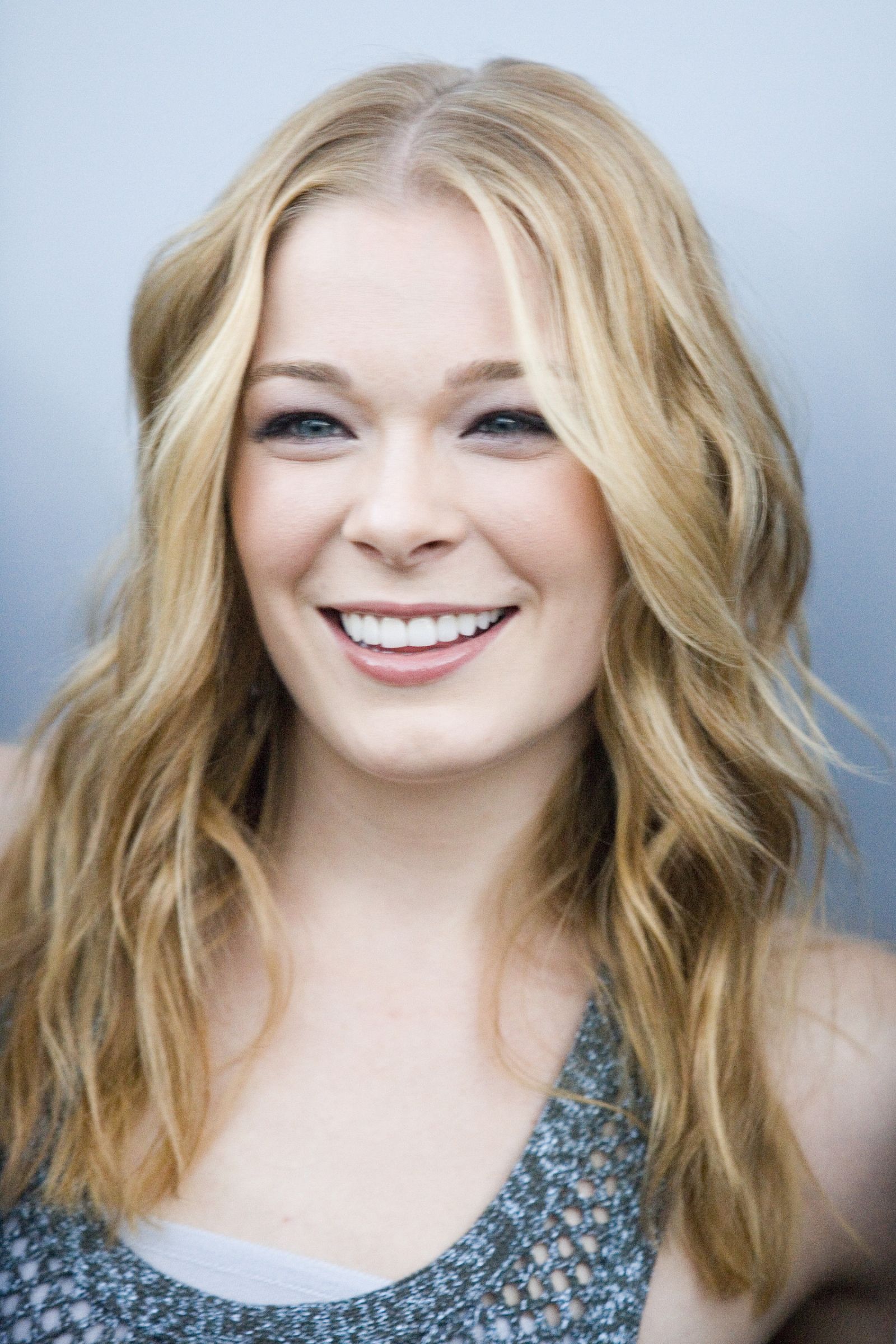
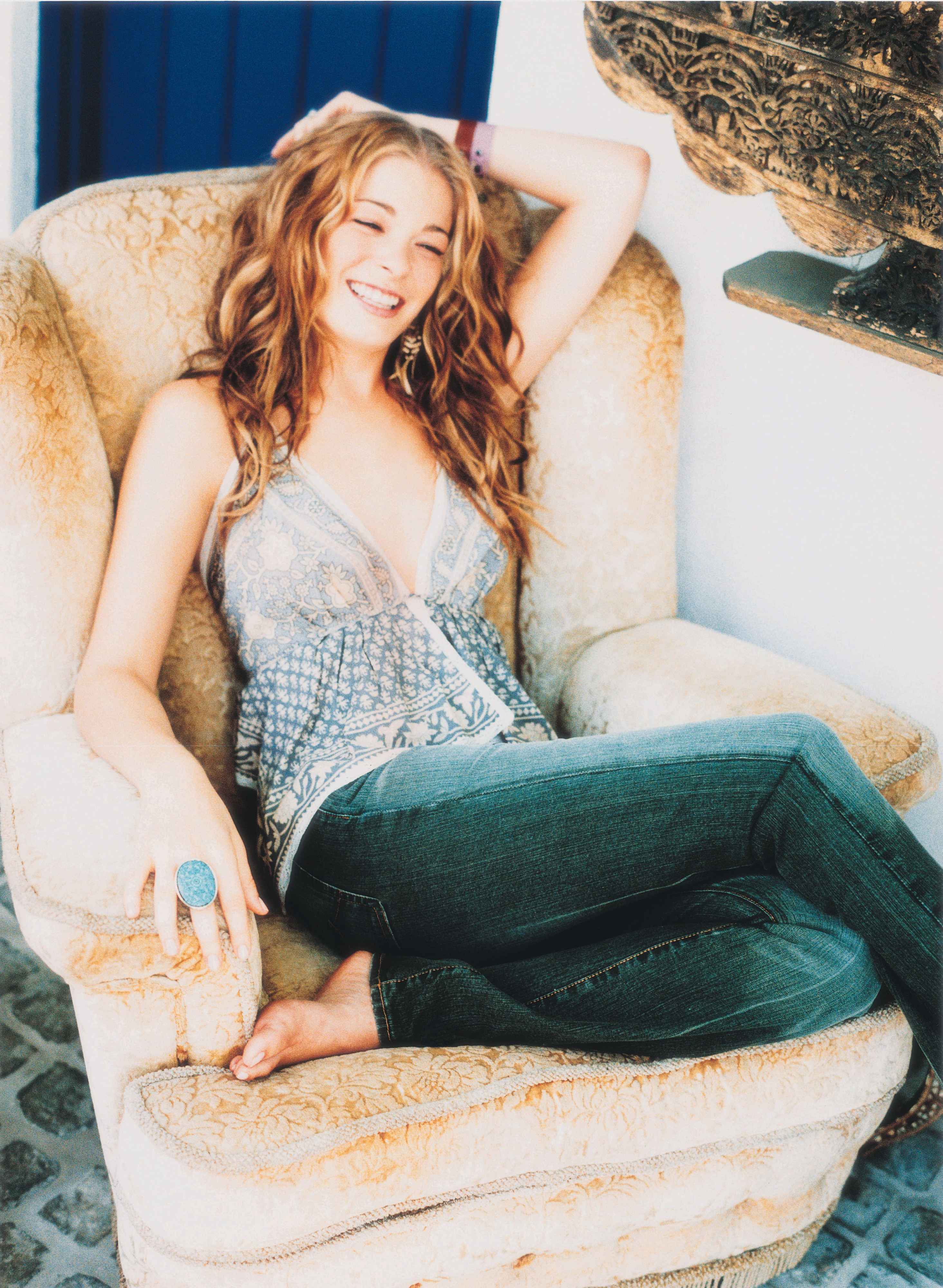
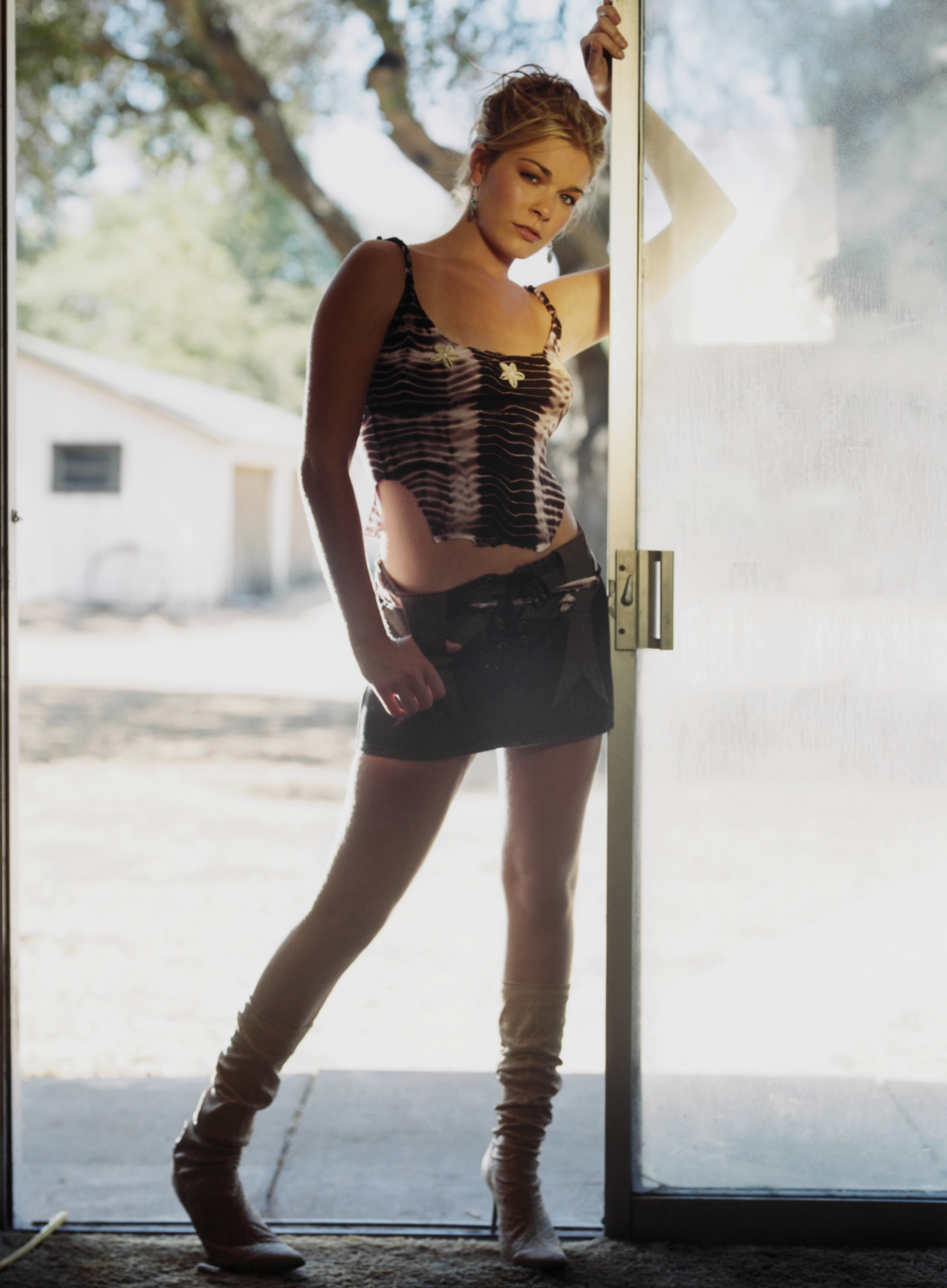
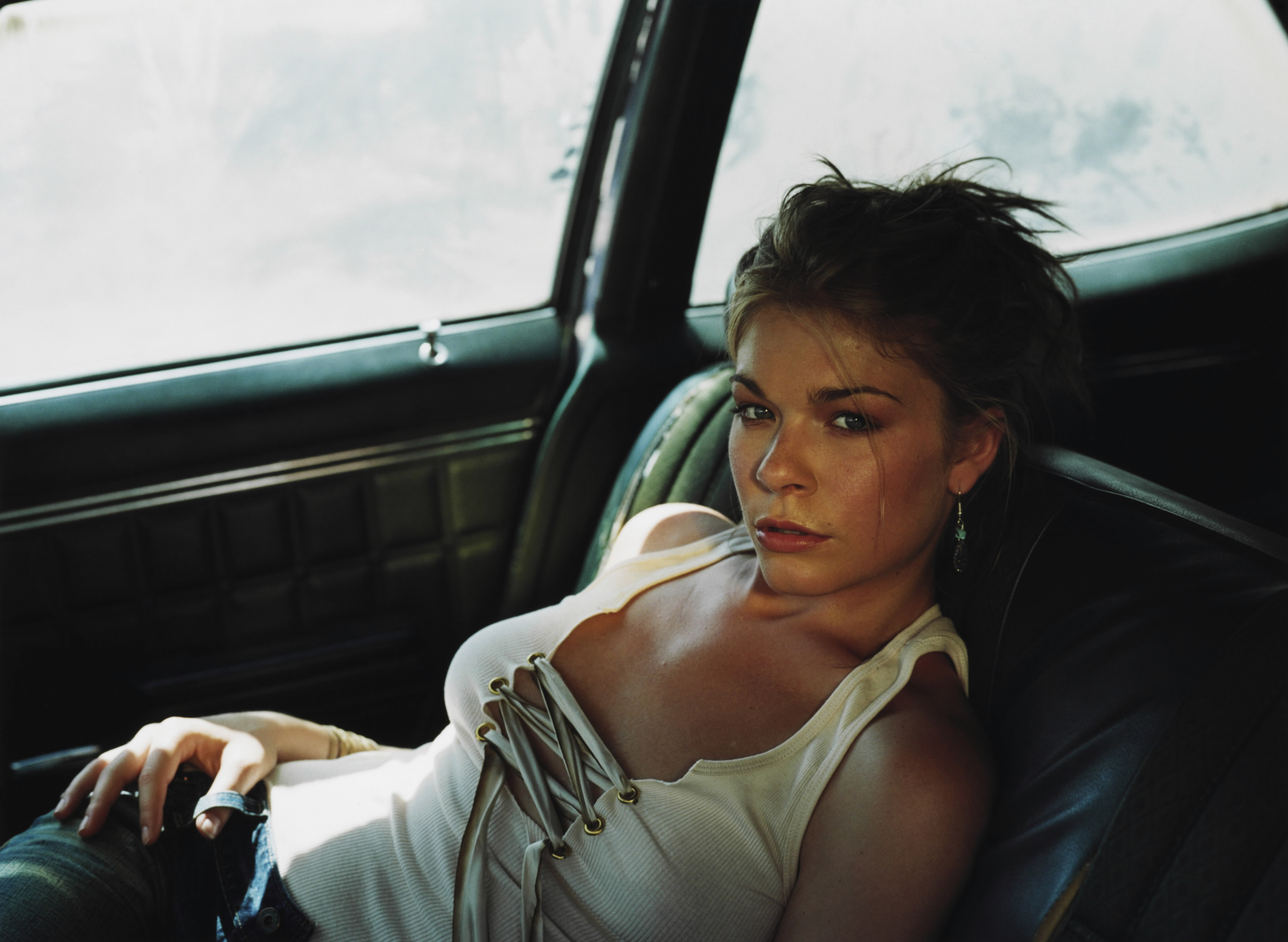
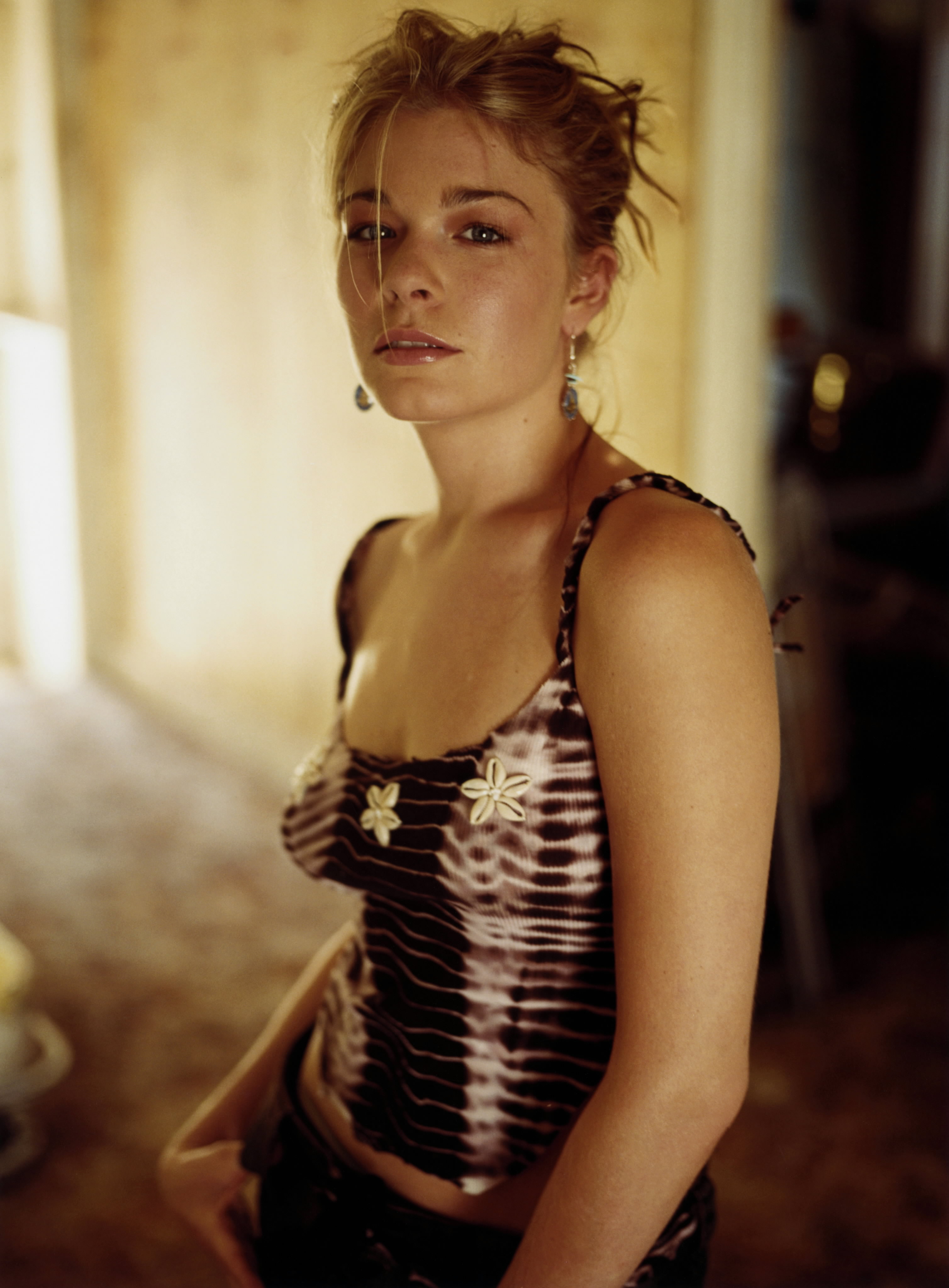
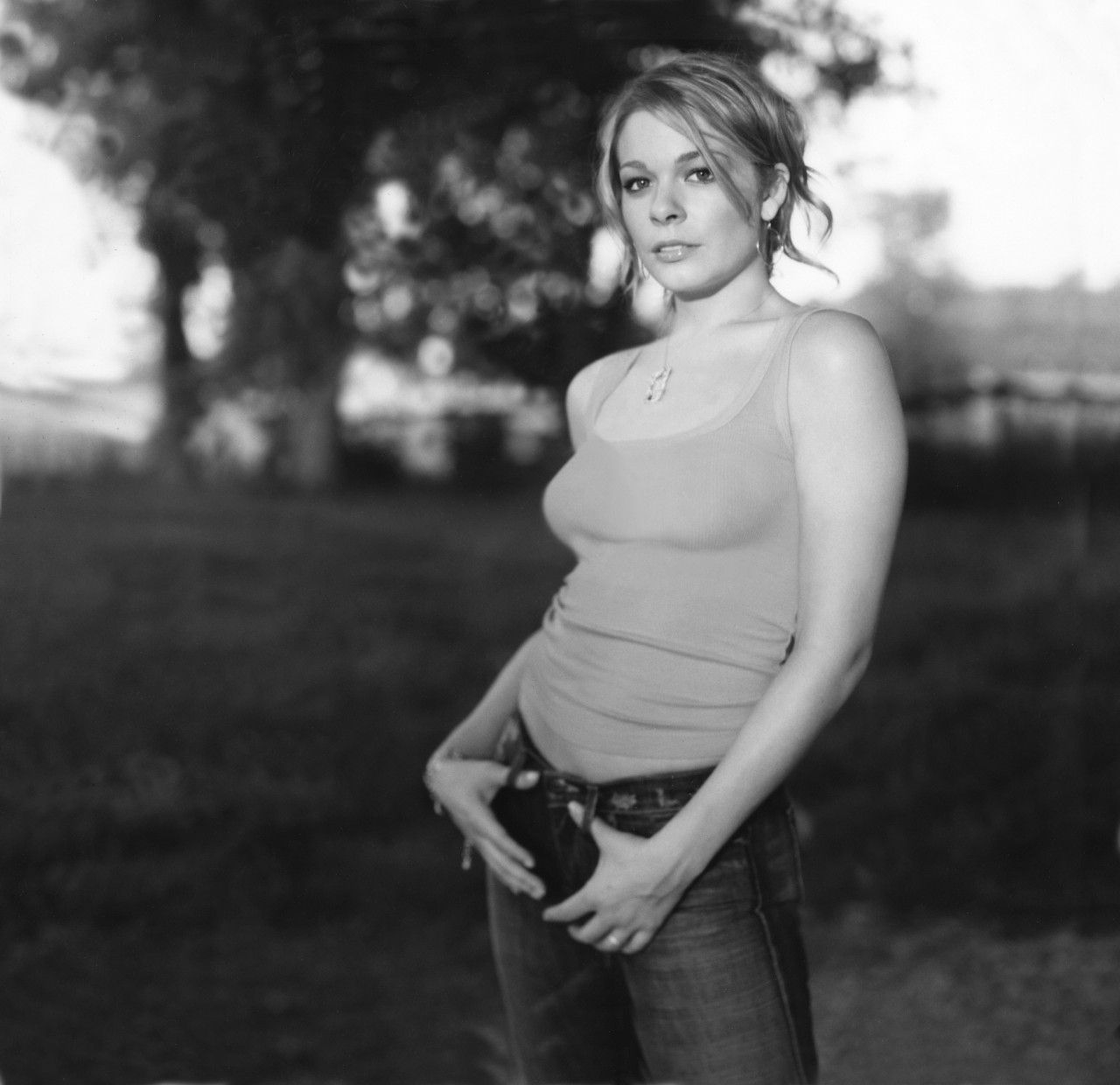
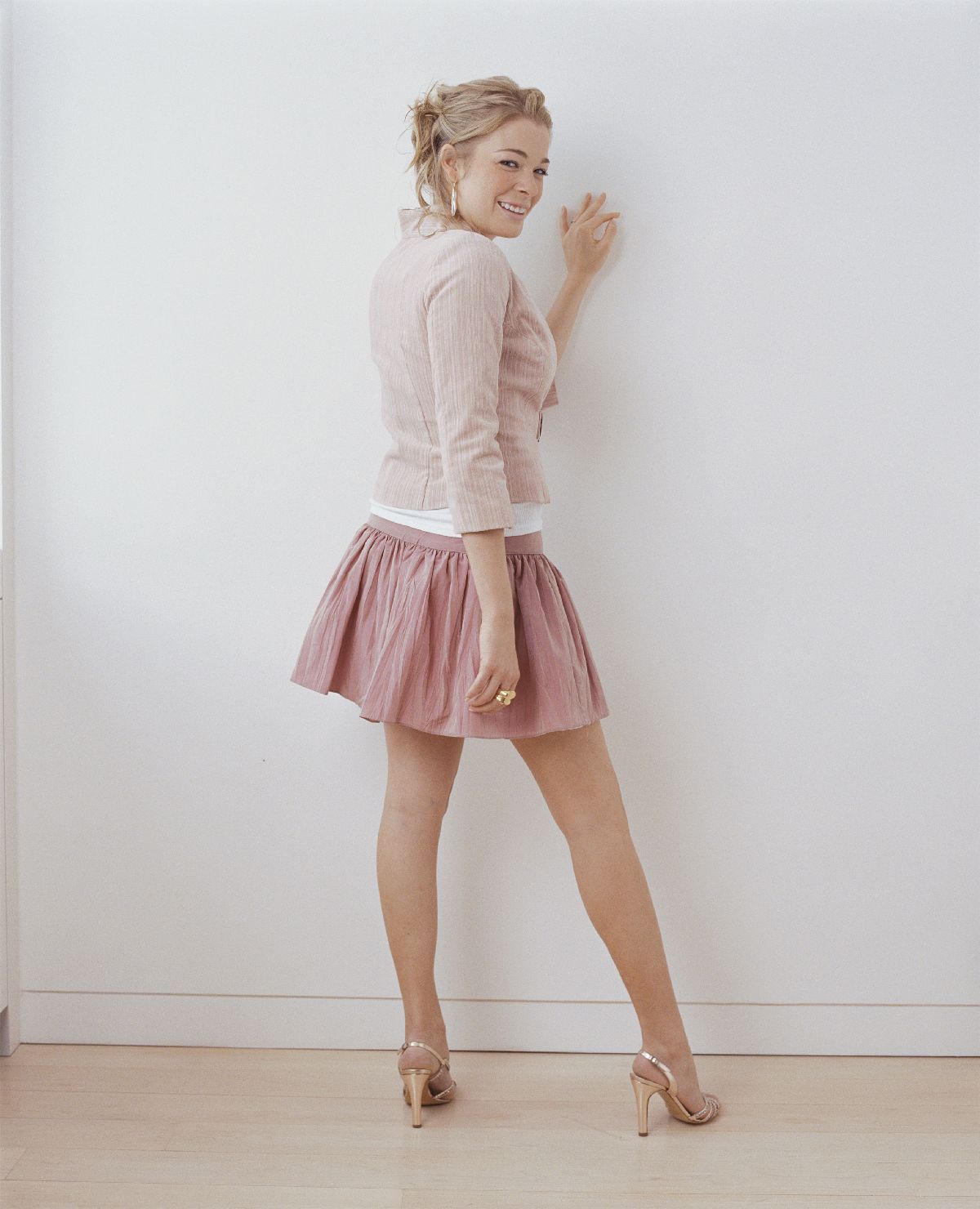
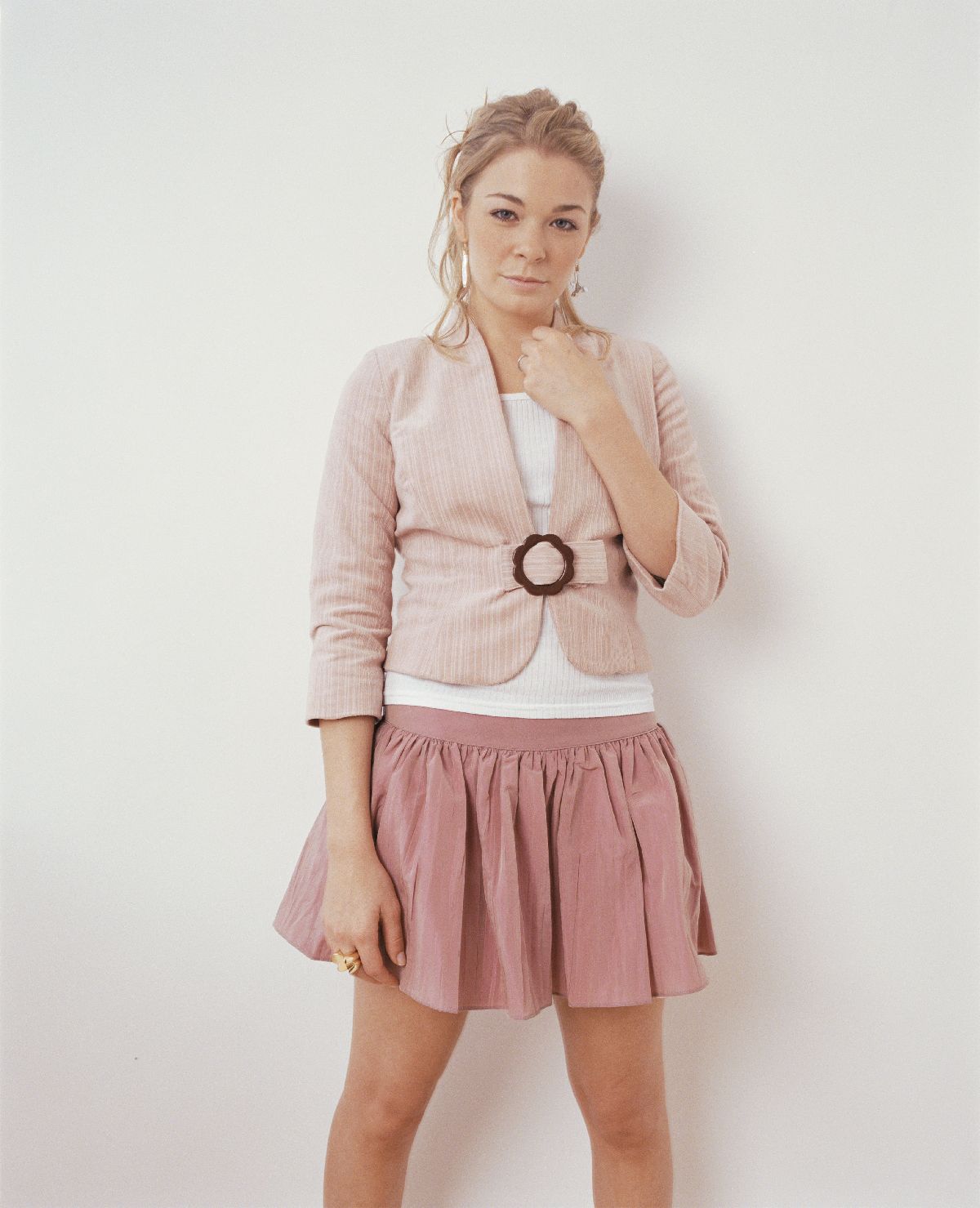
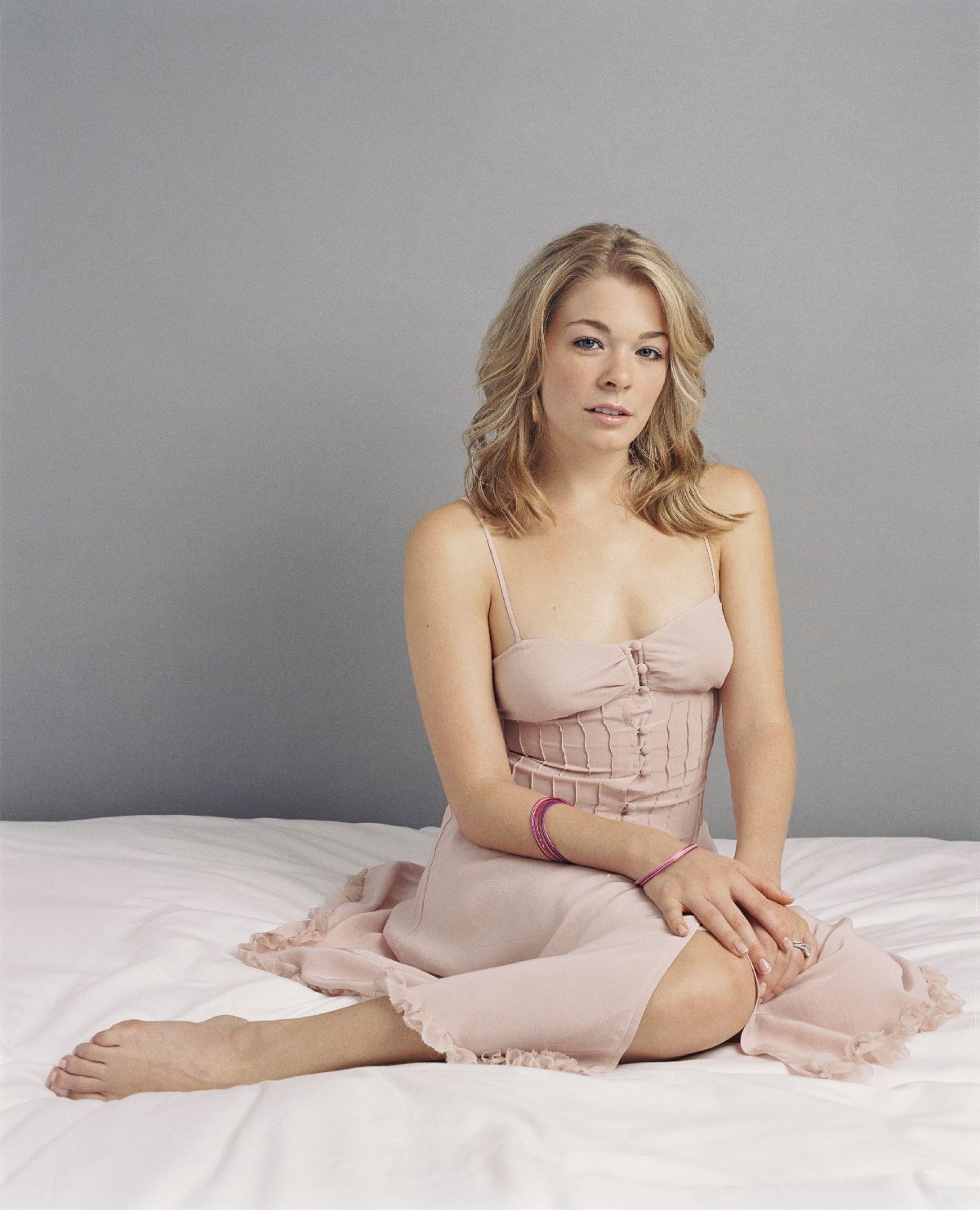
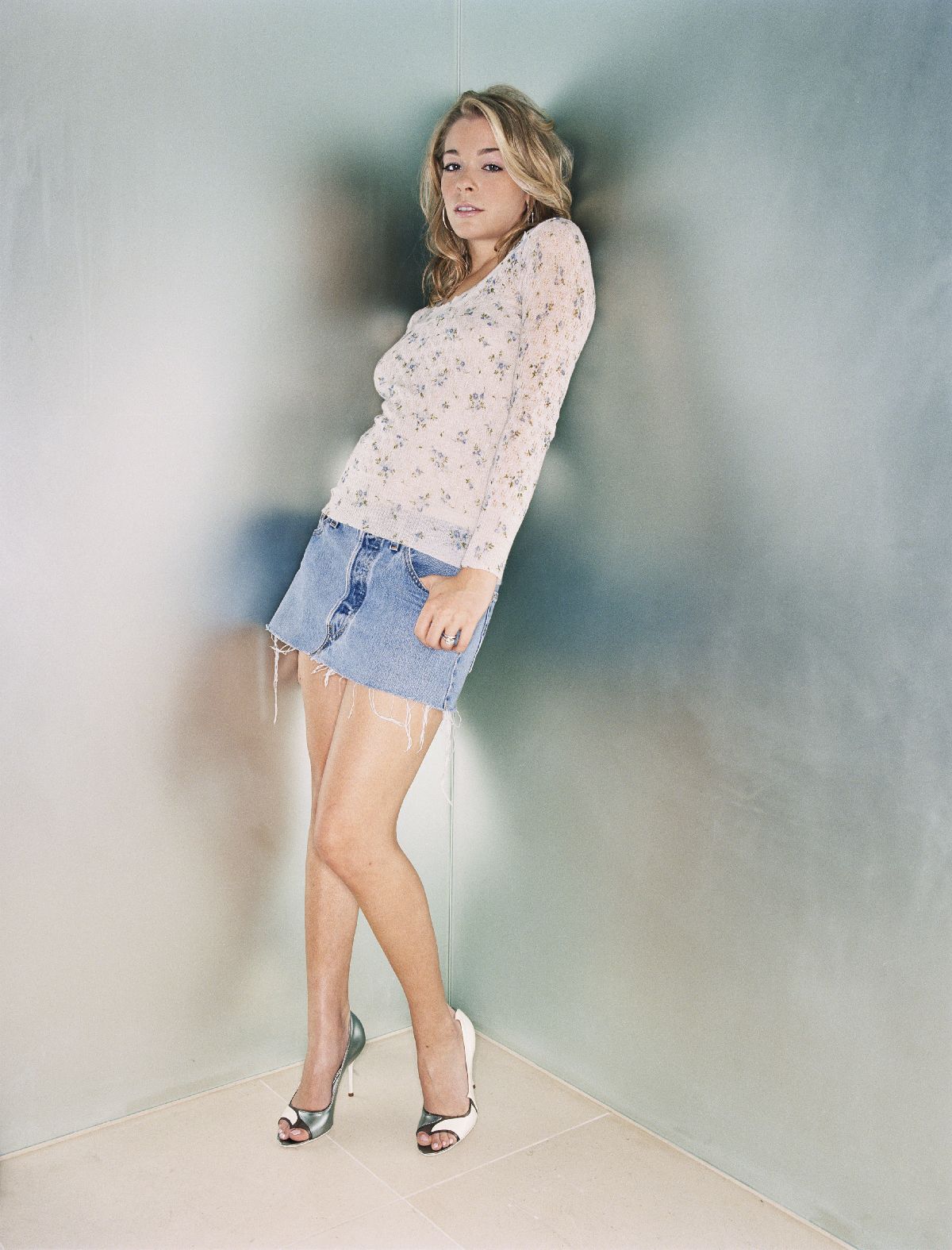
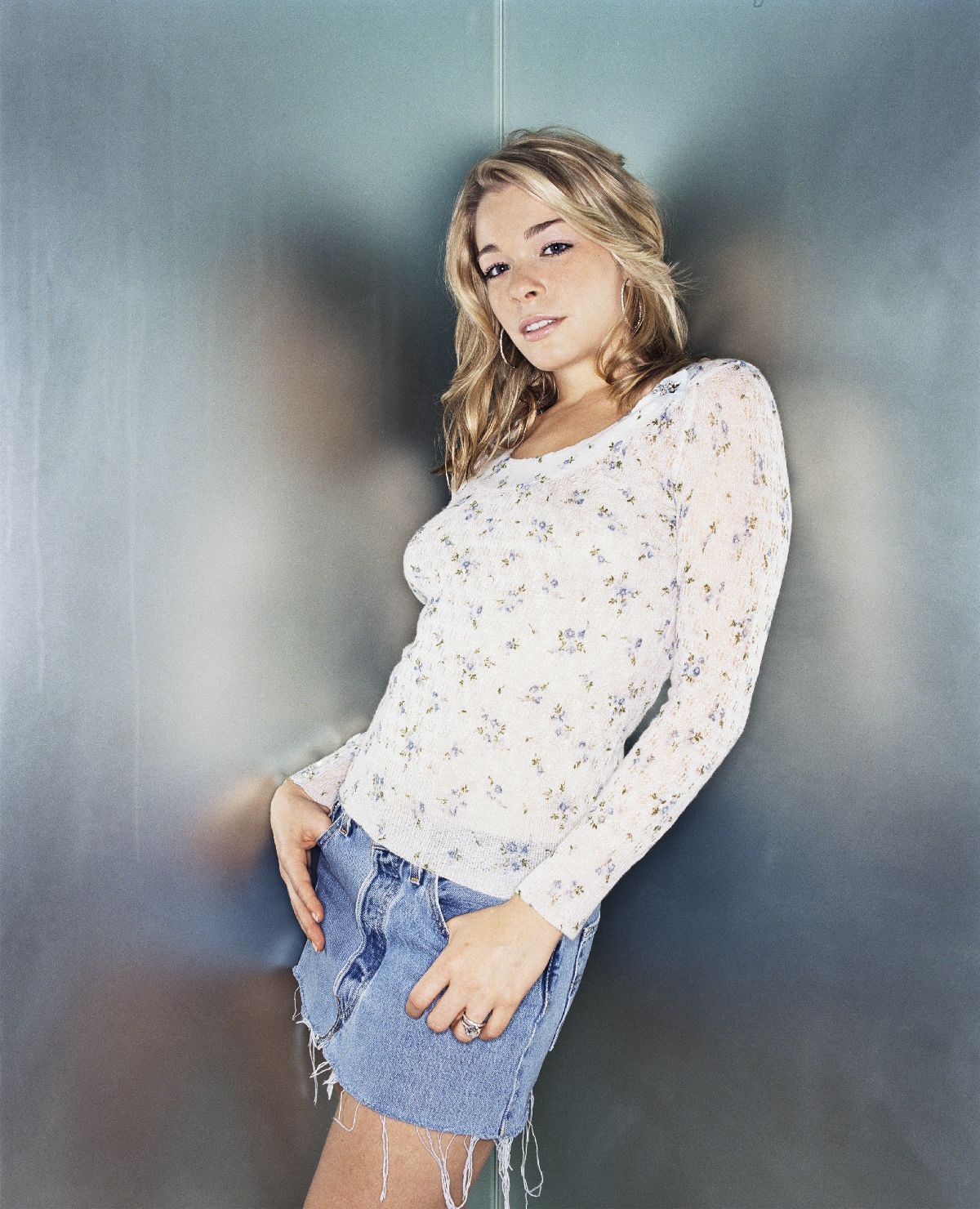
Wow! With all the LeAnn pics I have, I'm surprised I never noticed that there wasn't a thread here!
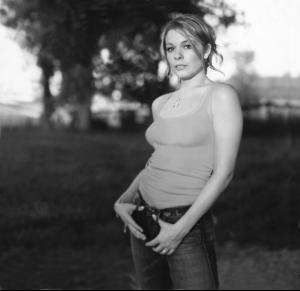
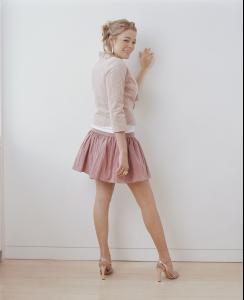
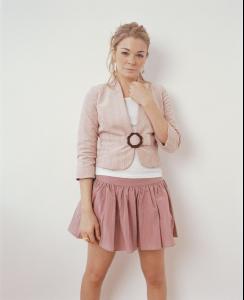
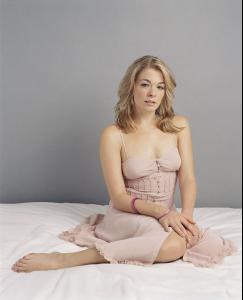
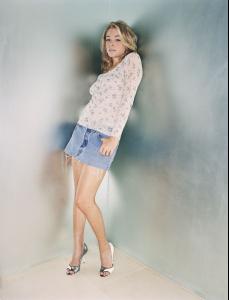
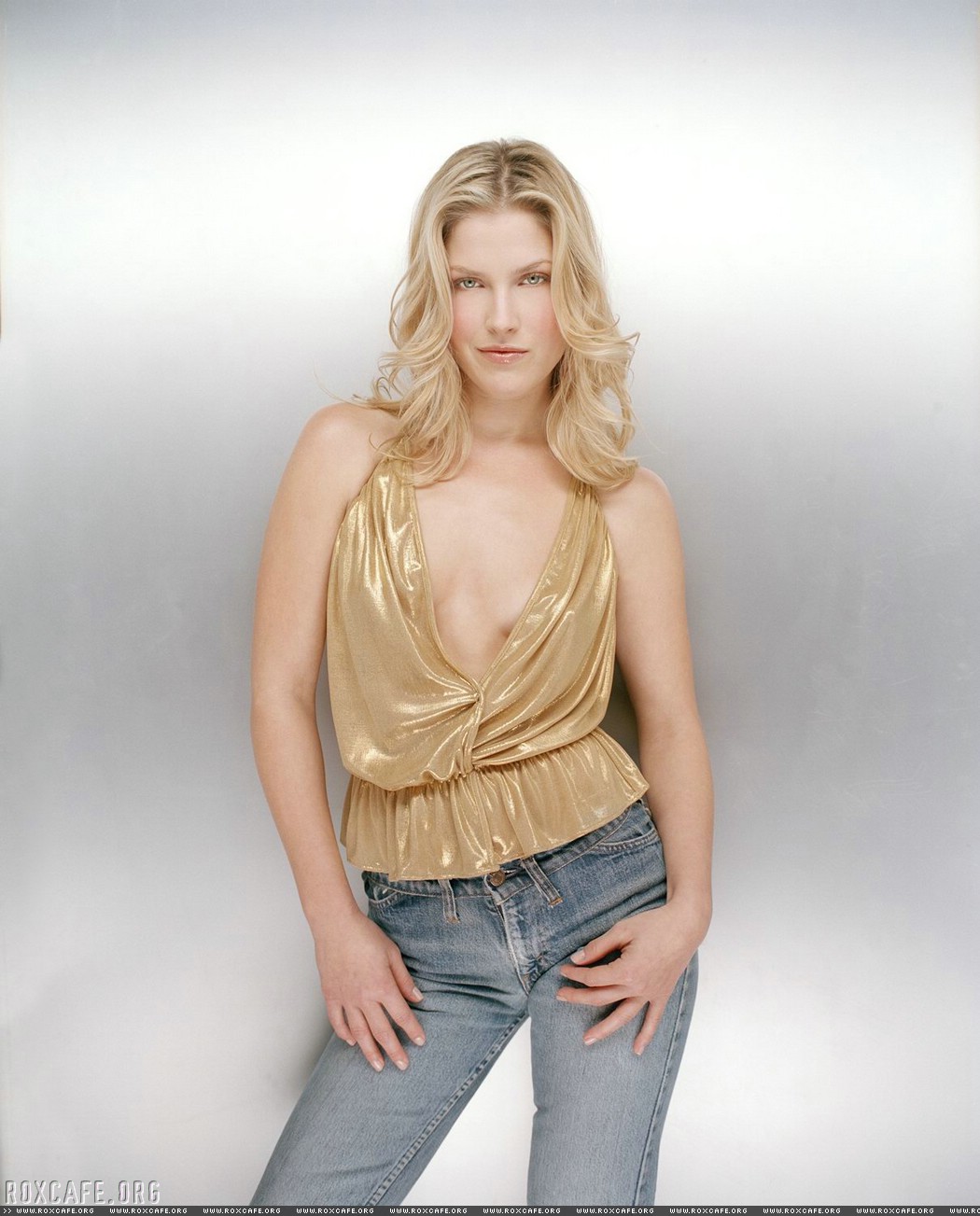
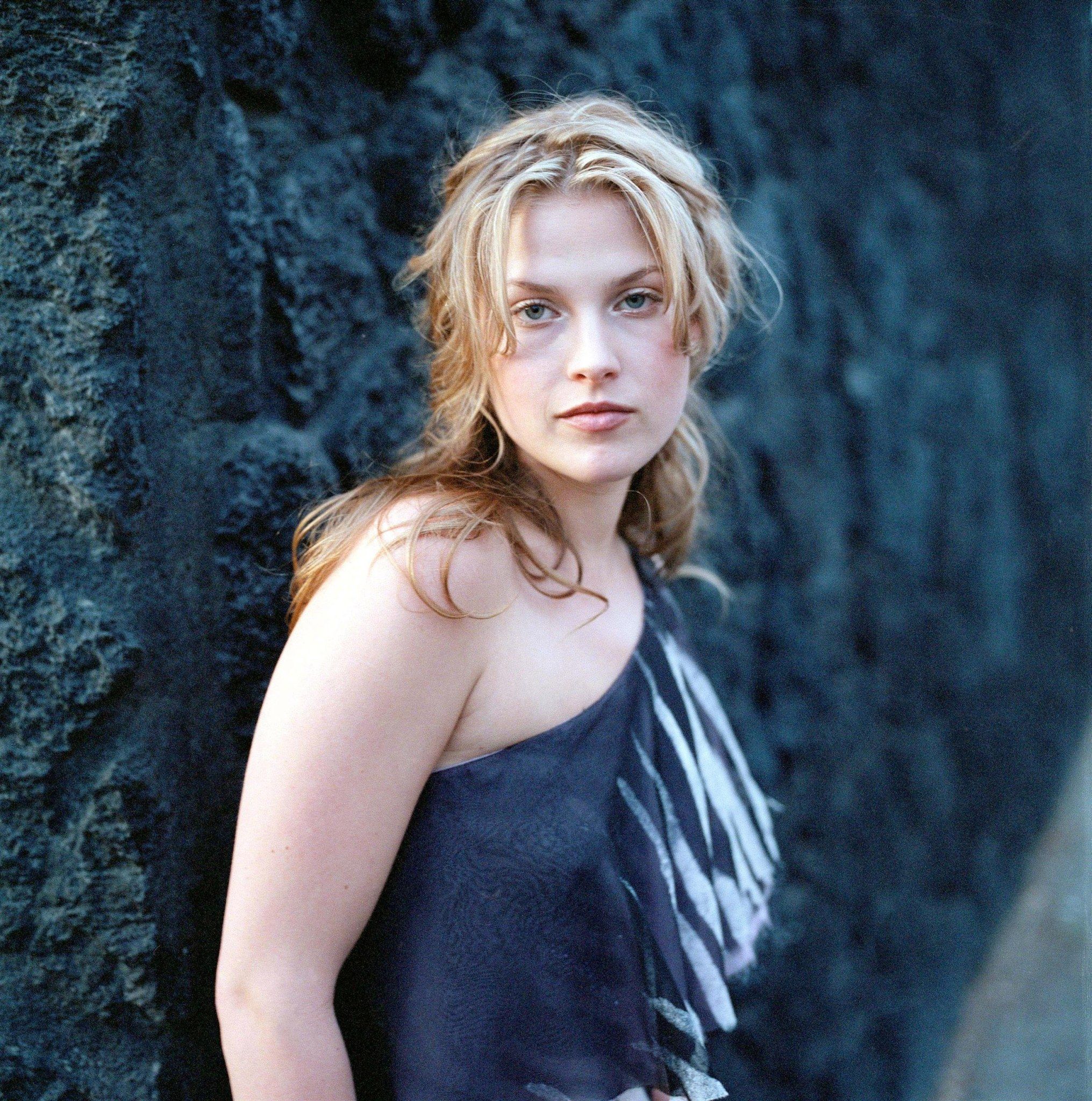
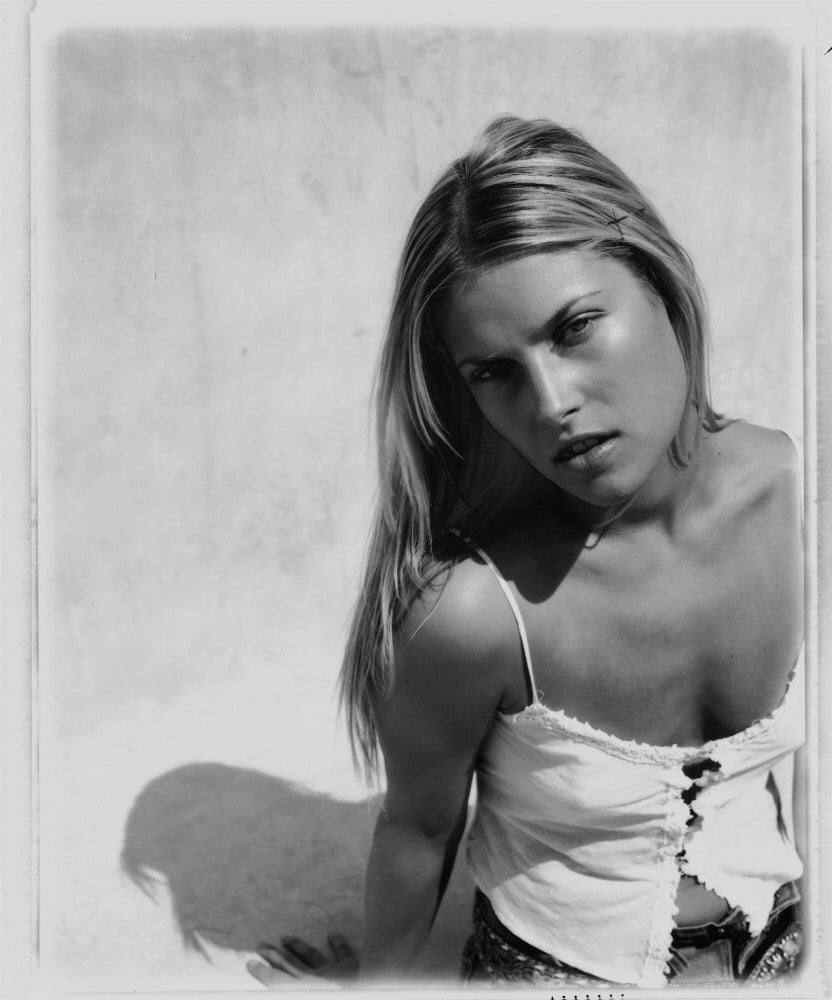
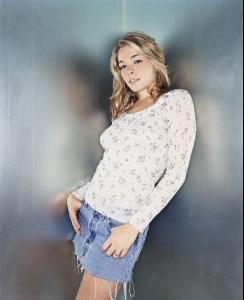 I went over to her agency's website (www.qmodels.com) and saw some interesting pics for the link to her portfolio. One appeared to be from a magazine photoshoot titled "It's A Twister." Unfortunately, their site is "intended for professional use only." I guess they don't appreciate looky-loos. Anyway, here's a few pics that weren't in the thread: