danny-19
Members
-
Joined
Everything posted by danny-19
-
 Thank you so much @ArianaVSCouture
 -
Thank you so much for the beautiful adds, Minerva Zuzana is fantastic in print, loving the Marie Claire editorial
-
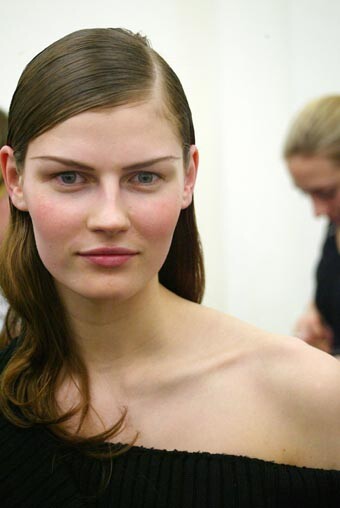
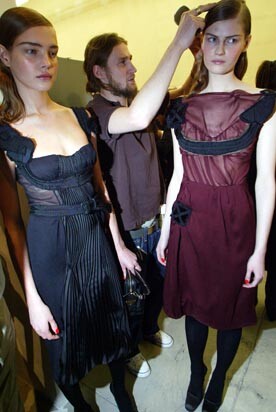
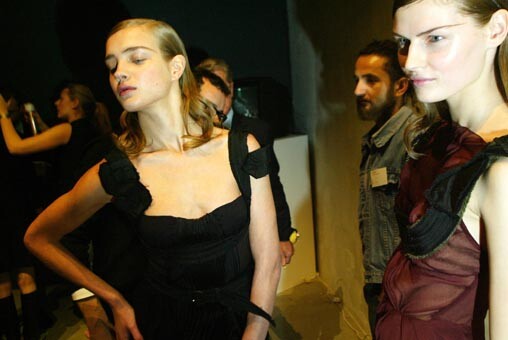
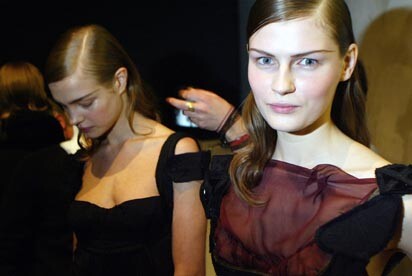
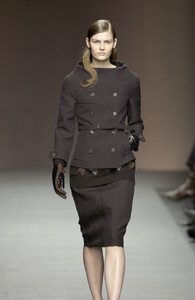
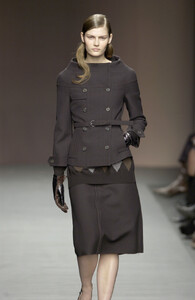
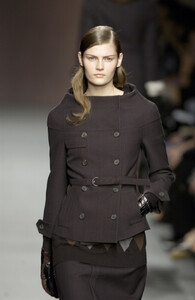
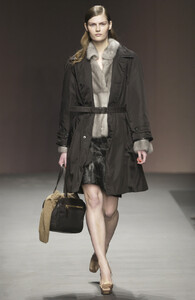
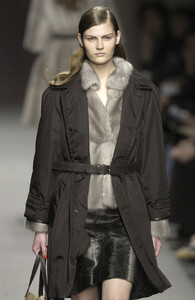
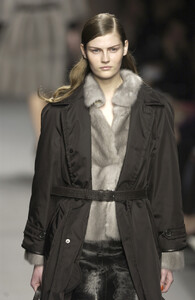
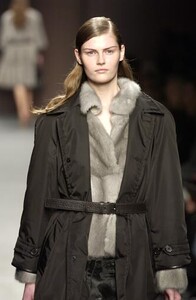
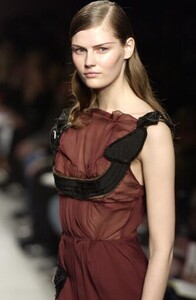
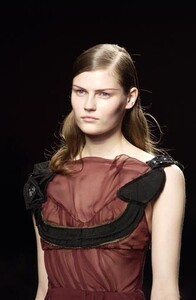
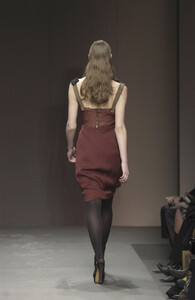
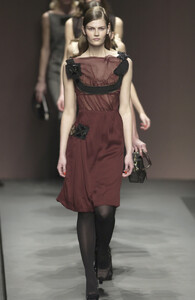
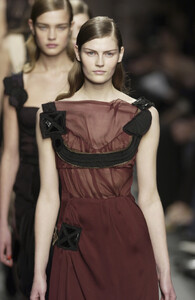
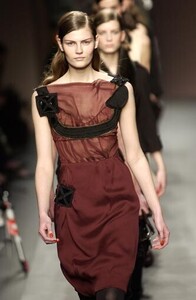
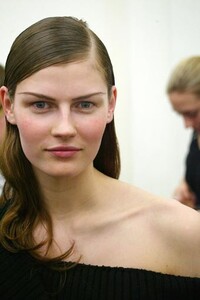
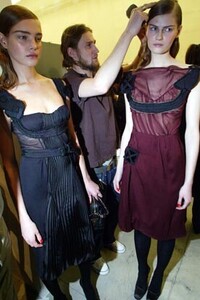
Prada F/W 2003 Anna closed Backstage: Also Natalia Vodianova
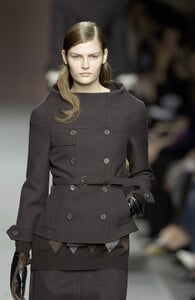
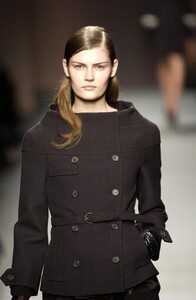
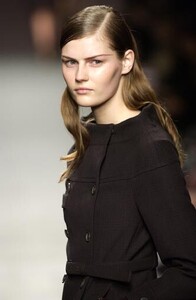
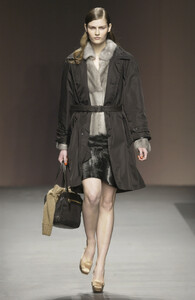
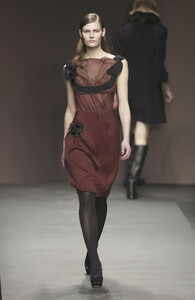
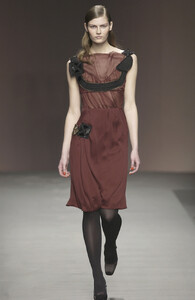
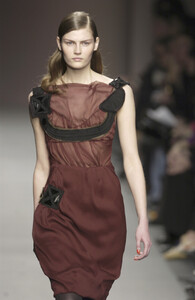
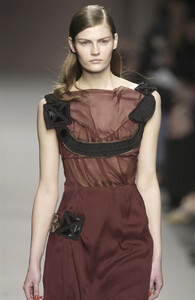
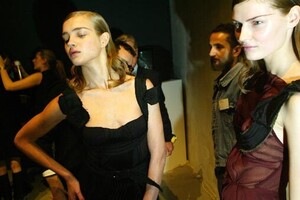
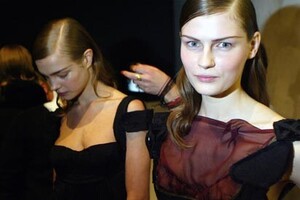
-
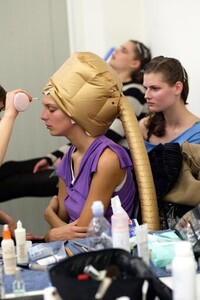
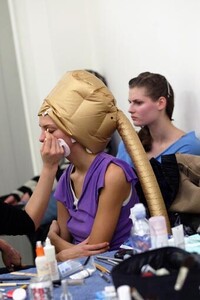
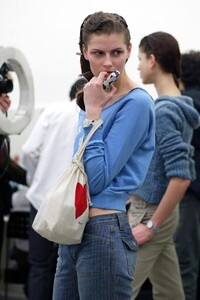
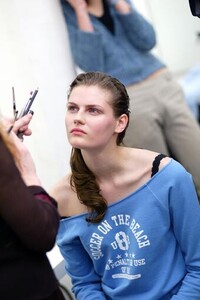
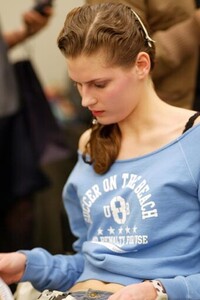
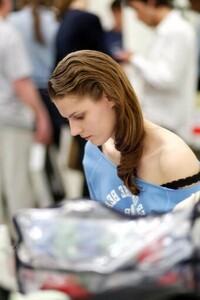
Thank you for this thread Minerva Miu Miu F/W 2003 Anna opened the show Backstage: Also Daria Werbowy
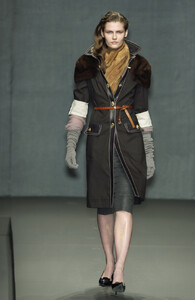
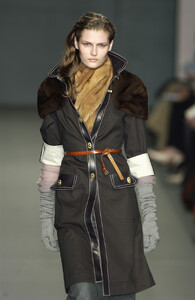
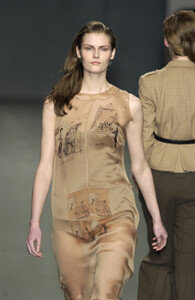
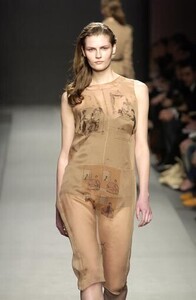
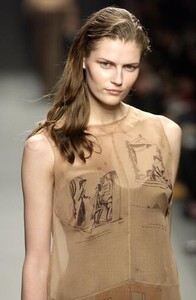
-
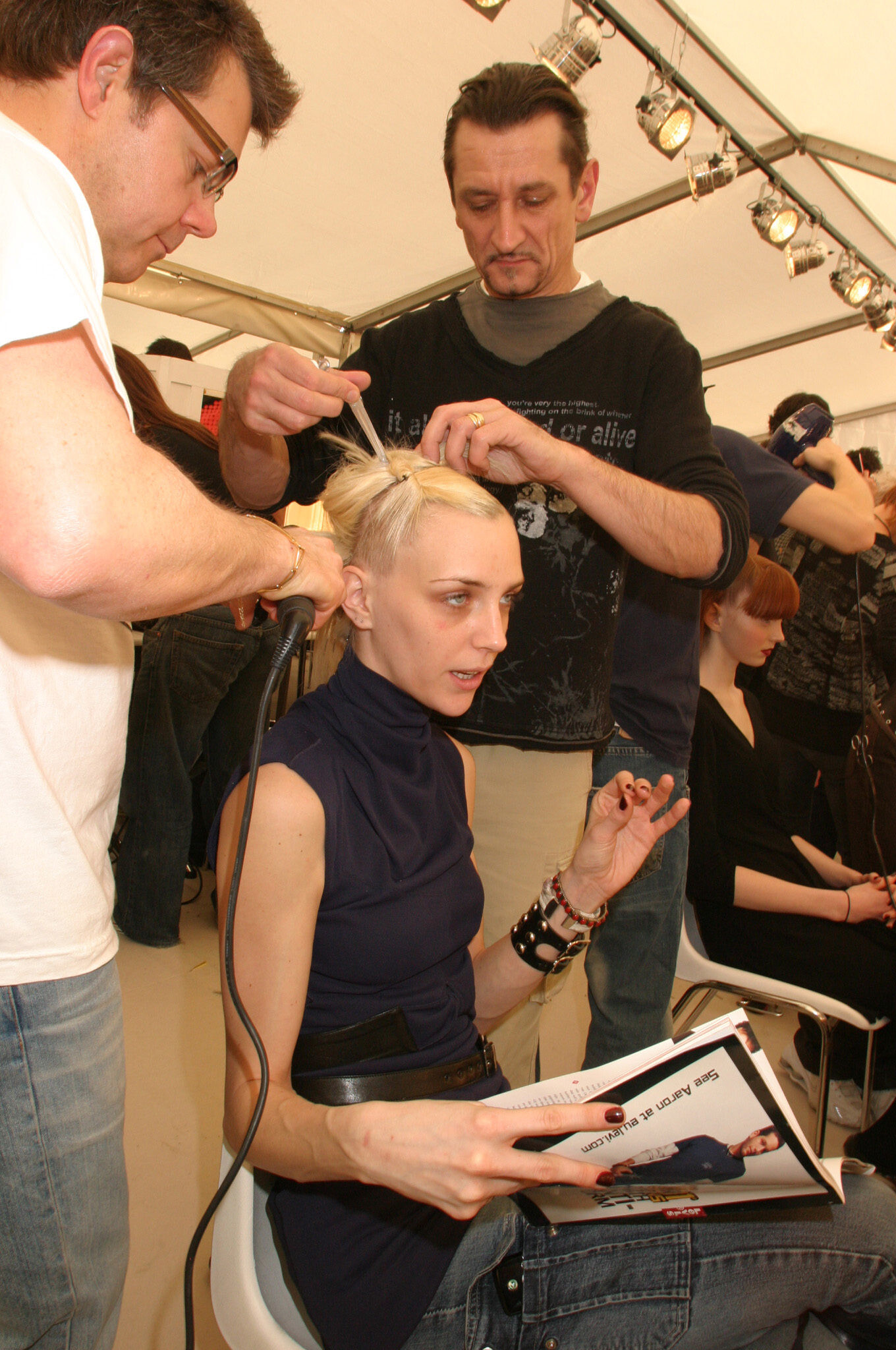
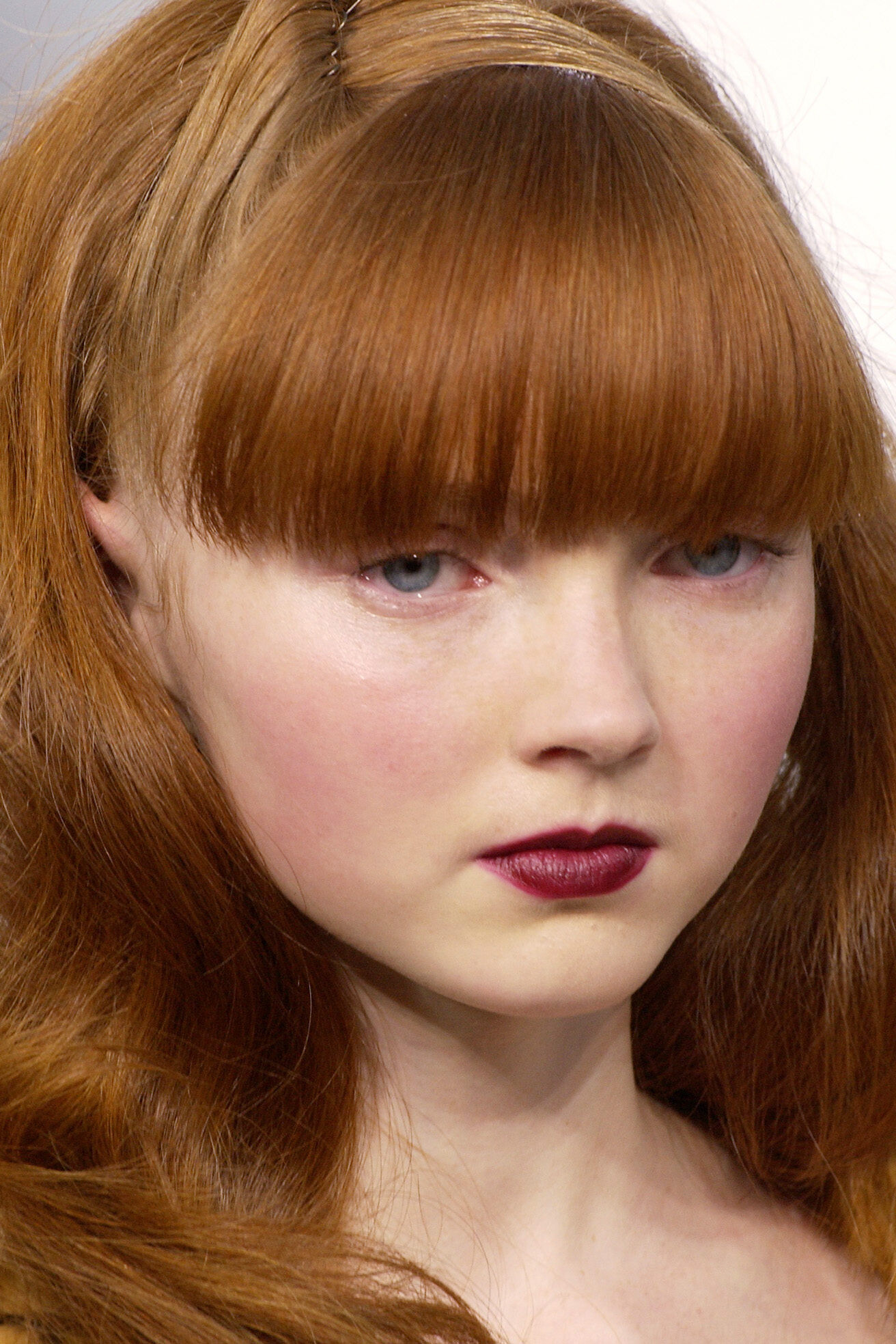
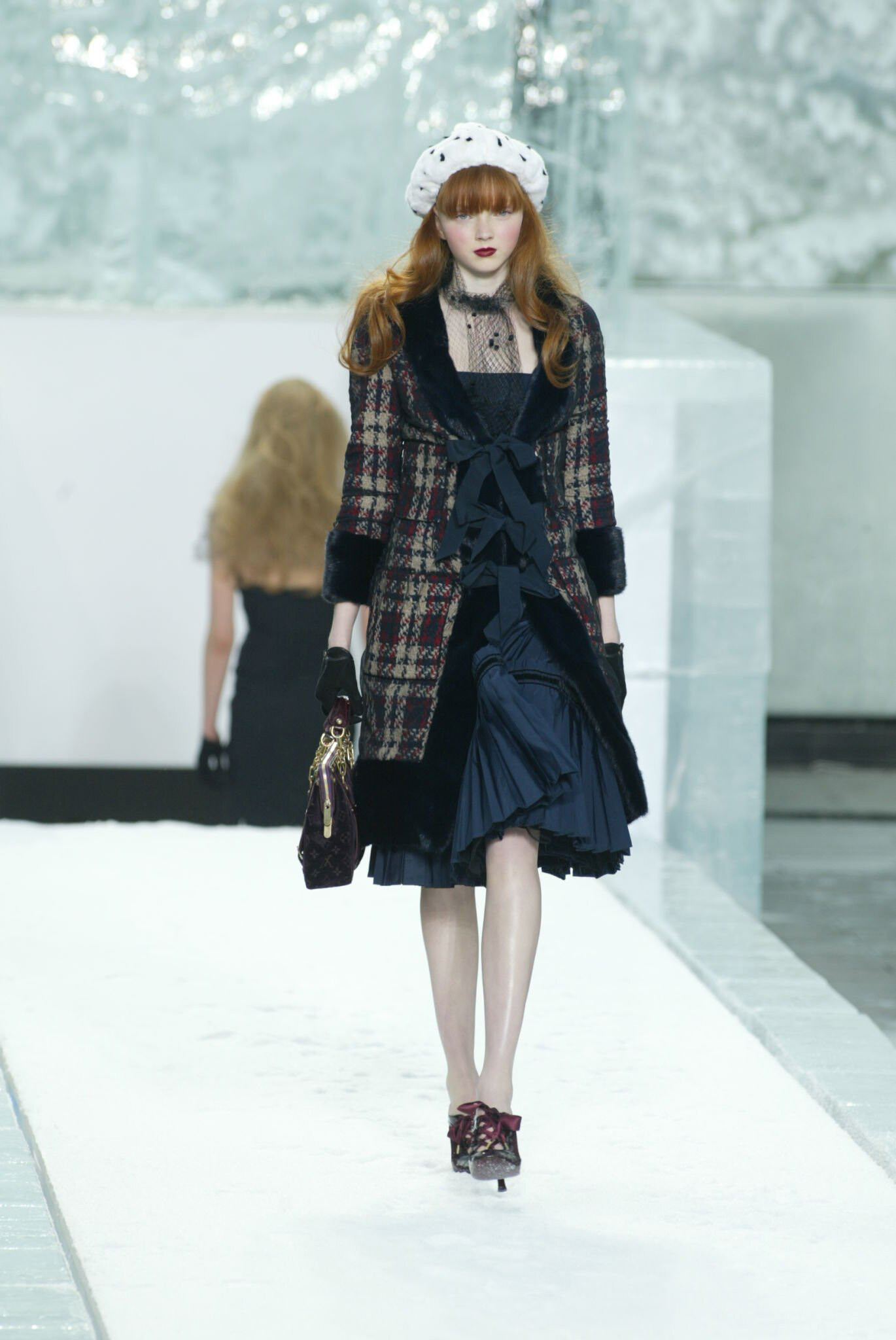
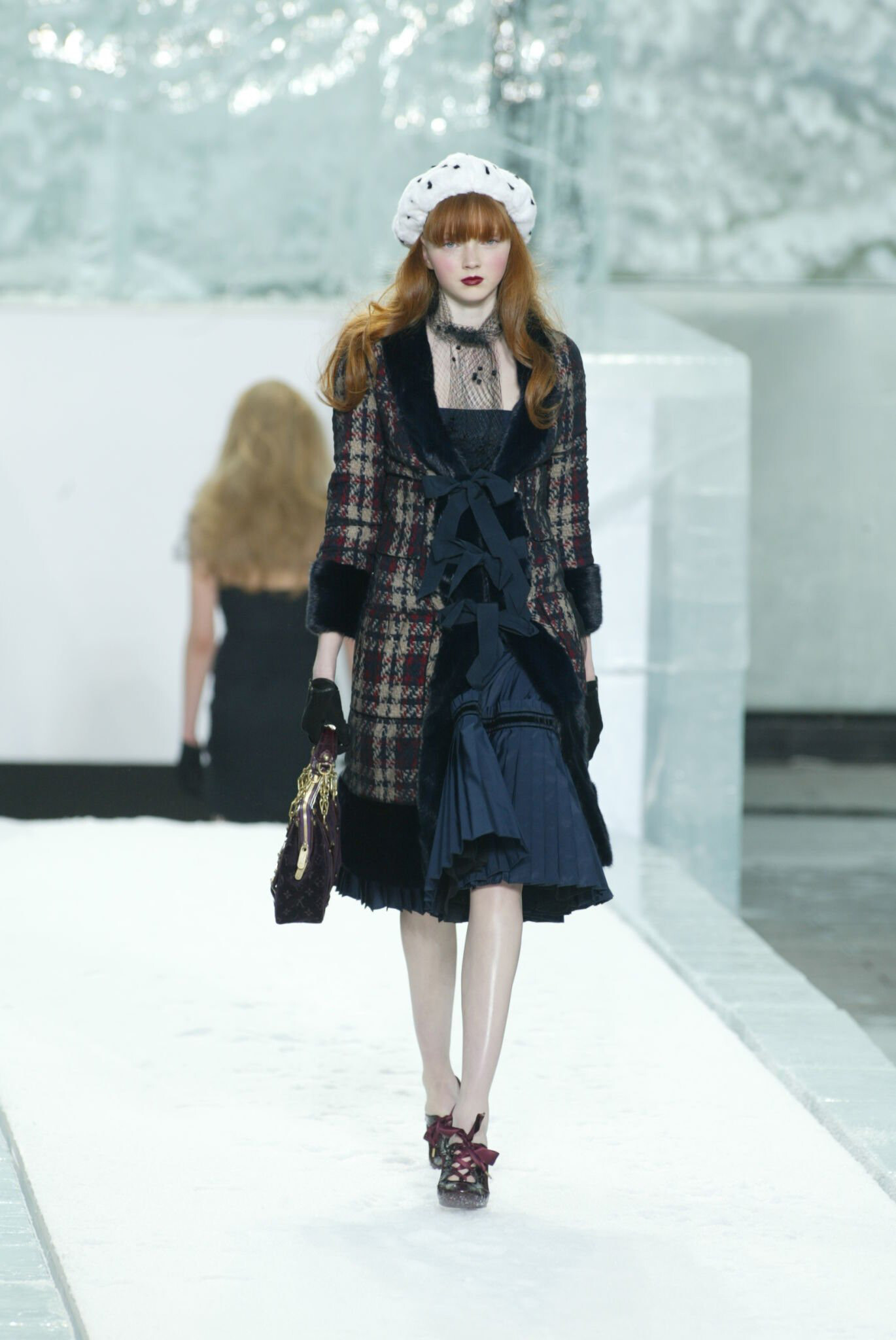
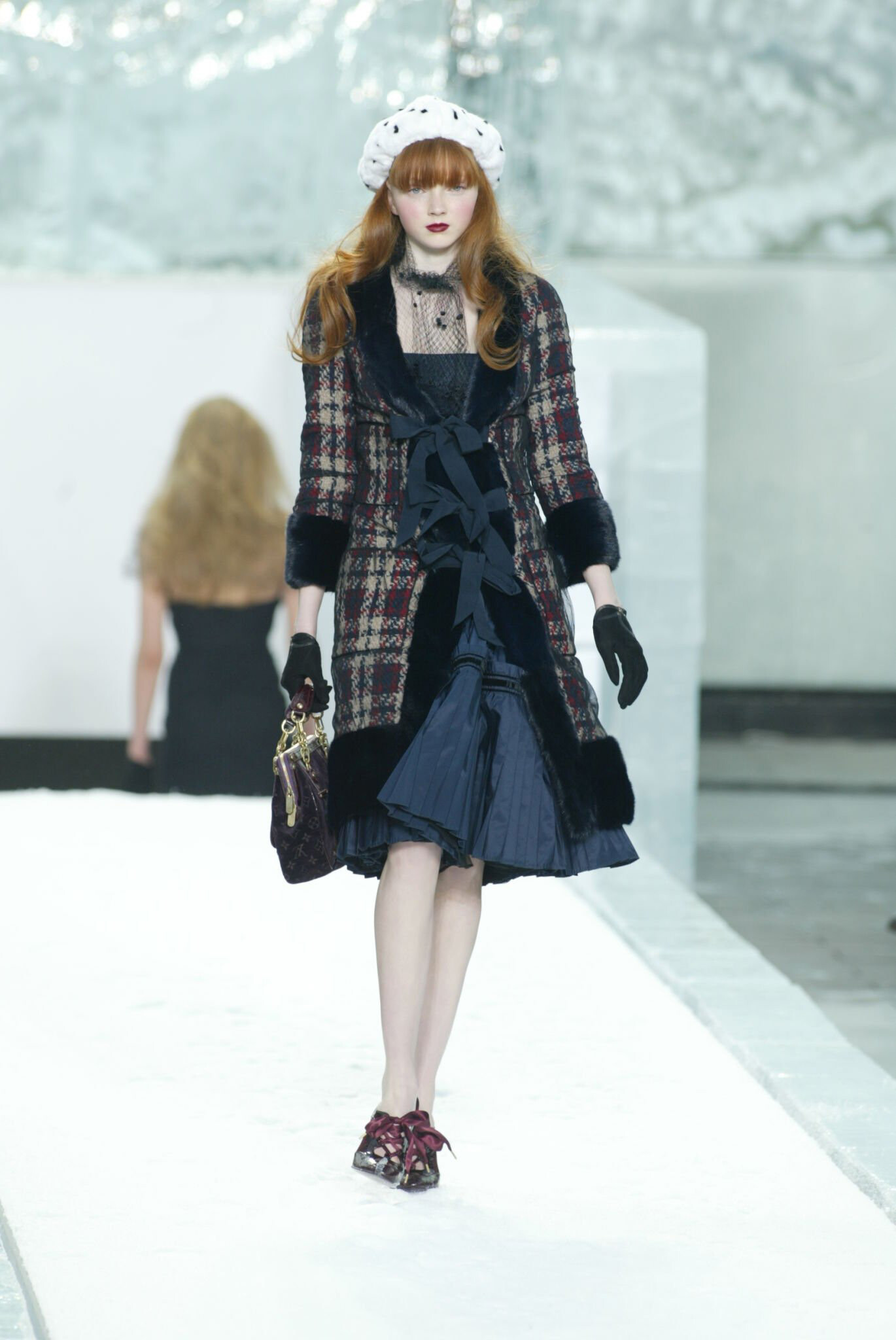
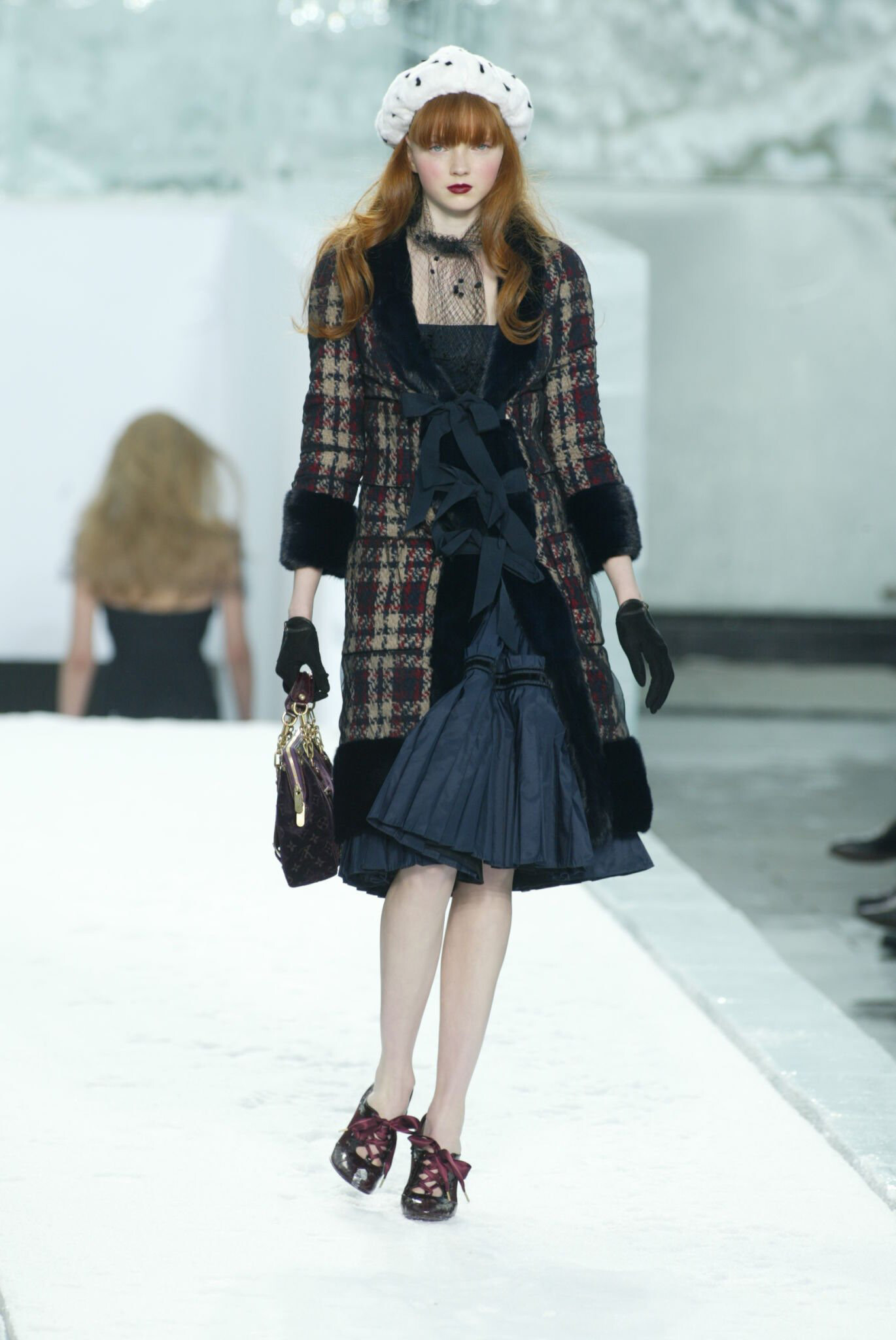
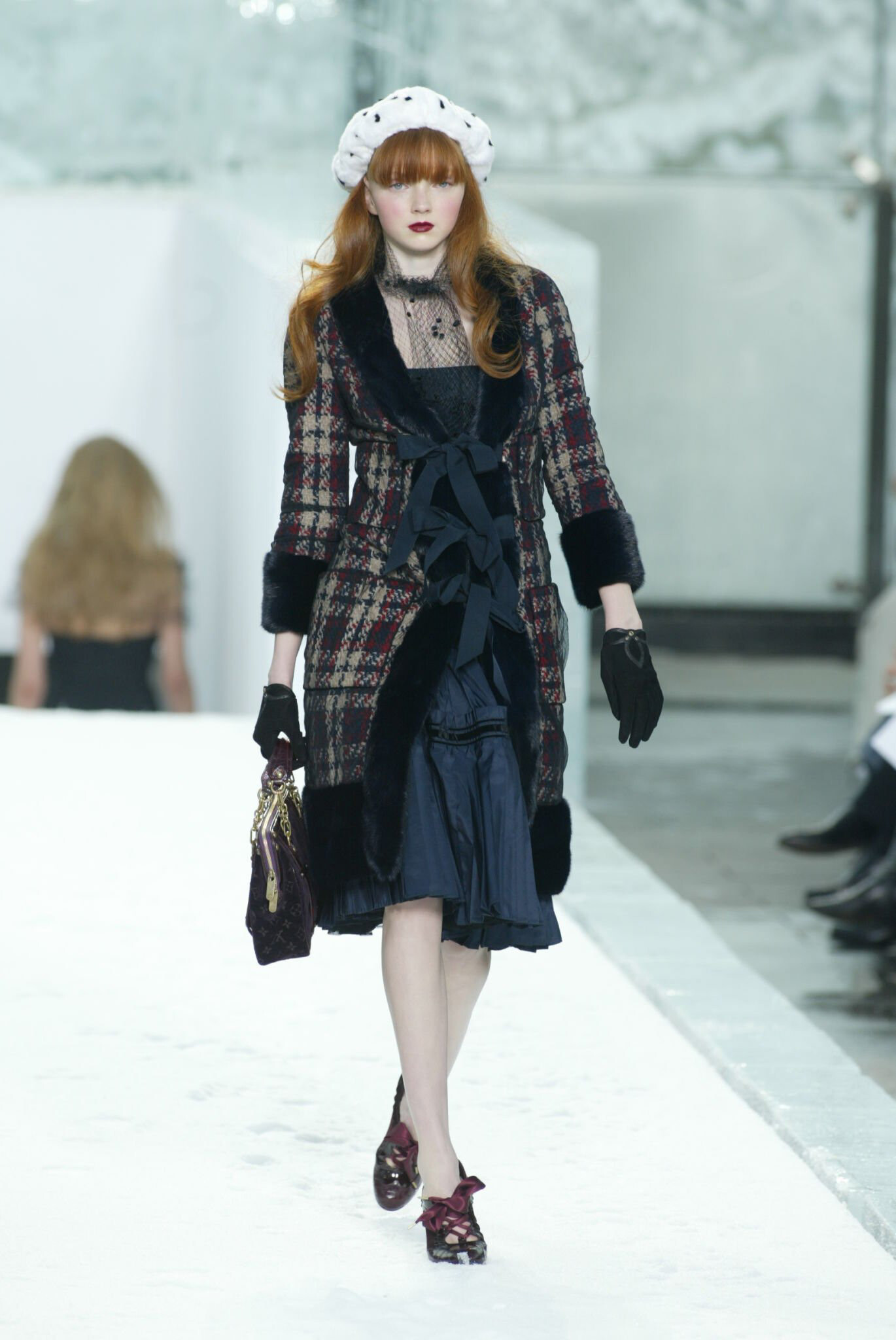
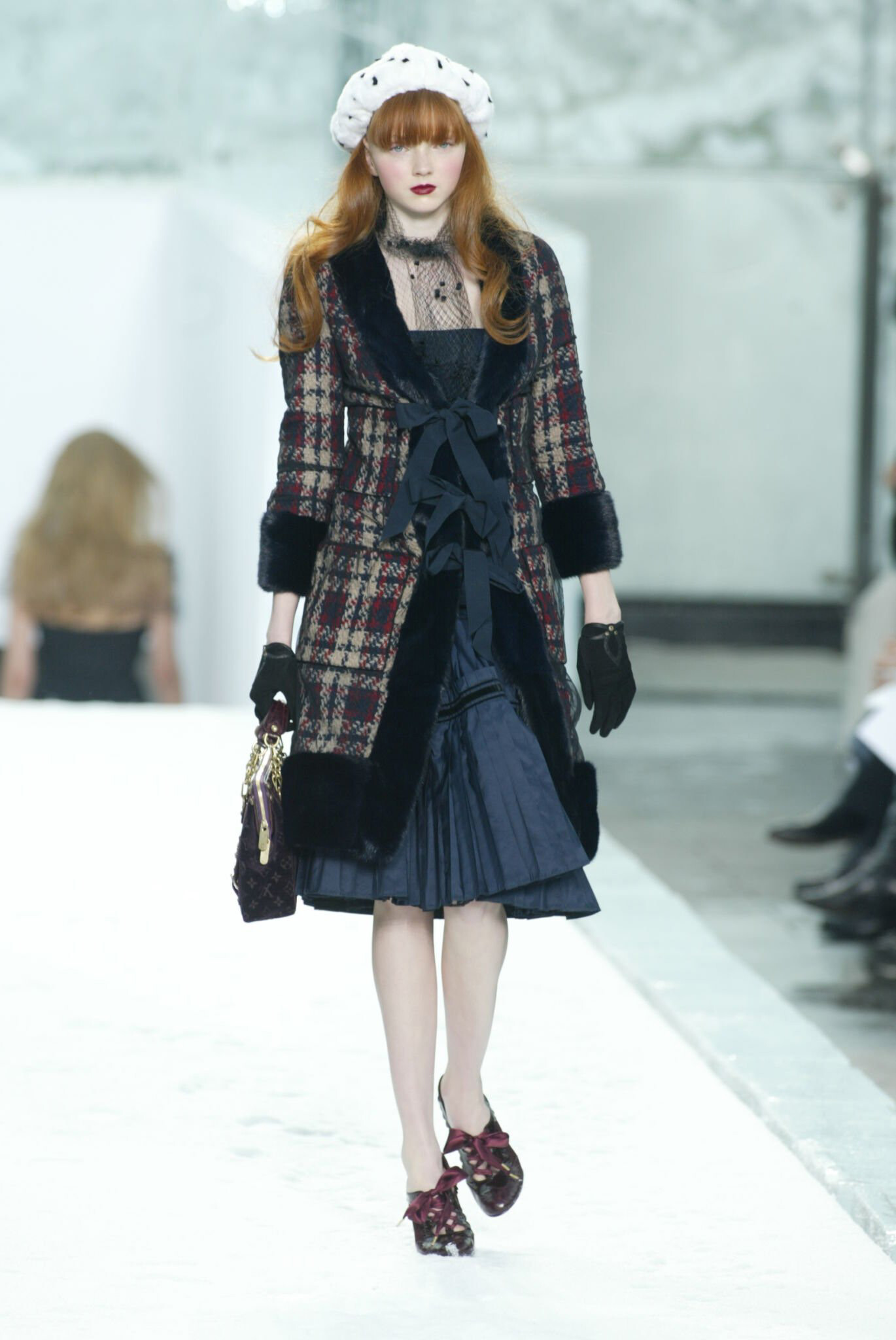
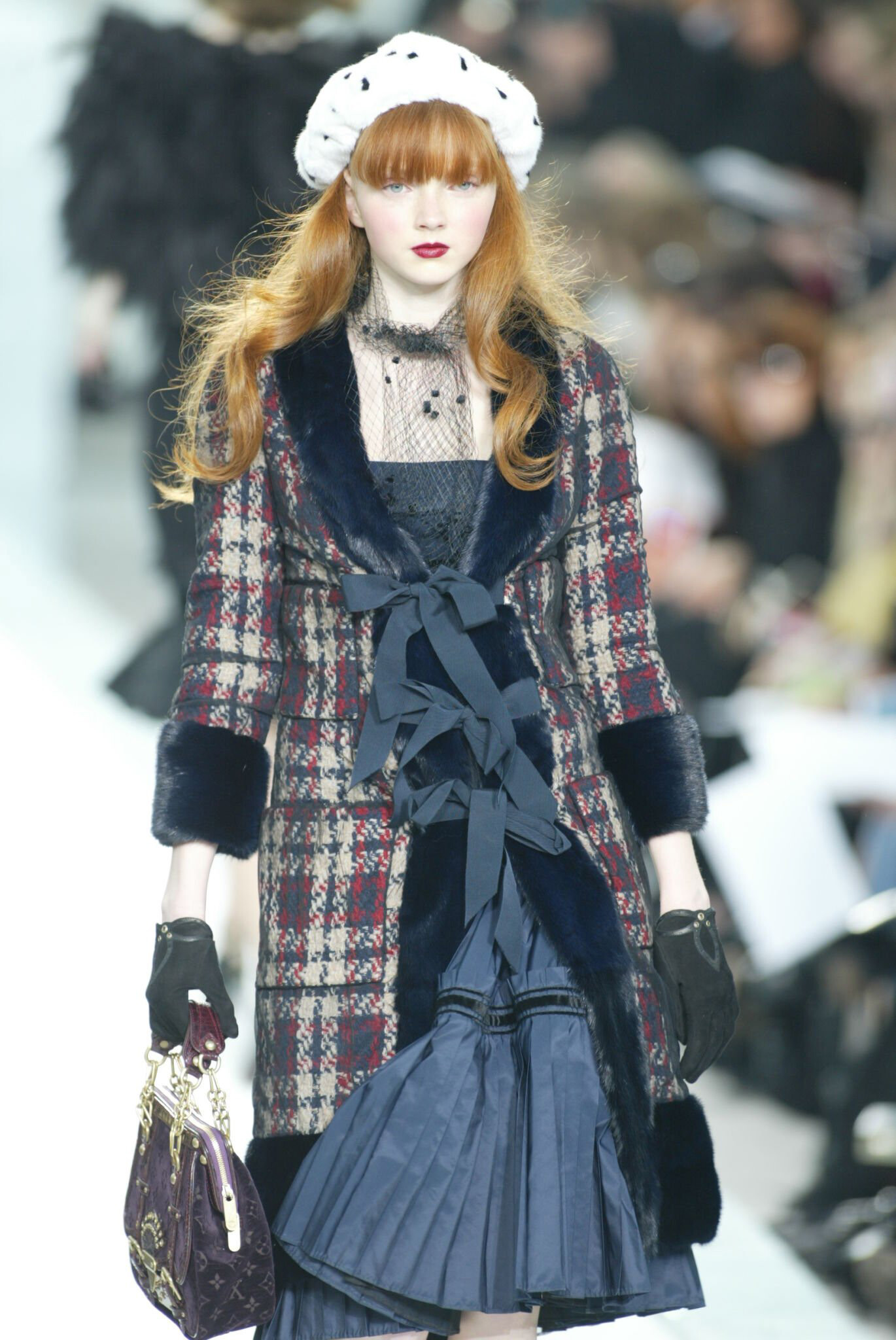
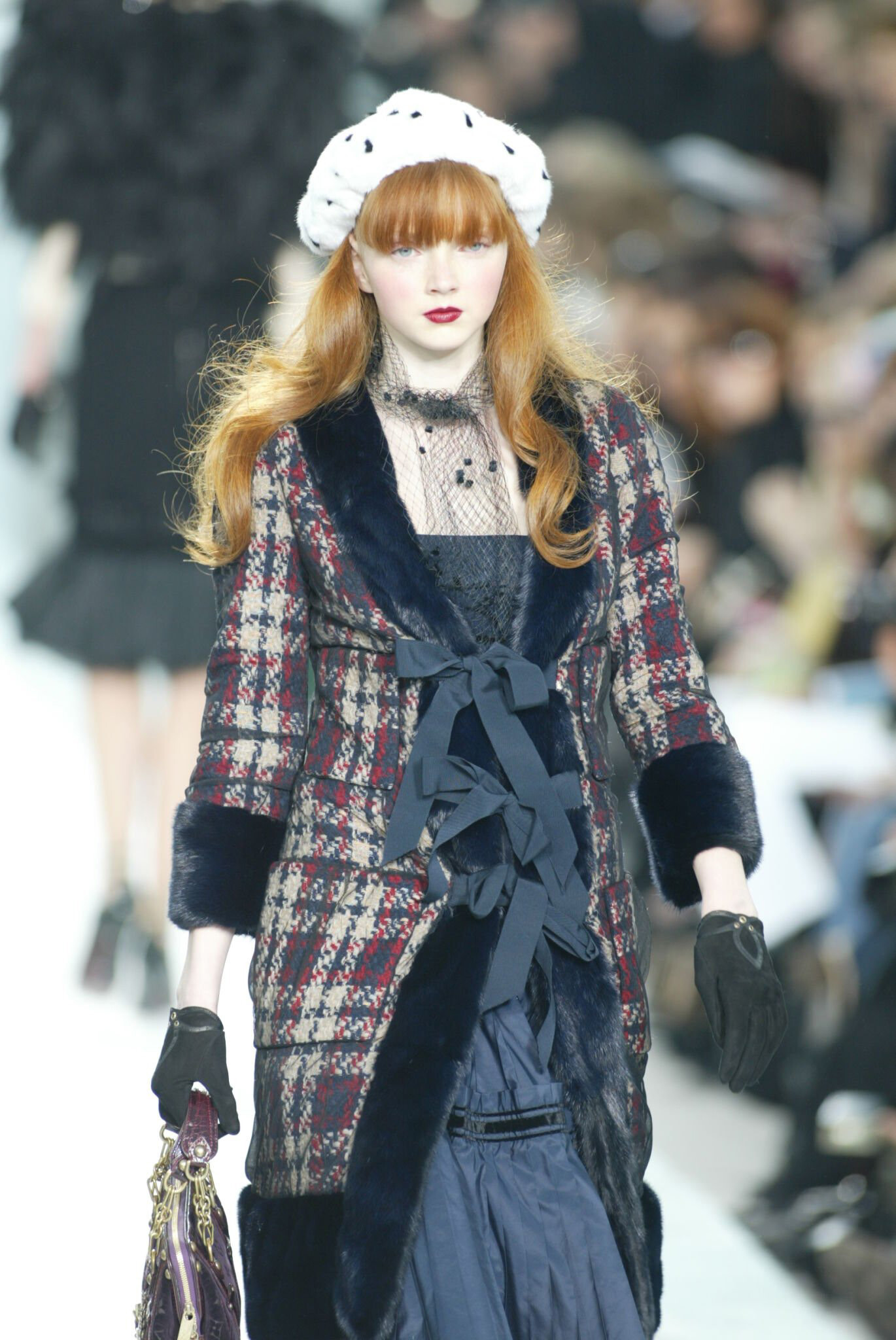
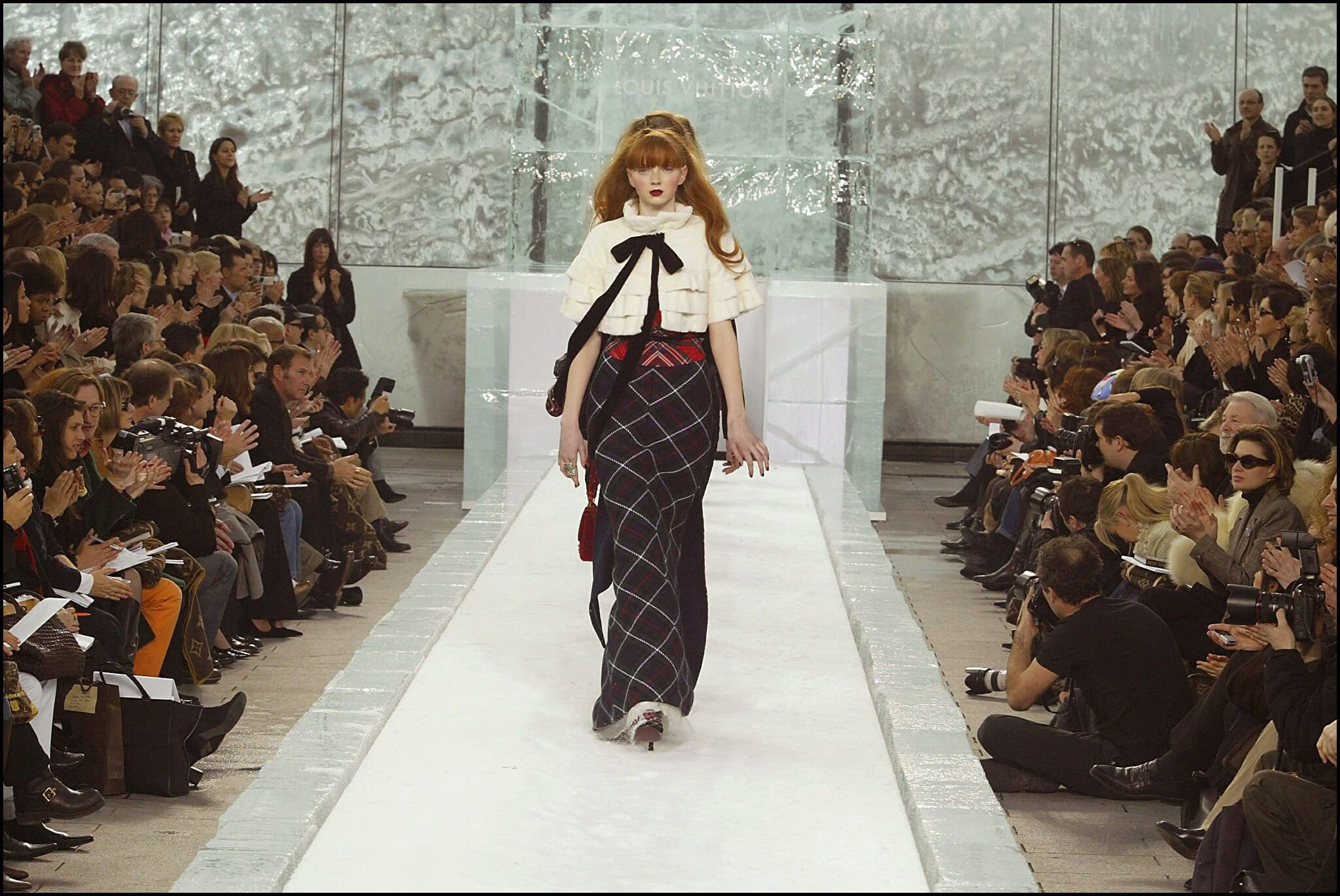
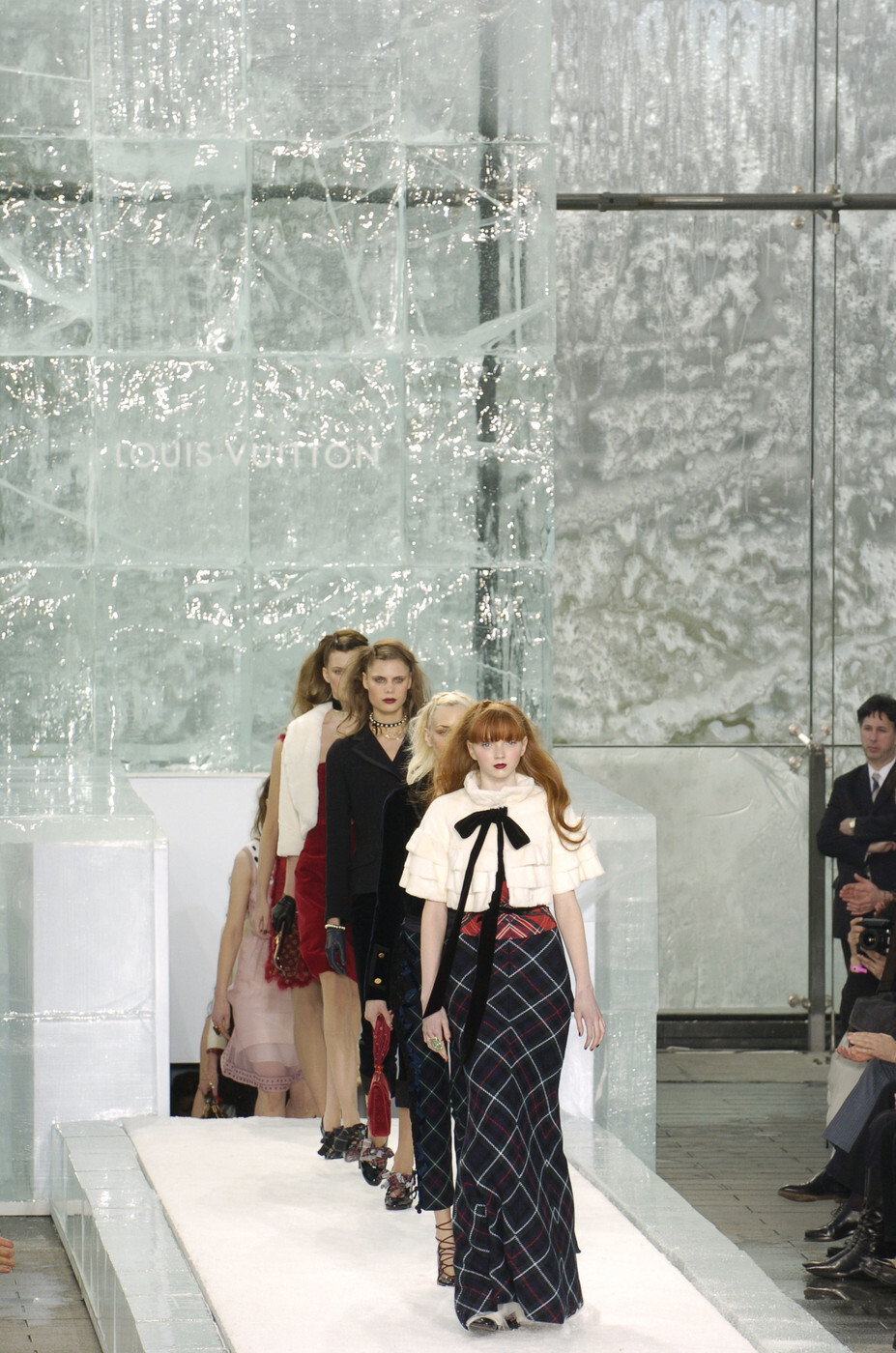
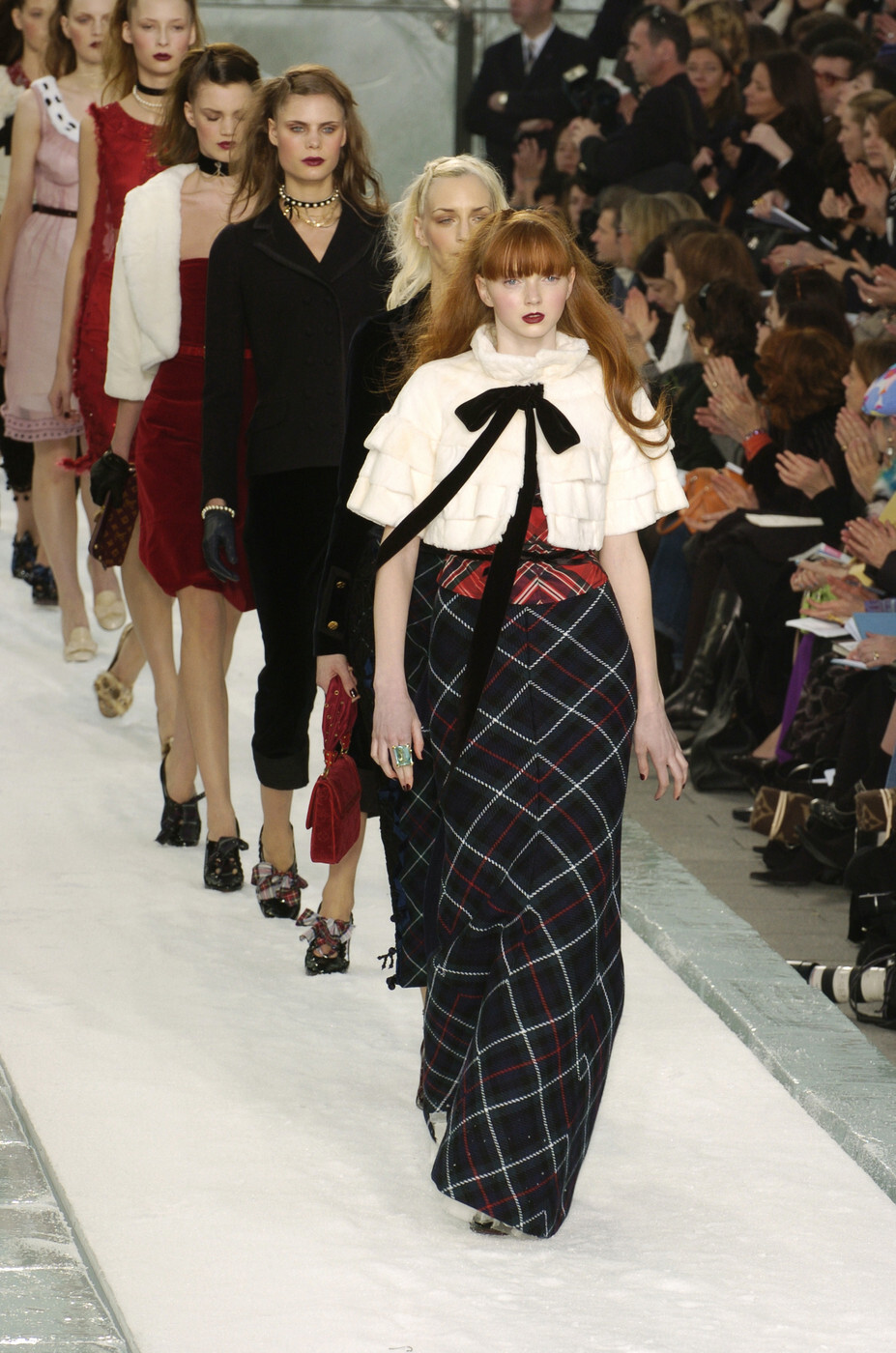
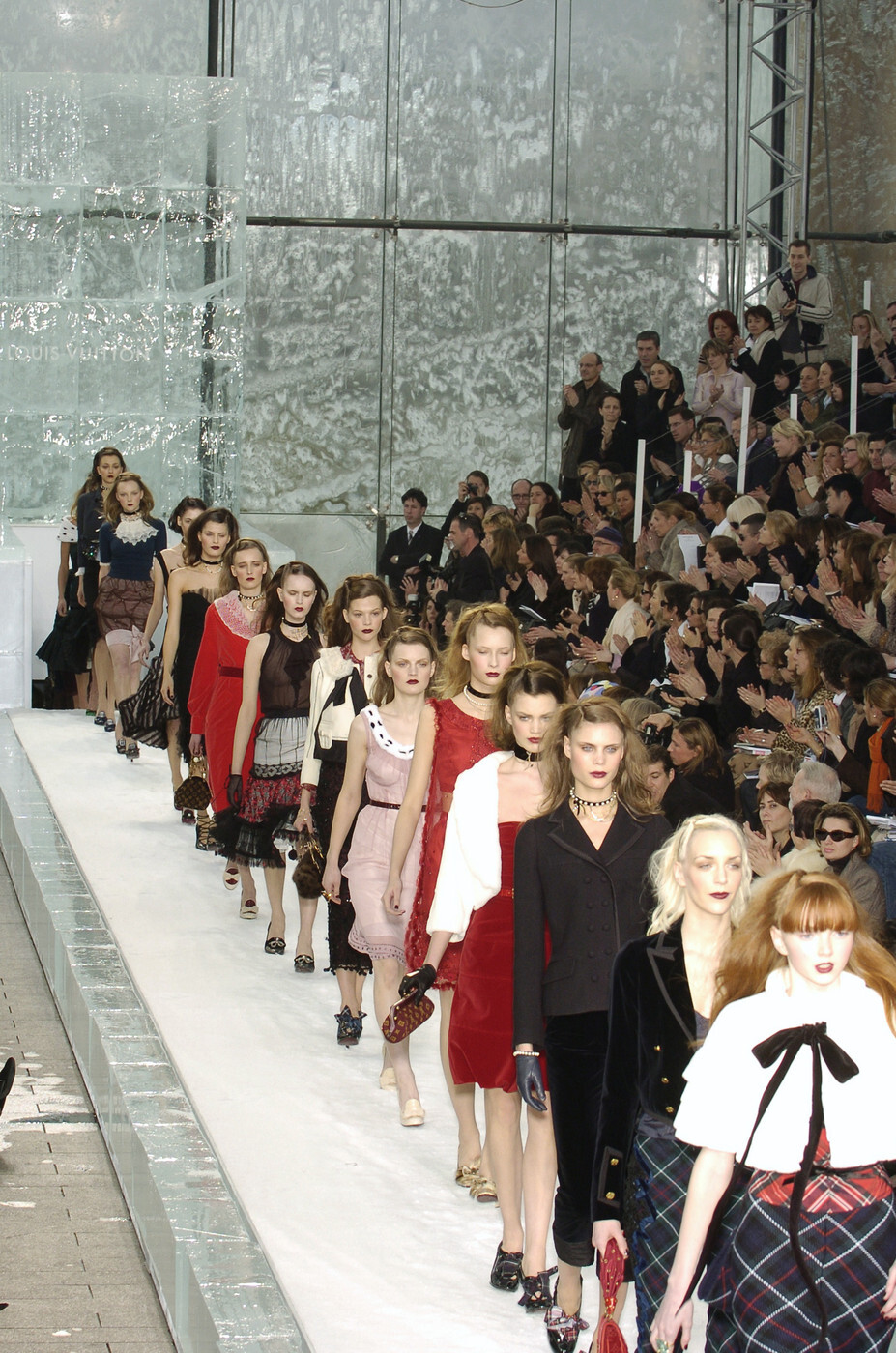
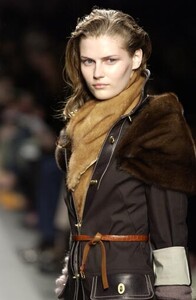
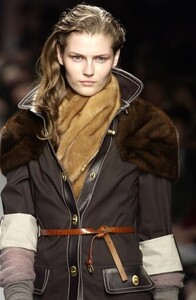
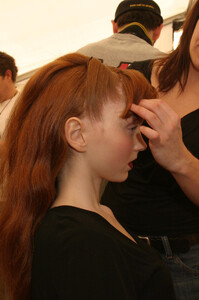
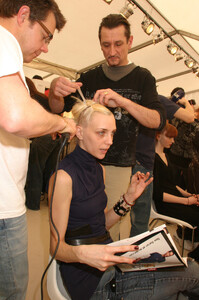
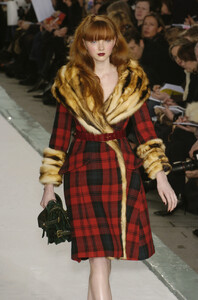
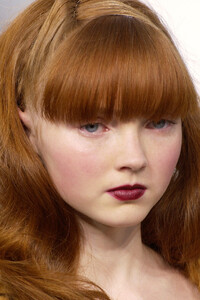
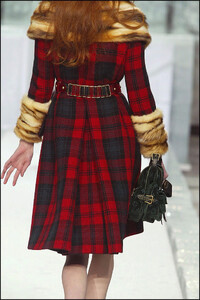
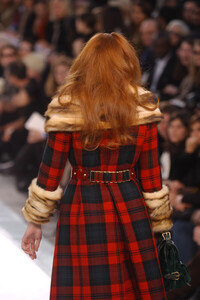
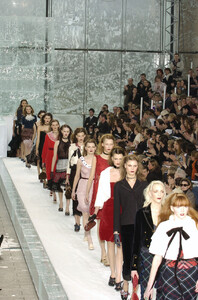
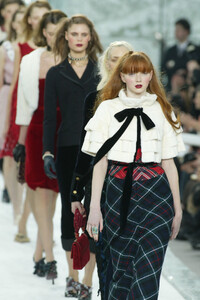
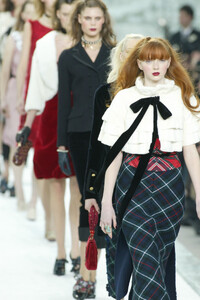
Backstage at Louis Vuitton F/W 2004 Also Hannelore Knuts
-
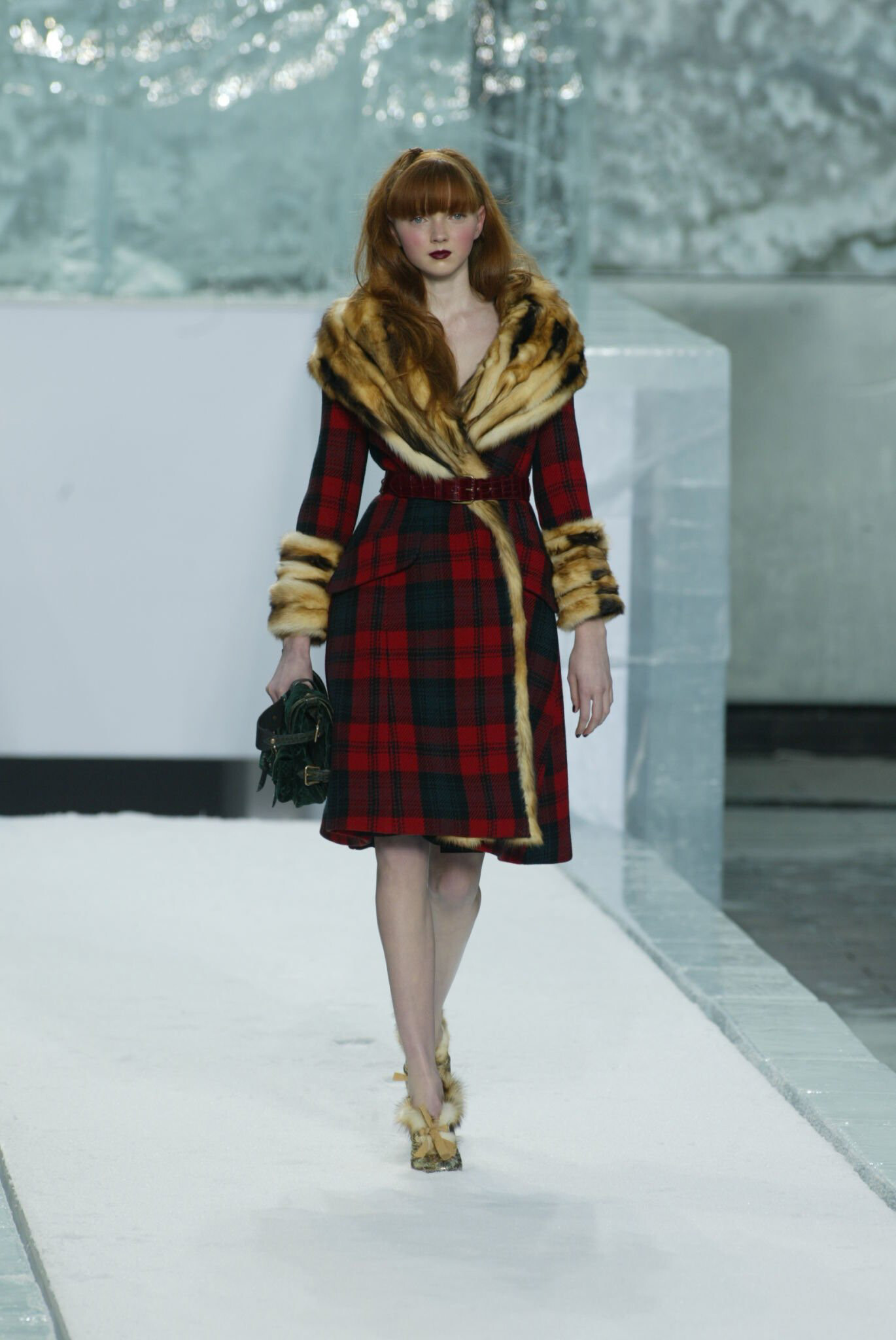
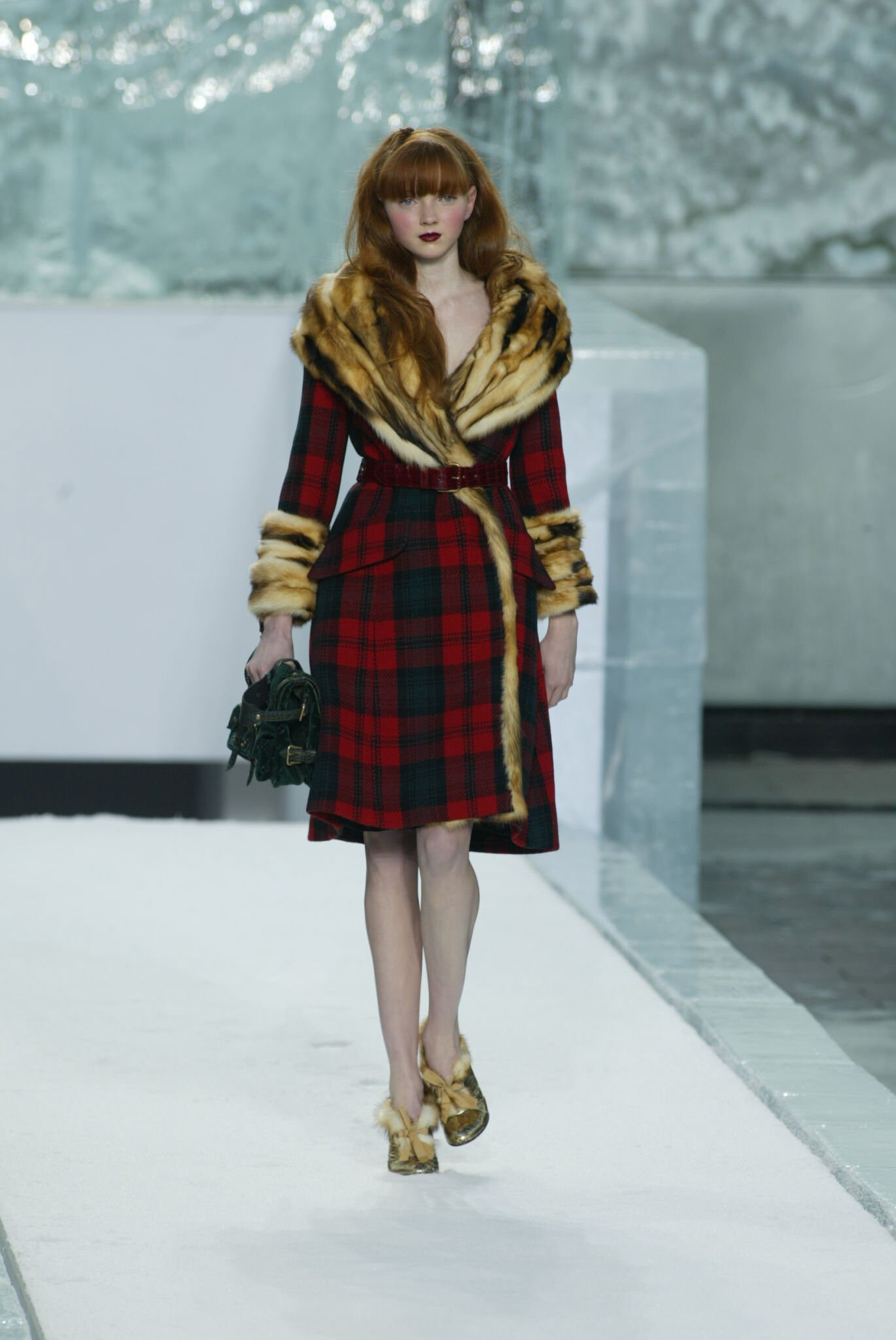
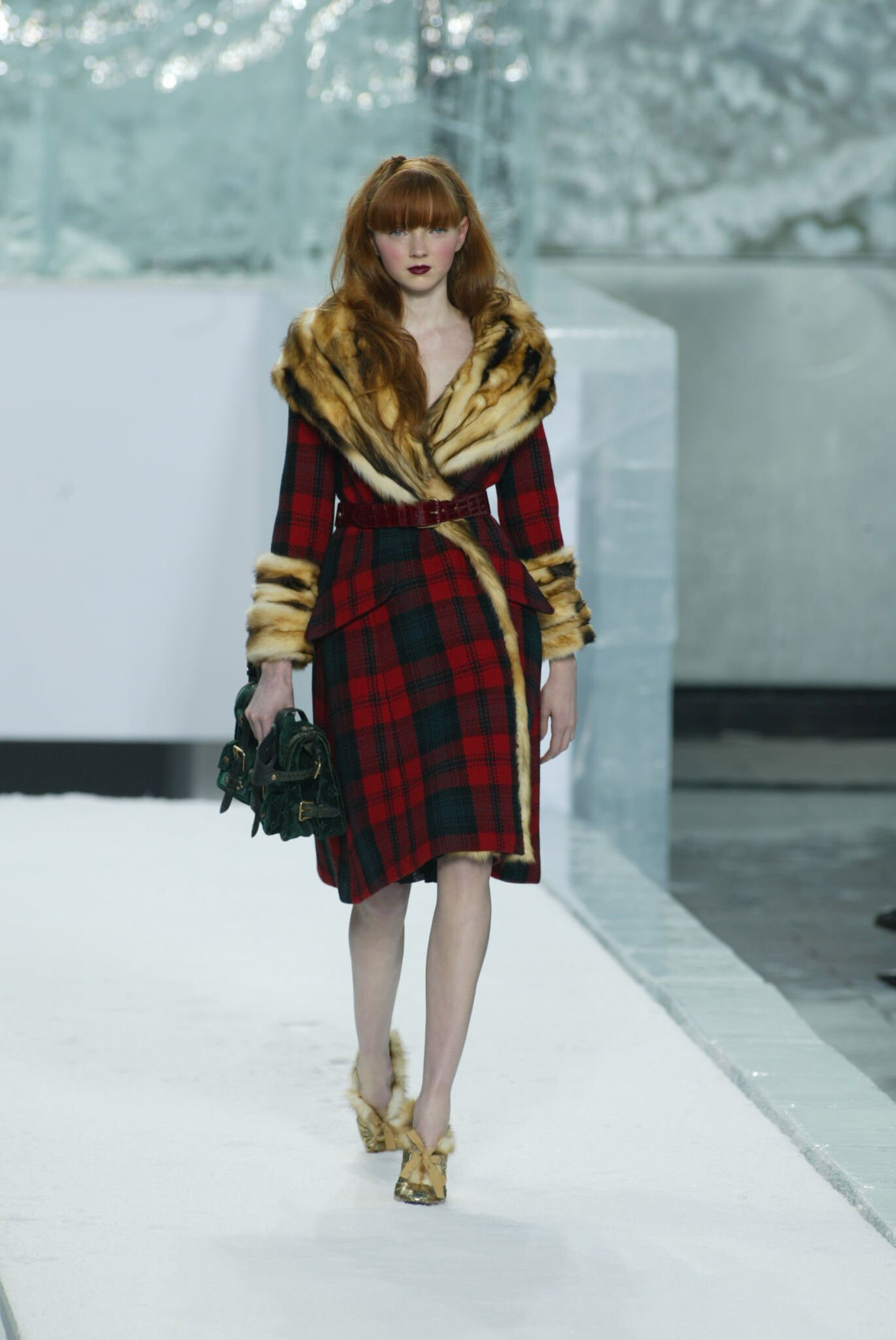
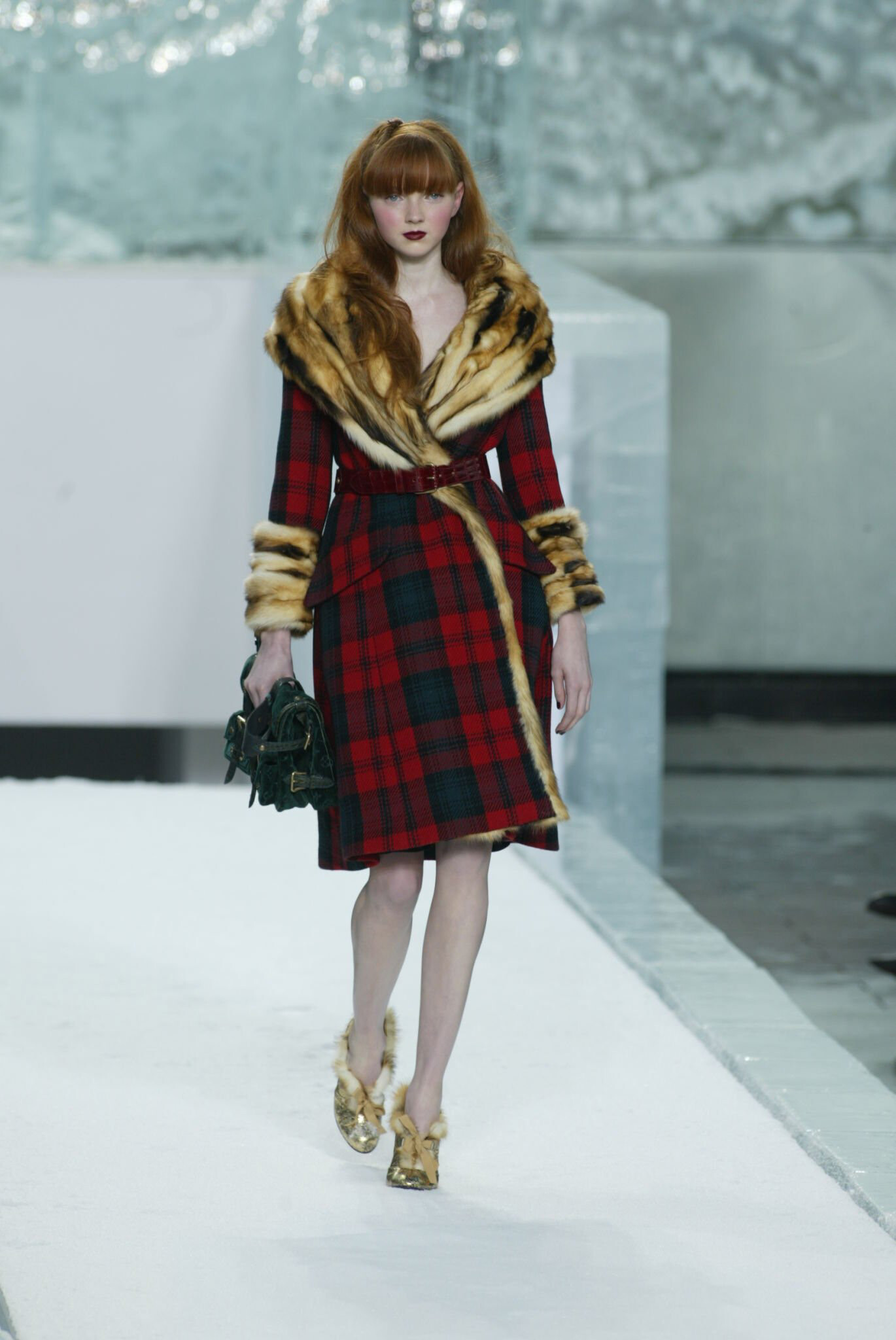
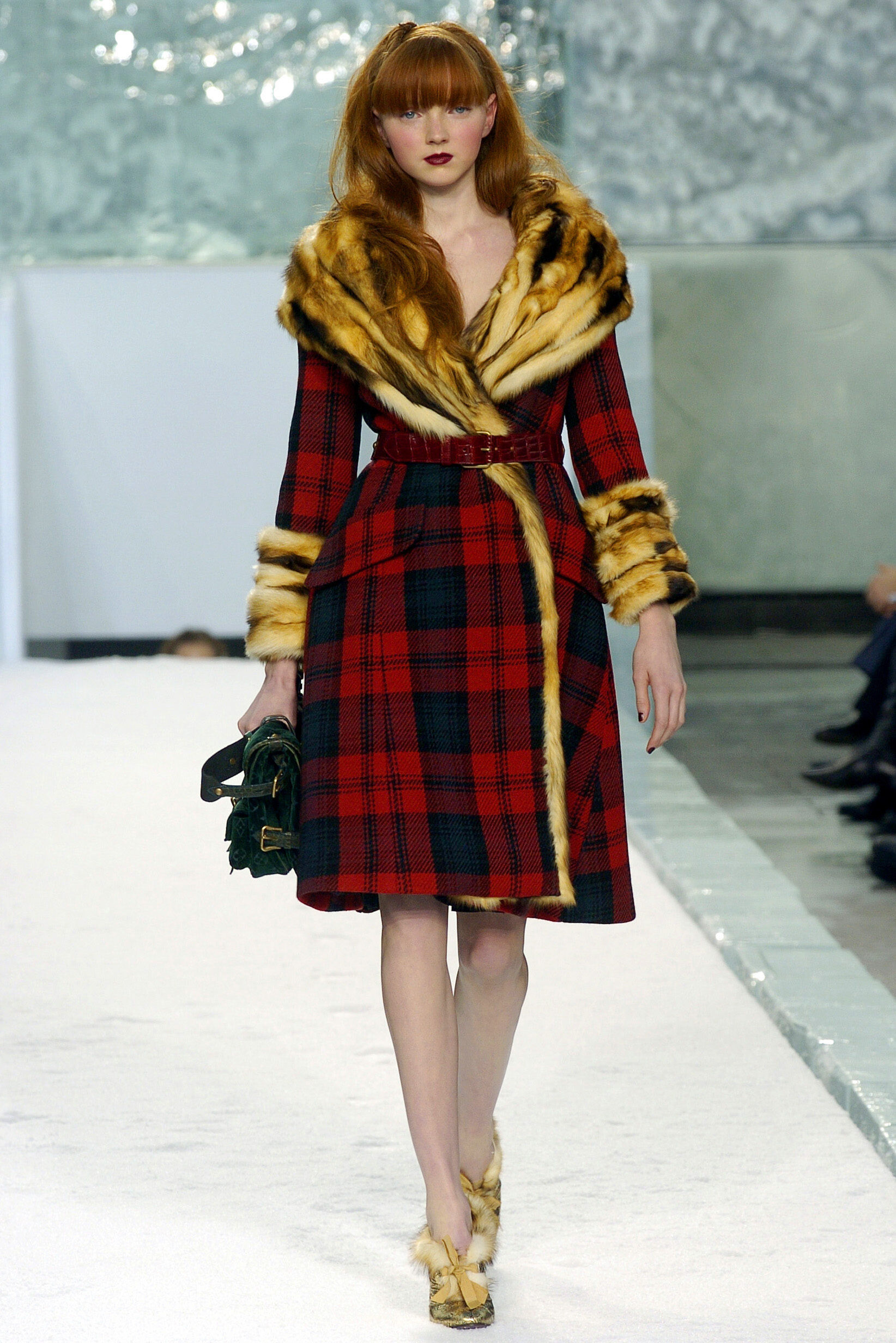
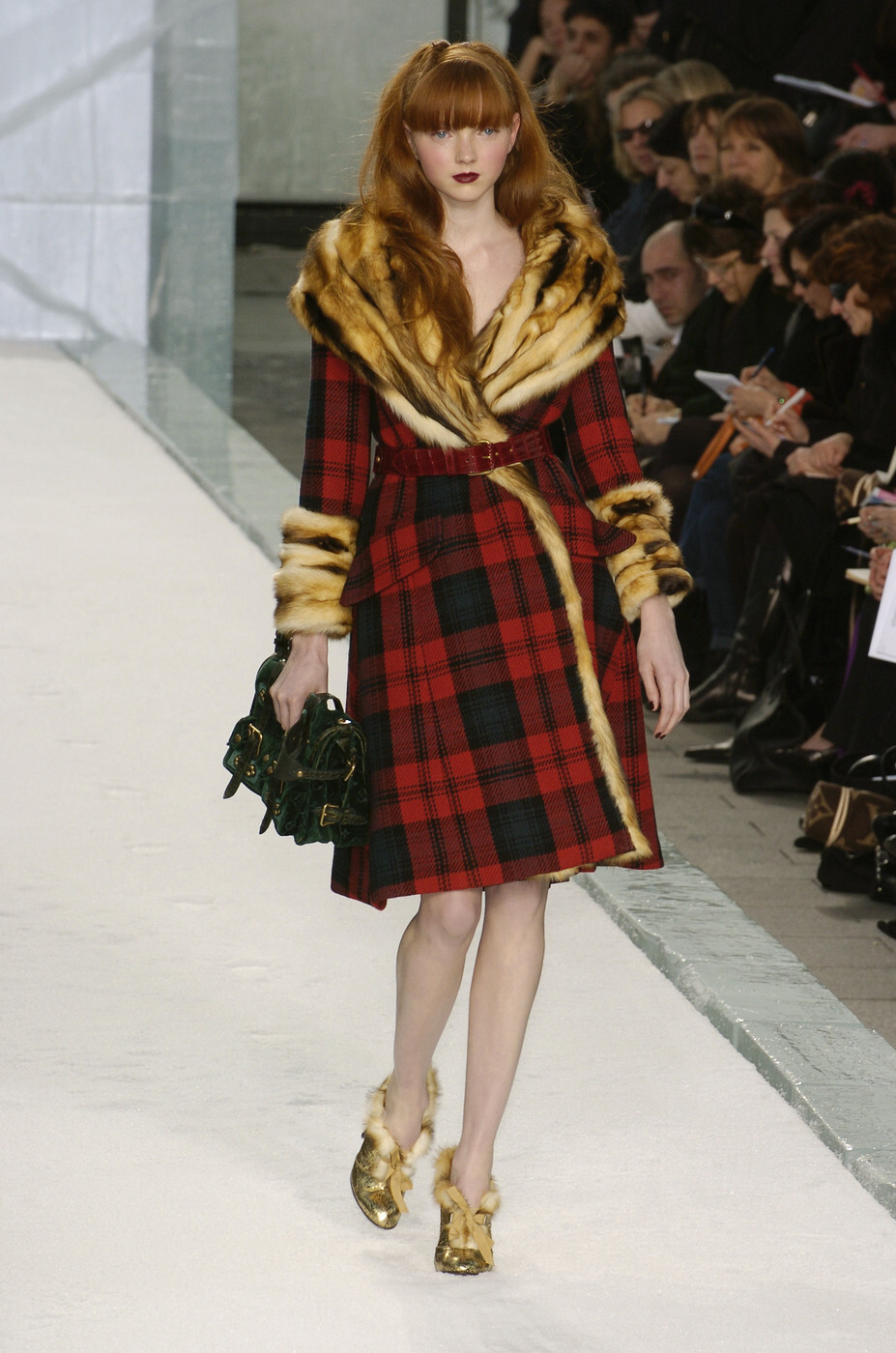
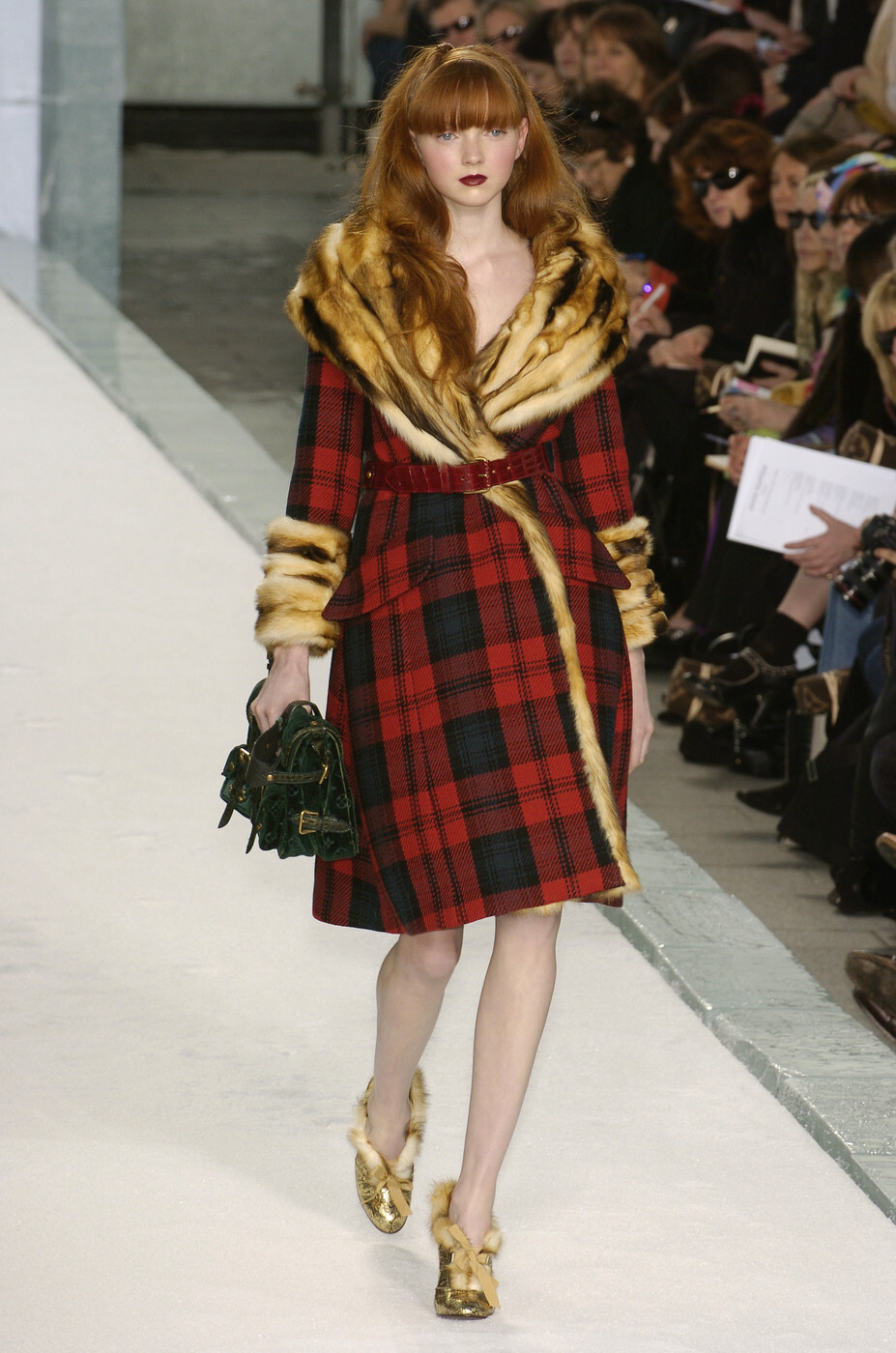
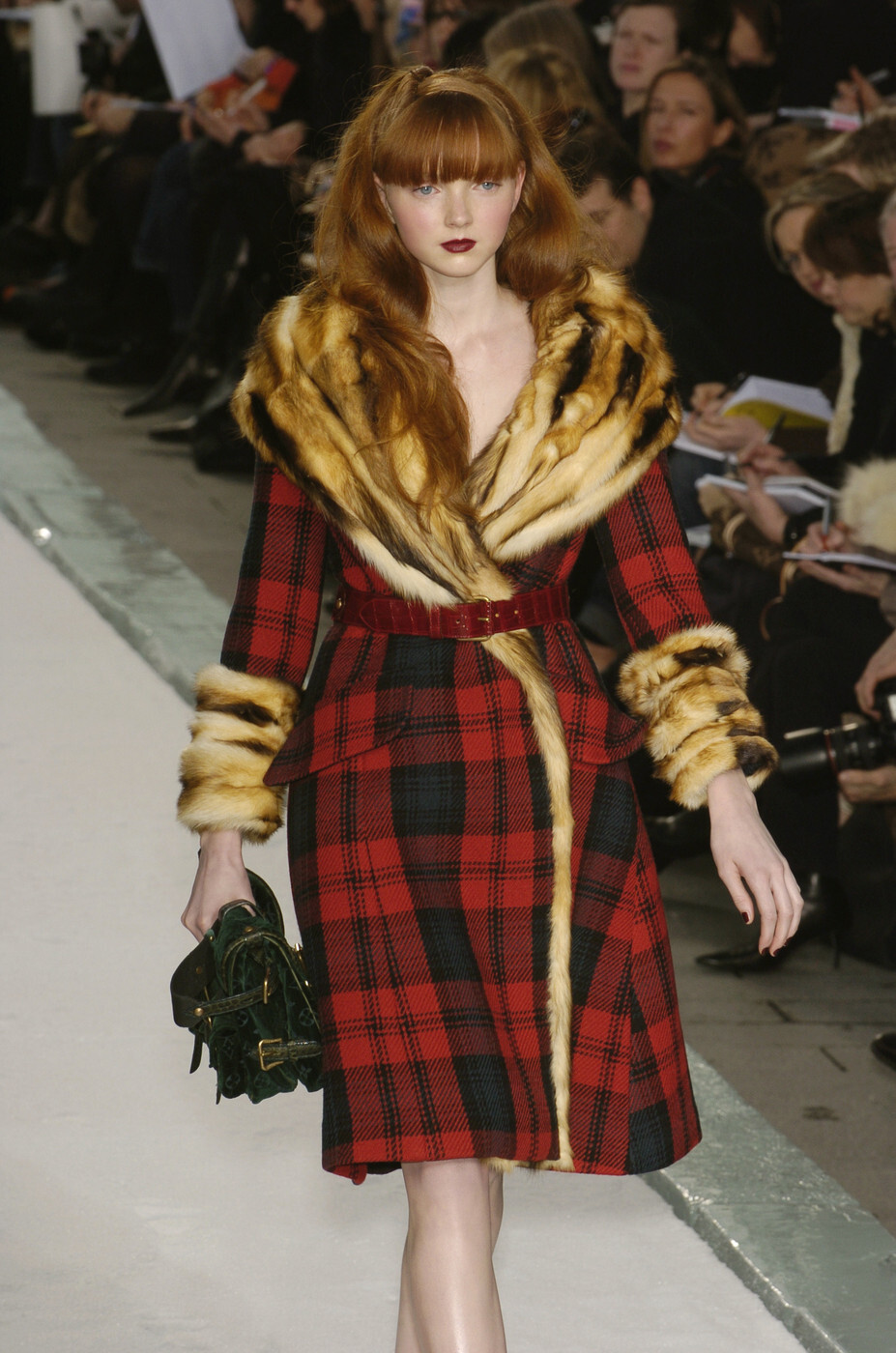
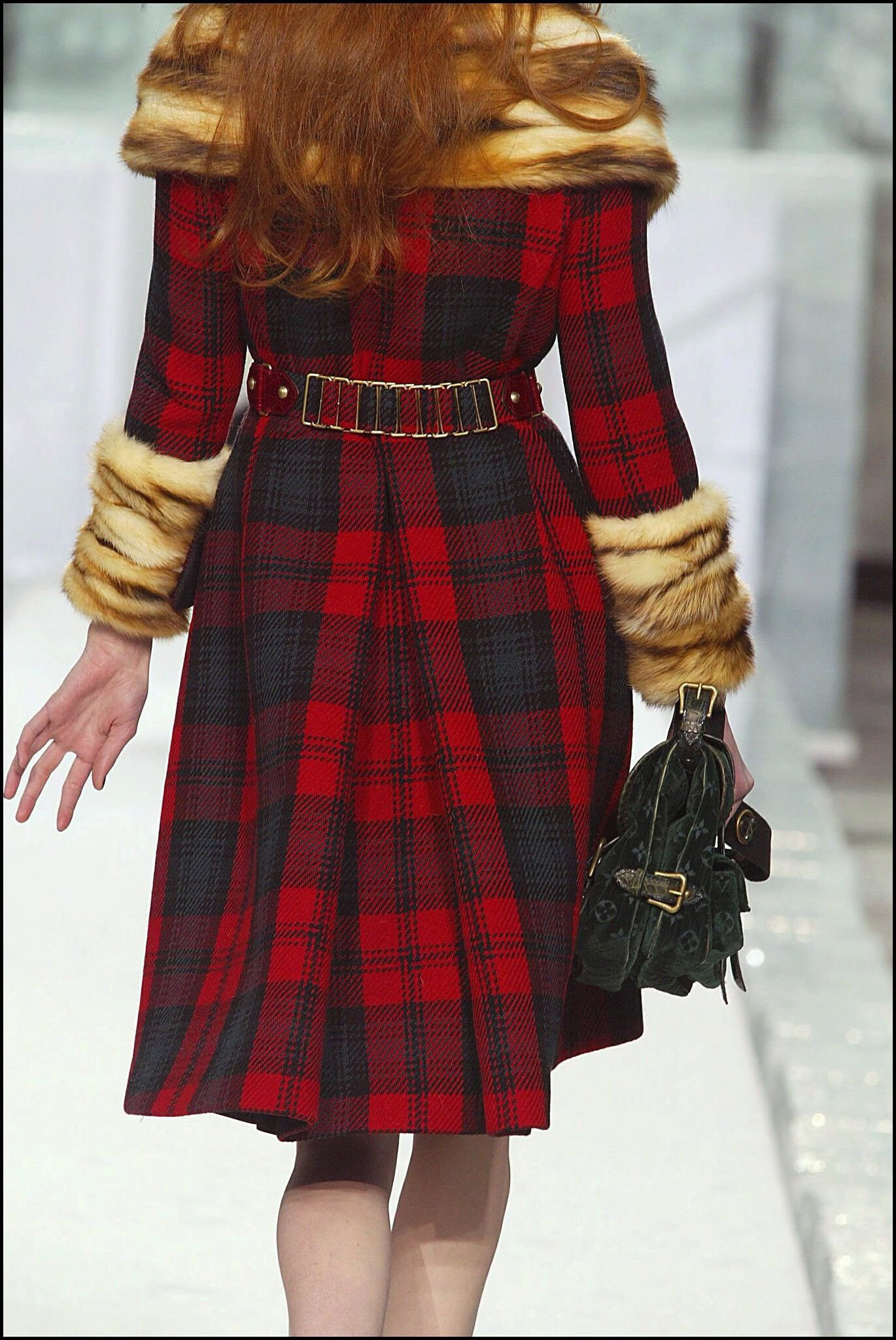
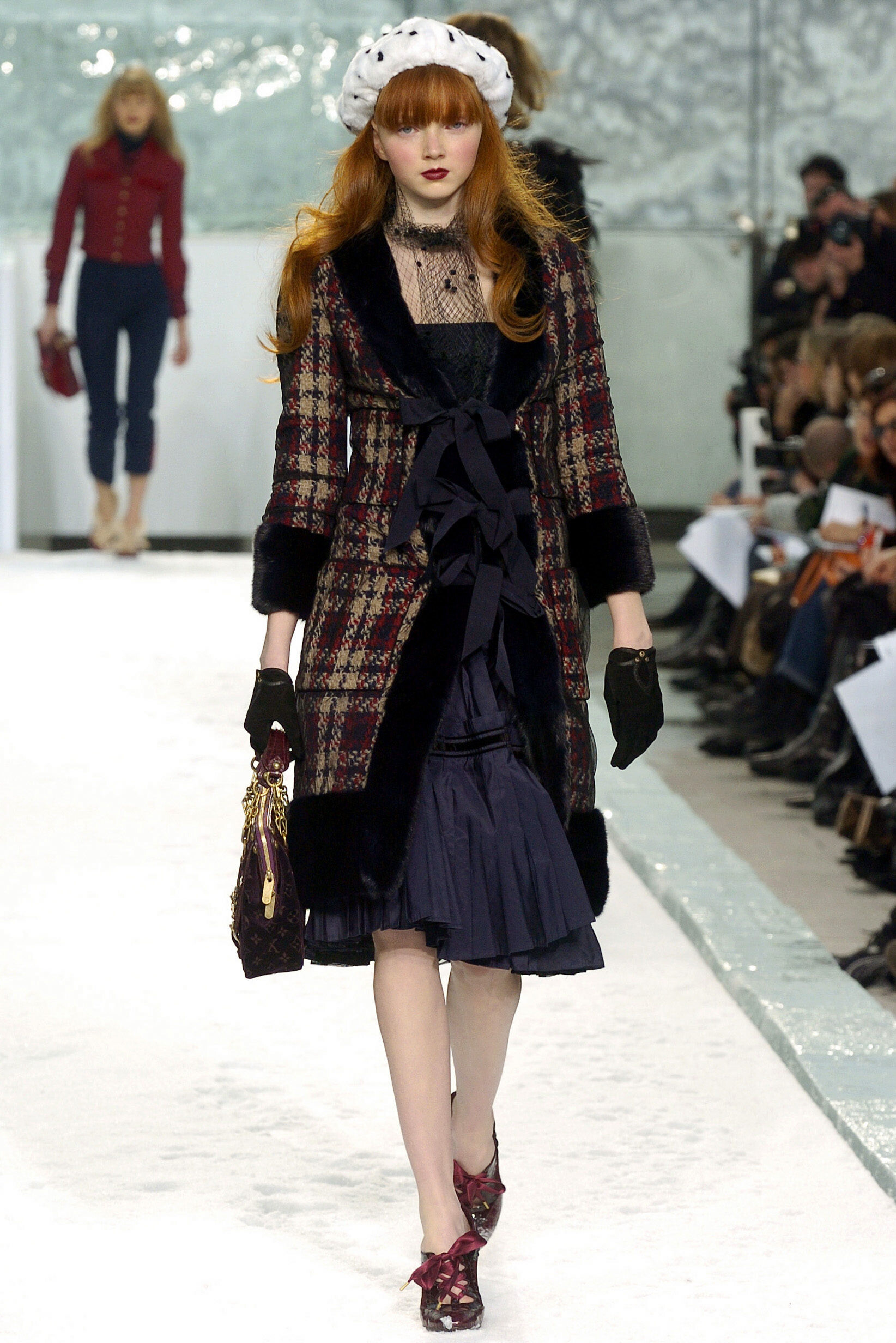
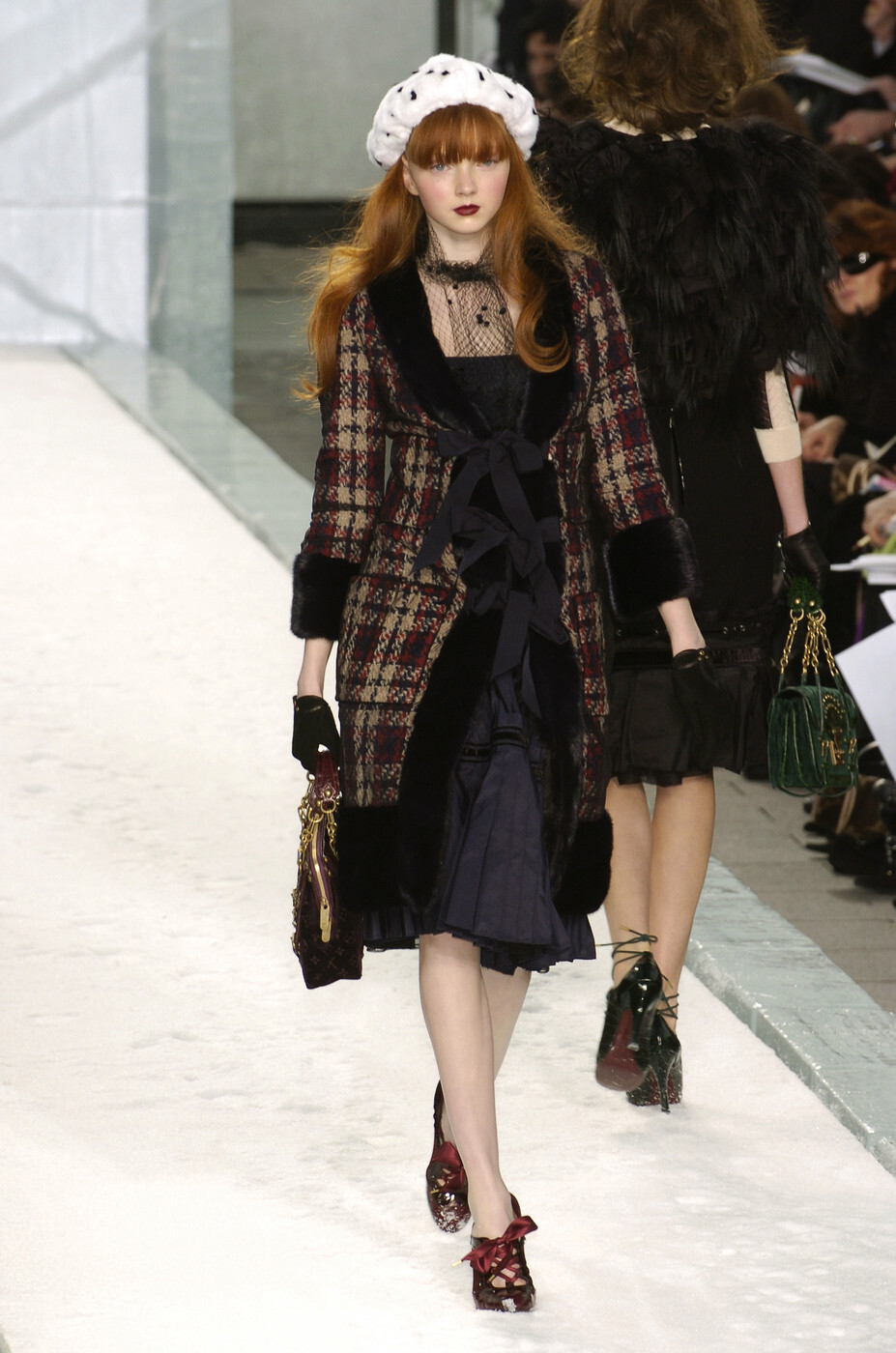
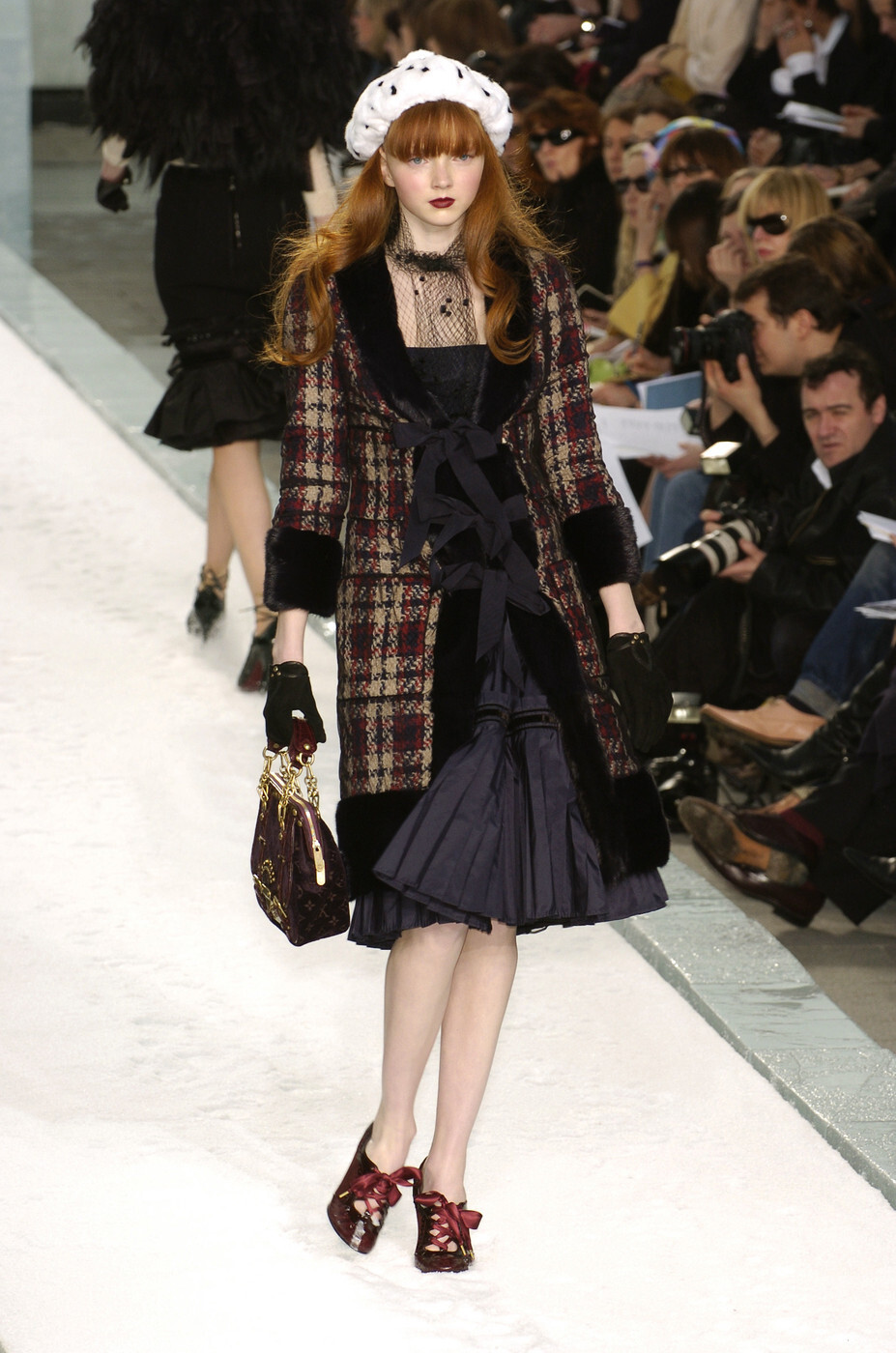
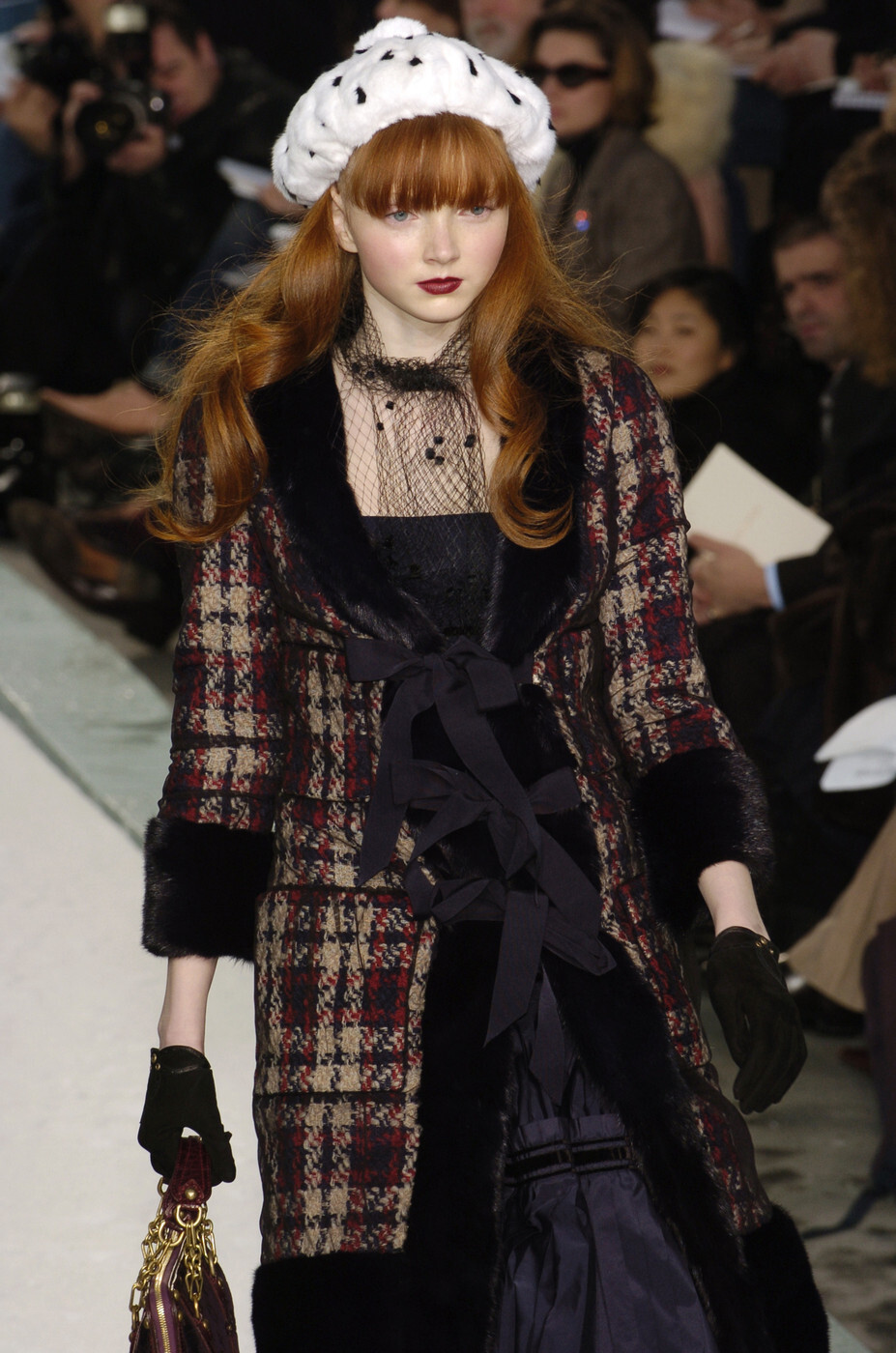
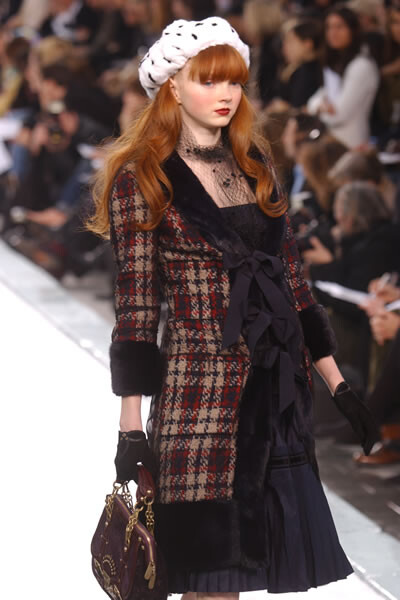
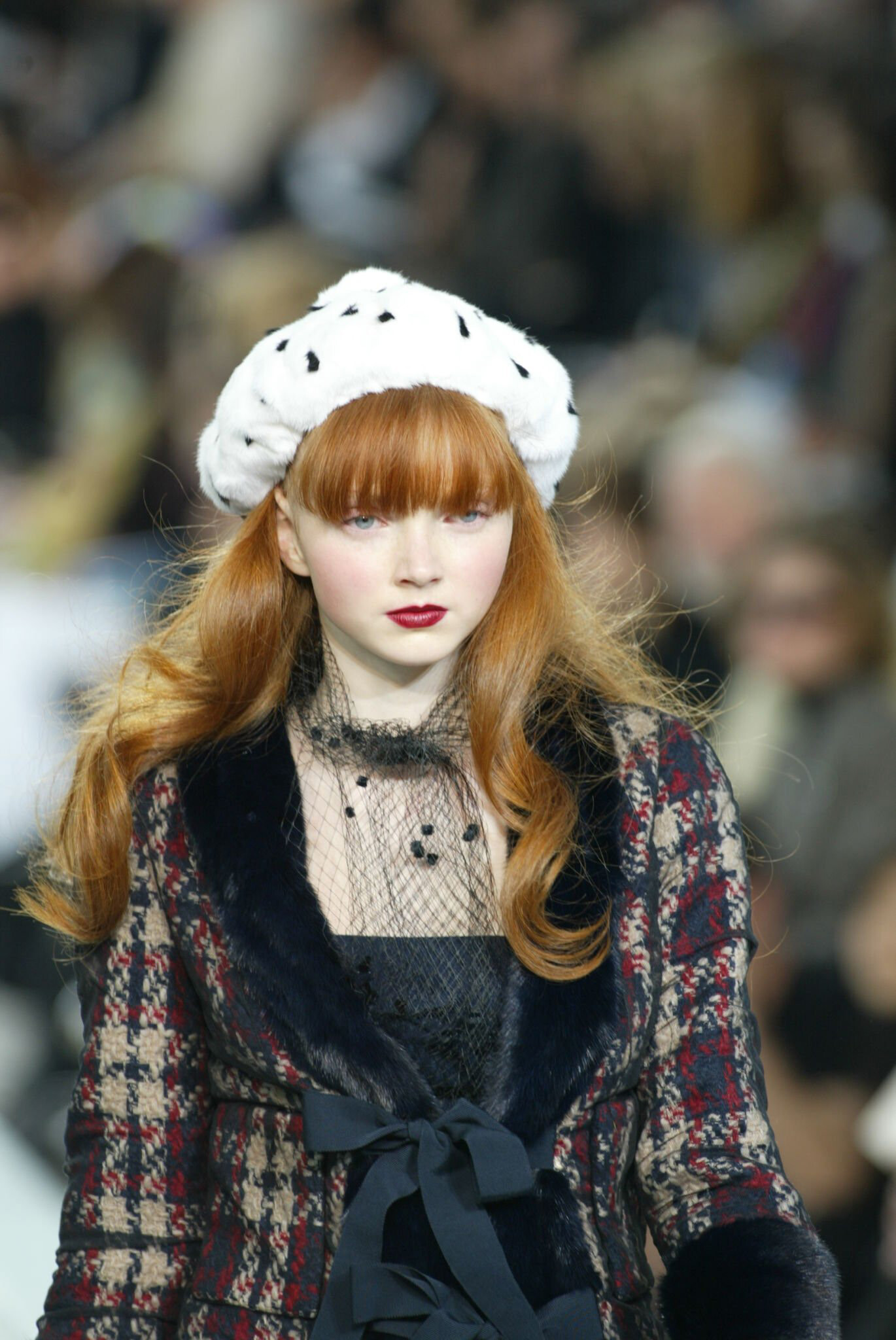
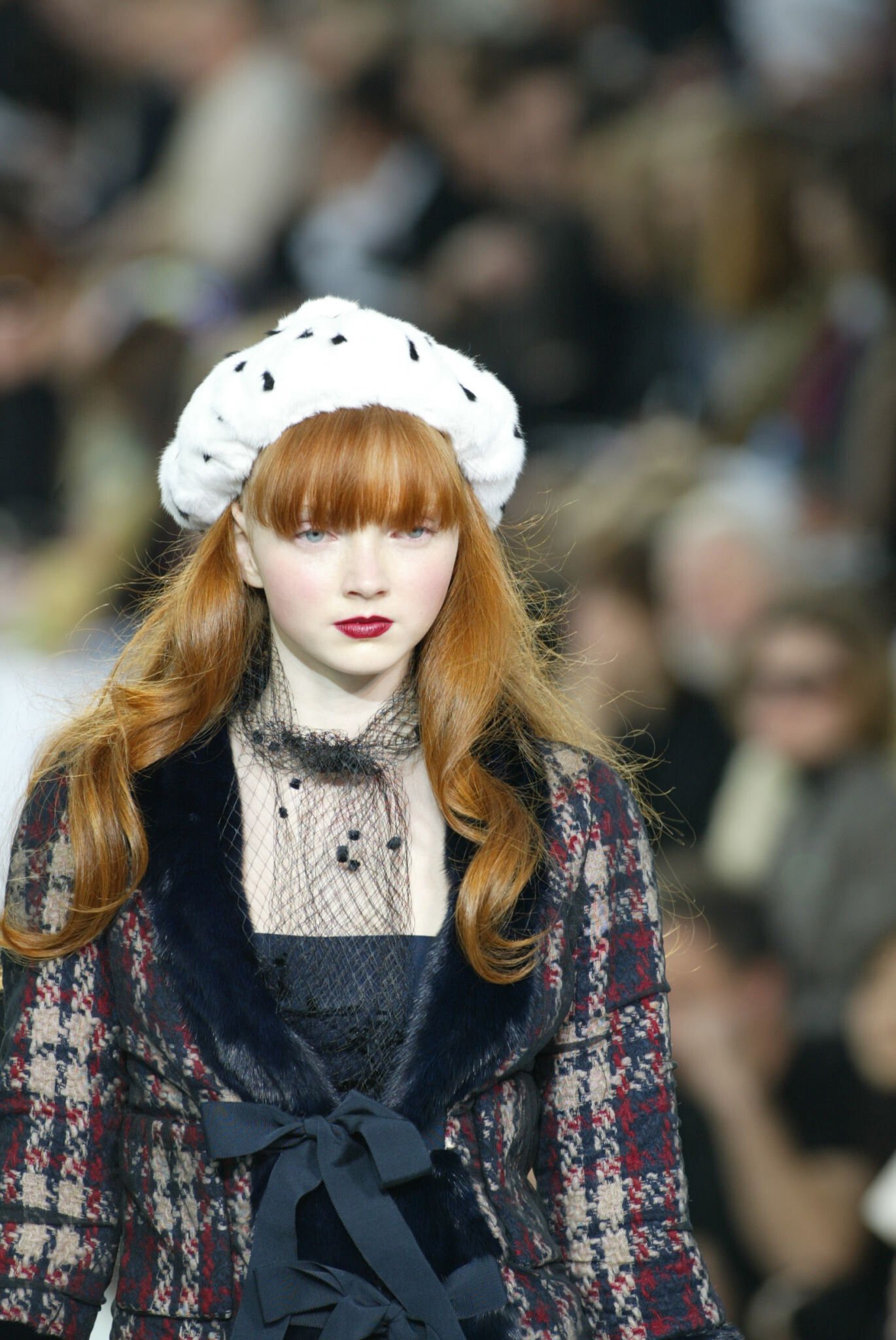
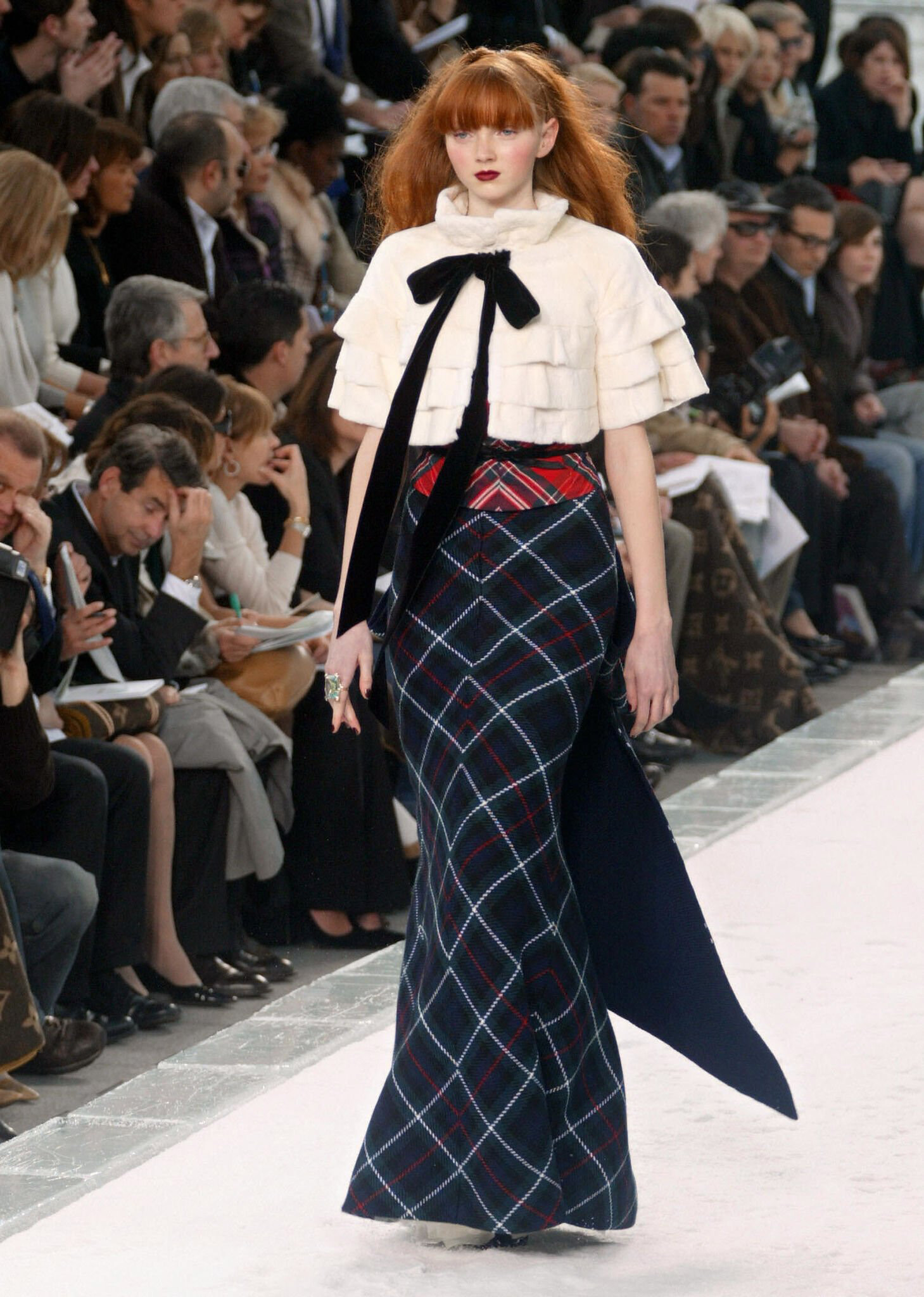
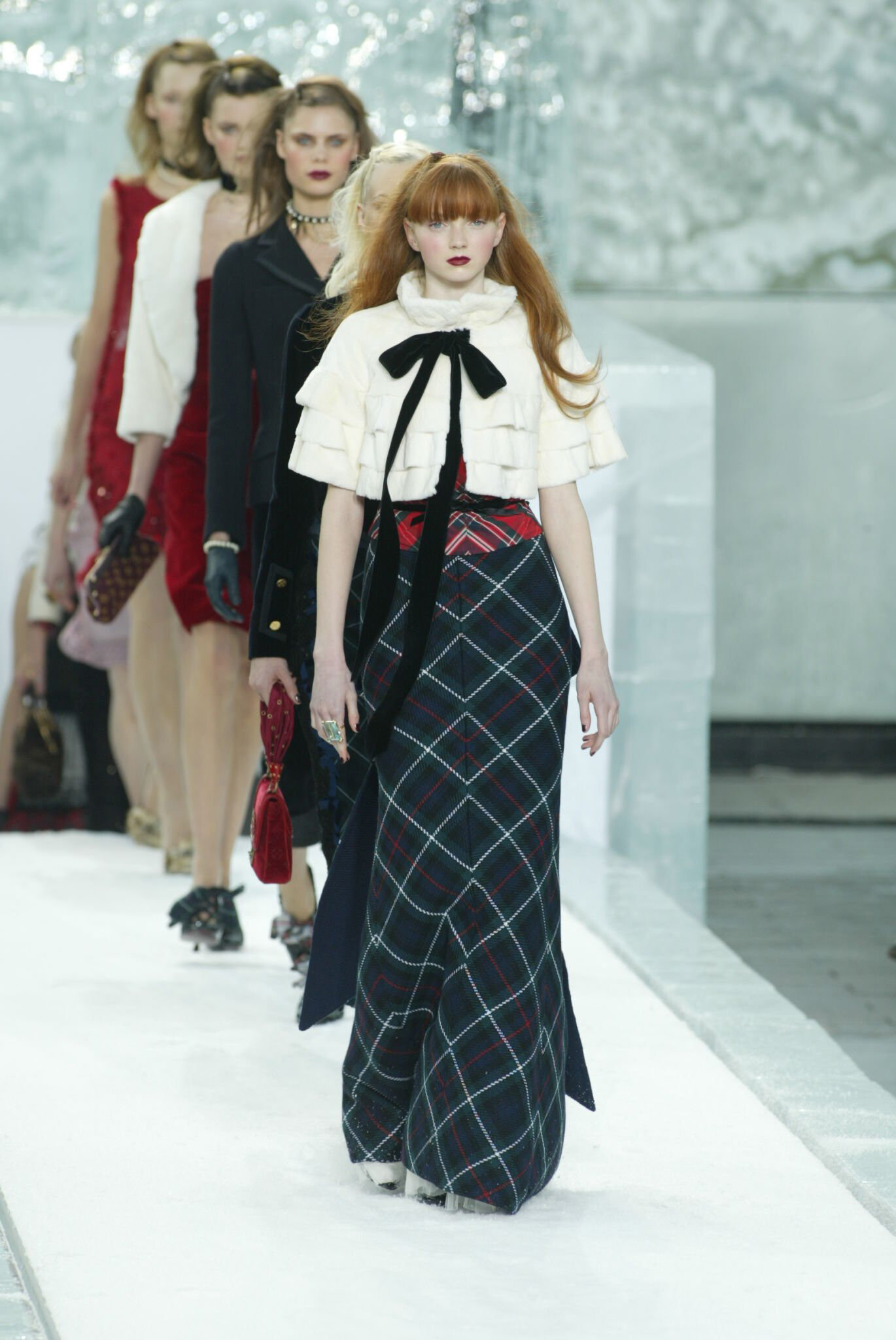
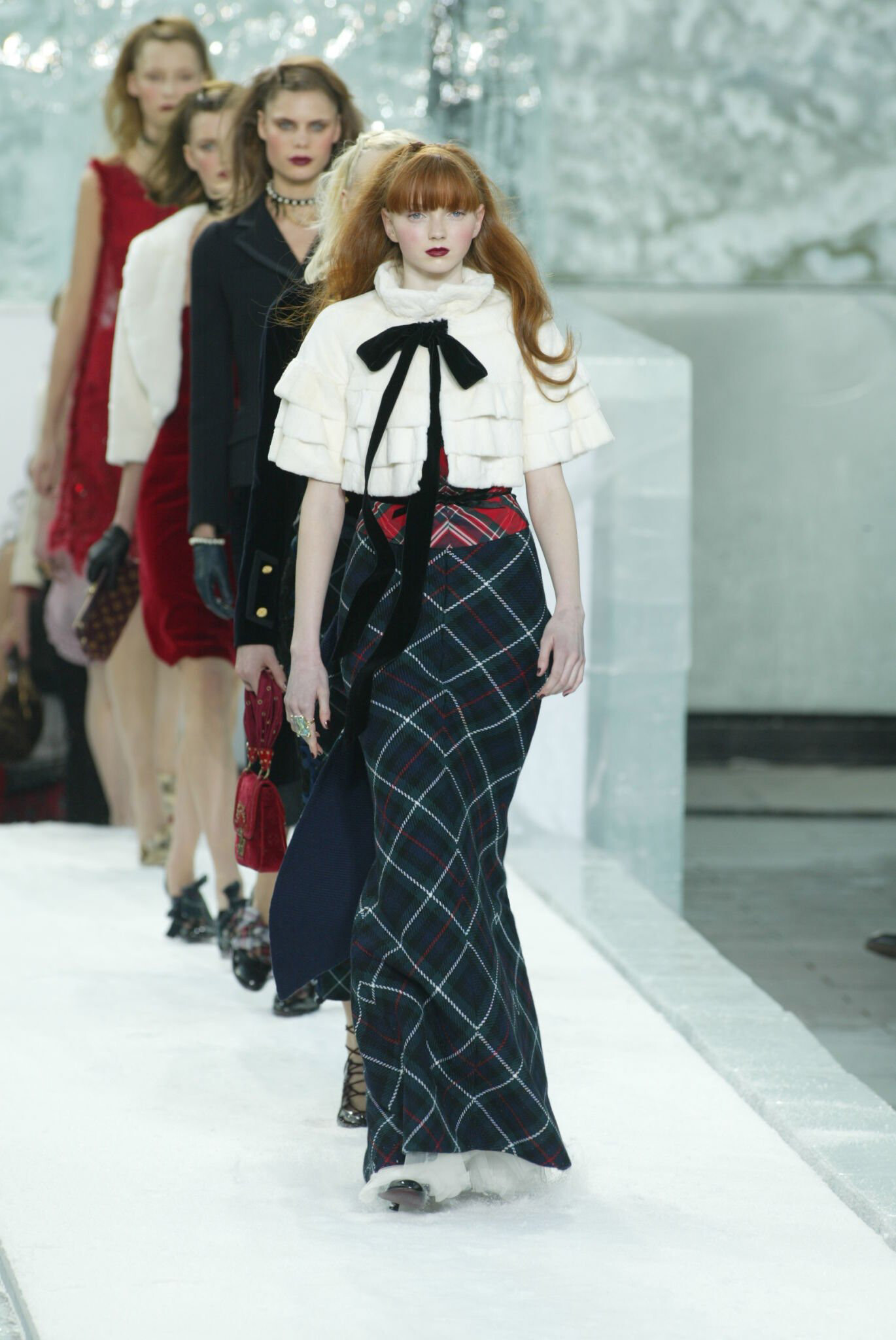
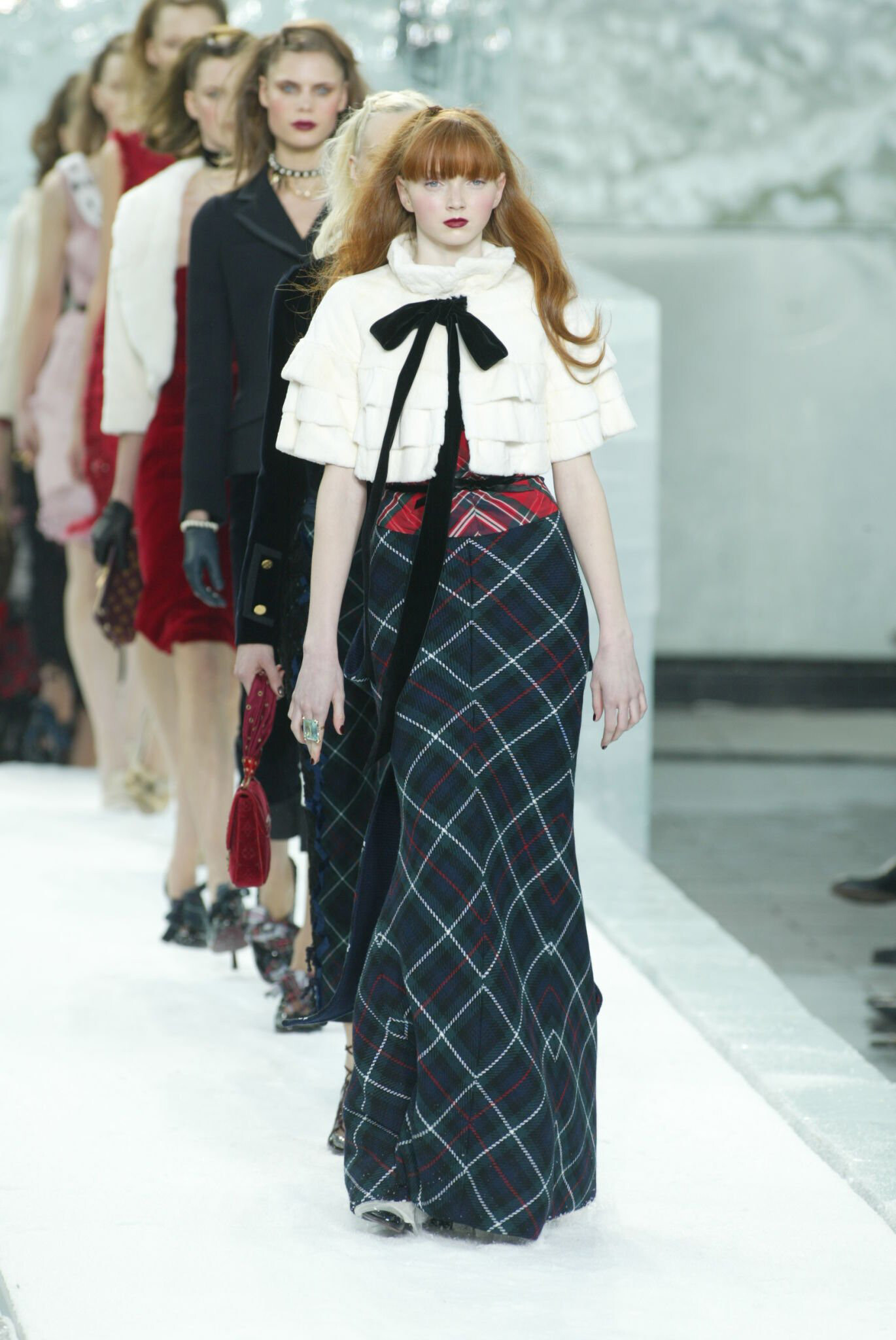
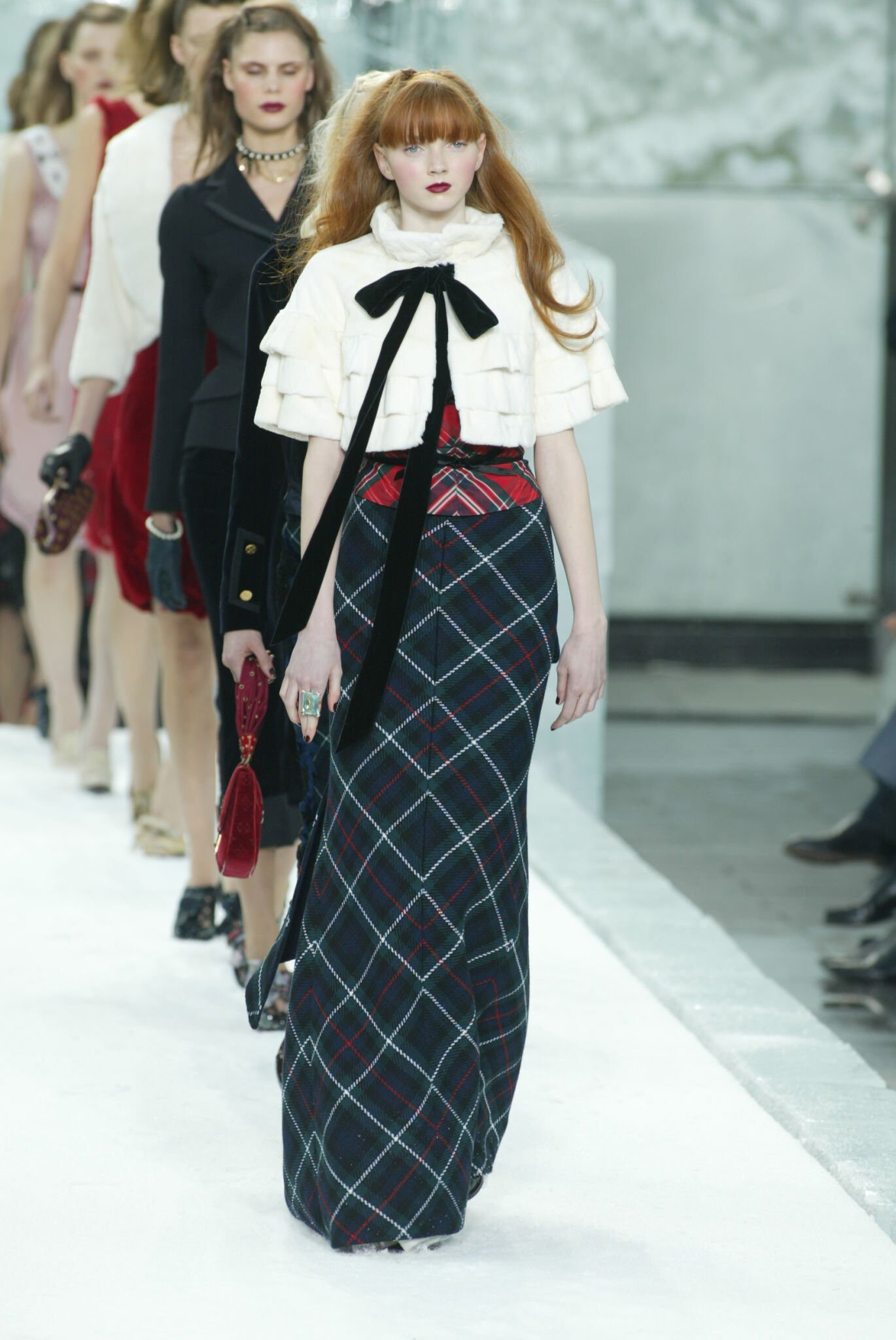
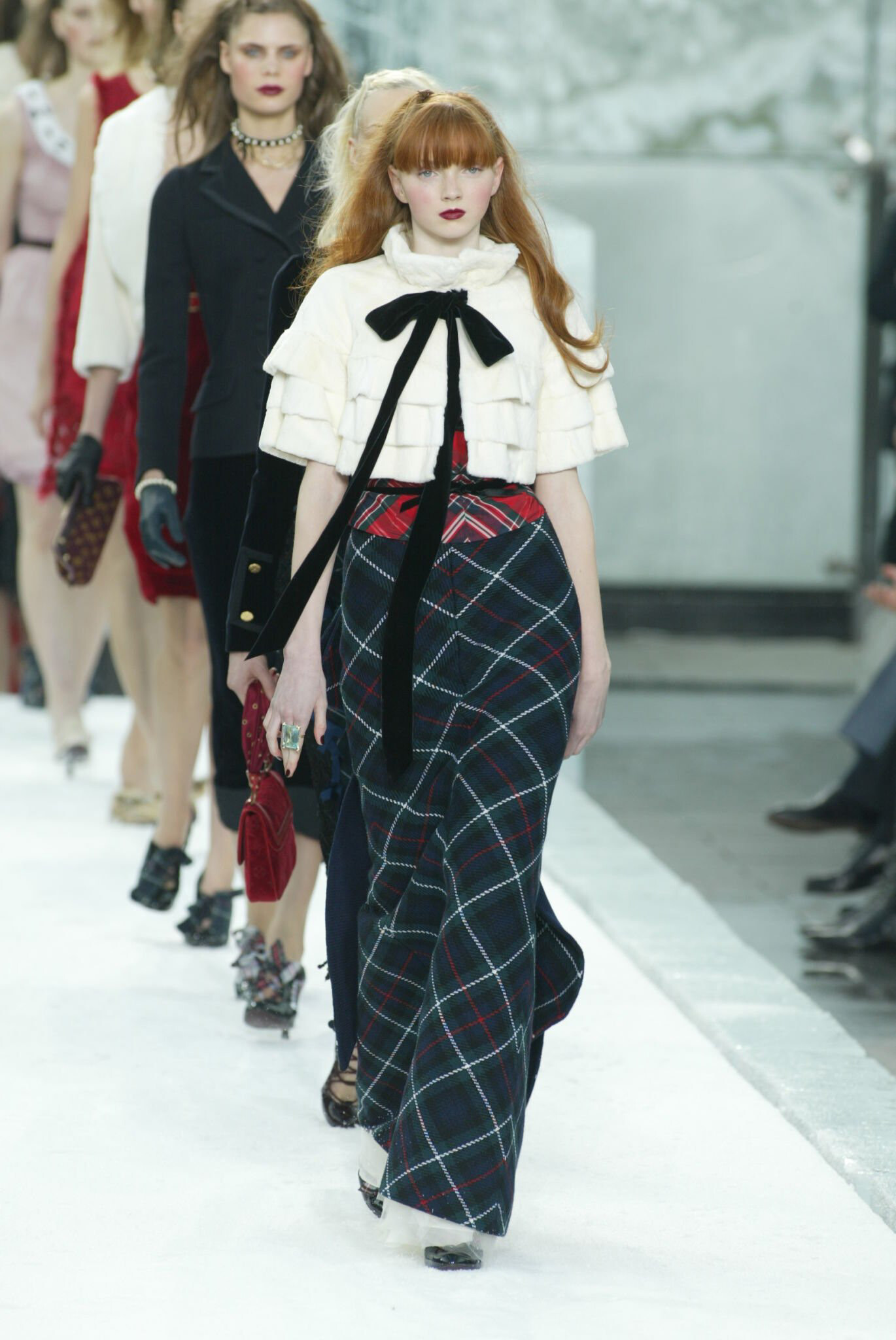
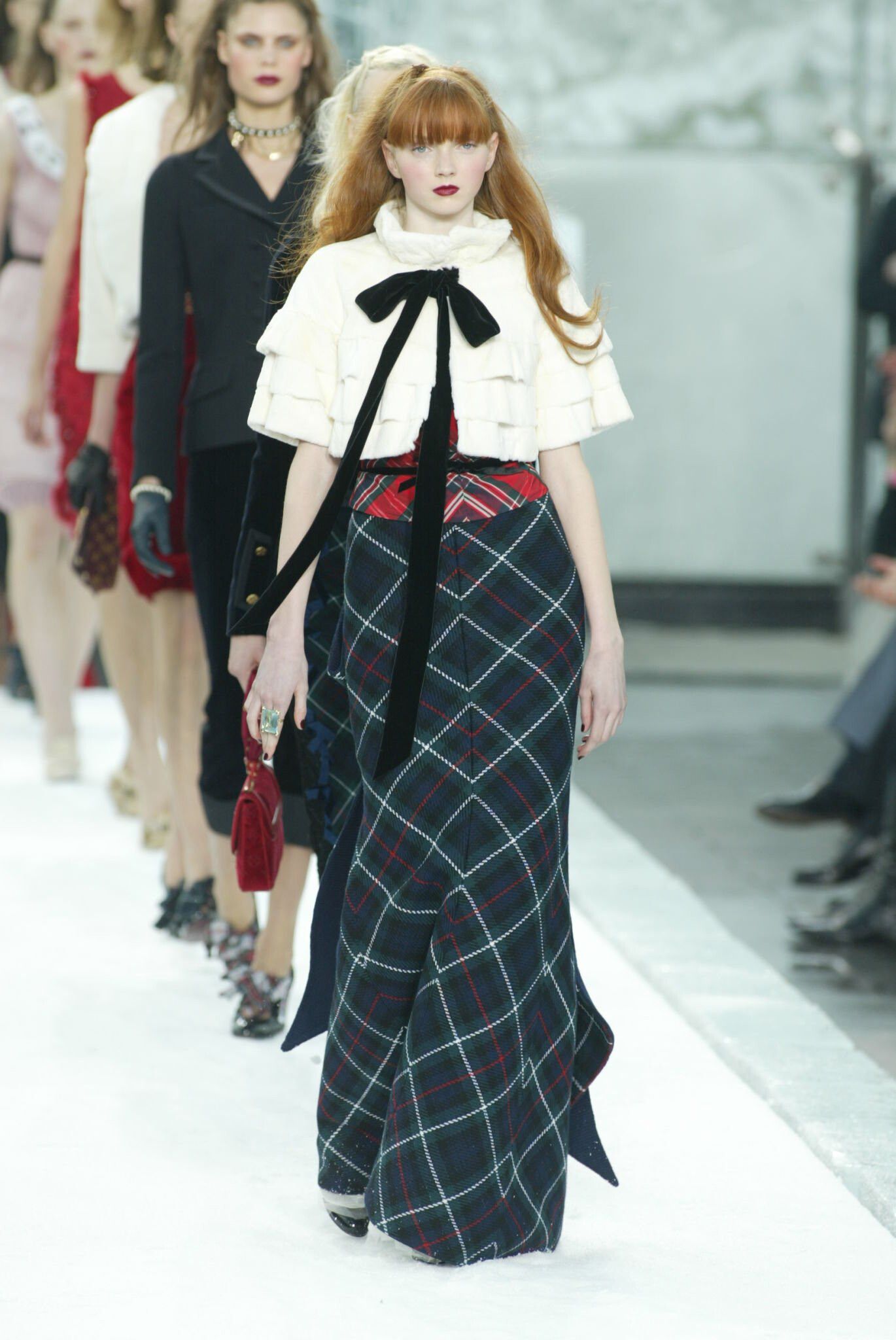
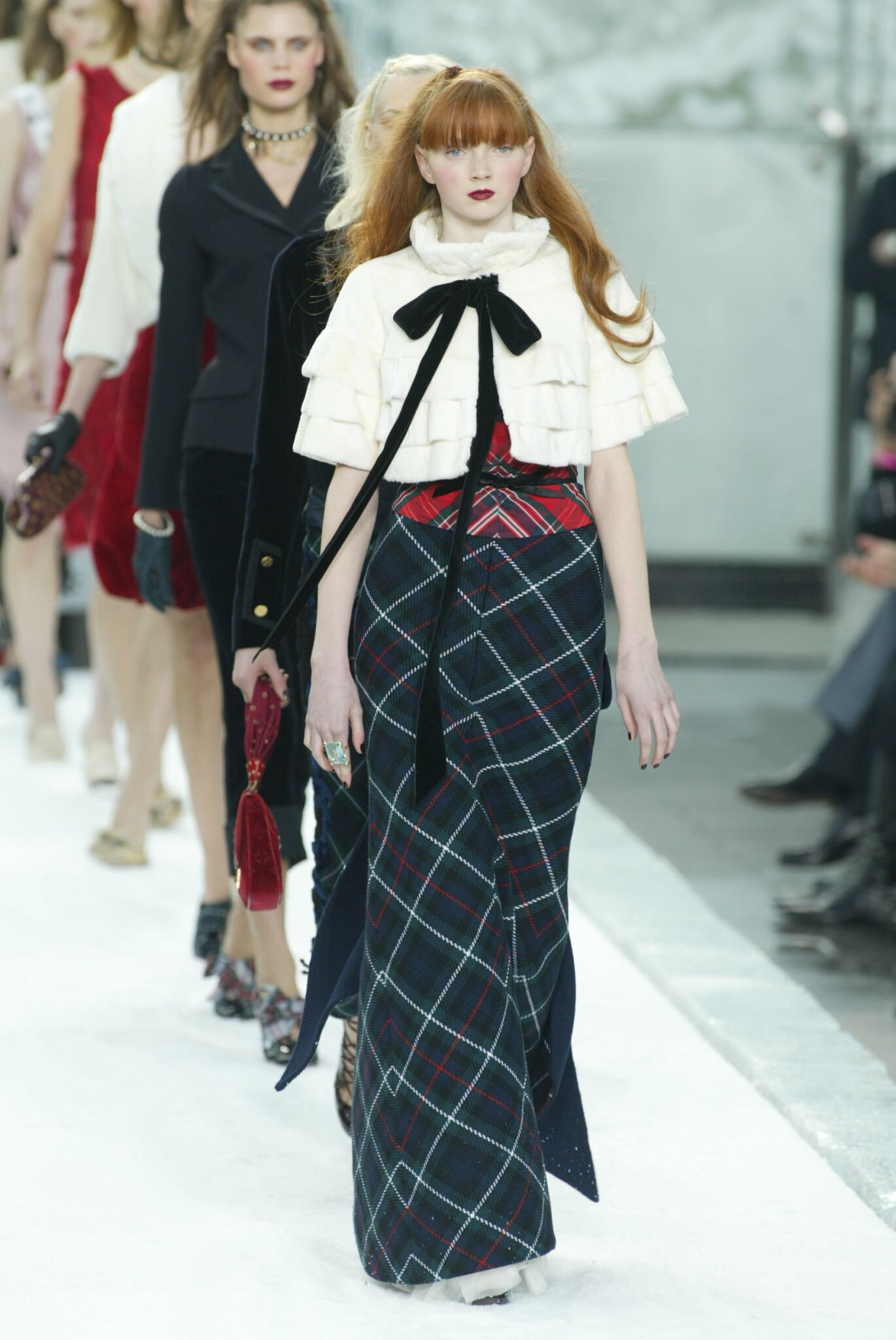
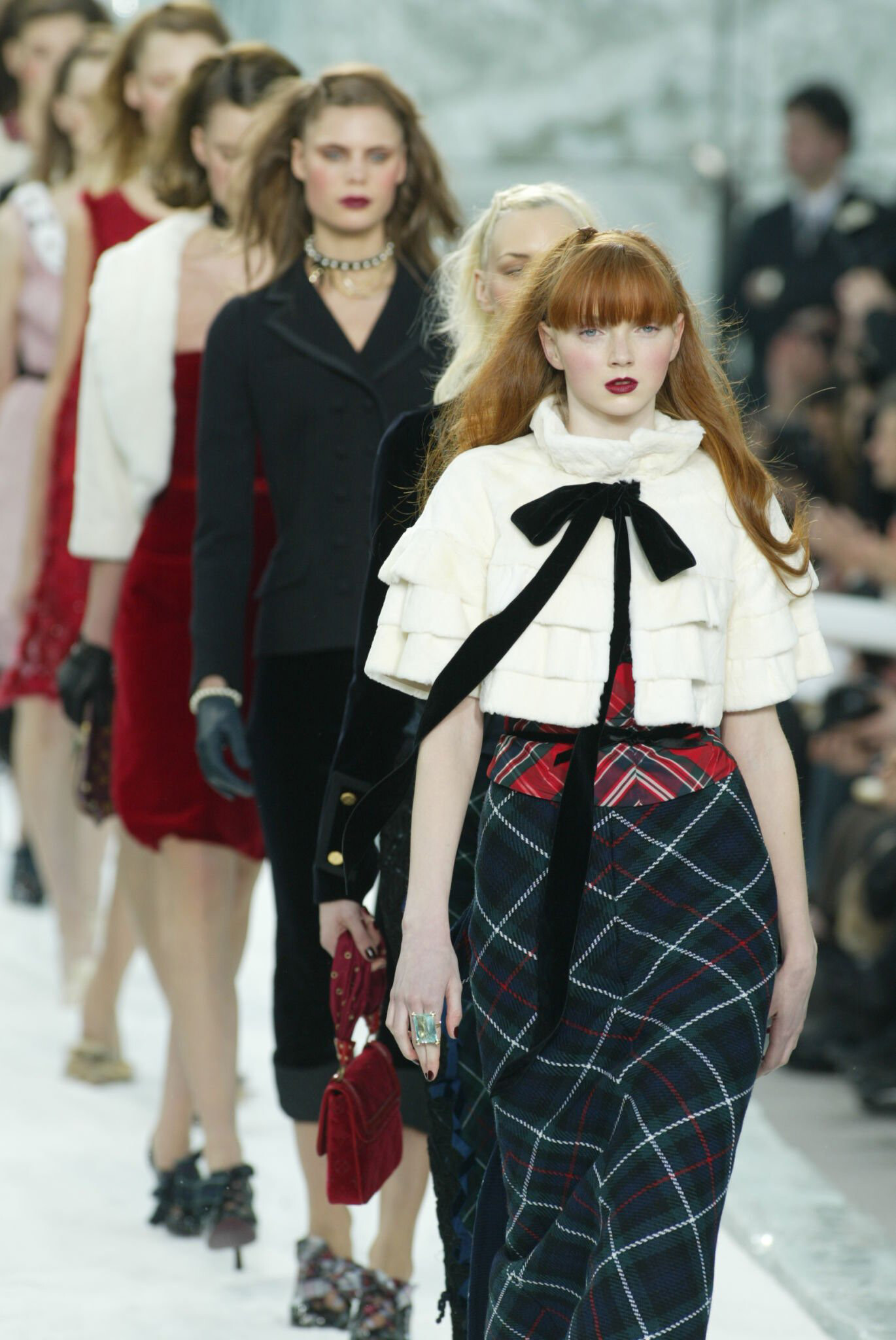
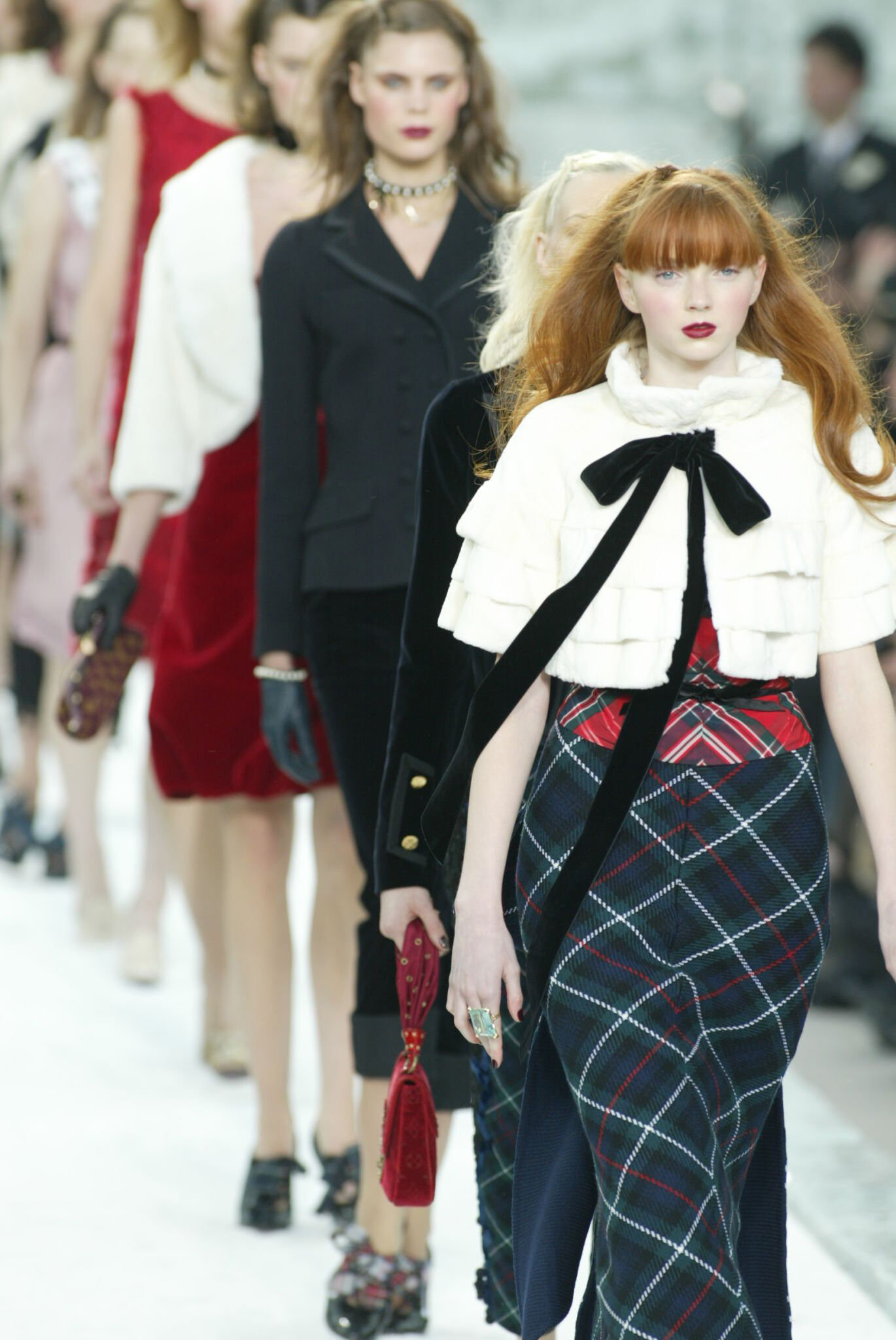
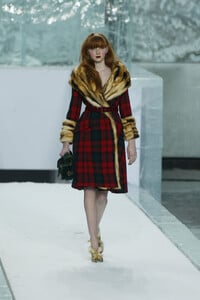
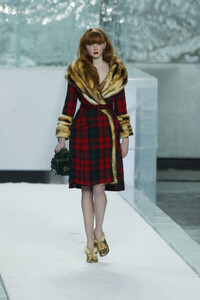
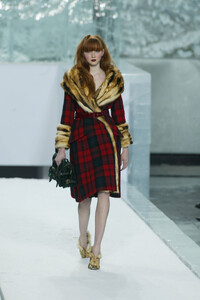
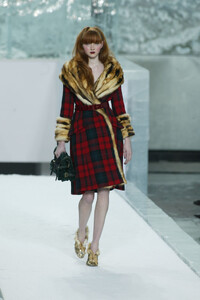
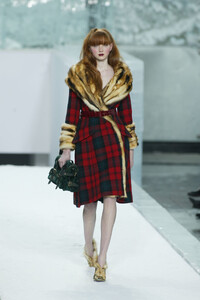
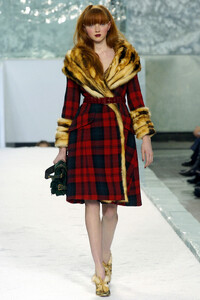
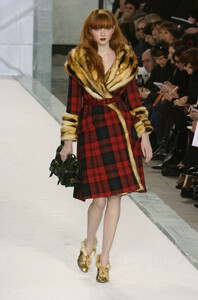
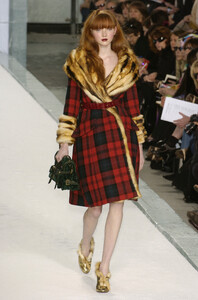
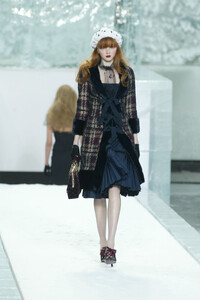
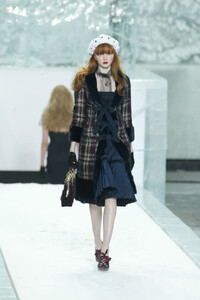
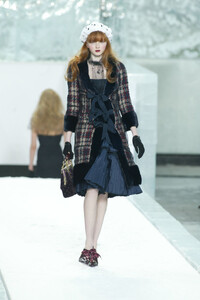
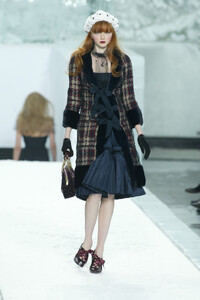
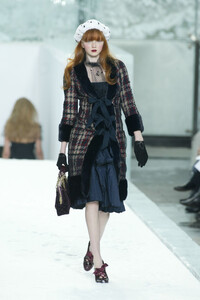
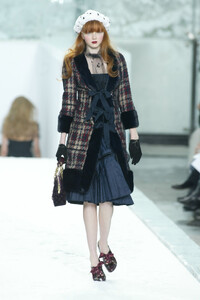
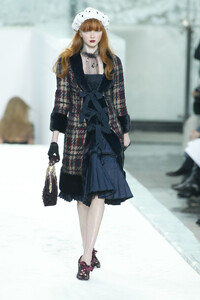
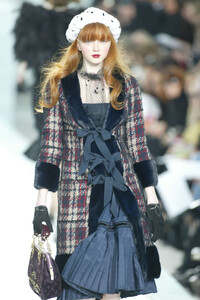
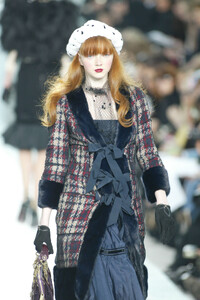
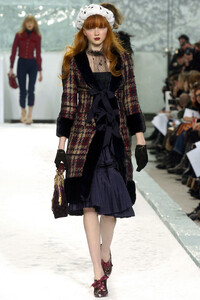
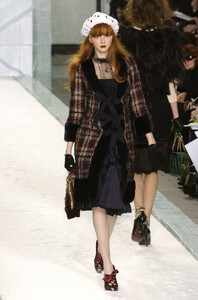
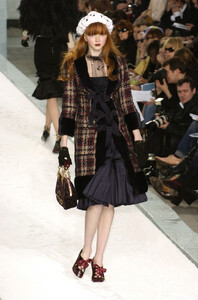
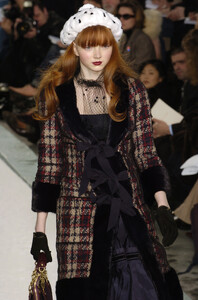
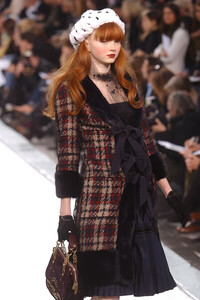
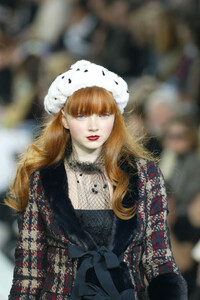
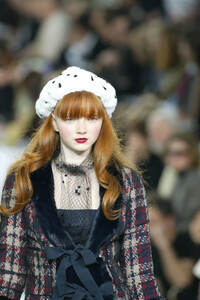
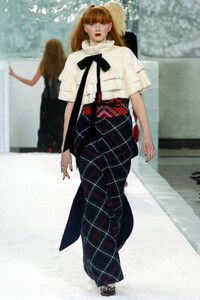
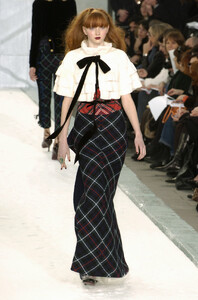
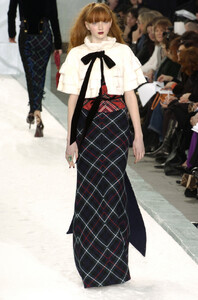
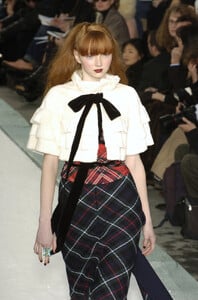
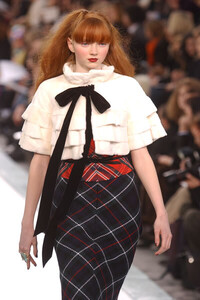
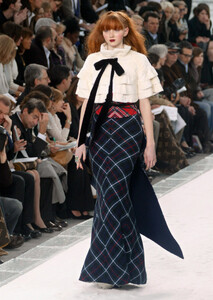
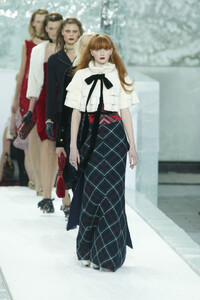
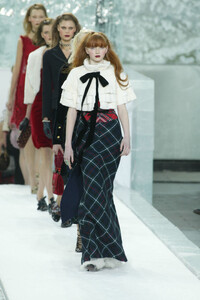
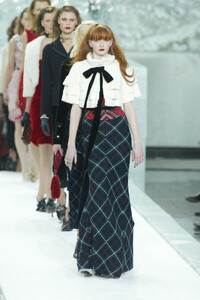
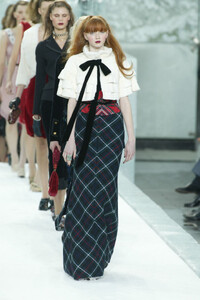
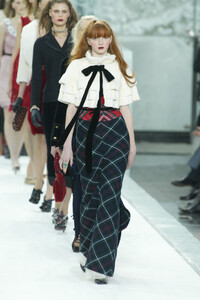
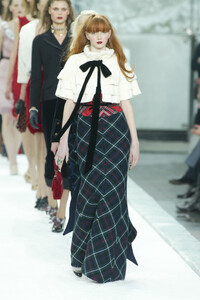
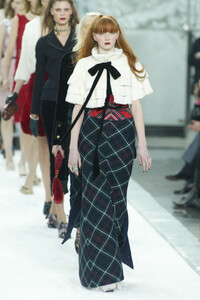
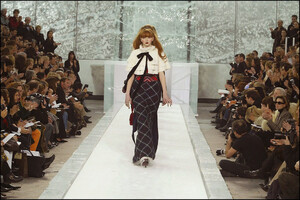
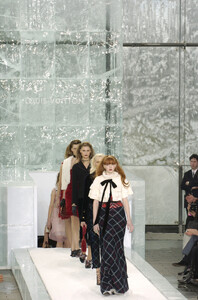
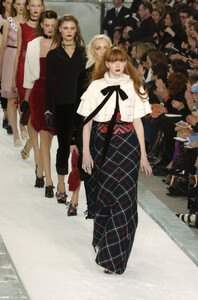
Louis Vuitton F/W 2004 Lily opened and closed the show
-
-
-
Thank you so much for your great work, fakediorpurse Loving Liudmilla's adorable looks at Anna Sui, Collette Dinnigan & Lolita Lempicka and spectacular looks at Betsey & Comme.
-
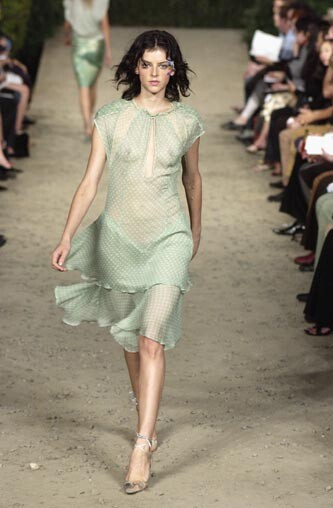
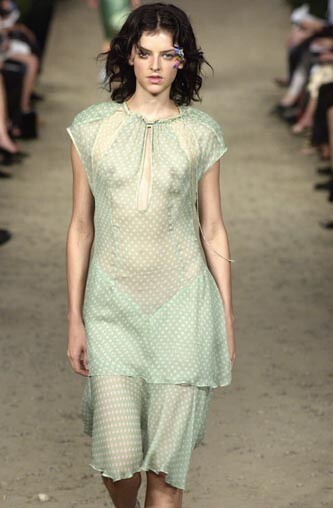
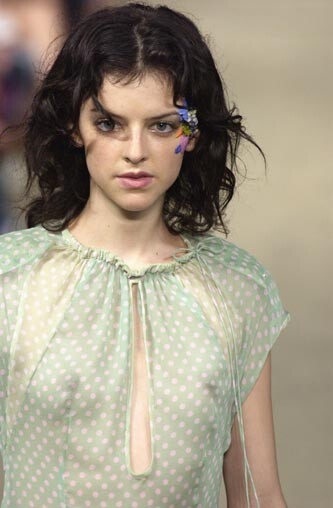
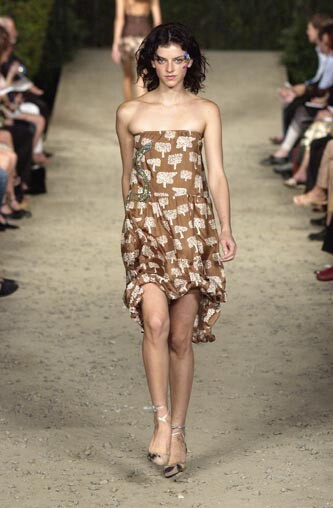
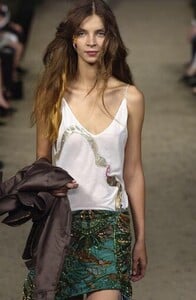
Cynthia Rowley S/S 2003:

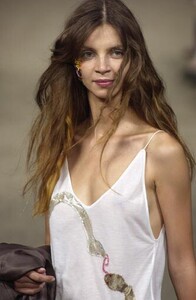
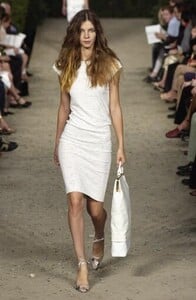
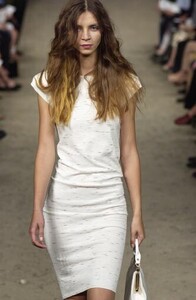
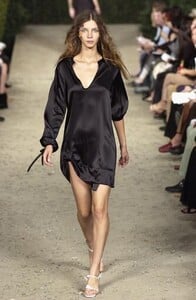
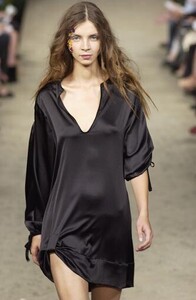
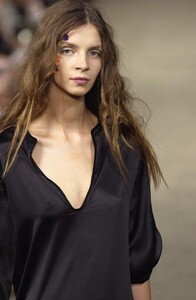
-
Wow, thank you so much for posting these, fakediorpurse Zuzana looked like a 70's rock star at this show, so gorgeous
-
-
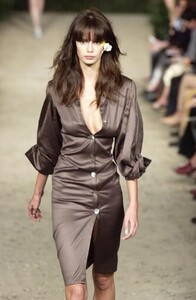
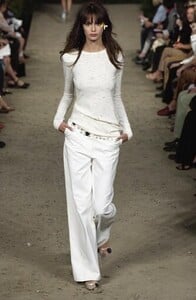
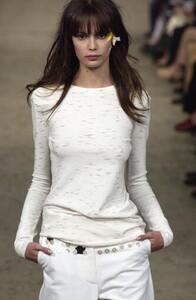
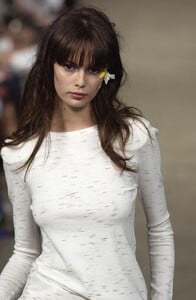
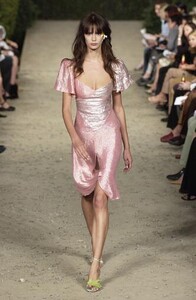
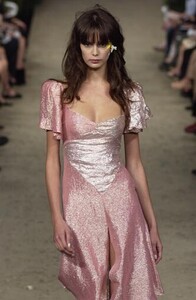
Cynthia Rowley S/S 2003
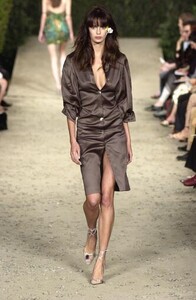
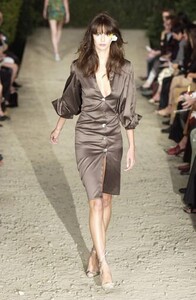
-
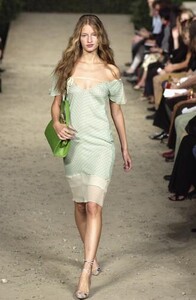
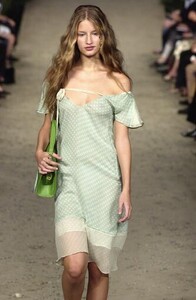
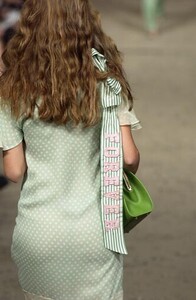
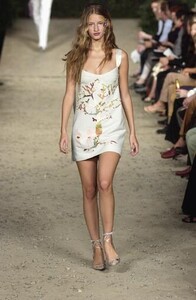
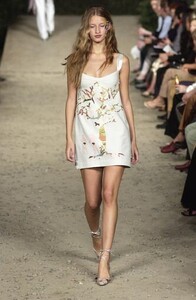
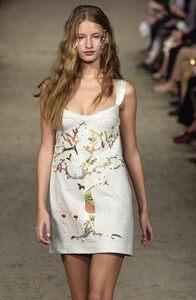
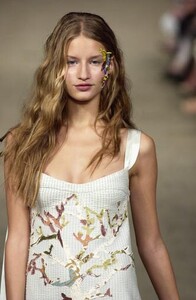
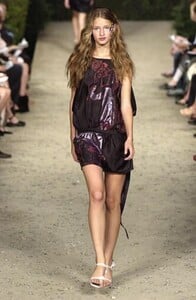
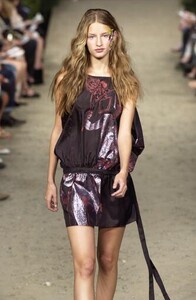
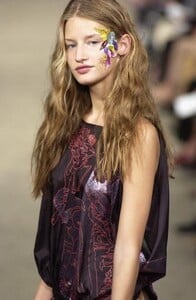
Thank you so much for all of your gorgeous eds, radolgc Cynthia Rowley S/S 2003:
-
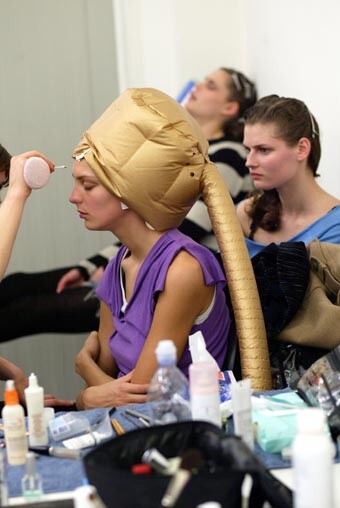
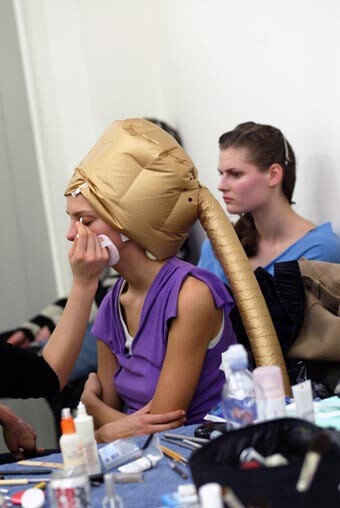
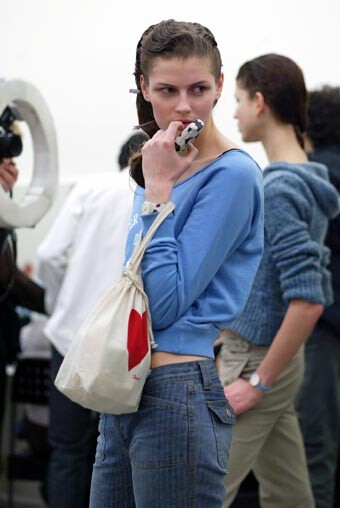
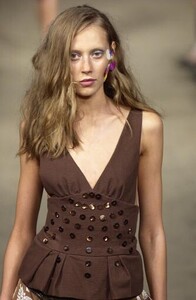
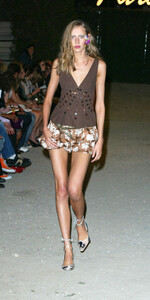
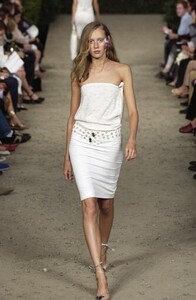
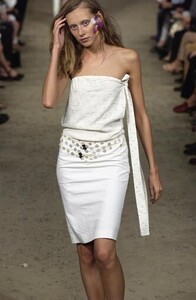
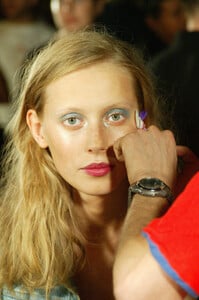
Thank you fahad.s and Minerva for the gorgeous eds Cynthia Rowley S/S 2003 Backstage:
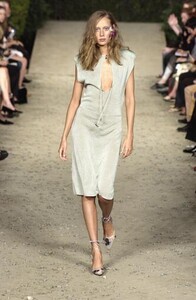
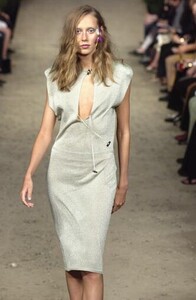
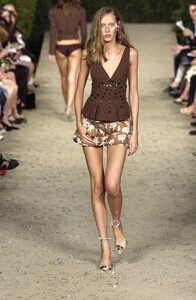
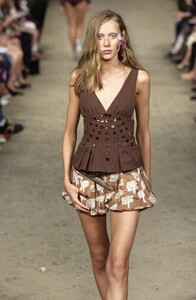
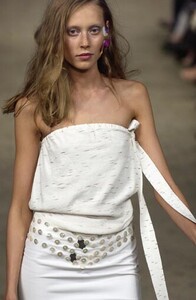
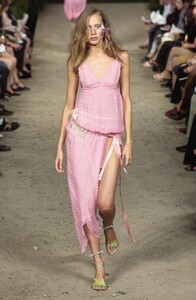
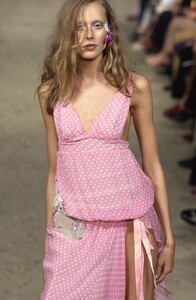
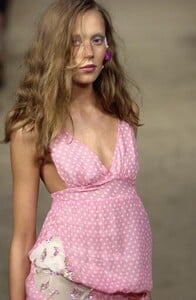
-
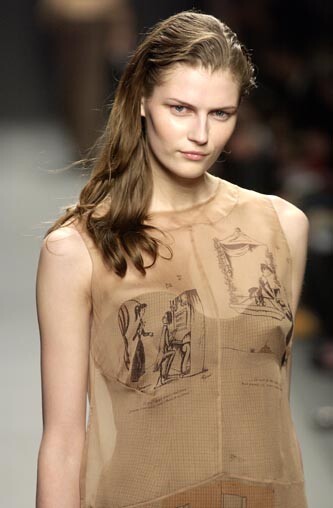
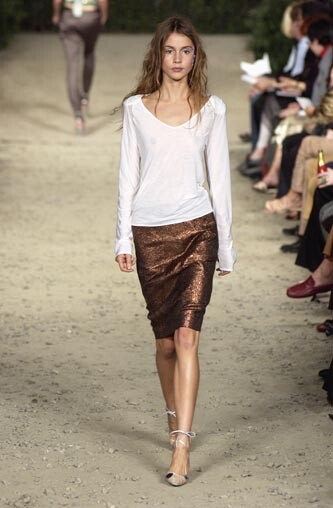
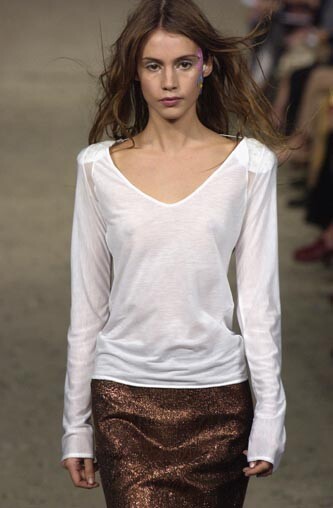
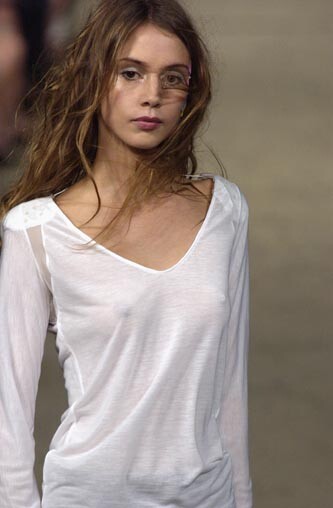
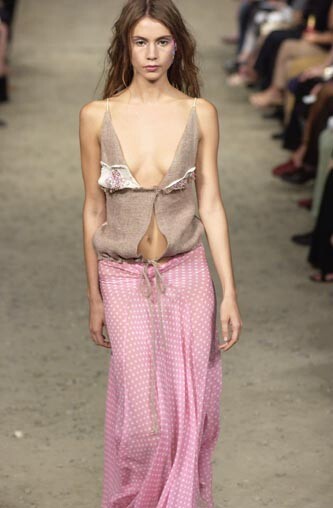
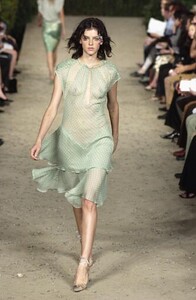
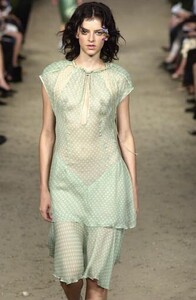
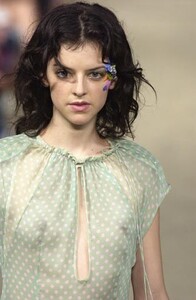
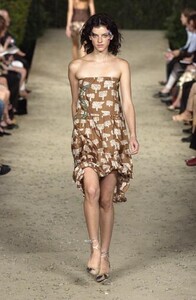
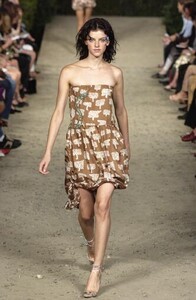
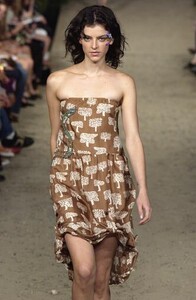
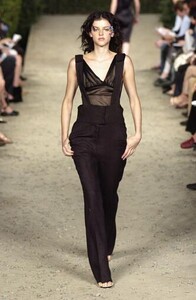
Thank you Minerva for all the gorgeous eds and fakediorpurse for runway pics Cynthia Rowley S/S 2003 WARNING: SEE-THROUGH
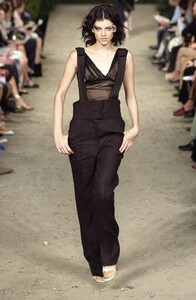
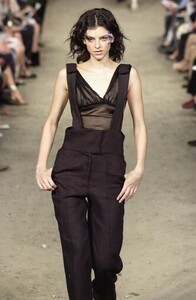
-
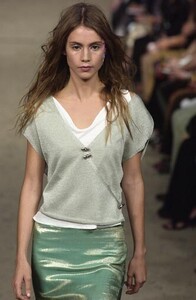
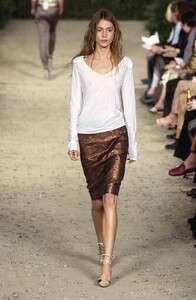
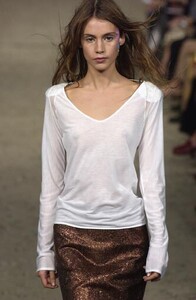
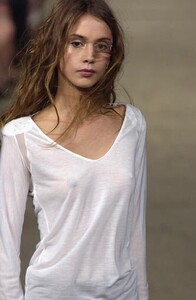
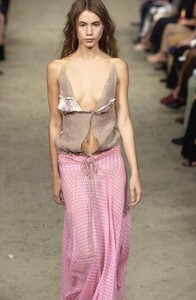
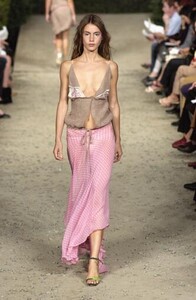
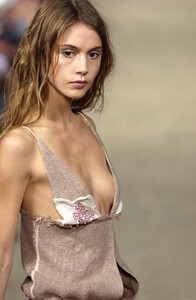
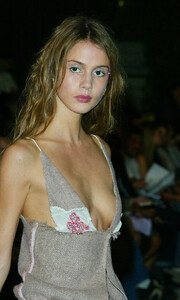
Cynthia Rowley S/S 2003 WARNING: see-through
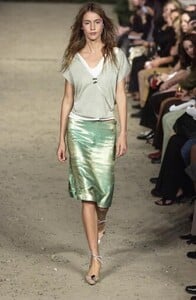
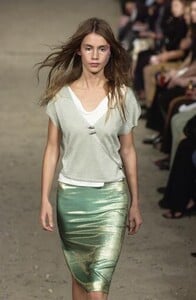
-
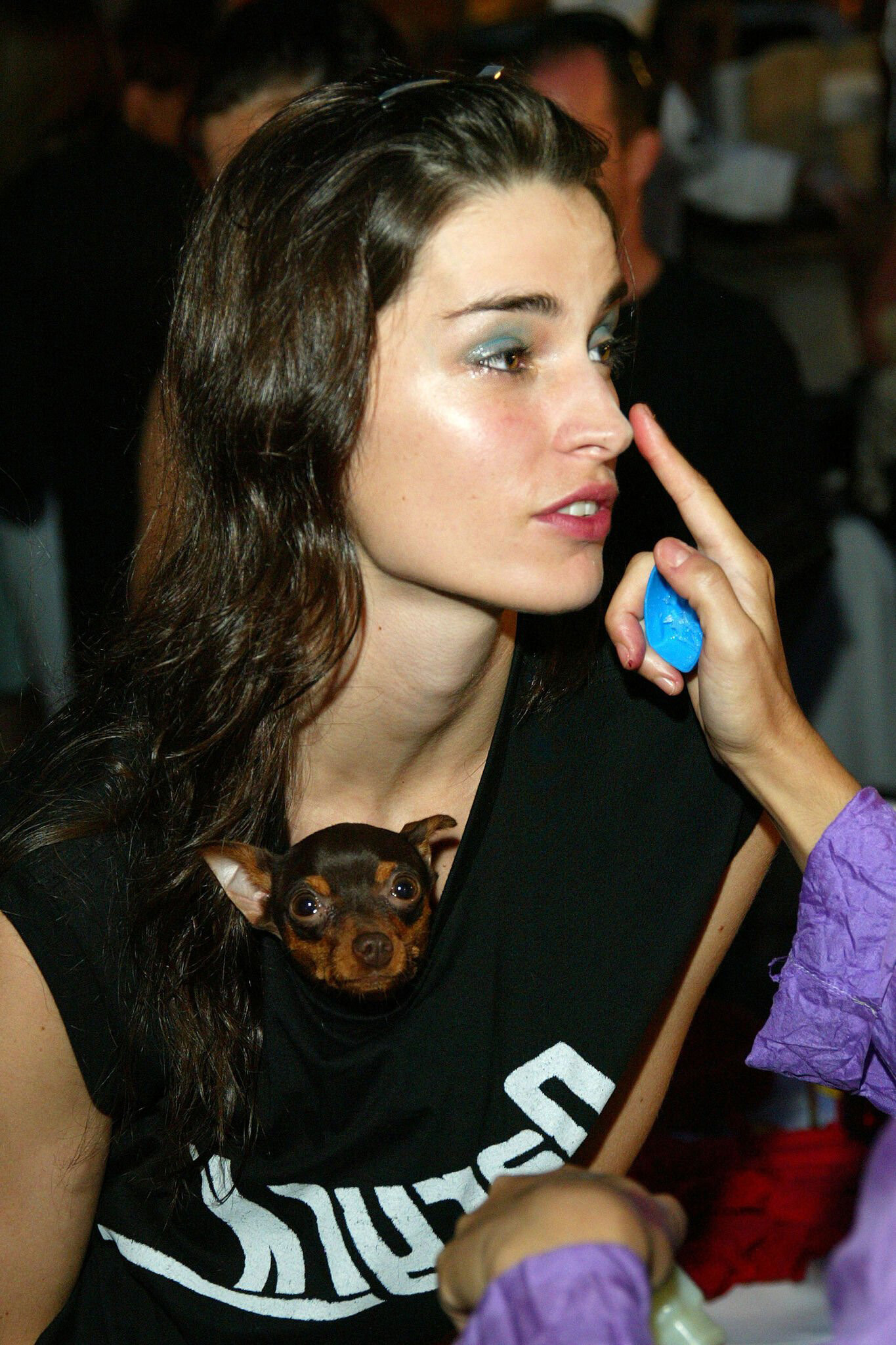
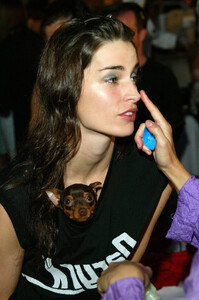
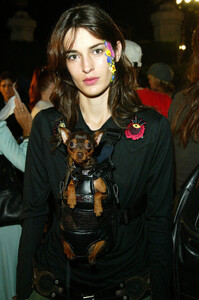
Cynthia Rowley S/S 2003 Backstage
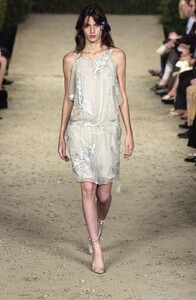
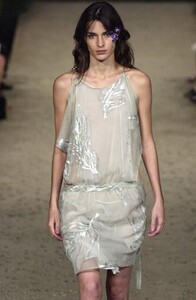
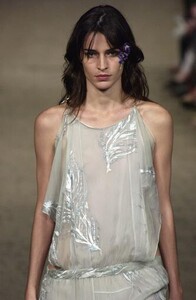
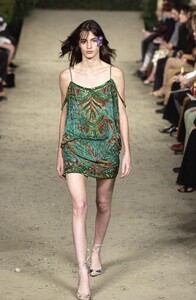
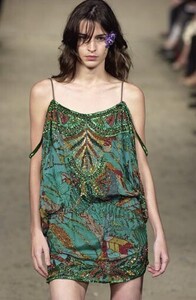
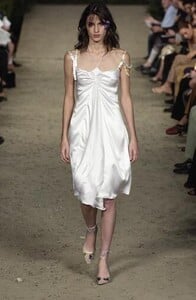
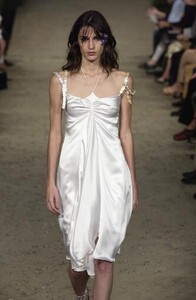
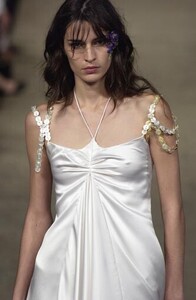
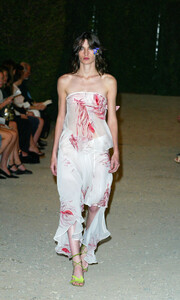
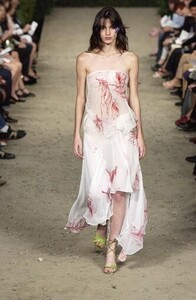
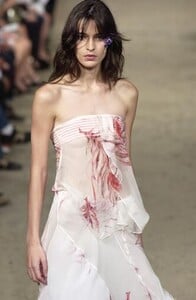
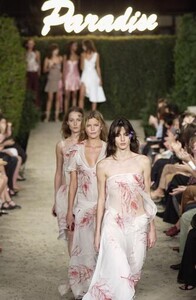
-
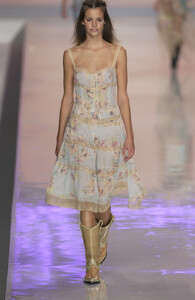
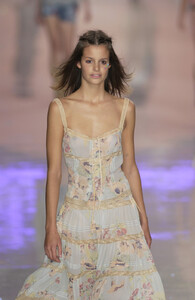
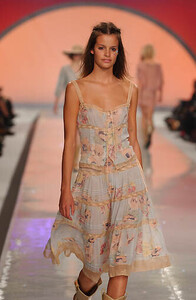
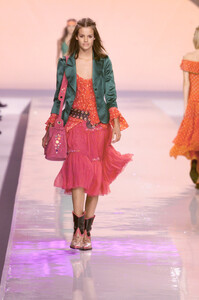
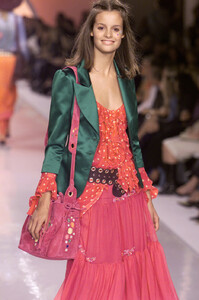
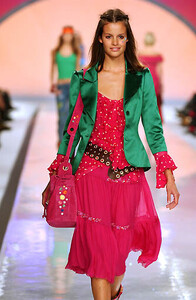
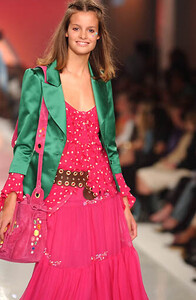
Blumarine S/S 2002
-
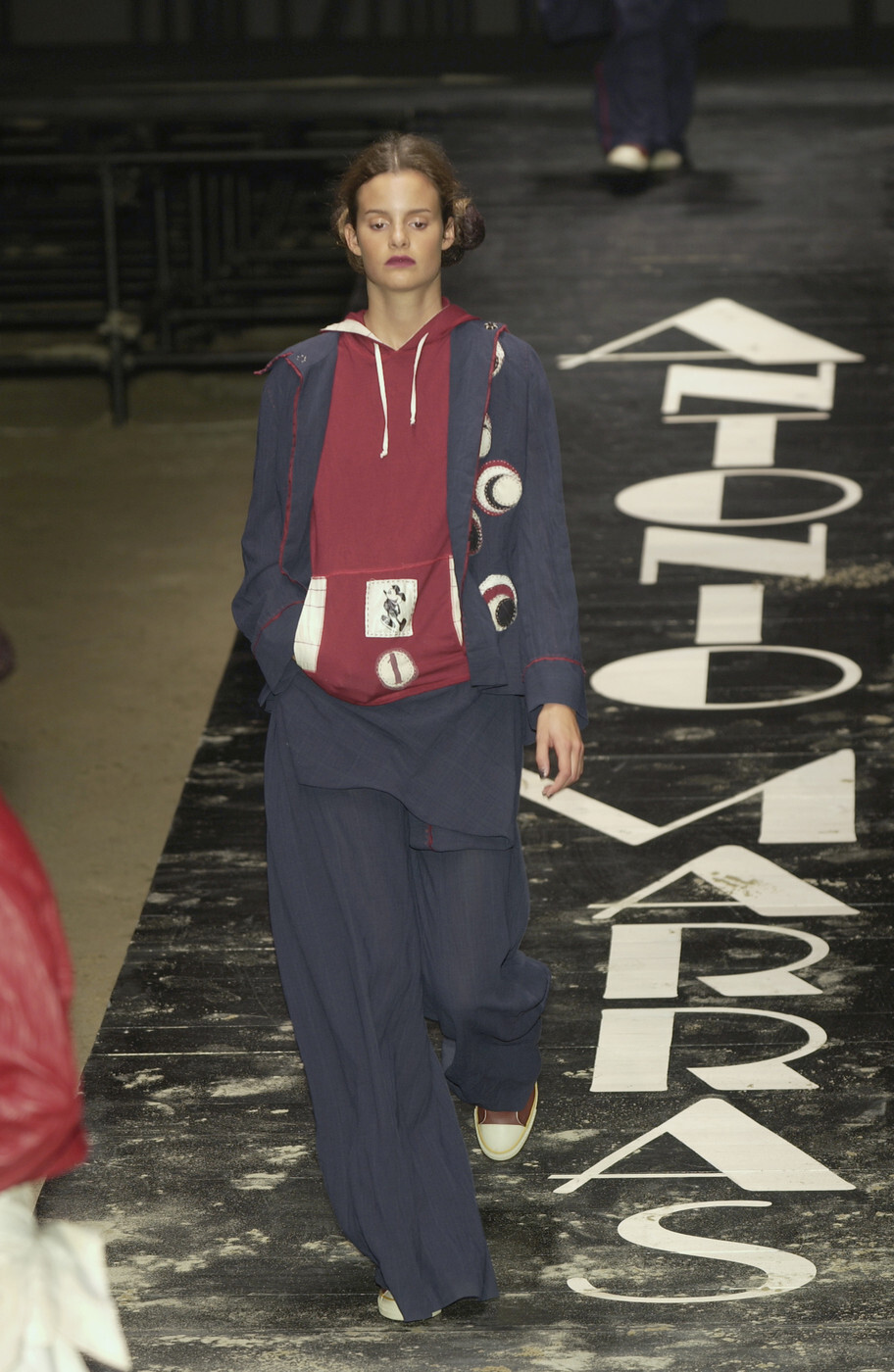
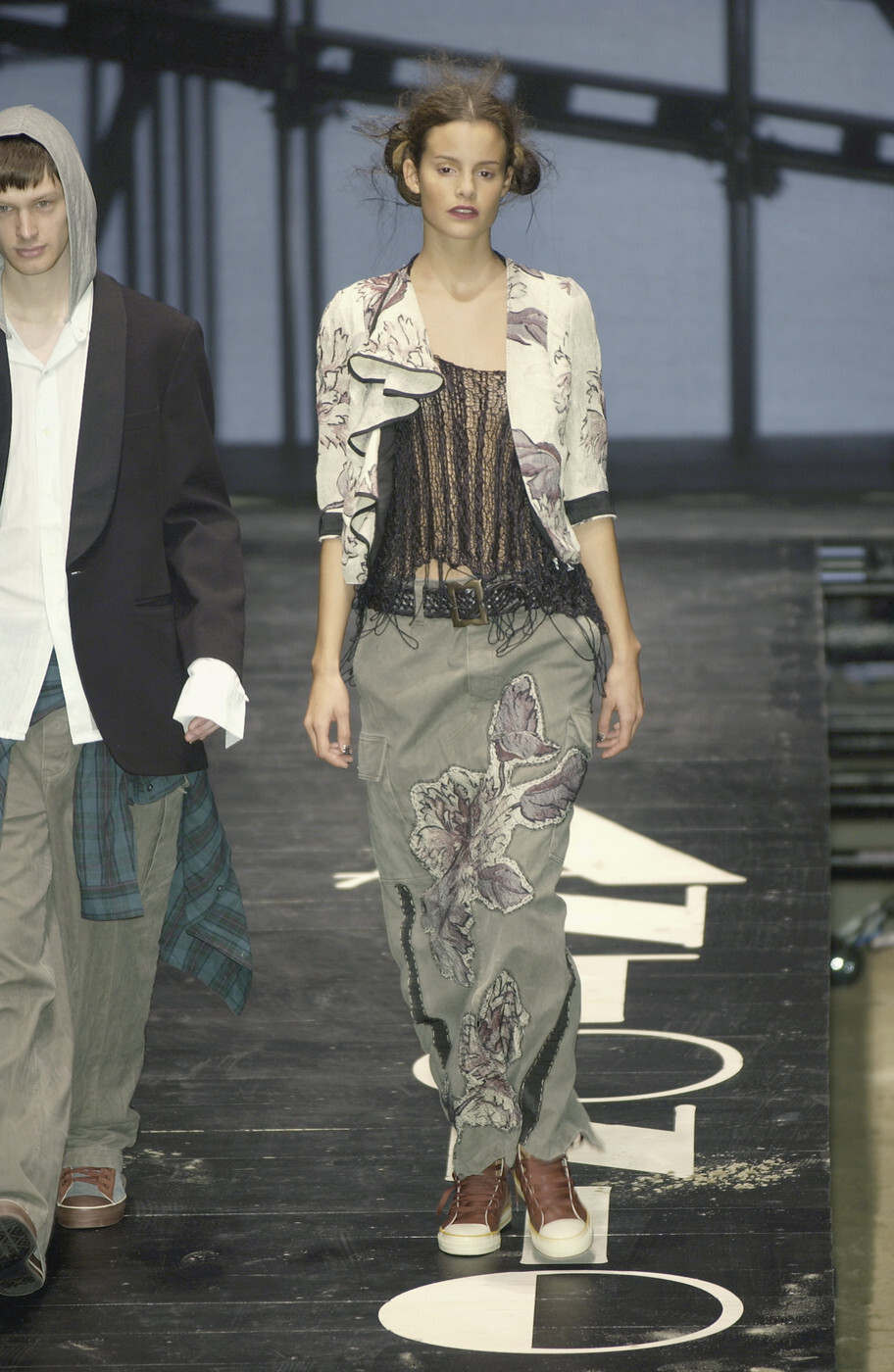
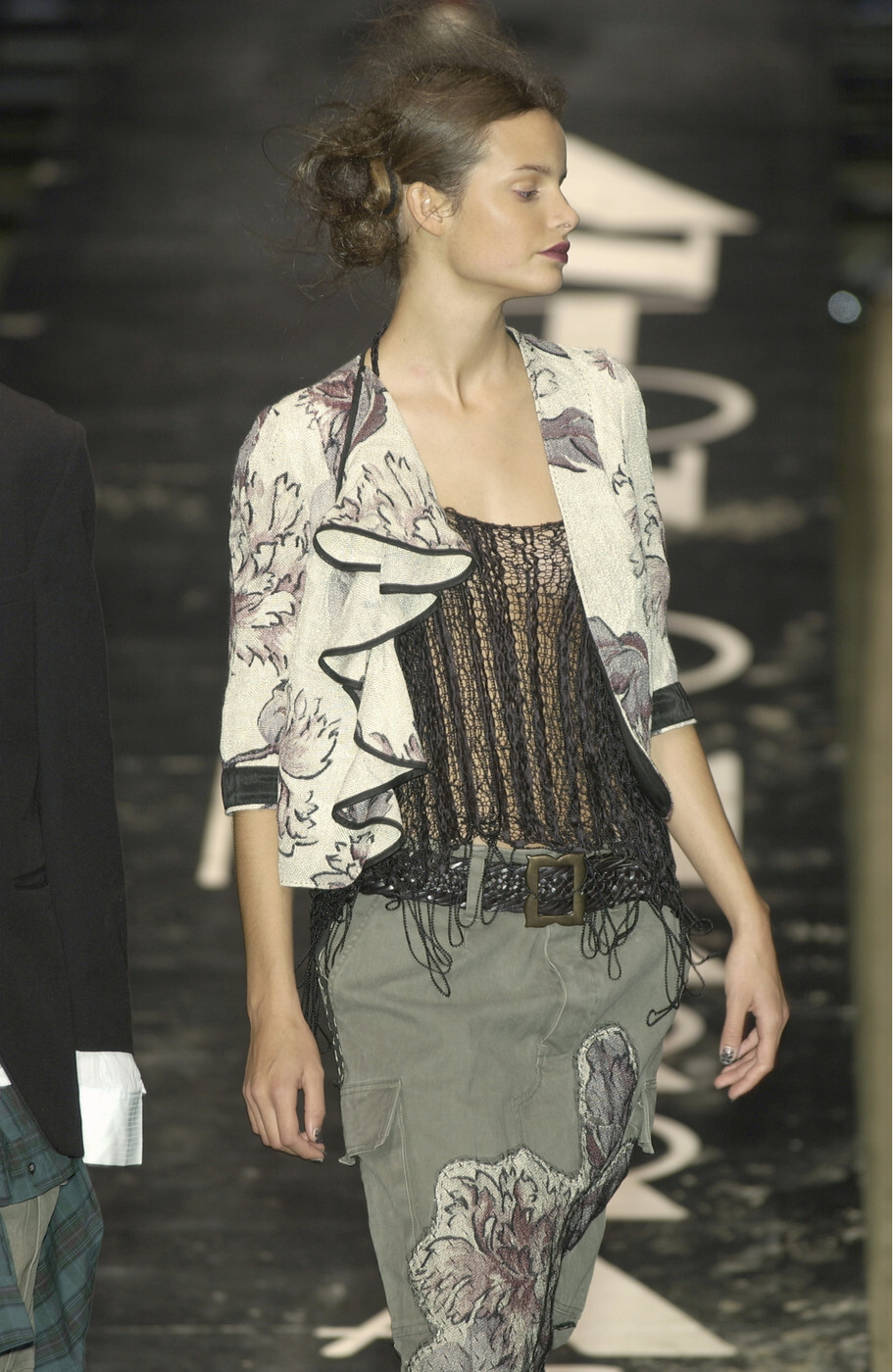
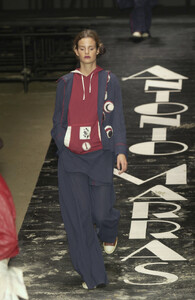
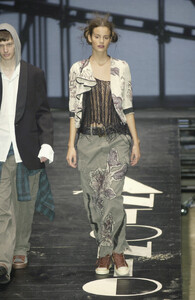
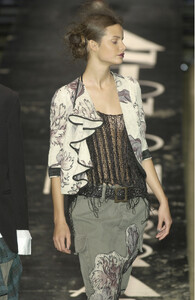
Antonio Marras S/S 2002
-
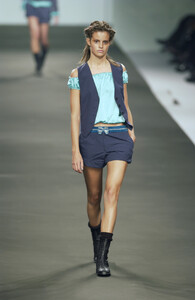
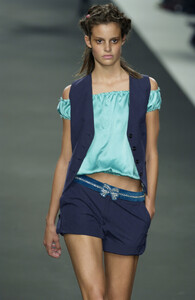
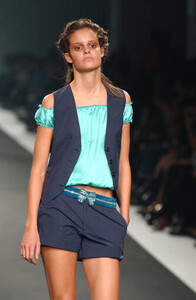
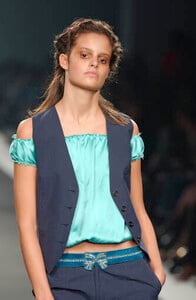
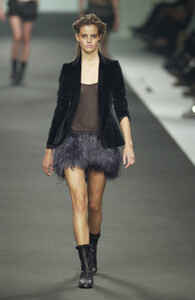
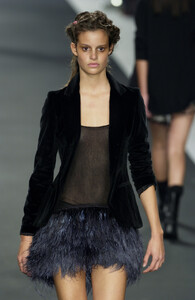
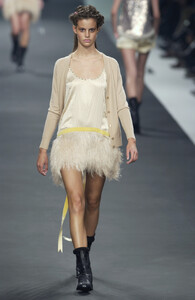
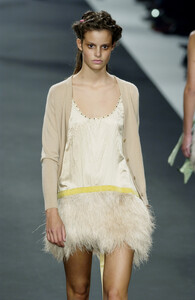
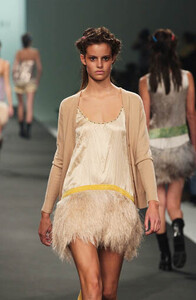
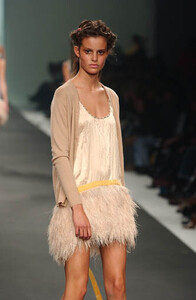
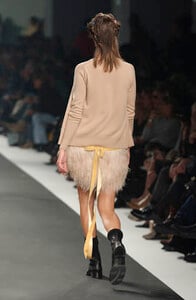
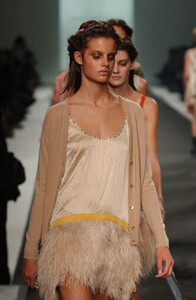
Anna Molinari S/S 2002
-
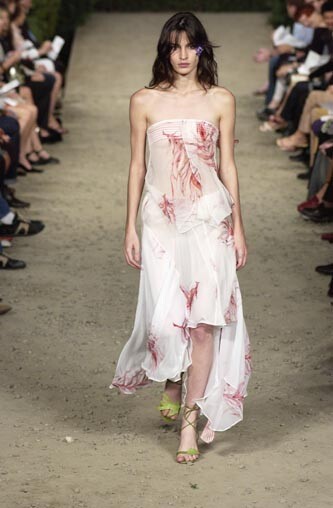
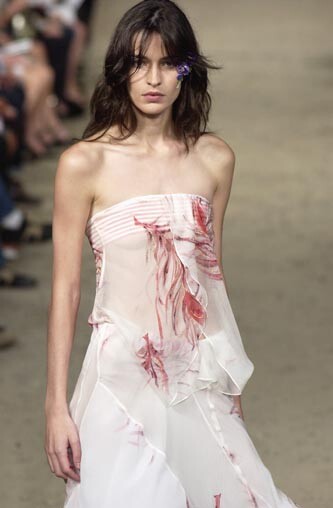
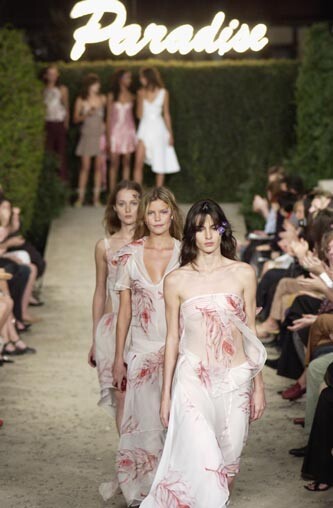
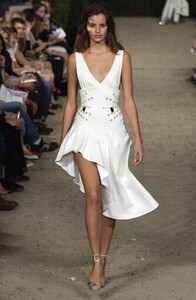
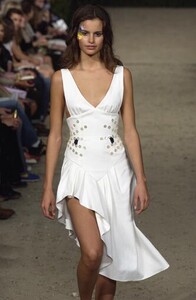
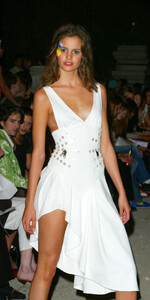
Cynthia Rowley S/S 2003
-
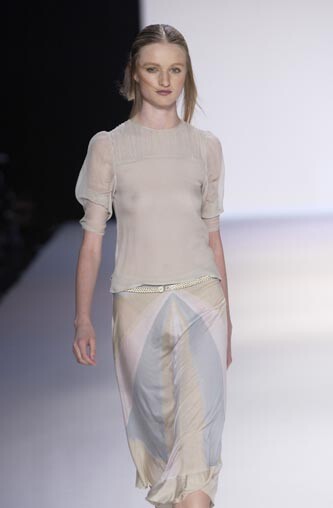
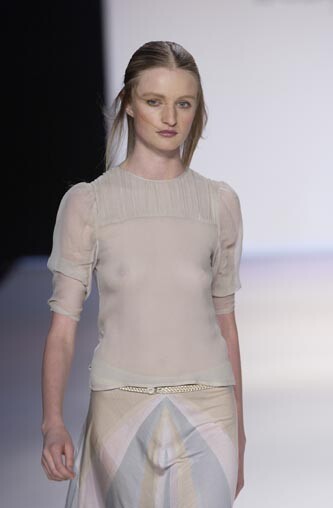
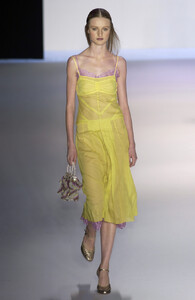
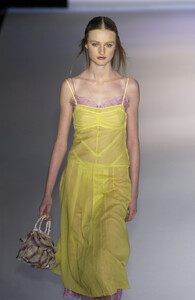
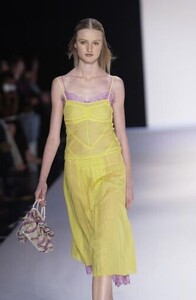
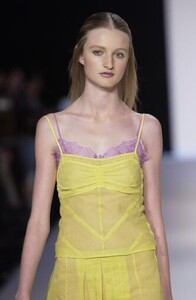
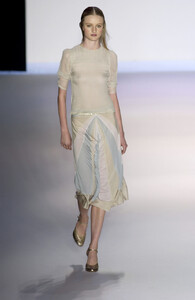
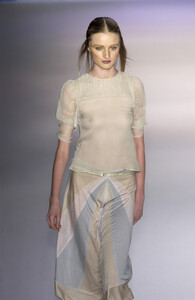
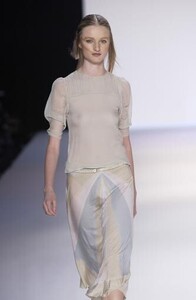
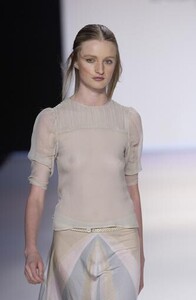
BCBG Max Azria S/S 2003 WARNING: see-through
-
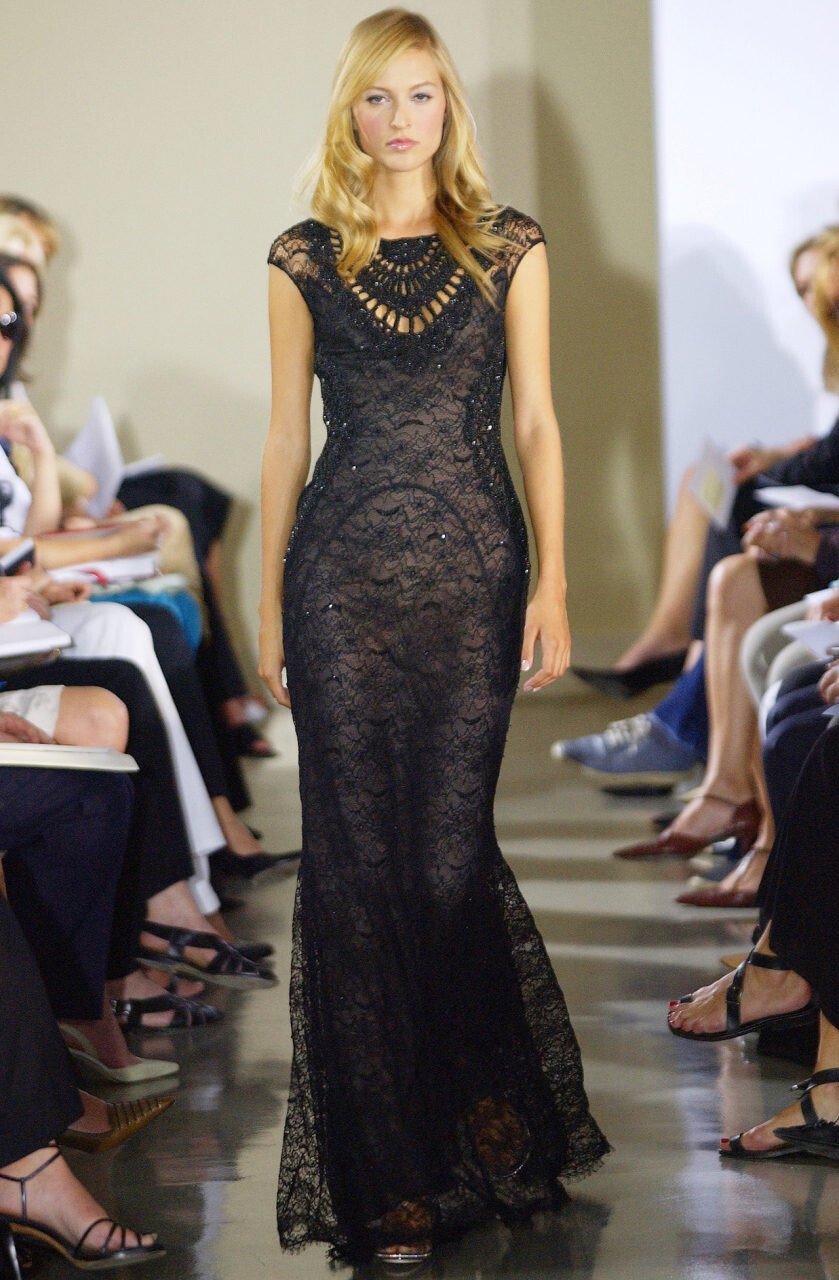
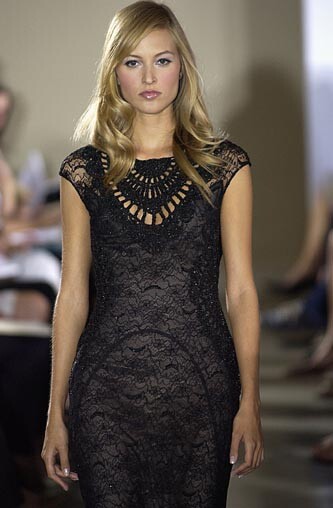
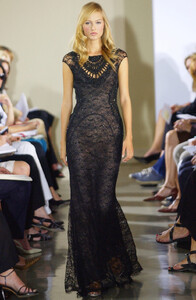
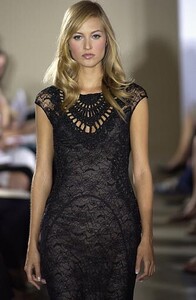
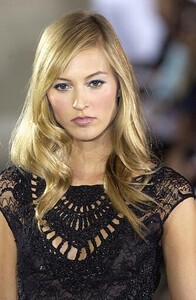
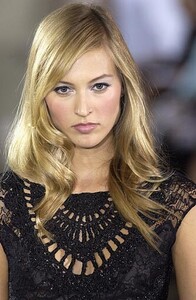
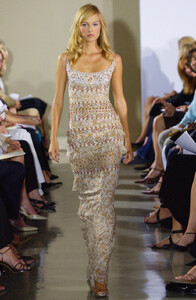
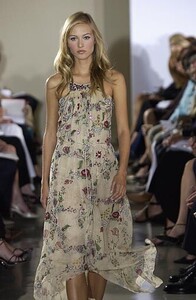
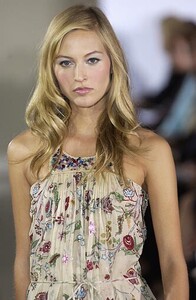
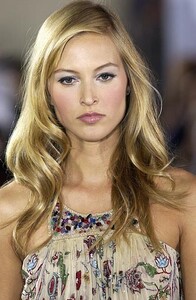
Badgley Mischka S/S 2003:
-
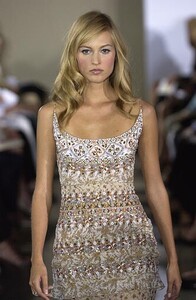
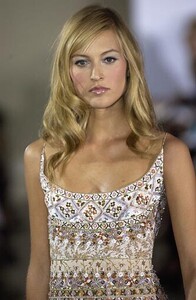
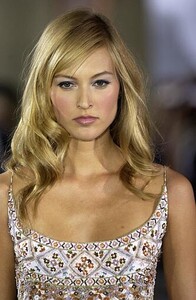
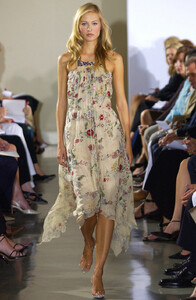
Wow, so many great eds in this topic Liisa is a fantastic model and it's amazing that she's still working. Thank you so much Minerva for your great work in this topic and in many others Anne Klein S/S 2003: