
strg22r
Members
-
Joined
-
Last visited
-
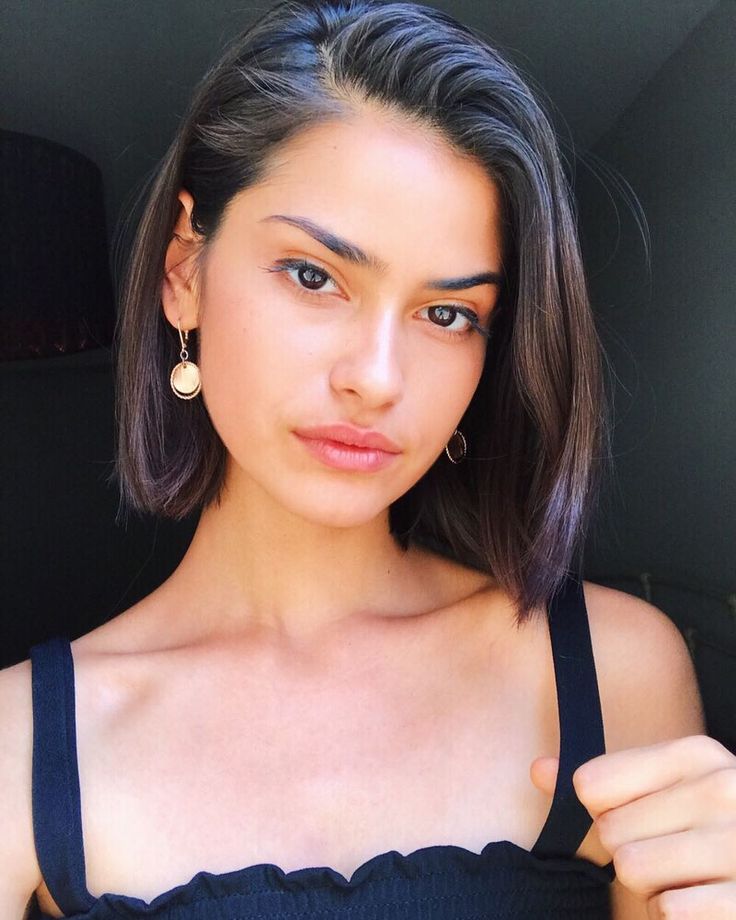
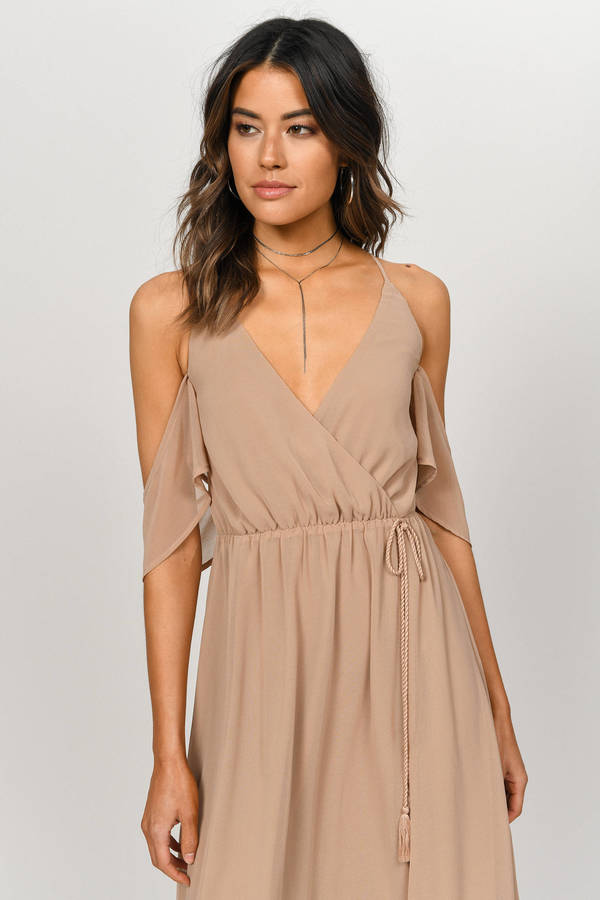
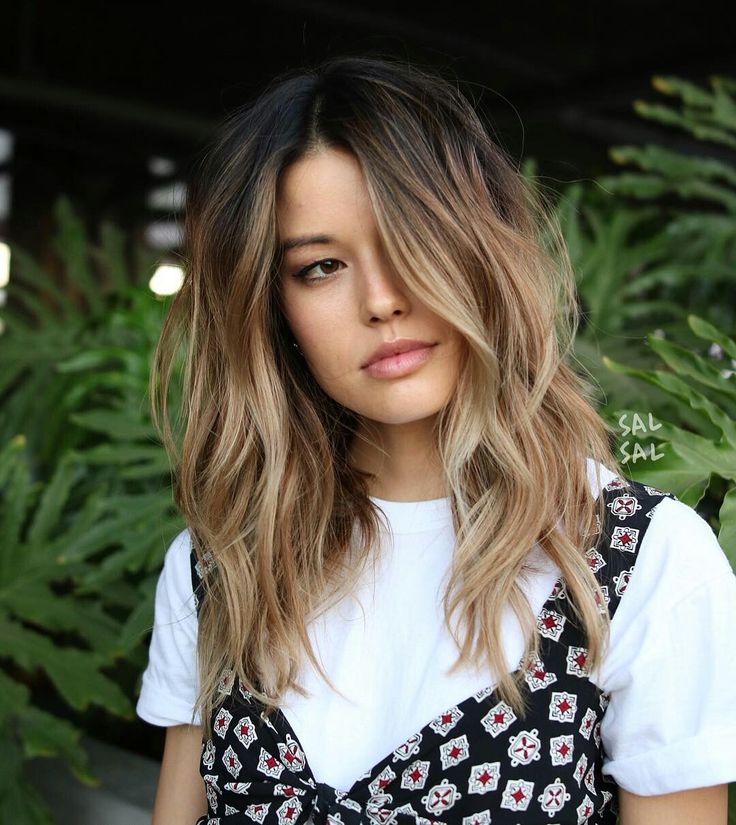
Didn't find much about this model. What appear to be newer pics show her with lots of tattoos, but that may be a mixup. One AKA I'm not 100% sure of is "Pretty Potatoo", which could be true as this is where she seems to have the tattoos..just the one with red hair included here.Image hidden for guestsSign in to viewImage hidden for guestsSign in to viewImage hidden for guestsSign in to viewImage hidden for guestsSign in to viewImage hidden for guestsSign in to viewImage hidden for guestsSign in to viewImage hidden for guestsSign in to viewImage hidden for guestsSign in to viewImage hidden for guestsSign in to viewImage hidden for guestsSign in to viewImage hidden for guestsSign in to viewImage hidden for guestsSign in to viewImage hidden for guestsSign in to viewImage hidden for guestsSign in to viewImage hidden for guestsSign in to viewImage hidden for guestsSign in to viewImage hidden for guestsSign in to viewImage hidden for guestsSign in to viewImage hidden for guestsSign in to viewImage hidden for guestsSign in to view
-
Also goes by Viki Virgo or Vikki Virgo. Quite pretty.
-
Did not find an entry for Viktoria, so starting this here.
-
























































Account
Navigation
Search
Configure browser push notifications
Chrome (Android)
- Tap the lock icon next to the address bar.
- Tap Permissions → Notifications.
- Adjust your preference.
Chrome (Desktop)
- Click the padlock icon in the address bar.
- Select Site settings.
- Find Notifications and adjust your preference.
Safari (iOS 16.4+)
- Ensure the site is installed via Add to Home Screen.
- Open Settings App → Notifications.
- Find your app name and adjust your preference.
Safari (macOS)
- Go to Safari → Preferences.
- Click the Websites tab.
- Select Notifications in the sidebar.
- Find this website and adjust your preference.
Edge (Android)
- Tap the lock icon next to the address bar.
- Tap Permissions.
- Find Notifications and adjust your preference.
Edge (Desktop)
- Click the padlock icon in the address bar.
- Click Permissions for this site.
- Find Notifications and adjust your preference.
Firefox (Android)
- Go to Settings → Site permissions.
- Tap Notifications.
- Find this site in the list and adjust your preference.
Firefox (Desktop)
- Open Firefox Settings.
- Search for Notifications.
- Find this site in the list and adjust your preference.