
sanja
Members
-
Joined
-
Last visited
Everything posted by sanja
-
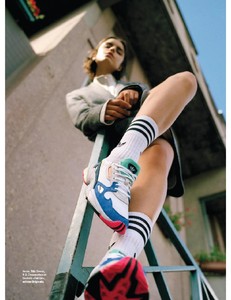
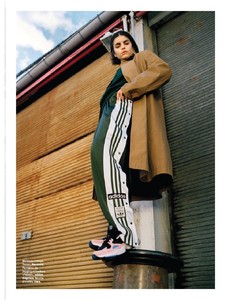
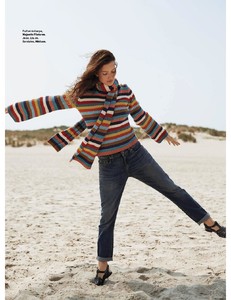
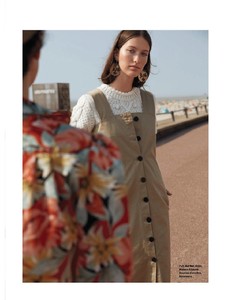
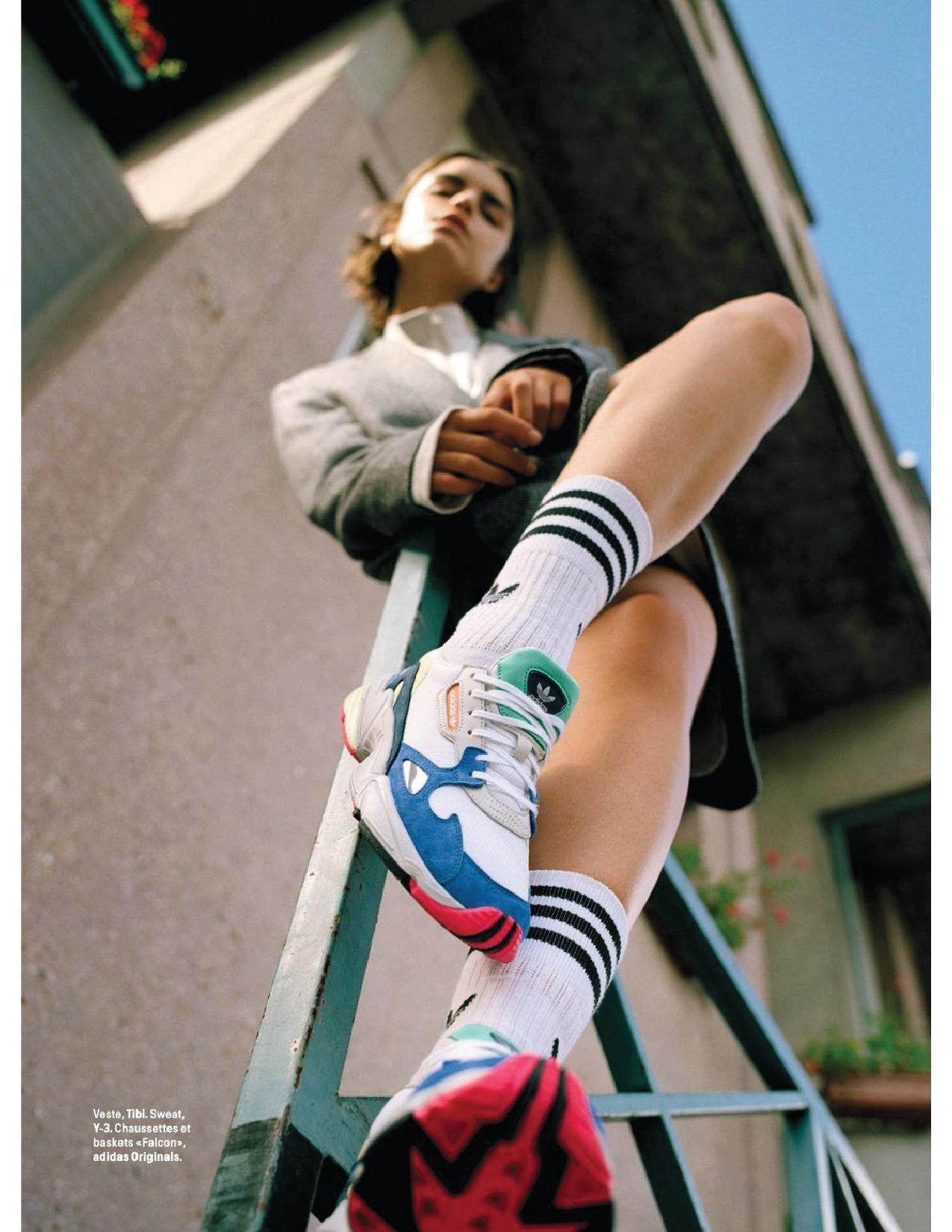
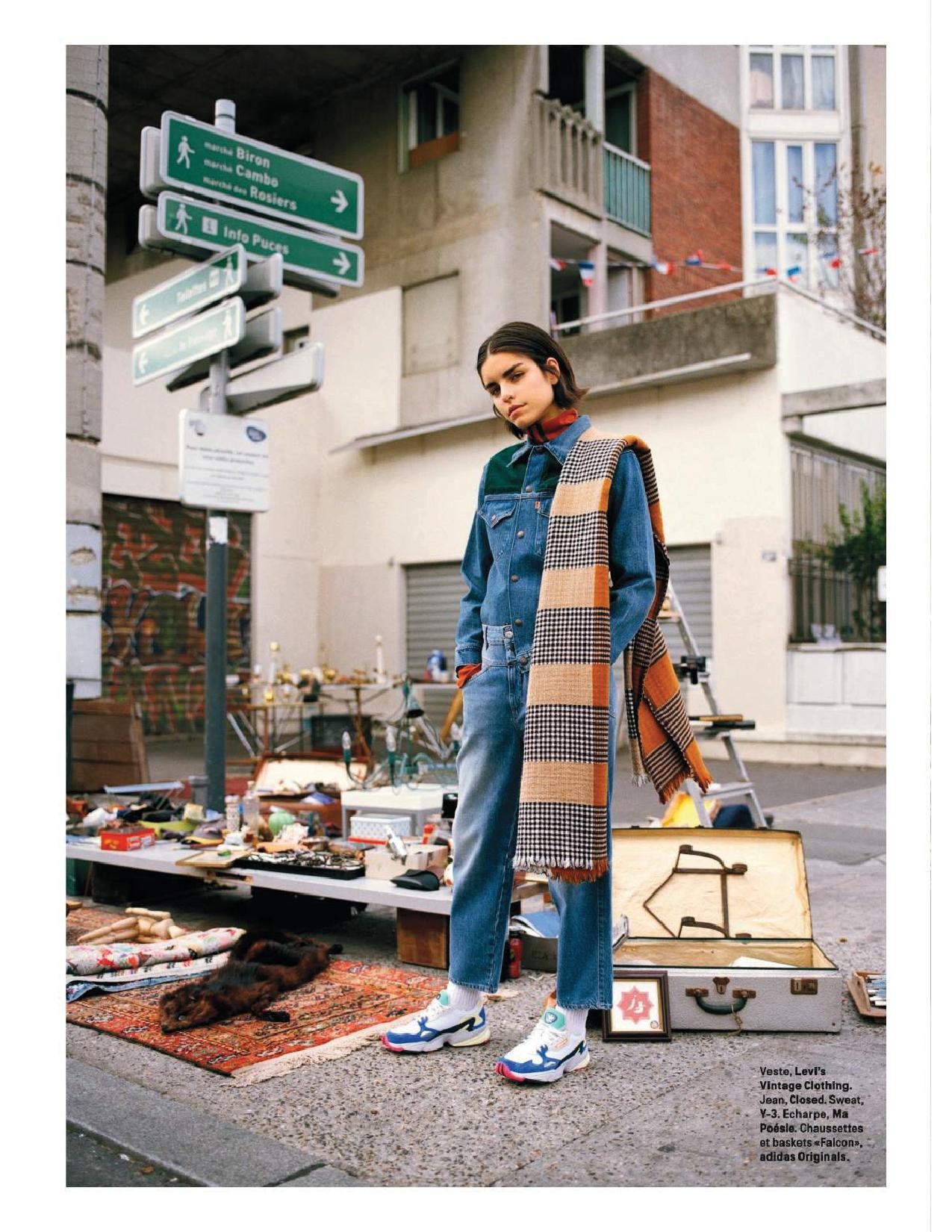
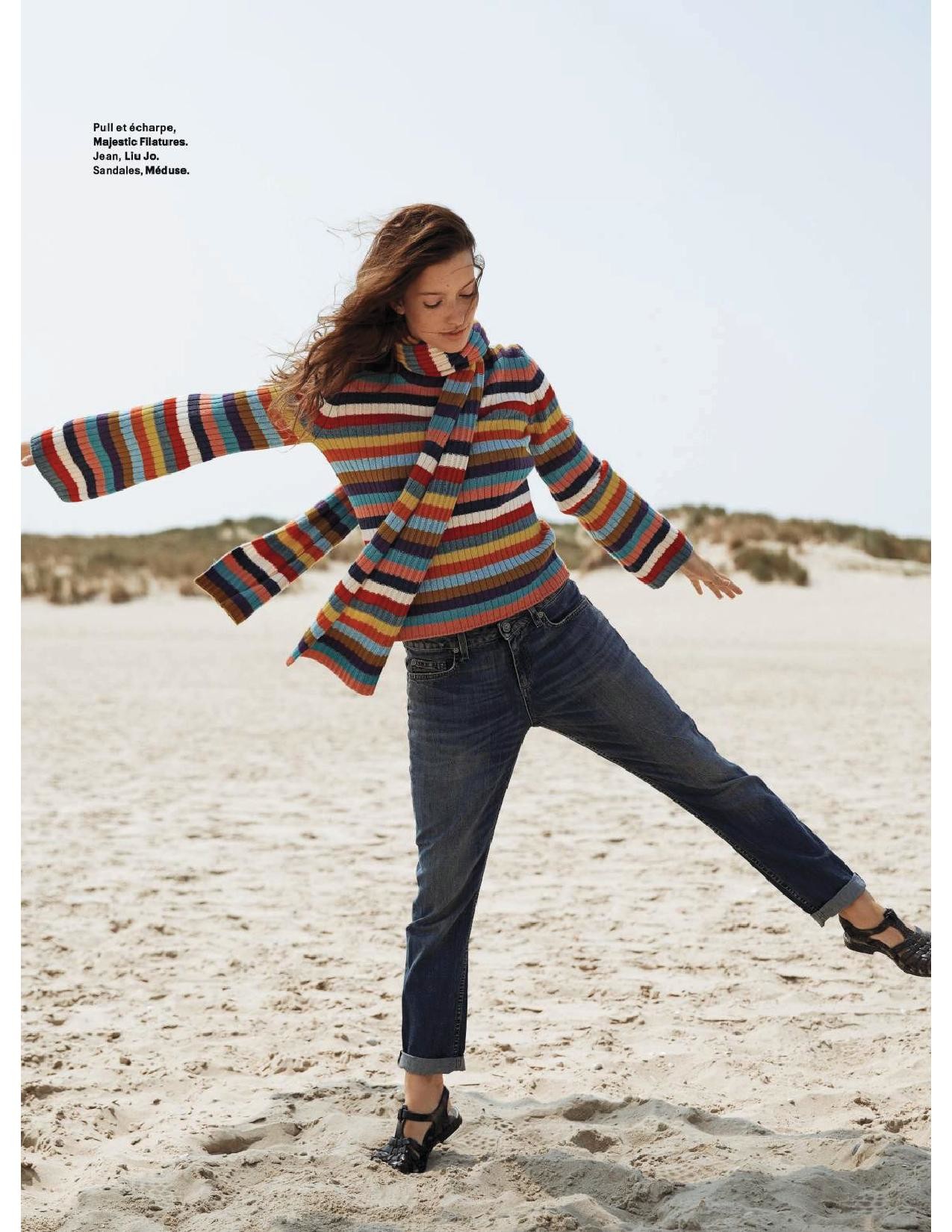
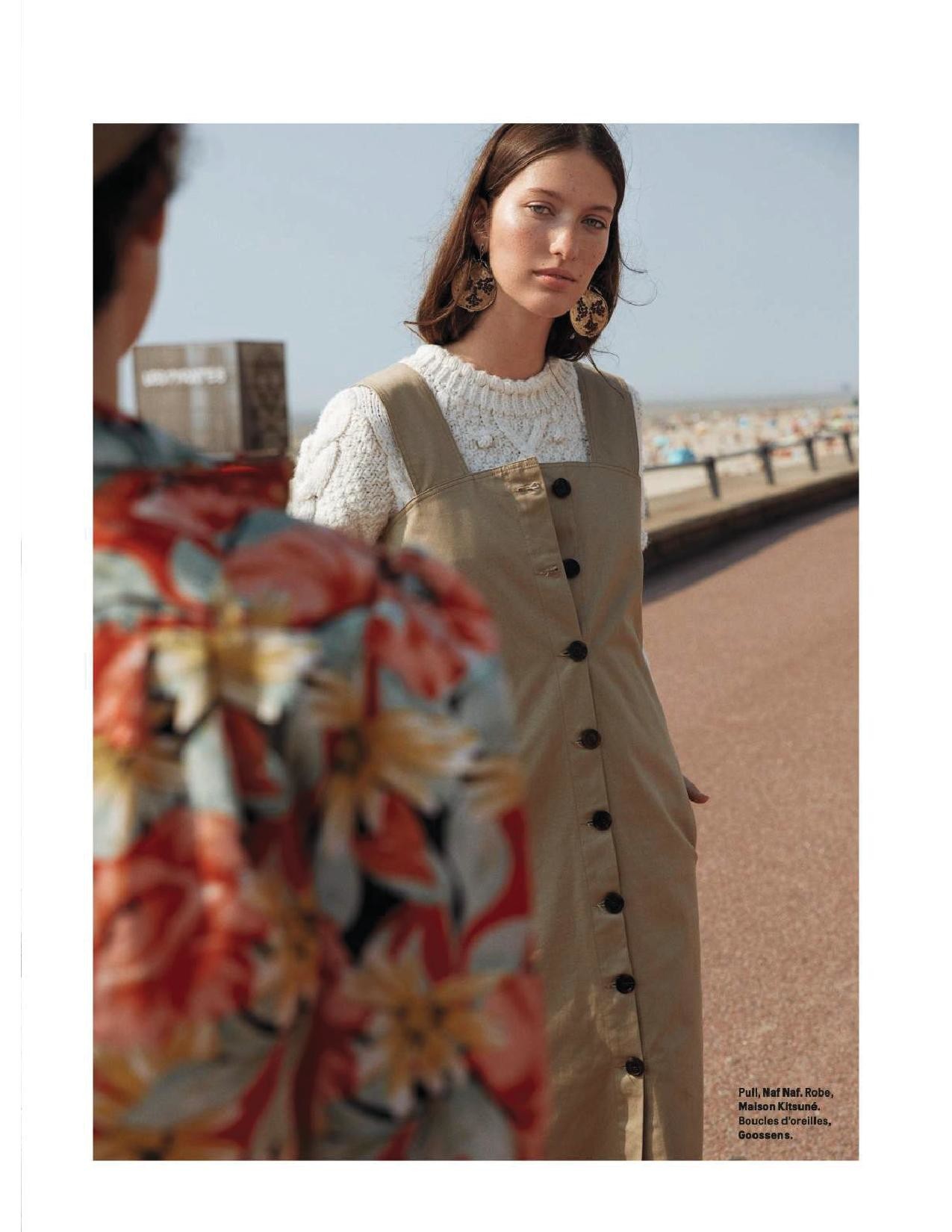
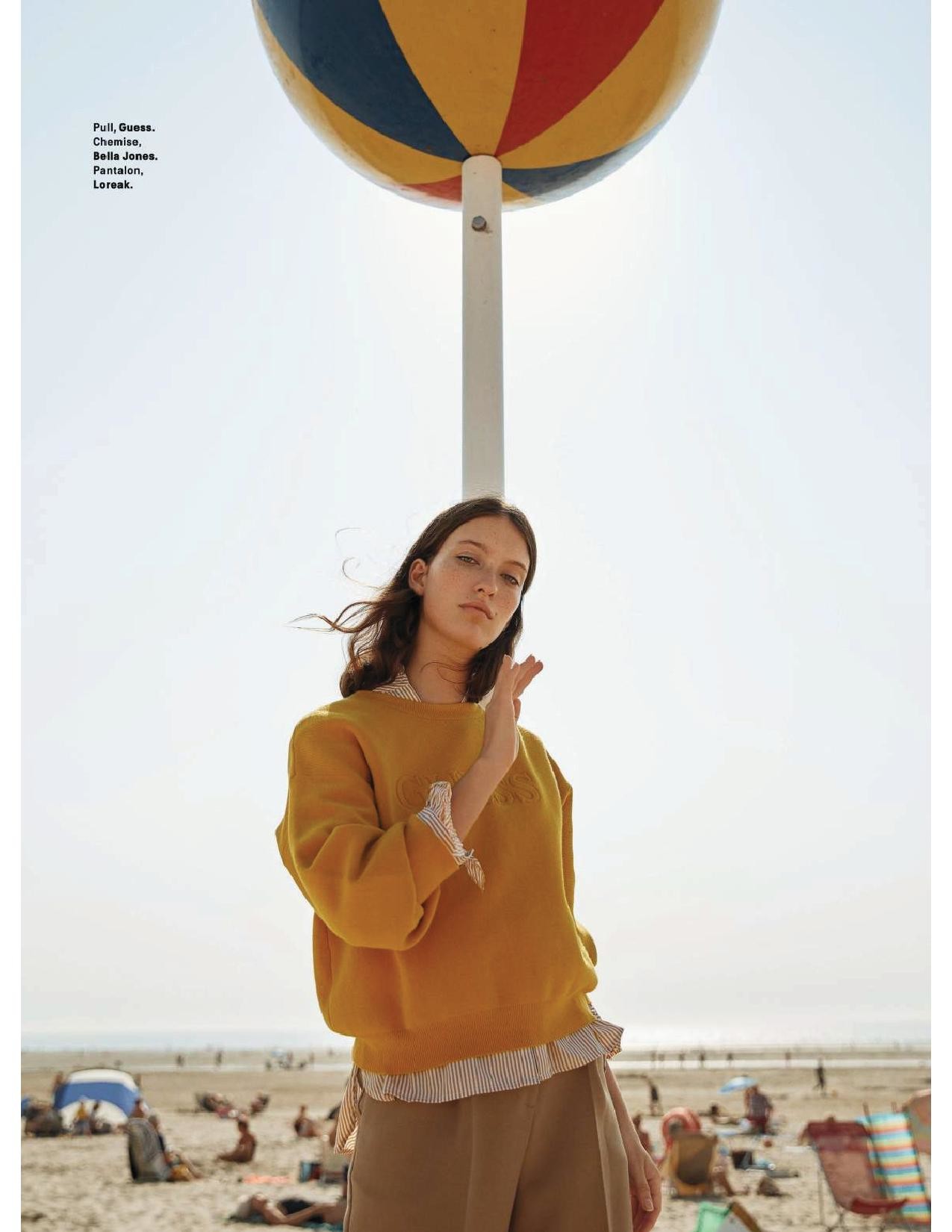
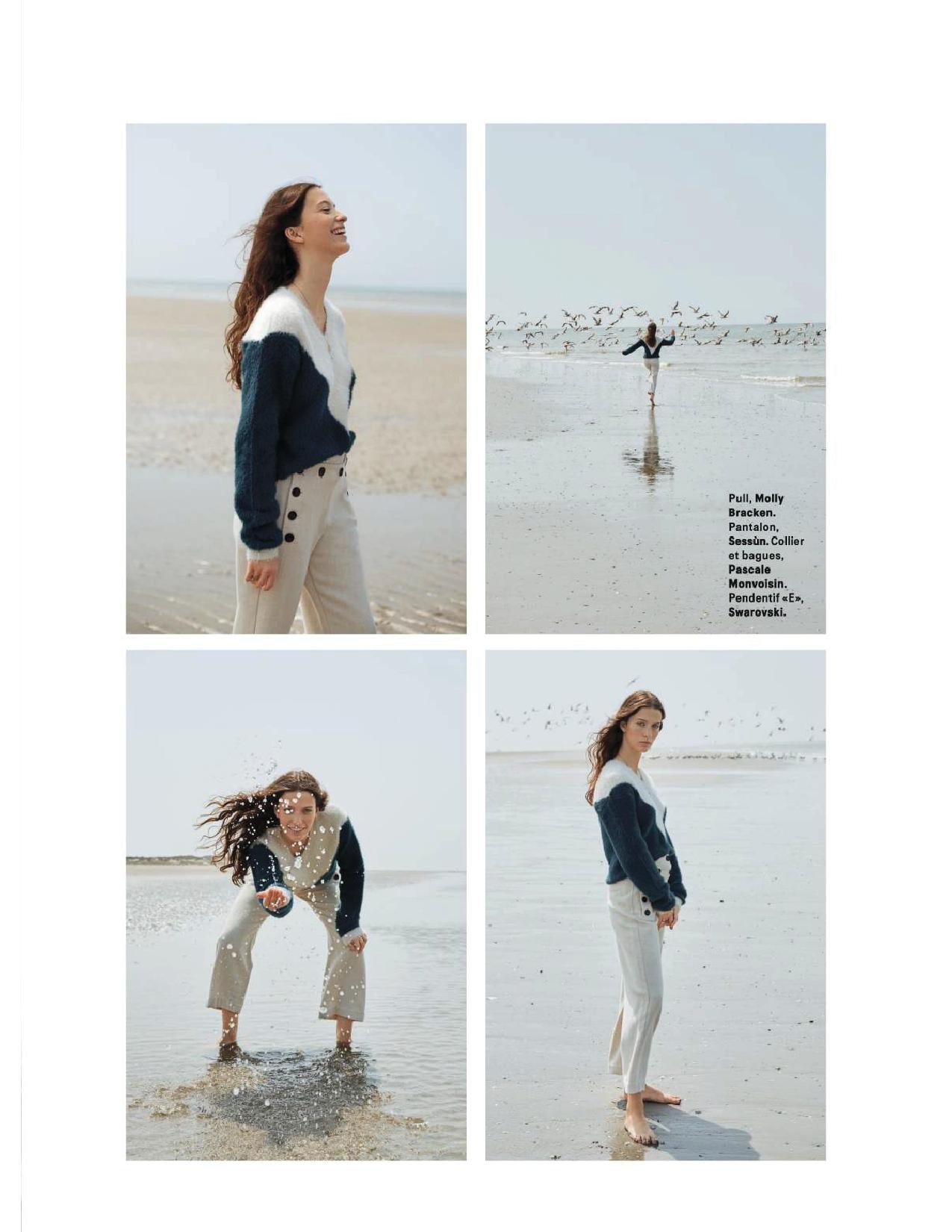
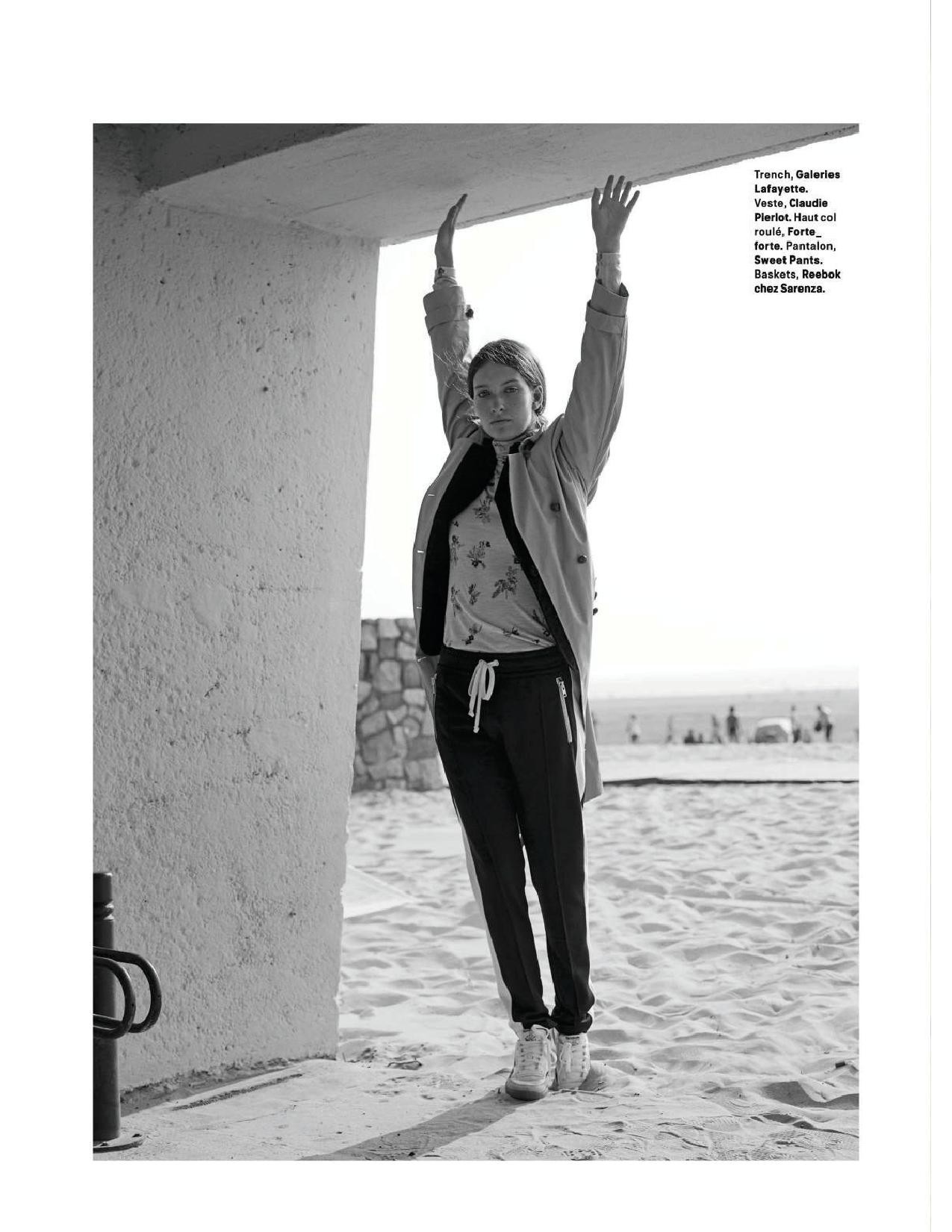
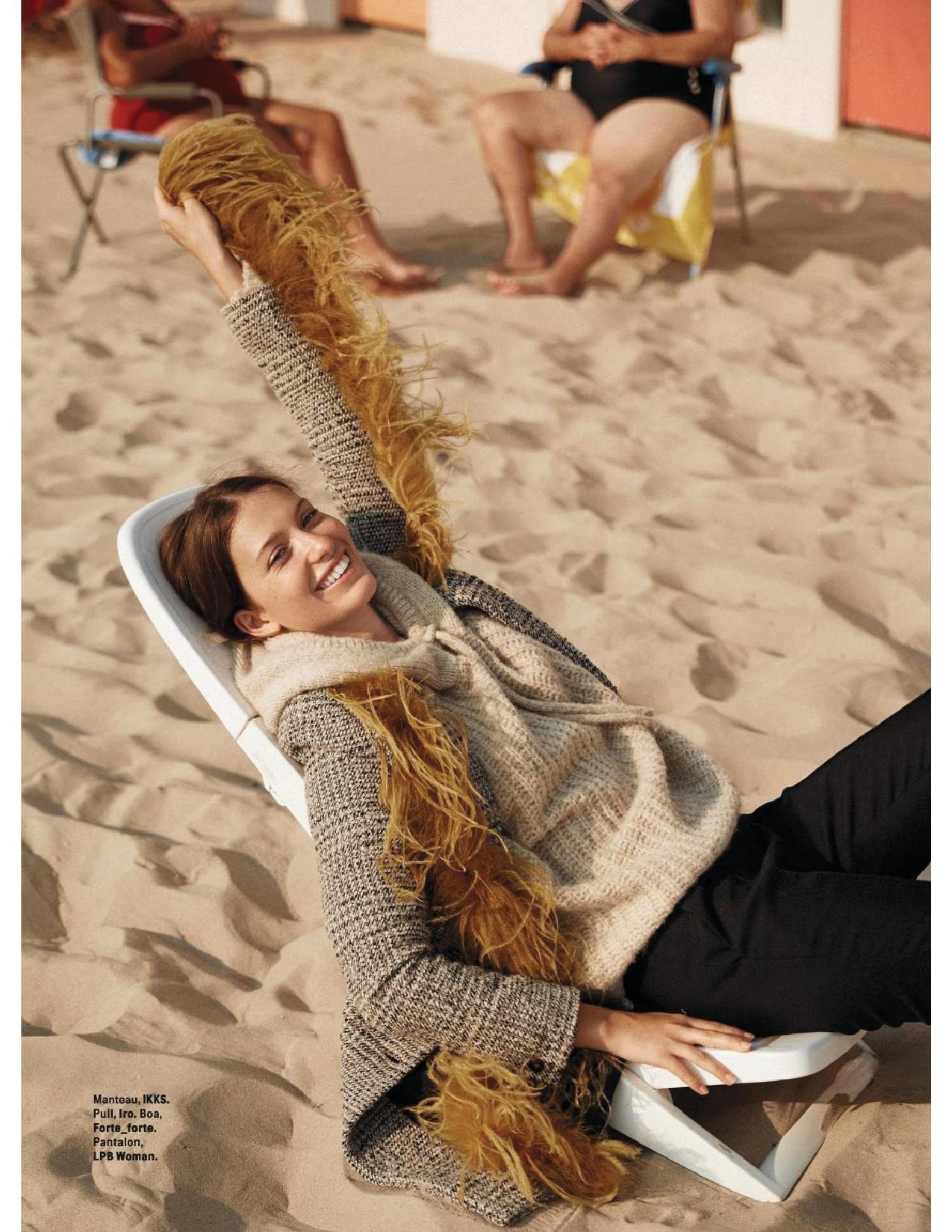
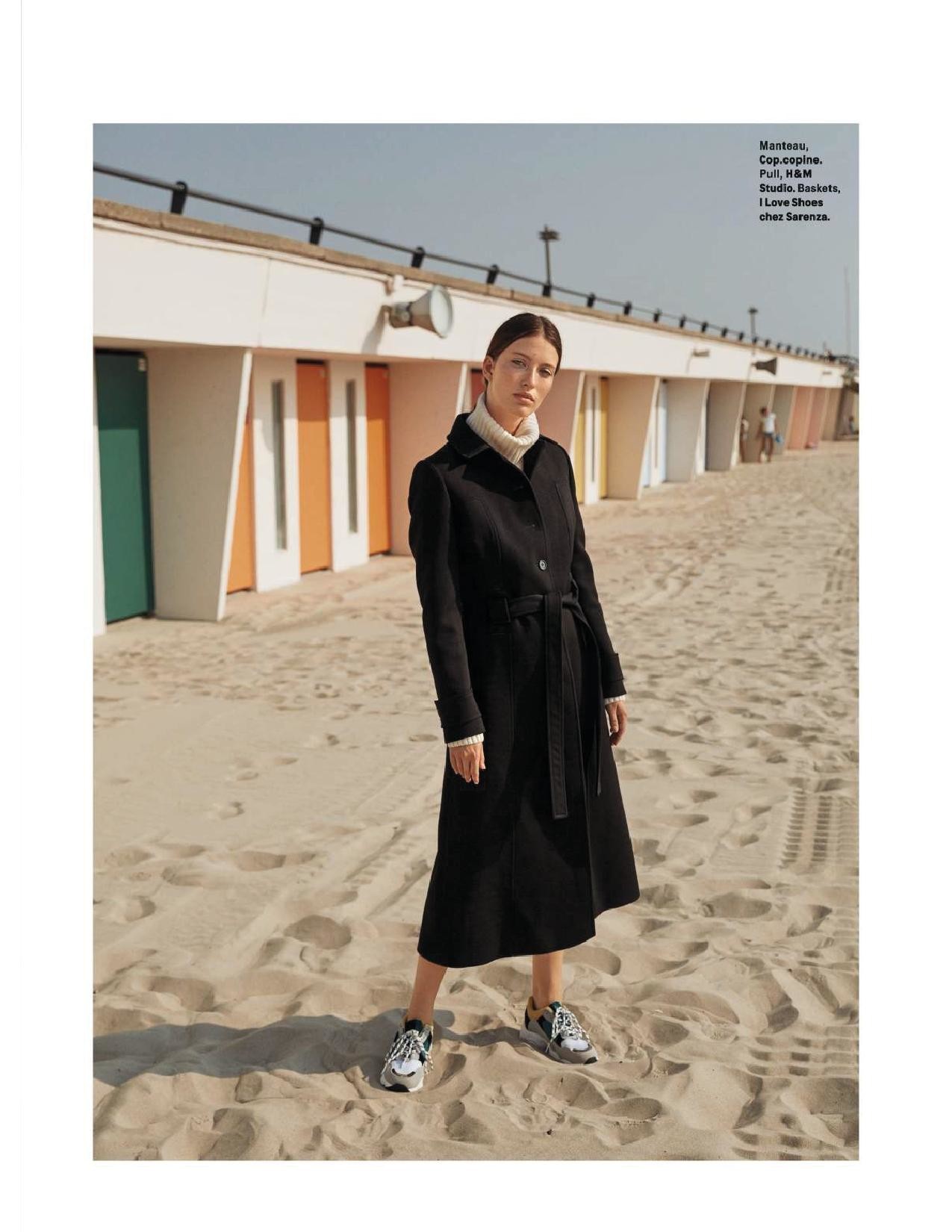
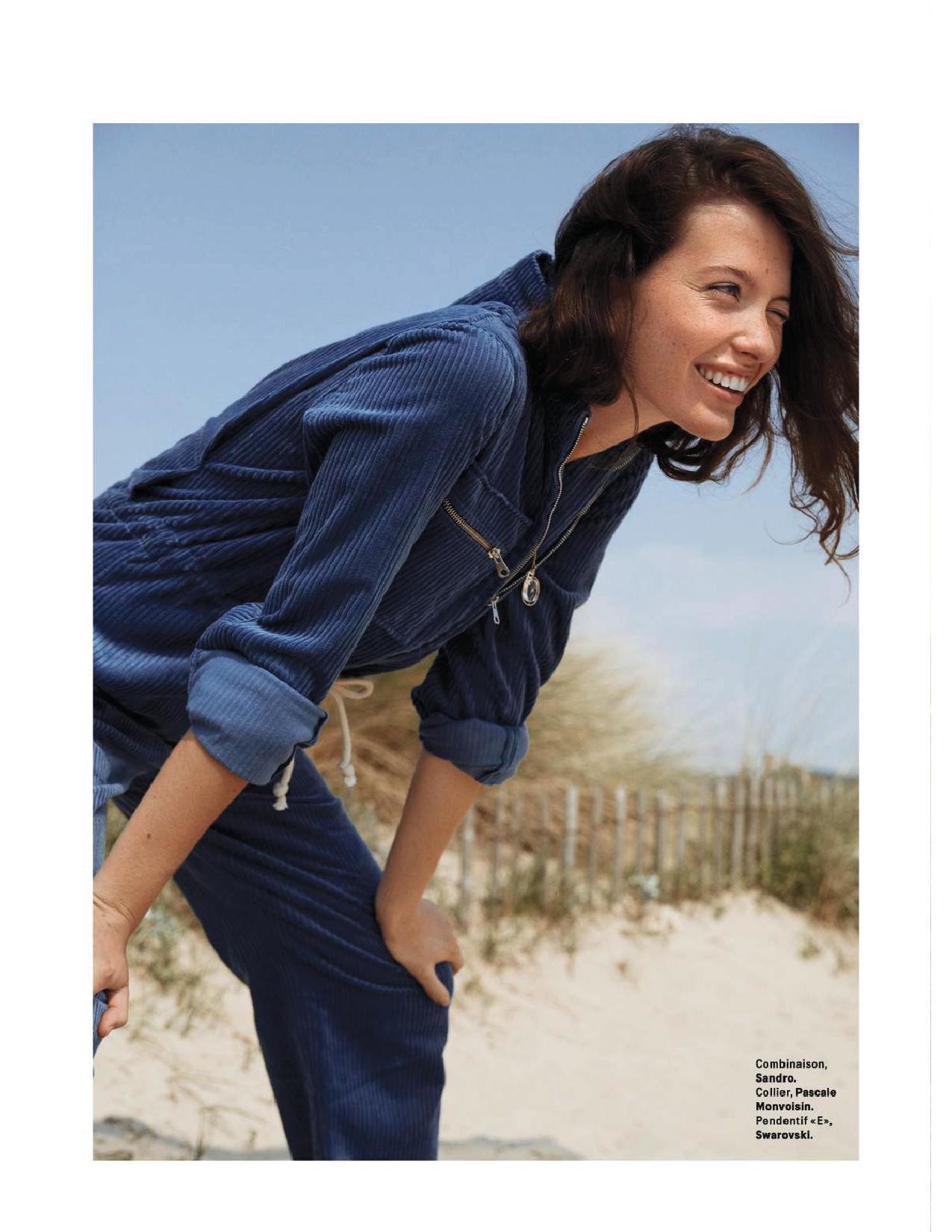
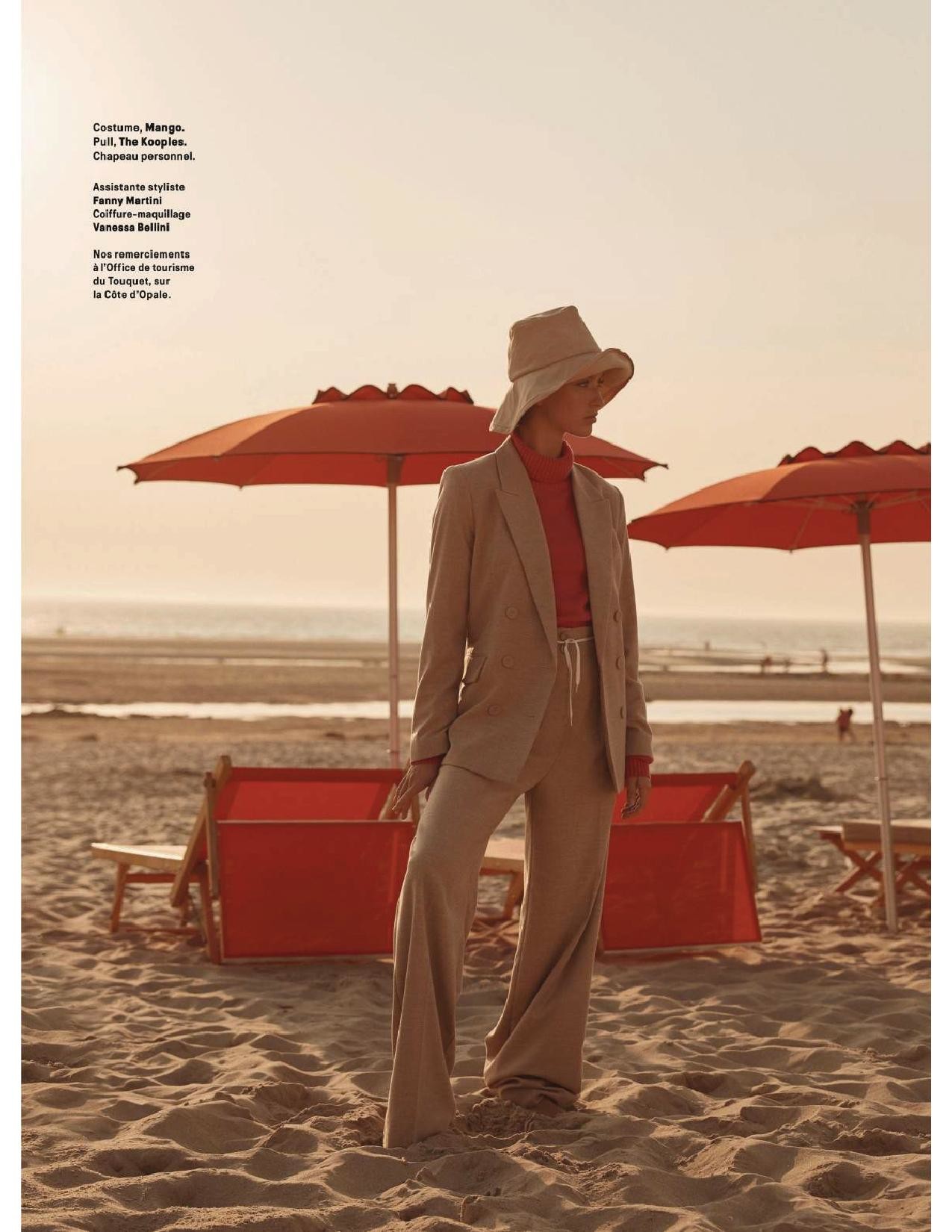
 Grazia France 13 September 2018







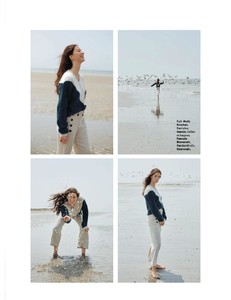
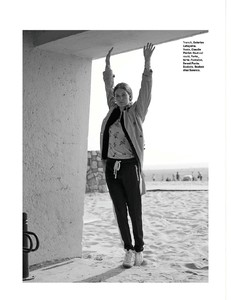


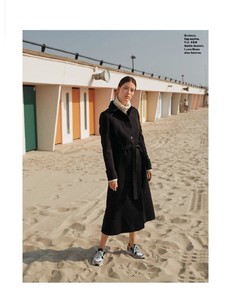
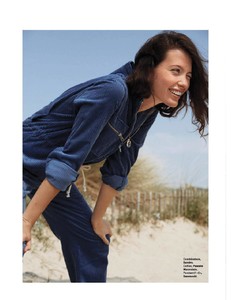

-
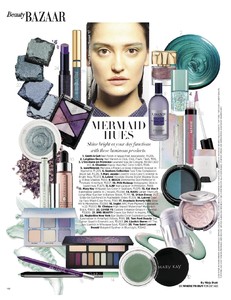
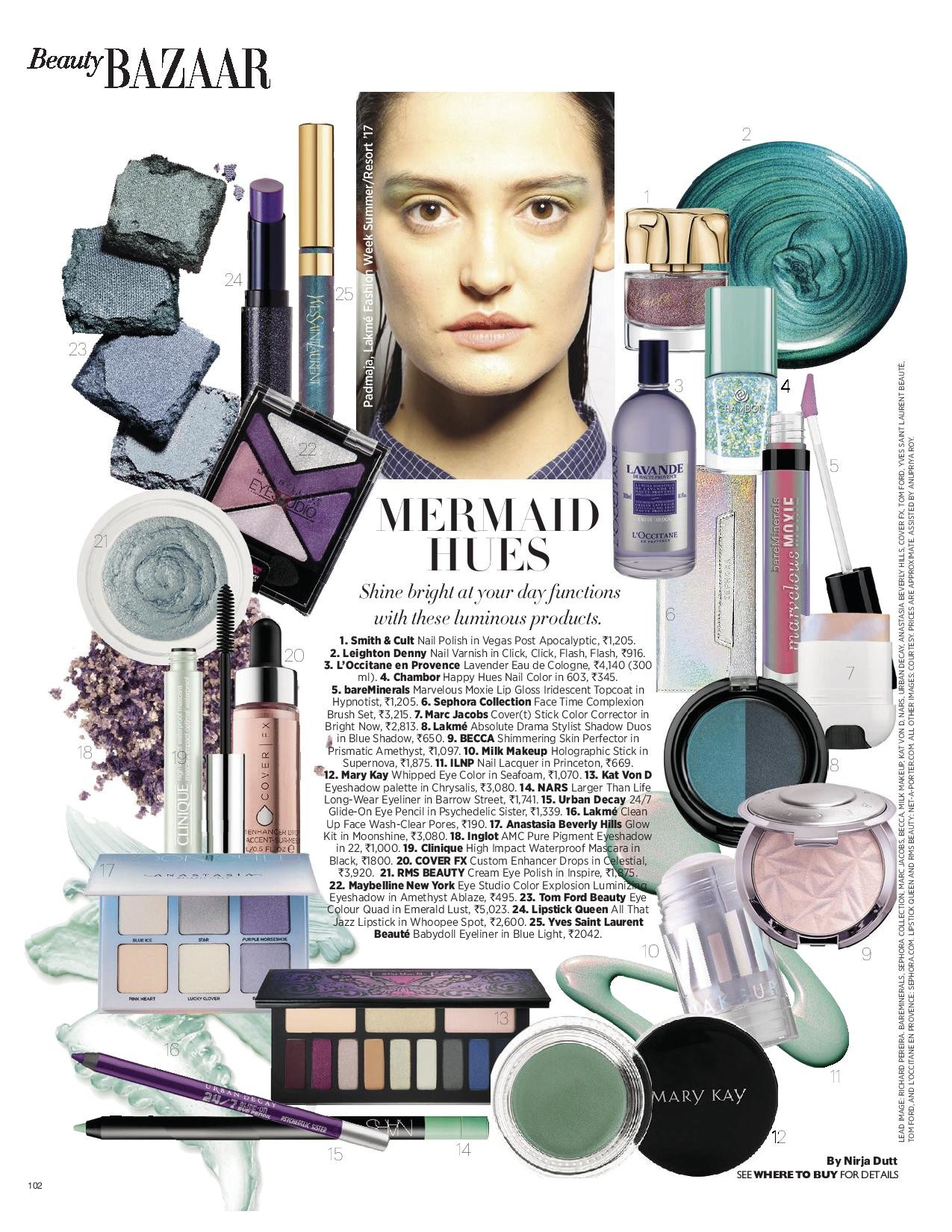
Lakme fashion week, Panjama resort 2017
-
Thank you so much @balenciagaaa for all lovely pictures
-
Vanja Ivosevic photography




 Gloria Serbia 22 October 2008 Scanned by me
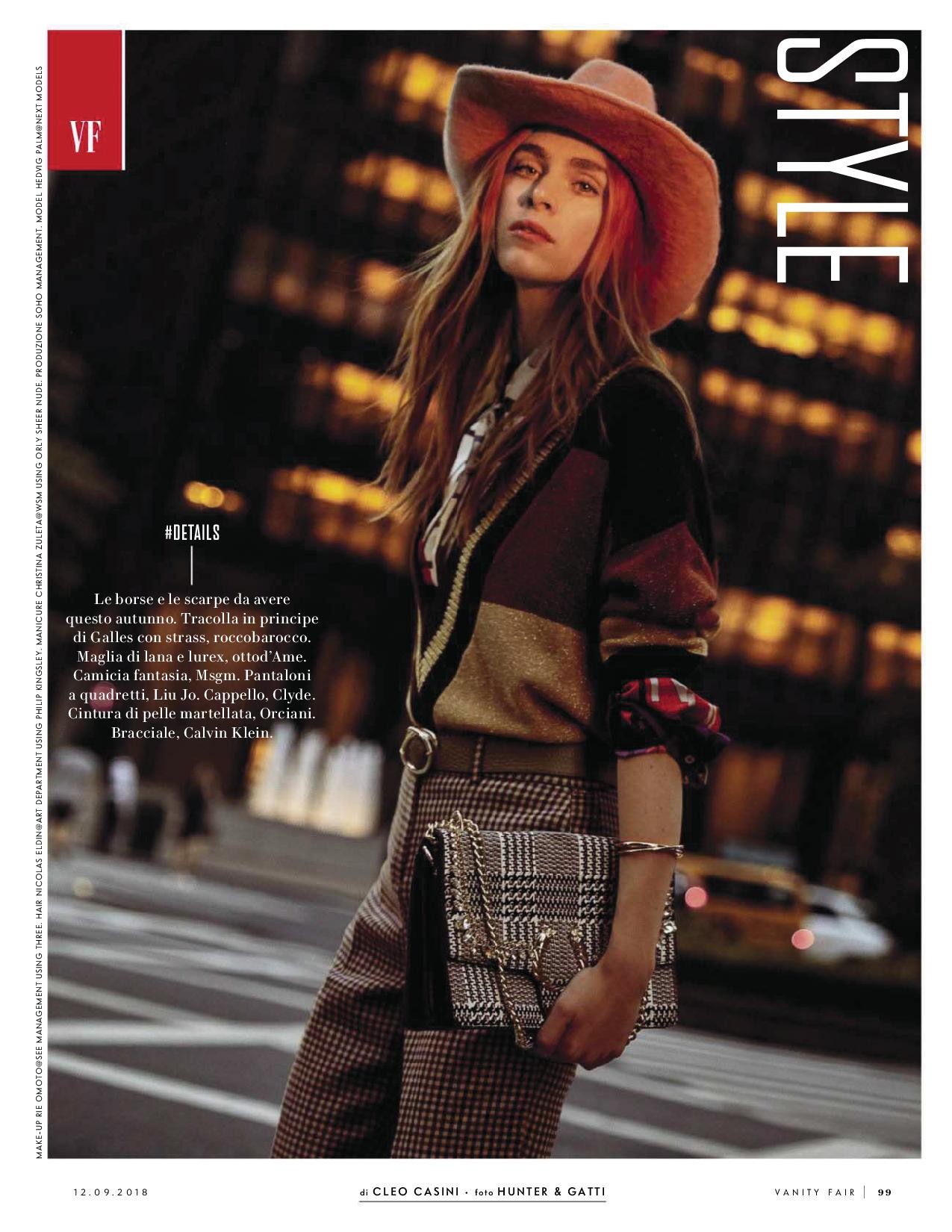
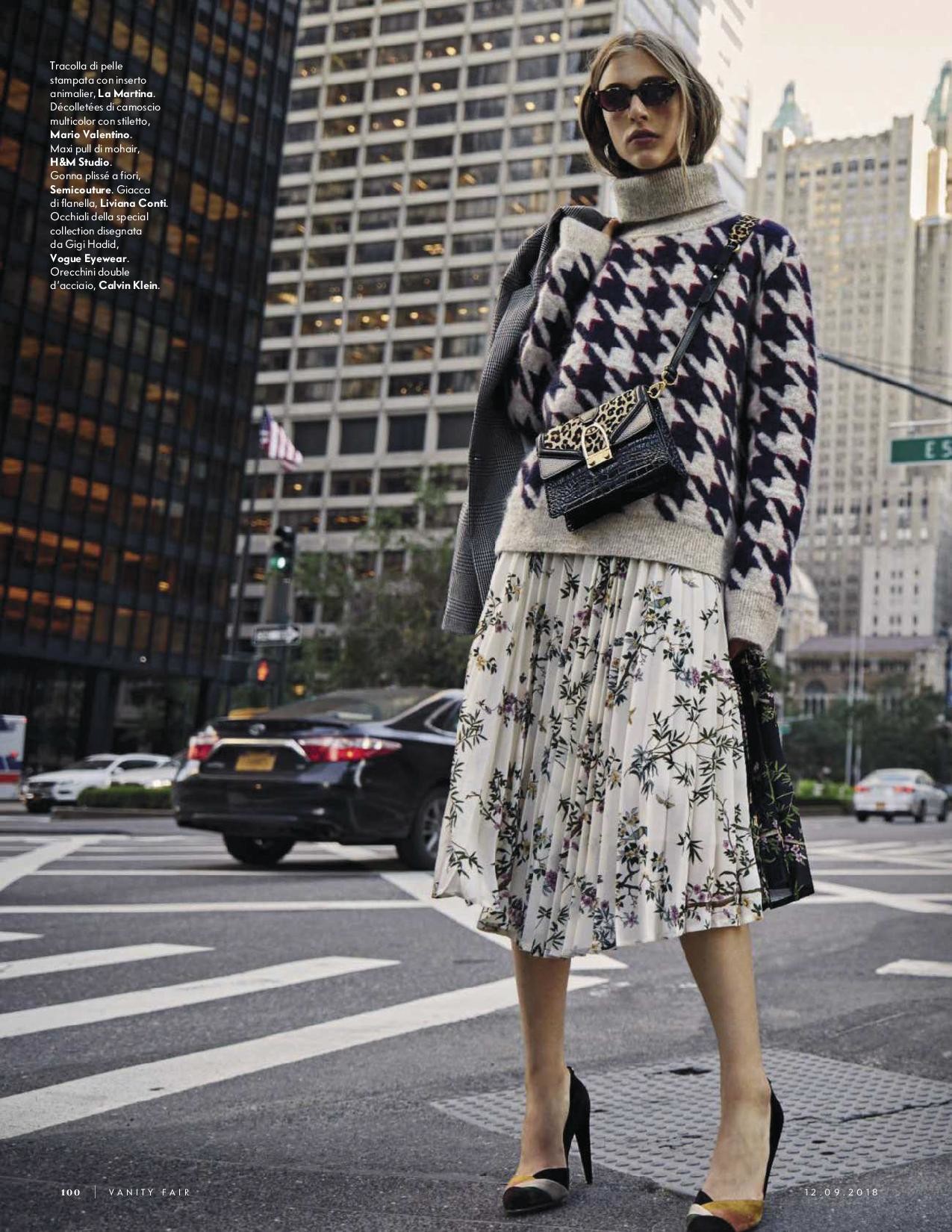
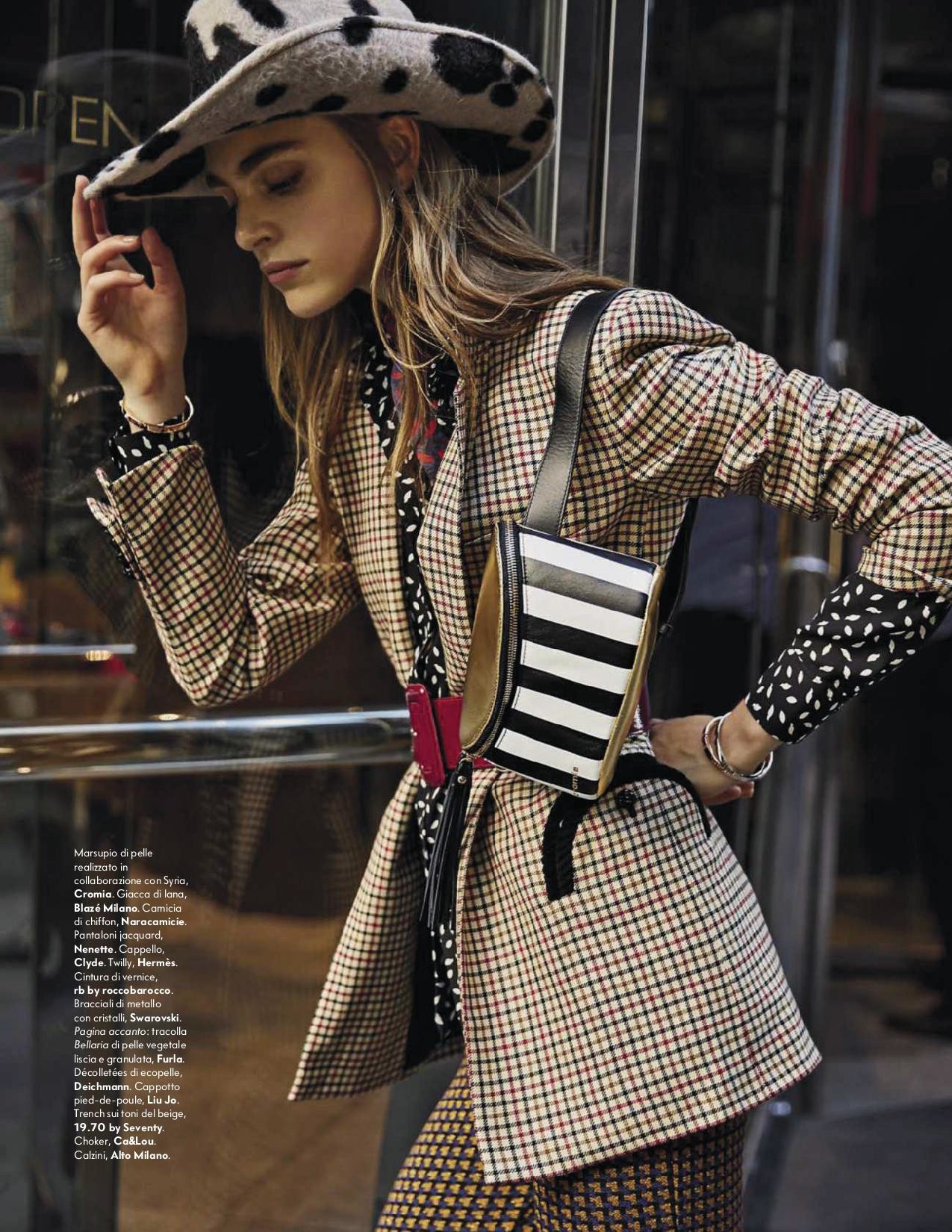
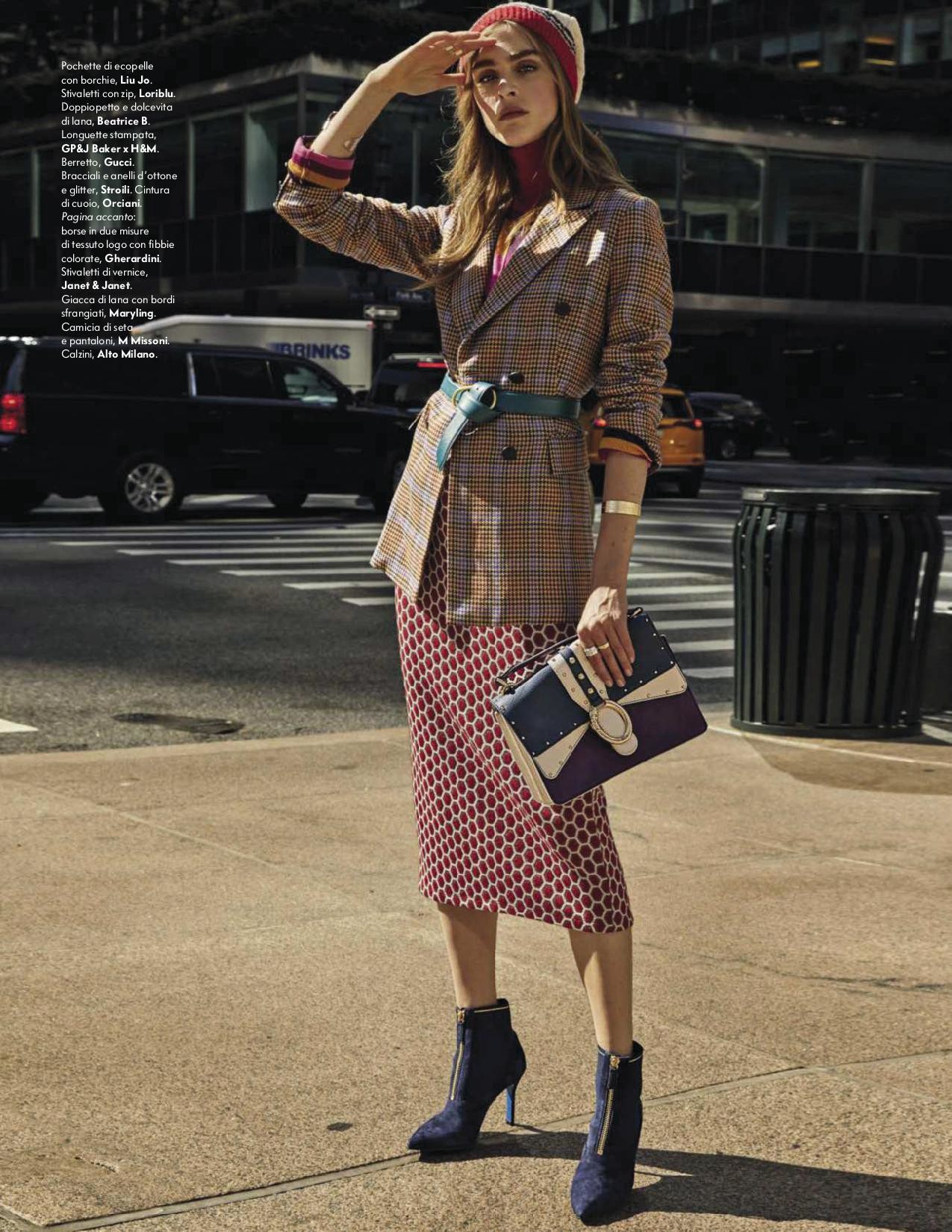
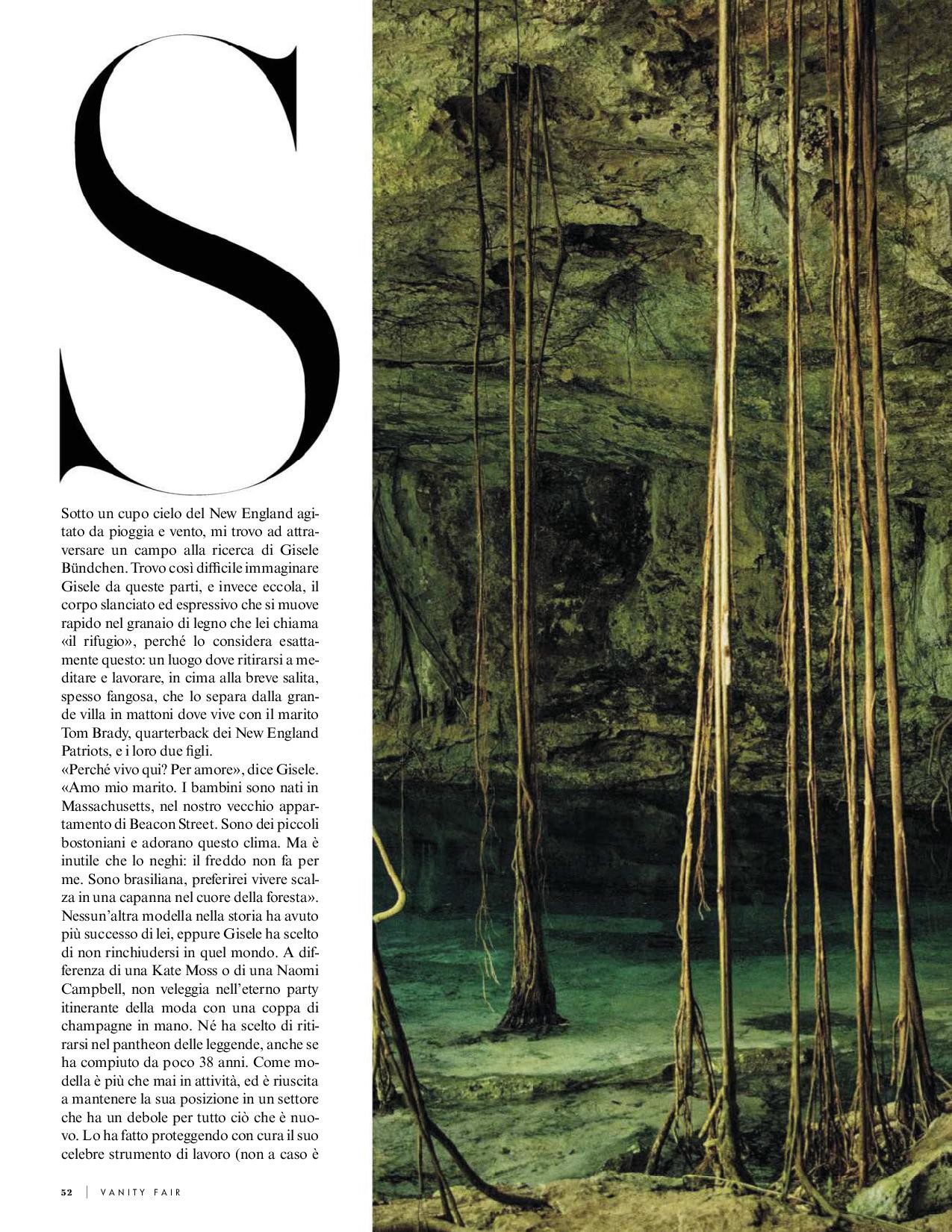
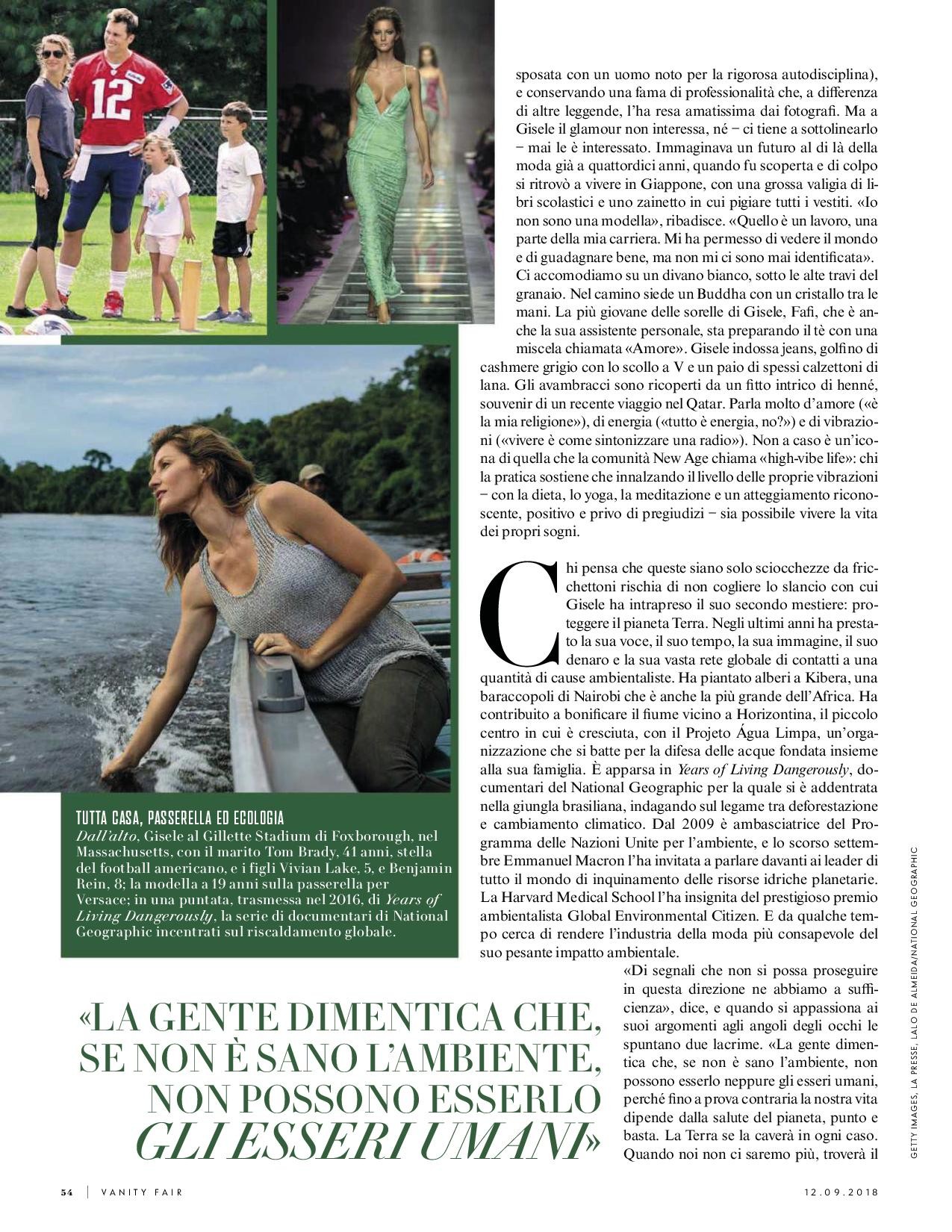
 Vanity fair 13 September 2018











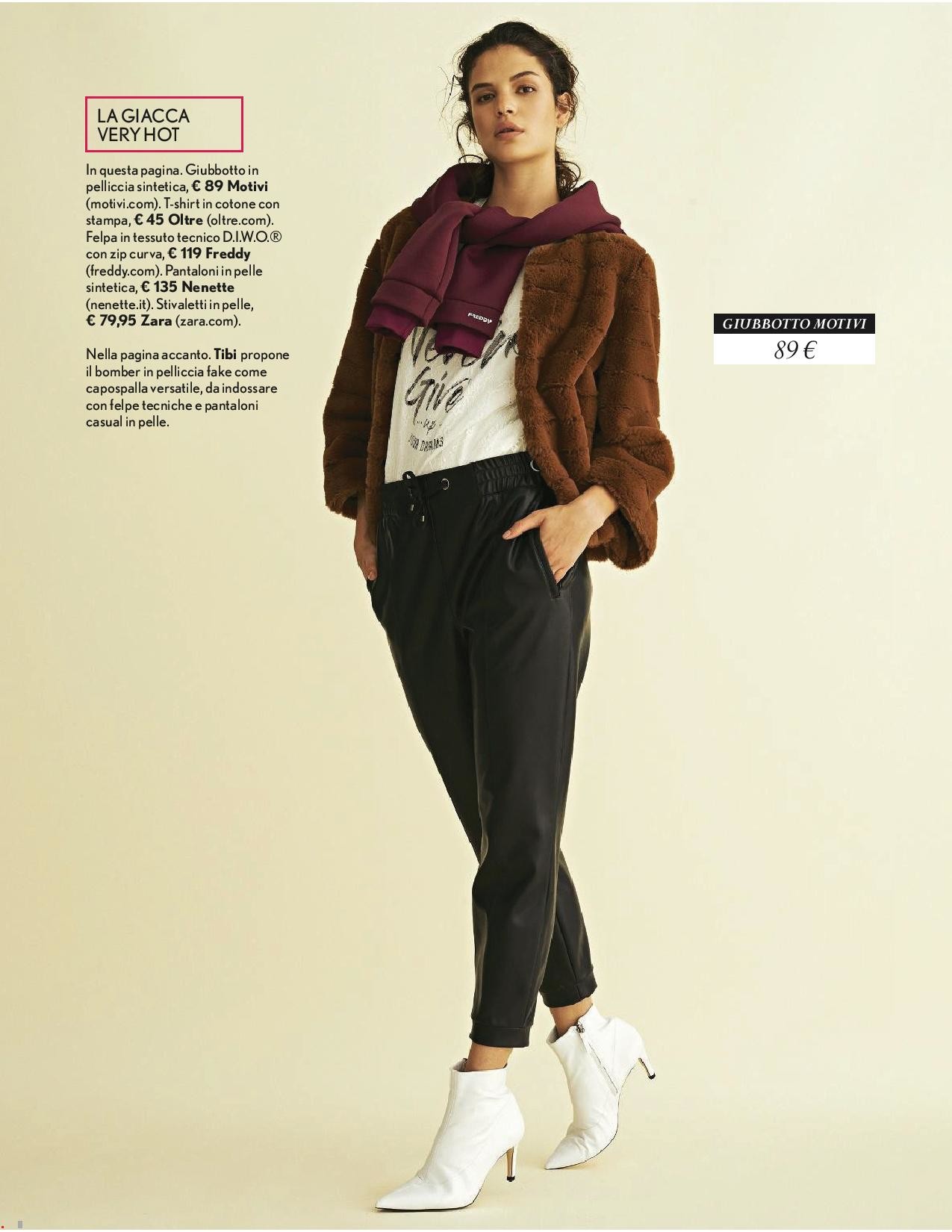
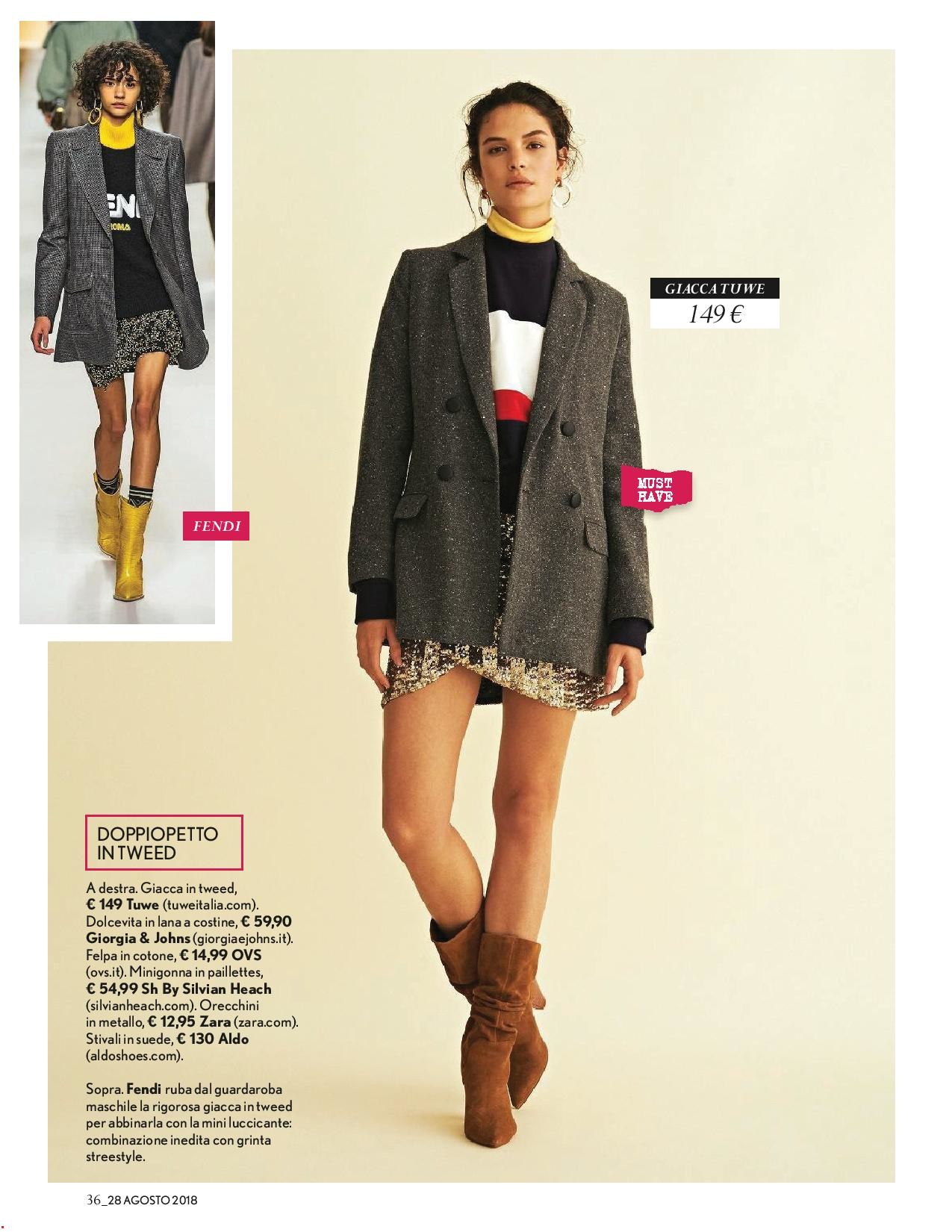
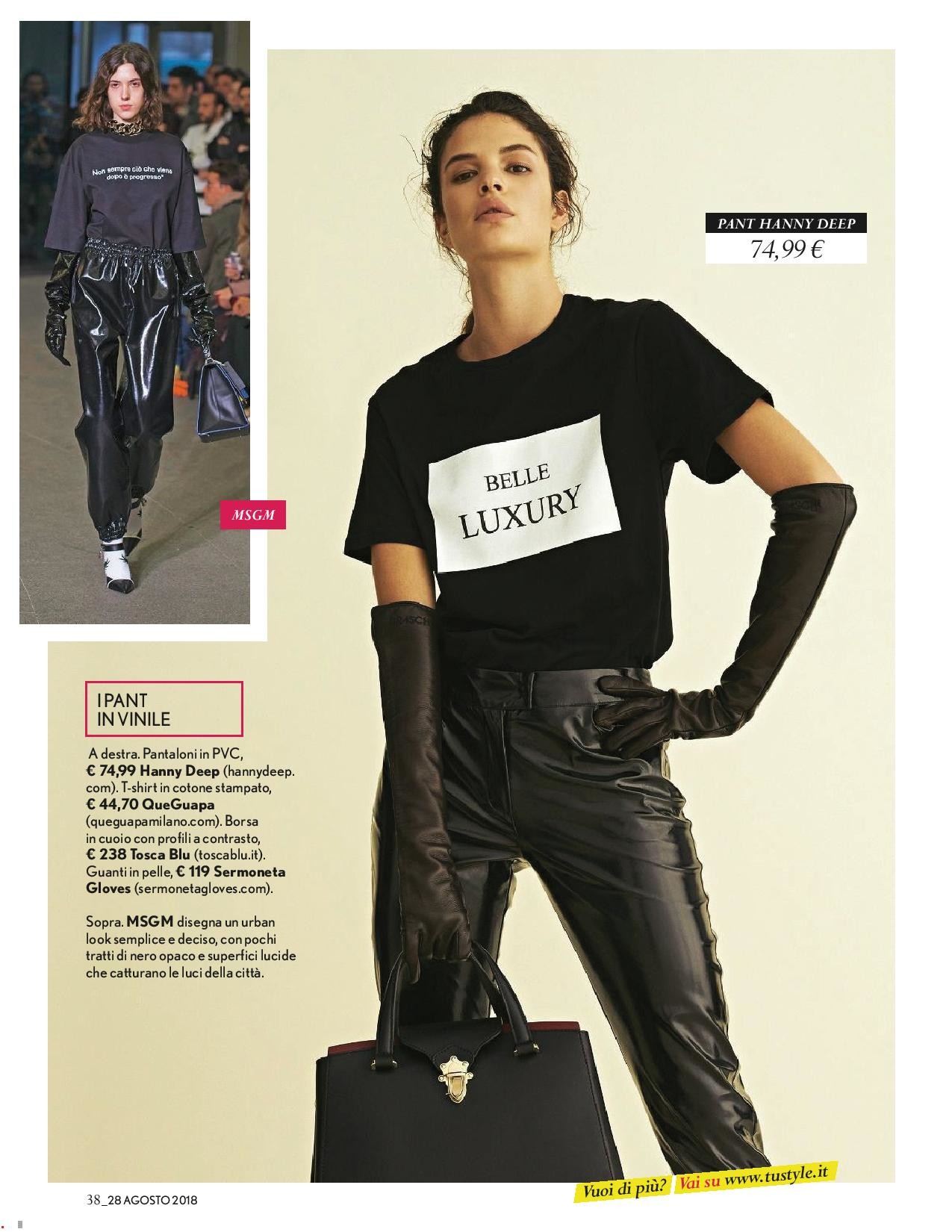
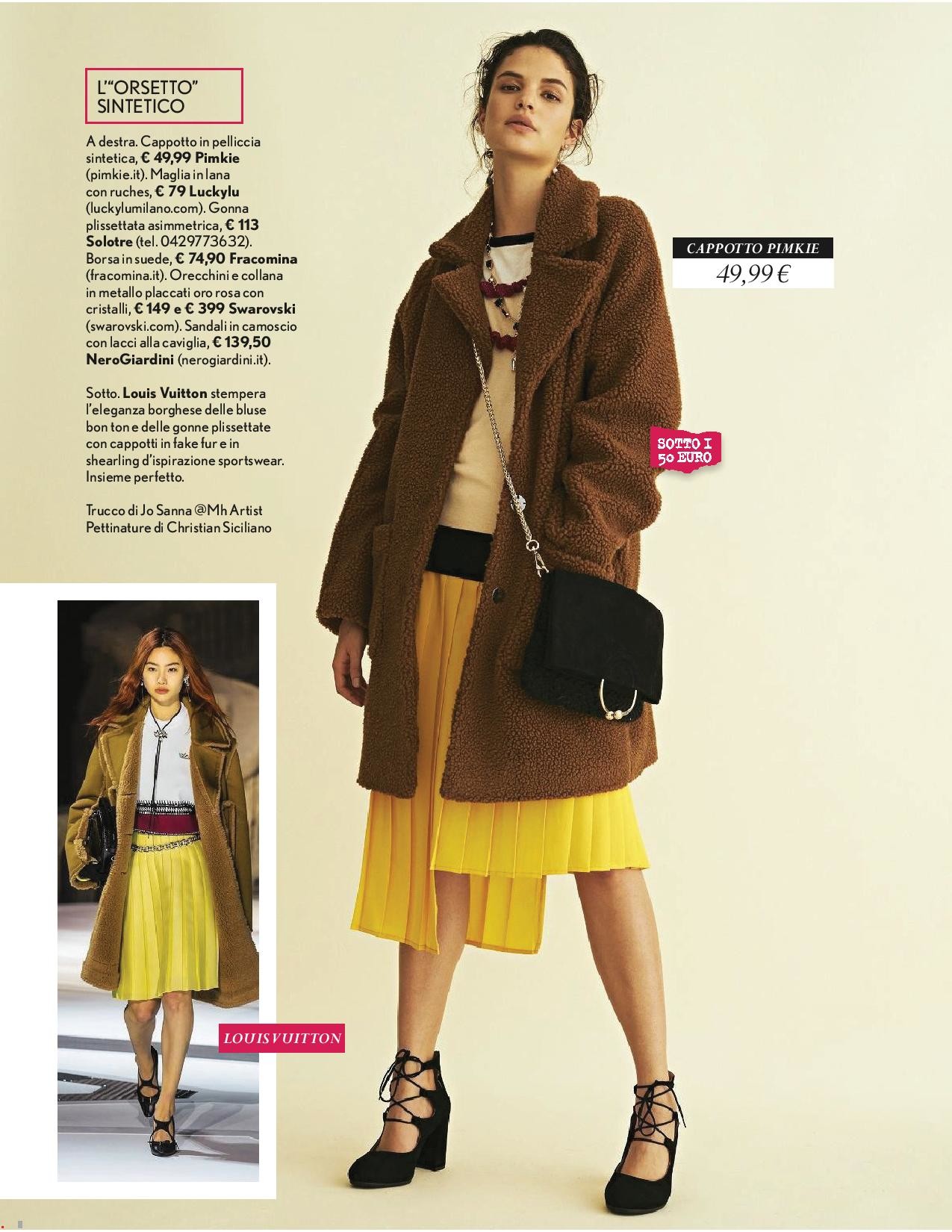
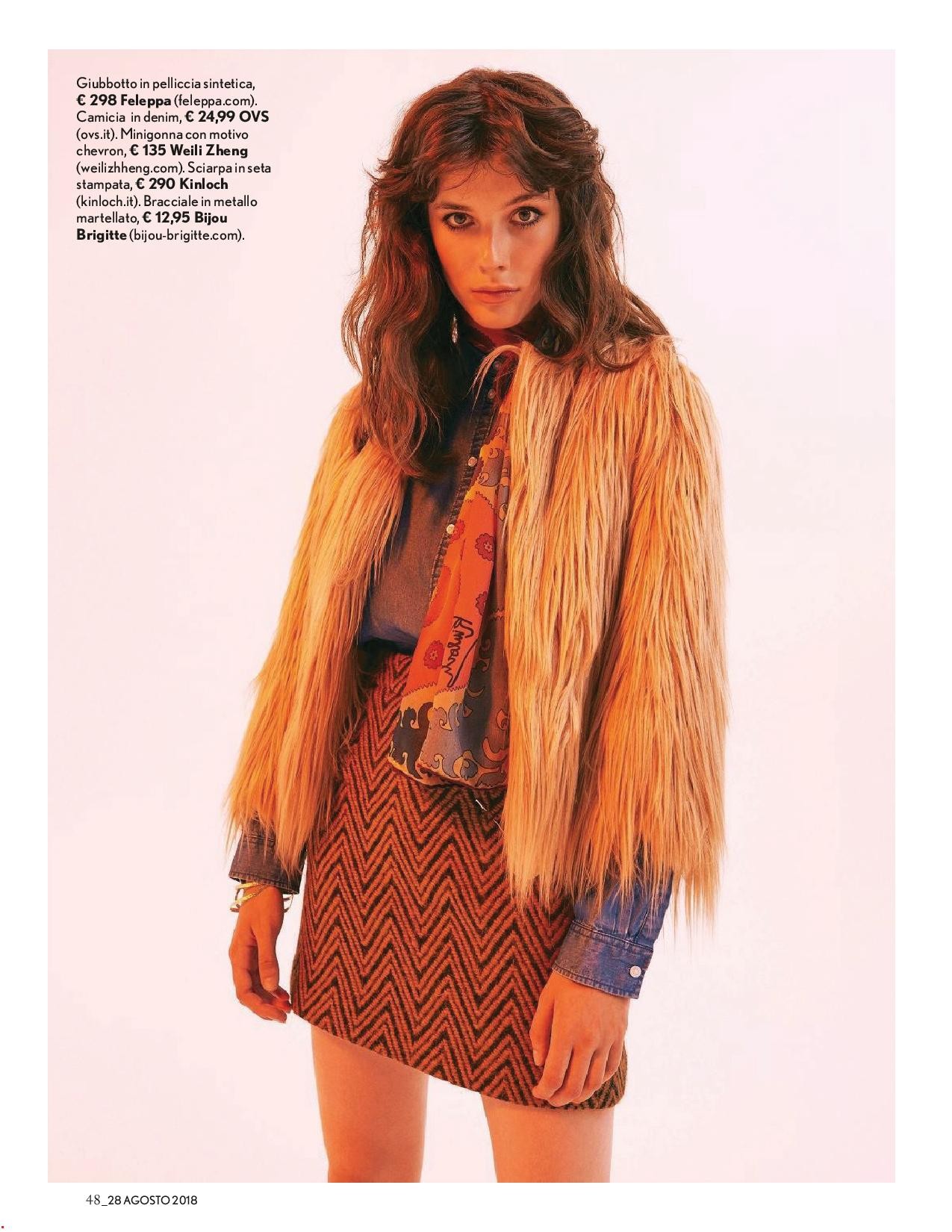
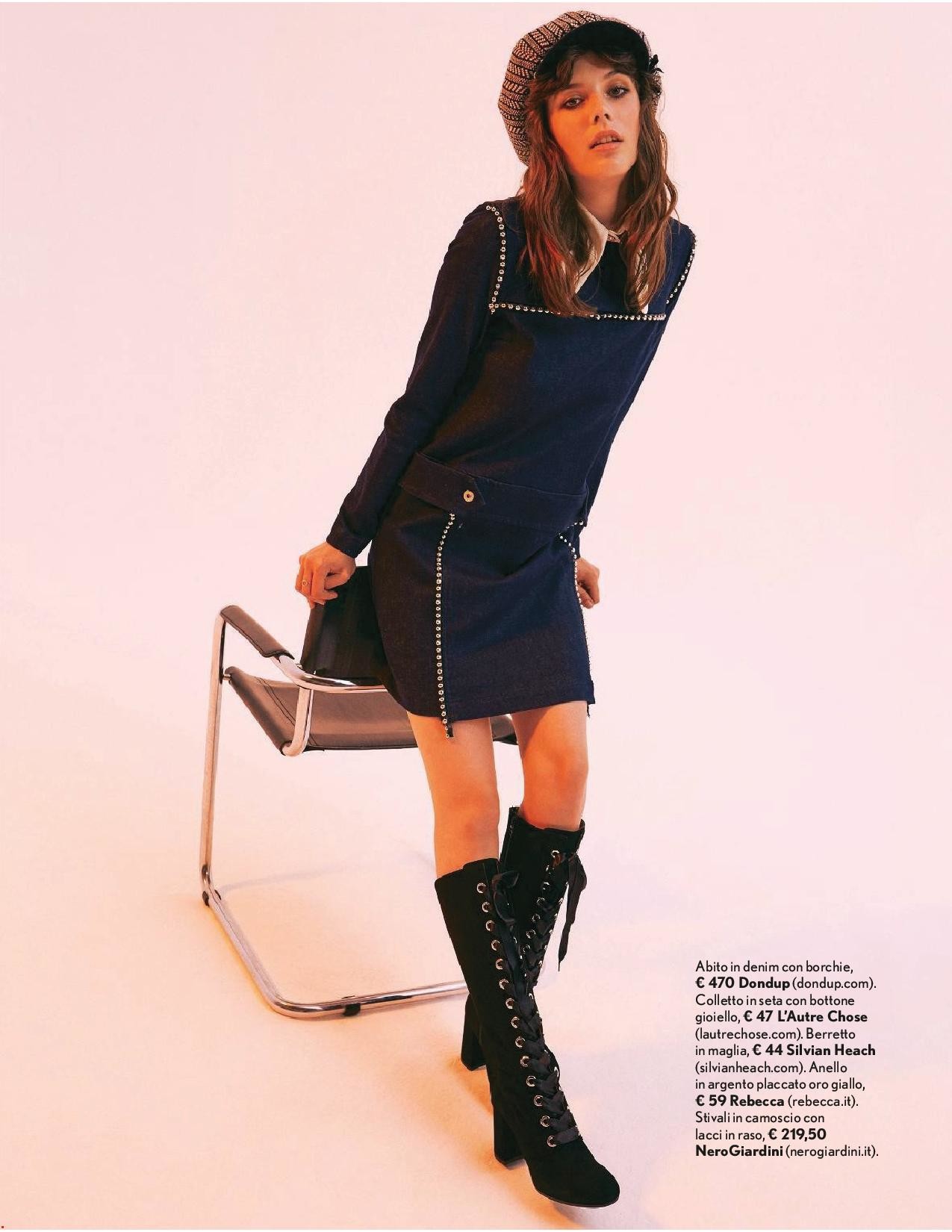
 Vanity fair Italy 13 September 2018








 Gloria Serbia 3 September 2018
 Camille Albane Paris fall 1997 Scanned by me
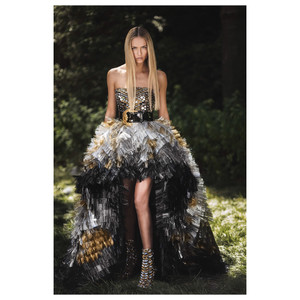
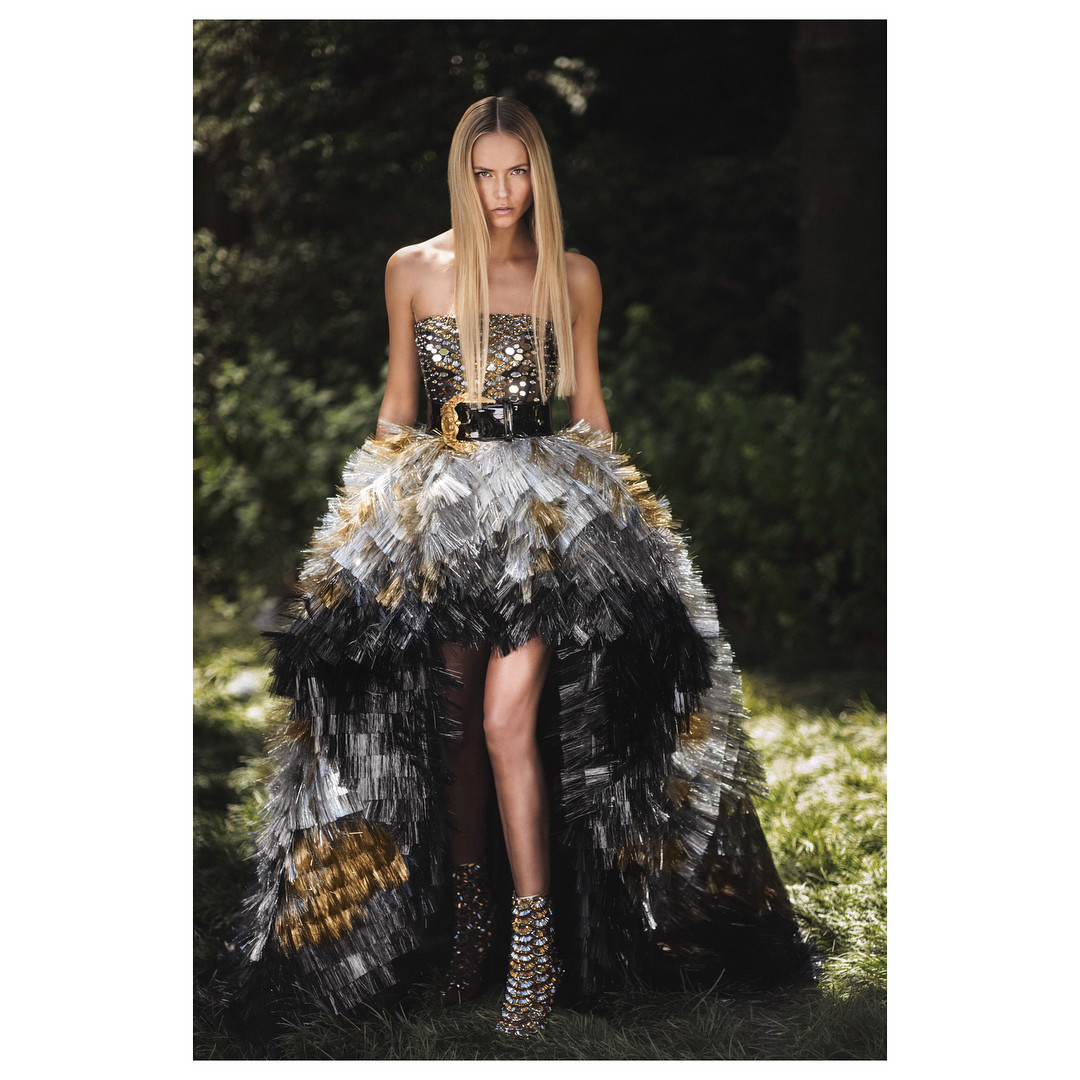
 Versace fall 2018


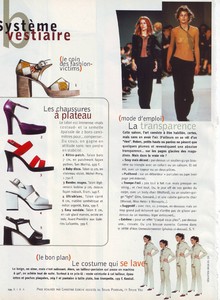
 Les petites fall 1997 Scanned by me
 Biba France May 1997 Scanned by me
 Elite Croatia August 2005 Thank you so much Martina makeup artist for sending me this lovely editorial



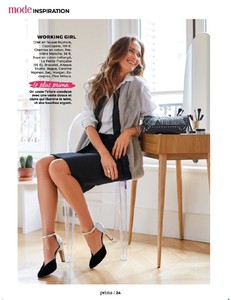
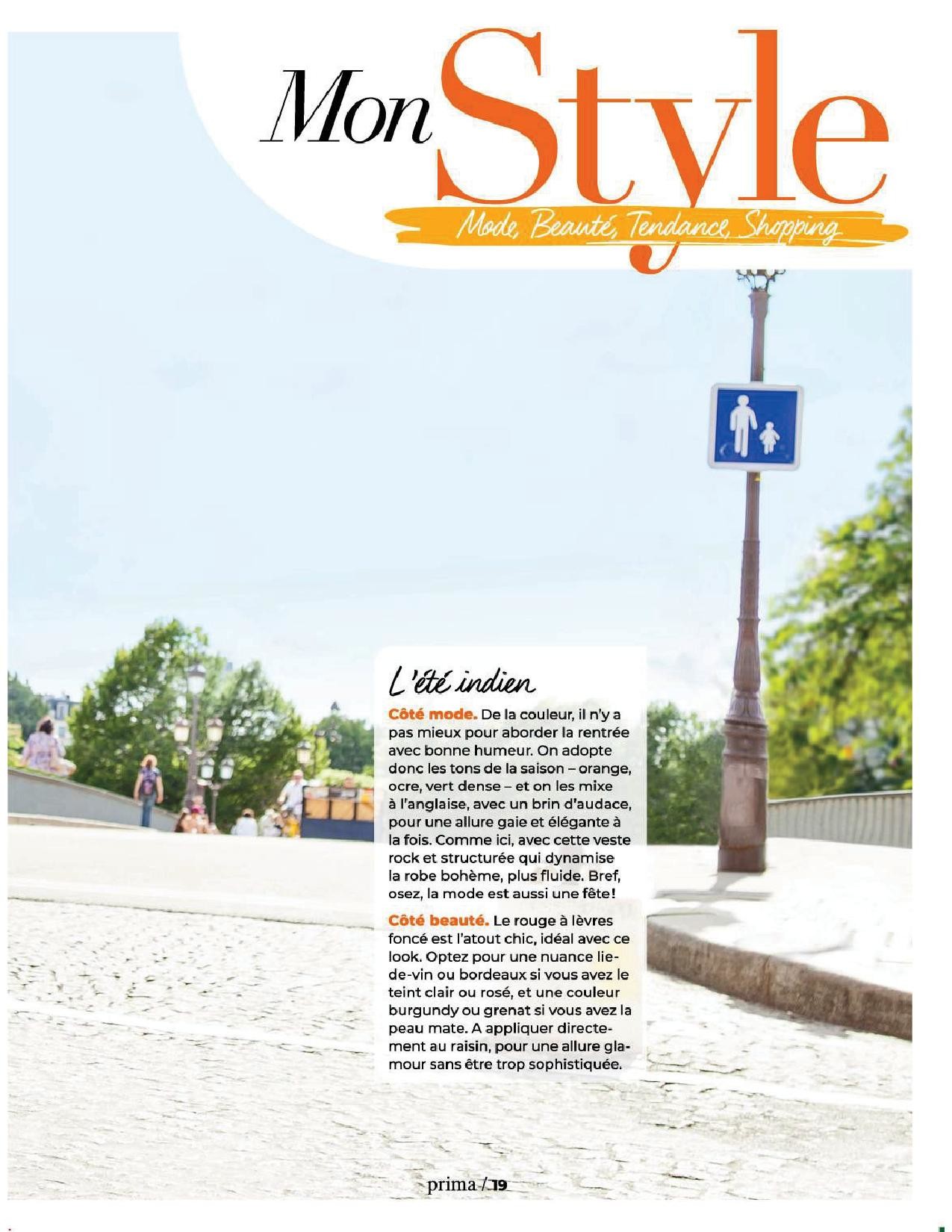
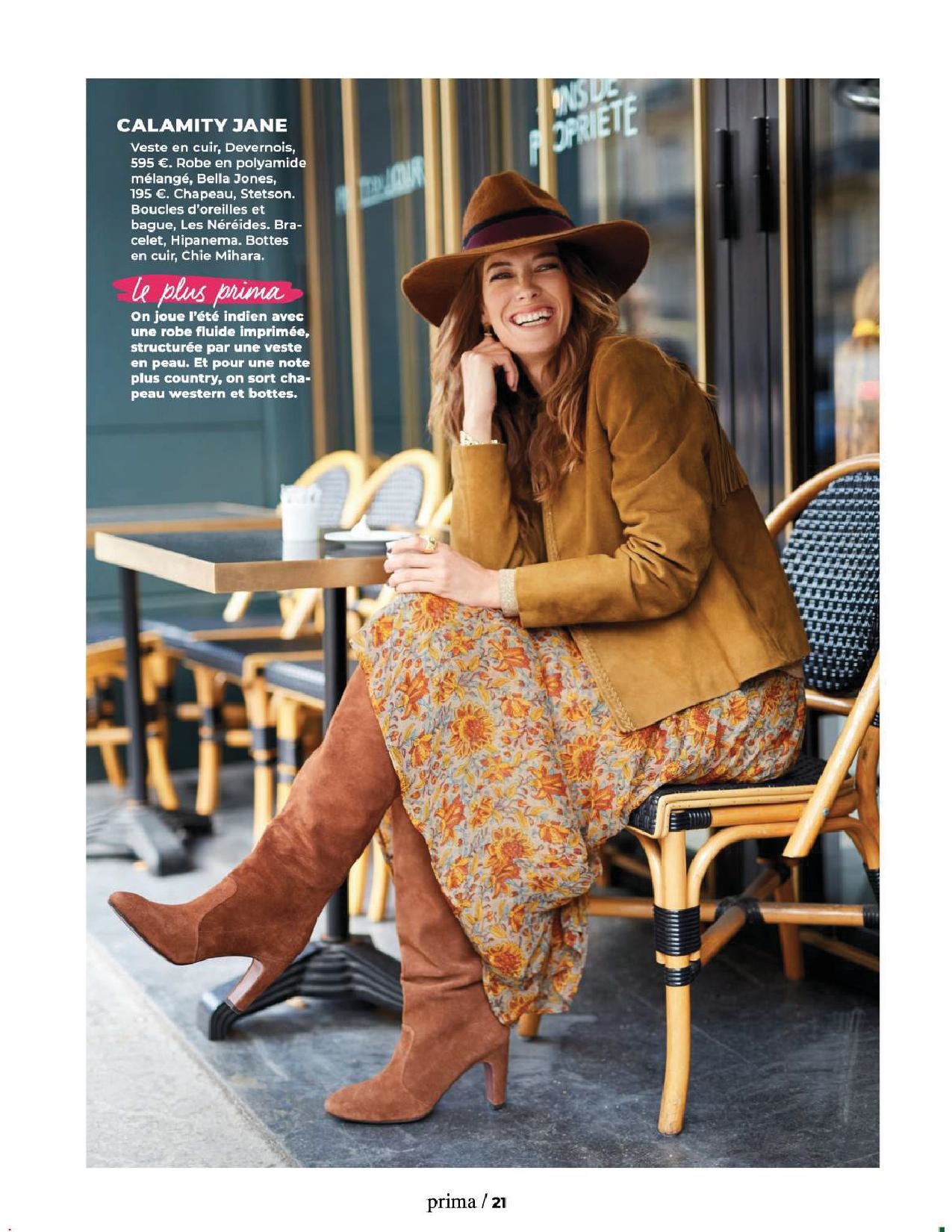
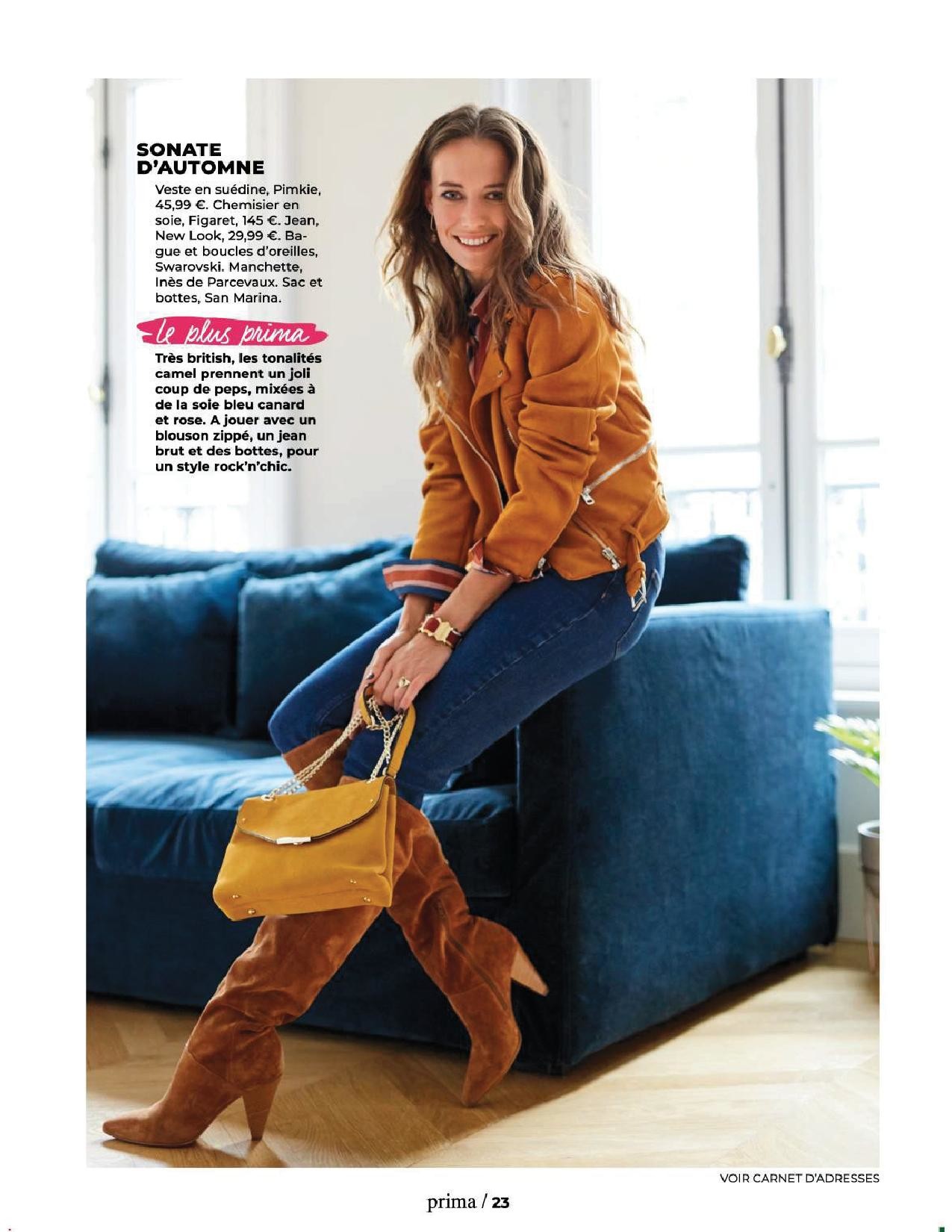
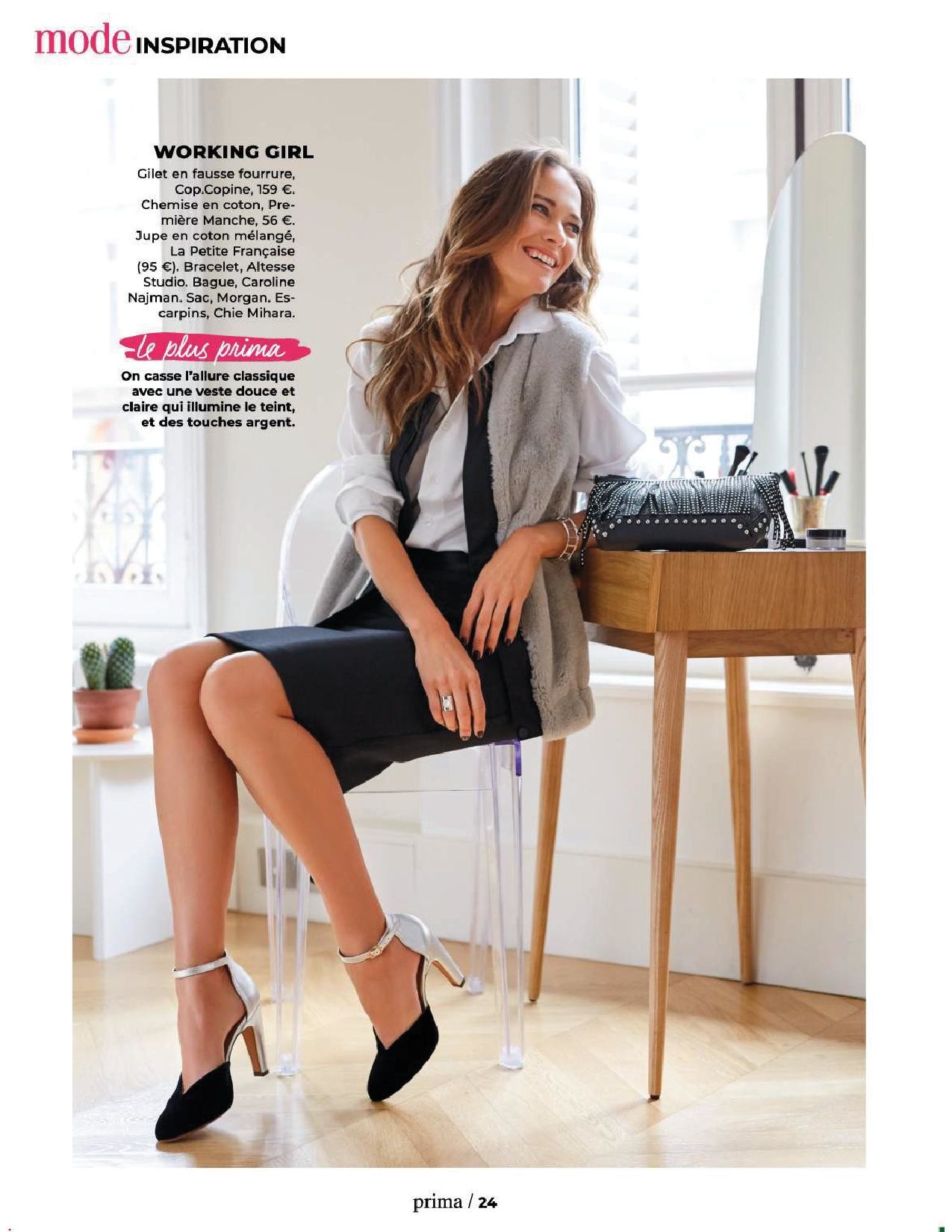
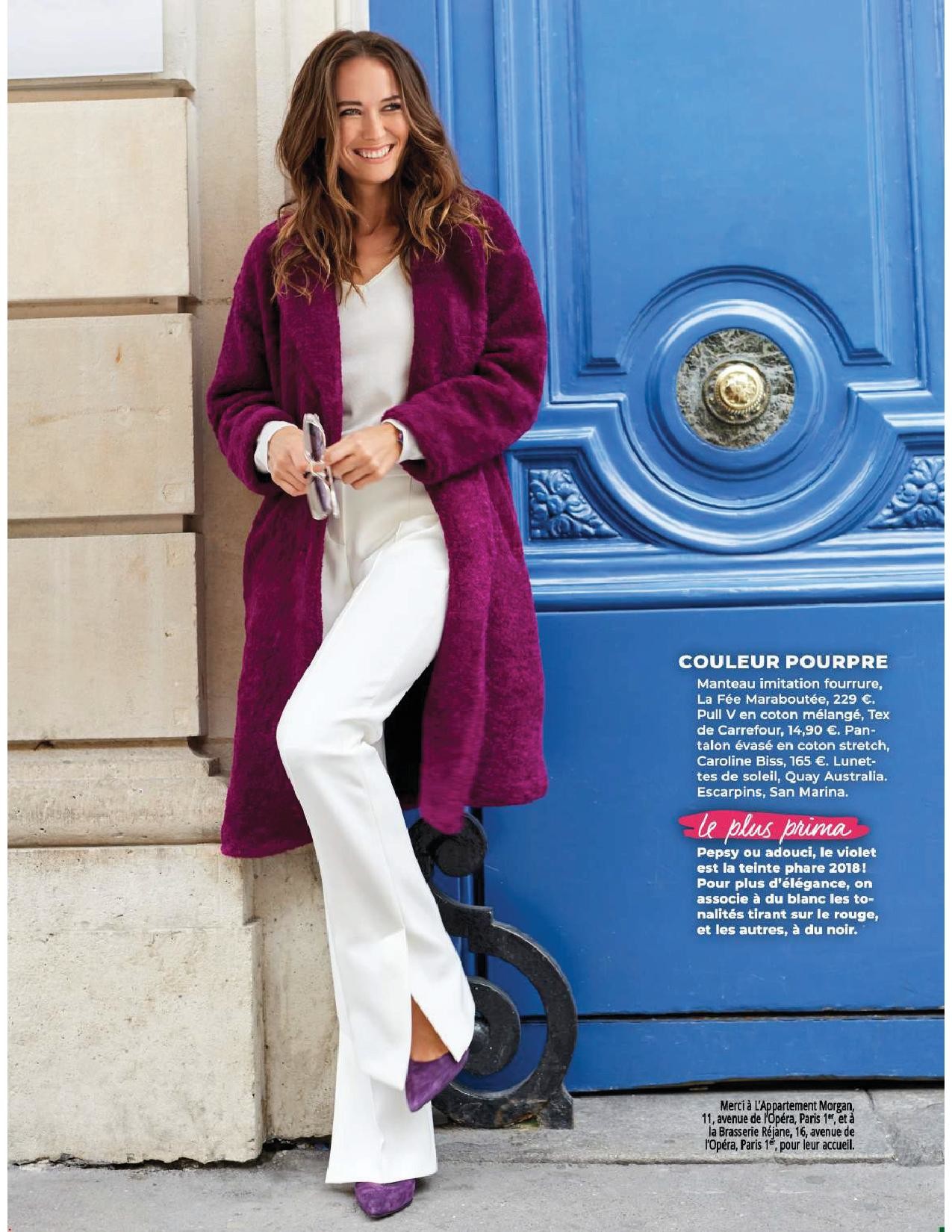
 Prima France Octoer 2018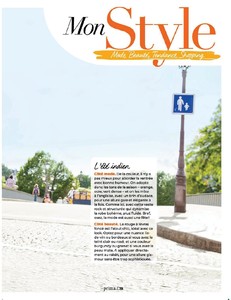




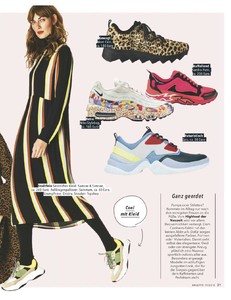
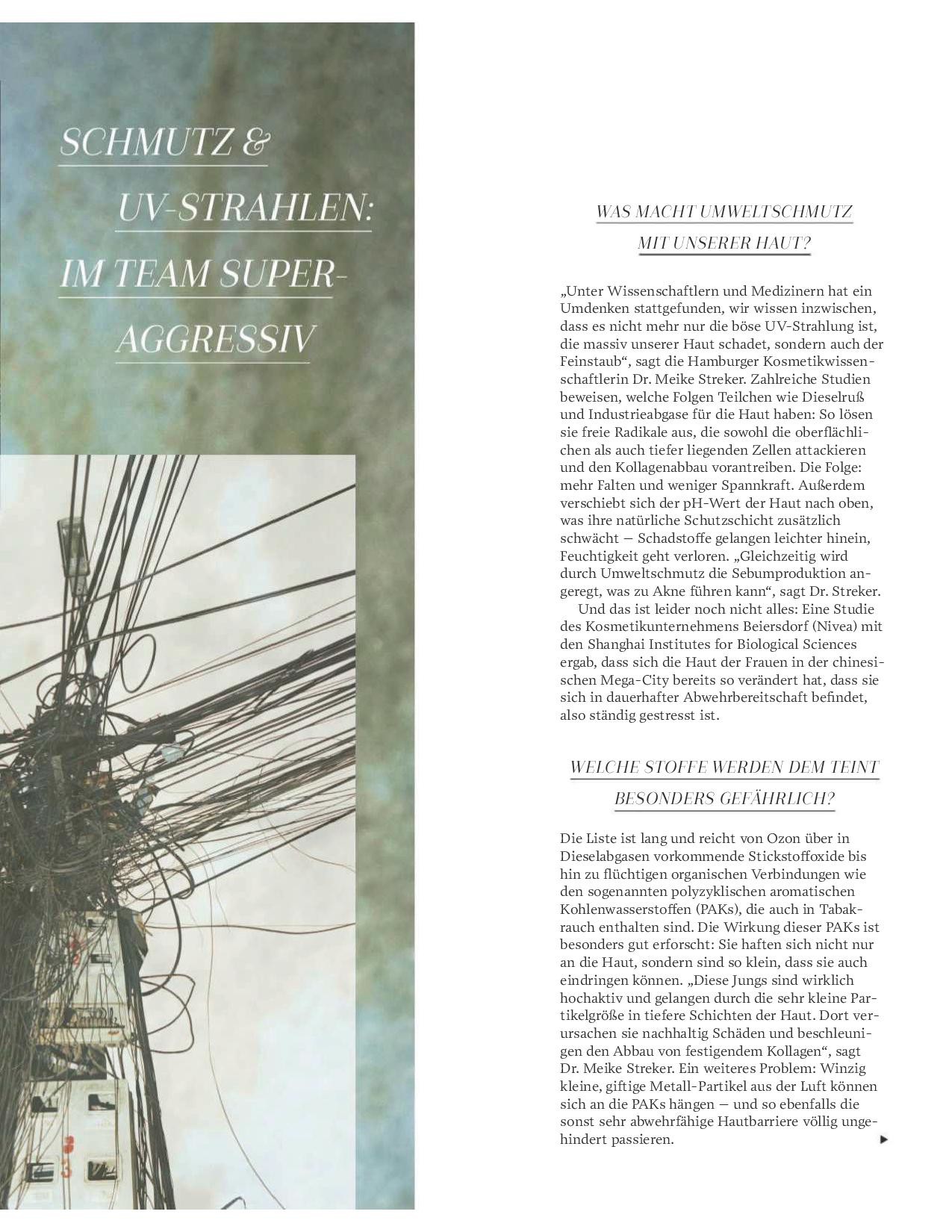
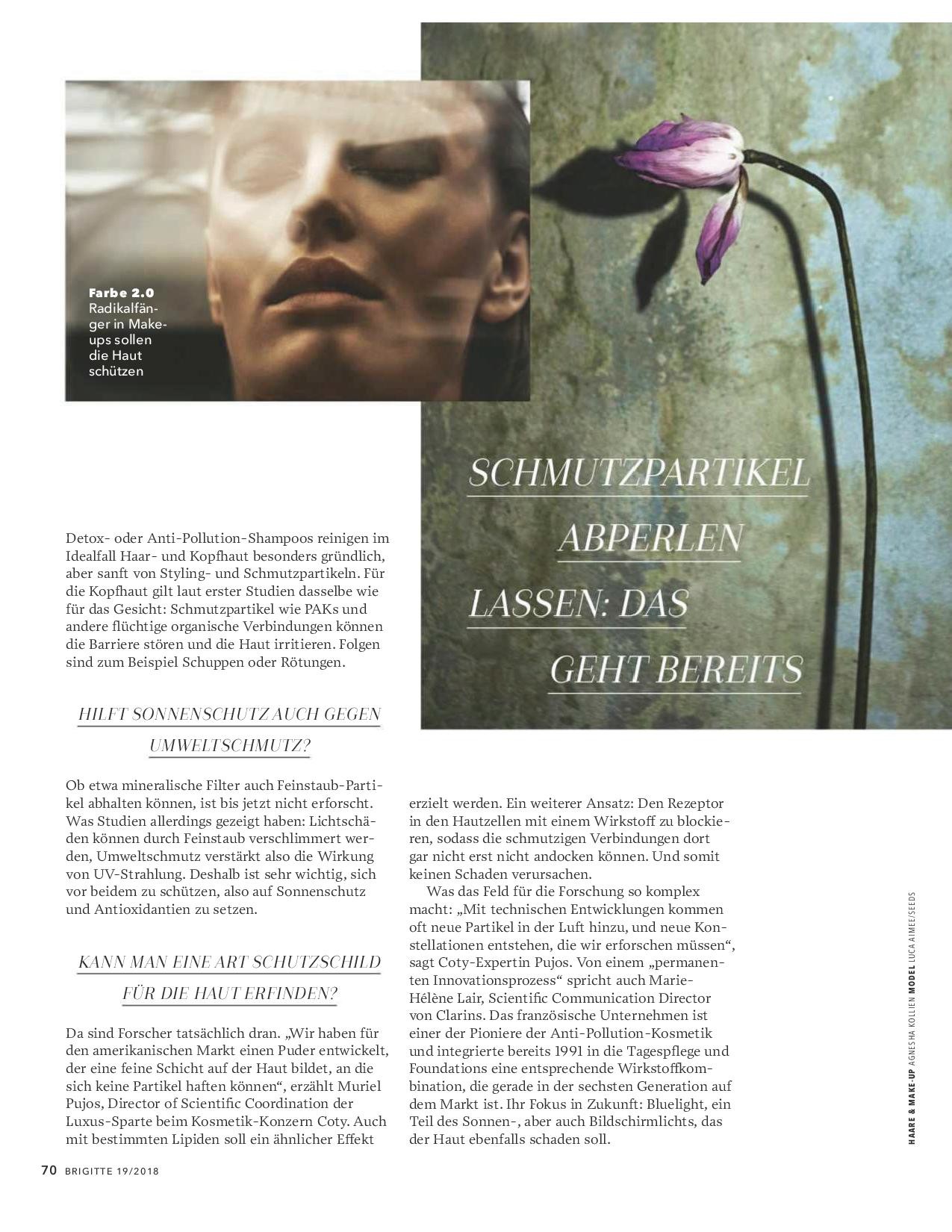
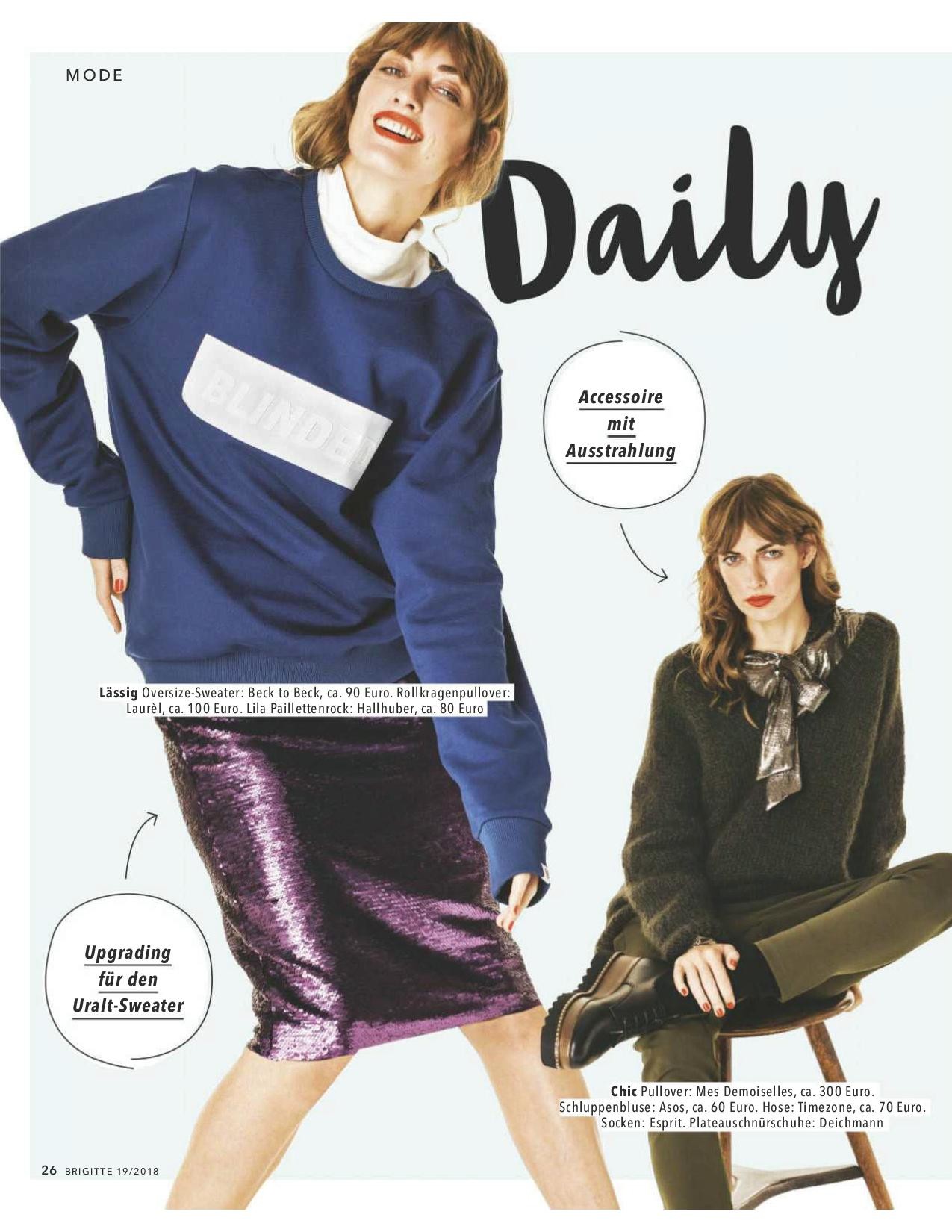
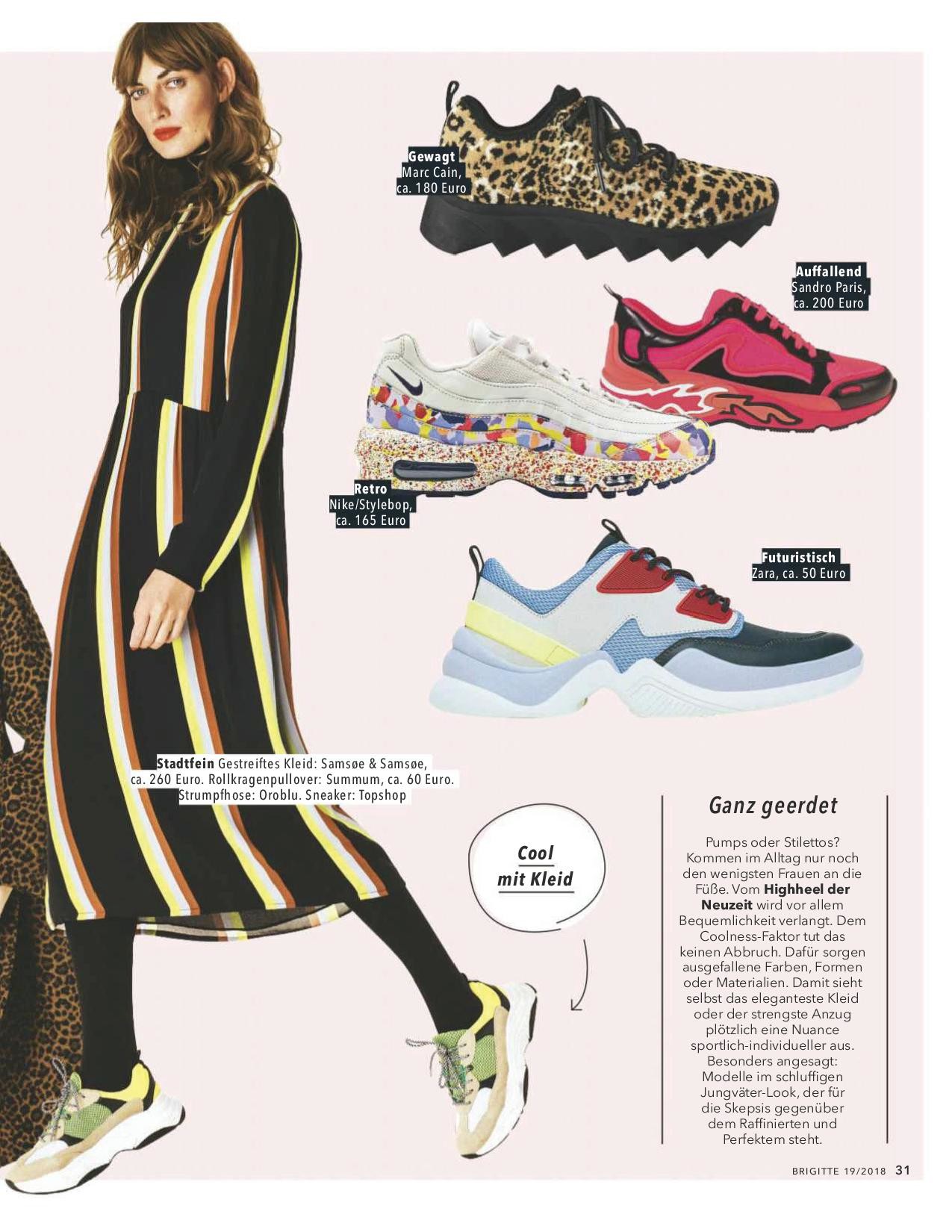
 Brigitte Germany 29 August 2018



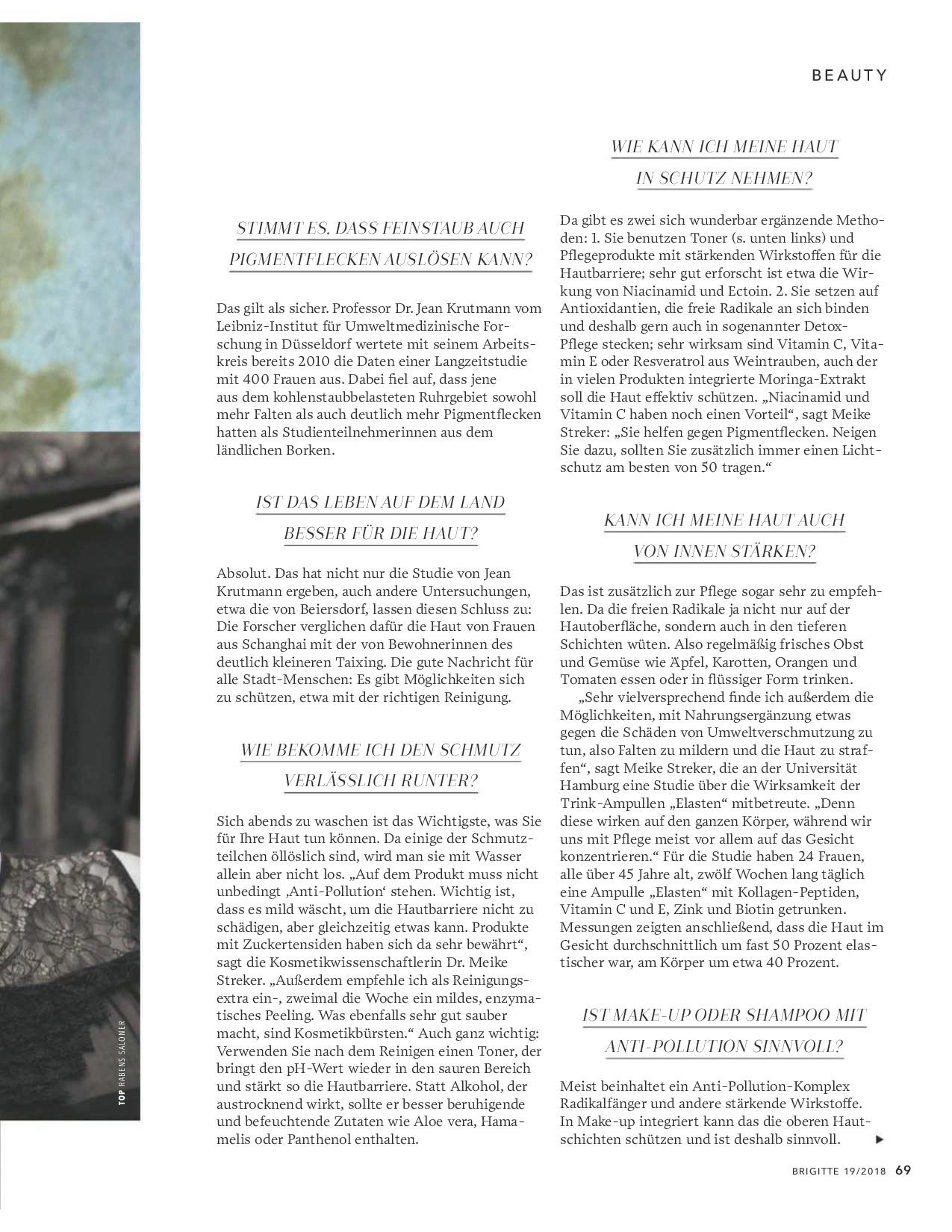
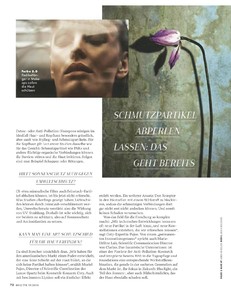 Brigitte Germany 29 August 2018










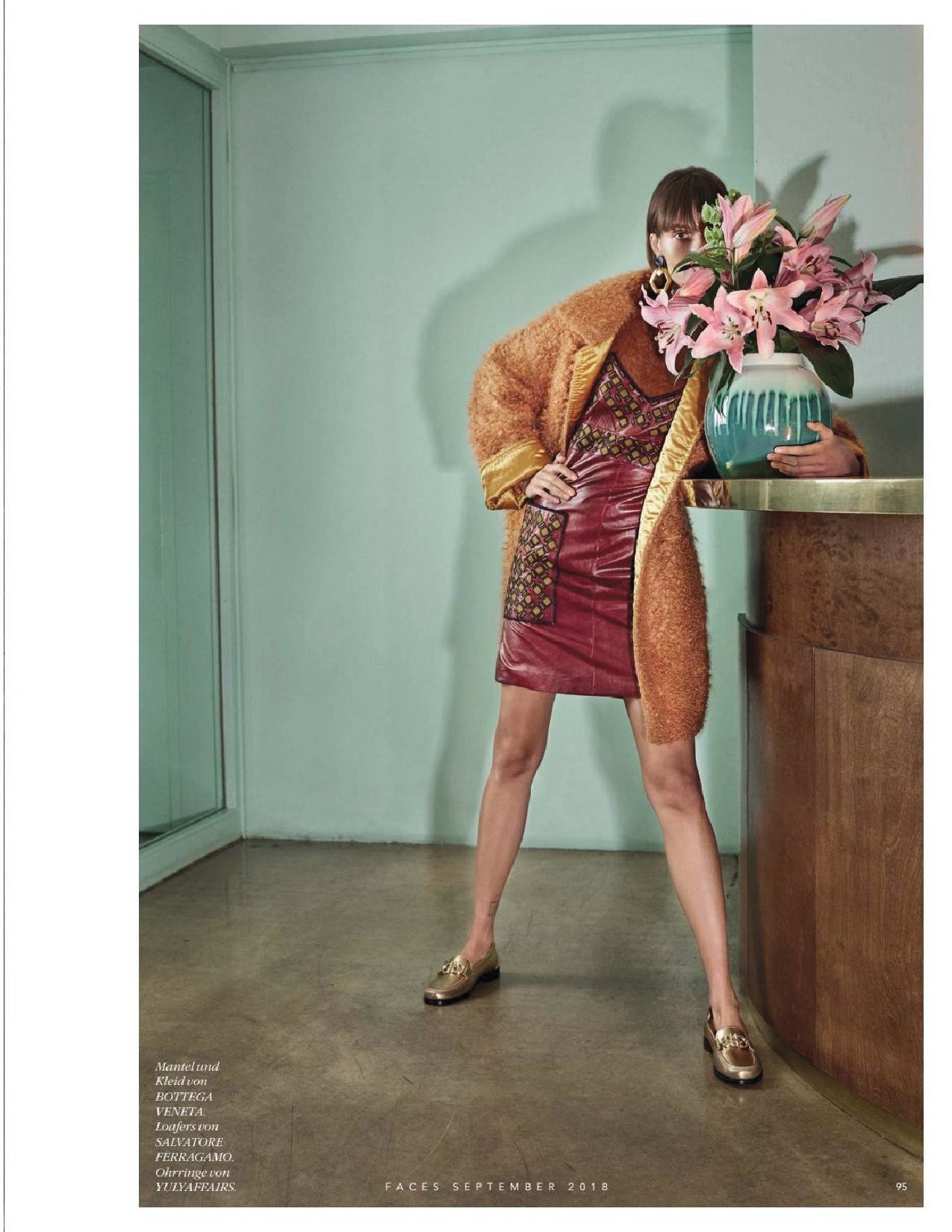
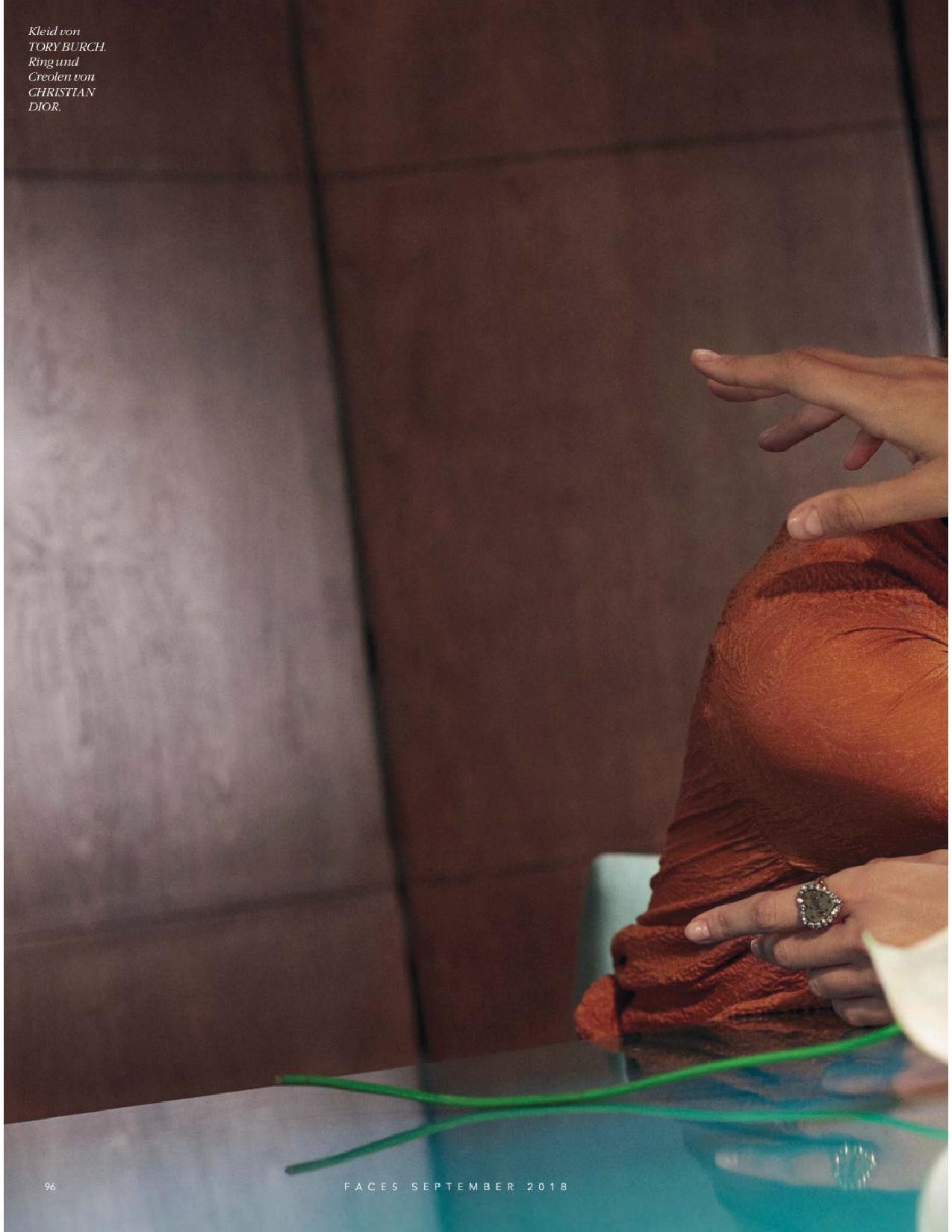
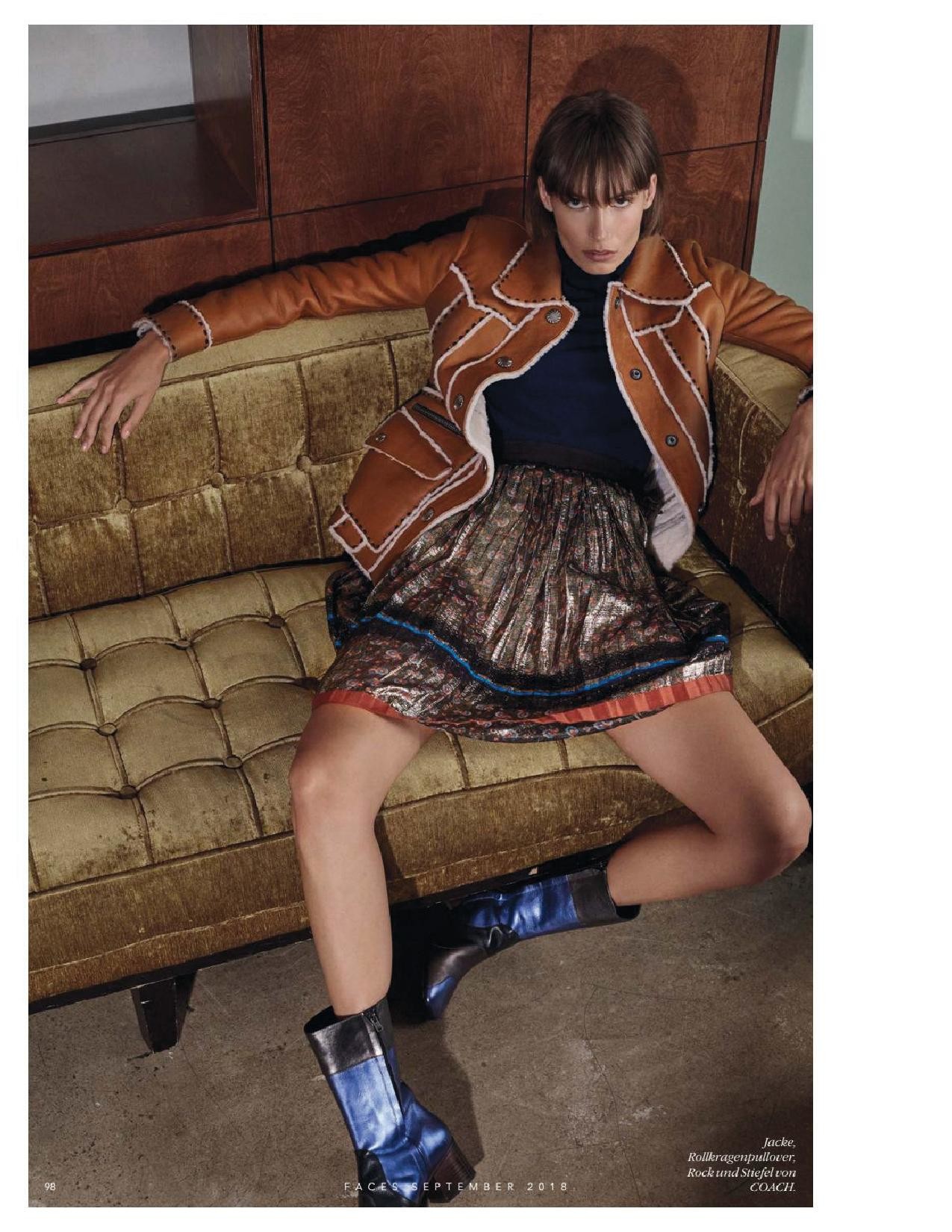
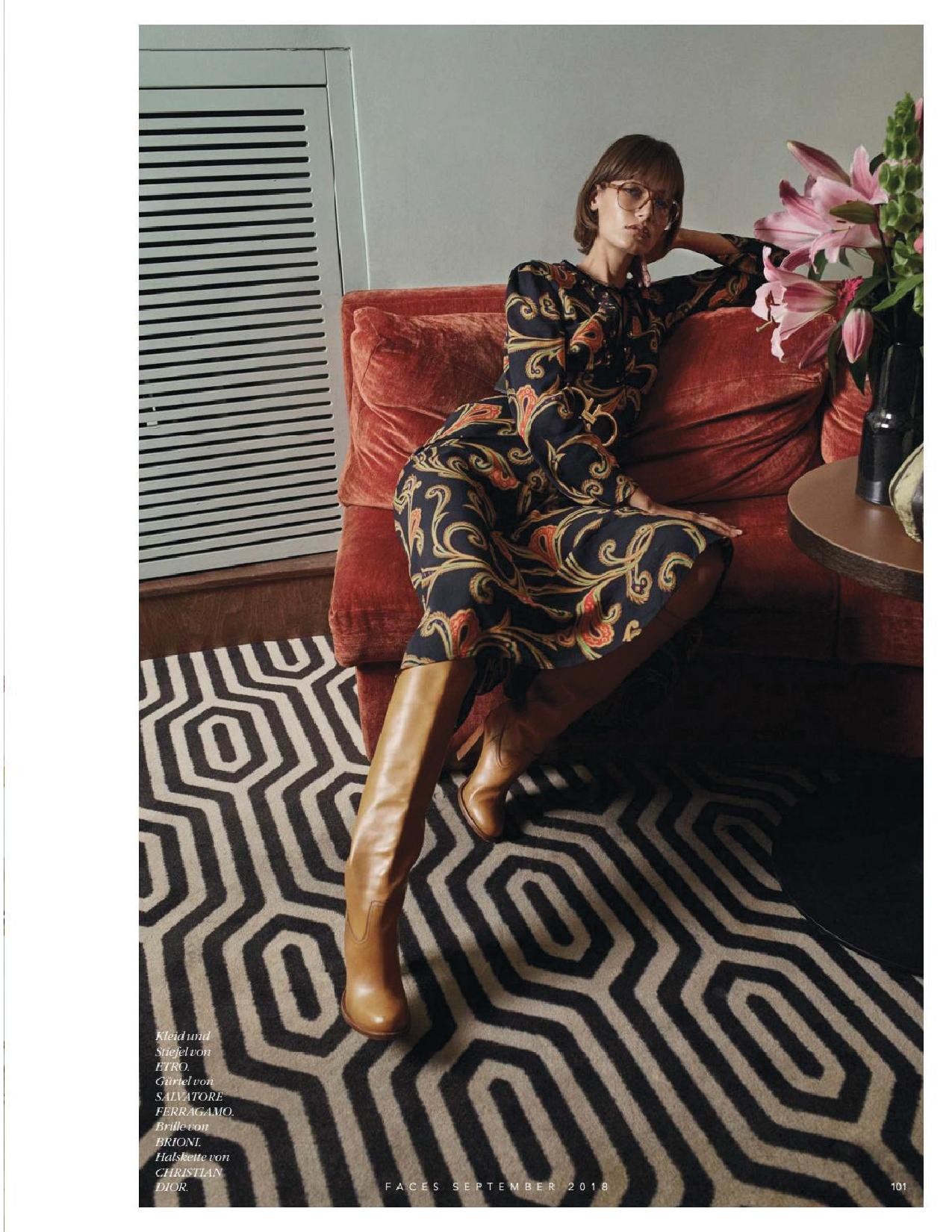
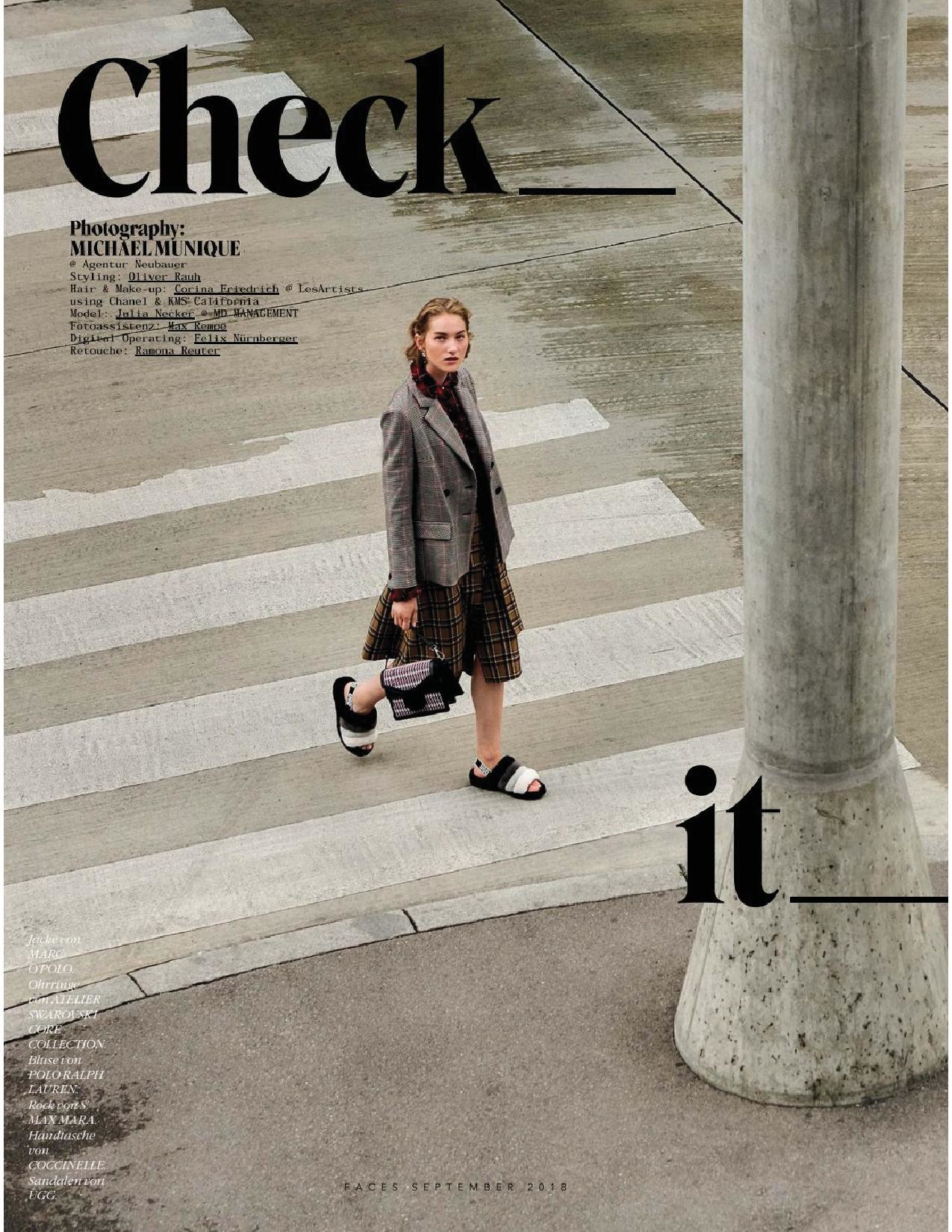
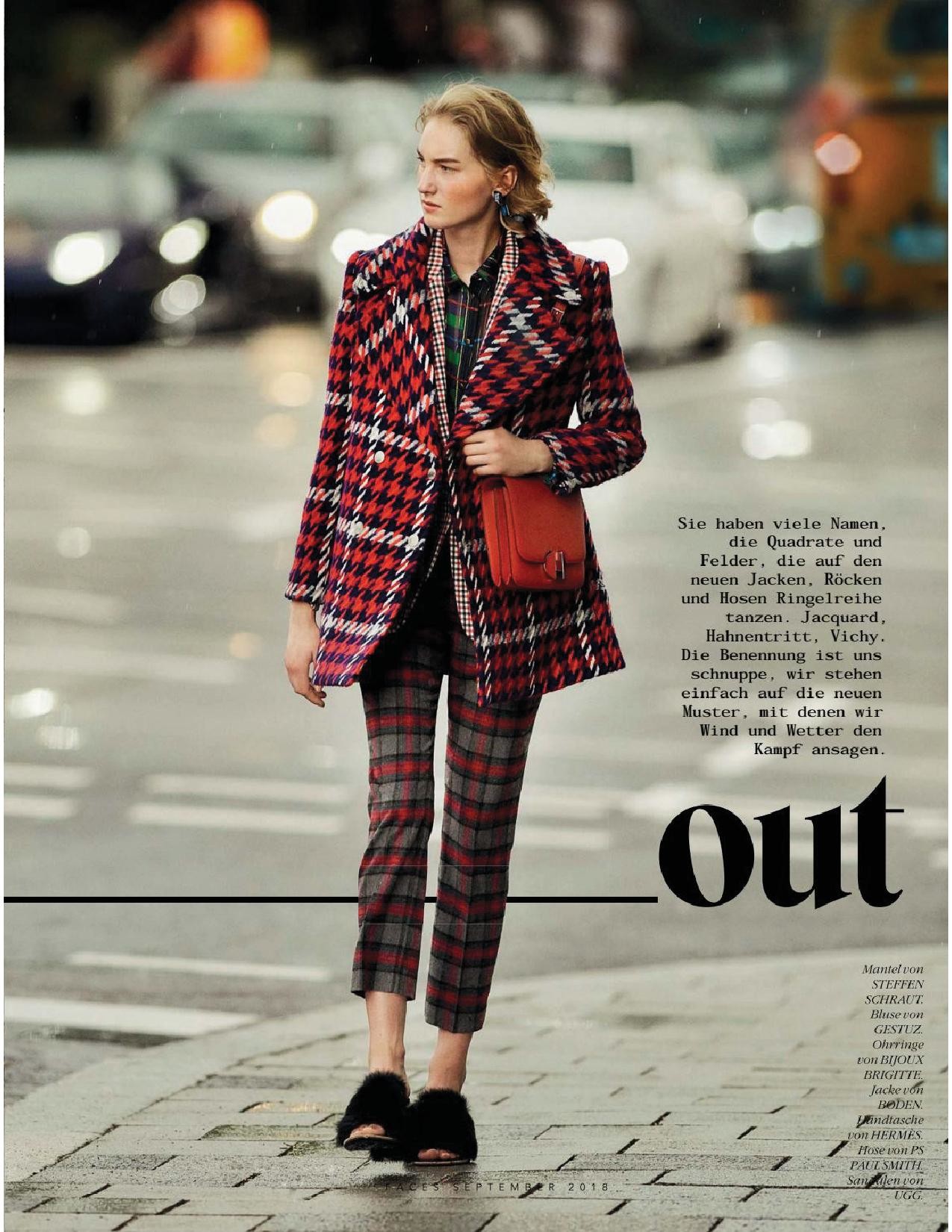
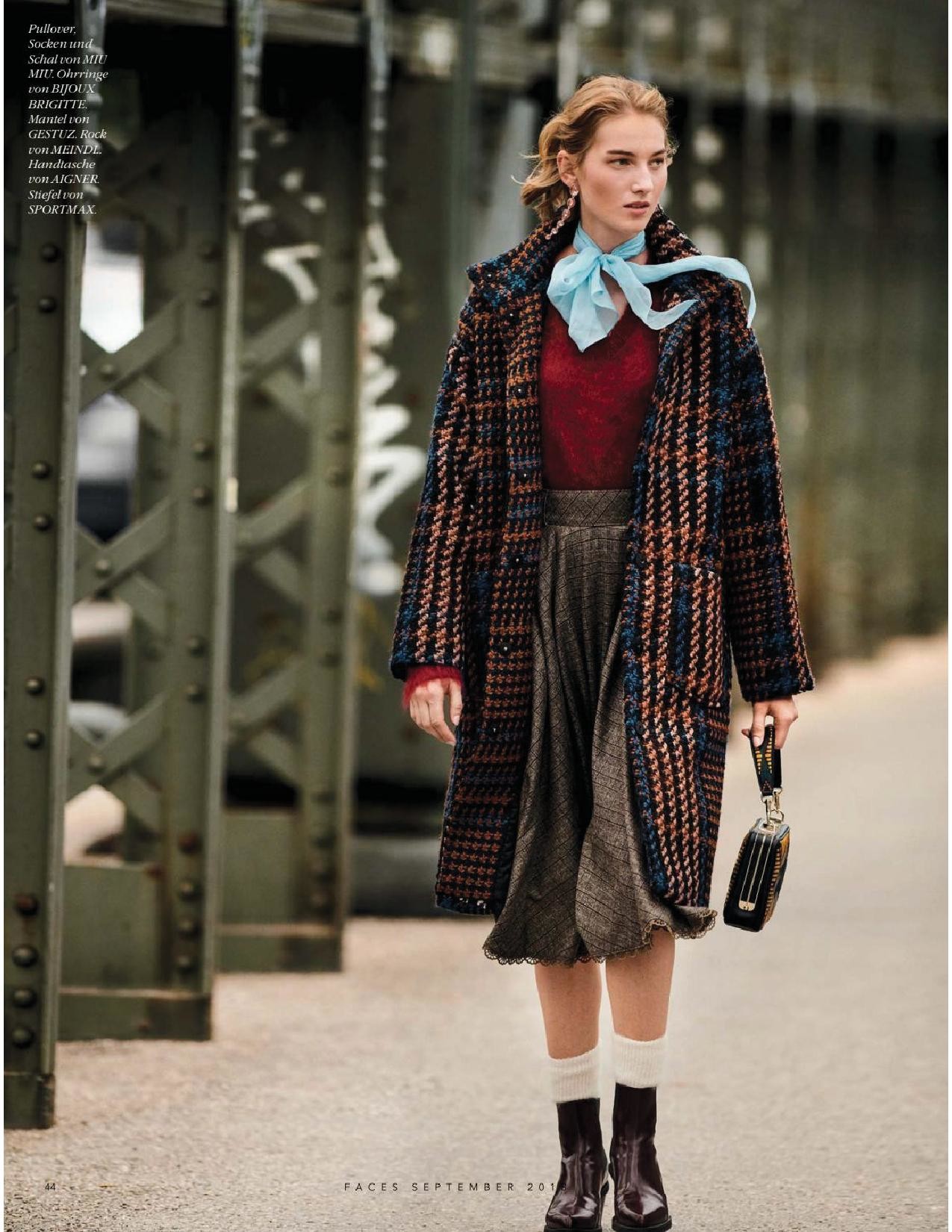
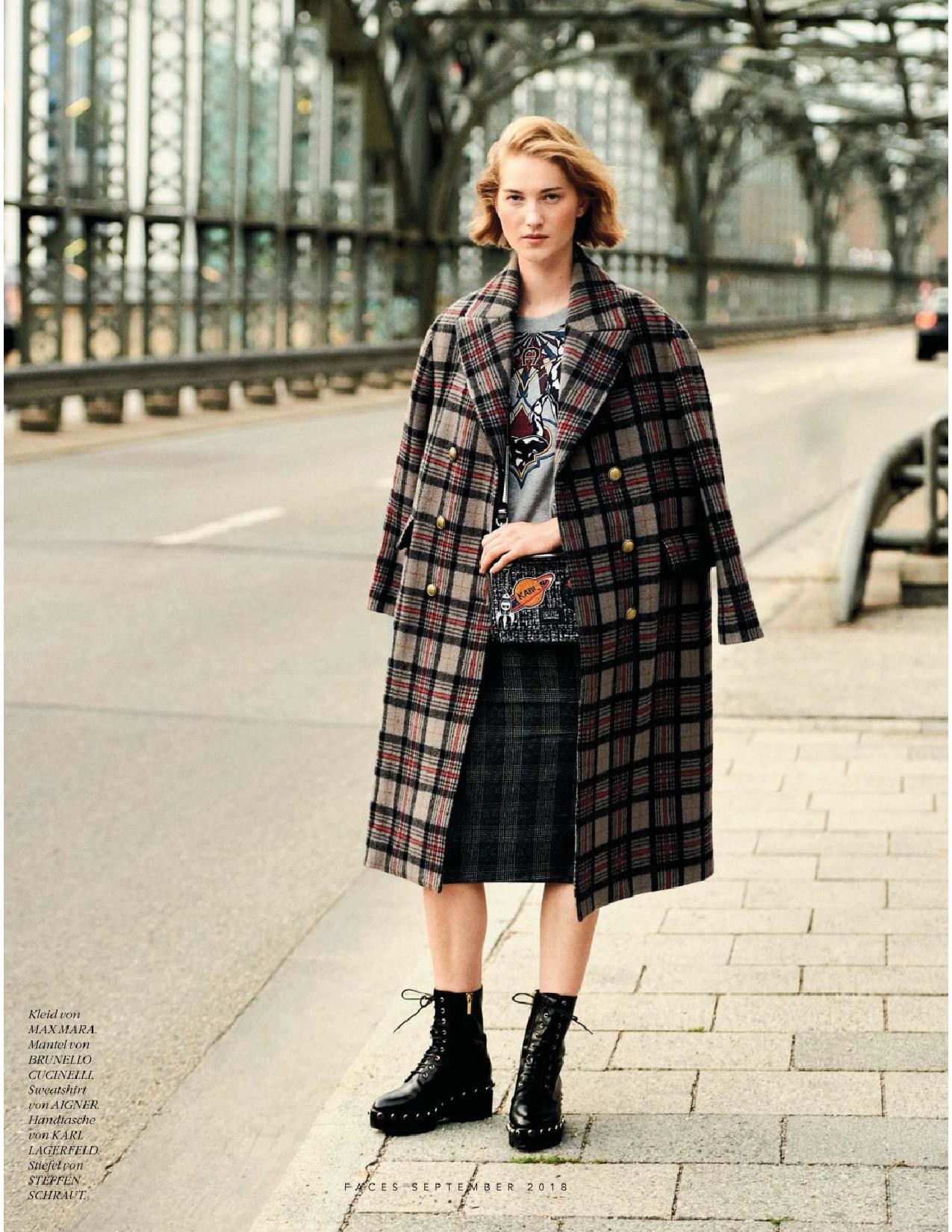
 Faces Austria September 2018








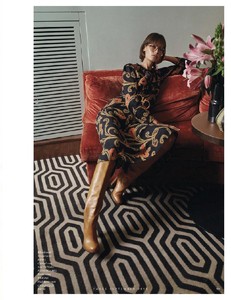 Faces Austria September 2018
















































































































Account
Navigation
Search
Configure browser push notifications
Chrome (Android)
- Tap the lock icon next to the address bar.
- Tap Permissions → Notifications.
- Adjust your preference.
Chrome (Desktop)
- Click the padlock icon in the address bar.
- Select Site settings.
- Find Notifications and adjust your preference.
Safari (iOS 16.4+)
- Ensure the site is installed via Add to Home Screen.
- Open Settings App → Notifications.
- Find your app name and adjust your preference.
Safari (macOS)
- Go to Safari → Preferences.
- Click the Websites tab.
- Select Notifications in the sidebar.
- Find this website and adjust your preference.
Edge (Android)
- Tap the lock icon next to the address bar.
- Tap Permissions.
- Find Notifications and adjust your preference.
Edge (Desktop)
- Click the padlock icon in the address bar.
- Click Permissions for this site.
- Find Notifications and adjust your preference.
Firefox (Android)
- Go to Settings → Site permissions.
- Tap Notifications.
- Find this site in the list and adjust your preference.
Firefox (Desktop)
- Open Firefox Settings.
- Search for Notifications.
- Find this site in the list and adjust your preference.