
Reeyo
Members
-
Joined
-
Last visited
Everything posted by Reeyo
-
IMG portfolio update source



-
Thanks for the Cintia pics Ophelia_Immortal, they look amazing! I love her
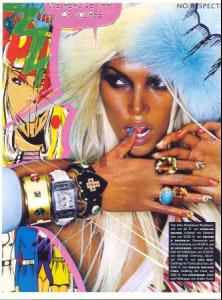
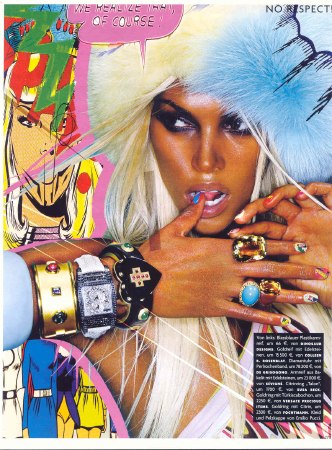
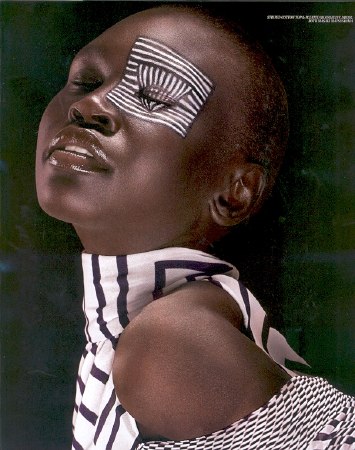
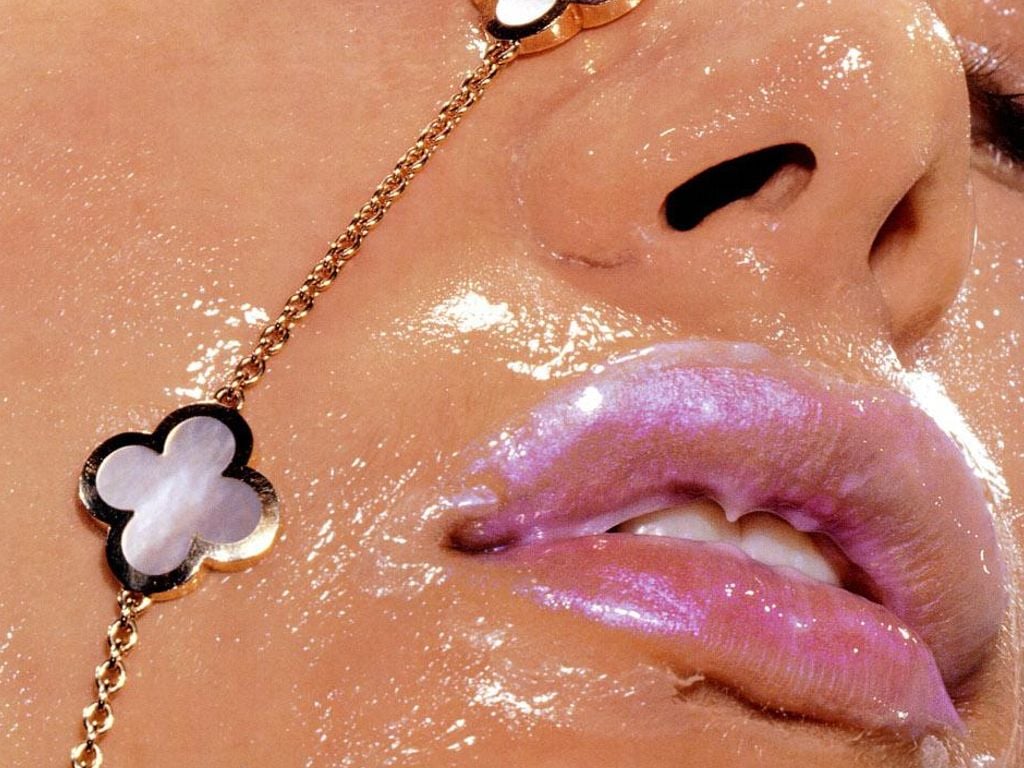
Well, I'm quite sure you all know these kind of pictures Anyway, I kinda like them^^


 .
.





 .
. maybe it was Cintia Dicker?
 nope thats alessandra Thanks
A few more pics of Hana Nitsche
nope thats alessandra Thanks
A few more pics of Hana Nitsche


 preparing for school after 3 weeks of holidays -.-
The only pic of an asian woman i have on my pc right now
preparing for school after 3 weeks of holidays -.-
The only pic of an asian woman i have on my pc right now Well, not really strange, but...















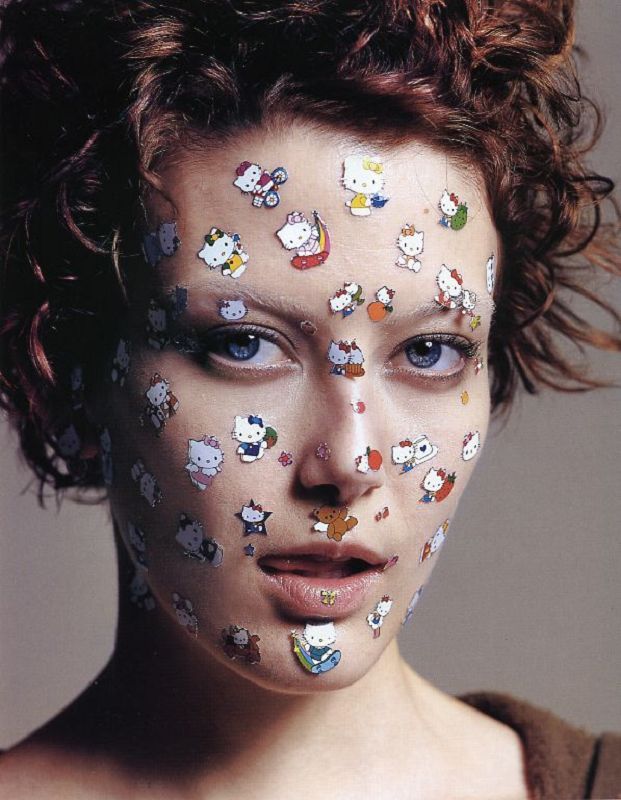
 Gorgeous
Alyson Hannigan, Carolyn Murphy, Heidi Klum, Jolene Blalock, Kelli Garner, Nadja Auermann and Zhang Ziyi
Gorgeous
Alyson Hannigan, Carolyn Murphy, Heidi Klum, Jolene Blalock, Kelli Garner, Nadja Auermann and Zhang Ziyi









 Adriana Lima???
 He's married...life is so unfair...
























 http://www.youtube.com/watch?v=wyFyZS83I1Q
no are you into licorice?
http://www.youtube.com/watch?v=wyFyZS83I1Q
no are you into licorice?




























































































































Account
Navigation
Search
Configure browser push notifications
Chrome (Android)
- Tap the lock icon next to the address bar.
- Tap Permissions → Notifications.
- Adjust your preference.
Chrome (Desktop)
- Click the padlock icon in the address bar.
- Select Site settings.
- Find Notifications and adjust your preference.
Safari (iOS 16.4+)
- Ensure the site is installed via Add to Home Screen.
- Open Settings App → Notifications.
- Find your app name and adjust your preference.
Safari (macOS)
- Go to Safari → Preferences.
- Click the Websites tab.
- Select Notifications in the sidebar.
- Find this website and adjust your preference.
Edge (Android)
- Tap the lock icon next to the address bar.
- Tap Permissions.
- Find Notifications and adjust your preference.
Edge (Desktop)
- Click the padlock icon in the address bar.
- Click Permissions for this site.
- Find Notifications and adjust your preference.
Firefox (Android)
- Go to Settings → Site permissions.
- Tap Notifications.
- Find this site in the list and adjust your preference.
Firefox (Desktop)
- Open Firefox Settings.
- Search for Notifications.
- Find this site in the list and adjust your preference.