
Reeyo
Members
-
Joined
-
Last visited
Everything posted by Reeyo
-
....


-
...






-
..

-
.

-
hey drea
-
wow, she looks good on the runway pics. i like her new hair color
-
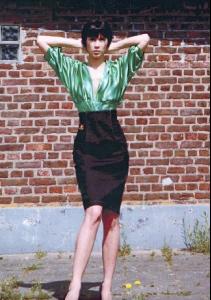
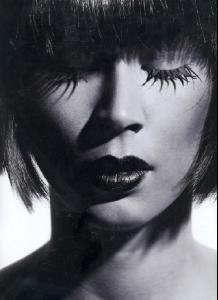
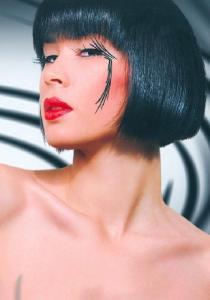
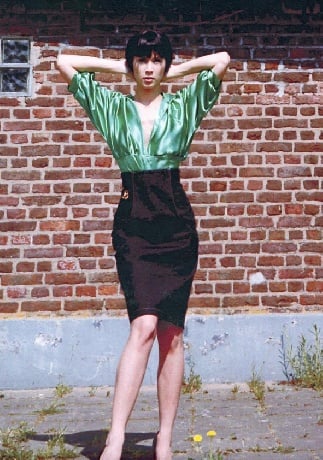
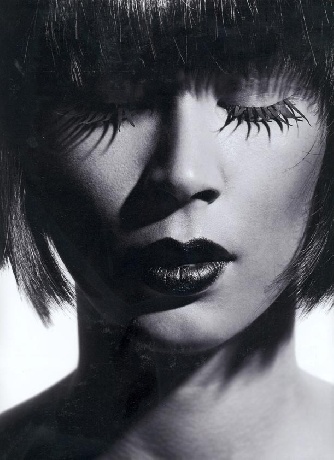
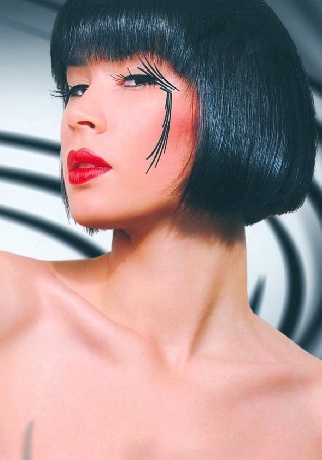
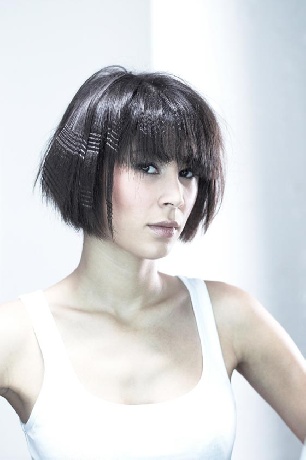
a bob






-
new top ten^^



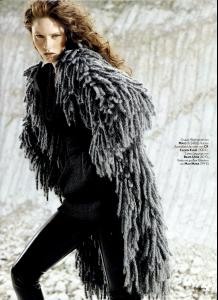



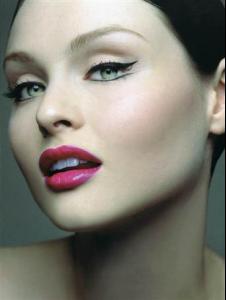


-
alexis bledel



-
no, but a few pages before i posted some nice stuff from vogue korea
-
a good friend of mine is björk-addicted^^ she'd love that picture
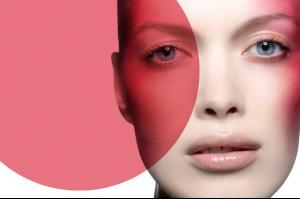 hi
hi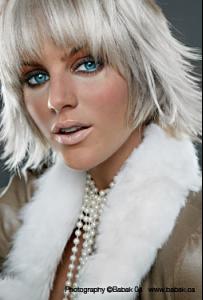
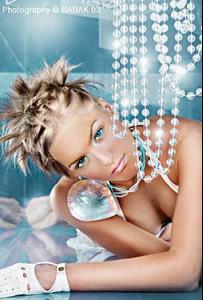


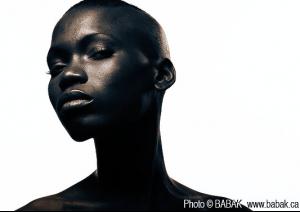
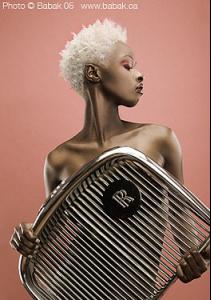





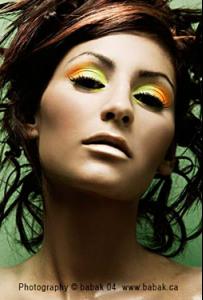
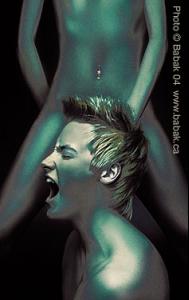
 nice background...
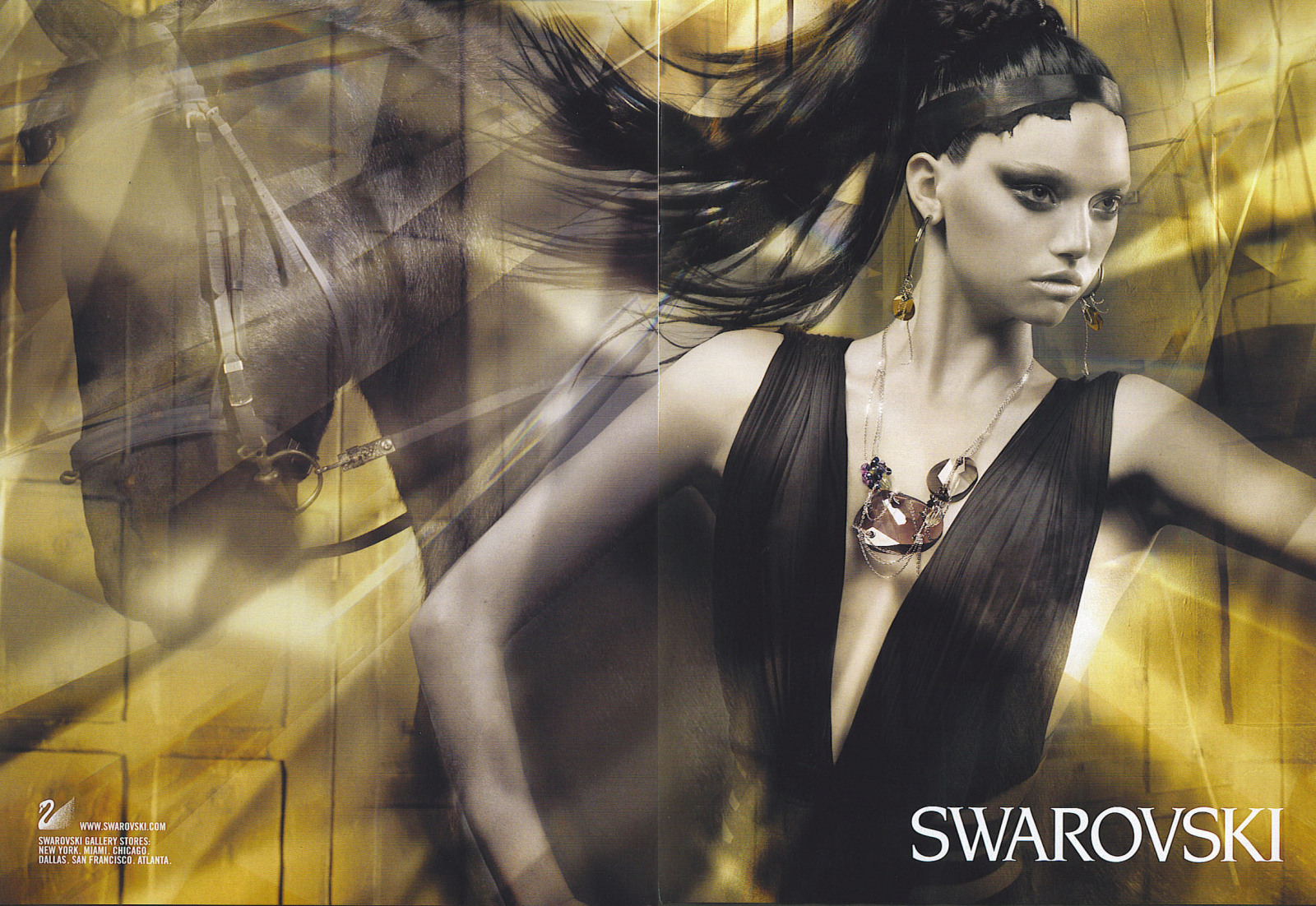
 Gemma for Swarovski
 ....
....

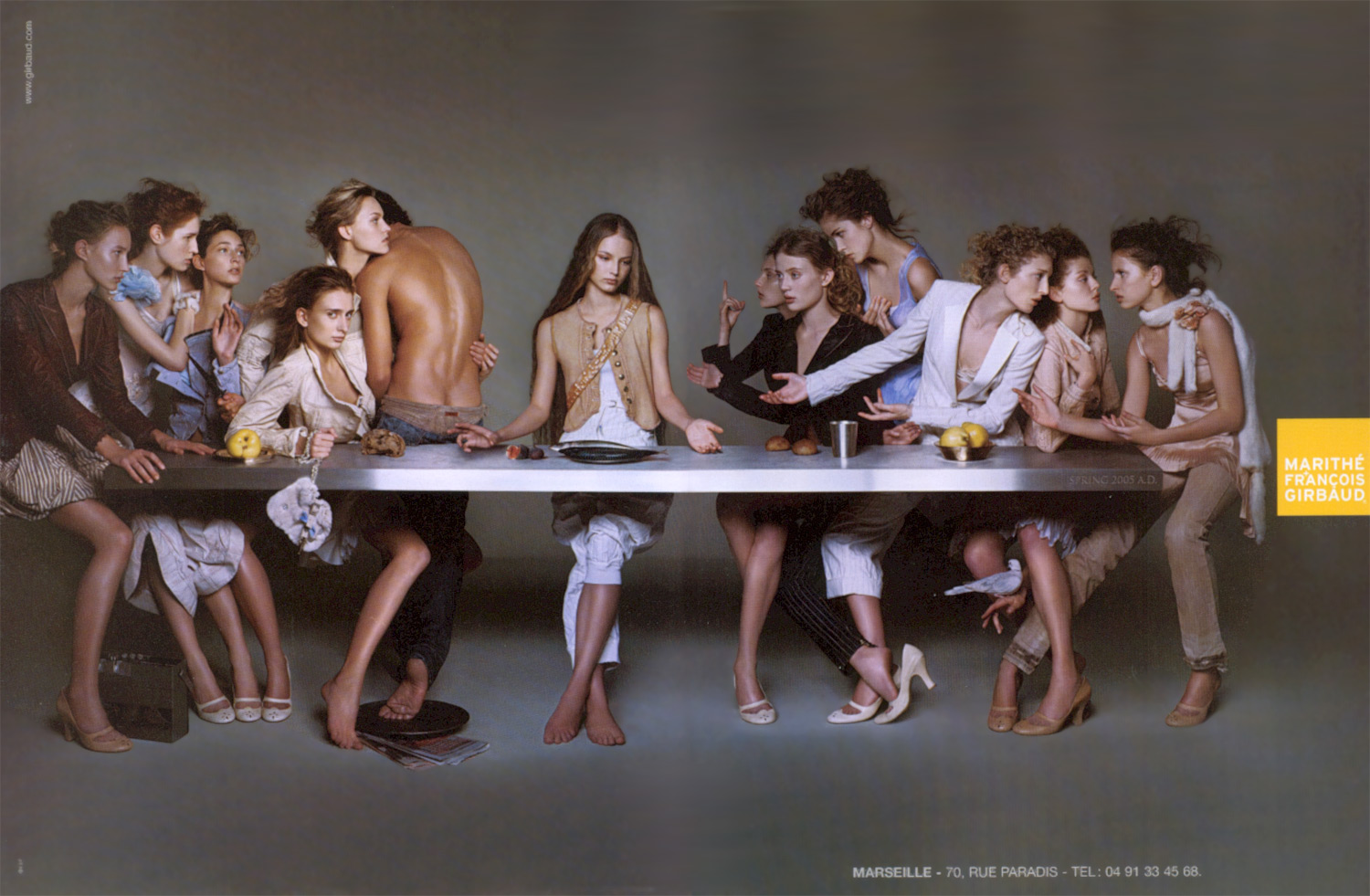
 The Last Supper
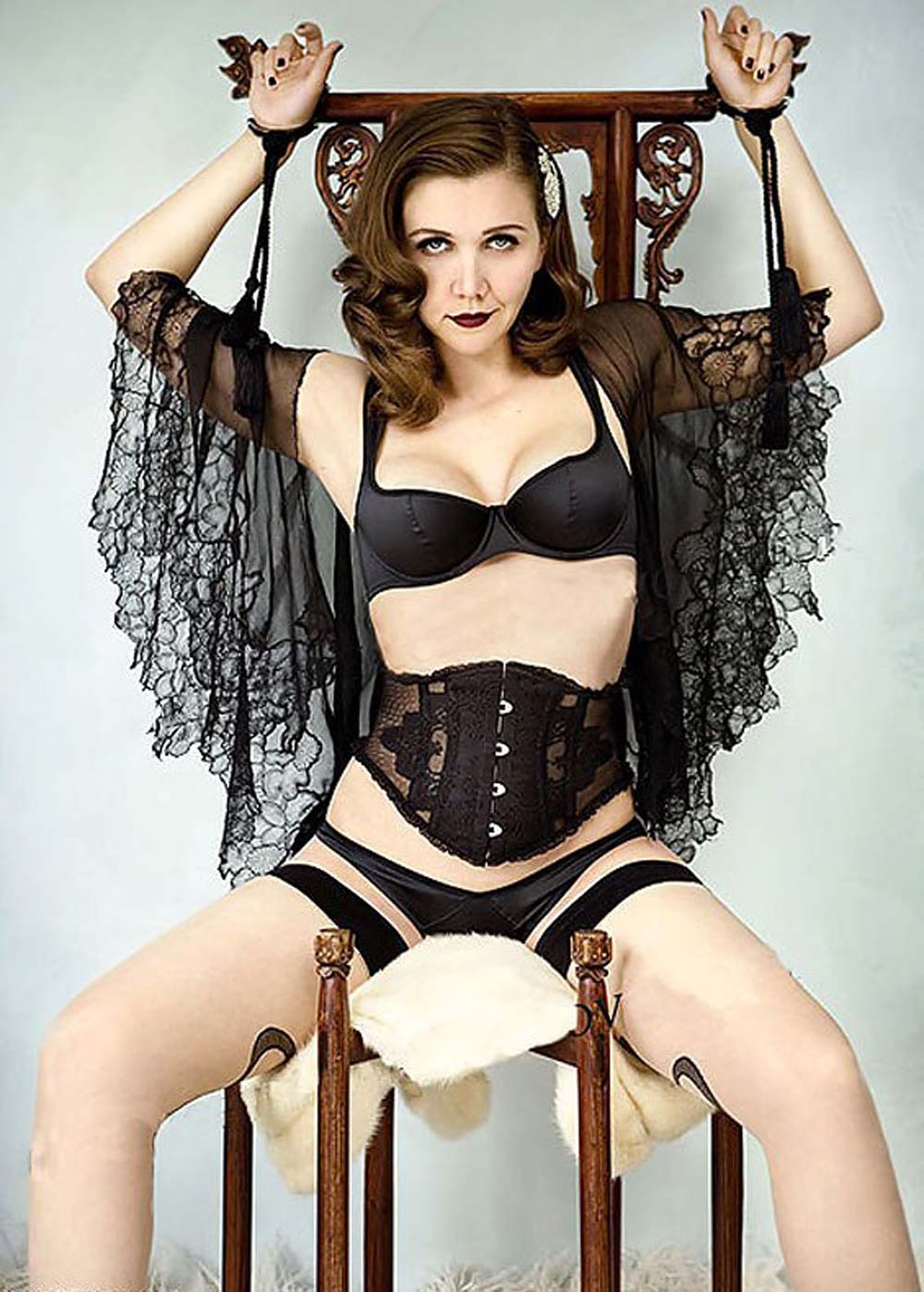
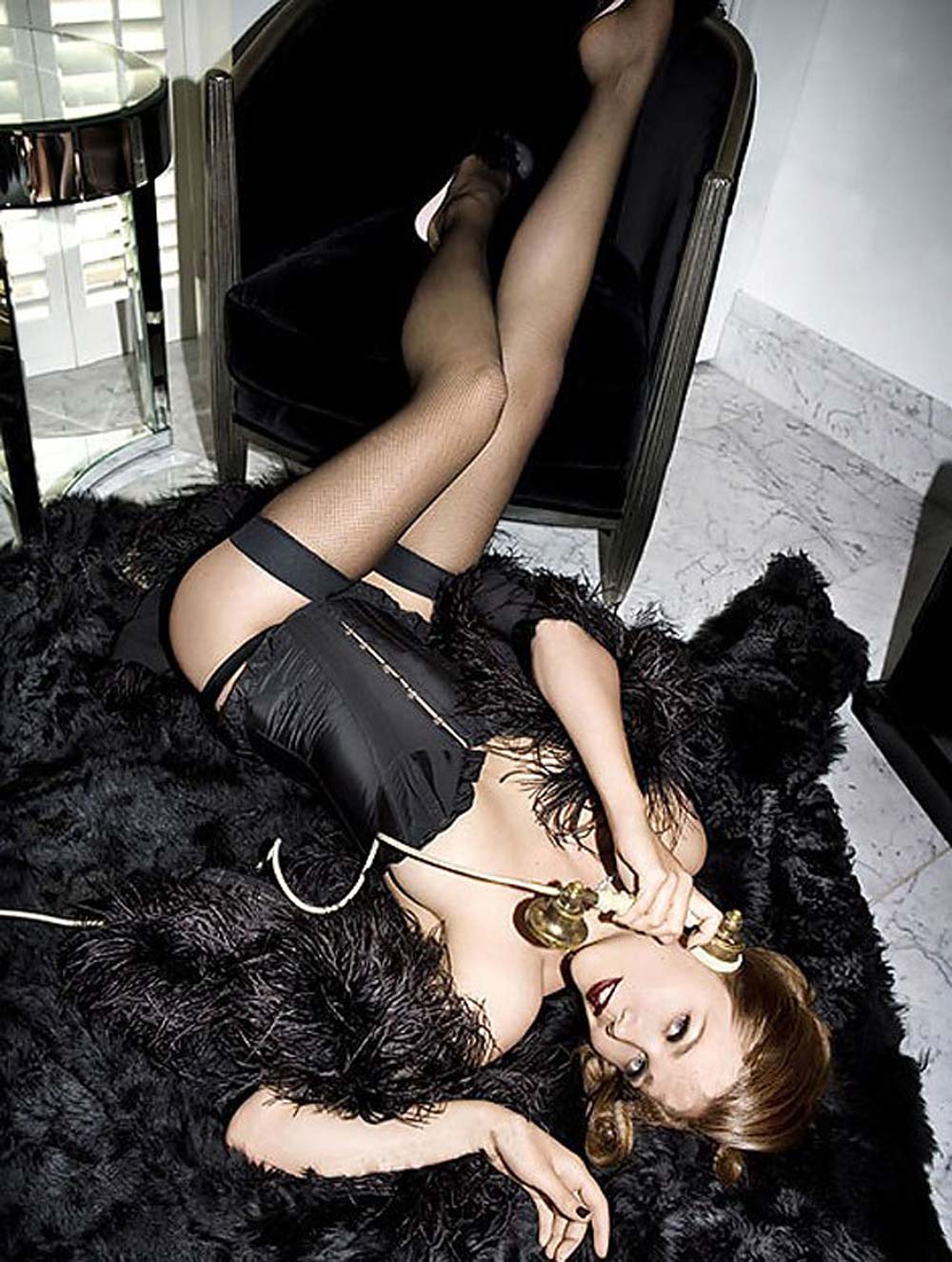
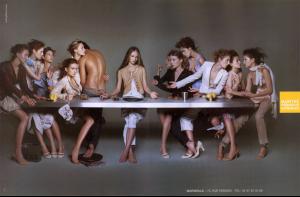 Jake Gyllenhaal's sister, Maggie
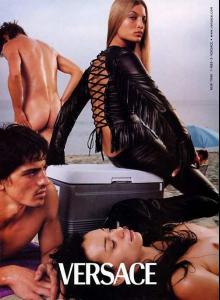
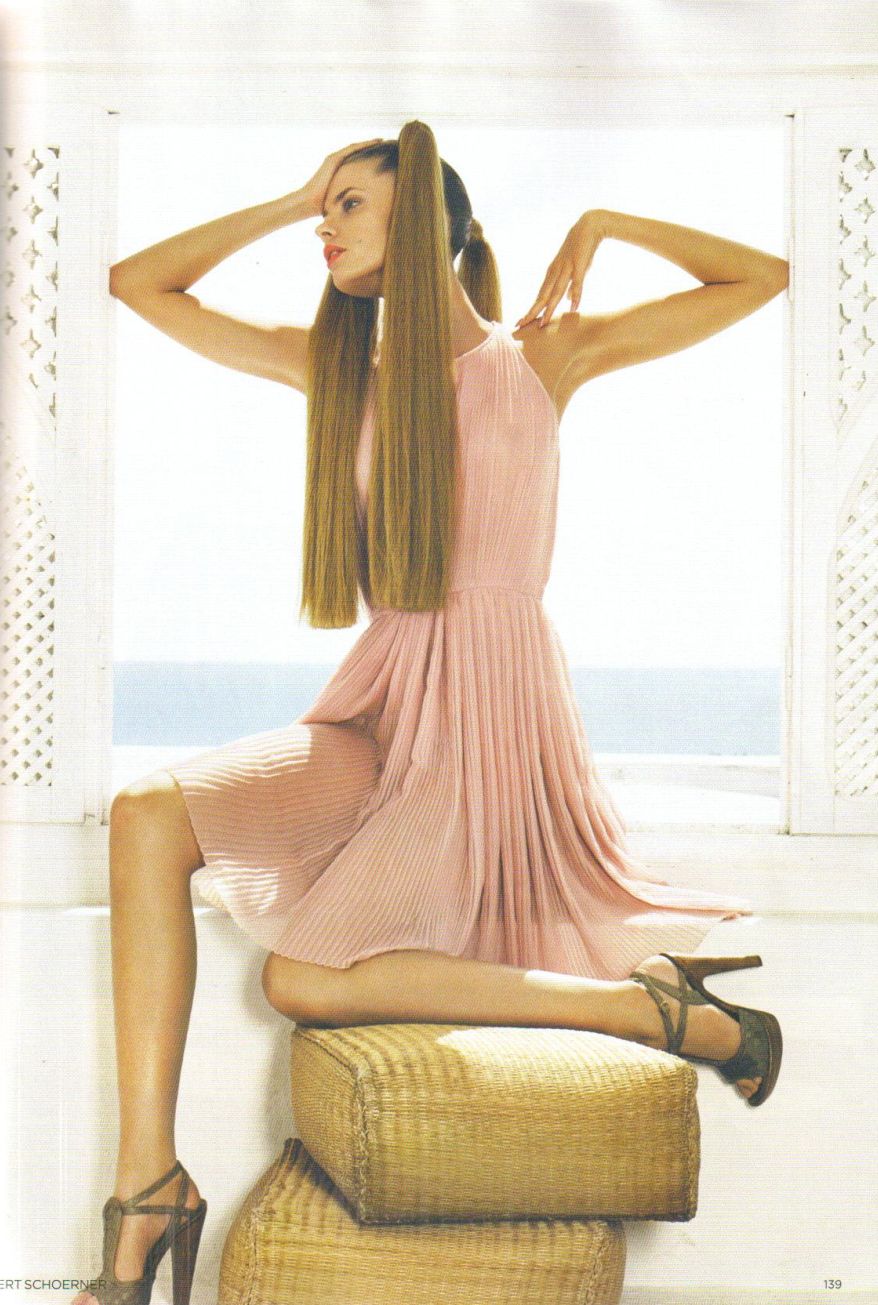
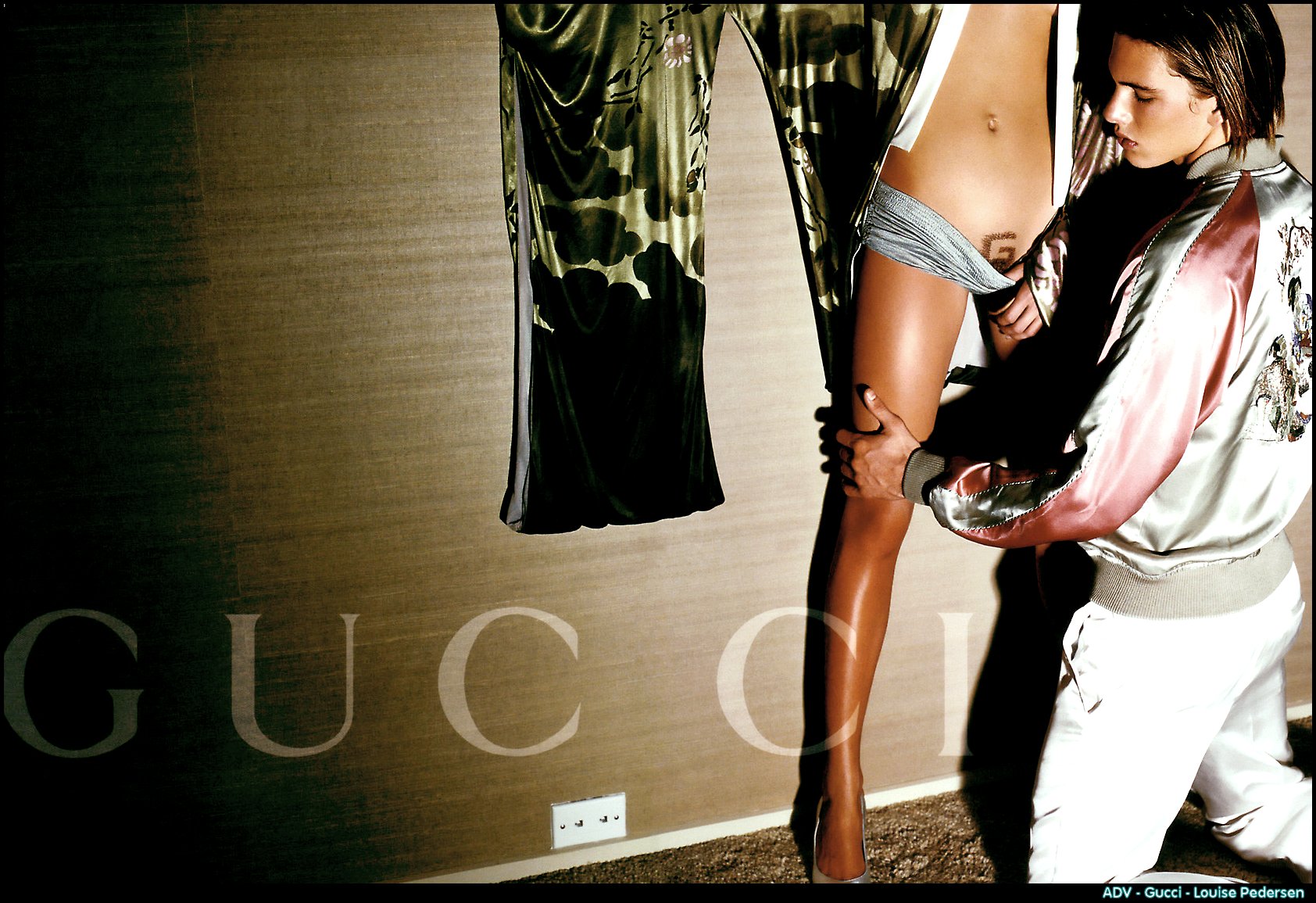
 here's the gucci ad you posted before, drea thanks again
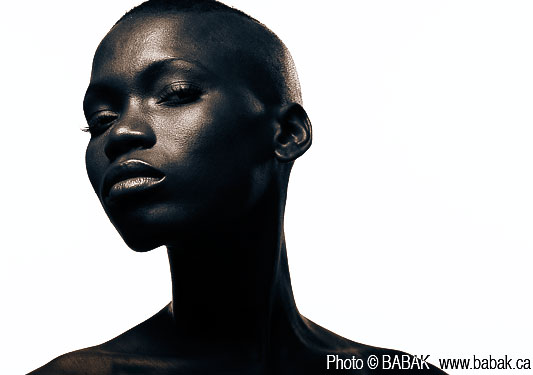
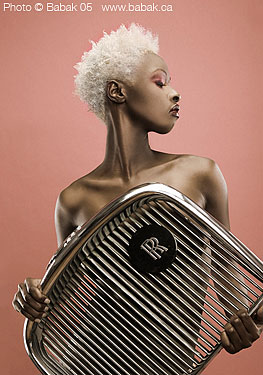
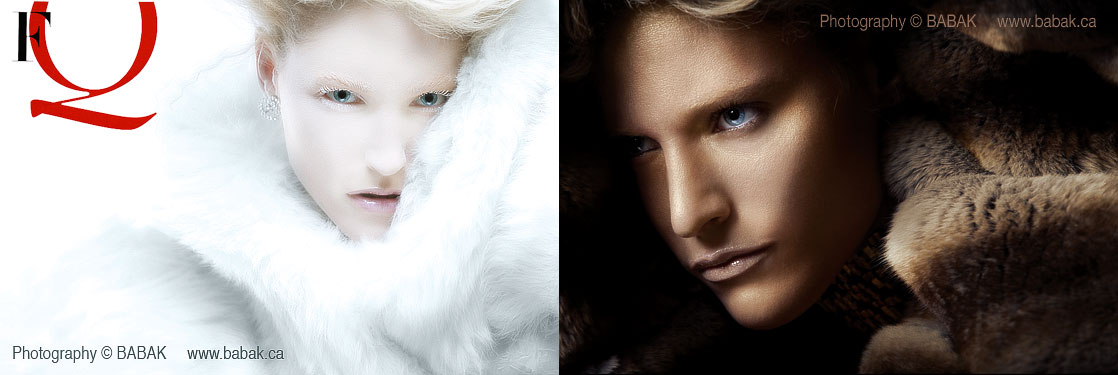
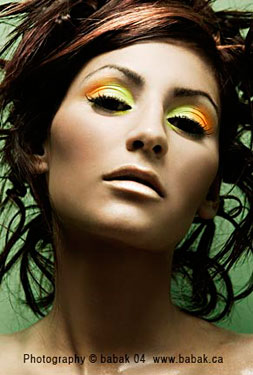
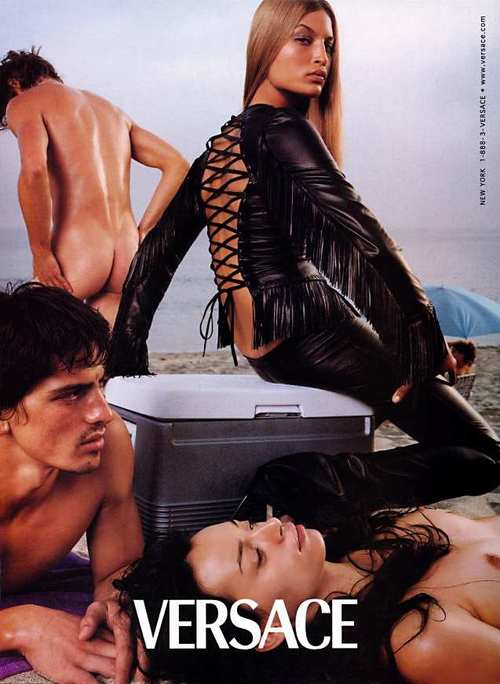
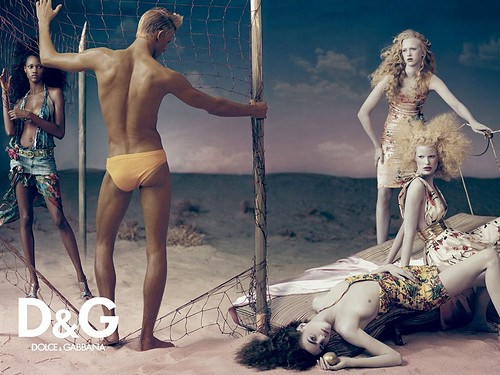
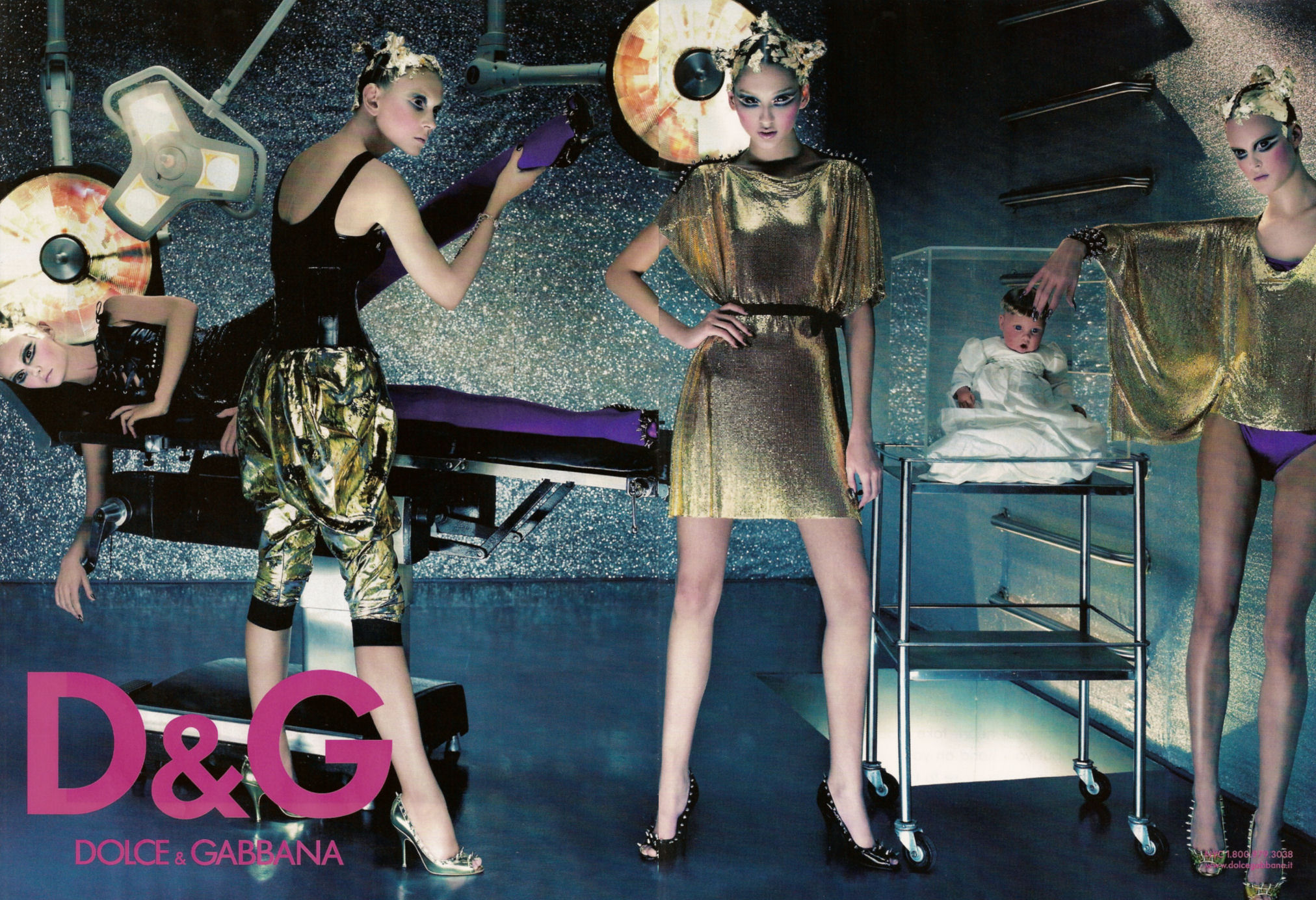
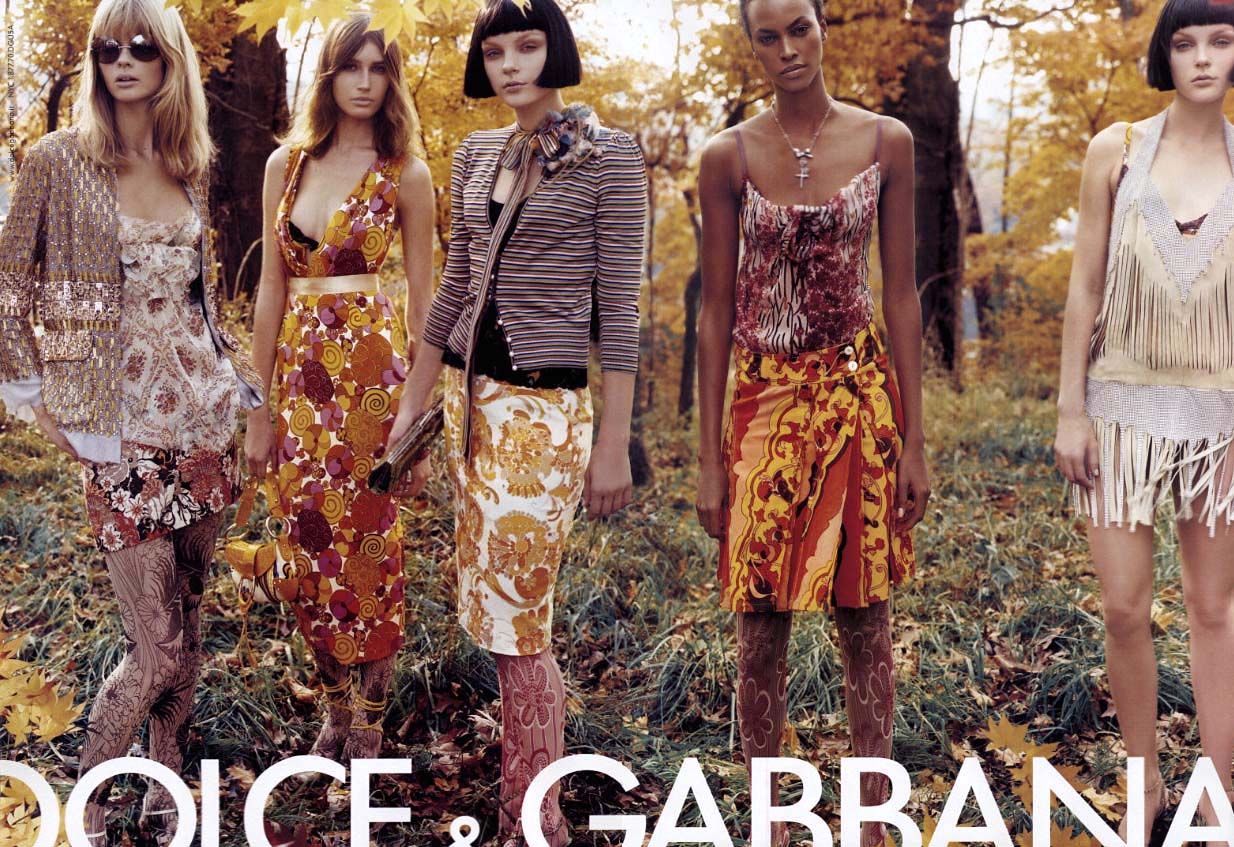
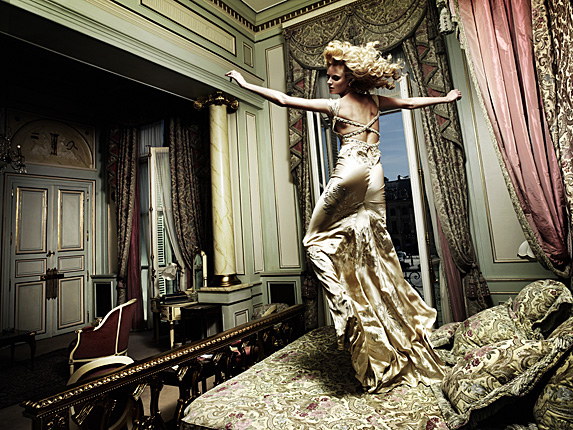
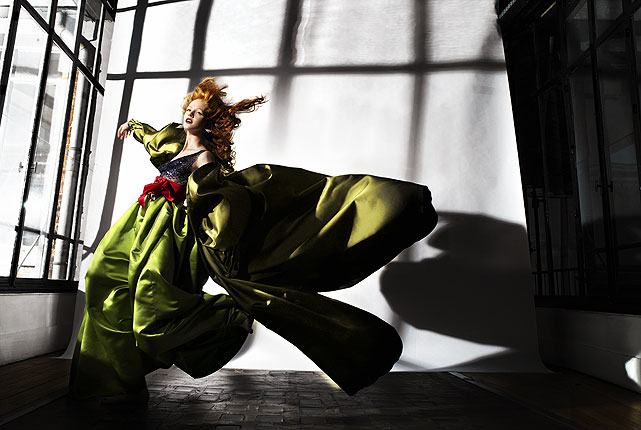
 i love D&G ads. unfortunately i can't post the best ones here, cause this is a BABES thread. anyway, still love these


 y
y



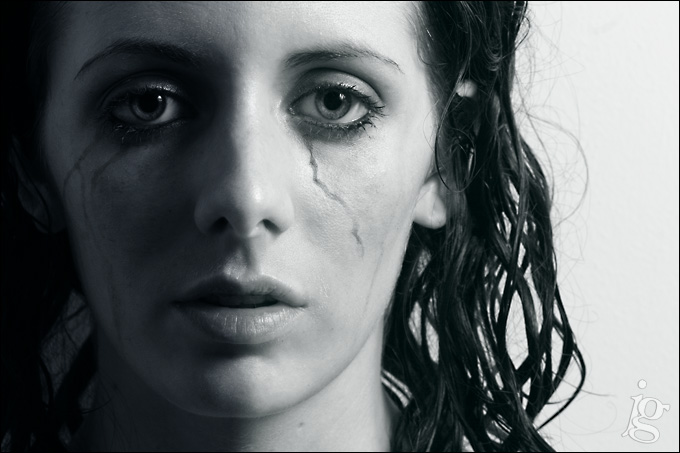
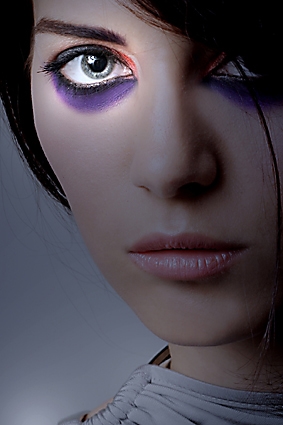
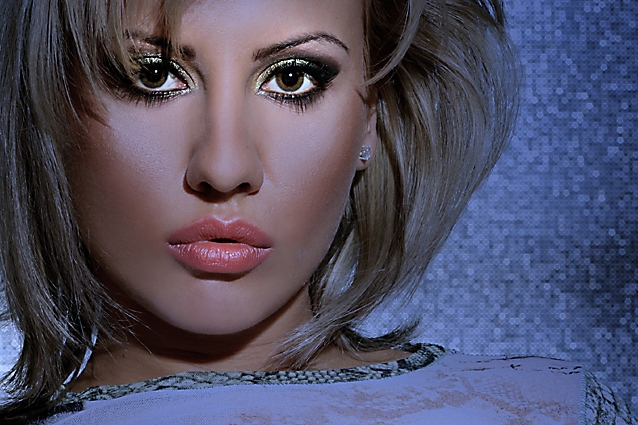
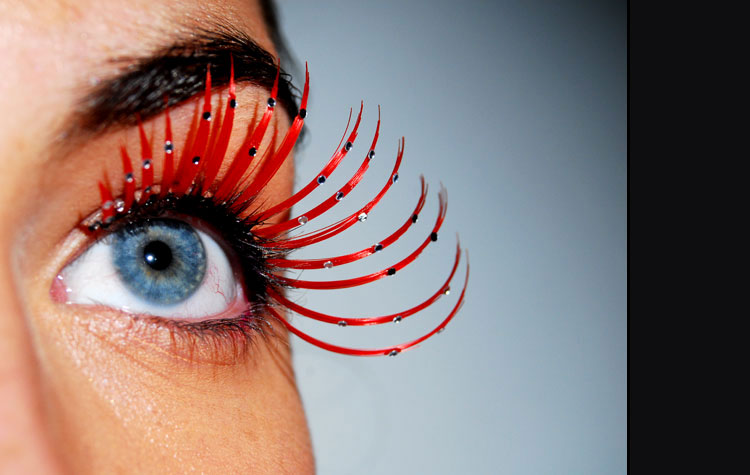





















Account
Navigation
Search
Configure browser push notifications
Chrome (Android)
- Tap the lock icon next to the address bar.
- Tap Permissions → Notifications.
- Adjust your preference.
Chrome (Desktop)
- Click the padlock icon in the address bar.
- Select Site settings.
- Find Notifications and adjust your preference.
Safari (iOS 16.4+)
- Ensure the site is installed via Add to Home Screen.
- Open Settings App → Notifications.
- Find your app name and adjust your preference.
Safari (macOS)
- Go to Safari → Preferences.
- Click the Websites tab.
- Select Notifications in the sidebar.
- Find this website and adjust your preference.
Edge (Android)
- Tap the lock icon next to the address bar.
- Tap Permissions.
- Find Notifications and adjust your preference.
Edge (Desktop)
- Click the padlock icon in the address bar.
- Click Permissions for this site.
- Find Notifications and adjust your preference.
Firefox (Android)
- Go to Settings → Site permissions.
- Tap Notifications.
- Find this site in the list and adjust your preference.
Firefox (Desktop)
- Open Firefox Settings.
- Search for Notifications.
- Find this site in the list and adjust your preference.