
Ibinsnet
Members
-
Joined
-
Last visited
Everything posted by Ibinsnet
-
repost; sorry
-
if she pursued youtube seriously her channel would probably explode. but OT: her new boob job looks really bad
Could you please remove the pictures in my posts (Page 10 and 11) in the Anna Louise thread? I heard she's pretty strict about copyright and I don't want to risk anything. Thanks! @SympathysSilhouette @Prettyphile @maddog107
Hottest Woman in the World. Crazy how perfect she is
She deleted a ton of newer pics and isn't posting anymore. What happened to her? Shame that she's posting so little, she's one of the hottest there is
I've never seen her before her boob job but it wasn't really necessary. They look more or less the same except a bit bigger and perkier
At least she didn't go overboard with the size. Most of the times they look great but sometimes they look a bit silly. Still they improved her looks significantly!
She just keeps getting better. No signs of aging, neither on her face nor her perfect body! 😍
For Dreamstatemuse






 This is the picture they're talking about
 Thank you. Just asking because on a reddit post people are saying that this is the worst boob job they've ever seen and that they're deformed.
Does anyone know whether her boobs are natural?
Stars and Stripes
Thank you. Just asking because on a reddit post people are saying that this is the worst boob job they've ever seen and that they're deformed.
Does anyone know whether her boobs are natural?
Stars and Stripes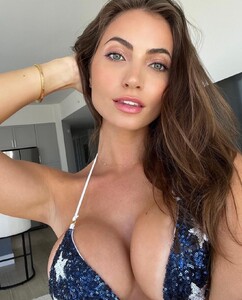
 Doubt that natural boobs look like that
 Does she have breast implants? I'm nearly 100% sure they're fake but my bf insists that they're real.
She truly loves showing them off now
Does she have breast implants? I'm nearly 100% sure they're fake but my bf insists that they're real.
She truly loves showing them off now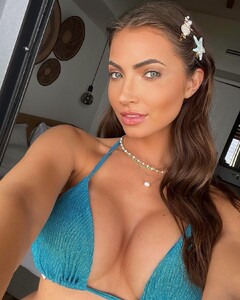

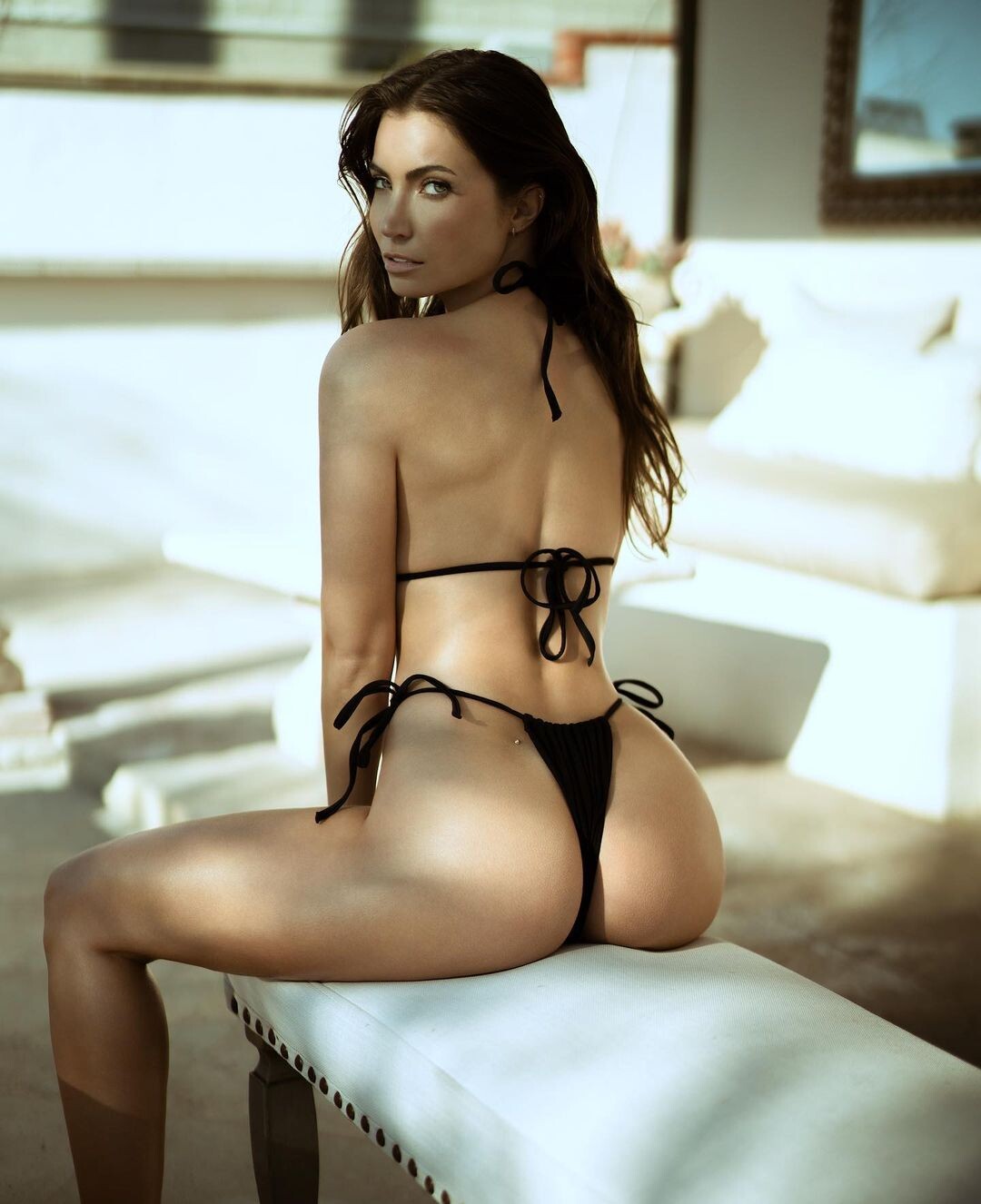
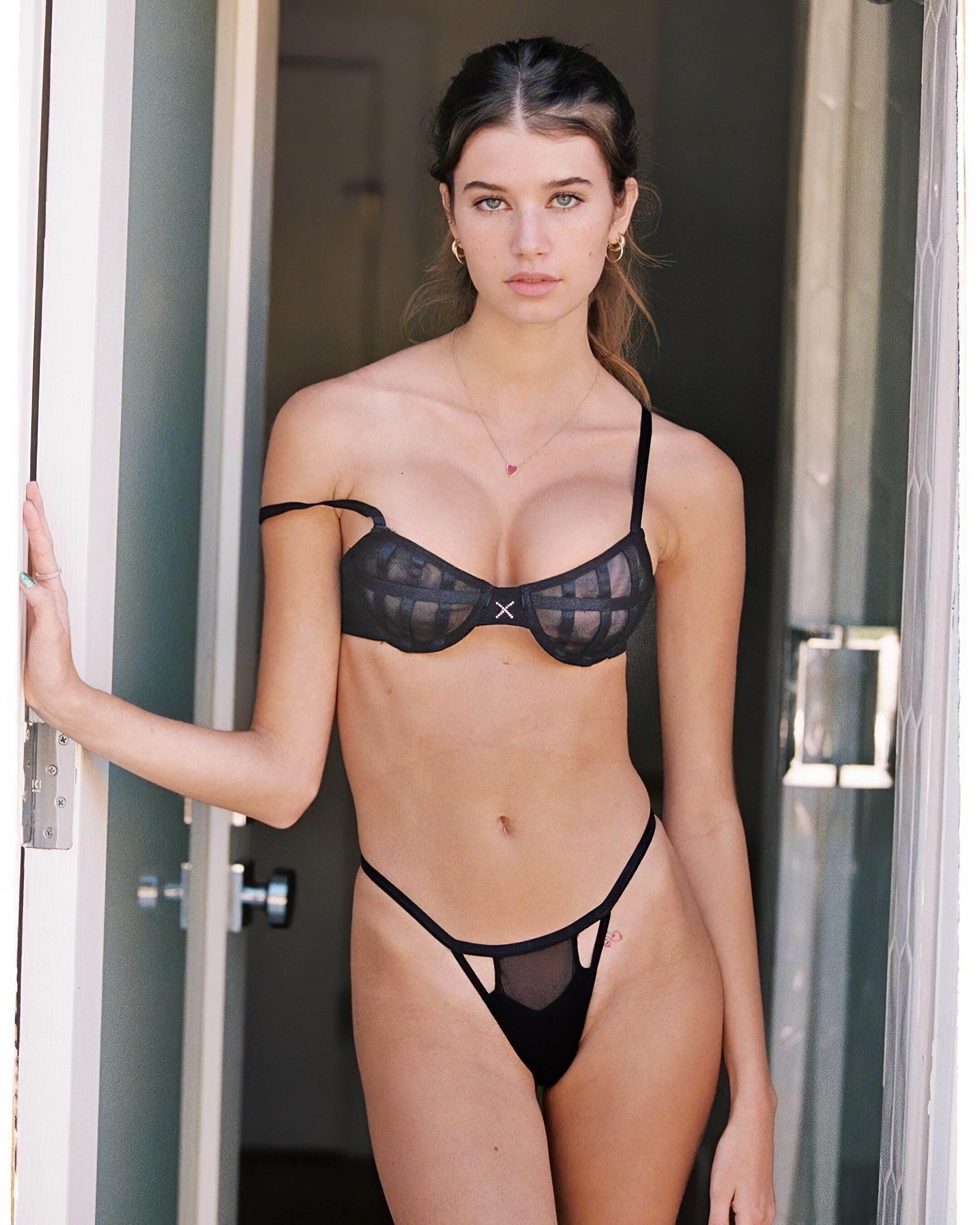


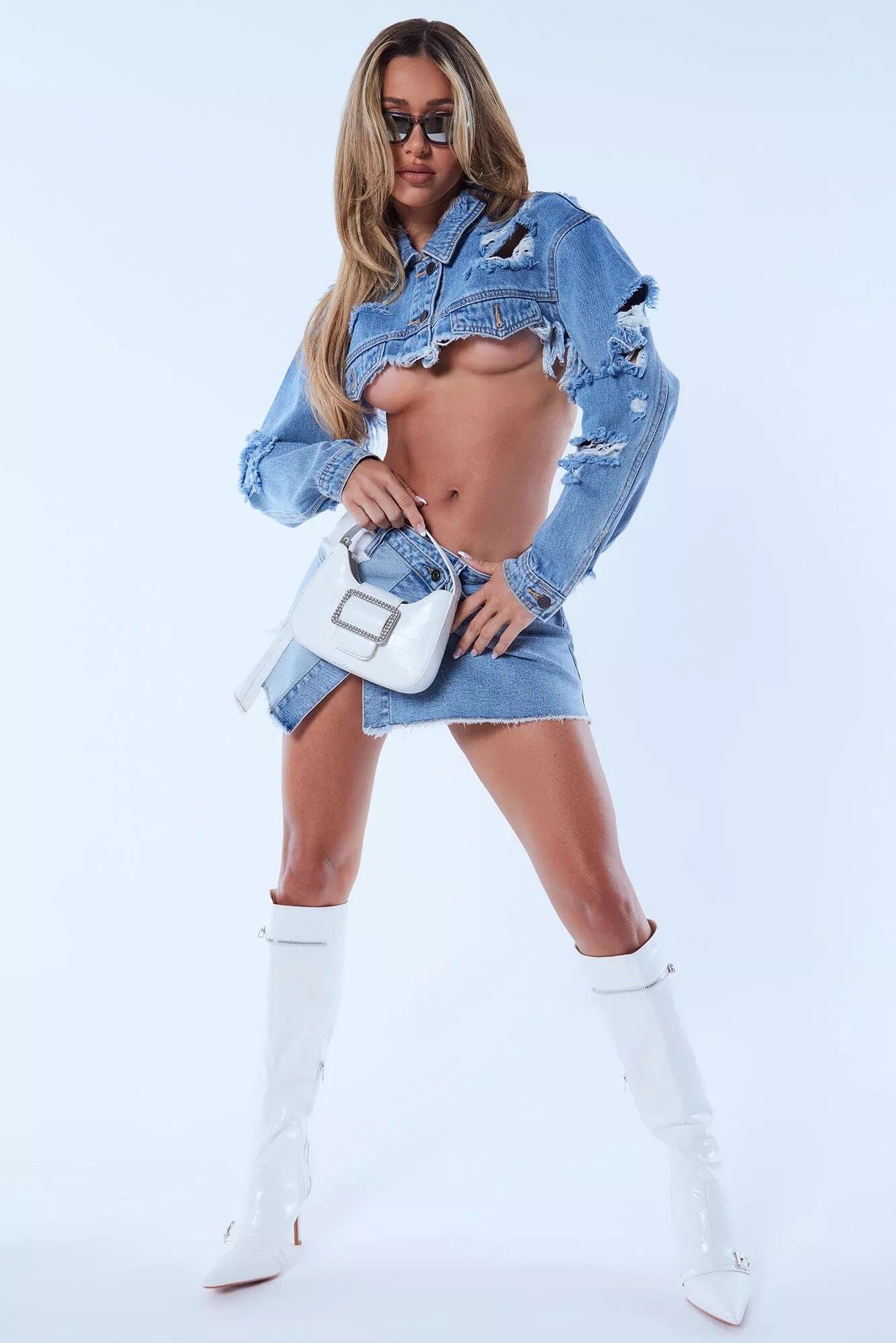
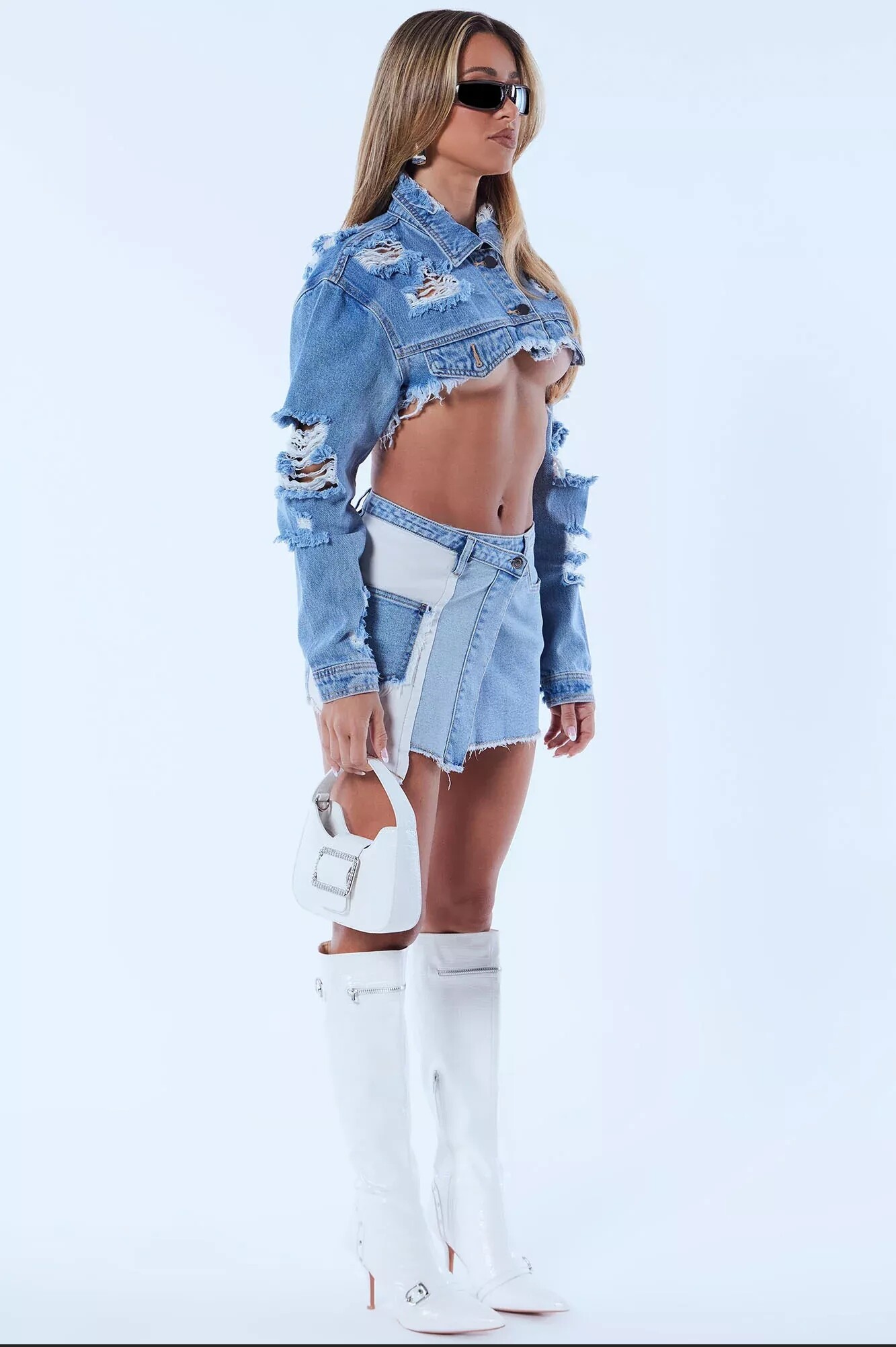






Account
Navigation
Search
Configure browser push notifications
Chrome (Android)
- Tap the lock icon next to the address bar.
- Tap Permissions → Notifications.
- Adjust your preference.
Chrome (Desktop)
- Click the padlock icon in the address bar.
- Select Site settings.
- Find Notifications and adjust your preference.
Safari (iOS 16.4+)
- Ensure the site is installed via Add to Home Screen.
- Open Settings App → Notifications.
- Find your app name and adjust your preference.
Safari (macOS)
- Go to Safari → Preferences.
- Click the Websites tab.
- Select Notifications in the sidebar.
- Find this website and adjust your preference.
Edge (Android)
- Tap the lock icon next to the address bar.
- Tap Permissions.
- Find Notifications and adjust your preference.
Edge (Desktop)
- Click the padlock icon in the address bar.
- Click Permissions for this site.
- Find Notifications and adjust your preference.
Firefox (Android)
- Go to Settings → Site permissions.
- Tap Notifications.
- Find this site in the list and adjust your preference.
Firefox (Desktop)
- Open Firefox Settings.
- Search for Notifications.
- Find this site in the list and adjust your preference.