fashionmistake1234
Members
-
Joined
-
Last visited
Everything posted by fashionmistake1234
-
 Tumblr: modelsoninstagram
-
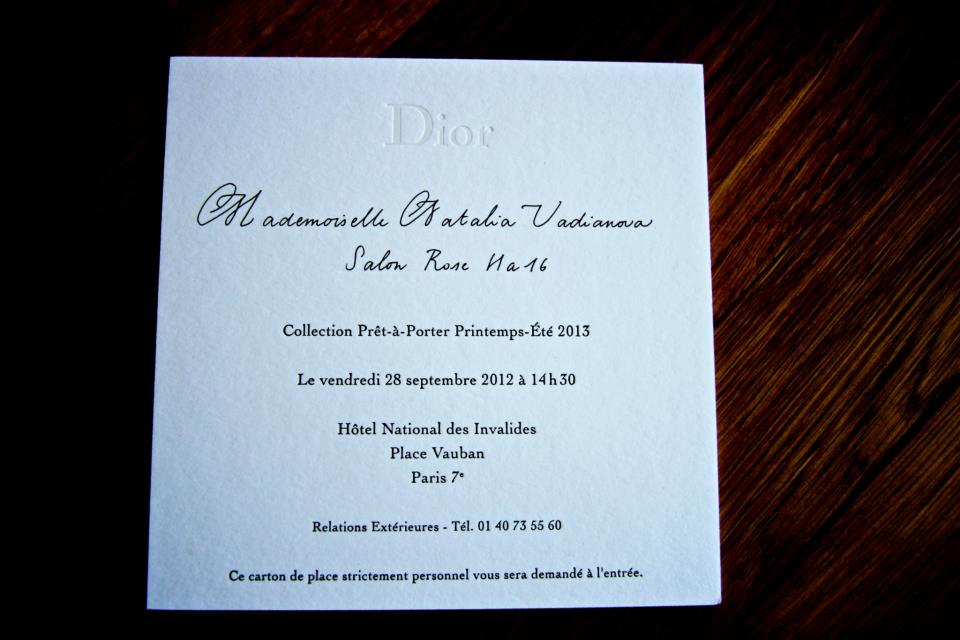
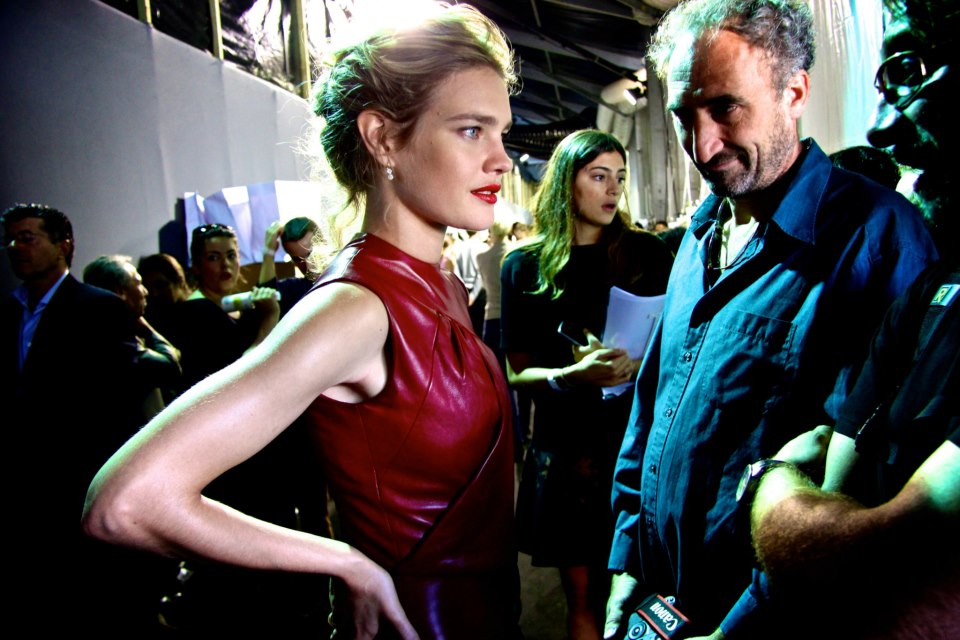
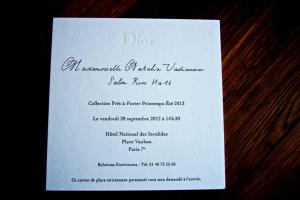
Dior Show Natalia's FB









-
Tumblr: Petrole the most perfect face features

-
-
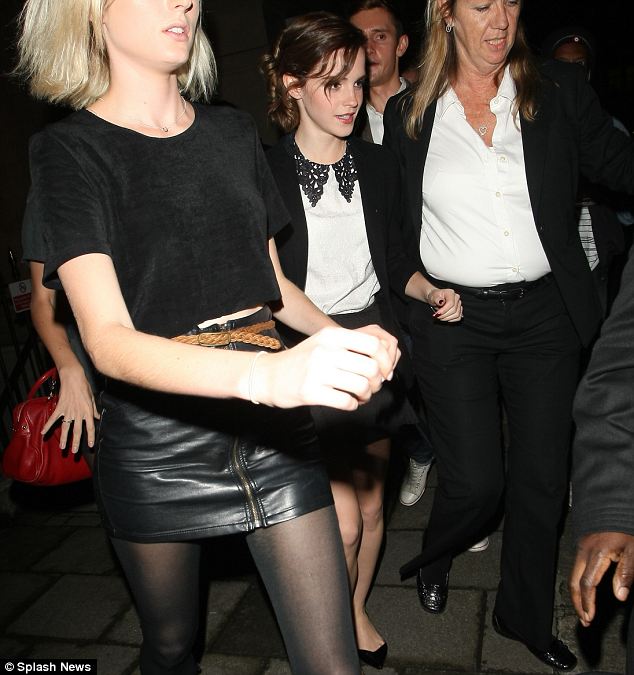
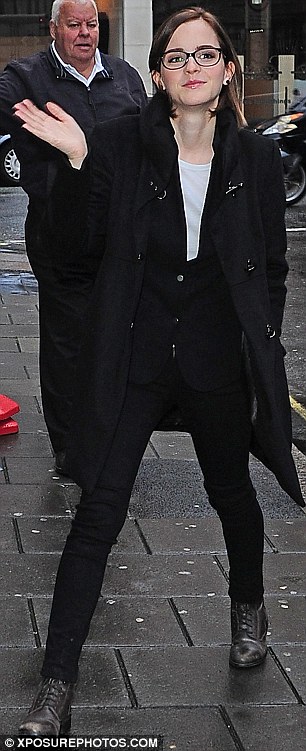
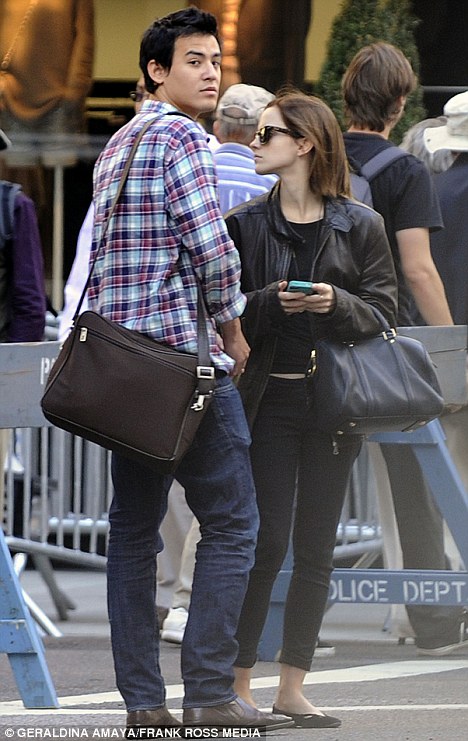
Pictures http://www.justjared.com/2012/09/26/emma-watson-perks-special-screening-in-london/ http://www.justjared.com/2012/09/26/emma-watson-perks-pushed-me-out-of-my-comfort-zone/
-
-
Tumblr:timdiary


-
-
Natalia's FB Belle de Seigneur dubbing — Дублирование фильма "Влюбленные"








-
-
Emma Nylon Magazine October'12 Emma Watson pops her collar on the cover of Nylon magazine’s October 2012 issue. The 22-year-old actress was joined for the cover shoot by her The Perks of Being a Wallflower co-stars Logan Lerman and Ezra Miller. “She didn’t want to wear earrings – so at one point she took an actual safety pin, cut off the sharp end, and put it through her ear,” Michelle Reneau, Nylon‘s market editor, said about Emma at the cover photo shoot. Be sure to check out Emma, Logan, and Ezra in The Perks of Being a Wallflower, in theaters now.

-
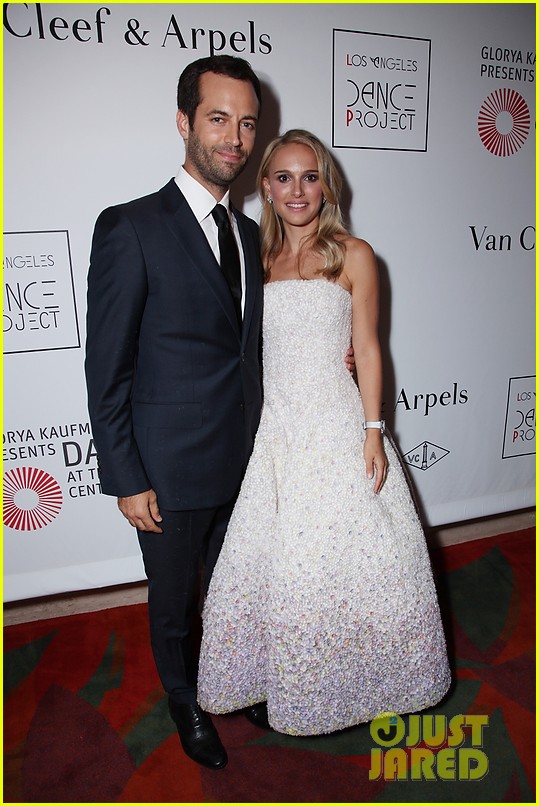
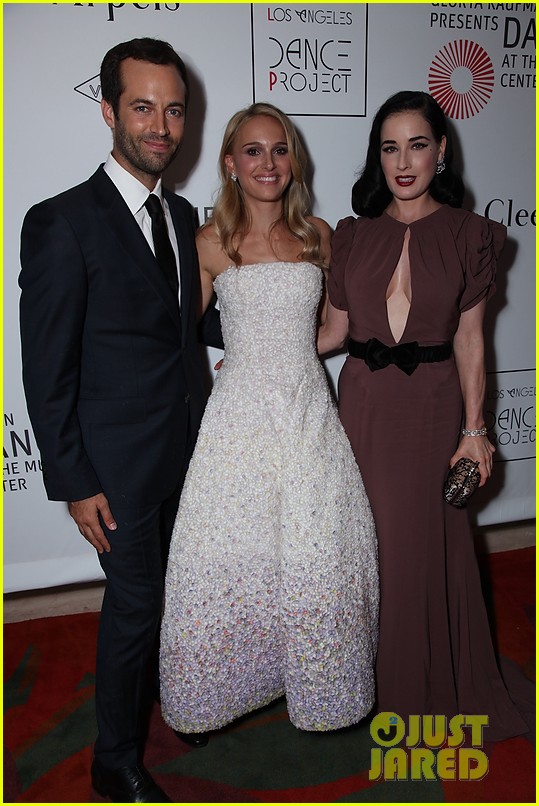
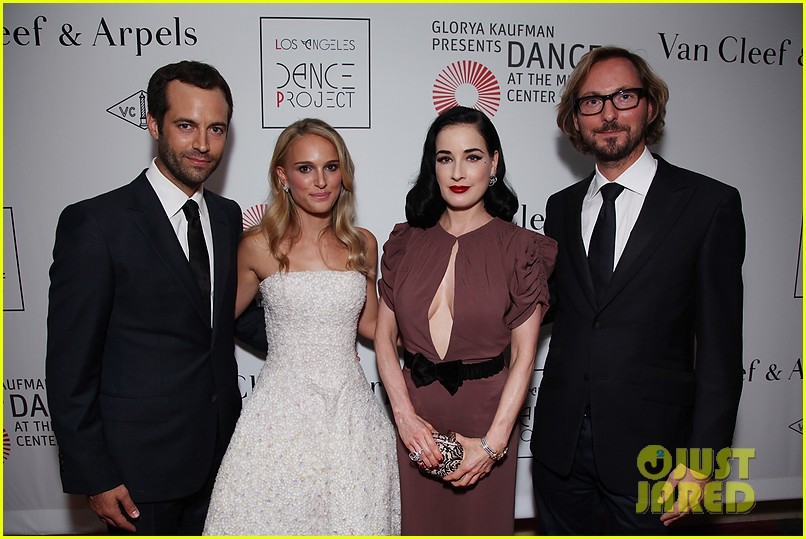
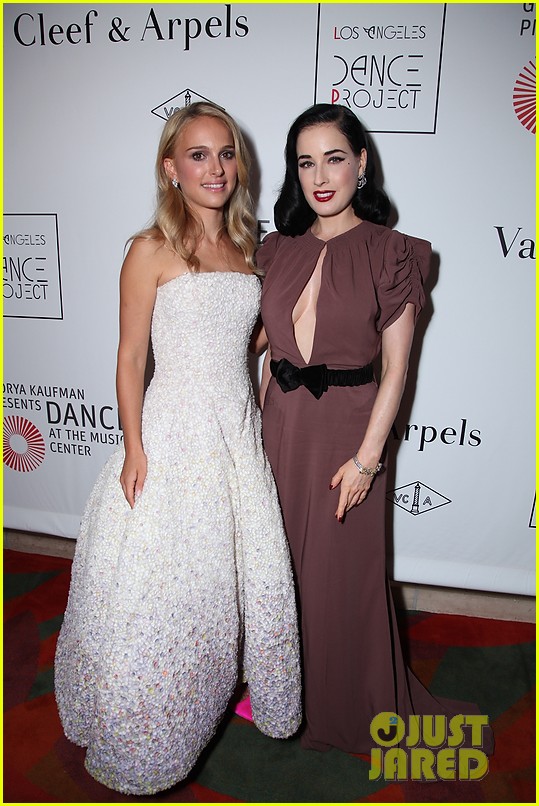
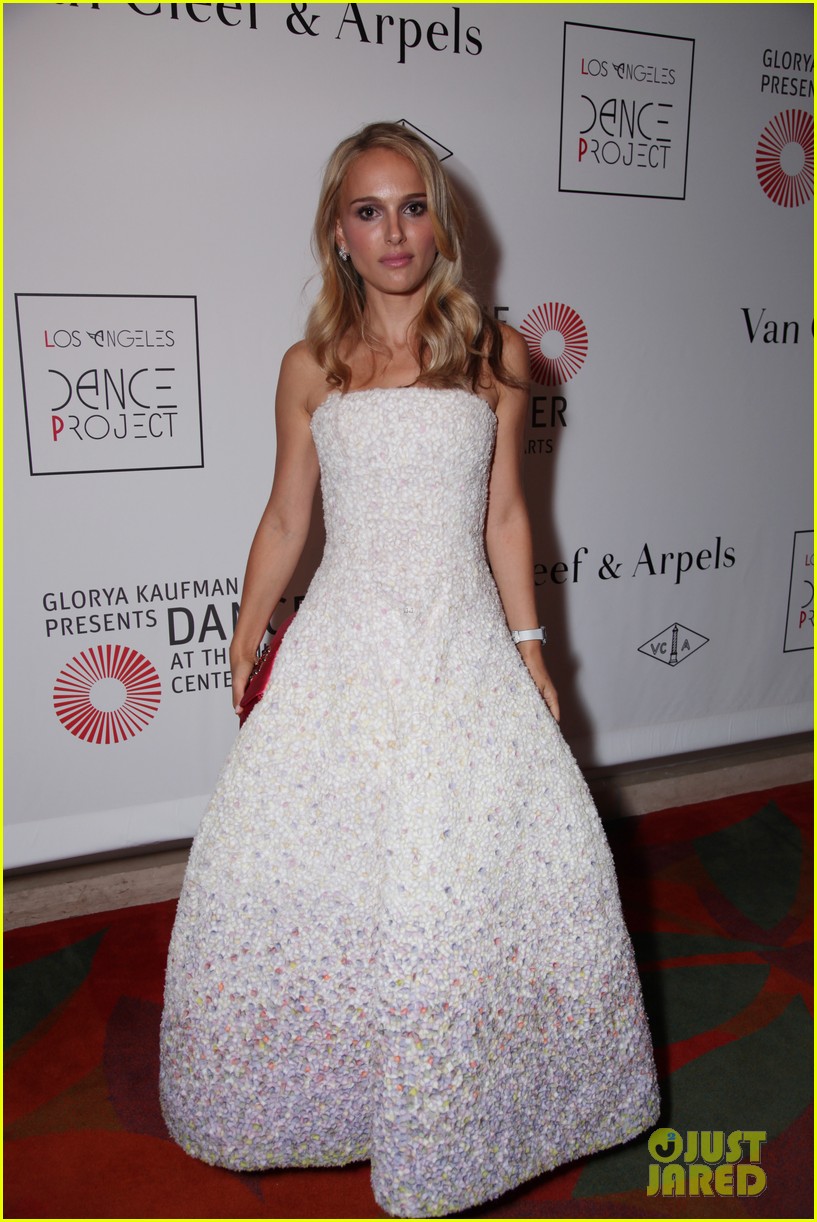
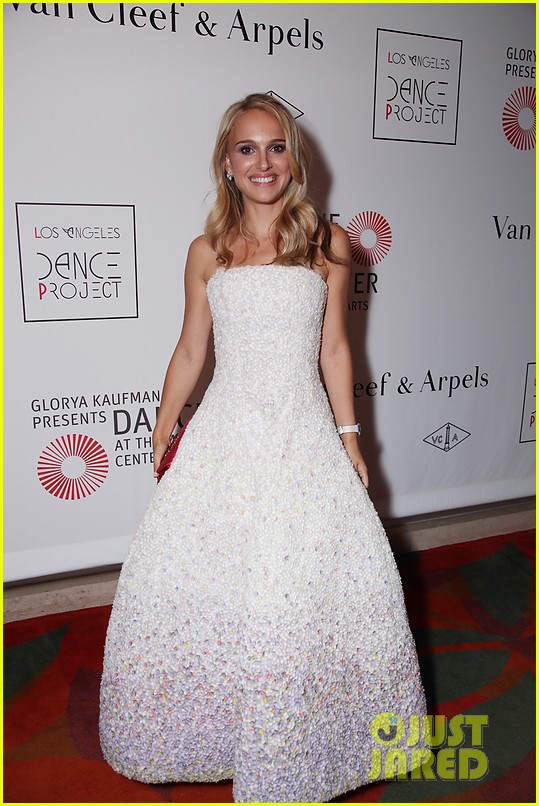
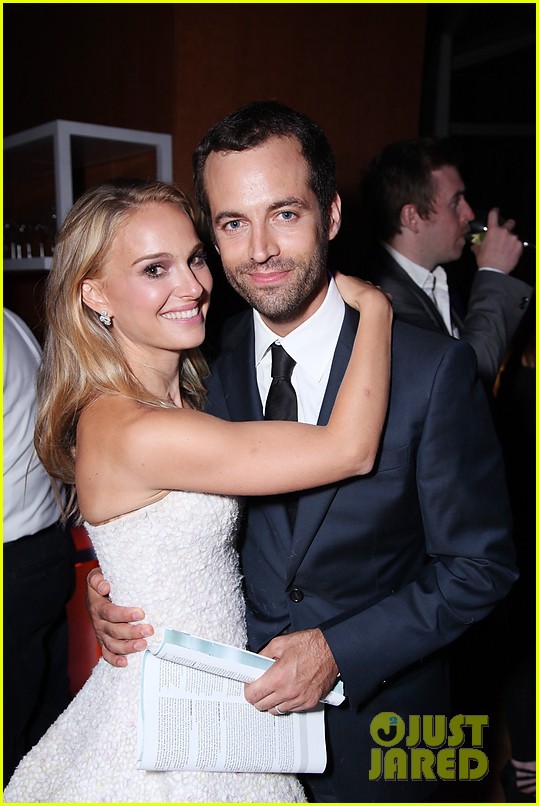
Natalie Colors her hair blonde L.A. Dance Project Opening Night! Just jared








-
http://vk.com/natalia_vodianova


-
http://vk.com/natalia_vodianova












-
daily mail










-
Is that her real hair now?
-
http://vk.com/natalia_vodianova




















-
daily mail
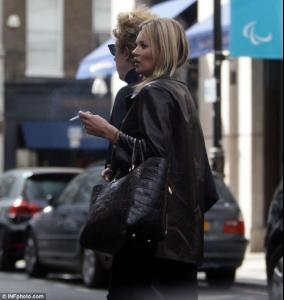



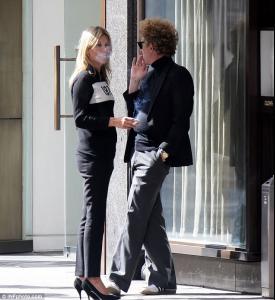
-
http://vodianova-photos.tumblr.com/





-
Daily Mail








-
http://vodianova-photos.tumblr.com/




-
VK






-
Natalia's FB








-
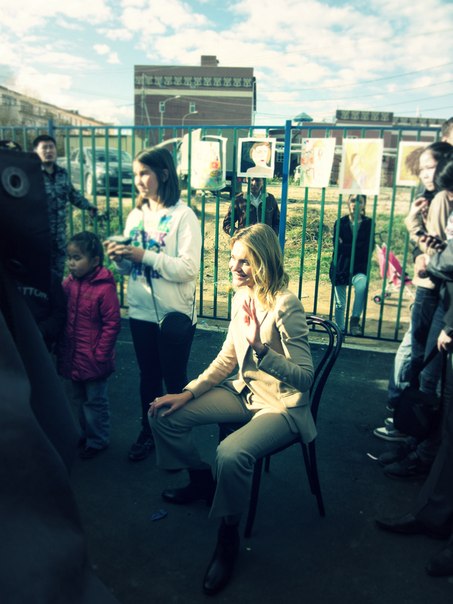
Natalia's FB Советская Гавань (Sovetskaya Gavan) Открытие детского игрового парка Фонда "Обнаженные сердца" в Хабаровском крае 15 сентября 2012.





-