Everything posted by jal718
-
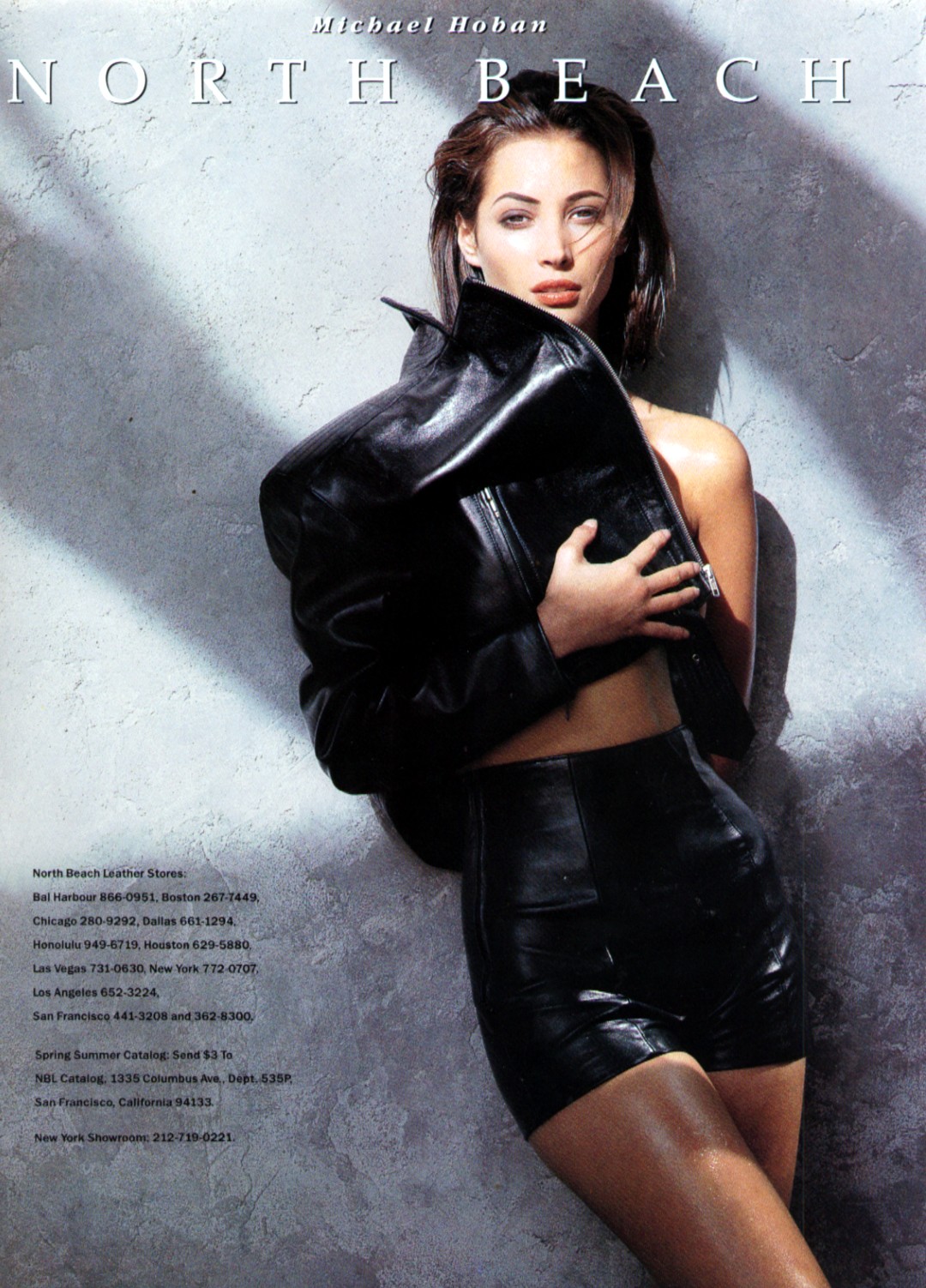
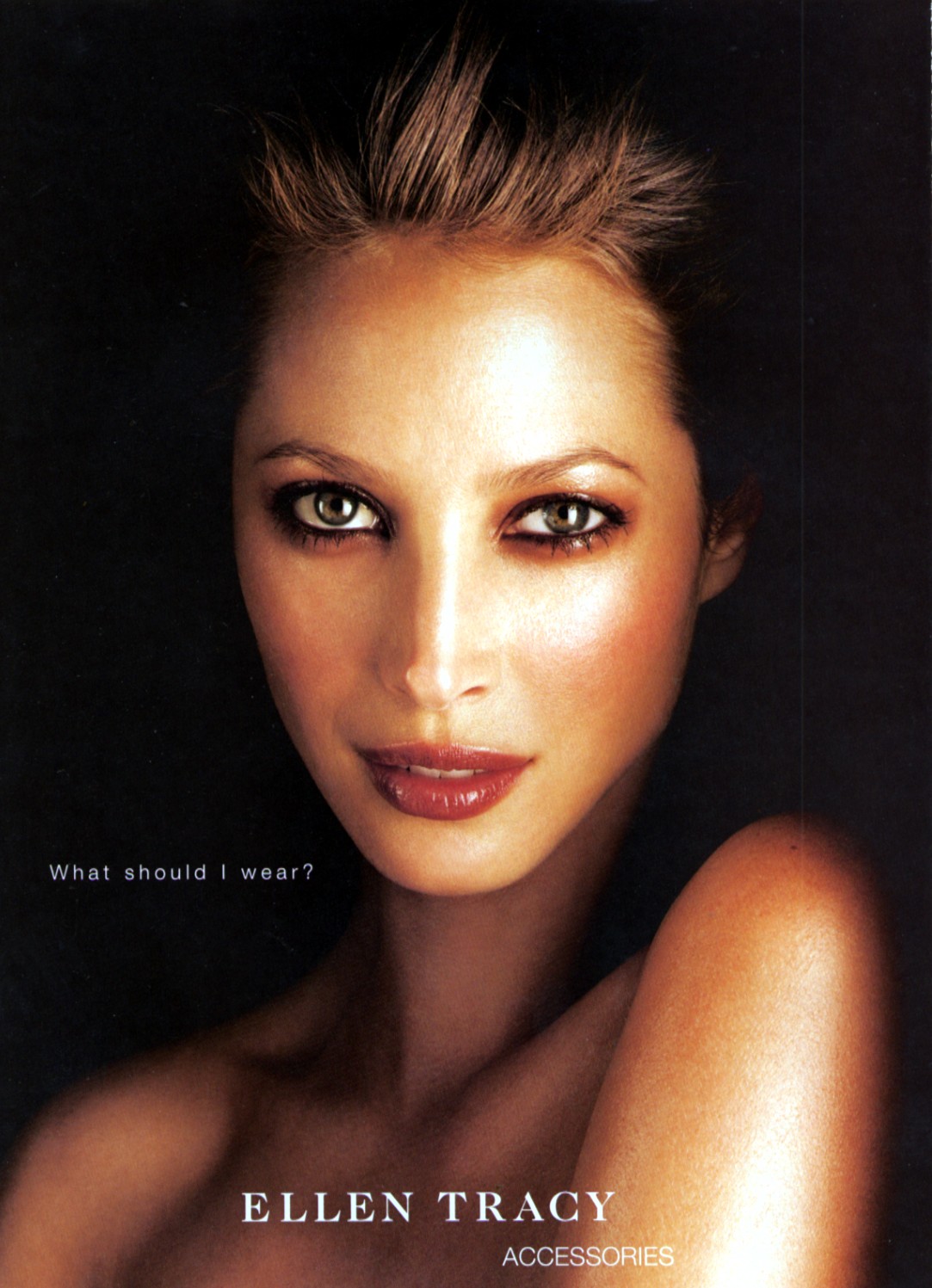
 Sorry if these ad's are re-posts.



 Thanks, a bit left to go.
Anytime I can get something I don't have makes me happy and Penny-d a smartass!
Which forum? great HQ
Penny-d, you could never piss me off!
Christy's not that old!!!!!!!!!!!!!!
Sorry, forgot to mention the nipple above!
Thanks, a bit left to go.
Anytime I can get something I don't have makes me happy and Penny-d a smartass!
Which forum? great HQ
Penny-d, you could never piss me off!
Christy's not that old!!!!!!!!!!!!!!
Sorry, forgot to mention the nipple above!


 You know............................................................................ .....
Thanks, did not have that Top Model cover.
I think so, will have to look.
I have been most fortunate!
Um which goddess were you referring to! LOL
I'm rebuilding my Estelle file as I lost it in a disc mishap so beggars can't be choosy! Thanks
You know............................................................................ .....
Thanks, did not have that Top Model cover.
I think so, will have to look.
I have been most fortunate!
Um which goddess were you referring to! LOL
I'm rebuilding my Estelle file as I lost it in a disc mishap so beggars can't be choosy! ThanksAccount
Navigation
Search
Configure browser push notifications
Chrome (Android)
- Tap the lock icon next to the address bar.
- Tap Permissions → Notifications.
- Adjust your preference.
Chrome (Desktop)
- Click the padlock icon in the address bar.
- Select Site settings.
- Find Notifications and adjust your preference.
Safari (iOS 16.4+)
- Ensure the site is installed via Add to Home Screen.
- Open Settings App → Notifications.
- Find your app name and adjust your preference.
Safari (macOS)
- Go to Safari → Preferences.
- Click the Websites tab.
- Select Notifications in the sidebar.
- Find this website and adjust your preference.
Edge (Android)
- Tap the lock icon next to the address bar.
- Tap Permissions.
- Find Notifications and adjust your preference.
Edge (Desktop)
- Click the padlock icon in the address bar.
- Click Permissions for this site.
- Find Notifications and adjust your preference.
Firefox (Android)
- Go to Settings → Site permissions.
- Tap Notifications.
- Find this site in the list and adjust your preference.
Firefox (Desktop)
- Open Firefox Settings.
- Search for Notifications.
- Find this site in the list and adjust your preference.