Everything posted by jal718
-
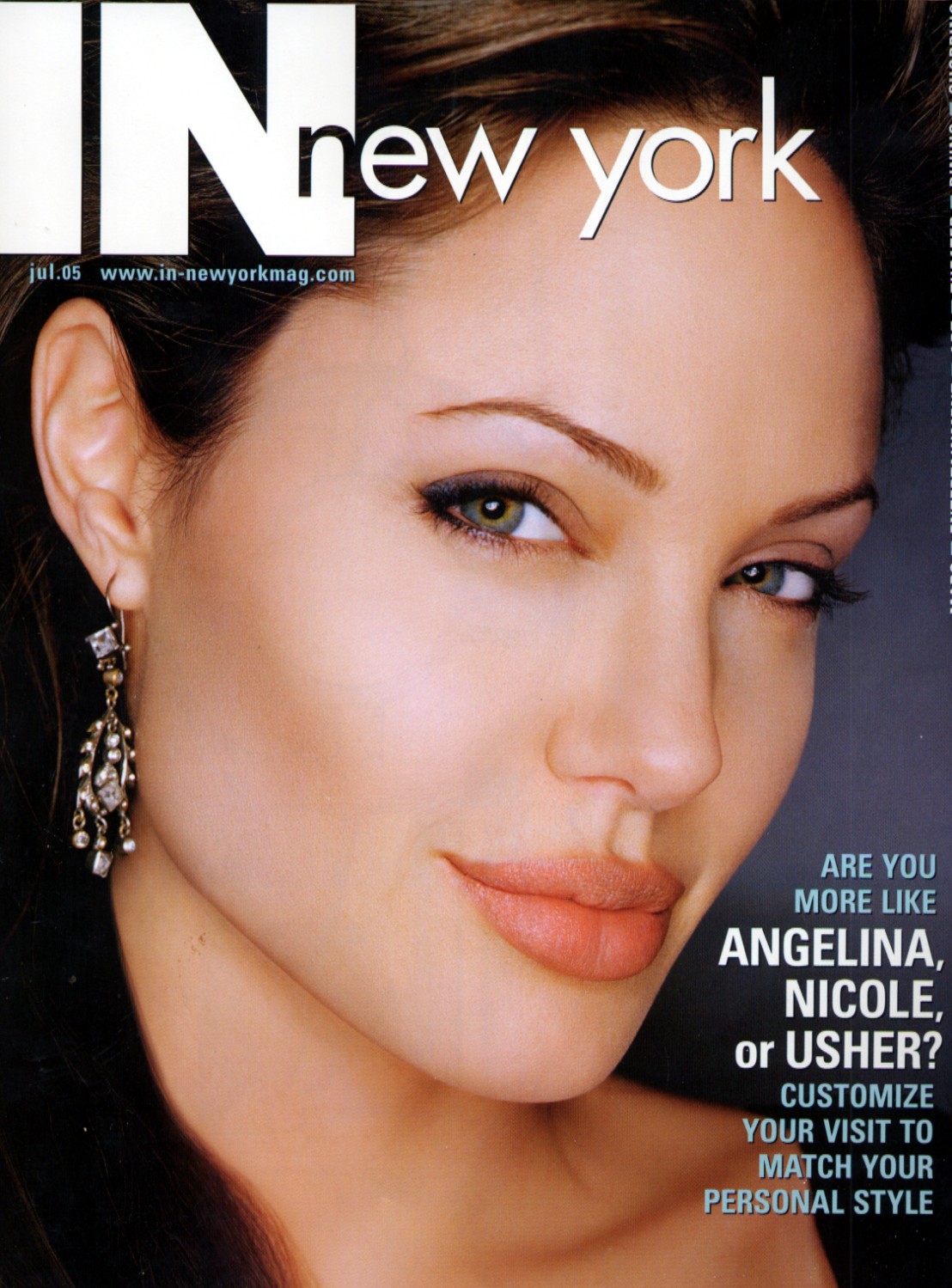
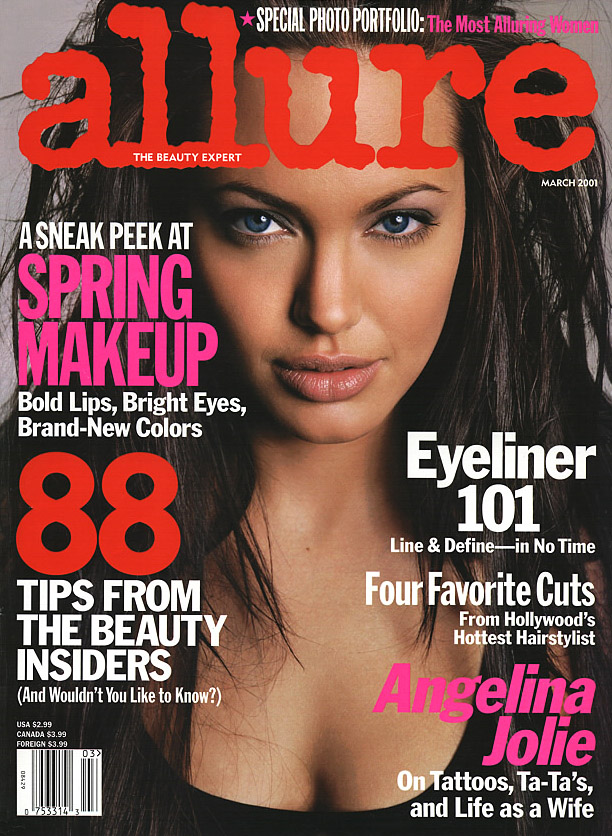
 Not sure what's been posted so I apologize for any reposts but CarMELita requested some Angelian posts.


 I already did Sophie Marceau, did we lose that in the crash? I have lot's of Angelina and Keira but not sure waht's been posted, anything in particular?
You're welcome ladies, will check for ed but I tend to stick to covers.
OK, have some of those and will post when I can.
No problem, anybody else you are interested in?
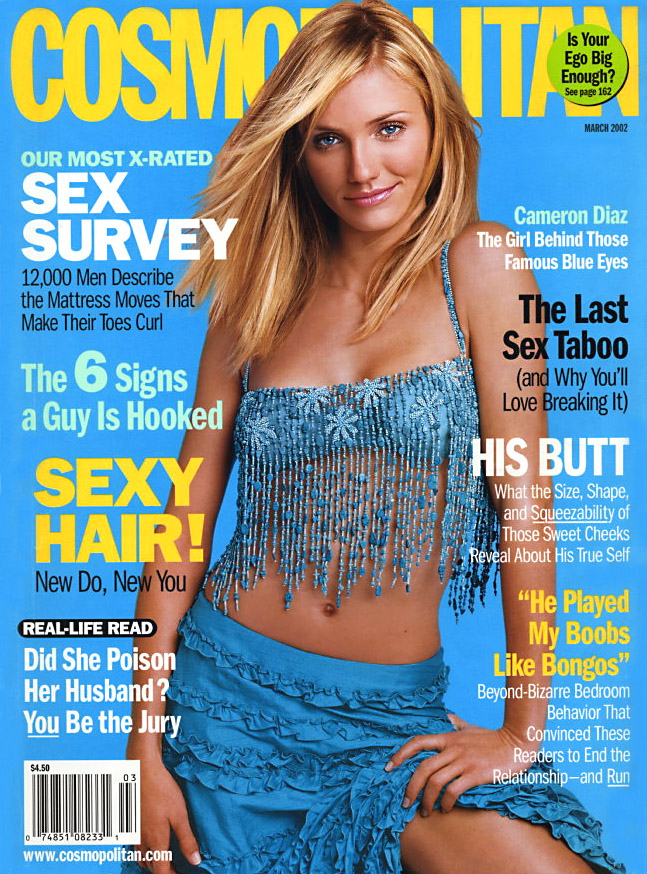
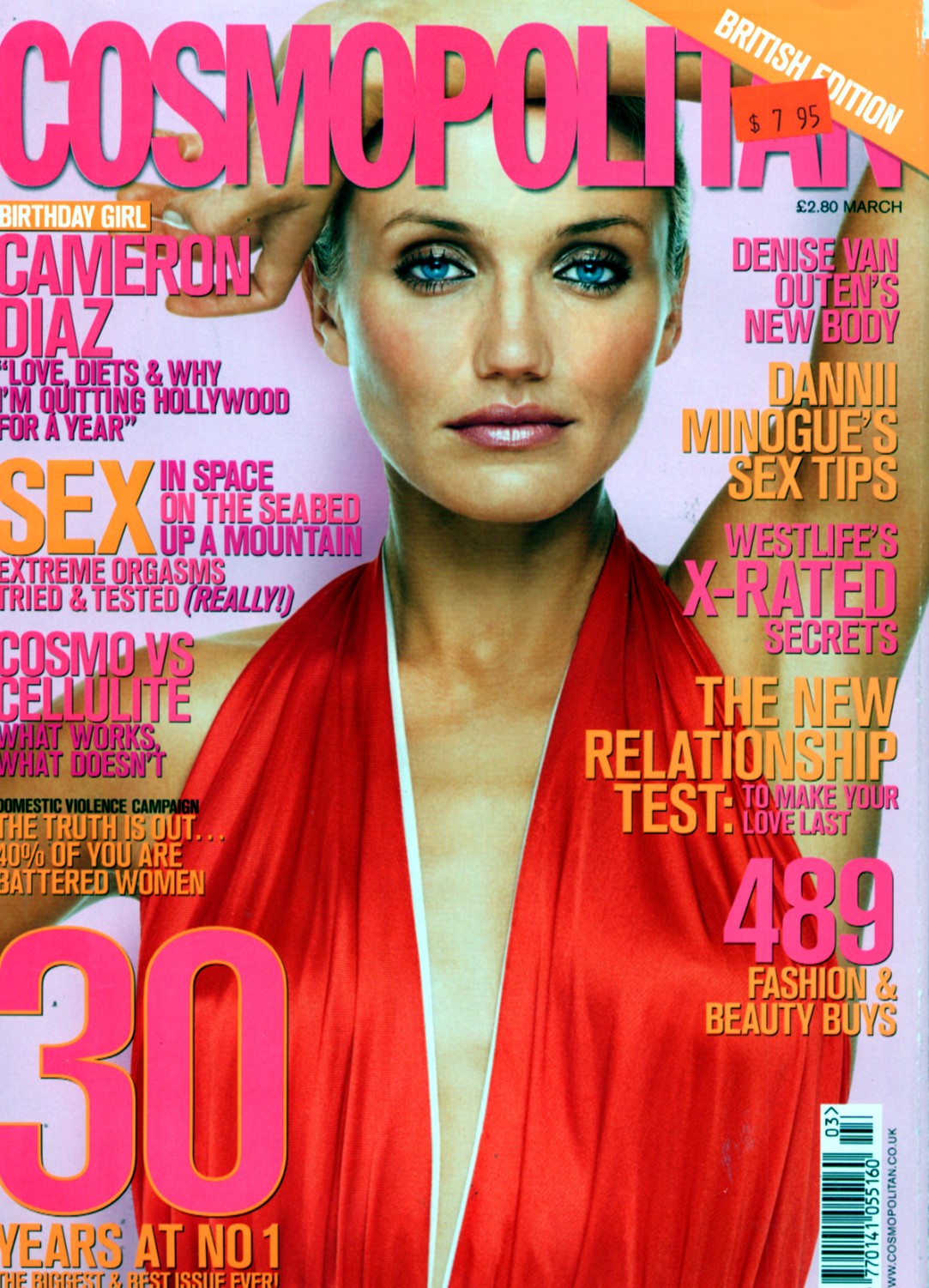
Like Cameron Diaz. she has many different looks.
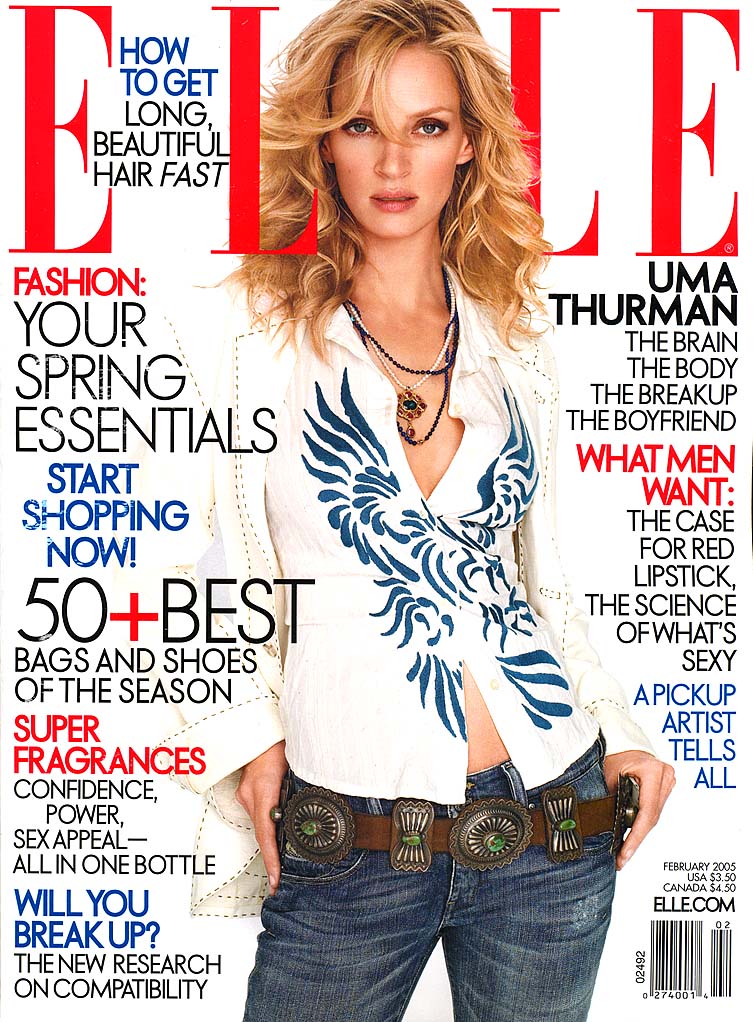
Thanks, that Elle cover is new to me.
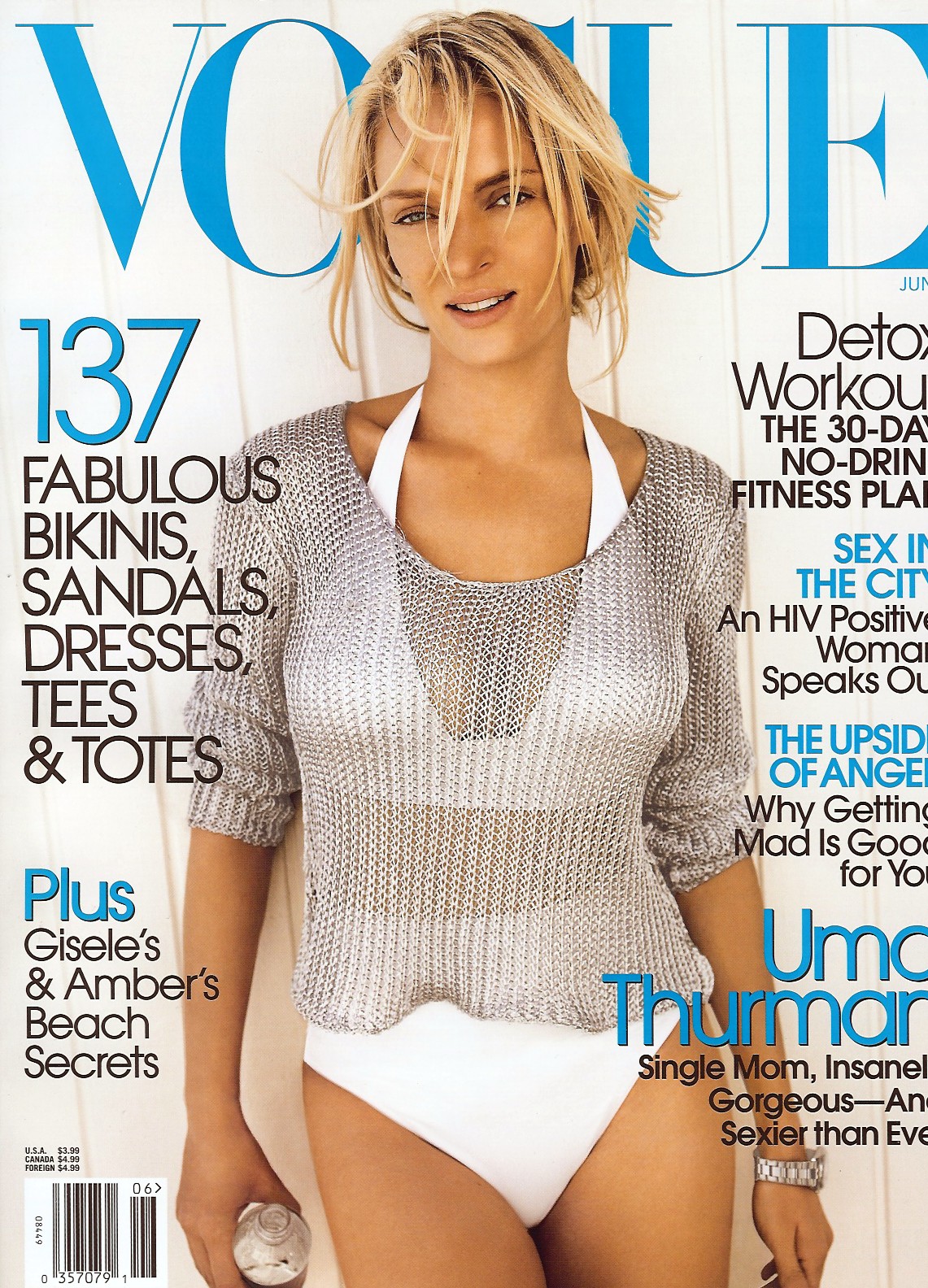
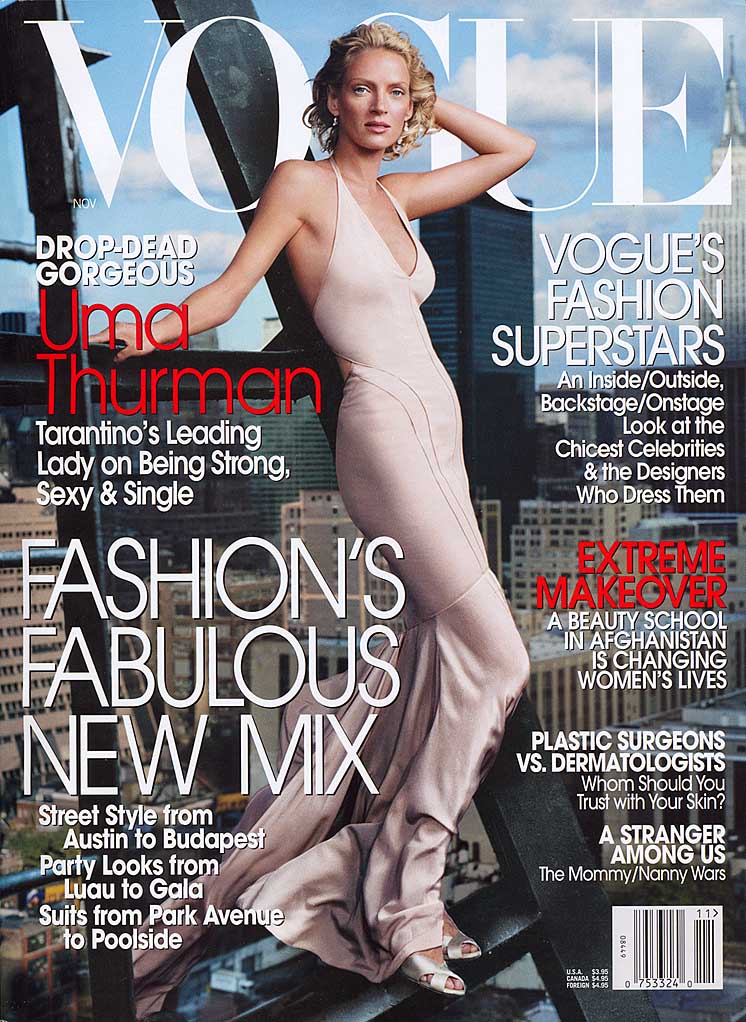
Her other two US Vogue covers are posted a few pages back.
I already did Sophie Marceau, did we lose that in the crash? I have lot's of Angelina and Keira but not sure waht's been posted, anything in particular?
You're welcome ladies, will check for ed but I tend to stick to covers.
OK, have some of those and will post when I can.
No problem, anybody else you are interested in?
Like Cameron Diaz. she has many different looks.
Thanks, that Elle cover is new to me.
Her other two US Vogue covers are posted a few pages back.

 Tabloids usually don't rank as good covers but these aren't bad.


 Her other In Style cover has been posted a few pages back.

 You're welcome!
My pleasure Penny-d
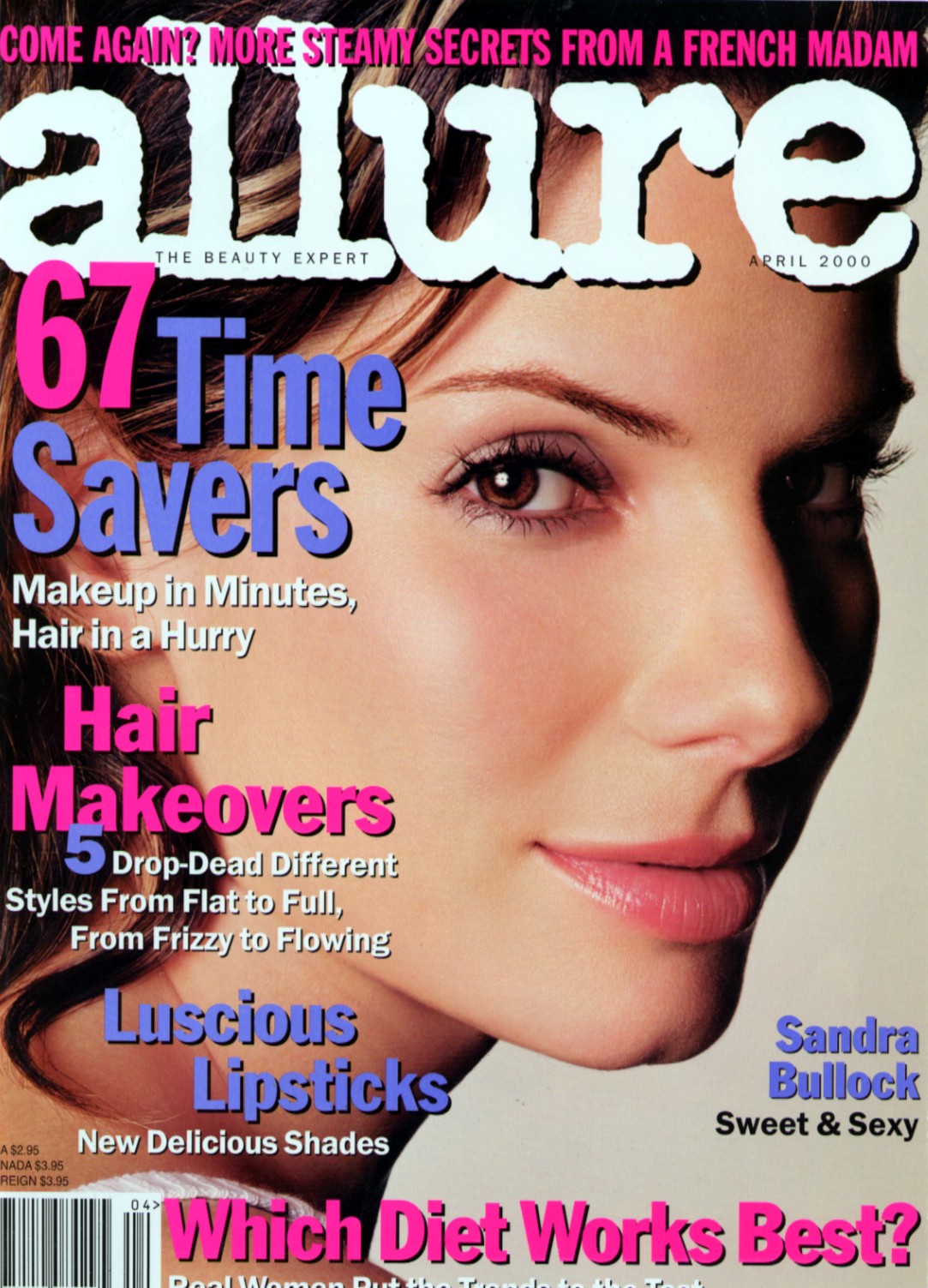
These last 6 posts are all from my collection scanned by me.
You're welcome!
My pleasure Penny-d
These last 6 posts are all from my collection scanned by me.


Account
Navigation
Search
Configure browser push notifications
Chrome (Android)
- Tap the lock icon next to the address bar.
- Tap Permissions → Notifications.
- Adjust your preference.
Chrome (Desktop)
- Click the padlock icon in the address bar.
- Select Site settings.
- Find Notifications and adjust your preference.
Safari (iOS 16.4+)
- Ensure the site is installed via Add to Home Screen.
- Open Settings App → Notifications.
- Find your app name and adjust your preference.
Safari (macOS)
- Go to Safari → Preferences.
- Click the Websites tab.
- Select Notifications in the sidebar.
- Find this website and adjust your preference.
Edge (Android)
- Tap the lock icon next to the address bar.
- Tap Permissions.
- Find Notifications and adjust your preference.
Edge (Desktop)
- Click the padlock icon in the address bar.
- Click Permissions for this site.
- Find Notifications and adjust your preference.
Firefox (Android)
- Go to Settings → Site permissions.
- Tap Notifications.
- Find this site in the list and adjust your preference.
Firefox (Desktop)
- Open Firefox Settings.
- Search for Notifications.
- Find this site in the list and adjust your preference.