Jump to content
View in the app

A better way to browse. Learn more.

Bellazon

A full-screen app on your home screen with push notifications, badges and more.

To install this app on iOS and iPadOS
  1. Tap the Share icon in Safari
  2. Scroll the menu and tap Add to Home Screen.
  3. Tap Add in the top-right corner.
To install this app on Android
  1. Tap the 3-dot menu (⋮) in the top-right corner of the browser.
  2. Tap Add to Home screen or Install app.
  3. Confirm by tapping Install.

jal718

Members
  • Joined

  • Last visited

Everything posted by jal718

  1. jal718 replied to Cantor's topic in Actresses
    Nice cover D, thanks
  2. She's stunning
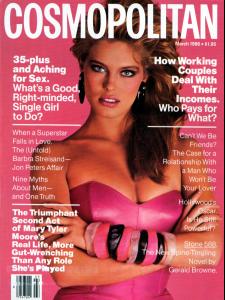
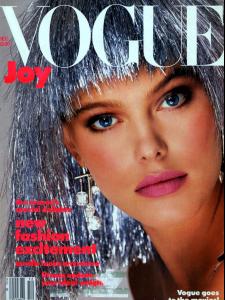
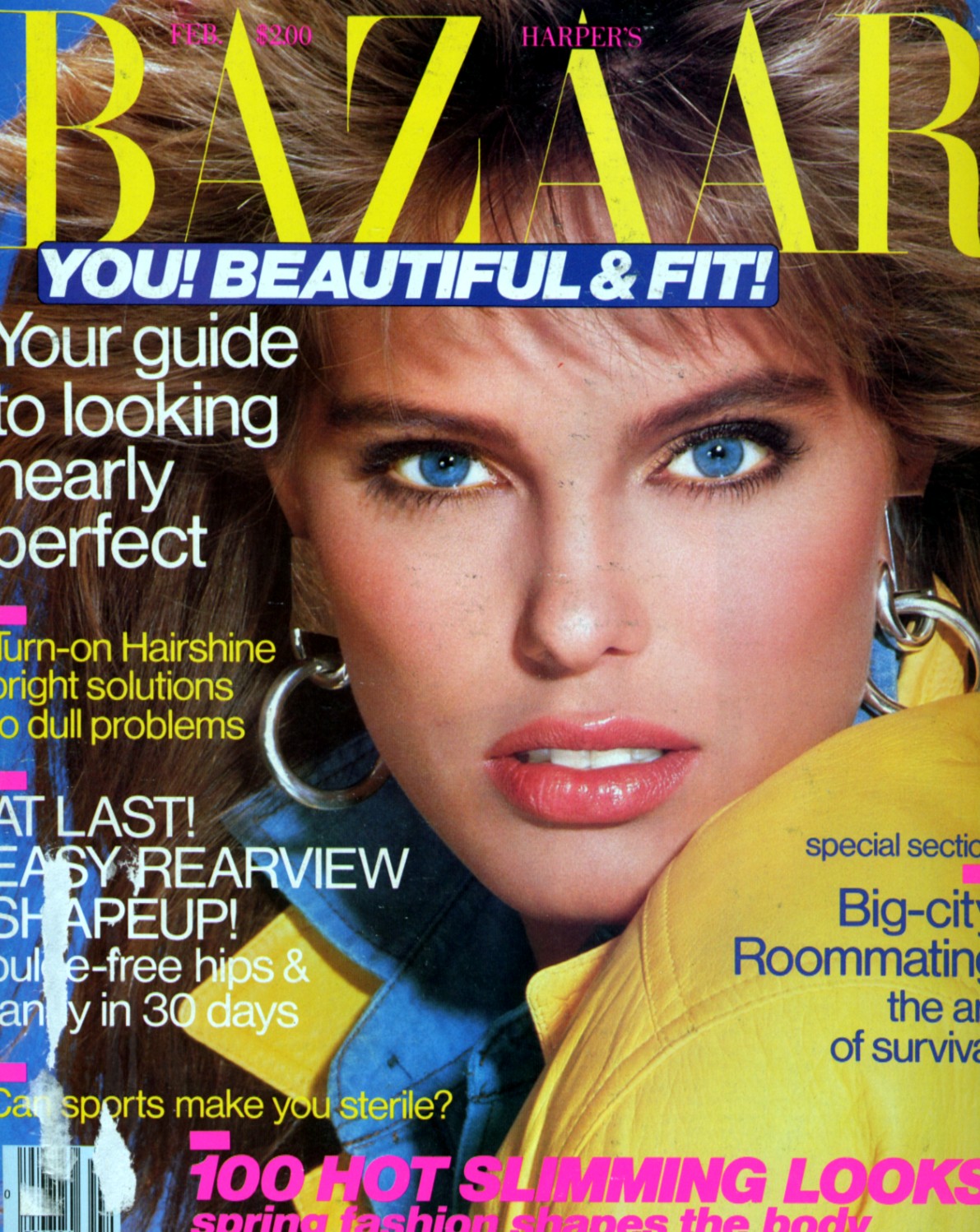
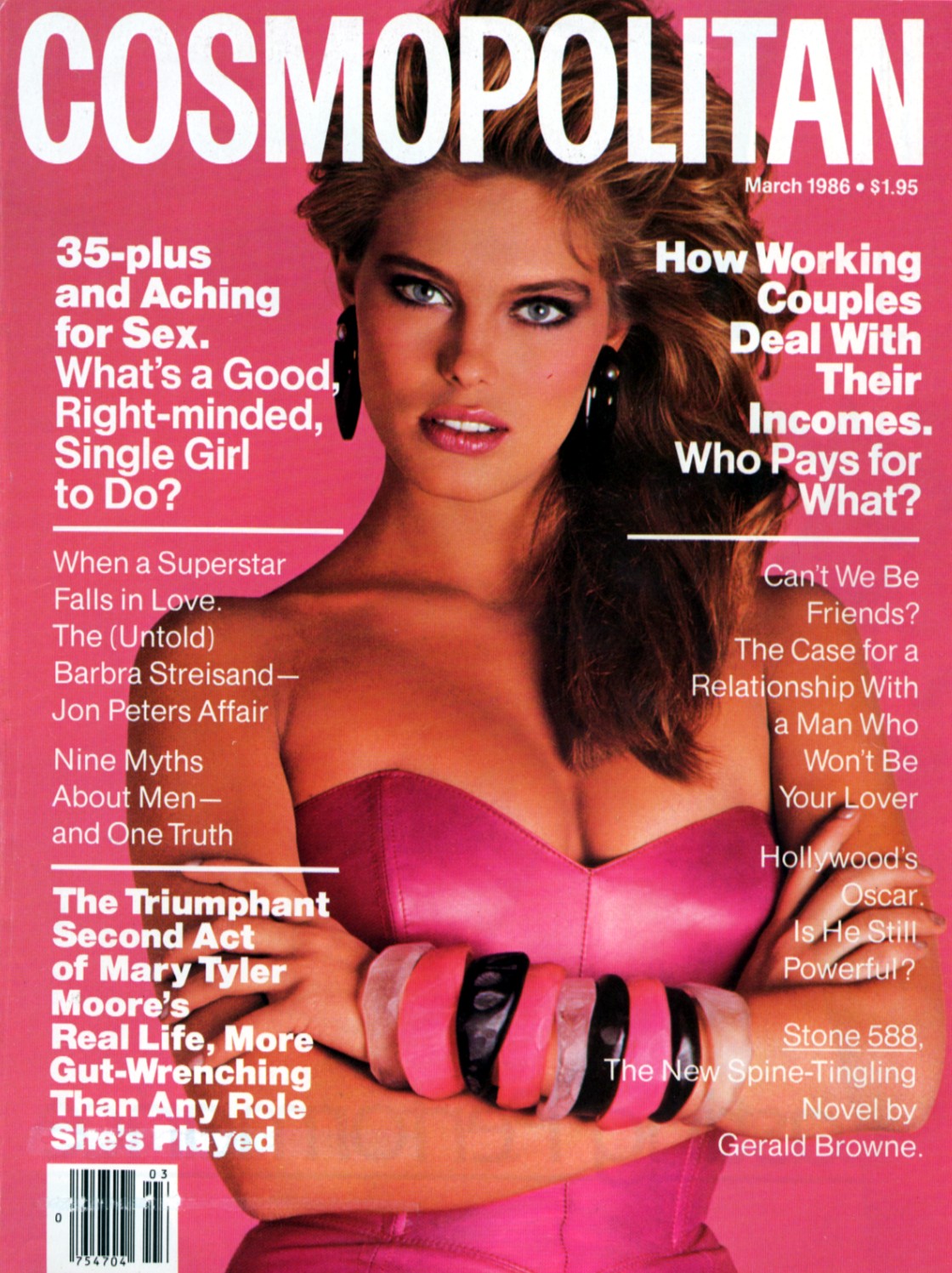
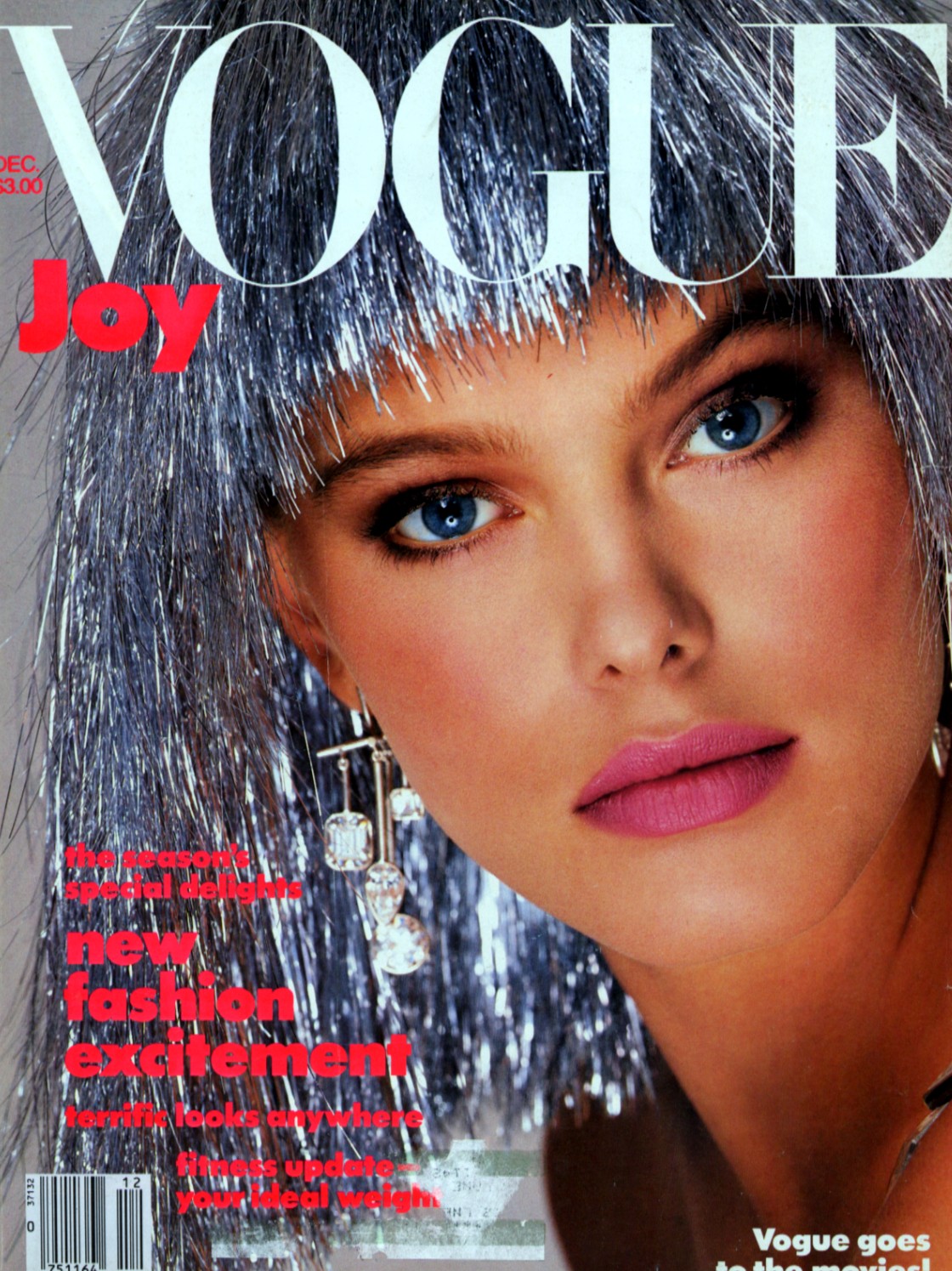
  3. Yes, the covers out now are for the most part really bad. The ones with Renee, Paulina, Kim Alexis and Carol Alt were truly stunning as you can see here.
  4. jal718 replied to wanderlust's topic in Actresses
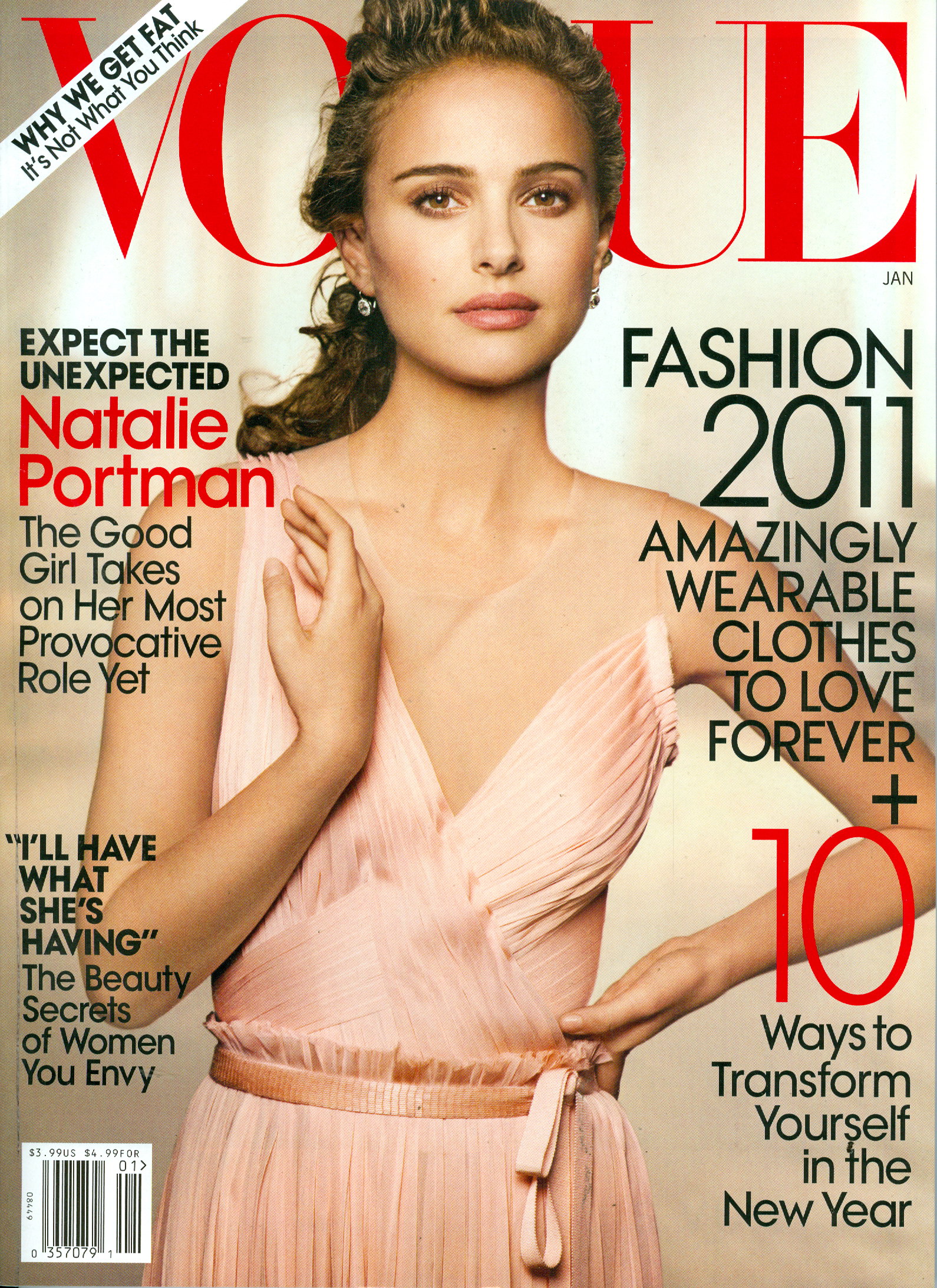
    This is not a good cover, my scan
  5. Great scan
  6. I scanned this from an old Mademoiselle I found

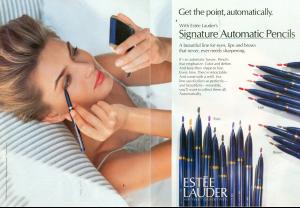
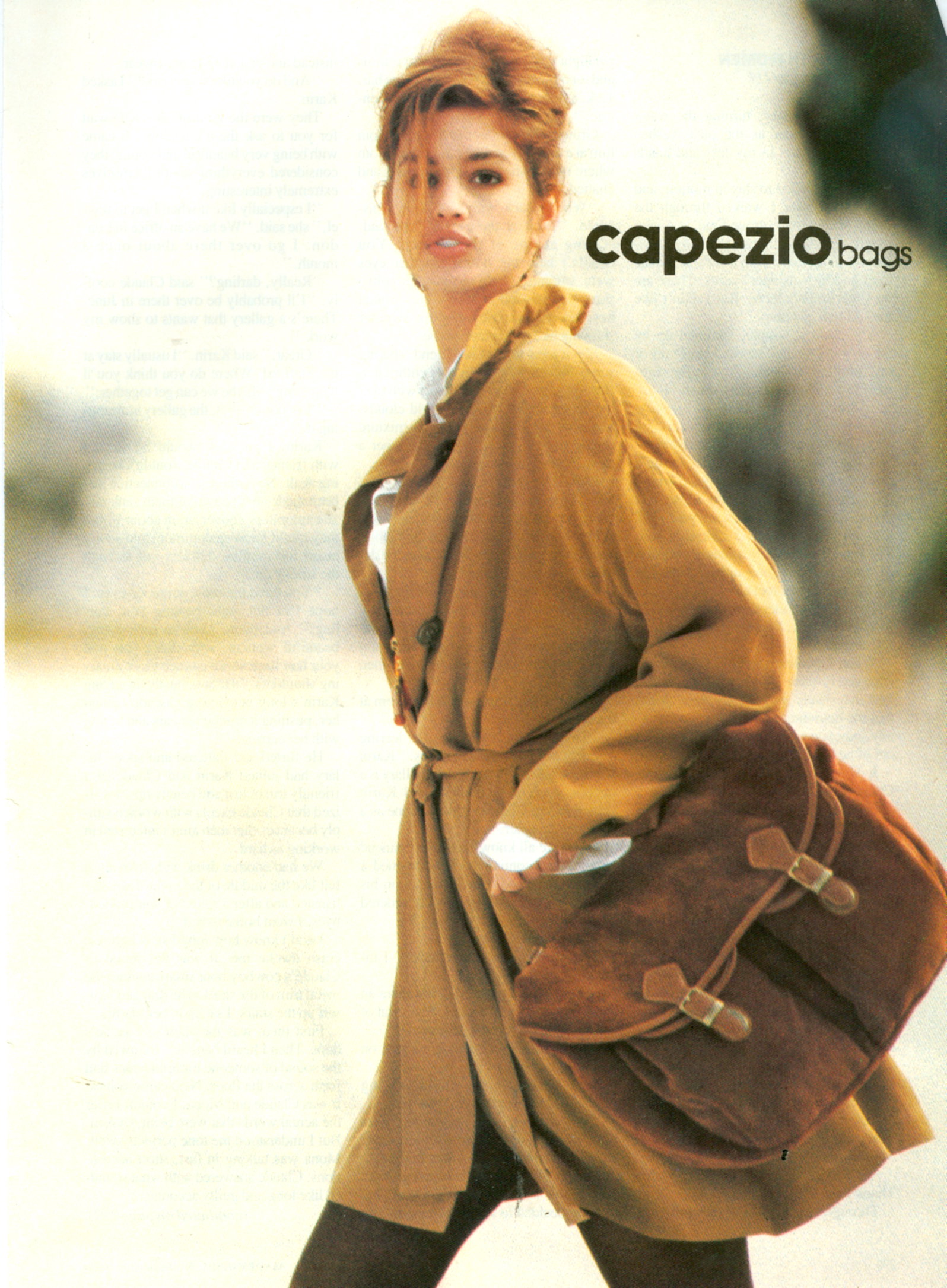
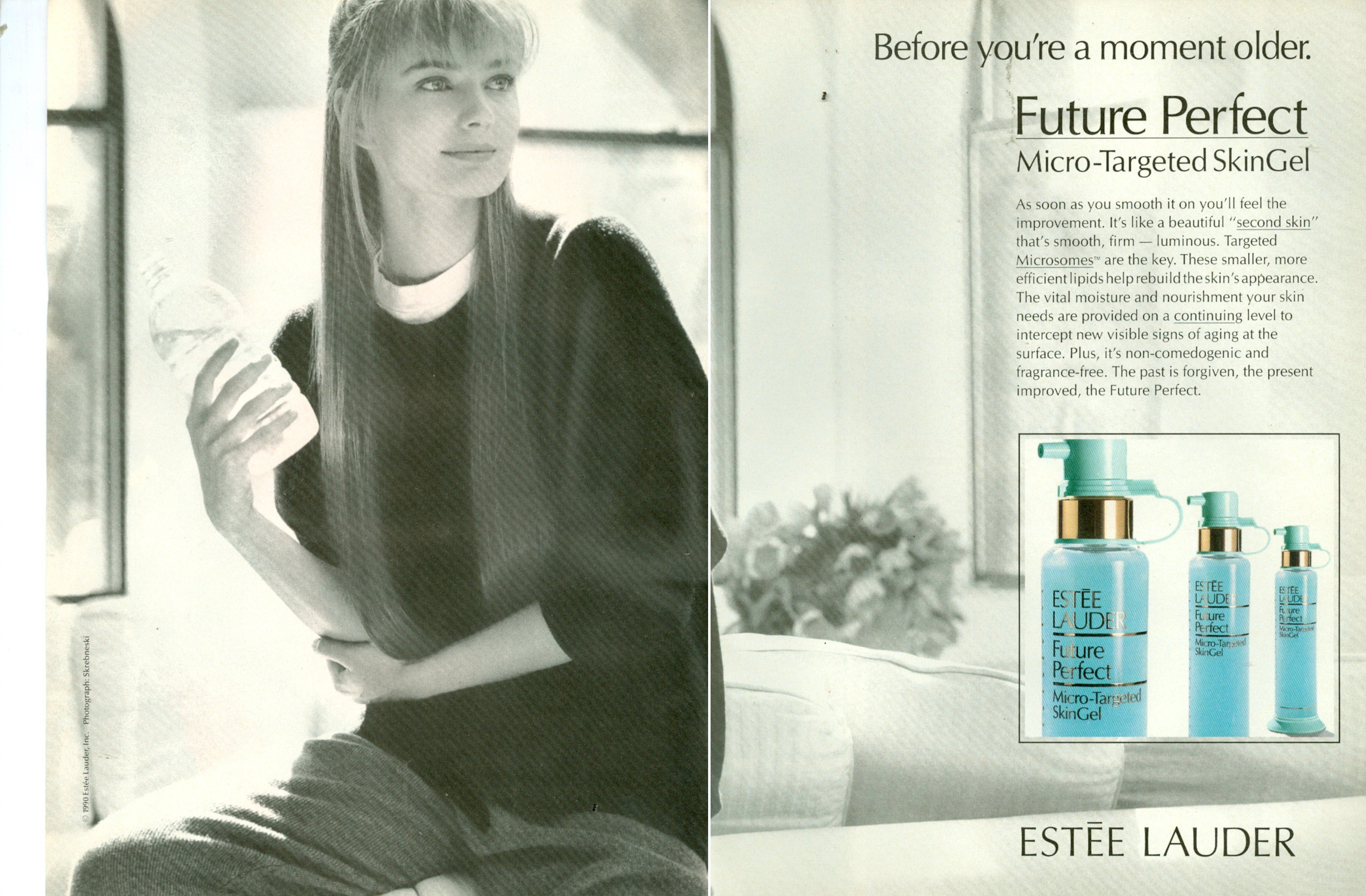
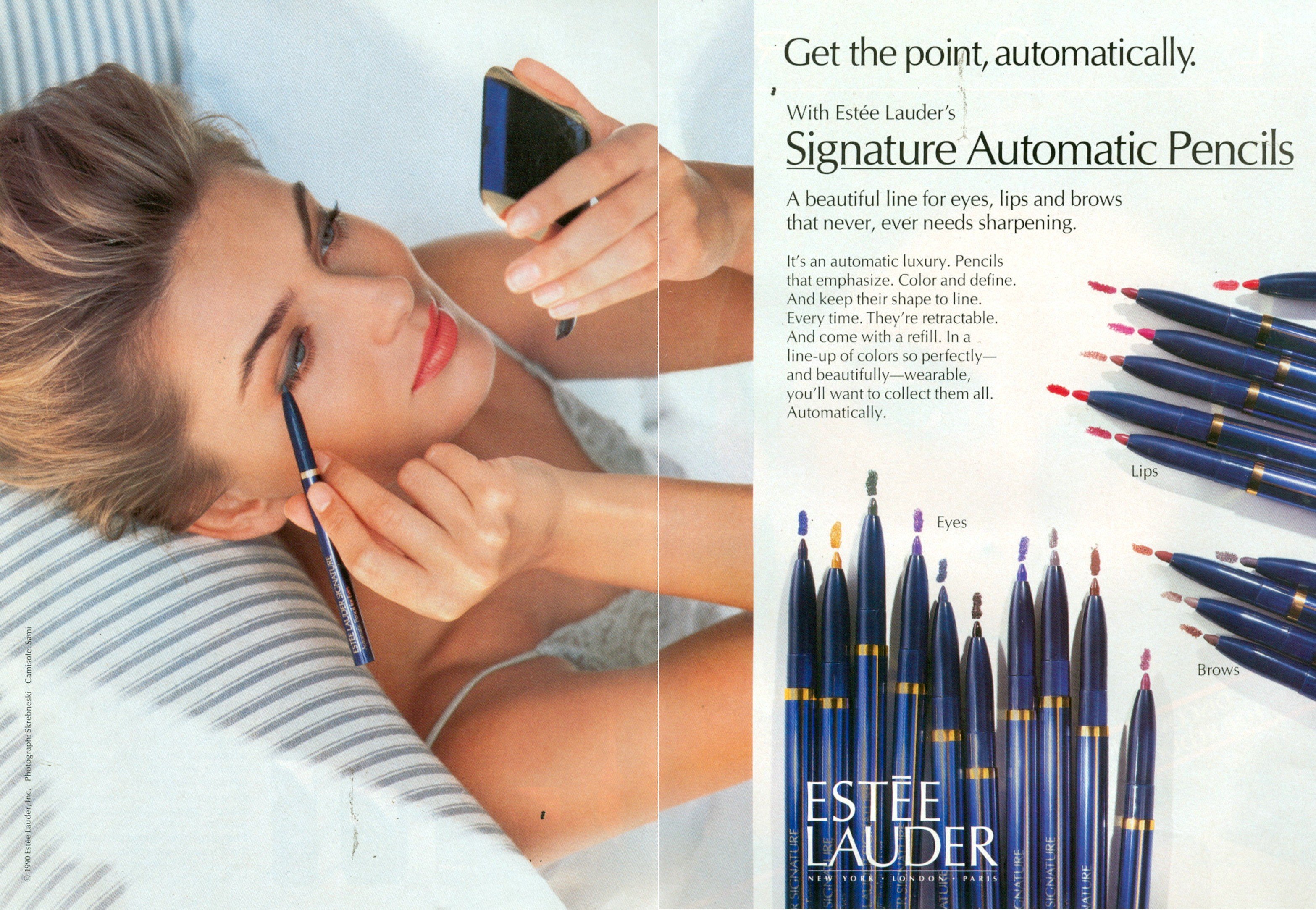
  7. I found an old Mademoiselle with two ad's I scanned

  8. jal718 replied to 00Gooby's topic in Female Musicians
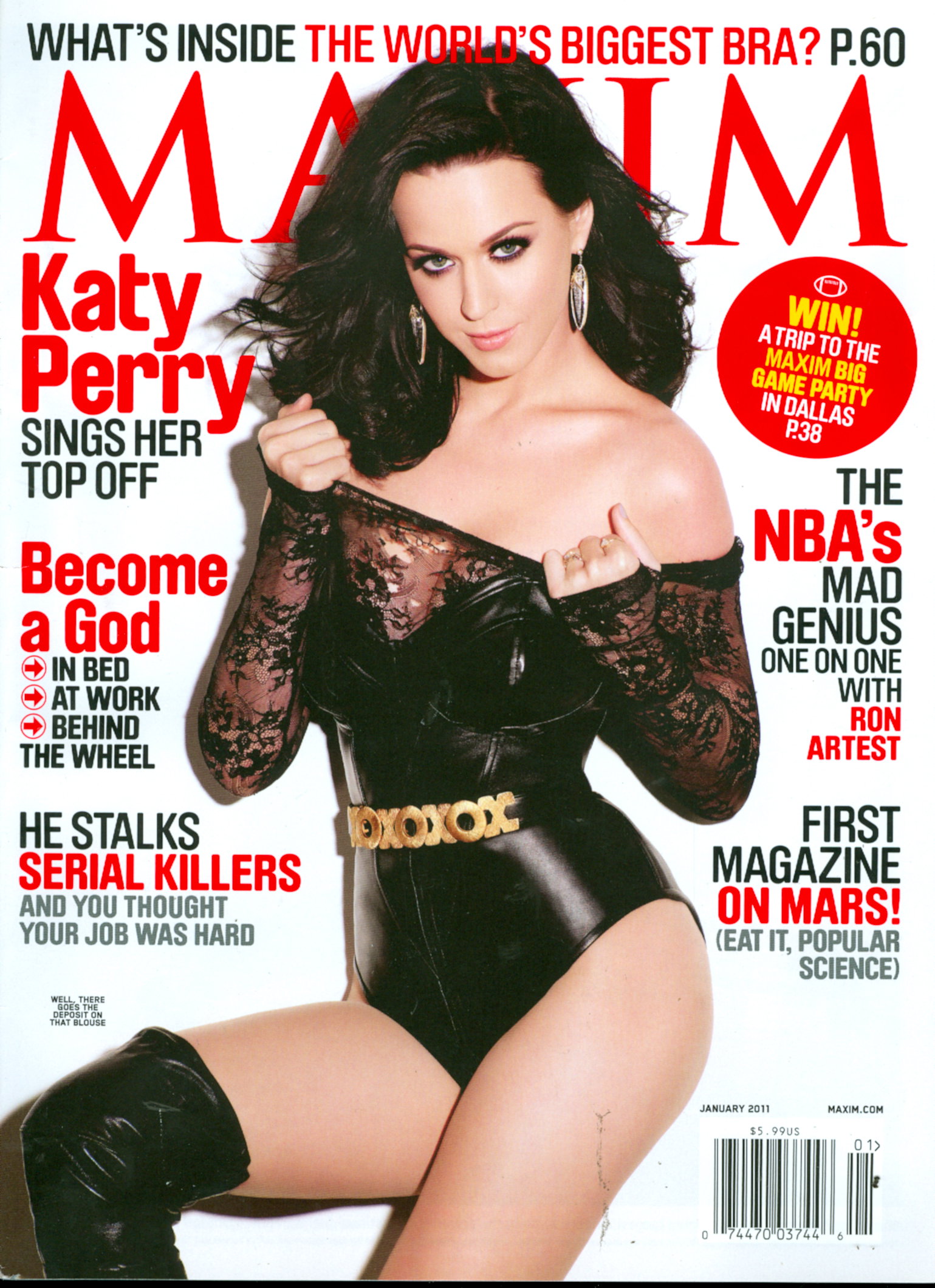
    My scan
  9. Another great scan
  10. New to me Lucy, thanks
  11. Neither as both are bad, bad covers
  12. 2.5 for each as neither is that impressive
  13. Neither, both are horrible
  14. jal718 replied to avoir_fot's topic in Actresses
    LOL! Welcome to the world of LQ reposts and crap!
  15. jal718 replied to avoir_fot's topic in Actresses
    Thanks for posting Kelly, you always have great stuff
  16. Great pic Kelly
  17. jal718 replied to 66Lucy's topic in Actresses
    Not Carole titi
  18. jal718 replied to Dennis's topic in Actresses
    Thanks for the cover D, I've never seen so much crap posted in these threads in one day but I can always count on you.
  19. jal718 replied to K_L's topic in Actresses
    Wow, great info titi!

Configure browser push notifications

Chrome (Android)
  1. Tap the lock icon next to the address bar.
  2. Tap Permissions → Notifications.
  3. Adjust your preference.
Chrome (Desktop)
  1. Click the padlock icon in the address bar.
  2. Select Site settings.
  3. Find Notifications and adjust your preference.