Jump to content
View in the app

A better way to browse. Learn more.

Bellazon

A full-screen app on your home screen with push notifications, badges and more.

To install this app on iOS and iPadOS
  1. Tap the Share icon in Safari
  2. Scroll the menu and tap Add to Home Screen.
  3. Tap Add in the top-right corner.
To install this app on Android
  1. Tap the 3-dot menu (⋮) in the top-right corner of the browser.
  2. Tap Add to Home screen or Install app.
  3. Confirm by tapping Install.

jal718

Members
  • Joined

  • Last visited

Everything posted by jal718

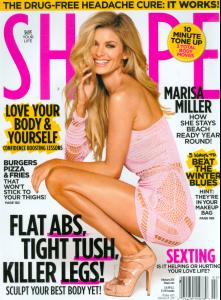
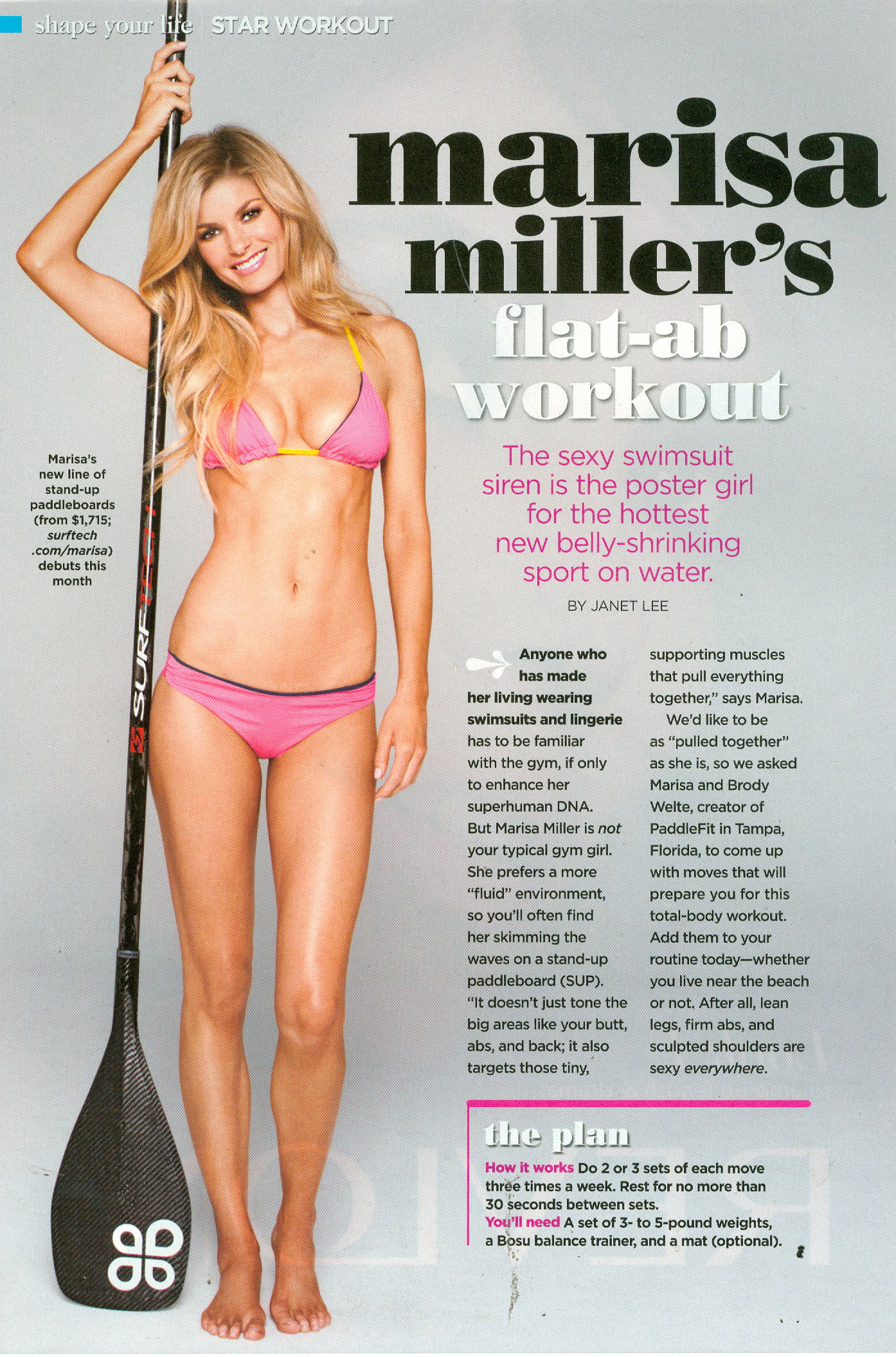
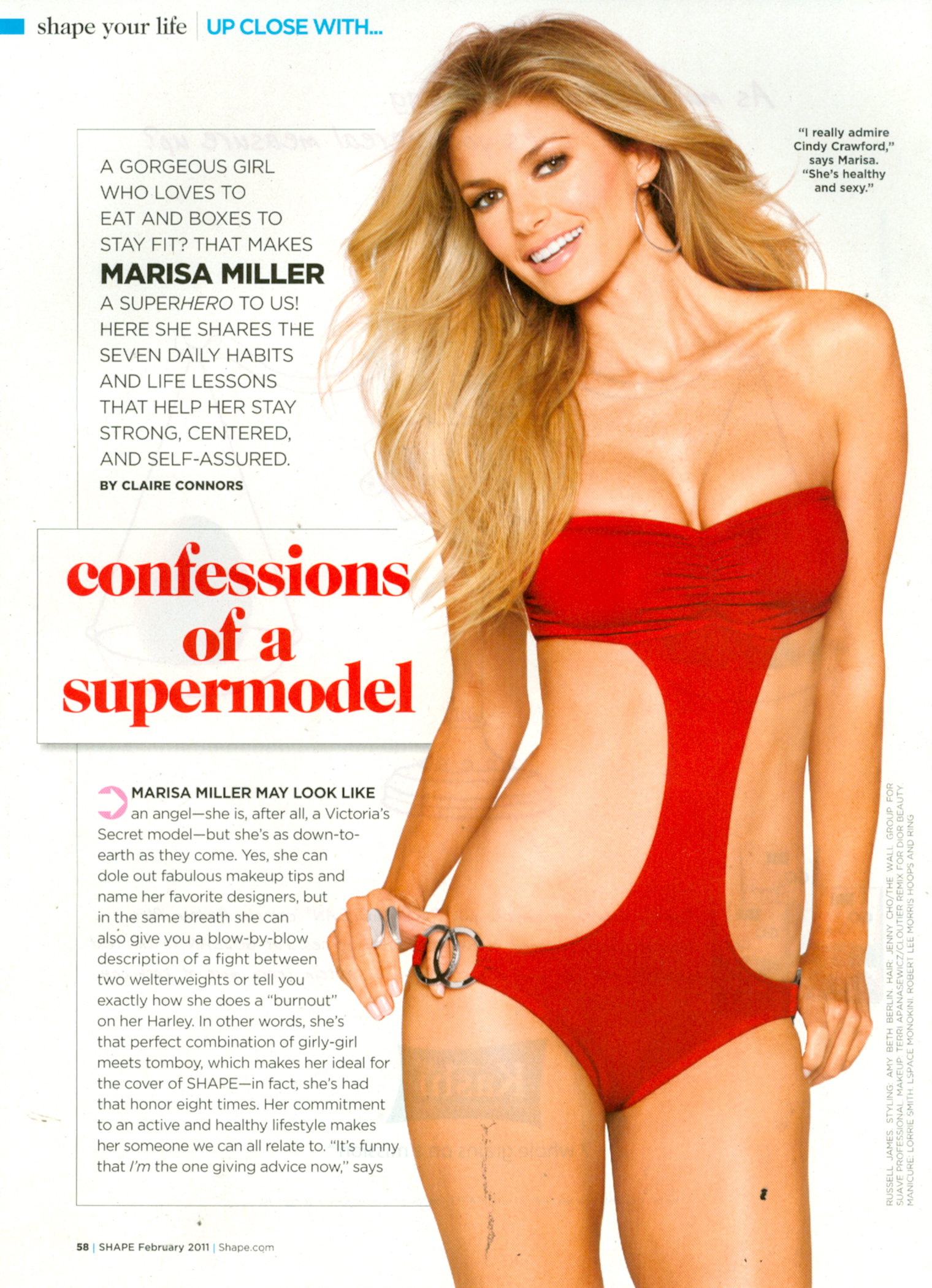
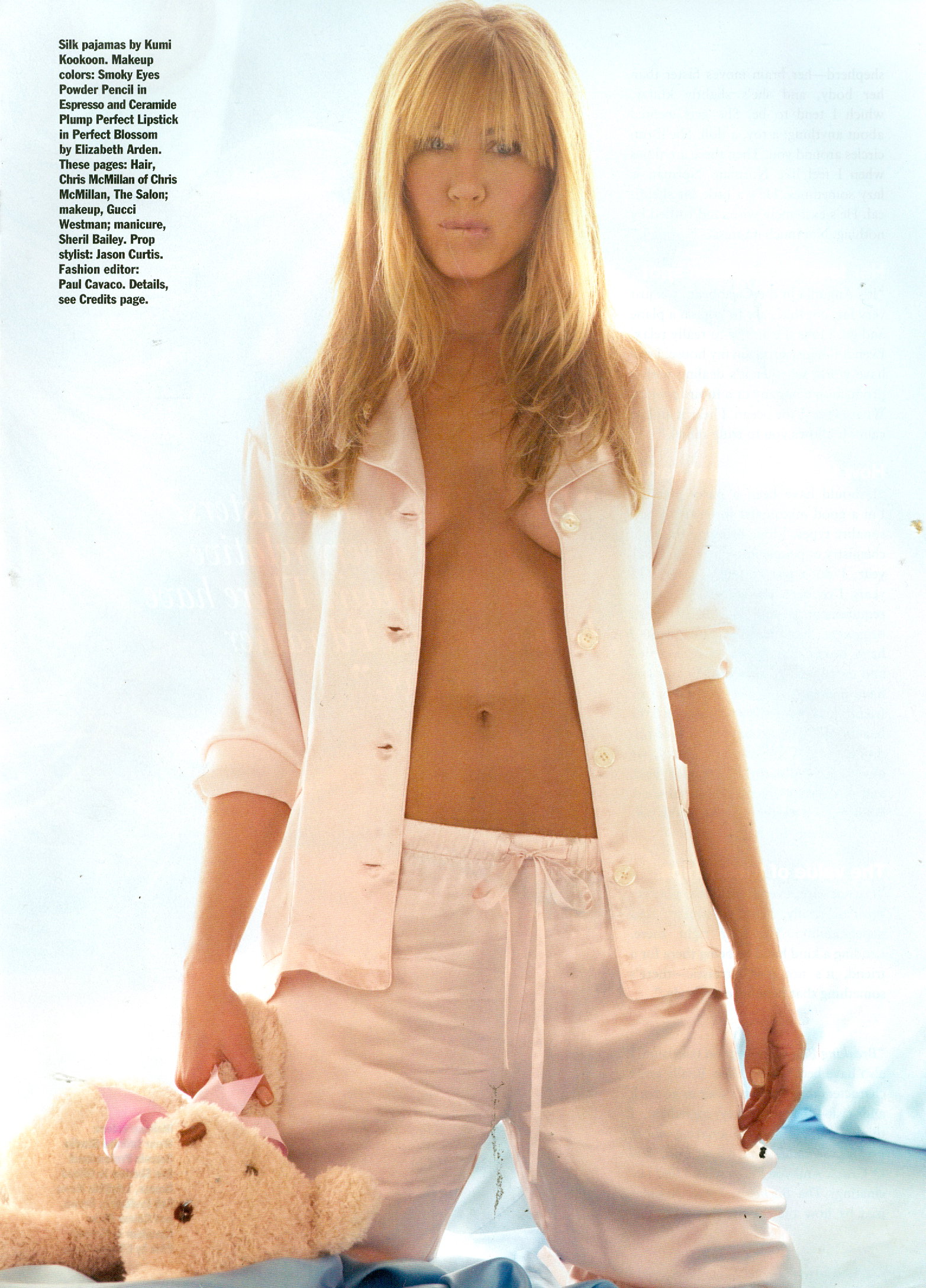
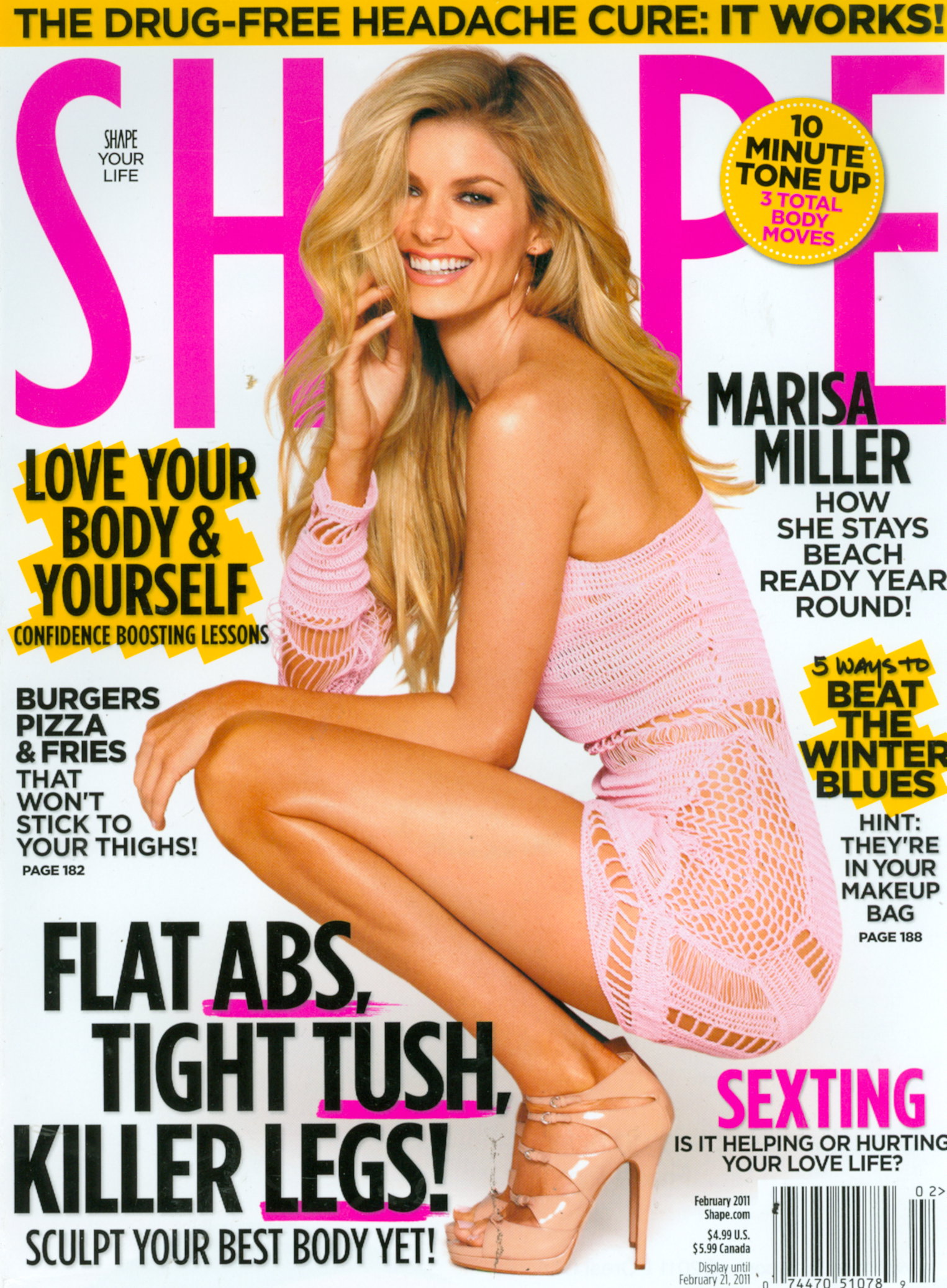
  1. Scans from inside Shape
  2. jal718 replied to pandora's topic in Actresses
    New People I scanned
  3. jal718 replied to pandora's topic in Actresses
    I scanned this out of the new W
  4. jal718 replied to pandora's topic in Actresses
    Her ed out of Bazaar, my scans
  5. Great catalog for her
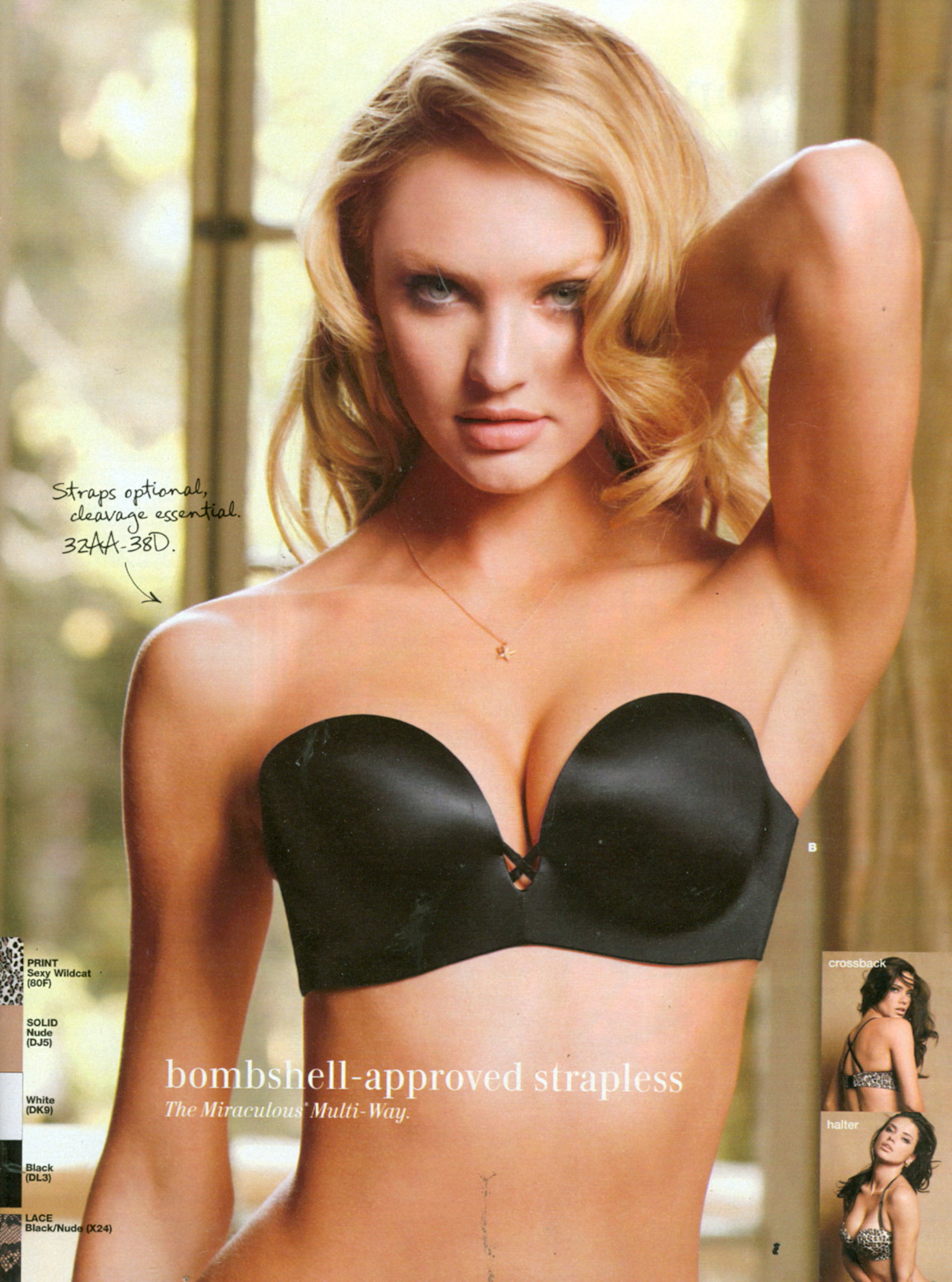
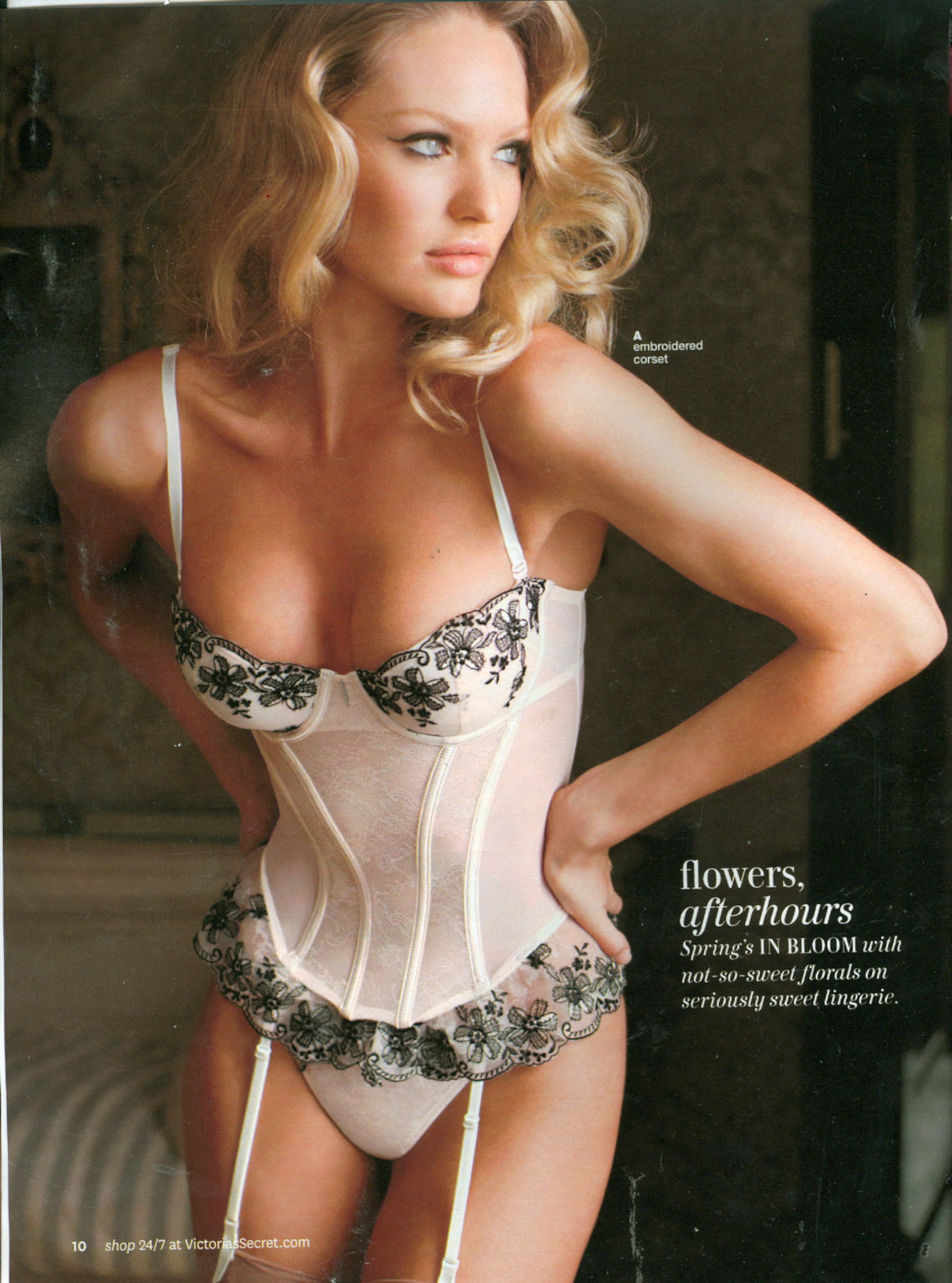
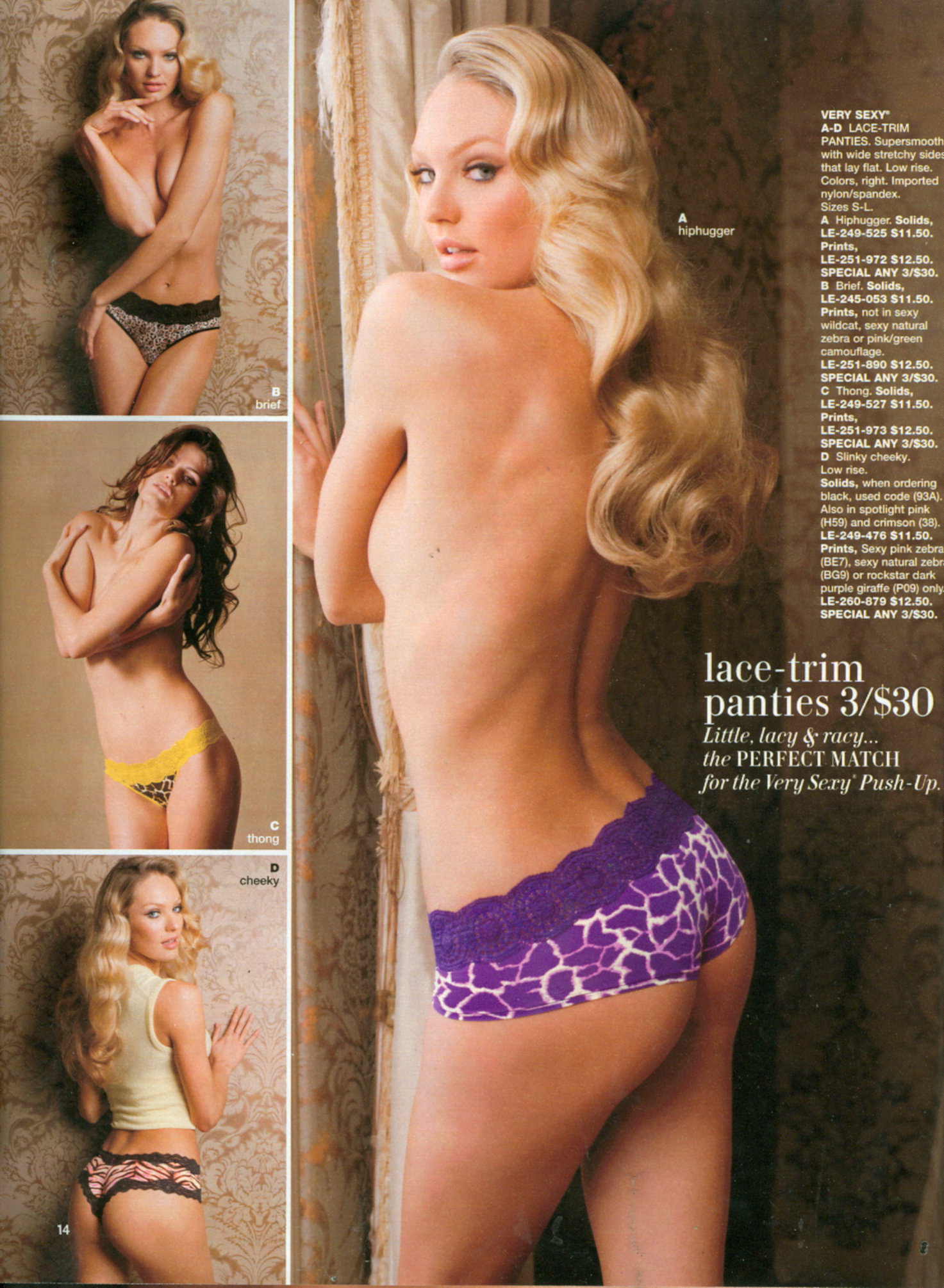
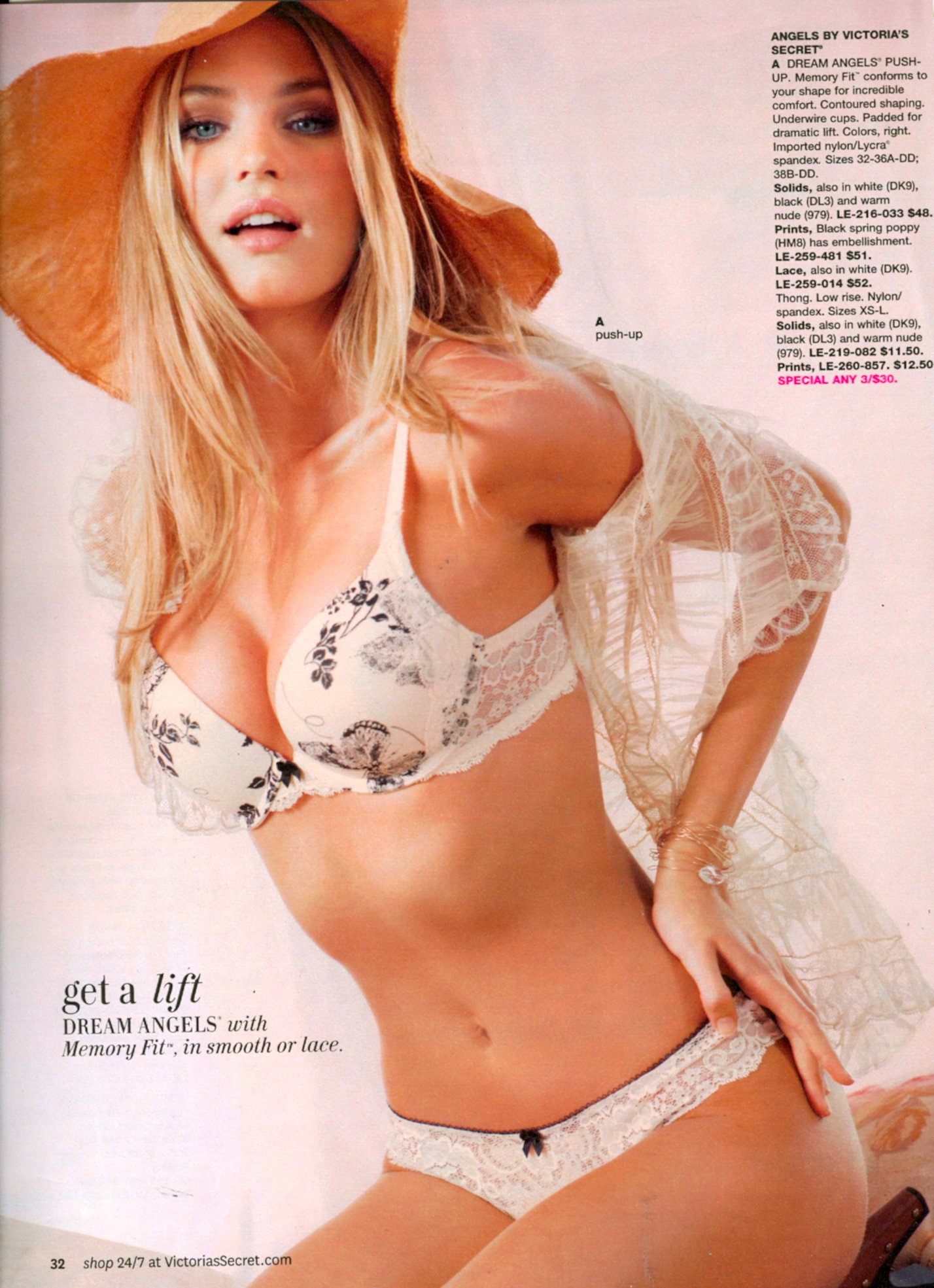
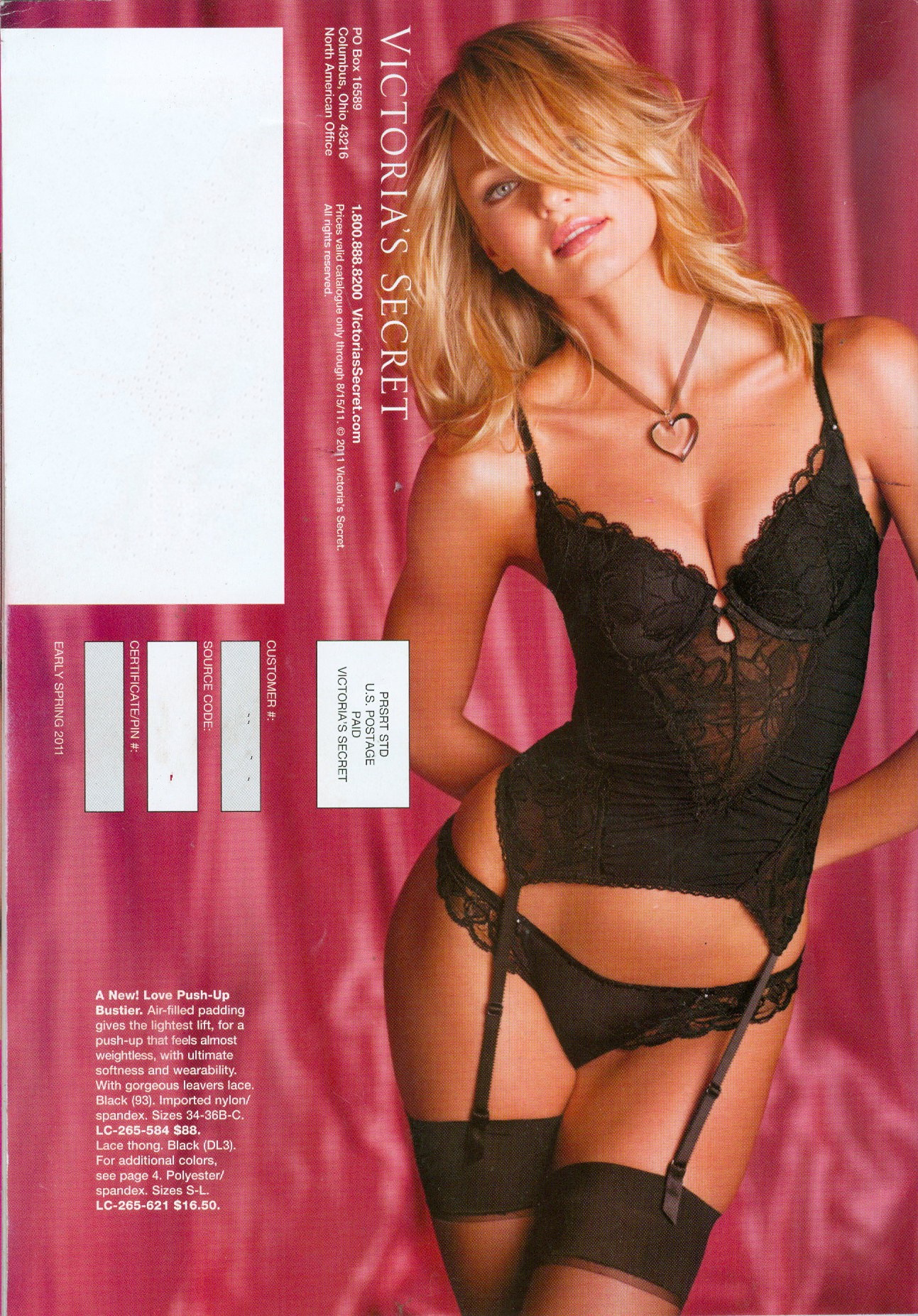
  6. My scans from the spring catalog

  7. Nice cover Kelly, I totally forgot about that one.
  8. Just arrived, my scan
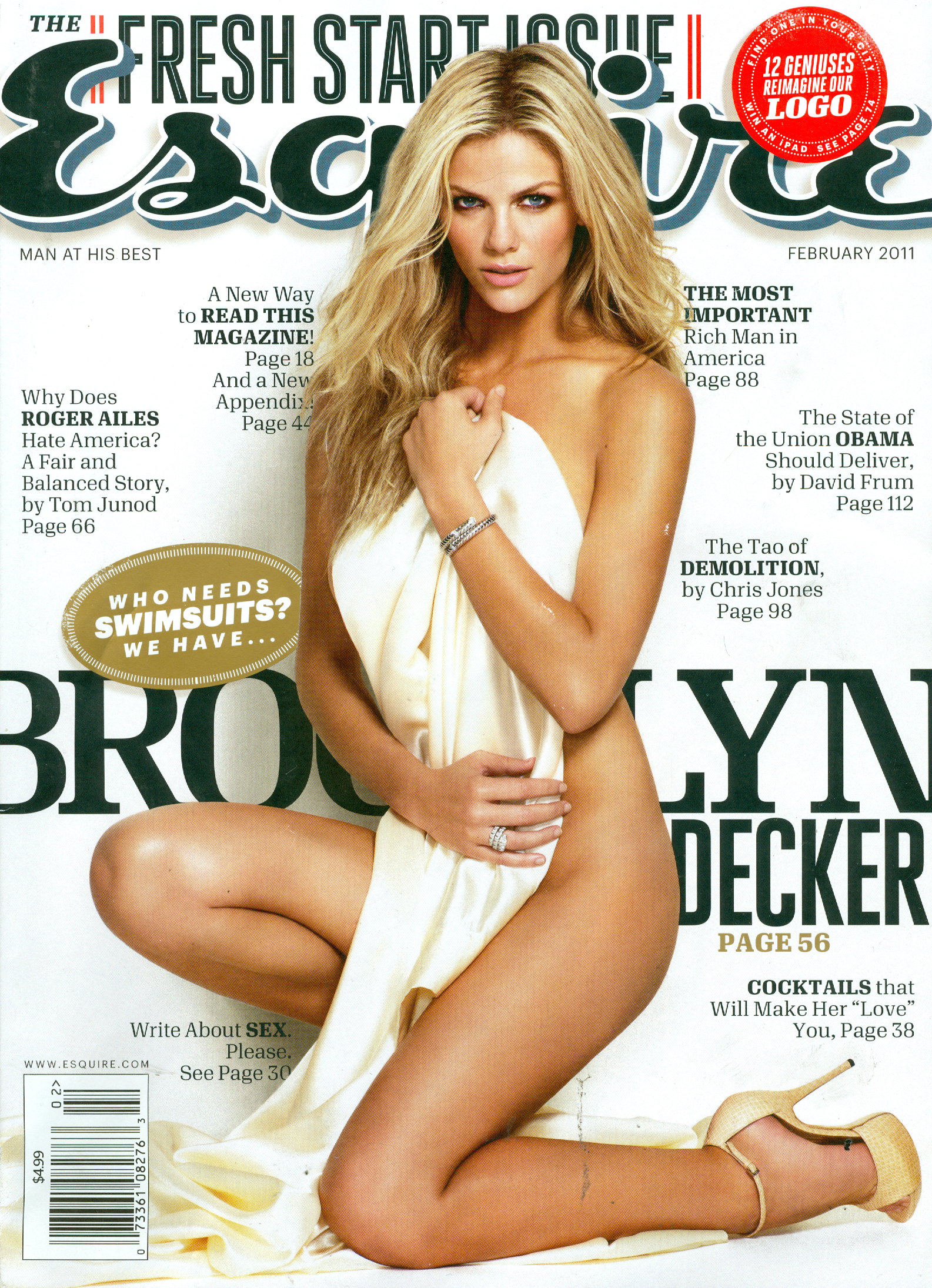
  9. My scans of the new Esquire
  10. Glad you like them D
  11. I have no clue as to where I got this.

  12. My scans
  13. And a bit bigger, great cover
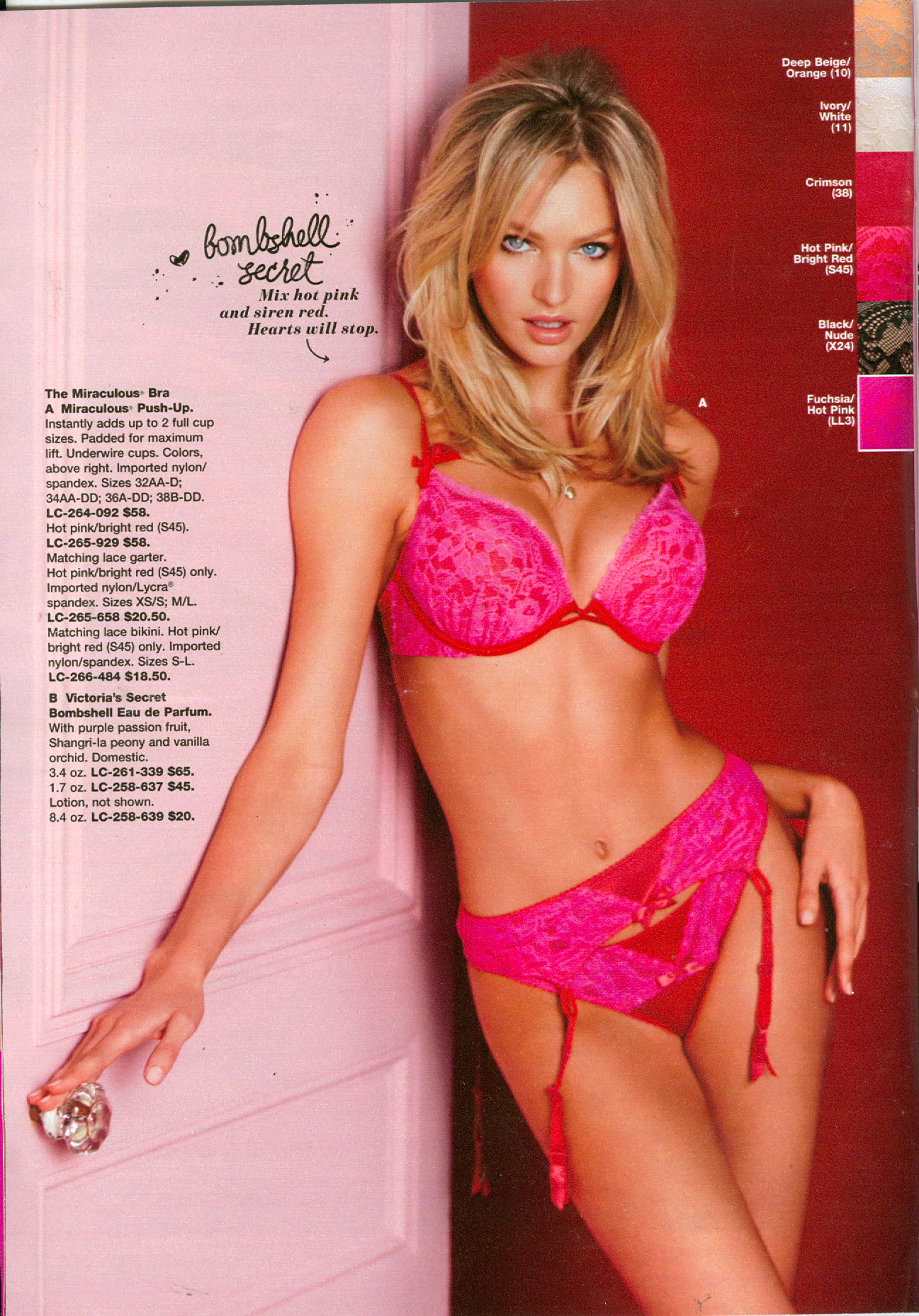
  14. Valentine's catalog
  15. jal718 replied to pandora's topic in Actresses
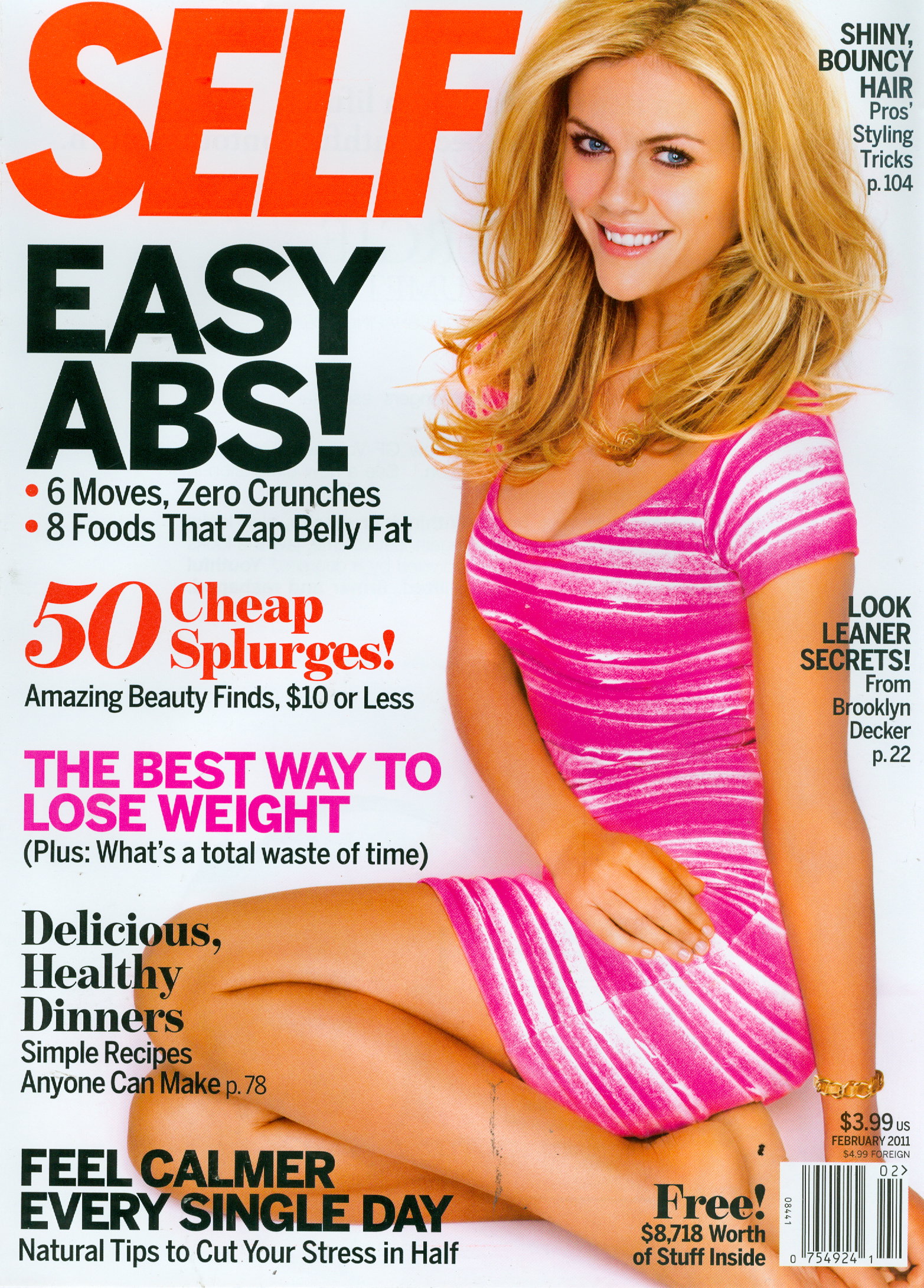
    My scan of the subscribers cover
  16. The covers have all been posted in HQ some pages back
  17. Thanks Lucy
  18. I scanned this out of V magazine's spring preview. Hard to match up as I didn't want to take it apart.

  19. Incredible missp, thanks
  20. Great stuff missp and lucy

Configure browser push notifications

Chrome (Android)
  1. Tap the lock icon next to the address bar.
  2. Tap Permissions → Notifications.
  3. Adjust your preference.
Chrome (Desktop)
  1. Click the padlock icon in the address bar.
  2. Select Site settings.
  3. Find Notifications and adjust your preference.