
Tagold
Members
-
Joined
-
Last visited
Everything posted by Tagold
-
@LAM Highest res on these pics that I've ever seen!
-
“You get dressed up thinking you're pretty then you stand next to Christy Turlington”- Carla Bruni.
-
@modelcrazy Thanks! More shots from the same photo session?

-
Two "Fashion China" covers, 1995 Same photo session?

-
Cosmopolitan Covers, 1993

-
Versace, Los Angeles, "after-party" 02/13/1990


-
@modelcrazy Thanks!!
-
I don't know anything about these pics except that they appear to be from the same shoot.

-
Two Christy montages


-
Vogue Italia, 1988

-
GianFrancoFerre, 1987The image on the right is a cleaned up cover of Harper's Bazaar, 1987
 "White Nights," 1987
 Christy sporting a Beatle haircut. Cover shoot for Elle, August, 1991
.thumb.jpg.c1e0938e6c9c0d8562087a7626e3374d.jpg) @alaflamoute Thanks, best quality I've seen of this pic."Artistry," Harper's Bazaar, 1993
@alaflamoute Thanks, best quality I've seen of this pic."Artistry," Harper's Bazaar, 1993
 That is such a gorgeous shot of her, and in the best quality I've seen. Thanks!Two cover pics: China-Fashion, 1995 & Vogue UK, 1993
 Jill Sander ads, 1992
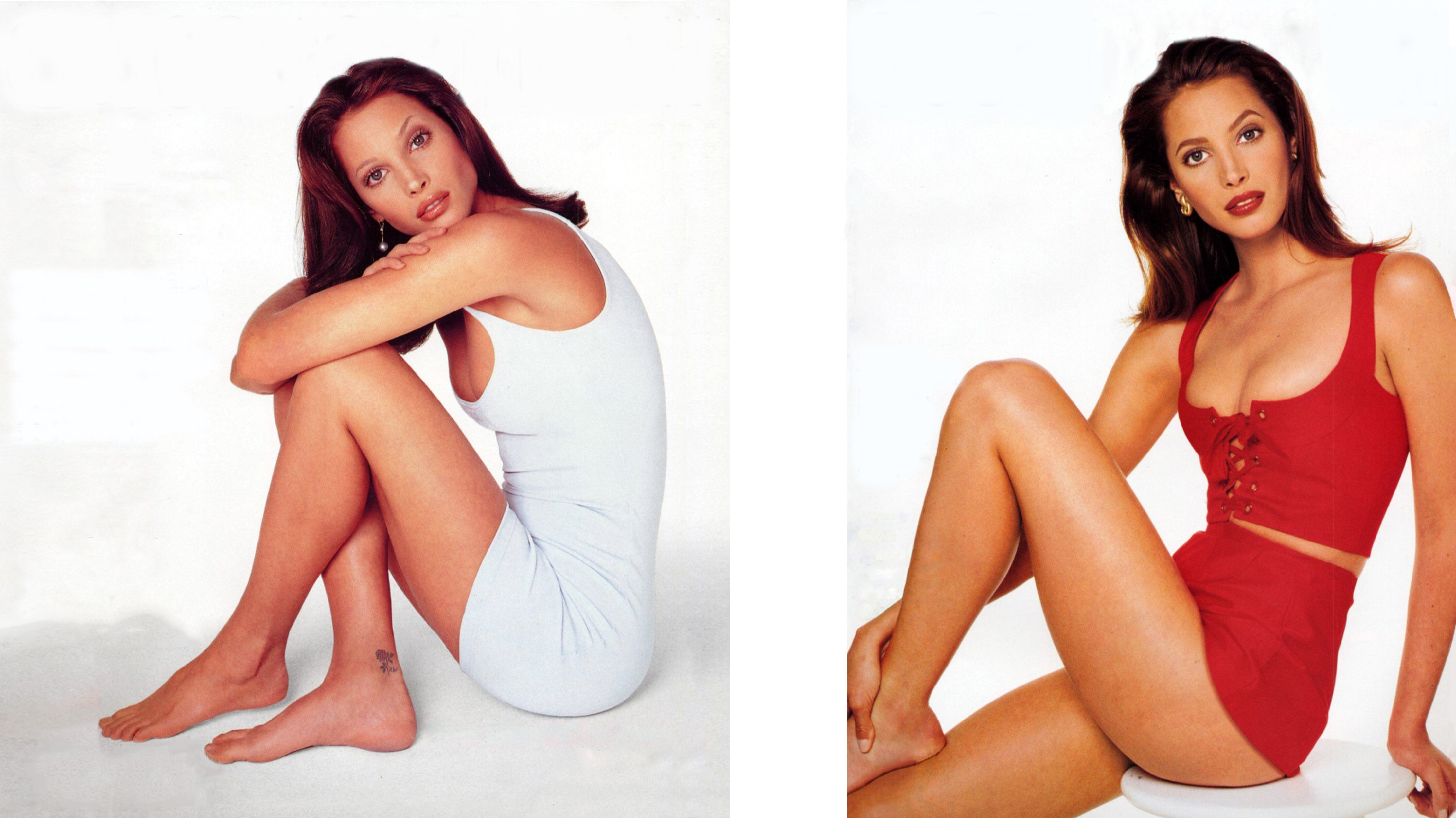
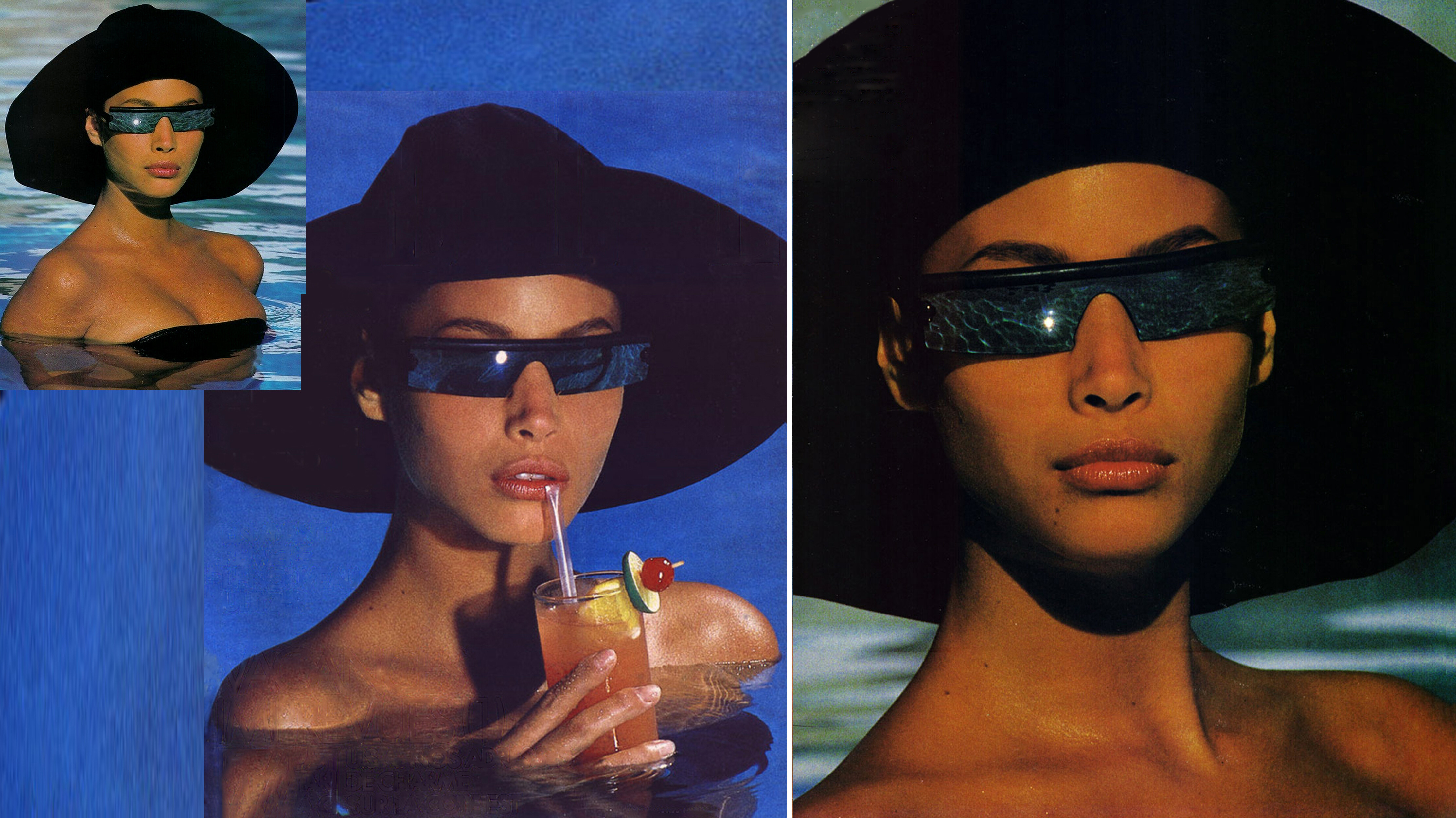
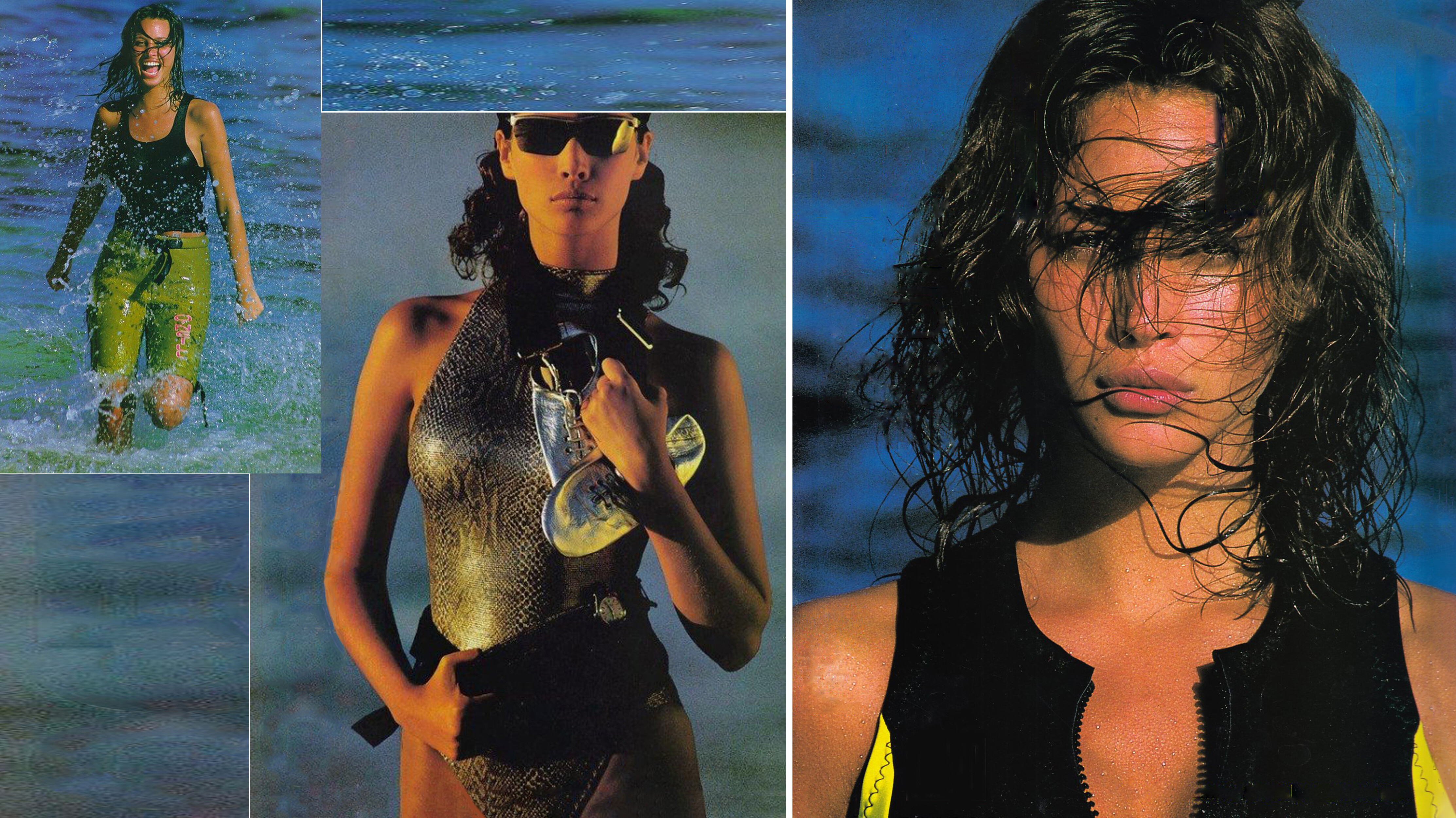
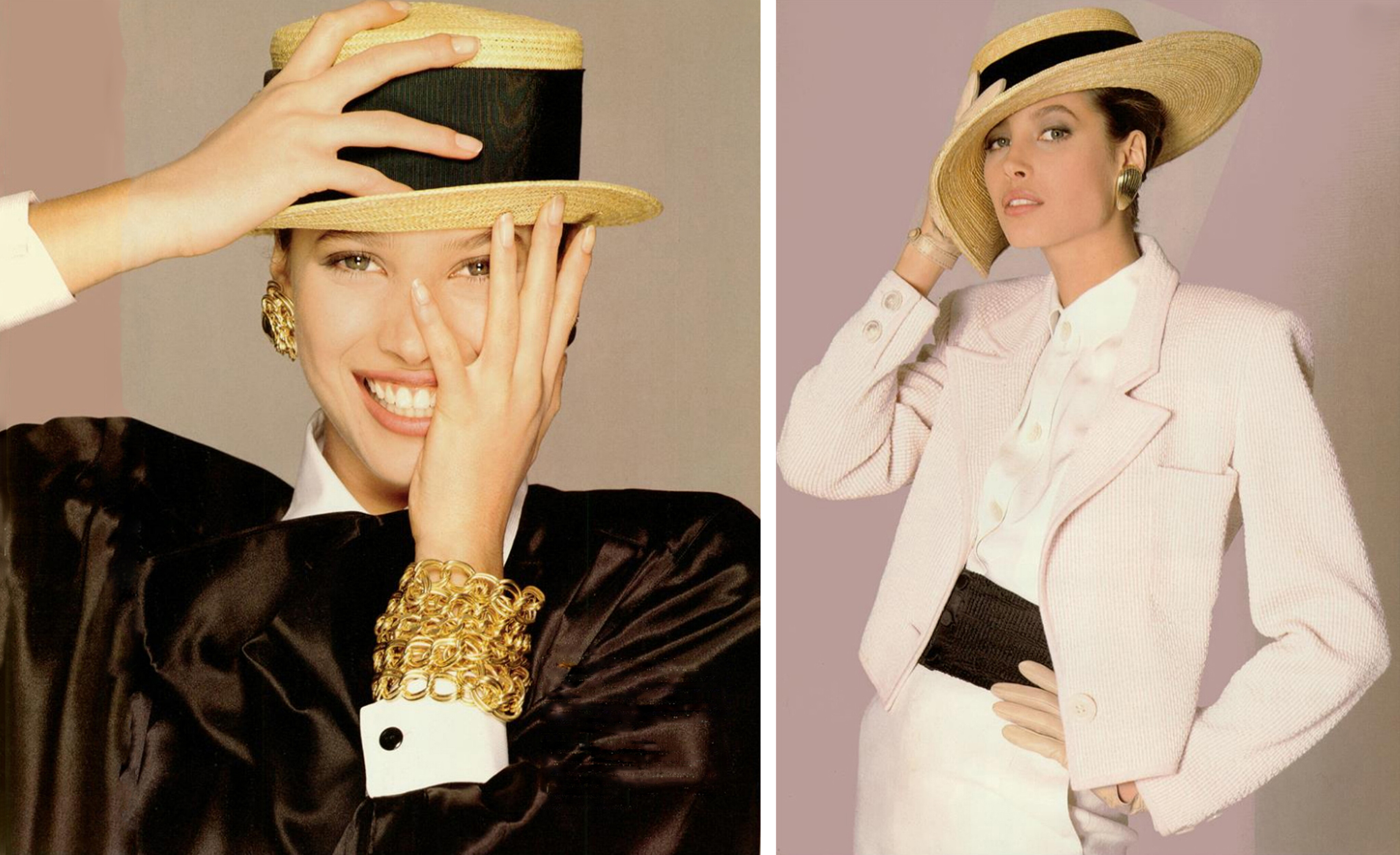
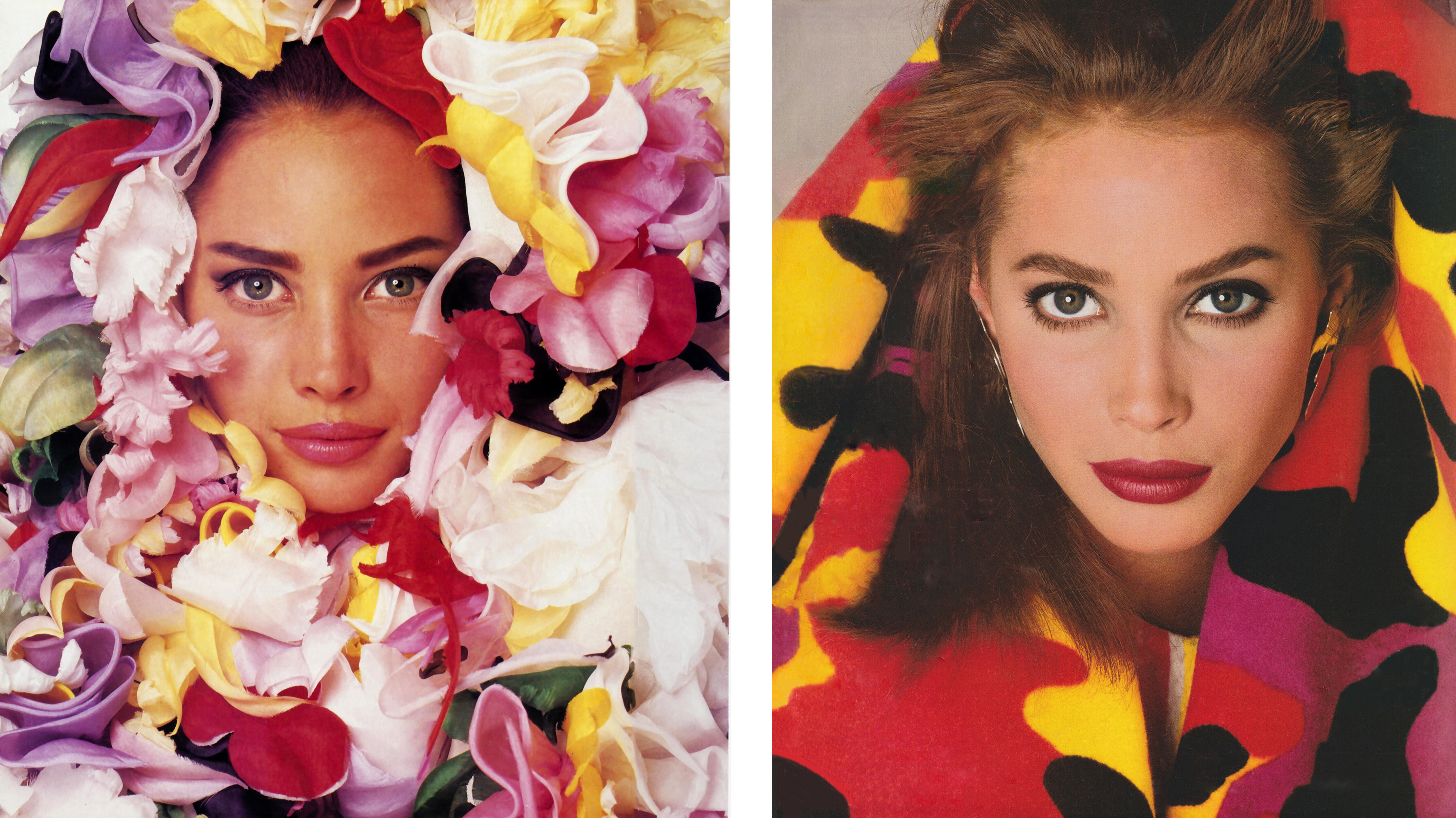
 @radolgc So, Did you collect it a long time ago? Do you have it in better quality? What's the link to your site?Here's another pick from ages ago that I think is now gone from the internet (at least I haven't seen out there in many years).









.jpg.16677f98e99627e666ab43b50f09b84c.jpg)









Account
Navigation
Search
Configure browser push notifications
Chrome (Android)
- Tap the lock icon next to the address bar.
- Tap Permissions → Notifications.
- Adjust your preference.
Chrome (Desktop)
- Click the padlock icon in the address bar.
- Select Site settings.
- Find Notifications and adjust your preference.
Safari (iOS 16.4+)
- Ensure the site is installed via Add to Home Screen.
- Open Settings App → Notifications.
- Find your app name and adjust your preference.
Safari (macOS)
- Go to Safari → Preferences.
- Click the Websites tab.
- Select Notifications in the sidebar.
- Find this website and adjust your preference.
Edge (Android)
- Tap the lock icon next to the address bar.
- Tap Permissions.
- Find Notifications and adjust your preference.
Edge (Desktop)
- Click the padlock icon in the address bar.
- Click Permissions for this site.
- Find Notifications and adjust your preference.
Firefox (Android)
- Go to Settings → Site permissions.
- Tap Notifications.
- Find this site in the list and adjust your preference.
Firefox (Desktop)
- Open Firefox Settings.
- Search for Notifications.
- Find this site in the list and adjust your preference.