
ALPAT
Global Moderators
-
Joined
-
Last visited
Everything posted by ALPAT
-
 CARAS ARGENTINA 4-5-2018.
-
DRESS MIX (URUGUAY) APRIL 2018. COVER GIRL.

-
CHICLE MAG #35. COVER GIRL. PH: EMILIANO SANTAPAOLA.

-
Cover girl: #5031 Paloma Martínez . #5032 Belén Bergagna. #5033 Malena Spinzi. #5034 Lucía Pedraza.




-
Falabella Chile (2018).







-
Caras Argentina 8-1-2019.



-
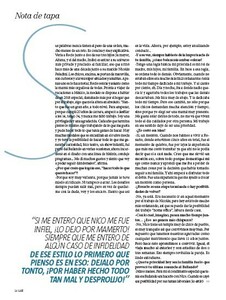
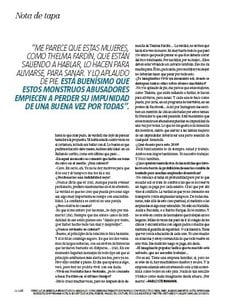
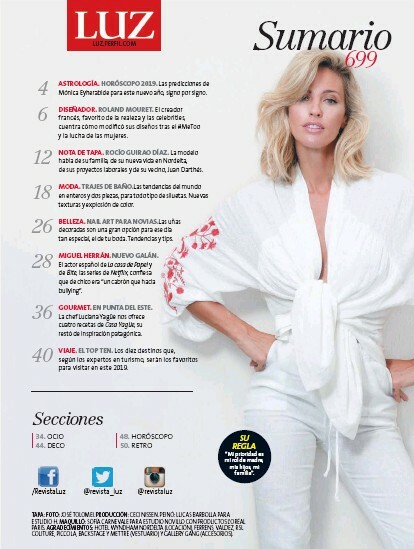
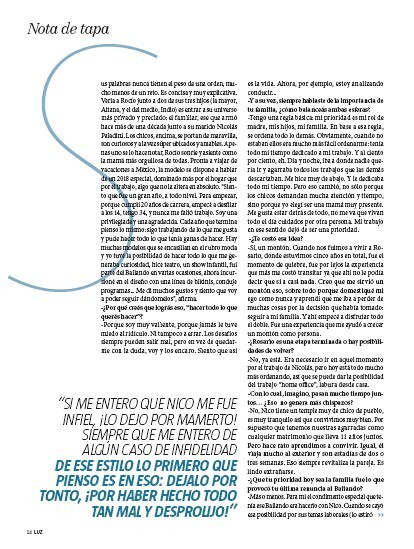
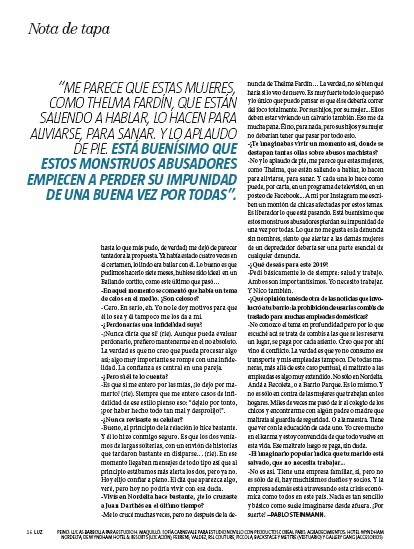
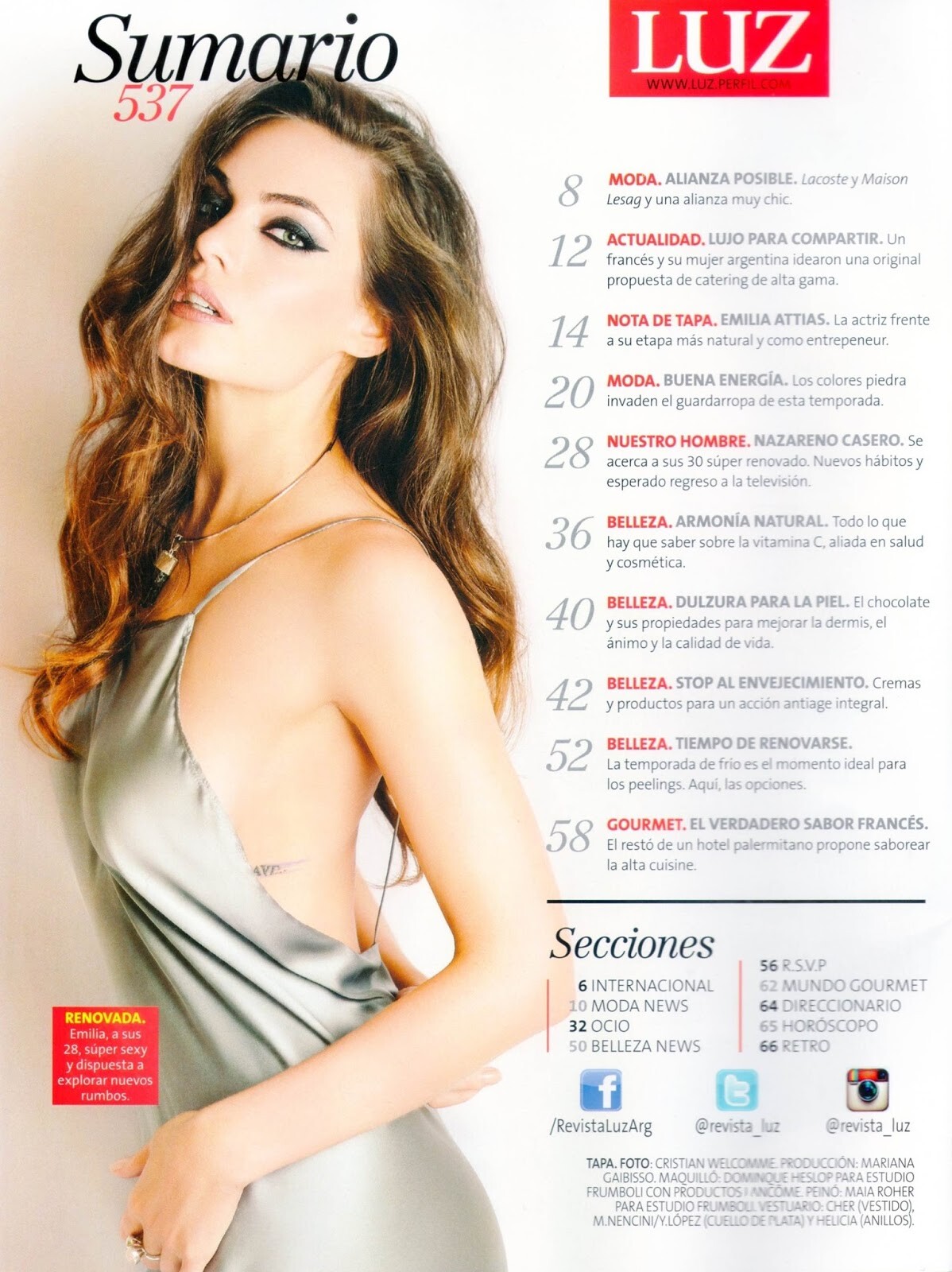
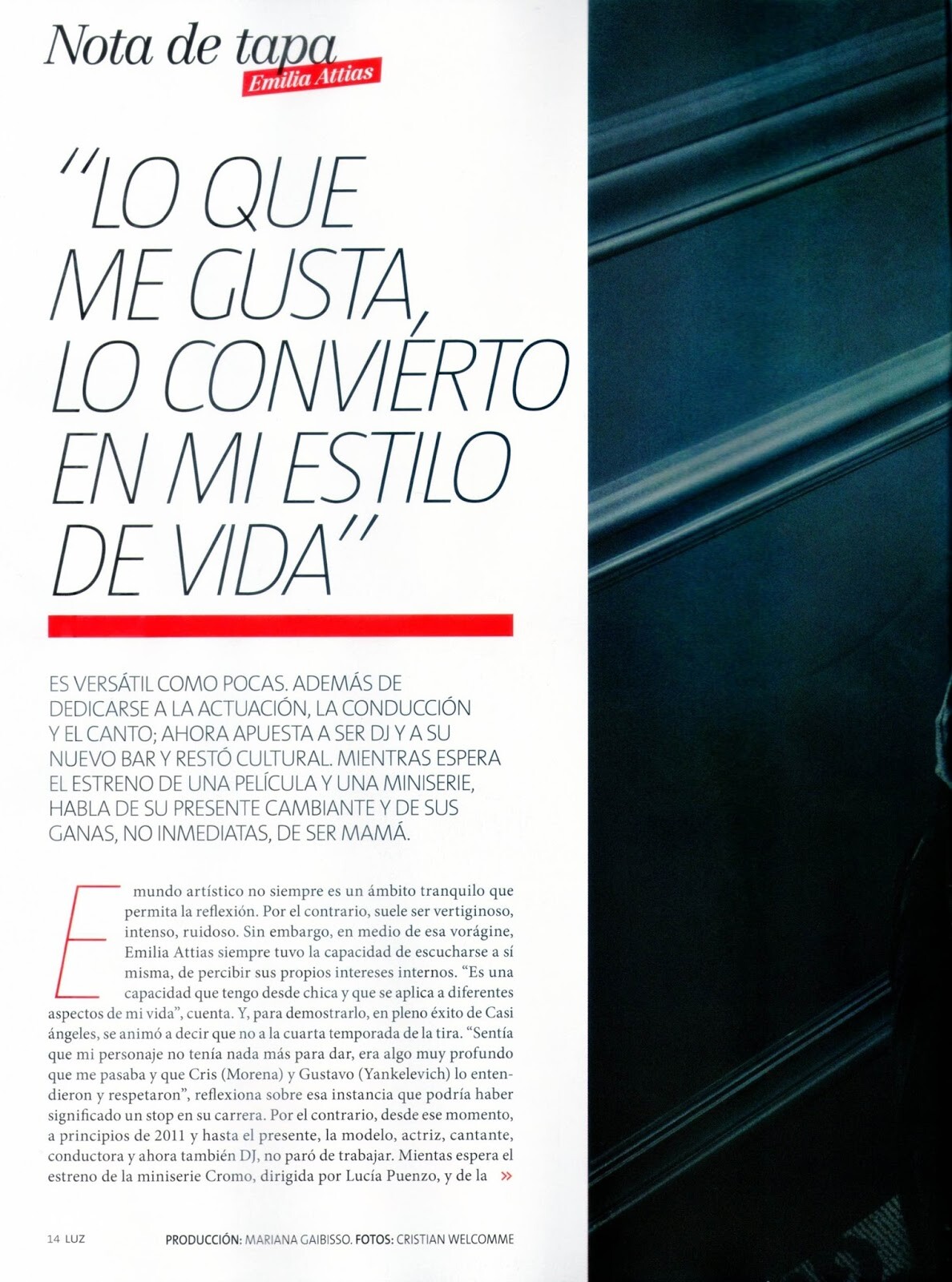
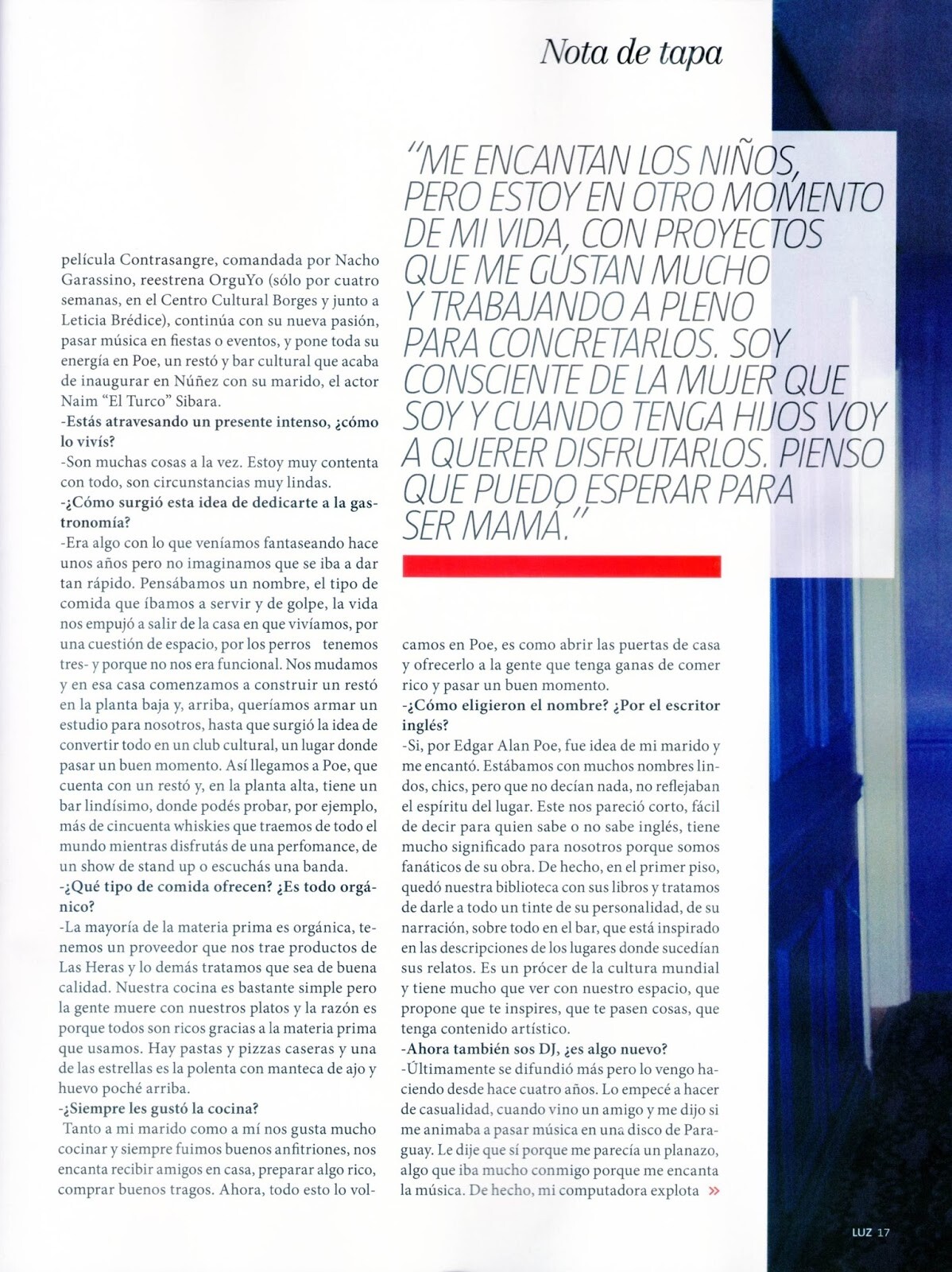
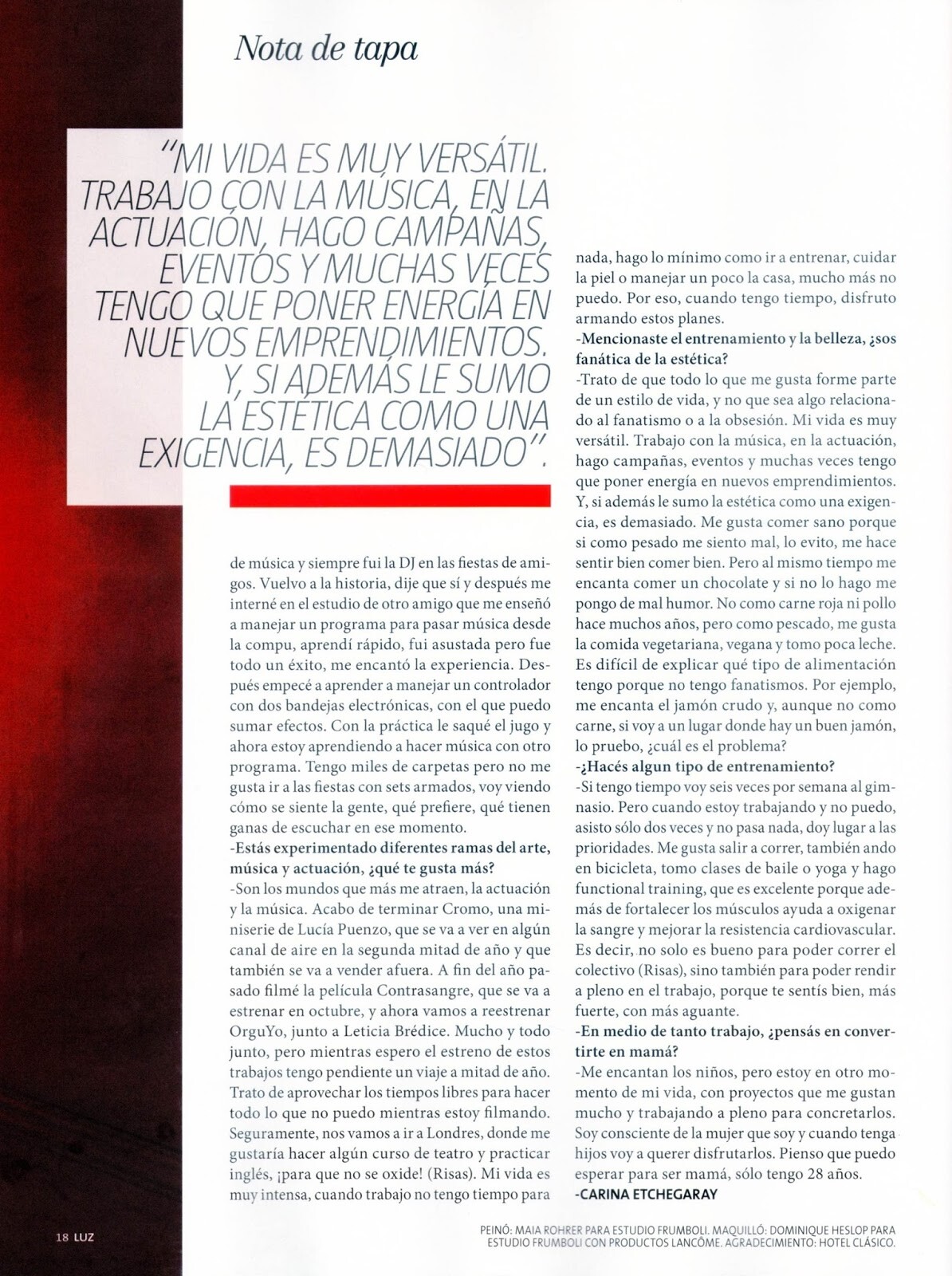
Luz, Argentina 6-1-2019.










-
Elida Swimwear 2019. Source Instagram...



-
Gente Argentina, 8-1-2019. Instagram...






-
HQ...
 Selú underwear (Source facebook). November 2018. January 2019.








 Ph: Maria Teresa de Jesús Alvarez (2009).






 Ph: Alex Bascuas.


 Ph. Rodolfo Asin Warning ! Nudity!



 Ph. Cruz Mendizabal Warning ! Nudity!
 Ph: Pablo Franco. Warning! Nudity!

 49210211_481948719000302_6304636454898146946_n.mp4.130430da48213732d3539f3836fd5c6d.mp4


 Elida Swimwear.













































































































Account
Navigation
Search
Configure browser push notifications
Chrome (Android)
- Tap the lock icon next to the address bar.
- Tap Permissions → Notifications.
- Adjust your preference.
Chrome (Desktop)
- Click the padlock icon in the address bar.
- Select Site settings.
- Find Notifications and adjust your preference.
Safari (iOS 16.4+)
- Ensure the site is installed via Add to Home Screen.
- Open Settings App → Notifications.
- Find your app name and adjust your preference.
Safari (macOS)
- Go to Safari → Preferences.
- Click the Websites tab.
- Select Notifications in the sidebar.
- Find this website and adjust your preference.
Edge (Android)
- Tap the lock icon next to the address bar.
- Tap Permissions.
- Find Notifications and adjust your preference.
Edge (Desktop)
- Click the padlock icon in the address bar.
- Click Permissions for this site.
- Find Notifications and adjust your preference.
Firefox (Android)
- Go to Settings → Site permissions.
- Tap Notifications.
- Find this site in the list and adjust your preference.
Firefox (Desktop)
- Open Firefox Settings.
- Search for Notifications.
- Find this site in the list and adjust your preference.