
ALPAT
Global Moderators
-
Joined
-
Last visited
Everything posted by ALPAT
-
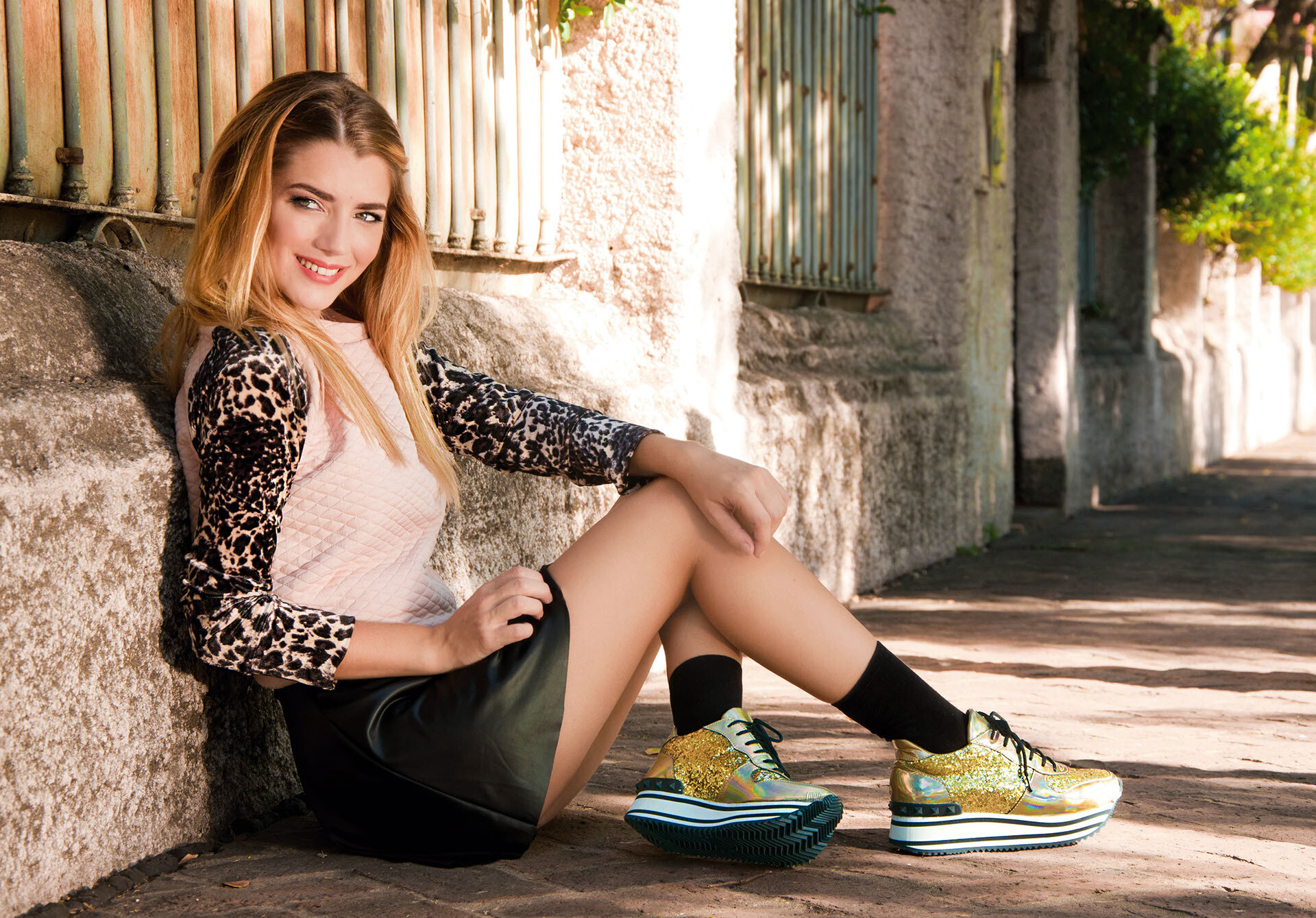
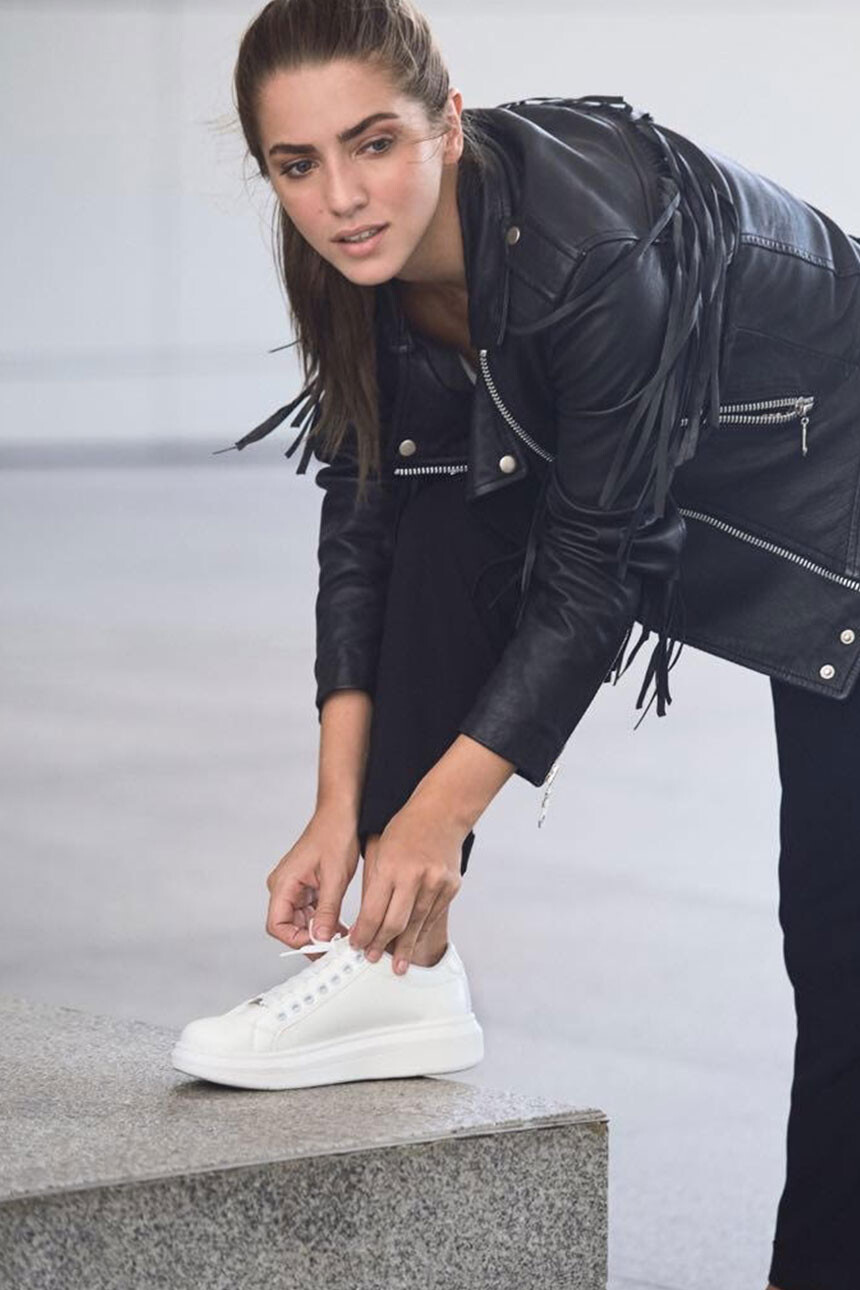
 Lookbook Sami Show Shoes - Campaign Winter 2015...










-
Old Portfolio, Liendo Management.






-
Bikini photoshoot 2013...






-
-
Kelly Faetanini Wedding dresses. Fall 2016 collection.







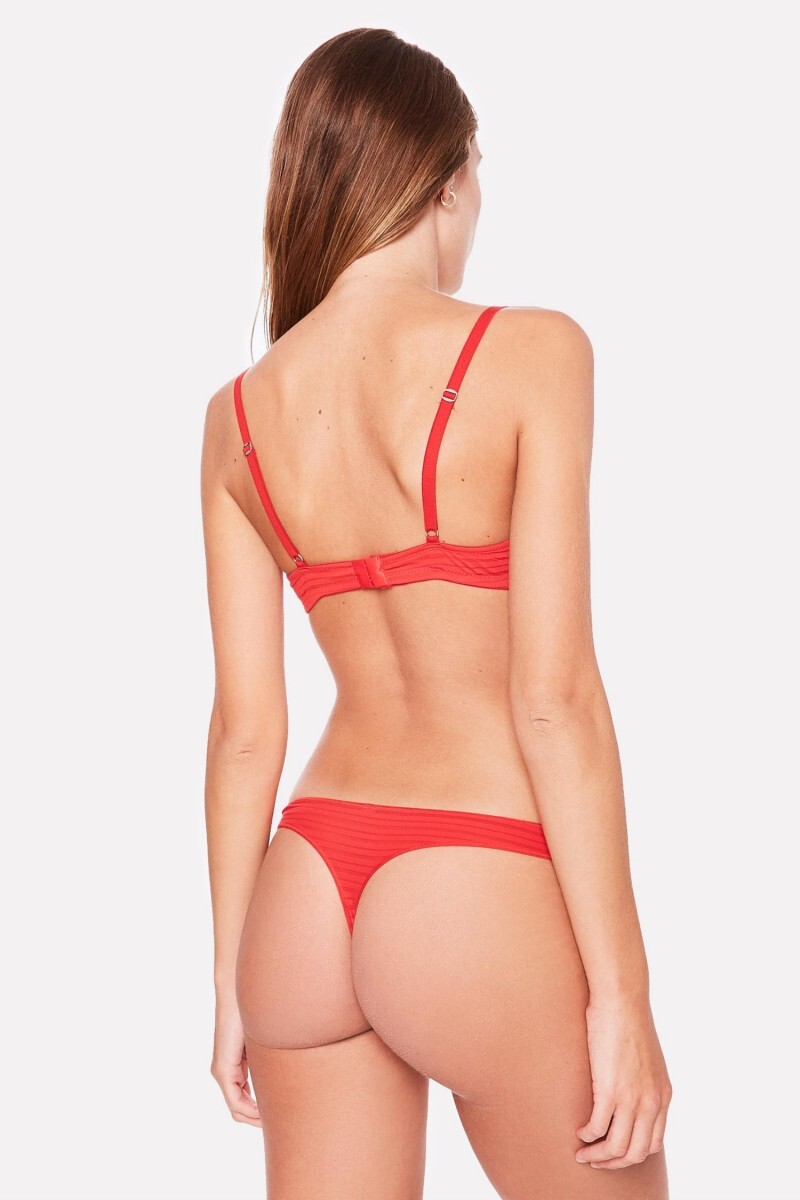
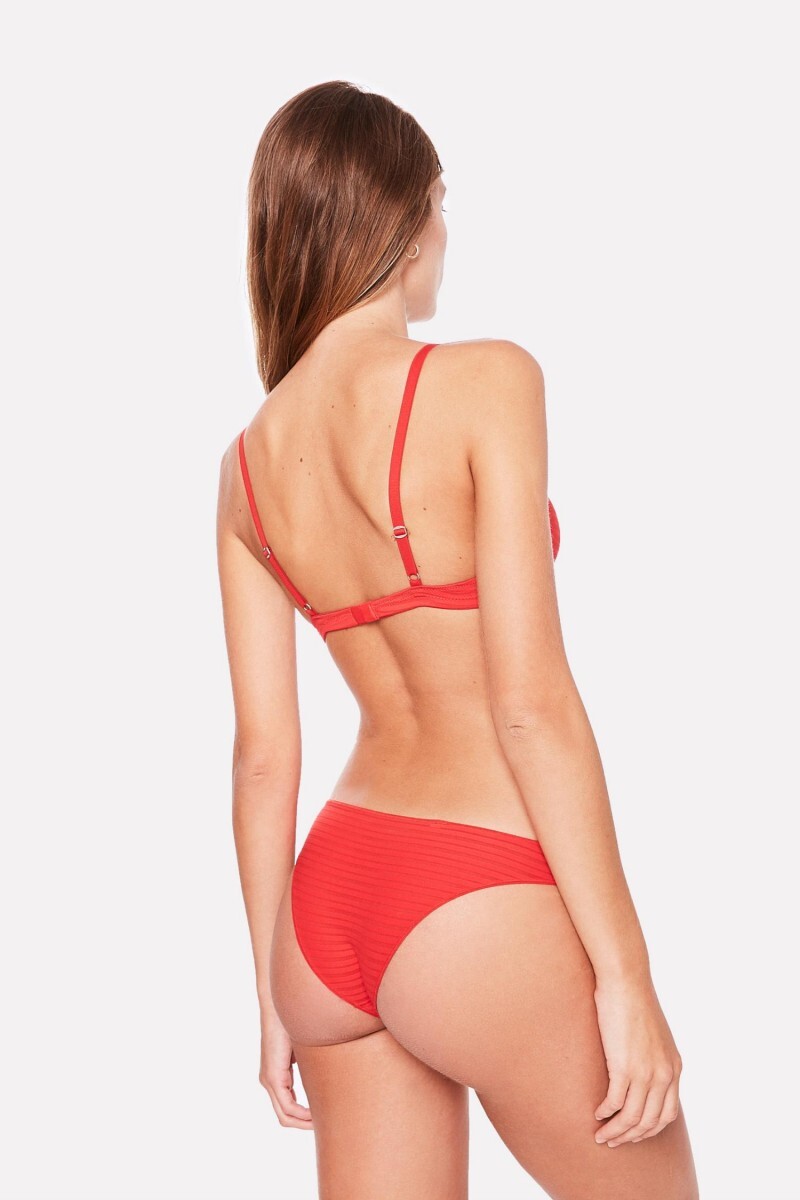
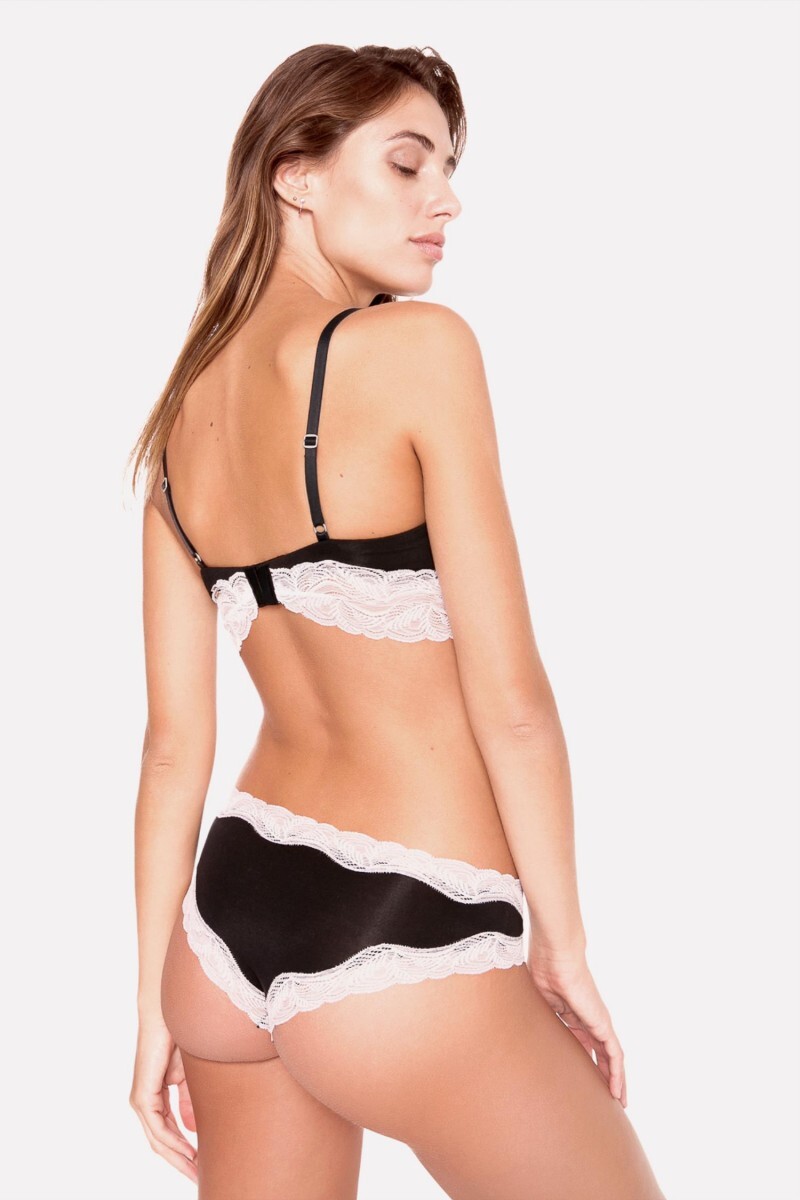
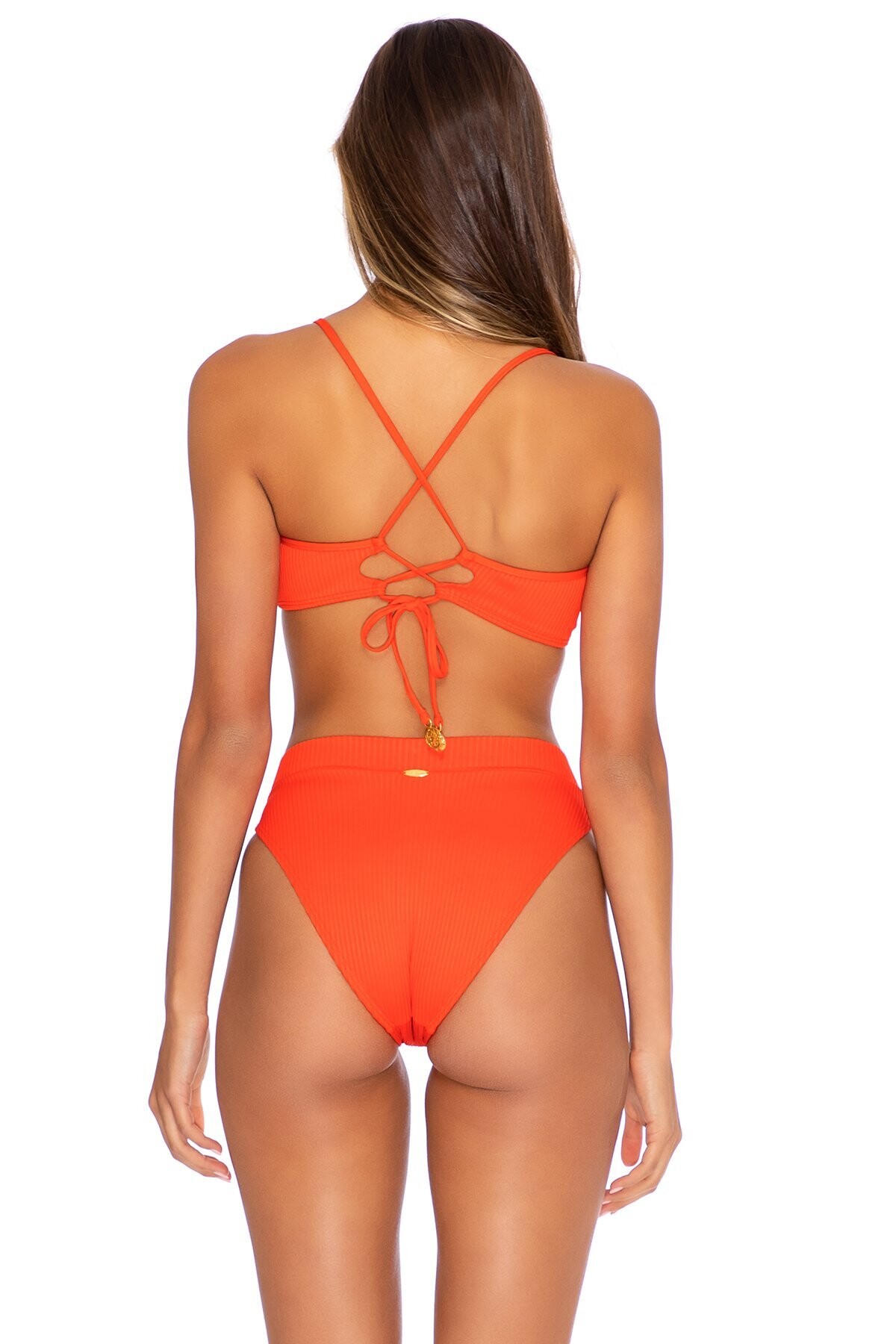
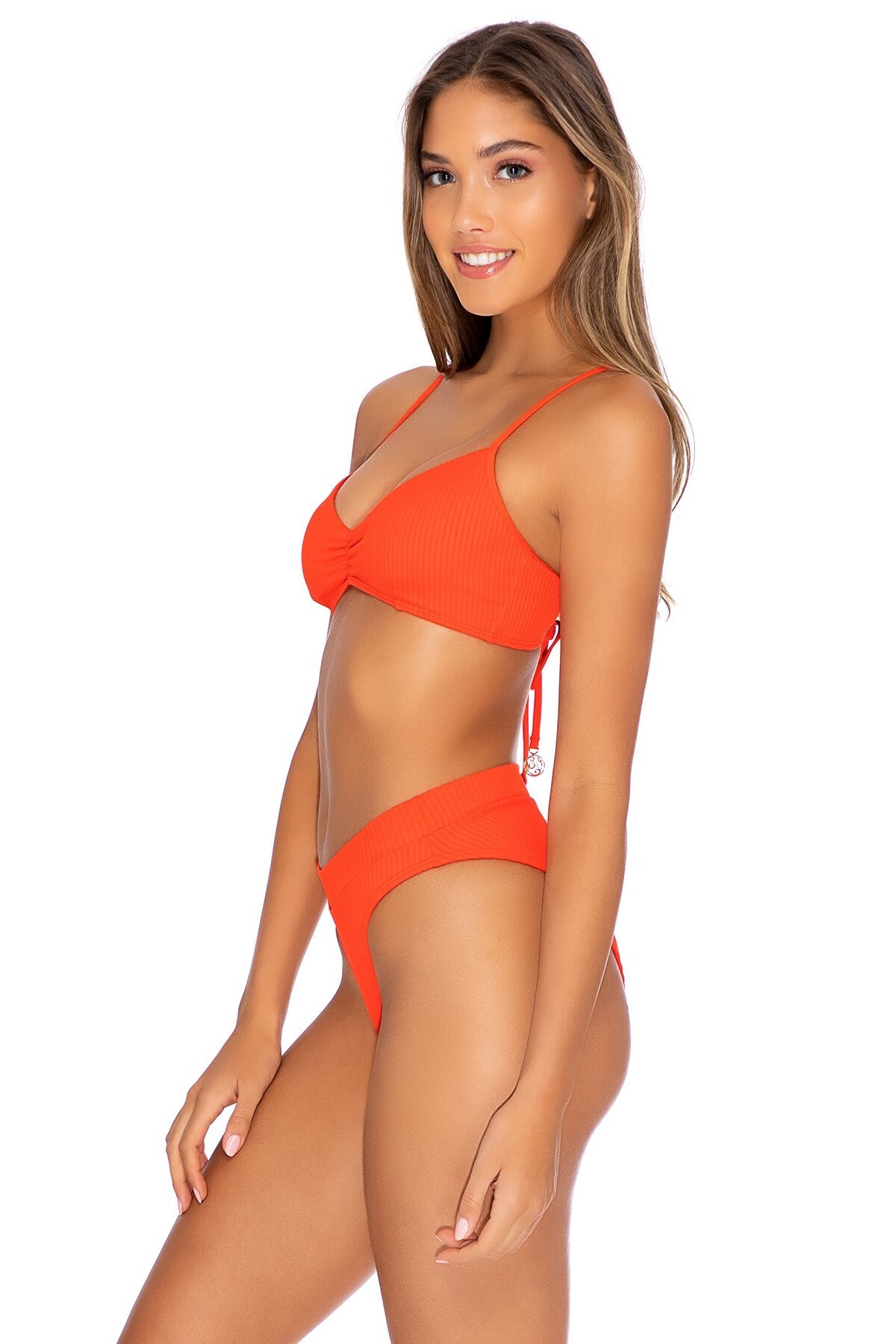
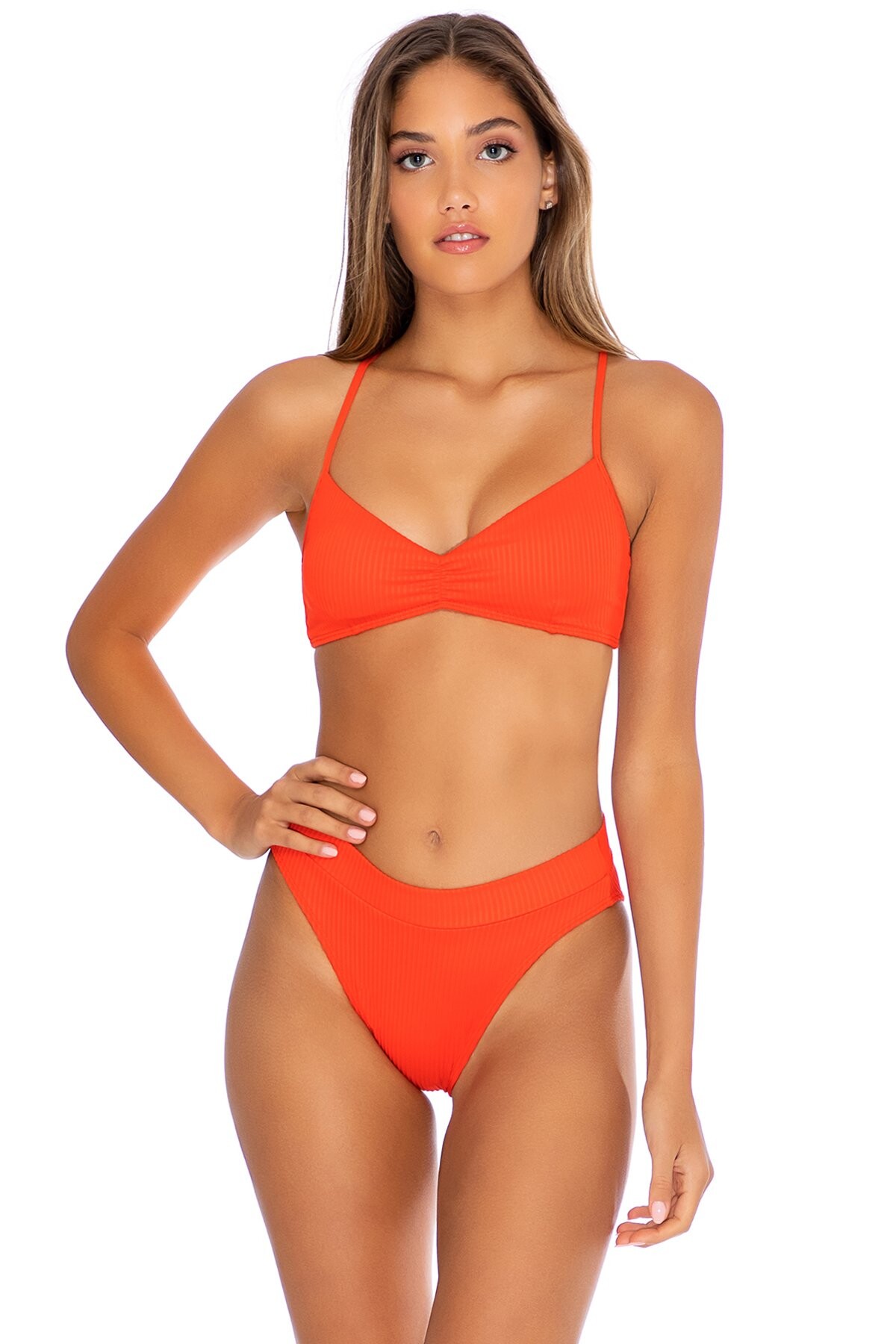
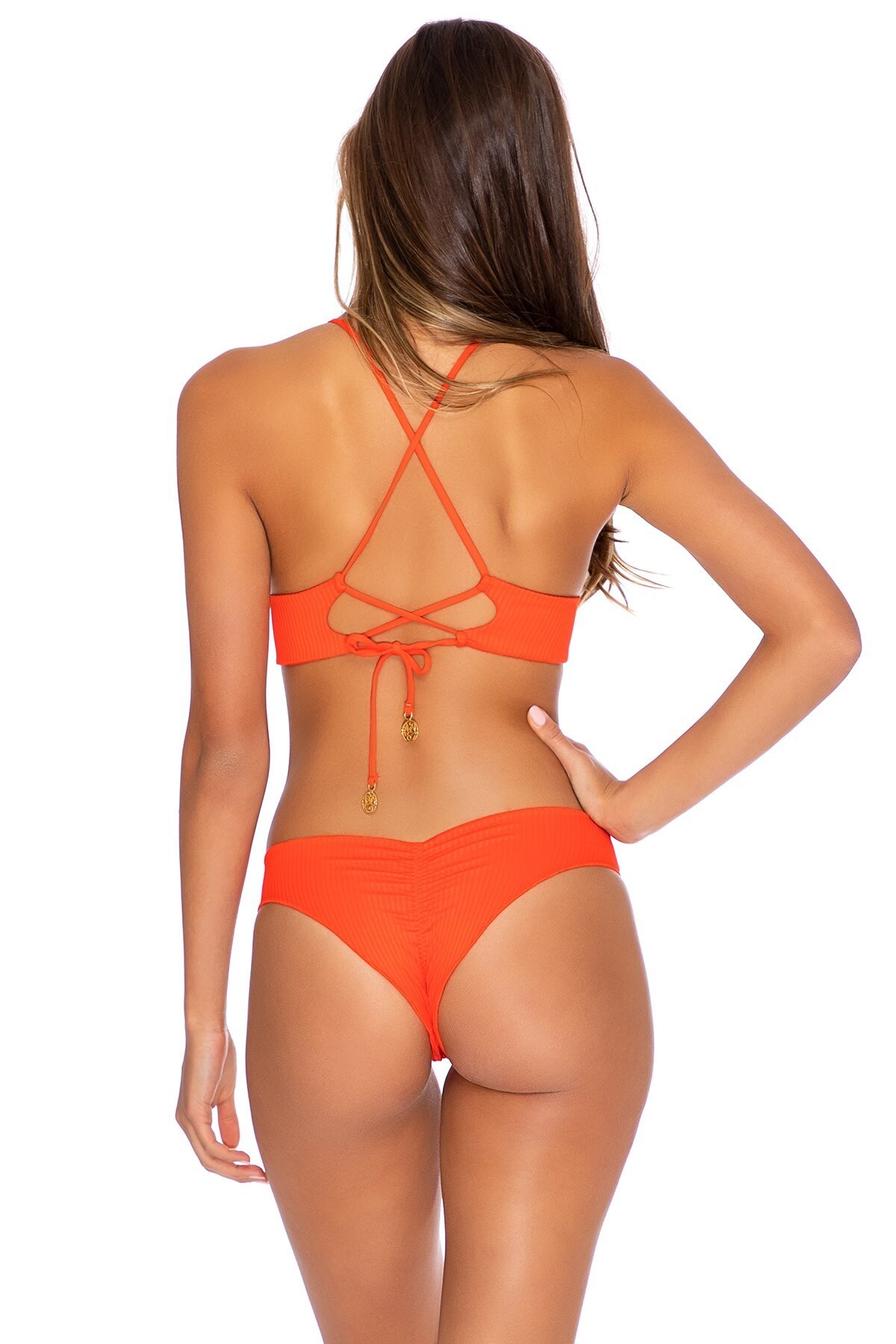
 Las Titas Bikinis Collection 2019 (2/2).




















 Las Titas Bikinis Collection 2019 (1/2).

















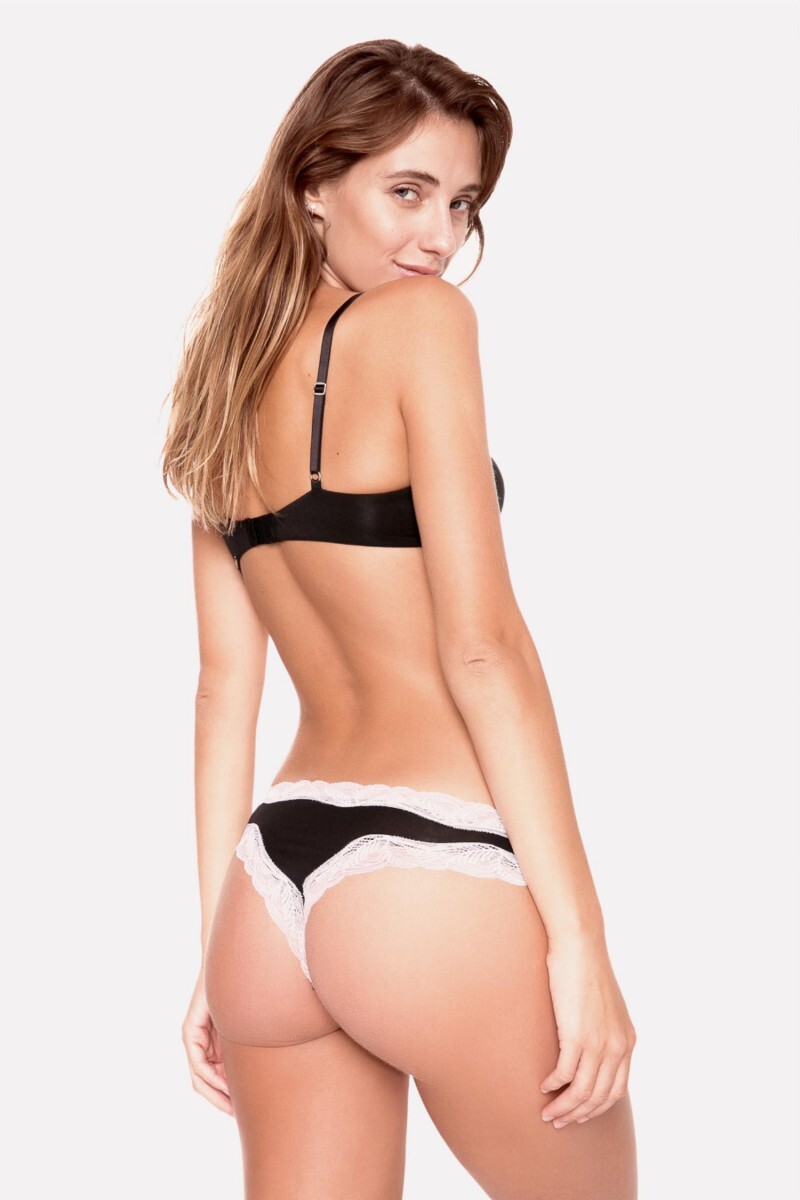
 Caro Cuore (2019).













 Caro Cuore (2019).













 Caro Cuore (2019).






 Taverniti Jeans - Preview Campaign Summer 2019/20



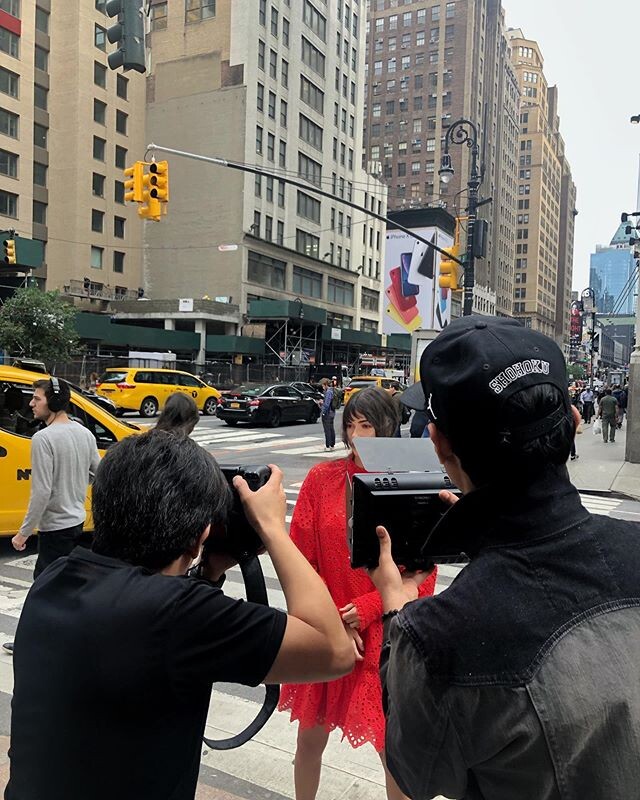
 Grazia magazine - Beauty editorial BTS Backup vid Backstage




 Grazia magazine BTS Vid...
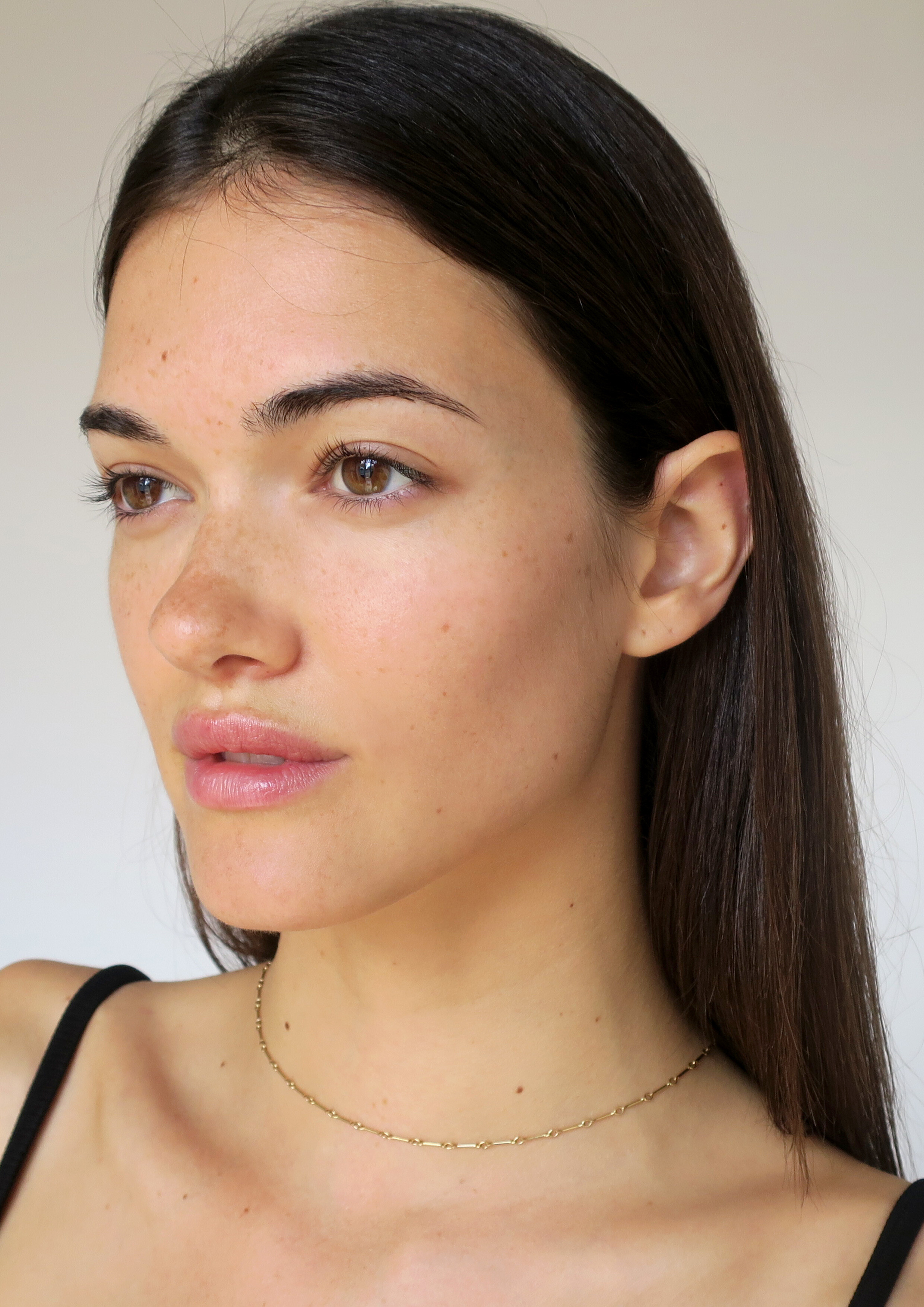
The Hive Management 2019, polas...
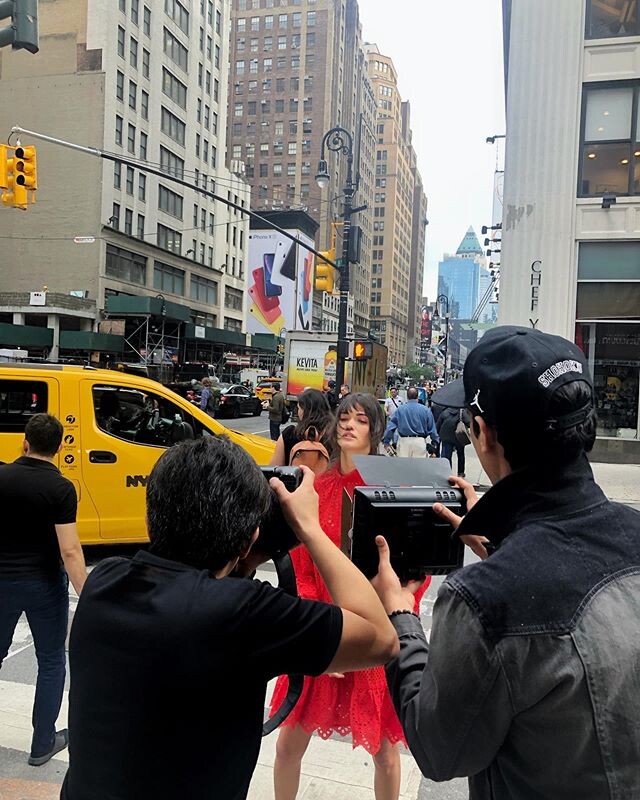
Grazia magazine BTS Vid...
The Hive Management 2019, polas...


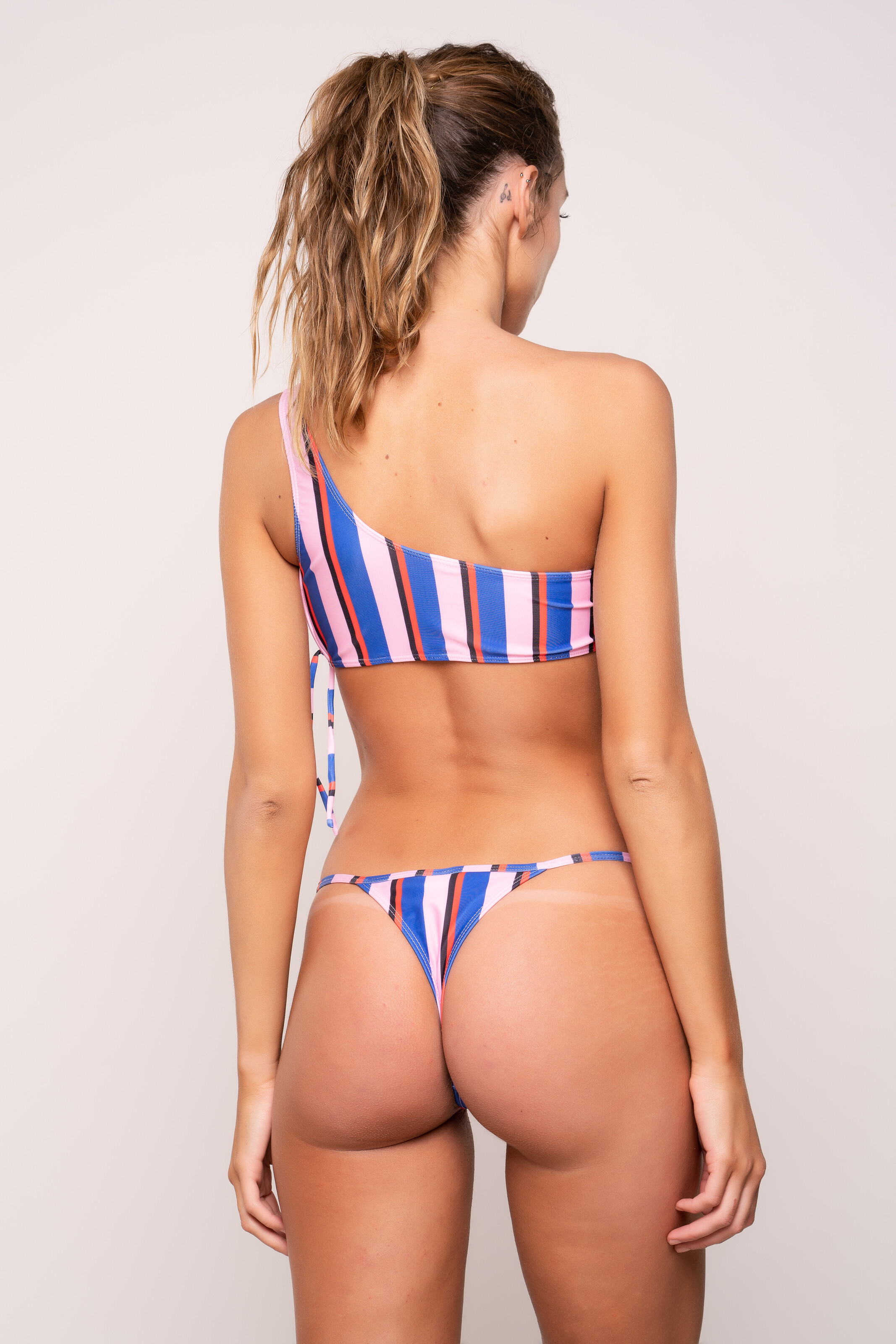
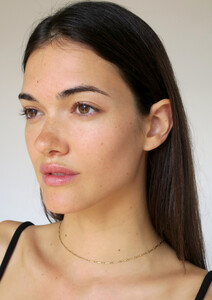 Tacoola Bikini (AUS) Summer 2019.





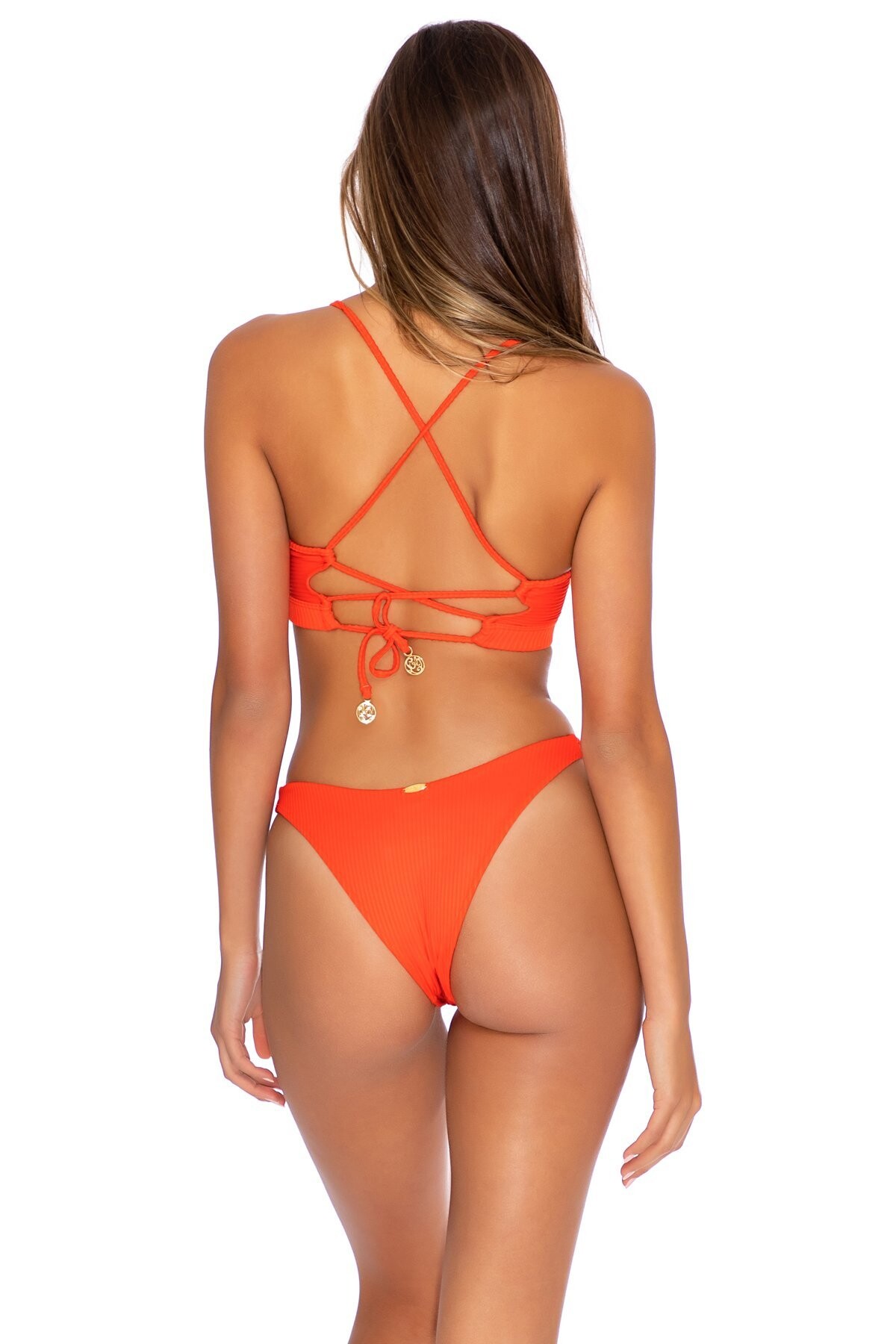
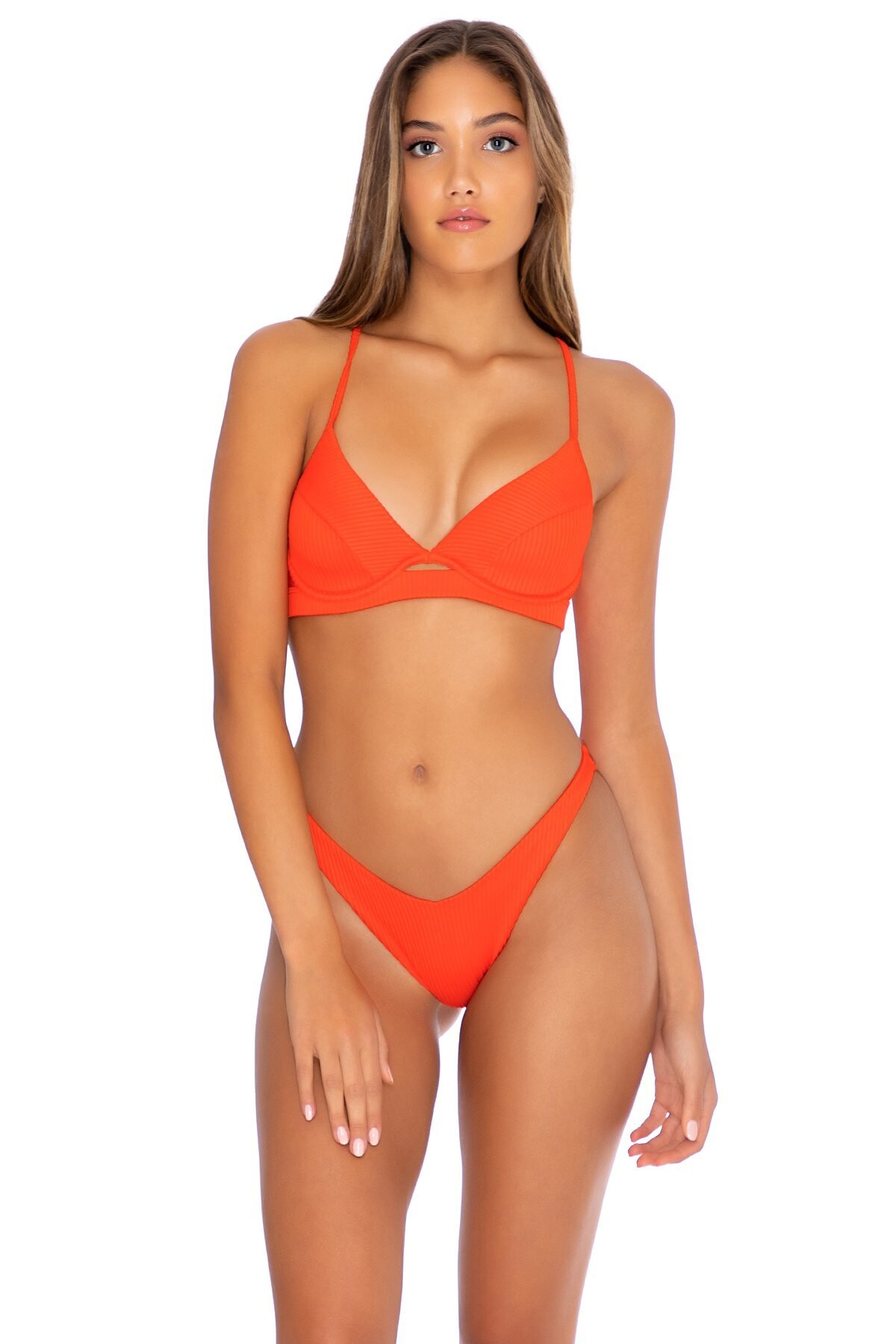
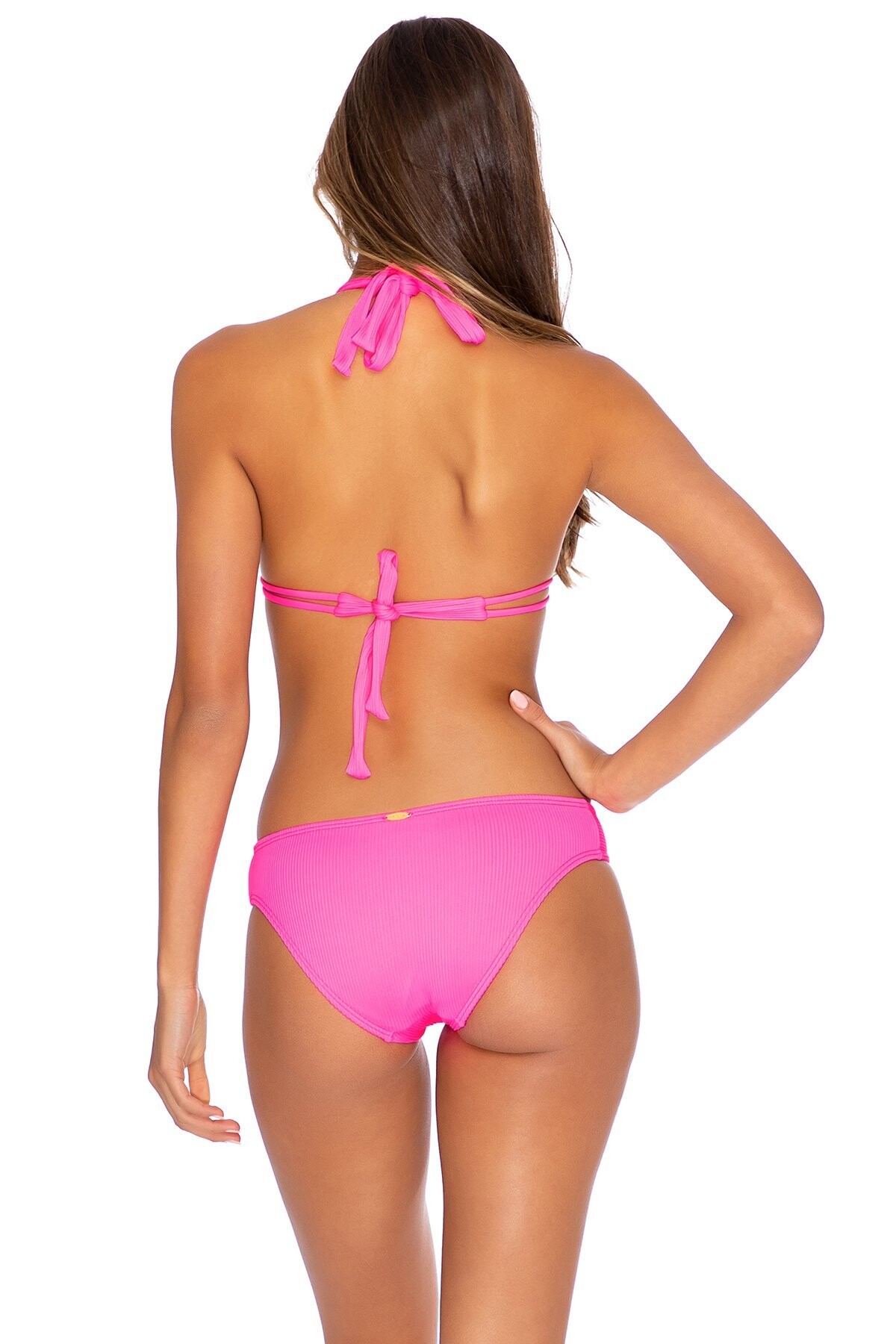
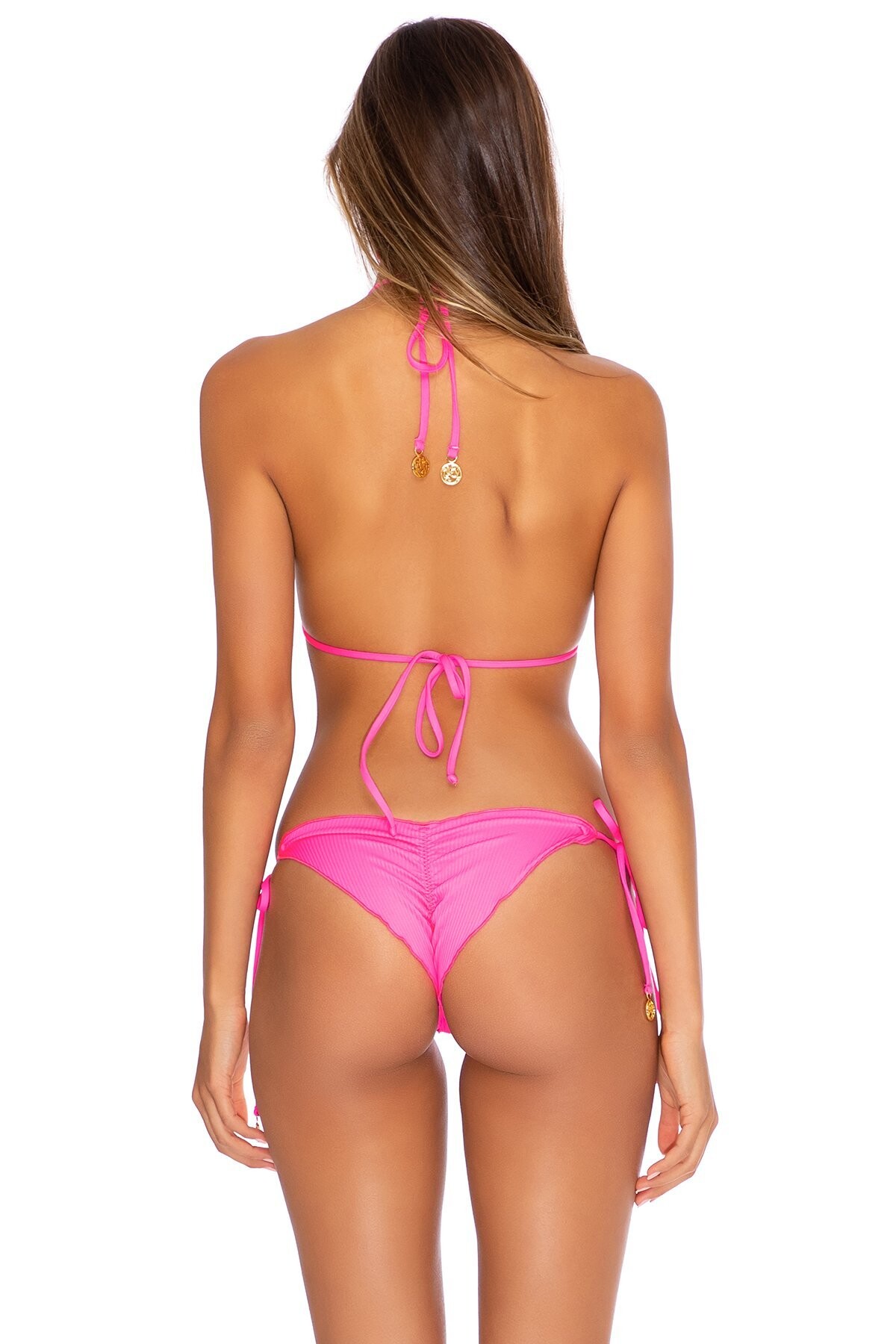
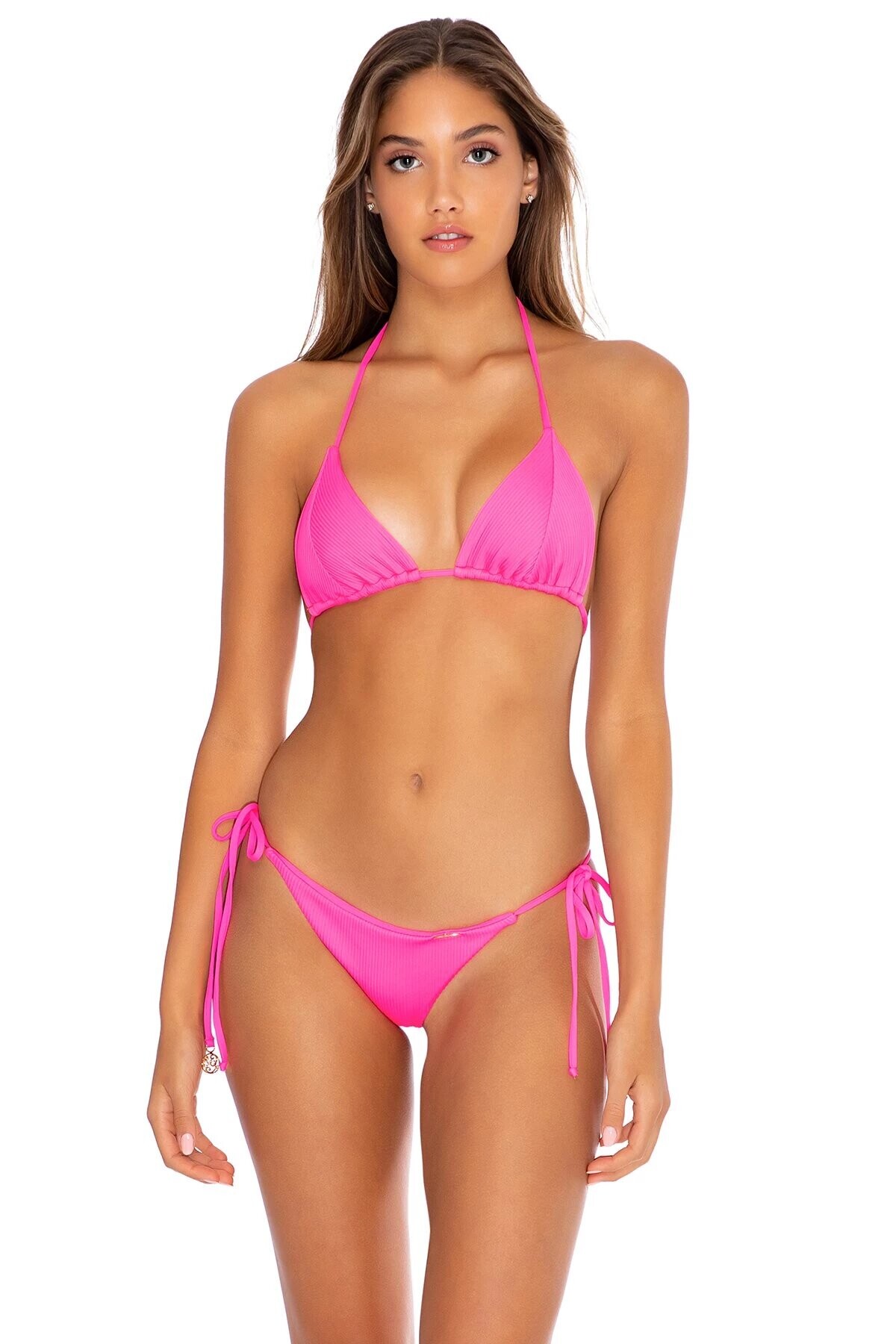
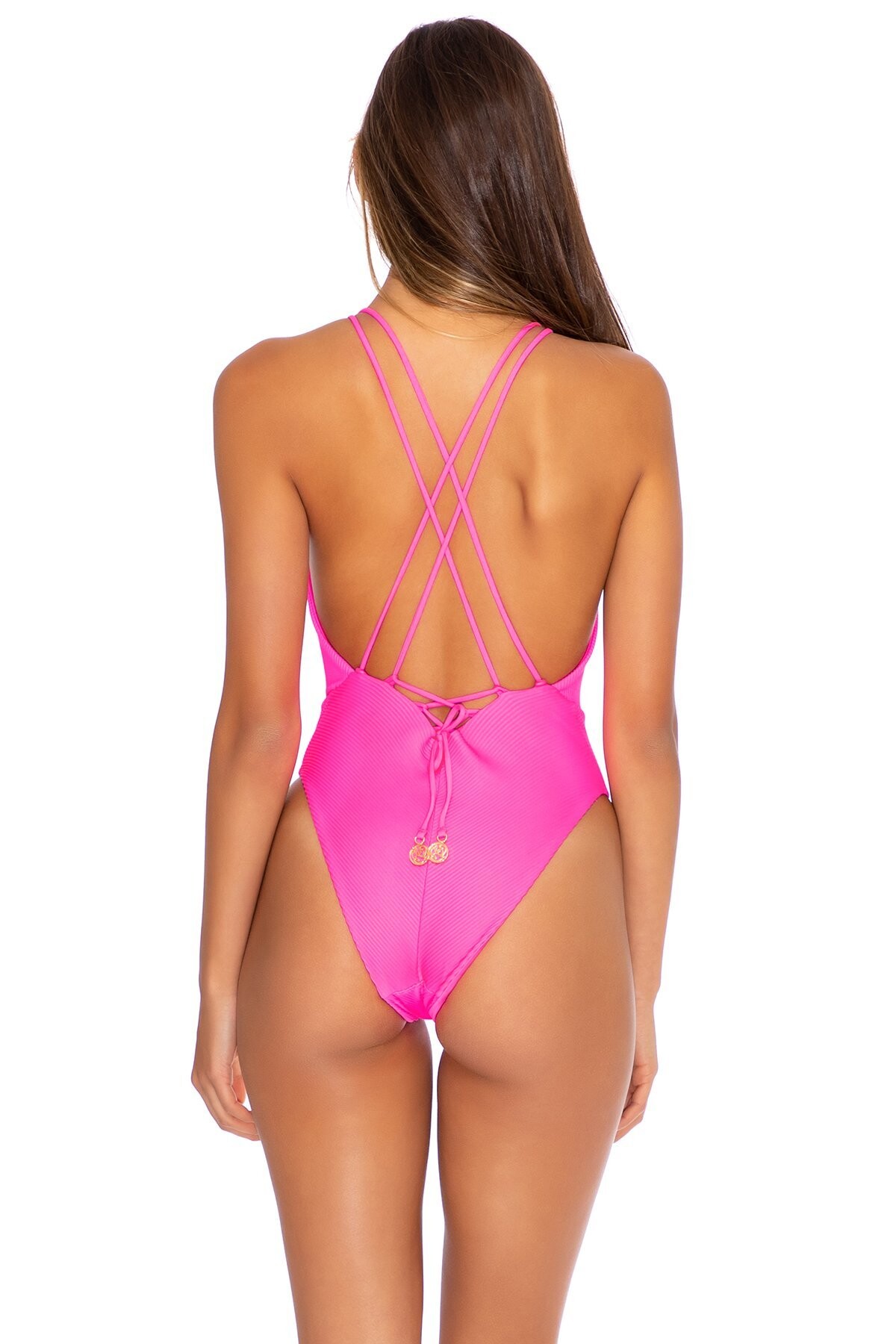
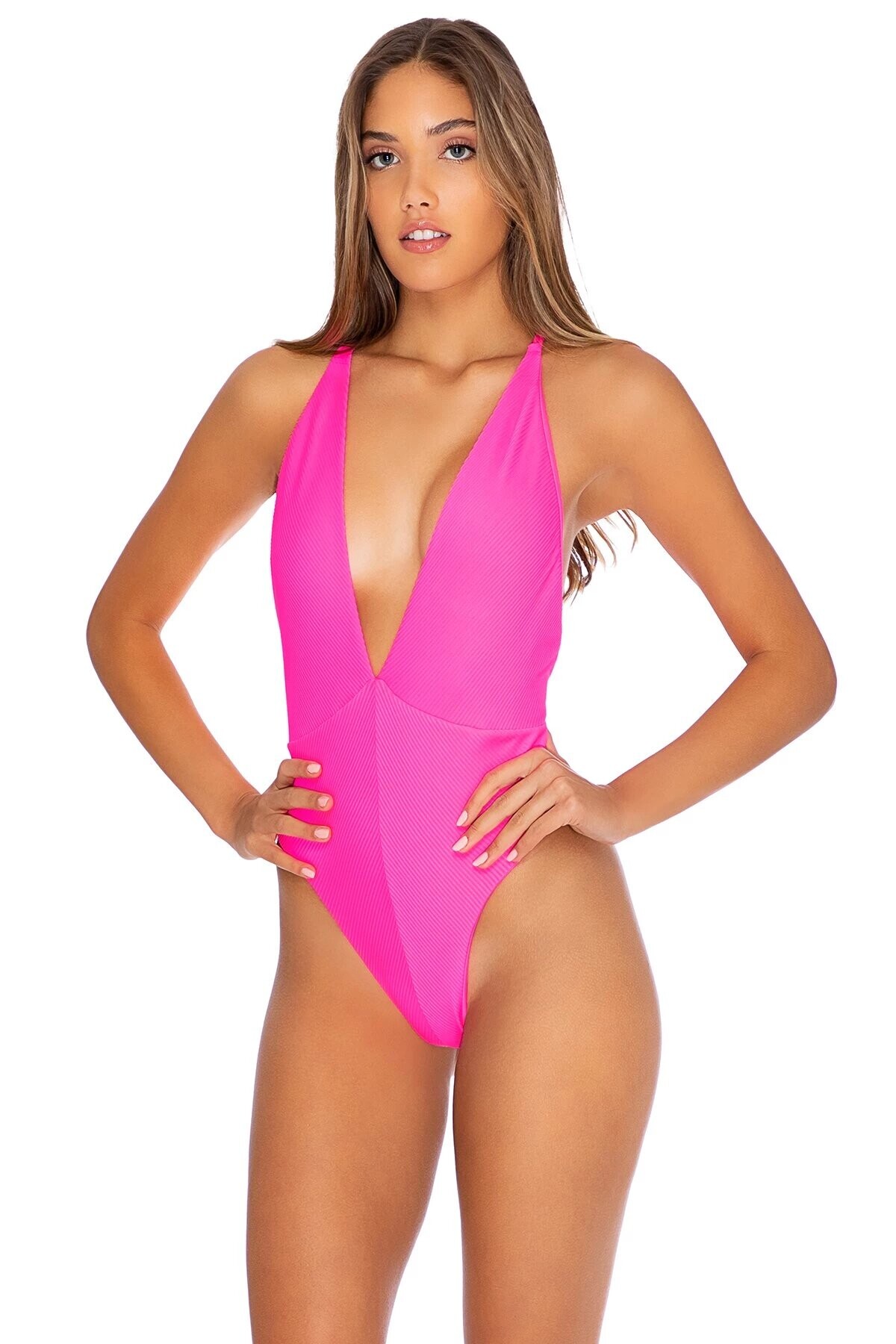
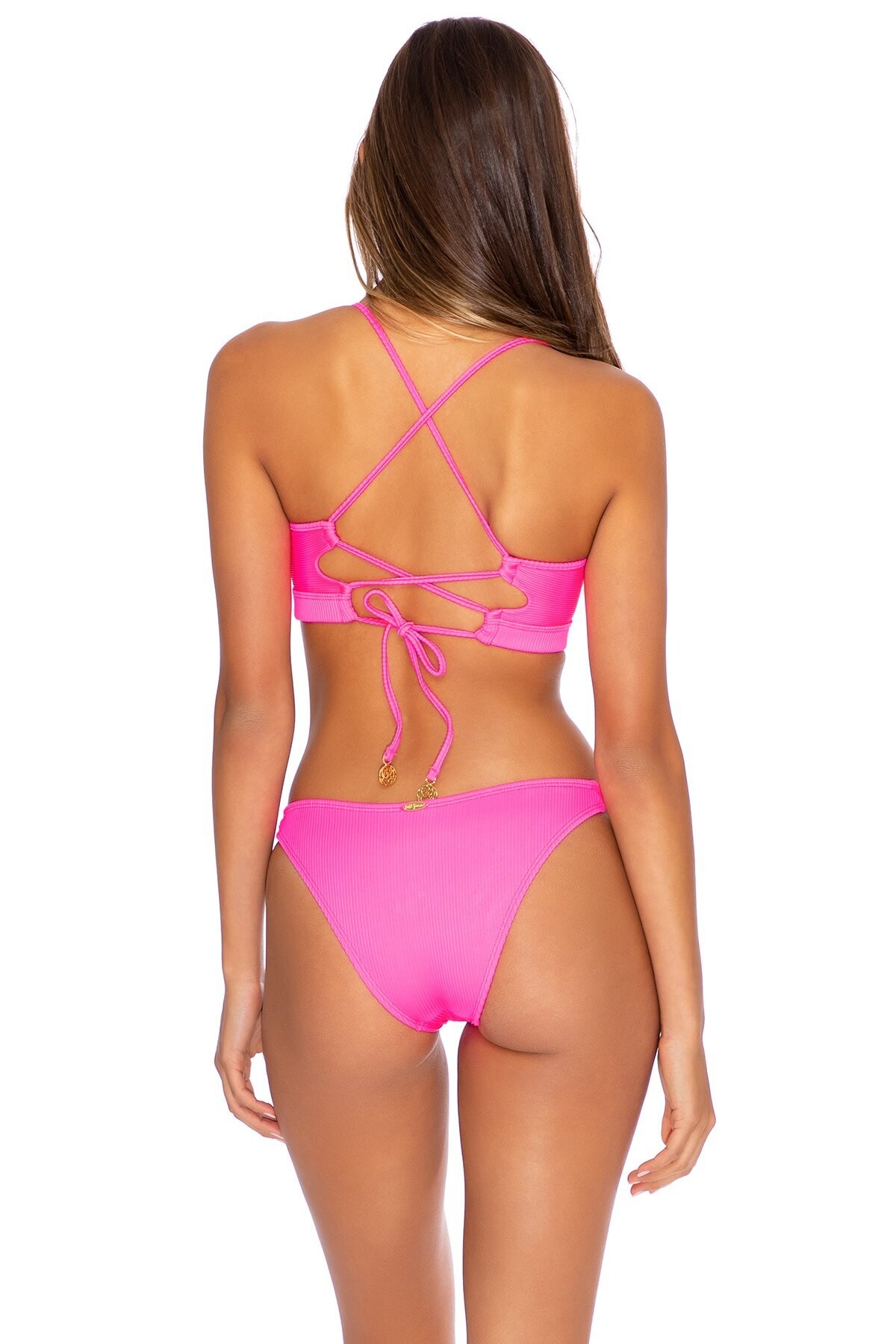
 LULI FAMA, Lookbook Summer 2019.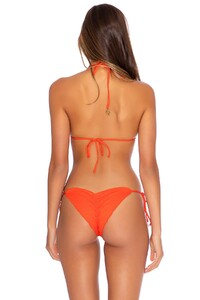


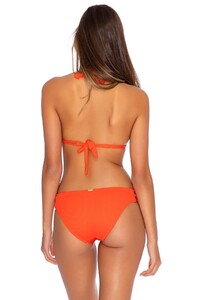




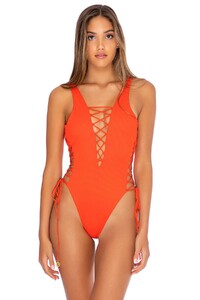









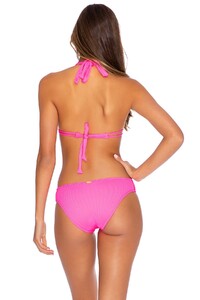





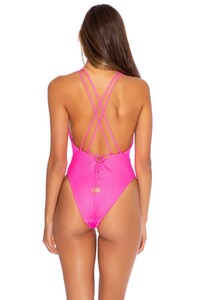





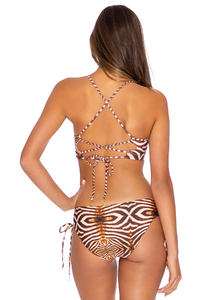


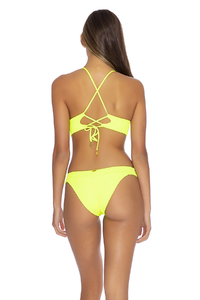
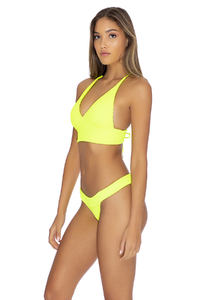
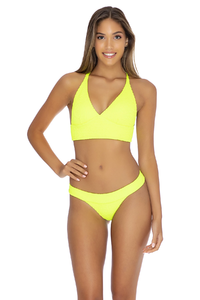








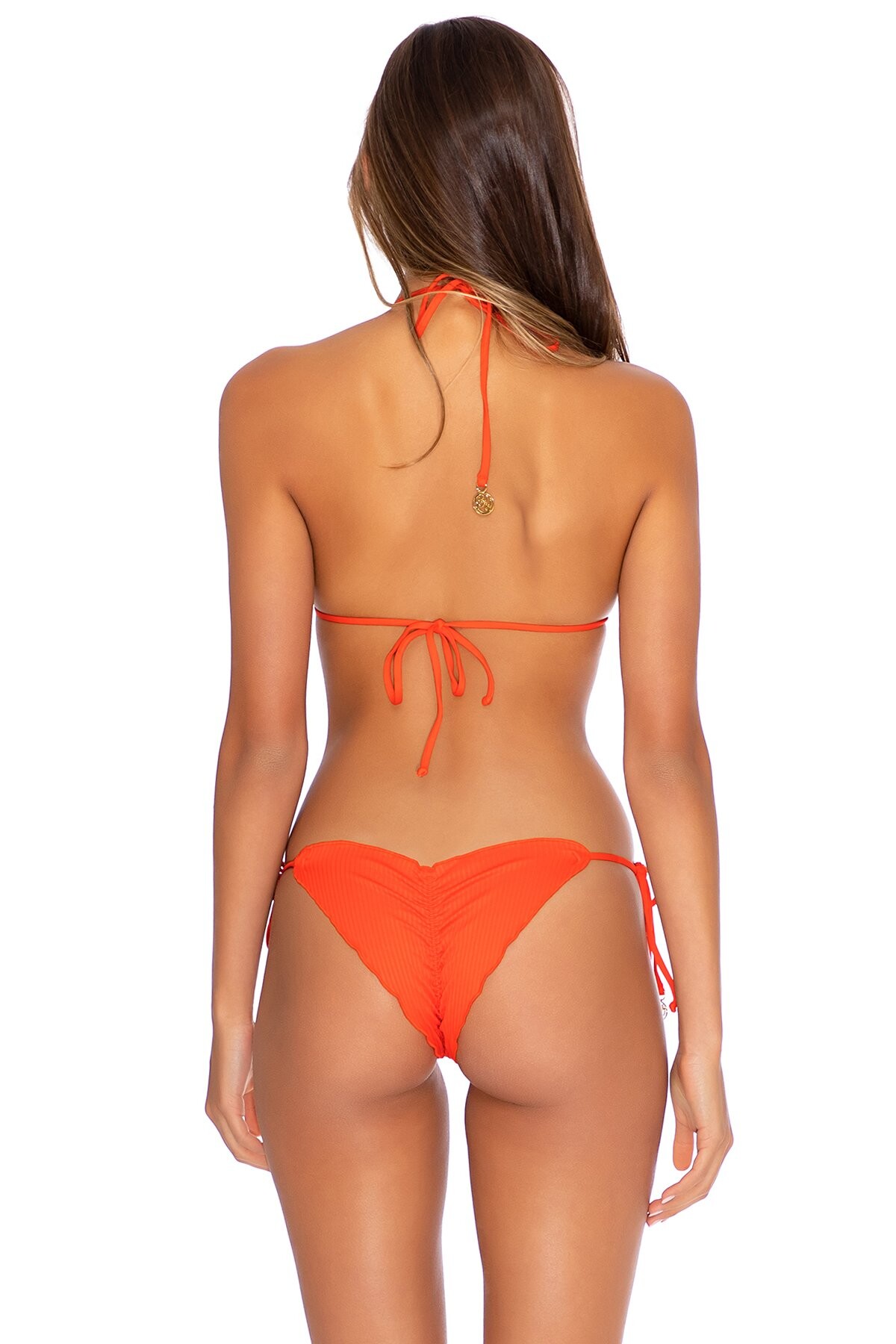
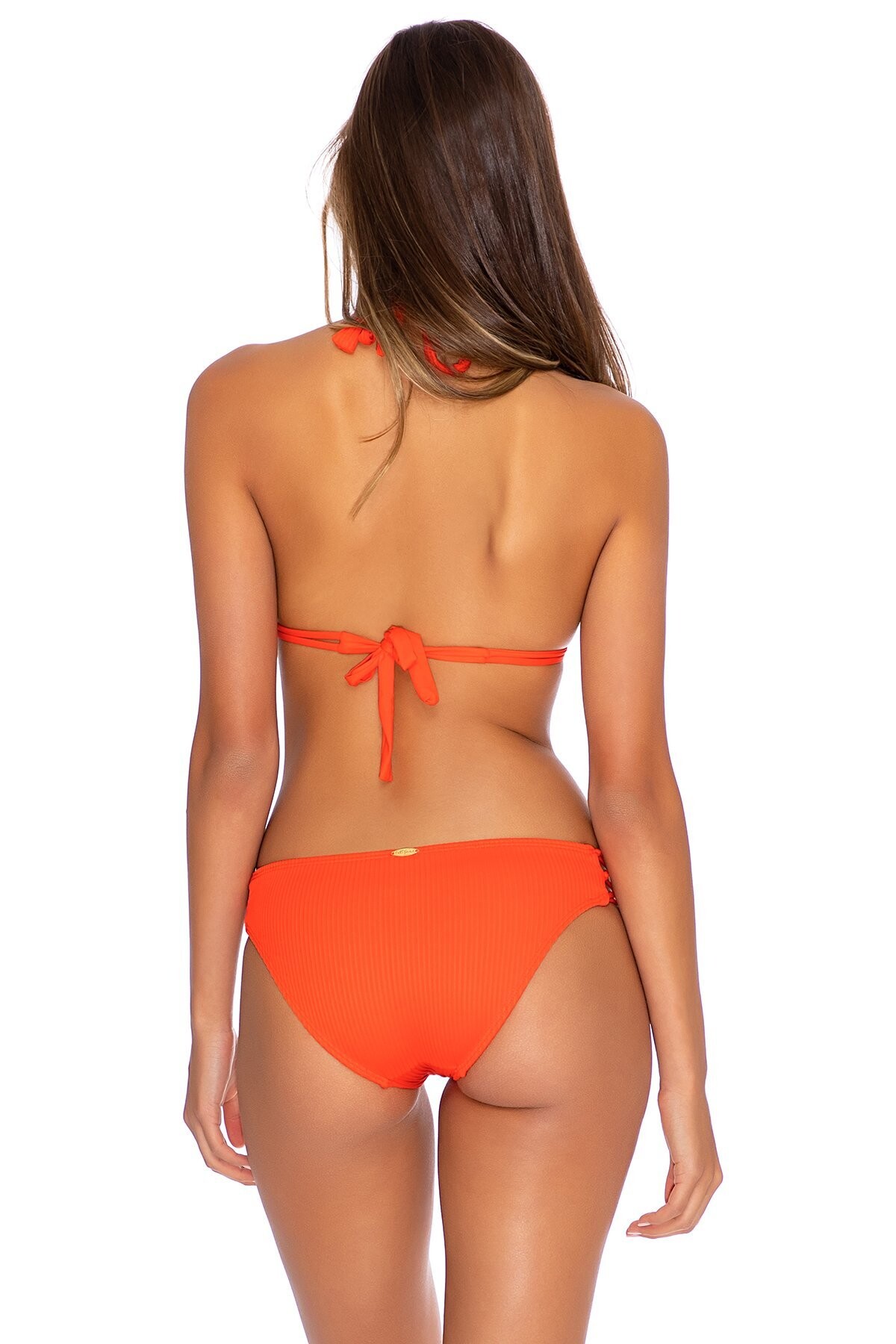
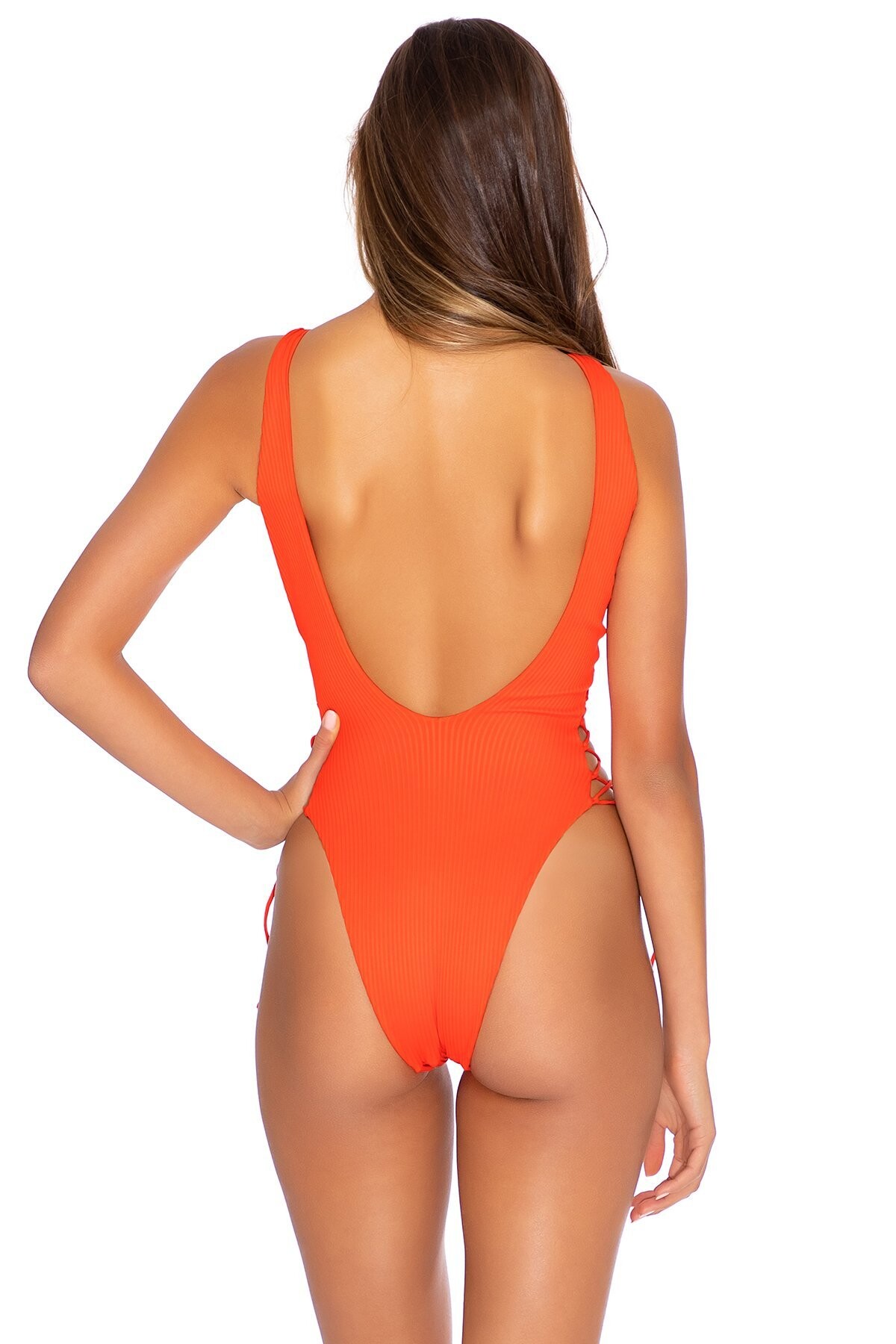
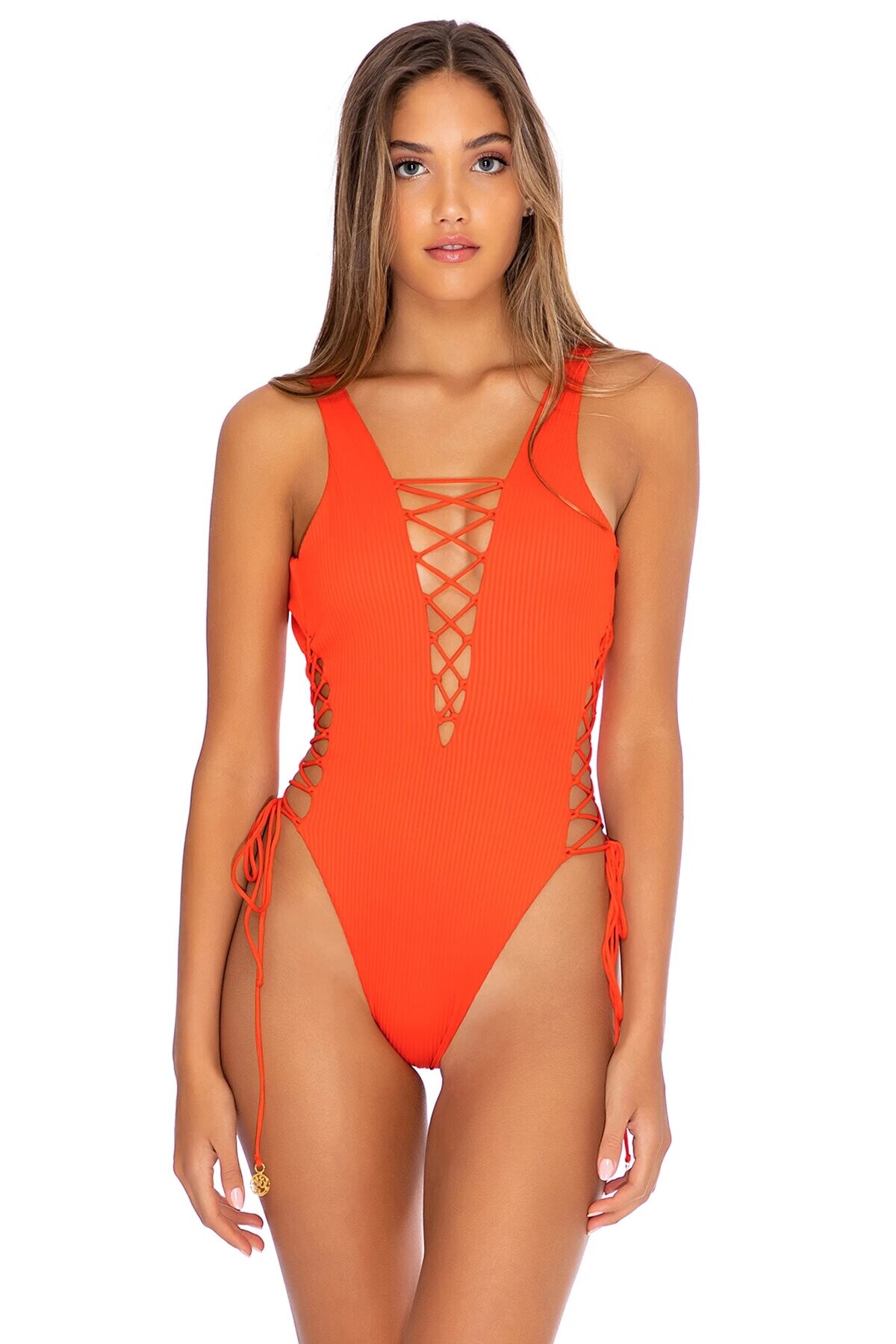
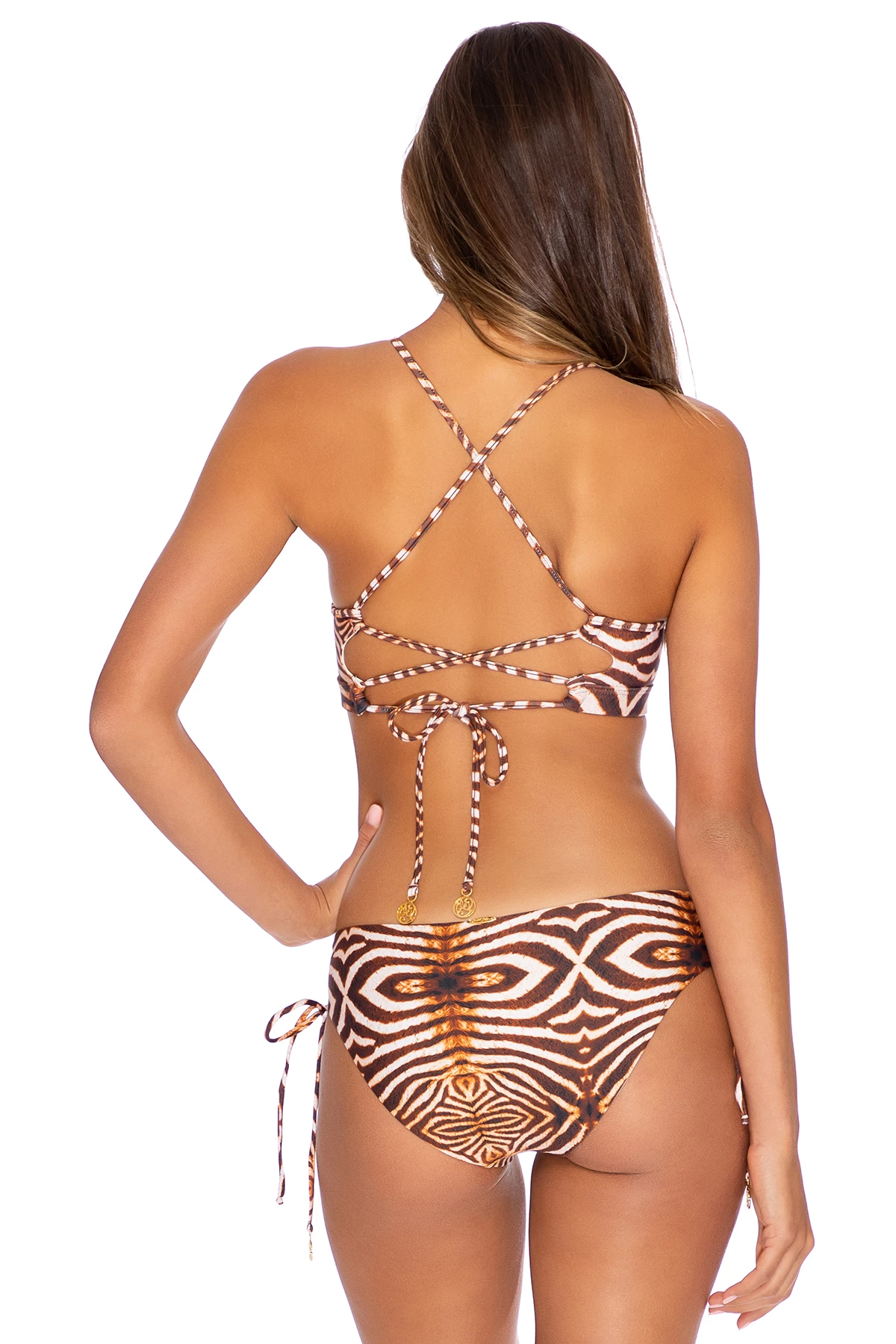
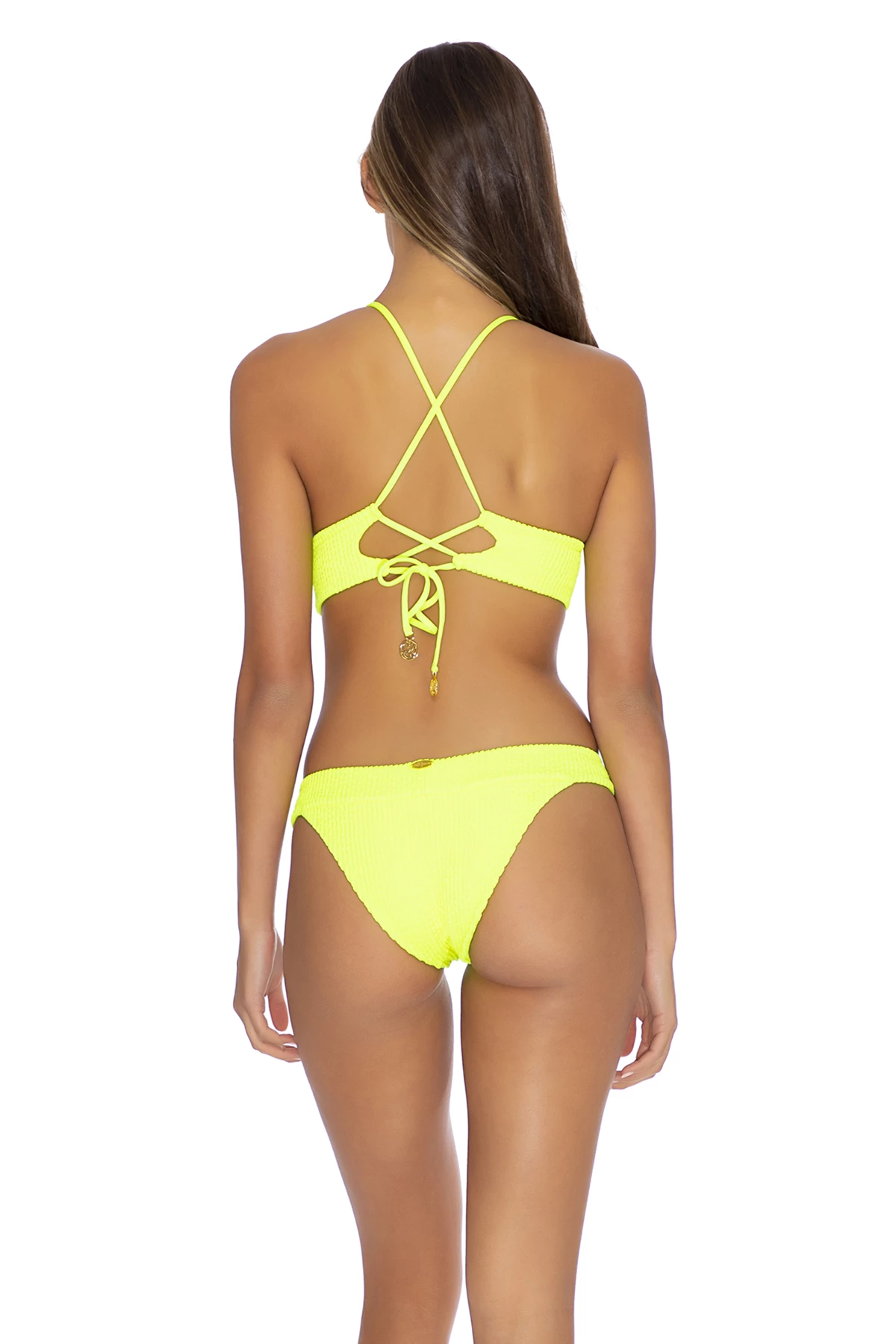
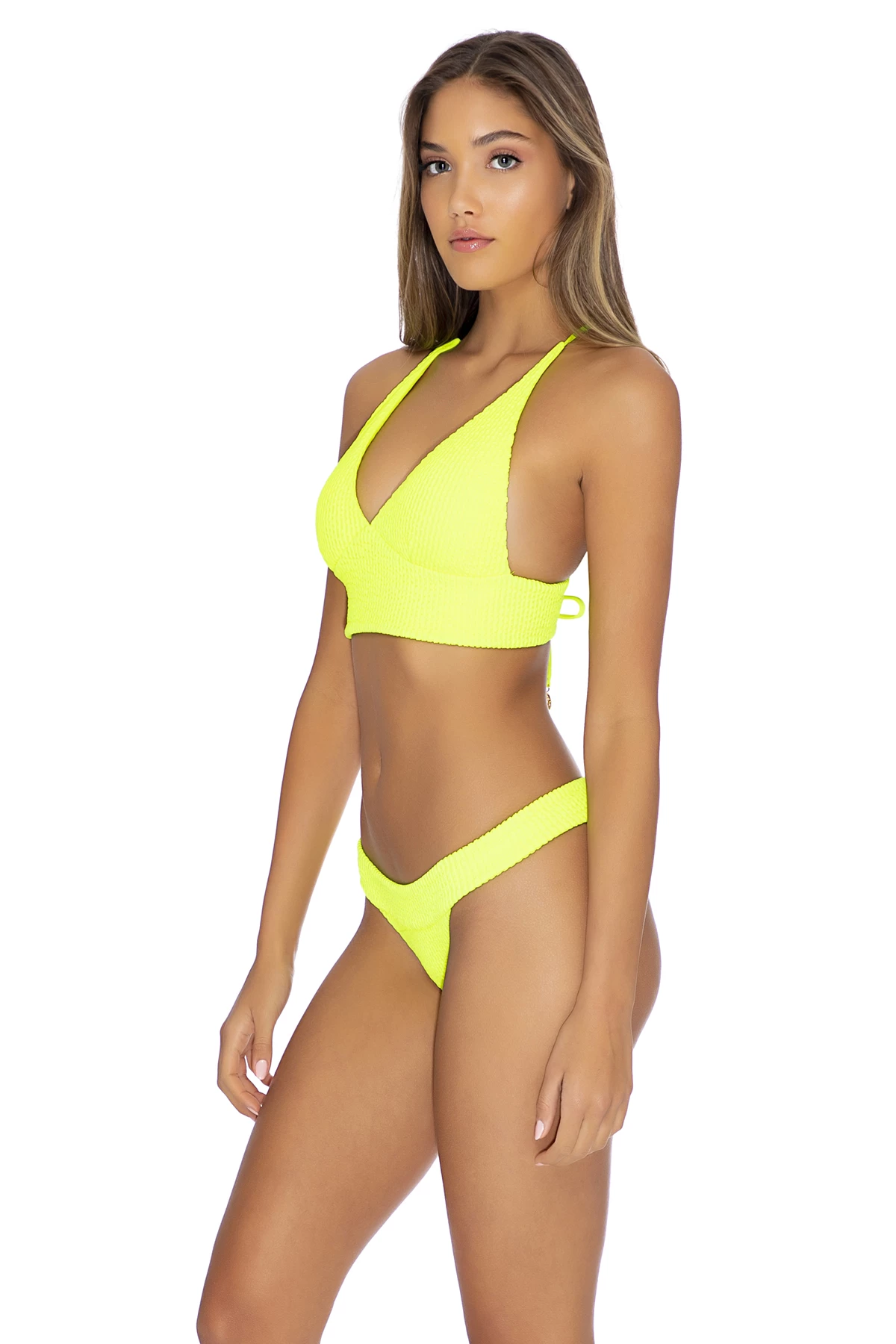
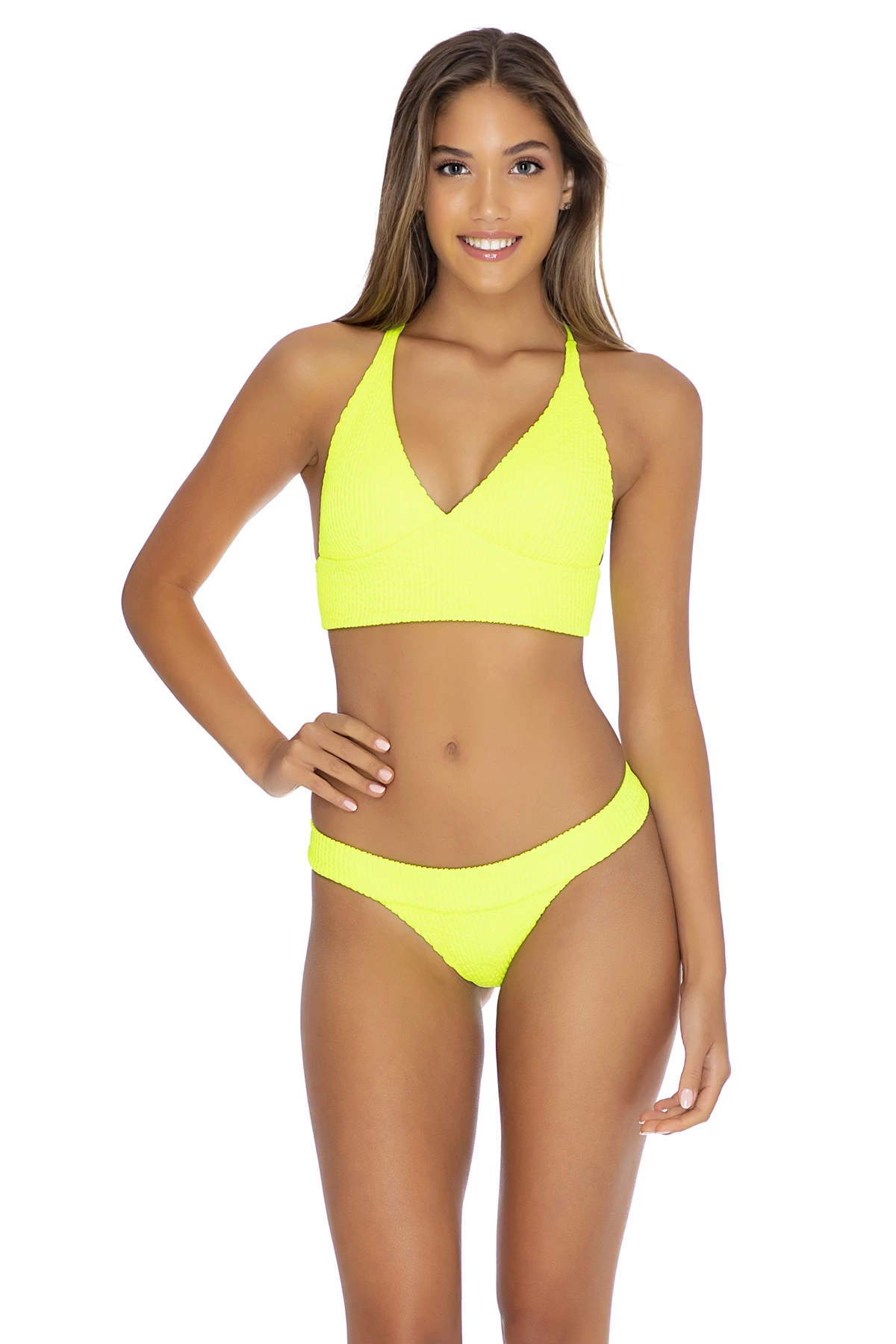
 Miami Swim 2019 - Luli Fama “Electric Jungle” Resort 2020 | Paraiso Miami Beach












































































































































































































































Account
Navigation
Search
Configure browser push notifications
Chrome (Android)
- Tap the lock icon next to the address bar.
- Tap Permissions → Notifications.
- Adjust your preference.
Chrome (Desktop)
- Click the padlock icon in the address bar.
- Select Site settings.
- Find Notifications and adjust your preference.
Safari (iOS 16.4+)
- Ensure the site is installed via Add to Home Screen.
- Open Settings App → Notifications.
- Find your app name and adjust your preference.
Safari (macOS)
- Go to Safari → Preferences.
- Click the Websites tab.
- Select Notifications in the sidebar.
- Find this website and adjust your preference.
Edge (Android)
- Tap the lock icon next to the address bar.
- Tap Permissions.
- Find Notifications and adjust your preference.
Edge (Desktop)
- Click the padlock icon in the address bar.
- Click Permissions for this site.
- Find Notifications and adjust your preference.
Firefox (Android)
- Go to Settings → Site permissions.
- Tap Notifications.
- Find this site in the list and adjust your preference.
Firefox (Desktop)
- Open Firefox Settings.
- Search for Notifications.
- Find this site in the list and adjust your preference.