
ALPAT
Global Moderators
-
Joined
-
Last visited
Everything posted by ALPAT
-
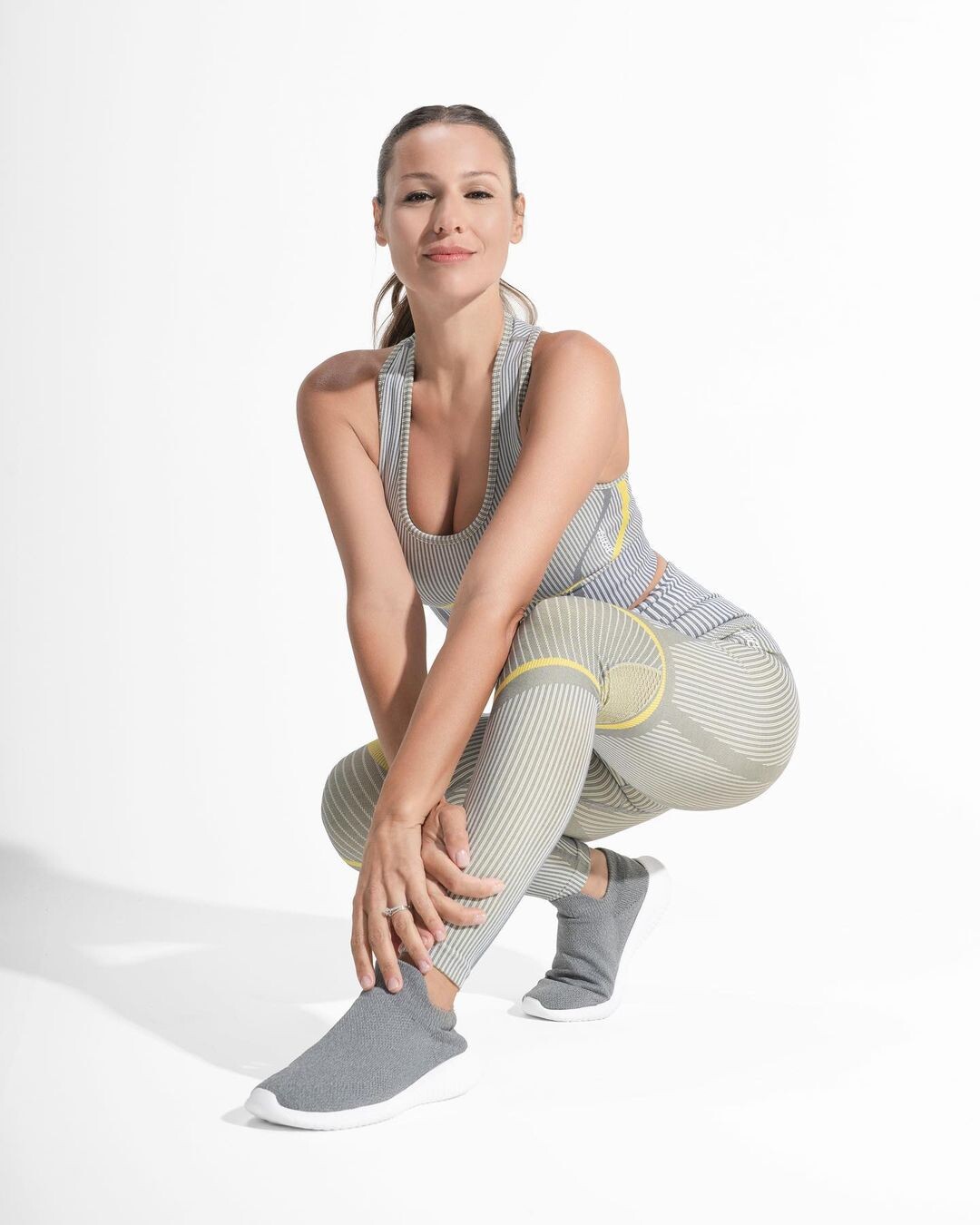
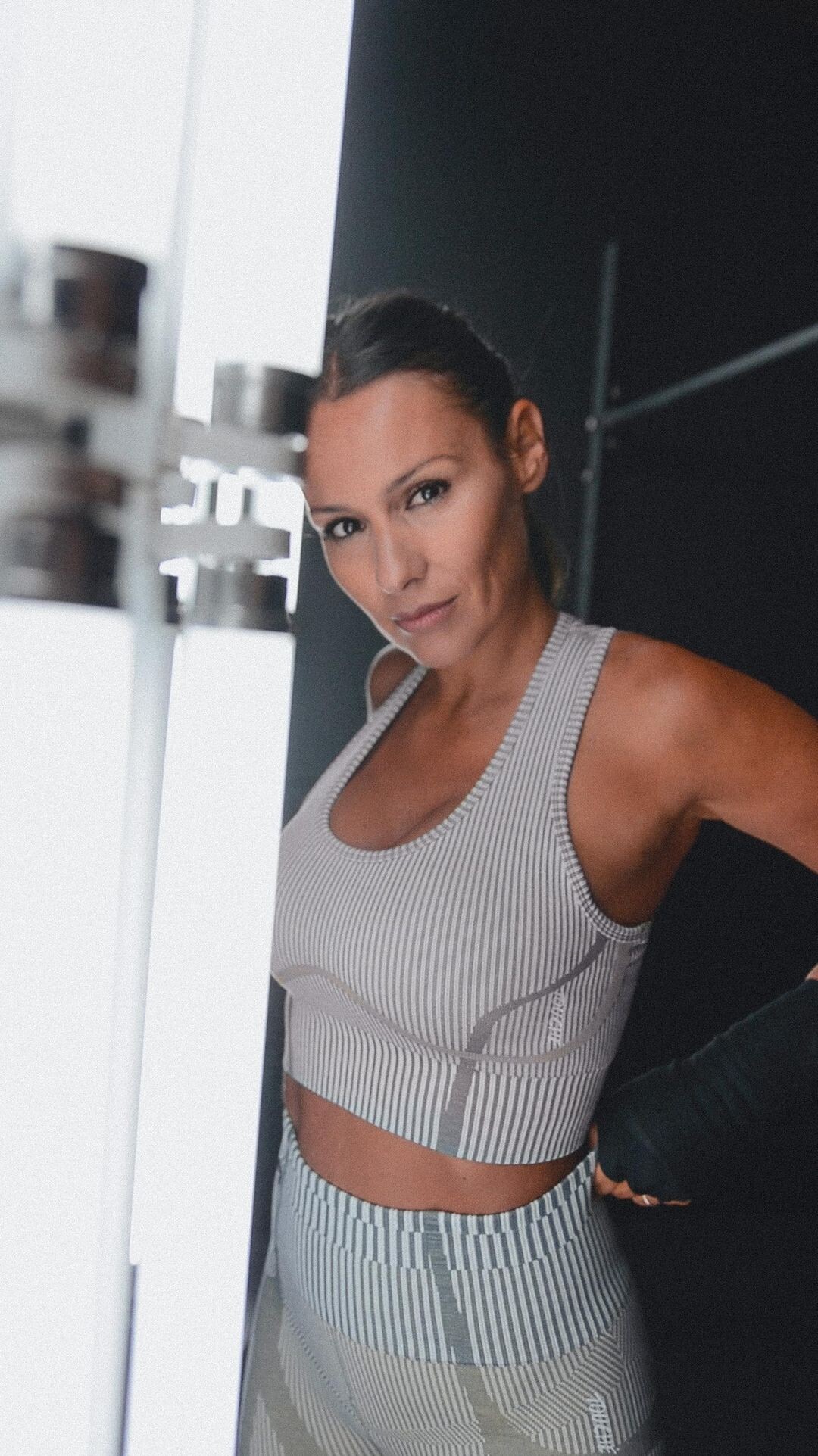
 Touche Sports (2022) 000v.mp4 https://www.instagram.com/p/CfeCf2Zlrpl/



-
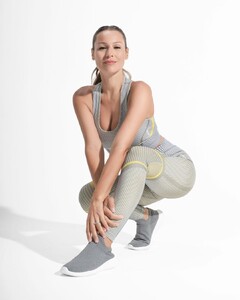
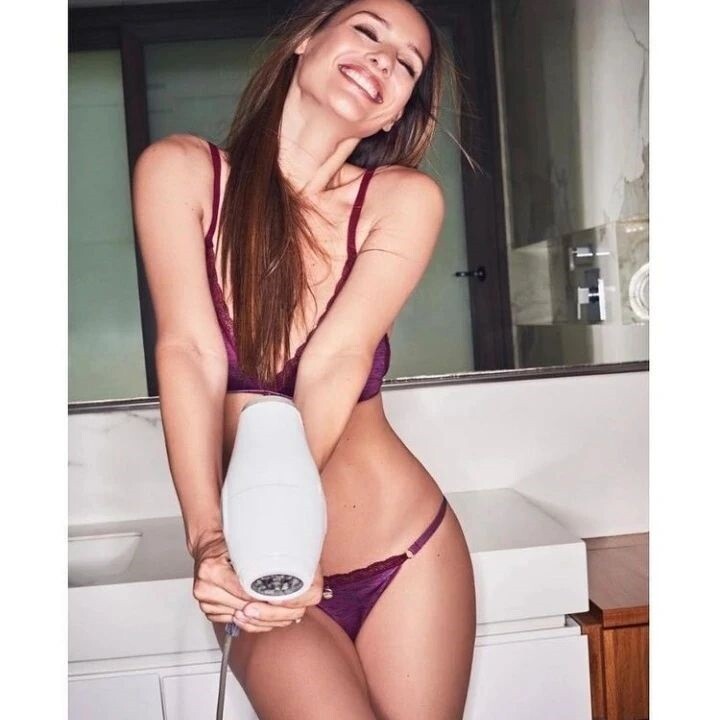
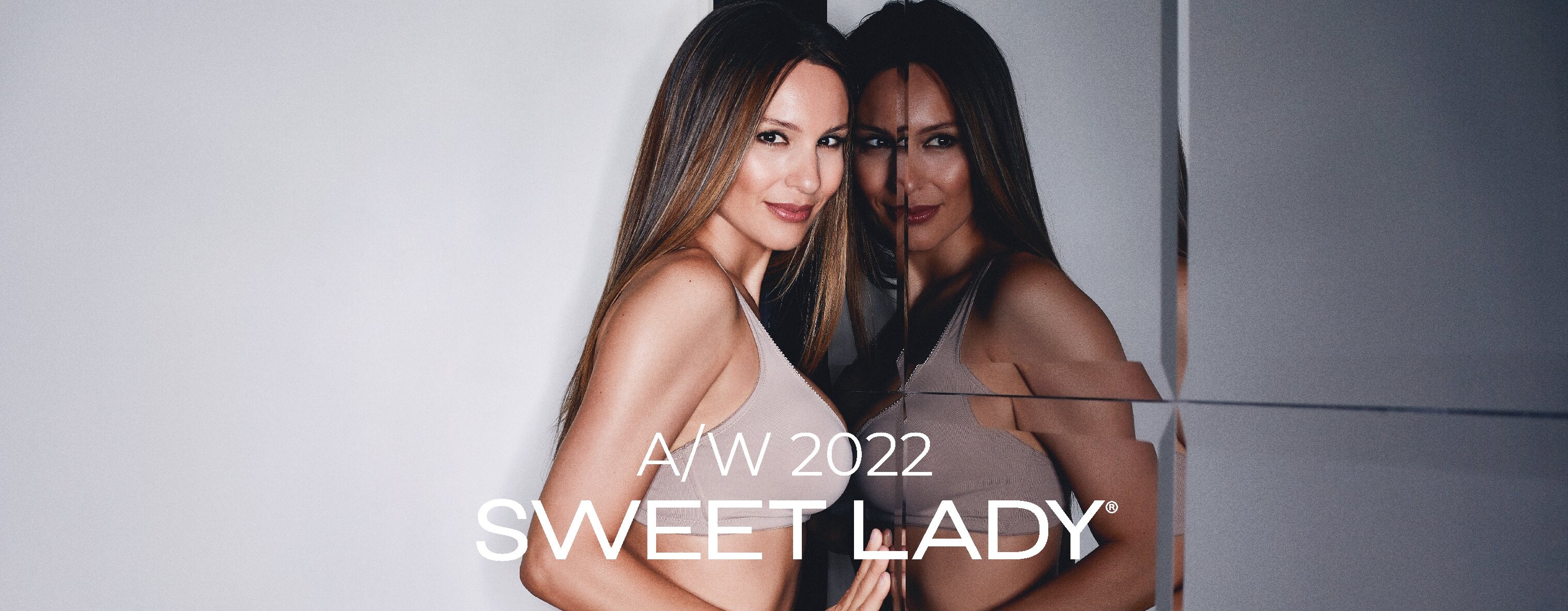
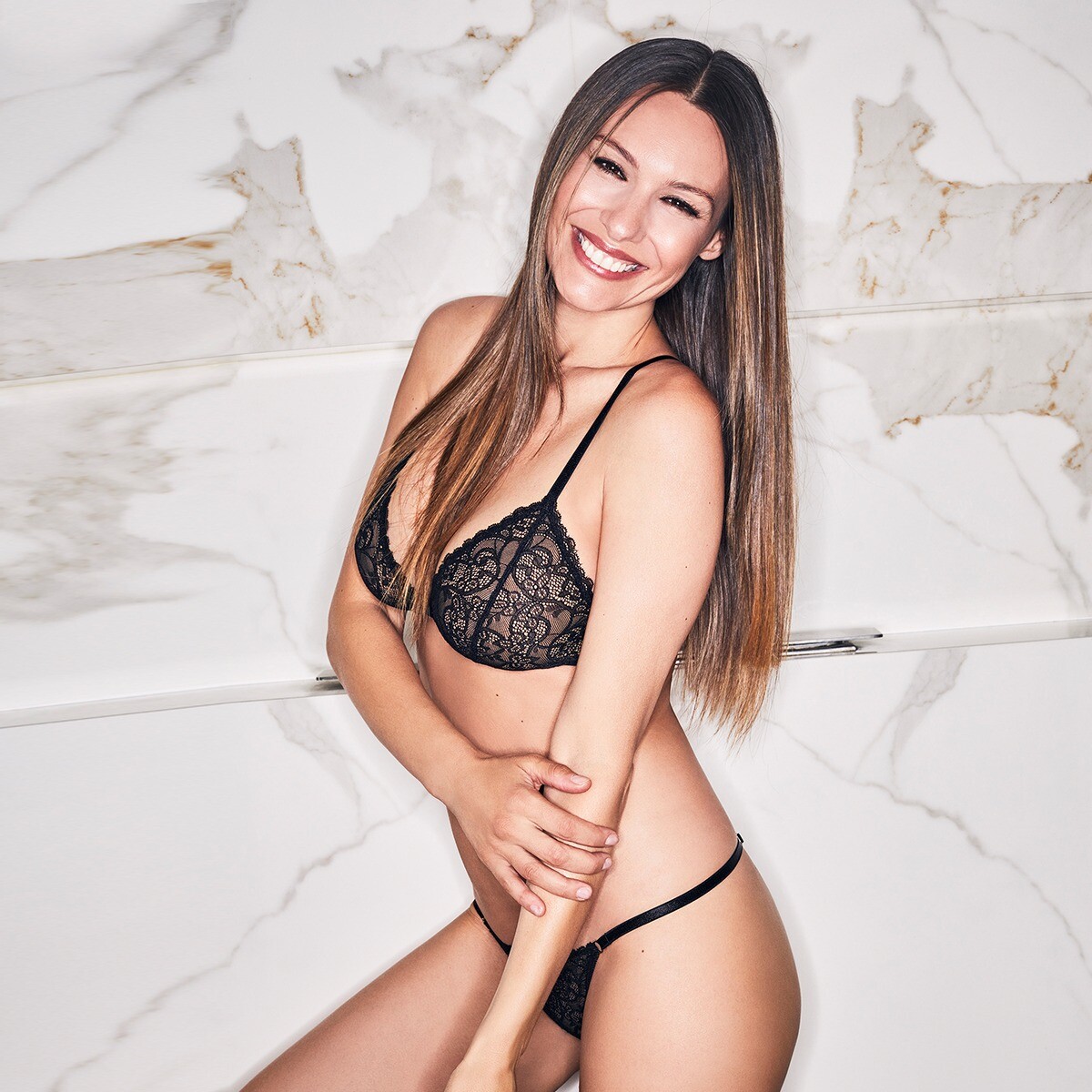
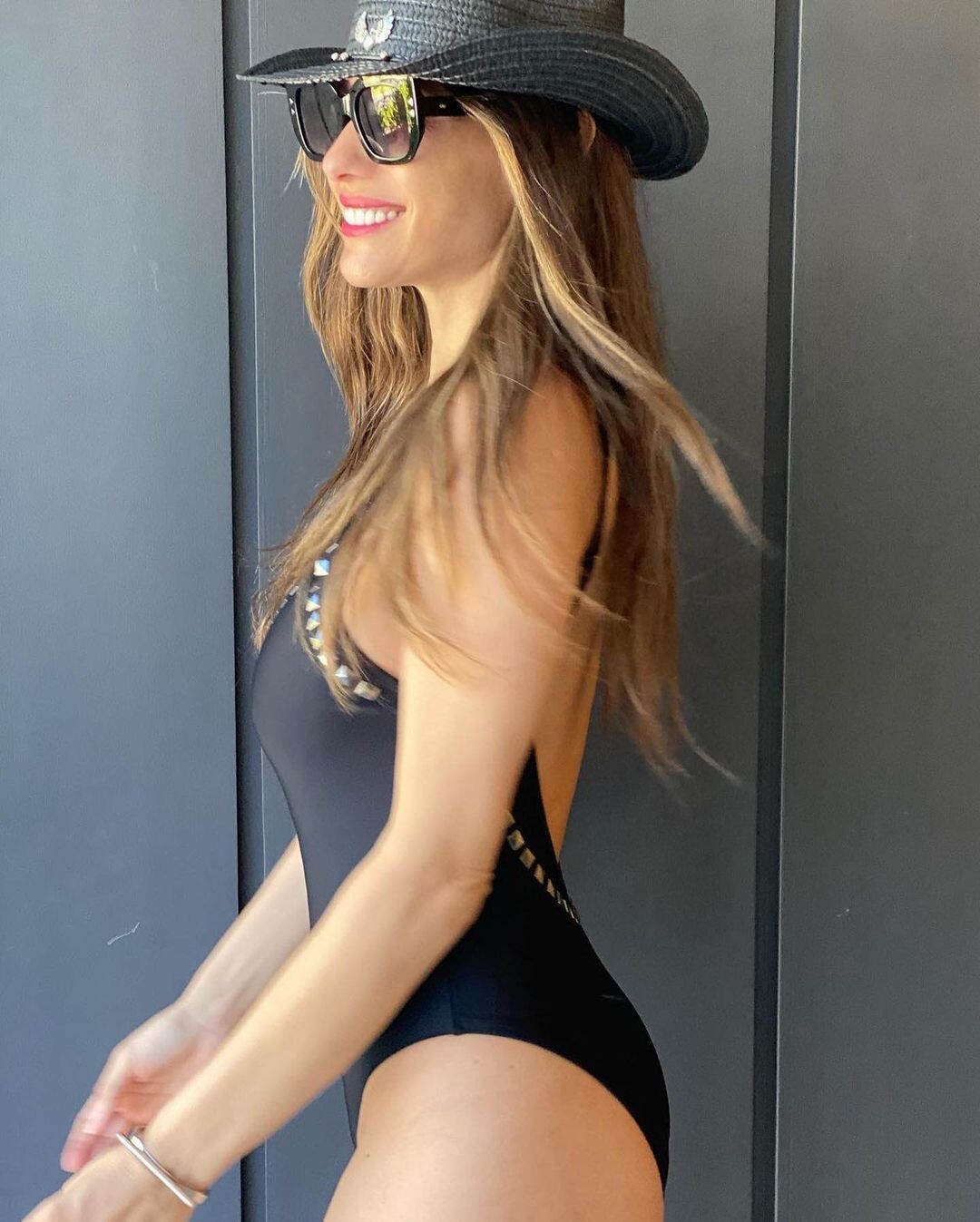
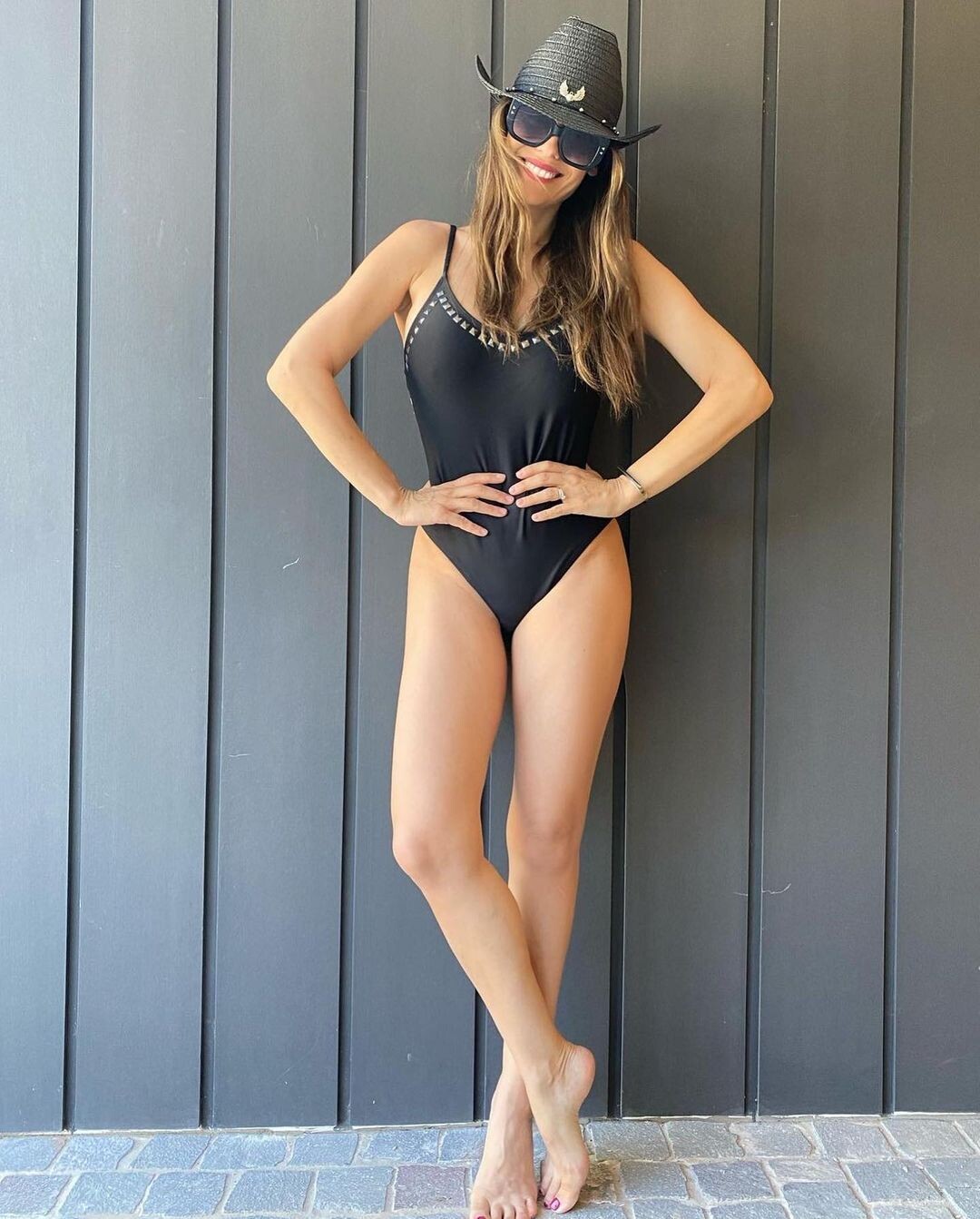
Sweet Lady Intimates Collection AW 2022
















 283345643_488508839691067_1339040364534507388_n.mp4 https://www.instagram.com/p/Cd9nmQ1DSDR/
 279396110_1062571244613988_7681994073785304989_n.mp4






 https://www.instagram.com/p/CbnUN8Jui6V/ 277207753_360070479336759_2215411297967820665_n.mp4 https://www.instagram.com/p/Cblo5TWFHaJ/


 Outfitts "El Hotel de Los Famosos" 10000000_1131026594132474_6316030346393125885_n.mp4 Instagram



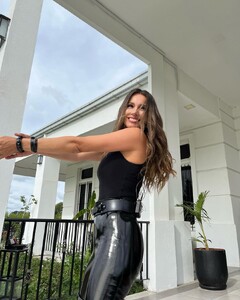
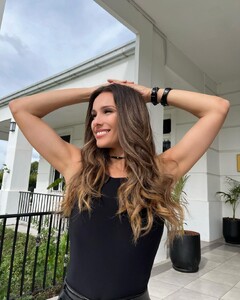 "El Hotel de los Famosos" TV SHOW (2022)
 https://www.instagram.com/p/CcVc0IYOBMd/ 274919379_699846331383081_3283243784410892582_n.mp4 https://www.instagram.com/p/CastzFhJWuf/
 Markova - Fall 2022
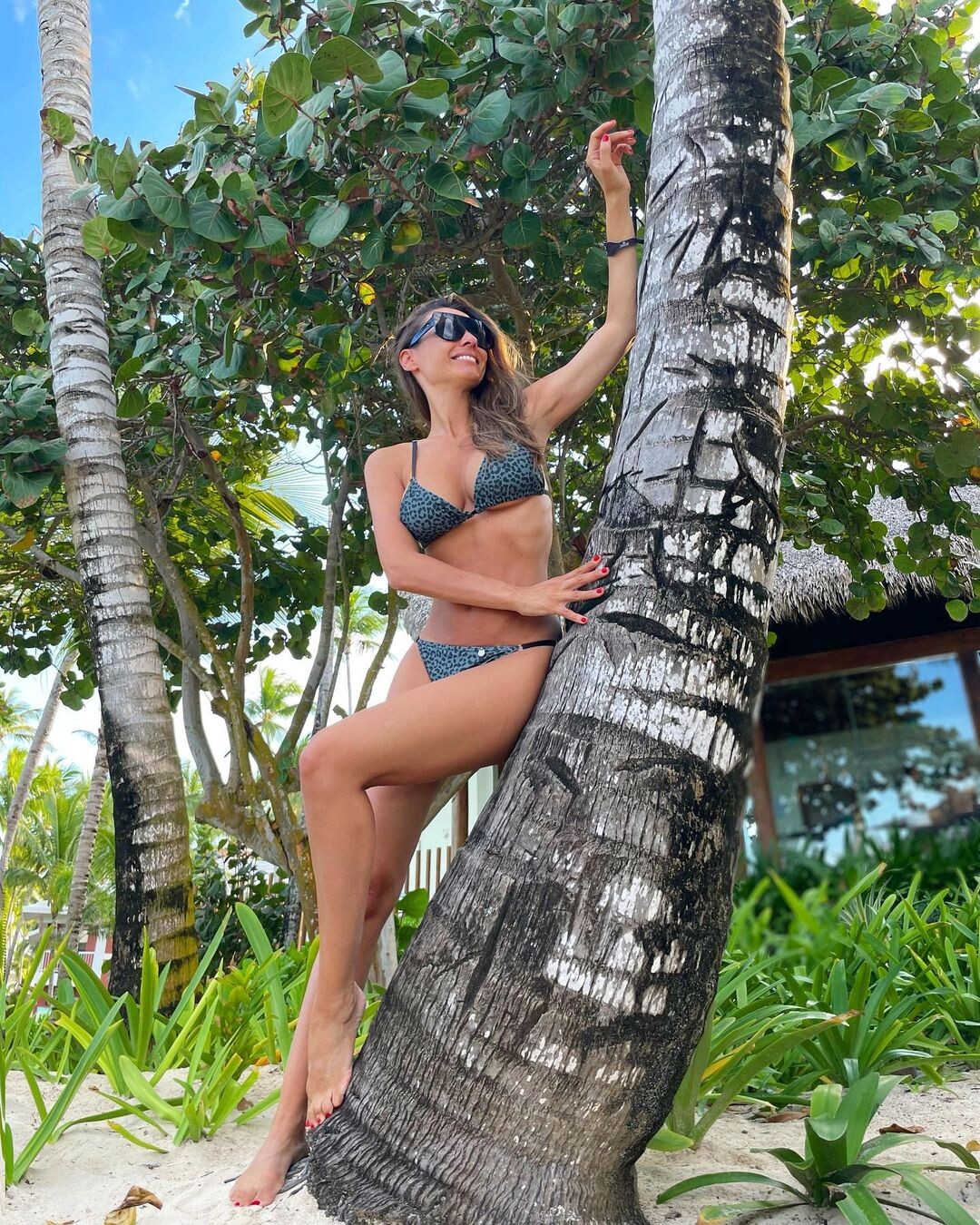
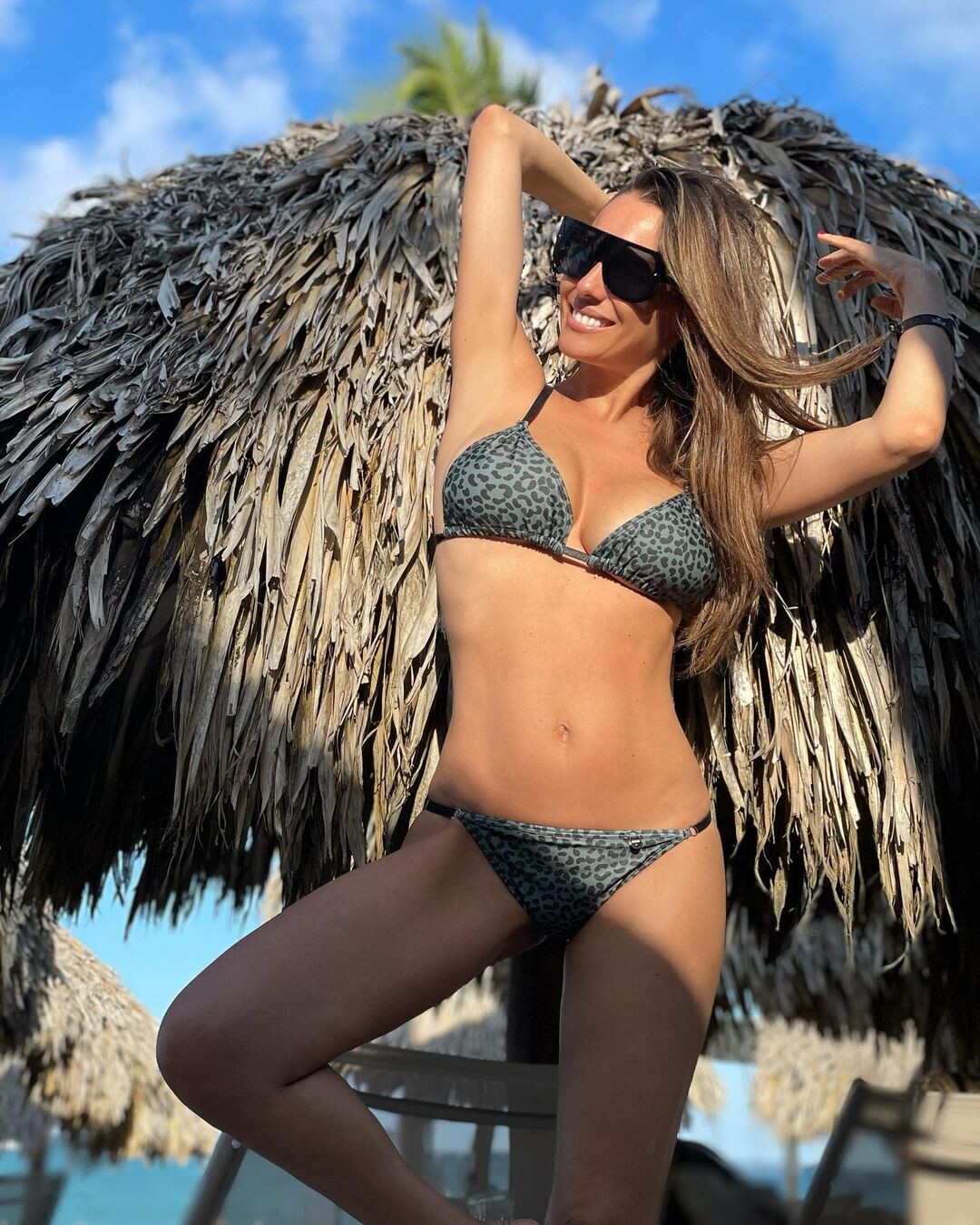
 Pampita by Cipitria, Summer 2022.




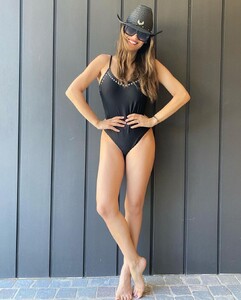


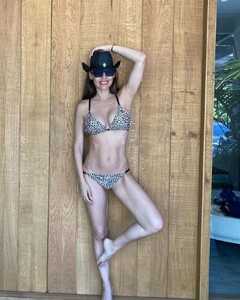 Instagram Jan/Feb 2022.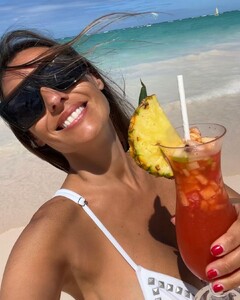




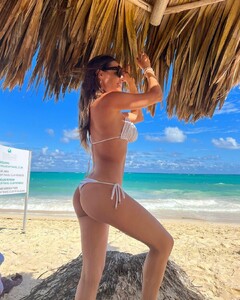



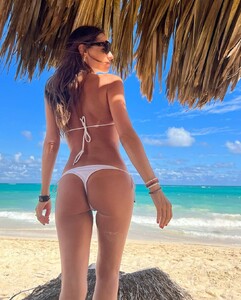


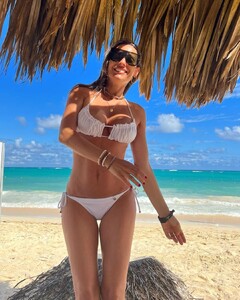

 Not yet !
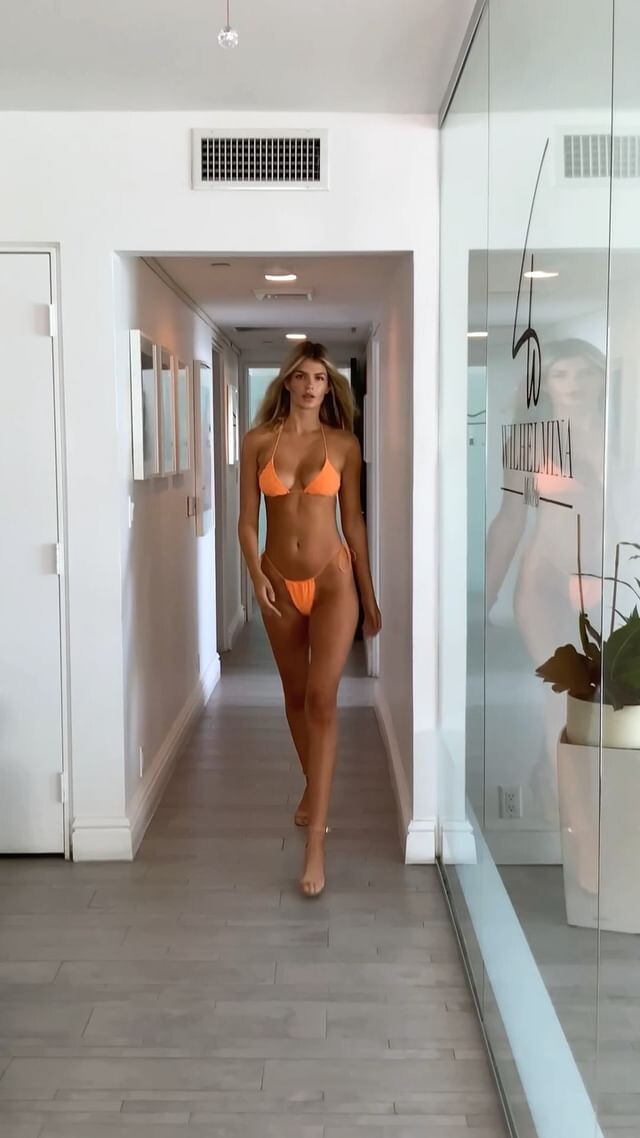
Casting! Miami Swim Week 2022. 1111v_casting.mp4 https://www.instagram.com/p/Ce7XOw8gMEZ/
Not yet !
Casting! Miami Swim Week 2022. 1111v_casting.mp4 https://www.instagram.com/p/Ce7XOw8gMEZ/ New digi's WILHELMINA MIAMI

 Ph: Olga Aleshina MUA: Alina Bondarevska Clip 1... Clip 2...








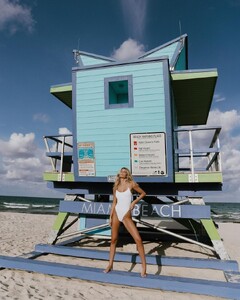







 https://www.instagram.com/p/Ce61kVxulLK/
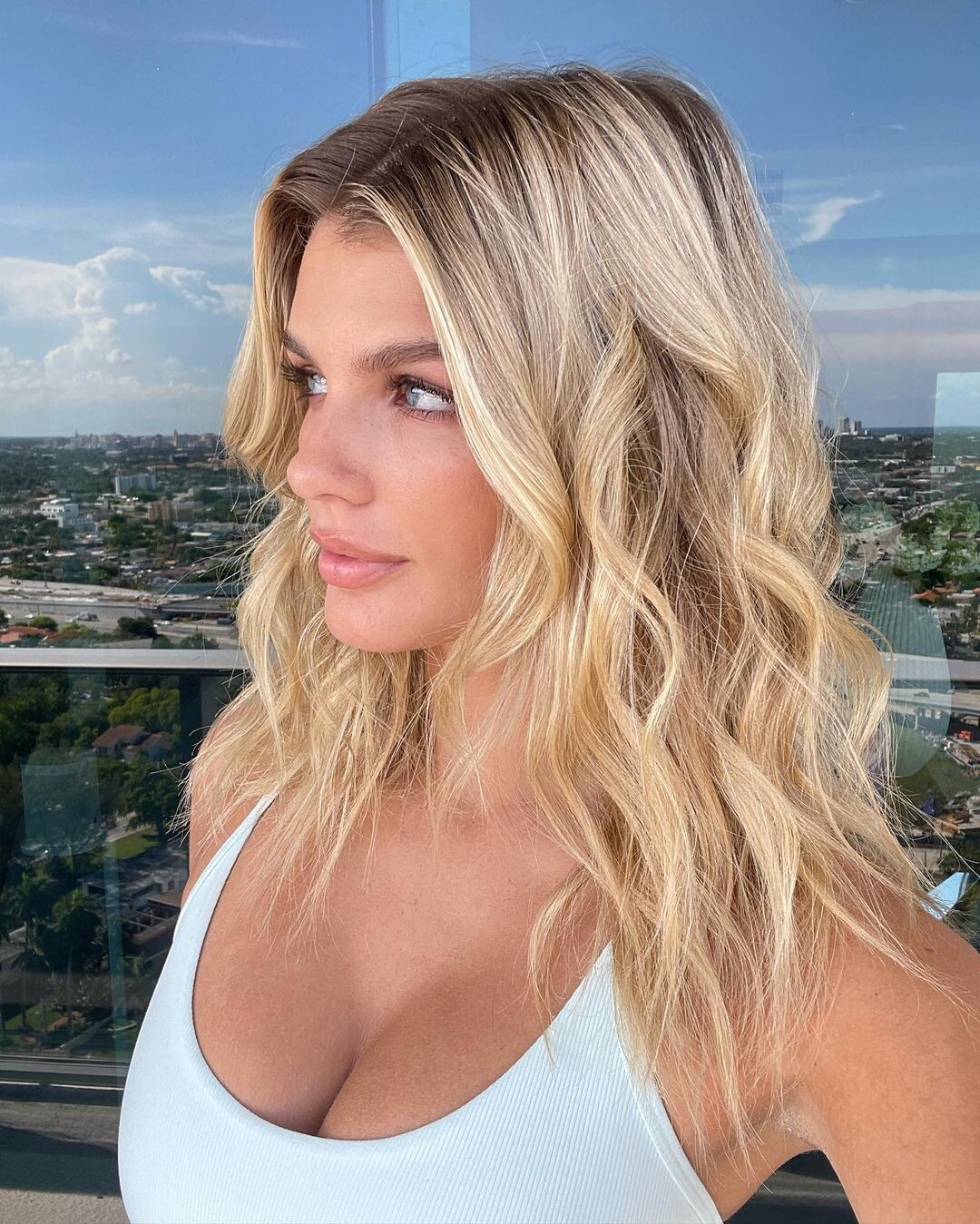
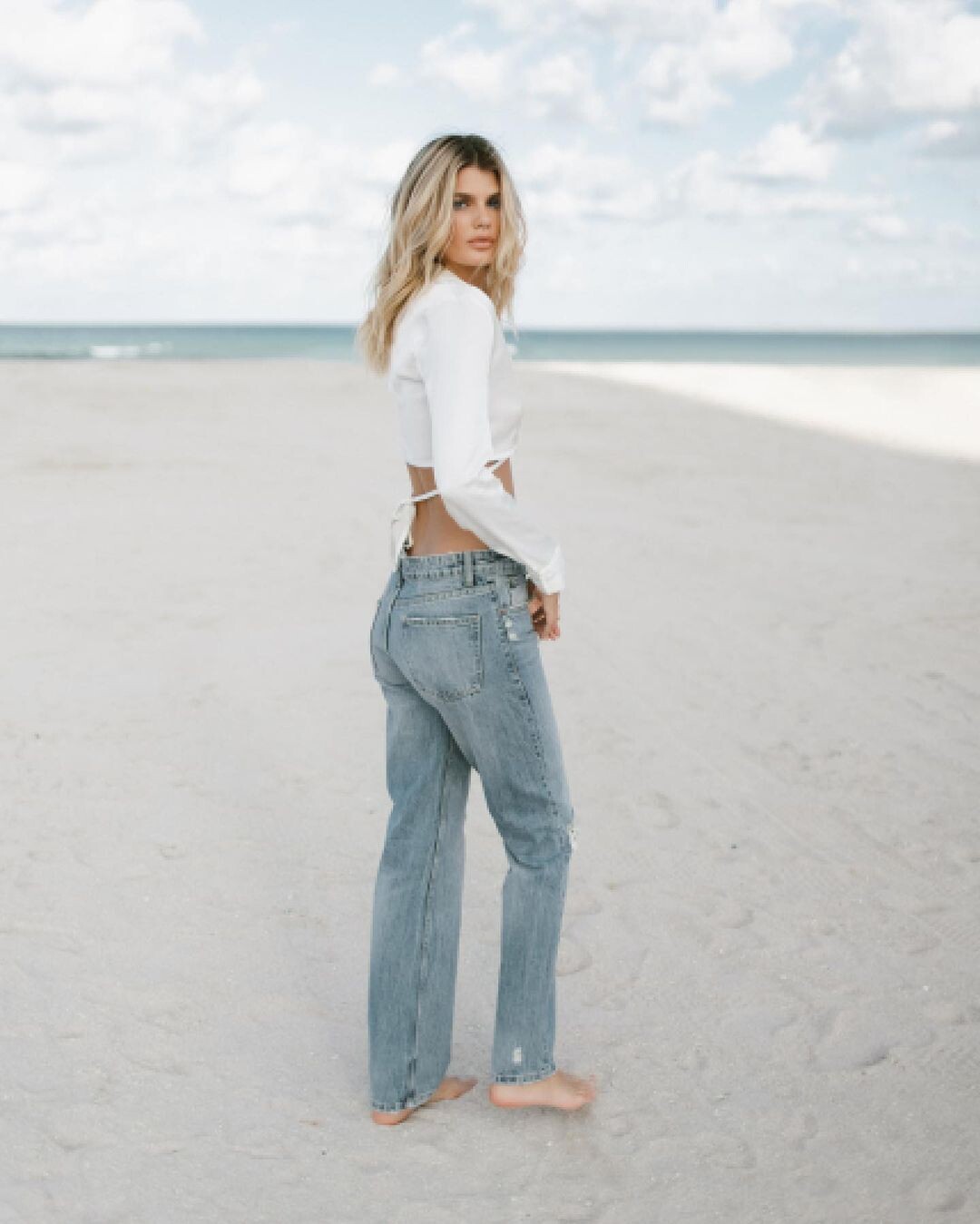
 New portfolio W 360 Management (2022). https://www.instagram.com/p/CdWTJ12vazG/

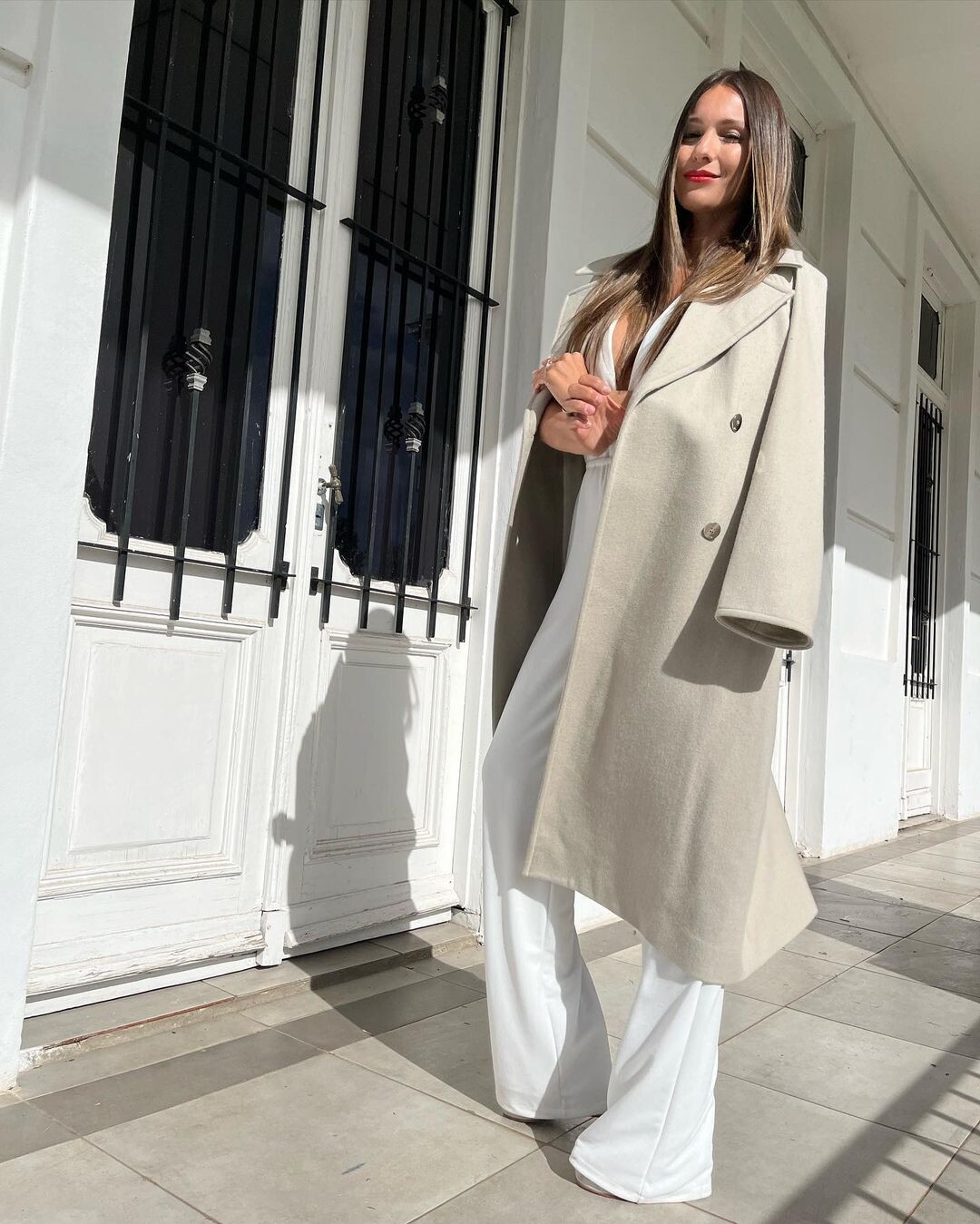
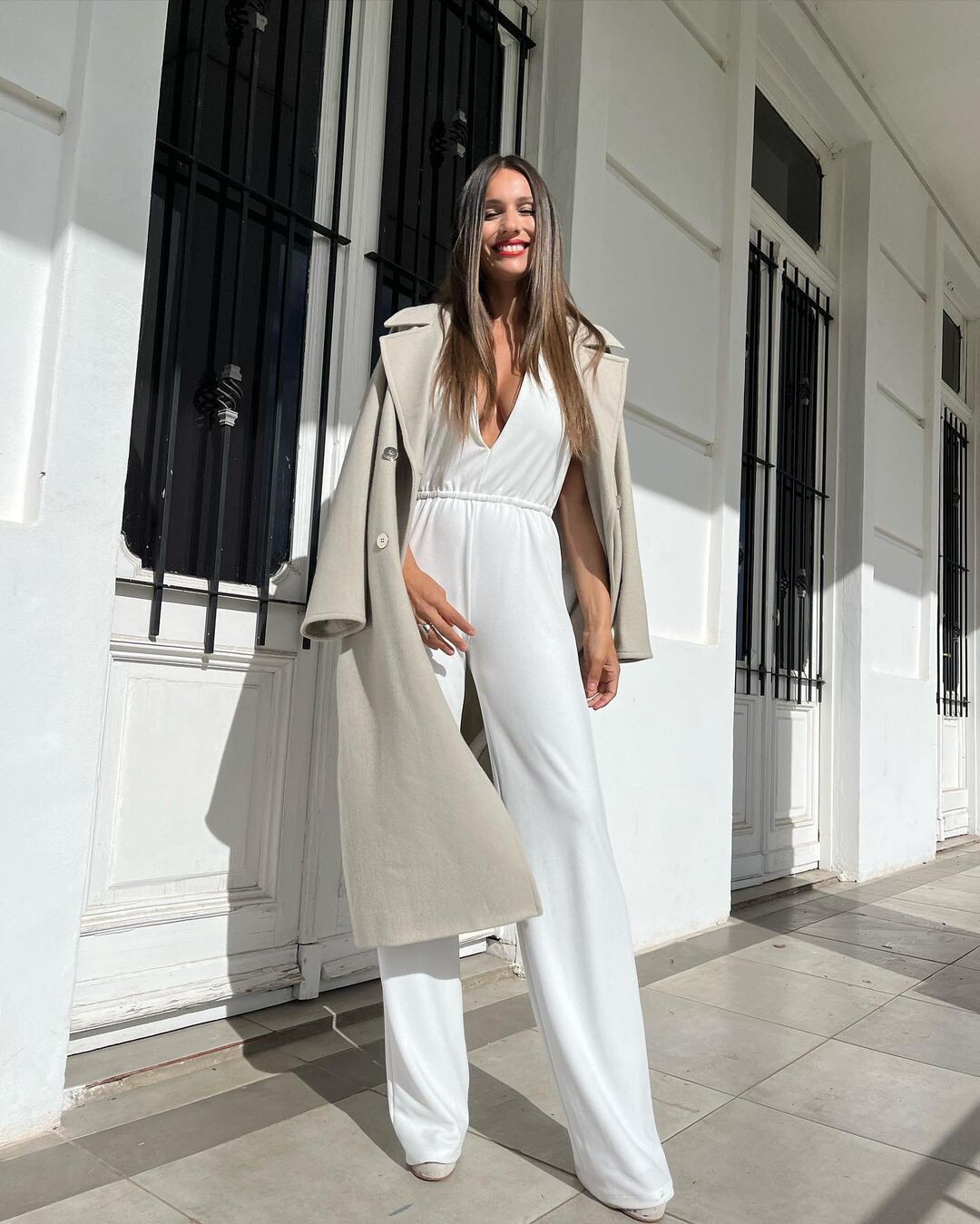
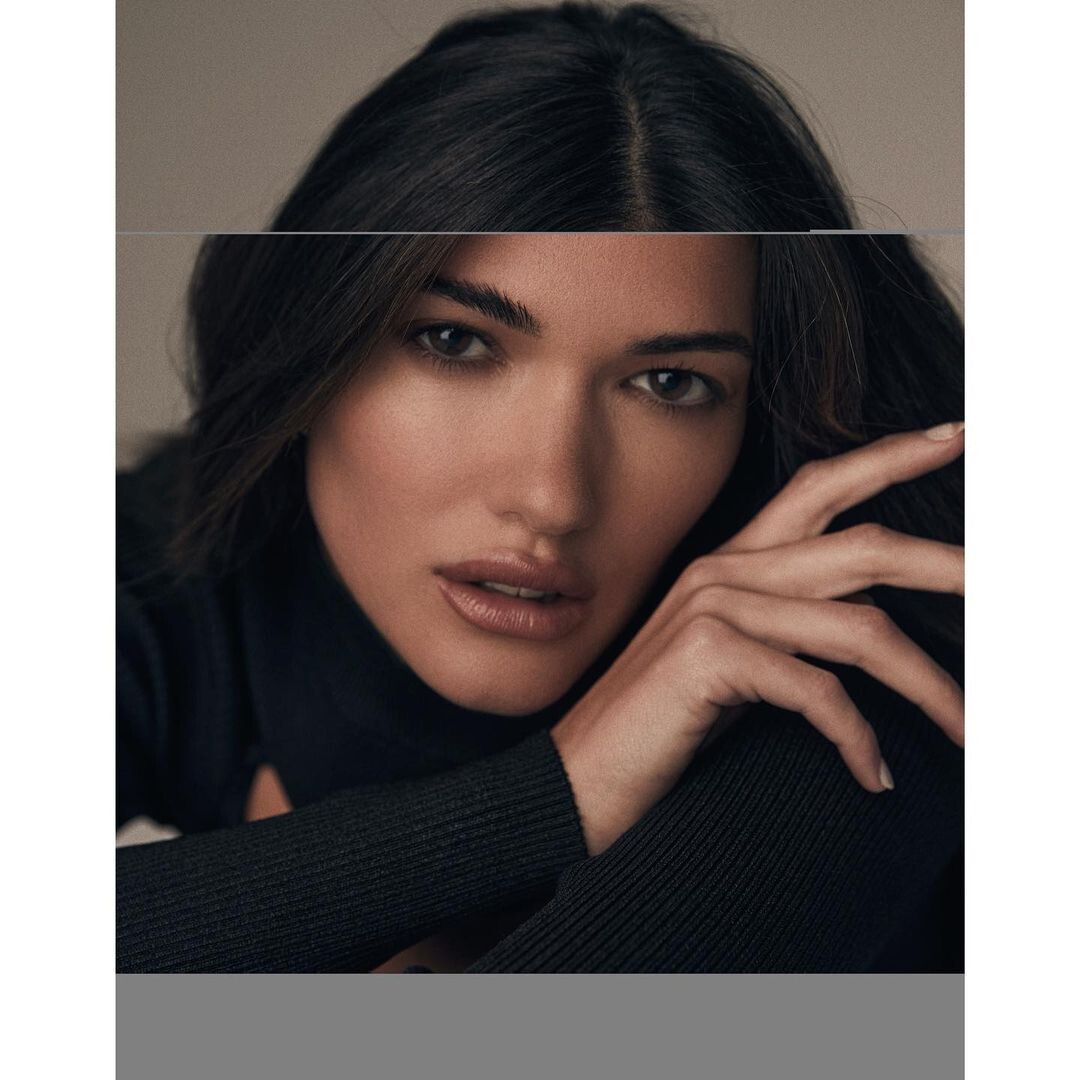
 Ph: Jack Dillon

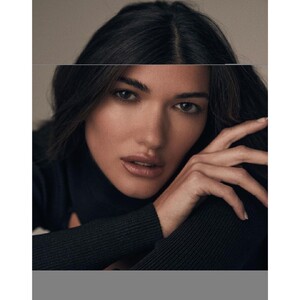
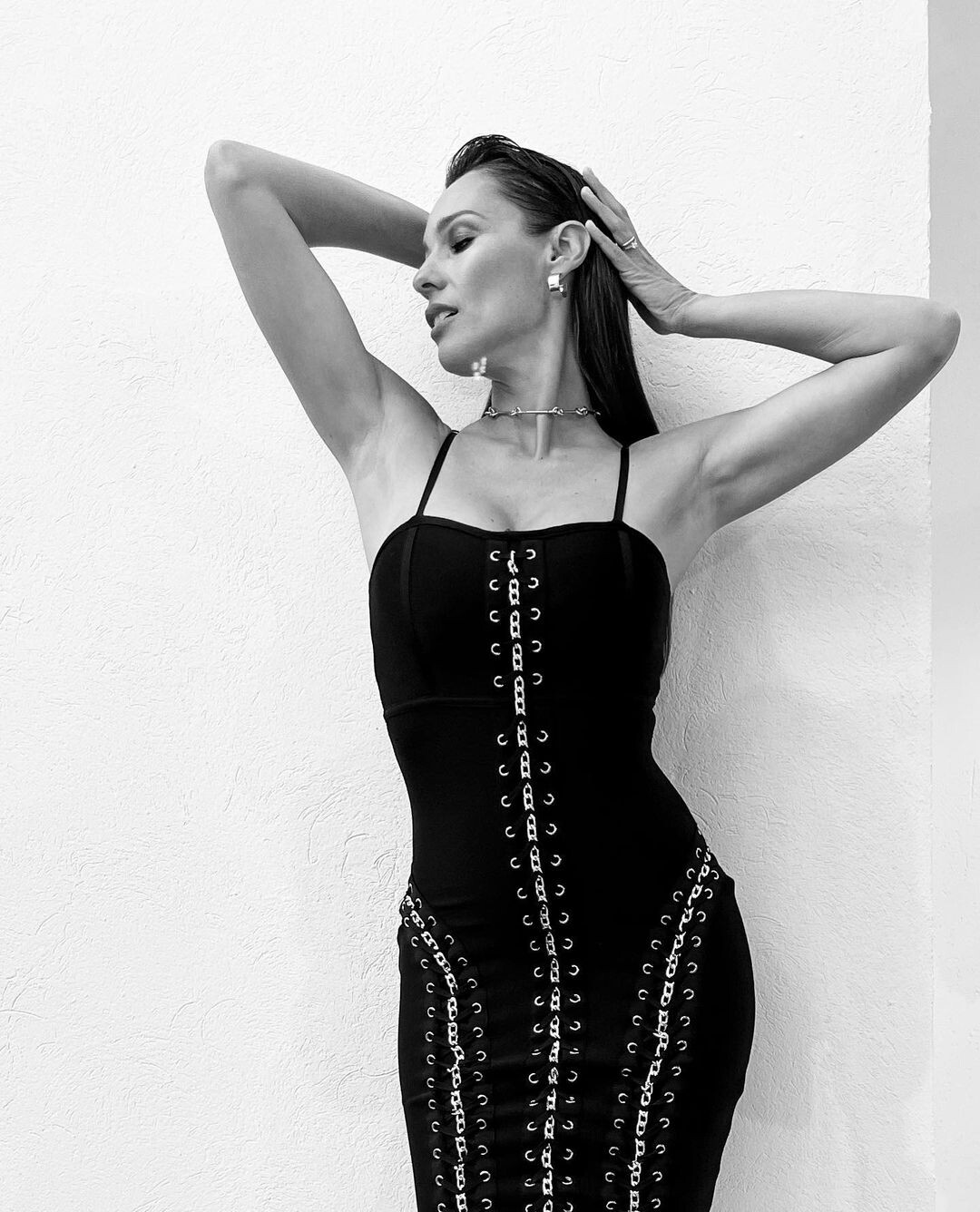
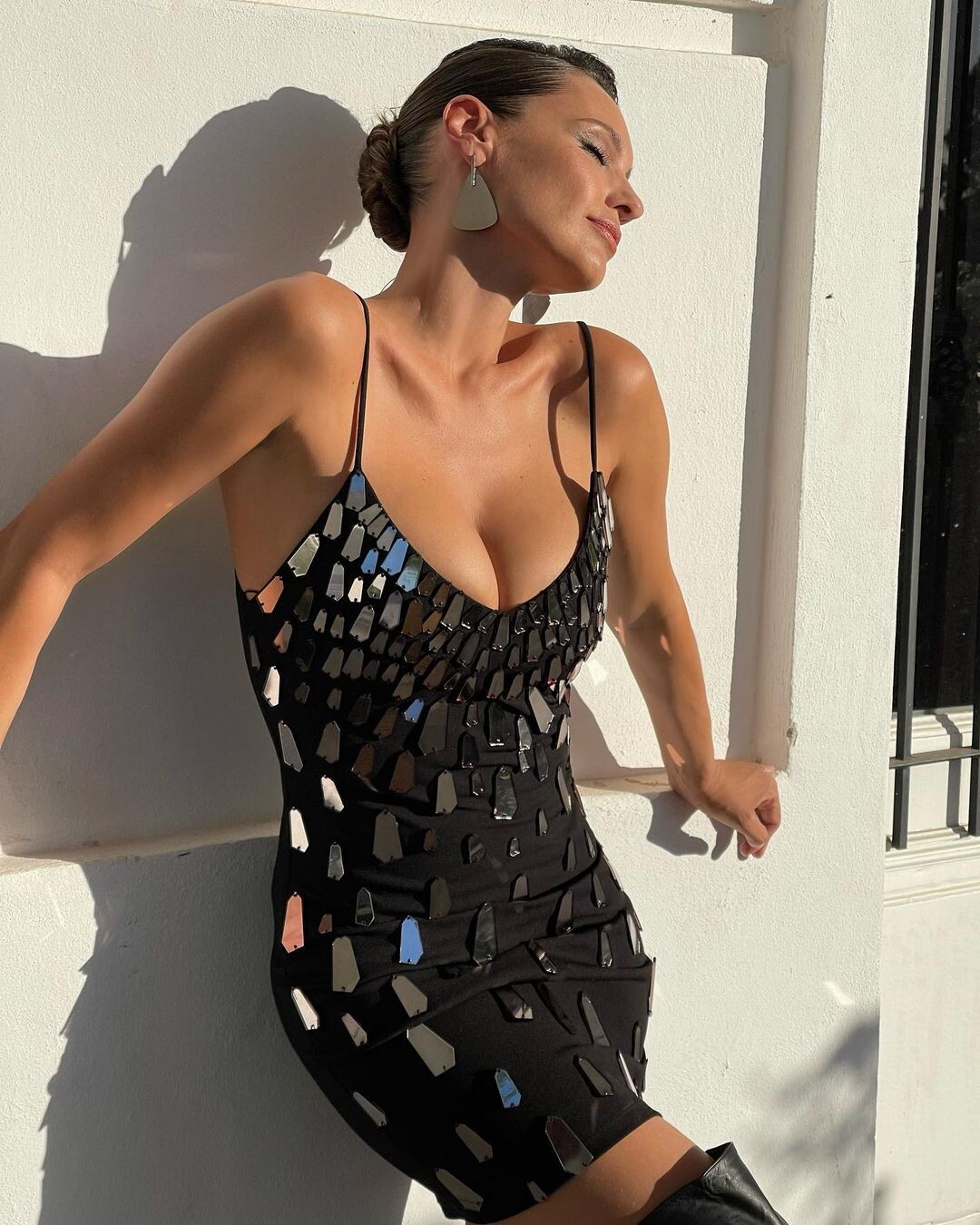
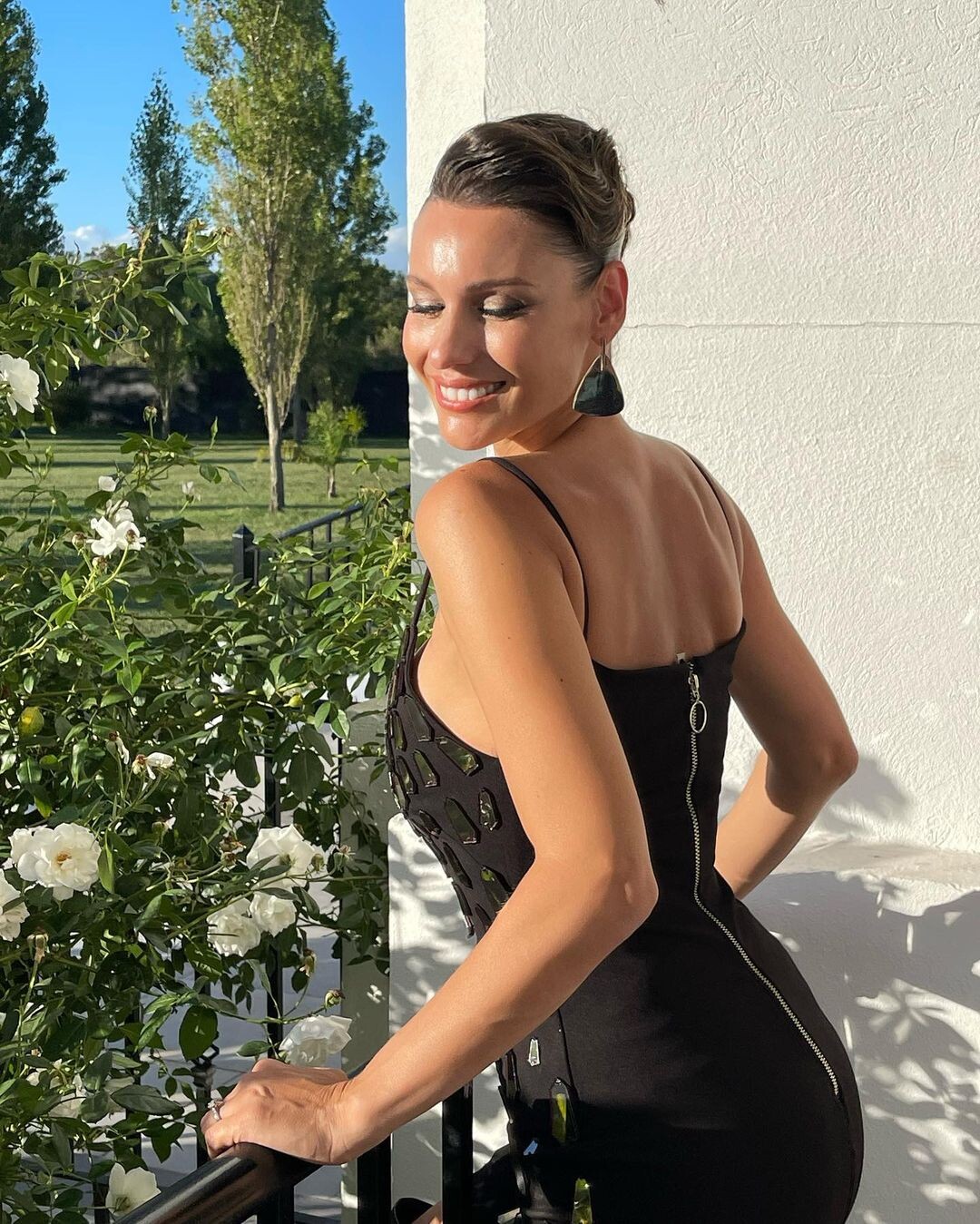
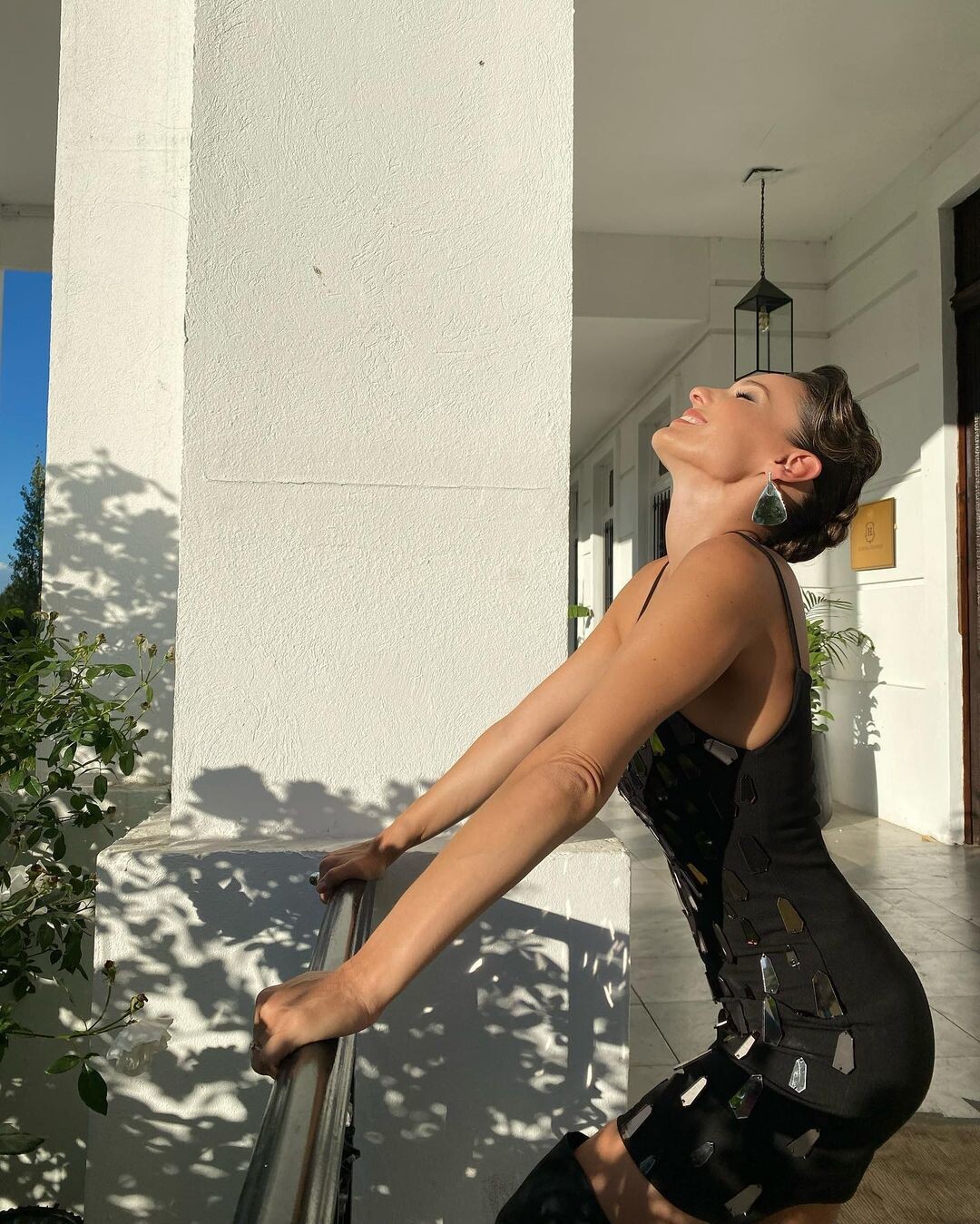
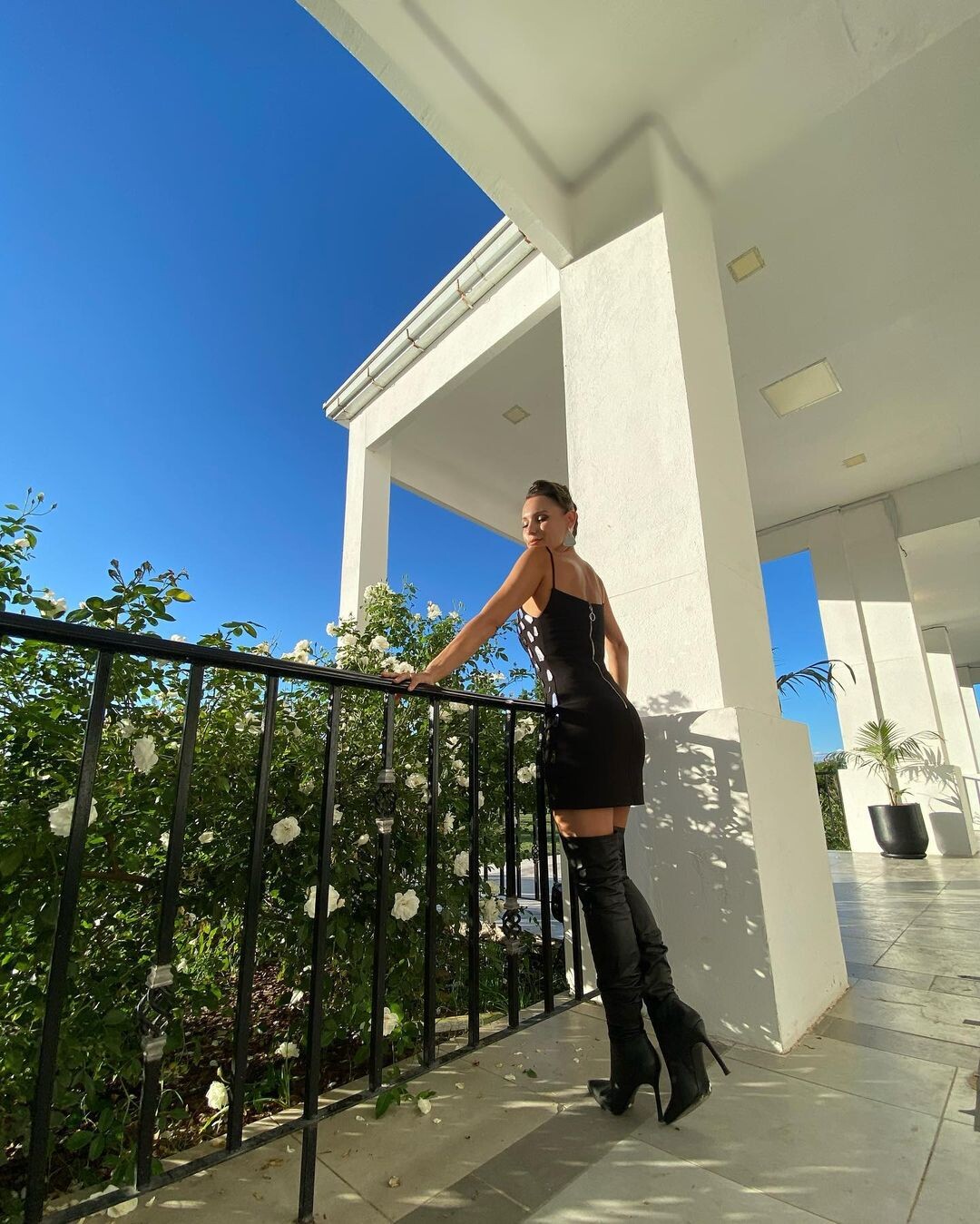
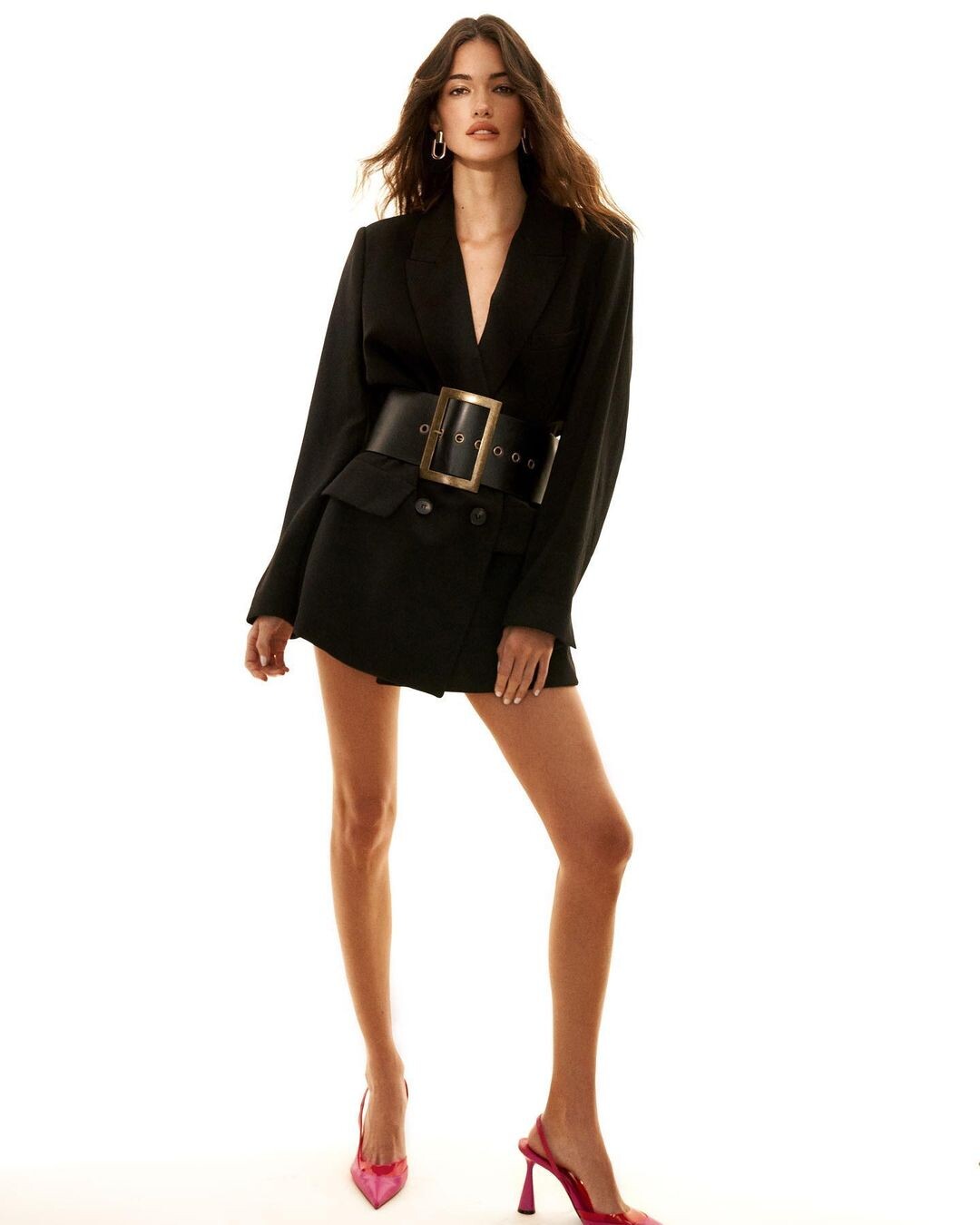
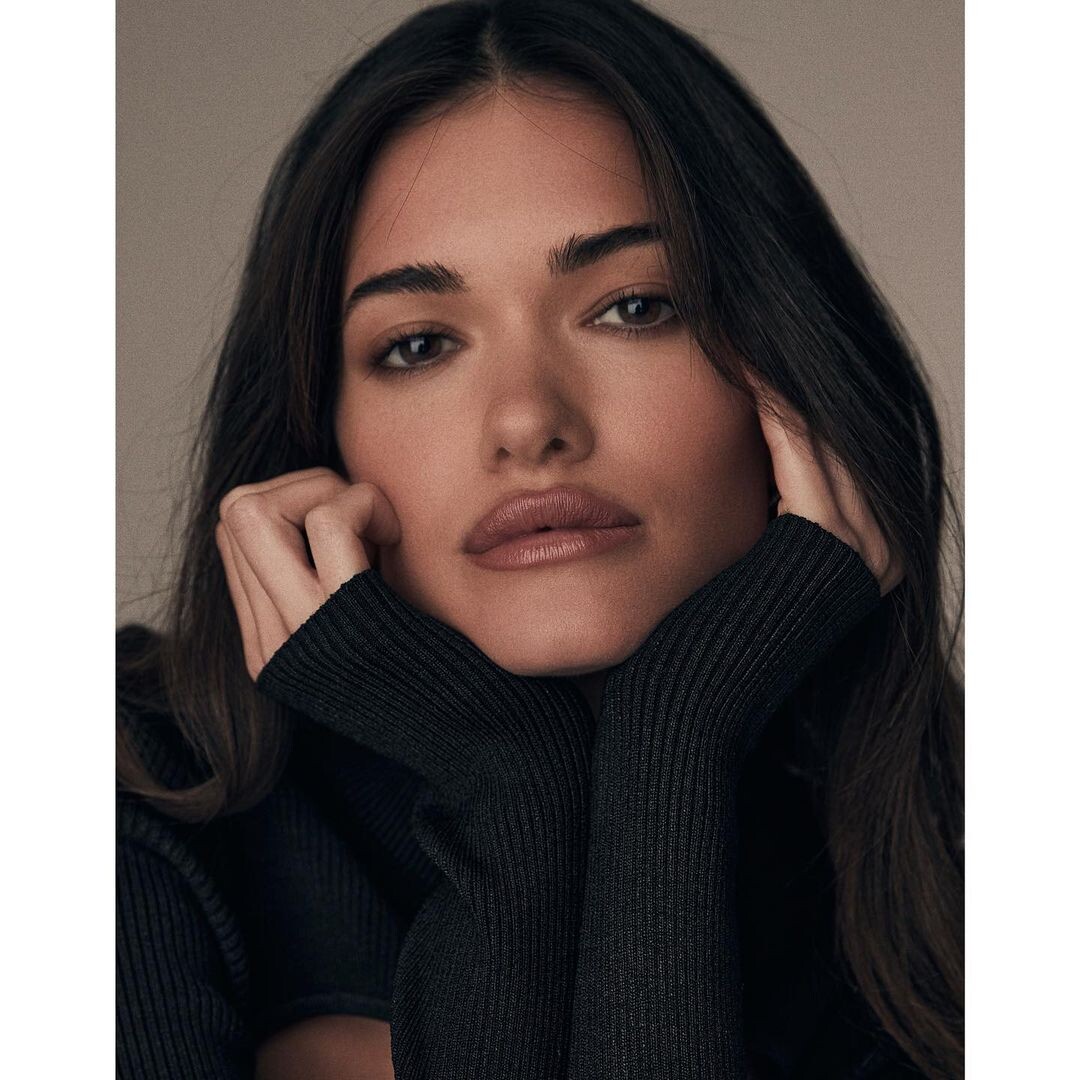
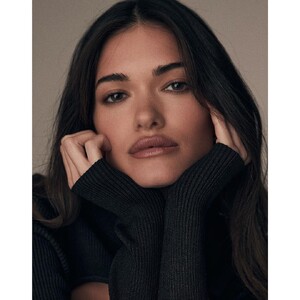 Ph: C/G Caleb and Gladys Photographers MUA - H: Claudia Oyanedel Stylist Odile Iturraspe
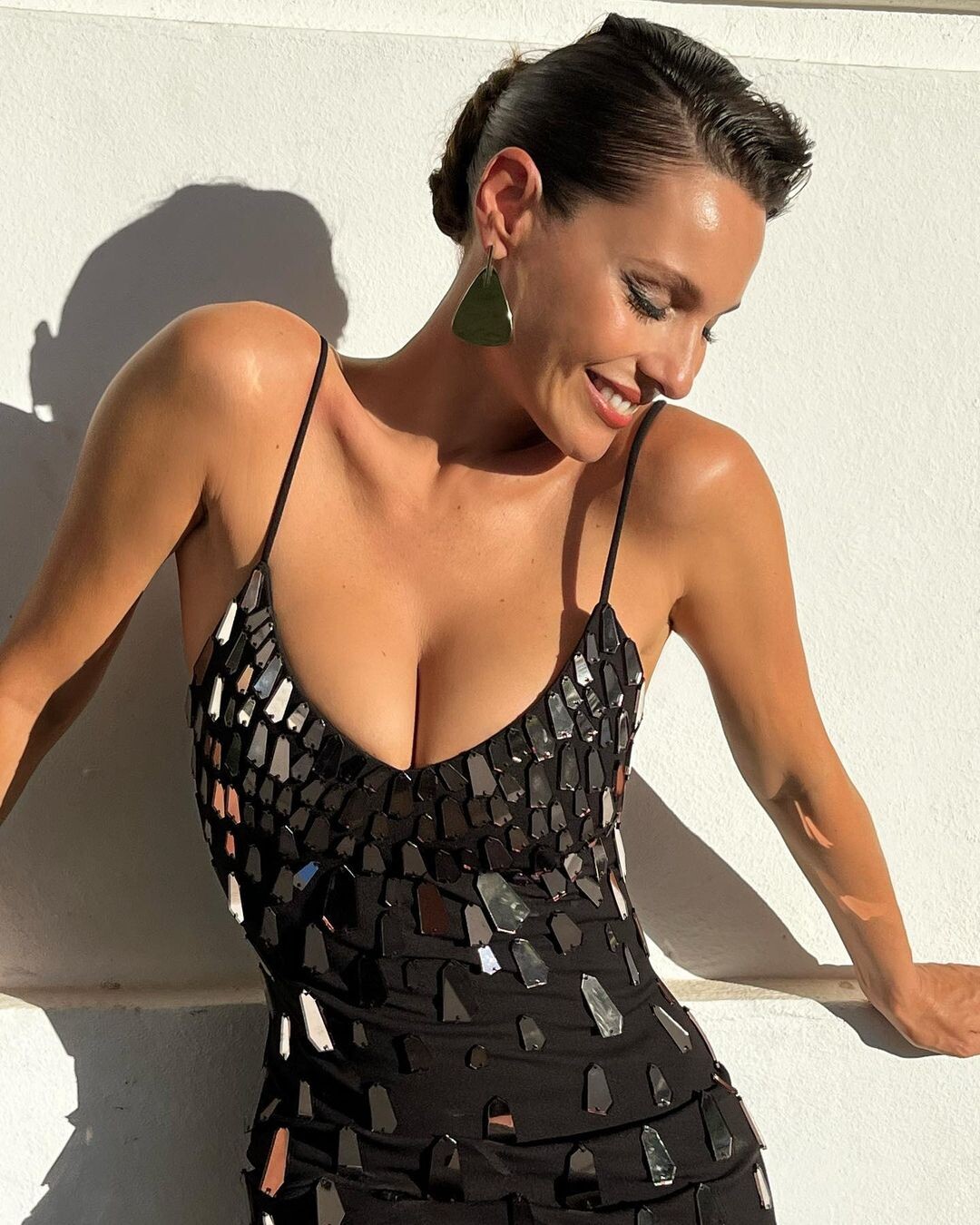
 Ph: Ben Rayner (2021).




















































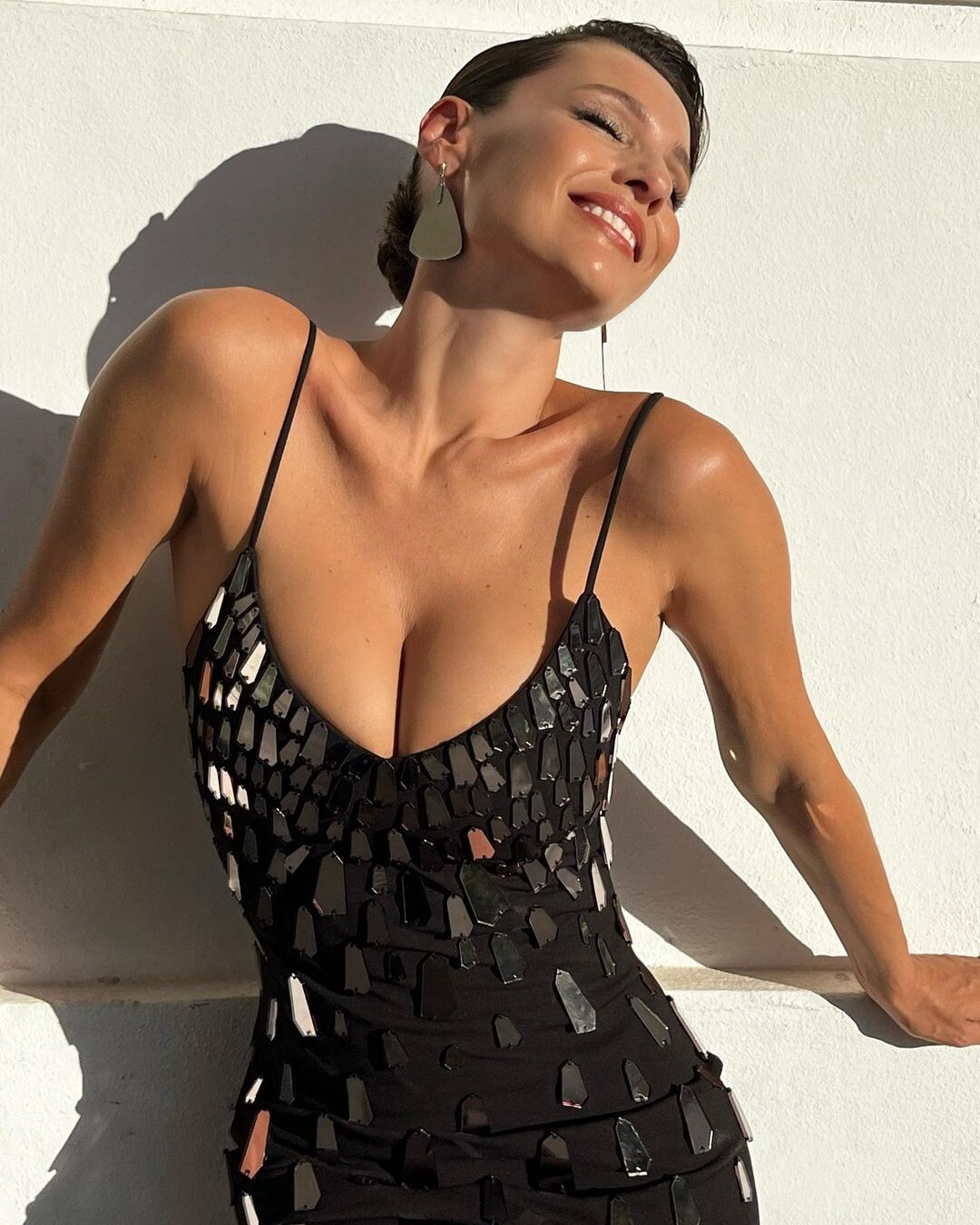
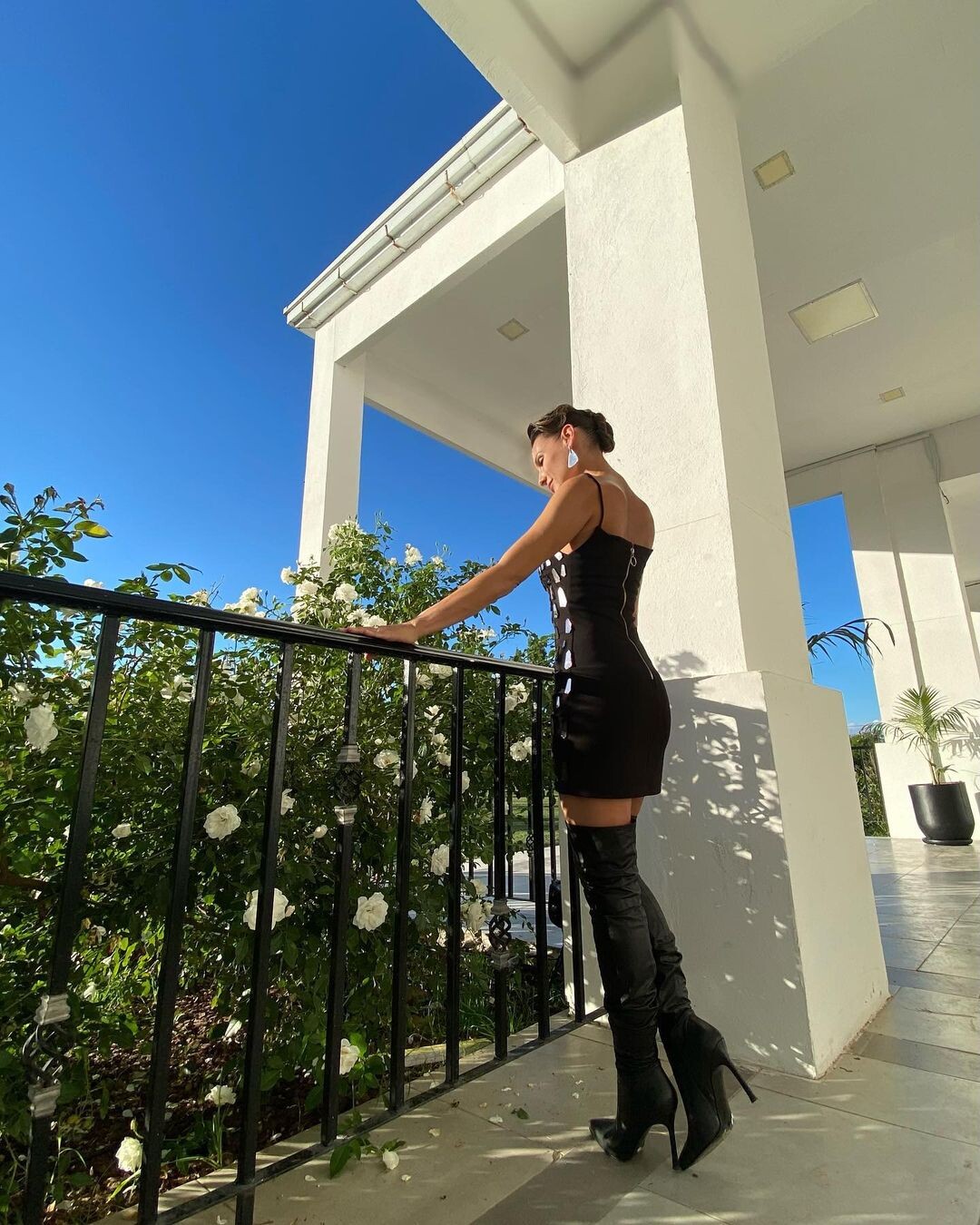
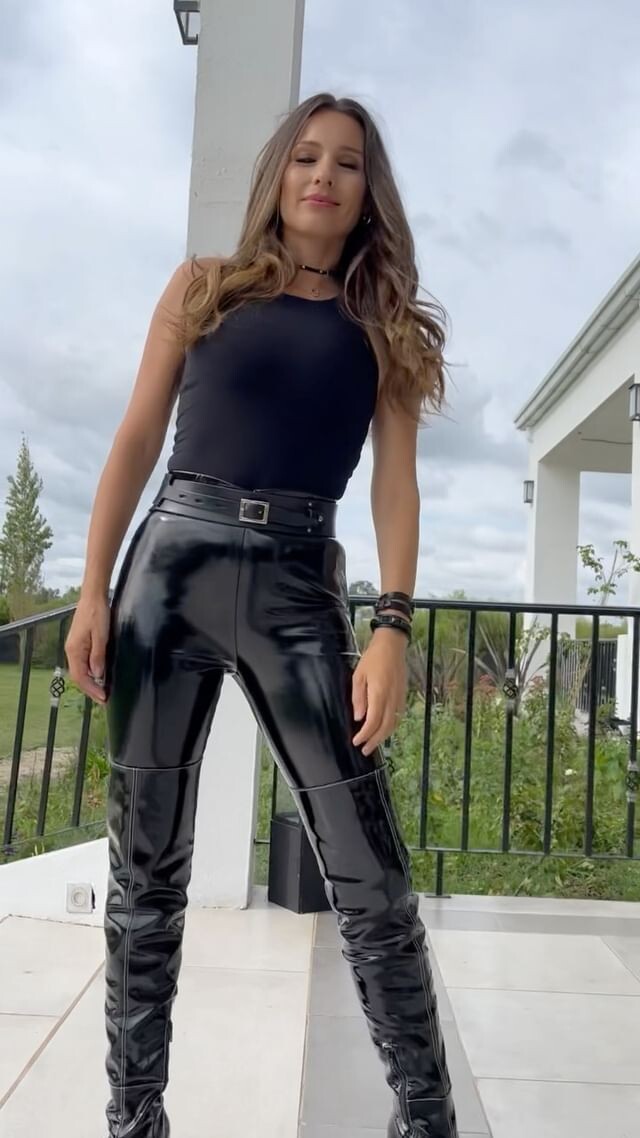


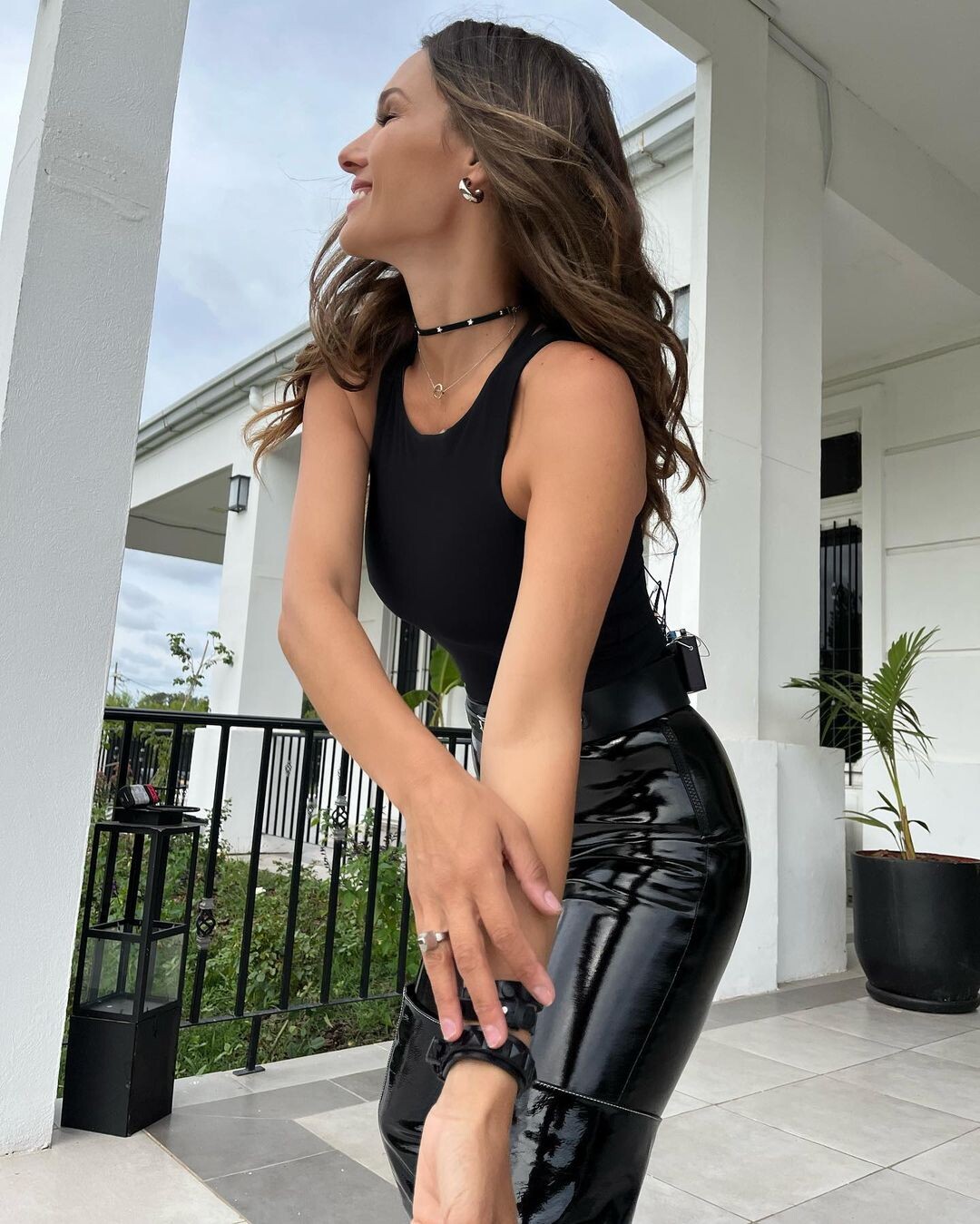
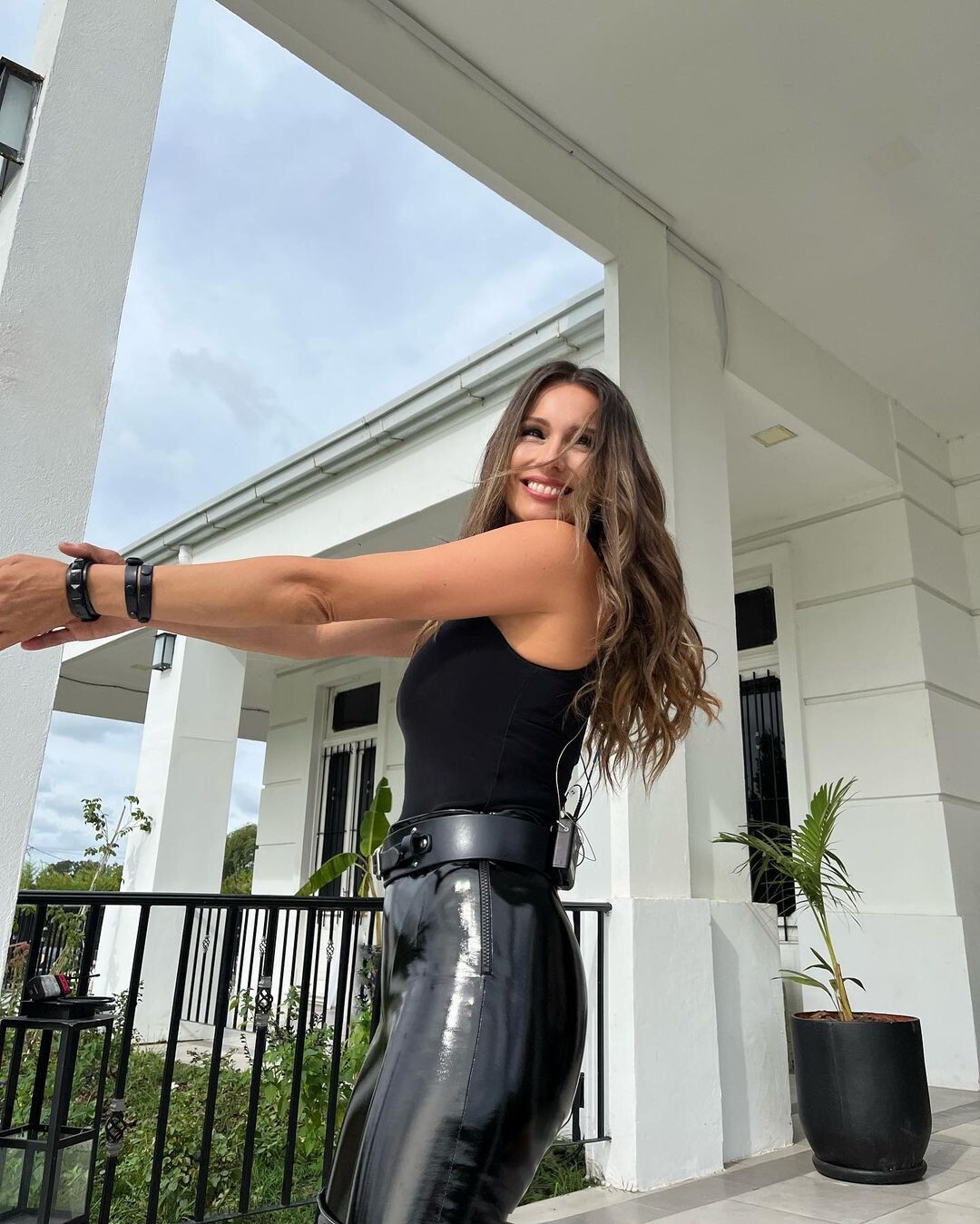
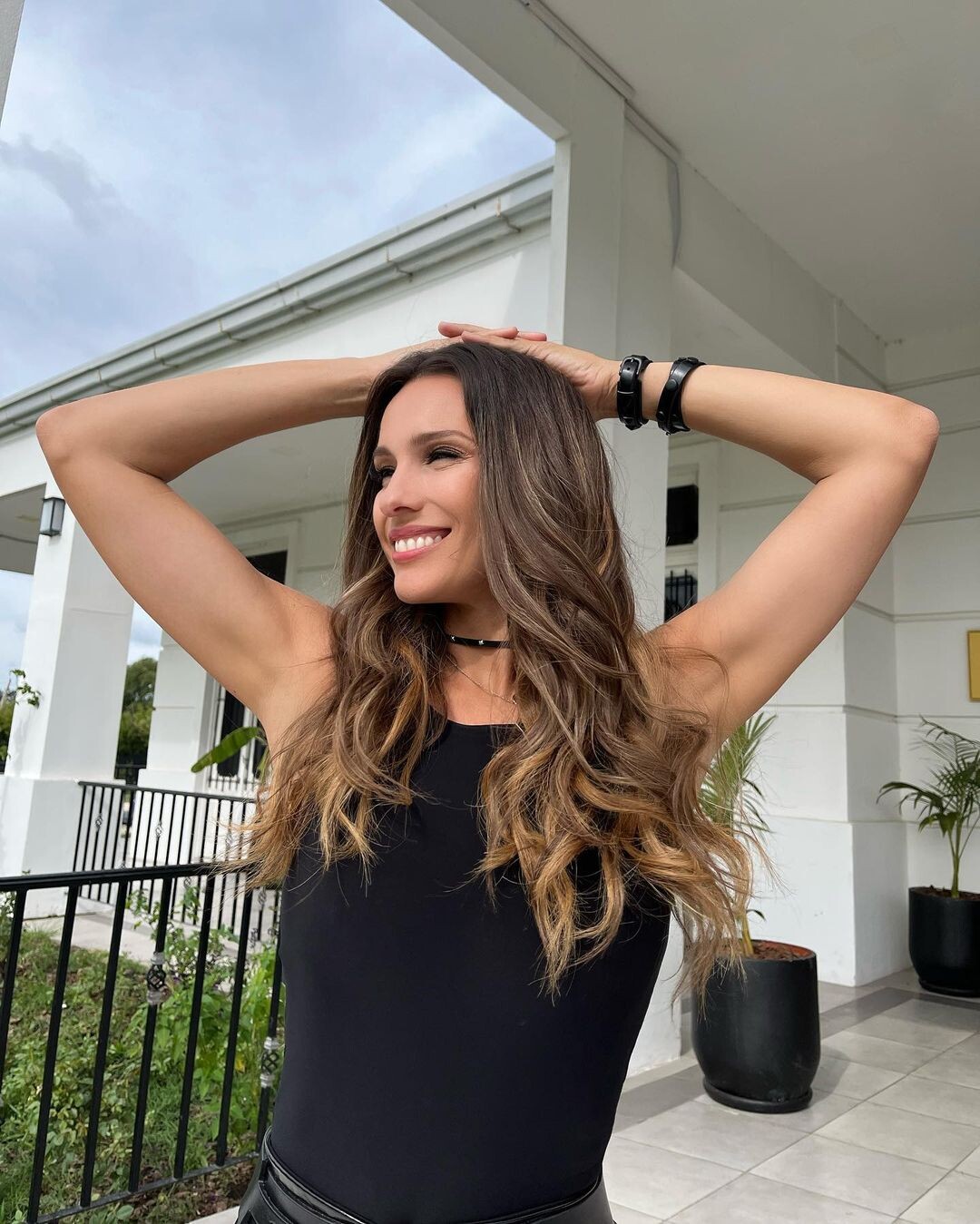


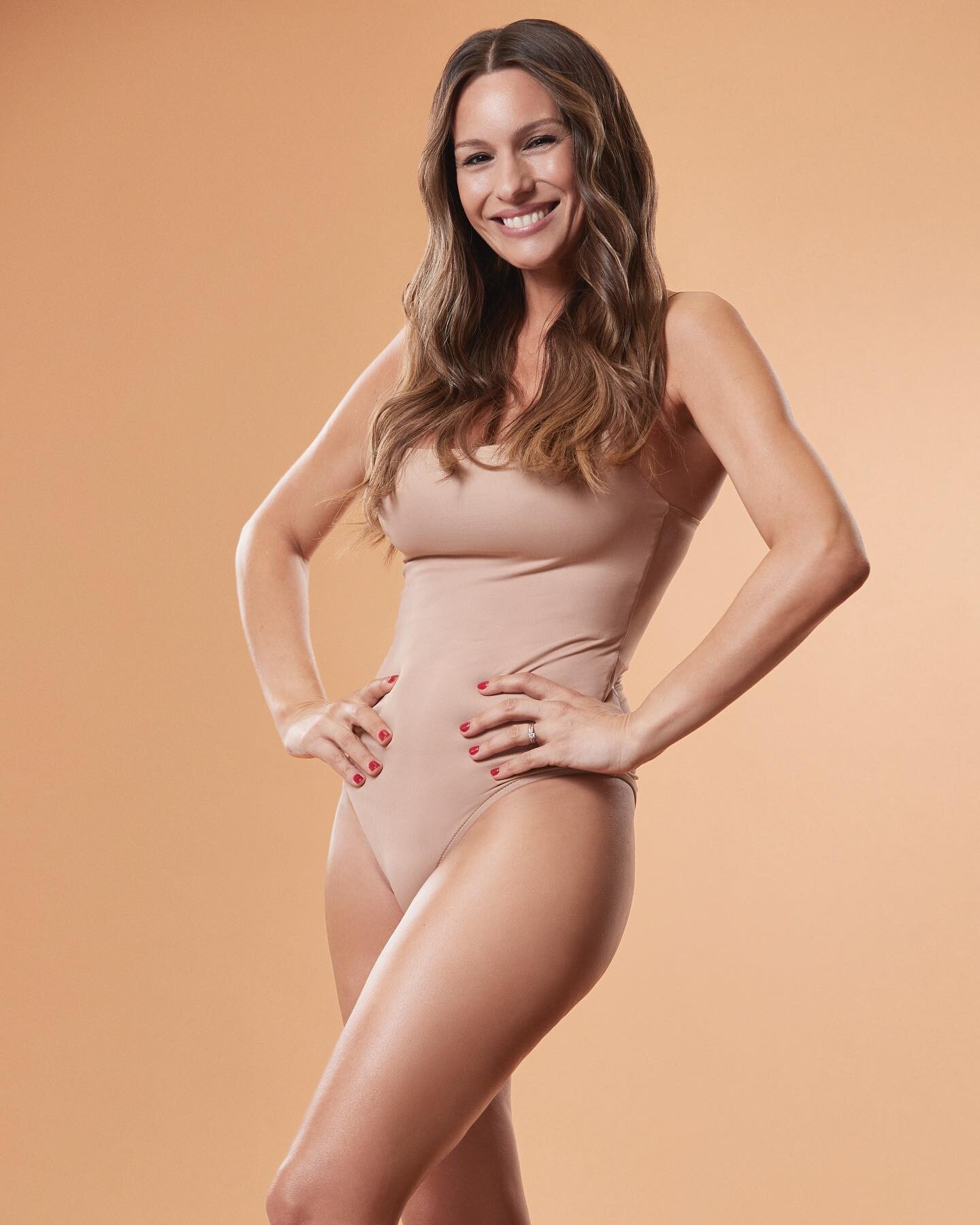
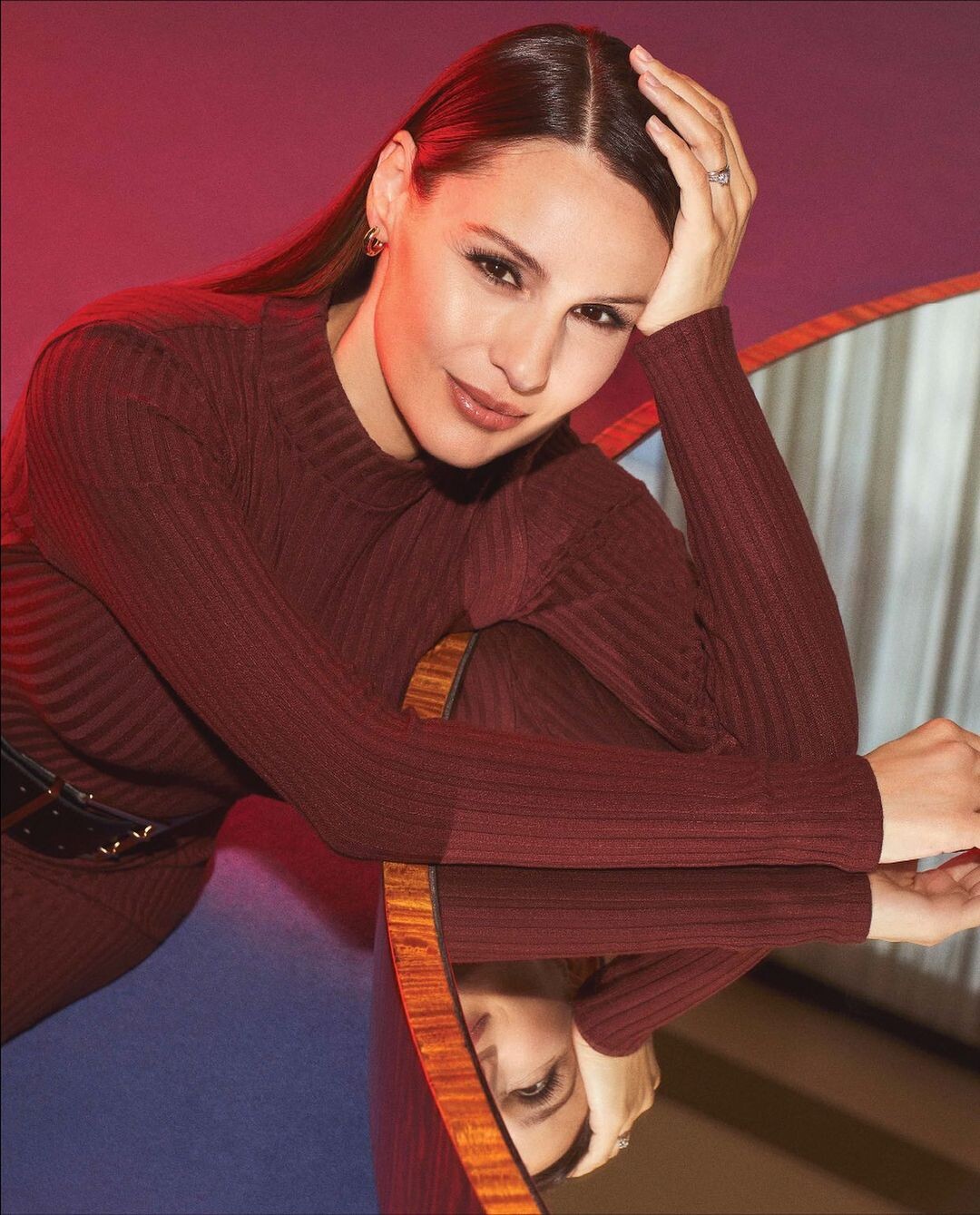







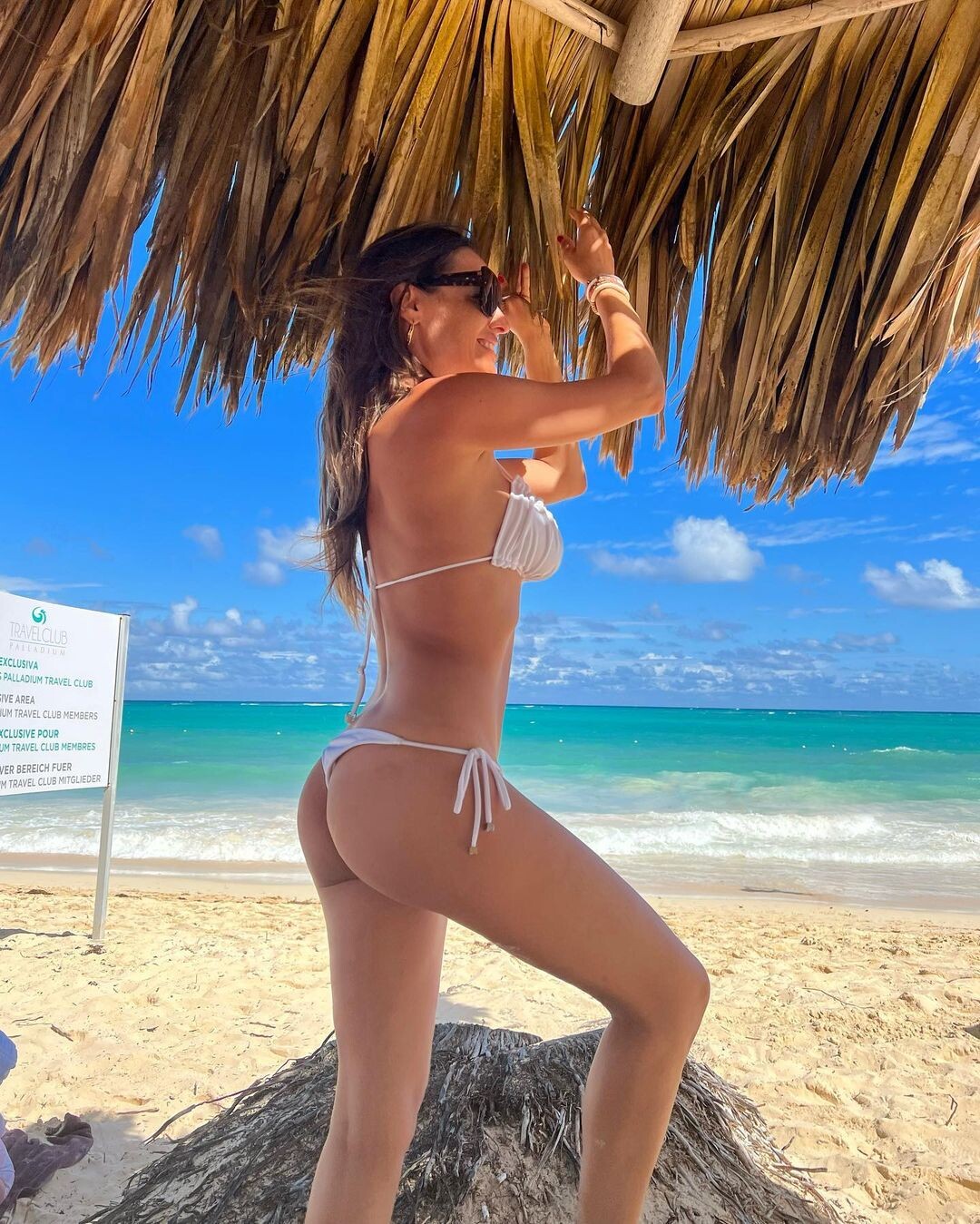
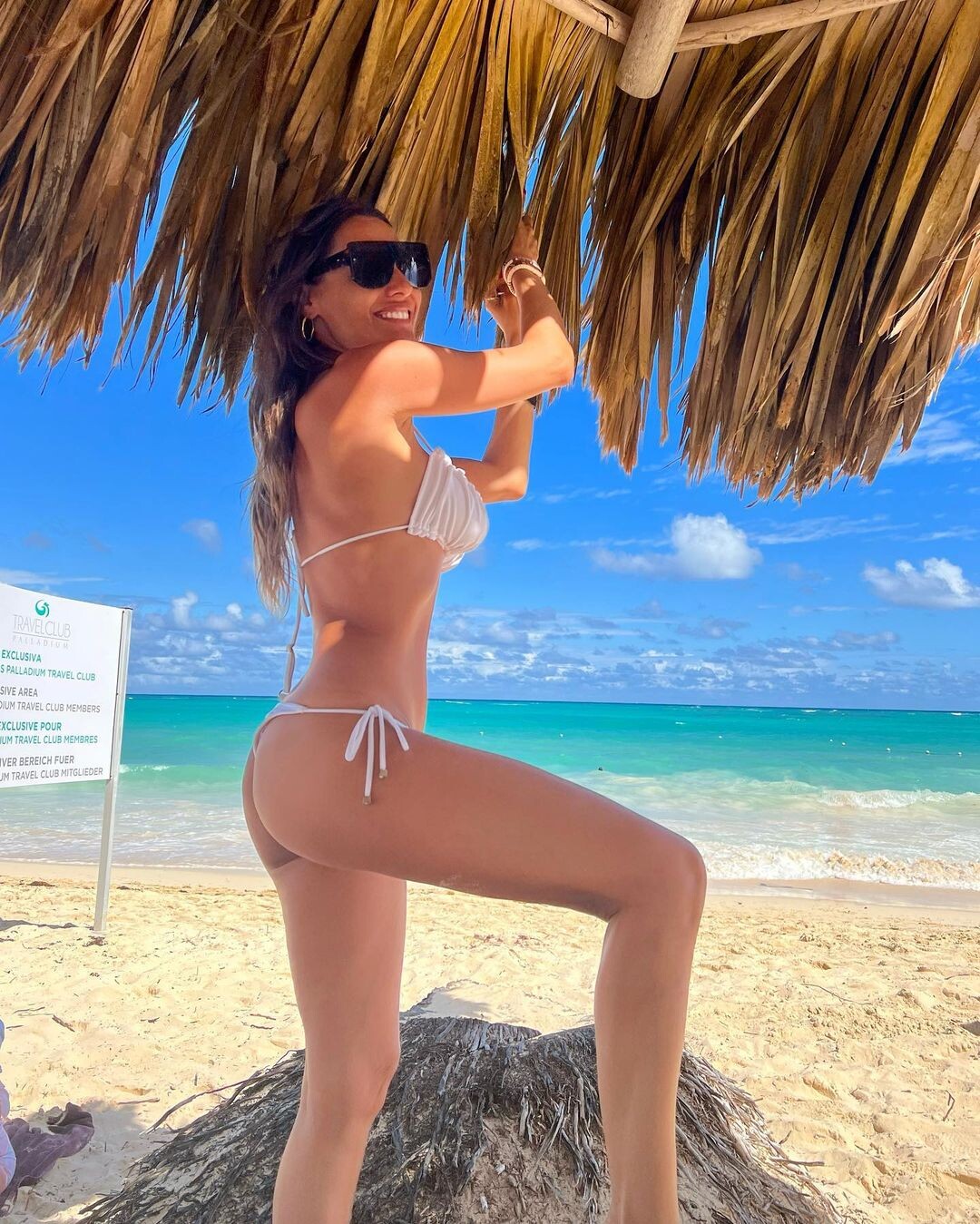
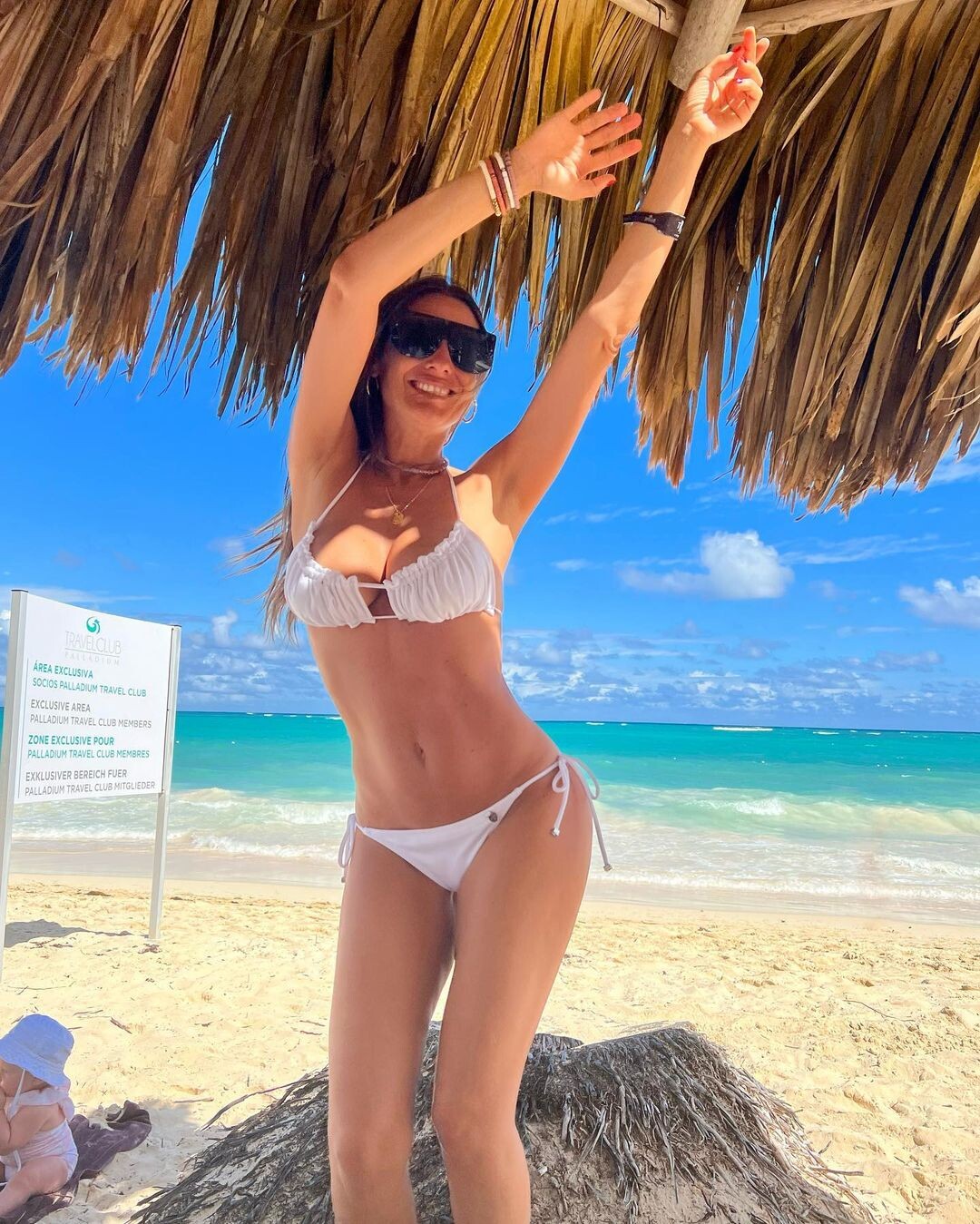
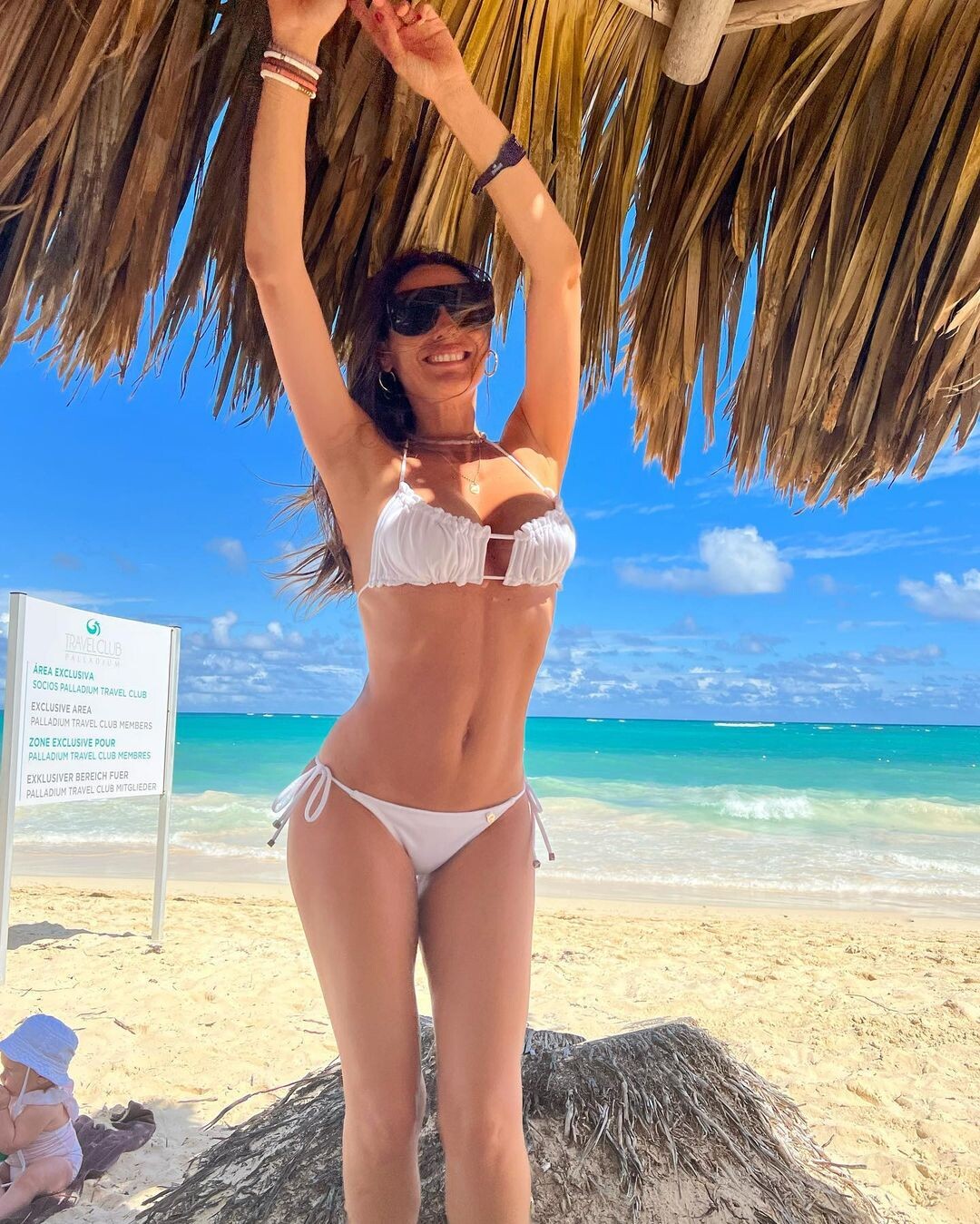

























Account
Navigation
Search
Configure browser push notifications
Chrome (Android)
- Tap the lock icon next to the address bar.
- Tap Permissions → Notifications.
- Adjust your preference.
Chrome (Desktop)
- Click the padlock icon in the address bar.
- Select Site settings.
- Find Notifications and adjust your preference.
Safari (iOS 16.4+)
- Ensure the site is installed via Add to Home Screen.
- Open Settings App → Notifications.
- Find your app name and adjust your preference.
Safari (macOS)
- Go to Safari → Preferences.
- Click the Websites tab.
- Select Notifications in the sidebar.
- Find this website and adjust your preference.
Edge (Android)
- Tap the lock icon next to the address bar.
- Tap Permissions.
- Find Notifications and adjust your preference.
Edge (Desktop)
- Click the padlock icon in the address bar.
- Click Permissions for this site.
- Find Notifications and adjust your preference.
Firefox (Android)
- Go to Settings → Site permissions.
- Tap Notifications.
- Find this site in the list and adjust your preference.
Firefox (Desktop)
- Open Firefox Settings.
- Search for Notifications.
- Find this site in the list and adjust your preference.