
scofield
Members
-
Joined
-
Last visited
Everything posted by scofield
-
 Pal stop uploading same pics, just see 1st page, 2nd one, 4th and 5th ones to get that's true
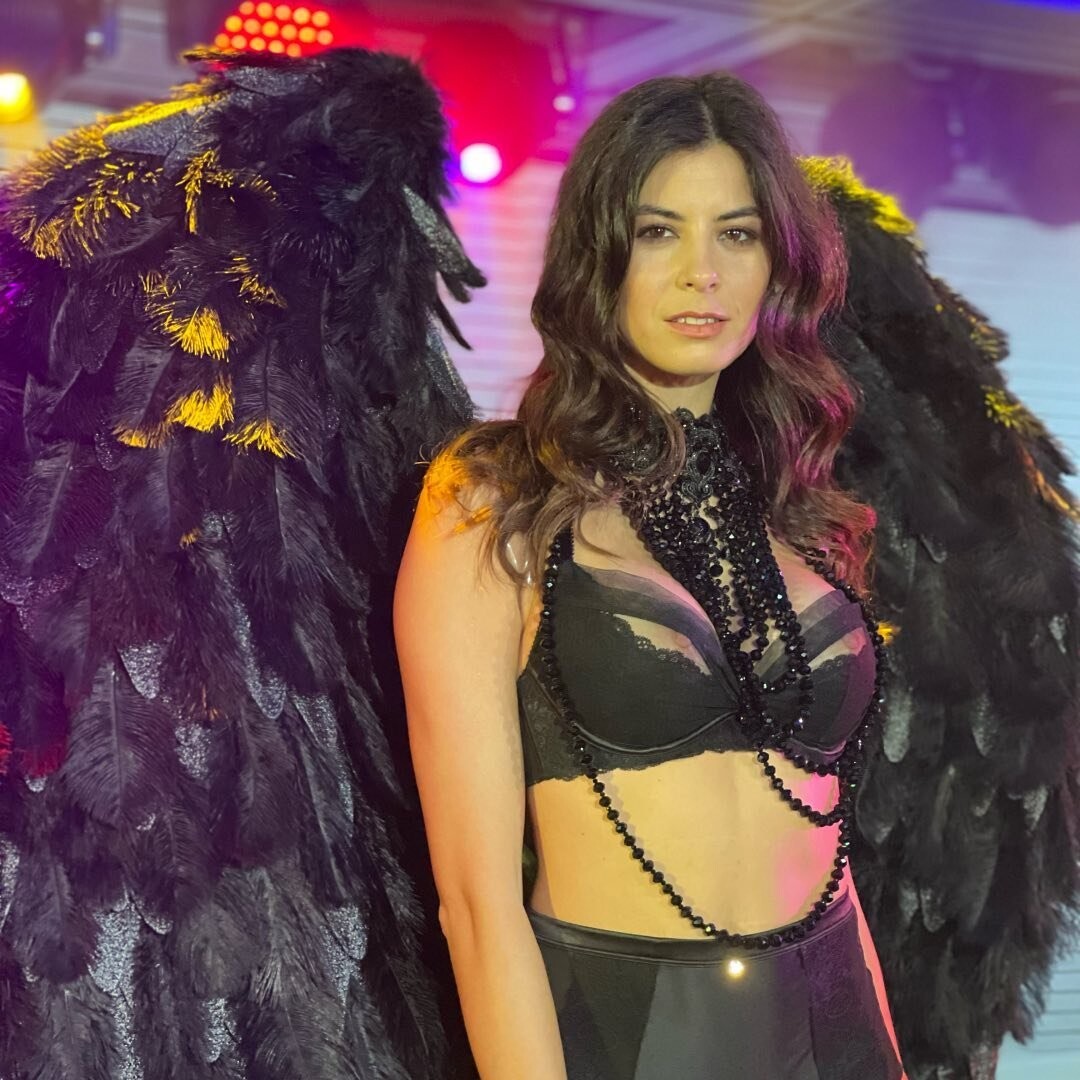
That's better Victoria’s Secret show! magazinlafam(4).mp4 magazinlafam(1).mp4
Pal stop uploading same pics, just see 1st page, 2nd one, 4th and 5th ones to get that's true
That's better Victoria’s Secret show! magazinlafam(4).mp4 magazinlafam(1).mp4 IMG_4084.mp4
.thumb.jpg.bd6b18426124856e124258fd5fcde648.jpg)
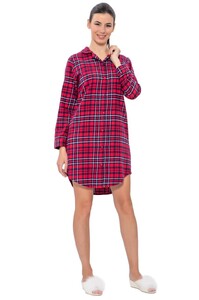 IMG_4047.mp4 IMG_4066.mp4
 Is it some compilation from some Youtube channel?
274142922_373632864200293_4531961560948062873_n.mp4
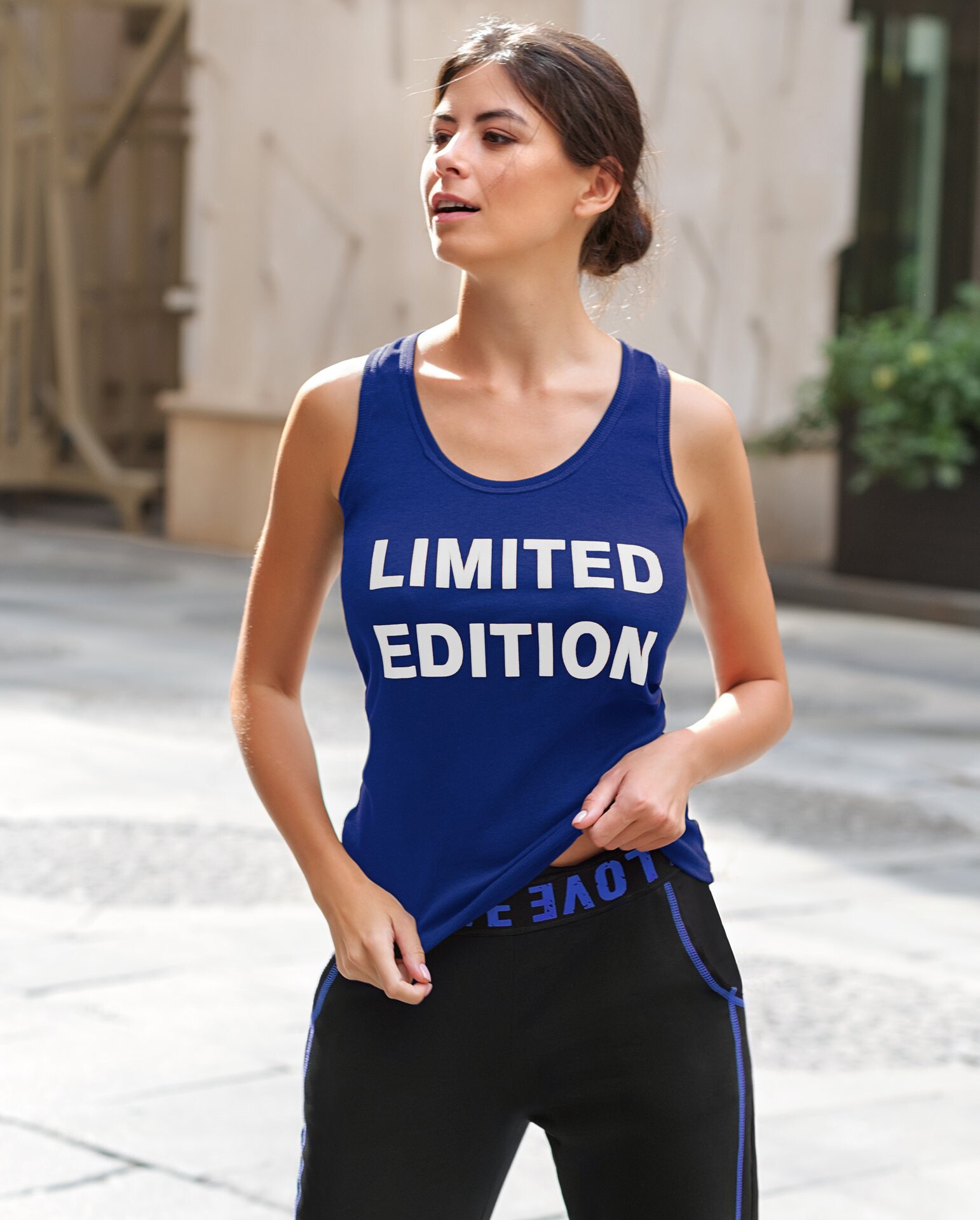
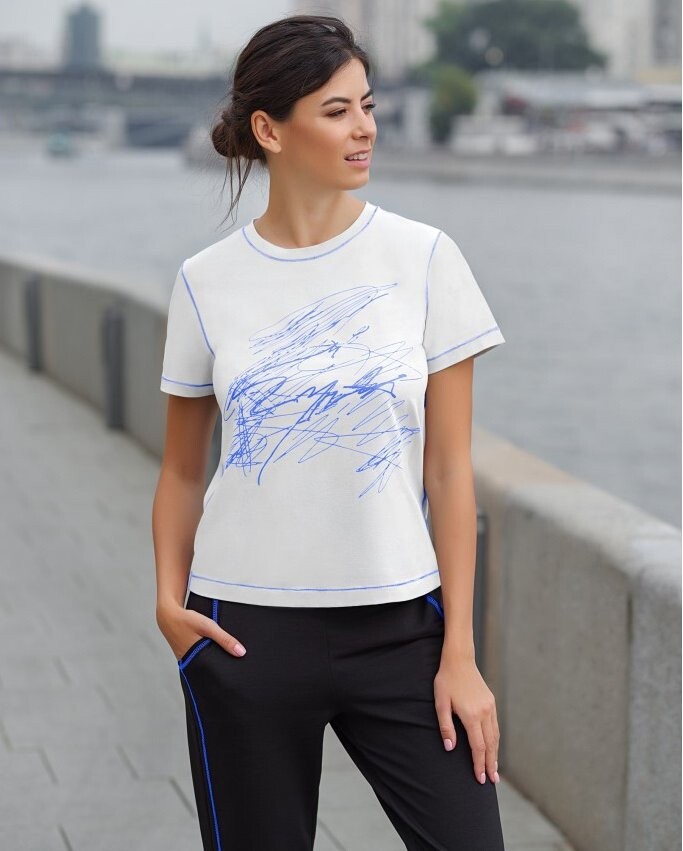
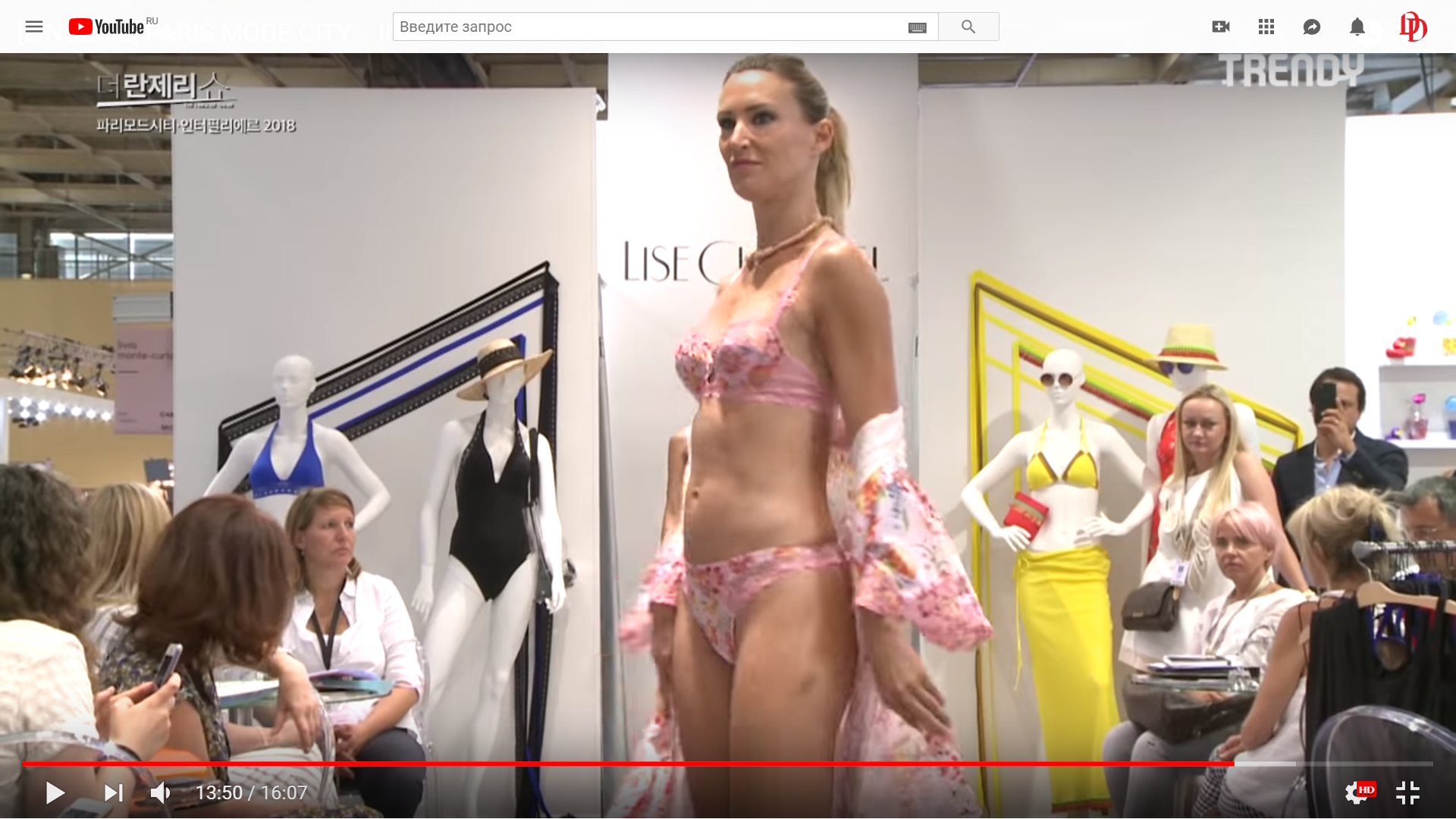
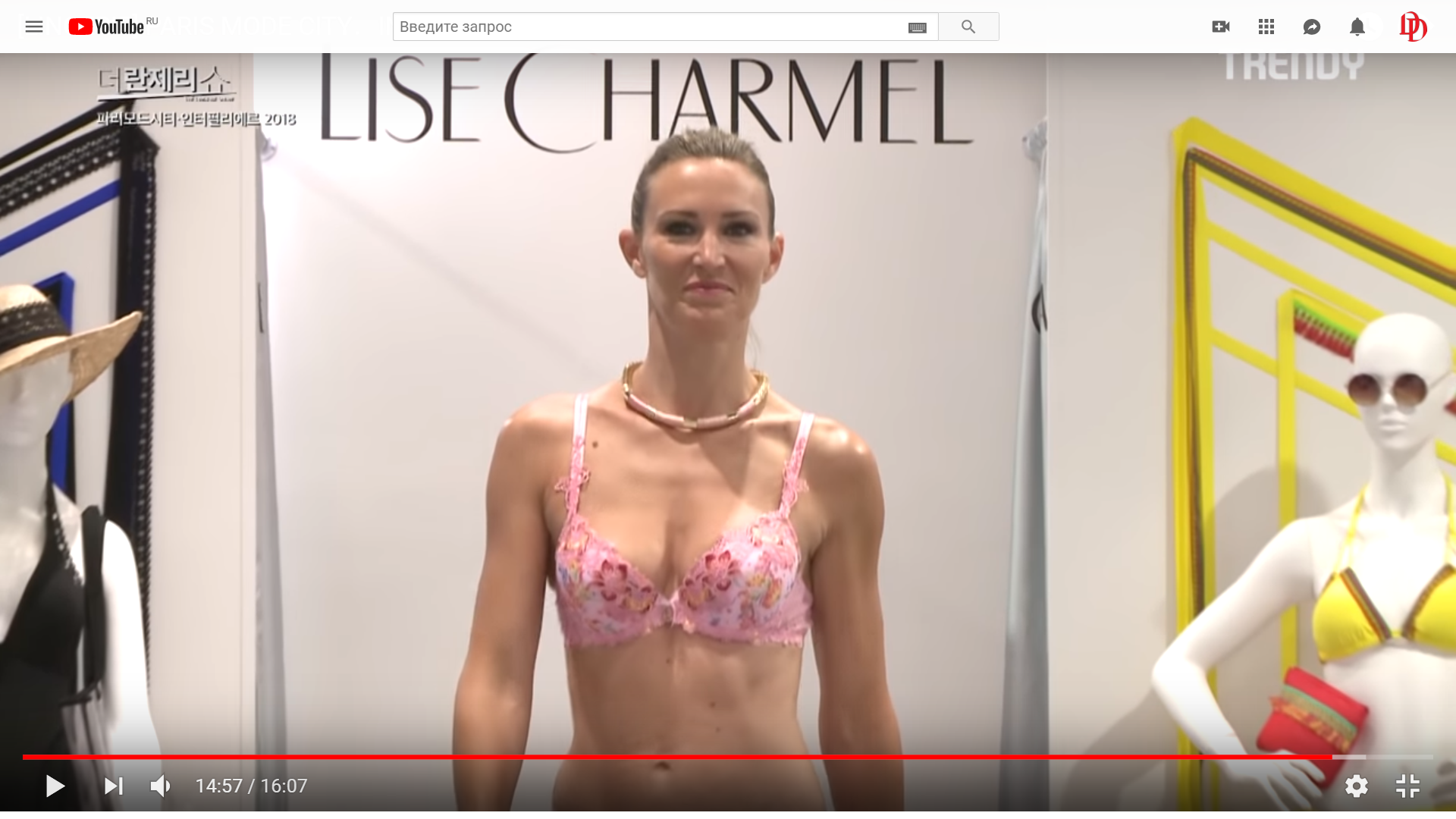
Hi. I am not totally sure, but seems she is Marjorie Pochon. There is little info about her, google gives us next pictures dated of 2008 to this name request: Besides there is Instagram page but closed: https://www.instagram.com/marjoriepochon If to see the profile picture, it seems she is really her. If you will find any new info please reply to here, that is curiously! She is really stunning
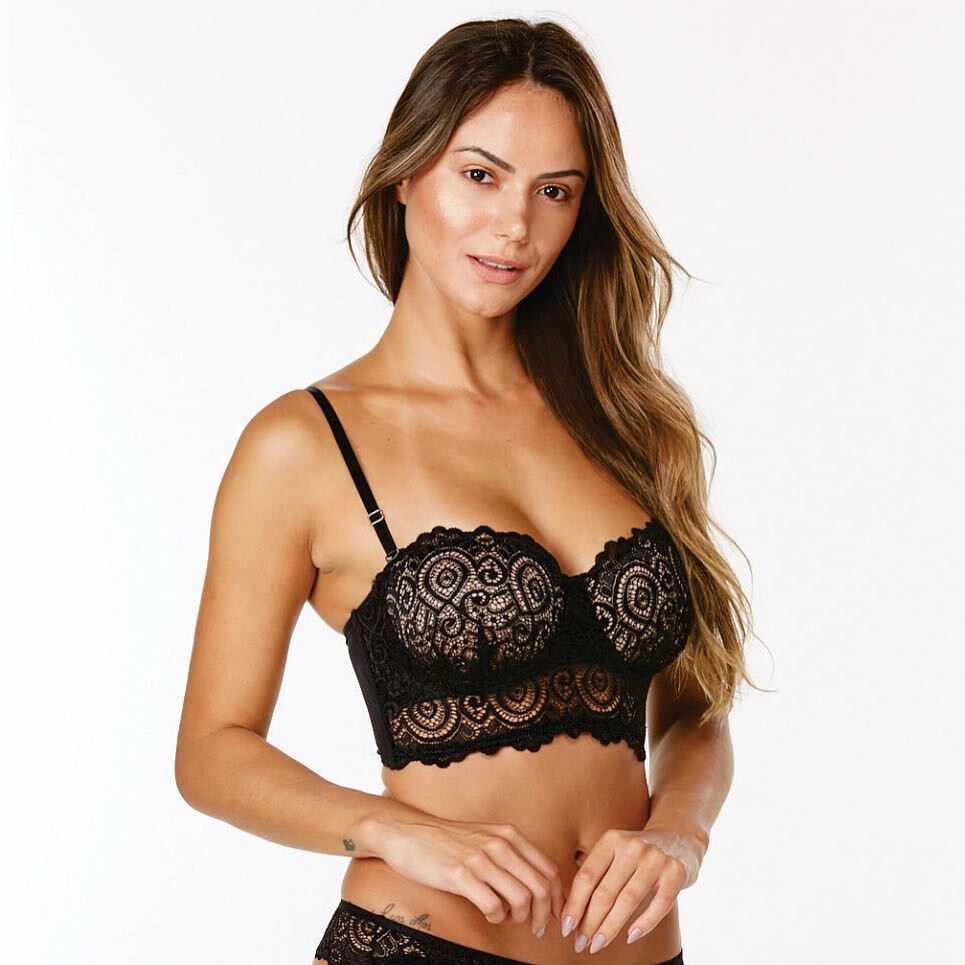
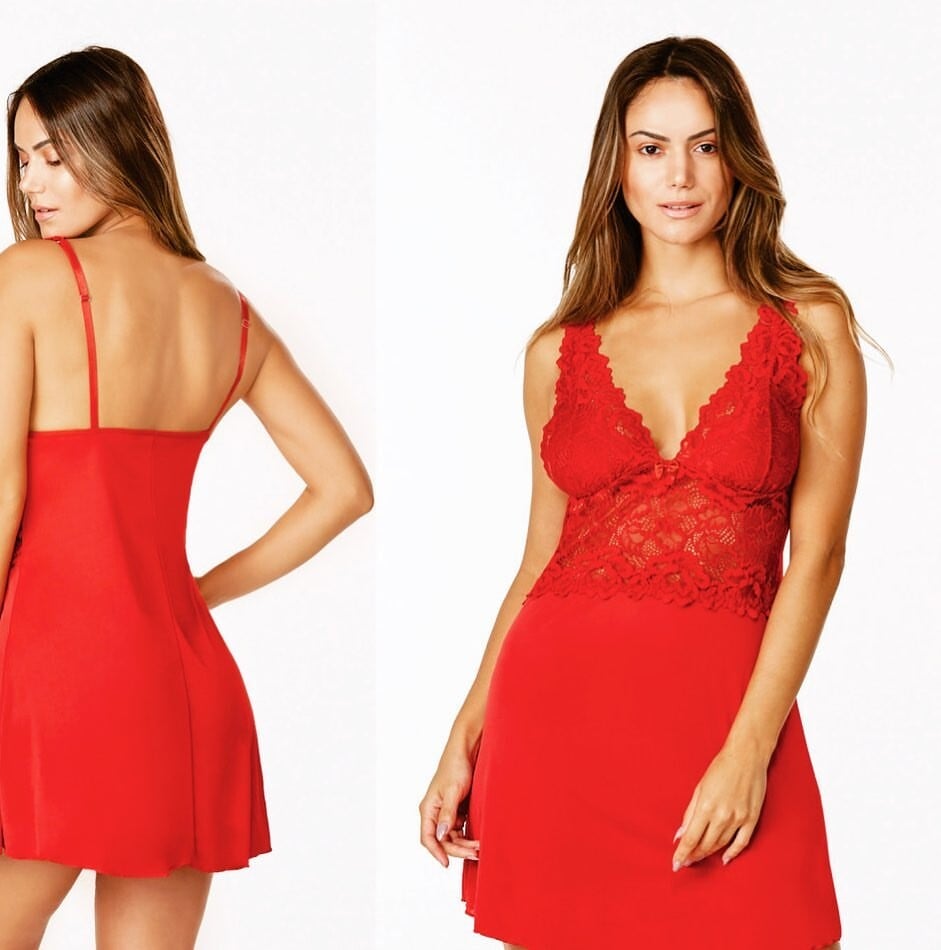
MEIA DE SEDA INTIMATES Source - https://www.meiadeseda.com.br
Is it some compilation from some Youtube channel?
274142922_373632864200293_4531961560948062873_n.mp4
Hi. I am not totally sure, but seems she is Marjorie Pochon. There is little info about her, google gives us next pictures dated of 2008 to this name request: Besides there is Instagram page but closed: https://www.instagram.com/marjoriepochon If to see the profile picture, it seems she is really her. If you will find any new info please reply to here, that is curiously! She is really stunning
MEIA DE SEDA INTIMATES Source - https://www.meiadeseda.com.br

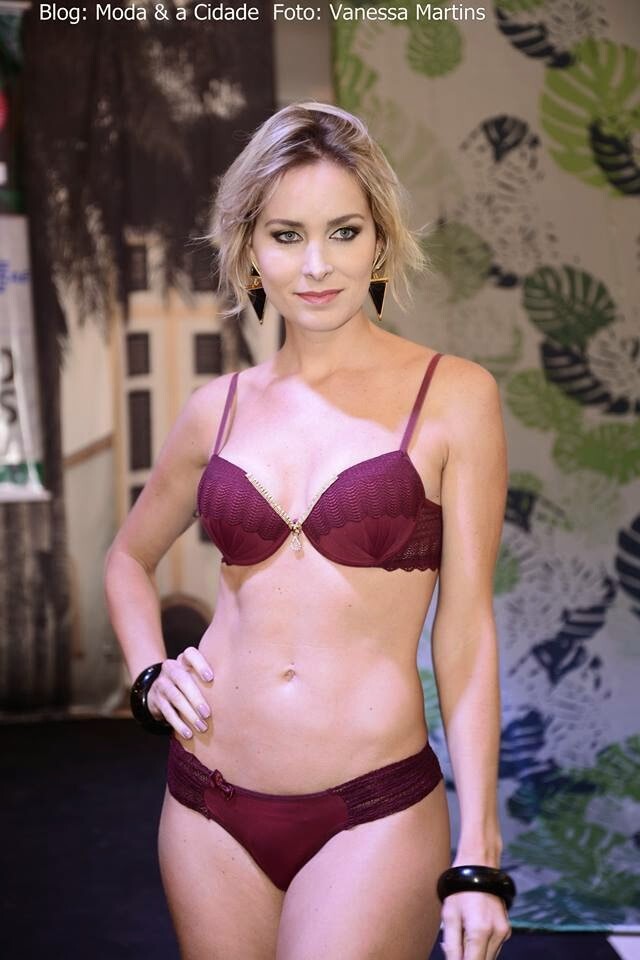
 FELINJU 2014 Source - http://modaecidade.blogspot.com
 Brazilian model JURUAIA - MG Source - www.g1.globo.com








 Ana Wongal (Brazil) Sources: www.g1.globo.com; www.flickr.com, www.muzambinho.com, youtube.com, www.modaecidade.blogspot.com








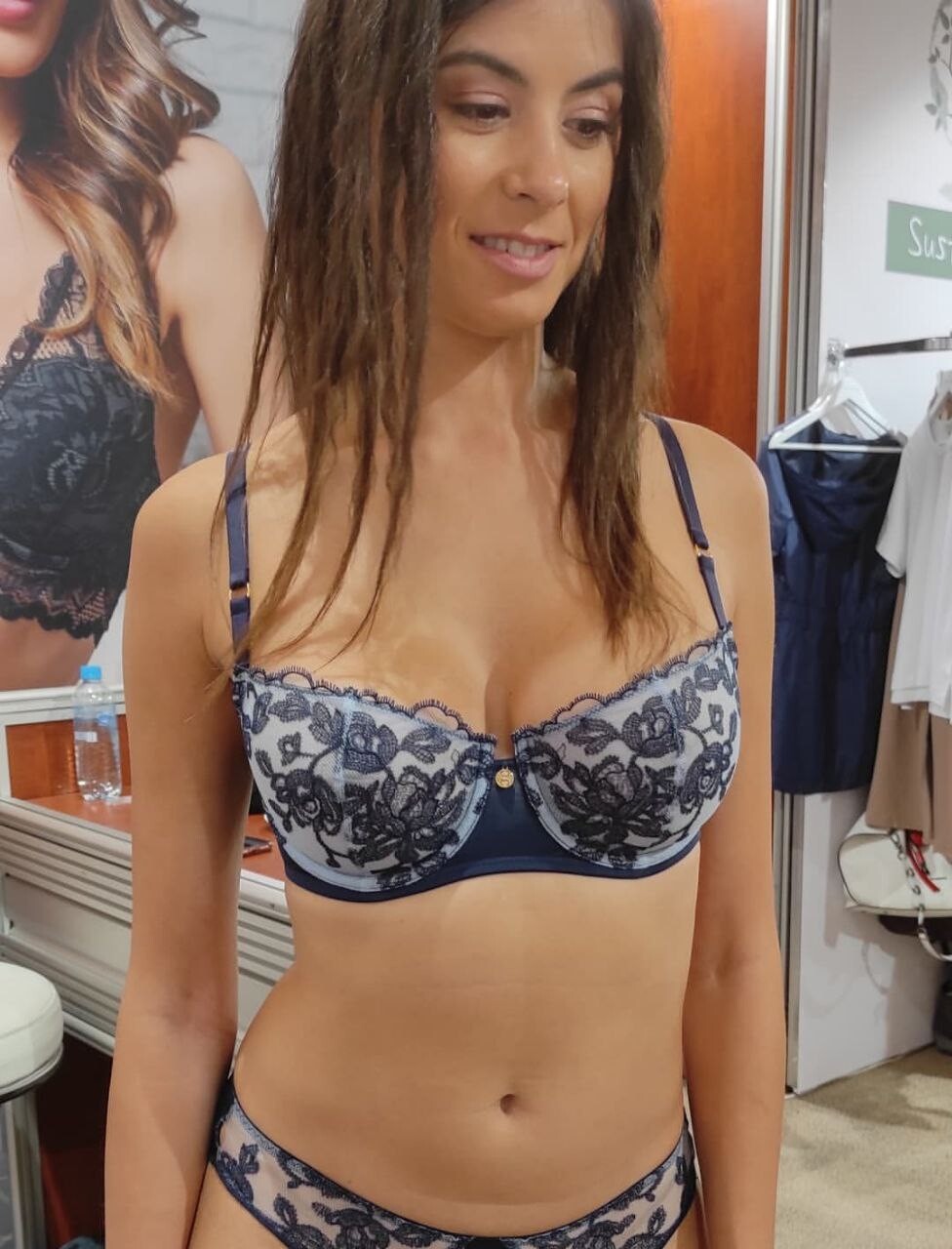
.jpg.967c0c8ad78ee306d911bbd42e19d704.jpg)
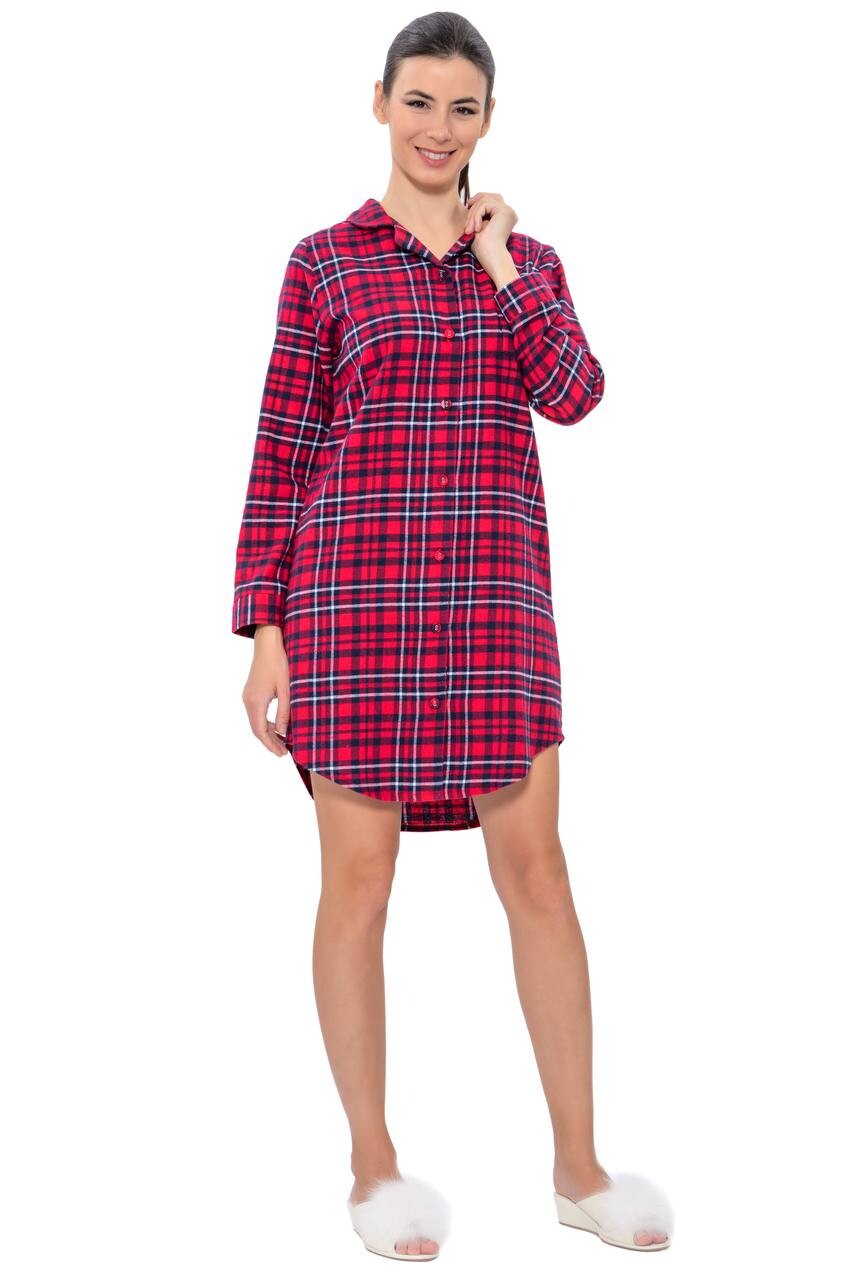
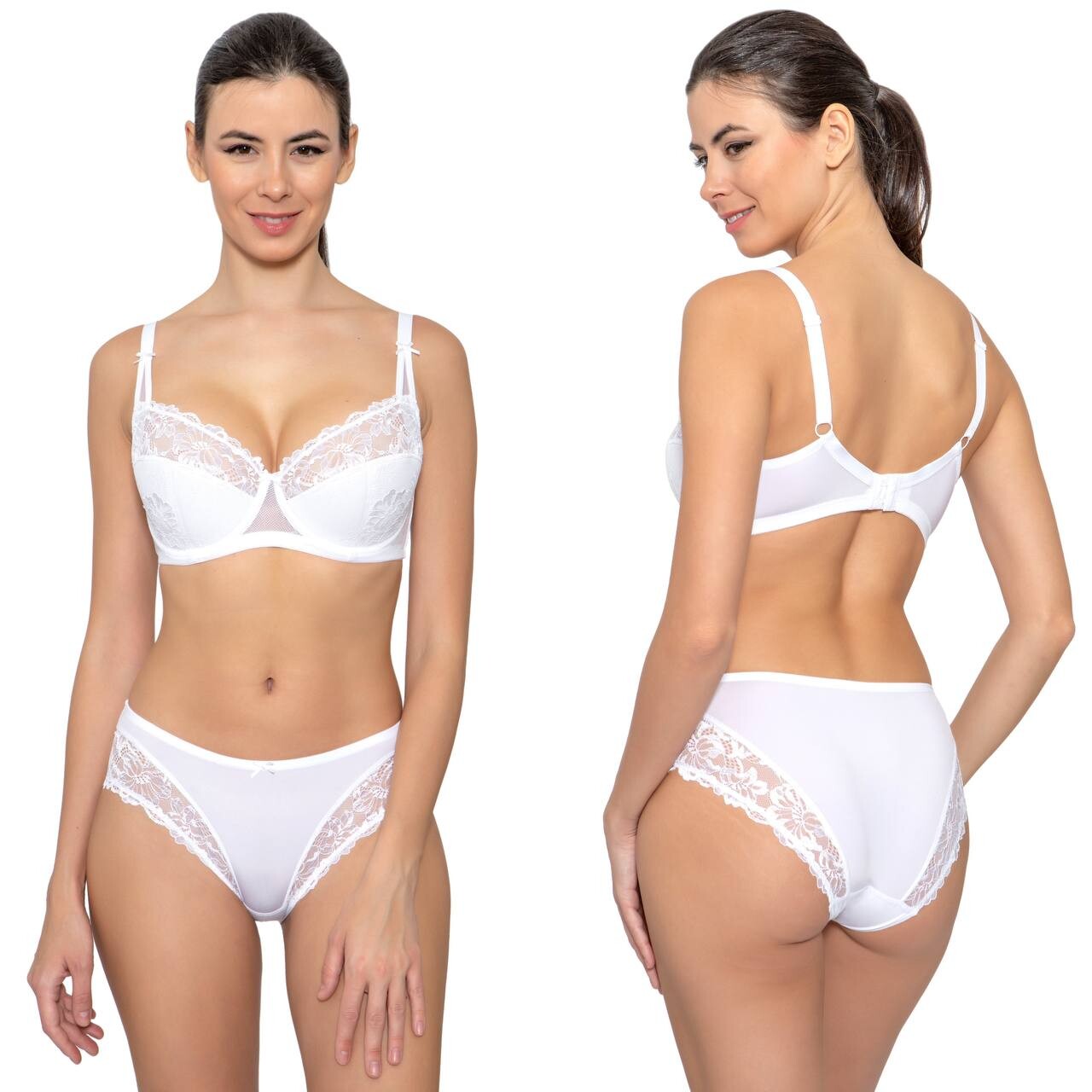

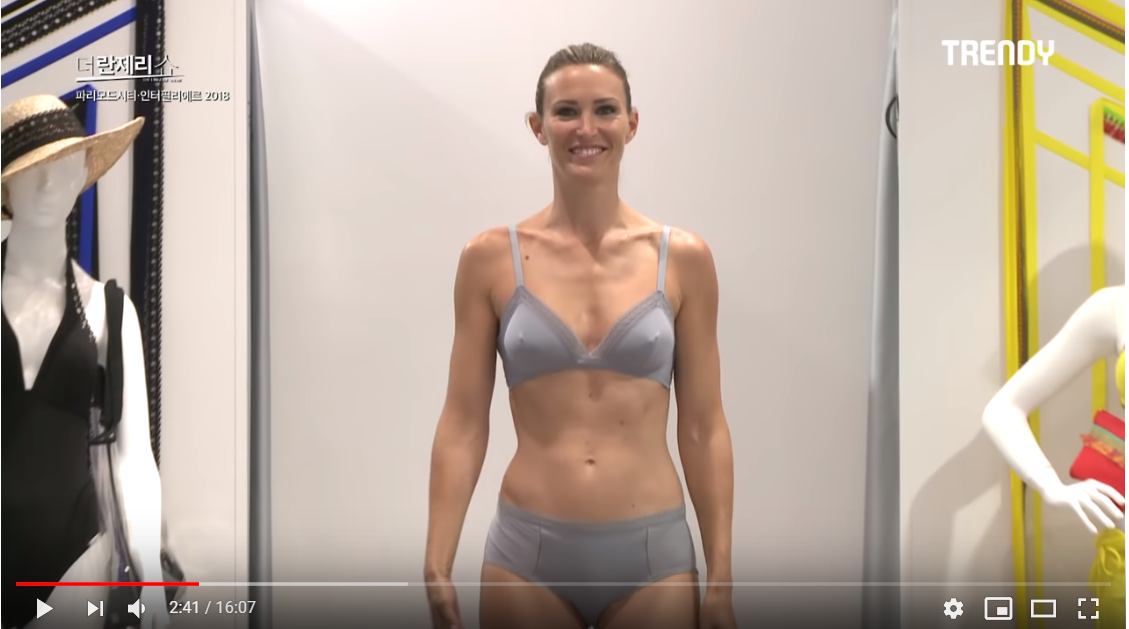





















Account
Navigation
Search
Configure browser push notifications
Chrome (Android)
- Tap the lock icon next to the address bar.
- Tap Permissions → Notifications.
- Adjust your preference.
Chrome (Desktop)
- Click the padlock icon in the address bar.
- Select Site settings.
- Find Notifications and adjust your preference.
Safari (iOS 16.4+)
- Ensure the site is installed via Add to Home Screen.
- Open Settings App → Notifications.
- Find your app name and adjust your preference.
Safari (macOS)
- Go to Safari → Preferences.
- Click the Websites tab.
- Select Notifications in the sidebar.
- Find this website and adjust your preference.
Edge (Android)
- Tap the lock icon next to the address bar.
- Tap Permissions.
- Find Notifications and adjust your preference.
Edge (Desktop)
- Click the padlock icon in the address bar.
- Click Permissions for this site.
- Find Notifications and adjust your preference.
Firefox (Android)
- Go to Settings → Site permissions.
- Tap Notifications.
- Find this site in the list and adjust your preference.
Firefox (Desktop)
- Open Firefox Settings.
- Search for Notifications.
- Find this site in the list and adjust your preference.