
scofield
Members
-
Joined
-
Last visited
Everything posted by scofield
-
 I wonder if she won there
 Pal pls don't upload same pics, just check the 8th page, already did it.
instories_DB457C3C-14C8-4AC2-B71B-0C86EA133273.MOV.mp4 instories_C42CBAC4-C244-4566-9CBF-35F2A5B45798 (1).MOV.mp4
Vid_by_DLO _(1).mp4 Vid_by_DLO_(5).mp4 Vid_by_DLO_(8).mp4 Vid_by_DLO_(3).mp4.mp4
Oh yep, thx
what is this video? unavailable
wow that face is so beatiful
IFgR0huVzE1QlRPWGh0dHBzOi8vc2NvbnRlbnQuY2RuaW5zdGFncmFtLmNvbS92L3Q1MC4yODg2LTE2LzUzNDE5NDQ2XzQwNzkwMzEzMDAzMzQ4MF8zMjk1MTkwNDM1NjI5OTc2Njc0X24ubXA0P2VmZz1leUoyWlc1amIyUmxYM1JoWnlJNkluWjBjMTkyYjJSZmRYSnNaMlZ1TGpjeU1D.mp4
some of 2021 show and backstage 😎 video_2021.mp4
Pal pls don't upload same pics, just check the 8th page, already did it.
instories_DB457C3C-14C8-4AC2-B71B-0C86EA133273.MOV.mp4 instories_C42CBAC4-C244-4566-9CBF-35F2A5B45798 (1).MOV.mp4
Vid_by_DLO _(1).mp4 Vid_by_DLO_(5).mp4 Vid_by_DLO_(8).mp4 Vid_by_DLO_(3).mp4.mp4
Oh yep, thx
what is this video? unavailable
wow that face is so beatiful
IFgR0huVzE1QlRPWGh0dHBzOi8vc2NvbnRlbnQuY2RuaW5zdGFncmFtLmNvbS92L3Q1MC4yODg2LTE2LzUzNDE5NDQ2XzQwNzkwMzEzMDAzMzQ4MF8zMjk1MTkwNDM1NjI5OTc2Njc0X24ubXA0P2VmZz1leUoyWlc1amIyUmxYM1JoWnlJNkluWjBjMTkyYjJSZmRYSnNaMlZ1TGpjeU1D.mp4
some of 2021 show and backstage 😎 video_2021.mp4
.thumb.jpg.733ca9513858ada2027a8358febe4fef.jpg)
.thumb.jpg.0ff24c47feff28d874ea941c69d89c11.jpg)
Account
Navigation
Search
Configure browser push notifications
Chrome (Android)
- Tap the lock icon next to the address bar.
- Tap Permissions → Notifications.
- Adjust your preference.
Chrome (Desktop)
- Click the padlock icon in the address bar.
- Select Site settings.
- Find Notifications and adjust your preference.
Safari (iOS 16.4+)
- Ensure the site is installed via Add to Home Screen.
- Open Settings App → Notifications.
- Find your app name and adjust your preference.
Safari (macOS)
- Go to Safari → Preferences.
- Click the Websites tab.
- Select Notifications in the sidebar.
- Find this website and adjust your preference.
Edge (Android)
- Tap the lock icon next to the address bar.
- Tap Permissions.
- Find Notifications and adjust your preference.
Edge (Desktop)
- Click the padlock icon in the address bar.
- Click Permissions for this site.
- Find Notifications and adjust your preference.
Firefox (Android)
- Go to Settings → Site permissions.
- Tap Notifications.
- Find this site in the list and adjust your preference.
Firefox (Desktop)
- Open Firefox Settings.
- Search for Notifications.
- Find this site in the list and adjust your preference.











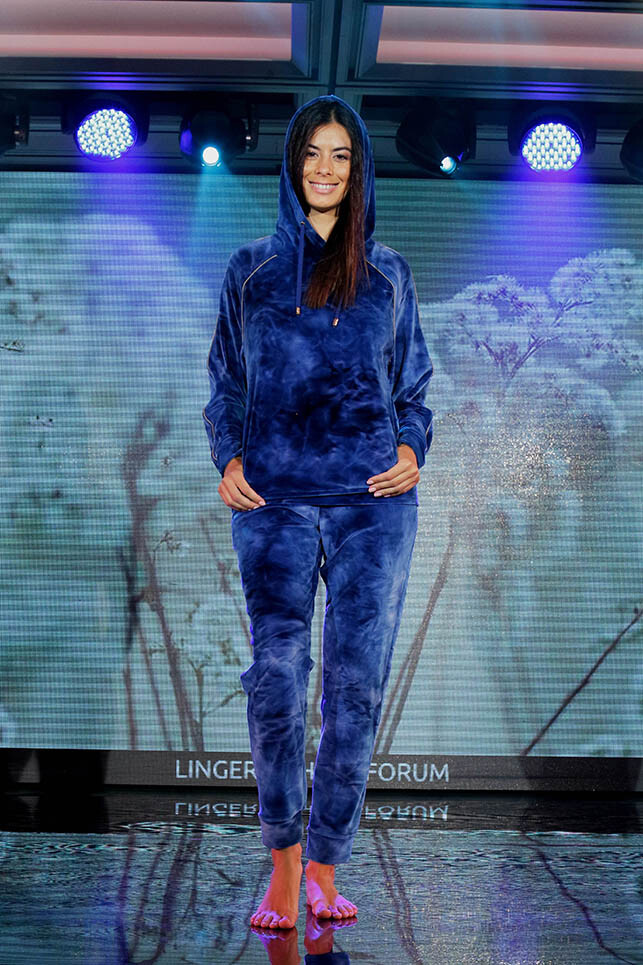







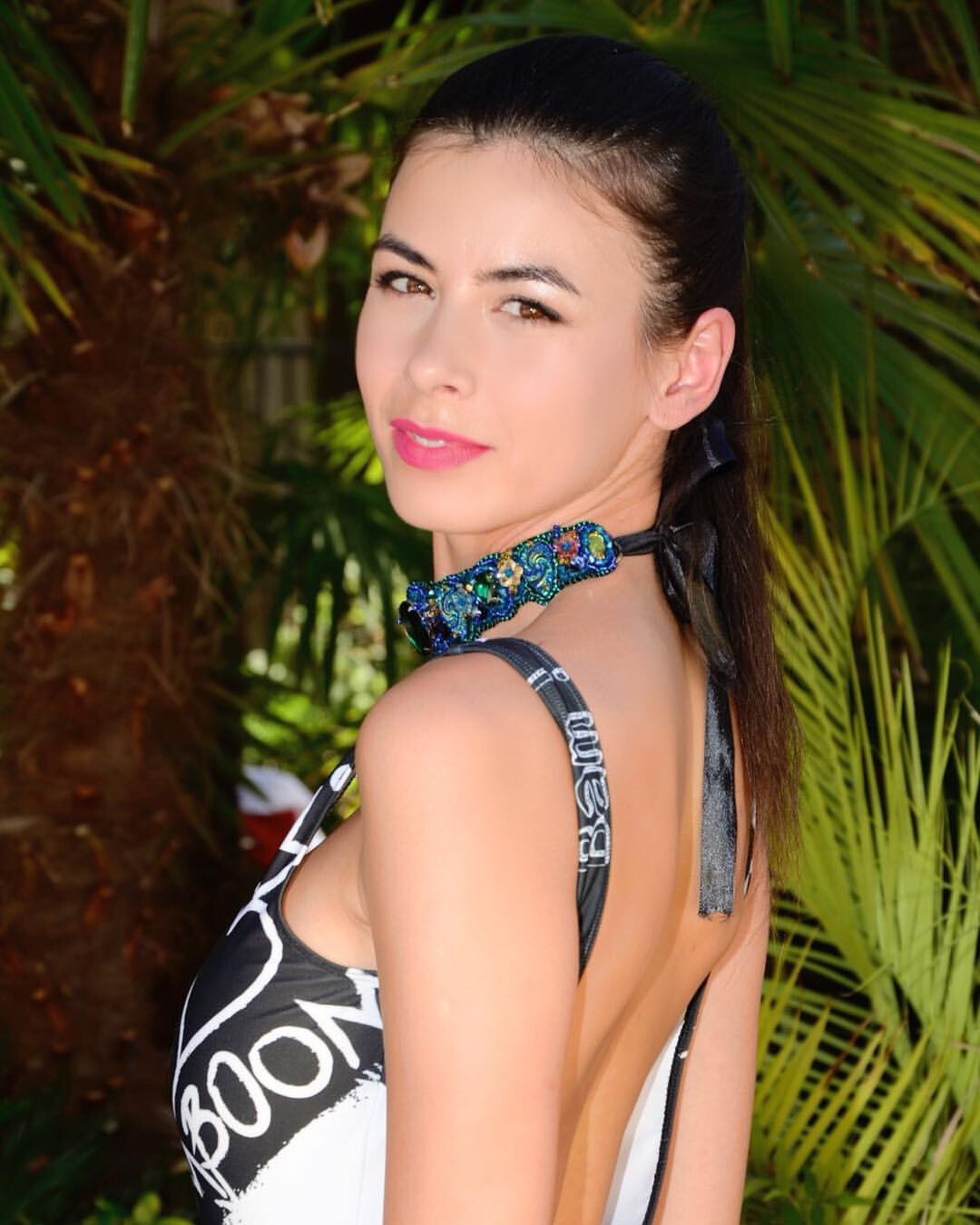
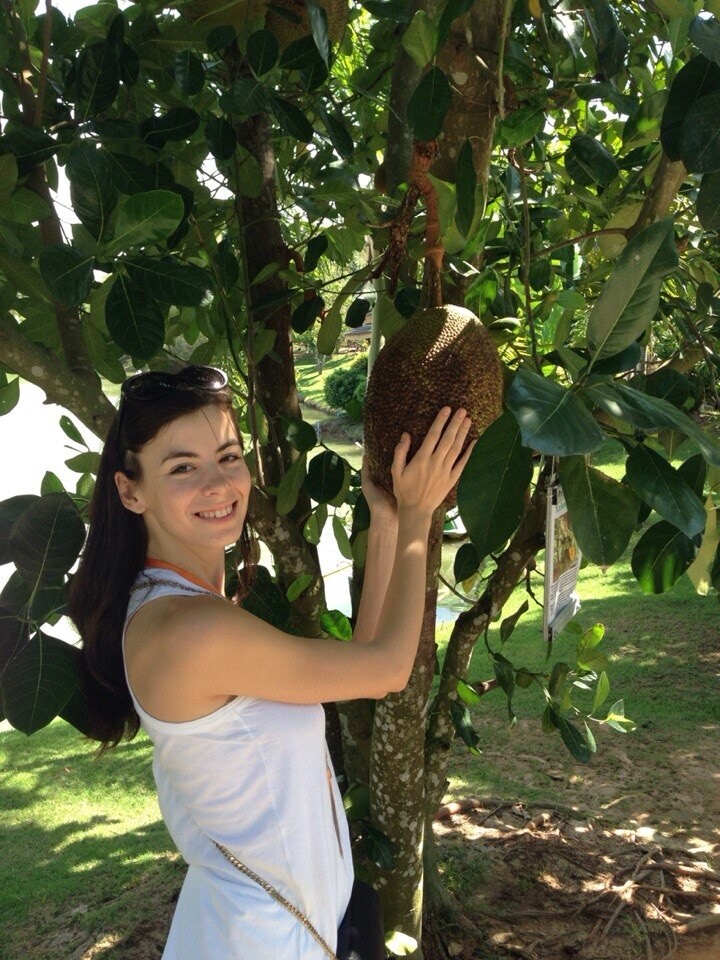

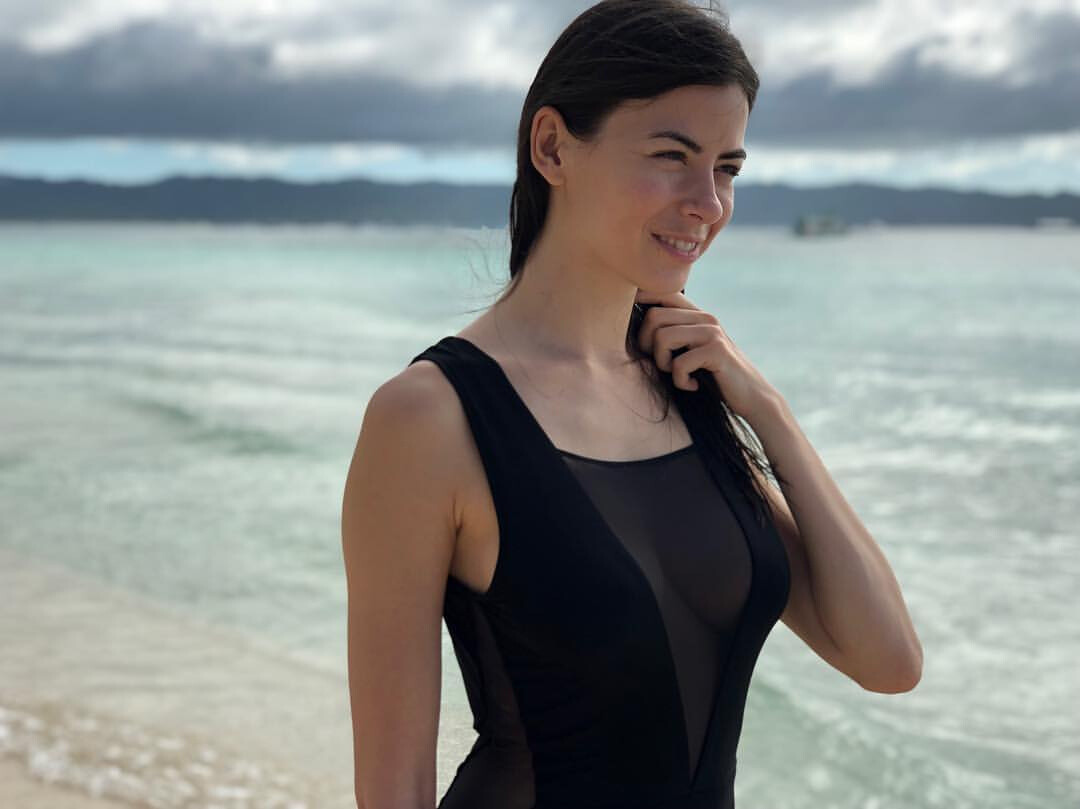








.jpg.7f59f266416e0edef573a60559293f06.jpg)

.jpg.78cce1ab35fd589e8e24c2047d8f0845.jpg)









.jpg.b5108c4aa44ff6c4e479ec74fcf7ea87.jpg)
.jpg.728f1eaa56066268976e535282ab804f.jpg)