
mrbeanmrbeanmrbean
Members
-
Joined
Everything posted by mrbeanmrbeanmrbean
-
 Cute girl
 -
na-kd.com




-
Smokeshow!
rachellegoulding_105343518_3108187152561518_5138038416732960481_n.mp4
danataylor_104370224_258757085552255_2536957443456052165_n.mp4
dominiquespindler_75716313_3122503754483528_7274233191117417527_n.mp4
rachellegoulding_75579834_159408855628592_4011757224890146943_n.mp4 rachellegoulding_76818530_1700333150114518_4746519613857033260_n.mp4
petronellanilsson_20200618_17.mp4
dominiquespindler_20200617_33.mp4
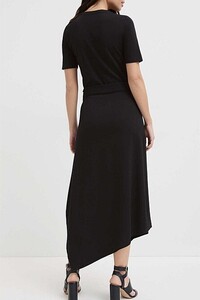
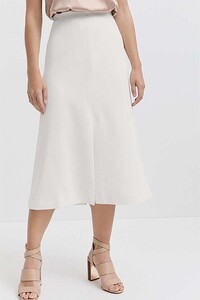
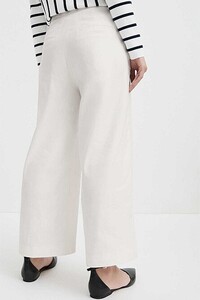
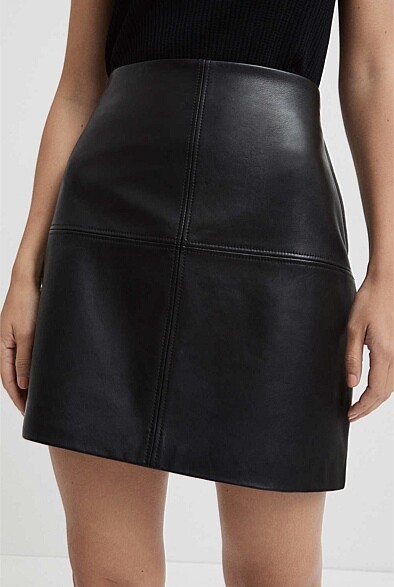
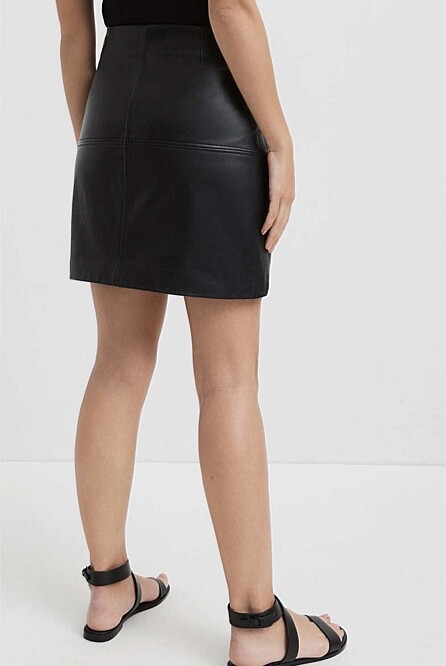
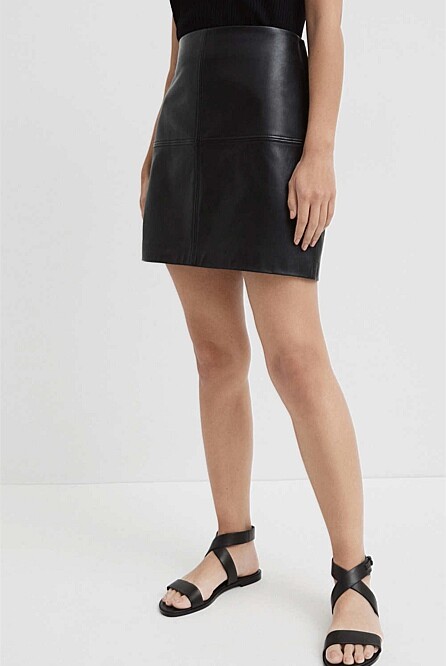
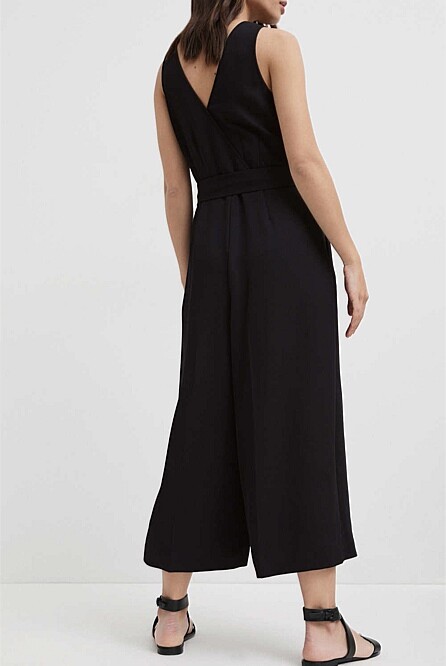
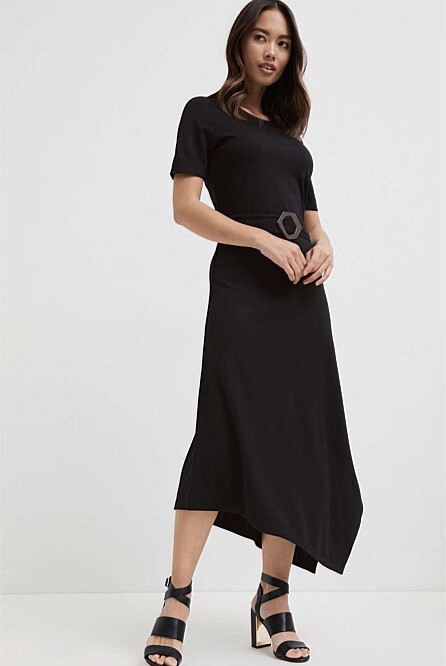
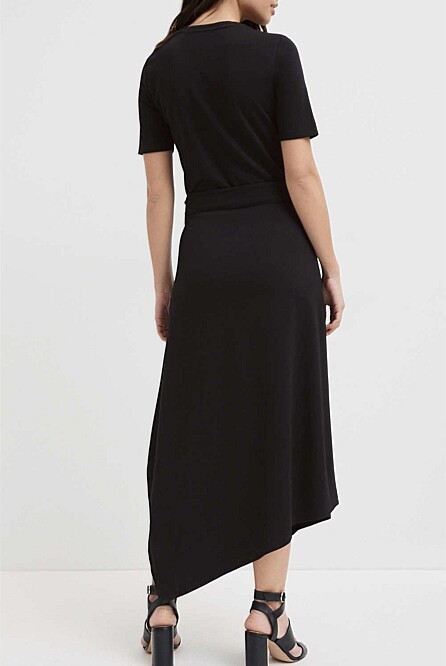
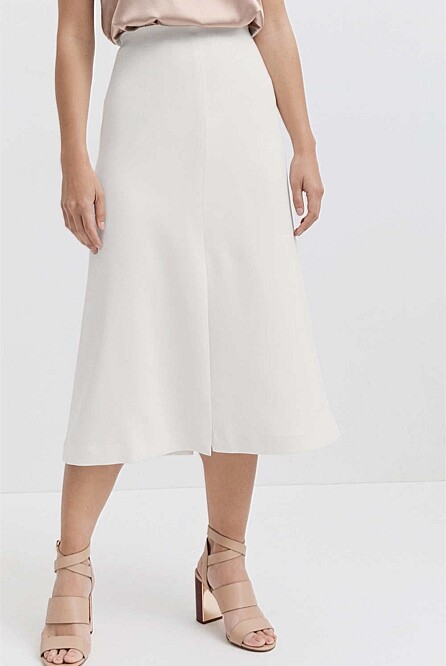
witchery.com.au





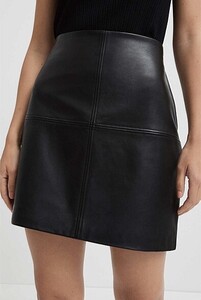
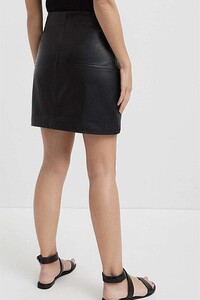
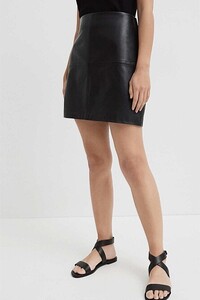



















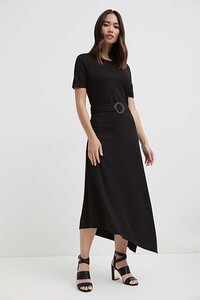






















 rachellegoulding_104321906_747076136031601_3584412937929036958_n.mp4
Stunning.
danataylor_103513457_2345941412369441_780916531481474012_n.mp4
rachellegoulding_20200611_1.mp4
Wow
Any luck?
Hottie!
I like her.
Very pretty.
rachellegoulding_104321906_747076136031601_3584412937929036958_n.mp4
Stunning.
danataylor_103513457_2345941412369441_780916531481474012_n.mp4
rachellegoulding_20200611_1.mp4
Wow
Any luck?
Hottie!
I like her.
Very pretty.


























































Account
Navigation
Search
Configure browser push notifications
Chrome (Android)
- Tap the lock icon next to the address bar.
- Tap Permissions → Notifications.
- Adjust your preference.
Chrome (Desktop)
- Click the padlock icon in the address bar.
- Select Site settings.
- Find Notifications and adjust your preference.
Safari (iOS 16.4+)
- Ensure the site is installed via Add to Home Screen.
- Open Settings App → Notifications.
- Find your app name and adjust your preference.
Safari (macOS)
- Go to Safari → Preferences.
- Click the Websites tab.
- Select Notifications in the sidebar.
- Find this website and adjust your preference.
Edge (Android)
- Tap the lock icon next to the address bar.
- Tap Permissions.
- Find Notifications and adjust your preference.
Edge (Desktop)
- Click the padlock icon in the address bar.
- Click Permissions for this site.
- Find Notifications and adjust your preference.
Firefox (Android)
- Go to Settings → Site permissions.
- Tap Notifications.
- Find this site in the list and adjust your preference.
Firefox (Desktop)
- Open Firefox Settings.
- Search for Notifications.
- Find this site in the list and adjust your preference.