calwatch
Members
-
Joined
-
Last visited
Everything posted by calwatch
-
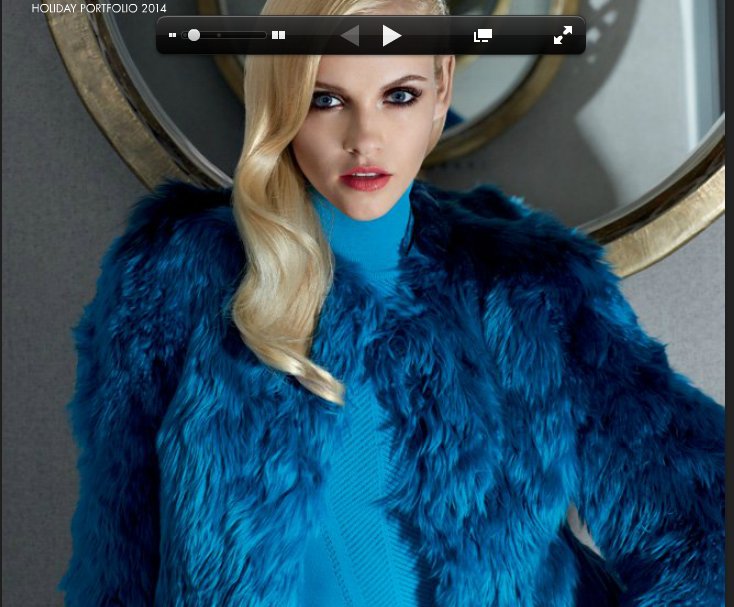
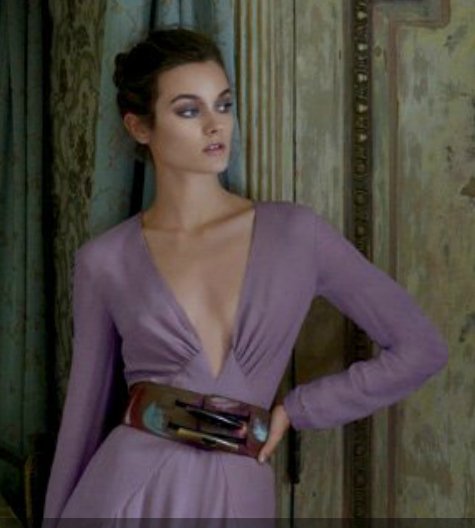
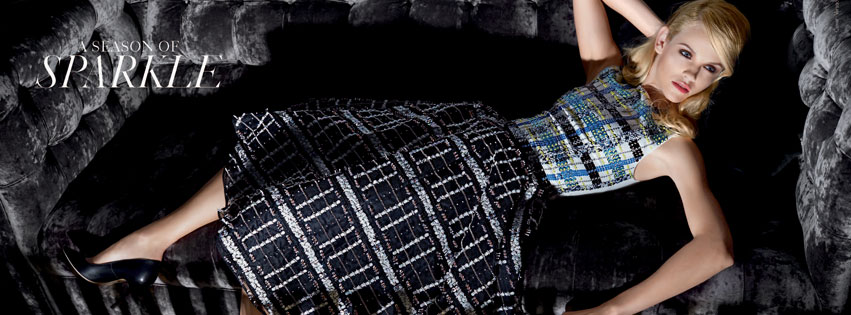
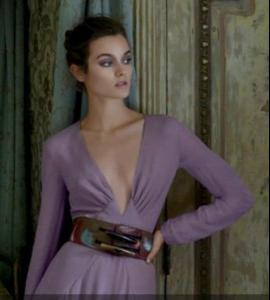
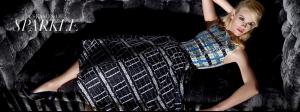
 http://issuu.com/southcoastplaza/docs/37234_15_holidayport14_rev_fullbook?e=13220817%2F10088699 The first section looks awfully like Natasha Poly but going through I want to say it also could be Ginta Lapina, or someone completely different. In the second half of the lookbook I am thinking Jac Jagaciak based on the teeth, but again not sure. Would love a confirm or deny on those. Thanks!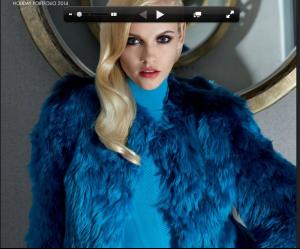
-
Of course that is all in the makeup. Kate does fill a role in a catalogue, as they need someone who is fuller figured now that they've stopped using Marisa. Sure you can digitally enhance Lily or Candice but it isn't the same. She does not fit the VSFS though, I can agree with that.
-
-
Top row - Linda Vojtova, Adriana Lima, Jessica White Bottom row - Jessica Van Der Steen, Oluchi, Susan Eldridge, Ale (I think it is Jessica, but the other Black model from this campaign is here at http://www2.victoriassecret.com/images/prodlgvw/V245301.jpg - is that Jessica White or someone else?

-
-