laeteita
Members
-
Joined
Everything posted by laeteita
-
 attiasosteo insta story 193808502_315964306942944_7626516376707172974_n.mp4
 -
-
-
https://www.instagram.com/p/CScOd6Kr9lW/?utm_medium=copy_link
-
-
https://www.instagram.com/p/CSQSASaLs49/?utm_medium=copy_link
-
-
-
https://www.instagram.com/p/CSFhss0BFLI/?utm_medium=copy_link IMG_5930.mp4 IMG_5931.mp4 IMG_5932.mp4 IMG_5933.mp4 IMG_5934.mp4 IMG_5935.mp4
-
https://www.instagram.com/p/CSFhss0BFLI/?utm_medium=copy_link
-
Kirkmyersfitness insta stories IMG_5926.mp4 IMG_5927.mp4
-
-
-
-
-
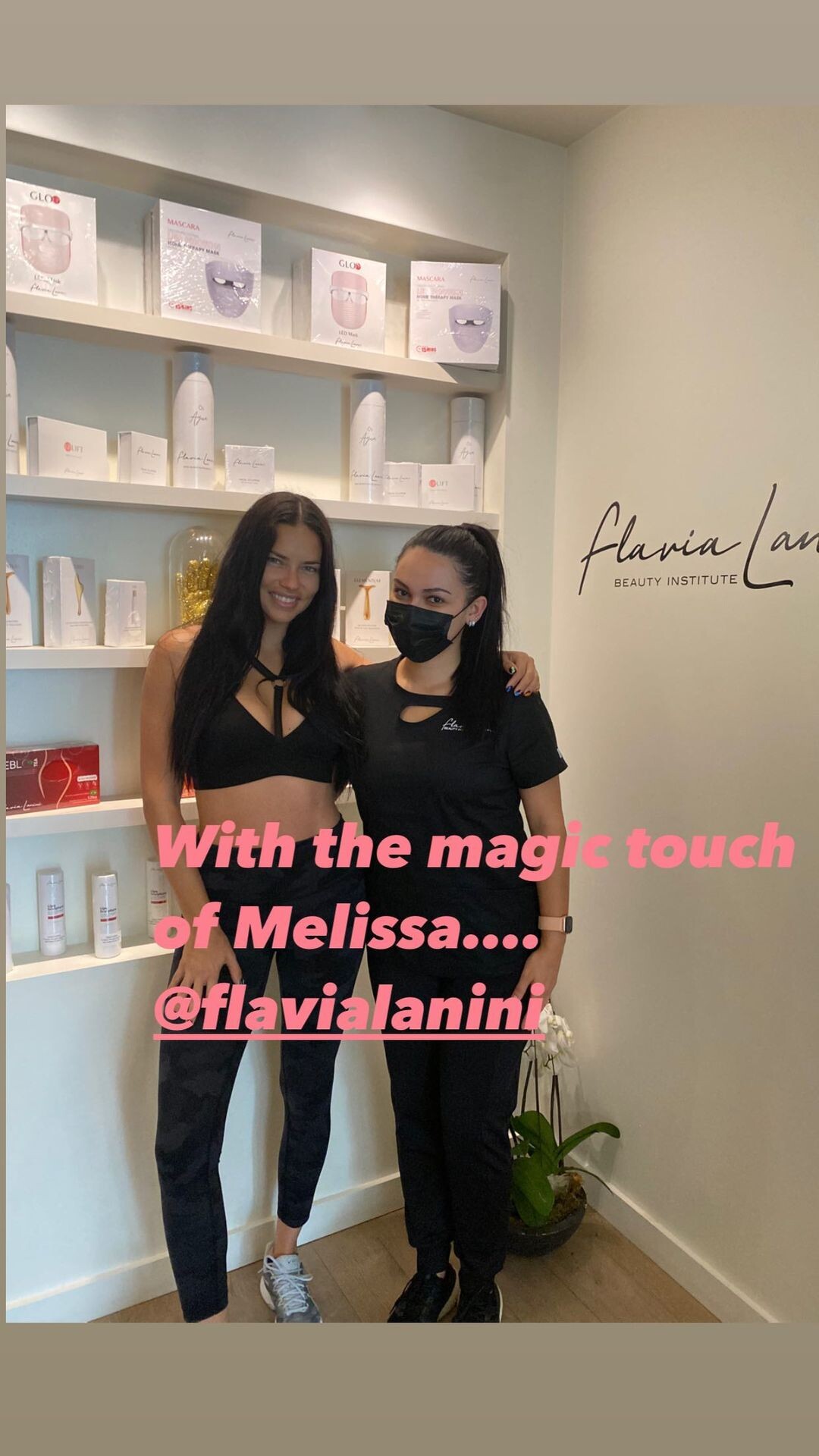
Yes Flavia Lanini, she reposted too but Adriana is going to institution for massage after workout if i’m not mistaken. Not for any beauty treatment.
-
I never pay attention to the hastags actually, i don’t remember if there was a caption but i don’t think there will be an editorial. It was awkward nico to be around during the photoshoot but we would have seen it by now if there is any editorial work, right?
-
-
Kirkmyersfitness insta stories IMG_5815.mp4 IMG_5814.mp4 IMG_5813.mp4 IMG_5812.mp4
-
https://www.instagram.com/p/CR45fbPHgO_/?utm_medium=copy_link
-
https://www.instagram.com/p/CR4NYoFtq7p/?utm_medium=copy_link
-
Kirkmyersfitness insta stories IMG_5709.mp4 IMG_5710.mp4
-
I went through his insta to find if he posted those motions before but can't find. He never says if his posts are tb but other models he posted (not reposts) are definetely throwback. Jasmine is not even in U.S. and other 2 girls are in California rn.
-
kirkmyersfitness and her stories 225807319_209084371148244_3211088537425167306_n.mp4 226553763_154317883440240_7294748575762674825_n.mp4
-
He hasn’t reuploaded yet, it was Marcio Amaral ofc. It’s his ritual now; post, edit, delete in 10 minutes.