
Whisky
Members
-
Joined
-
Last visited
-
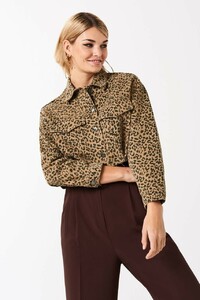
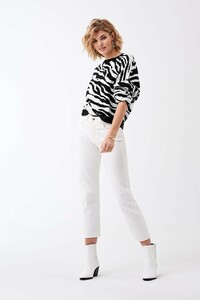
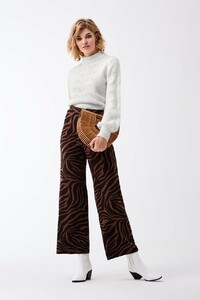
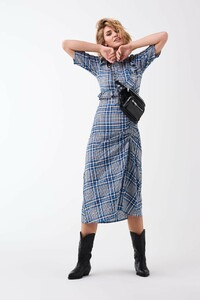
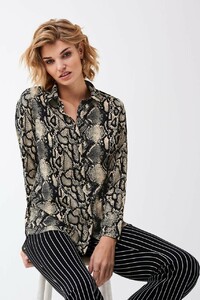
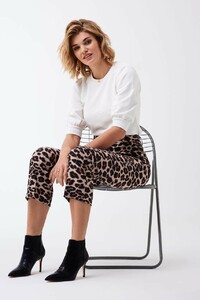
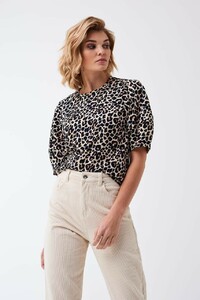
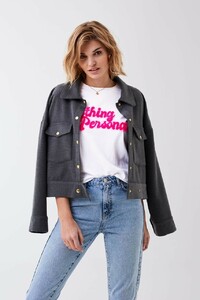
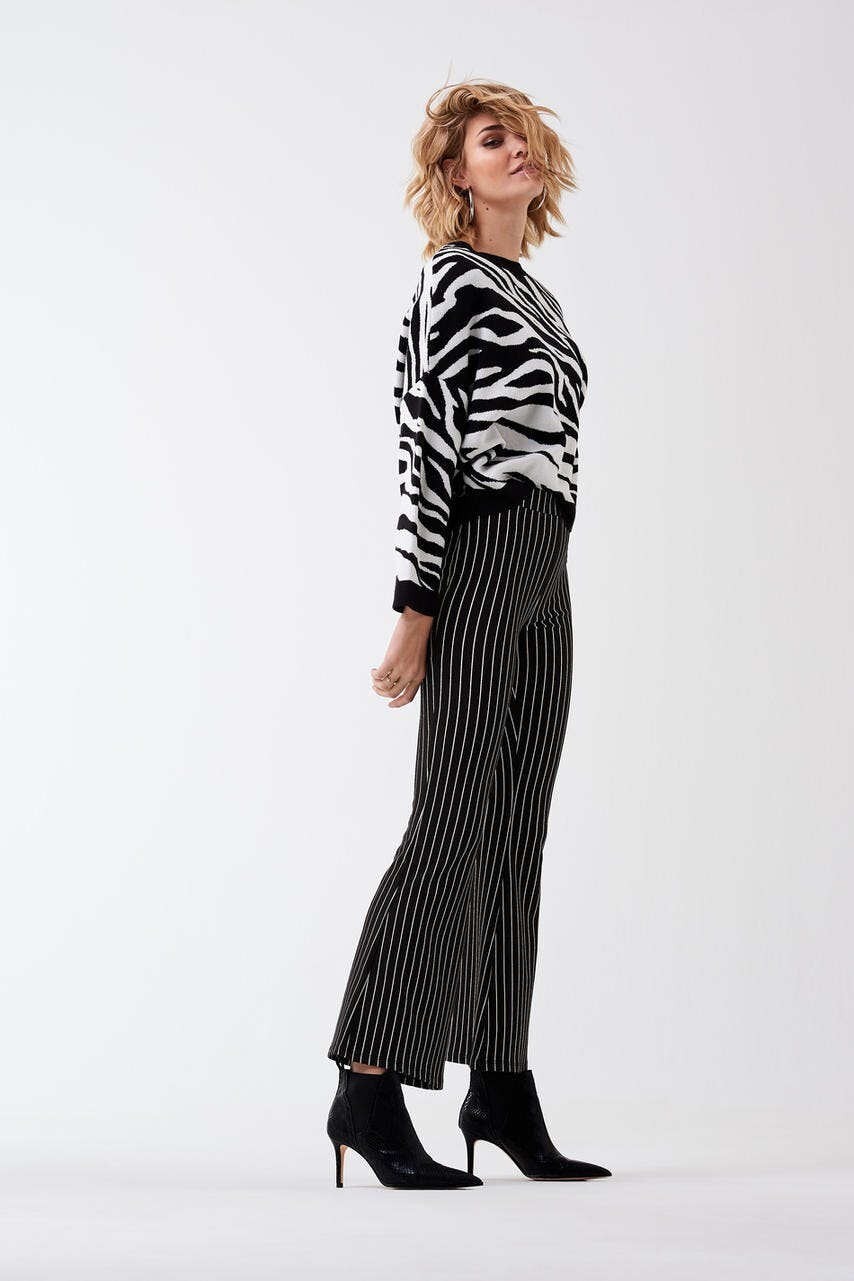
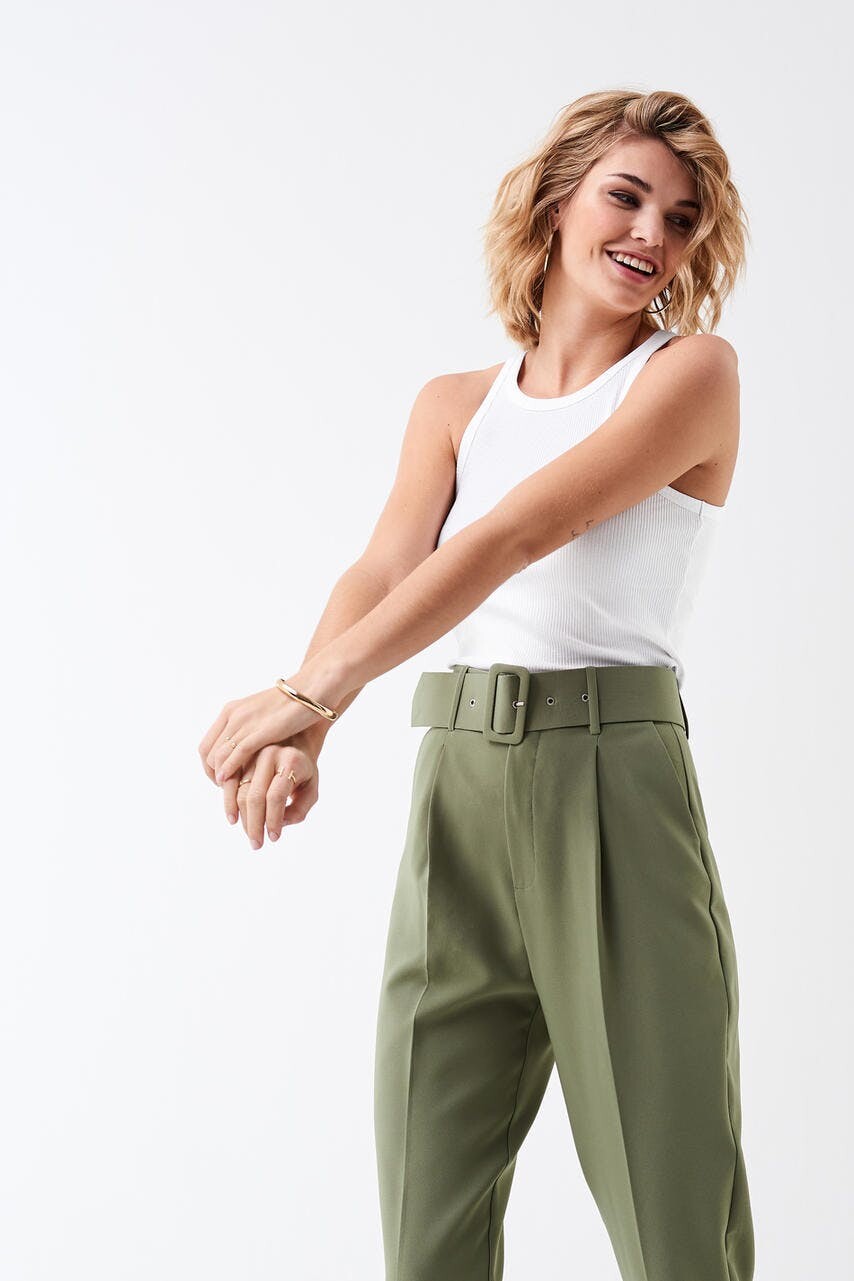
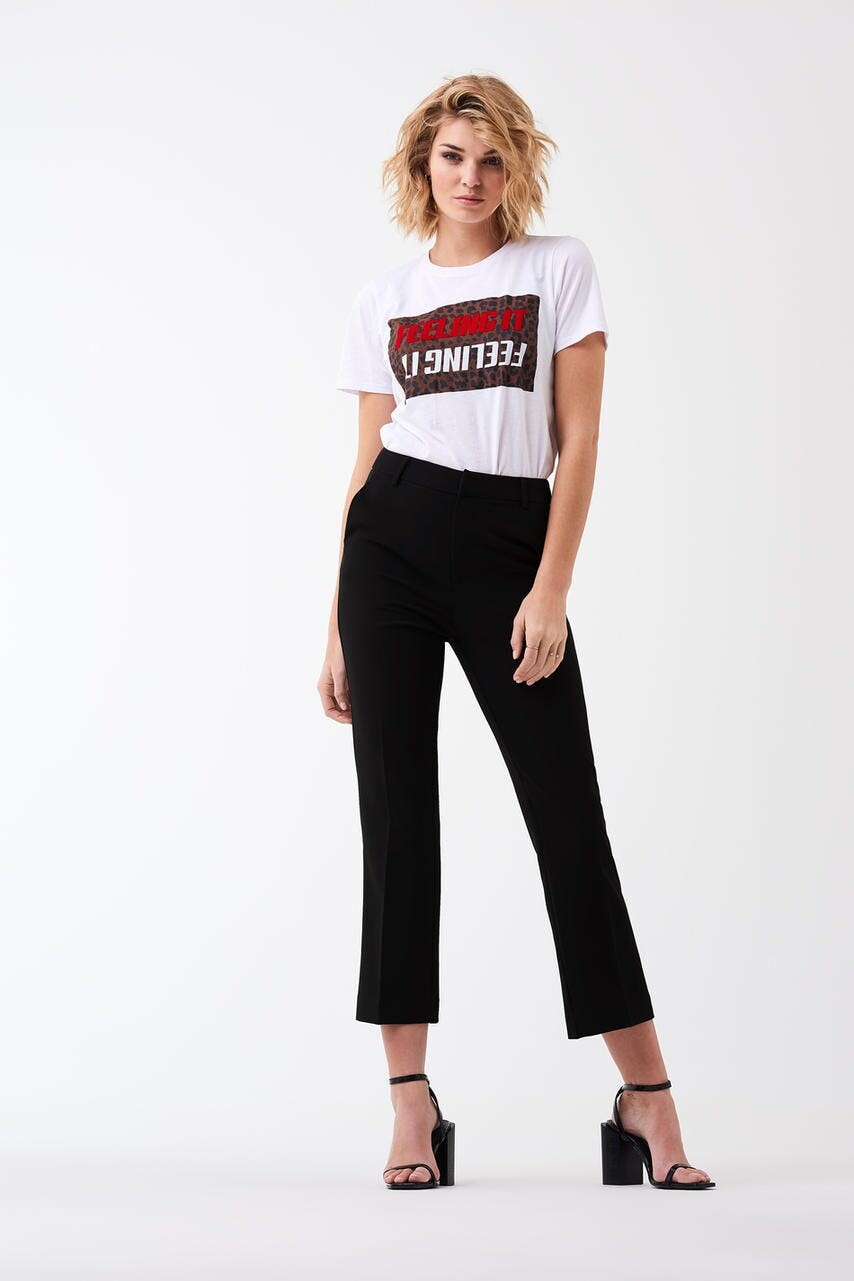
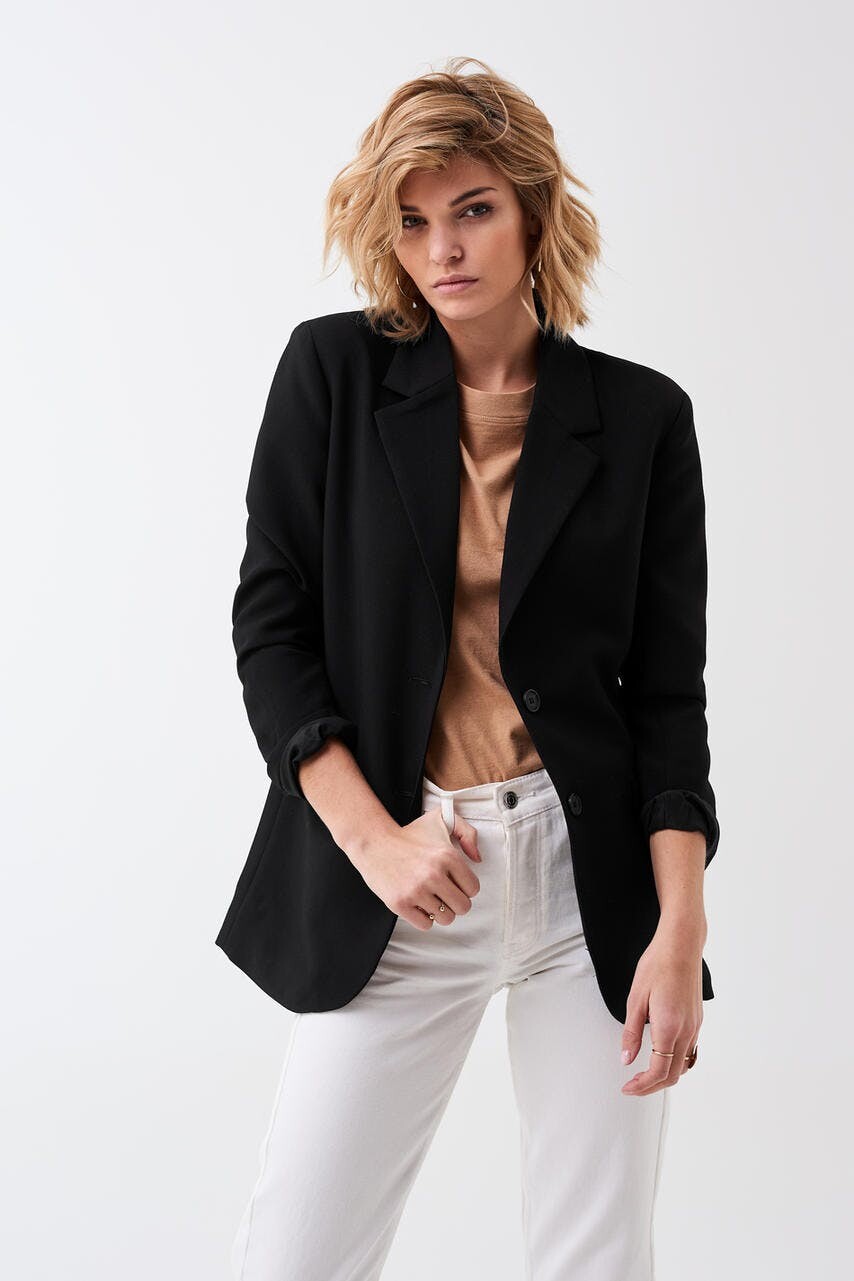
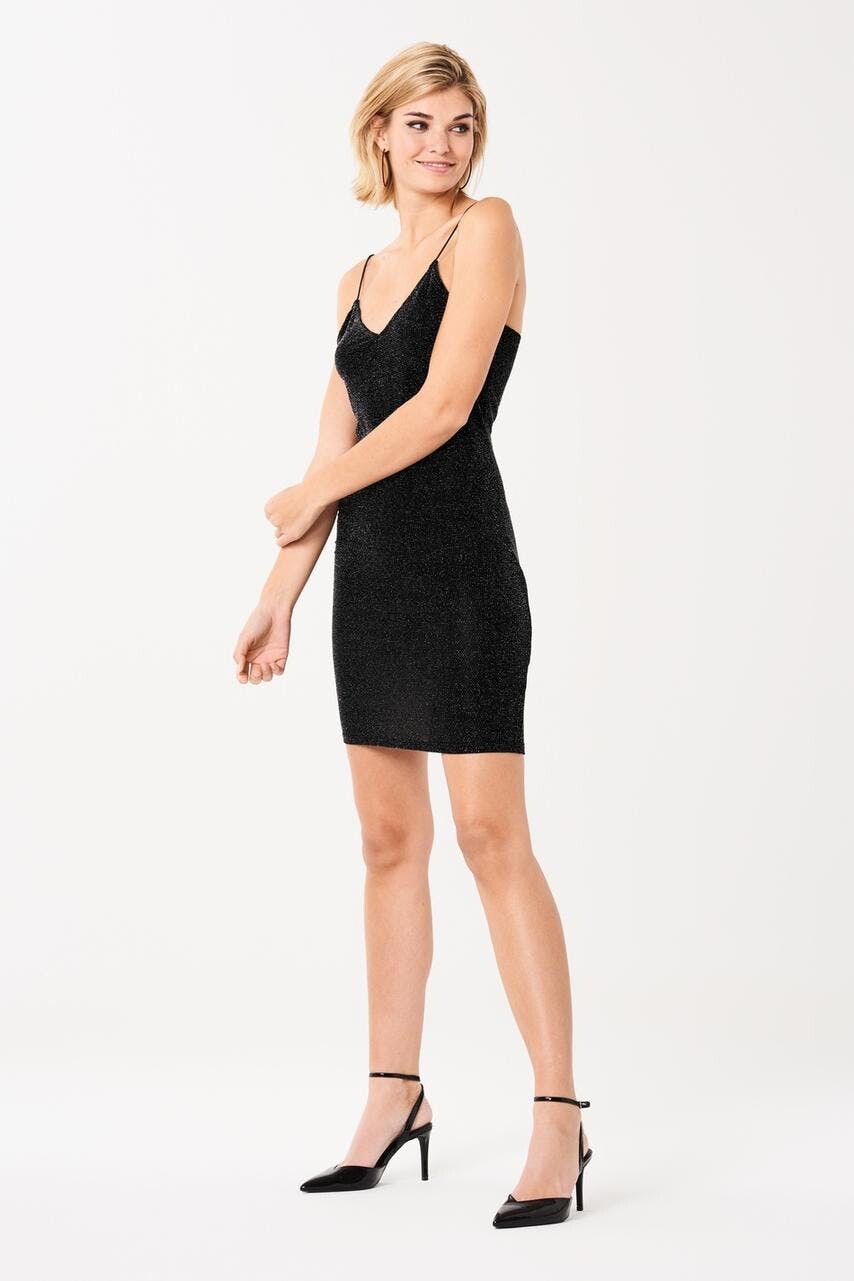
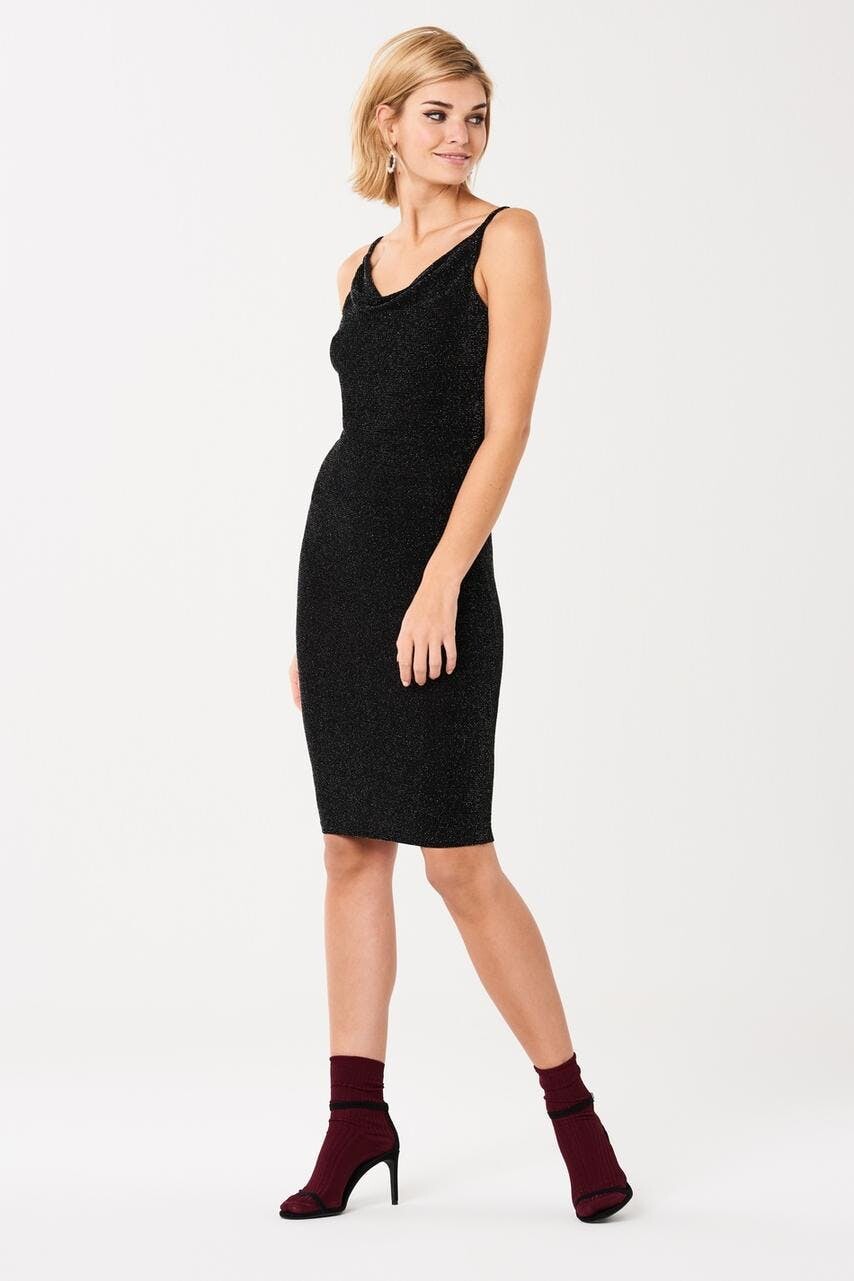
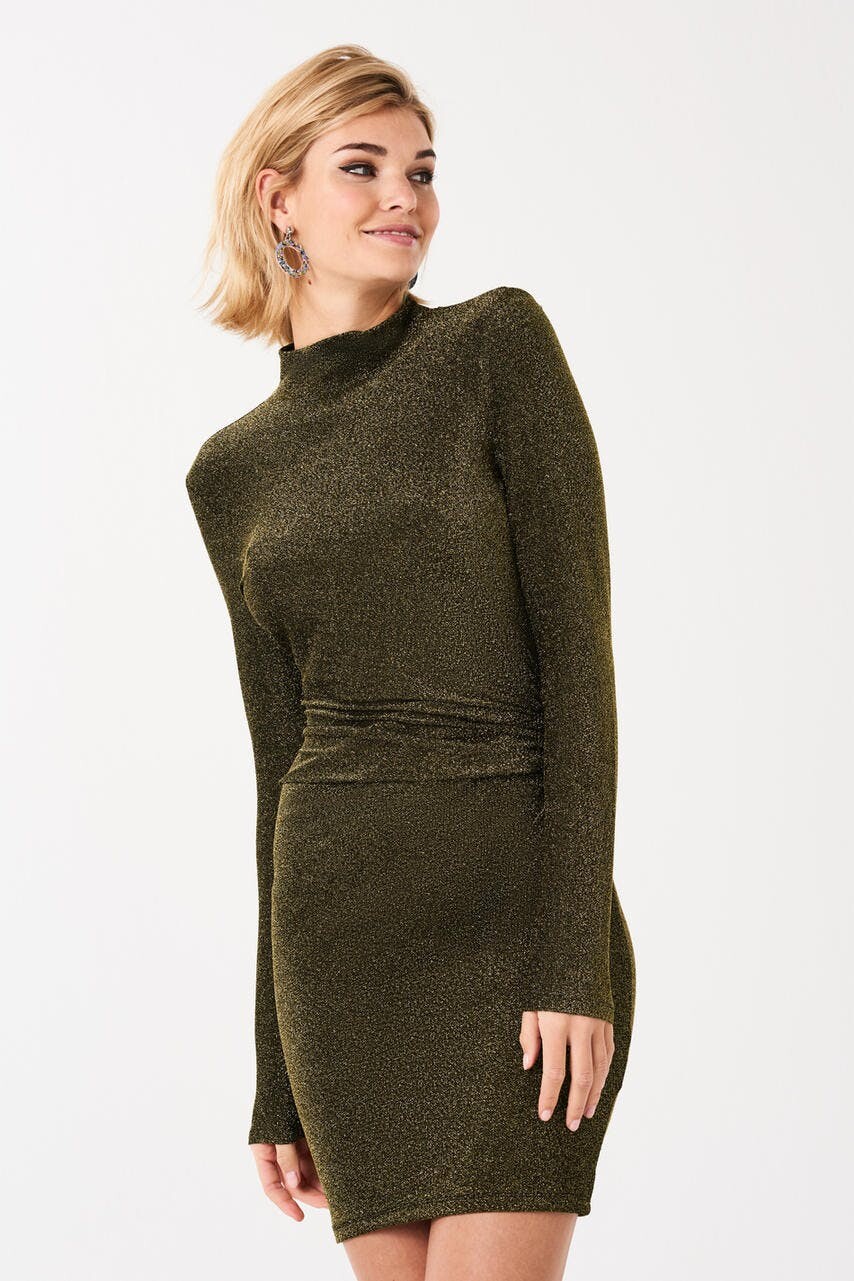
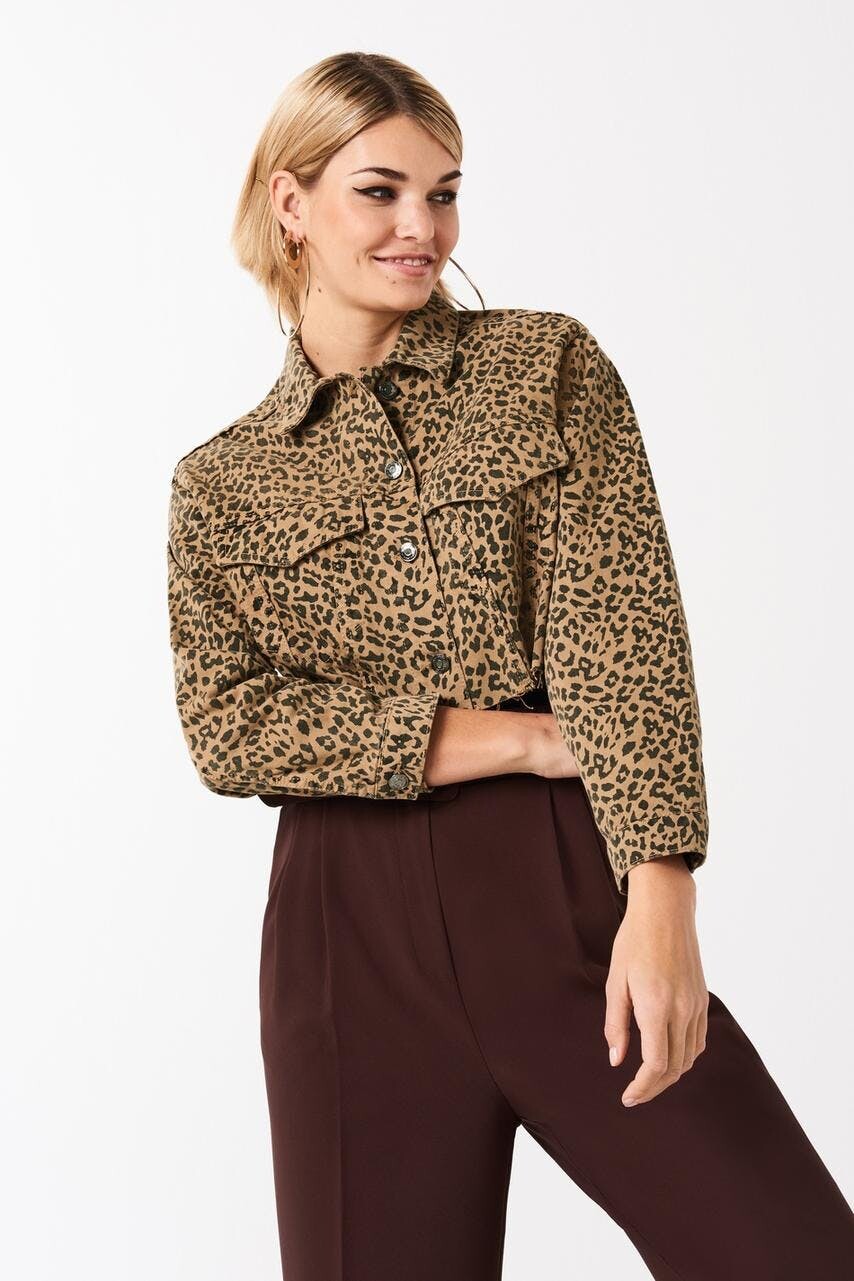
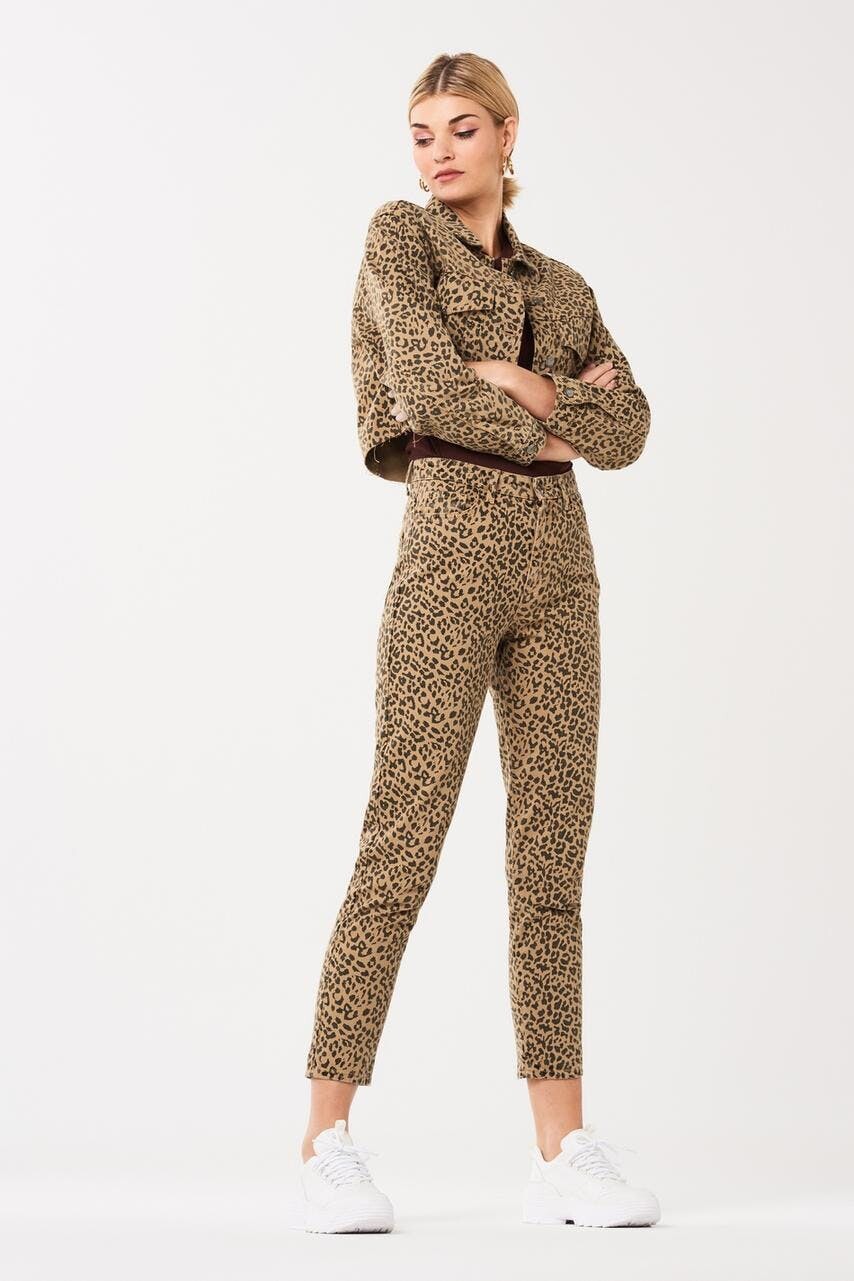
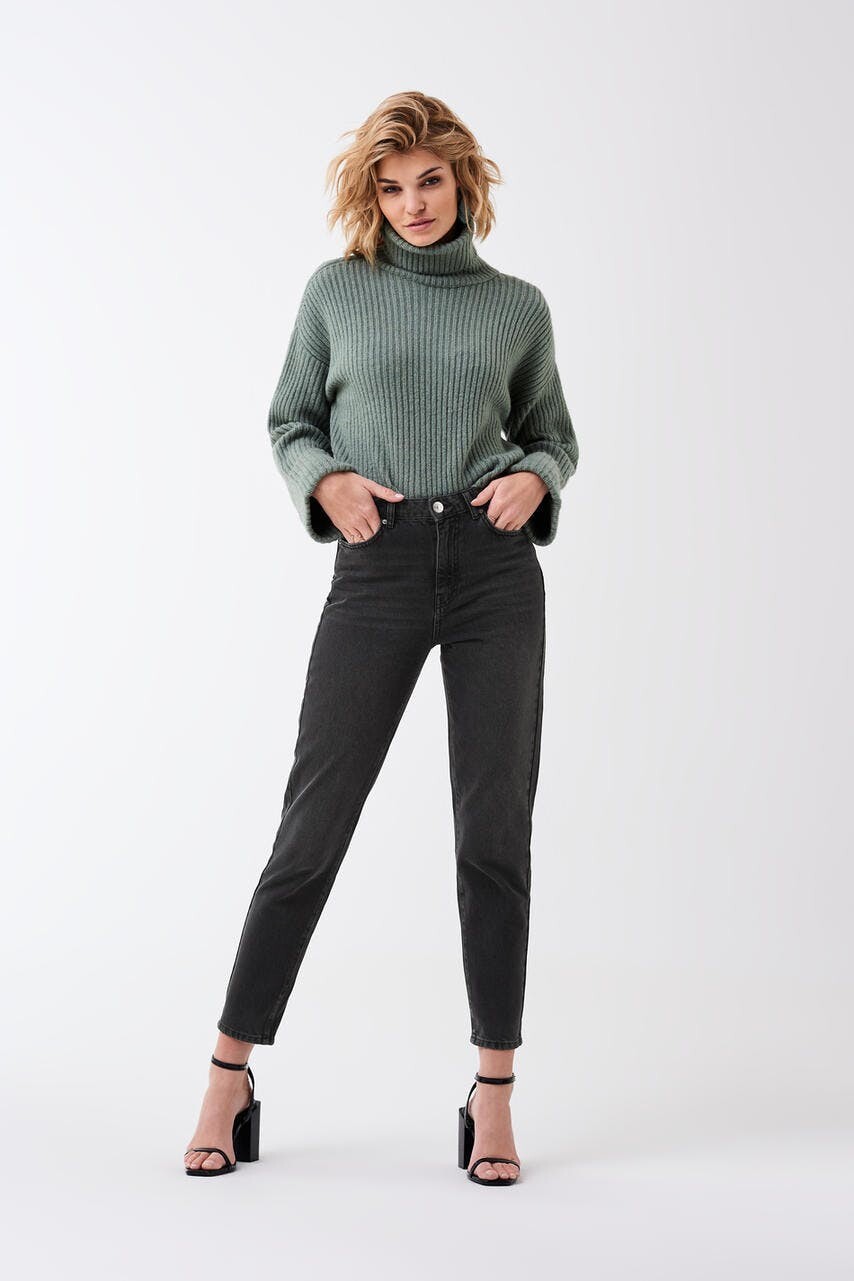
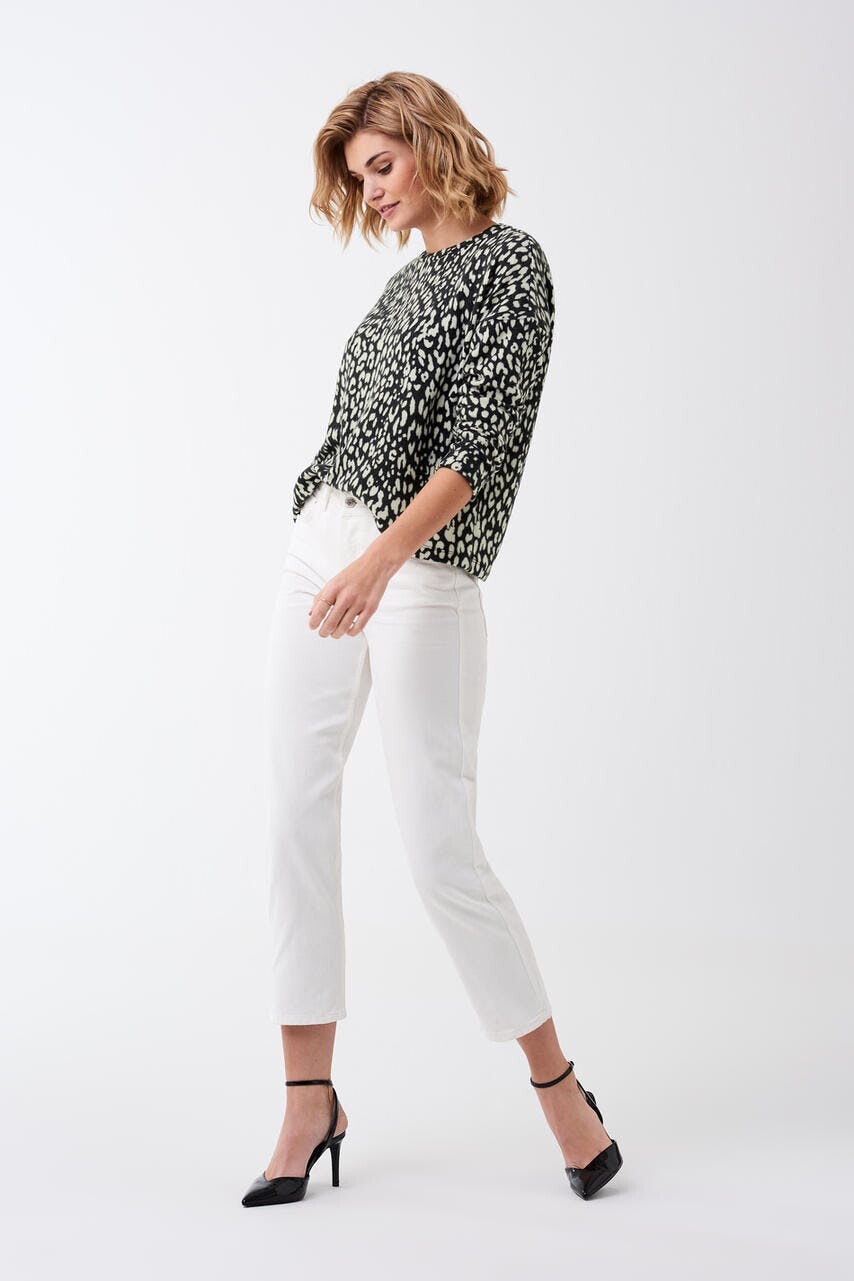
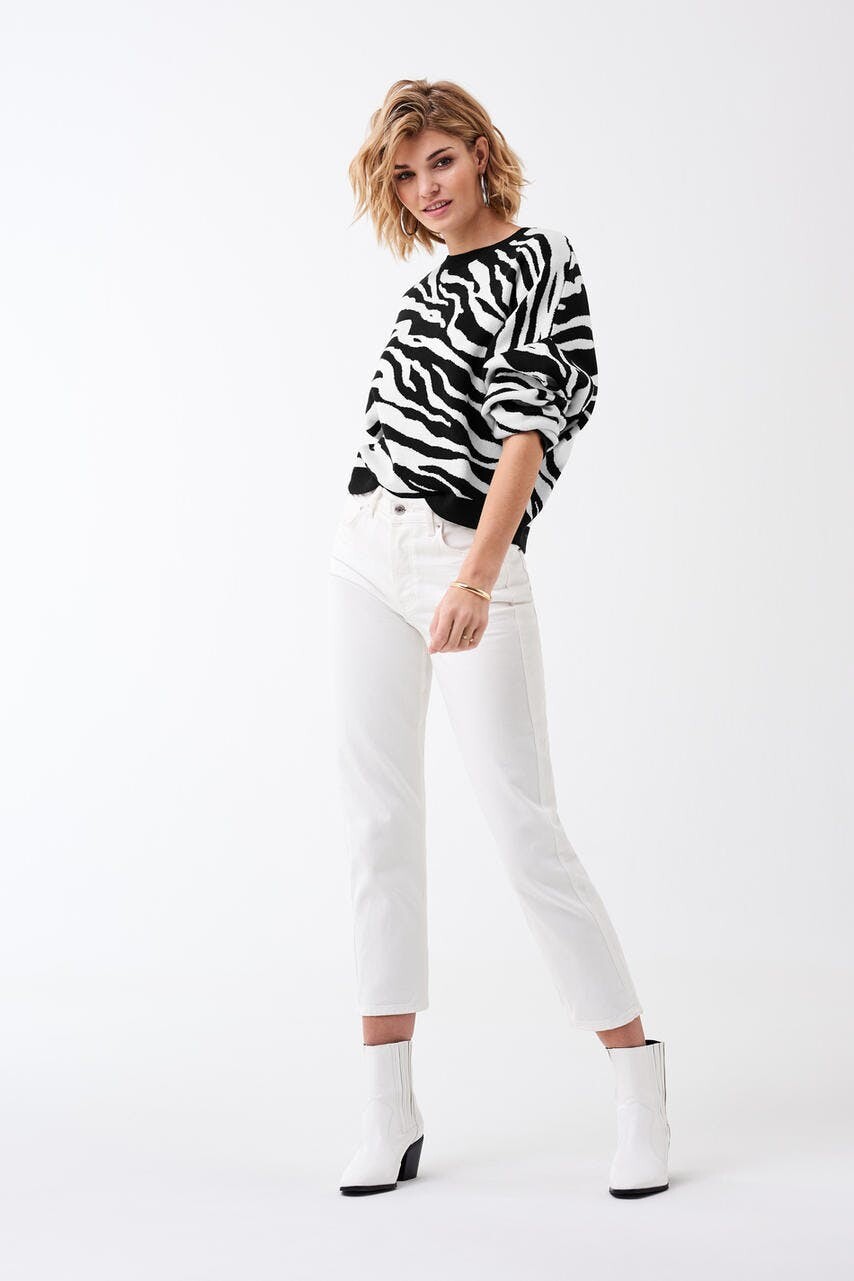
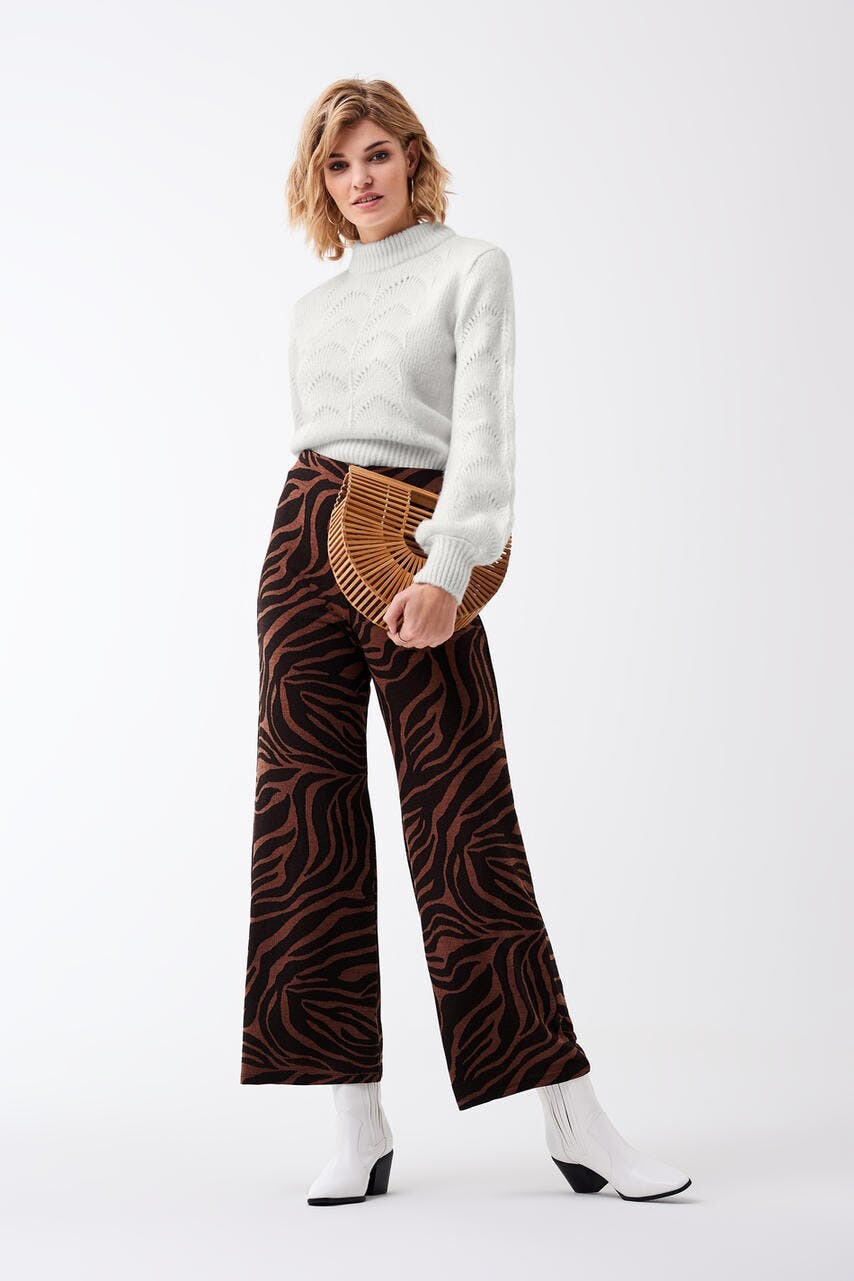
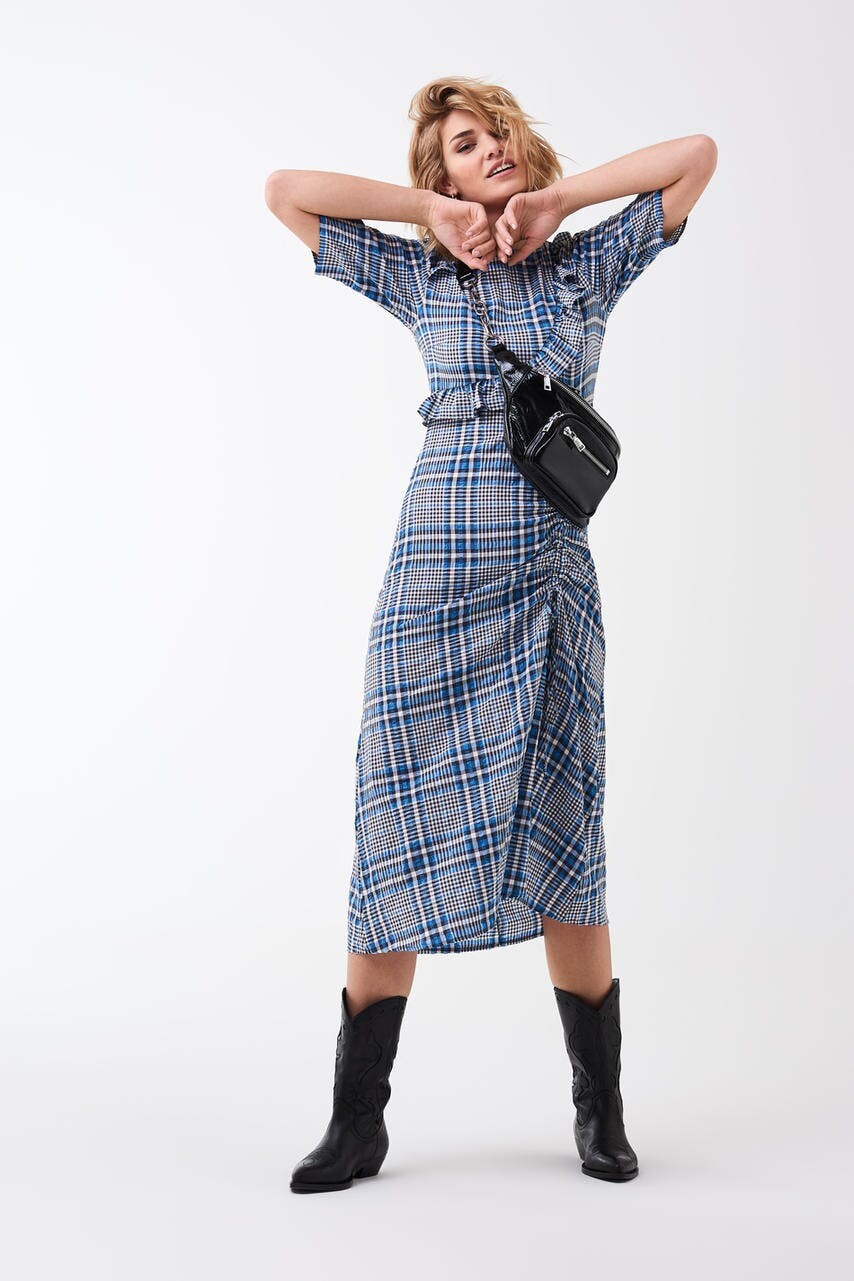
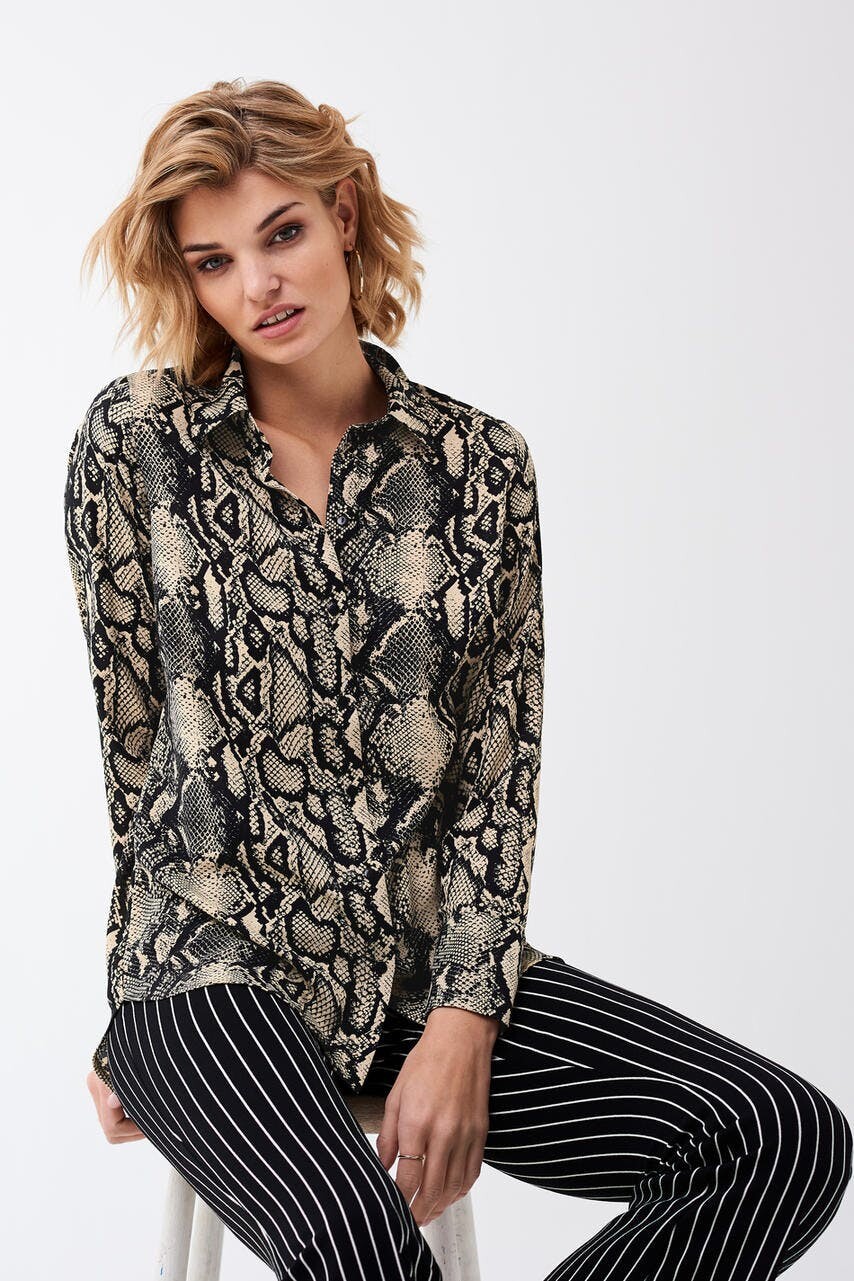
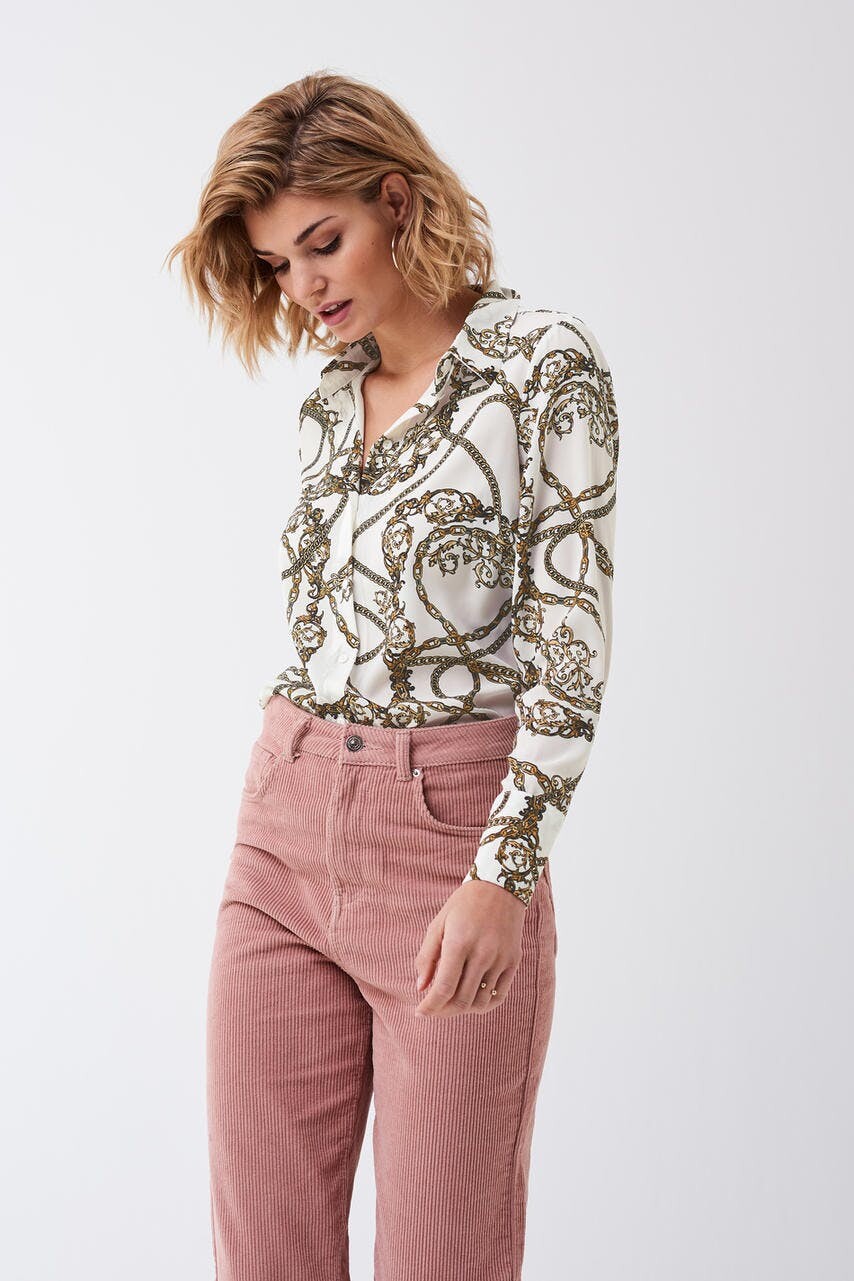
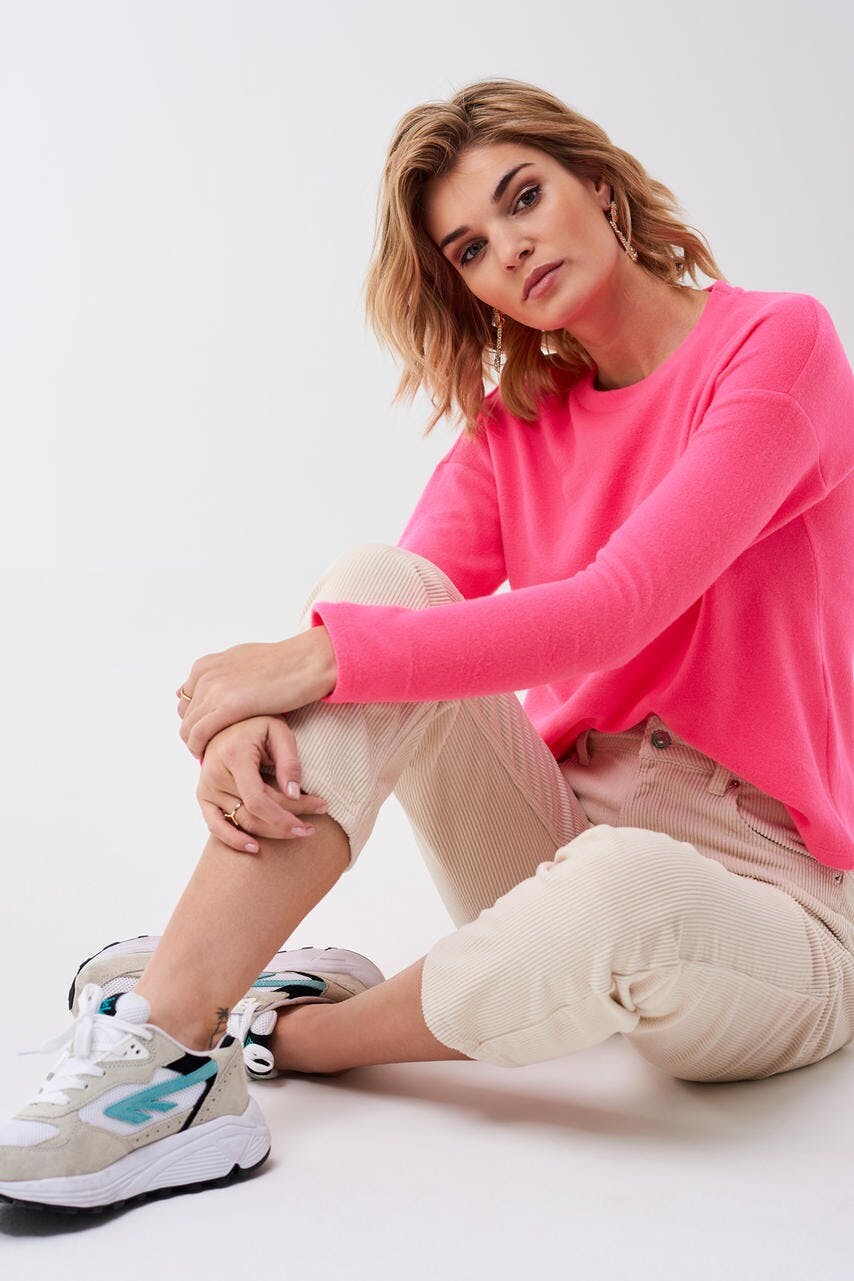
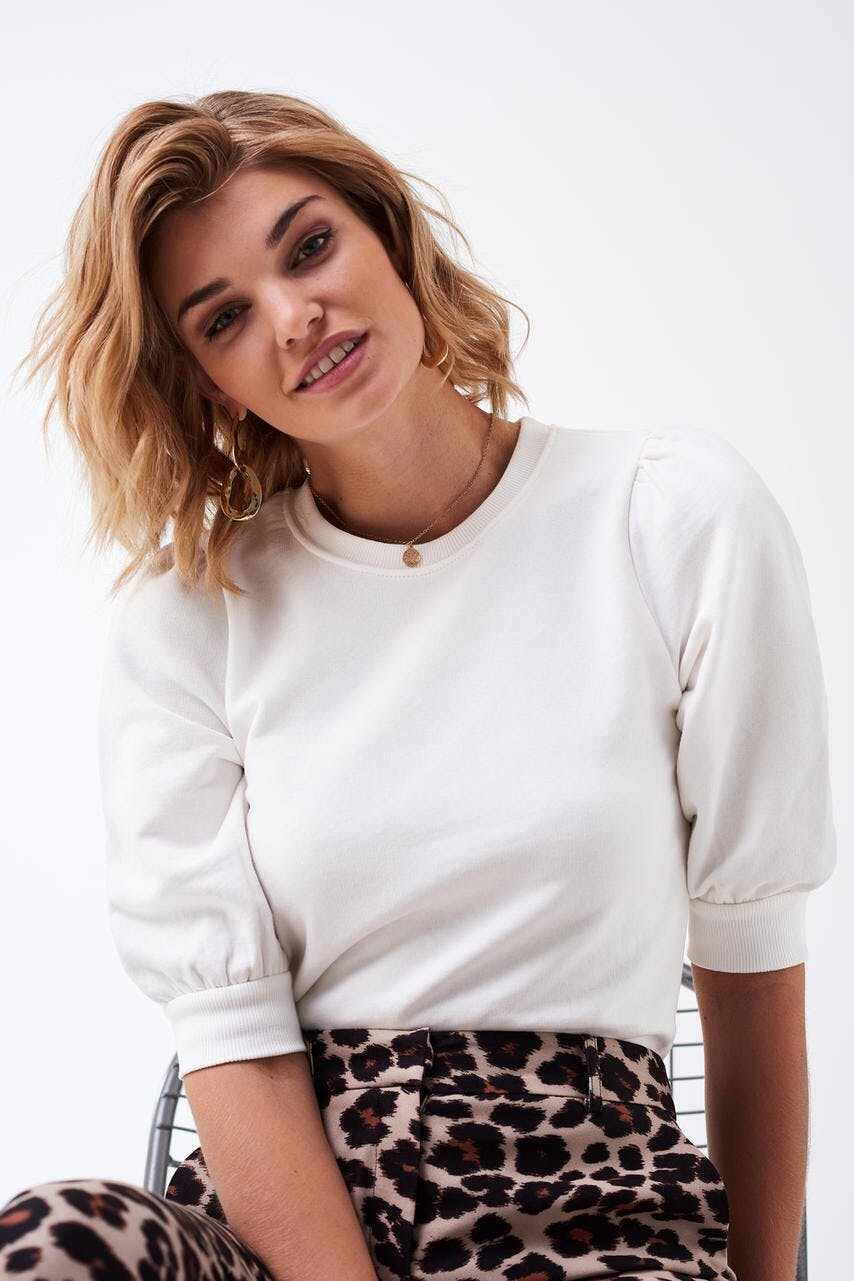
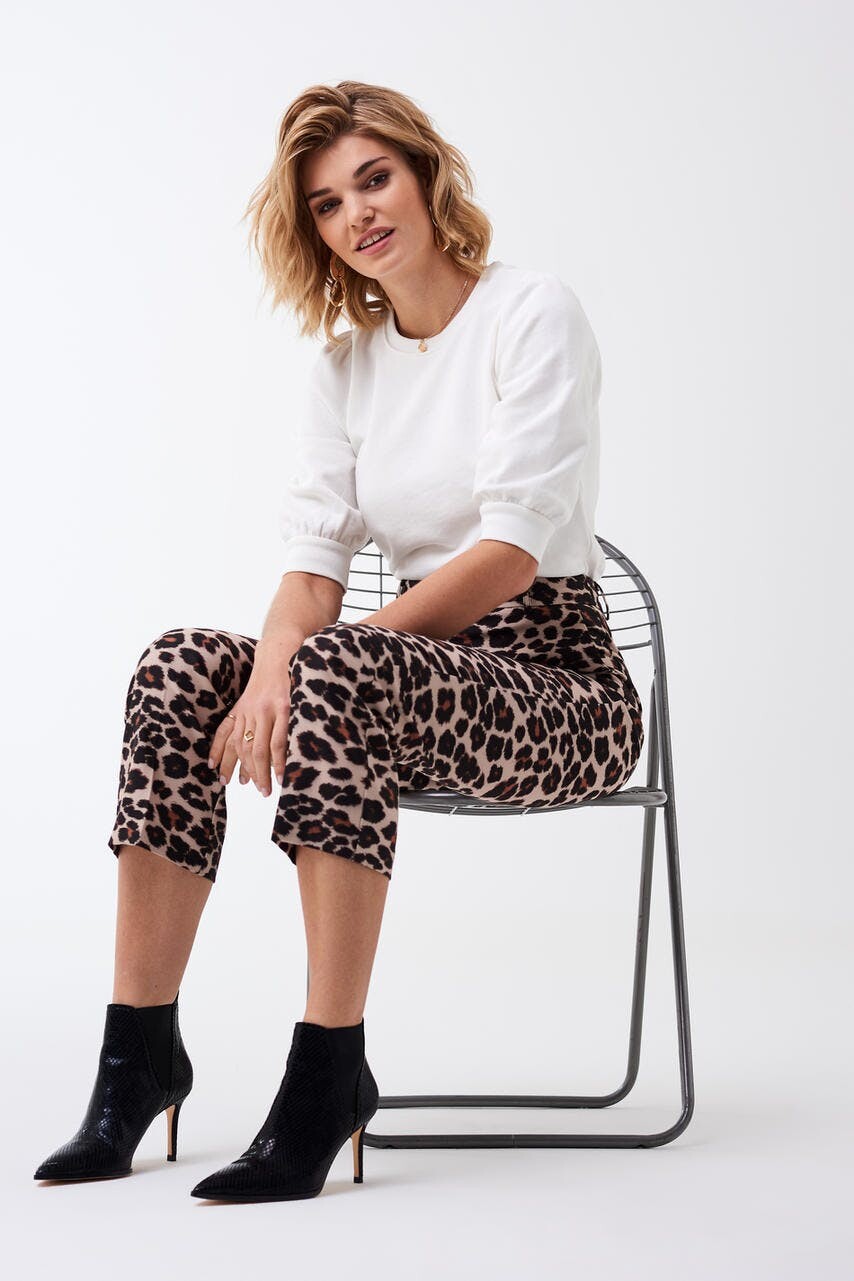
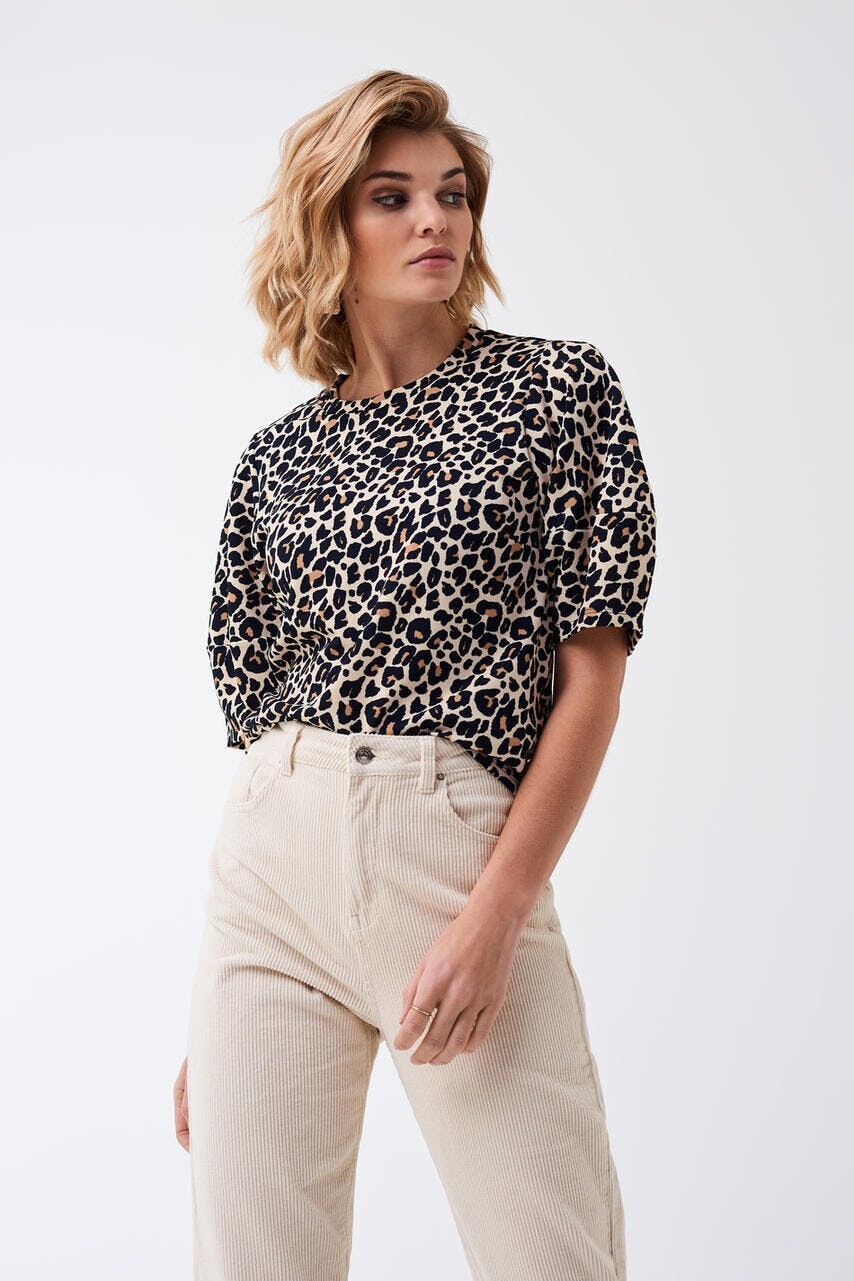
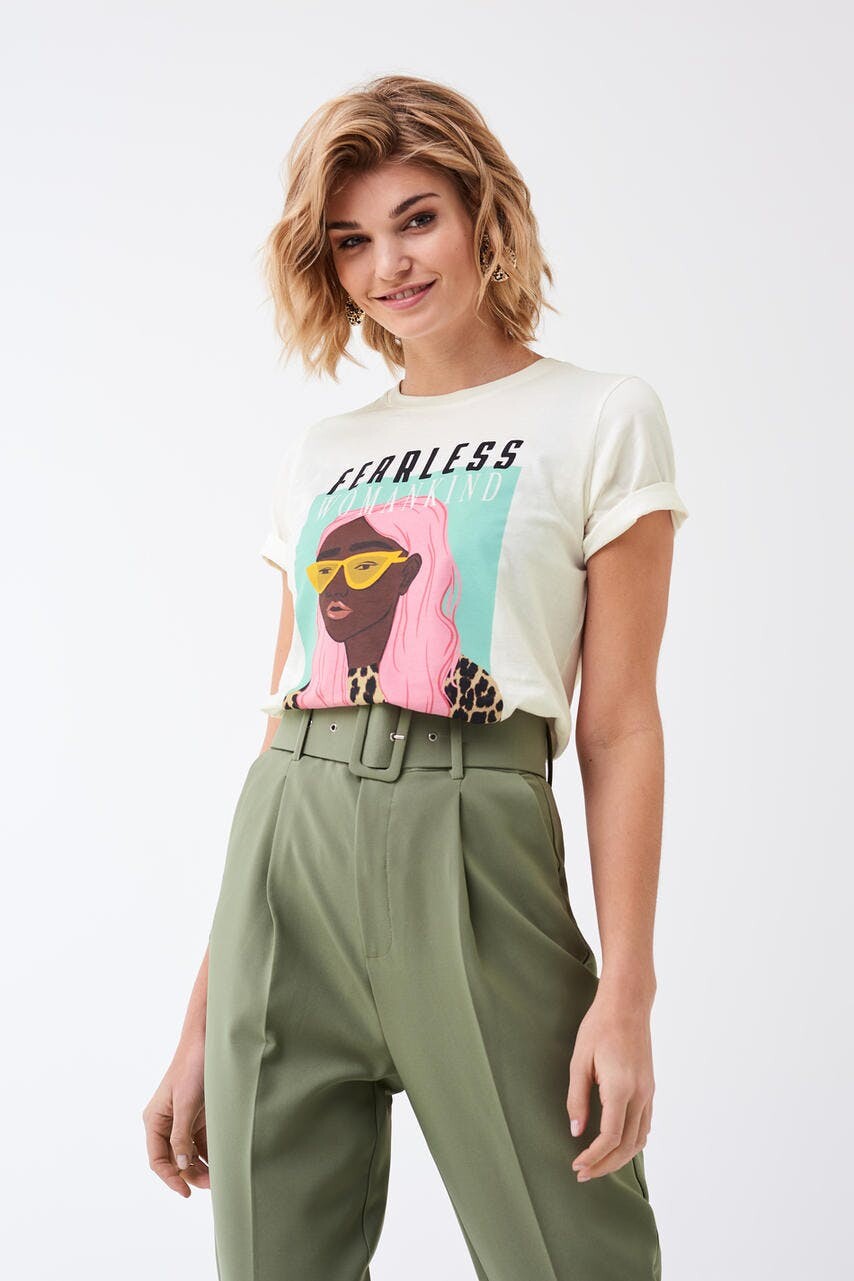
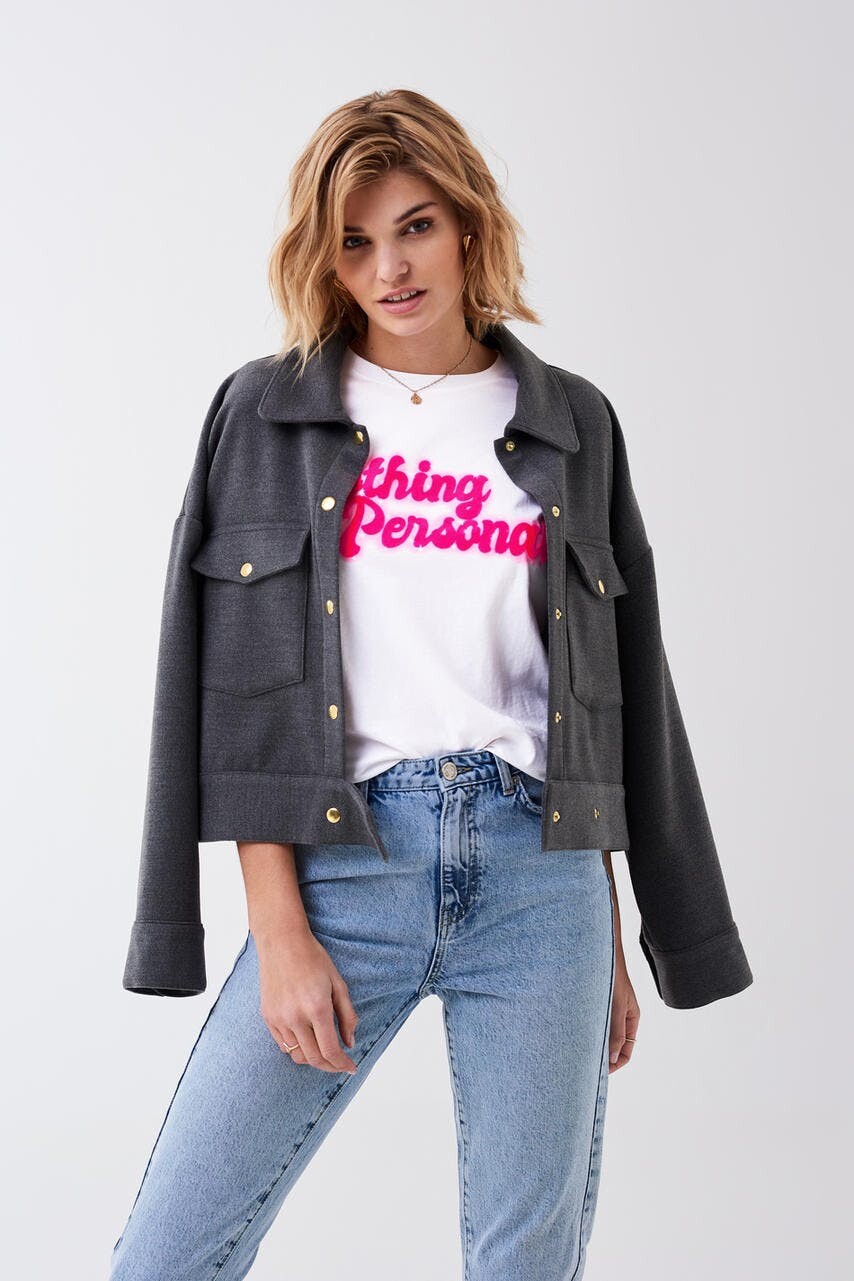
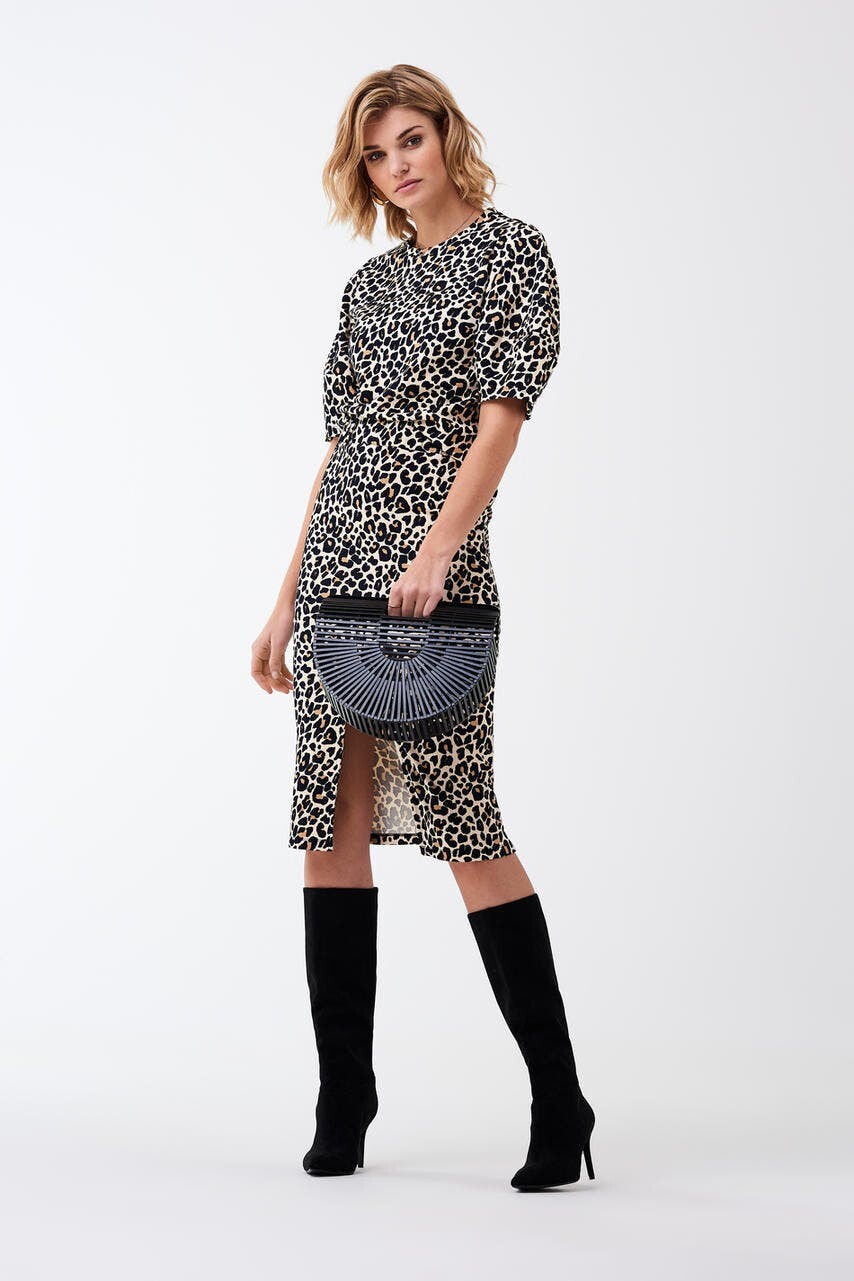
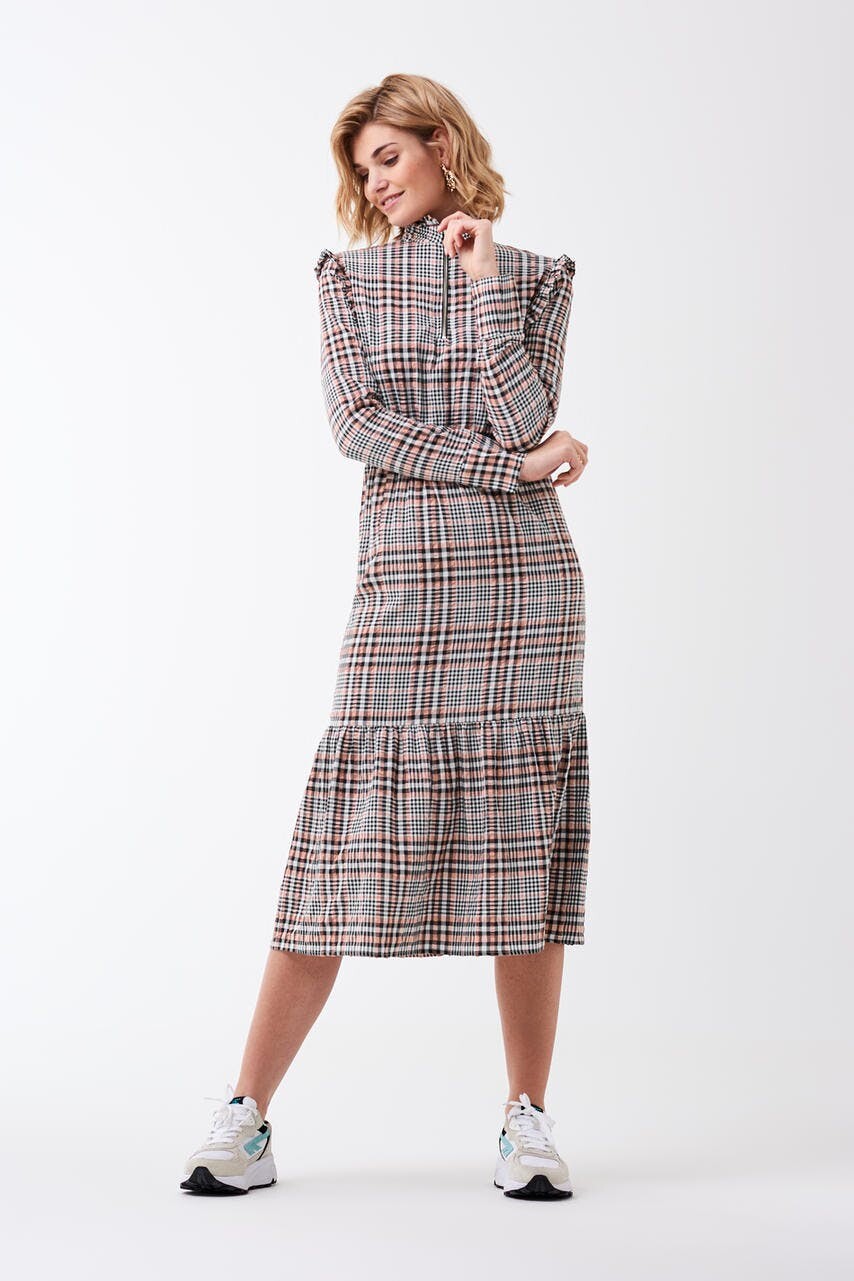
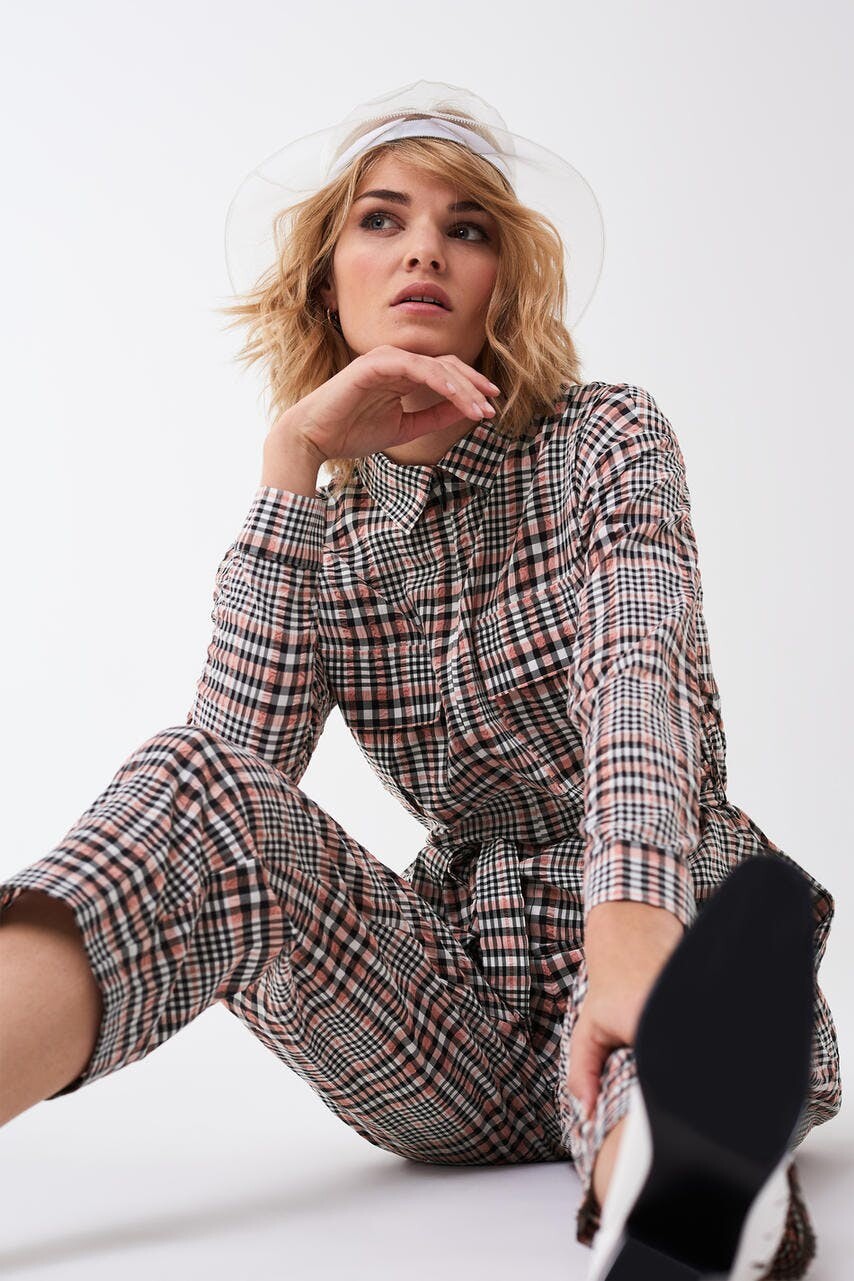
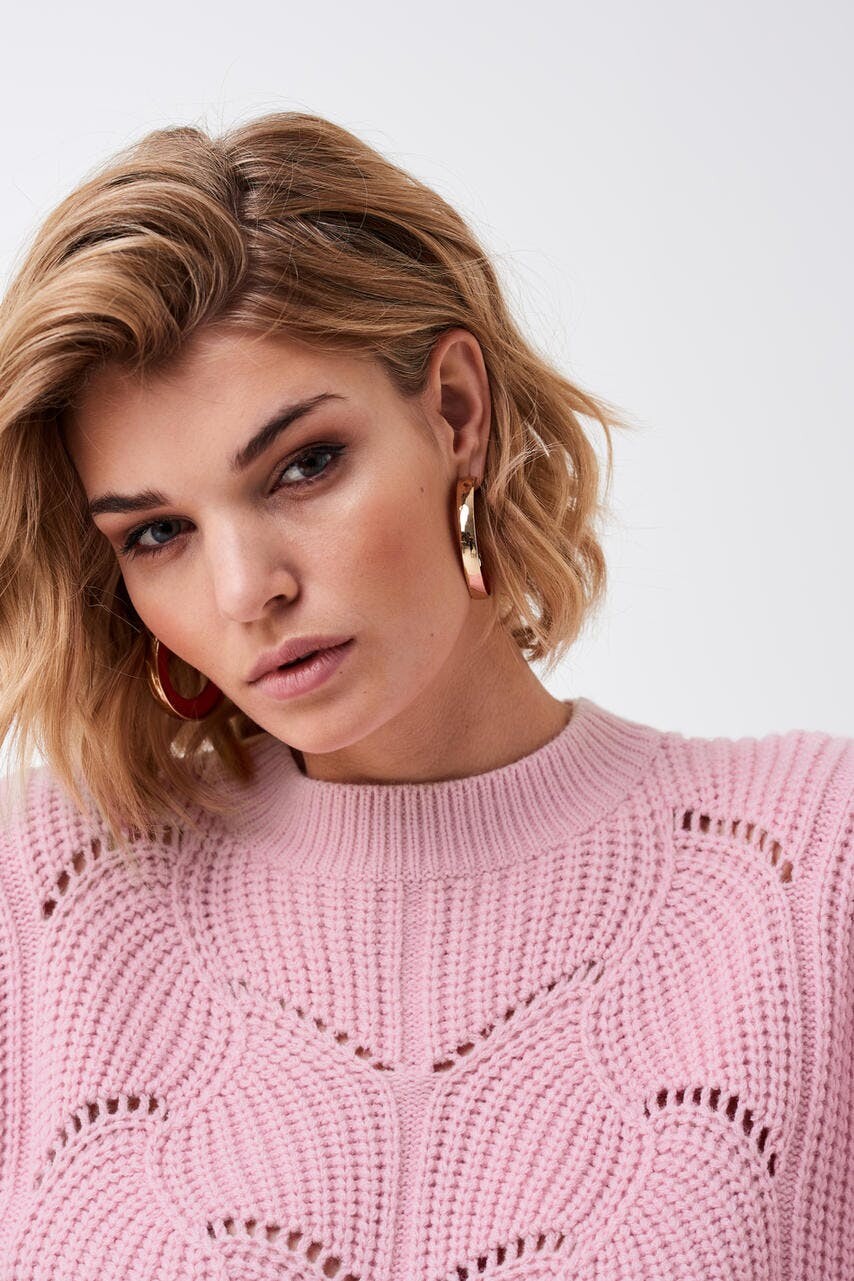
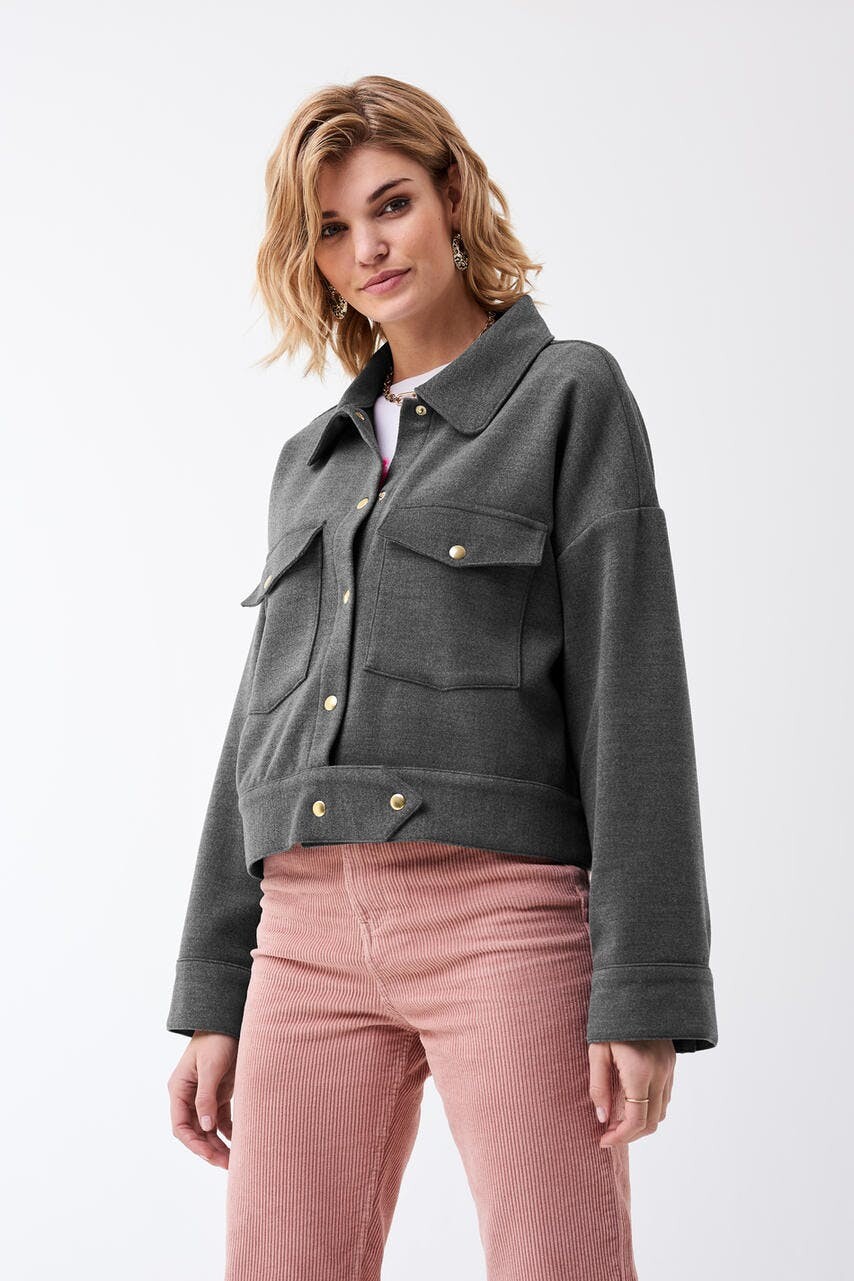
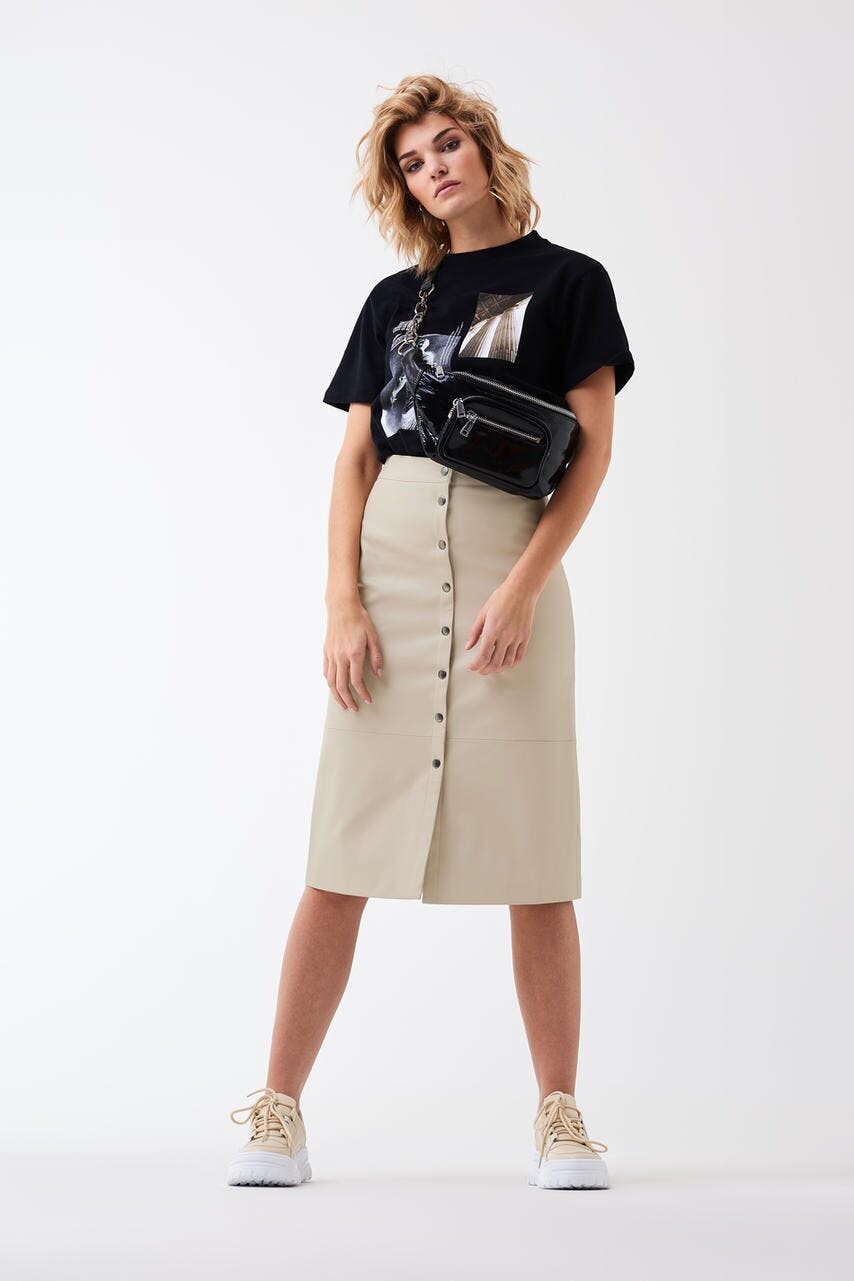
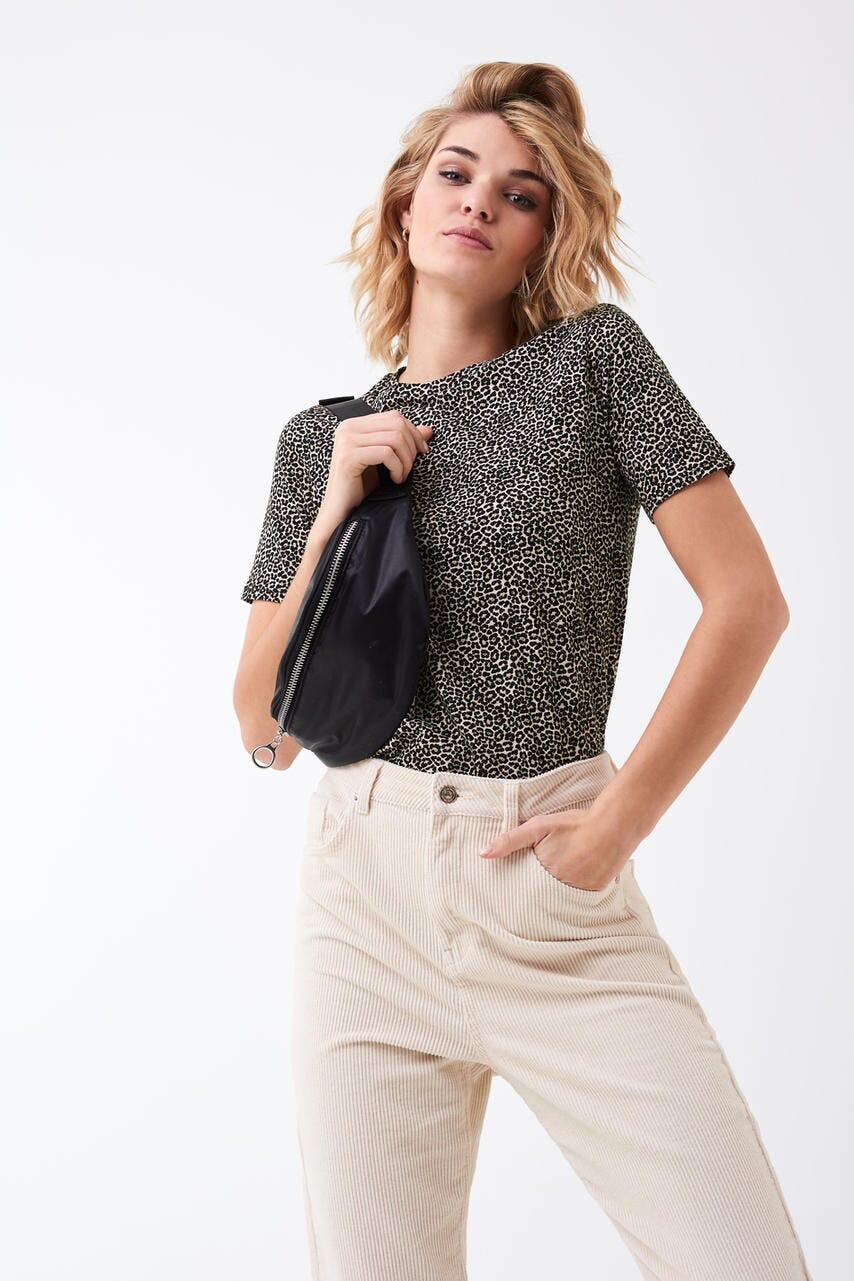
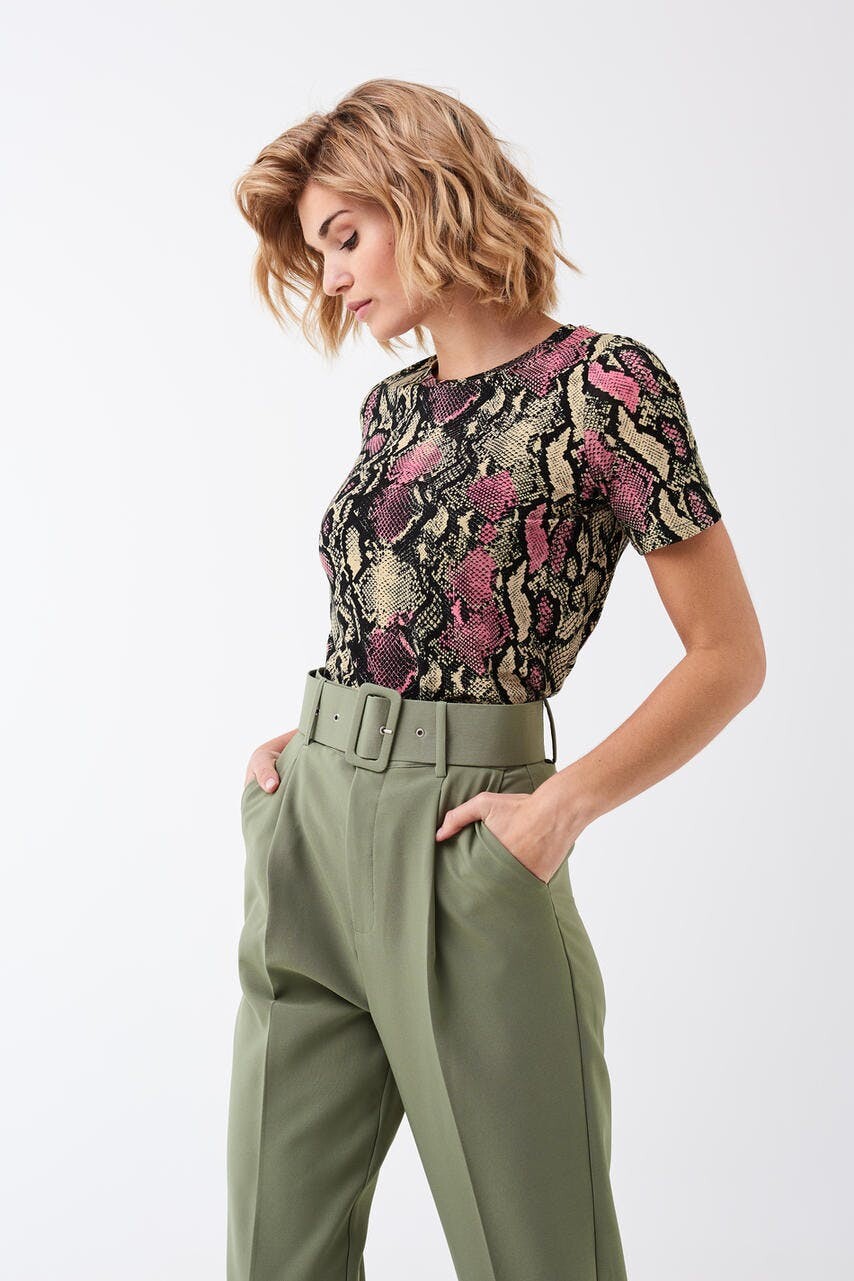
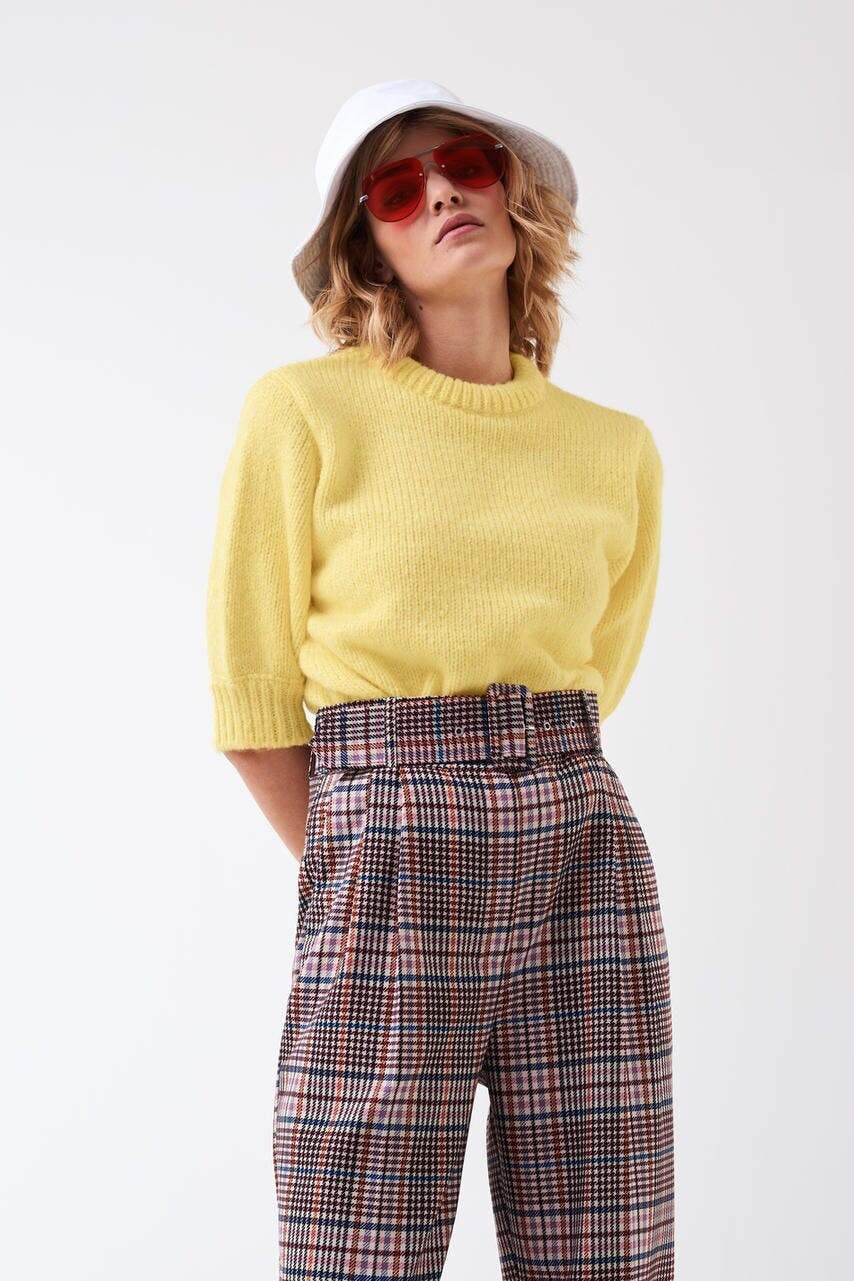
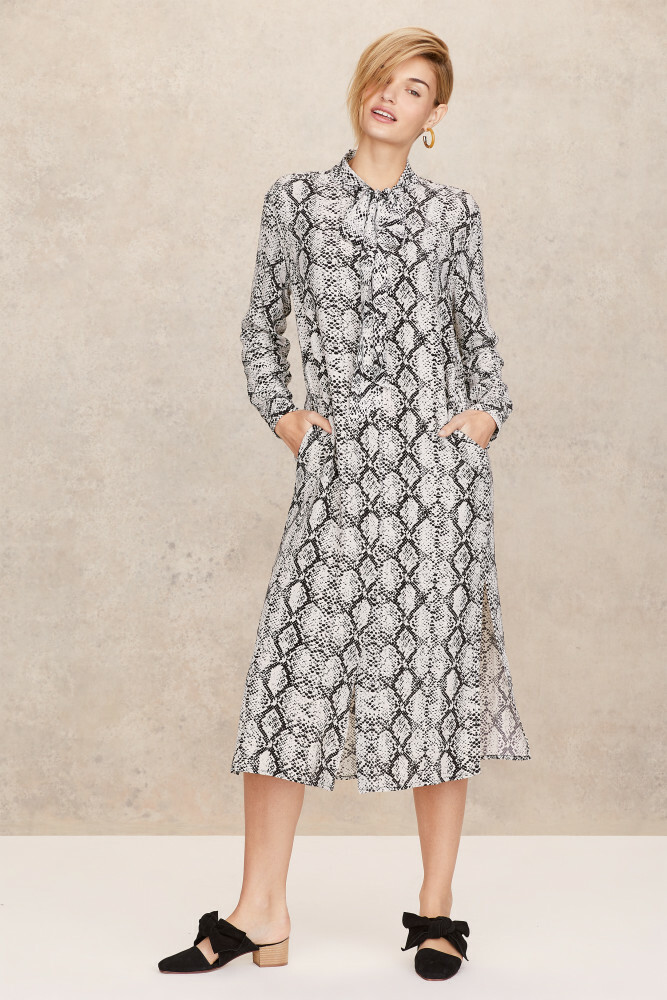
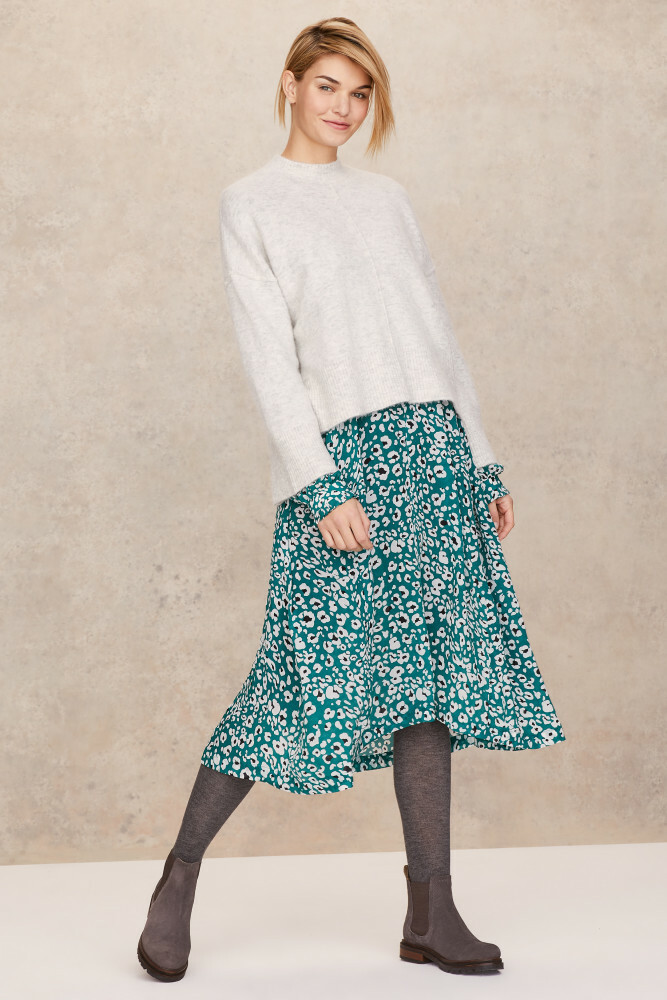
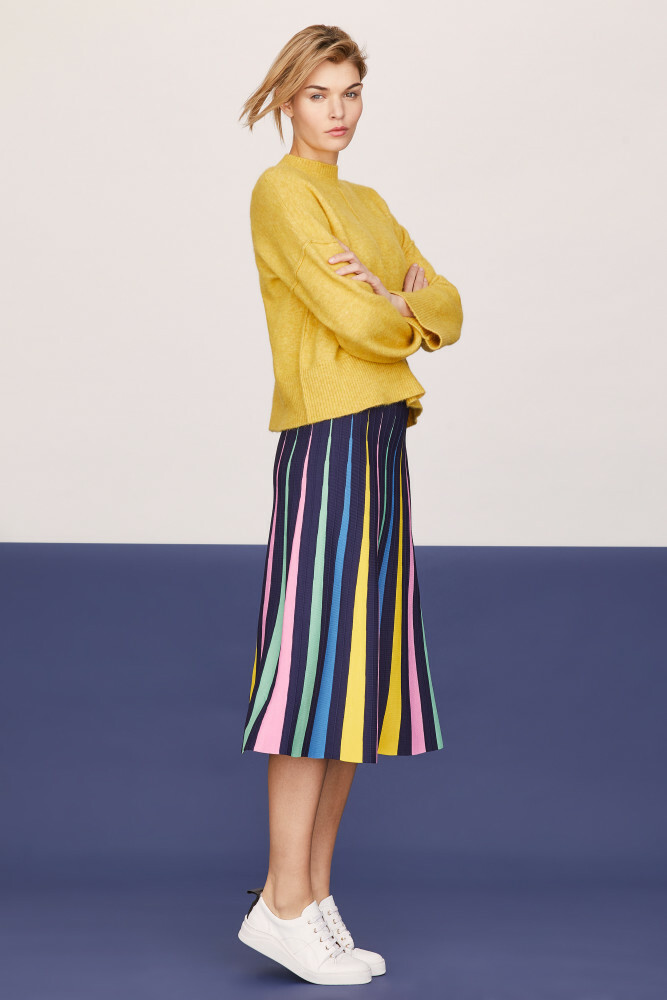
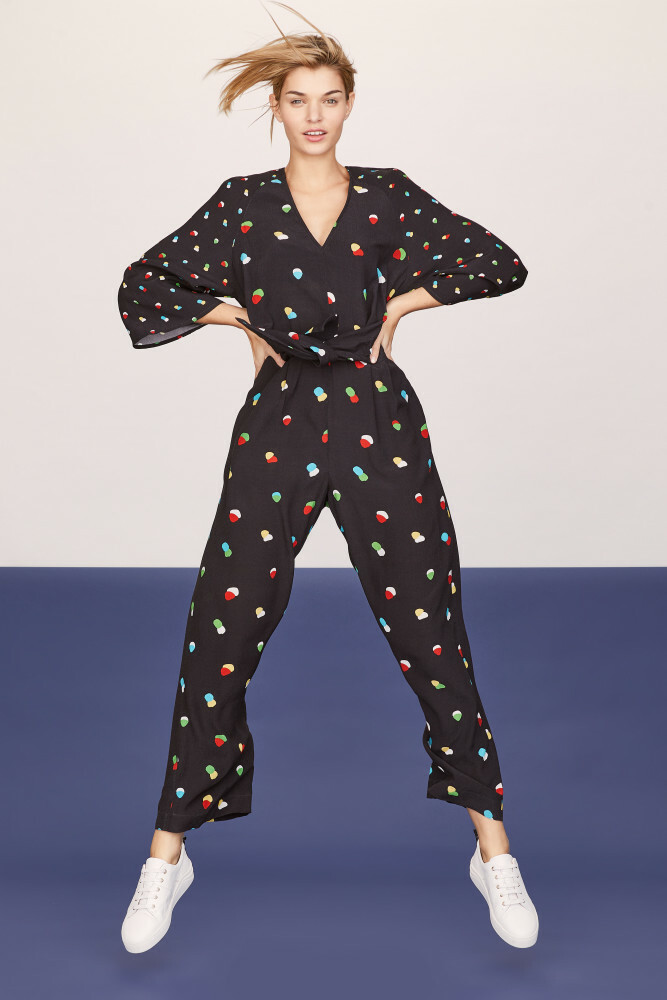
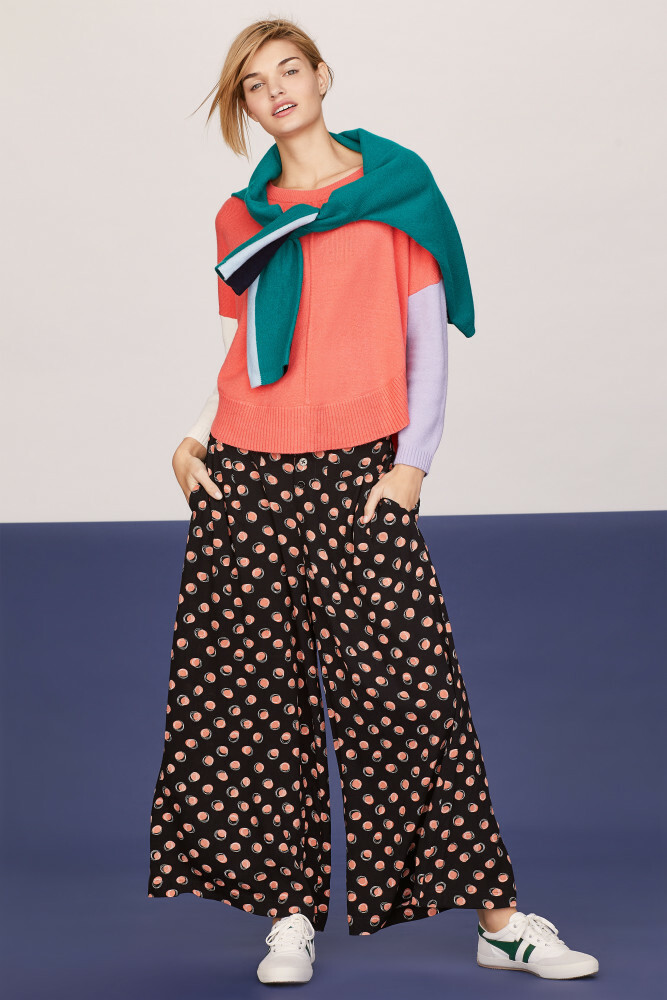
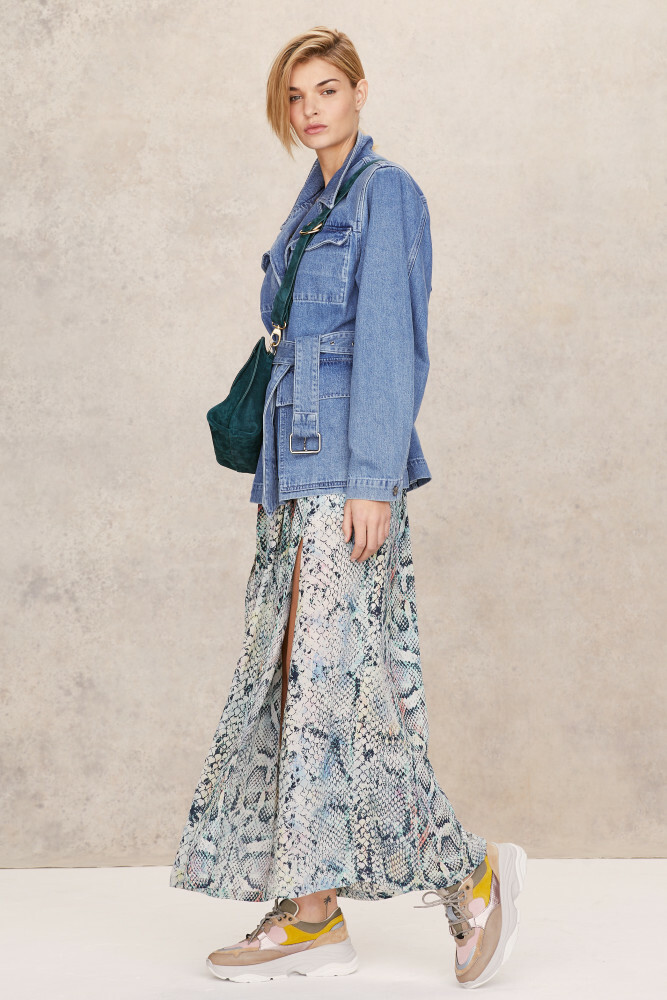
Gina Tricot https://www.ginatricot.com/
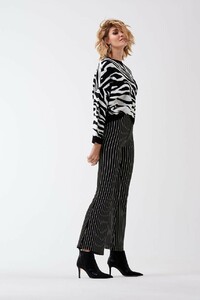











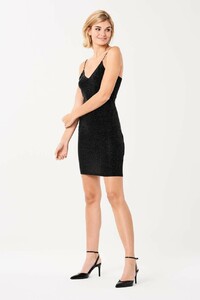
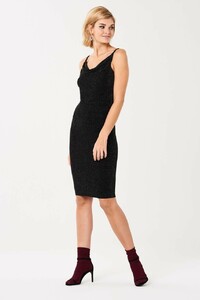
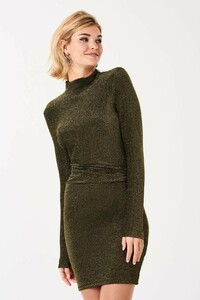



























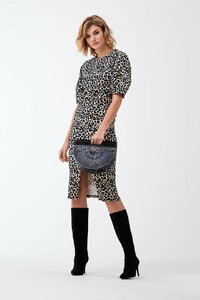

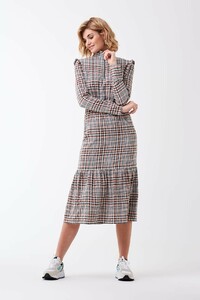



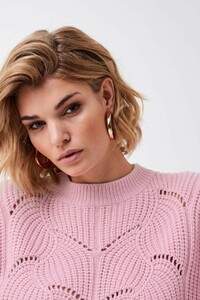

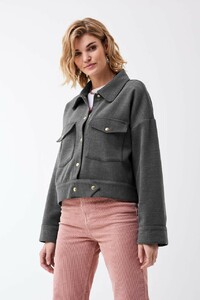
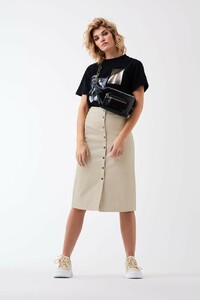





-
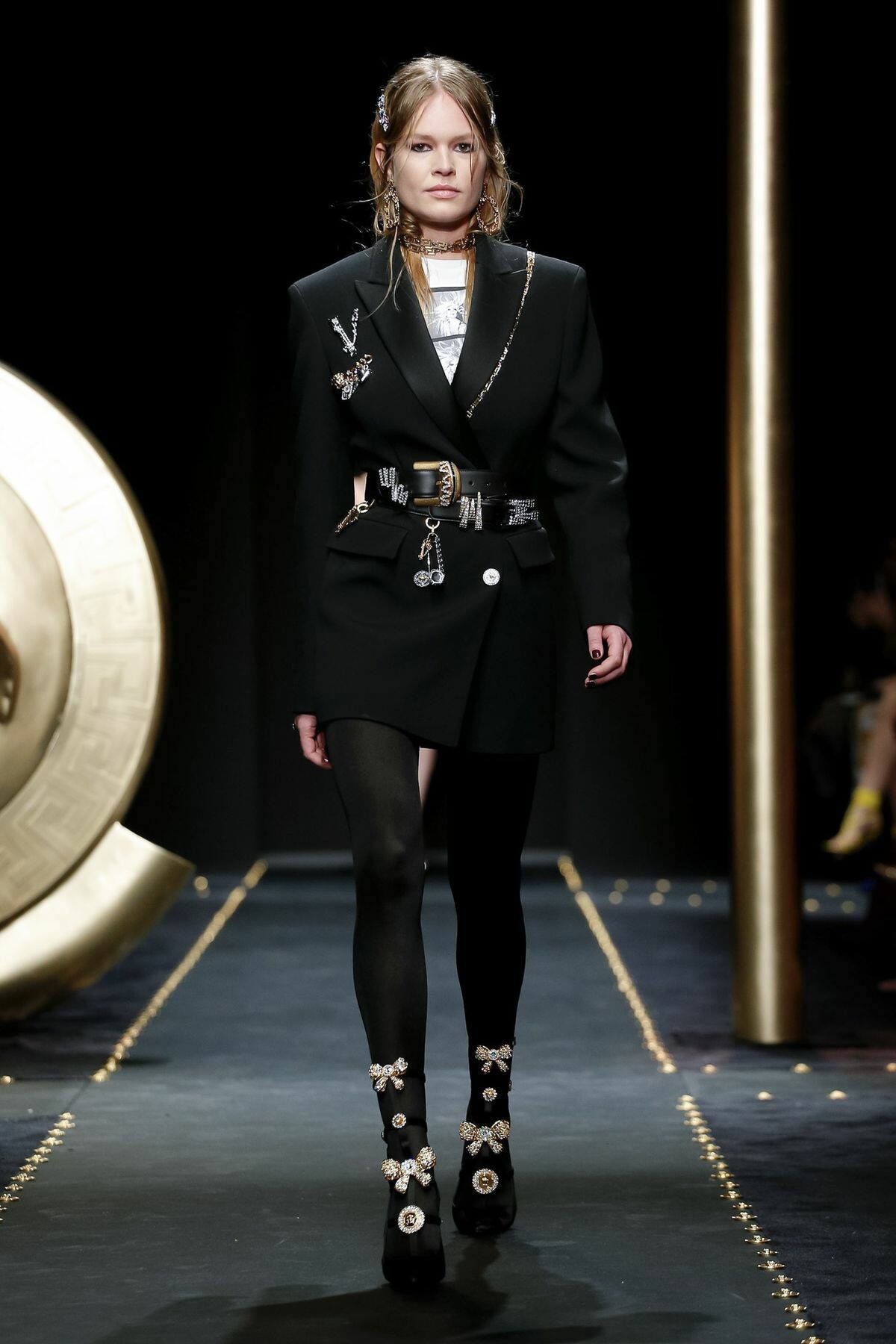
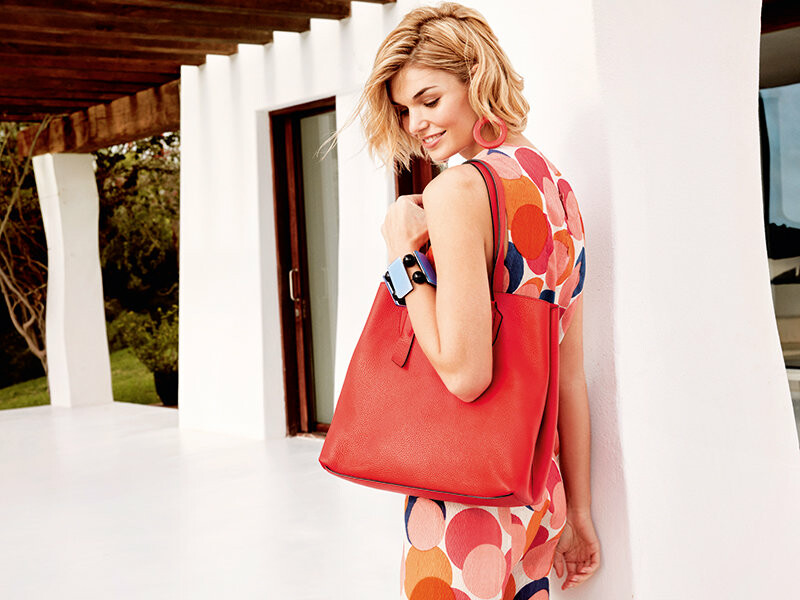
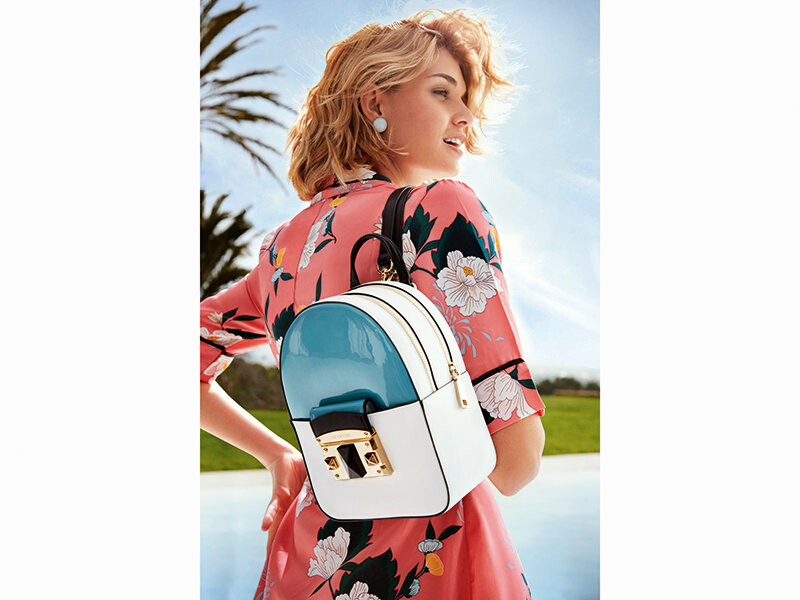
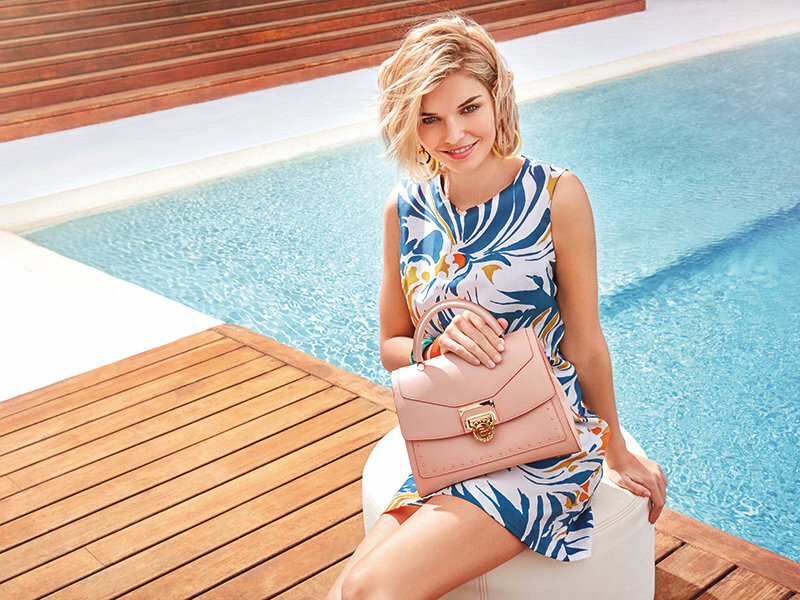
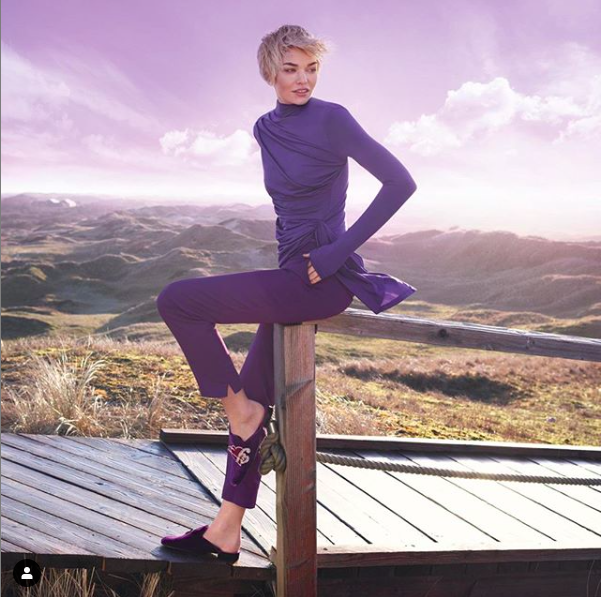
Cromia - Campaign / Catalogue https://www.cromia.it/en/catalogue/collection.aspxKalissi Ready To Wear Fall Winter 2019 London She opened the show.
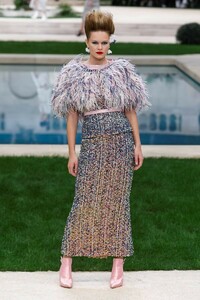
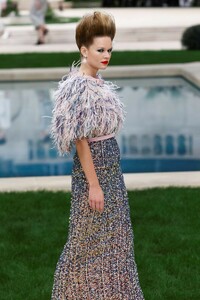
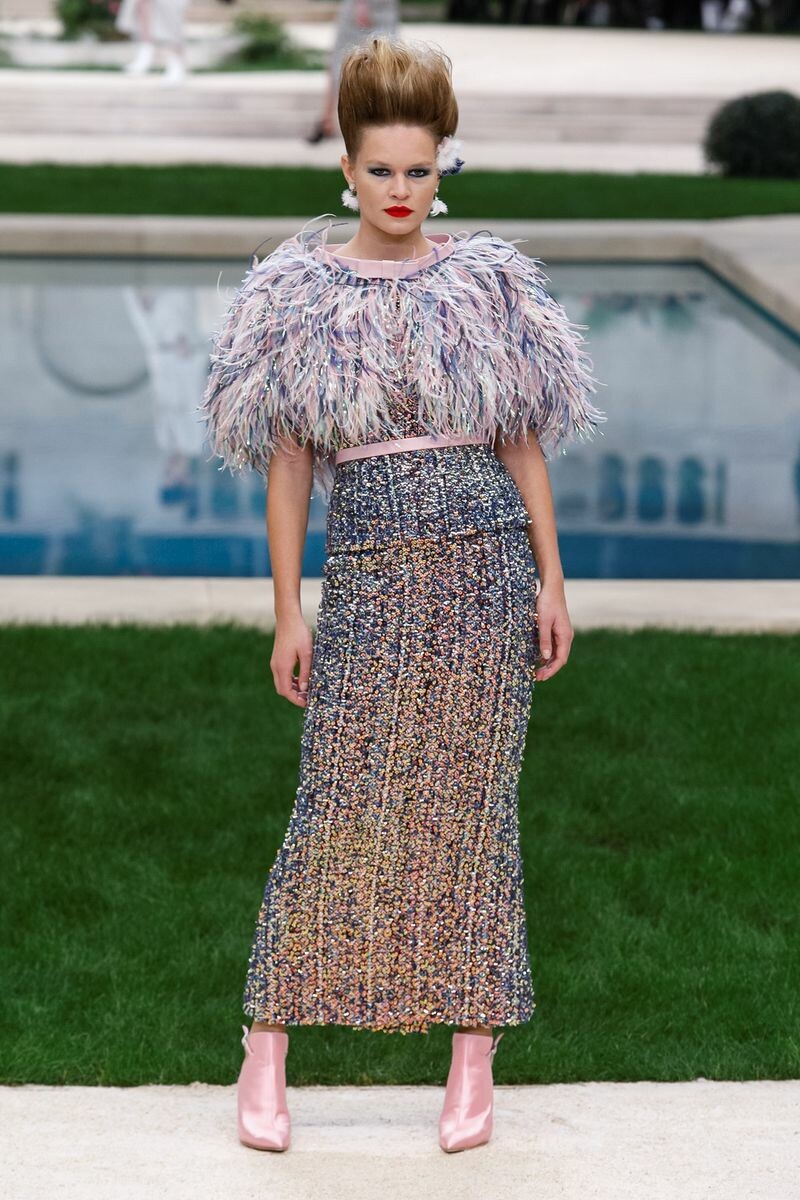
 If anybody wonders why Luisa prefers to travel to Ibiza and Mexico, doing confirmed shootings instead of going to New York Fashion Week or the following Fashion Weeks, read this article about the fashion business. It's very interesting and shows the reality of this job behind all the glamour. Also her new agency in London - Linden Staub - is mentioned: https://www.bbc.com/news/business-47145680 And another article: https://www.harpersbazaar.com/uk/fashion/fashion-news/a26343736/maltreatment-of-models-is-still-rife-comment/https://www.instagram.com/p/BtGwKPNg2gH/Whisky changed their profile photoLascana Berlin Fashion Week July 2018Last year she moved from Ostfriesland to Munich and she changed three agencies: London: IMG -> Linden Staub Paris: Women Mgmt -> Karin Models Barcelona: View Mgmt -> Uno Models All smaller but very good agencies. It seems she tries to give her model career a new push and she is getting more international jobs the last months. Don't know about NYC, she also disappeared from the board of Women360, but models.com still lists it as her agency in NYC.Chanel Couture Spring Summer 2019 Paris
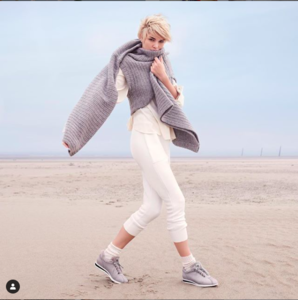
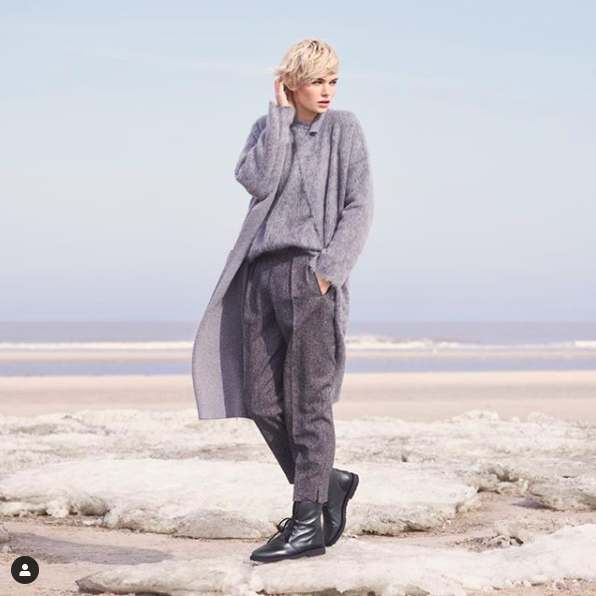
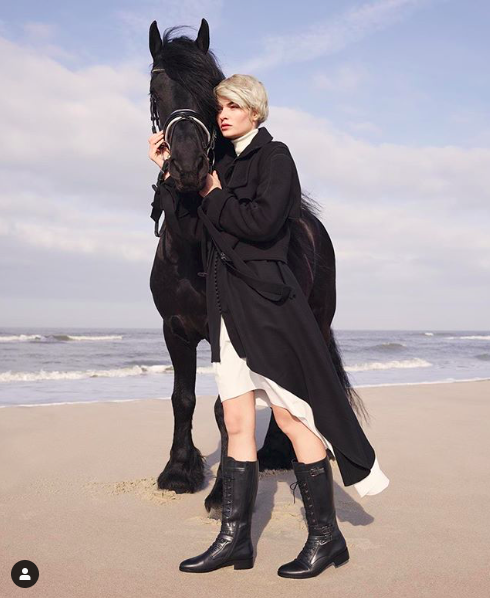
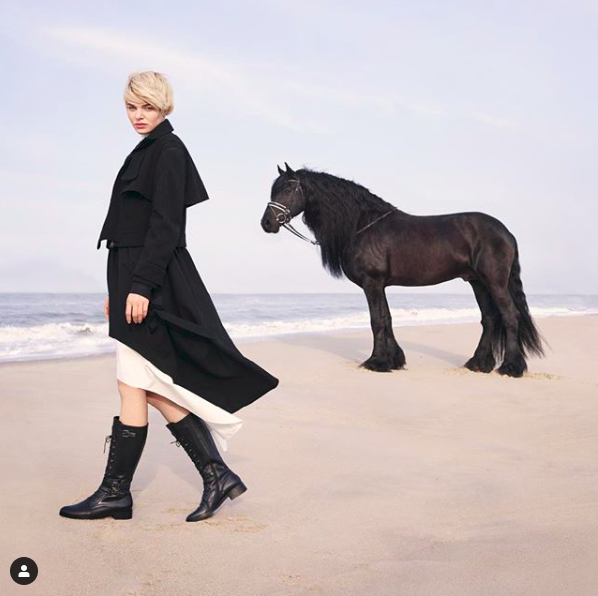
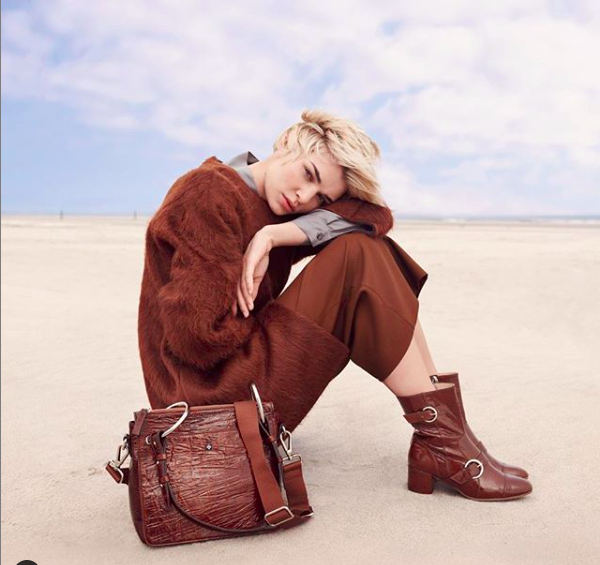
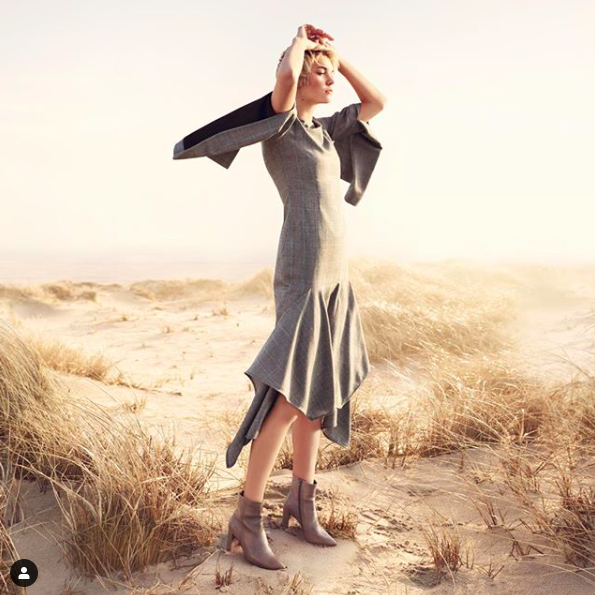
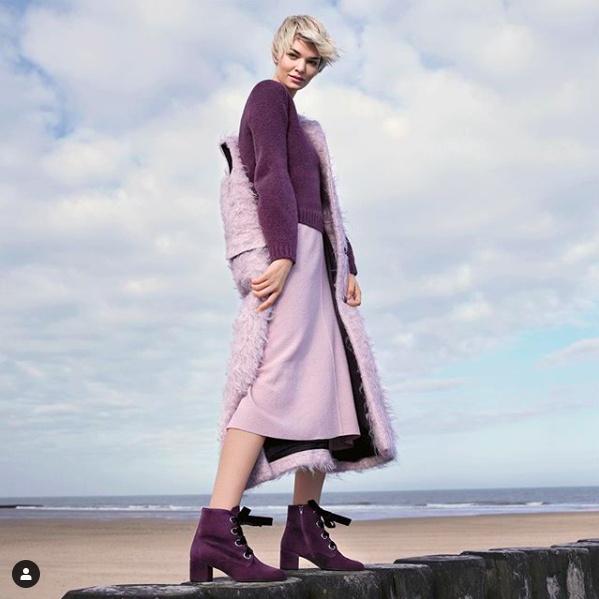
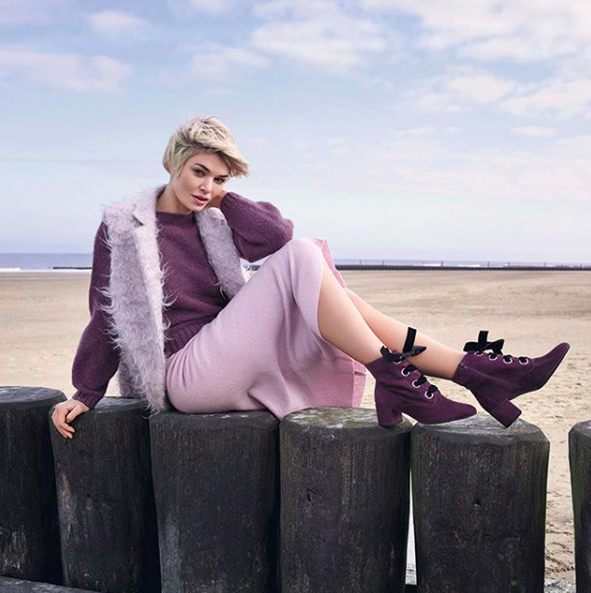
 Hoegl Shoes - Campaign I wonder no-one posted the results of the Norderney Shooting...

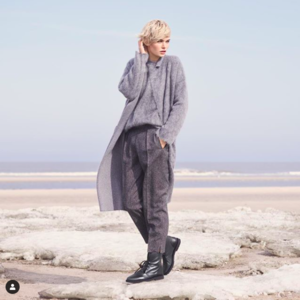
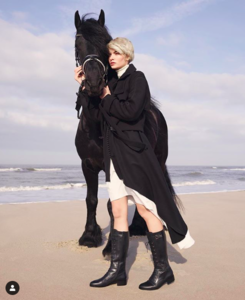
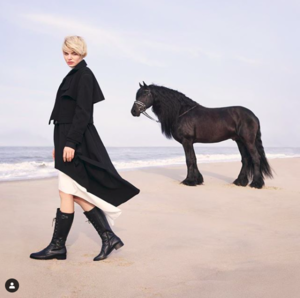
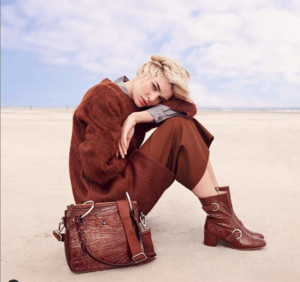
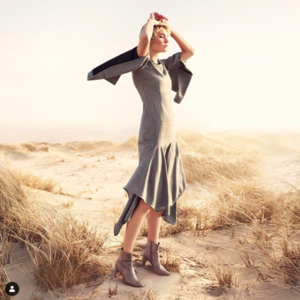
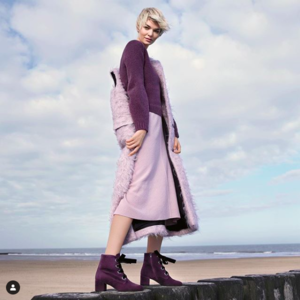
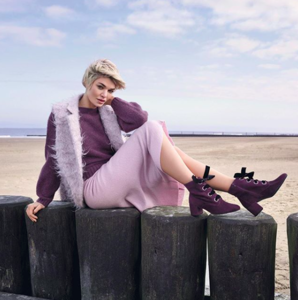

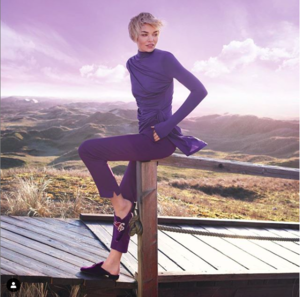
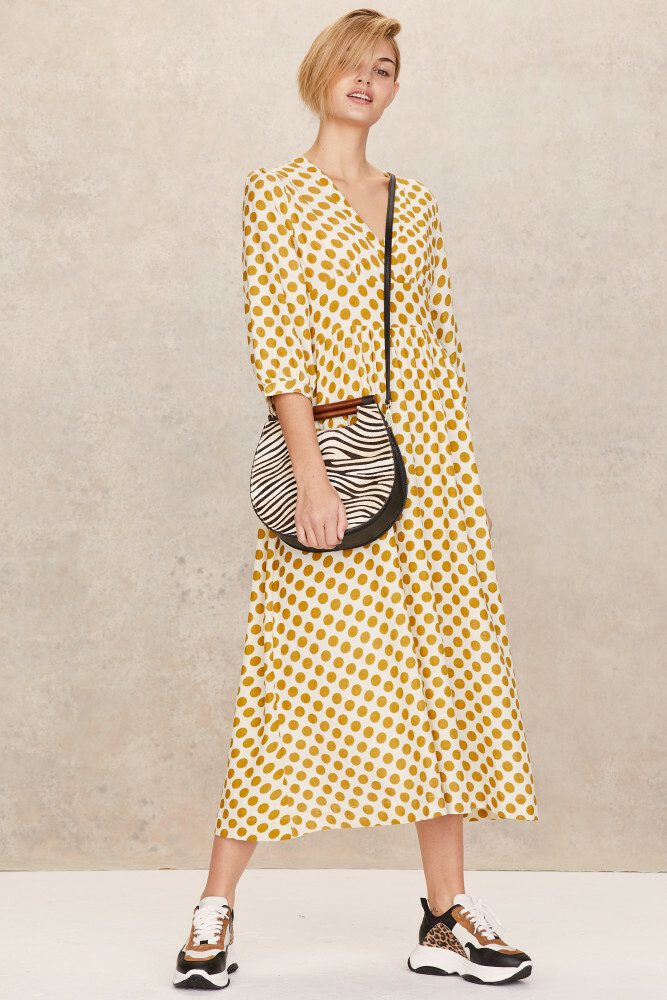
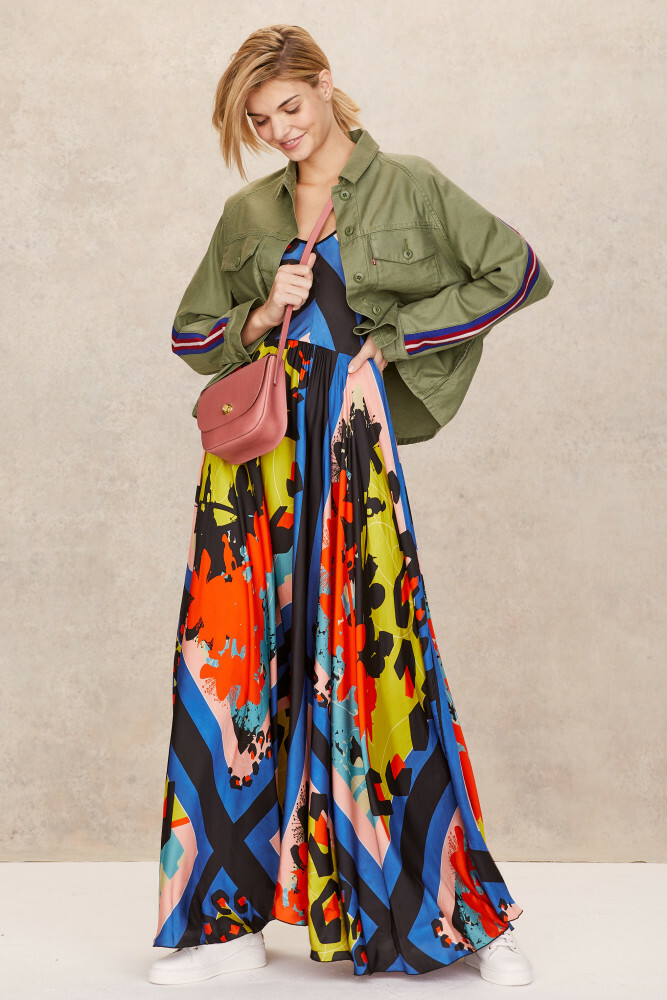
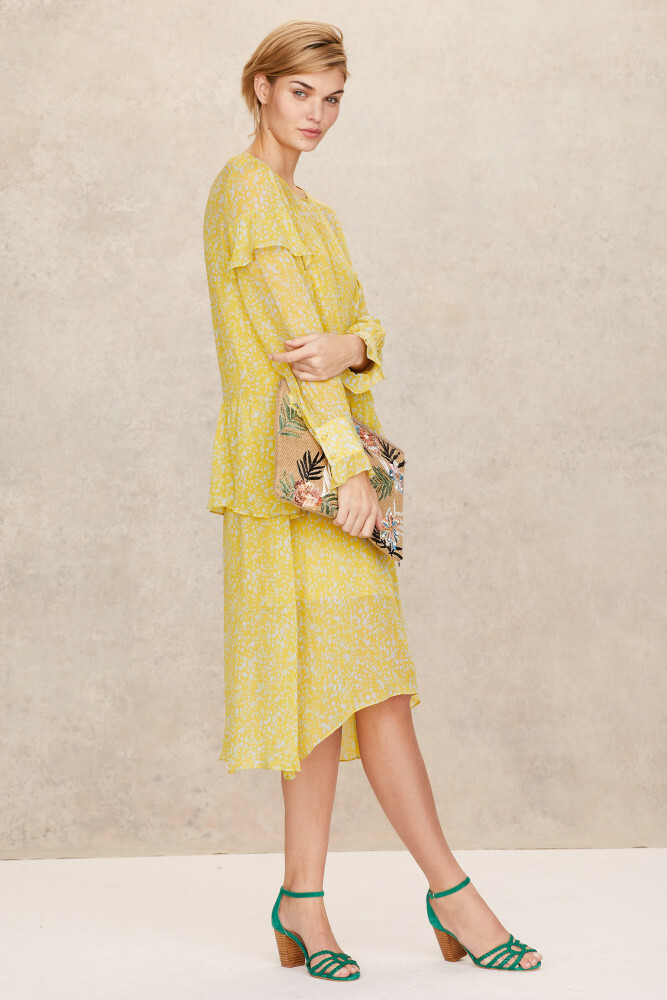
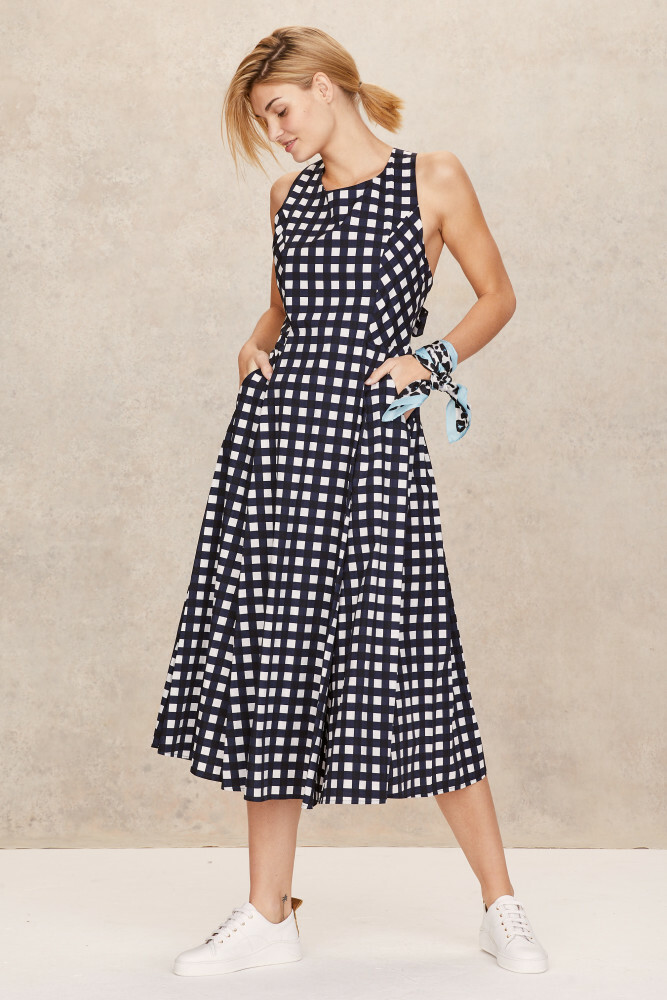
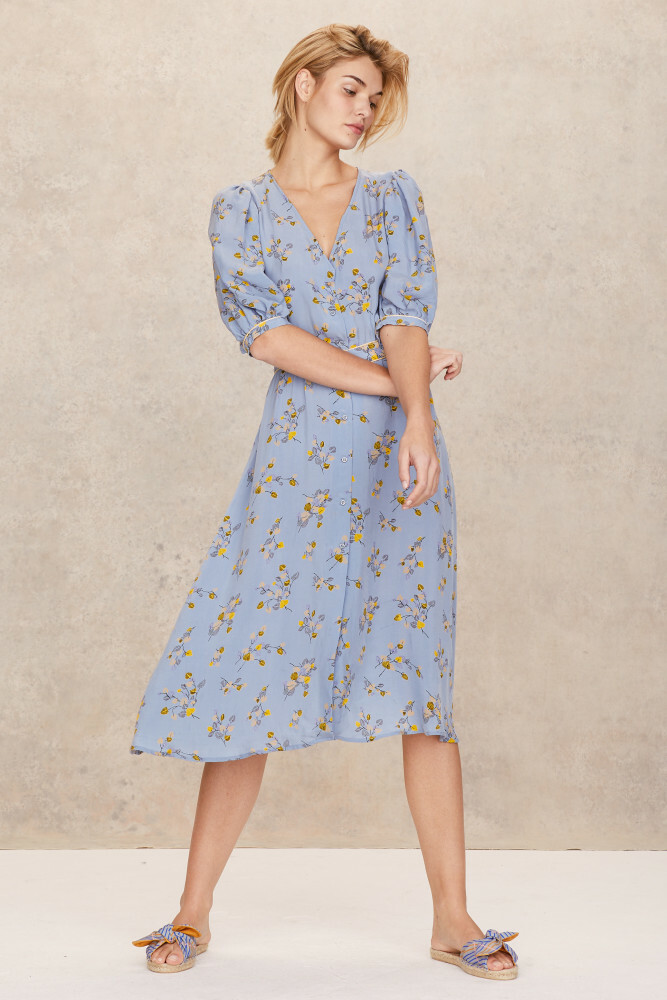
 Luisa for Anthropologie Found on the website of her new agency in Spain - Uno Models (https://www.unomodels.com/en/women/direct/2942-luisa-hartema/)
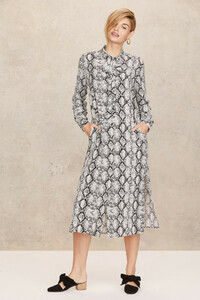




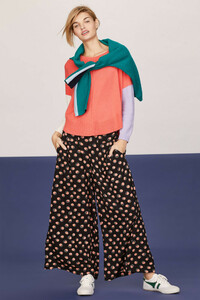
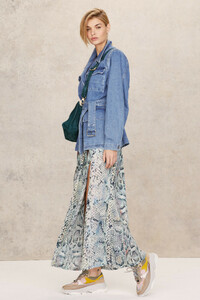

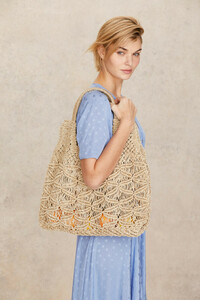
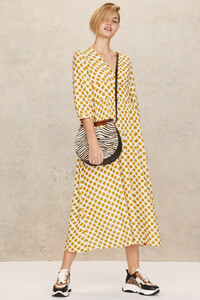
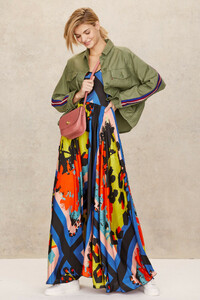
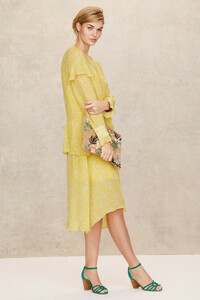
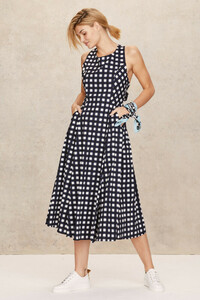
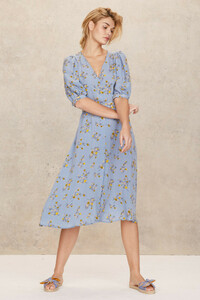 Vogue Japan - coming soon Photographer: Ellen von Unwerth Anna and Josephine SkriverImage hidden for guestsSign in to view



















































Account
Navigation
Search
Configure browser push notifications
Chrome (Android)
- Tap the lock icon next to the address bar.
- Tap Permissions → Notifications.
- Adjust your preference.
Chrome (Desktop)
- Click the padlock icon in the address bar.
- Select Site settings.
- Find Notifications and adjust your preference.
Safari (iOS 16.4+)
- Ensure the site is installed via Add to Home Screen.
- Open Settings App → Notifications.
- Find your app name and adjust your preference.
Safari (macOS)
- Go to Safari → Preferences.
- Click the Websites tab.
- Select Notifications in the sidebar.
- Find this website and adjust your preference.
Edge (Android)
- Tap the lock icon next to the address bar.
- Tap Permissions.
- Find Notifications and adjust your preference.
Edge (Desktop)
- Click the padlock icon in the address bar.
- Click Permissions for this site.
- Find Notifications and adjust your preference.
Firefox (Android)
- Go to Settings → Site permissions.
- Tap Notifications.
- Find this site in the list and adjust your preference.
Firefox (Desktop)
- Open Firefox Settings.
- Search for Notifications.
- Find this site in the list and adjust your preference.