Jump to content
View in the app

A better way to browse. Learn more.

Bellazon

A full-screen app on your home screen with push notifications, badges and more.

To install this app on iOS and iPadOS
  1. Tap the Share icon in Safari
  2. Scroll the menu and tap Add to Home Screen.
  3. Tap Add in the top-right corner.
To install this app on Android
  1. Tap the 3-dot menu (⋮) in the top-right corner of the browser.
  2. Tap Add to Home screen or Install app.
  3. Confirm by tapping Install.

OOTW

Members
  • Joined

Everything posted by OOTW

  1. TikTok IMG_2814.mp4
  2. TikTok IMG_2796.MP4 IMG_2795.MP4
  3. TikTok IMG_2797.mp4 IMG_2799.MP4 IMG_2800.MP4 IMG_2801.MP4 IMG_2802.MP4 IMG_2798.MP4 IMG_2803.mp4
  4. TikTok IMG_2804.MP4
  5. TikTok IMG_2805.mp4 IMG_2806.mp4 IMG_2807.mp4 IMG_2810.mp4 IMG_2811.mp4 IMG_2812.mp4 IMG_2813.mp4
  6. Instagram
  7. Good American
  8. TikTok IMG_2756.mp4 IMG_2757.mp4
  9. Instagram
  10. TikTok IMG_2775.mp4
  11. IG story IMG_2770.MP4 IMG_2771.MP4 IMG_2773.MP4 IMG_2772.MP4
  12. Black Bough Swim IMG_2765.mp4
  13. Black Bough Swim IMG_2765.mp4
  14. Wild and Pacific
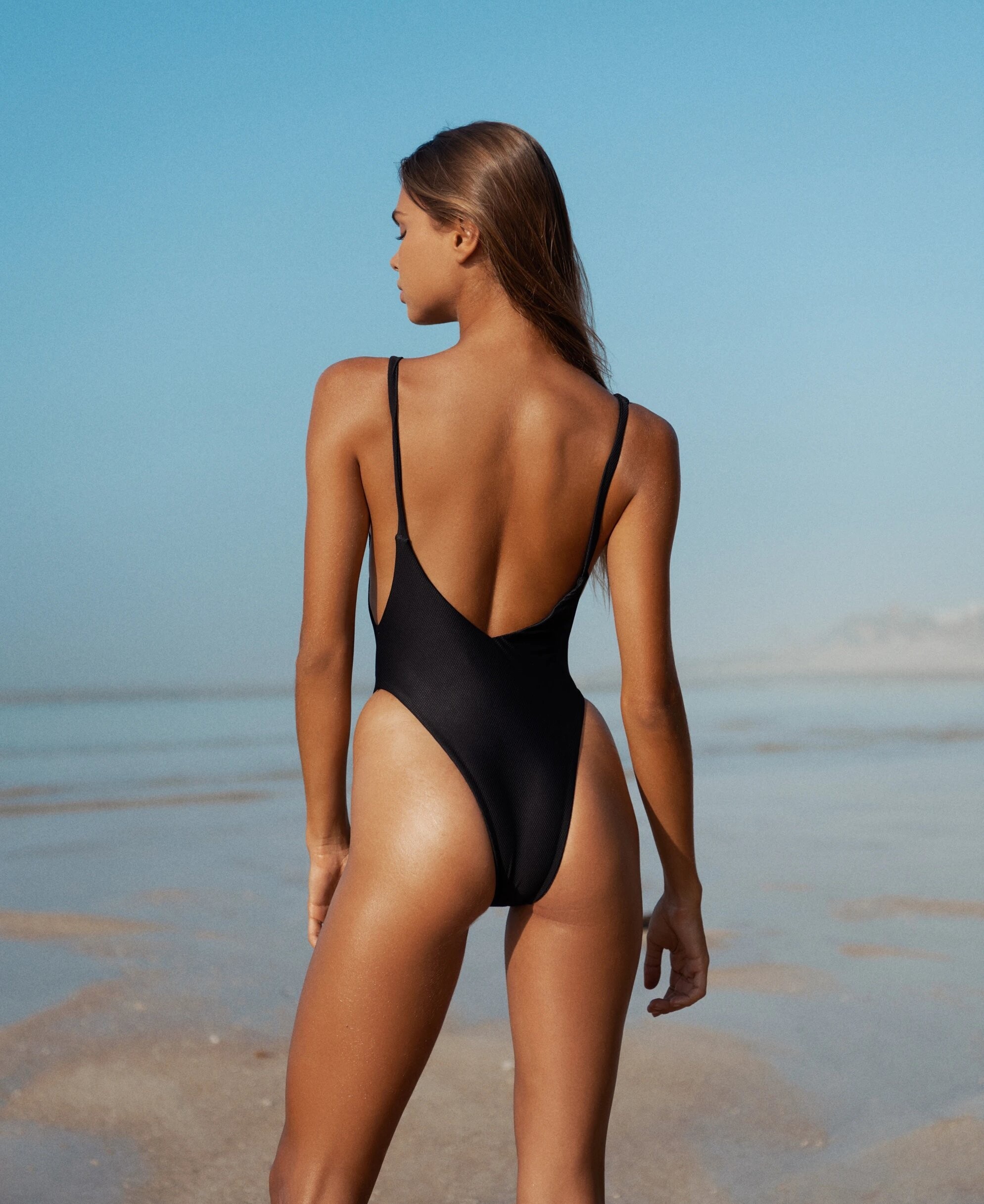
  15. Neon Gypsy
  16. Mallyf
  17. Instagram

Account

Navigation

Search

Configure browser push notifications

Chrome (Android)
  1. Tap the lock icon next to the address bar.
  2. Tap Permissions → Notifications.
  3. Adjust your preference.
Chrome (Desktop)
  1. Click the padlock icon in the address bar.
  2. Select Site settings.
  3. Find Notifications and adjust your preference.