Jump to content
View in the app

A better way to browse. Learn more.

Bellazon

A full-screen app on your home screen with push notifications, badges and more.

To install this app on iOS and iPadOS
  1. Tap the Share icon in Safari
  2. Scroll the menu and tap Add to Home Screen.
  3. Tap Add in the top-right corner.
To install this app on Android
  1. Tap the 3-dot menu (⋮) in the top-right corner of the browser.
  2. Tap Add to Home screen or Install app.
  3. Confirm by tapping Install.

finchesthalia

Members
  • Joined

  • Last visited

Everything posted by finchesthalia

  1. finchesthalia replied to Hiro's topic in Actresses
    thank you
  2. finchesthalia replied to a post in a topic in Alessandra Ambrosio
    voted
  3. Alessandra x3
  4. thank you
  5. finchesthalia replied to a post in a topic in Alessandra Ambrosio
    anja is so lovely. thanks
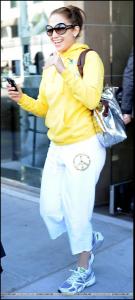
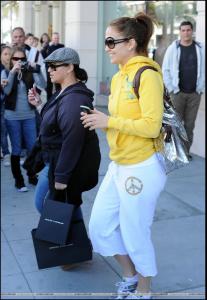
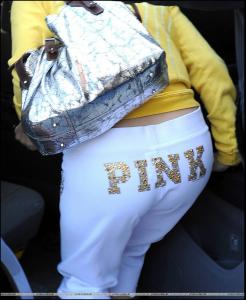
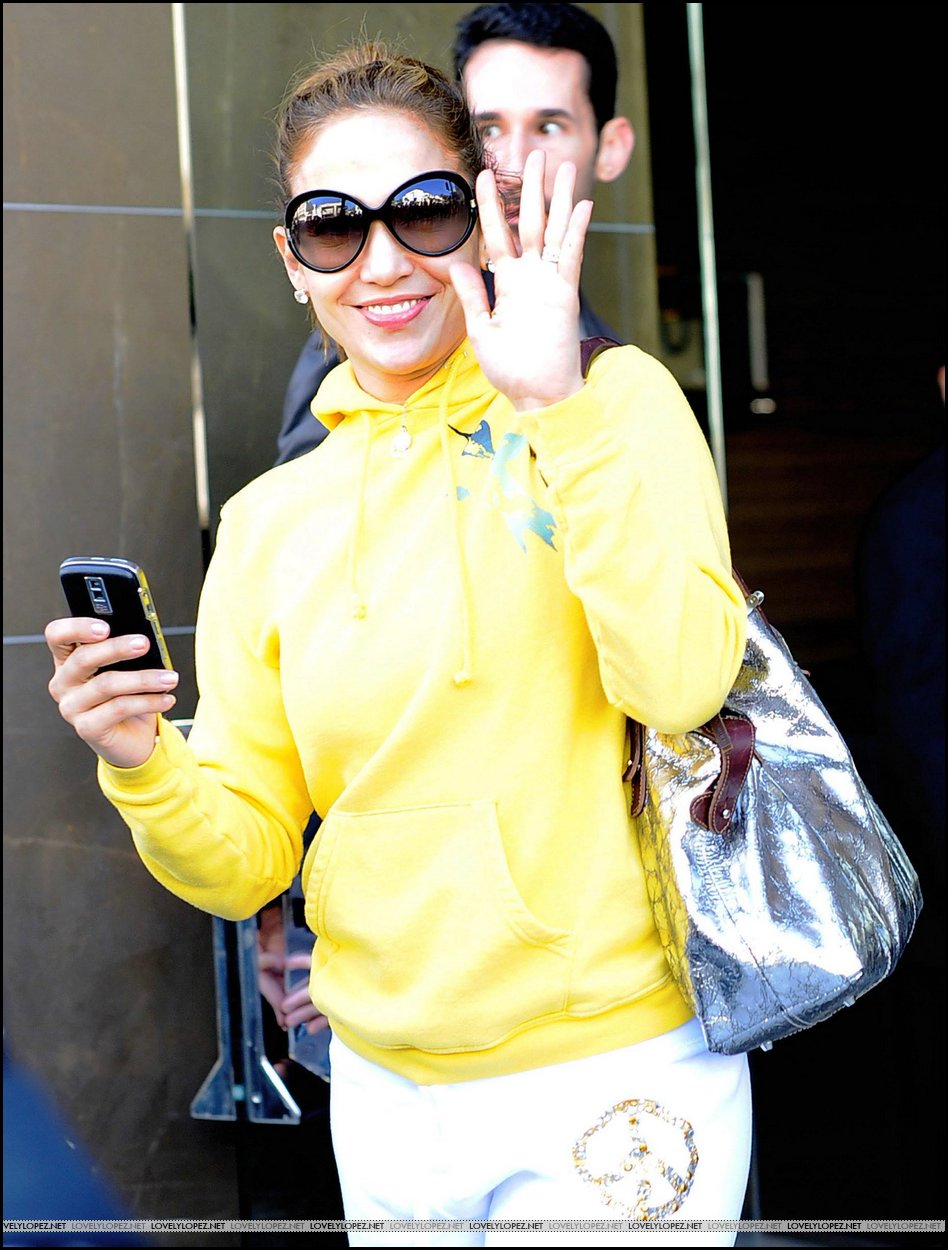
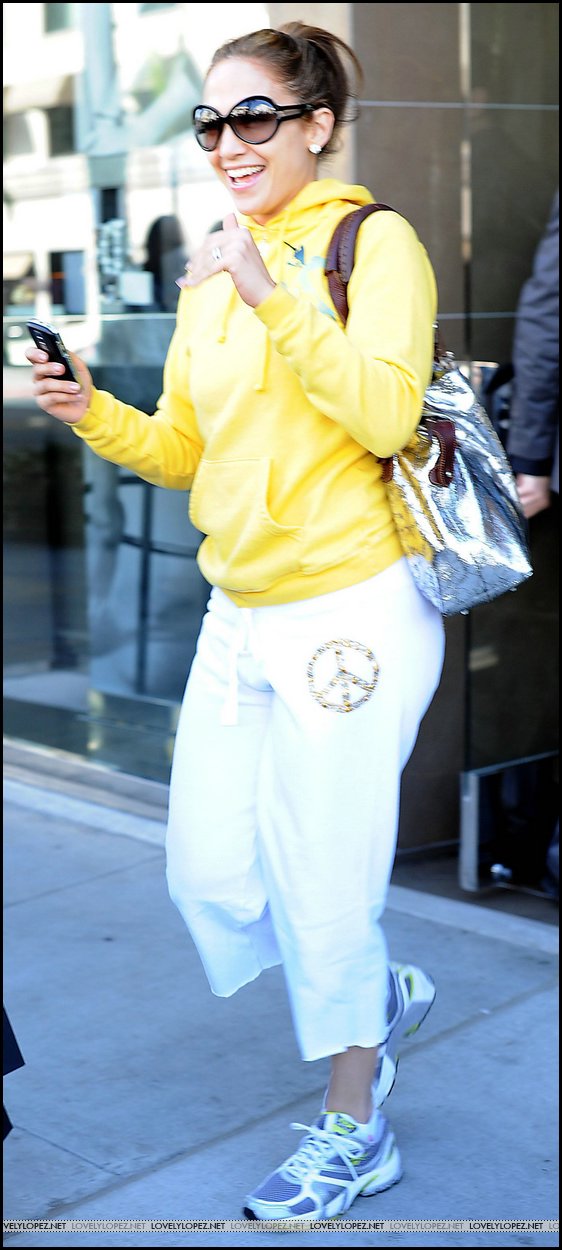
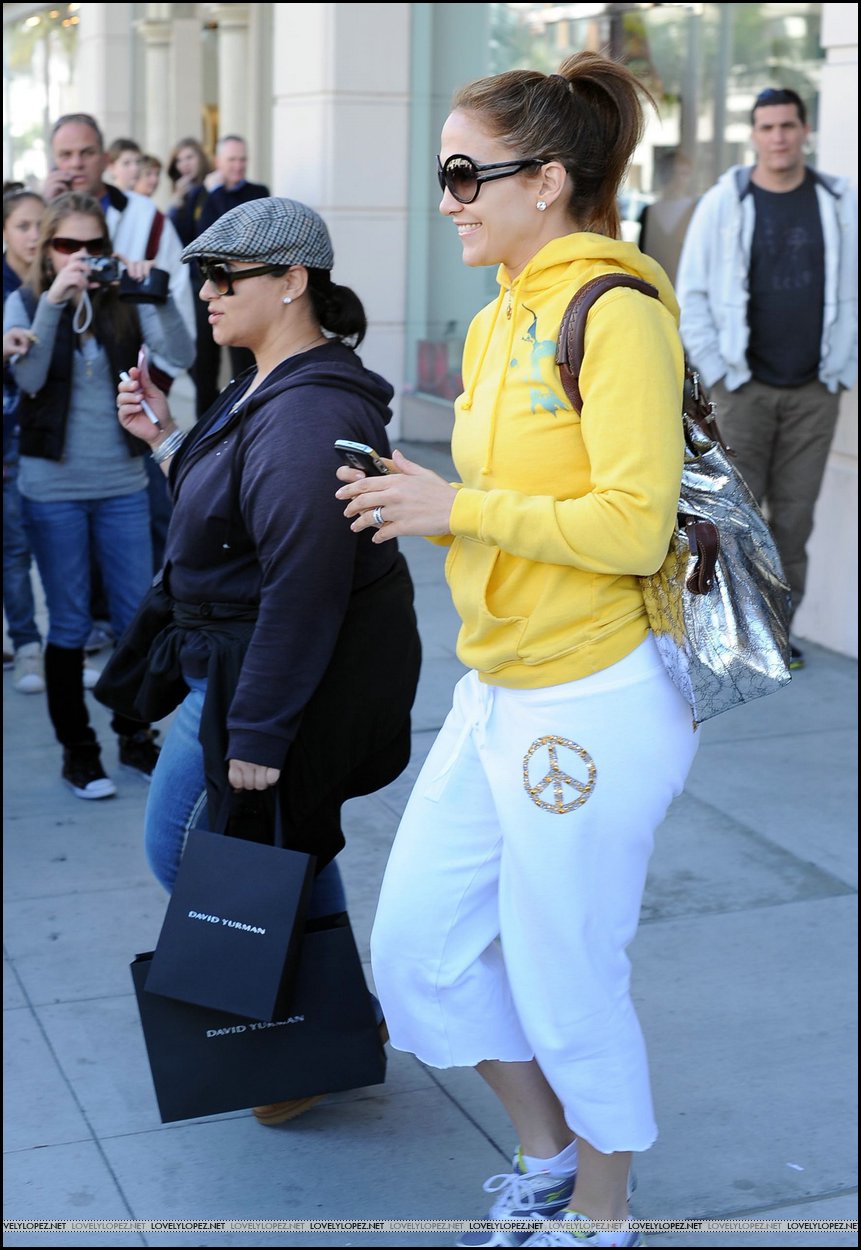
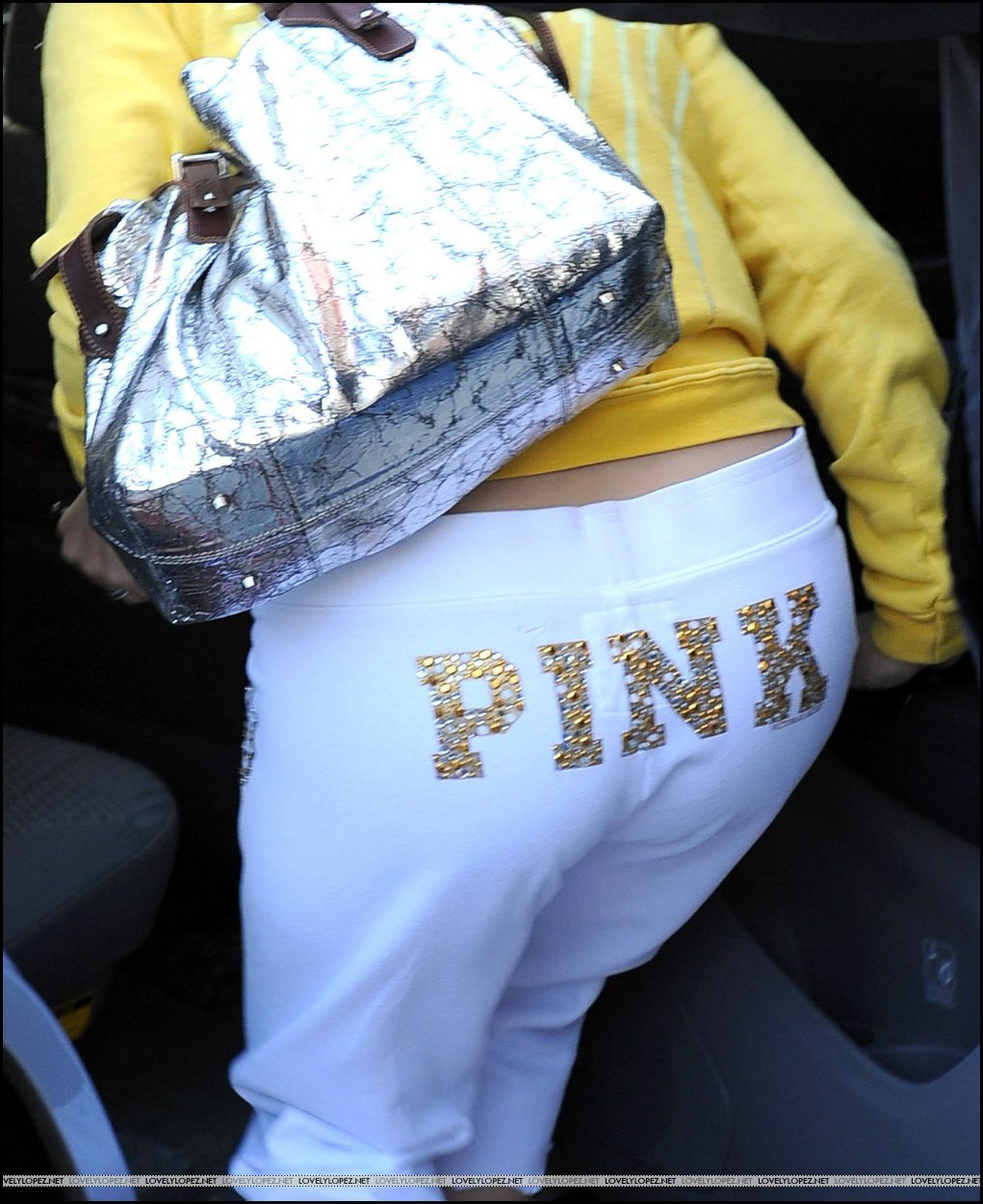
  6. Shopping at David Yurman jewelry store on Rodeo Drive in Beverly Hills 20-12-08 /monthly_12_2008/post-13213-0-1446080359-83175_thumb.jpg" data-fileid="3641484" alt="post-13213-0-1446080359-83175_thumb.jpg" data-ratio="222.42"> credits to lovelylopez.net

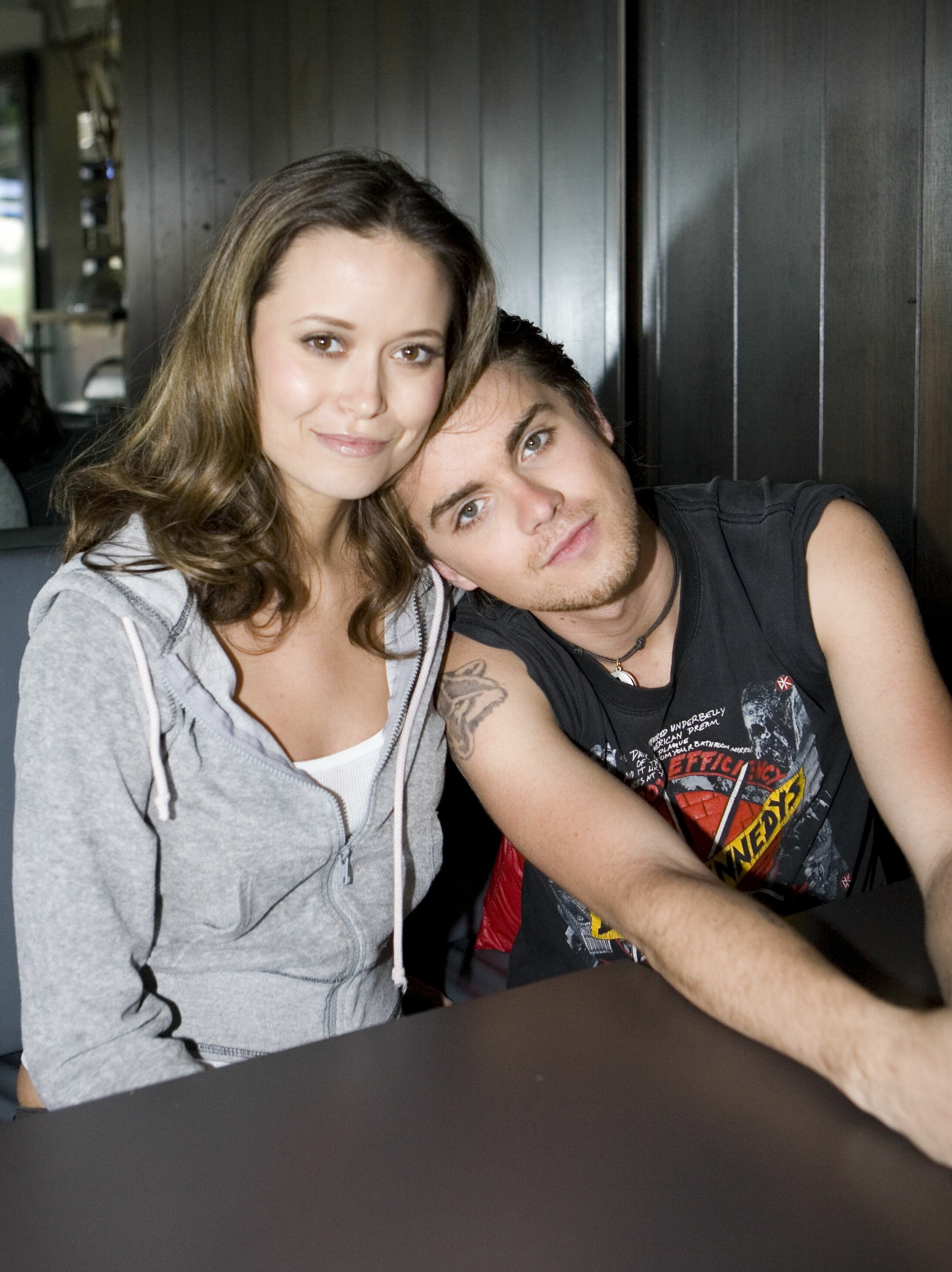
  7. WB Press Junket Photoshoot - Behind The Scenes

  8. finchesthalia replied to Rogue's topic in Female Musicians
    thank you musicfan
  9. finchesthalia replied to Ronin's topic in Actresses
    thank you
  10. finchesthalia replied to a post in a topic in Alessandra Ambrosio
    alessandra always looks great. thanks nefertiti
  11. Ur welcome omac
  12. finchesthalia replied to finchesthalia's topic in Actresses
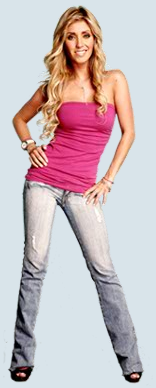
    Asepxia: Diciembre 19
  13. thank you
  14. finchesthalia replied to Hiro's topic in Actresses
    gorgeous
  15. she looks beautiful
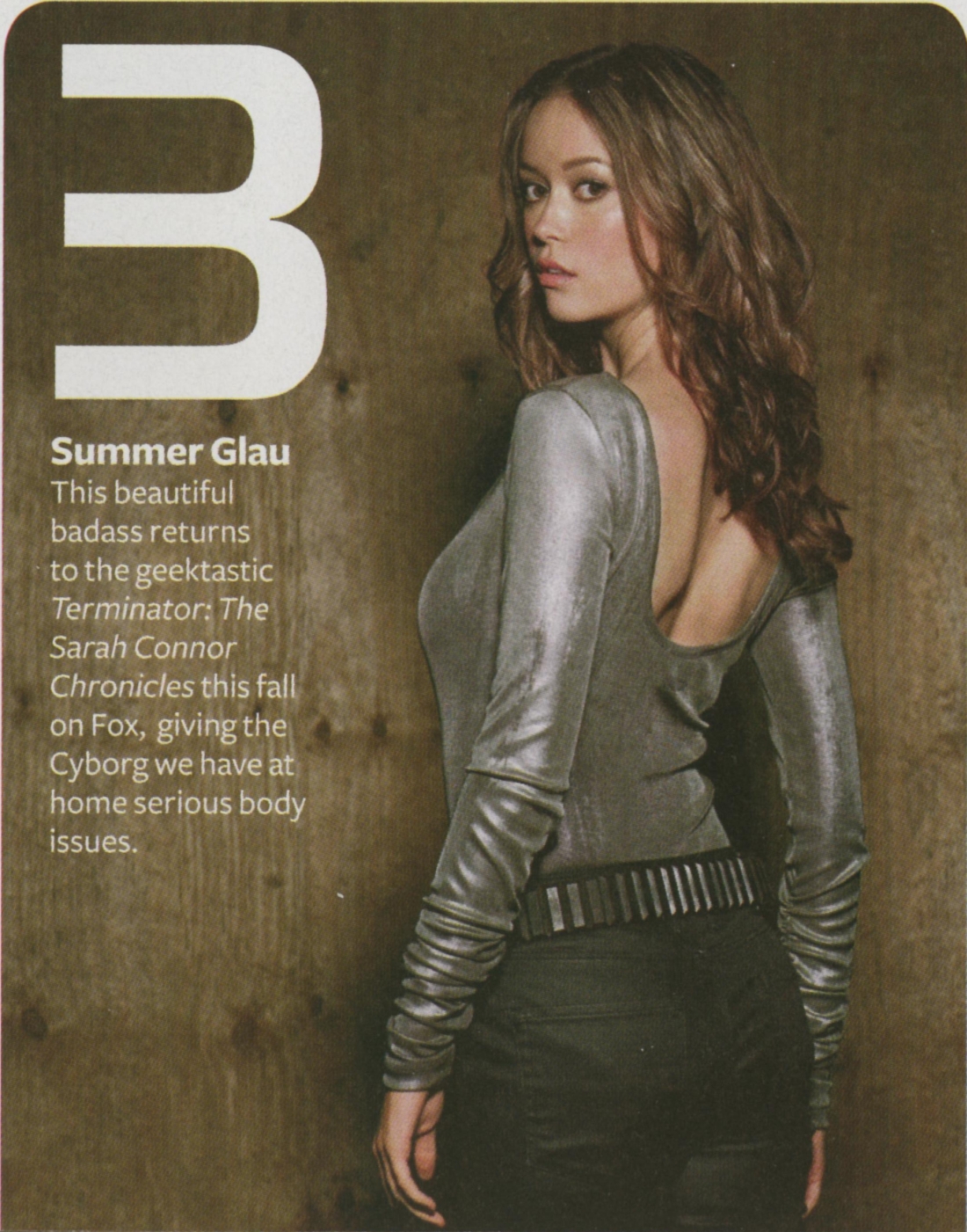
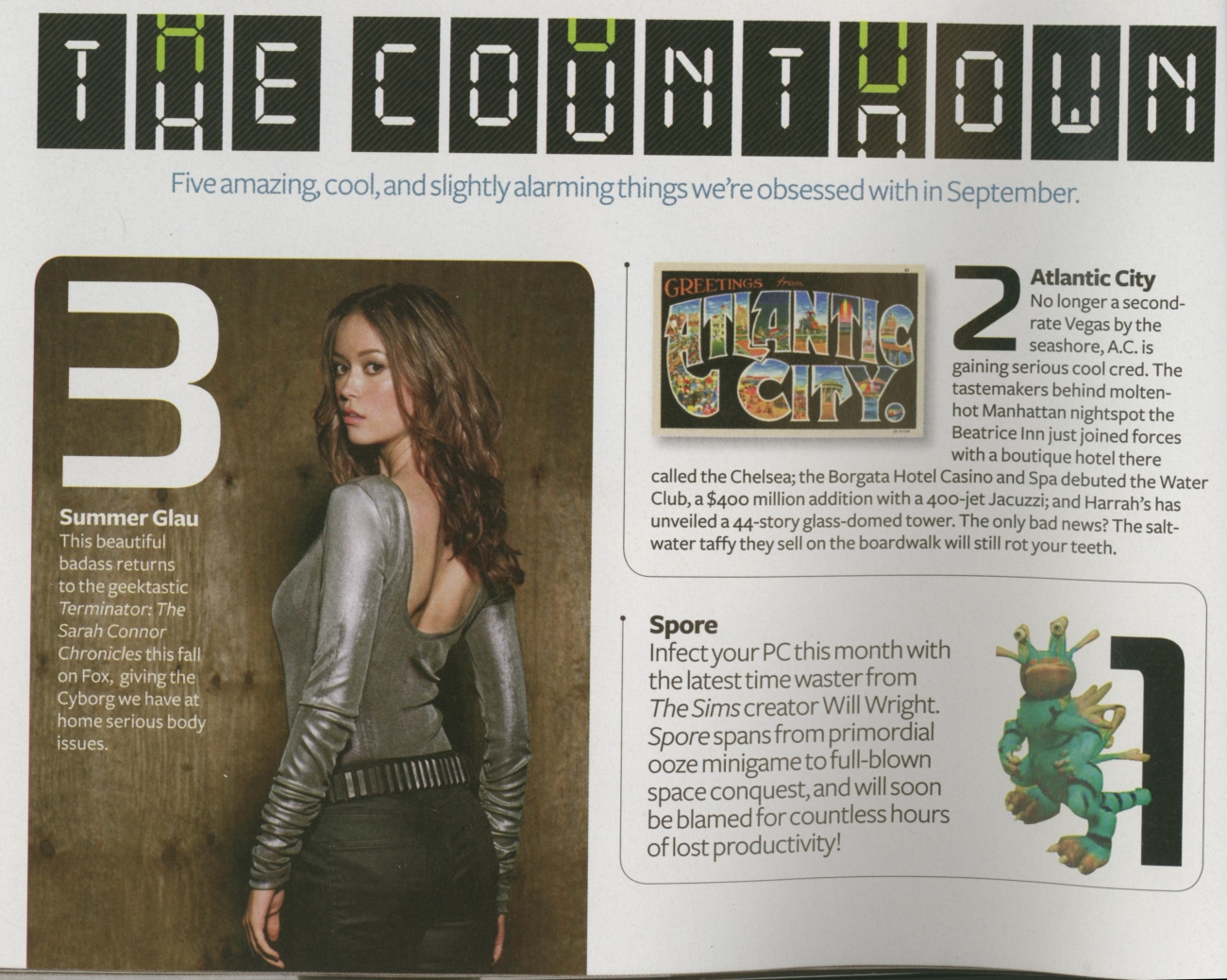
  16. Maxim - September 2008
  17. press conference
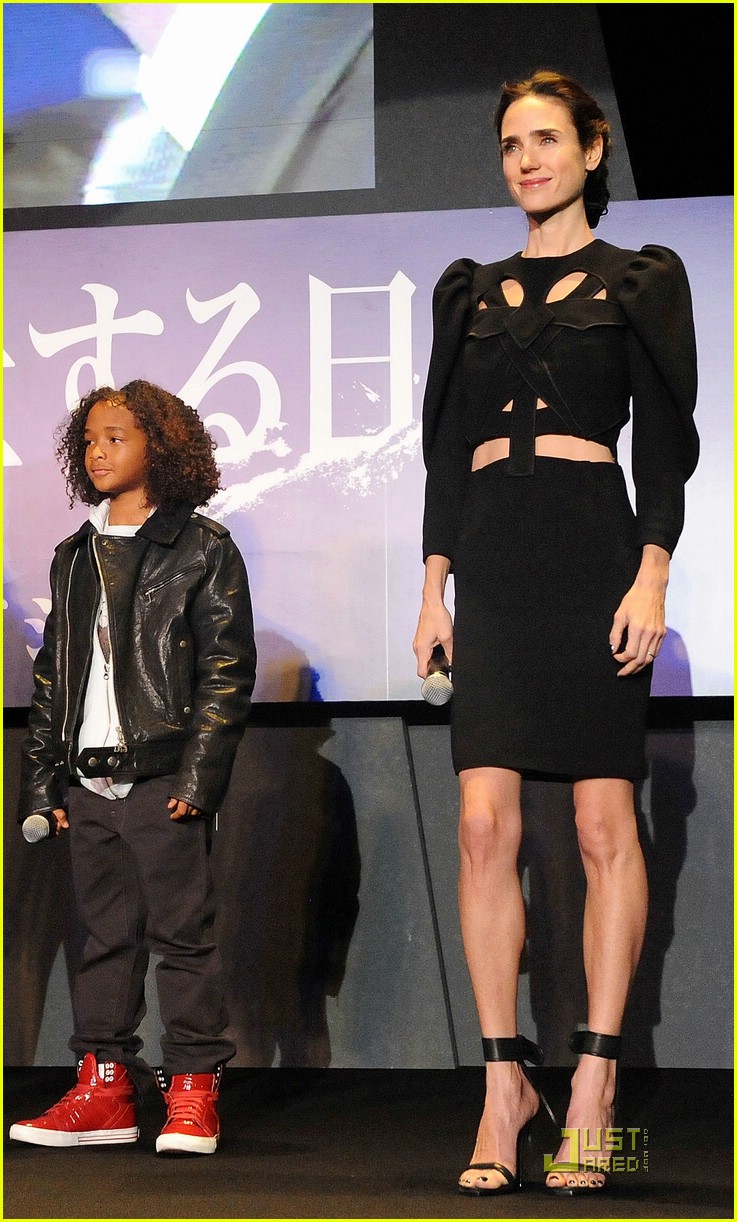
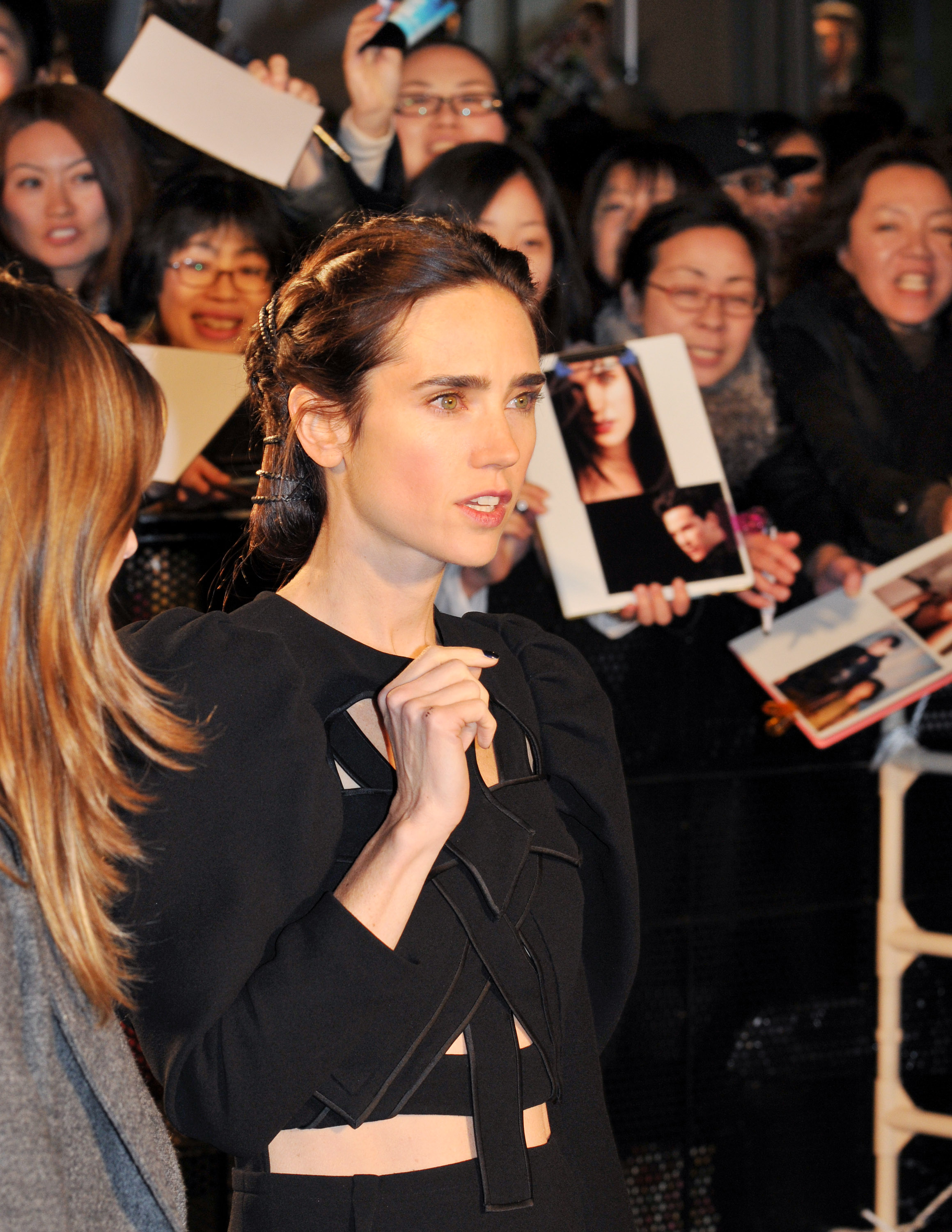
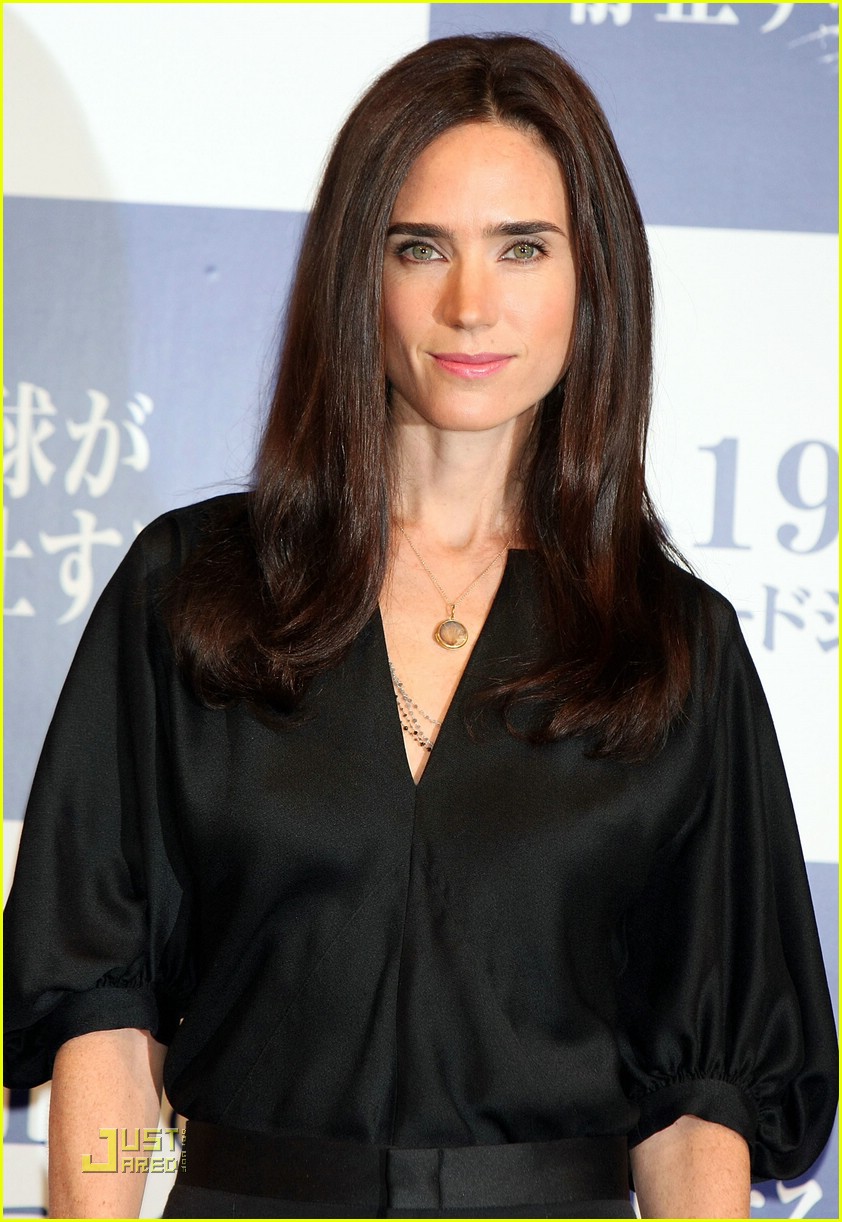
  18. Jennifer Connelly in Givenchy at The Day The Earth Stood Still premiere at Roppongi Hills on Thursday (December 18) in Tokyo, Japan. @TFS


  19. you're welcome
  20. my pleasure

Configure browser push notifications

Chrome (Android)
  1. Tap the lock icon next to the address bar.
  2. Tap Permissions → Notifications.
  3. Adjust your preference.
Chrome (Desktop)
  1. Click the padlock icon in the address bar.
  2. Select Site settings.
  3. Find Notifications and adjust your preference.