
finchesthalia
Members
-
Joined
-
Last visited
Everything posted by finchesthalia
-
-
so sexy, thank you
-
-
thank you
-
I love the second one, thanks
-
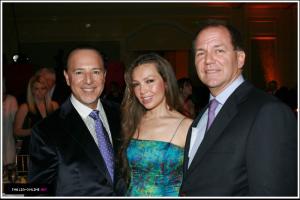
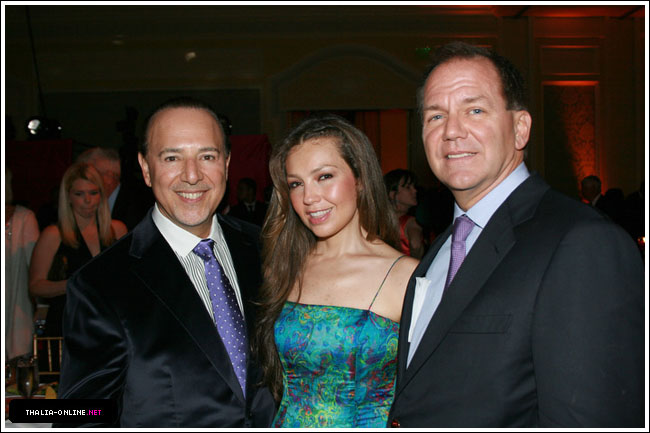
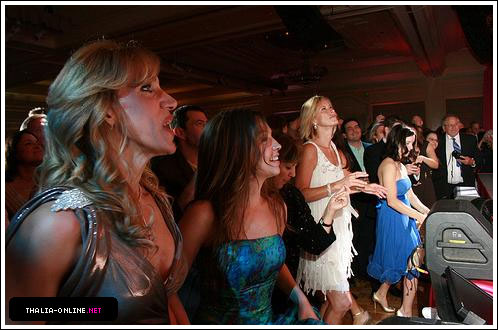
Everglades Foundation Benefit - February 13, 2009


-
-
Comic-Con International Panel Day 07-28-07





-
Sci-Fi Channel Comic-Con Party




-
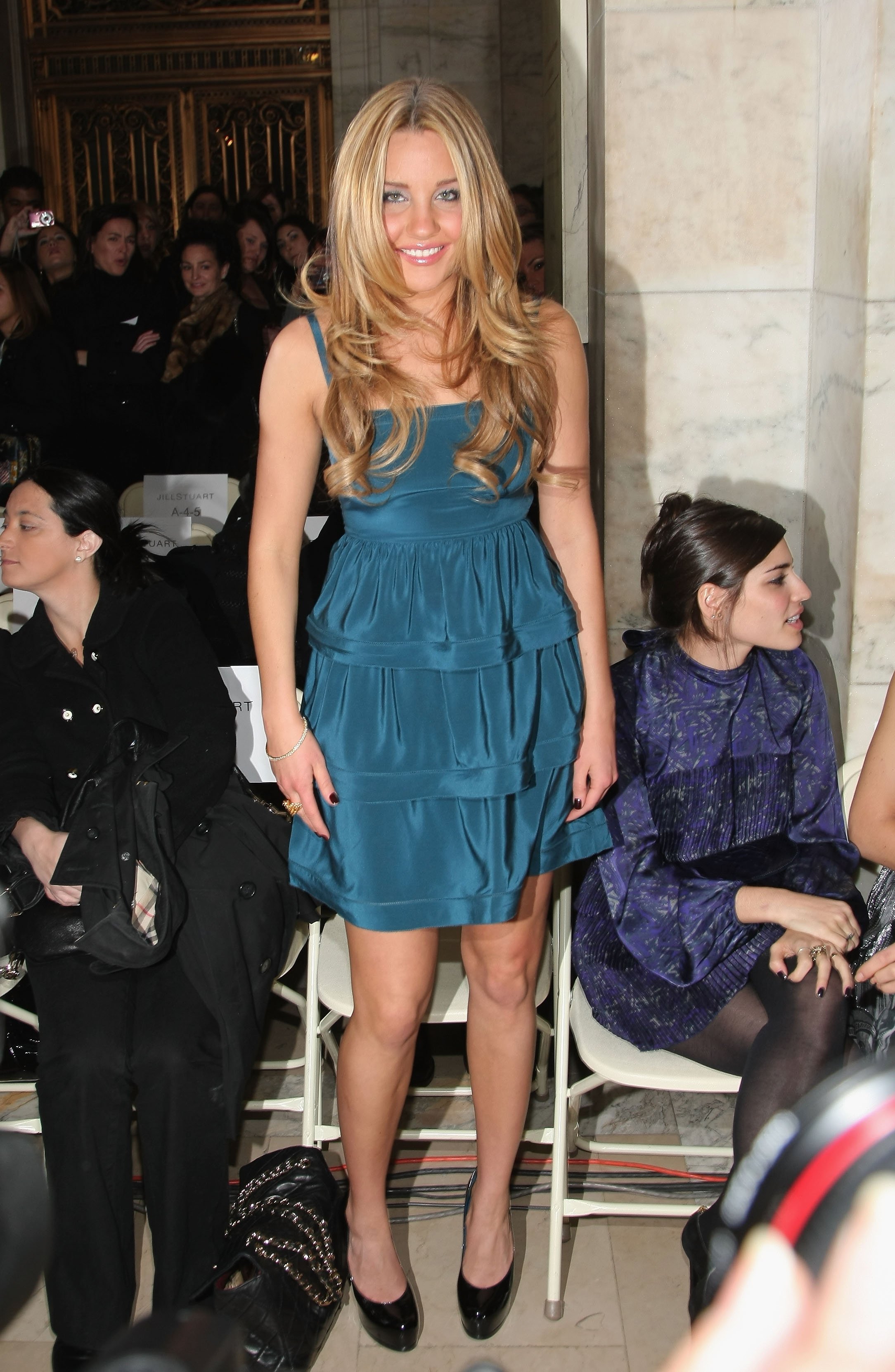
Amanda Bynes @ Jill Stuart Fall 2009 fashion show (Front Row) during Mercedes-Benz Fashion Week in New York City, February 16 celebutopia.




 Smallville season 7 episode stills Skins.be
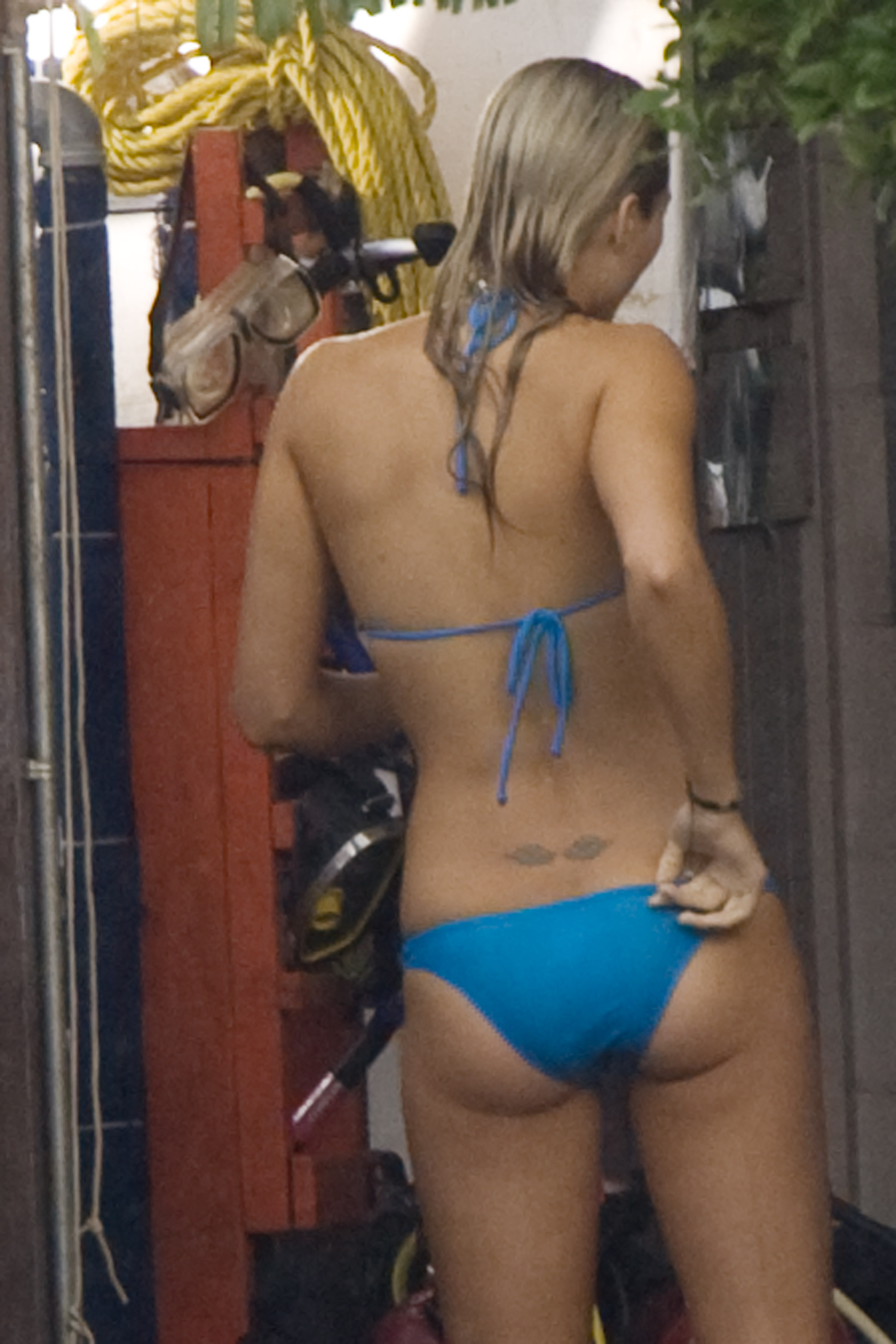
shots of Laura from the set of “The Reef
Smallville season 7 episode stills Skins.be
shots of Laura from the set of “The Reef


 Smallville Shoot

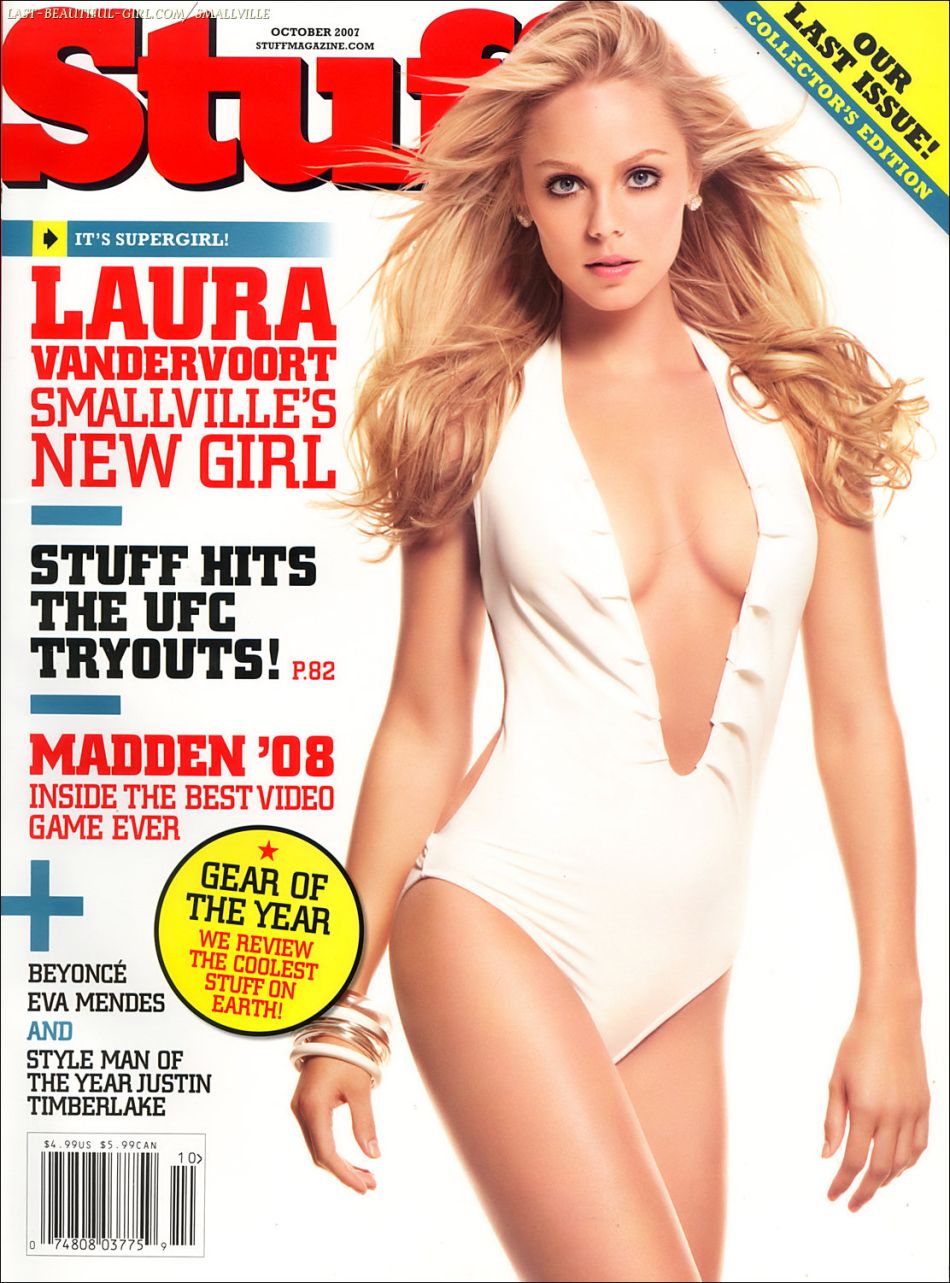
 Stuff Magazine







 Smallville - Season 7 Promotional Stills


 Miss Sixty Fall 2009 (Feb 15)



 Matthew Williamson New York Store Opening February 15 credits @TFS




 "Confessions Of A Shopaholic" UK Premiere in London, February 16 HQs celebutopia.









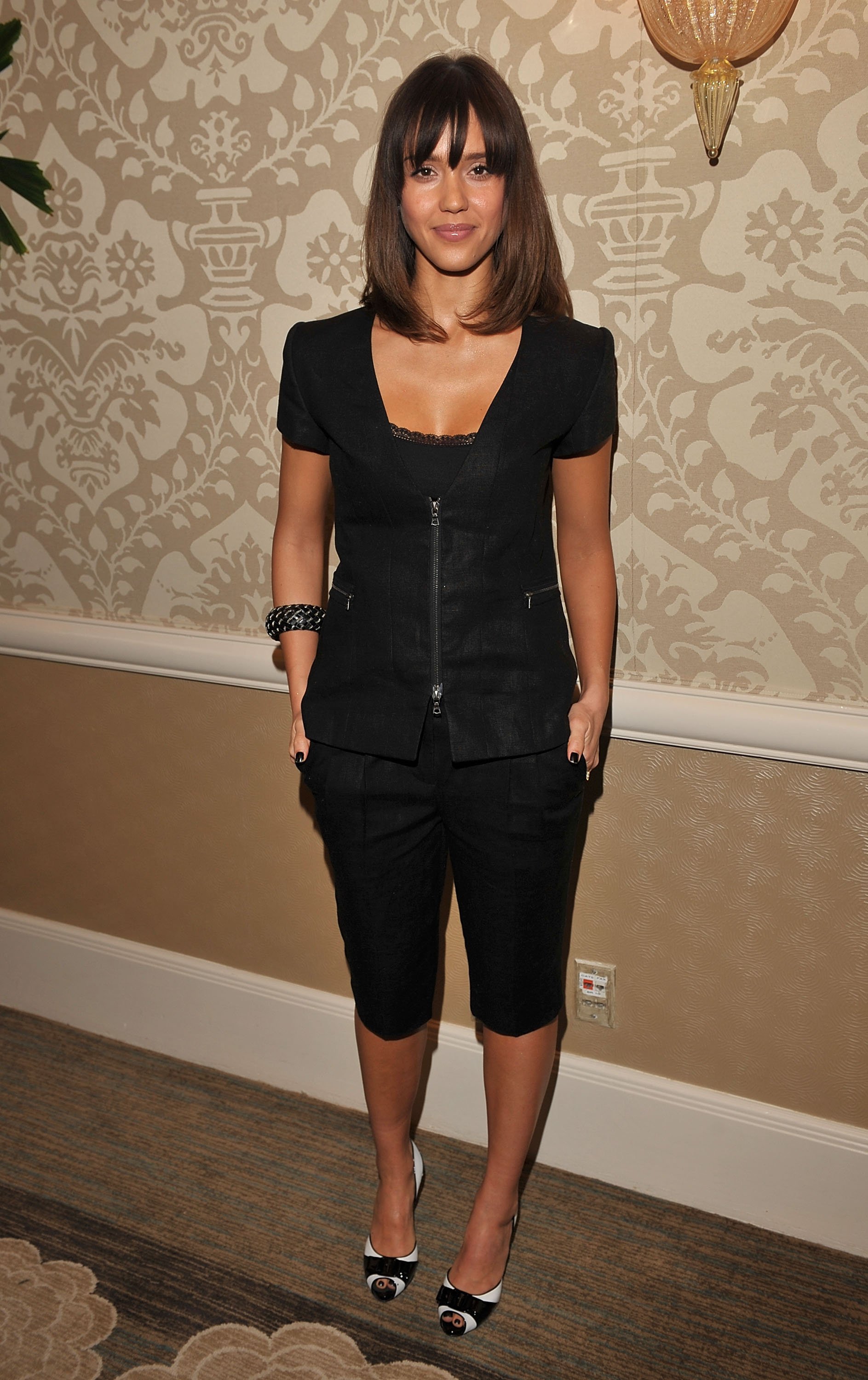
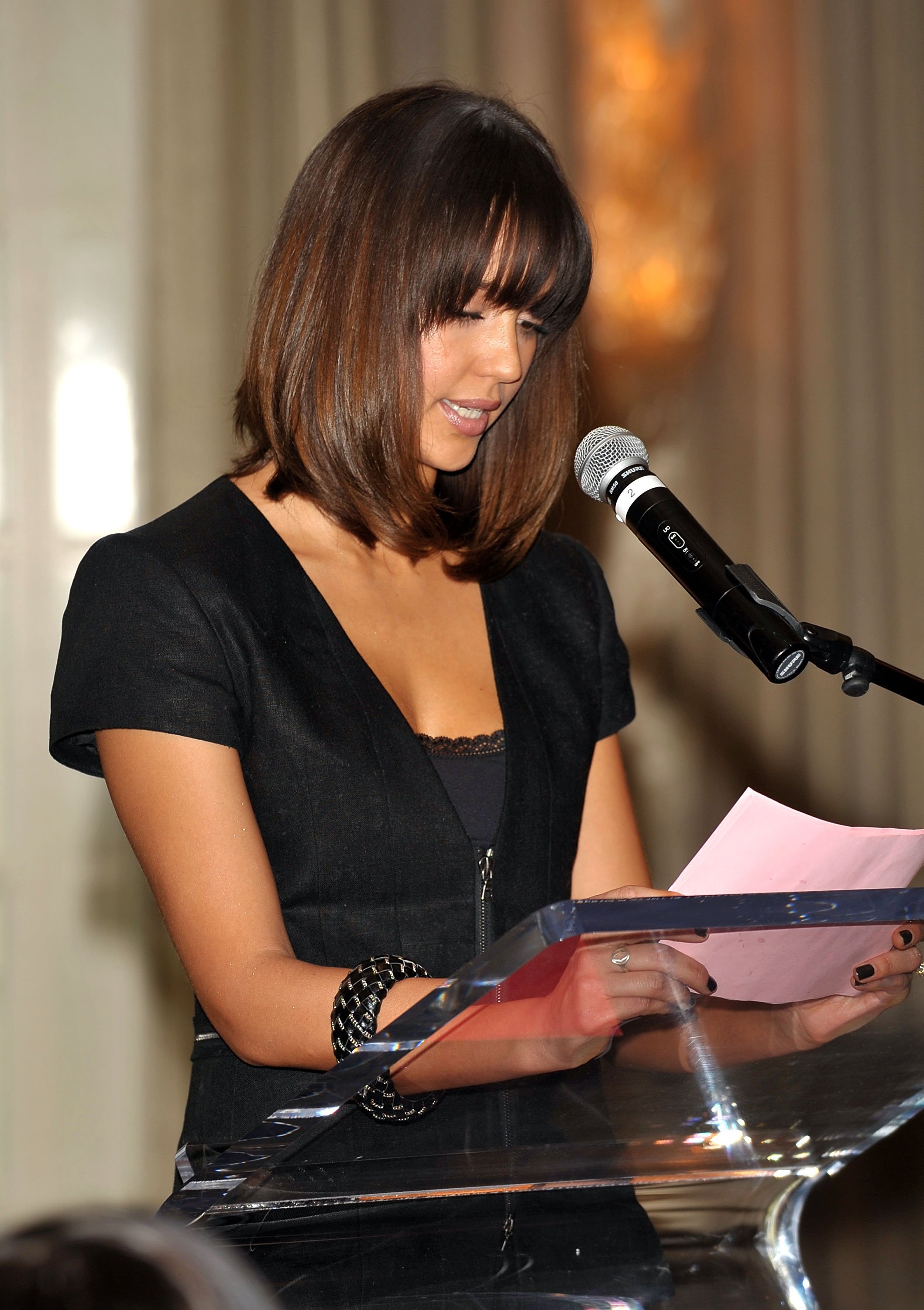
 V-Day LA Luncheon honoring Dr. Denis Mukwege in Beverly Hills, Februray 13 celebutopia.


















































































Account
Navigation
Search
Configure browser push notifications
Chrome (Android)
- Tap the lock icon next to the address bar.
- Tap Permissions → Notifications.
- Adjust your preference.
Chrome (Desktop)
- Click the padlock icon in the address bar.
- Select Site settings.
- Find Notifications and adjust your preference.
Safari (iOS 16.4+)
- Ensure the site is installed via Add to Home Screen.
- Open Settings App → Notifications.
- Find your app name and adjust your preference.
Safari (macOS)
- Go to Safari → Preferences.
- Click the Websites tab.
- Select Notifications in the sidebar.
- Find this website and adjust your preference.
Edge (Android)
- Tap the lock icon next to the address bar.
- Tap Permissions.
- Find Notifications and adjust your preference.
Edge (Desktop)
- Click the padlock icon in the address bar.
- Click Permissions for this site.
- Find Notifications and adjust your preference.
Firefox (Android)
- Go to Settings → Site permissions.
- Tap Notifications.
- Find this site in the list and adjust your preference.
Firefox (Desktop)
- Open Firefox Settings.
- Search for Notifications.
- Find this site in the list and adjust your preference.