
finchesthalia
Members
-
Joined
-
Last visited
Everything posted by finchesthalia
-
same here. the dress is beautiful
-
just beautiful, love it, thanks
-
jennifer looks beautiful.
-
-
thank you, kate is great.
-
penelope looks gorgeous. thank you so much
-
-
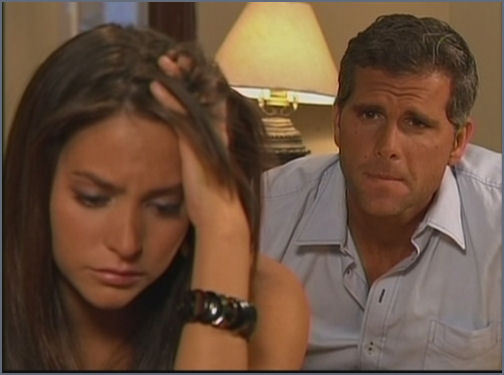
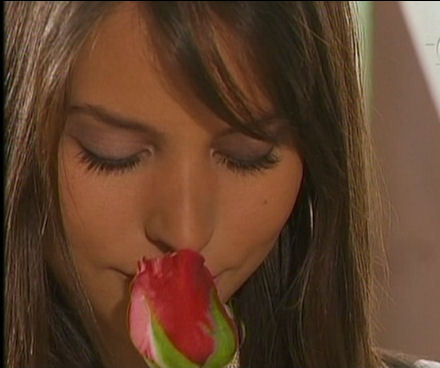
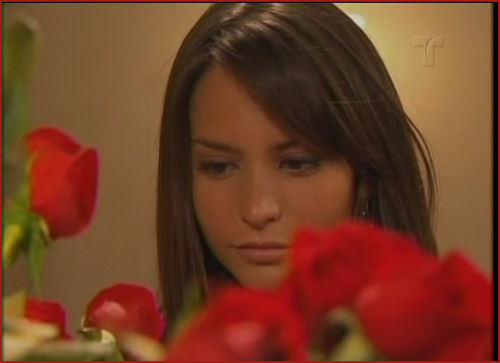
caps from "dona barbara"

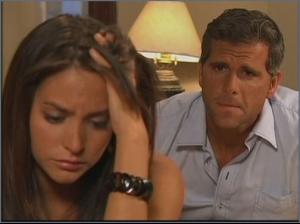
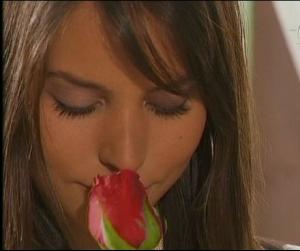


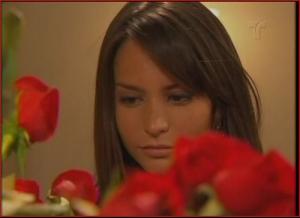
-
beautiful. thank you
-
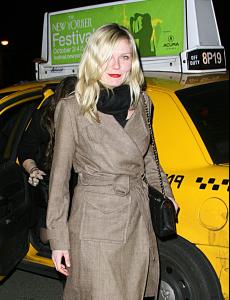
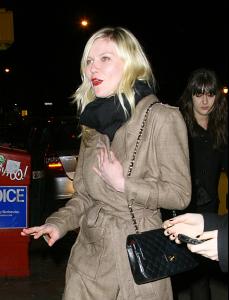
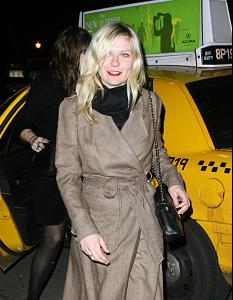
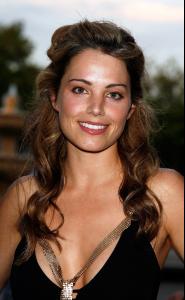
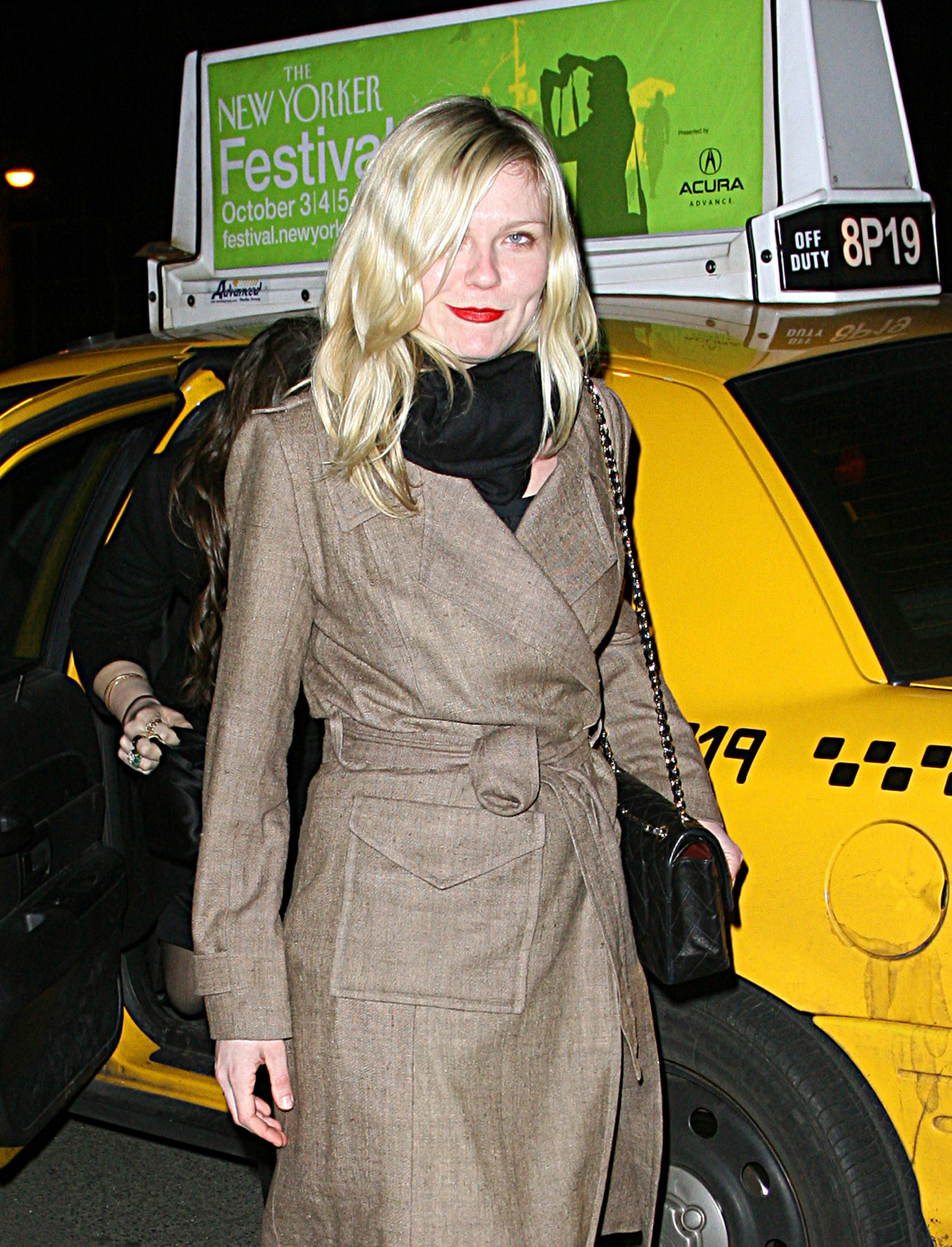
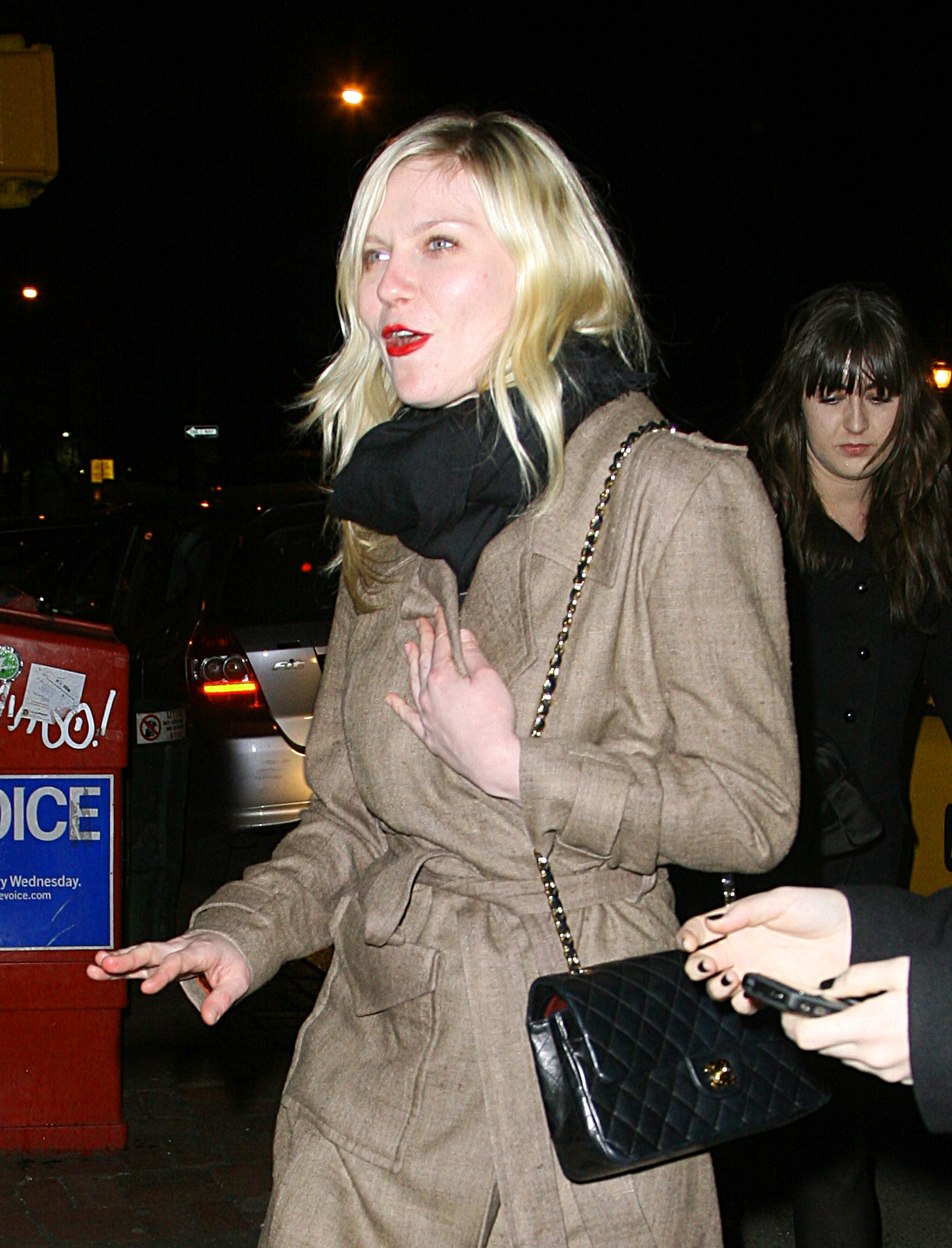
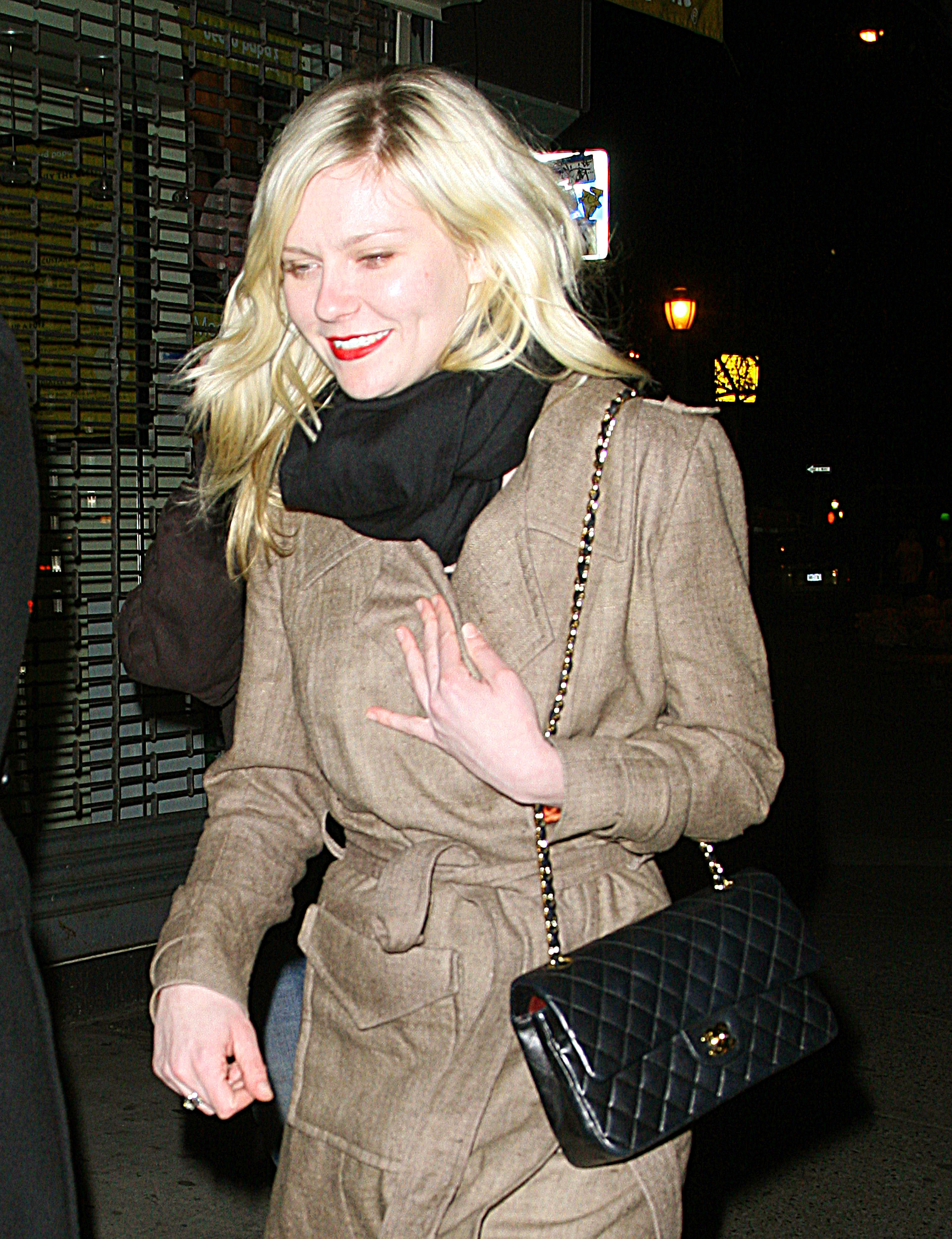
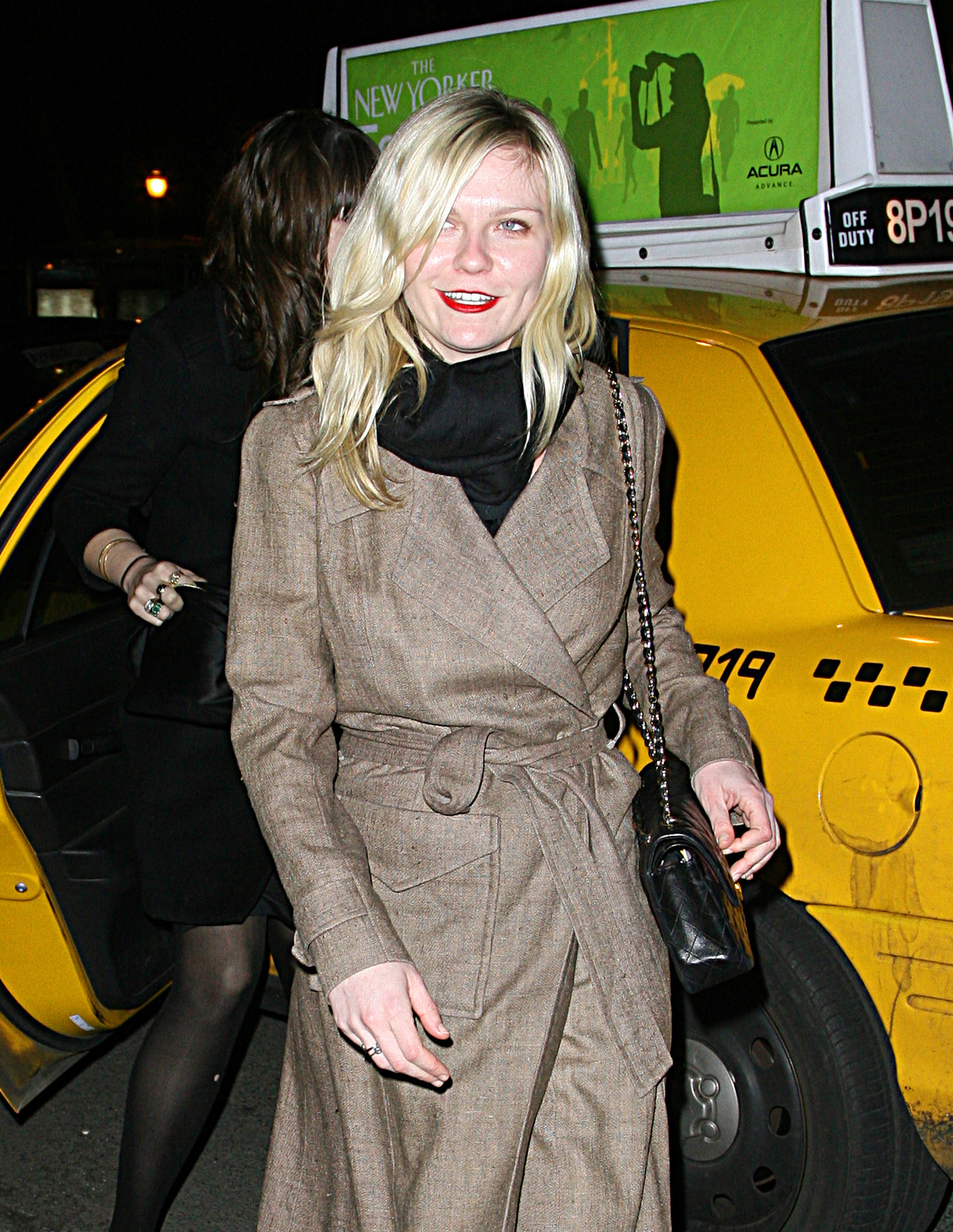
Kirsten in NYC - 02/19/09 credits @TFS.




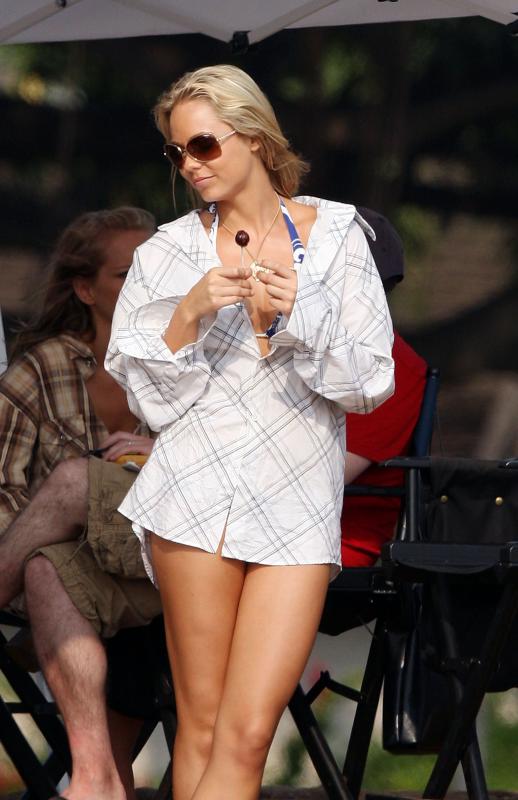
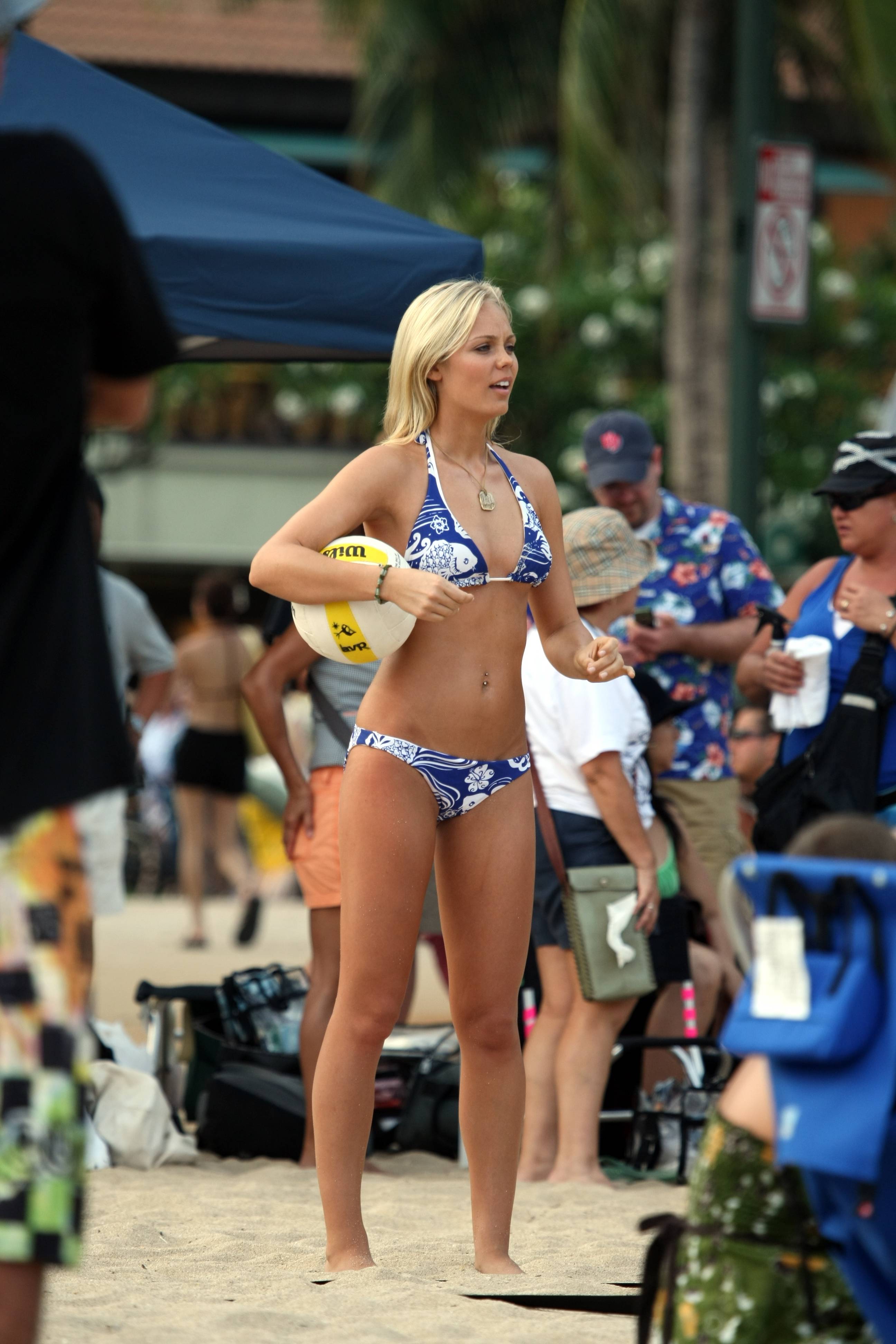
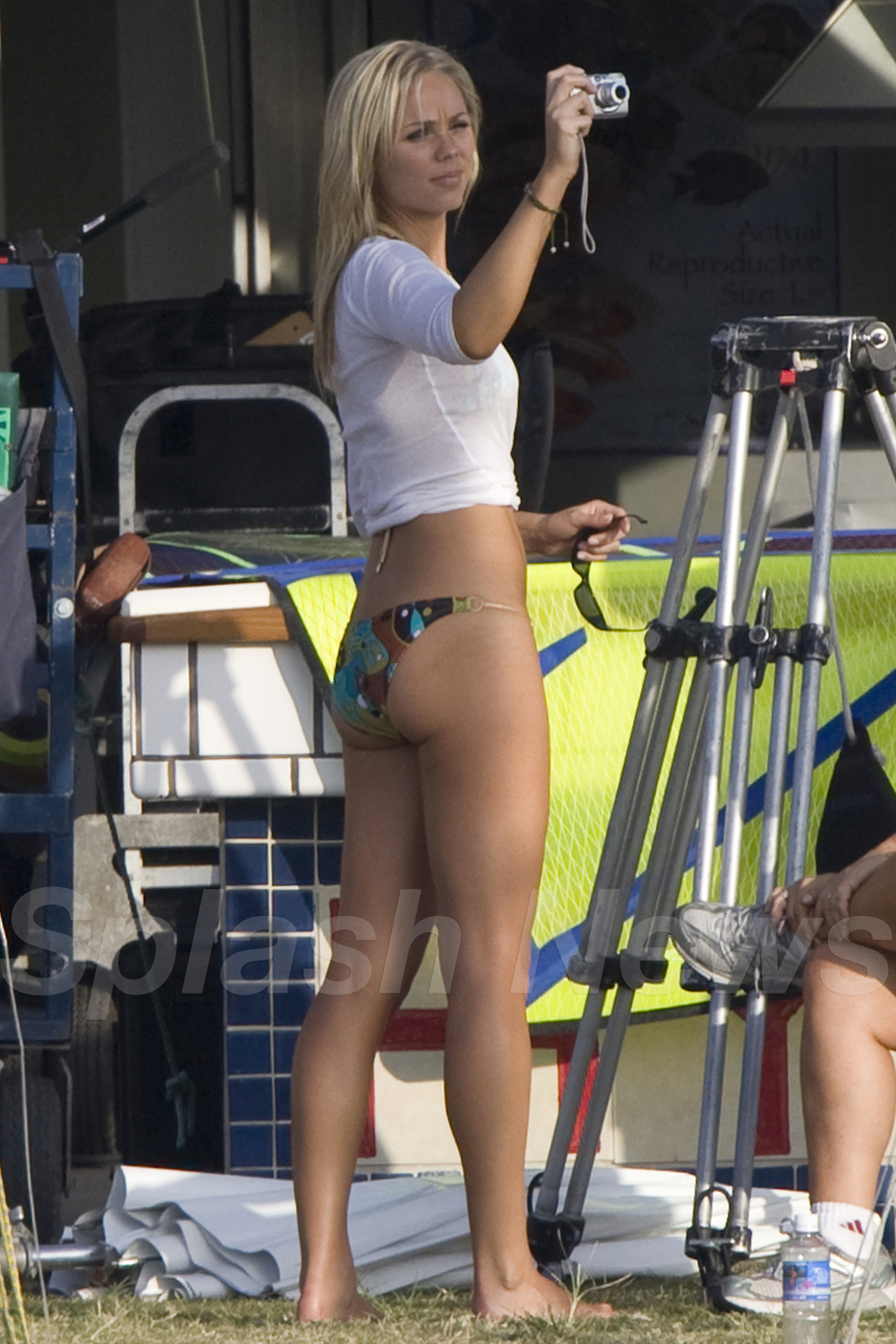
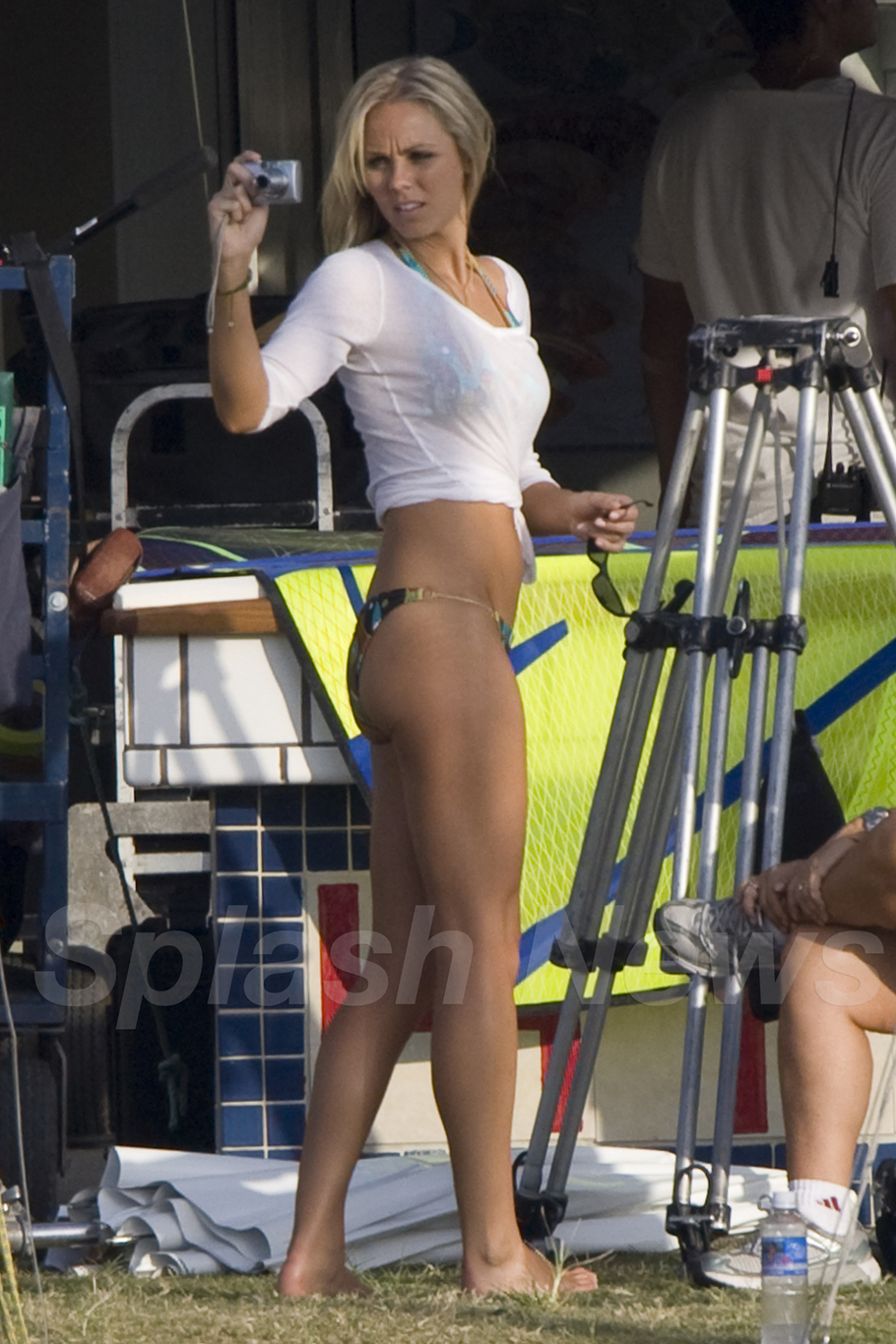
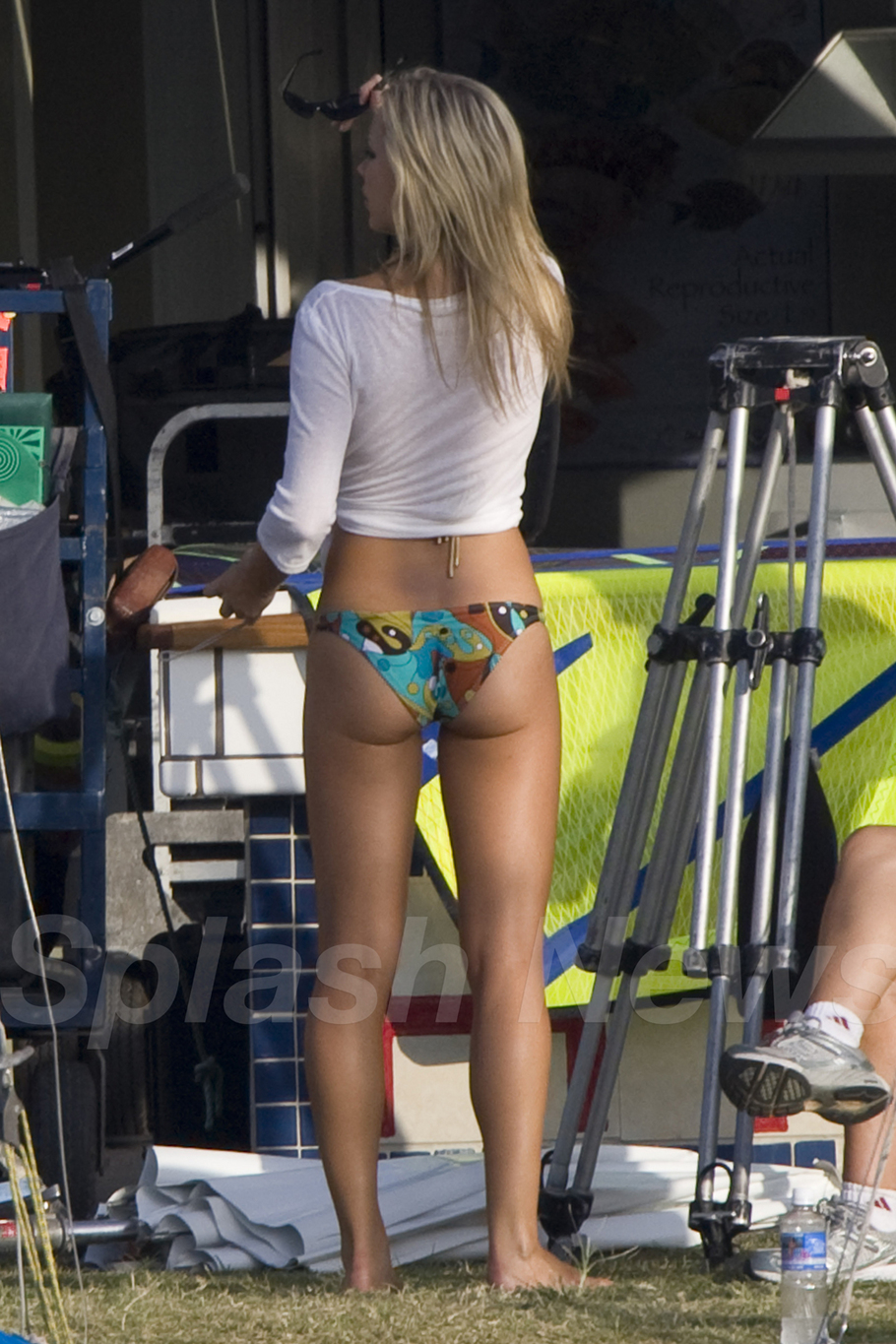
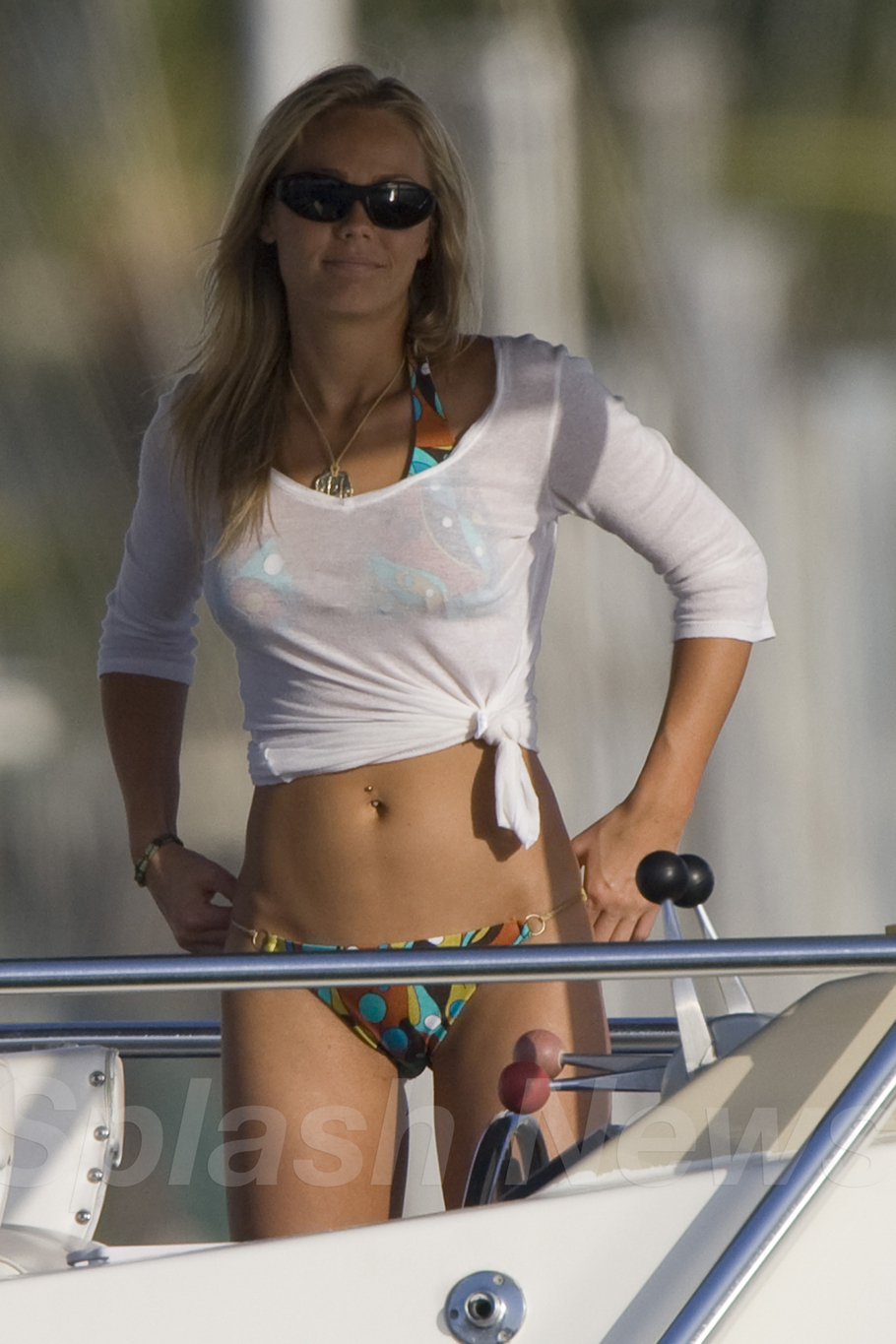
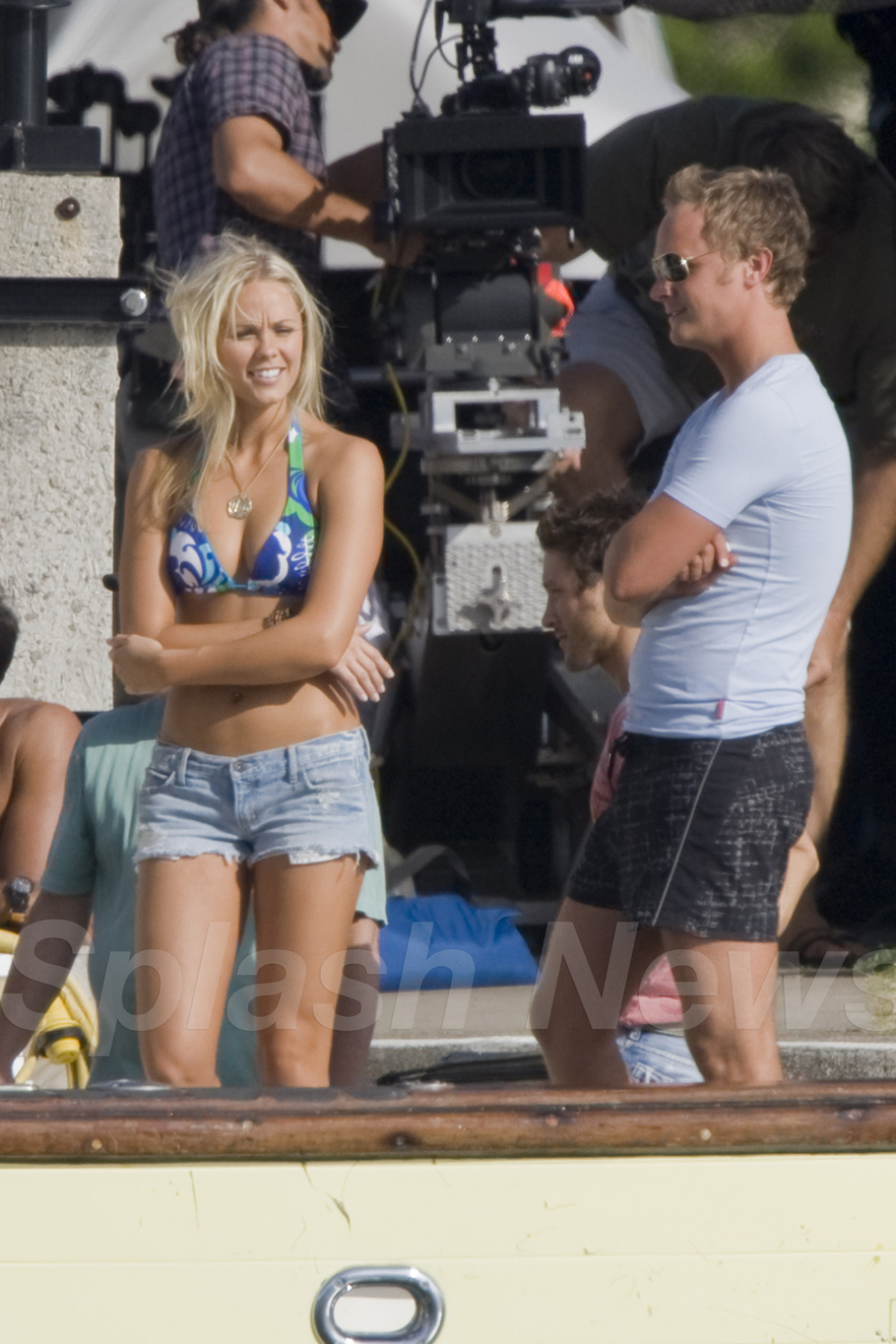
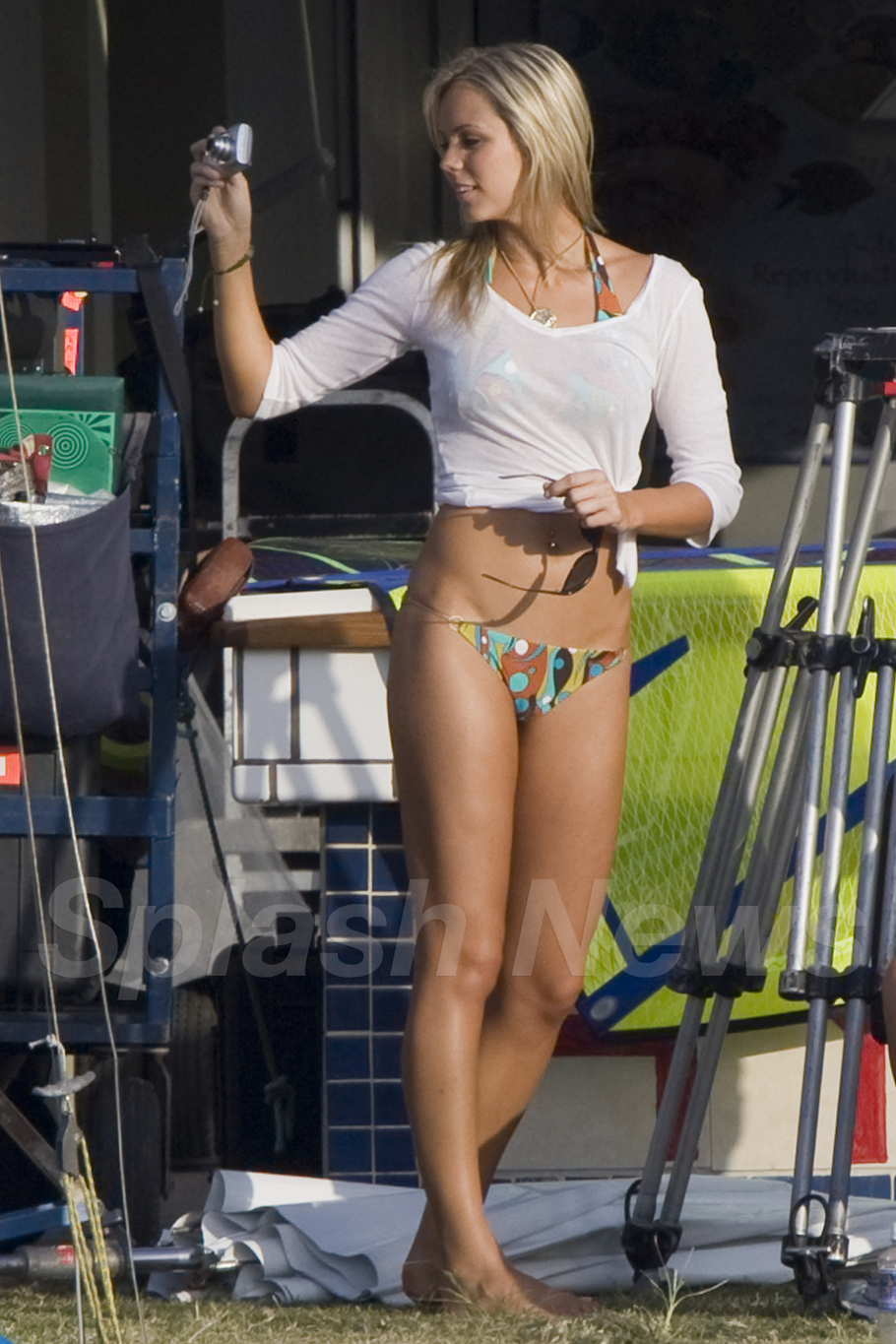
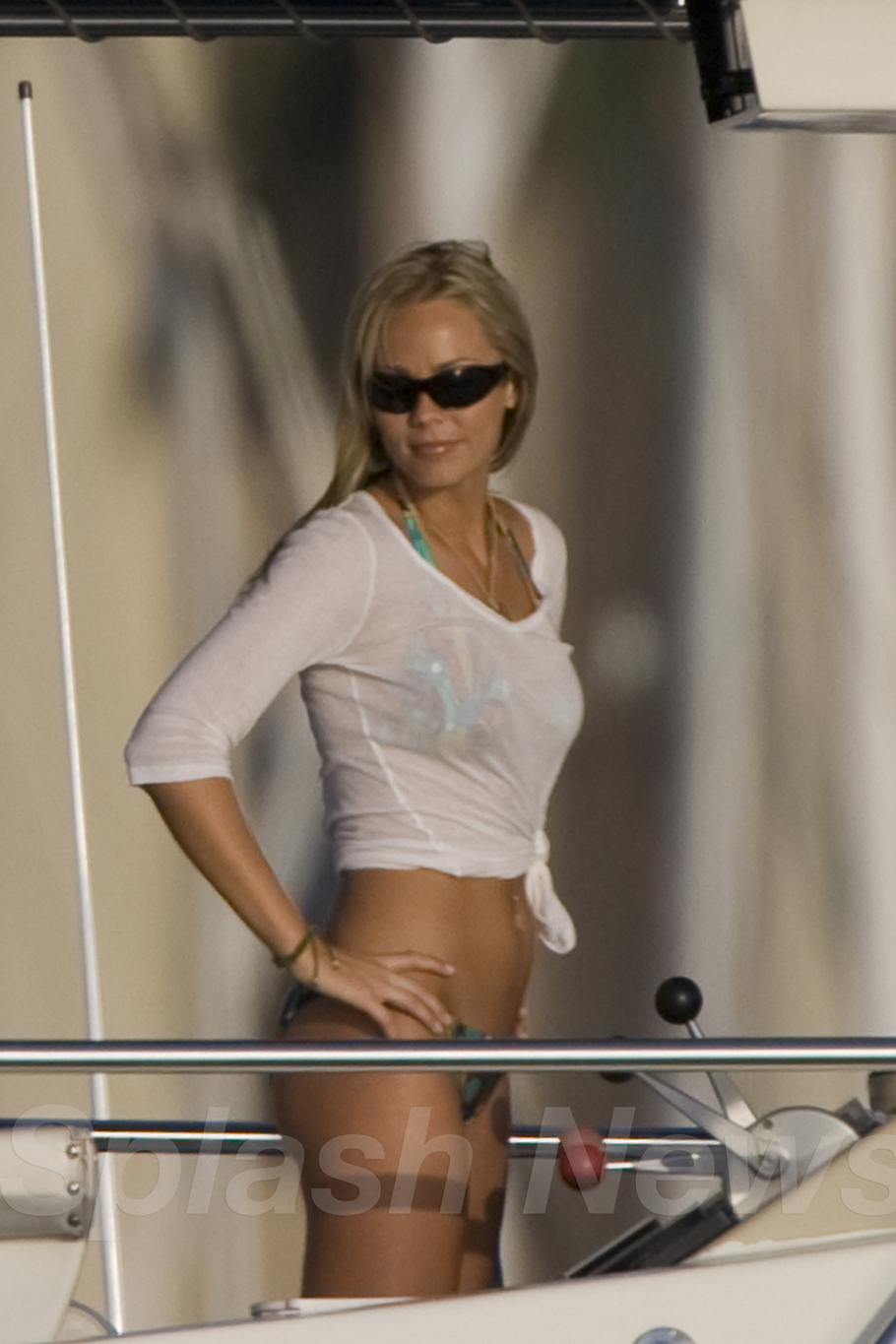
 on the set of The Reef in Hawaii May 17, 2008 credits supernatural66.wordpress.com







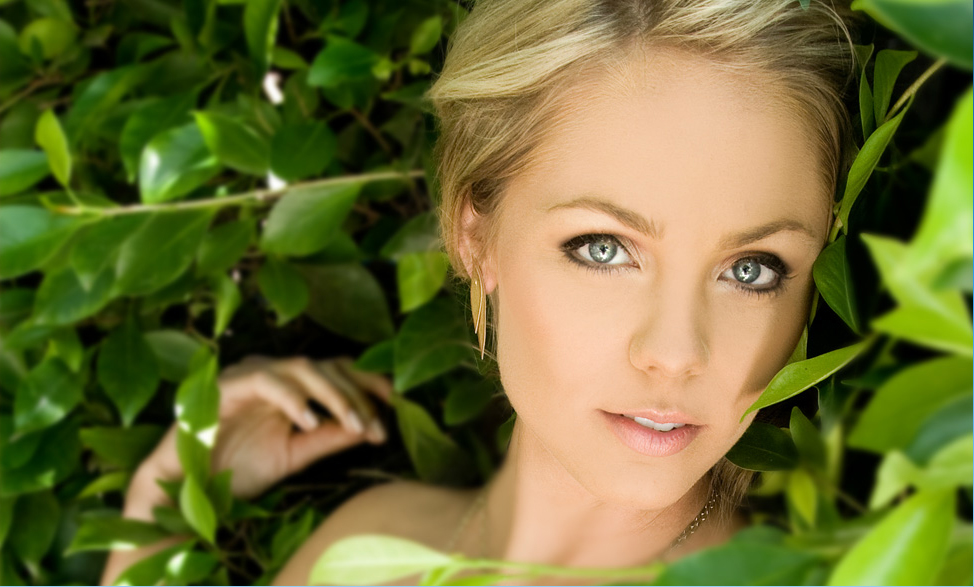
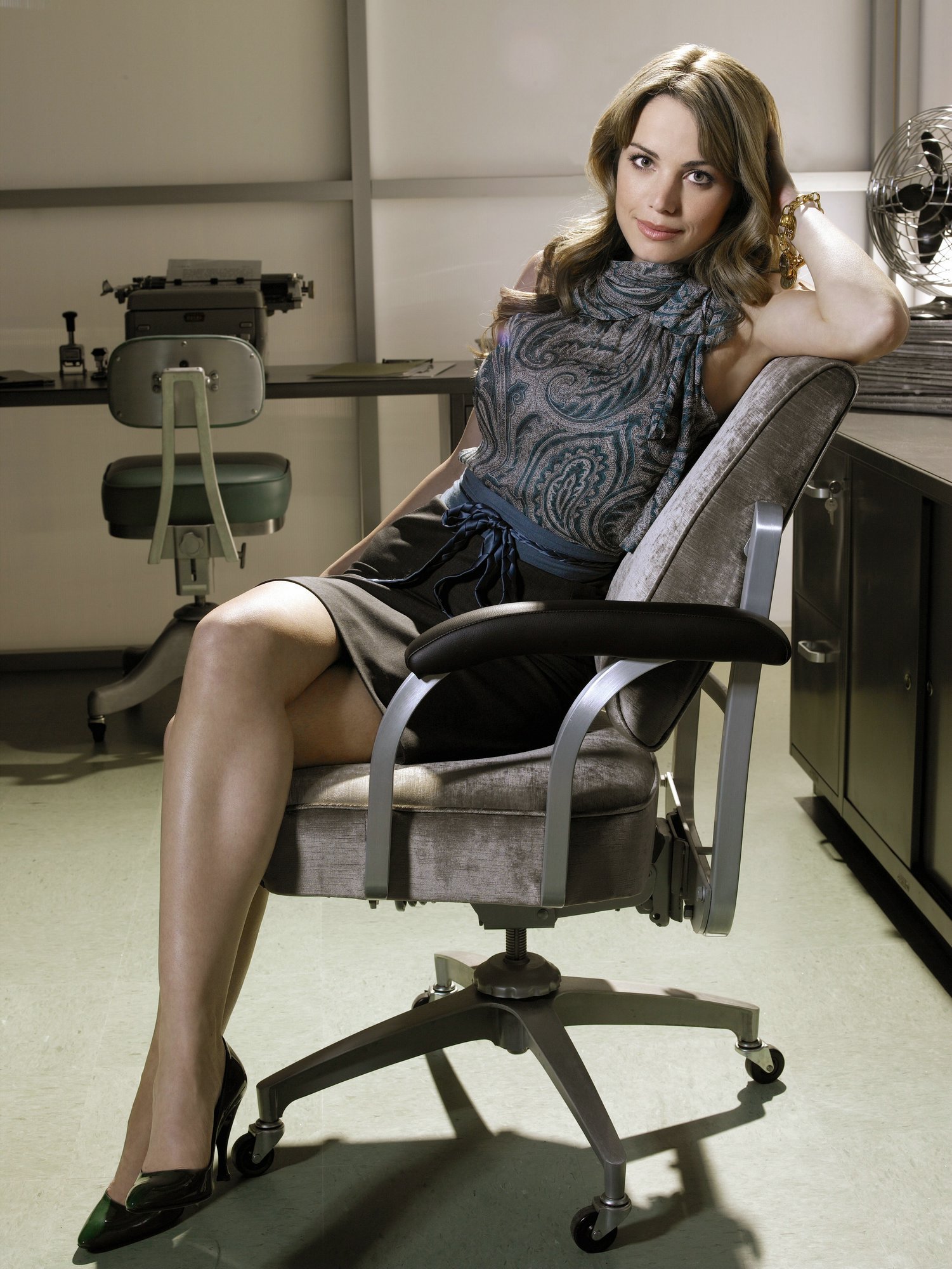
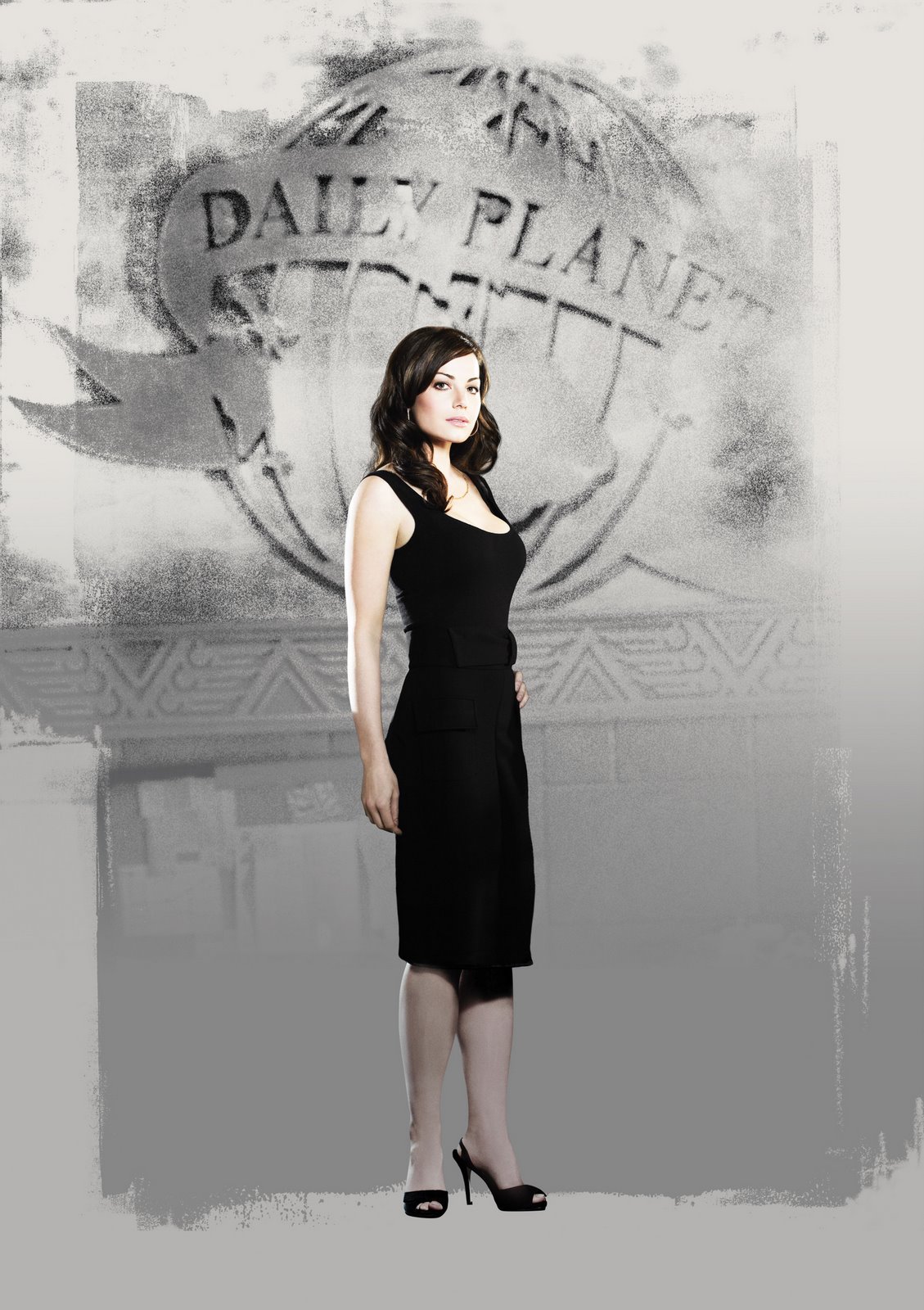
 smallvile season 6.
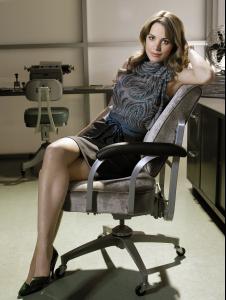 Smallvile season 8 promos.


 Laura Vandervoort in Hawaii on the Set of “The Reef”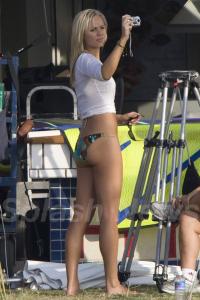


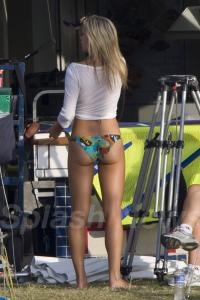


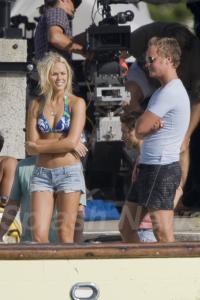
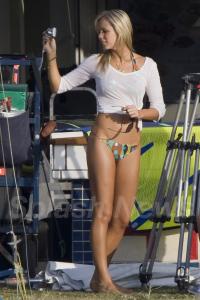

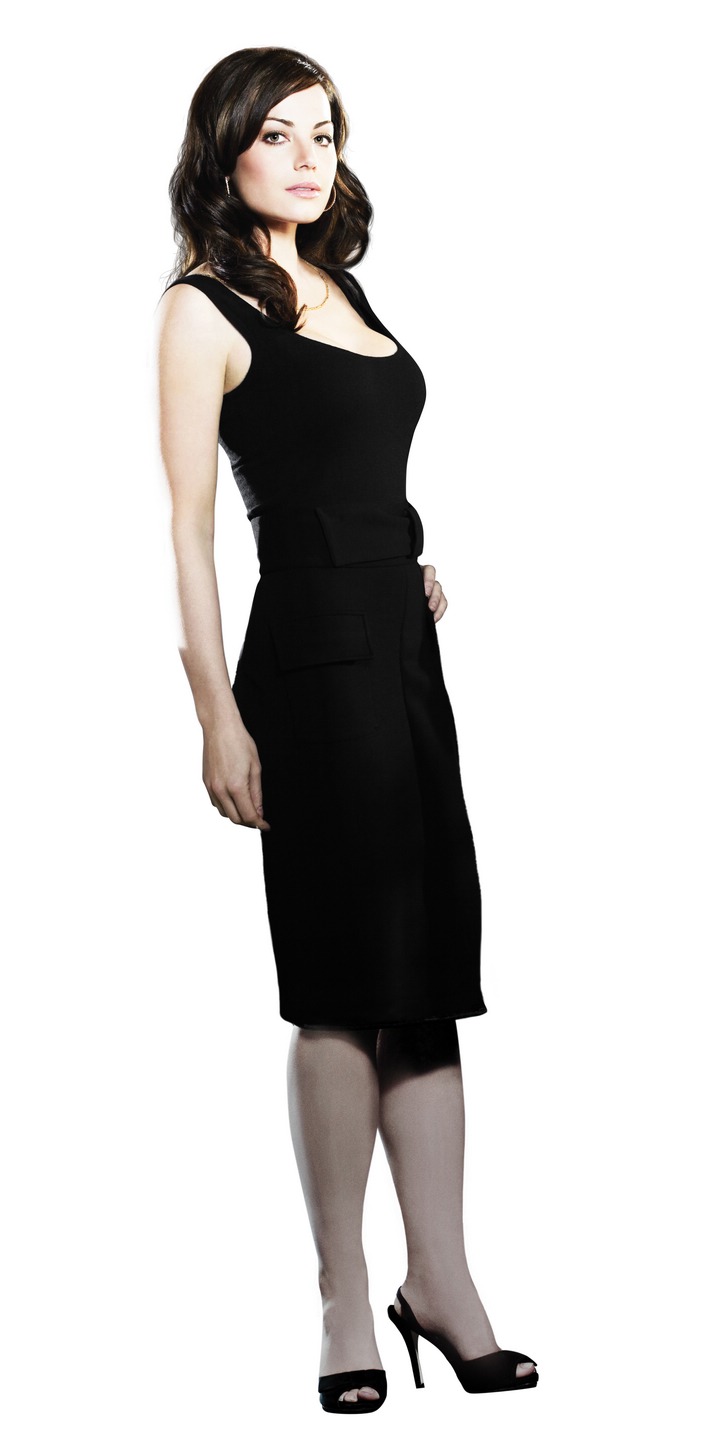
 love this dress, jessica looks pretty.
thanks lot, very beautiful.
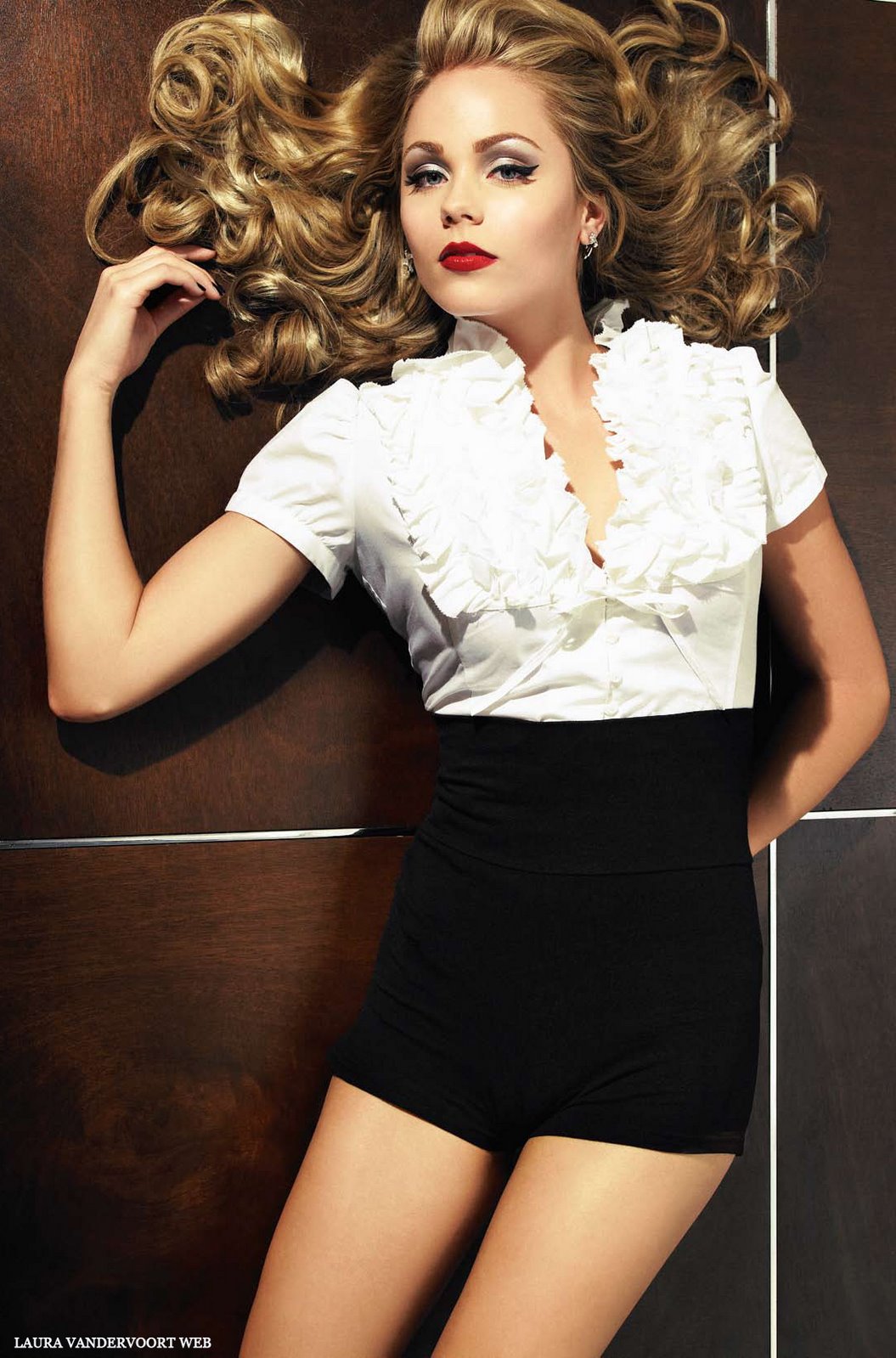
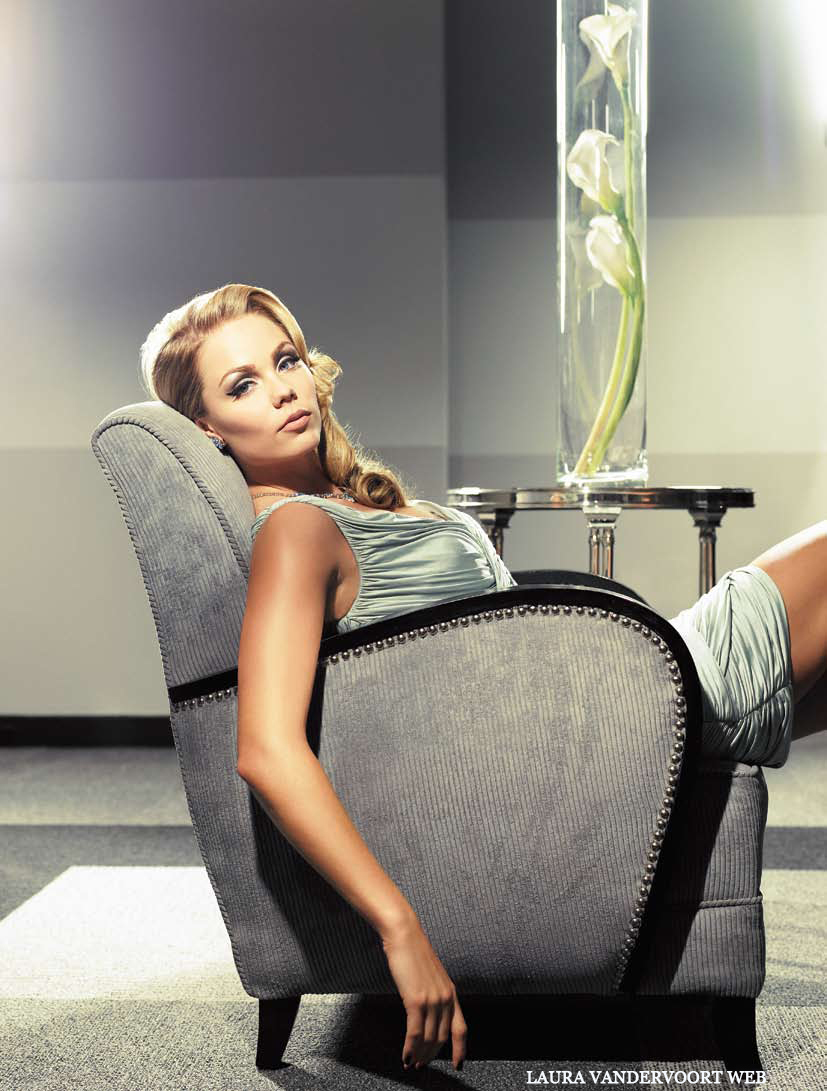
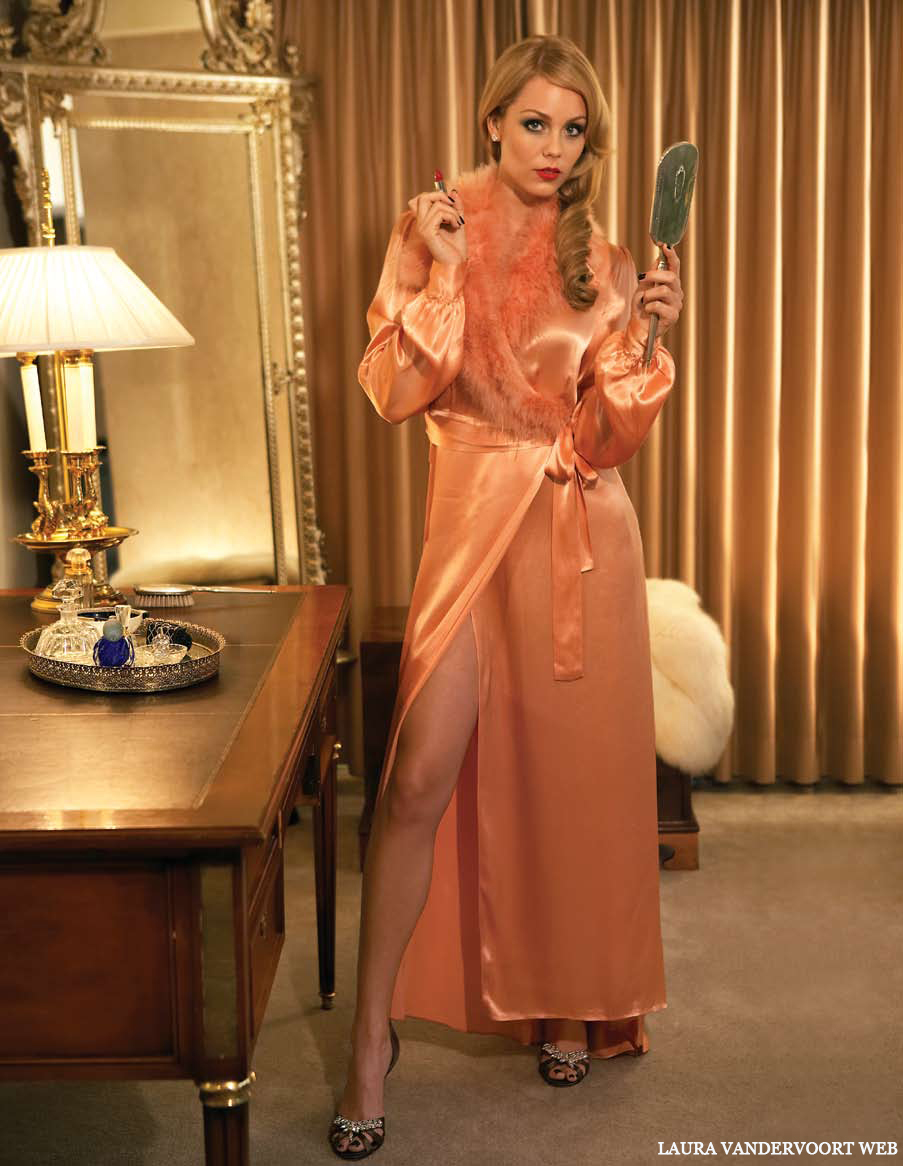
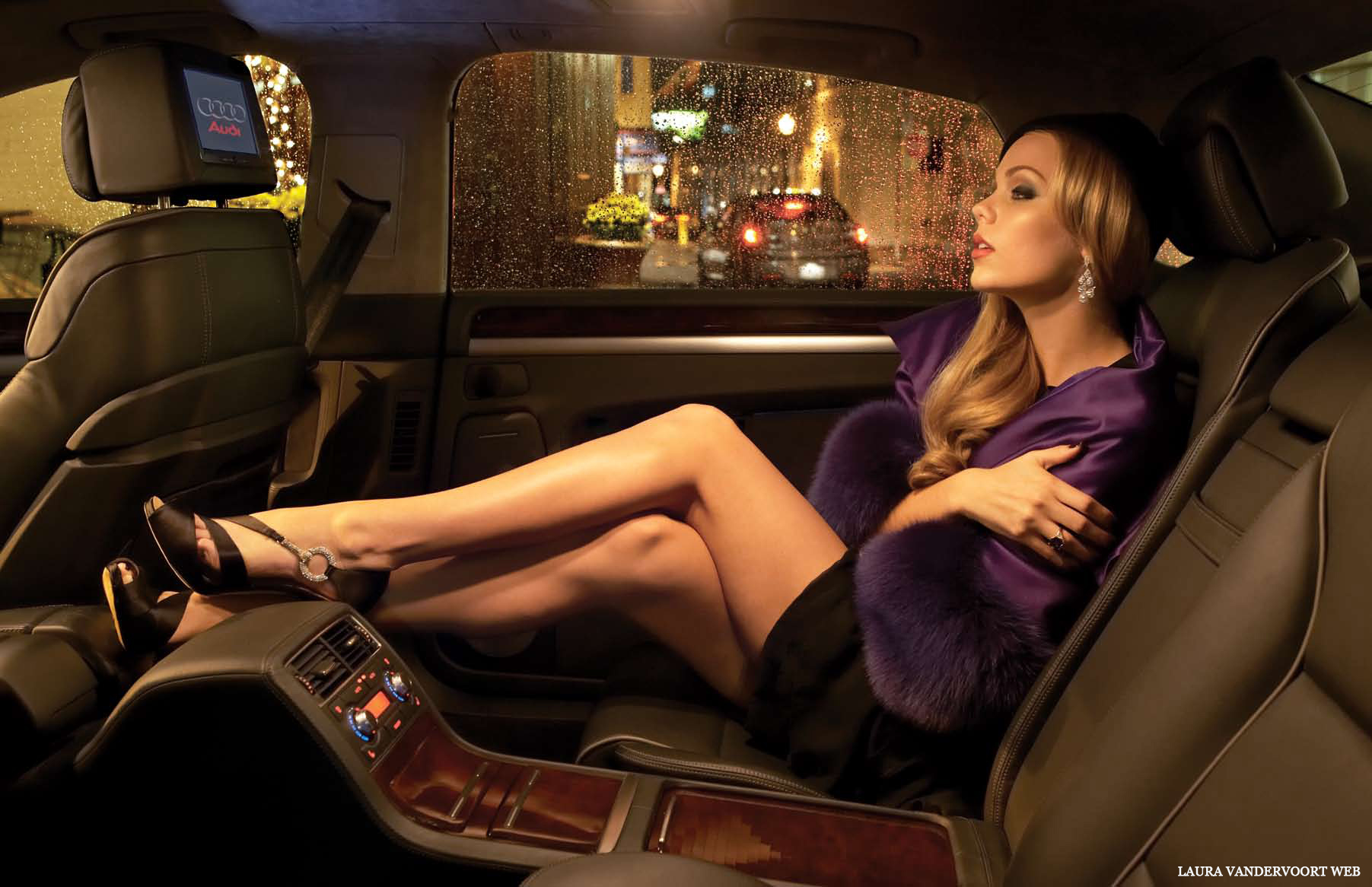
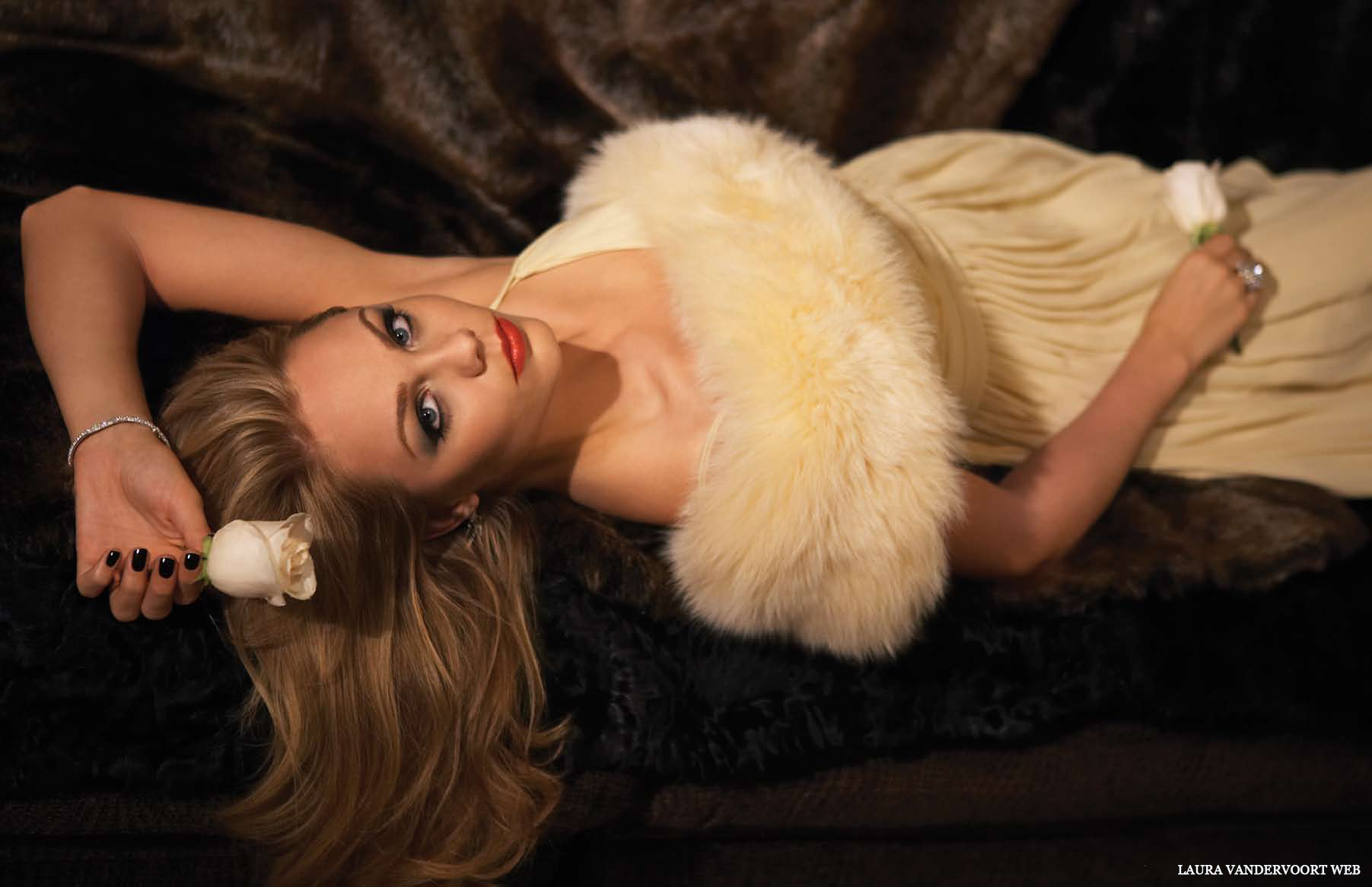
UMM Magazine (Winter '07)
love this dress, jessica looks pretty.
thanks lot, very beautiful.
UMM Magazine (Winter '07)



 Hello! Magazine, November 2007
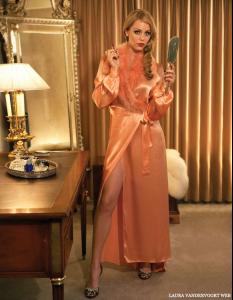


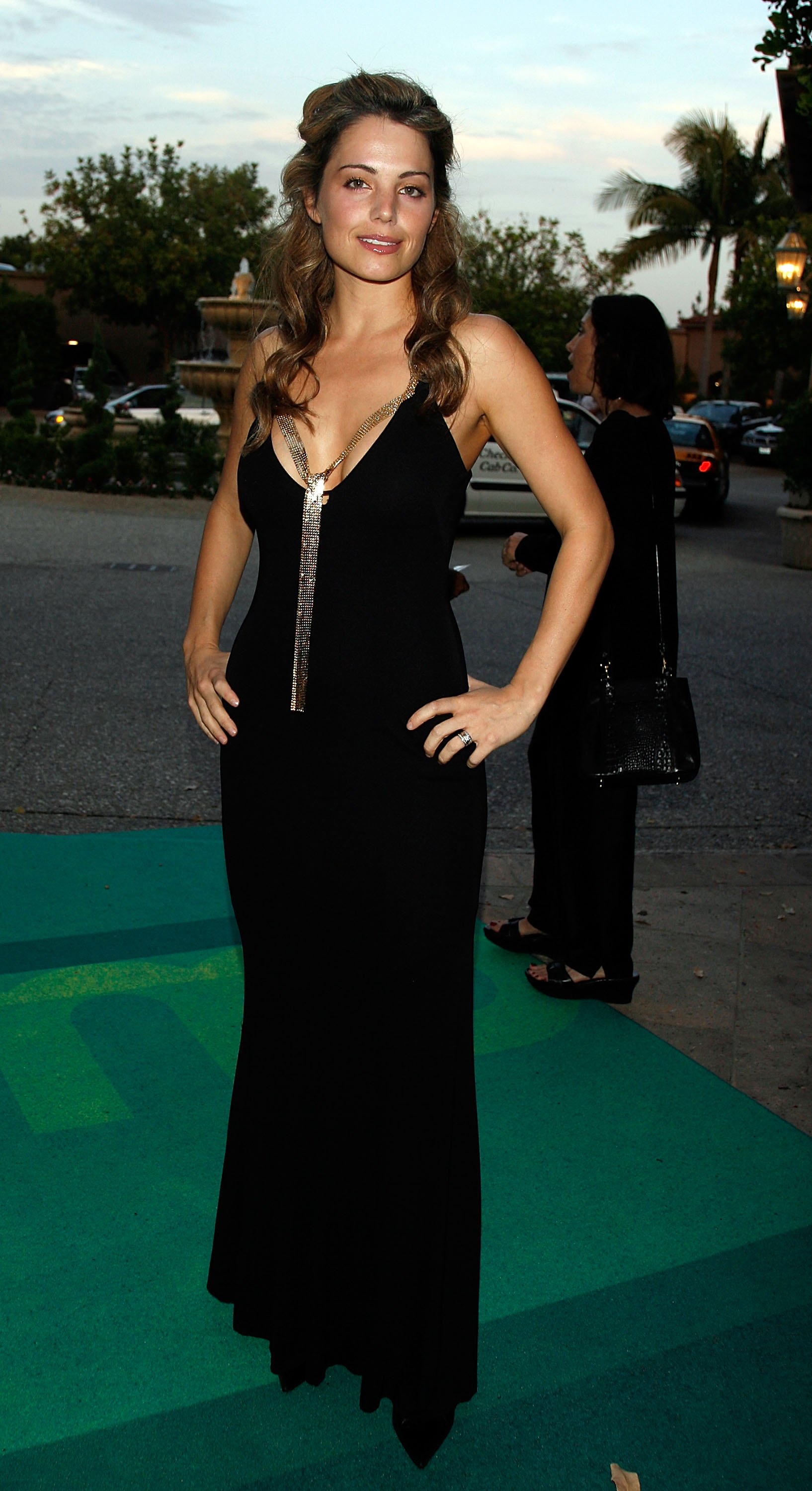
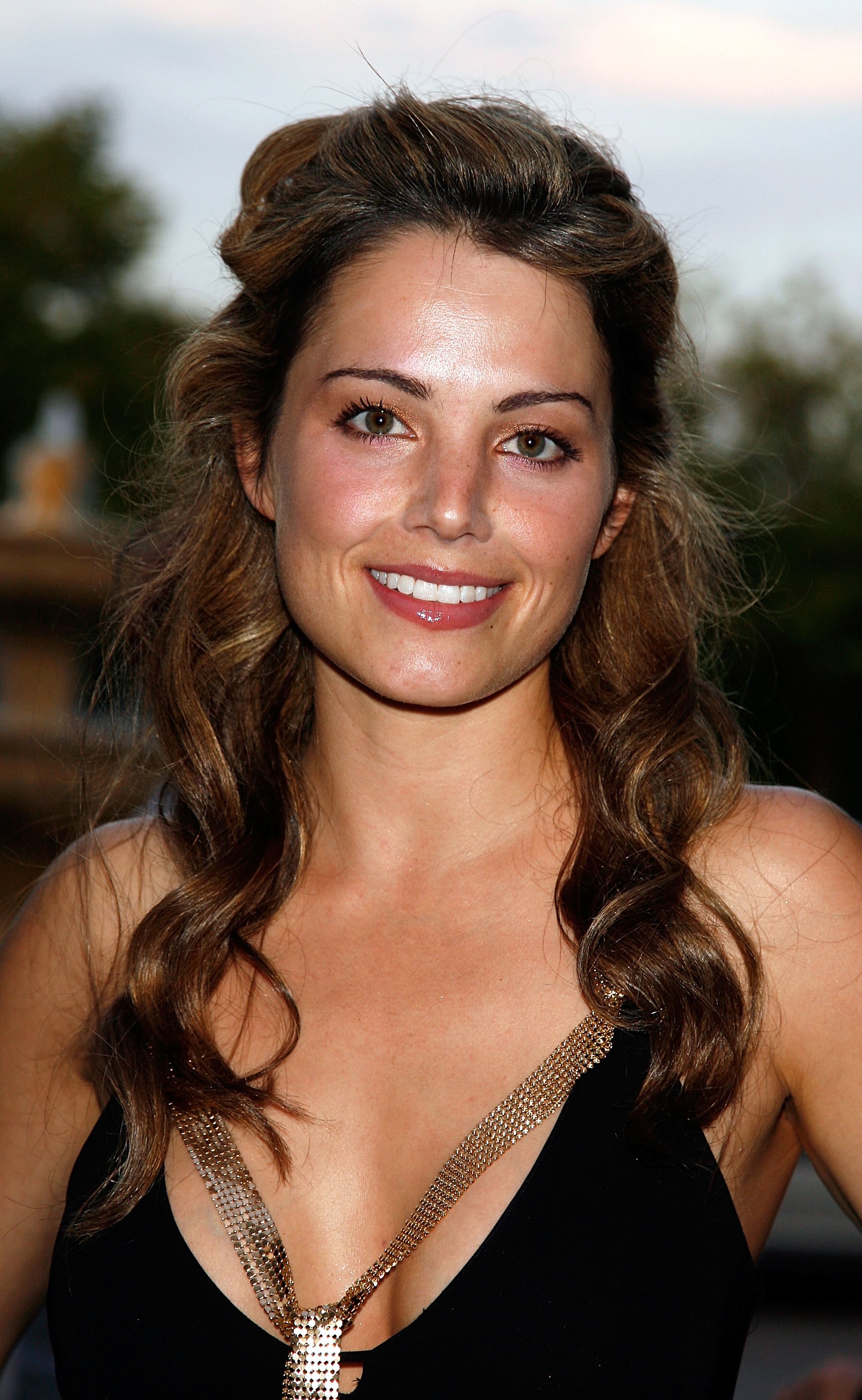
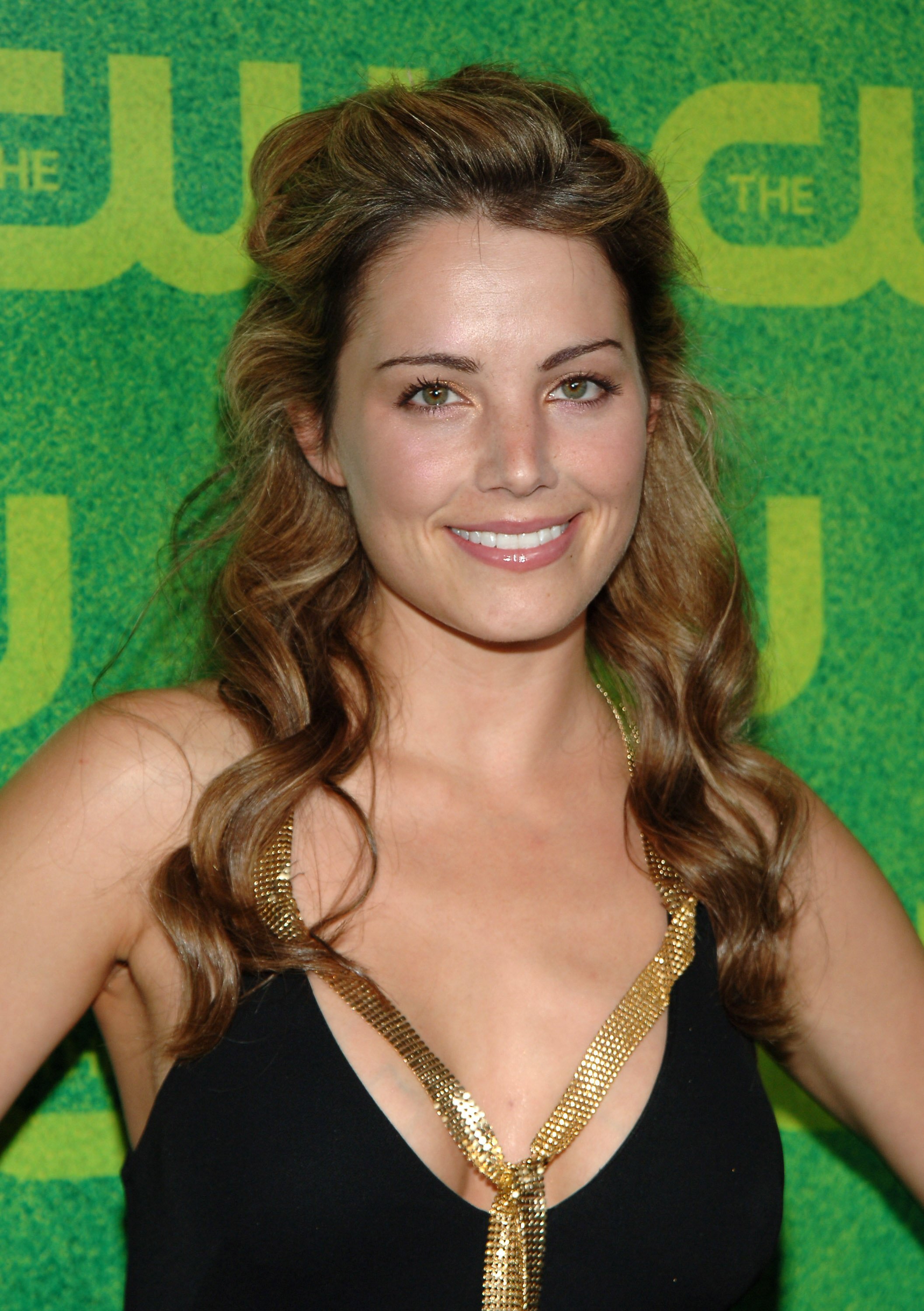
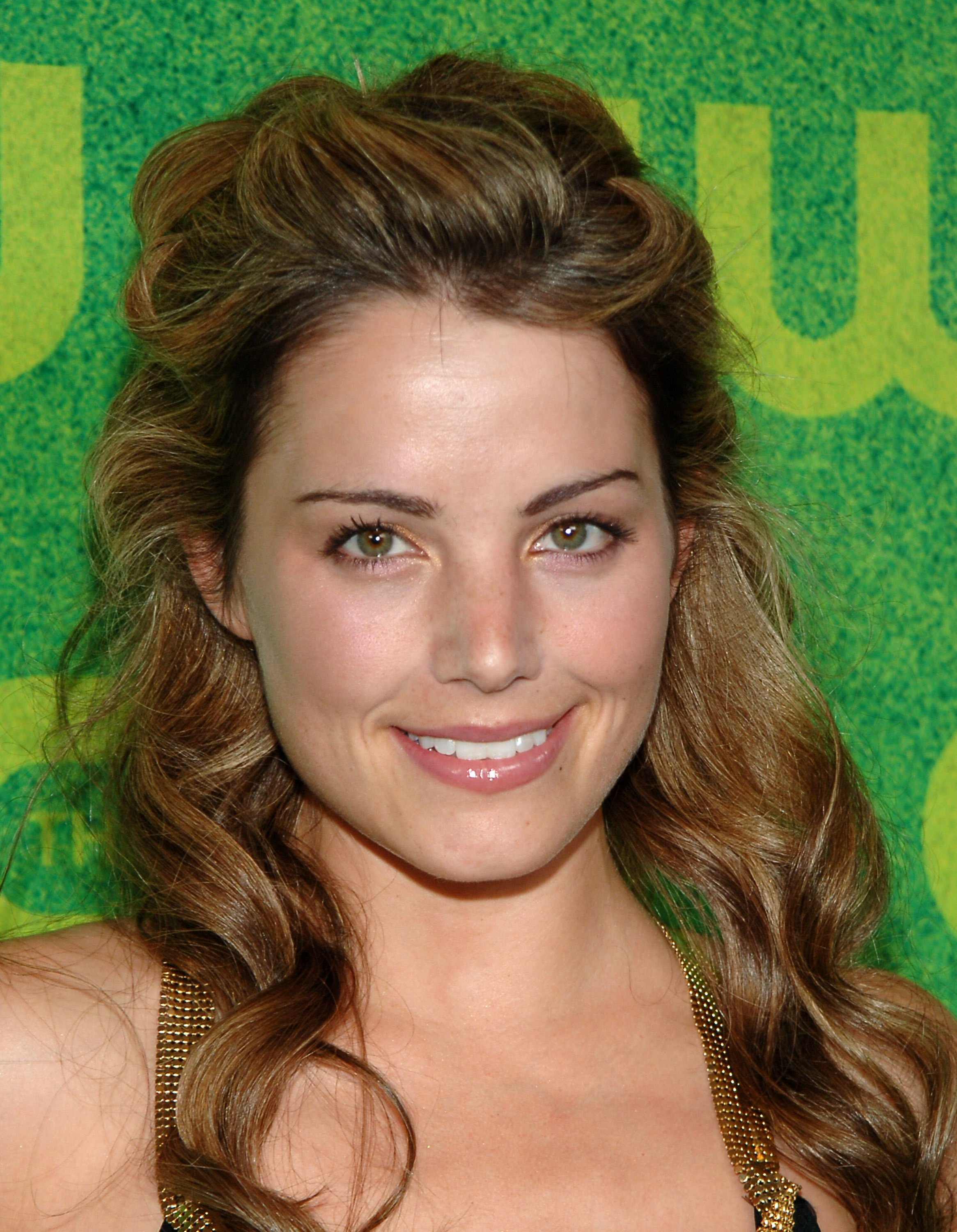
 2006 CW Network Summer TCA Party





































Account
Navigation
Search
Configure browser push notifications
Chrome (Android)
- Tap the lock icon next to the address bar.
- Tap Permissions → Notifications.
- Adjust your preference.
Chrome (Desktop)
- Click the padlock icon in the address bar.
- Select Site settings.
- Find Notifications and adjust your preference.
Safari (iOS 16.4+)
- Ensure the site is installed via Add to Home Screen.
- Open Settings App → Notifications.
- Find your app name and adjust your preference.
Safari (macOS)
- Go to Safari → Preferences.
- Click the Websites tab.
- Select Notifications in the sidebar.
- Find this website and adjust your preference.
Edge (Android)
- Tap the lock icon next to the address bar.
- Tap Permissions.
- Find Notifications and adjust your preference.
Edge (Desktop)
- Click the padlock icon in the address bar.
- Click Permissions for this site.
- Find Notifications and adjust your preference.
Firefox (Android)
- Go to Settings → Site permissions.
- Tap Notifications.
- Find this site in the list and adjust your preference.
Firefox (Desktop)
- Open Firefox Settings.
- Search for Notifications.
- Find this site in the list and adjust your preference.