Jump to content
View in the app

A better way to browse. Learn more.

Bellazon

A full-screen app on your home screen with push notifications, badges and more.

To install this app on iOS and iPadOS
  1. Tap the Share icon in Safari
  2. Scroll the menu and tap Add to Home Screen.
  3. Tap Add in the top-right corner.
To install this app on Android
  1. Tap the 3-dot menu (⋮) in the top-right corner of the browser.
  2. Tap Add to Home screen or Install app.
  3. Confirm by tapping Install.

finchesthalia

Members
  • Joined

  • Last visited

Everything posted by finchesthalia

  1. you are welcome.
  2. you are welcome carmelita
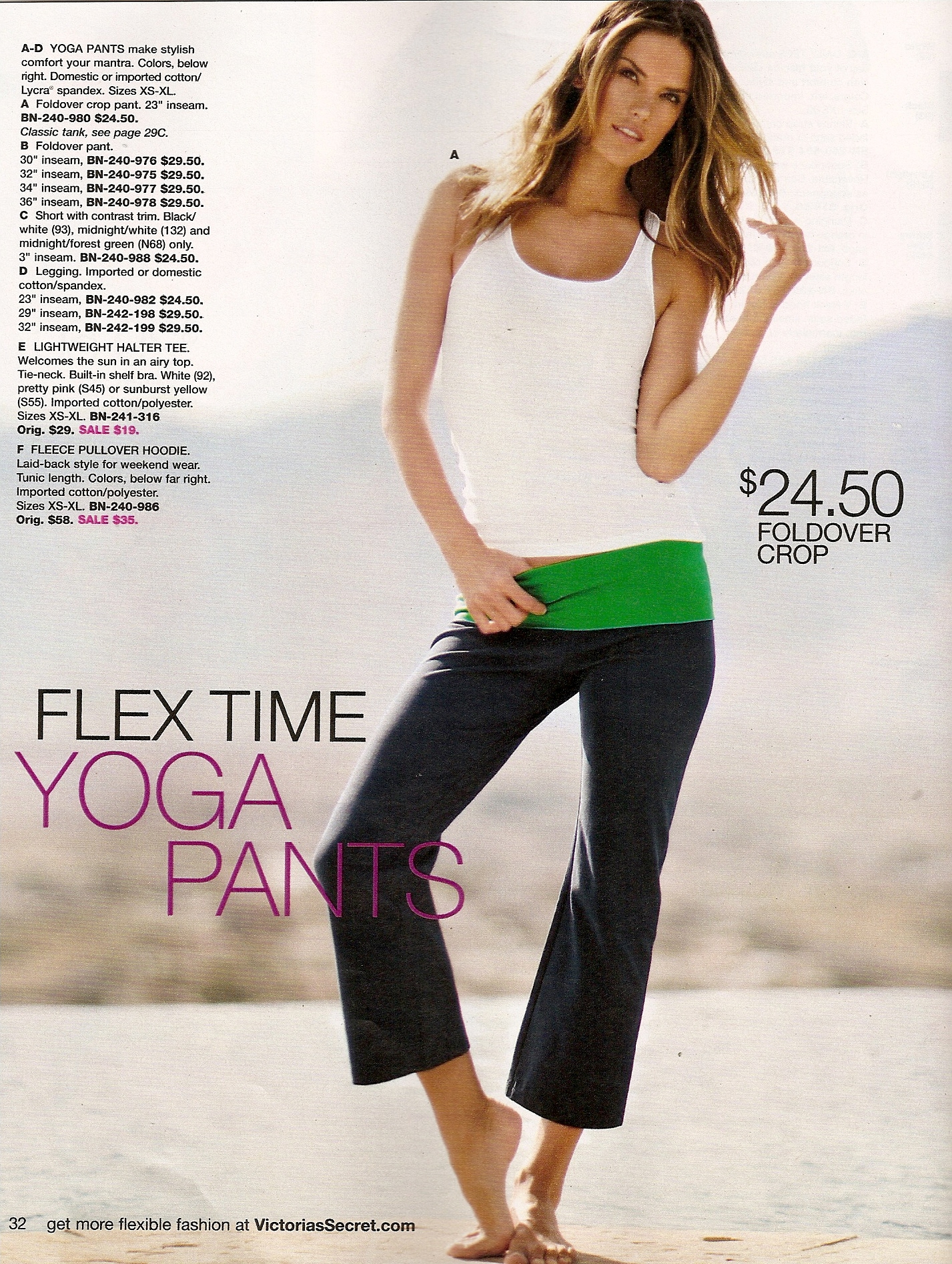
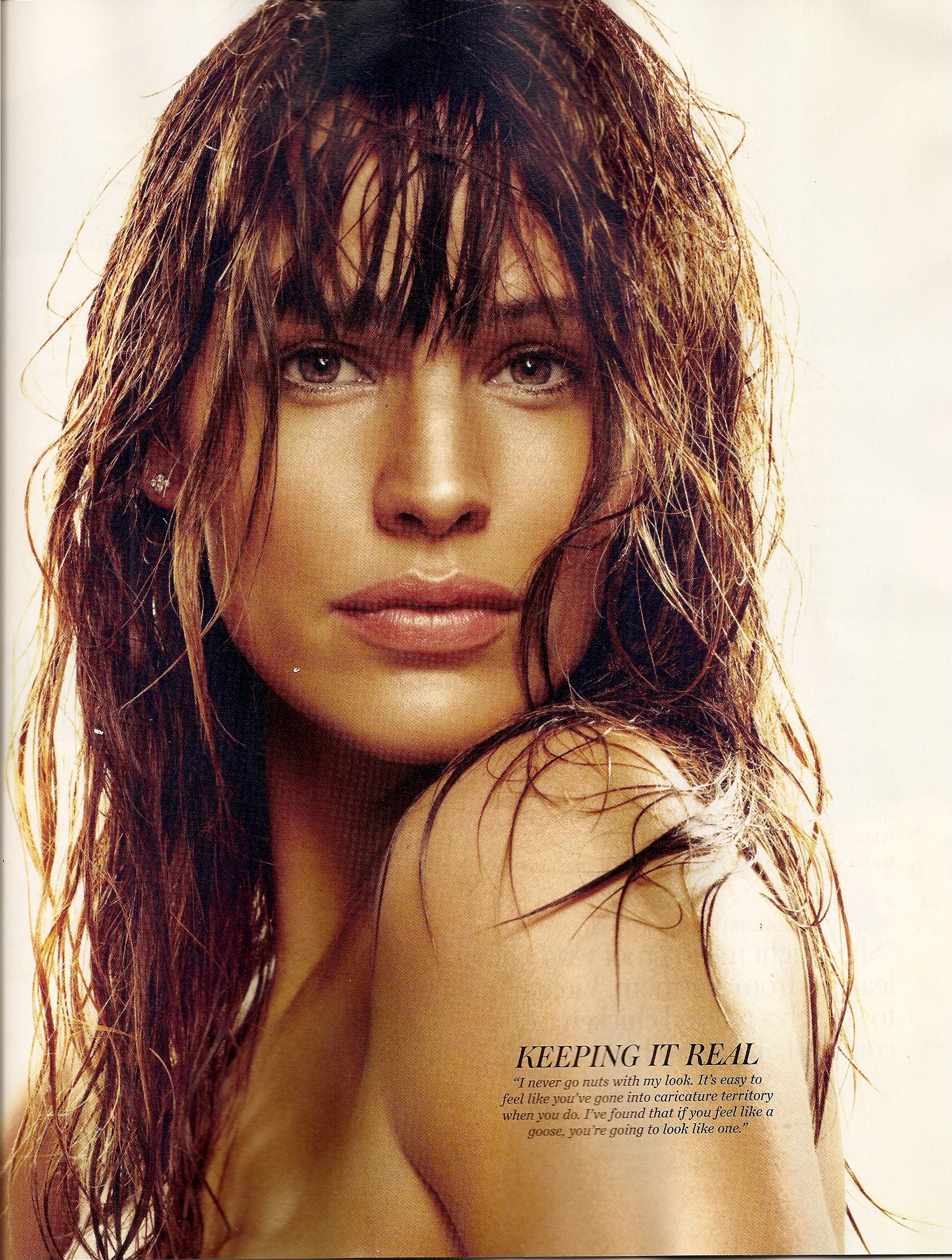
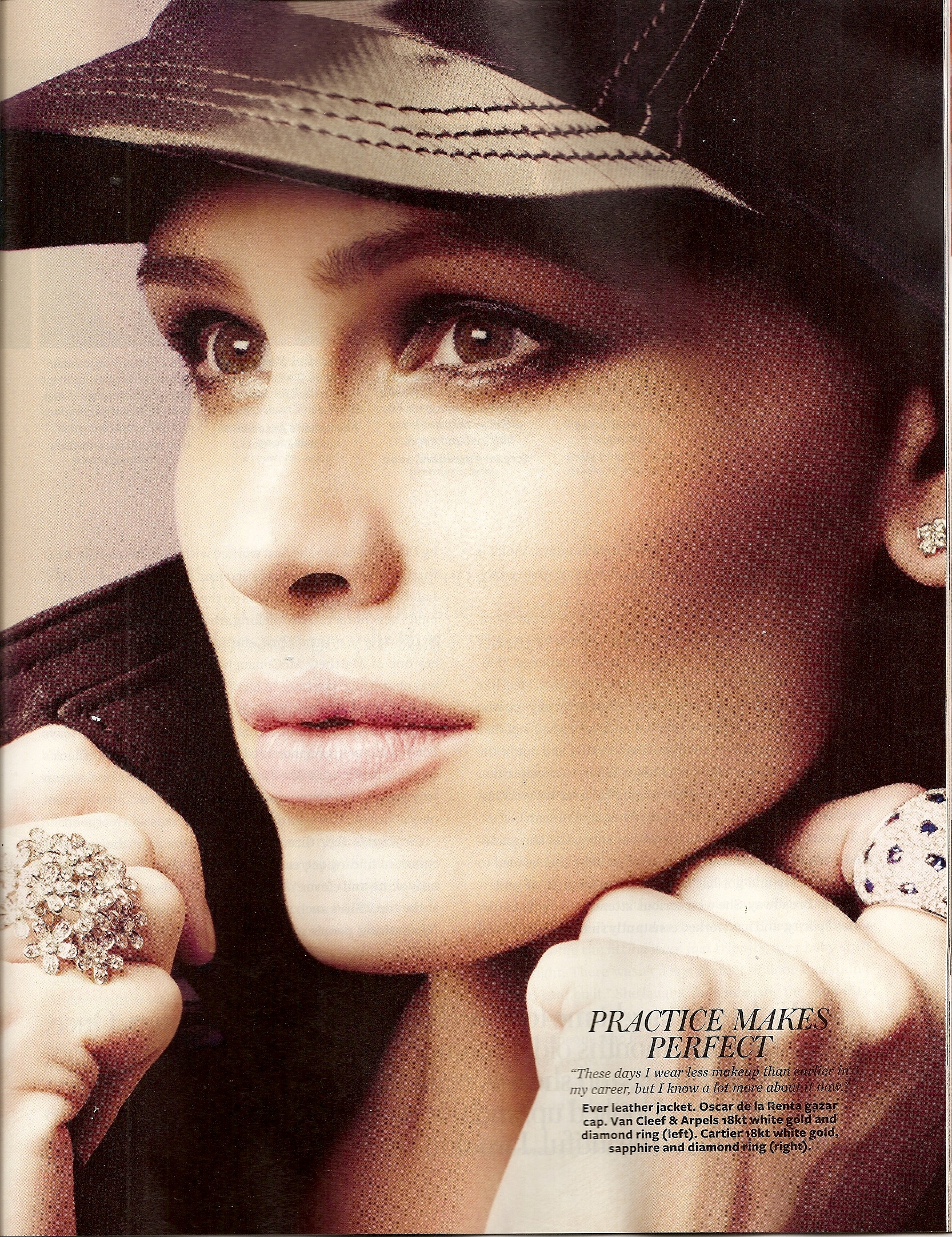
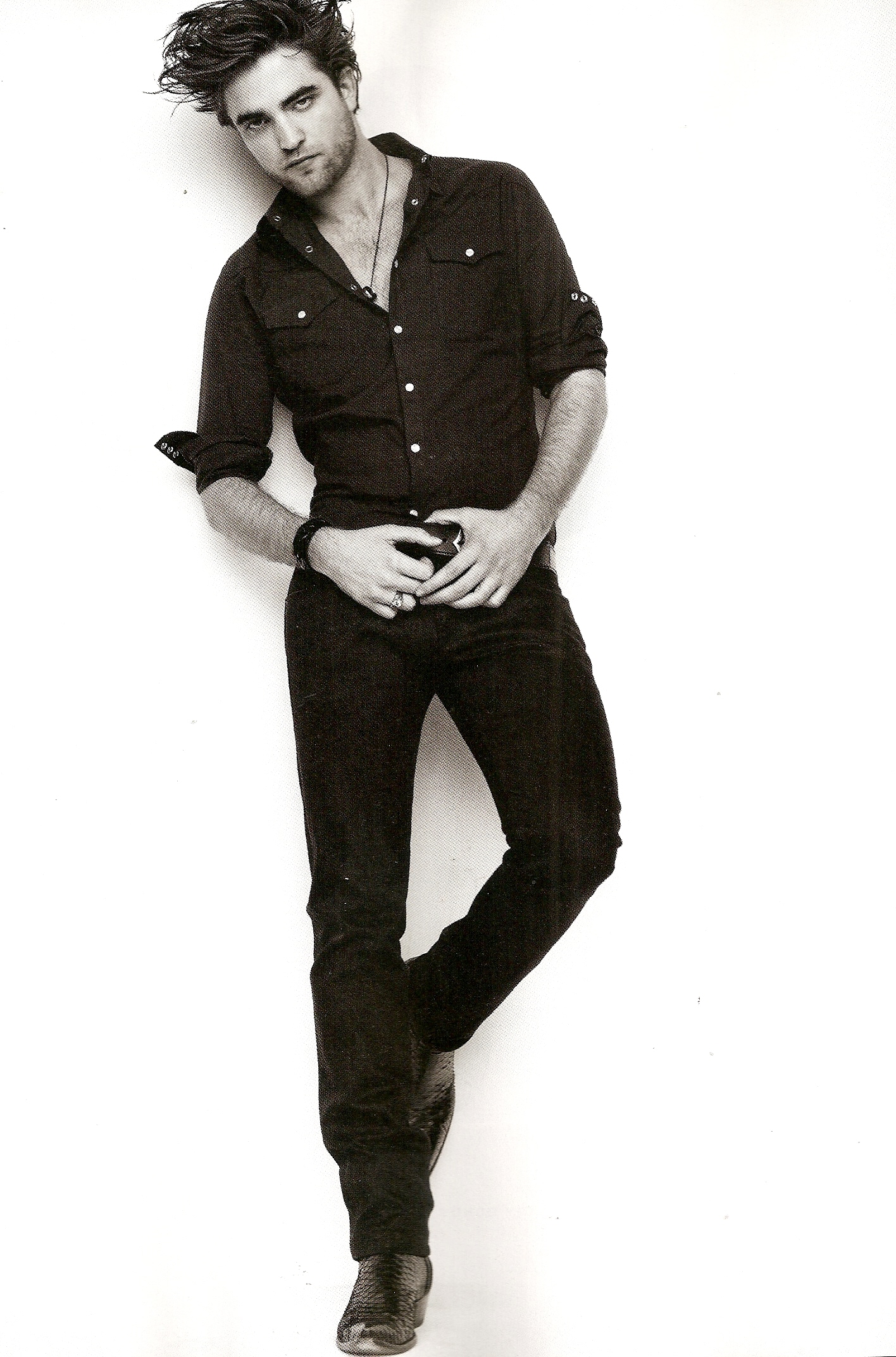
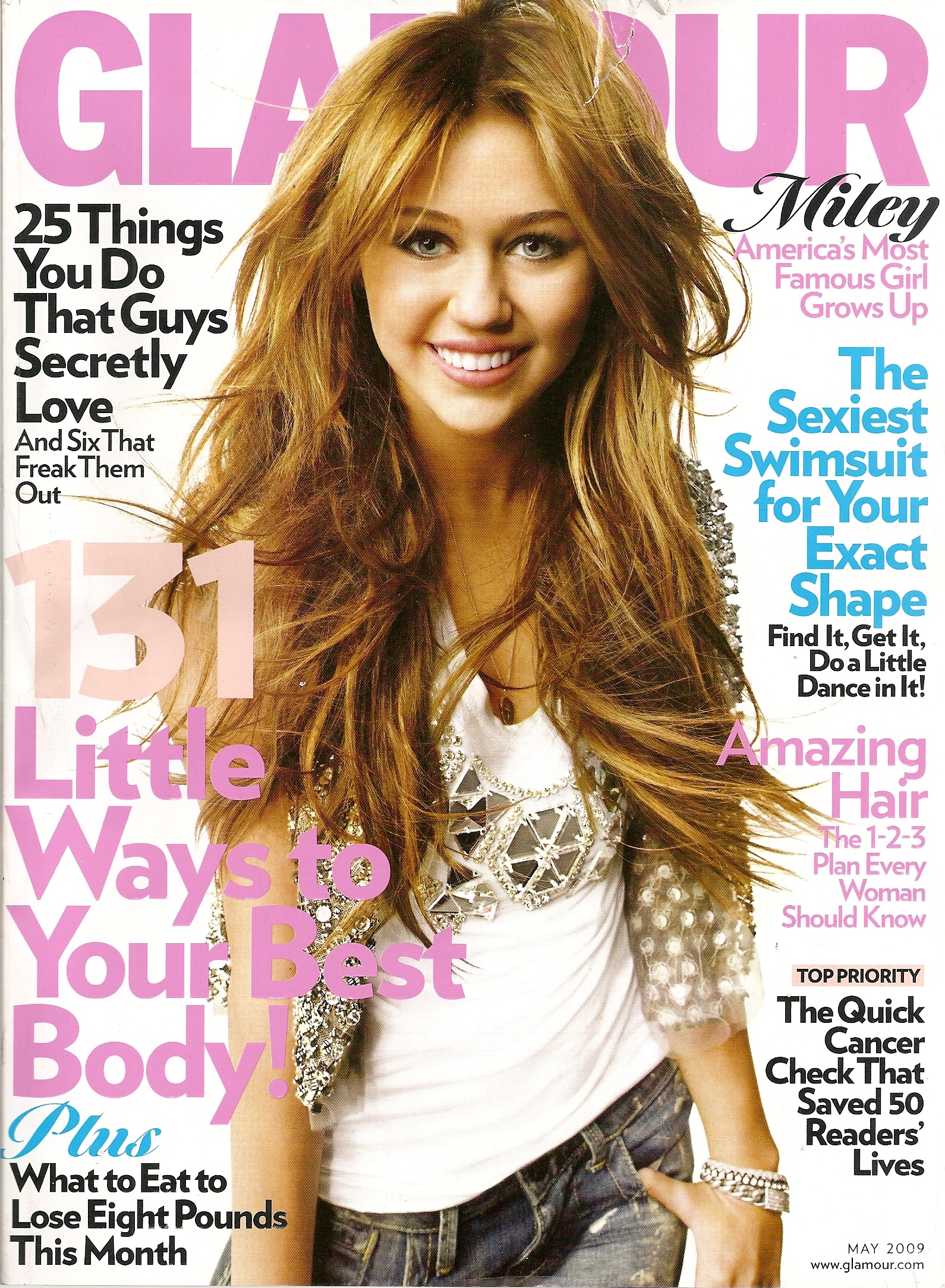
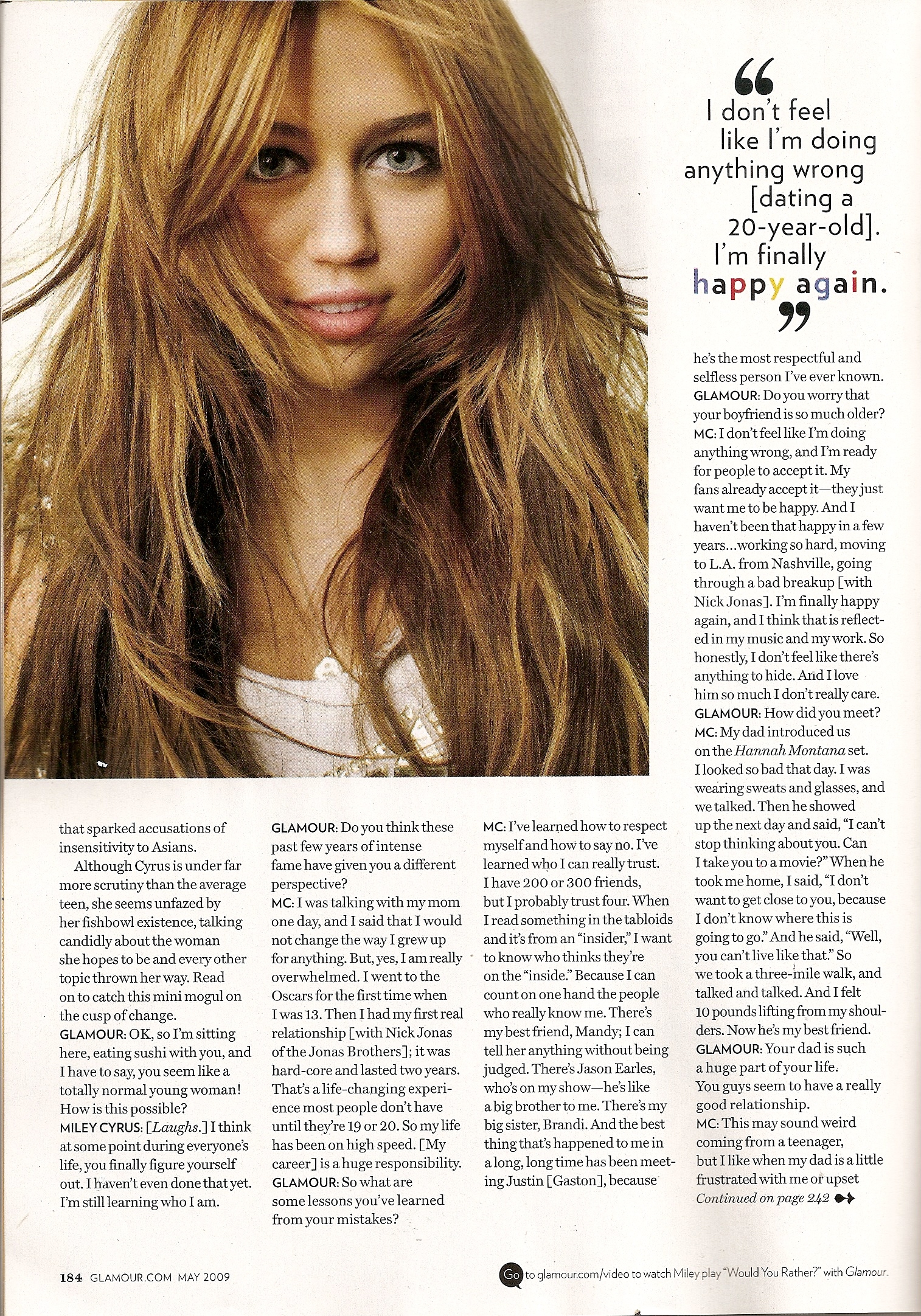
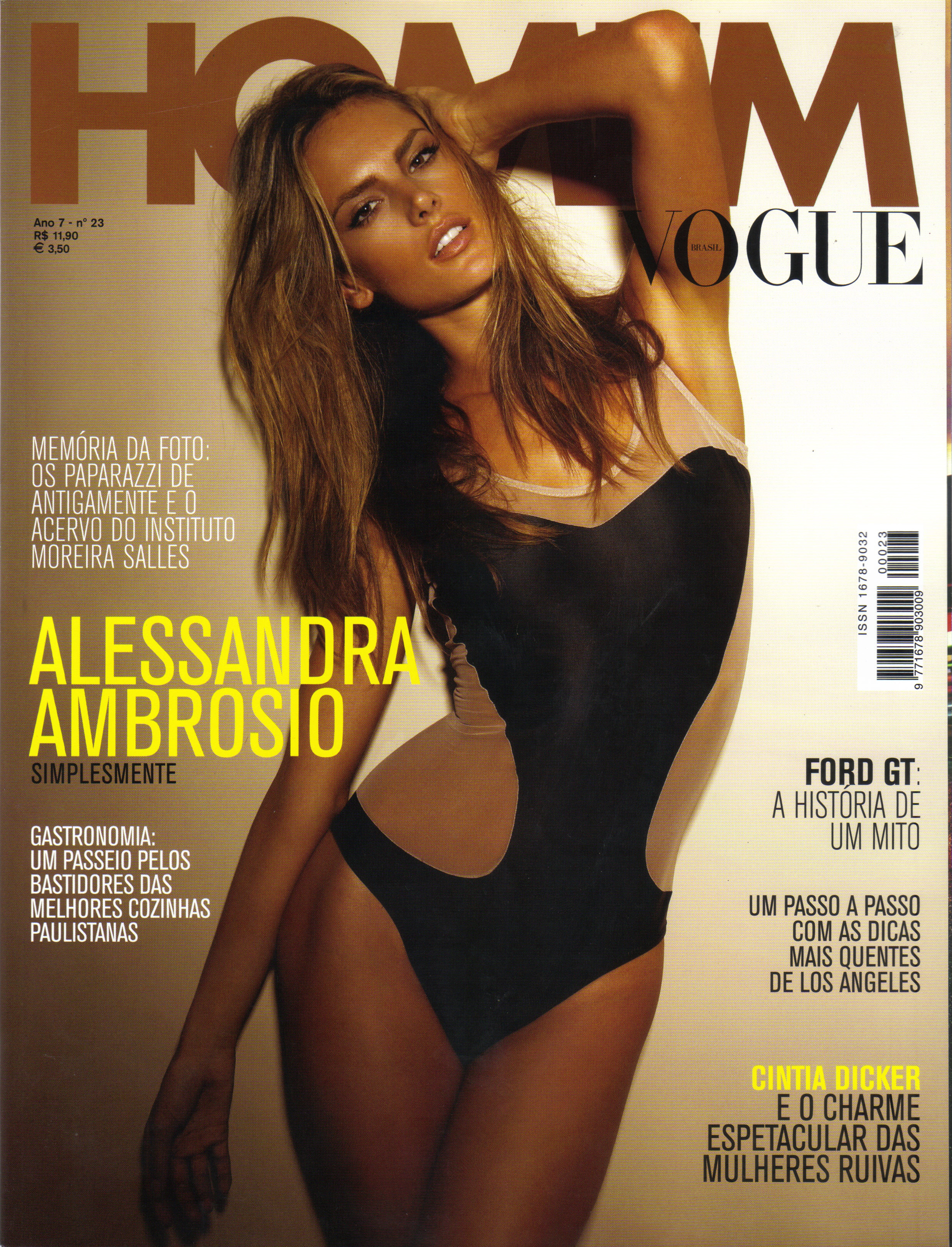
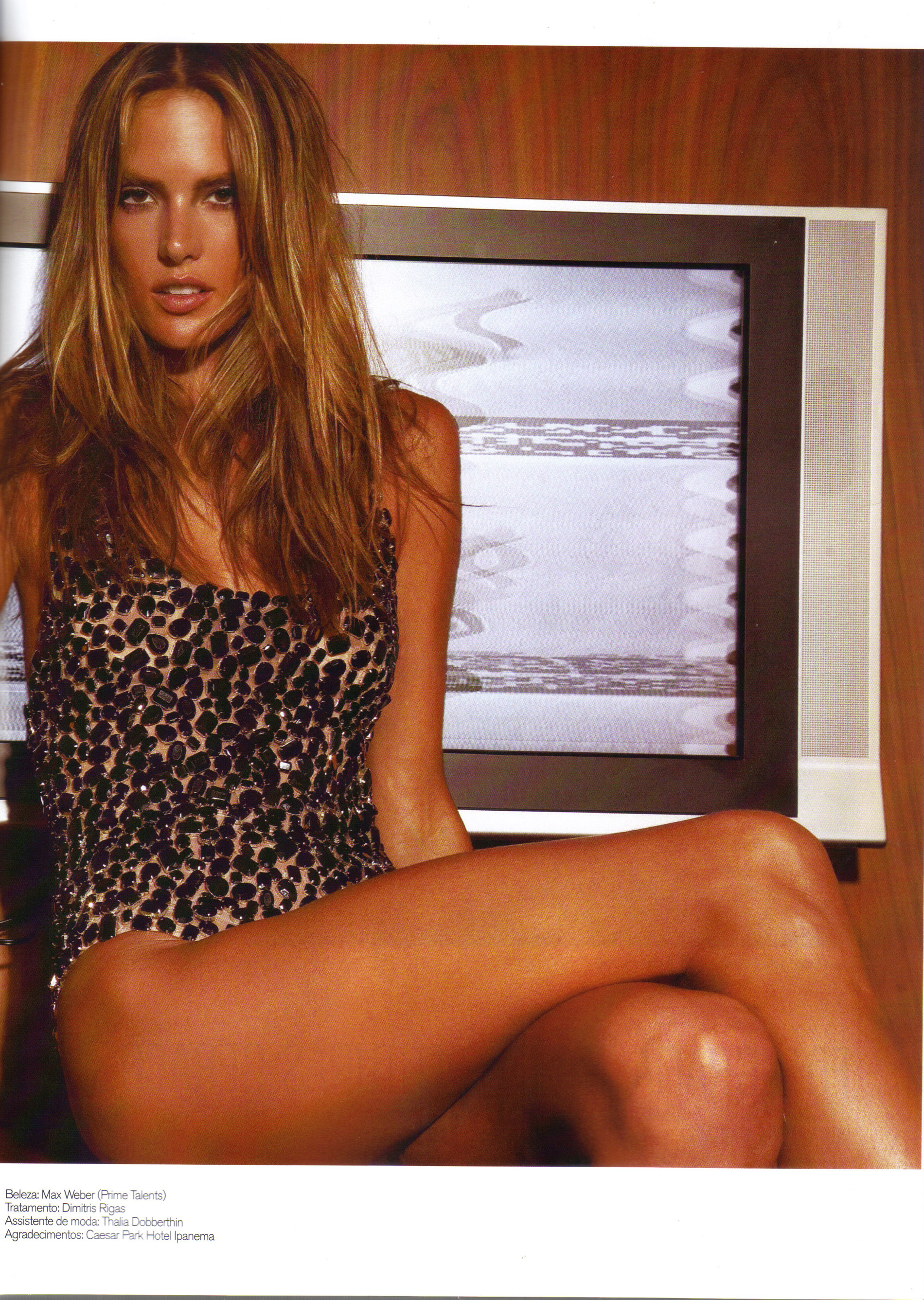
  3. scanned by me /monthly_04_2009/post-13213-0-1446077298-54176_thumb.jpg" data-fileid="3572407" alt="post-13213-0-1446077298-54176_thumb.jpg" data-ratio="141.81">

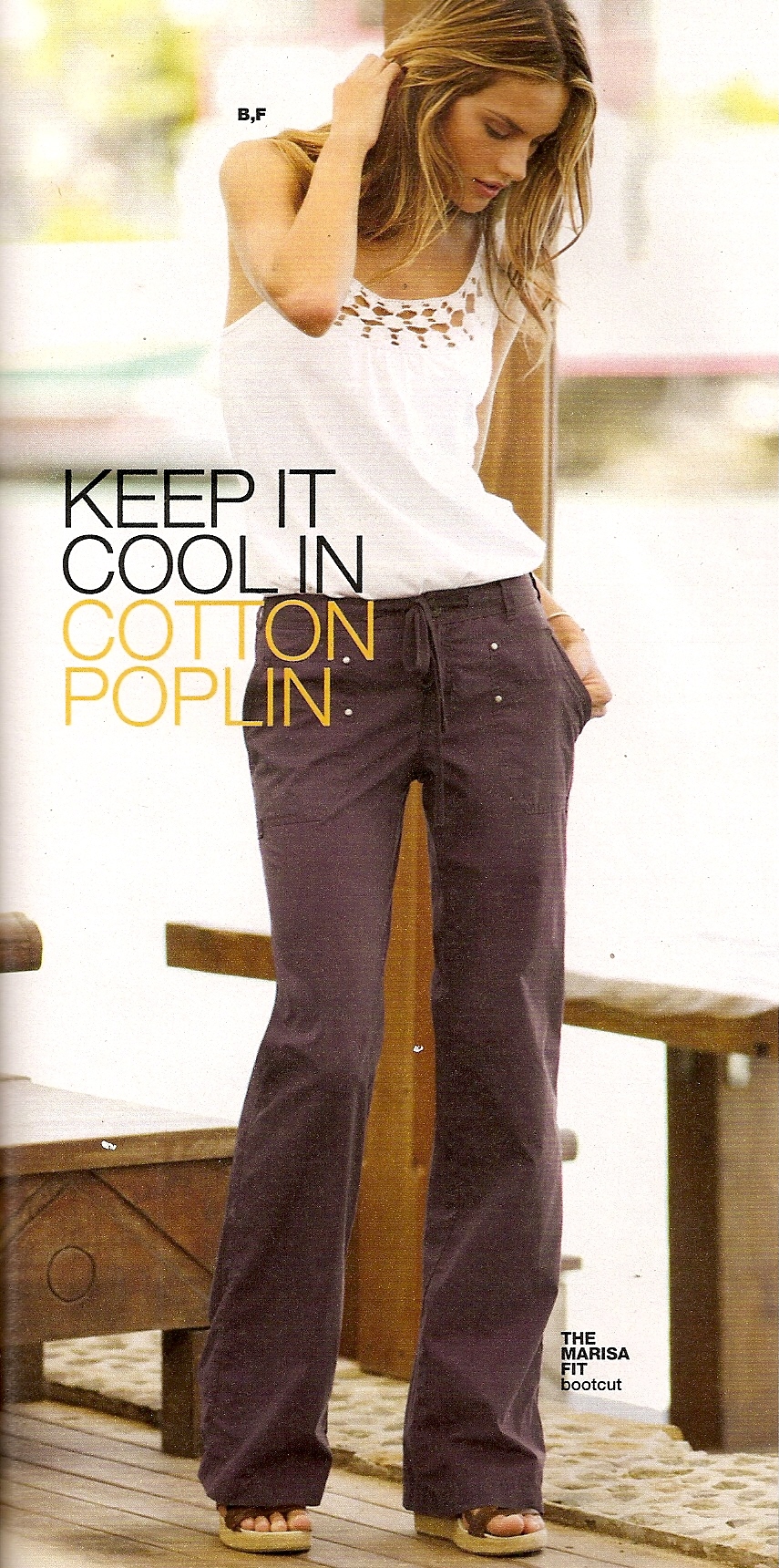
  4. my scan
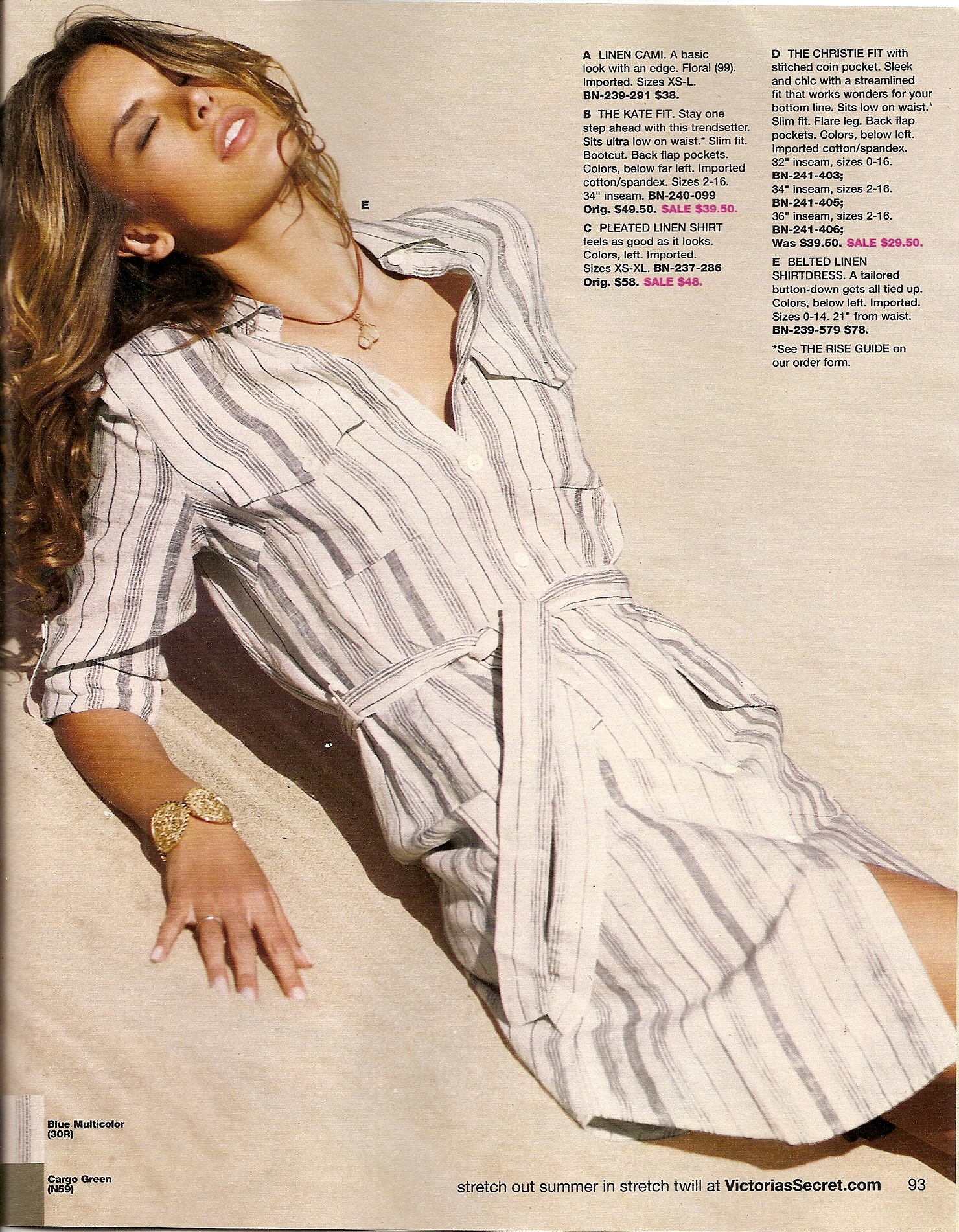
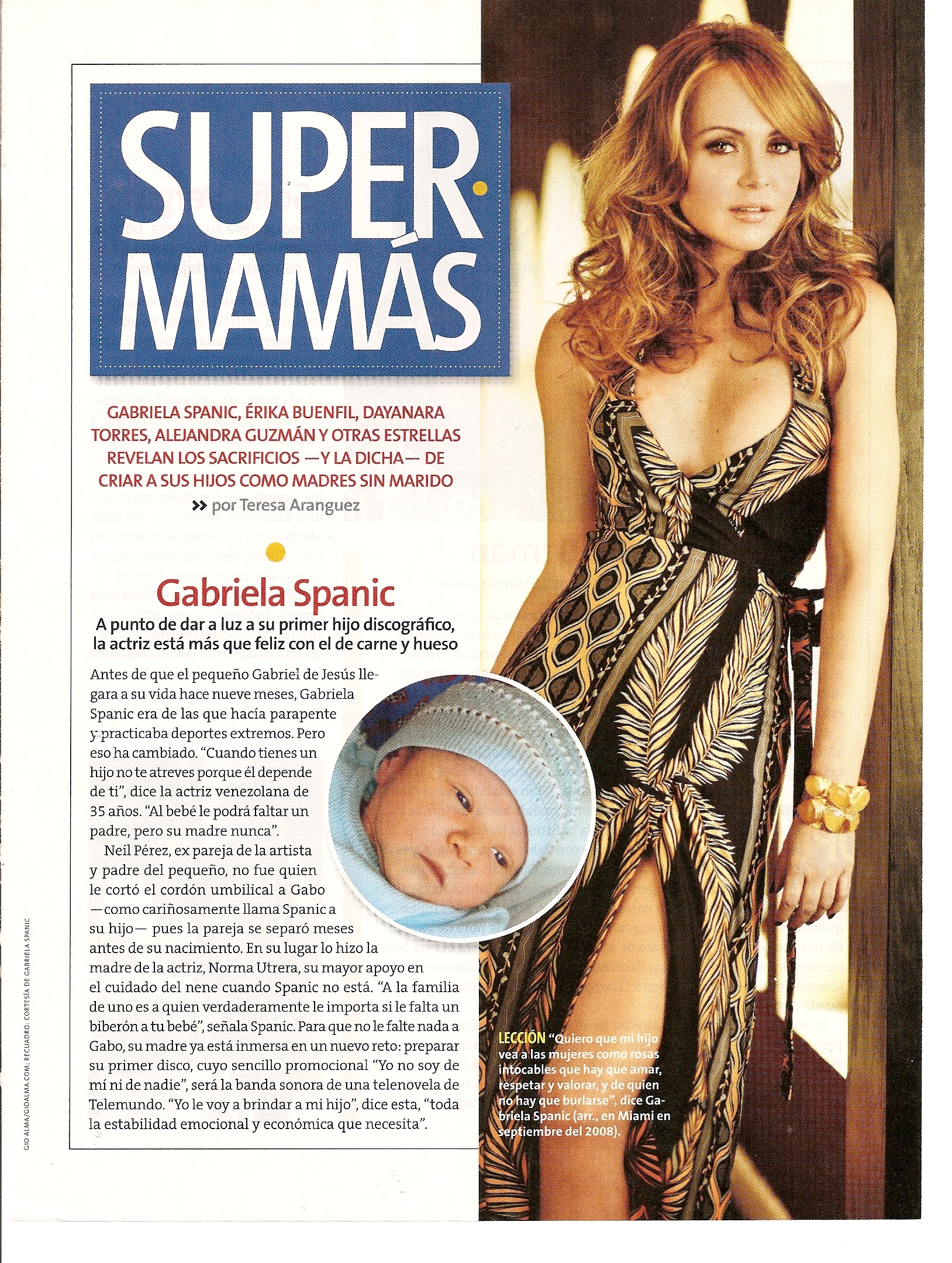
  5. scanned by me
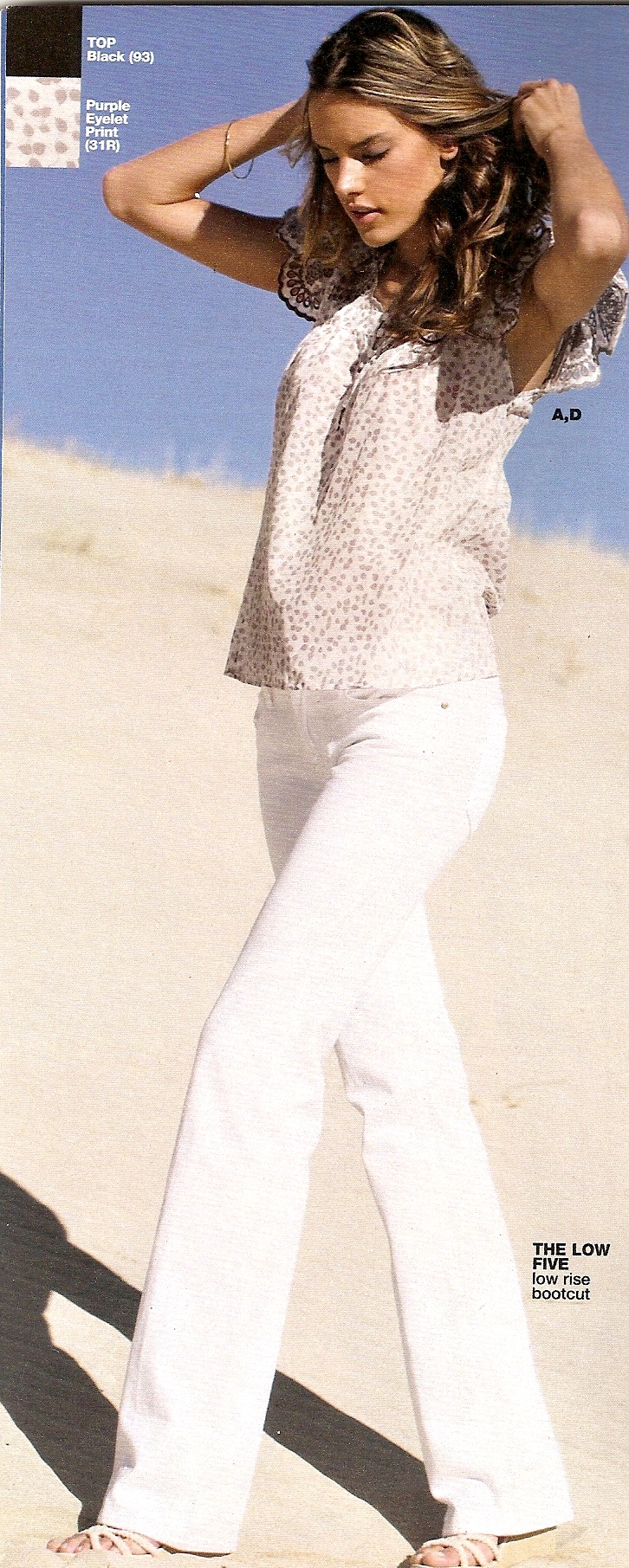
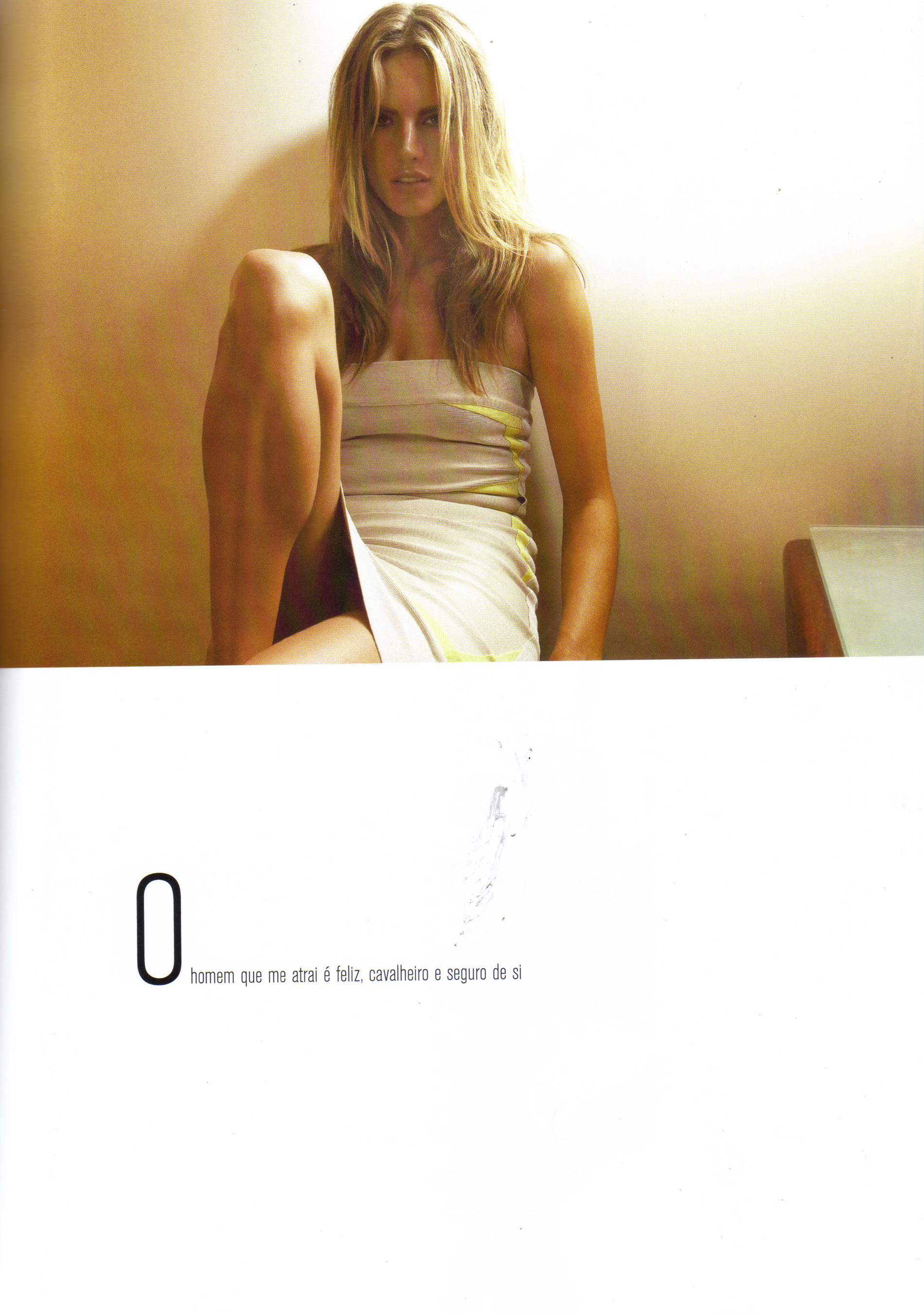
  6. my scan
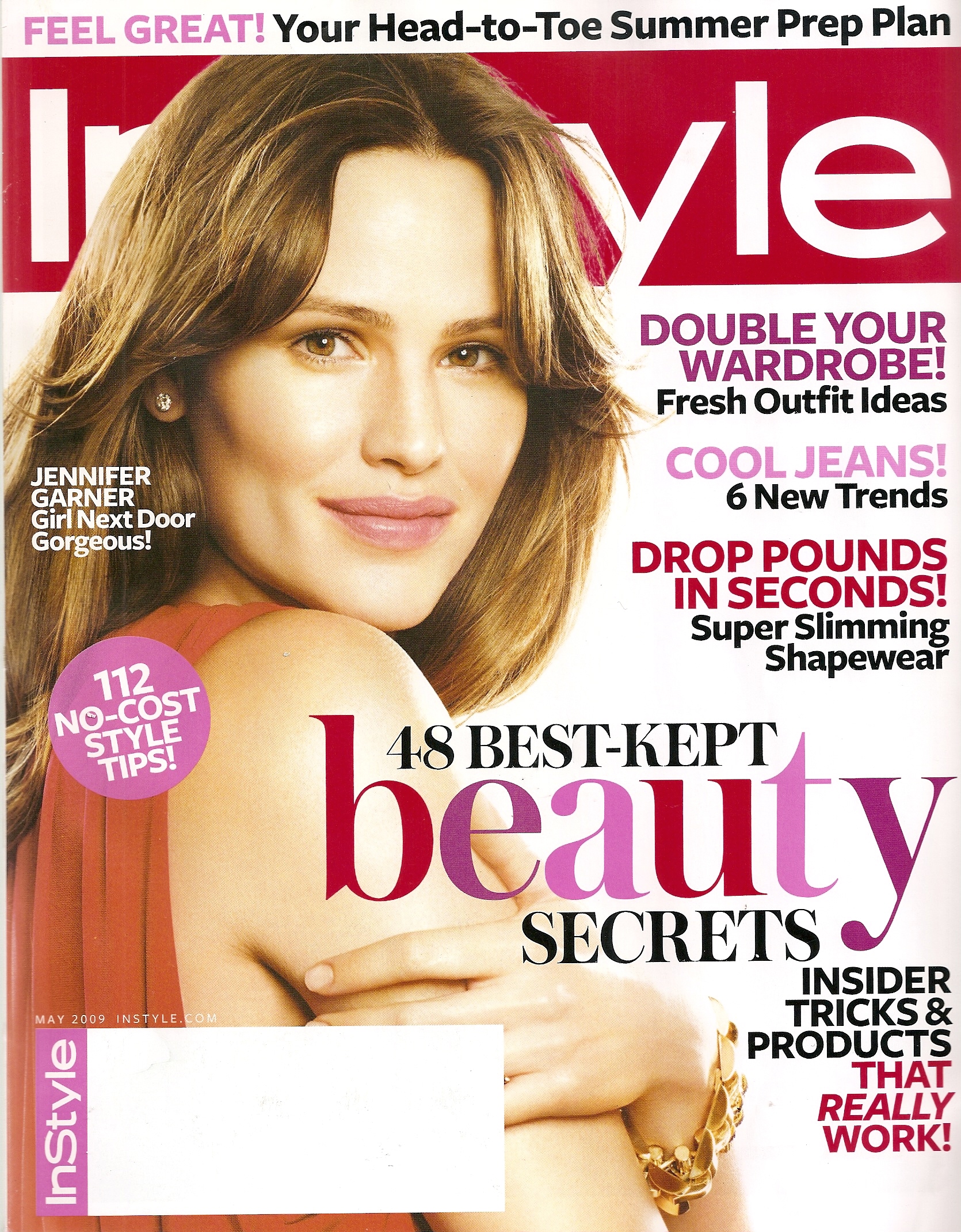
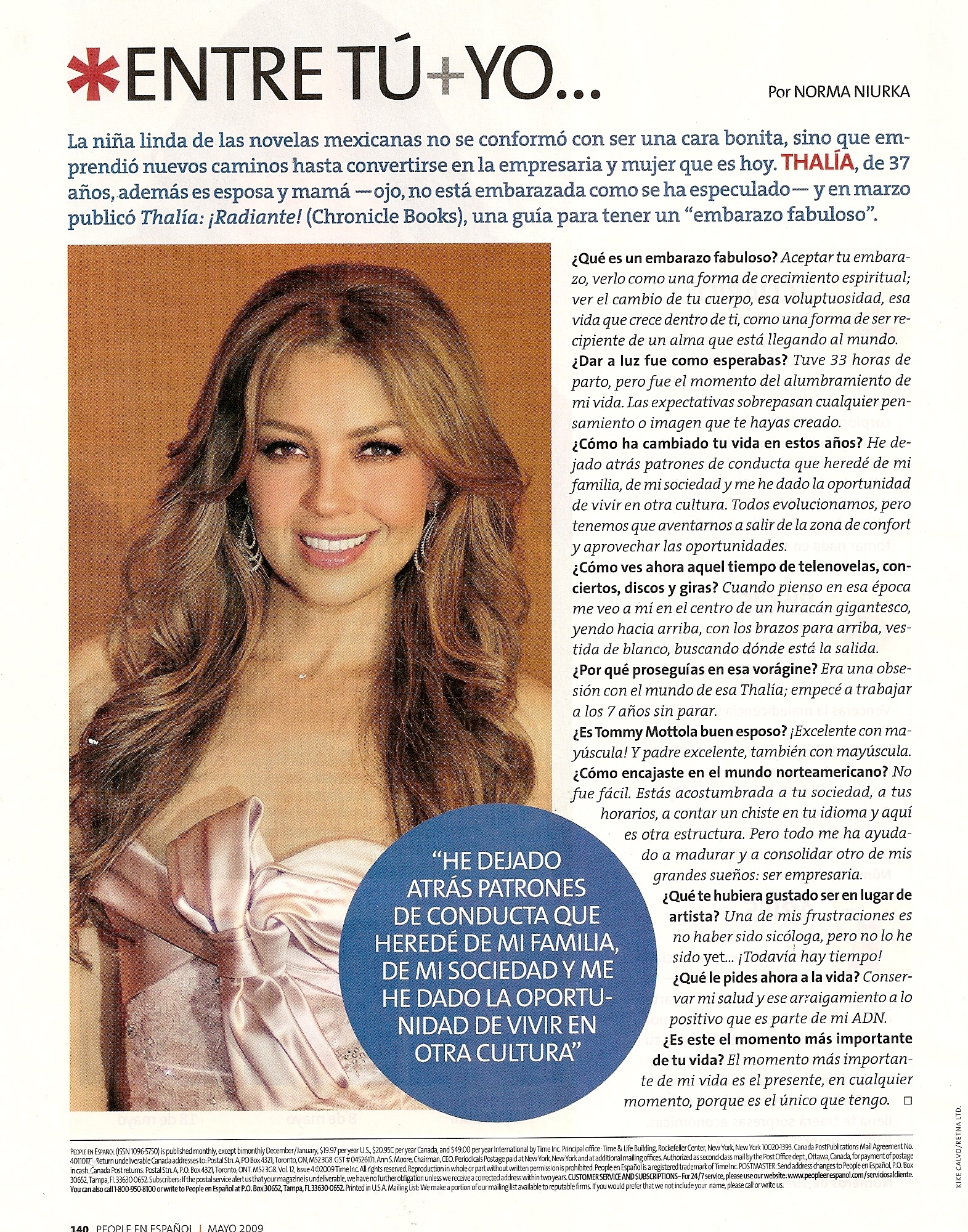
  7. my scan
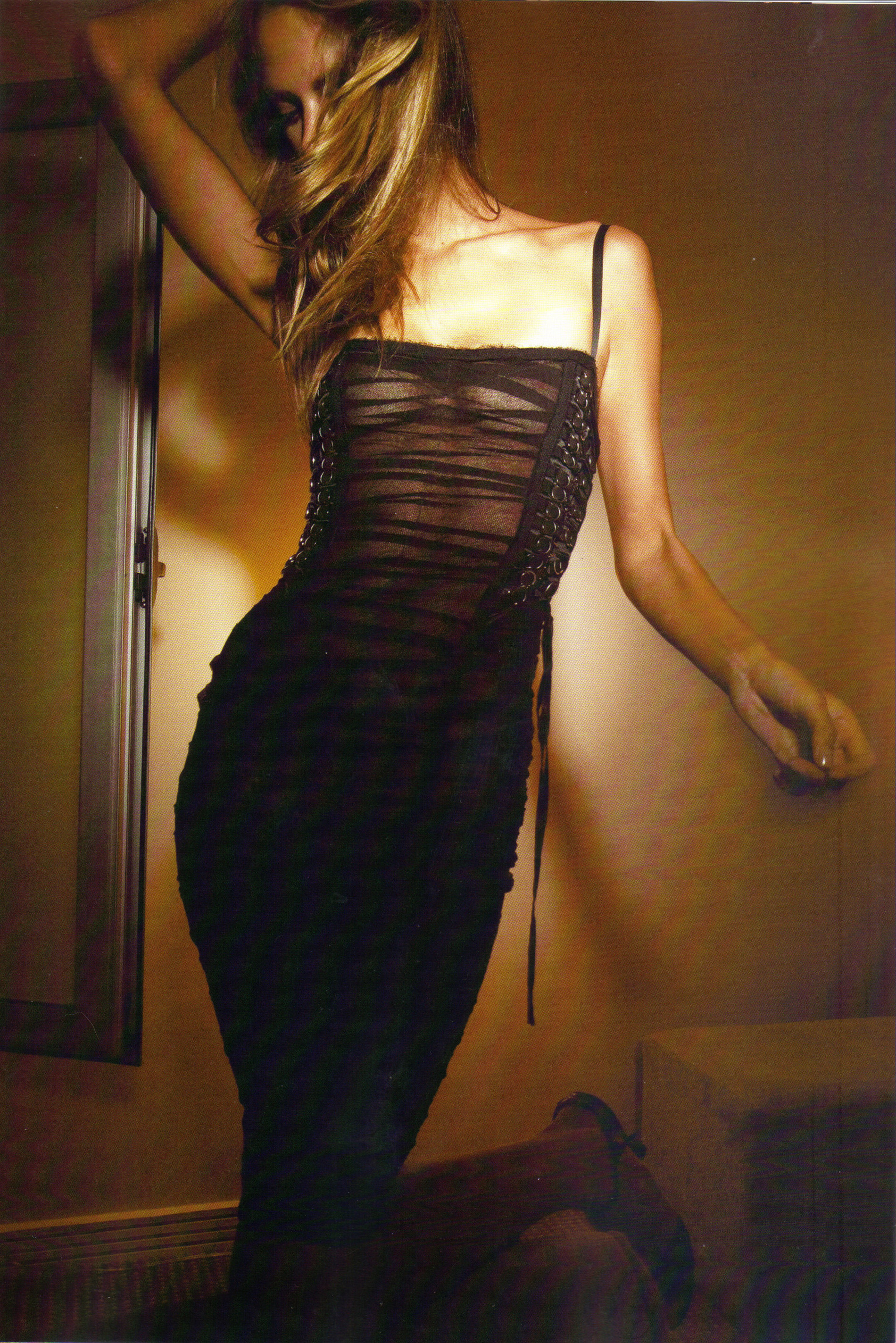
  8. my scan
  9. finchesthalia replied to Rogue's topic in Female Musicians
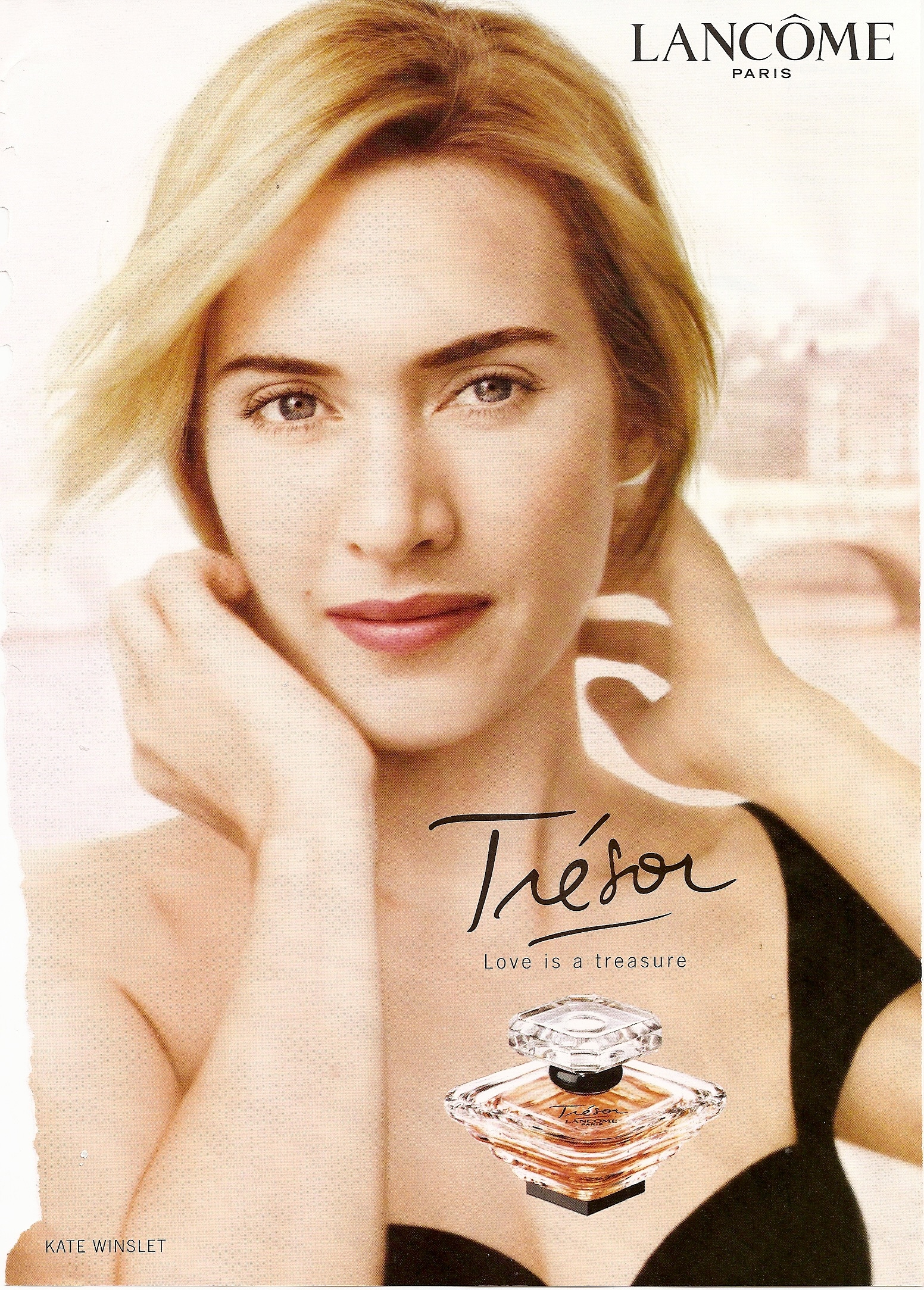
    my scan
  10. finchesthalia replied to Siren's topic in Actresses
    my scan
  11. scanned by me
  12. gorgeous.
  13. thank you.
  14. finchesthalia replied to a post in a topic in Alessandra Ambrosio
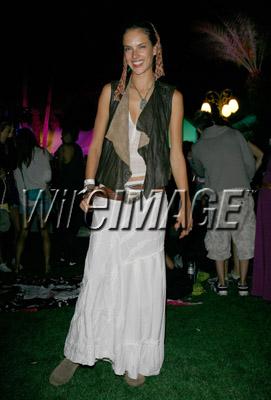
    Coacehella 2009 / California credits @AAOF

  15. finchesthalia replied to a post in a topic in Alessandra Ambrosio
    credits alessandrabeijos.com
  16. thank you.
  17. thank you, great job.
  18. finchesthalia replied to a post in a topic in Alessandra Ambrosio
    you are welcome.
  19. finchesthalia replied to a post in a topic in Alessandra Ambrosio
    HQs credits Southern Girl @AAOF

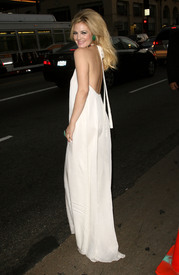
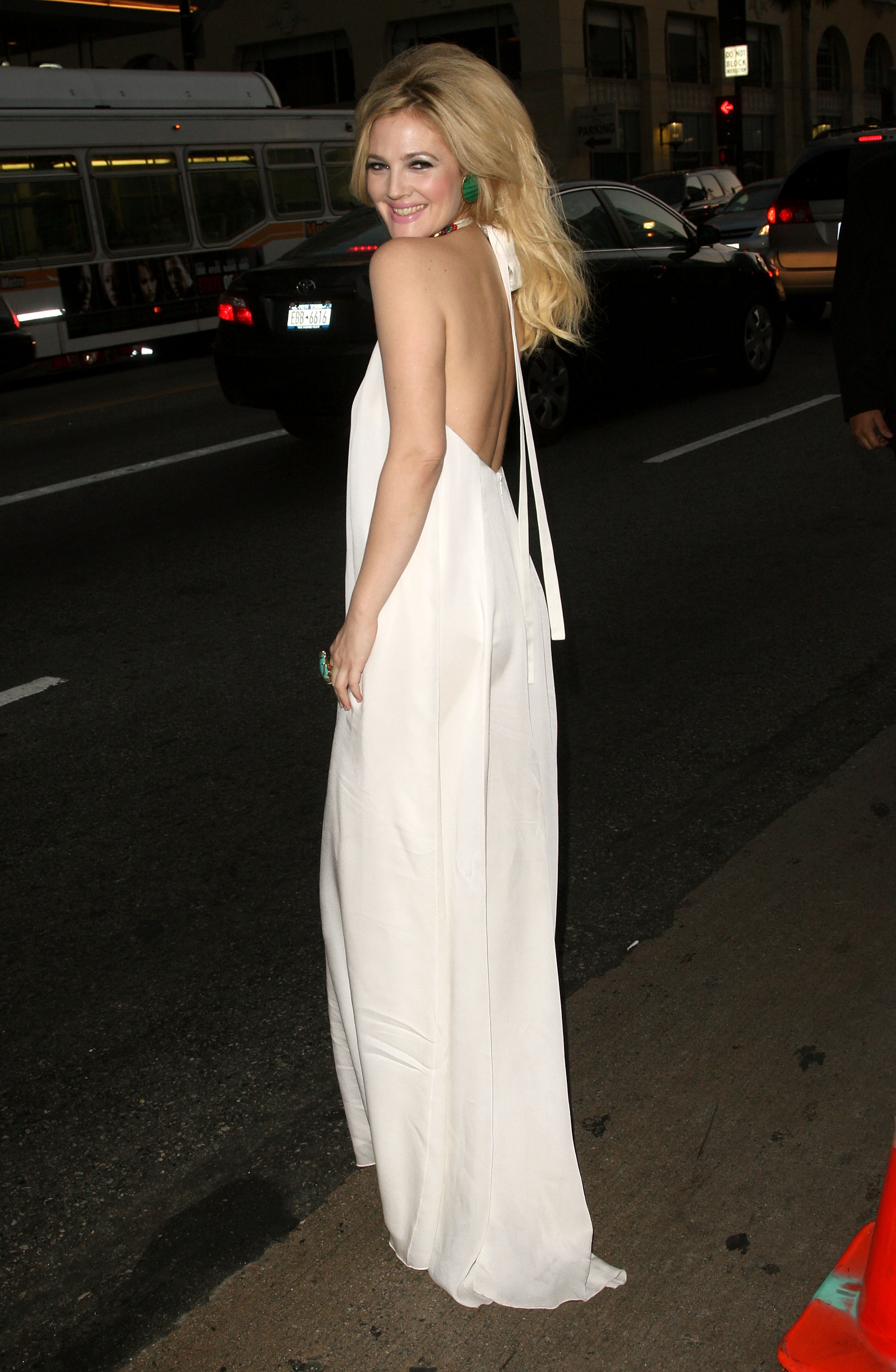
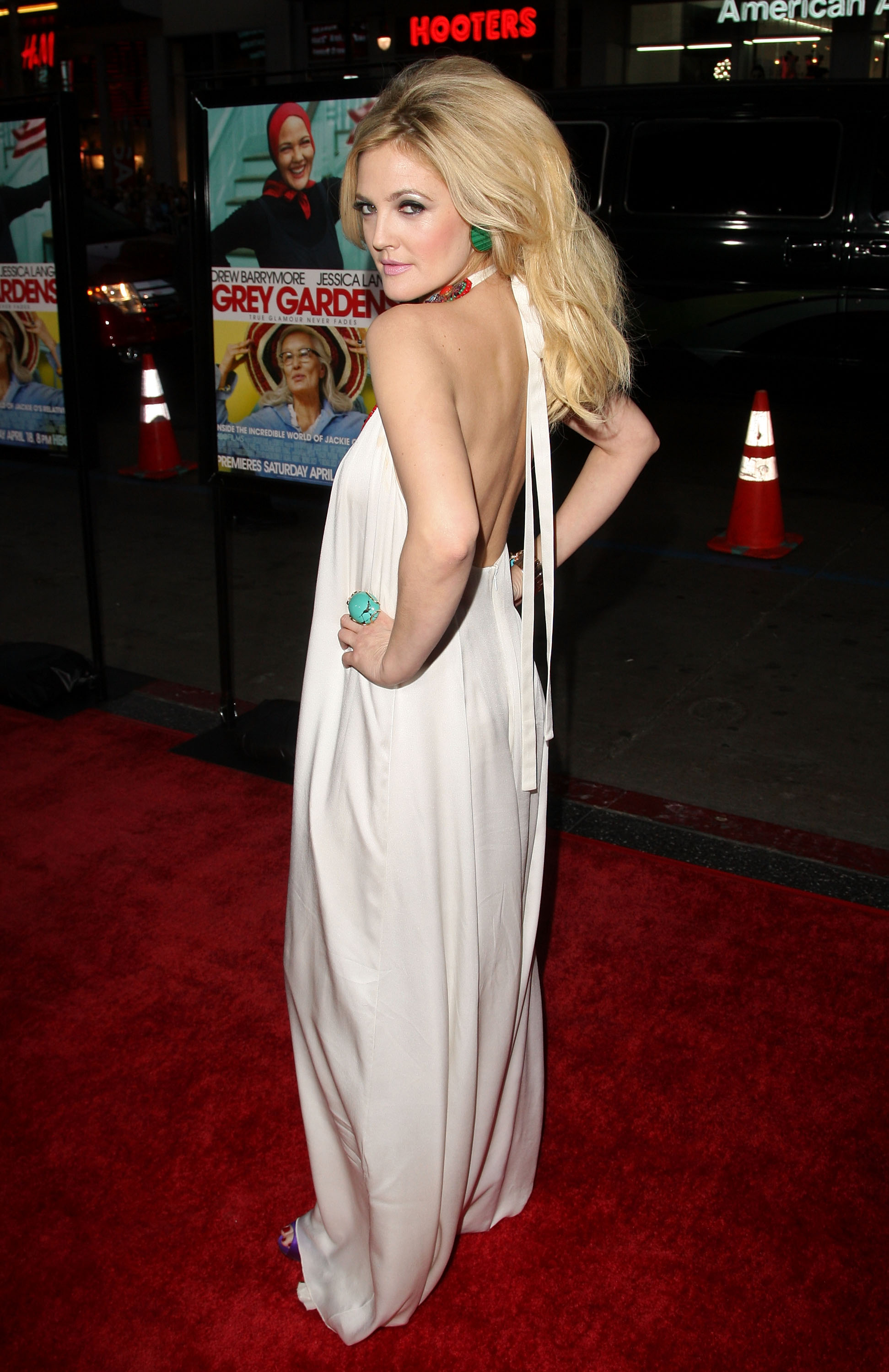
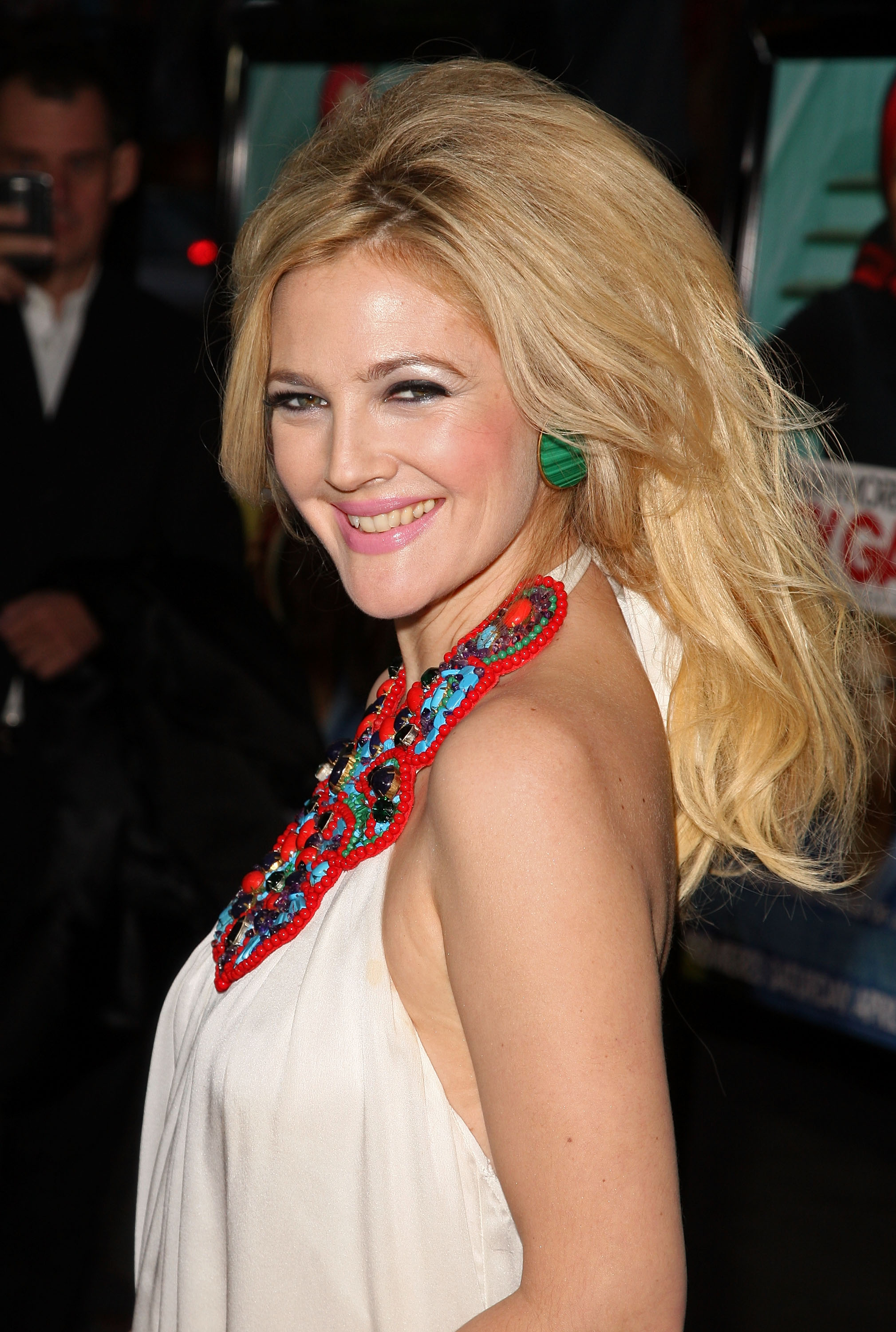
  20. Drew Barrymore attends the "Grey Gardens" film premiere (April 16) /monthly_04_2009/post-13213-0-1593850655-19189_thumb.jpg" class="ipsImage ipsImage_thumbnailed" alt="008-Drew_Barrymore_Premiere_HBO_Films_Grey_Gardens_celebutopia_CD041609.jpg"> @TFS

  21. sexy.

Configure browser push notifications

Chrome (Android)
  1. Tap the lock icon next to the address bar.
  2. Tap Permissions → Notifications.
  3. Adjust your preference.
Chrome (Desktop)
  1. Click the padlock icon in the address bar.
  2. Select Site settings.
  3. Find Notifications and adjust your preference.