Jump to content
View in the app

A better way to browse. Learn more.

Bellazon

A full-screen app on your home screen with push notifications, badges and more.

To install this app on iOS and iPadOS
  1. Tap the Share icon in Safari
  2. Scroll the menu and tap Add to Home Screen.
  3. Tap Add in the top-right corner.
To install this app on Android
  1. Tap the 3-dot menu (⋮) in the top-right corner of the browser.
  2. Tap Add to Home screen or Install app.
  3. Confirm by tapping Install.

finchesthalia

Members
  • Joined

  • Last visited

Everything posted by finchesthalia

  1. finchesthalia replied to Legion's topic in Actresses
    she looks beautiful. thank you.
  2. thank you.
  3. finchesthalia replied to a post in a topic in Alessandra Ambrosio
    thanks a lot, i love it.
  4. thanks again jal for your scans.
  5. thank you.
  6. finchesthalia replied to a post in a topic in Alessandra Ambrosio
    voted.
  7. Alessandra x3
  8. wow, that is great. glad you enjoy it.
  9. he is so handsome, love her eyes. thanks a lot for post.
  10. thank you
  11. thanks.
  12. finchesthalia replied to Legion's topic in Actresses
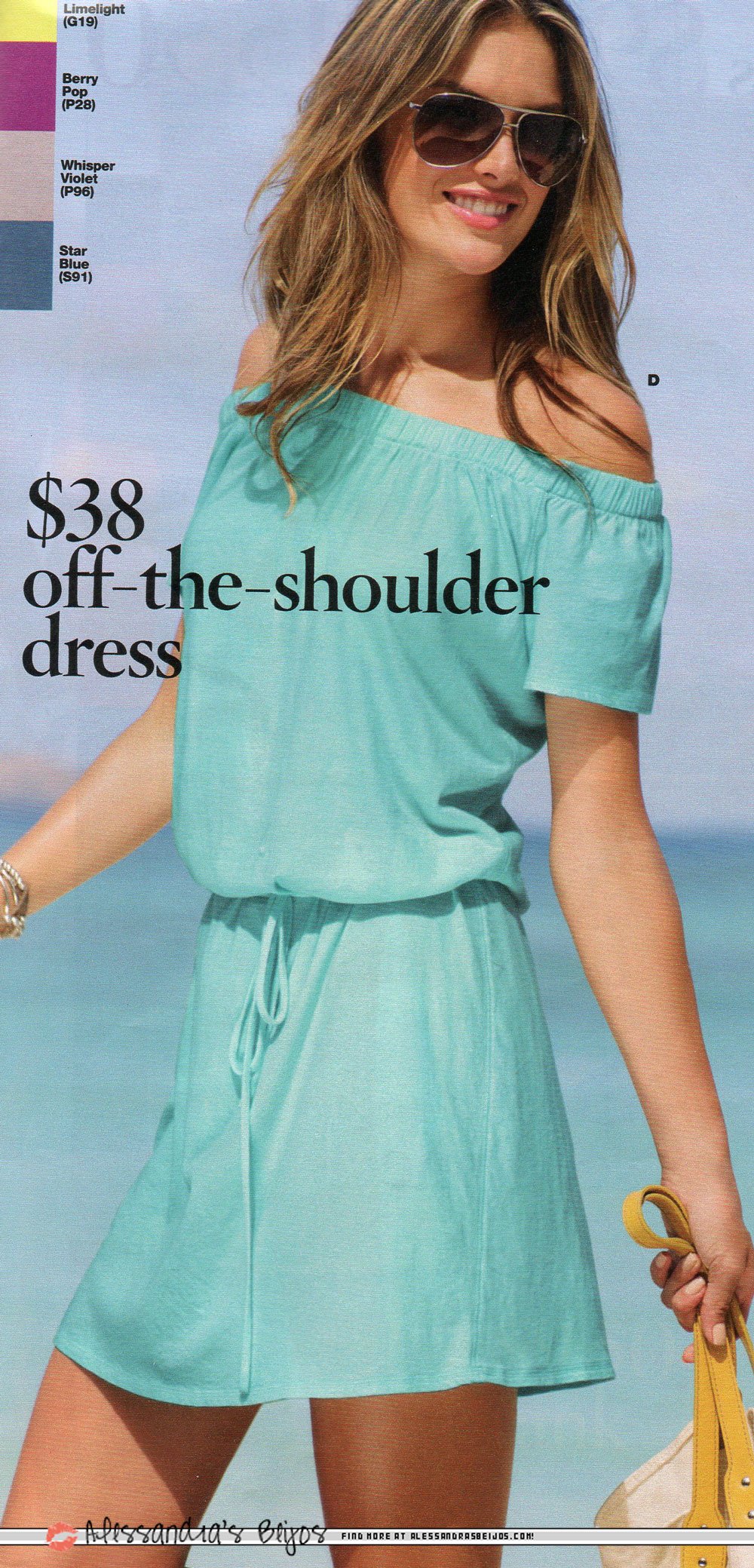
    I like the dress, thanks suki.
  13. thanks , she looks pretty.
  14. finchesthalia replied to Rogue's topic in Female Musicians
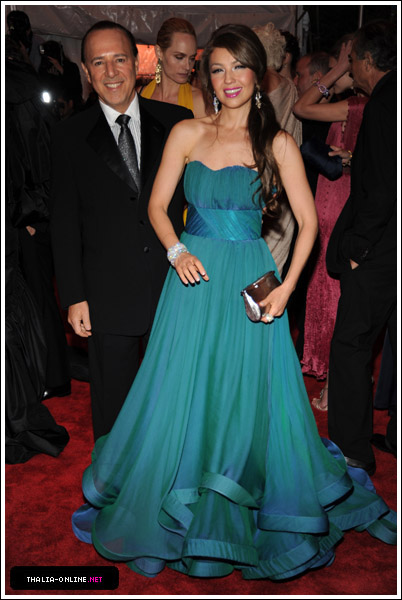
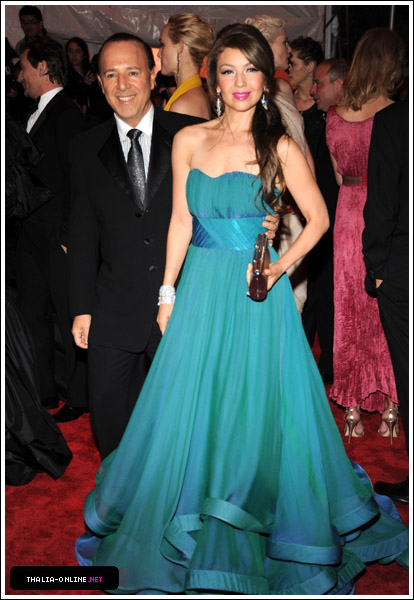
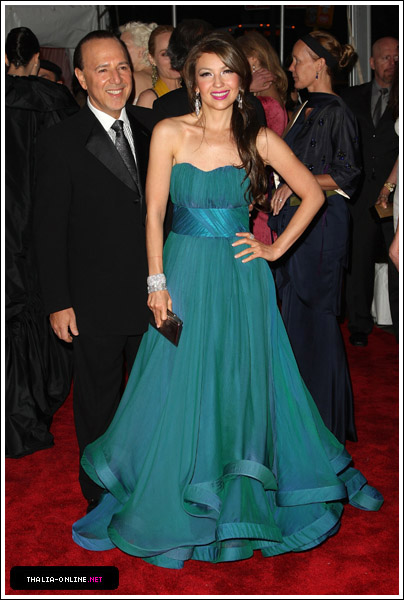
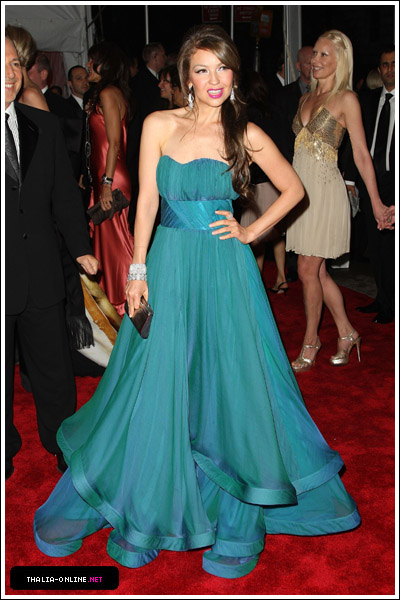
    HQs
  15. I love that pic, it's beautiful
  16. finchesthalia replied to Rogue's topic in Female Musicians
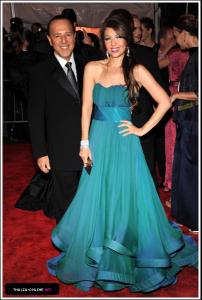
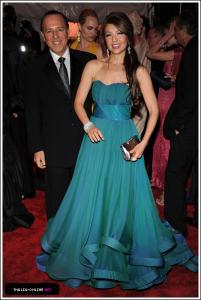
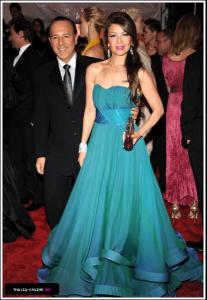
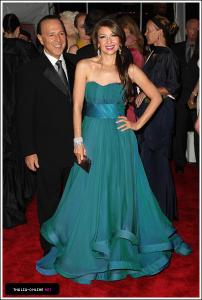
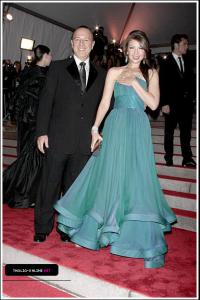
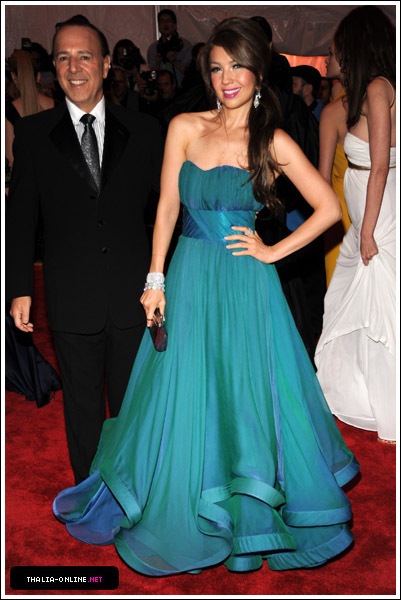
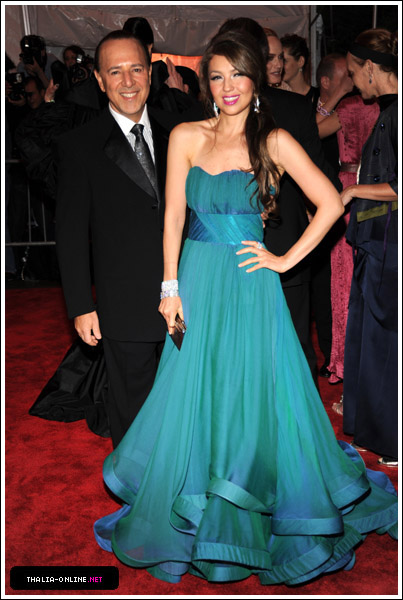
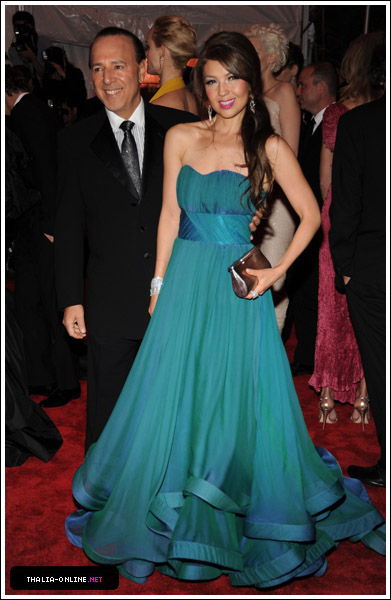
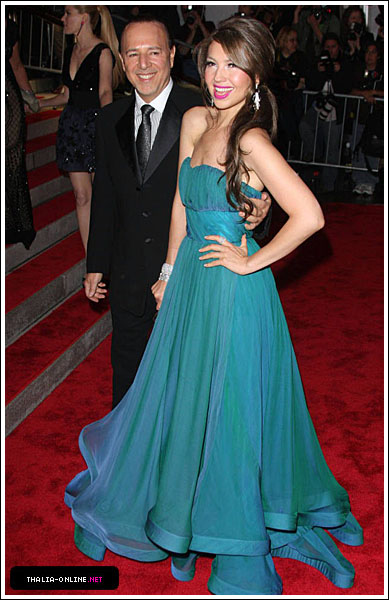
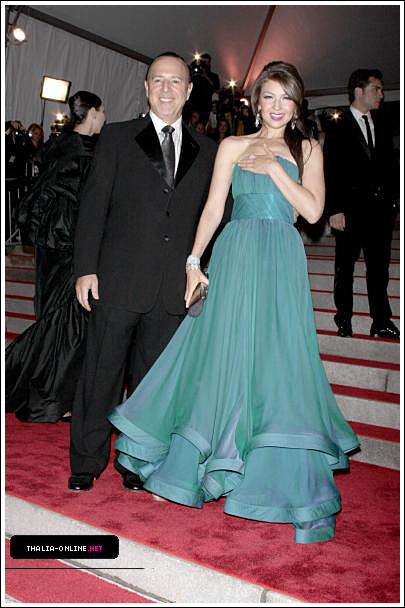
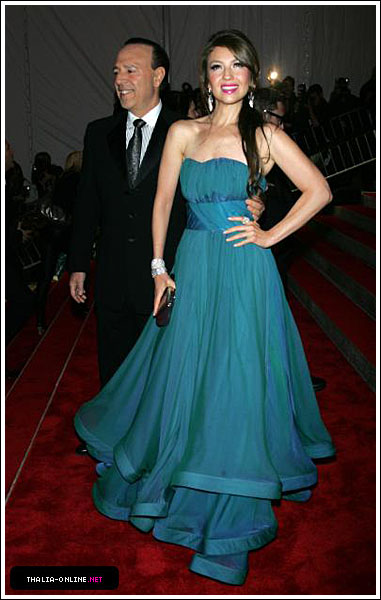
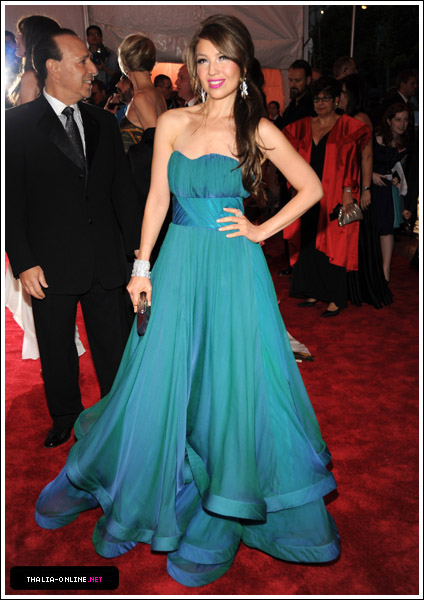
    Costume Institute Gala - May 04, 2009
  17. thanks a lot.
  18. finchesthalia replied to Anouk's topic in Actresses
    pretty, thanks.
  19. sexyness
  20. finchesthalia replied to a post in a topic in Alessandra Ambrosio
    thanks.
  21. finchesthalia replied to a post in a topic in Alessandra Ambrosio
    lovely. thanks for post them in here.
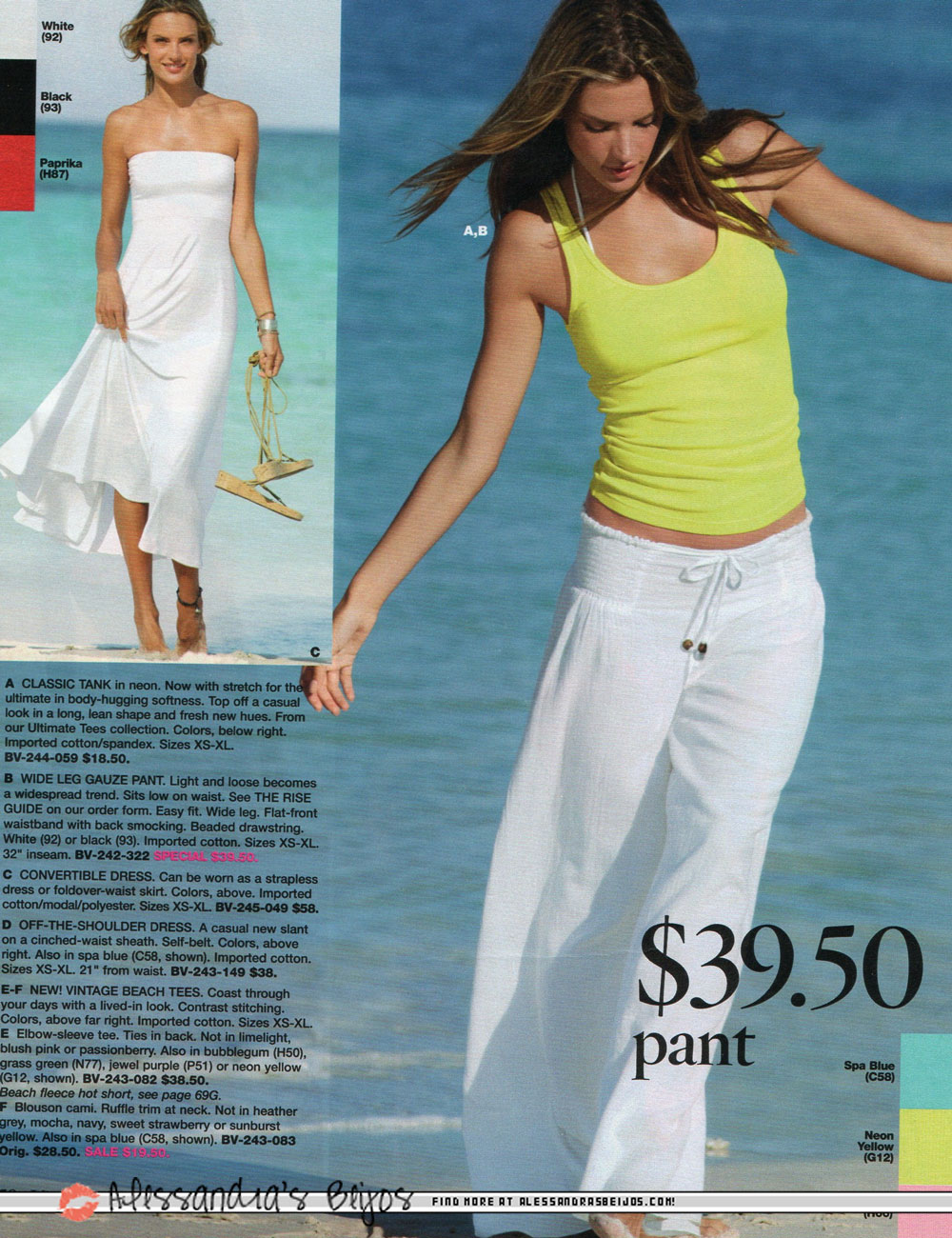
  22. credits alessandrabeijos.com
  23. credits alessandrabeijos.com
  24. wow so beautiful. thank you.
  25. finchesthalia replied to Legion's topic in Actresses
    she looks wonderful. beautiful. thanks.
Configure browser push notifications

Chrome (Android)
  1. Tap the lock icon next to the address bar.
  2. Tap Permissions → Notifications.
  3. Adjust your preference.
Chrome (Desktop)
  1. Click the padlock icon in the address bar.
  2. Select Site settings.
  3. Find Notifications and adjust your preference.