
Ran
Members
-
Joined
-
Last visited
Everything posted by Ran
-
 96414068_305959130396322_8007602783986222055_n.mp4
 -
-
94180777_538223796896120_8727386605983259667_n.mp4


-
93499694_630563214466717_376517738471928880_n.mp4
92012075_219378132467276_6523746684743367024_n.mp4
94009975_602554876963107_766275369911625277_n.mp4 91171767_274010283591422_4851055487226044557_n.mp4

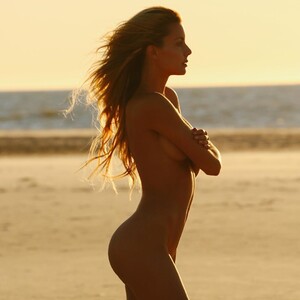

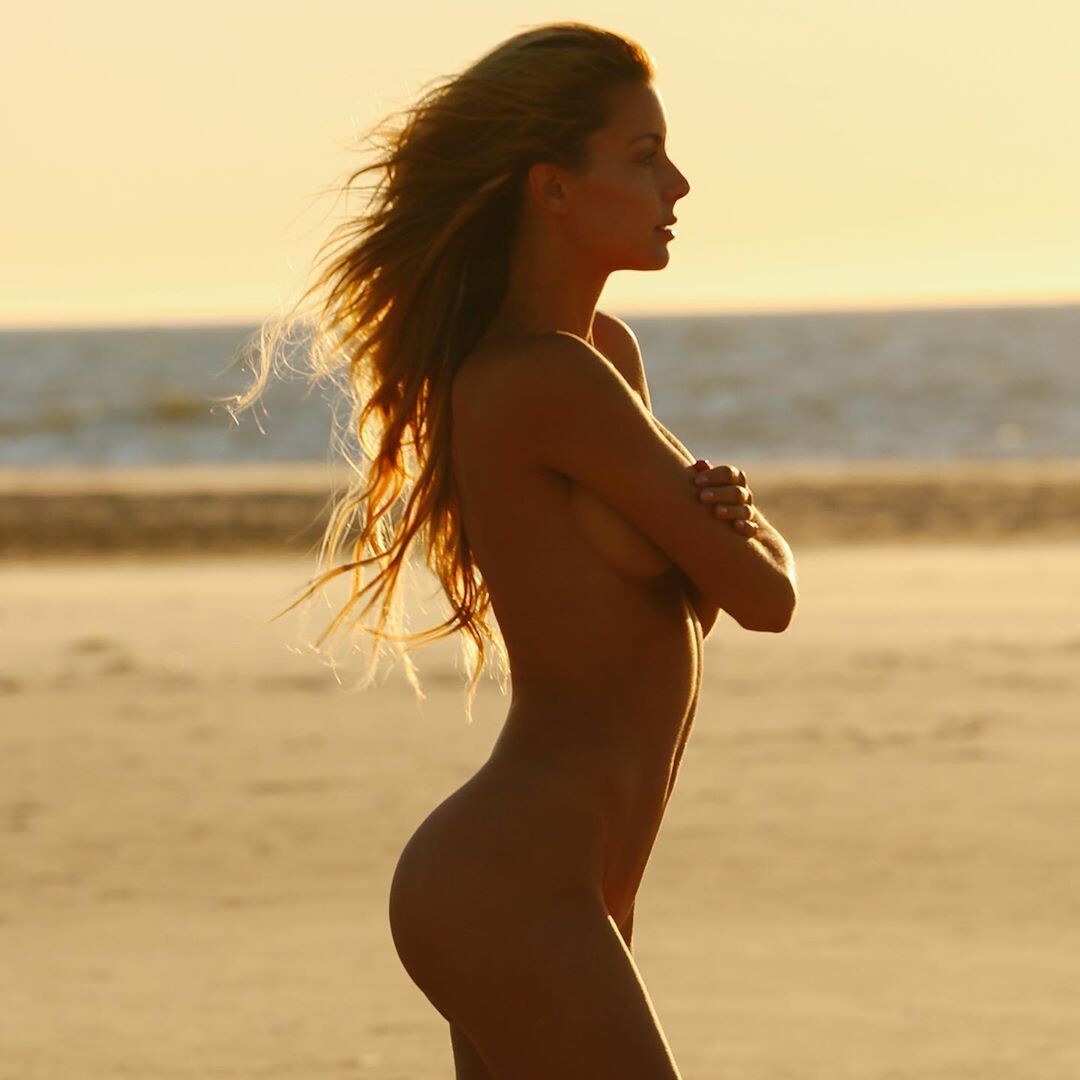
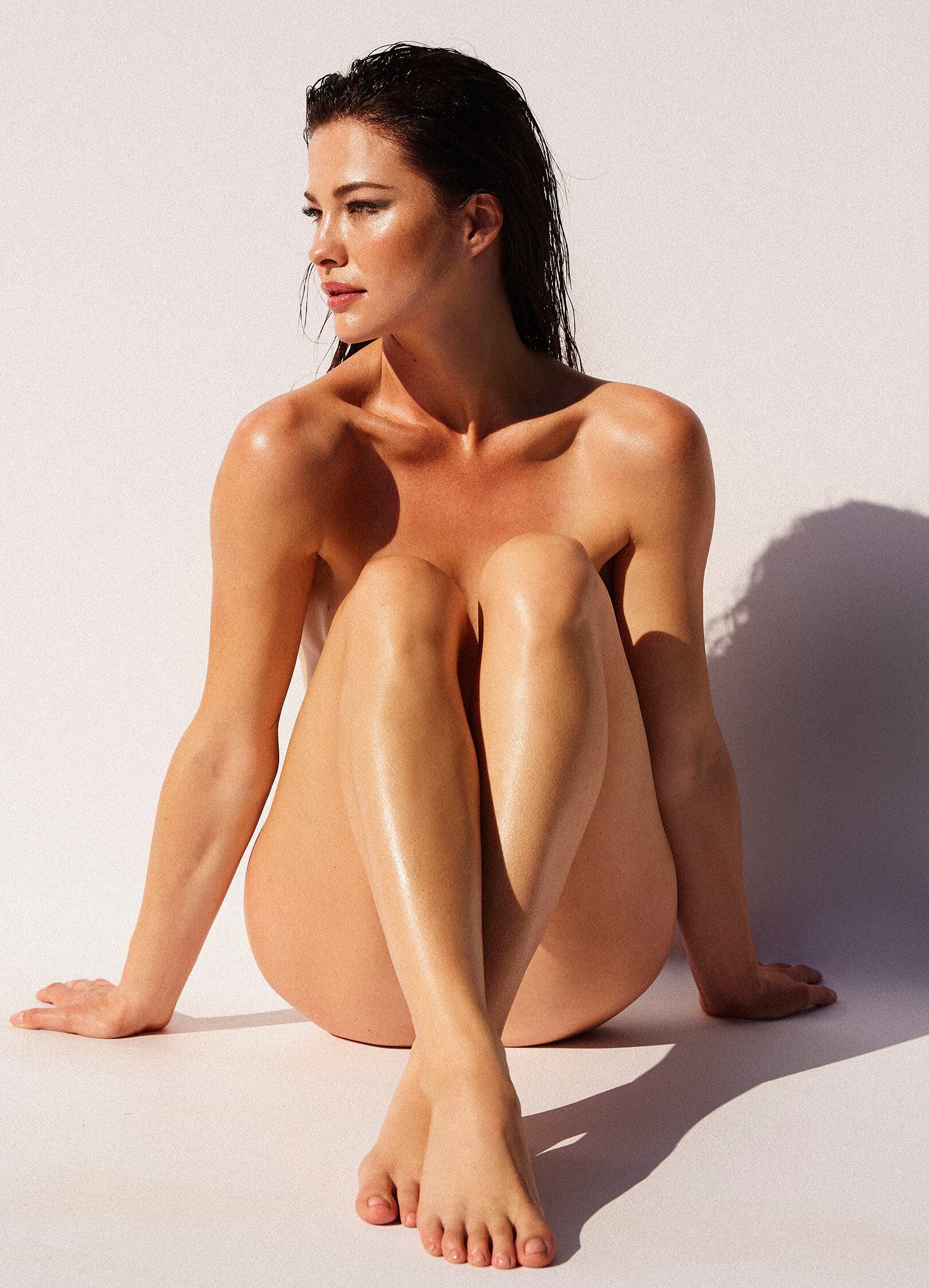
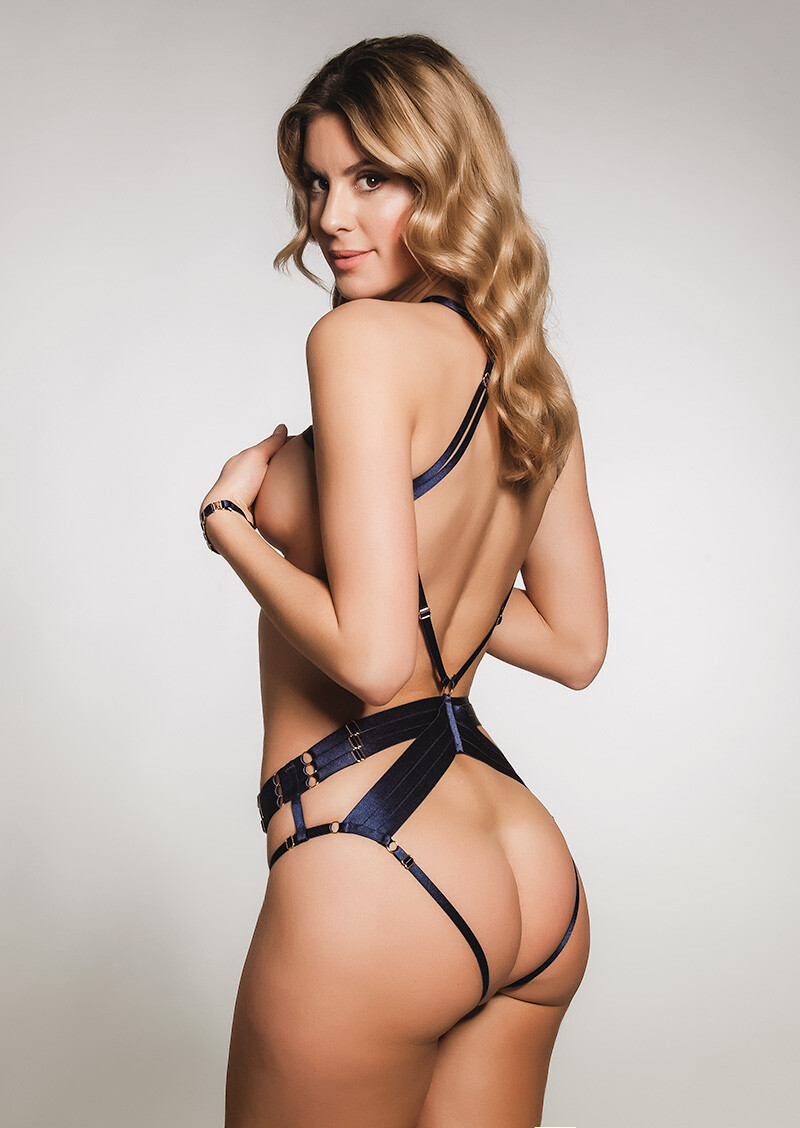
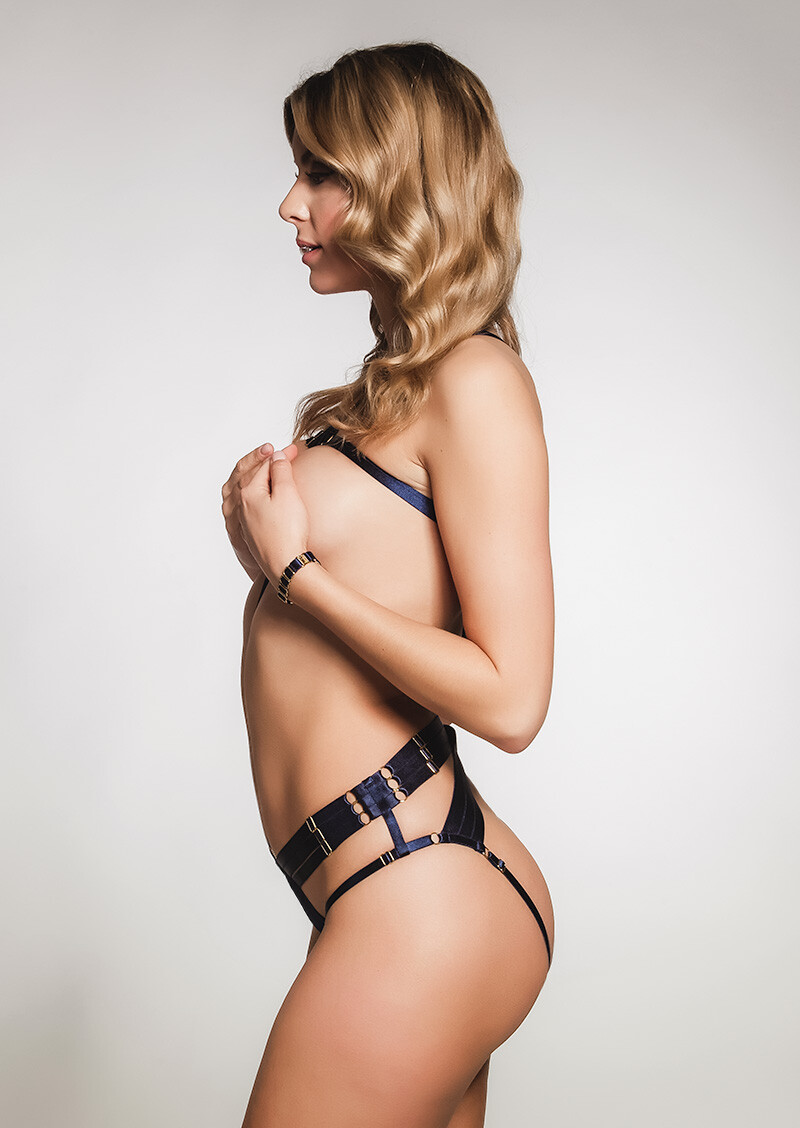
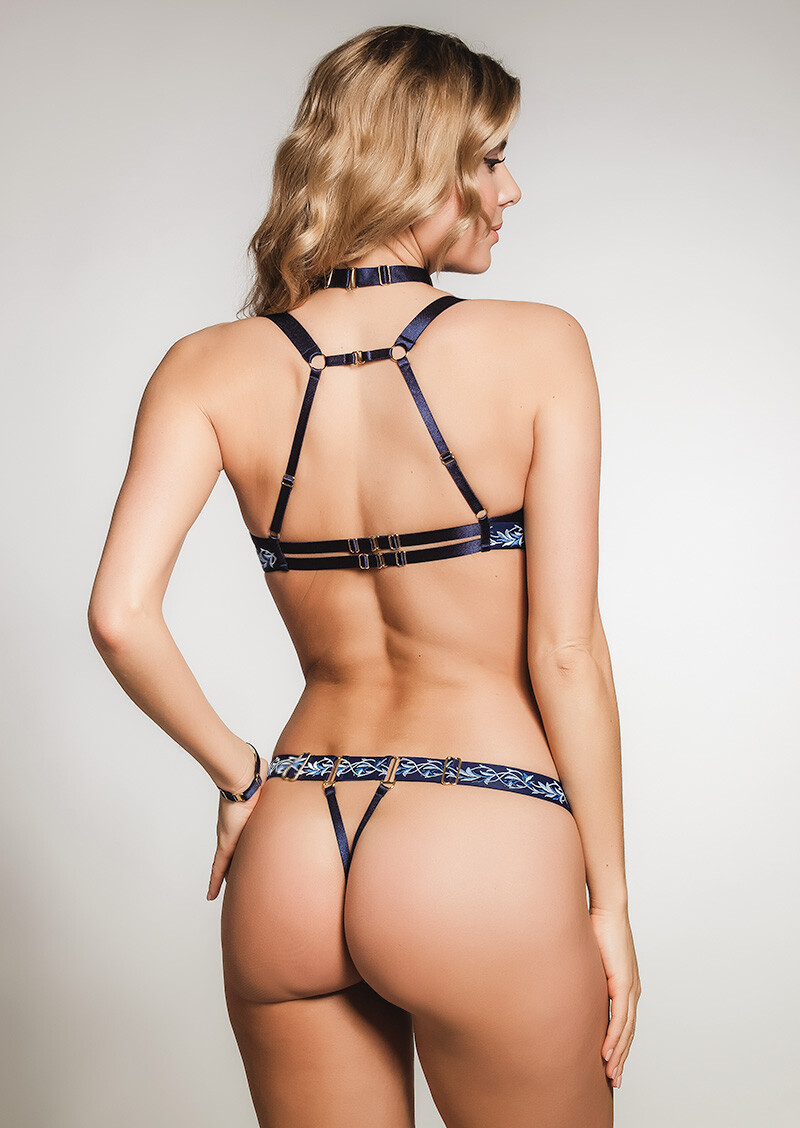
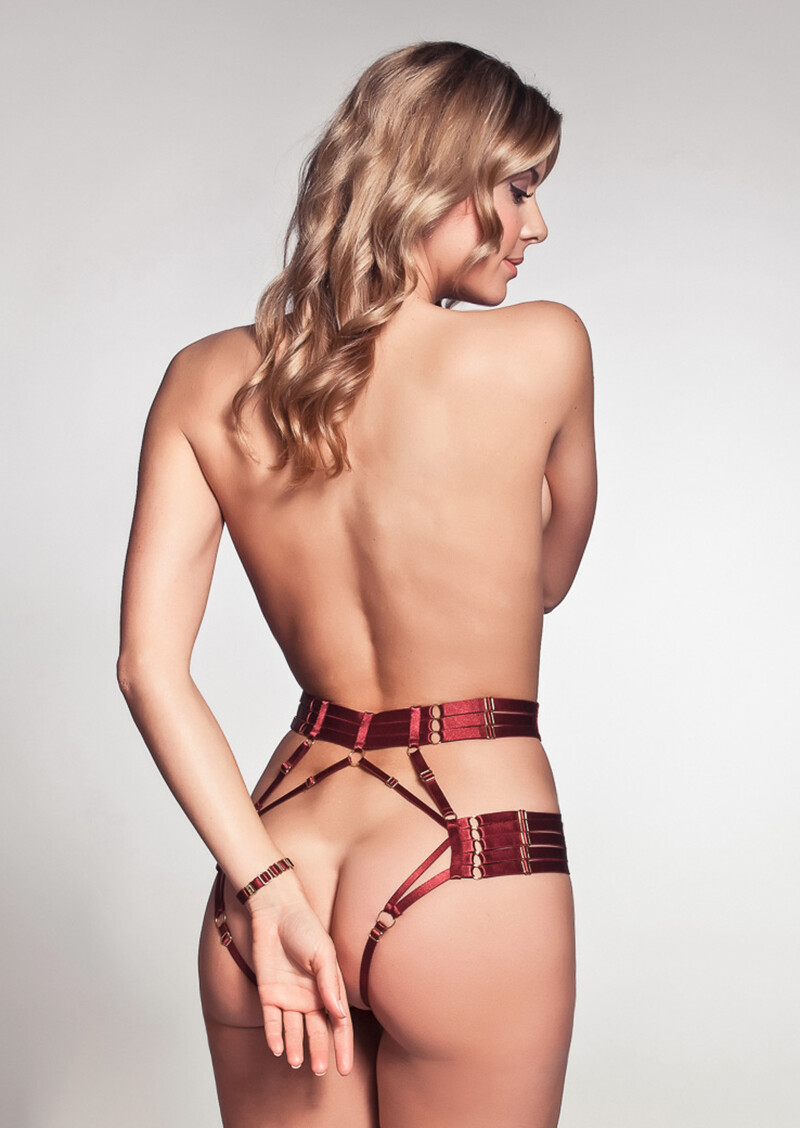
 JENNY WATWOOD Photography by James Houston Beauty by Brendan Robertson © SERIES MAG Source: https://www.theseriesmag.com/articles/issue/issue-12 NUDITY












 90337623_628370661080775_6353877023220870567_n.mp4

 The Series Mag | Jenny Watwood by James Houston The Series Mag - Jenny Watwood by James Houston.mp4 89911764_513919016216761_3243349516851092237_n.mp4 90895536_163344481394441_5994497064755011878_n.mp4

 89200228_2363844317248284_2437855240377112737_n.mp4

Account
Navigation
Search
Configure browser push notifications
Chrome (Android)
- Tap the lock icon next to the address bar.
- Tap Permissions → Notifications.
- Adjust your preference.
Chrome (Desktop)
- Click the padlock icon in the address bar.
- Select Site settings.
- Find Notifications and adjust your preference.
Safari (iOS 16.4+)
- Ensure the site is installed via Add to Home Screen.
- Open Settings App → Notifications.
- Find your app name and adjust your preference.
Safari (macOS)
- Go to Safari → Preferences.
- Click the Websites tab.
- Select Notifications in the sidebar.
- Find this website and adjust your preference.
Edge (Android)
- Tap the lock icon next to the address bar.
- Tap Permissions.
- Find Notifications and adjust your preference.
Edge (Desktop)
- Click the padlock icon in the address bar.
- Click Permissions for this site.
- Find Notifications and adjust your preference.
Firefox (Android)
- Go to Settings → Site permissions.
- Tap Notifications.
- Find this site in the list and adjust your preference.
Firefox (Desktop)
- Open Firefox Settings.
- Search for Notifications.
- Find this site in the list and adjust your preference.