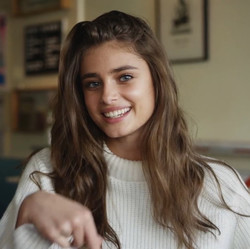
Dedrick_Kristijan
Members
-
Joined
-
Tate and Taylor.
-
Love the Joe's Jeans shoot.Lima. There is just something incredibly intoxicating about her eyes.Dedrick_Kristijan changed their profile photoThere was always something that I found very weird and uncomfortable in Bellemere, although I do have to admit that I always enjoyed his photographic style. Sadly, none of these accusations are very surprising, as the photo shoots run by Bellemere and similarly malevolent photographers, stylists, and agents, are perfect breeding grounds for exploitation, as the combination of powerful people in the industry and naive youthful models, can lead quite easily to sinister outcomes. It is awful to see respected men in the industry take advantage of their position of power in order to commit disgusting and vile acts, coercing and manipulating young men and women into doing things they don't wish to do, and the models do little in protest for fear of losing their opportunity at achieving their aspirations. It is also disheartening to know that these men won't face any lawful prosecution for their acts committed against minor (not legal age) or not consenting models, as not enough evidence is typically presented in these cases. In these situations the responsibility to seek justice is placed on us, the consumers and fan base, to support victims of sexual harassment in the industry, as well as decry and protest the use of known predators by companies. It is also unequivocally important to support long term implementations of solutions that can prevent these heinous crimes from occurring in the future.Taylor