
lhtsfy
Members
-
Joined
-
Last visited
-
NA-KD pt.3
-
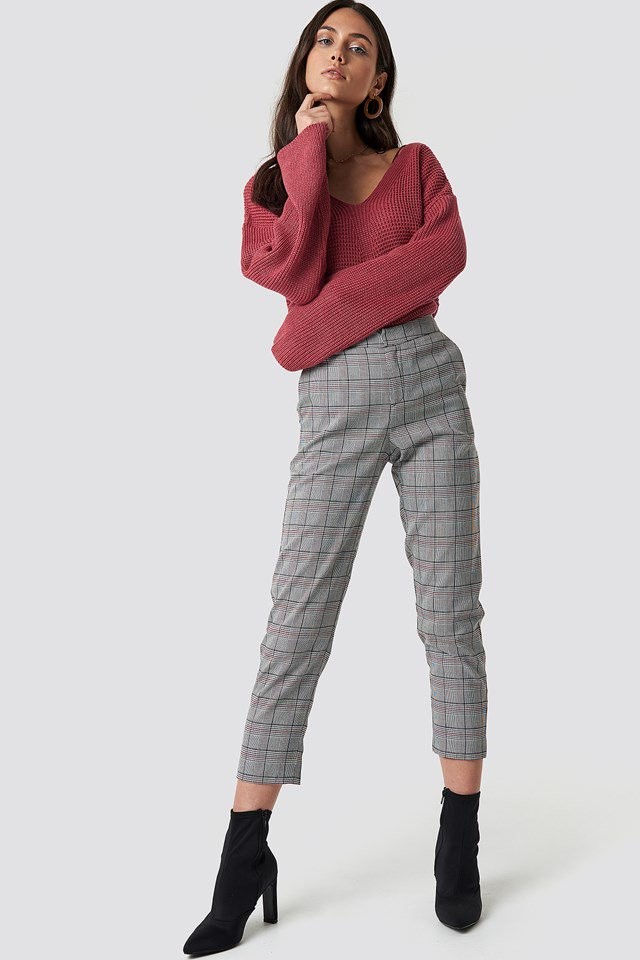
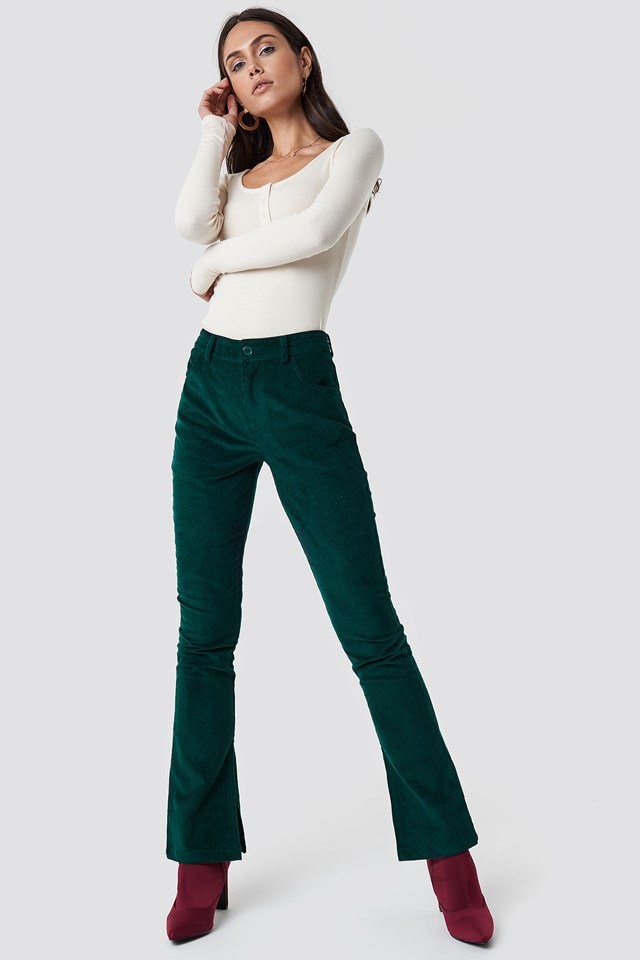
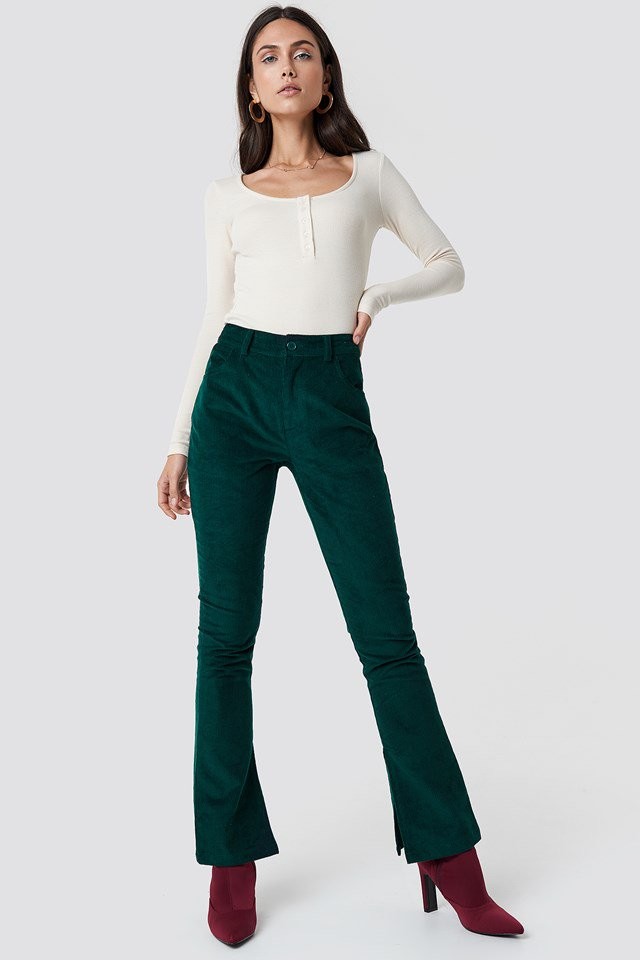
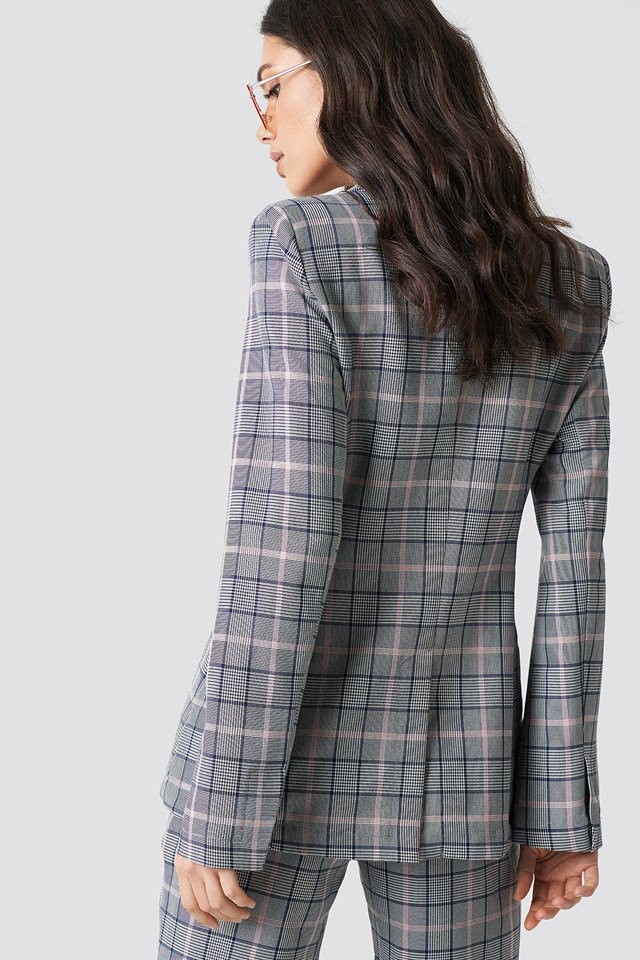
NA-KD pt.2



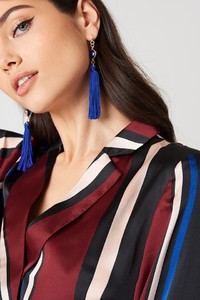


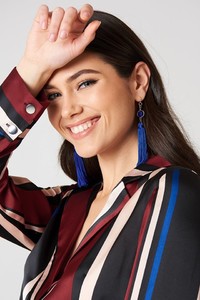
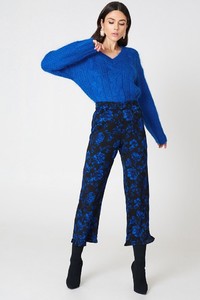

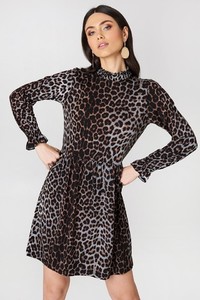
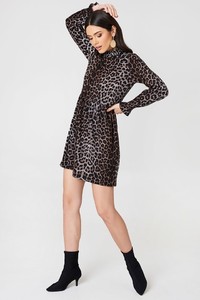




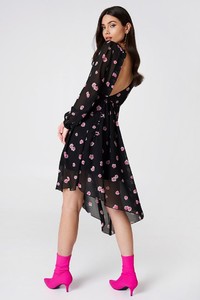
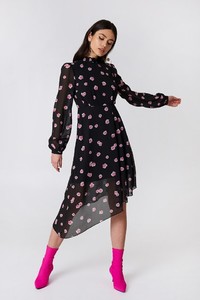







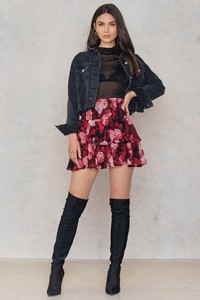


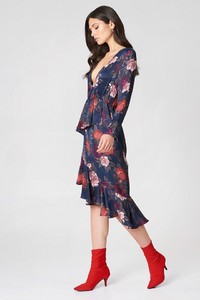

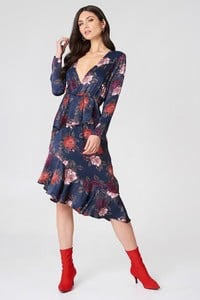

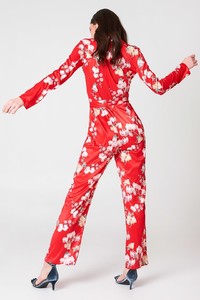
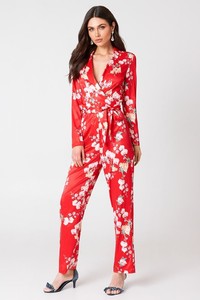









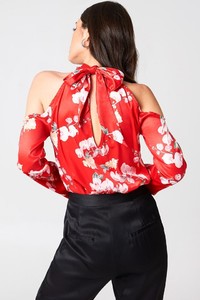

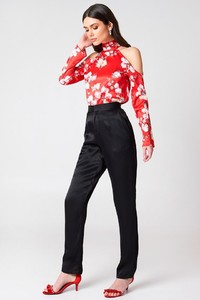

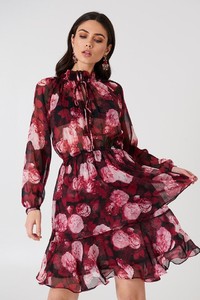
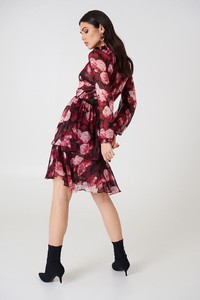
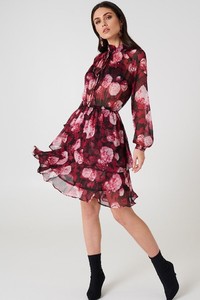
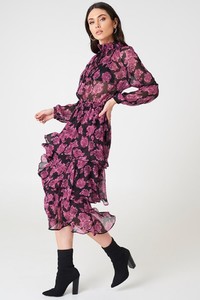
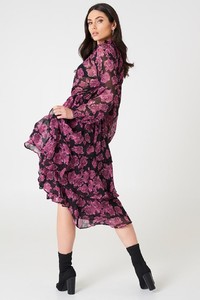

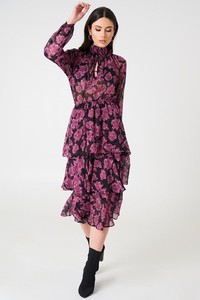


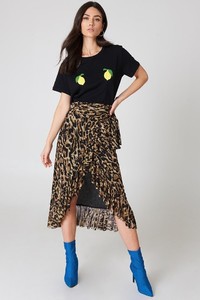
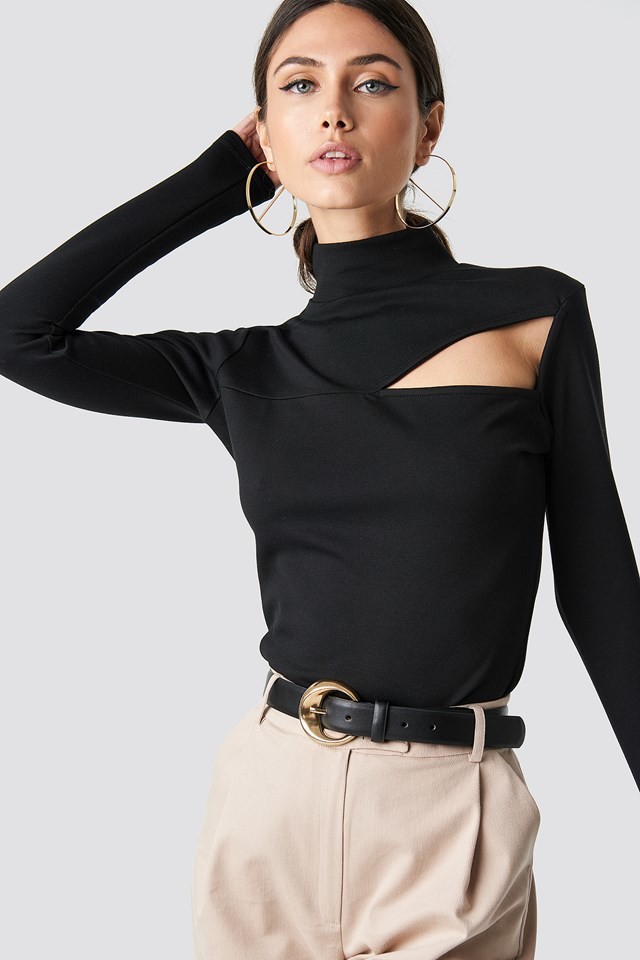
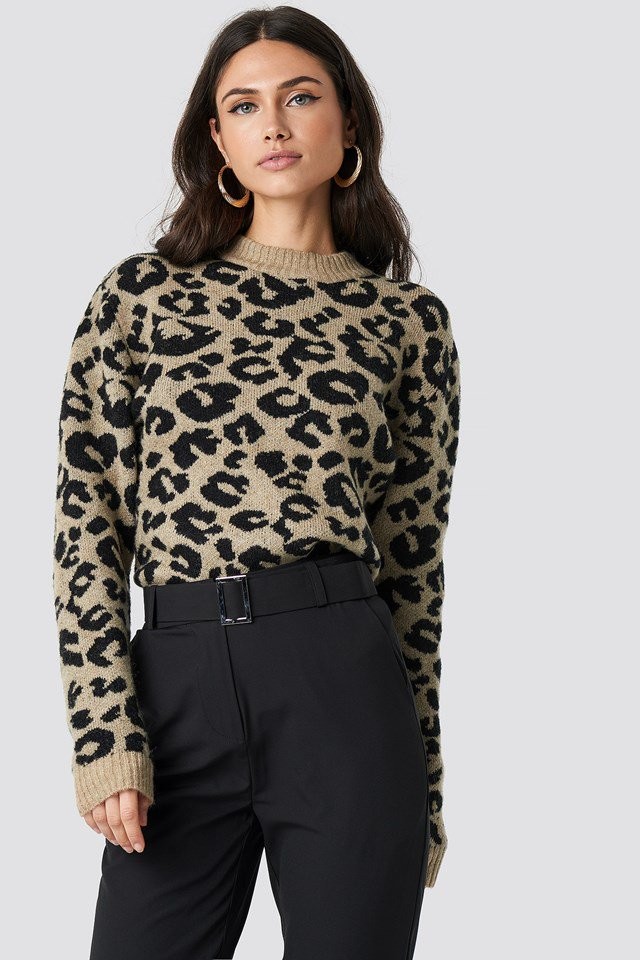
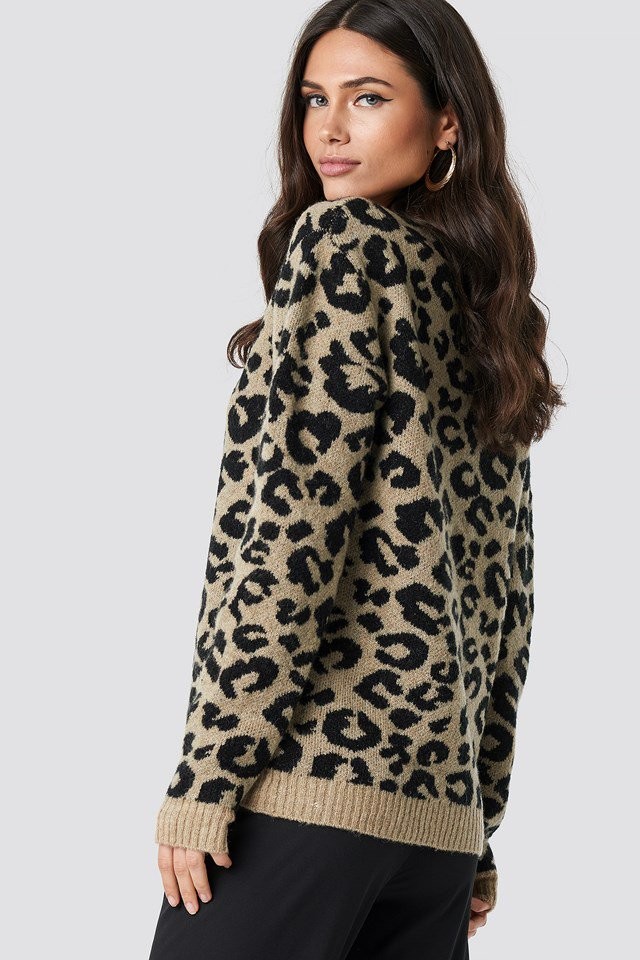
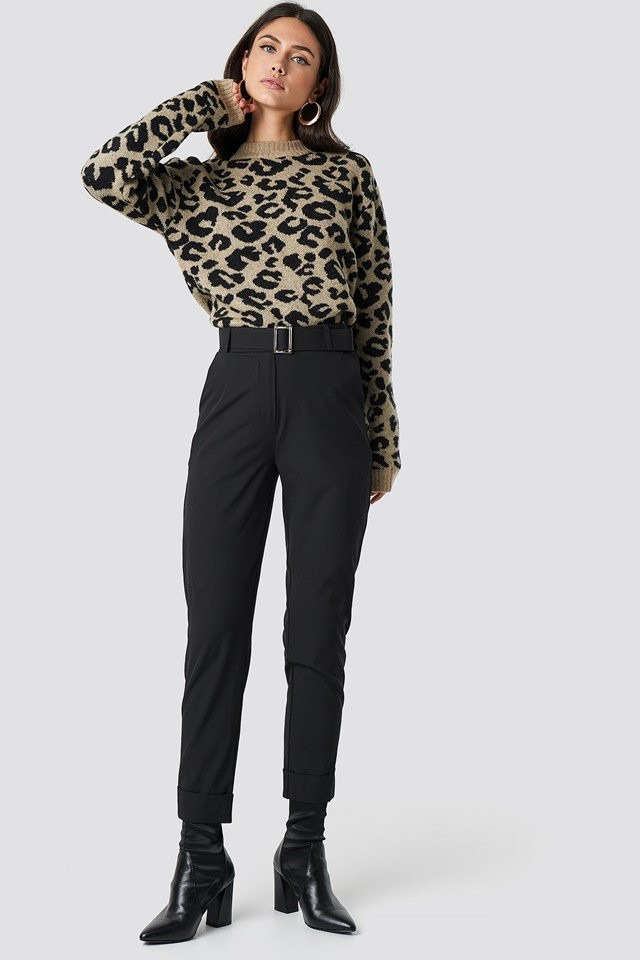
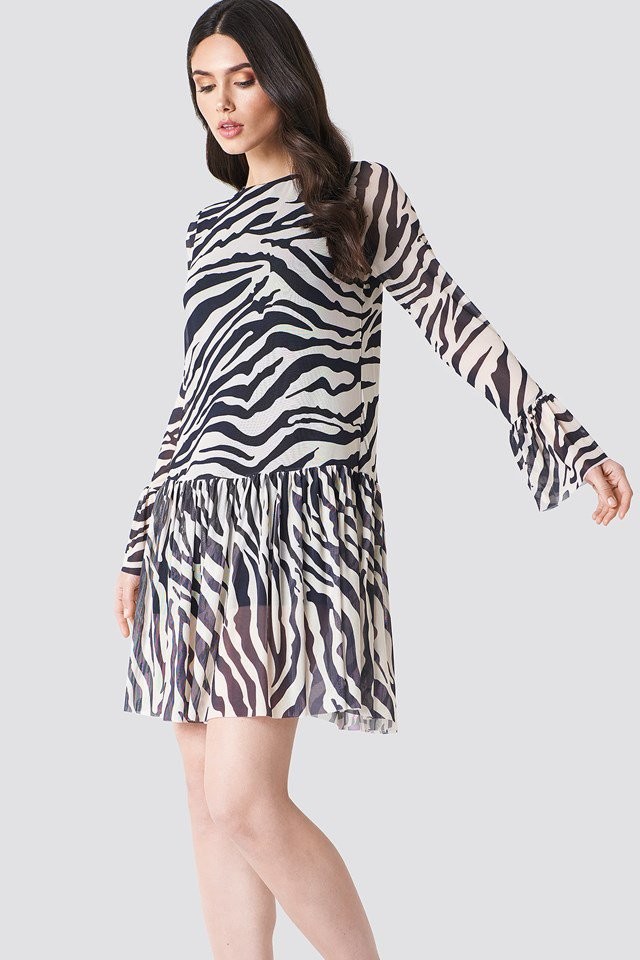
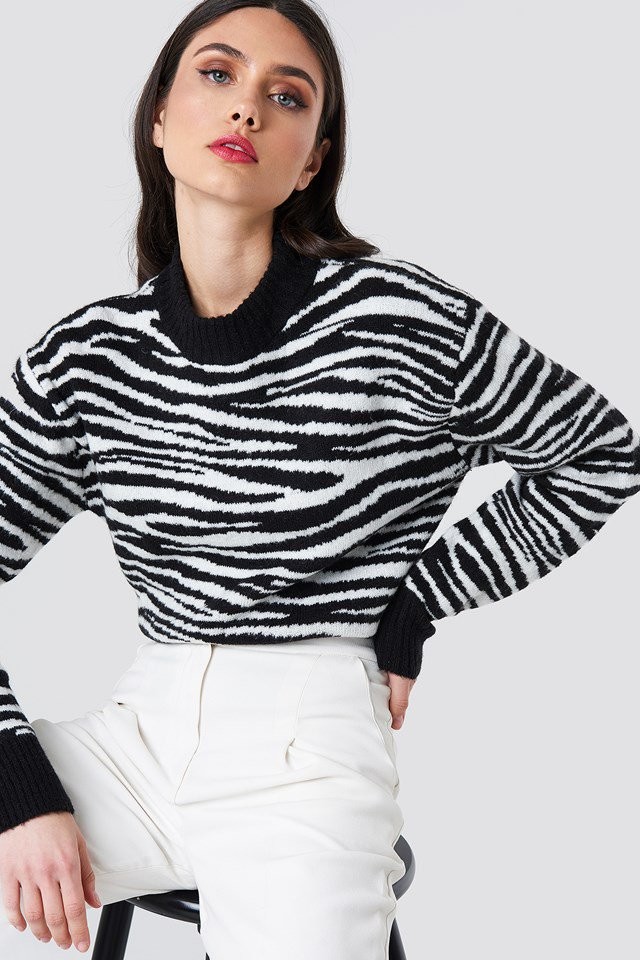
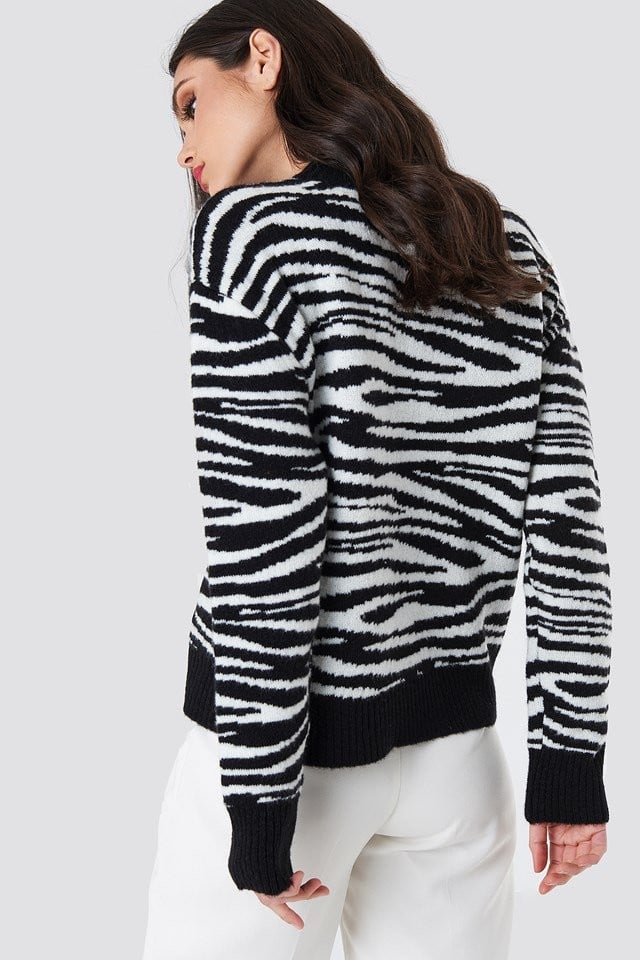
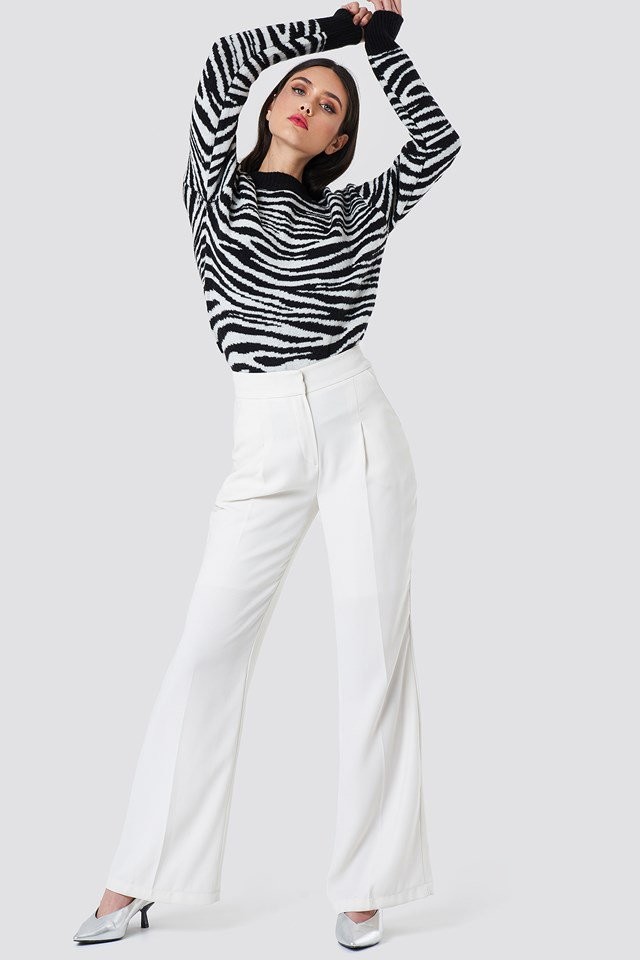
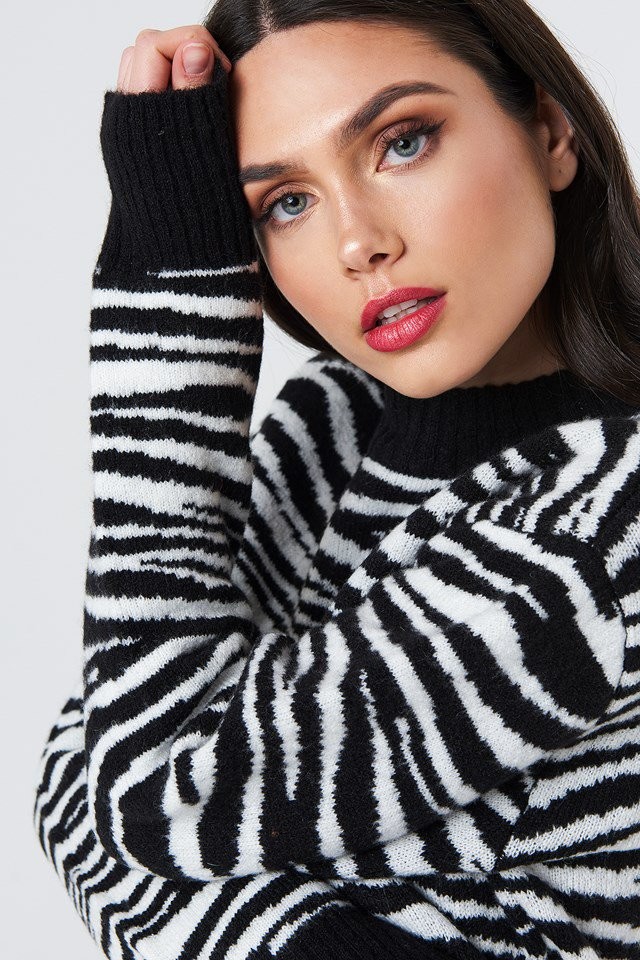
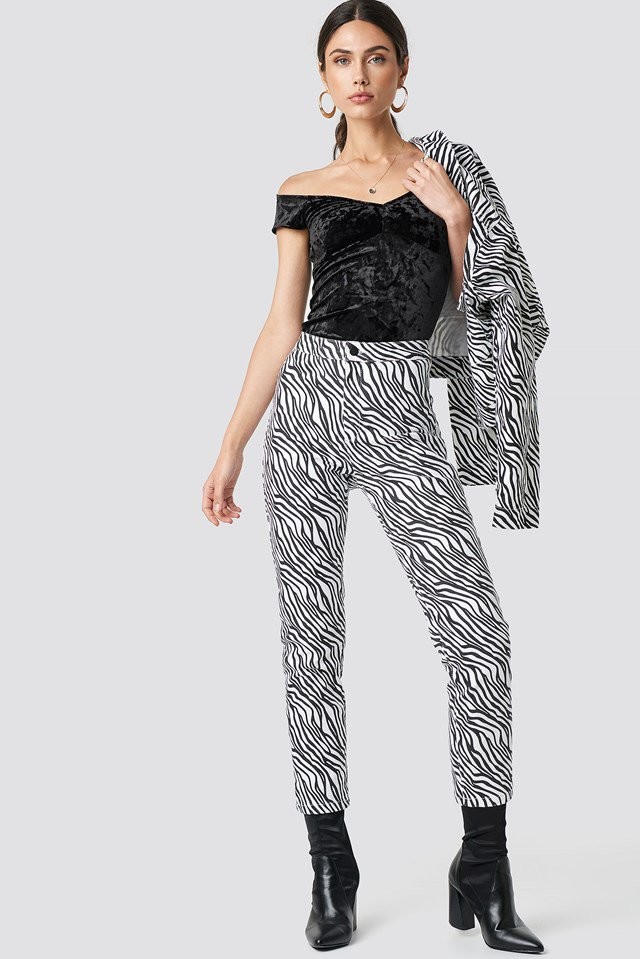
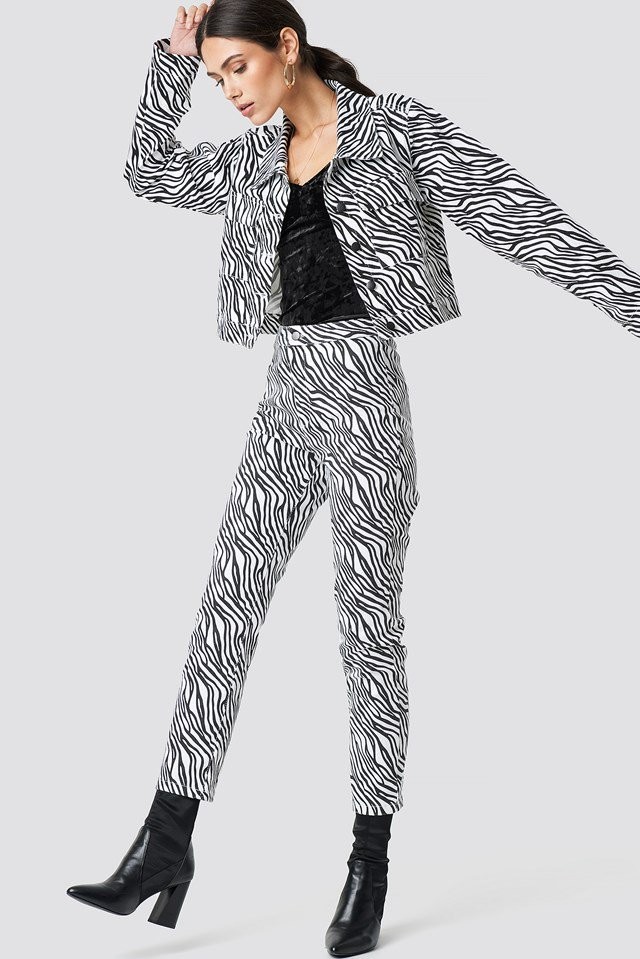
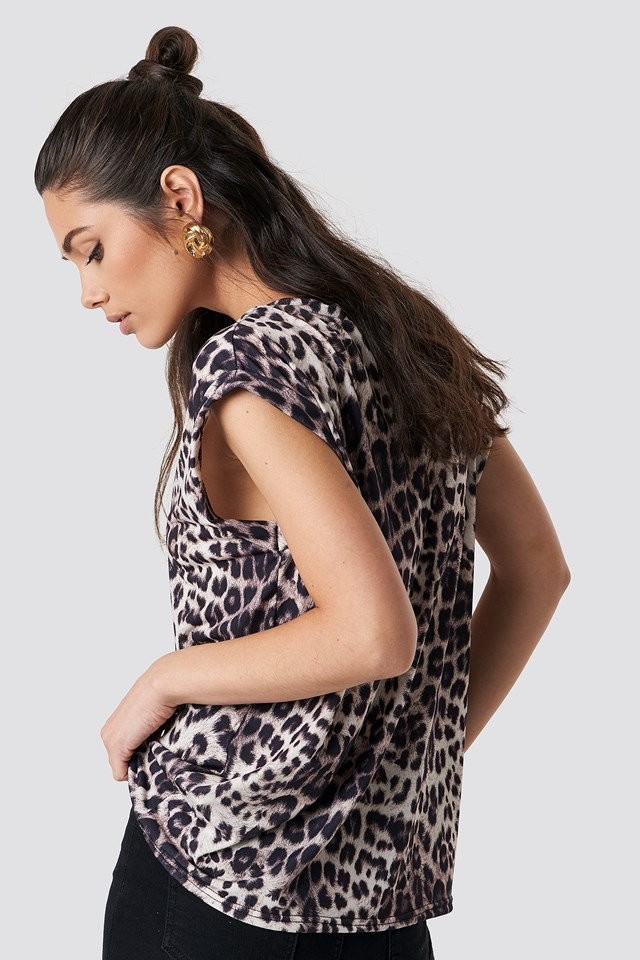
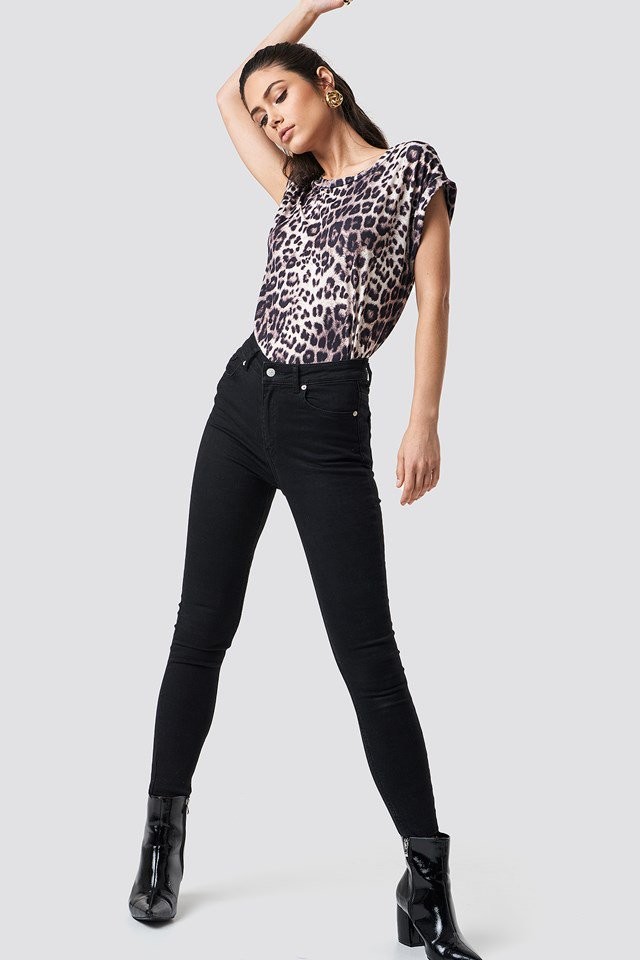
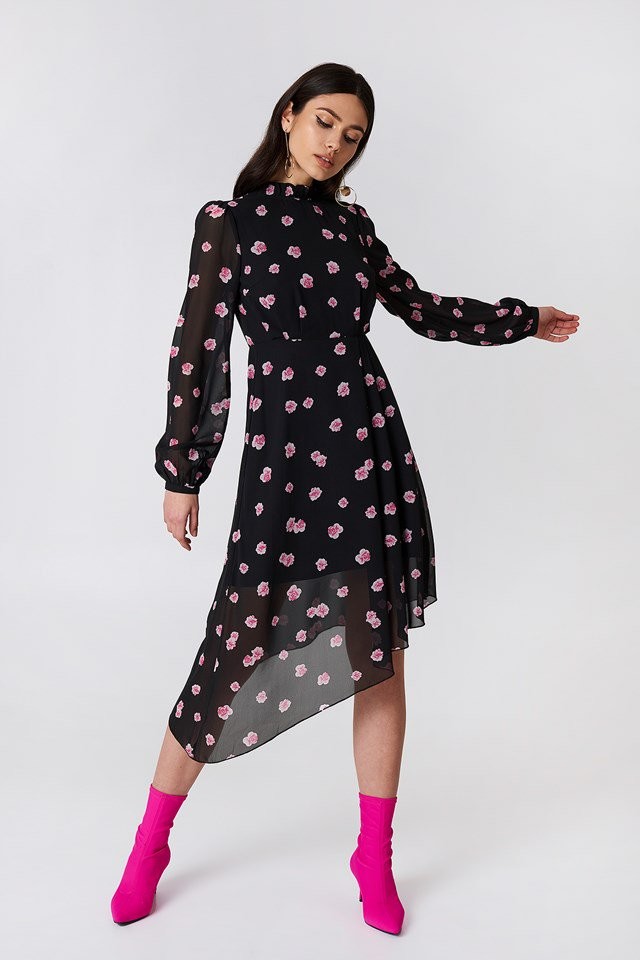
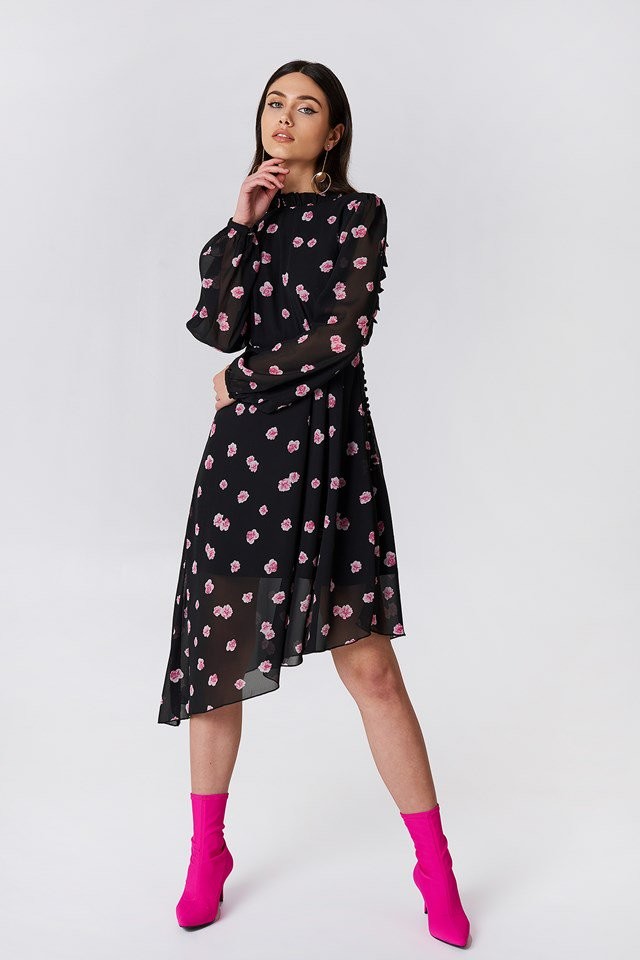
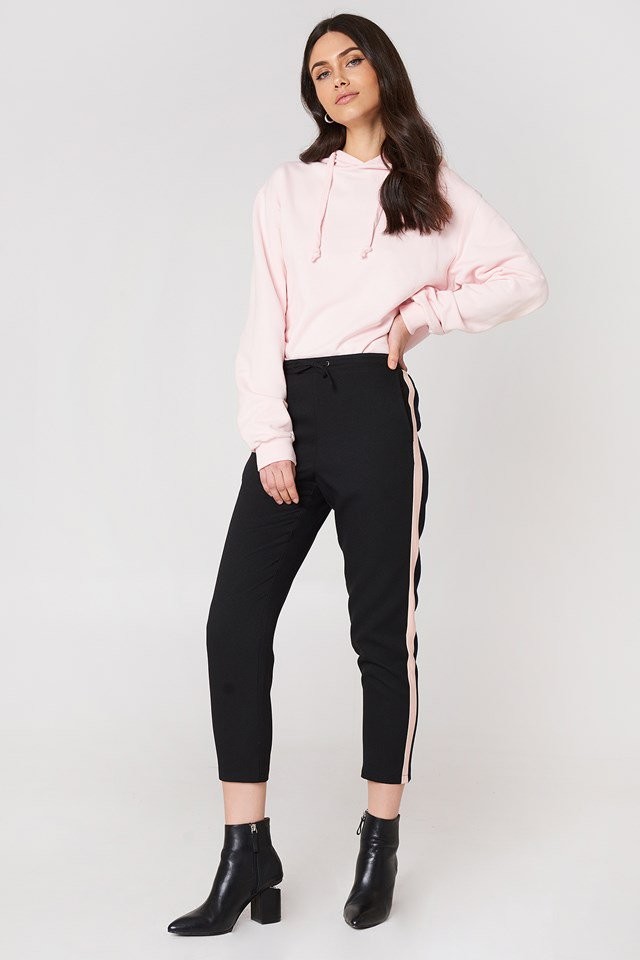
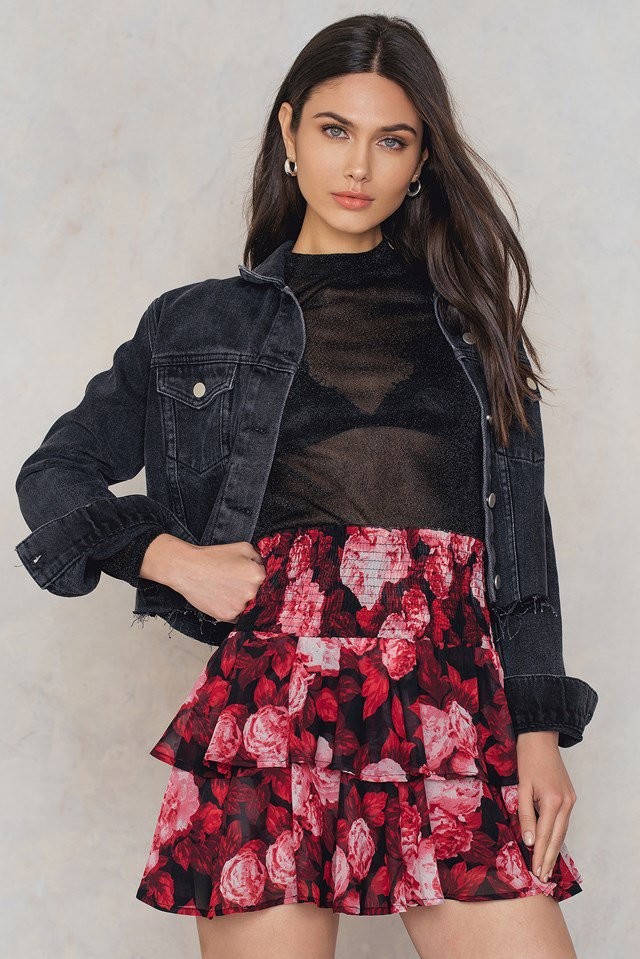
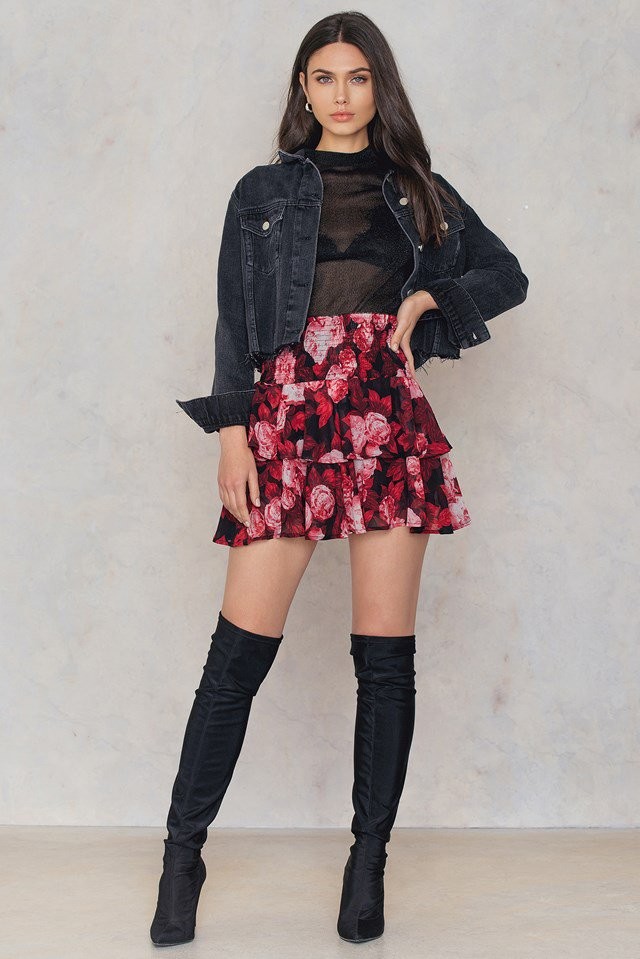
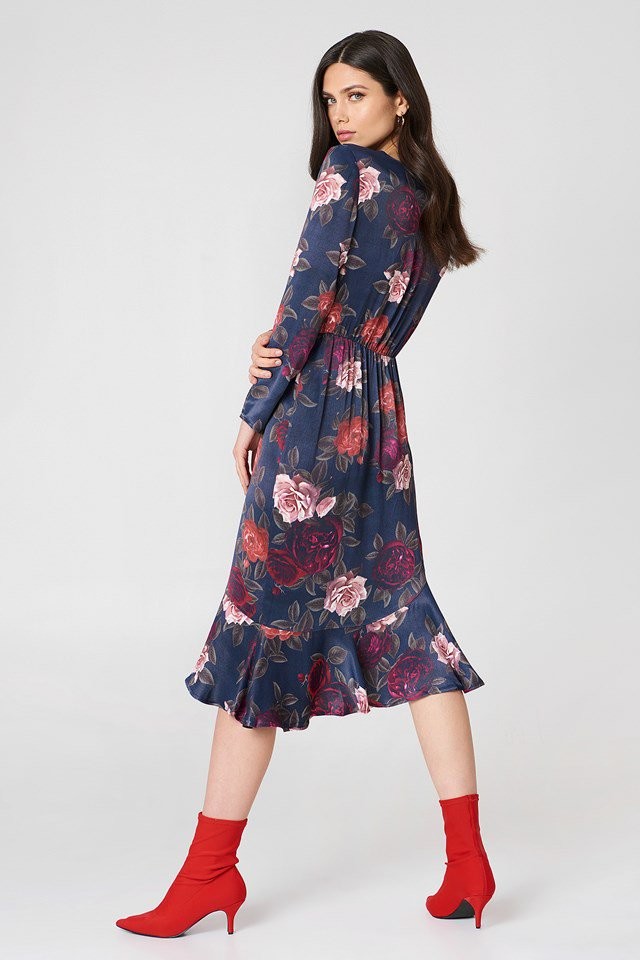
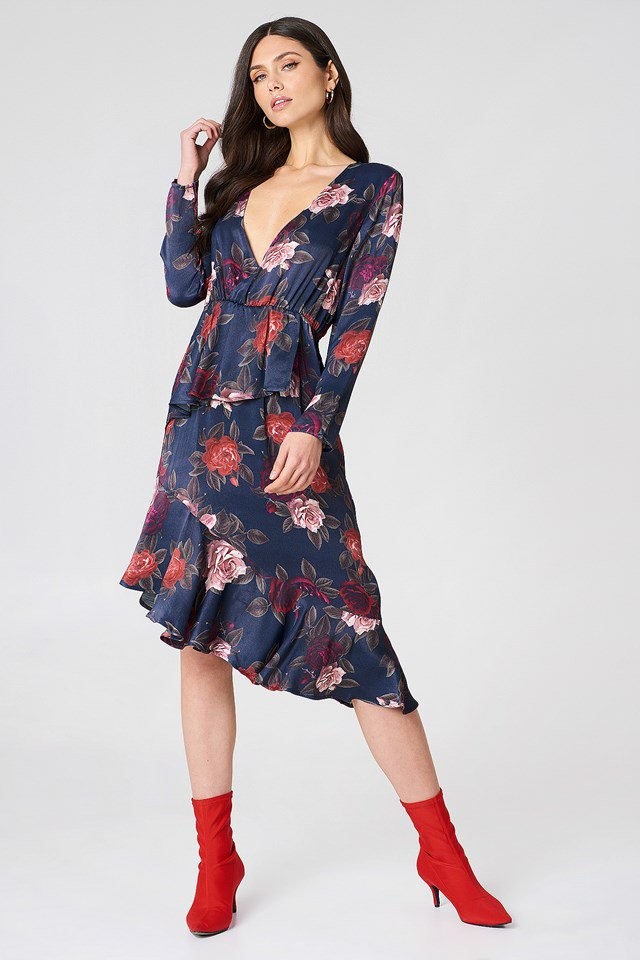
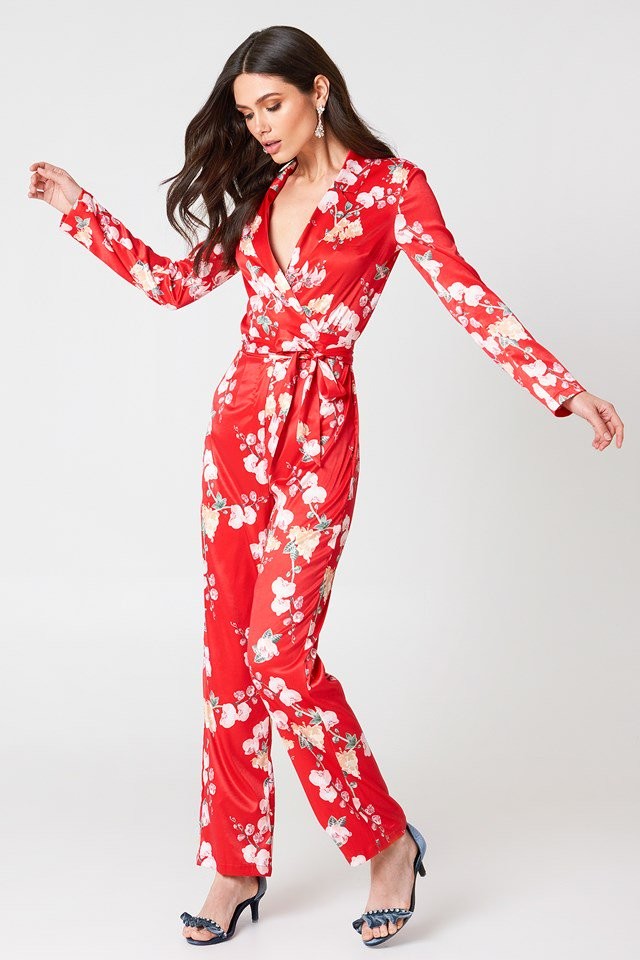
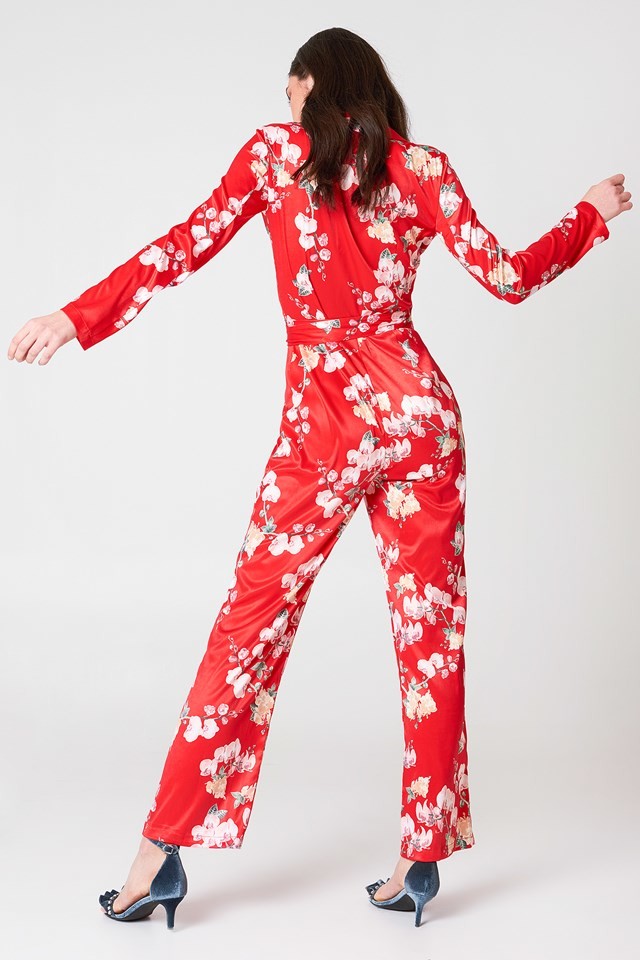
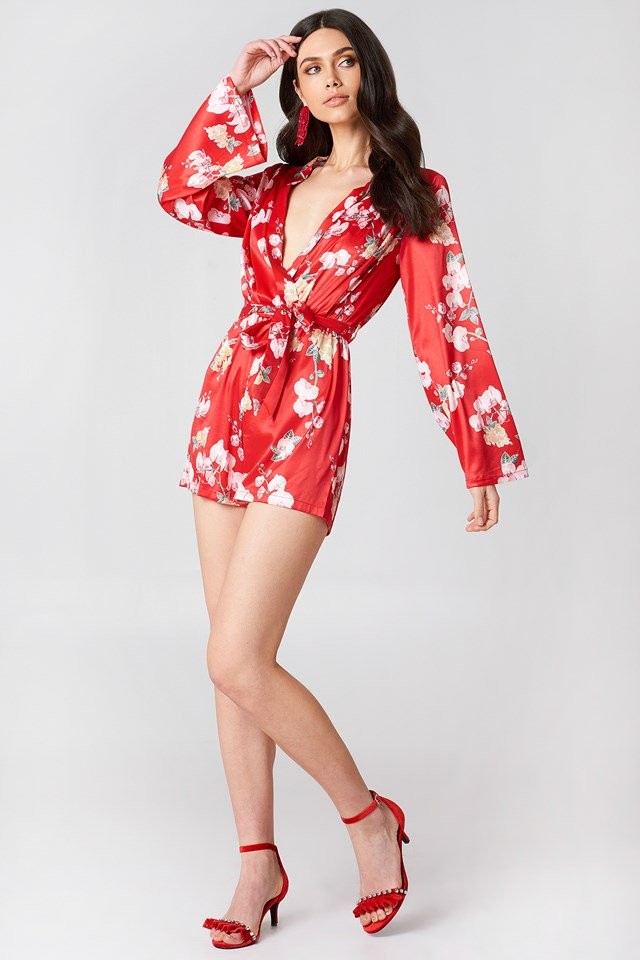
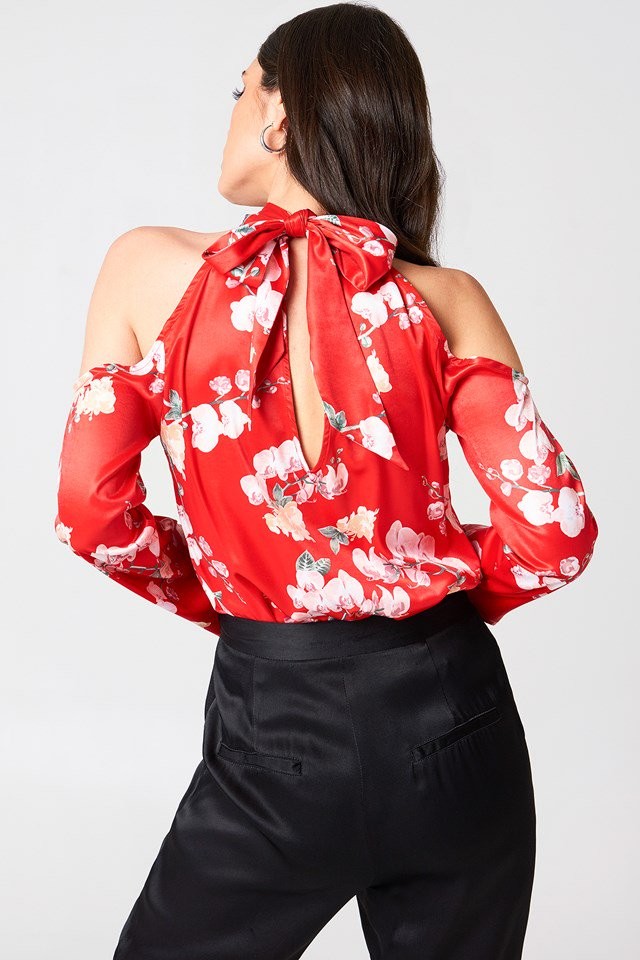
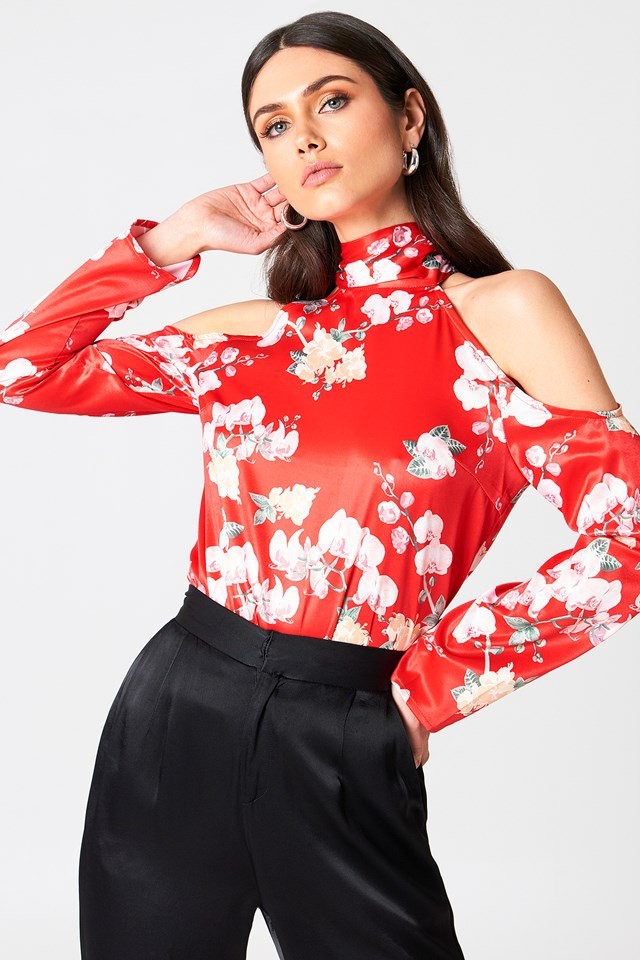
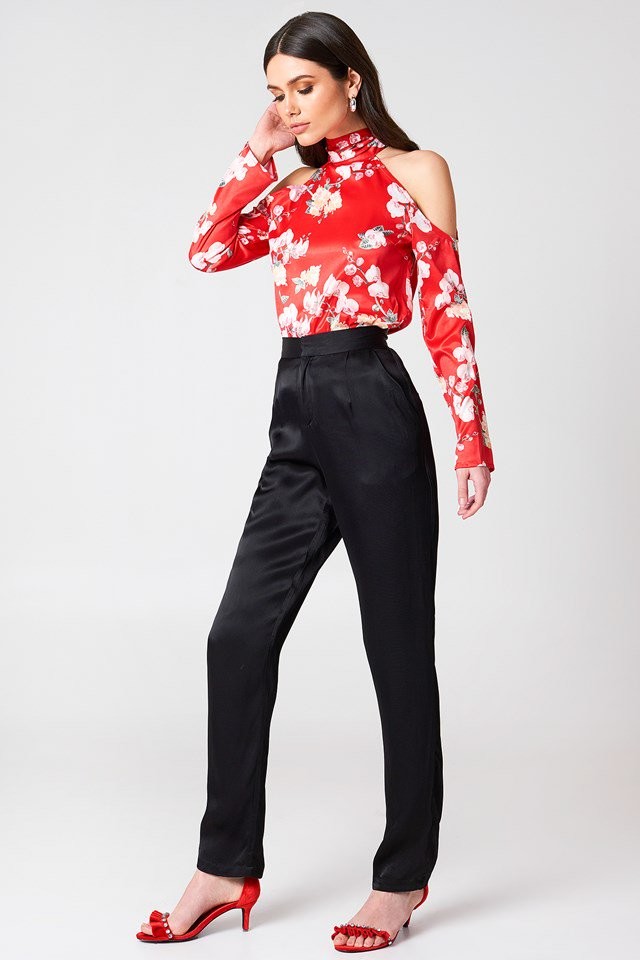
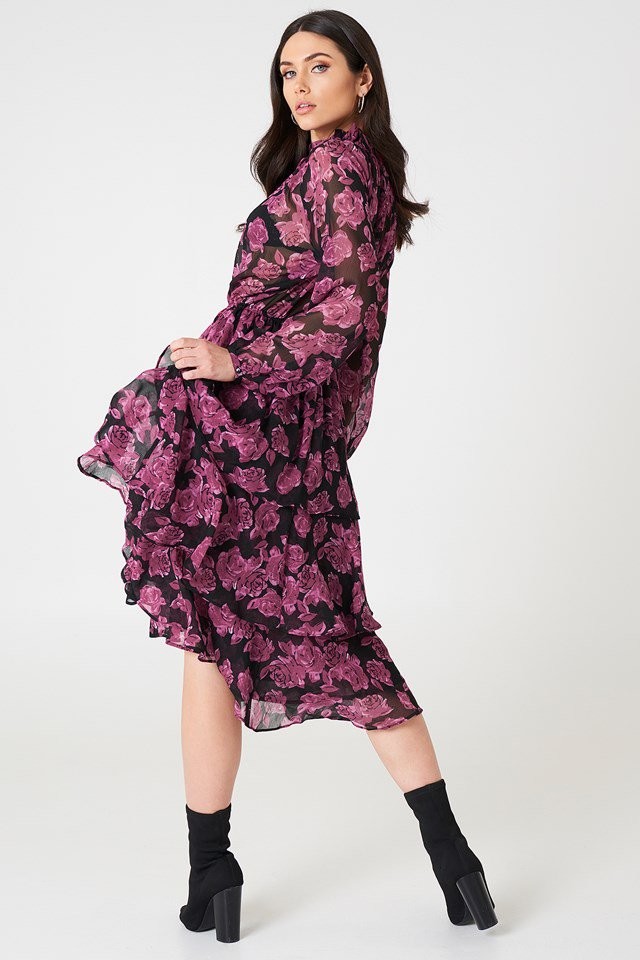
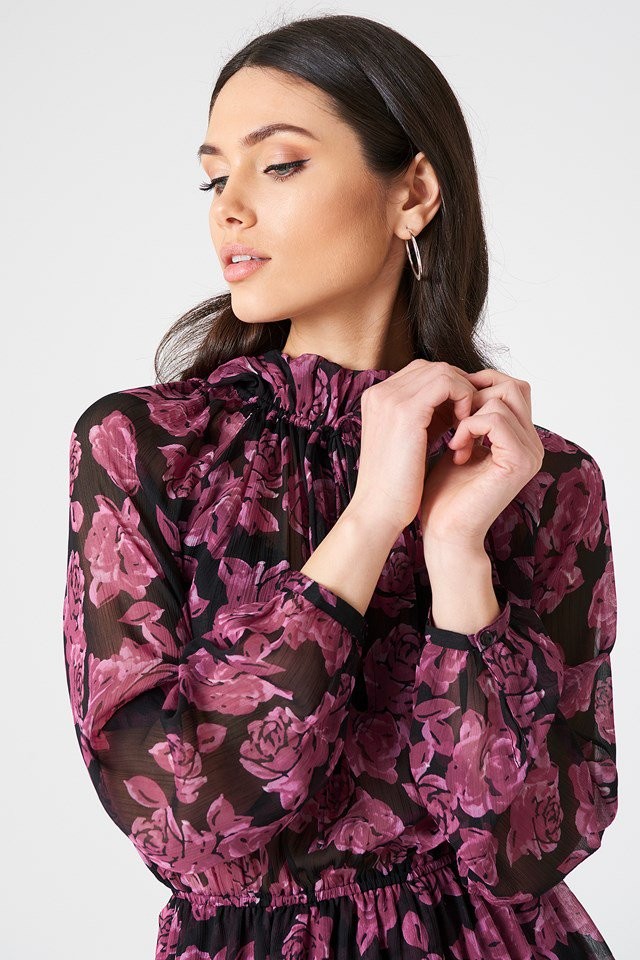
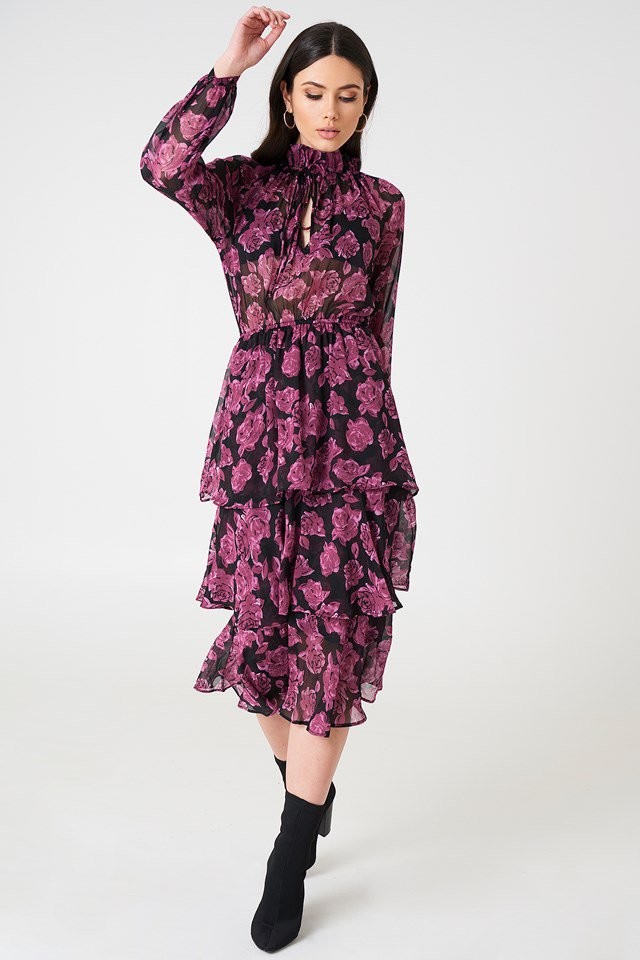
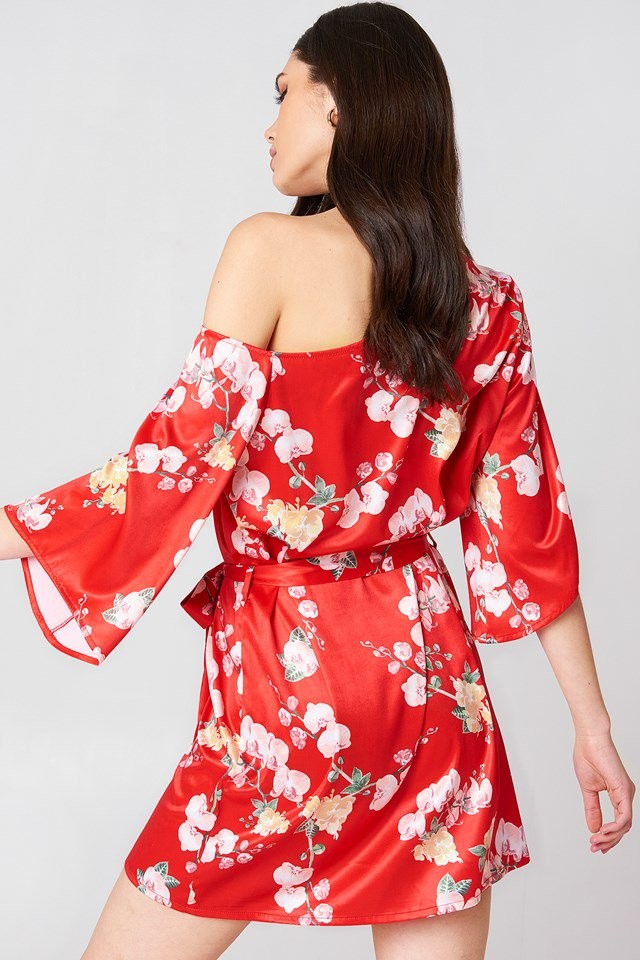
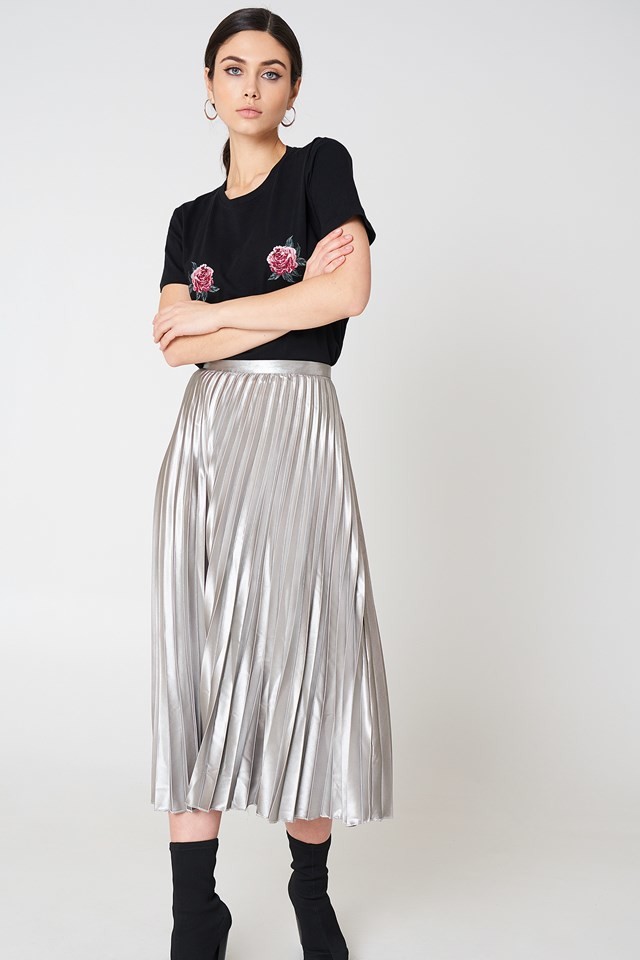
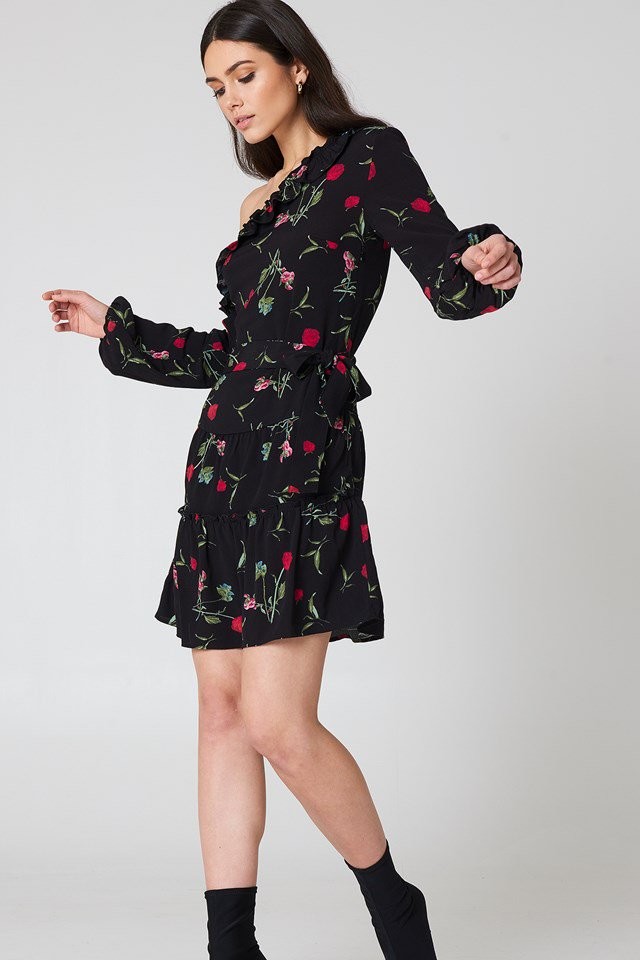
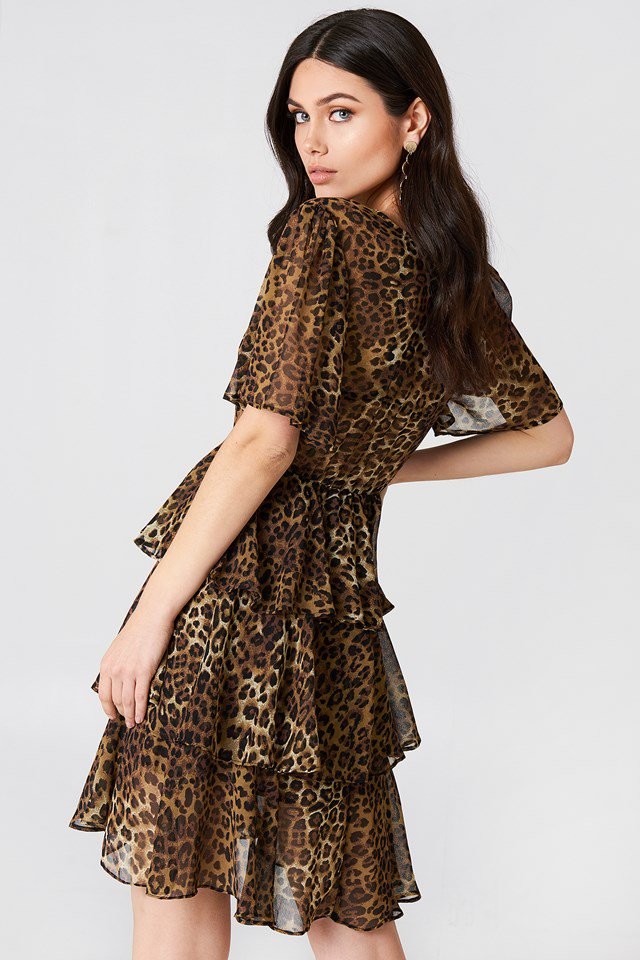
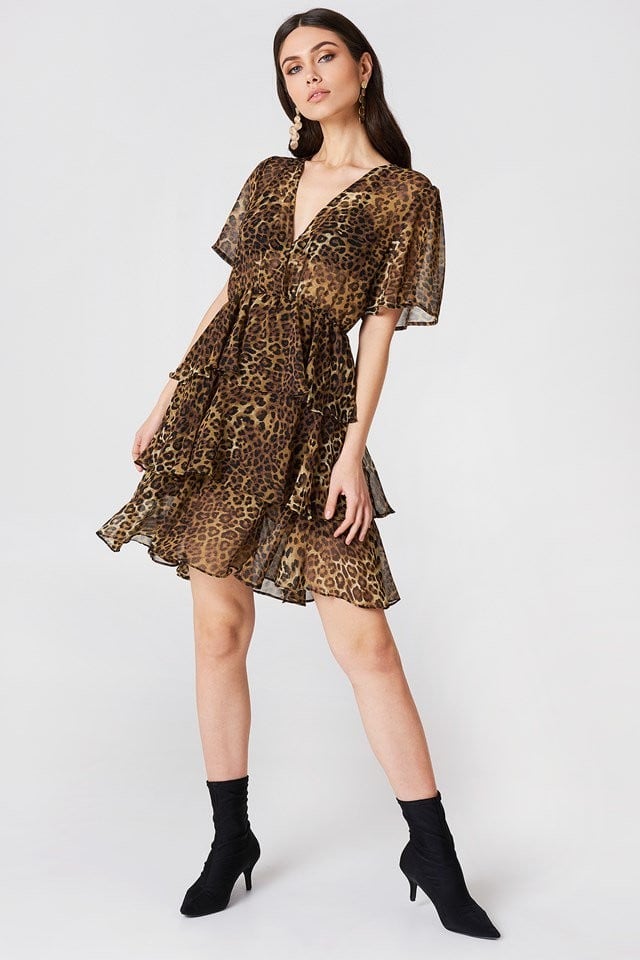
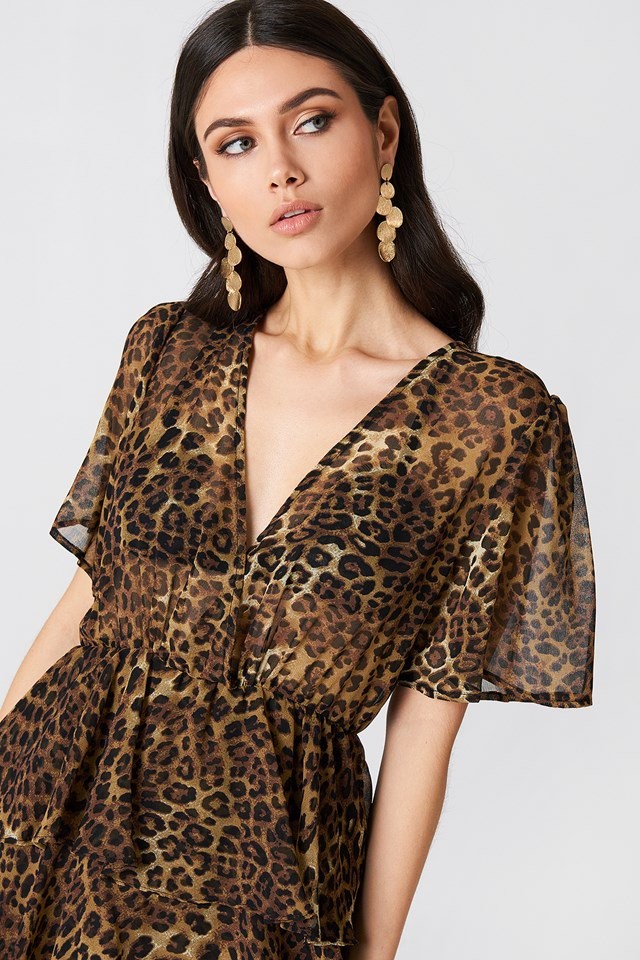
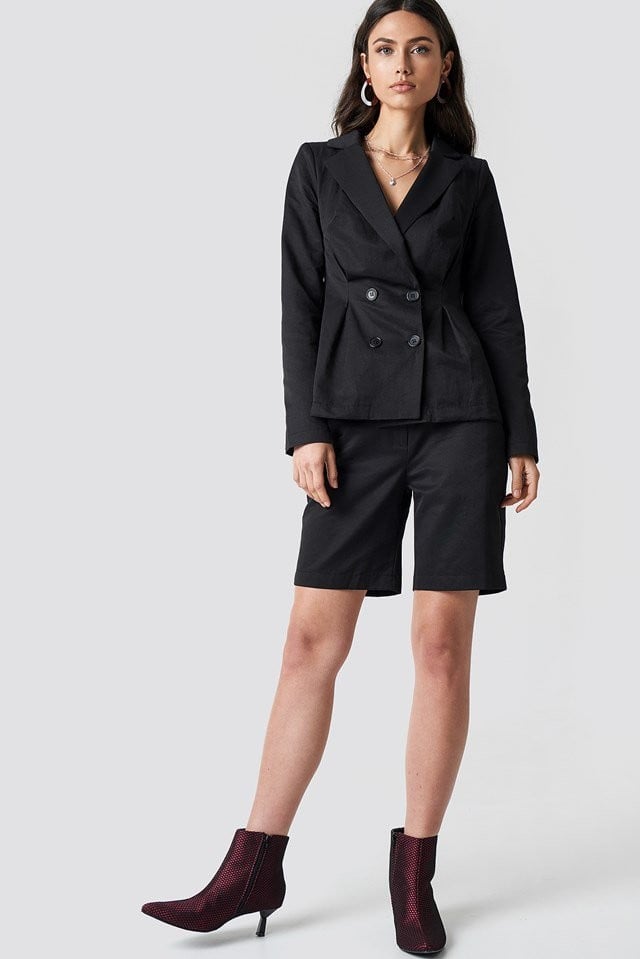
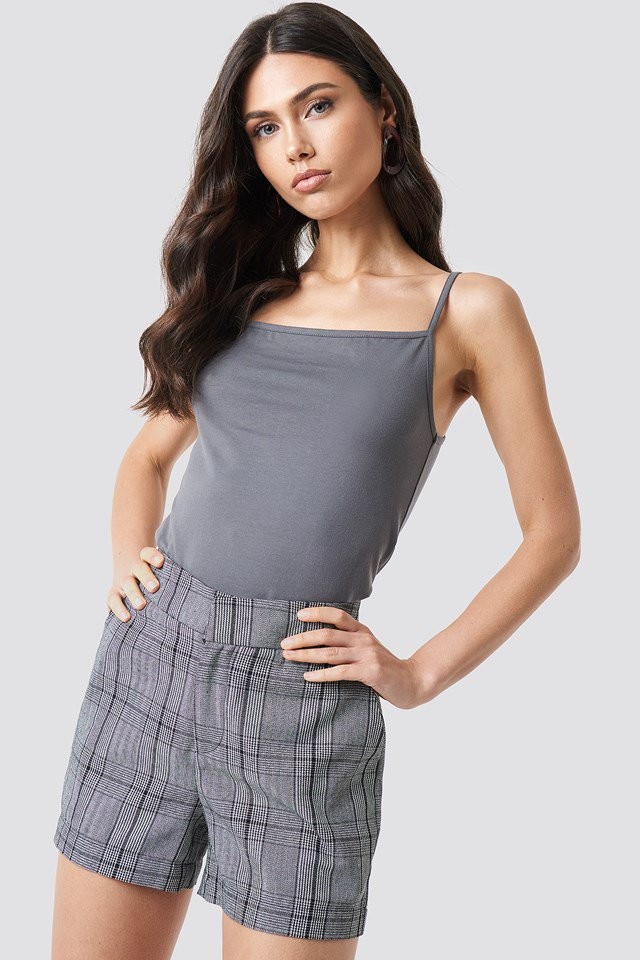
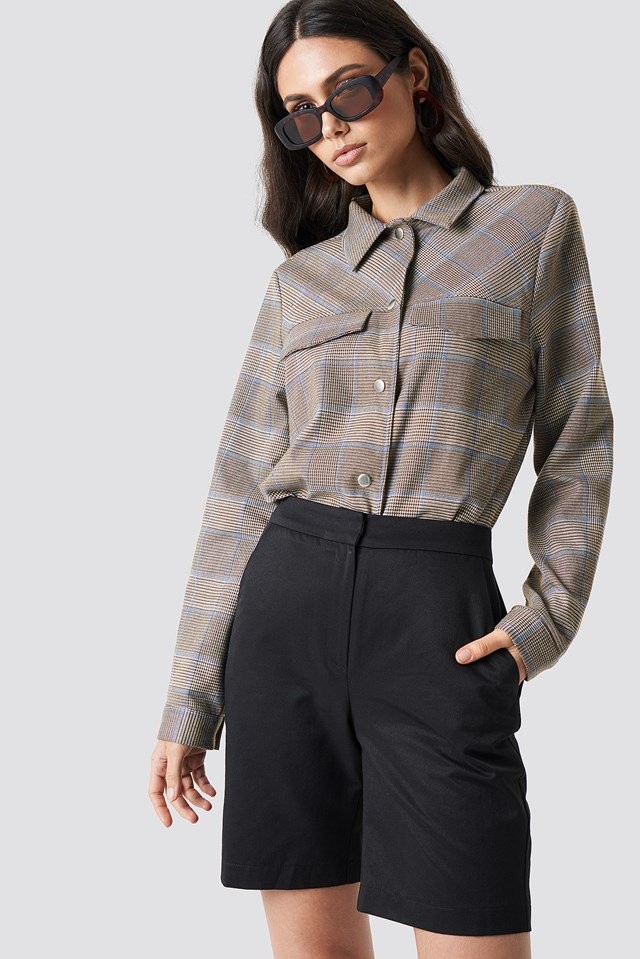
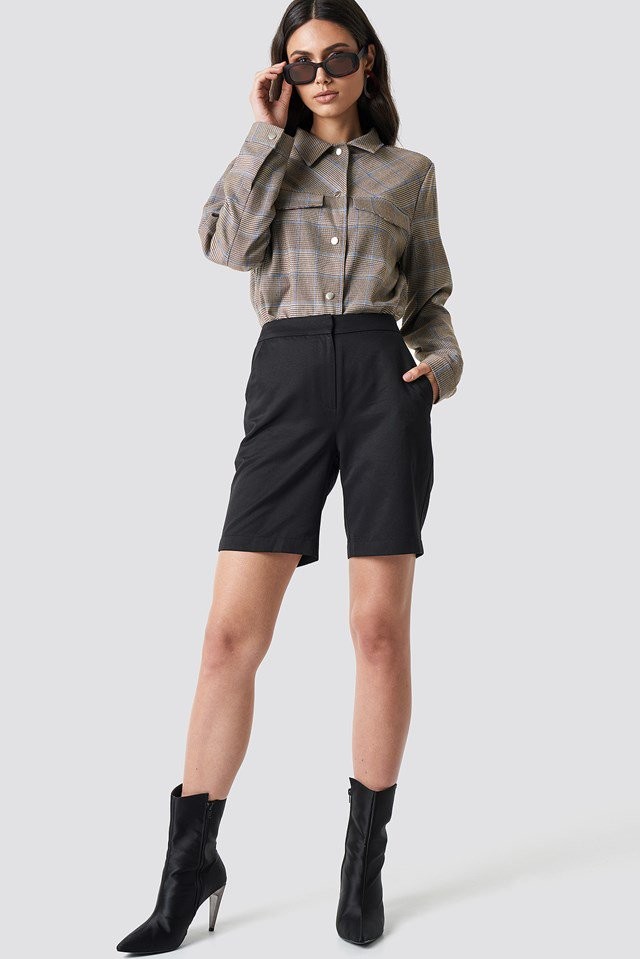
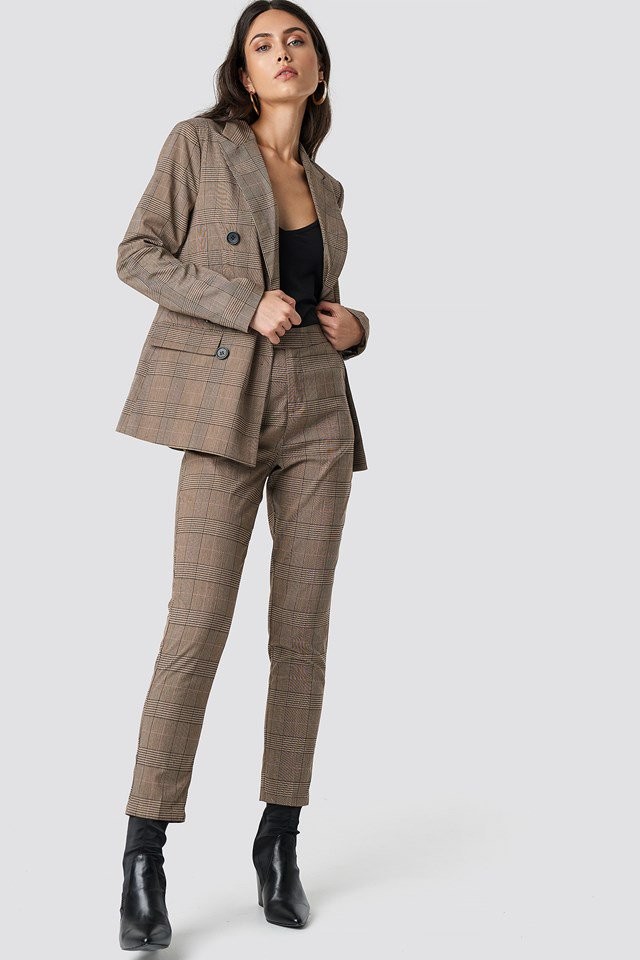
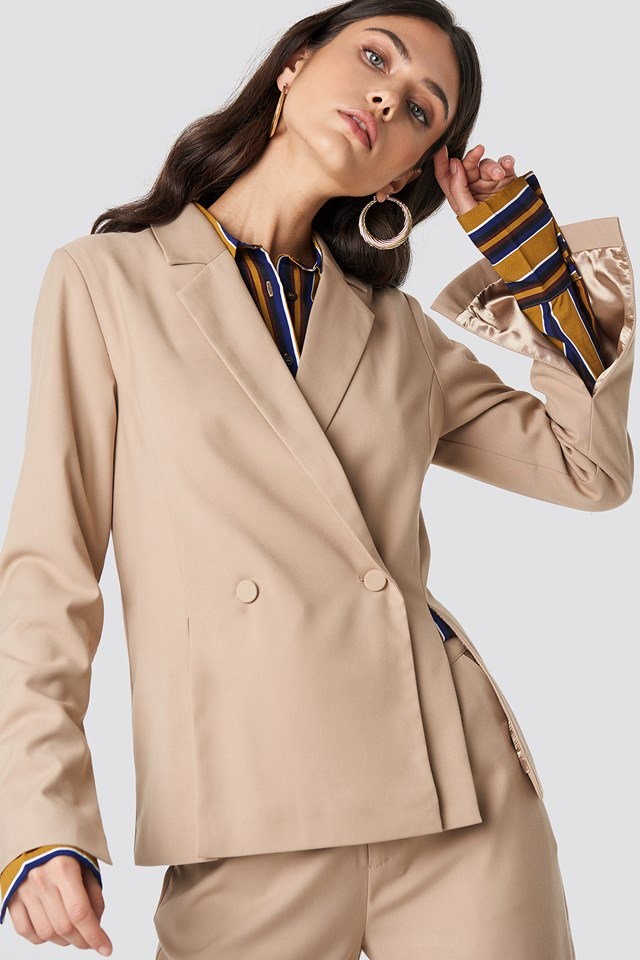
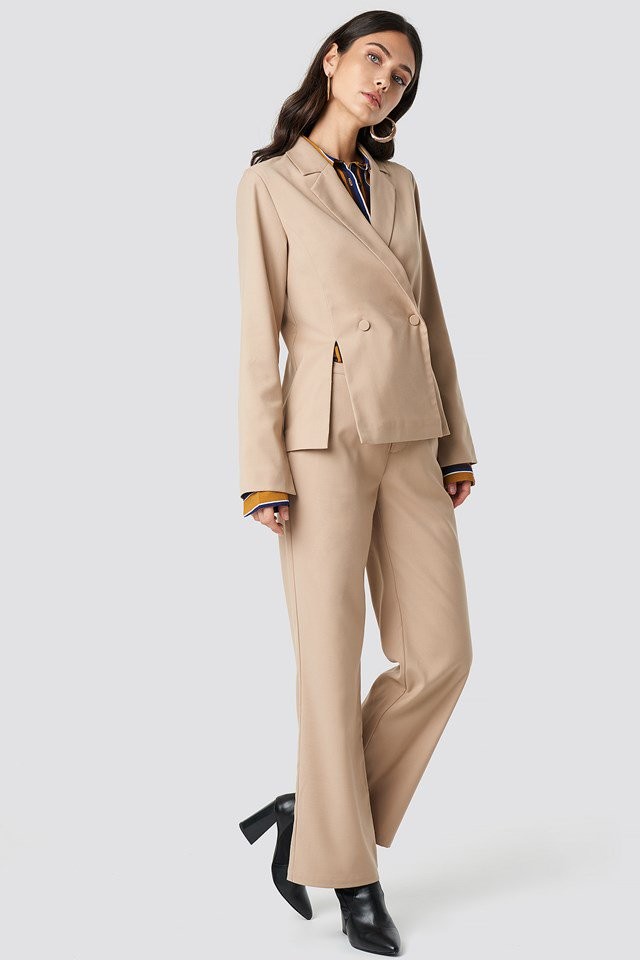
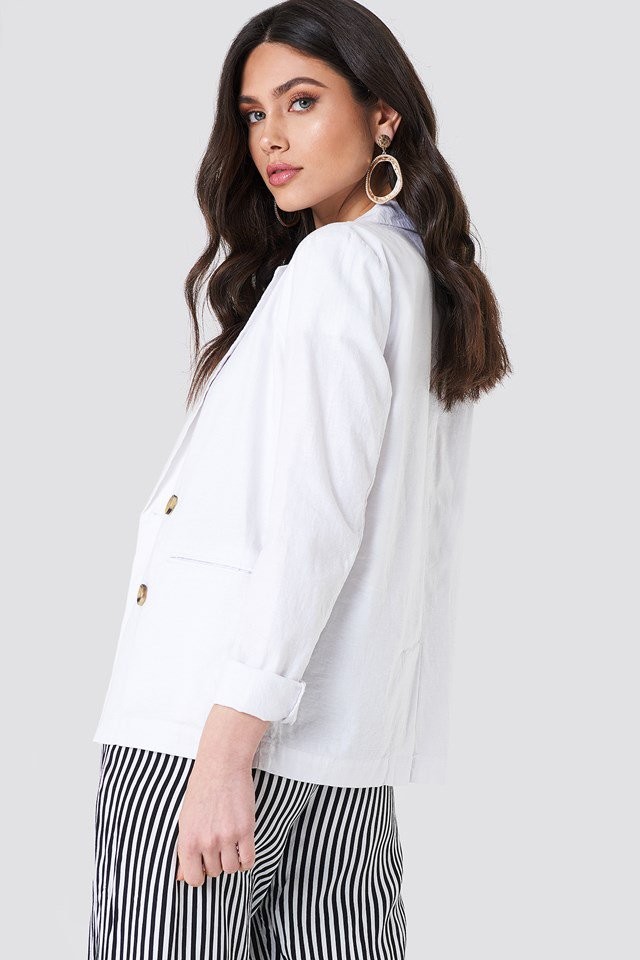
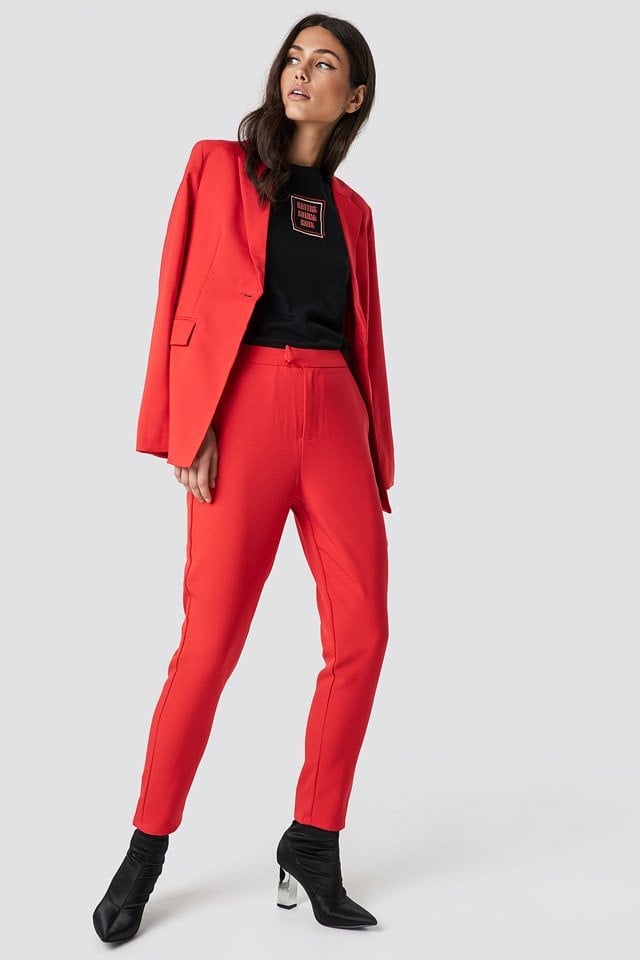
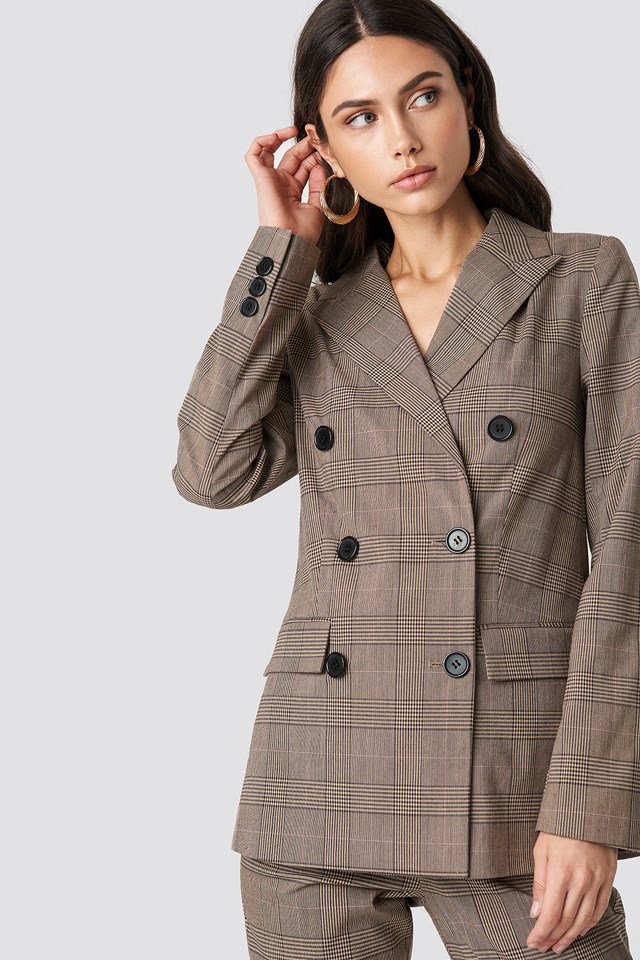
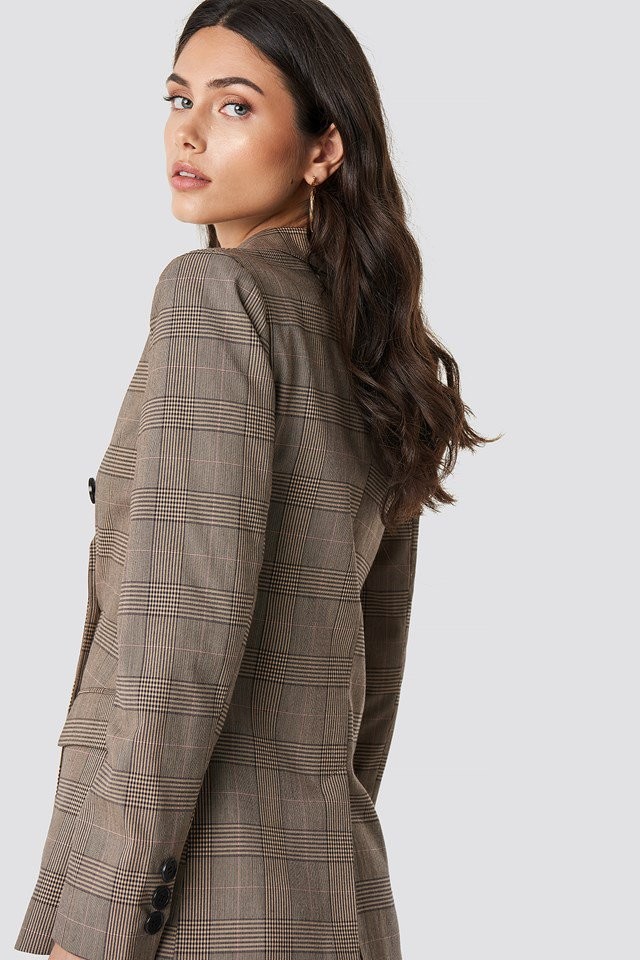
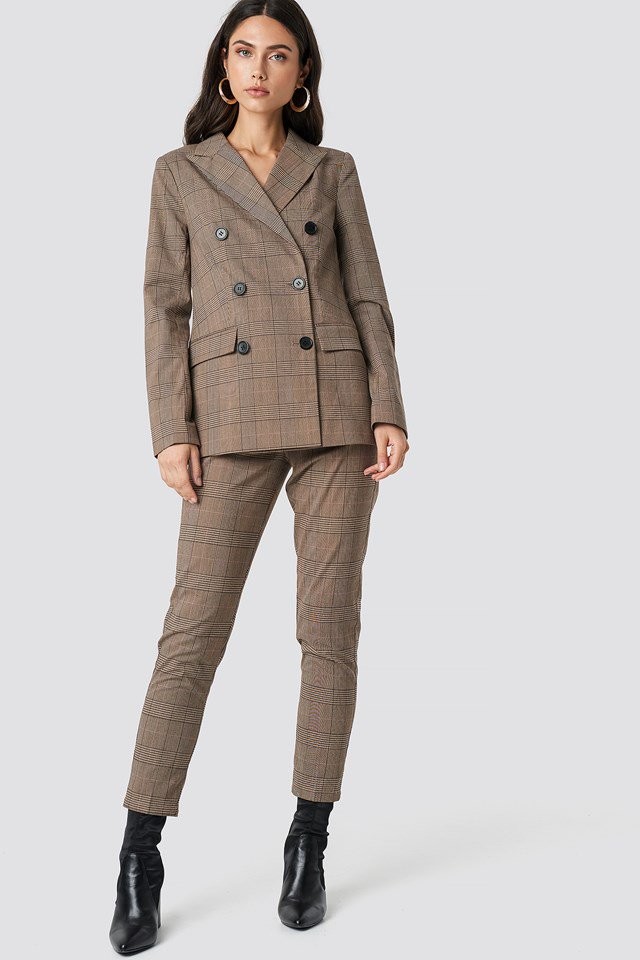
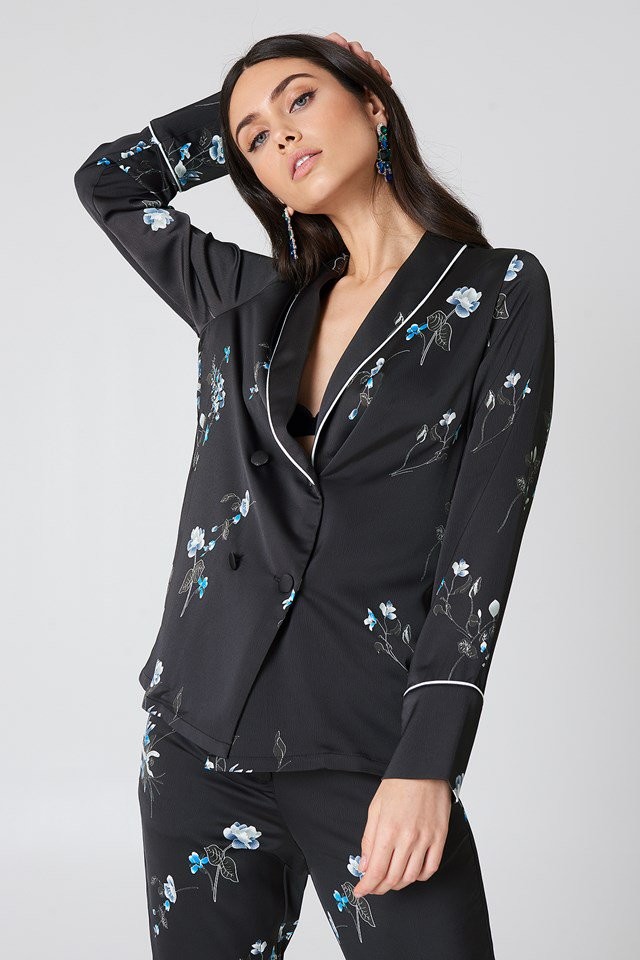
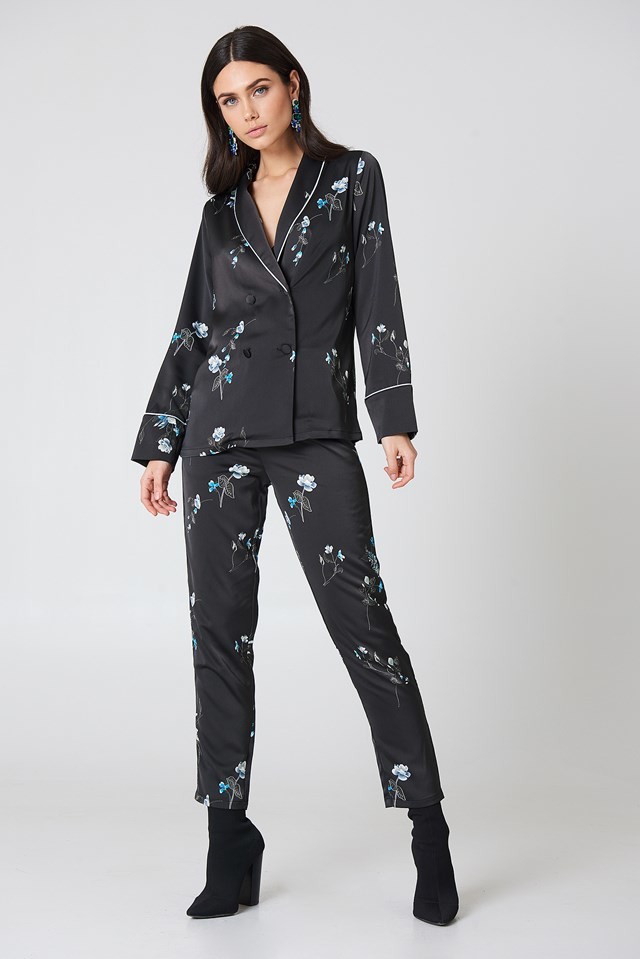
 Image hidden for guestsSign in to viewImage hidden for guestsSign in to viewImage hidden for guestsSign in to viewImage hidden for guestsSign in to view
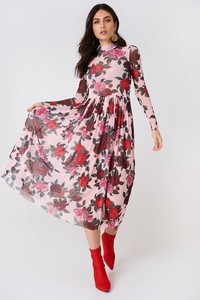
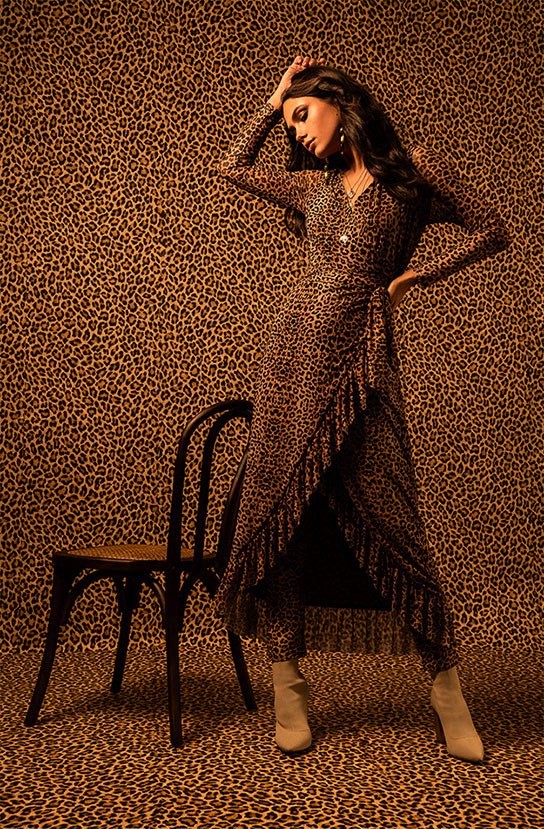
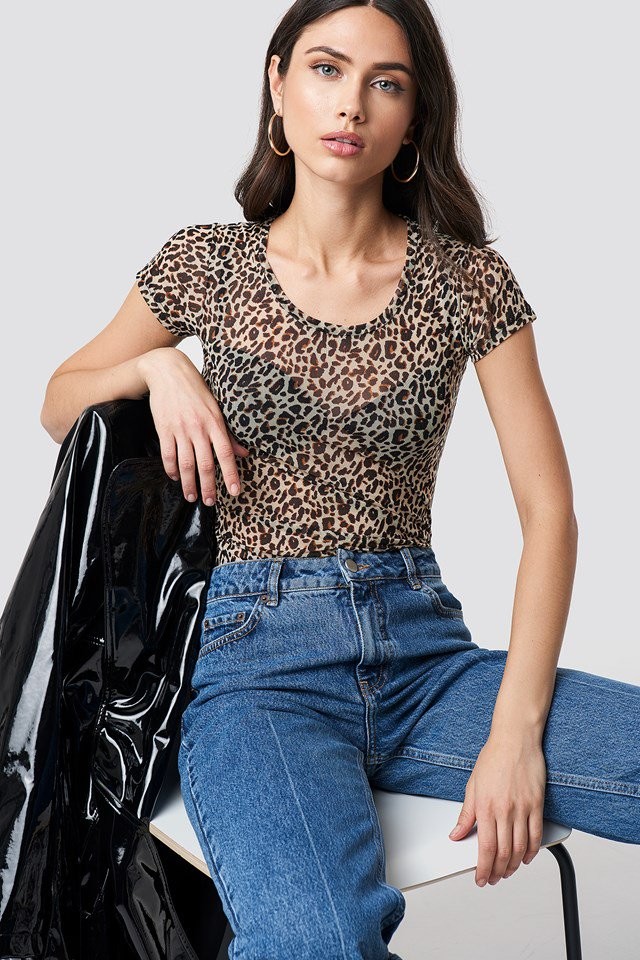
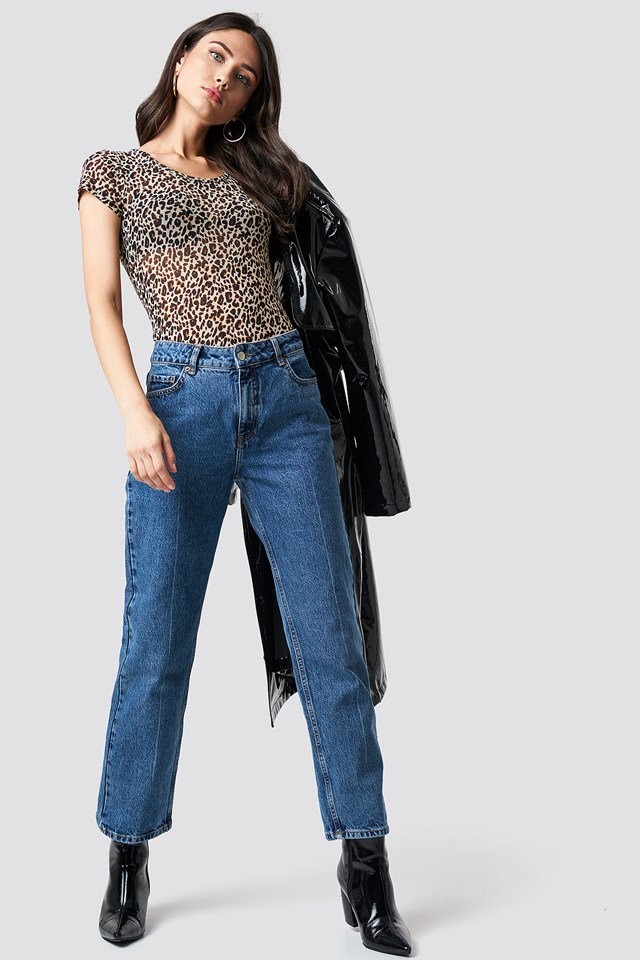
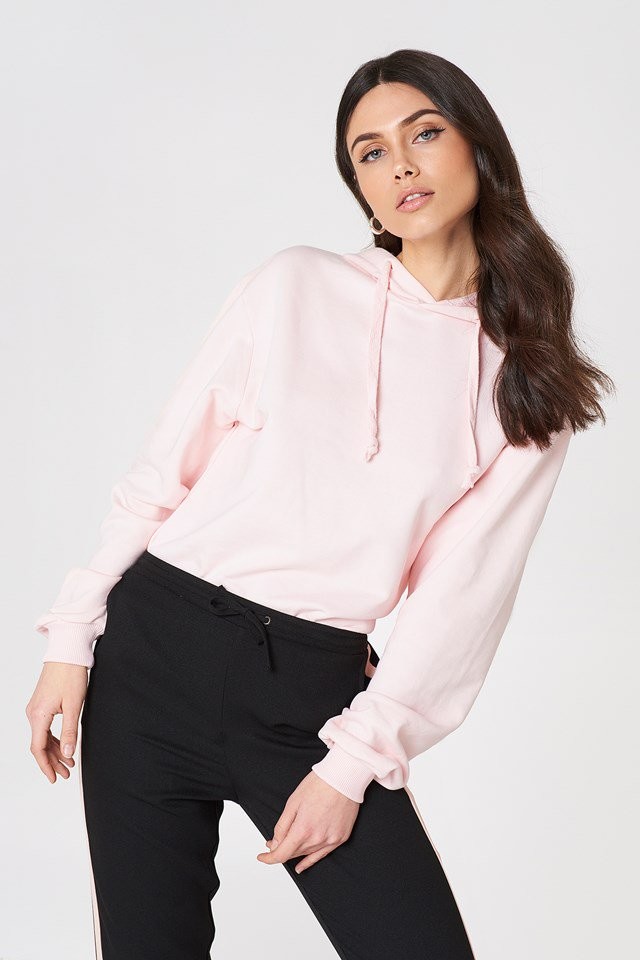
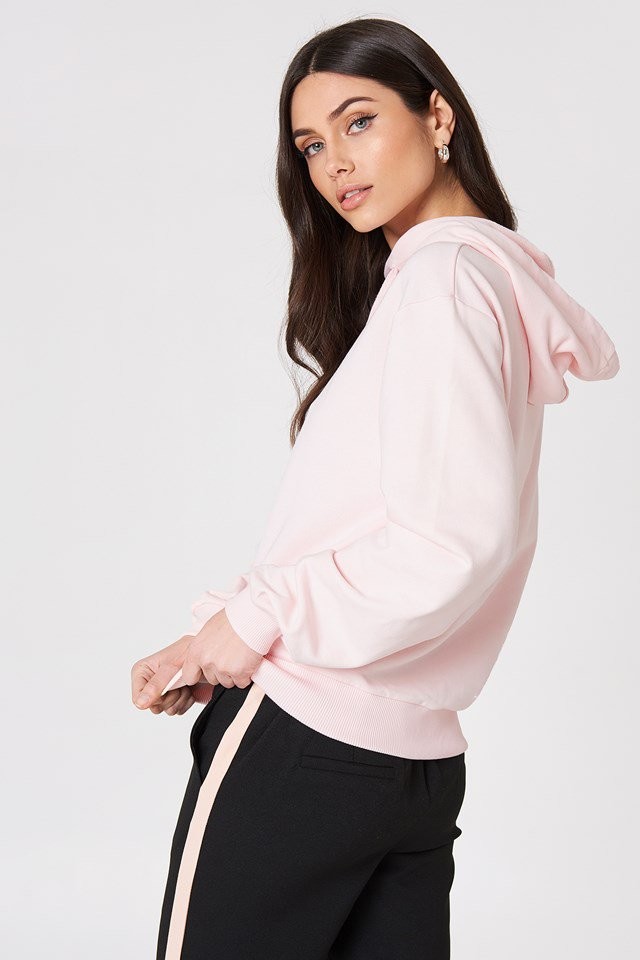
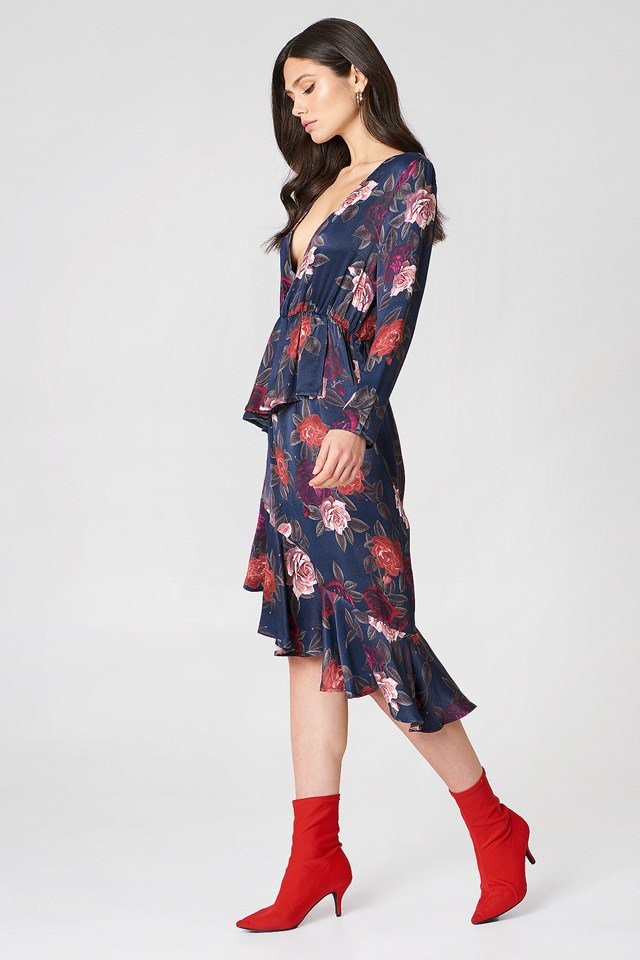
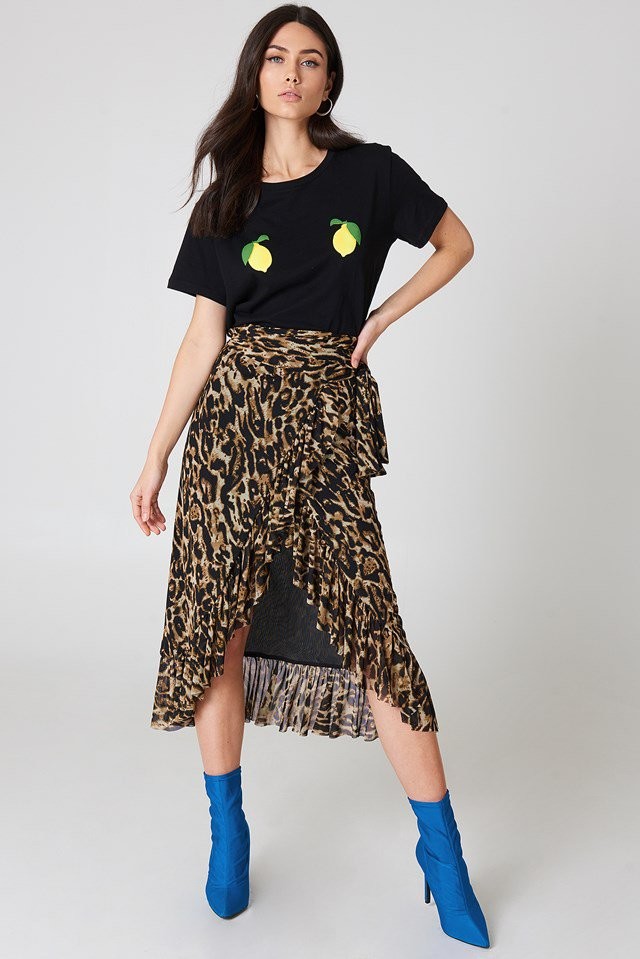
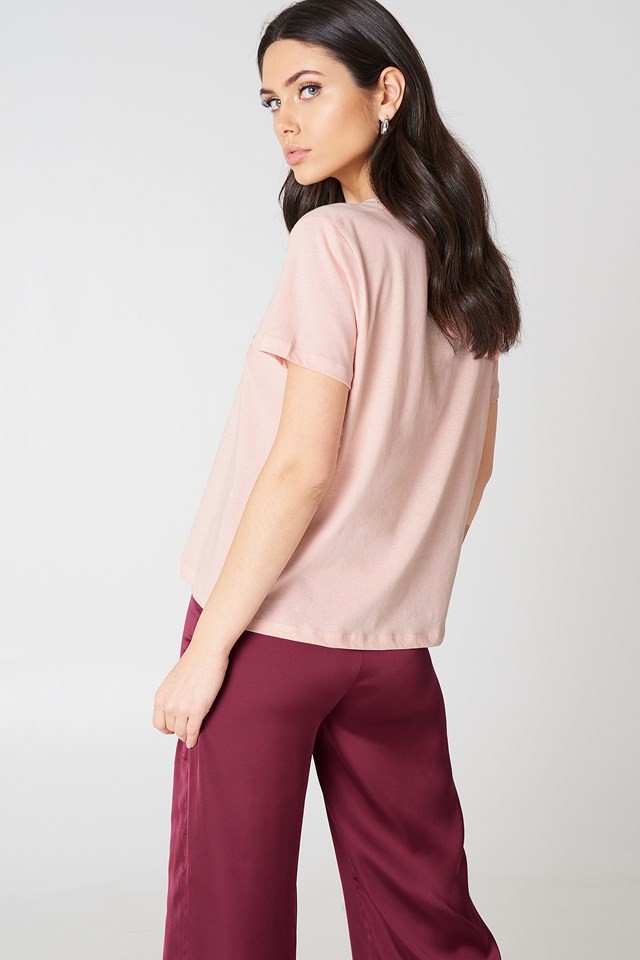
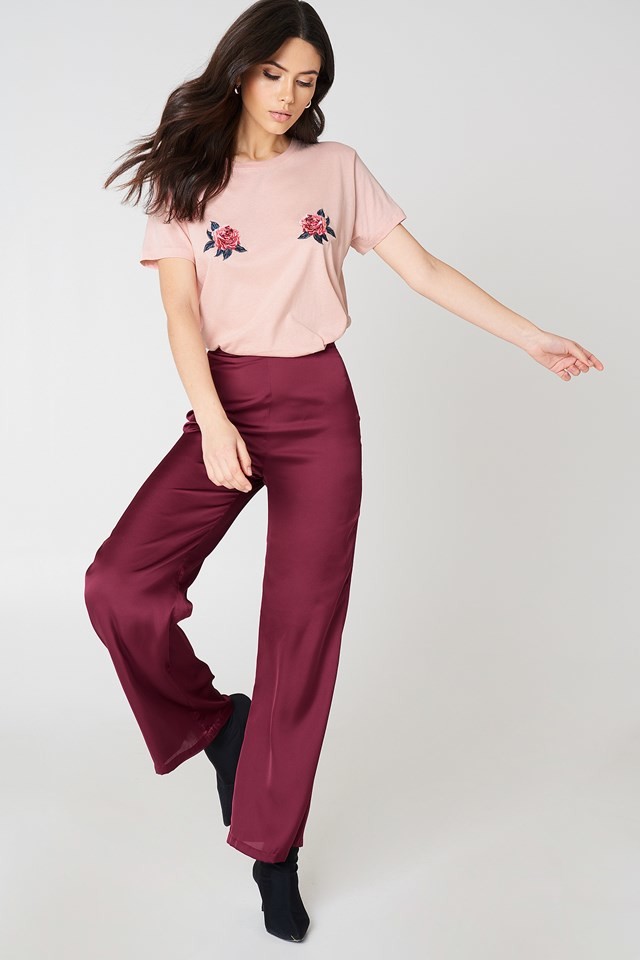
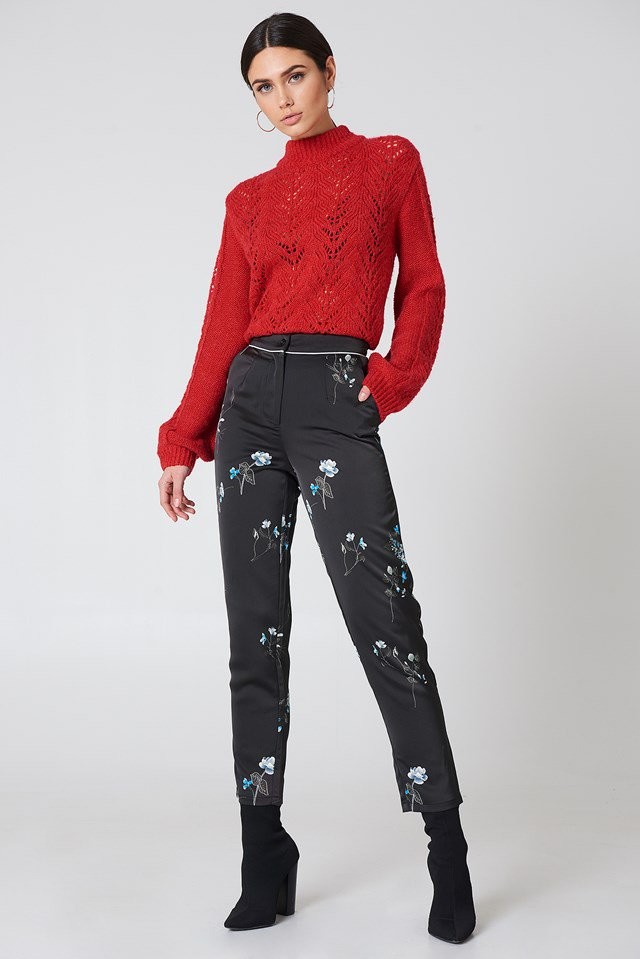
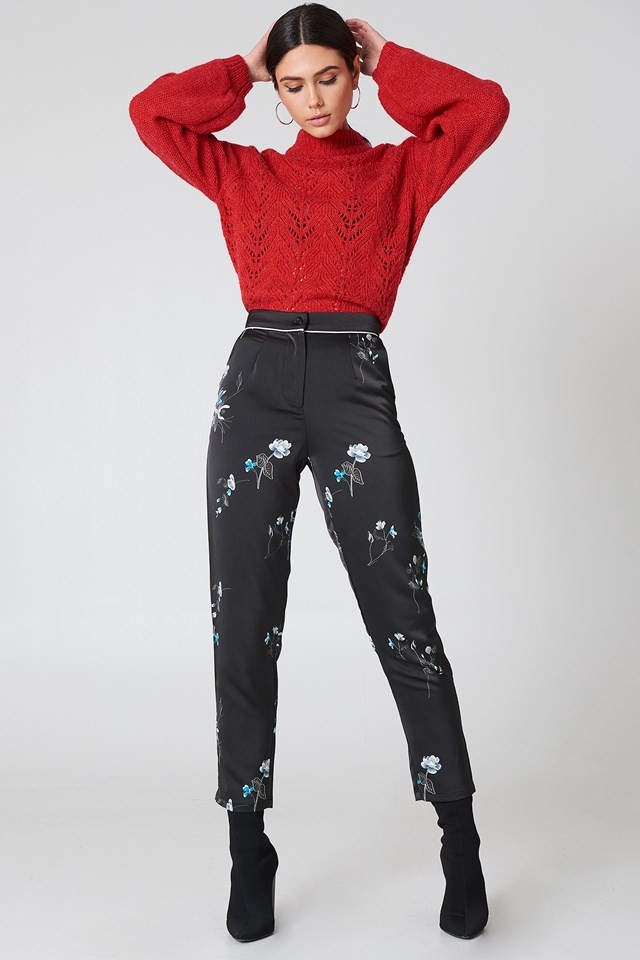
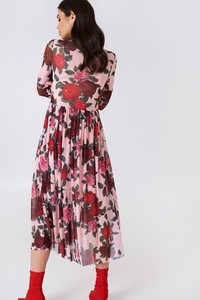 Image hidden for guestsSign in to viewImage hidden for guestsSign in to viewImage hidden for guestsSign in to viewImage hidden for guestsSign in to view
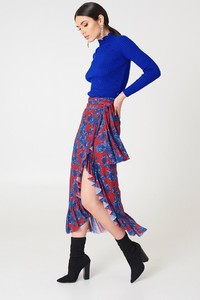
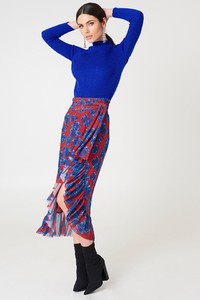
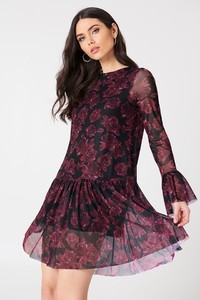 Image hidden for guestsSign in to view
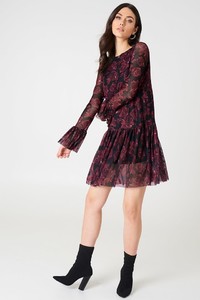 Image hidden for guestsSign in to view





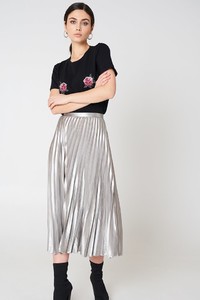


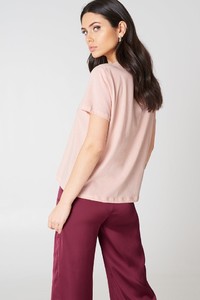



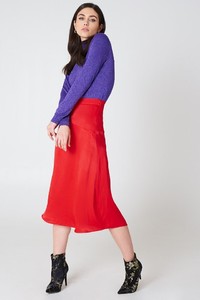


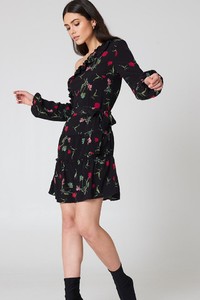

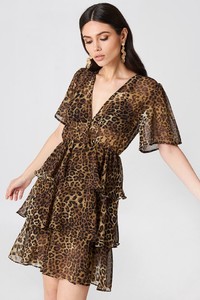
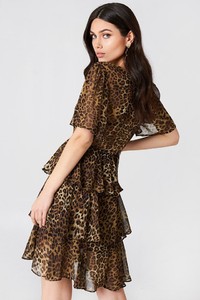
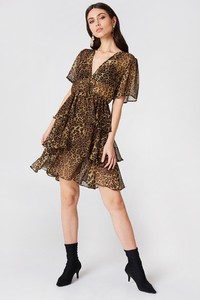
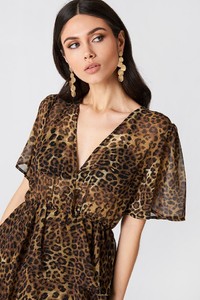
-
@Bettina Saw-Morgan i will get pictures from the other links you provided tomorrow.
-
-
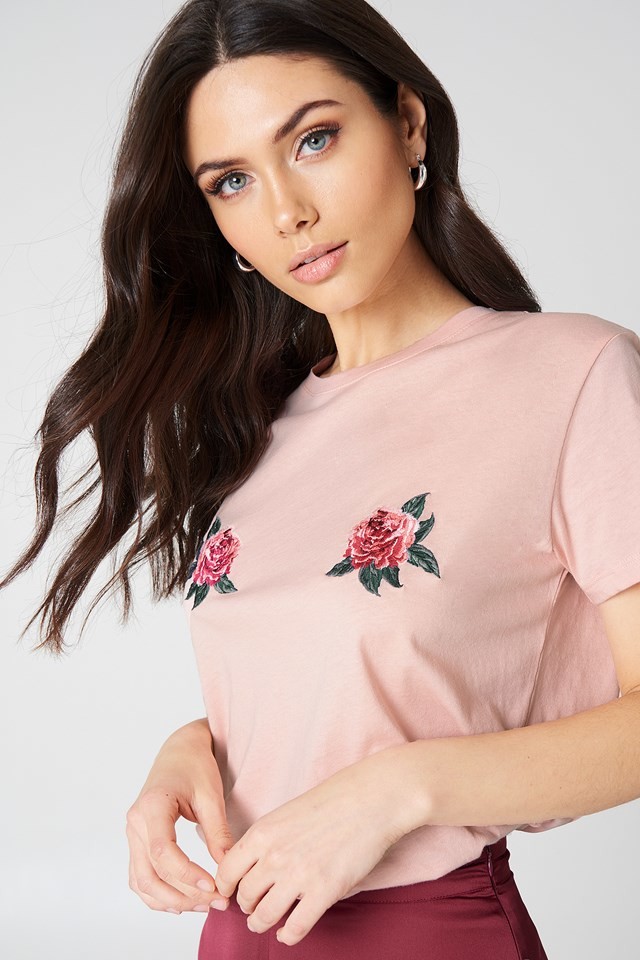
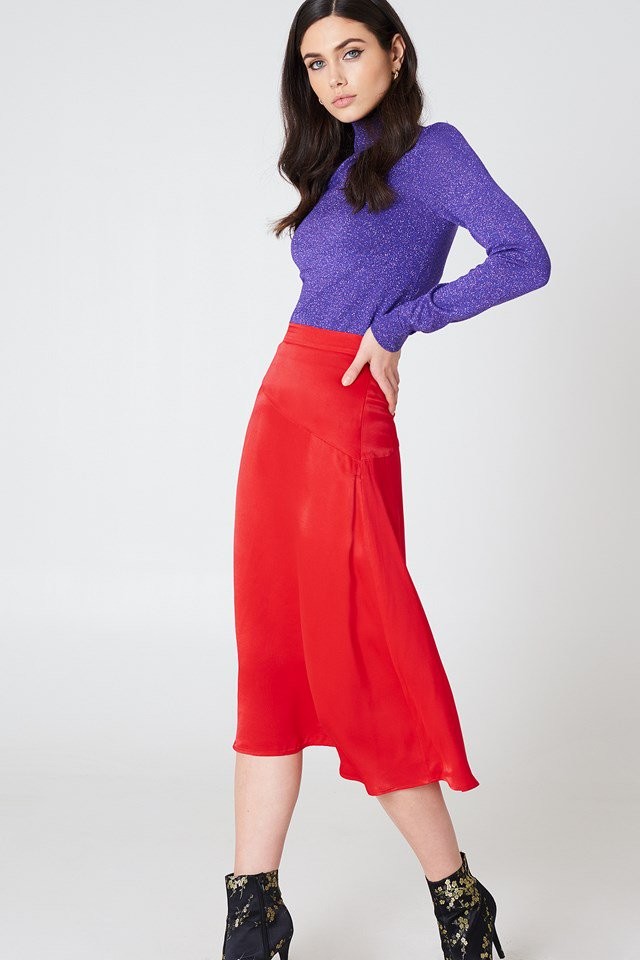
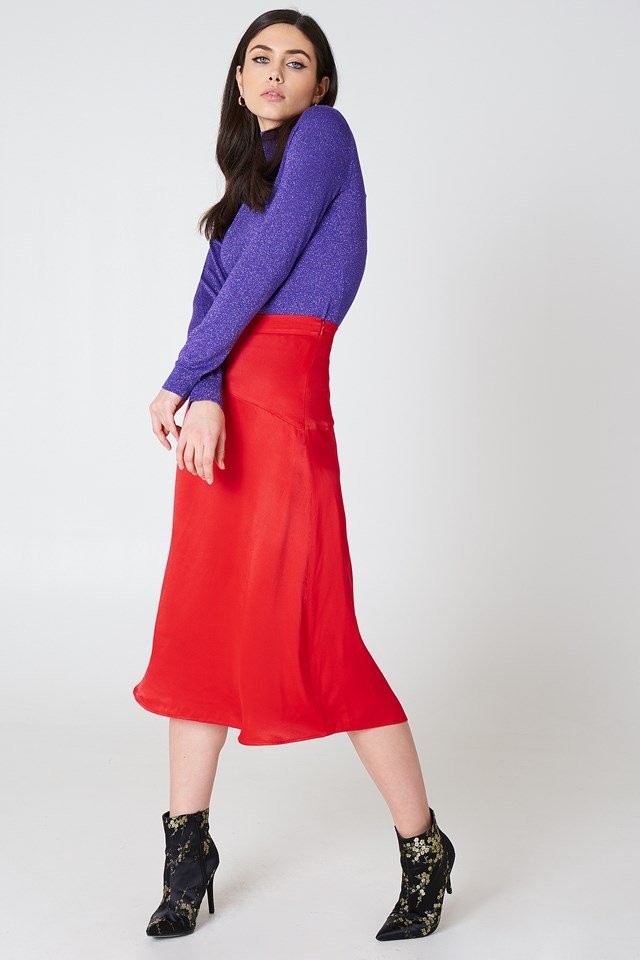
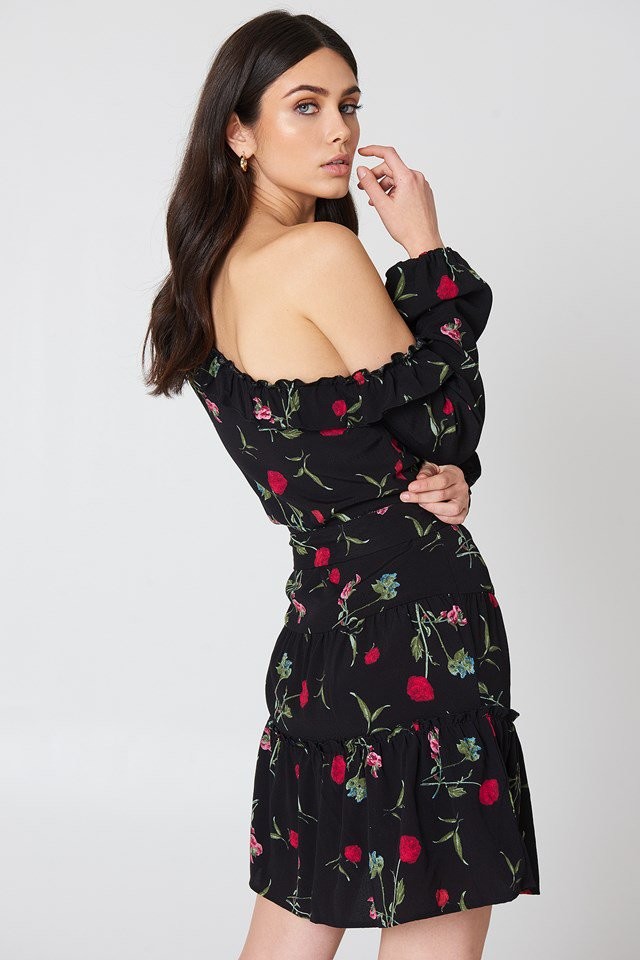
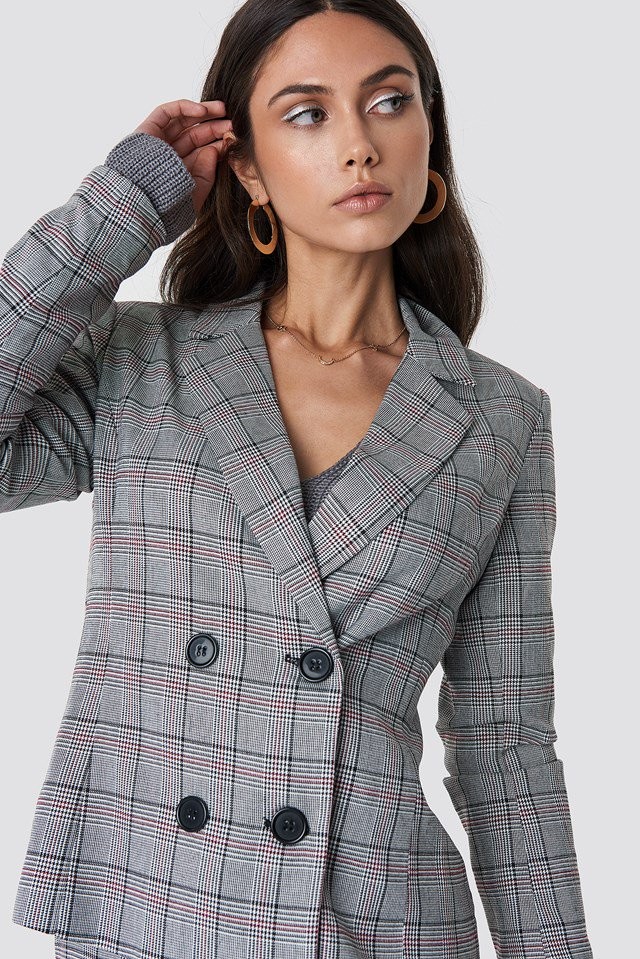
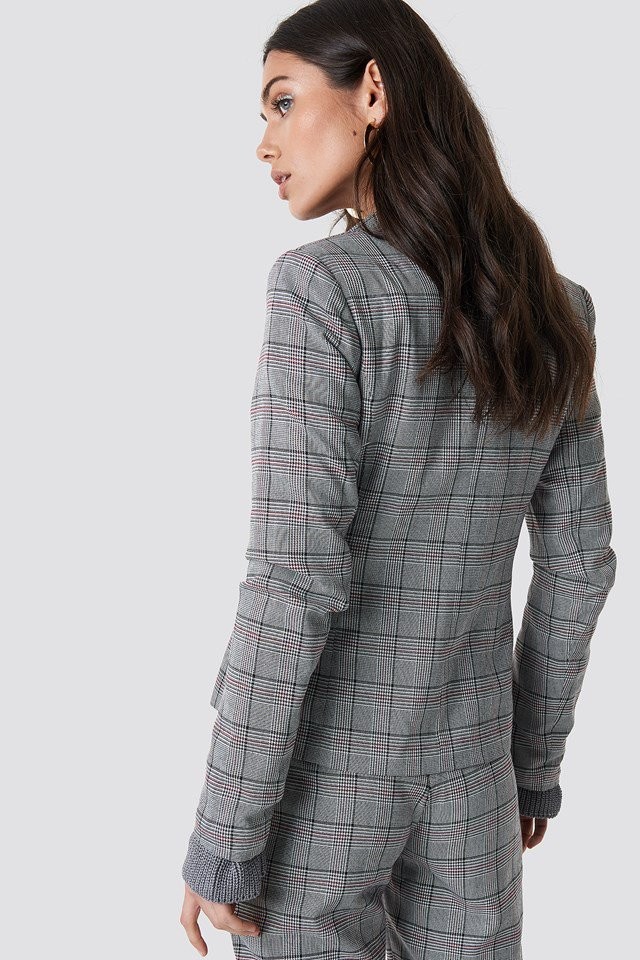
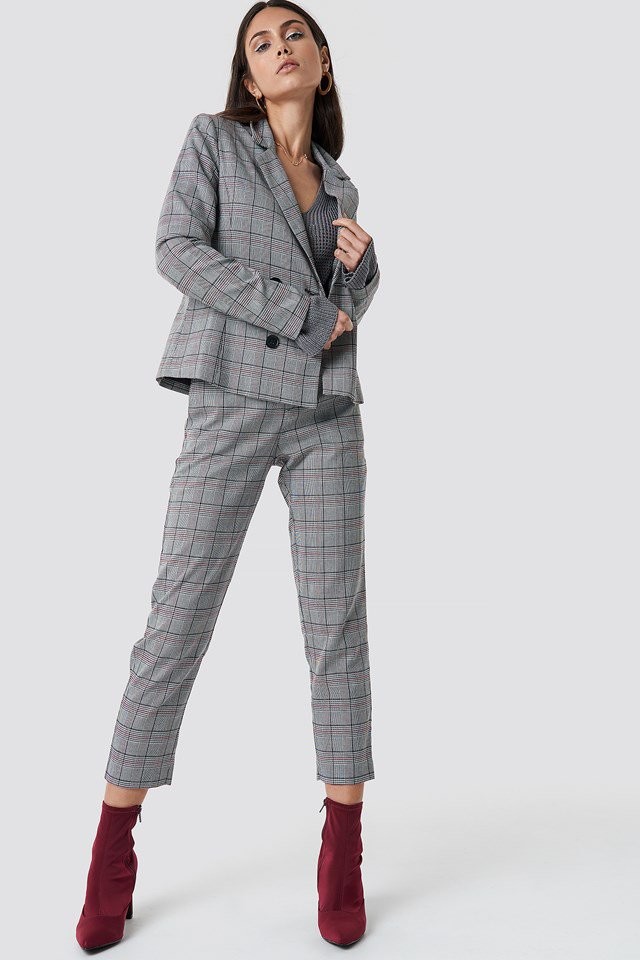
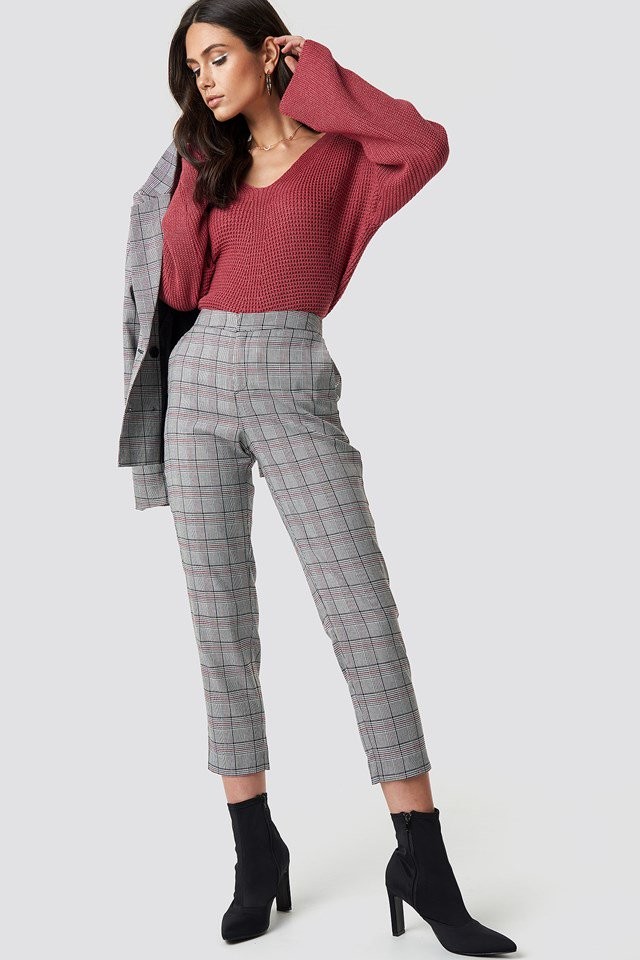
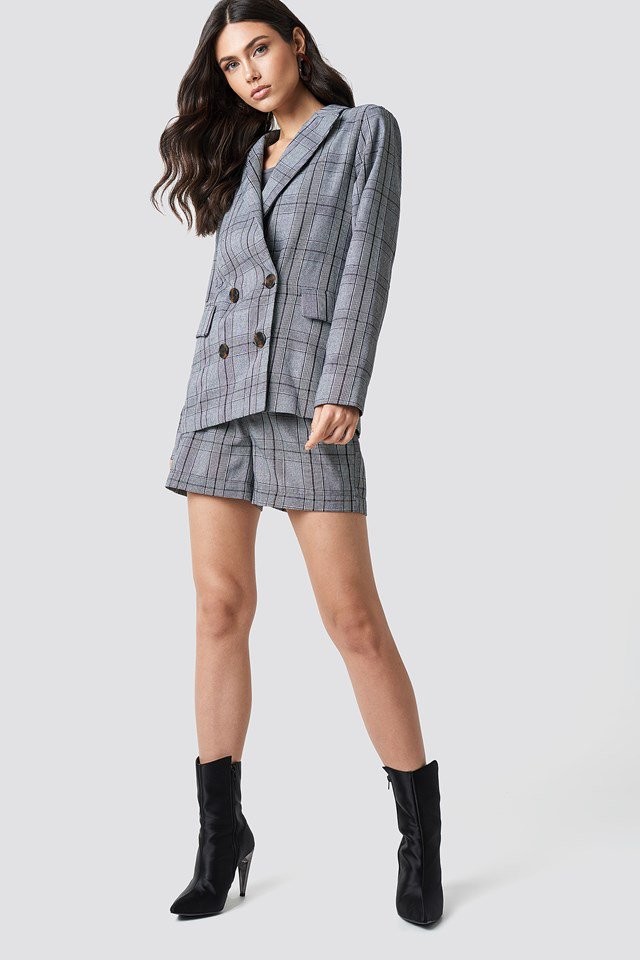
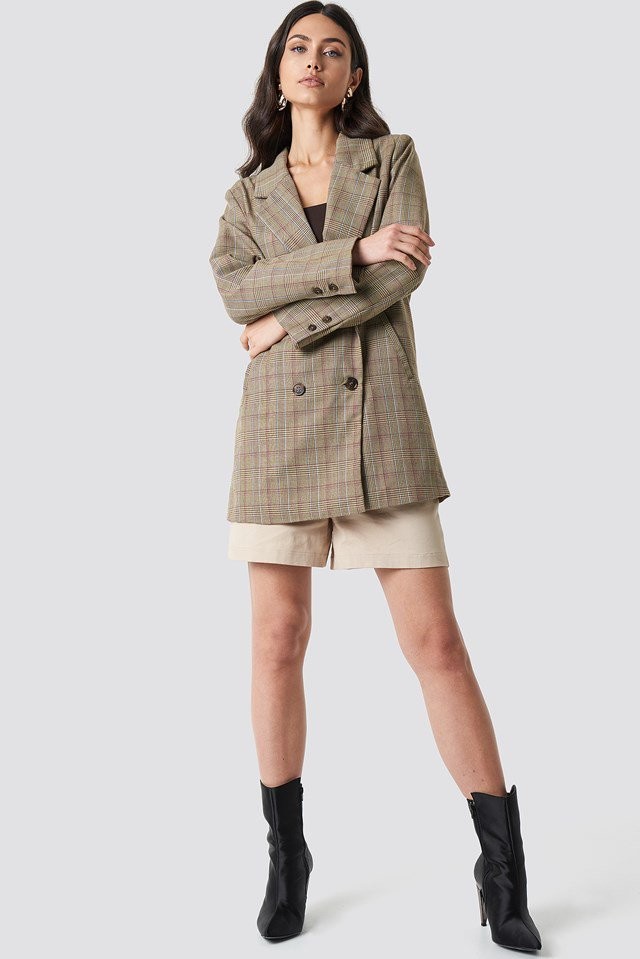
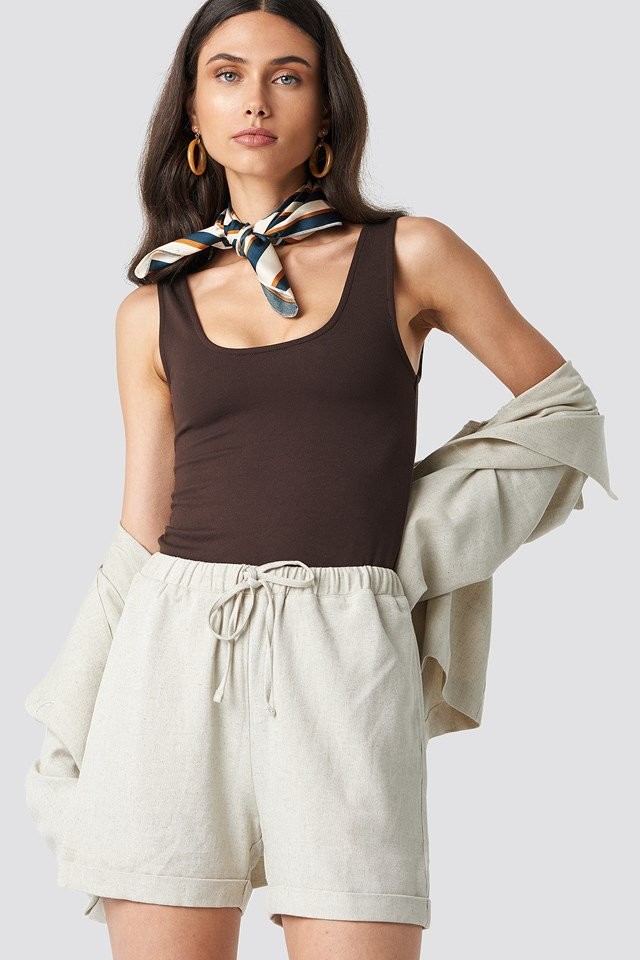
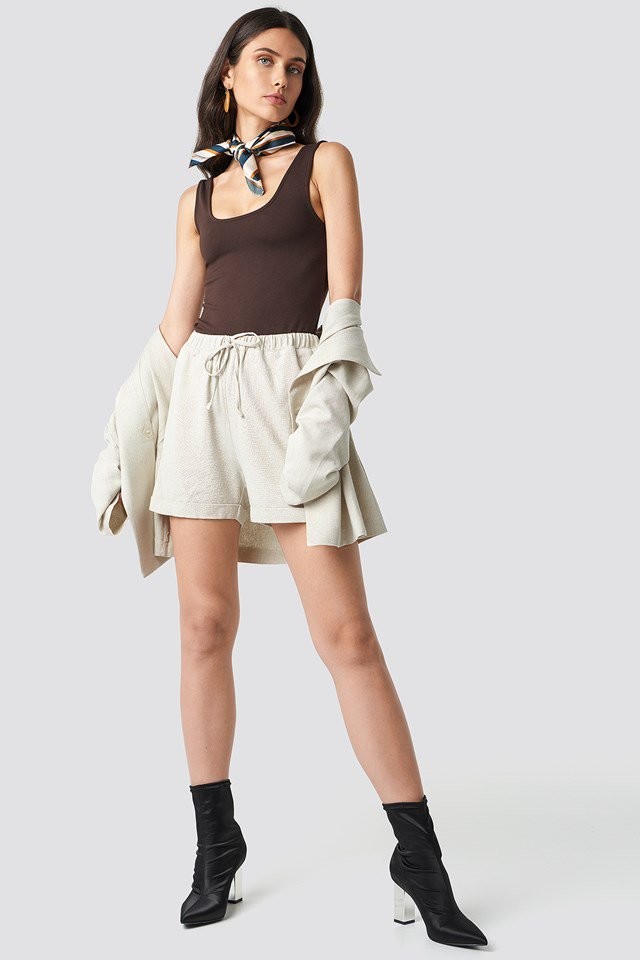
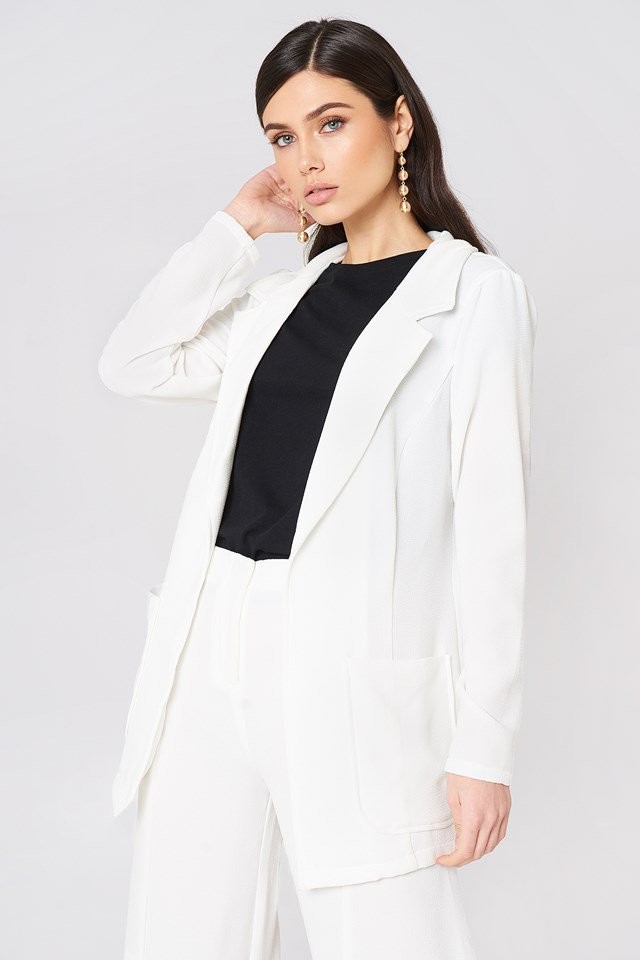
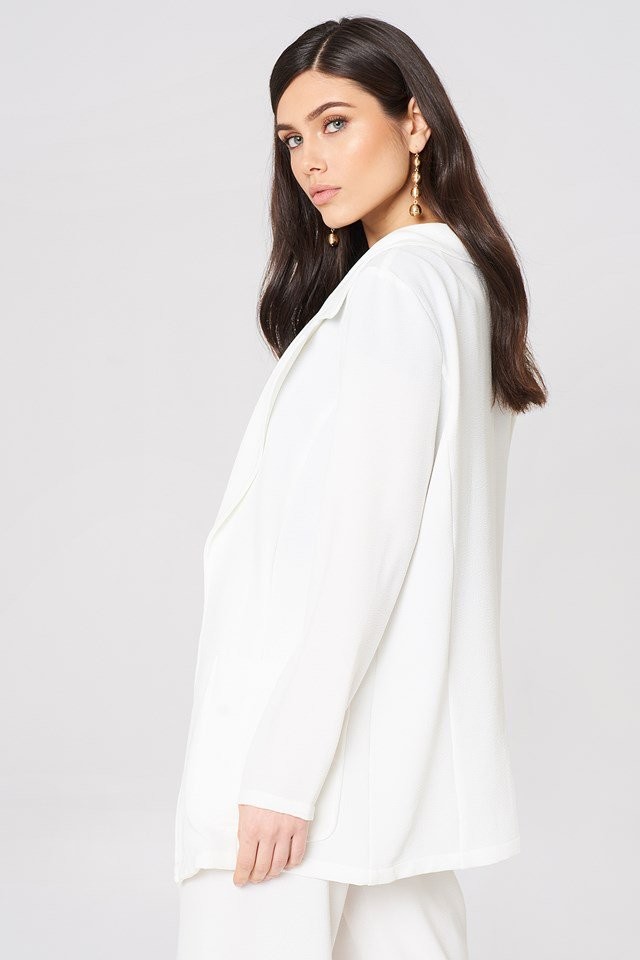
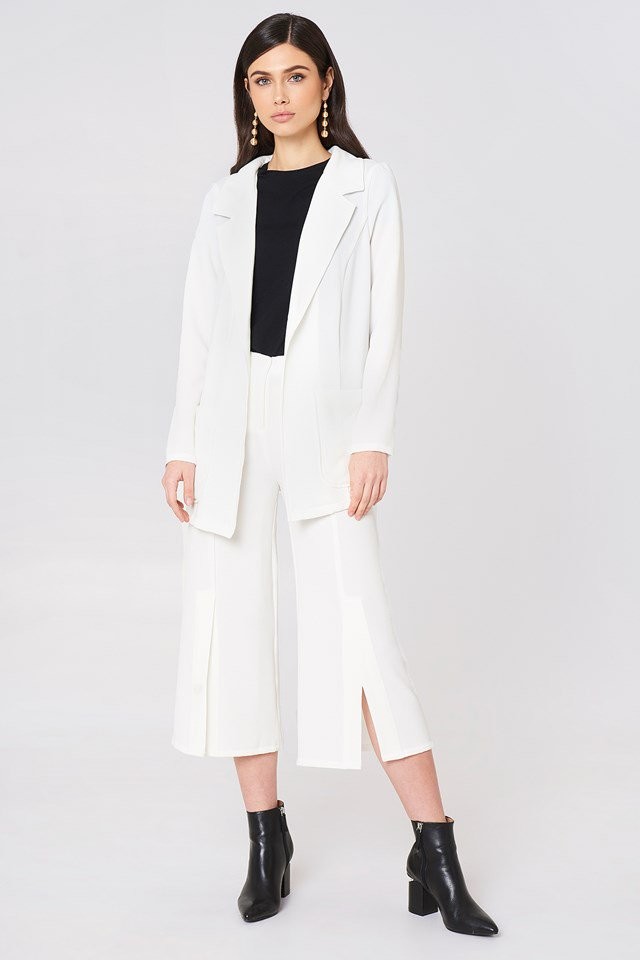
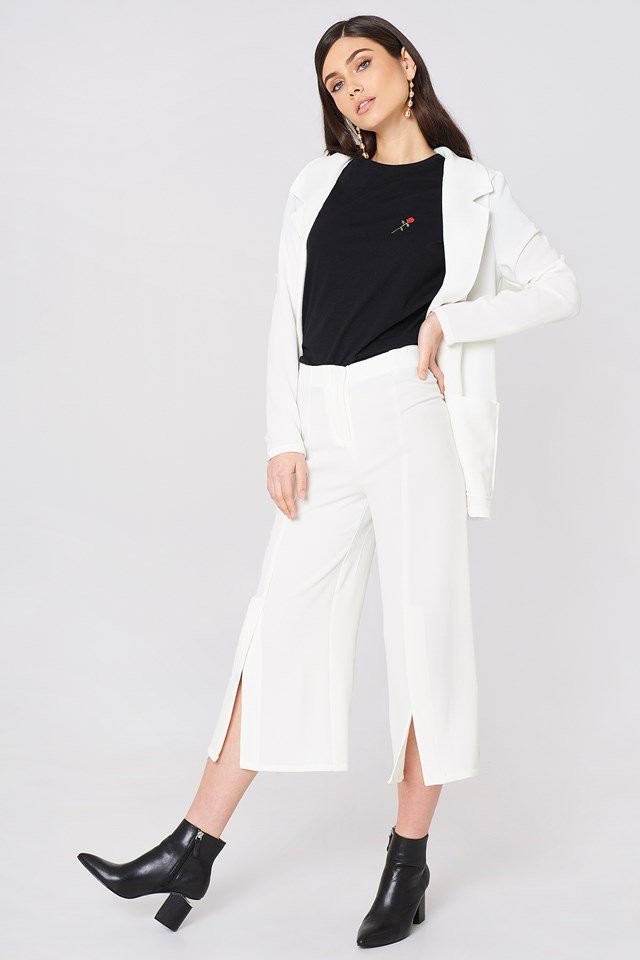
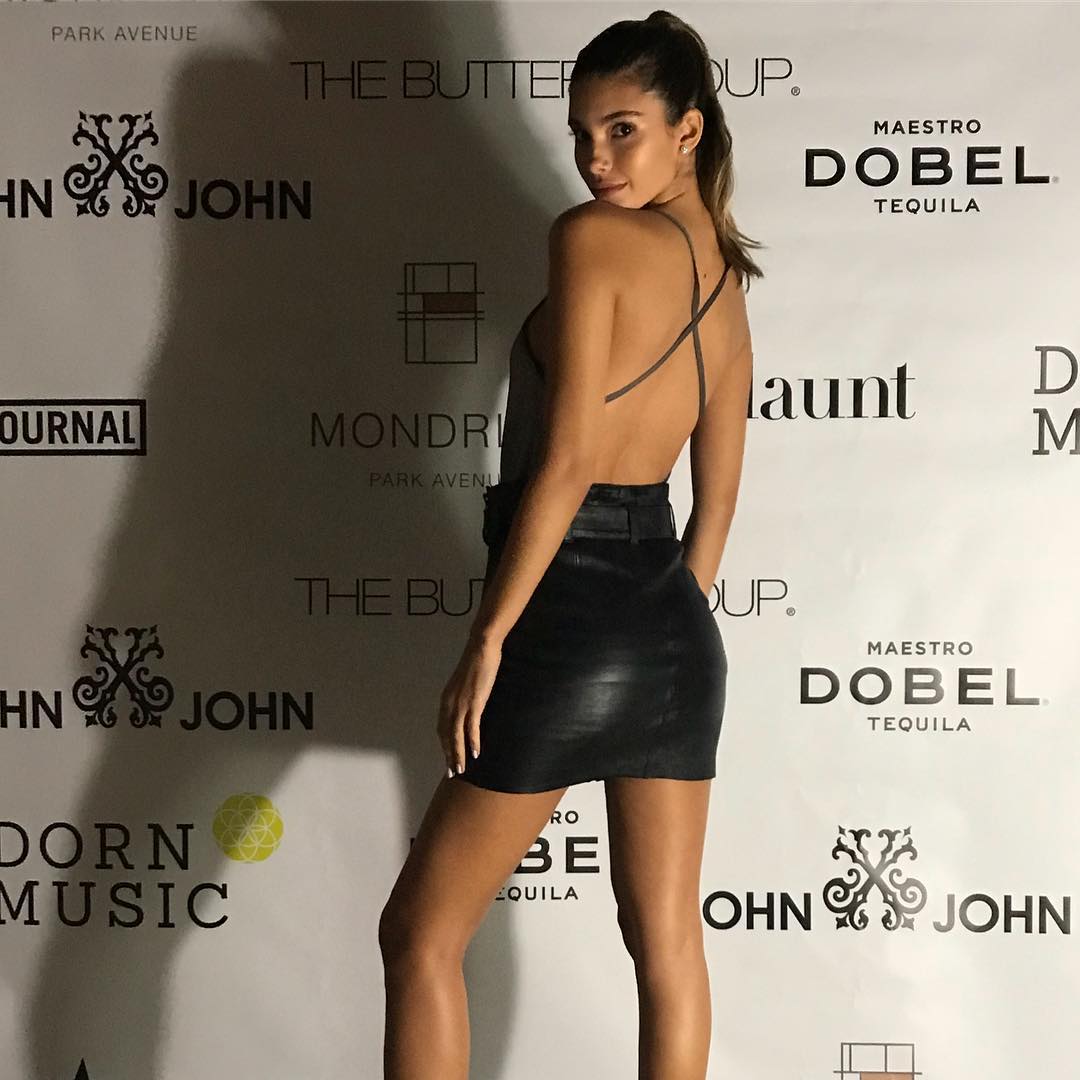
I love this girl's look, and her body is truly amazing. But the amount of makeup plastered onto her face is distracting to a serious degree, not to mention the overload of bronzer/fake tan. Just...😩
-
spank you very much, @RebelleFleur. flawless post.
-
Rebel, girl. You are a queen. Thank you for all your uploads.
-
I have never witnessed a more unique look. This girls facial features are the stuff of dreams.
-
lhtsfy changed their profile photothis girl needs more work. she’s flawless.Image hidden for guestsSign in to view
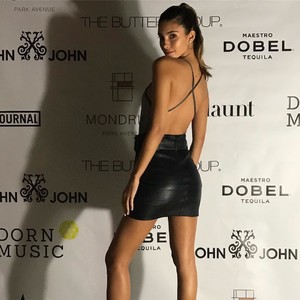 I still love Kaia and am so proud of her first FW. but... 1. Brows — I am all for natural brows, however, hers tend to distract from her beauty rather than adding to it. 2. Skin — what’s with her looking tired and drawn out all the time? In many of her pictures she looks twice her age. Could it be down to not eating/drinking correctly?

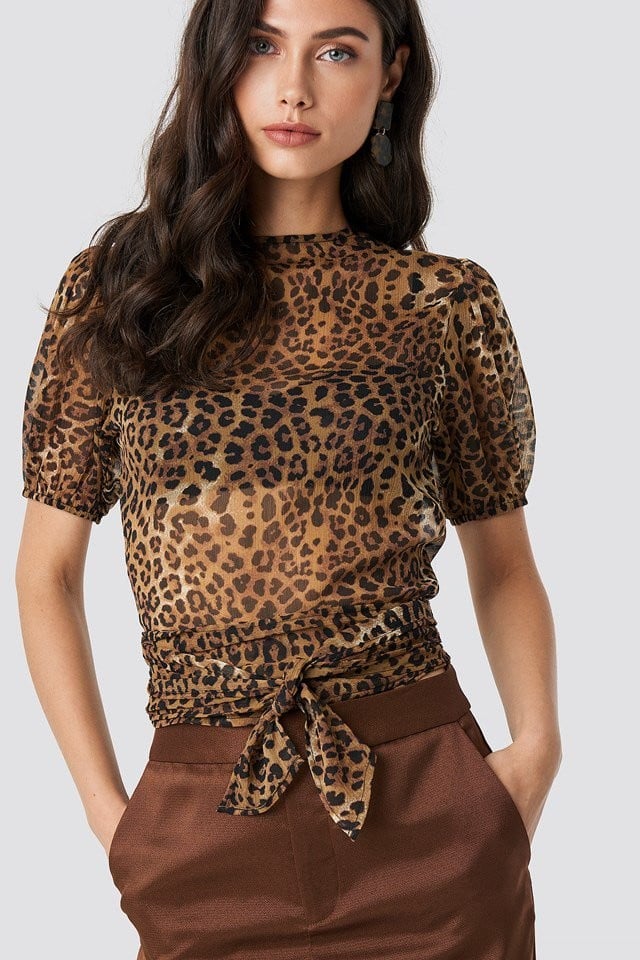
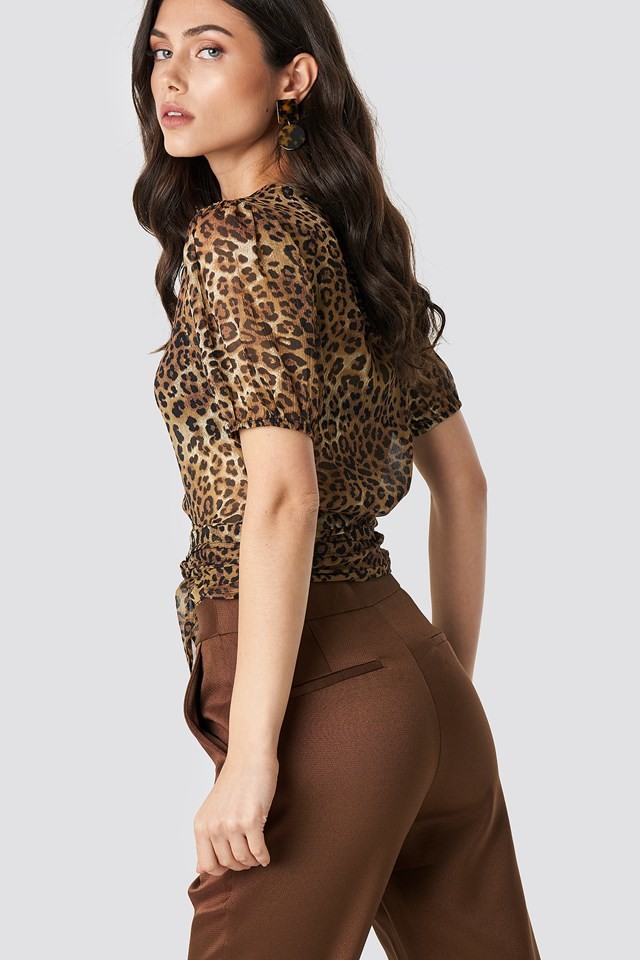
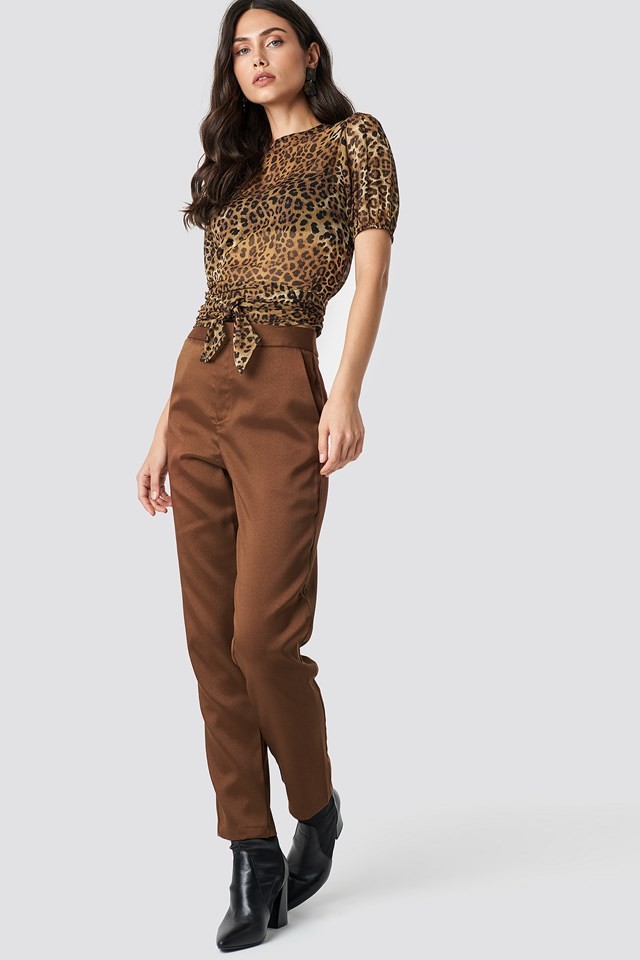
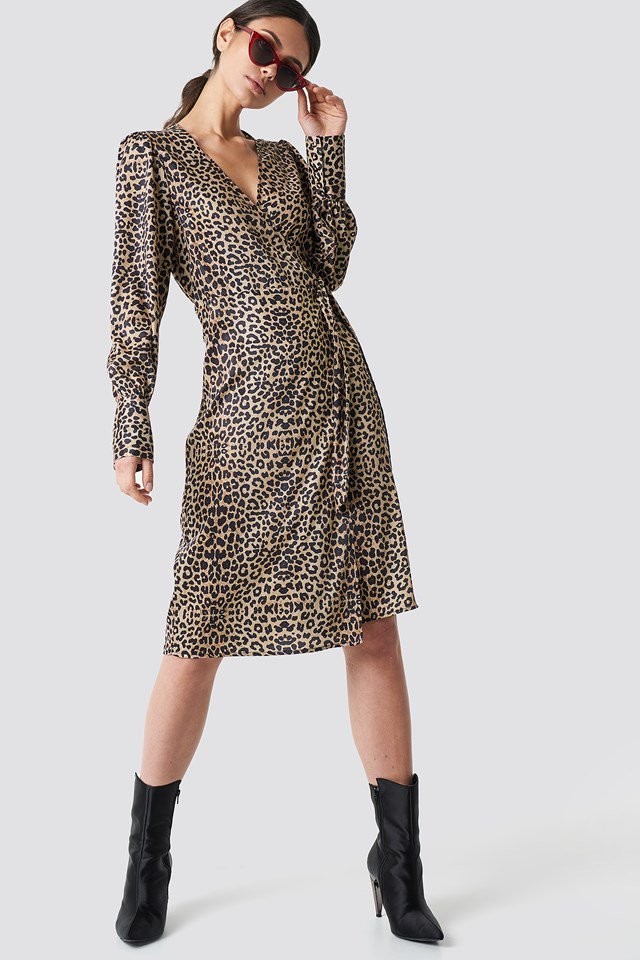
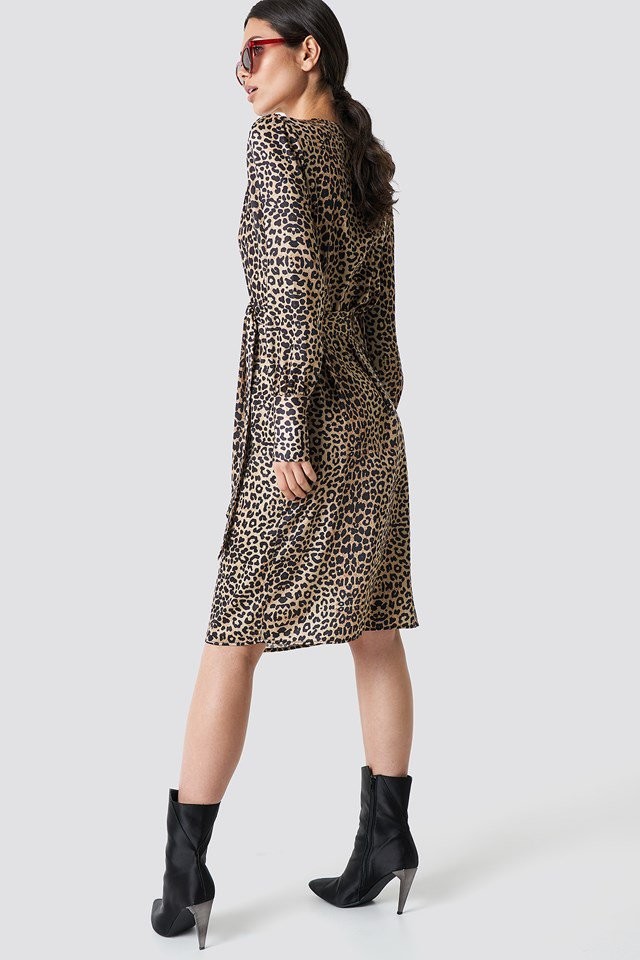
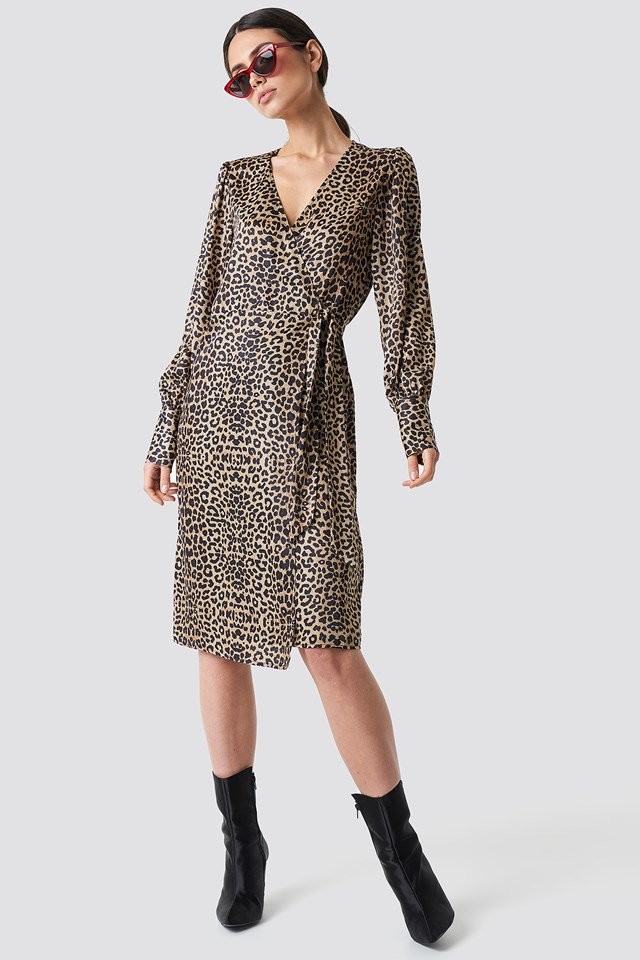
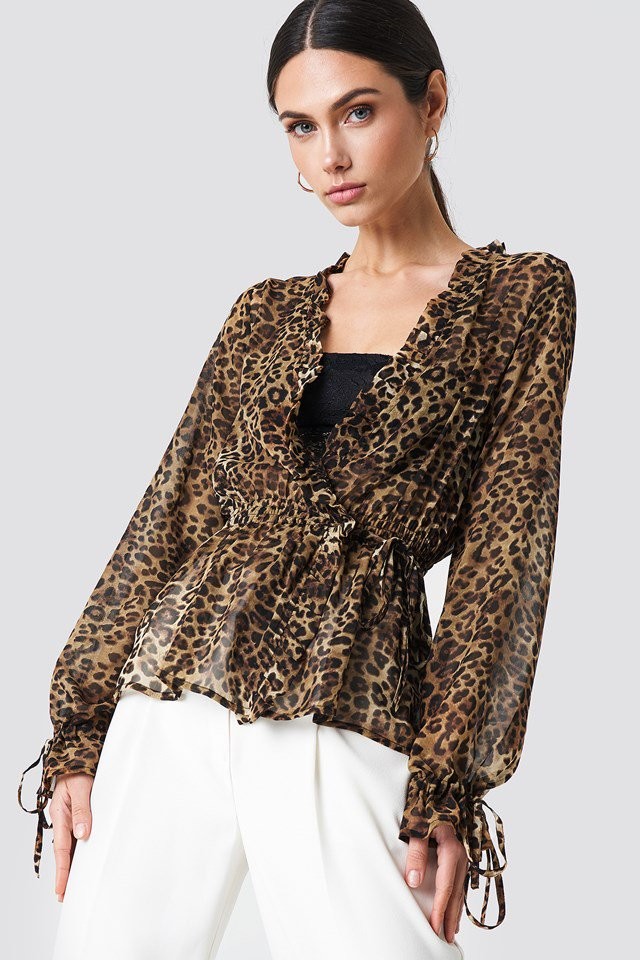
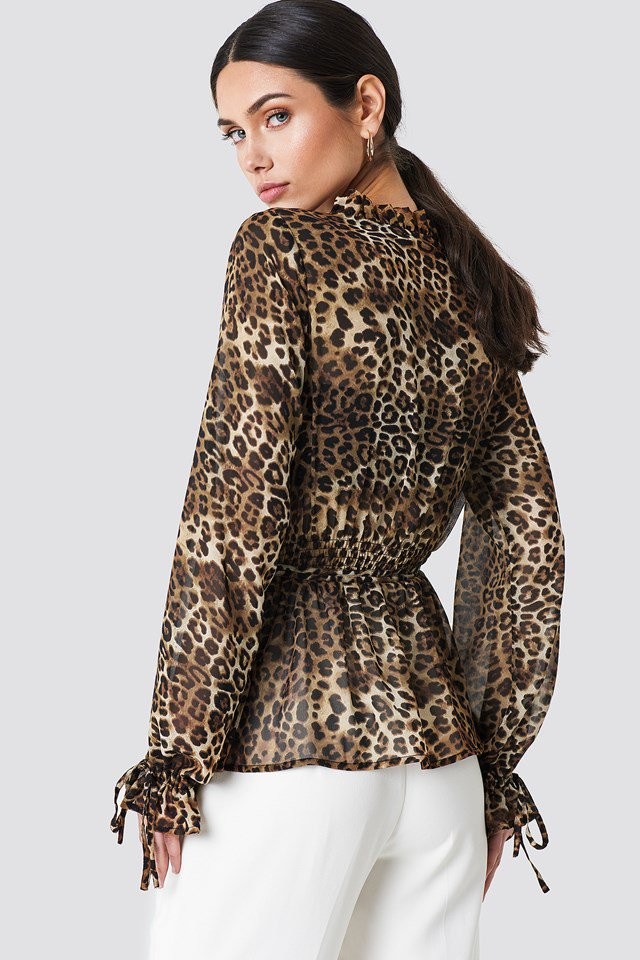

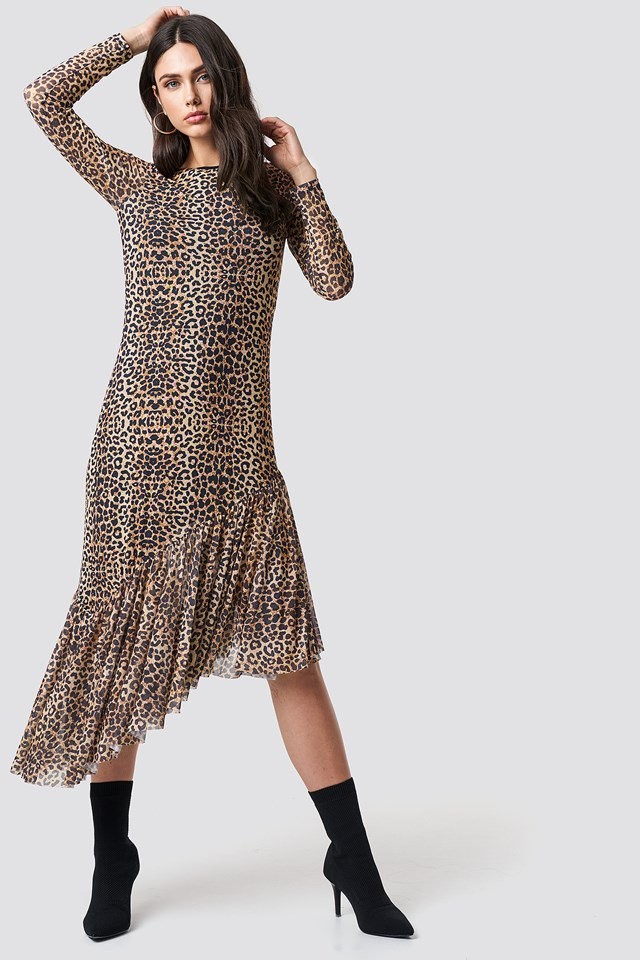
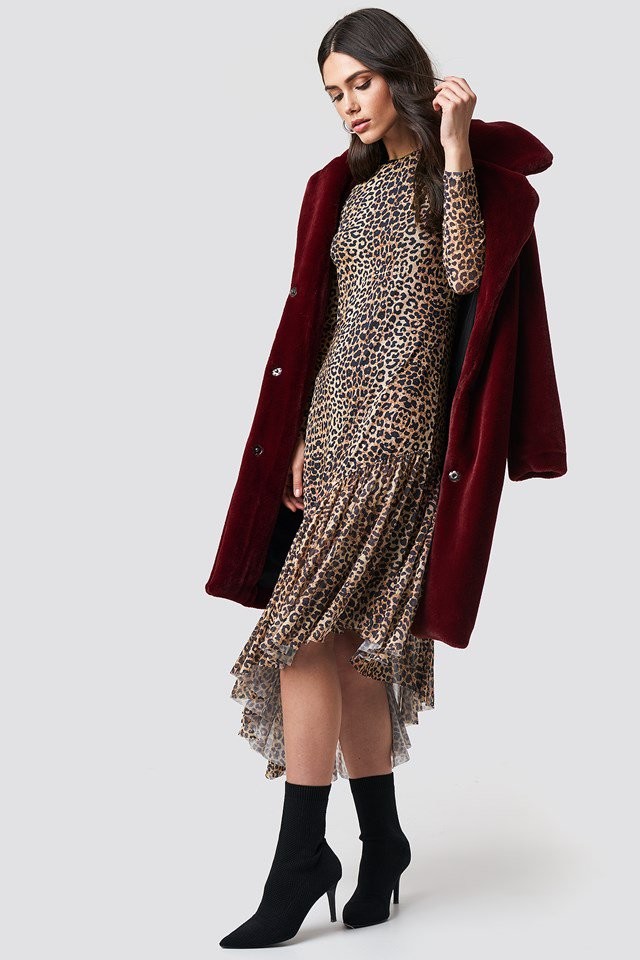
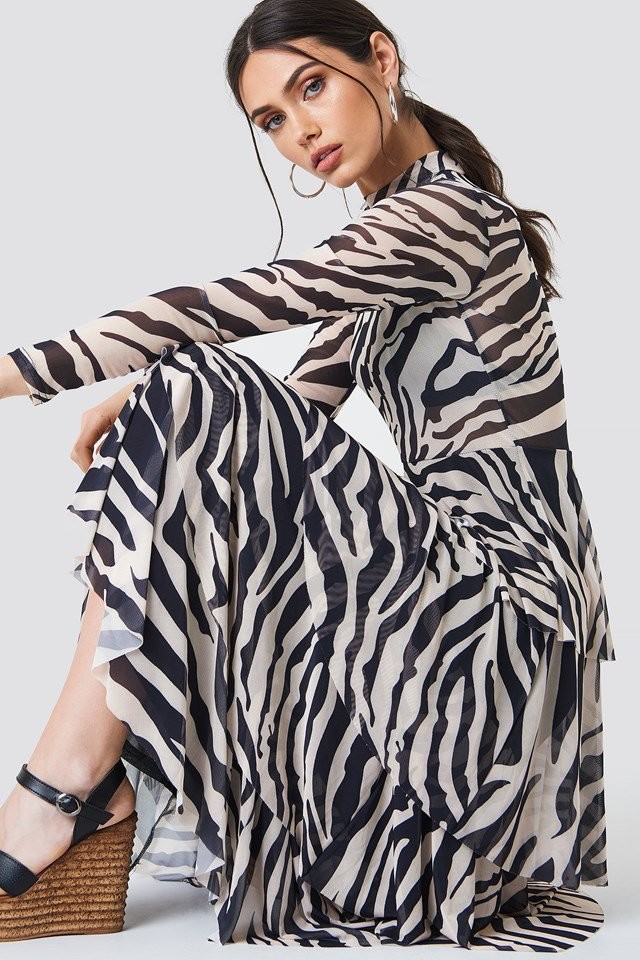
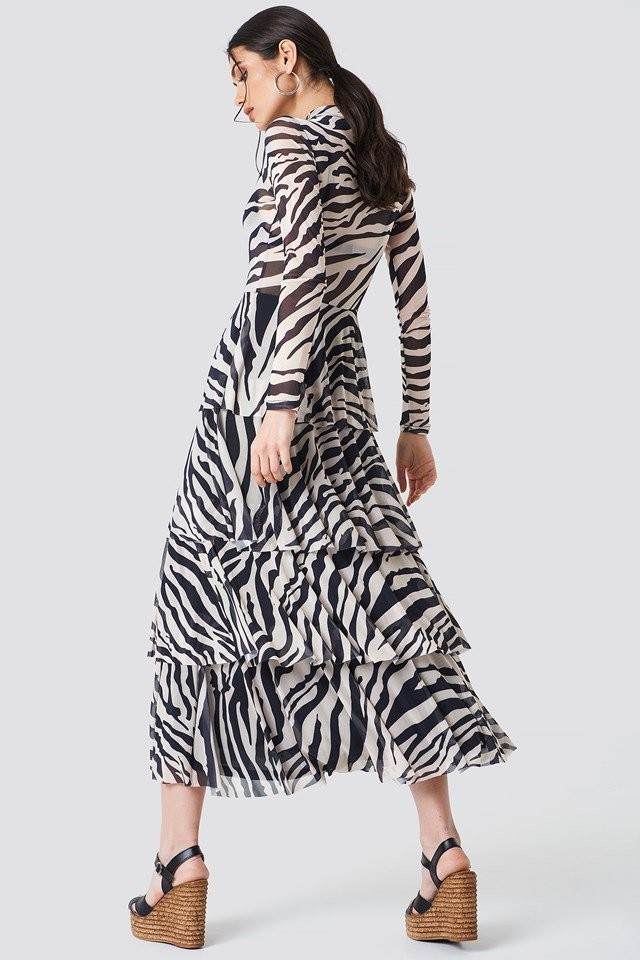
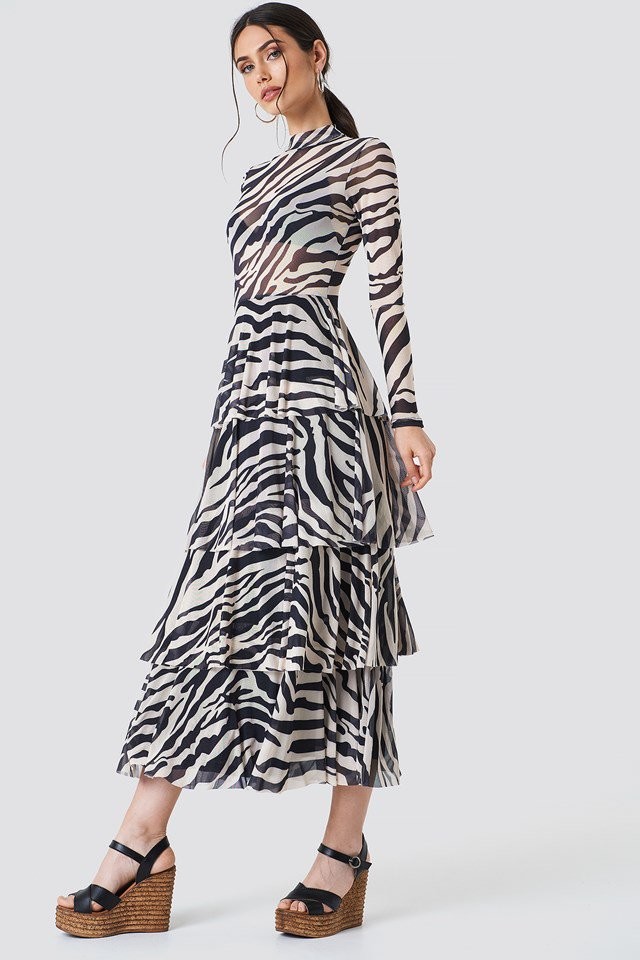
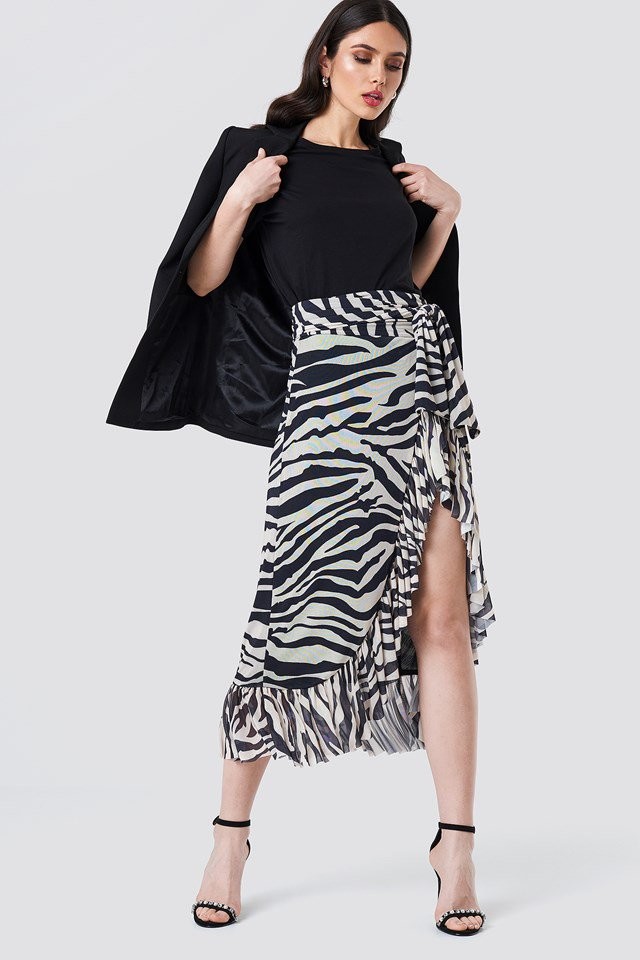

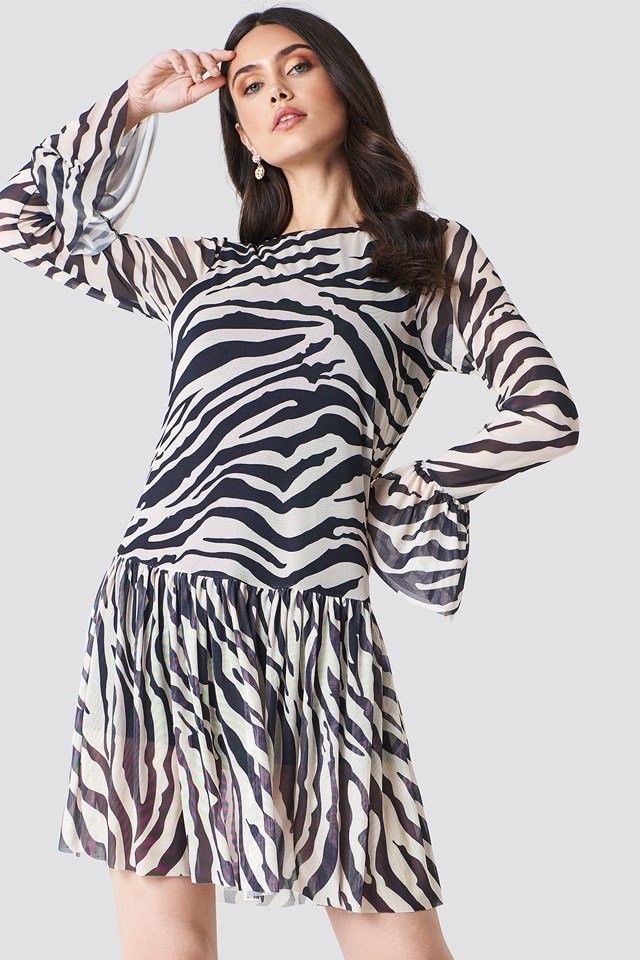
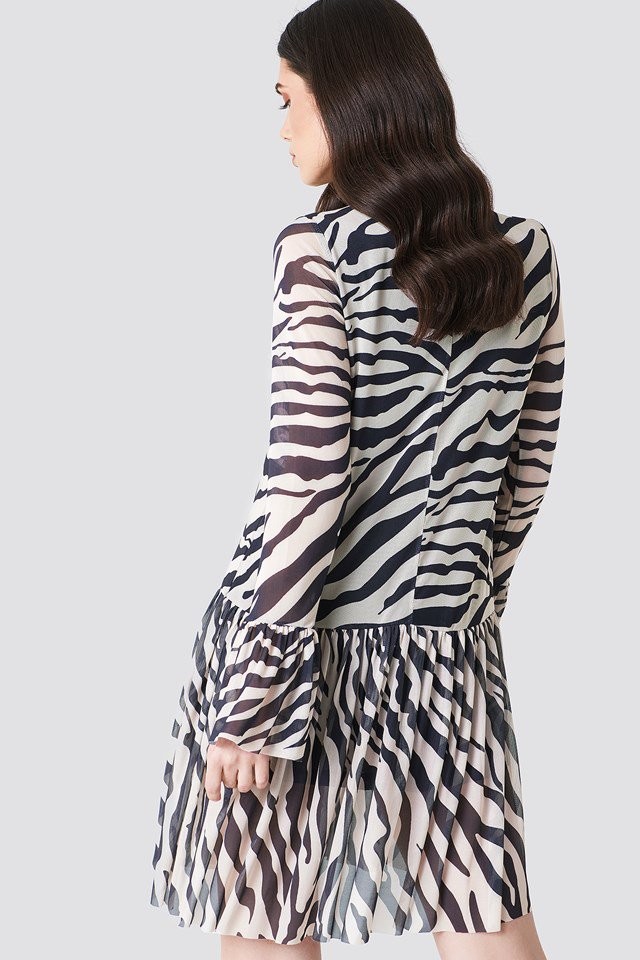



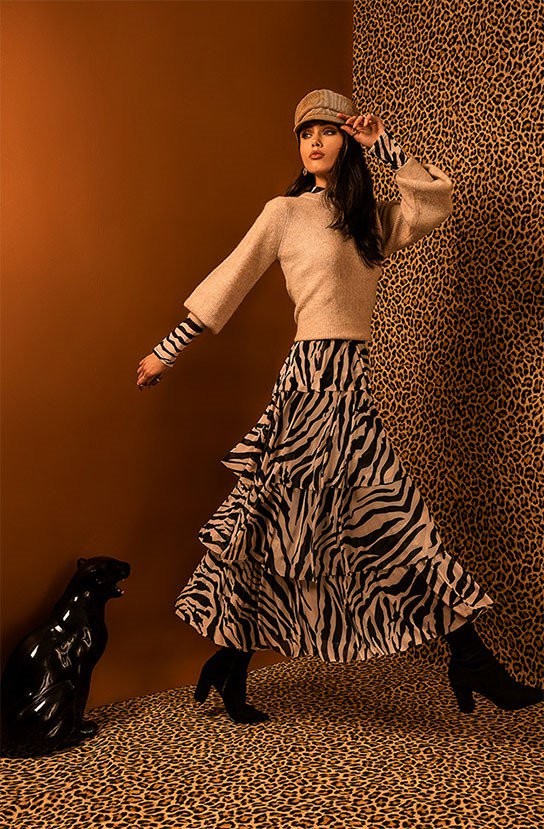




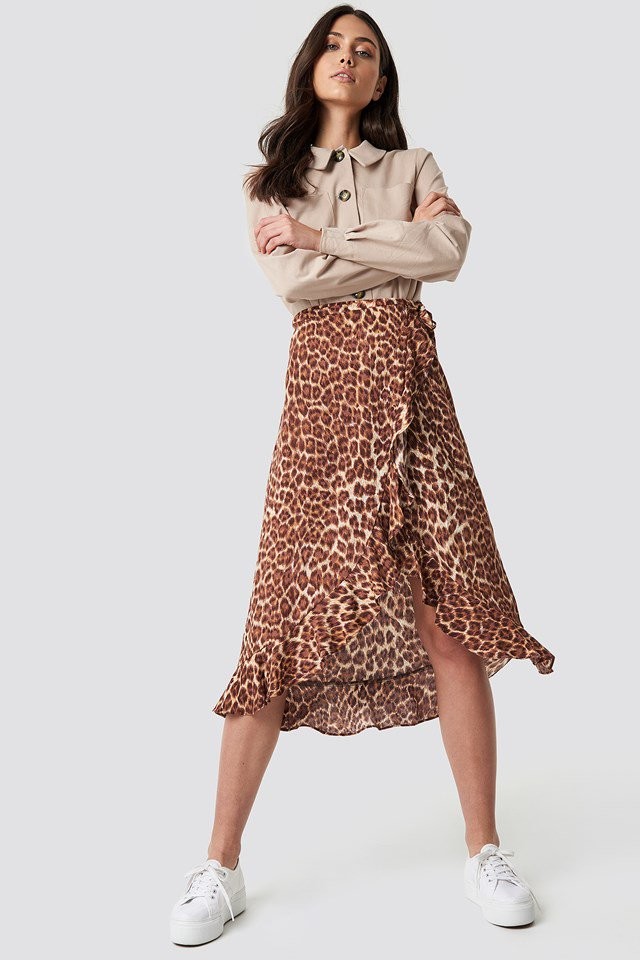
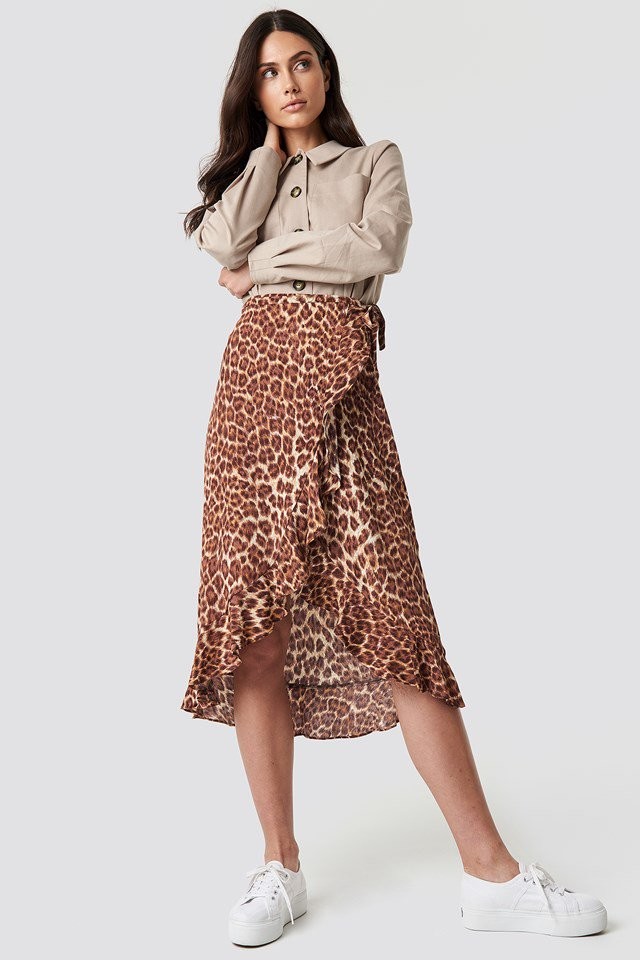
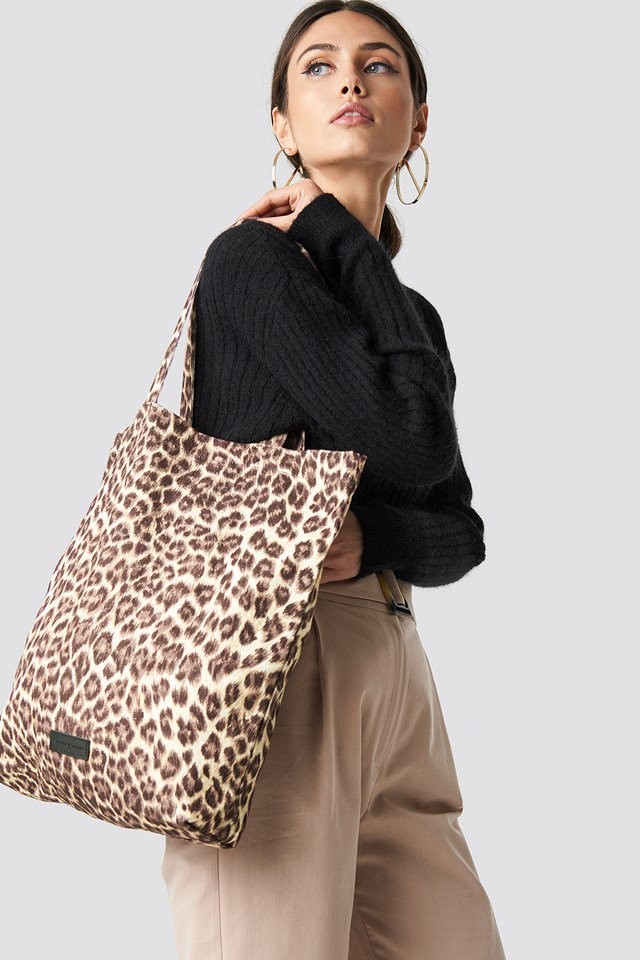
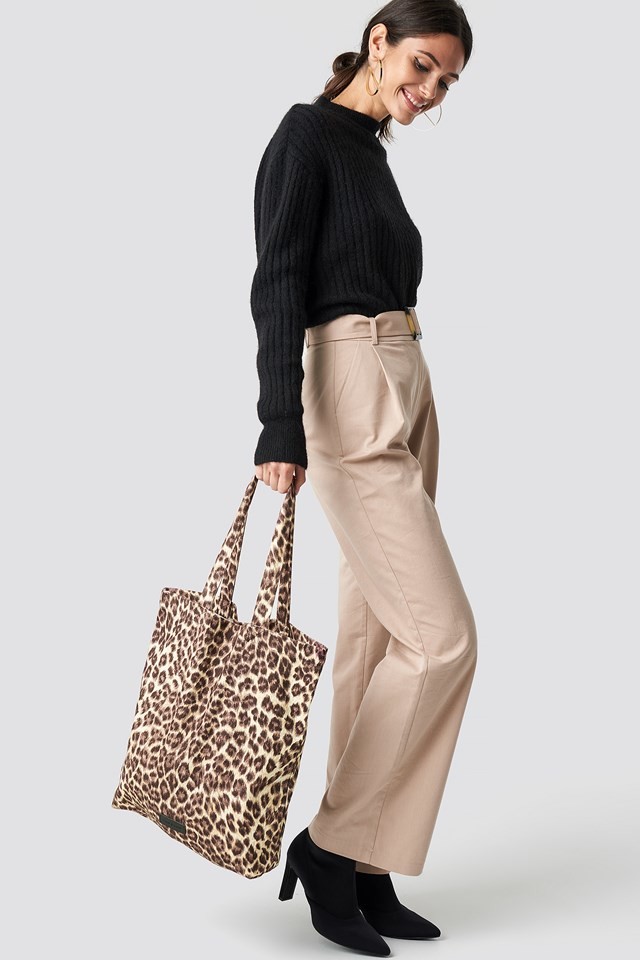

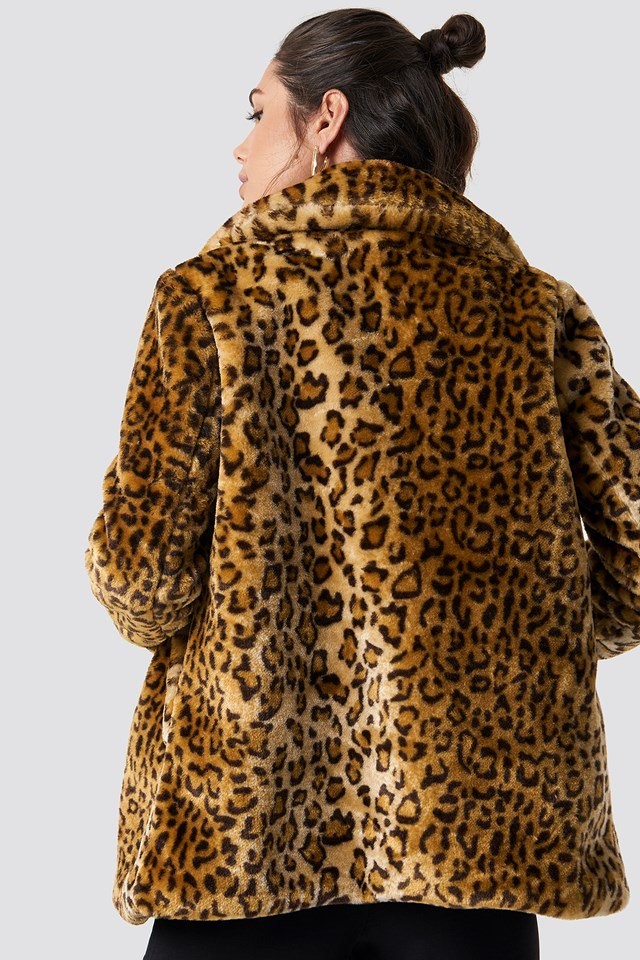
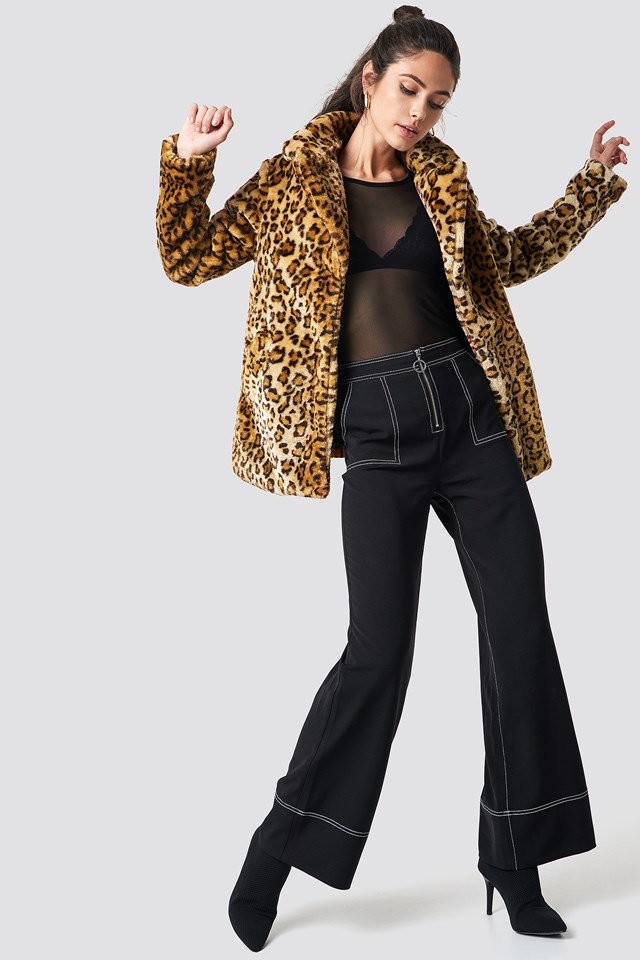
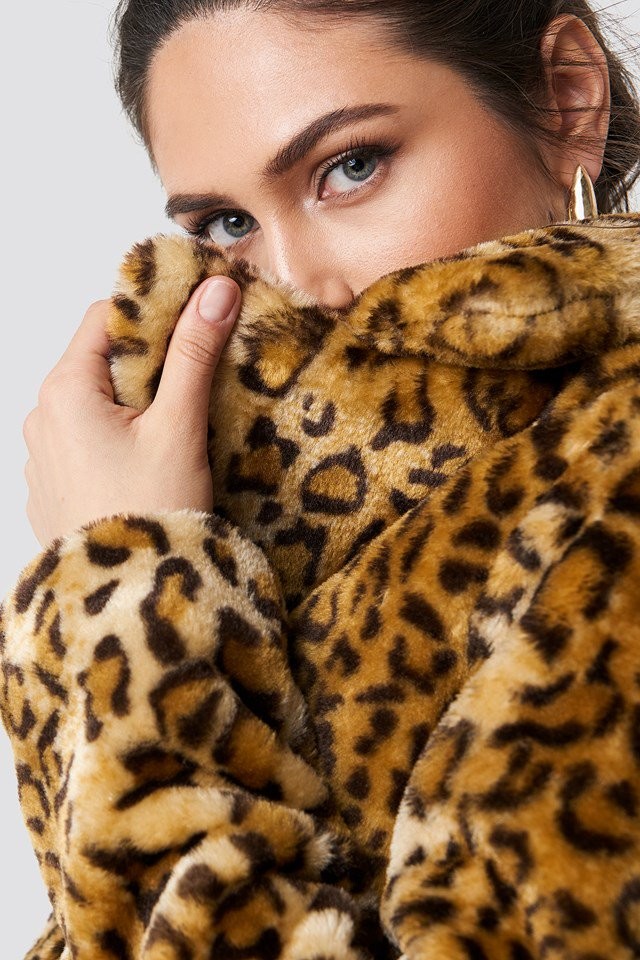


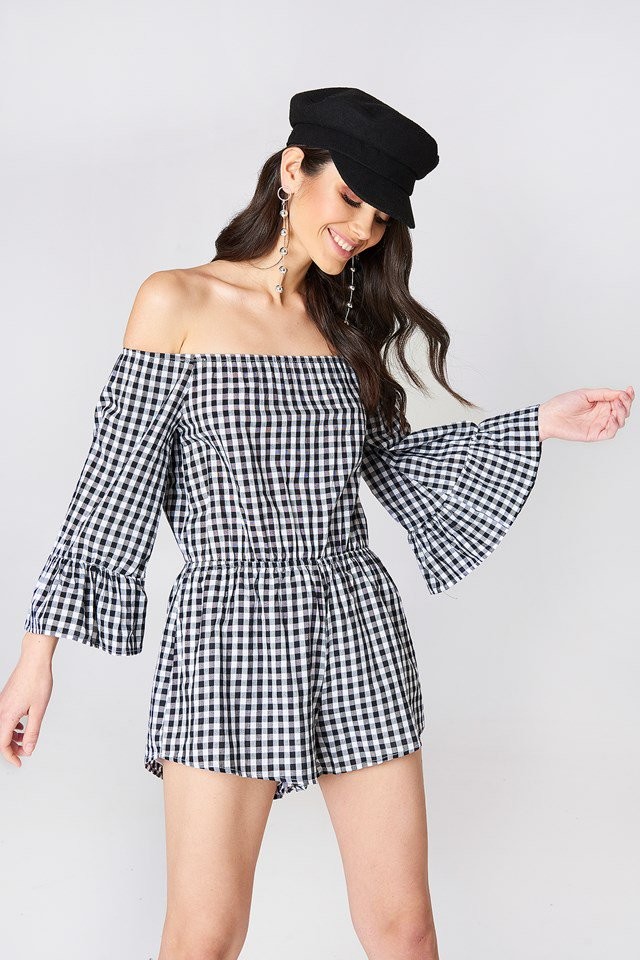
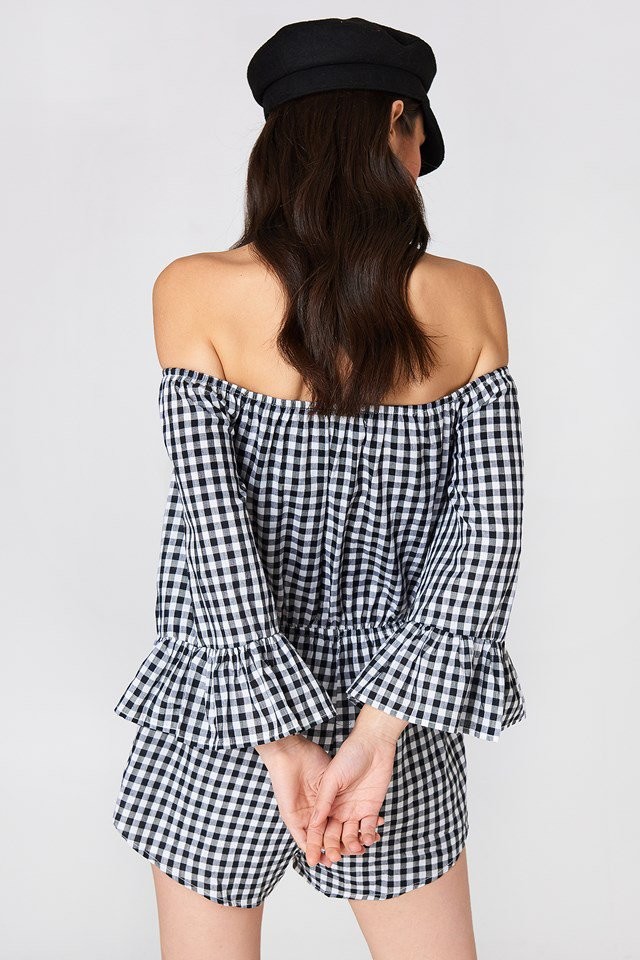
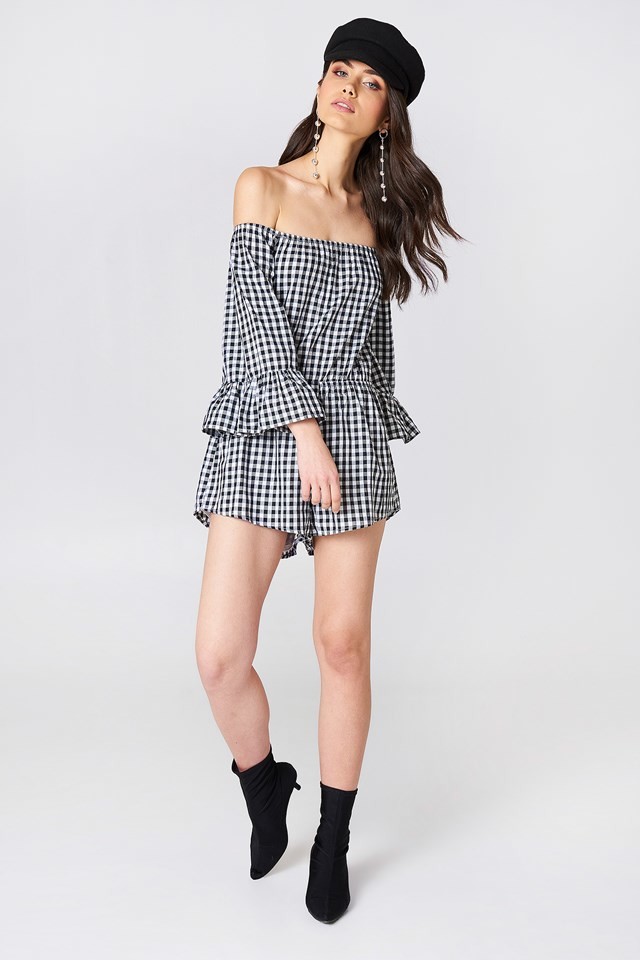
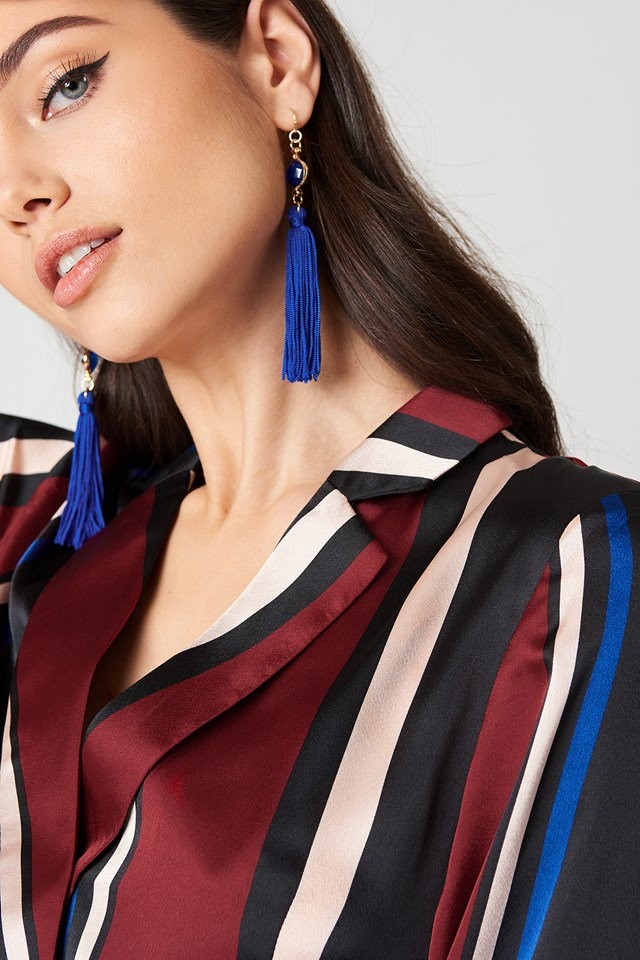


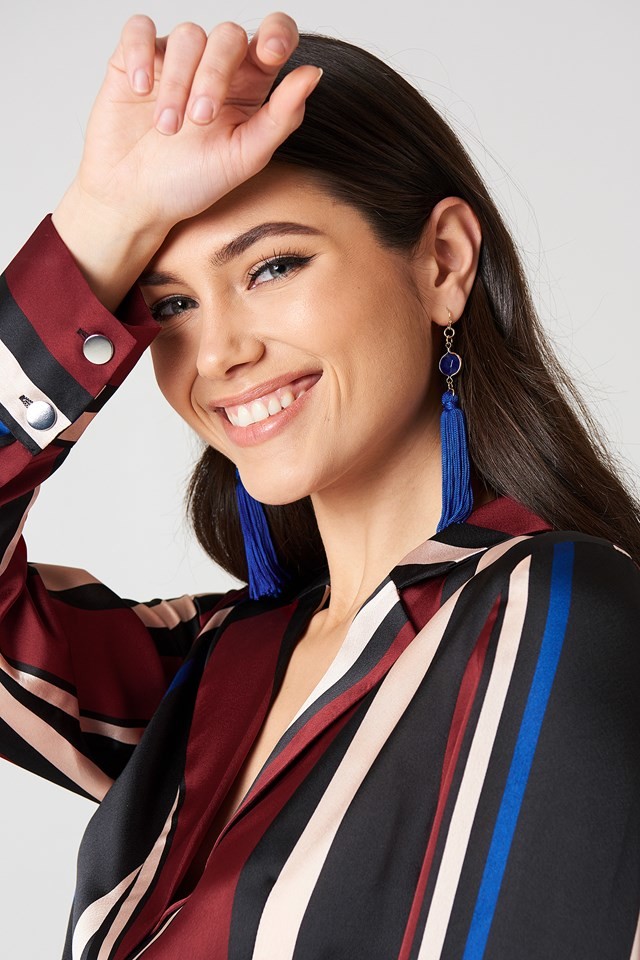
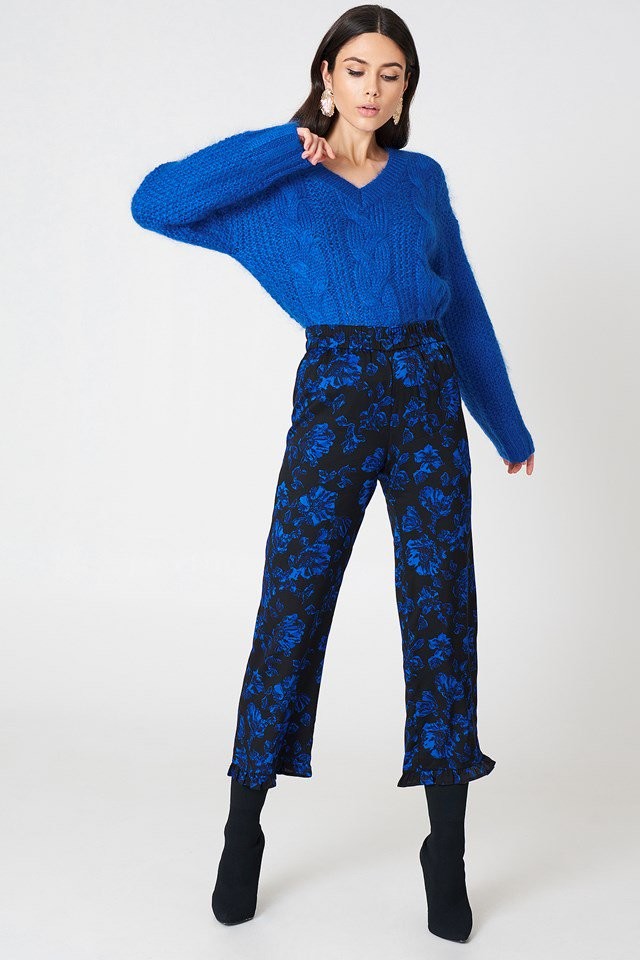

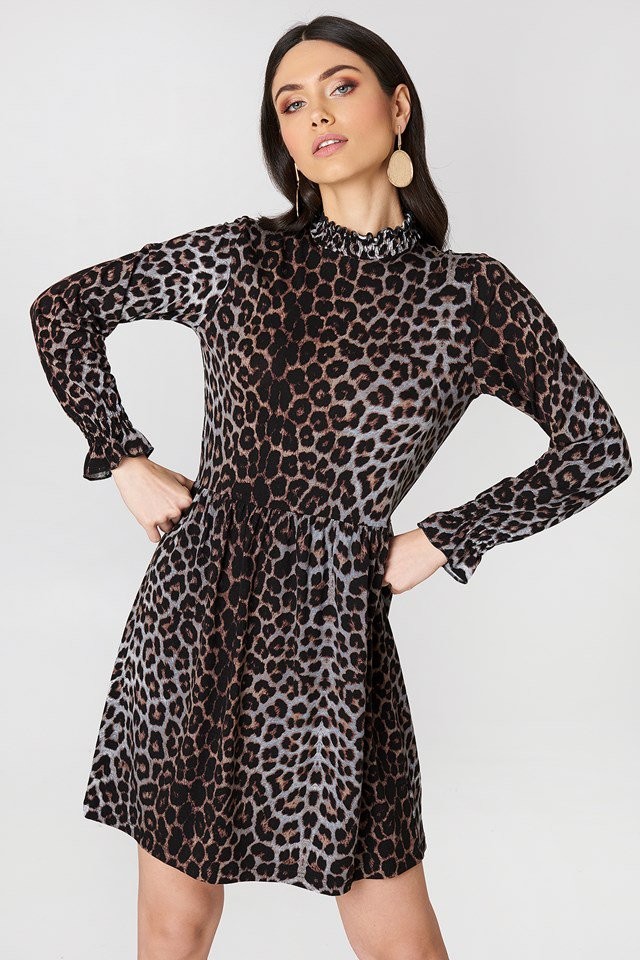
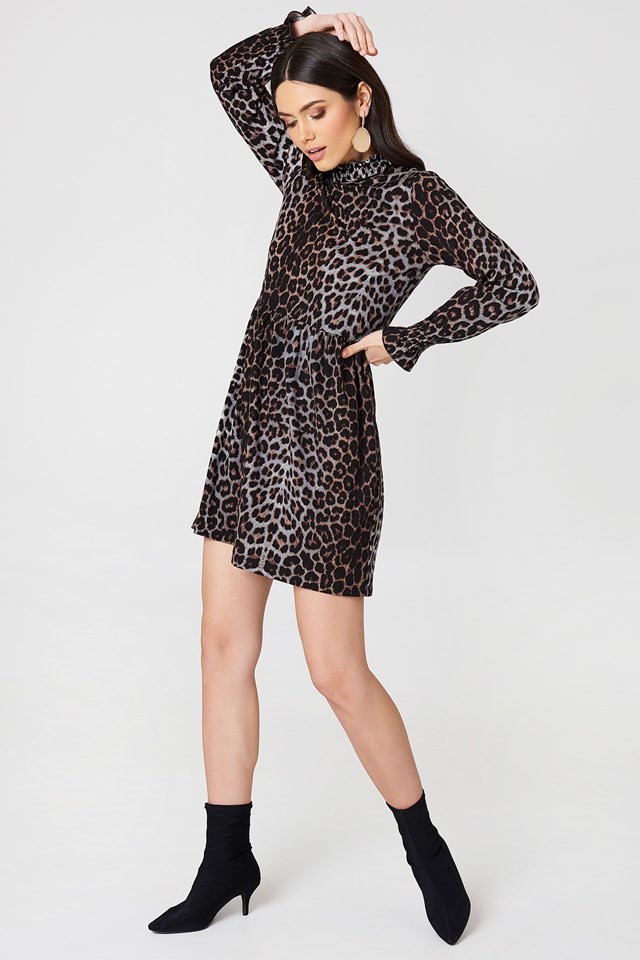
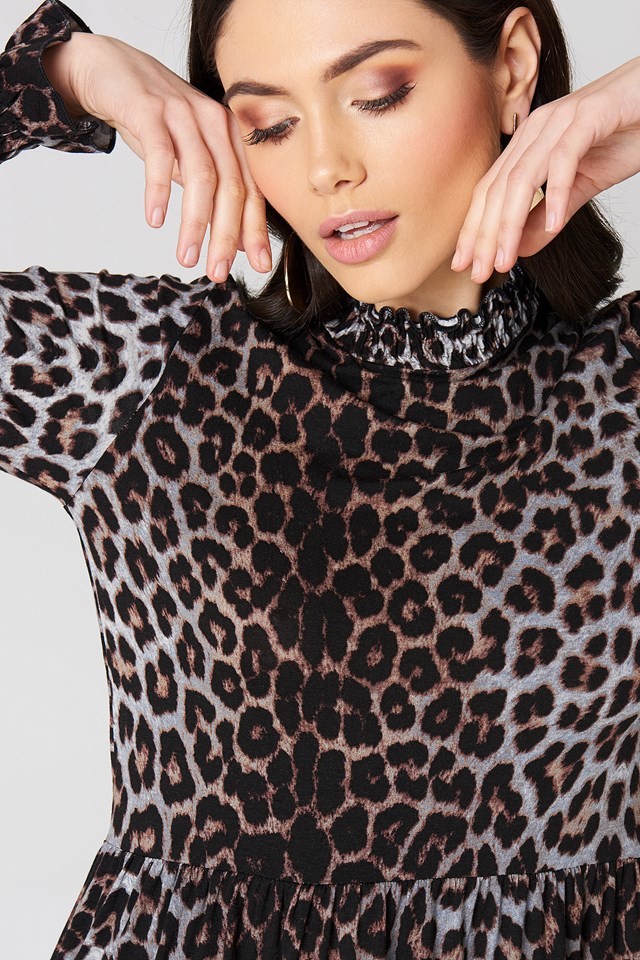

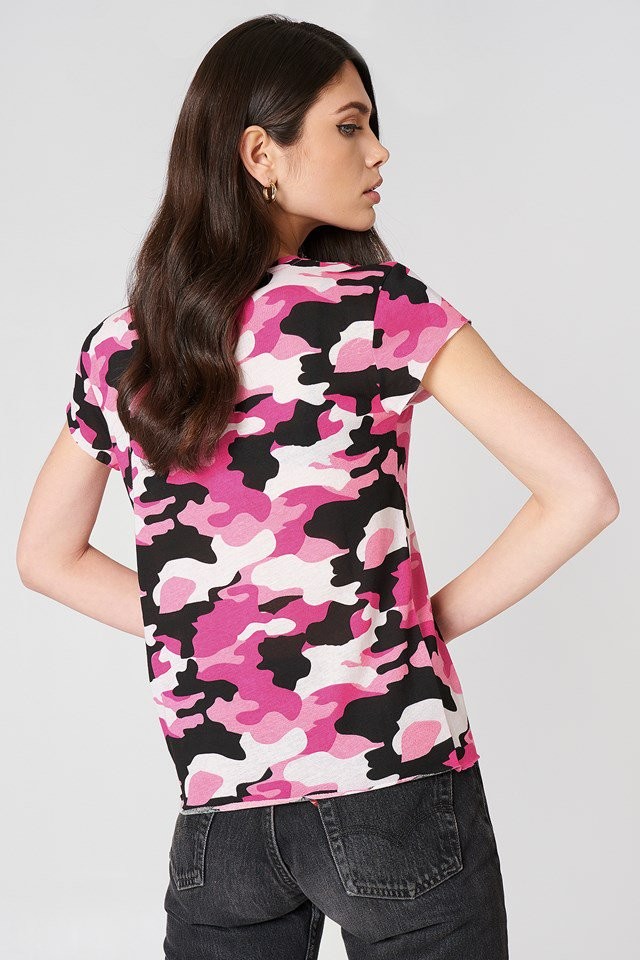
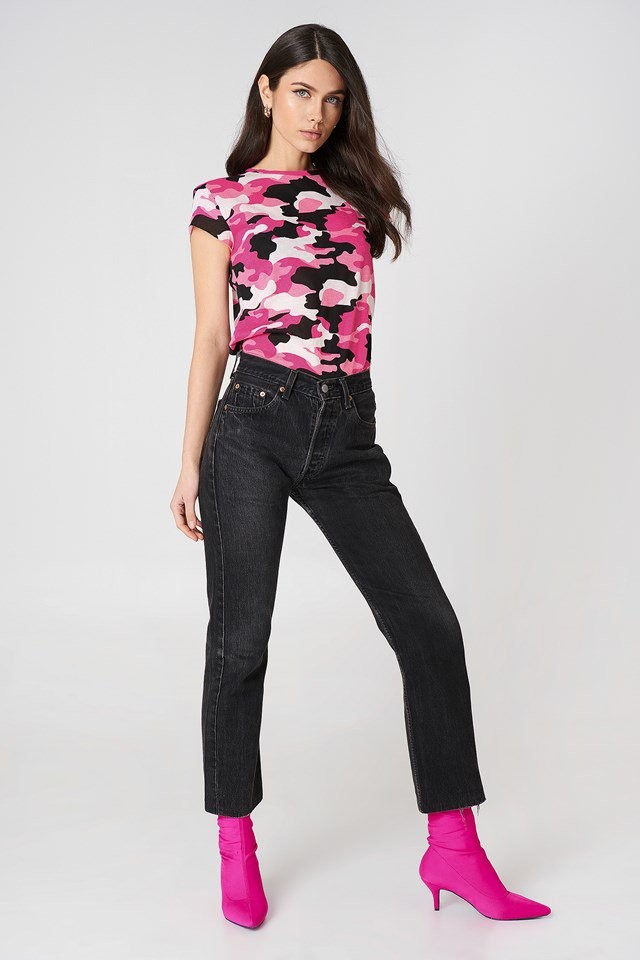
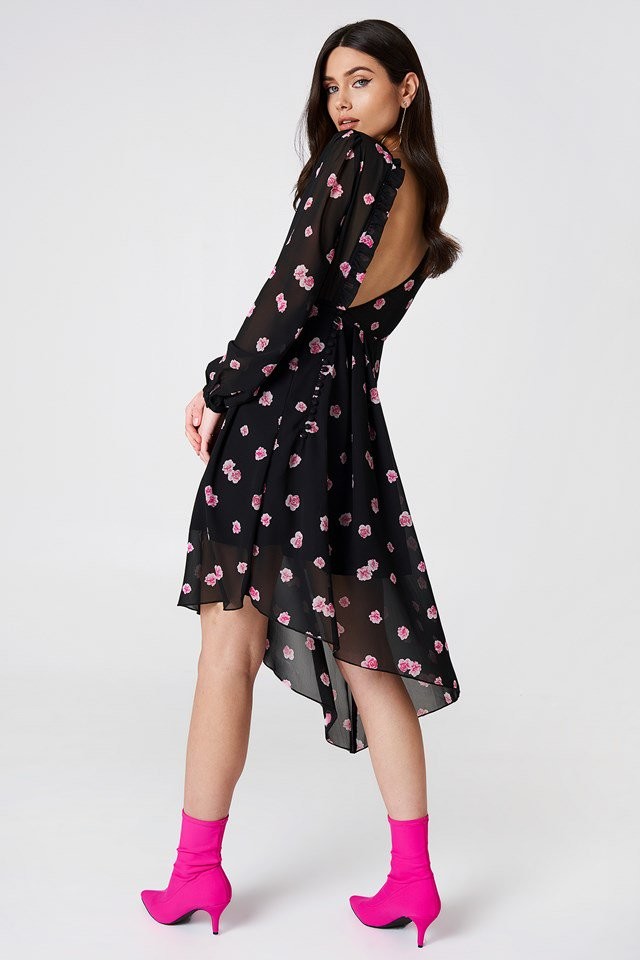










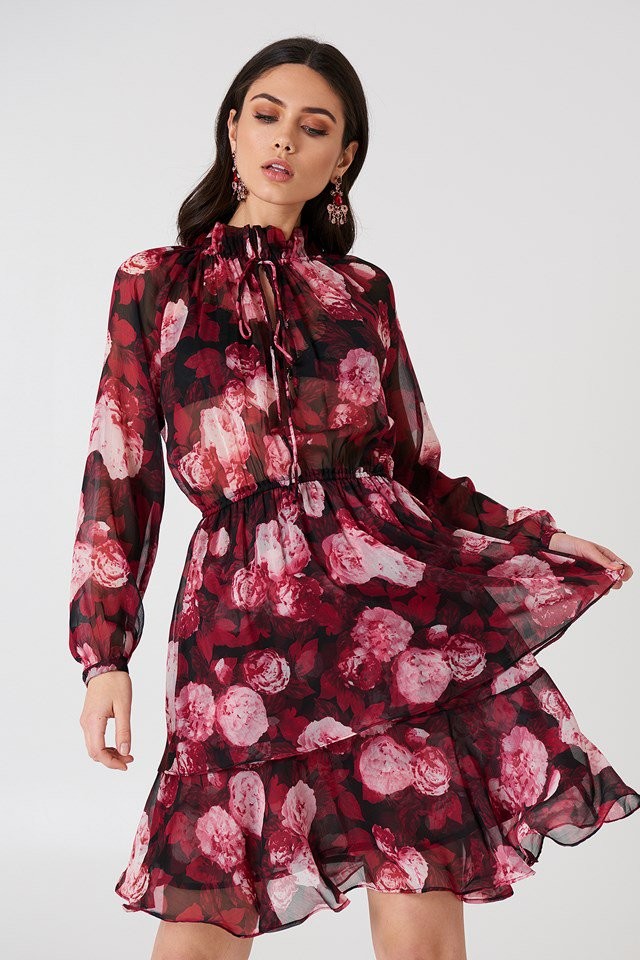
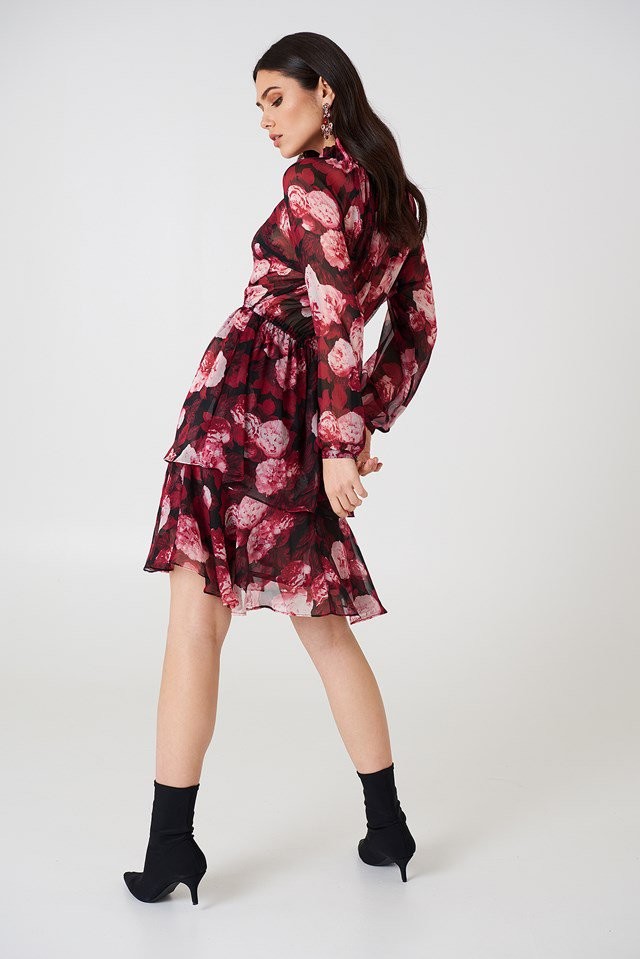
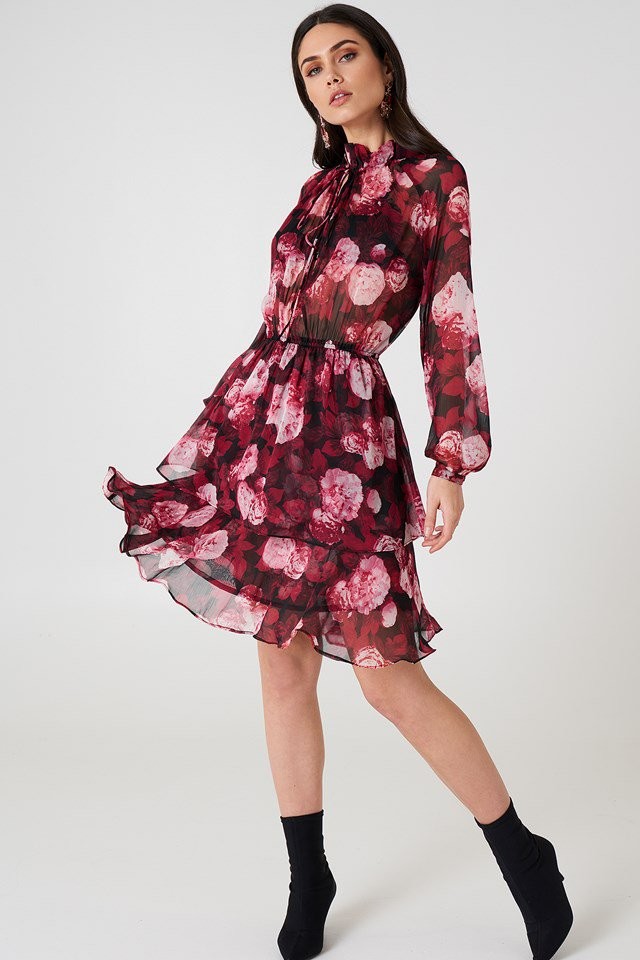
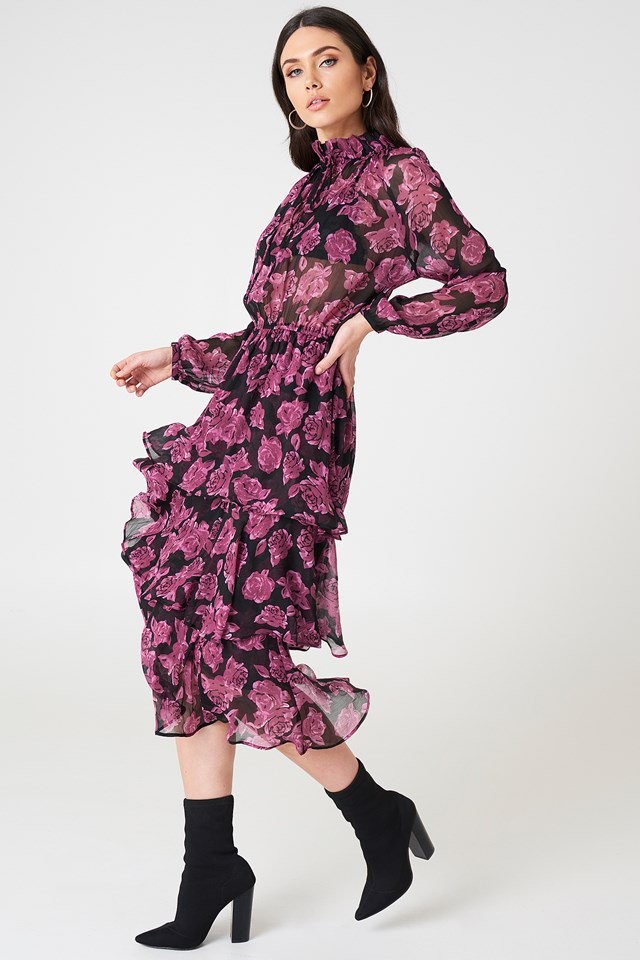




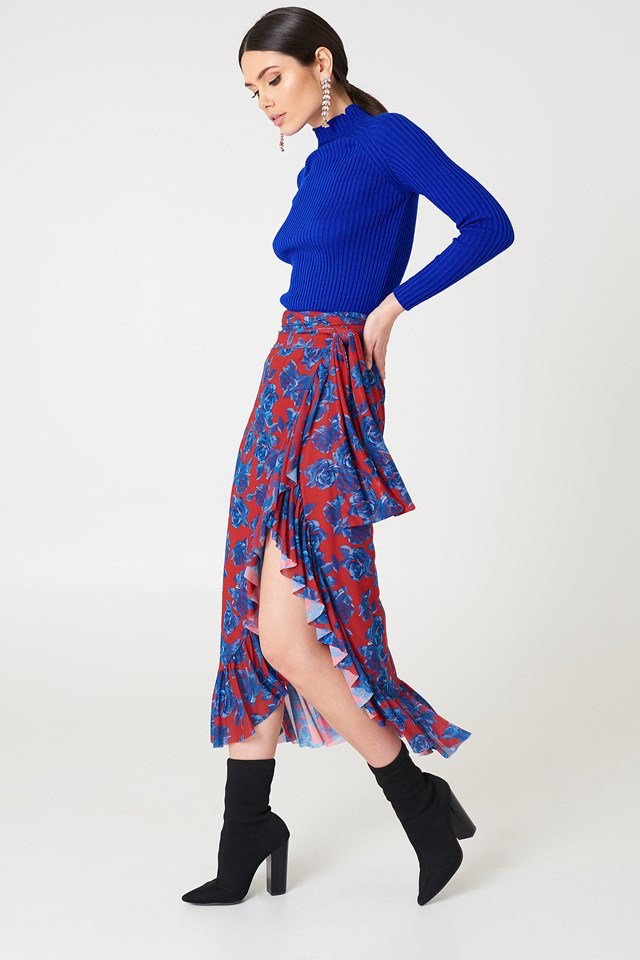
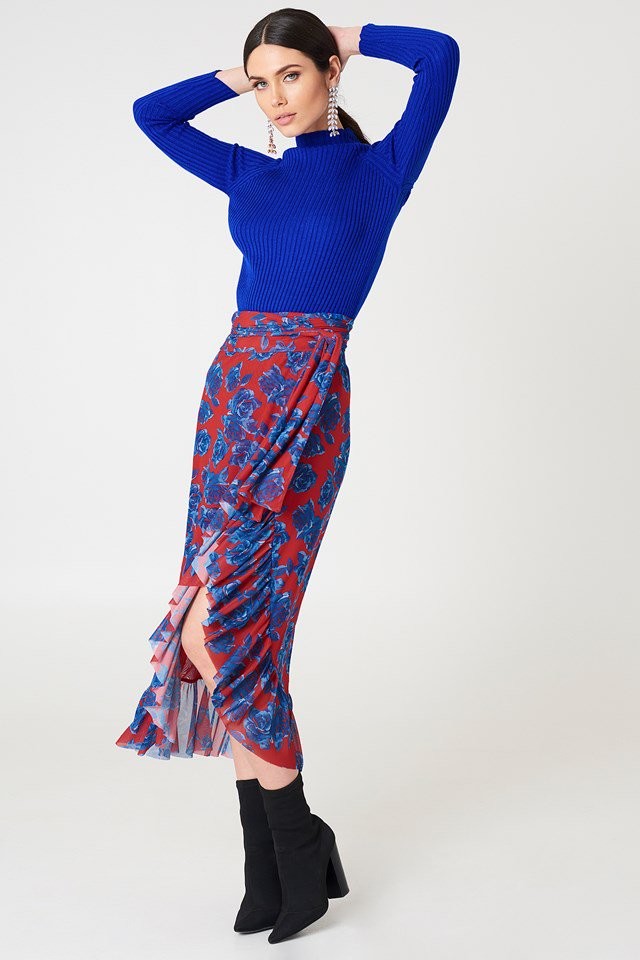
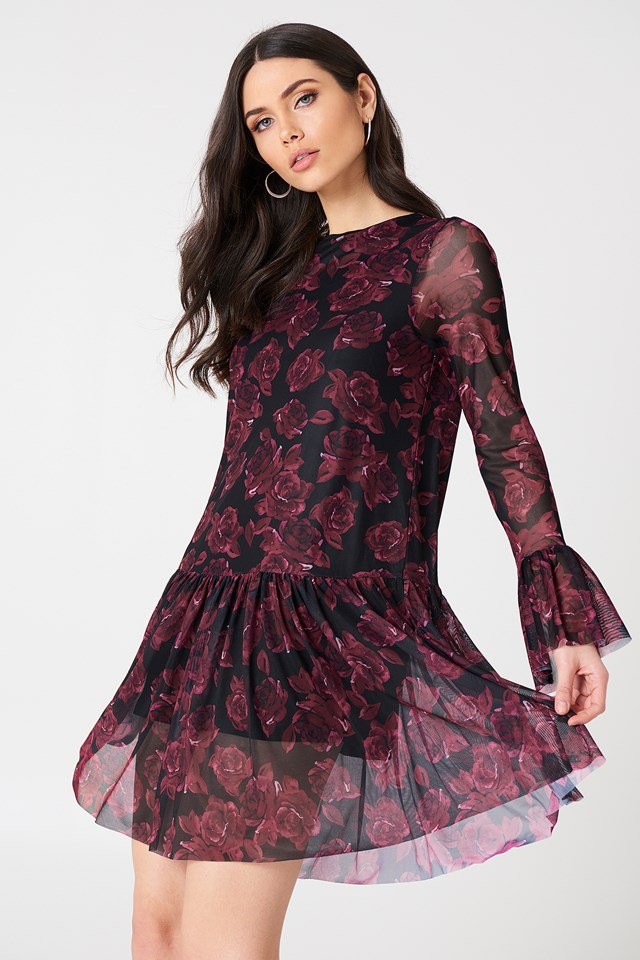
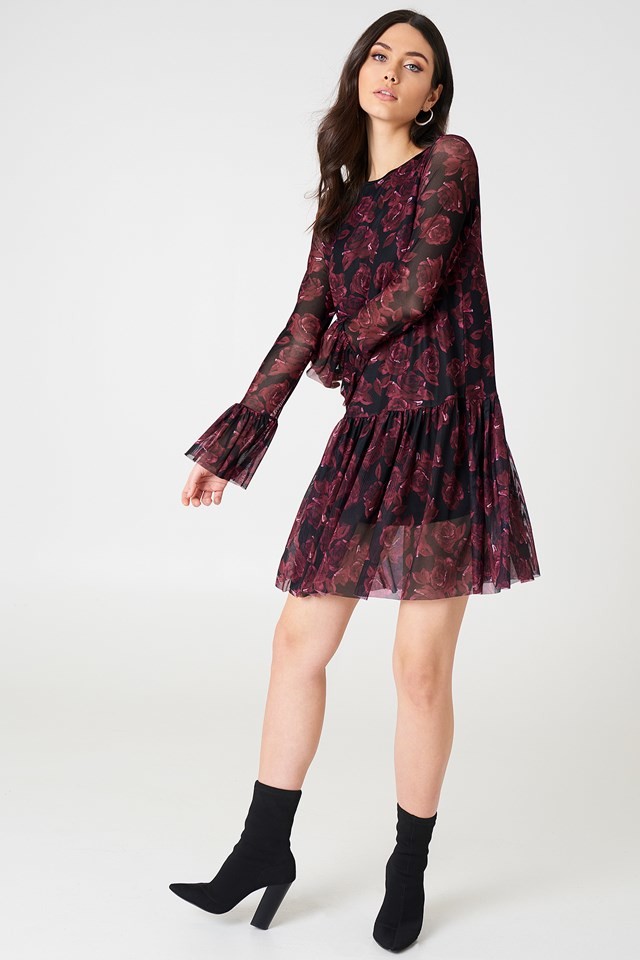















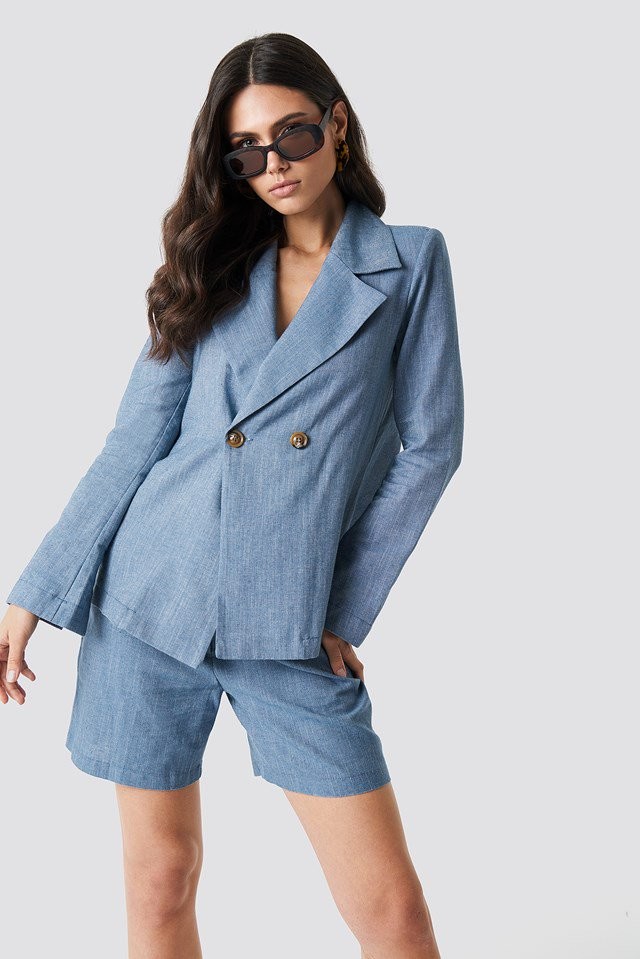
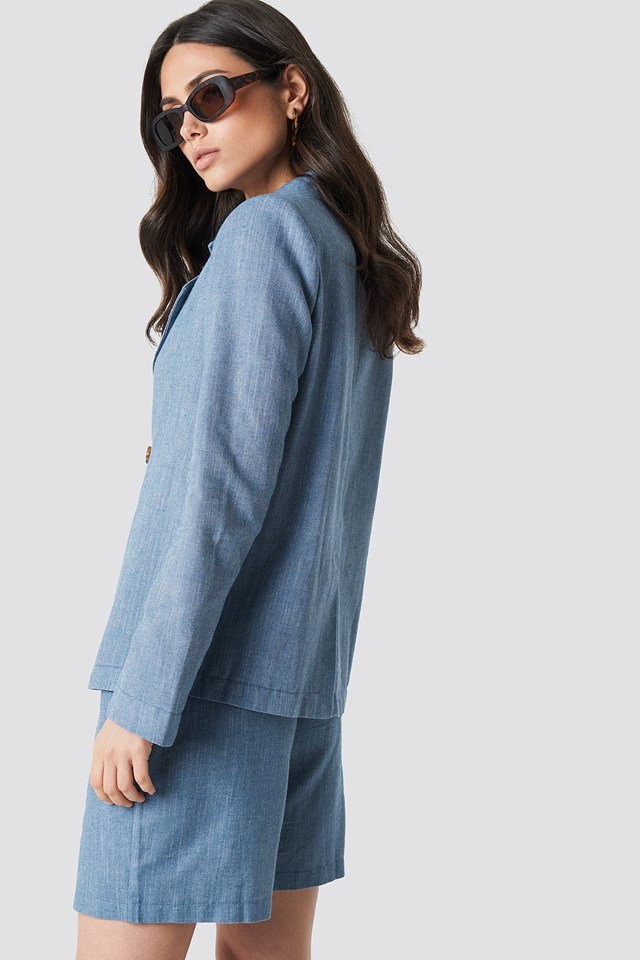
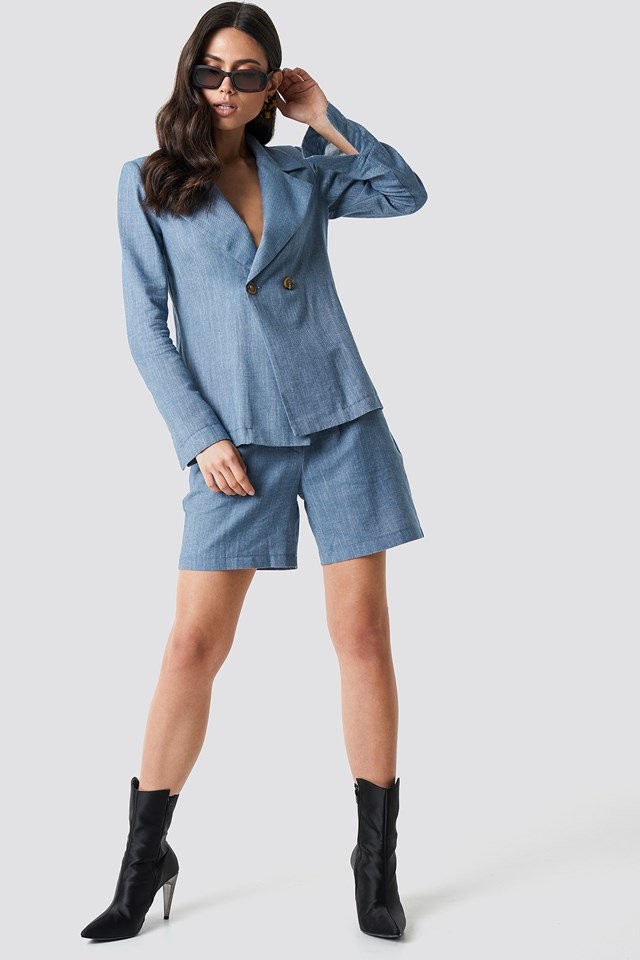

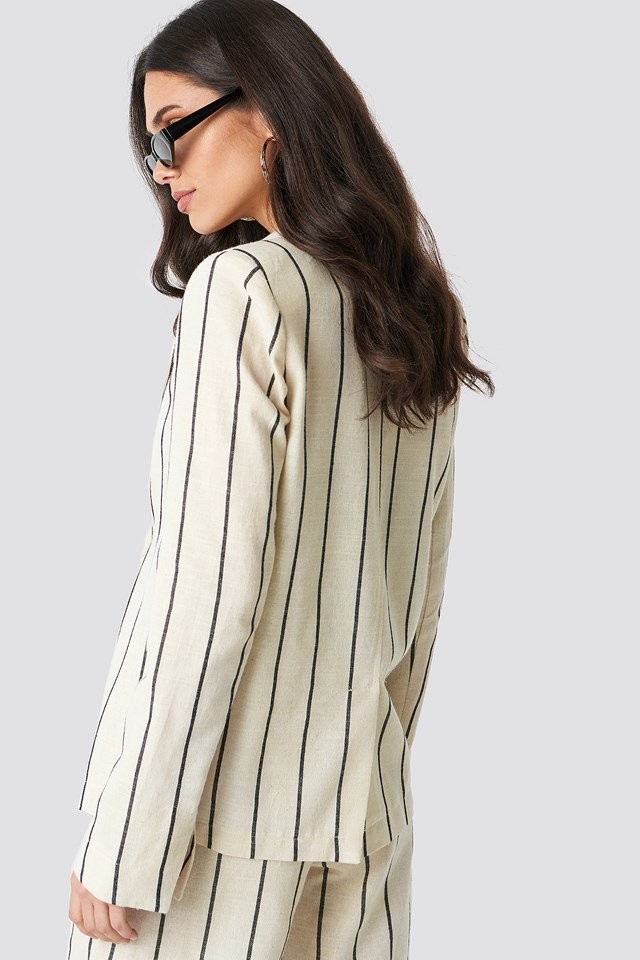
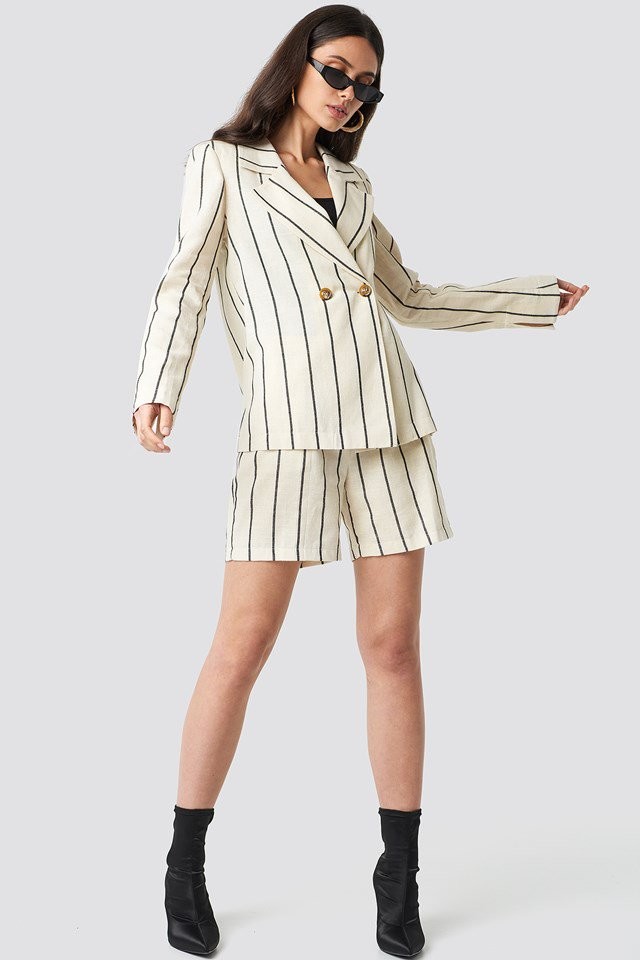
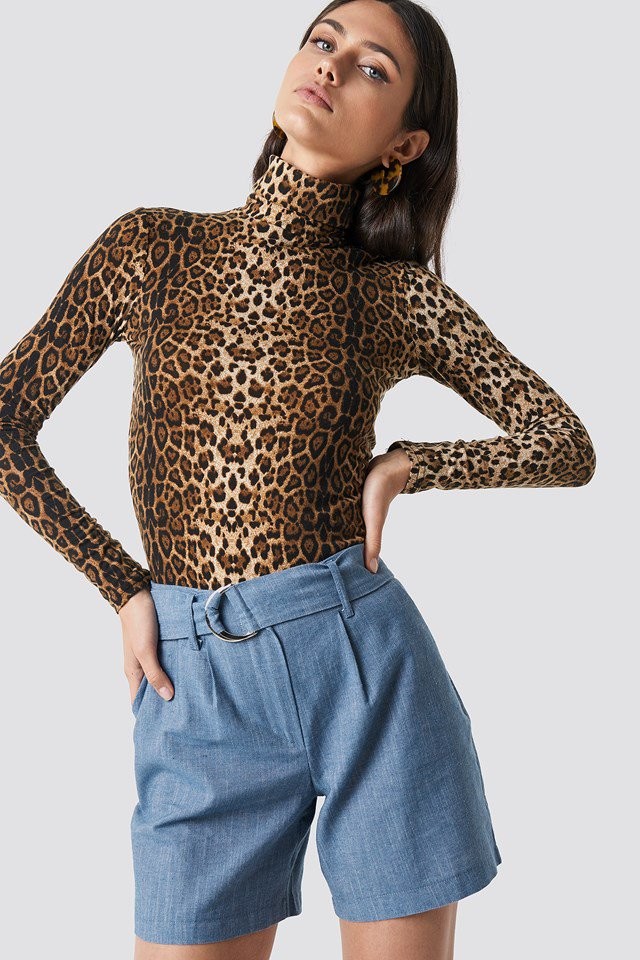
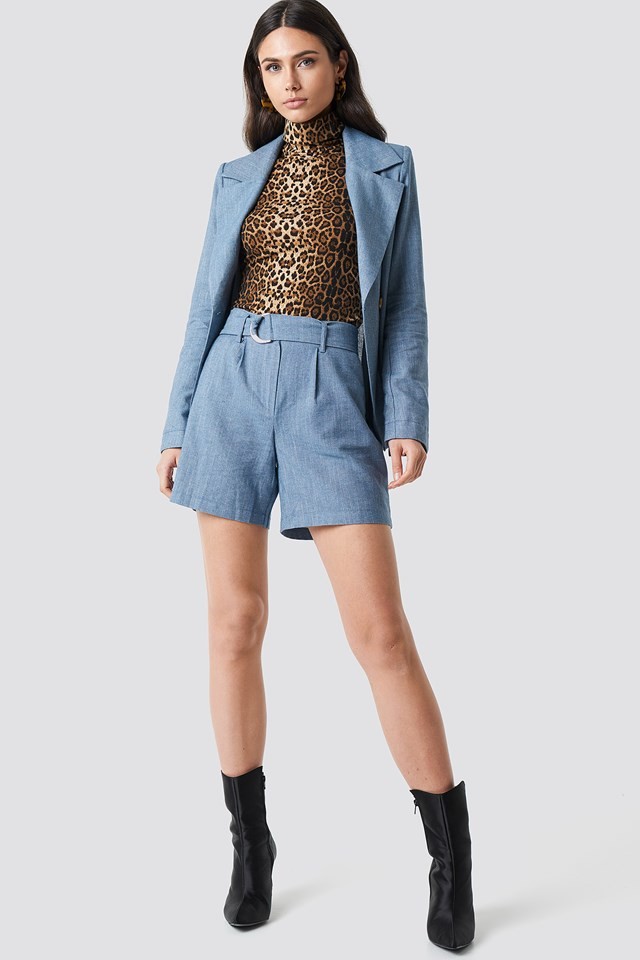
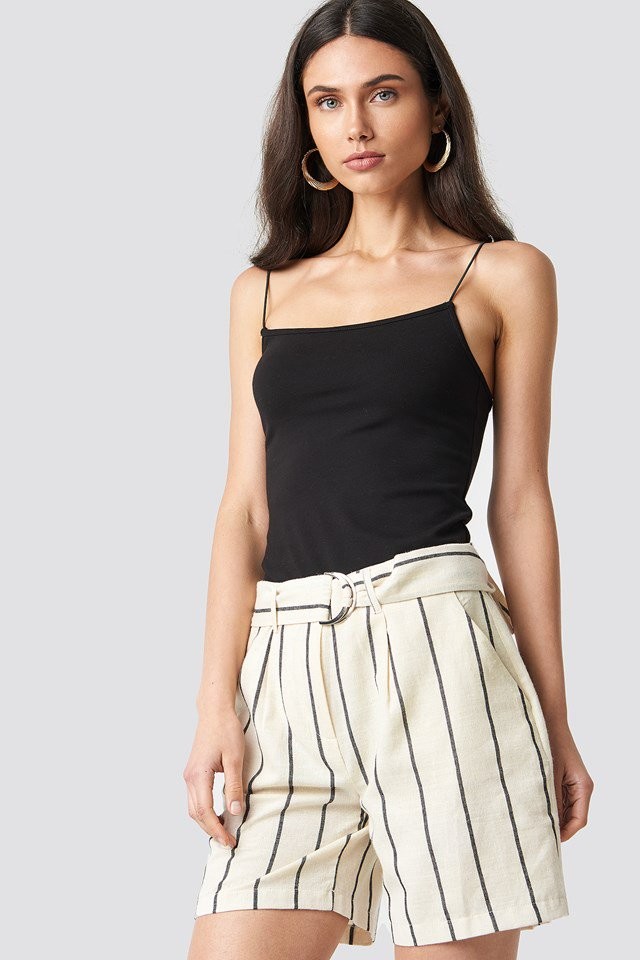
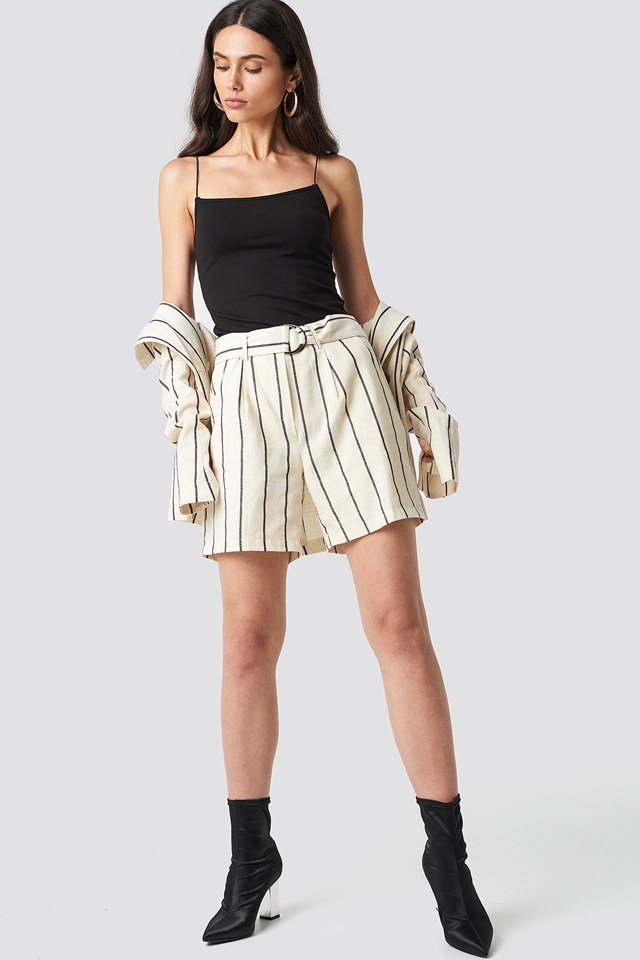
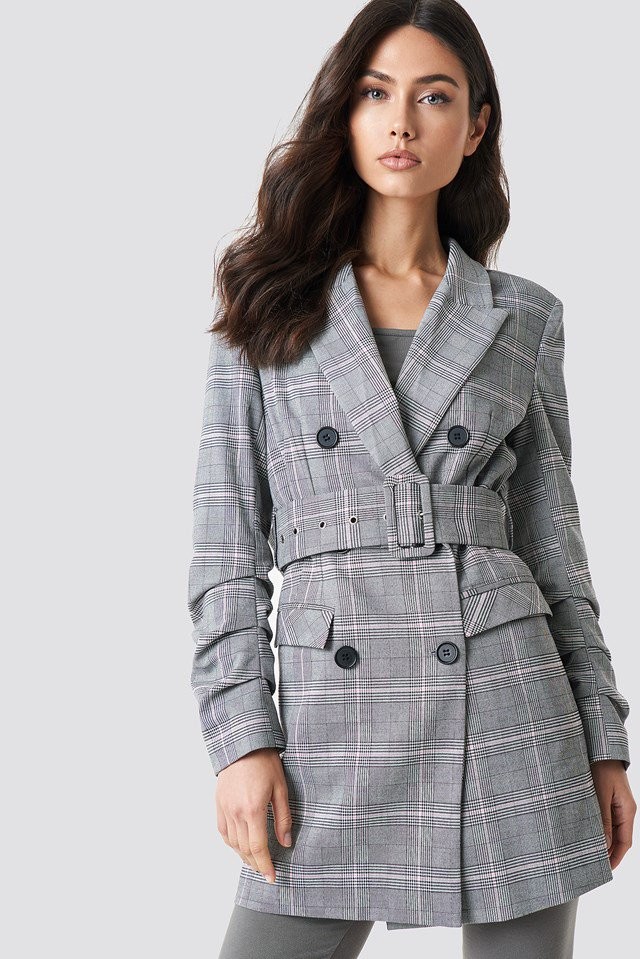
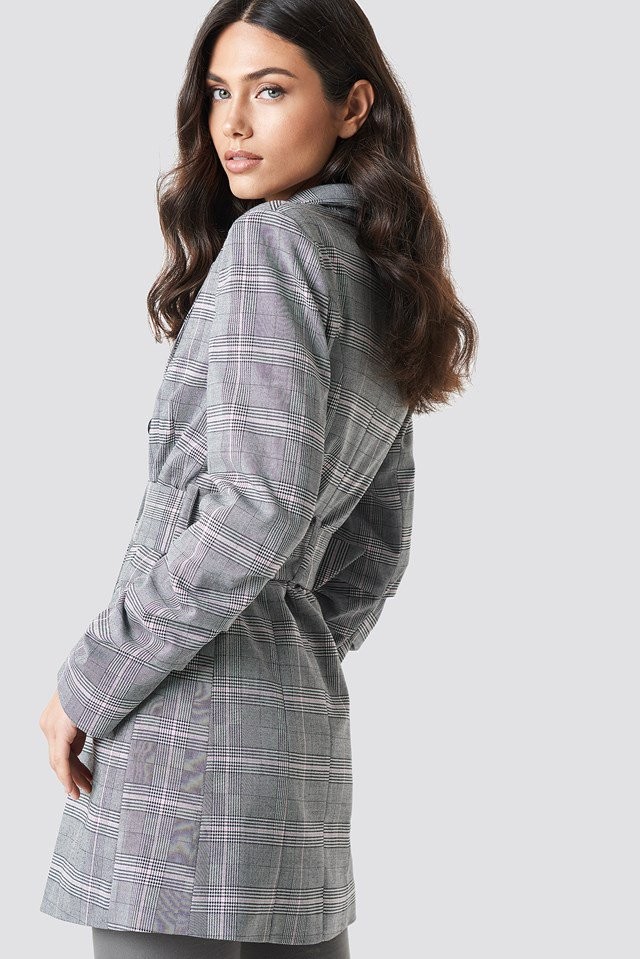
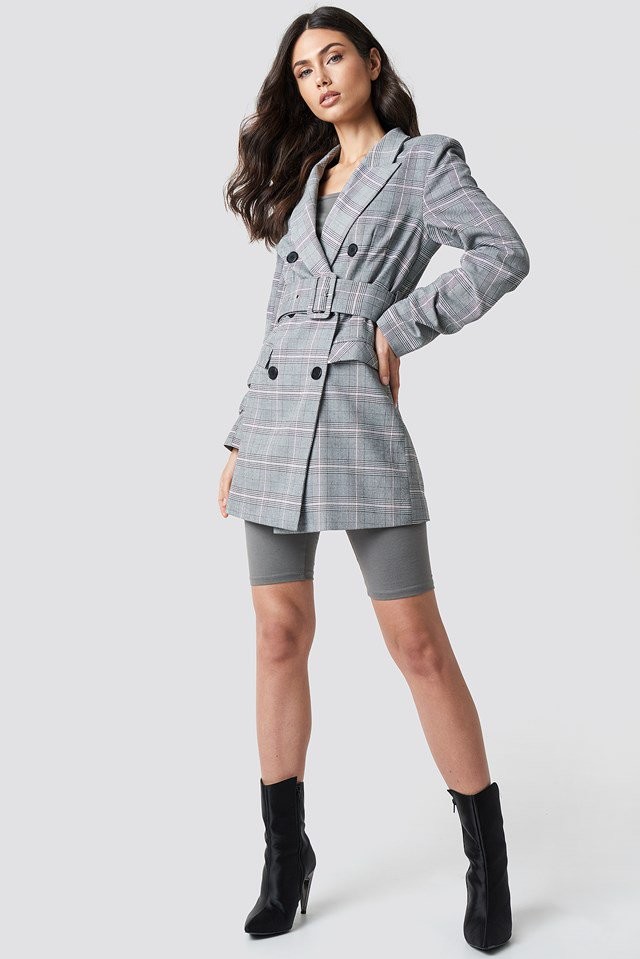
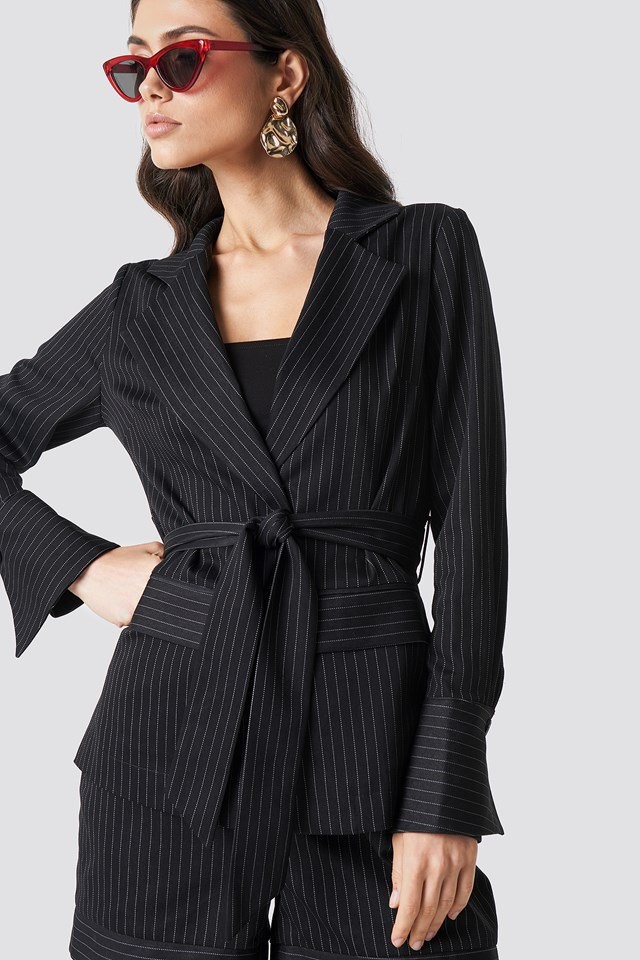
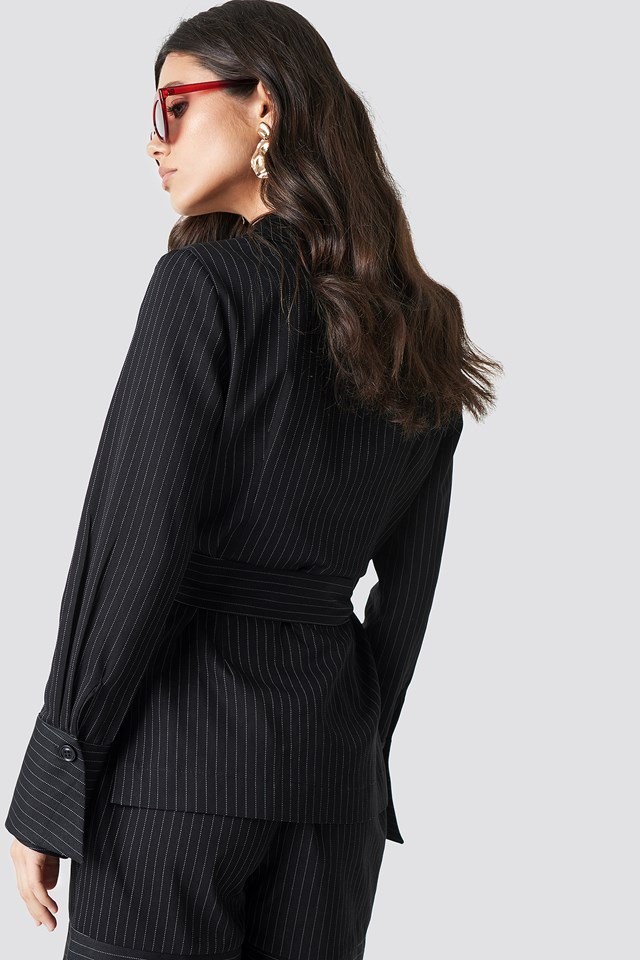
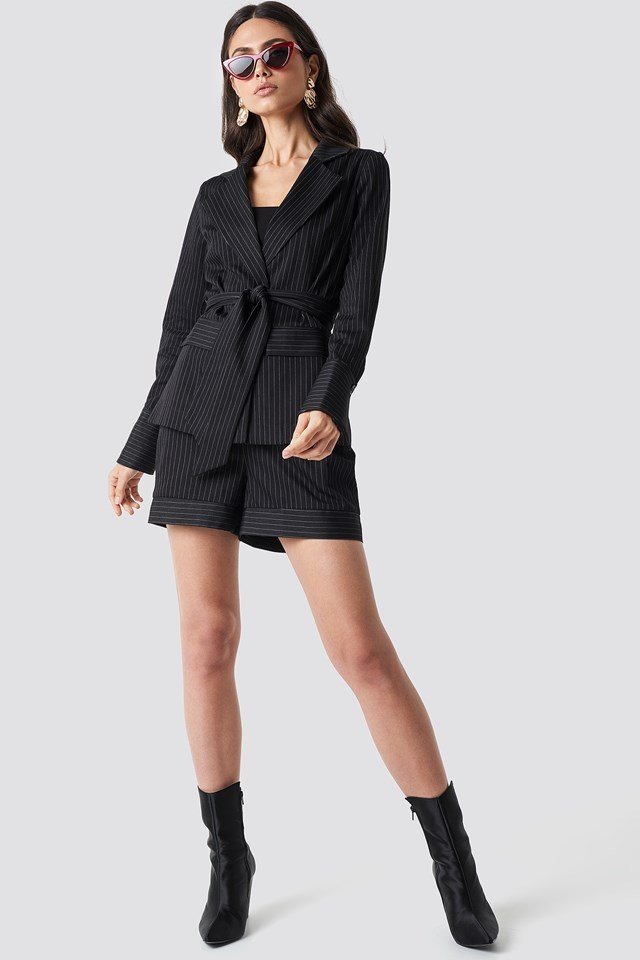


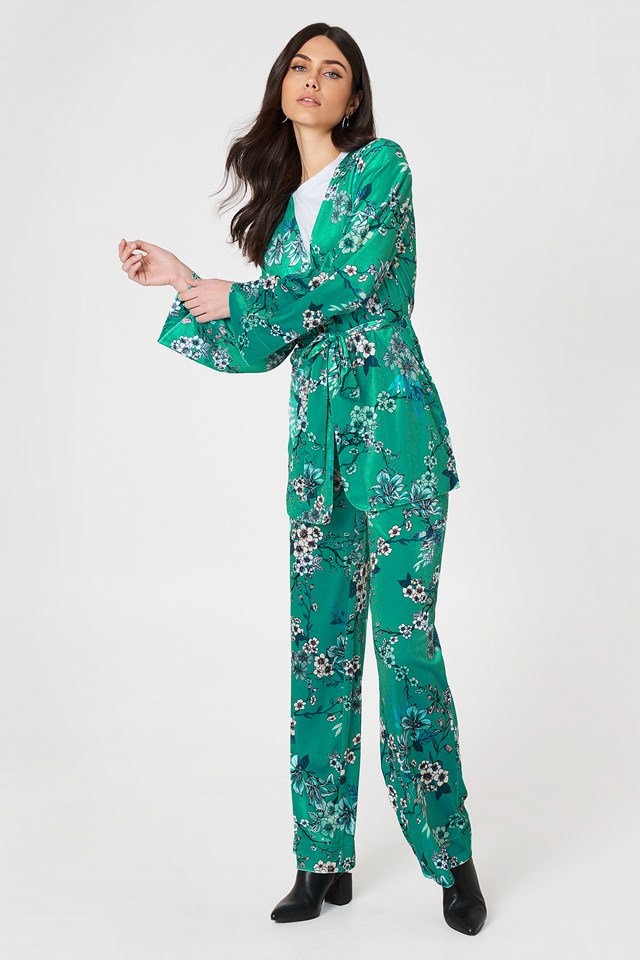
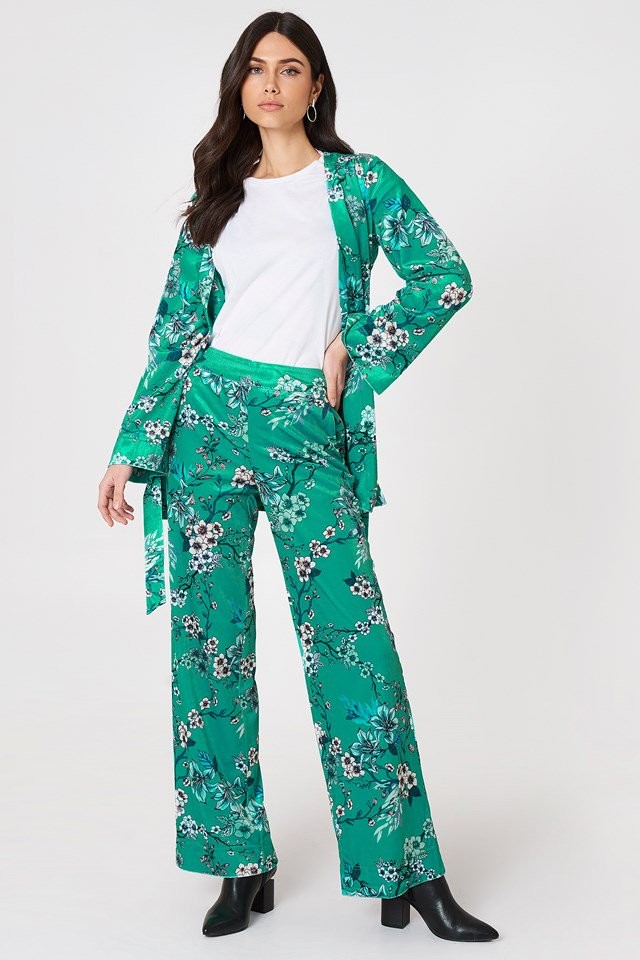

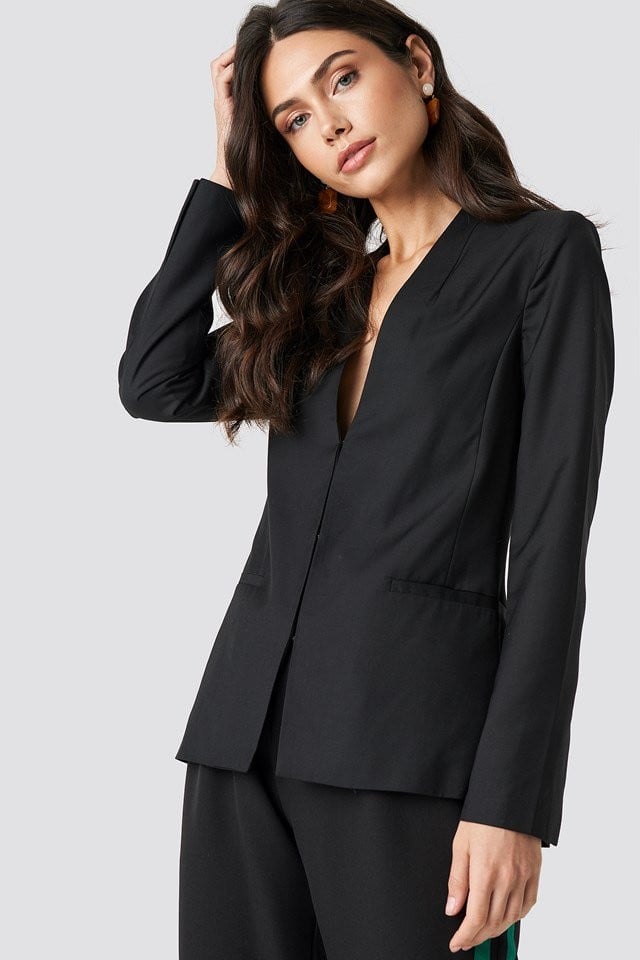
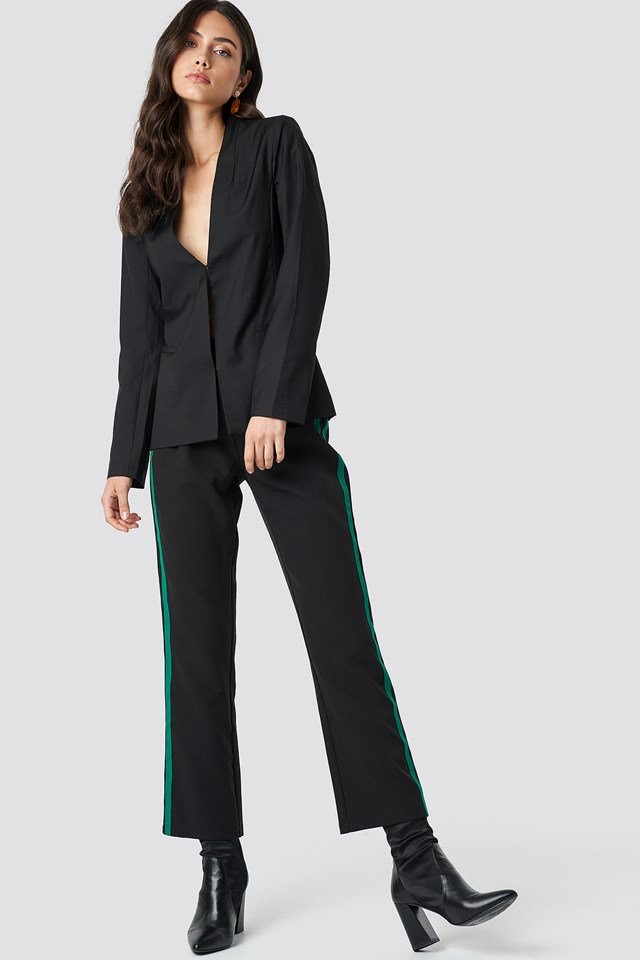
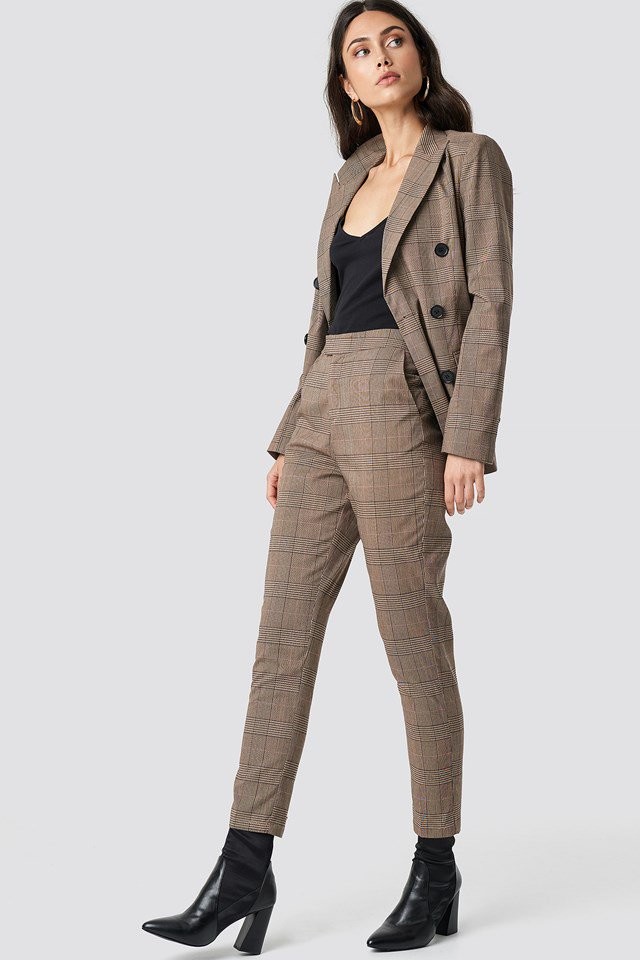



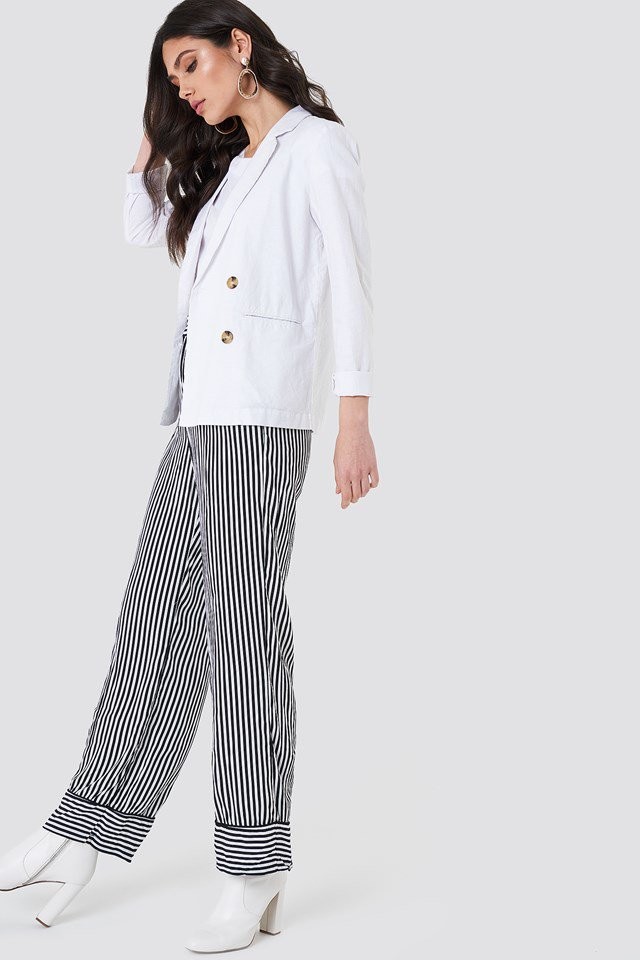
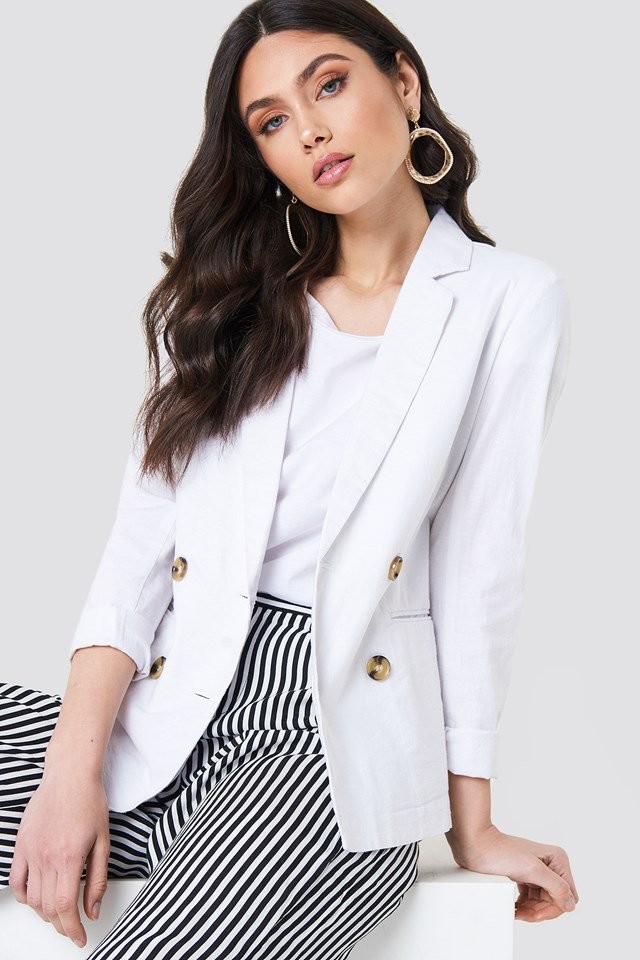
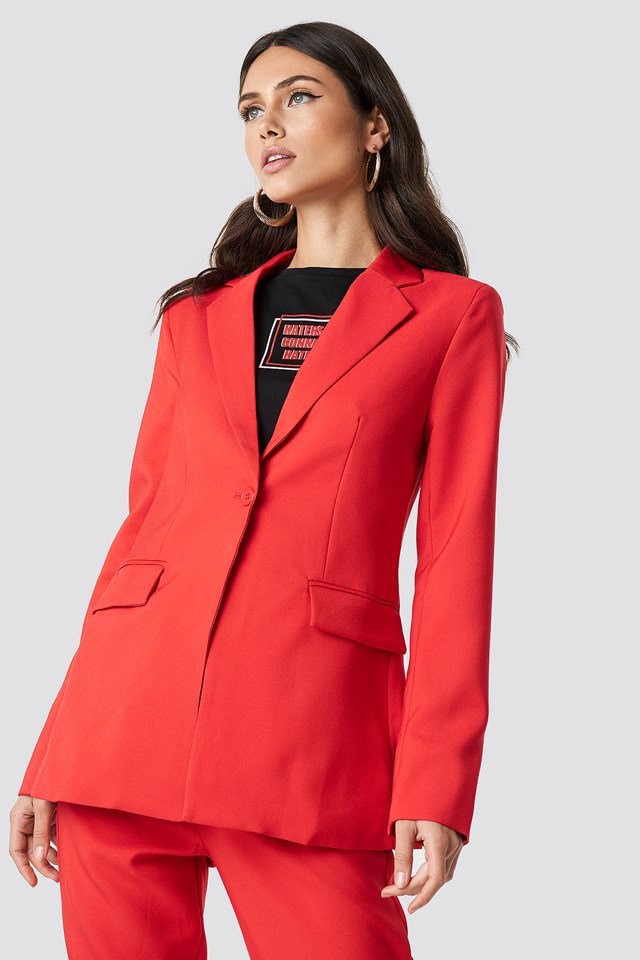
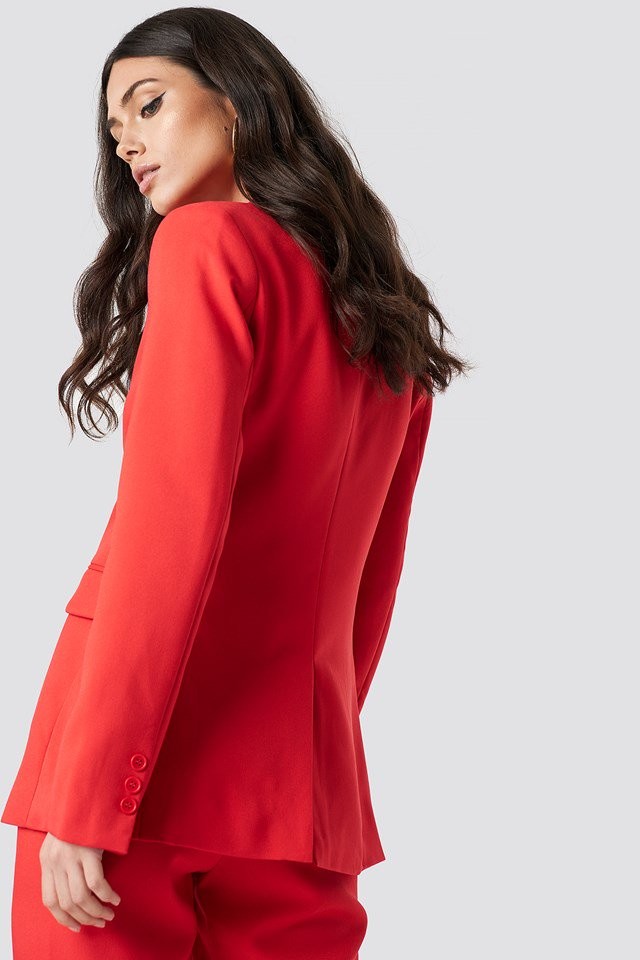
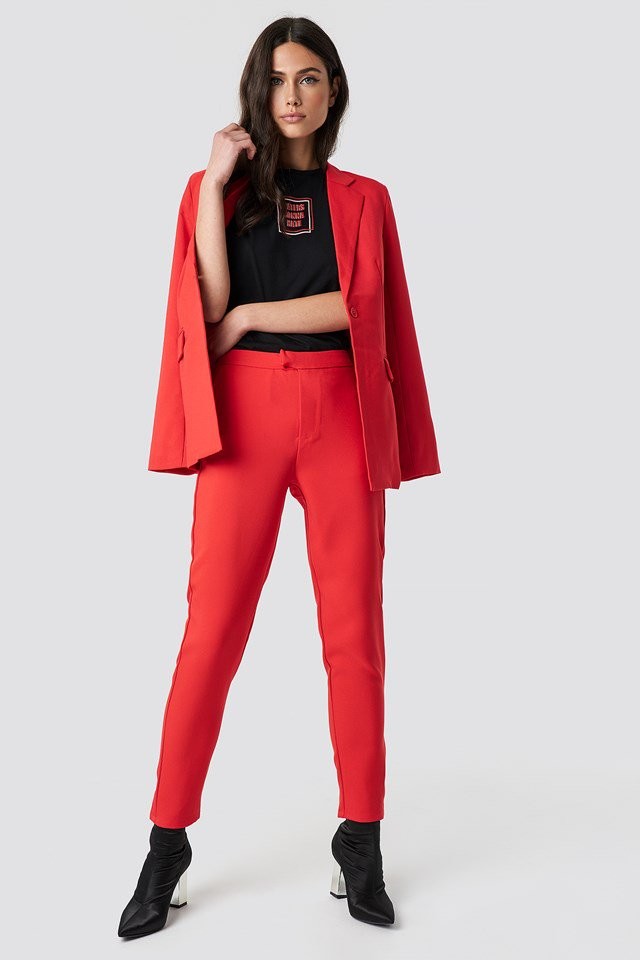
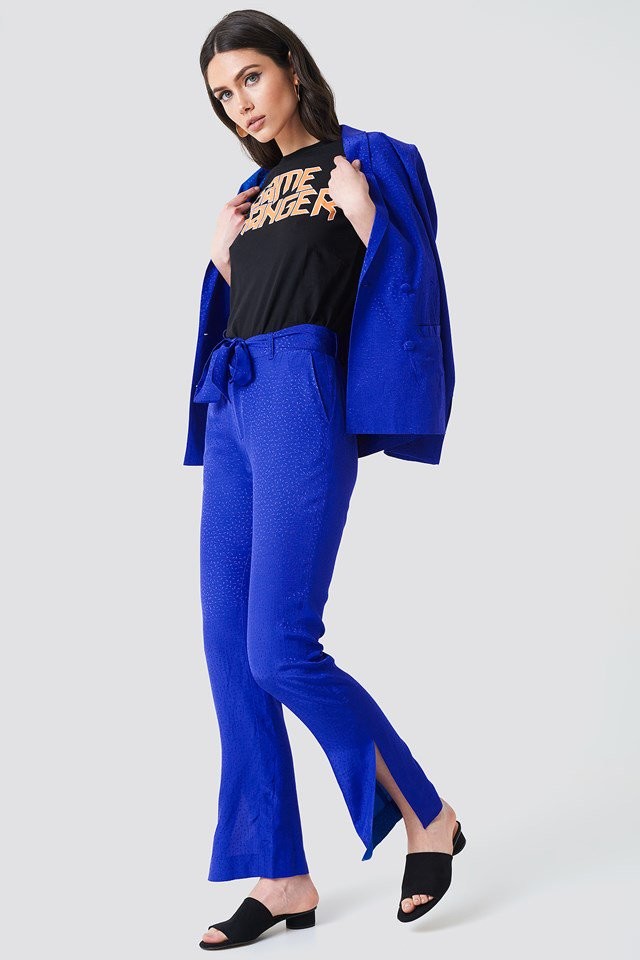
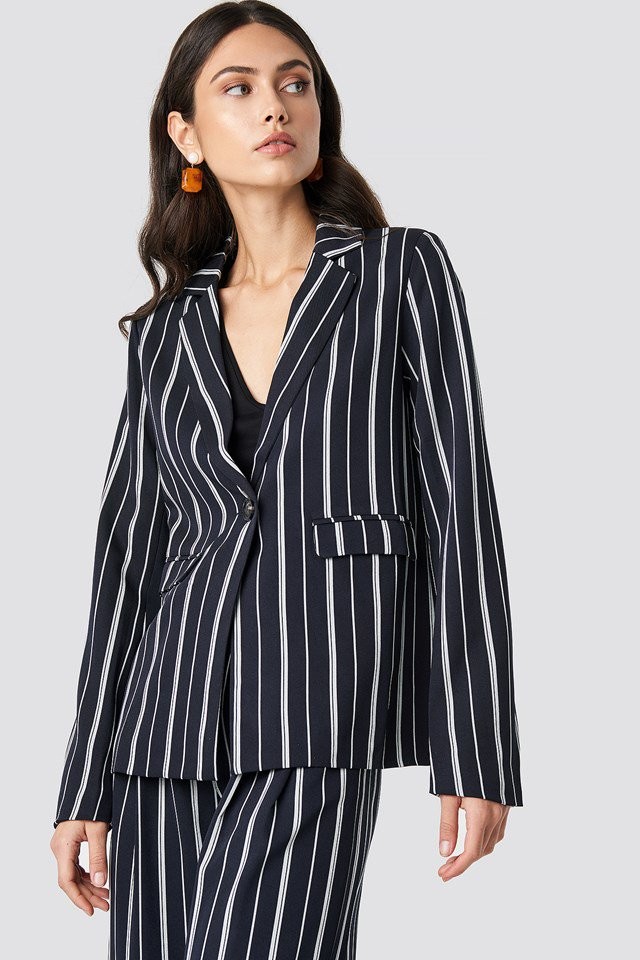
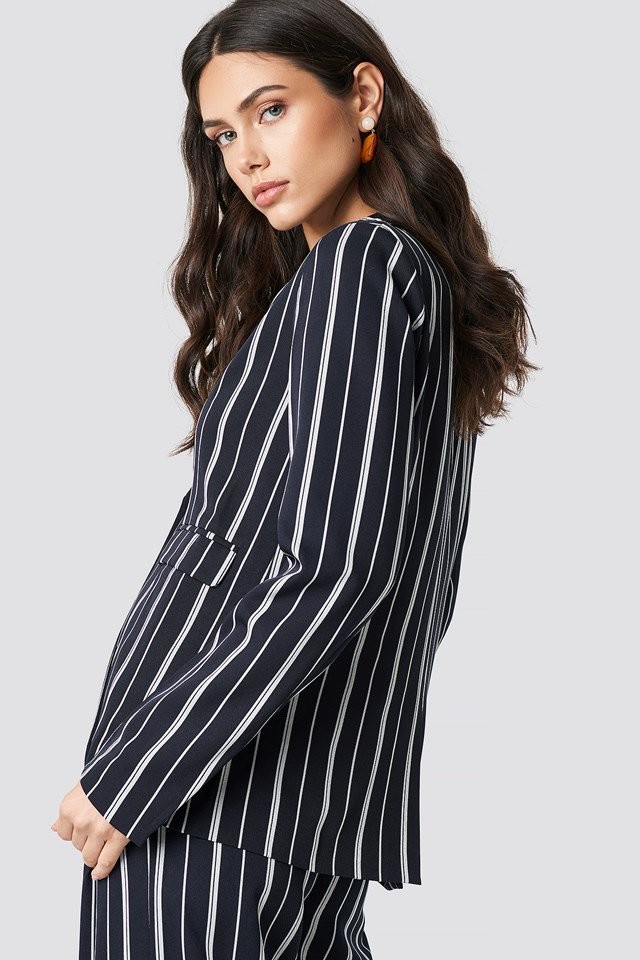
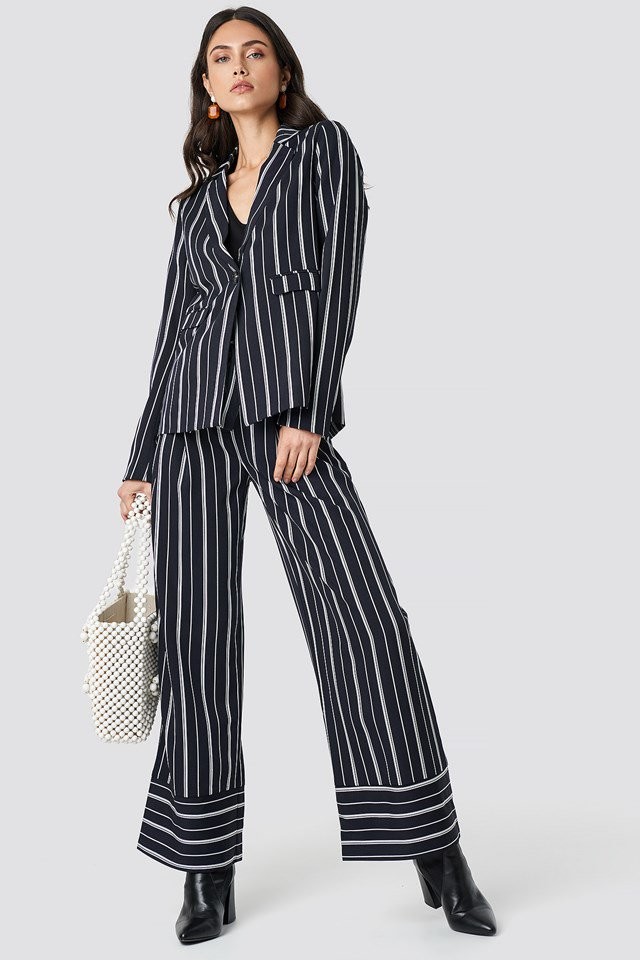
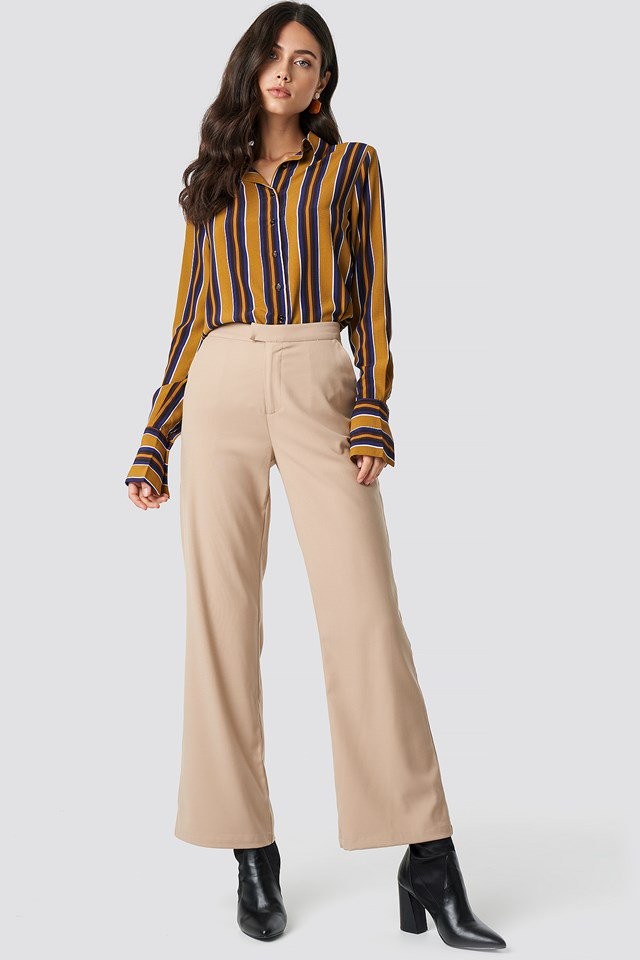
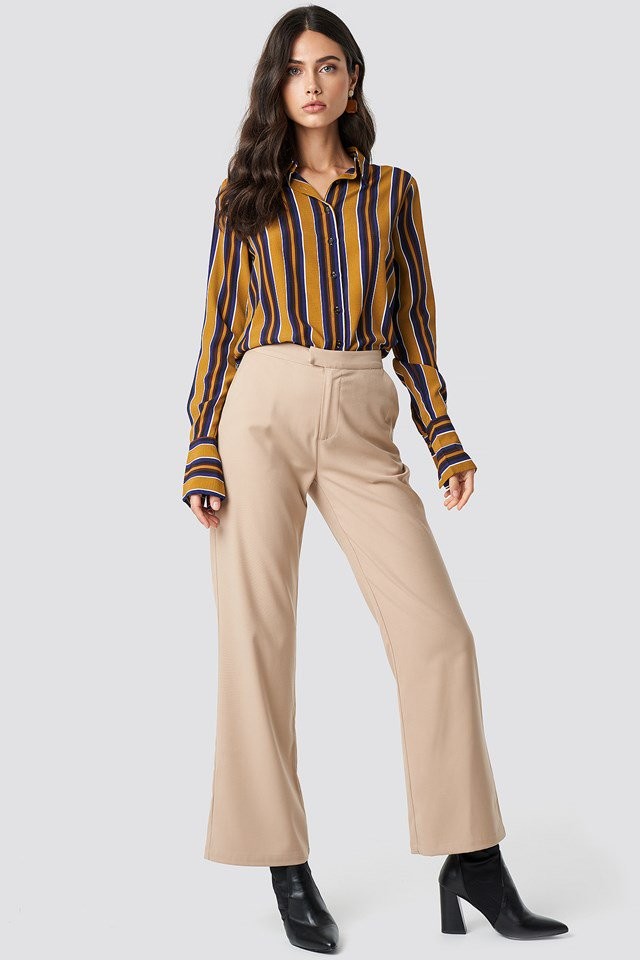
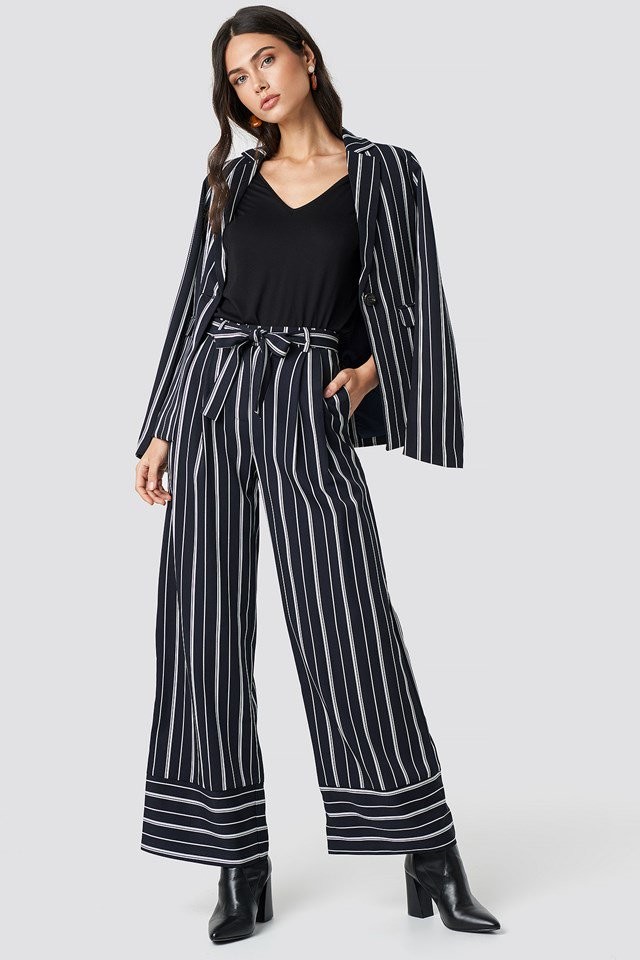



Account
Navigation
Search
Configure browser push notifications
Chrome (Android)
- Tap the lock icon next to the address bar.
- Tap Permissions → Notifications.
- Adjust your preference.
Chrome (Desktop)
- Click the padlock icon in the address bar.
- Select Site settings.
- Find Notifications and adjust your preference.
Safari (iOS 16.4+)
- Ensure the site is installed via Add to Home Screen.
- Open Settings App → Notifications.
- Find your app name and adjust your preference.
Safari (macOS)
- Go to Safari → Preferences.
- Click the Websites tab.
- Select Notifications in the sidebar.
- Find this website and adjust your preference.
Edge (Android)
- Tap the lock icon next to the address bar.
- Tap Permissions.
- Find Notifications and adjust your preference.
Edge (Desktop)
- Click the padlock icon in the address bar.
- Click Permissions for this site.
- Find Notifications and adjust your preference.
Firefox (Android)
- Go to Settings → Site permissions.
- Tap Notifications.
- Find this site in the list and adjust your preference.
Firefox (Desktop)
- Open Firefox Settings.
- Search for Notifications.
- Find this site in the list and adjust your preference.