Modelove
Members
-
Joined
Everything posted by Modelove
-
IG Story 04.20.17
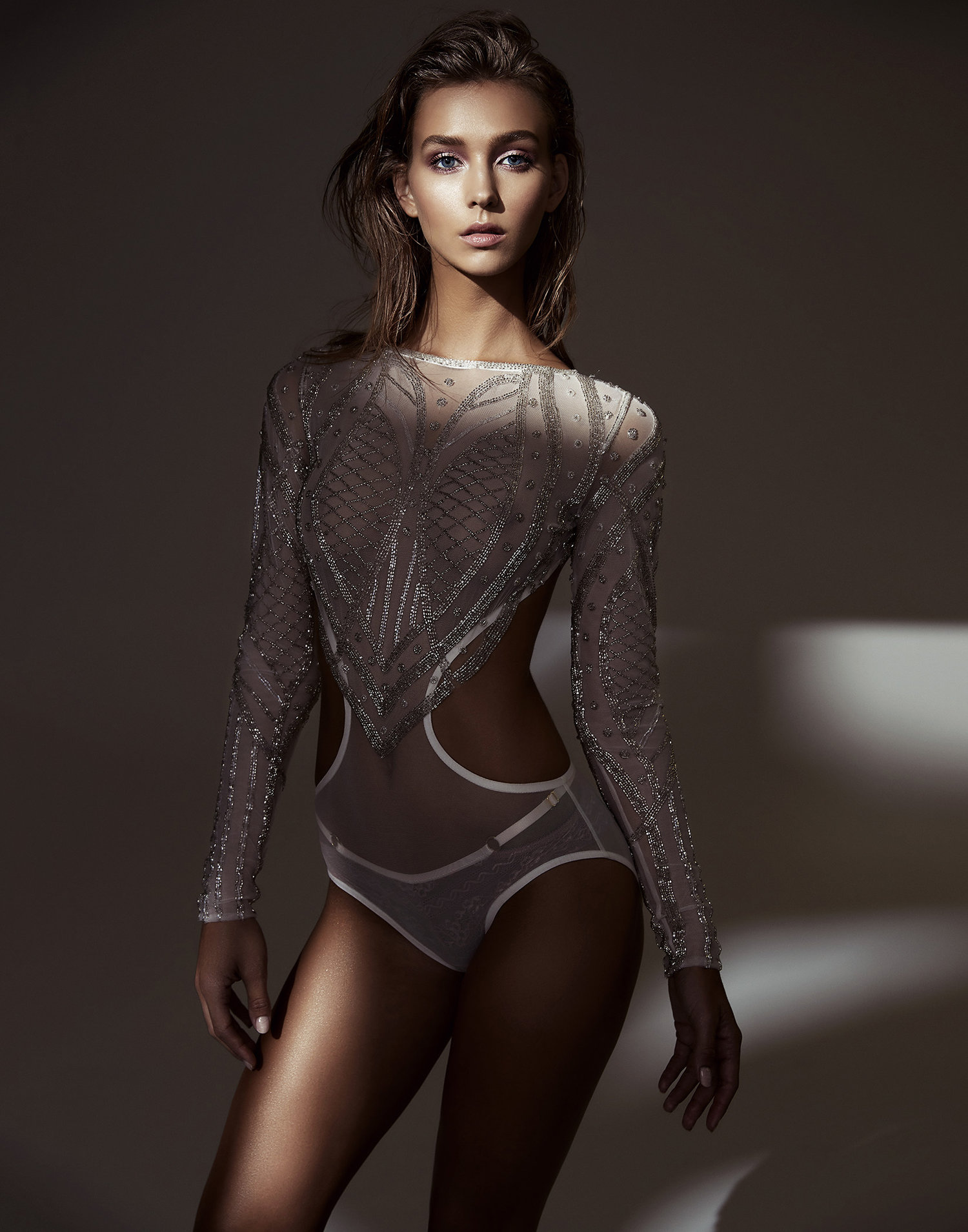
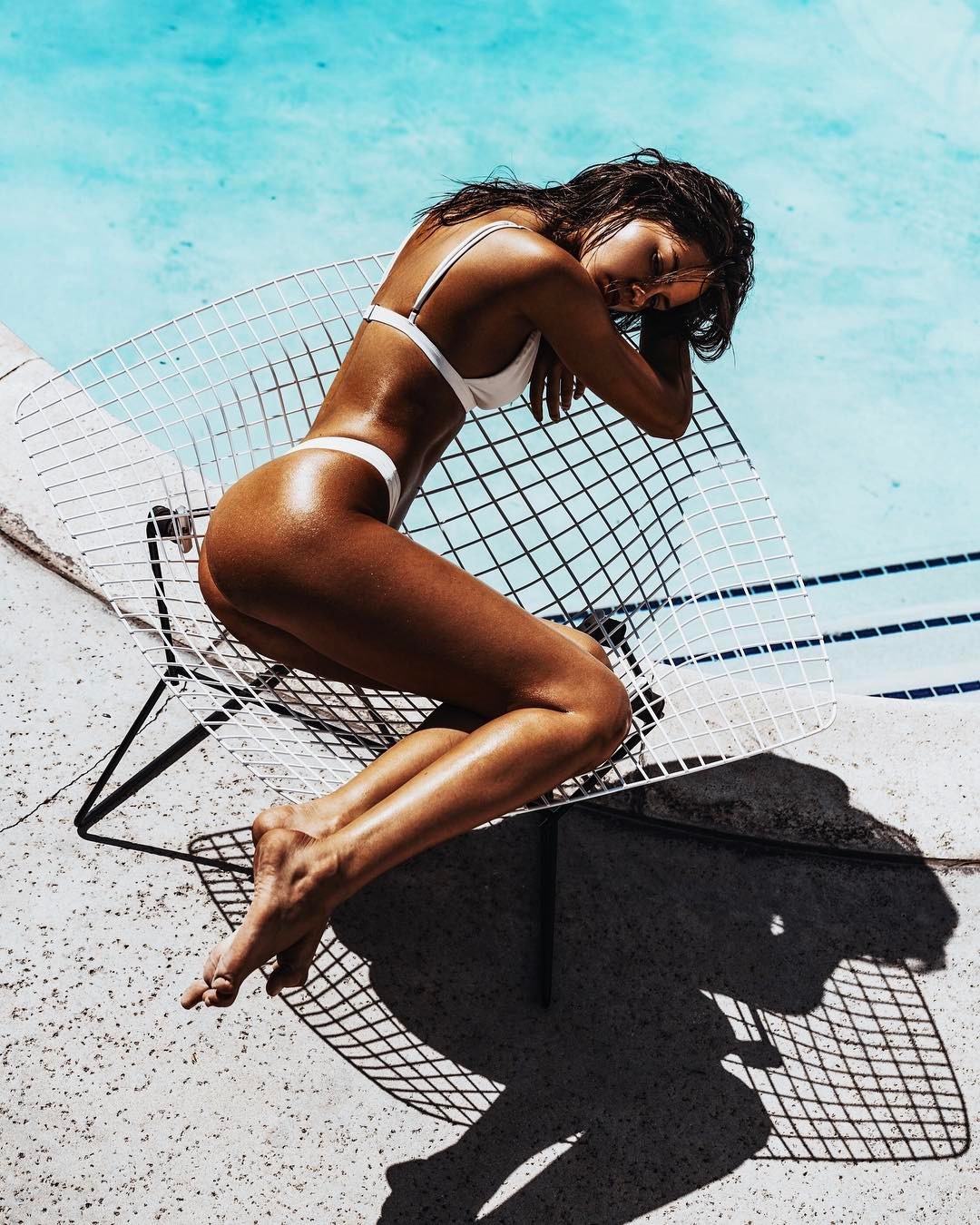
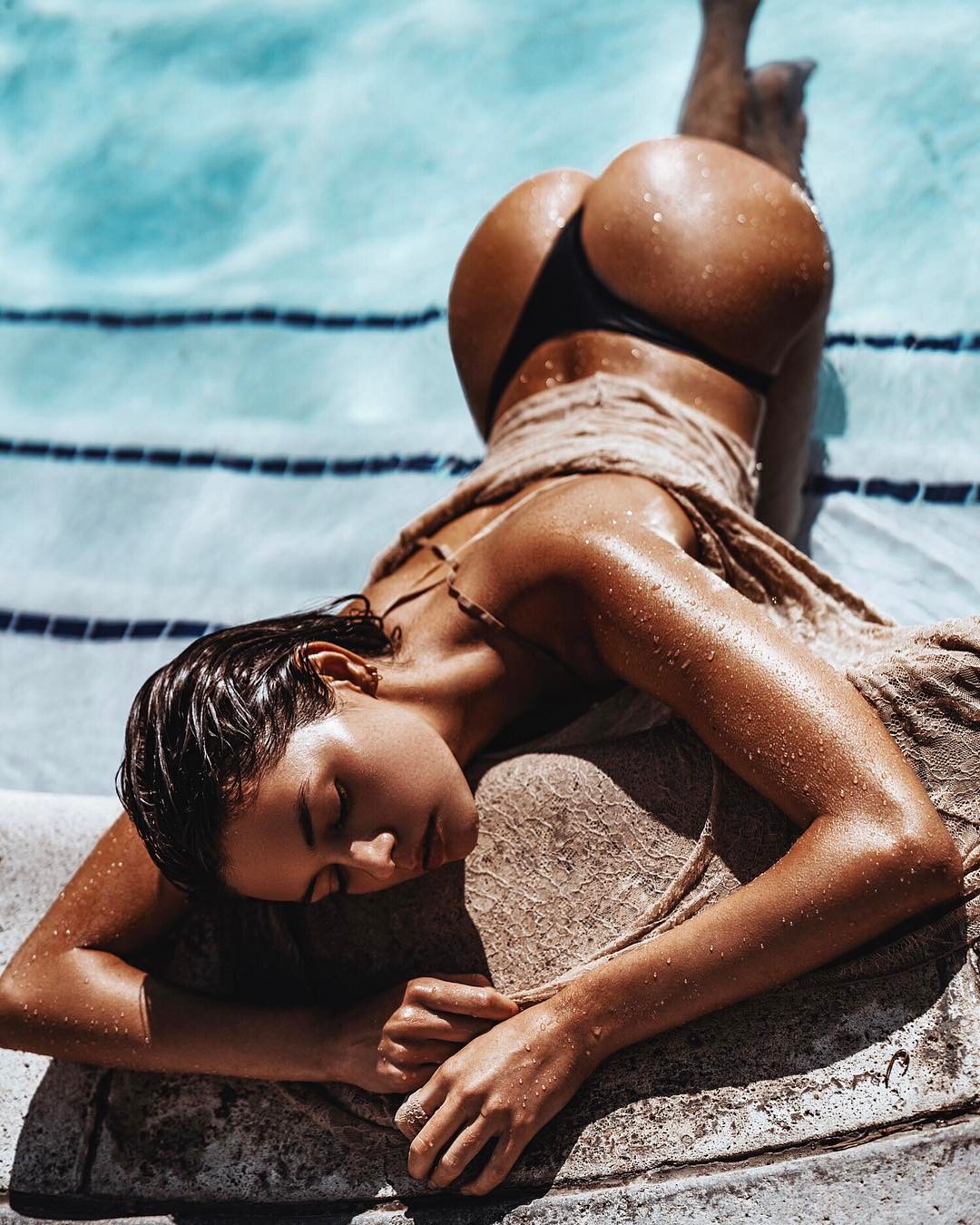
 MADE IN AMERICA: MS RACHEL COOK Warning: Transparency Credits Photographer: Steven Chee for Maxmade.com.au | Hair & Makeup & Product Review: Max May Stylist: Nadene Duncan | Model: Rachel Cook

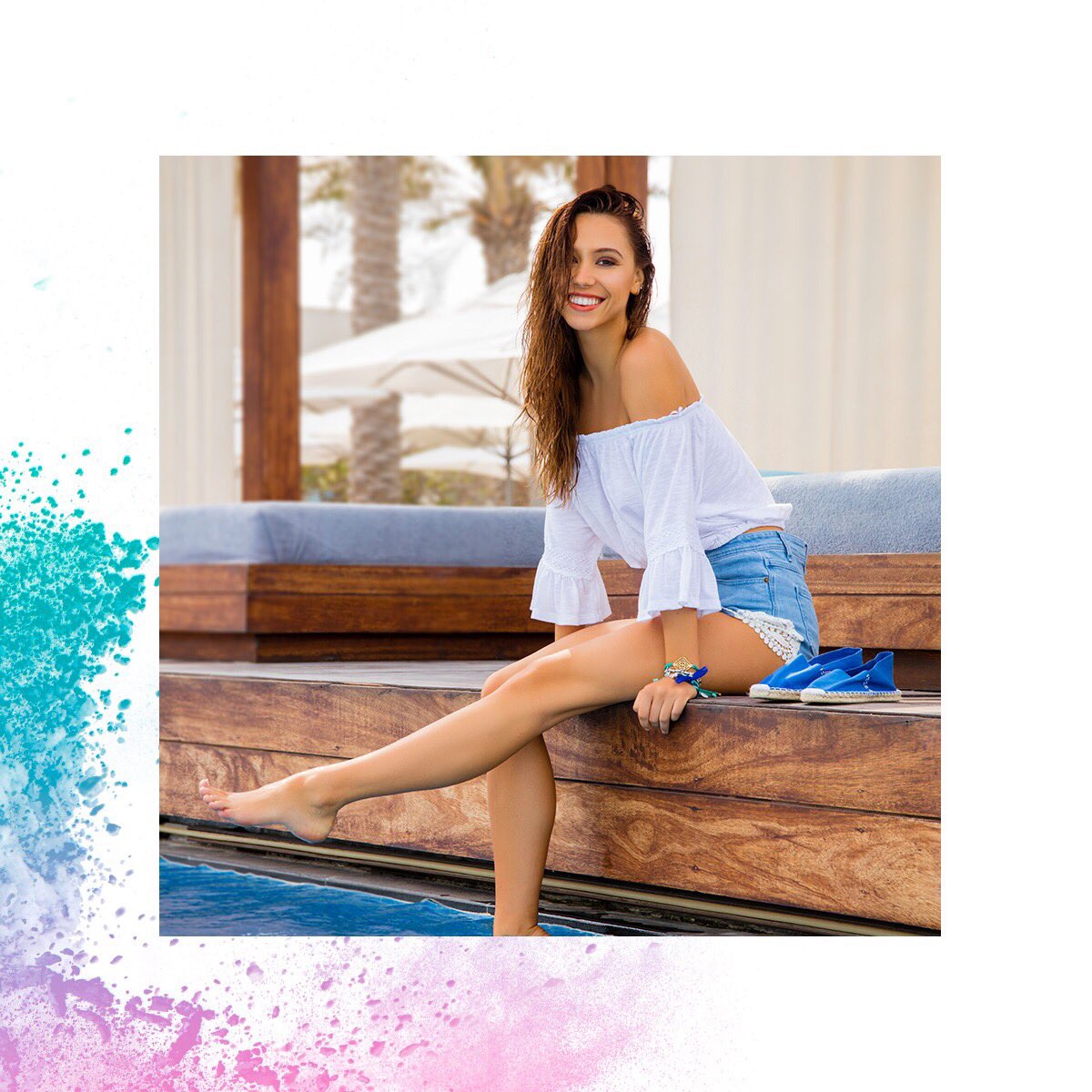
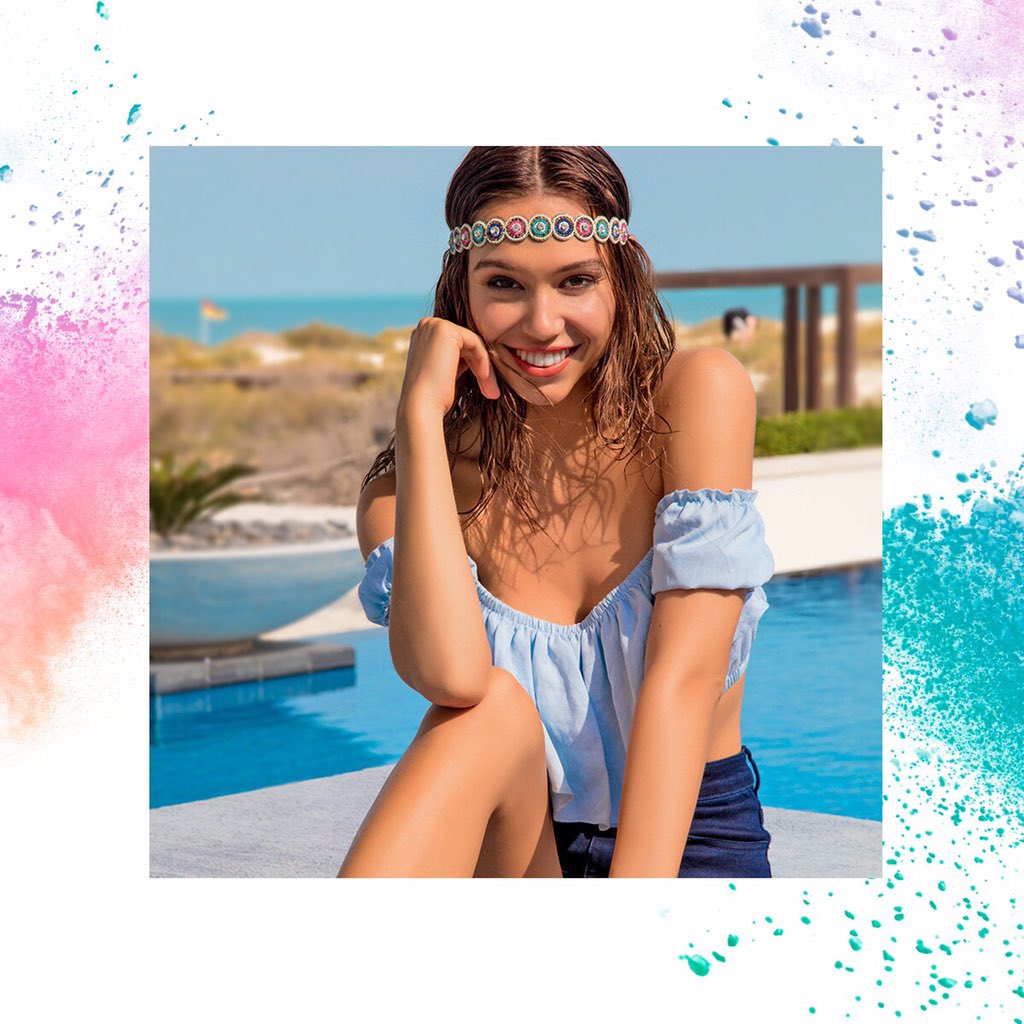
 Yamamay Campaign Summer '17 Previews

 Download: https://instagram.felp1-1.fna.fbcdn.net/t50.2886-16/17972775_421286991569406_4730309772442599424_n.mp4
Ig Story 04.18.17 (adds) Download: 18030351_794919207351324_4780612545377468416_n.mp4
Download: https://instagram.felp1-1.fna.fbcdn.net/t50.2886-16/17972775_421286991569406_4730309772442599424_n.mp4
Ig Story 04.18.17 (adds) Download: 18030351_794919207351324_4780612545377468416_n.mp4
 Ig Story 04.18.17 Donwload: 17406588_240823156387201_4913129913004851200_n.mp4
From her IG Story Download: 16828439_1903275286585779_4991008317305257984_n.mp4
https://instagram.felp1-1.fna.fbcdn.net/t50.2886-16/17971013_402452153465852_427456774753222656_n.mp4
Ig Story 04.18.17 Donwload: 17406588_240823156387201_4913129913004851200_n.mp4
From her IG Story Download: 16828439_1903275286585779_4991008317305257984_n.mp4
https://instagram.felp1-1.fna.fbcdn.net/t50.2886-16/17971013_402452153465852_427456774753222656_n.mp4 From Ig Story of ivymatheson Download: 17996183_126120857931741_7395108019199016960_n.mp4
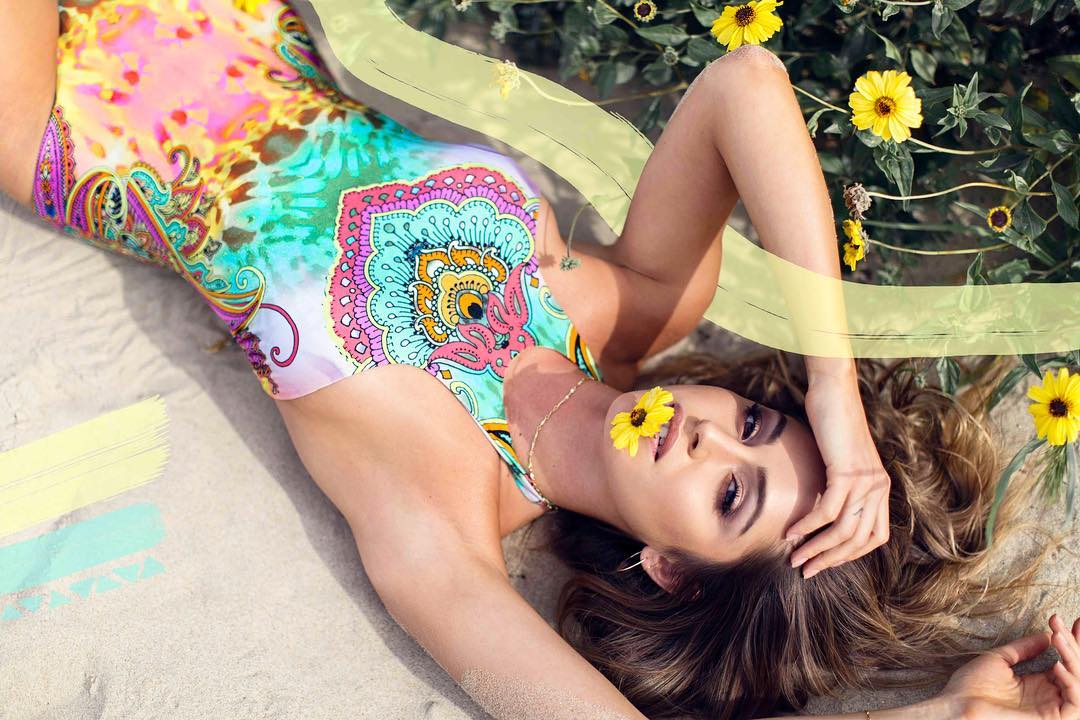
Kesler Tran for Faeswim Continues
From Ig Story of ivymatheson Download: 17996183_126120857931741_7395108019199016960_n.mp4
Kesler Tran for Faeswim Continues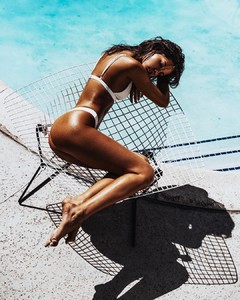

 Final of coachella
 On more Download: 13714915_1833130130343734_4268332236702482432_n.mp4
Ig Story of ivymatheson Download: 17331855_1875889279328785_3746221280462897152_n.mp4
On more Download: 13714915_1833130130343734_4268332236702482432_n.mp4
Ig Story of ivymatheson Download: 17331855_1875889279328785_3746221280462897152_n.mp4Account
Navigation
Search
Configure browser push notifications
Chrome (Android)
- Tap the lock icon next to the address bar.
- Tap Permissions → Notifications.
- Adjust your preference.
Chrome (Desktop)
- Click the padlock icon in the address bar.
- Select Site settings.
- Find Notifications and adjust your preference.
Safari (iOS 16.4+)
- Ensure the site is installed via Add to Home Screen.
- Open Settings App → Notifications.
- Find your app name and adjust your preference.
Safari (macOS)
- Go to Safari → Preferences.
- Click the Websites tab.
- Select Notifications in the sidebar.
- Find this website and adjust your preference.
Edge (Android)
- Tap the lock icon next to the address bar.
- Tap Permissions.
- Find Notifications and adjust your preference.
Edge (Desktop)
- Click the padlock icon in the address bar.
- Click Permissions for this site.
- Find Notifications and adjust your preference.
Firefox (Android)
- Go to Settings → Site permissions.
- Tap Notifications.
- Find this site in the list and adjust your preference.
Firefox (Desktop)
- Open Firefox Settings.
- Search for Notifications.
- Find this site in the list and adjust your preference.