
Modelove
Members
-
Joined
Everything posted by Modelove
-
@yanakalina



-
Abnel González














-
-
IG Story (02.08.19) Photoshoot with @frankie_marin 52255709_283074395695653_8824512746259965468_n.mp4 52540268_2340566426184478_7634276159834568665_n.mp4 52406167_2101908449896851_5890840740506216068_n.mp4 52350043_2340758359268207_7450597056735939030_n.mp4 52350043_2340758359268207_7450597056735939030_n.mp4
-
IG Story (02.08.19) 2019-02-08 19.06.02 1975134190250177476_10819172.mp4 2019-02-08 19.08.56 1975135644079623264_10819172.mp4
-
Vivian Arthur










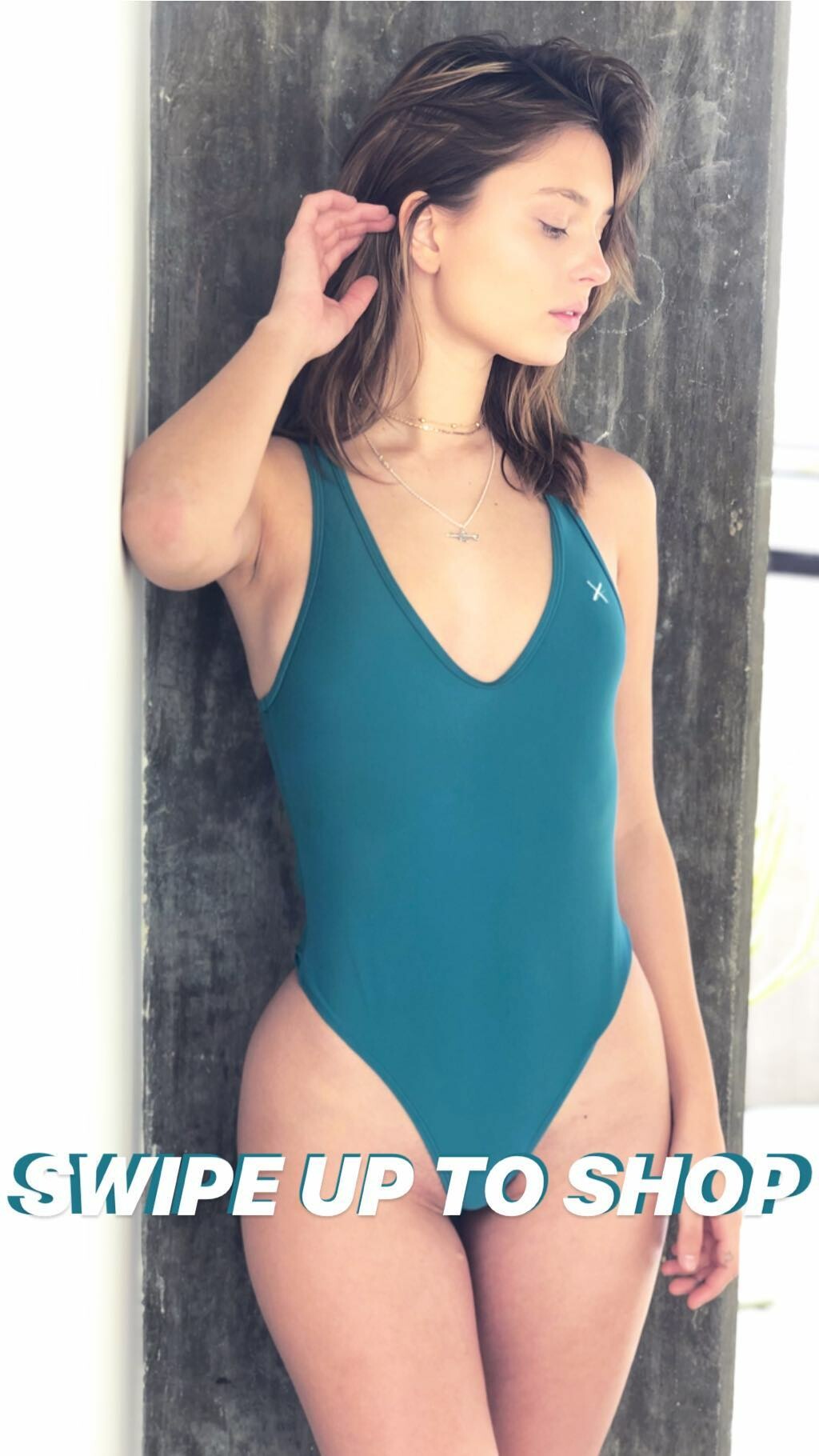
 IG Story (02.08.19) @shellsthelabel
 IG Post Deleted
 Repost Videos Now online and streaming 10736 WHITE.mp4 10722 PURPLE.mp4 10782 BLACK.mp4 10780 BLACK.mp4 10749 PINK.mp4 10747 BLACK.mp4
Seven 'til Midnight UHQ
Repost Videos Now online and streaming 10736 WHITE.mp4 10722 PURPLE.mp4 10782 BLACK.mp4 10780 BLACK.mp4 10749 PINK.mp4 10747 BLACK.mp4
Seven 'til Midnight UHQ

















 IG Story (02.07.19) @boutinela @kentaveryphoto
 Natalia Roth Digitals.mp4
IG Story
Natalia Roth Digitals.mp4
IG Story IG Story (02.05.19) @areyouami 51692196_2683071665043000_5455306828219842150_n.mp4 51823615_146799749578523_5768234867829379379_n.mp4 52158289_242127673343442_6398783070685651638_n.mp4 51931531_549535675531038_419607404018643513_n.mp4 Nudity (Transparency)




 IG Story (02.05.19) @shellsthelabel






































































































Account
Navigation
Search
Configure browser push notifications
Chrome (Android)
- Tap the lock icon next to the address bar.
- Tap Permissions → Notifications.
- Adjust your preference.
Chrome (Desktop)
- Click the padlock icon in the address bar.
- Select Site settings.
- Find Notifications and adjust your preference.
Safari (iOS 16.4+)
- Ensure the site is installed via Add to Home Screen.
- Open Settings App → Notifications.
- Find your app name and adjust your preference.
Safari (macOS)
- Go to Safari → Preferences.
- Click the Websites tab.
- Select Notifications in the sidebar.
- Find this website and adjust your preference.
Edge (Android)
- Tap the lock icon next to the address bar.
- Tap Permissions.
- Find Notifications and adjust your preference.
Edge (Desktop)
- Click the padlock icon in the address bar.
- Click Permissions for this site.
- Find Notifications and adjust your preference.
Firefox (Android)
- Go to Settings → Site permissions.
- Tap Notifications.
- Find this site in the list and adjust your preference.
Firefox (Desktop)
- Open Firefox Settings.
- Search for Notifications.
- Find this site in the list and adjust your preference.