
Modelove
Members
-
Joined
Everything posted by Modelove
-
No Ties Portfolio






























-
RektMag Take me to Funky Town by Fro Rojas























-
@jayden_fa IG Story (02.14.19) 52716804_131955247851296_9147653217828817531_n.mp4 52771635_561537520991142_817299049400977365_n.mp4





 2019-02-14 06.21.55 1979097719928655970_2268592289.mp4
Brandon Lundby
2019-02-14 06.21.55 1979097719928655970_2268592289.mp4
Brandon Lundby



 IG Story (02.14.19)
 IG Story
 Kent Avery



 Arnie Watkins

 @isalanaro IG Story (02.11.19)






 @jayden_fa IG Story (02.12.18) 2019-02-12 11.18.04 1977797742378314662_28011380.mp4
 5twenty1 BTS 2018-06-24 18.14.22 1809104329475764951_191088493.mp4 2018-06-24 18.26.13 1809112080005397548_1703610955.mp4 2018-06-24 19.39.45 1809147301856783669_191088493.mp4 Nudity































 Alison Su Nudity








 Michael Blanco Desert Island BTS 28394168_162489677795501_5579287457032733241_n.mp4



 Baldwin Cunningham Nudity






































 Other versions























































































































































































































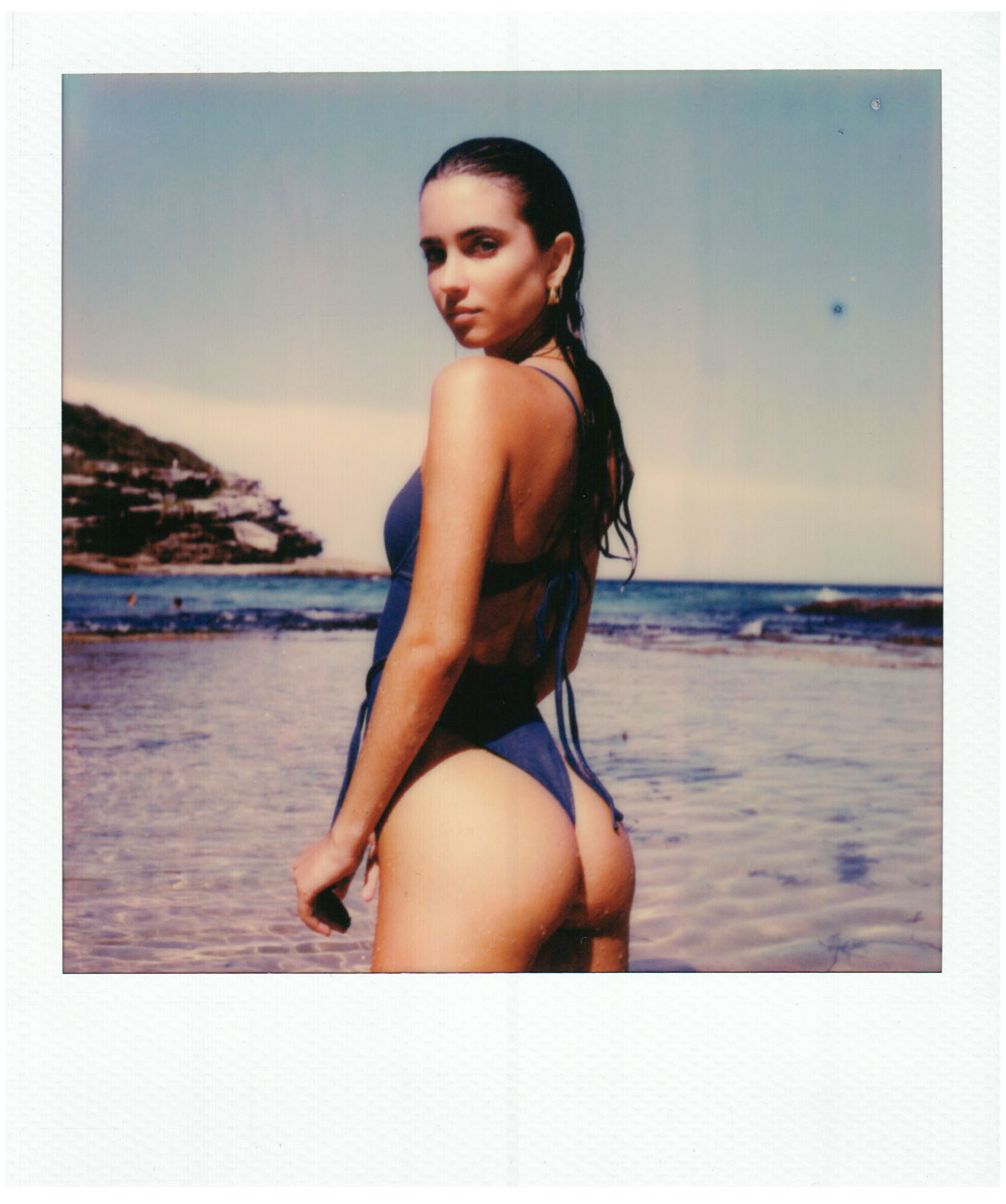









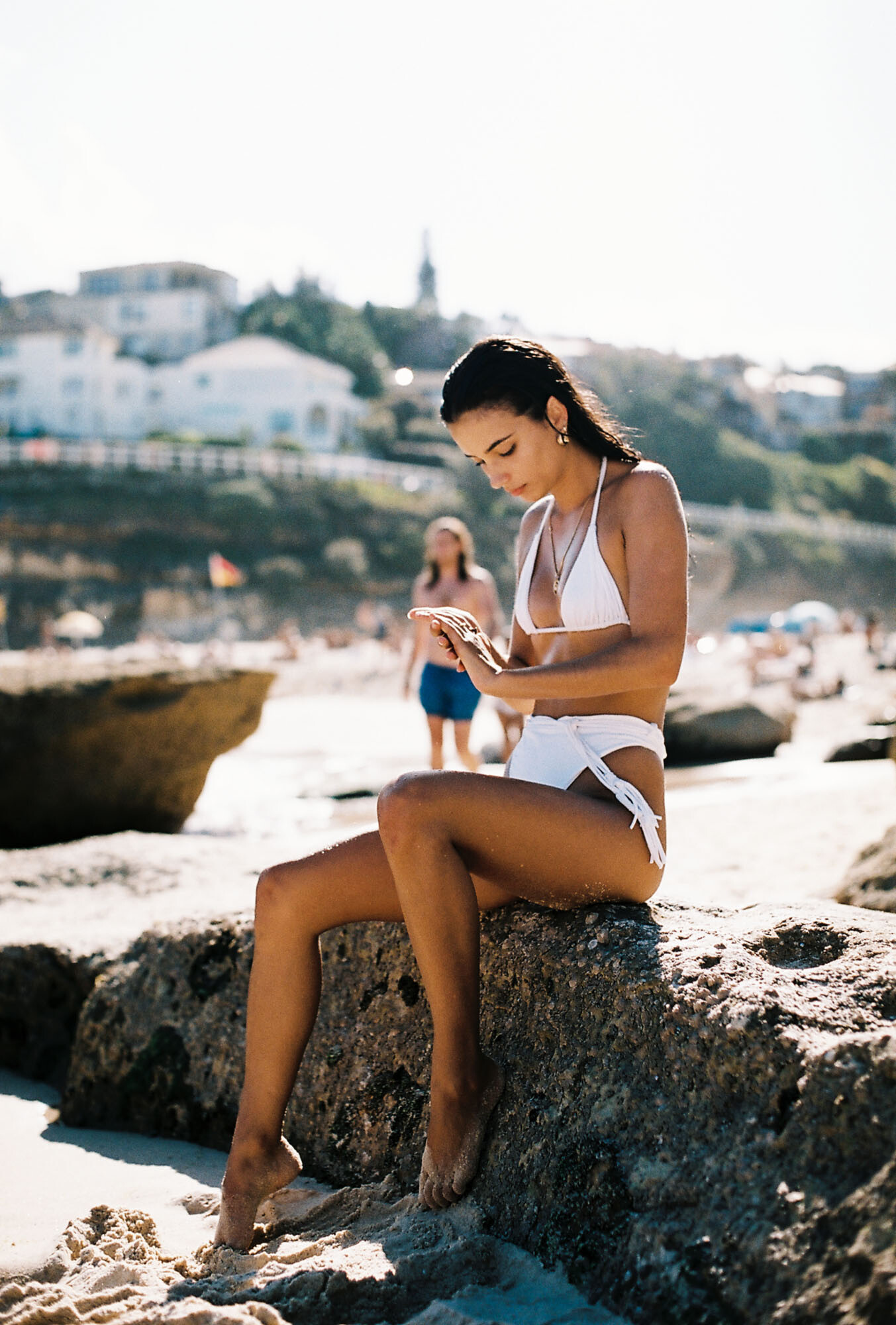


































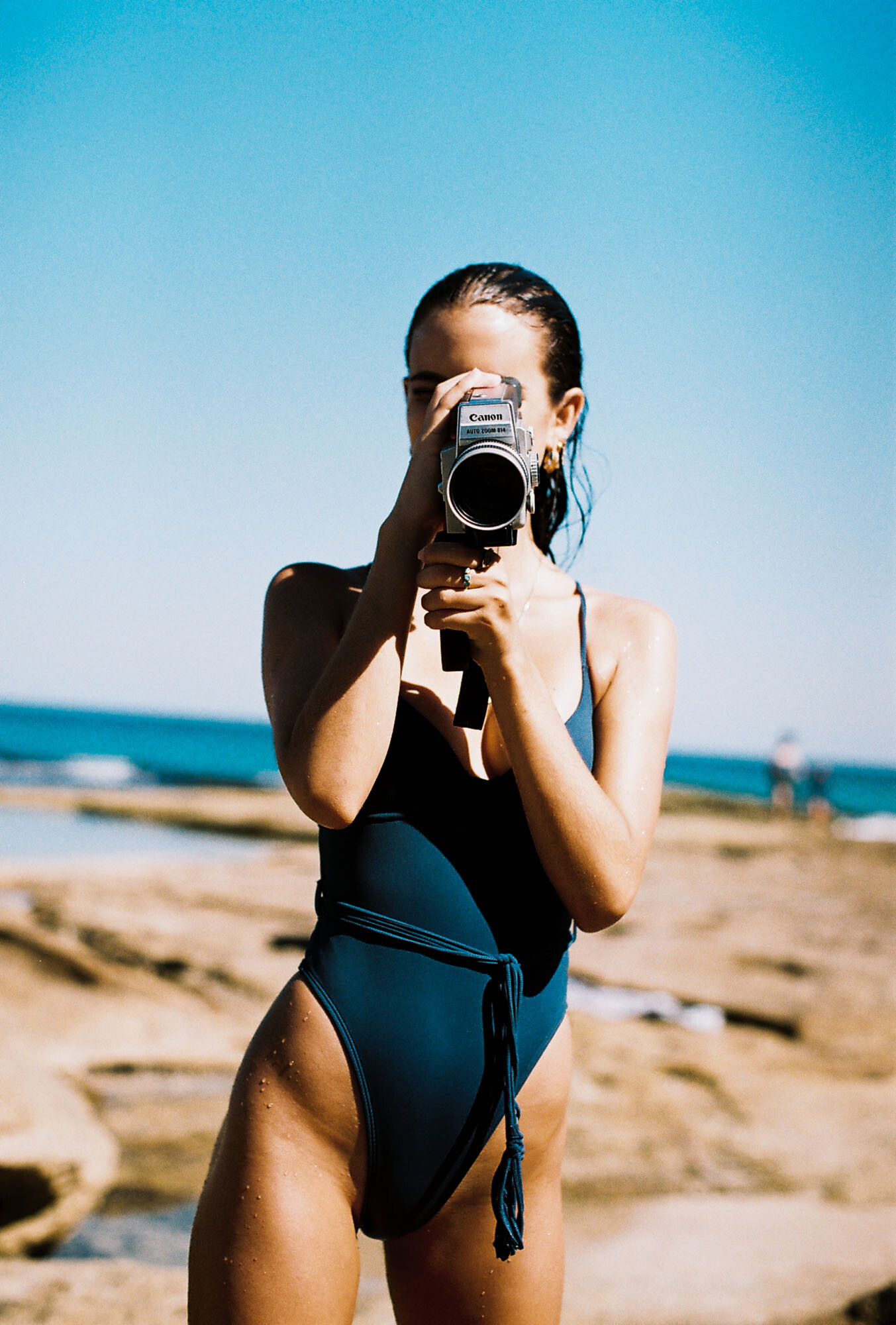
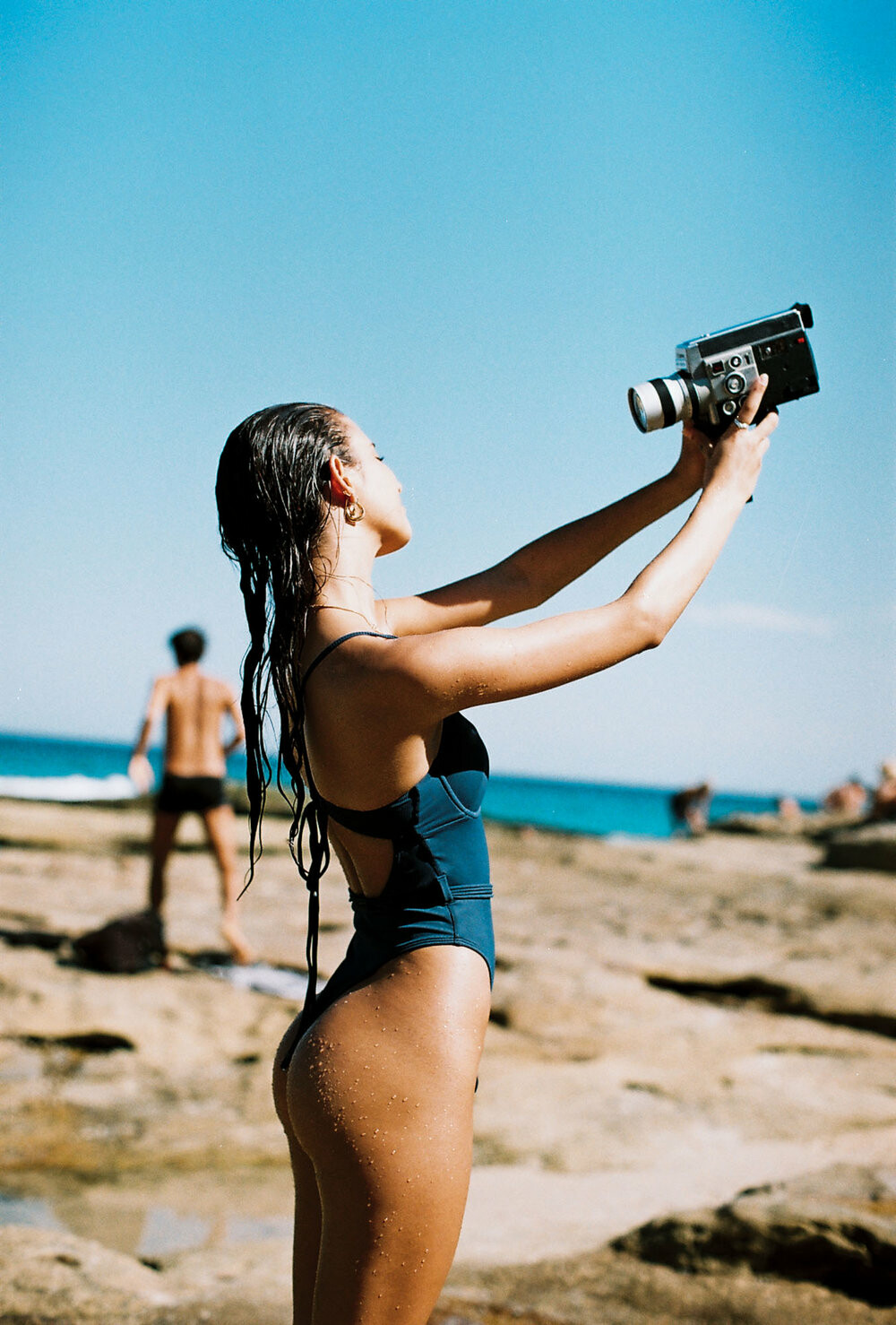




























Account
Navigation
Search
Configure browser push notifications
Chrome (Android)
- Tap the lock icon next to the address bar.
- Tap Permissions → Notifications.
- Adjust your preference.
Chrome (Desktop)
- Click the padlock icon in the address bar.
- Select Site settings.
- Find Notifications and adjust your preference.
Safari (iOS 16.4+)
- Ensure the site is installed via Add to Home Screen.
- Open Settings App → Notifications.
- Find your app name and adjust your preference.
Safari (macOS)
- Go to Safari → Preferences.
- Click the Websites tab.
- Select Notifications in the sidebar.
- Find this website and adjust your preference.
Edge (Android)
- Tap the lock icon next to the address bar.
- Tap Permissions.
- Find Notifications and adjust your preference.
Edge (Desktop)
- Click the padlock icon in the address bar.
- Click Permissions for this site.
- Find Notifications and adjust your preference.
Firefox (Android)
- Go to Settings → Site permissions.
- Tap Notifications.
- Find this site in the list and adjust your preference.
Firefox (Desktop)
- Open Firefox Settings.
- Search for Notifications.
- Find this site in the list and adjust your preference.