
Modelove
Members
-
Joined
Everything posted by Modelove
-
-
-
-
2019-03-26 08.17.53 2008146103866148720_20509713.mp4
@santiagopgm

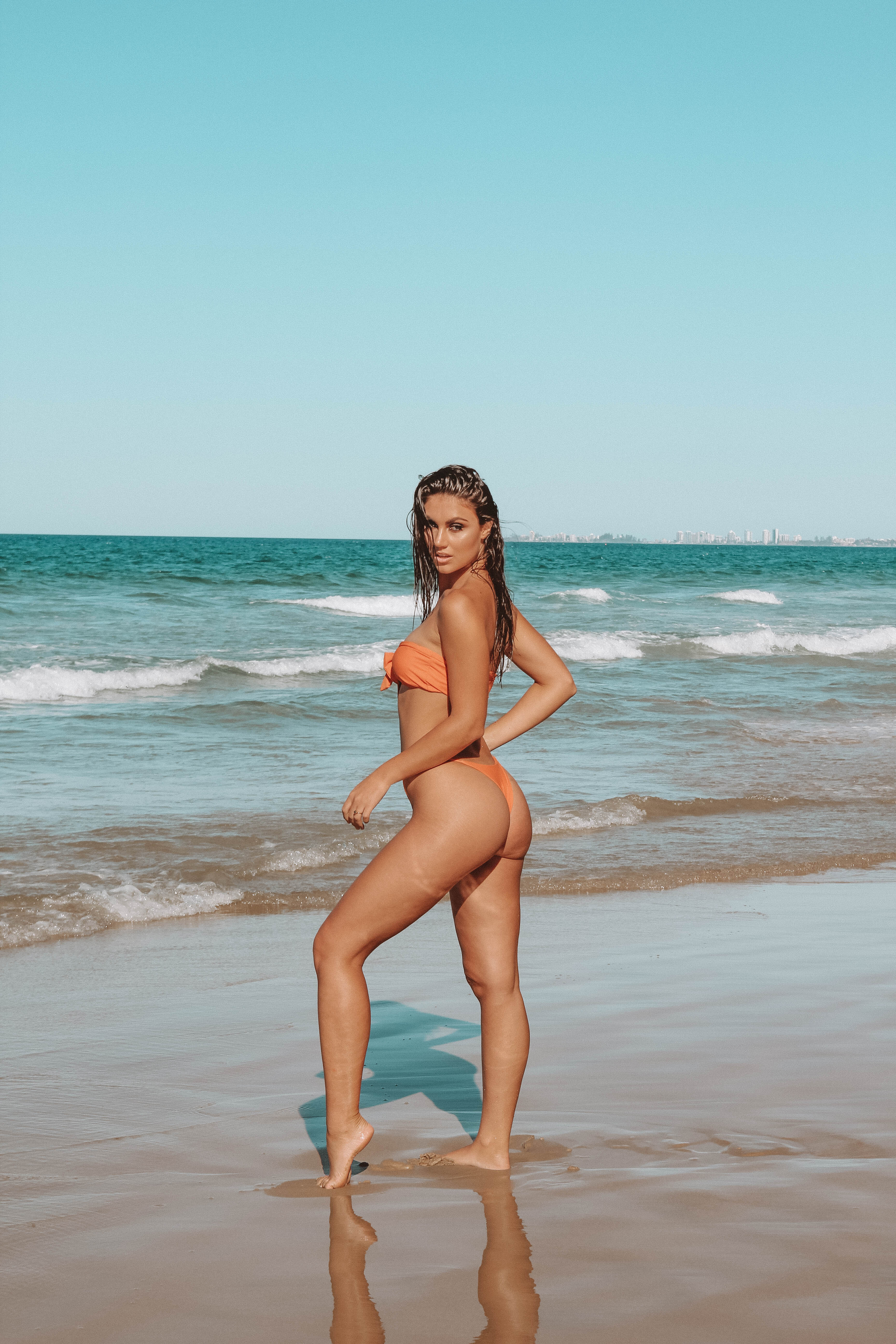
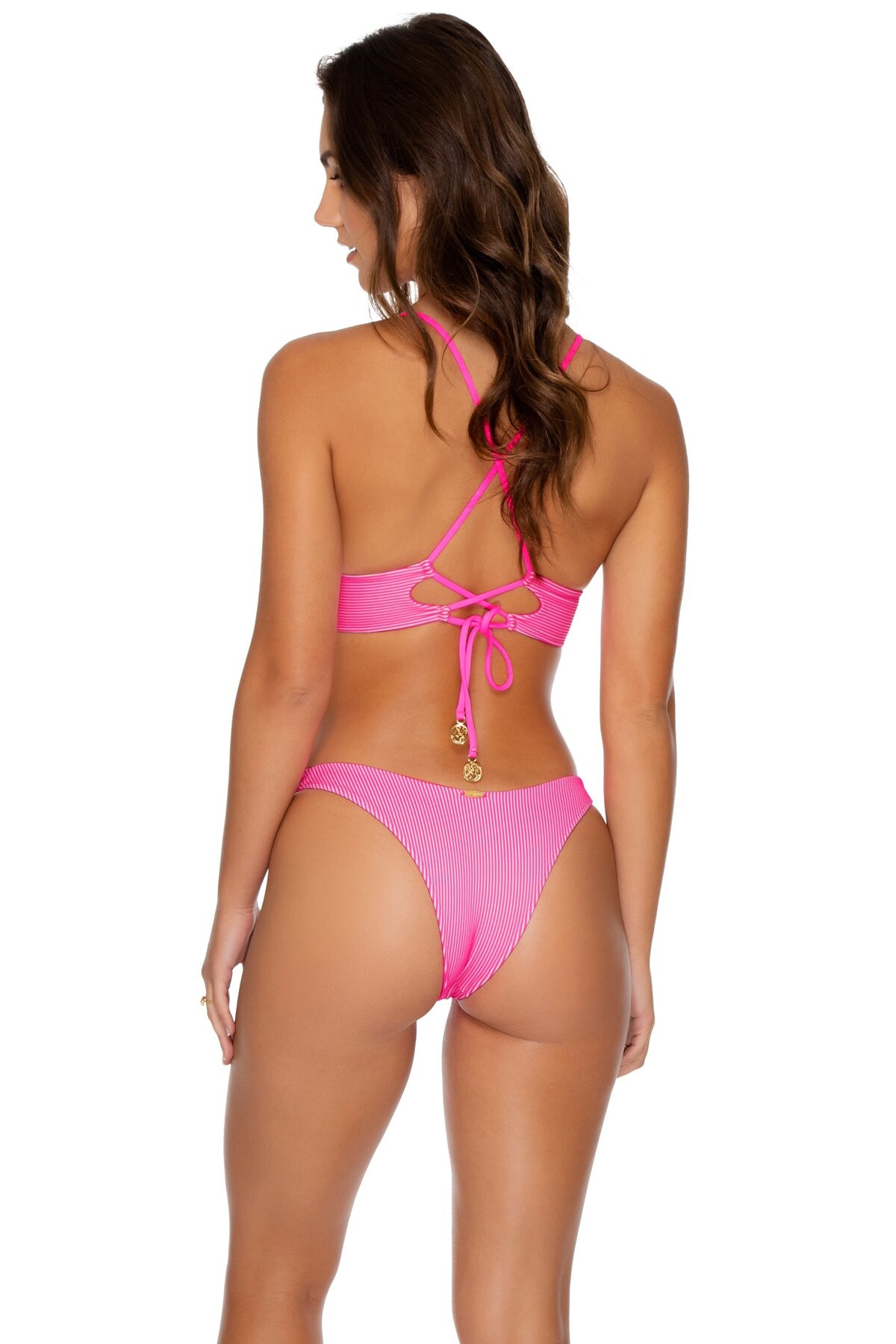
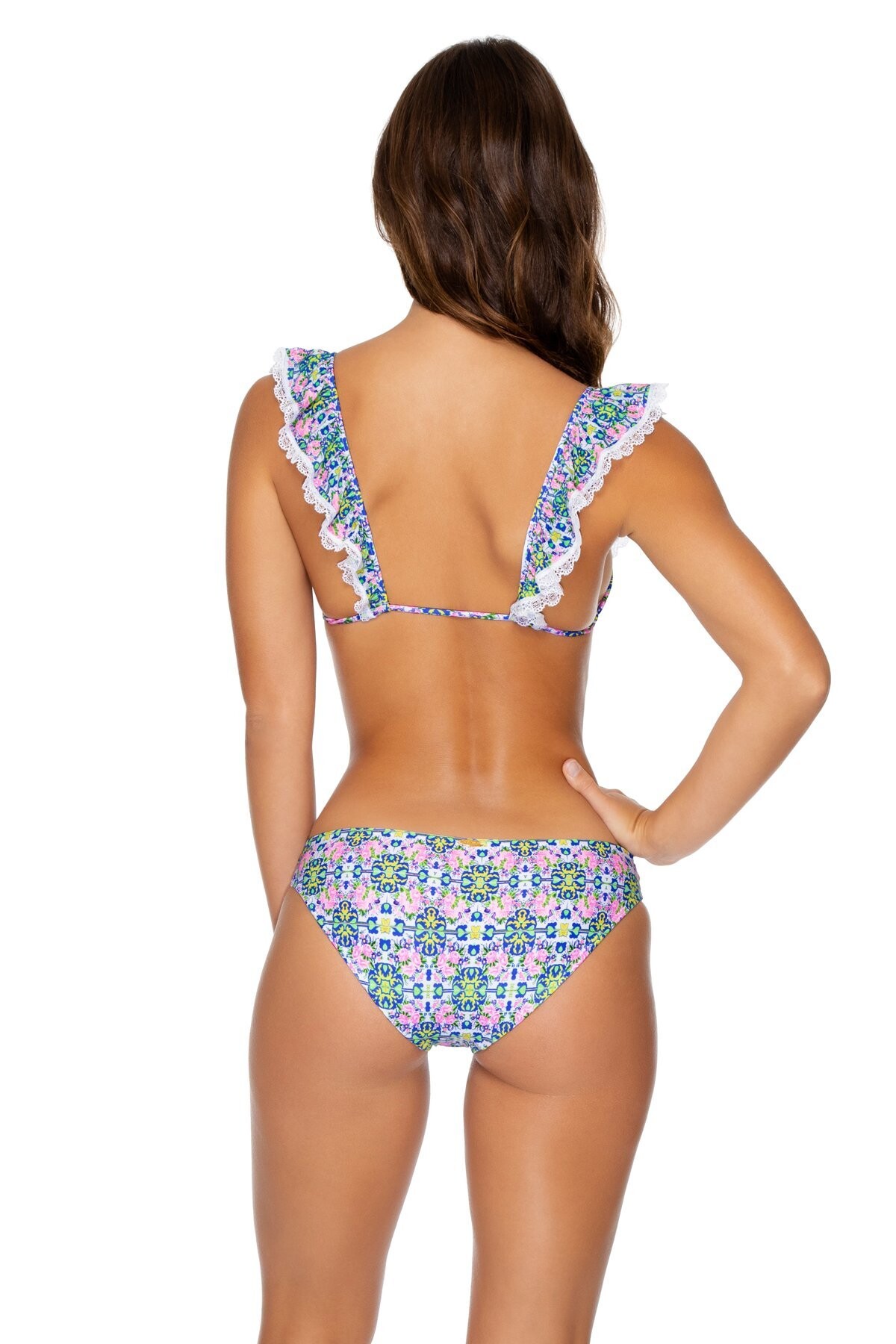
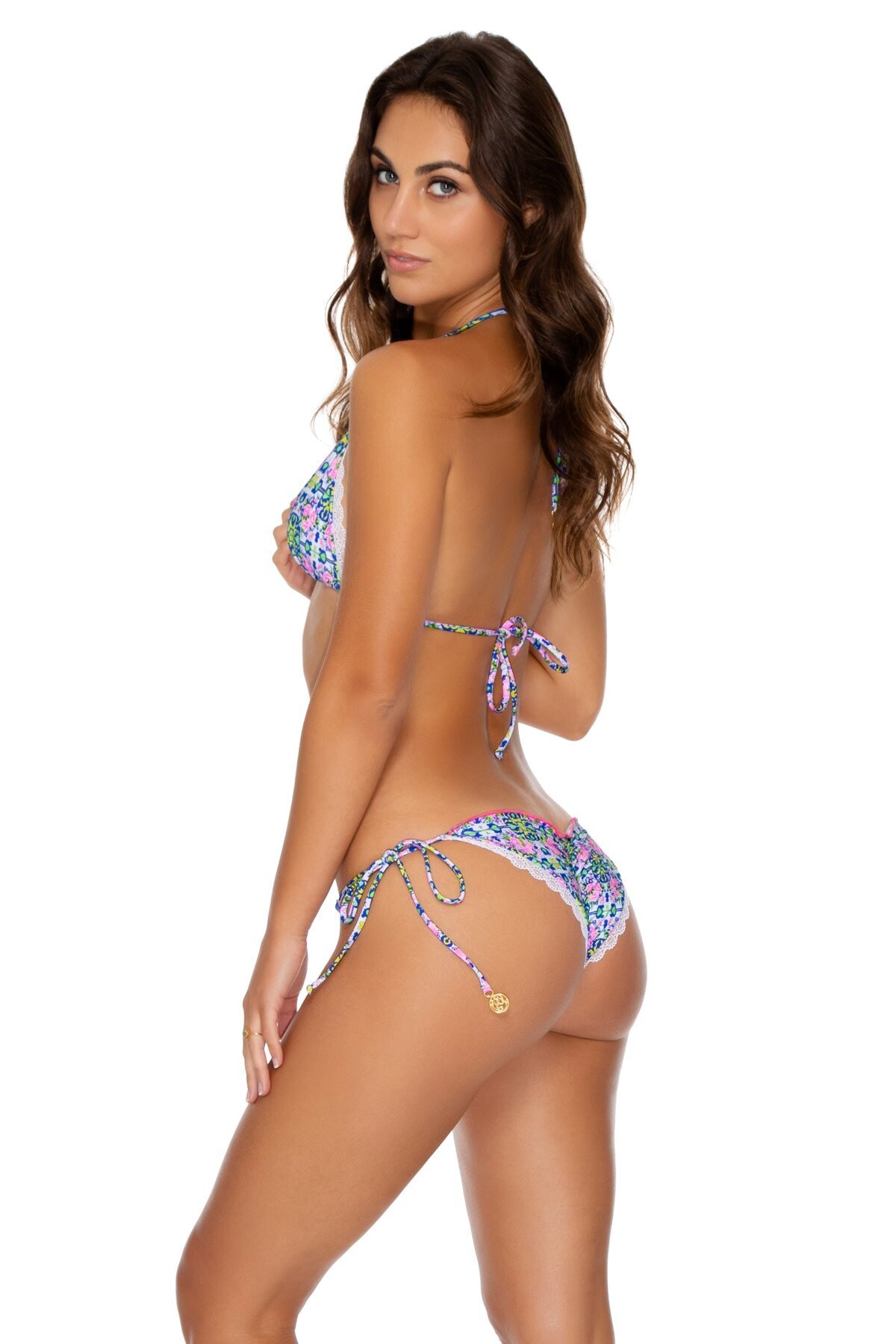
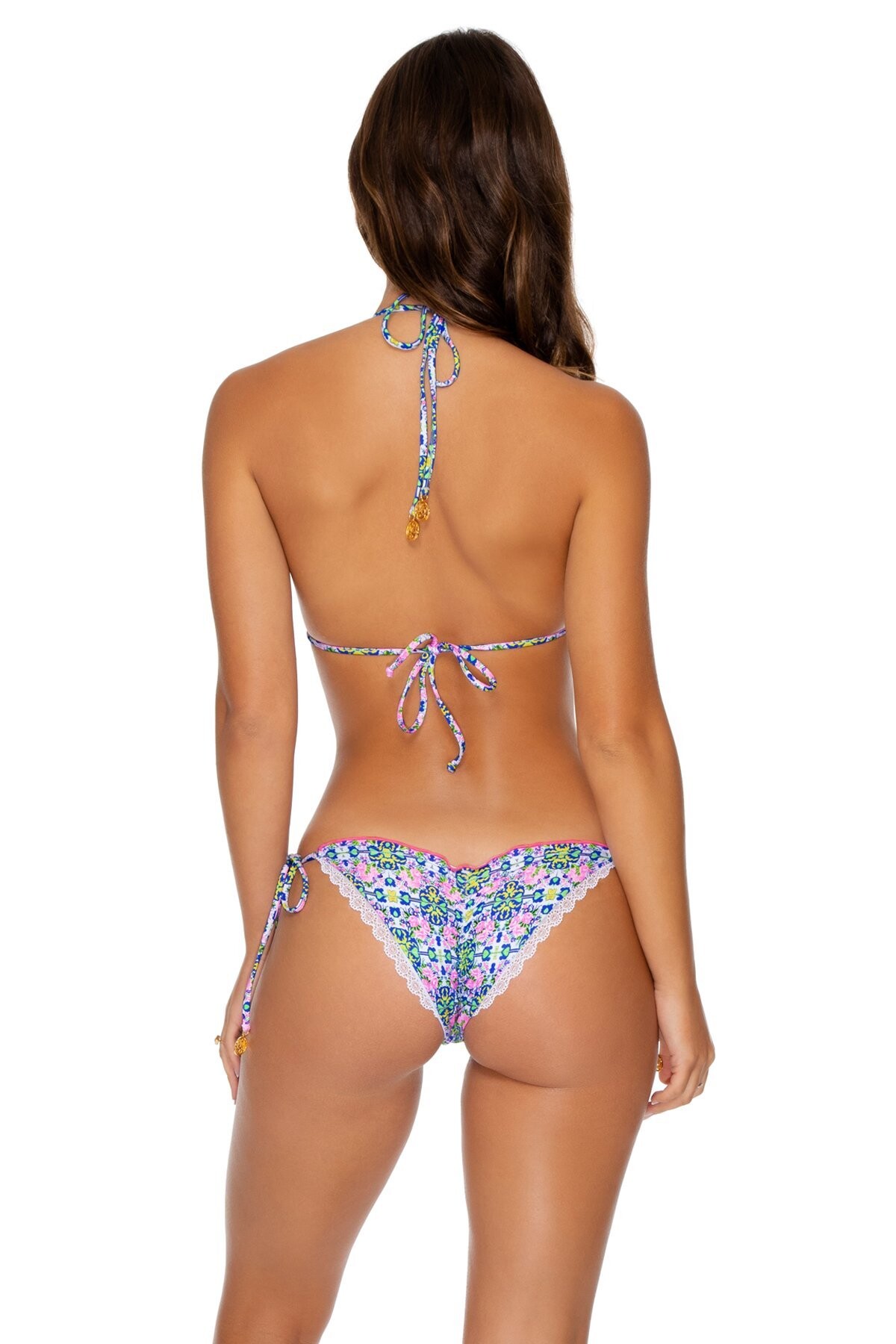
 IG Story (03.26.19) @gooseberry.seaside 55915203_1074488812736067_5977819084965306804_n.mp4 56377034_384009839120482_6879446314195304305_n.mp4 56078504_268572800685400_421032712455798466_n.mp4 55908092_150897085937680_4742444734959885285_n.mp4 55938851_2171330929641274_7270904911969940245_n.mp4






























































































































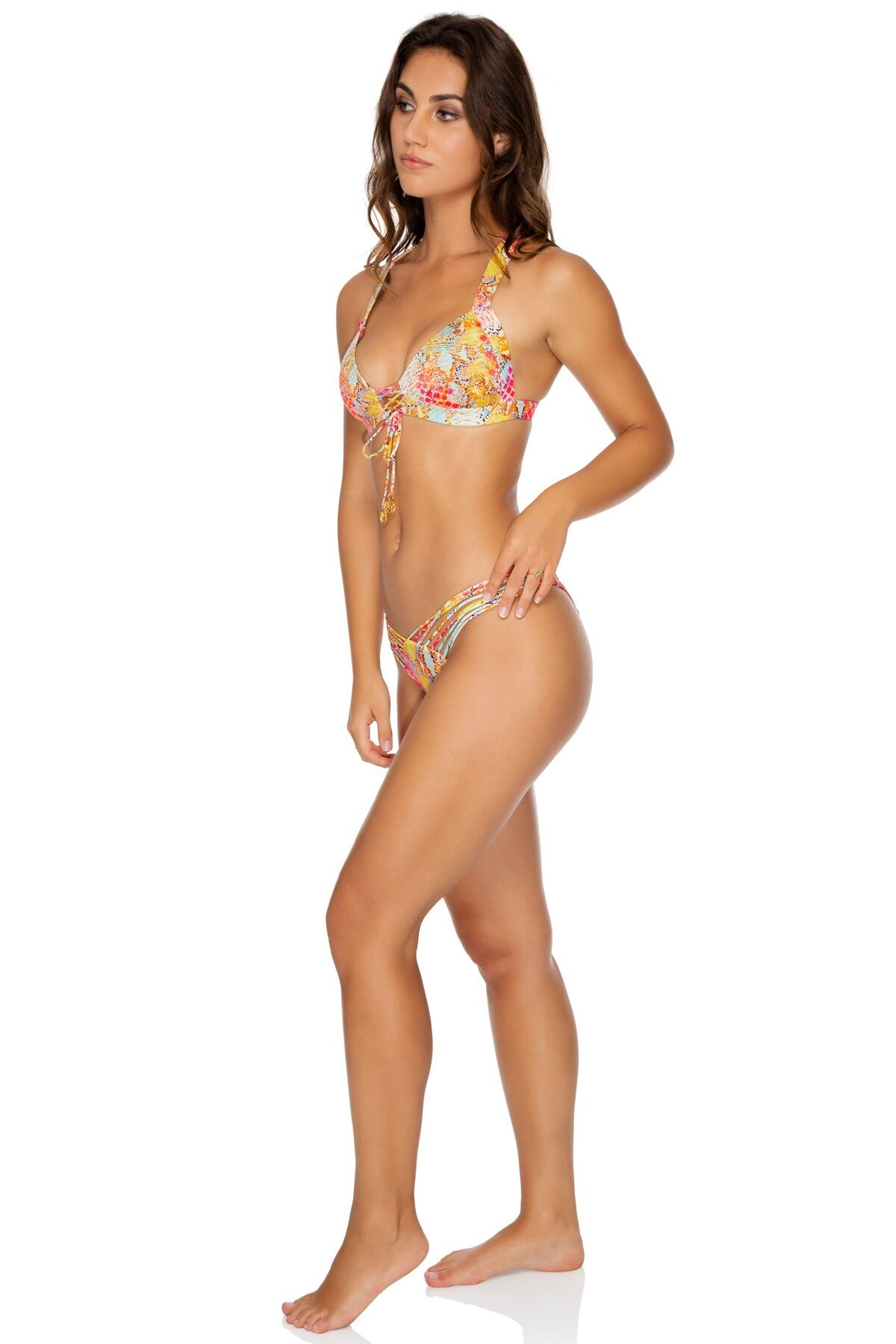
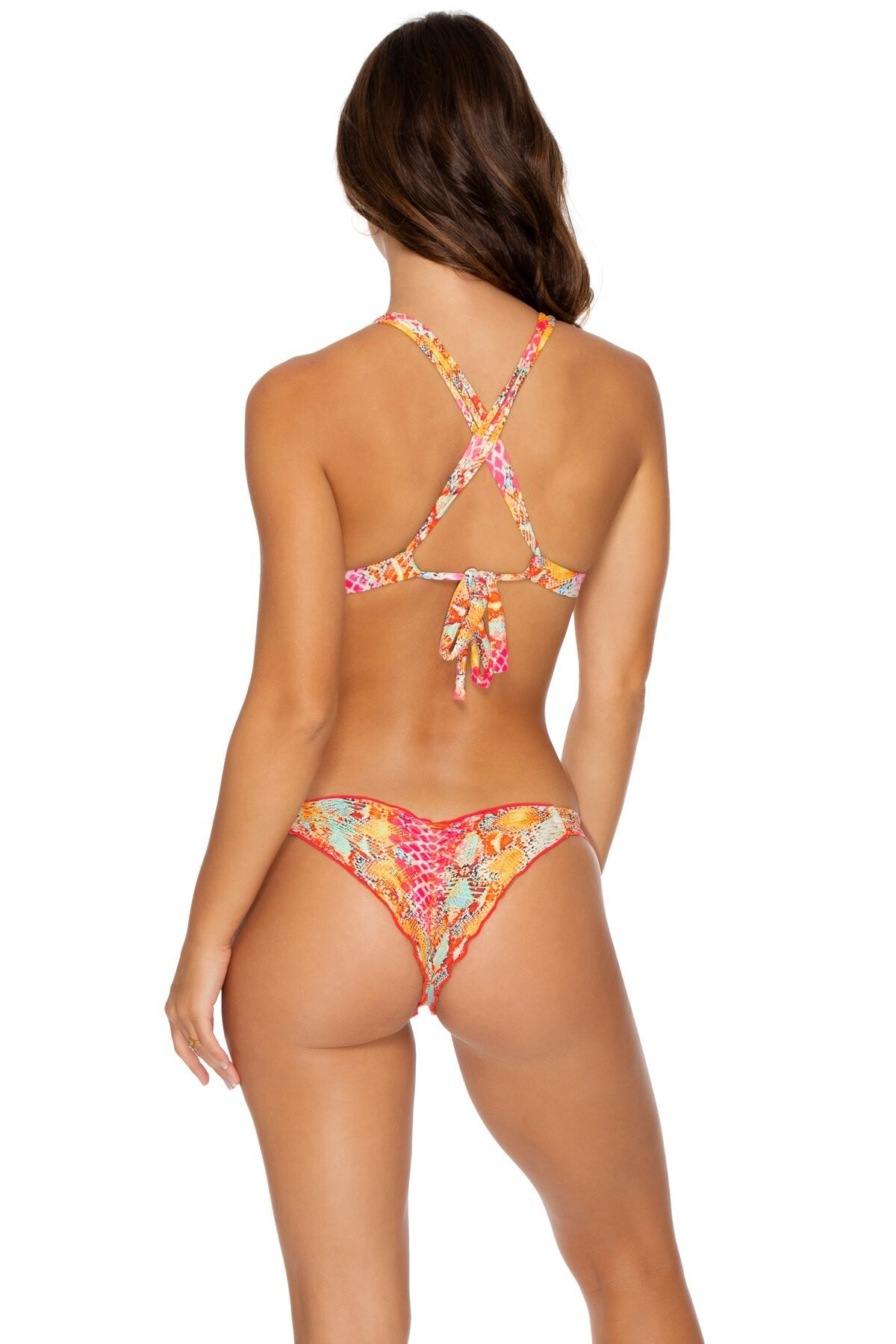


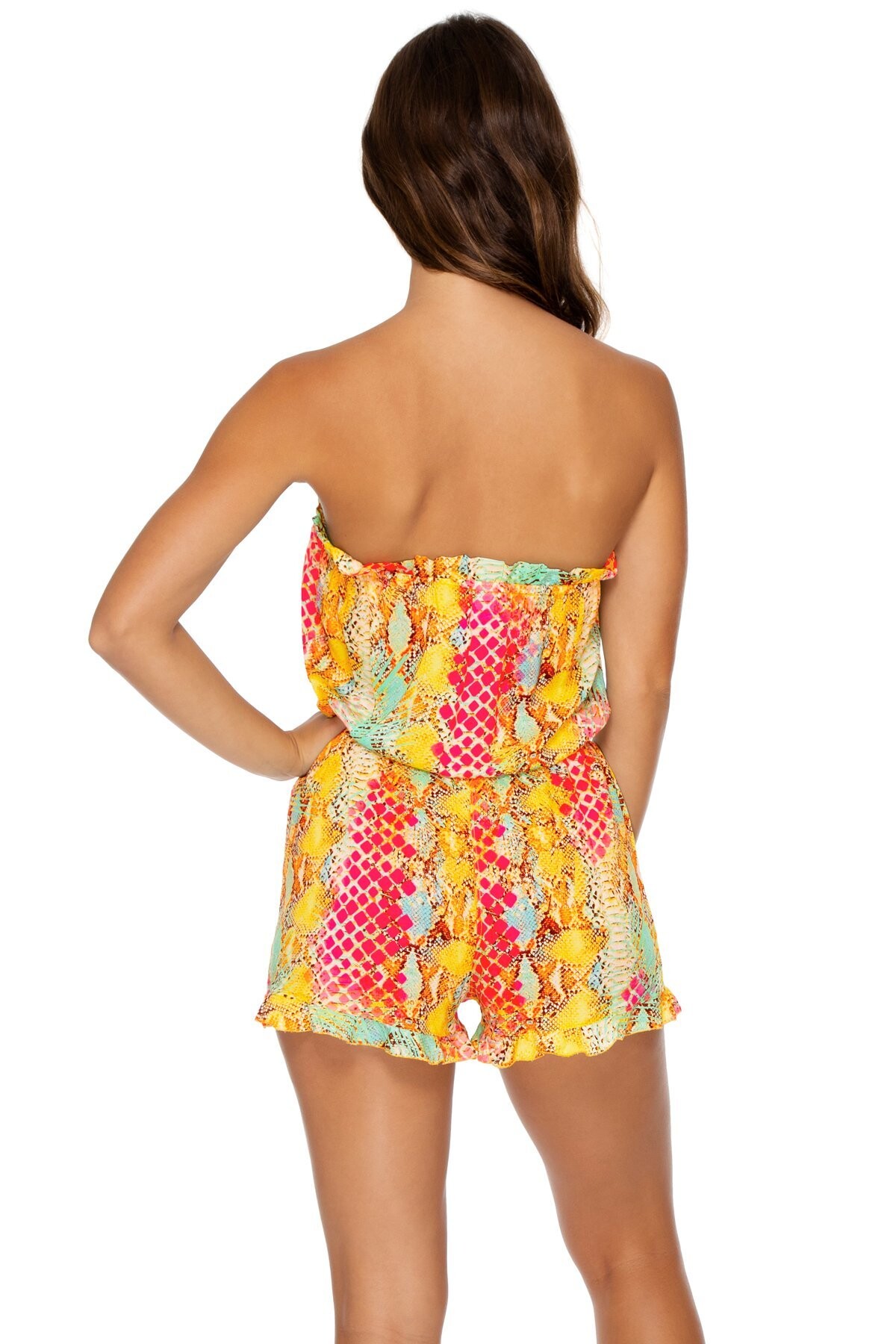


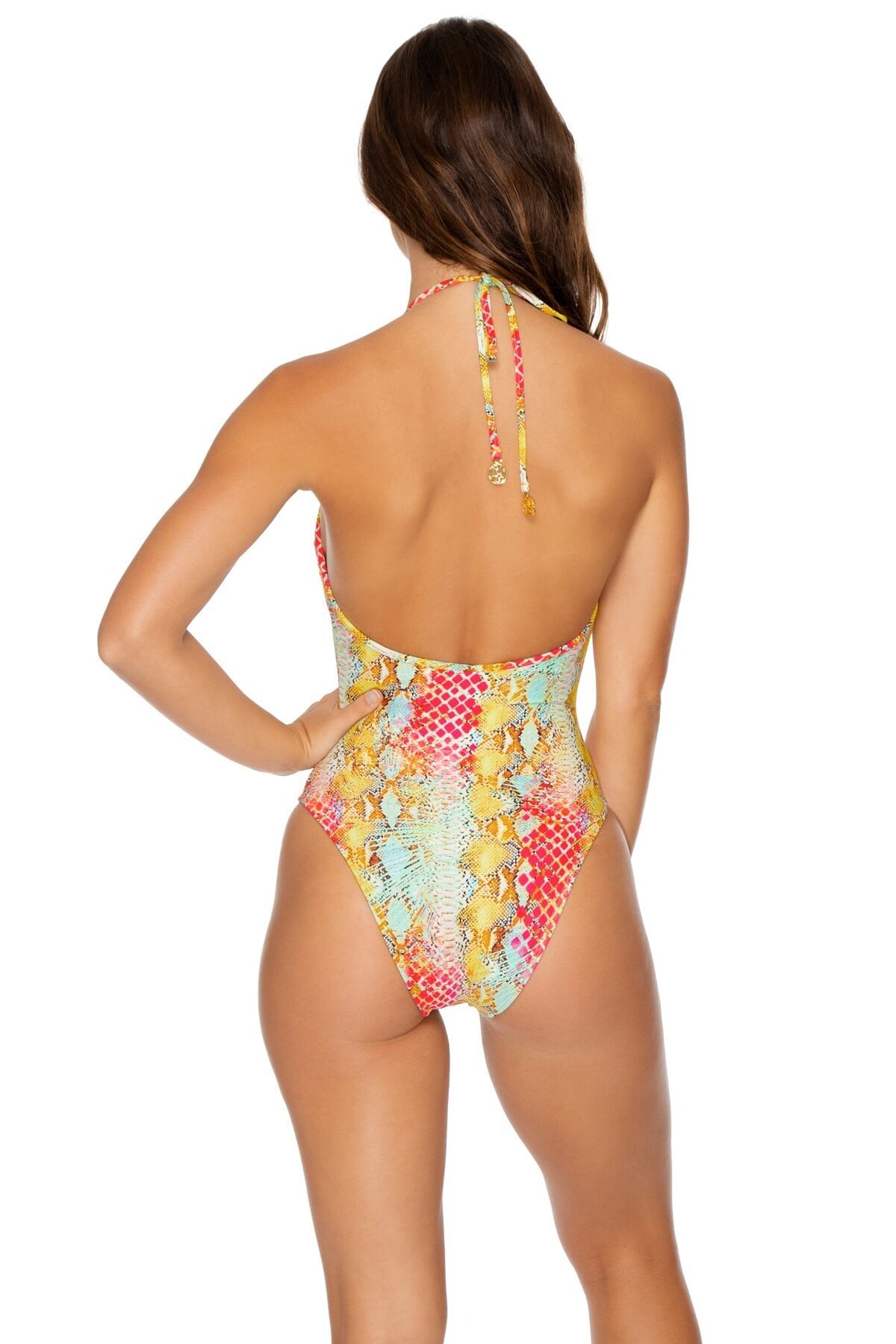

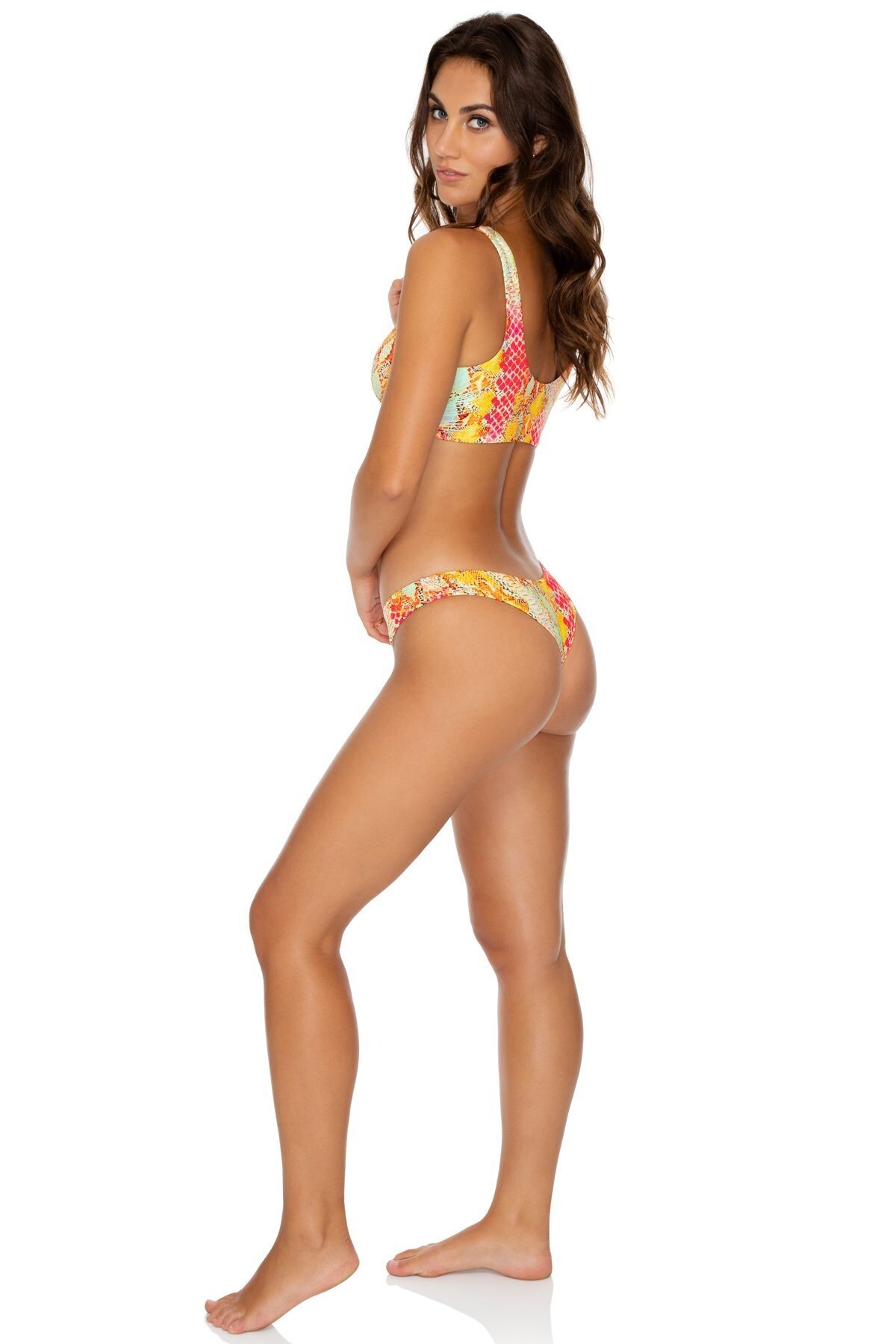
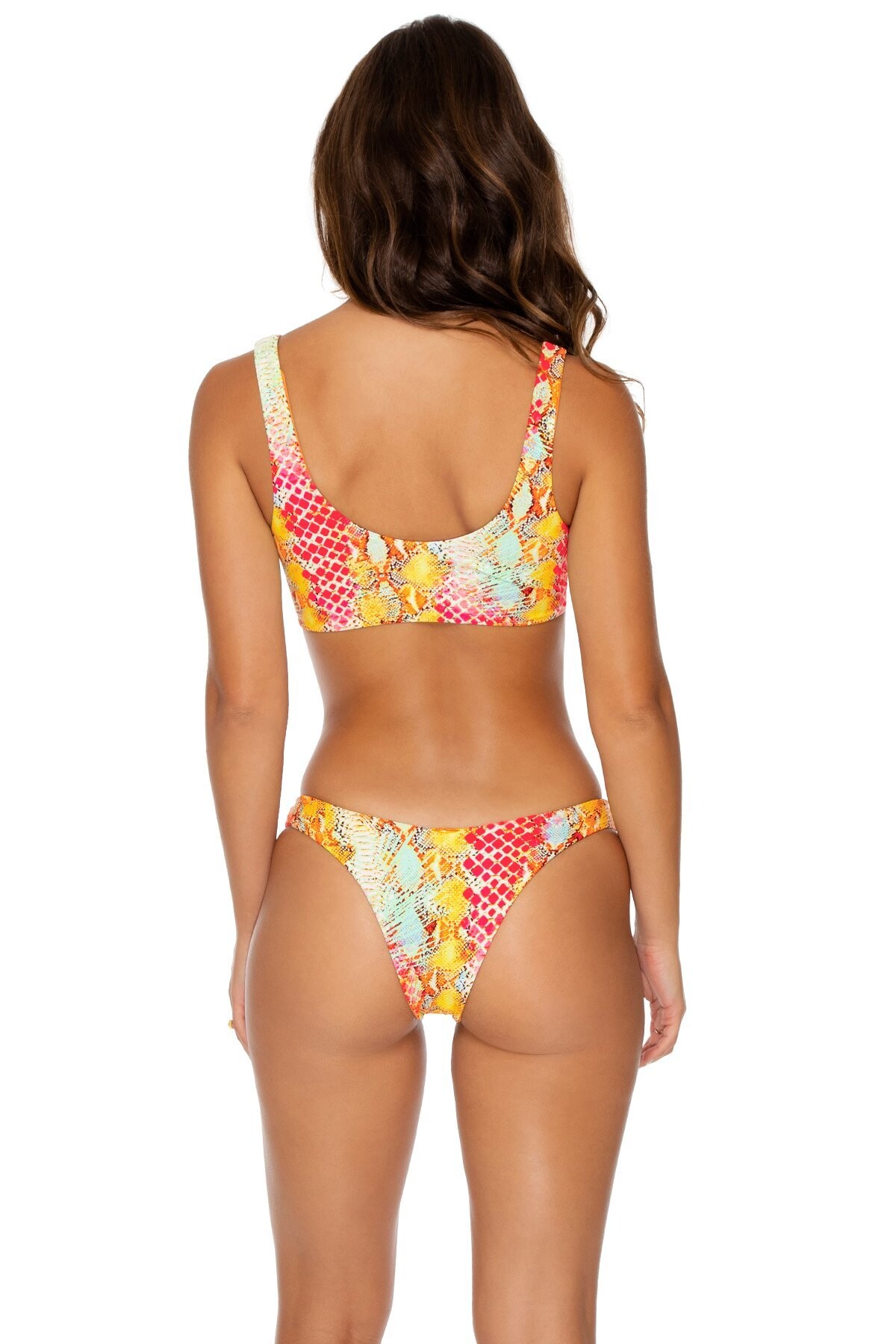




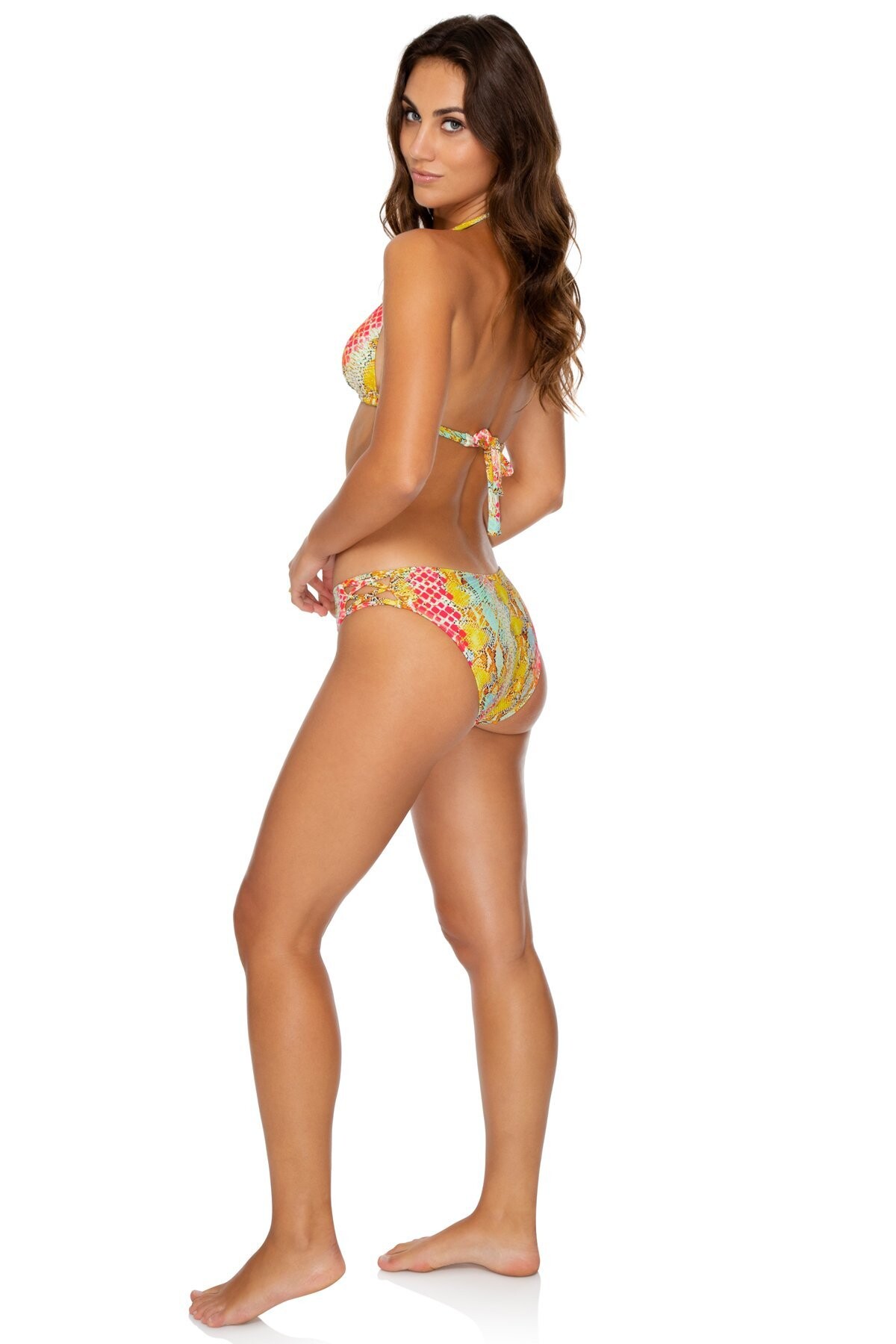
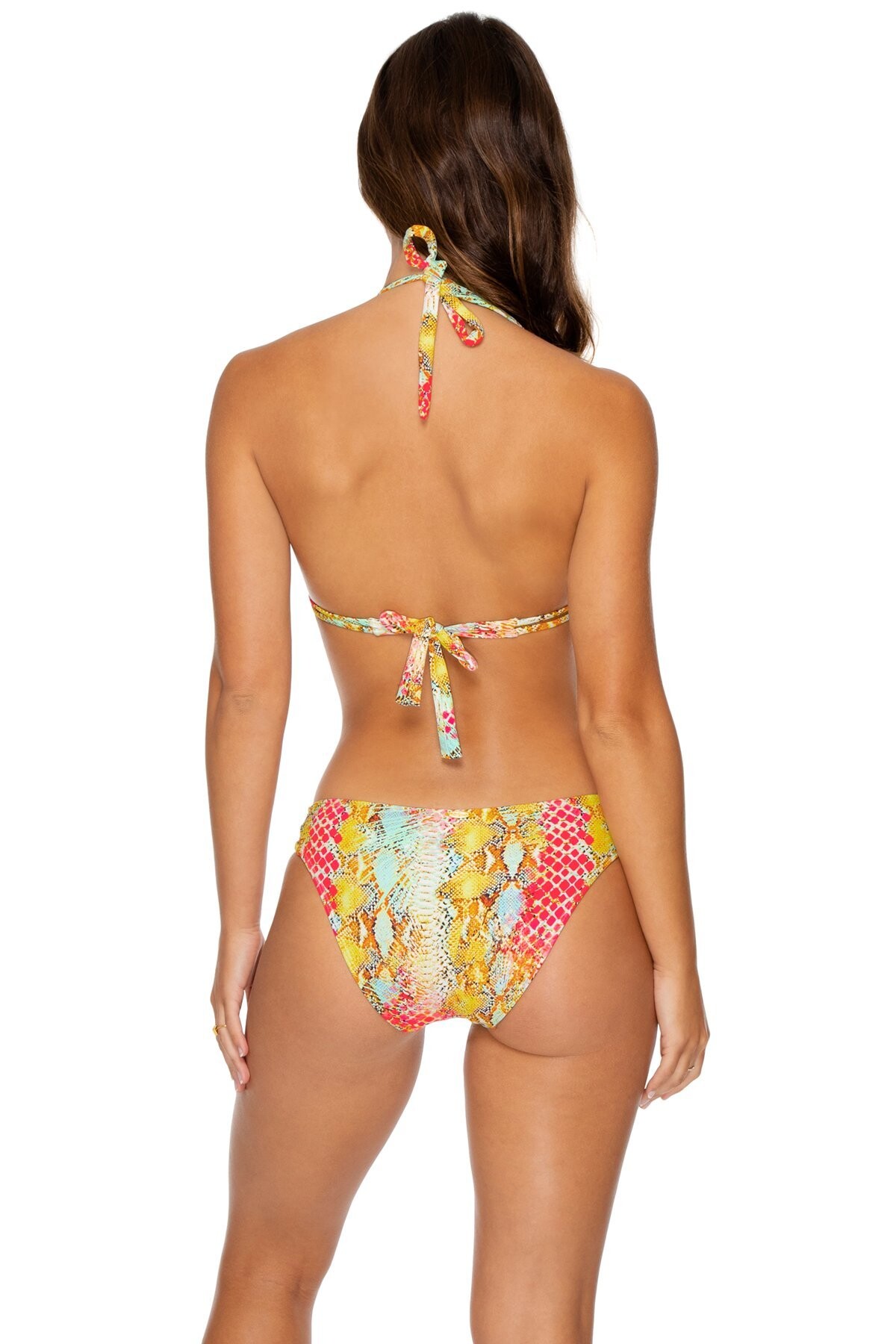

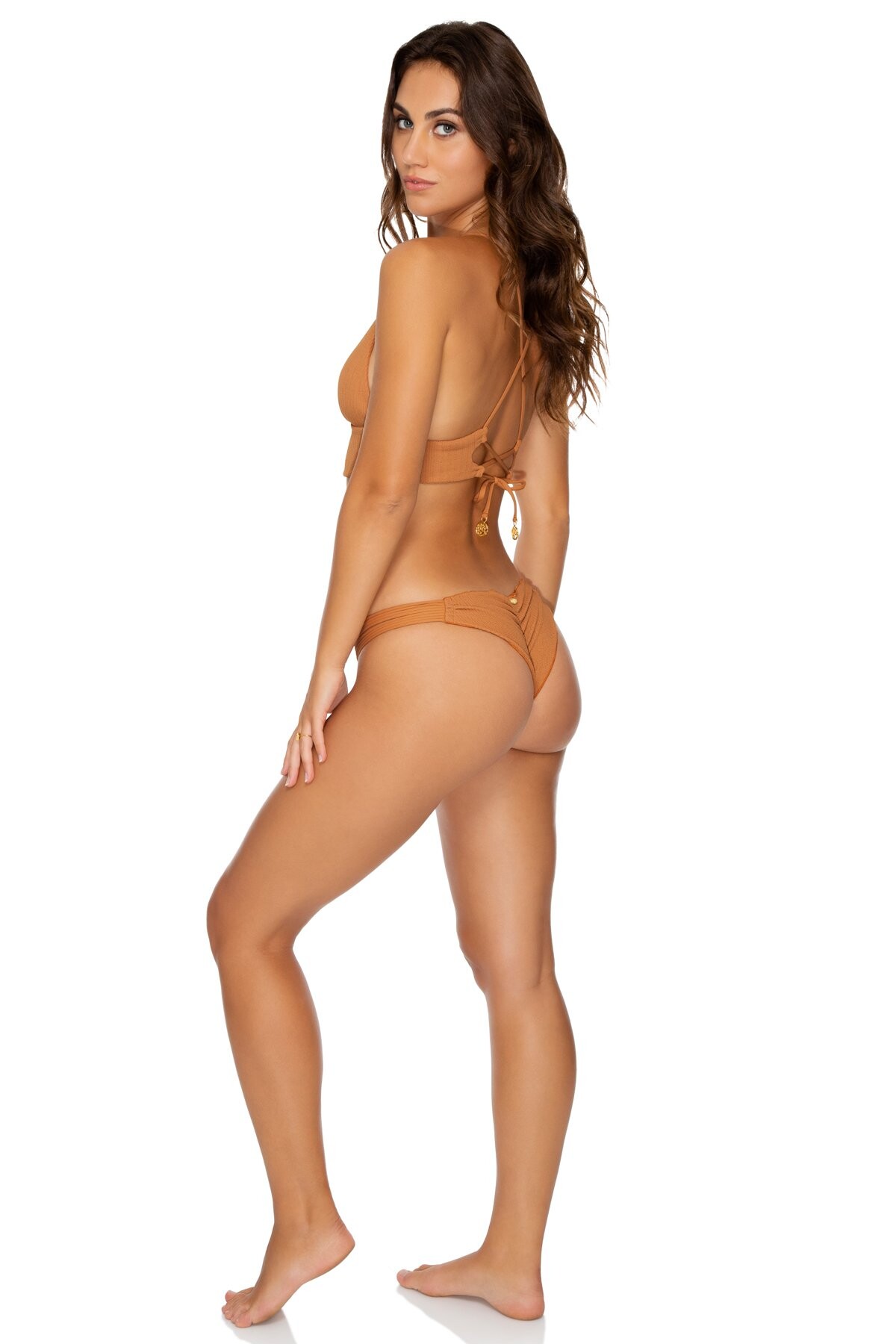
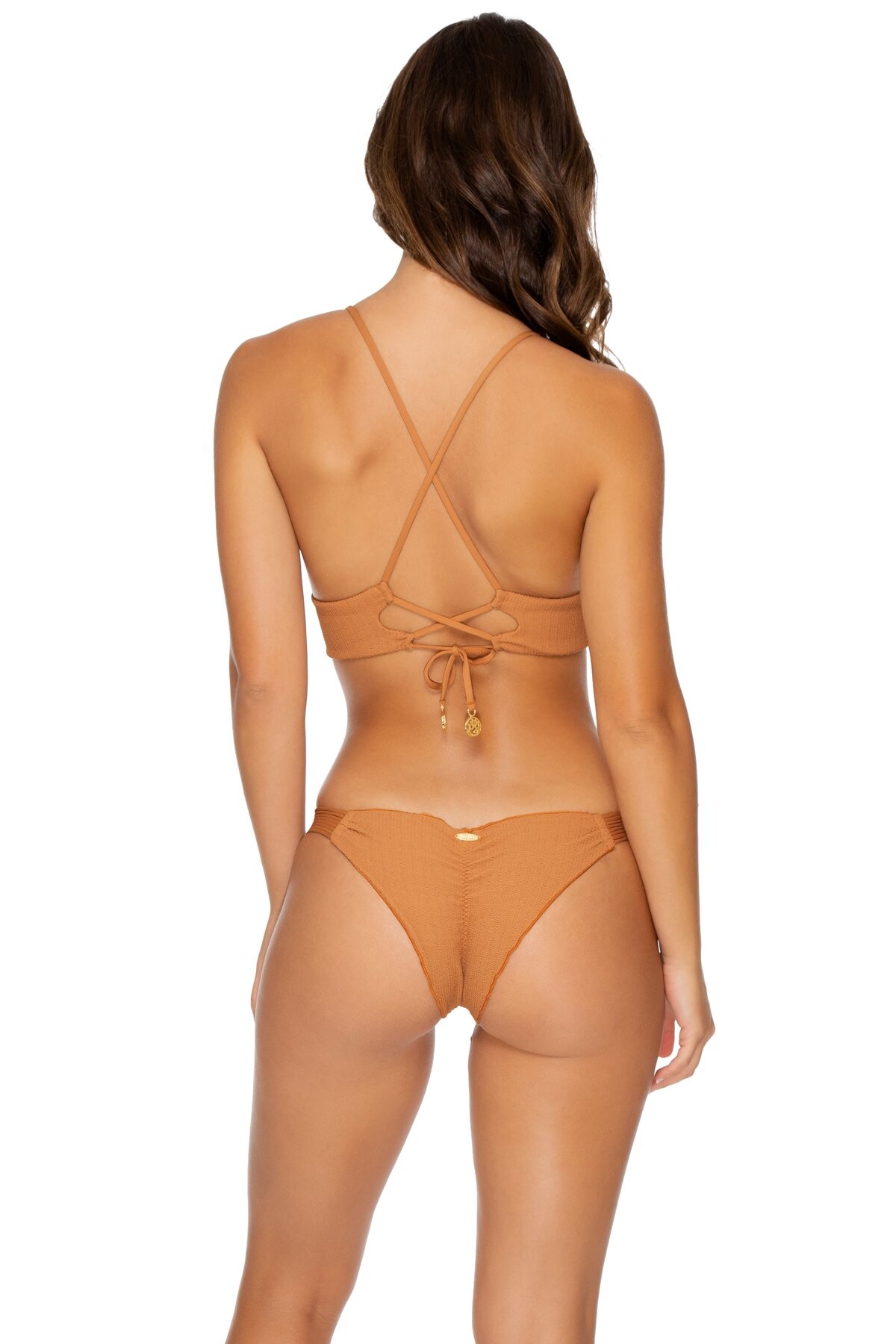

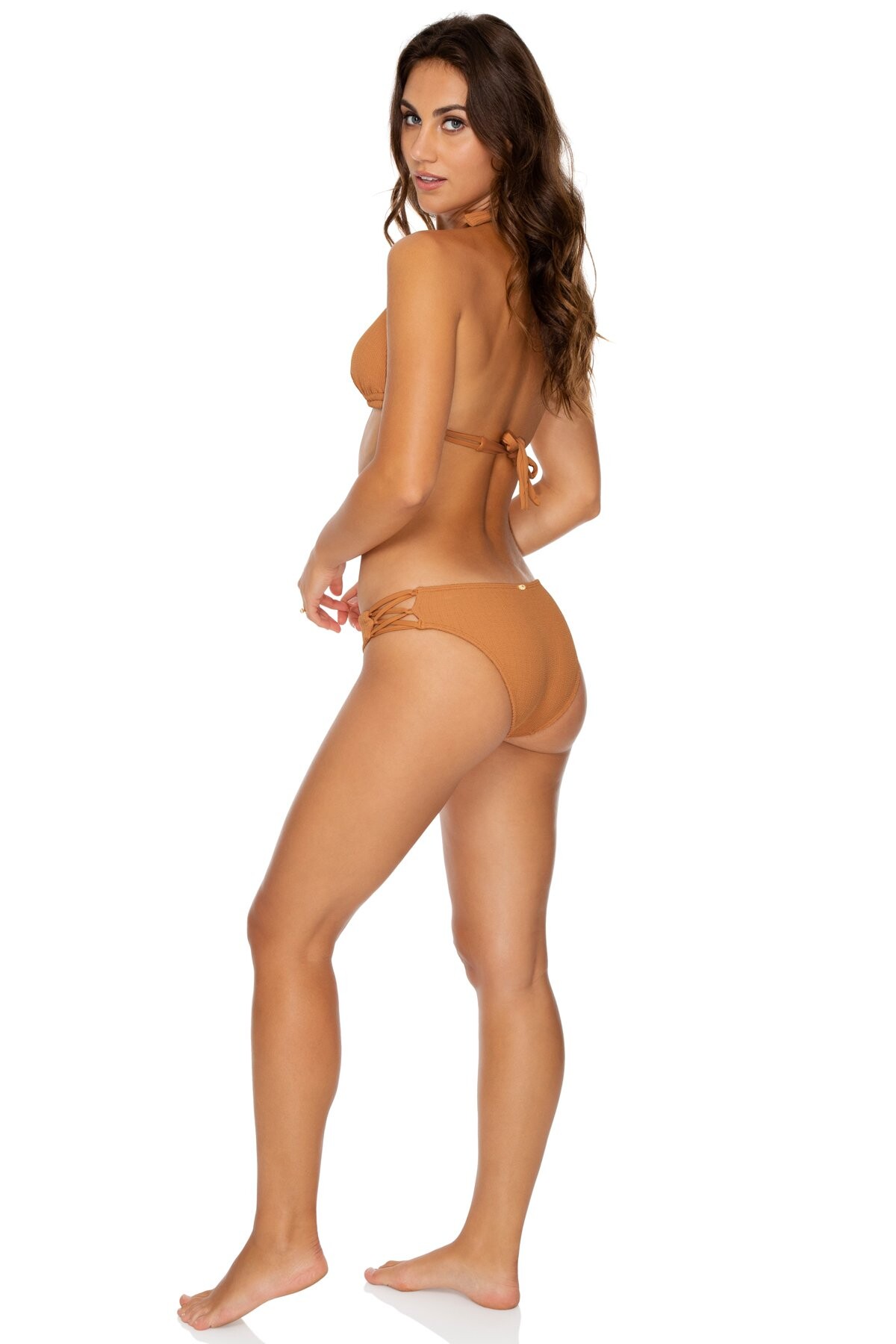
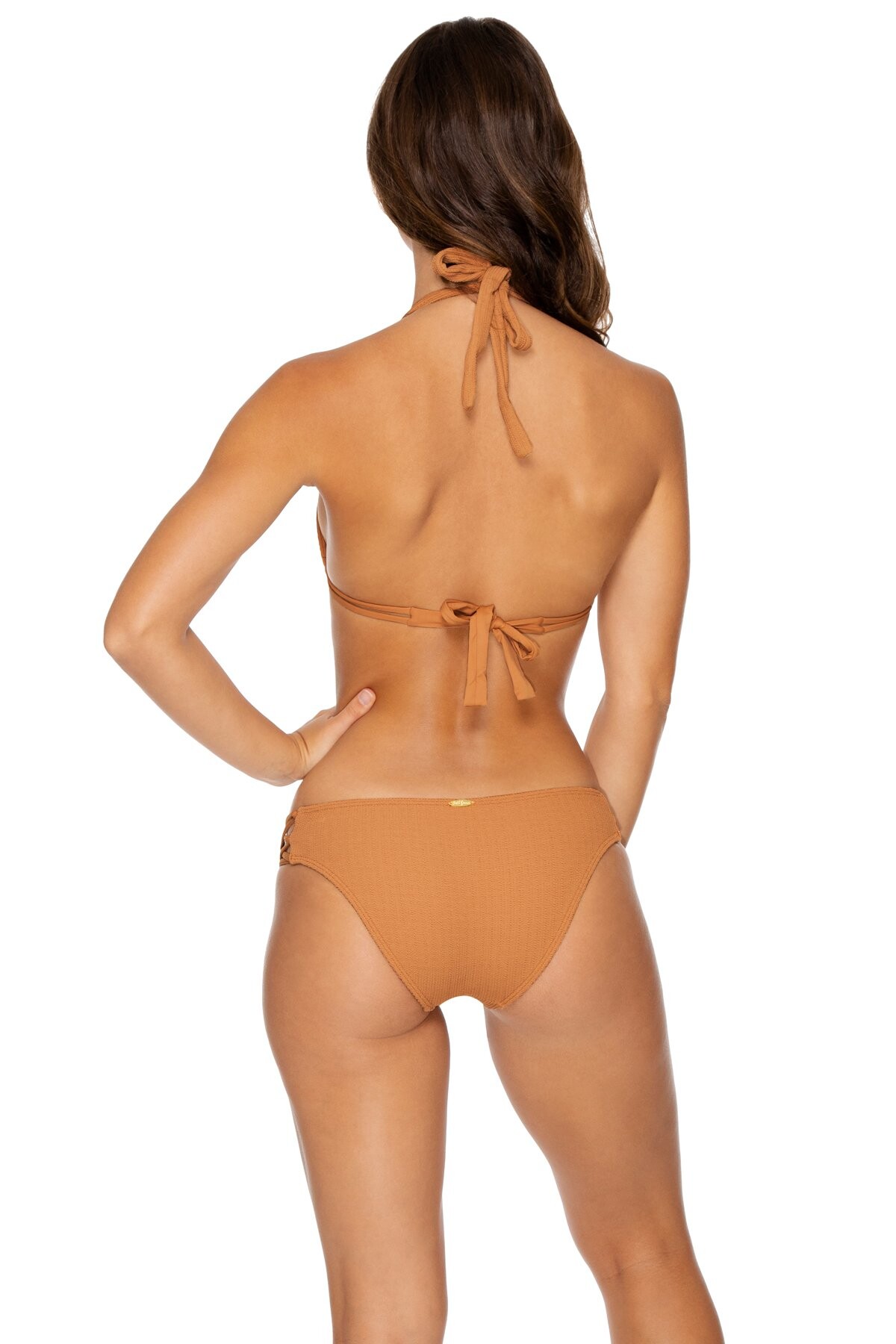


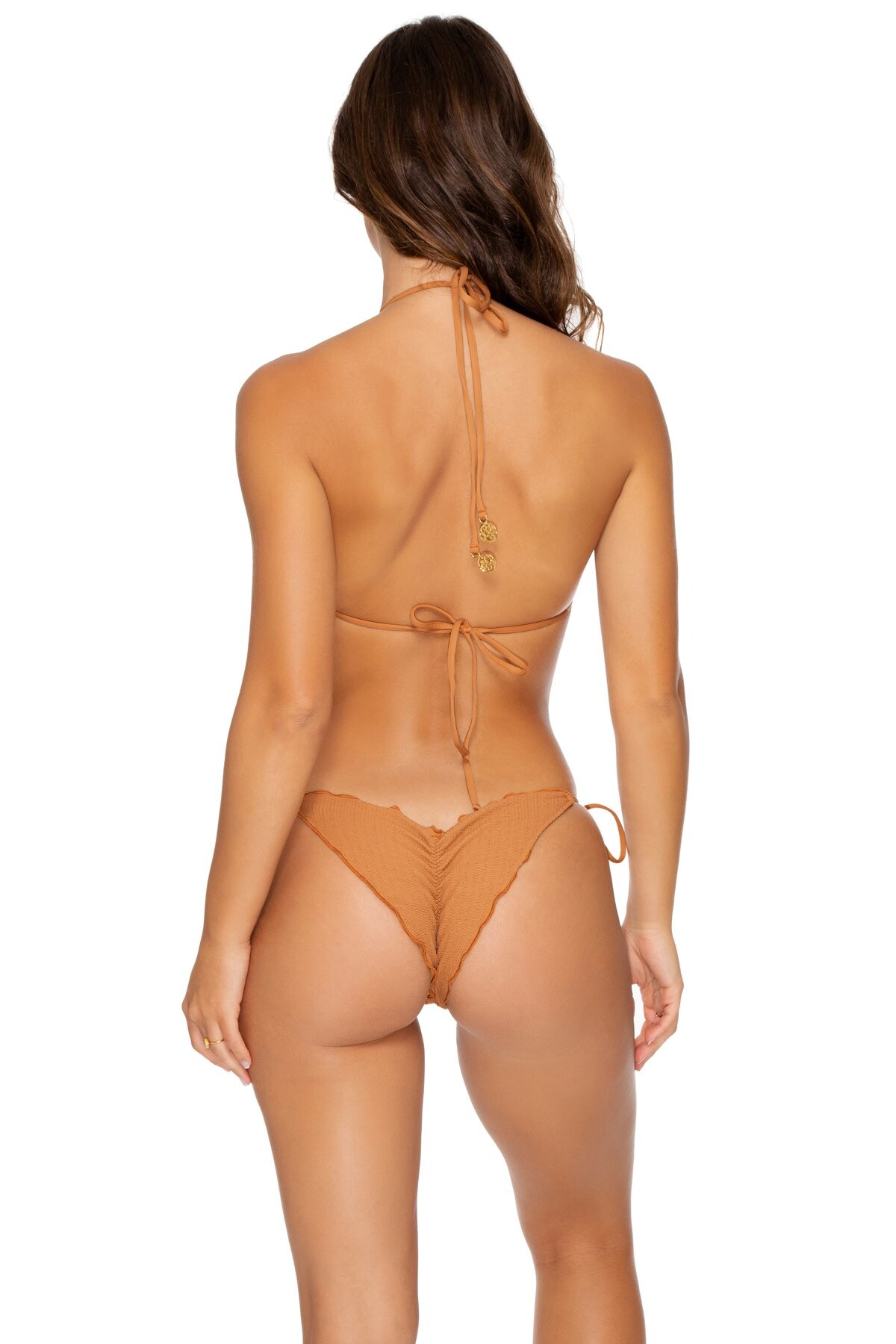


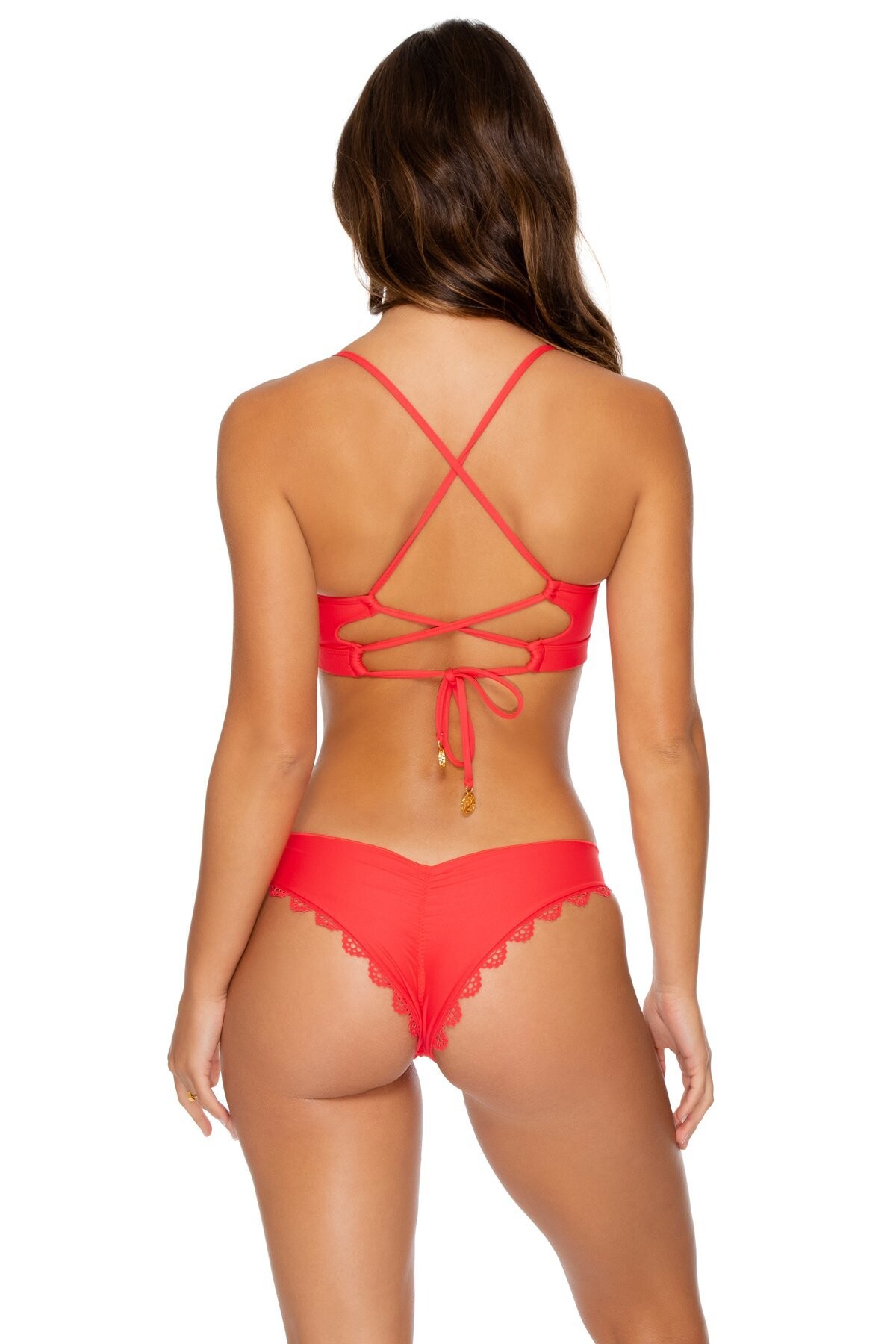


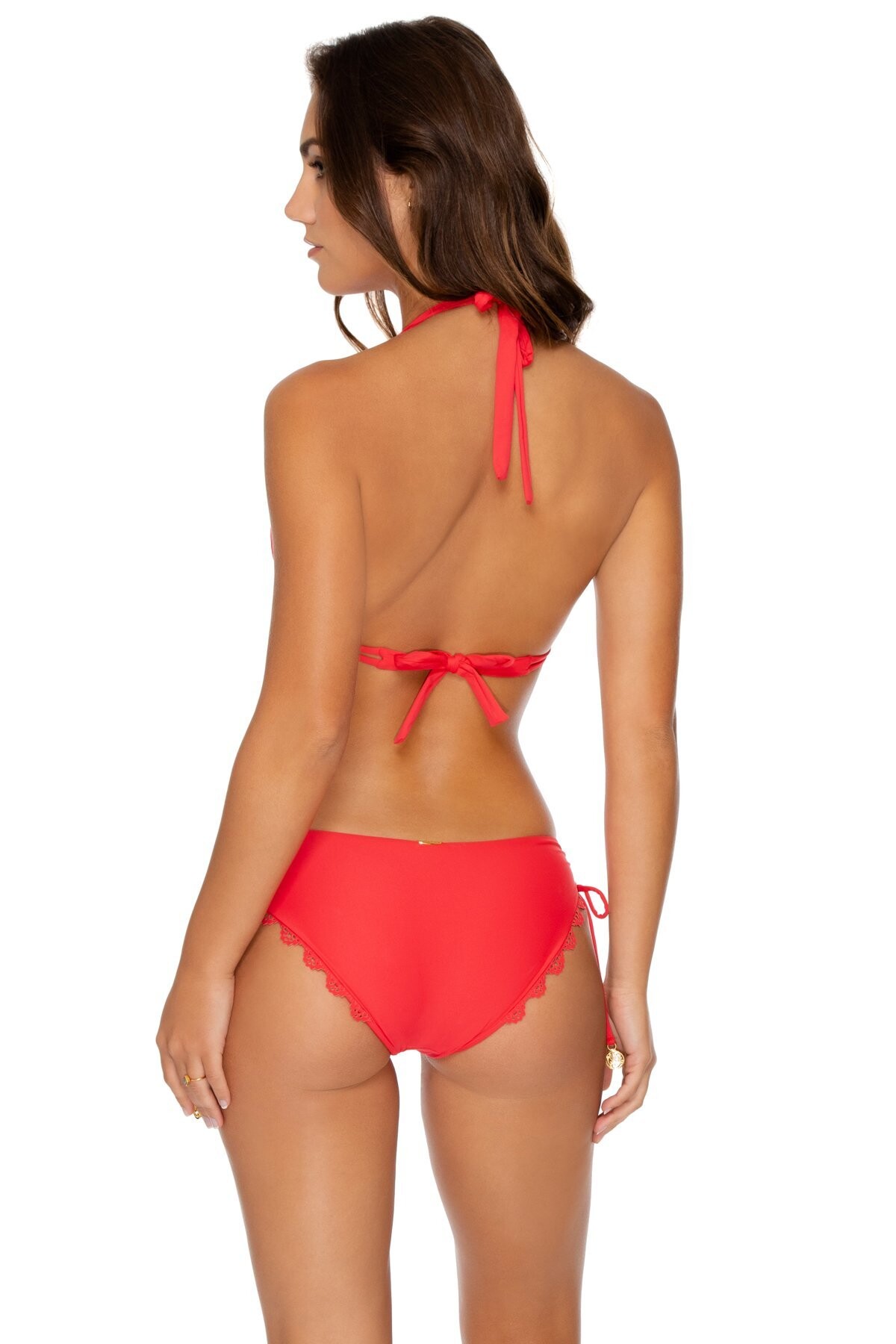


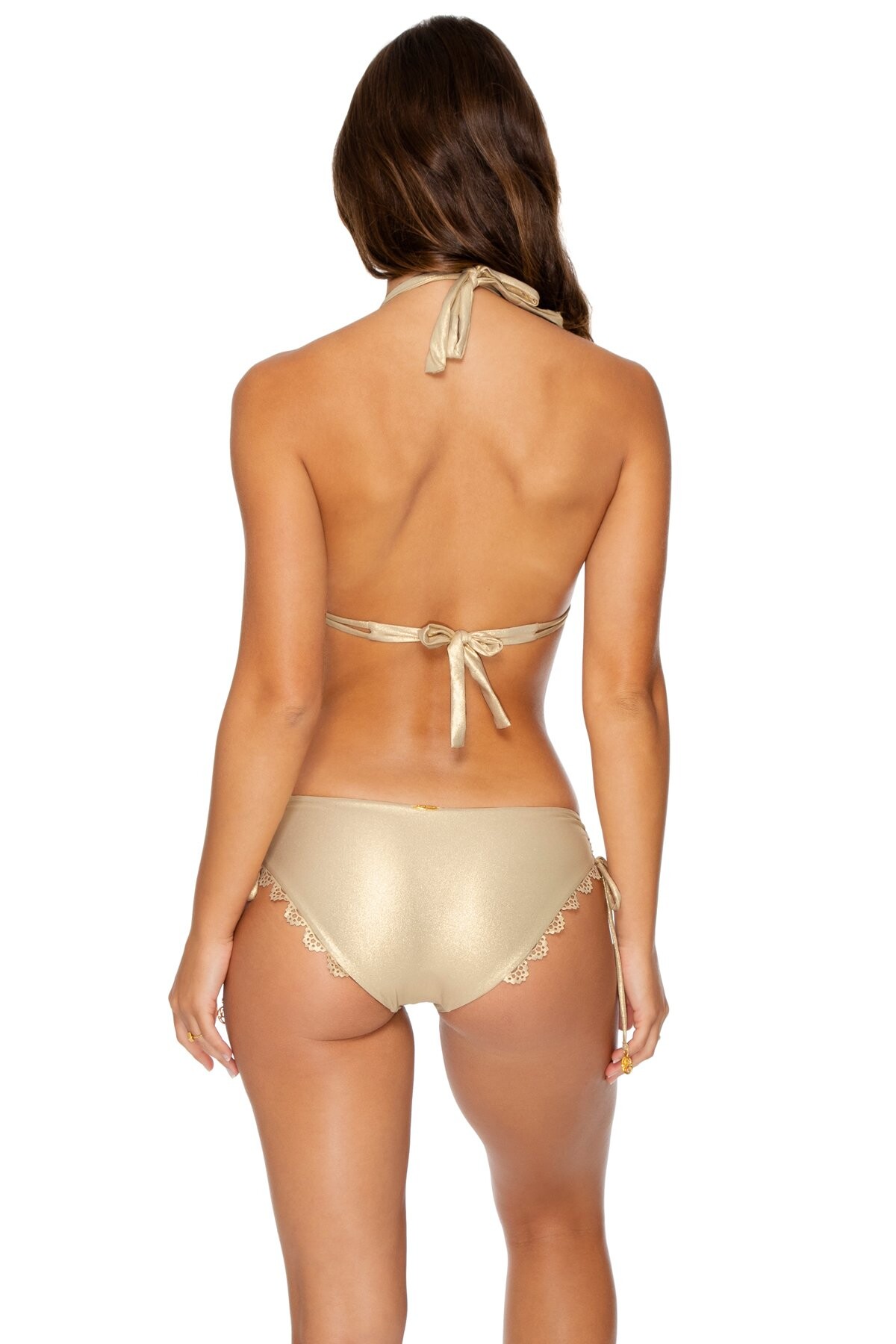

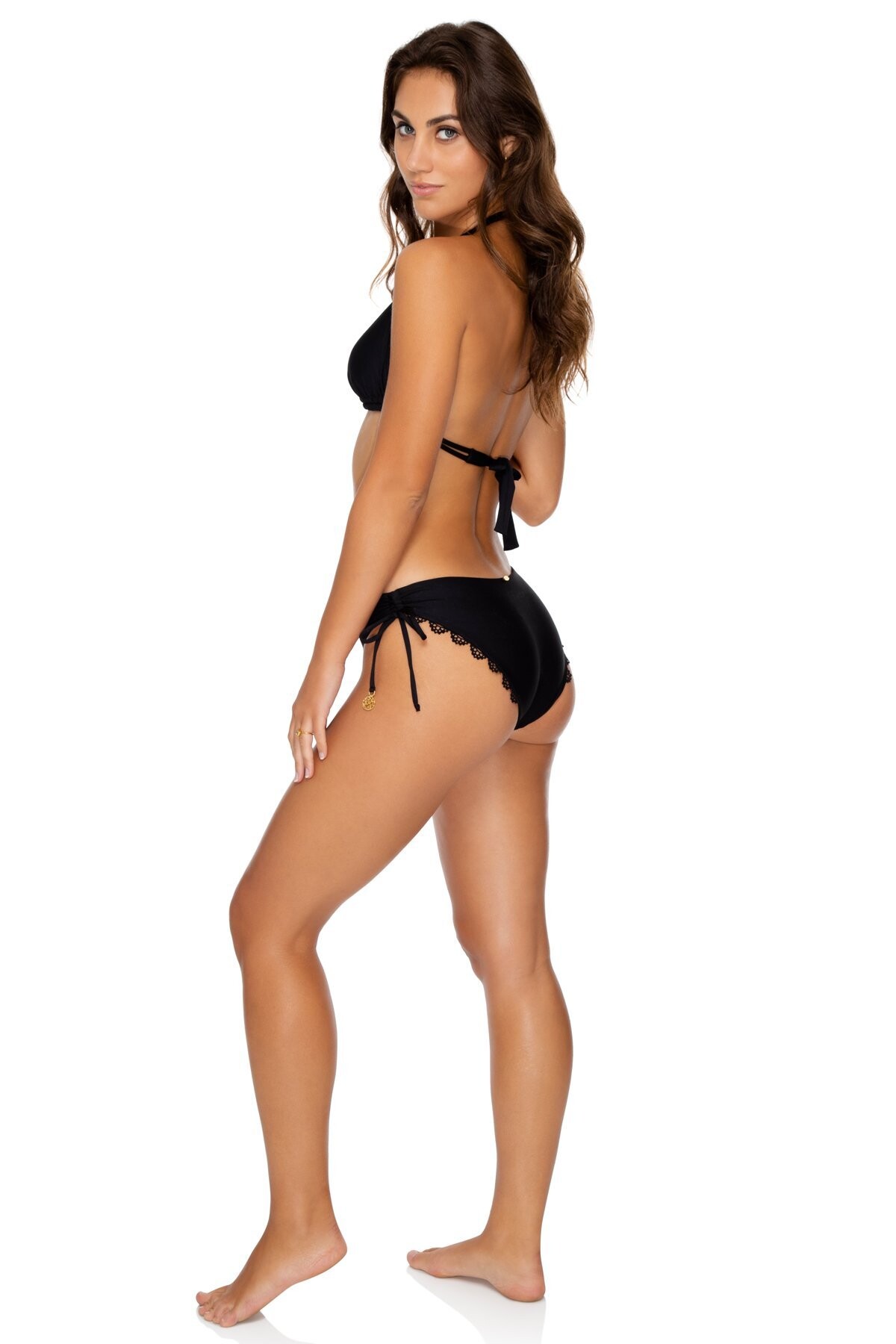
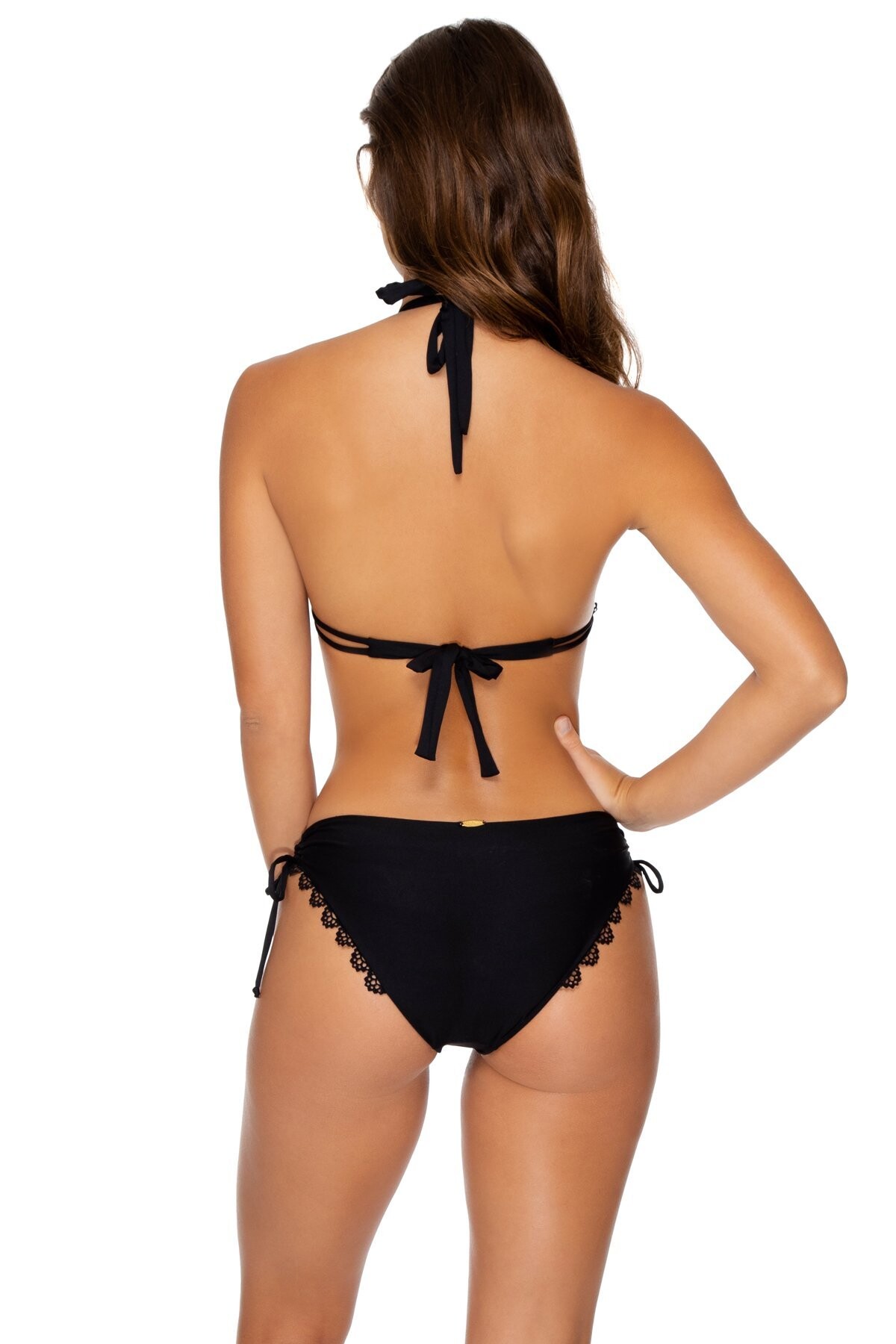

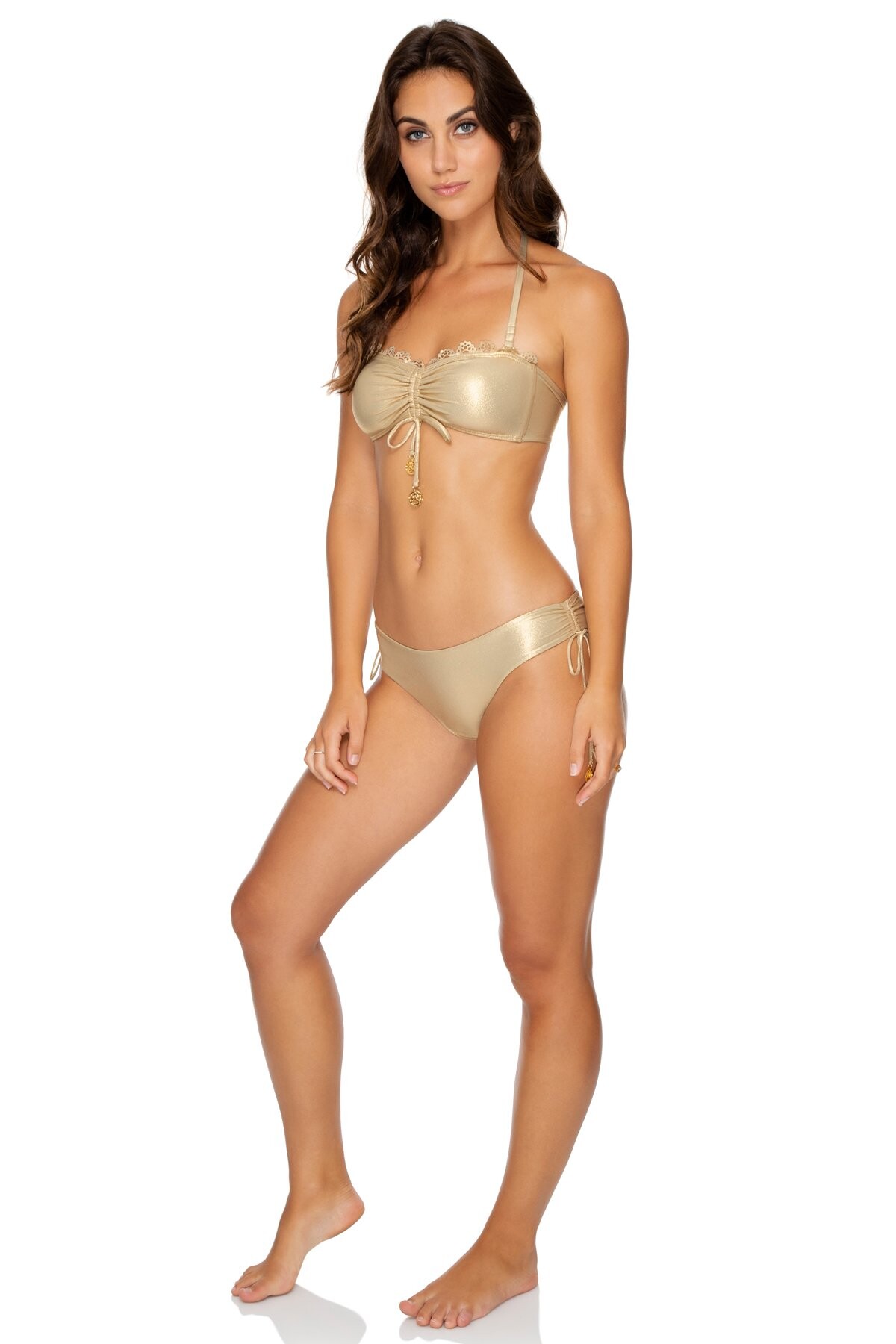

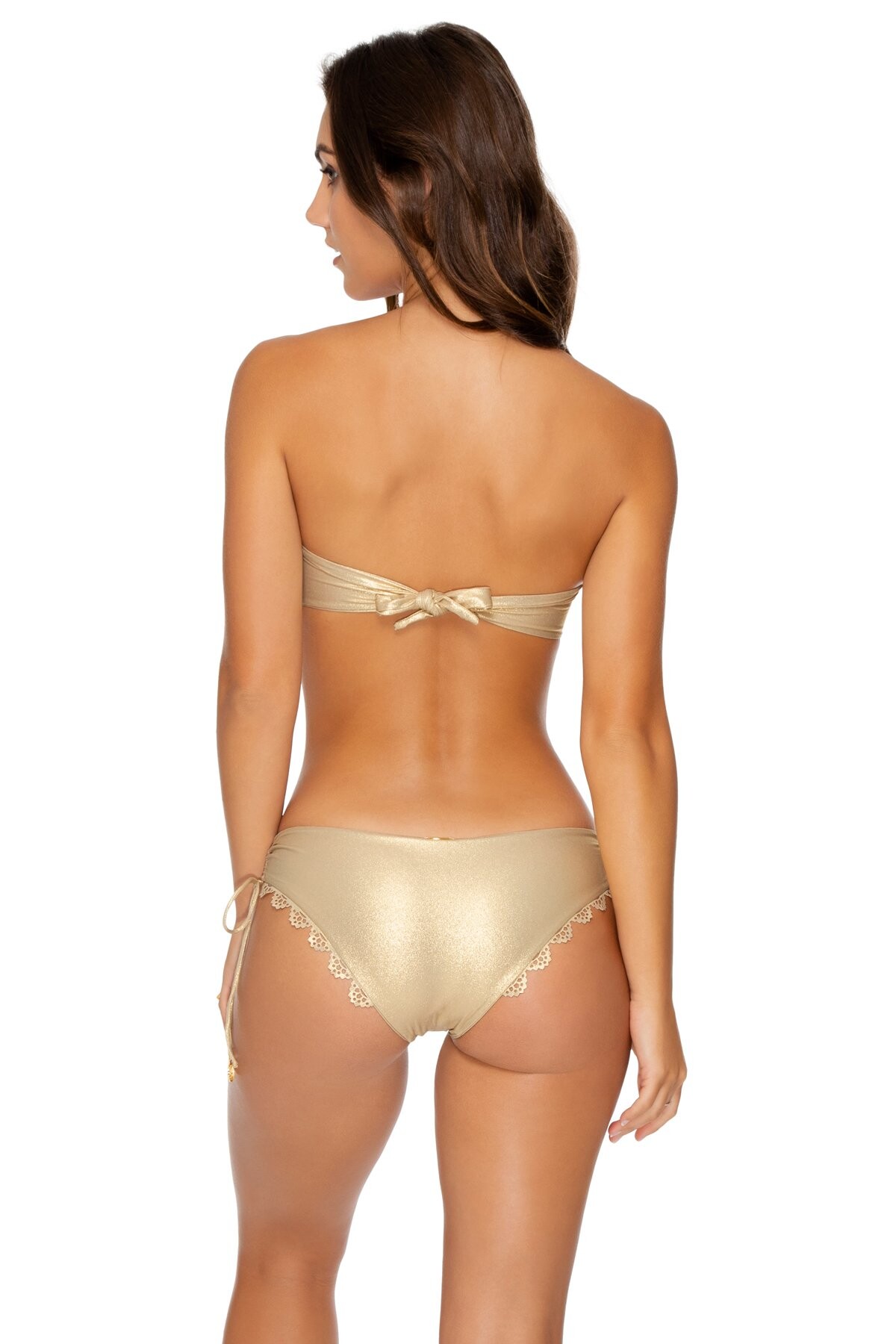























Account
Navigation
Search
Configure browser push notifications
Chrome (Android)
- Tap the lock icon next to the address bar.
- Tap Permissions → Notifications.
- Adjust your preference.
Chrome (Desktop)
- Click the padlock icon in the address bar.
- Select Site settings.
- Find Notifications and adjust your preference.
Safari (iOS 16.4+)
- Ensure the site is installed via Add to Home Screen.
- Open Settings App → Notifications.
- Find your app name and adjust your preference.
Safari (macOS)
- Go to Safari → Preferences.
- Click the Websites tab.
- Select Notifications in the sidebar.
- Find this website and adjust your preference.
Edge (Android)
- Tap the lock icon next to the address bar.
- Tap Permissions.
- Find Notifications and adjust your preference.
Edge (Desktop)
- Click the padlock icon in the address bar.
- Click Permissions for this site.
- Find Notifications and adjust your preference.
Firefox (Android)
- Go to Settings → Site permissions.
- Tap Notifications.
- Find this site in the list and adjust your preference.
Firefox (Desktop)
- Open Firefox Settings.
- Search for Notifications.
- Find this site in the list and adjust your preference.